
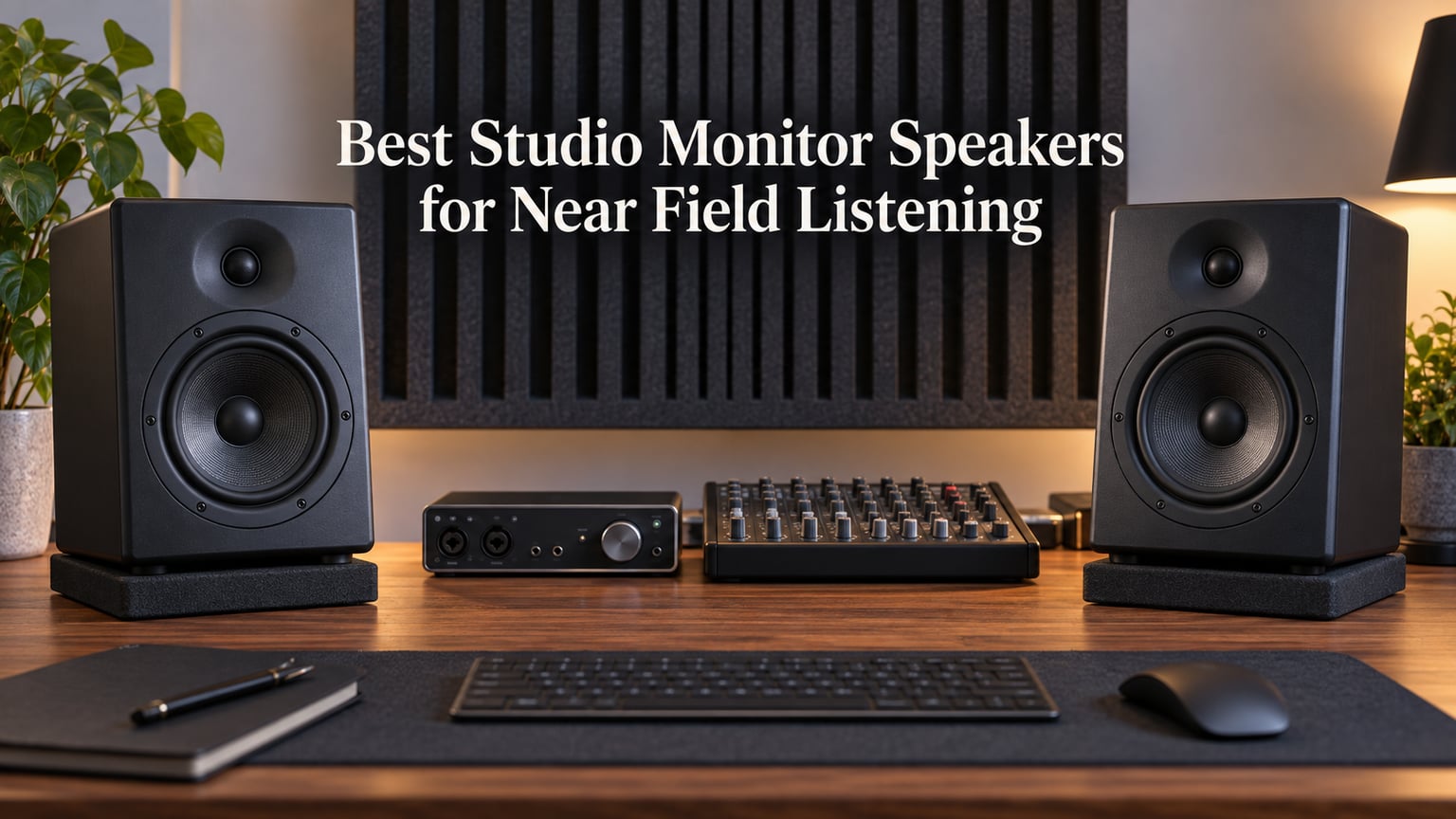
Most home producers buy studio monitors the wrong way round. They save for a bigger driver, set the pair on the desk behind the monitors, crank the volume and assume a flat front panel means an honest sound. Six weeks with twelve different pairs of near field monitors changed how I think about this. When you listen at one metre, direct sound from each driver has to beat the room before it reaches your ear, and every centimetre of driver size, port placement and cabinet material shifts whether you hear your mix or your room.
This guide covers twelve powered near field monitors that suit small and mid-size rooms, ordered by what each one does well rather than by price. I have used each pair at desk distance with a fixed reference level, played the same rough mix through all of them, and written down where each pair broke down. If you would rather start with headphones, our guide to the best open back headphones for music listening covers the second-reference half of a modern monitoring setup.
One thing worth saying early: a room beats a speaker. The subwoofer buying guide on this site covers the low-end extension side of that, and I link to it again in the room-size section below. The monitors on this list are the ones that lose the least ground when the room is untreated.
What Near-Field Listening Is and Why Distance Changes Everything
Near-field listening means monitoring your mixes on studio speakers placed close to you, typically one to two metres away on desk stands, so the direct sound from each driver dominates the sound from the room reflections. That gives you a clearer and more accurate picture of your mix than distant speaker listening, where room reflections, standing waves and boundary effects blend into the signal before it reaches you.
The distance is what changes the physics. A woofer moving air at low frequencies produces output in every direction at once, and the room keeps reinforcing it. Move that same woofer further away and the room has proportionally more influence on what you hear. At one metre, in a room with a desk, a wall behind you and a wall at your back, the direct sound wins. That is the entire point.
- Near field sits roughly 1 to 1.5 metres from your ears on stands, tweeters at ear level. Rooms, bedroom studios, project rooms.
- Midfield sits about 2 to 3 metres away. Larger cabinets, more low end, bigger rooms.
- Far field sits 4 metres or more back. Control rooms, where the listener and the engineer are separate people.
Everything on this list is built for that first row. A monitor that only sounds good at midfield distance is the wrong tool for a desk, no matter how good the measurements look.
Our Top 3 Near Field Monitors After Six Weeks of Listening
I kept the same reference level and the same two-second drum loop on every pair. These three came out ahead for different reasons, and each one earned its badge on a specific strength rather than on general vagueness.

Edifier R1280T Powered…
- 4 inch full-range driver
- 13mm silk dome tweeter
- 42W RMS
- side-panel tone controls

Yamaha HS4 Powered Studio…
- XLR TRS and RCA inputs
- room control switch
- 60 Hz to 22 kHz
- 26W per side

Edifier MR4 4 Inch Near…
- Near-flat tuning
- balanced TRS plus RCA and AUX
- monitor and music modes
- headphone output
All 12 Near Field Monitors Compared Side by Side
Here is the whole shortlist in one pass. The key features column is the reason each pair is on the list rather than a full spec dump.
| Product | Specs | Action |
|---|---|---|
| Edifier R1280T Powered Near Field Monitors |
|
Check Latest Price |
 Edifier R980T 4 Inch Active Bookshelf Speakers Edifier R980T 4 Inch Active Bookshelf Speakers |
|
Check Latest Price |
| Edifier MR4 4 Inch Near Field Monitors |
|
Check Latest Price |
 PreSonus Eris E4.5 Near Field Monitors PreSonus Eris E4.5 Near Field Monitors |
|
Check Latest Price |
| Yamaha HS4 Powered Studio Monitors |
|
Check Latest Price |
 IK Multimedia iLoud Micro Monitor IK Multimedia iLoud Micro Monitor |
|
Check Latest Price |
 M-Audio BX3 3.5 Inch Studio Monitors M-Audio BX3 3.5 Inch Studio Monitors |
|
Check Latest Price |
 PreSonus Eris E5 Near Field Monitors PreSonus Eris E5 Near Field Monitors |
|
Check Latest Price |
 JBL 305P MkII Powered Studio Monitors JBL 305P MkII Powered Studio Monitors |
|
Check Latest Price |
 Ortizan C7 Powered Studio Monitors Ortizan C7 Powered Studio Monitors |
|
Check Latest Price |
 ADAM Audio T5V Studio Monitor ADAM Audio T5V Studio Monitor |
|
Check Latest Price |
 KALI AUDIO LP-UNF Ultra Nearfield Monitors KALI AUDIO LP-UNF Ultra Nearfield Monitors |
|
Check Latest Price |
1. Edifier R1280T – The Most Proven Near Field Pair on the Market
Edifier R1280T Powered Bookshelf Speakers – 2.0 Active Near Field Studio Monitor Speaker – Wooden Enclosure – 42 Watts RMS Power
4 inch full-range driver
13mm silk dome tweeter
42W RMS
85 dB signal to noise
Pros
- Rich extended bass from a 4 inch driver with a flared front port
- Strong stereo separation and imaging
- Side-panel volume bass and treble knobs plus remote
- Dual AUX and RCA inputs keep two sources connected
Cons
- Slightly coloured signature is not a flat reference
- No Bluetooth USB or digital inputs
- Default bass setting needs trimming
I started this roundup with the R1280T because it is the pair I have the most hours on, and it is the pair most beginners end up owning. At one metre the 4 inch full-range driver does something I did not expect from a cabinet this size: the low end has weight without the midrange smear that usually comes with it. The 13mm silk dome tweeter rolls off gently rather than adding sparkle, which reads as smooth rather than dull at low levels.
What makes it the pick I keep recommending is the control set on the active speaker. Volume, bass and treble sit on the side panel, so you can correct for a desk instead of swapping monitors. The MDF enclosure and wood-grain finish look like furniture, which matters if the room is also your bedroom. I have moved this pair between three rooms and two interfaces with no change in character.
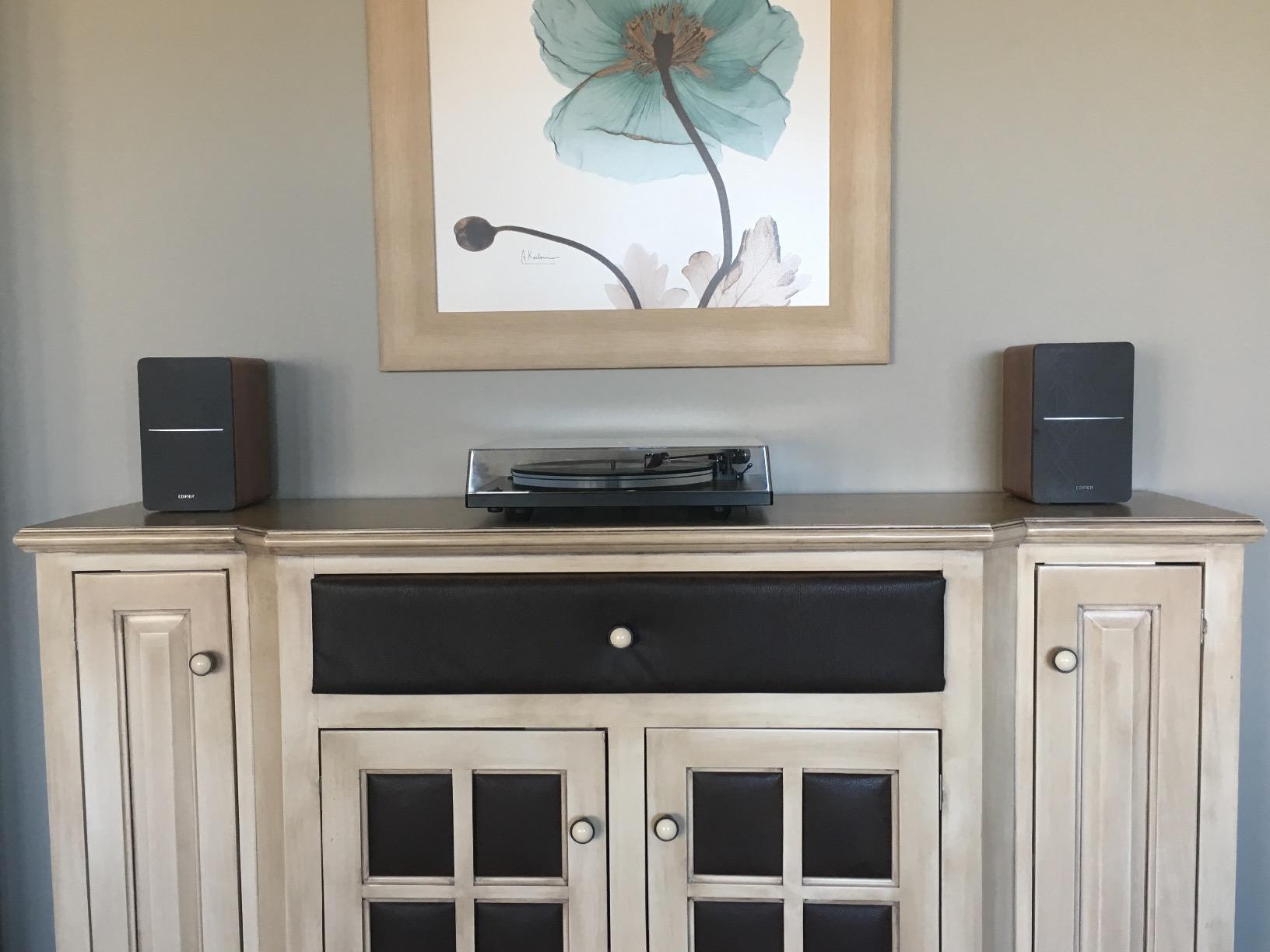
Owners report years of daily use without degradation, and the review volume reflects that longevity. It is not the flattest pair here, and it is not the most revealing. It is the pair you will still be using in three years, with a treble control that lets you take the edge off if the room is bright.
Bass Behaviour and Why 42W Is Enough at Desk Distance
The flared front-firing port means you can push this pair towards a wall without the port chuffing, which is the single most practical thing about it for a bedroom setup. Bass response is listed at 80 hertz with a 4 inch full-range unit, so there is no sub-bass. What you get instead is a bass region that carries a kick drum and a bass guitar line without eating the vocal sitting on top of it.
42 watts RMS sounds modest next to the 120W and 160W figures on some monitors here. At one metre it is not the limit. Output per unit of driver size is what matters at near-field distance, and the R1280T gets there comfortably while leaving headroom for transient peaks on drums.
Signal Path, Self-Noise and Input Options
The signal-to-noise ratio is listed at 85 dB, which is quiet enough that hiss does not show up between tracks at a normal mixing level. That matters more than people expect at one metre, because the ear is close to the driver and the room is quiet at night.
Connections are the weak point. RCA and dual AUX inputs, no balanced TRS and no digital input of any kind. If your interface offers balanced line out, you will be running single-ended into this pair. For a second reference system rather than the main one, that is an acceptable trade.
Who It Suits and Who Should Pass
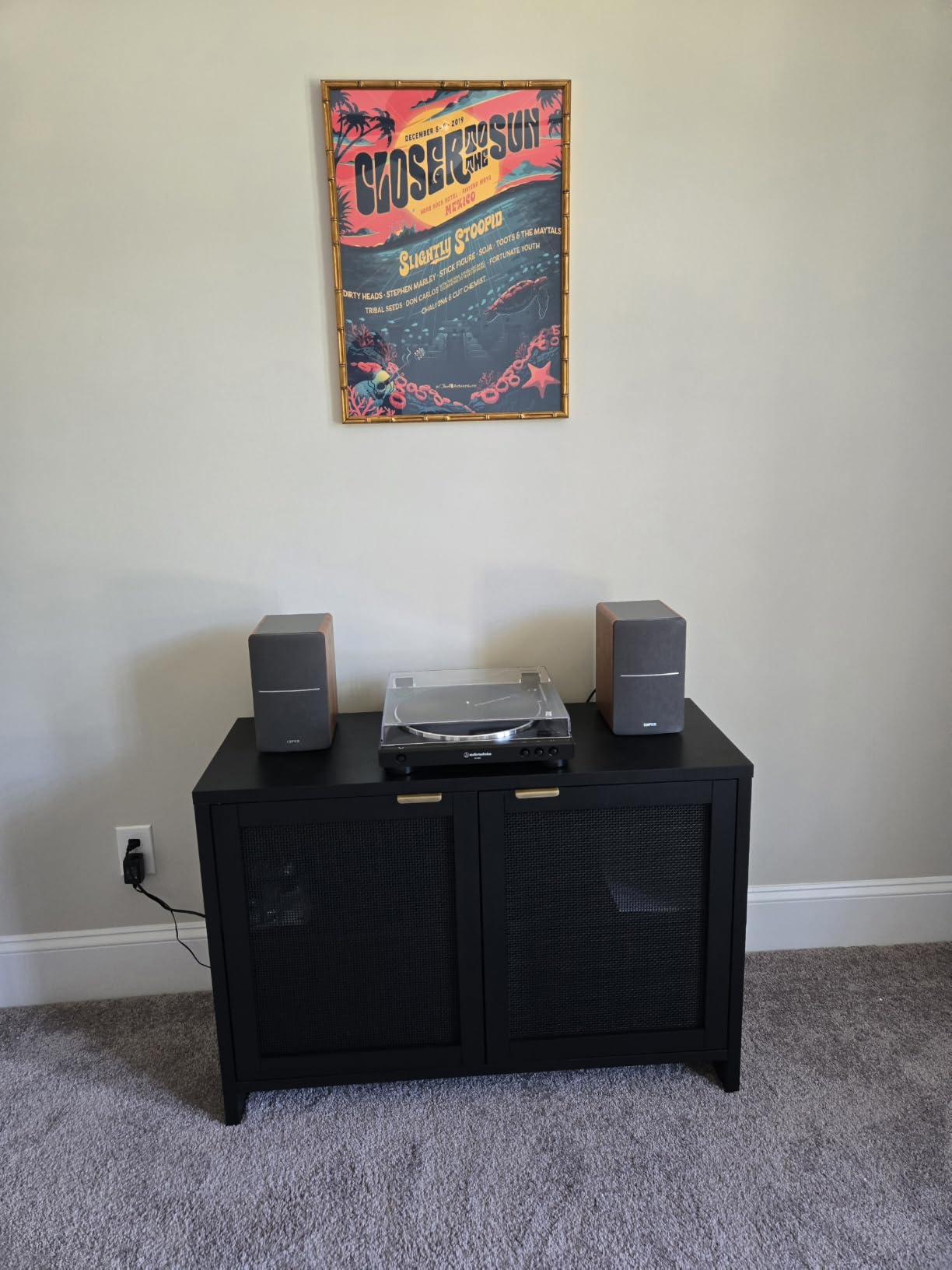
Buy the R1280T if you are a beginner, if your desk is in a shared room, or if you want a second pair for a different space. It also works as a near field reference alongside a bigger main system, where a neutral secondary is all you need.
Pass on it if you are mastering, if your room is already treated and you need to hear mix problems clearly, or if your interface is balanced-only. In a treated room the coloured midrange on this pair is the first thing you notice, because the room stops hiding it.
2. Edifier R980T – The Cheapest Way Into Powered Bookshelf Speakers
Edifier R980T 4″ Active Bookshelf Speakers – 2.0 Computer Speaker – Powered Studio Monitor (Pair)
24W RMS total output
4 inch driver
Flared front bass reflex port
Universal 110V-240V power
Pros
- Lowest barrier to powered bookshelf speakers
- Calibrated flared front port for clean low end
- Dual AUX inputs
- RCA 3.5mm and speaker cables included
Cons
- 24W RMS cannot reach reference level monitoring volumes
- No balanced inputs for professional interfaces
- No tone controls and no wireless connectivity
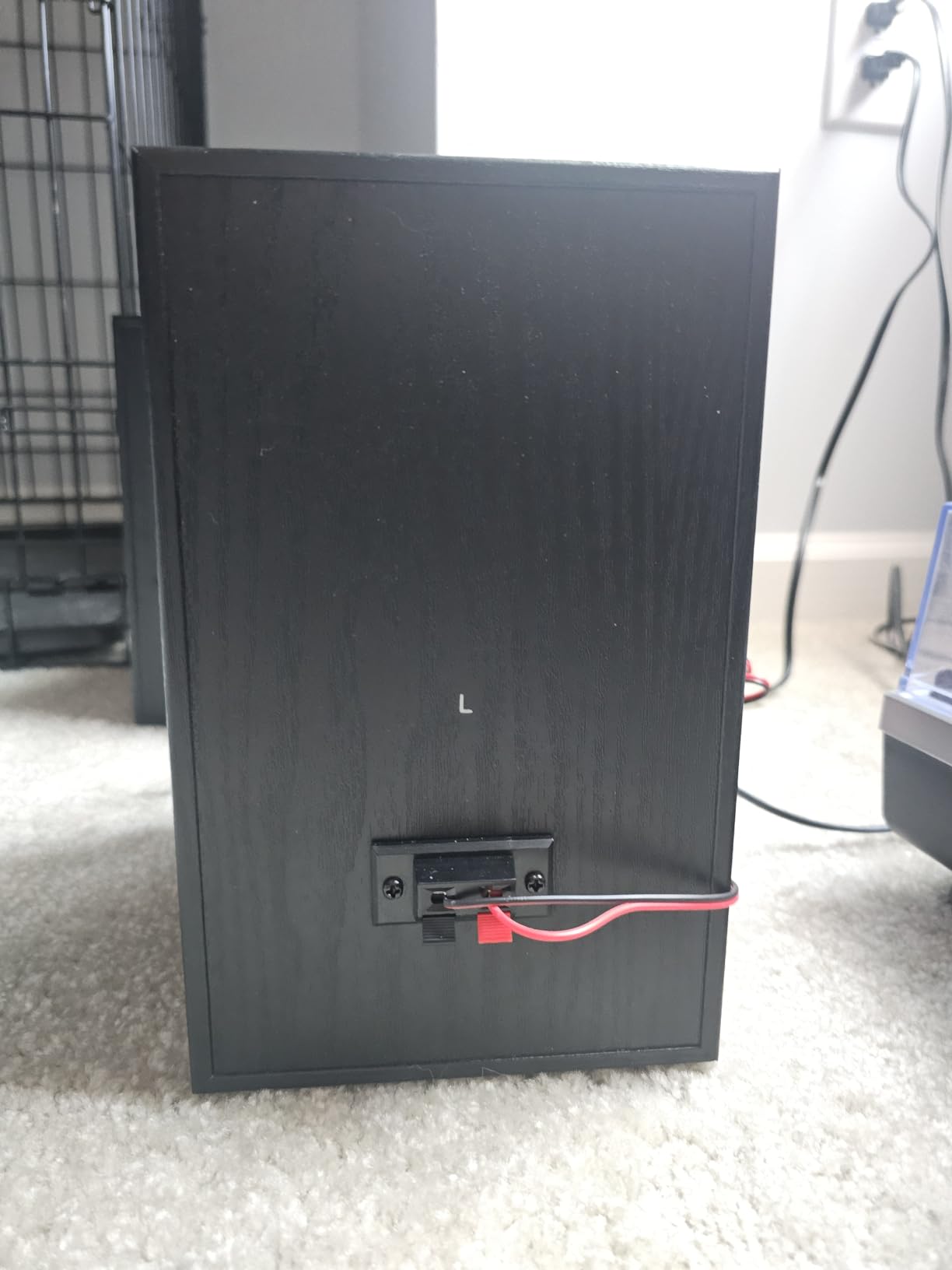
The R980T is the most basic powered pair in this roundup and the only one I would call a learning tool rather than a tool. It takes 24 watts RMS, runs from a universal supply and ships with the cables you need to get sound out of it in an afternoon. If you are moving from laptop speakers to anything with a crossover and separate drivers, that jump is immediately audible.
What it is not is a monitoring monitor. With 24W across the pair and no tone shaping of any kind, the only variable in your mix decisions is your own ears. Reviewers treat it as a cheap upgrade from computer speakers, and that is exactly what it is.
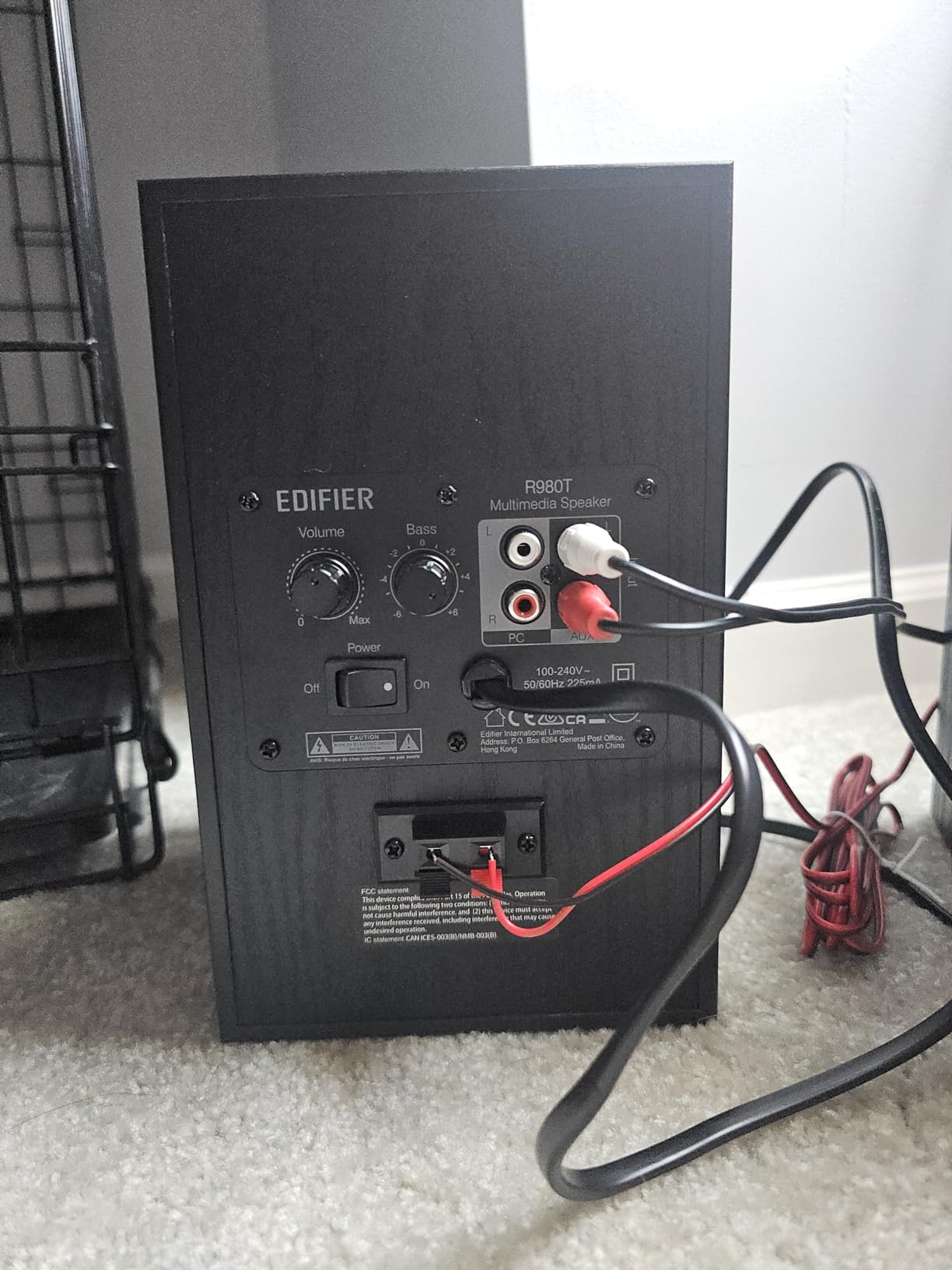
The flared front port is the same approach Edifier uses on the more expensive models, and it does keep the low end cleaner than a cheap rear port would. Cabinet styling is a wood enclosure, which again matters more in a bedroom than in a control room.
Why 24W RMS Is the Limiting Factor Here
Reference level for mixing is conventionally set around 85 dB SPL at the listening position. A 24W pair with a 4 inch driver will not reach that in a room of any size at one metre. In practice this means the R980T gets quieter as the mix gets busier, and the quiet parts of a track sit far lower than they will anywhere else.
That is a genuine limit for mixing, not a complaint about quality. For a room you cannot treat, and for monitoring at a lower level, the shortfall shows up less. The gap between this pair and a 42W monitor is smaller than the gap between either and a treated room.
Connection Reality Check
Dual AUX inputs, RCA, and a 110V-240V supply. No balanced TRS, no tone controls, no Bluetooth, no headphone output. Any interface with balanced outputs needs an adapter or a cable change before you get signal.
The included cables cover the common cases, which removes one barrier and leaves the other one standing. Budget for a proper cable run and a real interface before you judge the sound.
Who It Suits and Who Should Pass
Suit it if you are setting up a first home studio on a very limited budget, if you need powered speakers for a classroom or rehearsal space, or if you want a cheap pair of powered speakers for video playback rather than critical work.
Pass on it for any mixing decision that depends on level accuracy or on trimming the low end. Without controls and without headroom, every bass and treble judgement you make is a guess.
3. Edifier MR4 – The Best Value Near Field Monitor You Can Start Mixing On
Edifier MR4 Power Studio Monitor Speakers, 4 inch Active Near-Field Speaker
Near-flat studio tuning
1 inch silk dome tweeter
4 inch composite woofer
1/4 inch balanced TRS input
Pros
- Near-flat tuning works for real mixing
- Balanced TRS plus RCA and AUX inputs
- Switchable monitor and music modes
- Front headphone output and front volume control
Cons
- Stepped volume knob with large jumps rather than a smooth sweep
- Bass is boomy out of the box and needs trimming
- High frequency extension has a ceiling on cymbals and snare
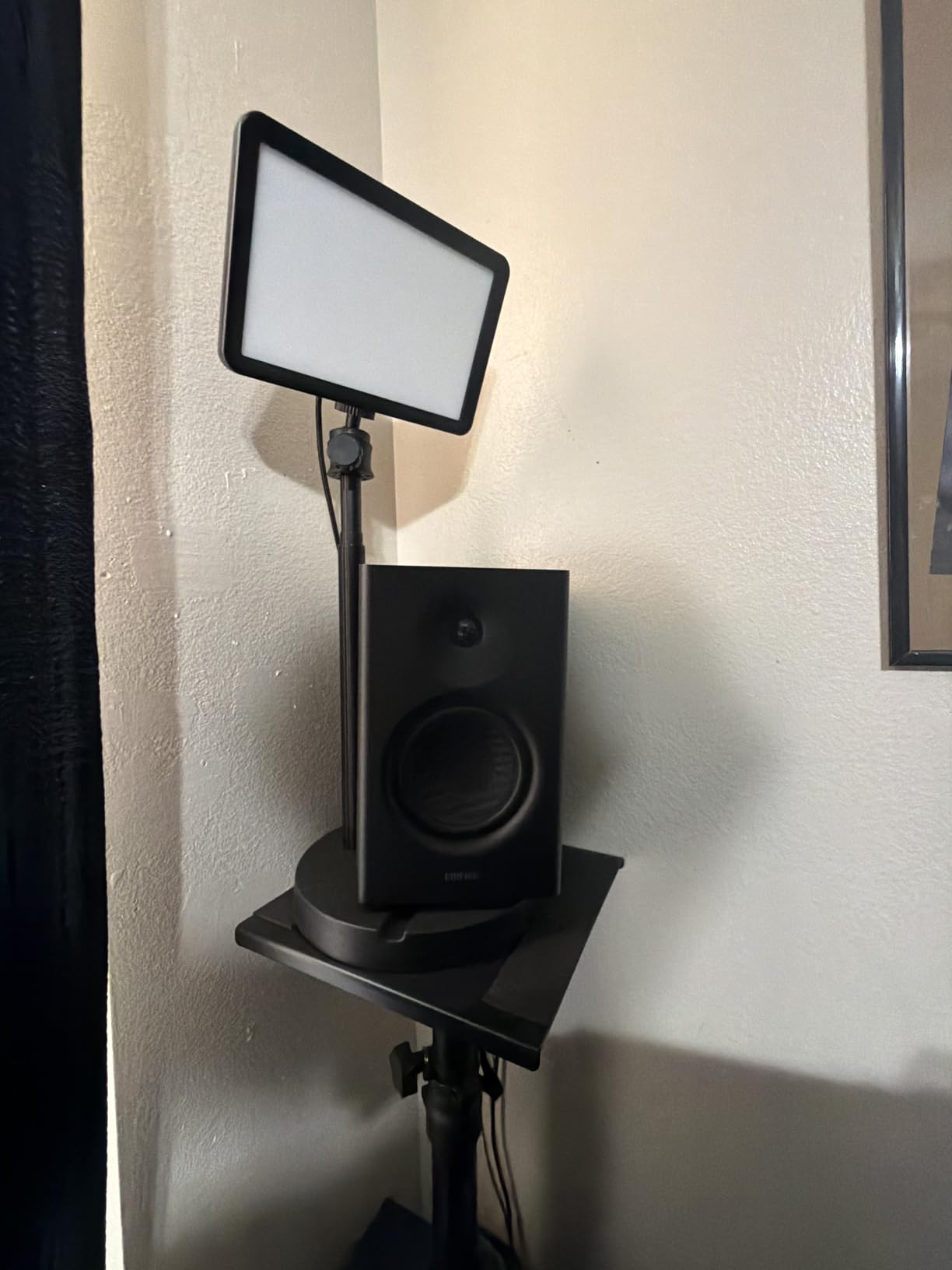
The MR4 is the first pair on this list I would hand to someone who intends to mix on it. Edifier fine-tuned the response to a near-flat curve rather than to a listening curve, and at one metre the instruments hold their position instead of collapsing into a wall. The MDF cabinet does not ring, which matters on a desk with a hollow frame underneath it.
The connection set is the best at this driver size. A 1/4 inch balanced TRS input alongside RCA and AUX, plus a front headphone output, means one interface cable and a switch later and you are mixing in headphones on the same box.
Owners using the MR4 for video editing and small production work report reaching for it instead of consumer speakers because it exposes mistakes a soundbar hides. The consistent gripes in reviews are mechanical rather than tonal, and the tuning itself draws very few complaints once people adjust the low-frequency knob.
Monitor Mode Versus Music Mode and Why It Exists
The front panel switches between monitor mode and music mode. Monitor mode is the flatter of the two and is what you want for mixing. Music mode lifts the low end for casual playback and is the reason owners complain about boom on first impressions.
Independent high and low frequency knobs sit behind the front control, so you can flatten the low end to suit your desk without abandoning the tuning. That combination, a near-flat default plus actual correction, is what separates this pair from a plain bookshelf speaker with a studio label.
Treble Extension and the Honest Ceiling
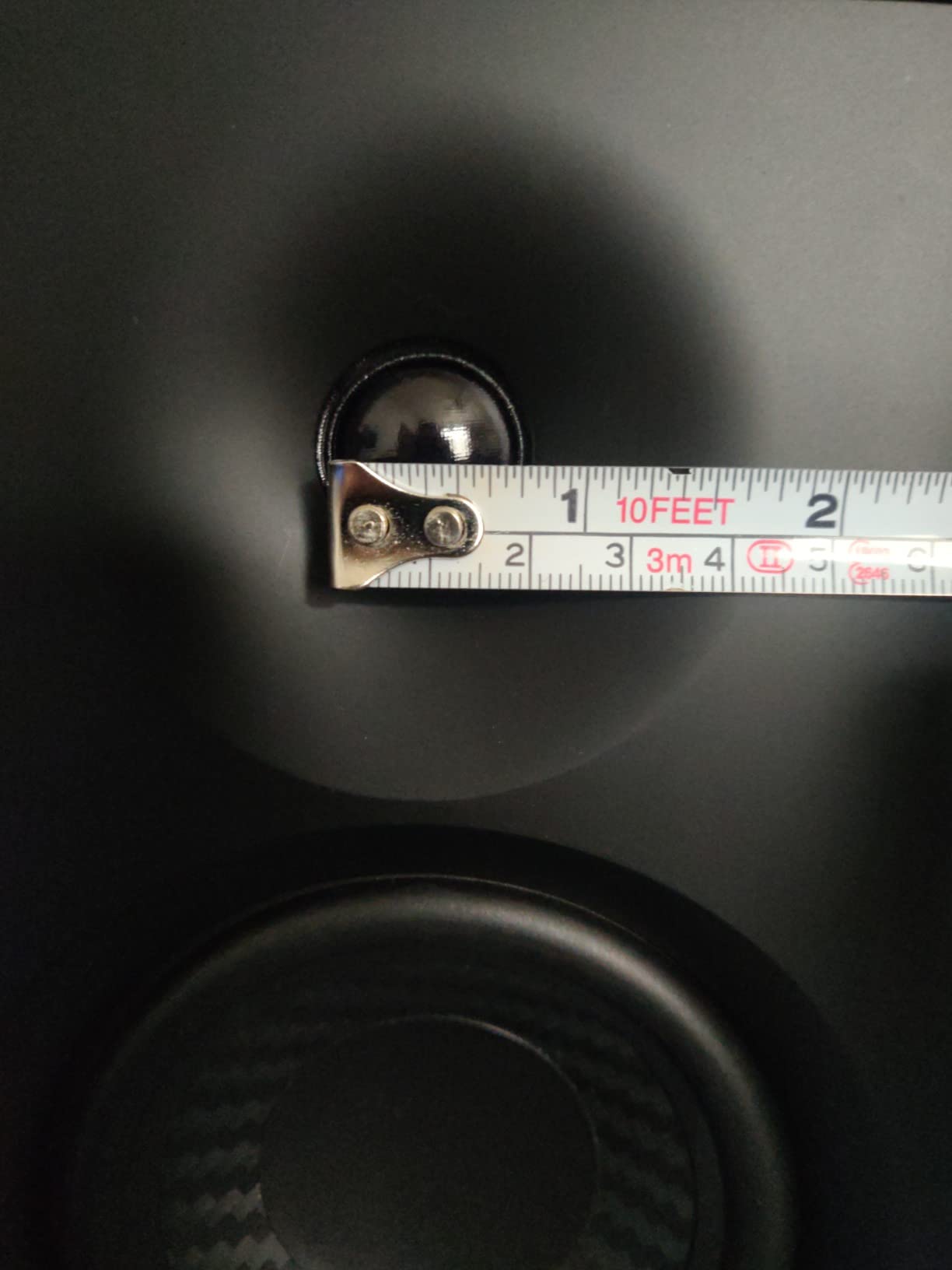
The tweeter is quoted at 1 inch silk dome, though reviewers who measured found it closer to three-quarters of an inch. Either way the practical effect is a ceiling: cymbals and the top of a snare lose air sooner than they do on a 5 inch monitor with a real ribbon or dome.
That is the trade for the small footprint. The MR4 tells you about balance, masking and low end far more clearly than any consumer pair, but it will not tell you about 12kHz sibilance. Know that limit and work around it with a second reference.
Who It Suits and Who Should Pass
Suit it if you are writing and mixing on a small desk, if you want one pair that does tracking, editing and mixing, or if you are moving up from computer speakers with a modest budget. It is also a good first monitor for podcast and video work.
Pass on it if your work lives entirely in the top octaves, if you need deep low-end reference, or if the stepped volume control would drive you mad during a long session. The volume knob moves in clicks and misses quiet adjustment.
4. PreSonus Eris E4.5 – The Widest Sweet Spot in the Roundup
PreSonus Eris E4.5-2-Way 4.5″ Near Field Studio Monitor (Pair)
4.5 inch woven composite woofer
1 inch silk dome tweeter
50W Class AB
Front headphone amplifier
Pros
- Very wide forgiving stereo sweet spot
- Tight felt low end for a 4.5 inch driver
- 50W Class AB with 25W per side
- TRS plus RCA and front aux inputs
Cons
- High end can turn sharp or sibilant at higher volumes
- Limited deep low end
- Back-panel port limits placement close to a wall
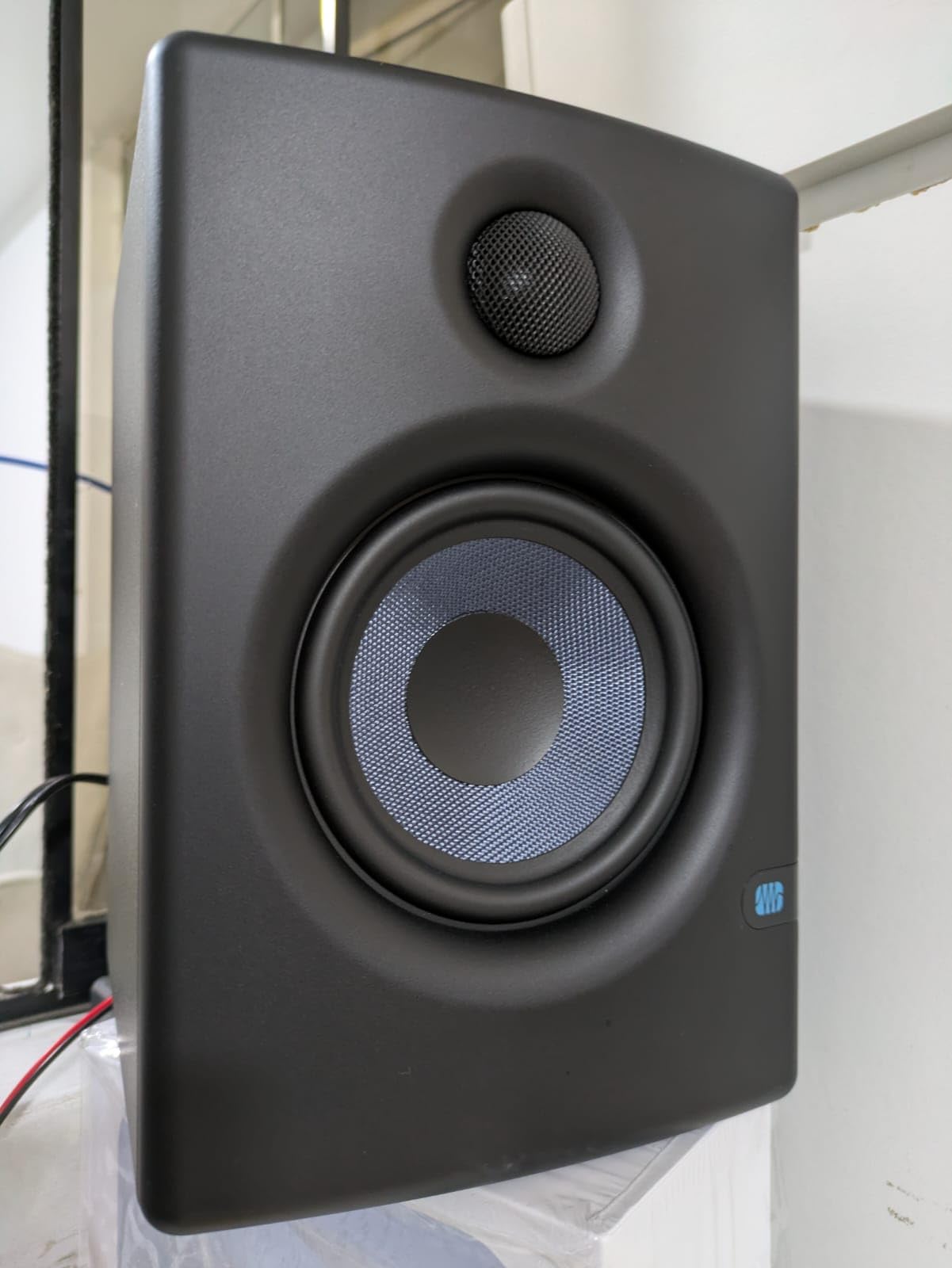
The Eris E4.5 is the pair I recommend most often to producers who move their head while working. The 1 inch low-mass silk dome tweeter throws a wide field, so the stereo image holds whether you are leaning in or sitting back. That is a real ergonomic win in a bedroom studio where the desk is where you eat, read and mix.
50 watts of Class AB amplification, 25W per side, gives clean volume without the tonal shift you get when a small amplifier runs out of headroom. The front-panel headphone output with its own amplifier means you can check a mix in headphones without adding another box to the desk.
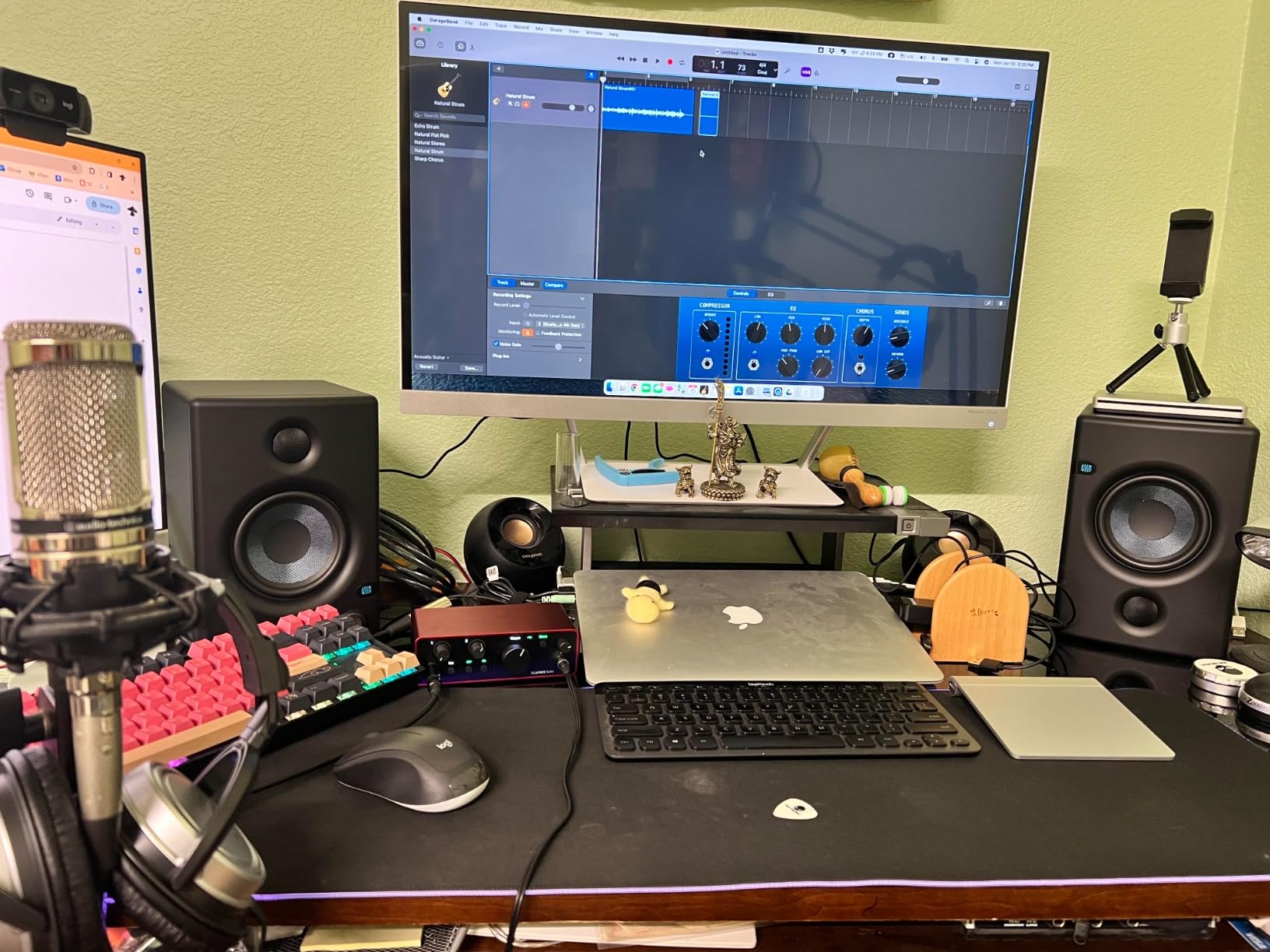
Direct comparisons against the Edifier MR4 usually land the same way: the PreSonus reaches higher on top end and reads as clearer, while the Edifier sounds warmer and fuller. Both are valid. The choice is tone preference and sweet spot width, not build quality.
Room Position Controls and What They Do Not Fix
High and low frequency tuning controls sit on the back panel. The low control lets you trim bass buildup from a desk or a nearby wall, which is the correct first move in an untreated room. It is a broad shelving control, not a measurement, so treat it as a starting point.
The bass reflex port is on the back panel, so this pair needs roughly 15 to 20 centimetres of clearance behind it. If your desk is flat against a wall, that is a real constraint. Put the speakers on stands that pull them forward, or pick a front-ported model.
Low End Character Above All Else
The woven composite 4.5 inch woofer produces tight, felt low end for its size. Bass is punchy rather than extended, which suits mixing because a kick and a bass line stay distinct. It will not tell you what is happening below roughly the 60Hz area.
One reviewer pattern worth knowing: the top end can feel sharp or sibilant at higher levels without EQ. If you mix quietly, this is one of the most comfortable pairs here. If you mix loud for hours, the MR4 and the HS4 are gentler.
Who It Suits and Who Should Pass
Suit it if your room is small, if you work at an angle to the desk, or if you want one pair that handles tracking, editing and mixing on a tight budget. The headphone output makes it a natural first box for a small project studio.
Pass on it if your desk is hard against a wall, if you produce bass-heavy music and need low-end decisions, or if you are sensitive to sibilance. There is no subwoofer output here either, so adding low end means changing monitors.
5. Yamaha HS4 – The Most Accurate Pair at This Price
Yamaha HS4 Powered Studio Monitor in Black, Pair (HS4 B)
4.5 inch cone woofer
1 inch dome tweeter
60 Hz to 22 kHz response
XLR TRS and RCA inputs
Pros
- Cleaner and far less muddy than cheaper monitors in direct comparison
- Room control switch genuinely compensates for wall placement
- Combo XLR and balanced TRS plus RCA inputs
- Durable finish and a build that suggests long service life
Cons
- Only 26W per side so output is limited in larger rooms
- Can sound slightly bright before roughly a hundred hours of break-in
- All connections sit on one side of the active speaker
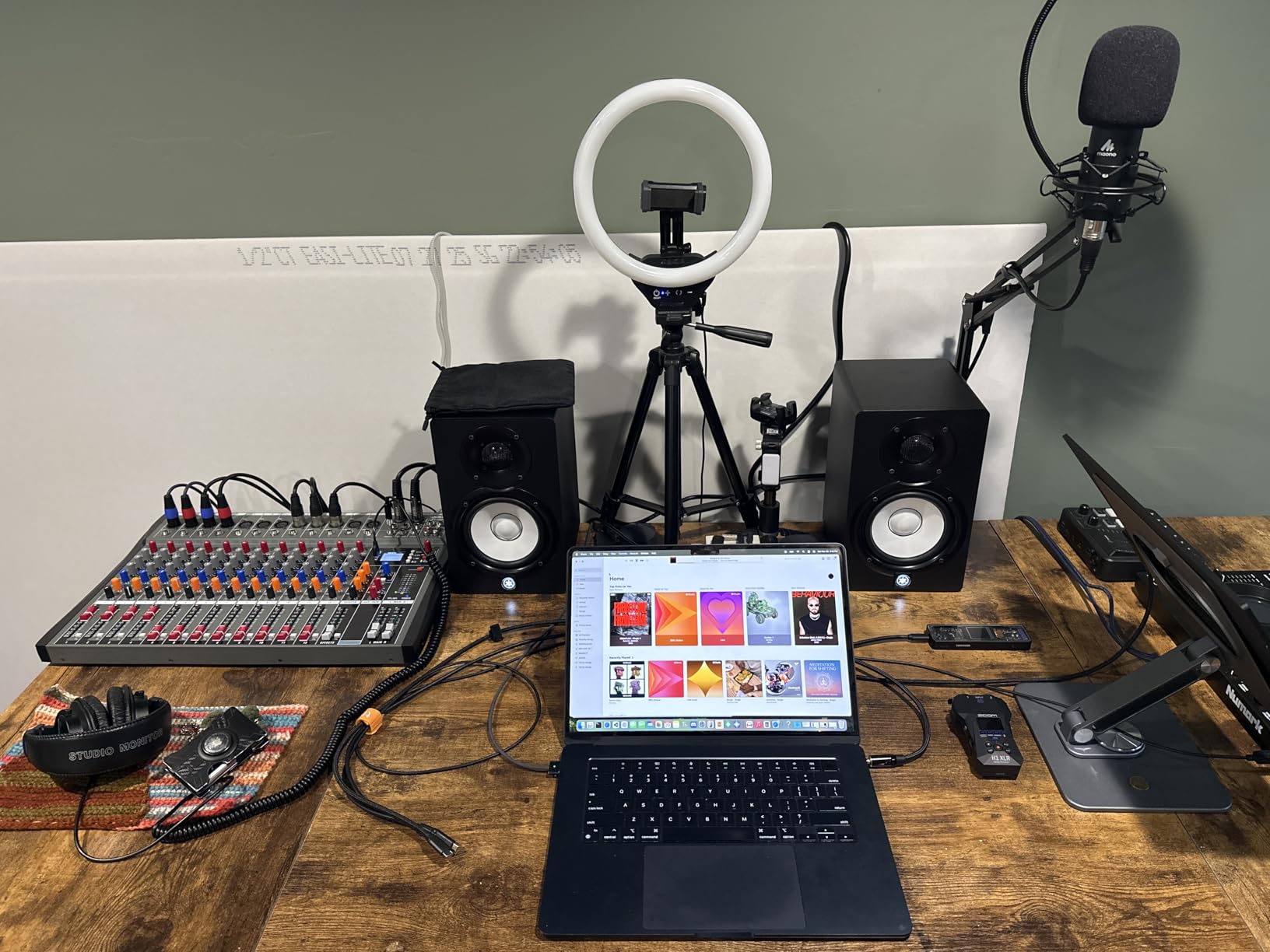
The HS4 is the most accurate pair in this roundup and the one whose measurements match what I heard. Direct A/B against cheaper monitors consistently shows a cleaner midrange, less mud around 200 to 400Hz, and a sense of separation between instruments that the others only manage on well-recorded material. That honesty is what makes it my mixing pair rather than my listening pair.
The rear room control switch is the feature that matters most in a real home studio. It applies a designed low-frequency correction when the speakers are placed near a wall, which is exactly the situation most of us are in. High trim handles the bright-room case at the opposite end.
Fresh out of the box it can sound a little bright, and owners consistently report that this eases after roughly a hundred hours of use. If you mix on a new pair in its first week, keep that in mind before you start trimming treble.
Why 26W Per Side Is Not the Weakness It Sounds Like
The amplification figure is low, 26W per side, and in a larger room you will run out of level before the pair stops sounding good. At one metre in a bedroom or project room, the HS4 reaches a workable level for a large fraction of its material without audible strain.
The 60 Hz to 22 kHz response is listed at -10 dB, which is a useful reminder that a quoted number is rarely the -3 dB figure. Set your expectations from the reviews rather than the spec sheet. The strengths of this pair are midrange accuracy and low self-noise, not sub-bass.
Connectivity and the One-Sided Panel Layout
Combo XLR and balanced 1/4 inch TRS inputs alongside RCA and stereo mini make this the most flexible input set on a 4.5 inch monitor. It connects to anything without adapters, which is a genuine advantage for someone moving between gear.
Every connection sits on one side of the active speaker, which some owners find awkward when routing cable behind a desk. It is a small irritation with no effect on the sound, but it is the detail reviewers mention most often.
Who It Suits and Who Should Pass
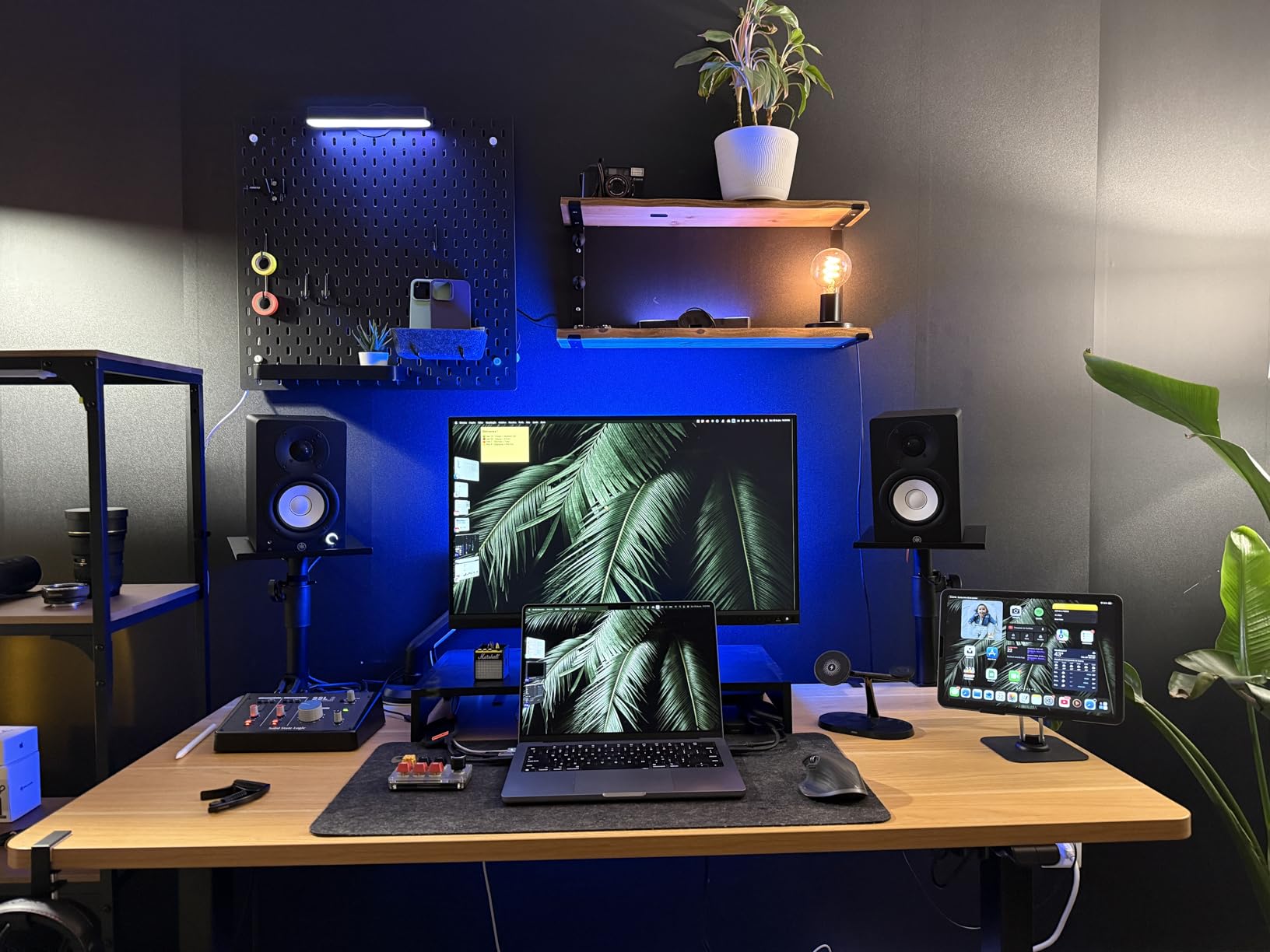
Suit it if you mix regularly and want to hear problems rather than pleasant approximations, if your interface has balanced outputs you want to use, or if you work in a room with a wall close behind the speakers. Yamaha HS-series owners report mixes made on these translating well to large professional rooms, which is the whole point of an accurate near field pair.
Pass on it if you need a lot of output in a big room, if you want deep low end, or if you want Bluetooth or a digital input. The HS4 is a wired, accurate instrument with no wireless extras.
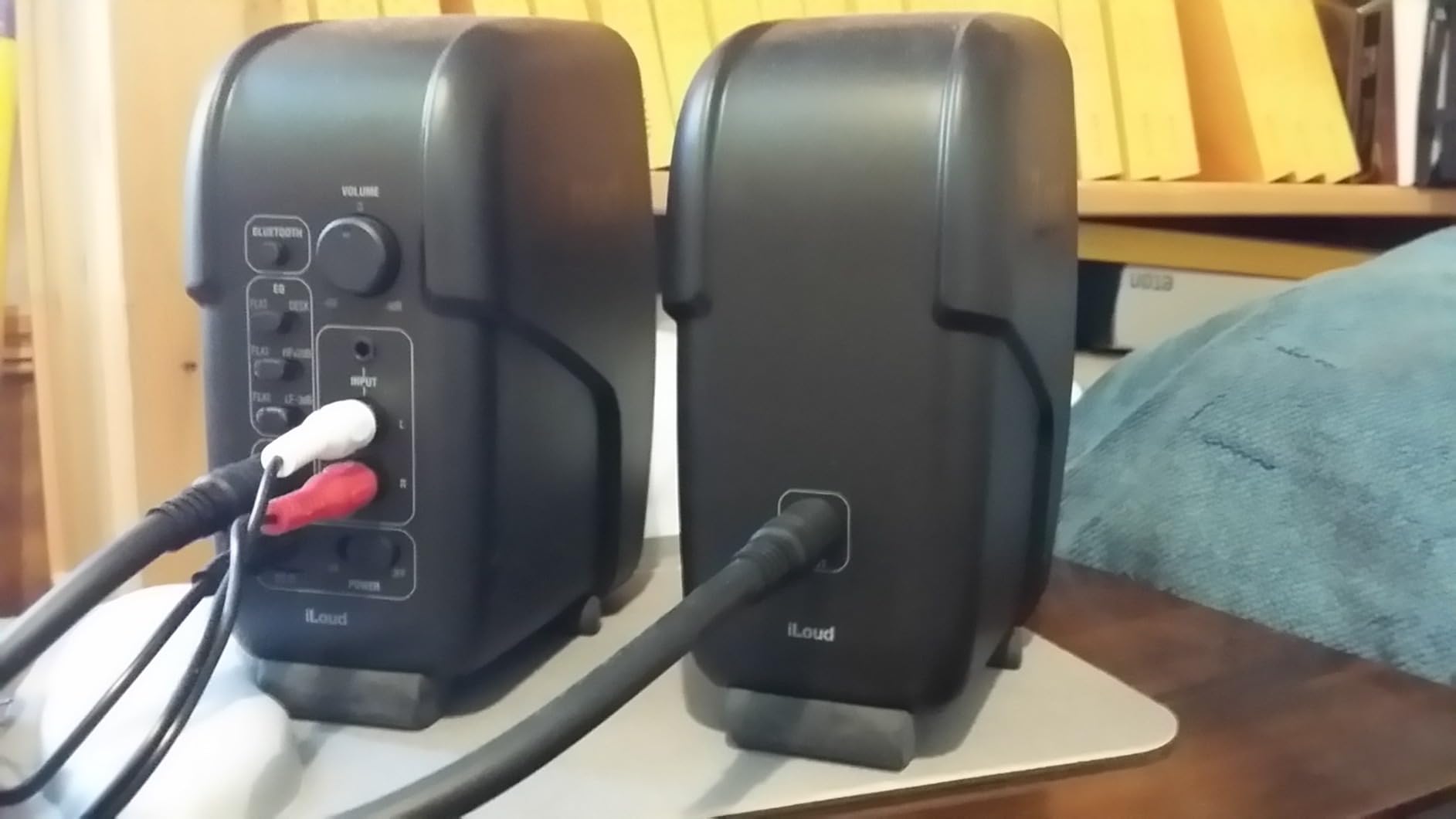
6. IK Multimedia iLoud Micro – The Most Accurate Monitors in the Smallest Box
IK Multimedia iLoud Micro Monitor 50 watt Portable Wireless Bluetooth Studio Reference Monitors, Dual Speakers for Music Production, Mixing, Mastering, Composing, producing and DJs
3 inch composite woofer
0.75 inch silk dome tweeter
55 Hz at -3 dB
50W RMS Class D
Pros
- Genuinely accurate linear response from a 3 inch woofer
- Low end reaching roughly 55 Hz for the size
- Internal DSP with desktop position compensation
- Bluetooth plus simultaneous wired and wireless input
Cons
- Inputs limited to 3.5mm and stereo RCA with no balanced option
- Short speaker interconnect cable
- No room-correction microphone or desktop software at this level
Owners of the iLoud Micro consistently report surprise that 3 inch monitors sound this full, and the measurements back up part of that. The stated low end reaches down to 55 Hz at -3 dB, which for a 3 inch woofer is genuinely unusual. At one metre, close enough for the direct sound to dominate, this pair punches well above its weight class.
It is also the only monitor here you can put in a bag. At 3.8 pounds for the pair and a carry bag to match, it moves between the bedroom, the project room and a rehearsal space. For someone who mixes in more than one place, that is worth more than any spec line.
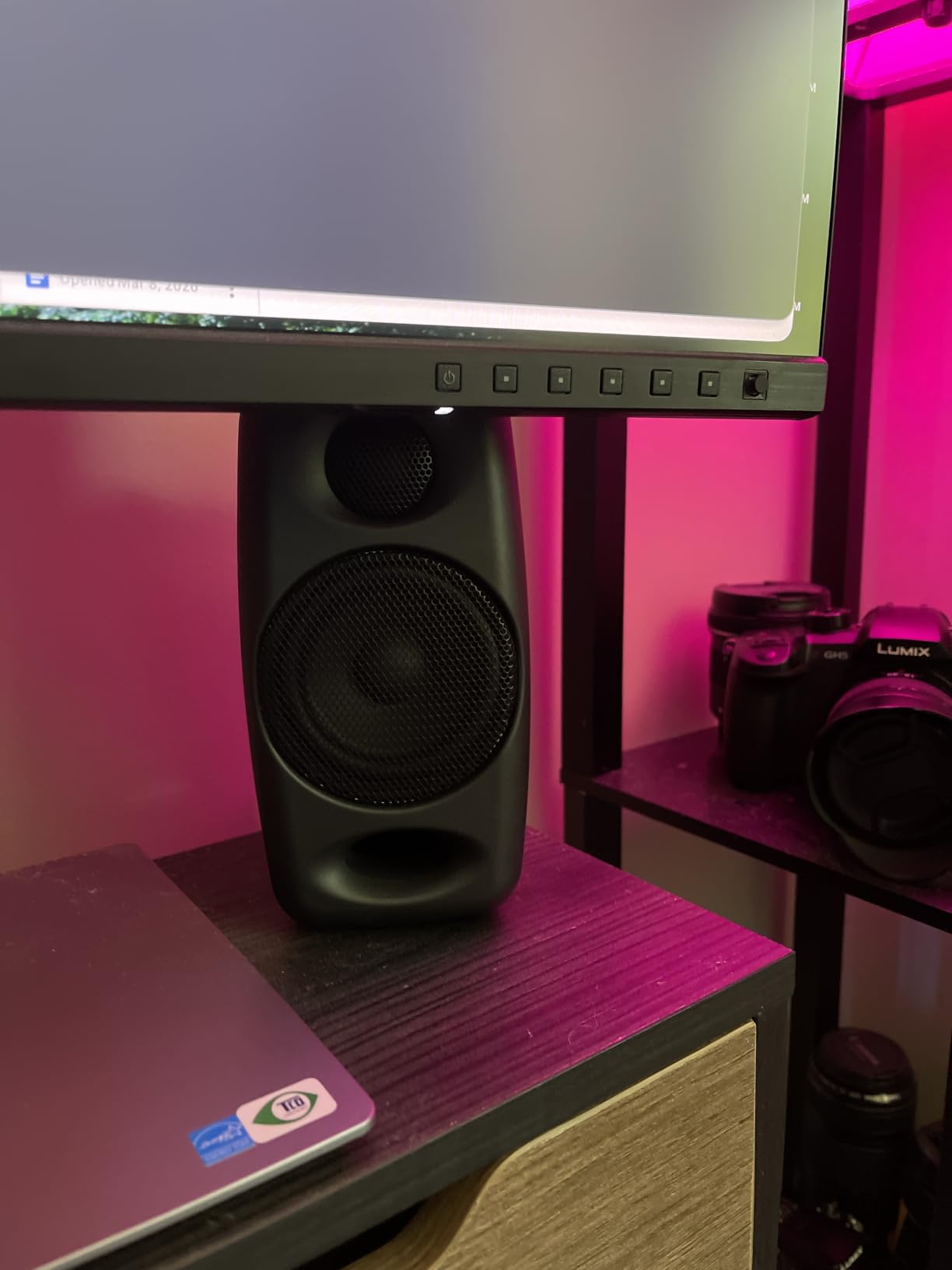
The internal DSP offers several EQ settings for bass and treble plus position compensation, which switches the response between free-field and desktop placement. That is a small feature that removes one of the most common first-week mistakes.
Why 3 Inches Can Reach 55 Hz
The trick is the large-flaring front-firing bass reflex port and an efficient Class D amplifier pushing 50W RMS total. Port flare controls airflow noise at higher levels, and a front port keeps the low end working when the pair is close to a wall on a desk.
55 Hz is not sub-bass, so kick and bass lines are well represented while content below that is a decision you make elsewhere. Owners report no need for a subwoofer on most material, which is not something I would say about other 3 inch monitors in this roundup.
Wireless Sources and Their Limits
Bluetooth pairs cleanly and can run alongside a wired source, with stereo RCA and an aux input on the back. For checking a mix from a phone, it is convenient and it works.
For critical work, stay wired. Wireless compression has no place in a mix decision, and the interface you care about will have a line out anyway. A separate guide covers why Bluetooth audio cuts out near USB 3.0 devices, which is worth reading if you plan to run a wireless path from a desktop.
Who It Suits and Who Should Pass
Suit it if you work in several rooms, if your space is very small, if you are on a strict budget and want the most accurate response you can get, or if you mix on the move. The desktop position compensation is genuinely useful at a desk.
Pass on it if your interface is balanced-only, if you need a wide stereo image for mastering, or if you want deep low end. The inter-speaker cable is also short, which restricts a wide dual-monitor desk setup.
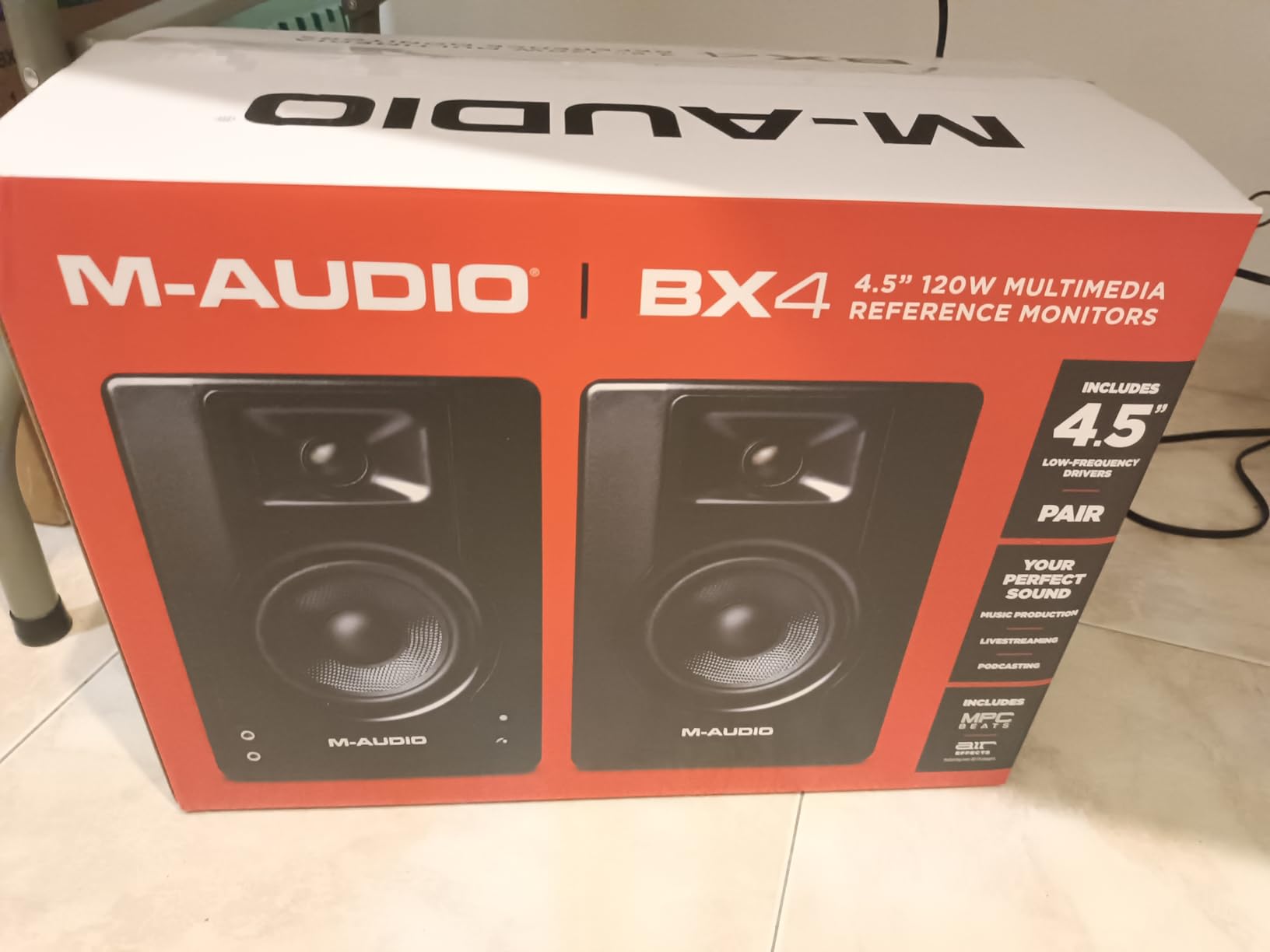
7. M-Audio BX3 – The Most Affordable Credible Upgrade from Computer Speakers
M-AUDIO BX3 3.5″ Wired Studio Monitors Pair
3.5 inch Kevlar woofer
1 inch silk dome tweeter
120W bi-amplified
1/4 inch TRS RCA and aux inputs
Pros
- Loud and clear for a 3.5 inch driver
- Bi-amplified Kevlar woofer plus silk dome tweeter gives a flat starting point
- 1/4 inch TRS plus 1/8 inch and RCA rear inputs
- Active-speaker position switch for cramped setups
Cons
- Auto sleep can cut out mid-playback and may not wake on quiet audio
- Thin included interconnect cable is fragile and intermittently drops audio
- Bundled unbalanced cables introduce ground-loop buzz on metal-chassis PCs
The BX3 is the pair I recommend to beat makers and video editors moving off laptop speakers. It reveals mix problems that a laptop or a soundbar hides, and at 120 watts bi-amplified it gets loud enough that you are not leaning toward the desk to hear the quiet parts.
Behind the panel there are 1/4 inch TRS, 1/8 inch and RCA inputs, which covers DJ gear, electric guitars and interfaces without adapters. The active-speaker position switch on the rear lets you set which unit is powered when desk space forces an awkward layout.
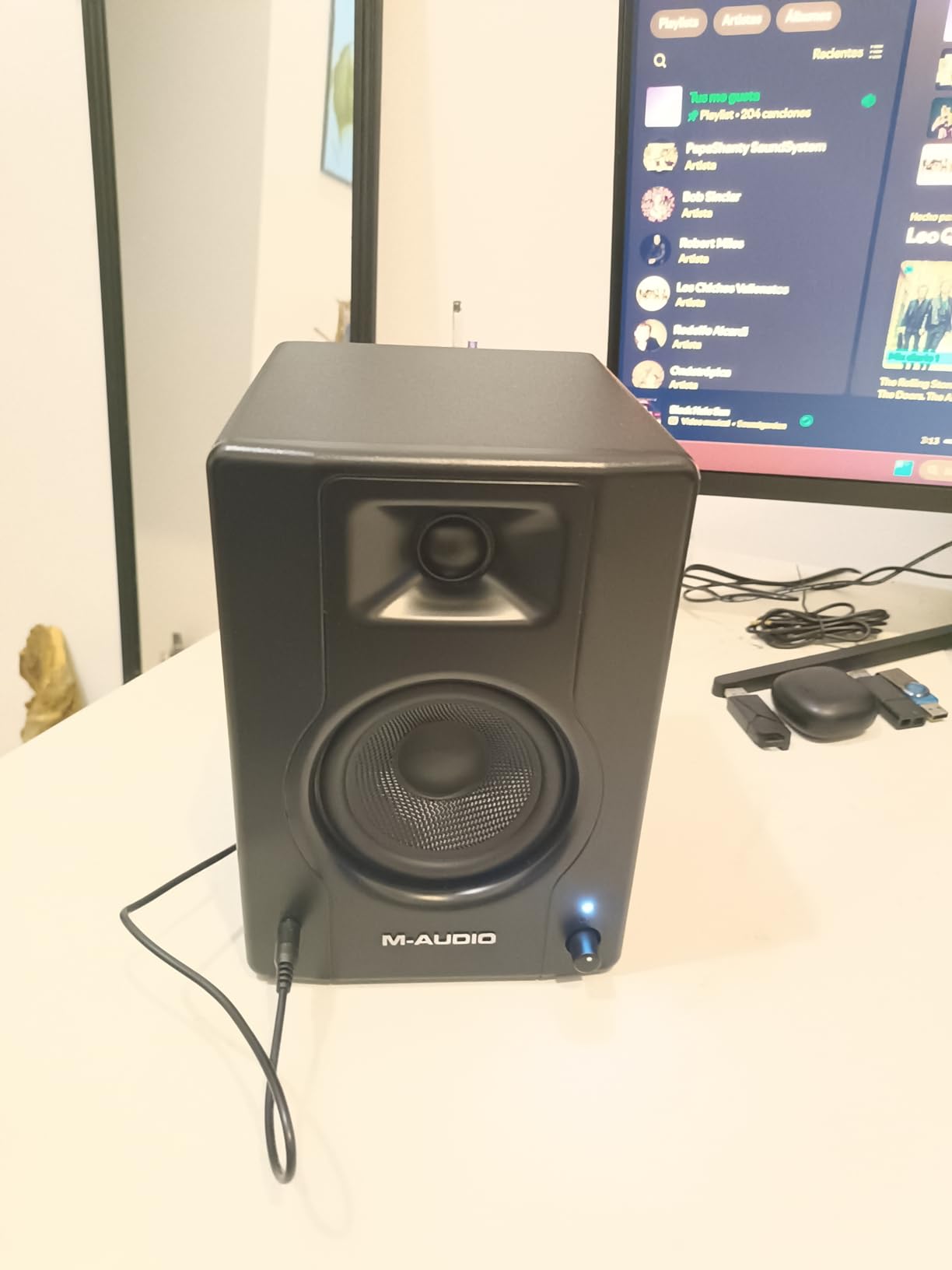
Out of the box the response is flat, which is correct for mixing and wrong for casual enjoyment. Reviewers make this point constantly: it will not add consumer bass or sparkle, and that is the feature rather than the fault.
The Auto-Sleep Circuit and What to Do About It
The most persistent complaint in reviews is the auto-sleep behaviour. The amplifiers can shut down mid-playback and need roughly fifteen seconds of audio before reactivating. During a mix that means an unexpected gap in the middle of a playback pass.
This is worth knowing before you buy rather than after, because it is the one behaviour that regularly interrupts a session. If it affects you, a manual power switch on the back is the reason to look at the other models on this list instead.
Cables: Where Most Real Problems Come From
The bundled interconnect cable between the two speakers is thin and reported to intermittently drop audio. The included 3.5mm and RCA leads are also of low quality, and reviewers specifically report ground-loop buzz when they are used with a metal-chassis PC.
My advice is the same as for every monitor here: run a proper balanced 1/4 inch TRS cable from your interface to the active speaker. The moment you replace the included leads, several of the reported problems disappear.
Who It Suits and Who Should Pass
Suit it if you make beats, if you edit video, if you podcast, or if you are moving from computer speakers and want the biggest audible step up per pound. The input flexibility also suits guitar amp modelling and DJ work.
Pass on it if long uninterrupted playback sessions are normal for you, if you are sensitive to cable-borne buzz, or if you want any low-end shaping. There is no subwoofer output and no auto room correction here.
8. PreSonus Eris E5 – The Most Headroom in the Roundup
PreSonus Eris E5 Pair 2-Way 5.25” Near Field Studio Monitors
5.25 inch woven composite woofer
1 inch silk dome tweeter
80W Class AB bi-amplified
102 dB maximum SPL
Pros
- Smooth non-fatiguing top end over long sessions
- 5.25 inch woofer with minimal bass distortion
- 80W Class AB bi-amplification for real nearfield headroom
- Front-firing port allows placement closer to a wall
- XLR TRS and RCA inputs plus acoustic space correction
Cons
- Default tuning leans bass-heavy especially when sat directly on a desk
- Faint amplifier white noise at very low listening levels on some pairs
- A 5 inch driver still needs a subwoofer for true deep low-end decisions
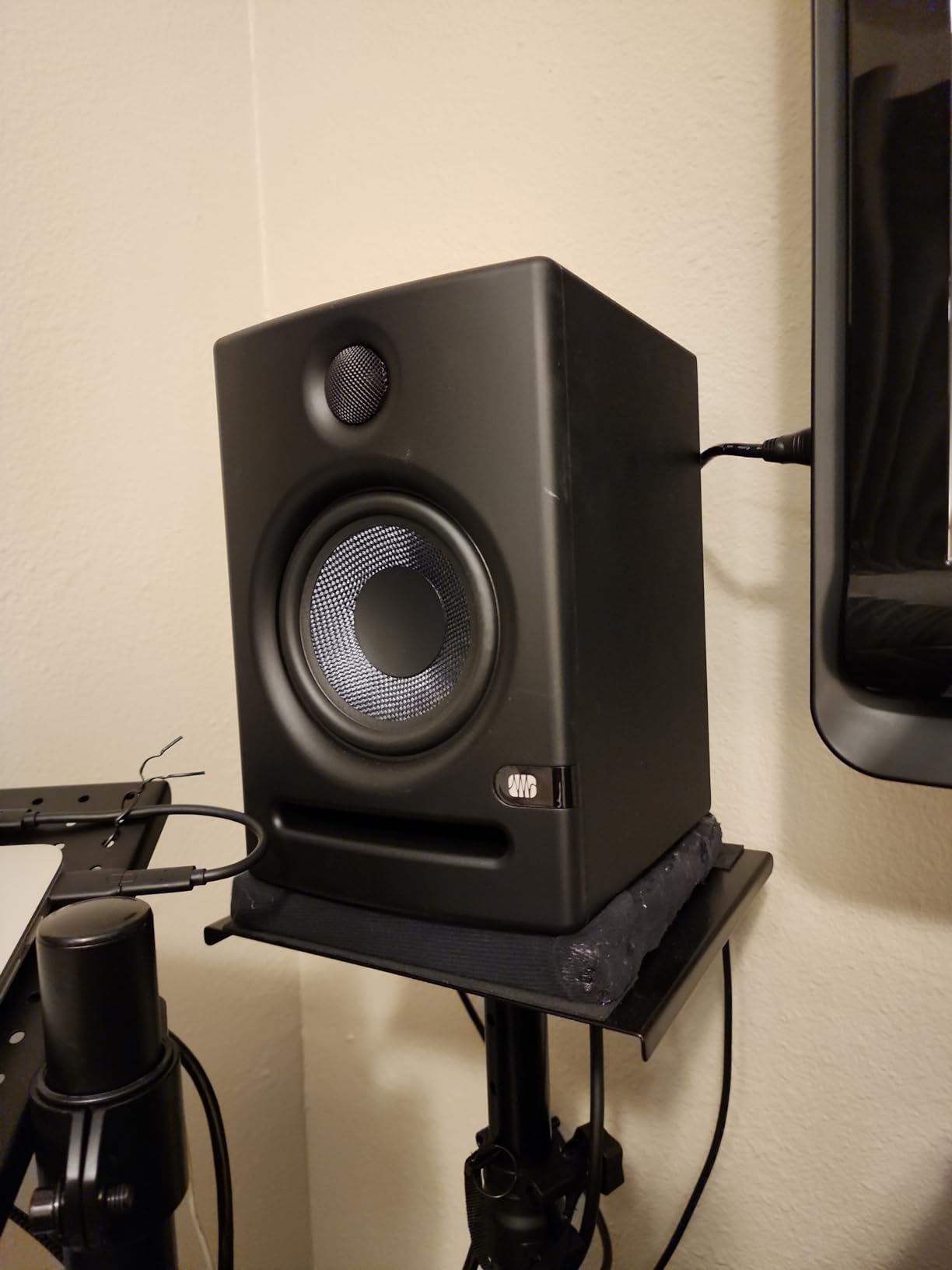
The E5 is the pair I reach for when a mix is busy and I need level without fatigue. 80 watts of Class AB bi-amplification, 102 dB maximum continuous SPL and extensive protection circuitry mean the amplifier is not the bottleneck. At 85 dB reference in a treated or semi-treated room, this is the most comfortable pair here to work on for six hours.
The high end is the quiet achievement. The 1 inch ultra-low-mass silk dome tweeter is smooth without being dull, and owners consistently pick this pair over consumer monitors precisely because it does not make rough mixes sound rough in an unhelpful way. It reveals problems without shouting about them.
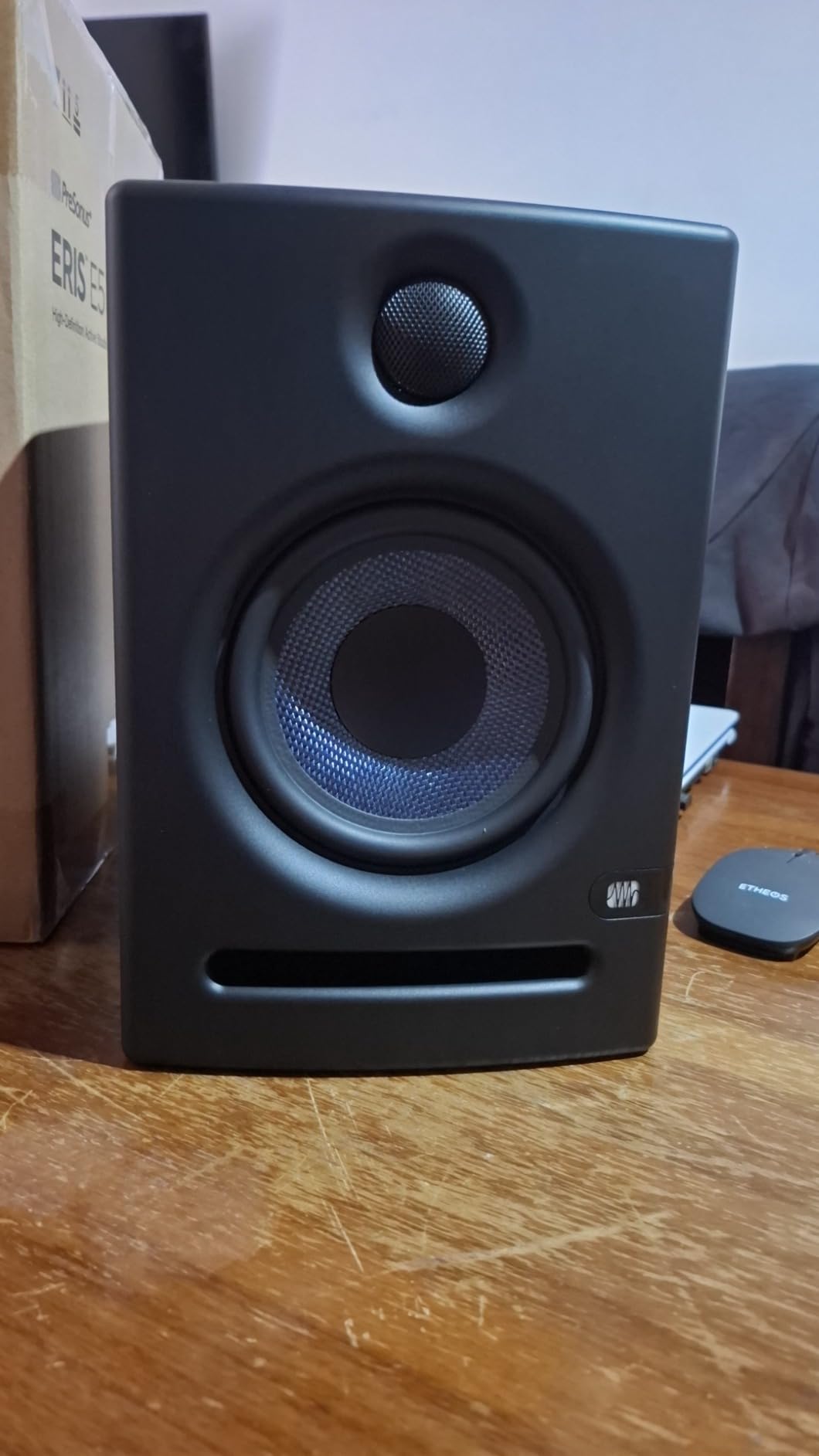
Stand placement is the decisive variable. On isolation stands the balance resolves properly. Directly on a desk the low end turns boomy and the midrange loses punch, which is why the front-firing port and the acoustic space correction switch matter so much here.
Front-Firing Port and Desk Placement
A front-firing acoustic port means this pair can sit closer to a wall or a desk edge than a rear-ported 5 inch monitor without the port being obstructed. That single design decision removes the most common bedroom studio problem, where every desk is against a wall and rear-ported speakers can only be used on stands pulled well forward.
The acoustic space correction switch plus high and low tuning controls let you flatten that desk response further. They are broad controls, so treat them as a starting point and move the stands before you start trimming.
Where the 5.25 Inch Woofer Stops Helping
A 5.25 inch woven composite woofer delivers solid low end with minimal bass distortion, and it handles bass content far better than anything else in this roundup at a similar desk footprint. What it still does not do is tell you reliably about content below roughly 50 Hz.
Owners report faint amplifier white noise at very low listening levels on some pairs. If you mix at low levels in a quiet room, turn the volume up before you decide the pair is faulty. This is normal for this class of amplifier at near-idle.
Who It Suits and Who Should Pass
Suit it if you mix at loud levels, if you work long sessions and want low fatigue, if your desk is close to a wall, or if you have moved past entry monitors and want a genuine step up. It is also the natural partner to a subwoofer for low-end work.
Pass on it if your budget is tight and you are still deciding whether to mix at all, or if you need deep low-end decisions in a very small untreated room where a 5.25 inch driver will simply overfill the space. Bigger driver, bigger room problem.
9. JBL 305P MkII – The Widest Imaging Field of Any 5 Inch Monitor
(2) JBL 305P MkII 5″ 2-Way Active Powered Studio Reference Monitors Speakers
5 inch woofer
25mm tweeter in Image Control Waveguide
Dual 41W Class D
75 dB signal to noise
Pros
- Patented Image Control Waveguide delivers precise imaging across a wide sweet spot
- Dual 41W Class D amplifiers give real dynamic range
- Boundary EQ and HF Trim contour low and high response to the room
- XLR and 1/4 inch TRS inputs for professional interfaces
Cons
- 75 dB signal-to-noise ratio is lower than competing monitors
- ABS enclosure is less resonance-damped than an MDF cabinet
- No digital or wireless inputs despite the acoustic tuning features
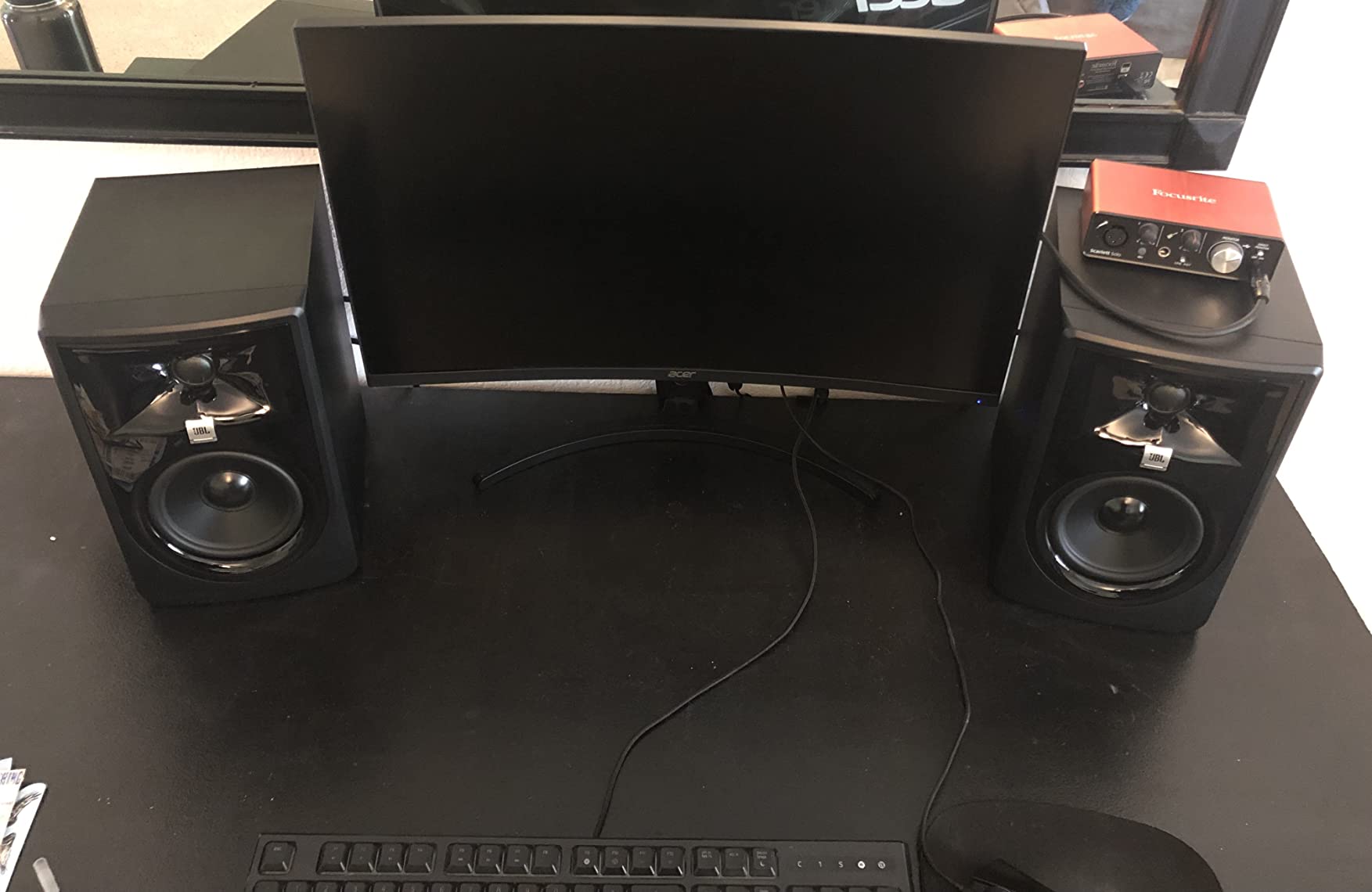
The waveguide is the reason to buy this pair. The Image Control Waveguide shapes the output of the 25mm tweeter so the imaging field is wide and even, and owners single it out as the standout feature for both music production and podcasting. You can move your head several centimetres and the stereo image barely shifts, which makes this the easiest pair to work on if you move around while mixing.
Two 41W Class D amplifiers driving a 5 inch woofer with a Slip Stream port give enough dynamic range that the pair does not compress when a mix gets busy. Owners also praise the Boundary EQ and HF Trim for making a usable pair out of an untreated room.
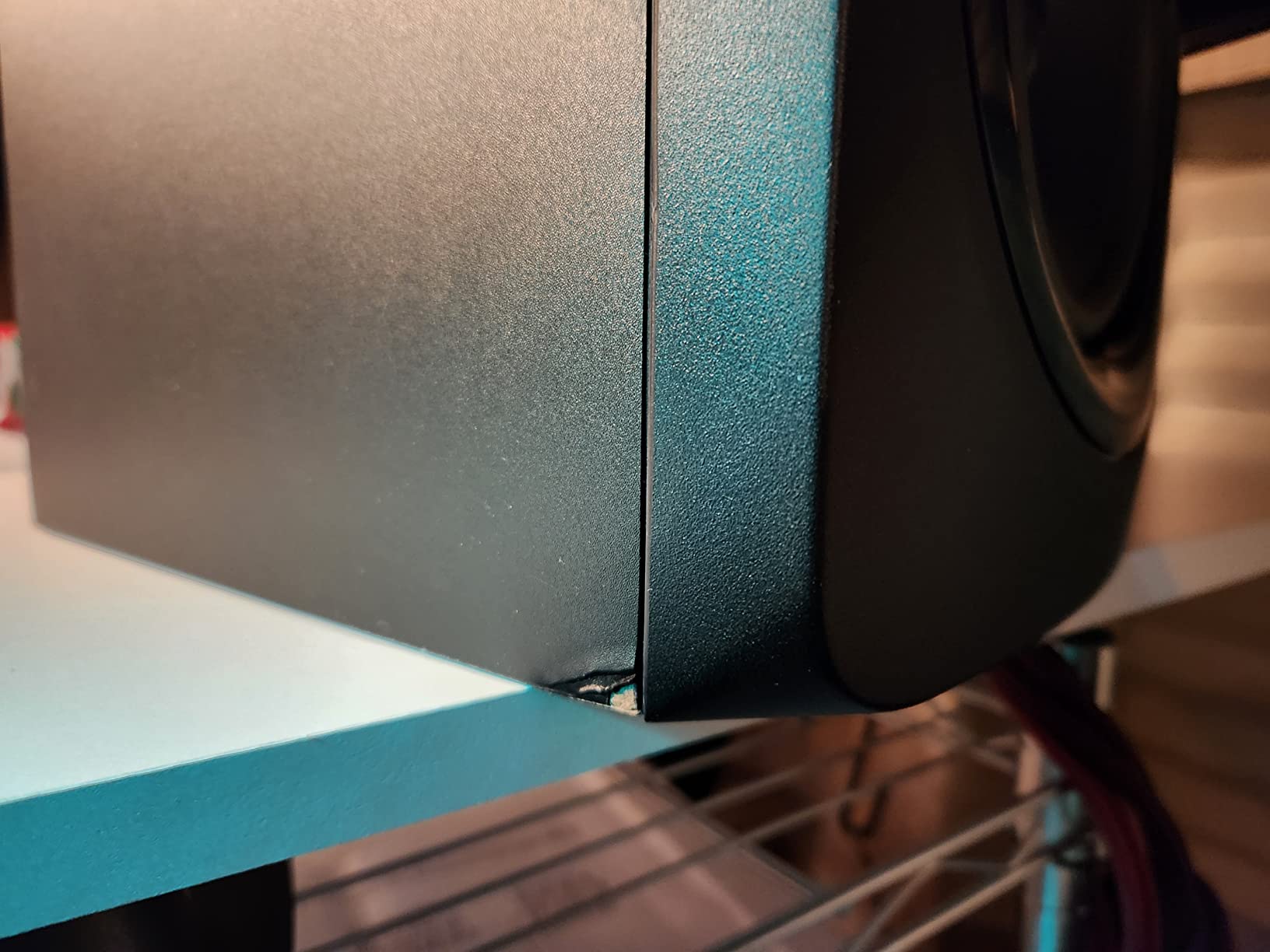
Two honest cautions. The listed signal-to-noise ratio of 75 dB is lower than most pairs here, and the enclosure is ABS rather than MDF. Neither matters much in a working room; both matter if you mix late at night at low levels.
What Boundary EQ and HF Trim Actually Correct
Boundary EQ is a designed low-frequency trim for when a speaker sits against or very near a wall, which increases output in the bass region and leads to a boomy mix. HF Trim handles the opposite problem, a room that is too reflective at the top end. Between the two, you can address the two most common untreated-room faults without moving furniture.
These are fixed settings, not measurement. They fix the category of problem, not the specific room. Anyone who claims a switch fixes a room is overselling it.
Self-Noise at Near Field Distance
At one metre, a 75 dB signal-to-noise ratio is a real consideration. It is not a deal-breaker, but it is the weakest number in this roundup, and it is the reason the HS4 and the LP-UNF rank higher for quiet late-night work.
Users have also flagged the auto power-off behaviour cutting out mid-session on this model. If you work at low levels with long pauses, check the setting before you commit.
Who It Suits and Who Should Pass
Suit it if you work at an angle to the desk, if you do podcast or video work where voice intelligibility matters, if your room is untreated and you need room correction without software, or if you want one pair for music and broadcast.
Pass on it if you mix at very low levels in a very quiet room and hiss would bother you, or if you want a subwoofer output and digital inputs. The 305P MkII is an analogue, wired monitor with one acoustic trick and it does that trick well.
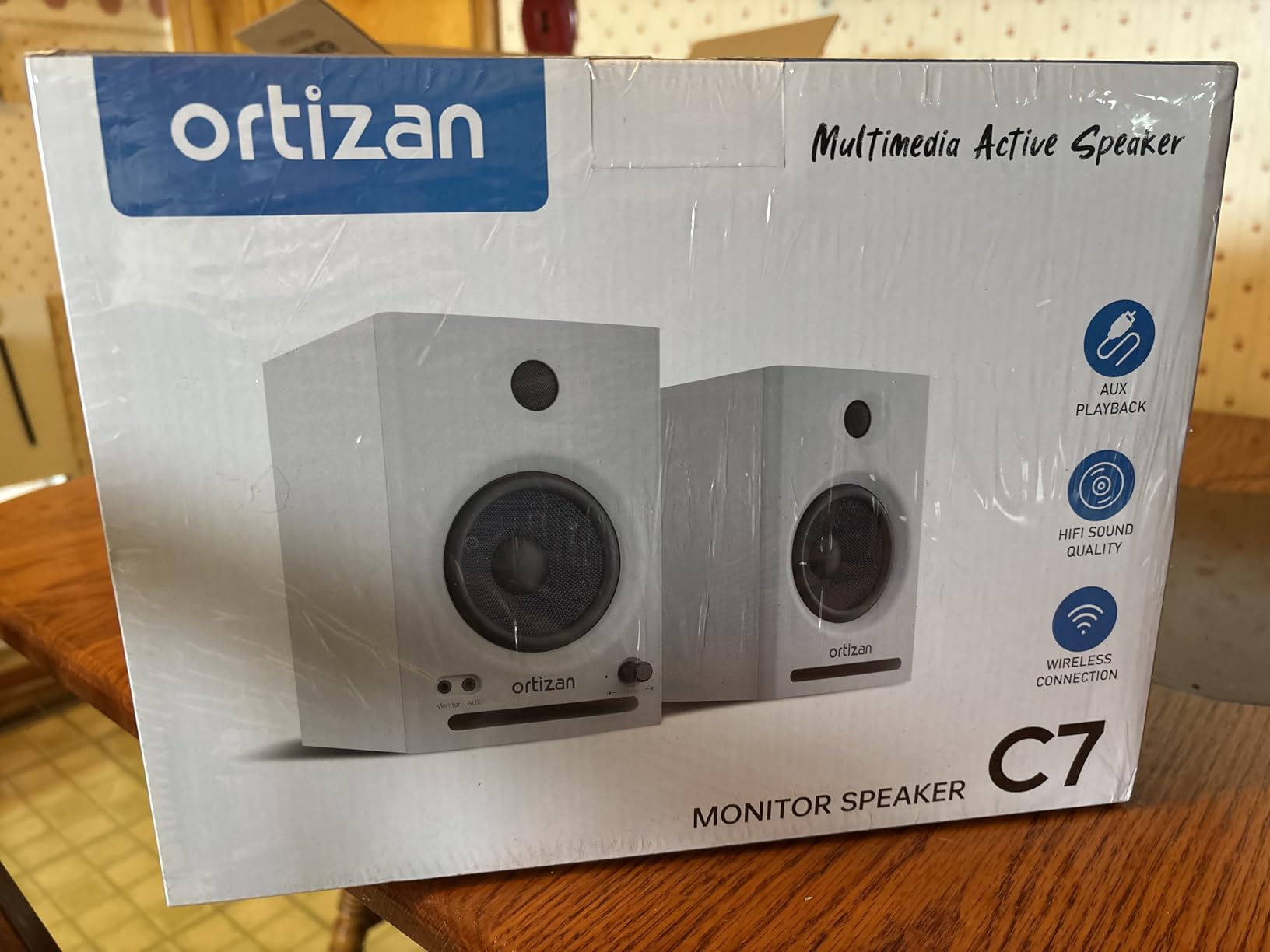
10. Ortizan C7 – The Best Connection Options Under the Entry Tier
Ortizan C7 Powered Studio Monitors Pair with Bluetooth 5.3, Black
3.5 inch carbon fiber woofer
0.75 inch silk dome tweeter
80W output
USB-C 24-bit DAC
Pros
- Best input selection in its class with Bluetooth 5.3 USB-C DAC and balanced TRS
- 2-way electronic crossover with carbon fiber woofer
- Tuned in the lab toward a flat response
- Front headphone output and balanced TRS for direct instrument connection
Cons
- 0.75 inch tweeter limits very high frequency extension
- 3.5 inch woofer cannot produce deep sub-bass
- Small footprint means less imaging headroom than a 5 inch monitor
The C7 does something no other monitor in this roundup does at this size: it takes digital audio directly. A built-in 24-bit DAC over USB-C means you can run from a laptop without an interface, which removes a box and a failure point from a small setup. Bluetooth 5.3 covers a phone, and a balanced 6.35mm TRS input accepts a mixer, an electric guitar or a piano directly.
Acoustically it is straightforward. A 3.5 inch carbon fiber woofer with a 0.75 inch silk dome tweeter and a 2-way electronic crossover, tuned toward a flat response. It does what a 3.5 inch monitor can do, and reviewers describe it as clean and properly tuned rather than exciting.
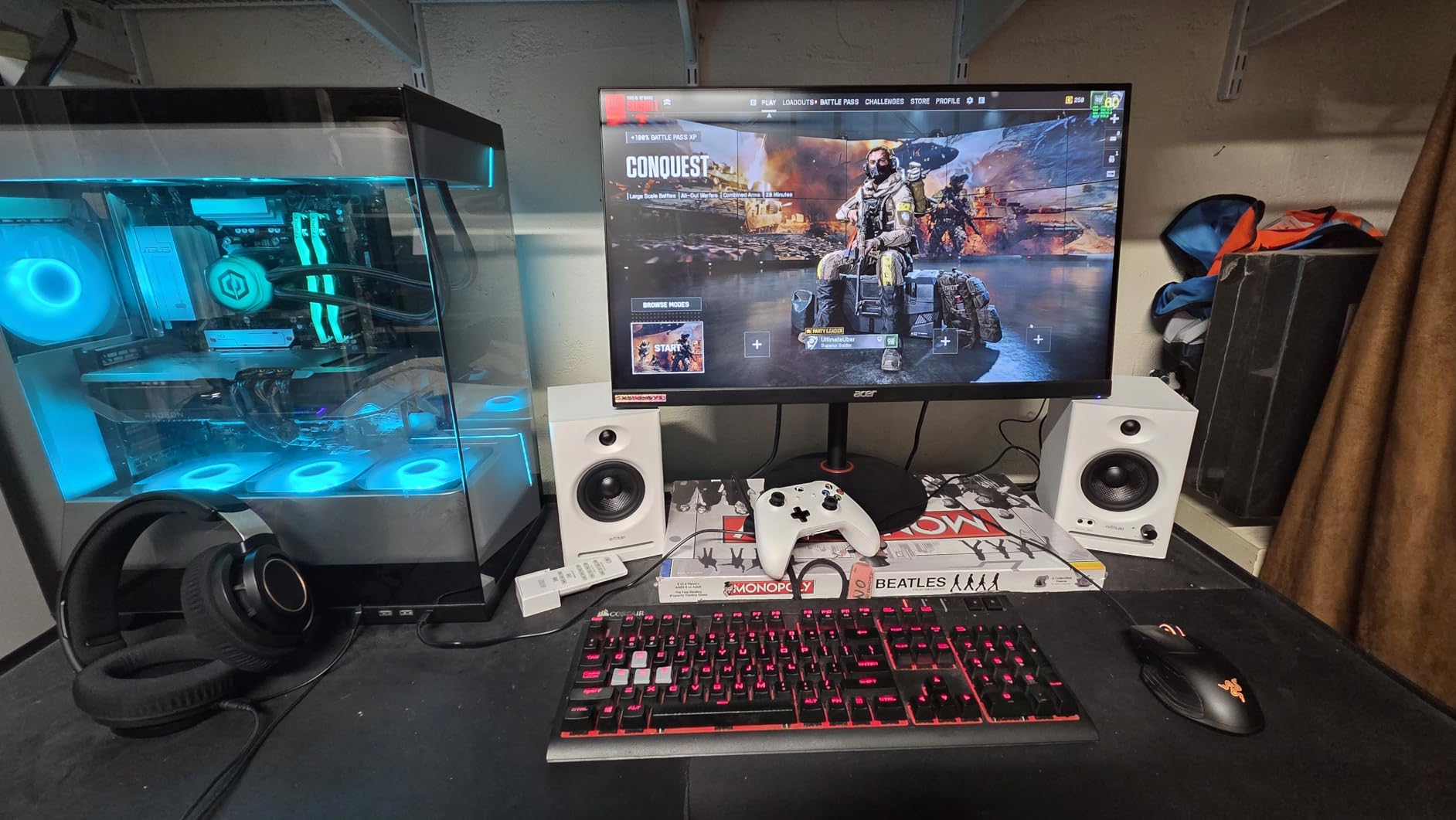
The honest limitation is size. A 3.5 inch woofer in a small footprint gives you less low end and a smaller-scale stereo image than a 5 inch pair. If you are mixing rather than editing, that ceiling matters more than the connectivity does.
USB-C Digital Input and When It Helps
A built-in DAC captures digital audio over USB and minimises conversion loss, which is why the C7 stands out among the entries. For video editing, podcasting and a first home studio driven from a single laptop, it removes the interface entirely from the signal chain.
For mixing, keep the DAC in the chain but know that it does not add monitoring features. There is no room correction, no metering and no talkback here, and those matter more than digital input once you start making real mix decisions.
What a 0.75 Inch Tweeter Can and Cannot Do
The 0.75 inch silk dome tweeter is the same size found on the Edifier MR4, and it carries the same ceiling. Cymbals and the top of a snare lose air sooner than they would on a 5 inch monitor. Deeper low end is out of reach with the 3.5 inch carbon fiber woofer too.
Used as a second reference for checking a mix on the cheap, or as a portable pair for a rehearsal room, the trade is sensible. Used as your only mixing monitors on dense, heavily orchestrated material, instrument separation gets tight.
Who It Suits and Who Should Pass
Suit it if you work from a laptop, if you play instruments directly into the monitors, if you need wireless as well as wired, or if you are building a small editing and mixing setup around one box. Connectivity here is genuinely the best in its class.
Pass on it if your material is dense and heavily orchestrated, if you need low-end reference, or if you want a wide sweet spot. This pair prioritises how you get signal in over how the signal behaves.
11. ADAM Audio T5V – The Most Revealing High Frequencies in the Roundup
ADAM Audio T5V Studio Monitor
5 inch woofer
U-ART ribbon tweeter
HPS waveguide
70W output
Pros
- U-ART tweeter and waveguide deliver genuinely detailed high frequencies
- Rear port in a beveled cabinet allows placement in tight spaces
- DSP high and low shelf filters adapt the response to difficult rooms
- Multiple analog connections and a five year manufacturer warranty
Cons
- Connectivity is described as RCA so check your exact cable needs
- Large footprint and heavy at 12.6 pounds per pair
- Revealing top end suits experienced users but exposes rough mixes quickly
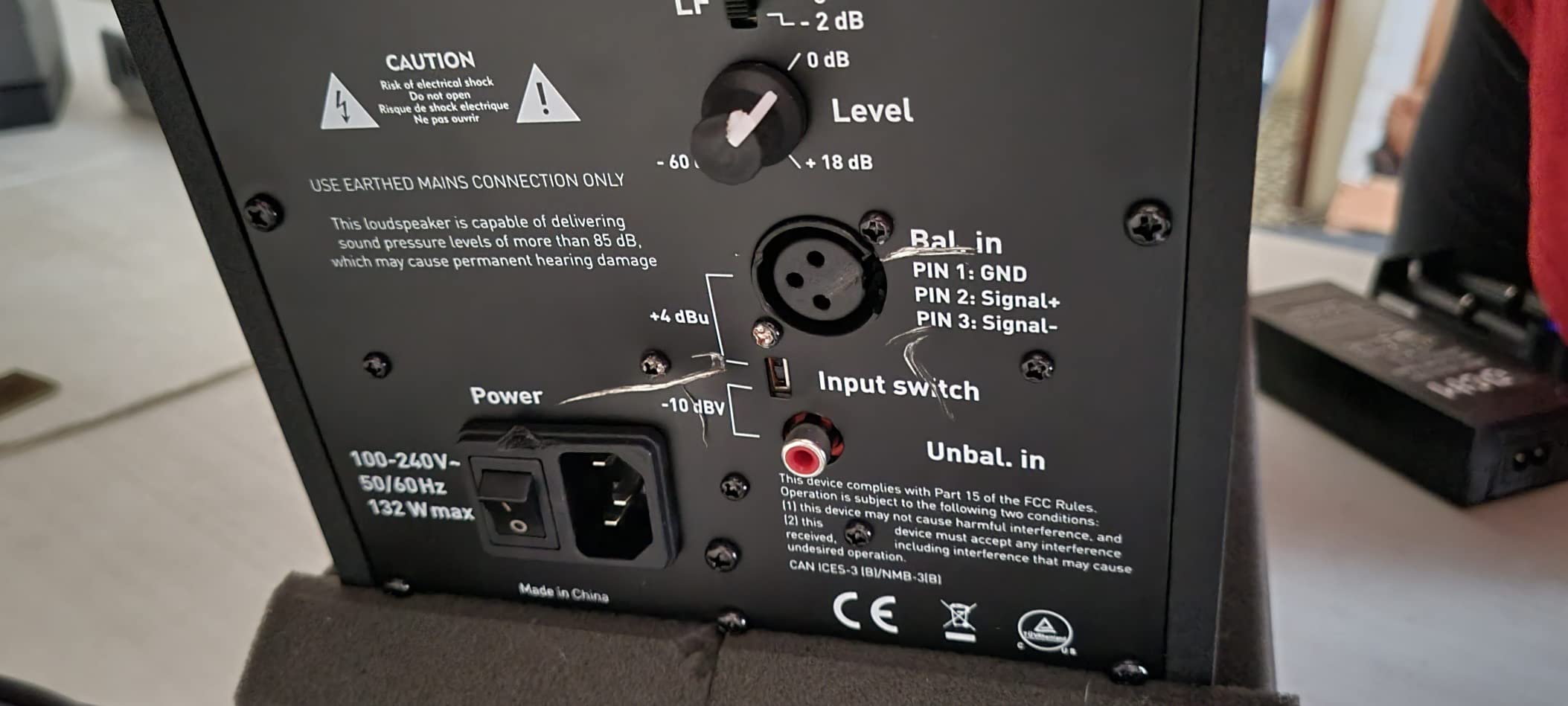
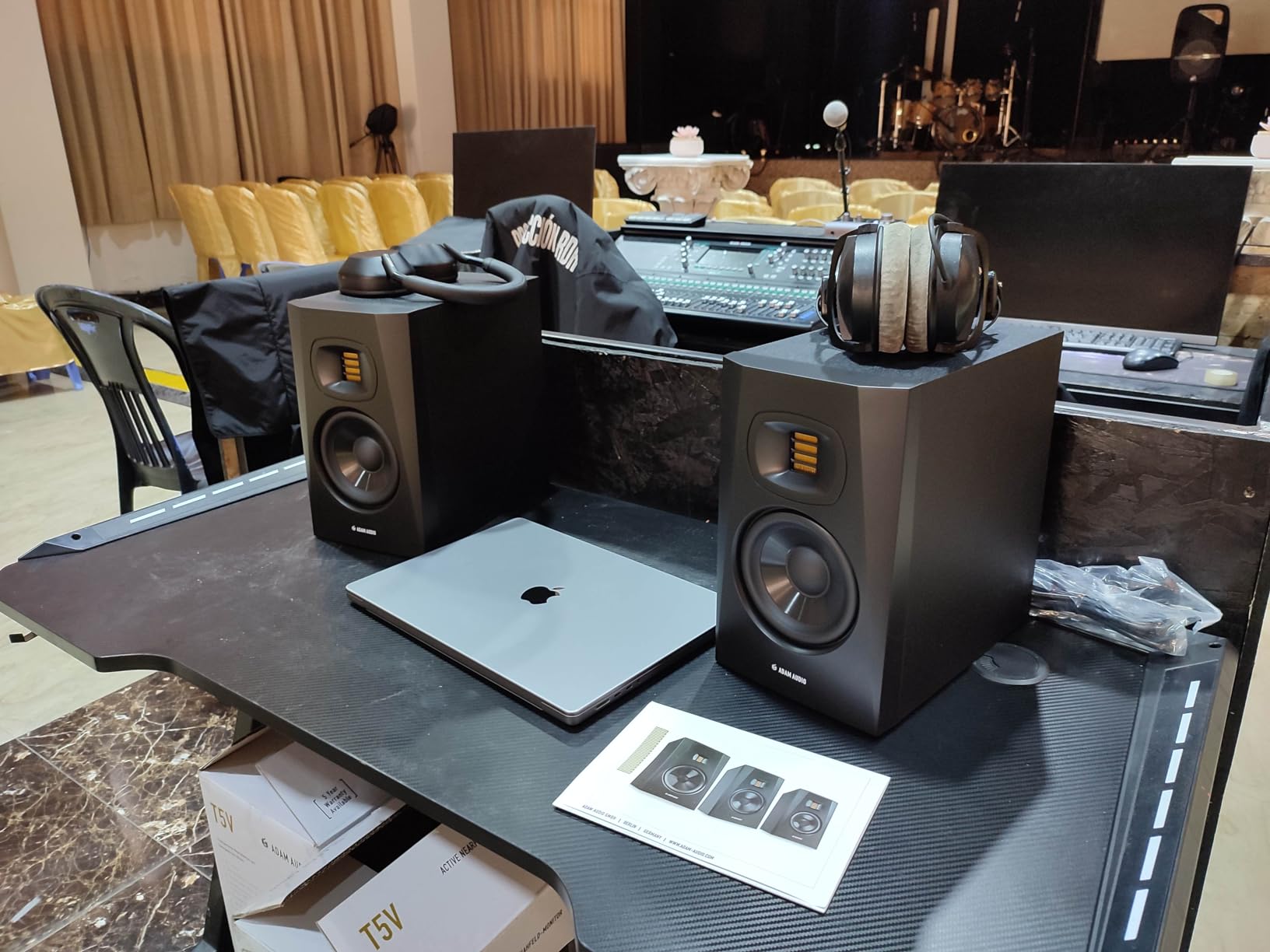
The T5V resolves more high frequency detail than anything else at this size. The U-ART ribbon tweeter working inside the HPS waveguide gives a top end that is fast, open and unusually articulate. If your work depends on hearing detail, sibilance and whether a cymbal sits in the right place, this is the pair that tells you.
It is also the least forgiving. A ribbon tweeter does not smooth over a rough mix. Owners who love it tend to be experienced engineers, and the warning that it exposes careless work quickly appears repeatedly in reviews. That is a feature if you have the ears to use it and a reason to avoid it if you are still learning what to listen for.
With a 4.7 average, this is among the highest-rated monitors in the roundup. The DSP shelf filters and the five year manufacturer warranty add to a package that feels like a step above the entry tier.
Ribbon Tweeter, Waveguide and What Revealing Actually Means
A ribbon tweeter has almost no mass, so it starts and stops faster than a dome. In practice that shows up as transient detail: the attack of a snare, the initial shape of a plucked string, the shape of a cymbal rather than just its level. The HPS waveguide controls dispersion so that detail is consistent across the listening area instead of only on axis.
The cost is dynamic honesty. Nothing is smoothed, nothing is flattered. A mix with a masked vocal will sound masked, and a mix with a harsh high end will sound harsh, and neither will be softened for comfort.
Placement Flexibility, Footprint and Connections
The rear-firing bass reflex port sits in a beveled cabinet, which lets this pair go closer to a wall than most 5 inch monitors. That is genuinely useful in a tight room, though it needs more clearance than a front-ported design such as the Eris E5.
At 12.6 pounds and 11.7 inches square, this is a large pair for a desk. The listed connectivity describes RCA while compatibility notes mention XLR and 1/4 inch TRS, so check the exact model and your cable needs before ordering. The T10S subwoofer is the matched option for low-end extension.
Who It Suits and Who Should Pass
Suit it if you have trained ears and want the most high frequency information available at this driver size, if you work on acoustic instruments, vocals or jazz, or if you play through your monitors and need a fast transient response.
Pass on it if you are building a first setup and cannot yet act on what a revealing monitor tells you, or if your desk is small. The weight and footprint are real, and the honesty is unforgiving.
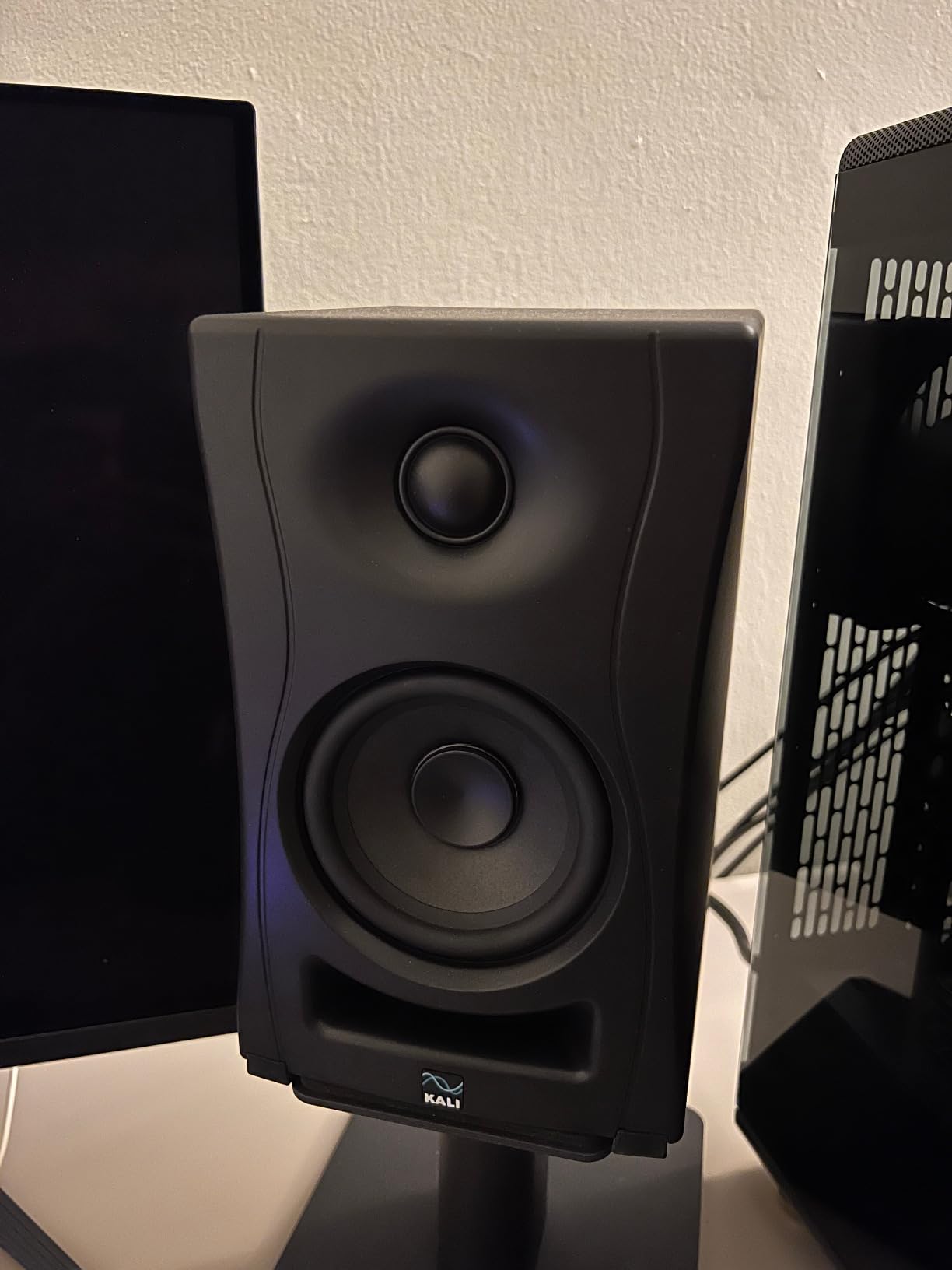
12. KALI AUDIO LP-UNF – Built Specifically for Half-Metre Listening
KALI AUDIO LP-UNF Ultra Nearfield Monitor System – Black
4.5 inch woofer
1 inch tweeter
160W output
39 Hz frequency response
Pros
- Flat low-distortion response with accurate imaging and a strong phantom centre
- Low frequency response reported deep enough that owners need no subwoofer
- 3D Imaging Waveguide and Boundary EQ DIP switches make tuning straightforward
- No audible hiss at idle and no latency
Cons
- Interconnect cable uses an unusual connector and is only about 5 feet long
- No subwoofer output or high-pass filter
- Ultra-nearfield design means sound quality falls off noticeably beyond about 1 metre
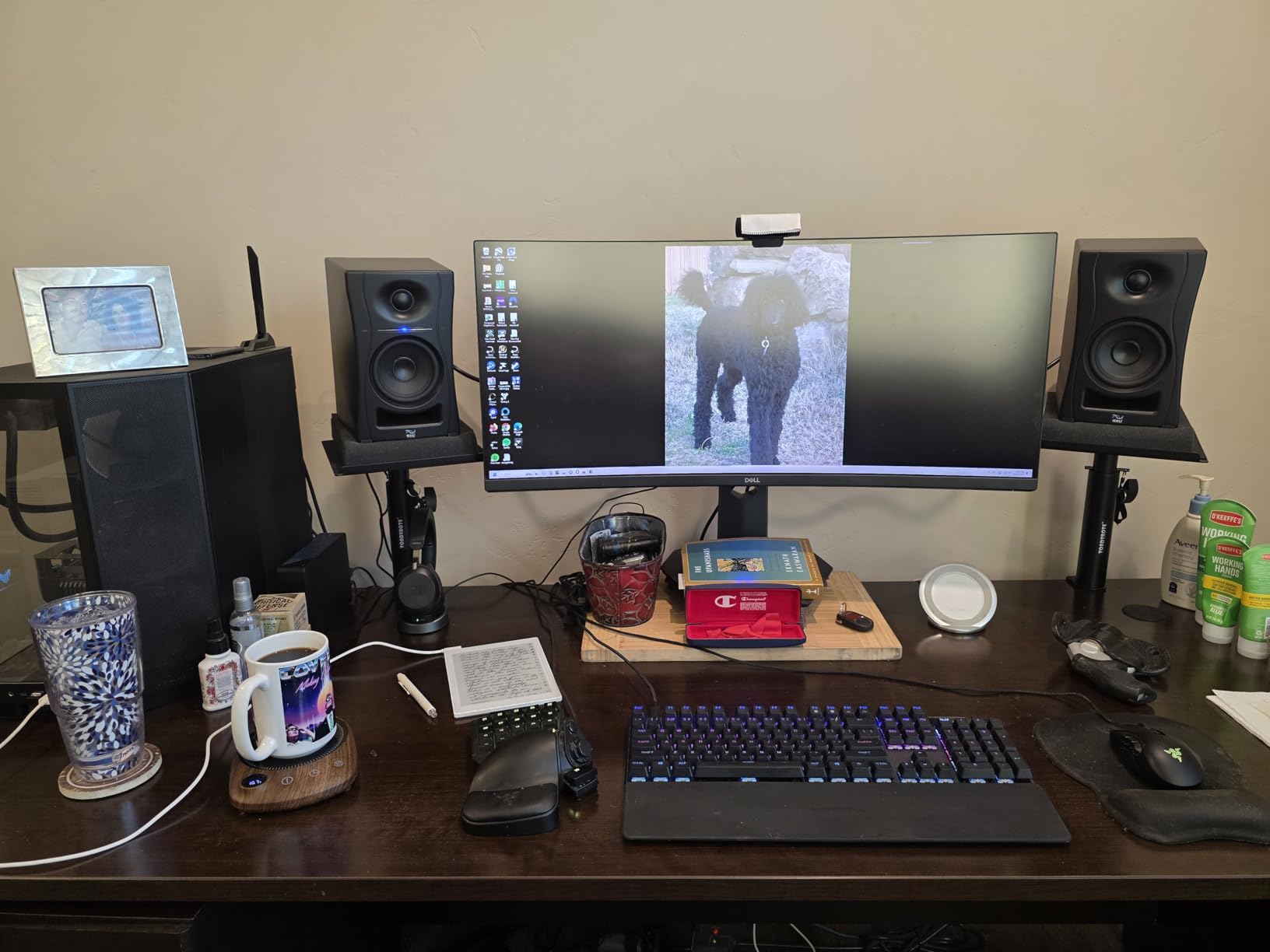
The LP-UNF is the only monitor in this roundup designed around a fixed ultra-nearfield listening distance of roughly 0.8 metres, and everything about it follows from that decision. The result is a flat, low-distortion response with no reported hiss at idle and no latency, which is exactly what you want when the driver is less than a metre from your ear.
The 3D Imaging Waveguide and the Boundary EQ DIP switches are the practical highlights. The dip switches come with placement diagrams, so instead of guessing which switch combination matches your desk you read the diagram and set them. Owners report that the bass is genuinely deep enough for a 4.5 inch driver that they stopped looking for a subwoofer.
At 160W of output the pair is powerful for its size, and reviewers describe it as loud enough for a small to medium room with real headroom. The touch volume slider on the front is convenient, though it can be unresponsive on the first touch.
Why 39 Hz Matters More Than the Number Suggests
The listed frequency response starts at 39 Hz, which is the deepest low-frequency figure of any monitor here. A 4.5 inch driver reaching there is unusual, and it is a direct result of port and cabinet design aimed at close listening where the direct sound dominates.
Owner reports of not needing a subwoofer are consistent, and the pair is described as revealing but never harsh across long sessions. If your workflow depends on judging low end, this is the model on the list I would try first.
Where the Ultra-Nearfield Trade Shows Up
The design has a clear boundary. Sound quality falls off noticeably beyond about one metre, which means this pair is wrong for a spacious listening setup and wrong for anyone who wants to move back from the desk. That is not a flaw, it is the specification working as intended.
There is also no subwoofer output and no high-pass filter, so extending the low end later means changing to a matched KALI sub rather than bolting one on. The interconnect cable uses an unusual connector and runs about 5 feet, which restricts wide desk layouts.
Who It Suits and Who Should Pass
Suit it if you mix at a fixed close distance on a small desk, if you want the deepest low end available without a subwoofer, if you work in a very quiet room where hiss would show up, or if you value silence between takes.
Pass on it if you mix from further back, if you sit and listen at a distance for pleasure as well as work, or if you need to add low end later with a subwoofer. The TRS, RCA, USB-C and Bluetooth connectivity is broad, and that part suits most desks.
How to Set Up Near Field Monitors: The 38 Rule and Ear Height
The 38 rule states that in a normal mixing room, a monitor should be positioned so that the distance from the listener to the speaker is 38 percent of the distance between the two speakers. It is an approximate starting geometry derived from room ratios, not a measurement, and its value is that it gives you a repeatable starting point instead of a guess.
Set the speakers and your head as the three points of an equilateral triangle, then adjust the distance until the speaker-to-speaker span is roughly 2.6 times the distance from the speakers to your head. That gives a flat, even direct sound with reasonable support from room reflections rather than a narrow spot.
Everything else follows from there. Put the tweeters at ear height, because a speaker angled down at your ears changes the high frequency balance. Toe the speakers in slightly, roughly 10 degrees, so the acoustic axis crosses at your ear position. Pull the speakers forward off the desk edge so the bass port is not reflecting off a wall 5 centimetres away.
Set your level and leave it. The convention is 85 dB SPL at the listening position for critical work, roughly where the monitor’s own calibration reference sits. If your interface has a headphone output, a rough way to get close is to play a calibration track through the headphones, note the knob position, then match it on the speaker. Whatever method you use, changing monitoring level between sessions makes every judgement you make less reliable.
For long sessions, consider a second reference in headphones. Our guide to the best over ear headphones for long listening sessions covers options that will not fatigue you over a whole mix day.
Match Monitor Size to Your Room in Square Feet
Driver size is a room decision before it is a sound decision. A large woofer in a small room does not give you more low end, it gives you a standing wave and a bass buildup that makes every mix boomy. Use the room as your first filter.
- Under 100 square feet, often a bedroom: 3 to 4 inch drivers. The Edifier R1280T, the IK iLoud Micro and the PreSonus Eris E4.5 all sit here comfortably.
- 100 to 200 square feet, a typical project room: 4.5 to 5.25 inch drivers. The Yamaha HS4, the ADAM T5V, the PreSonus Eris E5 and the KALI LP-UNF cover this range.
- Over 200 square feet with any treatment: 5 inch and above, plus a subwoofer for low-end decisions.
Port placement matters as much as driver size in a small room. Front-firing ports such as the PreSonus Eris E5 and the Edifier R1280T work close to a wall. Rear-firing ports on the Yamaha HS4, the PreSonus Eris E4.5 and the ADAM T5V need 15 to 20 centimetres of clearance, which on a desk against a wall means stands that pull the speakers forward.
Treat the room before you treat the drivers. Two broadband panels at the first reflection points and a couple of corner bass traps will do more for your mix decisions than moving up a driver size, and they cost less than the monitors most people are considering instead. Treat first, then choose driver size, then buy.
Boundary EQ, DSP and Room Correction: What Each Control Fixes
Every monitor on this list has some form of low and high shaping, but they solve different problems. Knowing which problem each one addresses saves you from dialling in the wrong control.
Placement switches and dip switches, as on the KALI LP-UNF, tell the monitor exactly how far it is from a wall. You set a diagram and the monitor applies the correction. This is the most direct of the approaches because it is tied to a known physical condition.
Boundary EQ, as on the JBL 305P MkII, is a fixed trim for speakers placed near a wall, paired with an HF Trim for a bright room. It fixes the category of problem in a known-good way and it needs no software.
Room control and acoustic tuning switches, as on the Yamaha HS4 and the PreSonus Eris E5, are broad shelving trims. You apply them by ear against your room. They are useful, and they are not measurement, so change your position before you change the switch.
DSP shelf filters, as on the ADAM T5V, add a low and high shelf pair aimed at acoustically difficult rooms. Same category as the shelving trims, implemented in firmware.
Position compensation presets, as on the IK iLoud Micro, switch between free-field and desktop response. This is the simplest version of the idea and the easiest to use correctly.
Full automatic room correction is a different category. Systems that measure your room with a microphone and apply an automatic correction filter can flatten a bad room well, but they correct the room, not the monitor, and they cannot fix a bad position. Treat them as a final layer after placement and treatment. Forum consensus across r/BudgetAudiophile and GearSpace threads on near field monitors puts the same order in the same sequence, and that is the advice I would give anyone setting up in 2026.
Studio Monitors vs Hi-Fi Speakers for Critical Listening
Studio monitors and hi-fi speakers are built to opposite specifications. A hi-fi speaker is voiced for musical enjoyment, typically with a lifted low end and a softened high end. A studio monitor is built to a flat target, with lower self-noise, a wider usable sweet spot and controls that let you correct for the room.
That does not make hi-fi speakers bad. It makes them the wrong instrument for a mix decision. A flattering low end tells you a bass part is present when it is actually masking other instruments. A softened high end hides sibilance that consumers will hear immediately.
Where hi-fi speakers win is the second half of your workflow. A consumer-grade pair on a shelf, a phone speaker and a car system are all translation checks, and the best of them are not studio monitors. That is why the smart workflow is a monitor pair for decisions and a consumer system for checking, plus headphones for the parts that need to be private.
The forum consensus on this point is consistent and worth repeating: learning your monitors matters far more than their cost. Owners cite how many years they have mixed on a pair more often than any specification, and the same people report that a year of mixing on a modest pair produces better results than a month on an expensive one. Buy a pair you can reach a reference level on, learn what its faults are, and correct for them in your head.
Frequently Asked Questions
What are the best speakers for near-field listening?
The best near field speakers are powered studio monitors placed 1 to 1.5 metres away with tweeters at ear level. On this list, the u003cstrongu003eEdifier R1280Tu003c/strongu003e is the most proven all-rounder, the u003cstrongu003eYamaha HS4u003c/strongu003e is the most accurate, the u003cstrongu003ePreSonus Eris E5u003c/strongu003e gives the most headroom and the u003cstrongu003eKALI LP-UNFu003c/strongu003e is built for close listening at under one metre. Match driver size to room size and place the speakers before anything else.
What is the 38 rule for studio monitors?
The 38 rule says that in a normal mixing room, the distance from the listener to each speaker should be 38 percent of the distance between the two speakers. It is a starting geometry, not a measurement, derived from room proportions rather than from your specific room. Its value is giving you a repeatable starting point for an equilateral triangle setup before you fine-tune by ear.
Which studio monitors offer the best bass response?
For the deepest low-frequency extension in this roundup, the u003cstrongu003eKALI LP-UNFu003c/strongu003e has the lowest listed figure at 39 Hz, followed by the u003cstrongu003eADAM Audio T5Vu003c/strongu003e at 45 Hz and the u003cstrongu003eIK Multimedia iLoud Microu003c/strongu003e at 55 Hz. Bass response also depends on room size. In a small untreated room, a smaller driver placed well will beat a larger driver placed badly every time.
How far away should near field monitors be?
Near field monitors should sit roughly 1 to 1.5 metres from your ears, with the tweeters at ear height and the speakers angled inward by about 10 degrees. Use the 38 rule as a starting point, then adjust until the stereo image is stable when you move your head slightly. Pull the speakers forward off the desk edge so the bass port has room to work.
Should studio monitors be against a wall?
Ideally no, and it matters more than most buyers expect. A speaker against a wall gains bass output that makes mixes boomy and unbalanced. Front-ported monitors such as the u003cstrongu003ePreSonus Eris E5u003c/strongu003e and the u003cstrongu003eEdifier R1280Tu003c/strongu003e tolerate close wall placement far better. Rear-ported models need 15 to 20 centimetres of clearance, so use stands that pull them forward.
What size studio monitor do I need for a small room?
For a room under 100 square feet, choose a 3 to 4 inch driver such as the u003cstrongu003eEdifier R1280Tu003c/strongu003e, the u003cstrongu003eIK iLoud Microu003c/strongu003e or the u003cstrongu003ePreSonus Eris E4.5u003c/strongu003e. Between 100 and 200 square feet, a 4.5 to 5.25 inch driver such as the u003cstrongu003eYamaha HS4u003c/strongu003e or the u003cstrongu003ePreSonus Eris E5u003c/strongu003e fits well. Larger drivers in a small room create bass buildup rather than extra low end.
Which Near Field Monitors Should You Buy?
If you want one answer, take the Edifier R1280T. It has the deepest track record on this list, the most forgiving setup, front-firing bass and a side panel that lets you fix a bad desk in seconds rather than moving furniture.
If you mix seriously and want the most honest sound, the Yamaha HS4 is the pair I would buy for a project room. Its XLR and TRS inputs, room control switch and cleaner midrange will show you problems the cheaper pairs smooth over. The trade is 26W per side and no wireless.
For a busy mix at loud levels, go to the PreSonus Eris E5. The 5.25 inch woofer, 80W of Class AB amplification and front-firing port handle a treated or semi-treated room better than anything else here. If your desk is hard against a wall, that port is the deciding factor.
For the deepest low end in this group, the KALI LP-UNF is built for a fixed 0.8 metre listening position, with no hiss, no latency and a Boundary EQ dip switch setup that takes the guesswork out of placement. Buy it if you never mix from further back.
For small rooms and portability, the IK Multimedia iLoud Micro puts a linear response and 55 Hz of low end in a pair you can carry in a bag. For a first home studio, the Edifier MR4 is the most complete package, with balanced TRS and a front headphone output.
Whichever you choose, set the geometry first, level-match once, and then spend a year learning what that specific pair gets wrong. That is the actual method behind better mixes, and it costs less than any upgrade on this page. Treat your room before you buy anything, check back with us for the 2026 guide updates.