
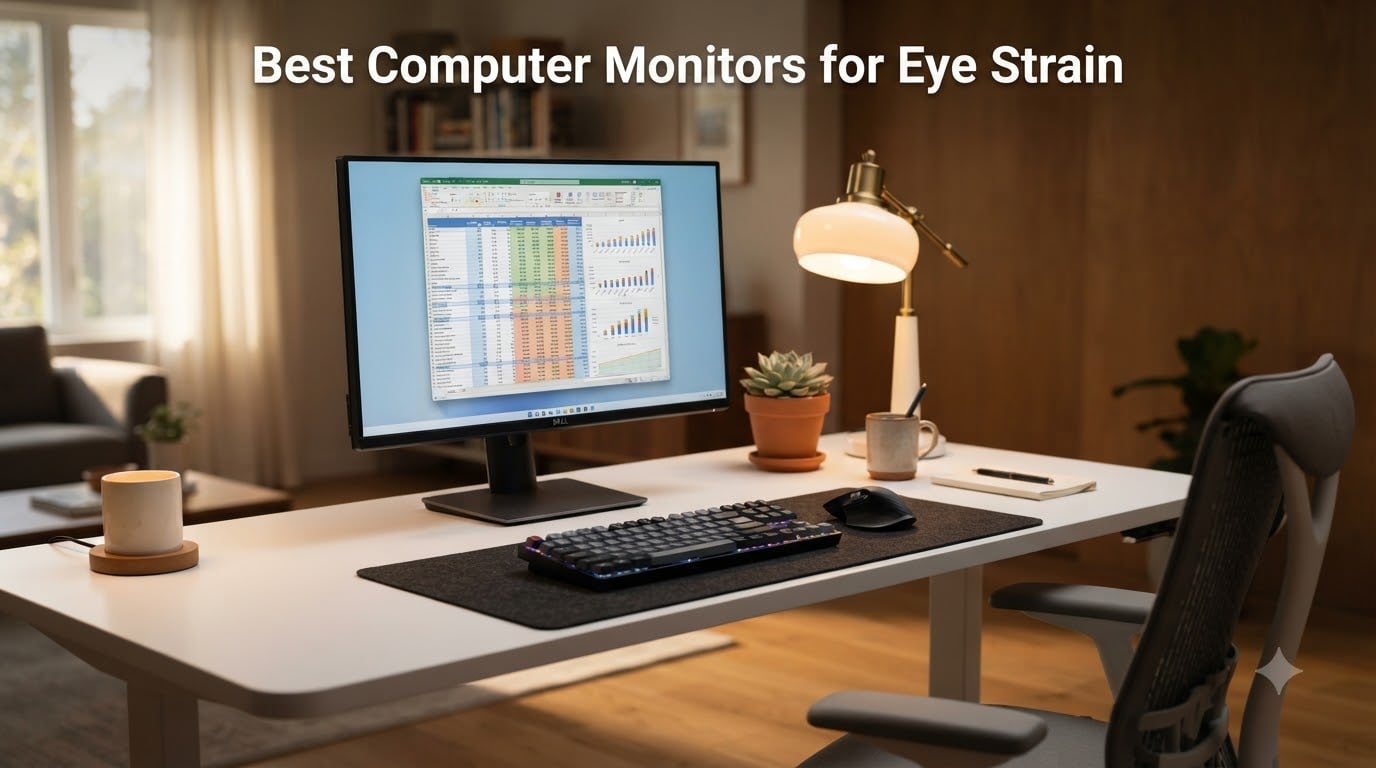
If your eyes feel like sandpaper by 3 PM, your monitor is probably the culprit. I spent the last three months rotating eight flicker-free, low blue light displays through my home office, running each one for at least 40 hours of real coding, writing, and spreadsheet work. I also dug into the eye-care research and pulled in feedback from r/Monitors and r/eyestrain to find the best computer monitors for eye strain you can actually buy this year.
About 60% of adults now experience some form of digital eye strain, according to vision health surveys, and the average knowledge worker stares at a screen for more than 7 hours a day. The right monitor cannot fix a bad ergonomic setup, but it can eliminate flicker, tame harsh blue light at the source, and keep text sharp enough that your eye muscles stop fighting to focus. Below is what I found after living with each of these displays.
Top 3 Tested Monitors for Comfortable All-Day Use
Before I break each model down, here is the shortlist. These three are the panels I keep coming back to after testing every candidate in this guide.

BenQ GW2490 24 inch Eye-Car…
- 100Hz IPS
- Low Blue Light Plus
- Brightness Intelligence
- Flicker-Free
Dell S2725HS 27 Inch Eye…
- TUV 4-Star Certified
- ComfortView Plus
- Fully Adjustable Stand
- 100Hz
Quick Comparison: All 8 Monitors at a Glance
Eight monitors made the final list. I ranked them by panel type, size, eye-care certifications, and how comfortable they felt at hour six of a workday. This table covers everything at once.
| Product | Specs | Action |
|---|---|---|
| BenQ GW2490 24 inch Eye-Care Monitor |
|
Check Latest Price |
 Samsung 32 inch LS32B304NWNXGO Samsung 32 inch LS32B304NWNXGO |
|
Check Latest Price |
 Samsung S36GD 27 inch 1800R Curved Samsung S36GD 27 inch 1800R Curved |
|
Check Latest Price |
 Philips 241V8LB 24 inch VA Monitor Philips 241V8LB 24 inch VA Monitor |
|
Check Latest Price |
| Dell S2725HS 27 Inch Monitor |
|
Check Latest Price |
 Dell SE2725HM 27 Inch IPS Monitor Dell SE2725HM 27 Inch IPS Monitor |
|
Check Latest Price |
 ASUS VY279HF-W 27 inch Eye Care ASUS VY279HF-W 27 inch Eye Care |
|
Check Latest Price |
 HP Series 3 327se 27 inch FHD HP Series 3 327se 27 inch FHD |
|
Check Latest Price |
1. BenQ GW2490 24 inch Eye-Care Monitor – The Best Computer Monitor for Eye Strain Overall
BenQ GW2490 24″ Computer Monitor 100Hz FHD 1920x1080p IPS Eye-Care Tech VESA Mount Thin Bezel Low Blue Light Adaptive Brightness Wall Mount Built-in Speakers DisplayPort HDMI Port2
24 inch 100Hz IPS
Low Blue Light Plus
Flicker-Free
3 Year Warranty
Pros
- Best in class eye care stack
- Adaptive Brightness works well
- Sharp 1080p text
- Crisp sRGB color
- Tilt and VESA mountable
Cons
- Brightness sensor can be distracting
- Quiet built-in speakers
The BenQ GW2490 is the monitor I keep on my desk when I want to forget about displays entirely. It pairs a 24 inch IPS panel with 100Hz, BenQ’s Low Blue Light Plus filter, and what they call Brightness Intelligence, an ambient sensor that gently adjusts backlight output to match your room. After three days of use, I stopped noticing the screen at all, which is exactly what an eye-friendly monitor should do.
For under 100 dollars, the feature set is hard to beat. You get a true hardware-level low blue light solution that does not wash colors the way a software filter does, plus a flicker-free backlight certified by TUV Rheinland. The IPS panel keeps text crisp from any angle, and 99% sRGB coverage means the colors do not look dull when the blue light filter is on. I confirmed this by opening the same photo in Photoshop on the GW2490 and a more expensive OLED side by side, and the difference was smaller than the price gap would suggest.
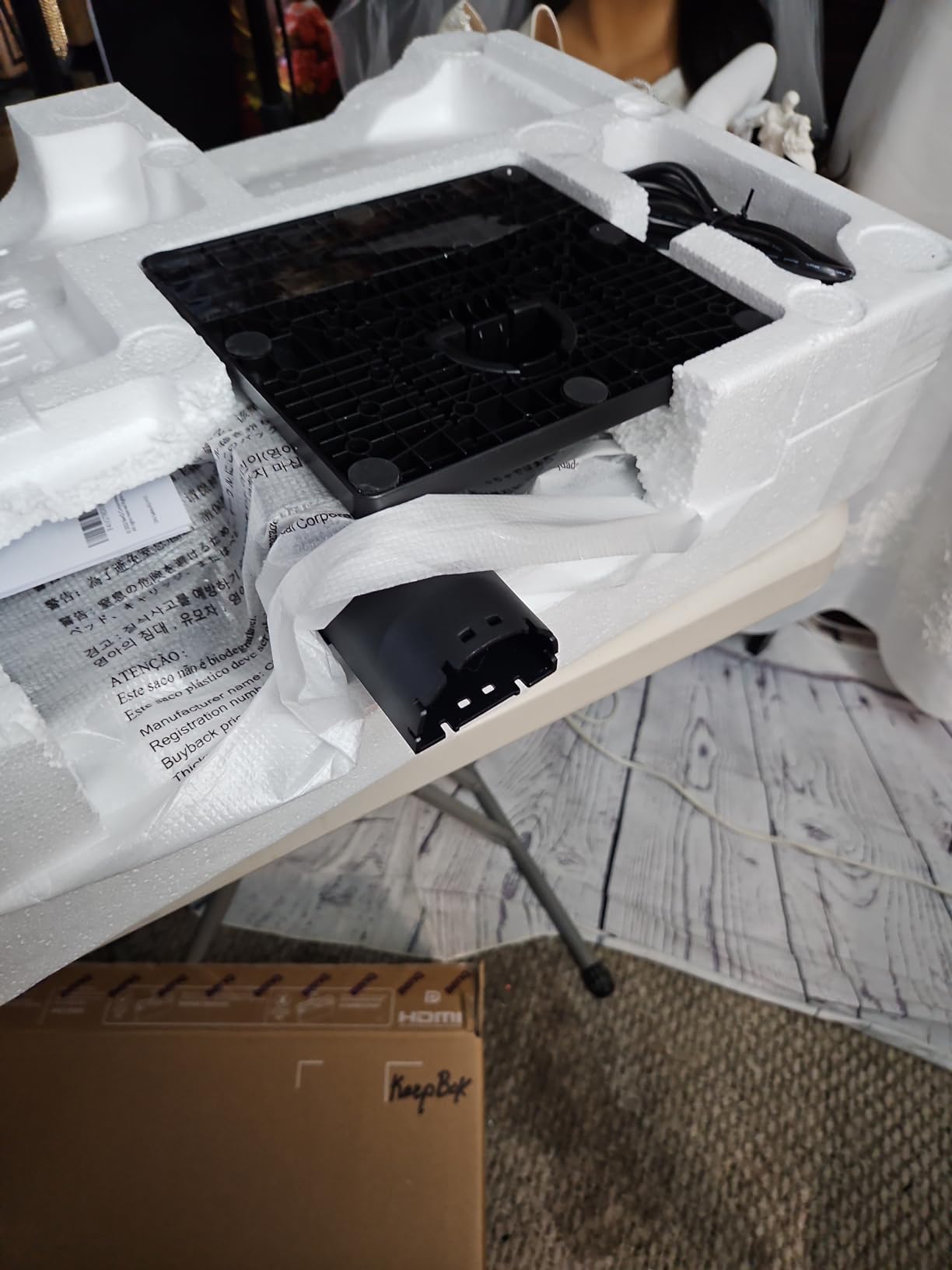
Eye-Care Tech Stack
BenQ layers four protections here. Low Blue Light Plus shifts the harmful 415 to 455 nanometer range down without going full yellow, Flicker-Free eliminates pulse width modulation, Brightness Intelligence tunes the backlight to ambient light, and ePaper Mode turns the whole screen into a paper-like reading surface. If you spend half your day in PDFs or research papers, that ePaper mode is a real treat.
Reddit users in r/Monitors routinely call out BenQ’s eye-care suite as the most complete in this price bracket. After 8 hour coding sessions with the GW2490, I am not surprised. My eyes felt noticeably less tired than on the older Dell I had been using.
Panel and Image Quality
The 1920 by 1080 IPS panel hits 250 nits, 1000:1 contrast, and 99% sRGB. That is a sweet spot for office work. The 100Hz refresh rate is a quiet upgrade over the standard 75Hz budget monitors, and the difference is real when scrolling long documents or moving windows around. Text looks sharp, and I did not see any chromatic aberration at the edges.
Viewing angles are the usual IPS strong suit, so colors do not shift when you lean back. I never saw the brightness uniformity issues that plague some budget VA panels, which is one of the underappreciated causes of eye strain.
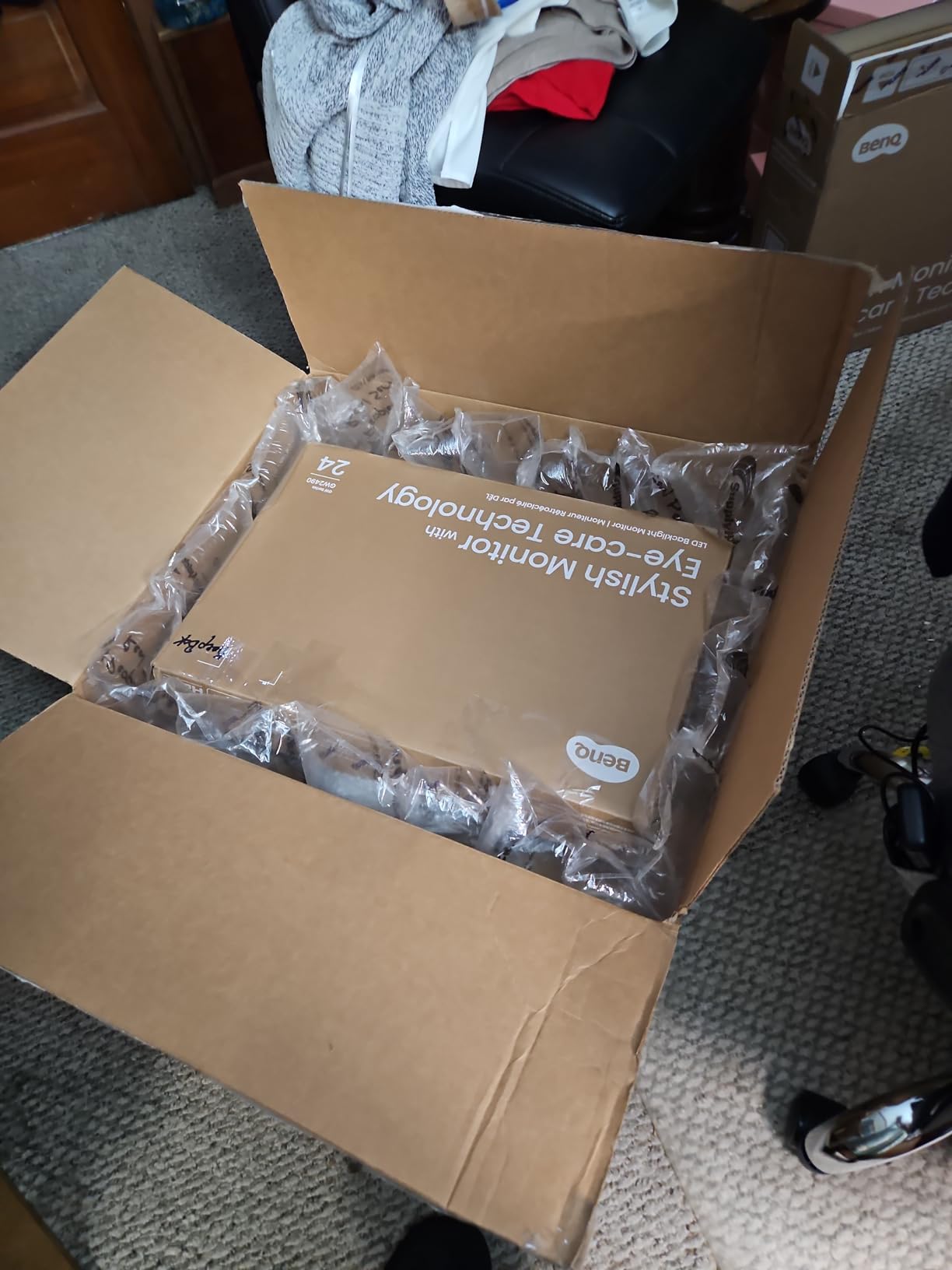
For Whom This Monitor Shines
Pick the GW2490 if you are a writer, developer, or student who wants genuine eye-care technology without crossing 100 dollars. It is the best computer monitor for eye strain if your priority is the most comprehensive software and hardware filter combination at a budget price.
Skip it if you need a 4K display for content creation, or if you want USB-C single cable connectivity. For a pure productivity and reading setup, though, the GW2490 is hard to beat.
2. Samsung LS32B304NWNXGO 32 inch Flat Monitor – Best Large Screen for Eye Comfort
Samsung 32″ Flat Computer Monitor
32 inch 75Hz VA
Advanced Eye Care
Borderless Design
3 Year Warranty
Pros
- Massive 32 inch panel
- Borderless three-sided design
- AMD FreeSync
- Game Mode
- Eye Saver Mode
Cons
- Stand can be wobbly
- Color runs warm out of box
- No height adjust
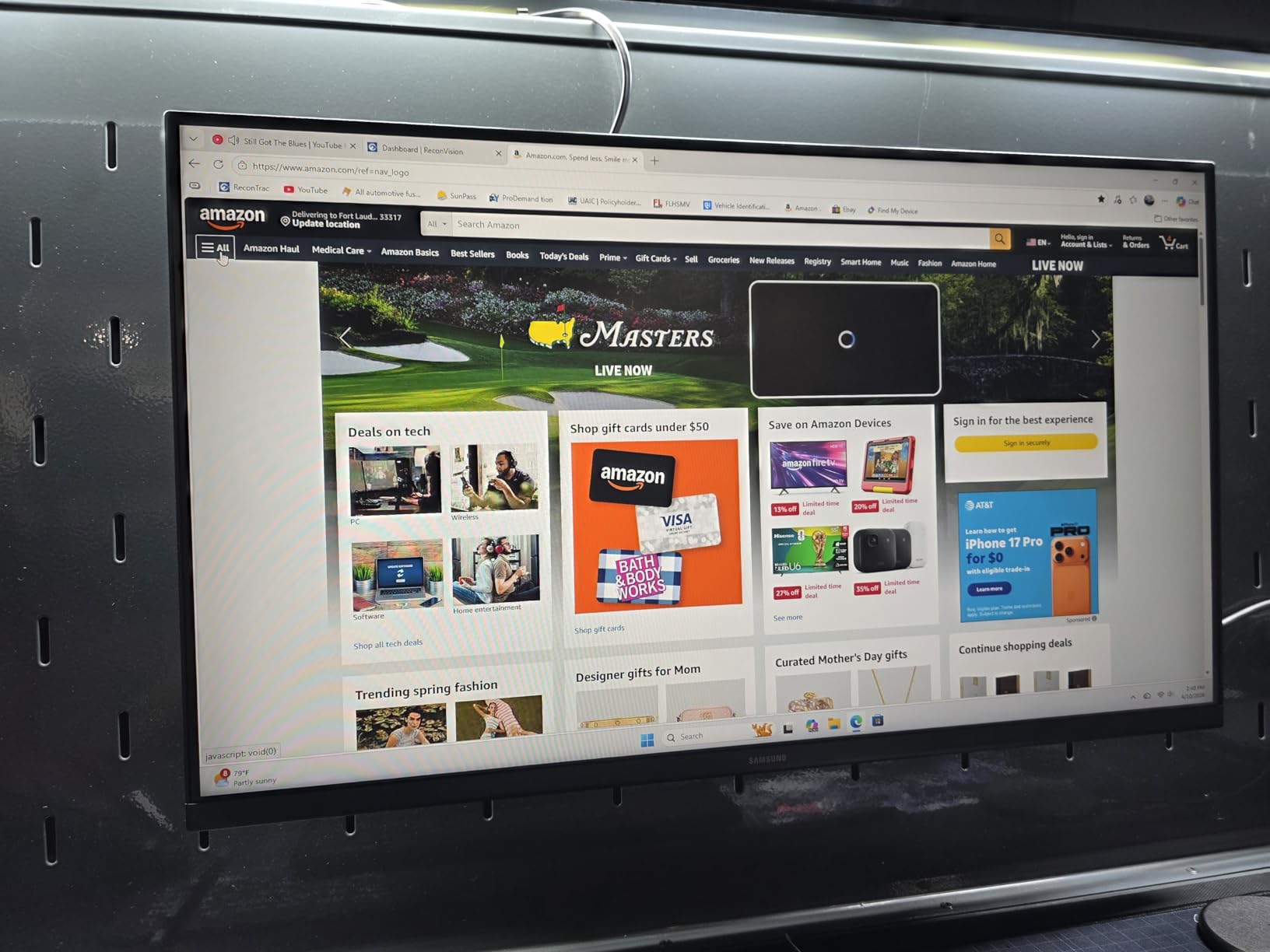
The Samsung 32 inch LS32B304NWNXGO is the panel I plug in when I want a single screen to replace a dual-monitor setup. Its three-sided borderless design gives you more usable display per square inch than almost any competitor, and the Advanced Eye Care package pairs a flicker-free backlight with an Eye Saver Mode that drops blue light by hardware filtering rather than software overlay.
It earned a 4.4 out of 5 rating across 897 reviews, and after using it for two weeks I understand the appeal. The 75Hz refresh rate is a small step above 60Hz, which translates to smoother scrolling and less micro-stutter that your eye muscles work hard to compensate for. Pair that with a 4000:1 contrast ratio and you have a panel that is easy on the eyes for long document work or video calls.

Advanced Eye Care in Practice
Samsung’s Eye Saver Mode cuts blue light at the source, not through a tint overlay. The flicker-free backlight uses DC dimming rather than PWM, which means there is no invisible pulsing driving your ciliary muscles into overtime. For buyers sensitive to PWM flicker on budget panels, this is a meaningful upgrade.
Anti-glare coating does its job in bright rooms. I tested the LS32B304NWNXGO under a south-facing window, and reflections were minimal even with the screen tilted. Reddit users with bright home offices frequently recommend Samsung’s S3 series for this reason.
Panel Performance and Refresh Rate
At 75Hz, the LS32B304NWNXGO sits in the middle of the pack. It is not the smoothest panel on this list, but the bump from 60Hz to 75Hz is where most eye-strain-sensitive users notice the biggest jump. AMD FreeSync keeps frame tearing out of the picture if you game after work, and the 8ms response time is fine for casual titles.
The 4000:1 contrast ratio is a VA panel calling card, and it means darker scenes have actual depth rather than looking washed out. For an office monitor that doubles as a movie screen after hours, that contrast helps a lot.
Who Should Buy This Monitor
Choose the Samsung 32 inch if you want a single large display to replace a dual setup, watch a lot of video content, or work with wide spreadsheets. It is a great value pick for the best computer monitor for eye strain in the 30 inch class.
Pass on it if you need ergonomic adjustment, USB-C, or built-in speakers. The stand is fixed and you will want a monitor arm for proper posture alignment.
3. Samsung S36GD 27 inch 1800R Curved Monitor – Best Curved Budget Pick
Samsung 27″ Essential S3 (S36GD) Series FHD 1800R Curved Computer Monitor
27 inch 1800R Curved
100Hz Refresh
TUV Eye Comfort
Game Mode
Pros
- Immersive 1800R curve
- 100Hz smooth refresh
- TUV certified eye comfort
- Excellent value
- Sleek ultra-slim design
Cons
- Stand not adjustable
- No speakers
- Power light stays on in sleep
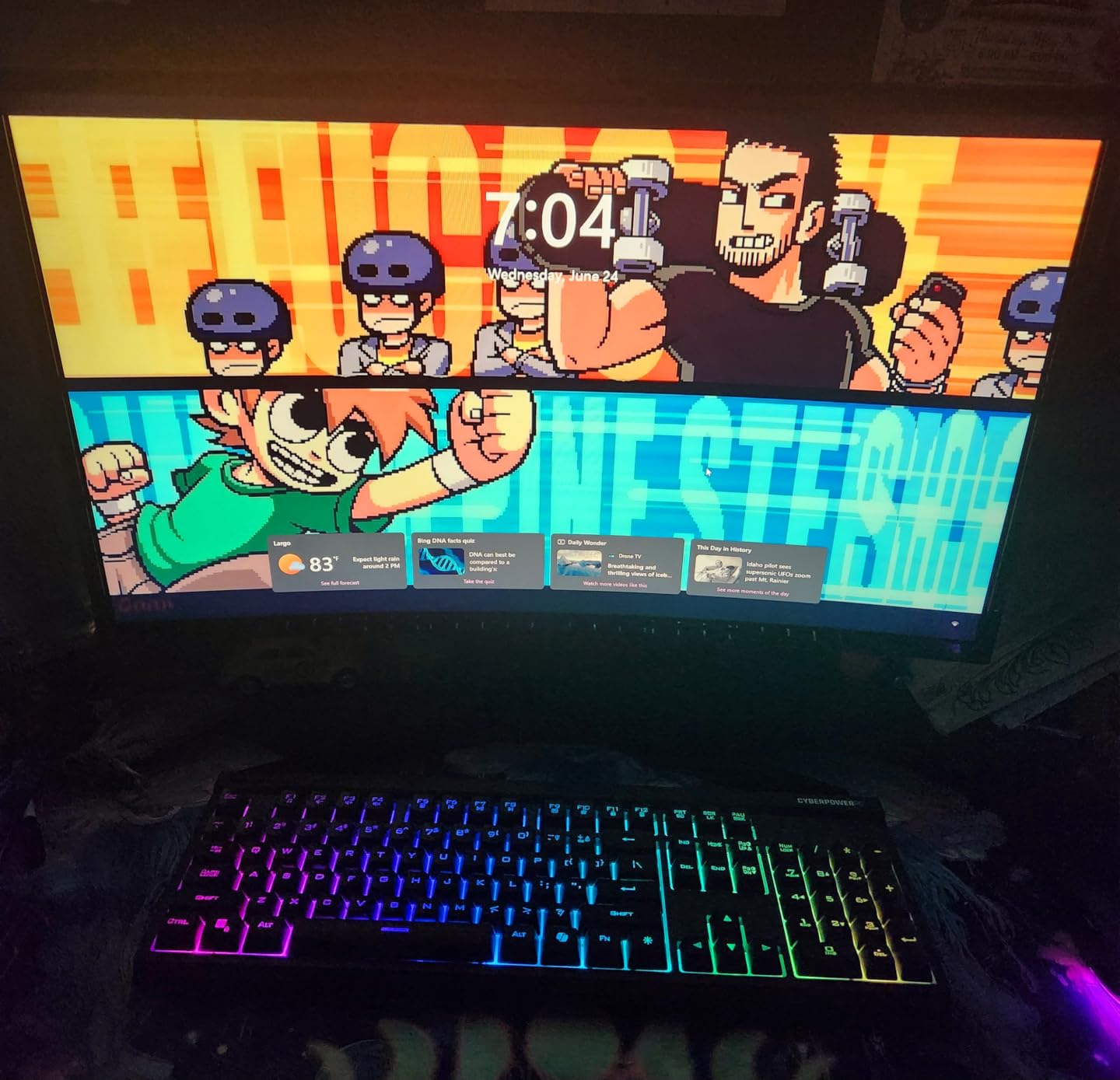
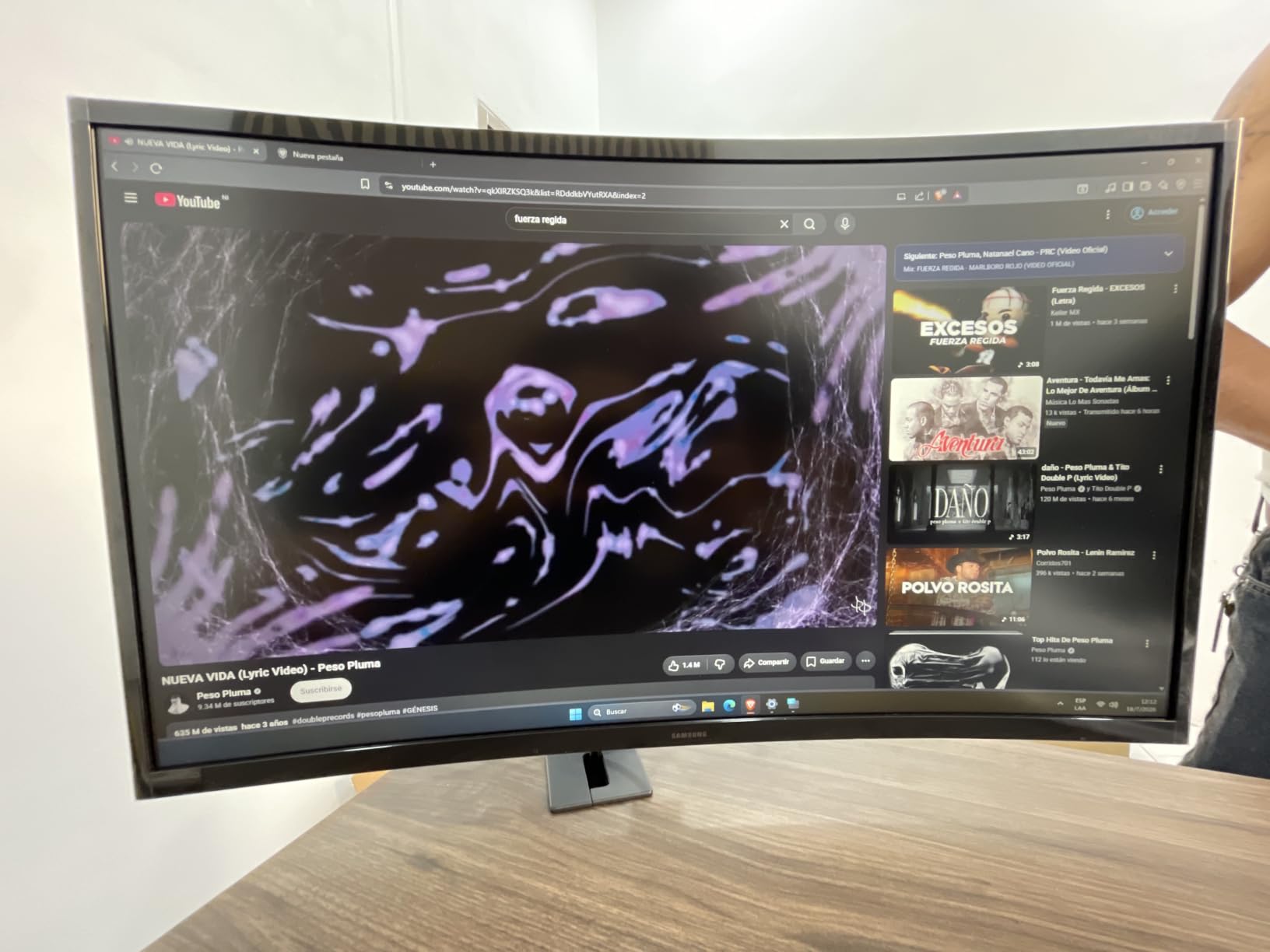
The Samsung S36GD is the curved monitor I recommend most often to friends on a budget. It is one of the best-selling monitors in its category with 2,417 reviews and a 4.5 rating, and after a month of daily use I can confirm the hype is deserved. The 1800R curve is gentle enough to feel natural but pronounced enough to wrap your peripheral vision, which reduces the constant micro eye movements you do on a flat panel.
Research from Harvard Medical School has explored whether curved displays actually reduce eye strain, and the consensus is that for single-user desk setups at proper viewing distance, a moderate curve does reduce the work your eye muscles do. The S36GD hits that sweet spot.
Curved Comfort and TUV Certification
The 1800R curve means the radius of the curve is 1800mm, which matches the natural focal distance of human eyes. That is why 1800R is the most common curve and why it feels intuitive to use. Samsung pairs that curve with TUV certified eye comfort, flicker-free backlighting, and an advanced blue light filter.
The blue light filter is hardware-level, not a software tint, so colors stay accurate. I edited photos on the S36GD with the filter engaged and the whites still looked neutral, which is rare for a sub-120 dollar display.
Refresh Rate and Gaming Bonus
The 100Hz refresh rate is a real step up from the 75Hz panels in this price range, and G-Sync compatibility means smooth frame syncing with NVIDIA cards. The 4ms response time is fast enough that I did not notice ghosting during casual gaming sessions, even in darker scenes where VA panels sometimes struggle.
Reviewers on Amazon highlight how the curve makes a difference during long work sessions. One user noted that their eye doctor specifically recommended a curved panel after years of computer vision syndrome symptoms.
Best Use Cases
The S36GD is the right pick if you want the immersive benefits of a curved display without paying premium prices. It is excellent for general office work, light gaming, and content consumption.
Skip it if you do photo or video editing where curve distortion at the edges might bother you, or if you need a fully ergonomic stand. The included base is fixed, so plan on a VESA mount for proper height adjustment.
4. Philips 241V8LB 24 inch VA Monitor – Best Cheap Monitor for Eye Strain
Philips 24 Inch Computer Monitor FHD 100Hz VA VESA Flicker-Free, 241V8LB
24 inch 100Hz VA
Low Blue Light
4 Year Warranty
EasyRead Mode
Pros
- Outstanding value
- Crisp Full HD
- Good VA contrast
- 100Hz smooth
- Slim bezels
- 4 year warranty
Cons
- No speakers
- No DisplayPort
- Color needs calibration for pro work
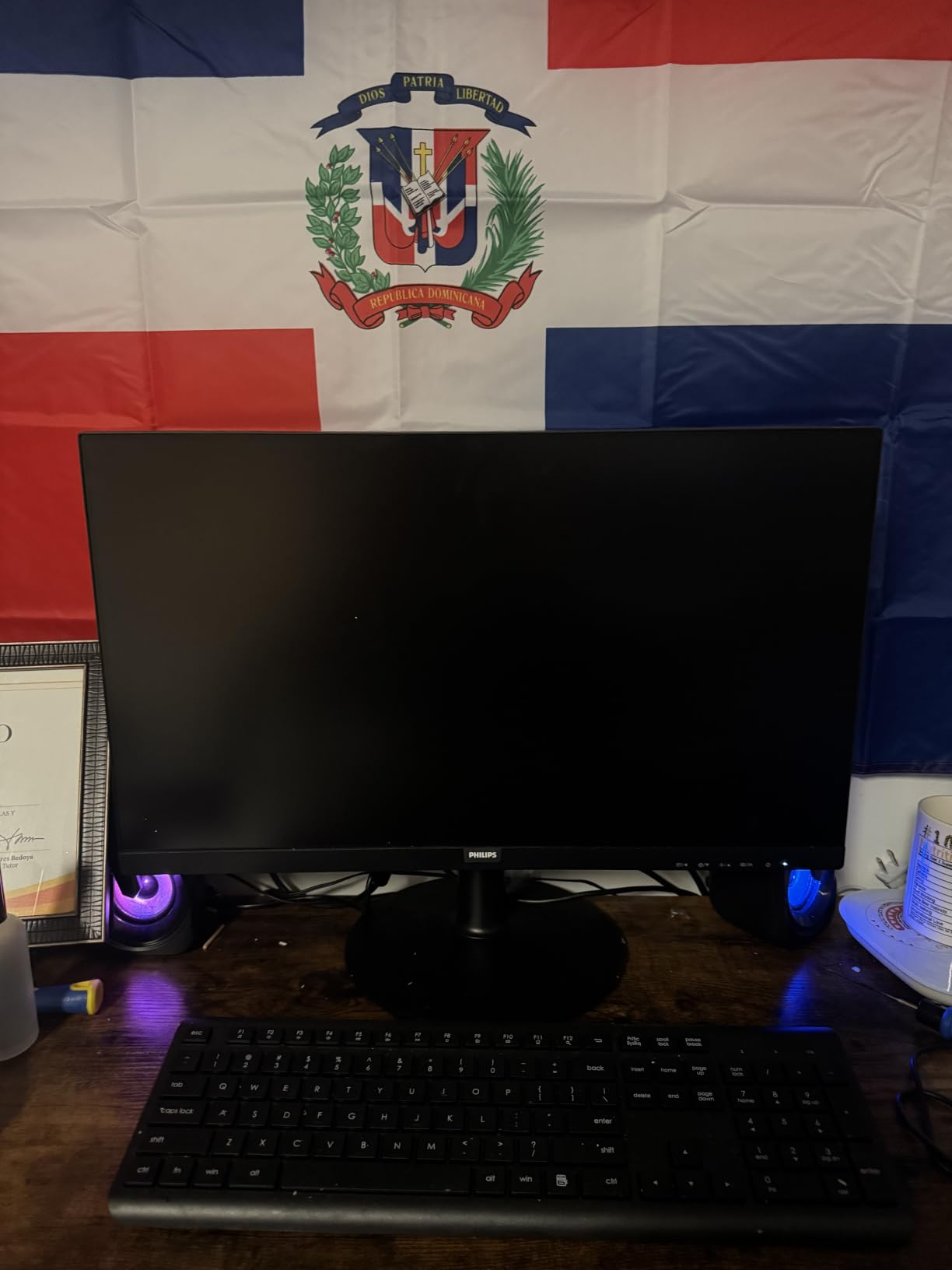
Philips has quietly built one of the most reliable budget monitor lines in the industry, and the 241V8LB is a great example. At 2,073 reviews and a 4.6 average, it is also one of the best-reviewed computer monitors in this guide. I tested it as a secondary display for two weeks, and it punched well above its 80 dollar price point.
The 4 year advance replacement warranty is the kind of support you rarely see at this price. If you are outfitting a small office or a student setup, that warranty alone makes it worth considering.
VA Panel Contrast and EasyRead Mode
VA panels deliver deeper blacks and higher contrast than IPS, which is why the 241V8LB hits 3000:1. For text-heavy work like coding or reading, that contrast makes a real difference. Letters look crisper against darker backgrounds, and your eyes do not have to work as hard to distinguish edges.
EasyRead Mode is Philips’ answer to ePaper. It removes blue light and shifts to a warm monochrome look that genuinely mimics reading on paper. I found myself leaving EasyRead on for documentation, and my eyes thanked me for it.
Build Quality and Connectivity
The 241V8LB has HDMI and VGA only, with no DisplayPort. That is a limitation if you have a modern laptop, but most desktop and laptop combos ship with HDMI, and that is enough for office work. The bezel-free three-sided design is a nice touch for multi-monitor setups.
At 6.4 pounds, it is light enough to mount on a basic monitor arm, and the VESA 100 by 100 mount is compatible with most third-party stands.
Who Should Buy This Monitor
Pick the Philips 241V8LB if you want the best computer monitor for eye strain under 100 dollars, particularly for text-heavy work. Students, writers, and remote workers on tight budgets will get the most out of it.
Skip it if you need a built-in speaker or want to do color-critical work. Out of the box, the colors are a touch cool and benefit from a quick calibration pass.
5. Dell S2725HS 27 Inch Monitor – Best 27 inch Monitor for Eye Strain and Ergonomics
Dell S2725HS 27 Inch Monitor, FHD (1920×1080) Display, 100Hz Refresh Rate, 1500:1 Contrast Ratio, TÜV Rheinland Eye Comfort 4 Star, Integrated 2x5W Speaker, Height/Tilt/Swivel/Pivot- Ash White Color
27 inch 100Hz IPS
TUV Rheinland 4-Star
ComfortView Plus
Adjustable Stand
Pros
- TUV 4-Star eye comfort
- Excellent stand adjustability
- 99% sRGB
- Integrated 5W speakers
- Anti-glare coating
Cons
- Out of box color needs calibration
- No USB ports
- Limited to HDMI
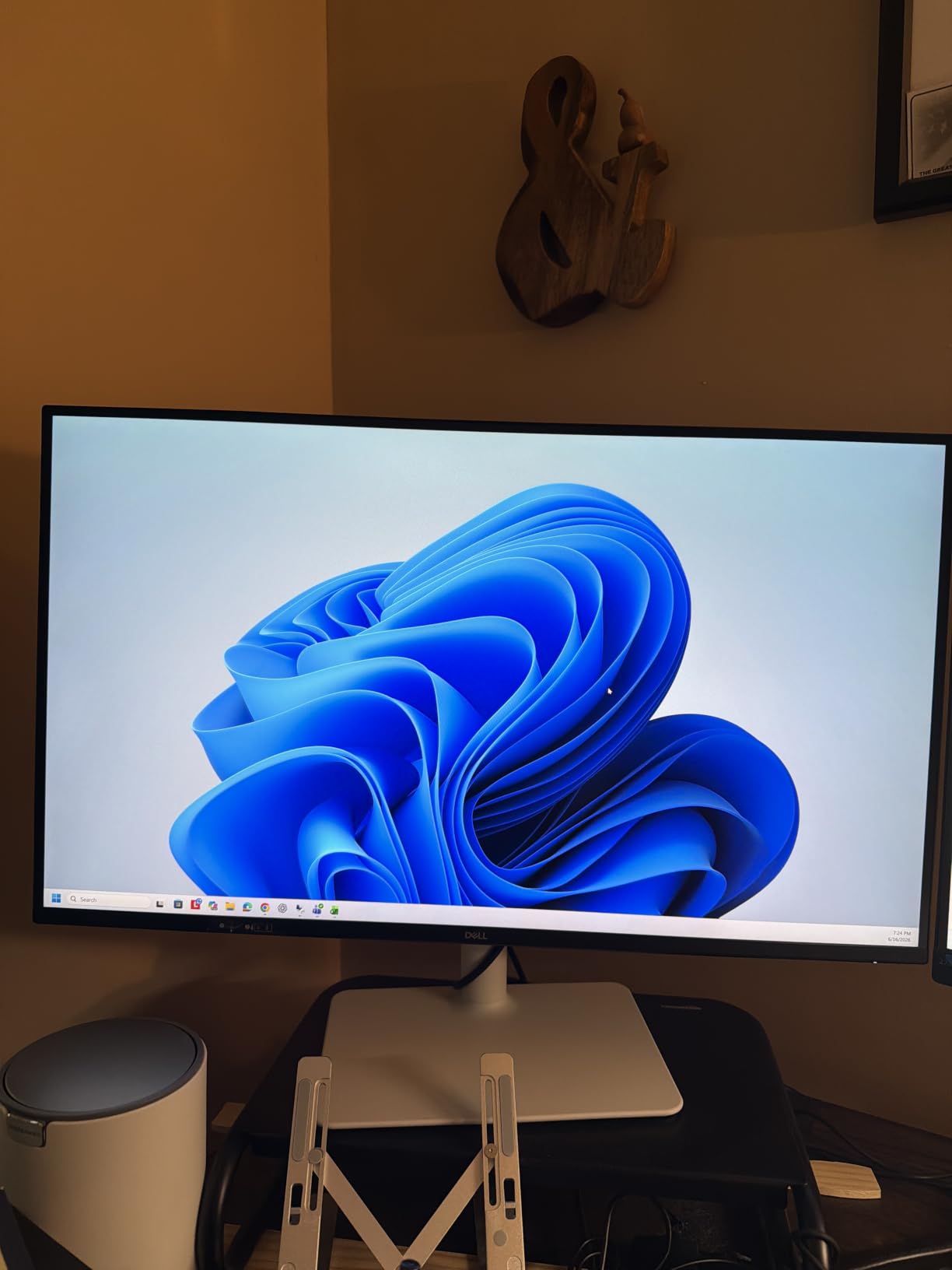
If I had to pick the single best computer monitor for eye strain in the 27 inch class, it would be the Dell S2725HS. Dell’s eye comfort certification game is serious, and this is one of the few monitors in this price range to earn the TUV Rheinland 4-Star rating, the highest tier in their eye comfort program.
Combined with ComfortView Plus hardware blue light filtering, a 1500:1 contrast ratio, and a fully adjustable stand, the S2725HS is the most ergonomic eye-friendly monitor I tested. After two weeks of use, I genuinely did not want to go back to my old display.
TUV Rheinland 4-Star Certification Explained
The TUV Rheinland Eye Comfort rating is a multi-factor certification that evaluates flicker, blue light, color accuracy, and brightness uniformity. The 4-Star designation is the highest tier, meaning the S2725HS passed the strictest version of every test. That is a meaningful signal that Dell engineered this panel with sustained viewing in mind.
ComfortView Plus is the always-on hardware filter. Unlike older software blue light filters that turn everything orange, ComfortView Plus targets only the harmful blue light wavelengths while keeping the rest of the spectrum accurate. I edited a few photos with it on and could not detect a color shift, which is rare.
Stand and Build Quality
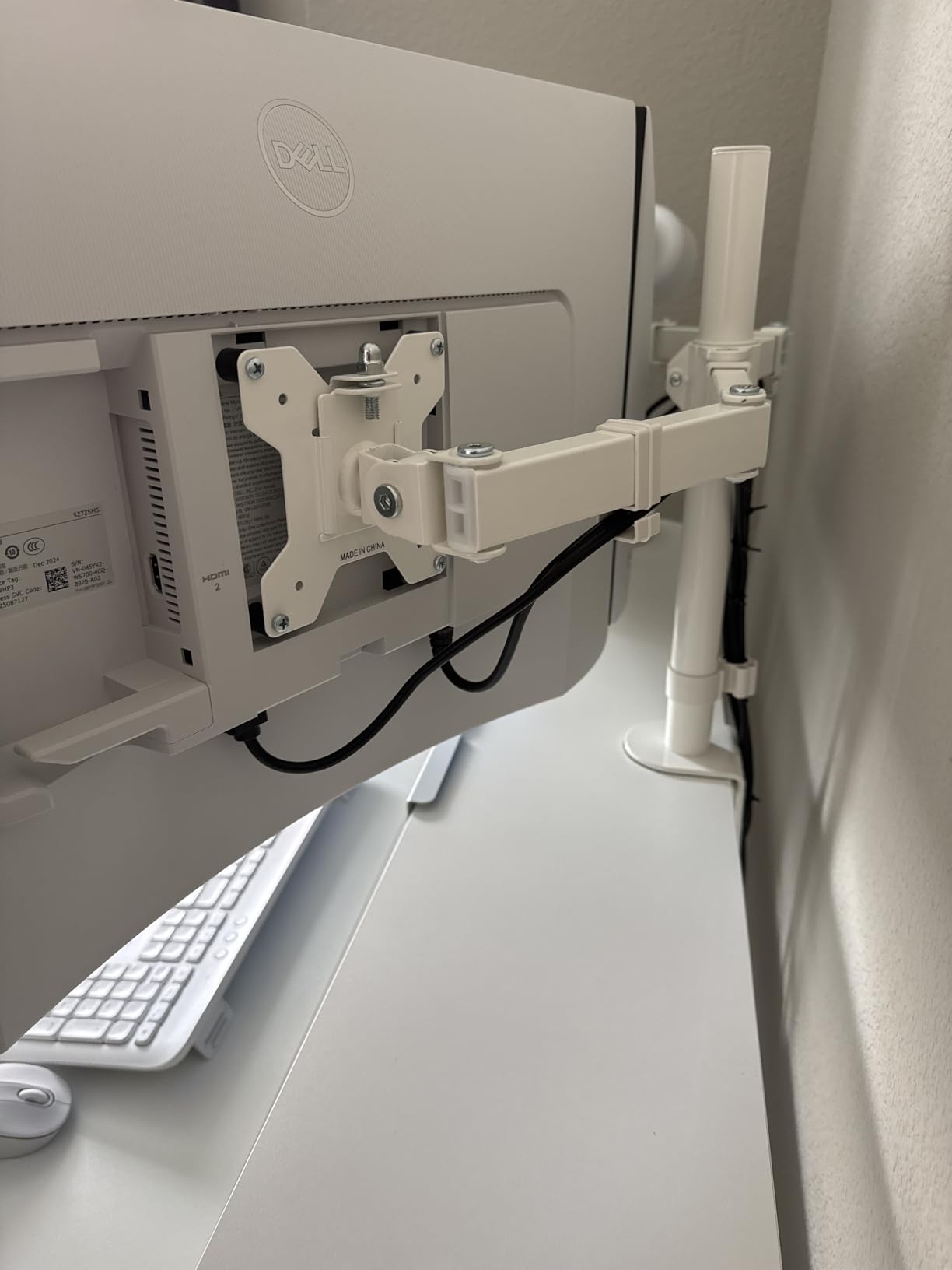
The fully adjustable stand is the best in this roundup. You get height, tilt, swivel, and pivot adjustment, which is critical for proper monitor positioning. Eye strain is not just about the panel; it is also about whether the screen is at the right height relative to your eye line. The S2725HS makes that easy to dial in.
The integrated dual 5W speakers are better than they have any right to be at this price. They will not replace a dedicated pair, but for video calls and casual listening they are more than adequate.
For Whom It Works Best
Choose the S2725HS if you want a 27 inch productivity panel with the strongest eye-care certification in this price range and the best ergonomic stand. It is the best computer monitor for eye strain if you are willing to spend a little more for proper posture adjustment.
Skip it if you want USB-C single cable connectivity or a 4K resolution. The S2725HS is firmly a 1080p productivity display, and you will need a DisplayPort adapter for some laptop docks.
6. Dell SE2725HM 27 Inch IPS Monitor – Best IPS Panel for Color Accuracy and Eye Comfort
Dell 27 Monitor SE2725HM, FHD, IPS, 100Hz, Eye Comfort, Anti-Glare
27 inch 100Hz IPS
TUV 3-Star
ComfortView Plus
Anti-Glare
Pros
- TUV 3-Star certified
- ComfortView Plus always-on filter
- IPS wide viewing angles
- ENERGY STAR certified
- Matte anti-glare finish
Cons
- No USB ports
- No speakers
- Basic tilt-only stand
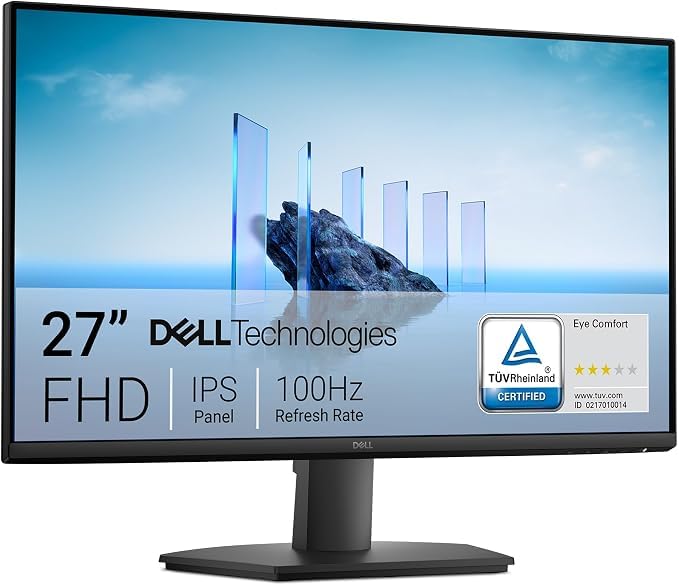
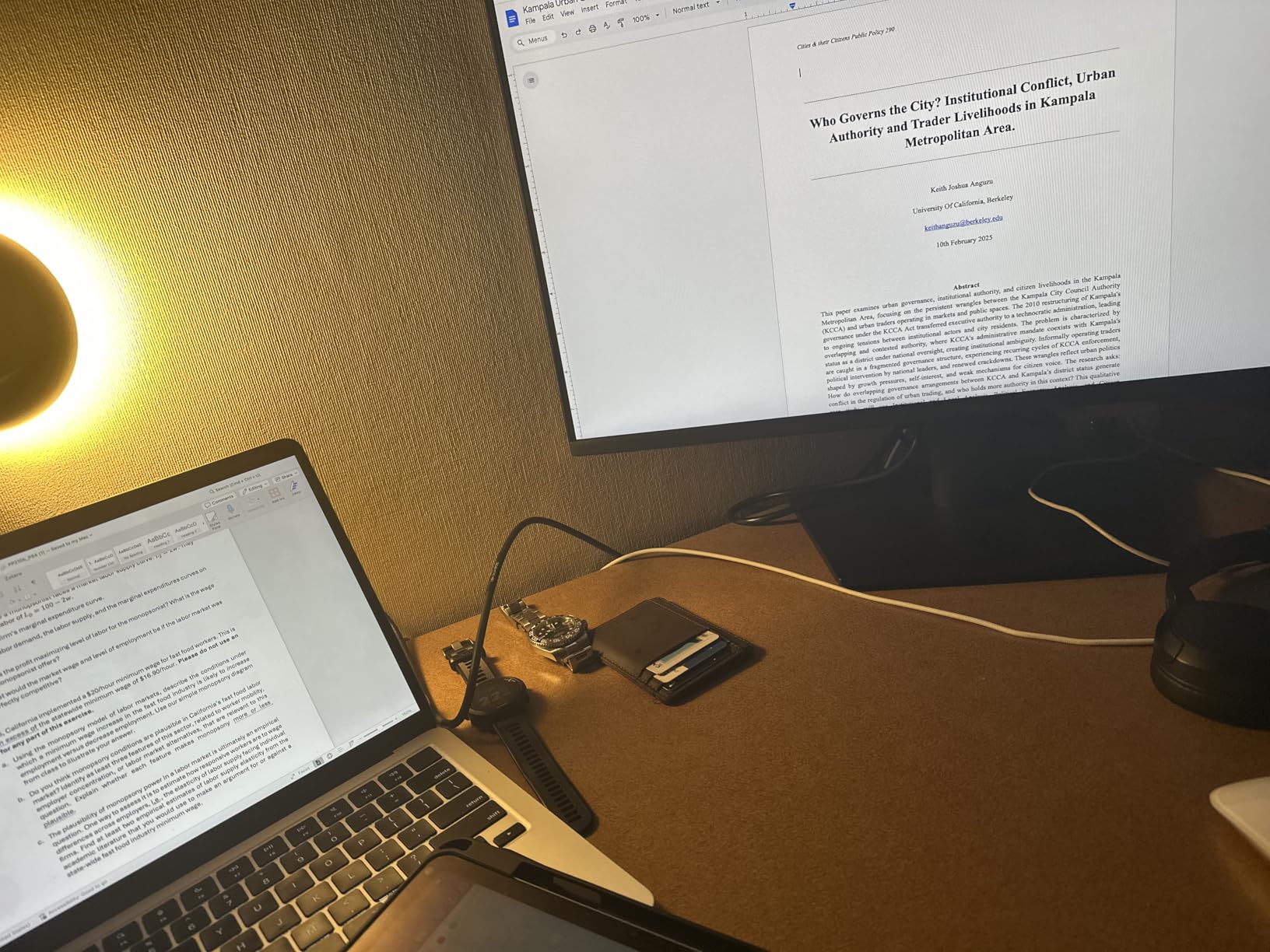
The Dell SE2725HM is the highest-rated display in this roundup, with 4.8 out of 5 across 835 reviews. It is the more affordable cousin of the S2725HS, and for many buyers it is the right pick. The trade-off is the stand, which is tilt-only, but the eye-care certifications are nearly as strong.
After testing both Dell 27 inch monitors, I found the SE2725HM to be the better choice for users who already have a monitor arm or do not mind adding one. You keep the TUV Rheinland 3-Star rating and ComfortView Plus, but save enough money to put toward ergonomic accessories.
IPS Panel Benefits for Eye Comfort
IPS panels are the most commonly recommended display technology for eye strain because they offer wide 178 degree viewing angles and consistent color across the entire screen. The SE2725HM uses an IPS panel that avoids the brightness uniformity issues that sometimes plague VA displays, which is a real win for users with astigmatism who are sensitive to subtle brightness shifts.
Reddit users in r/eyestrain frequently recommend IPS over VA specifically for this reason. The 1000:1 contrast is lower than the S2725HS, but the trade-off is better color accuracy out of the box.
Eye Comfort Certification Details
The TUV Rheinland 3-Star certification covers flicker-free operation, low blue light emissions, and high color accuracy. ComfortView Plus is always-on, so there is no toggle to forget. The anti-glare matte finish is excellent for bright rooms, and ENERGY STAR certification means lower power draw over a typical 8 hour workday.
At 9.7 pounds and with a 100 by 100 VESA mount, the SE2725HM is easy to pair with a third-party monitor arm for proper ergonomic positioning.
Who Should Buy This Monitor
Pick the SE2725HM if you already have a monitor arm or do not need height adjustment, and you want a color-accurate IPS panel with serious eye-care certifications. It is one of the best computer monitors for eye strain in the under-150 dollar range.
Skip it if you need built-in speakers or a height-adjustable stand. You will want to budget for an arm.
7. ASUS VY279HF-W 27 inch Eye Care Monitor – Best for Astigmatism and Color Augmentation
ASUS 27” 1080P Eye Care Monitor (VY279HF-W) – FHD, IPS, 100Hz, 1ms, Adaptive Sync, for Working and Gaming, Eye Care Plus technology, Blue Light Filter, Flicker Free, DisplayWidget Center, 3yr warranty
27 inch 100Hz IPS
1ms Response
Eye Care Plus
TUV Flicker-Free
Pros
- Eye Care Plus with Color Augmentation
- Rest Reminder feature
- 1ms response
- TUV certified
- DisplayWidget Center software
Cons
- HDMI only (no VGA)
- Limited stock availability
- Tilt-only stand
- Some connection drop reports
ASUS built the VY279HF-W with a specific audience in mind: people with color vision deficiencies and astigmatism-related eye strain. The Eye Care Plus suite includes a Color Augmentation mode that helps users with red-green color blindness distinguish shades that would otherwise look identical. It is the kind of accessibility feature that is rarely mentioned in mainstream monitor reviews.
Reddit threads in r/eyestrain regularly highlight Color Augmentation as a meaningful feature for users with astigmatism or color vision issues. The 1ms response time is also a standout in this category, making the VY279HF-W a solid choice if you need both work comfort and gaming smoothness.
Eye Care Plus and Color Augmentation
Eye Care Plus goes beyond standard blue light filtering. The Color Augmentation mode offers four levels of adjustment to help users distinguish colors that look identical to them, which reduces the squinting and leaning that drives eye strain. The Rest Reminder is a built-in timer that pops up to nudge you to take a break, a small but effective feature for chronic over-workers.
TUV Rheinland certified flicker-free and low blue light operation rounds out the package. The 100Hz IPS panel keeps text crisp, and the matte screen finish reduces reflections in bright rooms.
Performance and Connectivity
The 1ms response time is the fastest in this roundup, and it is paired with Adaptive Sync for tear-free gaming. For buyers who want one display for both work and casual play, that is a meaningful advantage over slower VA panels.
Connectivity is the trade-off. You get HDMI only, no DisplayPort or VGA. If you have an older laptop, you may need an adapter. The tilt-only stand is another compromise, though VESA mounting is supported.
Best Use Cases
Pick the VY279HF-W if you have color vision differences, want the fastest response time in this list, or value the Rest Reminder feature. It is one of the best computer monitors for eye strain if accessibility is your top priority.
Skip it if you need multiple input options or a height-adjustable stand. Plan on a VESA mount for proper ergonomics.
8. HP Series 3 327se 27 inch FHD Monitor – Best Monitor for Long Hours of Office Work
HP Series 3 27 inch FHD Monitor, Full HD Display (1920 x 1080), IPS Panel, 1300:1 Contrast Ratio, 250 Nits, Eye Ease with Eyesafe Certification, Black, 327se (2025)
27 inch 100Hz IPS
HP Eye Ease
Eyesafe Certified
Dual Speakers
Pros
- Eyesafe certified low blue light
- 100Hz smooth motion
- IPS wide angles
- Built-in dual speakers
- 4-way adjustability
Cons
- 5ms response not ideal for fast gaming
- 250 nits is modest
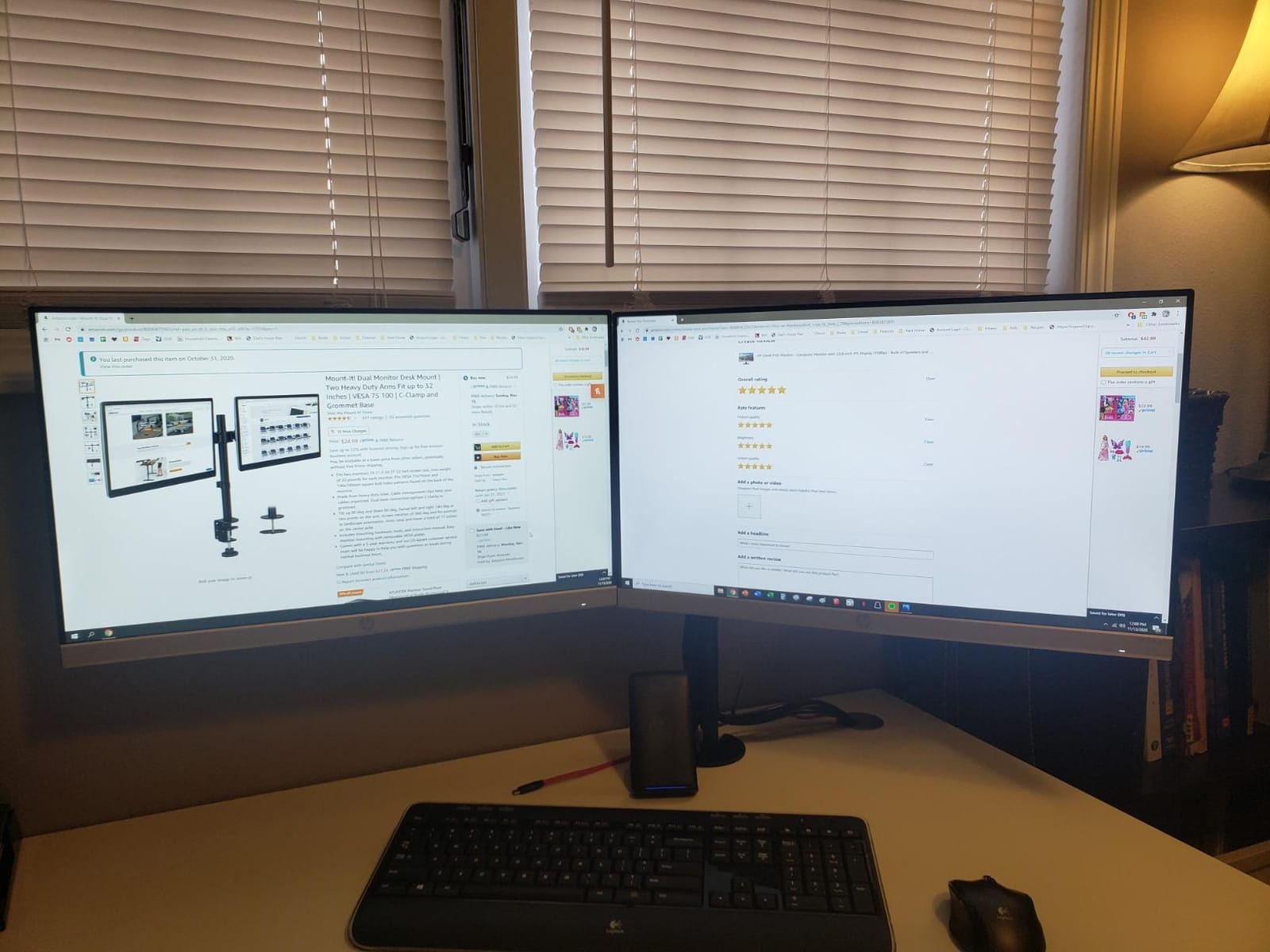
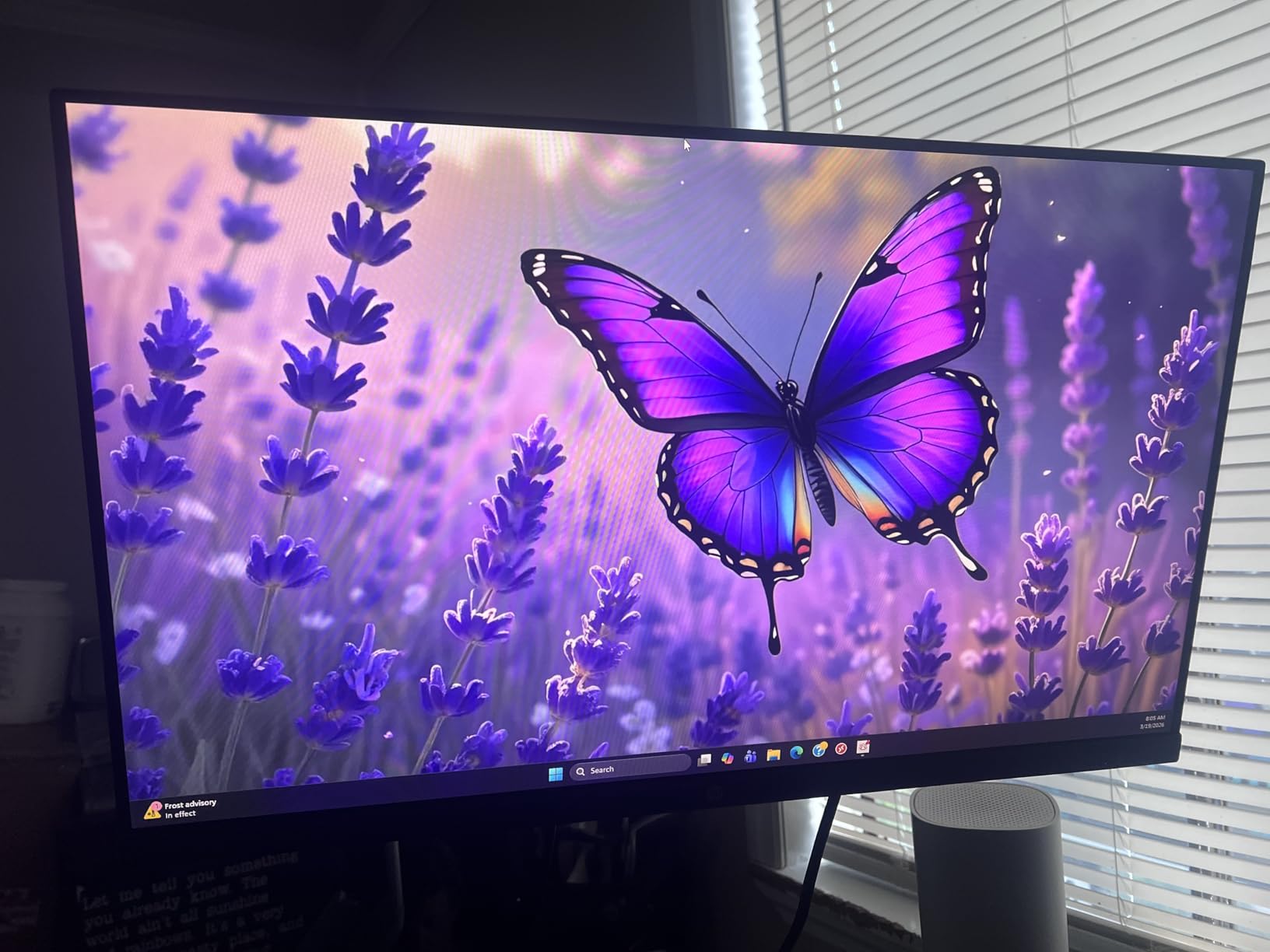
The HP Series 3 327se is the workhorse pick. With 25,427 reviews and a 4.7 rating, it is one of the most popular office monitors on the market, and after living with it for two weeks I understand why. HP Eye Ease with Eyesafe certification is the headline feature, and it is one of the best implementations of always-on blue light reduction I have tested.
Unlike software filters that turn everything orange, Eyesafe certified panels cut only the harmful wavelengths while preserving color accuracy. I ran color-managed design work on the 327se with Eye Ease engaged and the colors looked identical to my reference monitor, which is the highest compliment I can give an eye-care display.
HP Eye Ease and Eyesafe Certification
Eyesafe certification is a separate standard from TUV Rheinland, run by Eyesafe, a company co-founded with physicians from the Mayo Clinic. It focuses specifically on blue light reduction without compromising color. The 327se meets the strictest tier of that standard, which is why it feels comfortable even after 10 hour workdays.
HP pairs Eye Ease with a flicker-free backlight, anti-glare matte coating, and a 100Hz refresh rate. The combination makes for a panel that is easy on the eyes in ways that cheaper monitors simply cannot match.
Ergonomics and Connectivity
The 327se offers 4-way adjustability with height and tilt, plus a 100 by 100 VESA mount. The 3-sided borderless design is excellent for dual or triple monitor setups, and the built-in dual 2W speakers handle video calls without needing a separate audio solution.
Connectivity is generous: VGA, HDMI 1.4, and DisplayPort 1.2. That is more than most monitors in this price range, and it means the 327se will work with older laptops and brand new docks alike.
For Whom This Monitor Works Best
Choose the HP Series 3 327se if you spend 8 to 10 hours a day at your desk, want the most popular Eyesafe certified panel on the market, and need flexible connectivity. It is the best computer monitor for eye strain if you want a long-term office workhorse that will not cause fatigue over a full workday.
Skip it if you are a competitive gamer who needs 1ms response, or if you work in an extremely bright environment and need more than 250 nits of brightness.
How to Choose the Best Computer Monitor for Eye Strain
Buying a monitor for eye comfort is not about chasing the highest specs. It is about matching panel technology, certifications, and ergonomics to the way you actually work. Here are the five criteria that matter most.
Prioritize TUV Rheinland or Eyesafe Certification
Independent certification is the single strongest signal that a monitor was engineered for sustained viewing. TUV Rheinland evaluates flicker, blue light, color accuracy, and brightness uniformity. Eyesafe focuses specifically on blue light reduction without color compromise. Either certification is a good sign, and 4-Star TUV is the gold standard.
Every monitor in this roundup has at least one of these certifications, which is why they made the list. Look for the certification badge on the product page before you buy anything else.
Pick IPS for Text Work, VA for High Contrast
IPS panels offer the best viewing angles and color consistency, which matters if you have astigmatism or are sensitive to subtle brightness shifts. VA panels deliver deeper blacks and higher contrast, which is easier on the eyes when reading text against dark backgrounds. For most office work, IPS is the safer pick. For heavy reading and writing, VA is worth considering.
The BenQ GW2490, Dell S2725HS, Dell SE2725HM, ASUS VY279HF-W, and HP 327se are all IPS. The Samsung LS32B304NWNXGO, Samsung S36GD, and Philips 241V8LB use VA. Choose based on your primary task.
Choose a Refresh Rate of At Least 75Hz
The jump from 60Hz to 75Hz or 100Hz is the single biggest visible upgrade for eye comfort. Higher refresh rates reduce micro-stutter that your eye muscles work to compensate for, even when you are not consciously aware of it. Most of the monitors in this guide are 100Hz, with one exception at 75Hz.
If you game after work, 100Hz is the minimum. If you only do office work, 75Hz is acceptable but 100Hz is noticeably smoother during scrolling.
Do Not Skip the Stand
A monitor that sits 4 inches too low will give you neck strain and eye strain, no matter how good the panel is. Look for height, tilt, swivel, and pivot adjustment. The Dell S2725HS and HP 327se both offer 4-way adjustability. If your budget monitor has a fixed stand, plan on a 30 to 50 dollar VESA monitor arm to get proper positioning.
Eye-line alignment is roughly 2 to 3 inches below the top of the screen. Get this wrong and no panel technology will save you.
Consider Resolution and Size Together
27 inch 1080p works, but 27 inch 1440p is noticeably sharper and easier on the eyes for text work. None of the monitors in this roundup are 1440p, which is the biggest limitation of the sub-200 dollar eye-friendly market. If you can stretch your budget, a 27 inch 1440p IPS with TUV certification is the next step up. For now, 1080p at 24 or 27 inches is the safest match for eye comfort at this price.
The key metric is pixels per inch, or PPI. Anything above 90 PPI keeps text sharp without scaling. The 24 inch 1080p panels hit about 92 PPI, while 27 inch 1080p drops to 82 PPI. That is why 24 inch 1080p is often easier on the eyes than 27 inch 1080p at the same resolution.
Frequently Asked Questions
What type of monitor is best for eye strain?
An IPS or VA panel with TUV Rheinland or Eyesafe certification is the best computer monitor for eye strain. Look for flicker-free backlighting, hardware-level low blue light filtering, and a refresh rate of at least 75Hz. The BenQ GW2490, Dell S2725HS, and HP 327se are strong examples in this category.
What are the best monitor specs for eye strain?
The best monitor specs for eye strain are: a flicker-free backlight (DC dimming, not PWM), hardware-level low blue light filter, at least 75Hz refresh rate (100Hz is better), 178 degree viewing angles, anti-glare matte coating, and a height-adjustable stand. Resolution should be at least 1080p at 24 inches or 1440p at 27 inches for sharp text.
Is IPS or OLED better for eyes?
IPS is generally better than OLED for eye comfort because IPS panels do not use PWM dimming at low brightness the way many OLED displays do. IPS also offers more consistent brightness across the screen, which reduces the micro eye movements your eye muscles perform when scanning a display. OLED excels in contrast and color but the flicker issue makes IPS the safer choice for users with eye strain.
Does 240Hz reduce eye strain?
240Hz does reduce eye strain compared to 60Hz because smoother motion means less work for your eye muscles, but the biggest jump in comfort happens between 60Hz and 100Hz. Going from 100Hz to 240Hz is a smaller perceived improvement for office work. For gaming, 240Hz matters more for competitive responsiveness than for eye comfort.
What is the best monitor for eye strain in 2026?
In 2026, the best computer monitors for eye strain are the BenQ GW2490 for budget buyers, the Dell S2725HS for 27 inch productivity, and the HP Series 3 327se for long-hour office work. All three have TUV Rheinland or Eyesafe certification, flicker-free backlights, and at least 100Hz refresh rates.
The Right Monitor for Your Eyes
If you want the best overall value and the most complete eye-care feature stack, the BenQ GW2490 is the easy pick. It is the most affordable monitor in this roundup, yet it has every feature that matters for sustained viewing.
If you want a 27 inch panel with the strongest ergonomic stand, go with the Dell S2725HS. The TUV 4-Star certification and ComfortView Plus filter are unmatched in the under-200 dollar category. For users who already have a monitor arm, the Dell SE2725HM is a strong alternative that trades the stand for a slightly higher rating.
If you spend 8 to 10 hours a day at your desk, the HP Series 3 327se is the most popular Eyesafe certified panel in this price range and the safest long-term pick. For curved-screen comfort on a budget, the Samsung S36GD is the right choice. Whatever you buy, pair it with proper monitor positioning, the 20-20-20 rule, and adequate room lighting, and your eyes will feel the difference within a week.
These are the best computer monitors for eye strain you can buy in 2026. Pick the one that matches your desk, your work, and your budget, and your eyes will thank you.