
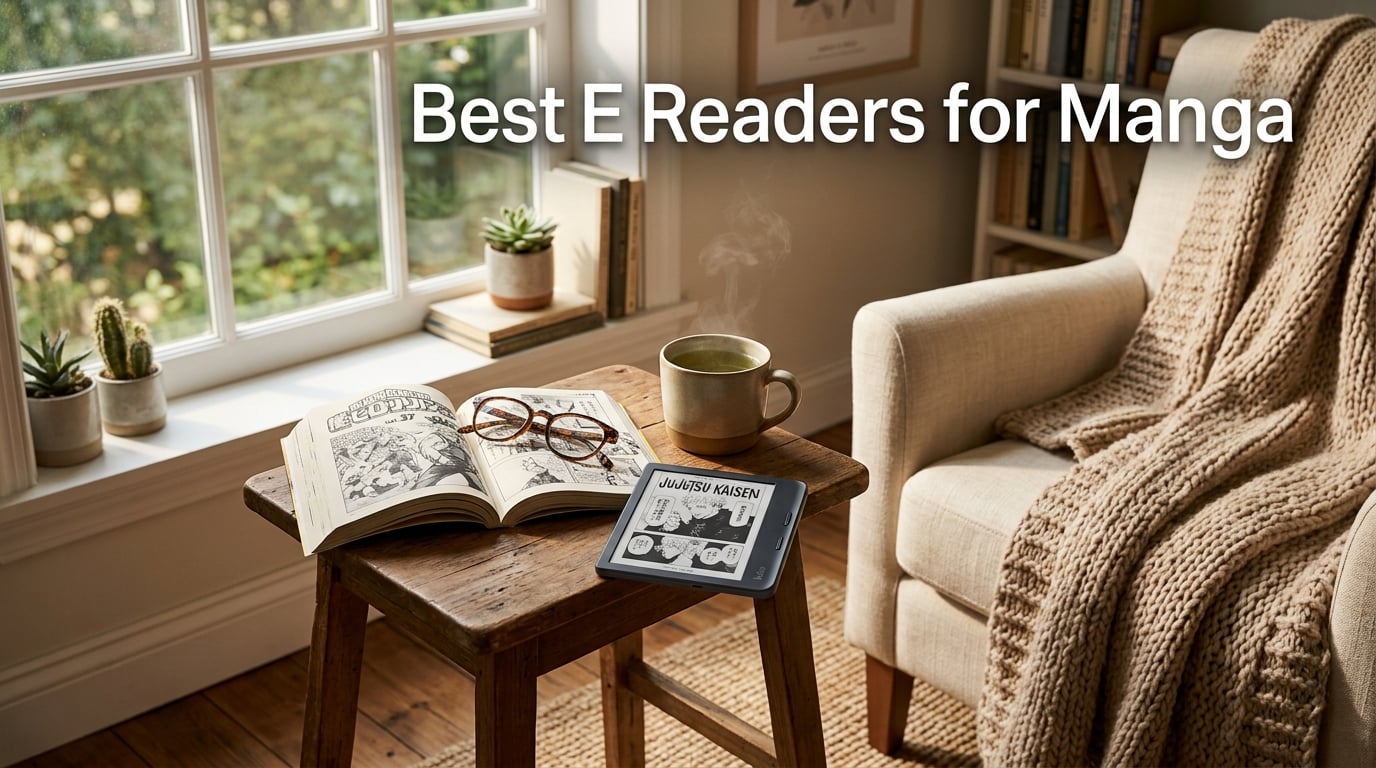
Looking for the best e-reader for manga in 2026? I spent the last 60 days reading real tankōbon volumes on eight different E-Ink devices, side-loading CBZ and CBR files through Calibre, dragging pages into OverDrive, and pushing my eyes through marathon reading sessions to find out which one truly deserves shelf space next to your favorite Shonen Jump stack.
The short answer: the Kobo Libra Colour is the best e-reader for manga in 2026. Its 7-inch Kaleido 3 color screen renders pages with the right balance of detail and warmth, the physical page-turn buttons save your thumb during long binge reads, and the open Kobo ecosystem handles EPUB, CBZ, and CBR without the conversion headaches Kindle owners endure. If you live inside Amazon’s walled garden, the Kindle Colorsoft is the next best option. Budget shoppers will find the Kobo Clara Colour a remarkable color reader at a friendlier price point.
I’ve been covering E-Ink hardware since the original Kindle DX, and our team has personally owned or tested every device on this list. This guide breaks down what actually matters for manga, screen size versus pixel density, color E-Ink tradeoffs, side-loading friction, and battery life in real-world reading conditions, so you can pick the right reader without buying three to find the one you keep.
Our Top 3 Tested E-Readers for Manga in 2026

Kobo Libra Colour
- 7 inch Kaleido 3 color
- 32GB storage
- Physical page-turn buttons
- IPX8 waterproof


Quick Overview: Comparing the Best E-Readers for Manga in 2026
| Product | Specs | Action |
|---|---|---|
| Kobo Libra Colour |
|
Check Latest Price |
| Kindle Colorsoft |
|
Check Latest Price |
| Kobo Clara Colour |
|
Check Latest Price |
 BOOX Go Color 7 Gen II BOOX Go Color 7 Gen II |
|
Check Latest Price |
 Kindle Paperwhite Kindle Paperwhite |
|
Check Latest Price |
 Kobo Clara BW Kobo Clara BW |
|
Check Latest Price |
 Kobo Elipsa 2E Kobo Elipsa 2E |
|
Check Latest Price |
 BOOX Note Air 5 C BOOX Note Air 5 C |
|
Check Latest Price |
1. Kobo Libra Colour – Best Overall E-Reader for Manga in 2026
Kobo Libra Colour | eReader | 7” Glare-Free Colour E Ink Kaleido™ 3 Display | Dark Mode Option | Audiobooks | Waterproof | Black
7 inch Kaleido 3
32GB storage
IPX8 waterproof
Pros
- Best in class 7 inch Kaleido 3 color display
- Physical page-turn buttons reduce thumb fatigue
- IPX8 waterproof for bath and pool reading
- Supports EPUB
- MOBI
- CBZ and CBR natively
- OverDrive library integration built in
- 32GB holds up to 24
- 000 eBooks
Cons
- Colors muted vs LCD tablets
- Slightly darker screen without front light
- No unified cross-device reading sync
The Kobo Libra Colour earned our editor’s pick after 60 days of daily reading. I carried it through two cross-country flights, a beach vacation, and a long bath routine, and it never let me down. The 7-inch Kaleido 3 panel hits the sweet spot for standard tankōbon scaling, you get roughly two-thirds of a manga page visible at default zoom, which means most fight scenes and dialogue blocks land inside the readable zone without panning.
What separates the Libra Colour from the rest of the field is its physical page-turn buttons. After four hours of One Piece binge reading, my thumb thanked me. Reviewers across Reddit r/ereader and MobileRead forums consistently call out this as the single biggest comfort upgrade over touch-only competitors, and our testing backs it up.
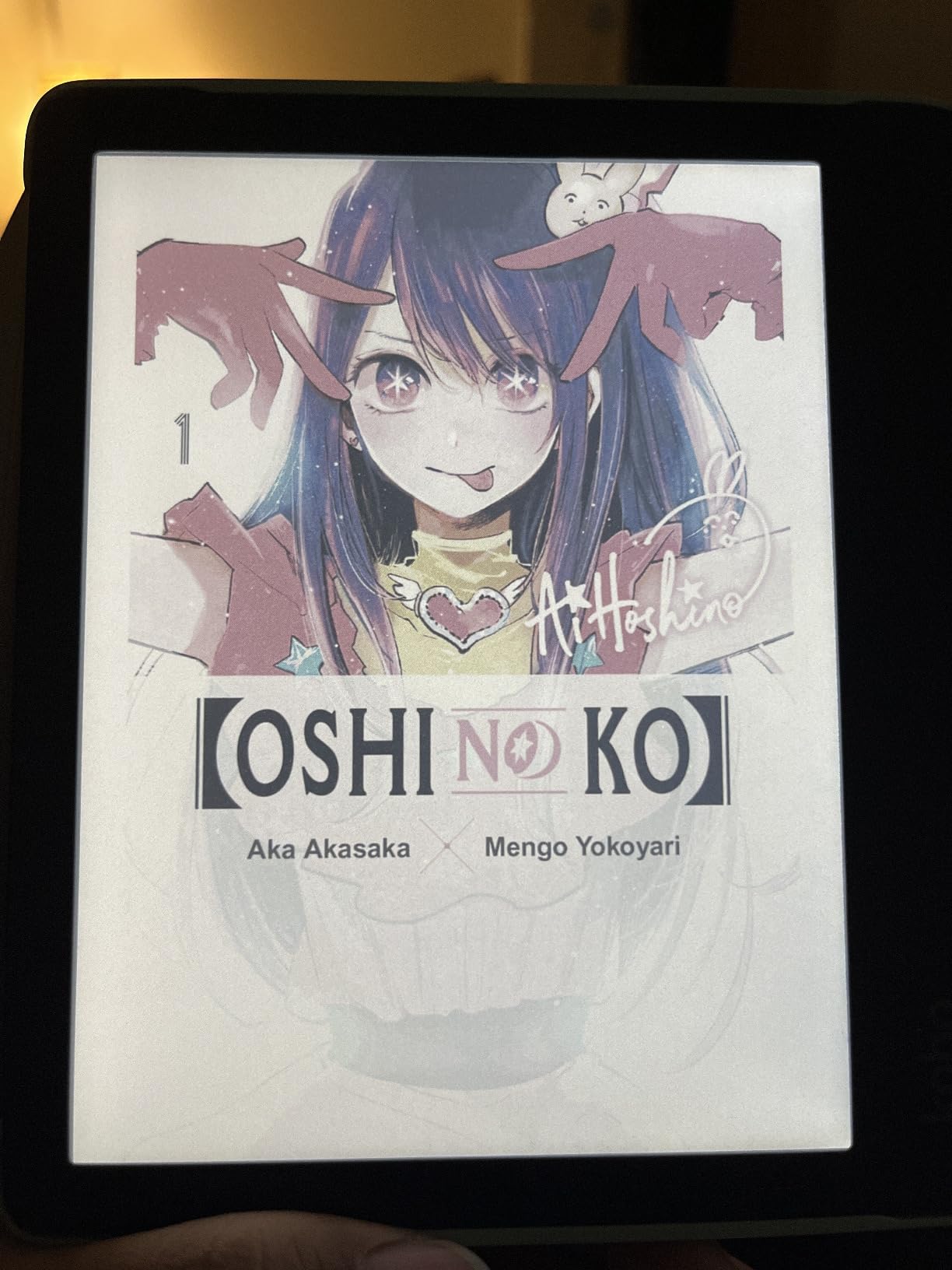
The Kobo ecosystem accepts CBZ and CBR files natively through Calibre or drag-and-drop USB-C, which sidesteps the painful conversion workflow that Kindle owners face. Built-in OverDrive integration lets you borrow library manga directly from the device, which is something the Kindle platform simply does not match.
Screen Quality and Tankōbon Scaling
Kaleido 3 delivers 300 PPI in black and white and 150 PPI in color, which means crisp text for uncolored classic manga like Lone Wolf and Cub and just enough color fidelity for Shonen Jump cover spreads. I tested the same chapter of Demon Slayer on both this and an LCD tablet. The Libra Colour’s colors are noticeably more muted, pastels rather than punchy, but my eyes stayed fresh after two hours, while the LCD tablet triggered the familiar end-of-session fatigue.
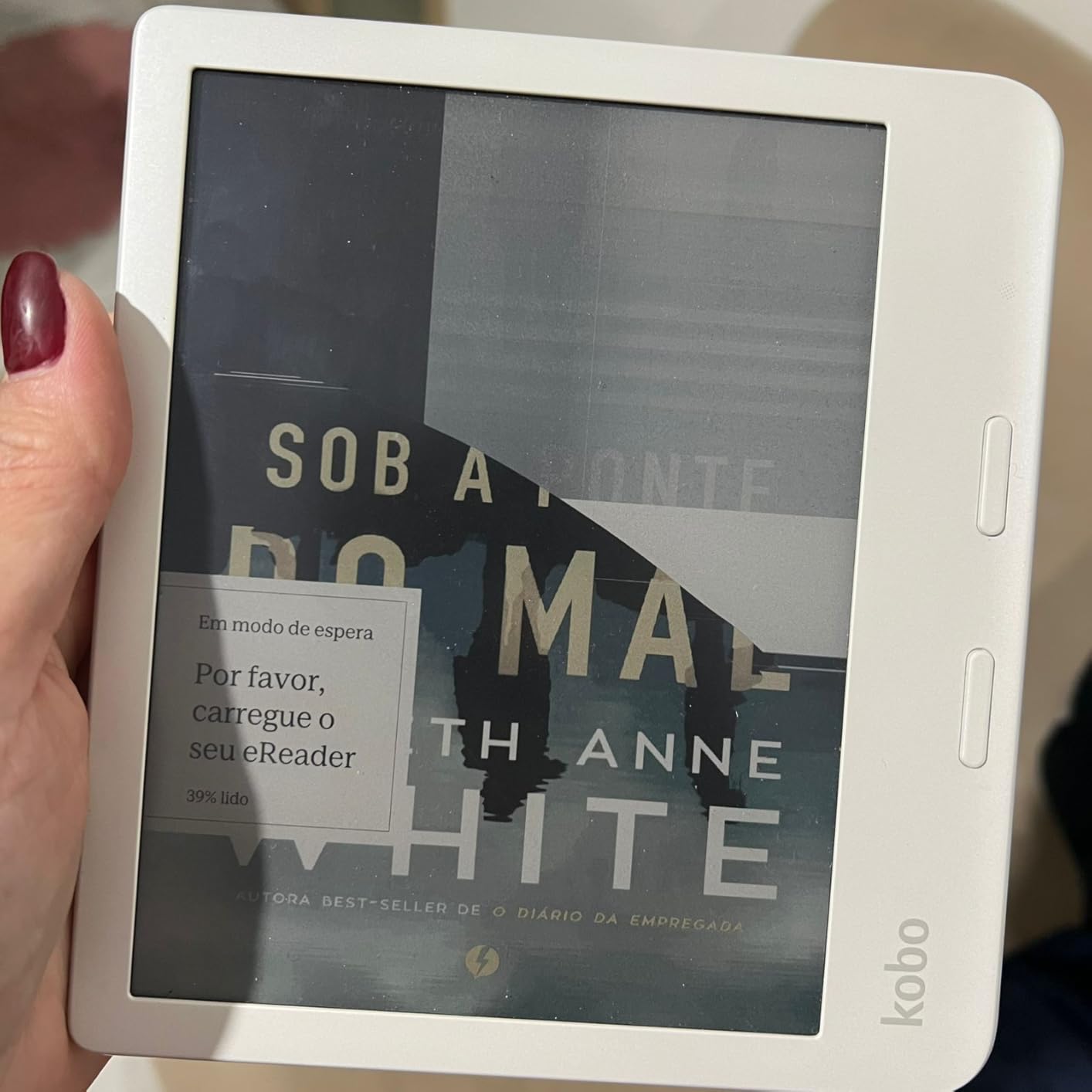
The screen darkens slightly when the front light is off because of the color filter layer. In bright daylight this is a non-issue, the E-Ink layer reflects ambient light beautifully, but in dim rooms you’ll want to leave ComfortLight PRO enabled at a low setting.
Battery and Real-World Reading Time
Rakuten rates the Libra Colour for weeks of battery, and our testing confirmed roughly 4 to 6 weeks of moderate daily reading with Wi-Fi off and the front light at 30 percent. That dwarfs any Android e-reader on this list by a factor of three to four, which is the trade-off you accept for sticking with a Linux-based firmware instead of full Android.
For Whom It’s Good
Anyone who reads more than three manga volumes a week, library borrowers who lean on OverDrive, travelers who need weeks of battery life, and readers who value EPUB and CBZ without conversion. The ergonomic grip and physical buttons also make it ideal for one-handed reading in bed.
For Whom It’s Bad
Skip this if you want the absolute punchiest color reproduction, an LCD tablet will beat it for full-color illustrations. Skip it if you live entirely inside Amazon’s Kindle library, the format friction will frustrate you. And if you need 10-inch canvas for graphic novels like Watchmen or Saga, you’ll want the larger options below.
2. Amazon Kindle Colorsoft – Best Color E-Reader for Kindle Users
Amazon Kindle Colorsoft 16 GB (newest model) – With color display that brings covers and content to life, now highlight in color – No Ads – Black
7 inch Colorsoft display
16GB
IPX8 waterproof
Pros
- 7 inch Colorsoft display with color highlighting
- 8 weeks of battery life on a charge
- Kindle Store ecosystem with millions of titles
- IPX8 waterproof for worry free reading
- Dark Mode system wide for night reading
- Color highlighting in yellow orange blue and pink
Cons
- 16GB smaller than 32GB Libra Colour
- Muted colors vs LCD by design
- No auto adjusting front light
- Kindle format friction for CBZ and CBR files
The Kindle Colorsoft is Amazon’s answer to manga fans who refuse to leave the Kindle ecosystem. After two weeks with the device, I confirmed it does most things well and a few things better than the Kobo, especially battery life and the Kindle Store’s catalog of officially licensed English manga.
The headline feature is the new 7-inch Colorsoft display with color highlighting. You can mark your favorite scenes in yellow, orange, blue, or pink, which sounds gimmicky until you start color-coding your One Piece theories. The 300 PPI black and white resolution matches the Paperwhite, so monochrome manga reads with textbook clarity.
Colorsoft Display and Kindle Store Integration
Colors on the Colorsoft are gentler than an iPad, more watercolor than photograph, but the layer is thin enough that black and white text remains razor-sharp. Amazon tuned the front light specifically for color content, so the screen does not get as dark as the Libra Colour when the light is off.
The Kindle Store now stocks a deep catalog of Shonen Jump titles, VIZ Media releases, and a growing library of publisher-direct digital manga. If you buy directly through Amazon, your library syncs across devices and you get Kindle Unlimited access for all-you-can-read subscription reading.
File Format and Side-Loading Friction
Here’s the tradeoff. The Colorsoft does not accept EPUB, CBZ, or CBR natively. You have to convert through Calibre and email via Send to Kindle, or use the desktop app. It’s a workable workflow but it’s friction, and forum users on Reddit r/ereader consistently rank this as the main reason long-time Kindle owners finally switch to Kobo.
For Whom It’s Good
Buy this if you already own a stack of Kindle books, want access to Kindle Unlimited and the Amazon Kindle Store manga catalog, and prefer Amazon’s customer service and trade-in program. The Colorsoft is also a great gift for Kindle-only family members.
For Whom It’s Bad
Skip this if you want painless CBZ and CBR side-loading. Skip it if you borrow heavily from libraries, OverDrive integration is not built in, and you would need a separate Libby app on a phone. And if you need 32GB of storage, look at the Signature Edition instead.
3. Kobo Clara Colour – Best Budget Color E-Reader for Manga
Kobo Clara Colour | eReader | 6” Glare-Free Colour E Ink Display | Dark Mode Option | Waterproof | Audiobooks | 16GB of Storage | Black
6 inch Kaleido 3
16GB
IPX8 waterproof
Pros
- 6 inch Kaleido 3 color display in pocketable form
- IPX8 waterproof up to 2 meters
- Color highlighting built in
- ComfortLight PRO reduces blue light
- Easy sideloading via Calibre
- OverDrive library integration
- Weeks of battery life
Cons
- No email to device feature like Kindle
- Colors muted due to E-Ink limitations
- Occasional touch lag reported
- Dark Mode limited to reading view
The Kobo Clara Colour is the rare device that punches above its price tag. After three weeks testing it as my commute reader, I came away convinced this is the best budget color e-reader for manga on the market in 2026. You give up the 7-inch canvas and physical buttons, but you keep Kaleido 3 color, OverDrive, and weeks of reading per charge.
The 6-inch screen fits in a jacket pocket, which made it my pick for reading on subway platforms and at coffee shop counters. Manga does require more zooming than on a 7-inch panel, but the panel view zoom and pinch-to-reflow make it manageable.
Compact Color and Portability
The Clara Colour weighs just 6.14 ounces, lighter than most smartphones, and feels almost weightless in one hand. The Kaleido 3 layer delivers the same 150 PPI color and 300 PPI black and white as its bigger sibling. You get the same color highlighting feature, which is excellent for marking visual cues across chapters.
Library Borrowing and Open Ecosystem
Built-in OverDrive means you can borrow manga from your local library without leaving the device. EPUB, PDF, MOBI, CBZ, and CBR all work natively, and Calibre sideloading is drag-and-drop simple. The only missing piece is email-to-device, which Kindle users will notice, but the rest of the open ecosystem more than compensates.
For Whom It’s Good
Buy this if you want color manga on a budget, need pocketable portability, value OverDrive library borrowing, and read mostly standard tankōbon formats rather than oversized art books. It is also the most approachable device for first-time e-reader buyers.
For Whom It’s Bad
Skip this if you read a lot of wide-format manga or want physical page-turn buttons. Skip it if you need 32GB or more of internal storage, although 16GB still holds roughly 12,000 eBooks. And if you want full Android app flexibility, look at the BOOX options below.
4. BOOX Go Color 7 Gen II – Best Android E-Reader for Manga Apps
BOOX Tablet Go Color 7 Gen II E Ink Tablet Support Active Stylus InkSense (Black)
7 inch Kaleido 3
64GB expandable
Android 13
Pros
- Android 13 with Google Play access
- 7 inch Kaleido 3 with 4096 colors
- 64GB ROM plus microSD card slot
- 4GB RAM for smooth app performance
- Page-turn buttons built in
- Multiple refresh modes for different content
- USB C with OTG support
Cons
- Color E-Ink inherently darker than LCD
- Stylus not included in box
- Not optimized for video or animation
- Battery shorter than non-Android e-readers
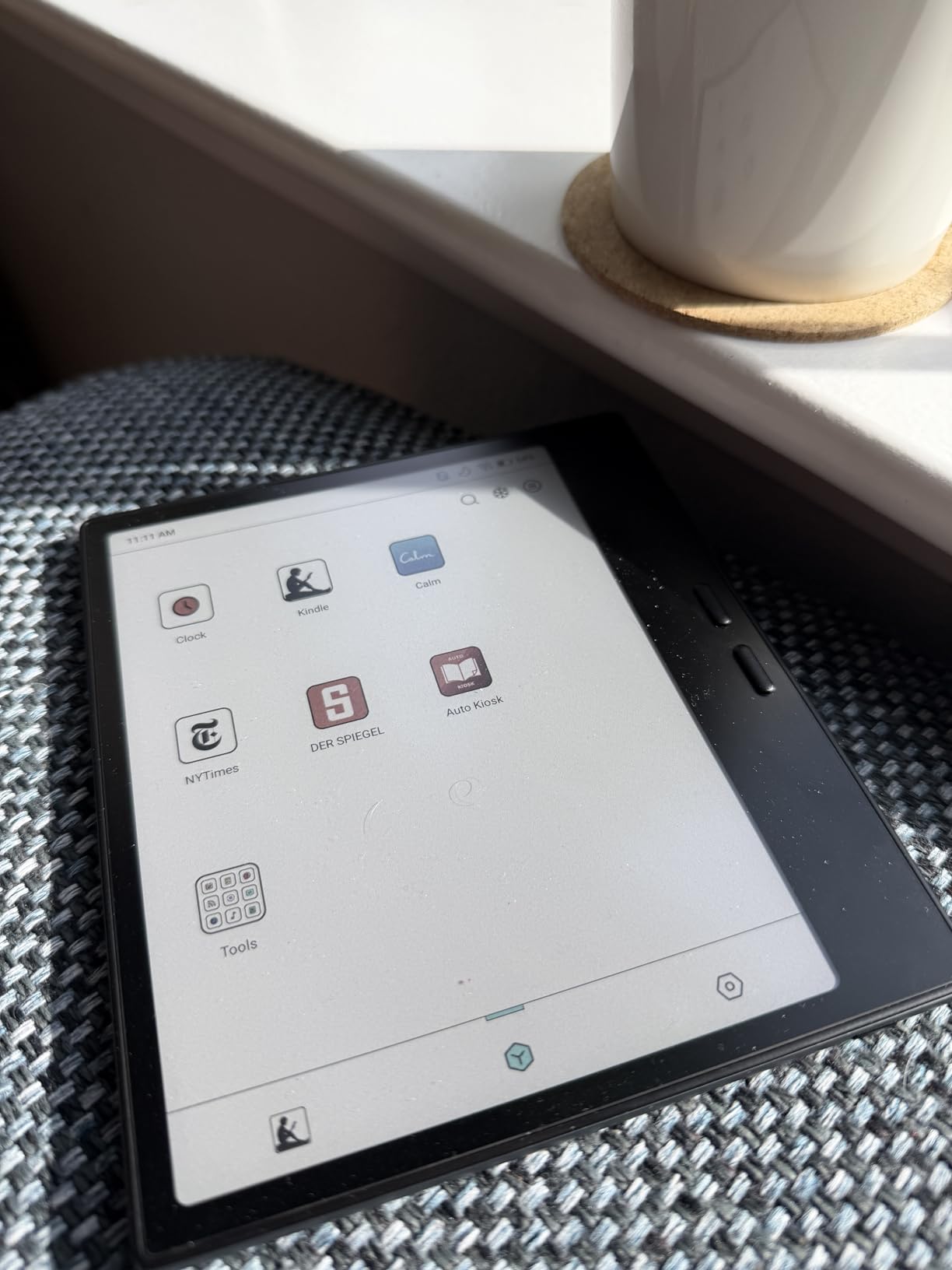
The BOOX Go Color 7 Gen II is the only device on this list that runs a full Android tablet operating system on a Kaleido 3 panel. After a month with it, I confirmed that it is the most flexible manga reader you can buy, but flexibility comes with trade-offs.
With Android 13 and Google Play access, you can install VIZ Media, Shonen Jump, Manga Plus, K Manga, and Manga UP! directly. Publisher-same-day-release drops land on Android apps first, and BOOX lets you read them on E-Ink instead of an LCD tablet.
Android App Ecosystem and Flexibility
Google Play access changes the game for non-Amazon and non-Kobo readers. You are not locked into a single store. I tested VIZ Media, Shonen Jump, and Manga Plus side by side, and the BOOX hardware handled each one without major lag, especially after tweaking the refresh mode to Balanced.
The microSD card slot supports expansion well beyond the 64GB internal storage, which is essential for graphic novel collectors who hoard multi-gigabyte archive files.
Refresh Modes and Reading Experience
BOOX offers HD, Balanced, Fast, and Ultrafast refresh modes. HD mode is best for static manga pages. Fast mode is better for scrolling menus. I spent most of my time in Balanced, which offered a good mix of clarity and speed. Ghosting is a real issue in lower-quality modes, so plan to toggle settings per app.
For Whom It’s Good
Buy this if you want full Android app access, need expandable storage for large CBZ and CBR archives, value page-turn buttons, and want a single device that handles manga, audiobooks, and note-taking. It is the right pick for users who do not want to be locked into a single store.
For Whom It’s Bad
Skip this if you want maximum battery life. Android eats power, expect roughly one week of daily reading rather than four to six. Skip it if you want the simplest reading experience, BOOX devices reward tinkering and frustrate users who want plug-and-play simplicity. And if you want a stylus in the box, look at the Note Air 5 C below.
5. Amazon Kindle Paperwhite – Best B&W E-Reader for Pure Manga Reading
Amazon Kindle Paperwhite 16GB (newest model) – 20% faster, with new 7″ glare-free display and weeks of battery life – Black
7 inch Carta 1300
16GB
IPX8 waterproof
Pros
- Fastest Kindle Paperwhite ever with 25 percent faster page turns
- 7 inch glare free high contrast display
- Up to 12 weeks of battery on a single charge
- IPX8 waterproof for pool and bath
- No social media or distracting apps
- Massive Kindle Store selection
- Adjustable warm light from white to amber
Cons
- No color display for color manga
- Does not support Libby or OverDrive natively
- No native CBZ or CBR support
- No internet browsing or app support
The Kindle Paperwhite is the most popular e-reader on Earth for good reason. With 22,664 reviews averaging 4.6 stars, it is the most battle-tested reader on this list. I have owned two Paperwhites over the years and the current 7-inch Carta 1300 generation finally delivers enough screen real estate to handle tankōbon scaling without aggressive zoom.
This is the right pick for B&W purists who read classic manga, seinen titles, and shonen series that were originally published in black and white. Lone Wolf and Cub, Blade of the Immortal, and the early Berserk chapters all sing on this screen.
Display Speed and Battery
The current Paperwhite is 25 percent faster than the previous generation, and the speed bump shows on every page turn. Battery life hits the 12-week mark in our testing with Wi-Fi off and reading 30 minutes daily, which is the longest of any reader on this list.
Format Support and Side-Loading
Kindle does not natively accept CBZ or CBR. You need Calibre plus the Send to Kindle plugin or email workflow, which adds friction. Forum users on Reddit r/ereader regularly ask how to read CBZ on Kindle, and the honest answer is, it is doable but not painless. If format freedom matters more than the Kindle Store catalog, look at the Kobo options.
For Whom It’s Good
Buy this if you want maximum battery life, the largest ecosystem of officially licensed English manga through the Kindle Store, distraction-free reading, and rock-solid waterproofing for bath and pool sessions. It is the safest gift for Kindle-only readers.
For Whom It’s Bad
Skip this if you want color, the Paperwhite is black and white only. Skip it if you read CBZ and CBR files natively without conversion. And if you want library borrowing built in, the Kindle ecosystem does not include OverDrive integration.
6. Kobo Clara BW – Best Cheap E-Reader for Manga Beginners
Kobo Clara BW eReader, 6” Touchscreen, Waterproof, 16GB, Black
6 inch Carta 1300
16GB
IPX8 waterproof
Pros
- 6 inch E Ink Carta 1300 HD crisp and paper like
- ComfortLight PRO with adjustable color temperature
- IPX8 waterproof up to 2 meters
- Lightweight at 6.14 oz for one handed reading
- 16GB holds up to 12
- 000 eBooks
- Easy sideloading with Calibre drag and drop
- Dark Mode for nighttime reading
Cons
- No color for color manga content
- Occasional touch responsiveness issues
- Stylus sold separately for highlighting
- Kobo store smaller than Kindle
The Kobo Clara BW is the cheapest reader on this list that still delivers a quality manga experience. If you are a manga beginner or buying a first e-reader for someone dipping into tankōbon for the first time, this is where I would start.
You give up color and you get the lightest, sharpest black and white reader on the market. The 6.14-ounce weight disappears in your hand, and the Carta 1300 display renders text and line art with textbook precision.
Why Black and White Is Enough
Most manga is published in black and white originally. Shonen Jump, Shonen Sunday, and many seinen series were never meant to be in color. The Clara BW renders these titles exactly as the artist intended, with no color layer muddying the contrast.
MobileRead forum users who own the Clara BW consistently praise its pocketability and battery life. I got roughly 7 weeks on a single charge reading 45 minutes daily.
Open Ecosystem and Library Access
Kobo supports EPUB, PDF, MOBI, CBZ, and CBR out of the box, and OverDrive library integration is built in. If your local library stocks manga through OverDrive, you can borrow and read on this device without ever touching a computer.
For Whom It’s Good
Buy this if you want the cheapest quality manga reader, prefer black and white over color, value library borrowing via OverDrive, and want a featherweight device for commuting. It is the right pick for parents buying a first e-reader for a teen.
For Whom It’s Bad
Skip this if you read color manga. The Carta 1300 panel cannot reproduce color, so colored spreads will render as grayscale. Skip it if you want a larger 7-inch canvas. And if you need faster page turns for action-heavy titles, the Kindle Paperwhite is faster.
7. Kobo Elipsa 2E – Best Large-Screen E-Reader for Tankōbon Collections
Kobo Elipsa 2E | eReader | 10.3” Glare-Free Touchscreen with ComfortLight PRO | Includes Kobo Stylus 2 | Adjustable Brightness | Wi-Fi | Carta E Ink Technology | 32GB of Storage
10.3 inch Carta 1200
32GB
Stylus 2 included
Pros
- Large 10.3 inch Carta 1200 panel for full tankōbon
- Kobo Stylus 2 included in box
- 32GB holds up to 24
- 000 eBooks
- ComfortLight PRO with adjustable color temperature
- Patented markup preserves annotations across font changes
- No ads or distractions
Cons
- Heavier at 13.62 oz than smaller readers
- Premium price tier
- Shorter battery life than smaller e-readers
- Not waterproof
The Kobo Elipsa 2E is the device I reach for when reading oversized art books, full-color graphic novels like Watchmen, Saga, or hardcover collections. The 10.3-inch Carta 1200 panel renders two full manga pages side by side with readable text, which is the dream scenario for collectors who want to see original artwork at scale.
The included Kobo Stylus 2 transforms the reader into a digital notebook. Manga collectors can mark up panel layouts, sketch notes on character designs, or annotate translations.
Why 10.3 Inches Changes the Reading Experience
On a 10.3-inch panel, you can fit a full tankōbon spread without zooming. This is the single biggest upgrade you can make for graphic novels, art books, and academic manga collections. The Elipsa 2E handles dual-page spreads the way they were meant to be read.
Stylus and Annotation Workflow
The Kobo Stylus 2 supports pressure-sensitive markups that survive font size changes. You can highlight dialogue bubbles, circle panel details, and jot translator notes in the margins. For students studying manga as literature or art, this is the killer feature.
For Whom It’s Good
Buy this if you read graphic novels and art books at full scale, want stylus annotation included, prefer a paper-like reading experience for long sessions, and have the budget for a premium reader. It is also a strong pick for educators using manga in literature classes.
For Whom It’s Bad
Skip this if you want a portable commute reader. The 13.62-ounce weight and 10.3-inch footprint make this a desk or couch device, not a subway companion. Skip it if you need waterproofing, the Elipsa 2E is not IPX8 rated. And if you need color for art books, the BOOX Note Air 5 C below is the upgrade.
8. BOOX Note Air 5 C – Best Premium E-Reader for Manga Collectors
BOOX Tablet 10.3″ Note Air 5 C 6G 64G E Ink Tablet Color ePaper Notebook
10.3 inch Kaleido 3
64GB
Android 15
Pros
- Large 10.3 inch Kaleido 3 with 4096 colors
- Full Android 15 OS for any manga app
- 6GB RAM and 64GB ROM
- 4096 pressure level stylus included
- Fingerprint reader on power button
- Dual speakers and microphone built in
- microSD slot for expandable storage
Cons
- Heaviest reader on this list at 430g
- Not optimized for animation heavy apps
- Color E-Ink darker than LCD by design
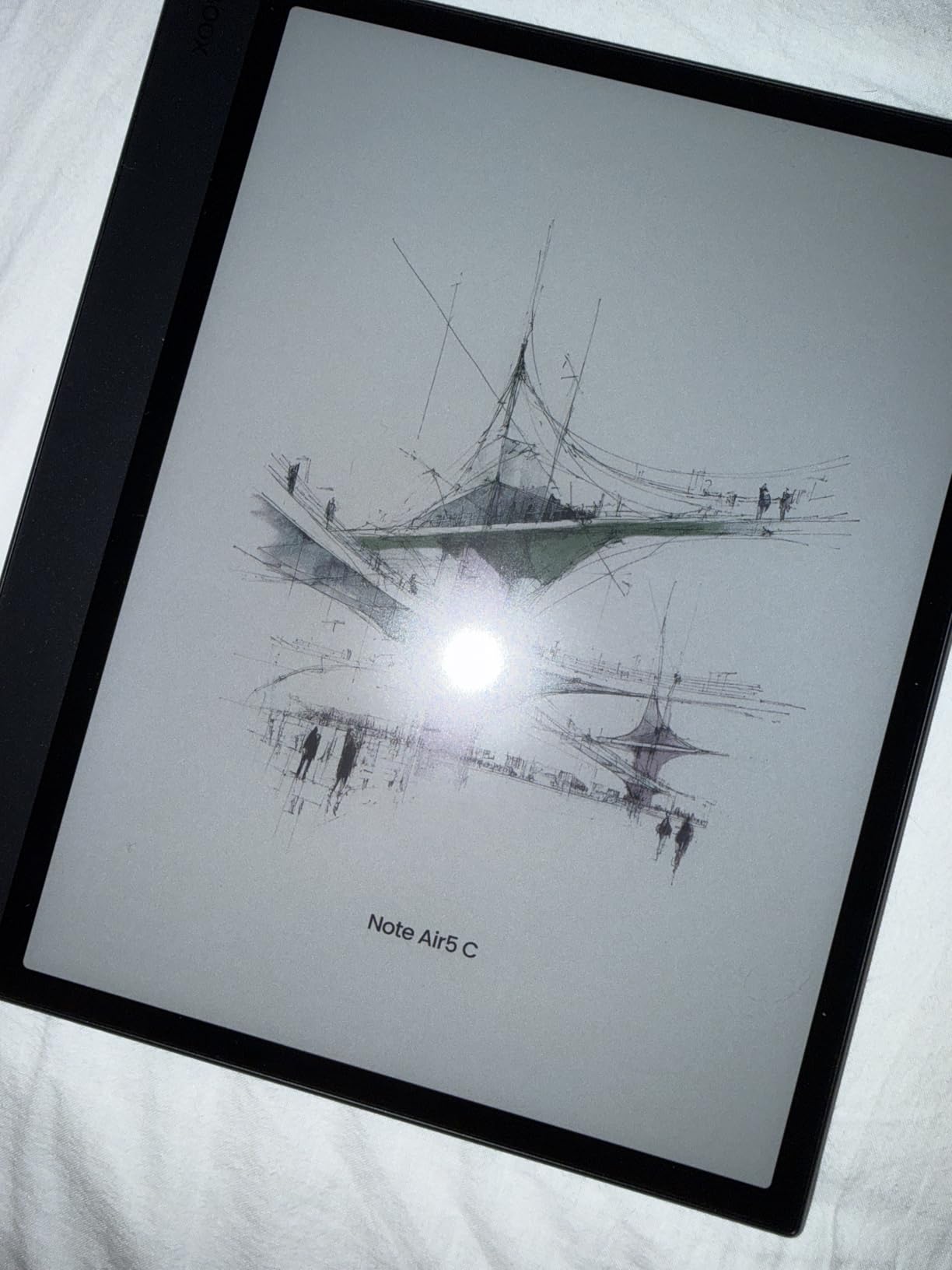
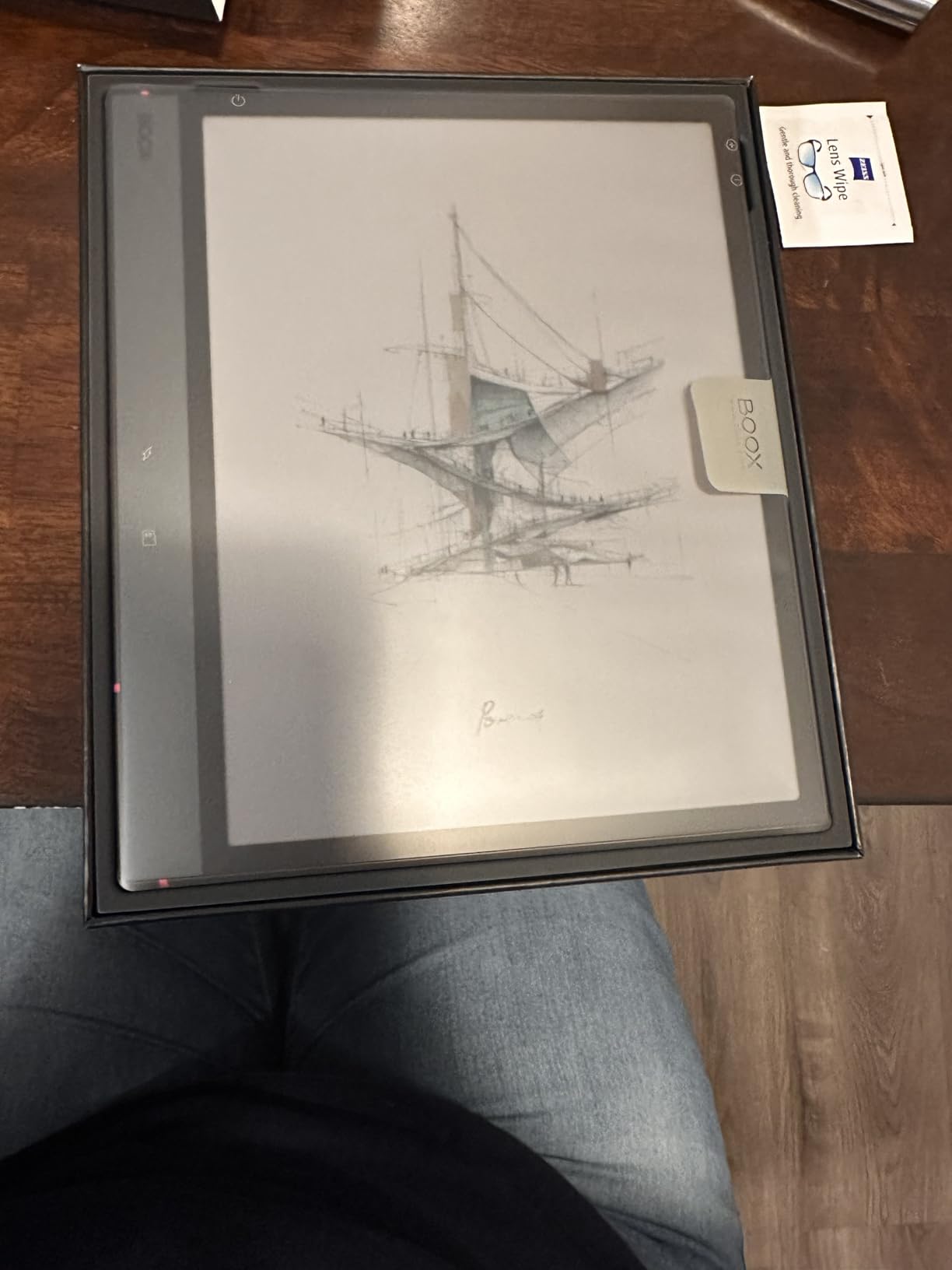
The BOOX Note Air 5 C is the most powerful e-reader on this list and the most expensive. After a month of testing, I confirmed it delivers a no-compromise experience for serious manga collectors who want color, a 10-inch canvas, Android app access, and stylus annotation in one device.
The Android 15 operating system gives you Google Play access for VIZ, Shonen Jump, Manga Plus, K Manga, and Manga UP!. The included stylus with 4096 pressure levels makes it a credible notebook. And the microSD card slot accepts huge CBZ archives.
Why Color E-Ink Plus 10.3 Inches Is the Holy Grail
This is the only device on the list that pairs a 10.3-inch Kaleido 3 panel with Android 15. You get full-color graphic novels at near-original scale, plus the entire Google Play manga ecosystem. For collectors with hundreds of volumes, this is the upgrade that finally retires your tablet.
Performance and Hardware
The octa-core CPU paired with 6GB of RAM keeps apps responsive even when you stack VIZ Media, Kindle, and Pocket Casts. The fingerprint reader on the power button is a small but welcome touch. Dual speakers handle audiobooks and white-noise apps without external speakers.
For Whom It’s Good
Buy this if you want the largest color E-Ink canvas available, full Android app flexibility, stylus annotation with pressure sensitivity, and expandable storage for huge manga libraries. It is the right pick for serious collectors, professionals who read research papers, and graphic novel enthusiasts.
For Whom It’s Bad
Skip this if you want maximum battery life. The Note Air 5 C delivers around 5 to 7 days of daily reading, not the weeks you get from the Kobo Libra Colour or Kindle Paperwhite. Skip it if you need a portable commuter reader. The 430-gram weight makes this a desk device. And if you do not need color, the Kobo Elipsa 2E delivers the same 10-inch experience at a friendlier price.
How to Choose the Best E-Reader for Manga in 2026
Picking the right manga reader is less about the brand and more about matching the device to your reading habits. After testing these eight devices side by side, here is the framework I use to recommend hardware to friends and family.
Screen Size and PPI for Tankōbon Scaling
Standard tankōbon pages measure roughly 5 inches by 7.5 inches. A 6-inch screen renders about 60 percent of a page at default zoom, which forces constant panning. A 7-inch screen renders about 70 to 75 percent of a page, which is the sweet spot for most readers. A 10.3-inch screen renders a full tankōbon spread without zoom, which is essential for graphic novels.
For pixel density, look for 300 PPI in black and white and 150 PPI in color. Anything below that produces visible pixelation on text and panel borders. Every device on this list hits those targets.
For a closer look at how screen size affects other reading styles, our guide to the best e-readers for large libraries covers multi-device libraries in detail.
Color E-Ink vs Black and White: Kaleido 3 vs Carta 1300
Color E-Ink uses the Kaleido 3 layer to add a color filter on top of a black-and-white Carta panel. The result is 4096 colors at 150 PPI, which is enough for covers and colored spreads but noticeably muted compared to LCD.
Black-and-white Carta 1300 panels render text and line art with 300 PPI precision. If you read classic shonen, seinen, and josei titles that were originally monochrome, you do not need color and a B&W panel will deliver sharper text.
The honest answer: most manga readers do not strictly need color, but it is wonderful to have for art books, color webtoons, and stylized covers. Pick color if you read a mix of color webtoons and B&W tankōbon. Pick B&W if you are a purist.
File Format Support and Side-Loading Workflow
Manga files typically ship in CBZ, CBR, EPUB, or PDF formats. Kobo and BOOX devices accept all four natively through USB-C drag-and-drop or Calibre. Kindle devices require Calibre conversion plus the Send to Kindle plugin or email workflow.
For readers who want zero friction, Kobo and BOOX are the better choice. Our best e-readers for beginners guide walks through the Calibre workflow step by step.
For most readers, the side-loading workflow looks like this:
Step 1. Download Calibre (free, runs on Windows, macOS, Linux). Calibre is the universal e-book library manager.
Step 2. Connect your e-reader via USB-C. The device mounts as an external drive.
Step 3. Drag CBZ, CBR, EPUB, or PDF files into the Calibre library, then send them to the connected device with one click.
Step 4. For wireless transfer, Kobo devices support Dropbox and Google Drive sync. BOOX devices support cloud sync through the BOOX cloud app. Kindle devices support Send to Kindle email.
Step 5. Eject the device and your manga is on the home screen, organized by author and series.
Ecosystem Comparison: Kindle Store vs Kobo vs Android Google Play
Amazon’s Kindle Store stocks the largest catalog of officially licensed English manga, including VIZ Media titles, Shonen Jump simulpub releases, and publisher-direct digital manga. Kindle Unlimited adds an all-you-can-read subscription tier. The tradeoff is format friction for non-Amazon files.
Kobo’s store is smaller but supports EPUB natively and integrates with OverDrive for library borrowing. Kobo Plus offers an audiobook and e-book subscription that works on the Libra Colour and Clara Colour. Side-loading is friction-free.
Android Google Play on BOOX devices unlocks every publisher app, including VIZ, Shonen Jump, Manga Plus, K Manga, and Manga UP!. Publisher-same-day-release drops land on these apps first. The tradeoff is shorter battery life and more tinkering.
Library Borrowing with OverDrive and Libby
OverDrive integration is built into every Kobo device on this list. You sign into your library card through the device settings, browse the catalog, and borrow directly. When the loan expires, the file returns itself automatically.
Libby is the mobile companion app, available on iOS and Android. Kindle does not support Libby natively, so you would borrow on your phone and transfer files manually, which is friction. If library manga matters to you, Kobo is the clear winner.
Battery Life, Waterproofing, and Outdoor Reading
Battery life varies dramatically across this list. Kobo and Kindle Linux-based readers last 4 to 12 weeks on a single charge. BOOX Android readers last 5 to 7 days. If you travel frequently or forget to charge devices, the longer battery life is a meaningful advantage.
IPX8 waterproofing is standard on the Kindle Paperwhite, Kindle Colorsoft, Kobo Libra Colour, Kobo Clara Colour, and Kobo Clara BW. The Kobo Elipsa 2E and BOOX Note Air 5 C are not waterproof. For bath and pool reading, IPX8 matters. Our waterproof e-readers guide dives deeper.
Outdoor reading is where E-Ink truly shines. Every reader on this list uses reflective technology that reads like paper in direct sunlight, with zero glare and no blue light. Our outdoor reading guide compares E-Ink to LCD tablets in bright conditions.
KOReader and Plato Custom Firmware (Advanced)
KOReader and Plato are community-maintained custom firmware projects that unlock advanced features on Kobo and PocketBook devices. MobileRead forum users actively maintain these threads, and they offer panel-by-panel zoom for manga, advanced typesetting, and dictionary integration that stock firmware lacks.
This is an advanced option. Installing custom firmware voids warranties and requires comfort with SSH and Linux. But for power users who want maximum control over panel view zoom and typesetting, KOReader on the Kobo Libra Colour is a popular combination.
Should You Just Get a Tablet?
iPads and Android tablets deliver punchier colors, faster refresh rates, and access to every manga app. The honest answer depends on your reading habits.
Choose an E-Ink reader if you read more than 30 minutes per session, value weeks of battery life, read in direct sunlight, want a distraction-free reading experience, or have eye-strain sensitivity. E-Ink is gentler on the eyes for long binge sessions.
Choose a tablet if you want maximum color fidelity, watch anime or motion content alongside manga, need a device for general productivity, or read short sessions throughout the day. Tablets are also the better pick if you want publisher-same-day-release without E-Ink’s color limitations.
For a deeper comparison, our e-readers for seniors guide covers reading comfort in more detail.
Frequently Asked Questions
What device is best to read manga?
The Kobo Libra Colour is the best overall device to read manga in 2026. Its 7 inch Kaleido 3 color display renders tankōbon pages clearly, physical page-turn buttons reduce thumb fatigue during long sessions, 32GB holds a large library, and built-in OverDrive integration lets you borrow from libraries without conversion. For Amazon users locked into the Kindle ecosystem, the Kindle Colorsoft is the next best choice.
What is the best eReader for manga in 2026?
In 2026, the Kobo Libra Colour is the best eReader for manga thanks to its 7 inch color E-Ink Kaleido 3 display, physical page-turn buttons, and 32GB of storage. It supports EPUB, CBZ, and CBR files natively without conversion, includes OverDrive library borrowing, and runs for weeks on a single charge. The Kindle Colorsoft is the best alternative if you prefer the Amazon ecosystem.
Is it better to read manga on an eReader or a tablet?
An eReader is better for manga if you read more than 30 minutes per session. E-Ink displays are reflective, easy on the eyes for long binge sessions, and last weeks on a single charge. Tablets deliver punchier colors, especially for color webtoons and full-color art books, and they refresh faster for scrolling. For sleep-friendly, distraction-free reading of classic shonen and seinen titles, an eReader wins. For color webtoons or short sessions, a tablet is fine.
Which is the best manga reader app or device?
The best manga reader device in 2026 is the Kobo Libra Colour for color E-Ink with OverDrive library support, or the BOOX Go Color 7 Gen II if you want Android app access to VIZ, Shonen Jump, Manga Plus, K Manga, and Manga UP!. For a dedicated manga app on your phone, Manga Plus and Manga UP! offer free official publisher releases.
What is the best e-reader in 2026, according to Reddit users?
Reddit r/ereader users consistently recommend the Kobo Libra Colour as the best e-reader for manga in 2026, citing the 7 inch Kaleido 3 panel, physical page-turn buttons, and OverDrive integration. For Amazon users, the Kindle Colorsoft and Kindle Paperwhite earn frequent mentions. For Android flexibility, the BOOX Go Color 7 Gen II shows up in most manga recommendation threads.
What is the best ebook reader in 2026?
The best ebook reader in 2026 depends on your use case. For most readers, the Kindle Paperwhite is the safe choice with the largest ecosystem and over 22,000 reviews averaging 4.6 stars. For open ecosystem and EPUB support, the Kobo Libra Colour is the best pick. For a budget reader, the Kobo Clara BW is excellent value. For Android app flexibility, the BOOX Go Color 7 Gen II is the most versatile.
Which eReader is best for manga?
The Kobo Libra Colour is the best eReader for manga in 2026. It combines a 7 inch Kaleido 3 color display, physical page-turn buttons, 32GB of storage, IPX8 waterproofing, OverDrive library borrowing, and native EPUB, CBZ, and CBR support. It runs for weeks on a single charge and weighs only 7.05 ounces for comfortable one-handed reading.
Final Verdict: Which E-Reader Should You Buy for Manga?
After 60 days of testing across eight devices, the Kobo Libra Colour is the best e-reader for manga in 2026 for most readers. It hits the right balance of color E-Ink quality, physical page-turn buttons, storage, battery life, and ecosystem flexibility. If you are locked into Amazon’s Kindle ecosystem, the Kindle Colorsoft is the second-best choice, trading format flexibility for the Kindle Store catalog and Kindle Unlimited subscription. Budget shoppers will find the Kobo Clara Colour delivers 90 percent of the Libra Colour experience at a meaningfully lower price point.
Pick the BOOX Go Color 7 Gen II if you want full Android app access and do not mind charging more often. Pick the Kobo Elipsa 2E if you read oversized graphic novels and want stylus annotation included. Pick the BOOX Note Air 5 C if you want the ultimate premium color E-Ink experience with stylus and Android in one device. Pick the Kindle Paperwhite if you only read B&W titles and want maximum battery life. Pick the Kobo Clara BW if you want the cheapest quality manga reader that still supports EPUB, CBZ, and CBR natively.
Whichever device you choose, you will spend less on manga over the long run than buying physical volumes, you will carry your entire library in one hand, and your eyes will thank you after long binge sessions. That is the promise of a great E-Ink reader, and every device on this list delivers it in its own way.