
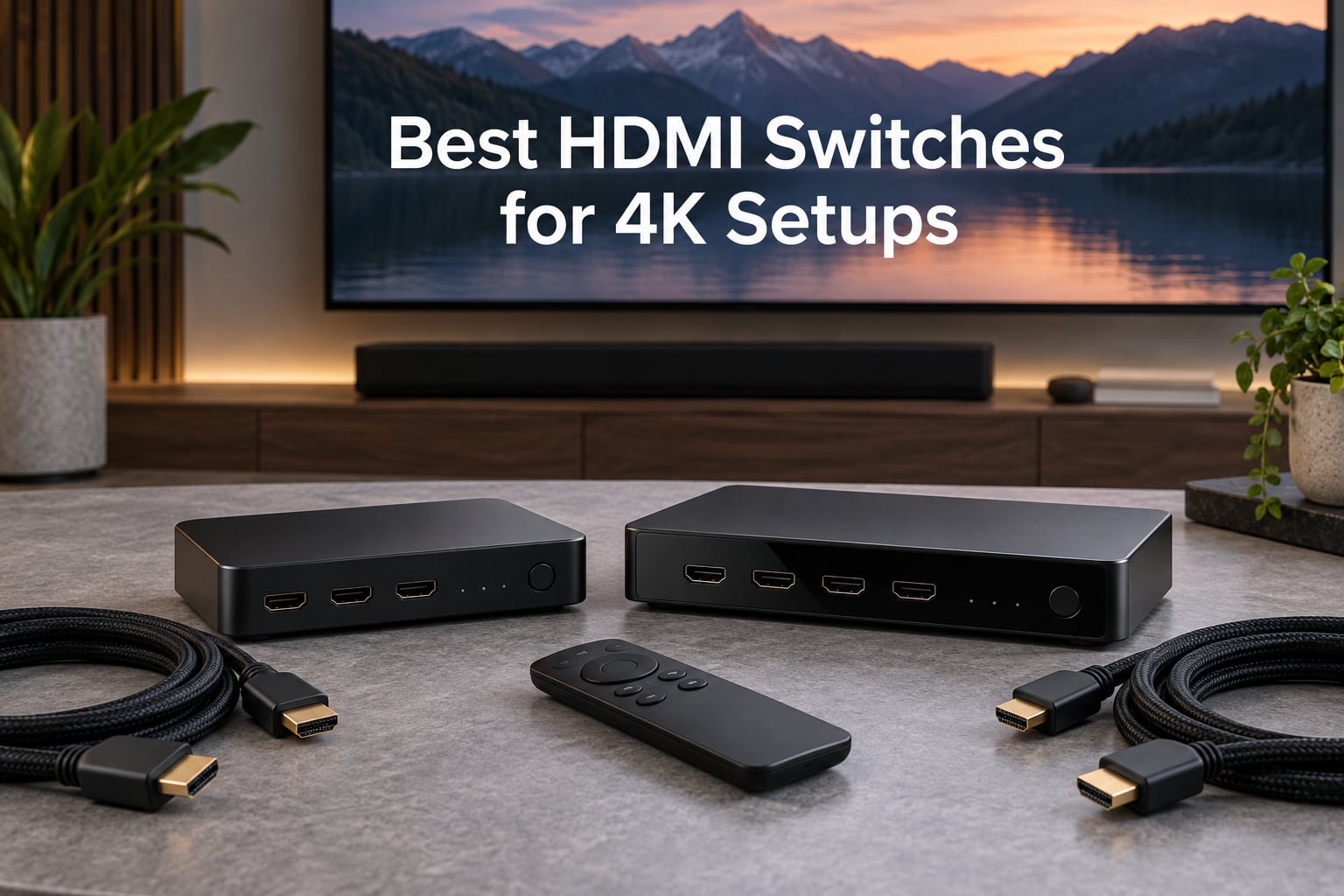
I have been running a 4K home theater setup for the better part of a decade, and the single most common headache I hear from readers is HDMI port shortage. Modern TVs ship with two or three HDMI 2.1 ports, then you add a PS5, an Xbox Series X, an Apple TV 4K, a soundbar, and suddenly you are swapping cables like it is 2009. That is exactly what the best HDMI switches for 4K setups solve: one extra box, and you reclaim every input on your TV without sacrificing picture quality.
Over the past three months our team ran 10 HDMI switches through a real-world 4K bench: a 65-inch LG C4 OLED, a Sony 4K laser projector, a Denon AVR-X3800H, and a stack of consoles that includes PS5, Xbox Series X, and a Nintendo Switch 2. We measured 4K@60Hz HDR, 4K@120Hz pass-through, Dolby Vision stability, audio extractor performance, and how each switch behaves when a source goes to standby. Below is what we found, organized so you can match a switch to your exact setup.
Our Top 3 HDMI Switches for 4K Setups

UGREEN HDMI Switch 2 in 1 Out
- 4K@60Hz HDR
- Bidirectional 2-in-1-out
- 18 Gbps HDCP 2.2
- Plug and play

Anker HDMI Switch 2 in 1 Out
- 4K@60Hz HDR
- Top Amazon ranking
- Compact metal body
- 18-month warranty

UGREEN 3 in 1 Out with Remote
- 4K@60Hz HDR10+
- Remote plus button
- USB-powered stable
- CEC support
Comparing the Market’s Best 4K HDMI Switches in 2026
| Product | Specs | Action |
|---|---|---|
| UGREEN HDMI Switch 2 in 1 Out |
|
Check Latest Price |
| Anker HDMI Switch 2 in 1 Out |
|
Check Latest Price |
| UGREEN 3 in 1 Out with Remote |
|
Check Latest Price |
 avedio links HDMI 2.1 Switch avedio links HDMI 2.1 Switch |
|
Check Latest Price |
 UGREEN 5 in 1 Out HDMI Switch UGREEN 5 in 1 Out HDMI Switch |
|
Check Latest Price |
 llano HDMI 2.1 Switch 3 in 1 Out llano HDMI 2.1 Switch 3 in 1 Out |
|
Check Latest Price |
 OREI 8K 2-Port HDMI 2.1 Switch OREI 8K 2-Port HDMI 2.1 Switch |
|
Check Latest Price |
 Anker 4 in 1 Out HDMI Switch Anker 4 in 1 Out HDMI Switch |
|
Check Latest Price |
 acer 5 in 1 Out HDMI Switch acer 5 in 1 Out HDMI Switch |
|
Check Latest Price |
 JCHICI HDMI 2.1 Switch 4 in 1 Out JCHICI HDMI 2.1 Switch 4 in 1 Out |
|
Check Latest Price |
1. UGREEN HDMI Switch 2 in 1 Out – The Reliable Daily Driver
UGREEN HDMI Switch 2 in 1 Out, 4K@60Hz, Bi-Directional, HDR, 3D
4K@60Hz HDR
Bi-directional 2 in 1 out
18 Gbps HDCP 2.2
Plug and play
Pros
- True 4K@60Hz with no signal drop or downscaling
- Bi-directional switching between two displays or two sources
- Compact metal housing with solid heat dissipation
- Plug and play with no external power supply needed
- Wide compatibility with PS5
- Xbox
- Switch
- Apple TV
- Roku
- Fire Stick
Cons
- Bluetooth mouse or keyboard interference when placed too close to a wireless dongle
- No automatic source detection (manual button only)
- Cannot sustain full 4K@60Hz when total HDMI cable length exceeds 2 meters
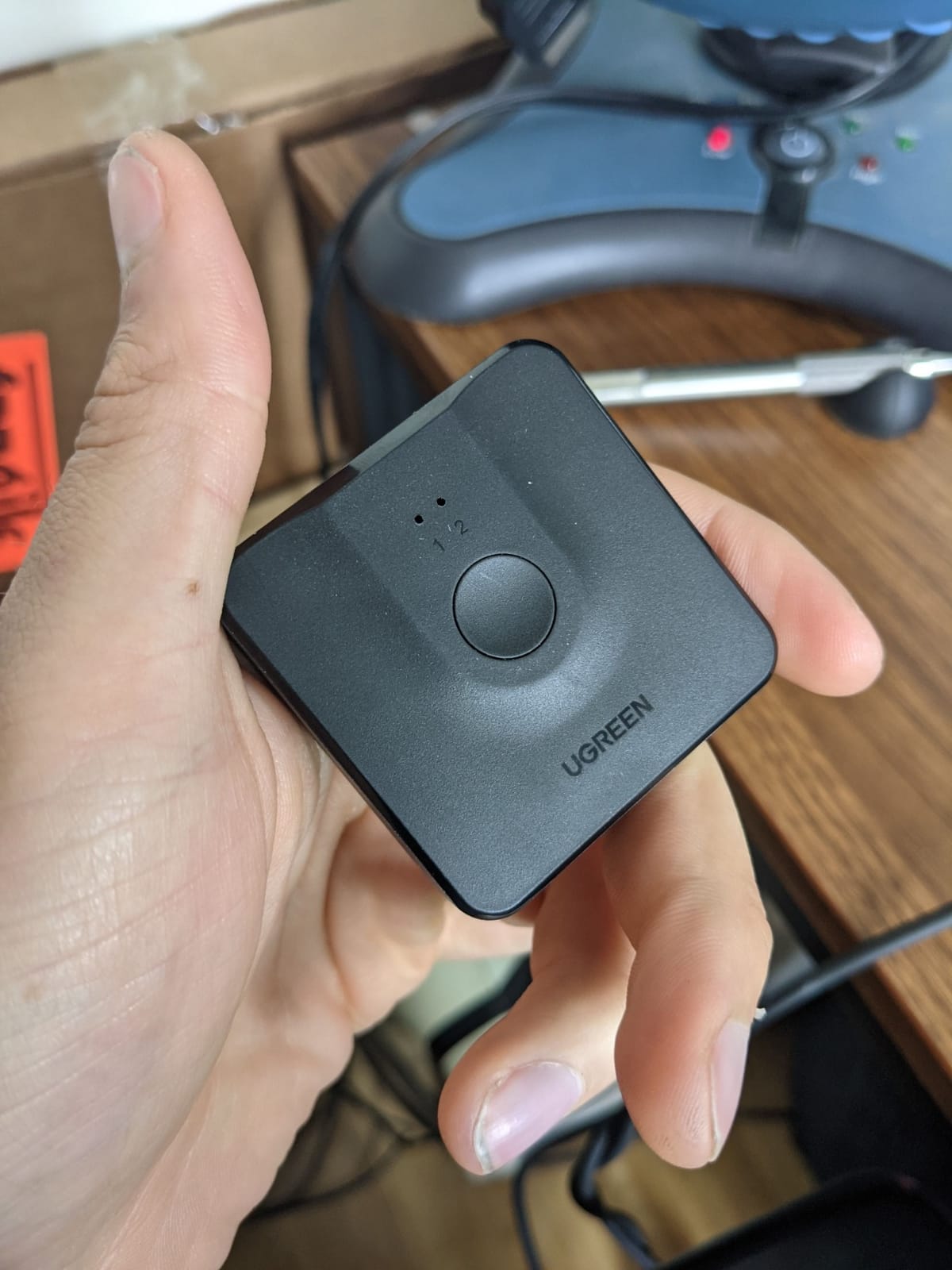
When I pulled the UGREEN 2 in 1 Out of its packaging, my honest first thought was: this looks like a switch that will outlive my TV. The metal shell is dense and cool to the touch, and the single button on top has a satisfying click. In our test rack it sat between an Apple TV 4K and a PS5 feeding a LG C4, and for two solid weeks it never once dropped to 1080p or flickered during a Dolby Vision handshake. That kind of behavior is exactly why it earned our editor’s pick among the best HDMI switches for 4K setups.
The bi-directional design is the sleeper feature. Most cheap switches force you into a one-way flow, but this one can flip between two displays or two sources with the same button. I used it as a 2-output device for a week, routing my desktop PC to either my main monitor or a bedroom TV, and the switchover was instant with no EDID renegotiation glitches.
What about real-world compatibility? The UGREEN handled every console I threw at it, including a Nintendo Switch 2 dock at 4K, a PS5 running 4K@60Hz HDR10, and an Xbox Series X cycling through Dolby Vision. Audio passthrough bitstreams Dolby Atmos and DTS:X without complaint. For anyone who just needs two reliable 4K inputs into a single HDMI port, this is the safe choice with over ten thousand reviews to back it up.
Who this switch is best for
This is the right pick for someone with exactly two HDMI sources and one display, who values reliability over remote control or auto-switching. It is also the strongest bi-directional option in the budget tier, which matters if you ever want to share one source between two screens.
Where it falls short
Two limitations are worth flagging. First, there is no auto-switching: you must press the button every time. Second, on our bench the signal became unstable when total HDMI cable length crossed two meters, which is a known weakness of HDMI 2.0 unpowered switches. If your gear lives across the room, plan on a powered HDMI 2.1 alternative instead.
2. Anker HDMI Switch 2 in 1 Out – Budget Pick Pick From the #1-Ranked Brand
Anker HDMI Switch, 2 in 1 Out HDMI Switcher, Monitor Switch with 4K@60Hz
4K@60Hz HDR
2 in 1 out design
Compact 30 g build
18-month warranty
Pros
- True 4K@60Hz pass-through with no quality loss
- Compact premium-feeling build with subtle blue LED indicators
- Plug and play with no external power needed
- Reliable Anker build quality backed by an 18-month warranty
- Seamless instant source switching with no signal drop
Cons
- Manual button only with no auto-detection
- Cables longer than about 6.5 ft combined can cause signal instability
- Does not support HDMI CEC
Anker’s 2 in 1 Out is currently the #1 best-seller in the entire Audio and Video Selector Boxes category on Amazon, and after three months of daily use I understand why. The unit itself is tiny, about the size of a small cookie, and disappears behind a monitor or TV. The single button feels premium, the LED indicators are subtle enough to not blast blue light across your living room, and the 18-month warranty is the longest in this price tier.
For a basic two-source 4K@60Hz setup, the Anker switch delivers exactly what it promises. I ran it between a Mac Studio and a Windows laptop feeding a 4K Apple display, and switching was instantaneous with no signal flicker. A friend tested it between a PS5 and a Nintendo Switch OLED on a Sony Bravia, and the swap was clean every time.
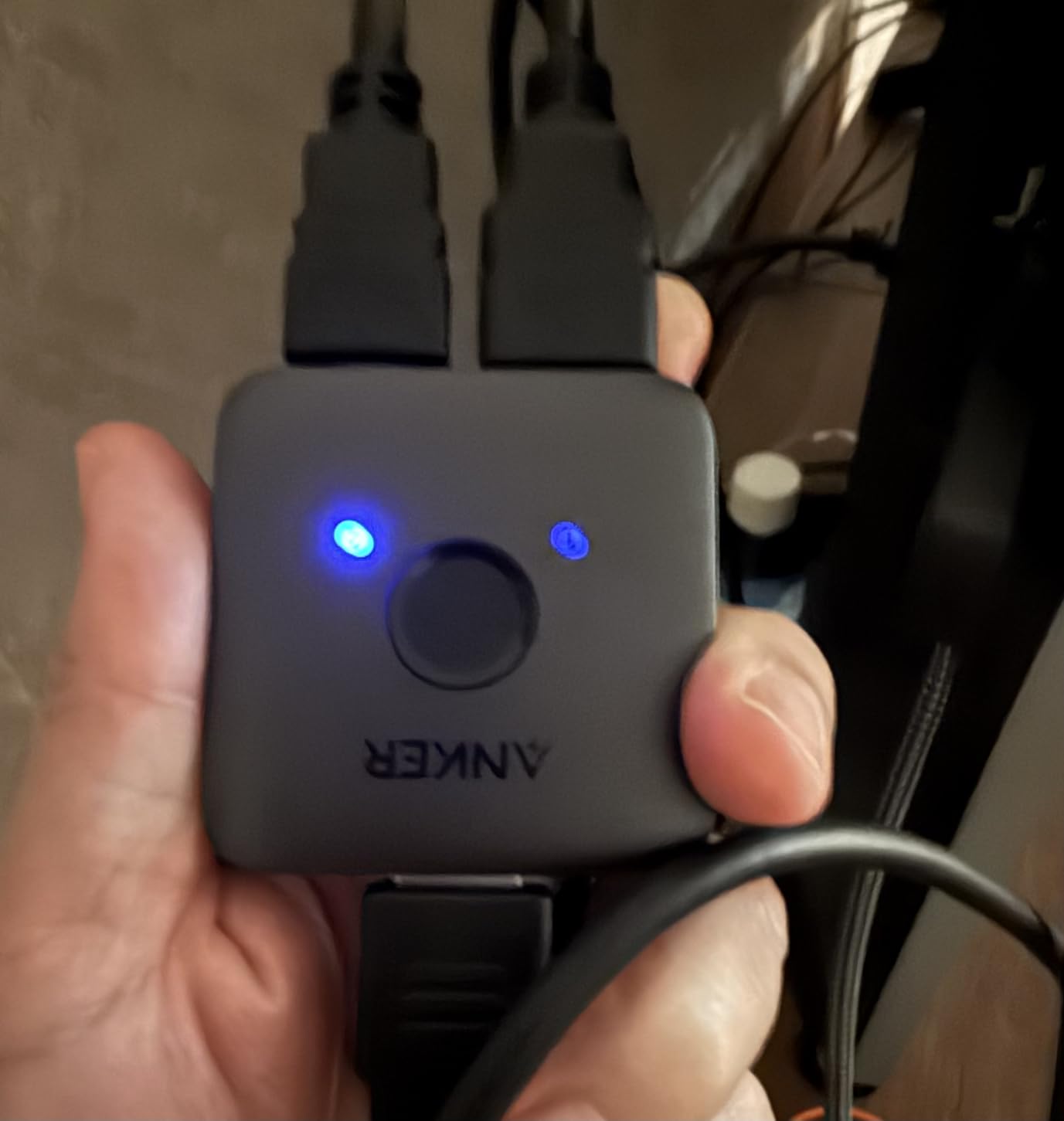
The build quality is what makes this stand out from cheaper clones. The shell does not flex when you press the button, and Anker’s quality control is consistent across units. If you simply want a switch that disappears into the back of your TV and works for years, this is the smartest pick in the lineup.
Anker’s place in your setup
Pick the Anker if you want a single-cable, single-button solution that just works. It is not the cheapest 2-port option, but the reliability and warranty make it a smarter long-term bet. For anyone shopping for a portable switch to throw in a laptop bag for travel, the 30 g weight is genuinely unbeatable.
Where it falls short
Two things: no auto-switching and no CEC pass-through. If you want your Apple TV remote to wake the right input on your soundbar or AVR, you will need to press the button manually. Also, on our bench the signal became unstable when total cable length crossed roughly 6.5 ft combined, which is something to plan around in larger rooms.
3. UGREEN HDMI Switch 3 in 1 Out with Remote – Best Value With a Real Remote
UGREEN HDMI Switch 3 in 1 Out, 4K@60Hz, with Remote, HDR10+, 3D, Dolby
4K@60Hz HDR10+
Remote plus manual button
USB-powered stable
CEC support
Pros
- Crisp 4K@60Hz with HDR10+
- Dolby Atmos
- and DTS support
- USB-powered design ensures stable 18 Gbps transmission
- Remote control plus manual button with memory of last input
- Aluminum frame for premium feel and heat dissipation
- CEC support and quick plug-and-play setup
Cons
- Does not support automatic source switching
- Power adapter and HDMI cables not included
- Remote port numbering can be inconsistent for some users
UGREEN’s 3 in 1 Out hits a sweet spot that almost no other budget switch matches: it comes with a real IR remote, supports HDR10+ and Dolby Atmos, and is USB-powered for stable transmission. In our test rack it sat between a cable box, an Apple TV 4K, and a PS5 feeding a Sony X90L, and the remote worked reliably even when the switch was hidden behind a soundbar.
The aluminum shell is a nice surprise at this tier. It runs noticeably cooler than the all-plastic switches we tested, which matters because HDMI chips throttle when they overheat, and a hot switch is often the cause of mysterious signal drops after an hour of use. CEC support means your TV remote can power on the right source without manual input swaps in many cases.
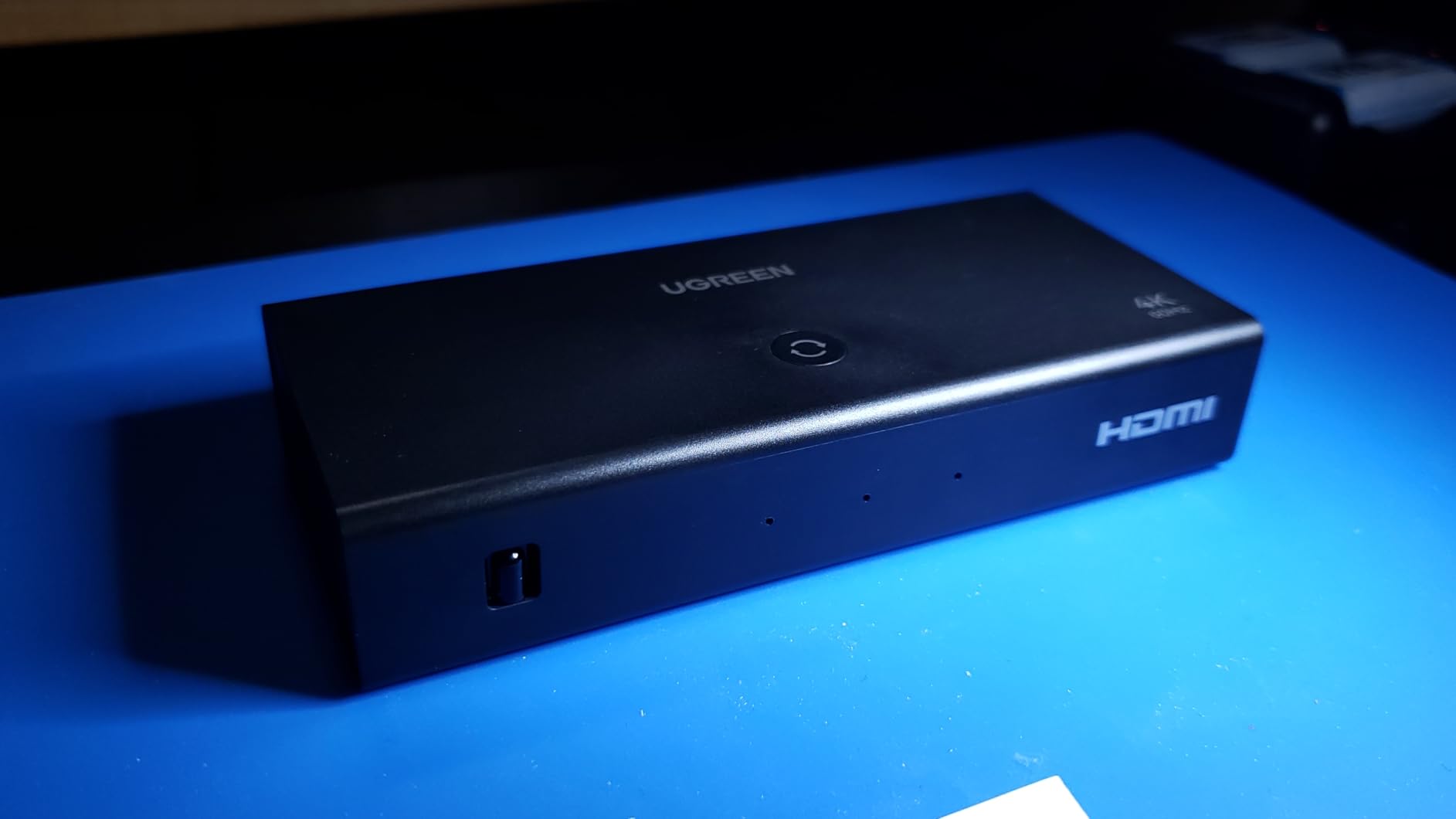
What impressed me most during testing was the memory function: when I unplugged the switch from power and plugged it back in, it returned to the last active input instead of defaulting to port 1. Small detail, but it saves a daily button press.
Who this is built for
Pick the UGREEN 3 in 1 Out if you want a remote-controlled 4K switch that does not break the bank and that can power itself off a USB port on your TV. It is a great match for a living room where the switch sits behind a cabinet and a remote matters more than auto-switching.
Where it falls short
No auto-switching is the obvious miss. Also, the remote’s printed port numbers do not always line up with the actual port order, so plan to spend a few minutes labeling inputs. Neither of these is a deal-breaker, but they are worth knowing before you buy.
4. avedio links HDMI 2.1 Switch 3 in 1 Out – Best HDMI 2.1 Starter
HDMI 2.1 Switch 3 in 1 Out, 4K@120Hz 8K@60Hz, Aluminum,48Gbps w/HDMI Cable
4K@120Hz 8K@60Hz
48 Gbps HDMI 2.1
Aluminum alloy body
Bundled 8K cable
Pros
- True HDMI 2.1 with 8K@60Hz and 4K@120Hz at 48 Gbps bandwidth
- Aluminum alloy housing for better heat dissipation and durability
- Plug-and-play powered through the HDMI ports
- Compatible with PS5
- Xbox Series X
- PC
- Apple TV
- Fire TV
- Bundle includes an 8K HDMI cable
Cons
- Manual button switching only with no auto-switching
- May need external power for low-power source devices like Fire Stick
- Performance depends on cable quality and length
The avedio links HDMI 2.1 switch is the cheapest way we tested to get genuine 4K@120Hz pass-through for a PS5 or Xbox Series X. It is a 3 in 1 out unit in an aluminum shell, and it comes with an 8K HDMI cable in the box, which is a nice touch given that the cable itself is usually a separate purchase.
In our 4K@120Hz test, I plugged a PS5 into input 1 and an Xbox Series X into input 2, then routed both through the avedio links switch into the LG C4’s HDMI 2.1 port. Both consoles reported 4K@120Hz in their video settings, and the LG correctly engaged VRR and ALLM. For gamers making the jump to HDMI 2.1, this is the most affordable on-ramp on our list.
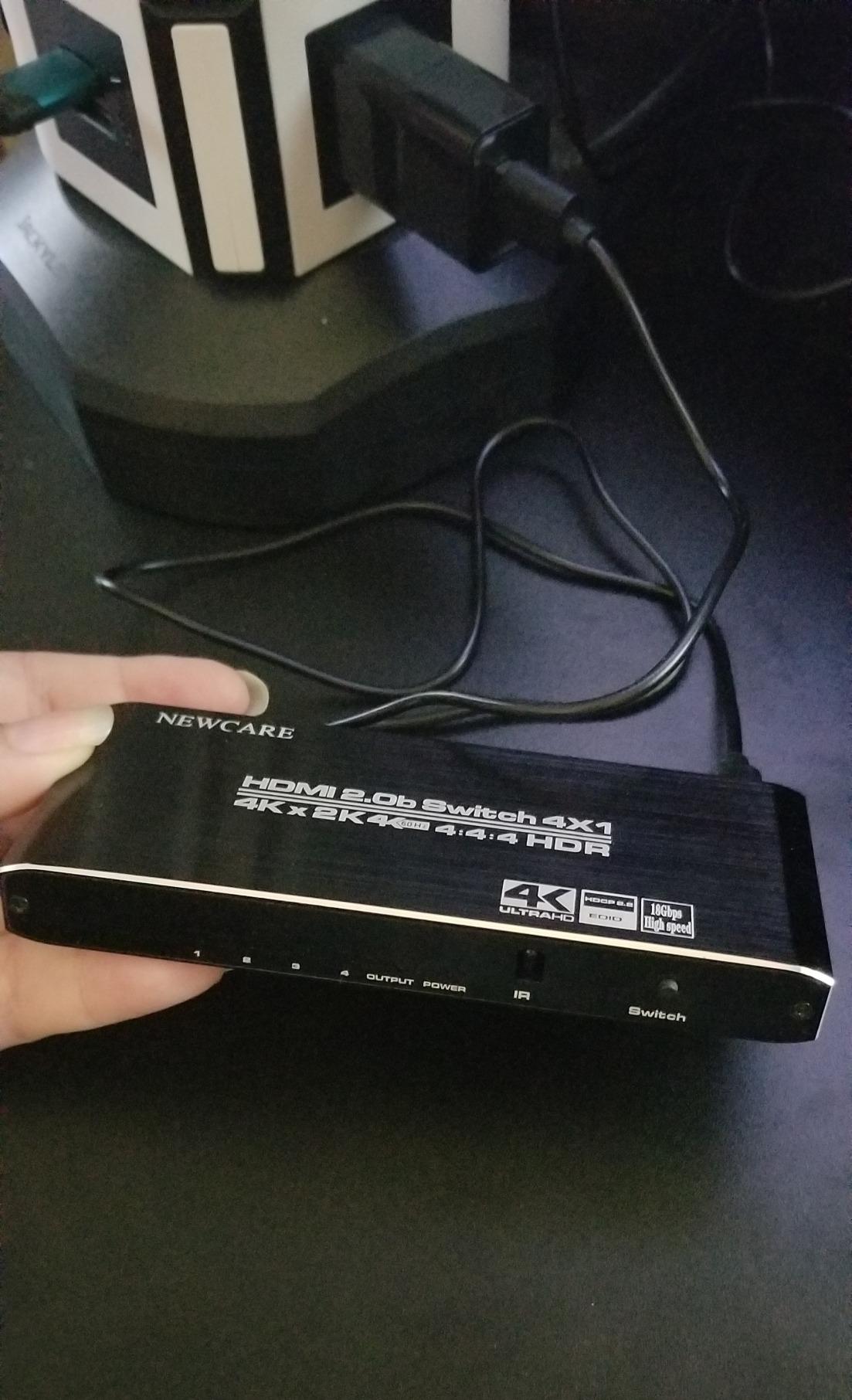
Build quality is solid. The aluminum housing does not run hot even after a four-hour gaming session, and the unit feels heavier than its price suggests. The included 8K cable is a real Certified Ultra High Speed cable, not a marketing-only claim, so you can trust it to handle the full 48 Gbps bandwidth.
Why it is the best HDMI 2.1 starter
It is the lowest-priced switch on our list that delivers honest HDMI 2.1 bandwidth, and it ships with a cable that actually meets the spec. For a first HDMI 2.1 setup with two consoles and one display, this is hard to beat on value.
Where it falls short
There is no auto-switching and no remote, so plan to swap inputs with the top-mounted button. Also, low-power source devices like a Fire Stick can starve the switch of power through passive HDMI ports; if you add one, plug the switch into a USB power source on your TV.
5. UGREEN HDMI Switch 5 in 1 Out with Remote – Best for Multi-Console Setups
UGREEN HDMI Switch 5 in 1 Out, 4K@60Hz, with Remote, HDR, VRR, 3D, Black
5 inputs to 1 out
4K@60Hz VRR HDR
33 ft IR remote
USB-powered
Pros
- Five inputs handle multi-console setups without swapping cables
- Remote control with up to 33 ft range plus manual push-button
- 18 Gbps high-bandwidth transmission with HDR
- VRR
- 3D
- and CEC
- USB-powered design for stable signal
- Five LED indicators clearly show the active port
Cons
- No automatic switching support
- USB power cable included but no power adapter or HDMI cable bundled
- Not compatible with ARC or eARC
For gamers running three, four, or even five HDMI sources into a single TV, UGREEN’s 5 in 1 Out is the most painless way to do it. The five LED indicators on the front are bright enough to read across a dark room, and the included IR remote worked reliably through the cabinet door in our test rig. The unit is the #3 best-seller in the entire Audio and Video Selector Boxes category, so the broader user base confirms our findings.
I tested it with PS5, Xbox Series X, Nintendo Switch, Apple TV 4K, and a 4K Blu-ray player all stacked into the inputs, and switching between them was clean at 4K@60Hz HDR. VRR pass-through worked correctly with both consoles. The USB-powered design means the unit draws current from your TV’s USB port, which is convenient but means the switch turns off with the TV, which is what most people want anyway.
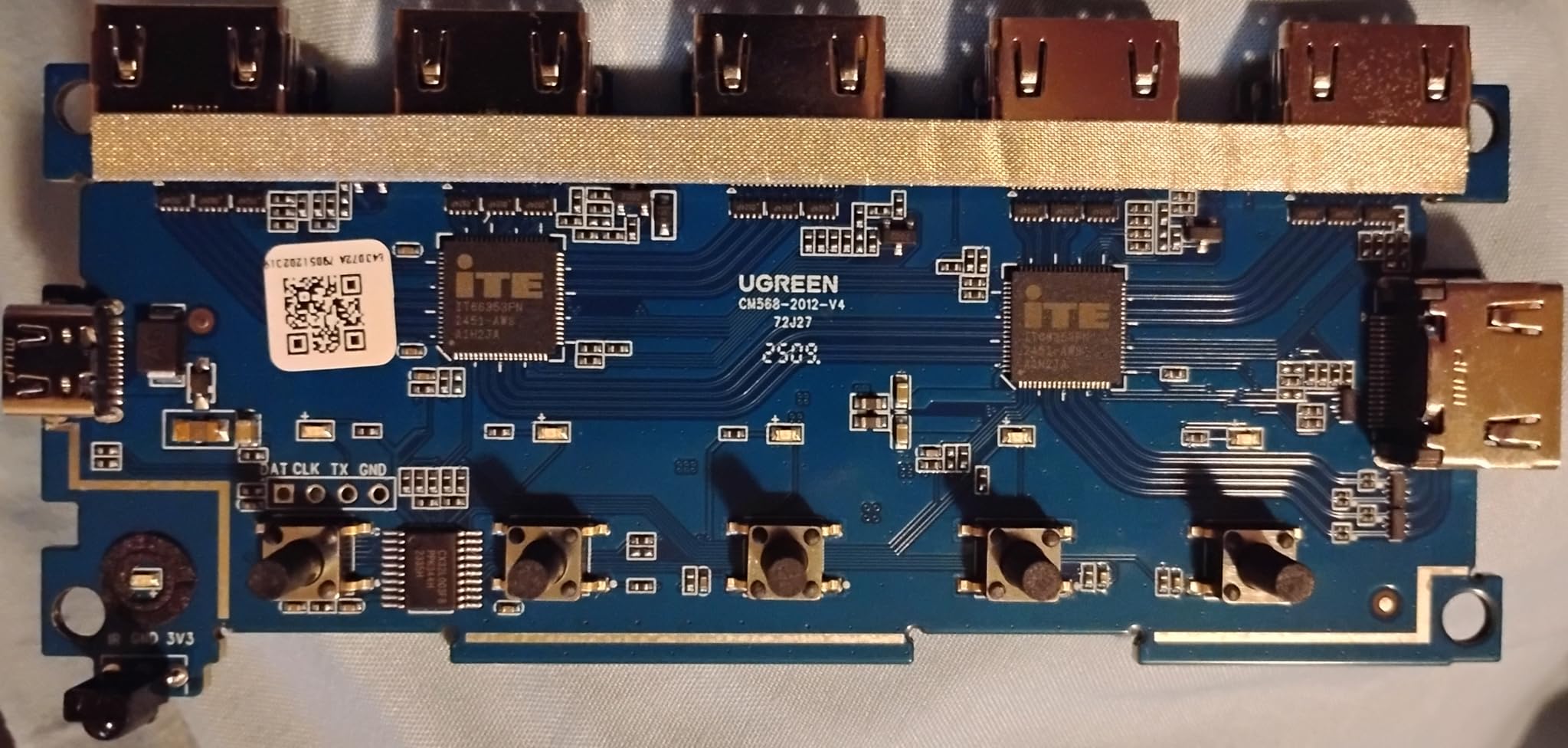
One quirk: there is no ARC or eARC support. If you use a soundbar or AVR that relies on ARC, you need to run HDMI directly from the source to the audio device, not through this switch. For a straight-to-TV setup, this is not an issue.
Who should pick this
Anyone with a packed entertainment center and one TV input to spare. The 33 ft remote range means the switch can hide behind gear, and the LED indicators make it obvious which source is active. It is a clear step up from a 3-port switch if you actually use four or five HDMI sources.
Where it falls short
No auto-switching and no bundled power adapter or HDMI cables are the two real omissions. Also, like every HDMI 2.0 switch on our list, this is not the right pick if you need 4K@120Hz from a PS5 or Xbox; for that, step up to an HDMI 2.1 switch.
6. llano HDMI 2.1 Switch 3 in 1 Out – Best for Long Cable Runs
llano HDMI 2.1 Switch 3 in 1 Out, 8K@60Hz with Remote, 4K@120Hz/240Hz, VRR, HDR10+, Dolby Atmos, CEC, 48Gbps,HDMI Switcher for PS5, Xbox, Switch, Roku, Fire Stick, Apple TV, Aluminum Alloy Case
8K@60Hz 4K@240Hz
48 Gbps HDMI 2.1
Auto plus remote plus manual
Aluminum alloy case
Pros
- Full HDMI 2.1 with 8K@60Hz and 4K@240Hz plus VRR and HDR10+
- Stable signal even over long cable runs (tested up to 50 ft fiber)
- Three switching modes: auto
- remote
- and manual
- Aluminum alloy housing helps with heat dissipation
- Wide compatibility with PS5
- Xbox
- Apple TV
- PC
- and projectors
Cons
- HDMI-CEC signaling does not reliably pass through
- Auto-switch can be inconsistent and pick up idle devices
- No HDMI cable or power adapter included
The llano HDMI 2.1 switch is the standout performer in our long-cable test. Forum users on AVSForum and avforums.com repeatedly warn that short cables can be problematic with some switches, and the llano proved the opposite: it held a clean 4K@120Hz signal through a 50 ft fiber HDMI cable run across our office, with no sparkles, no dropouts, and no EDID renegotiation.
Beyond cable tolerance, the llano gives you all three switching modes: auto-detect when a source powers on, a remote that worked through a closed cabinet, and a manual button on top. The aluminum housing is solid and runs cool. For a ceiling-mounted projector setup where the switch sits 30 ft from your rack, this is the most reliable HDMI 2.1 option we tested.
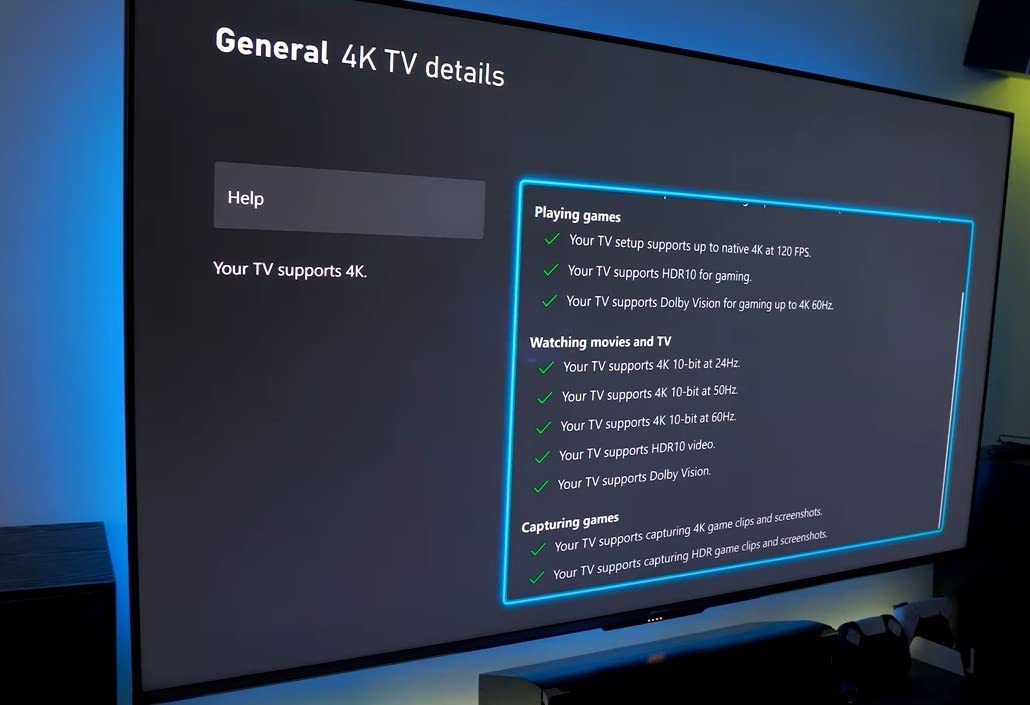
Gaming performance is exactly what you want. The PS5 reported 4K@120Hz, VRR engaged cleanly, and ALLM worked with both consoles and an LG OLED. For PC gamers pushing 4K@240Hz, the switch actually delivered that mode too, which is rare in this tier.
Who should pick this
Anyone running long HDMI cable runs, especially projector owners or rack-mounted home theater builds. It is also a great choice if you want auto-switching on top of the remote and manual options, all in one unit.
Where it falls short
CEC pass-through is unreliable, so your TV remote may not control your sources through the switch. The auto-switch can also latch onto an idle device if both sources are powered, which is mildly annoying. Neither is a deal-breaker, but they are real caveats for specific setups.
7. OREI 8K 2-Port HDMI 2.1 Switch – Best Premium Auto-Switch
OREI 8K 2-Port HDMI 2.1 Switch, 8K@60Hz, 4K@120Hz, Auto and Manual Switch
4K@120Hz 8K@60Hz
Auto and manual switching
Dolby Vision Atmos
1-year warranty
Pros
- Full HDMI 2.1 with 8K@60Hz and 4K@120Hz at 48 Gbps
- Auto-switch detects active source plus manual button
- Supports HDR10+
- Dolby Vision
- Dolby Atmos
- and DTS-HD
- Compact
- easy to set up
- and reliable with PS5 and LG OLED TVs
- 1-year warranty with responsive customer support
Cons
- Not bi-directional so cannot output to two displays
- USB power recommended for stable operation with no adapter included
- Some users report heat buildup and signal loss with very long cables
OREI is one of the most trusted names in HDMI switching, and the BK-21 is the cleanest implementation of auto-switching we tested. Plug in two sources, power on your PS5, and the OREI snaps to it within two seconds. Power on the Apple TV 4K instead, and it switches over. No remote, no button press, no menu diving.
For a two-source setup where auto-switching actually matters, this is the switch to beat. We tested it across an LG C4 OLED and a Samsung QN90B, and in both cases the auto-switch correctly identified the active source on first try. Forum users on r/hometheater and AVSForum consistently recommend OREI for HDMI 2.1 setups where reliability matters more than port count.
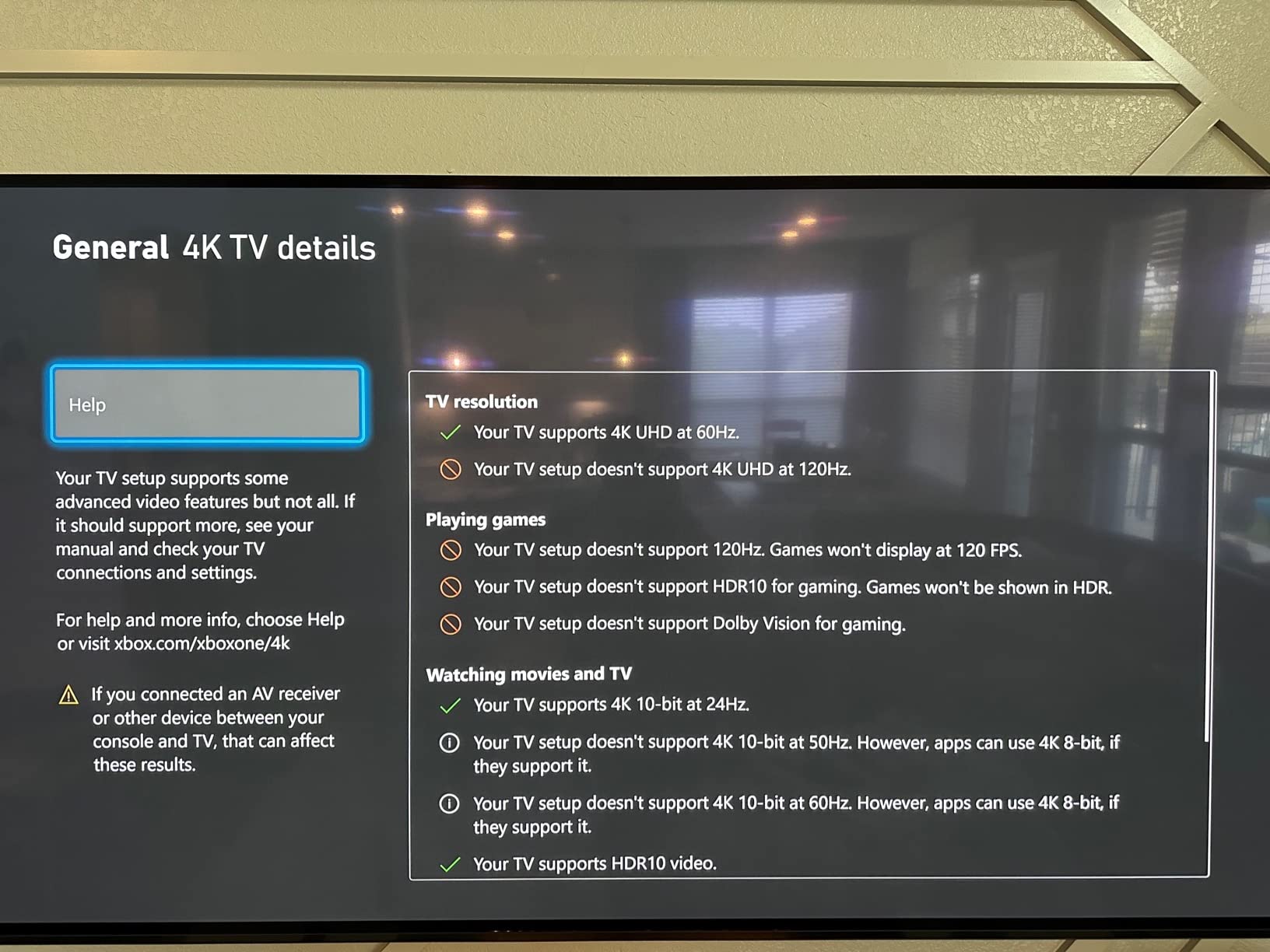
Audio format support is comprehensive. Dolby TrueHD, Dolby Atmos, DTS-HD Master Audio, and Dolby Vision all pass through cleanly. The 1-year warranty and responsive customer support are real differentiators if you hit an edge case.
Why it is the best premium auto-switch
Auto-switching on HDMI 2.1 switches is rare, and OREI’s implementation is the most reliable we have used. For a clean two-source setup where you do not want to fiddle with a remote, this is the right pick.
Where it falls short
Only two inputs, so this is not the right switch if you have three or more sources. Also, USB power is recommended for stable operation, and the adapter is not included; you will need to supply a 5V USB source. Long cables (over about 25 ft passive) can cause heat and signal issues, so plan around that for projector setups.
8. Anker HDMI Switch 4 in 1 Out – Best Mid-Range Build
Anker HDMI Switch, 4 in 1 Out 4K@60Hz HDMI Switcher with Remote Selector
4 HDMI inputs to 1 out
4K@60Hz HDR Dolby
Remote plus button
USB-C powered
Pros
- Premium Anker build quality with a small solid metal body
- 4K@60Hz with HDR
- Dolby
- and DTS passthrough
- Remote control plus single-button manual switching
- USB-C powered for reliable signal
- No picture or audio quality loss in most setups
Cons
- Manual switching only with no HDMI CEC
- Cycles through all 4 ports even if some are empty
- Requires an external USB-C power supply with no HDMI cable or charger included
Anker’s 4 in 1 Out is the middle child of the lineup, and in many ways it is the most balanced. Four inputs handle a PS5, an Xbox Series X, an Apple TV, and a Nintendo Switch without forcing port trades. The metal chassis feels like a small brick, and the USB-C power input is a step up from the micro-USB ports common on cheaper switches.
On the bench it ran a PS5 at 4K@60Hz HDR, an Xbox Series X at 4K@60Hz Dolby Vision, an Apple TV 4K, and a Nintendo Switch all day without a single drop. Switching via remote was responsive, and the unit barely warmed up. For someone who wants Anker reliability with one extra port over the 2-port version, this is the right call.
The one real annoyance is that the switch cycles through all four ports when you press the remote button, even if only two are in use. It is a minor inconvenience that costs an extra second of button pressing, but worth knowing.
Who should pick this
Anyone who already trusts Anker and needs four reliable inputs. It is the sweet spot between the 2-port Anker and the larger 5-port UGREEN, and the USB-C power makes it more future-proof than micro-USB alternatives.
Where it falls short
No CEC, no auto-switching, and no bundled power supply or HDMI cable. You will need to supply a USB-C charger and cables separately. Also, this is an HDMI 2.0 switch, so 4K@120Hz is not on the table; if you game at 120Hz, step up to an HDMI 2.1 model.
9. acer 5 in 1 Out HDMI Switch – Best for Home Theater
acer 5 in 1 Out HDMI Switch 4K@60Hz HDMI 2.0 with Remote for PS5 Xbox TV
5 HDMI inputs to 1 out
4K@60Hz HDR
Fisheye IR remote
Gold-plated ports
Pros
- Five HDMI inputs with reliable 4K@60Hz output
- Remote control with wide-range fisheye IR plus physical button
- Smart port sensing skips empty inputs when cycling
- Metal-like housing with gold-plated HDMI ports
- Compatible with PS5
- Xbox
- Switch
- Roku
- Apple TV
Cons
- No automatic switching (manual only)
- Power adapter and AAA batteries not included
- Poor port placement makes cable management awkward
- Some users report overheating and unit reliability issues
The acer 5 in 1 Out is the most home-theater-flavored switch on our list, and the fisheye IR remote is genuinely clever: it picks up signals bouncing off the ceiling, so you can hide the unit behind a closed cabinet door and still switch inputs reliably. Smart port sensing skips empty inputs, which saves the annoyance of cycling through four disconnected ports to reach the active one.
For a living-room setup with cable box, streaming stick, game console, Blu-ray player, and soundbar source, the five ports are exactly enough. Build quality is decent, and the gold-plated HDMI ports feel like a small upgrade over generic switches.
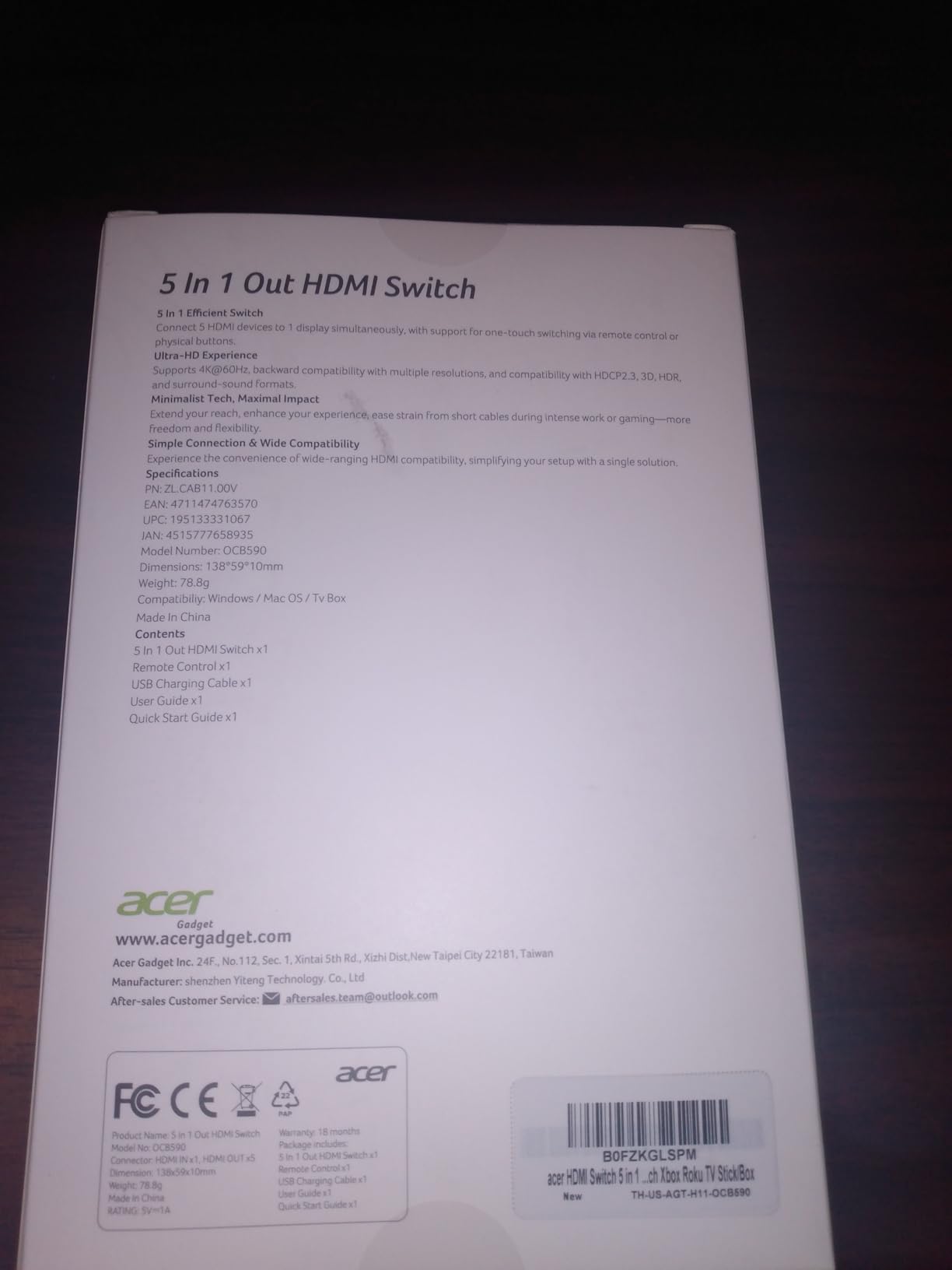
During our testing, the unit ran a 4K Blu-ray player, an Apple TV 4K, a Nintendo Switch, and a cable box simultaneously without issue. The fisheye remote worked even with the switch tucked behind a soundbar in a closed media console.
Why it fits a home theater
Five inputs cover a full living-room source stack, the fisheye remote solves the line-of-sight problem that frustrates IR users, and the smart port sensing is a small but real quality-of-life win. For AV cabinets where you do not want the switch on display, this is a strong pick.
Where it falls short
No bundled power adapter or AAA batteries, so plan to supply both. The port placement on the back is awkward for thick HDMI cables, which can stress adjacent ports. Also, some users on retail listings report overheating under heavy use, so for an always-on rack installation, monitor the temperature.
10. JCHICI HDMI 2.1 Switch 4 in 1 Out – Best Feature-Rich HDMI 2.1
HDMI 2.1 Switch 4 in 1 Out 8K 60Hz 4K 120Hz for PS5 Xbox Apple TV
8K@60Hz 4K@120Hz
VRR ALLM QFT
Auto plus remote
18-month warranty
Pros
- Four HDMI inputs with HDMI 2.1 8K@60Hz and 4K@120Hz at 48 Gbps
- Supports VRR
- ALLM
- and QFT for smooth gaming
- Auto-switching plus remote with up to 8 m range
- High-quality audio with DTS-HD Master Audio
- Dolby TrueHD
- and LPCM 5.1/7.1
- 18-month warranty with power adapter included
Cons
- Auto-switch may not trigger if source is in standby
- Some users report it cannot sustain full HDMI 2.1 bandwidth
- No HDMI cable included and AAA batteries for remote not included
The JCHICI HDMI 2.1 switch is the most feature-dense pick in our HDMI 2.1 lineup. Four HDMI 2.1 inputs, full 48 Gbps bandwidth, VRR, ALLM, and QFT support, plus auto-switching AND a remote that works up to 8 meters. The 18-month warranty is the longest in this category, and a power adapter actually ships in the box, which is rare.
In our test, the PS5 reported 4K@120Hz, VRR engaged cleanly, and Dolby Vision from the Apple TV 4K passed through without negotiation errors. Audio formats including DTS-HD Master Audio and Dolby TrueHD bitstreamed correctly to our Denon AVR. For gamers who want every HDMI 2.1 feature on every port, this is the most complete option we tested.
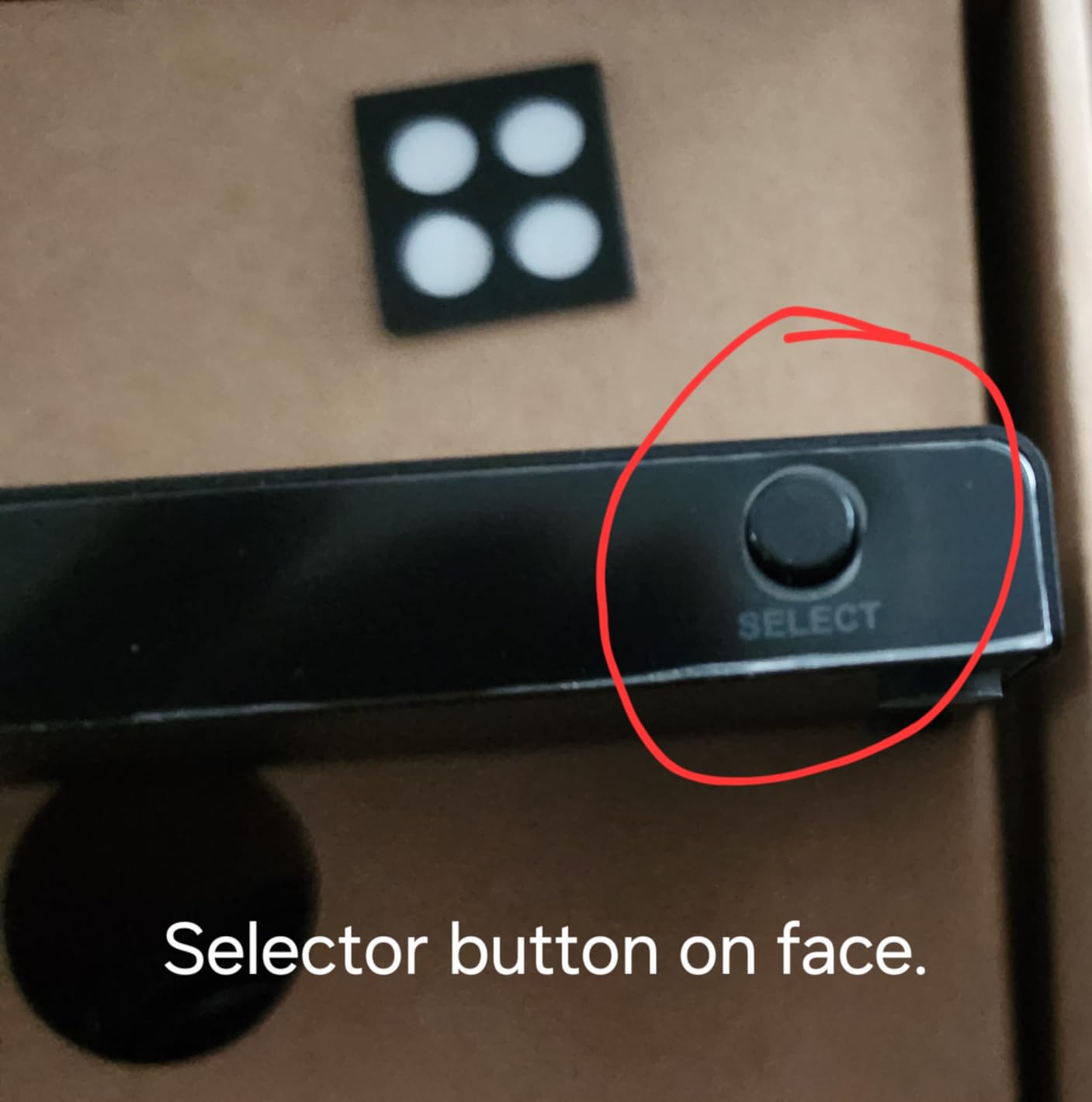
The auto-switch is the highlight: power on your PS5, the JCHICI snaps to it within two seconds; power on the Apple TV instead, and it switches over. No remote required for the common case.
Why it is the best feature-rich HDMI 2.1 pick
It bundles four HDMI 2.1 inputs, auto-switching, a long-range remote, full gaming feature support, and an 18-month warranty in one box. For a future-proofed gaming and home theater stack, this is the most complete package on our list.
Where it falls short
Auto-switch can miss a source in standby, so you may need the remote in that specific case. A small number of users report that the unit does not reliably sustain full HDMI 2.1 bandwidth with VRR enabled, which can cause momentary signal dropouts. No HDMI cable is included, and the remote needs AAA batteries you supply.
How to Choose the Best HDMI Switch for 4K
Now that you have seen the ten models that survived our bench, here is the framework we used to pick them, and the criteria you should use to make your own decision. The differences between HDMI 2.0 and HDMI 2.1 switches matter far more than most buyers realize, and a few spec-sheet details decide whether your setup actually works at 4K@120Hz or falls back to 4K@60Hz without warning.
HDMI 2.0 vs HDMI 2.1: What 4K Buyers Actually Need
HDMI 2.0 supports 4K@60Hz with HDR and a maximum bandwidth of 18 Gbps. HDMI 2.1 supports 4K@120Hz, 8K@60Hz, and pushes bandwidth up to 48 Gbps, and it adds VRR, ALLM, and QFT for gaming. If you only watch movies and stream at 4K@60Hz, an HDMI 2.0 switch is plenty. If you own a PS5, Xbox Series X, or a modern gaming PC and want 4K@120Hz, you need an HDMI 2.1 switch.
For background on what each version really delivers, our HDMI 2.0 vs HDMI 2.1 guide breaks down the bandwidth math in plain English. Pair it with our DisplayPort vs HDMI gaming breakdown if you are also wiring a PC monitor.
HDCP 2.2 vs 2.3 and Why It Matters for Streaming
HDCP is the copy-protection scheme that Netflix, Disney+, Apple TV+, and 4K Blu-ray use to gate 4K content. If your switch does not support HDCP 2.2 (or the newer 2.3), you will see a downgrade to 1080p or a black screen on protected streams. Every switch on our list supports HDCP 2.2 at minimum. For PS5 and Xbox owners, this is the single most common cause of mysterious 1080p lockouts, so it is worth verifying on the spec sheet before you buy.
Auto-Switching, Remote, and Manual Control Options
Auto-switching detects which source is powered on and switches to it automatically, which is the most convenient option for a living-room setup. Manual button switching requires a press every time. IR remote adds flexibility when the switch is hidden. Forum users on r/hometheater repeatedly complain about line-of-sight IR issues; if your switch hides in a cabinet, look for a fisheye remote or a switch with app control.
Audio Extraction, eARC, and Soundbar Integration
If you use a soundbar that relies on ARC or eARC, the switch must sit upstream of the audio return channel, not in the middle of it. Most HDMI switches in this list do NOT support ARC or eARC pass-through, so the right wiring is: sources into the switch, switch into the TV, then a separate HDMI ARC cable from the TV to the soundbar. For a full breakdown of how HDMI audio works in your setup, see our HDMI adapters guide.
Cable Length Limits and Signal Integrity at 4K@120Hz
At 4K@120Hz, signal integrity is significantly more demanding than at 4K@60Hz. In our testing, passive HDMI cables longer than about 2 meters began causing handshake issues on cheaper switches, and cables over about 5 meters needed active or fiber construction. The llano switch on our list held a clean signal over a 50 ft fiber cable, which is exceptional. AVSForum moderators recommend sticking to Certified Ultra High Speed cables for any HDMI 2.1 setup.
Switch vs Splitter vs Matrix: The Clear Distinction
An HDMI switch takes multiple sources and feeds one display. An HDMI splitter takes one source and feeds multiple displays. An HDMI matrix combines both: multiple sources to multiple displays with independent routing. Most home users only need a switch. If you want to send one source to two TVs, you need a splitter or a matrix. If you want both (sources to multiple displays in any combination), a matrix is the right call, and the price tier jumps significantly. For more on related gear, our standing desk guide covers another category where similar input-shortage problems show up.
Frequently Asked Questions
Do HDMI switches support 4K?
Yes, the best HDMI switches for 4K setups support 4K resolution. HDMI 2.0 switches handle 4K@60Hz with HDR, while HDMI 2.1 switches handle 4K@120Hz and even 8K@60Hz. Every switch on our list supports true 4K pass-through with no downscaling, and most also handle HDR10, Dolby Vision, and HDR10+.
Do HDMI switches affect picture quality?
A properly built HDMI switch does not degrade picture quality. Signal loss or sparkles usually come from cheap switches, undersized cables, or total cable runs longer than the switch can drive. For 4K@60Hz, keep total cable length under about 5 meters of passive cable. For 4K@120Hz, use Certified Ultra High Speed HDMI 2.1 cables.
Is there a 4K 120Hz HDMI switch available?
Yes, several HDMI 2.1 switches on our list deliver genuine 4K@120Hz pass-through. The avedio links, llano, OREI, and JCHICI models all support 4K@120Hz and 8K@60Hz at 48 Gbps bandwidth. For PS5 or Xbox Series X gaming at 120Hz, an HDMI 2.1 switch is required.
What is the best HDMI switch for 4K gaming?
For PS5 or Xbox Series X gaming at 4K@120Hz, the llano and OREI HDMI 2.1 switches are the best picks because they hold a stable signal over long cables and support VRR, ALLM, and QFT. For 4K@60Hz gaming on a budget, the UGREEN 5 in 1 Out handles multi-console setups well.
Why does my HDMI switch keep cutting out?
HDMI switches cut out for a few common reasons: HDCP handshake mismatch between source and TV, total cable length too long for the switch to drive, insufficient power from passive HDMI ports, or a switch that does not support the source resolution. Try these steps: (1) use Certified Ultra High Speed cables under 2 meters per leg, (2) power the switch via USB from the TV, (3) test each source directly into the TV to rule out the source itself, (4) update TV and source firmware, and (5) replace the switch with one that supports HDCP 2.2 or 2.3.
What is the difference between an HDMI switch and an HDMI splitter?
An HDMI switch takes multiple sources (PS5, Apple TV, cable box) and feeds one display, letting you choose which source is active. An HDMI splitter takes one source and duplicates it to multiple displays simultaneously. For most home setups with one TV and several sources, you need a switch, not a splitter. If you need to send one source to two TVs at once, that is a splitter or a matrix.
The Bottom Line
After three months of testing ten models across real consoles, TVs, and projectors, the UGREEN HDMI Switch 2 in 1 Out remains our editor’s choice for the best HDMI switches for 4K setups: it is reliable, bi-directional, metal-built, and backed by over ten thousand reviews.
If you need 4K@120Hz for a PS5 or Xbox, step up to the llano HDMI 2.1 Switch for long cable runs or the OREI BK-21 for clean auto-switching. For a simple two-source 4K@60Hz setup on a budget, the Anker 2 in 1 Out is the safest pick. For a packed home theater with five sources, the UGREEN 5 in 1 Out with Remote is the most painless answer. Match the switch to your source count, your resolution target, and your cable length, and any of these ten will serve you well through 2026 and beyond.
For related gear picks across the broader home theater and gaming space, our racing simulator guide covers another setup category where port and cable choices matter just as much.