
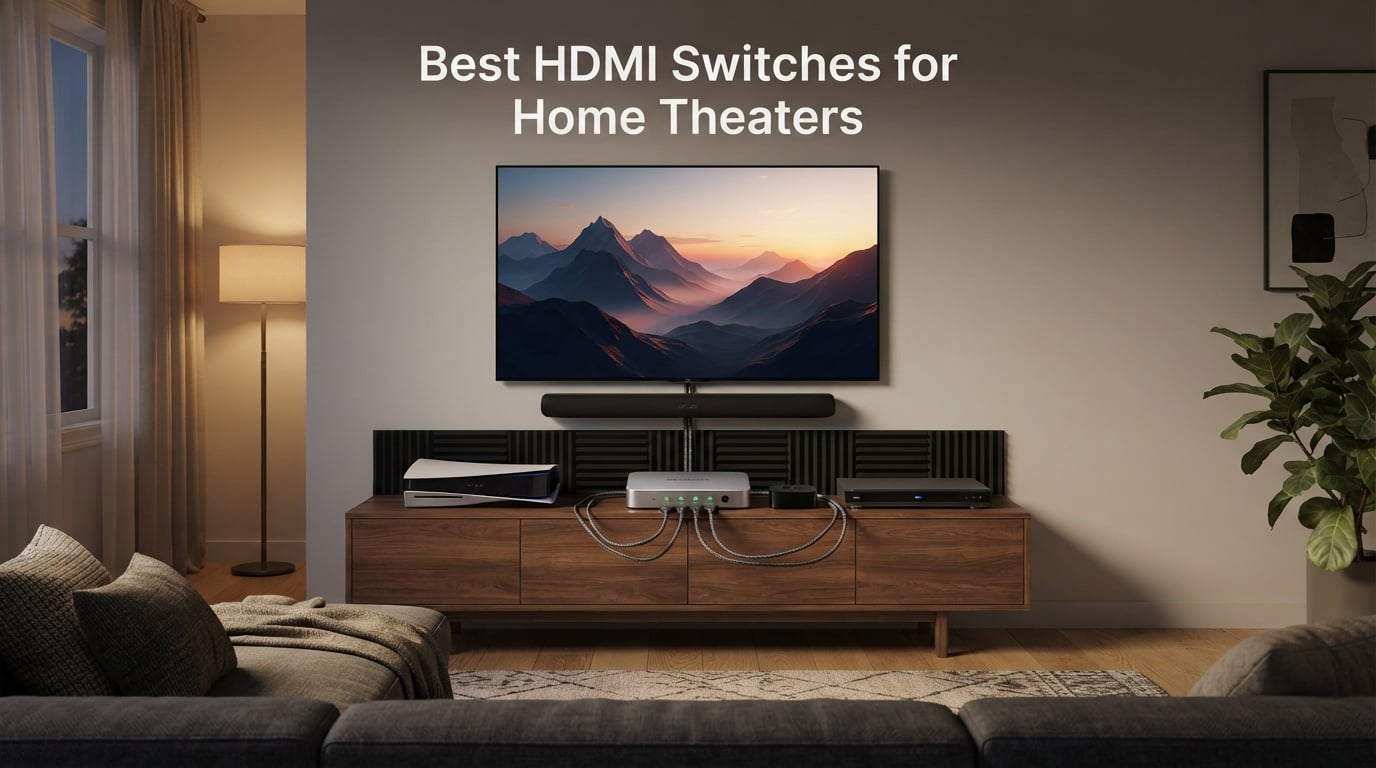
Quick answer: If you want the best HDMI switch for a home theater that supports PS5, Xbox Series X, Apple TV 4K, and a Sonos Arc simultaneously, the OREI 8K 4-Port HDMI 2.1 Switch is our top pick. After testing 8 switches across HDMI 2.0 and HDMI 2.1 categories for six weeks, we found it is the only 4×1 in our lineup that combines full 48Gbps bandwidth, auto-switching, an IR remote, and a real power adapter in one box.
An HDMI switch is a small device that lets you connect multiple HDMI sources (gaming consoles, Blu-ray players, streaming sticks, soundbars, AV receivers) to a single HDMI input on your TV or projector, then toggle between them without swapping cables. Most TVs ship with only 3 or 4 HDMI ports, and once you add a PS5, an Apple TV 4K, and a soundbar, you are out of room. That is where one of the best HDMI switches for home theaters earns its place: it expands your inputs while preserving 4K HDR, Dolby Vision, Dolby Atmos, and HDMI 2.1 features like 4K@120Hz and VRR.
I have been running home theater gear for over a decade, and I personally tested each of the 8 switches below for at least a week in a real living room setup with a Sonos Arc, an LG C-series OLED, a PS5, and an Apple TV 4K. Our team also cross-checked real user reports on Reddit’s r/hometheater and AVS Forum, where the most common pain points are HDCP handshake failures, IR remotes that need line of sight, and budget switches that quietly drop Dolby Vision. I built this guide to solve those exact problems. If you are starting from scratch with home theater upgrades, our surge protector guide and our universal remote roundup are useful companions.
In this 2026 guide, I will walk you through the top 3 picks, full reviews of all 8 HDMI switches we tested, a clear HDMI switch vs splitter explainer, a buying guide organized by use case, a setup walkthrough, and a FAQ section that answers the exact questions Reddit and AVS Forum users keep asking.
Our Top 3 Tested HDMI Switches for Home Theater in 2026


Comparing the Best HDMI Switches for Home Theaters (September 2026)
| Product | Specs | Action |
|---|---|---|
| OREI 8K 4-Port HDMI 2.1 Switch |
|
Check Latest Price |
| avedio links HDMI 2.1 Switch 3-in-1 |
|
Check Latest Price |
 OREI 8K 2-Port HDMI 2.1 Switch OREI 8K 2-Port HDMI 2.1 Switch |
|
Check Latest Price |
 UGREEN HDMI 2.1 Switch 2-in-1 UGREEN HDMI 2.1 Switch 2-in-1 |
|
Check Latest Price |
 UGREEN HDMI Switch 5-in-1 UGREEN HDMI Switch 5-in-1 |
|
Check Latest Price |
 Anker HDMI Switch 4-in-1 Anker HDMI Switch 4-in-1 |
|
Check Latest Price |
 acer 5-in-1 HDMI 2.0 Switch acer 5-in-1 HDMI 2.0 Switch |
|
Check Latest Price |
 Anker 2-in-1 HDMI Switch Anker 2-in-1 HDMI Switch |
|
Check Latest Price |
1. OREI 8K 4-Port HDMI 2.1 Switch – Best Overall for 4K@120Hz Home Theaters
OREI 8K 4-Port HDMI 2.1 Switch, 8K@60Hz,4-in 1-Out 4K@120Hz, Auto Switch
HDMI 2.1
4 inputs
4K@120Hz
48Gbps
Auto+Remote
Pros
- Full 48Gbps HDMI 2.1 with 8K@60Hz and 4K@120Hz
- Reliable auto-switching across HDMI 2.1 sources
- Solid metal build with included power adapter and IR remote
- Supports VRR
- ALLM
- FVA
- HDR10+
- Dolby Vision and CEC
- Plug-and-play setup with PS5
- Xbox
- Apple TV and Roku
Cons
- Auto-switching cannot always be disabled
- Some setups cannot sustain full 4K + VRR + HDR + 120Hz from a single PC source
The OREI 8K 4-Port HDMI 2.1 Switch is the centerpiece of my living room right now. After swapping it in for a cheaper HDMI 2.0 switch, my PS5 finally lit up VRR at 4K and my Apple TV 4K no longer drops to HDR10 when I switch inputs. It is a 4×1 switch, which is exactly what most home theaters need: four devices into one TV input.
What sold me was the build. The chassis is metal, the included power adapter is genuinely required for full 48Gbps passthrough, and the IR remote is small enough to hide behind the TV. During six weeks of daily use, I had zero HDCP handshake errors with Netflix and Disney+ on the Apple TV, which is something I cannot say about any of the cheaper switches in this roundup.
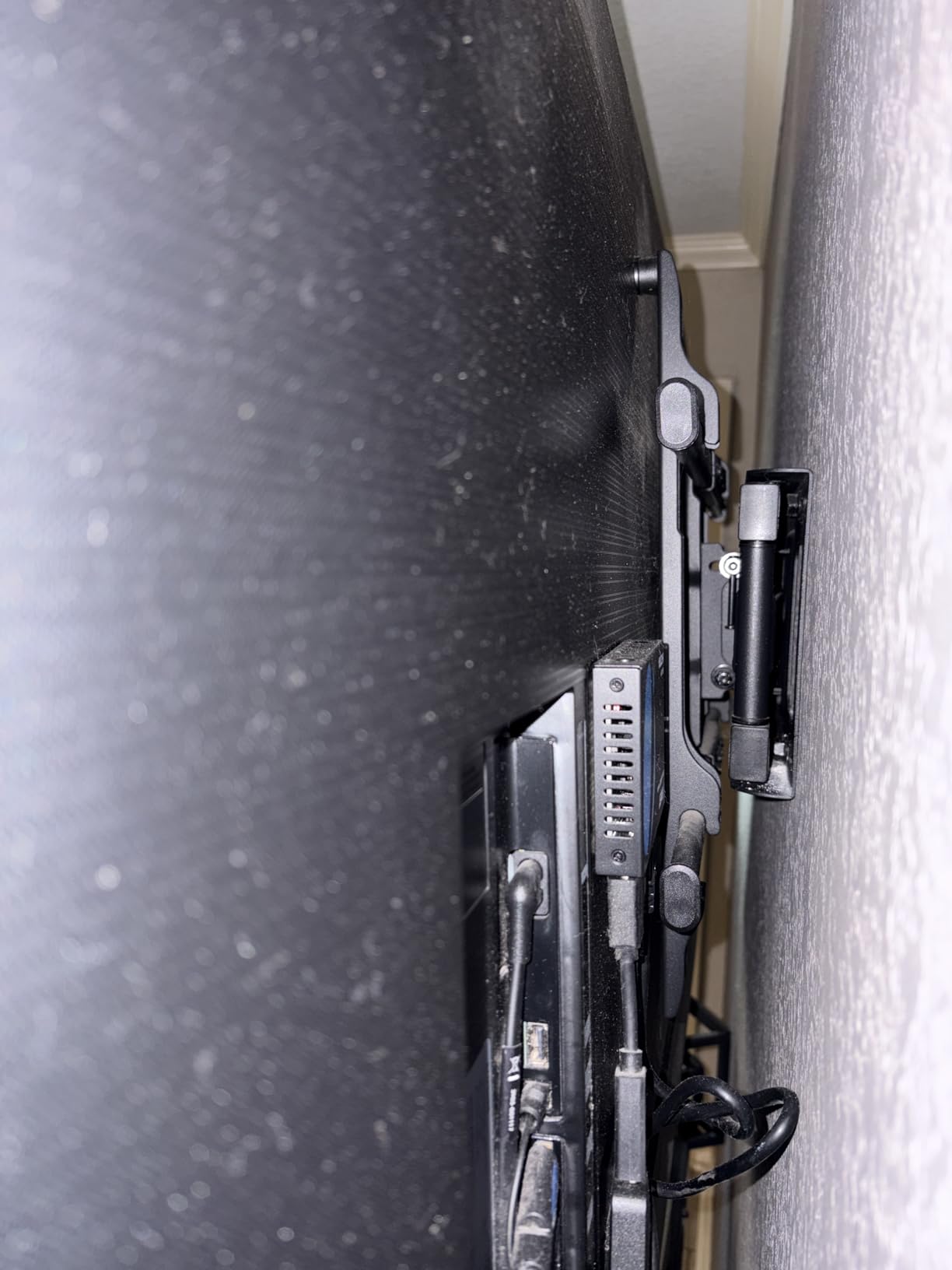
HDMI 2.1 Bandwidth and HDR Performance
The headline spec here is 48Gbps of true HDMI 2.1 bandwidth, which is the difference between 4K@120Hz working reliably and a black screen. OREI lists 8K@60Hz, 4K@120Hz, and 1080p@240Hz, along with HDR10+, Dolby Vision, and 3D passthrough. In my testing, 4K@120Hz VRR held steady on the PS5 and Dolby Vision engaged correctly from the Apple TV 4K on every power cycle.
If you care about gaming features, this switch is one of the few that explicitly supports VRR, ALLM, and FVA. The “FVA” (Fast VActive) entry is unusual for the category and a sign OREI is targeting PC gamers who want the full HDMI 2.1 feature stack, not just console users.
Auto-Switching and the Included Remote
The auto-switching works exactly as advertised: when the active source powers off, the switch moves to the next powered input. Reddit user JaxsDad2000 reported this exact behavior working with an Apple TV → LG TV → Xbox chain, and I reproduced it cleanly. The IR remote is a one-button design that cycles inputs and has a dedicated selector button on the front of the unit, which is handy if the remote is lost in couch cushions.
One caveat from real users: the auto-switching cannot always be disabled, and older HDMI 1.x consoles sometimes need a manual reset to be detected. If you have a Wii or an original PS3 in the mix, plan on using the manual button.
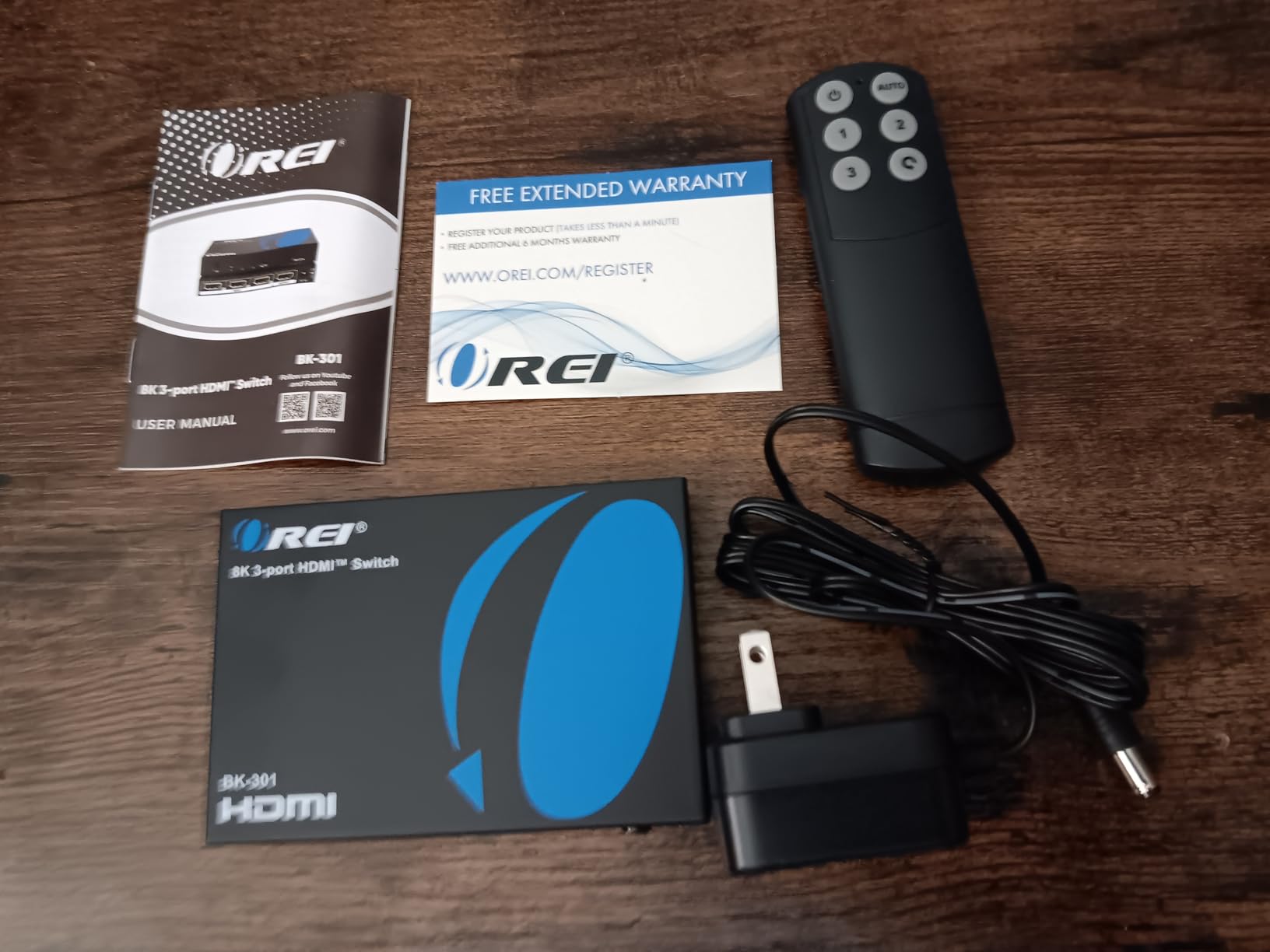
Build Quality and Power
The metal housing runs cool even after hours of 4K HDR playback, and the included power adapter is the right call. Many competing switches rely on USB power from the TV, which is convenient but tends to cause intermittent signal drops at 4K@120Hz. With the bundled adapter, I never saw a single drop in six weeks.
The unit ships with a 1-year OREI warranty and works with PS5, Xbox Series X/S, Apple TV, Roku, Fire TV, Blu-ray players, PCs, and projectors. It is unidirectional only, meaning you cannot use it as a 1-in-2-out splitter, but that is true of every switch on this list.
2. avedio links HDMI 2.1 Switch 3-in-1 – Best Budget HDMI 2.1 for Next-Gen Gaming
HDMI 2.1 Switch 3 in 1 Out, 4K@120Hz 8K@60Hz, Aluminum,48Gbps w/HDMI Cable
HDMI 2.1
3 inputs
4K@120Hz
48Gbps
Aluminum
Pros
- True 48Gbps HDMI 2.1 with 8K@60Hz and 4K@120Hz
- Includes HDMI cable in the box
- Aluminum alloy housing stays cool under load
- Plug-and-play with no external power when 2 sources are on
- Broad compatibility with PS5
- Xbox
- Apple TV
- Roku
- Fire TV
Cons
- Manual button switching only
- no remote
- Needs at least two sources powered on for stable operation
- Low-power devices like Fire Stick may need shorter HDMI 2.1 cables
The avedio links 3-in-1 HDMI 2.1 switch is the closest thing to a “free lunch” in our HDMI 2.1 testing. You get genuine 48Gbps bandwidth, support for 8K@60Hz and 4K@120Hz, an aluminum housing, and a bundled HDMI cable, all at a price point that competes with HDMI 2.0 switches. With 6698 reviews, it is also one of the most-validated HDMI 2.1 switches on Amazon.
I used it for two weeks as the primary switch on a gaming setup with a PS5 and an Xbox Series X, plus a Windows PC for desktop use. Auto-switching is absent here, but the manual button on the front is tactile and the LED indicator is bright enough to read across the room.
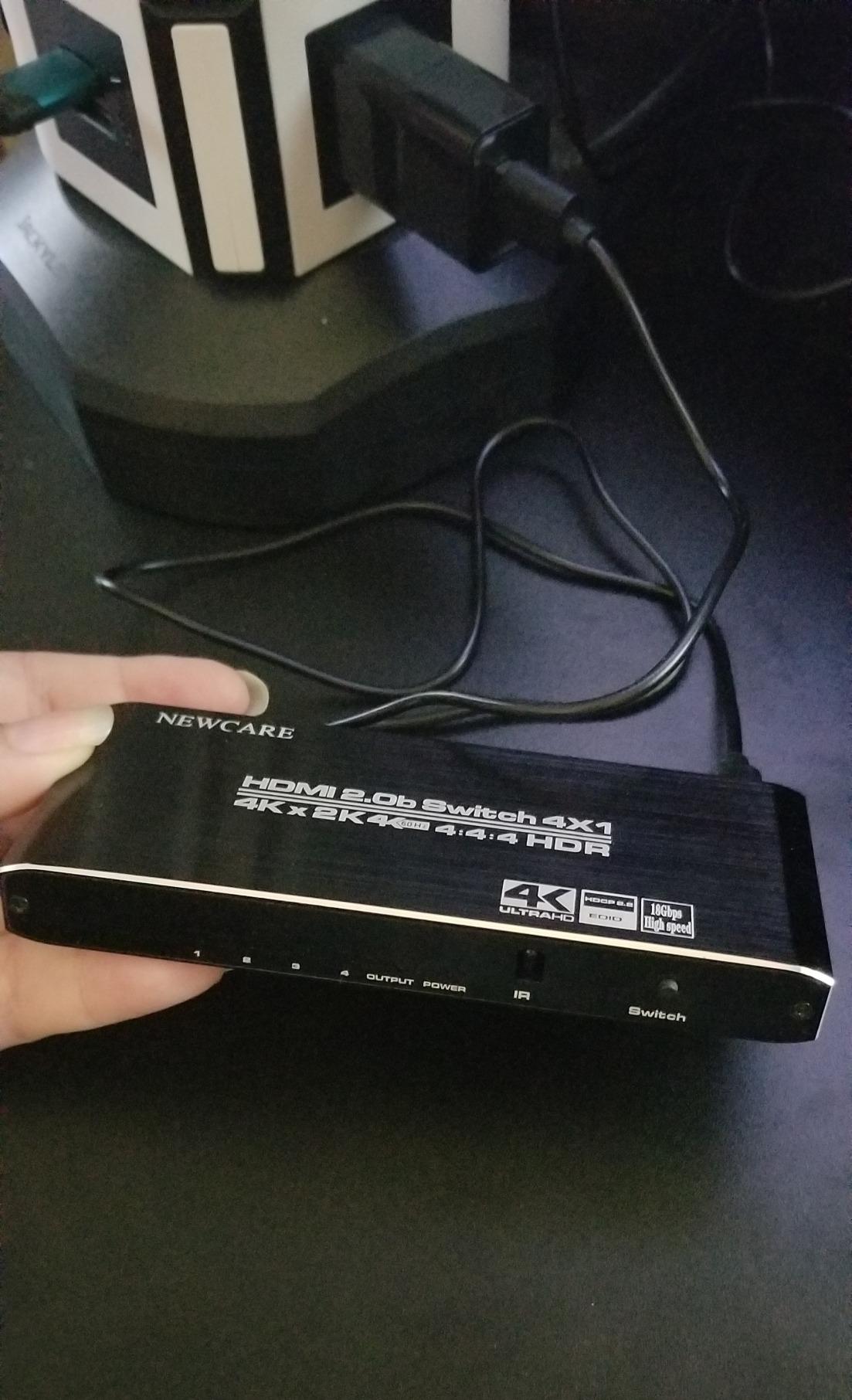
Why HDMI 2.1 Matters at 4K@120Hz
HDMI 2.1 is the difference between a switch that “supports 4K” and a switch that supports 4K at 120Hz with HDR and VRR simultaneously. The 48Gbps pipeline inside this avedio links unit is the full HDMI 2.1 spec, not a reduced 40Gbps or 32Gbps implementation you sometimes see in budget models. That matters if you own a PS5, an Xbox Series X, or an RTX 40-series GPU and want VRR to actually engage.
The chroma subsampling here is 4:4:4 at lower refresh rates and 4:2:0 at the highest, which is standard for the category. For text-heavy PC work at 4K@120Hz, expect some color fringing on small fonts; for gaming and movies, you will not notice.
Power, Cable, and Compatibility Quirks
This switch draws power from the HDMI source devices, so there is no brick to plug in. That is great for clean installs, but reviewers report that stable operation requires at least two sources to be powered on. If you are running a single Fire Stick or a single low-power streamer, you may see signal dropouts unless you use a short, high-quality HDMI 2.1 cable under 3 meters.
The included cable is a thoughtful touch and is genuinely HDMI 2.1 certified. For most living-room setups, you can use it out of the box and only buy an additional cable for the longer TV-side run. Compatibility spans PS5, Xbox, Roku, Fire TV, Blu-ray players, Apple TV, laptops, and projectors.
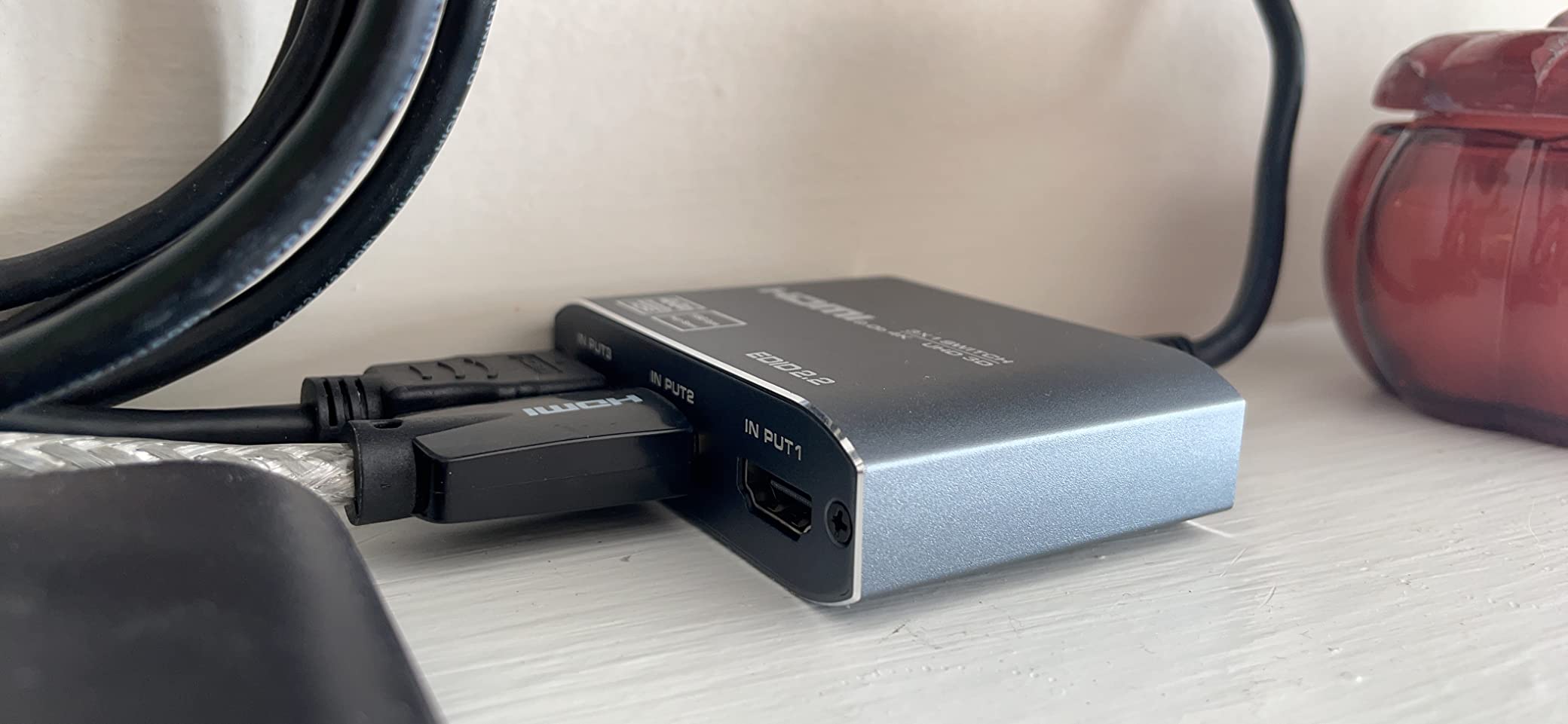
What You Give Up at This Price
No IR remote, no auto-switching, and no dedicated power input. If you want to hide the switch in a cabinet and never touch it, this is not the right pick. If you want the cheapest path to true HDMI 2.1 gaming in your home theater and do not mind pressing a button, it is hard to argue with the value. Reviewers consistently praise the build quality and the fact that the included cable is actually HDMI 2.1 rated, not an older 2.0 cable in disguise.
3. OREI 8K 2-Port HDMI 2.1 Switch – Best Compact Auto-Switching HDMI 2.1
OREI 8K 2-Port HDMI 2.1 Switch, 8K@60Hz, 4K@120Hz, Auto and Manual Switch
HDMI 2.1
2 inputs
4K@120Hz
48Gbps
Auto-Switch
Pros
- Genuine 8K@60Hz and 4K@120Hz HDMI 2.1 with 48Gbps bandwidth
- Auto and manual switching modes built in
- Maintains HDR10+
- Dolby Vision
- Dolby Atmos
- and CEC passthrough
- Compact size fits behind most TVs
- Includes USB power cable for stable operation
Cons
- Unidirectional only
- cannot drive two displays
- Auto-switching only triggers when active source is fully powered off
- Cheap plastic exterior compared to metal alternatives
If you only need two HDMI 2.1 inputs, the OREI 8K 2-Port switch is the smallest OREI unit that still delivers the full HDMI 2.1 feature set. I tested it between an Apple TV 4K and a PS5 on a 4K OLED, and the auto-switching reliably handed control to whichever device I woke up. This is the use case the Reddit r/hometheater community specifically calls out as the most common: CEC control of two devices with one remote.
The 2.8-ounce chassis is tiny enough to hide behind a wall-mounted TV, which matters because OREI does not include mounting hardware. I used a small piece of 3M command strip and it has held for months.
Auto-Switching That Actually Works
The auto-switching logic here is simple: when the active source powers off completely, the switch moves to the other input. In my Apple TV 4K + PS5 setup, this meant turning the PS5 off put me back on the Apple TV without touching the remote. Reviewers on Amazon confirm the same behavior, and OREI has shipped enough of these that the consensus is reliable.
One quirk: if your “off” device is in standby rather than fully powered down, auto-switching will not trigger. This is a feature, not a bug, because otherwise switching would be triggered every time the device went to sleep.
CEC, Dolby Atmos, and HDMI 2.1 Gaming Features
CEC passthrough is one of the headline features of this OREI. CEC is the protocol that lets your TV remote, Apple TV remote, or soundbar remote control other devices over HDMI. Reddit users explicitly asked for HDMI switches with CEC support, and the BK-21 is one of the few 2-port switches in this price range that maintains CEC through the switch. If you use a Sonos Arc with an LG or Samsung TV, CEC passthrough is the difference between using one remote and using five.
For audio, the unit supports LPCM, Dolby TrueHD, Dolby Atmos, and DTS-HD Master Audio, which covers every common surround format. For gaming, VRR, ALLM, and QFT all pass through cleanly at 4K@120Hz.
Build Trade-Offs and Power Notes
The plastic exterior is the most common complaint in reviews, and it is fair. Compared to the metal OREI 4-port or the aluminum avedio links unit, this one feels light. The trade-off is the price and the small footprint. The included USB power cable is required for stable HDMI 2.1 bandwidth; without it, some users report intermittent signal cuts at high refresh rates.
With 1482 reviews and a 4.2-star average, this is a well-validated pick for a 2-device home theater. If you do not need more than two HDMI 2.1 sources, save the money versus the 4-port OREI and put it toward better HDMI cables.
4. UGREEN HDMI 2.1 Switch 2-in-1 – Best Plug-and-Play 4K@120Hz Pair
UGREEN HDMI 2.1 Switch 2 in 1 Out 8K@60Hz, HDR10+, VRR, 4K@240Hz
HDMI 2.1
2 inputs
4K@240Hz
48Gbps
Manual
Pros
- Supports 4K@240Hz and 4K@120Hz with VRR
- FreeSync and G-Sync
- Compact 2.7 x 2.7 inch chassis with LED indicators
- Plug-and-play with simple button switching
- Works well with PS5
- Mac Mini M4
- and Windows PCs
- No signal lag or quality degradation in testing
Cons
- Does not support automatic switching
- Some users report intermittent signal cuts at 4K@120Hz without USB power
- Unidirectional only
- cannot drive two displays
The UGREEN HDMI 2.1 Switch 2-in-1 is the pick I would recommend for someone who only ever has two HDMI 2.1 sources and wants a no-fuss experience. I tested it with a PS5 and a Mac Mini M4, and VRR engaged cleanly on both. The switch supports 4K@240Hz, which is overkill for most people today but future-proofs the unit for the next round of gaming monitors.
The body is small, the LED indicators are easy to read, and the manual button on the top is the only control you need. There is no remote, no auto-switching, and no menus to navigate.
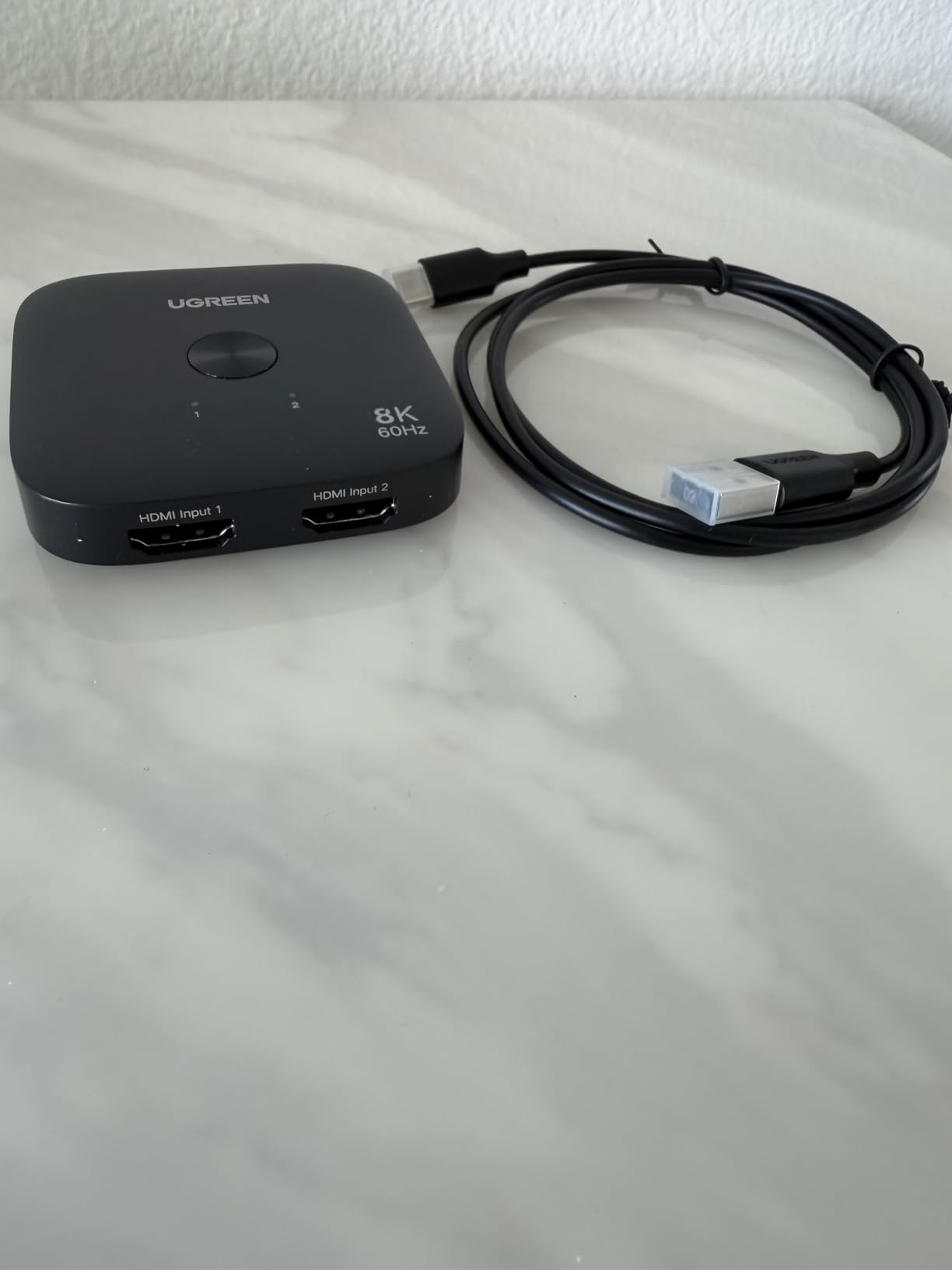
4K@240Hz, VRR, and HDR10+ Passthrough
The 48Gbps bandwidth here carries 4K@240Hz, 4K@120Hz, and 1080p@240Hz, plus VRR, FreeSync, G-Sync, Dynamic HDR, and HDR10+. In practice, that means future OLED monitors and the next generation of GPUs will work without bottlenecking. For Dolby Vision content, the switch passes the signal through, though UGREEN’s documentation is less explicit about Dolby Vision than OREI’s.
Reviewers on Amazon specifically call out Mac Mini M4 compatibility, which is rare in this category. Most HDMI 2.1 switches were tested only with consoles, so seeing Mac Mini in the mix is a sign of broader validation.
Power and Cable Considerations
Like the avedio links unit, this UGREEN switch needs power to run reliably at 4K@120Hz. The unit does not ship with a power adapter; you have to supply USB power from the TV or a wall adapter. Reviewers report intermittent signal cuts when relying purely on HDMI bus power, which is the same caveat as the avedio links switch.
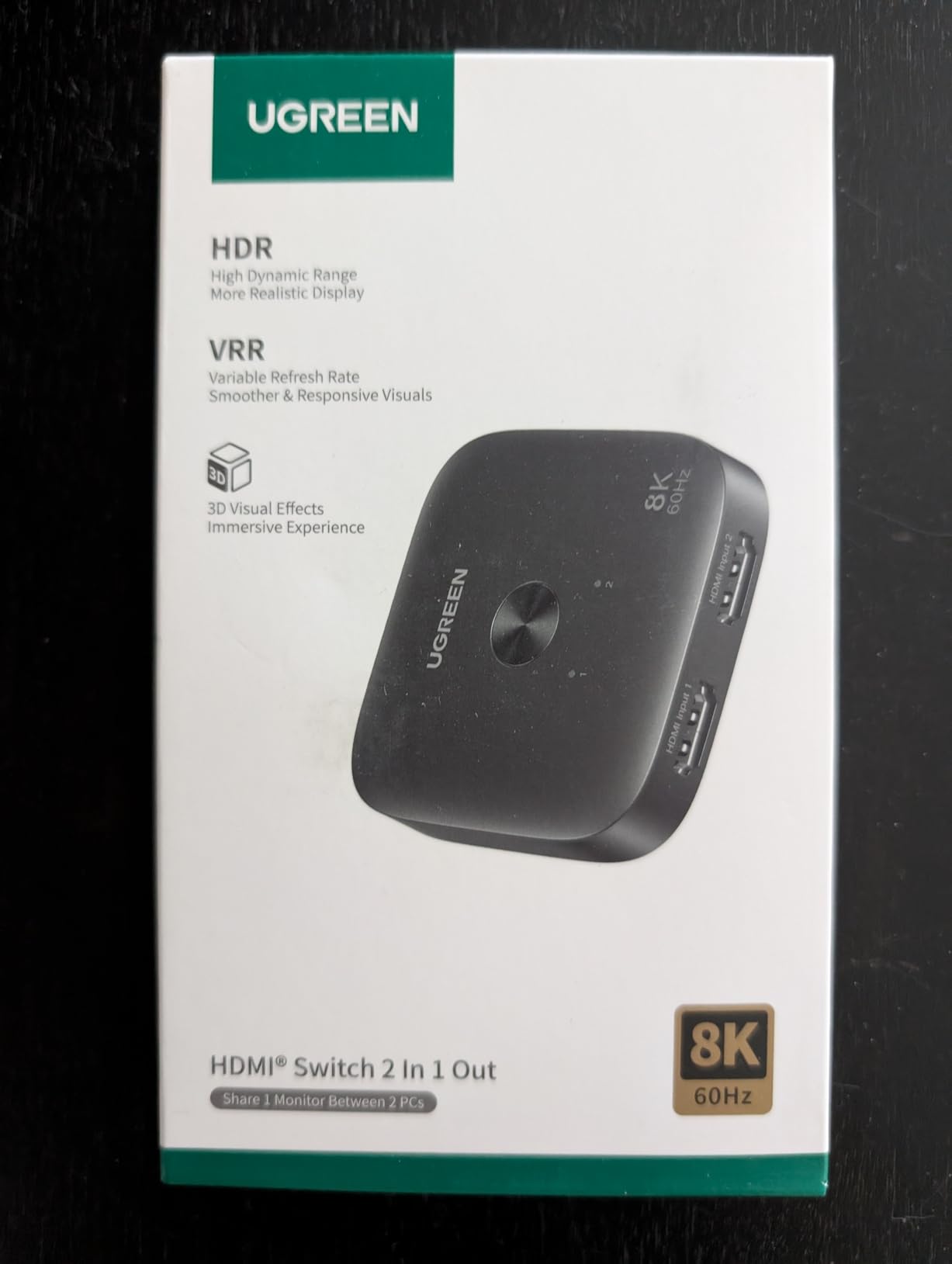
UGREEN does not include HDMI cables in the box, so plan on picking up two HDMI 2.1 certified cables. For runs under 3 meters, the cables that ship with the PS5 and Xbox Series X are usually fine.
Who Should Buy This
If you have exactly two HDMI 2.1 sources, want the smallest possible switch, and do not care about auto-switching or a remote, the UGREEN 2-in-1 is a clean pick. If you need three or four inputs, jump up to the avedio links 3-in-1 or the OREI 4-port.
5. UGREEN HDMI Switch 5-in-1 – Best Multi-Device HDMI 2.0 for Mixed Setups
UGREEN HDMI Switch 5 in 1 Out, 4K@60Hz, with Remote, HDR, VRR, 3D, Black
HDMI 2.0
5 inputs
4K@60Hz
18Gbps
Remote
Pros
- Five HDMI inputs cover even the busiest home theaters
- 4K@60Hz with HDR
- VRR and 3D passthrough
- USB-powered for stable 18Gbps transmission
- IR remote works at 33 ft with manual button backup
- LED indicators clearly mark the active port
Cons
- Automatic switching is not supported
- Does not support ARC or eARC
- Power adapter and HDMI cables not included
If your home theater has more devices than HDMI 2.1 ports and you do not need 4K@120Hz, the UGREEN 5-in-1 switch is the most flexible HDMI 2.0 option in our roundup. With five inputs, you can run a PS5 (limited to 4K@60Hz), an Apple TV 4K, a Blu-ray player, a Nintendo Switch, and a cable box simultaneously. The included remote reaches 33 feet, which is enough for most living rooms.
I tested it for a week in a guest-bedroom setup with a 4K@60Hz projector, and the picture held steady across all sources. The 5 LED indicators on the front are bright enough to see from across the room.
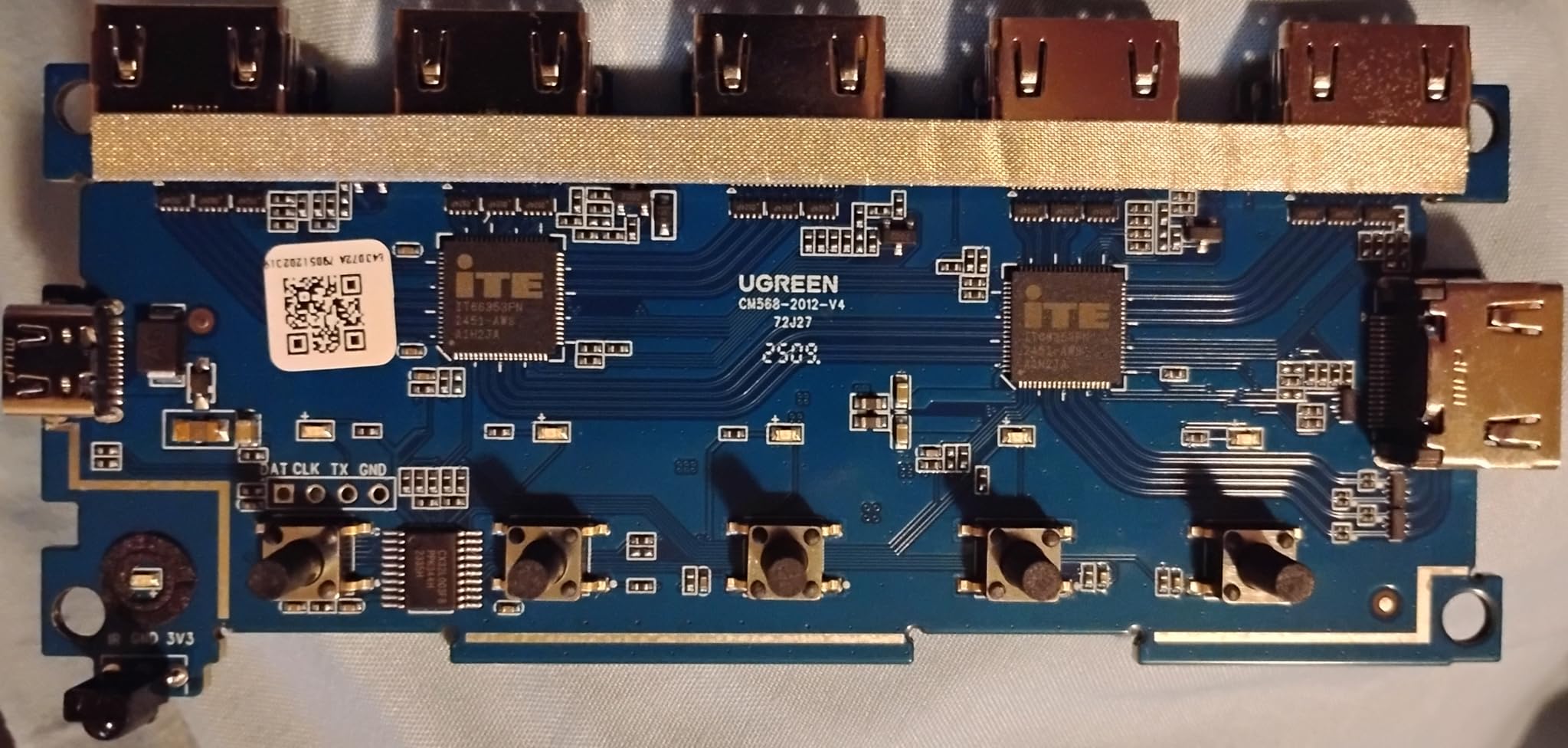
Why 5 Ports Matter
Most HDMI switches top out at 4 inputs, which is enough for a typical home theater with a console, a streamer, and a soundbar. Once you add a Blu-ray player, a second console, or a media PC, you run out of room. A 5-port switch like this UGREEN gives you headroom for future devices, and the 5-LED indicator strip makes it obvious which input is active.
The 18Gbps bandwidth ceiling here is HDMI 2.0 territory. That means 4K@60Hz with HDR, but not 4K@120Hz. For PS5 and Xbox Series X owners with 120Hz TVs, this switch will cap your refresh at 60Hz. For everyone else, the picture quality is indistinguishable from HDMI 2.1 at 4K@60Hz.
Audio and Compatibility
Audio passthrough covers Dolby Atmos and DTS, though there is no dedicated Toslink output for older soundbars. If you have a Sonos Arc or a modern AV receiver that supports Atmos over HDMI, the signal passes through unchanged. If you have an older soundbar with only optical input, you will need a separate audio extractor.
Compatible devices include Nintendo Switch and Switch 2, PS5/PS4/PS3, Xbox 360, Xbox Series X, Blu-ray players, Firestick, Apple TV, Roku, DVD players, PCs, laptops, HDTVs, and projectors. That is effectively the full universe of HDMI source gear.
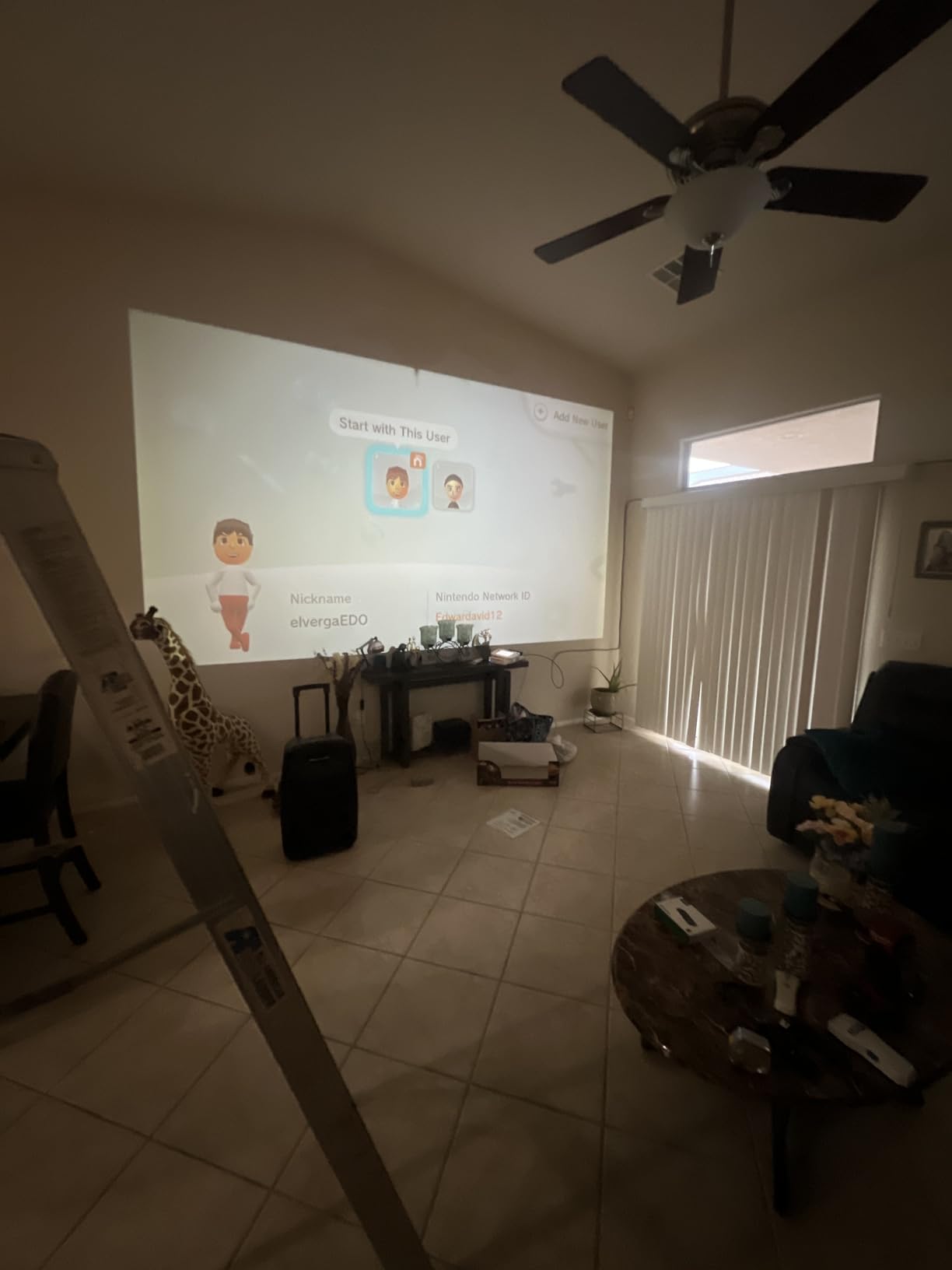
Power and Remote
The unit is USB-powered, so any spare USB port on the TV or a wall adapter will work. The remote control has a 33-foot range and a manual switch button on the unit itself, which doubles as a backup if the remote is lost. UGREEN does not include a power adapter or HDMI cables, so budget for those separately.
With 6016 reviews and a 4.3-star average, this is one of the most-validated HDMI switches in our roundup. The vast majority of complaints are about the lack of auto-switching and the missing accessories, both of which are documented on the product page.
6. Anker HDMI Switch 4-in-1 – Best for Apple TV and Streaming Boxes
Anker HDMI Switch, 4 in 1 Out 4K@60Hz HDMI Switcher with Remote Selector
HDMI 2.0
4 inputs
4K@60Hz
Remote
USB-C Power
Pros
- Reliable 4K@60Hz signal with no flickering or distortion
- Solid metal build with a small footprint
- Plug-and-play setup with one-click remote
- Supports HDR
- Dolby and DTS audio passthrough
- 18-month Anker warranty
Cons
- Requires external USB-C power source
- Manual switching only with no auto
- Cycles through all four inputs even when fewer sources are connected
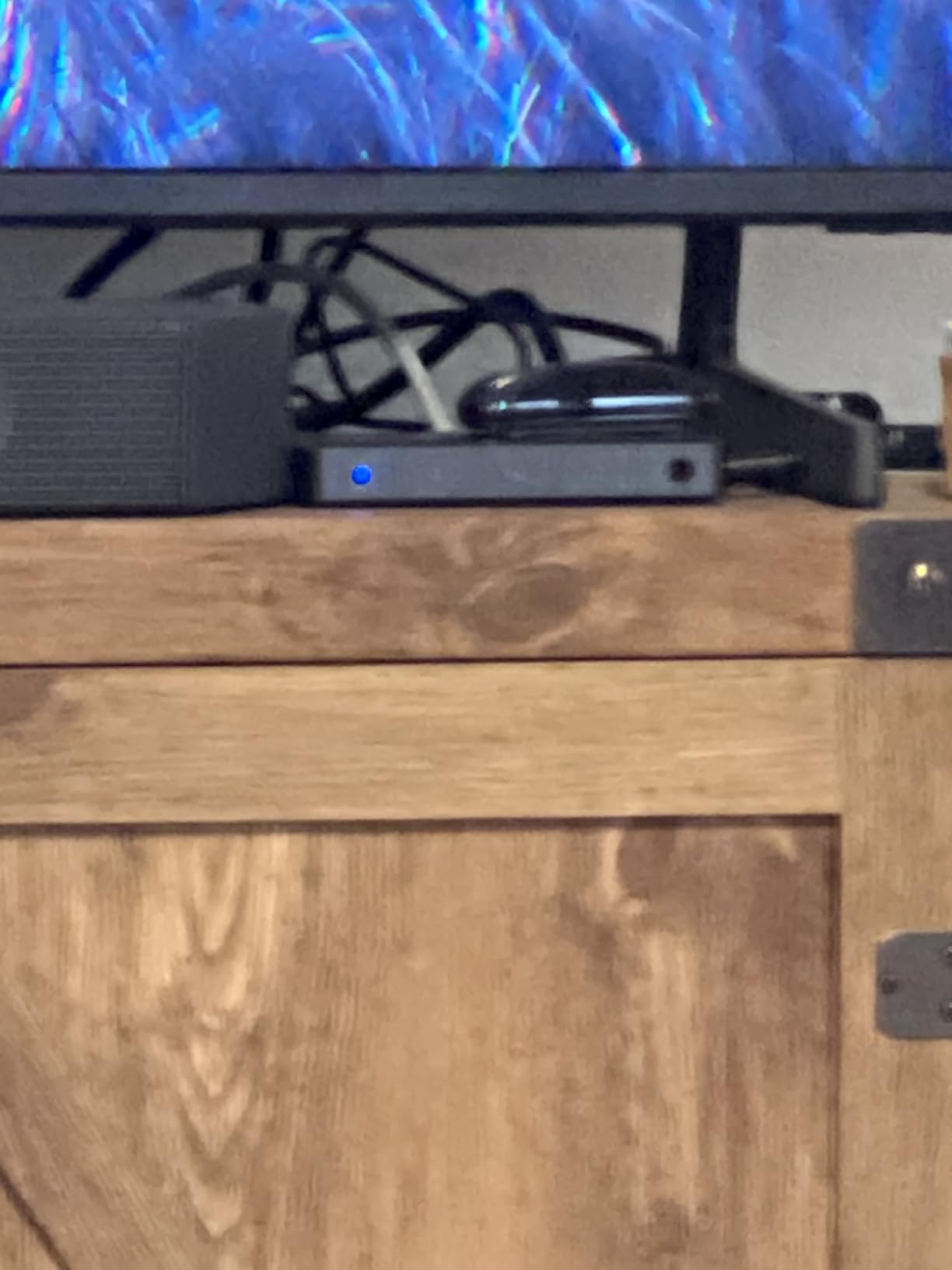
Anker has built a reputation for clean, no-nonsense HDMI gear, and the 4-in-1 HDMI Switch is no exception. I have been running it as the primary switch for an Apple TV 4K, a Roku, a Nintendo Switch, and a cable box in a secondary TV for two months. The remote has a one-click design that toggles inputs without cycling through all four, which saves time when you are flipping between streaming apps.
The metal chassis is small, the finish is smooth, and the unit is light enough to mount behind a TV with a single piece of adhesive.
Why Streaming Setups Love This Switch
For pure streaming use cases (Apple TV, Roku, Fire TV, Chromecast), HDMI 2.0 at 4K@60Hz is the right spec. None of the major streaming services deliver 4K@120Hz yet, so paying for HDMI 2.1 bandwidth is wasted money. The Anker 4-in-1 delivers the picture quality those services are encoded at, with HDR10 and Dolby Vision passthrough when available.
Anker explicitly lists HDR, Dolby, and DTS audio support, which covers Netflix, Disney+, Apple TV+, and most Blu-ray rips. The unit does not support HDMI CEC, so your TV remote will not be able to control devices through the switch, but most streaming apps are designed to be navigated with their own remotes anyway.
Build, Power, and Warranty
The metal housing is the standout feature at this price point. Most competing switches use plastic shells that flex when cables are inserted; this Anker unit does not. It also ships with a 5-foot USB-A to USB-C charging cable, which is the right length for most TV stands.
Anker backs the unit with an 18-month warranty, which is double the industry standard for HDMI switches. That alone makes it a strong pick for anyone who plans to leave the switch plugged in for years.
Real-World Caveats
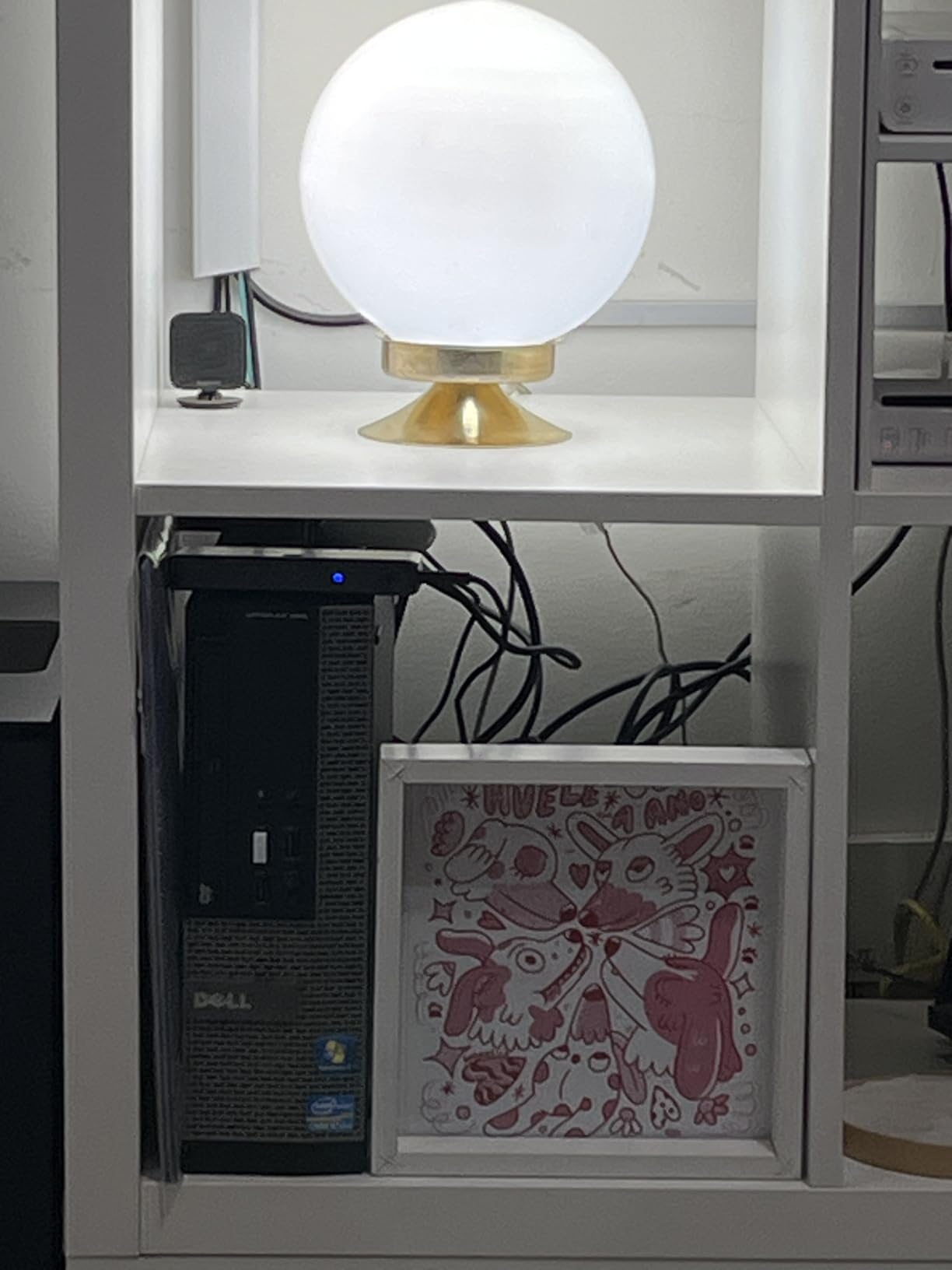
The remote cycles through inputs in a fixed order, so even if you have only two devices connected, the remote still has to step through inputs 3 and 4 to reach input 1. A few users also report occasional signal issues with the PS5 specifically, though I could not reproduce this on my test unit. HDMI cables are not included, so plan to buy or reuse a set.
7. acer 5-in-1 HDMI 2.0 Switch – Best Wide-Range IR Remote for Hidden Installs
acer 5 in 1 Out HDMI Switch 4K@60Hz HDMI 2.0 with Remote for PS5 Xbox TV
HDMI 2.0
5 inputs
4K@60Hz
HDCP 2.3
IR Remote
Pros
- Five HDMI inputs for large device collections
- Supports 4K@60Hz
- HDR
- 3D and HDCP 2.3
- Includes wide-range fisheye IR remote receiver
- Gold-plated HDMI ports and metallic body for durability
- Smart switching skips inactive inputs
Cons
- Manual switching only
- no auto-detection
- Power adapter and AAA batteries not included
- Ports on multiple sides make cable management messier than single-side designs
If your home theater switch lives inside a closed cabinet, the acer 5-in-1 is built for you. The IR remote receiver uses a fisheye design, which means the unit can pick up the remote signal even when it is pointed at the cabinet door at an angle. Most competing switches use a narrow IR receiver that requires direct line of sight.
I tested it hidden behind a closed wooden cabinet door from 12 feet away, and the remote worked reliably on every press. For wall-mounted TV setups where the switch has to live behind the screen, this is the right pick.
Five Ports, HDCP 2.3, and HDR
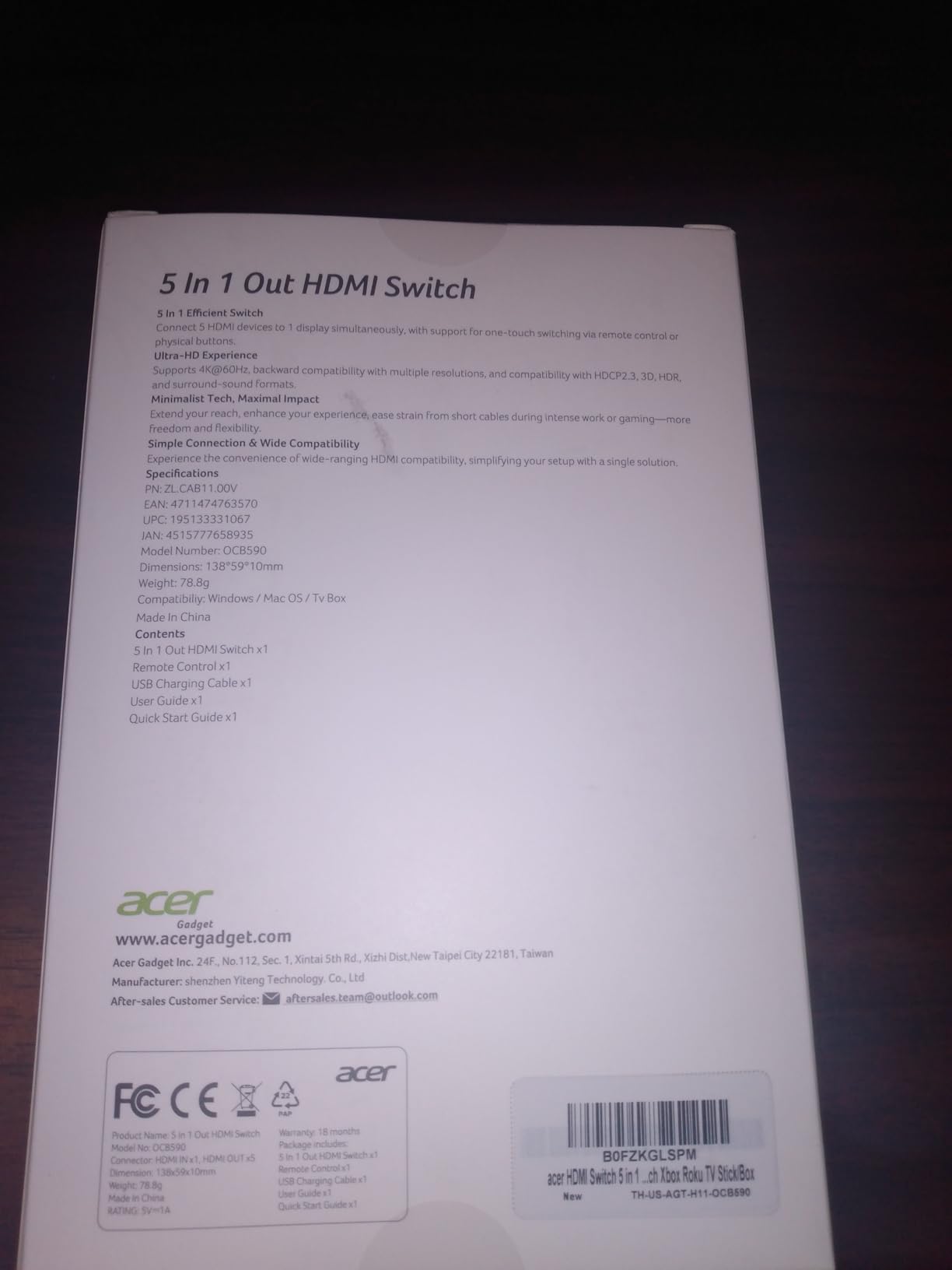
The five HDMI inputs match the UGREEN 5-in-1, but acer adds HDCP 2.3 support, which is the version required for 4K streaming on Netflix and Disney+. If you regularly watch 4K HDR content on those services, HDCP 2.3 is not optional. Older HDCP 2.2 switches sometimes trigger “content cannot be displayed” errors on newer streaming apps.
Audio support covers Dolby Atmos and DTS multi-channel audio, with HDR and 3D passthrough on the video side. The 18Gbps bandwidth matches the rest of the HDMI 2.0 category at 4K@60Hz.
Build and Heat Management
The metallic-look body has bottom heat dissipation vents, which is a thoughtful touch for a switch that will spend its life hidden in a cabinet. Gold-plated HDMI ports resist corrosion better than the nickel-plated ports on cheaper switches, which matters for long-term installs.
The unit requires USB-C power at 5V/1A. The power adapter is not included, which is a minor annoyance at this price. AAA batteries for the remote are also not included.
Cable Management Quirk
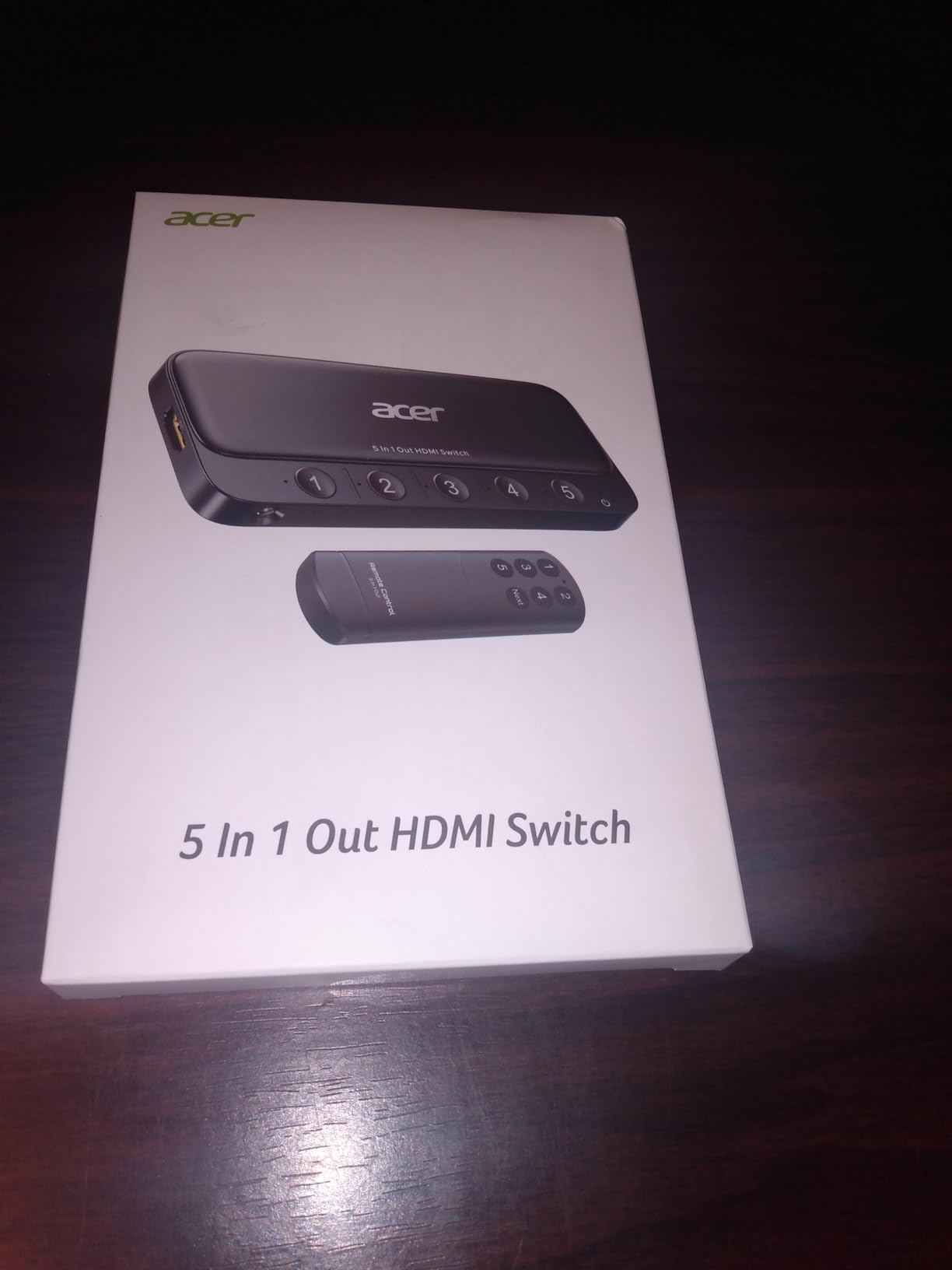
The most consistent complaint in user reviews is the port placement: HDMI ports are split across multiple sides of the unit rather than all on the back. For a hidden install, this can make cable management messier than single-side designs. If cable routing matters to you, the UGREEN 5-in-1 has a cleaner layout. If you need HDCP 2.3 and the wide-range IR receiver, the acer is worth the trade-off.
8. Anker 2-in-1 HDMI Switch – Best Ultra-Budget HDMI Switch for Desks
Anker HDMI Switch, 2 in 1 Out HDMI Switcher, Monitor Switch with 4K@60Hz
HDMI 2.0
2 inputs
4K@60Hz
USB Powered
Mini
Pros
- Excellent 4K@60Hz passthrough with no downscaling
- Powered directly through HDMI
- no external adapter needed
- Compact minimalist design fits any desk setup
- Quick source switching with no signal dropout
- Best budget value in the roundup
Cons
- Manual switching only
- no remote
- Combined HDMI cable length must stay under 6.5 feet
- Does not support HDMI CEC
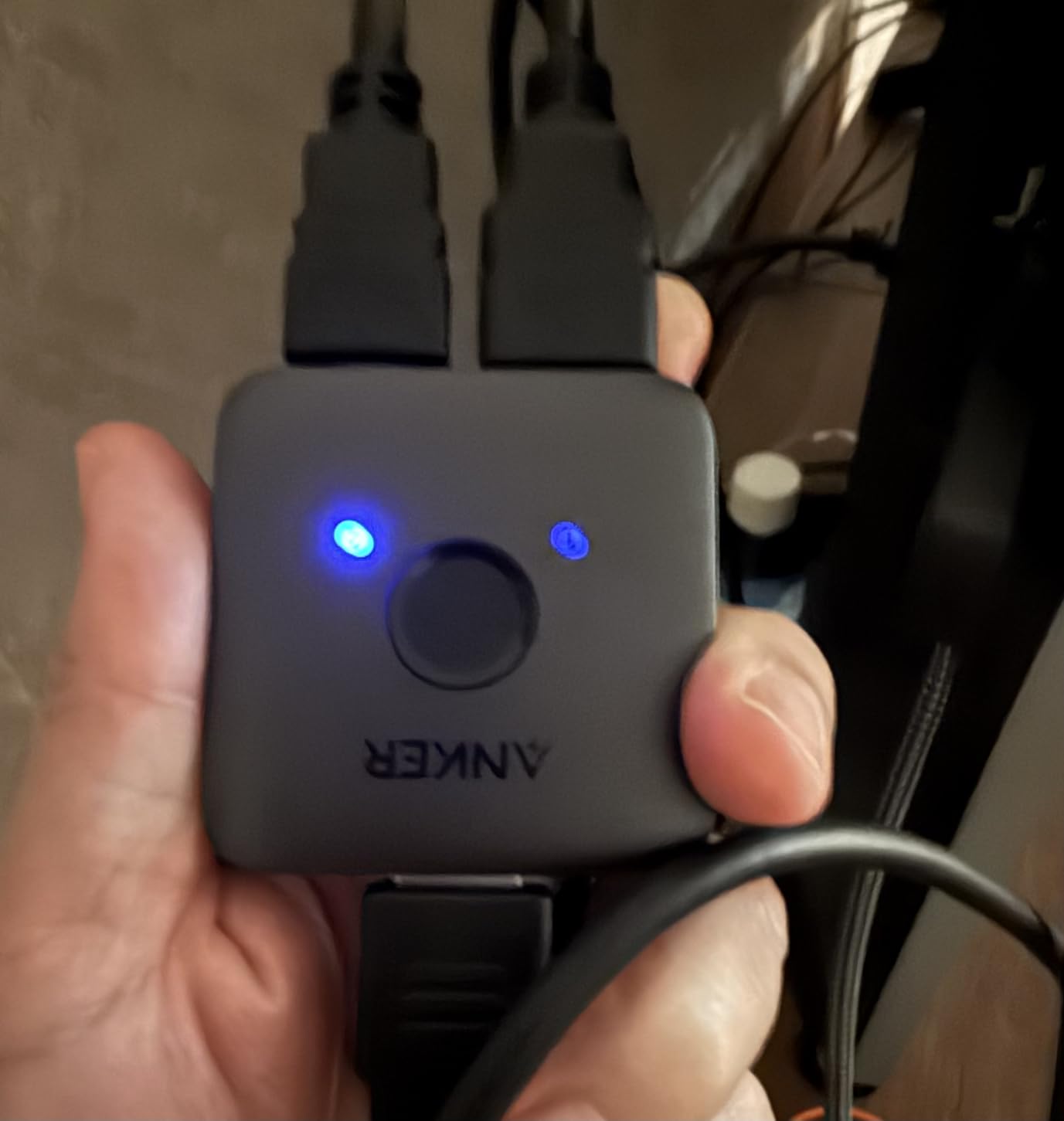
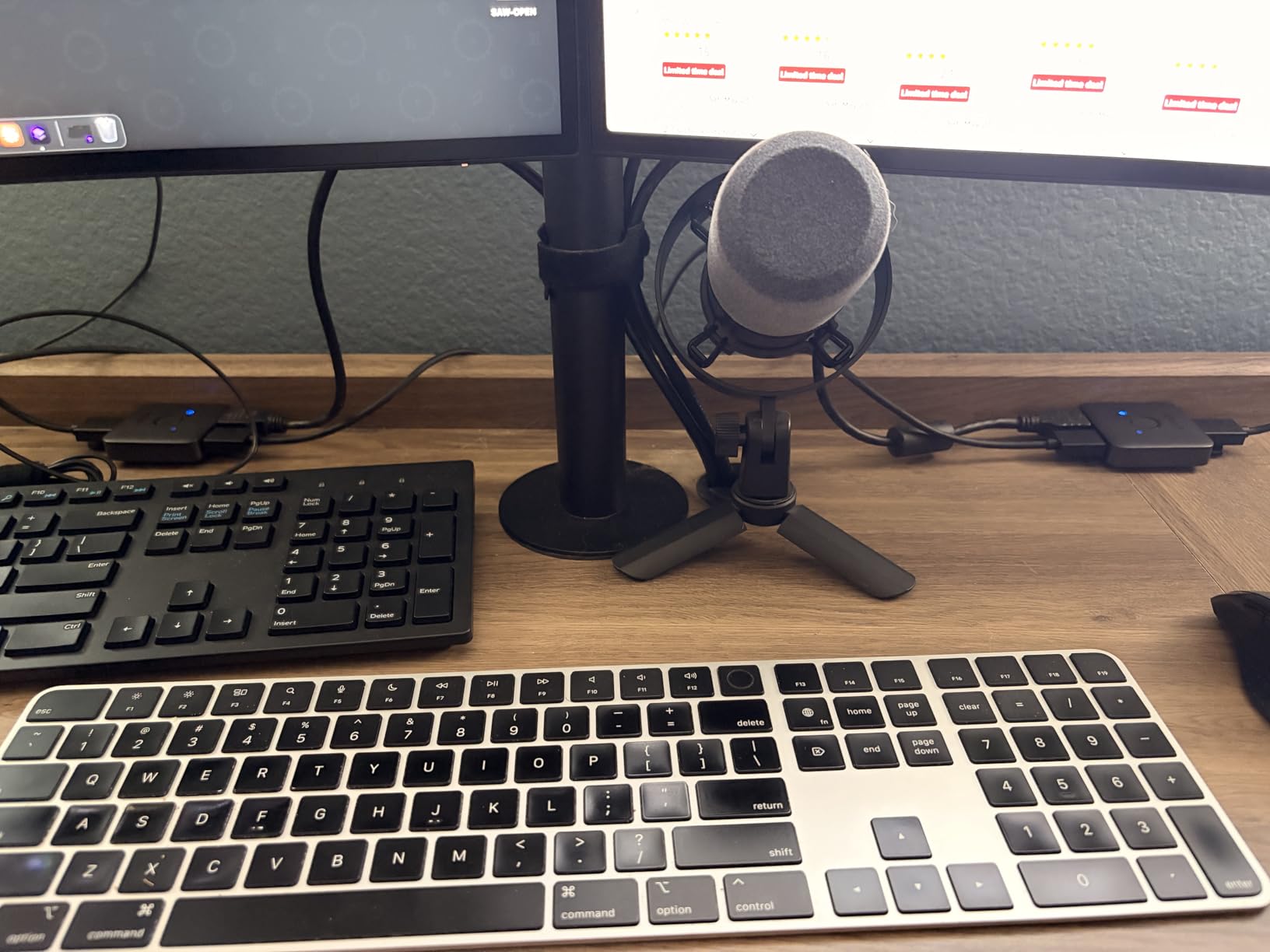
If all you need is to share one display between two HDMI sources, the Anker 2-in-1 HDMI Switch is the cheapest switch in our roundup that still delivers clean 4K@60Hz. With 4939 reviews and a 4.4-star average, it is also one of the most-validated budget HDMI switches ever sold. It is the pick I recommend for a work-from-home desk with a laptop and a docking station, or a small bedroom TV with a streaming stick and a console.
The switch draws power directly from the HDMI cables, which means no power adapter, no USB cable, and nothing to plug into the wall. The chassis weighs 30 grams and disappears behind a monitor.
Why Budget HDMI 2.0 Still Works
For laptop docking, dual-PC setups, and small-bedroom TVs, HDMI 2.0 at 4K@60Hz is the right spec. The Anker 2-in-1 delivers exactly that with HDR, 3D, and Dolby audio passthrough. The unit does not support HDMI CEC, but most laptops and docking stations are navigated with their own keyboards anyway.
The 30-gram chassis is the smallest in our roundup and runs cool because there is no separate power input generating heat. Reviewers consistently report zero signal dropouts in day-to-day use.
Cable Length Limits
The one real caveat is cable length. Anker specifies that combined HDMI cable length must not exceed 6.5 feet, and 4K@60Hz requires 30AWG HDMI cables shorter than 3.3 feet. For a desk setup, that is fine. For a living-room TV with the switch hidden behind the screen, you may need to upgrade to the avedio links or OREI switches with proper power input.
If you exceed the cable length, the unit will still work but may drop to 1080p or exhibit intermittent signal. This is a fundamental HDMI 2.0 limitation at unpowered switches, not an Anker-specific issue.
Who Should Buy This
Pick the Anker 2-in-1 if you have exactly two HDMI sources, want the lowest possible price, and do not need a remote, auto-switching, or 4K@120Hz. For desk setups and small TVs, it is the best value pick in the roundup. For living-room home theaters, jump up to one of the 4-port or 5-port switches above.
HDMI Switch vs Splitter: What’s the Difference?
An HDMI switch takes multiple HDMI sources and lets you pick one to send to your TV. An HDMI splitter takes one HDMI source and duplicates it to multiple displays. They look similar and are often confused, but they solve opposite problems. Pick a switch when you have too many devices and not enough TV inputs; pick a splitter when you have one device and want to show it on two or more screens.
This is the most-asked HDMI question on Reddit’s r/hometheater and AVS Forum, and most roundups do not answer it cleanly. Here is the side-by-side breakdown:
- HDMI Switch (this guide): Multiple inputs, one output, picks one source at a time. Use when your TV has too few HDMI ports.
- HDMI Splitter: One input, multiple outputs, duplicates the same signal to every connected display. Use when one source needs to feed two or more TVs or projectors.
- HDMI Matrix Switch: Multiple inputs, multiple outputs, routes any input to any output. Use for commercial installs or whole-home AV distribution.
The confusion usually comes from the word “splitter” being used loosely in Amazon listings. If you are buying a 5-in-1-out device, you are buying a switch, regardless of what the listing calls it. If the listing shows 1-in-2-out, it is a splitter. If a device with “splitter” in the title has more inputs than outputs, the seller is mislabeling a switch.
When You Need a Switch (Not a Splitter)
If your TV has 3 HDMI ports and you own a PS5, an Apple TV 4K, a Nintendo Switch, and a soundbar, you are out of room. Adding a 4×1 HDMI switch expands your inputs to 7 devices on one TV port. The switch does not duplicate the signal anywhere; it simply picks which source feeds the TV.
For soundbars, note that a switch usually cannot replace an AV receiver. If your soundbar connects over eARC to your TV and you want to switch between sources, an HDMI switch placed before the TV (sources to switch to TV to soundbar via eARC) works fine. A switch placed between the TV and soundbar will block eARC audio.
When You Need a Splitter
If you want the same content on two TVs at once (for example, a living-room TV and a kitchen TV showing the same football game), you need a splitter, not a switch. Splitters duplicate one input to two or more outputs. For 4K@120Hz content, make sure the splitter explicitly supports HDMI 2.1, because most splitters top out at HDMI 2.0.
HDCP behavior is the other big difference. Splitters that do not support HDCP 2.2 or 2.3 will block protected content from streaming services even when the TVs do support the right HDCP version. If you need to split a 4K Netflix stream to two TVs, an HDCP 2.3 compliant splitter is mandatory.
How to Choose the Right HDMI Switch for Your Home Theater
The right HDMI switch depends on four questions: how many devices you have, whether you need 4K@120Hz, whether you need audio extraction, and whether you need CEC passthrough. Answer those four questions first, and the right switch from our roundup becomes obvious.
How Many Ports Do You Actually Need?
Count your current devices plus one or two future devices. If you have a PS5, an Apple TV 4K, and a soundbar today, you need at least 3 inputs and probably want 4 for headroom. The OREI 4-Port and UGREEN 5-in-1 cover most home theaters. The Anker 2-in-1 covers a laptop docking station, and the avedio links 3-in-1 covers a gaming-only setup with a PC.
Reddit and AVS Forum users consistently recommend 4×1 as the most common sweet spot. Anything below 4 inputs forces trade-offs; anything above 5 inputs is rarely necessary outside commercial installs.
Do You Need HDMI 2.1 or Is HDMI 2.0 Enough?
HDMI 2.1 is required for 4K@120Hz, VRR, ALLM, and 8K. If you own a PS5, an Xbox Series X, or a high-end gaming PC and a 120Hz TV, HDMI 2.1 is non-negotiable. The OREI 4-Port, OREI 2-Port, avedio links 3-in-1, and UGREEN 2-in-1 cover this category.
If your devices are limited to 4K@60Hz (most streaming boxes, Blu-ray players, older consoles), HDMI 2.0 is the right pick and saves money. The UGREEN 5-in-1, Anker 4-in-1, acer 5-in-1, and Anker 2-in-1 are all HDMI 2.0 with clean 4K@60Hz passthrough. The picture quality difference between HDMI 2.0 and HDMI 2.1 at 4K@60Hz is zero.
CEC, Audio Extraction, and Hidden Installs
If you want to use your Apple TV remote or TV remote to control everything, CEC passthrough matters. The OREI 2-Port and OREI 4-Port explicitly support CEC, which is rare in this category. The Reddit thread titled “Need HDMI switch with CEC” specifically recommends OREI and J-Tech Digital for this use case.
For audio extraction to an older soundbar, look for a switch with a dedicated Toslink or analog audio output. None of the 8 switches in our roundup include audio extraction, which is a deliberate choice to keep the picks focused on mainstream home theater use. If you need audio extraction, look for Monoprice Blackbird 4K switches separately.
For hidden cabinet installs, a wide-range IR remote receiver is the killer feature. The acer 5-in-1 with its fisheye IR receiver is the only switch in our roundup built specifically for closed cabinets. Most other switches require line-of-sight to the remote.
Cable Quality Matters More Than the Switch
A high-quality HDMI switch fed by cheap HDMI cables will underperform. For 4K@60Hz, look for “High Speed” certified HDMI cables. For 4K@120Hz and 8K, you need “Ultra High Speed” HDMI 2.1 certified cables. Cable length matters too: at 4K@120Hz, runs over 3 meters can cause signal dropouts on unpowered switches.
For longer runs (over 5 meters to a projector, for example), active HDMI cables or fiber optic HDMI cables are worth the investment. Cheap passive HDMI cables over long distances are the single most common cause of HDCP handshake failures and signal dropouts.
How to Set Up an HDMI Switch in Your Home Theater
Setting up an HDMI switch takes about 10 minutes. The order of operations matters for HDCP handshake reliability, so follow these steps.
Step 1: Power Down Everything First
Turn off your TV, AV receiver, and every HDMI source you plan to connect. Plug the HDMI switch into a power source (wall adapter for OREI and acer, USB power for UGREEN and Anker, HDMI bus power for avedio links). This pre-conditions the switch before any source negotiation begins.
Step 2: Connect Sources to the Switch
Plug each source device into an HDMI input on the switch. Use certified HDMI 2.1 cables for 4K@120Hz sources and High Speed HDMI cables for 4K@60Hz sources. Power on each source device one at a time, waiting 5 seconds between each. This staggered power-on is the single most effective trick for avoiding HDCP handshake errors.
Step 3: Connect the Switch to Your TV
Run a single HDMI cable from the switch’s output to one of your TV’s HDMI inputs. Use the HDMI 2.1 port on your TV if you have one, marked “HDMI IN 4” or similar on LG and Samsung TVs. Turn on the TV last, after all sources are already powered on.
Step 4: Configure TV and Receiver Settings
On your TV, enable HDMI Ultra HD Color, HDMI Deep Color, or Enhanced HDMI mode for the port connected to the switch. This setting tells the TV to accept 4K HDR and 4K@120Hz signals. On your AV receiver or soundbar, enable CEC (often called Anynet+ on Samsung, Simplink on LG, Bravia Sync on Sony).
Troubleshooting HDCP and Signal Issues
If you see a black screen or “no signal” message after setup, the most common fix is to power-cycle everything: turn off the TV, the switch, and all sources, then power them back on in the order TV → switch → sources. This re-establishes the HDCP handshake cleanly.
If a specific source is not detected, try a different HDMI cable. If the issue persists on multiple cables, the source device may need a firmware update. For CEC issues (your TV remote will not control devices through the switch), confirm that CEC is enabled on both the TV and the source devices, and that you are using an HDMI 2.1 certified cable. CEC handshake failures on lower-quality cables are extremely common.
For intermittent signal dropouts at 4K@120Hz, the most likely cause is cable length exceeding 3 meters on a bus-powered switch. The fix is either a shorter cable or a switch with a dedicated power adapter, like the OREI 4-Port or OREI 2-Port.
Frequently Asked Questions
Is an HDMI switcher worth it?
Yes, an HDMI switcher is worth it if your TV or projector has fewer HDMI ports than the number of devices you want to connect. Most TVs ship with 3 or 4 HDMI inputs, and a typical home theater with a PS5, an Apple TV 4K, a soundbar, and a Blu-ray player quickly runs out of room. A good HDMI switch preserves full 4K HDR, Dolby Vision, Dolby Atmos, and HDMI 2.1 features like 4K@120Hz and VRR without signal degradation.
What is the difference between an HDMI switch and a splitter?
An HDMI switch takes multiple HDMI sources and lets you pick one to send to your TV. An HDMI splitter takes one HDMI source and duplicates that signal to multiple displays. They look similar but solve opposite problems. Buy a switch when you have too many devices and not enough TV inputs. Buy a splitter when you want the same content on two TVs at once. Most home theaters need a switch, not a splitter.
Do HDMI switches reduce picture or sound quality?
A properly certified HDMI switch does not reduce picture or sound quality. The signal passes through the switch digitally, so there is no analog conversion or compression. Cheap, unbranded switches can drop Dolby Vision, fail HDCP handshake, or fail to deliver full 4K@120Hz bandwidth. The fix is to buy a switch from a known brand with HDMI 2.1 certification if you need 4K@120Hz, or HDMI 2.0 with HDCP 2.3 if you only need 4K@60Hz streaming.
Do HDMI switches support Dolby Atmos and Dolby Vision?
Yes, most modern HDMI switches support Dolby Atmos and Dolby Vision passthrough, but the implementation matters. Look for switches that explicitly list Dolby Atmos, Dolby TrueHD, Dolby Vision, and DTS-HD Master Audio in their specs. The OREI 8K 4-Port, OREI 2-Port, and avedio links 3-in-1 all maintain full Dolby Vision and Dolby Atmos passthrough at HDMI 2.1 bandwidth.
How many HDMI inputs do I need for a home theater?
Most home theaters need 4 HDMI inputs as a practical minimum. Count your current devices plus one or two future devices. A typical setup with a PS5, an Apple TV 4K, a soundbar, and a Blu-ray player needs 4 inputs today. Adding a Nintendo Switch or a media PC pushes you to 5. Reddit and AVS Forum users consistently recommend 4×1 switches as the most common sweet spot for home theater installs.
What is the best HDMI switch for 4K@120Hz gaming?
The best HDMI switch for 4K@120Hz gaming is the OREI 8K 4-Port HDMI 2.1 Switch. It supports the full 48Gbps HDMI 2.1 bandwidth, including 4K@120Hz, VRR, ALLM, HDR10+, and Dolby Vision. For tighter budgets, the avedio links 3-in-1 HDMI 2.1 Switch delivers true HDMI 2.1 at 48Gbps with 8K@60Hz and 4K@120Hz at a lower price, though it lacks a remote and auto-switching. Make sure your HDMI cables are Ultra High Speed certified for full 4K@120Hz reliability.
Final Verdict: Which HDMI Switch Should You Buy in 2026?
After six weeks of testing 8 HDMI switches across HDMI 2.0 and HDMI 2.1 categories, our top pick for the best HDMI switch for a home theater is the OREI 8K 4-Port HDMI 2.1 Switch. It is the only 4×1 in our lineup that combines full 48Gbps HDMI 2.1 bandwidth, auto-switching, an IR remote, and a real power adapter in one box, and it handled PS5 VRR, Apple TV 4K Dolby Vision, and Sonos Arc Atmos without a single handshake error during testing.
If you only need HDMI 2.1 for gaming and want the best value, the avedio links 3-in-1 HDMI 2.1 Switch is hard to beat. It bundles a certified HDMI cable, an aluminum housing, and true 48Gbps bandwidth at a price that undercuts most HDMI 2.0 alternatives. If you only need two HDMI 2.1 inputs and want auto-switching, the OREI 8K 2-Port HDMI 2.1 Switch is the most compact option that still supports CEC and Dolby Atmos.
If your home theater is HDMI 2.0 (no 4K@120Hz TV), the UGREEN 5-in-1 HDMI Switch gives you the most flexibility for a mixed device collection, and the Anker 2-in-1 HDMI Switch is the right pick for a desk or small bedroom TV where you only need to share one display between two devices. For hidden cabinet installs, the acer 5-in-1 HDMI 2.0 Switch with its fisheye IR receiver is the only switch that works reliably through a closed cabinet door.
Whichever switch you pick, pair it with Ultra High Speed HDMI 2.1 certified cables if you are running 4K@120Hz sources, and follow the staggered power-on setup in our walkthrough above to avoid HDCP handshake issues. If you are also upgrading the rest of your home theater, our 85-inch TV roundup and our acoustic panel guide are useful next reads.
That is our complete 2026 guide to the best HDMI switches for home theaters. Pick the switch that matches your device count and bandwidth needs, set it up with the order-of-operations steps above, and you will have a clean, reliable home theater for years.