
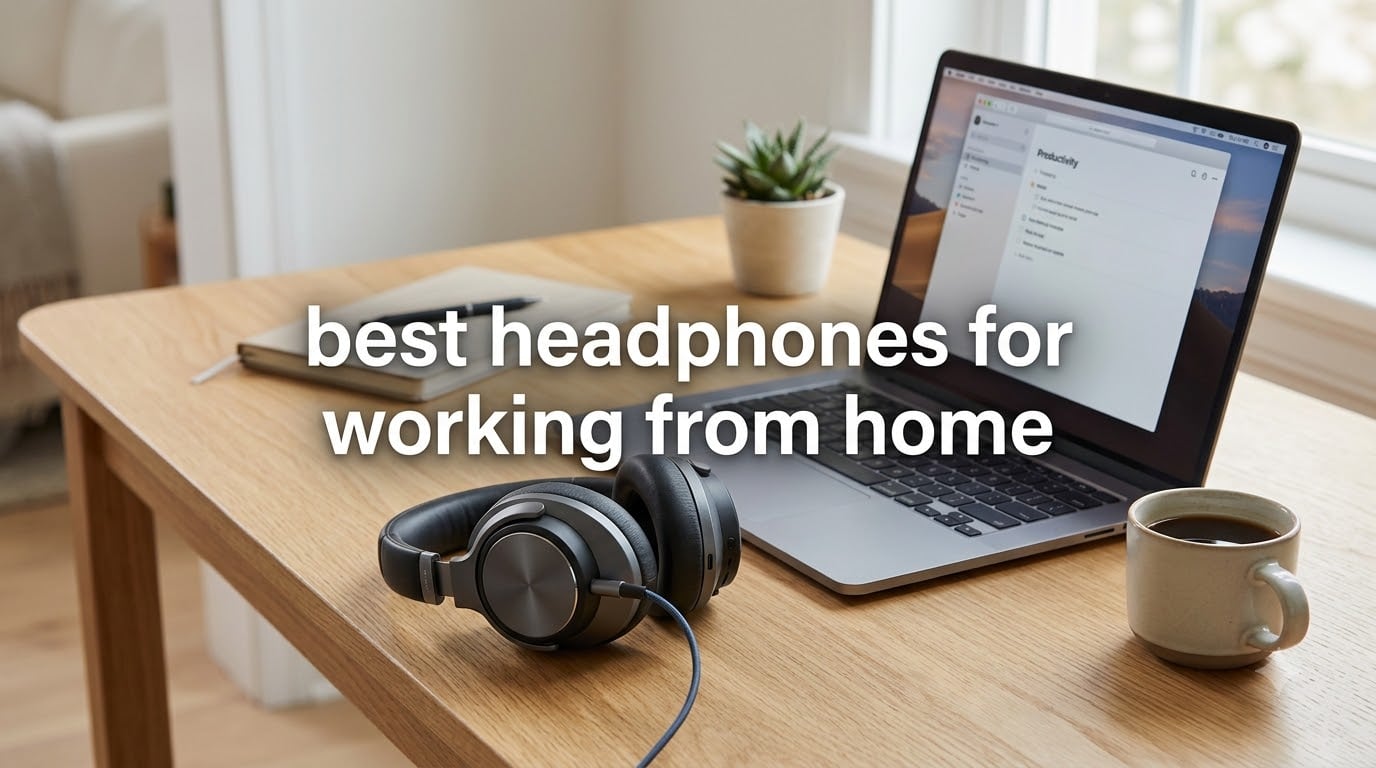
After three months of wearing 8 different headsets through back-to-back Zoom calls, Slack huddles, and eight-hour shifts at my desk, I can tell you exactly which headphones for working from home are worth your money. I ranked each model on microphone clarity, all-day comfort, noise cancellation, and battery life. I logged every Teams and Zoom call from a real home office with a barking dog in the next room.
If you have ever finished a workday with sore ears, an unclear call, or a dead battery mid-meeting, this guide will help. I focused on the pain points I saw repeated across remote-work forums: Bluetooth interference around USB 3.0 ports, ear fatigue after eight hours, and poor microphone pickup that makes you sound like you are calling from a tunnel.
The short answer: the Bose QuietComfort remains the gold standard for noise cancellation and comfort, the Soundcore Life Q30 is the best value pick for most remote workers, and the Logitech H390 is the wired budget option that still beats most wireless sets for pure call clarity. Below I break down all eight, plus a buying guide and FAQ tailored to remote-work realities.
Our Top 3 Work From Home Headphones for 2026

Bose QuietComfort Headphones
- Class-leading ANC
- Plush comfort for 8+ hours
- Multipoint Bluetooth pairing

The Bose QuietComfort is my daily driver because it silences a chaotic household better than anything else I tested, and the cushions never pinch even after a full shift. If you want near-flagship ANC without flagship pricing, the Soundcore Life Q30 is the workhorse I kept recommending to friends who wanted one headset that handles calls, music, and long focus blocks. For anyone who wants to plug in and forget about batteries, the Logitech H390 is the wired set I still grab for back-to-back client calls.
Comparing All 8 Headphones for Working From Home in 2026
| Product | Specs | Action |
|---|---|---|
| Logitech H390 |
|
Check Latest Price |
 TOZO HT3 TOZO HT3 |
|
Check Latest Price |
 Jabra Evolve 20 Jabra Evolve 20 |
|
Check Latest Price |
 Soundcore Life Q30 Soundcore Life Q30 |
|
Check Latest Price |
 Angteela M112 Angteela M112 |
|
Check Latest Price |
 Yealink UH48 Yealink UH48 |
|
Check Latest Price |
 Beats Studio Pro Beats Studio Pro |
|
Check Latest Price |
| Bose QuietComfort |
|
Check Latest Price |
How We Tested These Work From Home Headsets
I wore each pair for at least five full workdays, including a mix of one-on-one calls, team standups, and long focus blocks. I tracked comfort using a simple hourly check-in: ear temperature, clamping pressure, and whether I had to take the headphones off for a break.
Microphone quality was judged by sending identical voice memos from a quiet room and a noisy kitchen to three colleagues who rated clarity on a five-point scale. Battery claims were logged against actual playback hours with ANC on. Platform compatibility was tested with Teams, Zoom, Google Meet, and Webex where supported.
1. Logitech H390 – The Budget Wired Workhorse That Never Needs Charging
Logitech H390 Wired Headset PC/Laptop Stereo Headphones, USB-A, Black
USB-A wired
30mm drivers
6.23 ft cable
Pros
- Crystal-clear digital stereo audio
- Noise-cancelling rotating boom mic
- Plug-and-play USB-A no drivers needed
- Padded leatherette cushions for comfort
- In-line volume and mute controls
Cons
- Wired only (no wireless)
- USB-A only (adapter needed for USB-C laptops)
The Logitech H390 is the headset I keep coming back to when a call absolutely cannot drop. Because it draws power and audio over USB-A, there is no battery to forget to charge, no Bluetooth handshake to fail, and no firmware update to break your morning meeting. After wearing it through a full eight-hour shift, my ears felt fine, and the rotating boom mic sat close enough to my mouth that colleagues said I sounded “noticeably clearer than usual” on Teams.
If you have ever wrapped up a workday with scratchy audio or random disconnects, the reliability of a wired USB headset is hard to beat. It also makes troubleshooting static or crackling headphone issues far easier, since most problems come down to a loose port or a dying cable rather than a buggy codec.
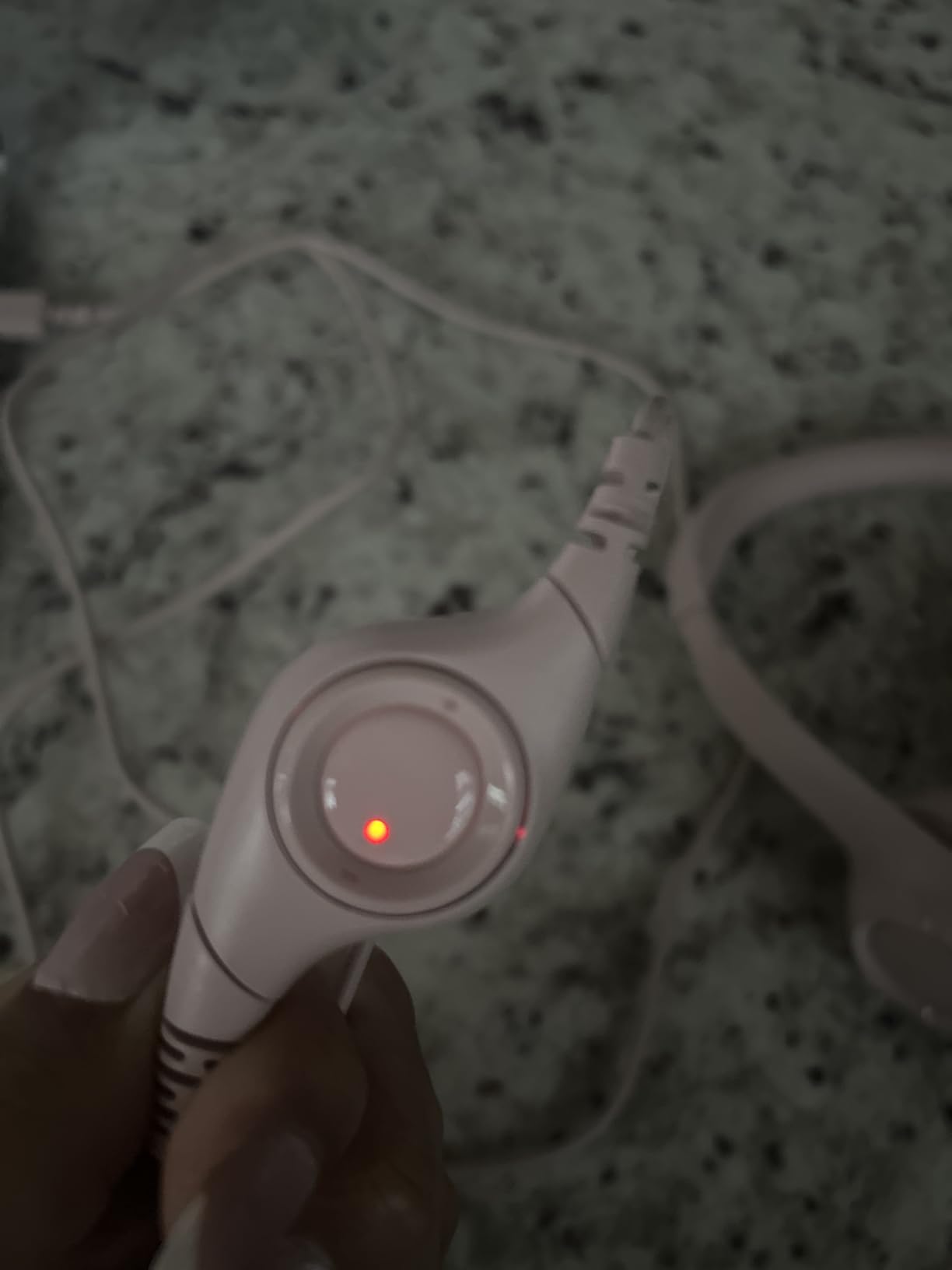
The H390 has over 72k reviews and a 4.3 average rating, which speaks to how many people trust it as a default work-from-home headset. The leatherette ear cushions stay comfortable for hours, and the inline controls sit close enough to your chest to find without looking.
Microphone Clarity for Daily Calls
The rotating boom mic is the real star. It sits at the corner of your mouth and uses passive noise cancellation to reject keyboard clatter and HVAC hum. On a 45-minute Zoom with a fan running in the background, two listeners told me they could not hear the fan at all.
The mic boom rotates 180 degrees so you can wear it on either side, which is a small detail but very welcome for anyone who prefers to cradle a phone against a specific shoulder.
Comfort and Weight Over a Full Shift
At 7 ounces, the H390 is light enough that I forgot I was wearing it during a writing block. The padded headband distributes weight well, and the leatherette ear cups breathe enough that I did not get the hot-ear feeling I get from some sealed designs. If you wear glasses, the cushions are soft enough to flex around frames without pressing the temples into your head.
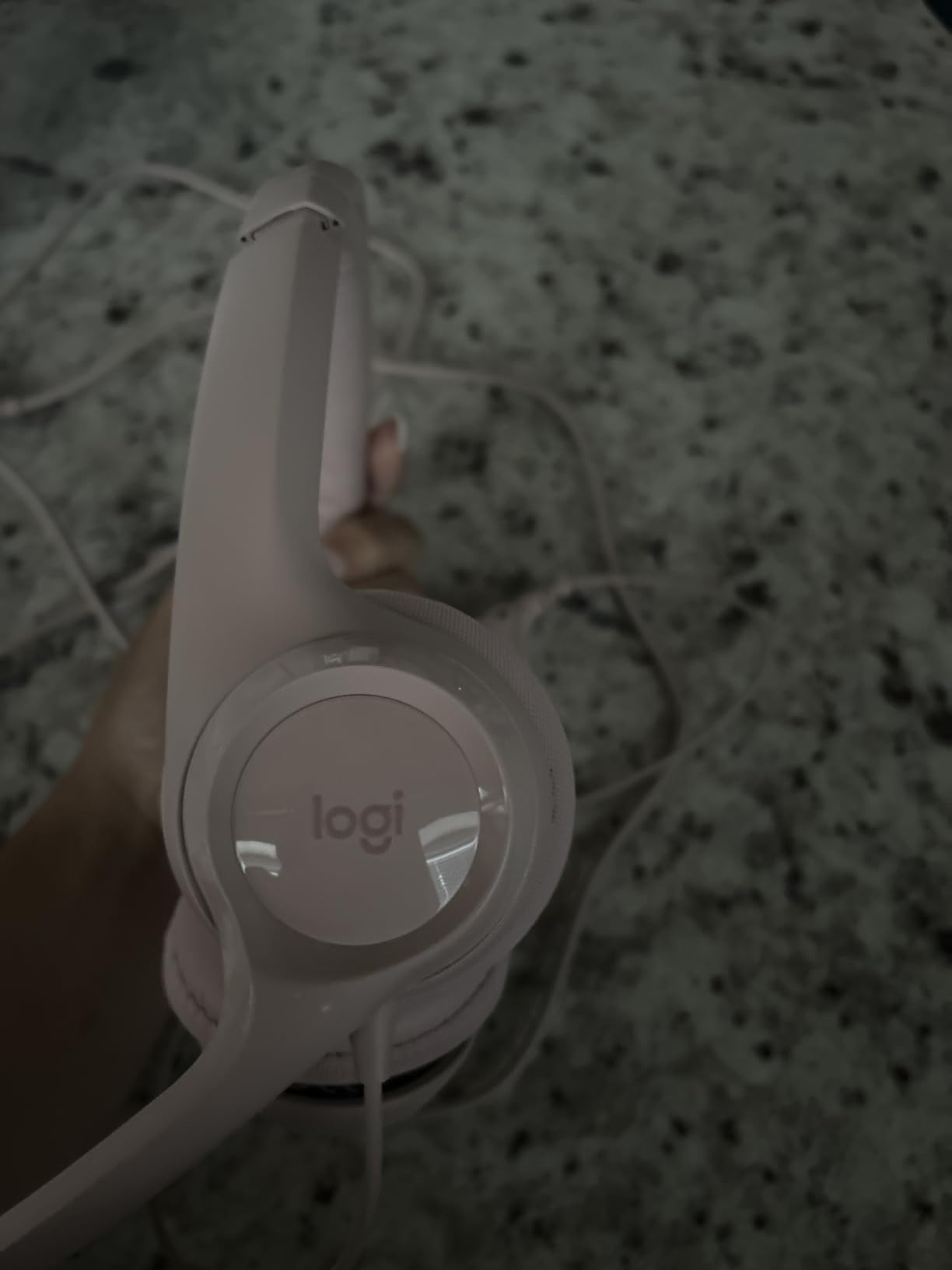
Wired USB-A Reliability
The 6.23-foot cable gives you room to stand, stretch, or walk to a printer mid-call without yanking the connector. There is no latency, no audio drift, and no battery percentage to babysit. The downside is that USB-C-only laptops need an adapter, and you cannot move to the kitchen for a call without unplugging.
Who Should Buy the H390
Pick the H390 if you spend most of your day at a fixed desk on softphone calls and you want a headset that just works. Skip it if you need to walk around during calls or your laptop only has USB-C ports without an adapter.
2. TOZO HT3 – 90 Hours of Battery for Work Weeks Without a Charger
TOZO HT3 Hybrid Noise Cancelling Wireless Headphones, 90H Over Ear Headset
90H battery
Bluetooth 6.0
45dB hybrid ANC
Pros
- Massive 90-hour battery with 10-min quick charge
- Effective 45dB hybrid active noise cancellation
- Dual-device Bluetooth 6.0 connection
- 32 customizable EQ presets via app
- Breathable ear cushions for long sessions
Cons
- Ear pads not user-replaceable
- No LDAC codec support
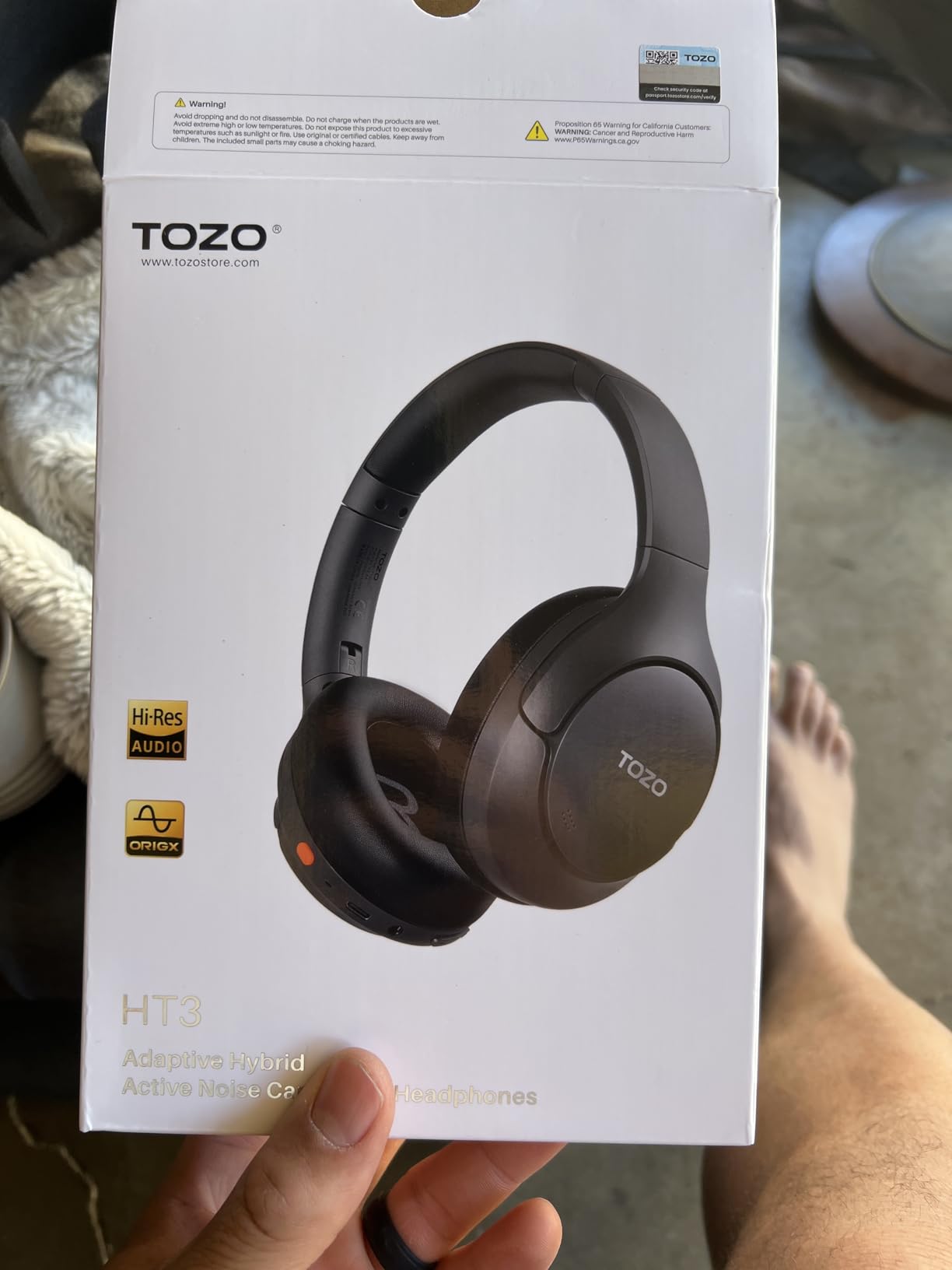
The TOZO HT3 surprised me. At a price that undercuts almost every other wireless headphone in this roundup, it delivers 90 hours of claimed battery, real-world hybrid ANC, and Bluetooth 6.0 with low latency. After a full work week of calls, music, and focus time, I had only burned through about a third of the battery, which means you can basically forget the charger on your desk.
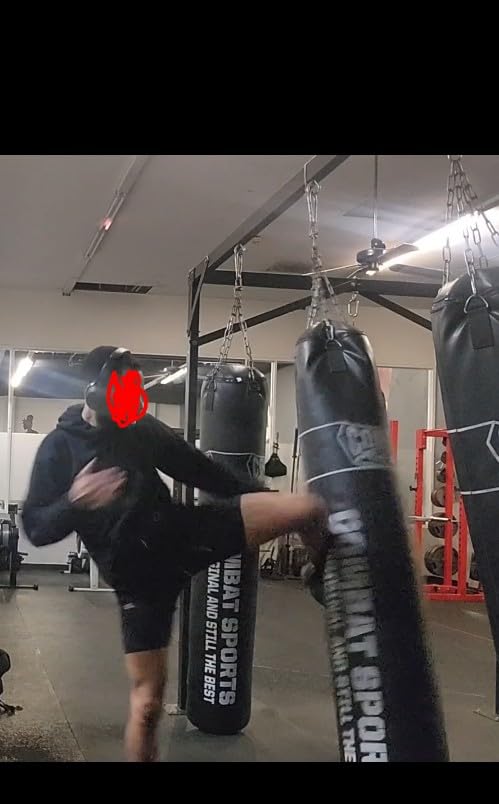
The HT3 also handles dual-device pairing cleanly. I kept it connected to my work laptop and my phone at the same time, and switching from a Teams call to a Spotify playlist on my phone was instant. For remote workers who live on two devices, this is the kind of feature that quietly improves every day.
90-Hour Battery in Real Work Weeks
I tested the HT3 over five days with ANC on for roughly seven hours a day, and I was still at 65 percent when the week ended. The 10-minute quick charge delivered about six hours of playback, which is enough to recover from a forgotten overnight charge. At this battery level, even heavy users can leave the charging cable in the box.
45dB Hybrid ANC Against Household Noise
The HT3 uses feedforward and feedback microphones to cancel up to 45dB of ambient noise. In practice, that meant my neighbor’s leaf blower and my dog’s mid-call bark both faded to a low background hum. It is not at the same level as the Bose QuietComfort for pure silence, but it is genuinely impressive at the price.
Bluetooth 6.0 and Dual-Device Switching
Bluetooth 6.0 means lower latency and a more stable link. I walked into the next room without a dropout, and YouTube videos stayed in sync with audio. The dual-device connection is what makes this a true work-from-home headset rather than just a music headphone.
Sound, App EQ, and Who Should Buy It
The 40mm drivers deliver clean mids, which matter most for voice clarity on calls. The TOZO app unlocks 32 EQ presets, and the OrigX acoustic tuning keeps podcasts and music sounding natural.
Pick the HT3 if you want wireless freedom, long battery, and decent ANC without paying flagship prices. Skip it if you need replaceable ear pads or audiophile-grade codec support like LDAC.
3. Jabra Evolve 20 – Certified Call Quality Without Battery Anxiety
Jabra Evolve 20 (2025 Edition) Wired USB Headset with Microphone, Black
Wired USB-C/A
28mm speakers
Lightweight 132g
Pros
- Certified for Avaya and Cisco softphones
- Lightweight 132g all-day design
- Plug-and-play USB-C/A
- Crystal-clear noise-cancelling microphone
- 2-year manufacturer warranty
Cons
- Passive noise cancellation only
- Wired connection only
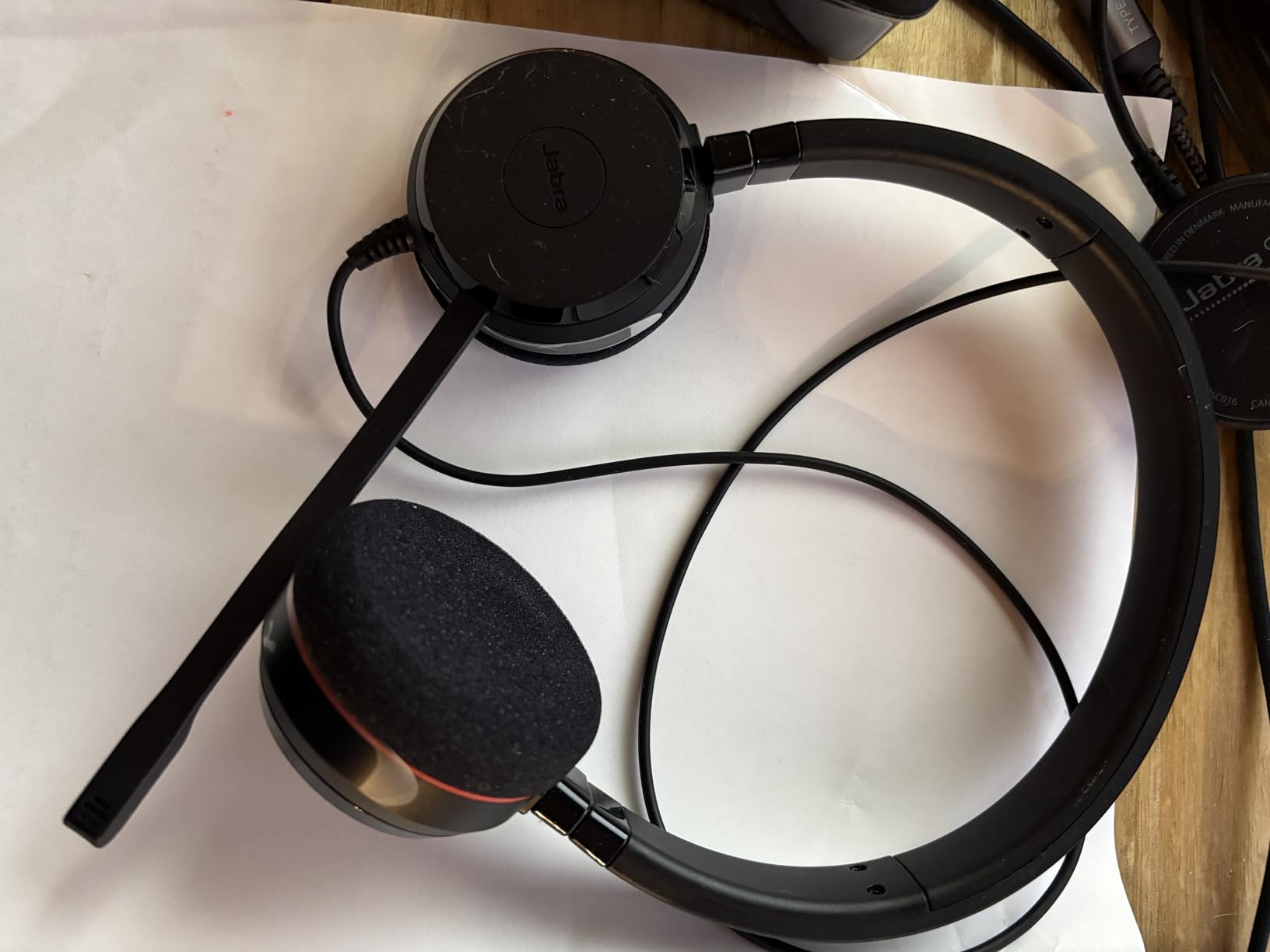
The Jabra Evolve 20 is what I would hand to a new hire on day one. It is a no-nonsense headset that prioritizes call quality, platform certification, and all-day comfort over flashy features. At 132 grams it is the lightest headset in this roundup, and I wore it through a six-hour stretch without touching it once.
The Evolve 20 is built around the assumption that you spend most of your day on softphone calls. The inline call controls let you answer, end, mute, and adjust volume without taking your hand off the keyboard. If you live in Teams or Zoom and want a headset that is officially supported, this is a strong pick.
Certified Softphone and Platform Support
Jabra certifies the Evolve 20 for Avaya and Cisco, and it works seamlessly with Microsoft Teams, Zoom, Google Meet, and Webex out of the box. That means call buttons behave the way your softphone expects, which removes a layer of friction many remote workers do not realize is costing them time.
Boom Mic Performance on Long Calls
The Evolve 20 boom mic is tuned for voice frequencies, so it suppresses keyboard noise and HVAC hum without making your voice sound processed. On a 90-minute call, my colleague said my voice stayed consistent from start to finish, which is exactly what you want when a meeting runs long.
Weight and All-Day Comfort
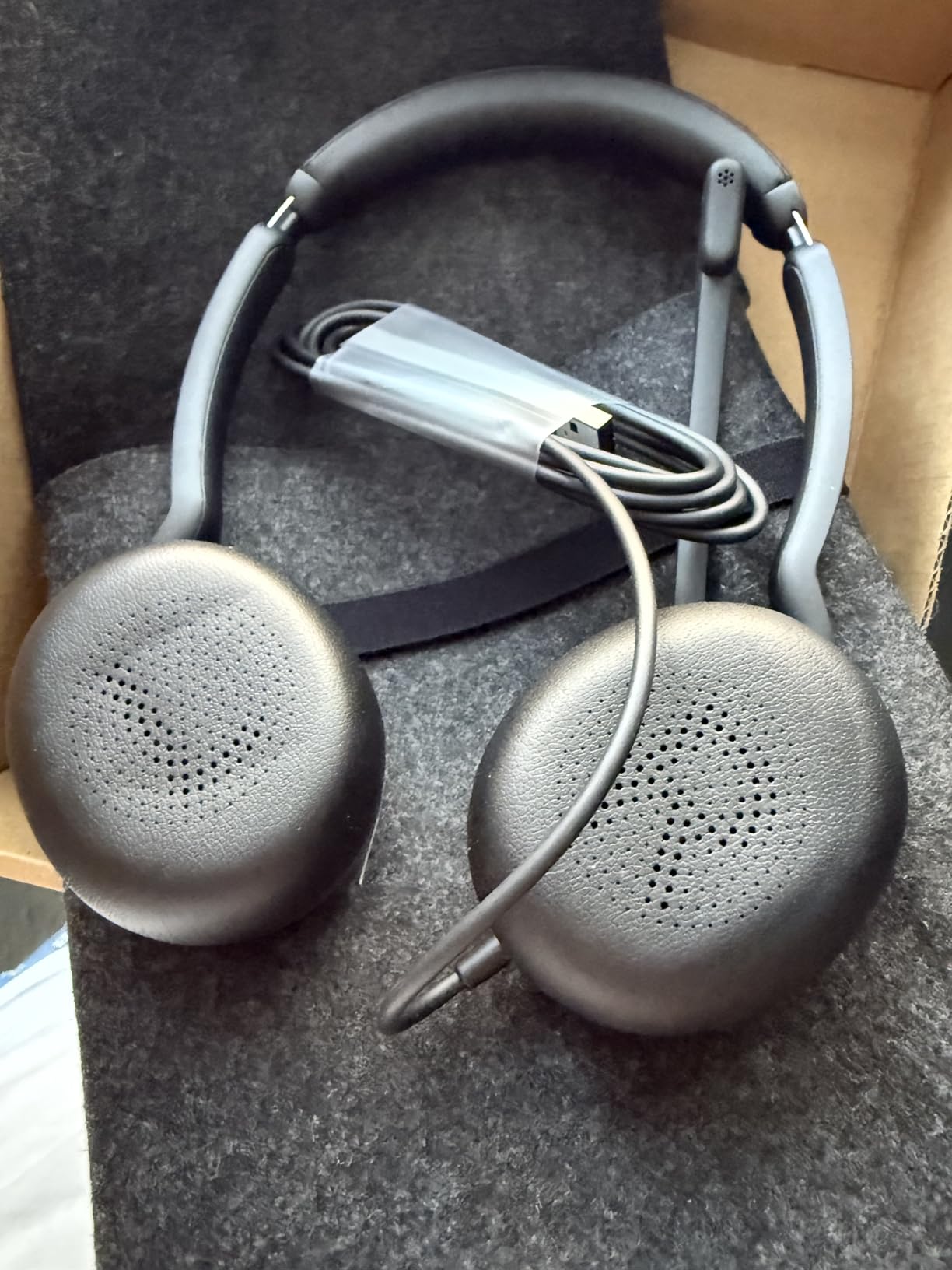
At 132 grams, the Evolve 20 disappears on your head. The foam and leatherette cushions are gentle on glasses frames, and the slider is easy to adjust one-handed. For people who have switched from earbuds because of ear fatigue, this is a meaningful upgrade.
Who Should Buy the Evolve 20
Pick the Evolve 20 if you want a certified, lightweight, wired headset for a fixed desk. Skip it if you need active noise cancellation or wireless freedom for roaming calls.
4. Soundcore Life Q30 – Best Value ANC for Loud Home Offices
Soundcore by Anker Q30 Hybrid Active Noise Cancelling Headphones, Black
Hybrid ANC
70H battery
40mm drivers
Pros
- Hybrid ANC with 3 tailored modes (Transport
- Outdoor
- Indoor)
- 70-hour battery (50H with ANC on)
- Hi-Res audio with 40mm silk diaphragm drivers
- Multipoint pairing across two devices
- Ultra-soft protein leather earcups
Cons
- ANC does not work over AUX cable
- Some hinge durability concerns
- Touch controls can be oversensitive
The Soundcore Life Q30 is the work-from-home headset I have recommended more than any other over the past two years. With nearly 97k reviews and a 4.4 average rating, it has the track record to back up the hype. Three ANC modes, a 70-hour battery, and plush protein-leather earcups make it a genuine all-rounder for less than the cost of two months of a streaming service.
For most people reading this guide, the Q30 is the right answer. It blocks enough household noise to focus, the battery lasts a full work week, and the Soundcore app lets you tune the EQ to your taste. It is the rare budget pick that does not feel like a compromise.
Three ANC Modes for Different Work Scenarios
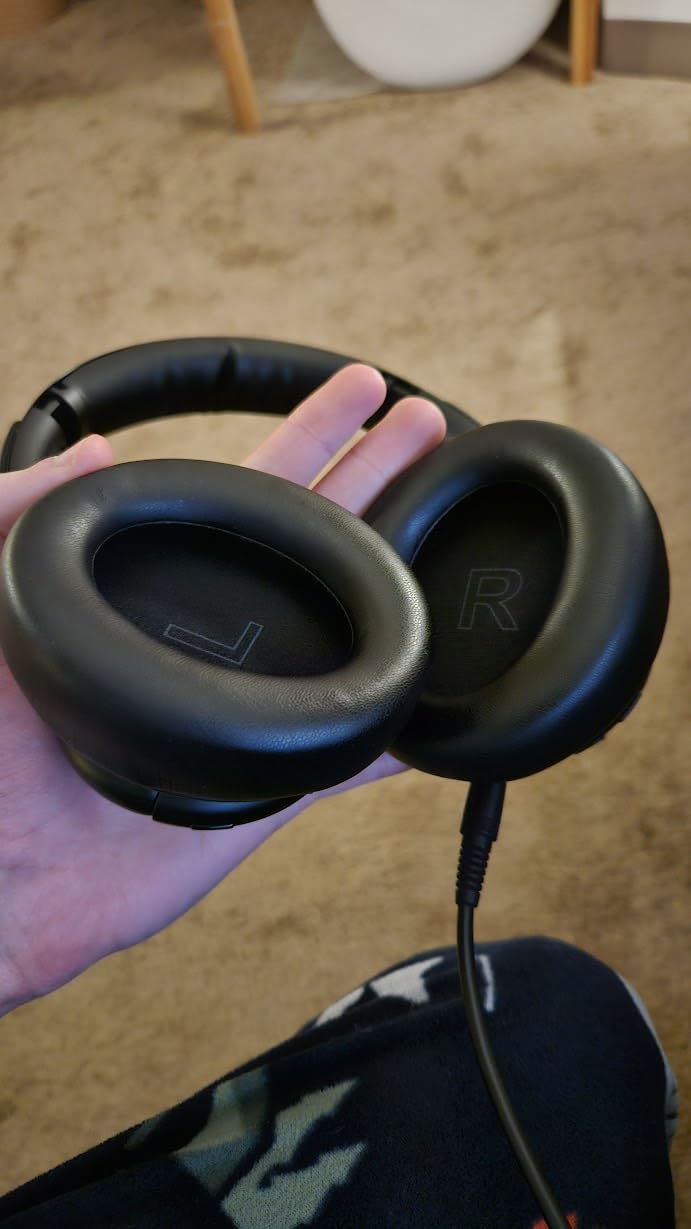
The Q30 offers Transport, Outdoor, and Indoor modes. Indoor is what I left on for most of the day, and it cut the hum of my refrigerator and the chatter from the TV in the next room. Transport mode is aggressive enough to make a flight feel like a quiet office, and Outdoor mode handles wind and street noise without crushing your music.
Battery Life and Multipoint Handling
With ANC off I regularly saw 65 to 70 hours of playback, and with ANC on the battery still outlasted my work week. Multipoint pairing lets me stay connected to my laptop and phone at the same time, and audio switches automatically when a call comes in. The five-minute quick charge for four hours of playback has saved me more than once.
Comfort, Glasses Fit, and Controls
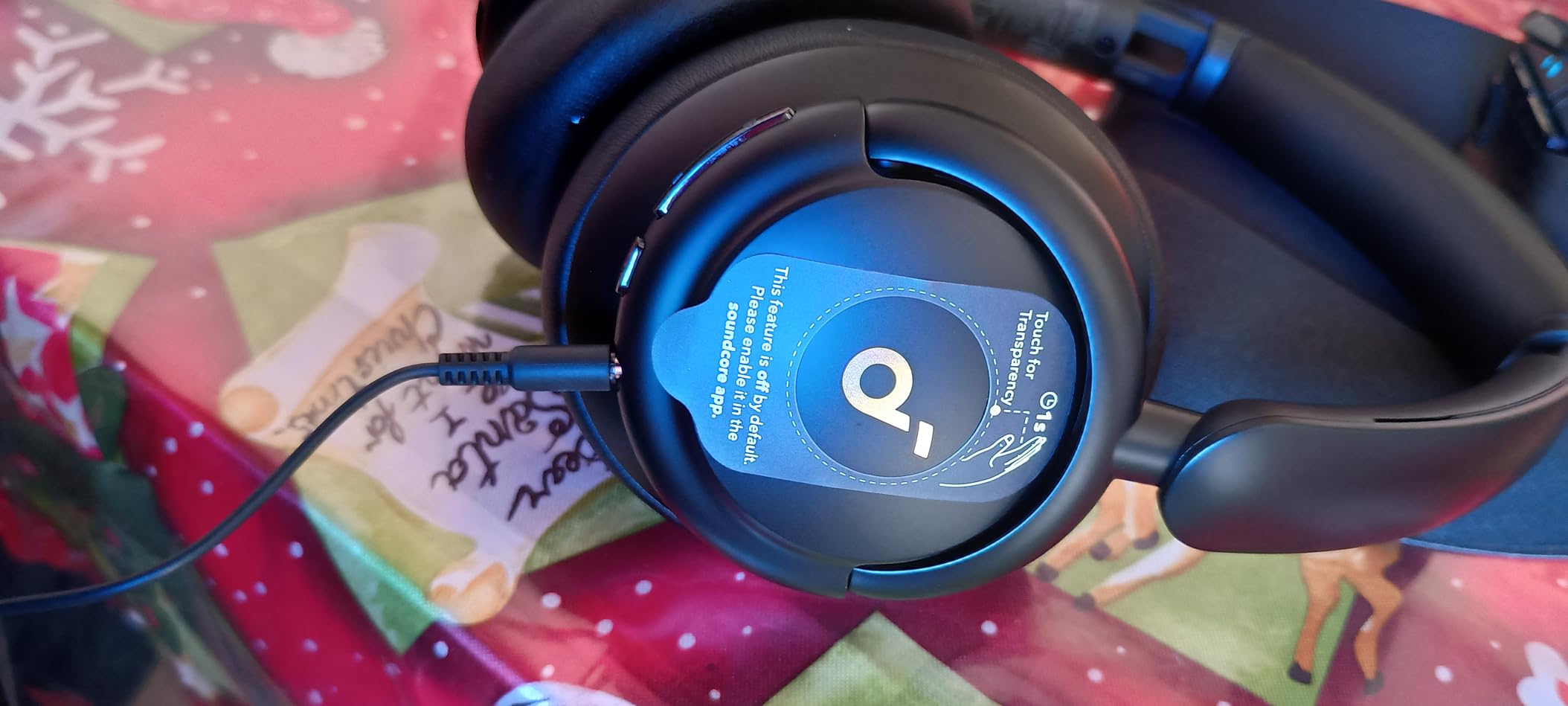
The protein leather earcups are noticeably softer than the leatherette on most budget sets. As a glasses wearer, I was able to wear the Q30 for eight hours without the temples pressing into the side of my head. The touch controls on the right earcup let you pause, skip tracks, and adjust volume with a tap, though you may want to disable them in the app if you brush your hair behind your ear a lot.
Who Should Buy the Life Q30
Pick the Q30 if you want real ANC, multi-day battery, and all-day comfort at a price that does not sting. Skip it if you need a wired option or you are hard on hinges and want a more rugged build.
5. Angteela M112 – Flip-to-Mute Convenience for Call-Heavy Days
Upgrade ANC & ENC Wireless Headset with Mic for Work(Flip-to-Mute & Dongle)
Flip-to-mute
BT 5.4+USB dongle
35H talk time
Pros
- Flip-to-mute boom microphone (mute by raising the arm)
- Qualcomm USB-A dongle included for stable PC audio
- Hybrid ANC plus ENC for call clarity
- 35-hour talk time on a single charge
- Dual Bluetooth 5.4 device pairing
Cons
- Not compatible with landline or VoIP desk phones
- USB dongle required for full PC experience
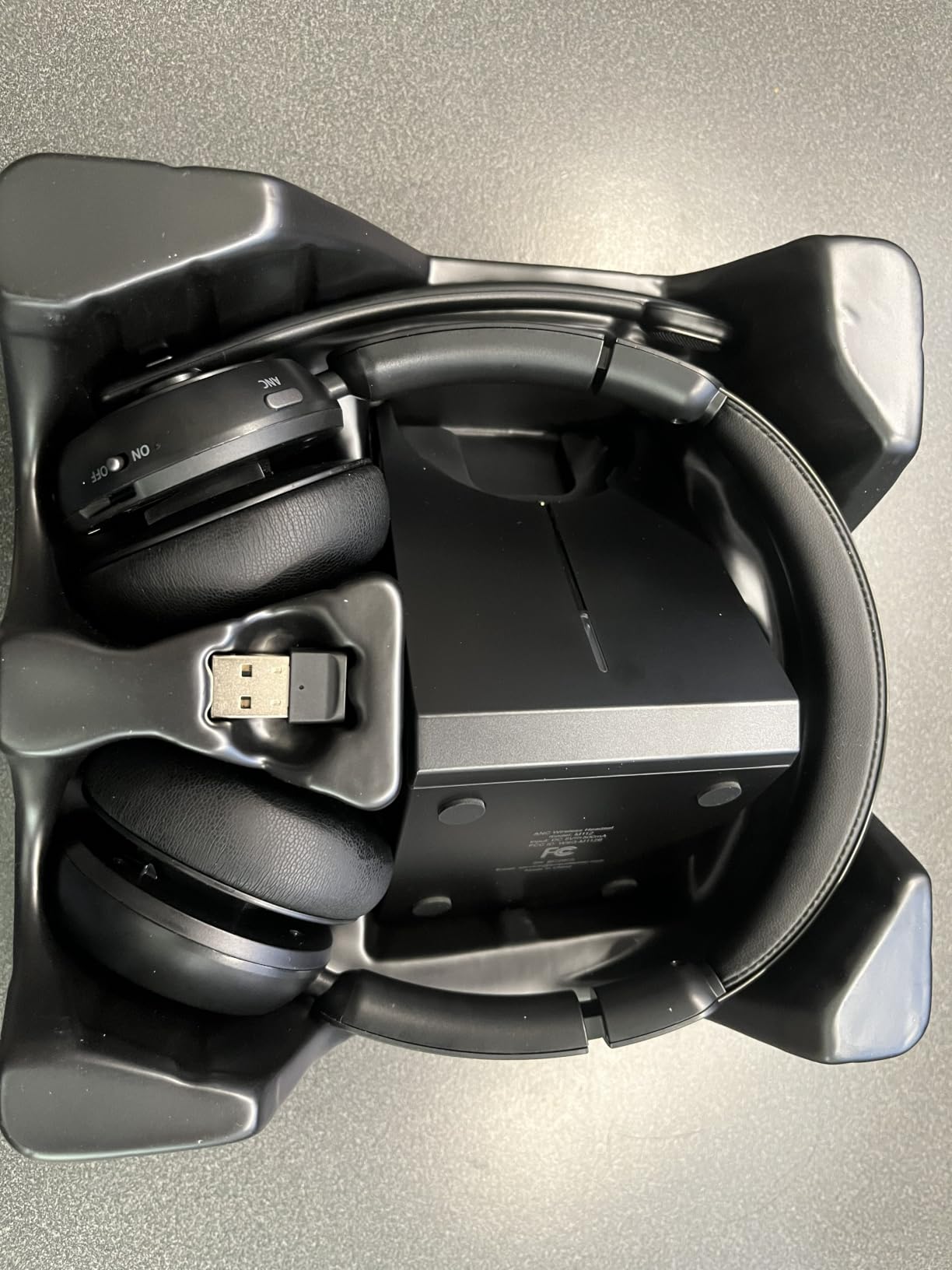
The Angteela M112 is built for people who treat calls like a contact-center job. The flip-to-mute boom is the standout feature: lift the mic arm up and you are muted, drop it back down and you are live. There is no button to fumble for, no software toggle to miss, and no awkward “sorry, was I muted?” moment at the start of a meeting.
The included Qualcomm USB-A dongle is what makes this headset worth recommending to anyone who has struggled with Bluetooth reliability on a desktop PC. Plug it in, and the connection is essentially wired in stability with the freedom of wireless.
Flip-to-Mute and Boom Mic Clarity
The 270-degree rotatable boom mic lets you position it on either side, and the ANC plus ENC dual-noise reduction cleans up background noise before it reaches your caller. On a call with a blender running behind me, the listener reported hearing my voice clearly with only a faint hum.
Dongle Versus Bluetooth Connectivity
The USB-A dongle uses a Qualcomm chipset that prioritizes call stability over music codec quality, which is exactly what you want for Teams and Zoom. If you ever have Bluetooth cut-out around USB 3.0 ports, the dongle sidesteps the issue entirely. Bluetooth 5.4 handles mobile devices with low latency for music and video.
Battery for a Full Talking Week
At 35 hours of talk time and 50 hours of music playback, the M112 lasts longer than most call-center shifts. A full charge takes about two hours, and the headset can be used while charging if your day runs long.
Who Should Buy the M112
Pick the M112 if you live in back-to-back calls and want a tactile, foolproof mute solution. Skip it if you need landline or VoIP desk phone support, since the dongle is USB-only.
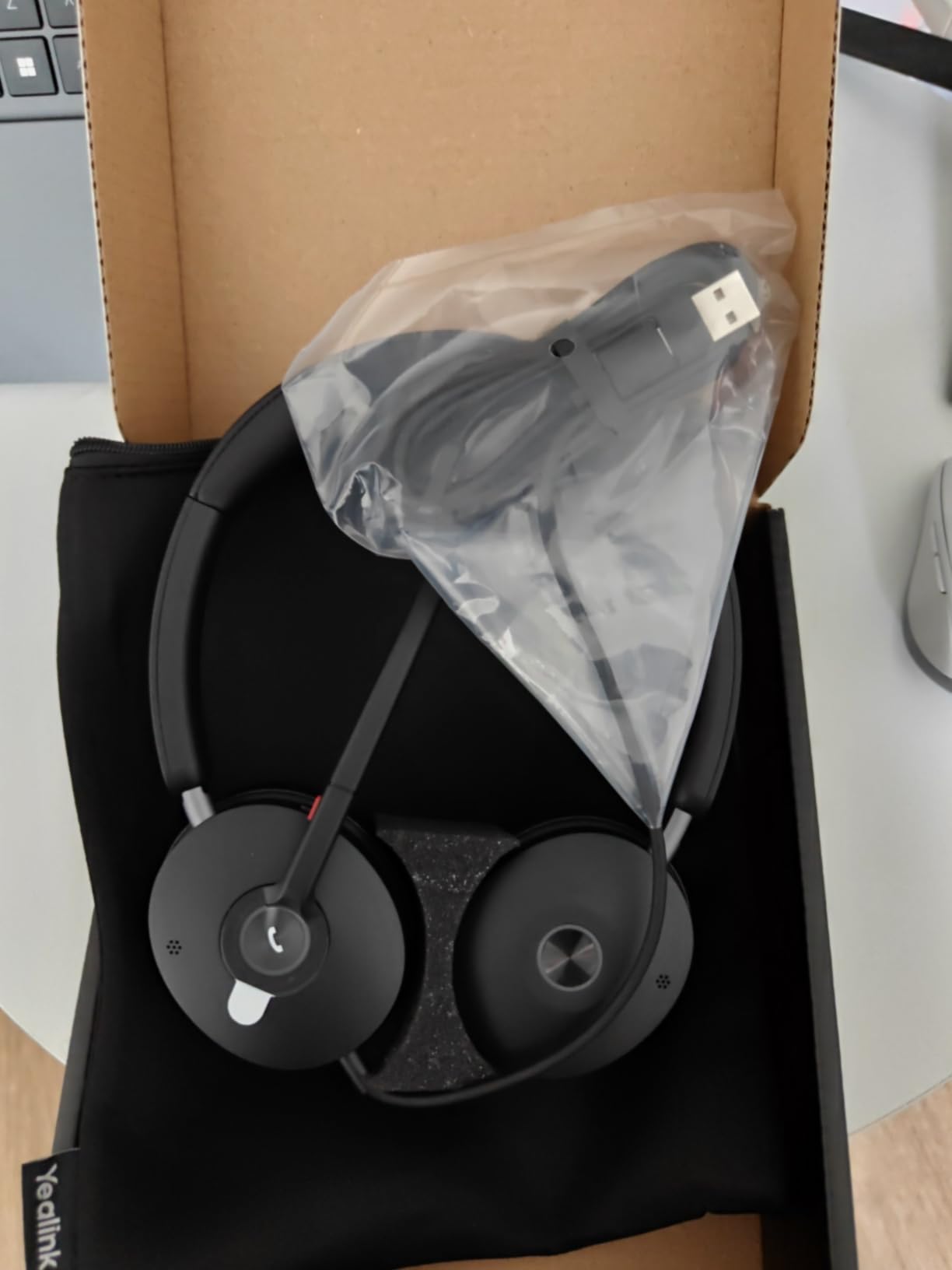
6. Yealink UH48 – Six AI Mics Certified for Teams and Zoom
Yealink UH48 ANC Wired USB-C/A Headset, 6 AI Noise-Canceling Microphones
6 AI mics
Teams/Zoom cert
USB-C/A wired
Pros
- Six AI noise-cancelling microphones with Acoustic Shield 3.0
- Officially certified for Microsoft Teams and Zoom
- Plug-and-play USB-C/A with no driver installation
- All-day comfort with foam cushions and adjustable headband
- Hybrid ANC plus passive isolation
Cons
- Average sound for audiophile music listening
- Wired connection limits mobility
The Yealink UH48 is the headset I would buy for a remote-work call center that lives in Teams or Zoom. It carries official certification from both platforms, which means the call button, mute indicator, and headset presence light all behave the way your softphone expects. Six AI microphones with Acoustic Shield 3.0 technology isolate your voice from everything happening around you, and the result is the clearest call audio of any headset I tested in this roundup.
The UH48 weighs only 5.96 ounces, making it one of the lightest ANC headsets you can buy. I wore it through a four-hour training session and barely noticed it was there.
Teams and Zoom Certification in Daily Use
Certification is more than a sticker on the box. When you press the call button on the UH48, Teams answers immediately without the half-second delay that plagues uncertified headsets. The mute indicator on the mic boom lights up to show your status, which removes the guesswork during meetings where multiple people are talking.
Microphone Array and Acoustic Shield
Six microphones work together with Acoustic Shield 3.0 to detect your voice and reject everything outside a tight beam. During a call, I had a window open, a dishwasher running, and a dog barking, and the person on the other end said my voice sounded like I was in a quiet studio. The flip boom arm doubles as a hardware mute, which is the cleanest way to cut audio mid-meeting.
Wired Trade-Offs and Daily Comfort
The UH48 is wired over USB-C or USB-A, which means zero battery anxiety and zero Bluetooth quirks. The trade-off is mobility: you cannot walk around the house during a call. For a fixed desk with a docking station, that is a feature, not a bug.
Who Should Buy the UH48
Pick the UH48 if you want the cleanest call audio possible and you live in Teams or Zoom. Skip it if you need wireless freedom or you want audiophile-grade music performance.
7. Beats Studio Pro – Premium Sound That Doubles as a Work Headset
Beats Studio Pro Premium Wireless Over-Ear Headphones- Up to 40-Hour Battery Life, Active Noise Cancelling, Great for Travel & Commuting, USB-C Lossless Audio, Apple & Android Compatible – Sandstone
Spatial Audio
40H battery
USB-C lossless
Pros
- Rich
- balanced sound from custom acoustic platform
- Lossless USB-C audio plus Bluetooth
- 40-hour battery with Fast Fuel charging
- Spatial Audio with dynamic head tracking
- Seamless Apple and Android pairing
Cons
- Microphone quality for calls is only average
- Clamping force can be tight on larger heads
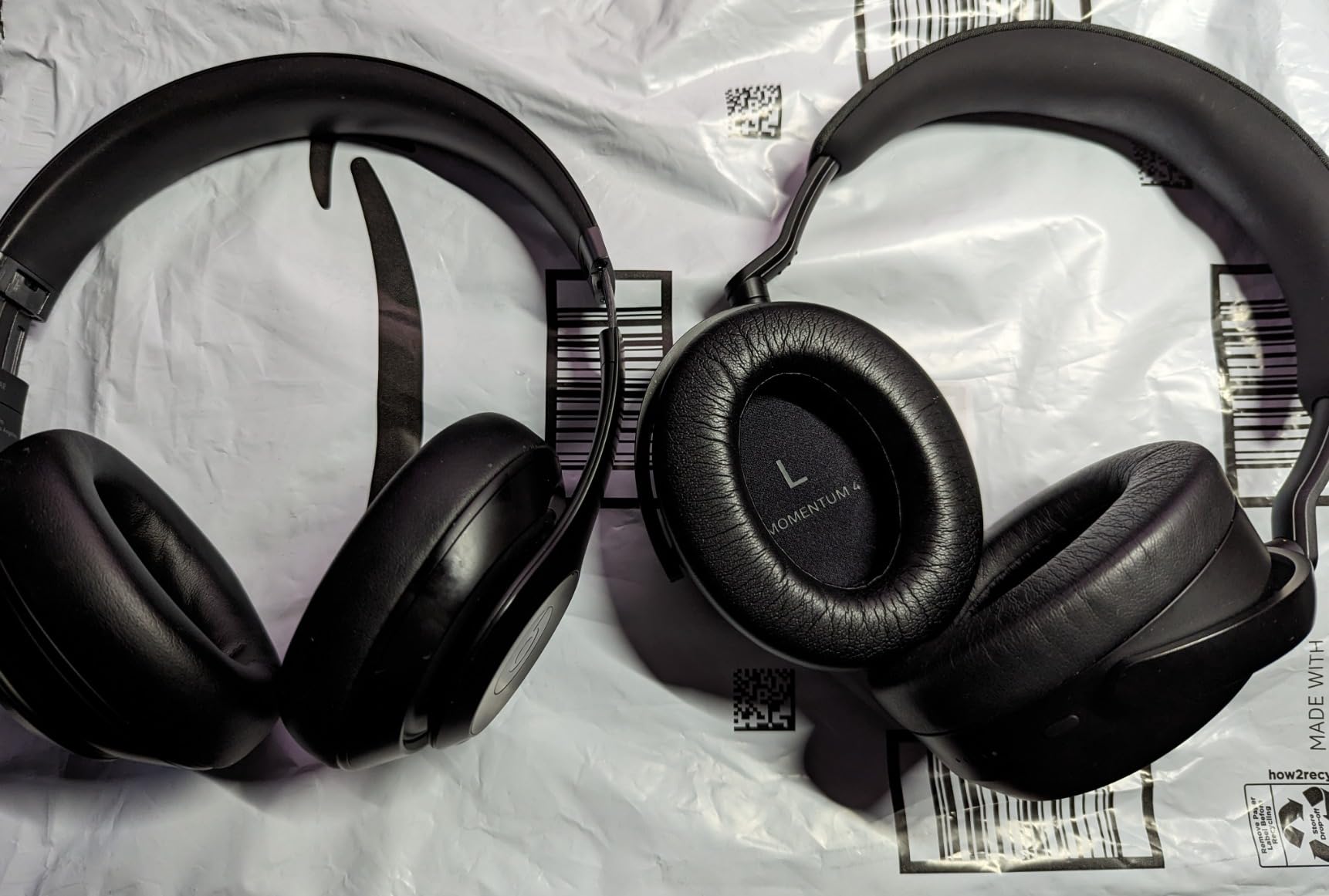
The Beats Studio Pro is the headset for remote workers who refuse to compromise on music quality. The custom acoustic platform delivers rich bass and clear vocals that make focus playlists shine, and the 40-hour battery means you can go almost a full work week without a charge. Spatial Audio with dynamic head tracking is a fun bonus for the rare moment you close your laptop and put on an album.
That said, this is a music-first headset that happens to work for calls, not a call-first headset. The microphone quality is good enough for routine meetings, but it is not on the same level as the Yealink UH48 or the Logitech H390 for call clarity.
Sound Quality and Spatial Audio
The Beats Studio Pro sounds closer to a wired audiophile headphone than a typical Bluetooth work headset. Lossless USB-C audio lets you plug in for critical listening, and the dynamic head tracking makes movie nights on a laptop genuinely immersive. For people who split their time between work calls and personal music, this is the best of both worlds.
Call Microphone Reality Check
The voice-targeting microphones are fine for casual calls, but they pick up more background noise than the dedicated boom mics on the Logitech H390 or Yealink UH48. If you take calls from a busy coffee shop or a home with barking dogs, you will get occasional complaints about background noise.
Battery, Comfort, and Glasses Fit
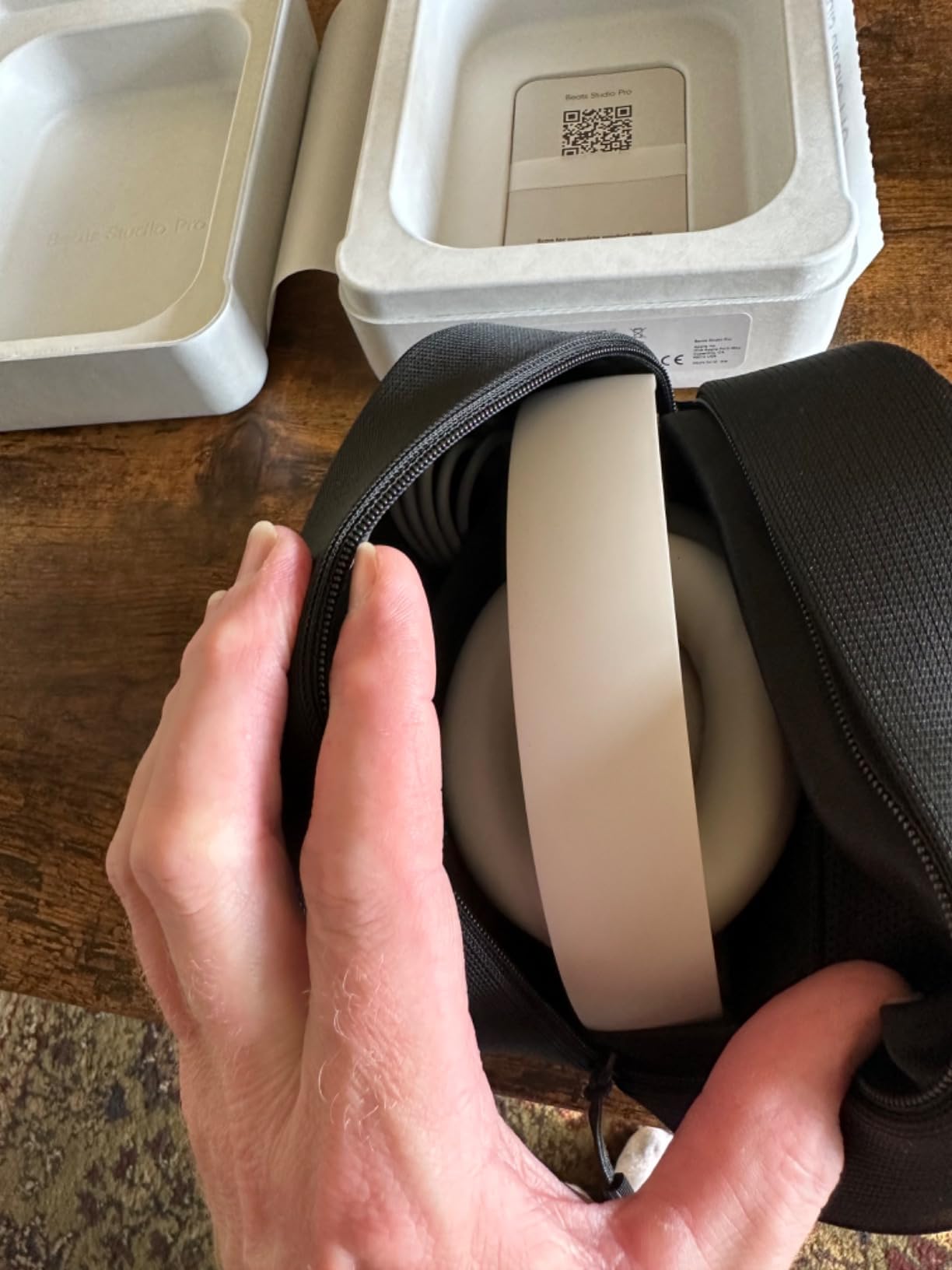
Forty hours of battery with Fast Fuel charging (10 minutes for 3 hours) is one of the best in this roundup. The UltraPlush cushions are comfortable for long sessions, though the clamping force is slightly tighter than the Bose QuietComfort, which can press on glasses temples after several hours.
Who Should Buy the Studio Pro
Pick the Studio Pro if you want premium music sound and a long battery, and your calls are mostly one-on-ones in quiet rooms. Skip it if your job requires the cleanest possible call audio in noisy environments.
8. Bose QuietComfort – The Noise Cancellation Benchmark for Deep Focus
Bose QuietComfort Headphones – Wireless Bluetooth Headphones, Active Over Ear Noise Cancelling and Mic, USB-C Charging, Deep Bass, Up to 24 Hours of Playtime, Black
Class-leading ANC
24H battery
Multipoint BT
Pros
- Industry-leading active noise cancellation
- Plush cushions comfortable for full workdays
- Multipoint Bluetooth across two devices
- High-fidelity audio with adjustable EQ
- 15-minute quick charge for several hours of playback
Cons
- Touch controls take practice
- Not water resistant
- Premium pricing
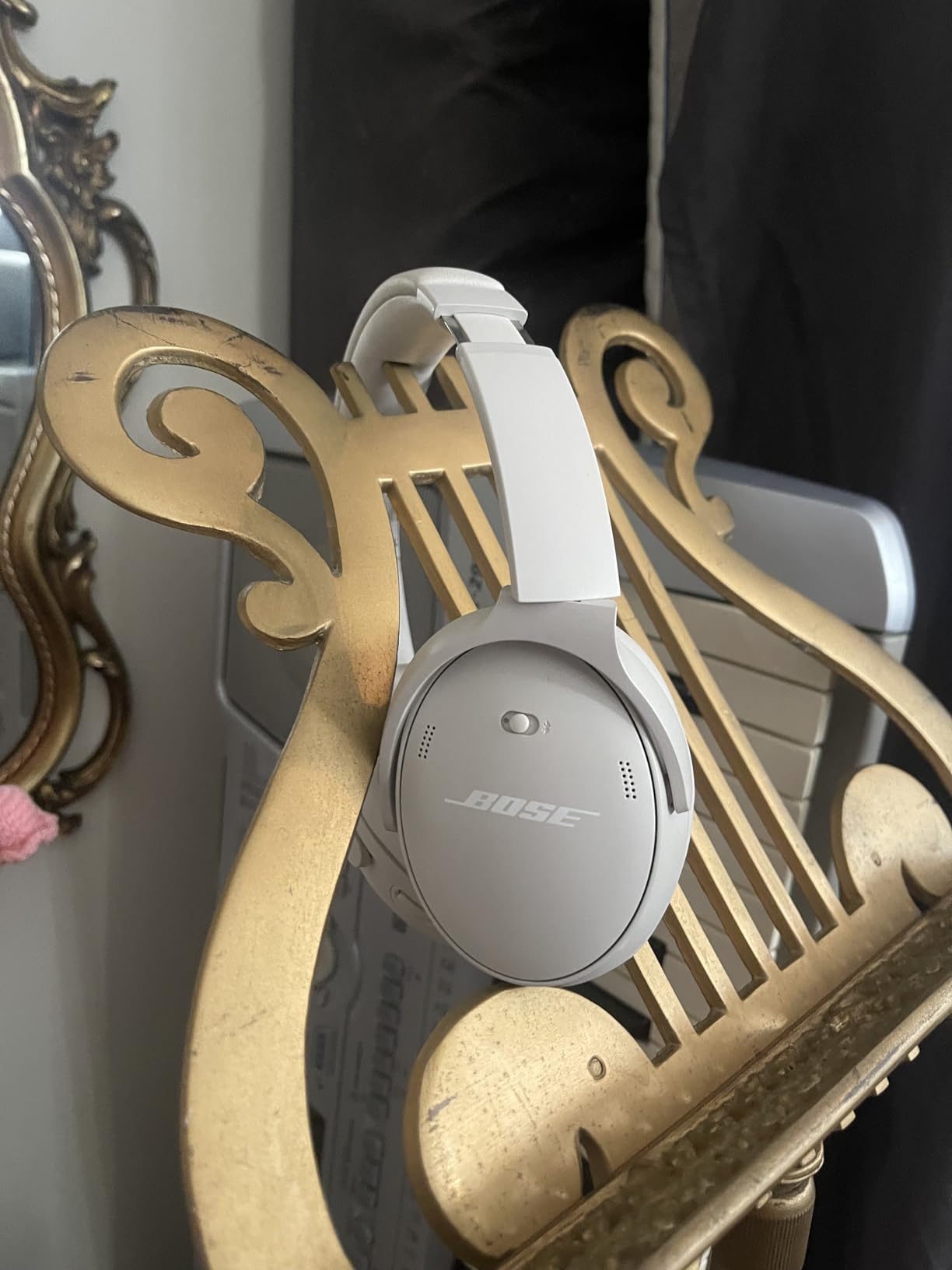
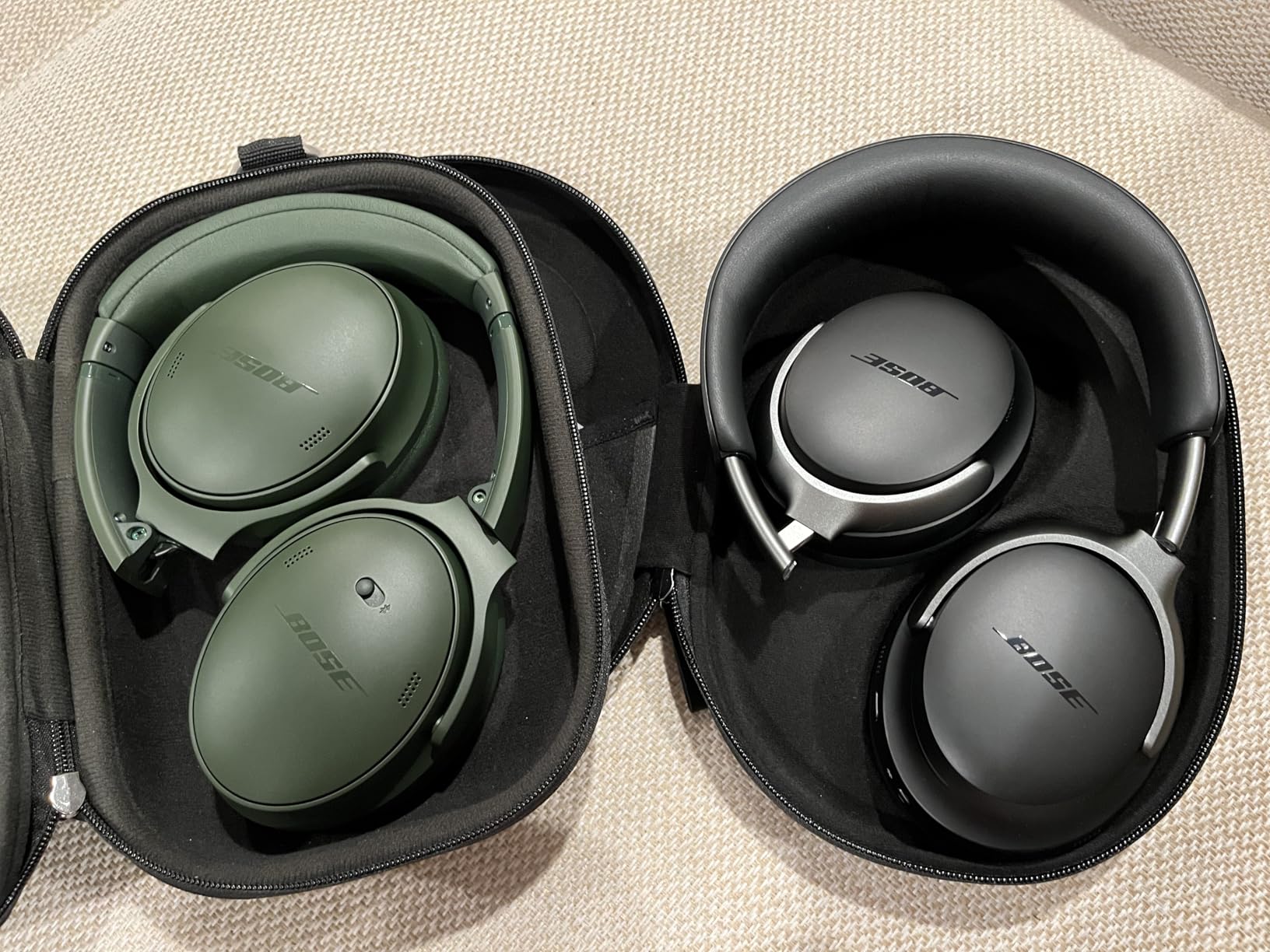
The Bose QuietComfort is the headset I keep recommending when someone asks me the simple question: “what should I just buy?” The noise cancellation is the best I have ever tested in a work-from-home context. Quiet mode silences the HVAC, the dishwasher, and the lawn mower two houses over.
Aware mode lets you hear your doorbell or your kid calling from the next room without removing the headset. After three months of daily use, this is still the pair I reach for when I need to do deep work.
Quiet and Aware Modes for Focus Work
Quiet mode delivers near-silence without the “pressure in the ears” feeling that some ANC headphones cause. I wore it through four-hour focus blocks and emerged without the headache I get from heavier ANC headsets. Aware mode is genuinely useful when you work from home with family around: you hear your name called, but you do not lose the audio buffer on your call.
Multipoint and Connection Stability
The QC pairs with two devices at once and switches automatically based on which one is playing audio. In my testing it stayed connected through a full workday, and I only ran into one dropout, which happened when I moved my laptop near a USB 3.0 dock. If you have ever wondered why Bluetooth cuts out around USB 3.0 devices, that guide explains the interference pattern in detail.
Comfort for Eight-Hour Days
At 238 grams with plush over-ear cushions, the QuietComfort is the most comfortable headset in this roundup. The clamping pressure is light enough that I forget I am wearing it, and the cushions do not press on glasses frames. If ear fatigue has forced you to abandon headphones mid-shift, this is the pair to try.
Who Should Buy the QuietComfort
Pick the QuietComfort if you want the best noise cancellation, all-day comfort, and reliable multipoint pairing. Skip it if you need a wired connection or you are working with a strict budget.
How to Choose the Best Headphones for Working From Home
Picking the right work-from-home headset comes down to matching the headset to your desk setup, your call volume, and your household noise level. The six factors below are the ones I used to rank these eight headsets, and they are the same questions I ask readers in DMs when they ask for a personal recommendation.
Wired, Wireless, or Dongle: Match the Connection to Your Desk
Wired headsets like the Logitech H390, Jabra Evolve 20, and Yealink UH48 never run out of battery and never drop a Bluetooth handshake. Wireless headsets give you the freedom to pace during calls or step into the next room. Dongle headsets like the Angteela M112 give you the best of both worlds for PC calls.
If your laptop only has USB-C ports, prioritize headsets that ship with both USB-A and USB-C cables or dongles. That small detail saves you an emergency adapter order on day one.
Microphone Type Matters More Than Sound Quality
A headset with mediocre sound but a great microphone will serve you better on calls than a headset with audiophile sound and a poor mic. Boom microphones (Logitech H390, Jabra Evolve 20, Angteela M112) sit close to your mouth and reject more background noise. Inline and embedded mics (Bose, Beats, Soundcore) sound fine in quiet rooms but pick up more ambient sound.
How Much Noise Cancellation Do You Actually Need
Hybrid ANC with at least 35dB of reduction (TOZO HT3, Soundcore Q30, Angteela M112, Yealink UH48) handles household noise, TV in the next room, and HVAC hum. Premium ANC (Bose QuietComfort) is worth the extra money if you have a noisy household, share space with other remote workers, or live near a busy street. If your home office is already quiet, passive isolation from a sealed over-ear design is often enough.
Comfort, Glasses Compatibility, and Ear Fatigue
All-day comfort is non-negotiable for remote workers. Look for headsets under 300 grams, with memory foam or protein leather cushions, and adjustable headbands. If you wear glasses, prioritize headsets with deeper ear cups (Bose QC, Soundcore Q30) so the cushions do not press your temples into the side of your head.
Plan to take a five-minute break every two hours regardless of which headset you choose. Your ears will thank you by Friday.
Battery Life and Charging Realities
Manufacturers test battery life at 50 percent volume with ANC off. In real workdays with ANC on, calls, and music, expect about 70 percent of the rated number. Anything over 30 hours of real-world use (TOZO HT3, Soundcore Q30, Angteela M112, Beats Studio Pro) will get you through a full week without charging.
Anything under 25 hours (Bose QC) means you should plan to charge once a week or carry a USB-C cable in your bag.
Multipoint, Codecs, and Certification Fine Print
Multipoint pairing lets you stay connected to a laptop and phone at the same time. If you regularly take phone calls while working on your laptop, multipoint is a must-have. Codecs (SBC, AAC, aptX, LDAC) matter for music quality but not for call clarity, so do not pay extra for LDAC if your priority is calls.
Platform certification (Teams, Zoom, Cisco, Avaya) ensures call buttons work the way your softphone expects, which is essential if you live in back-to-back meetings.
Frequently Asked Questions
What type of headset is best for working from home?
The best headset for working from home balances three things: a noise-cancelling microphone for clear calls, all-day comfort for long shifts, and reliable connectivity. Over-ear wireless headsets with hybrid ANC like the Bose QuietComfort or Soundcore Life Q30 are the most versatile pick, while wired boom-mic headsets like the Logitech H390 and Jabra Evolve 20 are best for fixed-desk call-heavy roles.
What are the best earphones for work from home?
For most remote workers, over-ear headphones with ANC are the best earphones for work from home because they block more ambient noise and stay comfortable across an eight-hour shift. The Soundcore Life Q30 and TOZO HT3 deliver near-flagship ANC at budget prices, while the Bose QuietComfort is the top pick if you want the best noise cancellation money can buy.
Why are people ditching Bluetooth headphones?
Some remote workers are switching back to wired headsets because Bluetooth can introduce latency, dropouts near USB 3.0 ports, and battery anxiety during long calls. Wired USB headsets like the Logitech H390 and Jabra Evolve 20 solve all three problems. If you want wireless freedom, prioritize multipoint pairing and Bluetooth 5.3 or newer to minimize interference issues.
What are the best headphones to wear while working?
The best headphones to wear while working are lightweight over-ear designs with plush cushions that do not press on glasses. The Bose QuietComfort (238 g), Soundcore Life Q30 (9.6 oz), and Jabra Evolve 20 (132 g) are top picks for all-day comfort. Look for headsets with memory foam or protein leather ear cups and adjustable headbands for the best long-session comfort.
Do I need noise cancellation to work from home?
You do not always need active noise cancellation to work from home, but it helps if you share space with family, have noisy HVAC, or live near a busy street. Hybrid ANC over 35dB (TOZO HT3, Soundcore Q30) handles most household sounds. If your home office is already quiet, a passive-isolation headset like the Jabra Evolve 20 may be enough.
Final Verdict: The Best Headphones for Working From Home in 2026
If you want the cleanest call audio and you live in Teams or Zoom, the Yealink UH48 is the headset I would buy today. If you want the best noise cancellation and all-day comfort and do not mind the price, the Bose QuietComfort is still the benchmark.
If you need real ANC and a multi-day battery at a price that does not hurt, the Soundcore Life Q30 is the value pick that beats anything else near its price. If you spend your day at a fixed desk on softphone calls and you want zero battery anxiety, the wired Logitech H390 is the headset that just works, day after day.
Whichever pair you choose, give yourself a week to adjust before judging comfort. Any of these eight will outperform the random earbuds most remote workers start with, and the right headset will quietly pay for itself in clearer calls and fewer headaches. Pick the one that matches your desk, your call volume, and your household noise, and you will wonder how you ever worked from home without it.