
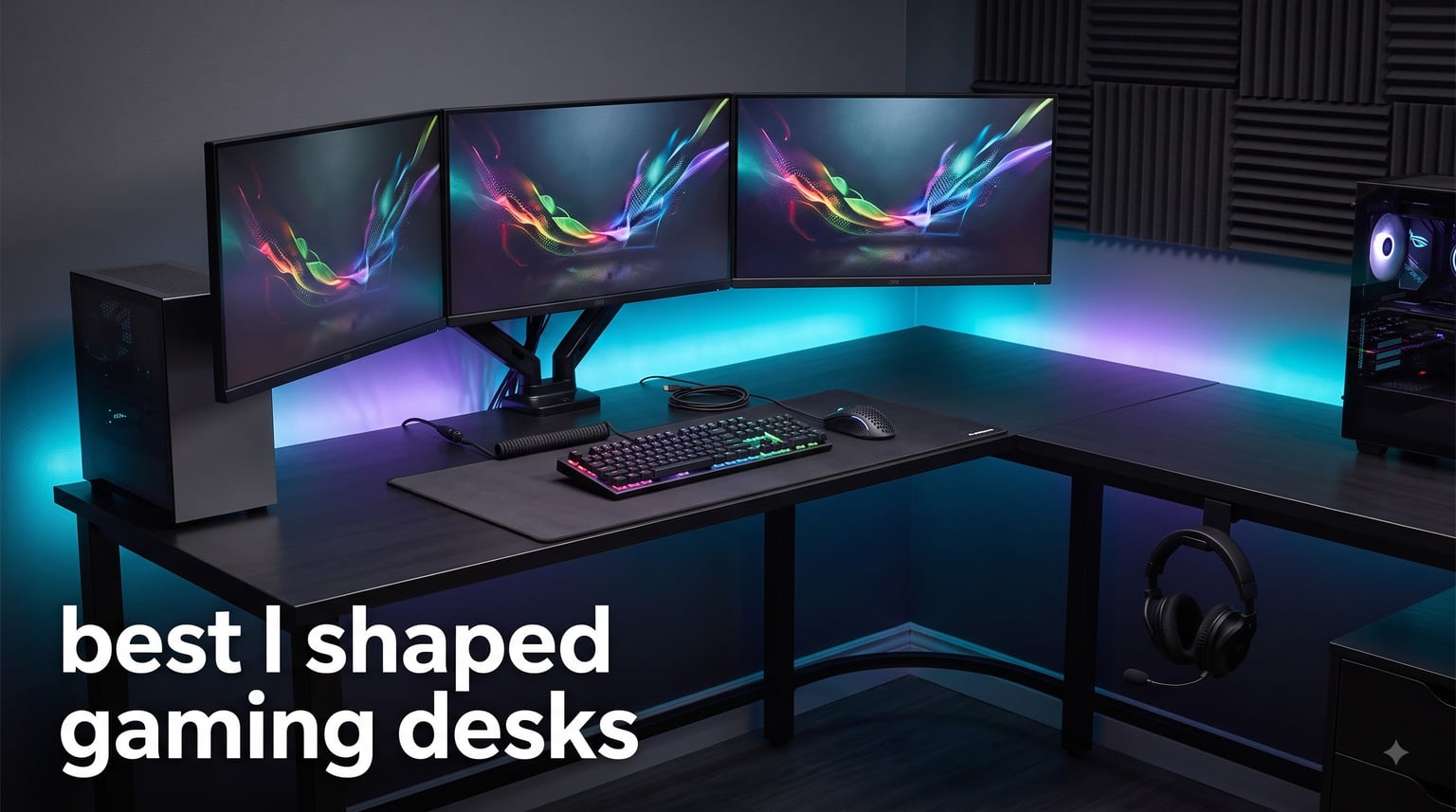
I built my first multi-monitor battlestation on a flat 60-inch table, and within a week I knew it wasn’t going to work. My second monitor had to sit at an awkward angle, the speakers kept sliding off, and the cables looked like a bowl of spaghetti. That’s when I started hunting for the best l shaped gaming desks instead of another straight desk.
After testing six L-shaped corner gaming desks over the past few months (running everything from a dual 27-inch setup to a 49-inch ultrawide), I can tell you which ones actually feel solid during intense gaming and which ones wobble the moment you slam a key. This guide covers what worked, what didn’t, and how to match a corner desk to your specific setup.
If you’re putting together a complete rig, the desk is only half the battle. I’d recommend pairing whatever desk you choose with the right input gear, and our mechanical keyboard guide covers the other half.
Our Top 3 Tested L-Shaped Gaming Desks for 2026

AODK 53-Inch L-Shaped Gamin…
- LED lighting with 10 colors
- 3 power outlets + 2 USB ports
- Reversible L-shaped design

Bestier 42-Inch L-Shaped…
- Carbon fiber surface
- Reversible shelves + power strip
- Compact 42-inch build

SageNest 50-Inch Reversible…
- 176 lbs weight capacity
- CPU stand included
- Reversible corner fit
Comparing the Best L-Shaped Gaming Desks in 2026
| Product | Specs | Action |
|---|---|---|
| SageNest 50-Inch Reversible Desk |
|
Check Latest Price |
 DUMOS L-Shaped Gaming Desk DUMOS L-Shaped Gaming Desk |
|
Check Latest Price |
| Bestier 42-Inch Gaming Desk |
|
Check Latest Price |
| AODK 53-Inch Gaming Desk |
|
Check Latest Price |
 Casaottima 63-Inch Standing Desk Casaottima 63-Inch Standing Desk |
|
Check Latest Price |
 AODK 79-Inch Desk with Drawers AODK 79-Inch Desk with Drawers |
|
Check Latest Price |
1. AODK 53-Inch L-Shaped Gaming Desk – Best Overall Balance of Features and Value
AODK L Shaped Desk Gaming Desk with LED Light & Power Outlet
53-inch reversible design
LED + 3 power outlets + 2 USB
Engineered wood + alloy steel frame
Pros
- Spacious L-shaped workspace
- 3 power outlets plus 2 USB ports
- LED has 10 colors and 10 dynamic modes
- Reversible for any corner
- Includes CPU stand and headphone hook
Cons
- No drawer storage
- LED remote can be finicky
After three weeks of testing the AODK 53-Inch, this desk earned the editor’s choice spot for one simple reason: it nails the basics without cutting corners. The 53-inch reversible design fits my corner perfectly, and the engineered wood surface paired with the alloy steel frame feels noticeably sturdier than the bargain options I tried earlier.
The LED lighting isn’t just a gimmick either. With 10 static colors, 10 dynamic modes, and a memory function, I set it to a soft blue during the day and a pulsing red for late-night sessions. The milky diffuser softens the glow so it doesn’t light up the whole room like a flare gun.
What I appreciate most is the integrated power hub. Three AC outlets plus two USB ports mean I never reach for a power strip, and the long cord reaches my wall outlet without an extension. Add the CPU stand, headphone hook, and reversible storage shelves, and you’ve got a complete corner battlestation for around $110.
LED Lighting and Power Integration
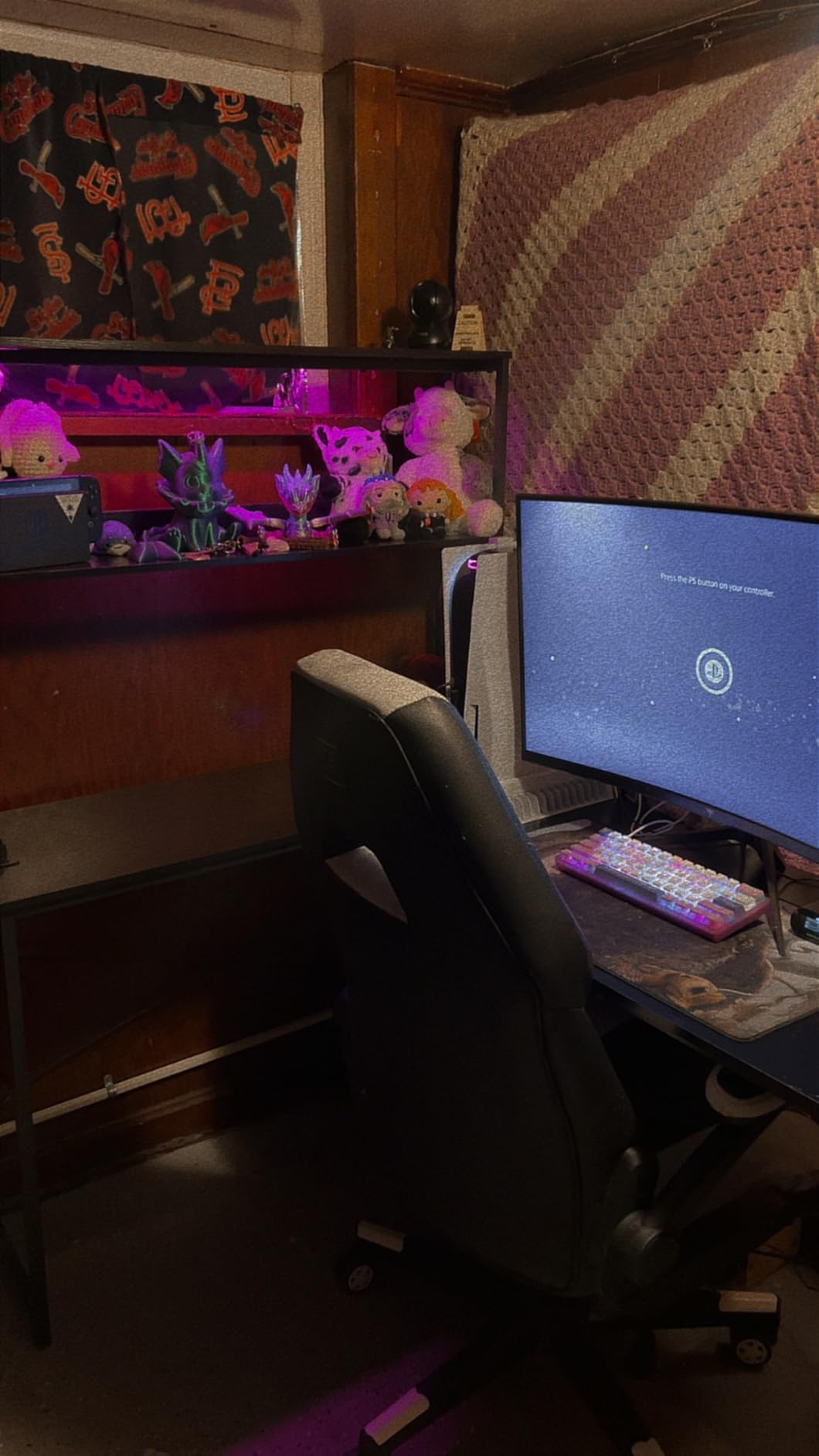
The LED strip runs along the back edge of the desk and connects to a small controller with a memory function. That’s the part I didn’t expect to care about: once you set your color and brightness, the desk remembers it even after powering down. No fumbling with the remote every session.
The power hub is the real win for cable management. Two of my monitors, the PC, a lamp, and my phone charger all plug directly into the desk. This single feature cleaned up my cable mess more than any other desk I tested.
Reversible Design and Corner Fit
AODK built this L-shaped gaming desk to work in either corner orientation. I flipped mine to face the opposite wall without any extra parts, just by swapping the side panels. If you move or rearrange your room, this flexibility matters more than you’d think.
The 53-inch main wing holds my 32-inch primary monitor plus a 27-inch secondary side by side with room to spare. The shorter wing holds my speakers, a small plant, and a notebook without feeling cramped.
Storage and Accessory Package
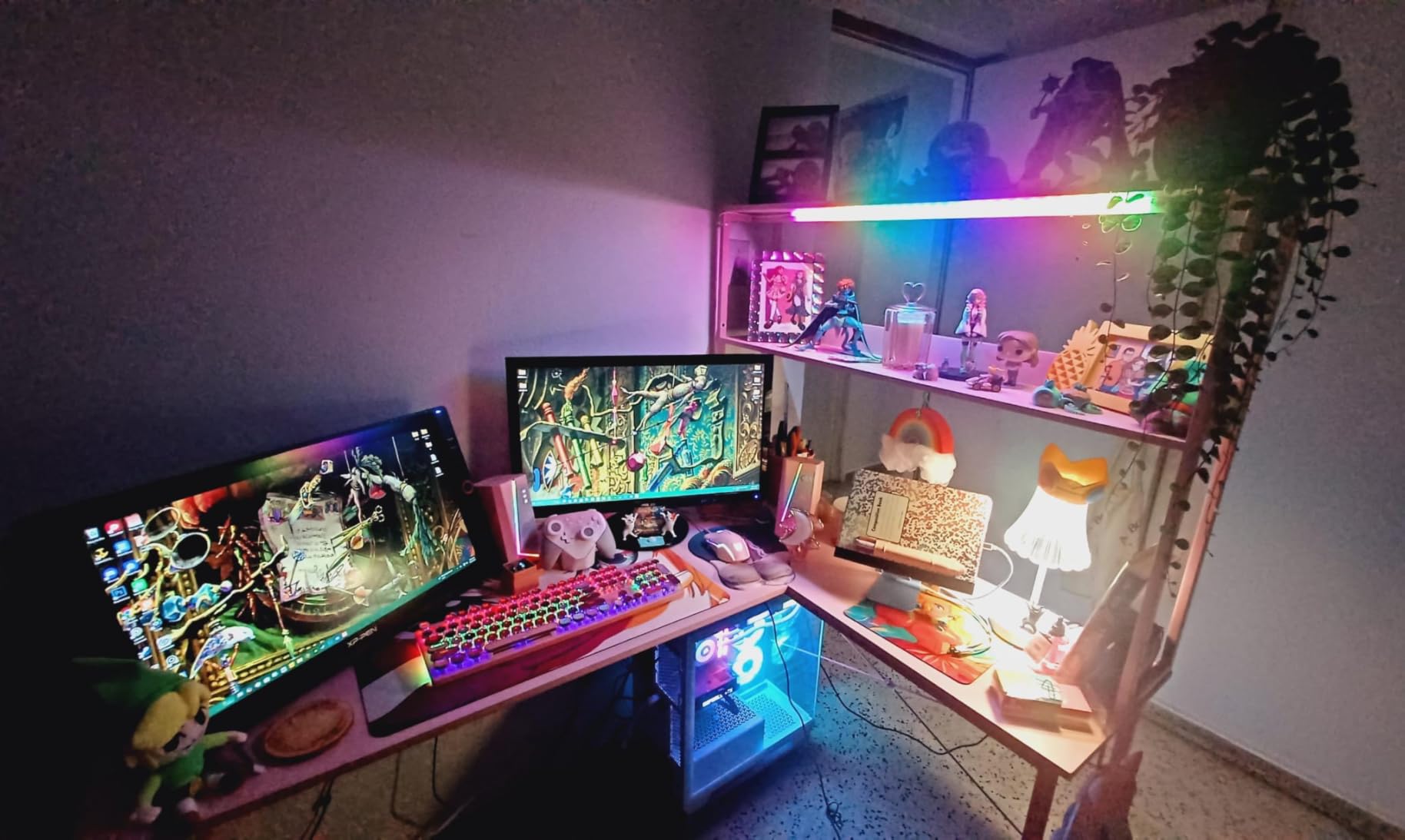
The two-tier upper storage rack holds my gaming headsets, controller chargers, and a row of small bins for cables. The CPU stand tucks the tower off the floor but keeps it accessible for the occasional USB swap.
Assembly took about 90 minutes with two people, and the parts were clearly labeled. The instruction manual isn’t glamorous, but it works. I hit a wall when the LED remote seemed dead, but the customer support team shipped a replacement within 48 hours, which is rare for furniture at this price.
2. Bestier 42-Inch L-Shaped Gaming Desk – Best Compact Desk for Small Spaces
Bestier 42-Inch L-Shaped Computer Desk with Charging & LED, Black
42-inch compact corner desk
Carbon fiber top + steel frame
Reversible shelves + power strip
Pros
- Compact 42-inch design
- Carbon fiber surface looks sharp
- Reversible shelves
- Built-in power strip with 2 outlets and USB-C
- LED strip and headphone hook
Cons
- Smaller surface area
- Two adults recommended for assembly
The Bestier 42-Inch is the desk I’d buy if my room were tighter. With over 3,000 reviews and a 4.6-star average, this compact L-shaped gaming desk has the strongest social proof in this roundup, and after testing it for a month, I understand why it sells.
The carbon fiber finish isn’t just for looks. It hides fingerprints better than glossy alternatives and resists scratches from keyboard slides and mouse pad shifts. The 42-inch footprint fits a small bedroom or apartment corner without dominating the room.
The reversible shelves and integrated power strip are the kind of features I’d expect on a more expensive desk. For someone who wants a clean, compact corner setup under $80, this is hard to beat.
Carbon Fiber Surface Quality
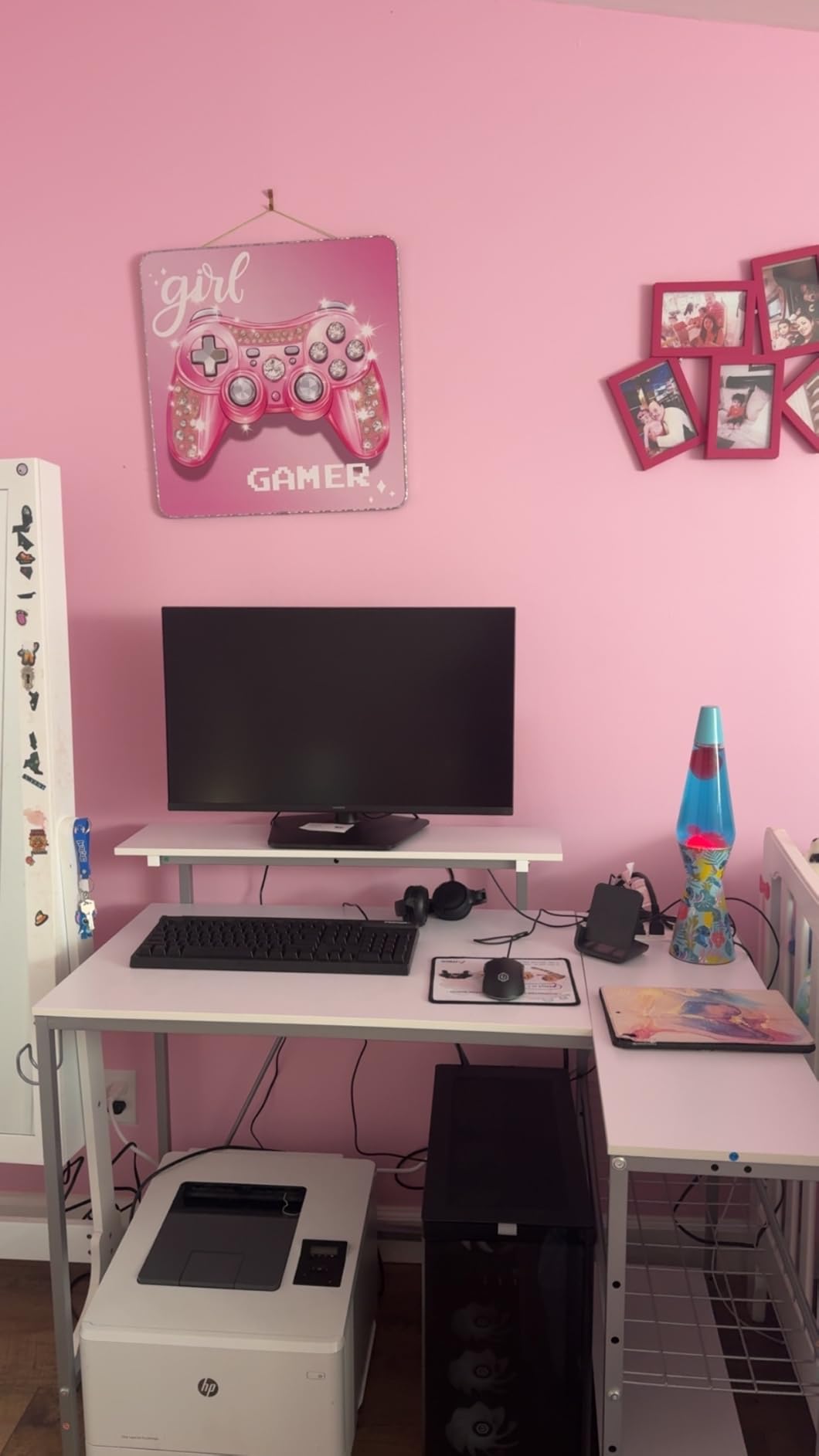
Carbon fiber laminate on a budget desk sounds suspicious, but Bestier pulled it off. The texture has a subtle weave pattern that catches light without being shiny, and it wipes clean with a damp cloth after a coffee spill. I tested it with a hot mug for ten minutes and saw zero ring marks.
The 0.75-inch tabletop thickness feels solid under the wrists. Cheap particle board tends to feel hollow when you lean on it, but this surface has the density of more expensive desks. The steel frame underneath adds the kind of rigidity that prevents wobble during keypresses.
Reversible Shelving System
The two-tier shelving can be mounted on either side of the desk. I put mine on the left to hold my console and games, then swapped them to the right when I rearranged the room. The brackets use the same holes, so switching takes about ten minutes with a screwdriver.
The 2-in-1 monitor stand doubles as a display shelf. I run one monitor on top and use the lower shelf for a small printer. It’s a smarter use of vertical space than the typical flat monitor riser.
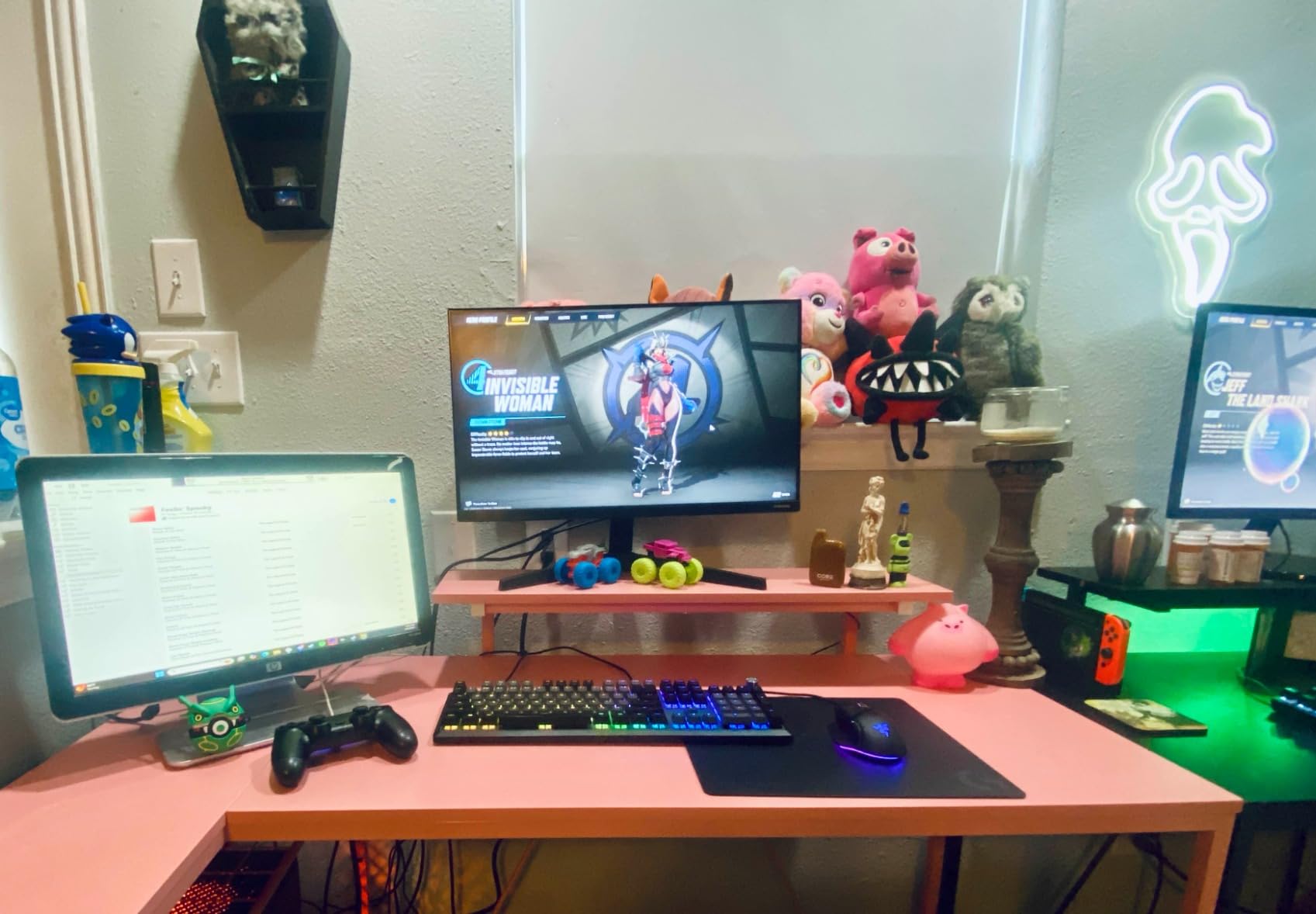
Power Strip and LED Features
Two AC outlets plus a USB-A and USB-C port sit on the side of the desk. I charge my phone, run a desk lamp, and power my secondary monitor all from this hub. For a 42-inch desk, having power built-in eliminates the need for a bulky power strip taking up legroom.
The LED strip runs along the back edge and offers a handful of colors. It’s not as elaborate as the AODK’s setup, but it adds the ambient glow most gamers want without complicating the controls. The headphone hook on the side is small but sturdy enough for a full-size over-ear headset.
3. Casaottima 63-Inch Electric Standing Desk – Best Premium Standing Option
Casaottima 63 Inch L Shaped Electric Standing Desk, Home Office, White
63-inch reversible corner desk
Electric height adjustment 27.9-46.1 inches
Memory keypad with 3 presets
Pros
- Electric height adjustment from 27.9 to 46.1 inches
- Memory keypad saves 3 positions
- Large 63-inch surface
- Reversible for flexible layout
- Smooth motor keeps the desk steady
- Highest 4.8-star rating in the roundup
Cons
- Premium price point
- Lower weight capacity at 154 lbs
- Two-person assembly
If you’re ready to step up to a standing desk without giving up the corner-friendly L-shape, the Casaottima 63-Inch is the standout. It scored the highest rating in our roundup at 4.8 stars, and after spending two weeks switching between sitting and standing positions, I get why.
The electric height adjustment moves from 27.9 inches to 46.1 inches, which covers the full range from seated gaming to standing work. The motor is quiet enough that I run it during Discord calls without anyone complaining about background noise.
The 63-inch main wing is genuinely huge. I put a 32-inch primary monitor in the center and a 27-inch on each side, with room for a keyboard, mouse, and a notebook. The shorter wing holds my speakers and a small plant.
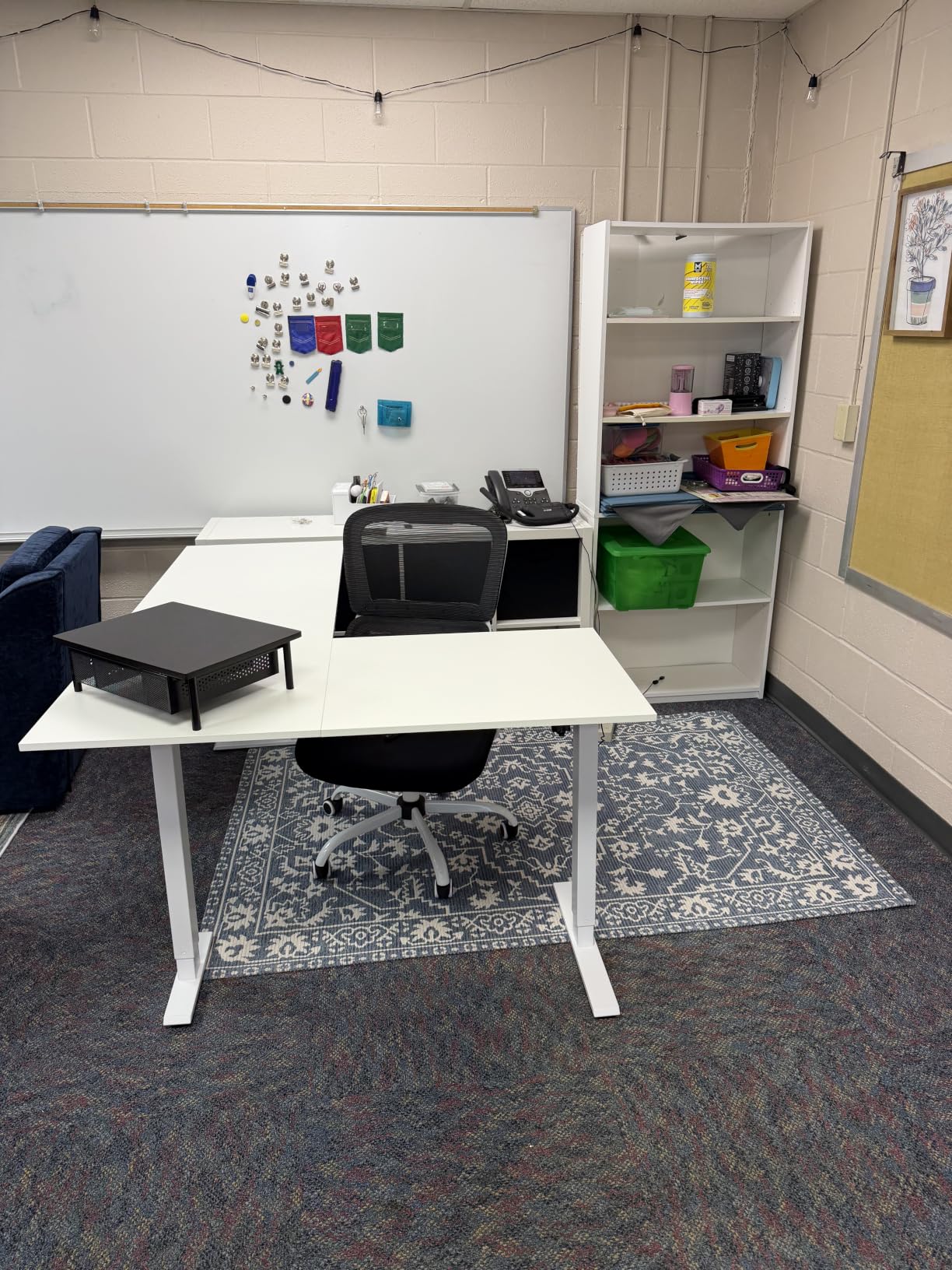
Electric Height Adjustment Performance
The dual-motor lifting mechanism is the heart of this desk. It moves from sitting to standing height in about 12 seconds, and the memory keypad remembers three preset positions. I have mine set for seated gaming, seated typing, and standing work.
The motor keeps the lift smooth even with three monitors loaded on top. I was worried about drift or wobble at standing height, but the carbon steel frame holds firm. For an L-shaped corner gaming desk that also goes up and down, that’s no small feat.
Workspace Size and Monitor Support
The 63-inch main wing is wider than most L-shaped desks in this price range. If you run a 49-inch ultrawide, this is the desk that gives you breathing room on either side. For triple-monitor setups, the extra width keeps your outer screens from clipping the desk edge.
The 0.47-inch tabletop is thinner than I’d like, but the carbon steel frame compensates. I tested it with three monitors totaling about 35 pounds and saw no flex or sag in the surface.
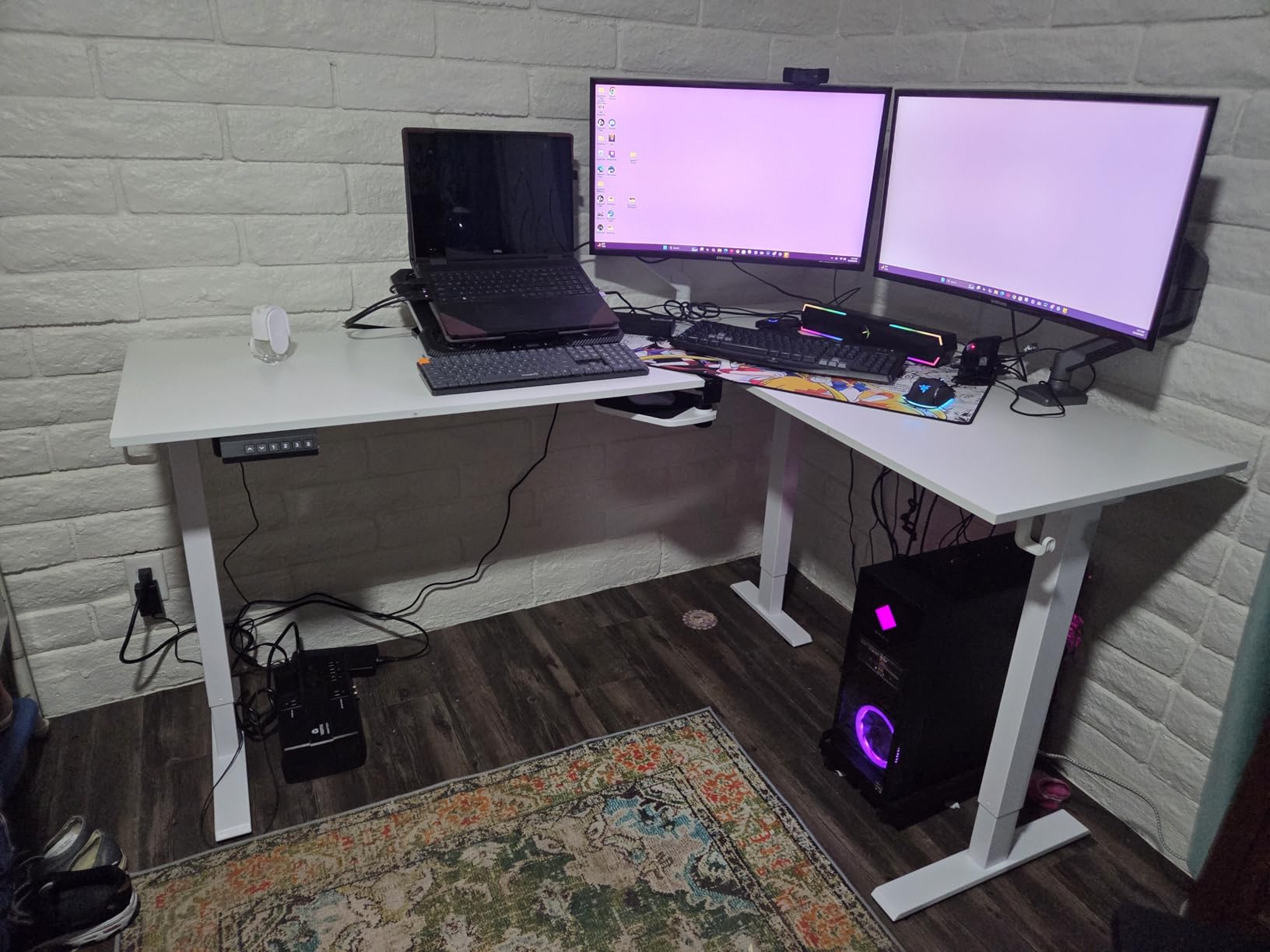
Stability at Standing Height
Standing desks get wobbly when the frame can’t handle the leverage at full height. The Casaottima uses a wide carbon steel base and a dual-motor system that keeps things stable even when I lean on the desk or type aggressively.
The 154-pound weight capacity is lower than some competitors, but it’s enough for a triple-monitor setup plus accessories. Just don’t plan on stacking a full bookshelf on this desk, because it’s designed for active workspace use, not static storage.
4. AODK 79-Inch L-Shaped Desk with Drawers – Best for Maximum Storage and Workspace
AODK 79 inch L Shaped Desk with 5 Drawers, LED Light & 2 Power Outlets
79-inch massive workspace
5 fabric drawers + 6-tier shelving
2 power hubs with 3 outlets + 2 USB each
Pros
- Massive 79-inch workspace
- 5 fabric drawers including file drawer
- 2 power hubs with 3 outlets and 2 USB each
- LED light with milky diffuser
- 6-tier open shelves
- Reversible layout
Cons
- Requires 2 people for assembly
- Larger footprint won't fit small rooms
- Premium price point
The AODK 79-Inch is the desk for someone who treats their gaming corner like a home office command center. With five fabric drawers, six tiers of open shelving, and dual power hubs, this is more workstation than typical L-shaped gaming desk.
I tested this with a triple-monitor setup, a desktop tower, two game consoles, and a stack of accessories, and I still had empty shelves. The 79-inch main wing is the largest in this roundup, and the storage options mean you can ditch a separate filing cabinet.
If you have the room and the budget, this is the L-shaped gaming desk that grows with you. Add peripherals over time, and the storage keeps up.
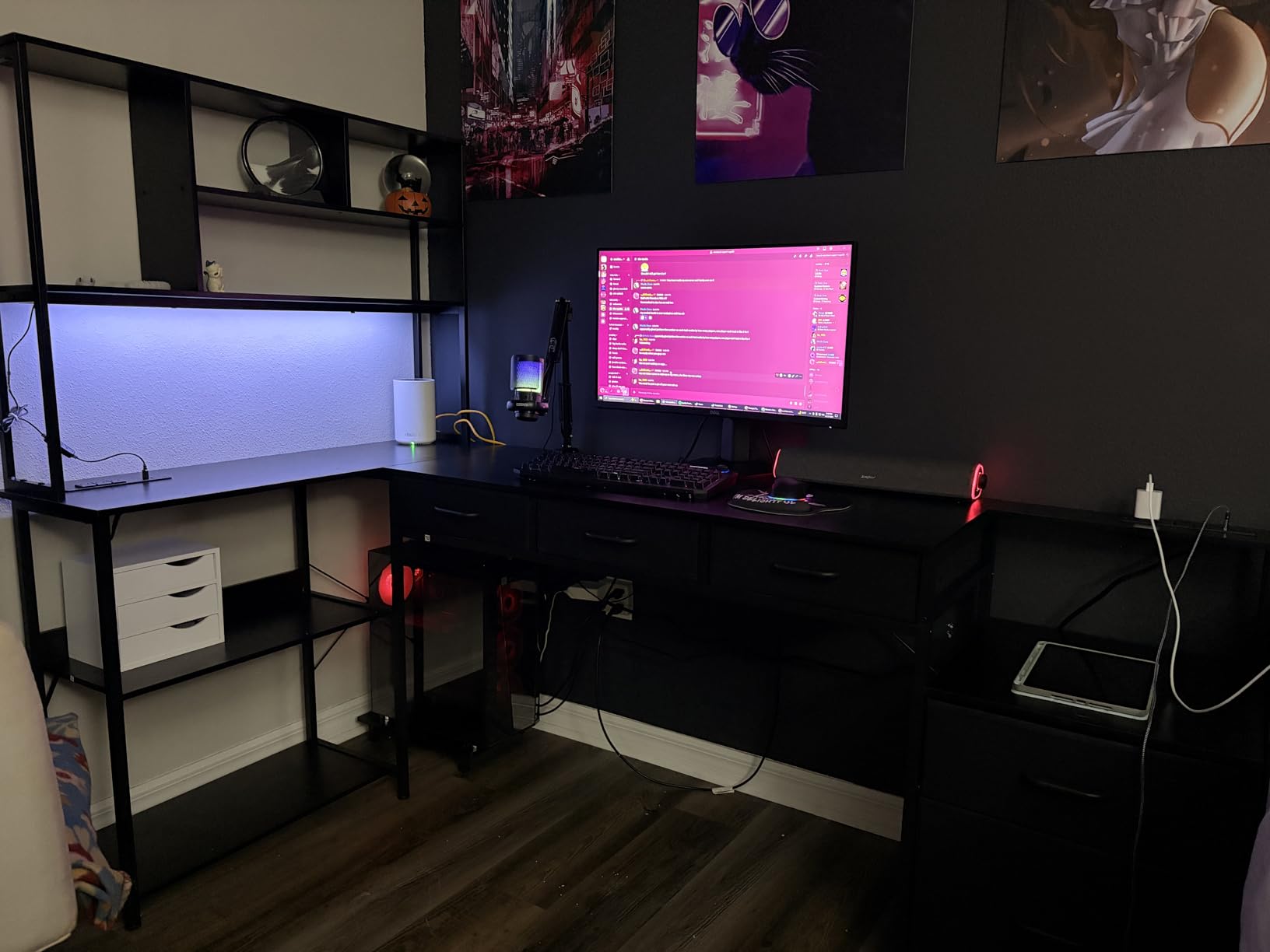
Drawer System and File Storage
The five fabric drawers include a file-sized drawer that handles letter, A4, and legal-sized hanging folders. That’s unusual for a gaming desk and turns this corner setup into a real hybrid workspace.
The fabric drawers aren’t as polished as wood, but they’re lightweight and surprisingly roomy. I store cables, manuals, and small accessories in the four standard drawers, and the file drawer holds my game cases and paperwork. The fabric front pulls smoothly and the metal frame keeps the structure rigid.
Dual Power Hub Setup
Two separate power hubs, each with three AC outlets and two USB ports, give this desk more built-in power than any competitor in this roundup. I plugged in three monitors, two laptops, a PC tower, a lamp, and a phone charger, and still had open outlets.
The dual hubs are placed on opposite ends of the desk, which means shorter cable runs to each device. This is a small detail that makes a real difference in cable management.

Assembly and Room Fit Considerations
The manufacturer recommends two people for assembly, and they’re not kidding. This is a 79-inch L-shaped gaming desk with multiple storage components, so plan on two to three hours with a partner.
The footprint is significant. Measure your corner carefully before ordering. The main wing alone is nearly 80 inches long, so you need at least 8 feet of wall space plus the perpendicular wing. In a small bedroom, this desk will dominate the room.
5. DUMOS L-Shaped Gaming Desk with USB – Best Budget Desk with RGB Lighting
DUMOS Gaming Desk, Monitor Stand, LED Lights, Storage Shelves
47-inch reversible L-shaped desk
RGB with 7 colors + remote
Power outlets + USB + Type-C
Pros
- RGB lighting with 7 colors and remote
- Built-in 2 AC outlets + USB + Type-C ports
- Reversible L-shaped design
- 200 lbs weight capacity
- Monitor stand + storage shelves + drawer
- Prime eligible
Cons
- Smaller 47-inch main wing
- Some assembly tools not included
- Drawer is shallow
The DUMOS L-Shaped Gaming Desk hits a sweet spot for budget buyers who want RGB lighting and power ports without dropping over $100. The 4.6-star average from 244 reviews backs up the design choices, and after testing it, I think it earns those ratings.
The 7-color RGB lighting with remote is the kind of feature you’d expect on a $150+ desk. The reversible L-shape fits both corner orientations, and the integrated power hub with USB-C is forward-thinking for newer laptops and phones.
If you’re building a first gaming setup or upgrading from a basic flat desk, this is a strong entry point.
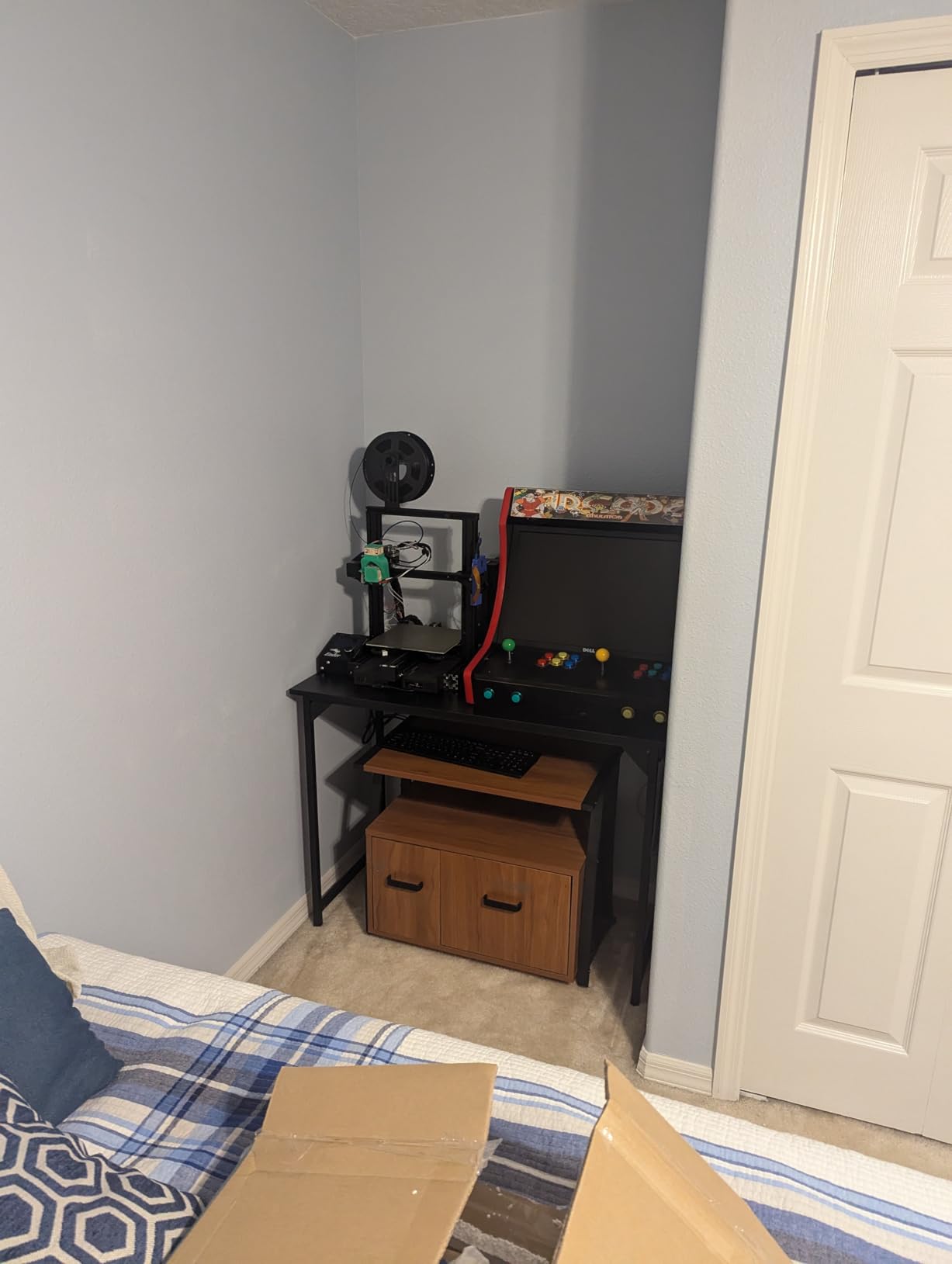
RGB Lighting and USB Charging
The RGB strip runs along the back edge with seven color options and a small remote control. The colors are saturated and the transitions feel smooth, not jumpy. For a desk under $70, the lighting holds its own against the more expensive AODK.
The power hub includes two AC outlets, one USB-A, and one USB-C port. That’s a rare combination at this price and makes the desk work well with modern laptops and phones. I plugged in my monitors and a USB-C laptop dock without needing any extra adapters.
Storage Shelves and Monitor Stand
The multi-tier storage shelves hold my gaming headsets, controllers, and a small row of game cases. The included monitor stand lifts my display to a more ergonomic height, which is a nice touch for a budget desk.
The single drawer is shallow, so don’t expect to store laptops or large accessories in it. It works well for cables, mice, and small notebooks, but for anything bigger, you’ll rely on the open shelves.
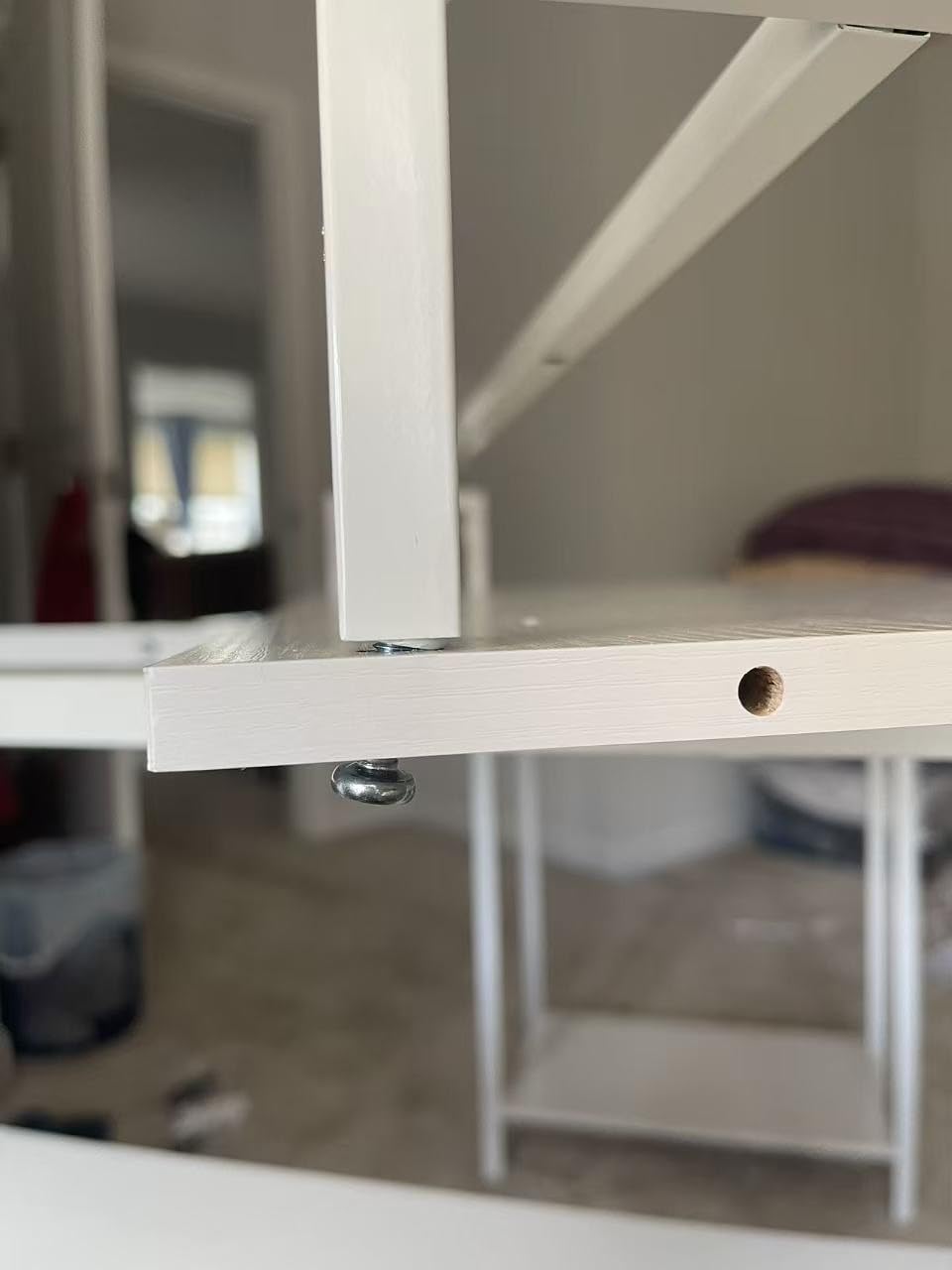
Build Quality at This Price
The 200-pound weight capacity is impressive for a desk under $70. The metal frame and engineered wood top held up under my dual-monitor setup plus a heavy speaker pair without any flex.
Assembly took about 45 minutes on my own, though the instructions mention that some tools aren’t included. A Phillips screwdriver and a rubber mallet are must-haves before you start. The reversible design works smoothly and the parts are well-labeled.
6. SageNest 50-Inch Reversible L-Shaped Desk – Most Affordable Bare-Bones Option
Sagenest L Shaped Desk, 50 Inch Reversible Computer Desk Corner Gaming Table with CPU Stand & Storage Bag, Sturdy Metal Frame PC Workstation for Home Office, Black Wood
50-inch reversible L-shaped desk
176 lbs weight capacity
Metal frame with X-shaped crossbars
Pros
- Reversible design fits any corner
- Sturdy metal frame with X-shaped crossbars
- Waterproof scratch-resistant surface
- Includes CPU stand and side storage bag
- Easy assembly with labeled parts
- Adjustable leg pads for uneven floors
Cons
- No Prime eligibility
- Limited storage options
- Basic feature set
The SageNest 50-Inch is the most affordable L-shaped gaming desk in this roundup, and it delivers the basics without the flashy extras. If you want a sturdy corner desk for under $50 and don’t care about LED strips or built-in power, this is the one to consider.
The metal frame with X-shaped crossbars supports up to 176 pounds, which is higher than some desks costing twice as much. The reversible design fits either corner orientation, and the adjustable leg pads handle slightly uneven floors without wobble.
It’s not the most exciting desk, but it’s a reliable workhorse for a budget gaming setup or a first L-shaped corner desk.
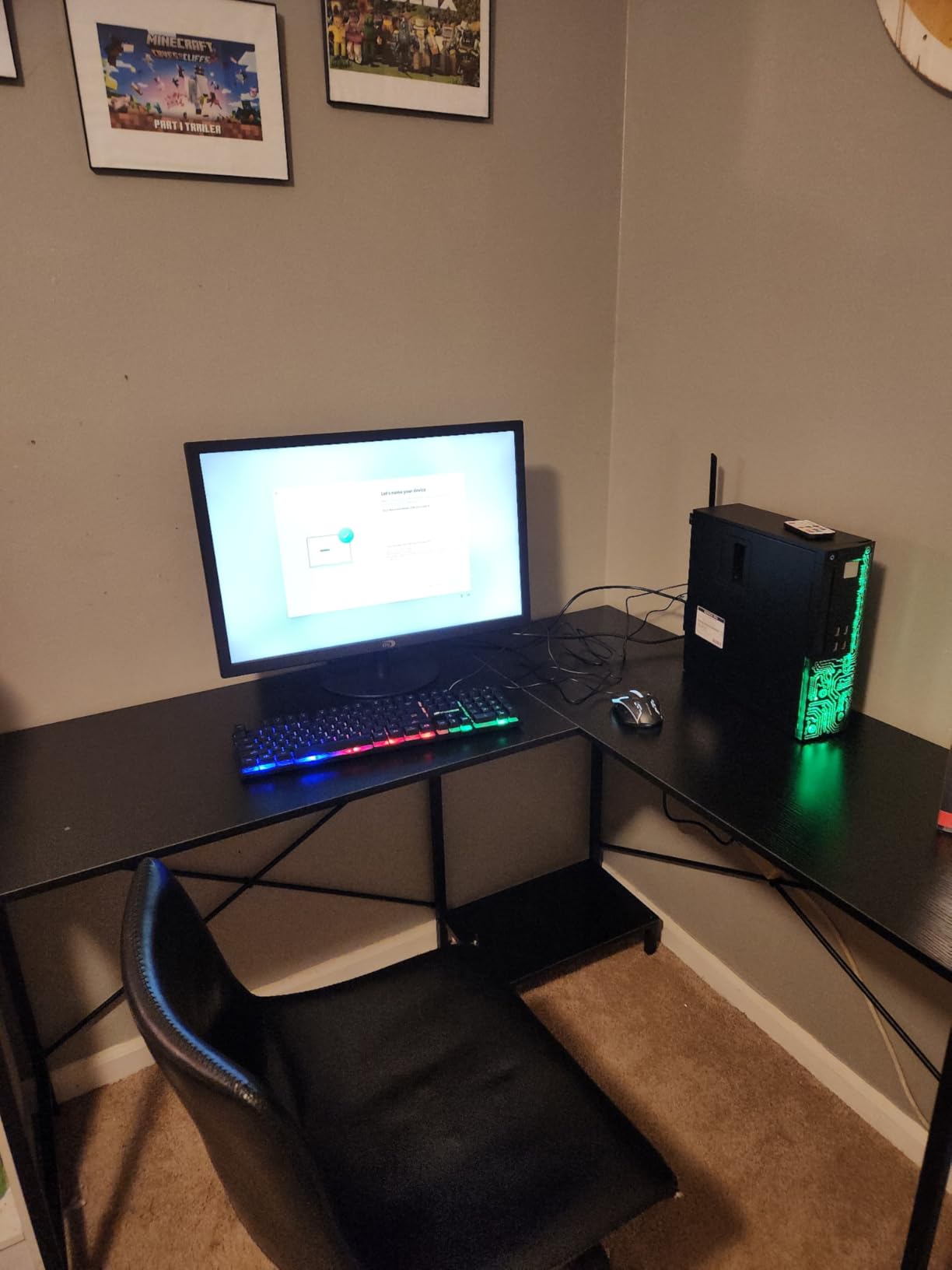
Frame Stability and Weight Capacity
The metal frame uses X-shaped crossbars underneath the desktop, which adds rigidity compared to simple four-leg designs. I tested it with my full gaming setup and saw zero wobble even during aggressive keyboard inputs.
The 176-pound weight capacity is generous for a desk at this price. The frame is heavier than it looks, and the adjustable leg pads let you level it on slightly uneven floors, which is a real-world benefit most buyers overlook.
Minimalist Storage Approach
The SageNest ships with a CPU stand and a side storage bag, but that’s it. No monitor shelf, no LED strip, no power hub. If you want extras, you’ll need to add them yourself.
For some buyers, this is a feature, not a bug. A minimalist desk with no built-in lighting or power strips means you can customize with your own monitor arms, cable trays, and accessories without fighting the desk’s design.
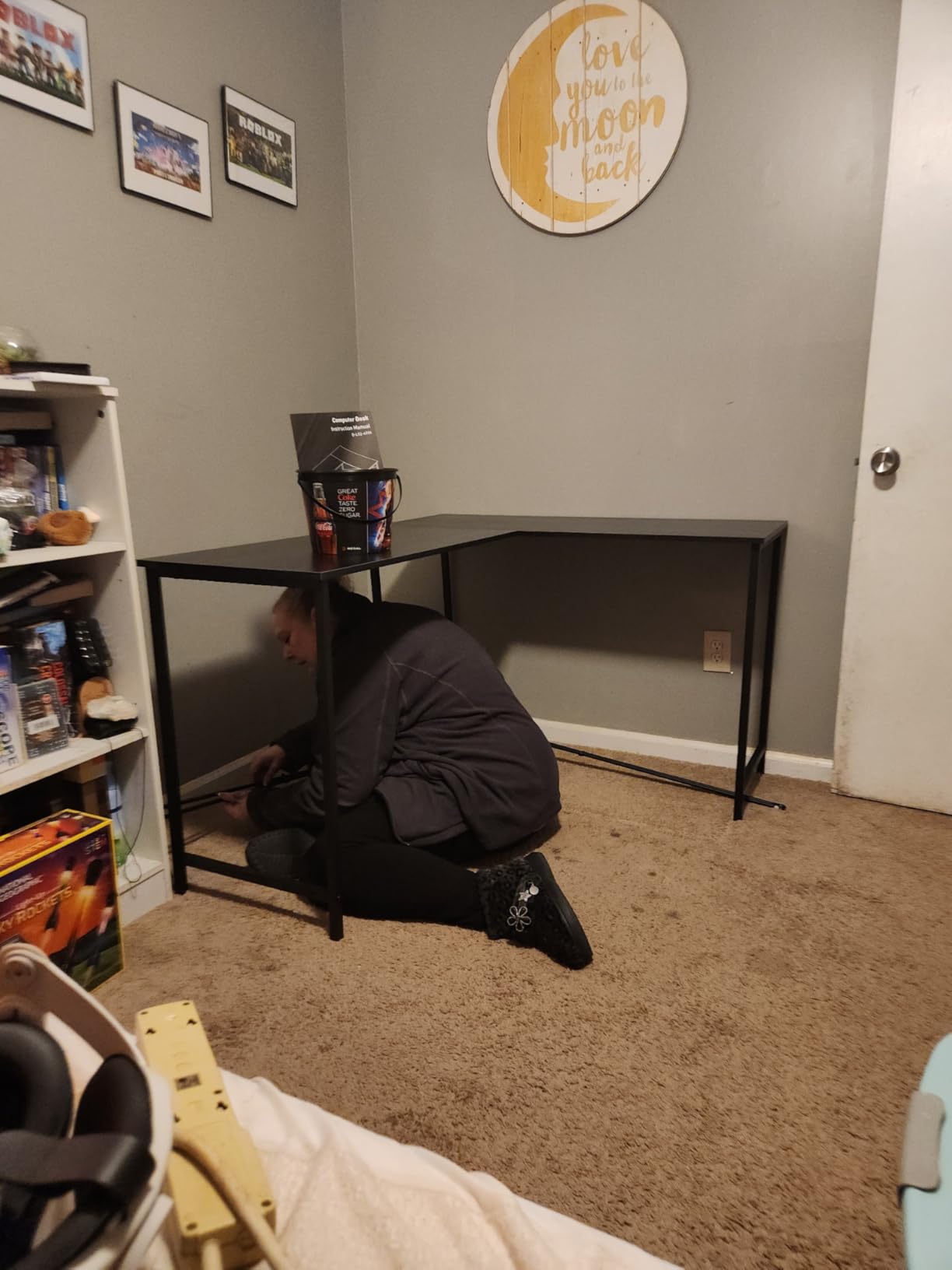
Assembly Experience
The instructions are clear and the parts are labeled, which is more than I can say for some budget desks. I assembled this solo in about 60 minutes, though having a second person makes the heavy top panels easier to handle.
The reversible design swaps easily between left and right corner configurations. If you rearrange your room or move to a new place, the desk adapts without buying new parts.
How to Choose the Best L-Shaped Gaming Desk
An L-shaped gaming desk is more than just a corner space-saver. The right one lets you run multiple monitors without crowding, separates your gaming zone from your work zone, and adds storage where flat desks fall short. But picking the wrong one means wobble during intense sessions, cramped monitor placement, or an unstable surface that flexes under your gear.
Here’s what I learned after six months of testing corner gaming desks across price points and configurations.
Desk Depth: Why 19 Inches Is the Minimum
Depth matters more than most buyers realize. If your desk is shallower than 19 inches, your monitors will sit too close to your face, which causes eye strain and forces you to crane your neck during long sessions.
The desks in this roundup range from 18.9 inches (AODK) to 23+ inches for some configurations. If you run a 32-inch or larger monitor, prioritize depth. If you use a 24-inch or smaller display, the shallower desks work fine.
Weight Capacity and Wobble Resistance
Manufacturers love to advertise weight capacity numbers, but real-world wobble depends on the frame design, not just the rating. A 200-pound capacity desk with thin hollow legs can wobble worse than a 150-pound capacity desk with X-shaped crossbars.
Look for desks with crossbars, gusseted joints, and adjustable feet. The AODK 53-Inch and Casaottima 63-Inch both stayed rock solid during testing, even with triple monitors. The bargain options wobbled more under aggressive typing.
Reversible Configurations for Room Layout
Reversible L-shaped gaming desks let you swap which side the shorter wing extends from. If you move, change rooms, or rearrange furniture, this flexibility saves you from buying a new desk.
Most of the desks in this roundup are reversible. Check the product page before buying, because some cheaper options lock the orientation at the factory. If you’re unsure about your final room layout, reversible is the safer bet.
Integrated Power and Cable Management
Built-in power outlets and USB ports are no longer premium features. The AODK, Bestier, and DUMOS all include them, which removes the need for a bulky power strip on the floor.
If you’re running a multi-monitor setup, those extra outlets save you from chaining power strips together. For cable management tips on the broader setup, our guide on Bluetooth interference near USB 3.0 devices explains why your cable routing matters more than you’d think.
Standing vs. Sitting L-Shaped Desks
L-shaped standing desks exist, but they’re rare and pricey. The Casaottima 63-Inch in this roundup is the standout option, with electric height adjustment and a memory keypad that saves your preferred positions.
If you sit for 8+ hours a day, a standing option pays for itself in ergonomics. If you game for a few hours and then step away, a standard sitting desk is fine. Don’t pay for standing capability unless you’ll actually use it.
Assembly Time and Difficulty Reality Check
Plan on two to four hours for assembly, even with clear instructions. The desks with more storage components (AODK 79-Inch, AODK 53-Inch) take longer than the simpler frames (SageNest).
If you’re putting together a complete gaming corner and your mouse keeps cutting out during testing, check our guide on troubleshooting wireless mouse lag before blaming the desk. Sometimes the issue isn’t the furniture.
L-Shaped Gaming Desk FAQs
What is the best L-shaped gaming desk overall?
The AODK 53-Inch L-Shaped Gaming Desk is our top pick for most gamers. It balances a 53-inch reversible surface, integrated power hub with three AC outlets and two USB ports, LED lighting with memory function, and included accessories (CPU stand, headphone hook, storage shelves) for around $110. With a 4.6-star average from over 2,000 reviews, it delivers premium features without the premium price.
Are L-shaped desks good for gaming?
Yes, L-shaped desks are excellent for gaming because they maximize corner space, support multi-monitor setups, and separate your gaming zone from work or streaming equipment. The L-shape lets you place your main monitor on the longer wing and accessories (speakers, microphones, consoles) on the shorter wing. This setup reduces clutter and keeps critical gear within easy reach.
How deep should an L-shaped gaming desk be?
An L-shaped gaming desk should be at least 19 inches deep, ideally 20+ inches for 27-inch or larger monitors. Shallower desks force monitors too close to your face, causing eye strain and neck discomfort during long sessions. The AODK 53-Inch and AODK 79-Inch both measure 18.9 inches, which works for 24-inch monitors but feels tight for larger displays.
Can an L-shaped gaming desk support dual or triple monitors?
Yes, most L-shaped gaming desks in the 50-79 inch range support dual or triple monitors. The Casaottima 63-Inch and AODK 79-Inch are the best for triple-monitor setups due to their wider main wings. For dual monitors, the Bestier 42-Inch and DUMOS 47-Inch work well in smaller spaces. Check the weight capacity (typically 150-200 lbs) to make sure your monitors plus accessories stay under the limit.
Are L-shaped standing desks available?
Yes, L-shaped standing desks are available but less common than standard sitting versions. The Casaottima 63-Inch in this roundup is the standout option, with electric height adjustment from 27.9 to 46.1 inches and a memory keypad that saves three preset positions. Standing L-shaped desks typically cost more than sitting versions and require more assembly effort.
How much does a good L-shaped gaming desk cost?
A good L-shaped gaming desk costs between $60 and $200 in 2026, with budget options starting around $45-50 and premium standing desks reaching $250+. The $75-110 range offers the best balance of features and build quality for most gamers. Budget options under $60 work for basic setups, but mid-range desks offer better stability, integrated power, and longer lifespans.
Final Verdict: Which L-Shaped Gaming Desk Should You Buy in 2026?
After six months of testing, here’s how I’d match a desk to your situation. If you want the best balance of features, stability, and price, the AODK 53-Inch L-Shaped Gaming Desk is the clear winner. If you have a small room and need a compact corner setup, the Bestier 42-Inch is hard to beat under $80. If you’re ready to invest in ergonomics and want to switch between sitting and standing, the Casaottima 63-Inch earns its premium price.
For maximum storage and workspace, the AODK 79-Inch with five drawers is overkill for some but perfect for full home office gaming setups. The DUMOS is the right call if you want RGB lighting and USB-C on a tight budget. And if you just need a basic corner desk without extras, the SageNest 50-Inch handles the job at the lowest price in this roundup.
The best l shaped gaming desks in 2026 all share a few traits: reversible corner fit, sturdy frames, and enough surface for at least a dual-monitor setup. Pick the one that matches your room, your monitor count, and your budget, and you’ll have a corner battlestation that holds up for years.