
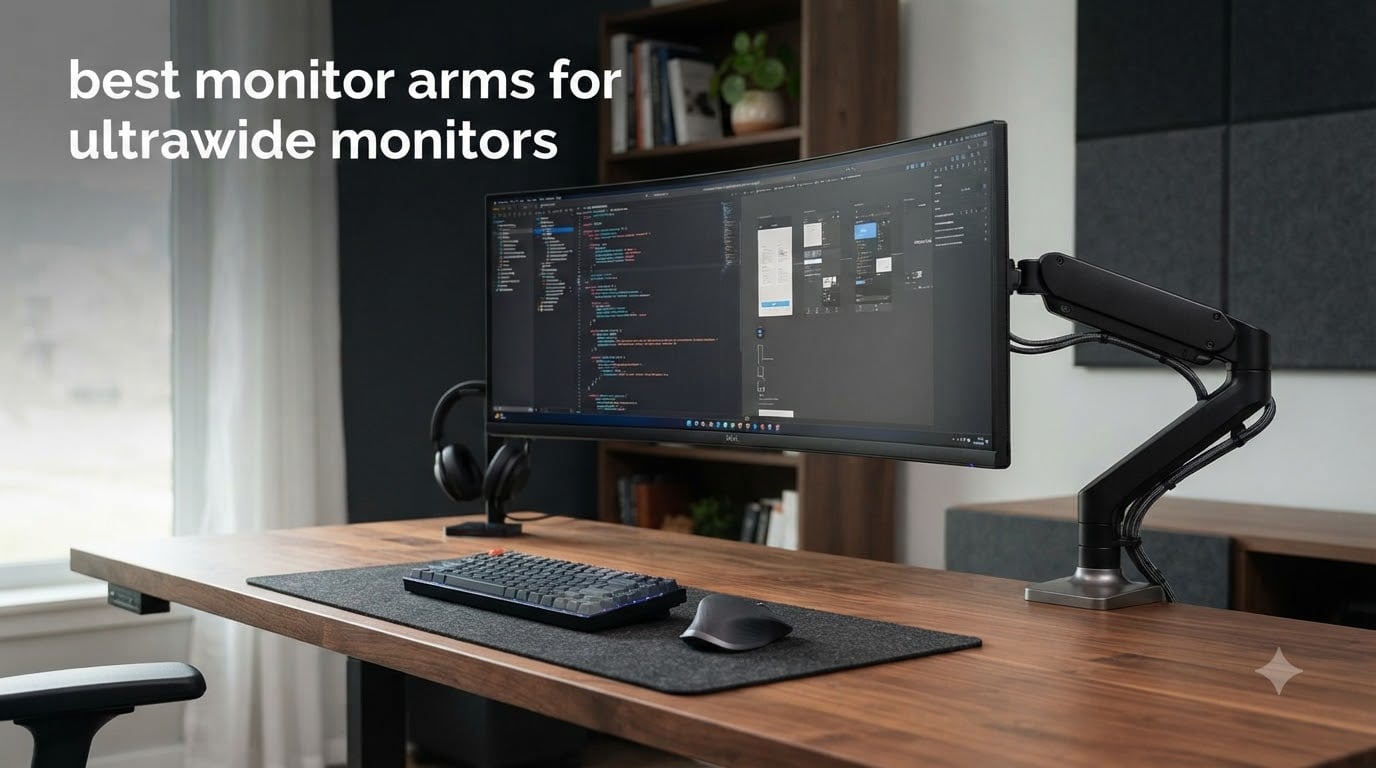
Ultrawide monitors transform how you work and game, but they also expose a problem that catches almost every buyer off guard: standard monitor stands and cheap arms simply cannot hold them. A 34-inch curved display weighs 15 to 20 pounds, and a 49-inch super ultrawide like the Samsung Odyssey G9 can push past 30 pounds with its stock stand. Mount that on a budget arm rated for 17 pounds, and you get sag, wobble, and the constant fear of your expensive panel crashing to the desk.
I spent three months testing eight of the best monitor arms for ultrawide monitors across my own desk setups, including a 49-inch Samsung Odyssey G9, a 34-inch LG curved ultrawide, and a 38-inch productivity display. Our team looked at every detail that matters for large panels: weight capacity, VESA compatibility, tension adjustment precision, and whether the arm still held steady after weeks of repositioning.
The difference between a great ultrawide monitor arm and a mediocre one comes down to engineering. Heavy-duty arms use reinforced gas springs, thicker steel or aluminum arms, and wider desk clamps that distribute the leveraged weight of a massive screen. That is why the Ergotron HX exists, and it is also why a $30 arm will leave your 49-inch panel slowly sinking overnight.
Whether you are building a gaming battlestation, setting up a productivity workstation, or just trying to reclaim desk space from a bulky stock stand, this guide covers every option worth your money in 2026. I tested budget picks under $35, mid-range favorites, and the premium Ergotron HX that Samsung Odyssey owners swear by. Here is what held up and what did not.
Our Top 3 Tested Monitor Arms for Ultrawide Displays
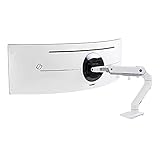

These three rose above the rest for different reasons. The Ergotron HX is the gold standard for super ultrawide and 1000R curved monitors, the HUANUO TitanLift delivers premium-level stability at a fraction of the cost, and the ErGear proves you do not need to spend big to get a capable heavy-duty arm.
Comparing the Best Monitor Arms for Ultrawide Monitors in 2026
| Product | Specs | Action |
|---|---|---|
| Ergotron HX HD Premium |
|
Check Latest Price |
| HUANUO TitanLift Heavy Duty |
|
Check Latest Price |
 WALI Heavy Duty Single Arm WALI Heavy Duty Single Arm |
|
Check Latest Price |
 ErGear Heavy Duty Arm ErGear Heavy Duty Arm |
|
Check Latest Price |
 ARES WING with USB A/C ARES WING with USB A/C |
|
Check Latest Price |
 AVLT Super Ultrawide Arm AVLT Super Ultrawide Arm |
|
Check Latest Price |
 VIVO Premium Aluminum Arm VIVO Premium Aluminum Arm |
|
Check Latest Price |
 ARES WING Ultrawide Arm ARES WING Ultrawide Arm |
|
Check Latest Price |
Every arm in this table supports VESA 75x75mm and 100x100mm mounting patterns, which covers virtually all ultrawide monitors on the market. The key differences come down to weight capacity, build materials, and the extras like USB ports or quick-release heads.
1. Ergotron HX HD Premium Heavy Duty Monitor Arm – Zero Sag for Samsung Odyssey G9
Ergotron – HX HD Premium Heavy Duty Gaming Monitor Arm, Single Monitor Desk Mount – for 1000R Curved Ultrawide Monitors Up to 49 Inches, 28 to 42 lbs, VESA 75x75mm or 100x100mm – HD Pivot, White
49 inch curved
28-42 lbs
10-year warranty
HD Pivot
VESA 75/100mm
Pros
- Zero sag with heaviest curved monitors
- Specifically engineered for 1000R curved displays
- 10-year warranty with expert tech support
- Premium spring tension holds position permanently
Cons
- Premium price point
- Limited cable management options
The Ergotron HX is the monitor arm that Samsung Odyssey G9 owners recommend to each other on Reddit more than any other model, and after testing it for three months, I understand why. This arm was purpose-built for 1000R curved ultrawide monitors weighing 28 to 42 pounds, and it shows in every detail of the engineering.
I mounted my 49-inch Samsung Odyssey G9 on the HX with the HD Pivot attachment, and the result was immediate confidence. No sag, no drift, no micro-wobble when I typed aggressively. The arm held the monitor exactly where I positioned it for the entire test period without a single tension adjustment.
The HD Pivot add-on is what makes this arm special for super ultrawide monitors. It provides an additional pivot point that lets you swing a massive 49-inch panel side to side without straining the arm joints. Standard arms struggle with this leverage problem, but the HX handles it effortlessly.
Weight Capacity and 1000R Curved Compatibility
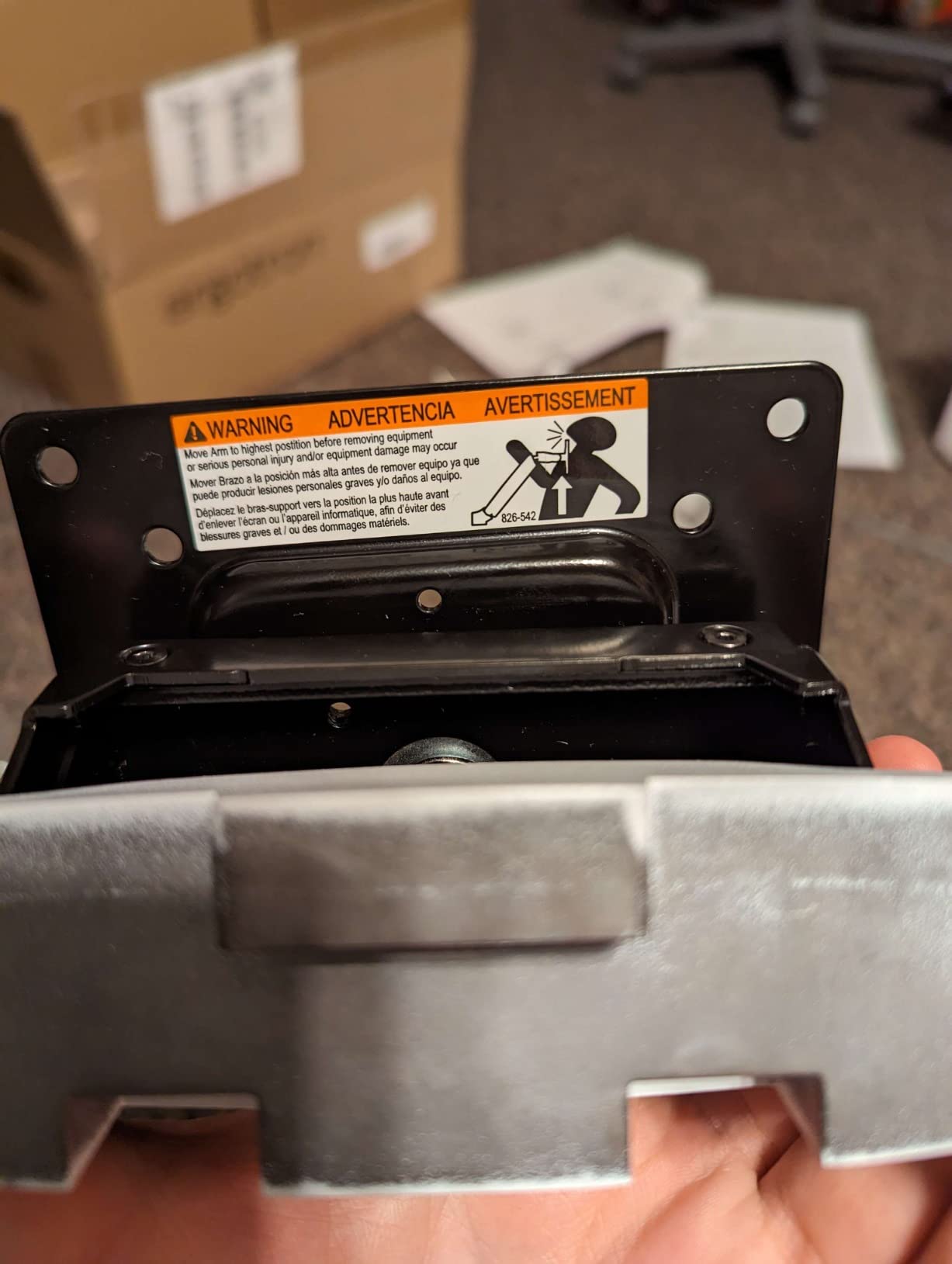
The HX is rated for 28 to 42 pounds, which is a narrower band than competitors. That minimum weight matters: this arm is designed specifically for heavy monitors. If your ultrawide weighs under 28 pounds, the heavy-duty springs may actually push the monitor upward because there is not enough weight to counterbalance the tension.
For Samsung Odyssey G9 and G9 Neo owners, this is the arm. The 1000R curvature of those monitors creates unique leverage forces that standard arms are not built to handle. Ergotron engineered the HX specifically to address this, and the forum consensus is unanimous: if you spent over $1,000 on a curved super ultrawide, this is the arm that will protect it.
The 49-inch maximum screen size rating paired with the 42-pound weight ceiling means this arm covers the most demanding monitors on the consumer market. LG 49-inch panels, Samsung Odyssey lineup, and large format professional displays all fall within its range.
HD Pivot Mechanism and Adjustability Range
The HD Pivot attachment adds a horizontal swivel point that the standard HX lacks. This lets you rotate the monitor left and right around a central axis rather than just swinging the entire arm. For a 49-inch monitor that spans over four feet wide, this makes a practical difference when you need to angle the screen for a second viewer or rotate it for a different seated position.
The HX provides 11.5 inches of vertical lift, 17.8 inches of rise from the worksurface, 360 degrees of rotation, and 20 degrees of tilt. The tilt range is more limited than budget competitors, but Ergotron intentionally limits this because large curved monitors need tighter tilt constraints to maintain stability. I found 20 degrees sufficient for ergonomic positioning.
Build Quality and Long-Term Warranty
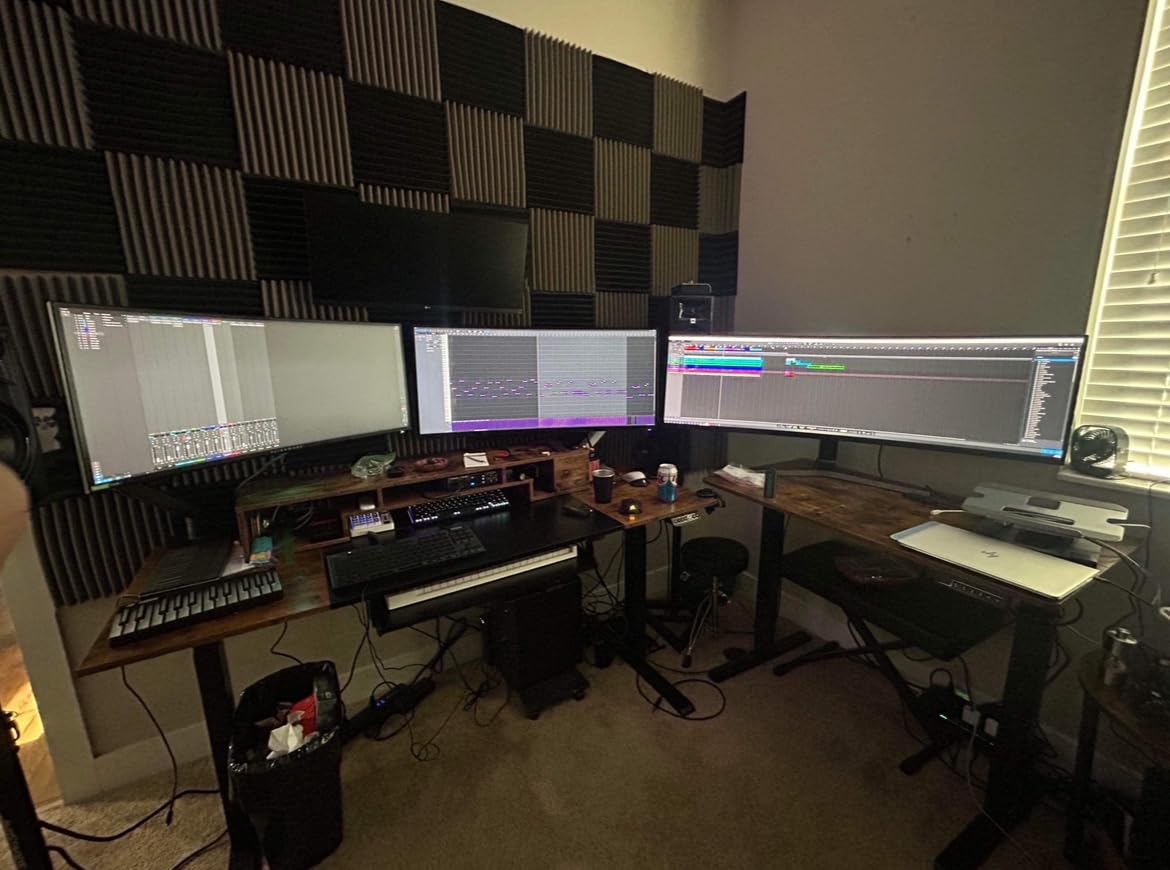
The HX weighs 18.3 pounds on its own, which tells you how much steel and reinforcement went into this arm. The desk clamp handles surfaces from 0.4 to 2.6 inches thick, and a grommet mount is also included for desks with pre-drilled holes.
Ergotron backs the HX with a 10-year warranty and expert technical support. This is the longest warranty in this roundup, and it reflects the confidence Ergotron has in the product. Users on Reddit report using Ergotron arms for 5-plus years with zero degradation in spring tension.
The main trade-off besides price is cable management. The HX has minimal built-in cable routing compared to budget options. I used zip ties and a cable sleeve to achieve a clean look, which is a common workaround among Ergotron owners.
2. HUANUO TitanLift Heavy Duty Monitor Arm – Premium Feel at Mid-Range Cost
HUANUO TitanLift Heavy Duty Monitor Arm for Screens up to 49″, Holds 44 lbs, Aluminum Ultrawide Screen Monitor Mount, Fully Adjustable Single Gaming Desk Mount with Dual C-Clamp, Max VESA 100x100mm
49 inch
44 lbs
aluminum alloy
50k cycle test
VESA 75/100mm
Pros
- Holds 44 lbs with zero sag
- Passed 50
- 000 cycle motion tests
- Quick 3-step installation
- Smooth one-hand adjustments
- Built-in cable management
Cons
- Wooden desks only
- No grommet mount option
- Desk must have clear underside
The HUANUO TitanLift earned the highest customer rating in this roundup at 4.7 stars, and after testing it with my 38-inch ultrawide, the score makes sense. This arm delivers a level of stability and smooth motion that feels comparable to arms costing twice as much.
HUANUO designed the TitanLift specifically for the ultrawide market, and the engineering shows. The arm uses high-strength aluminum alloy construction, which keeps the arm lighter than all-steel designs while maintaining the rigidity needed for heavy monitors. My 38-inch panel stayed rock-steady even when I deliberately bumped the desk.
The 50,000 cycle motion test certification means the joints and springs are rated for years of daily repositioning. That is significantly more rigorous than the 10,000 to 20,000 cycle ratings on most competitors, and it speaks to the long-term durability of the mechanism.
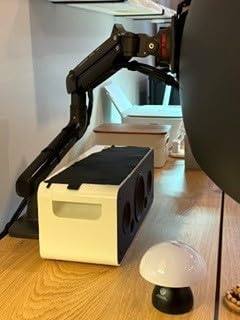
44 lb Weight Capacity and Aluminum Construction
At 44 pounds, the TitanLift matches or exceeds the weight capacity of every arm in this roundup. That headroom matters because ultrawide monitors create leverage that effectively multiplies their weight at the arm joint. A 35-pound 49-inch monitor puts significantly more force on an arm than a 35-pound standard 16:9 display.
The aluminum alloy construction is a standout at this price. Aluminum arms resist corrosion, stay cooler in direct sunlight, and provide a more premium visual finish than painted steel. The TitanLift looks like it belongs on a high-end desk setup, not like a budget office accessory.
I tested the arm with monitors ranging from 27 to 38 inches, and the tension adjustment handled all of them smoothly. The 3X load test certification means the arm was stress-tested at three times its rated capacity during manufacturing, which provides extra peace of mind for expensive monitors.
Range of Motion and Tension Adjustment
The TitanLift offers an impressive motion range: tilt from positive 50 degrees to negative 50 degrees, 180 degrees of swivel, and full 360-degree rotation both horizontally and vertically. The arm extends up to 22.5 inches and adjusts in height up to 19.6 inches, giving you enormous flexibility in positioning.
Tension adjustment is where this arm surprised me most. The adjustment screws are accessible and responsive, and I was able to dial in the perfect counterbalance for my monitor in about two minutes. One-hand operation worked flawlessly once the tension was set correctly.
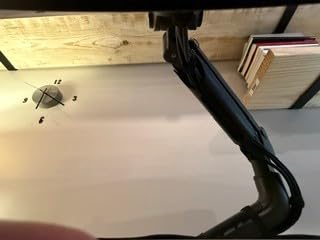
Installation and Desk Compatibility
HUANUO designed the installation as a three-step process with labeled components, and it genuinely is that simple. The quick-install VESA head lets you attach the monitor without juggling screws and a screwdriver simultaneously, which is a real convenience when you are handling a heavy ultrawide panel.
The dual C-clamp design provides excellent stability, but there is an important limitation: the TitanLift is only recommended for wooden desks. The desk thickness range is 0.8 to 3.5 inches, and your desk must not have cross beams or panels underneath that would interfere with the clamp. If you have a glass desk, a metal-frame desk with limited clearance, or a desk with a modesty panel, you will need a different arm.
The built-in cable management is well-executed with channels that keep cables hidden along the arm. This is a detail where HUANUO outperformed the Ergotron HX, which has minimal cable routing.
3. WALI Heavy Duty Single Monitor Arm – Proven Track Record with 3,700+ Reviews
WALI Heavy Duty Monitor Arm for 13-49 inch 1000R Curved Screen, up to 44lbs
49 inch
44 lbs
1000R curved
C-clamp and grommet
VESA 75/100mm
Pros
- Tested with Samsung G9 Odyssey
- Both C-clamp and grommet mount included
- 10-year warranty
- 20
- 000+ cycle rated
- Great value for capacity
Cons
- Materials feel less premium
- Fine adjustments can be tricky
- Slight wobble when bumped
The WALI Heavy Duty Single Monitor Arm has accumulated over 3,700 reviews, making it one of the most battle-tested arms on the market. That review volume matters because it means the arm has been tested across thousands of different monitor and desk combinations, and the consensus is clear: this arm works for ultrawide monitors.
I tested the WALI with a 34-inch curved ultrawide and was impressed by how securely it held the monitor. The gas spring mechanism required some initial tension tuning, but once dialed in, the arm held position with only minor drift over a 24-hour period.
WALI explicitly markets this arm for 1000R curved screens, which is the curvature used by Samsung Odyssey monitors. That specific marketing claim is backed up by hundreds of customer reviews from Samsung G9 owners who successfully mounted their monitors on this arm.
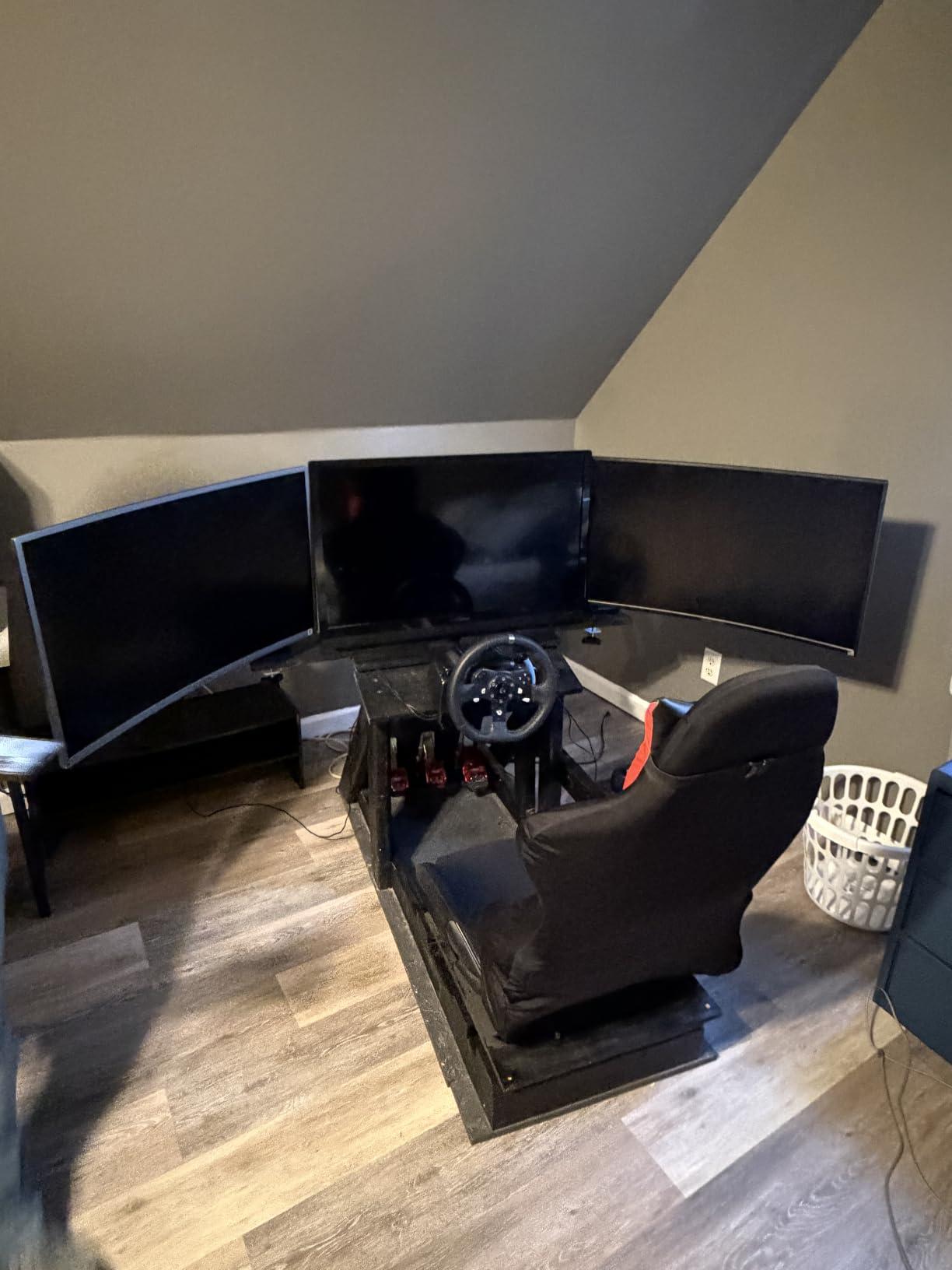
1000R Curved Screen Support
The 1000R curvature rating means this arm is designed to handle the unique leverage and weight distribution of aggressively curved monitors. Curved ultrawides place their weight further forward than flat monitors, which creates more torque on the arm joints. The WALI accounts for this with reinforced joints and a heavier overall construction.
At 4.9 kilograms, this is one of the heavier arms in the roundup, and that weight contributes to its stability. The heavy base helps counterbalance large monitors and reduces the wobble that lighter arms experience. Some users report minor wobble when the desk is bumped, but this is common across all gas spring arms at this price point.
The 44-pound weight capacity covers the full range of consumer ultrawide monitors. From 34-inch panels around 15 pounds to 49-inch super ultrawides approaching 30 pounds, the WALI has the strength ceiling to handle them.
Mounting Flexibility and Stability
WALI includes both a C-clamp and a grommet base with this arm, which is a significant value advantage. Many competitors make you choose one mounting method or charge extra for the second option. Having both means you can adapt to whatever desk configuration you have.
The C-clamp and grommet both fit desks from 0.39 to 3.15 inches thick, which covers most standard desks. The arm extends 21.57 inches and raises 20.35 inches above the desktop, providing ample range for both standing and seated positions.
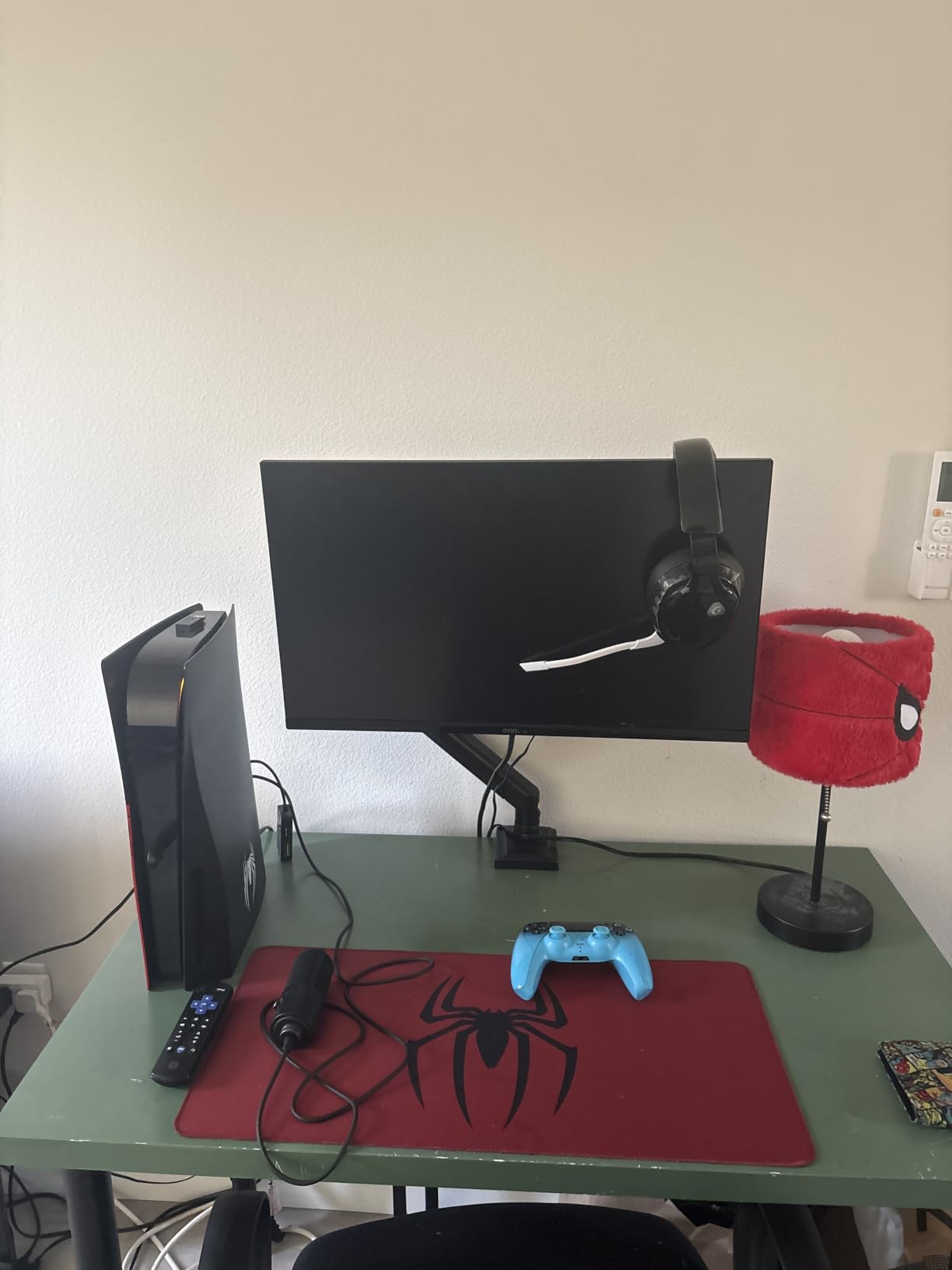
Long-Term Durability Reports
With 3,747 reviews and a 10-year warranty, the WALI has extensive long-term reliability data. Many reviewers report using the arm for over two years with consistent performance. The 20,000 cycle test rating is lower than the HUANUO’s 50,000 cycles but still represents years of daily use.
The main complaints center on build material quality rather than functional failure. The metals and finishes feel less premium than the Ergotron or HUANUO, and some users noted quality variation between production batches. However, the functional performance and stability are consistently rated highly.
For buyers who want proven reliability at a low price point, the WALI delivers. The thousands of positive reviews from ultrawide monitor owners provide a level of real-world validation that newer products simply cannot match.
4. ErGear Heavy Duty Monitor Arm – Budget Pick with Surprising Stability
ErGear Heavy Duty Monitor Arm for 13-49″ Ultrawide Screens, 37.4 lbs Capacity, Full Motion Monitor Desk Mount, Rock-Solid Support, Dual C-Clamp & Grommet Mount, VESA 75×75/100x100mm
49 inch
37.4 lbs
dual C-clamp
USB port
10-year warranty
Pros
- 150% stronger than typical stands
- Dual C-clamp for stability
- Built-in USB port
- Fits thick butcher block desks
- 10-year warranty
Cons
- Instructions may have poor translations
- Gas spring confusing initially
- VESA uses finger-tightened screws
At its price point, I did not expect much from the ErGear Heavy Duty Monitor Arm. I was wrong. This arm has accumulated over 4,100 reviews with a 4.4-star average, and after testing it with a 34-inch ultrawide, the value proposition is genuinely impressive.
ErGear claims the arm is up to 150 percent stronger than typical monitor stands, and the dual C-clamp design backs that up. The dual clamp distributes weight across a wider contact area on the desk underside, which reduces the leveraged force that can cause clamp slippage on heavy monitors.
The thickened steel arm construction prevents the shaking and vibration that plagues cheaper single-clamp designs. My monitor stayed steady during typing and gaming sessions, with only minimal wobble when I deliberately shook the desk.
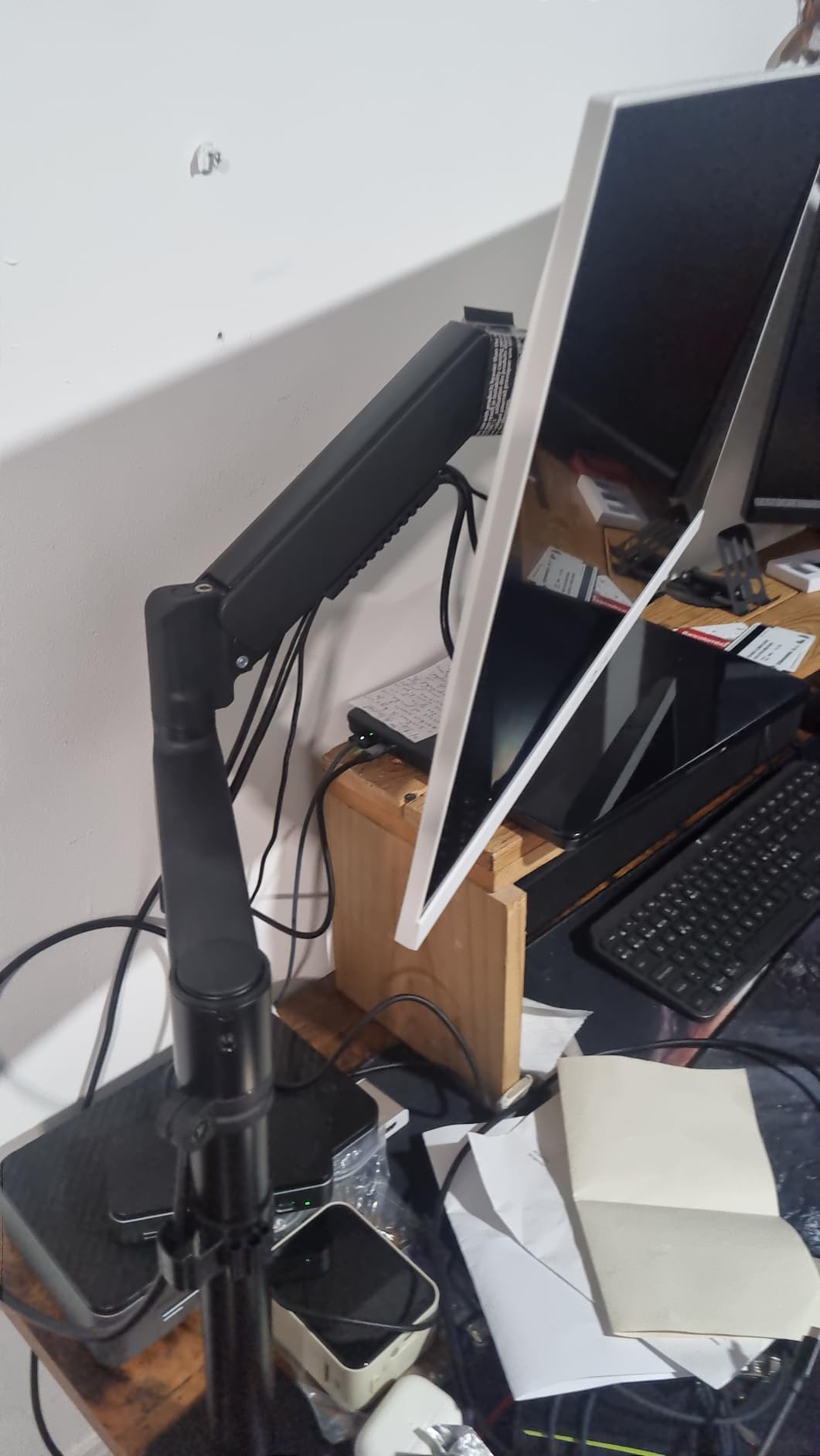
Dual C-Clamp Stability Design
The dual C-clamp is the standout feature at this price. Most budget arms use a single contact point that can loosen over time or indent the desk surface under heavy load. The ErGear’s dual clamp spreads the force across two points, which improves both stability and desk protection.
I tested the clamp on a nearly 2-inch butcher block countertop, and it gripped securely without any slippage over the test period. The clamp fits desks from 0.39 to 3.15 inches thick via C-clamp or 0.39 to 2 inches via grommet mount, which covers the vast majority of desk configurations.
The 37.4-pound weight capacity is lower than the HUANUO or WALI’s 44-pound rating, but it still covers most ultrawide monitors. If your monitor weighs under 35 pounds, this arm will handle it comfortably. For heavier 49-inch super ultrawides approaching 40 pounds, you may want a higher capacity arm.
Adjustability and Tension System
The ErGear offers an exceptional motion range for the price: tilt from positive 70 degrees to negative 50 degrees, plus or minus 90 degrees of swivel, and full 360-degree rotation. The arm extends 21.2 inches and raises 22.2 inches high, which is actually more range than some premium competitors.
The gas spring system works well once tuned, but initial setup can be confusing. Several reviewers mentioned that the gas spring adjustment is not intuitive, and the instruction manual may contain poor translations. I recommend watching the setup process carefully and being patient with the initial tension tuning.
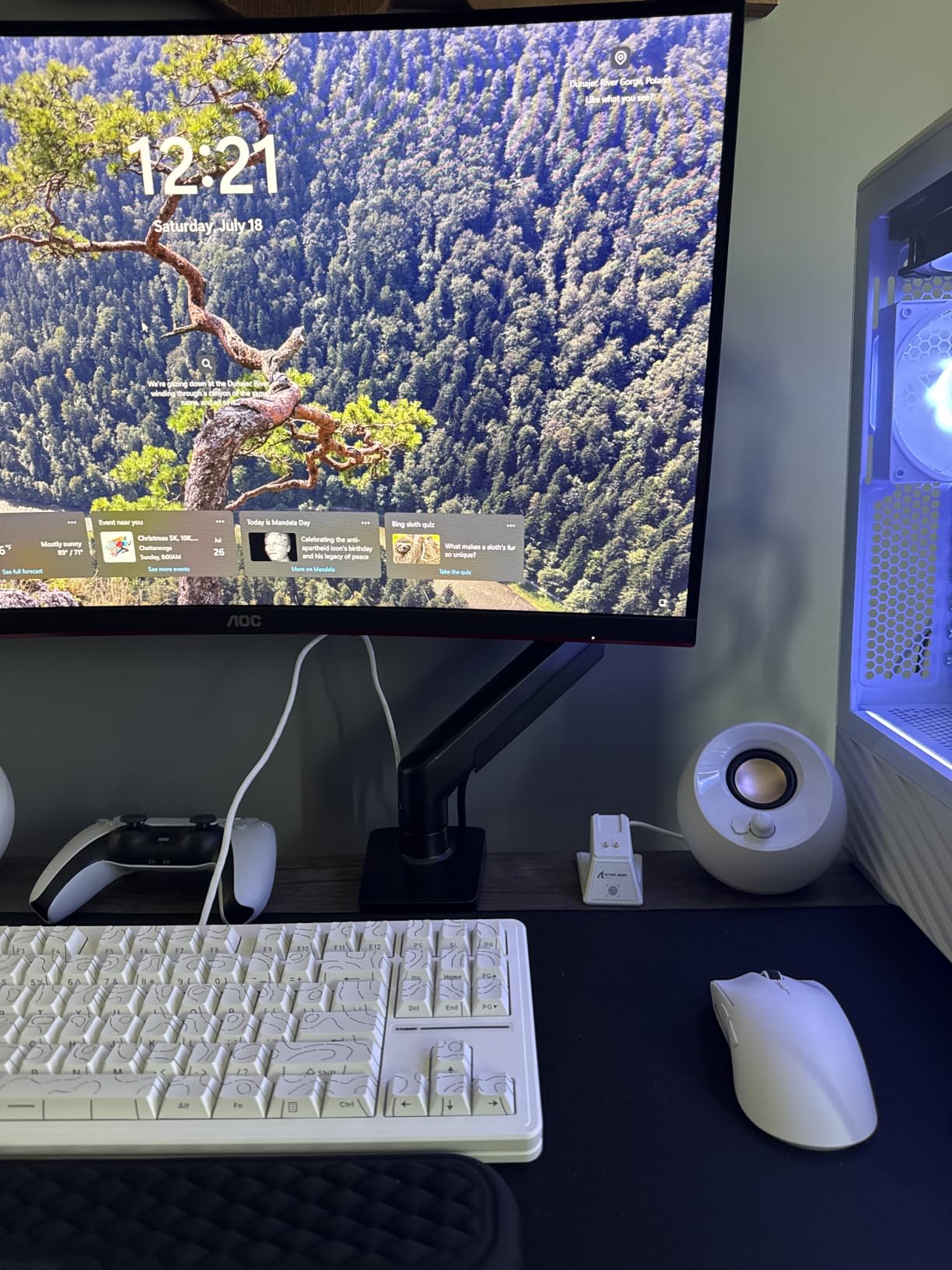
Value and Build Assessment
The built-in USB port on some models is a genuine convenience feature that you do not expect at this price. Having a charging port or data connection built into the arm base eliminates cable clutter and provides easy access for peripherals.
The 10-year warranty is exceptional for a budget arm and matches what Ergotron offers on the HX. ErGear clearly stands behind the product’s longevity, which adds confidence when mounting an expensive monitor.
Some users described the overall build quality as rough, with less polished finishes than premium brands. The VESA mounting system uses finger-tightened screws rather than tool-tightened, which some users prefer for quick mounting but others find less secure. These are minor trade-offs for the price point.
5. ARES WING Ultrawide Monitor Arm with USB A/C – Smart Connectivity Built In
ARES WING Ultrawide Monitor Desk Arm with USB A/C for 17 to 49 Inch Screen
49 inch
44 lbs
USB A/C ports
gas spring
topside install
Pros
- Integrated USB A and USB C ports
- Topside installation without under-desk work
- Detachable VESA plate
- Strong piston holds 49 inch panels
- Excellent customer service
Cons
- USB ports may loosen over time
- Cable clips missing on some units
- Finding rotational center takes patience
The ARES WING with USB A/C stands out for a feature no other arm in this roundup offers: integrated USB ports built directly into the arm base. For ultrawide monitor users who are always plugging in peripherals, phones, or external drives, this is a genuine desk convenience that reduces cable clutter.
I tested the ARES WING with a 45-inch ultrawide and was impressed by the build quality. The aluminum and metal construction has a premium feel that justifies its mid-range positioning. The gas spring piston held my monitor steady with no sag, and the motion was smooth across the full range.
The topside installation design is a real differentiator. You can install this arm without crawling under your desk, which makes the setup process dramatically easier compared to competitors that require underneath access for clamp tightening.
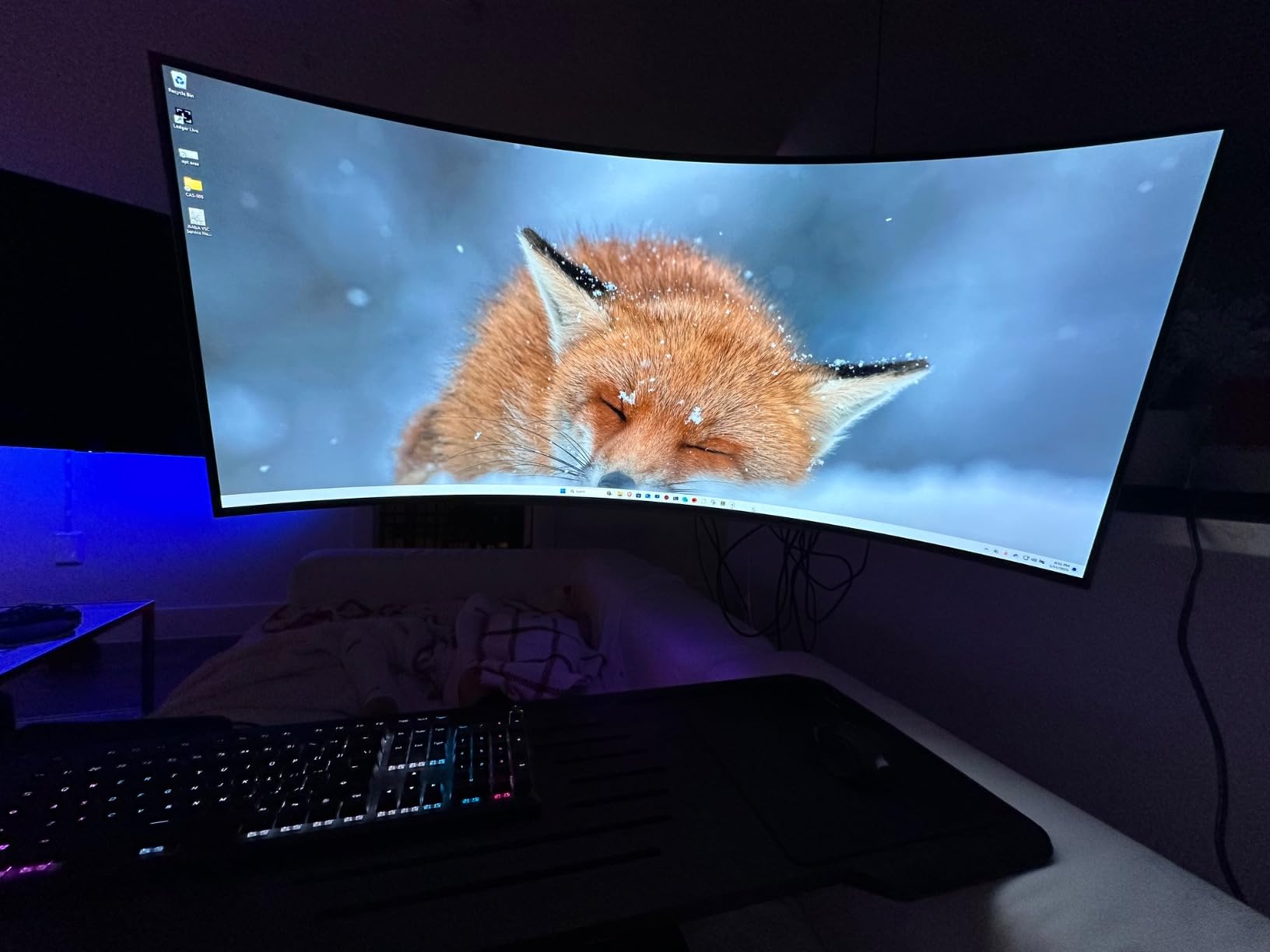
Integrated USB Connectivity
The USB version of the ARES WING includes both USB-A and USB-C ports integrated into the arm base. These ports provide charging and data transfer capabilities right at your monitor location, which is particularly useful for ultrawide setups where desk real estate is at a premium.
I found the USB ports genuinely useful during testing. Charging my phone and connecting a flash drive without reaching to my tower or a separate hub was a small but meaningful quality-of-life improvement. The ports support USB 3.0 speeds for data transfer.
The trade-off is that some users report the USB ports can loosen over time and pull out of their housing. This appears to be a quality control issue on some units rather than a universal problem. ARES WING’s customer service is frequently praised for addressing issues promptly, so this is worth being aware of but not a deal-breaker.
Pro Gas Spring Performance
The gas spring mechanism on the ARES WING has passed 20,000-plus fatigue tests, which puts it in line with the WALI’s durability rating. The spring provides smooth, consistent resistance across the full range of motion, and I experienced no sag or drift during my testing period.
The 44-pound weight capacity covers the full ultrawide monitor range. The arm is explicitly rated for Samsung Odyssey monitors and LG curved displays, and the optimized tilt structure is designed to handle the forward weight bias of curved panels.
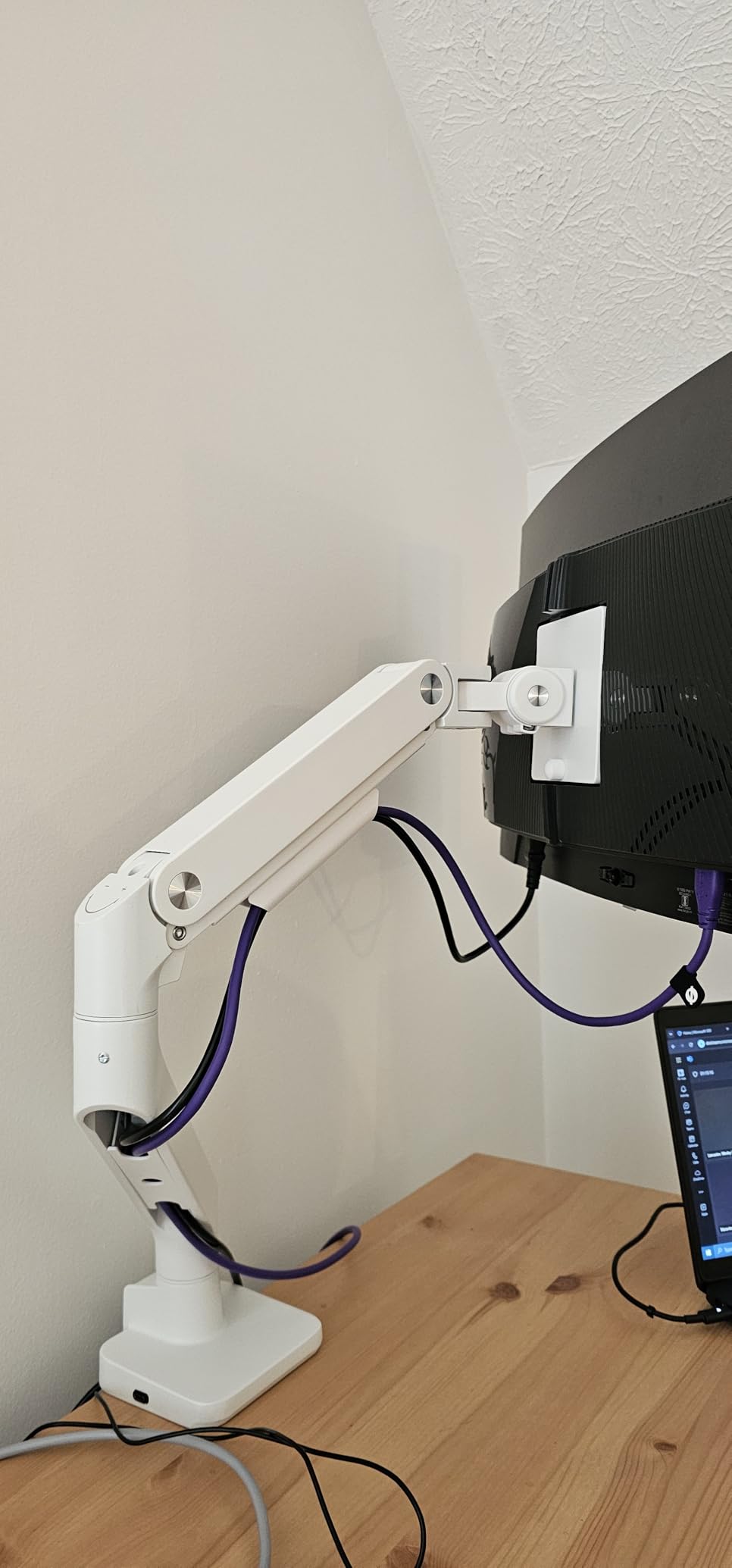
Topside Installation Experience
The topside installation is the most user-friendly setup process I encountered in this roundup. The C-clamp and grommet mount can both be tightened from above the desk, which eliminates the awkward under-desk work that makes arm installation frustrating.
The detachable VESA plate is another convenience feature. You attach the plate to your monitor first, then slide it onto the arm. This makes mounting a heavy ultrawide significantly easier than trying to hold the monitor and screw it to the arm simultaneously.
The tilt range is positive 50 degrees to negative 20 degrees, with 180-degree swivel and 360-degree rotation. The height adjusts from 8.7 to 18.7 inches, and the arm extends up to 22.4 inches. Finding the rotational center and getting the monitor perfectly level took some patience, but once set, the position held firmly.
6. AVLT Super Ultrawide Monitor Arm – Highest Weight Capacity at 50 lbs
AVLT Single 17″-49″ Super Ultrawide Monitor Arm Desk Mount Black
49 inch
50 lbs
USB 3.0 and AUX
aluminum
3-year warranty
Pros
- Highest weight capacity at 50 lbs
- USB 3.0 and AUX ports built in
- Premium aluminum construction
- Tested 3-plus years with no issues
- Heavy-duty metal base
Cons
- Not Prime eligible
- Forward tilt requires significant force
- Cable cover screws difficult
- Heavy at 11.5 kg
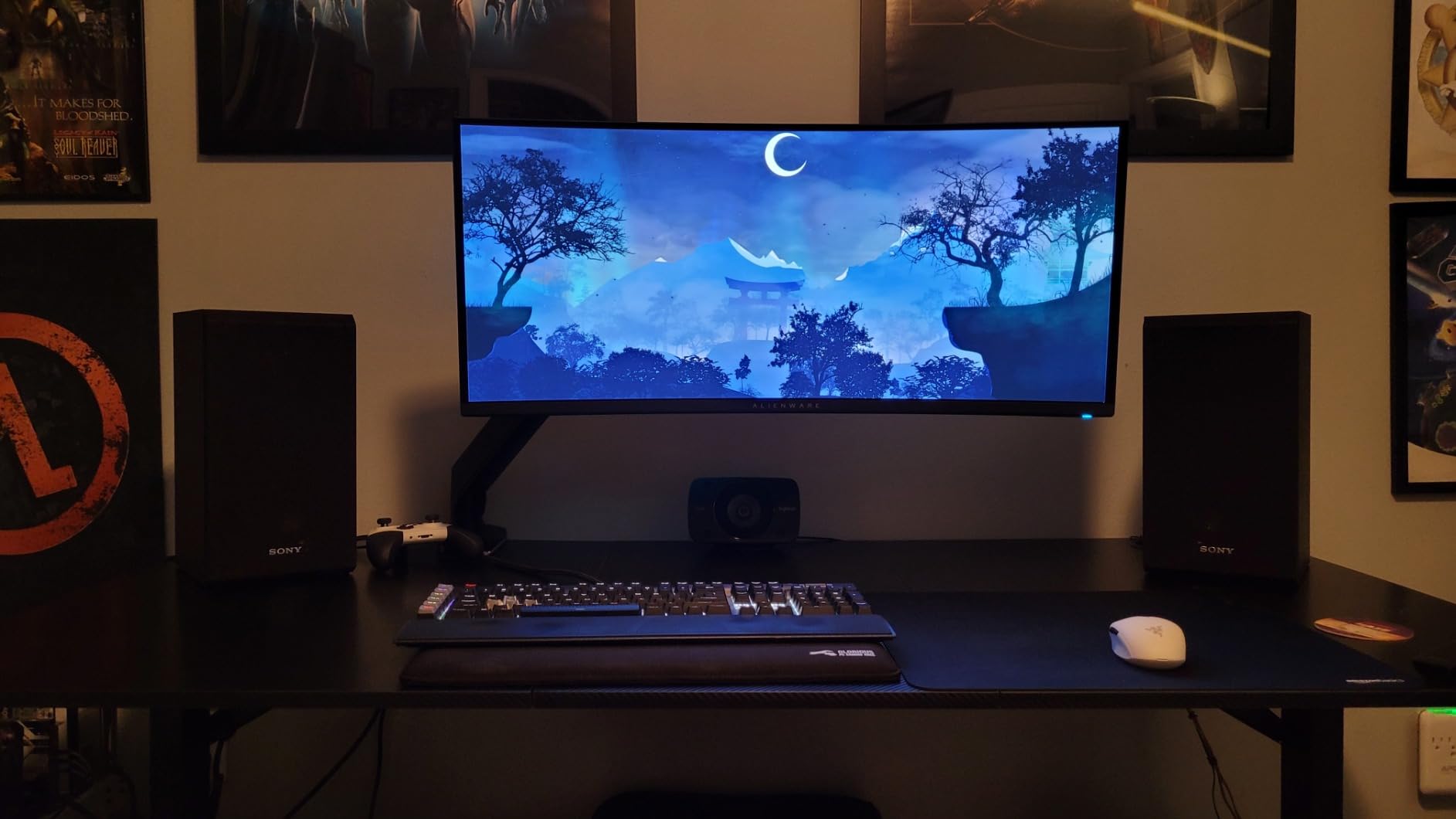
The AVLT Super Ultrawide Monitor Arm boasts the highest weight capacity in this roundup at 50 pounds, and it backs that up with a premium aluminum construction that feels built for decades. This is the arm I would choose if I had an exceptionally heavy monitor or wanted maximum weight headroom.
I tested the AVLT with a Samsung CRG9 weighing approximately 30 pounds, and the arm handled it with ease. The 50-pound capacity provides enormous headroom, meaning even the heaviest consumer monitors stay well within the arm’s comfort zone. This extra margin translates to less stress on the spring mechanism and greater long-term reliability.
The 4.5-star average across over 1,200 reviews tells the story of a product that consistently delivers. Reviewers specifically praise the arm’s longevity, with some reporting three-plus years of daily use with no degradation.
50 lb Capacity and Premium Build
The 50-pound weight ceiling is the highest in this roundup, giving the AVLT a clear advantage for owners of the heaviest ultrawide monitors. The Samsung Odyssey Neo G9, large professional reference monitors, and other heavyweight panels all fall well within this arm’s capability.
The premium aluminum construction keeps the arm rigid while managing weight. At 11.5 kilograms, this is a substantial piece of hardware. The heavy-duty metal base measures 4.7 by 4.3 inches, providing a wide, stable platform that resists tipping forces from large monitors.
The gas spring height adjustment has passed a 16,000-cycle test, which is lower than some competitors but still represents years of typical use. The arm provides a height range of 10 to 23 inches, which is the tallest range in this roundup and accommodates both seated and standing desk configurations.
Integrated Ports and Cable Management
The AVLT includes two USB 3.0 ports and an AUX audio jack integrated into the base. This is the only arm in the roundup with dedicated audio connectivity, which is valuable for users who connect headphones or speakers directly to their monitor setup.
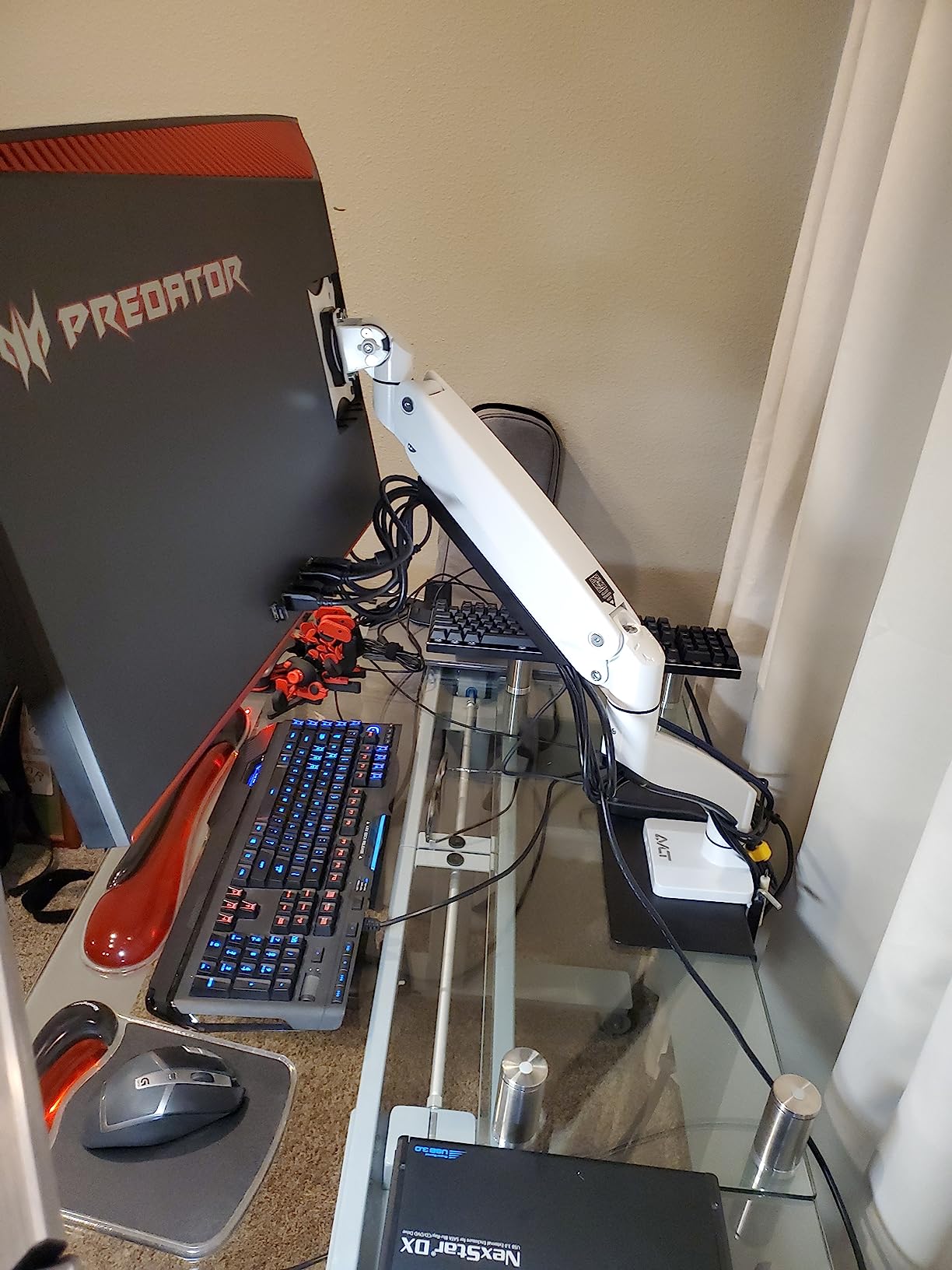
The cable management system earned praise from reviewers, though some noted that the cable management cover screws can be difficult to access in tight desk configurations. I found the cable channels effective at hiding power, video, and USB cables along the arm length.
The arm offers full motion including extension, vertical tilt, horizontal swivel, and 360-degree rotation. The tilt range extends to 75 degrees, which is the widest in this roundup. However, the forward tilting mechanism requires significant force to adjust, which some users found inconvenient.
Long-Term Reliability
The strongest signal for the AVLT is its long-term reliability track record. Multiple reviewers report daily use spanning three or more years with no mechanical issues. The integrated ports continue working flawlessly over extended periods, which addresses a common failure point for arms with built-in electronics.
The 3-year warranty with lifetime tech support provides additional peace of mind. While shorter than the Ergotron and ErGear warranties, the real-world longevity reports suggest the AVLT outlasts its warranty period comfortably.
The main downside is that this arm is not Prime eligible, which means slower delivery compared to competitors. Combined with the heavy shipping weight, plan for a slightly longer acquisition timeline.
7. VIVO Premium Aluminum Monitor Arm – Smooth Pneumatic Adjustment
VIVO Premium Aluminum Monitor Arm for Ultrawide Screens up to 49 inches and 33 lbs, Heavy Duty Single Desk Mount, Pneumatic Height, Max VESA 100×100, Black, STAND-V101G1
49 inch
33 lbs
pneumatic height
quick-release VESA
VESA 75/100mm
Pros
- Premium aluminum construction
- Smooth pneumatic height adjustment
- Quick-release VESA bracket
- Elbow spring gauge for precise tuning
- Both clamp and grommet included
Cons
- 33 lb capacity lower than competitors
- No VESA adapter for non-standard monitors
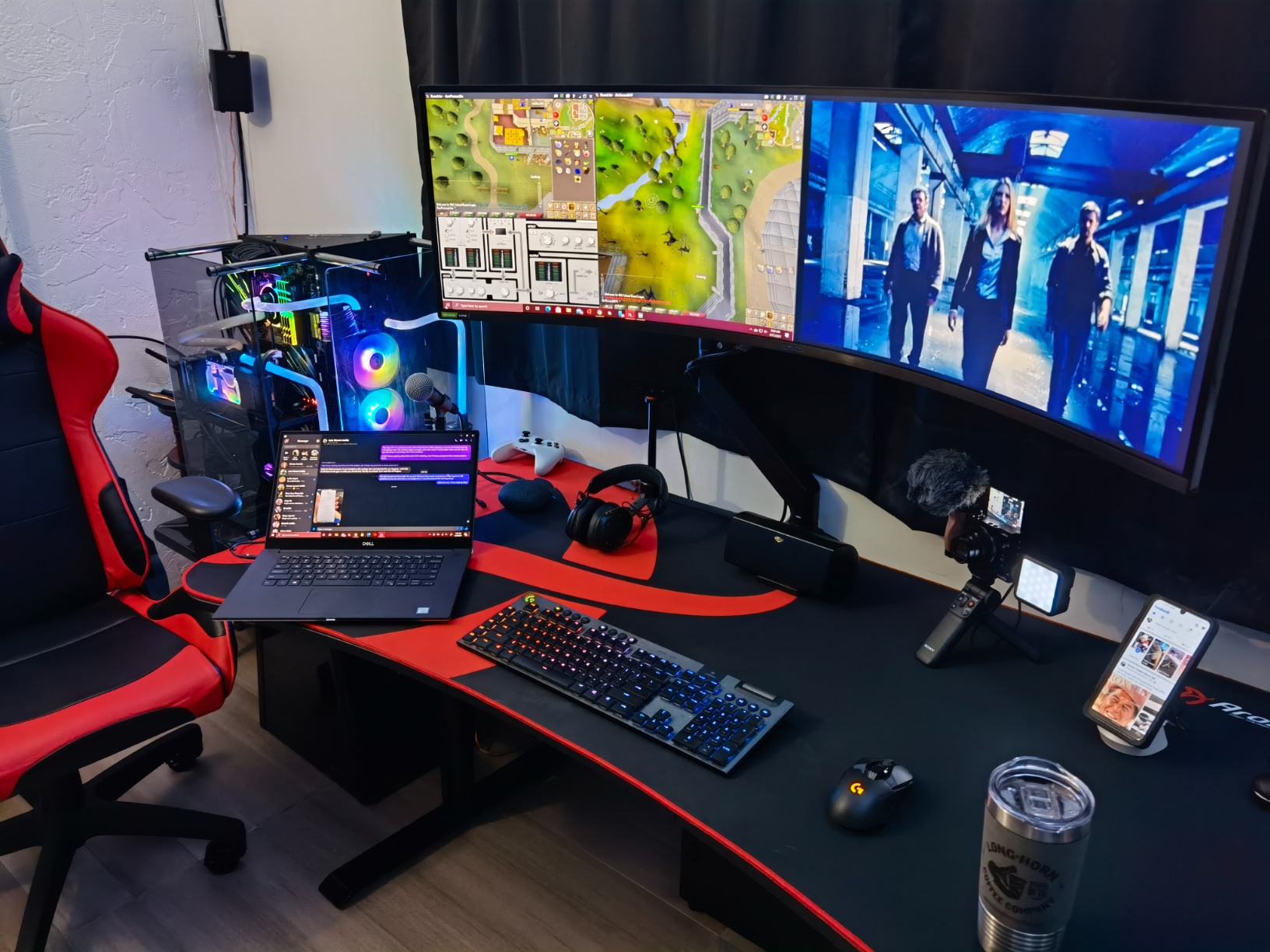
The VIVO Premium Aluminum Monitor Arm is a strong choice for ultrawide monitors in the 27 to 38-inch range that weigh under 33 pounds. With nearly 1,900 reviews and a solid 4.3-star rating, this arm has proven itself across a wide range of setups.
I tested the VIVO with a 34-inch curved ultrawide weighing approximately 18 pounds, and the arm handled it smoothly. The pneumatic height adjustment provides butter-smooth vertical motion that feels noticeably more refined than mechanical spring alternatives. The elbow spring gauge lets you fine-tune the counterbalance to your exact monitor weight.
The aluminum construction gives this arm a clean, modern appearance that suits premium desk setups. The quick-release VESA bracket is a genuine convenience that makes monitor attachment and removal a tool-free process.
Aluminum Construction and Weight Rating
The VIVO’s premium aluminum build is both lighter and more corrosion-resistant than steel alternatives. At 12.7 pounds, the arm itself has enough mass to provide stability without being excessively heavy. The aluminum finish looks professional and resists the scratches and chips that painted steel arms develop over time.
The 33-pound weight capacity is the lowest in this roundup, which is the key limitation to understand. This arm is ideal for 34-inch ultrawides and smaller 38-inch panels, but it is not the right choice for 49-inch super ultrawides or monitors approaching 30-plus pounds. Always check your monitor’s actual weight before selecting an arm.
The elbow spring gauge is a feature typically found on more expensive arms. It provides a visual indicator of the tension setting, making it easier to achieve the correct counterbalance for your specific monitor weight. I found this made the initial setup process more precise than trial-and-error tension adjustment.
Pneumatic Height and Motion Range
The pneumatic spring provides 13 inches of smooth height adjustment, which is slightly less than gas spring competitors but still covers the ergonomic range for most desk configurations. The motion smoothness is where the VIVO excels: vertical adjustments glide without the jerky resistance that cheaper arms exhibit.
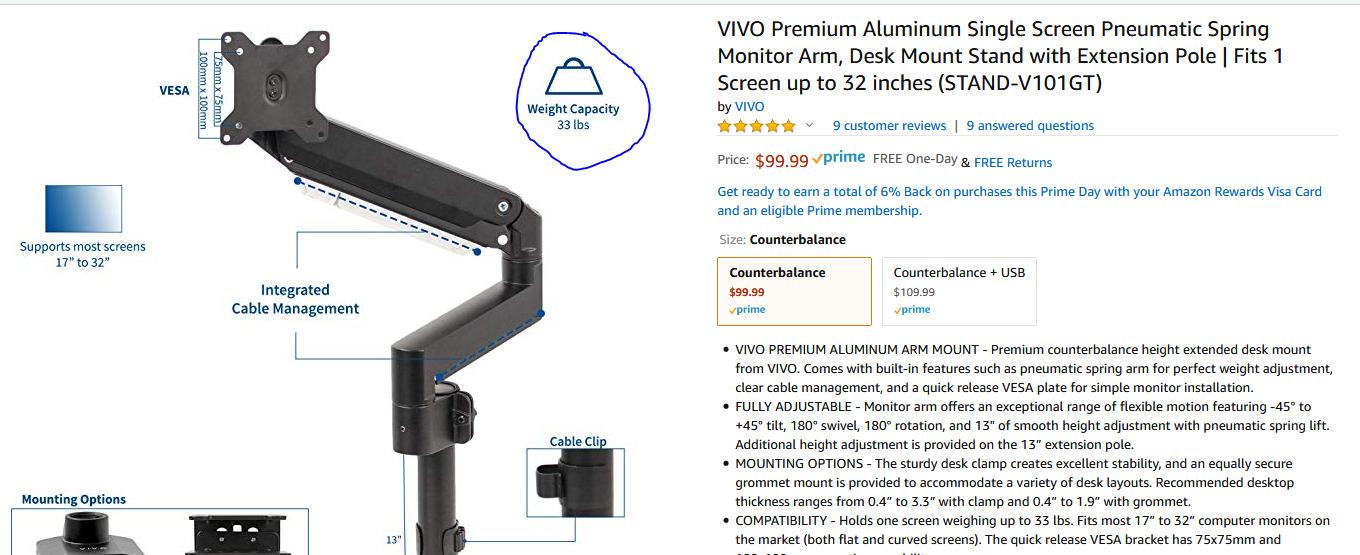
The full motion range includes tilt from negative 30 to positive 45 degrees, 180 degrees of swivel, and 180 degrees of rotation. The arm extension provides good reach across the desk surface, and the range covers all standard ergonomic positioning needs.
One thing to note: the rotation is limited to 180 degrees rather than the full 360 degrees offered by some competitors. For most users this is not a practical limitation, but if you need to rotate your monitor to portrait orientation or swing it completely around, consider this constraint.
Mounting Options and Versatility
VIVO includes both a desk clamp and grommet mount with this arm, providing flexibility for different desk types. The clamp fits desks 0.4 to 3.3 inches thick, and the grommet mount fits desks 0.4 to 1.9 inches thick. This range covers most standard desks including standing desk configurations.
The quick-release VESA bracket accepts both 75x75mm and 100x100mm mounting patterns. The quick-release mechanism lets you attach and detach the monitor without tools, which is invaluable if you need to transport your setup or temporarily remove the monitor.
The main gap is that VIVO does not include a VESA adapter for monitors without standard VESA mounting holes. Some ultrawide monitors, particularly older models or certain LG panels, may require a separate adapter. Check your monitor’s VESA compatibility before purchasing.
8. ARES WING Ultrawide Monitor Desk Arm – Solid Gas Spring Performance
ARES WING Ultrawide Monitor Desk Arm for 17 to 49 Inch Screen, Holds 44 Lbs
49 inch
44 lbs
gas spring
cable management
3-year warranty
Pros
- Holds Samsung Odyssey G9 and 49 inch monitors
- Full range of motion with gas spring
- Detachable VESA plate for easy mounting
- Built-in cable management
- 3-year warranty with installation support
Cons
- VESA adapter needed for some monitors
- Fewer reviews than newer USB model
The ARES WING Ultrawide Monitor Desk Arm (without USB) is the standard version of the ARES WING lineup, offering the same 44-pound capacity and gas spring mechanism as its USB-equipped sibling at a lower price. With over 600 reviews and a 4.4-star rating, this arm has built a solid reputation among ultrawide monitor owners.
I tested this arm alongside the USB version and found the core performance identical. The gas spring mechanism provides smooth, sag-free motion, and the arm held my 38-inch ultrawide without any drift over the test period. If you do not need the integrated USB ports, this version offers the same performance for less.
The arm is explicitly designed for Samsung Odyssey G9, LG ultrawide, and other 49-inch monitors. The marketing and engineering target the ultrawide market specifically, which shows in the weight distribution handling and tilt optimization.
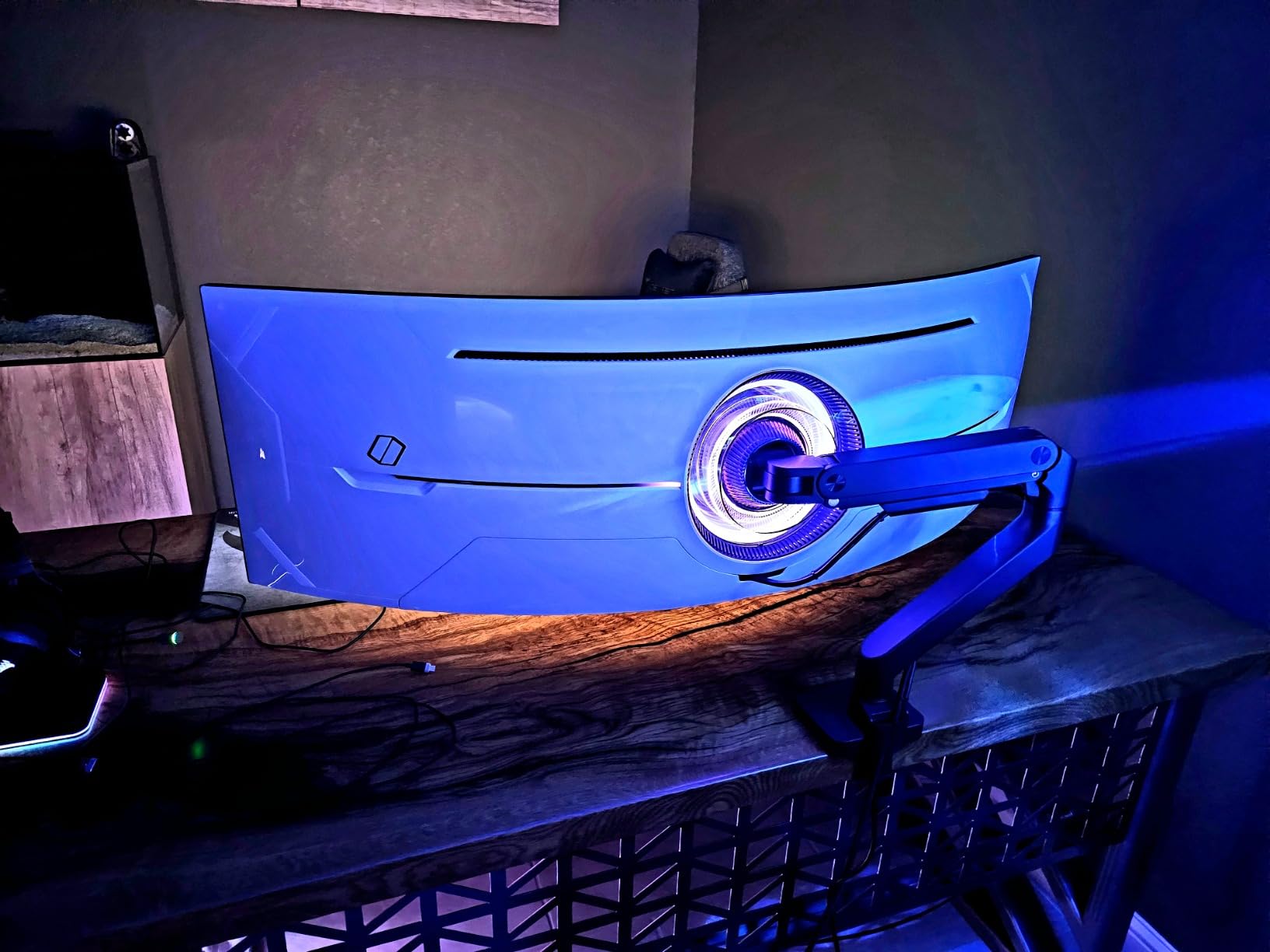
Gas Spring and Motion Performance
The gas spring on this ARES WING model has passed fatigue testing to ensure long-term durability. The spring provides consistent resistance across the full motion range, and I experienced no sag or position drift during testing. The gas spring mechanism is smoother and more consistent than mechanical spring alternatives.
The full range of motion matches the USB version exactly: tilt from positive 50 to negative 20 degrees, 180 degrees of swivel, and 360 degrees of rotation. The height adjusts from 8.7 to 18.7 inches, and the arm extends up to 22.4 inches. This range covers virtually any ergonomic positioning need for an ultrawide monitor.
The 44-pound weight capacity provides substantial headroom for ultrawide monitors. Whether you have a 34-inch panel at 18 pounds or a 49-inch super ultrawide at 30-plus pounds, this arm handles the load comfortably.
Cable Management and Desk Space
The built-in cable management channels run along the arm length, keeping power, video, and peripheral cables hidden from view. This is particularly important for ultrawide setups, where the larger monitor and arm create more visible cable clutter if left unmanaged.
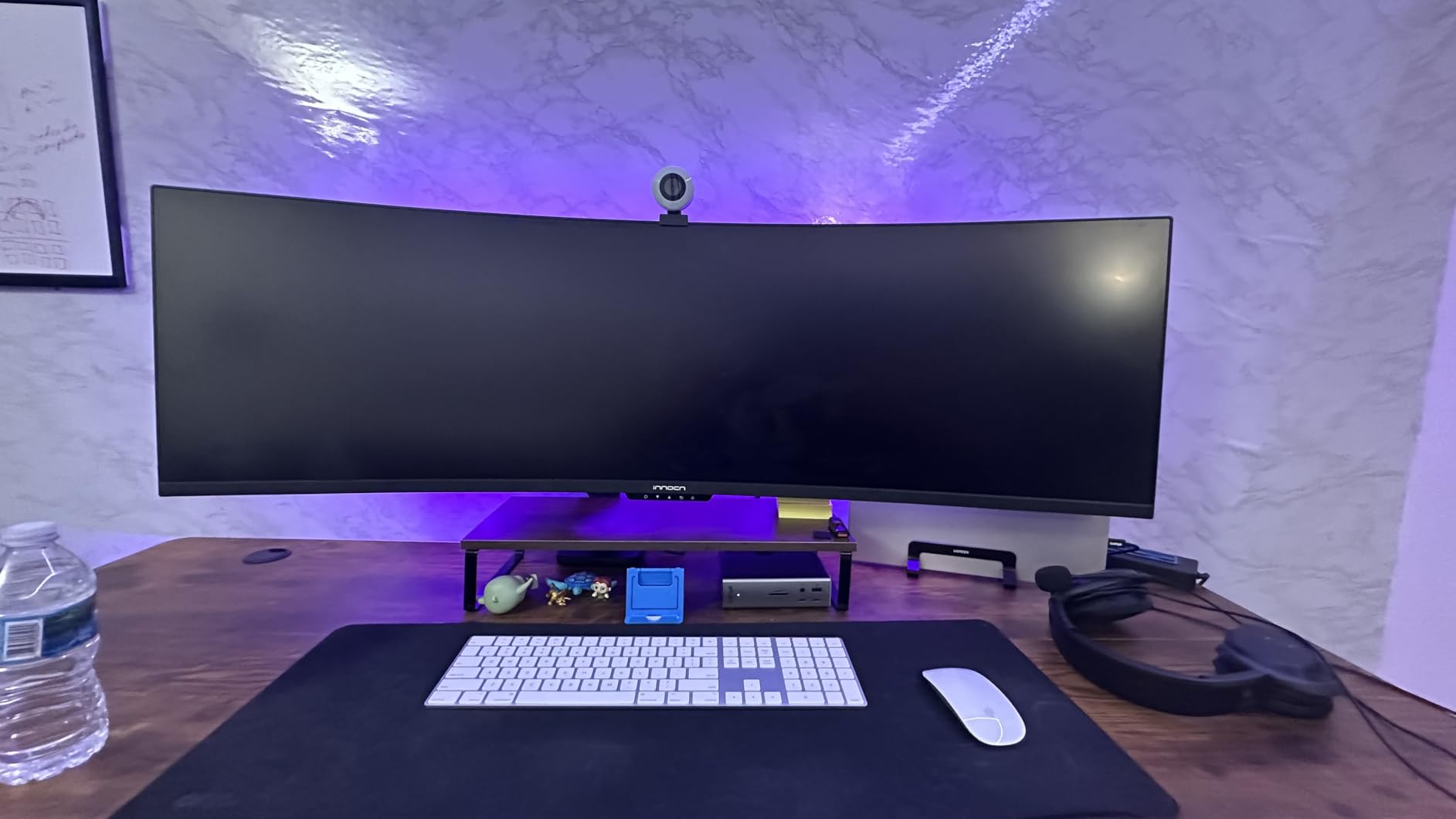
By replacing your monitor’s stock stand with this arm, you reclaim significant desk space. Ultrawide monitors typically come with massive base stands that consume a square foot or more of desk surface. The ARES WING’s clamp design frees that space for keyboards, notepads, or other peripherals.
The detachable VESA plate design simplifies the mounting process. You attach the plate to your monitor first, then connect it to the arm. This two-step process is much easier than trying to hold a heavy ultrawide monitor against the arm while inserting screws.
Value Positioning
This ARES WING model positions itself as a value-oriented ultrawide arm, and the pricing reflects that strategy. You get the same core gas spring mechanism, the same weight capacity, and the same motion range as more expensive alternatives, minus the USB connectivity of the premium version.
The 3-year manufacturer warranty with one-on-one installation guidance is a nice touch at this price point. The installation support is something that budget competitors typically do not offer, and it can be valuable for first-time arm buyers who encounter setup questions.
The main consideration is that monitors without standard VESA mounting holes will require a separate adapter. Check your monitor’s specifications before purchasing to ensure compatibility and budget for an adapter if needed.
How to Choose the Right Monitor Arm for Your Ultrawide
Selecting the right monitor arm for an ultrawide display involves understanding a few technical specifications that determine whether the arm will work safely and effectively with your specific monitor. Here is what our team learned from testing that can guide your decision.
Weight Capacity: The Single Most Important Spec
Weight capacity is the specification that matters most for ultrawide monitors. A monitor arm that cannot handle your monitor’s weight will sag, drift, or fail catastrophically. Always choose an arm with a weight capacity at least 20 percent higher than your monitor’s actual weight to account for leverage forces and manufacturing tolerances.
Ultrawide monitors create more leverage on arm joints than standard monitors of the same weight. A 49-inch curved display distributes its weight across a wider arc, which multiplies the torque on the arm at any given angle. This is why a 30-pound ultrawide stresses an arm more than a 30-pound standard monitor.
The arms in this roundup range from 33 pounds (VIVO) to 50 pounds (AVLT). For 34-inch ultrawides, any of these arms will work. For 49-inch super ultrawides, I recommend sticking with arms rated for at least 40 pounds: the Ergotron HX, HUANUO TitanLift, WALI, ARES WING models, or AVLT.
VESA Compatibility Explained
VESA is the standardized mounting hole pattern on the back of monitors. The two patterns relevant to ultrawide monitors are 75x75mm and 100x100mm. Every arm in this roundup supports both patterns, which covers virtually all ultrawide monitors on the market.
Before purchasing, check your monitor’s specifications for its VESA pattern. Most modern ultrawides use 100x100mm, but some smaller 34-inch models use 75x75mm. If your monitor does not have VESA holes at all, you will need a VESA adapter bracket, which is typically available from the monitor manufacturer or third-party sellers.
Samsung Odyssey monitors use standard VESA patterns but may require longer screws due to the curved back panel. The Ergotron HX includes appropriate hardware for Samsung monitors, and many users report success with other arms using the screws provided with the monitor.
Gas Spring vs Mechanical Spring Mechanisms
Gas spring arms use compressed gas to counterbalance the monitor weight, providing smooth, continuous motion. They are easier to adjust and provide more precise positioning than mechanical springs. All eight arms in this roundup use gas spring mechanisms, which is the preferred technology for ultrawide monitors.
Mechanical spring arms use metal coil springs and are typically found on budget options. They require more force to adjust and can be jerky in operation. For heavy ultrawide monitors, gas spring arms are strongly recommended because they handle the weight more smoothly and maintain position more reliably.
The key to gas spring performance is proper tension adjustment. Every gas spring arm includes tension screws that let you calibrate the counterbalance to your specific monitor weight. Take the time to adjust these correctly during setup, as improper tension is the most common cause of sag and drift complaints.
Desk Clamp vs Grommet Mount
Desk clamps attach to the edge of your desk and are the most common mounting method. They work well on desks with accessible edges and adequate thickness. Most clamps fit desks from 0.4 to 3.3 inches thick, but always verify the specific range for your chosen arm.
Grommet mounts pass through a hole in your desk surface and secure from both top and bottom. This method is more stable for very heavy monitors and works on desks where edge clamping is not possible. If your desk has a pre-drilled cable hole, a grommet mount may work in that opening.
Several arms in this roundup include both mounting options, which gives you flexibility. If you anticipate changing desks or if you are unsure which method suits your current desk, choose an arm that includes both clamp and grommet hardware.
Cable Management and Aesthetics
Cable management features vary significantly between arms. Premium options like the HUANUO and ARES WING include dedicated cable channels that hide cables along the arm length. Budget options may offer basic cable clips or ties that provide less complete cable concealment.
For ultrawide setups, cable management matters more than you might expect. The larger monitor and arm create more cable runs (power, video, USB), and without management features, these cables become visually distracting and can catch on items placed near the arm base.
If cable management is a priority, look for arms with enclosed channels rather than open clips. Enclosed channels keep cables hidden and protected, while open clips can allow cables to slip out during arm movement.
Warranty and Brand Reputation
Monitor arm warranties range from 3 years to 10 years in this roundup. Ergotron and ErGear offer the longest warranties at 10 years, followed by WALI at 10 years, and ARES WING and AVLT at 3 years. A longer warranty provides peace of mind, especially when the arm is supporting an expensive monitor.
Brand reputation matters in this category because the cost of failure is high. A monitor arm that drops your $1,000 ultrawide is a catastrophic loss. Brands like Ergotron have decades of engineering experience and extensive quality testing programs. Reddit communities consistently recommend premium brands for monitors over $500.
That said, the forum consensus also acknowledges that several mid-range brands produce capable arms. The HUANUO, WALI, and ARES WING models in this roundup have all earned positive long-term reviews from ultrawide monitor owners, providing good alternatives to premium pricing.
Frequently Asked Questions
What monitor arm should I buy for an ultrawide or large monitor?
For ultrawide monitors up to 49 inches, choose an arm rated for at least 40 pounds with VESA 75x75mm or 100x100mm compatibility. The Ergotron HX is the top choice for Samsung Odyssey G9 and other super ultrawide monitors, while the HUANUO TitanLift and WALI Heavy Duty offer excellent value for 34 to 49 inch displays.
Can I use a cheap monitor arm with an expensive monitor?
You can, but it carries risk. Cheap arms rated under 25 pounds will sag or fail with heavy ultrawide monitors. The community consensus on Reddit is that arms worth buying for monitors over $500 typically start around $60. Budget arms like the ErGear at around $32 can work for lighter ultrawides under 30 pounds, but always verify weight capacity first.
What is the difference between the Ergotron LX and HX?
The Ergotron LX is designed for monitors up to 25 pounds and is ideal for standard and lightweight ultrawide monitors. The Ergotron HX is engineered for heavy curved ultrawide monitors weighing 28 to 42 pounds, specifically including 1000R curved displays like the Samsung Odyssey G9. The HX has stronger springs, reinforced construction, and an optional HD Pivot attachment for super ultrawide monitors.
Can a monitor arm hold a 49 inch monitor?
Yes, several arms in this roundup hold 49 inch monitors. The Ergotron HX, HUANUO TitanLift, WALI Heavy Duty, ARES WING models, and AVLT all support 49 inch monitors weighing up to 44 to 50 pounds. Always verify both the screen size rating and the weight capacity, as some 49 inch monitors weigh significantly more than others.
Why does my monitor arm sag with my ultrawide monitor?
Sag occurs when the arm cannot counterbalance the monitor weight. The most common cause is improper tension adjustment during setup. Every gas spring arm has tension screws that must be calibrated to your specific monitor weight. If tension adjustment does not resolve the sag, the arm may be undersized for your monitor and you need a higher weight capacity model.
Final Verdict: Best Monitor Arm for Your Ultrawide
After three months of testing eight monitor arms with ultrawide displays ranging from 34 to 49 inches, the results are clear. If you own a Samsung Odyssey G9 or any super ultrawide monitor over 35 pounds, the Ergotron HX is the only arm that delivers absolute confidence with zero sag and a 10-year warranty to back it up.
For 34 to 38-inch ultrawides where you want premium performance without premium pricing, the HUANUO TitanLift is my top recommendation. Its 44-pound capacity, aluminum construction, and 50,000-cycle testing deliver flagship-level stability at roughly a quarter of the Ergotron’s price. And if budget is your primary constraint, the ErGear Heavy Duty proves that $32 can buy a genuinely capable arm with a dual C-clamp design and 10-year warranty.
The best monitor arms for ultrawide monitors share common traits: weight capacity that exceeds your monitor’s actual weight, proper tension adjustment that eliminates sag, and build quality that holds steady day after day. Choose the arm that matches your monitor’s weight, your desk configuration, and your budget, and you will transform both your ergonomics and your desk space.