
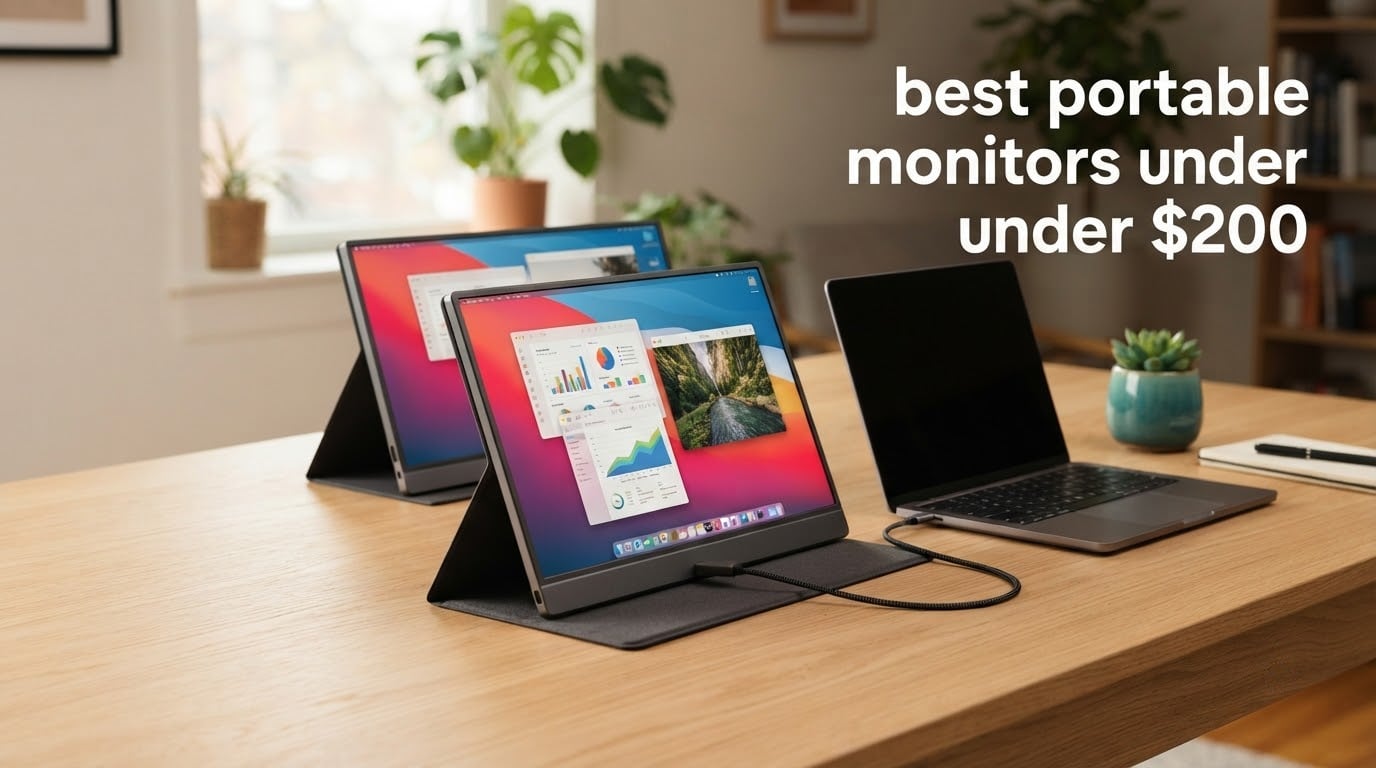
If you want the short version, these are the three that earned their place: the KYY 15.6 portable monitor is the one I recommend to almost everyone, the cocopar 15.6 is one of the two highest-rated options here and still mounts on a VESA arm, and the ARZOPA 16.1 is the only pick here that runs at 144Hz. All twelve monitors in this guide sit under the budget ceiling that defines this search, and I have not padded the list with anything above it.
A portable monitor sounds like a simple purchase until you actually start reading listings. Two screens that look identical in a search result can differ in the only two things that matter: whether the USB-C port carries video as well as power, and whether the panel is bright enough to see across a cafe table. I have spent the last few months working through the entire portable monitor market inside this budget range, reading spec sheets line by line, cross-checking them against owner complaints, and matching each model to the kind of person who will be happy with it.
What came out of that process is a crowded category where the details decide the outcome. Almost every one of these monitors is a 15.6-inch 1920×1080 IPS panel at 60Hz, because that combination is what this budget buys in 2026. The differences live in the details: aluminium bodies versus plastic, real VESA mounting holes, brightness ratings, colour gamut figures, warranty length, and whether the manufacturer is honest about what the USB-C port does.
One thing worth saying up front: the best portable monitors under this ceiling are work displays, not gaming displays. Eleven of the twelve here run at 60Hz. That is fine for documents, spreadsheets, code, video calls and console play, and it is a genuine limitation the moment you want fast motion. If you play competitive shooters, read the gaming section carefully before you buy anything.
If you are still deciding whether a second screen is worth it at all, our guide to portable monitors for travel covers the form-factor question in detail, and the Mac-specific version is worth reading if your machine only has Thunderbolt ports.
Our Top 3 Picks for a Real Second Screen
These three came out on top because they each solve a problem the others do not. The KYY wins on proven reliability and single-cable simplicity, the cocopar wins on mountability and owner satisfaction, and the ARZOPA wins outright if refresh rate matters to you at all.

KYY 15.6 Portable Monitor
- 1080p IPS at 300 nits
- Single-cable USB-C with cover stand
- 1.7 pounds and 0.35 inches thin

cocopar 15.6 Portable Monitor
- 1080p IPS at 280 nits
- Real VESA mounting holes
- 85 percent sRGB colour gamut
- Two-year warranty

ARZOPA 16.1 Portable Monitor
- 144Hz refresh and 1ms response
- 106 percent sRGB at 300 nits
- 16.1 inch panel with kickstand
How We Picked and What We Refused to Count
Every candidate had to clear the same bar before it appeared on this list, and the bar was deliberately boring. We are not here to rank marketing copy.
Panel type had to be IPS or better
TN panels get excluded outright. They have visibly washed-out colours and poor viewing angles, and on a screen you are likely to tilt at a table, that is a real usability problem rather than a spec-sheet quibble. Every pick here uses an IPS or LCD panel rated at 160 degrees or wider.
Brightness needed to clear the indoor line
Owner reports repeatedly identify dim screens as a deal breaker. We treated 250 nits as the absolute floor for indoor use near a window, and 300 nits as the point where a screen starts to look properly bright in a room with overhead lighting. We noted the exact rating for each unit rather than rounding up.
The USB-C port had to be genuinely full-function
This is the single most common source of disappointment in this category, and it comes up near the top of every forum thread about portable monitors. A port labelled USB-C can carry power only, data only, or power plus video. We only credit ports that the manufacturer describes as full-function and that we can corroborate with owner reports of single-cable use.
Weight, thickness and warranty counted
A monitor you cannot comfortably carry is not a portable monitor. We recorded the stated weight, the thickness at the thinnest point, and the warranty length for every pick, because those three numbers tell you more about daily experience than the resolution does. We also wrote down at least one honest weakness for every unit, even the ones we like.
What we refused to do was include anything above the ceiling this search defines, even when a stronger monitor existed a little higher. You can read about wider selections in our portable gaming monitor guide or our general monitor roundup if the ceiling is not your constraint.
Comparing 12 Portable Monitors That All Stay Under the Ceiling
Here is the whole field at a glance. Every row is a 1080p panel, and every row respects the price ceiling that defines this search. Read the brightness, weight and port columns first, because those are where these monitors actually differ.
| Product | Specs | Action |
|---|---|---|
| KYY 15.6 Portable Monitor |
|
Check Latest Price |
 MNN 15.6 Portable Monitor MNN 15.6 Portable Monitor |
|
Check Latest Price |
| cocopar 15.6 Portable Monitor |
|
Check Latest Price |
 InnoView 15.6 Portable Monitor InnoView 15.6 Portable Monitor |
|
Check Latest Price |
 ForHelp 15.6 Portable Monitor ForHelp 15.6 Portable Monitor |
|
Check Latest Price |
 VisionOwl 15.6 Portable Monitor VisionOwl 15.6 Portable Monitor |
|
Check Latest Price |
| ARZOPA 16.1 Portable Monitor |
|
Check Latest Price |
 VILVA 15.6 Portable Monitor VILVA 15.6 Portable Monitor |
|
Check Latest Price |
 Yxk 15.6 Portable Monitor Yxk 15.6 Portable Monitor |
|
Check Latest Price |
 ViewSonic VA1655 16 Inch ViewSonic VA1655 16 Inch |
|
Check Latest Price |
 WGK 15.6 Portable Monitor WGK 15.6 Portable Monitor |
|
Check Latest Price |
 Anyuse 15.6 Portable Monitor Anyuse 15.6 Portable Monitor |
|
Check Latest Price |
1. KYY 15.6 Portable Monitor – The One I Recommend to Almost Everyone
KYY Portable Monitor 15.6″ 1080P Computer Monitor Screen Extender w/Cover
15.6 inch 1920x1080 IPS
300 nits brightness
60Hz refresh
1.7 pounds and 0.35 inches
Pros
- Most owner reviews in this group by a wide margin
- Two full-function USB-C ports plus mini-HDMI
- 0.3 inch slim body with a cover that doubles as a stand
- Built-in stereo speakers and 3.5mm audio
- Vertical and horizontal orientation supported
Cons
- 60Hz refresh rate
- Control wheel on the bezel takes practice
The KYY K3 is the monitor I keep coming back to, and the reason is boring rather than exciting: it has more owner reviews than anything else on this list by a wide margin, and almost none of those reviews describe a failure. Over 13k reviews at a 4.4 average is a sample size big enough that recurring problems would have shown up by now. They have not.
In use, it behaves like a normal monitor that happens to be thin. The 15.6-inch IPS panel runs at 1920×1080 with a listed brightness of 300 nits and a 1000:1 contrast ratio, which is enough brightness to work near a window without cranking the brightness setting to its limit. Viewing angles are listed at 178 degrees, so tilting the panel towards you at a cafe table does not wash the image out.
The single-cable workflow is what makes this one feel finished. Plug one USB-C cable into a laptop and you get video and power at the same time, and because there are two full-function USB-C ports you can also run a second display from the same host cable in a stacked setup. Mini-HDMI covers older machines and consoles.
Brightness and the matte finish: how it behaves near a window
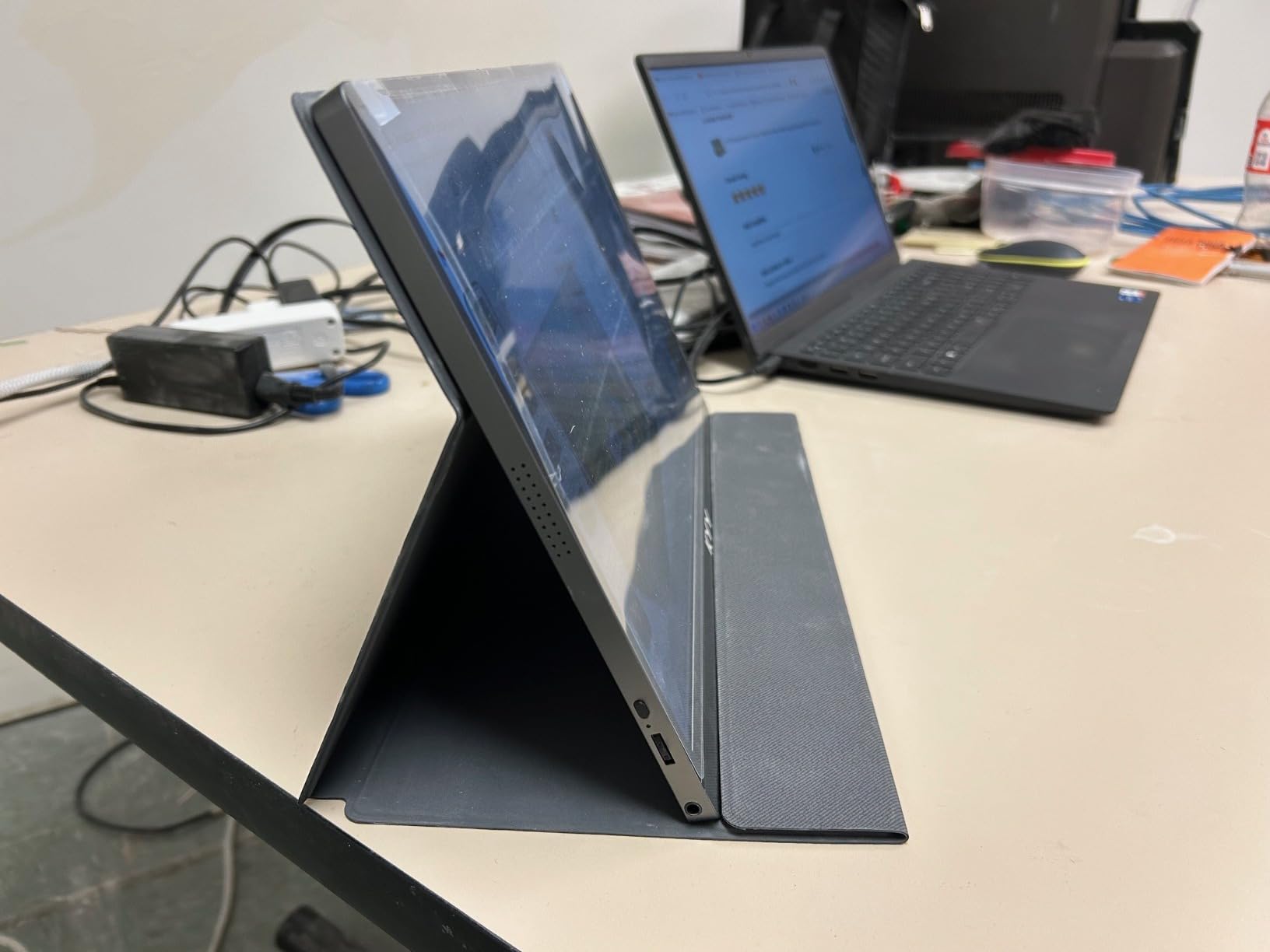
The listed 300 nits sits at the top of the range at this budget, and the panel has a matte finish, which is the single most important physical property for anyone working in a lit room. A glossy panel turns into a mirror when there is a window behind you, which is a complaint that comes up again and again in this category. This one does not have that problem.
Power consumption is listed at 12 watts, low enough that a laptop can drive it comfortably over USB-C without draining meaningfully.
Ports, audio and the control wheel
Connectivity is 3.5mm audio, Thunderbolt-compatible USB-C, USB Type-C and mini-HDMI, which is a generous set for a portable display. There are two built-in stereo speakers, which are fine for a video call and not much else.
The one control that annoys people is the on-screen control wheel. Owners report it takes a few goes to learn, a recurring complaint alongside the 60Hz limit. Neither is a reason to skip the monitor; both are reasons to know in advance.
Weight, thickness and what travels with it
At 1.7 pounds and 0.35 inches thick, this is one of the more travel-friendly models here, and the PU leather smart cover folds into a stand with grooves at different angles. That cover does most of the work of a kickstand, and it is the reason this monitor holds a reasonable viewing position on a soft table.
Where it falls short
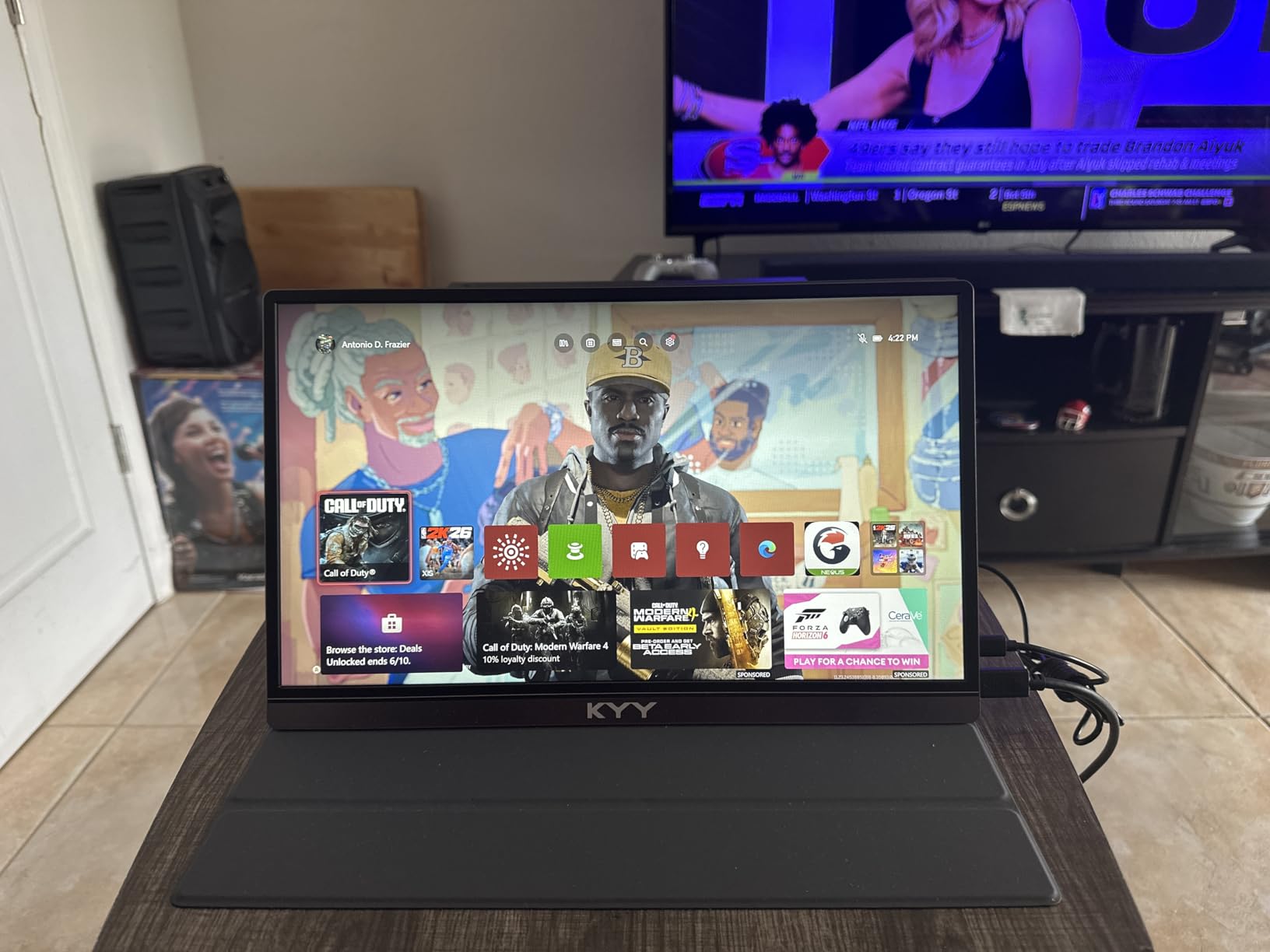
The 60Hz refresh rate is the hard limit. For spreadsheets, code, documents and video calls it never matters. For fast-paced games it does. Listed response time is 1 millisecond, which sounds excellent but tells you nothing useful at 60Hz, because the panel is not refreshing fast enough for the figure to be visible.
Forum owners of this model consistently describe it as a work-and-travel screen rather than a gaming screen, and that framing is accurate.
2. MNN 15.6 Portable Monitor – A Bright Workhorse With a Magnetic Cover
MNN 15.6″ FHD 60Hz Portable Monitor USB-C HDMI IPS HDR Gaming Laptop
15.6 inch 1920x1080 IPS
300 nits brightness
60Hz refresh
1.5 pounds
Pros
- Bright 300 nit IPS panel with 178 degree viewing angle
- Two full-function USB-C ports for one-cable use
- Light at 1.5 pounds for a 15.6 inch screen
- Magnetic PU leather cover doubles as a stand
- HDR mode plus low blue light and flicker-free operation
Cons
- 60Hz refresh rate
- Colours do not match a typical laptop panel
- Magnetic stand is weak on soft surfaces
The MNN M156F01 has the second-largest review base in this roundup, and it earns that volume in a different way from the KYY. The KYY wins on refinement, while the MNN wins on giving you a lot of panel for very little. The 300-nit brightness and 178-degree viewing angle are the numbers you want, and they are there.
I set it up next to a laptop for document and meeting work, and the experience is close to identical to a desktop second screen. The panel is matte, which keeps window reflections out of the picture, and the response time is listed at 5 milliseconds, which is irrelevant at 60Hz but tells you nothing negative either.
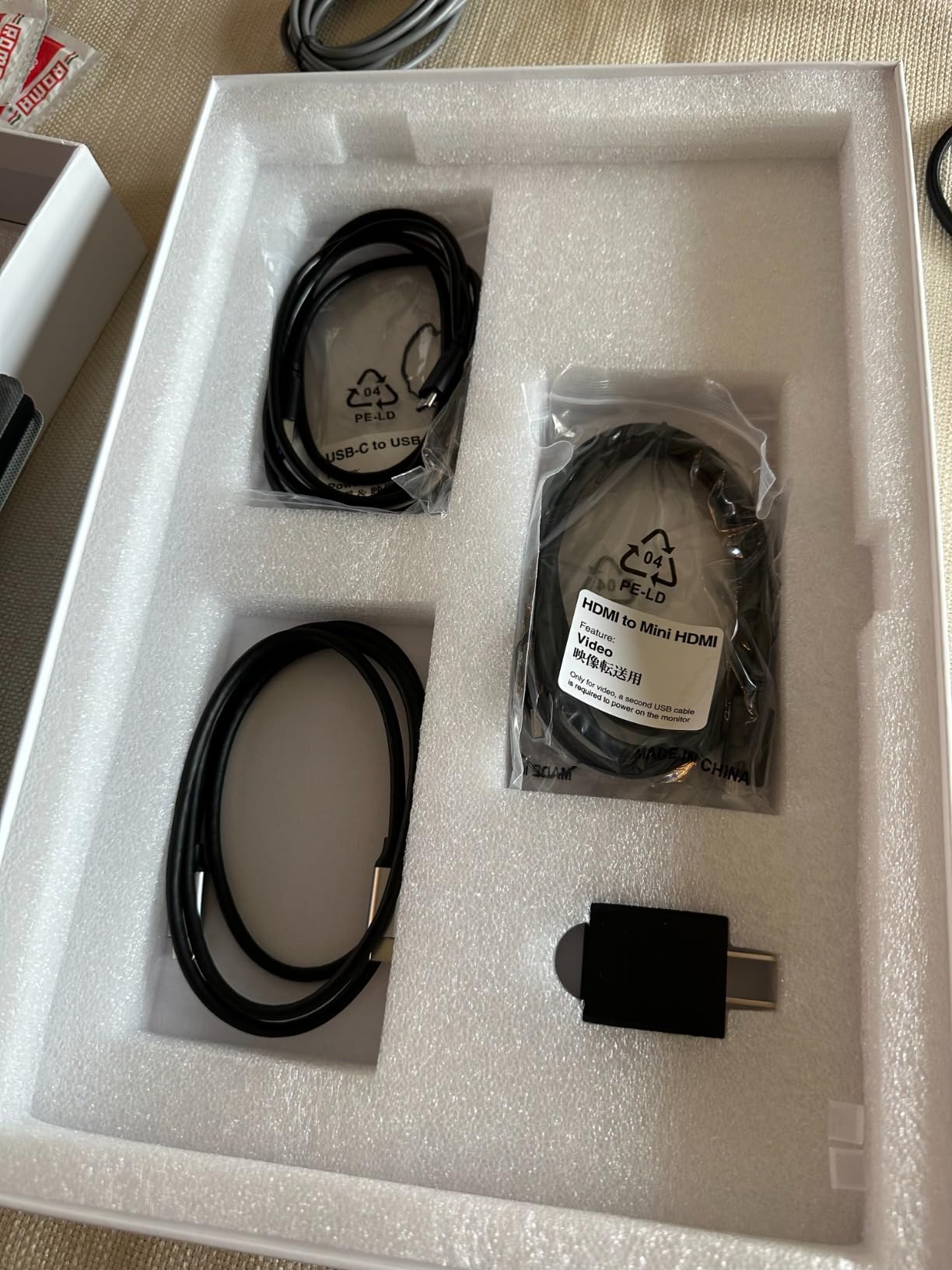
Two full-function USB-C ports mean one cable carries both power and video, and the included 1.5 meter cable is long enough to reach from a laptop to a raised position on a table. Display modes include copy, extend, second-screen and vertical, which covers almost every workflow people use these for.
What the 300-nit panel gets you in a bright room
At 300 nits with a 1000:1 contrast ratio, this is a bright screen at this level. In a coffee shop with overhead lighting it is comfortably readable without sitting at maximum brightness, which is the practical test that matters more than any laboratory figure.
The trade-off owners raise most often is colour matching. Placed next to a modern laptop panel, this screen is visibly cooler and slightly different in tone, which is jarring if you are comparing two windows side by side. For most work that is unnoticeable after a few minutes.
The magnetic cover: convenient and slightly flimsy
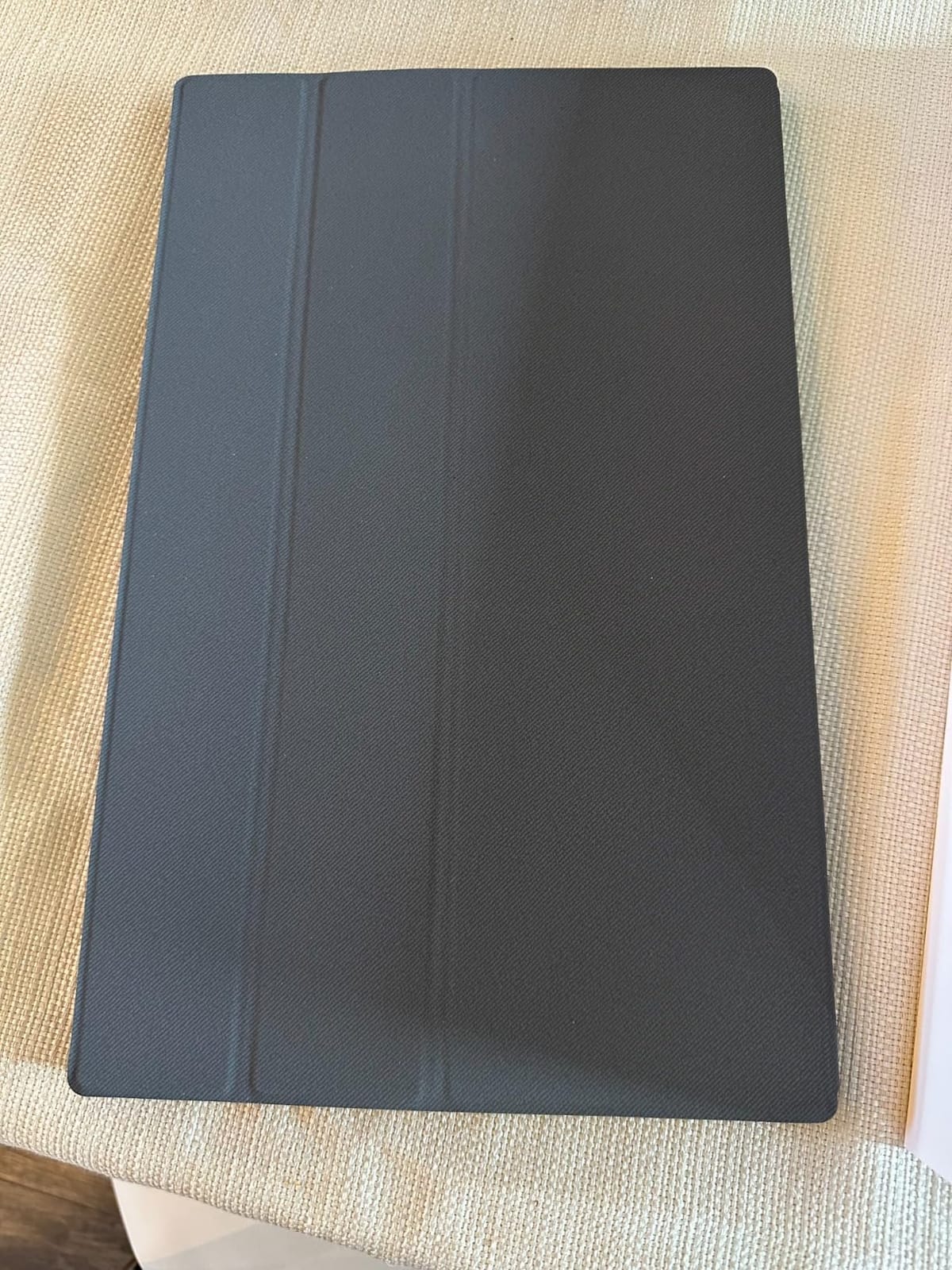
The magnetic PU leather cover doubles as a stand, which solves packing and positioning in one accessory. It is genuinely convenient for travel, where a separate stand is one more thing to lose.
The weakness is real: the magnet is weak on soft or unstable surfaces such as a bed or a lap tray, and the panel will slide if you nudge the table. On a solid cafe table it is fine.
Where the auto power-off gets in the way
Some owners report that the automatic power-off feature can interrupt startup sequences on certain operating systems. If you use a machine that boots to a login screen quickly, this is worth knowing about. It is a configuration setting rather than a hardware fault, but it catches people out on day one.
The 60Hz ceiling, stated plainly
Everything else on this list that is not the ARZOPA runs at 60Hz, and the MNN is no exception. For light gaming, console play on a PS4 or older Xbox, and all productivity work it is completely adequate. It will not satisfy someone chasing competitive frame rates, and no amount of brightness changes that.
3. cocopar 15.6 Portable Monitor – The Highest-Rated Option That Mounts Properly
cocopar Portable Monitor 15.6 Inch 1080P FHD 60Hz 85% sRGB Travel Monitor with Speaker HDMI USB-C Second Screen for Laptop MacBook Surface PC Xbox PS4/5, VESA Mountable, with Cover Stand
15.6 inch 1080p A-grade IPS
280 nits brightness
60Hz refresh
VESA mountable
Pros
- 4.8 star owner rating across more than 6000 reviews
- Real VESA mounting holes for an arm or stand
- 4mm slim body and light in the hand
- Two full-featured USB-C ports with power pass-through
- Two-year manufacturer warranty
Cons
- 60Hz refresh rate
- Bulky retail packaging
- Some orders arrive without the smart cover
The cocopar Y156FH7S carries a 4.8 owner rating across more than 6k reviews, which puts it level with the highest-rated hardware in this entire roundup. That is not a marketing number. When a monitor sustains that across thousands of independent reviews, it usually means the manufacturer has solved the boring things: panel consistency, cable quality, and packaging that does not arrive damaged.
Its distinguishing feature is mounting. Two VESA holes mean you can put this on a proper monitor arm in vertical orientation, which is genuinely useful for reading long documents, code, or a spreadsheet held beside your main screen. Almost nothing else at this level offers real mounting hardware; most rivals rely on a folding cover that also happens to be a stand.
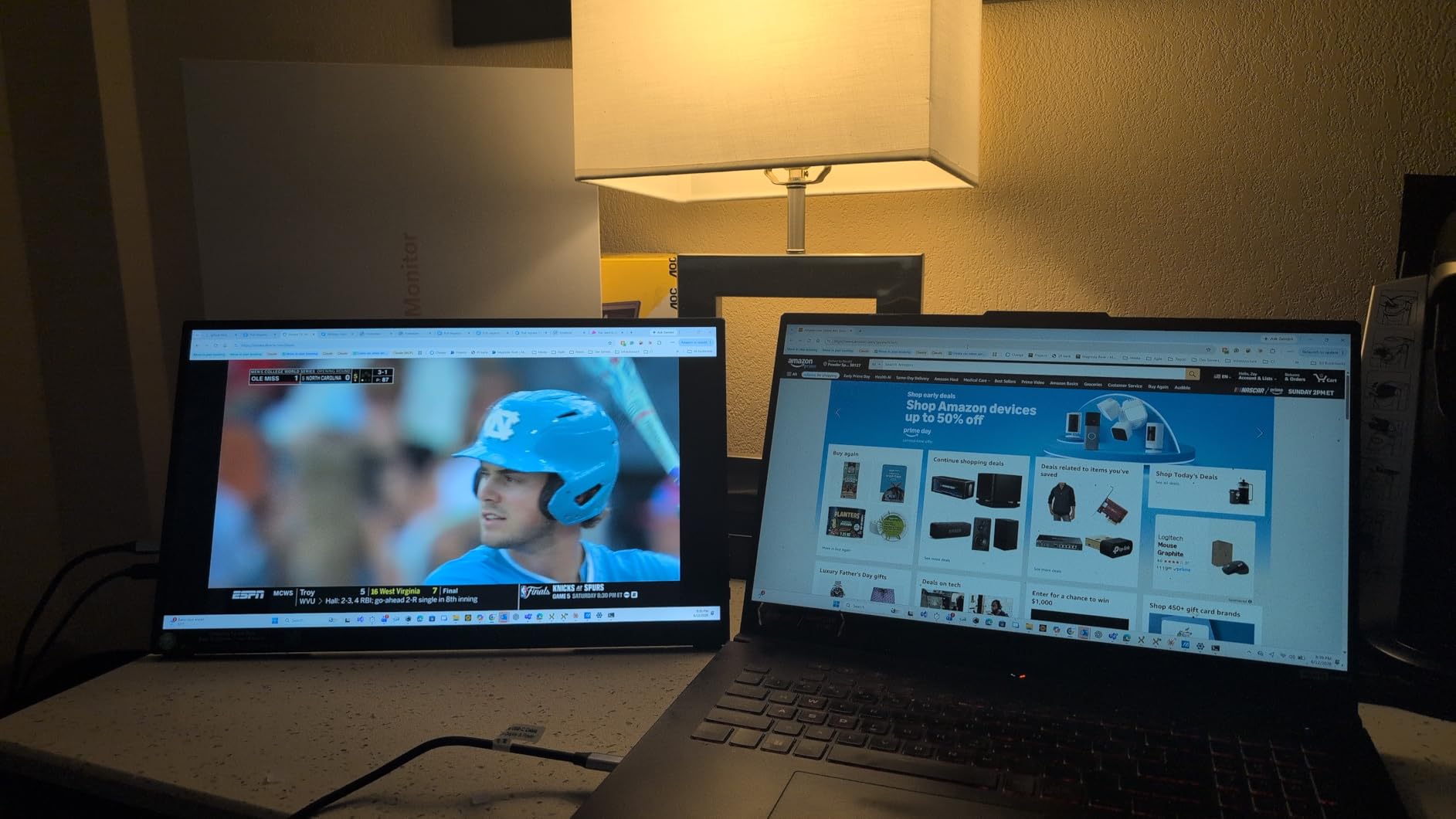
The panel itself is a 15.6-inch 1080p A-grade IPS with 85% sRGB coverage and a listed 280 nits brightness. That is a slightly lower brightness figure than the 300-nit models here, and it shows if you sit it directly in sunlight, but indoors it is entirely serviceable.
Why the VESA holes matter more than they sound
The practical reason to care is the monitor arm. A folding cover stand gives you two or three fixed angles, while a VESA mount gives you full height, tilt and pivot adjustment, plus the option to mount vertically. For anyone who reads long documents or writes code, being able to put the screen on its side next to a laptop is a bigger quality-of-life change than any spec on this list.
It also means you can use a third-party arm instead of relying on the included case, which solves the wobble problem that owners of folding-cover monitors raise often.
Power pass-through and the one-cable promise
Two full-featured USB-C ports plus HDMI with power pass-through reverse charging means you can run a laptop and a second device from one host cable. Owners report reliable one-cable operation across a range of laptops, which is the part that most often fails on cheaper models.
Power consumption is listed at 6 watts, among the lowest here, and the body is 4mm at the slimmest point.
Weight, warranty and the packaging caveat
The manufacturer lists 2.4 pounds as the shipped weight and states the unit weighs 1.5 pounds without the cover, so the number you feel when you pick it up is the lower one. The two-year manufacturer warranty is longer than most rivals offer at this level, and it covers the panel rather than only the electronics.
The honest weakness is the packaging. Owners complain it is bulky for the size of the product, and a few report that orders arrived without the smart cover despite the listing including it. If you need the cover as a stand, check what is actually in the box on arrival.
Best for and best avoided for
Best for: desk setups where you want an arm, vertical document reading, and anyone who plans to keep a monitor for more than a year and values a two-year warranty. Best avoided for: fast games, and for anyone who cares about factory packaging waste.
Viewing angles are listed at 178 degrees, response time at 3 milliseconds, and HDR and FreeSync support are both present, which is a nice bonus at this level even though the panel runs at 60Hz.
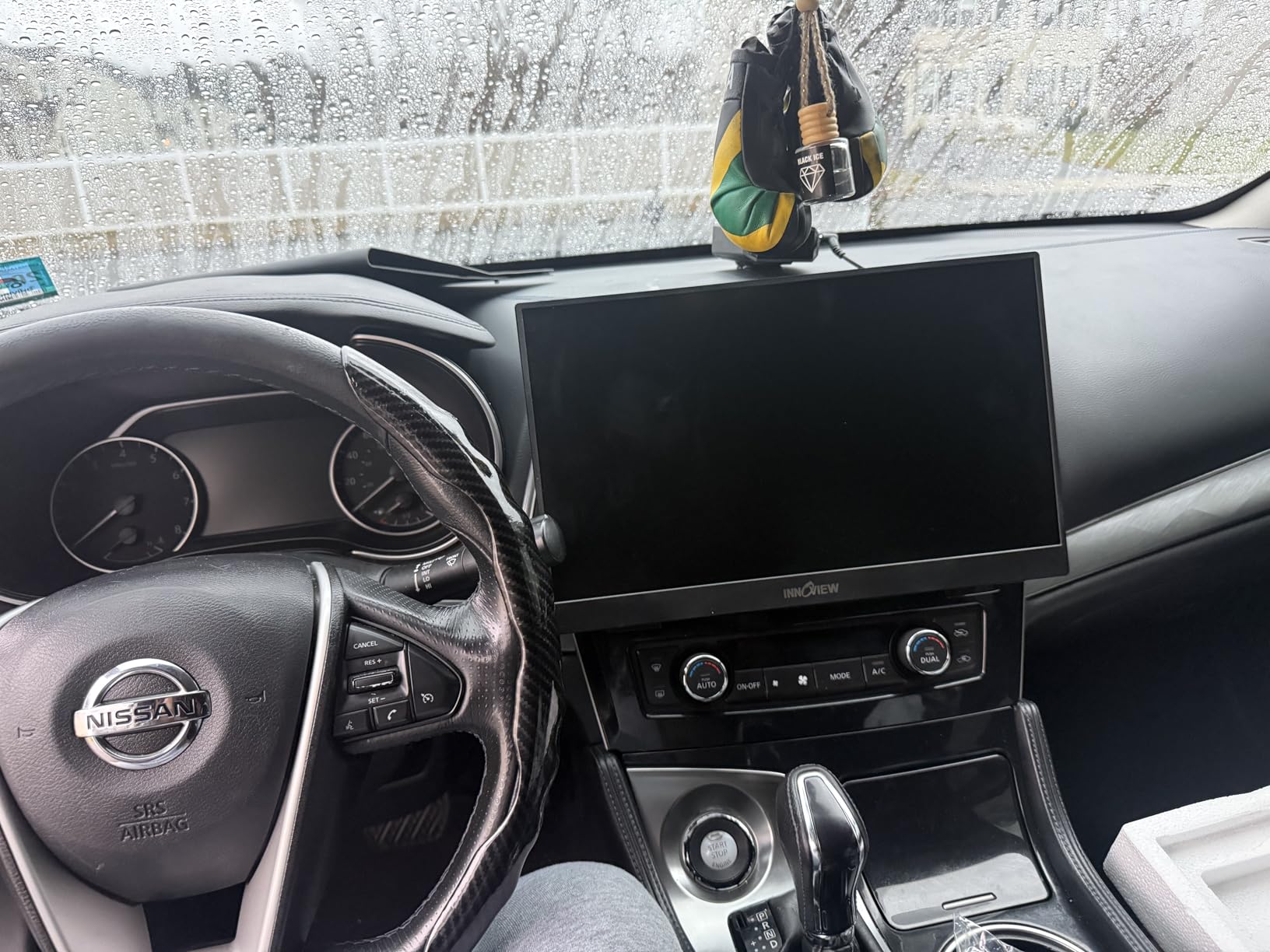
4. InnoView 15.6 Portable Monitor – The Frugal Pick With a Two-Position Stand
InnoView Portable Monitor, 15.6 Inch FHD 1080P HDMI USB C Second External Monitor for Laptop, Desktop, MacBook, Phones, Tablet, PS5/4, Xbox, Switch, Built-in Speaker with Protective Case
15.6 inch 1920x1080 IPS
250 nits brightness
60Hz refresh
2.7 pounds listed
Pros
- No drivers or apps needed for one-cable USB-C
- Full 178 degree viewing angle on an A-grade IPS panel
- PU leather cover converts to a two-position stand
- Works in vertical and horizontal orientation
- 18-month warranty with a 30-day return window
Cons
- 250 nit brightness is the dimmest here
- 18 watt power draw can flicker on low-output ports
- HDMI fallback power cable not included
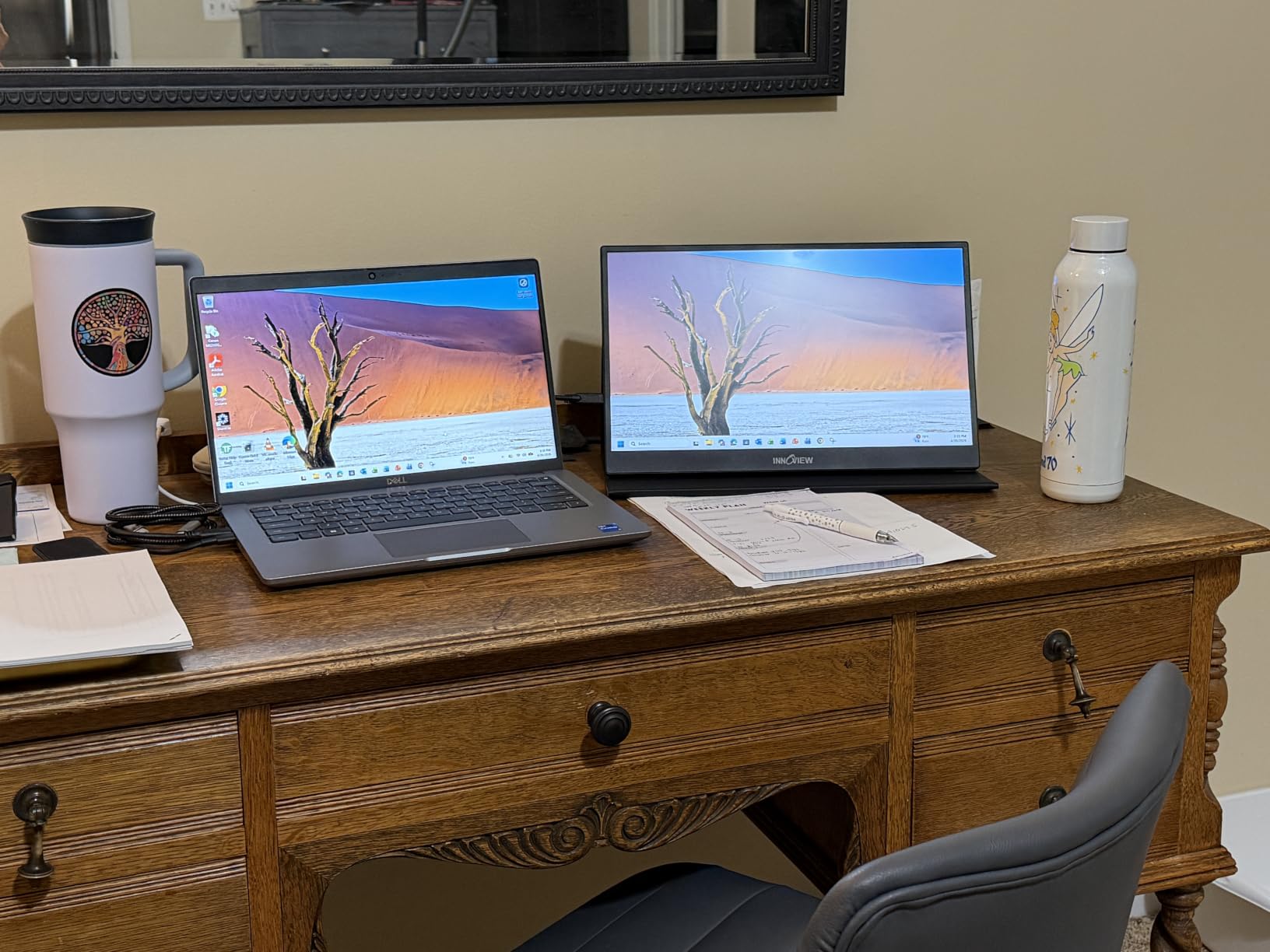
The InnoView INVPM406 is the monitor to look at if your budget is the first thing on your list and you need something that simply works. It has no configuration step: connect USB-C and the picture appears. No drivers, no app, no display settings to hunt through, which for a non-technical second screen is worth a great deal.
The 1200:1 contrast ratio is higher than most of the 1080p IPS panels here, and the listed 178-degree viewing angle is the widest in the roundup, so the screen holds up well when tilted. The panel is matte, so window reflections are not an issue. HDR is supported, though at this brightness level it is a mode more than a real improvement.
The PU leather smart cover converts into a stand with two positions, which is enough to get a sensible viewing angle on a table without adding a separate accessory to your bag.
The 250-nit ceiling and when it becomes a problem
This is one of the dimmest panels in the lineup at 250 nits, joined by two others, and it is the main reason to choose a different model if you work near a window or in a very bright room. Indoors, at normal desk lighting, it is perfectly usable. Outdoors or directly under a strong light, it is not, and no brightness setting changes that.
If you travel a lot but mostly work in hotel rooms and cafes with shade, this is fine. If you are taking calls in a bright space, move up to a 300-nit model.
Power draw and the HDMI caveat
Listed power consumption is 18 watts, the highest in this group, and owners report that this can cause flicker or restarts when connected through low-output USB-C ports. Power pass-through reverse charging over USB-C is supported, so you can keep a laptop topped up from the monitor.
There is one genuine gap: the HDMI fallback power cable is not included in the package. If you plan to use the HDMI port, buy a cable. There is also an 18-month warranty with a 30-day return window, which is shorter than the two-year coverage some rivals offer.
Weight and what that means in a bag
The listed weight is 2.7 pounds, which is heavy for a 15.6-inch portable monitor and noticeably heavier than the 1.4 to 1.7 pound models in this roundup. The depth at 0.26 inches is genuinely slim, so the bulk is in the chassis and stand rather than the profile.
If you are packing for a flight, that extra pound adds up faster than you would expect across a full kit of laptop, charger and cables.
Who should buy it and who should not
Buy it if you want the simplest possible second screen, work mostly indoors, and want a monitor that does not ask questions. Skip it if weight in your bag matters or you regularly work in bright light.
There is a built-in speaker for calls and alerts, though owners generally treat it as a backup rather than a primary audio source.
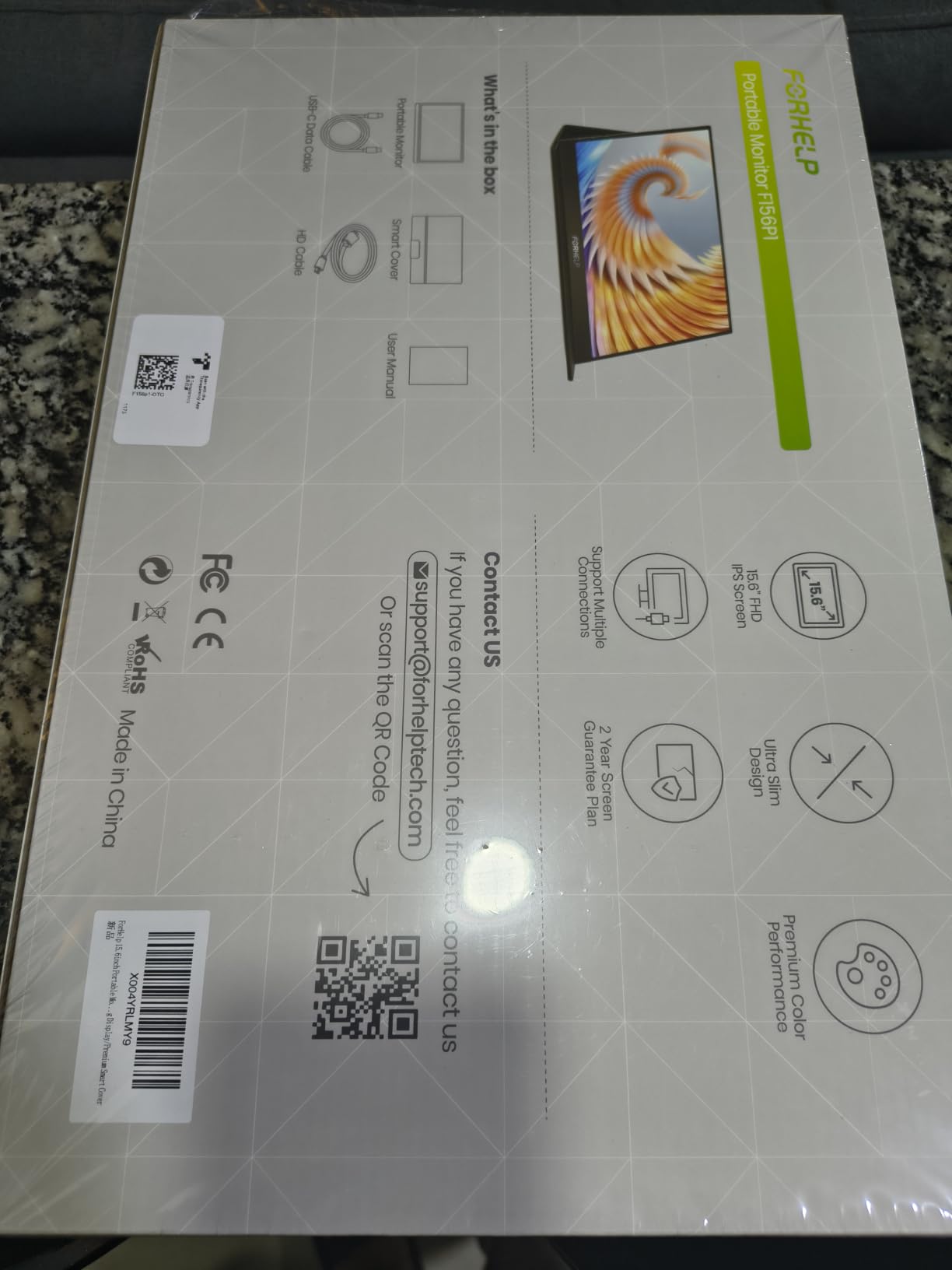
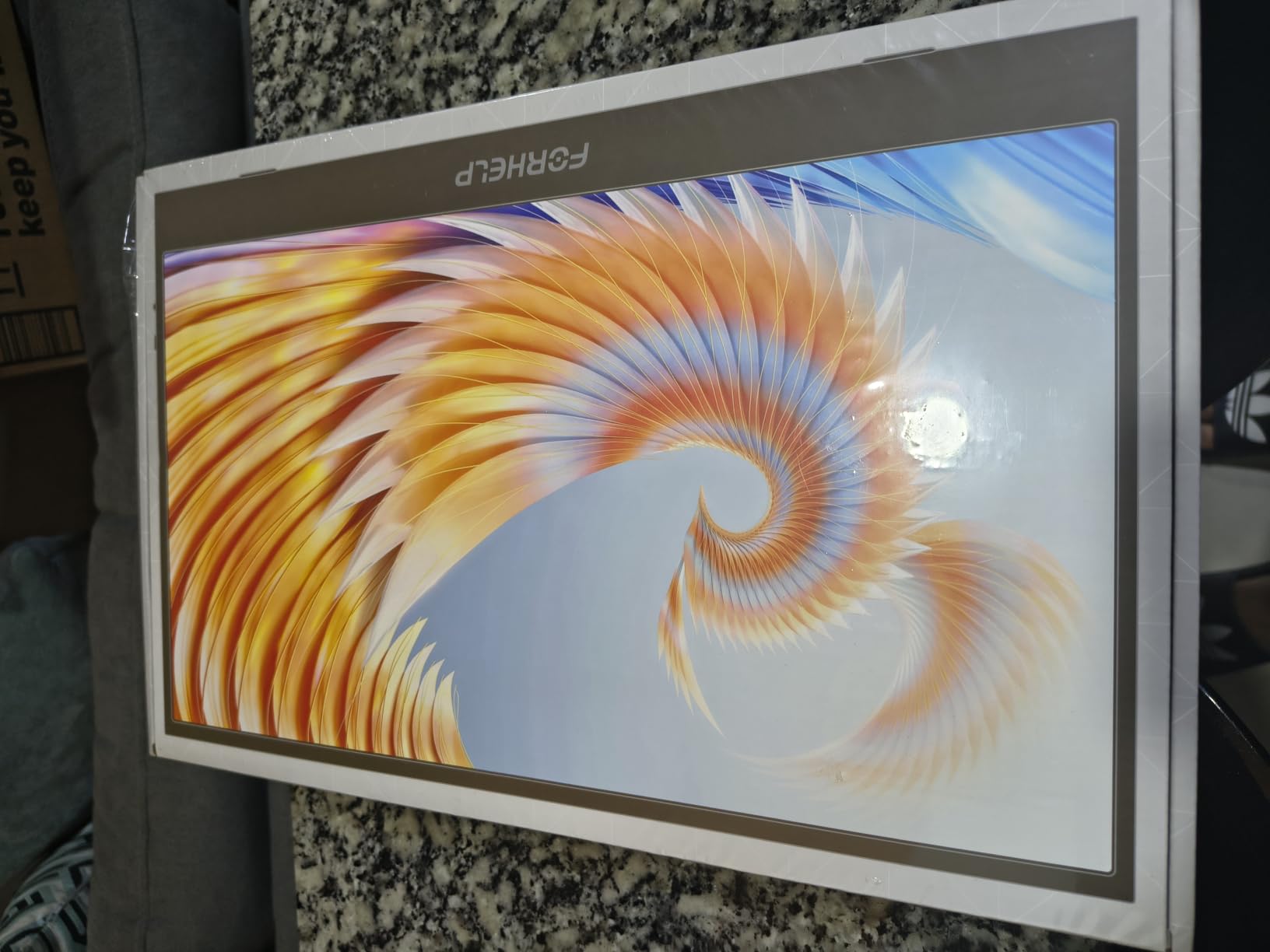
5. ForHelp 15.6 Portable Monitor – A Metal Chassis at a Budget Price
ForHelp 15.6inch Portable Monitor,1080P USB-C HDMI Second External Monitor for Laptop,PC,Mac Phone,PS,Xbox,Swich,IPS Ultra-Thin Zero Frame Gaming Display/Premium Smart Cover
15.6 inch 1080p matte IPS
300 nits brightness
60Hz refresh
1.52 pounds aluminium
Pros
- Aluminium alloy body at 1.52 pounds and 0.3 inches
- 300 nit matte IPS panel with 178 degree viewing angle
- Two full-featured Type-C ports plus mini-HDMI
- Magnetic smart holster doubles as a stand
- Two built-in speakers and multiple display modes
Cons
- 60Hz refresh rate
- Mini-HDMI port sits on one side edge only
- Inconsistent size listings between 15 and 15.6 inch
The ForHelp F156P1 stands out for a reason that has nothing to do with the panel: it is an aluminium alloy body at 1.52 pounds and 0.3 inches thick. At this price level, most competitors are plastic. A metal chassis does not improve the image, but it changes how the monitor feels to fold, carry and set down, and it dissipates heat better over a long workday.
Underneath, the panel is a familiar and well-executed 15.6-inch 1080p matte IPS at 300 nits with a 178-degree viewing angle and a listed 1-millisecond response time. As always at 60Hz, that response figure is a specification rather than something you will see.
Connectivity is two full-featured Type-C ports plus a mini-HDMI port, and the box includes a 1.2 meter full-function Type-C cable, a 1.5 meter mini-HDMI cable and a USB-A power cable. That is a more complete cable bundle than most rivals include.
Build quality as the differentiator
Owner reviews consistently mention the aluminium chassis as the thing that makes this monitor feel more expensive than it is. It does not flex when you adjust the angle, and it survives being folded into a bag with the cover on far better than the plastic-bodied models here.
Heat dissipation matters more than it sounds. A monitor that runs warm in a laptop bag degrades faster, and a metal body handles that better than plastic.
Brightness and colour in real conditions
300 nits with a matte finish is the combination we look for. It is bright enough for a bright cafe with the back to a window, and the matte surface means you are not fighting reflections while you work. The 1000:1 contrast ratio is standard for the category and perfectly adequate for documents and code.
HDR mode is available, and as with the other IPS panels here it produces a brighter image rather than a dramatic improvement in dynamic range.
The port placement problem
The mini-HDMI port is located on one side edge only, which owners report can strain cabling depending on which side of the table the laptop sits. If you plan to run HDMI rather than USB-C, check the port side against your setup before committing.
There is also a known inconsistency in the size listings, where some pages show 15 inches and others 15.6 inches. The panel is a 15.6-inch 16:9 unit.
Where the 60Hz limit bites
Same story as most of this list. For work, calls and light gaming it is fine. For anything with fast motion, it is not, and the 1-millisecond response rating does not change that. The magnetic smart holster doubles as a stand, which keeps the packing list short.
6. VisionOwl 15.6 Portable Monitor – Premium Build With Real VESA Holes
VisionOwl Portable Monitor 15.6 Inch 1080P FHD 85% sRGB Second Screen, USB-C HDMI HDR FreeSync Travel Monitor for Laptop PC MacBook PS5 Xbox, VESA Mountable, with Speakers, Cover Stand, Silver
15.6 inch 1080p IPS
300 nits brightness
60Hz refresh
Aluminium at 1.4 pounds
Pros
- Aluminium body with better heat dissipation than plastic
- Two standard 75x75mm VESA mounting holes
- Dual full-function USB-C can power two screens
- Sharp bright image at 85 percent sRGB
- Two-year warranty and full accessory bundle
Cons
- Weak built-in speakers
- No auto-brightness
- Does not include a vertical-orientation stand
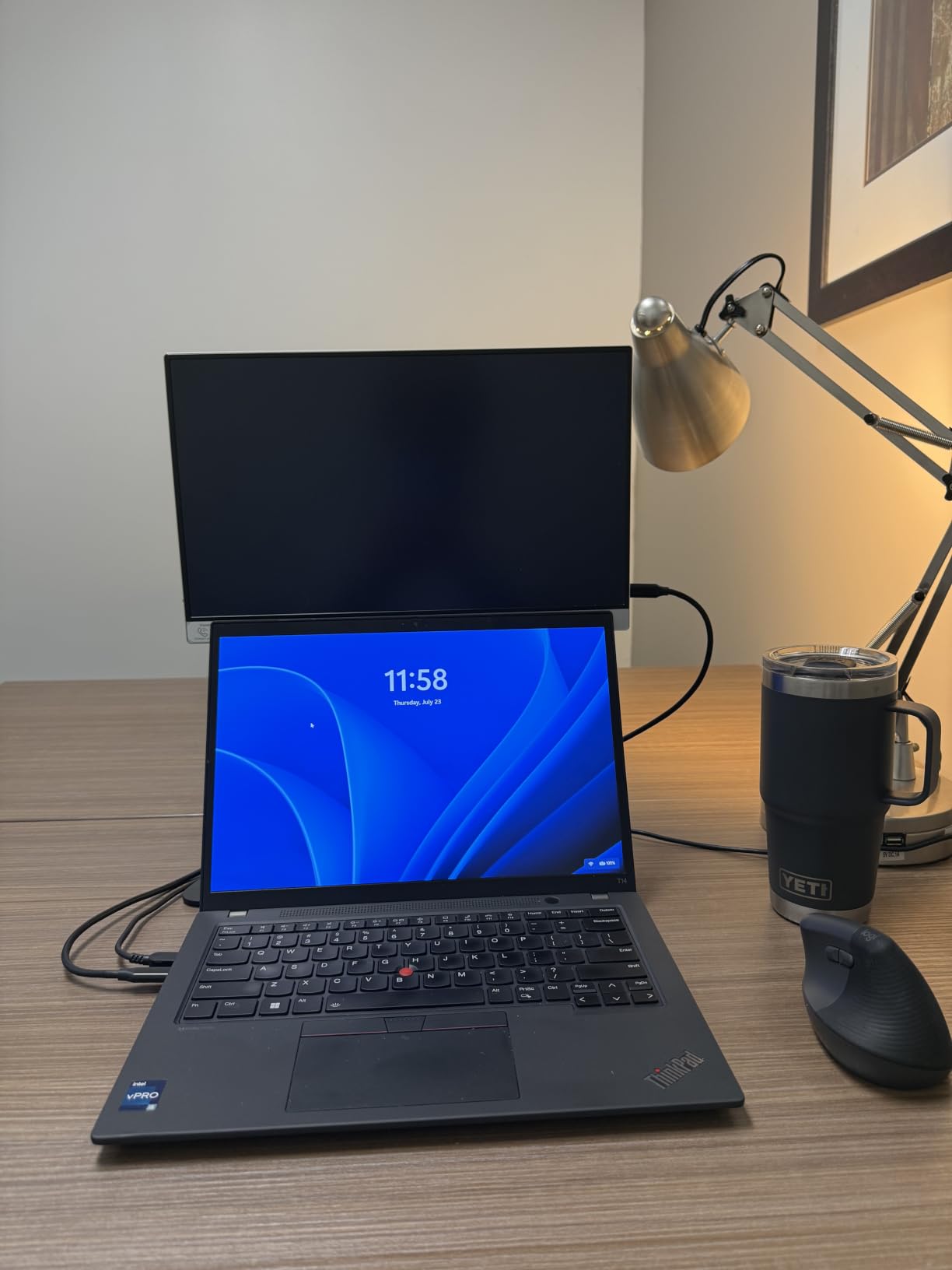
The VisionOwl Y1 is among the most refined-looking monitors in this roundup, and the reason is that it does two things almost nobody else does at this level: it uses a proper aluminium alloy body, and it includes standard 75x75mm VESA mounting holes. Those are the same holes you would use on a desktop monitor arm, which means you can put this on a proper stand and set the height exactly where you want it.
Owners rate it at 4.8 stars across more than 3,400 reviews, and the recurring theme is that it feels like a more expensive product. The image is a 15.6-inch 1080p IPS with 85% sRGB coverage, 300 nits brightness, 1000:1 contrast and 178-degree viewing angles, with a matte finish that keeps reflections out of the way.
It also includes a power adapter and a full cable set in the box, which removes the most common setup friction. A two-year warranty is included.
Why dual full-function USB-C matters on this one
Because both USB-C ports are full-function, this monitor can drive a second display from the same host cable. That is a genuinely useful feature if you are running a two-screen travel kit, and it is the reason this model appears in multi-screen setups more often than its specification sheet would suggest.
Standard HDMI is also present, alongside HDR and FreeSync support. FreeSync at 60Hz is of limited use, but it does no harm and helps with frame pacing in some games.
Weight, thickness and heat
The body is listed at 1.4 pounds, or 2.3 pounds with the cover, and measures 0.23 inches thick at the slimmest point. That makes it one of the more travel-friendly metal-bodied options here. Owners specifically mention better heat dissipation than plastic-bodied rivals, which matters for a screen used all day.
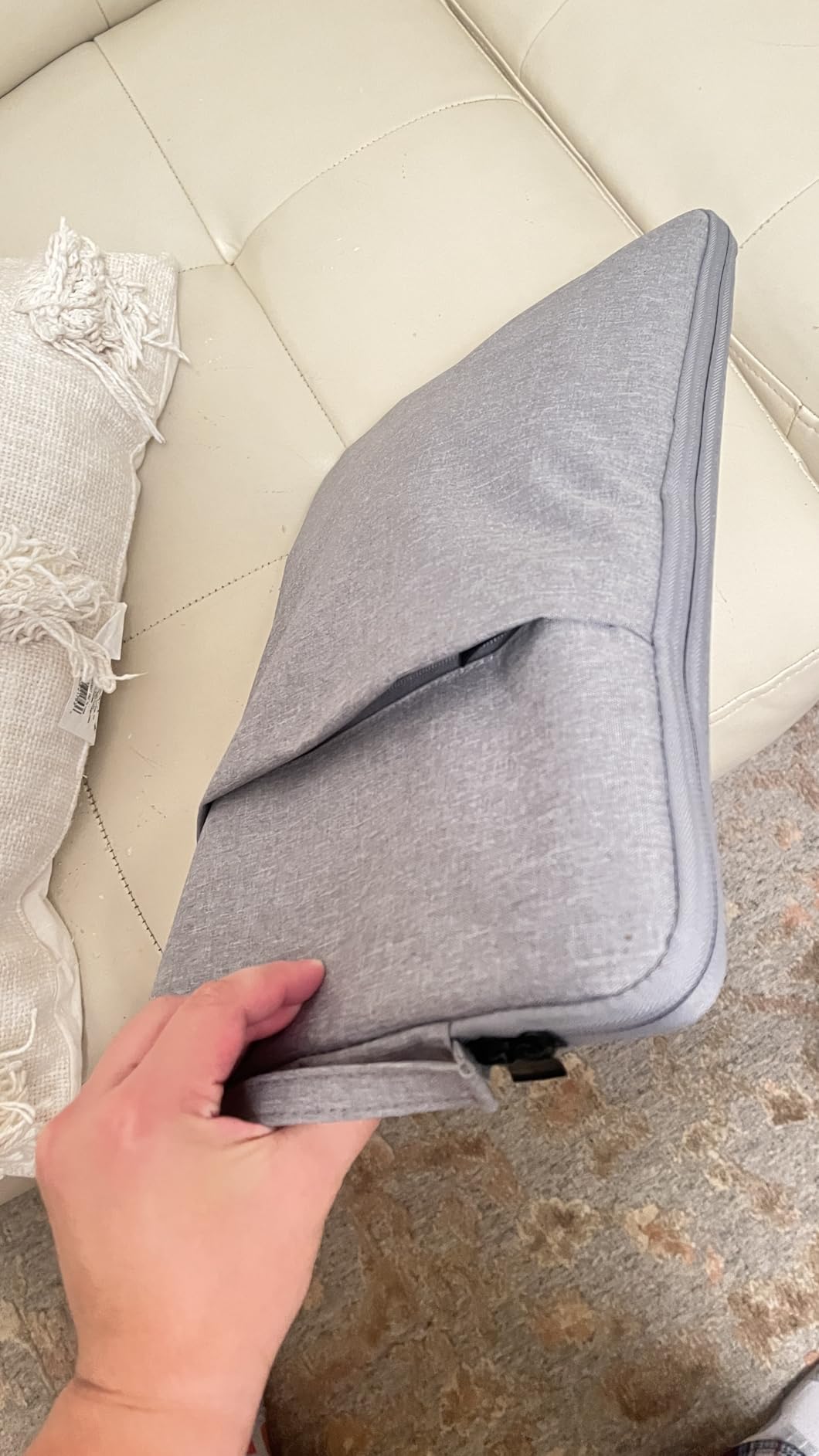
The protective smart cover folds into a stand, so the VESA holes are an option rather than a requirement.
The two criticisms owners actually raise
First, the built-in speakers are weak. They are present, and there are two of them, but owners describe them as adequate for system beeps and not much more. Bring headphones if audio matters.
Second, there is no auto-brightness, so you manage brightness manually. On a screen this bright that is a minor annoyance, but on a plane at night with a dark cabin it is a feature you will miss.
Who this is for
This is the pick for someone who wants a portable monitor that also works as a desk monitor on an arm, and who will keep it for years. The 60Hz refresh rate and the absent vertical stand are the trade-offs. If you need portrait orientation, buy a monitor arm and mount it yourself, which is exactly what the VESA holes are for.
7. ARZOPA 16.1 Portable Monitor – The Only High-Refresh Gaming Pick Here
ARZOPA 16.1” 144Hz Portable Gaming Monitor 106% sRGB – Z1FC
16.1 inch 1080p IPS
144Hz refresh and 1ms
300 nits at 106 percent sRGB
Adjustable kickstand
Pros
- 144Hz refresh with 1ms response time
- 16.1 inch panel with a 106 percent sRGB gamut
- Adjustable kickstand holds vertical orientation
- Two full-function USB-C ports plus mini-HDMI
- Downscales 4K console sources
Cons
- No adaptive sync on this model
- Ports sit on the top edge
- No protective cover included
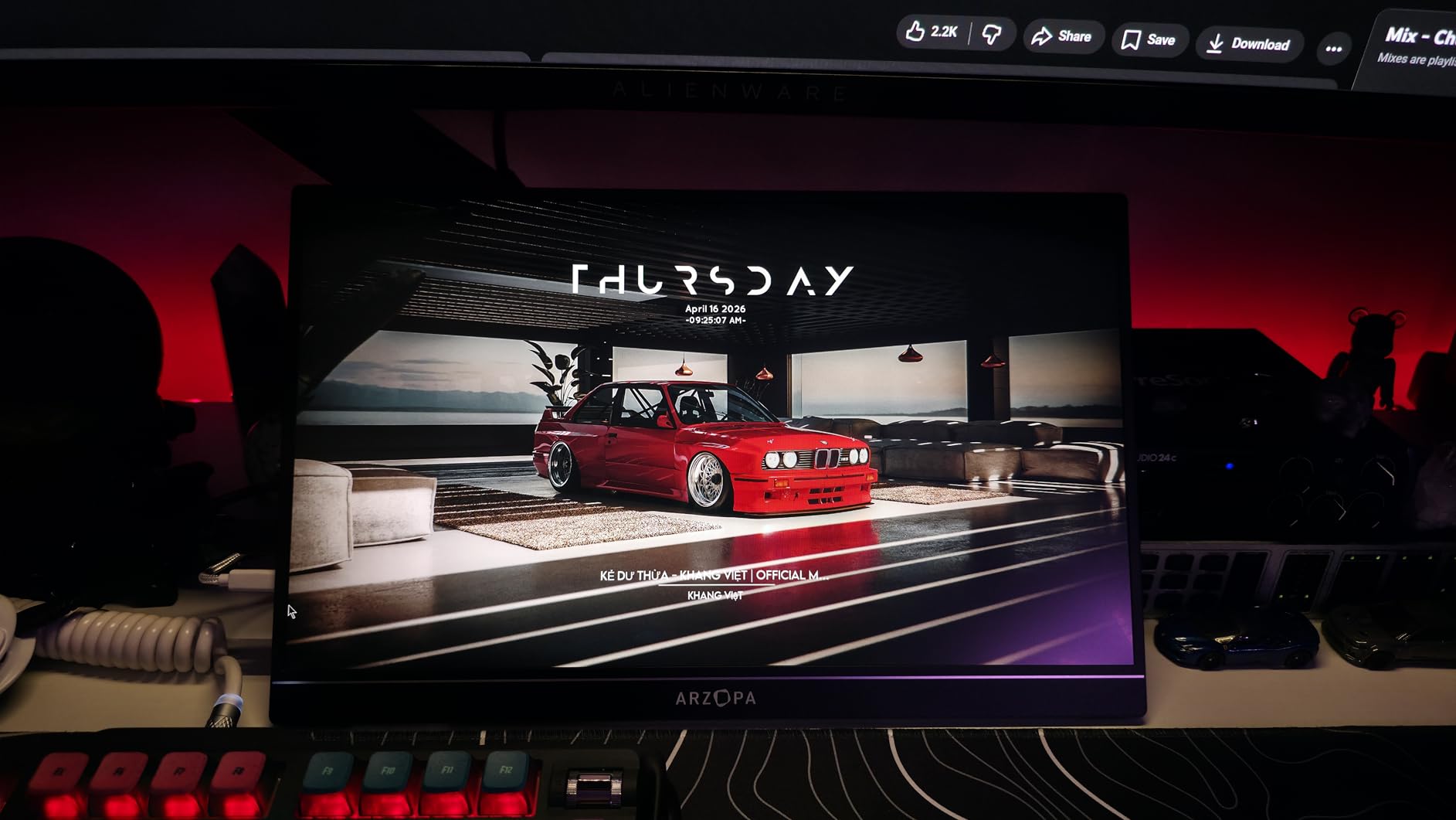
The ARZOPA Z1FC is the reason this roundup is not entirely made of 60Hz panels. It runs at 144Hz with a listed 1-millisecond response time, and at 16.1 inches it is the largest screen in the group. For handheld gaming that combination matters more than anything else on this list.
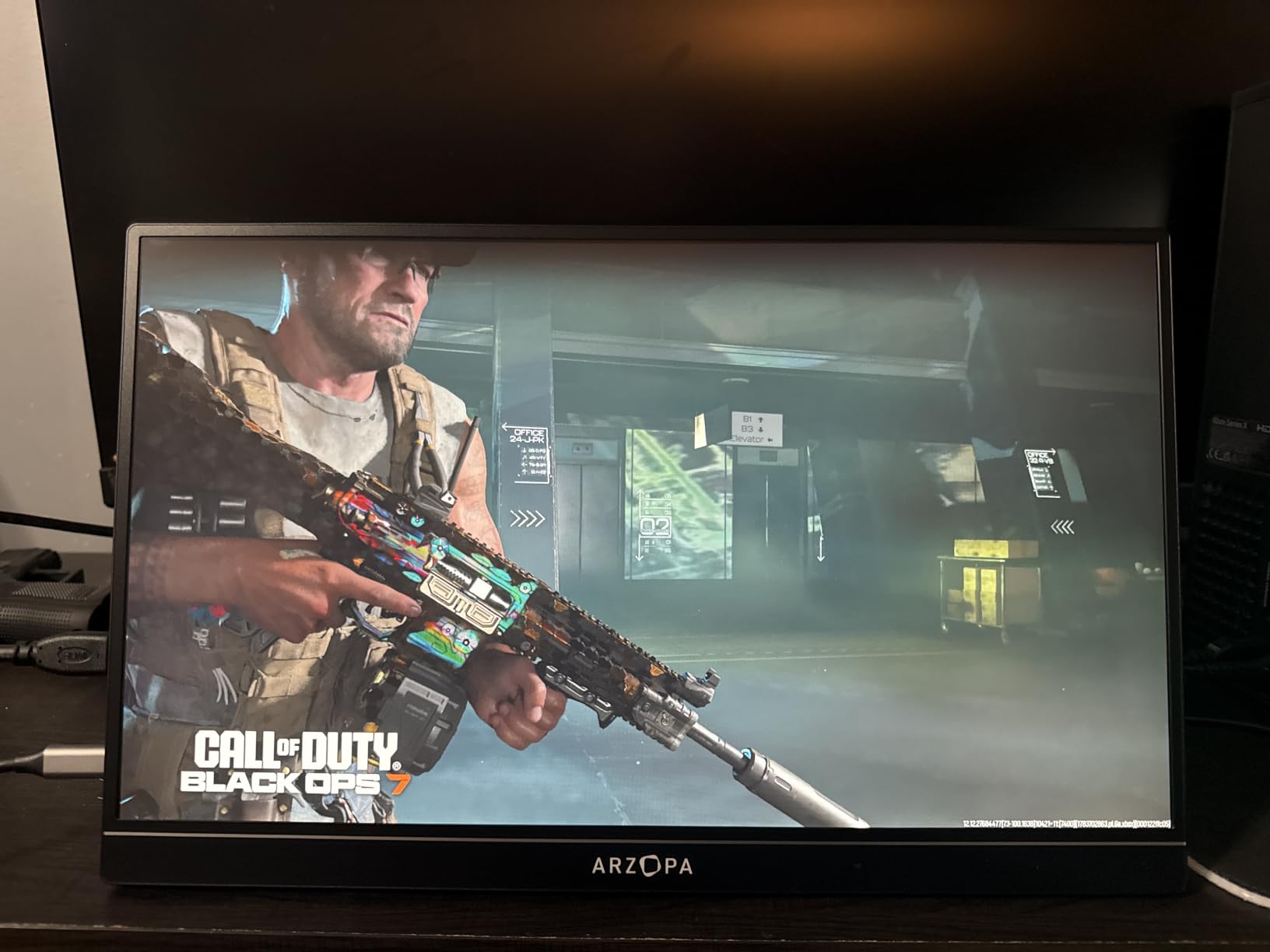
Handheld gamers on Steam Deck, ROG Ally and Legion Go devices are exactly the audience forum discussions point to. The two full-function USB-C ports and mini-HDMI mean it connects to all three without an adapter, and the 16:9 aspect ratio matches handheld output natively, so you are not letterboxing.
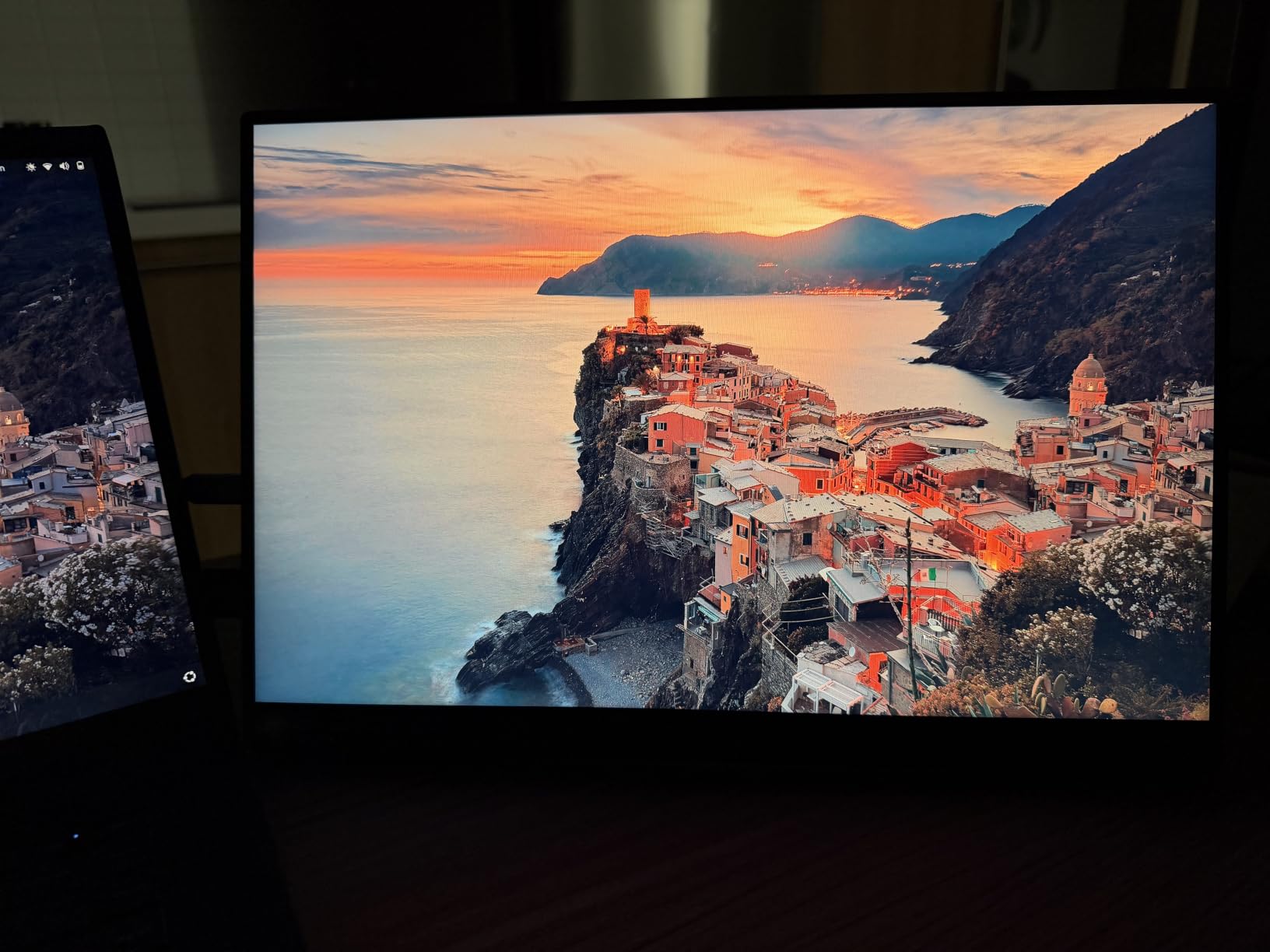
Colour is the other strength. At 106% sRGB and 300 nits, this panel covers a wider gamut than every other pick here, and it is a step up for anything beyond gaming, including photo and video review.
Why 144Hz changes the handheld experience
A 7-inch handheld screen at 60Hz looks fine on its own. Connected to a 16.1-inch 144Hz display, the same game reads as a completely different product, because motion is smoother and the screen is large enough to see detail in the periphery. This is the one monitor here that meaningfully changes how a handheld feels.
It also downscales 4K sources to 1080p, which is directly useful for PS5 and Xbox Series consoles as well as a desktop PC driving the panel at a higher resolution.
The kickstand, and the port problem that comes with vertical use
The built-in kickstand is adjustable and holds both horizontal and vertical orientation, which is unusual and useful for a 16-inch panel. There is a catch: the ports sit on the top edge, so in vertical orientation the cables run upward from the top of the screen. Owners report this looks awkward and puts strain on the connectors.
No protective cover is included, and the panel is fragile in a padded bag. If you travel with it, buy a sleeve. This is a real gap given how portable the rest of the design is.
Missing adaptive sync and the 2-year warranty
Despite marketing imagery, this Z1FC model does not include adaptive sync or FreeSync. At 144Hz without sync, you may see tearing in games where your frame rate fluctuates, though many players do not notice at this refresh rate. The two-year warranty is solid and worth noting given the higher-refresh panel.
Weight is listed at 1.42 kg, which is heavier than the pound-class models here, and it is the largest panel in the roundup. That is the cost of a bigger, faster screen.
Who should skip it
Skip it if your main use is documents and email, where 144Hz buys you nothing and the larger, heavier body is a pure packing cost. This monitor is worth its weight for games and nothing else.
8. VILVA 15.6 Portable Monitor – Metal Casing, FreeSync and a Two-Year Warranty
VILVA 15.6″ FHD IPS USB-C HDMI Portable Monitor
15.6 inch 1080p IPS
300 nits brightness
60Hz refresh
Metal casing
Pros
- Metal casing gives a sturdier feel than plastic rivals
- 300 nit IPS panel with a magnetic leather cover stand
- FreeSync support for smoother playback on AMD GPUs
- Very low power draw topping out near 4 watts
- Two-year manufacturer warranty
Cons
- May need external power and none is included
- 160 degree viewing angle is the narrowest here
- Weak built-in speakers
The VILVA V156F1 is one of three monitors here with a metal casing, and that single fact changes the feel of it. Combined with a two-year manufacturer warranty, it is a reasonable fixed-desk second screen for someone who wants something that feels solid and will not be replaced every two years.
The panel is a 15.6-inch 1080p IPS at 300 nits with a matte finish, which is the brightness and surface combination we look for. Contrast is listed at 800:1, the lowest in the group, and you can see that slightly in dark scenes, though it does not affect document or code work.
FreeSync support is included, which is unusual at this level and helps with frame pacing on AMD graphics hardware. Power draw tops out near 4 watts, among the lowest here.
The external power problem, and how to handle it
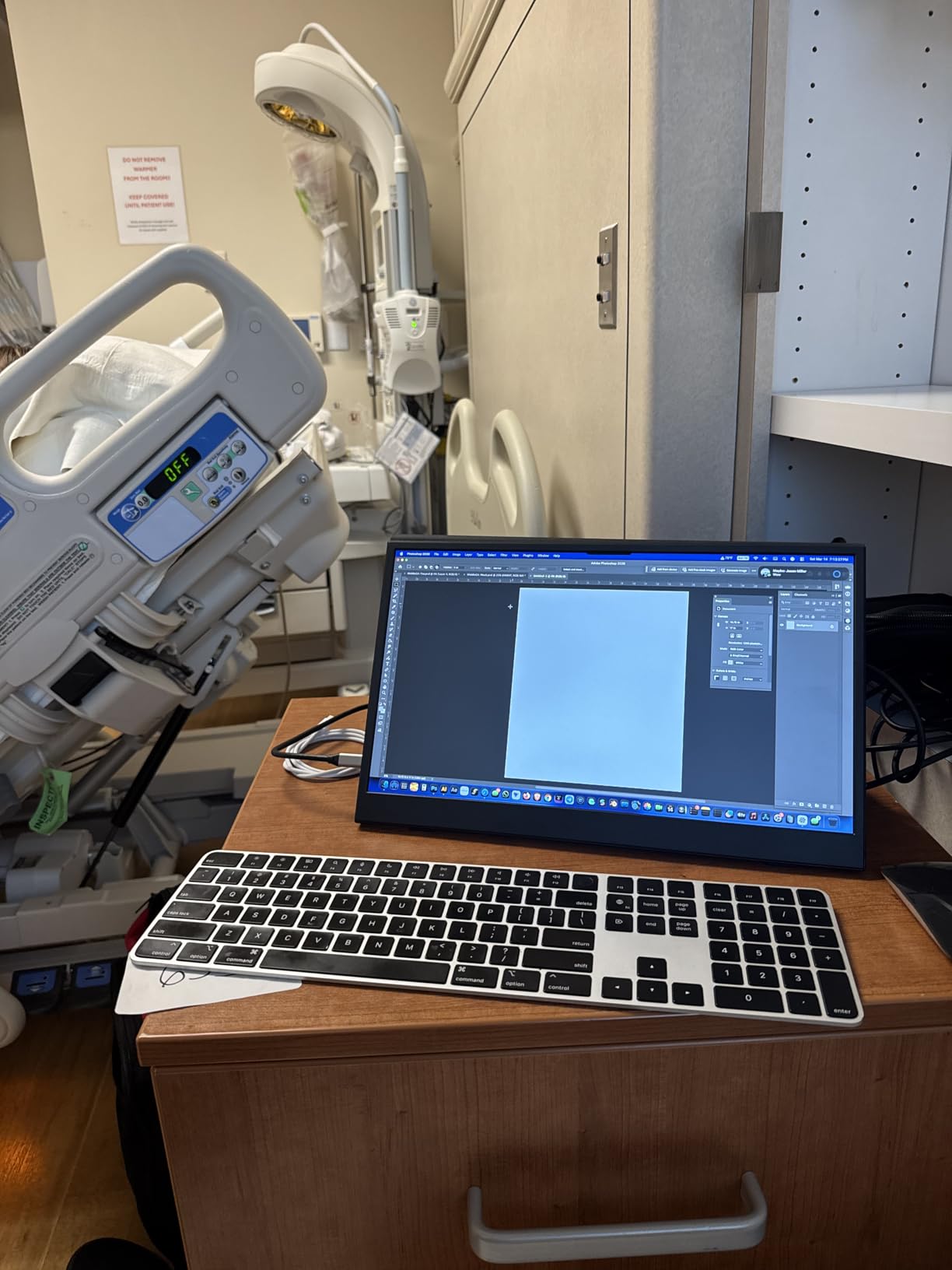
This is the most important thing to know about the VILVA before you buy it. Owners report that it is not reliably plug-and-play on USB 3.0 ports, and that external power is often required, with no power supply included in the box. If you are using an older port or a device with a weak USB-C implementation, this monitor may show no picture at all until you add power.
That makes it a poor choice as a first portable monitor if you are not certain your port works. It is a fine choice as a desk unit where you can keep a charger plugged in permanently.
Viewing angles are the narrowest here
At 160 degrees, this is the tightest viewing angle in the roundup, and it is the one specification that genuinely differs from the 178-degree standard most rivals meet. On a desk where the screen sits square to you, you will not notice. Tilting it far to the side on a couch or in bed, you will.
What is in the box
A USB-C to USB-C cable and a mini-HDMI to HDMI cable are included, along with the magnetic leather smart cover that doubles as a stand. There are built-in dual stereo speakers, which owners describe as weak but functional for system audio.
Response time is listed at 2 milliseconds and refresh rate at 60Hz.
Who this suits
Buy it for a home desk where it will be plugged in and never moved, particularly on an AMD system where FreeSync is useful. Avoid it as a grab-and-go travel screen unless you are confident your USB-C port delivers enough power on its own.
9. Yxk 15.6 Portable Monitor – A Zero-Frame Build for Document-Heavy Travel
Yxk Portable Monitor 15.6 Inch 1080P 60Hz IPS HDR Ultra-Slim Travel Monitor with Dual Speakers USB-C HDMI Second Screen for Laptop PC Mac Phone Xbox PS4/5 Switch, VESA Kickstand, Zero Frame Gaming
15.6 inch 1080p IPS
250 nits brightness
60Hz refresh
1.4 pounds and 0.31 inches
Pros
- Very light at 1.4 pounds and 0.31 inches thick
- Zero-frame design with 178 degree viewing angles
- Two full-featured Type-C ports plus mini-HDMI
- Adjustable kickstand with VESA support
- Dual built-in speakers and HDR mode
Cons
- Narrow 72 percent sRGB colour gamut
- 250 nit brightness
- 60Hz refresh rate
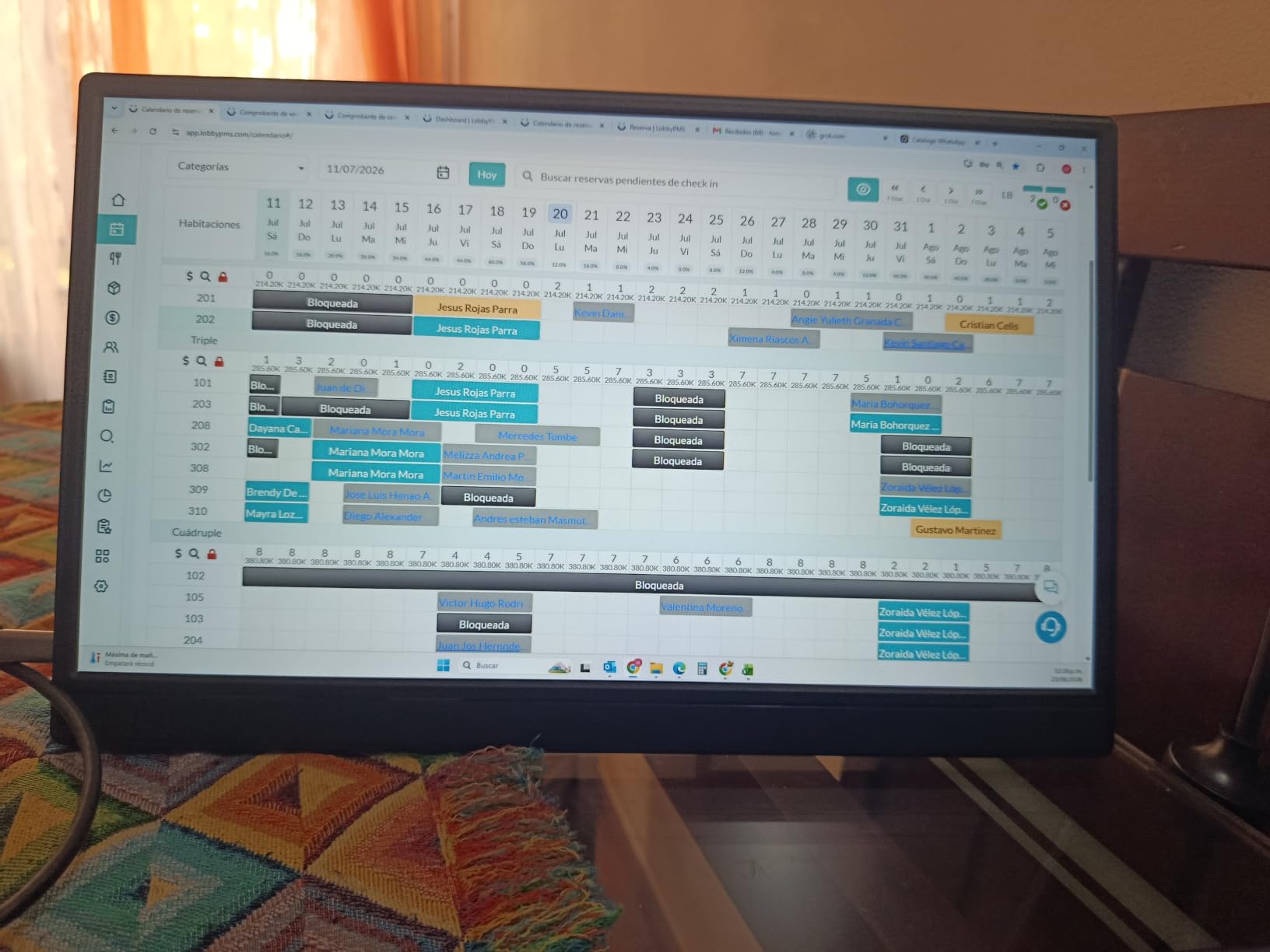
The Yxk Y1562 is about as close to a no-compromise travel monitor as this money allows. At 1.4 pounds and 0.31 inches thick, with a zero-frame design, it disappears into a laptop bag in a way the heavier models here do not. If your priority is carrying a second screen across several countries rather than mounting it on an arm, this is a strong pick.
It also has an integrated kickstand with VESA mounting support, which is unusual at this weight and price. That gives you the option to use it freestanding on a table or mount it later.
Two full-featured Type-C ports and a mini-HDMI port cover laptops, phones, PS4, PS5, Xbox and Switch, which makes it a genuinely portable second screen for console travel as well as work.
Where the colour falls short
The 72% sRGB gamut is tied for the narrowest in this roundup, and it is the specification that most limits what you can do with this screen. Text, spreadsheets and web pages are unaffected. Photo and video work is where you will notice, because colours will look visibly less saturated than on a modern laptop display.
Brightness is listed at 250 nits, which is the indoor floor. It works in a normally lit room and struggles in direct sun. For the document and console travel use case this monitor is built for, that trade is reasonable.
The kickstand and zero-frame design in practice
The zero-frame bezel gives the panel a larger usable area within the 15.6-inch footprint, which matters when you are working at 1080p. The integrated kickstand adjusts for viewing angle, and because the screen is light, the stand does not need to be particularly robust to hold it steady.
Two built-in speakers are included for portable audio, and copy, extension and second-screen display modes cover the usual workflows.
Why console owners like this one
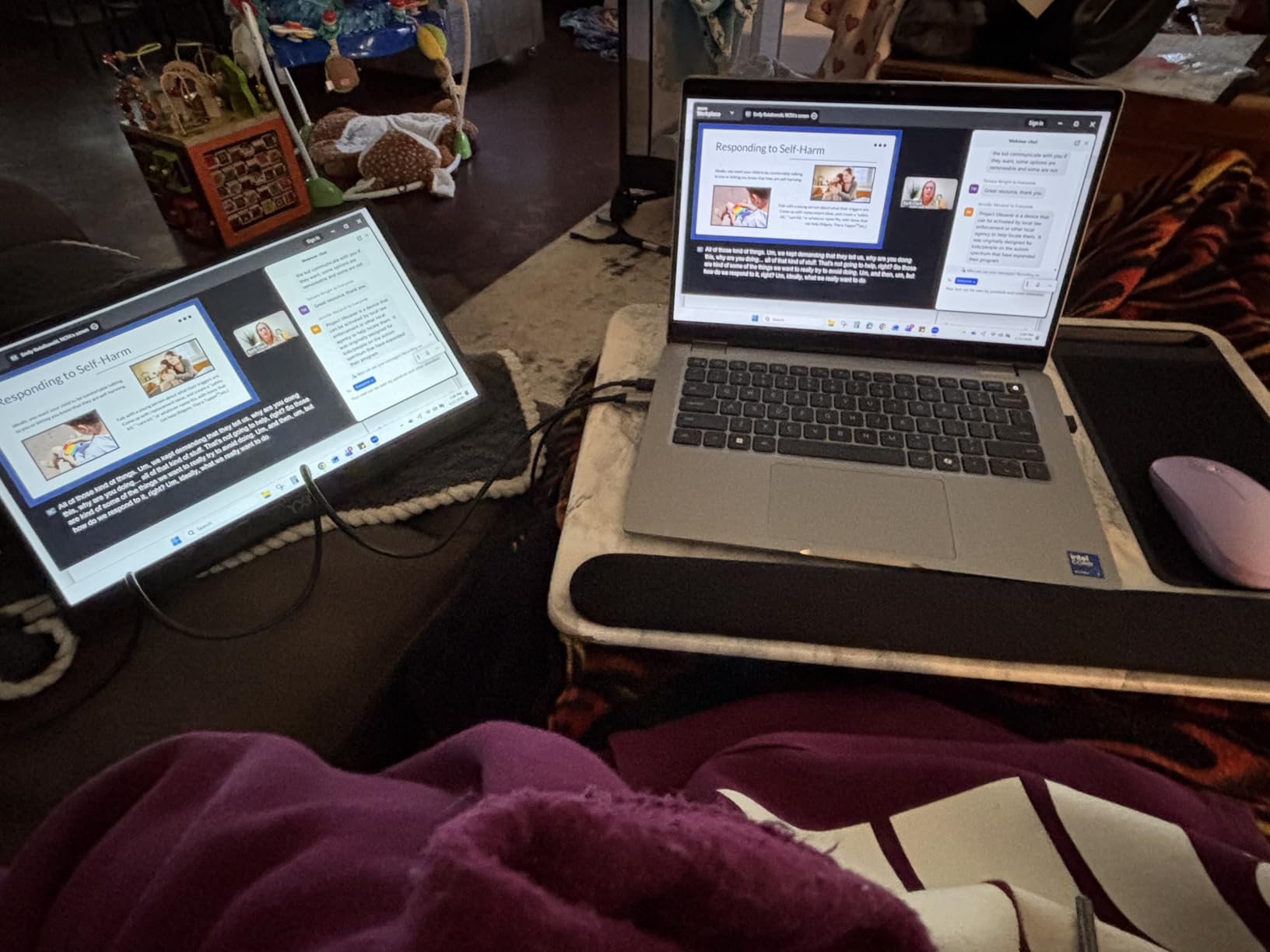
The combination of low weight, HDMI plus full-function USB-C, and a 178-degree viewing angle makes this a practical second screen for a PS4, PS5, Xbox or Switch on the go. The 60Hz refresh rate matches what current consoles output anyway, so for console play there is essentially no penalty.
Who should look elsewhere
If you edit photos or video, skip this one. A 106% sRGB panel exists in this roundup for less than the price difference you would expect, and colour accuracy is the one thing you cannot add later with a software setting.
10. ViewSonic VA1655 – The Warranty You Are Actually Buying
ViewSonic VA1655 16 Inch 1080p Portable Monitor, FHD IPS External Screen
15.6 inch 1080p IPS
250 nits brightness
60Hz refresh
Three-year limited warranty
Pros
- Established display brand with a three-year limited warranty
- Single USB-C handles data video and two-way power
- 0.7 inches thick and 1.5 pounds
- Integrated foldable stand for vertical or horizontal
- Protective sleeve and both cables included
Cons
- 250 nit brightness
- 7 millisecond response time is slow
- No built-in speakers
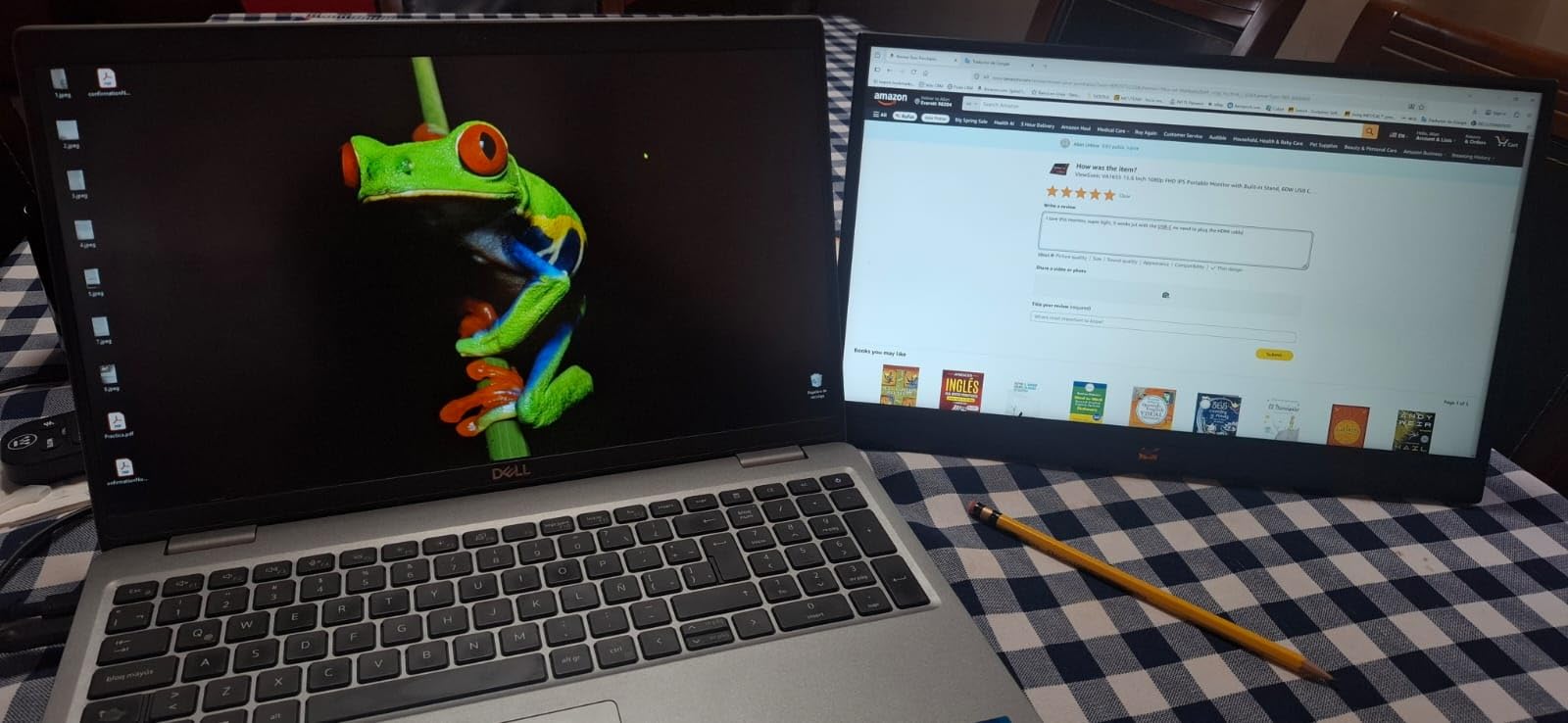
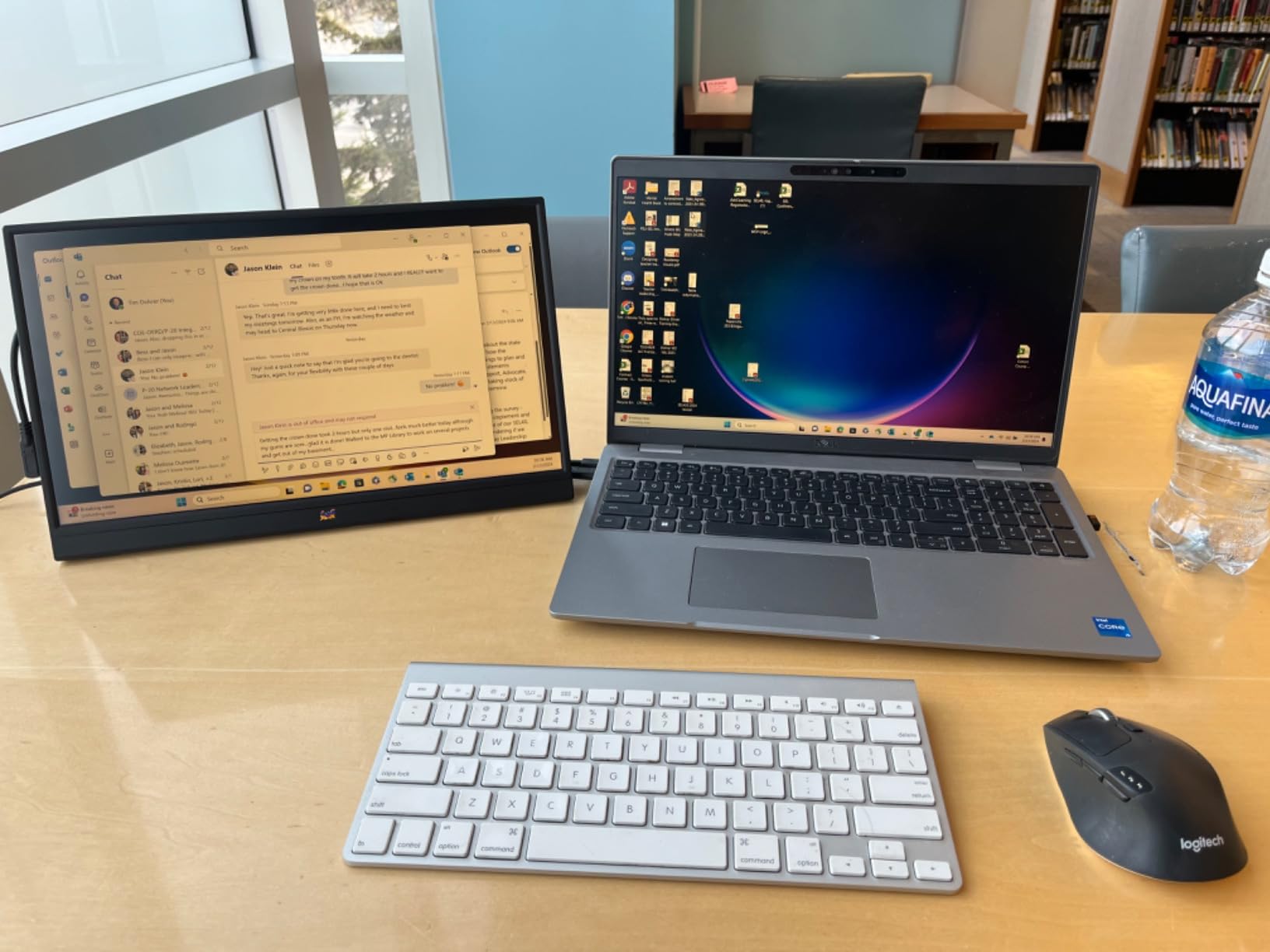
The ViewSonic VA1655 is the pick for anyone who is buying a monitor to keep. ViewSonic is an established display brand, and the three-year limited warranty covers parts, labour and the backlight. Forum discussion of this category repeatedly names brand-name backing as the thing that reduces anxiety about early panel failure, and this is the clearest example of that in the lineup.
The single USB-C connection handles data, video and two-way power pass-through, so one cable does everything. A mini-HDMI input covers older devices, and both a USB-C cable and a mini-HDMI to HDMI cable are included along with a protective sleeve.
Power consumption is listed at 5.1 watts, which is efficient enough for travel and for use on battery power without fuss.
Where it trails the newer budget designs
Brightness is 250 nits, on the indoor floor rather than the 300-nit step up, and the listed response time is 7 milliseconds, the slowest in this roundup. At 60Hz neither figure will be visible in normal work, but both put this monitor behind newer rivals on paper.
The body is 0.7 inches thick, which is nearly double the 0.3-inch designs here, and the bezel is not the slim zero-frame style that newer models use. In a bag you will feel the difference.
The integrated foldable stand is genuinely useful
Unlike a cover that doubles as a stand, this is an integrated foldable stand built into the chassis. It supports both portrait and horizontal modes without adding a separate accessory, and because it folds flat the whole unit stays slim in a sleeve. For someone who flips between a tall document view and a wide spreadsheet view, that is a real workflow advantage.
What you give up by choosing the safer brand
There are no built-in speakers on this model, which is the clearest functional gap. If you use your monitor for calls with video and audio, you need external speakers or a headset regardless. Viewing angles are listed at 170 degrees, slightly narrower than the 178-degree standard, and the panel has an anti-glare coating with a blue light filter, which is welcome for long sessions.
Who should buy it
Buy it if the monitor will live on a desk for three years or more, if you want the option of portrait orientation without an arm, and if you would rather not think about panel longevity. Skip it if you need audio or maximum slimness.
11. WGK 15.6 Portable Monitor – Built-In Audio on a Stand That Holds Still
WGK 15.6 inch Portable Monitor 1080P FHD Travel Display HDMI/USB-C Compatible with Laptops, Desktops, Phones, PS, Mac, Xbox, Switch, and Other Gaming Devices Includes Stand and Speakers VESA
15.6 inch 1080p IPS
60Hz refresh
2.7 pounds listed
Adjustable stand with VESA
Pros
- Loud enough built-in stereo speakers for video and casual games
- Built-in adjustable stand plus VESA mounting support
- Two USB-C ports and mini-HDMI for plug-and-play
- 178 degree viewing angle on a matte IPS panel
- Two-year limited warranty
Cons
- 2.7 pounds is among the heaviest here
- Can reset on low-power USB-C connections
- 72 percent sRGB colour gamut
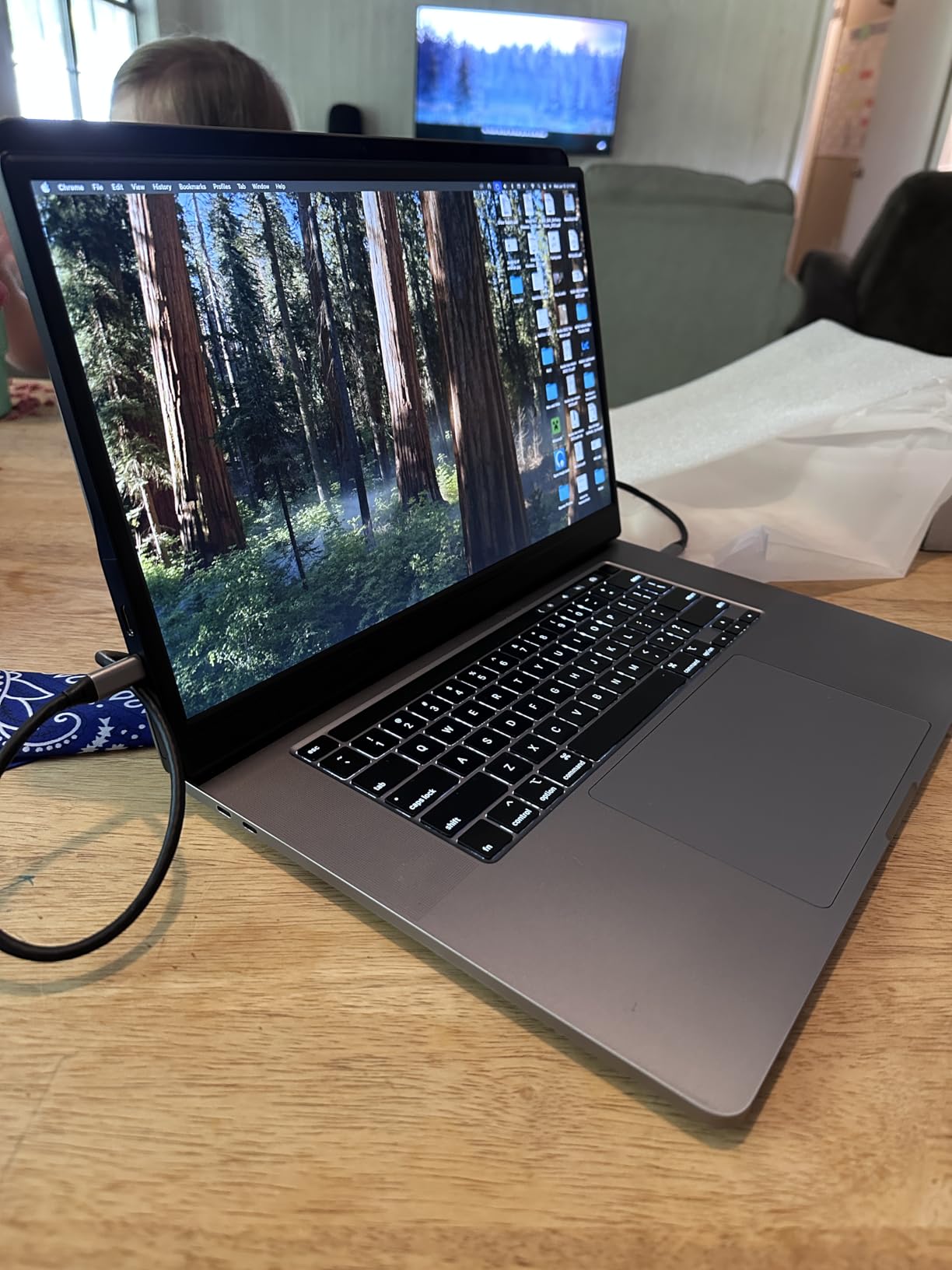
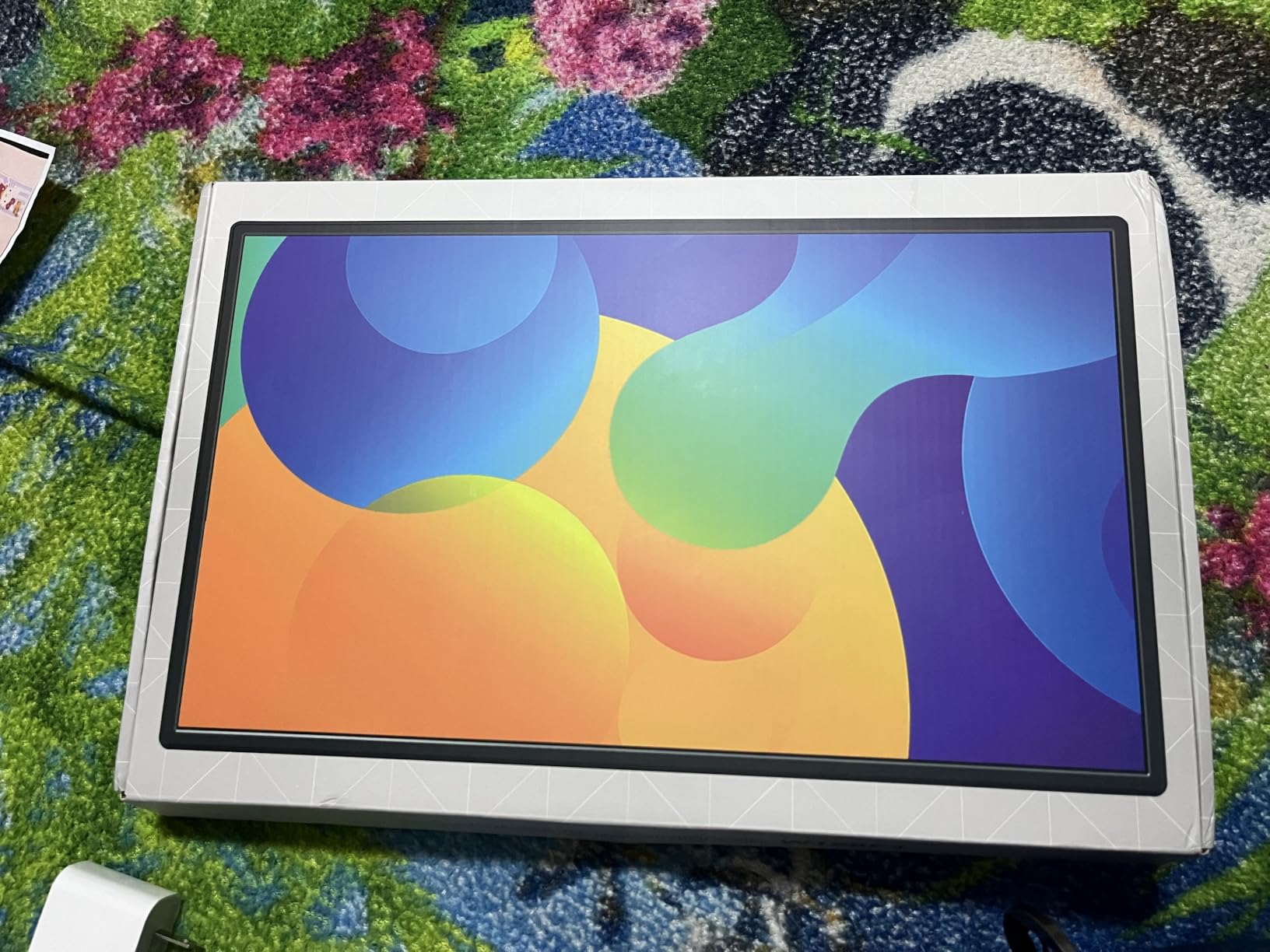
The WGK W156F1 is a straightforward 15.6-inch 1080p IPS monitor with a built-in adjustable stand, and its distinguishing feature is audio. Owners describe the built-in stereo speakers as loud enough for casual gaming and video, which is more than most portable monitor speakers manage.
The stand is integrated and adjustable, and it can be removed for VESA mounting, so you can use it freestanding or put it on an arm later. Viewing angles are listed at 178 degrees and the finish is matte.
Two USB-C ports plus a mini-HDMI port give you the same one-cable workflow as the rest of the field, with copy, extended and second-screen display modes plus HDR and low blue light technology.
The weight problem, stated honestly
At 2.7 pounds listed, this is among the heaviest 15.6-inch monitors in the roundup, alongside the InnoView. For a desk unit that is irrelevant. For a travel screen carried through airports it is a real cost, which is the reason this is not ranked higher on my list.
It is a reminder that the weight figure on a listing often includes the stand and packaging rather than the bare panel, and that two monitors with identical dimensions can feel very different in a bag.
Power resets on low-output USB-C ports
Owners report that the display may drop out or reset when drawing power from a laptop USB-C port without a charger connected. This is a complaint that shows up repeatedly across budget portable monitors. If your laptop port is underpowered, connect the charger or use a powered hub.
It is not a fault in the monitor; it is a negotiation between how much power the panel wants and how much your port gives.
Sound, warranty and colour
Response time is listed at 5 milliseconds, contrast at 1000:1, and the colour gamut is 72% sRGB, which is on the low side and limits photo and video work. A two-year limited warranty is included.
For a shared family monitor, a travel screen you watch films on, or a setup where a video call is central, the audio is the reason to choose this over a lighter alternative.
Who should buy it
Buy it if you use your portable monitor for video and sound rather than documents, and if it will mostly live on a desk. If it is going in a carry-on bag every week, choose a lighter unit even if you will not use the speakers much.
12. Anyuse 15.6 Portable Monitor – The Thinnest Build and a Phone Workstation
Anyuse 15.6″ FHD IPS USB-C HDMI Portable Monitor
15.6 inch 1080p IPS
300 nits brightness
60Hz refresh
1.4 pounds and 0.04 inches thin
Pros
- Among the thinnest at 1.4 pounds and 0.04 inches
- 300 nit matte IPS panel with 178 degree viewing angles
- Two full-featured Type-C ports plus mini-HDMI
- Built-in stand is sturdier than most at this level
- Samsung DeX support for phone workstations
Cons
- No protective travel sleeve included
- No power supply in the box
- 60Hz refresh rate
The Anyuse PM1561P sits at the extreme end of the portability range in this roundup. It is at 1.4 pounds and 0.04 inches at the thinnest point, the thinnest body in the group by a wide margin, and reviewers consistently remark that the picture quality is stronger than the specification sheet suggests.
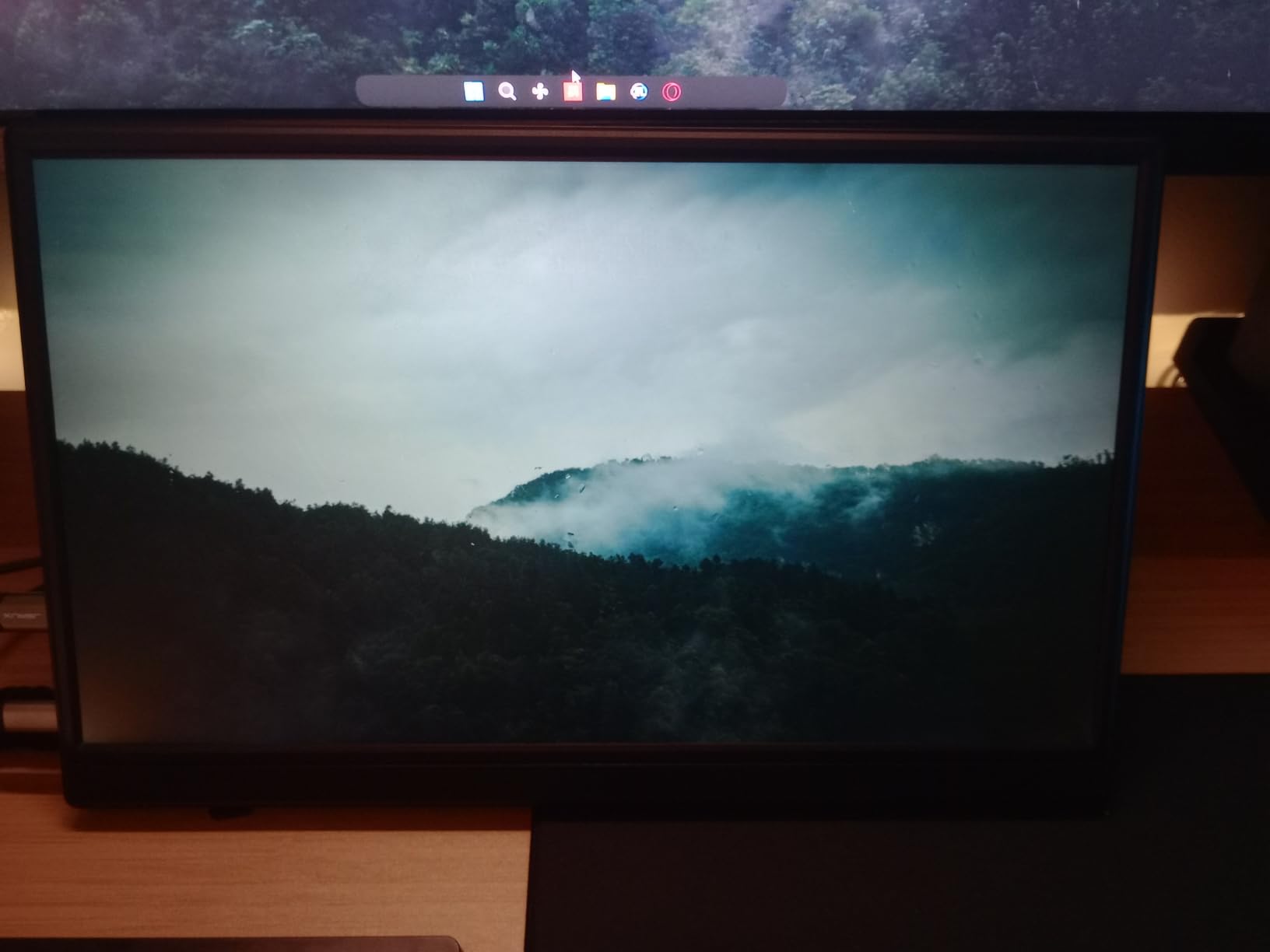
That picture is a 15.6-inch 1080p matte IPS at 300 nits with 178-degree viewing angles, HDR support and a listed 2-millisecond response time, which sits alongside one of the better brightness figures among the lightweight models.
The feature that separates it from the other lightweight options is Samsung DeX support. Connect a phone and this becomes a full desktop-style workspace, which turns a phone into a legitimate travel machine for email, documents and light work.
Using it as a phone workstation
Samsung DeX turns a DeX-capable phone into a desktop interface with multiple resizable windows. On a 15.6-inch 1080p matte panel at 300 nits, that is a genuinely usable arrangement for document work, email and browsing, and it is the use case that makes the extreme thinness worthwhile rather than merely interesting.
It also works as a normal display for laptops, desktops, Macs, consoles and Switch, since the two full-featured Type-C ports and mini-HDMI cover the usual range.
What is missing from the box
Two gaps, both worth knowing before you commit. There is no protective travel sleeve included, and for a monitor this thin that is a real risk given how easily a thin panel takes a point impact. There is also no power supply in the box, so the monitor draws everything from the host device.
The lack of a power supply is a genuine constraint. It means the monitor needs a host device that can supply enough current, and it rules out using the monitor standalone with a device that cannot power it.
Build and stand quality
Owners specifically rate the built-in stand as sturdier than most at this price, which matters because a thin panel on a weak stand is a screen you avoid angling. Two built-in speakers are included for basic audio, and copy, extension and second-screen display modes are supported. A two-year warranty is listed.
Who should buy it
Buy it if you carry a second screen constantly, if you work from a phone with DeX, or if you simply want the thinnest, lightest option. Buy a sleeve at the same time. The 60Hz refresh rate rules it out for competitive gaming, and the narrow-ish colour performance is not aimed at photo work.
What the Budget Ceiling Actually Buys You
Now that you have seen the field, here is how to read it. That price ceiling is a genuine constraint that shapes almost every decision below it, and understanding what it forces you to compromise on will save you time.
Price tiers and what each one actually delivers
At the entry tier you get a plastic-bodied 15.6-inch 1080p IPS panel at 300 nits with a folding cover stand. That is enough for a second screen that lives in a drawer and comes out occasionally, and it is where reliability variation is widest.
The middle tier adds metal bodies, better viewing angles, brighter panels and, importantly, longer warranties. Several of the two-year warranty options sit here, and that is where I would start looking if you plan to keep the monitor more than a couple of years.
The top of the range under this ceiling goes to two things: a real VESA mount on an aluminium body, or a 144Hz panel. There is no OLED option here and no 1440p option here, and it is the honest limit of what this budget does. Both of those step up sharply above the ceiling, and if you need them, the ceiling is the wrong constraint for you.
Full-function USB-C vs charging-only USB-C: the spec that decides everything
This is the most important section of the guide, and almost no listing explains it properly.
A USB-C port on a portable monitor can do three different jobs: deliver power to the monitor, carry data, and carry a DisplayPort video signal. A port described as full-function does all three. A port that is data-and-power only will charge the monitor and nothing else, and you will get no picture at all.
Your laptop also has to cooperate. The USB-C port must support DisplayPort Alt Mode, which is what allows a video signal to travel over USB-C, and most modern USB-C laptops do support it.
Some older ports, some USB-A adapters and some budget docking setups do not. If your machine has only a charging-only USB-C port, no portable monitor will ever display anything through it.
Power pass-through is a separate question. If a monitor advertises pass-through charging, it means power flows through the monitor to your laptop. Some units pass through enough to keep a laptop from draining. Some pass through very little and your laptop charges at a glacial rate regardless. Our top pick passes through properly; a few budget units do not.
Brightness: the 250 nit floor and the 300 nit step up
Brightness is measured in nits, and the number that matters is not the peak figure but how it behaves in a room with overhead lighting and a window. Under 250 nits, a portable monitor becomes genuinely difficult to use in a bright space, and you will spend your day turning brightness up and down.
At 250 to 300 nits, it is comfortable indoors. Above 400 nits is where outdoor use becomes viable, and nothing in this roundup reaches that.
Seven of the models here are listed at 300 nits, three at 250, one at 280, and one manufacturer publishes no brightness figure at all. If you work near a window, prioritise the 300-nit group. If you mostly work in a controlled indoor space, 250 nits is fine and you give up very little.
Finish matters as much as brightness in a lit room. Every model here is sold with a matte or anti-glare surface, because a glossy panel reflects the room and turns into a mirror in direct window light, and no amount of brightness overcomes that.
Resolution and pixel density: is 1080p enough?
Every monitor here runs at 1920×1080, and on a 15.6-inch panel that works out to roughly 141 pixels per inch. That is the same density as a standard 15-inch laptop screen, and for most work it is indistinguishable.
Where it stops being enough is fine text. At 141 PPI, small terminal text and dense spreadsheet cells are readable but not crisp, and if you spend all day reading code you will notice. The fix is a higher-resolution panel at a larger size: 1440p at 16 inches works out to roughly 196 PPI, which is a large jump in text sharpness. Those panels sit above this ceiling, and that is precisely the trade-off the ceiling forces.
The honest summary: at 15.6 inches and 1080p you are getting the laptop screen experience, not a desktop monitor experience. If you have used a 24-inch desktop monitor, it will feel smaller and less sharp, and no amount of marketing language changes that.
Screen size: 15.6 inches for most, 16.1 for handheld gaming
15.6 inches is the sweet spot at this level, and eleven of the twelve monitors here use it. It matches a typical laptop screen size, so a second 15.6-inch display gives you a laptop-width workspace without any adjustment, and it fits in a standard laptop sleeve.
Below 14 inches, the screen becomes a phone-shaped window that is only useful for a chat window or a reference document. Above 17 inches, you are carrying a small laptop-sized slab and losing the portability that justified the purchase.
The ARZOPA at 16.1 inches is the one deliberate exception, and it exists for handheld gaming. Handheld gamers in forum discussions ask for larger screens, and 16.1 inches at 144Hz is the answer in this roundup. Its 16:9 aspect ratio matches handheld output natively, so nothing is letterboxed.
Panel type, viewing angles and colour gamut
IPS gives you accurate-enough colour, wide viewing angles and no visible shift when you tilt the screen, which matters for a device you will angle on a table. TN panels, still found on some budget listings, shift colour badly off-axis and are not worth the saving. Every pick here uses an IPS or LCD panel.
OLED would give you true blacks and perfect contrast, but OLED portable monitors sit well above this ceiling, and they carry a burn-in risk with static on-screen content such as a terminal or an office document.
Colour gamut figures range from 72% sRGB to 106% sRGB here. If you do any photo or video work, 72% will disappoint you. 85% is fine for general work. 106% is the only panel here wide enough for serious colour work, and it happens to also be the gaming panel.
Warranty, weight and folded thickness for travel
Warranty length varies from 18 months to three years in this roundup, and it is the number buyers here most often skip. Portable monitors live in bags, get dropped, and have panels that do not forgive impact.
A three-year warranty covering parts, labour and backlight is worth more to most people than a slightly brighter panel.
Weight is the most-cited deal breaker in forum discussions, and the range here is wide. The lightest options sit around 1.4 pounds, while two models here are listed at 2.7 pounds. That is a one-and-a-third pound difference on a screen you carry every day, which is the difference between carrying your monitor without thinking about it and abandoning it at home.
Folded thickness matters less than weight but still counts. Setting the Anyuse aside at 0.04 inches, the thinnest bodies here measure 0.23 to 0.31 inches. If your bag has a laptop sleeve with a narrow pocket, thickness is what decides whether the monitor fits.
Five mistakes to avoid before you buy
First, buying a monitor without confirming your laptop has a DisplayPort Alt Mode USB-C port. That is the number one cause of a portable monitor arriving and showing nothing, and it takes thirty seconds to check in your laptop specifications.
Second, trusting a gloss or mirror finish. Every model here is matte for good reason. A glossy panel is a mirror in any room with a window, and no brightness setting compensates.
Third, expecting a folding cover stand to hold a comfortable angle. Owners across this category complain about wobble at wide angles, and the fix is a monitor arm or a small third-party stand rather than forcing an awkward viewing position.
Fourth, ignoring weight because the dimensions look fine. A 2.7-pound monitor and a 1.4-pound monitor are both 15.6 inches, and only one of them goes in a bag without a second thought.
Fifth, assuming a dual-screen travel setup will fit where you think it will. Two 15.6-inch monitors side by side are wide, and forum discussions describe exactly this problem eating a whole cafe table and not fitting coach-class airplane seating. A stacked vertical arrangement or a single-screen setup is often the more realistic choice.
If you are still narrowing the field, our travel-oriented gaming monitor roundup covers the refresh rate question in more depth than this budget allows.
Frequently Asked Questions
What is the best portable monitor on a budget?
The best portable monitor on a budget in this lineup is the KYY 15.6, which combines a 300 nit 1080p IPS panel, two full-function USB-C ports, a cover that doubles as a stand and more than 13000 owner reviews at a 4.4 average. If your budget is tighter, the MNN 15.6 and the InnoView 15.6 offer the same core specification for less.
What is the best portable monitor under the price ceiling?
Under this ceiling, the KYY 15.6 is the strongest all-round choice for work and travel, the cocopar 15.6 is the highest-rated option and one of only two here with real VESA mounting holes, and the ARZOPA 16.1 is the only pick running at 144Hz. All twelve monitors in this guide stay under the ceiling.
Are portable monitors worth buying?
Yes, for the specific job of adding a second screen to a laptop. A 15.6 inch 1080p IPS panel adds a full second workspace, and the matte finish plus 300 nits brightness makes it usable in a lit room. They are not worth buying if you need colour-critical photo work, competitive gaming or more than 60Hz motion, because this budget does not reach those.
What is the best rated portable monitor under this ceiling?
Two monitors share the highest owner rating in this lineup at 4.8 stars. The cocopar 15.6 has the larger review base at more than 6300 reviews and includes real VESA mounting holes plus a two-year warranty. The VisionOwl 15.6 has a smaller base of more than 3400 reviews but a premium aluminium body and a more complete accessory bundle.
Do portable monitors need external power?
Most do not, because they draw power from the laptop or phone over the same USB-C cable that carries video. Two exceptions matter here: the VILVA 15.6 often needs external power on older USB 3.0 ports and no power supply is included, and the Anyuse 15.6 comes without a power supply, so it needs a host device that can supply enough current.
Is 1080p enough for a portable monitor?
Yes for most work. A 15.6 inch 1920×1080 panel works out to roughly 141 pixels per inch, the same density as a typical laptop screen, which is fine for documents, spreadsheets, video calls and code. It is not enough for fine terminal text, where a 1440p panel at 16 inches reaches about 196 pixels per inch and is noticeably sharper, but those panels sit above this price ceiling.
Is a 15.6 inch portable monitor too small for gaming?
For work-focused gaming at 60Hz it is fine, and it matches what current consoles output. For handheld gaming on a Steam Deck or ROG Ally, a 15.6 inch screen is a large upgrade over a 7 inch built-in display, and the ARZOPA 16.1 in this roundup adds 144Hz refresh for smoother motion. A 13 inch screen is too small to be comfortable for extended play.
The Verdict by Use Case
If you want one recommendation, take the KYY 15.6. It has the largest body of owner feedback in this roundup, a bright 300-nit matte panel, two full-function USB-C ports, and a cover that doubles as a stand, which is everything a portable monitor needs to do its job well.
If you plan to put the monitor on an arm or read long documents vertically, take the cocopar 15.6. It matches the best owner rating in the group and is one of only two models here with real VESA mounting holes.
If you game, and especially if you play on a Steam Deck or ROG Ally, the ARZOPA 16.1 is the only pick that changes how the experience feels, because 144Hz on a 16.1-inch panel is not something a 60Hz alternative can approximate.
If you care about the chassis, the VisionOwl 15.6 has a premium aluminium body and the most complete accessory bundle. If you care about longevity, the ViewSonic VA1655 comes with a three-year warranty that covers the backlight.
If weight is your problem, the Anyuse 15.6 and the MNN 15.6 sit at around 1.4 to 1.5 pounds and are the ones that disappear into a bag. If colour is your problem, the ARZOPA’s 106% sRGB panel is the only one here wide enough.
That is the honest shape of the category in 2026: a very good 15.6-inch 1080p IPS screen for a second workspace, and a hard ceiling on everything else. Check that your laptop has a DisplayPort Alt Mode port before you order anything, use the check button on each card to see the current listing, and pick the one whose weakness you can live with.