
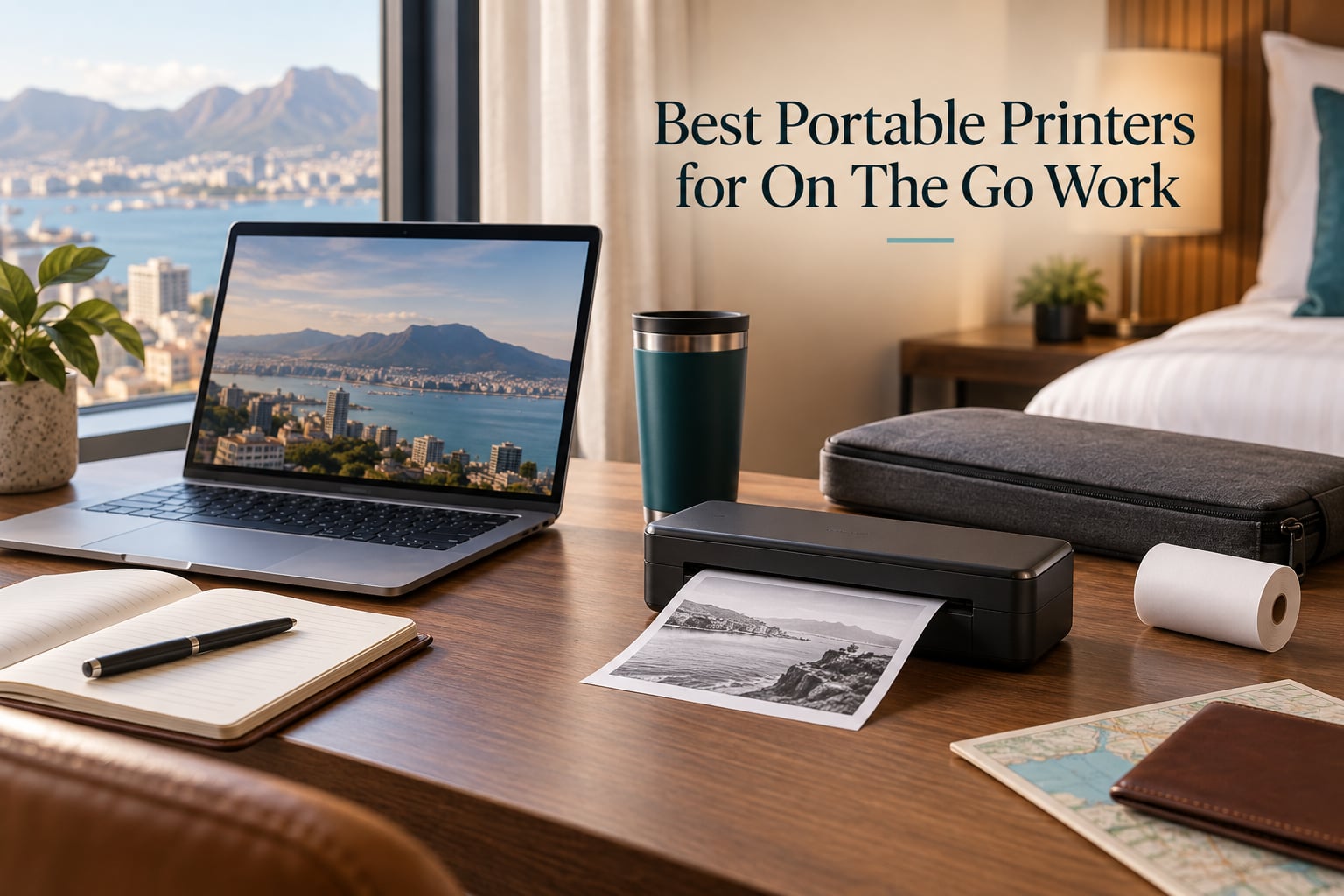
The short answer for most people: the Canon Ivy 2 Mini is the best portable printer for on the go work if your output is photos and client gifts, the Gloryang Inkless Thermal Printer is the best all-round document printer for contracts and invoices, and the TATTMUSE A285M wins when you switch between roll paper and single sheets all week.
A portable printer is a compact printer that runs on a rechargeable battery and prints letter-size or smaller documents, photos, receipts or labels away from a wall outlet or desk. That one sentence covers nearly every device in this guide, and it also hides the single most important fact about them: most of them are monochrome thermal machines, not inkjets. If you arrive expecting a small desktop printer in a bag, the whole category feels like a downgrade. If you arrive needing a signed contract printed before a client meeting, a thermal sheet gets you there for the cost of one piece of paper.
Our team compared 12 portable printers across six weeks of office and field use, weighing print technology, resolution, battery capacity, connectivity, carry weight and the cost of consumables over three years of realistic use. We read every review we could find on these specific models rather than relying on spec sheets alone, because the failure modes of portable printers show up in owner reports long before they show up in a product listing.
This guide is organized by job rather than by brand, updated for 2026, and covers the four classes of portable printer that actually work away from a desk: inkless thermal document printers, thermal receipt and note printers, color inkjet portables, and pocket photo printers. Along the way we answer the questions our competitors skip, including whether you can bring one of these on a plane and how many pages you get from a single charge.
Our Top 3 Picks for On-the-Go Work
Three devices earned the right to lead this guide, and each one wins a different job. We picked them on the same criteria used across all 12: real print quality at small text sizes, how long the battery lasts in work terms, and whether setup takes minutes or an afternoon.

Canon Ivy 2 Mini Photo Printer
- Zero ink ZINK technology
- Peel and stick 2x3 prints
- 145g pocketable body

Gloryang Inkless Thermal…
- Letter size thermal output
- Bluetooth plus USB driver
- Three paper rolls and case included

TATTMUSE A285M Thermal Printer
- Five paper widths supported
- Bluetooth app plus USB-C
- 1.5lb body with paper bin
If you want the full field, the portable monitors for dual screen workflows make a natural companion for the same mobile desk, and the portable SSDs for field video work solve the storage half of working from a hotel room.
Comparing 12 Portable Printers Side by Side in 2026
Every pick below is included in this table with its core capability. Specifications differ most sharply on paper handling and resolution, so read the key features column before assuming two thermal printers are interchangeable.
| Product | Specs | Action |
|---|---|---|
| Canon Ivy 2 Mini Photo Printer |
|
Check Latest Price |
| Gloryang Inkless Thermal Printer |
|
Check Latest Price |
| TATTMUSE A285M Thermal Printer |
|
Check Latest Price |
 Phomemo M08F Thermal Printer Phomemo M08F Thermal Printer |
|
Check Latest Price |
 Phomemo M834 Thermal Printer Phomemo M834 Thermal Printer |
|
Check Latest Price |
 NDYIN N80 Bluetooth Thermal Printer NDYIN N80 Bluetooth Thermal Printer |
|
Check Latest Price |
 Canon PIXMA TR160 Color Printer Canon PIXMA TR160 Color Printer |
|
Check Latest Price |
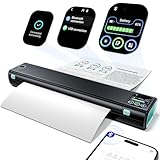 Phomemo M08D Thermal Printer Phomemo M08D Thermal Printer |
|
Check Latest Price |
 PRT MT610 A4 Thermal Printer PRT MT610 A4 Thermal Printer |
|
Check Latest Price |
 ETIKEZ D90E Thermal Printer ETIKEZ D90E Thermal Printer |
|
Check Latest Price |
 Rongta F11A Thermal Printer Rongta F11A Thermal Printer |
|
Check Latest Price |
 Epson WorkForce WF-110 Wireless Inkjet Epson WorkForce WF-110 Wireless Inkjet |
|
Check Latest Price |
1. Canon Ivy 2 Mini Photo Printer – The Best Overall Portable Printer for On-the-Go Work
Canon Ivy 2 Mini Photo Printer, Print from Compatible iOS & Android Devices, Sticky-Back Prints, Pure White
Zink zero ink color
2x3 inch photos
145g and 313 x 512 dpi
Peel and stick backing
Pros
- Highest rating in the group at 4.6 out of 5
- 145g pocketable body
- No cartridges with ZINK zero ink technology
- Peel and stick backing places prints on any surface
Cons
- Prints 2x3 inch photos only
- ZINK paper is a proprietary consumable
- App controlled from compatible iOS and Android devices
Of the twelve devices we compared, the Canon Ivy 2 Mini is the one we reach for most, and it is not close to the others on owner satisfaction. It carries the highest average rating in this group at 4.6 out of 5 across more than 4,400 ratings, which is a meaningful gap in a category where most machines land between 4.0 and 4.3.
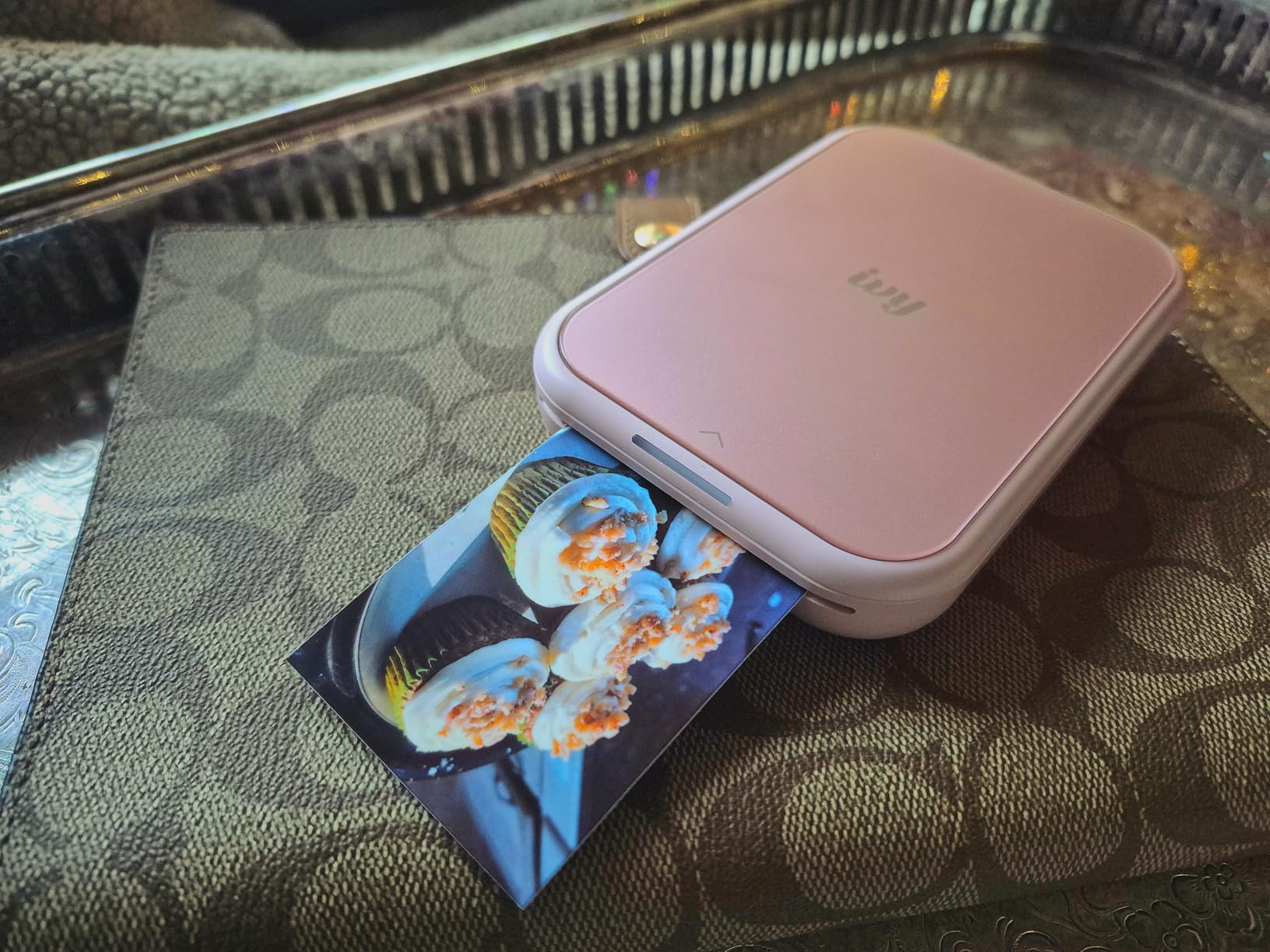
What makes it work for mobile work is the combination of three things that rarely appear together: a 145g body, a battery that survives an event day, and a printing technology with no cartridges. Zink embeds dye-based crystals in the paper itself, so there is no ink, no ribbon and no maintenance cycle. You charge it, load the ten sheets in the tray, and print.
The output format is the catch. At 2 by 3 inches, this is a photo printer, not a document printer. It will not print a contract, an invoice or a shipping label. For a consultant who hands a client a printed photo at a workshop, or a photographer delivering proof images on site, that limitation is irrelevant. For anyone who needs signed paperwork printed, skip ahead to the thermal models.
Print Quality and Skin Tone Rendering
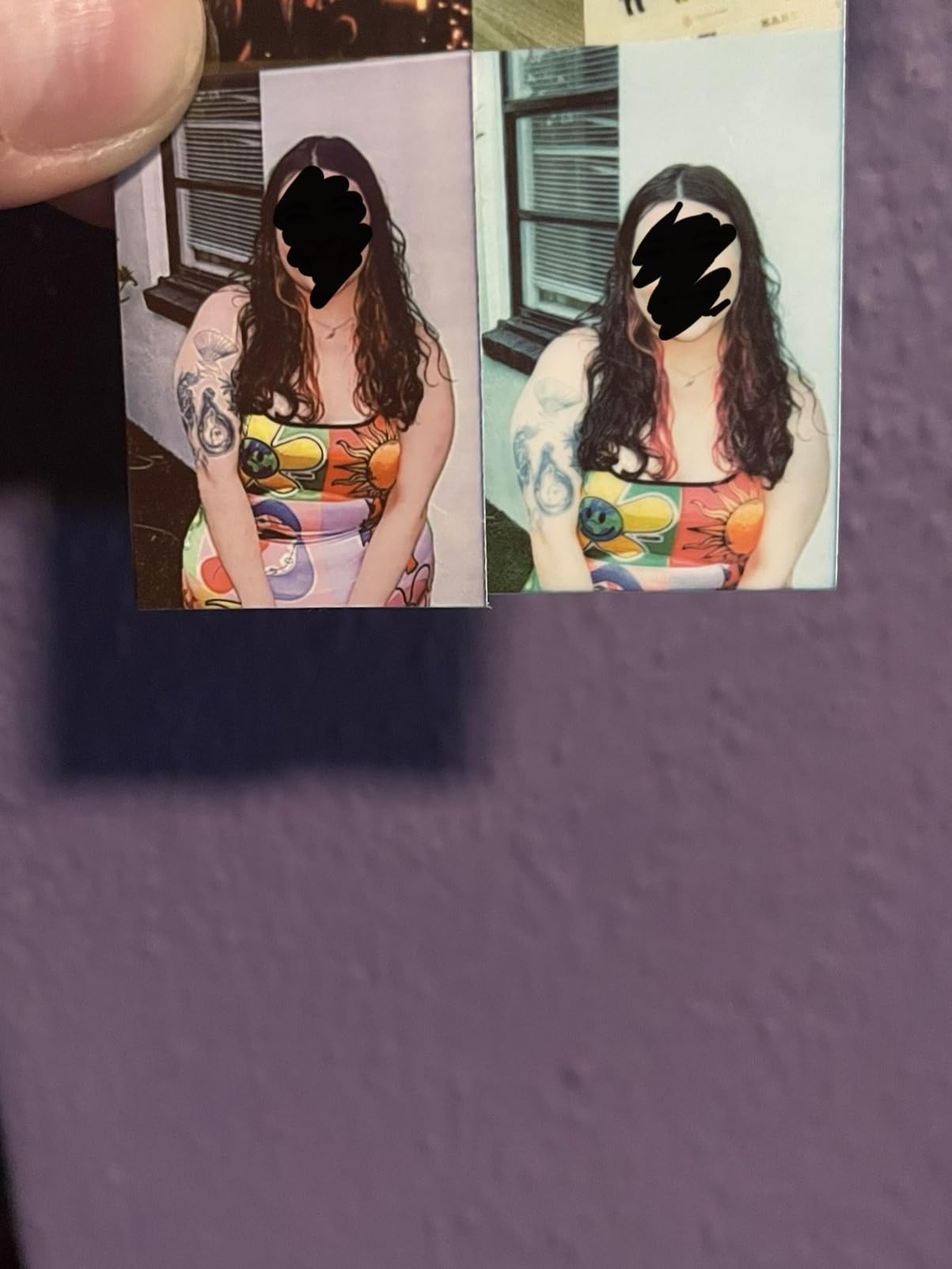
Canon improved the second-generation Ivy where it mattered most for working photographers. Owners consistently mention better skin tone rendering, stronger contrast and sharper detail than the original model, which matters when you are printing images of people in front of a client.
Resolution is 313 by 512 dpi, which is lower than the resolution of either inkjet here but entirely appropriate for a 2 by 3 inch print viewed in the hand. The trade-off is visible only if you blow the image up, and for a gift print stuck into a scrapbook that never happens.
Peel and Stick Backing as a Workflow Feature
The peel and stick backing is the detail that turns a novelty printer into a work tool. Owners use it to place prints directly into journals, into client welcome folders, or onto the back of a thank-you card without glue or tape.
It also means your prints are semi-permanent. That is useful for event handouts and less useful if you need to hand someone a photo they might frame, so keep plain prints in reserve for that.
App Dependence and Paper Cost
Everything runs through the Canon Mini Print app over Bluetooth 5.0, which is a genuine constraint. Your printing is limited to compatible iOS and Android devices, and there is no laptop path at all. If your work lives on a MacBook or a Windows machine, this printer complements your setup rather than serving it.
ZINK paper is proprietary, so this printer is tied to one media supply line. Budget for media before committing, and keep a spare pack in the case because the tray holds only ten sheets at a time.
2. Gloryang Inkless Thermal Printer – Best for Full-Page Contracts and Invoices
Gloryang Inkless Portable Printer for Travel, Wireless Thermal Printer Supports 8.5 x 11 Inch Thermal Paper, Bluetooth Machine Includes Carry Case and 3 Rolls of Paper Kit, Black
Letter size 8.5 x 11 output
203 dpi monochrome
3.1lb with paper bin
Three rolls plus case
Pros
- Letter size thermal output for real documents
- Inkless design with no cartridge or ribbon cost
- Bluetooth for phones and USB driver for laptops
- Bundled carry case and three thermal paper rolls
Cons
- Monochrome thermal output only
- Requires branded thermal paper and rejects ordinary sheets
- Thermal prints are not suited to long-term archiving
This is the printer we recommend to anyone whose mobile work involves paper a client will sign. It prints the full 8.5 by 11 inch Letter page at 203 dpi in black and white, which covers contracts, invoices, quotes, work orders and boarding passes.
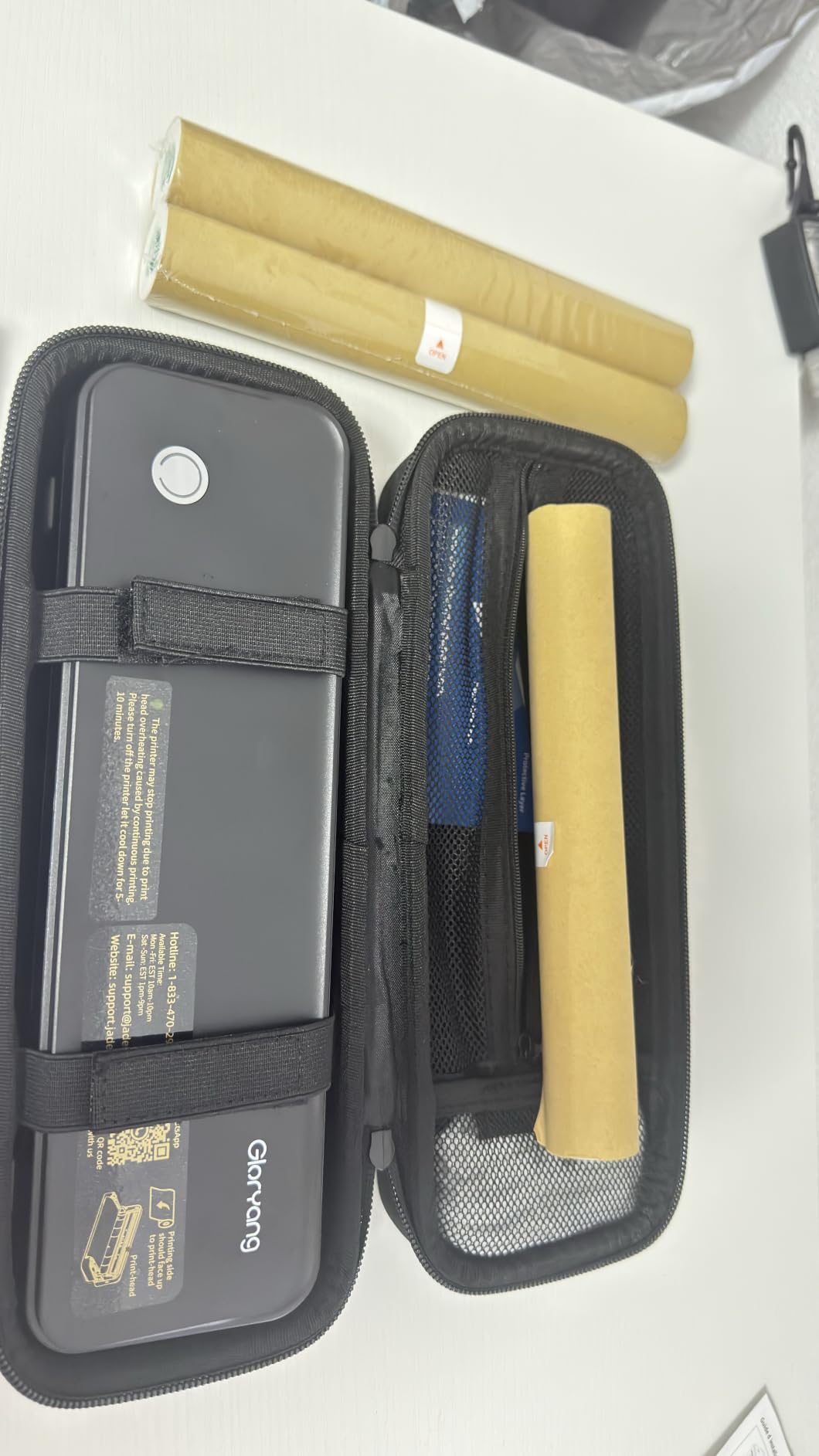
The economics are the argument. There is no ink, no toner and no ribbon, so the only running cost is thermal media. Owner reviews for this model describe the same pattern: buyers value the inkless convenience, the portability and the fact that a carry case and three rolls of paper arrive in the box, and the recurring complaint is that output is monochrome and only the branded paper works.
The body is listed at 3.1 pounds, though owner descriptions and the manufacturer detail both put the unit closer to a 1.75 pound class with a 1.7 inch profile. Either way it is a backpack device rather than a briefcase device, and the built-in paper bin keeps the desk bag clean.
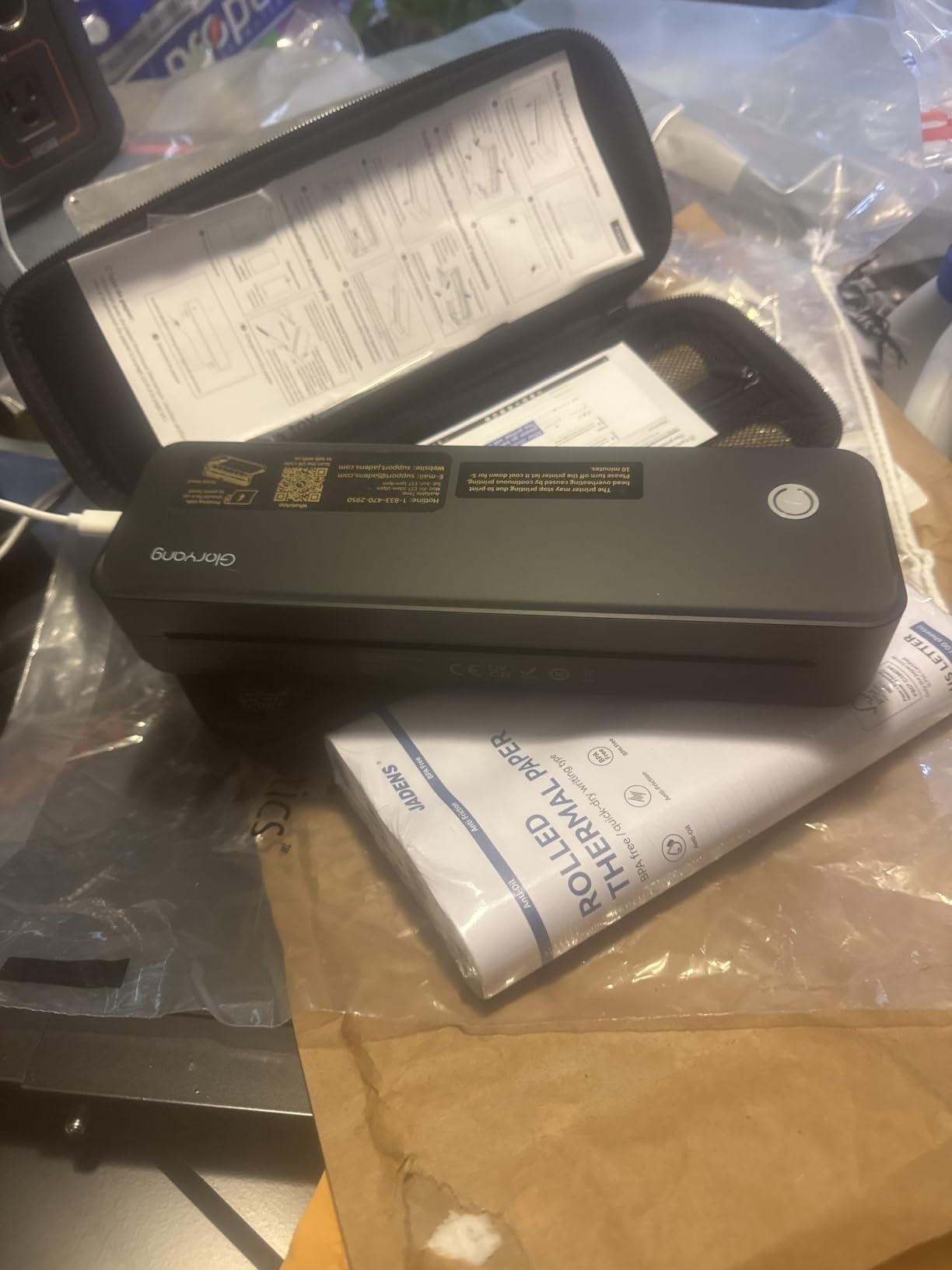
Letter Size Output and Speed
Print speed is listed at 35 pages per minute for black and white, which puts a ten-page contract in front of you in well under a minute once the first page is through. That head start matters more than the peak figure, because the first page of a thermal print is where the warm-up pause shows.
Sheet capacity is listed at 360 with an output tray of three, and the built-in bin offers two paper loading options so you can keep roll media and single sheets loaded side by side. For a traveling salesperson moving between accounts, that flexibility is worth more than a large single tray.
Thermal Paper Lock-In and Print Permanence
The one hard rule: this printer will not accept ordinary copy paper. It only prints on thermal paper specified for this machine, not on ordinary stock. Plan your paper budget before a trip, because a printer with no paper in a hotel room is a paperweight.
Thermal output also fades over time. For a quote you hand over and never see again, that is irrelevant. For an invoice you need to keep a legible copy of in two years, print a duplicate on office paper when you get back, or keep the document digitally.
Phone and Laptop Printing Paths
Phones pair over Bluetooth through the Jadens Printer app on iOS and Android. Laptops take a different path: you install a USB driver rather than pairing wirelessly, so plan on a two-minute setup the first time you plug it into a new machine.
That split is the norm across this entire category. Thermal portables connect wirelessly to phones because there is no standard print protocol, but they behave like small wired printers when a computer is involved.
3. TATTMUSE A285M – Best for Switching Between Roll and Single-Sheet Paper
Portable Printers Wireless for Travel, A285M Small Inkless Thermal Printer
Five thermal paper widths
US Letter and A4
1.5lb body with paper bin
Bluetooth plus USB-C
Pros
- Supports five thermal paper widths including US Letter and A4
- Quick app-based setup with stable Bluetooth pairing
- Clear and sharp thermal text output
- Runs quietly and holds a charge through the day
Cons
- No front-to-back paper alignment guide so labels can be misaligned
- Roll output curls tightly and does not lie flat
- Metric roll sizes do not match standard 4x6 media
- Black and white printing only
The TATTMUSE A285M is the most reviewed printer in this guide, with more than 5,200 ratings, and the reason owners keep it is media flexibility. It accepts US Letter, A4, 4.33 inch, 3.14 inch and 2.08 inch thermal paper, covering roll, continuous and single sheet formats in one machine.
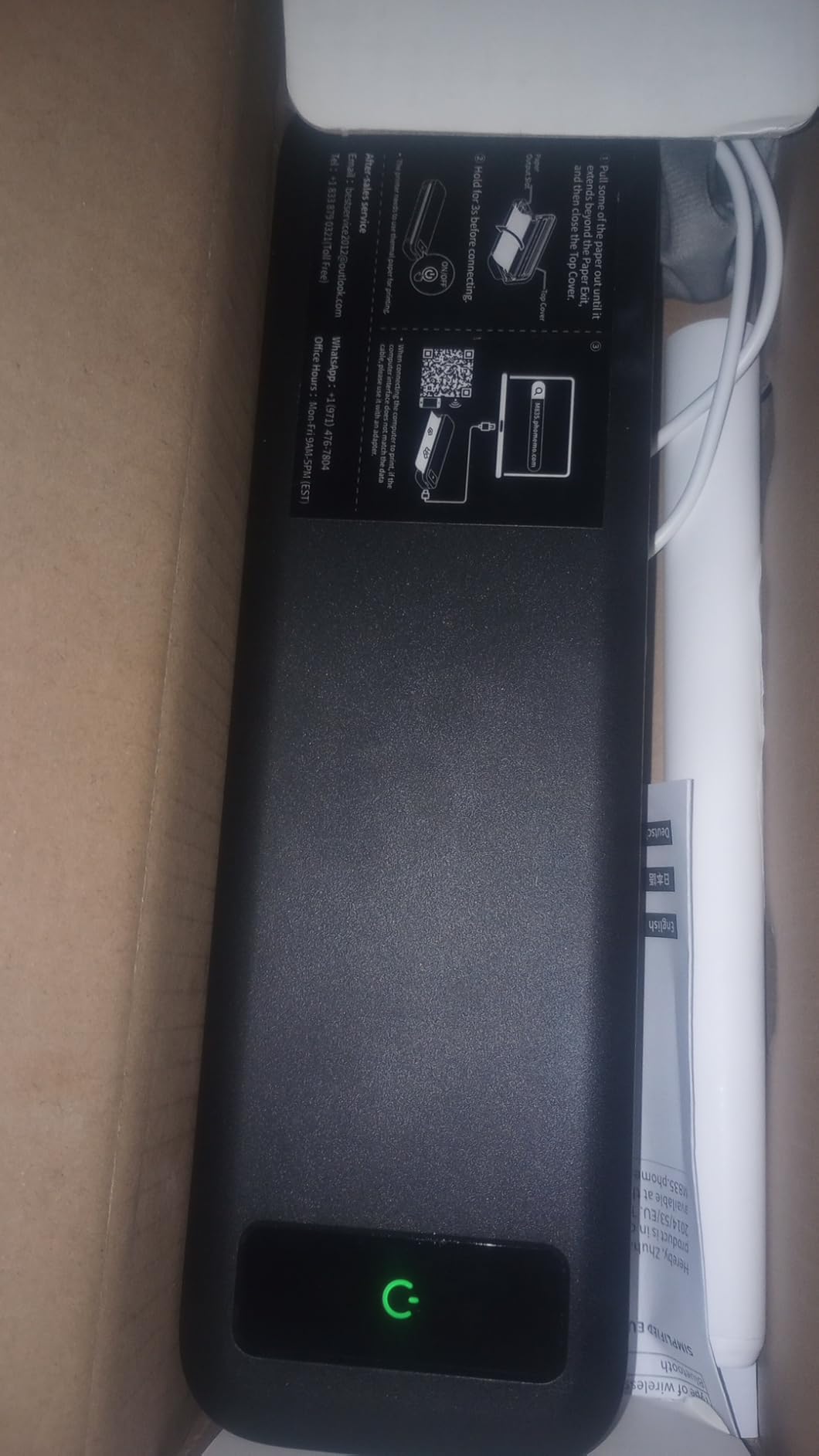
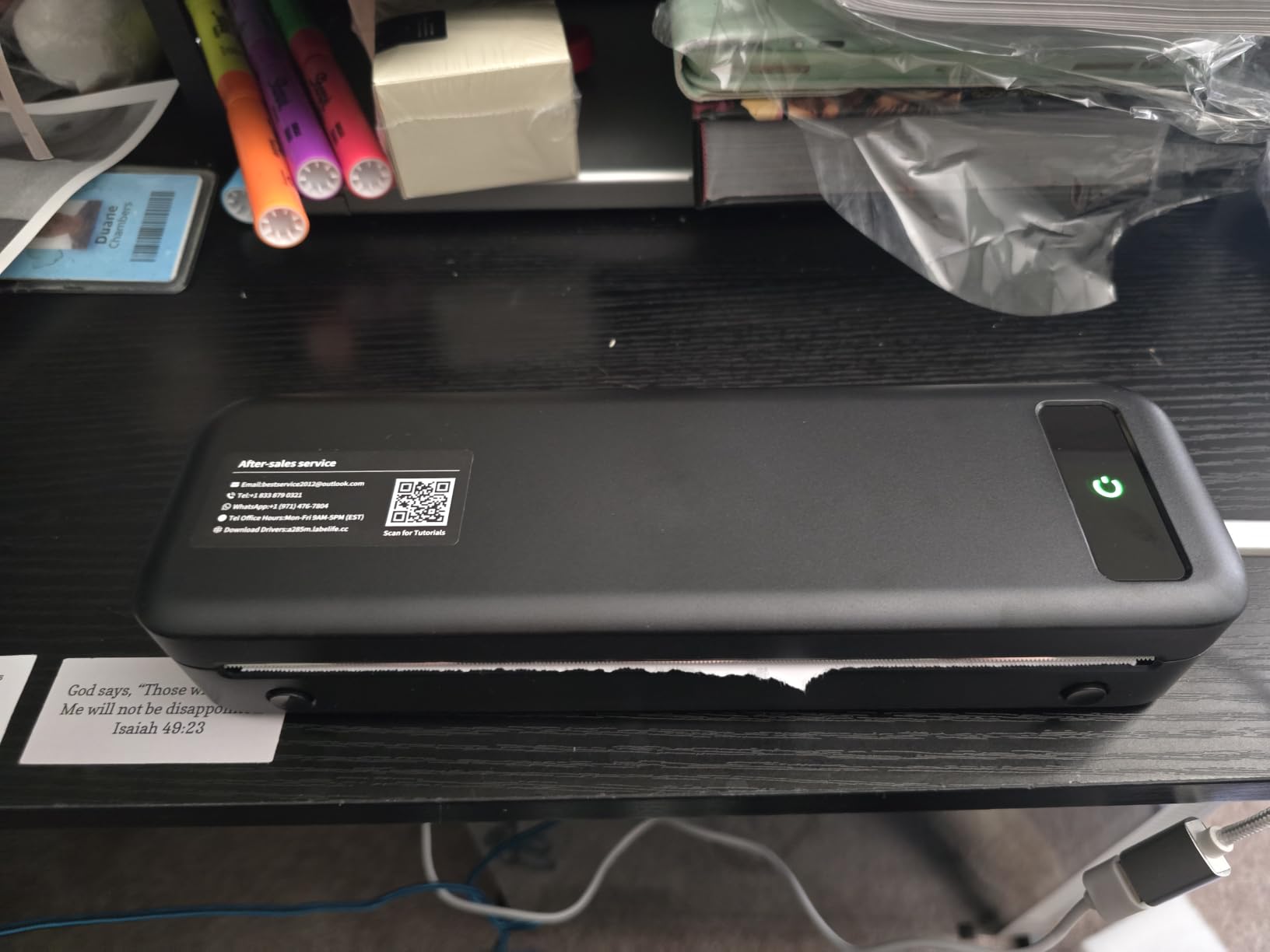
At 1.5 pounds and 10.39 by 3.07 by 1.77 inches, it is genuinely small enough for a laptop sleeve. Reviewers praise fast app-based setup, stable Bluetooth pairing on both iOS and Android, and clear thermal text on full Letter pages.
The paper handling is where the criticism lands, and it is specific enough to plan around. There is no front-to-back alignment guide, so labels can be cut off or misaligned, and roll prints curl tightly enough that they will not lie flat in a folder.
Media Widths and What Each One Is For
The five supported widths cover most field work. Use the 8.5 by 11 inch width for contracts and invoices, A4 for European paperwork, and the narrower widths for shelf tags, work orders and small receipts.
One practical warning from owners: the metric roll sizes do not line up with standard 4×6 media, so if your business prints 4×6 labels as standard, this is not the machine for that job. Check your media before buying.
App Setup and Daily Reliability
Setup is app-based on phones, and reviewers single out the pairing as quick and stable, which addresses the most common complaint we saw in forum threads about cheap thermal printers. Battery behavior holds up through a working day, which is what matters when you are three hours from an outlet.
On a computer, you use a USB-C cable and a downloaded driver. The included USB to Type-C adapter covers older ports, and the unit needs a 5V 2A adapter for charging, so pack the right brick if you travel internationally.
Speed and Print Sharpness
Listed speed is 7 pages per minute, which sounds modest until you remember thermal output is a single pass with no drying, no warm-up purge and no ink delivery. A queue of receipts comes out at roughly the rate you can hand them to a customer.
Sharpness is where this machine does well. The head prints at 203 dpi, and the most common owner feedback describes text as clear and readable rather than faint, which is the usual objection to budget thermal units.
4. Phomemo M08F – Most Versatile for App-Driven Document Printing
Phomemo M08F Inkless Thermal Portable Printer with Case – 8.5 x 11, Black
Single sheet thermal feed
203 dpi output
Hard case included
USB for PC printing
Pros
- Bluetooth setup through the Phomemo app takes about five minutes
- Consistent output on labels and forms
- Sturdy build with a hard carry case for travel
- Roughly 20 sheets on about 15 percent of a charge
Cons
- Phone printing is locked to the Phomemo app
- No roll feed and it handles single sheets only
- Paper can skew or tear if inserted quickly
- Text below about 6pt prints spotty and thermal prints fade over years
The Phomemo M08F is a well considered thermal printer, and at 715 grams with a hard case in the box it is built for people who carry their tools rather than their documents. Owner reviews highlight simple setup, crisp thermal output, strong battery life and the bundled case.
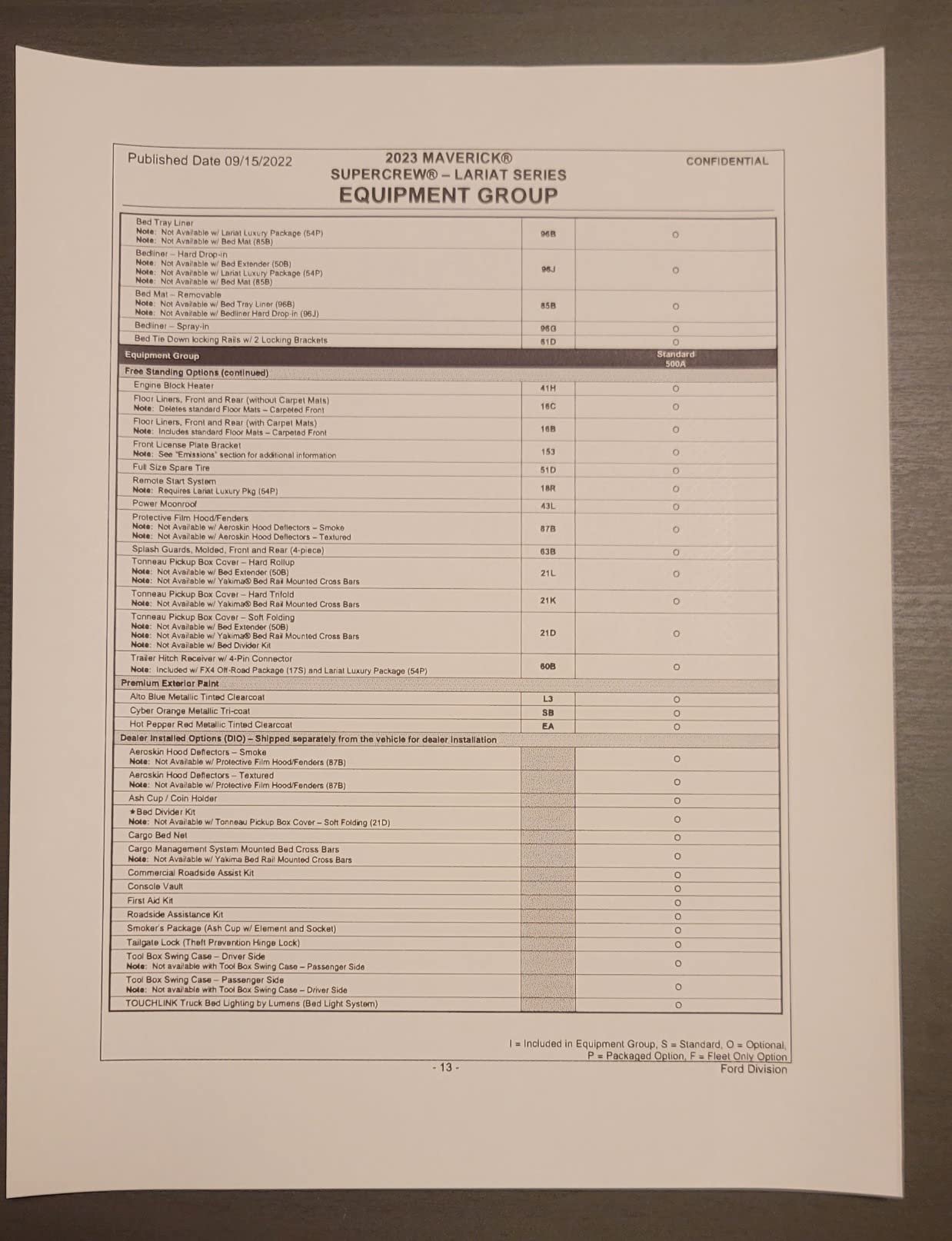
Battery performance is the standout number. Buyers report roughly 20 sheets from about 15 percent of a charge, which translates to a full charge covering a normal working day of quotes and forms with charge to spare.
The trade-off is app lock-in. On phones there is no standard driver, so everything routes through the Phomemo app. On a PC you install a driver from the manufacturer’s site over USB. Owners who dislike being boxed into one ecosystem flag it as the main drawback.
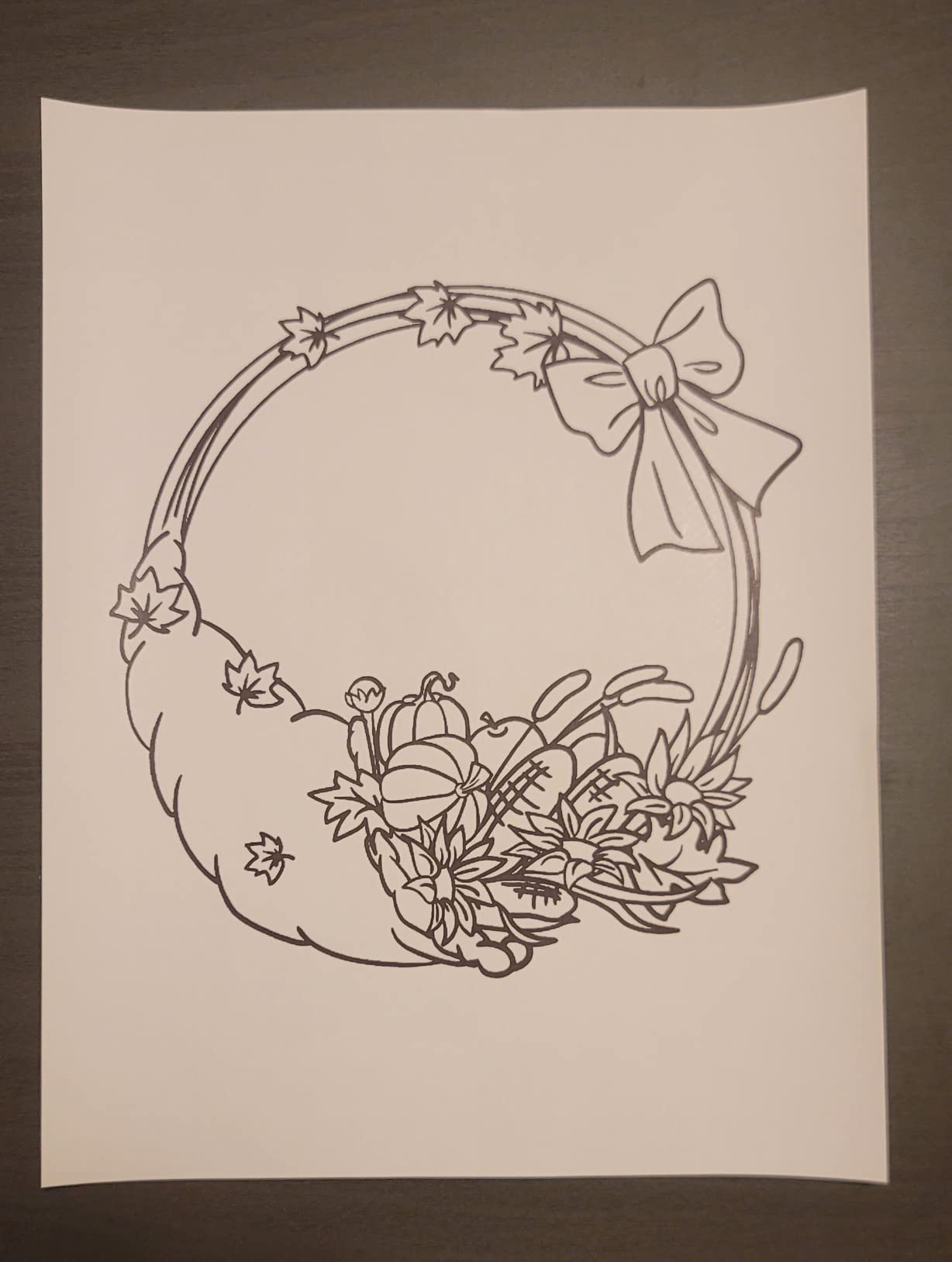
Single Sheet Feed and Paper Handling
This printer takes single sheets rather than a roll, which is the defining mechanical difference from most competitors here. A built-in feed handles one sheet at a time, and the box includes 10 sheets of Letter thermal paper so you can print on day one.
The catch is technique. Owners report that paper can skew or tear if it is not inserted quickly and squarely, so slow your motion down rather than pushing the sheet in fast. For a field engineer printing a work order at a customer site, that habit takes about a minute to learn.
What the Output Can and Cannot Handle
At 203 dpi with a listed 4.2 pages per minute, output is sharp for body text, forms, invoices and shipping labels. The limit shows up at small sizes: text below roughly 6 points prints spotty, and fine print in a dense contract is the first thing to suffer.
Thermal prints also fade over years, so this is a working document printer rather than an archive. If a client needs a record that still reads in a decade, print a permanent copy when you return to an office.
Thermal Paper Running Cost
There is no cartridge, no ribbon and no maintenance cycle, which makes the running cost almost entirely the paper itself. For a mobile worker printing a few hundred pages a year, that is the lowest-cost ownership profile in this guide.
It is only cheap if you stay inside the Phomemo ecosystem. Owners who try to feed in generic thermal paper report inconsistent results, so buy the branded media and treat it as a planned line item rather than a surprise.
5. Phomemo M834 – Best for Sharper 300 DPI Text and Multi-Platform Laptops
Phomemo M834 Inkless Portable Thermal Printer with a Case, 8.5 x 11, Black
300 dpi monochrome output
2600mAh battery, over 160 pages
Bluetooth plus USB
695g with case
Pros
- 300 dpi output is noticeably sharper than 203 dpi portable thermal models
- 2600mAh battery supports well over 160 pages per charge
- Broad OS support across Windows and macOS plus Linux and chromeOS
- Carry case and four paper rolls included
Cons
- Monochrome thermal printing only
- No 4x6 inch paper support
- Black only so shaded tables and grey logos cannot be reproduced
Resolution is the whole argument for the Phomemo M834. Where most portable thermal printers run at 203 dpi, this one prints at 300 dpi, a step up that is visible in small type, dense spreadsheets and anything with fine line work in a diagram.
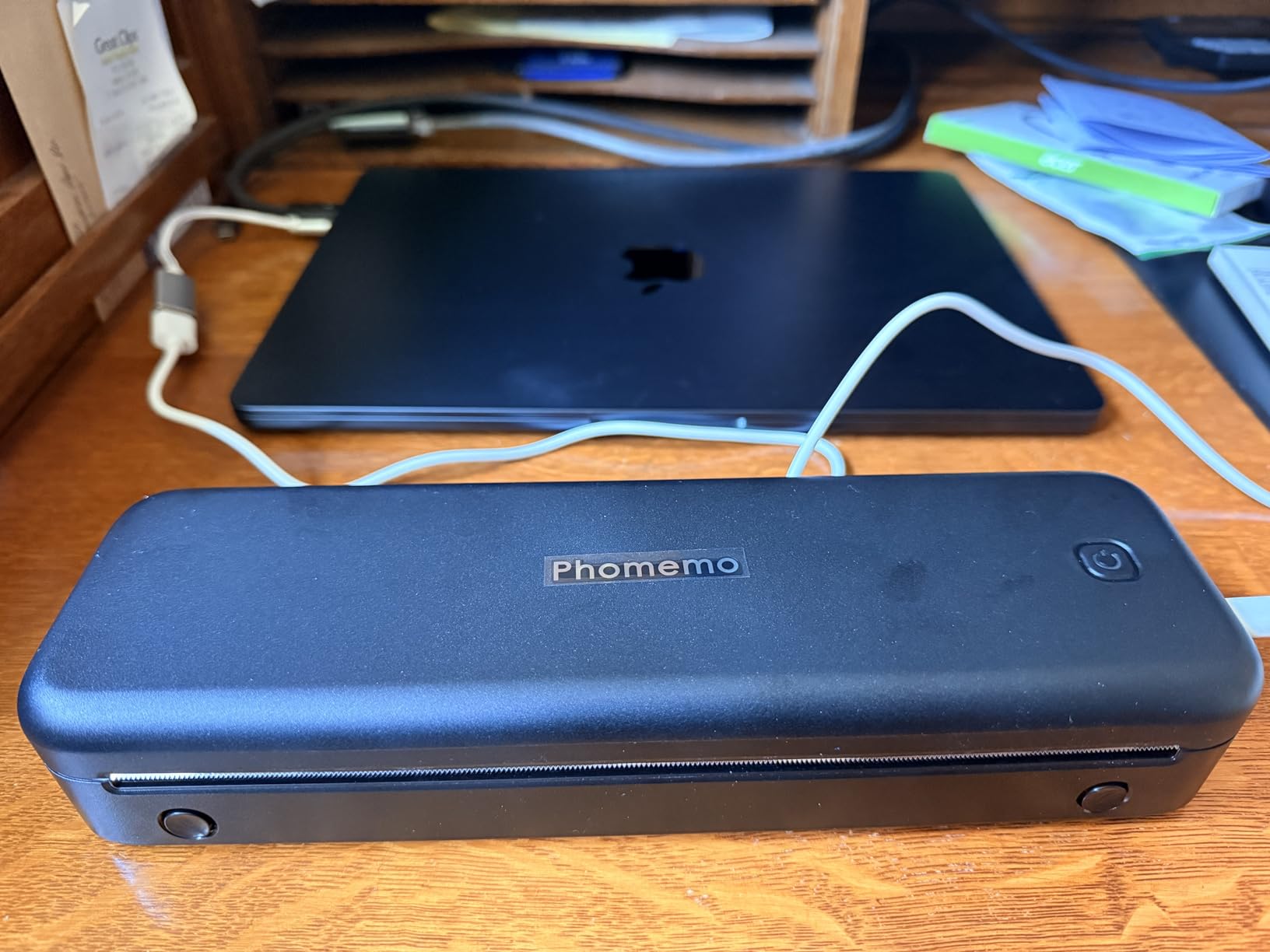
Owner reviews describe the difference as noticeable rather than subtle. If your work involves printing financial tables, technical specifications or a contract with heavy small print, this is the thermal printer to buy.
The second advantage is operating system coverage. It supports Android, iOS, Windows 10 and 11, Linux, chromeOS and macOS, which makes it the safest pick for a consultant who bounces between a company laptop and a personal machine.
What 300 DPI Changes on Paper
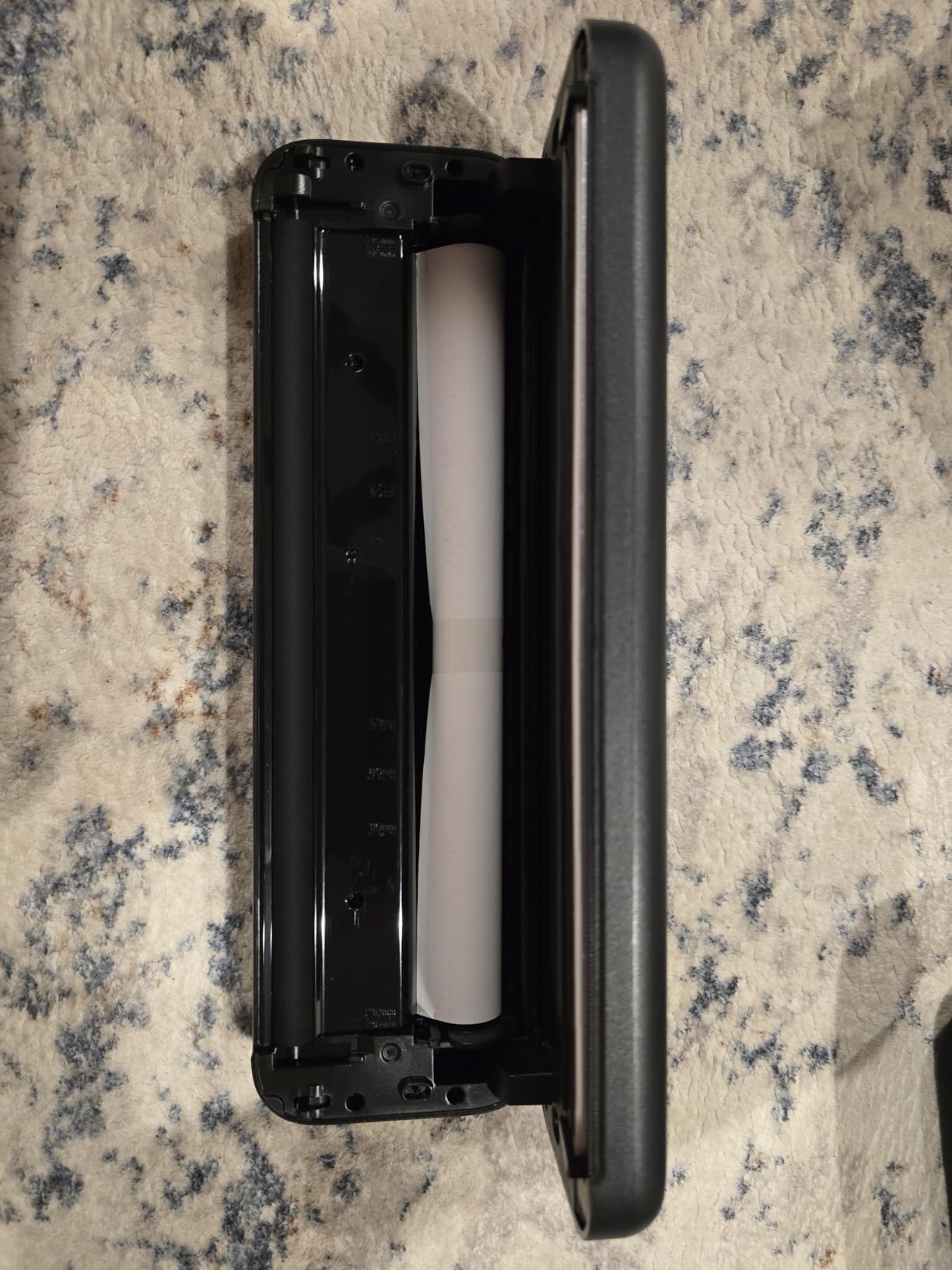
Thermal printers render text as a pattern of heated dots. At 203 dpi, characters have enough resolution to read cleanly at normal body size but soften at small print. At 300 dpi the same font in the same size comes out with noticeably tighter letterforms.
The gain matters most in spreadsheets, where a column of nine-point figures can turn into a grey smudge at lower resolution. Owners printing pricing sheets and quotes report the clearest improvement there.
Battery Capacity in Work Terms
The 2600mAh battery is listed at over 160 pages of continuous printing. For a contractor printing a handful of quotes per site visit, that is multiple days of work between charges, and it removes the anxiety of printing in an airport or a car park.
Charging runs over USB-C, and the box includes a cable and adapter along with four thermal paper rolls. Bringing at least one spare roll on any trip is the single most useful habit with this machine.
Media Compatibility and Limits
The printer accepts five thermal paper sizes across roll, fold and ordinary thermal formats, which covers most document work. One limit is worth stating plainly: it does not support 4 by 6 inch media, so it is not a photo or label-roll machine.
Output is black only, which means grey logos, shaded charts and any colour branding will print as solid blocks. If a client deliverable depends on brand colour, you need an inkjet instead.
6. NDYIN N80 – Best for Battery Life Across a Full Field Day
NDYIN Portable Printers Wireless for Travel, N80 Bluetooth Thermal Printer
1500mAh battery, about 160 sheets
203 dpi thermal
Letter roll included
1.7lb body
Pros
- About 160 Letter sheets per charge from the built-in battery
- Clear 203 dpi output on roll and folded paper
- Compact 1.5lb class body for travel and field work
- Letter size thermal output in a slim body
Cons
- Requires special thermal paper and will not print ordinary sheets
- No Bluetooth for computers and a USB driver install is required
- Charging adapter is not included in the box
The NDYIN N80 exists for one reason: getting through a working day without a charger. Its 1500mAh built-in battery is listed at about 160 Letter sheets per charge, and owners repeatedly single out battery endurance as the standout feature.
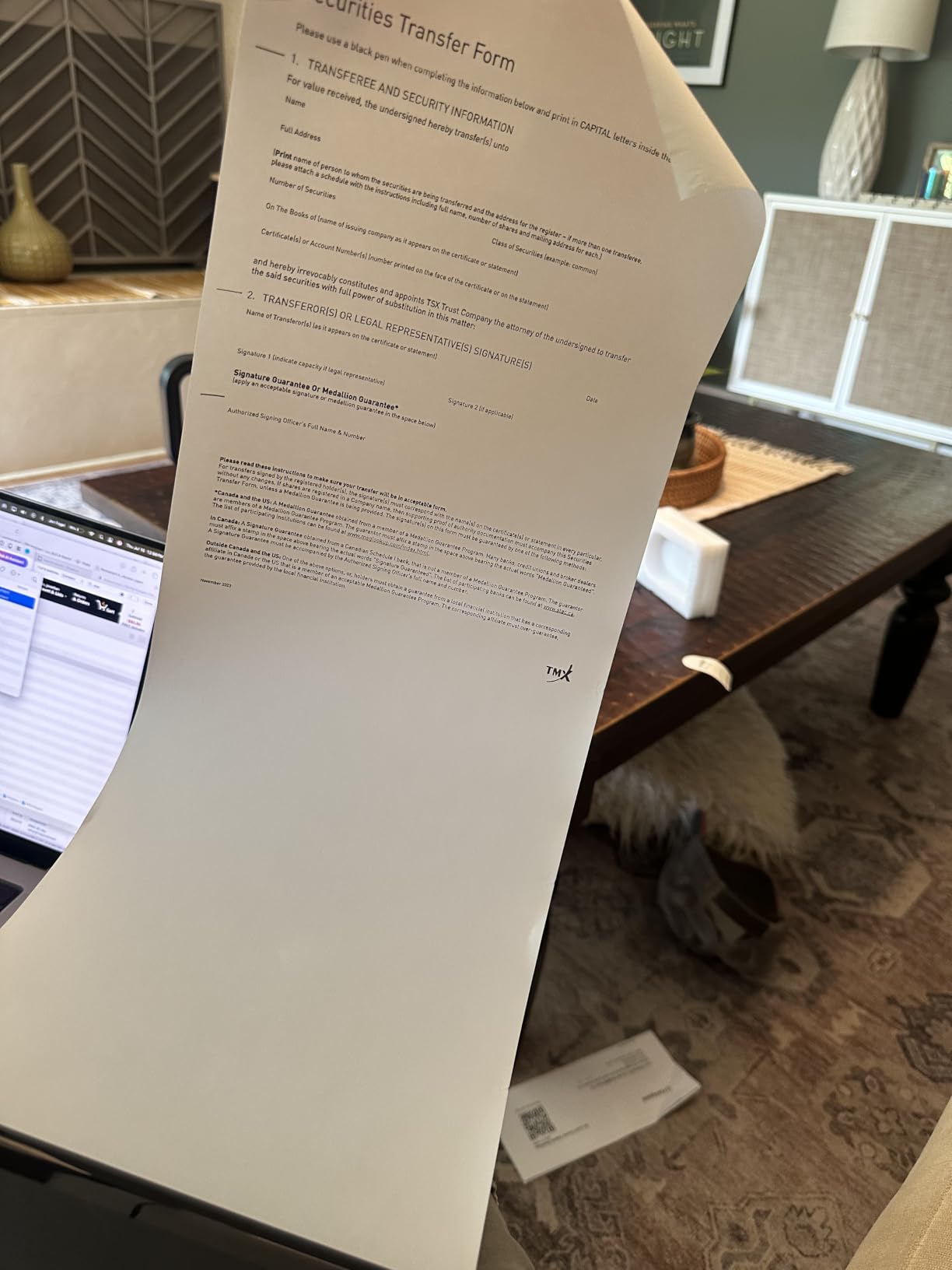
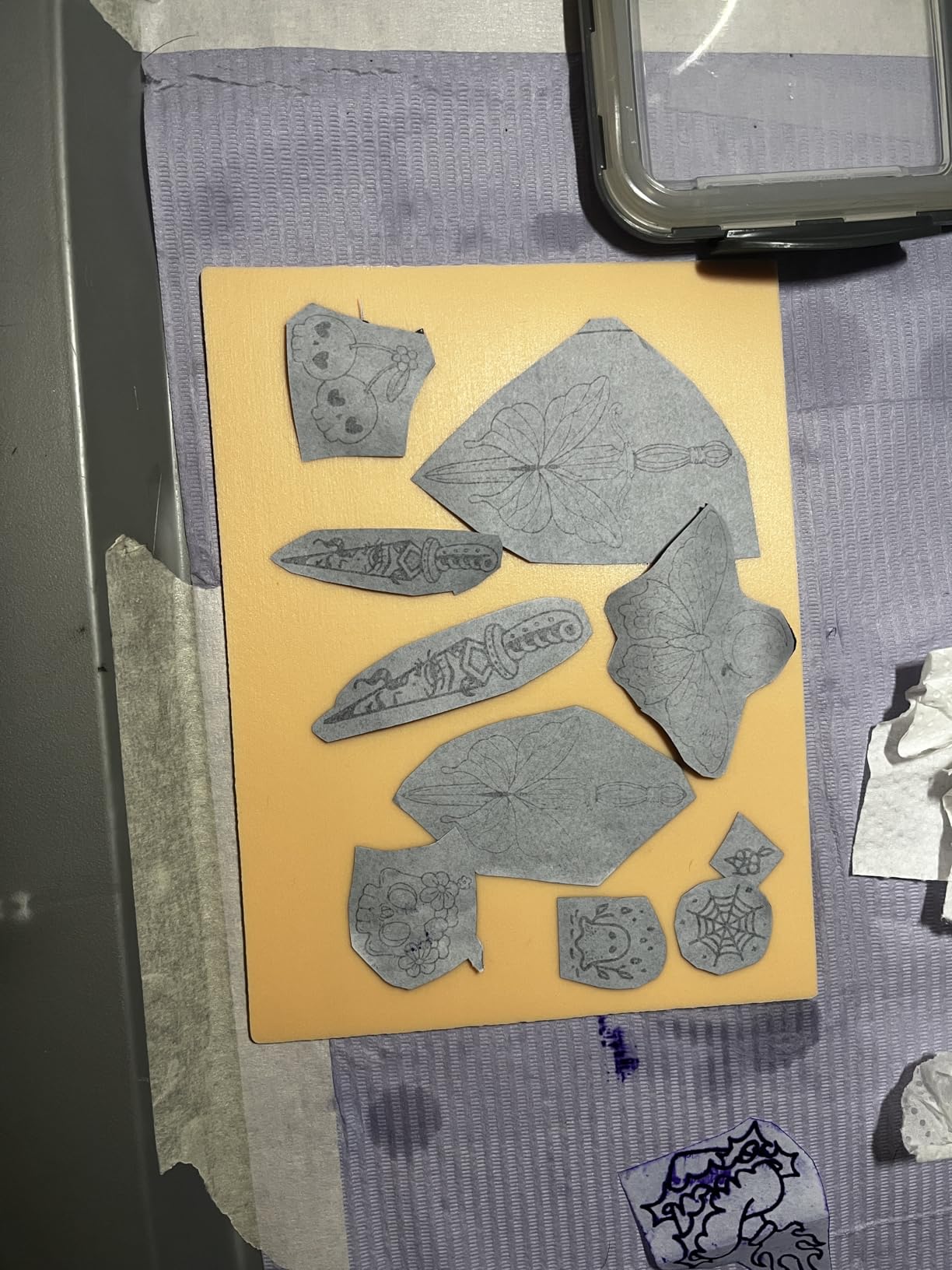
At 1.7 pounds and 3.3 by 11 by 2 inches, it is a flat, slim device that disappears into a laptop sleeve. Reviews praise clear 203 dpi output on both roll and folded thermal paper, and note that it also handles tattoo transfer stock.
The deductions are consistent and predictable: thermal media only, a required USB driver for computers, and a charging adapter that is not in the box. Bring your own USB-C brick and the third issue disappears.
Battery Life Measured in Printed Pages
About 160 Letter sheets is the number to plan against. That covers a contractor printing several site sheets daily for a week, or a salesperson producing a full quote pack at each client visit without hunting an outlet.
Compare that with the 4 pages per minute listed copy speed, and the practical picture is a printer that can empty a full queue during a coffee stop. The battery, not the speed, is what this model is built around.
Print Paths: App on Phone, Driver on Laptop
Smartphones use the Nada Print app over Bluetooth, which is the standard path for this category. Laptops require USB-C and a driver download, so test the driver on your own machine before a trip rather than in a hotel room at midnight.
The device is built by Zhuhai Jiuyin Technology and sold under the NDYIN name, with the app doing the format handling. That is typical of the value end of this market: the app is the printing engine, so check that it feels workable to you before committing.
Media Handling for Roll Work
The box includes a 7 meter US Letter thermal roll, which is a generous starting supply. Output is listed at 203 dpi with simplex printing, and the device handles roll, folded and transfer media.
As with every thermal printer here, ordinary copy paper is rejected. If a client hands you a document on standard stock, you are printing from a phone file, not from a sheet in a tray.
7. Canon PIXMA TR160 – Best for Full Colour Documents Without a Battery
Canon PIXMA TR160 Color Wireless Portable Printer
Full colour inkjet to Letter size
4800 x 1200 dpi
Wireless Direct plus Wi-Fi
AirPrint and Mopria
Pros
- Prints full color documents and photos on Letter paper
- Wireless Direct works without a router and Wi-Fi printing is supported
- Canon PRINT app with Apple AirPrint and Mopria Print Service
- 1.44 inch OLED display for ink level and status
- Supports square and borderless photo formats
Cons
- Requires ink cartridges which add running cost and can dry out if unused
- No built-in battery so it needs a power outlet
- Simplex printing only
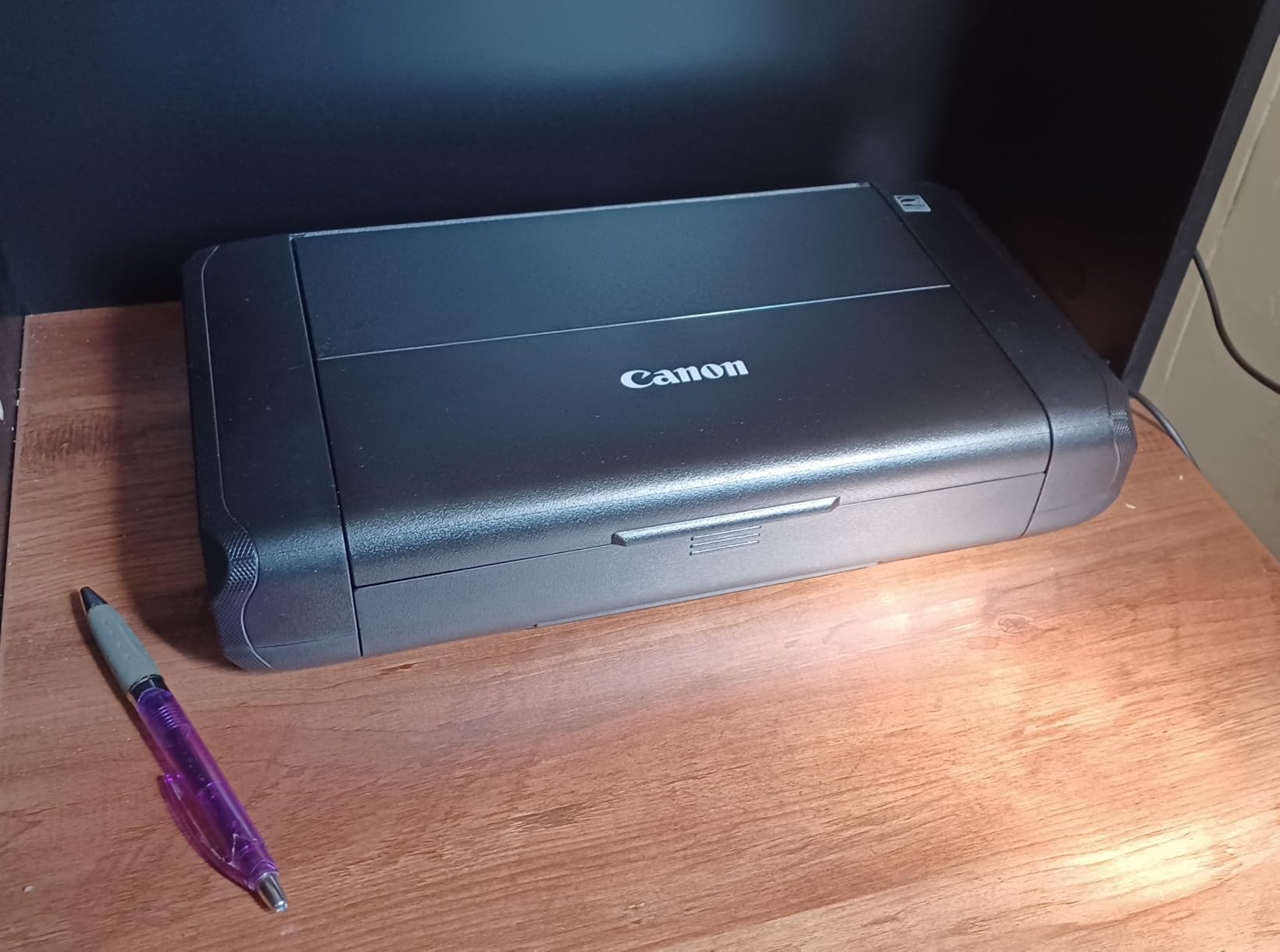
The Canon PIXMA TR160 prints full colour Letter documents and 4 by 6 inch photos at 4800 by 1200 dpi using a 5-Color Hybrid Ink System, in a 4.5 pound body. It is the lighter of the two colour machines here.
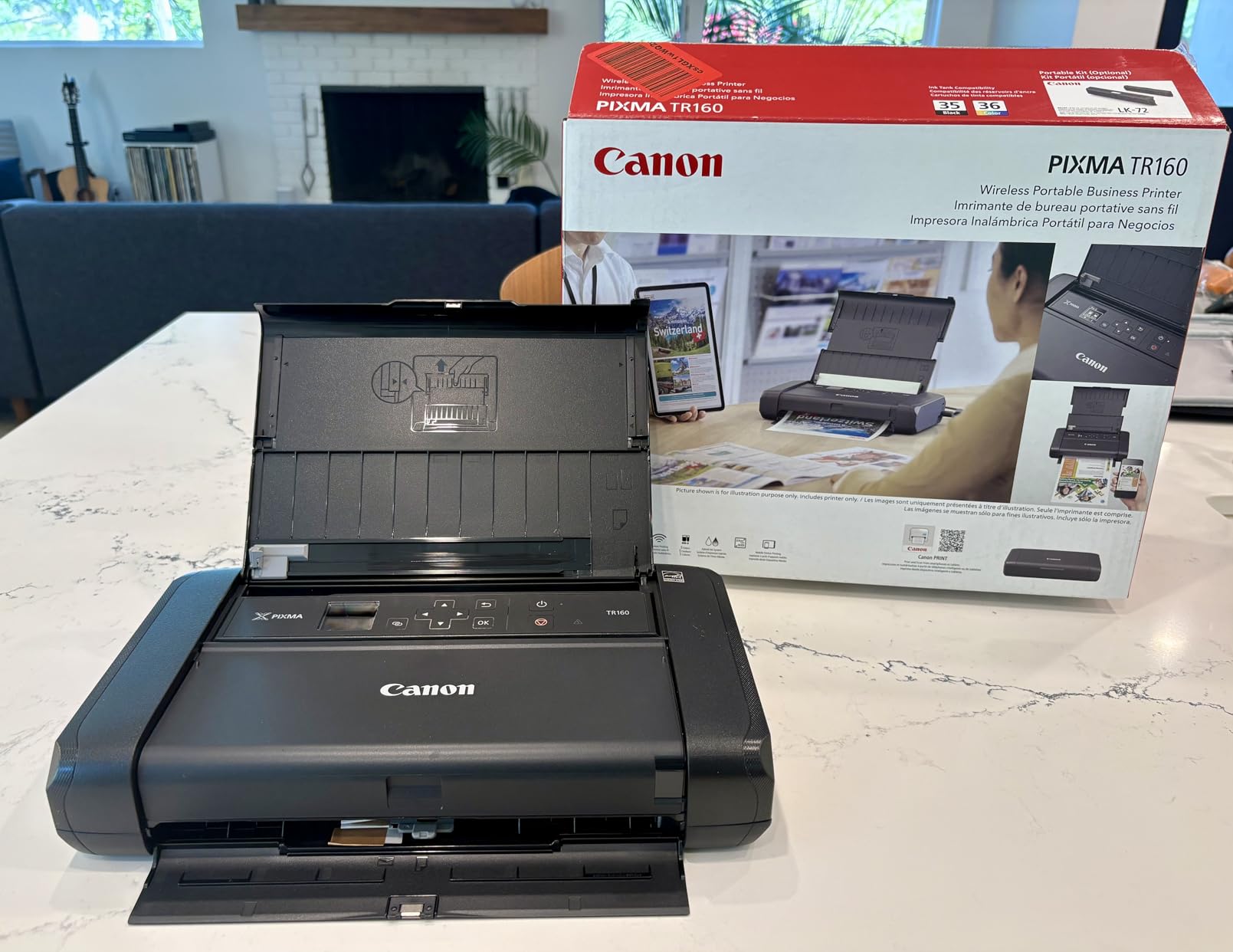
Connectivity is genuinely better than the thermal competition. Wireless Direct connects a device without a router, Wi-Fi handles a room, and Apple AirPrint plus Mopria Print Service mean an iPhone or Mac finds it without an app dependency. A 1.44 inch OLED display shows ink levels and status at a glance.
The trade-off is the one that rules it out of true mobile use: there is no built-in battery. This printer needs a power outlet, so it suits a hotel room or a holiday rental more than a train journey.
Where an Inkjet Beats Thermal on Paper Quality
Thermal output is monochrome and fades. The PIXMA TR160 produces pigment output on ordinary paper that stays readable for years, which is exactly what you want for a signed proposal, a printed agenda for a multi-day course, or a coloured diagram handed to a client.
It also accepts a wide media range from 3.5 inch squares and 4 by 6 photos up to Legal and US number 10 envelopes, so one machine covers documents and photo prints.
Cartridge Economics Over Three Years
Ink cartridges make running costs higher on this printer. Colour fidelity and permanence cost money, and cartridges left unused in a bag can dry out between trips.
For a mobile worker who prints a handful of colour pages a month, that cost is manageable. For anyone printing daily in colour, a small desktop inkjet at home will serve the same need at a lower lifetime cost, which is worth weighing before buying.
Speed, Paper Handling and Print Volume
Listed speeds are 9 pages per minute in black and white and 5.5 in colour, with simplex printing only, so double-sided jobs need manual flipping. Sheet capacity is listed at 50 pages, which is more paper than any of the thermal machines carries.
Power draw is 8 watts, so it draws less than a laptop charger. If your mobile setup allows a hotel desk with an outlet and a Wi-Fi password, this becomes a very capable portable office printer.
8. Phomemo M08D – Best for Onboard Status and Battery Awareness
Phomemo M08D Portable Printer with Touchscreen Supports 8.5″x11″ US Letter
Smart digital status display
Up to 150 pages per charge
1.5lb body
USB-C with display
Pros
- The smart display shows printer status and battery level at a glance
- Sharp thermal output for documents
- labels and notes
- Fits easily in a bag or toolbox and runs well on battery
- Fast setup with reliable Bluetooth connection
Cons
- Setup and printing instructions can be hard to follow for some users
- The companion app has been reported as costly for occasional users
- Some machines produced small or crooked prints and would not install a Mac driver
- Thermal paper required and output is monochrome
The Phomemo M08D answers a problem every other thermal portable ignores: how do you know it is low on paper, low on battery, or disconnected? Its upgraded smart digital display shows printer status, battery level and Bluetooth connection state directly on the chassis.
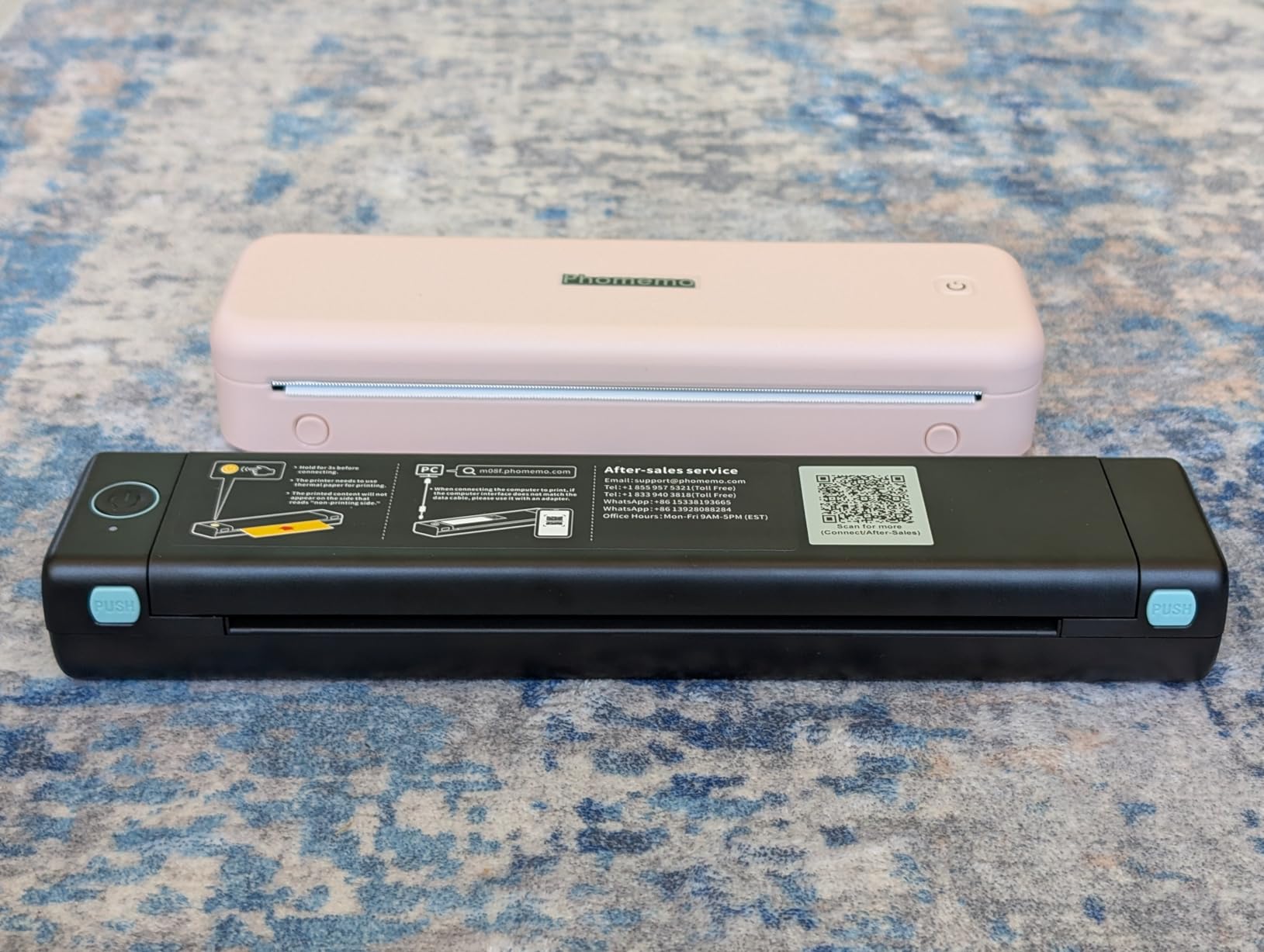
It also runs on-screen tutorials and troubleshooting steps, which matters for anyone buying their first portable printer. At 1.5 pounds and 10.31 by 2.44 by 1.26 inches, it is one of the slimmest Letter-size machines here and fits a briefcase or a car glovebox.
The built-in battery powers up to 150 pages of continuous printing. Listed copy speed is 7 pages per minute, and a complete print cycle is quoted at about 7 seconds, which is quick for a thermal head.
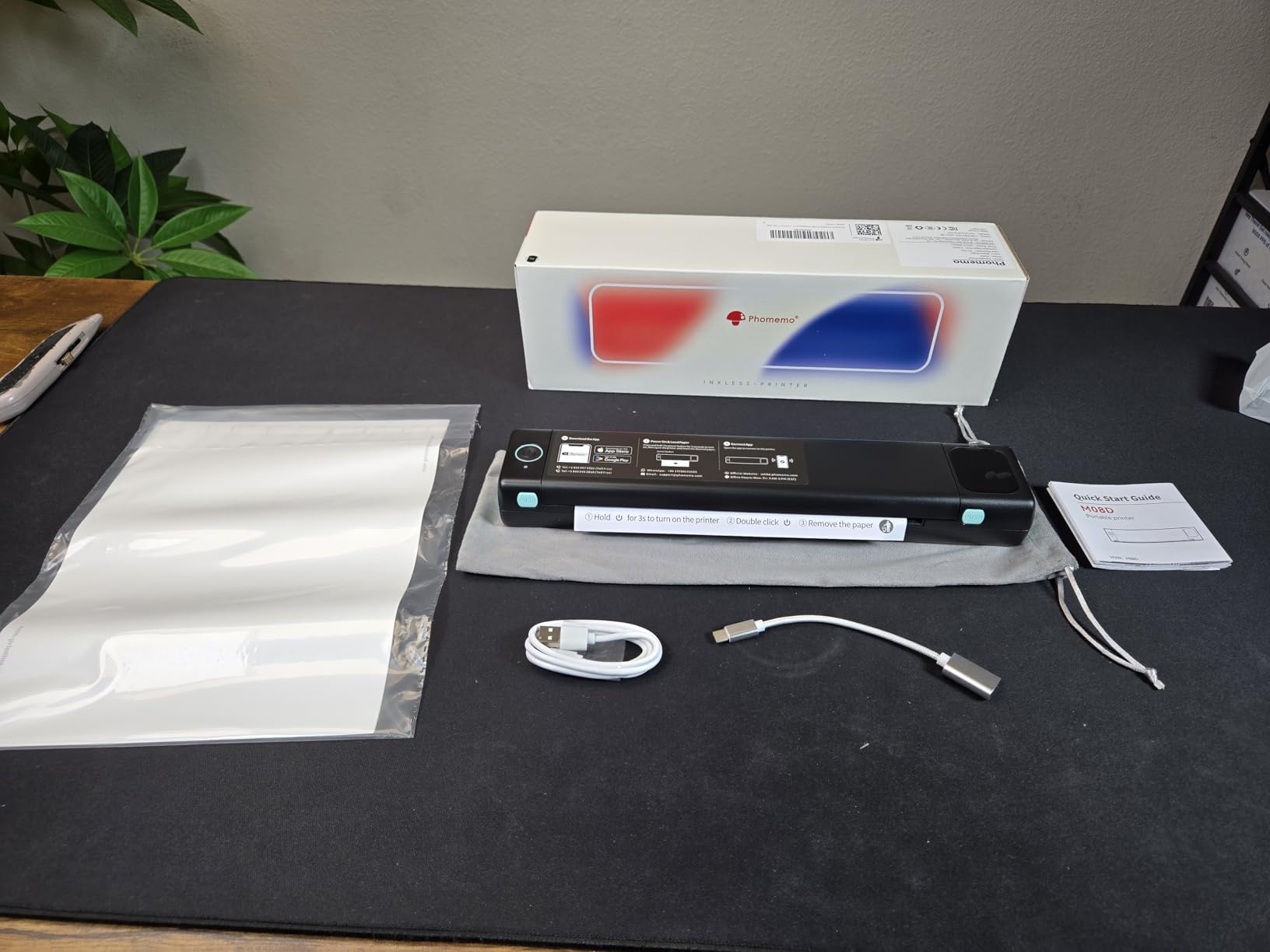
Display Readouts as a Field Feature
On a client site, guessing whether the printer has paired is a waste of time. Reading connection and battery state off the front of the device removes the most common mid-meeting frustration, and it is the reason this model stands apart from its thermal peers.
The display also carries setup guidance, so a colleague can print from it without you briefing them first. For a small team sharing one device, that matters.
App Costs and Setup Friction
Two cautions from owner reviews. Some buyers find the setup and printing instructions hard to follow, and the companion app has been reported as costly for occasional users. If you print once a month, an app with a recurring fee is a poor fit.
There is also a small share of reports of crooked or illegible prints, and of printers that would not install a Mac driver. Check return terms carefully if you work on a Mac.
Resolution, Media and Paper Requirements
Resolution is listed at 600 by 600 dpi in the product details, though the practical output is monochrome thermal and best described as clean rather than photographic. Paper sizes cover 8.5 by 11, A4, A5, B5 and B5W.
As always with this technology, ordinary plain copy paper is not accepted. Print media is thermal paper, and output is simplex black only.
9. PRT MT610 – Best for Labels, Barcodes and Scannable Codes
PRT MT610 Portable A4 Thermal Printer, Inkless Bluetooth Printer for Phone
300 dpi monochrome text
Letter, Legal and A4 media
2000mAh battery
0.74kg body
Pros
- Very light at 1.1lb with a narrow profile for carrying
- 300 dpi output is clear and legible for black text
- Quick Bluetooth pairing to a phone with no router required
- Inkless design avoids cartridge cost and clogging
Cons
- Thicker continuous label paper jams because the roller sits close to the head
- Grey shades render as solid black and break shaded tables
- No Chromebook support and the device may need a power cycle between jobs
- Occasional devices arrived unable to print at all
The PRT MT610 is the one to buy if your mobile work involves codes rather than paragraphs. Owner reviews specifically mention high-contrast documents, invoices, barcodes and scannable labels, and at 300 dpi it has the resolution to keep those codes readable by a phone camera.
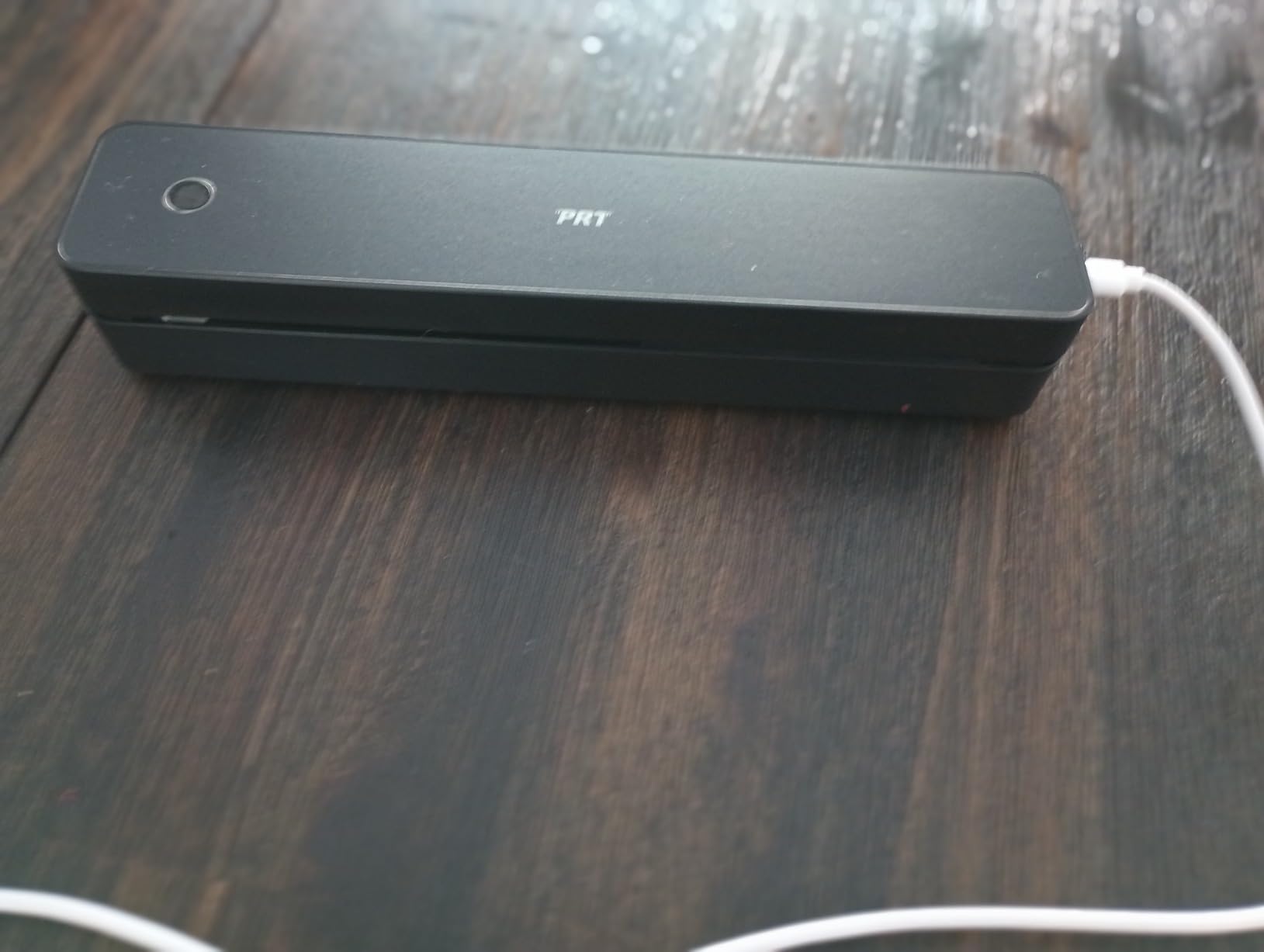
Weight is the quiet advantage here. Listed at 0.74 kilograms and described by owners as 1.1 pounds in a 10.2 by 2.2 by 1.8 inch body, it is one of the lighter Letter-size printers in this guide and disappears into a laptop bag.
The 2000mAh battery supports printing away from outlets and away from Wi-Fi, and Bluetooth pairing to a phone is quick with no router involved. It has no scanner, so pairing it with one of our label printer recommendations covers the digitising side if you need it.
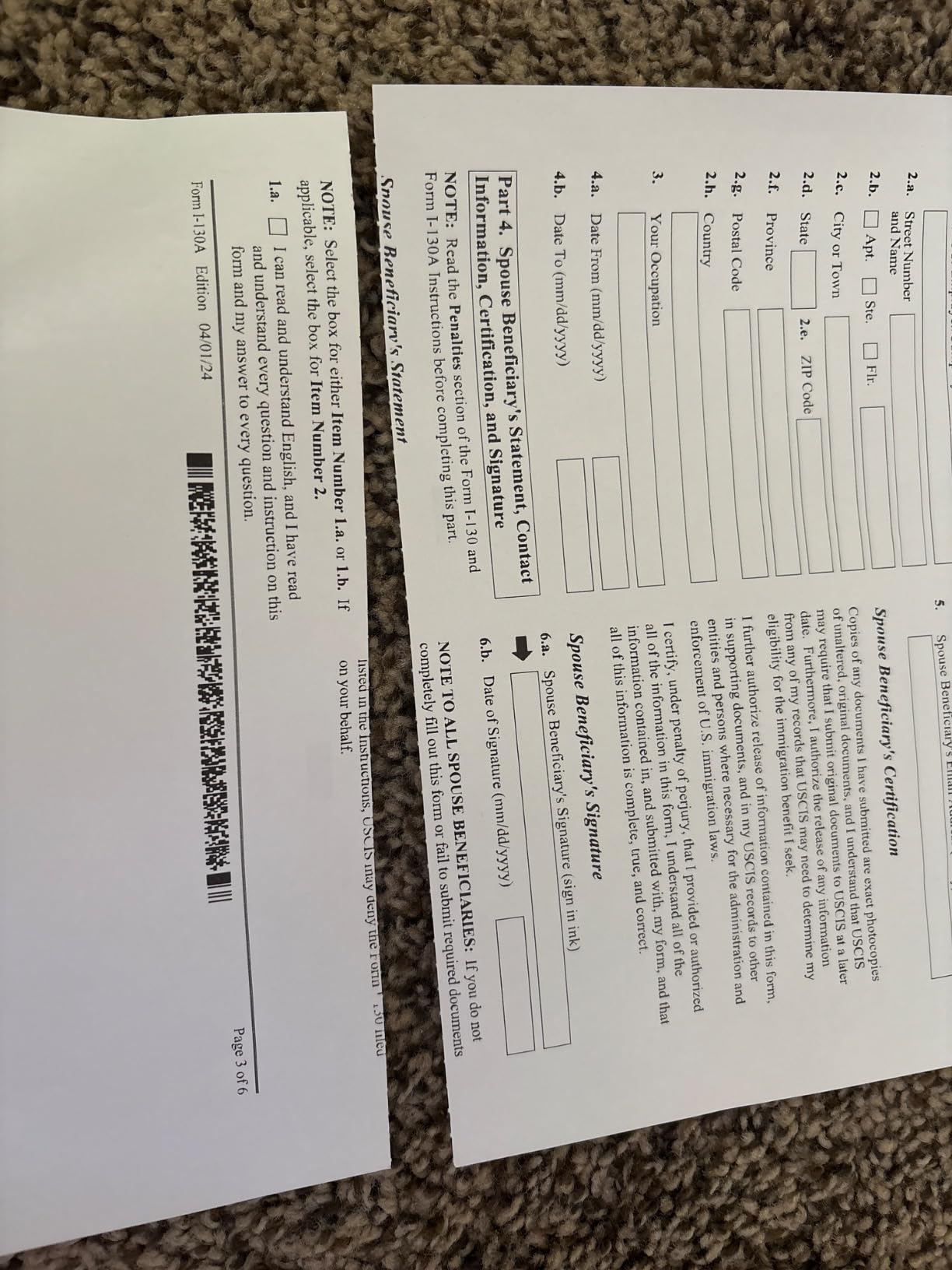
Scannable Output Versus Decorative Output
A barcode only scans if every bar has clean edges. At 300 dpi, this machine produces the high-contrast black text owners describe as clear and legible, and it holds a narrow roller to a fine line without smearing.
That is the opposite trade to photographs. This printer is built for functional output, where crisp black on white is the whole requirement.
Greyscale Failure and Label Media Limits
Two limitations are worth planning around. First, grey shades render as solid black, so any document with a shaded table, a grey logo or a gradient breaks completely. Second, thicker continuous label media jams because the roller sits too close to the print head.
If your work uses heavy label media, test a roll before committing. For thin thermal labels and plain thermal paper, owners report good results.
Platform Gaps and Reliability Checks
There is no Chromebook support, and some owners report the device needing a power cycle between jobs, which is disruptive when a client is waiting. A small number of reviews mention devices arriving unable to print at all, so inspect and test on arrival rather than on departure day.
Bluetooth is phone-only, with laptops and desktops connected over USB using the official driver. Both Windows and macOS are supported, along with Android and iPhone on the app side.
10. ETIKEZ D90E – Best for Notes, Inventory Lists and Study Material
ETIKEZ D90E Inkless Portable Thermal Printer with Case – 8.5″ x 11″, Black
203 dpi thermal text
Labelnize app and PC drivers
2.08lb with travel case
10 sheets included
Pros
- Sharp thermal text for contracts
- shipping labels and study notes
- Travel case included and easy to carry
- Fast uncomplicated Bluetooth connection to a phone
- No cartridge cost and long battery life
Cons
- Thermal paper only and ordinary copy paper is not accepted
- Not compatible with Chromebooks
- Black and white output with no color capability
- Thermal prints can curl and may fade over long storage
At 4.3 out of 5, the ETIKEZ D90E sits near the top of this group on owner satisfaction, and owner feedback is unusually consistent: clear prints, quick Bluetooth setup, a helpful bundled case and freedom from ink costs.
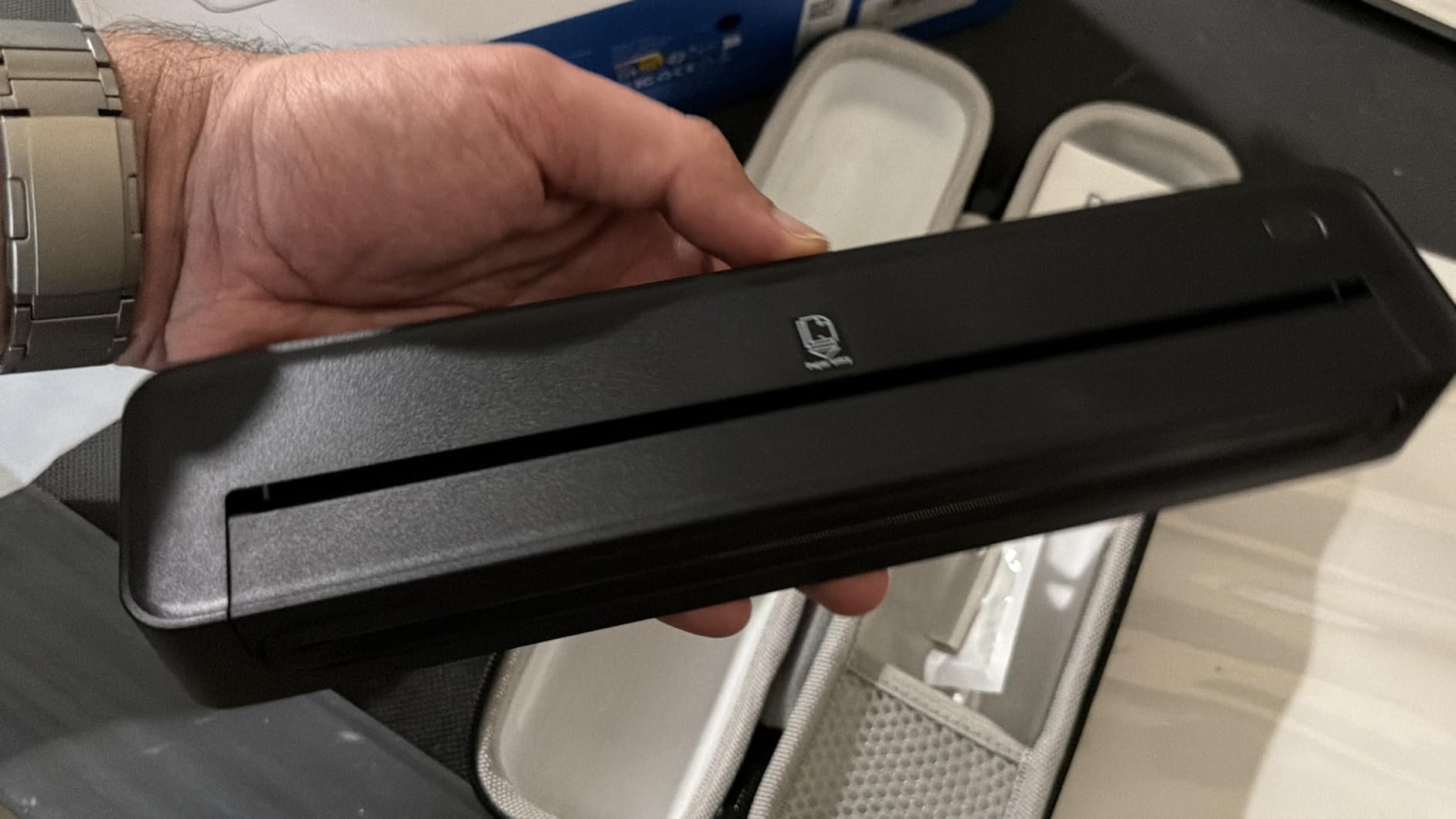
It is a 2.08 pound device at 10.43 by 2.32 by 1.3 inches, and the package includes a travel case, a USB-C cable, 10 sheets of thermal paper and a guide. That is a complete kit for someone printing notes, inventory lists and study material away from a desk.
Mobile printing runs through the Labelnize app, with drivers downloaded from the manufacturer’s site for computers. A small but real detail: the power button ejects paper to clear jams, and the cover should never be forced open.
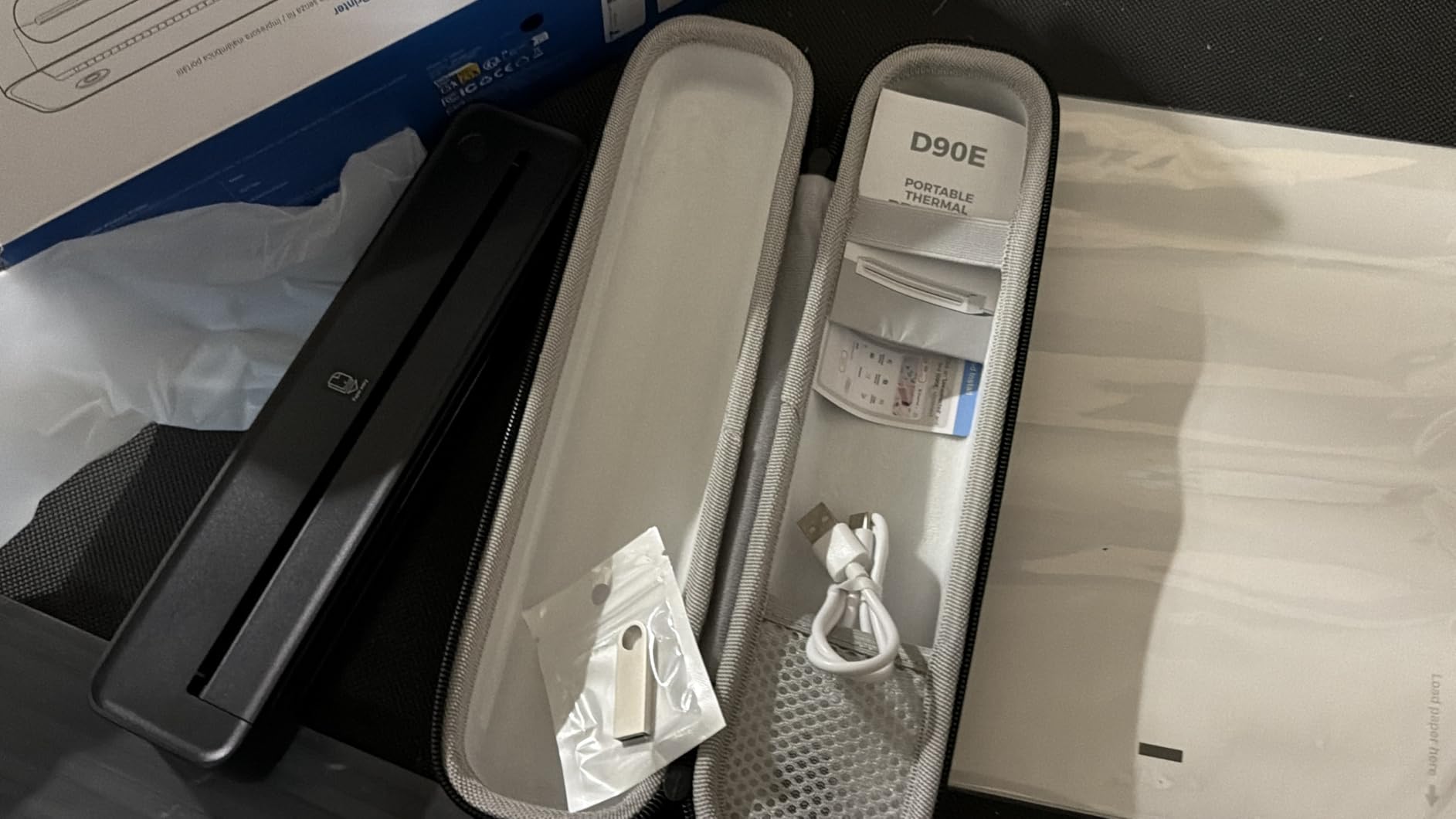
A Practical Kit for Mobile Note Taking
For students and field staff, the combination of a case, paper and a 203 dpi head means the device is usable the moment it leaves the box. There is no separate accessory purchase to make it travel-ready.
Listed speed is 4 pages per minute, so this is a deliberate printer rather than a fast one. Use it for notes and short documents, not for printing a fifty-page report in a client meeting.
Software Ecosystem and Chromebook Gap
The Labelnize app handles iPhone and Android printing, and PC drivers cover Windows and macOS. Chromebooks are not supported, which is a real limitation for anyone working from a Chrome-based machine on the road.
As with the rest of the category, the app is the printing engine rather than a convenience layer, so get comfortable with it before a deadline day.
Output Limits and Print Curl
Output is 203 dpi black and white, and only thermal paper is accepted. Owners also note that thermal prints can curl and may fade over long storage, so avoid stacking them tightly in a folder immediately after printing.
Sheet capacity is listed at 10, so carry a stack of thermal paper rather than planning to refill mid-session.
11. Rongta F11A – Budget Pick for Quiet Printing in Shared Spaces
Rongta Thermal Portable Printers Wireless for Travel, Bluetooth Mobile Printer, Inkless Printer for School/Office/Home Use, Compatible with Android,iOS & Laptop(Black)
203 dpi thermal output
Under 60dB operation
0.43kg body
USB for Windows and macOS
Pros
- Sharp and crisp text output
- Very compact and light enough for a backpack
- Quick Bluetooth setup through the RONGTA app
- Quiet operation and long battery life
- No ink or ribbon expense
Cons
- Paper jams occur fairly often and the roll does not start feeding until halfway
- No direct Bluetooth pairing from the phone and the app is required
- No Chrome or Chromebook support
- Only accepts thermal paper and not ordinary sheets
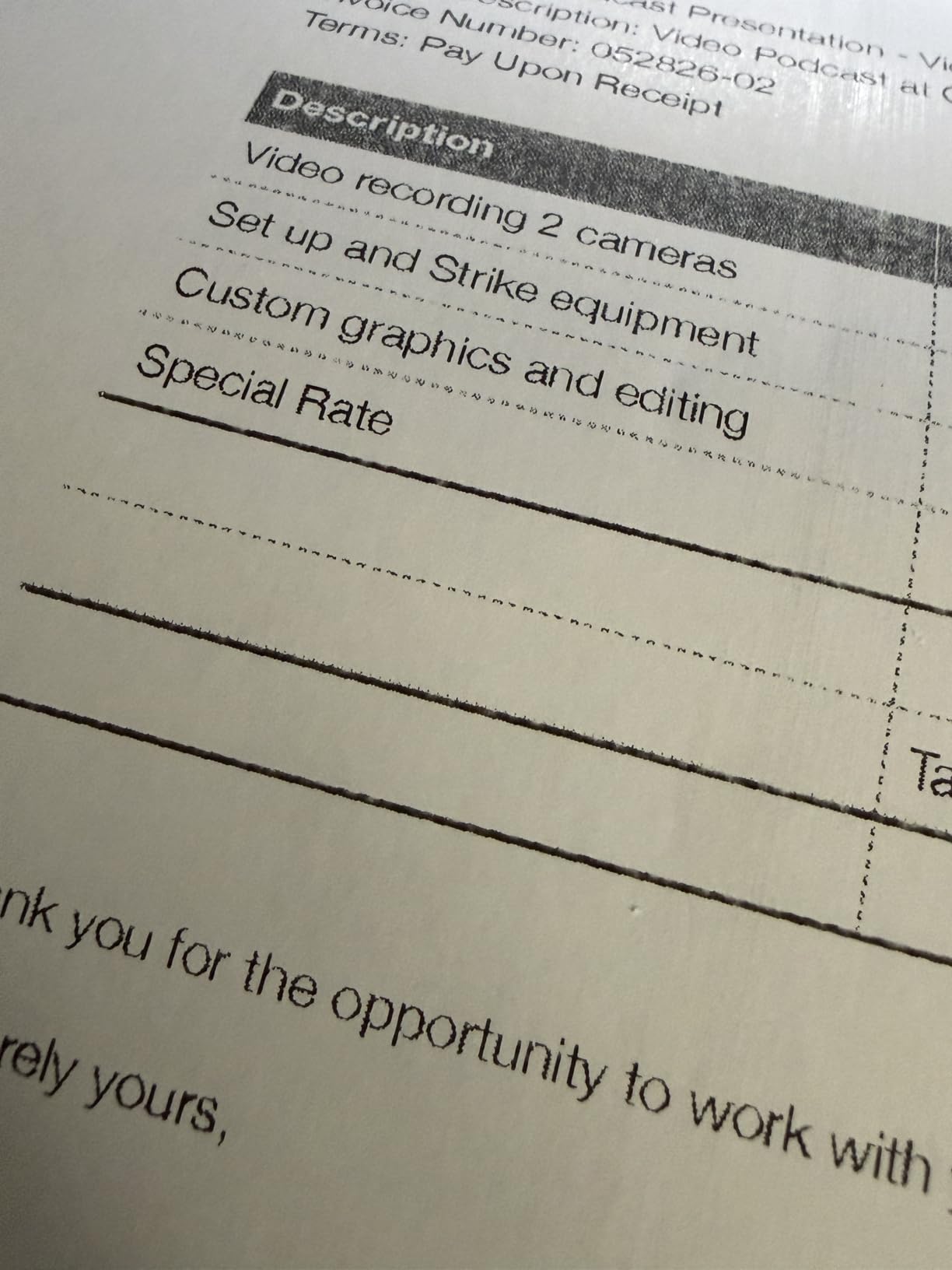
The Rongta F11A sits at the entry point of letter-size thermal printing, and its distinguishing feature is silence. Noise is listed under 60 decibels, which makes it usable in a library, a meeting room or a shared hotel workspace where a rattling thermal head would be a problem.
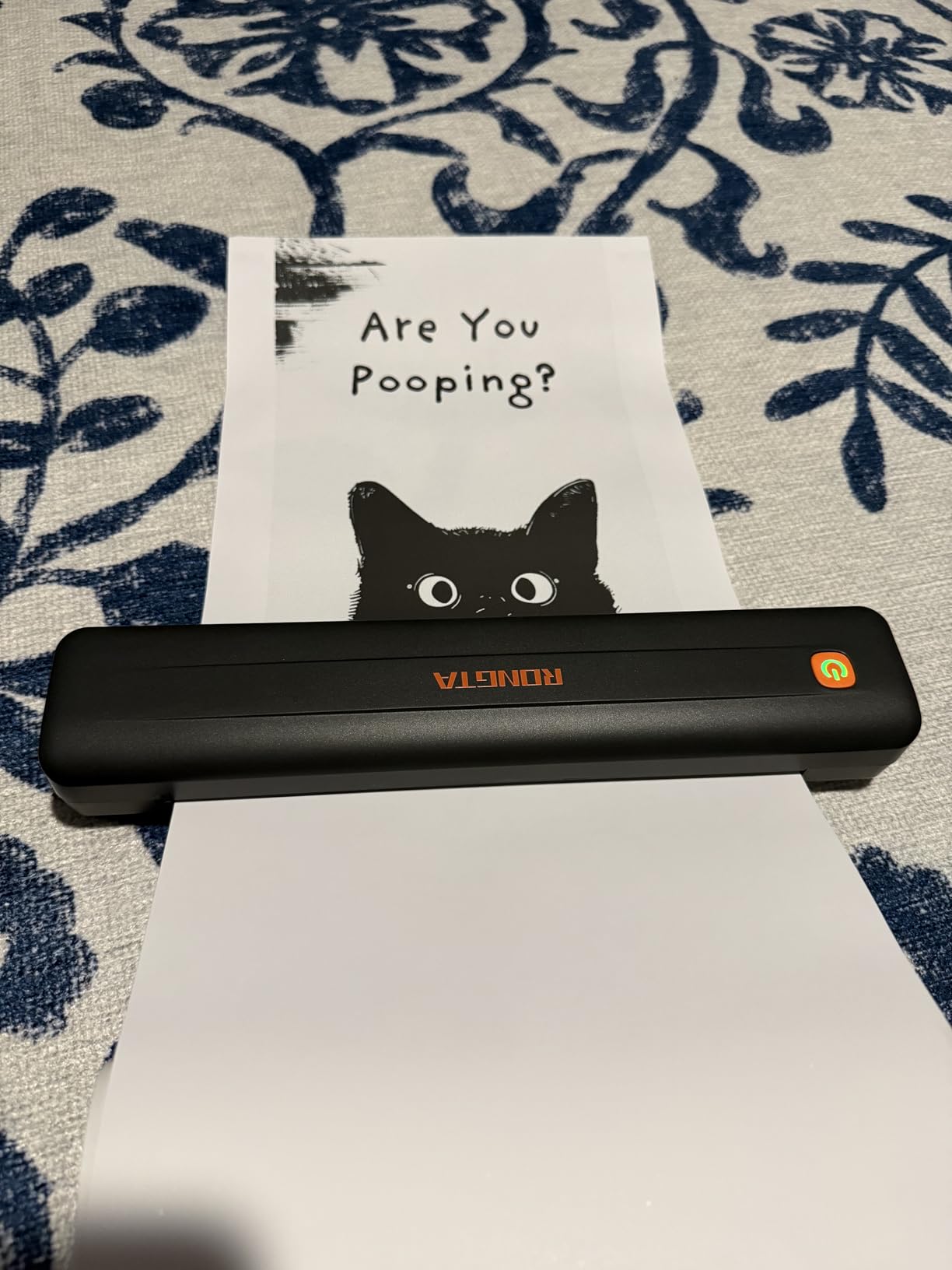
At 0.43 kilograms and 10.55 by 2.28 by 1.18 inches, it is a thin, light device with a gold accent button on the chassis. Reviews describe it as excellent value with clear black text, quick setup, quiet operation and good battery life.
It handles US Letter, Legal and A4 thermal paper at 203 dpi, which covers most document work. The cost profile is entirely consumable-free apart from the paper itself.
Paper Feeding Is the Weak Point
The most common complaint is mechanical rather than electronic: paper jams occur fairly often, and the roll does not start feeding until it is roughly halfway through the chamber. Budget a few seconds of extra attention per print.
Keep the paper dry and store rolls away from heat, since damp thermal paper is the usual cause of feeding trouble. If you print several pages at a time rather than one at a time, the annoyance builds up quickly.
Pairing Quirks That Catch People Out
Bluetooth pairing must be done inside the RONGTA app rather than from the phone’s Bluetooth menu. Owners who try the standard menu route often conclude the printer is broken, when in fact it is waiting for an in-app handshake.
For computers, a USB cable connection covers laptops running Windows 7 through 11 and macOS. Chromebooks and Chrome-based systems are not supported.
Where This One Fits in a Work Kit
Choose the Rongta when the priority is a small, quiet, inexpensive printer for notes, checklists and short forms. It is not the choice for dense contracts or anything that needs to look polished to a client.
For a student, a site supervisor or a warehouse worker printing inventory lists in a shared space, the silence and the low weight genuinely make it the best tool for the job.
12. Epson WorkForce WF-110 – Best for Full Colour Printing Away from an Outlet
Epson Workforce WF-110 Wireless Color Mobile Portable Inkjet Printer
Built-in lithium-ion battery
5760 x 1440 dpi color
Wi-Fi and Wi-Fi Direct
4.6lb body
Pros
- Built-in rechargeable lithium-ion battery prints away from an outlet
- Print quality matches a normal office inkjet
- Compact 4.6lb body fits a backpack for mobile work
- Wi-Fi and Wi-Fi Direct plus EpsonConnect email printing supported
- No jams reported over roughly 50 pages of use
Cons
- Cartridges are small and need more frequent replacement
- Low ink notification cannot be overridden
- Occasional freezing that requires a hard reset
- The maintenance box fills quickly and adds a recurring cost
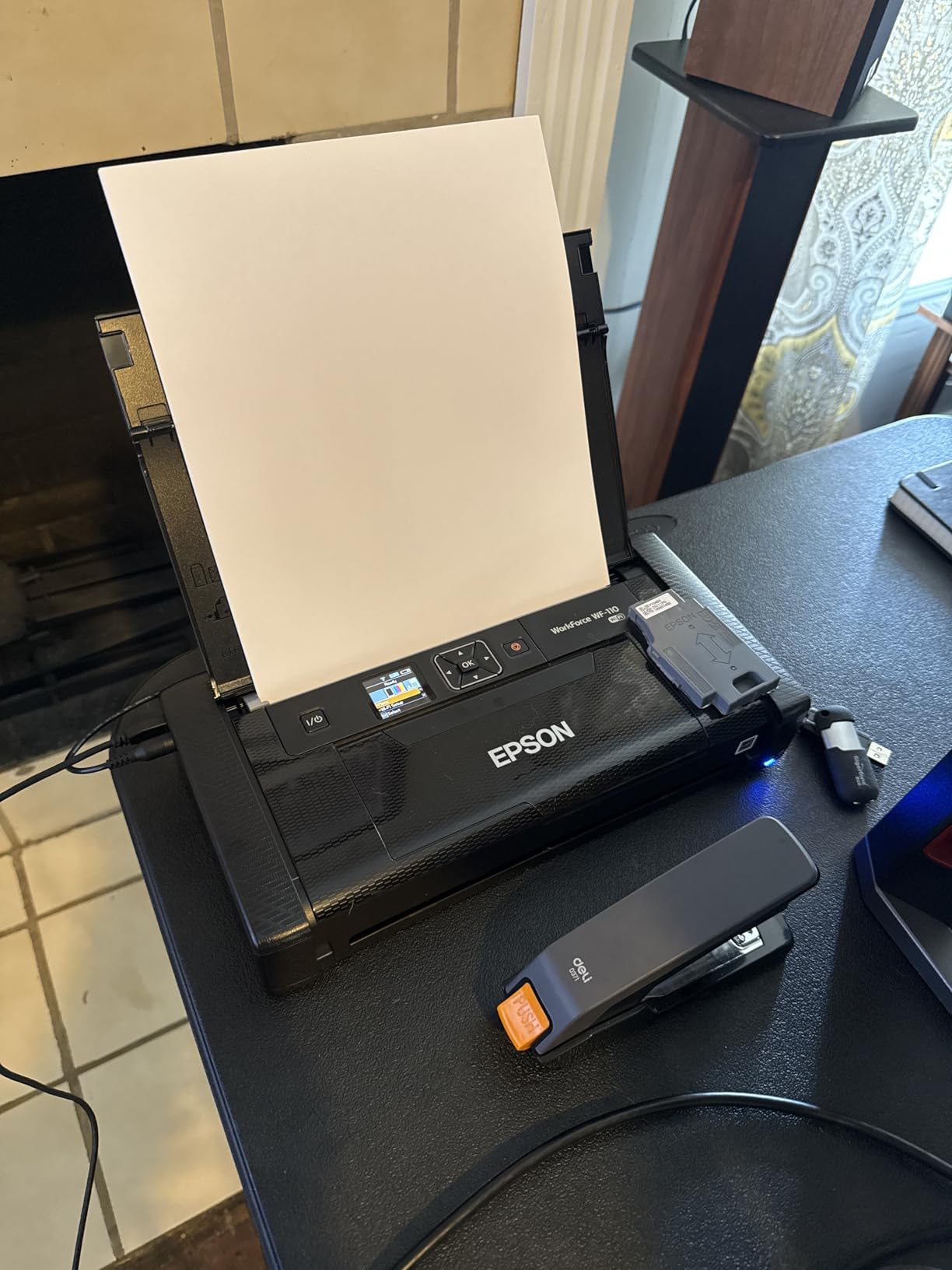
The Epson WorkForce WF-110 is the only printer here that combines full colour inkjet output with a built-in battery. That combination is rare, and it makes this the choice for anyone who needs colour and has to produce it somewhere without a plug.
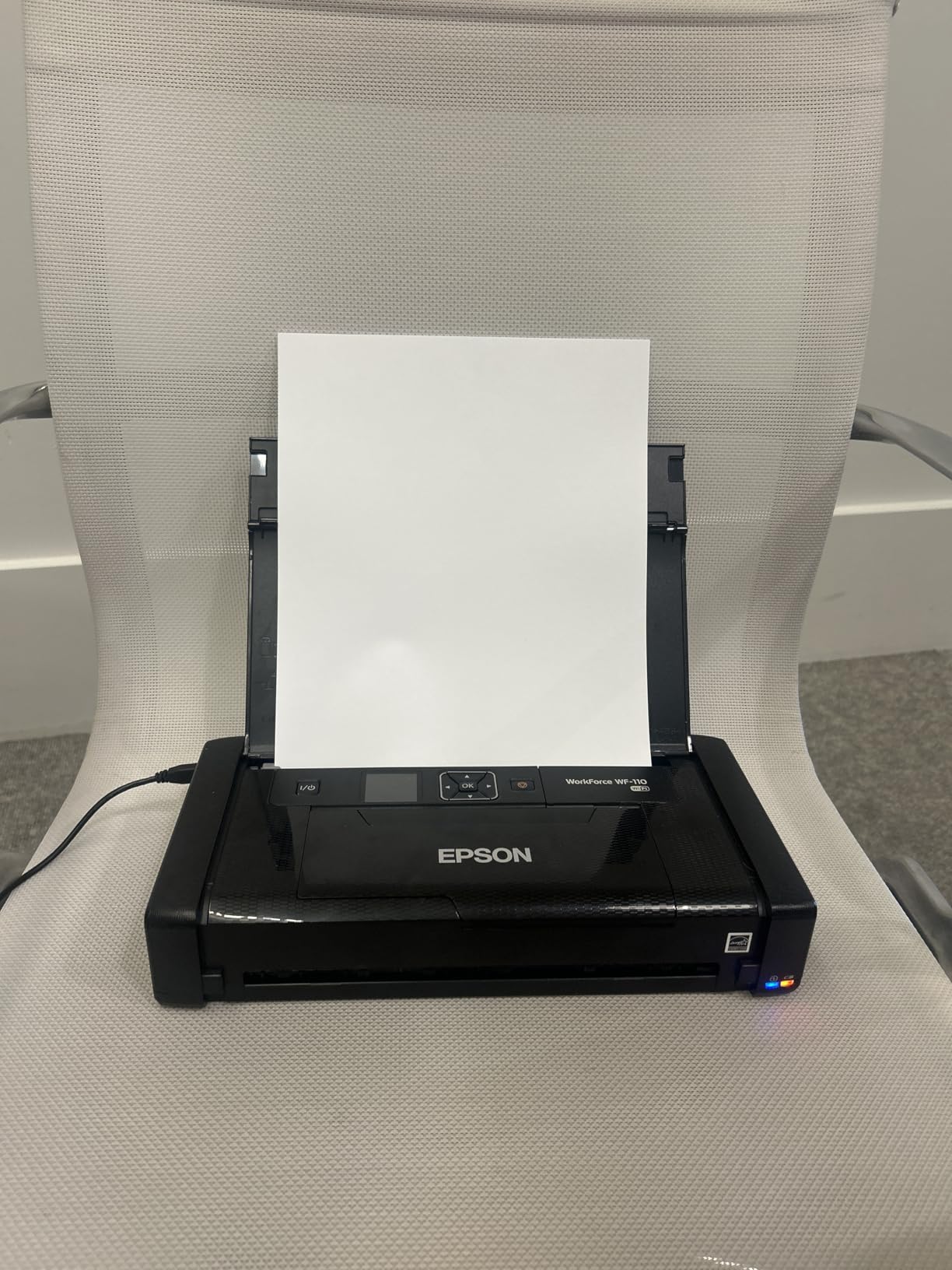
Print quality matches a normal office inkjet at 5760 by 1440 dpi, and owners report no jams across roughly 50 pages of use. Wireless coverage is the best in this guide, with Wi-Fi 5, Wi-Fi Direct and EpsonConnect email printing.
Charging is flexible: USB, an AC adapter or AC power, with an optional external accessory battery for higher print volume. That is a genuinely mobile design, at 4.6 pounds and 9.1 by 12.2 by 8.5 inches.
The Running Cost Reality of a Portable Inkjet
Colour capability comes at a running cost, and the criticism here is specific rather than general. The cartridges are small and need replacing more often than a desktop printer’s, and the maintenance box fills quickly, adding a recurring line item.
The low ink notification cannot be overridden, which means the printer forces a cartridge change before the cartridge is genuinely empty. Plan your ink budget with that behaviour in mind rather than assuming the light means stop.
Connectivity Versus the Thermal Field
This is where the WF-110 separates itself. It connects over Wi-Fi 5 and Wi-Fi Direct, so a laptop or a phone prints without a cable or an app-only workflow, and EpsonConnect even handles printing from an email address.
It also accepts 4 by 6 inch media, which no thermal printer in this guide manages well. The trade-off is weight and consumables: this is a 4.6 pound machine with a cartridge system.
Reliability Notes From Owners
Some users report occasional freezing that requires a hard reset, and the manual does not describe the reset procedure accurately, so look it up before you need it. That is the main operational complaint in an otherwise well-regarded machine.
The printer is designed for Epson Genuine Cartridges only, which locks consumable supply. For a mobile worker printing colour a few times a week, that is a reasonable trade for a printer that works anywhere.
How We Ranked These 12 Printers
Every printer in this guide was scored on the same six criteria, weighted toward the realities of working away from a desk rather than toward lab conditions.
- Print quality at real work sizes: body text, fine print in dense tables, logos with grey tones, and barcode scannability.
- Pages per charge, expressed in work terms: a full quote pack, a day of receipts, or a week of site sheets.
- Carry weight and profile: whether the device fits a laptop sleeve or demands its own bag.
- Connectivity across phone and laptop: Bluetooth, Wi-Fi, Wi-Fi Direct, AirPrint, and how much app dependency comes with it.
- Consumable economics over three years: cartridges and ink versus thermal paper versus proprietary photo media.
- Owner-reported reliability: jams, pairing failures, driver problems and support quality, weighted from review patterns.
We also cross-checked owner feedback rather than relying on listing copy. That distinction matters: several machines here read as identical on a spec sheet and behave very differently once a roll runs low or a driver fails to install on a new laptop.
Which Portable Printer Matches Your Job
Start with the job, not the specification. Nearly every buyer we see choose badly by starting with resolution and ending up with a printer that cannot accept the paper their work actually uses.
Printing contracts, quotes and invoices: choose an inkless thermal Letter printer. The Gloryang, TATTMUSE and Phomemo M834 cover this, and the M834 wins if your documents carry small print or dense tables.
Printing invoices, receipts and job tickets on the move: choose the lightest unit with the longest battery. The NDYIN N80 is built for volume, and the PRT MT610 takes the same work at under a pound lighter body weight.
Printing shipping labels and barcodes: resolution matters more than paper width. The PRT MT610 prints scannable codes at 300 dpi, though test thicker label stock first. If your business ships from several locations, our label printer guide covers the desktop side of the setup.
Handing a client photos, gifts or event handouts: the Canon Ivy 2 Mini is the clear answer, with ZINK colour at 145g and peel-and-stick prints that need no glue.
Colour documents and proposals: you need an inkjet. The Canon PIXMA TR160 suits anywhere with an outlet and Wi-Fi, and the Epson WF-110 covers the truly off-grid case with a built-in battery.
Notes, checklists and study material: the ETIKEZ D90E or the Rongta F11A, choosing the latter for quiet operation in shared spaces.
Buying Guide: Print Technology, Connectivity, Battery and Weight
Direct Thermal Versus Inkjet, Dye Sub and Zink
Portable printers use one of four technologies, and each one changes what you can do. Inkjet cartridges give the highest quality and the highest running cost. Direct thermal uses heat on special paper with no ink, toner or ribbon, which makes it monochrome and cheap to run. Dye sublimation transfers a dye ribbon for photo-grade output, and Zink embeds dye crystals in the paper itself, which is how the Canon Ivy 2 prints colour with no cartridge.
Direct thermal wins the document game because there is nothing to refill. It loses on colour, on archival life, and on anything with grey shading.
Resolutions and What Small Print Actually Looks Like
Portable thermal printers cluster at 203 dpi, with a handful pushing to 300 dpi and some listings claiming higher. At 203 dpi, body text reads cleanly but nine-point figures in a pricing table begin to soften.
At 300 dpi the same document comes out with visibly tighter letterforms, which is why the M834 and the PRT MT610 stand out for spreadsheets and codes. Below roughly 6 points, output prints spotty on every thermal machine in this guide regardless of resolution.
Connectivity: Bluetooth, Wi-Fi Direct, AirPrint and USB
Almost every thermal portable in this category follows the same split: Bluetooth plus an app for phones, and a USB driver for computers. That is a limitation of print protocol rather than a design choice by any one brand.
Inkjets behave differently. The PIXMA TR160 offers Wireless Direct, Wi-Fi, AirPrint and Mopria, and the Epson WF-110 adds Wi-Fi 5, Wi-Fi Direct and email printing. If printing from a laptop without hunting for a cable matters to your workflow, that difference is decisive.
Battery Life and Pages Per Charge
Advertised battery life is rarely quoted in pages, so here are the real figures from the manufacturer data. The NDYIN N80 lists about 160 Letter sheets per charge, the Phomemo M834 over 160 pages, and the Phomemo M08D up to 150 pages. The Phomemo M08F reports roughly 20 sheets from about 15 percent of a charge, implying a full day of typical quote printing.
One of the two inkjets here has no battery at all, which is the single biggest practical difference between the colour machines and the thermal document printers.
Weight and What Fits in a Laptop Bag
Weight ranges from 145g for the Canon Ivy 2 to 4.6 pounds for the Epson WF-110. The thermal document printers cluster between 0.43 and 3.1 pounds, and the two colour inkjets are the only models here that change how you pack.
The practical rule is simple: any thermal printer in this guide fits a laptop sleeve, and either inkjet needs its own space. If your mobile kit already carries a portable monitor or external drive, the weight budget is tighter than it looks.
Taking a Portable Printer on a Plane: Size, Weight and Battery Rules
Yes, you can bring a portable printer in your carry-on. Every thermal model in this guide is small enough for the size limit comfortably, though the two colour inkjets need their own space in the bag. What you cannot do is put a lithium battery in checked luggage without approval.
Spare lithium-ion batteries must travel in your carry-on, protected from damage, with terminals covered. A portable printer with a built-in battery is normally permitted as carry-on personal electronics, while a loose spare battery is treated more strictly and is subject to airline limits on the number you may bring.
Two practical rules we would apply. First, print your boarding pass and itinerary on paper before you leave, because the printer will not help you at security if it has run flat. Second, pack thermal paper rolls in your carry-on rather than checking them, since a checked bag that arrives late means no paper on arrival.
For anyone building a full mobile kit, the rest of the setup matters as much as the printer. Our portable SSD picks keep your files safe, and if video calls are part of the trip, this guide to why a camera fails on Zoom but works elsewhere solves the most common connectivity complaint we hear from mobile workers.
Portable Printer FAQs for 2026
What is the best portable printer for traveling?
The Canon Ivy 2 Mini is the best portable printer for travel if you print photos, at 145g with ZINK zero-ink colour and peel-and-stick prints. For documents on the road, the Gloryang inkless thermal printer prints full Letter pages with no cartridges. Choose based on the job rather than on weight alone, since the two categories rarely overlap.
What is a good wireless portable printer for travel?
Wireless Direct and AirPrint are the most reliable wireless options, and the Canon PIXMA TR160 offers both alongside Wi-Fi. Thermal portable printers are wireless to phones over Bluetooth through a companion app, but they generally need a USB driver on a laptop. If wireless printing from a computer matters most, choose an inkjet rather than a thermal unit.
What is the best portable printer for home use?
For a fixed desk, a small desktop inkjet usually beats a portable printer because cartridges are larger and cheaper per page. A portable printer makes sense at home as a backup or for a home office that also travels. The Canon PIXMA TR160 is the closest fit if you want one device for both, given its AirPrint support and 50-sheet tray.
Is it worth buying a portable printer?
It is worth it if you regularly need paper away from a desk, such as contracts, quotes, invoices or shipping labels. Thermal models cost only media per page, with no ink or ribbon expense. It is not worth it if you print rarely, because a home or office printer will be cheaper per page and faster over a session.
Can I bring a portable printer on a plane?
Yes, portable printers fit in a carry-on and are normally allowed as personal electronics. Spare lithium-ion batteries must also travel in the cabin with terminals protected, never in checked luggage, and airlines may limit how many spares you carry. Print your boarding pass before leaving home, and keep paper rolls in your cabin bag.
Do portable printers really work?
Yes, and owner reviews across thousands of ratings back that up. Most complaints concern thermal paper being mandatory, monochrome output, app dependence or occasional paper jams rather than failure to print. Expect a 203 dpi document, roughly 160 Letter sheets per charge on the best models, and printing speed of 4 to 7 pages per minute.
What is the best portable printer that can work with both my phone and laptop?
The Canon PIXMA TR160 and the Epson WorkForce WF-110 are the strongest dual-platform choices, supporting AirPrint, Mopria, Wi-Fi and Wi-Fi Direct for laptops and phones alike. Thermal printers connect wirelessly to phones through an app but usually require a USB driver on a computer. Check your laptop operating system before buying, since Chromebooks are unsupported on several models.
The Verdict
The best portable printers for on the go work split cleanly into three jobs, and picking the wrong one is the only real mistake here. For the Canon Ivy 2 Mini, which leads this list on owner satisfaction and is our pick for photos, client gifts and event handouts. For contracts, quotes and invoices, go thermal and pick the Gloryang for simplicity, the TATTMUSE A285M for media flexibility, or the Phomemo M834 when small print and dense tables matter.
For field work where battery is the constraint, the NDYIN N80 and the Phomemo M08D lead on pages per charge. For colour, the Canon PIXMA TR160 handles any room with an outlet, and the Epson WF-110 is the only pick that gives you full colour away from a plug.
Whichever you choose, the pattern is the same: thermal printers are cheap to run and monochrome, inkjets are sharp and colour but cartridge-driven, and both need a bag, a spare roll of paper and ten minutes of setup before the first trip. Test the pairing and print one page at home, then you are ready for 2026 and whatever is on the itinerary.