
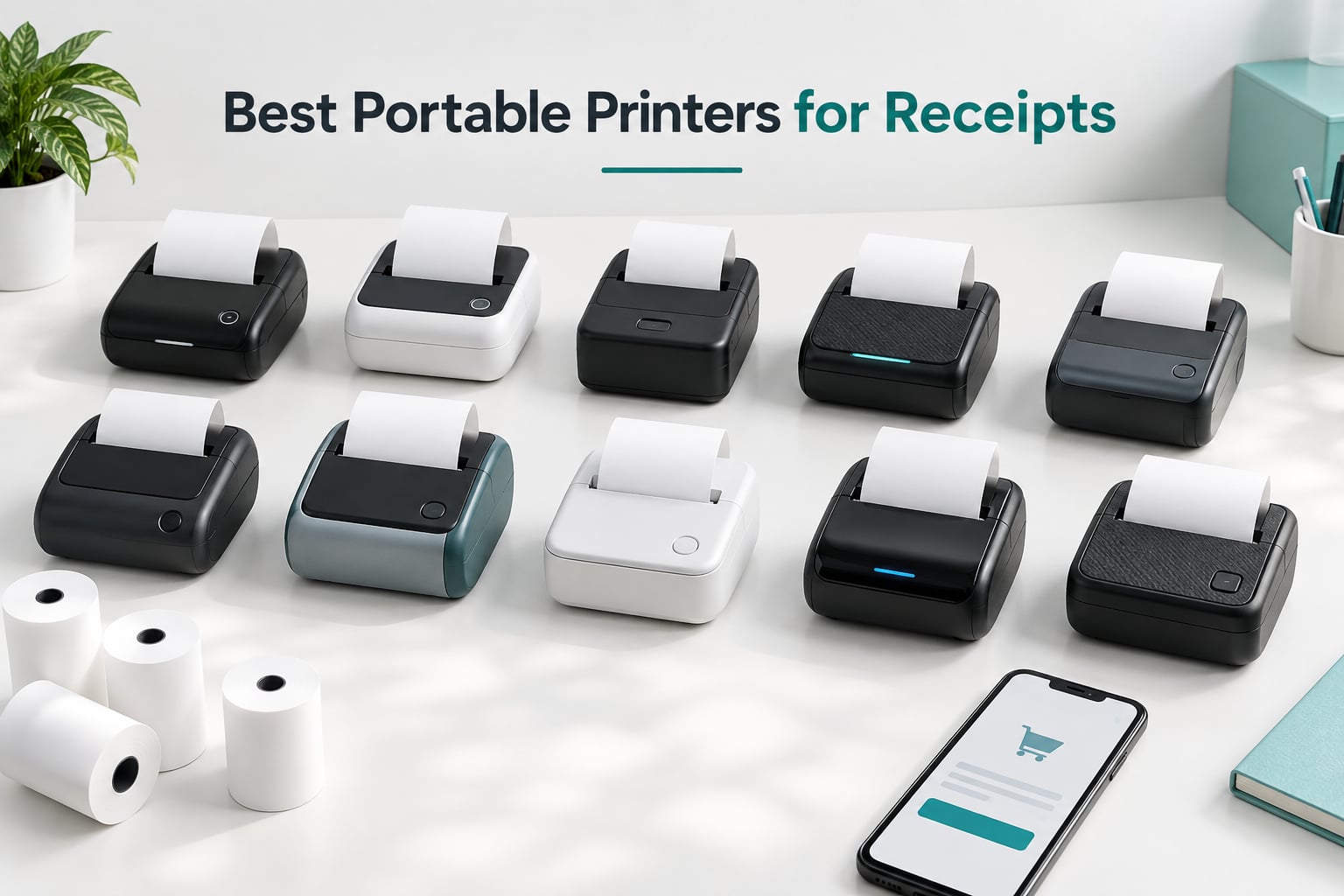
The best portable printer for receipts is a direct thermal unit that needs no ink, toner or ribbon. It prints from a phone or small POS terminal, runs on a rechargeable battery, and handles continuous 58mm or 80mm roll paper. The MUNBYN IMP006 is our top pick for Android sellers, the symcode MJ-5890K is the best wired counter unit, and the Star Micronics SM-S230i is the one to buy if you use an iPhone.
Choosing a portable receipt printer is harder than it looks, because the category is full of units that print beautifully for a week and then stop talking to your phone. Over the course of building this guide, we read through owner feedback on ten of the most-reviewed portable receipt printers on the market and compared them on the five things that actually decide whether a printer survives a real working week.
Those five things are paper width, POS software compatibility, print speed and resolution, battery life, and warranty length. Paper width alone decides whether your receipt layout fits, and POS compatibility decides whether your register can find the printer at all. Ignore both and you will be troubleshooting instead of selling.
One thing worth sorting out early: if your real problem is capturing receipts rather than printing them, a portable thermal printer will not help. A document scanner handles the filing side of the job, and we cover the best options in our guide to document scanners for receipts.
Our Top 3 Picks for Portable Receipt Printing
We narrowed ten candidates down to three that cover the most common buying situations: a pocket unit for Android sellers, a fast wired printer for a fixed counter, and a compact model that works with Apple devices.

MUNBYN IMP006 58mm Pocket Printer
- 58mm thermal paper
- 203 dpi
- 1500mAh battery
- Android ESC/POS

Comparing 10 Portable Receipt Printers Side by Side
All ten printers in this guide are direct thermal receipt printers. The differences that matter are paper width, how the printer connects to your register, and how much paper it holds between refills.
| Product | Specs | Action |
|---|---|---|
| MUNBYN IMP006 58mm Pocket Printer |
|
Check Latest Price |
 Rongta RPP300 80mm Printer Rongta RPP300 80mm Printer |
|
Check Latest Price |
| symcode MJ-5890K 58mm Printer |
|
Check Latest Price |
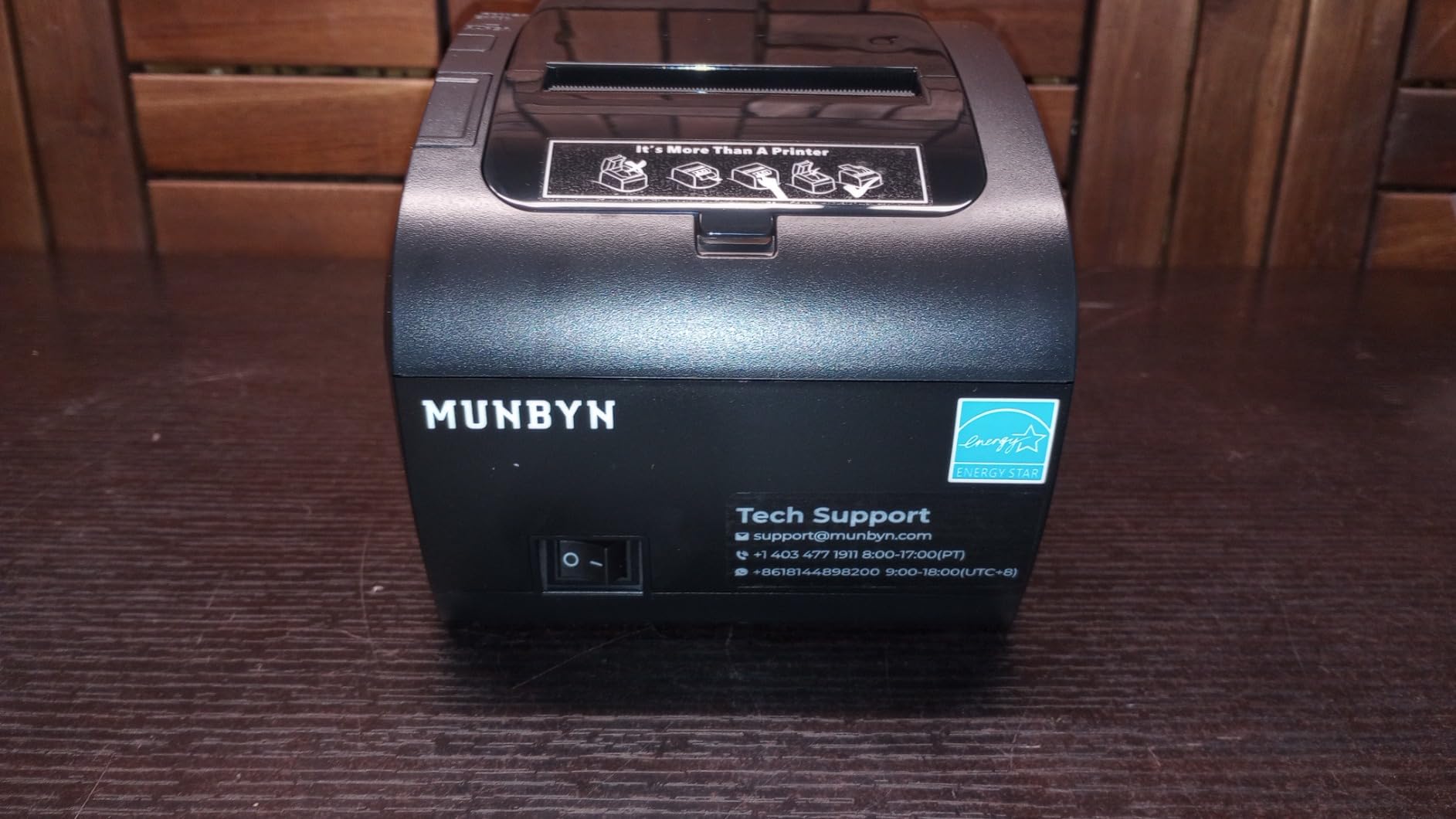
 MUNBYN P047 80mm Printer MUNBYN P047 80mm Printer |
|
Check Latest Price |
 Sunydog 58mm Mini Printer Sunydog 58mm Mini Printer |
|
Check Latest Price |
| Star Micronics SM-S230i |
|
Check Latest Price |
 GZGYNADAST P11 58mm Printer GZGYNADAST P11 58mm Printer |
|
Check Latest Price |
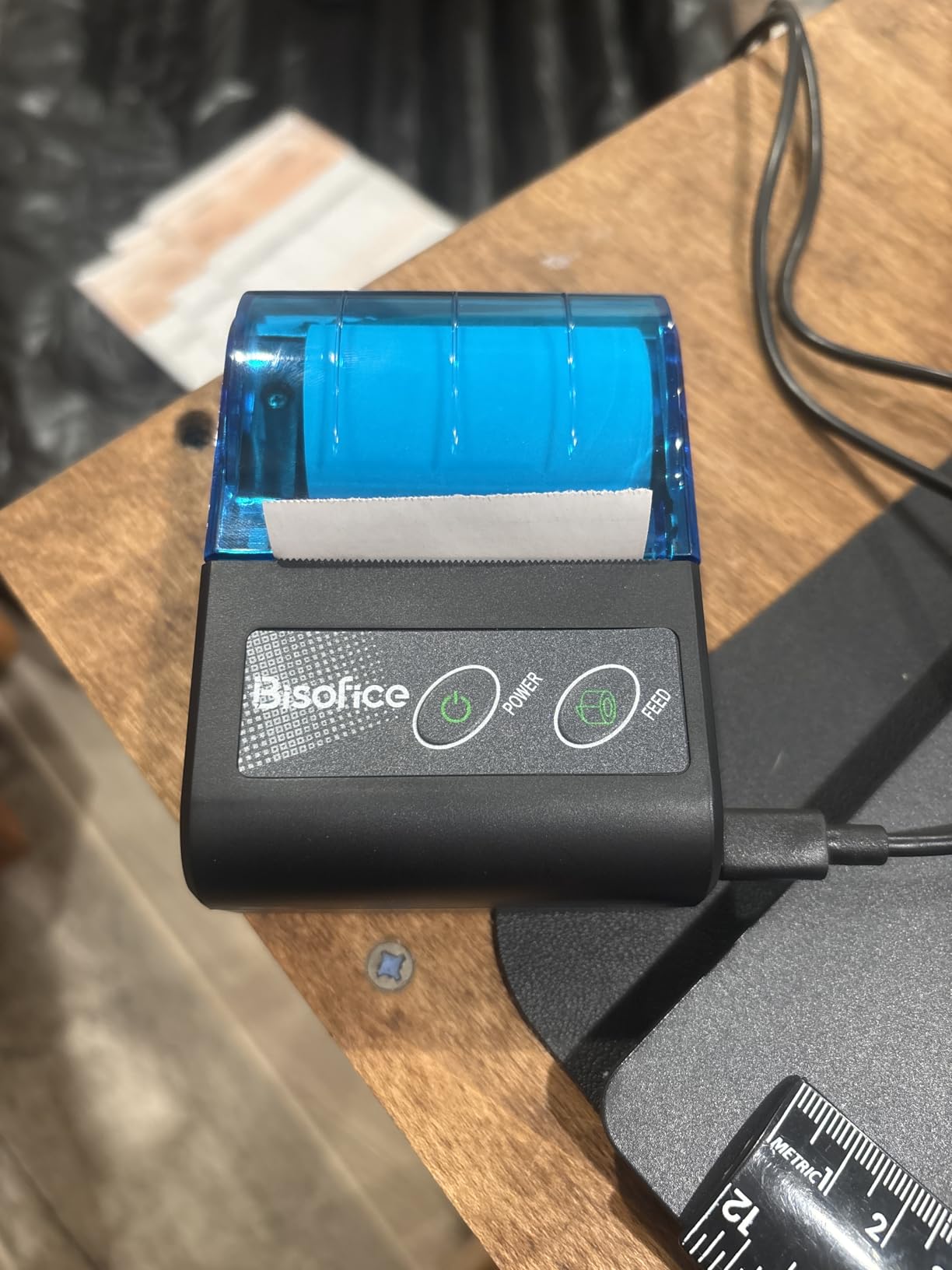
 Bisofice 5.45 Inch Handheld POS Bisofice 5.45 Inch Handheld POS |
|
Check Latest Price |
 MR.BOSS DIR-58IV 58mm Printer MR.BOSS DIR-58IV 58mm Printer |
|
Check Latest Price |
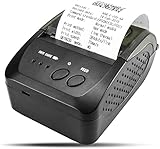 NETUM NT-1809DD 58mm Printer NETUM NT-1809DD 58mm Printer |
|
Check Latest Price |
1. MUNBYN IMP006 58mm Pocket Printer – Our Top Pick for Android Sellers
MUNBYN POS Receipt Printer, 58mm Receipt Printer, 2.28inch Wireless Portable Mobile Mini Bluetooth Thermal Printer, Compatible with Android Windows for Small Business, Not-Square, NOT-iOS
58mm paper
203 dpi
1500mAh battery
Bluetooth 4.0 and Micro-USB
Android only
Pros
- Pocket form factor with case and lanyard
- 1500mAh battery with 5-6 day standby
- Works with Loyverse
- Kyte
- iREAP and Pozool
- ESC/POS and STAR command support
Cons
- No iOS support
- Bluetooth reconnection is unreliable for some owners
- Does not work with Square
- Clover or delivery apps
- Confusing bundled documentation
The MUNBYN IMP006 is the unit we keep coming back to, because it is the rare pocket printer that its owners actually carry. At 0.15 kg and roughly the footprint of a deck of cards, it disappears into an apron pocket or a small crossbody bag and still has a 1500mAh battery behind it.
Battery life is the quiet strength here. Owners report five to six days of standby with automatic sleep and wake, which in practice means you charge it once a week rather than once a day. That matters more than peak capacity for anyone running a market stall or a mobile food operation.
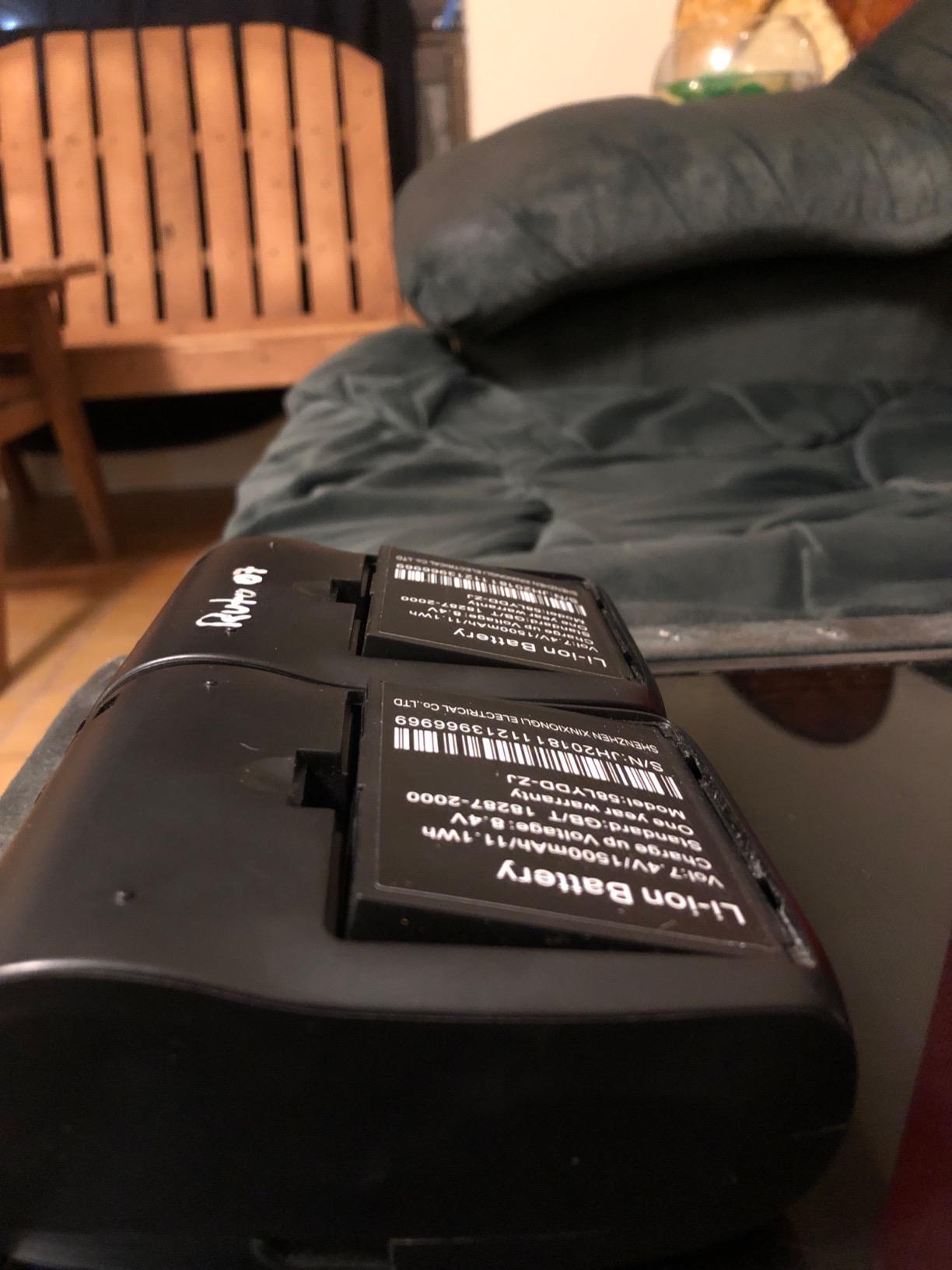
Print quality is a solid 203 dpi, which is the standard for receipt work and more than enough for item lines, QR codes and short barcodes. The receipts come out sharp with no ink smudging, because there is no ink. Paper handling is drop-in, so you open the cover, drop the roll in, and close it.
POS Software Support Is the Deciding Factor
This printer speaks ESC/POS and STAR command sets, which is the language most receipt apps use. It pairs with Loyverse, Kyte, iREAP, CasierStock, Pozool and ExpressExpense on Android, and owners report pairing took seconds for most setups.
The limitation is absolute rather than partial: there is no iOS support. If you run a register from an iPhone or iPad, this is the wrong device, and no amount of app workarounds changes that. Square, Clover, DoorDash and Grubhub are also listed as unsupported by owners who tested them.
Where the Bluetooth Frustration Shows Up
About a fifth of ratings on this printer sit at one star, and the same complaint repeats: the connection drops and re-pairing is tedious. Auto sleep and wake handles the routine cases, but a busy Bluetooth environment with several paired devices is where owners report the most trouble.
There is a second recurring theme. A small number of owners report battery degradation within a couple of months, and the bundled manual is frequently called confusing. Neither issue is universal, but both are worth knowing about before you buy two of them.
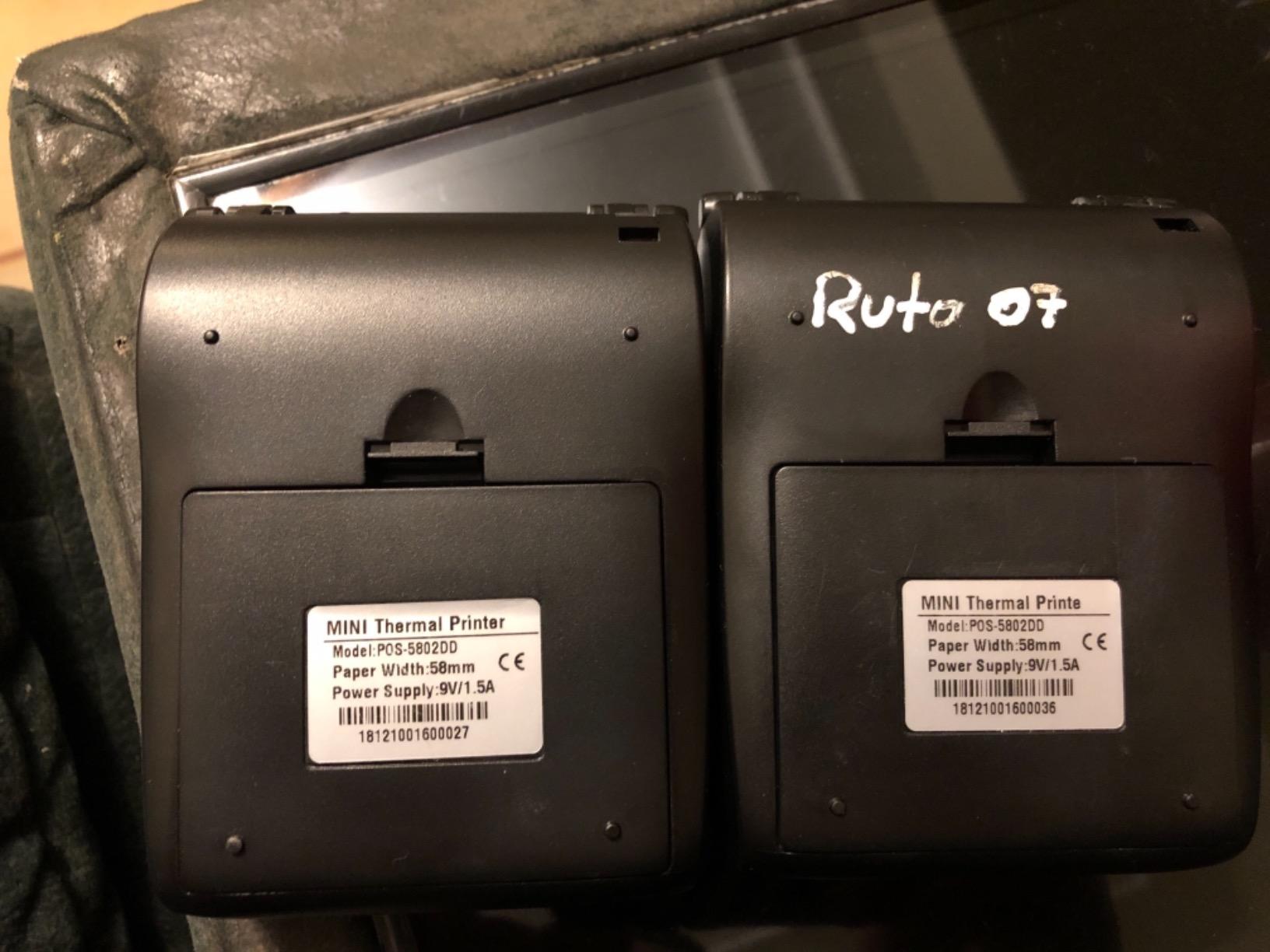
For forum readers tracking compatibility: threads about MUNBYN hardware in general include complaints about pairing failures on certain iPad models. That fits this model, since it does not target iOS at all. Check your exact device before committing.
2. Rongta RPP300 80mm Printer – Wider Receipts on a Belt Clip
Rongta Portable 80mm POS Printer, Mobile Thermal Receipts Printer, USB&Bluetooth Connection, Compatible with Android Phone, Do Not Square/Ipad/Computer/Android Tablet(RPP300)
80mm paper
203 dpi
335 g
Bluetooth and USB
Belt clip
Pros
- Handles full 80mm rolls
- Fast print speed keeps up with a queue
- Battery pack is replaceable
- Charges over USB so a power bank works as backup
- Vendor support praised repeatedly
Cons
- Maximum roll diameter is only 40mm
- Bluetooth interference can drop stray characters
- Setup instructions and CD driver confuse first-time users
- No Square
- Clover or iPad support
Most of the compact printers in this guide are 58mm. The Rongta RPP300 is one of the few that handles a full 80mm roll while staying small enough to wear, which makes it the pick for anyone whose receipt layout will not fit in the narrower paper.
At 335 g it is the heaviest pocket unit here, but the included belt clip spreads that weight sensibly. Long-term business owners describe printing thousands of order slips on this model, and the speed keeps pace with a queue of customers rather than lagging behind each sale.
Battery, Charging and Replacing Power Banks
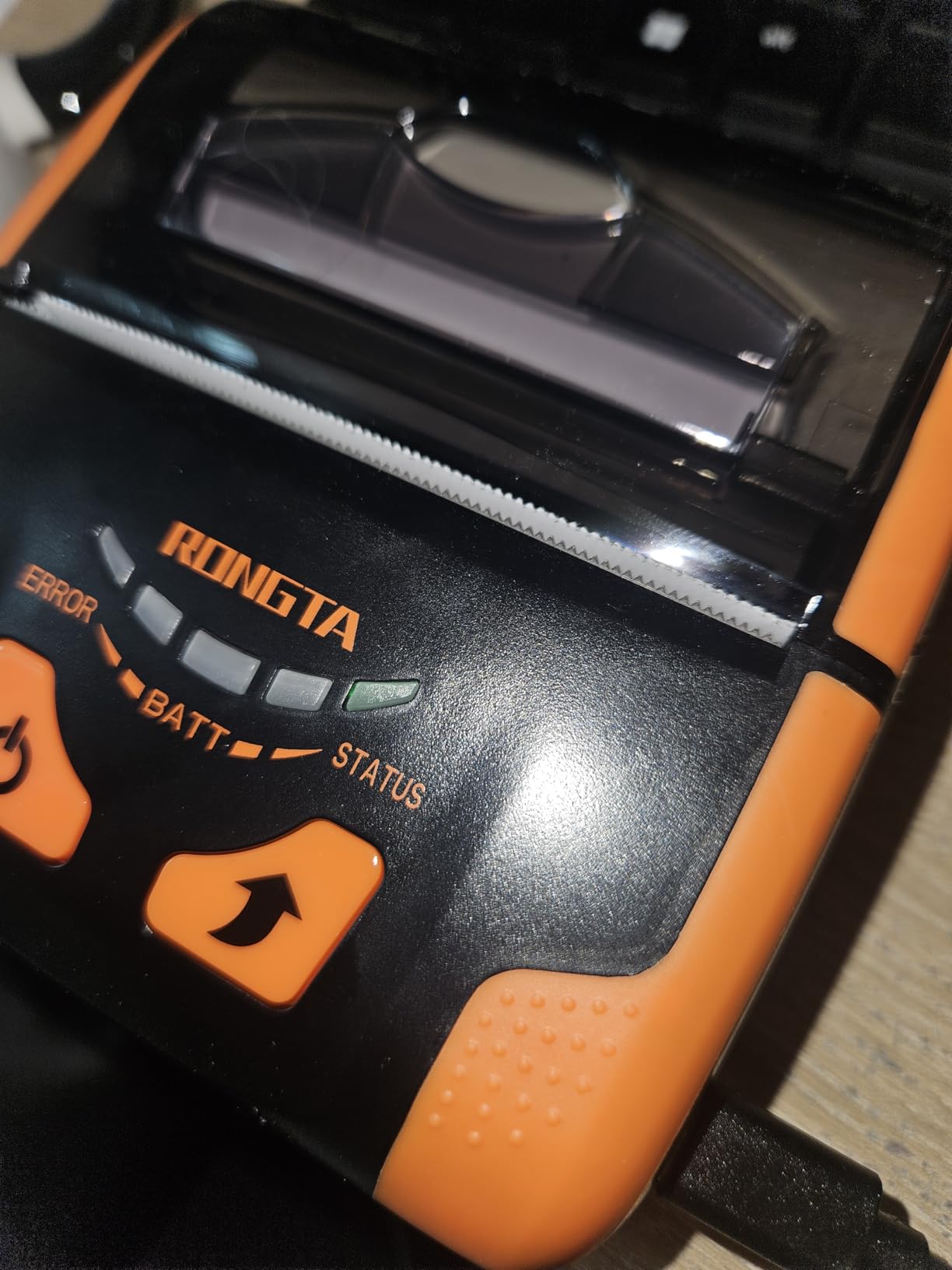
The battery lasts several days between charges and, unusually for a portable receipt printer, the pack is replaceable. That single feature changes the maths for anyone doing a full event weekend. USB charging also means a power bank can serve as a backup supply, which matters when you are working at a market with no outlet.
Three-level font size adjustment is available by long-pressing the power button, a small touch that helps when you are choosing between a compact order slip and a fuller receipt. The printer also runs common Android POS apps including Loyverse, Cashsale POS and ExpressExpense.
The 40mm Roll Limit Is the Catch
Here is the trade-off that gets missed in listings. The maximum paper roll diameter is 40mm, so you will be changing paper more often than on a printer with a deeper paper bay. If you are running a busy counter, that is an interruption every few hundred receipts rather than a once-a-day task.
Owners also report the occasional lost character mid-receipt from Bluetooth interference, and some units failing over Bluetooth or USB after a couple of months. The one-year warranty is shorter than the two years on the MUNBYN P047, which matters for anyone planning to keep this printer for more than a season.
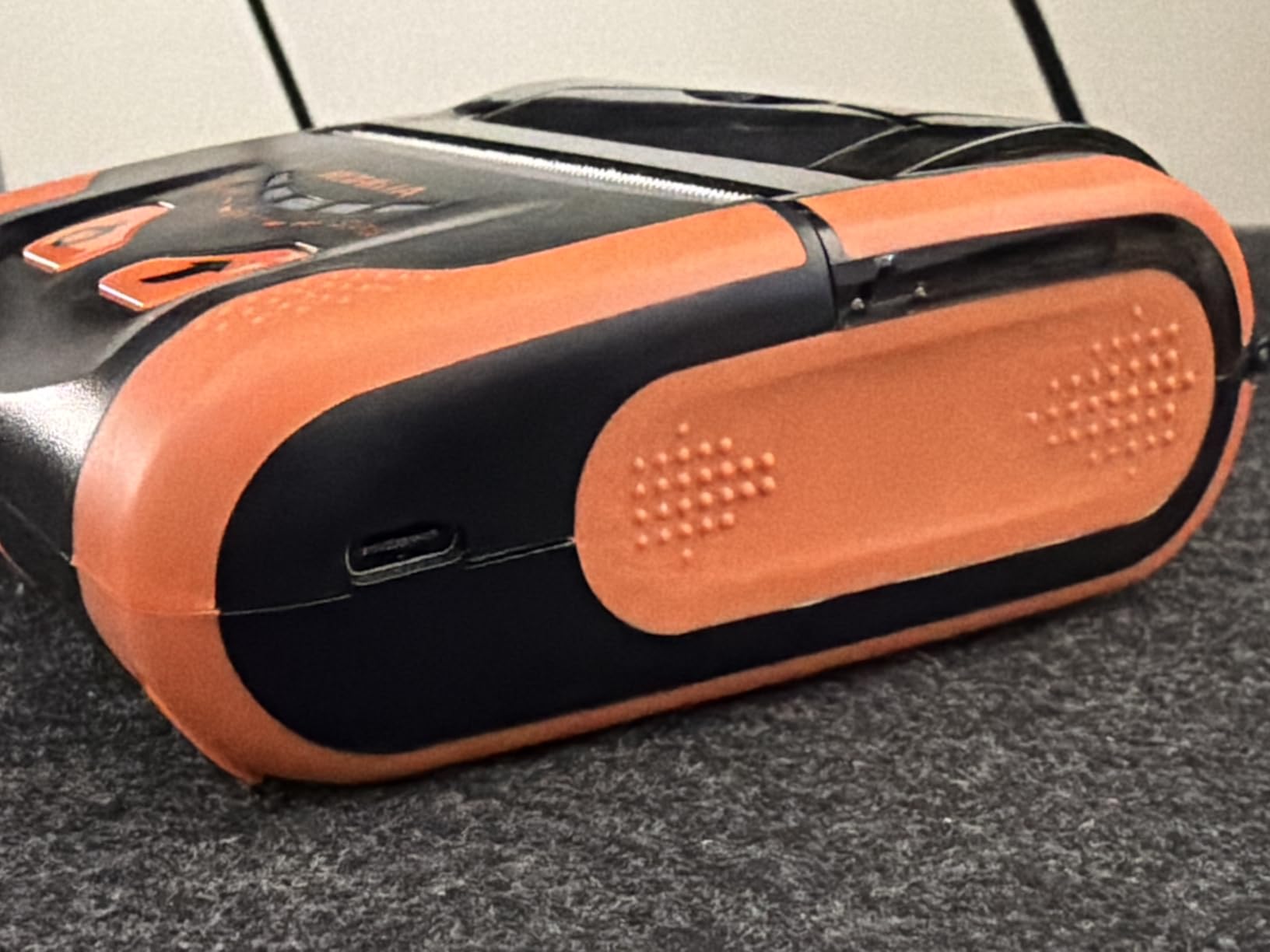
3. symcode MJ-5890K 58mm Printer – Fastest Sharp Output on a Wired Counter
symcode 58MM USB Thermal Receipt Printer, High Speed Printing 90mm/sec, Compatible with ESC/POS Print Commands Set
58mm paper
384 dpi
90mm per second
USB wired
ESC/POS
Pros
- Prints up to 90mm per second at 384 dpi
- Installs in about a minute from the included disc
- Windows and Linux support through CUPS
- Drop-in paper loading
- No ink or running cost
Cons
- USB only with no wireless option
- Manual tear with no automatic cutter
- Driver on the included disc can be lost
- Small 57.5mm rolls need frequent refills
The symcode MJ-5890K is the fastest printer in this guide, and the only one that resolves at 384 dpi. That resolution is well above the 203 dpi standard, and it shows on small fonts, dense item lines and the fine detail in barcodes that scanners have to read back.
It is also the simplest device here. There is no battery, no app and no Bluetooth pairing. You install the driver from the included disc, load the roll, and it prints at 90mm per second, which is fast enough that a customer barely notices the wait.
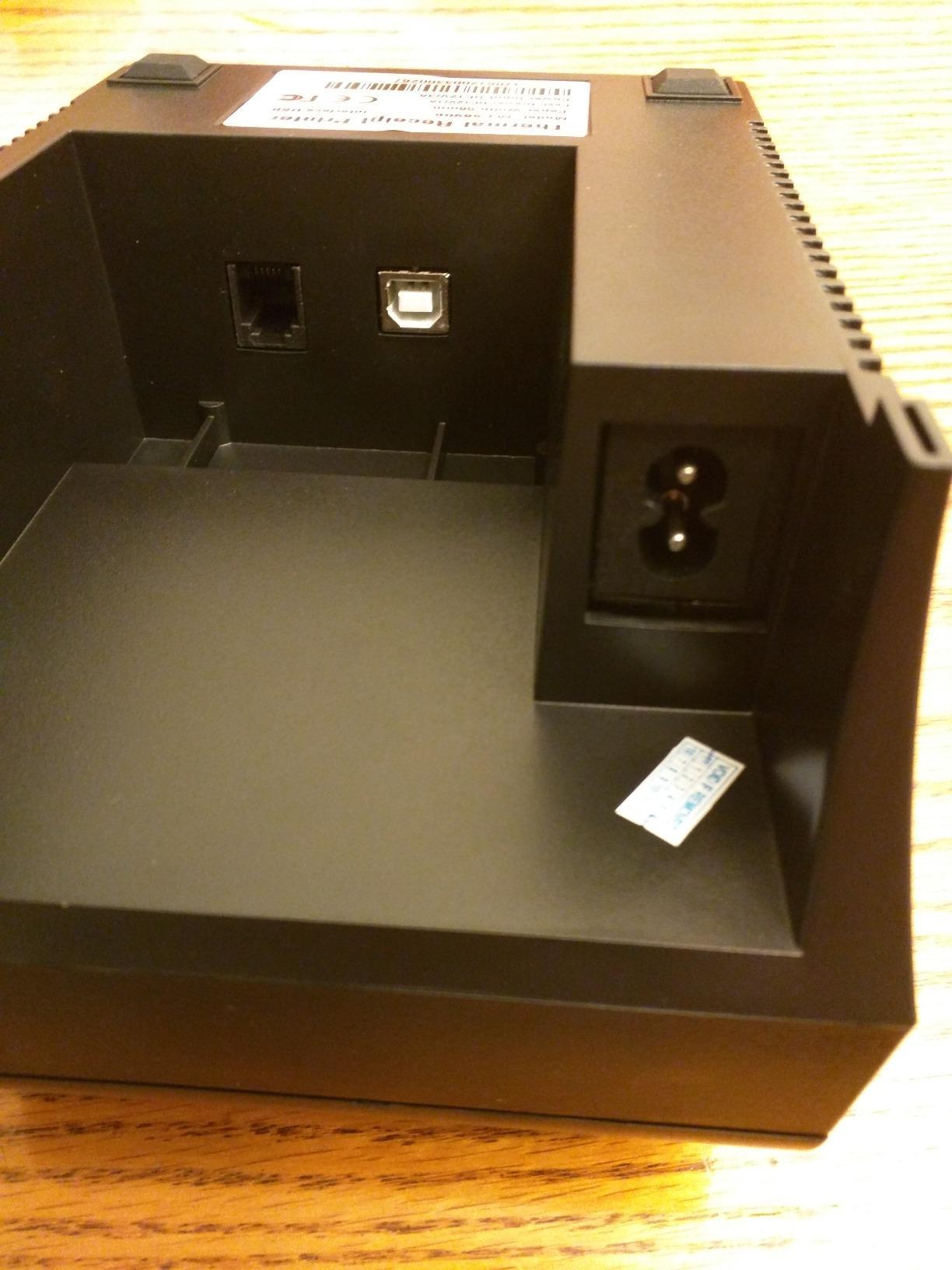
Wired Is a Feature, Not a Limitation
For a fixed counter, a permanent USB connection removes an entire category of problems. No dropped reconnection, no permission changes after a phone update, no failed pairing at the moment you need the receipt. Windows and Linux systems work through CUPS, and ESC/POS command support covers most point-of-sale software.
There is a cash drawer trigger support built in, so a compatible register can pop the drawer after a sale. The built-in data buffer accepts incoming data while the printer is still working, which keeps a queue of sales moving without stalling the register.
Where It Falls Short for Mobile Use
This is not a portable printer in the pocket sense, and calling it one would be misleading. It weighs far more than the battery models and needs a mains connection, so it belongs on a counter, in a market stall gazebo or in a van with power.
Two further limits are worth planning around. There is no automatic cutter, so receipts are torn by hand, and the unit is light enough to shift when you do. The driver lives on the included CD, which is a real problem if that disc is lost and the driver is hard to source online. Some owners also report units stopping between six months and two years.
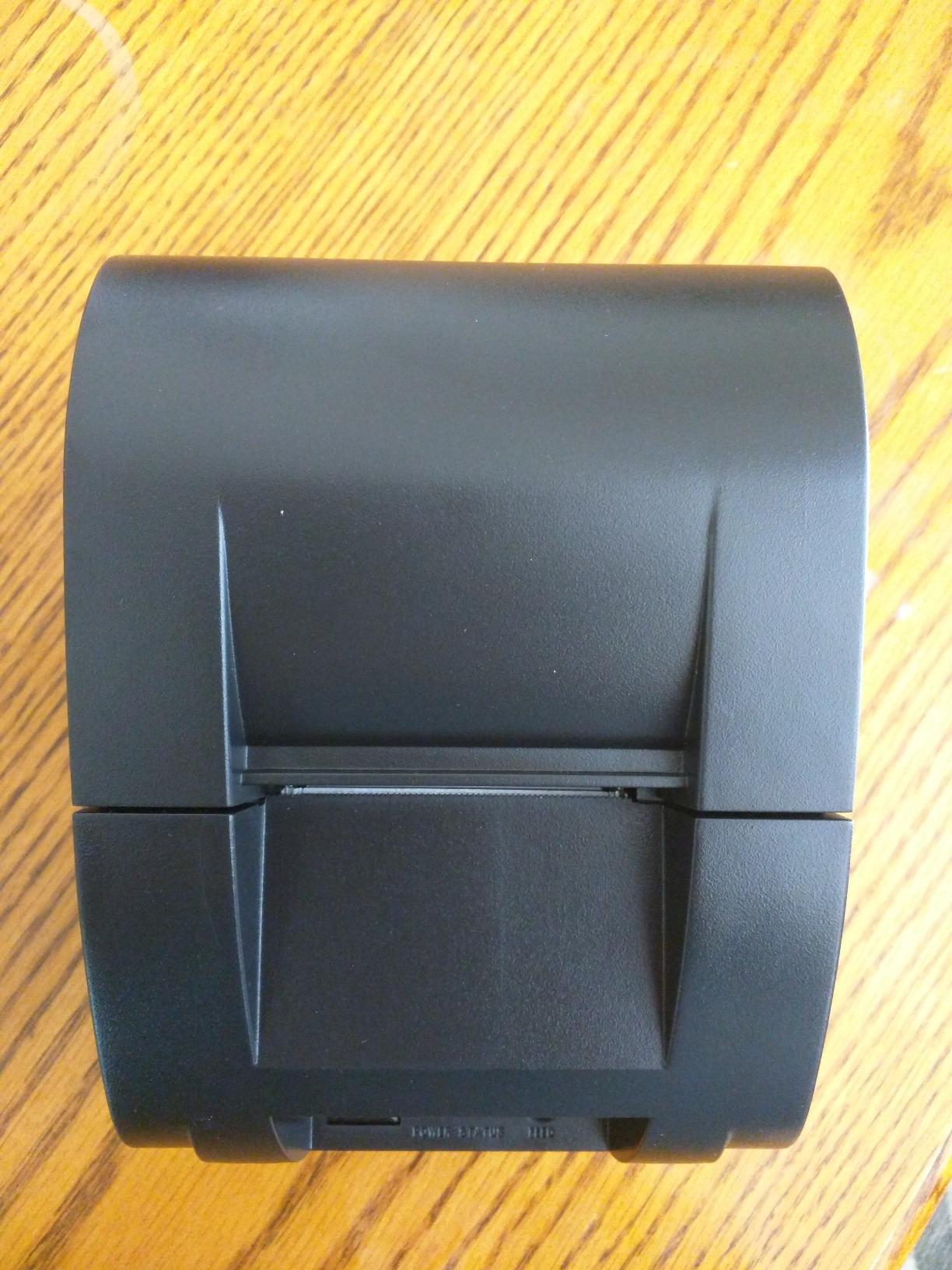
4. MUNBYN P047 80mm Printer – Three-Port Counter and Mobile Unit
MUNBYN Bluetooth Thermal Receipt Printer P047, 80mm POS Printer, Thermal Printer with USB Serial Ethernet, Bluetooth, Support Android Windows PC iOS(Do Not Support Paypal Doordash Grubhub Vagaro)White
79.5mm paper
203 dpi
Automatic cutter
USB, serial and Bluetooth
2-year warranty
Pros
- Crisp print quality with clean text
- Automatic paper cutter speeds up counter service
- Three interfaces suit mobile and fixed setups
- Two-year limited warranty
- Owners report use with Square terminals
Cons
- Bluetooth printing is slower than wired and adds delay
- No iOS
- iPad or iPhone compatibility
- No WiFi capability
- Multiple units in one shop conflict over Bluetooth
The MUNBYN P047 is the highest-rated unit in this guide at 3.9 out of 5, and the only one with a genuine two-year limited warranty alongside an automatic paper cutter. Those two features together are what separate a counter appliance from a novelty.
It prints 80mm paper at 203 dpi, and owners consistently describe the text as crisp with clean rendering. The automatic cutter means a finished receipt comes free of the ragged edge you get tearing paper by hand, which matters when the customer takes the copy away.
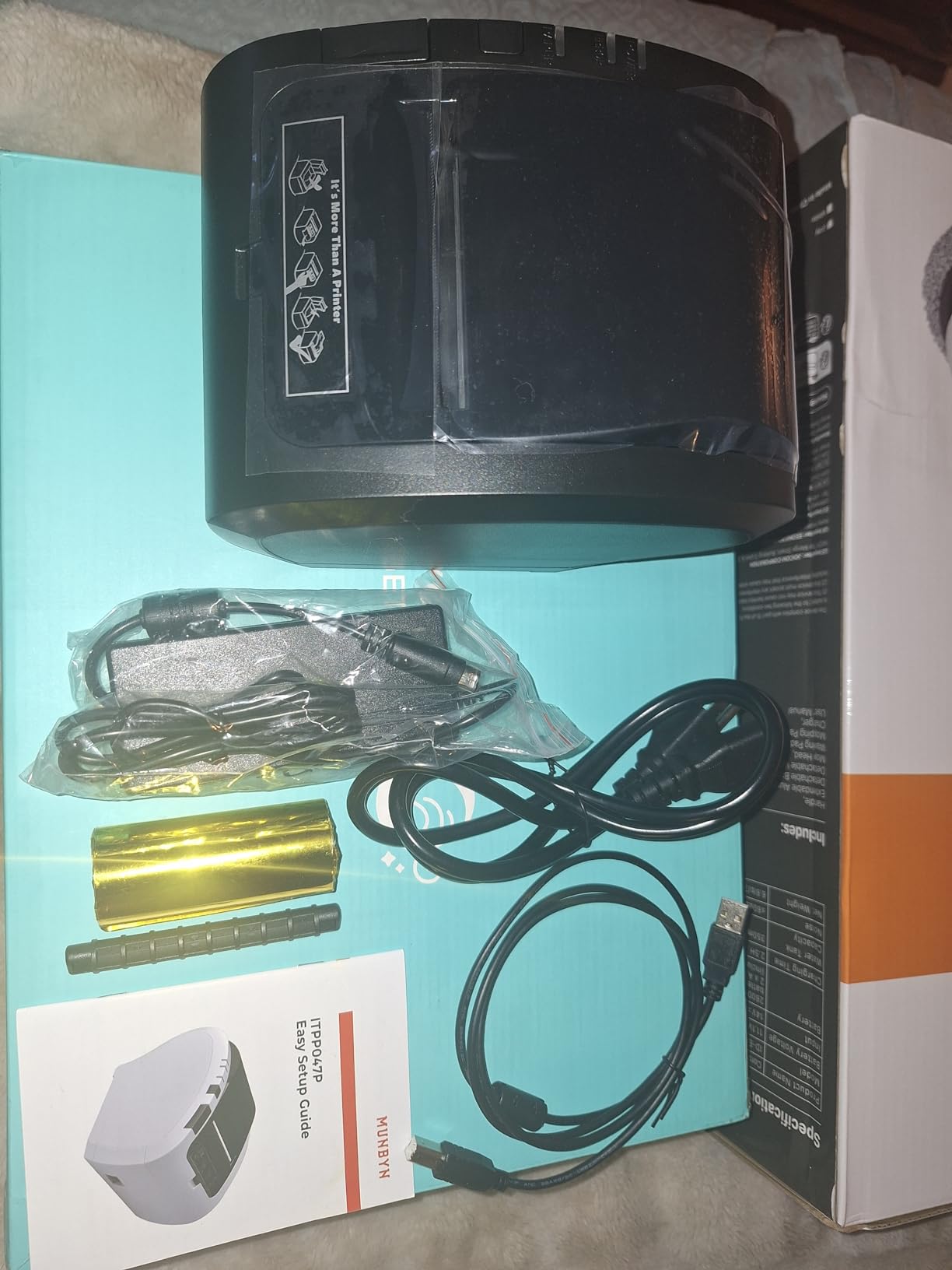
Three Interfaces Solve the Most Common Setup Problem
USB, serial and Bluetooth are all present. That means the same printer can sit behind a register on a cable during the week and move to a market stall on Bluetooth at the weekend, without a second device and without reconfiguration.
Owners report using it with Square terminals in a food trailer for order numbers and receipts, which is a real deployment rather than a compatibility claim. The EMlabel app handles preset document printing for quick order slips.
Bluetooth Is Its Weakest Link
Printing over Bluetooth is noticeably slower than over a wired connection, and owners describe a delay before output appears. If speed at the moment of sale is your priority, connect it by USB and keep Bluetooth for mobile only.
There is no iOS or iPad compatibility, no WiFi, and no support for DoorDash, Grubhub or Vagaro. Multiple printers in one shop can also conflict over Bluetooth, with only one connecting at a time, so a single-unit shop is the cleaner deployment. One owner notes that the Bluetooth device name has to be renamed manually before Shopify POS will accept it.
5. Sunydog 58mm Mini Printer – Pocket-Sized Printing With a Battery
Receipt Printer, Sunydog Portable Mini Thermal Receipt Printers USB Receipt Bill Ticket Printer with 58mm Print Paper, Fit for Android Fit for Win, Thermal Printers for Restaurants Sales Retail
58mm paper
203 dpi
70mm per second
1500mAh battery
Bluetooth and USB
Pros
- Small enough to carry in a pocket
- 1500mAh rechargeable battery
- 48mm valid print width at 203 dpi
- Bluetooth and USB connectivity
- Works with Loyverse
- iREAP
- CasierStock and Kyte
Cons
- Not compatible with Square POS
- iOS support needs a third-party app rather than native pairing
- USB driver does not work on Windows 11
- Listing uses generic model identifiers
The Sunydog is the most pocketable printer here, with a footprint of roughly 4 inches square and a 1.77 inch depth. If your definition of portable is something that disappears into a jacket pocket, this is the unit that delivers it.
It carries a 1500mAh rechargeable lithium battery, so it prints away from power without any fuss. Speed reaches up to 70mm per second at 203 dpi with a 48mm valid print width, which is normal performance for a 58mm thermal roll.
Platform Support Needs Reading Carefully
The listing names Android and iOS as controller types, but owners report that iOS support requires a specific third-party app rather than native pairing. If you are on an Apple device, treat that as a workaround rather than a supported path.
It does not work with Square POS, and the USB driver is not compatible with Windows 11. That is an unusual gap for a modern unit, so check your operating system before you order rather than after.
What Owners Actually Like
The visible feedback centres on running cost and size. With no ink cartridges or ribbons, the only supply is thermal paper, and that is where a high-volume small business sees the real saving.
Review volume for this model is smaller than for the picks above, which is worth weighing. A smaller base of owner reports means less evidence about long-term durability, and the listing itself uses generic identifiers rather than a proper branded model number.
6. Star Micronics SM-S230i – The Compact Pick That Works With iPhone
Star Micronics SM-S230i Compact and Portable Bluetooth/USB Receipt Printer with Tear Bar – Supports iOS, Android, Windows
2-inch paper
203 dpi
217 g
Bluetooth and USB
Apple MFi certified
Pros
- Apple MFi certified for iPhone
- iPod Touch and iPad
- Genuinely pocket-sized at 217 g and 2x2x2 inches
- Drop-in and print clamshell paper loading
- Works with Windows
- Android and iOS
- Established brand with a long model line
Cons
- Costs more than generic 58mm alternatives
- Paper must be torn manually with no cutter
- 2-inch width limits receipt layout
- Some one-star reports on long-term reliability
Almost every compact thermal printer in this category is Android-only. The Star Micronics SM-S230i is the exception, and that single fact makes it the pick for anyone running a register from an iPhone or iPad.
Apple MFi certification means the printer is licensed for iPhone, iPod Touch and iPad, so it pairs natively rather than through a third-party app. That removes the most common failure point on iOS, which is a printing app that never gets permission to reach nearby devices.
Built Small, Built From an Established Line
At 217 g and 2 by 2 by 2 inches, this is a genuinely pocket-sized unit, and it comes from a manufacturer whose receipt printer model line has been in production for years. Bluetooth and USB cover Windows, Android and iOS from the same device.
The drop-in and print clamshell design opens the whole body for loading, so you drop the roll in and close it. There is a tear bar for separating receipts cleanly, and an auto-detection Bluetooth feature for switching between mobile devices.
What You Give Up for iPhone Support
Paper is 2 inches wide, which is narrower than the 80mm class and constrains what fits on a receipt layout. It also costs considerably more than generic 58mm units for the same basic job, so you are paying for certification and brand rather than paper capacity.
There is no automatic cutter, so receipts are torn by hand. Some one-star reviews raise reliability concerns for long-term service, though the majority of ratings sit at four and five stars. If heavy daily volume at a fixed counter is your plan, the MUNBYN P047 is the better-matched machine.
7. GZGYNADAST P11 58mm Printer – Quickest Android Receipts at 300 dpi
NOT for iphone/ipod/tablet/ipad/MAC,Bluetooth Receipt Printer, 58mm Mini Wireless POS Thermal Printer for Restaurant sales retail,portable pocket bill ticket receipt printer,only fit android/Windows
58mm paper
300 dpi
Up to 150mm per second
Bluetooth only
2-year warranty
Pros
- Very fast output with bold
- bright thermal printing
- Up to 150mm per second at 300 dpi
- Works with Loyverse
- iREAP
- CasierStock
- Kyte
- Pozool and Cashsale POS
- Two-year extended warranty
- USB drive with driver
- SDK and manual included
Cons
- No iOS
- iPad
- Mac
- iPhone or iPod support
- Does not work with Square
- Clover
- Uber Eats
- DoorDash or Shopify
- Written directions are poor and the recommended app is not in the Play Store
- Battery ships with an insulation tab to remove
The GZGYNADAST P11 has the highest stated print speed in this guide at up to 150mm per second, paired with 300 dpi resolution. On paper that is the most capable 58mm unit here, and it is genuinely fast for market stalls and food service where receipts go out in bursts.
ESC/POS command compatibility covers text, QR and barcode output, and it works with a wide range of Android receipt apps. The included USB drive carries a driver, an SDK and an English manual, which is more support material than most competitors in this bracket provide.
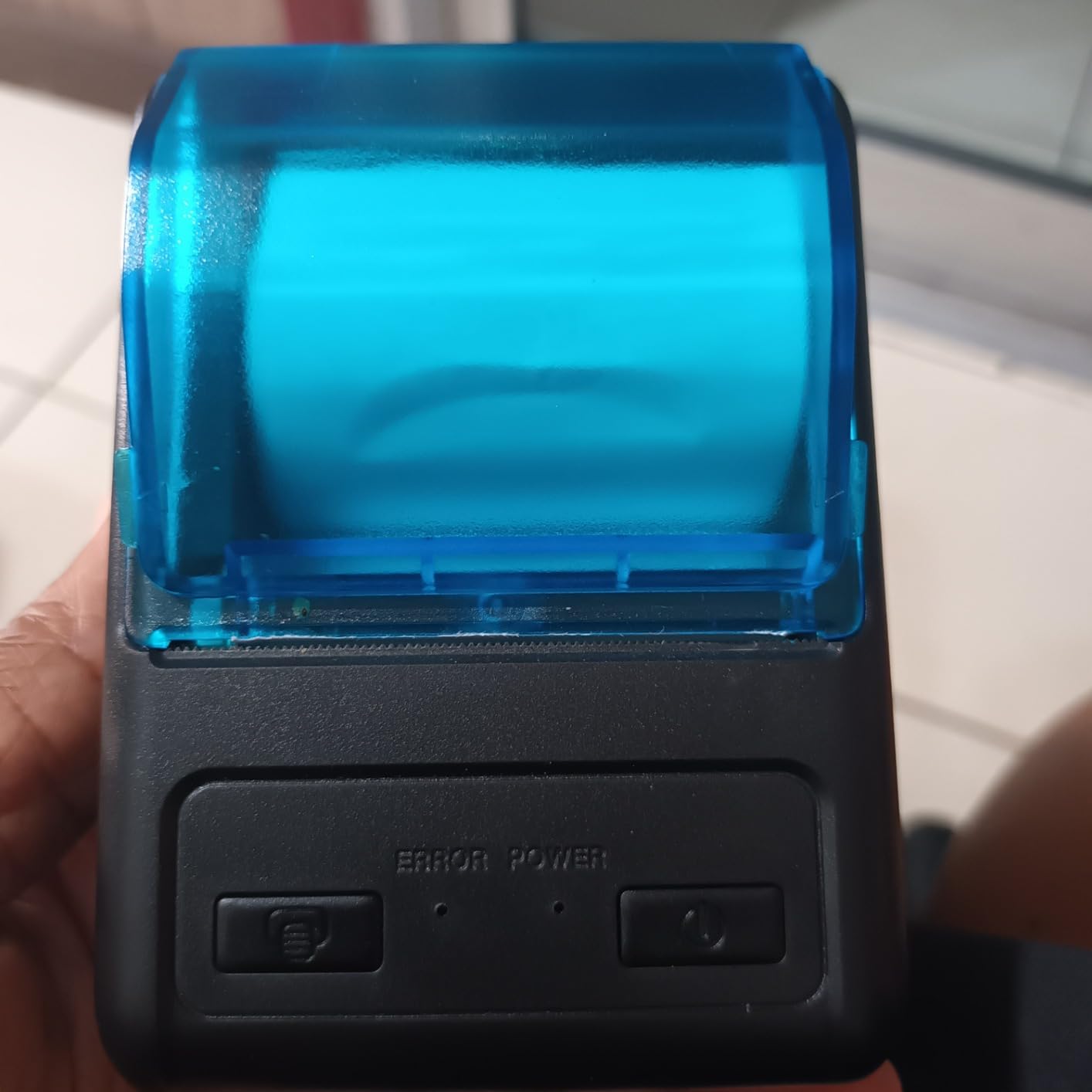
The Two-Year Warranty Stands Out Here
A two-year extended warranty is genuinely unusual at this level, and warranty length is the quality signal owners in receipt printer forums cite most often. The main competing budget units in this guide carry 30-day or one-year terms, so this is a meaningful difference.
Owner feedback confirms fast, bold receipts and straightforward Bluetooth setup through a compatible printing app on Android. The form factor is compact enough to carry, which suits vendors moving between pitches.
Read the Compatibility Line Twice
This printer is not compatible with iOS, iPad, Mac, iPhone or iPod, despite listings that place it alongside those ecosystems. It also does not work with Square, Clover, Uber Eats, DoorDash or Shopify. Confirm your POS platform before ordering, because no app will bridge that gap.
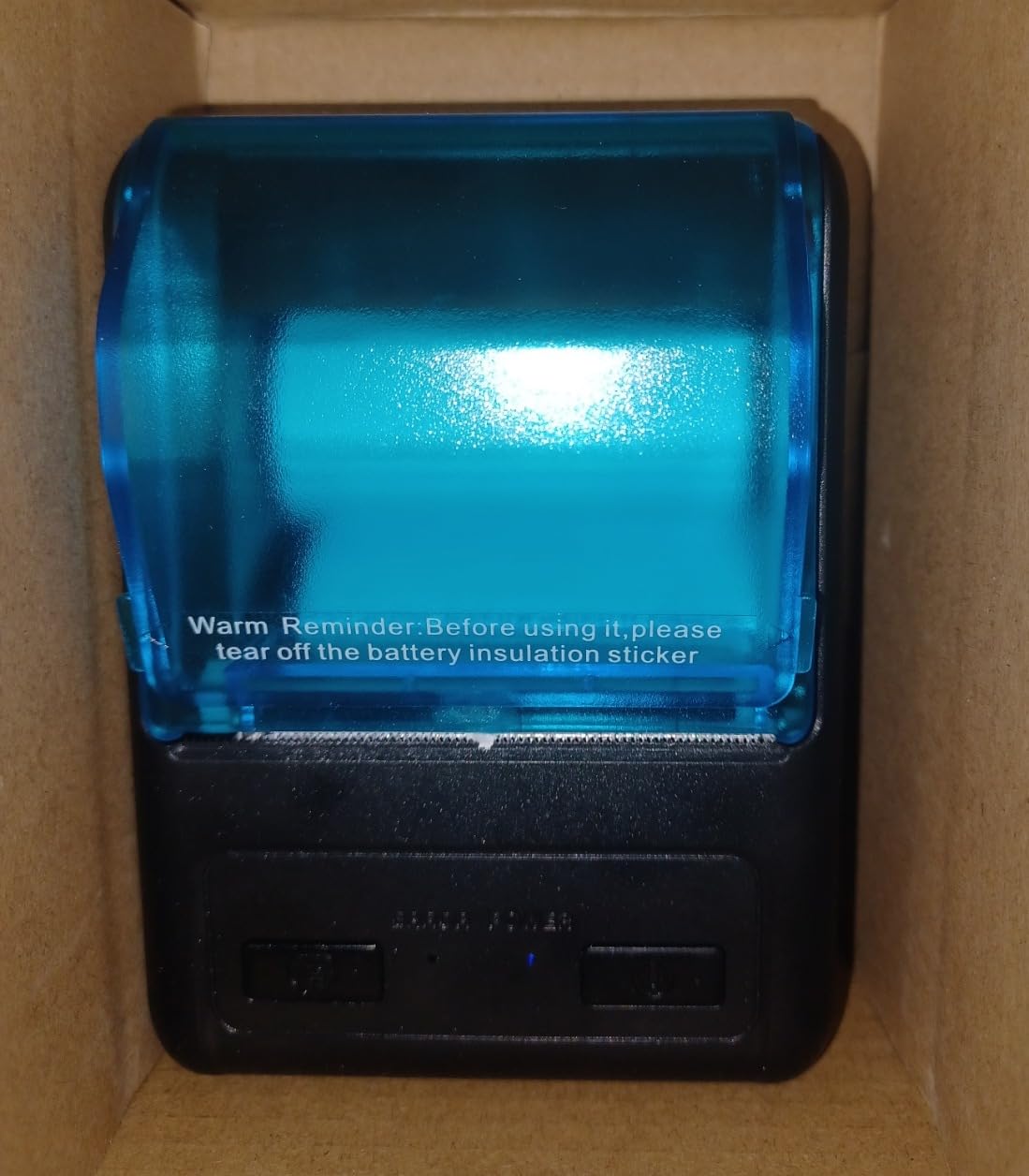
Two practical warnings from owners. The written directions are poor and the recommended app is not in the Google Play Store, so setup depends on finding the correct tool yourself. Some units also will not connect to a Windows computer as listed, and the battery ships with an insulation tab that must be removed or the printer looks completely dead.
8. Bisofice 5.45 Inch Handheld POS – Printer, Scanner and Terminal in One
Bisofice POS Receipt Printer, Android 8.1 OS Mobile POS, 58mm Receipt Printer, 5.45″ Touch Screen PDA Printer Supports 3G WiFi BT4.0 USB OTG Bluetooth, Handheld POS Machine Terminal Printer (Cerulean)
58x35mm paper
5.45 inch touchscreen
5000mAh battery
3G, WiFi, Bluetooth 4.0, USB OTG
Pros
- Prints receipts and scans in one handheld device
- Highest average rating in this guide at 4.0
- 5000mAh battery covers a full shift away from power
- 3G
- WiFi and Bluetooth 4.0 plus USB OTG
- Camera and barcode scanning built in
Cons
- Documentation is very vague and setup depends on online videos
- Some units arrive with loose parts or a detached scanner screen
- Central guide makes paper loading awkward
- SIM card type is not stated and the device prompts repeatedly for SIM information
The Bisofice handheld is a different category of device from the other nine. It is a full Android 8.1 point-of-sale terminal with a 5.45 inch touchscreen, a barcode scanner, a camera and a built-in 58mm thermal printer, all in one handheld body.
That combination solves a problem the other printers cannot. If you need to scan inventory, take customer orders at the counter and print a receipt in the same motion, this is the only device here that does all three without a separate scanner or tablet.
Battery and Connectivity for a Full Shift
The 5000mAh rechargeable battery is the largest in this guide, by a wide margin, and owners use it to work a complete shift away from power. Connectivity covers 3G, WiFi, Bluetooth 4.0 and USB OTG, with 4GB of NAND storage for the apps and data the register needs.
It prints on 58 by 35mm thermal paper with no cartridges or ribbons, so running costs stay at paper only. Print speed is listed at 20 pages per minute, which is slower than the dedicated printers here and is the one spec worth measuring against your queue.
Documentation and Build Quality Are the Trade-Offs
This printer carries the highest average rating in the guide at 4.0, with the strongest distribution, yet the complaints are consistent. Documentation is very vague, and setting it up or loading paper depends on finding online video tutorials rather than reading instructions.
Quality control is the other issue. Some owners report the unit arriving with parts loose or the scanner screen detached, and a few received a unit with a dead black screen. The central paper guide also makes loading awkward, and the SIM card type is not stated in the listing, so the device repeatedly prompts for SIM information it should not need.
9. MR.BOSS DIR-58IV 58mm Printer – Cash Drawer Support for Market Stalls
MRBOSS 2“ 58mm POS Cash Register Portable Thermal Receipt Printer with High Speed Printing USB+Bluetooth Interface for Supermarket Restaurant Retail Sales Kitchen Support Windows Android MAC
58mm paper
120 dpi
USB and Bluetooth
12V cash drawer port
12-month warranty
Pros
- 12V cash drawer port that auto-opens the drawer after checkout
- USB and Bluetooth for wired or wireless use
- Up to 90mm per second print speed
- Overheating protection for a longer service life
- One-year warranty with free repair or replacement
Cons
- 120 dpi is the lowest resolution among the 58mm units here
- Reported incompatibility with some POS systems and with iOS
- Windows and Mac drivers must be downloaded from the vendor site
- Small review base of 17 ratings
The MR.BOSS DIR-58IV is the pick when you take cash and need the drawer to open automatically. Its 12V cash drawer trigger port is uncommon among budget portable printers, and it is the reason this device exists in the way it does.
It prints 58mm paper at up to 90mm per second over USB or Bluetooth, with overheating protection built into the print head to extend service life. Direct thermal means no ribbon or cartridge, so there is nothing to restock except paper.
Resolution Is the Weak Spec
At 120 by 120 dpi, this is the lowest resolution among the 58mm units in this guide. That is fine for a simple itemised receipt with large text and short totals. It is less fine if you print small fonts, dense item lines or barcodes that have to scan reliably in low light.
If legibility of scannable codes is part of your workflow, spend the extra and look at the symcode MJ-5890K at 384 dpi or the GZGYNADAST P11 at 300 dpi. Resolution is the one spec you cannot improve later with a software setting.
Check Compatibility Before You Buy
Owners report incompatibility with some POS systems and with iOS despite what the listing claims, and the Windows and Mac drivers must be downloaded from the vendor website before the printer will work on a computer. Bluetooth also requires the paired device to support 58mm thermal printing through a compatible app.
The warranty is twelve months with free repair or replacement, which is better than a 30-day term but shorter than the two-year cover on the MUNBYN P047 and the GZGYNADAST P11. The review base here is the smallest in this guide at 17 ratings, so treat the owner feedback as a sample rather than a settled picture.
10. NETUM NT-1809DD 58mm Printer – The Most Reviewed Unit in This Group
NETUM Bluetooth Receipt Printer, 58mm Mini Thermal POS Printer Portable Personal Bill Printer 2 inches for Restaurant Sales Retail Compatible with Android
58mm paper
203 dpi
2000mAh battery
Bluetooth 4.0 and USB
320 g
Pros
- Largest review base in this niche at over 700 ratings
- 2000mAh battery with 5-6 day standby
- Pocket-sized at 320 g
- Works with Loyverse
- iREAP
- Pozool
- Kyte
- Vyapar and PayPal on Android
- ESC/POS and STAR command support
Cons
- Lowest average rating in the guide with 27% one-star reviews
- Bundled app does not register as a system print service
- No Square
- Shopify
- Clover
- DoorDash or Mac support
- Charging takes roughly five hours for a few hours of use
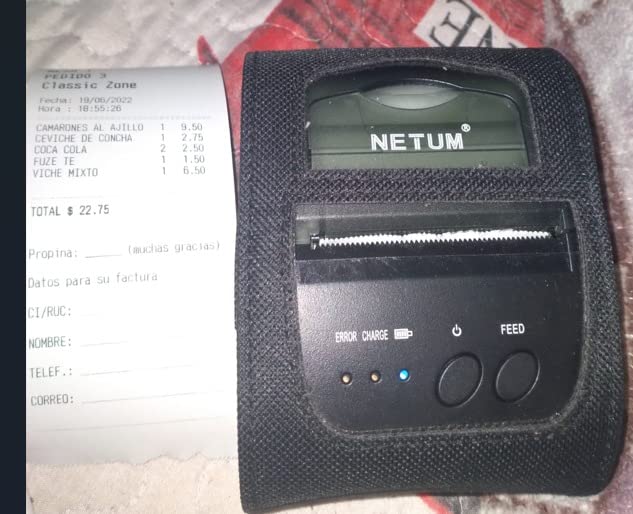
No other printer here has as much owner feedback. Over 700 ratings makes the NETUM NT-1809DD the best-documented unit in the 58mm niche, and reading across that many reviews tells you more about what to expect than any specification sheet.
On the good side, it prints quickly at 203 dpi with no smudging, fits in a pocket, and carries a 2000mAh battery with five to six days of standby. It works with Loyverse, iREAP, Pozool, Kyte, CasierStock, Vyapar and PayPal on Android using ESC/POS and STAR commands.
The Software Experience Is the Weak Point
Here is the honest catch. This printer carries the lowest average rating in the guide at 3.4, and 27% of ratings sit at one star. The recurring driver of that rating is software friction rather than printing quality, and the shape of the problem matters for your buying decision.
The bundled app does not register as a system print service, so you need a third-party printing app to drive it, and one popular option charges a subscription to remove its branding. It also does not work with Square, Shopify, Clover, DoorDash, iZettle or Mac, and some units are not detected by iOS devices despite the listing.
Battery Numbers Need a Reality Check
The 2000mAh rating looks better on paper than in practice. Owners report a charging time of roughly five hours for a couple of hours of use, which is a poor ratio compared with the 1500mAh units in this guide that recharge far more quickly.
Two smaller complaints come up repeatedly. The power button becomes hard to press once the battery has been used for a while, and several owners found the unit smaller than they expected for its cost. Priced against the MUNBYN IMP006, the case for this one rests on its documentation base rather than on hardware.
Do You Actually Need a Portable Receipt Printer?
Plenty of buyers end up with the wrong class of device, and the fix is a two-minute decision rather than a return. A portable receipt printer earns its place when the sale happens away from a fixed counter with a mains connection and a printer already on the desk.
If your counter has power and a computer, a desktop receipt printer is faster to load, holds a larger roll and never asks for a battery charge. Wireless desktop models are covered separately in our guide to wireless home printers, though those are built for documents rather than continuous receipt rolls.
Portable units are the right call for market stall holders, food vendors, couriers, field service technicians, mobile hair and beauty businesses, and home businesses running a POS app from a phone. In each of those cases there is no counter, no mains power and no fixed computer, so the phone becomes the register and the printer becomes the only output device.
There is a second question to ask before buying, and it is the one raised most often in the forums we reviewed. If the real task is capturing and filing receipts rather than printing them, a thermal printer solves the wrong problem entirely. A document scanner built for receipts handles the filing, emailing and bookkeeping side of the workflow, and you can read our receipt scanner recommendations to see how that side works.
58mm vs 80mm Paper: The Spec That Matters Most
Paper width is the most consequential decision in this category and the one most often missed. Every printer here takes one width, and it is a physical limit you cannot change with a software setting. Buying the wrong one means reprinting every receipt you already printed.
A 58mm roll gives you roughly 48mm of valid print width on most units in this guide. That is enough for a short itemised line, a total, a payment method and a short QR code. It is not enough for a detailed address, a long service description or a multi-item order summary laid out in two columns.
An 80mm roll gives you roughly 72mm of valid width, which comfortably holds a full address, a longer order description and a wider barcode block. The trade-off is physical size, since a deeper roll bay and a wider platen make the printer bulkier, plus a different paper supply entirely.
Choose 58mm when you sell small items, work from a phone, and want the smallest possible device. Choose 80mm when you print addresses, delivery details, service descriptions or anything a customer will need to read carefully. Among the picks here, the MUNBYN IMP006 and the Sunydog represent the 58mm end, while the Rongta RPP300 and the MUNBYN P047 cover 80mm.
One practical note. The Rongta RPP300 accepts 58mm rolls as well as 80mm, which makes it a rare bridge between the two, and its maximum roll diameter of 40mm still caps how much paper you load at once. Check the roll diameter as well as the width before ordering supplies.
How to Choose a Portable Receipt Printer in 2026
Start with software, not hardware. A printer that cannot be reached by your register is worth nothing, however good its output looks, and compatibility problems are the single most common complaint in owner feedback across this category.
Check POS Software and ESC/POS Support First
ESC/POS is the command language that lets a POS app format a receipt correctly with text, barcodes and QR codes. Almost every unit here supports it, but the practical question is whether your specific app and operating system are supported.
Several picks in this guide are explicitly Android-only, and two owners of the MUNBYN IMP006 note that Square, Clover, DoorDash and Grubhub are not supported. Square and Shopify users should confirm compatibility in writing before buying, or choose a vendor that publishes an integration list.
Connectivity: Bluetooth Classic vs BLE vs USB
Bluetooth Classic is the standard on this class of printer and works with a wider range of devices. Bluetooth Low Energy is more power efficient but support varies, so check which type the printer uses before assuming it will pair with your phone.
Where reliability matters most, a USB connection is still the safest option. It never drops, never loses a permission after a phone update, and adds nothing to setup time. The best deployments here use both, fixed on USB during the week and wireless at the weekend.
Battery Life and All-Day Field Use
Battery capacity in milliamp hours tells you less than the standby figure. The 1500mAh units in this guide report five to six days of standby, while the larger 2000mAh NETUM unit takes about five hours to charge for a couple of hours of use. Measure capacity against charging time, not on its own.
Look for automatic sleep and wake, since that is what keeps a printer reachable for a week without daily charging. If you plan to work long events, a replaceable battery pack, as on the Rongta RPP300, is worth more than extra capacity, and charging over USB lets a power bank act as a spare.
Print Speed and 203 dpi vs Higher Resolution
Standard receipt resolution is 203 dpi and it covers the large text most receipts use. Higher resolution earns its place on small fonts, dense item lines and barcodes that need to scan reliably, which is why the symcode unit at 384 dpi and the GZGYNADAST at 300 dpi are worth considering for technical or product-heavy receipts.
Speed matters most when receipts are printed in bursts. A counter running a queue wants 90mm per second or more, and the units in this guide range from 20 pages per minute on the handheld Bisofice to a stated 150mm per second on the GZGYNADAST.
Warranty and Build Quality
Warranty length is the strongest available quality signal when you cannot test a printer yourself. It ranges from a limited term on several budget units, through one year on the Rongta and MR.BOSS, to two years on the MUNBYN P047 and the GZGYNADAST P11. Very short terms on otherwise capable hardware are a warning sign.
Running Cost: What Thermal Paper Really Costs
Direct thermal printers need no ink, toner or ribbon, so the only running cost is the paper roll. This is where a portable thermal printer wins decisively over an inkjet, which wastes a cartridge on every short receipt and dries out if it sits unused.
The hidden cost is paper lock-in. Some units only accept branded rolls, and owners report being unable to source compatible paper locally, so confirm the exact roll diameter and whether third-party thermal paper works before you commit. Budget for a spare roll on hand, because a printer with no paper is a register that cannot complete a sale.
Where Thermal Printers Fall Short
Five disadvantages come up repeatedly, and knowing them in advance prevents most disappointing purchases. First, thermal output is black and white only, with no colour logos. Second, thermal receipts can fade over several years, which matters for bookkeeping and for disputes.
Third, these printers handle continuous roll paper rather than full Letter or A4 sheets, so multi-page formatted invoices are out of reach. Fourth, a printhead that runs too hot produces faded text, and there is no way to correct it. Fifth, there is no way to reprint a damaged receipt, because the only copy is the one already printed.
Receipt Printer vs Label Printer: Which One Do You Need?
If your printing is for shipping rather than sales, you want a label printer, and buying a receipt printer for that job is the most common mix-up in this category. Receipt printers produce continuous strips of itemised text. Label printers produce discrete cut labels of a fixed size, which is what shipping carriers and resale platforms need for barcoded postage.
Resellers on marketplace platforms, and anyone shipping stock from a van or a market stall, need the label side. A label printer with a roll of 2 by 1 inch or 4 by 6 inch shipping labels handles price tags, address labels and stock identification, and it keeps barcodes in the exact layout platforms expect.
Receipt printers do not do this job well. The continuous roll has no gap between items, and while a thermal unit can feed a label, it will not reliably produce consistent gaps or cut to size. Forum discussions on reselling forums show steady confusion on this exact point, and the answer is the same: a receipt printer serves the customer, a label printer serves the parcel.
For home organisation and simple labelling tasks, our label printer guide covers the different class of device. If you need both jobs, plan on two devices rather than expecting one machine to cover both.
How to Set Up, Pair and Reset a Portable Receipt Printer
Most of the failures reported in owner feedback are configuration problems, not hardware faults. The four steps below resolve the large majority of cases and take about five minutes.
First, load the paper. Open the cover, drop the roll in the correct orientation, and close it. Most units here use a drop-in and print design where the printer feeds the paper for you on the first print.
Second, pair the device. On Android, open Bluetooth settings, select the printer, and confirm the pairing code. On iPhone or iPad, use an MFi certified model such as the Star Micronics SM-S230i, since non-certified units need a third-party app that will not pair natively.
Third, set the connection in your POS app. Open printer settings, select the receipt printer, choose Bluetooth or USB as appropriate, and set the paper width to 58mm or 80mm to match the roll you loaded. Send a test print before restarting the register.
Fourth, confirm ESC/POS mode is selected where the app offers a command set option, and set the paired device name to something your register recognises. Some shops report that renaming the Bluetooth device is what finally allowed the printer to appear in Shopify POS.
If printing has stopped after a phone update, the most likely cause on Android is permission. Android 12 and later require Nearby Devices or Location permission for Bluetooth printing, so open the printing app settings, enable Nearby Devices, and re-pair. If the issue started right after a system update, reinstalling the app often restores the permission.
To reset a printer that has stopped responding, power it off, hold the feed button to clear the queued print job, then power it back on. If the POS app still will not print, set the printer back to ESC/POS mode, forget the paired device on the phone, clear the paired list on the printer, and pair again from scratch.
Finally, if a unit prints one label or receipt and then a handful of blank sheets, the paper sensor or the feed calibration is off rather than the printer being dead. Load the roll again, confirm the paper runs past the sensor bar, and run a test print before discarding more paper. Forum owners in reselling communities report wasting more than a hundred labels to this one issue, and it is almost always a loading problem rather than a fault.
Portable Receipt Printer FAQs
What is the best portable printer for receipts?
A direct thermal portable printer is the best type for receipts because it needs no ink, toner or ribbon. The MUNBYN IMP006 is our top pick for Android sellers at 58mm, the symcode MJ-5890K is the fastest wired counter option at 384 dpi, and the Star Micronics SM-S230i is the pick for iPhone and iPad because it is Apple MFi certified. All three print from a phone or small POS terminal.
What type of printer is best for printing receipts?
Direct thermal is the best type for receipts. A heated printhead creates the image on chemically treated paper, so there are no ink cartridges, toner or ribbon replacements to buy, and the printer starts instantly with no warm-up. Impact printers are reserved for multi-copy carbonless forms, and inkjets waste a cartridge on every short receipt and dry out when left unused.
What is the best thermal printer for a small business?
For a mobile or home business, the MUNBYN IMP006 is the strongest fit, with a 1500mAh battery, five to six days of standby, and support for Loyverse, Kyte, iREAP and Pozool on Android. For a fixed counter, the MUNBYN P047 offers 80mm paper, an automatic cutter and a two-year warranty. Choose on paper width and POS compatibility first, then on warranty length.
Is Munbyn or Phomemo better for receipts?
For printing receipts from a POS app, MUNBYN is the better choice. MUNBYN units in this guide speak ESC/POS, cover Android receipt apps including Loyverse and Kyte, and offer both 58mm and 80mm paper options. Phomemo is built more for document and photo printing at higher resolution. If your workflow is a register printing customer receipts, buy the POS-focused unit.
What are 5 disadvantages of a thermal printer?
1. It prints in black and white only, so no colour logos or graphics. 2. Thermal receipts can fade over several years, which creates problems for bookkeeping and customer disputes. 3. It prints continuous roll paper only and cannot handle full Letter or A4 pages. 4. A printhead running too hot produces faded, unreadable text. 5. A damaged receipt cannot be reprinted, because the only copy is the one already printed.
Why is my POS printer not printing receipts?
In most cases the POS software has the wrong printer or the wrong connection type selected, rather than a hardware fault. Open the printer settings in your POS app, choose the receipt printer, set the connection to Bluetooth or USB to match your connection, set the paper width to 58mm or 80mm, and send a test print before restarting the register. Confirm ESC/POS is selected where the app offers that option.
Why can’t I print from my Android phone anymore?
Android 12 and later require Nearby Devices or Location permission for Bluetooth printing. Open the printing app settings, enable Nearby Devices or Location, then forget the printer and pair it again. If printing stopped right after a phone update, the app may also need a reinstall to restore its Bluetooth permissions. Check that the POS app still has nearby device access after every system update.
Should I buy a 58mm or 80mm receipt printer?
Choose 58mm when you sell small items and want the smallest, lightest device, since it gives roughly 48mm of valid print width. Choose 80mm when you print addresses, delivery details or longer service descriptions, since it provides roughly 72mm of valid width. Paper width is a fixed physical limit, so buying the wrong one means reprinting every receipt you have already printed.
The Verdict: Which Portable Receipt Printer to Buy
Pick the MUNBYN IMP006 if you sell from an Android phone and want something genuinely pocketable with multi-day battery life. Pick the MUNBYN P047 if you run a fixed counter and need 80mm paper with an automatic cutter and a two-year warranty. Pick the Star Micronics SM-S230i if you use an iPhone or iPad, since it is the compact unit here that pairs natively on Apple devices.
Choose the symcode MJ-5890K when you have a permanent counter and want the sharpest output in the guide, with 384 dpi resolution and 90mm per second print speed over USB. Choose the GZGYNADAST P11 when speed at 58mm matters most and you want a two-year warranty on a budget unit. Choose the Rongta RPP300 when you need 80mm paper on a belt clip with a replaceable battery, and the Bisofice handheld when you also need to scan barcodes from the same device.
Before any of those, check two things: that your POS app and operating system are supported, and that the paper width matches the receipt layout you actually need. Those two checks prevent nearly every complaint we found in owner feedback. Whichever model you settle on, the best portable printer for receipts is the one that prints the first customer copy without a fuss.