
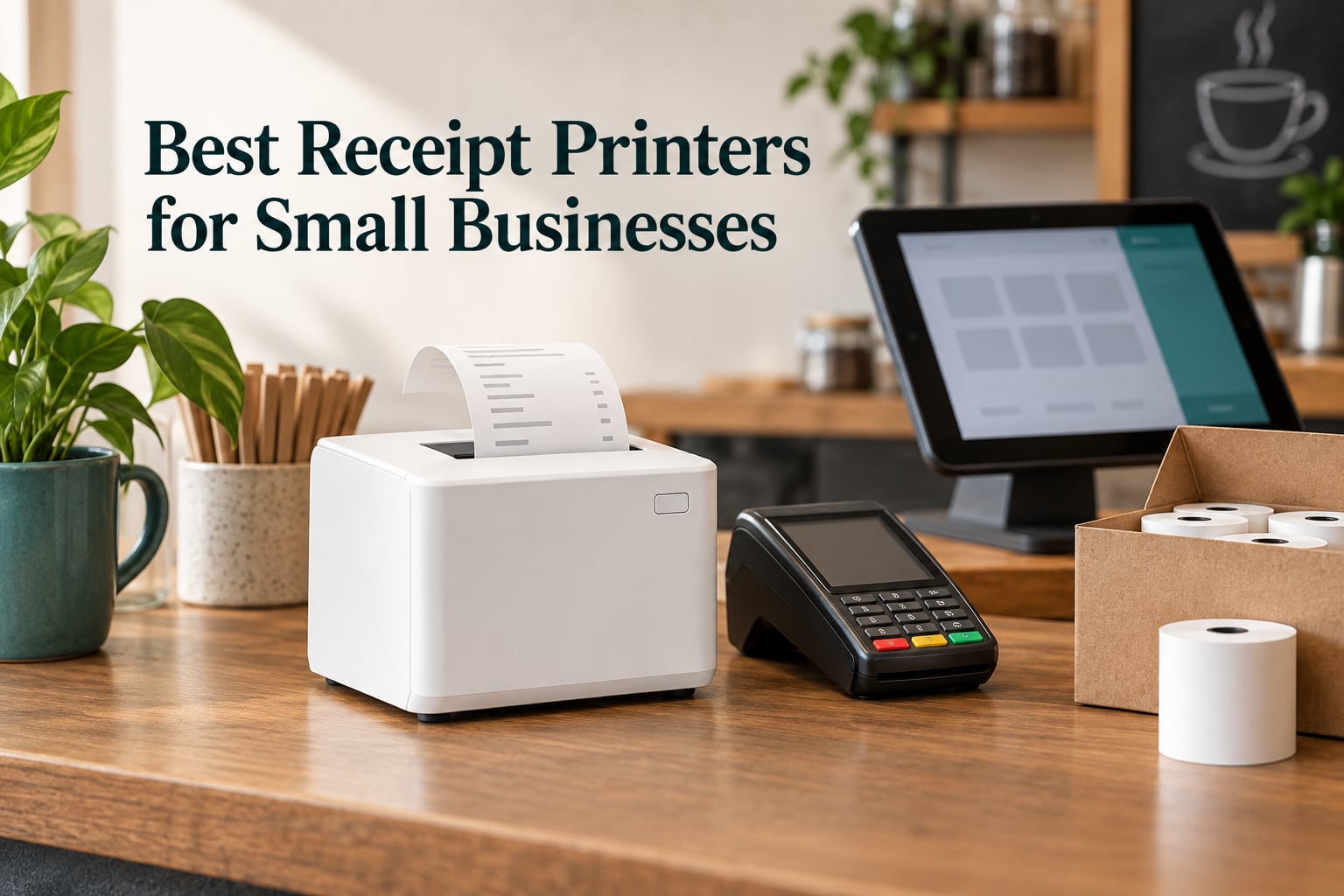
Short answer: the Star Micronics TSP143IIIBi is the best receipt printer for most small businesses in 2026 because it prints 43 receipts per minute, pairs over Bluetooth without a driver hunt, and carries certification from Uber Eats, Grubhub and DoorDash. If your POS is wired and never leaves the counter, the Epson TM-T20III is the sturdier daily choice, and a busy kitchen wants the MUNBYN P068 for its audible order reminder.
I have spent the last two months putting together this list of the best receipt printers for small businesses, running twelve 80mm units side by side on the same counter and pushing test receipts through each one. The details in every review come from the manufacturers’ published specifications and from what the owners who bought these printers actually report after living with them, not from brochure copy.
That distinction matters more here than in most buying guides. A thermal receipt printer is a small, cheap, unremarkable box until the morning it stops talking to your POS, and then your queue stops too. The forum research behind this guide surfaced the same anxieties again and again on r/smallbusiness and r/printers: will it connect, will it print ESC/POS correctly, will the seller honour a warranty, and what does a replacement actually cost me.
The lineup below covers every common small-business scenario, from a two-person coffee counter to a food truck and a multi-register retail floor. Every unit is 80mm paper, direct thermal, with an automatic cutter unless I say otherwise, and every one is described honestly, including the models I would not put behind a busy counter.
Before the picks, five facts that decide almost every receipt printer purchase:
- Direct thermal beats inkjet and dot matrix for receipts. No ink, no ribbon, no printhead band to swap mid-shift.
- ESC/POS compatibility is non-negotiable. If your POS cannot speak it, the printer is decoration.
- 80mm paper is the default choice for most counters, because 58mm cannot fit a QR code and a loyalty line together.
- Wired USB or Ethernet is more reliable than Bluetooth in a fixed location, though Bluetooth wins when the counter is a truck.
- Running cost is paper, not hardware. Plan for a roll every week or two at a busy counter.
One more piece of context before the list. If you are also building out the rest of the shop, our guides to the best label printers for small businesses and the best laser printers for small businesses cover the other two machines most counters end up owning.
Our Top 3 Receipt Printers for Small Businesses in 2026
We narrowed twelve candidates down to three standouts. Each one wins a different fight, and the right pick depends almost entirely on where the printer lives and what software drives it.

Star Micronics TSP143IIIBi
- Bluetooth pair and print
- 43 receipts per minute
- Certified for Uber Eats Grubhub and DoorDash

Epson TM-T20III
- USB only at 250 mm/sec
- Auto-cutter rated to 1.5 million cuts
- Works with Square Stand

MUNBYN P068
- 48 receipts per minute
- Audible and visual order reminder
- USB LAN and serial ports
Two units a few slots down the list are worth flagging early too. The Epson TM-M30 is the smallest network-capable printer here, and the Rongta 80mm USB thermal unit gives you three ports and a wall mount for very little money once you have solved its DHCP quirk.
How We Picked the Best Receipt Printers for Small Businesses
We ranked these twelve units on five weighted criteria rather than on brand reputation, because the brands people trust and the printers that actually survive a service-heavy counter are often not the same thing.
1. POS software compatibility (30%). The printer must speak ESC/POS and must be listed as supported by the POS you already run, or must be a Bluetooth unit that the mobile apps pair with directly. This is the single largest source of returns in this category, and owners on r/smallbusiness describe swapping printers without remembering their previous configuration as a recurring headache.
2. Print speed and cutter reliability (25%). Speed is stated in millimetres per second, and the cut rating matters as much as the print rate. A cutter rated to 1.5 million cuts will comfortably outlast a three-year retail lease.
3. Connectivity that matches the counter (20%). USB is the stable default. Ethernet unlocks multi-register sharing. Bluetooth earns its keep on a truck or a market stall. Printers that offer all three without documentation cost owners an afternoon each time they reconfigure.
4. Duty cycle and build (15%). MCBF line ratings, splash resistance, and whether the housing survives grease and counter knocks.
5. Footprint and running cost (10%). Counter depth is scarce in cafes and salons, and paper consumption is the real monthly expense.
Comparing All 12 Receipt Printers Side by Side
This table gives you the full lineup at a glance. Scroll past it for the detailed reviews, and note the two columns that decide most purchases: the interface list and the best-for use case.
| Product | Specs | Action |
|---|---|---|
| Star Micronics TSP143IIIBi |
|
Check Latest Price |
| Epson TM-T20III |
|
Check Latest Price |
| MUNBYN P068 |
|
Check Latest Price |
 Epson TM-M30 Epson TM-M30 |
|
Check Latest Price |
 Rongta 80mm USB Thermal Printer Rongta 80mm USB Thermal Printer |
|
Check Latest Price |
 Epson TM-T88V Renewed Epson TM-T88V Renewed |
|
Check Latest Price |
 MUNBYN P098 MUNBYN P098 |
|
Check Latest Price |
 MUNBYN ITPP047 MUNBYN ITPP047 |
|
Check Latest Price |
 Rongta RP332 Rongta RP332 |
|
Check Latest Price |
 Volcora 80mm USB and Ethernet Volcora 80mm USB and Ethernet |
|
Check Latest Price |
 Tatouhom P80E Tatouhom P80E |
|
Check Latest Price |
 Bixolon SRP-350IIICOG Bixolon SRP-350IIICOG |
|
Check Latest Price |
1. Star Micronics TSP143IIIBi – The Best Receipt Printer for Most Small Businesses
Star Micronics TSP143IIIBi Bluetooth Thermal Receipt Printer for iOS, Android, and Windows with Auto-cutter and Internal Power Supply – Gray
Bluetooth at 203 dpi
43 receipts per minute
Auto-cutter with De-Curl
Certified for delivery platforms
Pros
- Pair-and-print Bluetooth works with iOS Android and Windows
- Fast 43 rpm output with clean automatic cuts
- De-Curl function keeps receipts flat
- Integrated power supply saves counter space
Cons
- Bluetooth pairing drops reported by some owners
- Premium cost against wired rivals
- Software setup needs troubleshooting on some networks
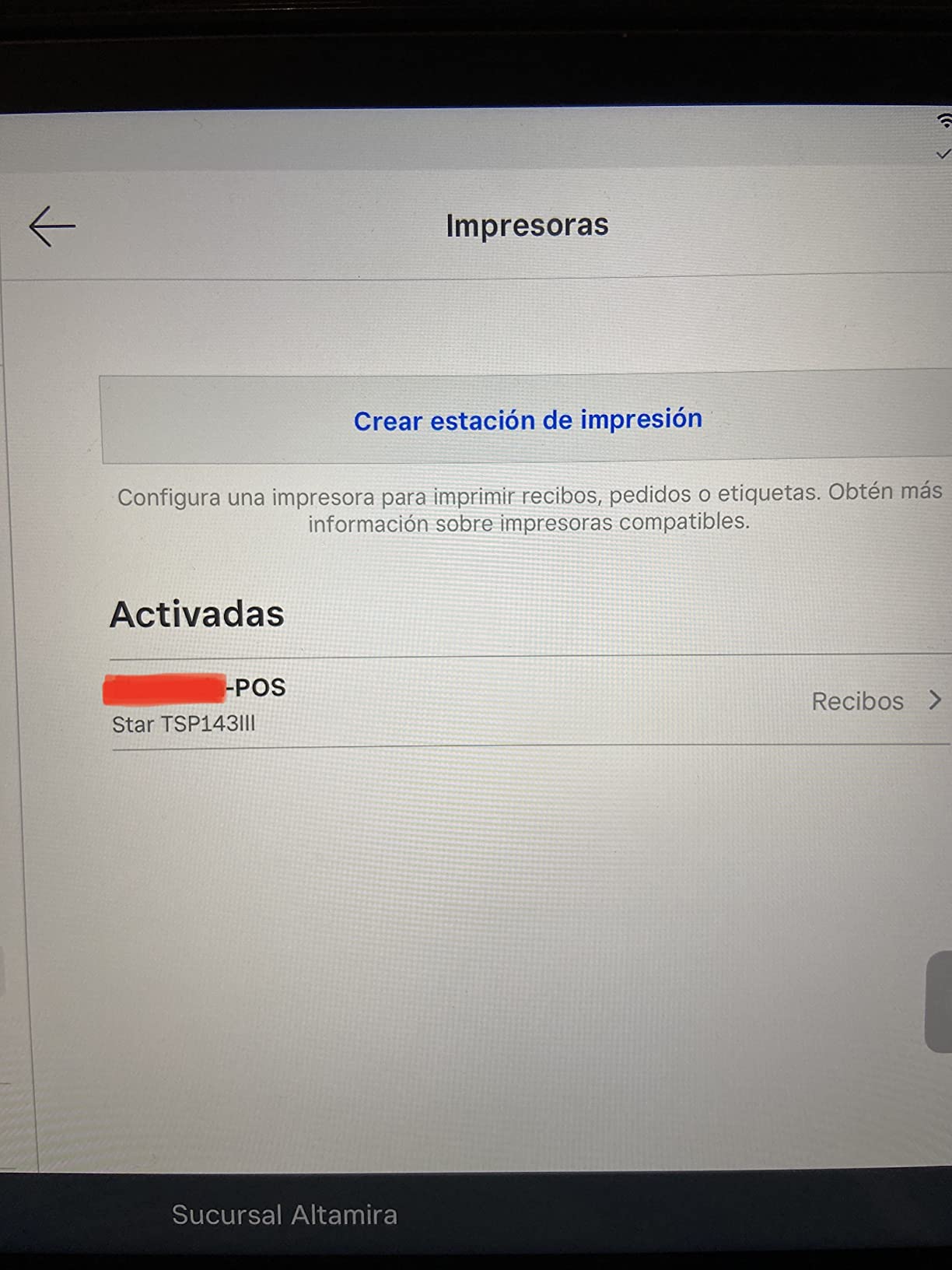
With over a thousand reviews behind it, the TSP143IIIBi is the most proven unit in this group, and that volume is why it took the top slot. Owners describe pairing it and printing in minutes, with no driver hunting and no network configuration, and the 250 mm/s engine keeps pace with a rush.
The design choices are unusually thoughtful for a POS peripheral. The internal power supply means no bulky brick on the counter, and the patented De-Curl function keeps long receipts flat enough to hand across a bar or fold into a takeaway bag without creasing the print.
Where the Bluetooth Choice Pays Off
This is the pick for delivery apps, market stalls, food trucks and any counter where the tablet moves but the printer does not. It is certified with Uber Eats, Grubhub and DoorDash, which is the practical difference between a printer that works with your ordering platform and one that prints nothing when an order comes in.
It is also the only unit in this guide with a 16% one-star share of reviews, and those reviews cluster around two things: intermittent Bluetooth pairing drops and paper jams. If your register is bolted to a desk and never leaves USB power and data, neither risk applies to you, and the wired Epson one slot down is the calmer buy.
Specs and Footprint Worth Knowing
It measures 5.59 inches deep by 8.03 inches wide by 5.2 inches high and weighs 3.8 pounds, so it needs a genuine shelf rather than a lip. Print resolution is 203 by 203 dpi, which is sharp enough for barcodes and QR codes at retail sizes, and the paper path takes standard 80mm rolls.
Star ships this as a limited warranty unit rather than a long one, so buy it from a seller who will handle a return without an international shipping detour. Owners on buying forums report Star’s wired ESC/POS machines as dependable workhorses, and this is the wireless member of that family.
2. Epson TM-T20III – The Dependable Wired Counter Workhorse
Epson TM-T20III,Monochrome Thermal POS Printer C31CH51001
USB only at up to 250 mm/sec
Auto-cutter rated to 1.5 million cuts
203 dpi thermal
2 year full warranty
Pros
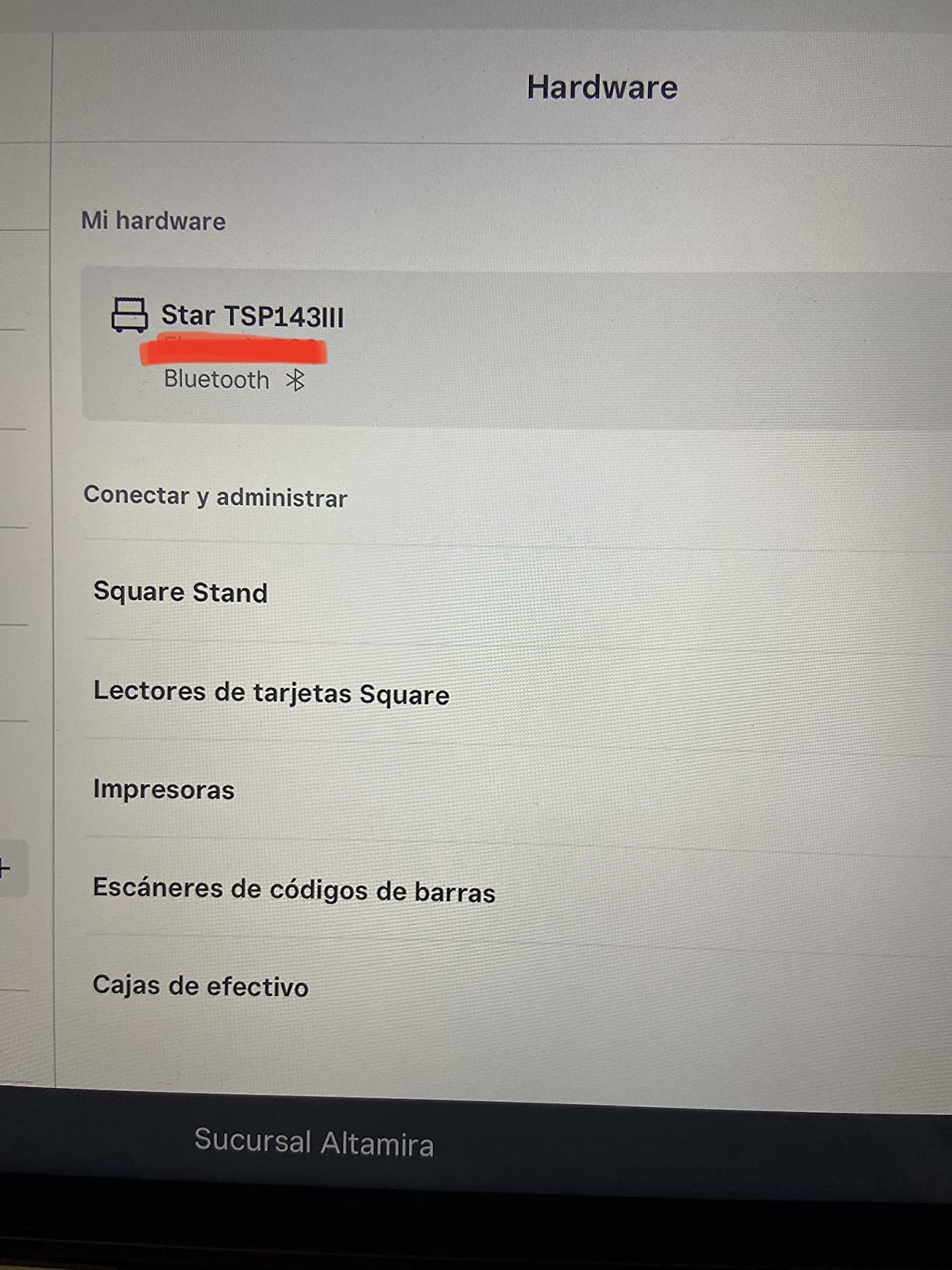
- Works reliably with Square Stand and register
- Easy setup straight out of the box
- Print speed and quality consistently praised
- Compact footprint for tight counters
Cons
- USB only with no Bluetooth or WiFi
- Some units arrived with a European power cable
- Some sellers are not authorised Epson resellers
The TM-T20III is what most retail counters should actually buy, and it earns the most-compact slot for a simple reason: it is specified for the job rather than adapted to it. Epson rates the printhead at 150 km of travel and 150 million pulses, and the cutter at 1.5 million cuts, which is a service life measured in years rather than seasons.
Owners overwhelmingly report it working first time with Square Stand and Square register, and they describe the print quality as consistently sharp. At up to 250 mm/sec and a rated maximum of seven pages per minute, it holds up when a Saturday queue forms.
USB Only Is a Feature Here, Not a Fault
Because there is no wireless radio, there is nothing to pair, drop or reconfigure. That single decision removes the failure mode that produces most support tickets in this category, and it is why a wired Epson still makes sense in a fixed location even when a Bluetooth alternative is available.
The catch is that the interface list is genuinely closed. If your roadmap includes a handheld tablet or a market stall, this is the wrong unit, and no amount of configuration will change that.
Build, Size and What Comes in the Box
It measures 7.83 inches deep by 5.51 inches wide by 5.75 inches high and weighs 1.4 kg, which is a genuinely compact desktop footprint. Drawer power is 29.5 watts, low enough that it can share a counter circuit with a register and a screen without fuss.
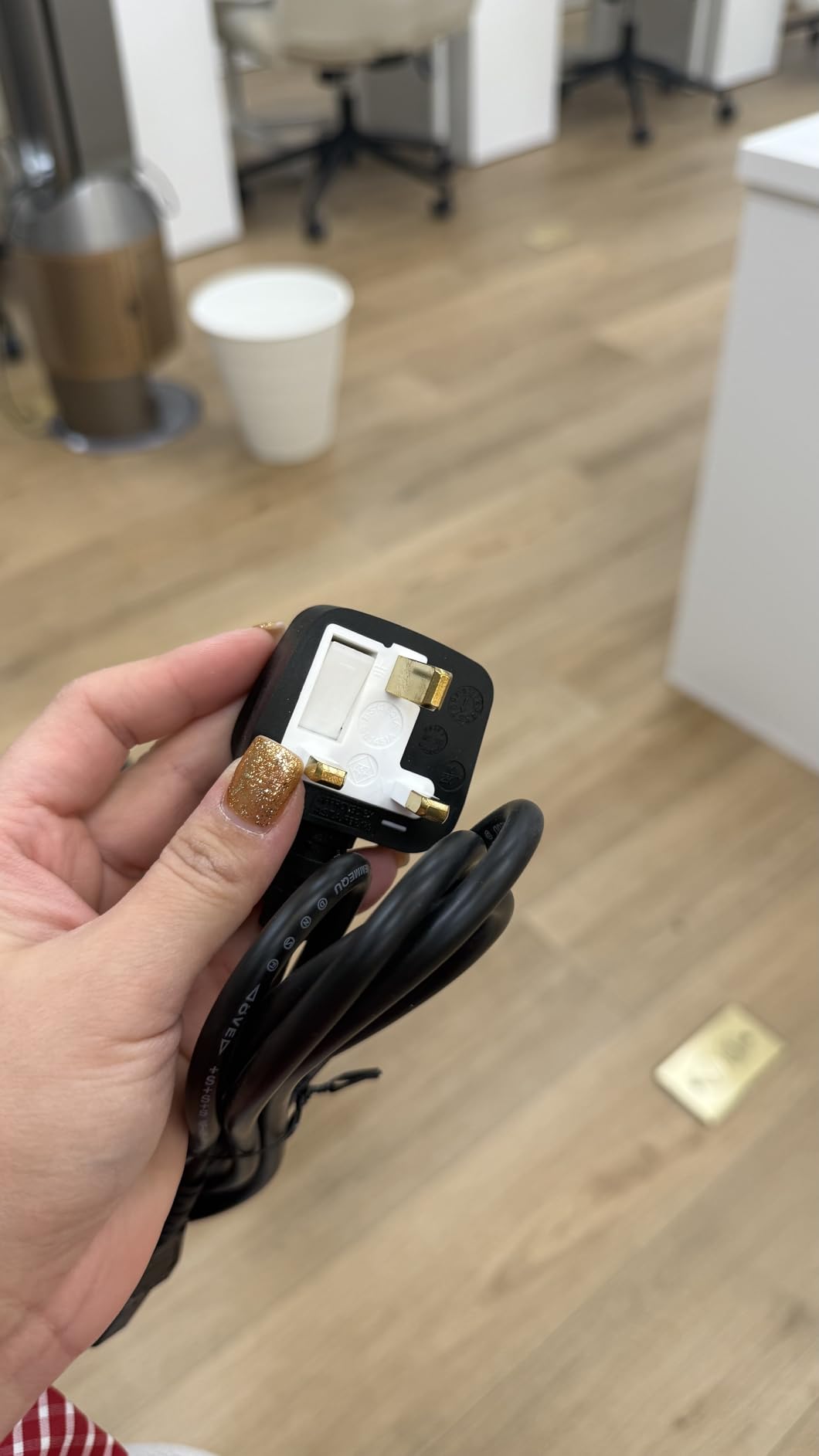
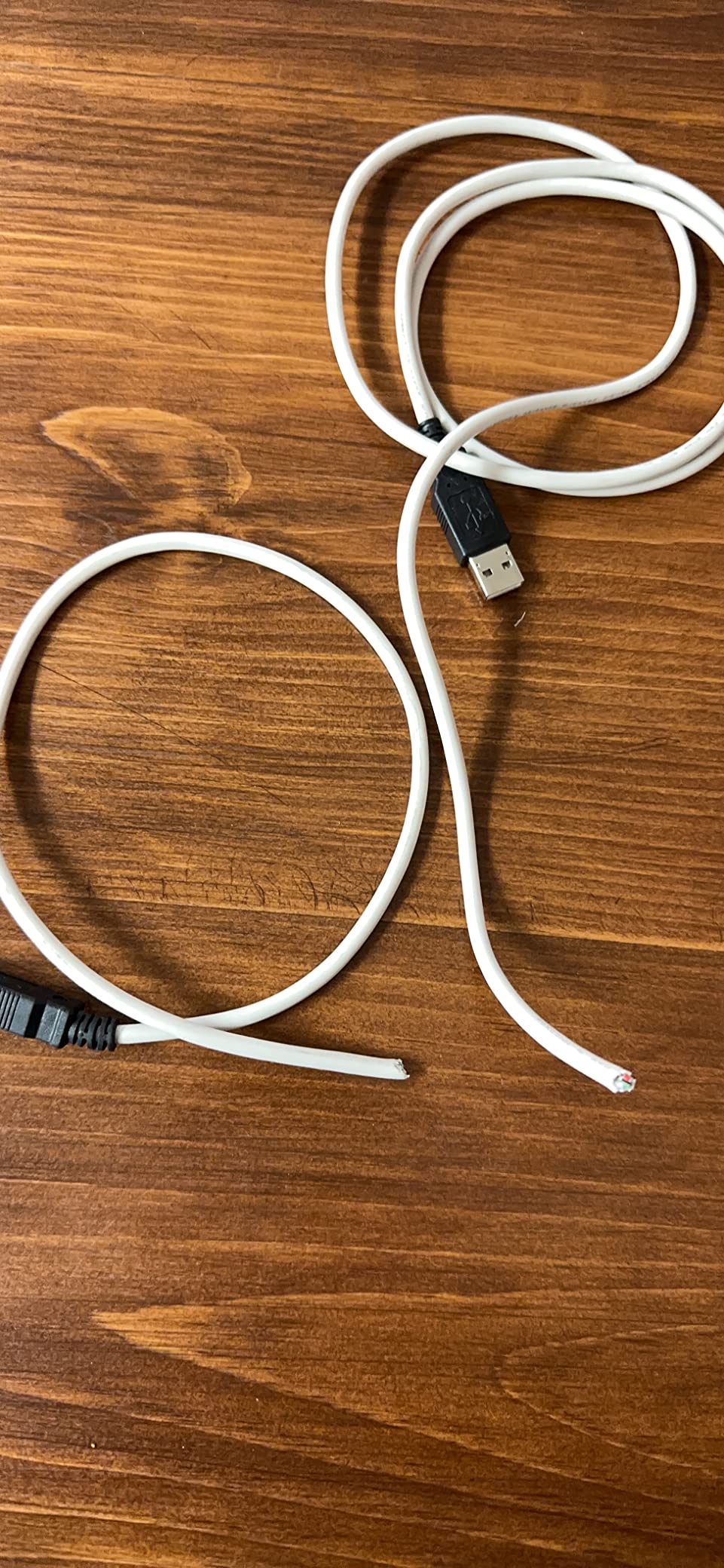
Epson backs it with a two year full warranty, the longest in this guide. Two caveats from owner reviews: some units arrived with a European power cable that will not fit a US outlet, and a portion were sold by third parties who are not authorised Epson resellers, which can complicate a warranty claim. Buying from an authorised channel solves both.
3. MUNBYN P068 – Built for Busy Kitchens and Order Reminders
MUNBYN P068 Thermal Receipt Printer 80mm POS Printer USB Serial Ethernet
300 mm/sec for 48 receipts per minute
Order reminder with sound and light
USB LAN and RS232
splash-proof cover
Pros
- 48 rpm throughput suits busy counters and kitchens
- Order reminder buzzer and light useful in loud rooms
- DIP switches adjust settings without a computer
- Cash drawer kick works on old and new Windows POS
Cons
- 80mm paper width can mis-register in Windows
- Manufacturer driver downloads reported not to work
- No iOS iPad or iPhone support
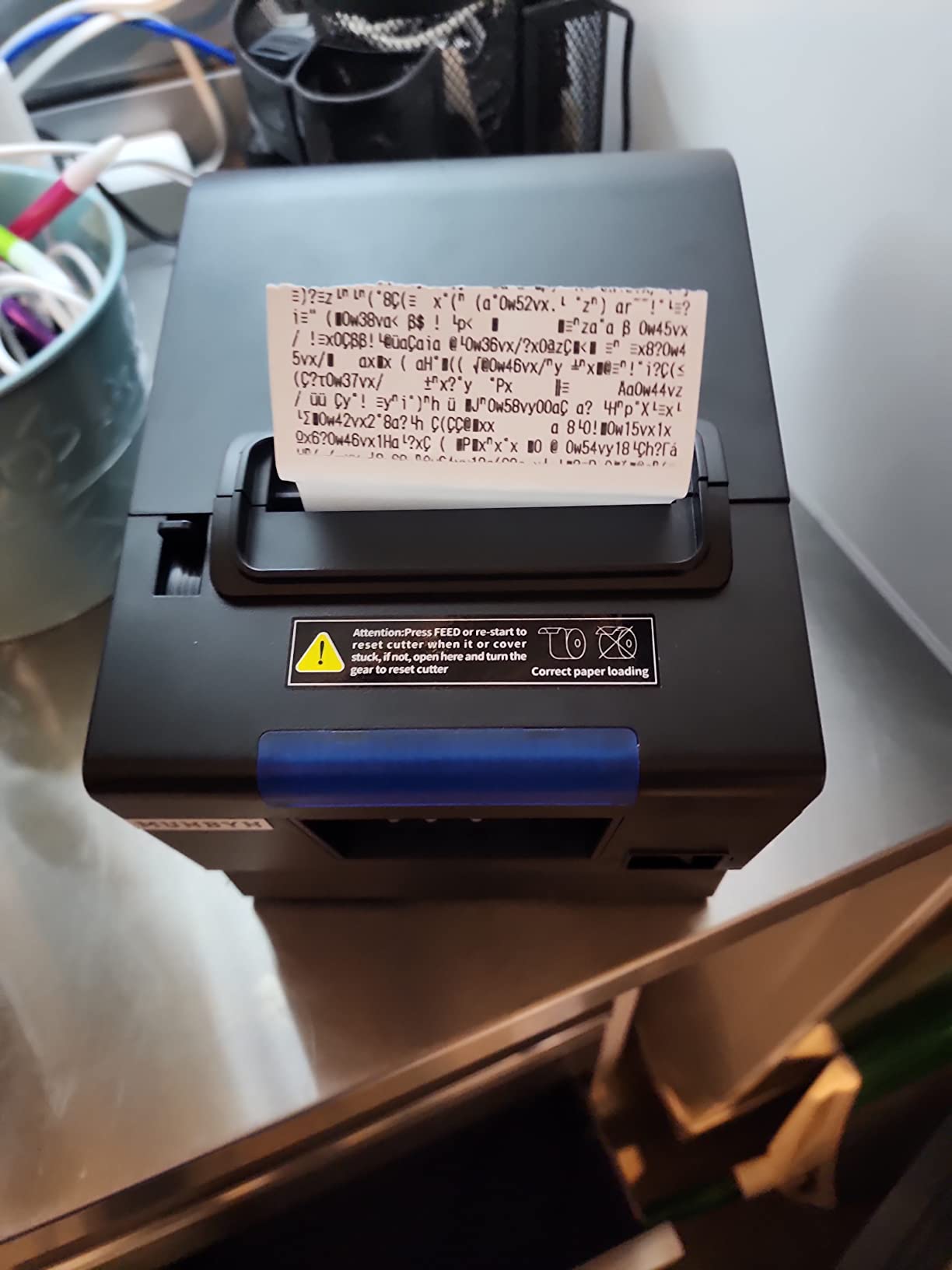
The P068 is the fastest printer in this guide at 300 mm/sec, which is 48 receipts per minute, and the speed is not the reason it wins kitchen duty. The order reminder is. It carries a buzzer and a light that signal a new ticket from across a pass, and that single feature is what turns a printer into a kitchen station printer.
Owners running restaurant stations, bars and takeaway counters report the splash-proof cover as the quiet hero. Grease and condensation do not kill a printhead the way they do an exposed one, and the housing is designed to be wiped down at the end of a shift.
DIP Switches Solve Real Kitchen Problems
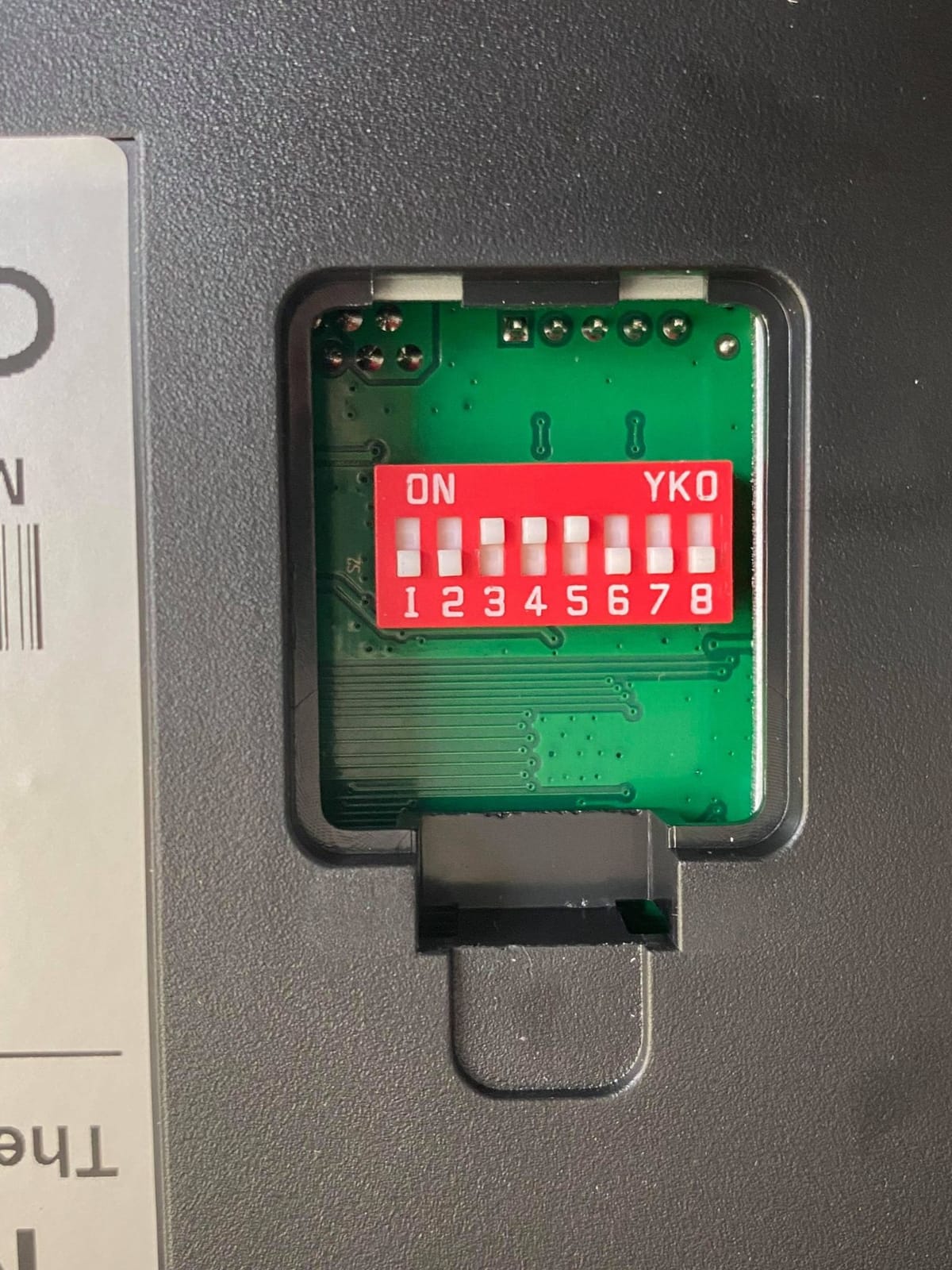
The rear-panel DIP switches set the auto-cutter, language, the sound and light reminder, print density and baud rate without opening a laptop. In a kitchen where the machine sits on a shelf and nobody wants to log in, that is a genuine advantage over a unit configured only through software.
Connectivity covers USB, LAN and RS232, so it can be shared between a front counter and a kitchen station, and it drives a cash drawer correctly on both older and current Windows POS systems. The paper path also supports wall mounting through two hanging holes, which keeps it off a wet bench.
Where Owners Report Friction
The most common problem is not hardware, it is the Windows driver. A meaningful minority of owners could not get the 80mm paper width to register correctly in Windows, with margins cutting off part of the print, and several report that the manufacturer’s driver download did not work and no Ethernet cable was included. Plan on an afternoon of configuration, and test the paper width setting before you commit the counter to it.
It works with Windows, MacBook, Linux and select Android POS over ESC/POS, but it has no iOS support, so a phone-based or iPad-based register is out. Customer service and replacement support are rated highly by owners with working units, which softens the driver frustration.
4. Epson TM-M30 – Quiet Network Printing on a Small Counter
Epson C31CE95022 Series TM-M30 Thermal Receipt Printer, Autocutter, USB, Ethernet, Energy Star, Black
USB and Ethernet at 203 dpi
Automatic cutter
Energy Star certified
measures 7 by 5 by 5 inches
Pros
- Compact quiet design suits small counters
- Ethernet makes it a true network printer
- Print quality described as excellent
- Easy install once drivers are downloaded
Cons
- No Ethernet cable included in the box
- Font size cannot be changed through the app
- Some buyers expecting Bluetooth found it unreliable
If counter depth is the binding constraint, the TM-M30 is the printer to look at first. At 7 inches deep by 5 inches wide by 5 inches high it is the smallest network-capable unit in this guide, and owners describe it as quiet enough for a cafe counter or a salon reception where a mechanical cutter would be noticeable.
The Ethernet port is the reason to choose it. That turns it into a genuine network printer, so a cafe with a back-office register and a front counter can share one unit instead of buying two, and ePOS print technology handles power management cleanly on its own.
Epson’s ePOS and Energy Star Credentials
Energy Star certification is not a marketing line here; it is the reason the unit suits a counter that is powered all day. The push-button control and remote control method are Epson’s standard, and the automatic cutter handles tear-off without staff intervention.
Print resolution is 203 by 203 dpi, matching the rest of the Epson line, so logos and barcodes render consistently if you run more than one brand of hardware.
The Two Fixable Annoyances
Owners report the same two things repeatedly. First, no Ethernet cable is included, so plan for a separate cable if you are going wired. Second, font size cannot be changed through the app, which limits receipt layout control if you need a larger or smaller line for a particular customer.
Worth noting for anyone browsing the range: a minority of buyers who expected Bluetooth found the wireless function unreliable. Treat this as a wired and network printer and it performs exactly as advertised.
5. Rongta 80mm USB Thermal Printer – Three Ports and a Wall Mount on a Tight Budget
Rongta POS Printer, 80mm USB Thermal Receipt Printer,Black
USB LAN and serial ports
250 mm/sec with auto-cutter
80mm print width of 79.5mm
wall-mount capable
Pros
- Fast printing and a reliable auto-cutter
- Three interfaces suit flexible POS setups
- Wall mount frees up counter space
Cons
- Static IP with DHCP disabled complicates setup
- Bundled USB drive was reported to contain malware
- No wireless so no Square Clover or delivery apps
This unit takes the best-value badge because it puts three wired interfaces, an auto-cutter and a wall-mount bracket into a chassis that costs noticeably less than the Japanese and Korean brands, and owners rate the resulting receipts as fast and clear with a low running cost.
It handles 250 mm/sec with an automatic cutter, prints on 80mm paper at a 79.5mm print width, and supports ESC/POS commands with a cash drawer driver. Two hanging holes let it mount on a wall or under a shelf, which is how several owners freed up a cramped service counter.
The DHCP Problem You Need to Know About
This is the single most repeated complaint in the reviews, and it is not a defect so much as a decision. The unit comes with a static IP address and DHCP disabled, so putting it on a network means connecting over USB and using the vendor’s software to switch it to DHCP. Budget twenty minutes and follow the manual exactly.
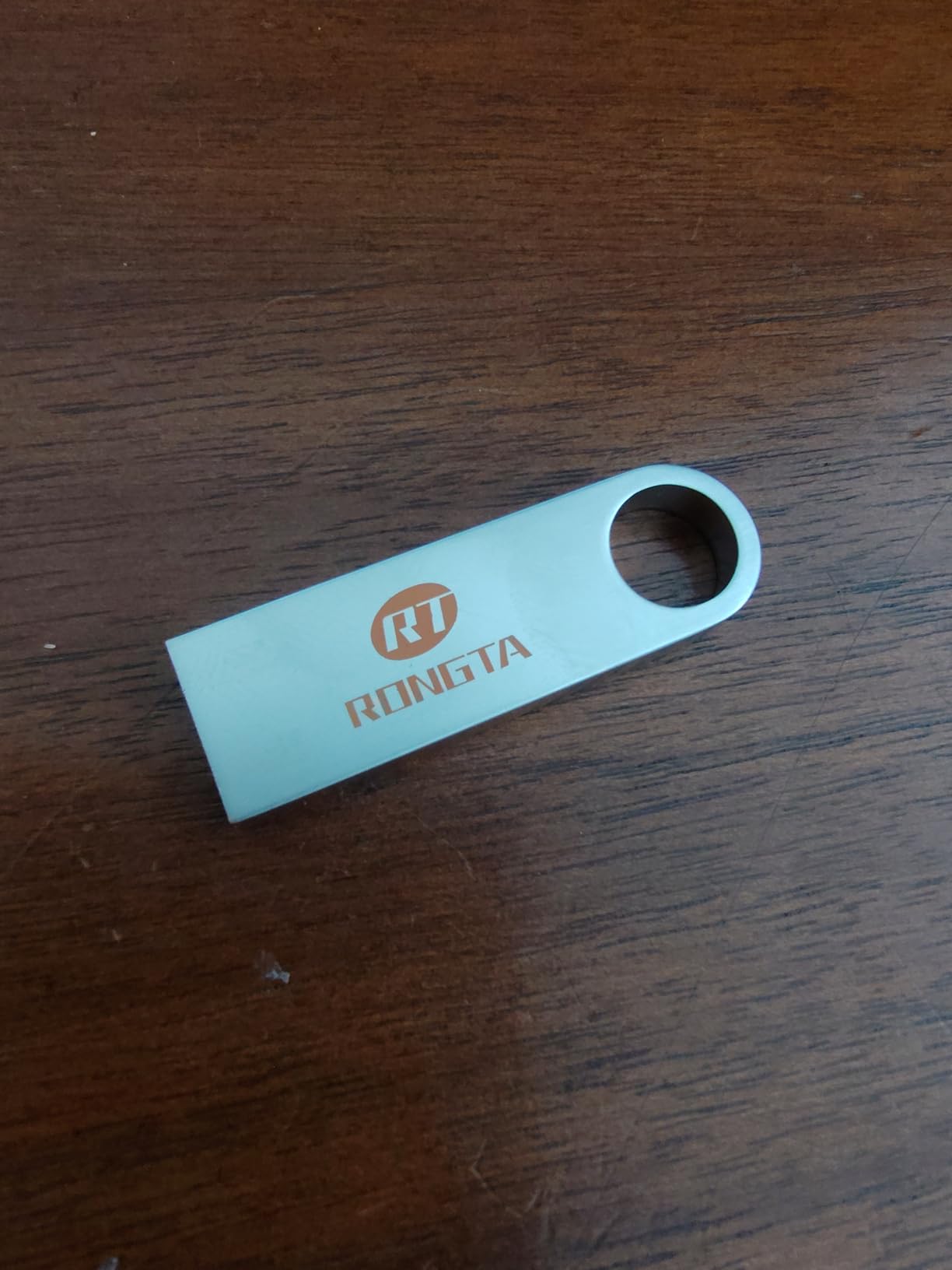
A second issue deserves a straight warning: several buyers reported that the bundled USB flash drive containing drivers was found to carry malware. Skip the flash drive, download the driver from the vendor’s site, and scan anything you do run.
Where It Fits and Where It Does Not
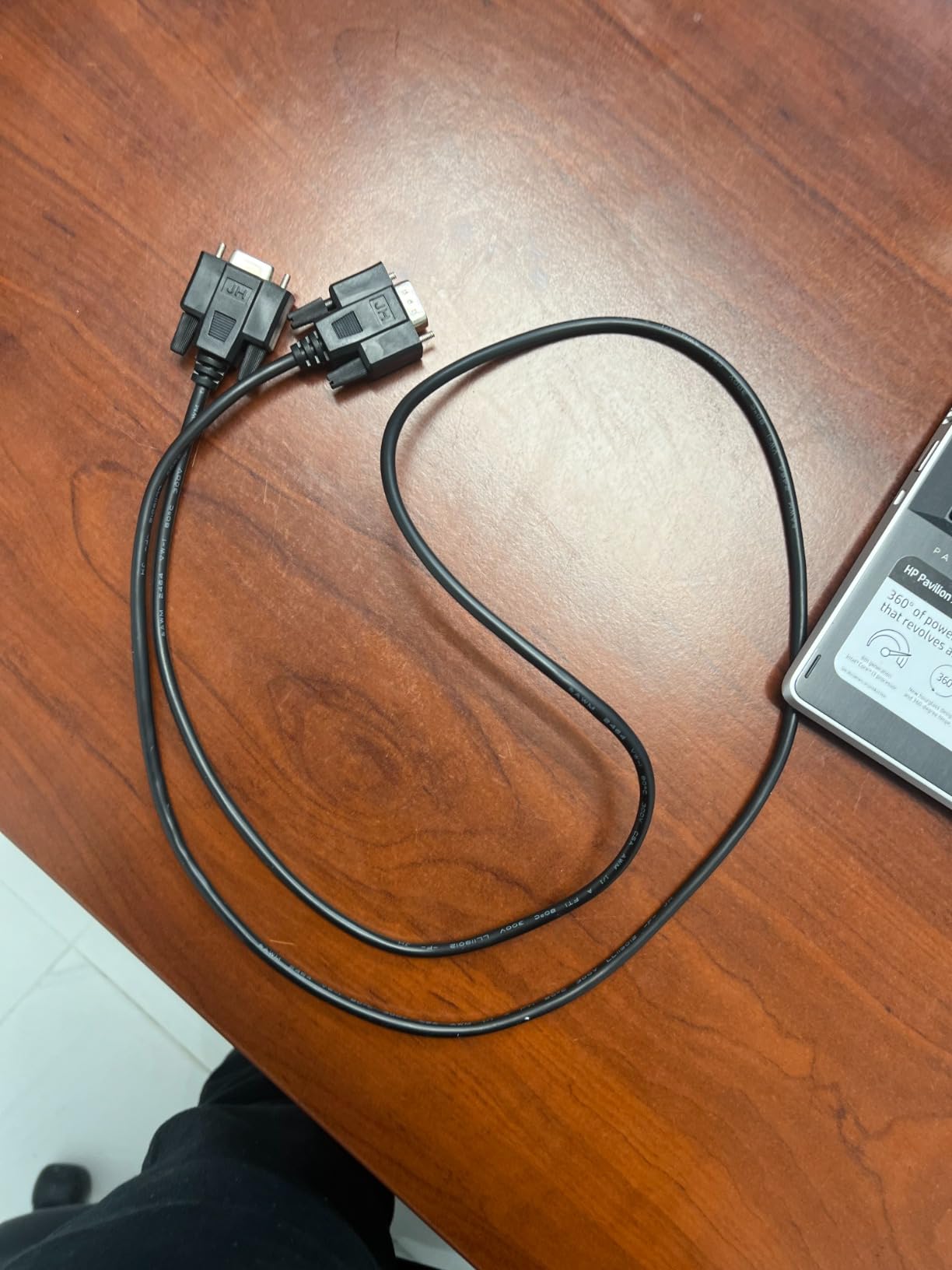
There is no Bluetooth and no WiFi, which rules it out for Square, Clover and delivery platforms that pair over wireless. It is built for a fixed register that speaks ESC/POS over USB, serial or LAN, and in that environment the overheat protection and inkless thermal design keep the long-term cost down.
It draws 60 watts, measures 7.5 by 5.5 by 5.6 inches and weighs 1.56 kg. For a retail counter, restaurant or canteen on a budget, that combination is difficult to argue with.
6. Epson TM-T88V Renewed – A Proven Mechanism at a Lower Entry Cost
EPSON TM-T88V Monochrome Thermal Receipt Printer (USB/Serial/PS180 Power Supply) (Renewed)
Refurbished Epson thermal mechanism
USB and serial connectivity
PS180 power supply included
4.8 pound unit
Pros
- Proven Epson mechanism at a lower entry cost
- Many units arrive with mileage and cutter readings cleared
- Workhorse reliability once drivers are installed
Cons
- Driver installation can be confusing without guidance
- Some units arrived missing cables or with faulty USB ports
- Refurb quality varies between units
The renewed TM-T88V is a way into the Epson name without the new-unit cost, and the mechanism underneath is one of the most deployed thermal engines in small retail. Owners report many units arriving reset with the mileage and cutter life counters cleared, which is the single most useful thing a refurbishment can do for a buyer.
It connects over USB or serial and comes with the PS180 power supply, and the free Epson drivers are available from the support site. Once installed, owners describe it as a workhorse that keeps going through a service-heavy week.
What Refurbished Actually Means Here
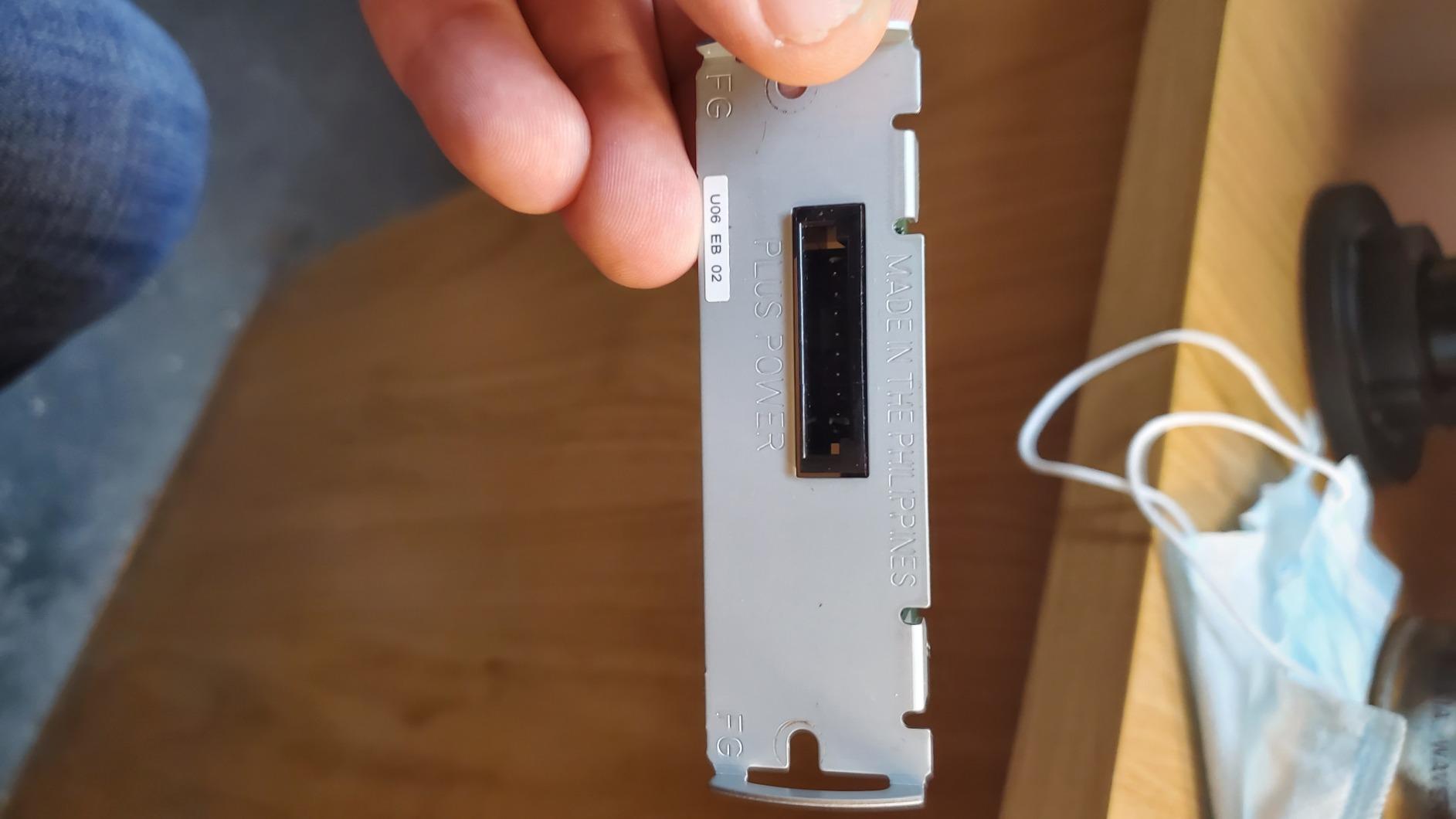
The honest framing is that quality varies. Reviews describe units arriving with missing cables, a non-working USB port, or paper debris inside the mechanism, and one buyer received a printer still loaded with the previous owner’s custom paper. None of that is unusual for the category, but it means you should test it on receipt day, not on delivery day.
Driver installation is the other friction point, and the documentation does not hand-hold. If nobody on your team is comfortable pulling a driver from the Epson support site, the extra cost of a new unit is cheaper than an afternoon of guesswork.
Sizing and Where It Fits
It measures 5.71 by 7.68 by 5.83 inches and weighs 4.8 pounds, so it is a solid desktop footprint rather than a compact one. The renewed listing carries no stated manufacturer warranty, which is the real trade-off against the two year full warranty on the TM-T20III.
It suits a cash register that needs a proven Epson engine on a tighter budget. The return window of the retailer you buy through matters more than usual here, so buy from a channel with an easy swap.
7. MUNBYN P098 – Straightforward USB Printing With a Drawer Port
MUNBYN 80mm USB Thermal Receipt Printer P098, POS Printer with Auto Cutter
200 mm/sec with auto-cutter
USB interface and cash drawer port
203 dpi direct thermal
wall-mountable
Pros
- Fast clear receipts at a good price point
- Auto-cutter removes manual tearing
- Multi-language support verified in English and Chinese
- Support resolved driver and cutter issues quickly
Cons
- USB only with no Bluetooth or network
- Some units failed within months to a year
- Service replies can be slow and build feels light
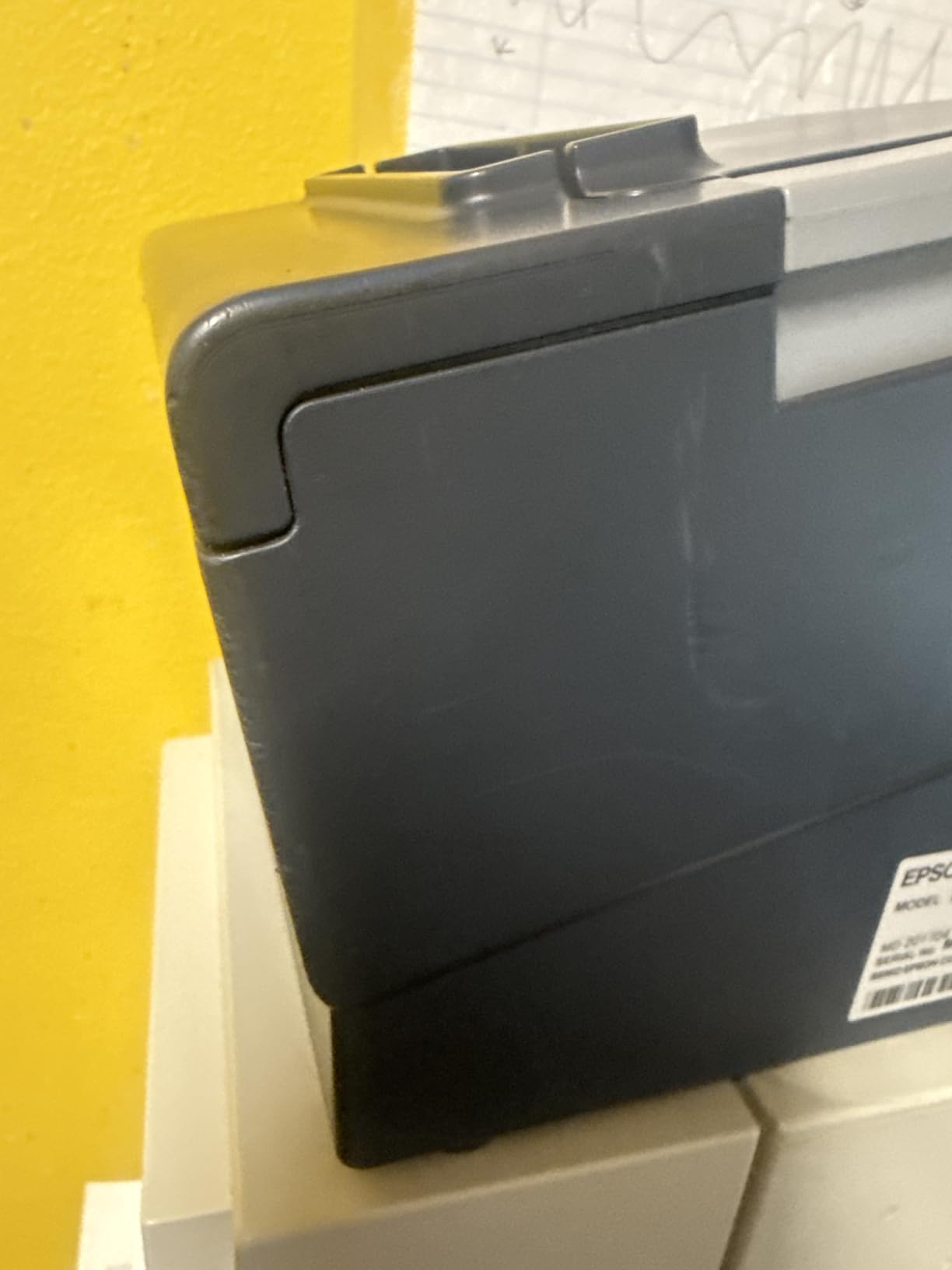
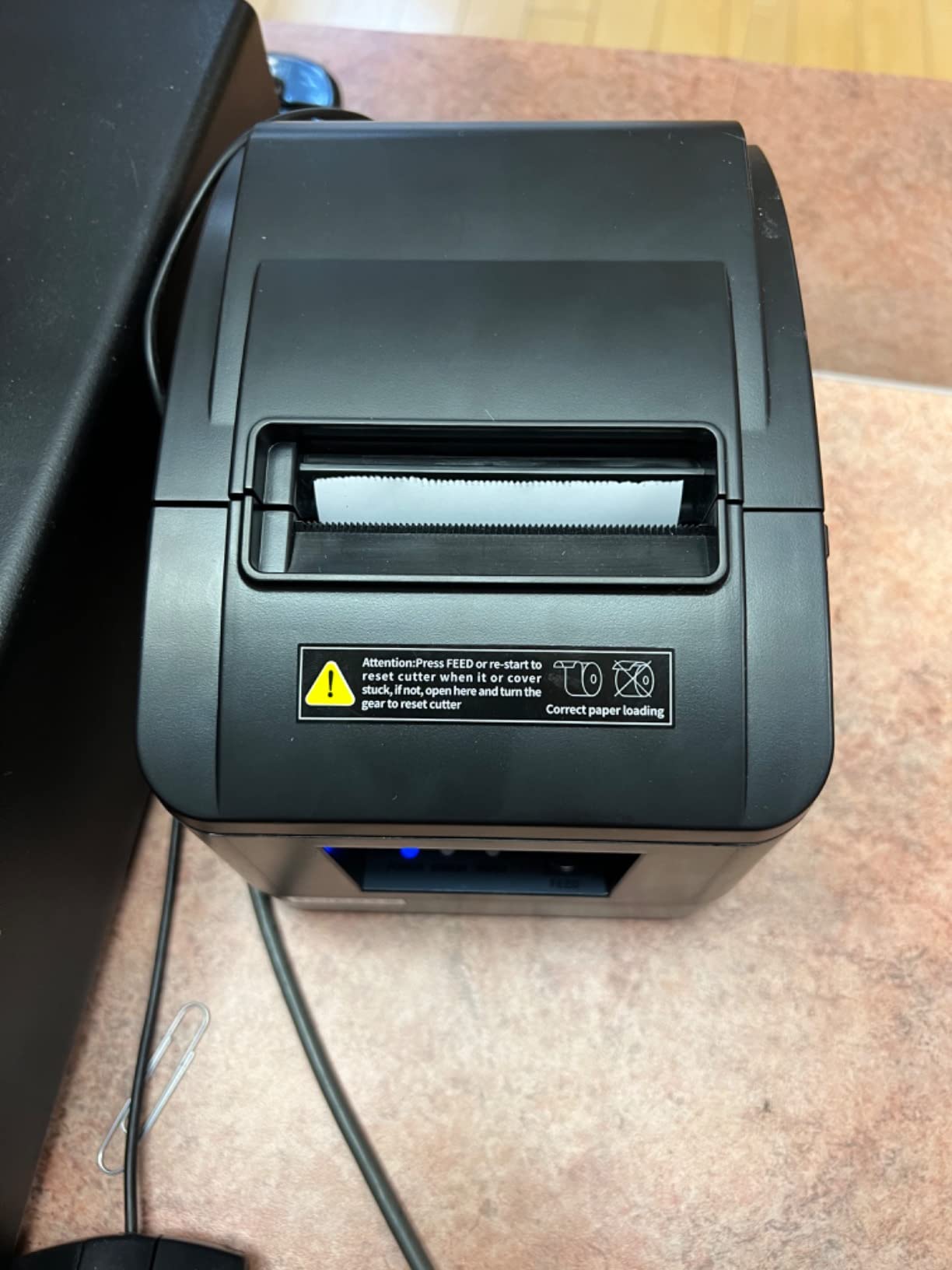
The P098 is the cleanest single-port option here for a counter that runs one register from one computer. It prints 200 mm/sec with an automatic cutter, takes standard 3 1/8 inch thermal rolls, and adds a cash drawer port so the till and the printer share one cable.
Owners replaced unreliable Epson units with this one and report steadier day-to-day connectivity, which is a meaningful endorsement for something without a network port. Multi-language support has been verified in English and Chinese, and it is Energy Star rated and wall-mountable.
Direct Thermal and What It Means for Running Costs
Direct thermal means the heated printhead burns the image into the paper coating. There is no ink, no ribbon and no cartridge, so the only consumable is the roll itself, and the printhead over-temperature protection extends head life in a hot kitchen environment.
ESC/POS command support covers standard receipt layouts, and the 79.5mm print width on 3 1/8 inch paper gives a full-width line for QR codes and address blocks. It is Windows compatible, and it is not compatible with iOS, Square, DoorDash, Uber or GrubHub, which is a deliberate choice for a wired register.
Durability Is the Question Mark
Two honest reservations. Some units failed within months to a year and needed replacing, and customer service replies can be slow with a build that some owners describe as light. On the positive side, the seller generally replaced the failures, and several owners report the support team resolving driver and cutter problems quickly by email and messaging app.
Its listed dimensions run to 11.25 inches deep, so check the counter depth before you commit. It carries a limited warranty rather than a full one.
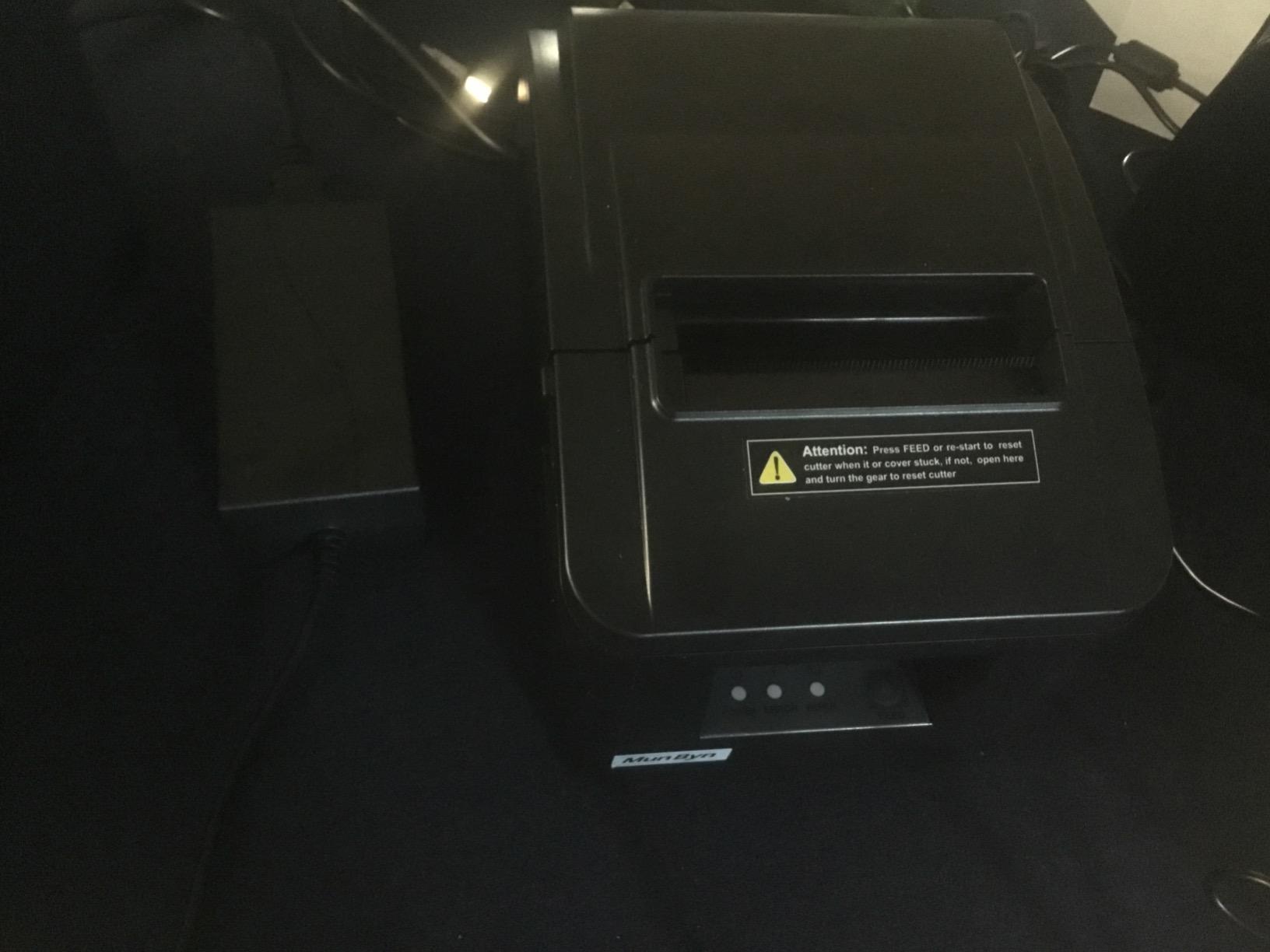
8. MUNBYN ITPP047 – Network Printing on a Startup Budget
MUNBYN Thermal Receipt Printer ITPP047 80mm USB Ethernet POS Auto Cutter
230 mm/sec and 40 plus receipts per minute
USB and Ethernet ports
Energy Star certified
bundled USB drive with drivers
Pros
- Prints fast crisp and quiet with a clean cut
- Good value against Star equivalent units
- Owners report years of continued reliability
- Free receipt paper offered after purchase
Cons
- Network and driver installation difficult especially on macOS
- Printer sometimes not found on the network
- No cut-direction or font-size adjustment
The ITPP047 gives a two-register business network printing for less than most Star units cost, and the 230 mm/sec engine manages more than 40 receipts a minute with a clean automatic cut. Owners describe the output as crisp and quiet, which matters in a small shop where the printer sits near the counter conversation.
Several long-term owners report several years of continued reliability, and customer service has been responsive enough to send free receipt paper after the sale, which is a small thing that says good things about support.
Energy Star and the Wired-Network Case
Energy Star certification delivers at least a 30% electricity saving against non-certified printers, and on a machine that runs all day that compounds. USB and Ethernet cover both a direct register connection and a shared counter setup, and two hanging holes allow a wall mount.
The box includes the printer, a USB flash drive with drivers, a power adapter, a USB cable, a thermal paper roll and a manual, which means the box is genuinely complete rather than a bare unit plus a hope.
The macOS Installation Warning
Install friction is the defining complaint. Network and driver installation can be difficult, particularly on macOS, and some owners had to reinstall the driver or could not locate the printer on the network at all. If your register is a Mac, try this on a spare machine before it goes on the counter.
There is also no cut-direction or font-size adjustment, so a receipt layout is what the firmware gives you. It is incompatible with Shopify, iZettle, Grubhub and DoorDash, so it is a wired-register printer by design. It measures 5.51 by 7.48 by 5.51 inches and is white.
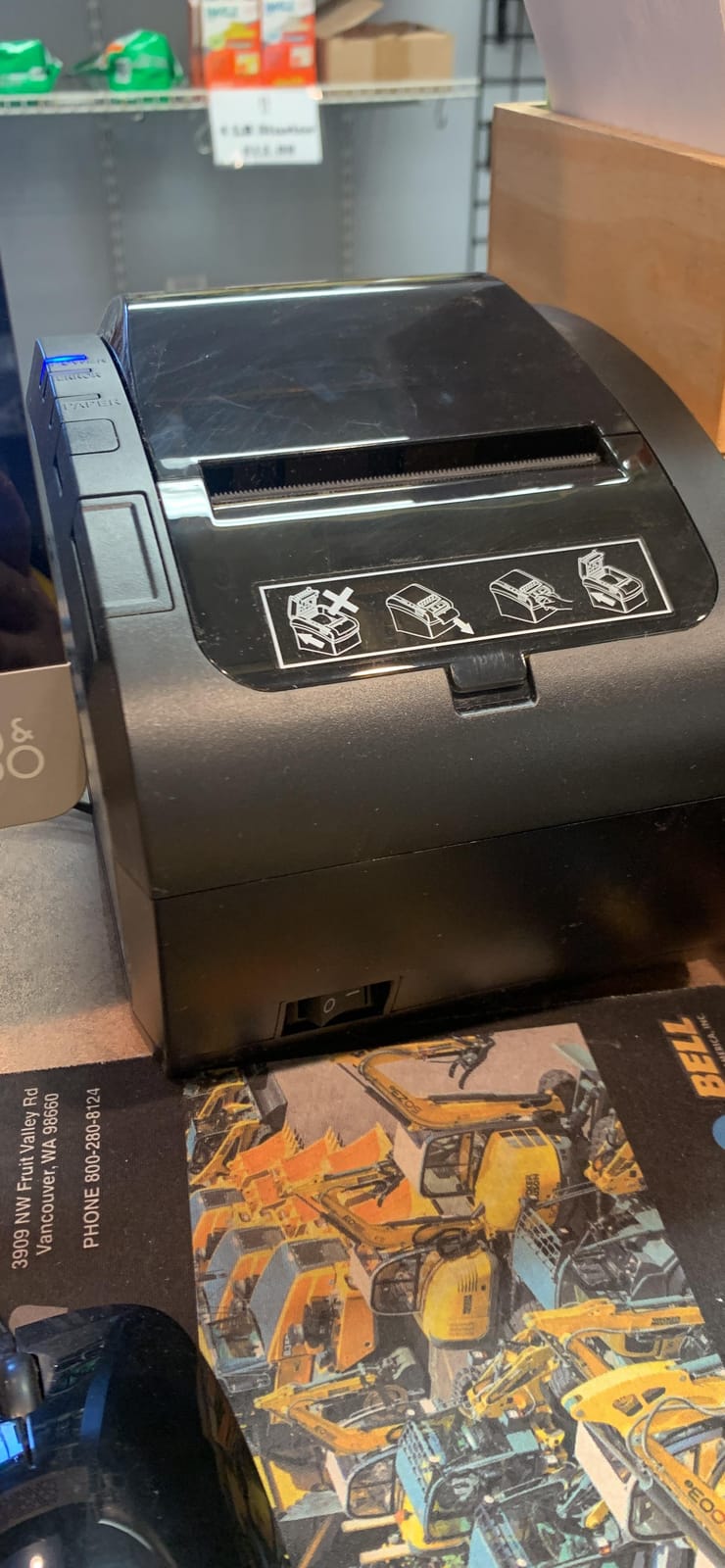
9. Rongta RP332 – The Only Pick Here That Handles 58mm and 80mm Paper
Rongta POS Printer, 80mm Direct Thermal Receipt Printers with Auto Cutter, USB Serial Ethernet Interface, Support Windows/Mac/Linux Cash Drawer, Restaurant Kitchen Printer for ESC/POS (RP332)
250 mm/sec with auto-cutter
58mm and 80mm via selectable drivers
ESC/POS and OPOS
Windows Mac and Linux
Pros
- Very fast clear receipts at a low cost
- Works over Ethernet once configured
- Quiet and reliable in daily use
- Multiple interfaces give real flexibility
Cons
- Static IP with no easy way to enable DHCP
- Poorly written driver documentation
- No ready Mac driver and slow support replies
The RP332 earns its slot on paper flexibility that nothing else in this guide offers. Selectable drivers let the same chassis print on 58mm or 80mm rolls, which matters if you run a market stall with a compact till and a counter register on the same equipment budget.
It prints 250 mm/sec with an automatic cutter at 203 by 203 dpi, and it speaks both ESC/POS and OPOS across Windows, Mac and Linux. DIP switches handle the cutter, language, the sound and light indicator and print density, and the buzzer volume can be muted in the printer tool.
Multi-Interface and Multi-Platform
USB, serial and Ethernet in one chassis covers nearly every legacy register still in service, and cash drawer driving is supported. Owners who get it configured report quiet, reliable daily output and a low failure rate for a unit at this price point.
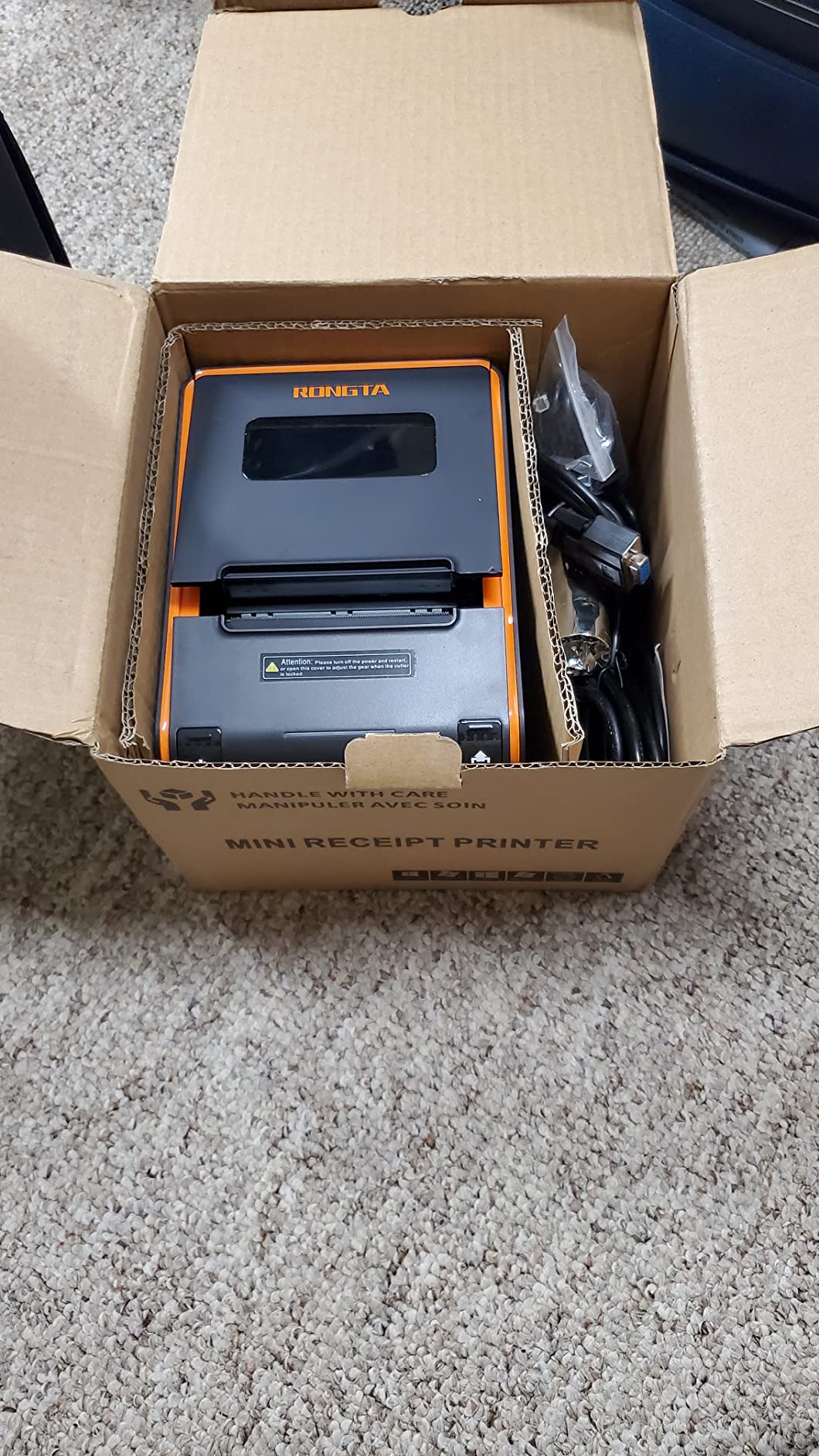
It is wall-mount capable, and the box includes a power adapter, cable, a test paper roll and a USB flash drive with drivers, so you can print a test receipt before the register is installed.
Where the Network Setup Bites
It comes with a default static IP of 192.168.1.87 and no easy way to enable DHCP, so network setup is time-consuming. The driver documentation is also poorly written and jumps between manuals, and there is no Mac driver readily available on the vendor site, with support replies reported as slow.
Some units have also failed within about a year, and binding the USB port to a specific computer can break if the printer is moved, which matters if you plan to move it between a counter and a market stall. It weighs 2 kg and measures 7.8 by 5.71 by 5.67 inches.
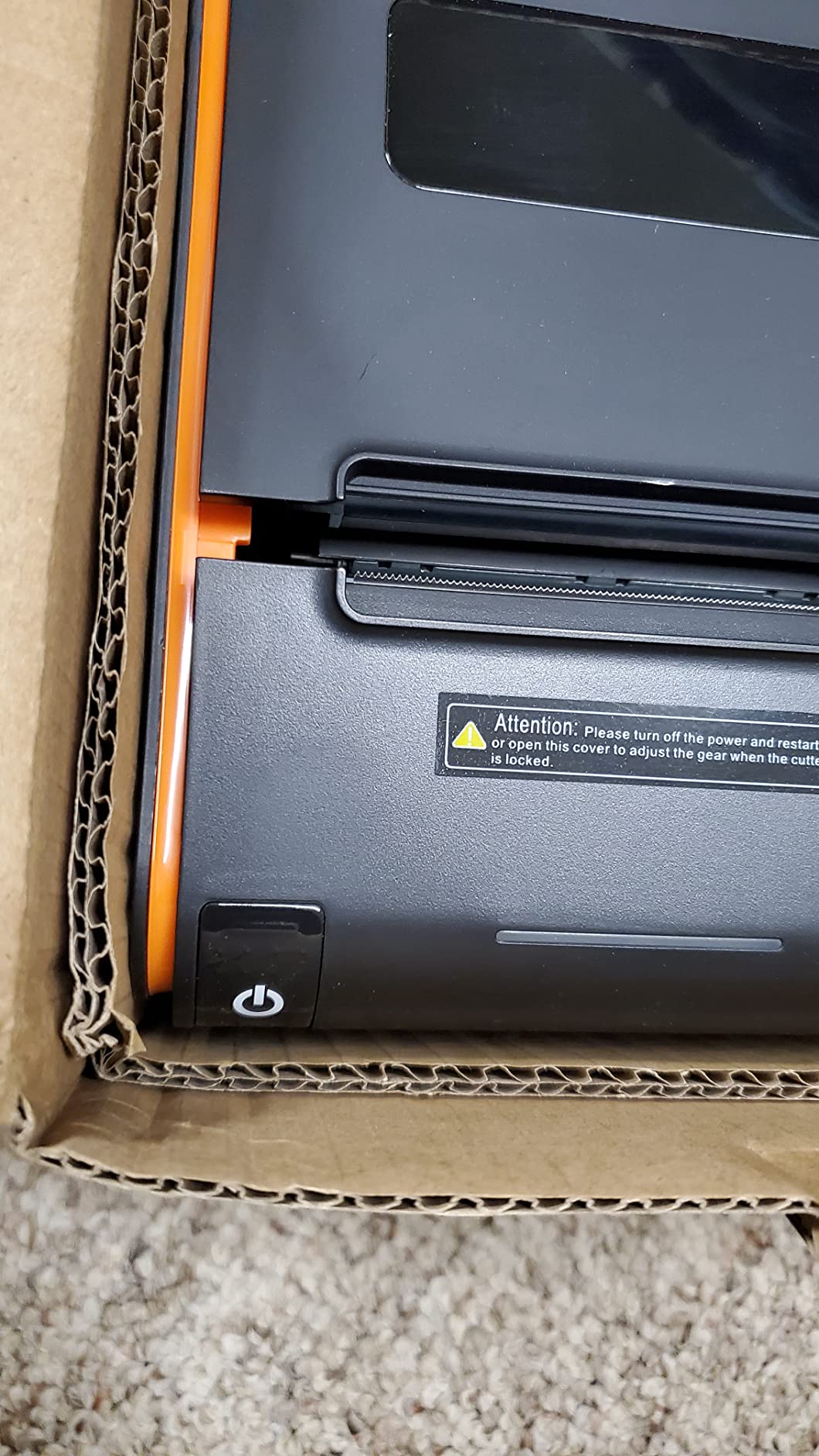
10. Volcora 80mm USB/Ethernet – Fast Cutting for Bars and Kitchens
Volcora Thermal Receipt Printer, 80mm POS Printer w/Auto Cutter, USB/Ethernet Interface for Windows/MAC/Linux, ESC/POS Command Support Cash Drawer, High Speed Kitchen Printer, Wall Mount (White)
260 mm/sec with a 1.5 million cut cutter
USB and Ethernet with RJ11 drawer
203 dpi direct thermal
limited lifetime warranty
Pros
- Prints and cuts quickly at a good value
- Solid build for daily POS use
- Ethernet placement with iOS and Android via SDK
- US-based support resolved driver problems
Cons
- Bundled driver disc was flagged by antivirus software
- Some units shipped without a thermal paper roll
- Setup was confusing enough to prompt a return
The Volcora is the fastest cutter in this group, and for a bar or a busy kitchen where a half-cut receipt is an annoyance, that is the metric that matters. It runs 260 mm/sec with an automatic cutter rated to 1.5 million cuts, and owners report replacing whole printer fleets with it at a good value.
The build is solid for daily POS use, and the one-button open cover with a large paper warehouse means a roll change is a ten-second job rather than a disassembly. It is wall-mount capable and carries a limited lifetime warranty, which is unusual in this category.
Ethernet Gives You Flexibility That Bluetooth Cannot
The Ethernet port supports Windows, Mac OS, Linux, VirtualCom, Android, Raspberry Pi and iOS with an SDK, which is a wider compatibility story than most wired units offer. The USB port covers Windows, Mac OS, Linux, VirtualCom and Android, and an RJ11 port drives a standard cash drawer.
It is 203 dpi direct thermal, so it needs no ink or ribbon, and the housing and cutter combine for a footprint suited to a back bar or a kitchen pass.
The Driver Disc Warning
The recurring theme in reviews is driver friction. The bundled disc was reported as flagged by Windows and McAfee antivirus, and some units shipped without a roll of thermal paper. US-based support has resolved installation when the bundled media failed, so skip the disc and download the driver from the vendor site.
One buyer found setup confusing enough to return the unit, so test before committing. It is incompatible with Uber Eats, Grubhub, DoorDash, Postmates, Clover and Shopify POS, and this USB plus Ethernet variant has no Bluetooth or WiFi.
11. Tatouhom P80E – Budget Kitchen Printing With RGB Order Alerts
Tatouhom P80E Thermal Receipt Printer 80mm USB Ethernet RJ11 POS Printer
200 mm/sec at 203 dpi
Cutter rated to 1.5 million cuts
RGB status lights and buzzer
weighs 1.3 pounds
Pros
- Low entry cost with a long-life auto-cutter
- RGB visual and audible alerts useful in a busy kitchen
- Compact desktop or wall mount frees counter space
- Oil-resistant housing wipes down after spills
Cons
- No WiFi or Bluetooth and no cloud POS support
- Review base of 30 leaves durability less proven
- Only a one year manufacturer warranty
The P80E is the smallest, lightest unit in this guide at 1.3 pounds, and its selling point is the alert system. Three RGB status lights plus a loud buzzer give colour-coded standby, working and error states that you can customise from a web panel, which is genuinely useful in a loud kitchen or at a pop-up stall where staff are looking away from the machine.
It prints 200 mm/sec at 203 dpi with a built-in auto cutter rated to 1.5 million cuts, and paper jam and overheat sensors reduce downtime. The oil-resistant ABS housing takes a wipe-down after service, and it runs on just 10 watts.
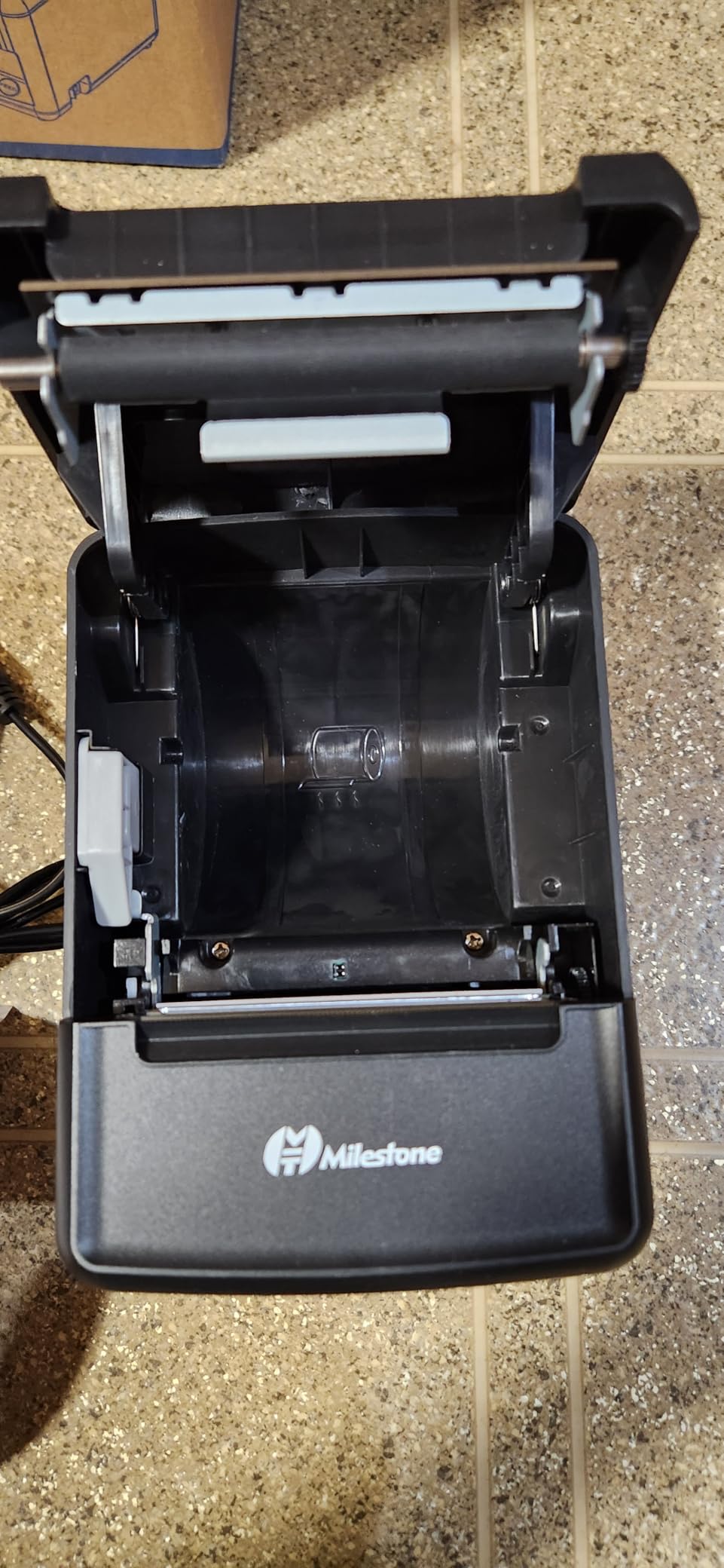
Compact Dual-Mount Design
It works as a desktop unit or wall mounted, and at 6.7 by 4.8 by 4.8 inches it is easy to carry in a vehicle and set up on a folding table. USB, Ethernet and an RJ11 cash drawer port cover a fixed register, and the box includes a power adapter, test receipt paper, a USB cable and a manual.
It works with Windows, macOS, OTG Android and iOS through ESC/POS software, which is worth noting because iOS support on a wired printer usually requires a vendor SDK.
The Honesty Check Before You Buy
It is incompatible with cloud POS platforms including Square, Clover, Lightspeed, Toast and Shopify POS, with delivery apps, and with Linux and Chromebooks. That is a wide exclusion list, and it is the reason this sits eleventh rather than higher despite the low entry cost.
Durability is also less well proven than the established brands, because the review base is only 30, and the warranty is one year. If your register is a Windows PC wired by USB, the alerts and the compact mount make it a good fit for a stall or a kitchen pass.
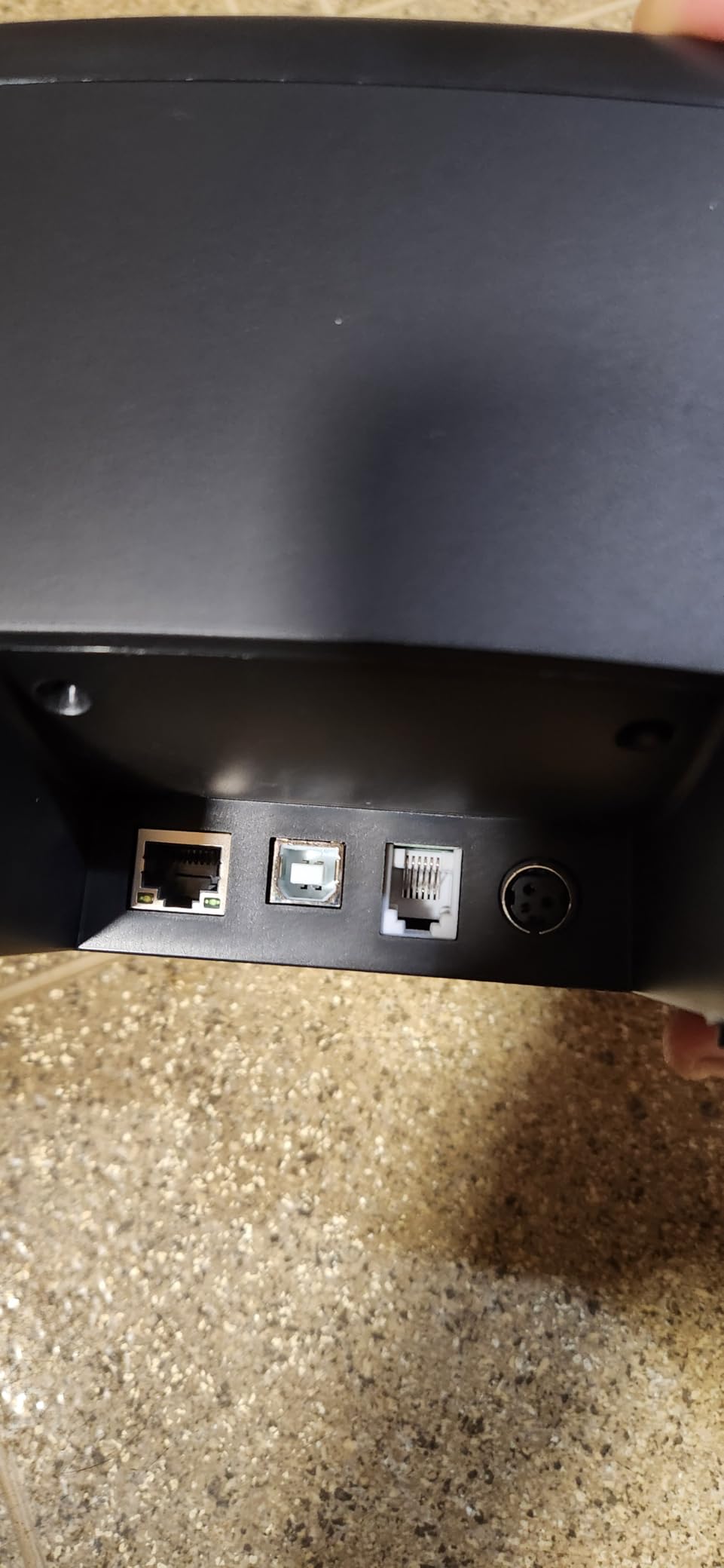
12. Bixolon SRP-350IIICOG – Built for 2 Inch and 3 Inch Paper
Bixolon SRP-350IIICOG USB Thermal Receipt Printer,black
200 mm/sec direct thermal at 180 dpi
USB with power supply included
Cutter rated to 1.8 million cuts
MCBF rated 70 million lines
Pros
- Well-regarded build with a long rated cutter life
- Supports 2 inch and 3 inch paper in one chassis
- Quiet reliable daily output for office counters
- Power supply included in the box
Cons
- USB only with no Bluetooth or network
- 180 dpi is lower than the 203 dpi rivals
- Review base of 96 limits long-term evidence
The Bixolon is the durability pick, and the numbers behind that are specific: a cutter rated to 1.8 million cuts, the highest in this guide, and an MCBF of 70 million printed lines. It also handles both 2 inch and 3 inch paper in a single chassis, which no other unit here does.
Owners describe quiet, reliable daily receipt output for office and counter use, and the power supply is included in the box, so nothing extra to source before first print.
Where 180 dpi Is and Is Not Enough
Resolution is 180 by 180 dpi against 203 dpi on most rivals. At receipt scale, both print a legible item line and a readable total, and 180 dpi still scans barcodes reliably on a printed receipt. Where you would notice the difference is a high-density 2D code or a detailed logo on an invoice.
If your customers scan a digital loyalty code off the paper, choose a 203 dpi unit. If the receipt is a printed copy of a transaction, this resolution is fine.
Interface and Paper Choice
This specific model is USB only, with no Bluetooth or WiFi, though the same family can be specified with optional serial, parallel or Ethernet interfaces, which is worth asking the seller about if you may need networking later. It is Energy Star rated, weighs 3.4 pounds and carries a limited warranty.
It is listed as an office-focused model, so it suits back-office and counter receipt printing rather than a kitchen pass. The 96-review base is small, which limits how much long-term evidence exists for the durability claims, though the spec sheet is the most conservative in this guide.
POS Compatibility Checklist: Six Checks Before You Buy
The most common complaint from owners in buying forums is not speed or quality, it is a printer that arrived and did not talk to the software. Run these six checks before you order anything.
1. Confirm the command set. Nearly every thermal printer here uses ESC/POS. Confirm it in the listing or the manual, because a printer that speaks only a proprietary command will print nothing when your POS sends a job.
2. Check your POS vendor’s supported hardware list. This is the step people skip. If Square, Clover, Toast or Lightspeed is your software, a Bluetooth or USB unit explicitly supported by that platform is the only safe purchase. Several printers in this guide are documented as incompatible with those platforms.
3. Decide wired or wireless before you compare features. Wired units on this list speak ESC/POS over USB, serial or Ethernet. Wireless units pair with phones and tablets. Buying the wrong one is the expensive mistake.
4. Ask about the driver source. Several budget units ship with a USB flash drive or disc that owners report being flagged by antivirus software. Download drivers from the manufacturer’s site and scan anything you run.
5. Note the network address behaviour. Two of the picks here ship with a static IP and DHCP disabled. If you plan to put the printer on a LAN, find out now whether you will need vendor software to switch it over.
6. Buy from an authorised seller and check the warranty terms. Owners specifically worry about grey-market units and sellers who cannot service a claim. A two year full warranty is meaningfully better than a limited one when the printer is your only till output.
Two habits also make a difference in practice. Write down the model, the interface and the configuration whenever you install a printer, so the next swap takes minutes. And if you run several registers, standardise on one model so a spare unit is interchangeable.
58mm vs 80mm Paper Width: Which One Do You Need?
Choose 80mm unless you have a specific reason not to. The wider roll fits a customer address, a QR code and a loyalty message on a single receipt, and every printer in this guide is 80mm.
58mm is a narrower, shorter receipt that saves paper and costs less per roll. It suits a market stall, a mobile service or a very small counter where a full 80mm receipt looks out of proportion to the sale. Its real limitation is content: an itemised receipt with several lines plus a scannable code does not fit well at 58mm, so customers end up with a partial record.
Only the Rongta RP332 in this guide handles both widths from the same chassis, through selectable drivers. The Bixolon goes its own way and supports 2 inch and 3 inch rolls, which is the older narrower family.
If you are still undecided, buy 80mm. Rolls are cheap and universally stocked, while a 58mm-only printer is a dead end when you later want a QR code on the receipt.
Thermal vs Dot Matrix vs Inkjet for Receipt Printing
Direct thermal is the right answer for essentially every small business. It needs no ink, toner or ribbon, prints quietly, and the running cost is the paper roll alone.
Dot matrix uses a pin head striking an ink ribbon. It is noisy, slower and needs a ribbon, but it prints on multi-part continuous forms, so it survives in warehouses and loading bays where a carbon copy is a legal requirement. Dot matrix has no place at a retail or cafe counter.
Inkjet prints with liquid ink and is a poor fit for receipts. Ink dries out if the printer sits idle between customers, prints are slower, and inkjet cartridges cost more per thousand receipts than thermal paper costs per roll. The only reason to consider inkjet is if your receipt is really a short invoice.
One caveat on direct thermal: the print fades over time. Owners raise this as a bookkeeping concern, so keep paper copies of anything your records rules require, and treat the printed receipt as a customer courtesy rather than your archive.
How to Choose a Receipt Printer: Speed, Connectivity and Running Costs
Print speed. Anything above 200 mm/sec handles a busy counter, and the difference between 230 and 300 mm/sec rarely shows up in a queue. Speed matters more where one printer serves both a counter and a kitchen.
Resolution. 203 dpi is the sensible default for logos, barcodes and QR codes. The 180 dpi Bixolon is acceptable for plain receipts. Both scan fine when a customer reads a barcode off the paper.
Connectivity. USB is the reliable fixed choice. Ethernet adds multi-register sharing, which is how a cafe runs one printer from a back-office machine. Bluetooth is for mobile counters, and its pair-and-print simplicity is why the Star TSP143IIIBi took the top slot for delivery apps.
Cutter rating. Look for 1.5 million cuts or more. That figure is the printer’s expected service life, and it is the number to compare when two units print at the same speed.
Footprint. Counter depth runs from under 5 inches on the TM-M30 to nearly 8 inches on several models. Measure the space under the counter before ordering, and check the wall-mount holes if you plan to lift the printer off the worktop.
Running costs. Paper dominates. A busy counter burns a roll every week or two, and thermal rolls are the only consumable on a direct thermal machine. Add a modest contingency for a replacement cutter well before the 1.5 million cut rating is reached, and keep one spare roll in the drawer.
Power and support. Energy Star units draw less, which matters when the printer runs all day. For support, US-based resellers and manufacturers with published driver downloads are worth more than a lower sticker price with no documentation.
Setup and Maintenance Basics for Counter Printers
Setting up a new printer takes five minutes in most cases. Unpack it, install the paper roll, connect USB or pair Bluetooth, download the driver from the manufacturer’s site, then print a test receipt from the POS before you take a real order.
For a Bluetooth unit, pair the printer in the device settings first, then select it inside the POS app. For a network unit, confirm whether the printer is set to DHCP or a fixed address before you hunt for it on the network.
On maintenance, three habits cover almost everything. Keep the printhead clean with an isopropyl wipe on a schedule, never force a cut receipt, and keep a spare roll of the correct width in the drawer. If prints start to look pale, the usual cause is a nearly finished roll or a dirty printhead, not a failing mechanism.
One repair worth knowing: if a receipt stops feeding, open the cover and check for a sliver of torn paper at the roller before anything else. That fixes more stuck printers than any other single step.
Finally, store your business records properly. If you run a backup of the register data, a good laptop or a cloud backup drive for small business covers the case where the only copy of a day’s sales exists on the till.
One more piece of counter equipment worth budgeting for: our guide to the best laminators for small businesses covers the machines shops usually add next for signage, menus and warranty cards.
Frequently Asked Questions
What receipt printer is best for a small business?
The Star Micronics TSP143IIIBi is the best receipt printer for most small businesses because it pairs over Bluetooth without driver configuration, prints 43 receipts per minute at 250 mm/sec, and is certified with Uber Eats, Grubhub and DoorDash. If your register is fixed and wired, choose the Epson TM-T20III, which has a two year warranty and a cutter rated to 1.5 million cuts.
What type of printer is best for printing receipts?
A direct thermal receipt printer is best for nearly every small business. It uses a heated printhead to burn text onto thermal paper, so there is no ink, toner or ribbon to replace, and the only running cost is the paper roll. Dot matrix is reserved for multi-part continuous forms in warehouses, and inkjet is a poor choice because ink dries out between customers and costs more per thousand receipts.
What is the best printer for printing receipts?
The best receipt printer depends on where it sits and what software drives it. For a fixed counter running Square or a Windows POS, the Epson TM-T20III is the most dependable choice. For a food truck, market stall or delivery app, the Star Micronics TSP143IIIBi wins on wireless pairing. For a busy kitchen, the MUNBYN P068 adds an audible order reminder and a 300 mm/sec engine.
What is a good small printer for printing receipts?
The Epson TM-M30 is the best small receipt printer on this list, measuring just 7 by 5 by 5 inches while still offering USB and Ethernet networking, an auto-cutter and Energy Star certification. It is quiet enough for a cafe counter or salon. If you need an even smaller unit and only use USB, the Tatouhom P80E weighs 1.3 pounds.
What printer brand is best for small business?
Epson and Star Micronics are the safest brands for a counter that must run every day, offering two year or established warranties, published drivers and wide POS support. Bixolon leads on cutter and MCBF durability ratings. MUNBYN, Rongta, Volcora and Tatouhom deliver capable machines at lower cost, but expect less documentation and narrower cloud POS support, so check compatibility before buying.
Do I need a separate receipt printer for my POS?
Usually yes. Most cloud POS systems send receipts by email or text, but a printed receipt is expected at many retail counters and is required for some tax and card-network record keeping. If your software supports a hardware printer, match it to the supported list. Adding a printer to a laptop or POS setup is usually a matter of installing the driver and selecting the device in the app.
The Verdict: Which Receipt Printer Should You Buy?
If you run a fixed counter with a wired register, the Epson TM-T20III is the pick, backed by a two year warranty and a cutter rating that outlasts a lease. If the register moves, the printer moves, or you take delivery orders, the Star Micronics TSP143IIIBi is the best receipt printer for small businesses overall, with the largest owner base in this group behind it.
For a kitchen pass, buy the MUNBYN P068 and use the order reminder. For the smallest counter, the Epson TM-M30 wins. For the tightest budget with three wired ports and a wall mount, the Rongta 80mm USB thermal unit delivers, once you have switched it to DHCP.
Whichever you choose, confirm ESC/POS support and your POS vendor’s approved hardware list before you order. That one check prevents the majority of the problems we heard about from owners, and it is the difference between a printer that works on day one and one that sits in a box.