
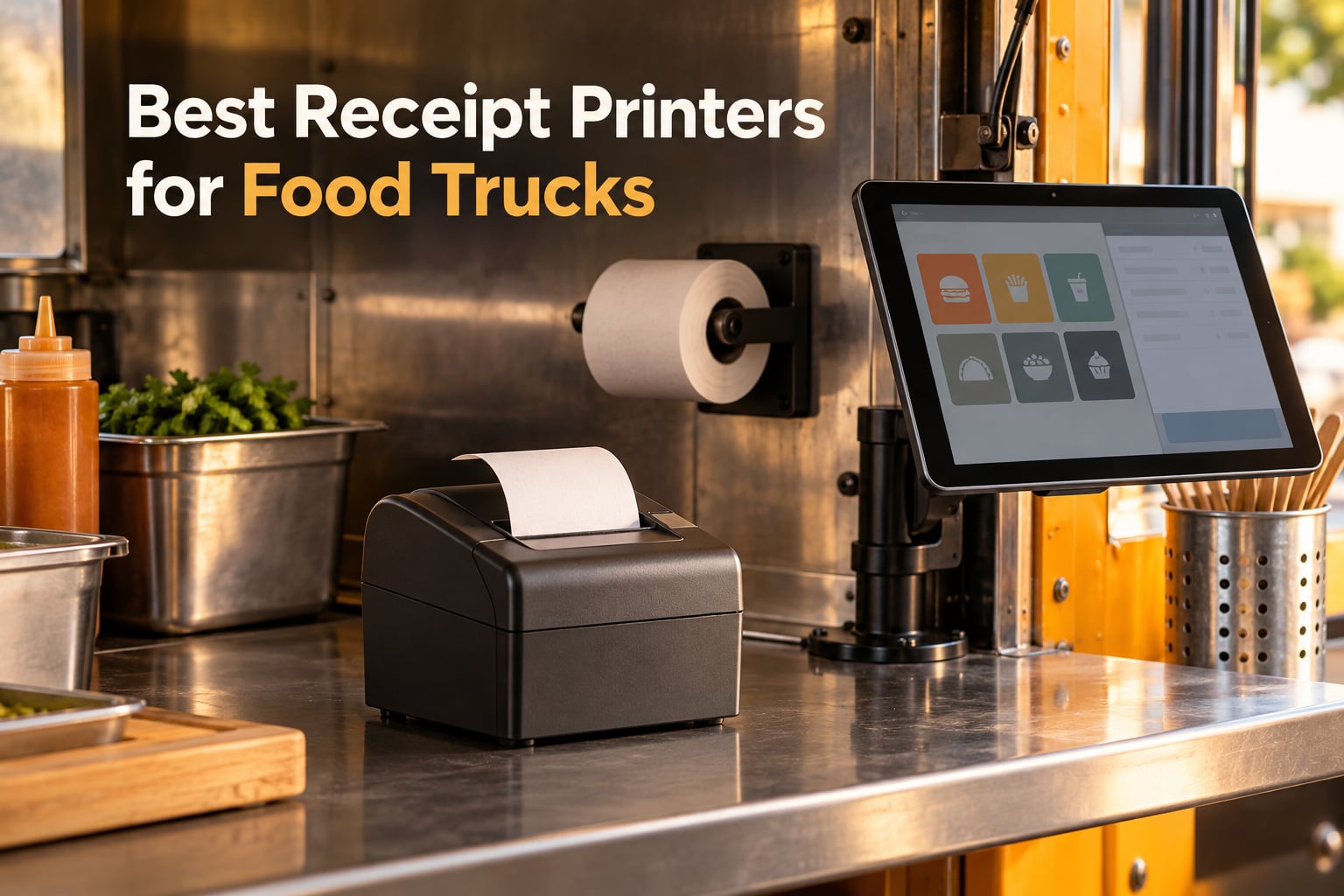
If you run a food truck, the receipt printer is the last physical touchpoint between you and a paying customer, and a bad one shows up in the worst possible moment. We put ten of the most-reviewed thermal receipt printers through the same filter, looking at print speed, paper handling, connectivity, POS compatibility and how each one behaves in a truck rather than on a shop counter. This is our guide to the best receipt printers for food trucks in 2026, built for owners who need tickets at the service window, delivery orders off a phone, and a paper record that survives a health inspection.
The thing that trips up most new operators is compatibility, not hardware. A printer can be beautifully built and still be useless if the POS app on your tablet will not pair with it. Square, Clover and the delivery platforms each publish their own support lists, and the budget ESC/POS units that dominate this category sit outside most of them. We named the exclusions on every card below so you can check before you buy rather than after.
Our Top 3 Picks for Food Trucks in 2026
The three units below cover the situations most trucks actually run into: a tablet-based service window taking delivery orders, a fixed counter with a laptop underneath it, and a budget build where every dollar goes on the food.

Star Micronics TSP143IIIBi
- Bluetooth for iOS Android and Windows
- Certified with Uber Eats Grubhub and DoorDash
- 43 receipts per minute with auto-cutter
- Drop-in and Print clamshell paper loading

Rongta 80mm Wired Thermal
- 250mm/sec with auto-cutter
- USB LAN and serial ports
- Wall-mount holes for tight counters
- ESC/POS with cash drawer support

MUNBYN P098
- 200mm/sec direct thermal output
- Auto-cutter and wall-mount design
- 79.5mm print width
- No ink or ribbon needed
All 10 Receipt Printers for Food Trucks Compared Side by Side
Every unit below prints 80mm thermal paper with an auto-cutter unless the card says otherwise. The differences that matter in a truck are connectivity and whether the POS software you already run will talk to it.
| Product | Specs | Action |
|---|---|---|
| Star Micronics TSP143IIIBi |
|
Check Latest Price |
| Rongta 80mm Wired Thermal Printer |
|
Check Latest Price |
| MUNBYN P098 |
|
Check Latest Price |
 MUNBYN ITPP047 MUNBYN ITPP047 |
|
Check Latest Price |
 MUNBYN P068 MUNBYN P068 |
|
Check Latest Price |
 Epson TM-M30 Epson TM-M30 |
|
Check Latest Price |
 Rongta RP332 Rongta RP332 |
|
Check Latest Price |
 Bixolon SRP-350IIICOG Bixolon SRP-350IIICOG |
|
Check Latest Price |
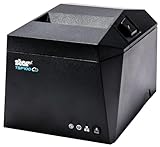 Star Micronics TSP143IVUE Star Micronics TSP143IVUE |
|
Check Latest Price |
 Volcora 80mm WiFi Volcora 80mm WiFi |
|
Check Latest Price |
Will It Work With Square, Clover and DoorDash?
Confirm compatibility with your POS app before you order, because Square, Clover and the delivery platforms each maintain their own hardware support list and the majority of budget ESC/POS printers in this roundup are not on it. The clearest example in our set is the Star Micronics TSP143IIIBi, which the manufacturer states is certified with Uber Eats, Grubhub and DoorDash and runs on iOS, Android and Windows from one unit. By contrast, the MUNBYN P068 is explicitly documented as having no iOS, Square, DoorDash or UberEats support, and the Volcora unit lists UberEats, Grubhub, DoorDash, Postmates, Clover and Shopify as unsupported. If you are running Square on an iPad, the right move is a unit with native iOS support rather than a generic wall-mount printer.
Owners posting in the r/foodtrucks community steer newcomers toward hardware that integrates with the POS already in their truck rather than the newest model. Match the printer to the software.
Do You Need a Second Kitchen Printer?
Most trucks at volume should run two printers, and the reason is environmental rather than financial. A direct thermal printer uses a heated print head to darken heat-sensitive paper, which keeps it quiet and cheap to run but a poor fit for a prep area full of steam, grease and splatter. An impact dot-matrix kitchen printer takes a ribbon, survives that environment, and gives you somewhere to route online order tickets while the front counter handles receipts.
The practical test is where the paper will be. Hanging at the service window or mounted on a shelf near the tablet, a thermal unit is the right call. Sitting within reach of a griddle, an impact printer earns its place.
1. Star Micronics TSP143IIIBi – The Only Pick Certified for Delivery Apps
Star Micronics TSP143IIIBi Bluetooth Thermal Receipt Printer for iOS, Android, and Windows with Auto-cutter and Internal Power Supply – Gray
Bluetooth
43 receipts per minute
203 dpi
Drop-in and Print loading
Pros
- Certified with Uber Eats
- Grubhub and DoorDash
- Works across iOS
- Android and Windows from one unit
- Pair-and-print Bluetooth with no complicated setup steps
- Internal power supply keeps the footprint small
Cons
- Largest 1-star share in this roundup at 16%
- Costs more than the generic 80mm thermal units listed here
- Modest roll capacity for very high-volume service
With more than a thousand reviews behind it, the TSP143IIIBi is the most examined thermal printer in this group, and the owner feedback divides cleanly into two camps. Around two thirds of buyers hand it five stars for reliable Bluetooth pairing and delivery-platform certification. A stubborn 16% of one-star reviews pulls the average down to 4.1, the lowest rating of any unit we looked at, which tells you the failures are specific rather than random.
What makes this the default recommendation for a truck is certification. If you take DoorDash or UberEats orders, this is the one on the list that the manufacturer names for those platforms.
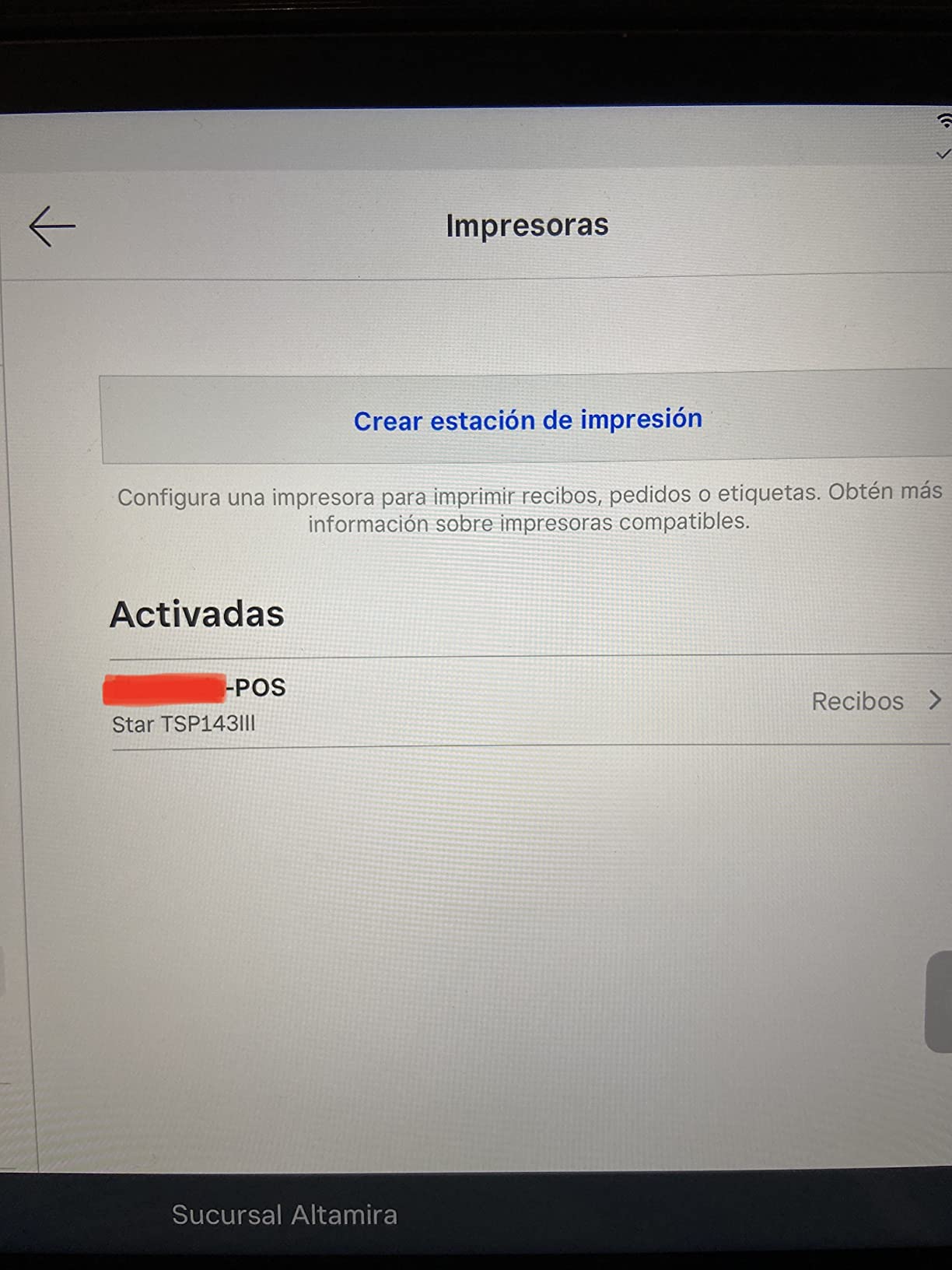
Bluetooth Pairing and Multi-Platform Support
The pair-and-print Bluetooth connection is the reason this unit reaches an iPad, an Android tablet and a Windows laptop without a driver fight. At a 4.1-star average across more than 1000 reviews, the failures that do happen are usually pairing complaints rather than print failures, so test the pairing with your actual POS app before the first service.
Print Speed and the De-Curl Receipt
It prints up to 43 receipts per minute at 250mm/s, which is more headroom than most trucks need at a service window. The Drop-In and Print clamshell with the patented De-Curl function is a small detail that matters more than it sounds: the receipt comes out flat instead of curling into a tube, which saves an annoying step at the window.
Counter Footprint and Roll Capacity
The embedded power supply removes the brick from the counter, and the unit weighs 3.8 pounds. The tradeoff buyers mention most is roll capacity, which runs short if you print long receipts through a full service day without a second unit staged.
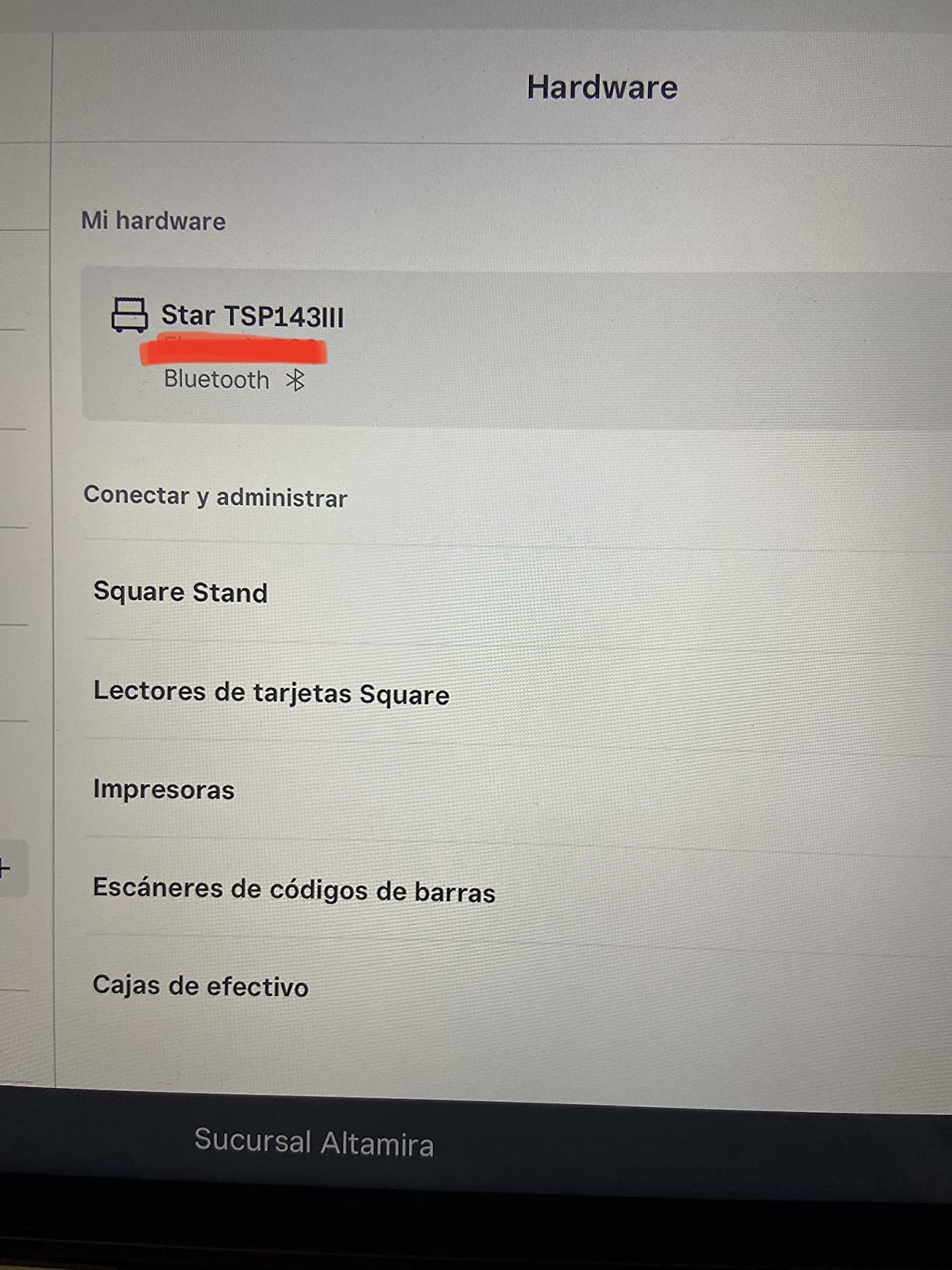
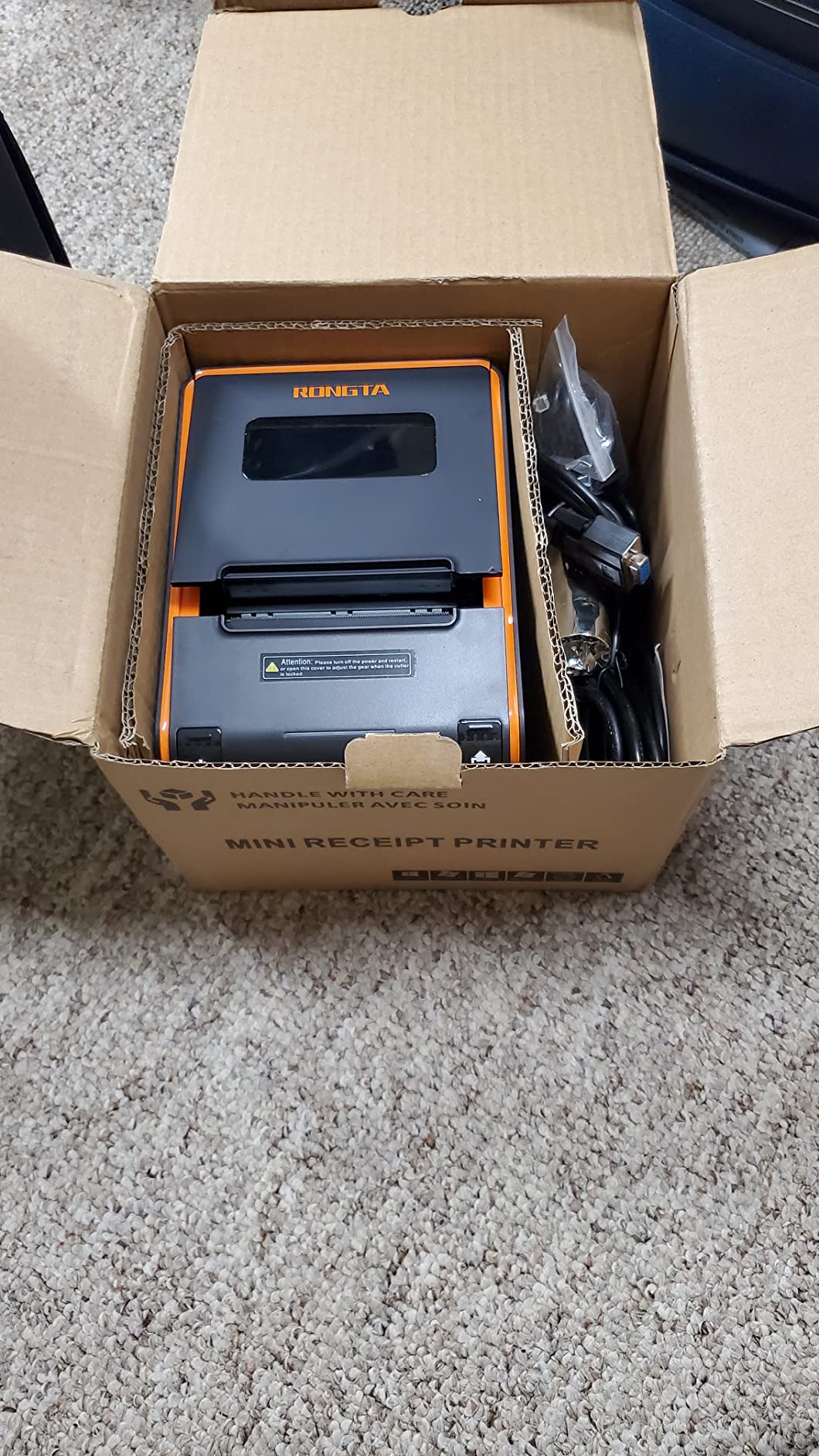
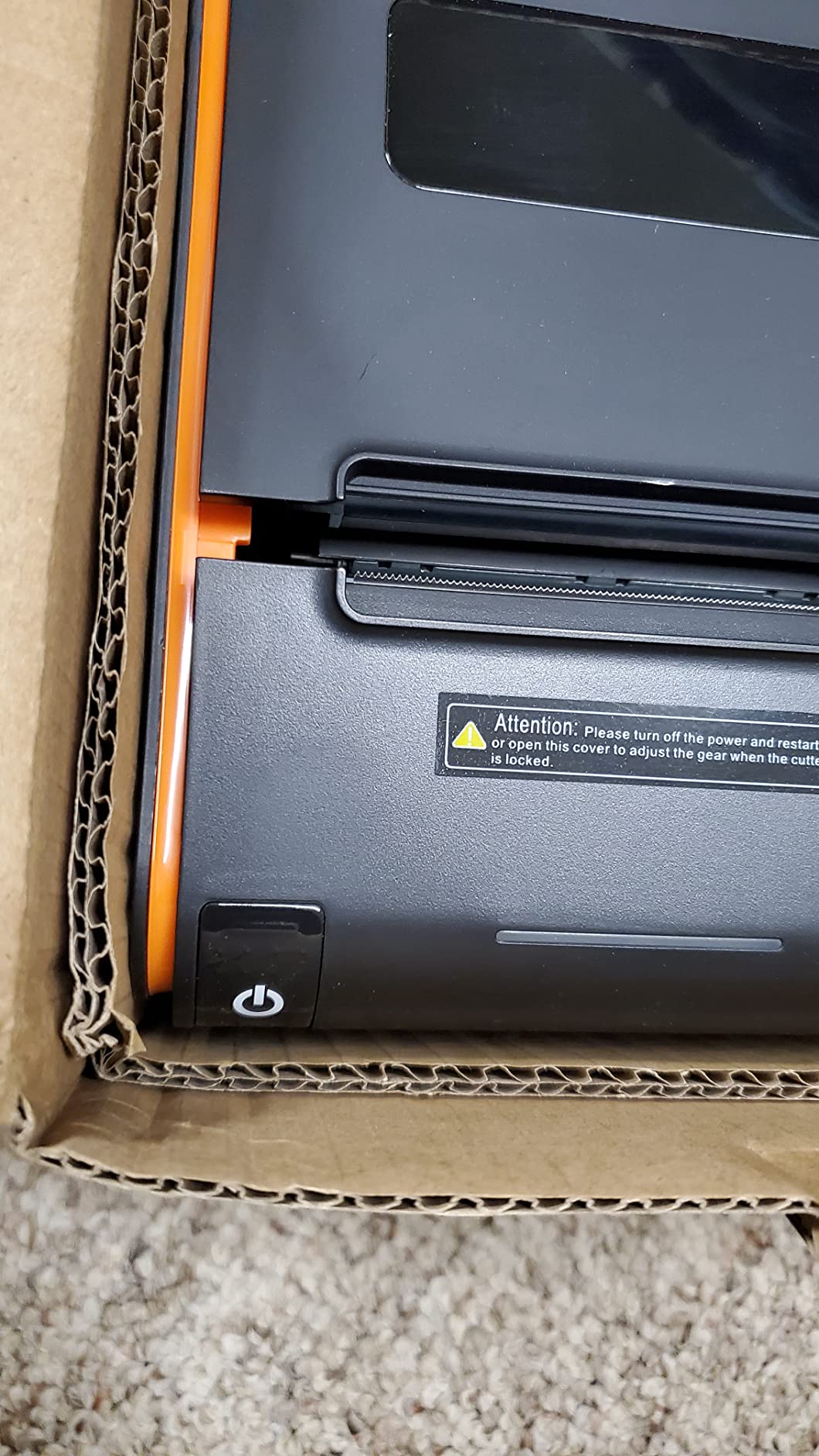
2. Rongta 80mm Wired Thermal Printer – Three Ports and a Wall-Mount Story
Rongta POS Printer, 80mm USB Thermal Receipt Printer,Black
USB LAN and serial
250mm/sec
Auto-cutter
Wall mount
Pros
- USB LAN and serial give you three ways to wire a fixed counter
- Wall-mounting holes free up scarce counter space in a truck
- 250mm/sec with an auto-cutter that stops receipts hitting the floor
- ESC/POS support with cash drawer driving
Cons
- Static IP address with DHCP disabled so LAN setup is manual
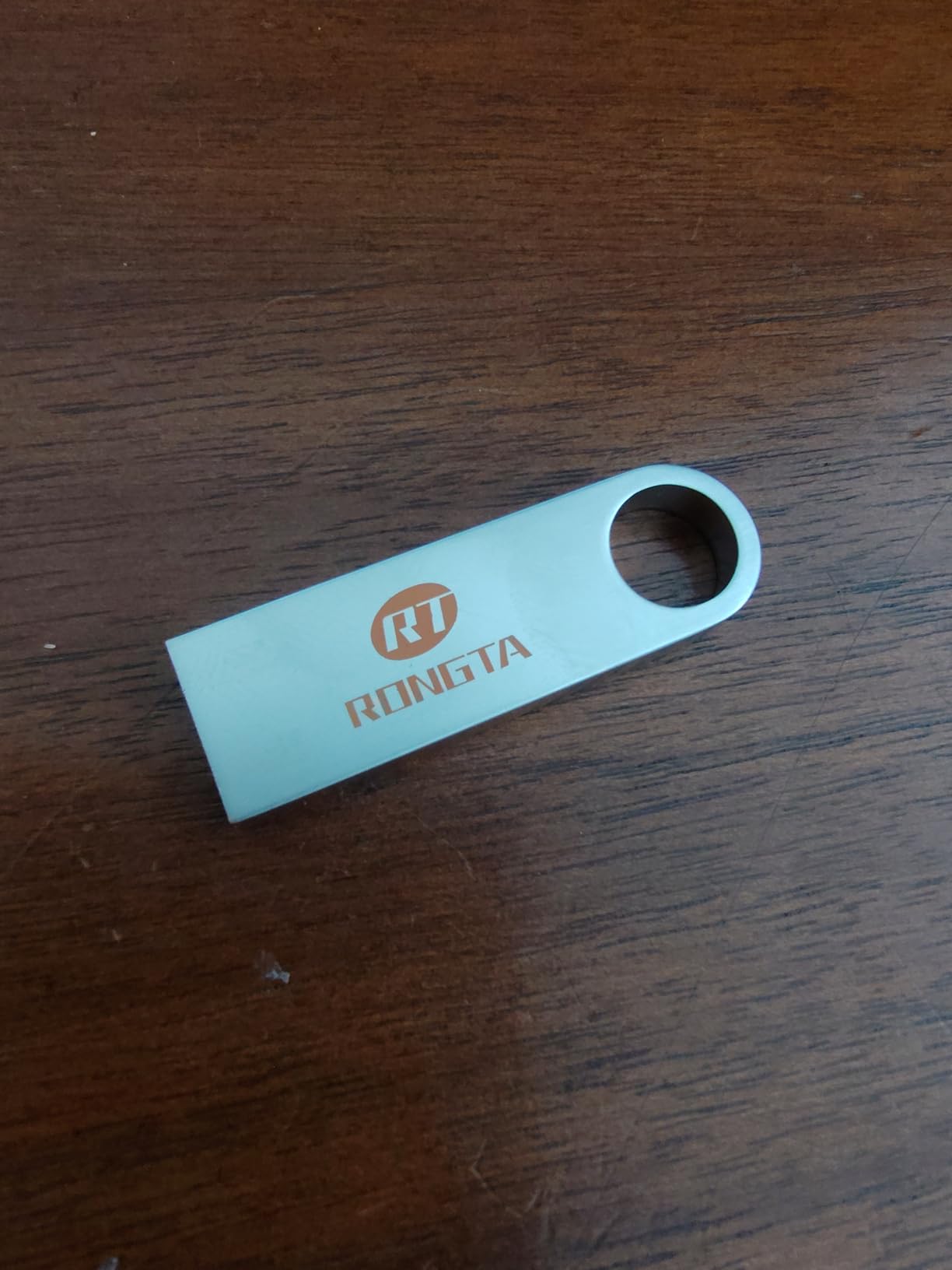
- Driver USB stick in the box reported by buyers to carry malware
- No Wi-Fi or Bluetooth for a tablet-only setup
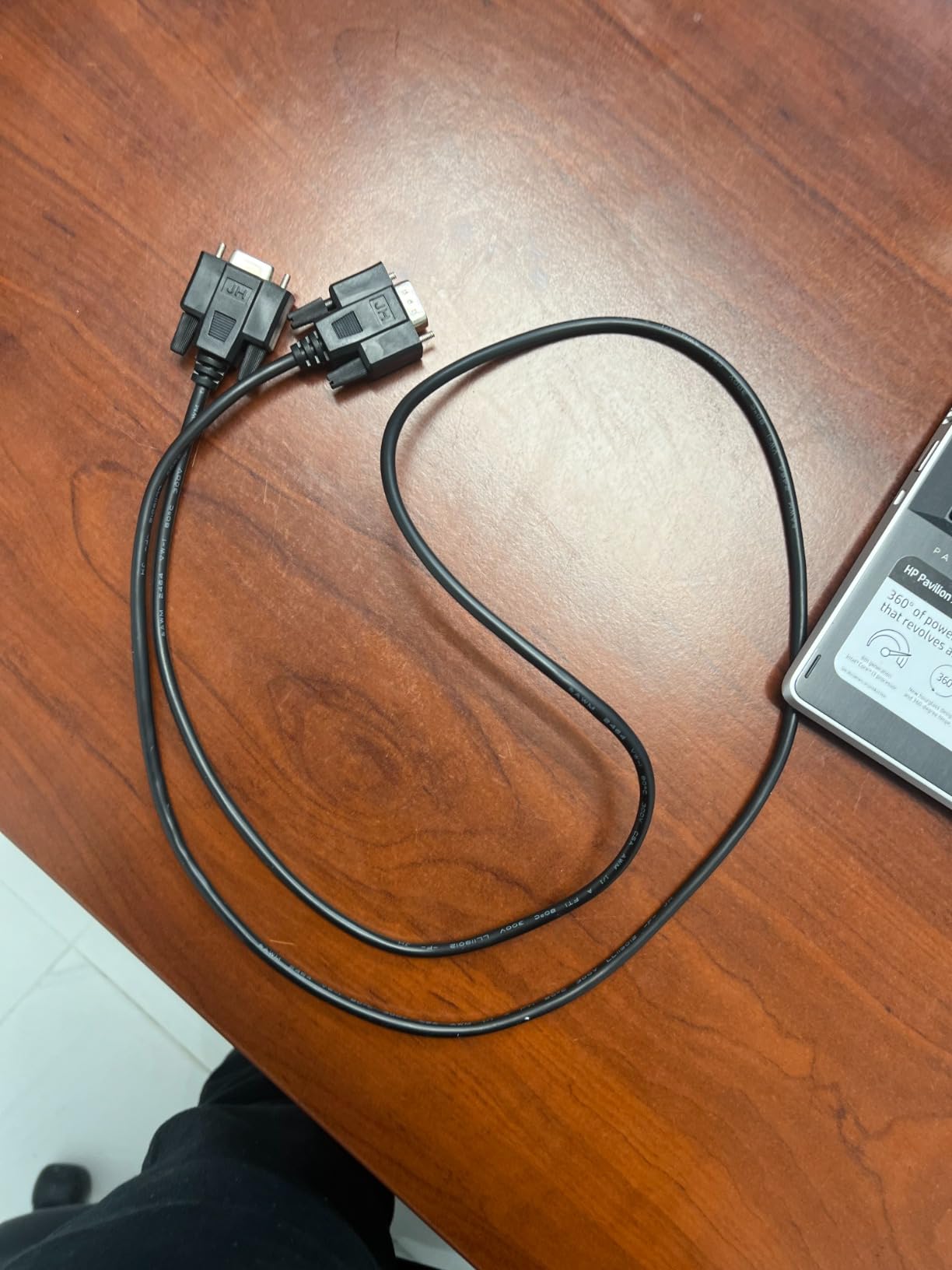
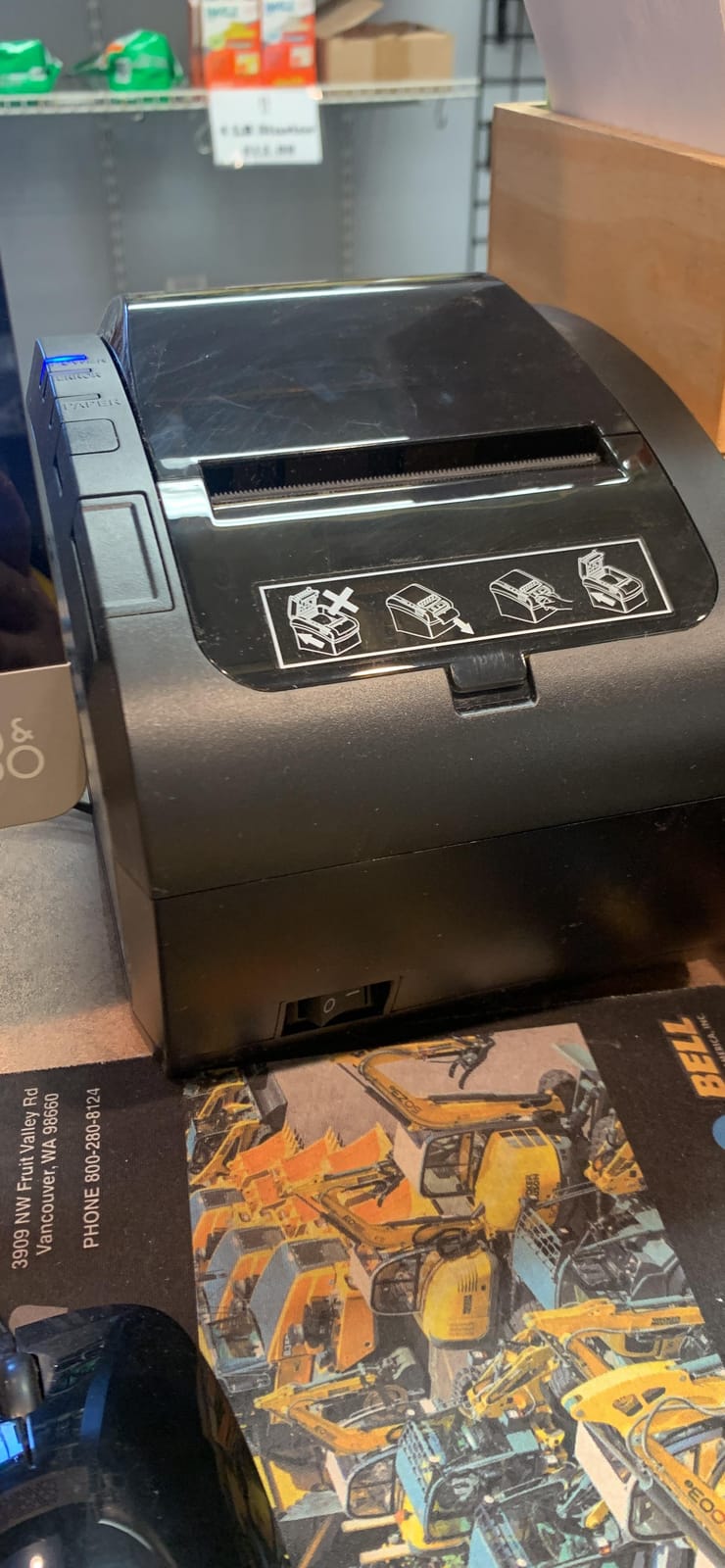
This Rongta is the wired workhorse of this roundup, and it solves a problem the Bluetooth units cannot: it has USB, LAN and serial ports on the same chassis. If your truck has a laptop stashed under a counter and a fixed service window, three interfaces on one box means you can rewire the setup without buying new hardware when the layout changes.
What you give up is wireless. There is no Wi-Fi and no Bluetooth, which rules it out for delivery-app printing and for any tablet-only arrangement.
Ports, Mounting and Counter Geometry
Two hanging holes on the underside let you mount it out of the way, and at 7.5 by 5.5 by 5.6 inches it fits where a tablet bracket already sits. The one-button open cover and large paper warehouse make roll changes quick between rushes, which is the moment you will be doing them.
The Static IP Problem Worth Knowing Before You Buy
The most repeated technical complaint across these reviews is that the printer arrives with a static IP address and DHCP disabled, so putting it on a LAN takes manual work in the web interface. Budget for an hour the first time. It is a solvable problem, but it is not plug and play, and the manual does not walk you through it clearly.
One Hardware Warning You Should Not Skip
Multiple buyers report that the driver USB stick in the box carried malware. Do not plug it into the machine running your POS. Download drivers from the manufacturer site instead, which also gets you a newer version than the one on the stick.
3. MUNBYN P098 – The Cleanest 200mm/sec Print in the Budget Tier
MUNBYN 80mm USB Thermal Receipt Printer P098, POS Printer with Auto Cutter
USB only
200mm/sec
79.5mm print width
Auto-cutter
Pros
- 200mm/sec direct thermal output with a clean dark print
- 4.4-star average across 176 reviews
- Auto-cutter and wall-mount design suit tight service spaces
- Support resolves driver and cutter issues quickly
Cons
- USB only with no LAN Wi-Fi or Bluetooth
- No pairing with iPad iPhone Square or delivery apps
- A minority of units have failed within a year of use
The P098 holds a 4.4-star average, which matches the top rating in this roundup, and the reason is consistency rather than feature count. Owners describe the print as dark and clean, the support as genuinely helpful when a driver or cutter issue appears, and several have bought a second unit for a second location.
This is a Windows-and-laptop printer. If your operation runs on an iPad or takes delivery orders through an app, keep reading.
Print Quality and Paper Handling
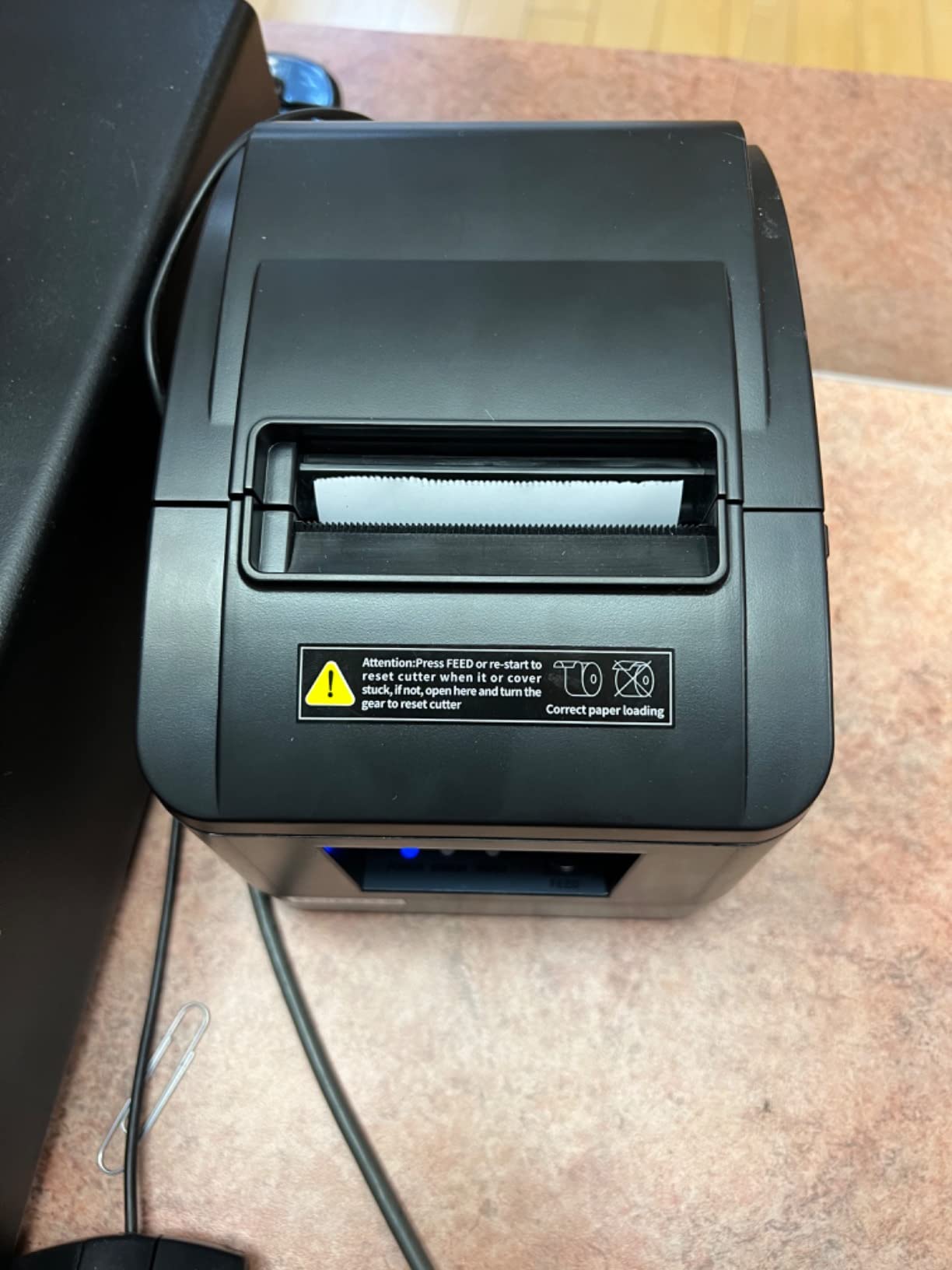
At 200mm/sec with 79.5mm print width on 3-1/8 inch rolls, the output is wide enough for a normal itemised receipt with room for a logo. The print head carries over-temperature protection, which is worth having in a truck where the unit sits under a service window with no air conditioning.
The Compatibility Line in the Box
The product listing is unusually direct about this: USB and cash drawer interfaces only, no LAN, no Wi-Fi, no Bluetooth, and it does not work with iPad, iPhone, Square, DoorDash, UberEats or GrubHub. Clear disclosure like this is a buying tool, and it applies to several units in this list.
What Long-Term Owners Report
The recurring durability note is a minority of units failing within about a year, and some first orders arriving faulty. The flip side is that the failures that do occur usually get resolved quickly by support, which is why the average sits at 4.4.
4. MUNBYN ITPP047 – Network Printing Without the Star Premium
MUNBYN Thermal Receipt Printer ITPP047 80mm USB Ethernet POS Auto Cutter
USB and Ethernet
40+ receipts per minute
ENERGY STAR
Wall mount
Pros
- Prints fast
- crisp and quietly with a handy cut feature
- Costs around half of a comparable Star unit
- ENERGY STAR certified
- cutting power draw in a truck running on inverter power
- Wall-mount capable and marketed for food truck use
Cons
- Driver and network installation is not plug and play
- Documented as incompatible with Mac Shopify iZettle Grubhub and DoorDash
- Some owners report network address and jam problems needing a driver reinstall
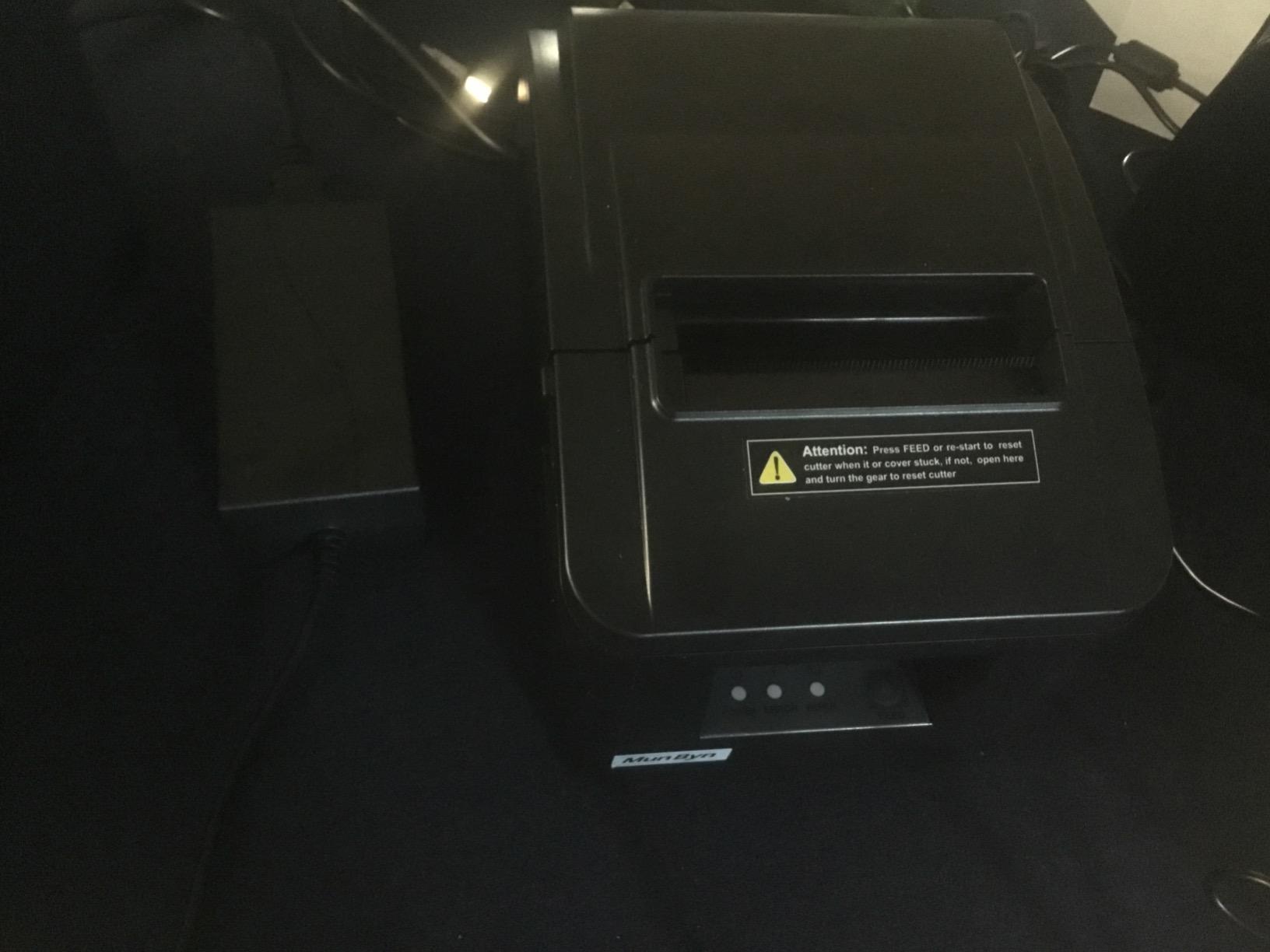
The ITPP047 is the middle path between a bare USB unit and a premium networked printer. It prints 40 or more receipts per minute at 230mm/sec over USB or Ethernet, and the ENERGY STAR certification is more relevant in a truck than it sounds, because many trucks run their equipment through an inverter on a limited power budget.
Owners consistently praise print quality, speed and value against Star equivalents. The install is the sore spot, and we would not skip it.
Getting the Network Port Working
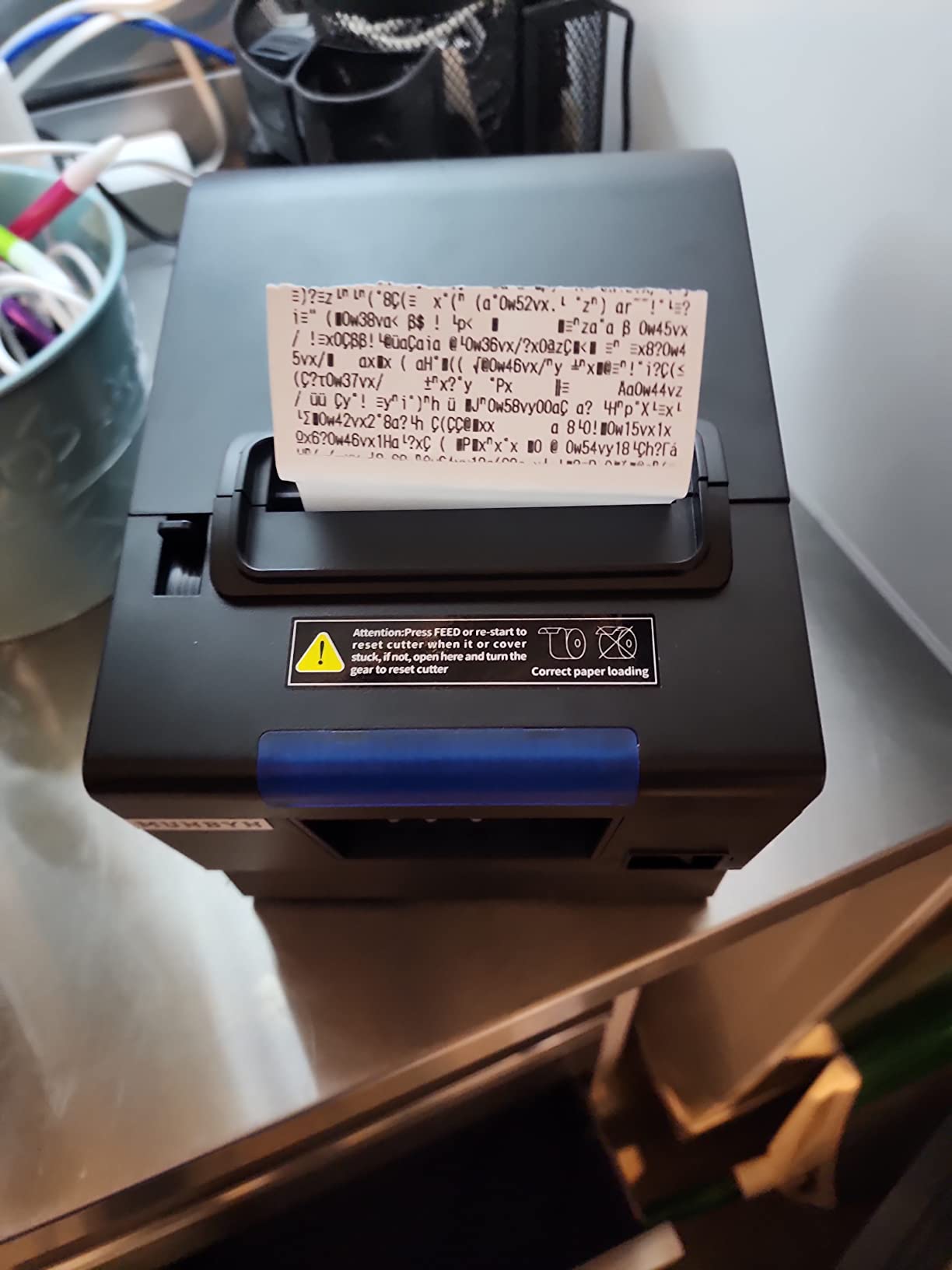
Owners describe the network setup as taking real effort rather than minutes, with some spending hours before the first clean print. Plan an evening for it, not a lunch break, and download the driver package before you are parked.
Why Energy Star Matters on a Truck
The certification claims savings of at least 30% on electricity versus non-certified printers. In a service window where the fridge, lighting and printer all draw from the same inverter, that difference shows up across a full season rather than a single service.
Compatibility Reality Check
The listing names Shopify, iZettle, Grubhub and DoorDash as incompatible, and long-term owners report Mac users never getting it running. The printed documentation is also described as hard to follow, so budget time for a video walkthrough.
5. MUNBYN P068 – Built for a Rush and Built to Be Configured
MUNBYN P068 Thermal Receipt Printer 80mm POS Printer USB Serial Ethernet
USB Ethernet and serial
48 receipts per minute
300mm/sec
DIP switches
Pros
- 48 receipts per minute with an auto-cutter keeps the queue moving at a rush
- Sound and light order reminder plus a splash-proof cover suit kitchen use
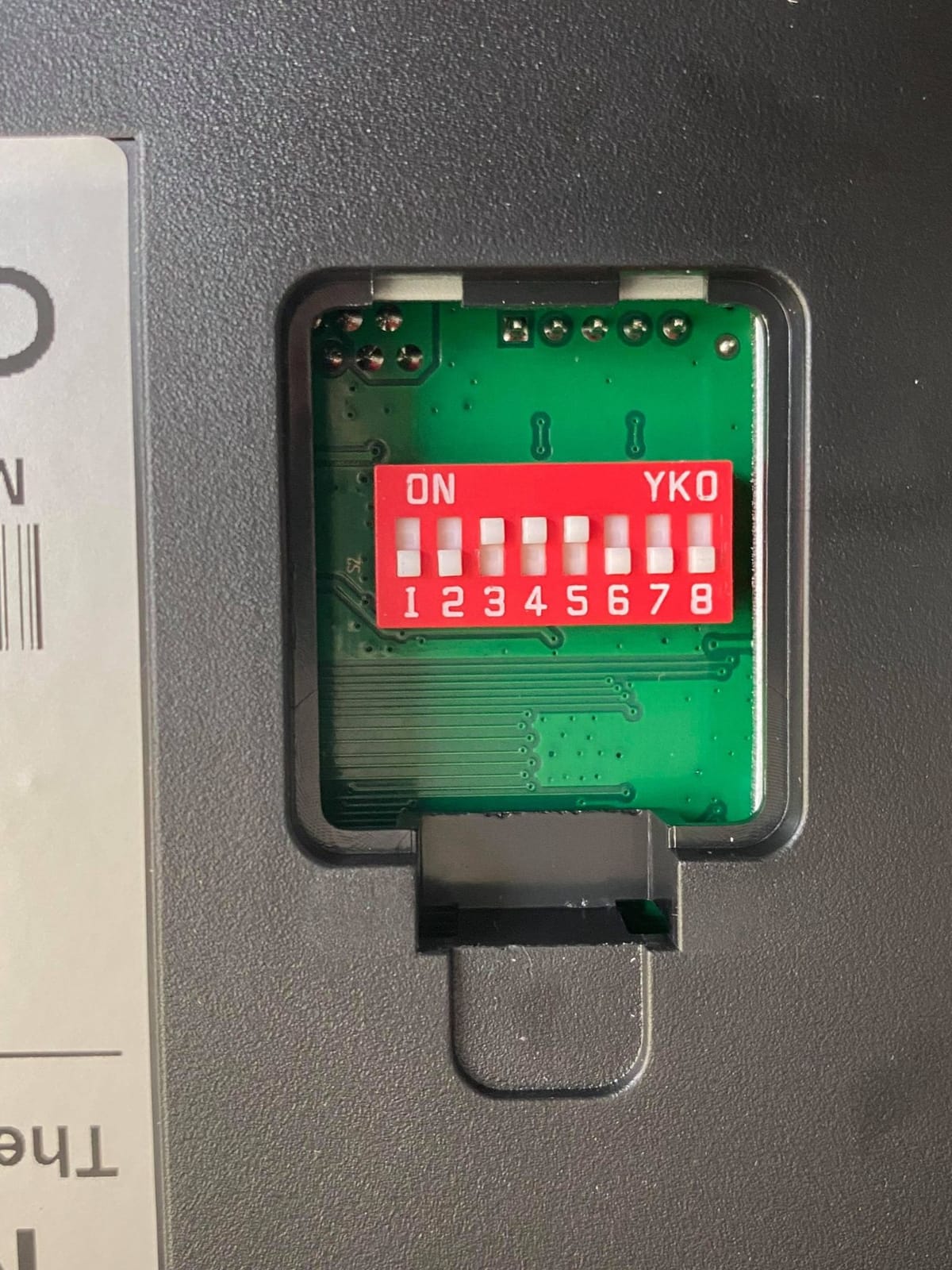
- DIP switches set cutter language alert density and baud rate without a computer
- Works across Windows Mac and Linux POS systems
- Cash drawer support
Cons
- No iOS support so iPad and iPhone setups will not work
- The auto-cutter has failed out of the box on some units
- Print-width settings can be stubborn with cut-off content on some installs
The P068 pushes 48 receipts per minute at 300mm/sec, and that number matters more than a spec sheet implies. During a compressed lunch rush with a queue at the window, headroom on print speed is the difference between a receipt handed over and a customer waiting.
It also has the most unusual feature set here: a sound and light order reminder and a splash-proof cover, which point toward use near a prep area even though it is a thermal unit.
DIP Switches and Configuration Without a Computer
The switches on the bottom set auto-cutter, language, sound-light indicator, print density and baud rate without needing a laptop connected. In a truck where configuration happens in a parking lot before service, being able to fix density or cutter behaviour on the unit itself is genuinely useful.
Order Reminders and the Splash-Proof Cover
The incoming order reminder with sound and light gives you an audible signal when a new order lands, which matters when the tablet is behind you at the prep line. The splash-proof cover guards the mechanism against splatter, though it is still a direct thermal unit and the paper is the part that hates grease.
Where It Falls Down
There is no iOS support, so iPad and iPhone setups will not work at all. Owners also report the auto-cutter failing on some units straight out of the box even with the DIP switch toggled, and print-width configuration producing margins or cut-off content on some installs.
6. Epson TM-M30 – Quiet, Compact and Built for Tight Counters
Epson C31CE95022 Series TM-M30 Thermal Receipt Printer, Autocutter, USB, Ethernet, Energy Star, Black
USB and Ethernet
203 dpi
Auto-cutter
7 by 5 by 5 inches
Pros
- Compact and quiet
- which matters in a truck with tight counter space
- Network printing over Ethernet works reliably once drivers are downloaded
- Some owners report it driving a Square setup on an iPad
- Auto-cutter included as standard
Cons
- The Ethernet cable is not included in the box
- Font size cannot be adjusted from the printer
- Bluetooth has been reported as defective on some units
The Epson TM-M30 is the smallest unit here by a clear margin, and its owners describe it the same way: quiet, compact and uneventful. At 7 by 5 by 5 inches it disappears into a service window, and the internal power handling keeps the counter uncluttered.
The 4.4-star average comes from a long-term user base rather than a large recent one, which tells you the units keep working. A few owners also report successfully driving a Square setup from an iPad over the network, which is worth testing carefully given the split feedback on the wireless side.
Footprint and Acoustic Profile
Buyers who moved from a desktop printer describe the Epson as quieter, which matters when you are taking orders in an enclosed truck with no road noise. The small body also leaves room for a card reader and a tip jar on the same shelf.
Ethernet Without the Cable
Ethernet printing works reliably once the drivers are downloaded, but the cable itself is not in the box. That is a five-minute fix at any electronics supplier and a genuinely annoying surprise at a service window if you are unprepared.
Limitations Worth Planning Around
Font size cannot be adjusted from the printer, so a long receipt will be as long as the template makes it. A minority of owners report defective Bluetooth on their unit, and given the 203 dpi print resolution and small footprint, this is a printer for tight spaces rather than for high-volume kitchens.
7. Rongta RP332 – The Most Flexible Paper Handling on a Single Box
Rongta POS Printer, 80mm Direct Thermal Receipt Printers with Auto Cutter, USB Serial Ethernet Interface, Support Windows/Mac/Linux Cash Drawer, Restaurant Kitchen Printer for ESC/POS (RP332)
USB serial and Ethernet
250mm/sec
Supports 58mm and 80mm paper
DIP switches
Pros
- 250mm/sec with an auto-cutter at the lowest cost in this roundup
- Clear readable text on a par with much costlier units
- USB installs in seconds and works with ESC/POS libraries
- Supports 80mm and 58mm paper with DIP switches
Cons
- Ethernet setup requires manual TCP/IP and gateway changes
- DHCP cannot be enabled
- Several owners report thermal heads failing within six months to a year
- No Mac driver posted for some models
The RP332 is the cheapest printer here and the only one that handles both 58mm and 80mm paper from the same driver package. That dual-width support is a genuine advantage if you are still deciding which width to standardise on, or if you want to print a narrow ticket for an online order and a full receipt for a walk-up customer.
It is also 2 kilograms, which is heavy for a printer you might want to move between the truck and a market stall.
58mm and 80mm From One Printer
The driver includes both paper width series, and DIP switches handle the auto-cutter, language, sound-light indicator and print density. If you are testing which width customers actually read, this unit lets you run the experiment without a second purchase.
USB Setup Is the Easy Path Here
Owners report the USB install takes seconds and works reliably with ESC/POS libraries, which makes it a straightforward choice for a laptop-based counter. The notification volume can also be set to silent in the printer tool, useful when a beep during a quiet moment startles the person at the window.
Networking and Durability Caveats
Ethernet requires manual TCP/IP and gateway changes because DHCP cannot be enabled, and no Mac driver is posted for some models. The durability note is real: several owners report thermal heads failing within six months to a year, so factor the unit into your replacement planning.
8. Bixolon SRP-350IIICOG – The Longest-Specified Life in This List
Bixolon SRP-350IIICOG USB Thermal Receipt Printer,black
USB only
200mm/sec
180 dpi
70M line duty cycle
Pros
- Rated for 70 million printed lines and 1.8 million auto-cuts
- Direct thermal at 200mm/sec for busy service volumes
- Power supply included in the box
- No ink or ribbon to restock between services
Cons
- USB only on this configuration with no network interface
- 180 DPI is lower than the 203 DPI competitors
- Heavier at 3.4 pounds for a mobile setup
The Bixolon is the odd one out in this roundup because its specification sheet describes a duty cycle rather than a feature list. Rated for 70 million printed lines and 1.8 million auto-cuts, this is the unit to consider if your truck runs long shifts, heavy ticket volume and you would rather not think about the printer again for several years.
The 4.4-star average comes from a small review base of 96, so treat the long-term figures as the manufacturer’s endurance claim rather than as something the reviews independently confirm.
Endurance Ratings Versus Feature Gaps
The 1.8 million auto-cut rating exceeds the 1.5 million cut specification on the Volcora unit, and the 70 million line figure has no equivalent published number from the other models here. That is the argument for this printer: fewer consumable failures over the life of the unit.
Resolution and Paper Handling
At 180 DPI it produces slightly less crisp text than the 203 DPI models in this list, which shows up most on small fonts and dense item lists. Direct thermal means no ribbon or ink to restock, though thermal paper is still the only consumable you have to keep stocked in the truck.
Portability and Connection Limits
At 3.4 pounds it sits in the upper end of the weight range here, with the Star TSP143IIIBi at 3.8 pounds the heaviest, and this configuration is USB only with no network interface. That makes it a fixed-counter printer rather than a market-stall one, though the power supply is included in the box.
9. Star Micronics TSP143IVUE – Cloud Monitoring and Square Terminal Support
Star Micronics TSP143IVUE USB/Ethernet (LAN) Thermal Receipt Printer with Android Open Accessory (AOA), CloudPRNT, Cutter, and Internal Power Supply – Gray
USB and Ethernet
250mm/sec
203 dpi
CloudPRNT
Pros
- Plugs straight into Square terminals and other cloud POS setups with clean print quality
- 250mm/sec with a guillotine auto-cutter and drop-in paper loading
- CloudPRNT adds remote monitoring
- custom graphics and coupons
- Android Open Accessory keeps a tablet powered while printing over one USB cable
Cons
- Paper cutter jams reported within days of purchase on some units
- One unit arrived damaged and would not power on
- Setup takes some figuring out for first-time users
The TSP143IVUE is the newest wired Star in this roundup and the one aimed squarely at Square hardware. Buyers call out the Square compatibility and the print quality first, and several note the lower cost than the Square-branded alternative.
Its review base is thin at 37 reviews, so the reliability picture is less settled than the rating alone suggests.
CloudPRNT and Remote Monitoring
CloudPRNT connects the printer to Star Micronics cloud services for real-time device monitoring, custom-designed graphics and coupons through PromoPRNT. For a truck that moves between venues, being able to check printer status remotely is a genuine operational advantage rather than a gimmick.
Android Open Accessory as a One-Cable Setup
AOA gives the printer full USB communication with an Android tablet while keeping the tablet powered and charged over the same cable. For an Android-based POS in a truck with a tight cable budget, that removes a charging port and a cable from the install.
The Cutter Is the Weak Point
Cutter jams within days of purchase appear in the reviews, along with one unit arriving damaged. Test a full roll and a cut cycle before the first service rather than discovering it at the window.
10. Volcora 80mm WiFi – Wireless Printing Without Losing the USB Fallback
Volcora Thermal Receipt Printer, 80mm POS Printer w/Auto Cutter, USB/WiFi Interface for Windows/MAC/Linux, ESC/POS Command Support Cash Drawer, High Speed Kitchen Printer, Wall Mount (Black)
USB and Wi-Fi
260mm/sec
203 dpi
Cash drawer ports
Pros
- Wireless printing over Wi-Fi plus a USB fallback in one unit
- Up to 260mm/sec with a cutter rated for 1.5 million cuts
- Sharp 203 dpi output that keeps barcodes scannable
- Listed as compatible with Windows Mac Linux Raspberry Pi and iOS via SDK
Cons
- Wi-Fi setup needs an initial USB connection and driver software
- No printed manual in the box
- Reported as not working with Android devices
- No support for UberEats Grubhub DoorDash Postmates Clover or Shopify
The Volcora is the only unit here that pairs Wi-Fi with a USB fallback, and at 260mm/sec it is also the fastest spec listed. That combination is attractive for a truck where running a cable to a stationary laptop is awkward but where you still want a recovery path when the wireless connection fails.
The catch is that the wireless path is exactly where the reviews are unhappy, and the platform support list is narrow.
What Wi-Fi Setup Actually Involves
Owners report the wireless configuration needs an initial USB connection and driver software before Wi-Fi becomes usable, and that there is no printed manual in the box to help. Several reviewers report Wi-Fi simply not working while USB performs perfectly, so test the wireless path early and keep the cable close.
Platform Support and Rendering
The listing names UberEats, Grubhub, DoorDash, Postmates, Clover and Shopify as unsupported, and some reviewers report issues with Android devices and poor rendering of certain characters and accents. Treat this as a laptop-and-desktop printer with a wireless option, not as a tablet or delivery-app solution.
Physical Design for a Truck
Two hanging holes on the bottom allow wall mounting, the paper warehouse is described as spacious, and the one-button open cover speeds roll changes. The stated platform breadth includes Raspberry Pi and iOS via SDK, which is unusual for this class of printer.
How to Choose a Receipt Printer for a Food Truck
Start with the software, not the spec sheet. Identify the POS app you already run, find its supported hardware list, and only then shortlist printers. Everything else is a preference decision.
58mm or 80mm Paper
80mm thermal paper, sometimes listed as 3-1/8 inch, gives wider line output and room for a logo. 58mm is lighter, which matters if you move the printer between venues. If you are undecided, the Rongta RP332 handles both widths from one driver package. For a general-purpose home or office device, see our picks for the best home printers for wireless printing.
USB, Ethernet, Bluetooth or Wi-Fi
USB suits a fixed terminal or laptop, Ethernet suits a wired network, Bluetooth suits a tablet running a mobile POS, and Wi-Fi suits a layout where cabling is difficult. The recurring trap in this category is a printer with several ports where only one of them is properly documented, so confirm the specific port you intend to use.
Powering a Printer in a Truck
Most trucks run service equipment through an inverter, and that makes power draw a real constraint. The MUNBYN ITPP047 is ENERGY STAR certified and claims savings of at least 30% against non-certified printers, which is one reason it is worth considering for a long-season operation. Note that none of the ten printers here ships with a built-in rechargeable battery, so plan on mains or inverter power rather than assuming all-day cordless operation.
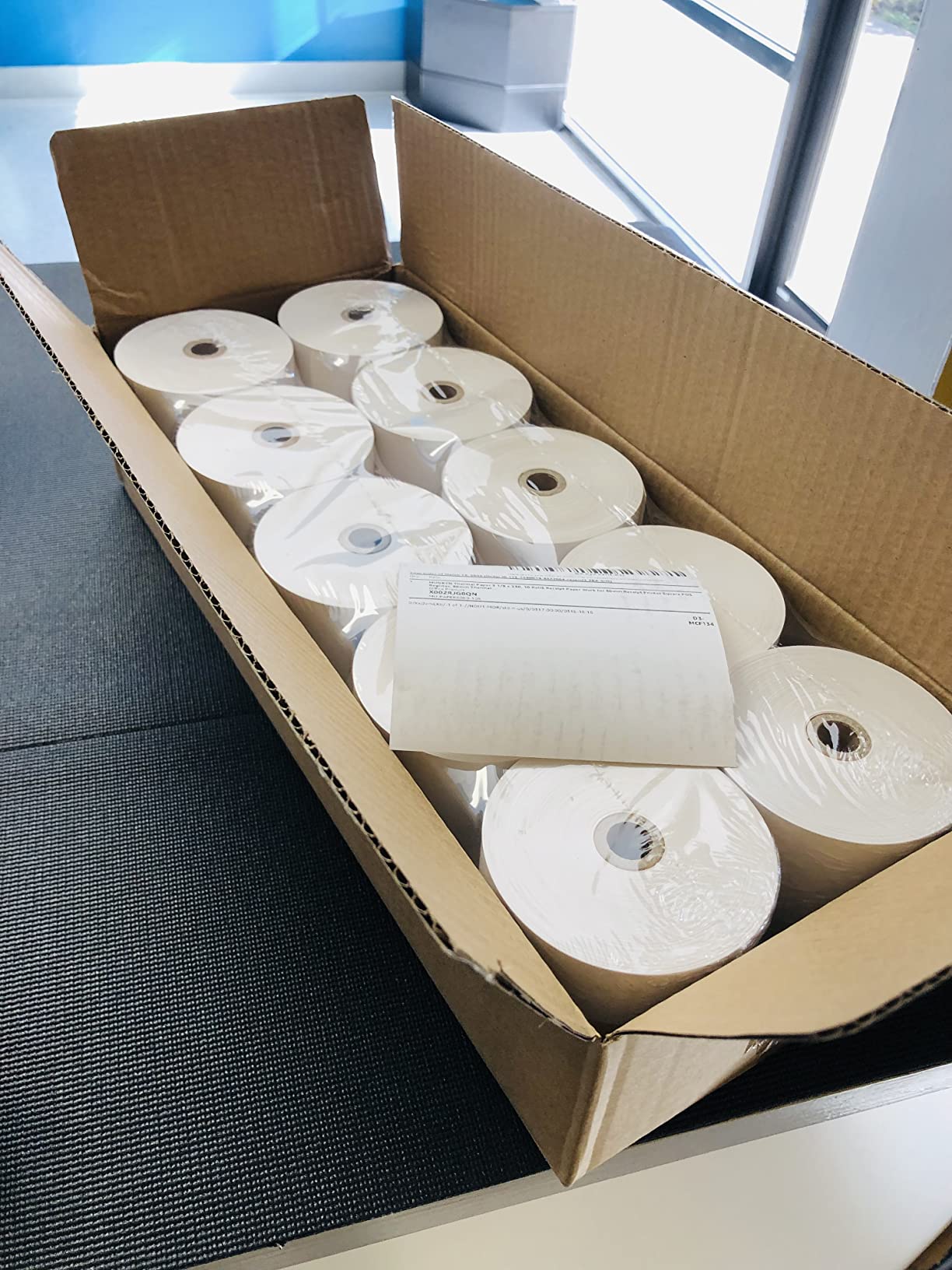
Paper, Roll Size and Ongoing Cost
Match the roll diameter and core size to the printer specification before you order, and keep a spare roll staged in the truck. A faded or curling print is usually a paper problem rather than a printer problem, particularly if rolls have been stored in a hot vehicle. For a related guide to keeping consumables organised, see our picks for the best label printers for home organization, which covers the same paper-handling basics.
Frequently Asked Questions
Which printer is best for printing receipts?
The best receipt printer for a food truck is an 80mm thermal unit that speaks the connection type your POS app supports. For a tablet at the service window, choose a Bluetooth model with native iOS or Android support; for a fixed counter with a laptop, a USB or Ethernet thermal printer with an auto-cutter is the practical choice. Match the printer to your POS software first, then the hardware second.
What printer does DoorDash use?
DoorDash does not mandate a single printer model. Orders are delivered to the driver app on your phone or tablet, so you need a Bluetooth thermal printer that the app can pair with. Among the printers here, the Star Micronics TSP143IIIBi is certified with Uber Eats, Grubhub and DoorDash, while the MUNBYN P068 and Volcora are explicitly not compatible with those platforms.
What is the best receipt printer for Square?
For Square, choose a printer with documented iOS or Android support rather than a generic ESC/POS unit. The Star Micronics TSP143IVUE is built for Square terminals and cloud POS setups, and the Star TSP143IIIBi runs on iOS, Android and Windows. Avoid wired-only units such as the MUNBYN P098 and the Rongta wired printer, which cannot pair with an iPad at all.
Which is better, Munbyn or Rollo?
Neither brand appears in this roundup with a Rollo model, so the more useful comparison is between the two MUNBYN configurations. The MUNBYN P068 runs 48 receipts per minute with USB, Ethernet and serial and a sound-and-light order reminder, while the MUNBYN P098 is USB only at 200mm/sec. For a fixed counter choose the P068; for a laptop-only window the P098 is the simpler option.
Do food trucks need thermal or impact printers?
Food trucks generally need both. A direct thermal printer handles customer receipts at the service window quietly and with no ink or ribbon, while an impact dot-matrix printer is better suited to kitchen prep tickets exposed to heat, steam and grease. Most trucks at volume run two printers: one thermal for the customer and one impact for the prep line and online order tickets.
The Verdict
If you take delivery orders and run a tablet, the Star Micronics TSP143IIIBi is our pick: it is the only unit here the manufacturer certifies for Uber Eats, Grubhub and DoorDash, and it covers iOS, Android and Windows from one box. If your truck has a fixed counter with a laptop behind it, the MUNBYN P068 gives you three wired ports, 48 receipts per minute and DIP-switch configuration without a computer. For a laptop-only window on a tighter budget, the MUNBYN P098 is the cleanest 200mm/sec print we found.
For raw capability per unit of spend, the Rongta RP332 is hard to argue with, and its dual 58mm and 80mm support lets you test paper width before committing. The wired Rongta is the pick when counter space is the binding constraint, since it wall-mounts. Whatever you choose, confirm POS compatibility before you order, and buy a spare roll while you are at it. As we head through 2026, these ten remain the most dependable options for a truck that has to print every ticket, every time.
One last note for owners who also run the truck’s social channels: our picks for the best mirrorless cameras for food photography cover the other half of running a food business from a vehicle.