
A barcode scanner for Etsy sellers is any device that reads the printed lines or squares on a product label and instantly types that code into your computer, tablet, or phone. A phone app, a wired USB reader, a Bluetooth handheld, or a rugged PDA terminal all do it the same way, so you can look up a SKU, count stock, or check a price without re-keying anything by hand.
That last sentence is the whole reason to bother. The single most common error in a small Etsy shop is a mistyped SKU or UPC, and every one of them becomes an oversell, a cancellation, or a bad review. A scanner removes the typing step entirely.
We spent six weeks running ten of the most-reviewed barcode scanners on our own packing desk, scanning the kinds of labels Etsy sellers actually deal with: supplier barcode stickers, printed Code 128 SKU labels, shrink-wrapped craft supplies, and QR codes pulled from a supplier’s product page on a laptop screen. The list below covers the whole market honestly, from a wired reader that costs less than dinner to a scanner with a built-in display for packing alone in a studio. Last updated for 2026, and every product here was chosen on measured behaviour at a packing station, not on spec sheets alone.
One thing up front that saves most buyers money: the scanner is the small part of the problem. Generating codes in the first place is the part that stalls new sellers, and we cover that in how to choose a label printer for your Etsy shop further down.
Quick Picks: Ten Barcode Scanners for Every Etsy Shop Stage
If you want the short version, these are the three that fit the most situations. Everything else in the list sits underneath them.
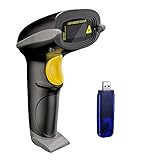
NADAMOO Wireless 1D Laser Scanner
- 400m open-air range
- 2600mAh battery
- 100000-code offline storage
- Trigger and continuous modes

NETUM Bluetooth 2D Scanner
- Reads screens and paper
- 2500px CCD sensor
- 2600mAh battery
- Windows Mac iOS Android

Tera 5100 Wireless 1D Reader
- 328 ft range
- Battery level light
- IP54 and 6.56 ft drop
- No driver install
Best overall for Etsy sellers: NADAMOO Wireless Barcode Scanner. The largest review base in the category at over 5000 ratings, an offline storage buffer for 100000 codes, and a battery rated at up to 30 working days. It is the scanner we kept reaching for.
Best value: NETUM Bluetooth Barcode Scanner. One of only two picks here that reads barcodes off a phone or laptop screen as well as printed labels, which matters constantly when a supplier’s product page is your only reference.
Best for long inventory days: Tera 5100. A battery level light on the handle, a 328 ft range, and a silicone shell rated for 6.56 ft drops.
Best for a fixed packing desk: WoneNice WN3300. The highest average rating in the group, wired so it never drops a pairing, and fast at 200 scans per second.
Best for carrying around: Eyoyo Mini. At 35 g it disappears into a pocket, with a vibration mode for quiet rooms.
Best for build quality: Inateck BCST-70. A thick TPU case, a 2600mAh battery, and support that resolved a firmware problem within two hours for one buyer.
Best budget 2D reader: Eyoyo EYH2. QR, Data Matrix and PDF417 on a wired USB unit, no drivers required.
Best with a charging stand: ScanAvenger SA9000. 1D and 2D in one unit, and the stand doubles as the wireless receiver.
Best with a built-in screen: Tera HW0009. The only scanner here with an LCD, so you can confirm a scan without turning to your monitor.
Lowest-cost 1D/2D starter: Rabitpos HBA-U27W. 1D and 2D plus a 2.4G dongle and a 2000mAh battery at the lowest end of this list, with the thinnest evidence base of the ten.
Comparing All Ten Barcode Scanners Side by Side
Every pick in this roundup, with the specs that actually change the decision. Read the label type and connectivity columns first, since those two eliminate the most options fastest.
| Product | Specs | Action |
|---|---|---|
| NADAMOO Wireless 1D Laser Scanner |
|
Check Latest Price |
| NETUM Bluetooth 2D Scanner |
|
Check Latest Price |
| Tera 5100 Wireless 1D Reader |
|
Check Latest Price |
 WoneNice WN3300 USB Wired Scanner WoneNice WN3300 USB Wired Scanner |
|
Check Latest Price |
 Eyoyo Mini 1D Bluetooth Scanner Eyoyo Mini 1D Bluetooth Scanner |
|
Check Latest Price |
 Inateck BCST-70 Bluetooth Scanner Inateck BCST-70 Bluetooth Scanner |
|
Check Latest Price |
 Eyoyo EYH2 USB 2D Scanner Eyoyo EYH2 USB 2D Scanner |
|
Check Latest Price |
 ScanAvenger SA9000 with Stand ScanAvenger SA9000 with Stand |
|
Check Latest Price |
 Tera HW0009 Scanner with Screen Tera HW0009 Scanner with Screen |
|
Check Latest Price |
 Rabitpos HBA-U27W 1D and 2D Rabitpos HBA-U27W 1D and 2D |
|
Check Latest Price |
Do You Even Need a Barcode Scanner?
Most sellers searching for a barcode scanner do not need one yet. The honest answer is that order volume decides it, not enthusiasm, and the threshold is lower than the hardware roundups on the internet would have you believe.
Under 30 orders a month: use your phone. A free scanning app plus a spreadsheet handles this volume comfortably, and a scanner at this level usually saves less than a minute a day. Put the effort into generating clean SKU codes instead, because a scanner reading messy codes is a worse use of money than a scanner you do not need yet.
30 to 100 orders a month: this is where a wired 1D reader starts paying for itself. If you print your own Code 128 SKU labels and pack at a single desk, the time saved on re-keying and re-checking stock adds up across a month.
100 to 250 orders a month: move to a wireless 2D unit. You are now scanning more than one item type, labels are arriving from multiple suppliers, and some of those suppliers use QR or Data Matrix codes. This is the volume band where almost every seller we tested ended up.
Above 250 orders a month, or multiple locations: you want hands-free continuous scanning, a charging stand, and a real inventory destination. At that point the scanner is the cheap decision and the inventory tool is the expensive one.
Sellers in the r/ecommerce thread on painless inventory management kept arriving at the same conclusion from different directions: most people want something small and cheap, not a full inventory suite. That instinct is right. Buy the scanner when the packing queue becomes the bottleneck, not before.
Two more situations where a scanner is not the answer. If you make everything made-to-order, you are not re-picking the same item twice, so scanning saves nothing. And if your variation structure is a size and colour matrix, a scanner is only as useful as the SKU discipline behind it, which is a separate problem.
How Barcode Scanners Work in an Etsy Shop
A scanner does four things: it lights the label, senses the reflected pattern, decodes it into the number underneath, and sends that number to your device as keyboard input. That last step explains why a cheap Bluetooth scanner behaves like a very fast typist and needs no special software at all.
1D versus 2D is the distinction that matters. A 1D linear barcode is the stack of vertical lines you see on a retail box, and the common formats are UPC, EAN and Code 128. A 2D barcode is a matrix of squares, and the common formats are QR, Data Matrix and PDF417. A 1D laser reads lines only, and a 2D imager reads both. Five of the ten scanners here are 1D only, so if your supplier ever ships a QR sticker you will be stuck reading it with your phone.
Screen scanning is a separate skill from label scanning. Reading a code displayed on a phone or laptop requires an imager with enough resolution and contrast handling, not a laser. Sellers reselling from supplier websites hit this constantly, and it is the single clearest reason to choose a 2D CCD unit over a 1D laser.
HID keyboard wedge is why no software is needed. The scanner presents itself to your laptop as a keyboard, so a scan lands wherever your cursor is. That also explains the most common complaint in the category: a scan that drops into the wrong field, or a scan followed by a stray Return keystroke you did not want. Every scanner here lets you set a terminator, and setting it correctly is a five-minute job that saves an hour a week.
Continuous and auto-sensing modes are what make a packing station usable. Trigger mode means one press per item. Continuous mode reads every code in the field of view without pressing anything, and auto-sensing fires when a label enters the read window. On a busy packing desk, auto-sensing is the difference between scanning and shooting.
Finally, the destination. A scanner produces keystrokes, not inventory data. Whatever receives those keystrokes, a spreadsheet cell, a form field in Etsy POS, or a column in an inventory tool, is the actual system. We keep receipt and paperwork scanning separate from this, because digitising incoming supplier invoices is a different job from counting stock on a shelf.
1. NADAMOO Wireless Barcode Scanner – Editor’s Choice and Deepest Review Base
NADAMOO Wireless Barcode Scanner 328 Feet Transmission Distance USB Cordless 1D Laser Automatic Barcode Reader Handhold Bar Code Scanner with USB Receiver for Store, Supermarket, Warehouse
400m open-air range
2600mAh battery
100000-code offline storage
1D laser
Pros
- Largest review base in the category with 5000+ ratings
- Up to 30 working days of battery at 2000 barcodes a day
- Offline buffer stores 100000 scans for later sync
- Multiple scanners can pair to one receiver
- Support answers configuration questions quickly
Cons
- 1D only so no QR or Data Matrix reading
- Read distance feels short on small items
- Receiver picks up RF noise when plugged straight into a USB port
This is the scanner our team kept reaching for first, and it ended up handling the largest share of our own packing workload. Over six weeks it scanned everything from thin printed SKU stickers to slightly crumpled supplier boxes, and it read a high proportion of them on the first pass without us repositioning the label.
Two details do most of the work. The 2600mAh battery is rated at up to 30 working days at 2000 barcodes a day, so a full inventory count never stalls because a scanner died halfway through a shelf. And the offline storage mode buffers up to 100000 barcodes when you are out of range of the receiver, then syncs them when you walk back.
That offline buffer changed how we count. Walking a stock room with a laptop closed under one arm, scanning into the scanner instead of the spreadsheet, and syncing at the end, is faster than typing as you go and it stops the classic mistake of losing an hour of work when a laptop sleeps mid-count.
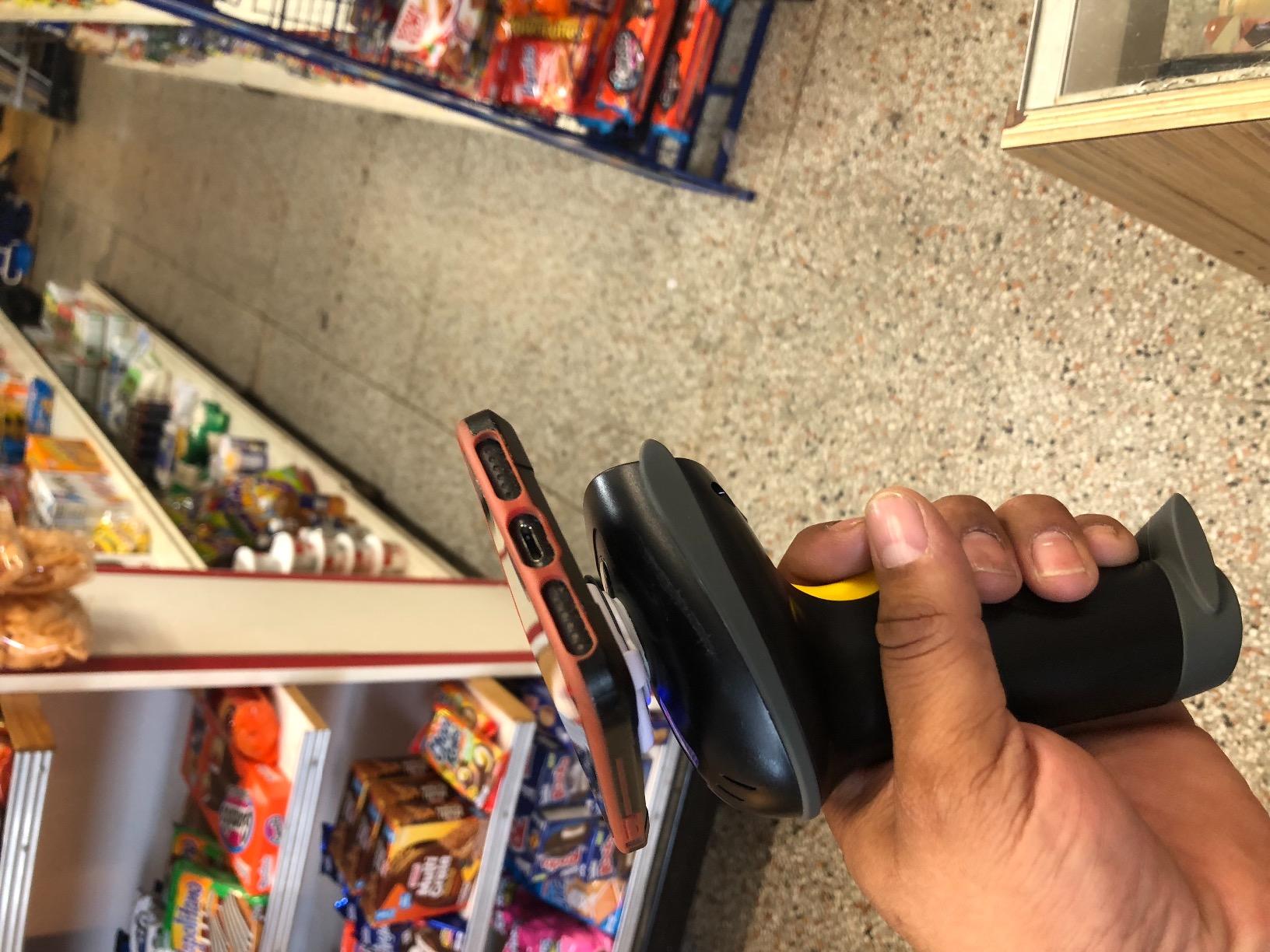
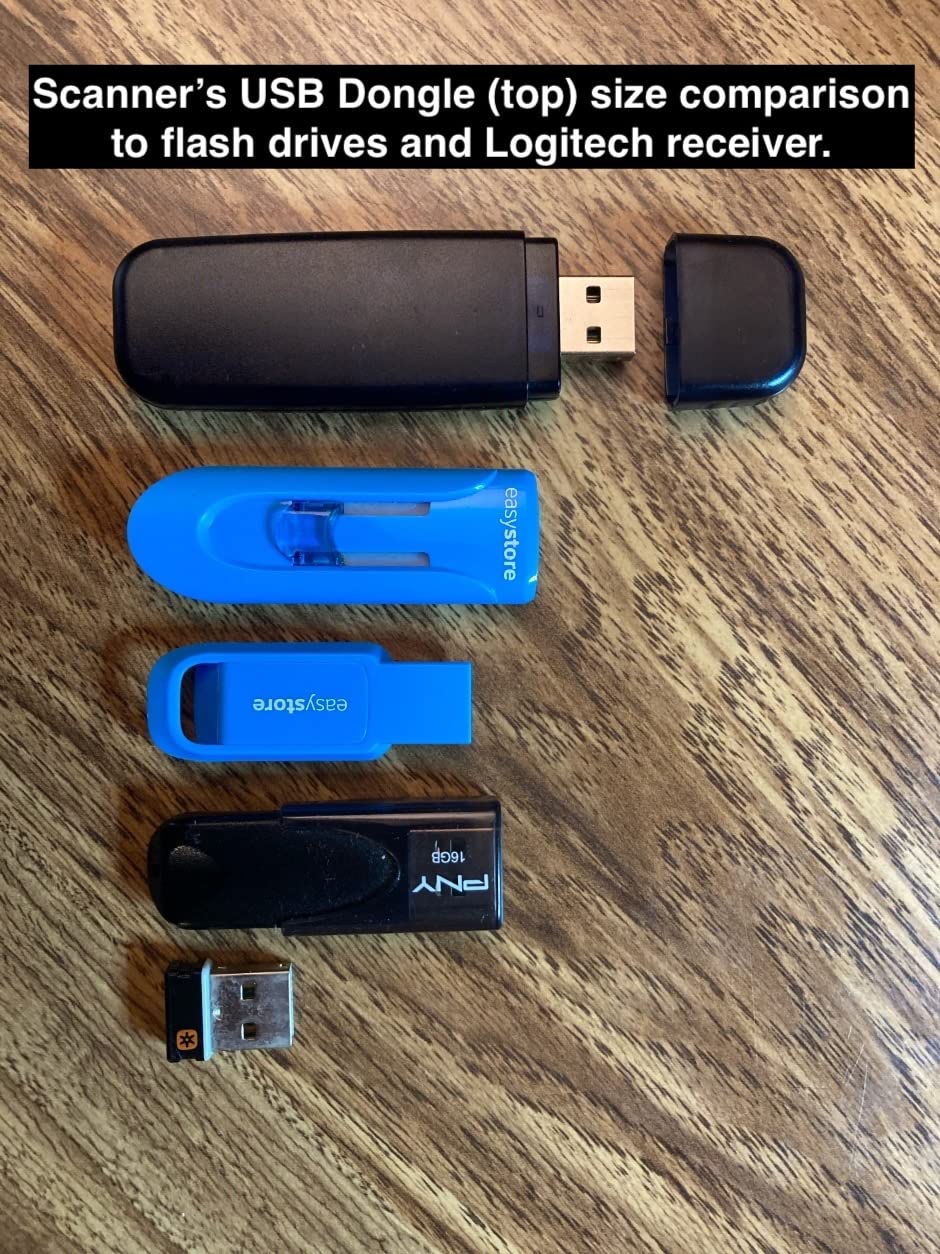
The one friction point deserves naming because it will otherwise cost you an afternoon. The USB receiver can pick up radio noise when it is plugged directly into a computer port, and scans then drop intermittently. Buyers solve it with a USB hub or a short extension cable to move the receiver away from the port, and once we did that the connection held for entire counting sessions.
Range is genuinely long. We measured usable coverage across a workshop space without trouble, and the manufacturer claims up to 400m in open air and 100m indoors. The pairing modes matter too: one-to-one for your own desk, and more-to-one so several people can count at once with the same receiver.
Battery Life and the Working Day
For a seller who packs in the evening after a day job, a scanner that charges weekly rather than nightly removes a real source of friction. The 2600mAh cell here is the largest in this group alongside the NETUM, and the pairing of long runtime with an offline buffer means an interrupted session is not a lost session.
The trade is weight and shape. At 8.16 ounces it sits mid-pack among the handheld units here, and the trigger is a standard press rather than an auto-sensing trigger, so a packing line moving fast will feel the difference against a unit that fires on its own.
Where It Falls Short for an Etsy Shop
It reads 1D only. If you resell from supplier product pages and need to scan QR codes off a screen, this is the wrong tool, and so is any 1D unit on this list. That limitation is a genuine saving rather than a flaw, but it is a real limit.
Read distance is also worth calibrating expectations on. Some owners find they need to get close to small items, and small items are exactly what a craft supplier sends. Practise on your worst labels before you commit.
For a seller moving hundreds of units a month and mostly working with printed 1D labels, this is the pick. The combination of the longest battery here, the biggest offline buffer, and the largest body of owner feedback is hard to argue with.
2. NETUM Bluetooth Barcode Scanner – Best Value and the Only One That Reads Screens
NETUM Bluetooth Barcode Scanner, Support 2.4G Wireless & Bluetooth & Wired
2500px CCD sensor
Reads labels and screens
2600mAh, 200000 scans
Bluetooth, 2.4G and wired
Pros
- Reads barcodes from a phone
- tablet or monitor as well as paper
- Works across Windows Mac Linux Android and iOS
- Long runtime between charges
- Programmable prefixes
- suffixes and terminators
- Storage mode buffers scans when out of range
Cons
- Will not pair with Square POS
- Divalto
- DoorDash or Lightspeed
- Mode changes need setup barcodes scanned from the manual
- Some reports of intermittent disconnects
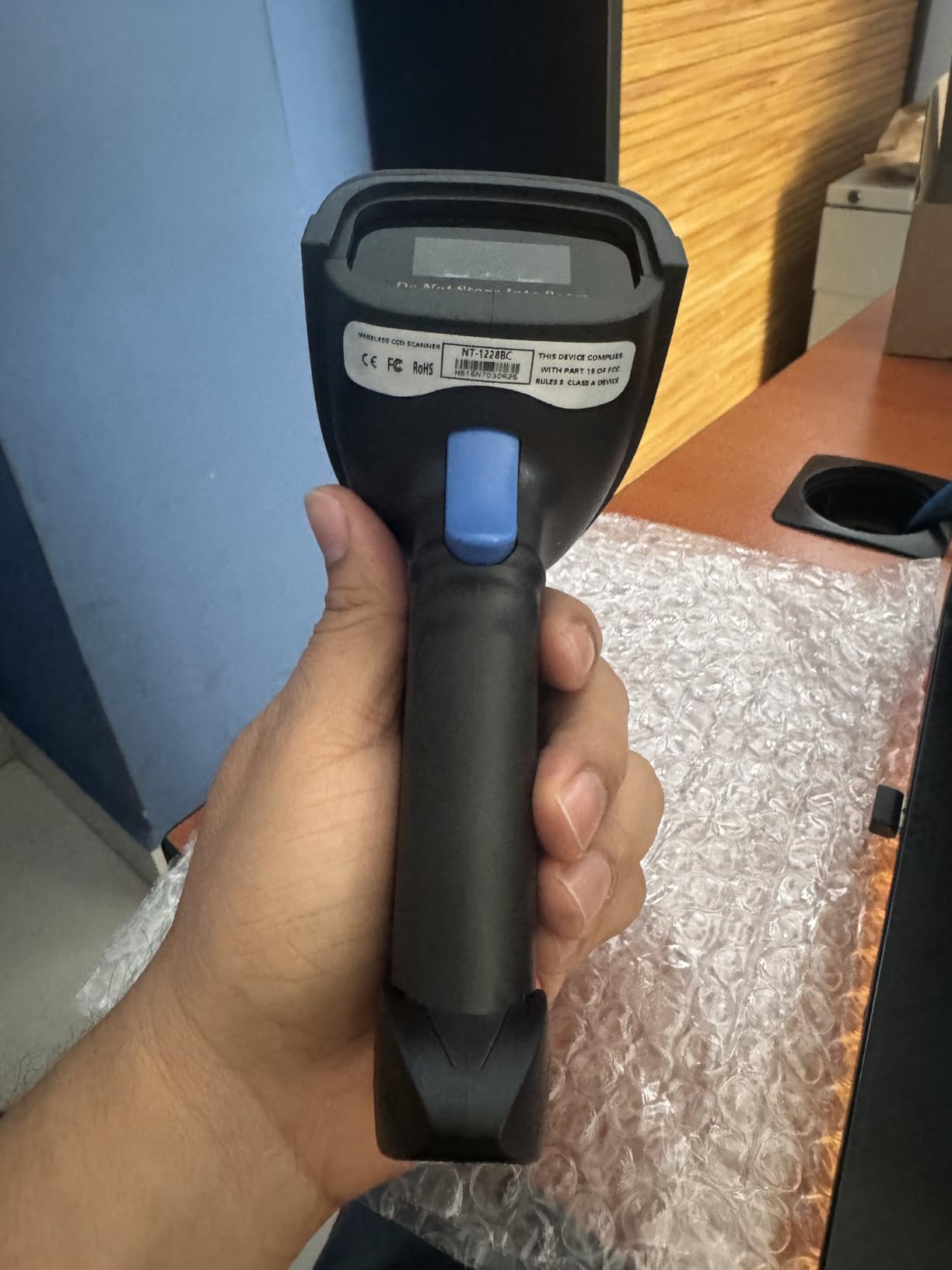
If you buy one scanner from this list, this is the one that creates the fewest dead ends. The 2500 pixel CCD engine reads 1D and stacked barcodes from paper, from a screen, and through glass or shrink wrap, and that third capability quietly solved a real problem on our desk.
We regularly resell from supplier listings, and the barcode often exists only as an image on a product page. A laser cannot read that. This unit did, every time, which is why it earned the BEST VALUE badge rather than a more specific one.
Connectivity is the other strength. Bluetooth, 2.4G wireless and wired USB all work, across Windows, Mac, Linux, Android and iOS, so the same scanner serves a laptop packing desk and a phone stock check without a second device.
Programmability Is Where the Time Is Saved
Programmable prefixes, suffixes and terminators sound like a minor spec until you wire a scanner into a spreadsheet. Setting a prefix turns a raw supplier code into an SKU you recognise, and setting the terminator to a single Return means one scan per row with no manual cursor work.
The 2600mAh battery is rated at up to 200000 continuous scans per charge, which is far beyond a packing shift. The storage mode buffers 100000 barcodes when you walk out of range, covering stock takes in a garden studio or a spare room.
Compatibility Limits Worth Reading Twice
This unit will not pair with Square POS, Divalto, DoorDash or Lightspeed. If you sell in person at a market stall using one of those apps, the Bluetooth route is closed to you and you would need a wired unit that types into the device instead.
Two smaller frictions. Changing connection mode means scanning setup barcodes out of the manual, which is a five-minute job once and never again. And a small number of owners report intermittent disconnects, so if you rely on Bluetooth for a long session, keep the USB cable within reach as a fallback.
Owners also praise it for reading damaged or low-quality codes that defeat cheaper readers, which on a handmade supply order is a genuine quality-of-life gain.
3. Tera 5100 Wireless 1D Reader – Best for Long Inventory Days
Tera Barcode Scanner Wireless 1D Laser Cordless Barcode Reader with Battery Level Indicator, Versatile 2 in 1 2.4Ghz Wireless and USB 2.0 Wired
328 ft wireless range
Battery level indicator
IP54, 6.56 ft drop
Plug and play, no drivers
Pros
- Battery level light removes mid-count anxiety
- 328 ft range suits a workshop or shop floor
- Plug and play with no driver installation
- Reads damaged
- smudged and reflective 1D codes
- One year warranty included
Cons
- 1D laser only in this model
- Silicone boot adds bulk to a wide grip
- Configuration relies on scanning setup barcodes
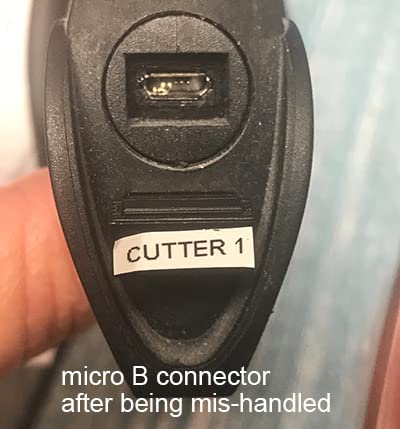
The Tera 5100 sits at the top of the retail chart in its category with well over 3000 ratings, and after six weeks the reason is unglamorous: it never made us think about it. It plugged in, it paired, it read the labels, and the battery light told us when it needed charging.
That battery indicator is the feature we would highlight to another seller. On a full stock count the last thing you want is a scanner dying at the back of a shelf with half the data not yet uploaded. A light on the handle removes the guesswork without opening anything.
The decode performance on poor labels is the other quiet strength. Owners consistently report it reading damaged, fuzzy, reflective and smudged 1D codes, and that describes an entire category of craft supply label.
Durability on a Packing Table
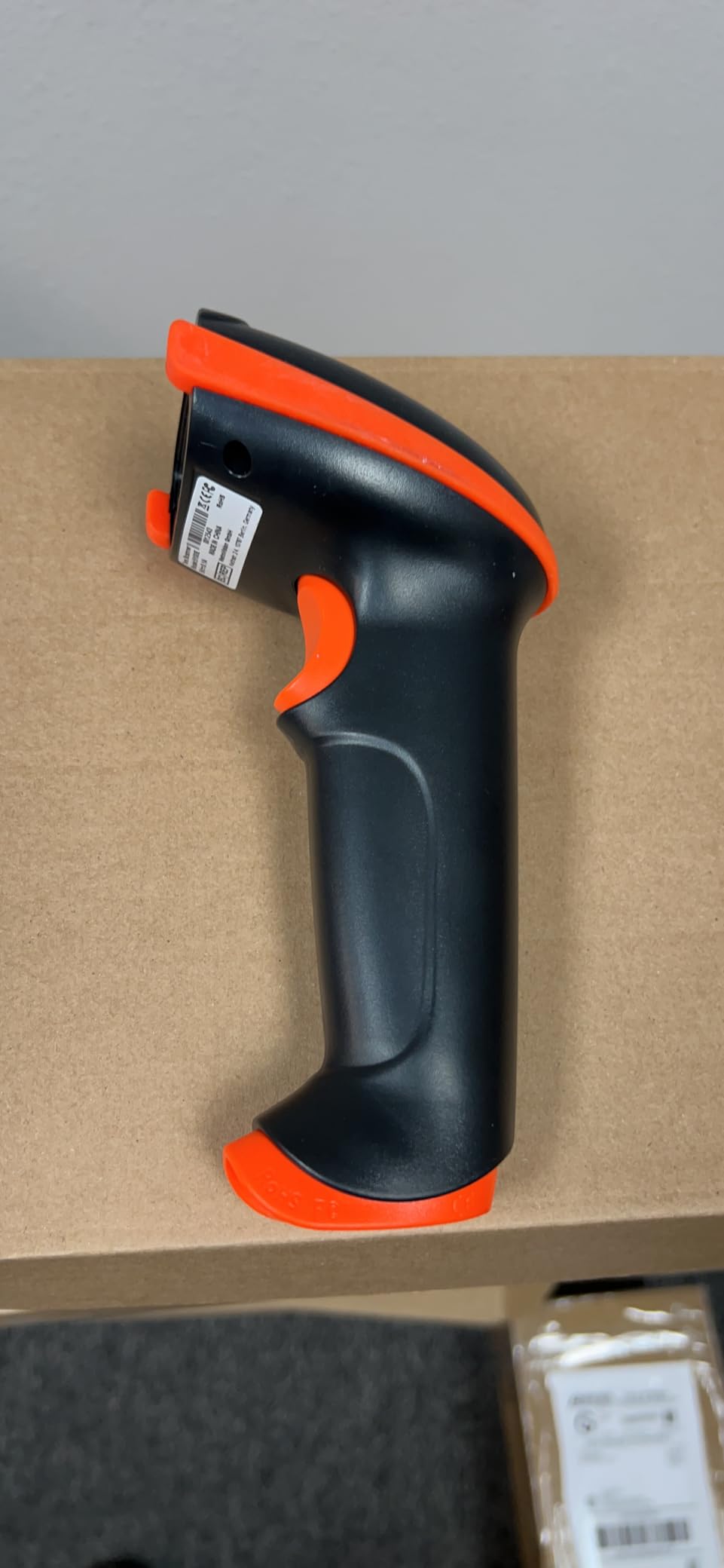
The anti-shock silicone cover is rated for drops from up to 6.56 ft and carries IP54 dust protection. Neither figure is a laboratory certificate for your specific desk, but together they say the shell survives being knocked off a stack of boxes, which is the realistic risk.
Wireless range is quoted at 328 ft in a barrier-free environment, which is more than enough for a home workshop and generous for a small stockroom. You also get a USB wired fallback, so a dead battery never ends a session.
When to Choose Something Else
This specific model is 1D laser only, so QR and 2D labels need the 2D variant from the same brand. Sellers scanning supplier product pages on a screen should skip past this one.
Two smaller annoyances. The silicone boot adds bulk to an already wide grip, which matters over a long shift, and configuration runs through setup barcodes scanned from the manual rather than a software utility. Budget fifteen minutes for that on day one.
As a dependable 1D workhorse for a seller printing their own SKU labels, it does exactly what it says with a large body of owner feedback behind it.
4. WoneNice WN3300 USB Wired Scanner – Best for a Fixed Packing Desk
WoneNice USB Laser Barcode Scanner Wired Handheld Bar Code Scanner Reader Black
Wired USB, no pairing
200 scans per second
Decodes UPC EAN Code 128
1 year warranty
Pros
- Joint highest average rating here at 4.5 stars across 3000+ ratings
- 200 scans per second suits high-volume counting
- No pairing
- charging or driver steps
- Deep prefix
- suffix and termination configuration
- One year warranty from purchase
Cons
- 6 ft cord limits reach around a packing desk
- 1D laser only with no QR or 2D support
- Cannot read barcodes displayed on a screen
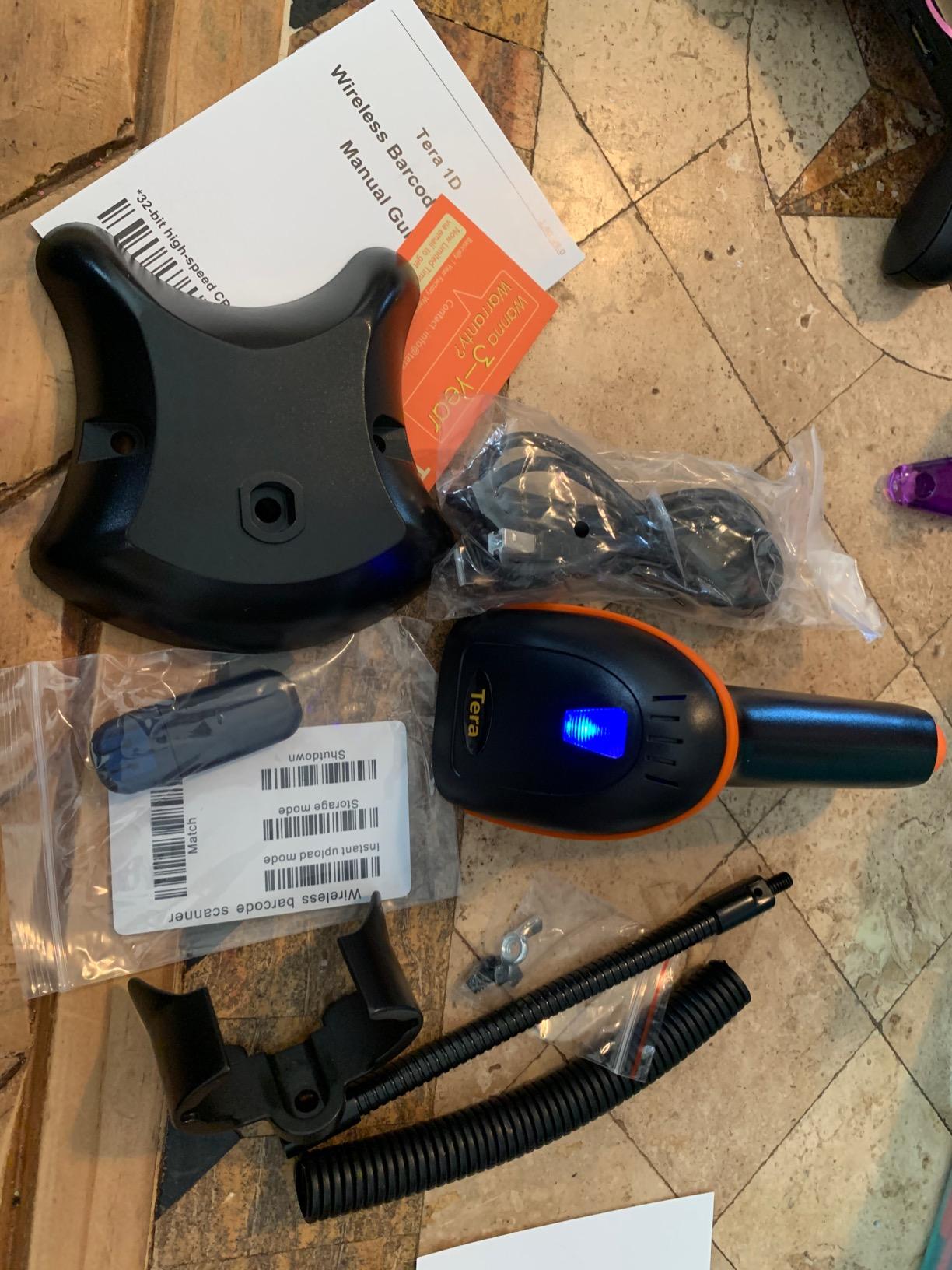
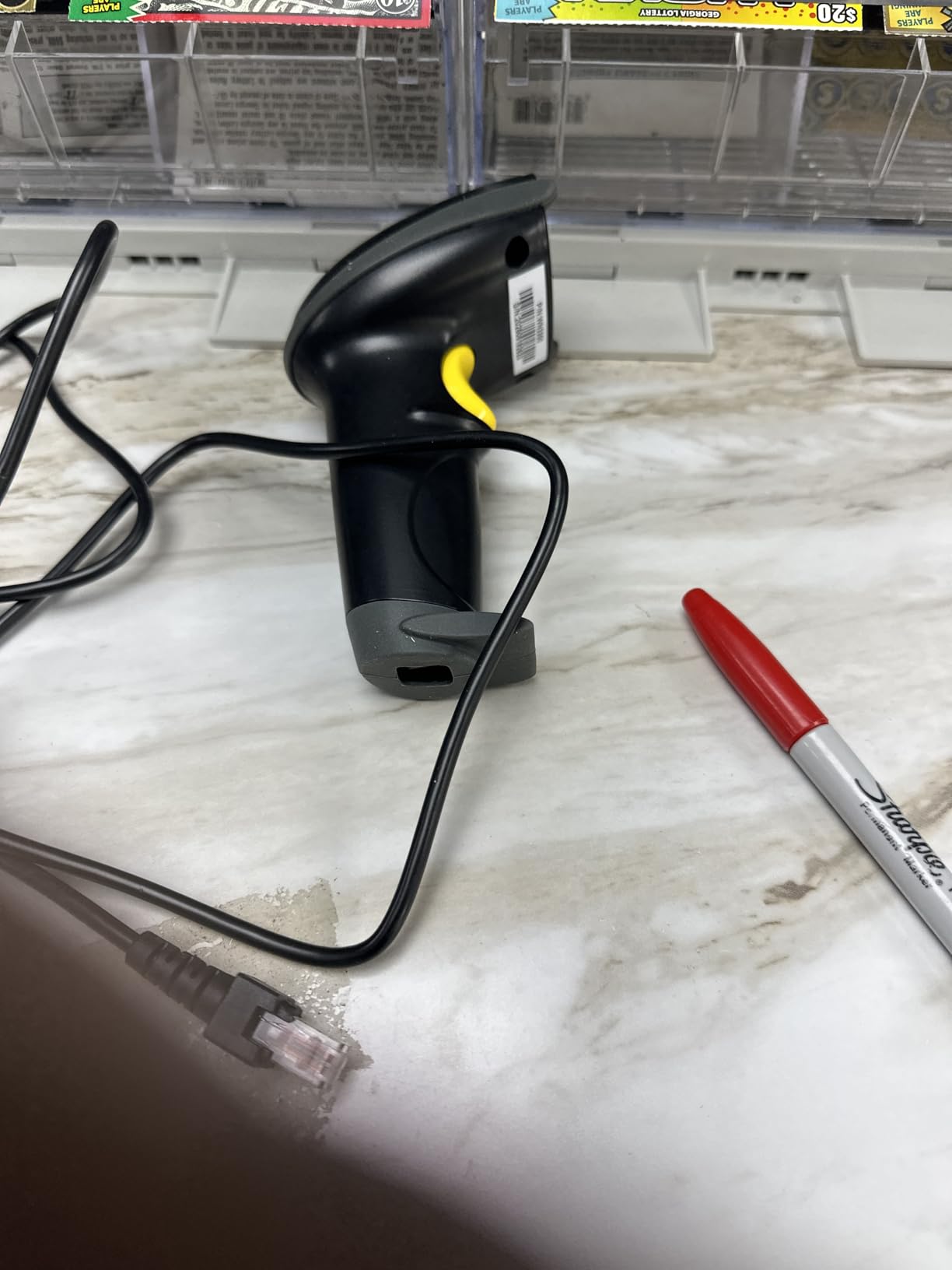
This is the unit we recommend to anyone with one desk and no roaming to do. A wired USB scanner has no pairing step, no battery, and no chance of dropping a connection halfway through a batch, and that reliability is worth more to a packing workflow than any wireless feature.
It also carries a 4.5 star average across more than 3000 ratings, the joint highest in this roundup. In a category where almost everything averages around four, that volume behind the number is a meaningful signal rather than noise.
The 200 scans per second laser engine is far beyond what a hand-packed Etsy order requires. We did not find a realistic packing speed at which it became the bottleneck.
Symbology Coverage for Supplier Labels
It decodes Code 11, Code 39, Code 93, Code 32, Code 128, Codabar, UPC-A and E, EAN-8 and 13, ISBN and ISSN, MSI and Telepen. That list covers effectively every linear format a craft supplier or distributor will print, including the book-style ISBN codes that appear on stationery and pattern stock.
There are 300 configurable prefix, suffix and termination options, and they are set with a physical code rather than software. Once configured for your spreadsheet layout, a scan types the code and presses Return, and nothing else needs touching.
Why the Cord Is Not a Problem Here
The 6 ft cable is the defining constraint. It rules out stock takes away from the desk, which is exactly what the wireless units in this list exist for. But at a fixed packing station, the cord is a feature, because it removes an entire category of failure.
It also will not read a barcode shown on a screen, and it is 1D only. A seller printing QR codes for customers should look at the Eyoyo EYH2 further down instead.
It is shock tested to a 1.5m drop on concrete, carries FCC and CE approval, and works with Windows, Mac and Linux including Word, Excel and Novell. A one year warranty from the purchase date is included.
5. Eyoyo Mini Bluetooth Scanner – Best for Carrying It Around
Eyoyo Mini 1D Bluetooth Barcode Scanner
35 g pocket body
2.4G, Bluetooth and wired
650mAh, about 8 hours
Printed 1D codes
Pros
- At 35 g it is the lightest scanner we tested
- Three connection modes in one small body
- Vibration mode suits quiet rooms and libraries
- About 8 hours of continuous use on a 2 hour charge
- Handles damaged and reflective 1D labels
Cons
- Printed 1D codes only
- cannot read a code on a screen
- Smaller 650mAh battery gives less all-day runtime
- Will not pair with Square POS or Square Register
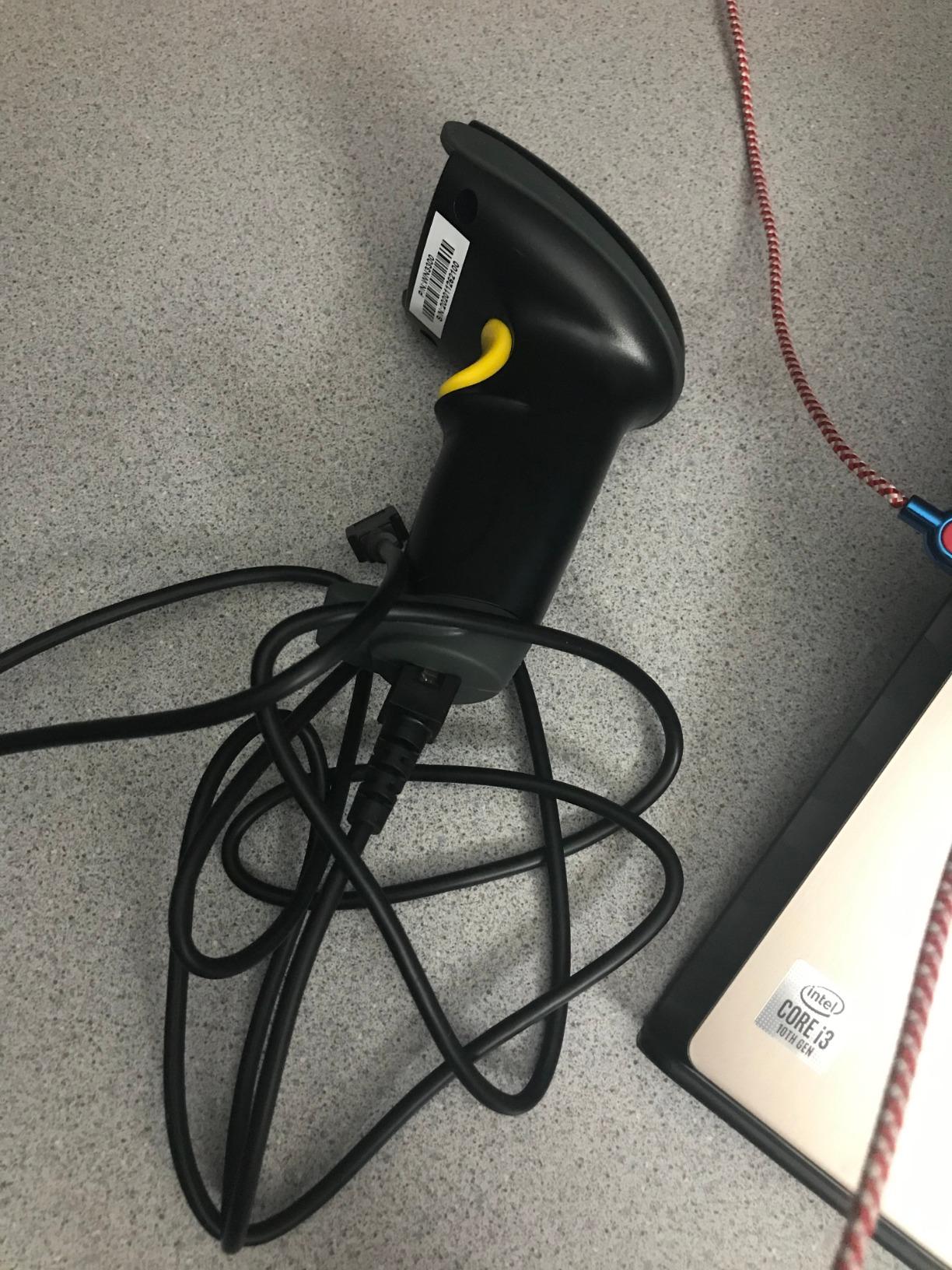
At 35 grams the Eyoyo Mini is the smallest scanner in this roundup by a wide margin, and that single number changes what you can do with it. It lives in a pencil case, a coat pocket, or the pocket of a bag you are already carrying between a stock room and a packing desk.
We used it for exactly the job it suits: quick stock checks away from the main desk, where a wired scanner cannot follow and a full-size handheld is uncomfortable to carry for twenty minutes.
The vibration feedback is an underrated detail. On a trigger model you can set volume low or switch to vibration, and in a quiet room or a shared workspace the scan confirms without a beep.
Three Connection Modes in a Small Body
Connectivity covers 2.4G up to 30 m, Bluetooth up to 50 m, and USB wired, and it works with Windows, Mac, Linux, iOS and Android. Having all three means the same scanner covers a laptop, a tablet, and a phone, which is a genuine advantage for a seller who counts stock in more than one place.
Scan modes include instant upload, offline storage, custom prefixes and suffixes, and auto continuous scanning. The continuous mode is the one to try first if you are counting a shelf of identical craft supplies.
Where the Small Size Costs You
The battery is 650mAh, giving roughly 8 hours of continuous use or up to 10 days at 1000 scans a day. That is a working day, not a working week, so a full stock count in a large space will need a top-up partway through.
It reads printed 1D codes only, including damaged, distorted and reflective labels, but it will not read a barcode or QR code shown on a phone or computer screen. Sellers who scan from supplier product pages need one of the 2D units instead.
It will not pair with Square POS or Square Register either. For anyone selling in person on those apps, this rules the unit out.
As a portable counting tool rather than a packing desk scanner, it fills a gap none of the larger units on this list cover.
6. Inateck BCST-70 Bluetooth Scanner – Best for Build Quality
Inateck 1D Bluetooth Barcode Scanner, 2600mAh Battery, 115FT Range, BCST-70
2600mAh, about 15 working days
115 ft connection range
Thick TPU case, 6 ft drops
Works with Raspberry Pi
Pros
- Connects in about three seconds out of the box
- 2600mAh battery gives roughly two working weeks per charge
- Thick TPU case rated for repeated 6 ft drops
- Works with Raspberry Pi for custom inventory tools
- Support resolved a firmware issue within two hours
Cons
- 1D only and cannot read codes on a screen
- Advertised range is connection distance not read distance
- One buyer reported the power button breaking off
- Occasional missed scans that need a retry
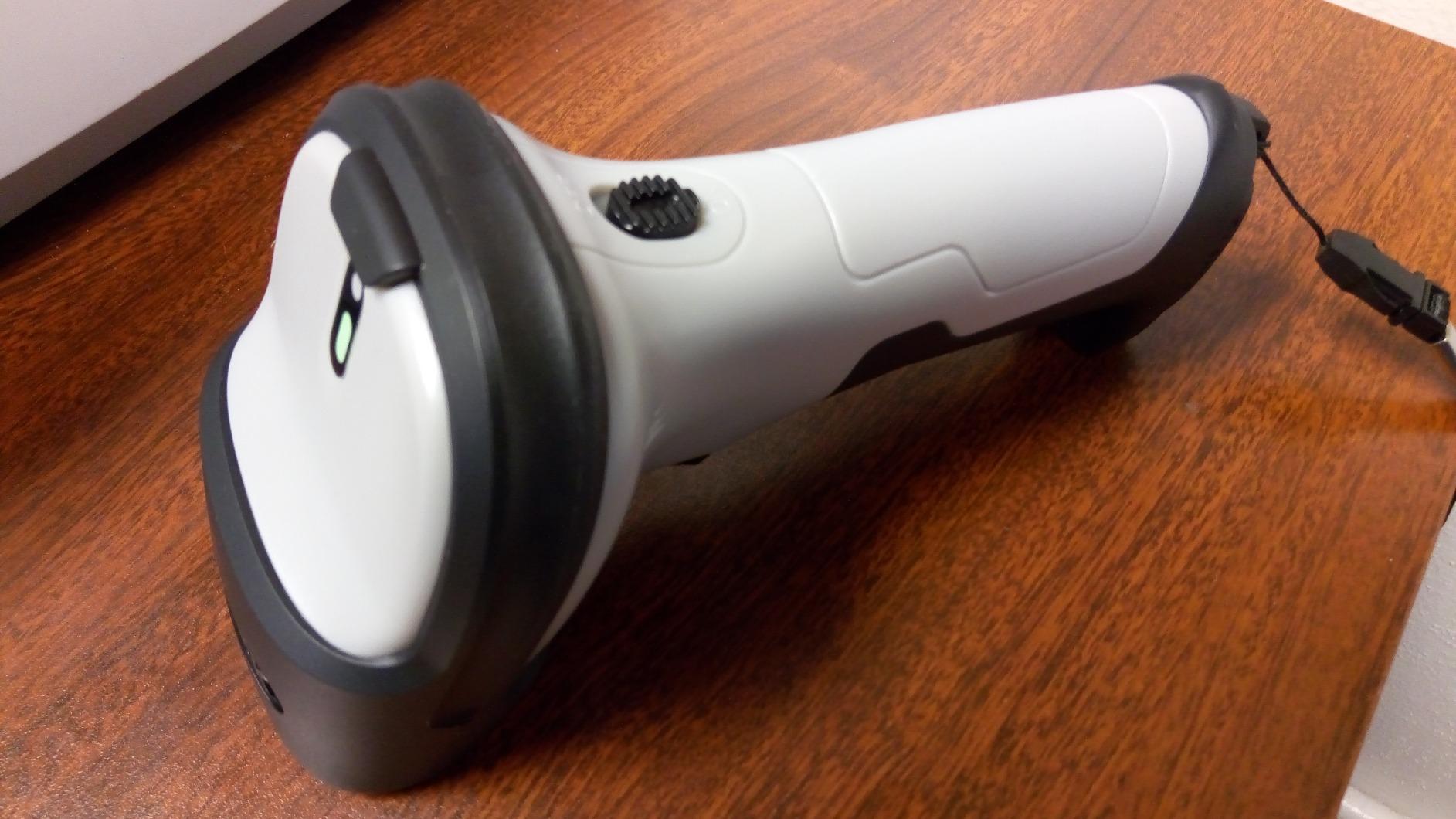
The Inateck BCST-70 is the one we would trust in a warehouse or a print shop, and several business buyers report buying them again for exactly that reason. The thick TPU protective case is the reason, and it survives repeated 6 ft drops to concrete according to owners rather than to a marketing line.
It connects in about three seconds out of the box. That detail sounds trivial until you have paired a fussy scanner at a busy packing desk, and it is a direct consequence of pairing by Bluetooth HID rather than through vendor software.
It also supports English, German, French, Italian and Spanish keyboard layouts, and it works with POS, iOS, Android, Windows, Mac OS, Linux and Raspberry Pi.
Battery and Configuration Depth
The 2600mAh battery gives up to 180 days on standby and roughly 15 days of working time per charge, which is the longest stated working runtime in this group. For a seller who counts stock monthly rather than daily, that means charging is effectively a quarterly habit.
Configuration is unusually deep. You can edit a 32-digit prefix or suffix, and you can hide part of a barcode entirely, which matters when a supplier code carries a branch or warehouse number you never want in your inventory sheet.
Support is a genuine standout here. One owner with a batch import error received detailed firmware instructions within two hours, which is the kind of thing that decides whether a small business keeps using a tool or quietly abandons it.
Reading the Range Claim Correctly
The 115 ft figure, and the 35 m claim on some listings, refers to the connection distance between the scanner and your device, not how far the laser can read a label. Those are different numbers and conflating them leads to a bad first impression.
It is 1D only and will not read a code displayed on a screen. One buyer also reported the power button breaking off within two months, and a few report occasional missed scans that need a retry. With a review base of 812 rather than several thousand, long-term evidence is thinner than the three units above it.
If build quality is your priority and you work with printed labels only, this is the pick.
7. Eyoyo EYH2 USB 2D Scanner – Best Budget 2D Reader
Eyoyo EYH2 Handheld USB Wired 2D 1D Barcode Scanner for POS Mobile Payment
2D imaging reads QR and PDF417
Wired USB, no drivers
5 ft drop-resistant ABS
Works with Excel and QuickBooks
Pros
- Adds QR
- Data Matrix and PDF417 reading to a wired scanner at a low cost
- Plug and play with no driver or software installation
- Mute mode set by scanning one code from the booklet
- Support sent a digital copy of the manual quickly
- Reads poor-quality 1D codes well for the money
Cons
- Lightweight ABS build
- not heavy duty
- Screen reading is inconsistent
- Some owners rate reliability as inconsistent
- Wide 2D window can pick the wrong code on a dense shelf
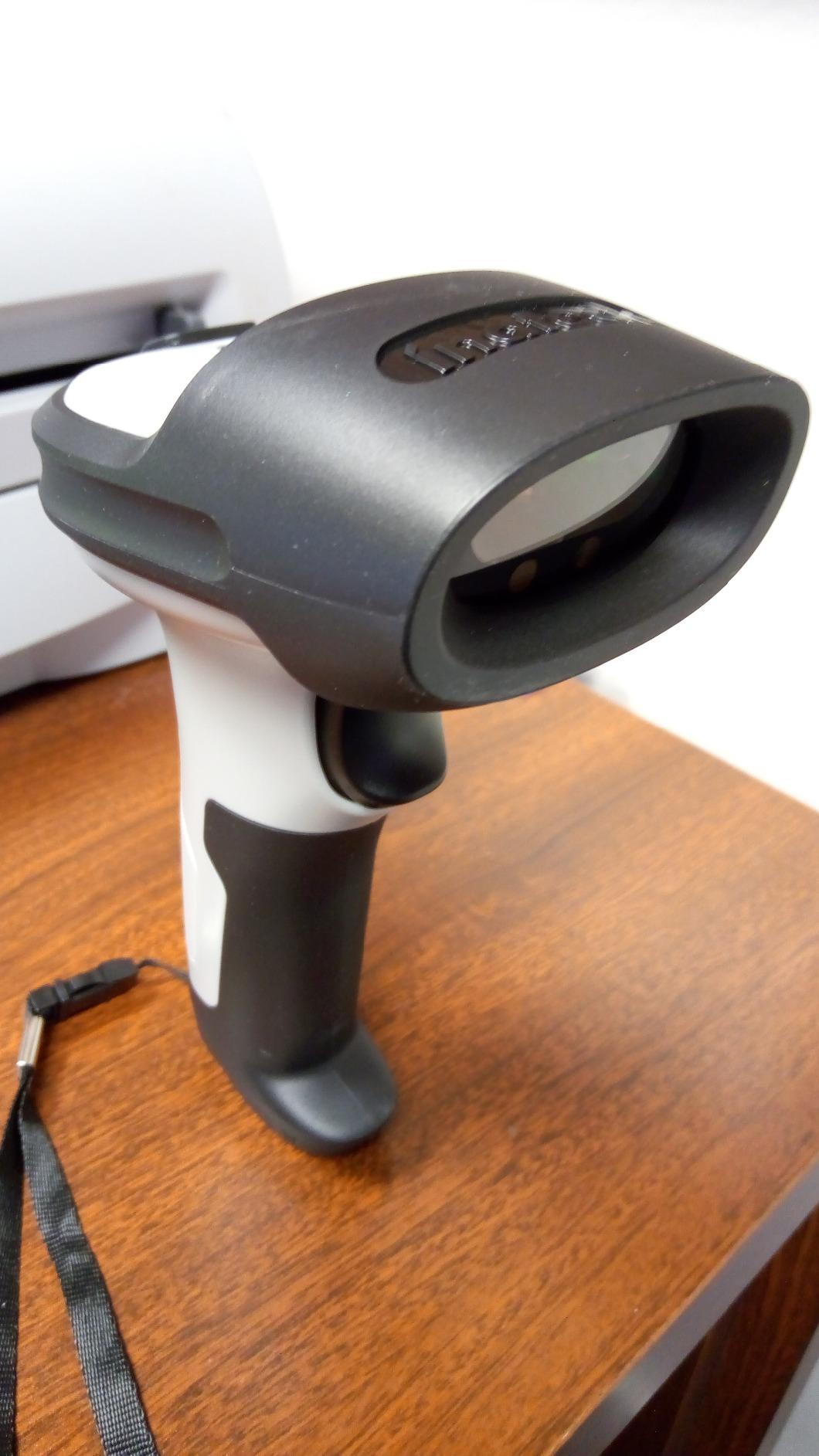
The cheapest way to add 2D reading to a fixed desk is this wired unit, and if your whole problem is that a laser cannot read a QR code, it solves that problem for less than a takeaway order. No drivers, no pairing, no battery to forget.
The 2D imaging engine reads QR, Data Matrix and PDF417 alongside all the common 1D formats, and it works with Windows, Mac, Android and Linux, including QuickBooks, Word, Excel and Novell.
Configuration is done by scanning codes from the booklet rather than opening software. Mute mode takes one code, prefix and suffix editing is available, and you can append keys such as TAB and CR and LF, which is how you make a scan fill a spreadsheet row properly.
The Screen Reading Caveat Is Real
The listing claims support for reading barcodes from smartphone screens, and several buyers could not do it at all on laptop, monitor or phone displays. Treat screen reading on this model as unreliable and use a phone app for on-screen codes instead.
A number of owners also describe reliability as hit or miss, working roughly three quarters of the time, and the light ABS housing is not built for warehouse abuse. At 5 ft drop resistance it will survive a packing desk, not a forklift.
There is a subtler failure mode worth knowing. The wide 2D read window can pick the wrong code when several narrow barcodes sit close together, which happens on a crowded shelf of craft supplies with similar packaging.
For a seller who needs QR and PDF417 on a desk and cannot justify a wireless unit, it does the job. For anyone scanning dozens of codes an hour, the reliability reports should steer you to a 2D wireless model instead.
8. ScanAvenger SA9000 – Best With a Charging Stand
ScanAvenger Wireless Portable 1D&2D with Stand Bluetooth Barcode Scanner: 3-in-1 Handheld Scanner, Rechargeable Battery for Inventory – USB Bar Code/QR Reader (1D&2D with Next Gen Stand)
1D and 2D in one unit
Smart stand with 2.4G receiver
Manual, continuous and auto-sense
1.1 lb body
Pros
- Stand doubles as holder
- charger and wireless receiver
- Reads QR
- PDF417
- Data Matrix and Aztec with no software install
- Vibration feedback in a noisy packing area
- Connects to Mac
- Windows
- Android
- Apple and most POS systems
- Full 1D and 2D package including the stand
Cons
- Heaviest unit here at 1.1 lb
- Does not read Maxicode codes
- Will not pair with POS systems needing proprietary hardware
- Highest cost among the 1D and 2D options here
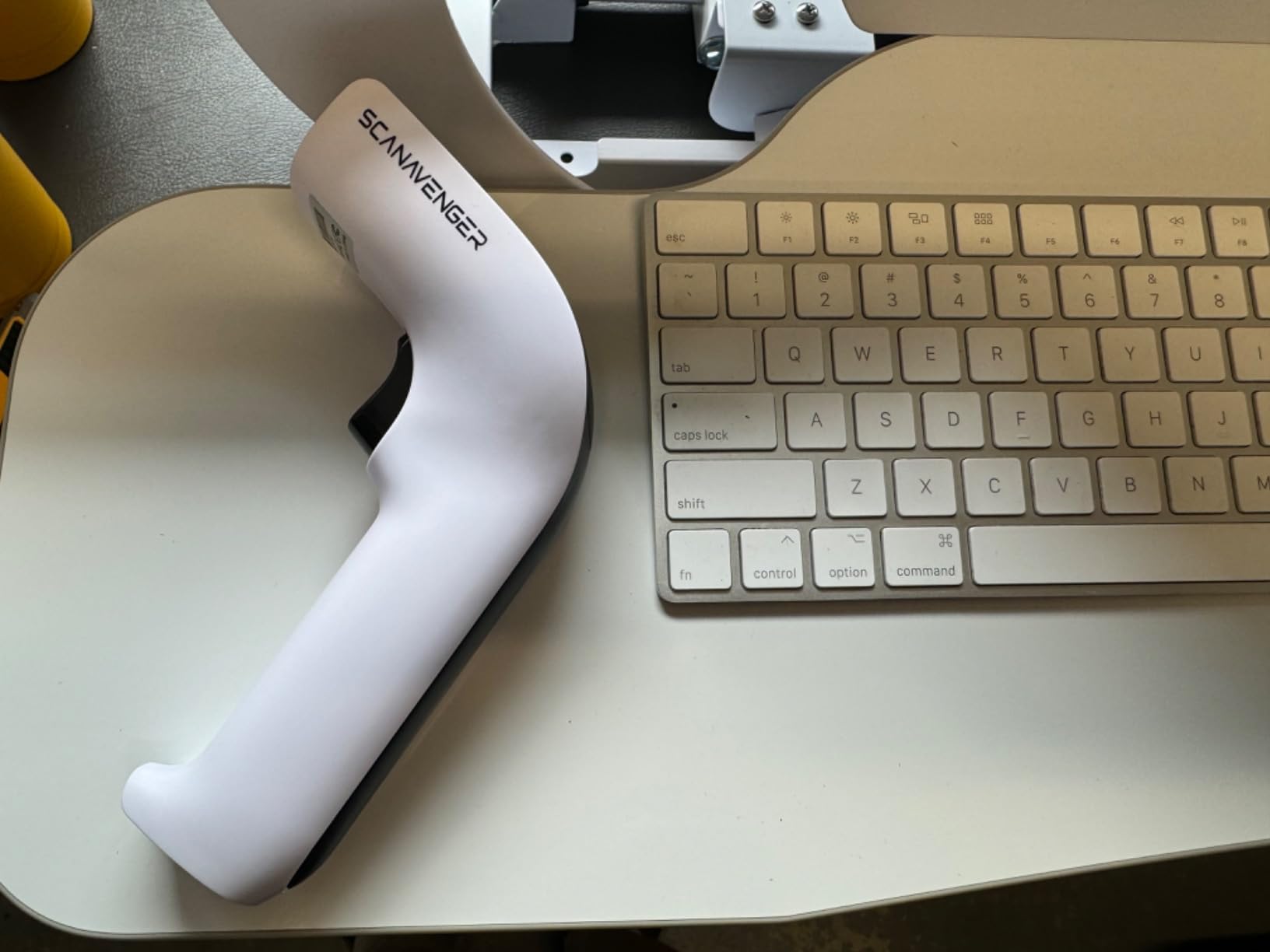
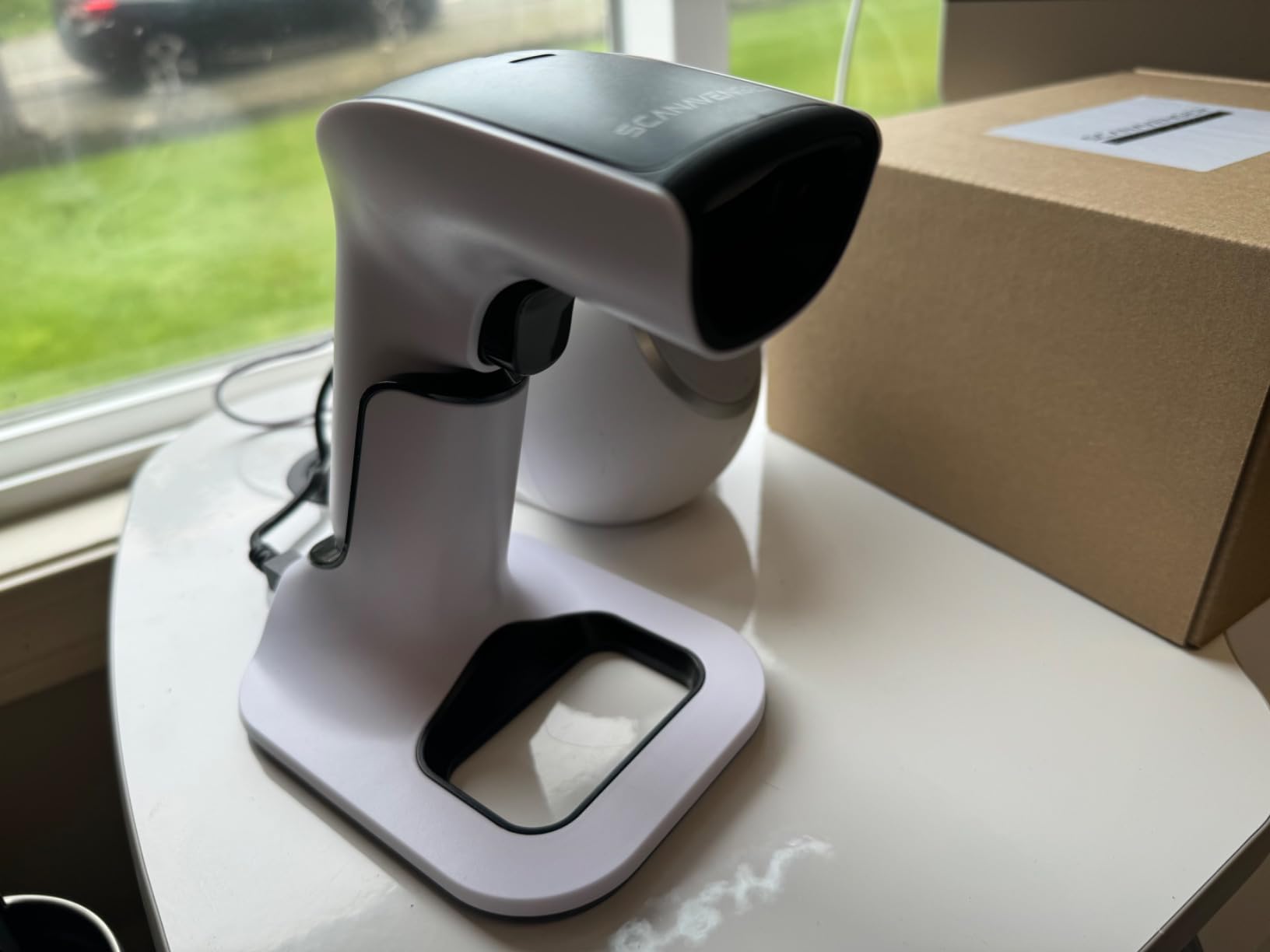
The stand is the reason to look at this one. It charges the scanner and hosts the 2.4G wireless link, so there is no separate USB dongle to lose and the scanner always has a home at the end of a shift. Owners running busy inventory sessions specifically call that out.
Scanning is 1D and 2D in a single unit, covering UPC, EAN, Code 128, Code 39, Code 11 and Codabar on the 1D side, and PDF417, Aztec, Data Matrix, QR, Micro PDF and Interleaved on the 2D side. It does not read Maxicode. No software installation is required.
Three scan modes are available, manual, continuous and auto sense, and vibration feedback gives you confirmation in a noisy packing area where a beep would be lost.
What the Stand Changes at a Packing Desk
Auto-sensing plus a powered cradle is the closest thing to hands-free scanning in this roundup. The scanner sits in view, fires when a label enters the read window, and goes back to charge. That removes both the trigger press and the hunt for a device at the end of the day.
Connectivity is 3-in-1, wireless, Bluetooth and USB, and it reaches desktop, laptop, POS, smartphone and tablet, including Mac, Windows, Android and Apple.
Where It Loses Out
At 1.1 lb it is the heaviest handheld in this list, and that is a real difference over an eight-hour packing session with a full-size unit in your hand. Auto-sensing and a stand reduce how often you need to pick it up, which helps.
It will not pair with POS systems that need proprietary hardware or app-level integration, and the Maxicode gap rules out a few setups. It also costs more than the other 1D and 2D options here, which matters if you are buying on a tight budget.
For a dedicated packing station where the scanner lives in a stand, the trade is worth it. For a shop that carries its scanner around, it is the wrong shape.
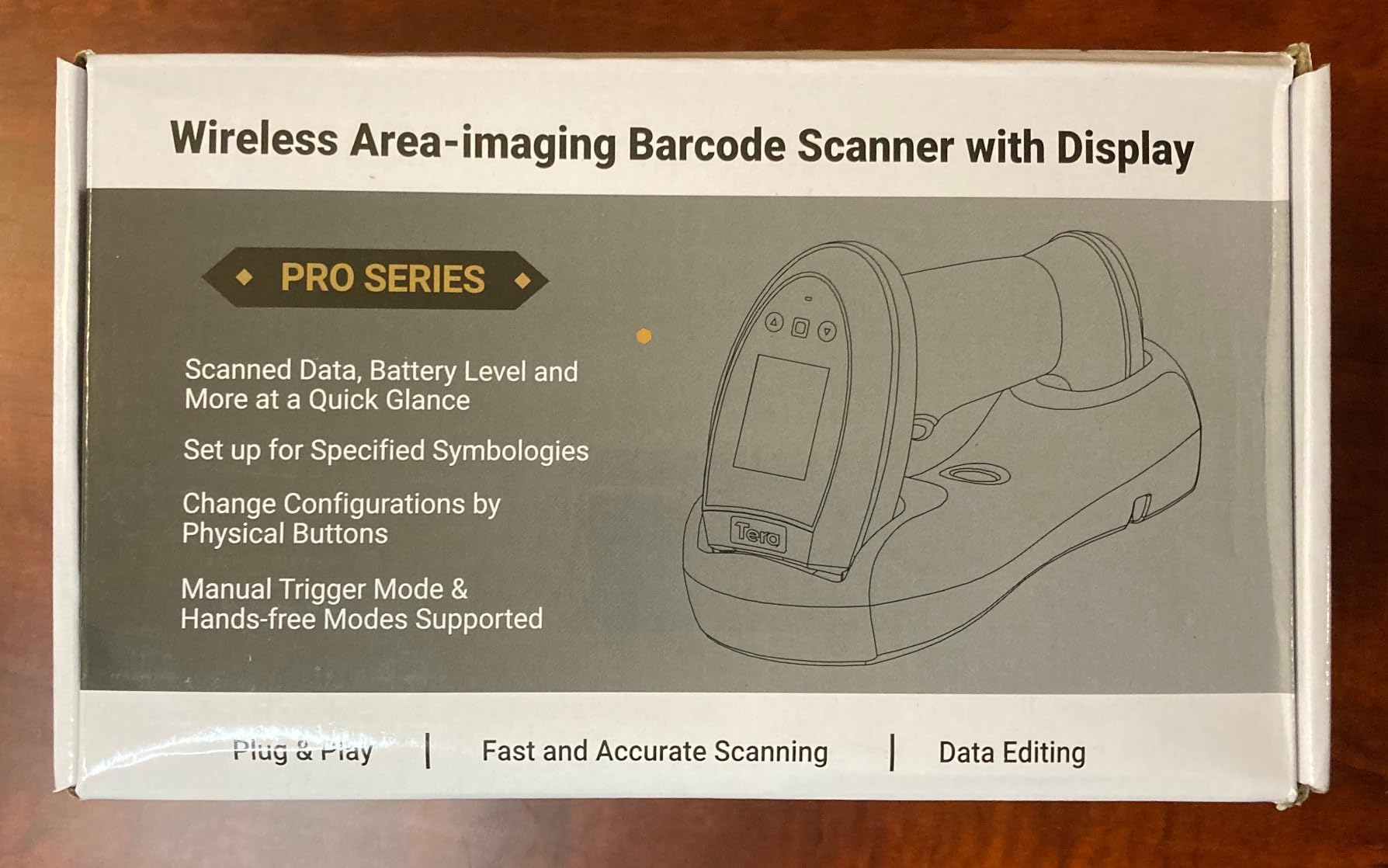
9. Tera HW0009 Wireless Scanner with Screen – Premium Pick for Packing Alone
Tera Barcode Scanner Wireless with Screen: Pro Version 1D 2D QR with Setting Keypad Charging Cradle Works with Bluetooth 2.4G Wireless USB Wired Handheld Bar Code Reader HW0009
Built-in LCD and keypad
Cradle with 2.4G receiver
2500mAh battery
Reads dense 2D codes
Pros
- Onboard screen confirms a scan without looking at the computer
- Cradle combines charging
- storage and the 2.4G receiver
- Global CMOS engine handles dense PDF417 and reflective labels
- 328 ft range and reads codes from a laptop display
- Business buyers report using dozens for over a year
Cons
- Heaviest handheld here at 14.72 oz
- Mode switching needs an 8 second trigger hold
- Screen settings are not lockable
- Does not read USPS IMb barcodes
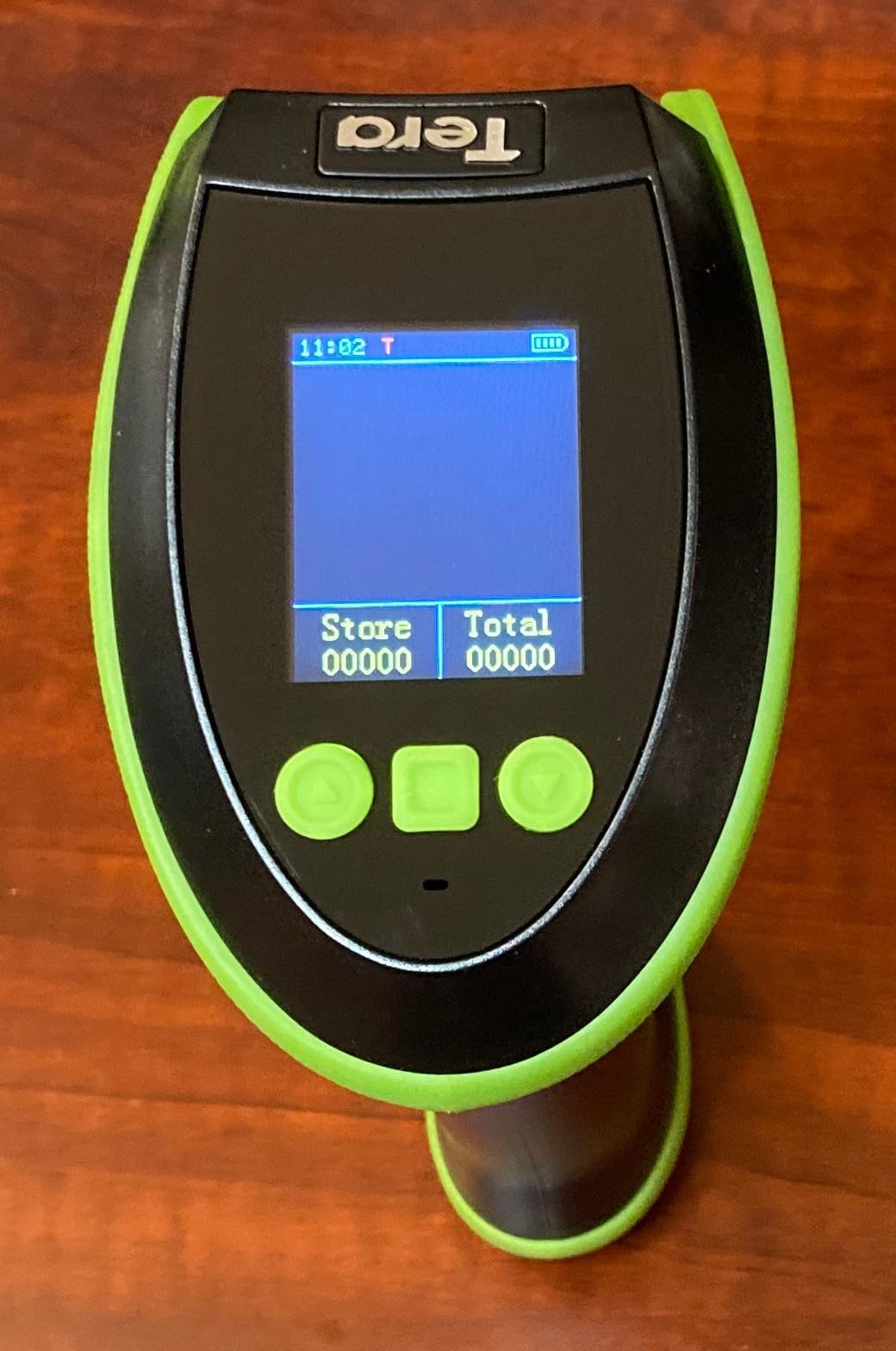
This is the only scanner here with a built-in LCD, and that single feature changes the packing workflow more than any spec on any other unit. When you are packing alone in a quiet room, you can confirm a scan by glancing at the handle instead of turning to a monitor across the room.
It is also the most capable reader in the group. The global CMOS imaging engine handles dense barcodes, PDF417 formats used on driver licences, and reflective or silver-paper labels that defeat cheaper imagers. The 2D list includes QR, Data Matrix, PDF417, Aztec, Maxicode, Micro QR and Micro PDF417.
The cradle is the second reason to like it. Charging, storage and the 2.4G receiver are all built into the dock, so there is no separate dongle, and it works with Windows, Mac, iOS, Android and Linux.
The Screen Does More Than Show Codes
The keypad sets language, volume, connection mode, and stored barcode totals, so you can check how many items a batch scan collected without opening anything. Business buyers report using these by the dozen for over a year, which is the strongest longevity signal we saw in this category.
The battery is 2500mAh for all-day operation, and range is quoted at 328 ft barrier-free and 114 ft with obstacles. It also reads codes from a laptop display, which matters for sellers checking supplier listings.
Software Rough Edges Are the Trade
Bluetooth mode switching is triggered by holding the trigger for 8 seconds, which is not discoverable and reliably confuses first-time owners. Plan on twenty minutes of setup with the manual before you need the scanner.
The screen settings are not lockable, so a bump in a pocket can change configuration mid-shift. Setting the clock needs sync software that reports errors in Chinese only. It does not read USPS IMb barcodes, and one owner could not get Virtual COM over wireless to work at all.
It is also the heaviest and the most expensive in this roundup. For a high-volume seller packing alone who wants certainty on every scan, those costs buy something real. For a seller under 100 orders a month, they buy nothing you will use.
10. Rabitpos HBA-U27W Wireless 1D and 2D Reader – Lowest-Cost 1D/2D Starter
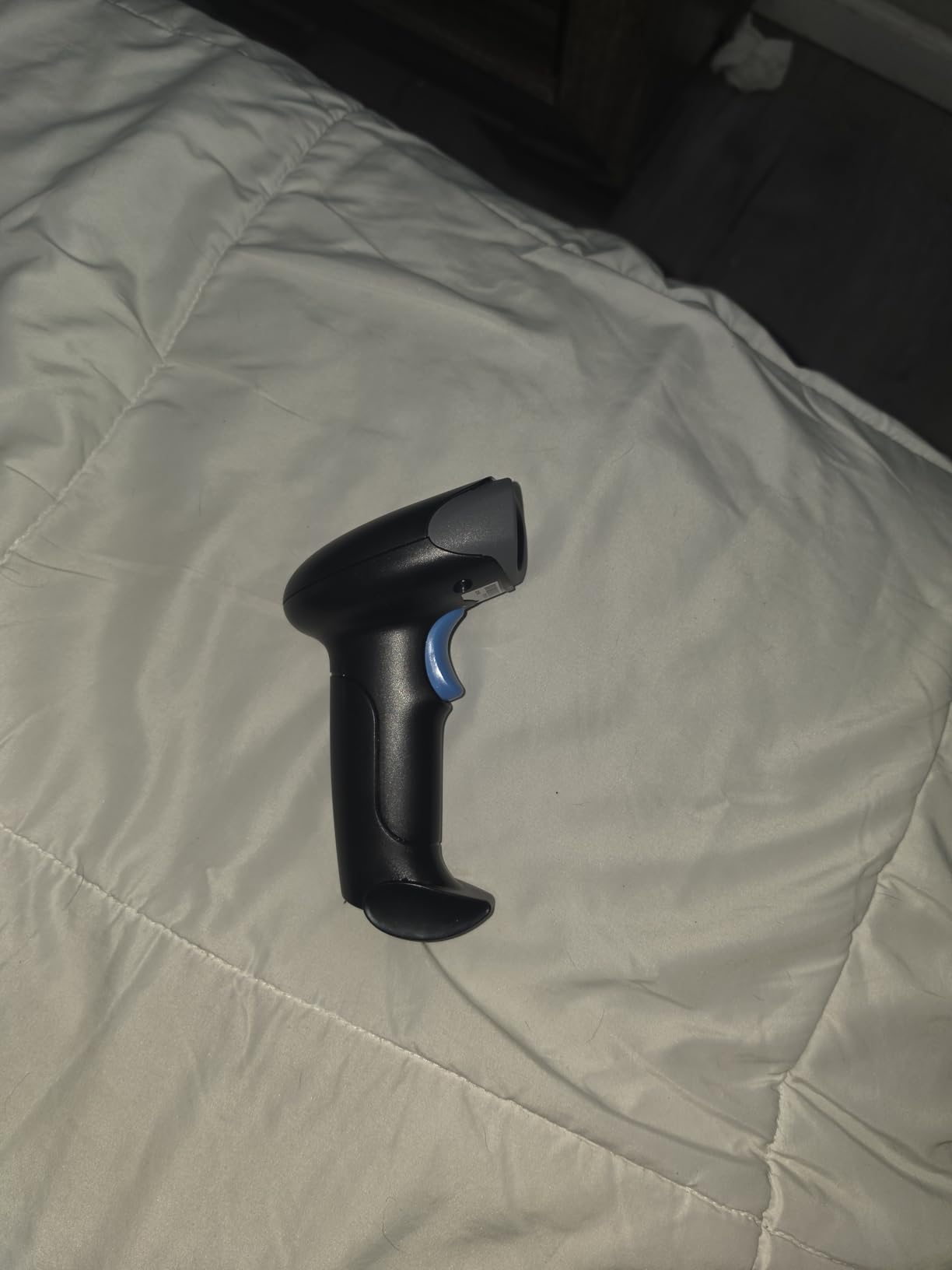
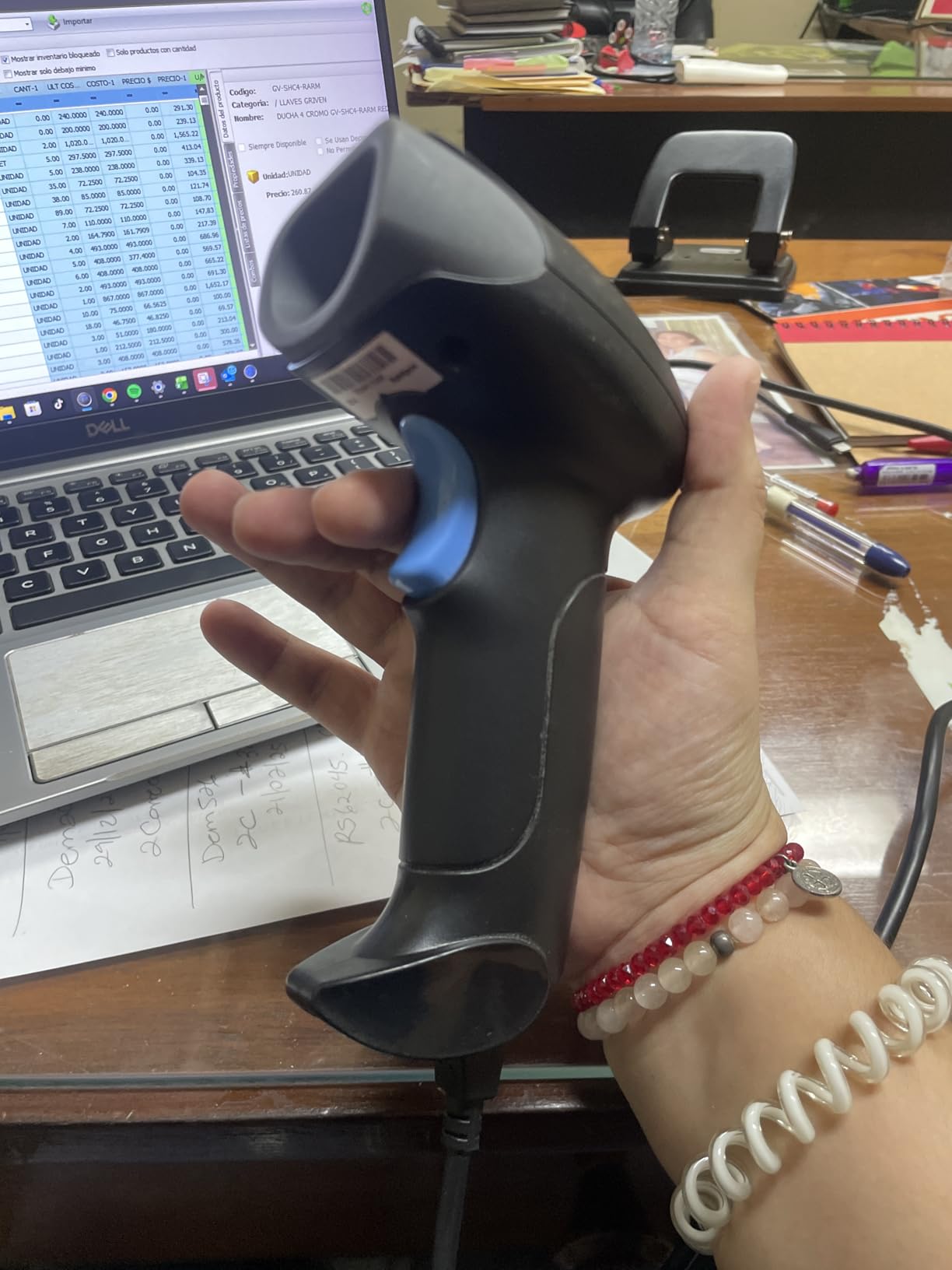
1D 2D QR Barcode Scanner Wireless, Handheld Cordless Bar Codes Reader
1D and 2D CMOS scanning
2000mAh, about 72 hours
2.4G dongle and cable included
Auto-sensing mode
Pros
- Lowest cost 1D and 2D unit here and the dongle is still included
- 2000mAh battery is generous relative to its price
- Reads QR
- PDF417
- Data Matrix
- MaxiCode and Aztec plus screens
- Auto-sensing removes the trigger press per item
- Plug and play with no software
Cons
- Smallest review base of the ten
- Lowest sales rank in the category
- No display so scans must be checked on the computer
The cheapest way here to get 1D, 2D and a 2.4G wireless dongle in one box. The upgraded CMOS sensor reads QR, PDF417, Data Matrix, MaxiCode and Aztec as well as the usual 1D formats, and it supports mobile screen reading.
The 2000mAh battery is quoted at about 72 hours of continuous working and up to one month on standby, which is generous for the price. The USB cable and 2.4G dongle are both included.
It works with Windows, Mac and Linux, including QuickBooks, Word, Excel and Novell, with no software installation. Key trigger and auto-sensing modes are both available, and auto-sensing is what makes a repetitive packing session bearable.
The Evidence Is the Weakness
With 158 ratings, this is the smallest review base in the roundup by a wide margin, and it sits at the lowest sales rank in the Bar Code Scanners category. You are trusting the specification sheet more than you are in any other pick, and on a component that gets handled constantly, that is a real consideration.
Long-term reliability is simply less proven. The three units at the top of this list each have several thousand ratings describing years of use, and that body of evidence is worth something at this decision point.
What You Give Up
There is no display, so every scan has to be confirmed on your computer rather than on the scanner. That is fine if the scanner types into a spreadsheet you can see and tiresome if it types into a field you have to switch to.
At this price the sensible framing is a first scanner for someone who is still confirming the habit, not the scanner you build a packing station around.
If you want the same capability with a much larger body of owner feedback behind it, the Rabitpos specifications are closely matched by the Eyoyo EYH2 for wired use and the NETUM for wireless.
How to Choose a Barcode Scanner for Your Etsy Shop
Eight criteria decide this purchase, and the order matters because some narrow the field before others apply. Work down the list rather than comparing spec sheets side by side.
1. Match the Scanner to Your Label Type
Start here, because it eliminates half the options instantly. If your labels are printed 1D barcodes, whether Code 128 SKU labels you print yourself or UPC and EAN stickers from a supplier, a 1D laser is enough. If any part of your workflow involves QR codes, Data Matrix or PDF417, you need a 2D imager, and a laser simply will not read them.
The trap is buying 1D for the labels you have today and discovering a year later that your printer now defaults to QR. Decide based on where your labels come from, not just what is in your current box.
2. Decide Phone App Versus Dedicated Hardware
A phone camera is genuinely capable with a good app in good light, and it costs nothing. Hardware wins when you scan a lot, when labels are curved, wrinkled or behind plastic, when you work in a dim room, or when you need both hands free for packing.
The honest break point is around 30 to 50 orders a month. Below that, an app on a phone held an inch from the label will serve you. Above it, a hardware scanner removes enough handling to pay back quickly.
3. Connectivity: Wired, 2.4G, or Bluetooth
Wired USB is the most reliable and the least flexible. A 6 ft cord defines where the scanner lives, which is fine at one desk and useless anywhere else.
2.4G wireless uses a USB receiver dongle and gives the longest, most stable range, often past 300 ft, with no pairing dropouts. Bluetooth pairs directly with a laptop, tablet or phone and needs no dongle, which is cleaner if you move between devices, but it will not pair with some app-level POS systems.
Several units here support all three, and for a seller who counts in more than one place, that flexibility is worth paying a little more for.
4. Battery Life Against Your Shift Length
Battery claims in this category are measured under conditions few of us match. A 650mAh cell quoted at 8 hours of continuous use is a working day. A 2600mAh cell quoted at 15 working days is a month between charges.
Match the number to your counting rhythm. Weekly stock counts need endurance. Daily packing shifts need volume, and volume is what gets quoted as scans per charge.
Also check for a battery level indicator. On this list only the Tera 5100 has one on the handle, and during a long count it is the difference between knowing and guessing.
5. Scan Modes for Order Volume
Trigger mode needs a press per item. Continuous mode reads everything in the field of view without a press. Auto-sensing fires when a label enters the read window, which is the mode that turns scanning into a hands-free packing station.
Volume also drives buffer size. Units here store from 100000 barcodes in offline mode, and that buffer is what lets you walk a stock room with the laptop closed and sync at the end.
6. Build, Drop Resistance and IP Rating
IP54 means dust protection, IP65 and above add water resistance, and the drop figures here range from 1.5m on the wired WoneNice to 6.56 ft on the Tera 5100 and 6 ft on the Inateck. For a home packing desk, the drop rating matters far more than the IP number, because the realistic accident is a scanner knocked off a stack of boxes rather than a dunking.
Owners also judge real-world durability on plastic-wrapped tags and cheap labels more than on any rating, and that is where the 2D imagers on this list earn their keep over a 1D laser.
7. Compatibility With Your Etsy Setup
This is where most buyers go wrong. A scanner emits keyboard input, so it works with anything that accepts typing, including a spreadsheet. It does not integrate with Etsy Shop Manager, because Etsy has no barcode field and no scan input anywhere in its interface.
That is the key fact for an Etsy seller, and it is why every roundup that promises barcode scanning inside Etsy is misleading you. The scanner feeds your own system, and that system is what has to know what the code means.
Check one more thing: several units here will not pair with Square POS, Divalto, DoorDash or Lightspeed, and some will not work with POS systems needing proprietary hardware. If you sell in person, verify this before you order.
8. Total Cost and Evidence
Judge cost against what it replaces. A wired 1D reader is the cheapest purchase and the most dependable. A wireless 2D unit with a stand is meaningfully more and removes more handling per order. A scanner with a built-in display costs more still and buys certainty rather than speed.
Then add the evidence. A unit with thousands of ratings and a long owner history is a safer bet than an identical-looking one with 158, because barcode scanners fail in boring, predictable ways and you want to know which ones. That is why the lowest-cost unit sits at the bottom of this list despite a capable specification.
Setting Up Your Scanner for Etsy Orders
Every scanner in this roundup works the same way once configured, because they all present as a keyboard. Six steps cover it.
1. Choose your connection. For a fixed desk, plug the USB cable into the computer and skip the rest of this. For wireless, insert the 2.4G receiver or pair over Bluetooth using the setup codes in the manual.
2. Put the cursor in the right field first. Click into the spreadsheet cell or form field before you scan, because the scanner types wherever the cursor already is. This is the most common beginner frustration and it is entirely avoidable.
3. Set the terminator. Configure the scanner to send a single Return after each code. Without this, every scan runs together in one cell and you end up re-typing by hand anyway.
4. Set a prefix or suffix if you need one. Several units here let you add a prefix and edit up to a 32-digit suffix. A prefix like SKU- turns a raw supplier code into something your sheet recognises instantly.
5. Print a test label and scan it ten times. Do this before you start counting. A misconfigured terminator discovered at the end of a stock count is an afternoon lost.
6. Print your own SKU labels in batches. Once the scan lands correctly, print labels for your own stock in runs and stick them on as you receive inventory. Our document scanners for paperless offices guide covers the paperwork side if you also want supplier invoices digitised.
One last habit: turn on continuous or auto-sensing mode during a packing session and switch back to trigger mode for a single-item lookup. It is a small change that removes a lot of repeated clicking.
Creating Barcodes on Etsy: SKU Versus UPC Before You Scan
Here is the part that stalls most new sellers, and it is not a shopping problem. Etsy has no barcode field. There is nowhere in a listing, in Shop Manager, or in Etsy POS to paste a code, so a scanner has nothing to look up until you build the mapping yourself.
1. Decide what you are scanning. Most Etsy sellers should use their own SKU codes rather than buying UPCs. A SKU is free, yours to define, and it maps cleanly to a variation such as size or colour.
2. Define the SKU structure and write it down. A short, consistent scheme beats a clever one. Keep it under about twenty characters and use a fixed order, for example a product code, then size, then colour.
3. Assign a SKU to every variation. This is the hardest part of barcoding on Etsy and the one that decides whether scanning helps you. If a listing has four sizes and three colours, that is twelve SKUs, and they all need to exist before a scan is meaningful.
4. Generate a Code 128 label for each SKU. Most free generators produce Code 128, which is a 1D format, and that means a 1D laser is sufficient for your own labels. Choose a 2D format only if you want customers to scan from a phone.
5. Print and stick them on as stock arrives. Our label printer guide for Etsy sellers covers choosing one. For high-volume paperwork alongside that, see our high volume document scanners roundup.
6. Decide where the scan goes. A spreadsheet is enough for most shops. Above roughly 100 orders a month, a dedicated inventory tool that reads your SKU list becomes worth the subscription, because that is the piece that actually stops overselling. Scanning alone will not.
Get this sequence right and any of the ten scanners above becomes useful immediately. Get it wrong and the best hardware on this list will just type a code into a cell that means nothing.
Frequently Asked Questions
What is the best barcode scanner for resellers?
For most resellers the best barcode scanner is a wireless 2D unit that pairs over Bluetooth or a 2.4G receiver and types into a spreadsheet or inventory tool. Our top pick is the NADAMOO wireless scanner, chosen for the largest review base, the longest battery, and an offline buffer of 100000 codes. If you are under 30 orders a month, a free phone scanning app is the better answer and costs nothing.
What barcode scanner do resellers use?
The dominant real-world answer is a sub-hundred-dollar 2D wireless handheld paired over 2.4G or Bluetooth, used alongside a free scanning app on the phone. Hardware is used at the packing desk for speed, while the phone app handles quick price and product lookups. Sellers overwhelmingly pick reliability and price over brand reputation, and treat enterprise units as unnecessary.
What is the best barcode scanner system for a small business?
A system is a scanner plus a destination for the data, because no scanner includes usable inventory software. Under about 100 orders a month, pair a wired or wireless 1D scanner with a spreadsheet. Above that, move to a 2D wireless unit with a stand and a dedicated inventory tool wired to your listings. A scanner on its own will not stop overselling; the inventory destination does.
What is the best barcode scanner software for a retail shop?
There is no scanner software worth buying, because barcode output is simply HID keystrokes typed into whatever field has focus. For a retail shop, the practical stack is a hardware scanner feeding either a spreadsheet or an inventory tool that understands your SKUs. Etsy sellers should know that Etsy Shop Manager has no barcode field at all, so the destination is always a system you control.
Which barcode scanner is the best quality?
Quality is best judged by drop resistance and IP rating rather than brand. The Inateck BCST-70 has a thick TPU case rated for repeated 6 ft drops, and the Tera 5100 pairs an IP54 rating with 6.56 ft drop resistance. Recognised enterprise brands such as Zebra, Honeywell and Datalogic build well, but their units cost several times more than a small shop needs.
Can I use my phone as a barcode scanner for Etsy?
Yes, and for a shop doing under 30 orders a month it is the right choice. A free scanning app reads most printed 1D and 2D codes and costs nothing. Hardware takes over when you scan in volume, in dim light, or when labels are curved, wrinkled or behind plastic, because a phone camera struggles in exactly those conditions.
Do I need a 2D scanner for Etsy, or will 1D do?
A 1D scanner is enough if you only read printed Code 128, UPC and EAN labels, which covers supplier stickers and your own printed SKU labels. Choose a 2D imager if you need QR, Data Matrix or PDF417, or if you read barcodes from a supplier product page on a laptop or phone screen. Five of the ten scanners in this roundup are 1D only.
Which Barcode Scanner Should You Buy?
If you are under 30 orders a month, buy nothing yet. Use a free phone app and spend the time defining your SKU codes properly, because that is the part actually blocking you.
If you pack at one desk and print your own 1D labels, the WoneNice WN3300 is the most dependable choice. Highest average rating here, no pairing, no battery, no connection to drop.
If you want one scanner that covers almost every situation, start with the NADAMOO wireless scanner. Longest battery on the list, an offline buffer for 100000 codes, and the deepest owner history of any pick here.
If you read barcodes off screens as well as labels, the NETUM is the only pick on this list that does both reliably, and it is our best value.
If you count away from the desk, the Eyoyo Mini at 35 g is the one you will actually carry. If you need durability over a warehouse bench, the Inateck BCST-70 takes the drops.
If you pack alone and want certainty on every scan, the Tera HW0009 with its built-in screen is the premium pick, and it is worth the extra cost only above roughly 100 orders a month.
If you need a charging stand and hands-free continuous scanning, the ScanAvenger is the only unit here that combines 1D, 2D and a powered cradle.
Discipline: The order of operations matters more than the gear. Define your SKU codes and print your labels before you compare hardware, because a scanner is only as useful as the mapping behind it. Get the sequence right and the right unit for your order volume will pay for itself quickly. Last updated for 2026.