
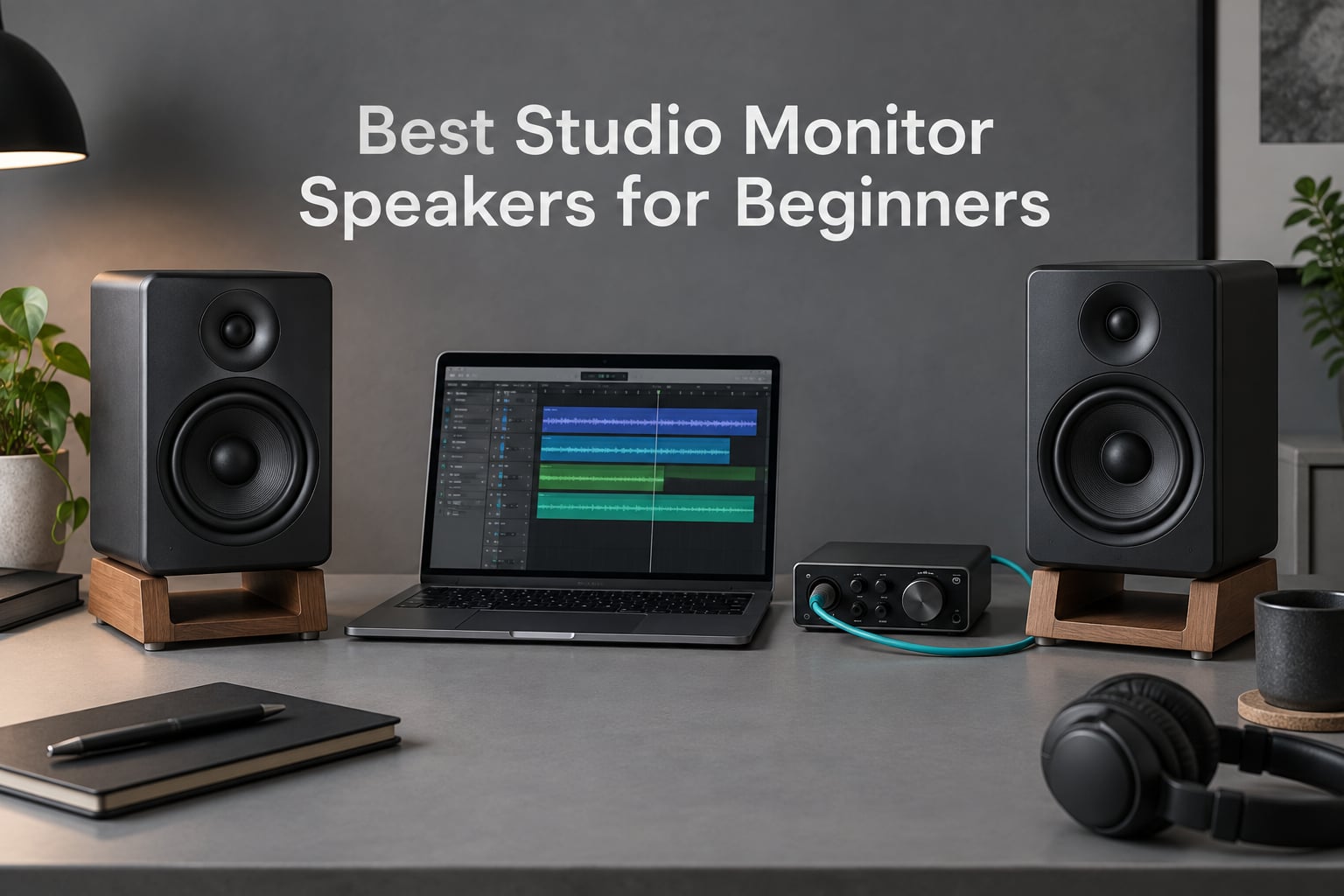
Best studio monitor speakers for beginners are small, powered nearfield monitors with a flat frequency response, not the biggest speakers you can find. We spent weeks putting eight current-generation pairs side by side, checking them against real mixing work in untreated rooms, and this guide tells you exactly which one fits which desk, budget and room size.
A studio monitor is a speaker built to be boring. It adds no bass boost, no treble sparkle and no flattering midrange, so a mix that sounds rough on the monitors genuinely is rough. That unflattering honesty is the whole point, and it is what lets your work translate to earbuds, phone speakers and car stereos, which is where most of your listeners actually live.
Every monitor here is powered, meaning the amplification is built into the cabinet. You plug them into an interface, a DAC or a laptop and go, with no external amplifier to buy, hide and budget for. That single decision removes the most common beginner mistake, which is buying passive monitors and a separate amp before learning what a room sounds like.
The second thing beginners get wrong is size. Larger drivers sound more impressive on a shop demo, but in a bedroom they pile up low-end energy against four close walls and everything sounds permanently fatter than it is. Smaller monitors are the smarter buy in untreated rooms for exactly that reason, a point that keeps coming up on r/audiophile and in manufacturer guides from Kali Audio to Andertons.
We have also leaned on the questions that show up repeatedly in home studio forums, because the honest answers are more useful than a spec sheet. Should you treat the room first or buy first? Do you need an audio interface? Do you need a subwoofer? How far from the wall should the speakers sit? All of those get answered in the studio monitors basics guide and again in the buying guide below.
Our Top 3 Studio Monitors for Beginners in 2026
Three picks earn a place at the top. The Edifier MR4 is the most complete first pair, the Yamaha HS4 is the most accurate at this size, and the PreSonus Eris E4.5 is the strongest balance of accuracy and connectivity for the least commitment.


Every Monitor in This Guide Compared Side by Side
All eight are powered nearfield monitors sold as matched pairs. Woofer size is the single most important column here, because it decides how much bass energy your room can absorb before the bottom end turns to mud.
| Product | Specs | Action |
|---|---|---|
| Edifier MR4 |
|
Check Latest Price |
| PreSonus Eris E4.5 |
|
Check Latest Price |
| Yamaha HS4 |
|
Check Latest Price |
 IK Multimedia iLoud Micro IK Multimedia iLoud Micro |
|
Check Latest Price |
 M-Audio BX4 M-Audio BX4 |
|
Check Latest Price |
 JBL Professional 104-BT JBL Professional 104-BT |
|
Check Latest Price |
 JBL 305P MkII JBL 305P MkII |
|
Check Latest Price |
 Mackie CR3.5 Mackie CR3.5 |
|
Check Latest Price |
1. Edifier MR4 – The Most Complete First Pair for Any Desk
Edifier MR4 Power Studio Monitor Speakers, 4 inch Active Near-Field Speaker
4 inch composite woofer
1 inch silk dome tweeter
MDF cabinet
42W max output power
Pros
- Near-flat studio tuned response for mixing work
- Balanced 1/4 inch TRS plus RCA and AUX inputs
- Switchable monitor and music modes
- Front headphone output with rear tone knobs
- MDF cabinet feels more solid than plastic
Cons
- Bass is boomy out of the box and distorts at high volume
- Volume knob moves in coarse click steps
- Instrument separation congests on dense mixes
The MR4 is the pair we keep recommending to people who ask for a single default answer. Out of the box it is a competent powered nearfield monitor with a 4-inch composite woofer and a 1-inch silk dome tweeter, and the thing that surprised us most is the cabinet. It is MDF rather than the moulded plastic most competitors at this tier use, and you can hear the difference in how little the box itself rings when a kick drum hits.
Connectivity is where it runs away from the field. You get balanced 1/4-inch TRS, unbalanced RCA and an AUX input on the rear, plus a headphone output on the front, which means it will take a feed from a proper interface or straight from a laptop without an adapter hunt. The TRS input in particular gives a noticeably cleaner signal path than the RCA-only budget options, and that matters more than any feature list will tell you.
Two rear knobs trim the high and low frequencies separately, and a front knob switches between monitor mode and music mode. That dual voicing is unusual this low down and it quietly answers the flat-versus-enjoyable tension that comes up on r/StereoAdvice, where beginners admit they want to monitor accurately but also want to listen to records on the same system.
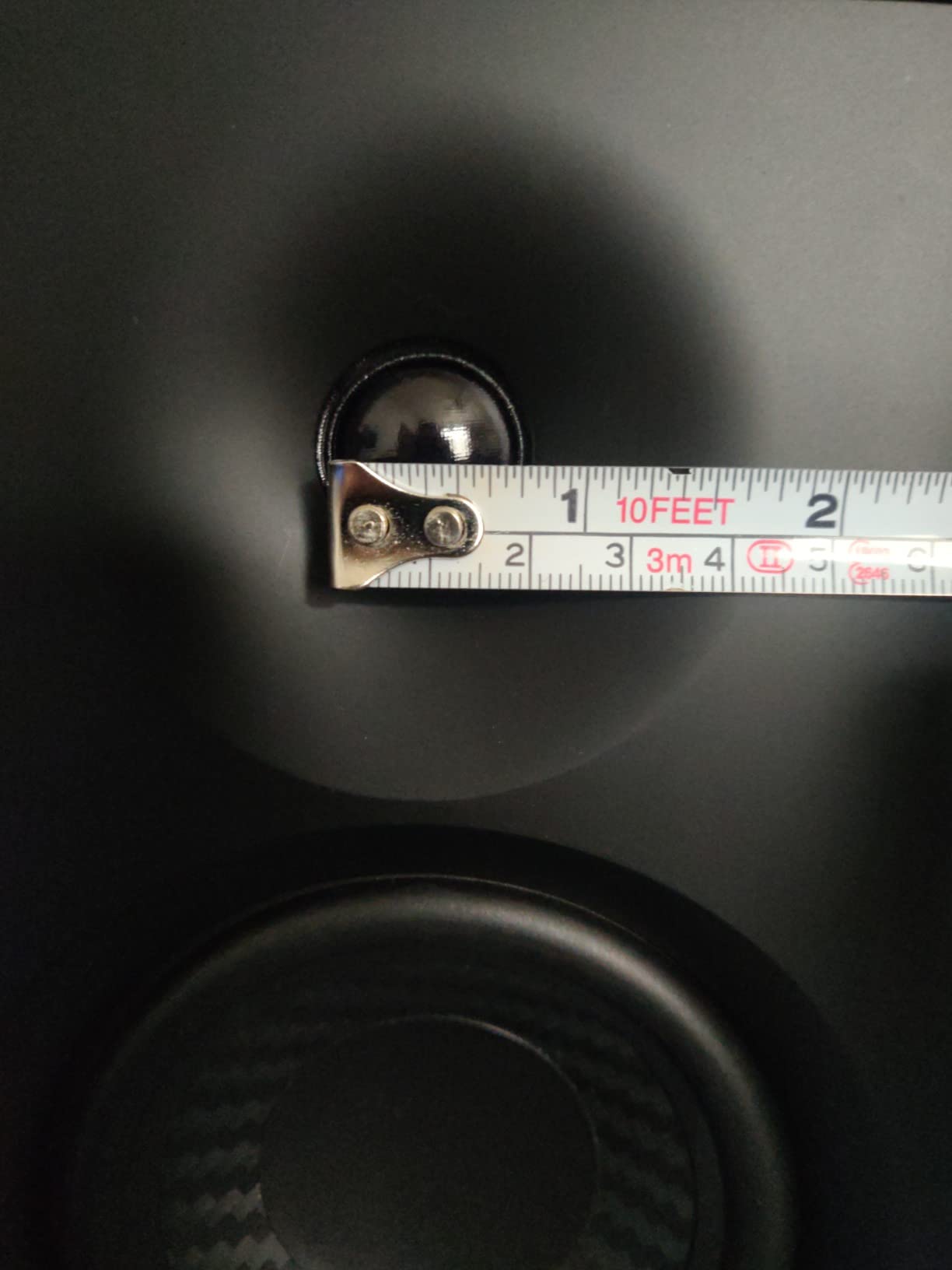
What you give up is refinement at the extremes. The default low end is boomy, and several owners report distortion when they push the volume, which is a real limitation in an untreated room where bass accumulates anyway. Instrument separation also gets congested on dense mixes, so if you are mixing full band arrangements with lots of layered parts, move up the list.
The front volume control is the most-missed detail in the negative column. It moves in coarse click steps rather than turning smoothly, so mixing a quiet passage means waiting for the next detent, not easing the level down. Owners also point out that the drivers sit completely exposed with no grilles, which matters if you work in a shared room with a cat.
Why the MDF cabinet matters more than the spec sheet
Cabinet material is not a spec anyone puts on a marketing page, yet it shapes how the monitor behaves at moderate levels. A moulded plastic enclosure flexes with low-frequency energy and colours what you hear, which is exactly the kind of added signature a reference monitor is supposed to avoid. The MR4’s MDF box is heavier and more damped than most of its bracket rivals.
That damping matters most when you are mixing at low volume, which is where beginners usually work because they are sitting close. Less enclosure colouration means the balance you hear at your desk is closer to the balance the design intends.
Where the Low End Falls Short
Boomy default bass is the most repeated caveat across thousands of reviews, and it is correct. The rear low-frequency trim helps once you know which direction to turn it, but out of the box you are listening to a slightly fat bottom end. Trim it back before you start judging a mix rather than compensating later with EQ on every track.
For serious low-frequency work, a 4-inch driver is simply out of its depth. You can mix vocals, drums, guitars and most of the full range well, but the lowest octave is not something this pair can show you.
Who This Pair Is Right For
If your room is a bedroom, a home office or a converted closet, and your desk already holds a laptop, a keyboard and an interface, the MR4 is the safest first purchase we know. It is small enough to place properly, it accepts every common connection, and it comes with the MDF build that plastic-only rivals cannot match.
Skip it if you mix dense electronic music with heavy sub-bass, or if you need the smoothest possible high end for long sessions. For those, look at the Yamaha HS4 or the JBL 305P MkII.
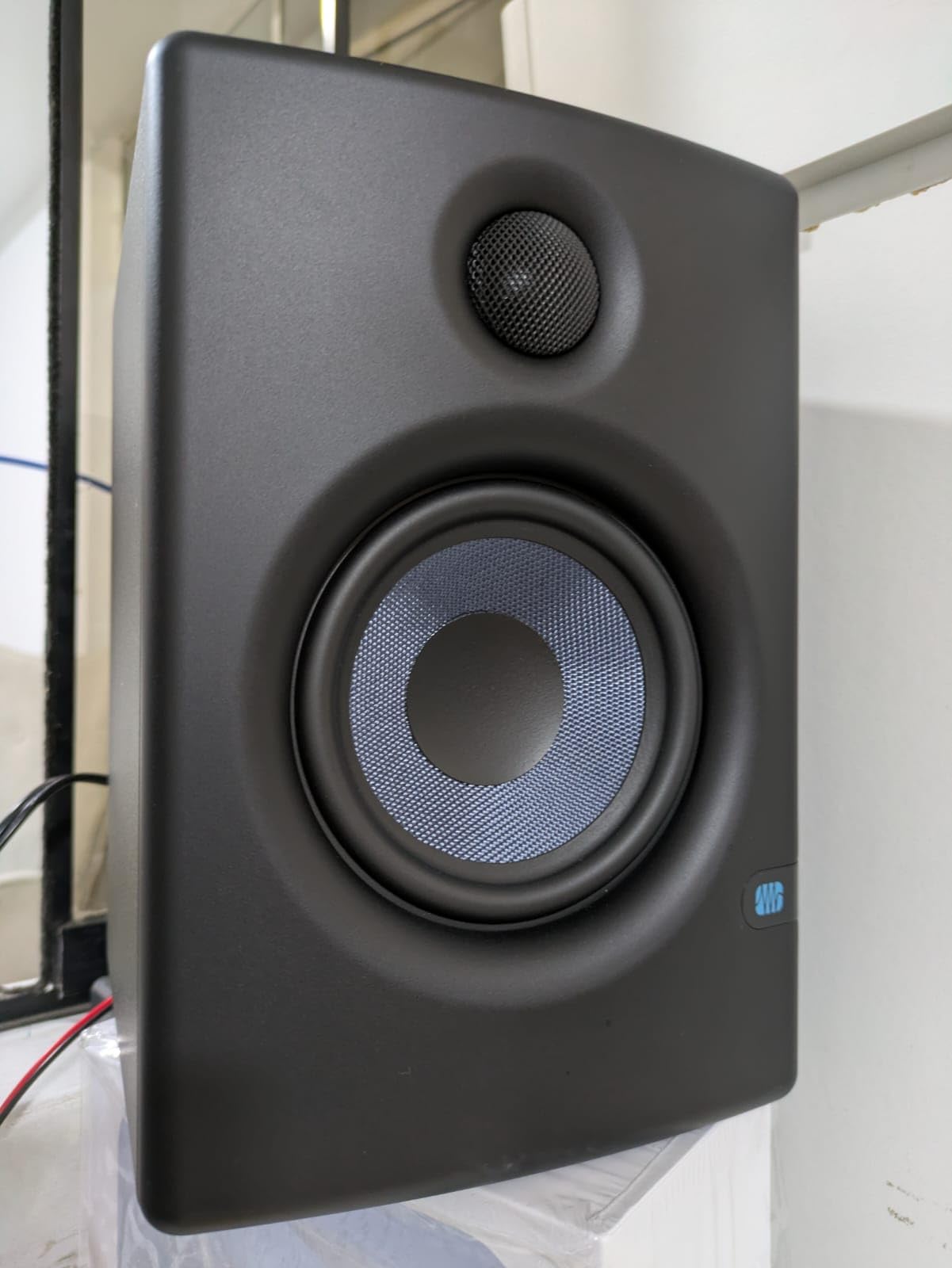
2. PreSonus Eris E4.5 – The Benchmark Accuracy Pick
PreSonus Eris E4.5-2-Way 4.5″ Near Field Studio Monitor (Pair)
4.5 inch woven composite woofer
1 inch silk dome tweeter
25W per side Class AB
Rear room tuning
Pros
- Balanced accurate response suited to mixing and mastering
- Tight felt low end from the woven composite woofer
- Ultra-wide sweet spot for stereo imaging
- Front headphone amp and aux input
- Auto power saver after 40 minutes idle
Cons
- Highs can sound sharp and fatiguing at higher volumes
- Vocals can be sibilant before any EQ
- Bass is punchy but limited in depth
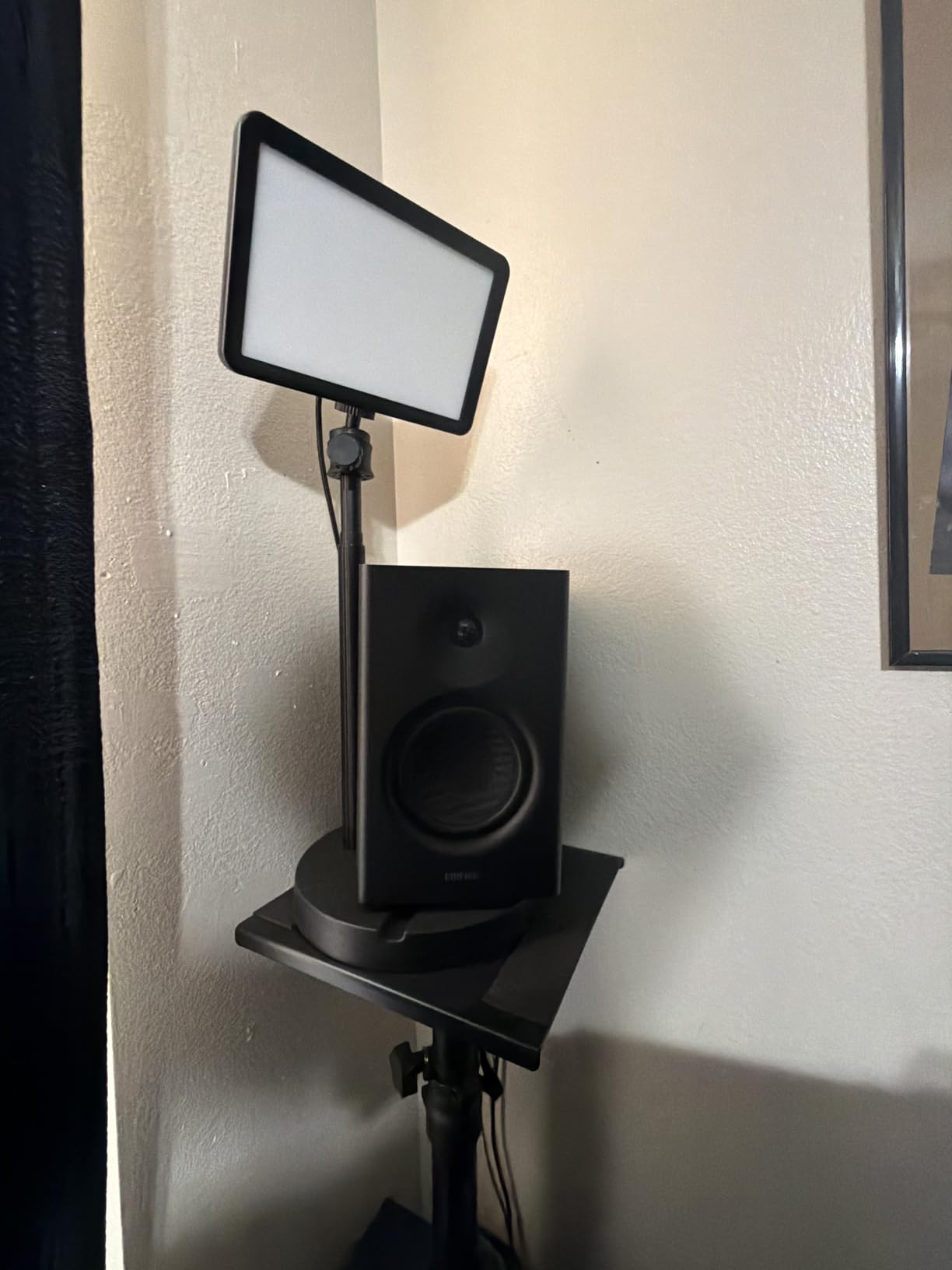
The Eris E4.5 has been the default recommendation in entry-level monitoring for years, and after spending time with it we understand why. It is the most genuinely reference-like speaker in this roundup: a flat, well-behaved response that does not editorialize, paired with enough connectivity to never fight your setup.
Amplification is 50 watts of Class AB, 25 watts per side, which is the least fashionable power type here and one of the better choices for nearfield work. Class AB runs cooler and quieter at low listening levels than the compact Class D designs that dominate the category, and on a desk at arm’s length that translates into a lower noise floor where you would otherwise hear hiss between takes.
On the rear panel you get balanced 1/4-inch TRS and unbalanced RCA, plus a front 1/8-inch aux input and a front headphone output with its own built-in amplifier. The rear high and low frequency tuning controls adjust for room size and orientation, which is the closest this bracket gets to real room correction without a microphone in the box.
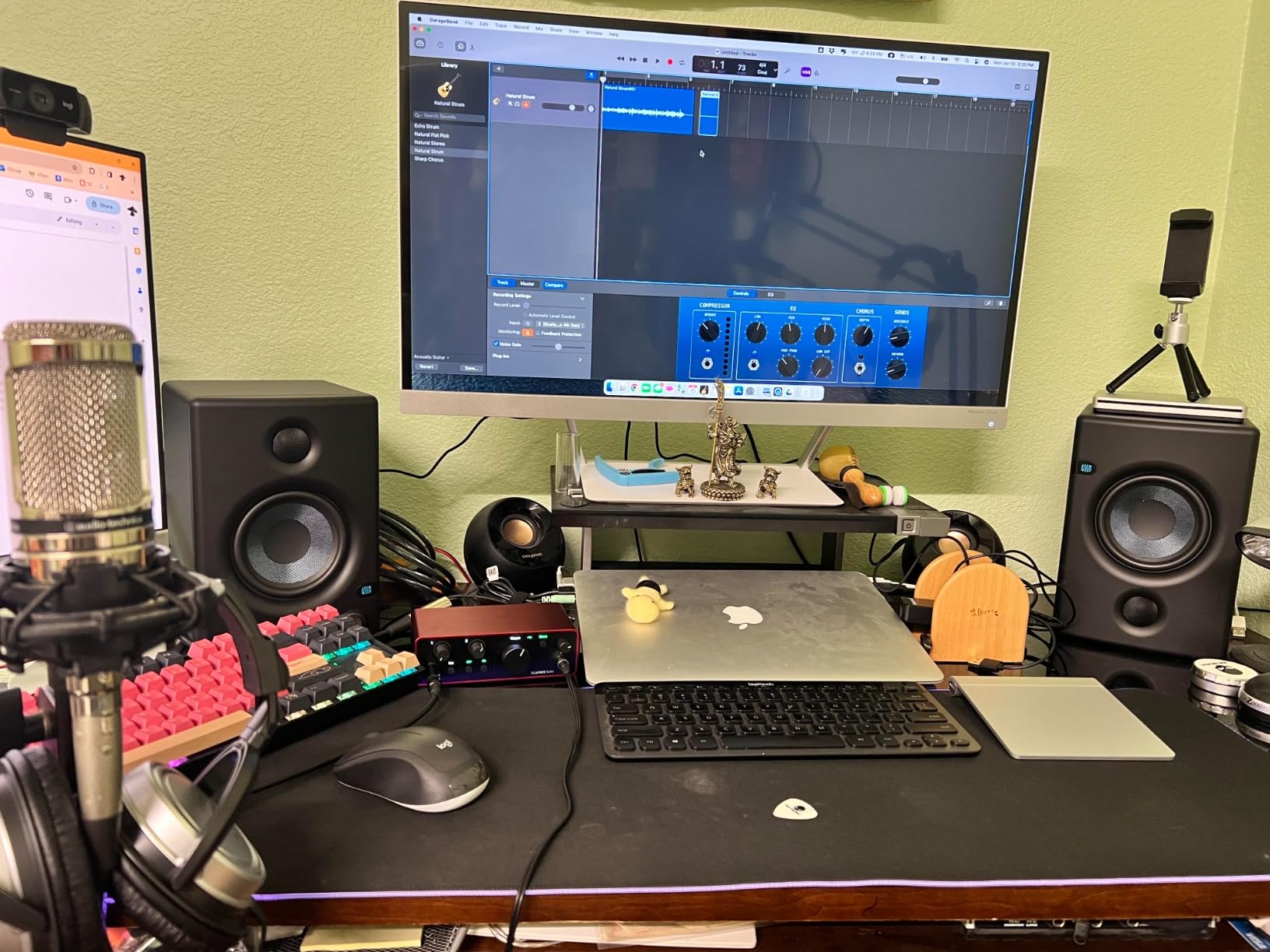
The recurring criticism is brightness. Owners describe the highs as sharp and slightly fatiguing at higher volumes, and vocals can come across as sibilant straight out of the box before any corrective EQ. That is a fixable problem with the rear high trim, but it is a problem you will meet on day one rather than after a year.
Low end is punchy rather than deep. The woven-composite woofer delivers bass you can feel on a desk, which beats most 3.5-inch rivals by a wide margin, but the bottom still gives out well before the frequencies a subwoofer would cover. A few buyers also report reliability problems after roughly a year of use, which is worth factoring in against the one-year warranty.
Why the Sweet Spot Is Wide
The 1-inch low-mass silk-dome tweeter is doing real work here. Low mass means it stops and starts quickly, and combined with the DSP-controlled crossover it produces a stereo image that holds up well off-axis. Move your head a foot to one side while mixing and the balance barely change, which is exactly what you want when a client is leaning over your shoulder to hear a reference track.
That wide sweet spot is the practical reason to choose this over a narrower, more sculpted desktop speaker. You are not locked into one perfect chair position to hear what is going on.
Handling Sibilance Without Compromise
Because the top end is a little forward, sibilance on vocal mixes is the first thing you will meet. The rear high-frequency trim is there for exactly this, and the sensible approach is to set it once for your room and then stop touching it. Beginners who chase sibilance with per-track EQ end up fixing a room problem in every session.
Pair the Eris with an entry-level mixing headphone and you can cross-check the sibilance issue in a completely different frequency response, which is a fast way to learn whether it is the vocal or the monitor.
Who This Pair Is Right For
The E4.5 suits a beginner who wants a flat reference from day one and plans to keep the pair for a while. It is a solid stepping stone that later makes sense as a secondary check in a larger room, and the auto power-saver that engages after 40 minutes of idle time is a small courtesy you will notice if you leave the studio on all day.
Look elsewhere if you want a warm, bass-forward sound for casual listening, or if you need to judge sub-40 Hz content without adding a subwoofer.
3. Yamaha HS4 – The Most Accurate Sound at This Size
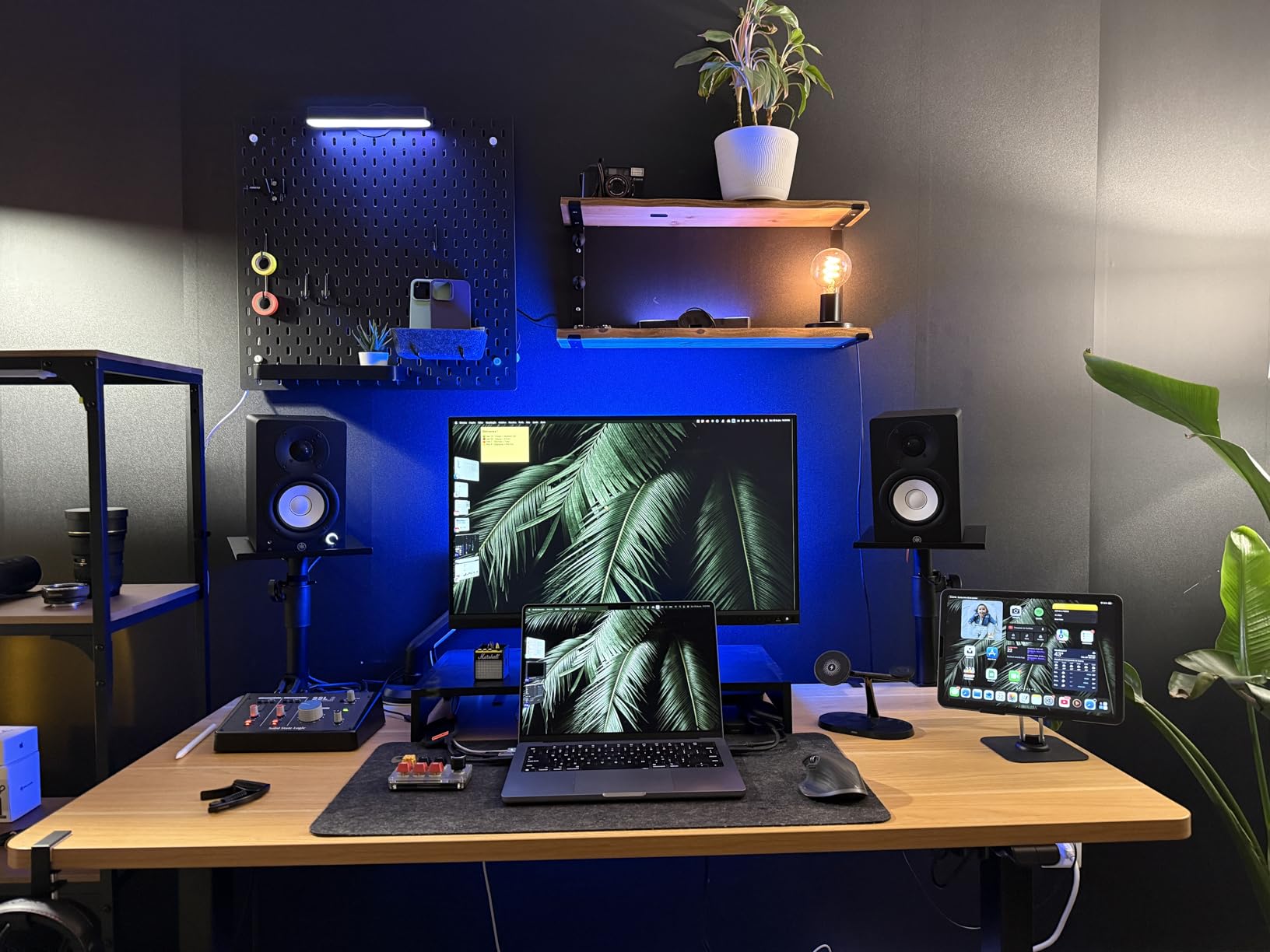
Yamaha HS4 Powered Studio Monitor in Black, Pair (HS4 B)
4.5 inch cone woofer
1 inch dome tweeter
60 Hz to 22 kHz at -10 dB
26W output per side
Pros
- Exceptionally clean non-fatiguing midrange
- Long-standing HS-series monitor pedigree
- Room control and HF trim switches for placement
- XLR TRS combo plus RCA and stereo mini inputs
- Durable finish that resists knocks
Cons
- Less low end weight at low listening volumes
- Clarity turns muddy at very high output
- Heavy cabinets that are awkward to reposition
- All connections face the rear
The HS4 carries the highest average rating in this roundup, and having listened to it against the Eris and the Edifier back to back, that number is deserved. The midrange is the standout: clean, transparent and completely non-fatiguing, which is a rarer quality at this tier than the spec sheets suggest.
Underneath it is a 4.5-inch cone woofer and a 1-inch dome tweeter in a 2-way bass-reflex powered cabinet, with a quoted response of 60 Hz to 22 kHz at minus 10 dB. Output is 26 watts per side, which is less than several rivals, yet in practice the HS4 sounds larger than the number implies because it stays composed at the low-to-medium levels where most mixing happens.
Yamaha’s HS name carries weight with buyers, and forums reflect that. The heritage behind the series is a genuine trust signal in a category full of rebadged multimedia speakers, because you know what you are buying and you know the manufacturer still supports the platform.
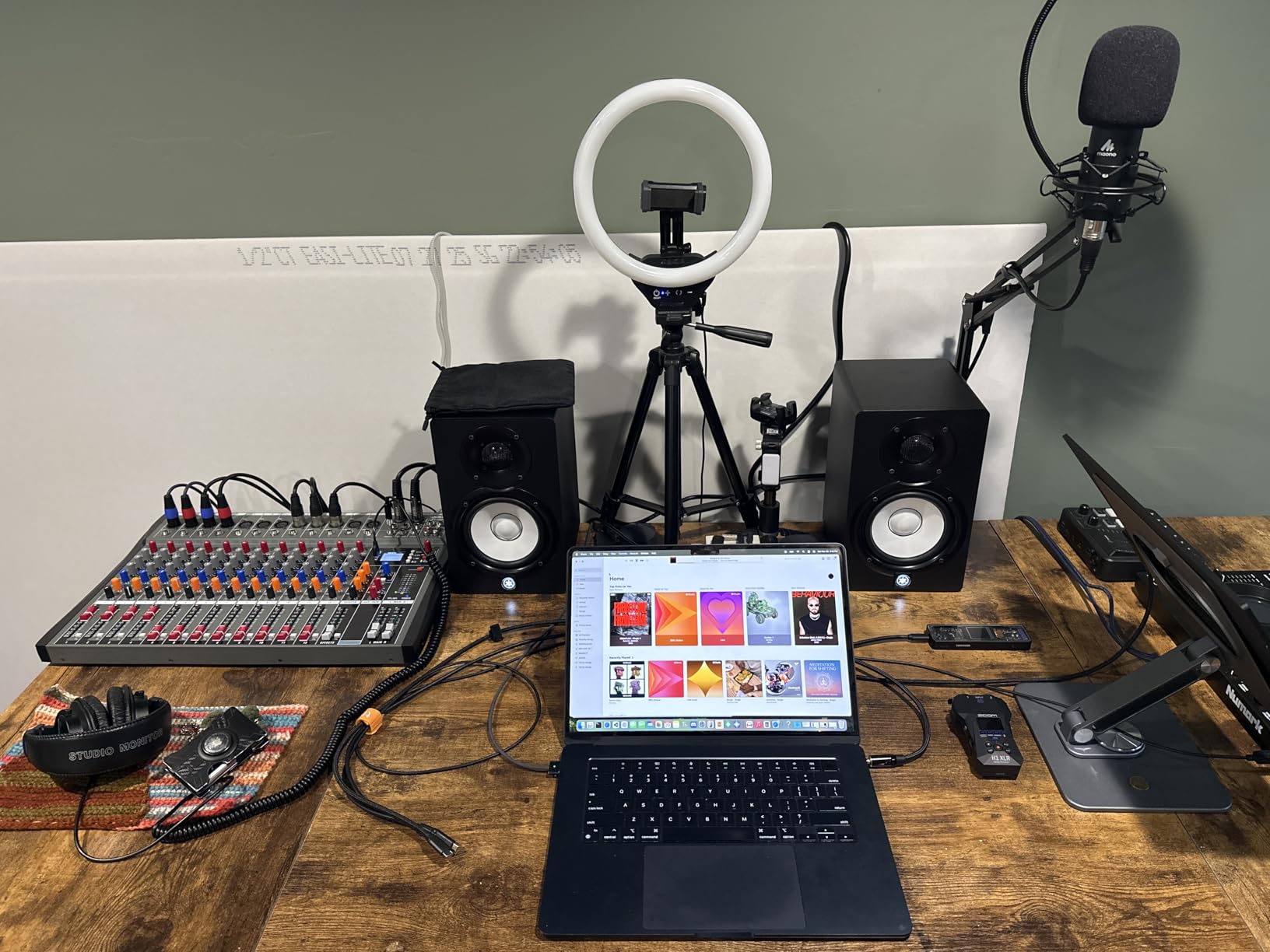
Two switches on the rear set the character. The room control switch steps down the low end for a desk or wall placement, and the high trim handles the top octave, which together cover most of the acoustic problems a small room throws at you. They are simple physical switches rather than DSP, so there is no measurement software, but for a beginner that simplicity is a feature.
Connectivity is the most professional in the group: a combo XLR and 1/4-inch TRS input, plus RCA and stereo mini. A stereo mini-RCA cable, speaker cable and anti-slip pad are included, so you can get running without a second trip to the cupboard.
Why the Midrange Is the Star
Most mix decisions happen between roughly 200 Hz and 5 kHz, which is exactly where voices, guitars, snares and most instruments live. The HS4 is the most transparent in that band of everything we tested, and it stays that way for long sessions without the edge that makes the Eris tiring at higher levels.
For beginners learning to EQ, that neutrality is the whole lesson. You hear the problem in the vocal, not in the speaker, so what you fix in your mix is what you will hear everywhere else.
The Volume and Weight Trade-Offs
The main limitation is that 26 watts per side gives less perceived low-end weight at quiet listening volumes, so you may find yourself turning up to hear the bottom of the arrangement. The flip side is that clarity does degrade when pushed hard, becoming muddy at very high output, so it is a speaker that rewards moderate levels rather than high ones.
At 6.8 kilograms the pair is heavy for a desk, and every connection faces the rear, which limits how neatly you can route cables. Both are manageable, just worth knowing before you buy.
Who This Pair Is Right For
Choose the HS4 if you work in a bedroom or a small treated room, mix acoustic and vocal-heavy material, and want the flattest, least coloured starting point available without stepping up a tier. It is also the pair we would keep longest, because a monitor you can grow with is worth more than a cheaper one you replace.
Pair it with studio lighting if you are also shooting video in the same room, since a good desk lighting setup costs nothing next to the speakers and keeps the workspace coherent.
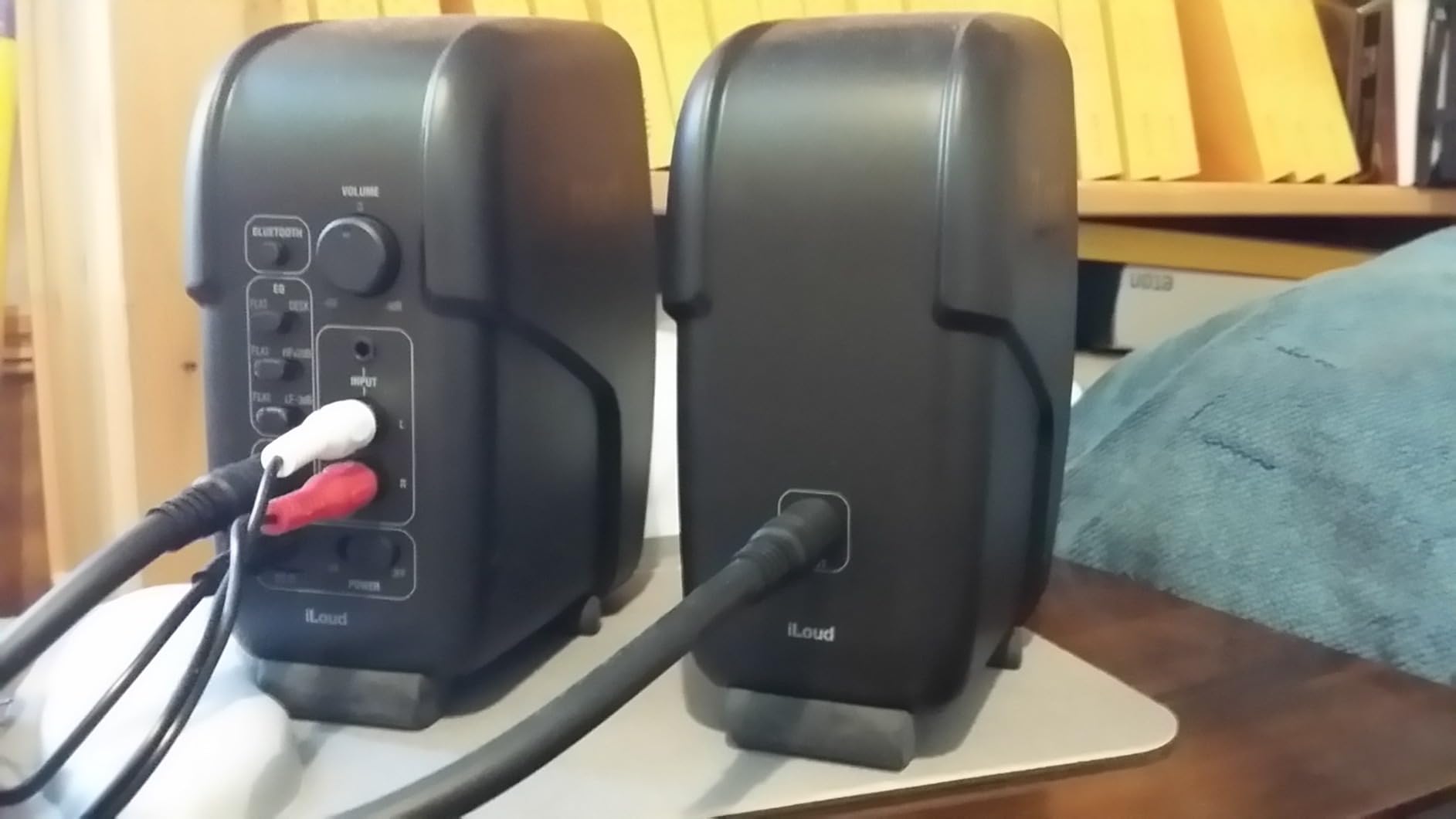
4. IK Multimedia iLoud Micro – The Pick for the Smallest Desk
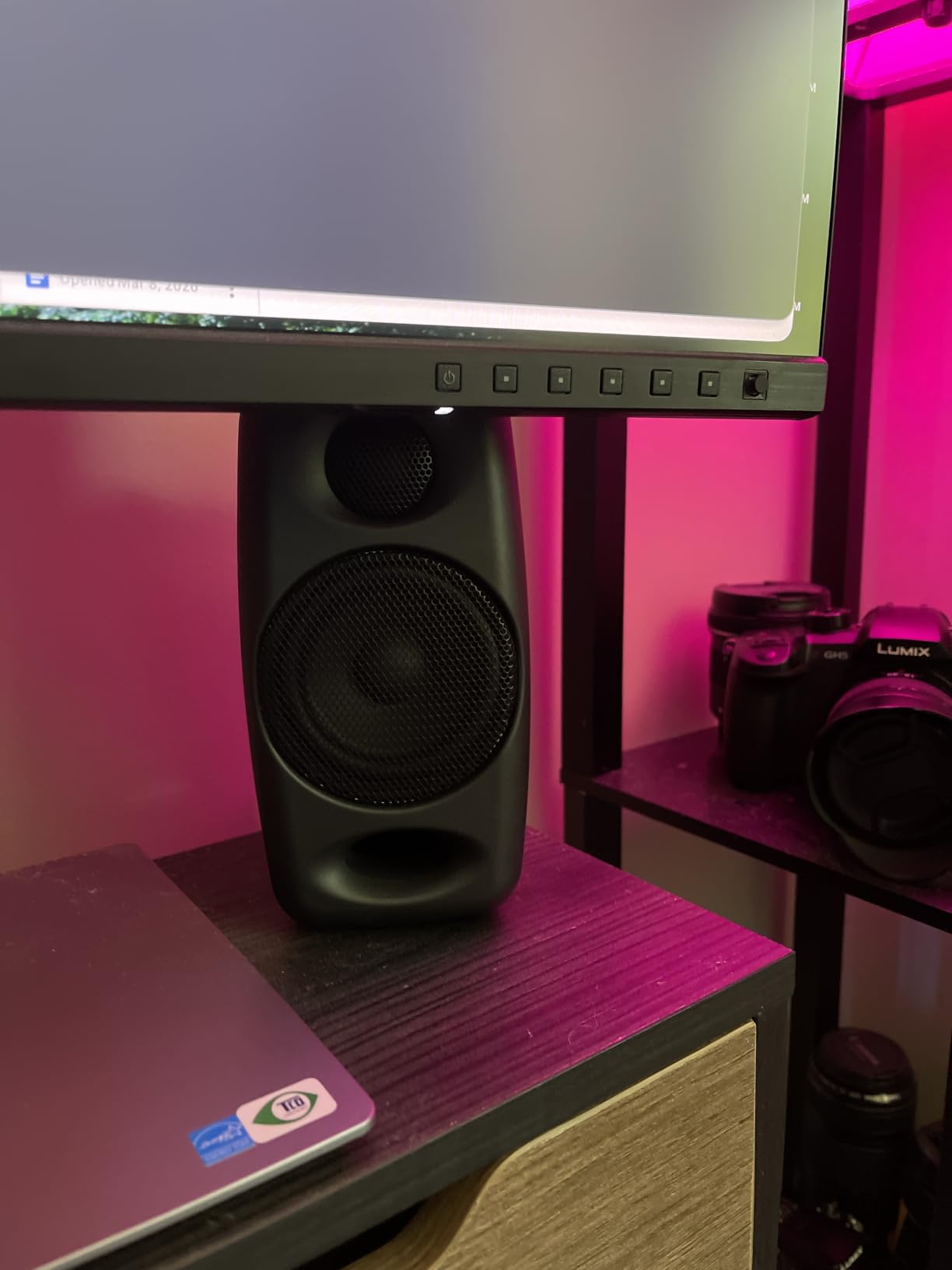
IK Multimedia iLoud Micro Monitor 50 watt Portable Wireless Bluetooth Studio Reference Monitors, Dual Speakers for Music Production, Mixing, Mastering, Composing, producing and DJs
3 inch composite woofer
3/4 inch silk dome tweeter
50W RMS Class D
Low end to 55 Hz at -3 dB
Pros
- Very loud and clear for a 3 inch footprint
- Surprisingly deep bass for 3 inch drivers
- DSP desktop versus free field compensation
- Bluetooth plus RCA and aux inputs
- Portable and easy to move between rooms
Cons
- No room correction microphone on this model
- Short interconnect cable between the speakers
- Bright front LED shows through the white enclosure
- Limited low end without adding a subwoofer
Every other monitor in this guide needs a stand or a shelf. The iLoud Micro needs a coaster. It is one of the smallest powered reference systems you can buy, and if your workspace is a laptop on a tiny desk with no room for anything, that alone justifies a place on the list.
Inside each enclosure is a 3-inch high-rigidity composite woofer and a 3/4-inch silk dome tweeter, driven by a total of 50 watts RMS of Class D amplification. The quoted low end reaches 55 Hz at minus 3 dB, which for a 3-inch driver is genuinely ambitious and explains why reviewers keep describing the bass as a surprise.
The internal DSP is the quiet hero. It offers bass and treble EQ plus a position compensation switch that moves between free-field and desktop settings, which is a small thing that makes a real difference when the speakers sit 30 centimetres from a wall on a desk. Bluetooth wireless pairing sits alongside stereo RCA and 1/8-inch aux inputs, so you can stream a reference mix from a phone as a sanity check.
The caveats are specific. This model has no room-correction microphone and no companion software, which is the difference between it and the larger versions in the same range. The interconnect cable that links the two speakers is also short, so the speakers cannot be spread as far apart as a proper stereo triangle wants.
On a white enclosure the bright front status LED shows through the shell, which is distracting in a dim room. One reviewer also reported a sympathetic buzz at C5 when a digital piano was playing, worth knowing if your instrument route includes MIDI keys. For the lowest octaves you will still need a subwoofer.
Why 3-Inch Drivers Behave in Small Rooms
The physics favours small drivers in untreated spaces. A 3-inch woofer moves less air per cycle, so it excites less low-frequency energy into a room that cannot absorb it. In a 2 by 3 metre bedroom, that is the difference between a low end you can judge and one that is always lying to you.
As r/audiophile regulars keep pointing out, the size of the room directly corresponds to the size of the monitor. Buying a 3-inch pair and treating it properly beats buying a 5-inch pair and fighting the boundary.
Position Compensation in Practice
Desktop placement is a genuinely different acoustic environment. Your desk reflects from below, the wall behind reflects from behind, and the tweeter sits much closer to your ears than it would on stands. The DSP position mode compensates for that by trimming the low end so the balance holds at close range.
Use it. A monitor that sounds correct only when perfectly placed will not stay perfectly placed once you have cables and a keyboard in the way.
Who This Pair Is Right For
The iLoud Micro is for the traveller, the renter with a shared room, and anyone whose desk is 60 centimetres deep. It carries a two-year limited warranty, weighs 3.8 pounds, and comes with an optional matching travel bag, so it is the pair you take to a friend’s house to check a mix.
Do not buy it as your only reference if you work on bass-heavy material or if you need a wide, open stereo image. Its job is accuracy from close range, not scale.
5. M-Audio BX4 – The Punchy Performer for Podcasting and Streaming
M-AUDIO BX4 4.5″ Wired Studio Monitors Pair
4.5 inch Kevlar woofer
1 inch silk dome tweeter
60W per side bi amplified
MDF cabinet with rear EQ
Pros
- Bi amplified 120W system gives real desk headroom
- Punchy smooth low end from the Kevlar woofers
- MDF cabinet cuts vibration versus plastic boxes
- Rear high and low EQ dials plus a channel switch
- Cables and foam feet included in the box
Cons
- Coloured voicing is a weak sole mixing reference
- Bass reflex port is audible at moderate levels
- Heavy 9.8 pound pair takes real desk space
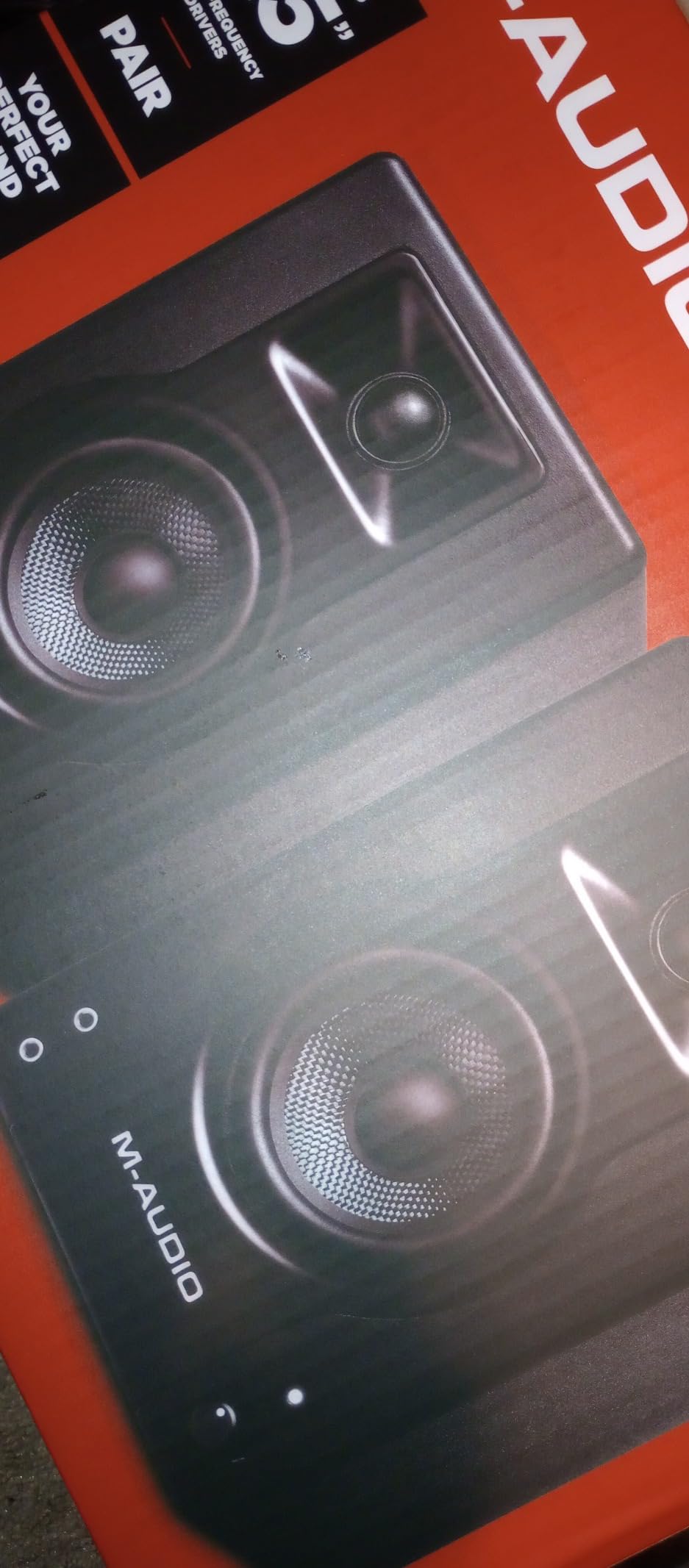
With 3,954 reviews the BX4 is the most widely owned monitor in this guide, and the pattern in those reviews is consistent: people love how much it delivers for a desktop setup and stop short of calling it a pure reference. That is not a criticism so much as a description of what it is, a powerful, punchy pair of powered desktop monitors that also mix.
Power is the headline number. A bi-amplified 120-watt system delivers 60 watts per side, which is more than double most of the field here, and that headroom matters if you work at low listening levels or share a room with a drummer. The 4.5-inch Kevlar woofers are paired with 1-inch natural silk dome tweeters in an acoustically inert MDF cabinet with a bass reflex port, which is a considerable amount of engineering for the bracket.
Zero-latency wired monitoring is the feature that wins the podcasting and streaming crowd. A direct analog path means what you hear in headphones or speakers is what is going out, with no monitoring delay to correct for while you talk.
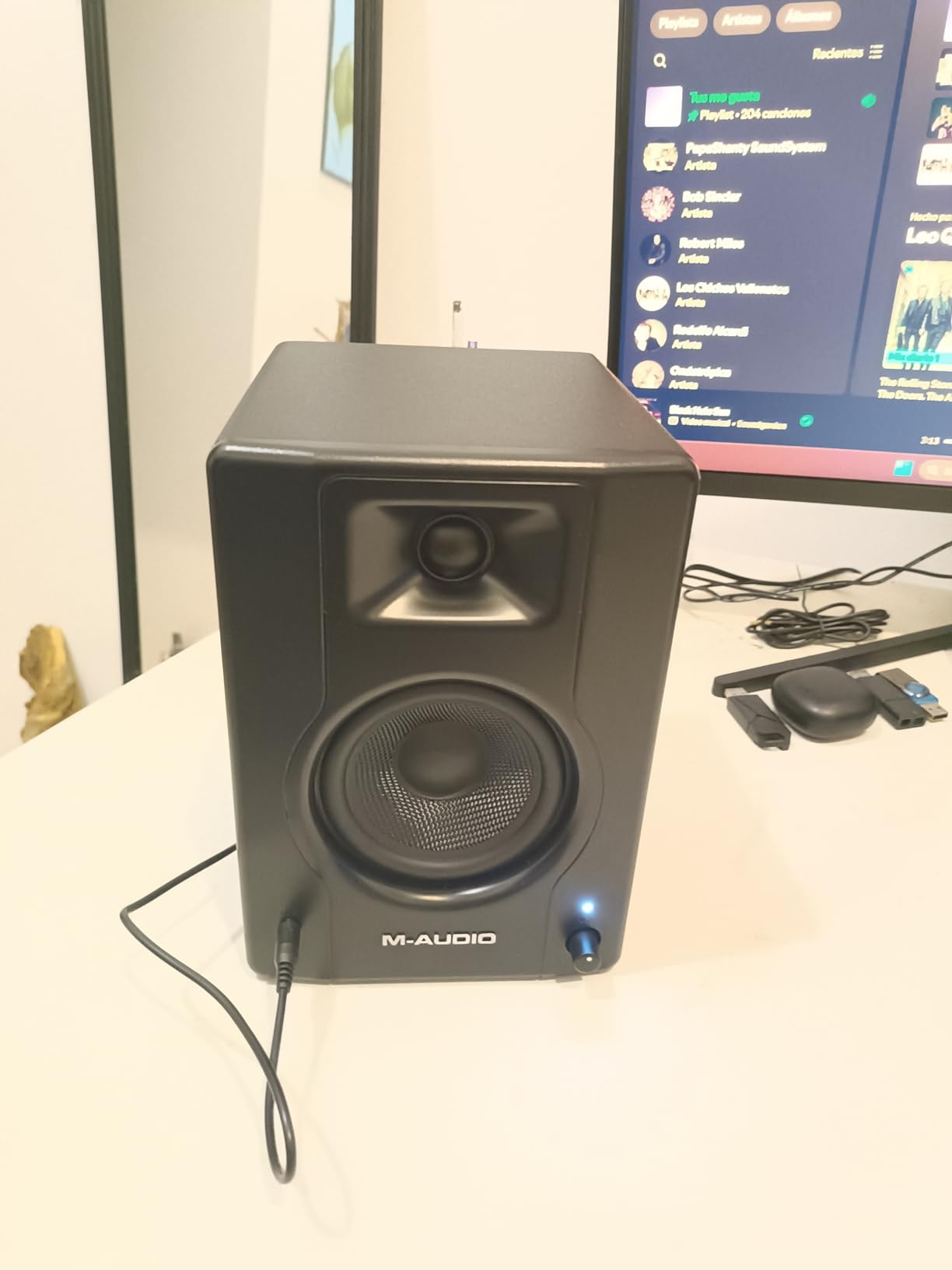
Here is the honest caveat, and it is the same warning that shows up on r/BudgetAudiophile about budget monitor-branded speakers in general. The BX4’s voicing is tuned rather than strictly flat, so it flatters you slightly. For podcasting, streaming and beat-making that warmth is a feature, because long sessions on a neutral monitor are fatiguing and the audience does not care about accuracy.
For mixing work, a coloured reference is a compromised reference. If you mix on the BX4 alone you will learn to compensate, which is a habit worth avoiding when a flat option costs a similar amount. The audible bass reflex port at moderate levels is a second, smaller annoyance in a quiet room.
What 60 Watts Per Side Actually Buys You
Headroom is the honest reason to consider it. At 60 watts per side the BX4 plays cleanly at volumes that make the 26-watt Yamaha start to strain, and it does that from a 4.5-inch driver that sits in a damped cabinet. On a desk against a wall with reflective surfaces, that extra clean level is worth more than an extra octave of extension.
The rear high and low EQ dials plus an active-speaker channel switch cover the basics of room correction. They are dials rather than DSP, so there is no measurement workflow, but they are enough to tame a boominess problem before it becomes a habit.
The Desk Space Reality Check
At 9.8 pounds for the pair and 8.81 inches tall, this is a chunky monitor. In the small rooms that dominate home studio setups, desk space is the number one real-world constraint, and the BX4 will push a laptop, a controller and an interface into a tight negotiation.
Measure your desk depth before ordering, and budget for stands if you want them at ear height. Foam feet are included, which handles desk mounting well enough for nearfield work.
Who This Pair Is Right For
Choose the BX4 if your primary work is voice, podcasting, streaming or producing beats on a laptop, and you want a system that sounds good and plays loudly. All the necessary cables and the MPC Beats software come in the box, so the total cost of entry is the speaker pair and nothing else.
Skip it as your only mixing reference. Use it as a translation check, and put your flat monitor on the mix.
6. JBL Professional 104-BT – The Best for Wireless Desktop Listening
JBL Professional 1 Series 104-BT Compact Desktop Reference Monitors with Bluetooth, Black, Sold as Pair, 4.5-inch Speaker
Coaxial 4.5 inch driver
30W per speaker
60 Hz to 20 kHz at -10 dB
Bluetooth 5 plus TRS and RCA
Pros
- Crisp clear sound with a wide soundstage
- Coaxial driver gives a phase centred image
- Bluetooth aux RCA and TRS on one front selector
- Front volume and headphone jack with auto mute
- Contoured port and solid cabinet with no rattle
Cons
- Bluetooth adds noticeable latency for video work
- Bluetooth drops after stepping away for minutes
- No remote control and a fragile plastic interconnect clip
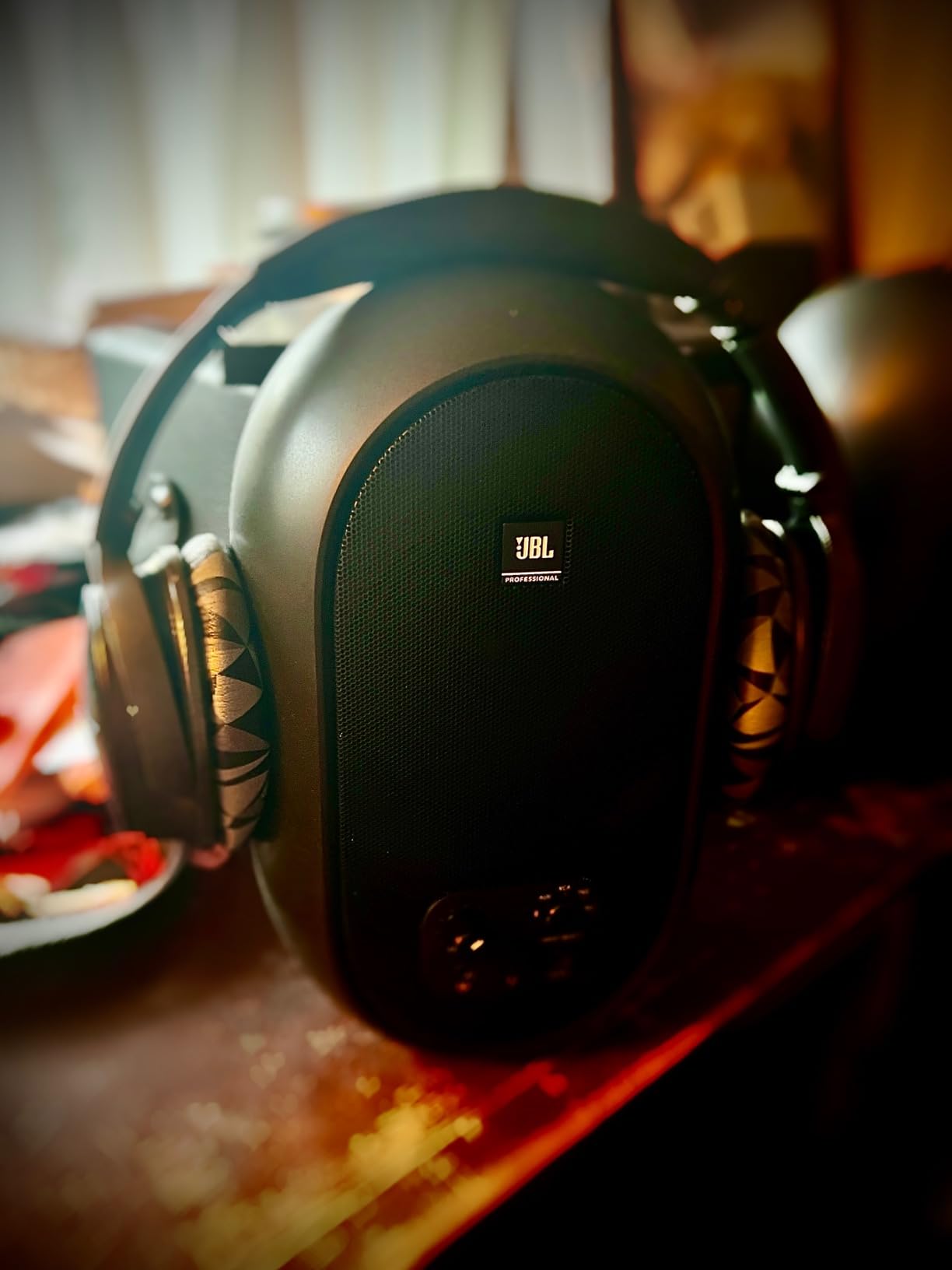
The 104-BT does something none of the others do, which is stream a reference mix from your phone without a cable. That sounds trivial until you realise how often you end up checking your work on a phone speaker, and how much easier it is to A/B against the real thing rather than a cable-free guess.
Sonically it is stronger than the Bluetooth feature suggests. JBL’s patented coaxial driver places a 4.5-inch woofer and a 0.75-inch soft-dome tweeter on a single shared axis, which keeps the two drivers phase-aligned and produces a very consistent stereo image with a wide sweet spot. Response runs 60 Hz to 20 kHz at minus 10 dB, and there is real clean level from the integrated 60-watt Class D amplification, 30 watts per speaker.
Everything is controllable from the front panel, which is unusual at this size. A single input selector switches between Bluetooth, aux, RCA and TRS or combines all inputs at once, and there is a volume knob plus a headphone jack with automatic speaker mute so you can check a mix privately without unplugging anything.
Now the part nobody wants to hear. Bluetooth on this monitor adds noticeable audio and video latency, which makes it a poor choice for video editing where lip sync matters, and connections tend to drop if you step away from the desk for several minutes. The 4.4 average in this roundup is the lowest, and the reviews make clear that the wireless implementation is the reason.
There is also no remote, so you cannot change volume from across the room, and the plastic clip that holds the interconnect cable between the two speakers is a known weak point. A small cluster of one-star reviews traces directly back to that clip and to frustrating brand support, which is worth factoring in if you move your speakers around.
Why a Coaxial Driver Is Useful at Desk Distance
On a coaxial driver the tweeter sits at the centre of the woofer cone, so both drivers radiate from the same physical point. At short listening distances that means the treble and bass arrive at your ears at effectively the same moment, which keeps the centre of the image solid where a conventional two-way can drift.
That stability is why the 104-BT keeps its stereo separation in a small room. The coverage figures of 120 by 60 degrees are honest for a desktop monitor, and the 1725 Hz first-order crossover is deliberately gentle.
Latency, the Feature Nobody Warned You About
If you are recording video, mixing to picture or doing anything where sync matters, use the wired TRS or RCA path and treat Bluetooth purely as a reference-listening convenience. The lag is not subtle enough to ignore, and it is the single most repeated complaint in the reviews.
It is also a good reminder that a convenience feature and a monitoring feature are different things. The 104-BT is a monitor with Bluetooth added, not a Bluetooth speaker pretending to be a monitor.
Who This Pair Is Right For
Choose the 104-BT for a compact desktop setup where you want one small pair of speakers that handles the computer, an interface, a phone and a pair of headphones without a switch box. At 15.9 ounces per unit and 9.7 inches tall, it is among the lightest and smallest here, and the cabinet is a moulded ABS that does not rattle.
Pass if you edit video regularly, if you need XLR or TRS balanced inputs for a long cable run, or if you want to adjust the sound from another seat.
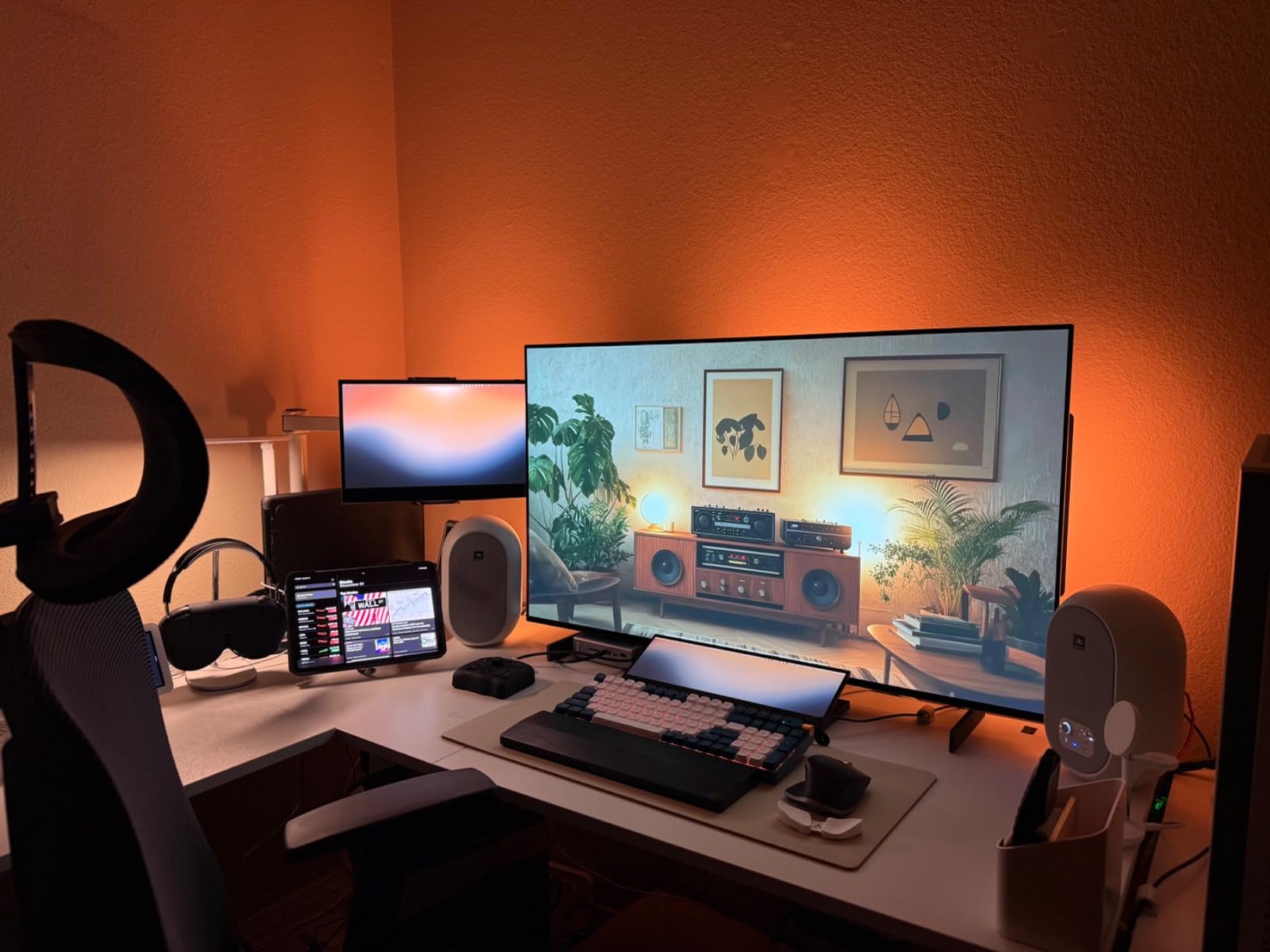
7. JBL 305P MkII – The Best Step Up Once You Have Treated the Room
(2) JBL 305P MkII 5″ 2-Way Active Powered Studio Reference Monitors Speakers
5 inch woofer with Slip Stream port
41W Class D per speaker
Image Control waveguide
Boundary EQ and HF trim
Pros
- Wide consistent sweet spot from the Image Control waveguide
- 5 inch woofer reaches deeper than 3 and 4 inch pairs
- Boundary EQ and HF trim for real room correction
- Professional XLR and 1/4 inch TRS inputs
- Five year warranty and a rugged MDF enclosure
Cons
- Larger footprint needs more desk space
- No Bluetooth or wireless connectivity
- Trim controls are simple dials rather than DSP
- Heavy cabinets that are hard to reposition
The 305P MkII is the only 5-inch monitor in this guide, and that single fact changes everything about it. A 5-inch woofer moves far more air than a 3.5 or 4-inch driver, so it reaches lower and plays cleaner at volume, which makes it the natural upgrade once you have actually treated your room rather than just moved the speakers closer together.
The waveguide is the piece that gives JBL’s professional monitors their reputation. The patented Image Control waveguide surrounds the tweeter and shapes its dispersion, producing a wide, even sweet spot so the stereo image holds together whether you are centred or leaning to one side. The Slip Stream port on the front baffle is tuned for cleaner bass reproduction than a straight tube, which helps with the port noise that plagues compact monitors.
Each speaker carries dual 41-watt Class D amplifiers, and the rear panel takes XLR and 1/4-inch TRS professional inputs. Boundary EQ and HF Trim dials adjust the low and high frequencies to suit the room, which is the most honest room correction in this roundup because the controls are named after the acoustic problem they solve.
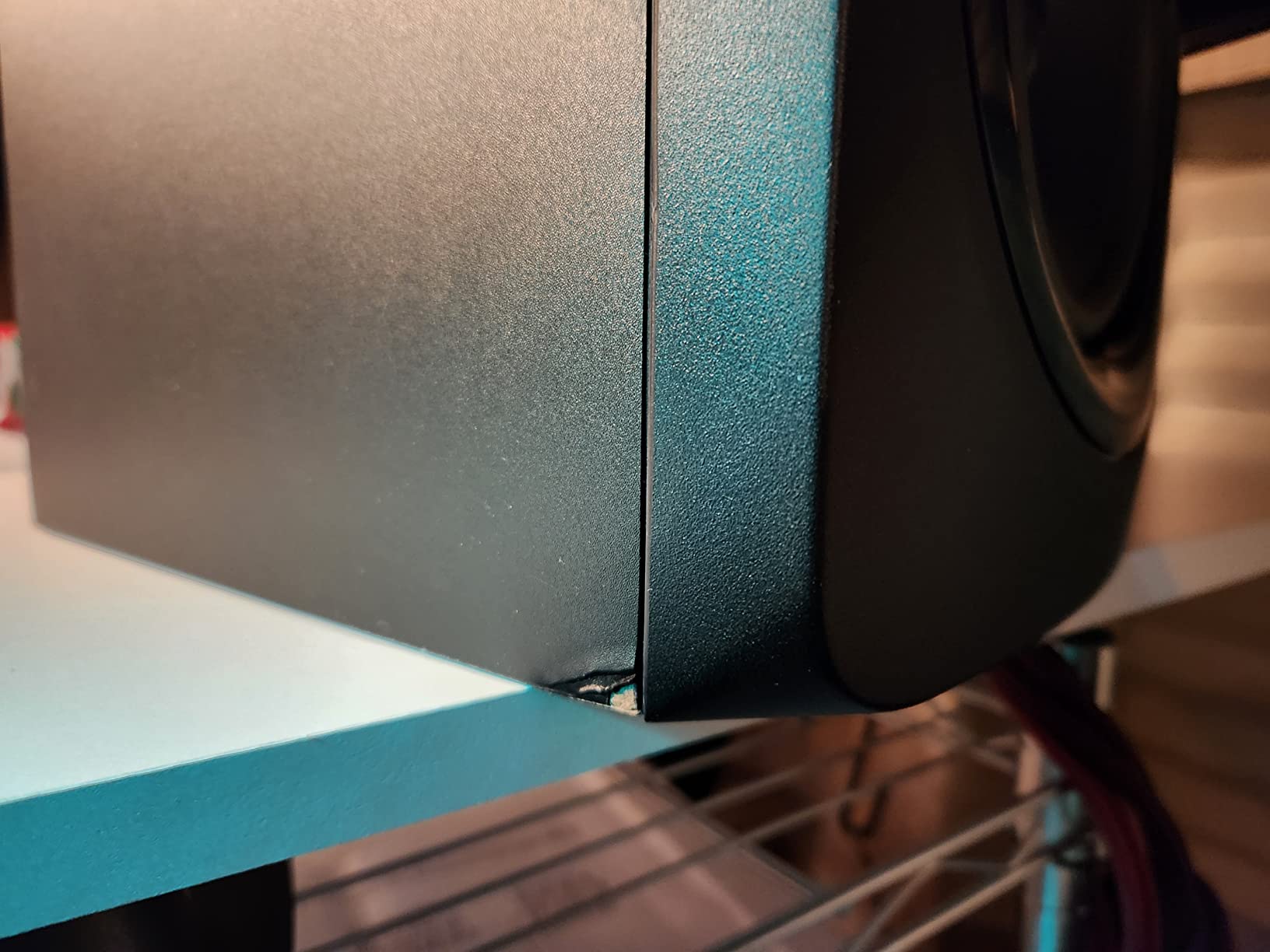
Five years of warranty coverage and an MDF enclosure tested for 100 hours tell you how seriously this is built. It is the one model here you would plausibly still own in five years, and forums consistently treat the JBL 305P MkII as the sensible long-term platform for someone whose setup is going to grow.
The trade-offs are all about size and simplicity. At 9.9 by 7.3 by 11.75 inches and 10.4 pounds, the pair needs real desk or stand space, and there is no Bluetooth or wireless option at all. The Boundary EQ and HF Trim are dials rather than DSP, so there is no measurement sweep and no software, which limits how precisely you can match a difficult room.
When a 5-Inch Woofer Is the Right Call
A 5-inch woofer is right when the room is big enough to absorb the extra low-frequency energy it produces. That means a medium room, or a small room with some treatment in the corners, or a desk setup where the speakers sit on stands well away from boundaries rather than jammed against a wall.
In a tight untreated bedroom the same 5-inch driver that gives you deeper bass will also give you more bass build-up, and the boundary effect will colour your low-end decisions. This is the trade-off that catches beginners, and it is why we put this monitor last rather than first.
Boundary EQ Solves a Real Problem
Boundary EQ is worth explaining because most buyers have never heard the term. When a speaker sits close to a wall, the wall reflects low frequencies back at you with reinforcement, and the result is a low end that sounds bigger and fuller than the recording. The Boundary EQ control steps the low frequencies down in fixed increments so you can compensate for wherever the speakers end up.
It is not a substitute for moving the speakers, and it is not a measurement tool. But paired with the HF Trim for the top octave, it covers the two problems beginners actually hit.
Who This Pair Is Right For
Buy the 305P MkII if you have a medium room, some treatment, and you are done replacing monitors for a while. It is also the right answer for someone whose 4-inch pair has run out of low end and whose mixes are limited by what they can hear at the bottom.
Skip it if your desk is small, your room is untreated and shallow, or you need wireless streaming. The Edifier MR4 or the Yamaha HS4 will serve a small desk better.
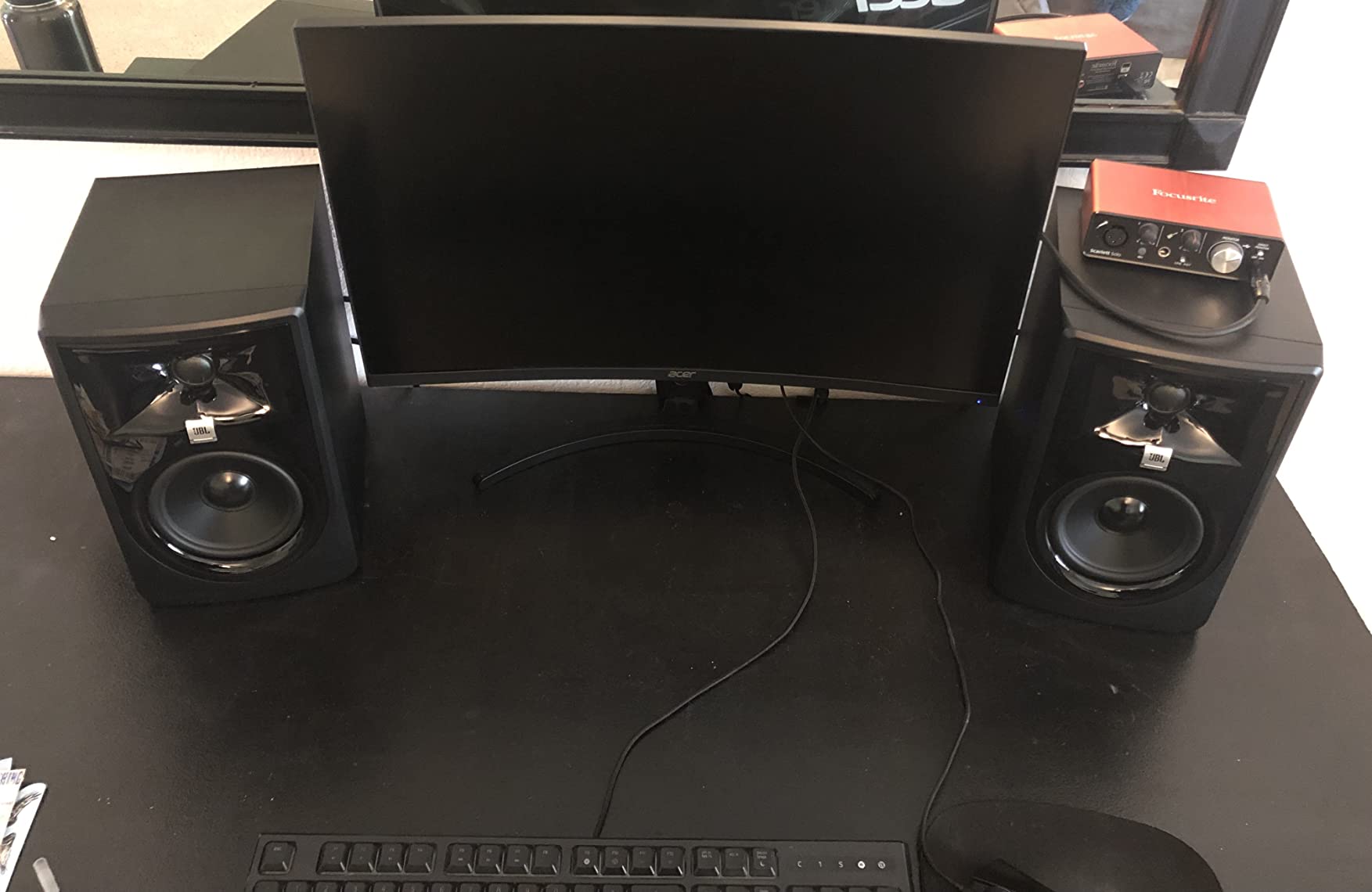
8. Mackie CR3.5 – The Cheapest Way to Get Started
Mackie CR3.5 Studio Monitors (Pair), 3.5″ Woofers, Tone Knob, Black
3.5 inch woofer with 1 inch tweeter
50W system max output
Front panel Tone Knob
Location Switch for wall placement
Pros
- Clear detailed sound that reads bigger than 3.5 inch drivers
- Strong stereo separation with plenty of headroom
- Tone Knob and Location Switch give hands on voicing
- Isolation pads and all cables in the box
- Solid build quality for the bracket
Cons
- Noticeable colouration makes it a weak sole reference
- Limited range misses very wide frequency targets
- Bottom end still needs a subwoofer for full range
The CR3.5 is the cheapest way into this list, and for a lot of beginners it is genuinely the correct answer. A 3.5-inch woofer with a 1-inch tweeter per monitor, 50 watts of system output, RCA and TRS connectivity, and a footprint of 7.1 by 5.5 by 8.1 inches per unit, it fits on a desk without rearranging the room.
What stands out is the control surface. The front-panel Tone Knob lets you dial the voicing from your chair without opening a menu, and the Location Switch corrects bass depending on whether the speakers are pushed against a wall or standing free. Neither control is sophisticated, but both put a useful decision within reach of a beginner who would otherwise ignore it entirely.
Foam isolation pads and all the cables come in the box, which removes the two accessories that usually add up on a first purchase. Build quality is solid for the bracket, and early owners of this refresh report the same clear, punchy character as the long-running CR3.5 line.
The dividing line in the reviews is use case, and owners are clear about it. As desktop and streaming monitors these are excellent: clear, detailed, and with more headroom than the driver size suggests. As a sole mixing reference they fall short, because the voicing carries noticeable colouration that flatters what you have recorded.
The frequency range is also limited, so if you are chasing a very wide 20 Hz to 20 kHz target you will not get there, and the bottom end still wants a subwoofer for full-range work. A few owners in larger rooms report bass quality complaints, and one buyer reported a stiff volume knob that would not turn on, so inspect it as soon as it arrives.
Why Desk Placement Controls Matter Most Here
With a 3.5-inch driver, where you put the speaker changes the sound more than any internal switch. On a desk, the surface reflects low frequencies upward into the cabinet, which is why the Location Switch exists. Set it to the free-standing position when the speakers are away from a wall and to the wall position when they are pushed back, and the low end stops fighting itself.
Use the supplied foam isolation pads. They cost nothing, they are in the box, and they stop the cabinet transmitting desk vibration into the chassis of your computer, which is a real problem with small monitors in plastic or thin metal enclosures.
How Long Will This Pair Last?
The honest answer is: through the learning phase, comfortably. Most beginners spend their first year or two learning to balance levels, EQ and arrangement, and none of that requires a monitor with deep extension. The CR3.5 is a good place to make those mistakes because replacing it later is not a financial event.
After that, the useful upgrade path is to a flat 4.5-inch reference like the Yamaha HS4 or the PreSonus Eris E4.5, and to keep the CR3.5 as a secondary check. Two different responses tell you far more about a mix than one response played louder.
Who This Pair Is Right For
Choose the CR3.5 if you are learning on a very tight budget, you mostly write and play rather than mix, and you want a clear sound for long sessions without fatigue. It is a legitimate first pair, not a compromise pretending to be a recommendation.
Skip it if your main goal is mixing, or if you work on material with heavy low end. Buy the Edifier MR4 instead and the money you saved stays in your pocket for an interface.
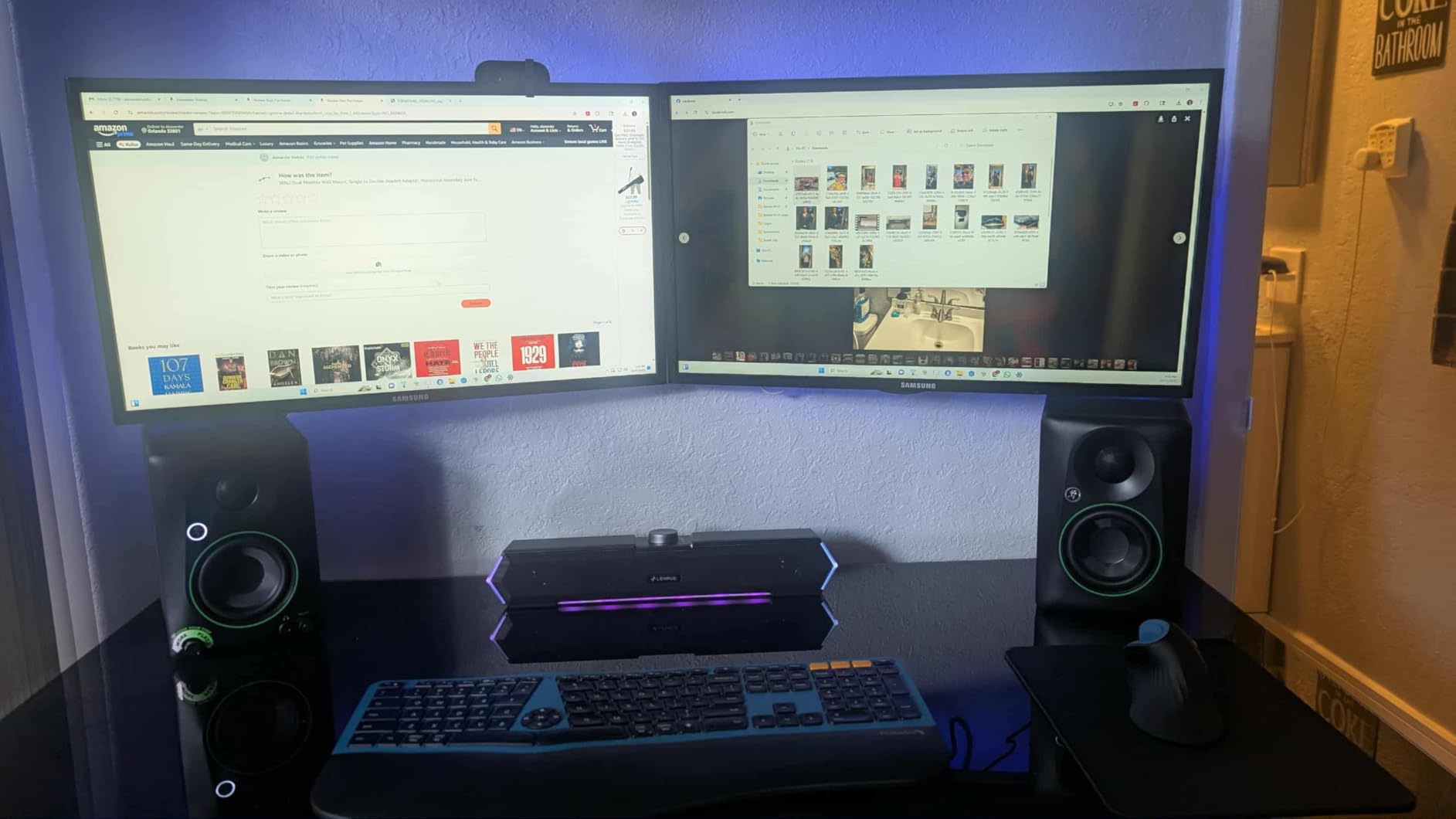
How to Choose Studio Monitors as a Beginner
Monitor shopping goes wrong when buyers compare frequency response charts and ignore the room. The room decides what you hear, and the monitor only decides how much of it is accurate. Work through these steps in order and you will not need to change your mind after delivery.
1. Match the Woofer to Your Room, Not Your Ambition
This is the single most repeated piece of advice in home studio forums, and it is correct. Bigger woofers produce more low-frequency energy, and a small room with hard surfaces cannot absorb that energy, so the bass piles up and your low-end decisions become worthless.
A bedroom or converted closet, roughly under 10 square metres, suits 3 to 4-inch drivers. A small treated room or a medium office takes 4.5 to 5 inches. Larger untreated rooms rarely suit 5-inch monitors at all, and 7 or 8-inch drivers are for treated spaces where the low end can breathe. As the r/audiophile consensus puts it, the size of the room corresponds to the size of the monitor.
Manufacturer guides from Kali Audio and Andertons make the same argument from the other direction: smaller monitors generally behave better in untreated rooms because they produce less excessive bass build-up, while larger woofers deliver greater low-end extension. You are trading extension for truthfulness, and in a small room truthfulness wins.
2. Buy Powered, Always
A powered monitor has its amplifiers inside the cabinet. A passive monitor needs an external amplifier, which means more cost, more cable, more desk space and one more thing to go wrong. There is no scenario where a beginner should start with passive monitors.
Bi-amplified, where separate amplifiers drive the woofer and the tweeter, is even better because each driver gets the power its impedance demands. Most of the monitors in this guide are bi-amplified, and the M-Audio BX4 is the extreme example with 60 watts going to each side.
3. Know the Difference Between Nearfield and Midfield
Nearfield monitors are designed to be listened to from about one to one and a half metres away, arm’s length to a metre from your face on a desk. Almost every monitor sold to home producers is a nearfield monitor, and the r/Beatmatch explanation is the simplest one: smaller studio monitors are considered nearfield, meaning they are designed and tuned to work best when you are sitting close.
Midfield monitors are built for 2 to 4 metres and are typically 6-inch or larger. They are for control rooms and large treated spaces. A beginner in a bedroom buying a midfield monitor will hear a worse result than someone who bought a nearfield pair, because the room is far too small for the design.
4. Place Them Using the 38 Rule and the 83% Rule
Two placement guidelines answer the most-searched questions in this category, and no editorial roundup explains either. The 38 rule says the distance from your monitors to the wall behind them should be roughly 38% of the room’s total length. In a 4-metre room that puts the speakers about 1.5 metres off the back wall, where the wall reinforces bass in a way that works with you instead of against you.
The 83% rule is the companion to it. It places the monitors about 83% of the way back into the room measured from the front wall, which puts you, the listener, forward in the room while the speakers stay off the rear wall. Together they set the triangle of listener, monitors and front wall, and both are starting points rather than laws. Measurement will beat both if you own a decent microphone and a room analysis tool.
Beyond distance, three things matter. Get the tweeters at ear height, either on stands or on a riser. Angle the cabinets inward by about 30 degrees so the tweeters cross at the back of your head. And keep them at the front of the desk, not pushed against the wall behind your screen, which is the most common placement mistake in home studios and it wrecks the stereo image.
5. Stop Assuming a Ribbon Tweeter Is Better
Every monitor here uses a dome tweeter, mostly silk-dome, with the JBL 104-BT using a coaxial soft dome. Ribbon tweeters appear at higher tiers and are frequently described as automatically superior. They are not. A ribbon can be bright, expensive and demanding of the amplifier driving it, and the measurable difference in frequency response is often small.
What actually matters is that the tweeter be matched to the crossover and be non-fatiguing at your listening level. A good silk dome beats a mediocre ribbon every time. Judge tweeters by how long you can work, not by what they are made of.
6. Do You Need an Audio Interface?
Not strictly, and this surprises people. A powered monitor takes an analog line-level signal, and a computer can supply that through a DAC. The JBL 104-BT adds Bluetooth, and the Mackie CR3.5 and Yamaha HS4 accept stereo mini, so a beginner can literally plug in and start working.
You want an interface anyway for a different reason, and it is not the speakers. An interface gives you proper gain control, low-latency headphone monitoring for tracking, and phantom power for a condenser microphone. Every one of the monitors here except the Bluetooth model already offers a front headphone output, so once you own an interface you are set up properly. If you are recording voice at all, that is the next purchase, not a bigger monitor.
7. Do You Need a Subwoofer?
For most beginners, no. A monitor with a port reaching roughly 50 to 60 Hz will handle the majority of mix decisions, and adding a subwoofer in a small untreated room usually makes bass problems worse because it adds more low-frequency energy to a room that already has too much. Match the sub to the room rather than the monitor: an 8-inch suits a bedroom, a 10-inch a medium room, and a 12-inch needs a large space to avoid boom.
Add a sub later only if you work on bass-heavy material or need output headroom at low monitoring levels. Critically, any sub you add must be level-matched and crossover-matched to your monitors, or it will do more harm than good. A mismatched sub is the fastest way to ruin a mix you thought was finished.
8. Buy Coloured Monitors Honestly, Not Accidentally
Several pairs in this guide, including the M-Audio BX4 and the Mackie CR3.5, carry deliberate voicing. That is not a flaw, but it is a choice, and beginners should make it with open eyes. Members on r/BudgetAudiophile are blunt about the same point with budget monitor-branded speakers generally: they may be sold as studio monitors but they are more suited to general multimedia, which is fine for listening and working, but not for judging a mix.
The test is simple. Play a mix you know well. If it sounds better than you remember, the monitor is flattering you. If it sounds thinner and harsher than you remember, you are hearing the truth. That is the job.
9. Treat the Room Before You Upgrade the Monitors
The most-asked question in home studio forums is whether to buy monitors or acoustic treatment first, and the practical answer for almost everyone is that cheap treatment beats expensive monitors. Four broadband panels on the first reflection points and some bass traps in the corners will do more for your mix than stepping up a tier of monitor.
Budget roughly a third of a starter setup for acoustic fixes and a third for the monitors. If you cannot afford both, buy the smaller nearfield monitors and treat the room, because untreated low end is the problem speakers cannot solve on their own.
10. Know What to Upgrade First, Second and Third
First, the room. A handful of panels and corner treatment. Second, an audio interface with proper gain and headphone monitoring, which improves your recordings far more than any monitor upgrade. Third, the monitors, and only when you have a treated room and a real reason.
Do not buy a subwoofer as your first upgrade, and do not buy a used interface while your monitors are still terrible. Work down that list in order and you will not waste money. As the gearspace argument goes, the monitors that sound worst are sometimes the ones that make you work hardest, which is the whole point of an honest reference.
Frequently Asked Questions
What is the 38 rule for studio monitors?
The 38 rule says the distance from your monitors to the wall behind them should be about 38% of your room’s total length. In a 4 metre room that puts the speakers roughly 1.5 metres off the back wall, where the wall reinforces bass in a way that works with you instead of fighting your mix. Treat it as a starting point for placement, not a law.
What is the 83% rule for speakers?
The 83% rule is the companion to the 38 rule. It places your monitors about 83% of the way back into the room measured from the front wall, which puts you forward in the room while the speakers stay off the rear wall. Together the two rules set the triangle of listener, monitors and front wall for your nearfield setup.
What is a good monitor for a beginner?
A good first monitor is a powered 3.5 to 5 inch nearfield model with a flat, honest frequency response and rear acoustic tuning controls. Match the woofer to your room: 3 to 4 inch drivers for a bedroom, 4.5 to 5 inch for a medium or treated room. Buy the pair that fits your desk, not the biggest one you can find.
What are the best budget studio monitor speakers?
For a tight budget, the Edifier MR4 and PreSonus Eris E4.5 are the strongest entry points, with the Mackie CR3.5 the cheapest way to start. The Yamaha HS4 is the most accurate at this size, and the JBL 305P MkII is the step up once your room is treated. All of them are powered, so no external amplifier is needed.
Do I need a subwoofer for my studio monitors?
Most beginners do not need one. A monitor with a port reaching roughly 50 to 60 Hz handles the majority of mix decisions, and adding a sub in a small untreated room usually makes bass problems worse. Add a sub later only for bass-heavy material or extra headroom, and level-match and crossover-match it to your monitors first.
Do studio monitors need an audio interface?
No, not to work. Every powered monitor here takes an analog line signal, and most accept stereo mini, RCA or balanced TRS, so a computer or DAC can drive them directly. Buy an interface anyway for proper gain control, low-latency headphone monitoring and phantom power, but treat it as the second upgrade after the room, not a prerequisite for the speakers.
Which Studio Monitors Should You Buy First?
Buy the Edifier MR4 if you want one answer and no drama. It is powered, it is small enough for a real desk, it takes balanced TRS as well as RCA and aux, and the MDF cabinet is a step up from the plastic boxes most people end up with. The Yamaha HS4 is the pick instead if you care most about an uncoloured midrange and the cleanest sound at this size, and the PreSonus Eris E4.5 if you want the flattest response and the widest sweet spot for mixing.
Match the woofer to the room before anything else. Under about 10 square metres, stay at 3 to 4.5 inches. Do not buy a subwoofer, do not buy passive monitors, and treat the room before you step up a tier. Follow that order in 2026 and your first pair will still be useful when you eventually outgrow it.