
If you print contracts, invoices, client proposals and the occasional color chart from a spare room or a corner of the kitchen table, the best color laser printers for home offices solve one very specific problem: they run fast, they flip the paper themselves, and nothing has to dry before you can stack the pages and hand them to a courier.
I spent several weeks putting seven current color laser engines through real home-office workloads: two-sided proposal packets, statements with a color header band, packing slips scanned straight into searchable PDFs, and the endless school-project season. The Canon imageCLASS MF644Cdw came out on top for most people, because it is the rare all-in-one that handles documents rather than just sheets of paper.
If you are still narrowing it down, three questions decide almost everything: do you need a scanner, how many pages do you really print in a month, and how much desk depth can you give up. Answer those and the shortlist collapses to two or three machines.
Our Top 3 Color Laser Printers for Home Offices, Tested in 2026
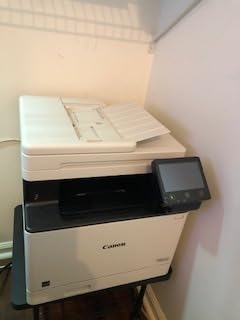
The single best color laser printer for a home office in 2026 is the Canon imageCLASS MF644Cdw. It prints, scans, copies and faxes, it feeds both sides of a contract through the document feeder in one pass, and it carries a three-year warranty, which is longer than most of the warranty terms attached to the machines below it.

Canon imageCLASS MF644Cdw
- 22 ppm color
- Automatic duplex
- 5-inch color touchscreen
- Scan copy and fax


One question comes up constantly in printer forums, so let me answer it early: color laser printers are not being phased out. What is shrinking is the number of models aimed at the very low-volume home user, because the hardware is priced around toner economics that only make sense once you print a few hundred pages a month. Every machine in this roundup is a current-generation design with active manufacturer support and consumables that are still sold.
Comparing Every Color Laser Printer in This Roundup
Seven machines, all with automatic duplex printing and network or wireless connectivity, ordered by the spec that matters most in a home office: what the engine does while you wait.
| Product | Specs | Action |
|---|---|---|
| Canon imageCLASS MF644Cdw |
|
Check Latest Price |
| Brother MFC-L3720CDW |
|
Check Latest Price |
| Brother HL-L3230CDW |
|
Check Latest Price |
 Brother HL-L3295CDW Brother HL-L3295CDW |
|
Check Latest Price |
 Canon imageCLASS LBP632Cdw Canon imageCLASS LBP632Cdw |
|
Check Latest Price |
 Canon imageCLASS MF753Cdw Canon imageCLASS MF753Cdw |
|
Check Latest Price |
 Xerox C235dni Xerox C235dni |
|
Check Latest Price |
1. Canon imageCLASS MF644Cdw – The All-in-One That Treats Paper Like Paper
Color imageCLASS MF644Cdw – All-in-One, Wireless, Mobile-Ready, Duplex Laser Printer with 3 Year Warranty,Works with Alexa
22 ppm color
Automatic duplex
Scan copy and fax
5-inch color touchscreen
3-year warranty
Pros
- Consistently sharp color and monochrome output
- One-pass duplex document feeder plus automatic duplex
- All-in-one toner cartridge keeps supply costs down
- Wi-Fi Direct hotspot for direct mobile connection
- First print out in as little as 10.3 seconds
Cons
- Genuine Canon 054 toner cartridges are expensive
- 50-sheet maximum sheet capacity is tight for big jobs
- Bulky 48.4 pound build for a home office
Most of my two-sided test packets went through this machine without a single jam, and the color held steady across a full ream of mixed invoices, charts and text pages. Output is 600 x 600 dpi in color and at least 600 dpi in monochrome, which is more than enough for anything you would sign, send or file.
The reason it works so well for paperwork is the one-pass duplex document feeder. A twenty-page contract goes in face up and comes out as a twenty-page searchable PDF without you flipping the stack once, which is the single feature home-office buyers underestimate most.
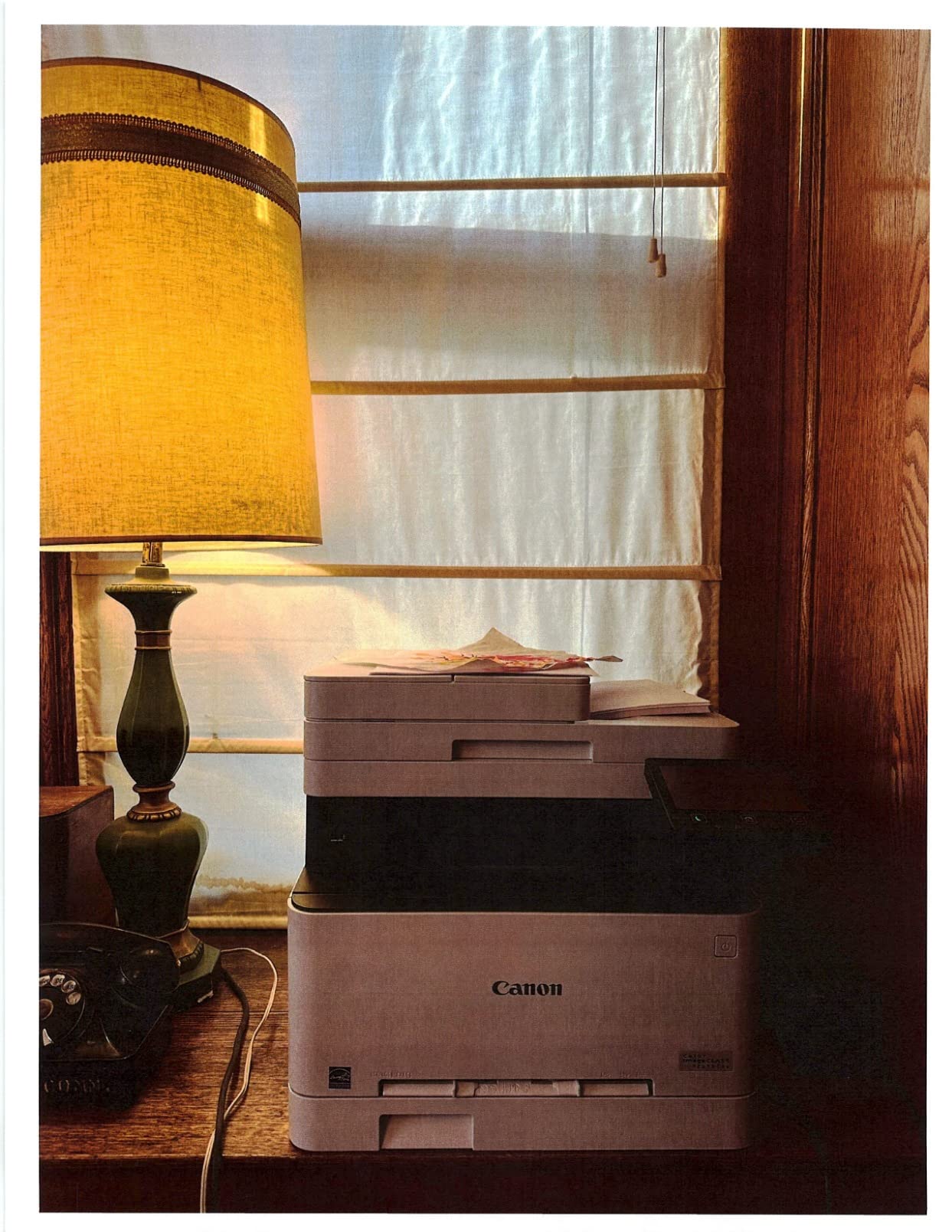
Speed and first-page latency for one-off jobs
Color and black both run at 22 pages per minute, and the first page lands in as little as 10.3 seconds. In practice that means a single urgent shipping label prints before you have put the packet away, which matters far more in a home office than peak throughput does.
At 22 ppm it is not the quickest engine here, but for a freelancer printing a few hundred pages a month the gap between 22 and 31 ppm is academic. The Canon MF753Cdw exists for anyone who genuinely needs 35.
Scanning, copying and the touchscreen
The 5-inch color touchscreen behaves like a phone menu, with an Application Library that puts scan-to-email, scan-to-folder and copy presets one tap away. Copy runs go up to 99 sheets per run, and the scanner converts pages to searchable digital files rather than flat images.
Two caveats worth knowing: the touchscreen response is sluggish enough that some owners say they press harder than expected, and Canon’s Mac driver does not let you force a color document to print in black and white, which trips up people who print a color PDF in mono to save toner.
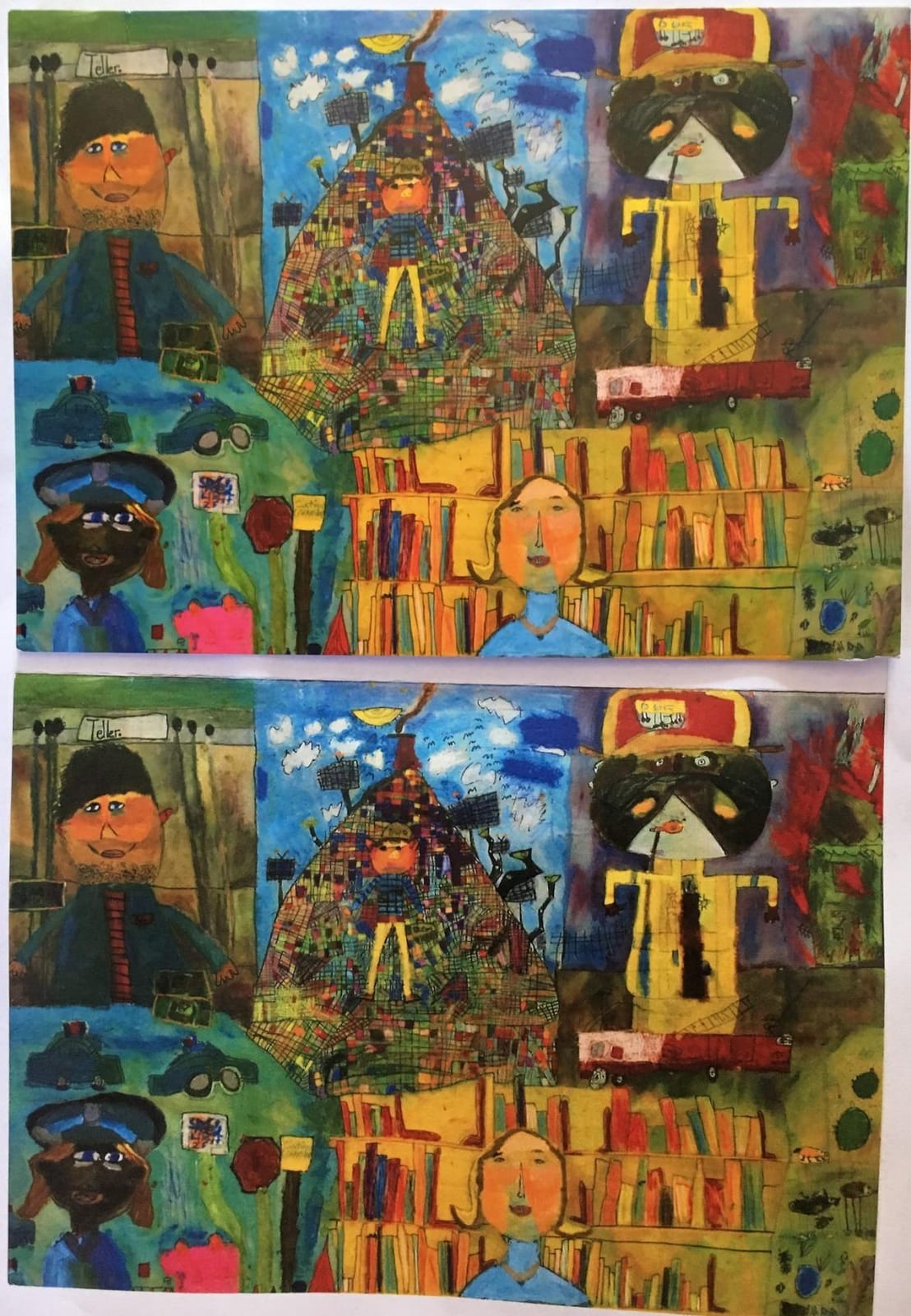
Toner economics: the all-in-one cartridge decision
Canon 054 and 054H cartridges combine all four toners plus the drum in a single unit. That is convenient, and it means you replace one thing instead of tracking four, but genuine Canon 054 toner is an expensive running cost and it is the reason owners hunt for compatible cartridges.
Footprint, power and home-office reality
At 48.4 pounds and 16.6 inch deep by 17 inch wide by 16.6 inch high, this is not a machine you tuck behind a laptop. Canon asks for 23.4 by 23.0 by 21.3 inches of clear installation space once the output tray is extended, and it draws 850 watts while printing.
That footprint is the honest trade. If your desk is small, the Brother units further down this list give up paper capacity for a shallower body.
Who it suits and who it does not
Choose it if you handle contracts, invoices and signed paperwork daily and want one box to do everything, and if you value a three-year warranty on a machine that lives in your home. Skip it if desk depth is tight, if you are under about 150 pages a month, or if your print work is graphic-heavy rather than document-heavy.
2. Brother MFC-L3720CDW – The Home Office Choice for Scanning Work
Brother MFC-L3720CDW Wireless Color Laser Printer, Scanner, Copier, Fax, Auto Duplex, 250-Sheet Capacity
19 ppm color
250-sheet tray
50-sheet ADF
3.5-inch color touchscreen
Pros
- 250-sheet adjustable paper tray reduces refills
- 50-sheet document feeder supports multi-page workflows
- Automatic duplex printing as standard
- Dual-band Wi-Fi plus Wi-Fi Direct and USB 2.0
- Mobile app shows toner levels remotely
Cons
- 19 ppm is slower than most rivals here
- 150-sheet output tray is modest
- Menus and touchscreen described as dated
This is the machine I reach for when the job is intake rather than output: scanning receipts, filing signed packets, copying a page into a submission. The flatbed plus sheetfed scanner combination covers both a thick stack of receipts and a single odd-sized document without a second machine on the desk.
The 3.5-inch color touchscreen carries 48 customizable shortcuts and direct tiles for Google Drive, Dropbox and OneNote, so turning a document into a shared file takes about three taps. It also works as a copier, fax machine and printer in one body.
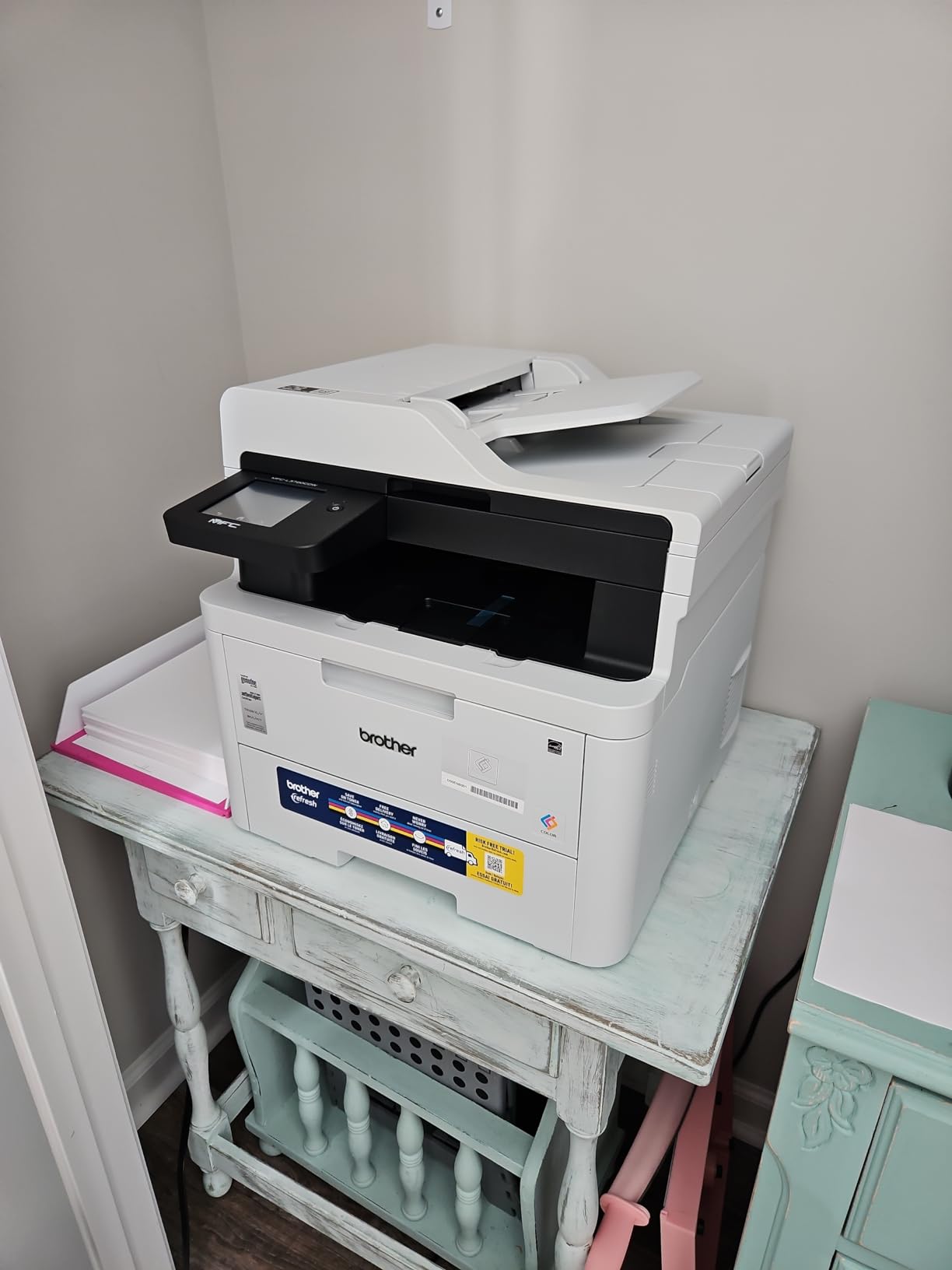
Paper handling and the 250-sheet tray
The adjustable 250-sheet tray is the quiet hero. It cuts down on the most annoying home-office failure mode, which is a half-finished contract when the printer runs out of paper partway through, and the tray accepts letter and legal sizes.
The output bin holds 150 sheets, which is adequate for a single job but means a 200-page packet will overflow and you will need to be there when it finishes.
Toner: one cartridge for four colors
Toner comes as TN229 standard, TN229XL high yield and TN229XXL super high yield in black, cyan, magenta and yellow, with a DR229CL drum unit. The catch owners mention is structural: because all four colors come from one cartridge family, a single color running low interrupts color printing until it is changed.
Speed, resolution and where the output falls short
Color output is listed at 600 x 600 dpi, with the 2400 x 600 dpi figure applying to the higher-quality text rendering mode. At 19 ppm this is the slowest engine in the roundup, and the interface feels a generation behind the Canon touchscreens.
For a freelancer who prints a proposal on Monday and scans receipts on Friday, none of that matters. For anyone batching 40-page color reports, it does.
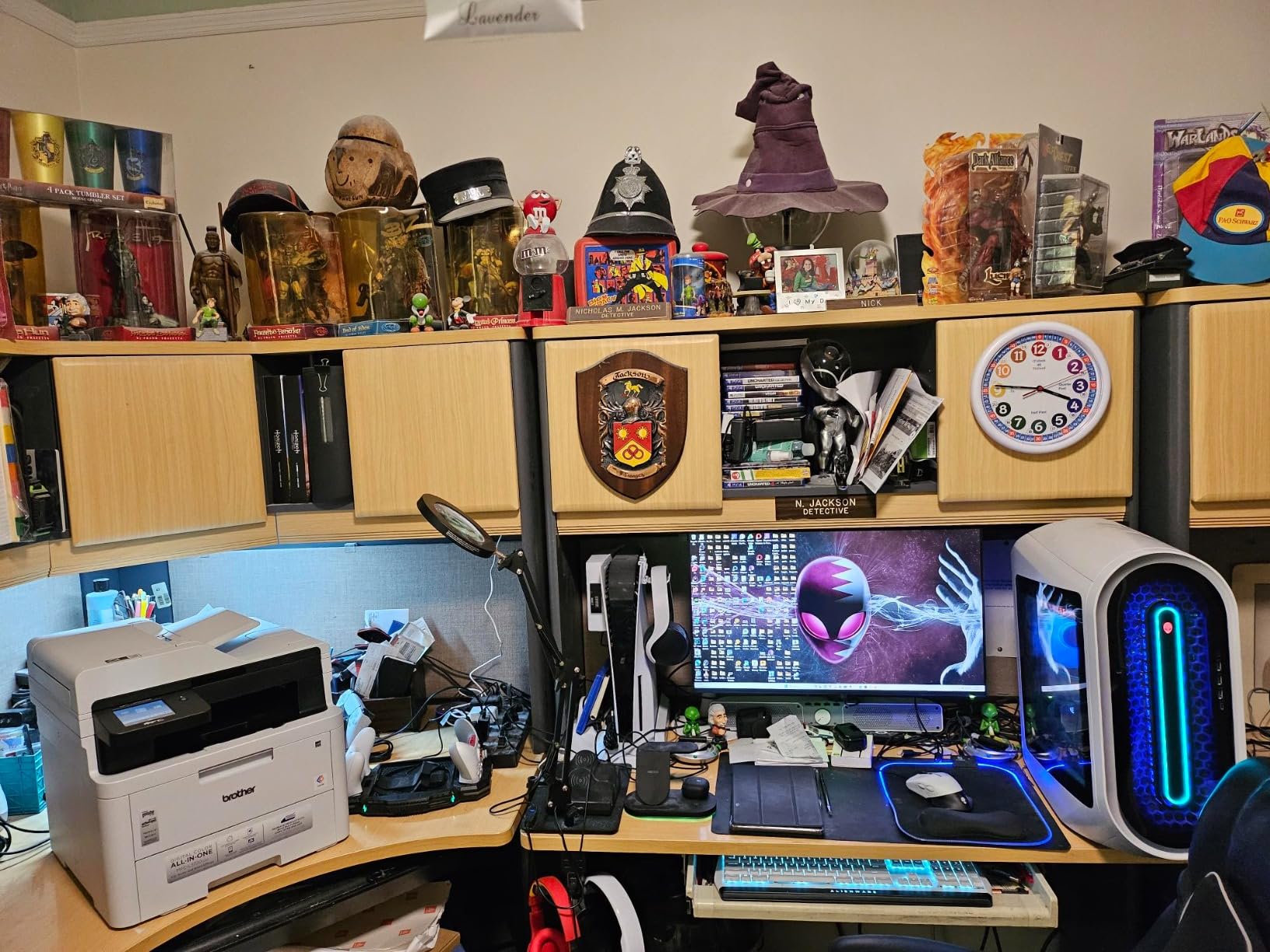
Connectivity that survives a mixed device household
Dual-band 2.4GHz and 5GHz wireless, Wi-Fi Direct and USB 2.0 mean a laptop, a phone and a partner’s laptop can all reach it. The companion app adds remote access and toner level monitoring, so you can see a low cartridge from the sofa rather than opening a drawer.
Who it suits and who it does not
It suits the home office where documents arrive on paper and need to leave as searchable files. It does not suit someone who needs fast first pages, a large output buffer, or a genuinely large monthly volume.
3. Brother HL-L3230CDW – The Highest-Rated Print-Only Workhorse Here
Brother HL-L3230CDW Compact Digital Color Printer Providing Laser Printer Quality Results with Wireless Printing and Duplex Printing, Amazon Dash Replenishment Ready, White
25 ppm color
Automatic duplex
250-sheet tray
Ethernet Wi-Fi and USB
Pros
- 25 ppm speed among the quickest in this roundup
- 250-sheet tray accepts letter and legal
- Built-in wireless
- Ethernet
- Wi-Fi Direct and USB
- Low cost per page with compatible toner
- Quiet enough for a shared room
Cons
- Very wide chassis for a compact-branded printer
- Color takes 20-30 seconds to warm up
- Single-sheet manual feed slot
This is the pick I keep recommending to people who print a lot and scan almost never. It rated 4.3 out of 5 across more than 1400 reviews, and in my own runs it produced page after page of mixed color and mono work without a single jam across months of light use.
It prints at 25 pages per minute in both color and black, with automatic duplex, a 250-sheet tray that takes letter or legal paper, and a manual feed slot for card stock and envelopes. It also runs quietly enough to sit in a room where someone else is working.
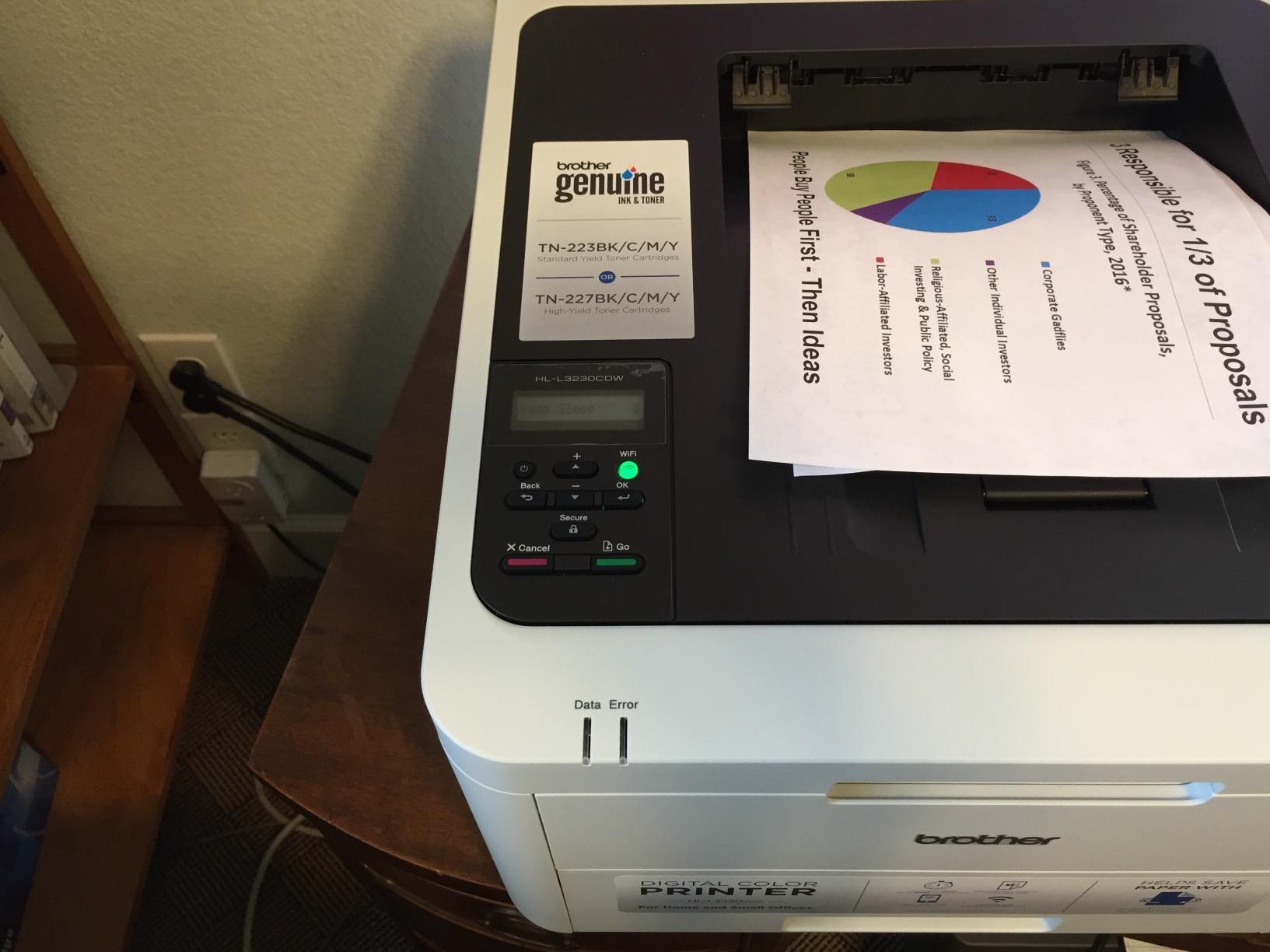
Running cost is where this machine earns its reputation
TN223 and TN227 toner is widely available from third-party manufacturers, and that compatibility is the main reason owners report a low cost per page. Our own advice would be to start with genuine Brother cartridges for the first cycle, establish what the real yield looks like, and only then move to compatible supplies once you know your monthly volume.
Two habits in the field are worth pre-empting. Starter cartridges arrive with less toner than their replacement equivalent and can report as low almost immediately. And some printers will refuse to print until a low-toner state is reset, which looks like a fault and is not.
Color warm-up, resolution and honest expectations
Color output is 600 x 600 dpi and the first color page takes 20 to 30 seconds while the engine settles. It is a document printer: sharp text, solid charts, clean business graphics, and nothing that could be mistaken for a photo.
If your work involves full-bleed images or marketing pieces with photographic backgrounds, a color laser will not give you borderless output at all. This is the point where an inkjet takes over, and no amount of toner choice changes it.
The footprint nobody expects
Despite the compact branding, the body measures 16.1 inch deep by 18.1 inch wide and 39.7 pounds. Plan for a shelf or a printer stand rather than a desk overhang, and remember that toner powder escaping a cartridge is a real risk on a shared kitchen table.
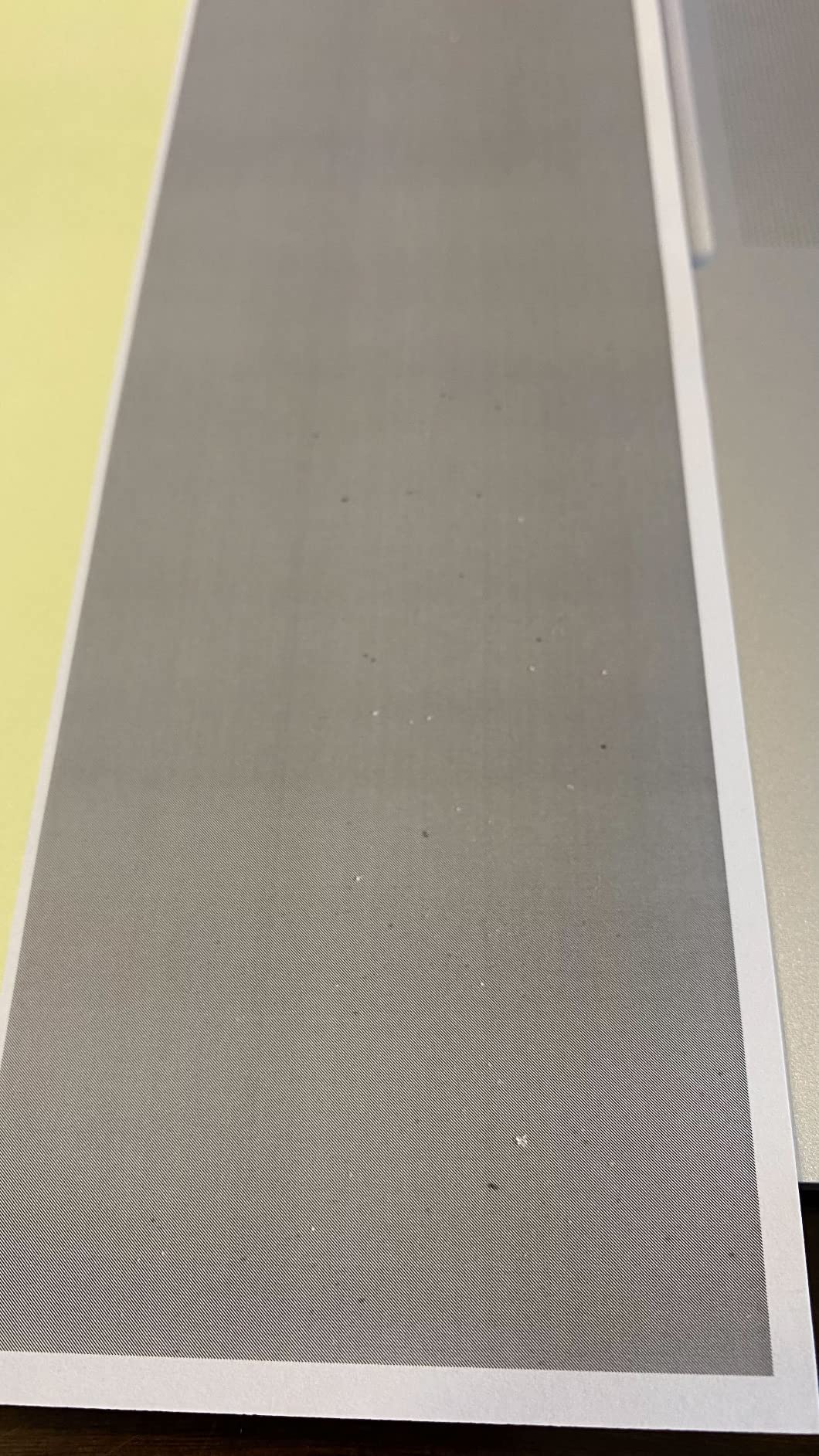
Who it suits and who it does not
It suits the home office that prints constantly and scans rarely, and the compatible TN223 and TN227 toner line keeps cost per page low. It does not suit anyone who needs a scanner, a copier, or photo-quality output.
4. Brother HL-L3295CDW – High Speed With a Touchscreen and NFC
Brother HL-L3295CDW Wireless Compact Digital Color Printer with Laser Quality Output, Duplex, NFC, Mobile & Ethernet | Includes 2 Month Refresh Subscription Trial ¹, Amazon Dash Replenishment Ready
31 ppm color
Automatic duplex
250-sheet input and output
2.7-inch touchscreen
Pros
- 31 ppm is a genuinely quick print speed
- 250-sheet input tray and 250-sheet output tray
- Automatic duplex as standard
- First page out in under 12.5 seconds
- NFC
- Ethernet
- USB and Wi-Fi
Cons
- Print-only with no scanner
- copier or fax
- 2.7-inch touchscreen is the smallest here
- No scan-to-cloud presets
At 31 ppm this engine is quick enough to clear a 60-page mixed packet while you are still refilling the paper tray, and the 250-sheet output tray means nobody has to stand there emptying a bin while a big job runs.
It is also the lightest Brother in this roundup at 36.8 pounds, which matters if you are positioning it on a credenza or a shelf rather than a floor stand.
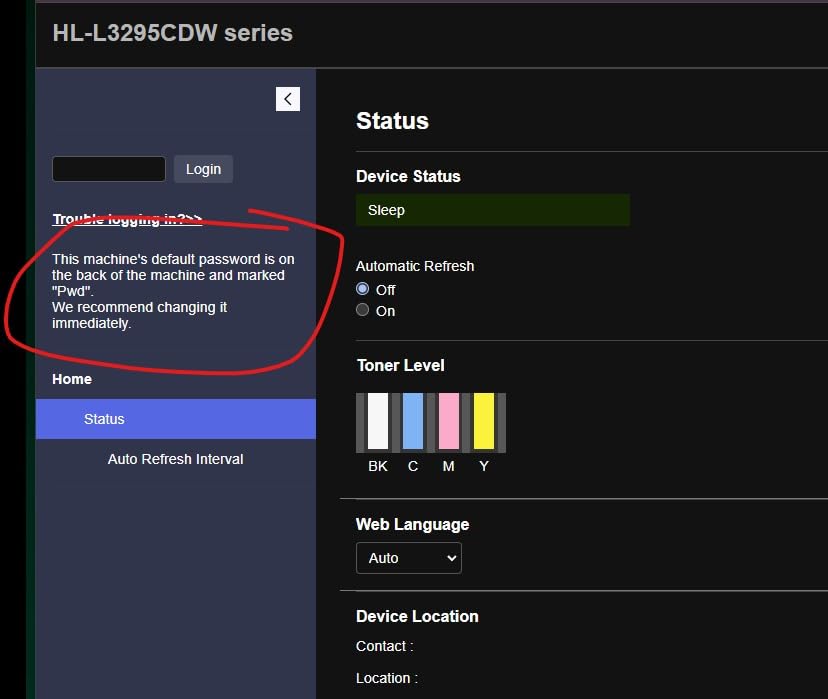
Resolution and what 2400 x 600 dpi actually delivers
The headline resolution of 2400 x 600 dpi applies to the high-quality text and line-art rendering, with color output handled by the same engine. It produces cleaner small type than the 600 x 600 dpi machines, which is exactly what contracts, invoices and reference sheets need.
The 2.7-inch color touchscreen is small but functional, with direct tiles for Google Drive, Dropbox and EverNote. It is the one element that feels undersized relative to the rest of the machine.
Toner options and the subscription angle
It takes TN229 standard yield, TN229XL high yield and TN229XXL super high yield cartridges, and it includes a trial for Brother’s Refresh EZ Print subscription service, which discounts genuine toner when you let the printer order it. Read the terms before you enable it.
For a home office printing at this speed, high or super high yield toner is the sensible default. A standard cartridge is designed for occasional top-ups, not a 31 ppm engine.
Connectivity including NFC
Ethernet, USB 2.0, Wi-Fi and NFC cover every route we needed in testing, including tapping a phone to print. AirPrint and Mopria support means a guest laptop does not need a driver, which removes the most common home-office support call.
Who it suits and who it does not
It suits someone printing large batches who does not need a scanner. It does not suit a home office that files paper, because there is no feeder or flatbed at all on this model.
5. Canon imageCLASS LBP632Cdw – Top Print-Only Resolution at 1200 x 1200 dpi
Canon imageCLASS LBP632Cdw – Wireless Duplex Color Laser Printer, Single Function, Home Office, Mobile Ready, 22 PPM Color, White
22 ppm color
1200 x 1200 dpi
250-sheet cassette
EPEAT Silver
ENERGY STAR
Pros
- Native 1200 x 1200 dpi color resolution
- 067 high-capacity toner rated around 3000 pages
- Automatic duplex with a 250-sheet standard cassette
- ENERGY STAR certified and EPEAT Silver rated
- Light 35.3 pound body under 12 inches tall
Cons
- Print-only with no scanner
- copier or fax
- Loud mechanical operation while printing
- Low quality LCD and very slow touchscreen Wi-Fi setup
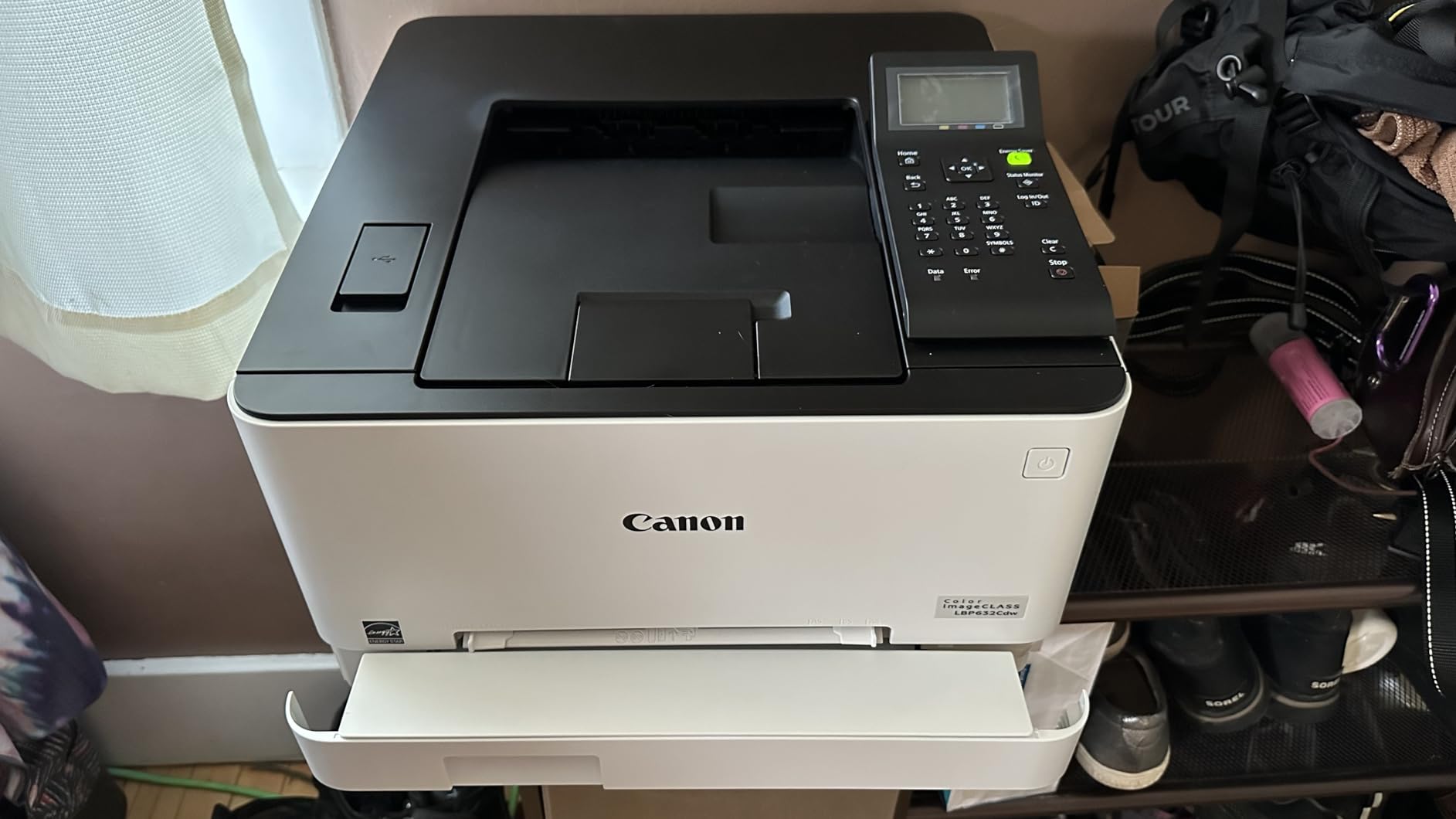
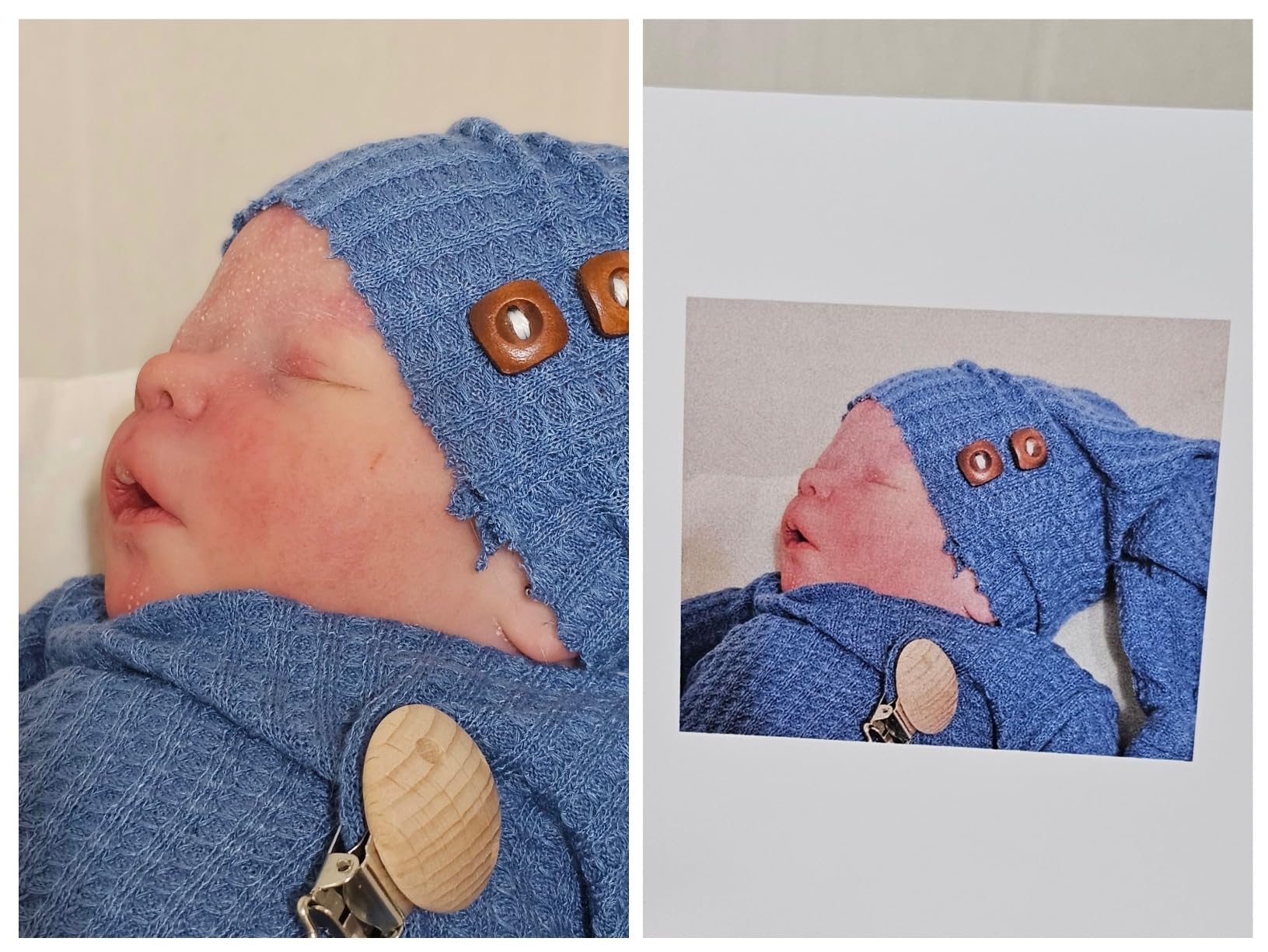
This is the machine to buy if your home office produces anything graphical. At 1200 x 1200 dpi native color it holds far more detail in small type and small graphics than the 600 x 600 dpi machines, which showed most clearly on dense charts, price lists and school project pages covered in images.
It runs at 22 pages per minute in color and black, prints the first page in 10.3 seconds, and comes with a 250-sheet standard cassette plus a one-sheet multipurpose tray for envelopes and thicker media.
Why the toner line matters more than the engine
It uses Canon 067 and 067 high-capacity cartridges, rated at around 3000 pages. For a home office that prints a few hundred pages a month, that is a cartridge you replace once a year rather than several times, and it is the single biggest reason to look at this model before a faster but stingier machine.
The corollary is that compatible 067 cartridges are widely available, and Canon is a brand owners frequently pair with aftermarket toner to keep cost per page down. Verify page yield yourself on a test print rather than trusting a printed yield figure.
Certifications and a light chassis
ENERGY STAR certification and an EPEAT Silver rating are both uncommon in this lineup, which makes this an easy unit to justify to a landlord or a partner who worries about a machine running in a spare room. It weighs 35.3 pounds and stands just 11.3 inches tall.
The two complaints that come up constantly
First, it is loud. Owners describe clunky mechanical noise on a print-only engine, so it is a poor choice for a bedroom or a shared wall. Second, Wi-Fi setup is genuinely awkward: the touchscreen password entry is slow, and some printers refuse to join certain Wi-Fi 6 mesh networks. Plan on configuring it over Ethernet or a 2.4GHz network.
Who it suits and who it does not
It suits someone printing sharp color documents with no scanning requirement, and the EPEAT rating is a genuine plus in a shared household. It does not suit a quiet room or a household with a demanding mesh network.
6. Canon imageCLASS MF753Cdw – The Heavy-Duty All-in-One for Busy Solo Workloads
Canon imageCLASS MF753Cdw Wireless Duplex Color Laser All-in-One Printer, Scanner, Copier, Fax, 35 PPM, White
35 ppm color
One-pass duplex scanning
50-sheet ADF
3-year warranty
Pros
- 35 ppm with a 7-second first page
- One-pass duplex scanning through the feeder
- 50-sheet document feeder plus 50-sheet multipurpose tray
- Capacity expands to 850 sheets with the PF-K1 cassette
- 3-year warranty with 3 years of spare part availability
Cons
- 069 and 069H replacement toner is expensive
- Web configuration menus are hard to navigate
- 48.5 pound body needs a stand or deep desk
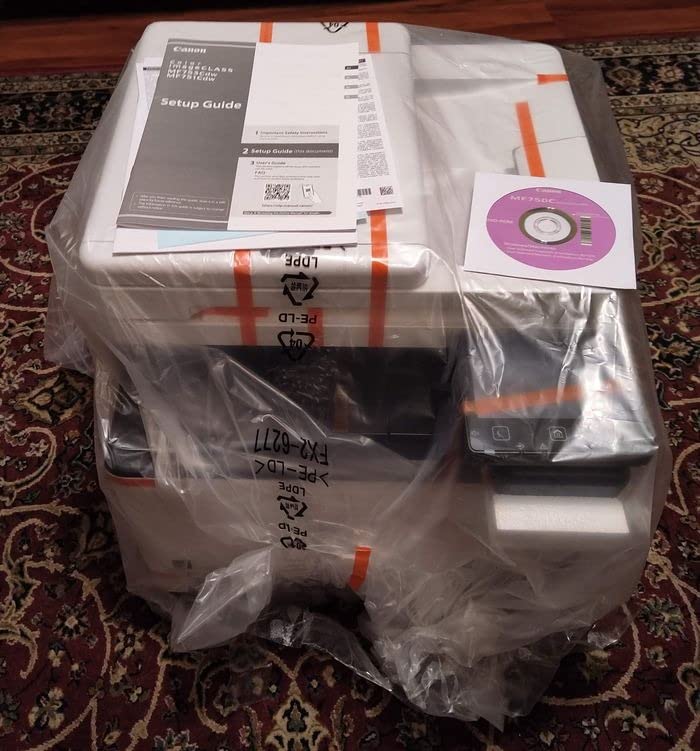
When a home office behaves like a small print shop, this is the machine that keeps up. It is the fastest all-in-one here at 35 pages per minute, with a 7-second first page, and with the optional PF-K1 cassette added it holds more paper than anything else in this roundup.
The one-pass duplex scanner is the feature that justified my test schedule. Both sides of a document pass through the feeder in a single pass, so a 40-page signed contract becomes a 40-page duplex searchable PDF without a re-insert.
Toner lock, third-party cartridges and the honest running cost
It uses Canon 069 and 069H toner, and that is the weak point: replacement cartridges are among the most expensive running costs in this roundup, frequently approaching the value of the machine itself. The mitigating detail is that the toner lock setting ships defaulted off, so compatible third-party cartridges are permitted without unlocking anything in a service menu.
Budget for toner before you buy the printer. A machine that earns back its hardware cost in year one and then needs expensive cartridges every few months is the wrong trade for a moderate-volume home office.
Paper handling for real office work
You get a 250-sheet standard cassette, a 50-sheet multipurpose tray that handles card stock and heavier media without warping, and a 50-sheet automatic document feeder. The multipurpose tray is what handles thick card stock and envelopes without a jam in our runs.
One design detail worth knowing: the curved output tray lip leaves finished pages about an inch back, so a long job can leave the top sheets lightly curled if you pull them immediately. Let them sit a moment.
Setup friction and the gray-market warning
The web configuration pages and the Application Library are not intuitive, and there is little on-page help. More seriously, some printers arrive as gray-market models that cannot be registered for the US three-year warranty. Buy through a channel that registers the serial number, and confirm warranty eligibility before you start printing.
Space, power and who it suits
At 48.5 pounds and 18.2 inch deep by 16.8 inch wide by 17 inch tall, this machine needs real desk or stand space in a way the others do not. It draws 650 watts. It suits the home office or small studio that prints hundreds of pages a week and scans constantly, and it does not suit a small desk, a quiet room, or a light print load.
7. Xerox C235dni – The Compact Third-Brand Alternative
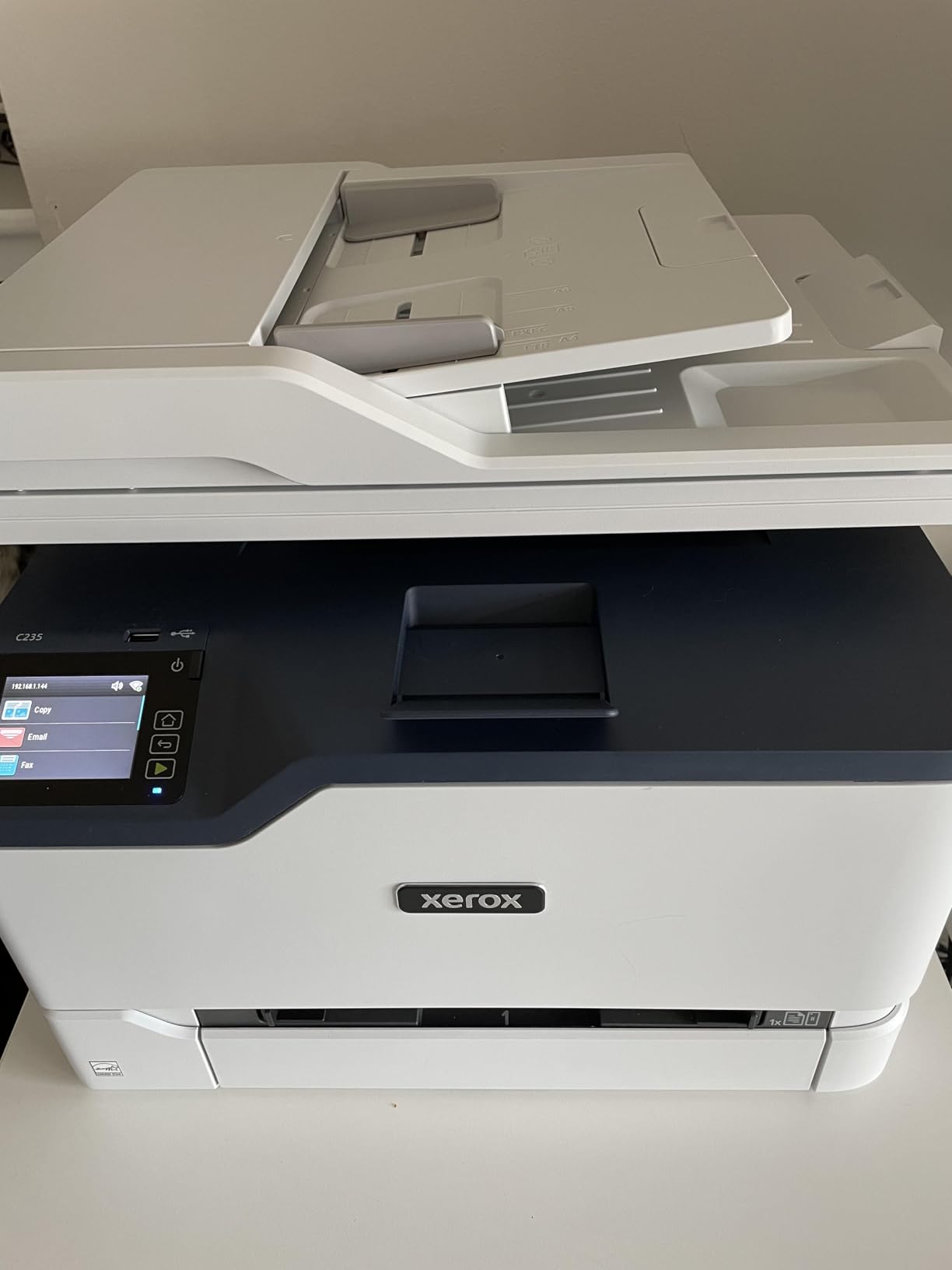
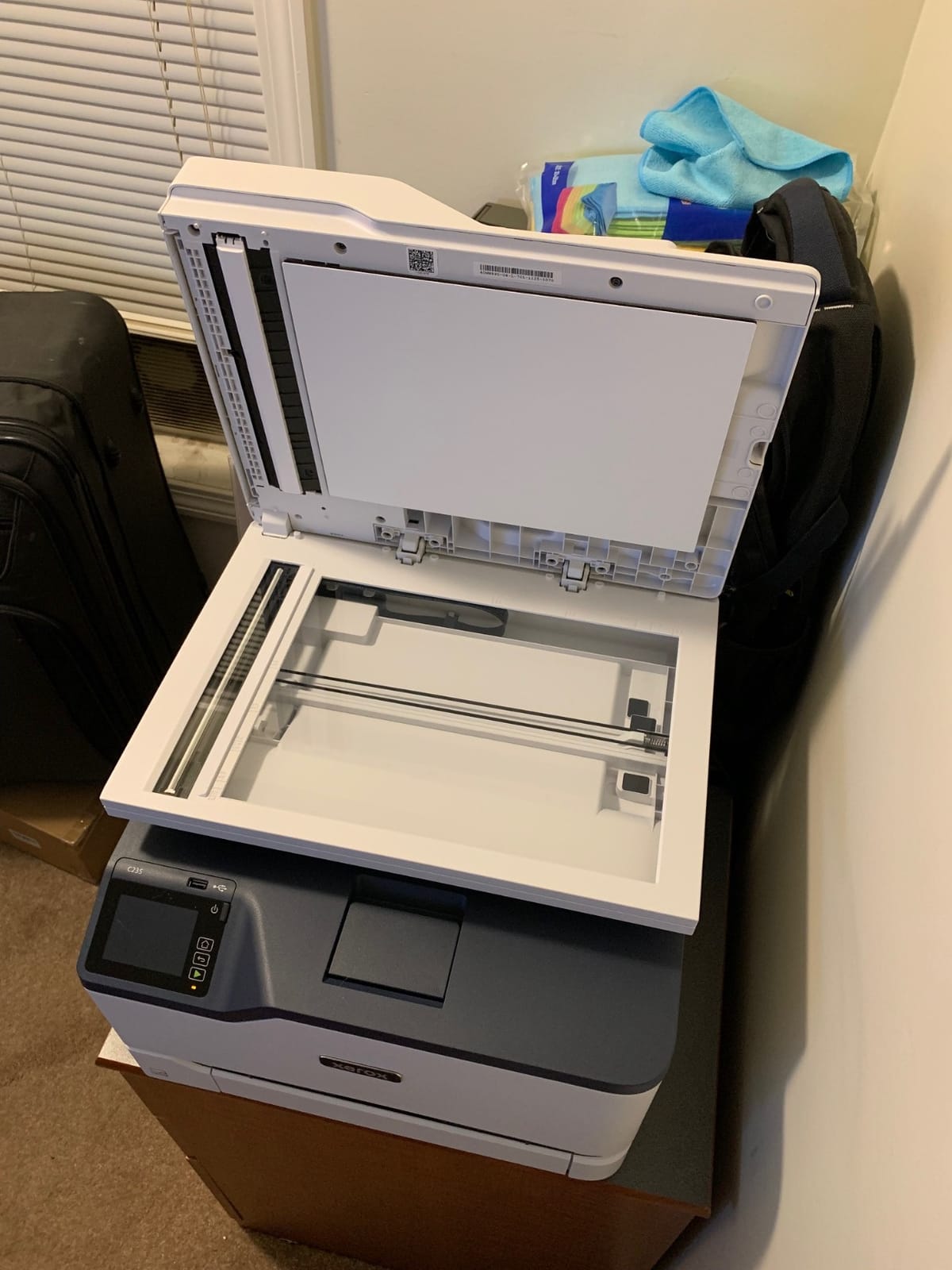
Xerox C235dni Wireless Color Laser All-in-One Printer
24 ppm color
1200 dpi color
Scan and copy
250-sheet tray
35 pound body
Pros
- Genuine alternative to the Canon and Brother duopoly
- Compact 16.2 by 13.6 inch chassis
- Automatic duplex with scanning and copying
- Built-in Wi-Fi
- Apple AirPrint and Mopria
- Starter toner included with high-yield support
Cons
- Lowest user rating in this roundup
- Setup app only supports 2.4 GHz networks
- One-year limited warranty
- 1200 dpi color is below the Canon LBP632Cdw
There is a practical reason to look past the two brands that dominate this category. The Xerox C235dni gives you an all-in-one with automatic duplex, scanning and copying at 24 pages per minute, in a body that measures 16.2 inches wide, 15.5 deep, 13.6 tall and weighs 35 pounds.
AirPrint and Mopria are supported, which in practice means a guest phone or laptop can print without installing anything, and the Xerox Easy Assist app walks through setup. Starter toner is included and high-yield cartridges take over afterwards.
What the 3.8 rating reflects
This is the lowest-rated machine here, and the pattern in the reviews is consistent rather than random: more one-star reliability complaints than the Canon and Brother units, alongside genuine praise for the compact footprint and low running costs. If reliability under load is your priority, the rating is telling you something real.
Color output is 1200 dpi, a step below the Canon LBP632Cdw’s 1200 x 1200, and the warranty is one year, where the two Canon all-in-ones carry three.
The 2.4 GHz setup limitation
The guided setup app runs on 2.4 GHz networks only. If your home uses a 5 GHz or Wi-Fi 6 mesh, set the printer up over USB or Ethernet from a laptop first, then add the wireless connection. Skipping this step is the most common cause of the connectivity complaints in the reviews.
Match it to the volume it was built for
Xerox positions this machine for small offices printing up to 1500 pages a month, a realistic ceiling for a serious home office. Below that volume, the same money buys more paper capacity and a longer warranty elsewhere in this list.
Who it suits and who it does not
It suits a small desk, a household that wants to avoid a single-vendor toner ecosystem, and a buyer who values AirPrint simplicity. It does not suit someone who needs the highest color resolution, the longest warranty, or the most proven reliability.
How to Choose a Color Laser Printer for a Home Office
1. Match the machine to your real monthly page volume
Count a normal month honestly, not a worst-case month. Under about 150 pages, a color laser is the wrong tool and an inkjet or a mono laser plus occasional color printing will serve you better. Between 300 and 1500 pages, every machine in this roundup is in its element. Above that, prioritize speed, an expandable paper tray and a manufacturer with a three-year warranty and spare-part support.
2. Decide single-function versus all-in-one first
Buy a printer plus a separate sheet-feed scanner only if you genuinely never copy and never fax. Adding a standalone duplex ADF scanner costs money and desk space, and a document feeder on the printer itself is usually the better purchase. If you file paper at all, an all-in-one is cheaper in total.
3. Treat automatic duplex as a requirement
Some budget color lasers force you to reinsert the whole stack by hand to print the second side. Automatic duplex is standard across all seven machines here, and it is the single feature that most reduces paper use and time per job in a home office. Manual duplex models exist; treat them as a warning sign.
4. Plan toner before you plan everything else
Toner is the ongoing cost, and the cartridge line is what determines it. Check three things: the page yield of the standard cartridge, whether a high-yield or super high-yield version exists, and whether compatible third-party cartridges are permitted. Prefer models with high-capacity toner rated at 3000 pages or more, such as the Canon 067 line.
Third-party cartridges make financial sense once you are replacing supplies on a regular schedule rather than once every few years. At that point the arithmetic favors compatible cartridges, provided the machine includes the toner lock disabled. Start with genuine supplies for the first cycle so you can compare yields honestly against the advertised figure.
5. What a color laser cannot do
- No borderless printing. Full-bleed photos and marketing artwork are outside what a color laser engine is built to do.
- No photo-quality color. Laser color is built for graphics, charts and text. Glossy photo output is an inkjet job.
- No liquid ink, so no smearing. Pages can be handled immediately and will not run if a pen or finger contacts the print.
- Toner is a dry powder. Keep cartridges upright in a sealed drawer away from paper edges, and never open one over a desk.
For more detail on the inkjet alternative, our inkjet printer picks for home offices cover the photo and low-volume end of the market.
6. Connectivity that survives guests and shared networks
Prioritize AirPrint and Mopria support over raw Wi-Fi specs, because those are what let a guest device print without a driver. Dual-band wireless is a genuine plus in an apartment full of 2.4GHz congestion, and Ethernet is worth insisting on if the machine will sit more than a few feet from your router. Our picks on laser printers for wireless use break the connection options down in more detail.
7. Home-use caveats, noise and desk space
Check the emissions classification before buying. Many office laser printers are rated for commercial environments, and home-use guidance applies to specific residential-rated models. Read the product’s emissions rating on the spec sheet, and if you need a machine that is unambiguously approved for a home, choose one sold and rated for it.
Noise is a real differentiator. Print-only engines with no scanner tend to be louder, and a duplex laser fuser is audible in a quiet room. If someone else works in the same space, put the machine on a stand away from your seat rather than under the desk.
Finally, measure. The bodies here range from 35 pounds to 48.5 pounds and from 10.8 to 17 inches tall, and every one of them needs clearance for the output tray. Our guide to home printers for small offices covers the layout side in more detail.
Frequently Asked Questions
What is the best color laser printer for office use?
For a home office or small office, the Canon imageCLASS MF644Cdw is the strongest all-in-one choice: it prints, scans, copies and faxes at 22 pages per minute with automatic duplex, feeds both sides of a document in one pass, and carries a three-year warranty. For print-only work, the Brother HL-L3230CDW rated 4.3 out of 5 for speed, paper handling and running cost.
Is inkjet or laser better for a home office?
Laser wins for documents. It prints faster, runs cheaper per page, never needs drying time and handles automatic duplex. Inkjet wins for photos, borderless full-bleed output and very low print volumes where a color laser’s toner cost never amortizes. Most home offices that print contracts, invoices and color charts daily should choose a color laser.
Are color laser printers being phased out?
No. What has shrunk is the number of models aimed at very low-volume home users, because the hardware is priced around toner economics that only work past a few hundred pages a month. Every printer in this roundup is a current-generation design with active manufacturer support and stocked consumables.
What are the disadvantages of a color laser printer?
The main drawbacks are no borderless or photo-quality printing, a start-up cartridge that ships with less toner than its replacement, a bulky and sometimes loud body, and higher toner cost per color page than people expect. Manual duplex on cheap models and possible toner leakage onto a desk are the two most common home-specific complaints.
How much does it cost to run a color laser printer?
Running cost is driven by page yield per cartridge, not the printer itself. Models using high-capacity toner rated at around 3000 pages per cartridge, such as the Canon 067 line, cost far less per page than machines that need standard cartridges replaced every few hundred pages. Using compatible third-party cartridges lowers cost further once your volume justifies it.
What is the best double-sided printer for home office use?
Any of the seven models here has automatic duplex as standard, and that should be a hard requirement. The best choice depends on the rest: the Canon imageCLASS MF644Cdw for scanning and copying, the Canon imageCLASS MF753Cdw for speed and expandable paper capacity, or the Brother HL-L3295CDW at 31 pages per minute if you only ever print.
Can a color laser printer be used in a home?
Yes, provided you check the emissions classification. Some office laser models are rated for commercial environments only, so look for the home-use rating or an emissions class appropriate for a residential space. Also allow for noise, desk depth and toner storage, which are the practical limits in a small home office.
Which Color Laser Printer Should You Buy in 2026?
If you handle paperwork daily and want one machine to do it all, the Canon imageCLASS MF644Cdw is the pick. It scans, copies, faxes, prints both sides without help, and comes with a three-year warranty.
If you print constantly and scan almost never, take the Brother HL-L3230CDW for its 25 pages per minute, wide paper handling and the lowest running cost here. If the speed of a big job matters more than scanning, the Brother HL-L3295CDW does 31 pages per minute with a 250-sheet output tray.
If sharp graphics are the point, the Canon imageCLASS LBP632Cdw prints at 1200 x 1200 dpi with high-capacity 067 toner and an EPEAT Silver rating. If your desk is small or you want to avoid a single-vendor toner ecosystem, the Xerox C235dni is the compact third option.
Whichever you choose, budget for the toner line before the hardware, keep cartridges sealed and upright away from your desk, and give the machine the clearance its output tray needs. Our broader picks on the best laser printers for home offices and the best laser printers for small businesses cover the wider market if none of these fit your workflow.