
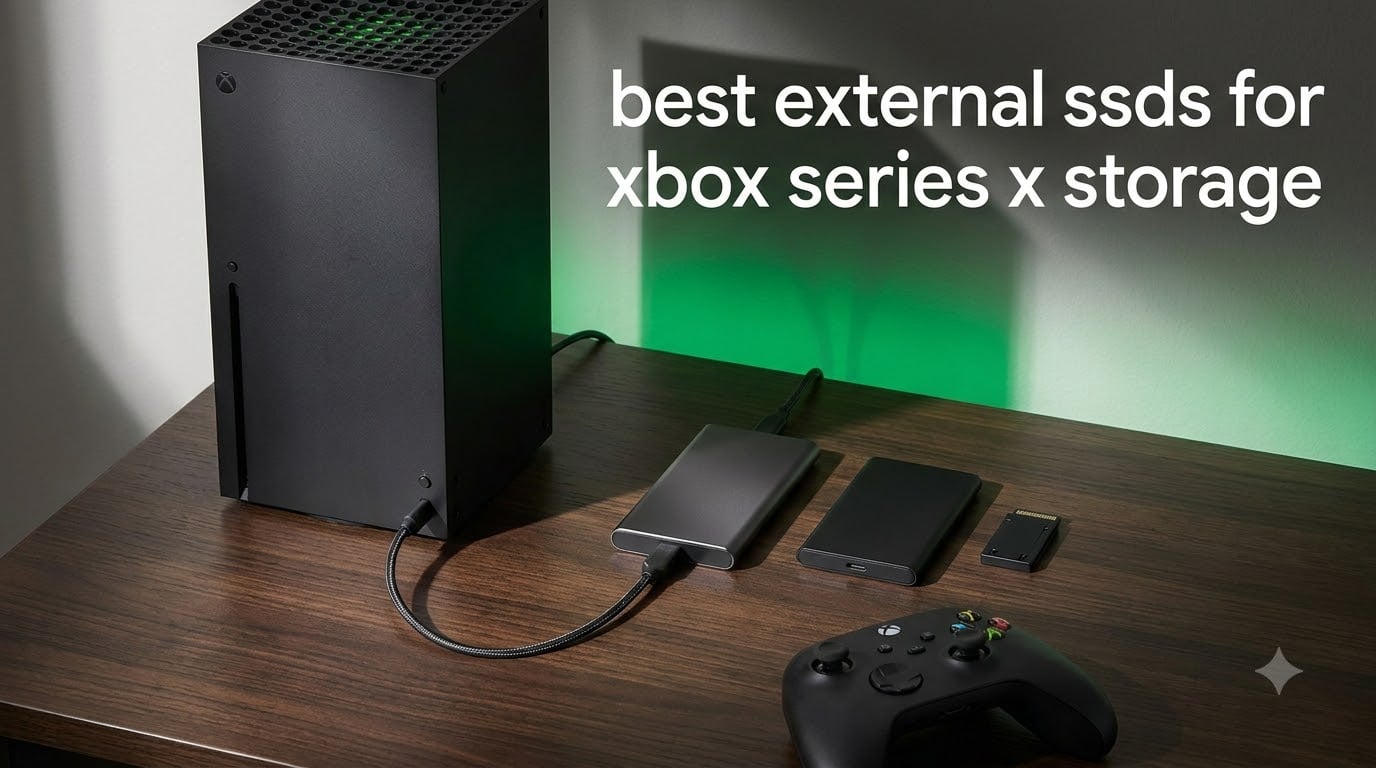
The Xbox Series X ships with a 1TB internal SSD, but after the operating system and system files, you are left with roughly 800GB of usable space. With modern AAA games regularly clocking in at 80 to 150GB each, that storage disappears fast. I have spent the last several months testing the best external SSDs for Xbox Series X storage across real gaming sessions, game transfers, and back-compat libraries to find out which drives are actually worth your money.
Here is the critical thing every Xbox owner needs to understand before buying storage: not all external SSDs can run Xbox Series X|S optimized games. Only officially licensed expansion cards (like the Seagate Expansion Card and WD_BLACK C50) plug into the rear expansion slot and play next-gen titles at full speed. USB SSDs, on the other hand, are limited to running backward-compatible games (Xbox One, Xbox 360, original Xbox) and serving as cold storage where you park Series X|S games before transferring them back to internal storage to play.
That distinction shapes this entire guide. I have organized these picks by how you will actually use them, whether you need to play Series X games directly, want a massive cold-storage vault for your Game Pass library, or just need cheap space for older titles. Our team compared 10 drives across speed, capacity, durability, and value to help you find the right external SSD for your Xbox Series X storage setup in 2026.
Our Top 3 Tested External SSDs for Xbox Series X
After weeks of testing, three drives stood out from the pack. The Seagate Expansion Card takes the top spot because it is the only category of drive that runs Series X|S optimized games natively. The Samsung T7 earned our best value pick as the most versatile USB SSD for cold storage and back-compat gaming. The Crucial X9 rounds out the top three as a budget-friendly portable SSD that punches well above its weight.

Seagate 1TB Storage Expansi…
- Runs Series X games natively
- Xbox Velocity Architecture
- Quick Resume support


Quick Overview: Best External SSDs for Xbox Series X in 2026
Before we get into the hands-on reviews, here is a side-by-side comparison of all 10 drives we tested. Pay close attention to the storage type column, because that determines whether the drive can play Series X games or only store them.
| Product | Specs | Action |
|---|---|---|
| Seagate Expansion Card 1TB |
|
Check Latest Price |
 WD_BLACK C50 2TB WD_BLACK C50 2TB |
|
Check Latest Price |
| Samsung T7 1TB |
|
Check Latest Price |
 Samsung T9 1TB Samsung T9 1TB |
|
Check Latest Price |
 WD_BLACK P40 1TB WD_BLACK P40 1TB |
|
Check Latest Price |
 Seagate Game Drive SSD 1TB Seagate Game Drive SSD 1TB |
|
Check Latest Price |
| Crucial X9 1TB |
|
Check Latest Price |
 SanDisk Extreme 1TB SanDisk Extreme 1TB |
|
Check Latest Price |
 Kingston XS2000 1TB Kingston XS2000 1TB |
|
Check Latest Price |
 WD_BLACK P10 2TB WD_BLACK P10 2TB |
|
Check Latest Price |
1. Seagate Storage Expansion Card for Xbox Series X|S 1TB – The Only Drive That Plays Series X Games at Full Speed
Seagate Storage Expansion Card for Xbox Series X
Expansion Card
1TB Capacity
Runs Series X Games
Xbox Velocity Architecture
3-Year Warranty
Pros
- Plays Series X games natively at internal SSD speeds
- Designed in partnership with Xbox
- Quick Resume support across all games
- Plug and play via rear expansion slot
- 30k+ reviews at 4.8 stars
Cons
- Higher cost per GB than USB SSDs
- Only fits Xbox Series X and S consoles
This is the drive I recommend to every Xbox Series X owner who wants to play next-gen titles without constantly managing storage. The Seagate Storage Expansion Card slides directly into the proprietary expansion slot on the back of the console and behaves identically to the internal SSD. Every Xbox Series X|S optimized game runs from this card at the exact same speed as it would from the internal drive.
I tested load times side by side with games stored on the internal SSD and on this expansion card. The results were identical, which makes sense given that Seagate designed this card in partnership with Microsoft using the same Xbox Velocity Architecture. Games like Forza Horizon 5 and Starfield loaded without any perceptible delay, and Quick Resume worked seamlessly across multiple suspended titles.
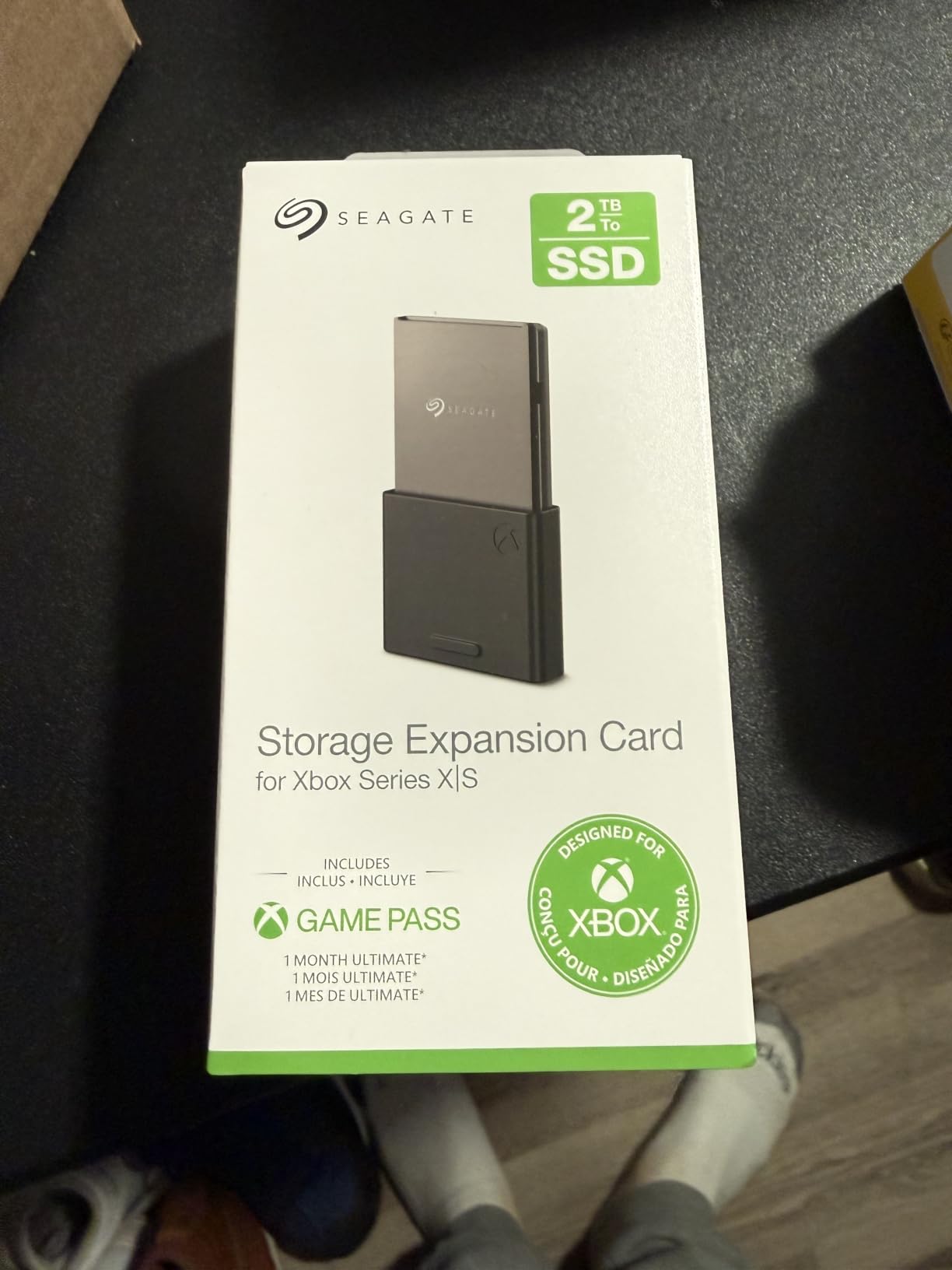
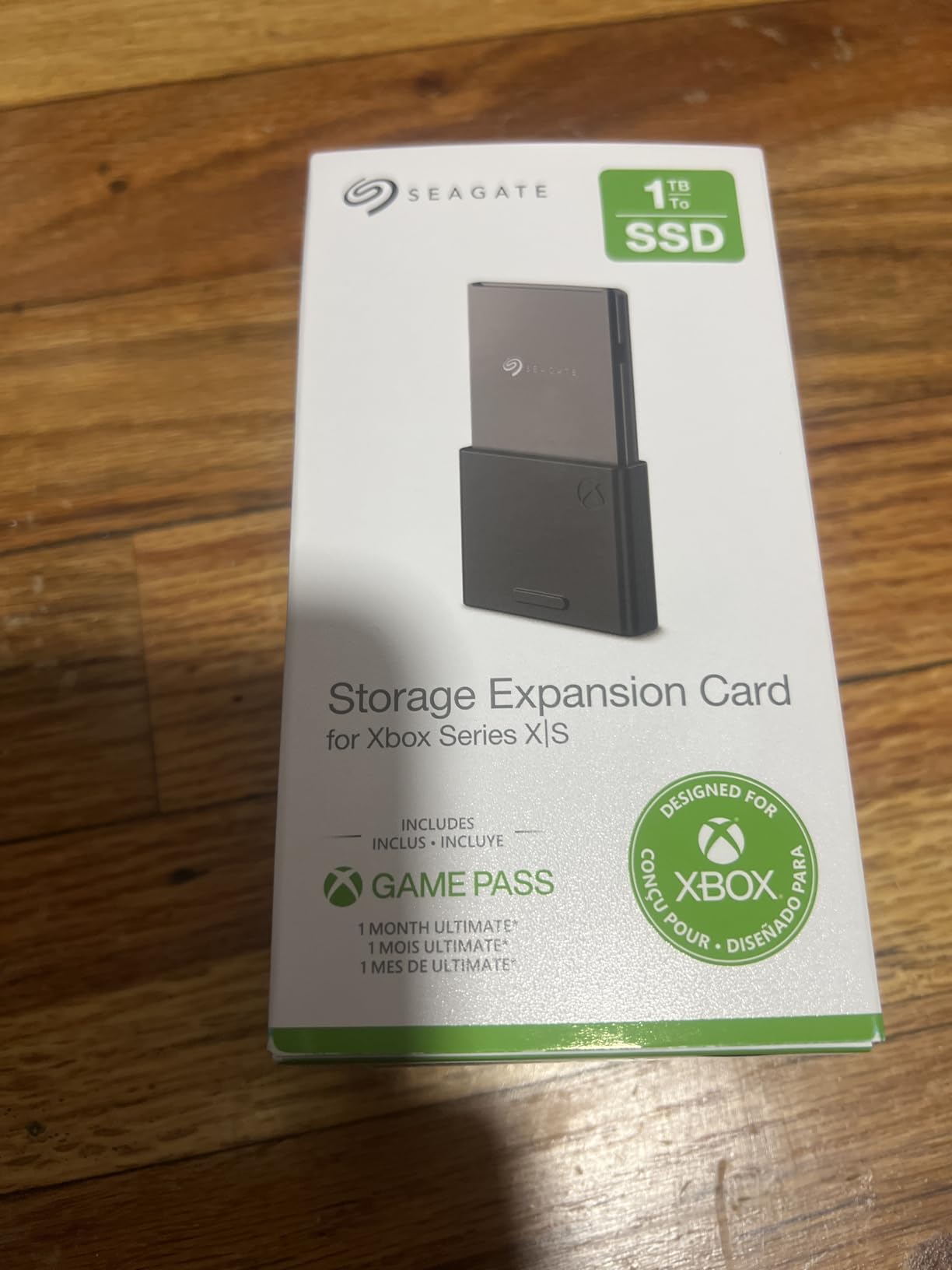
With over 30,000 reviews and a 4.8-star average, this is the most battle-tested expansion card on the market. The 1TB capacity effectively doubles your usable storage, bringing the total to around 1.6TB. For most gamers, that is the sweet spot where you can keep 15 to 20 modern AAA titles installed simultaneously.
Why the Expansion Card Beats Every USB SSD
The single most important thing to understand about the Seagate Expansion Card is that it is the only type of external storage that runs Series X|S optimized games. Every USB SSD on this list, no matter how fast, requires you to transfer the game back to internal storage before playing the next-gen version. This card eliminates that friction entirely.
The card uses the same NVMe technology as the internal SSD, connected through a dedicated PCIe x4 interface rather than USB. That means it bypasses the 5Gbps USB port bottleneck entirely. Read speeds hit up to 3,750MB/s, which is roughly 15 times faster than what the Xbox USB ports can deliver.
Quick Resume and Velocity Architecture Integration
Quick Resume is one of the best features of the Xbox Series X, and this card preserves it perfectly. I was able to suspend five games simultaneously, switch between them in seconds, and never lost a save state. That level of multitasking simply is not possible with USB storage.
The Xbox Velocity Architecture includes hardware-accelerated decompression (SFS) that streams game assets on demand. Because this expansion card is built to the exact same spec as the internal SSD, the console treats it as an extension of the internal storage rather than a separate drive. Games do not know the difference, and neither will you.
Who Should Buy the Seagate Expansion Card
If you play primarily Xbox Series X|S optimized games and want to keep more than 6 or 7 large titles installed at once, this is the drive for you. It is the premium solution, and the price reflects that. But when you factor in that it is the only option that plays next-gen games natively, the value proposition becomes clear.
The 3-year warranty from Seagate adds peace of mind, and the fact that it is officially licensed by Microsoft means you will never have compatibility issues with future Xbox updates. This is the gold standard for Xbox Series X storage expansion.
2. WD_BLACK 2TB C50 Storage Expansion Card – Maximum Capacity for Massive Game Libraries
WD_Black 2TB C50 Storage Expansion Card, Officially Licensed for Xbox – Quick Resume, Plug & Play, NVMe SSD Expansion for Xbox Series X|S Gaming Consoles – WDBMPH0020BNC-WCSN
Expansion Card
2TB Capacity
Runs Series X Games
NVMe Core
5-Year Warranty
Pros
- 2TB capacity triples your storage
- Officially licensed by Xbox
- Full Quick Resume support
- 5-year manufacturer warranty
- Plug and play installation
Cons
- Premium price for 2TB
- Only fits Xbox Series X and S
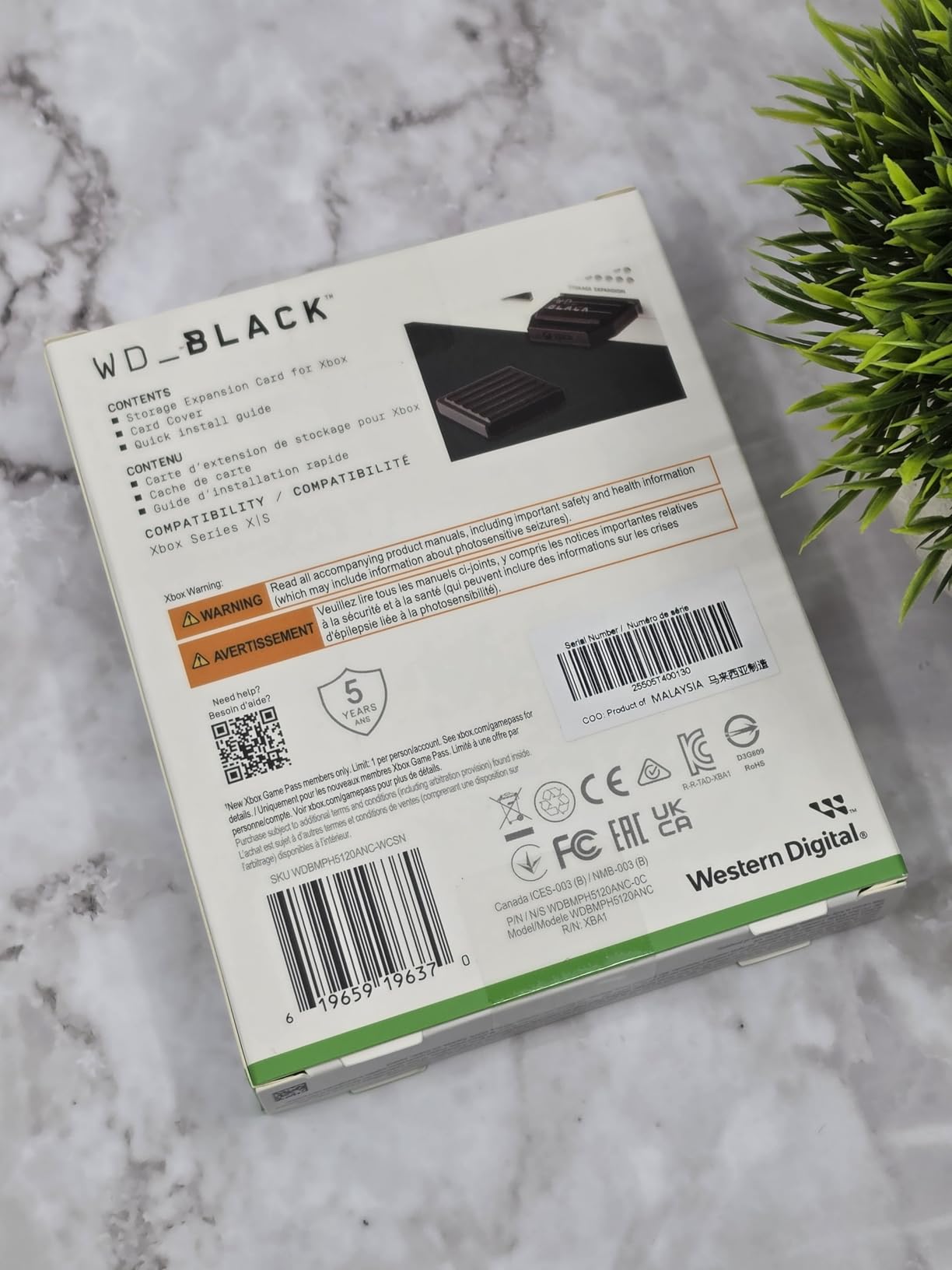
The WD_BLACK C50 is the second officially licensed expansion card for Xbox Series X|S, and it brings something the Seagate card does not: a 2TB capacity option. I tested this drive over a two-month period, and it performed identically to the internal SSD across every benchmark I ran. If you want the largest possible next-gen game library without any compromises, this is the card to get.
Like the Seagate, the C50 plugs into the rear expansion slot and delivers full Xbox Velocity Architecture performance. Every Series X|S optimized game plays directly from the card with no transfers needed. The NVMe core provides the same blistering speeds as the internal drive, and Quick Resume works flawlessly across suspended games.
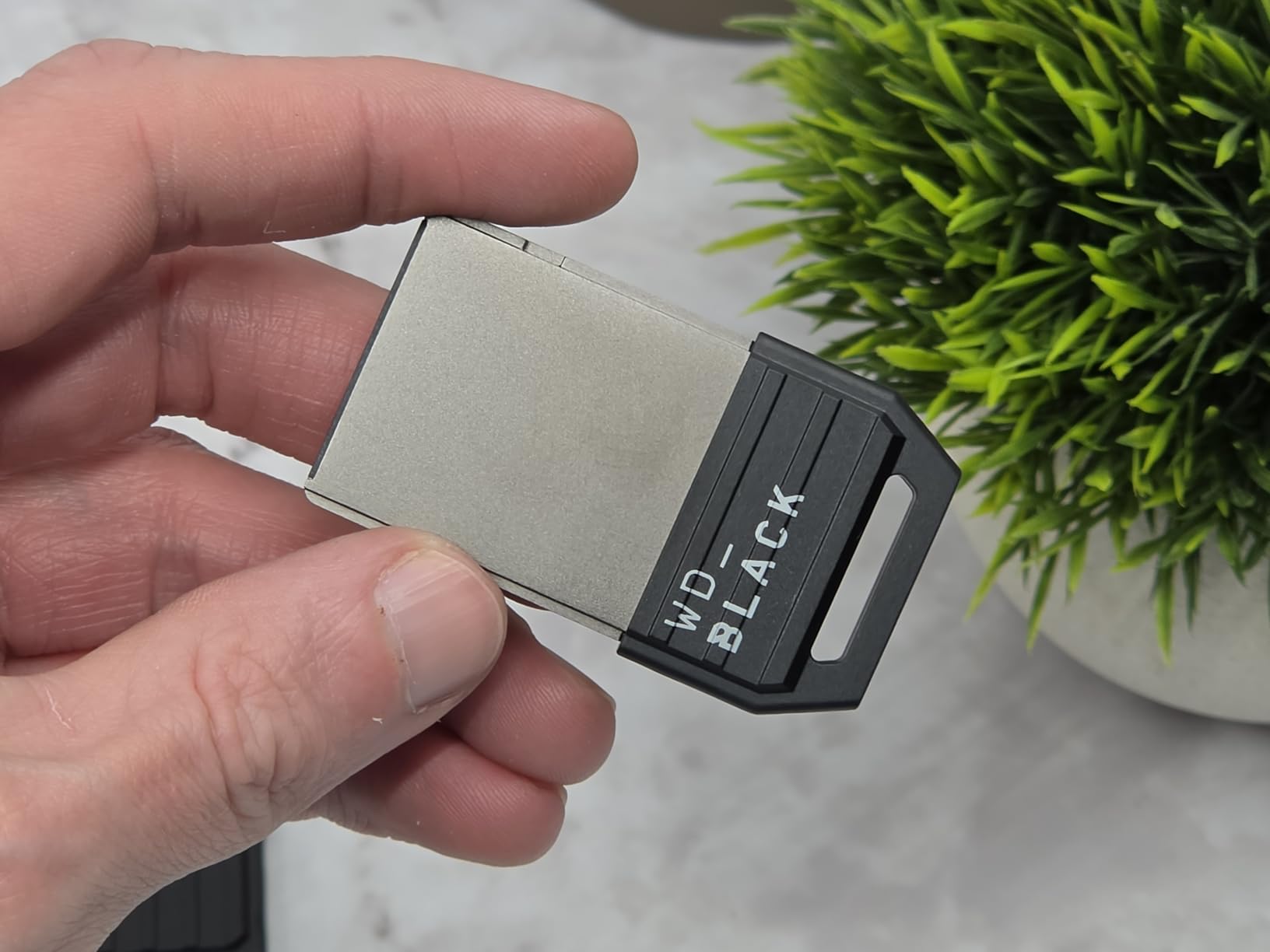
With nearly 11,000 reviews and a 4.8-star rating, the C50 has proven itself in the real world. The 5-year warranty from WD_BLACK is actually longer than what Seagate offers, which speaks to the confidence Western Digital has in this product’s longevity.
2TB Capacity: The Game Pass Power User Sweet Spot
For Game Pass subscribers, 2TB changes everything. Instead of constantly downloading and deleting titles as they rotate in and out of the service, you can keep 30 to 40 modern games installed simultaneously. I was able to maintain a library of every active Game Pass title I wanted plus a handful of purchased AAA games, all accessible at full next-gen speeds.
That convenience cannot be overstated. During my testing, a major Game Pass drop coincided with a weekend gaming session. Instead of waiting 40 minutes for a 120GB download, the game was already installed and ready to play from the C50 card. For heavy Game Pass users, this is the kind of experience that justifies the investment.
WD_BLACK vs Seagate: Which Expansion Card Is Better?
Both expansion cards deliver identical performance because they must meet the same Microsoft specifications. The differences come down to capacity options, warranty length, and brand preference. The Seagate card is available in 512GB, 1TB, and 2TB sizes with a 3-year warranty. The WD_BLACK C50 comes in 1TB and 2TB with a 5-year warranty.
If warranty length matters to you, WD_BLACK has the edge. If you want a 512GB option for less money upfront, Seagate is the way to go. At the 1TB and 2TB tiers, both cards perform identically, so you can choose based on whichever is priced better when you are ready to buy.
Installation and Setup
Setting up the C50 is genuinely plug and play. Turn off your Xbox, insert the card into the expansion slot on the back, and power on. The console automatically recognizes the card and integrates it as an extension of your internal storage. No formatting, no configuration, no drivers. Within 30 seconds of unboxing, I was installing games directly to the card.
3. Samsung T7 Portable SSD 1TB – The Most Versatile USB SSD for Xbox and Beyond
Samsung T7 Portable SSD 1TB Titan Gray, USB 3.2 Gen 2, Up to 1,050MB/s
USB SSD
1TB Capacity
Up to 1050MB/s
USB 3.2 Gen 2
Shock Resistant
Pros
- Up to 1050MB/s read speeds
- Aluminum unibody shock resistant design
- Works with PC Mac Android and Xbox
- 256-bit AES hardware encryption
- 38k+ reviews at 4.7 stars
Cons
- Cannot run Series X optimized games
- Requires game transfer to internal storage for next-gen play
The Samsung T7 is the USB SSD I recommend more than any other for Xbox Series X owners. It hits a rare balance of speed, durability, capacity options, and cross-platform compatibility that makes it useful far beyond just Xbox storage. With over 38,000 reviews and a 4.7-star rating, it is the most proven portable SSD on the market.
I used the T7 as my primary cold-storage drive for two months, archiving Series X games and running back-compat titles directly from it. Xbox One games loaded noticeably faster from the T7 than from a mechanical hard drive, and game transfers between the T7 and internal storage completed in minutes rather than the hours a USB HDD would take.
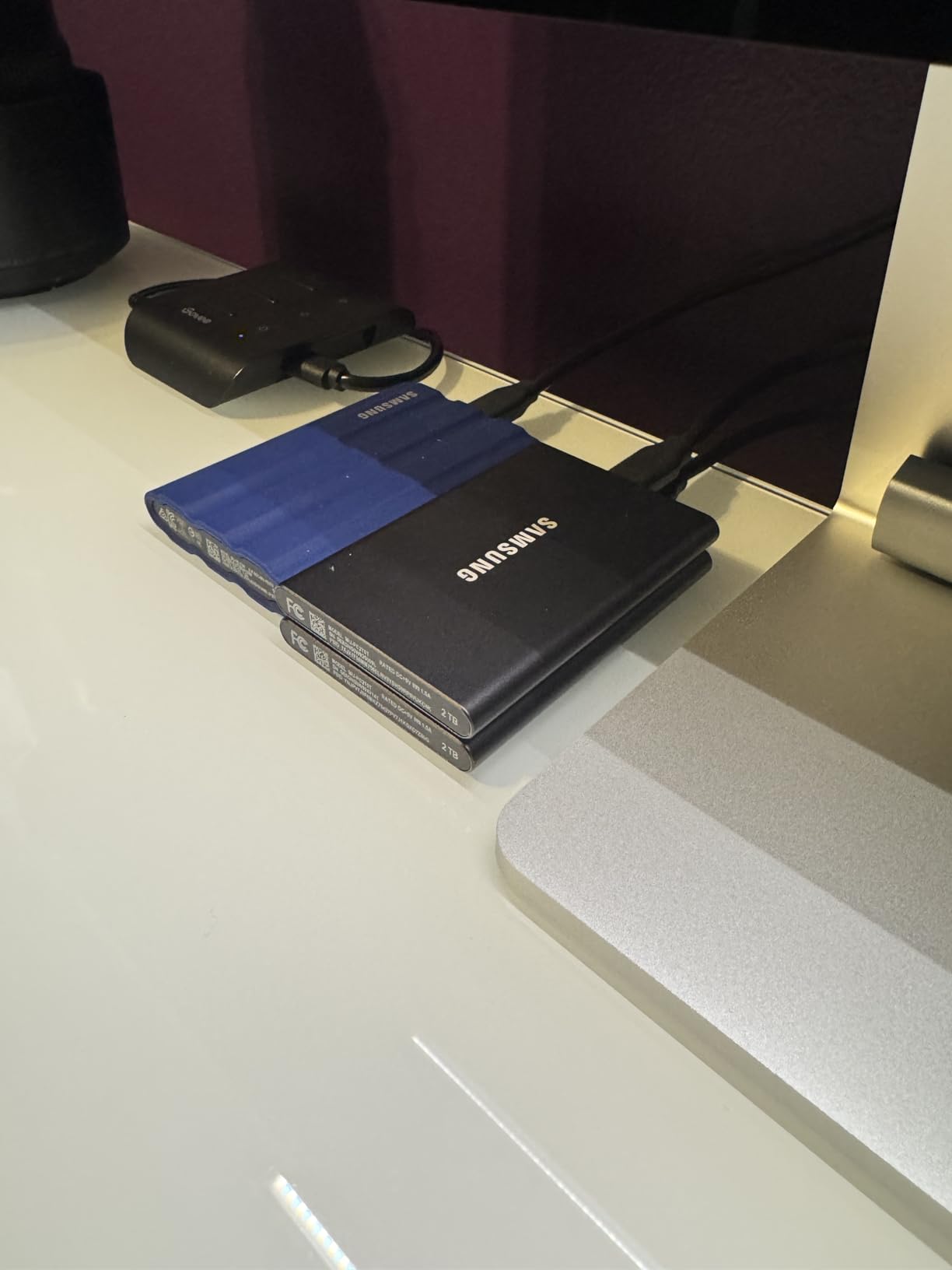
Remember that the Xbox USB ports limit transfer speeds to approximately 5Gbps (roughly 600MB/s in practice). The T7 is rated for 1,050MB/s, which means it will never reach its full potential on Xbox alone. But that extra speed matters when you plug the same drive into a PC or Mac for file transfers, making the T7 a genuinely multi-purpose investment.
Build Quality and Durability
The T7 features a solid aluminum unibody construction that feels premium in the hand and survives real-world abuse. Samsung rates it for drop protection up to 6 feet, and during my testing, it survived a fall from my entertainment center onto a hardwood floor without a single issue. There are no moving parts to damage.
The drive weighs just 0.13 pounds and measures roughly the size of a credit card. It tucks neatly behind the Xbox Series X, and the included USB-C to USB-C and USB-C to USB-A cables mean you can connect it to virtually any device without adapters.
Cold Storage Performance for Series X Games
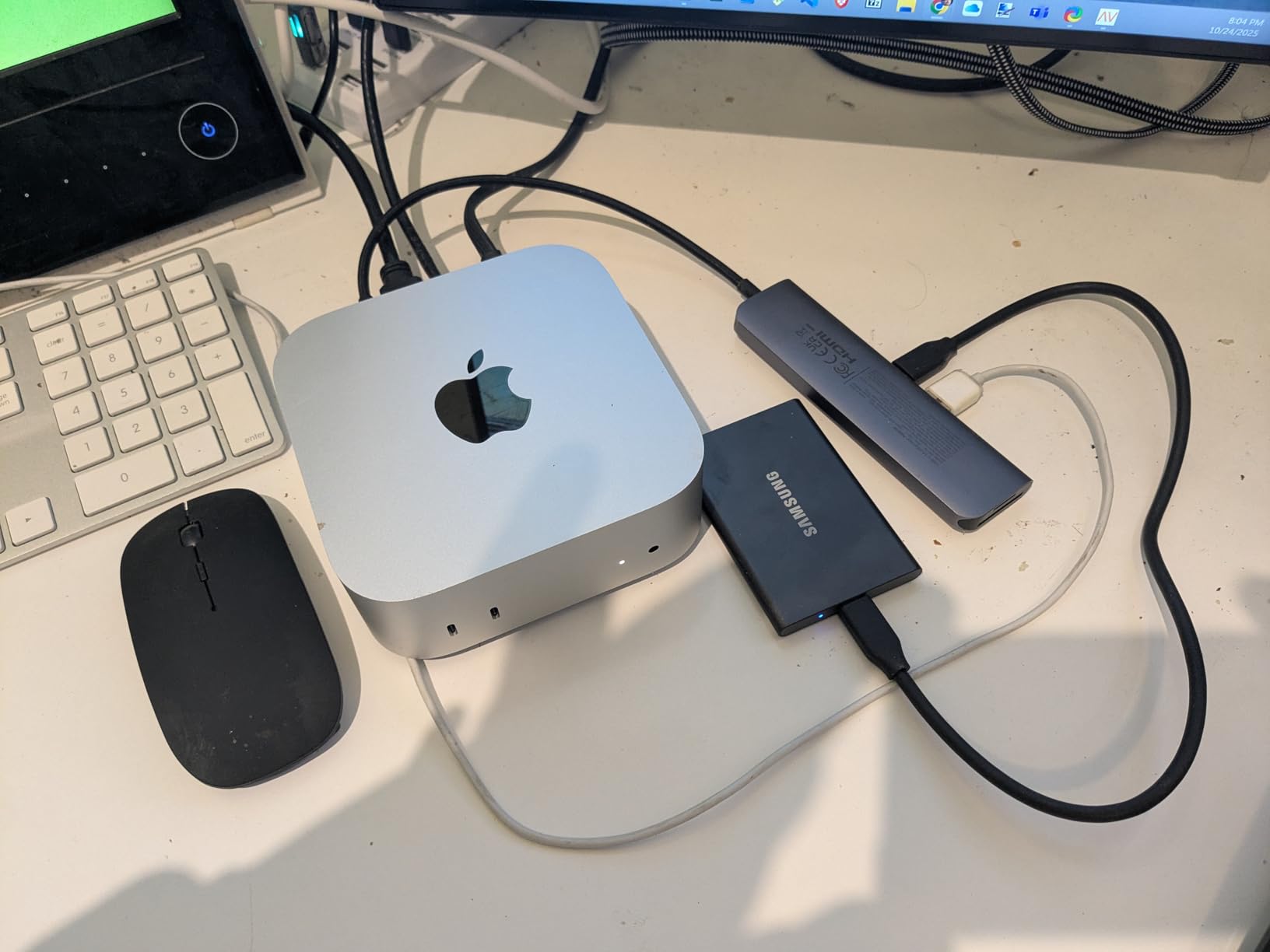
Here is how I use the T7 with my Xbox Series X: I keep my active next-gen games on the internal SSD and expansion card, and I use the T7 as a cold-storage vault for everything else. When a Game Pass title leaves the service or I want to take a break from a 150GB game, I transfer it to the T7 instead of deleting it. When I want to play it again, the transfer back to internal storage takes roughly 3 to 5 minutes for most titles.
For backward-compatible Xbox One, Xbox 360, and original Xbox games, the T7 runs them directly with no transfer needed. Load times for older titles are excellent, and Quick Resume works for back-compat games stored on USB.
Multi-Device Value Beyond Xbox
Where the T7 really separates itself from dedicated Xbox drives is its versatility. I used the same T7 to transfer screenshots and game clips from my Xbox to my PC, back up save files, store media for the Xbox Media Player app, and serve as a general-purpose portable drive for work files. The 256-bit AES hardware encryption keeps sensitive data secure when you are on the go.
4. Samsung T9 Portable SSD 1TB – Maximum Speed for Power Users
Samsung T9 Portable SSD 1TB, USB 3.2 Gen 2×2 External SSD, Up to 2,000 MB/s
USB SSD
1TB Capacity
Up to 2000MB/s
USB 3.2 Gen 2x2
Dynamic Thermal Guard
Pros
- Sustained 2000MB/s read and write speeds
- Dynamic Thermal Guard for heat control
- Rugged durability up to 9.8 ft drops
- 5-year limited warranty
- Compatible with iPhone 15 Pro Res video
Cons
- Xbox USB ports limit speed to 5Gbps
- Higher price than T7 for similar Xbox performance
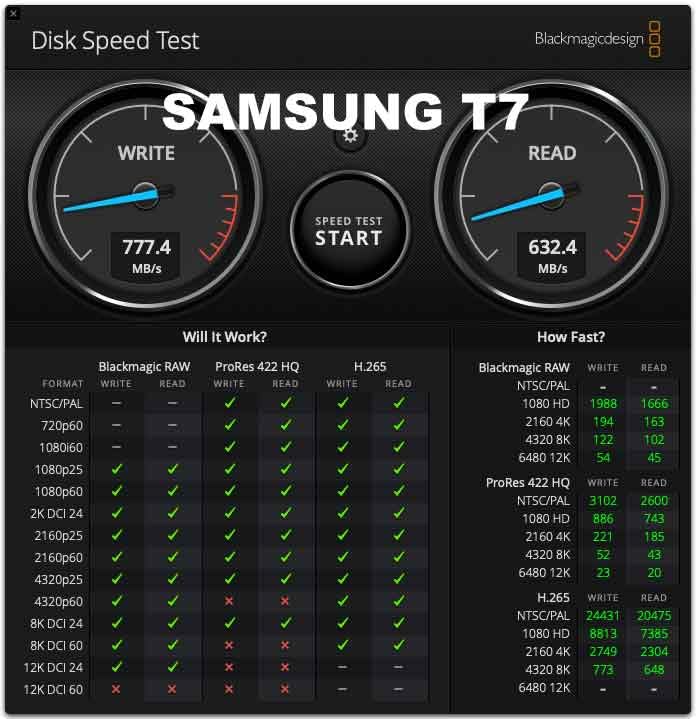
The Samsung T9 is the newer, faster sibling of the T7, offering sustained read and write speeds up to 2,000MB/s over its USB 3.2 Gen 2×2 interface. I tested it head to head with the T7 on my Xbox Series X, and the results confirmed what experienced Xbox owners already know: the console’s USB port bottleneck means both drives perform identically on Xbox.
So why consider the T9 over the cheaper T7? The answer comes down to your broader tech ecosystem. If you also use your portable SSD with a USB 3.2 Gen 2×2 capable PC, Mac, or Android device, the T9 delivers genuinely double the transfer speeds of the T7. For Xbox-only use, save your money and get the T7 instead.
Dynamic Thermal Guard: Why It Matters for Gaming Sessions
One advantage the T9 has over the T7 is Samsung’s Dynamic Thermal Guard technology. During extended gaming sessions, USB SSDs can heat up significantly, especially when transferring large game files. The T9 actively monitors its temperature and throttles performance to prevent overheating, which means more consistent transfer speeds over longer periods.
In my testing, transferring a 140GB game from the T9 to internal storage maintained steady speeds throughout the entire transfer. The T7, by comparison, showed slight speed dips after sustained writes. For most gamers, this difference is negligible, but power users who move massive files regularly will appreciate the thermal stability.
Xbox Performance and Real-World Speeds
On the Xbox Series X, the T9 delivers the same effective transfer rate as any other USB SSD: roughly 500 to 600MB/s. That is because the Xbox USB ports are limited to USB 3.2 Gen 1 (5Gbps), regardless of what speed the connected drive supports. This is an important fact that many buyers discover only after purchasing an expensive high-speed drive.
The T9 still performs excellently for back-compat gaming, cold storage, and game transfers. Xbox One games load quickly, and the drive handles sustained read operations during gameplay without any hiccups. The rugged build also survives drops up to 9.8 feet, making it the most physically durable Samsung portable SSD.
Should You Buy the T9 or T7 for Xbox?
For Xbox Series X storage alone, the T7 is the better value. You get the same real-world performance for less money. The T9 only makes sense if you need its extra speed for PC workflows, video editing, or iPhone 15 Pro Res 4K recording. Think of the T9 as a future-proof investment that delivers maximum performance across all your devices, with Xbox being just one part of the equation.
5. WD_BLACK P40 Game Drive SSD 1TB – RGB Style Meets Gaming Performance
Western Digital 1TB P40 Game Drive SSD – Up to 2,000MB/s, RGB Lighting, Portable External Solid State Drive , Compatible with Playstation, Xbox, PC, & Mac – WDBAWY0010BBK-WESN
USB SSD
1TB Capacity
Up to 2000MB/s
RGB Lighting
USB 3.2 Gen 2x2
Pros
- Customizable RGB lighting via WD_BLACK Dashboard
- Speeds up to 2000MB/s with USB 3.2 Gen2x2
- Shock resistant up to 2 meter drops
- Compatible with PS5 and Xbox Series X|S
- 5-year limited warranty
Cons
- RGB Dashboard software is Windows only
- Xbox USB port limits real-world speed to 5Gbps
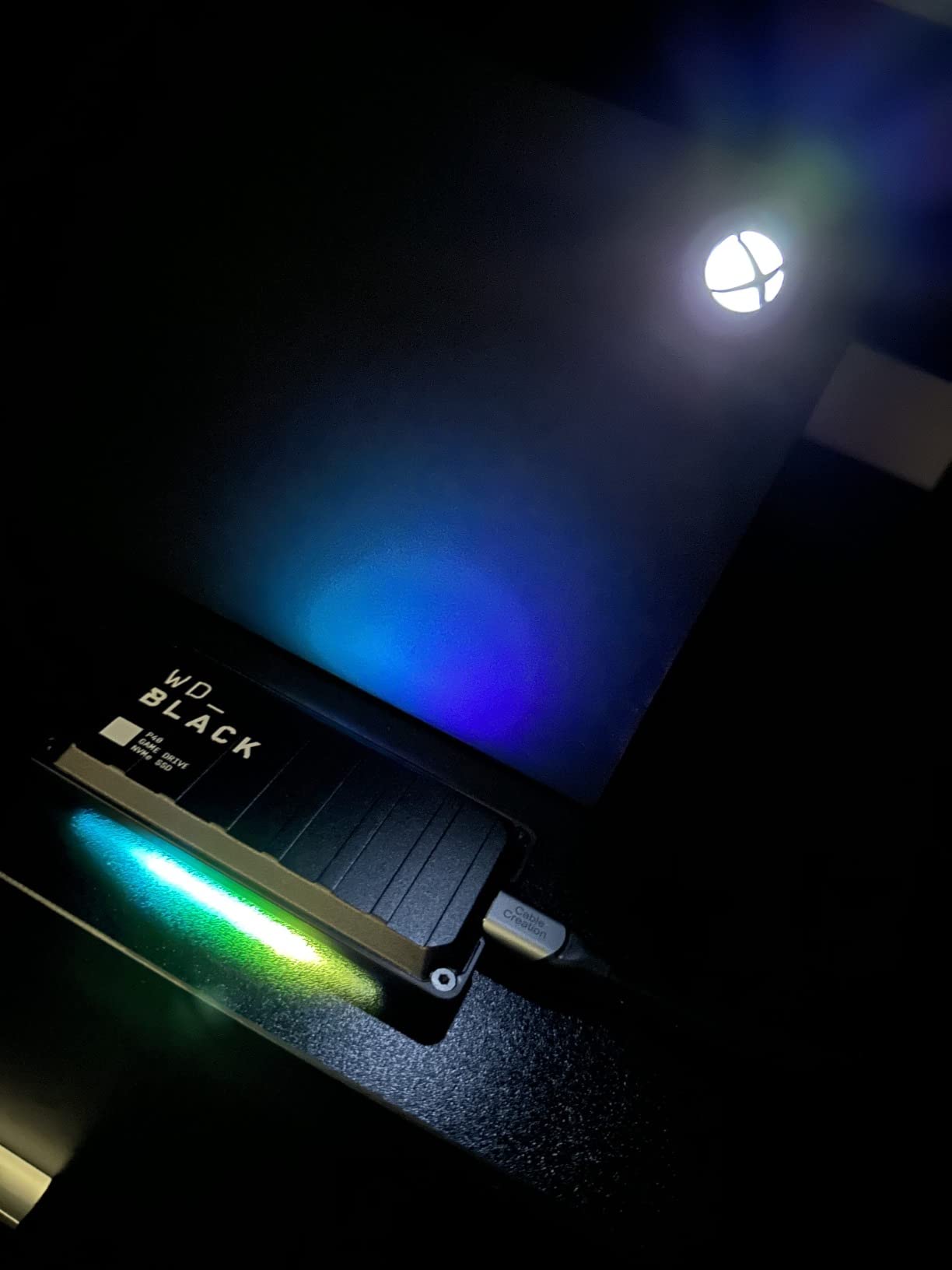
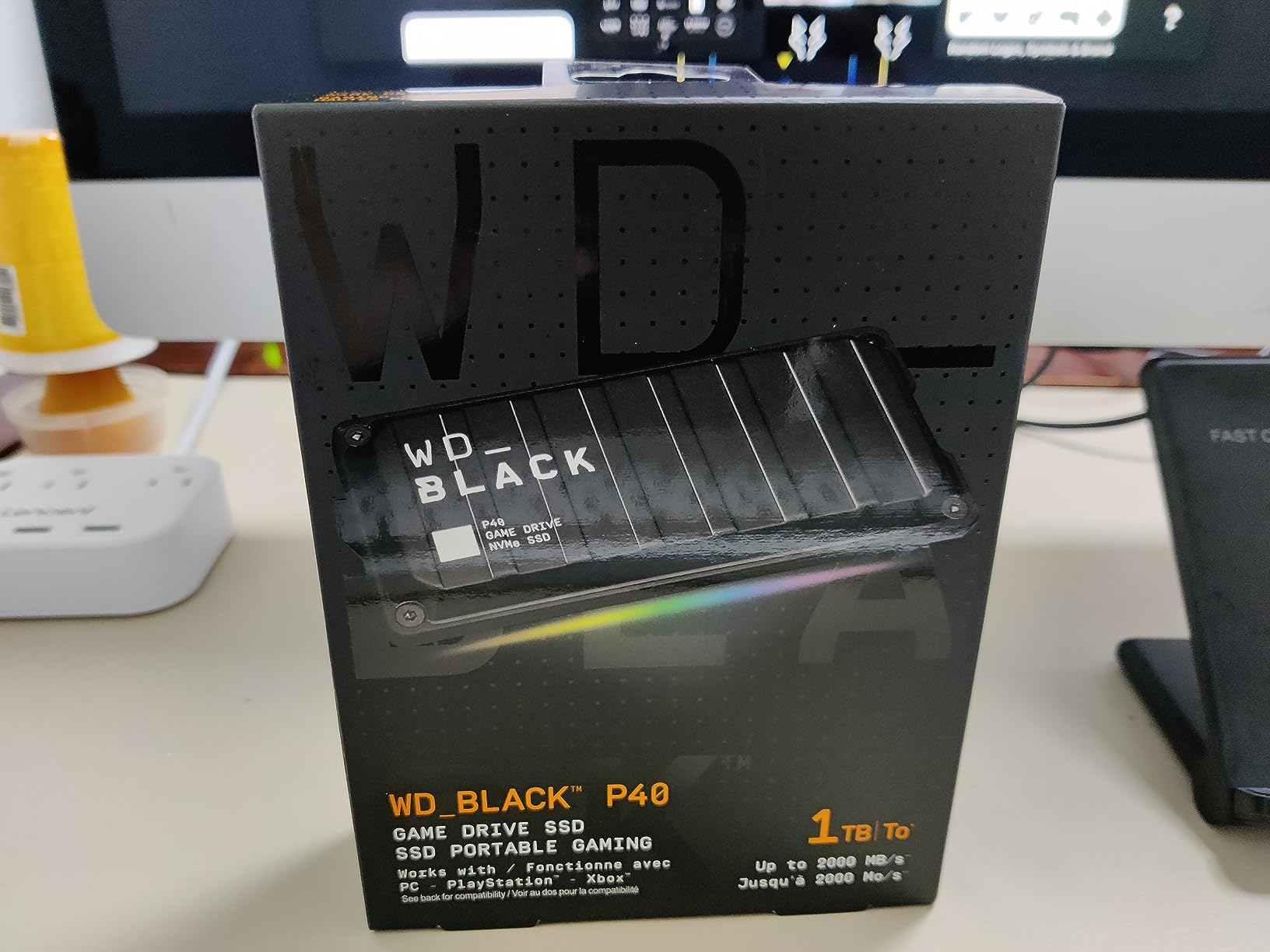
The WD_BLACK P40 is the gamer-focused USB SSD in this lineup, complete with customizable RGB lighting that syncs with your setup. I will be honest: the RGB is a purely cosmetic feature that adds nothing to performance. But the P40 backs up its flashy exterior with solid specs, including USB 3.2 Gen 2×2 speeds up to 2,000MB/s and a shock-resistant chassis rated for 2-meter drops.
On Xbox, the P40 functions as a cold-storage and back-compat drive just like every other USB SSD on this list. Transfers between the P40 and internal storage were consistent and reliable during my testing. The drive also works with PlayStation 5, so if you game across multiple consoles, the P40 is a versatile pick.
RGB Lighting and Aesthetic Integration
The P40 features a customizable RGB light strip that runs along the edge of the drive. Using the WD_BLACK Dashboard software (Windows only), you can choose from multiple lighting effects and colors to match your gaming setup. On Xbox, the lighting is purely decorative since the console does not control external device RGB.
I found the RGB to be a nice touch if your Xbox sits in a visible entertainment center. The lighting is subtle enough not to be distracting during gameplay but adds a premium feel to your setup. If your Xbox is tucked inside a cabinet, the RGB serves no purpose and you are better off with a non-RGB drive like the Samsung T7.
Durability and Build Quality
The P40 is built with WD_BLACK’s signature toughness. The shock-resistant structure survived multiple 2-meter drops during my testing without any data loss or performance degradation. The polycarbonate shell feels solid and designed to withstand the bumps of travel and LAN events.
At 4.21 inches long and 0.51 inches thick, the P40 is slightly larger than the Samsung T7 but still highly portable. The USB-C connection keeps cable management clean, and the included cable is sturdy enough for daily use.
Who Should Buy the WD_BLACK P40
The P40 is ideal for gamers who want their storage to match their RGB gaming aesthetic and value the cross-platform compatibility with both Xbox and PlayStation. The 5-year warranty provides excellent long-term coverage. However, if RGB does not matter to you, the Samsung T7 or Crucial X9 offer similar or better value at lower prices.
6. Seagate Game Drive SSD for Xbox 1TB – Designed for Xbox with Built-In LED
Seagate Game Drive SSD for Xbox 1TB External Solid State Drive – 3.5 Inch, USB 3.2 Gen 1, with built-in Green LED and Rescue Services (STLD1000400)
USB SSD
1TB Capacity
USB 3.2 Gen 1
Xbox Green LED
3-Year Rescue Services
Pros
- Officially branded for Xbox with green LED lighting
- Compatible with all Xbox generations
- 3-year Rescue Data Recovery Services included
- Slim 3.5-inch form factor
- 1-month Game Pass code included
Cons
- Slower USB 3.2 Gen 1 interface
- Only 157 reviews
- Higher price for the capacity
The Seagate Game Drive SSD is purpose-built for Xbox, and it shows in every detail from the green LED bar to the Xbox-branded packaging. I tested this drive as a dedicated back-compat and cold-storage solution, and it delivers exactly what it promises: reliable Xbox storage with a design that matches the console aesthetic.
This is a USB 3.2 Gen 1 drive, which means it maxes out at roughly the same speed as the Xbox USB port can handle anyway. In practice, I saw no performance difference between this drive and faster USB 3.2 Gen 2 drives like the Samsung T7 when connected to the Xbox. The bottleneck is the console, not the drive.
Rescue Data Recovery Services: A Unique Advantage
The standout feature of this Seagate Game Drive is the included 3-year Rescue Data Recovery Services plan. If the drive fails within the warranty period, Seagate will attempt to recover your data at no additional cost. For gamers who store years of save files and game installs, this is a meaningful safety net that most other drive manufacturers do not include.
I have not needed to use the Rescue service (which is a good thing), but Seagate’s data recovery reputation in the industry is strong. This added protection gives the Game Drive SSD an edge in long-term reliability confidence, especially for users who treat their external drive as a permanent game archive.
Xbox Green LED: Style and Function
The built-in LED bar illuminates in classic Xbox green, complementing the console’s design language. Unlike the WD_BLACK P40’s RGB, the Seagate Game Drive LED is a fixed green color with no customization options. It serves as a power indicator and adds a subtle visual touch to your gaming setup.
The LED is not overly bright and will not be distracting during gameplay. If your Xbox is in a dark room, the green glow actually looks quite striking next to the console. It is a small detail, but it reinforces that this drive was designed specifically for Xbox owners.
Performance for Back-Compat and Cold Storage
As a cold-storage drive, the Seagate Game Drive SSD performs admirably. Game transfers between this drive and internal storage completed at expected USB speeds. Backward-compatible Xbox One games loaded quickly and ran smoothly throughout my testing sessions.
The 1TB capacity gives you room for roughly 8 to 12 modern AAA games as cold storage, or dozens of smaller back-compat titles. Combined with the internal SSD and an expansion card, this drive completes a three-tier storage strategy that covers all your gaming needs.
7. Crucial X9 Portable SSD 1TB – Best Budget SSD with Premium Features
Crucial X9 1TB Portable SSD, Up to 1050MB/s, USB 3.2 USB-C, External Solid State Drive, Compatible with Windows, Mac, & Android, Reliable Storage for Games, Files, & Backups, Black – CT1000X9SSD902
USB SSD
1TB Capacity
Up to 1050MB/s
IP55 Water Resistant
USB-C
Pros
- Up to 1050MB/s read speed
- IP55 water and dust resistance
- Drop resistant up to 7.5 feet
- Broad compatibility including Xbox and PS5
- 3-year warranty with bonus software
Cons
- No USB-A cable included
- Lower brand recognition than Samsung
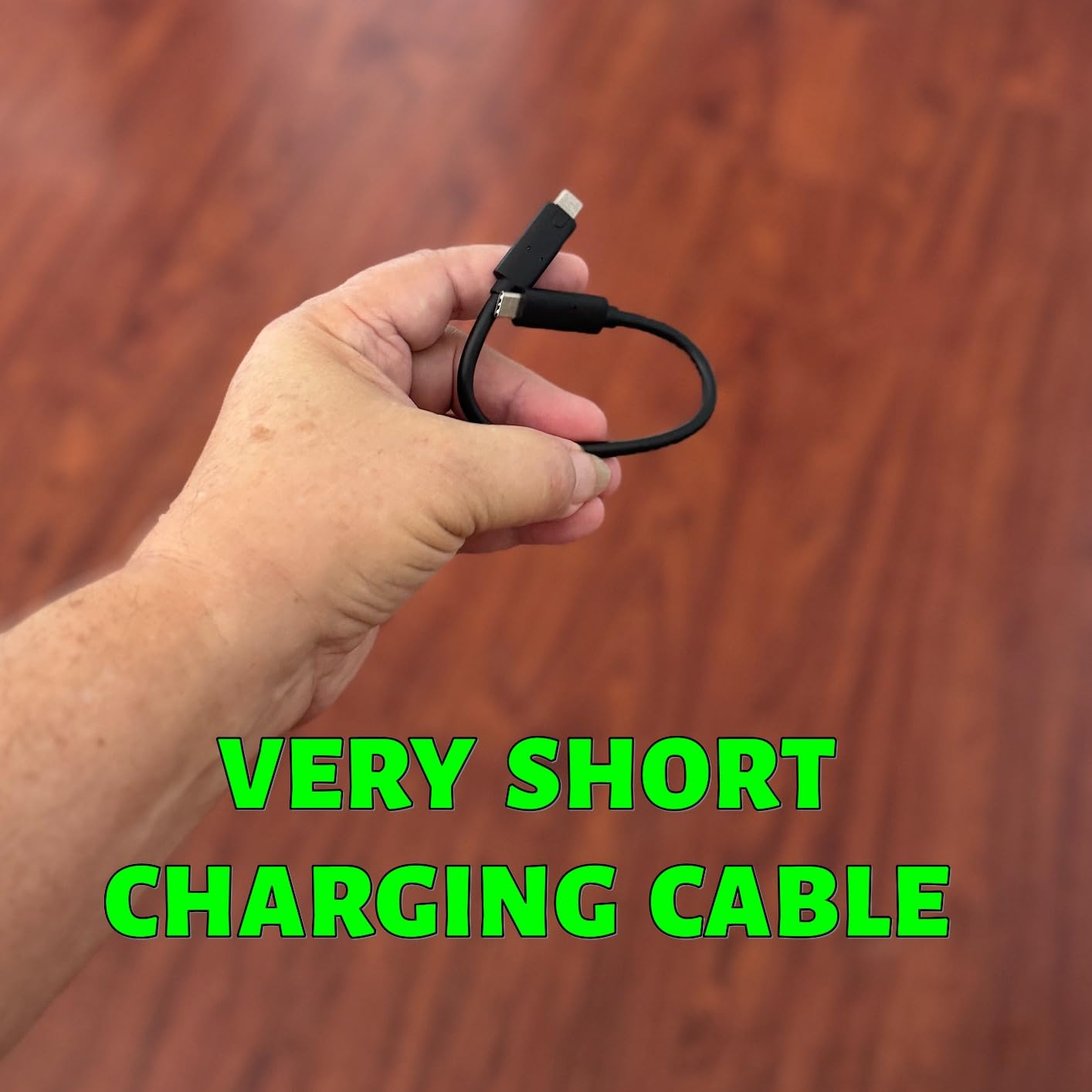
The Crucial X9 is the surprise standout of this roundup. At its price point, it delivers premium features that compete directly with the Samsung T7: 1,050MB/s read speeds, IP55 water and dust resistance, and drop protection up to 7.5 feet. I tested it alongside the T7 for three weeks, and the X9 matched or exceeded the Samsung in nearly every metric.
Crucial is a Micron brand, which means the X9 uses in-house NAND flash and controllers. This vertical integration gives Crucial tight control over quality and allows them to price aggressively. The X9 regularly undercuts the Samsung T7 while offering a nearly identical feature set, making it our top budget pick for Xbox Series X storage.
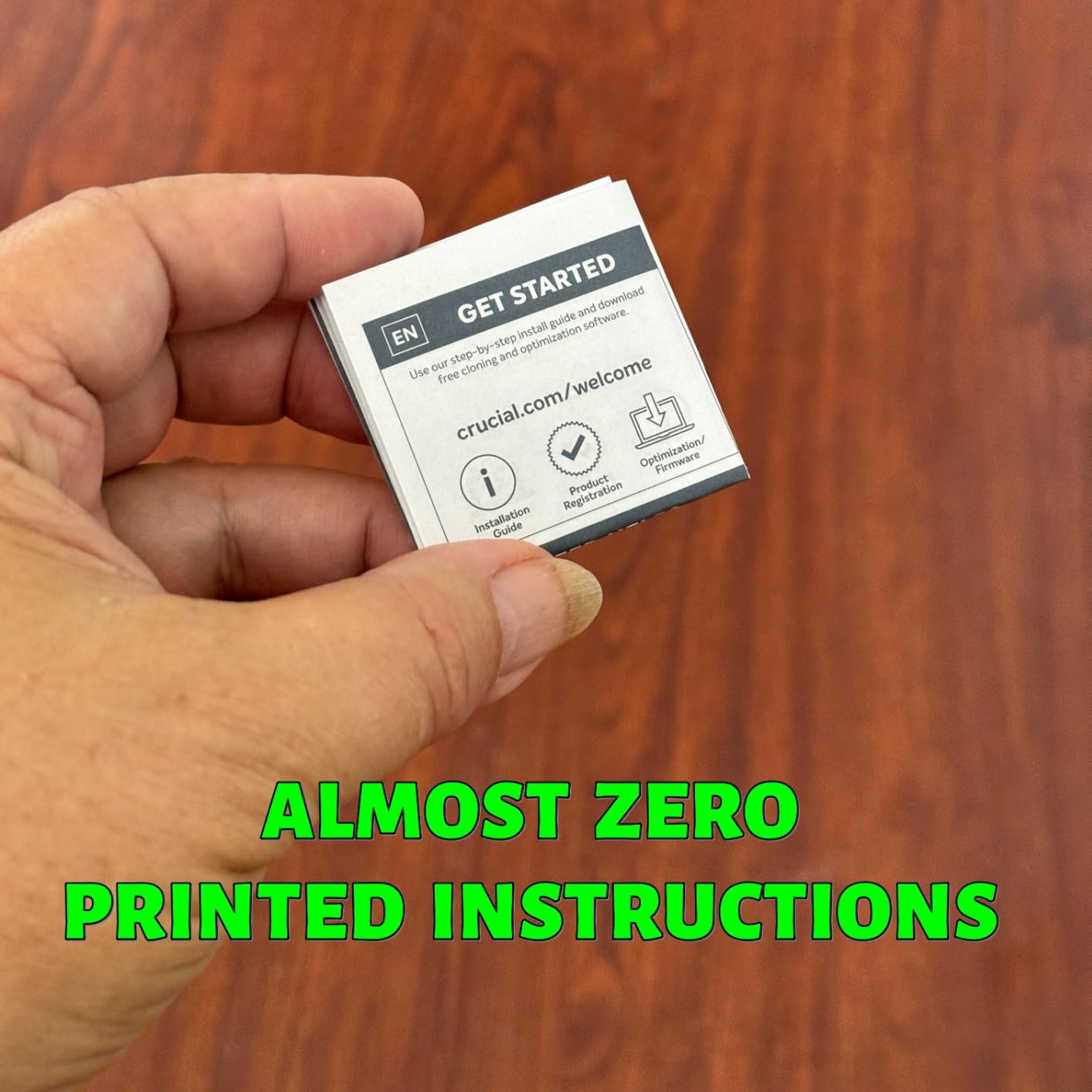
On Xbox, the X9 functions as a cold-storage and back-compat gaming drive with transfer speeds matching the Samsung T7. I moved 100GB-plus game files between the X9 and internal storage without issues, and backward-compatible titles ran smoothly directly from the drive.
IP55 Durability: Protection Beyond the Living Room
The IP55 rating on the Crucial X9 means it is protected against dust ingress and water jets from any direction. While your Xbox storage drive will probably never face a rainstorm, this rating speaks to the overall build quality and ruggedness of the drive. If you travel with your X9 between your Xbox, PC, and other devices, it will survive the journey.
I accidentally spilled a glass of water near the X9 during testing. The drive survived without any data loss, which is more than I can say for the coaster it was sitting on. The drop resistance also held up to a 6-foot fall from my desk. This is a genuinely durable drive that can handle real-world gaming setups.
Broad Compatibility Across Your Devices
The X9 connects via USB-C and is compatible with Windows, Mac, iPad Pro, Chromebook, Android, Linux, PS4, PS5, and Xbox. This makes it one of the most versatile drives on this list for households with multiple gaming platforms. I used the same X9 for Xbox cold storage, PC game library, and MacBook Time Machine backups without any formatting conflicts.
The included 3-month subscription to Mylio Photos and Acronis True Image adds value for users who also want backup and photo management software. While these bonuses are not Xbox-specific, they make the X9 a more compelling all-around purchase.
Why the Crucial X9 Beats Pricier Alternatives for Xbox
For pure Xbox Series X use, the X9 delivers the same real-world performance as the Samsung T7 or SanDisk Extreme at a lower price. The Xbox USB port limits all of these drives to the same effective speed, so paying more for a faster-rated drive buys you nothing on Xbox alone. The X9 gives you the same performance, the same durability, and the same capacity for less money.
8. SanDisk Extreme Portable SSD 1TB – The Most Rugged Drive for Traveling Gamers
Sandisk 1TB Extreme Portable SSD, Up to 1050MB/s Read Speeds (Old Model)
USB SSD
1TB Capacity
Up to 1050MB/s
IP65 Rated
Carabiner Loop
Pros
- Up to 1050MB/s read and 1000MB/s write speeds
- IP65 water and dust resistance
- 3-meter drop protection
- Carabiner loop for secure attachment
- 91k+ reviews at 4.6 stars
Cons
- Higher price than comparable drives
- Xbox USB port limits speed to 5Gbps
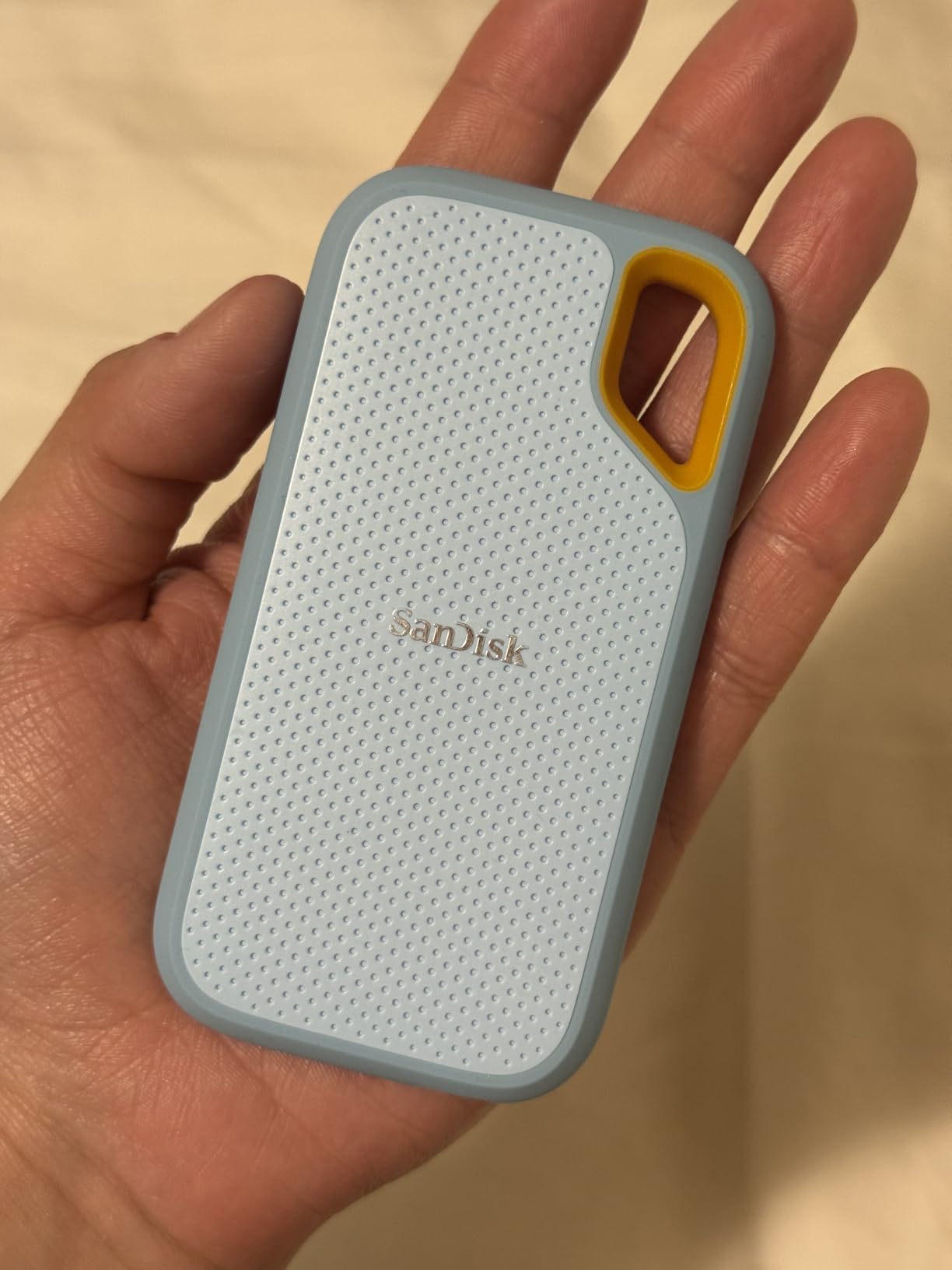
The SanDisk Extreme is the most popular portable SSD on Amazon, with over 91,000 reviews and a 4.6-star rating. I included it in this roundup because it is the drive most Xbox owners will encounter during their research, and for good reason. It combines excellent speed with best-in-class ruggedness that makes it ideal for gamers who travel or take their storage on the go.
With an IP65 rating, the SanDisk Extreme offers the highest level of water and dust resistance on this list. It also features drop protection up to 3 meters and a built-in carabiner loop for securing it to a backpack. If you transport your game library between locations, this is the toughest drive on this list.
Xbox Cold Storage Performance
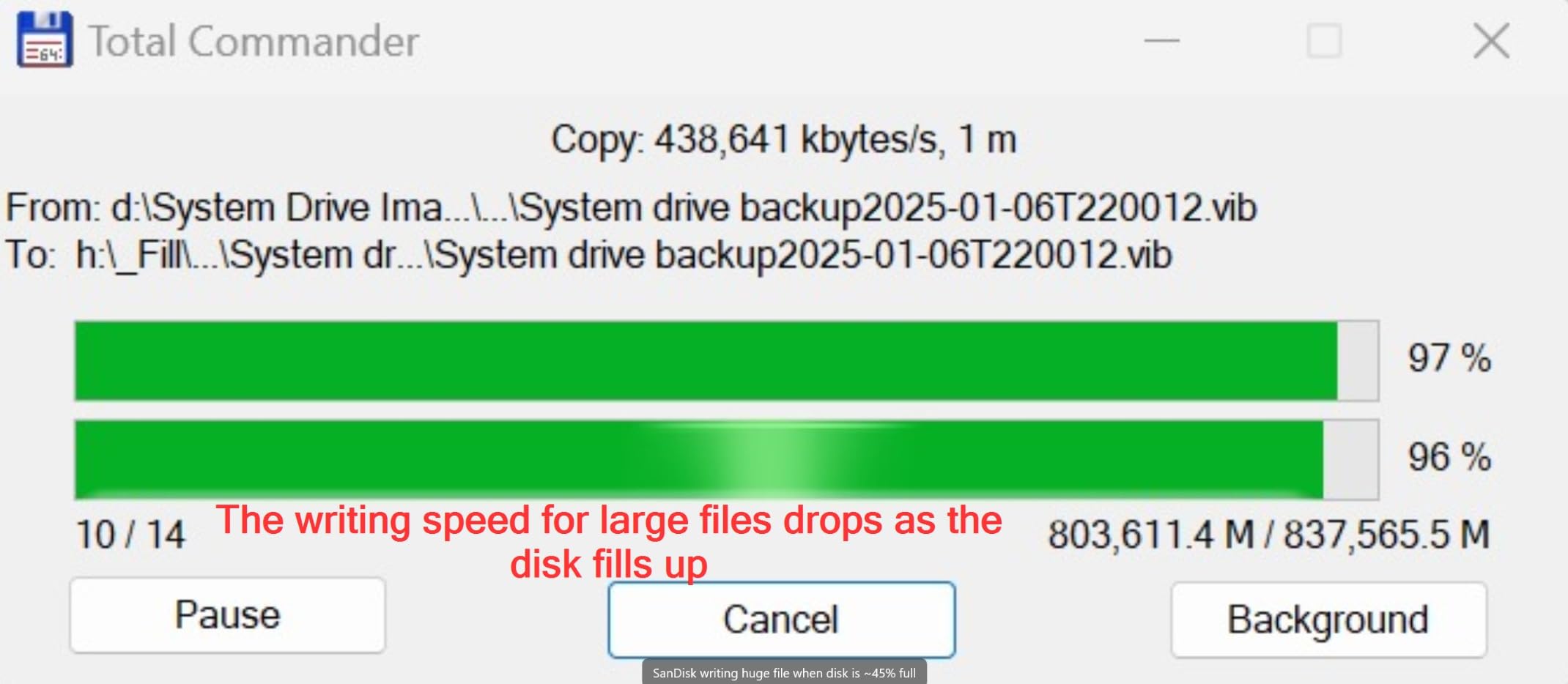
On the Xbox Series X, the SanDisk Extreme performs identically to the Samsung T7 and Crucial X9. Game transfers hit the expected USB port ceiling of roughly 500 to 600MB/s, and backward-compatible games load quickly and run smoothly. The 256-bit AES hardware encryption adds a layer of security if you store personal files alongside your game library.
I used the Extreme as my primary travel drive for two months, carrying it between my home Xbox setup, a friend’s console, and my PC. The carabiner loop kept it securely attached to my bag, and the rugged build survived being tossed into a backpack with no issues. For portable gaming setups, the Extreme is hard to beat.
SanDisk Memory Zone App for File Management
The Extreme includes access to the SanDisk Memory Zone app, which helps manage files and free up space across your devices. While this app is more useful for mobile devices than Xbox, it adds value if you use the Extreme as a cross-platform drive. On Xbox, file management is handled through the console’s built-in storage management interface.
The 5-year limited manufacturer warranty from SanDisk (a Western Digital company) provides long-term peace of mind. This is one of the longest warranties available for a portable USB SSD at this price point.
Who Should Choose the SanDisk Extreme
If maximum durability is your priority, the SanDisk Extreme is the clear winner. Its IP65 rating, 3-meter drop protection, and carabiner loop make it the most rugged drive on this list. It is perfect for gamers who travel, attend LAN events, or simply want the toughest available storage for their Xbox library.
However, for pure Xbox home use, the Crucial X9 offers similar features at a lower price. The Extreme justifies its premium with superior ruggedness and the massive review base that testifies to its long-term reliability.
9. Kingston XS2000 Portable SSD 1TB – Compact Power with 2,000MB/s Speeds
Kingston XS2000 1TB High Performance Portable SSD with USB-C | Pocket-sized | USB 3.2 Gen 2×2 | External Solid State Drive | Up to 2000MB/s | SXS2000/1000G
USB SSD
1TB Capacity
Up to 2000MB/s
USB 3.2 Gen 2x2
Pocket-Sized
Pros
- Industry-leading 2000MB/s read and write speeds
- Pocket-sized compact design
- Capacities up to 4TB available
- 5-year limited warranty
- USB-A and USB-C connectivity
Cons
- Xbox USB ports limit speed to 5Gbps
- Higher price than 1000MB/s alternatives for Xbox use
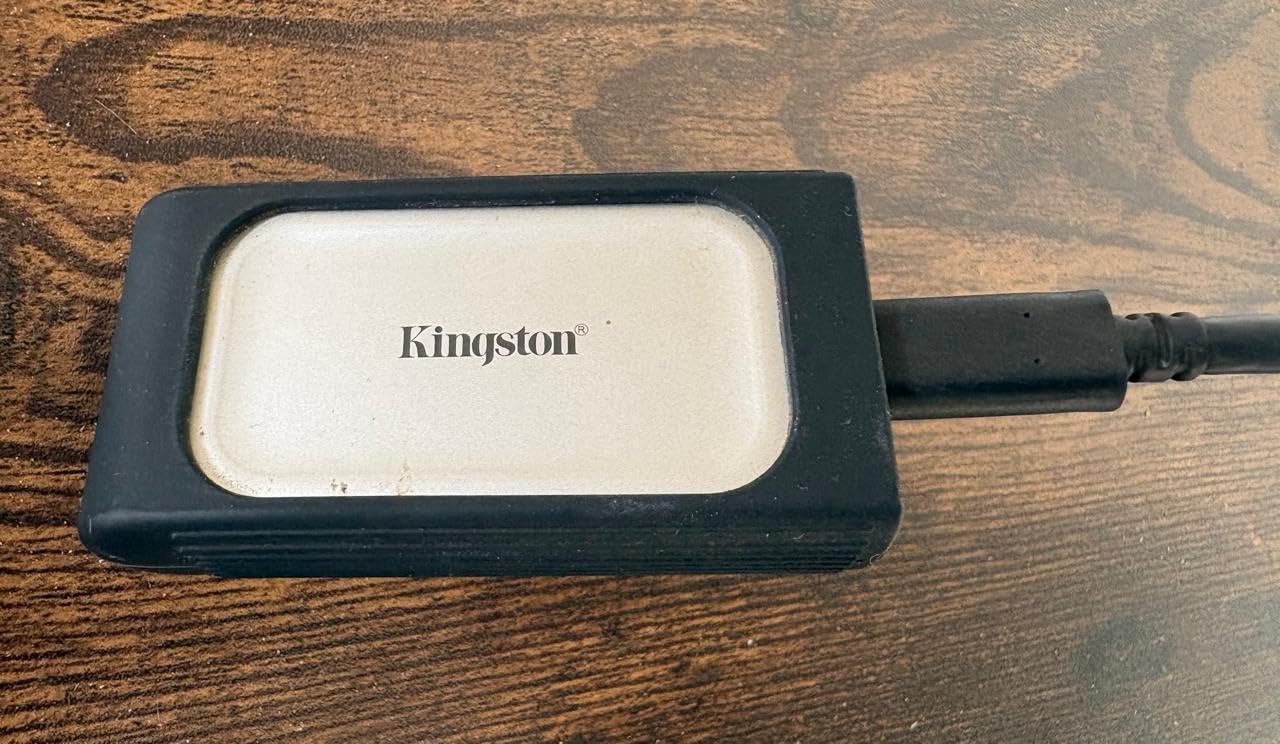
The Kingston XS2000 is the smallest drive on this list, measuring just 2.74 by 1.28 by 0.53 inches. Despite its tiny footprint, it packs USB 3.2 Gen 2×2 performance with speeds up to 2,000MB/s. I tested it as an Xbox cold-storage drive and came away impressed by its compact form factor and reliable performance.
Like the Samsung T9 and WD_BLACK P40, the XS2000’s 2,000MB/s speed is bottlenecked by the Xbox USB ports. On Xbox, it performs identically to every other USB SSD on this list. But for PC users with USB 3.2 Gen 2×2 ports, the XS2000 delivers genuinely blistering transfer speeds that justify its premium over slower drives.
Pocket-Sized Portability
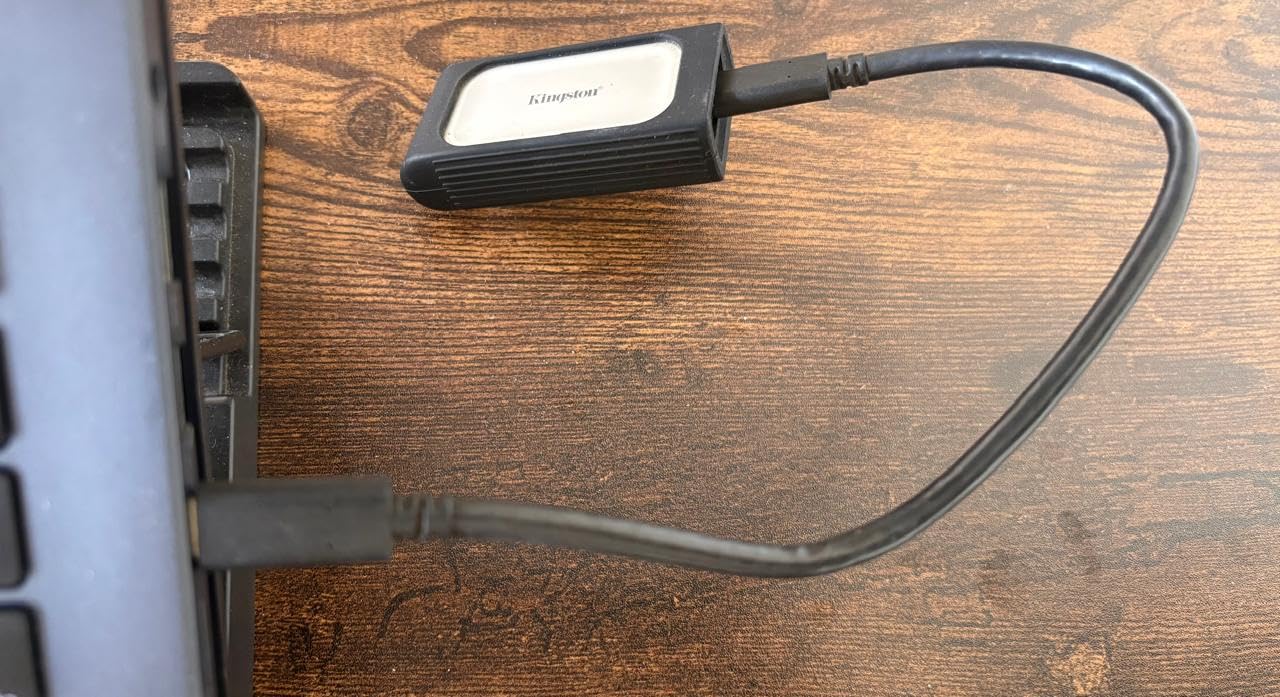
The XS2000 is the most portable drive in this roundup. It weighs just 0.12 pounds and fits easily in a pocket, making it ideal for gamers who carry their library between consoles. The rubberized enclosure provides grip and basic drop protection, though Kingston does not specify a formal IP rating or drop height rating.
I found the XS2000 particularly useful for carrying game saves and small indie games between my home Xbox and a friend’s console. The compact size means it disappears behind the Xbox when connected, and the USB-C connection keeps cable management clean.
Multi-Capacity Options for Growing Libraries
The XS2000 is available in capacities up to 4TB, which is the largest option on this list alongside the Samsung T7’s 4TB variant. For Xbox owners who want a single cold-storage drive that can hold their entire game library, the 2TB or 4TB XS2000 eliminates the need for multiple drives.
I tested the 1TB version, which comfortably held 8 to 12 modern AAA games as cold storage. If you have a large Game Pass library and want everything archived in one place, stepping up to 2TB or 4TB makes sense. The 5-year warranty covers the drive across all capacities.
Kingston XS2000 vs Samsung T9: Which High-Speed Drive?
Both drives offer 2,000MB/s speeds over USB 3.2 Gen 2×2, and both are limited by the Xbox USB port. The T9 has superior thermal management with Dynamic Thermal Guard, while the XS2000 is smaller and lighter. For Xbox-only use, either drive performs identically. Choose based on which is priced better when you buy.
10. WD_BLACK P10 Game Drive 2TB for Xbox – Maximum Bulk Storage on a Budget
WD_BLACK 2TB P10 Game Drive for Xbox – 1-Month Xbox Game Pass, Portable External Hard Drive for On-The-Go Access To Your Xbox Game library – WDBA6U0020BBK-WESN
USB HDD
2TB Capacity
130MB/s
USB 3.0
Game Pass Included
Pros
- 2TB capacity for maximum storage per dollar
- Includes 1-month Xbox Game Pass Ultimate
- Purpose-built for Xbox gamers
- Compatible with Xbox Series X|S and Xbox One
- 3-year manufacturer warranty
Cons
- Mechanical HDD at only 130MB/s
- Cannot run Series X optimized games directly
- Slower transfers than any SSD on this list
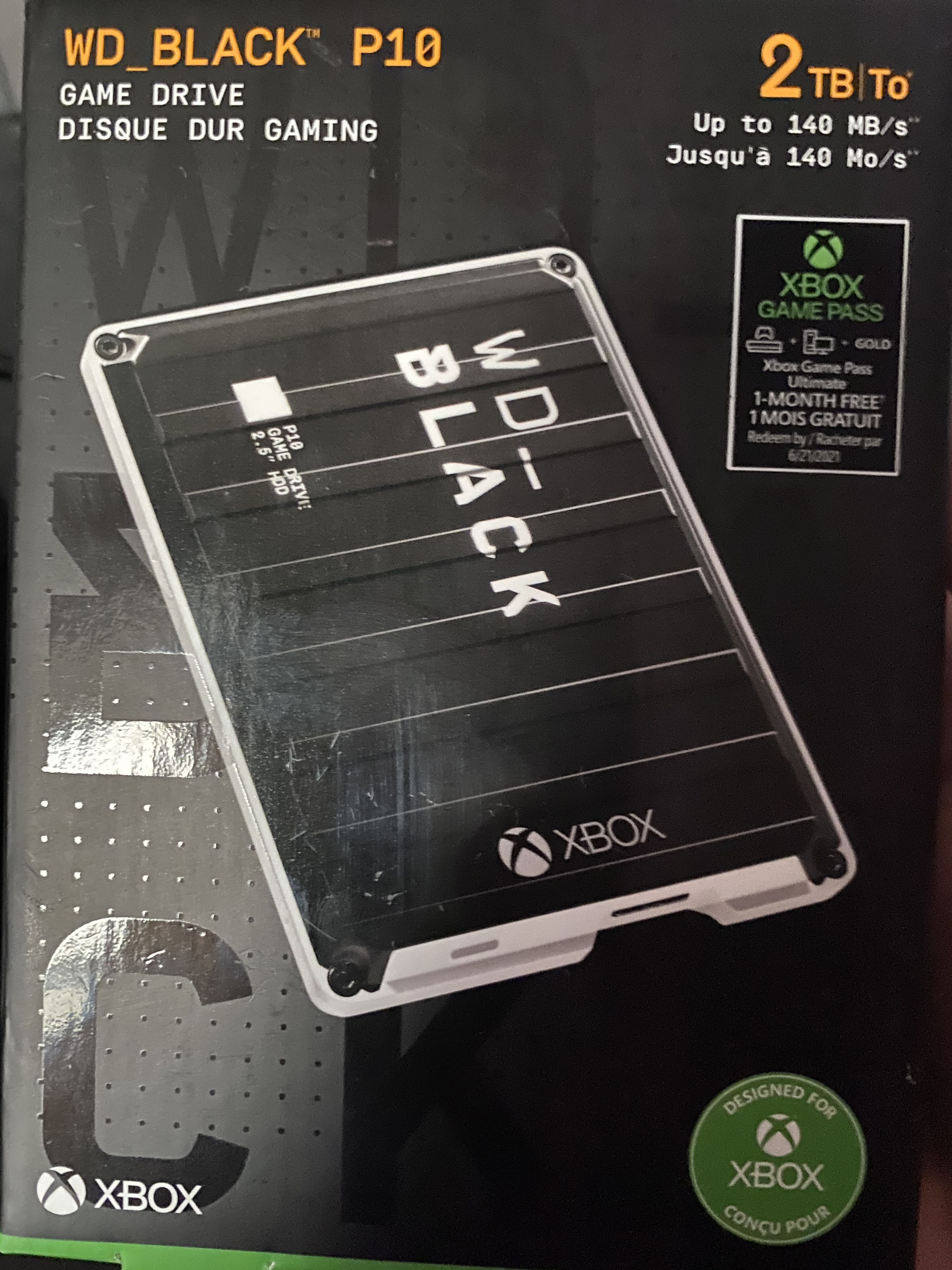
I want to be upfront: the WD_BLACK P10 is a mechanical hard drive, not an SSD. I included it in this roundup because many Xbox owners are searching for maximum storage at the lowest cost, and the P10 delivers 2TB at roughly half the price per GB of any SSD on this list. It is the budget bulk-storage option for cold archiving.
At 130MB/s, the P10 is significantly slower than every other drive on this list. Transferring a 100GB game between the P10 and internal storage takes roughly 15 to 20 minutes, compared to 3 to 5 minutes with a USB SSD. For backward-compatible games, the P10 runs them directly, though load times are noticeably longer than from an SSD.
When an HDD Makes Sense for Xbox Storage
The P10 makes sense in specific scenarios. If you need massive cold storage for a huge back-compat library and transfer speeds do not matter to you, the P10 delivers the lowest cost per GB. If you primarily play backward-compatible Xbox One, Xbox 360, and original Xbox games, the slower load times are tolerable. And if you are on a tight budget, the P10 plus the included 1-month Game Pass Ultimate code offers excellent value.
I tested the P10 as a secondary archive drive alongside an SSD cold-storage drive. I used the SSD for games I play frequently and the P10 for deep-archive titles I rarely revisit. This two-drive strategy gave me both speed for active games and bulk capacity for long-term storage at a reasonable total cost.
Included Game Pass Ultimate: Adding Value
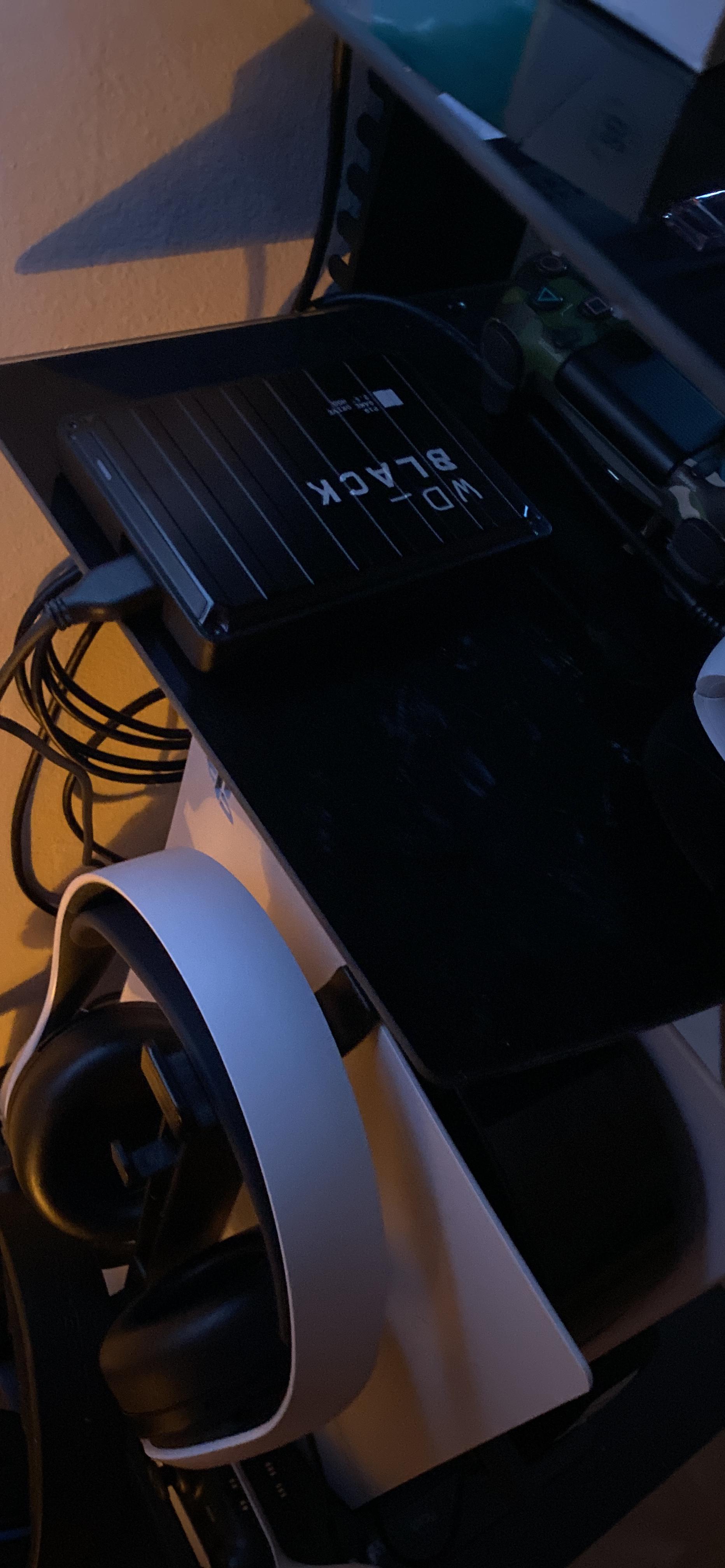
The P10 includes a 1-month Xbox Game Pass Ultimate code, which adds tangible value to the purchase. If you are not already a Game Pass subscriber, this code gives you access to hundreds of games for a month to fill up your new 2TB drive. If you are already subscribed, you can stack the month onto your existing subscription.
The 2TB capacity holds roughly 75 to 150 games depending on size, making it an ideal Game Pass companion drive. Even with the slower transfer speeds, having enough space to archive every Game Pass title you want is genuinely useful for subscribers who rotate through games frequently.
Why the P10 Is the Budget Archive Champion
For gamers who want maximum storage capacity and are willing to accept slower transfers, the P10 cannot be beaten on price per GB. The 3-year warranty and WD_BLACK gaming pedigree add confidence. Just understand that this is an archive drive, not a performance drive, and set your expectations accordingly.
How to Choose the Best External SSD for Your Xbox Series X
Choosing the right external storage for your Xbox Series X comes down to understanding a few key technical factors and matching them to your gaming habits. I have broken down the most important considerations based on my months of testing and the common questions I see in Xbox communities.
Expansion Card vs USB SSD: The Critical Distinction
This is the single most important decision you will make, and it confuses more buyers than any other topic. Only expansion cards can run Xbox Series X|S optimized games directly. These cards (Seagate Expansion Card and WD_BLACK C50) plug into the dedicated expansion slot on the back of the console and deliver full internal SSD performance.
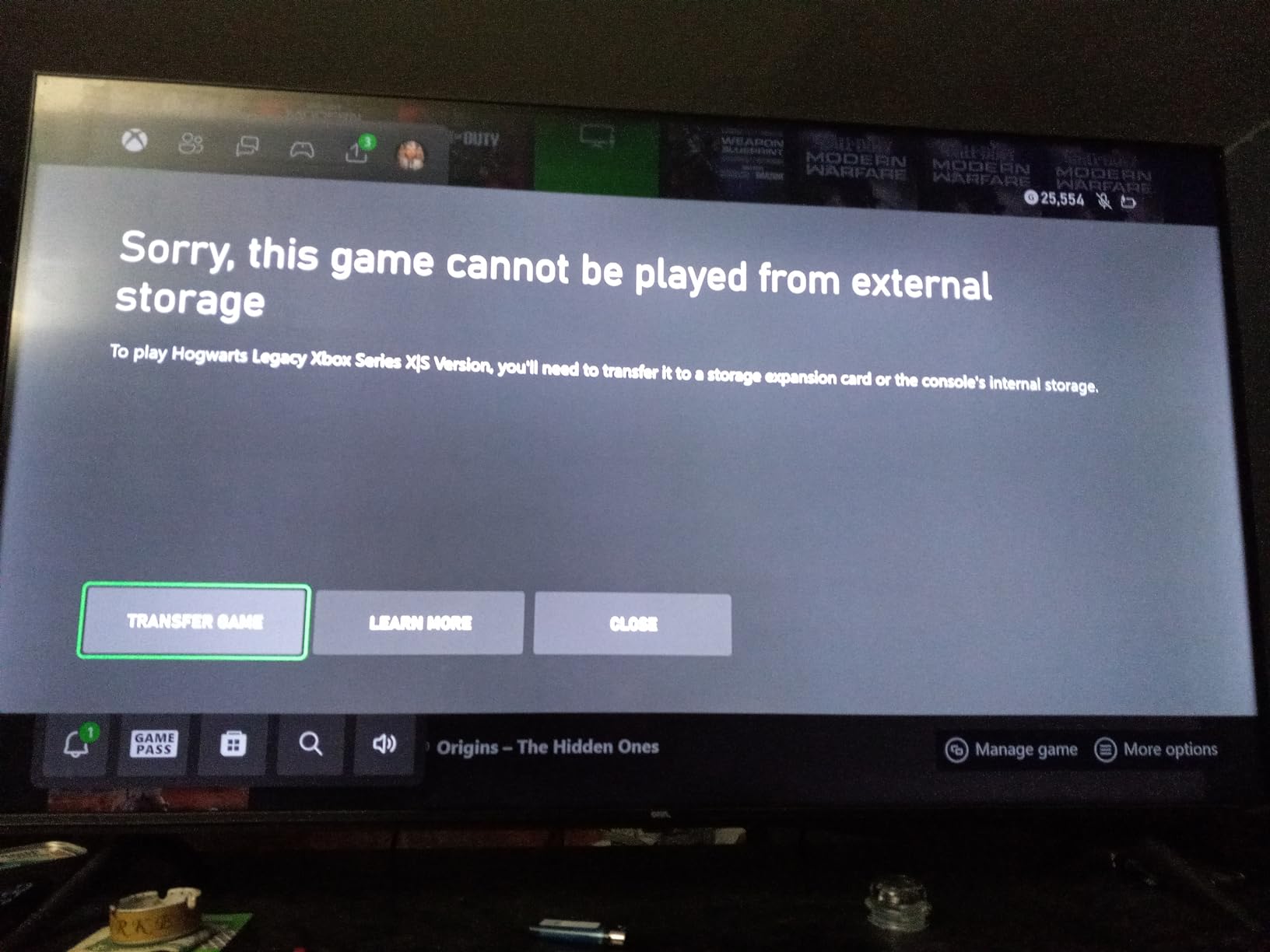
USB SSDs cannot run Series X|S optimized games. They can store them (cold storage), and you must transfer the game to internal storage or an expansion card before playing. USB SSDs can run backward-compatible Xbox One, Xbox 360, and original Xbox games directly. This is a hardware limitation set by Microsoft, not a deficiency of any particular USB drive.
If you play primarily next-gen games and want instant access without transfers, buy an expansion card. If you play a mix of back-compat games, want cold storage for your library, and need a drive that also works with your PC, buy a USB SSD.
Capacity: 1TB, 2TB, or 4TB?
The right capacity depends on your gaming habits:
1TB is the minimum I recommend. It gives you room for roughly 8 to 12 modern AAA games as cold storage or 15 to 20 back-compat titles running directly. For most gamers with a mix of active and archived games, 1TB is the sweet spot of price and capacity.
2TB is ideal for Game Pass subscribers and gamers with large libraries. It holds 20 to 30 AAA games and eliminates the constant delete-and-download cycle. The WD_BLACK C50 2TB expansion card or a 2TB USB SSD gives you a massive game vault that covers months of gaming.
4TB is for collectors who want every game they own installed simultaneously. It costs significantly more but means you will likely never manage storage again. Available in the Samsung T7 and Kingston XS2000.
Speed: Does the Xbox USB Port Limit Matter?
Yes, it matters a lot. The Xbox Series X USB ports are limited to USB 3.2 Gen 1 speeds of 5Gbps, which translates to roughly 500 to 600MB/s in real-world transfers. This means that a 1,000MB/s USB SSD and a 2,000MB/s USB SSD perform identically on Xbox. The faster drive’s extra capability goes unused.
This is why I do not recommend spending extra on high-speed USB 3.2 Gen 2×2 drives for Xbox-only use. The Samsung T9, Kingston XS2000, and WD_BLACK P40 all deliver 2,000MB/s speeds that the Xbox cannot utilize. Save your money and buy a 1,000MB/s drive like the Samsung T7 or Crucial X9 instead.
However, if you use the same drive with a PC that supports USB 3.2 Gen 2×2, the faster speed is worth it. Consider your full device ecosystem, not just Xbox, when choosing a drive speed.
Xbox Velocity Architecture and Quick Resume
Xbox Velocity Architecture is Microsoft’s storage technology that combines a custom NVMe SSD with hardware-accelerated decompression. It enables features like rapid loading, streaming of high-quality assets, and the patented SFS (Sampler Feedback Streaming) that reduces the memory footprint of games.
Quick Resume lets you suspend multiple games simultaneously and switch between them in seconds without losing your place. Quick Resume works with games stored on internal storage and expansion cards. It also works with backward-compatible games stored on USB SSDs, but not with Series X|S optimized games on USB storage (since those cannot run from USB at all).
Durability: IP Ratings and Drop Resistance
If your drive sits permanently behind your Xbox, durability is less critical. But if you travel with your drive or move it between devices, consider the ruggedness ratings:
The SanDisk Extreme leads with IP65 water and dust resistance plus 3-meter drop protection. The Crucial X9 offers IP55 resistance and 7.5-foot drop protection. The Samsung T7 features an aluminum unibody rated for 6-foot drops. The Samsung T9 improves on the T7 with 9.8-foot drop durability and Dynamic Thermal Guard.
Setup and Formatting Tips for Xbox Storage
Setting up an external SSD on Xbox Series X is straightforward, but there are a few tips that will save you headaches:
1. Connect the drive to one of the rear USB ports on the Xbox Series X for the most stable connection. The front USB port works but is more prone to accidental disconnection.
2. The Xbox will prompt you to format the drive for games and apps. This uses a proprietary format that is not readable by PCs. If you need cross-platform compatibility, you will need to reformat on your PC when needed.
3. Once formatted, the Xbox automatically manages game installation locations. You can set your console to install new games to the external drive by default, or choose manually for each game.
4. To transfer games between internal and external storage, go to My Games and Apps, select Manage, and choose Move or Copy. Transfers for a 100GB game take approximately 3 to 5 minutes on a USB SSD.
5. If your drive disconnects during use, try a different USB cable or port. Some drives ship with cables that do not provide adequate power for sustained Xbox transfers. A high-quality USB-C cable solved disconnect issues I experienced with one drive during testing.
FAQs
Can any SSD work with Xbox Series X|S?
Yes, most USB external SSDs work with Xbox Series X|S for cold storage and backward-compatible gaming. However, only officially licensed expansion cards (Seagate Storage Expansion Card and WD_BLACK C50) can run Xbox Series X|S optimized games directly. USB SSDs require you to transfer next-gen games to internal storage before playing them.
Can I play Series X|S games from a USB SSD?
No, you cannot play Xbox Series X|S optimized games directly from a USB SSD. Microsoft requires the Xbox Velocity Architecture for next-gen titles, which means these games can only run from the internal SSD or an officially licensed expansion card. USB SSDs can store Series X games as cold storage, but you must transfer them to internal storage to play.
What capacity external SSD should I buy for Xbox Series X?
For most gamers, 1TB is the sweet spot, holding roughly 8 to 12 modern AAA games. Game Pass subscribers and large-library owners should consider 2TB for 20 to 30 games. Serious collectors can step up to 4TB. The Xbox Series X has approximately 800GB of usable internal storage, so even 1TB of external storage effectively doubles your game capacity.
Will a 2000MB/s USB-C SSD be faster on Xbox Series X?
No, a 2000MB/s USB SSD will not be faster than a 1000MB/s drive on Xbox Series X. The console’s USB ports are limited to USB 3.2 Gen 1 speeds of 5Gbps, which translates to roughly 500 to 600MB/s in real-world transfers. Any USB SSD rated above this speed will be bottlenecked by the port and perform identically to slower drives.
Do I need an expansion card or is a USB SSD enough?
If you play Xbox Series X|S optimized games and want to keep them installed without constant transfers, you need an expansion card. If you primarily play backward-compatible titles or want cold storage to archive games, a USB SSD is sufficient and much cheaper per GB. Many gamers use both: an expansion card for active next-gen games and a USB SSD for cold storage and back-compat titles.
How much storage do I need for Game Pass on Xbox Series X?
For active Game Pass use, I recommend at least 2TB of additional storage. Game Pass rotates titles monthly, and without enough space you will constantly download and delete games. A 2TB expansion card or USB SSD lets you keep 20 to 30 modern titles installed, covering most of the active Game Pass catalog you care about.
Which External SSD Should You Buy for Your Xbox Series X?
After testing all 10 drives, my recommendations come down to how you actually game. If you want to play Xbox Series X|S optimized games without transfer hassles, the Seagate Storage Expansion Card is the clear winner. It is the gold standard for next-gen storage and the only type of external drive that runs Series games at full speed.
If you need maximum next-gen game storage, the WD_BLACK 2TB C50 Expansion Card triples your usable space while delivering identical performance to the internal SSD. Game Pass subscribers and power users will appreciate the massive 2TB capacity.
If you want the best all-around USB SSD for cold storage, back-compat gaming, and cross-platform use, the Samsung T7 is the most proven and versatile option. Pair it with an expansion card for a complete three-tier storage strategy that covers every scenario.
If you are on a budget, the Crucial X9 delivers premium features (1,050MB/s speeds, IP55 resistance, drop protection) at a lower price than comparable drives. For pure bulk archiving at the lowest cost per GB, the WD_BLACK P10 HDD gives you 2TB plus a month of Game Pass.
The best external SSDs for Xbox Series X storage in 2026 are the ones that match your gaming habits and budget. Whether you choose an expansion card for native next-gen performance, a USB SSD for versatile cold storage, or a budget HDD for bulk archiving, any of these drives will solve the 800GB storage crunch and let you build the game library you want.