
If you have ever tracked an enemy in Valorant only to feel your mouse catch mid-swipe, you already know why your mouse pad matters. The best gaming mouse pads for FPS are not just desk decorations. They are the foundation of your aim, and the wrong surface can turn a clean headshot into a missed flick.
Our team spent weeks testing 8 of the most popular FPS mouse pads on the market. We compared cloth surfaces, hard polymer pads, hybrid designs, and even a premium Japanese import to see which ones actually improve tracking, glide, and consistency in competitive shooters.
Whether you are a low-sensitivity arm aimer running 400 DPI or a high-sensitivity wrist player at 1600 DPI, the right pad makes a measurable difference. We broke down each option by surface type, friction profile, durability, and value so you can find the perfect match for your playstyle and budget in 2026.
Our Top 3 Mouse Pads for FPS Gaming in 2026

These three pads represent the best combination of performance, build quality, and value we found after hands-on testing. The SteelSeries QcK remains the gold standard for FPS players thanks to its proven tracking surface and 80,000+ verified reviews. The Razer Gigantus V2 delivers an excellent speed-control balance at a price that is hard to beat. And the Corsair MM300 rounds out the top three with its extended desk coverage and stitched anti-frauy edges.
Comparing All 8 FPS Mouse Pads Side by Side
Before diving into individual reviews, here is a complete comparison of every pad we tested. This table covers surface type, key specs, and standout features so you can quickly narrow down your options.
| Product | Specs | Action |
|---|---|---|
| SteelSeries QcK Large |
|
Check Latest Price |
 Razer Gigantus V2 Razer Gigantus V2 |
|
Check Latest Price |
 Corsair MM300 Extended Corsair MM300 Extended |
|
Check Latest Price |
 Logitech G440 Hard Logitech G440 Hard |
|
Check Latest Price |
 Razer Firefly V2 RGB Razer Firefly V2 RGB |
|
Check Latest Price |
 BenQ Zowie G-SR-SE BenQ Zowie G-SR-SE |
|
Check Latest Price |
 ASUS ROG Hone Ace ASUS ROG Hone Ace |
|
Check Latest Price |
 Artisan Zero FX Soft XL Artisan Zero FX Soft XL |
|
Check Latest Price |
1. SteelSeries QcK Large – The FPS Community Standard
SteelSeries QcK Large Gaming Mousepad — Black — Non-Slip Silicone Rubber Base — Peak Tracking and Stability — Optimized for Gaming Sensors — 490 mm x 420 mm — FPS, MOBAs, RTS, MMO
Cloth surface
450mm x 400mm
2mm thick
Silicone rubber base
Pros
- Excellent tracking accuracy
- Non-slip rubber base
- Washable surface
- Holds up after months of use
Cons
- Relatively thin at 2mm
- Can attract dust
- Slight rubber smell initially
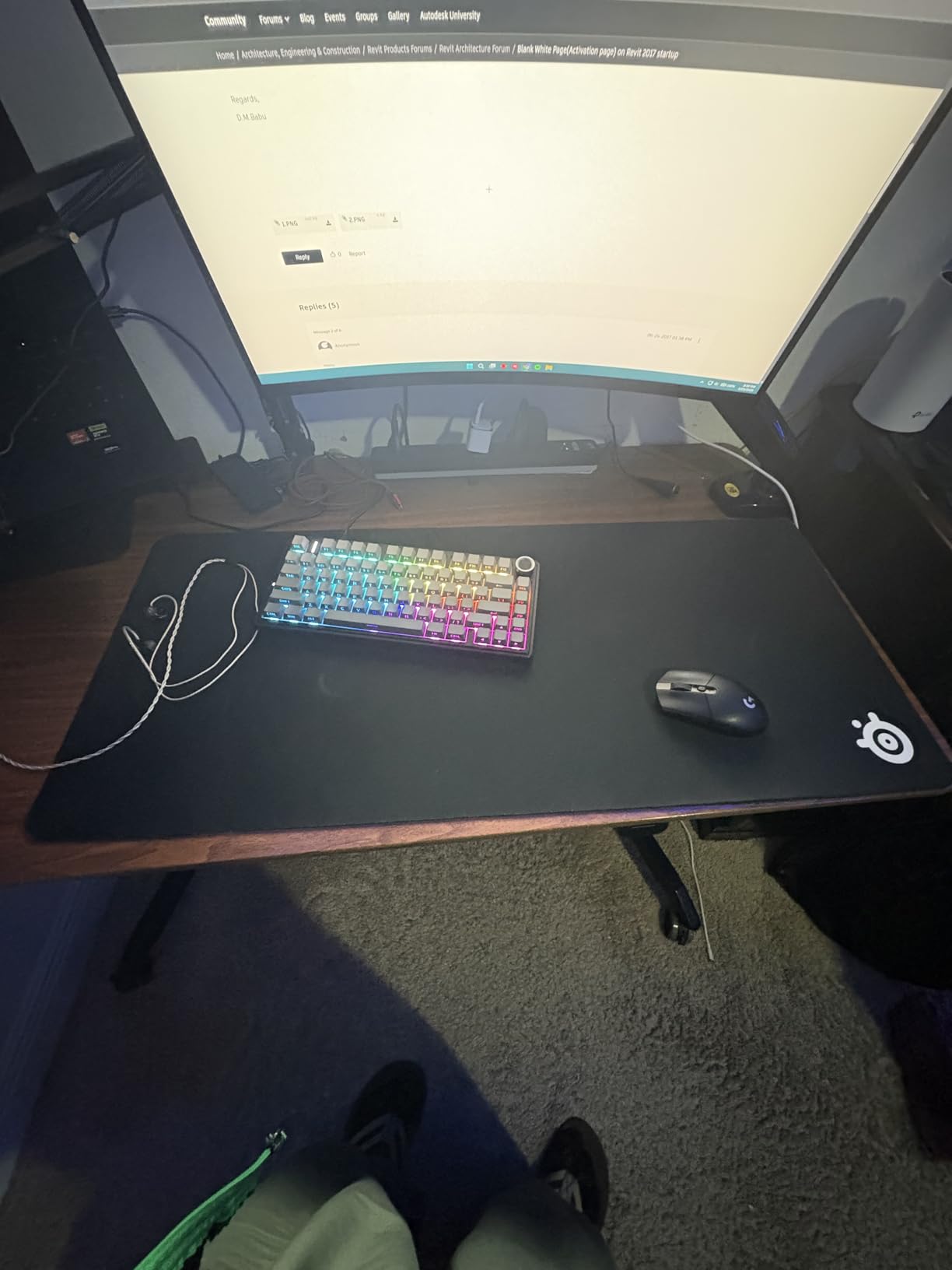
The SteelSeries QcK is the mouse pad that needs no introduction. It has been a staple at esports tournaments for over a decade, and with 80,000+ reviews on Amazon, it is the most battle-tested FPS pad on this list. I used the QcK Large as my baseline throughout testing, and it remains the safest recommendation for any FPS player.
What makes the QcK special is its consistency. The cloth surface provides a predictable glide that works well for both flick shots and tracking aim. At 450mm by 400mm, the Large size gives you enough room for low-sensitivity arm movements without dominating your entire desk.
Surface Texture and Glide Performance
The QcK uses a tightly woven cloth that sits in the middle of the speed-to-control spectrum. It is not the fastest pad on this list, and it is not the most control-heavy either. Instead, it offers a balanced feel that lets you make micro-adjustments without overshooting your target.
In CS2 deathmatch testing, I found the QcK produced reliable flick shots with minimal initial friction. The static friction (the force needed to start moving the mouse) is low enough that your first movement feels responsive. Dynamic friction (the resistance during continuous movement) is moderate, giving you enough stopping power to hold a crosshair on a strafing target.
This balance is why so many professional Counter-Strike players default to the QcK. It simply does not do anything wrong.
Grip and Stability During Fast Swipes
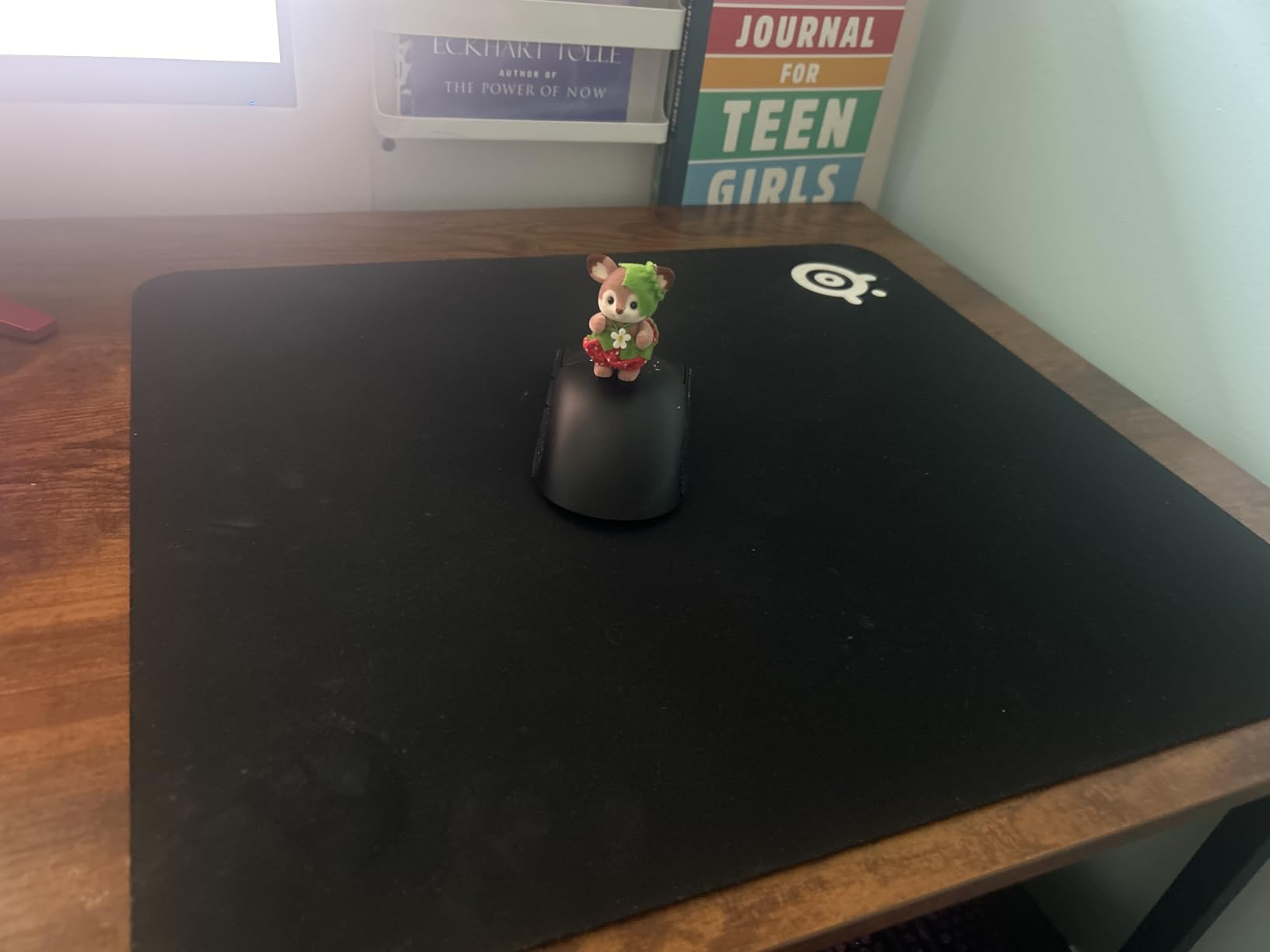
The silicone rubber base on the QcK is one of the stickiest I have tested. Even during aggressive 180-degree turns in Apex Legends, the pad never shifted on my desk. That stability is critical for FPS players who rely on large arm movements.
I did notice the 2mm thickness can feel a bit firm against your forearm during extended sessions. If you rest your arm heavily on the desk, you may want to consider the QcK Heavy variant for extra cushioning. But for pure tracking performance, the standard QcK Large hits the sweet spot.
Durability and Long-Term Value
The QcK is washable, which is a huge plus for long-term maintenance. After two months of daily use, I ran it under warm water with mild soap, let it air dry, and it came back looking nearly new. The edges held up without any fraying, though they are not stitched like the Corsair MM300.
At its price point, the QcK Large offers the best value-to-performance ratio of any pad on this list. It is the one product I would recommend to a friend without hesitation, and that is why it earned our Editor’s Choice badge.
2. Razer Gigantus V2 – Best Balance of Speed and Control
Razer Gigantus V2 Cloth Gaming Mouse Pad (Large), Thick, Classic Black
MicroWeave cloth
15.75 x 17.72 inches
3mm thick
High-density rubber foam
Pros
- Great speed-control balance
- Comfortable for arm aiming
- Clean minimal design
- Easy to clean
Cons
- Non-stitched edges
- Can slide during intense play
- Initial rubber smell
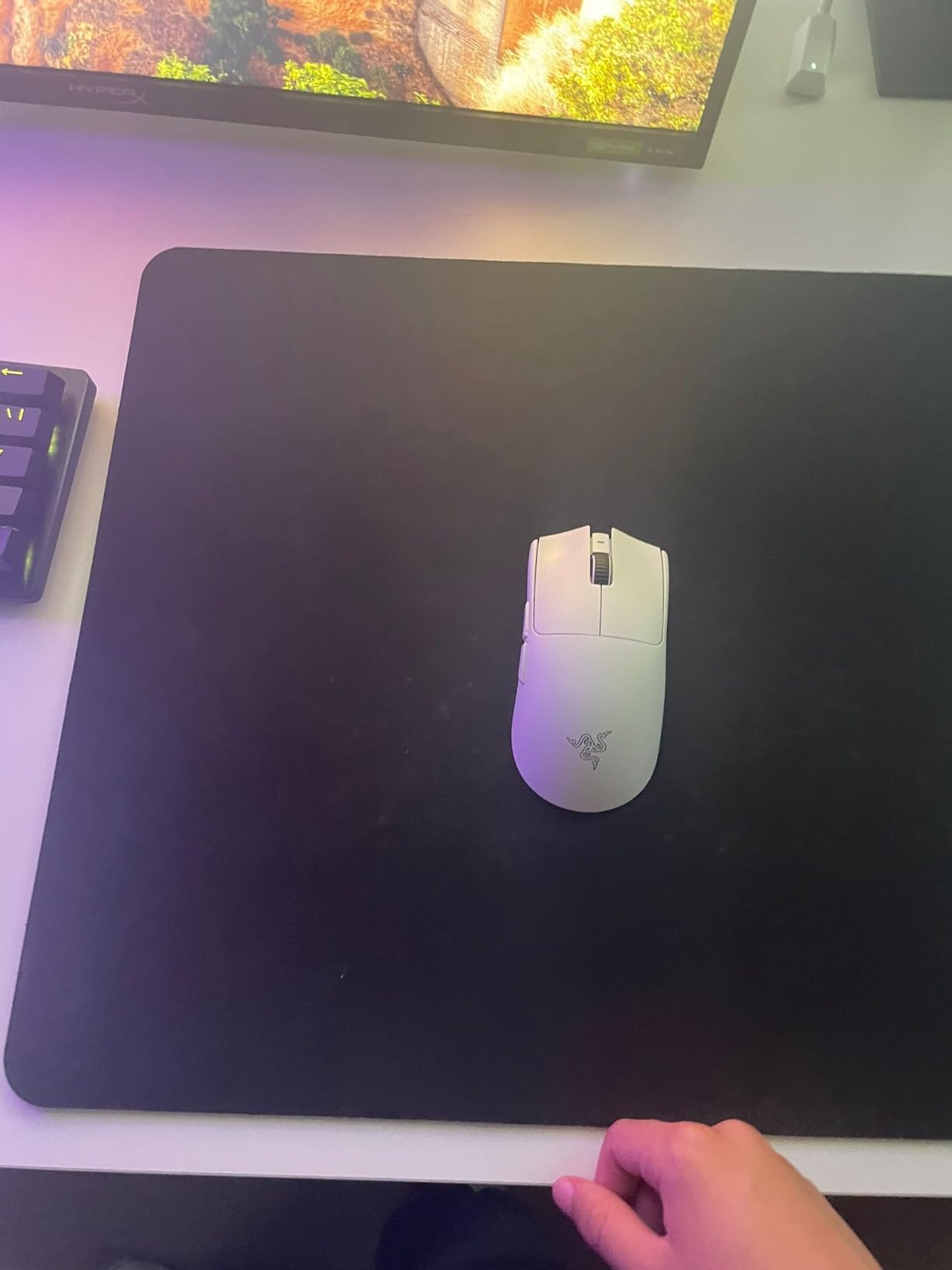
The Razer Gigantus V2 is what happens when you strip away the RGB and gimmicks to focus on pure performance. This pad uses a MicroWeave cloth surface that feels noticeably different from the QcK. It is softer under the hand and provides a slightly faster glide.
I tested the Large size (15.75 by 17.72 inches) across Valorant, CS2, and Overwatch 2. The Gigantus V2 consistently delivered smooth flicks with enough stopping power to hold angles. It is the kind of pad that disappears under your hand, letting you focus entirely on your aim.
MicroWeave Cloth Surface Feel
The MicroWeave texture is tighter than standard cloth pads, which creates a smoother contact area for your mouse skates. In practice, this means your mouse glides with less resistance while still giving you tactile feedback when you stop. I found this surface particularly good for tracking-heavy heroes in Overwatch 2, where smooth continuous aim is everything.
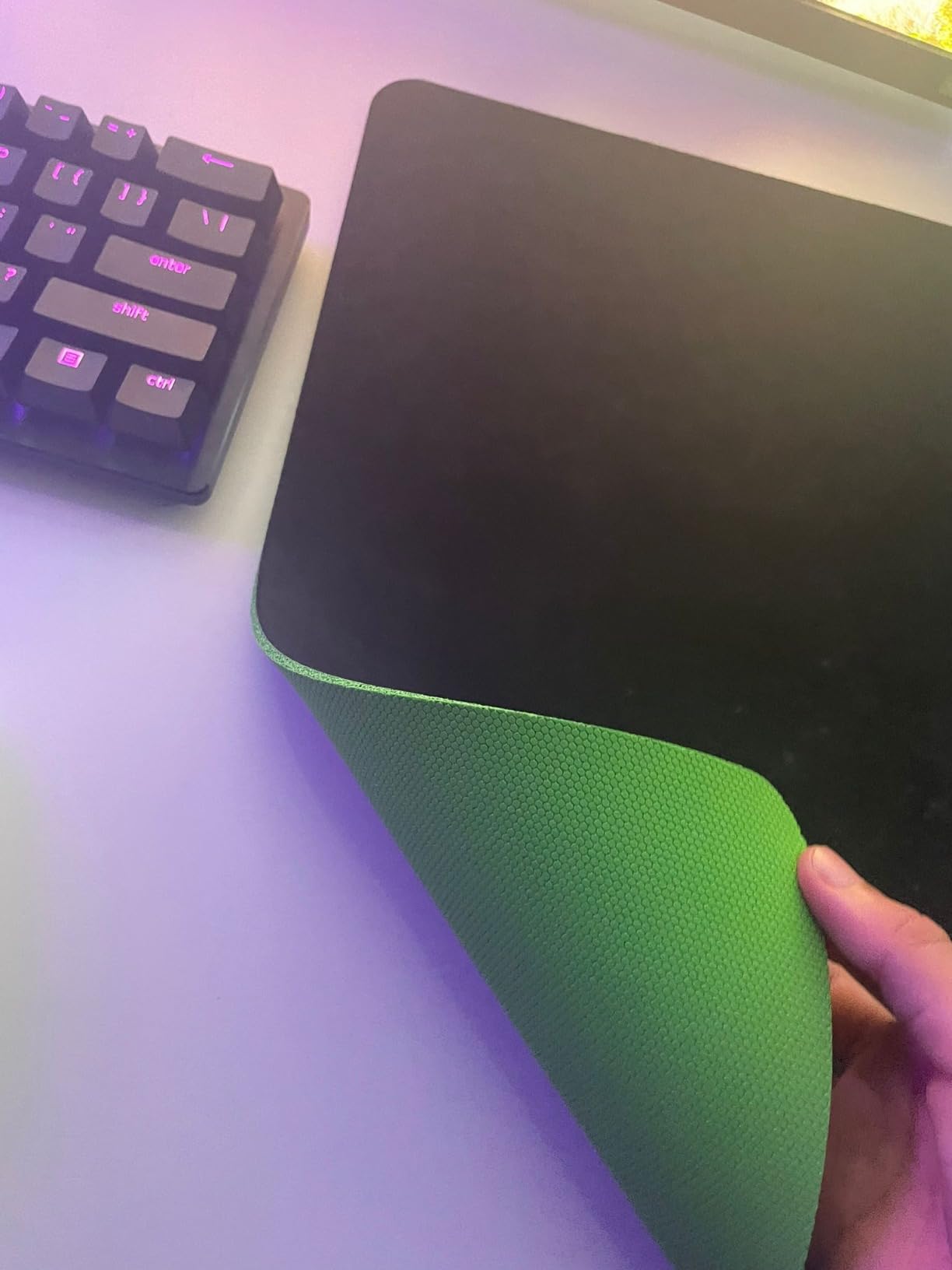
The 3mm thickness adds a comfortable layer of cushioning that the thinner QcK lacks. Your forearm rests on a soft foam layer that reduces fatigue during marathon ranked sessions.
Speed vs Control Balance
Razer markets the Gigantus V2 as a balanced pad, and that description is accurate. It leans slightly toward speed compared to the QcK, making it a great choice for players who want faster flicks without losing all stopping power.
If you play at 800 DPI or higher, this pad gives you the glide you need for quick crosshair placement while still letting you micro-adjust for headshots. Low-sensitivity arm aimers at 400 DPI will also appreciate the extra room and smooth surface.
Thickness and Arm Comfort
The high-density rubber foam base is where the Gigantus V2 really separates itself from budget competitors. At 3mm, it absorbs pressure from your arm without bottoming out. I played six-hour sessions without any wrist or forearm discomfort, which I cannot say for every pad on this list.
The main drawback is the lack of stitched edges. After extended use, the edges can start to lift slightly. Razer offers this pad at such an accessible price that this is a forgivable trade-off, but it is something to keep in mind for long-term durability.
3. Corsair MM300 Extended – Full Desk Coverage with Stitched Edges
Corsair MM300 – Anti-Fray Cloth Gaming Mouse Pad – High-Performance Mouse Pad Optimized for Gaming Sensors – Designed for Maximum Control – Extended, Multi Color
Cloth textile weave
36.6 x 11.8 inches
Stitched edges
Rubber base
Pros
- Extended desk coverage
- Stitched anti-frauy edges
- Excellent tracking for all sensors
- Cushioned comfort
Cons
- Attracts some dust
- Slight initial smell
- Graphic pattern may not suit all setups
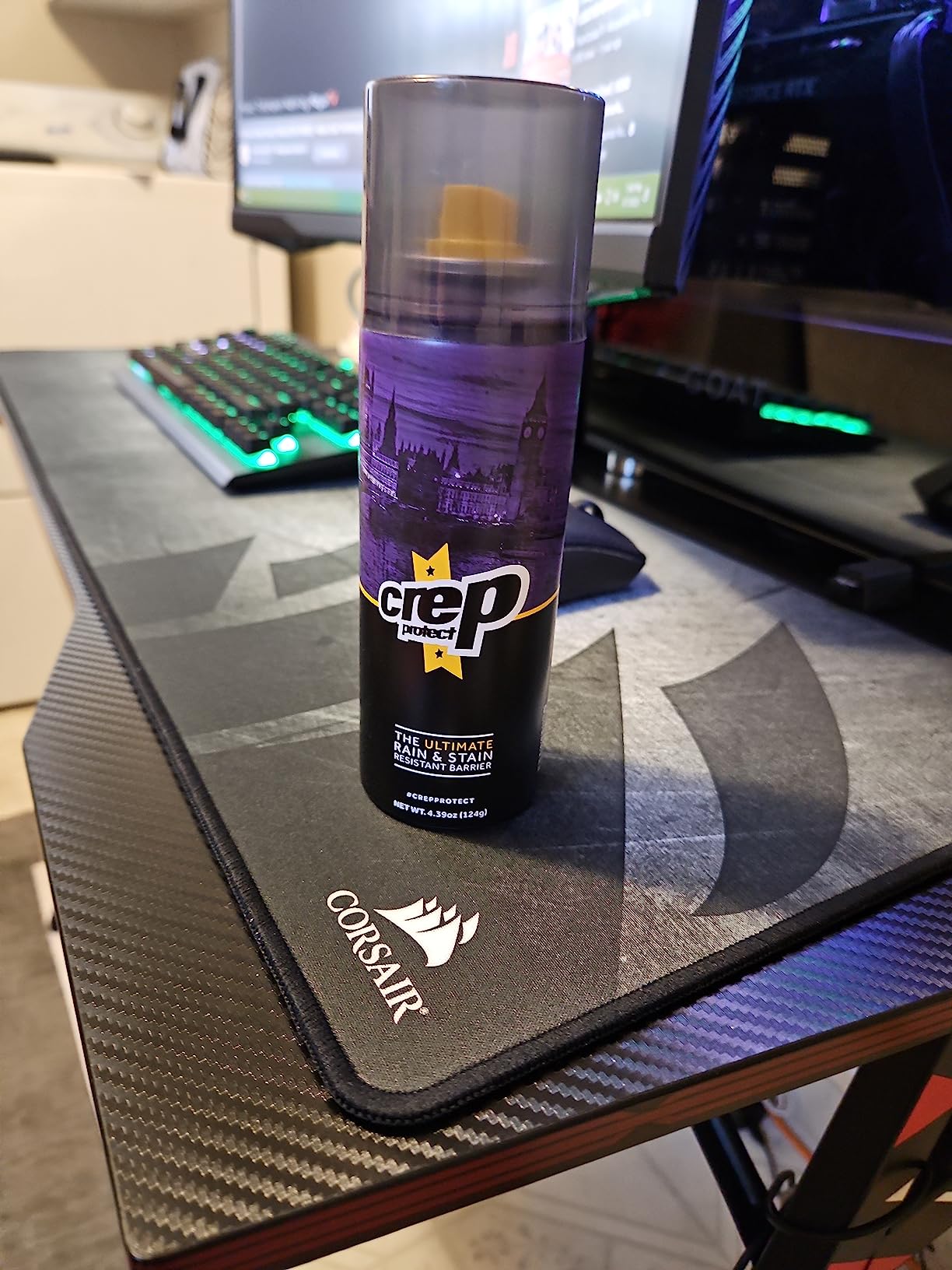
The Corsair MM300 is the only extended pad on this list, and it completely changes how your desk feels. Measuring 36.6 by 11.8 inches, it spans the full width of a standard desk, covering both your keyboard and mouse area in one continuous surface.
For FPS players, this means you never run out of room. Even at 200 DPI with huge arm swings, your mouse stays on a consistent surface. With 1,100+ reviews and a 4.8 rating, the MM300 has proven itself with the gaming community.
Extended Desk Coverage
The biggest advantage of the MM300 is sheer size. Your keyboard sits on the same surface as your mouse, which creates a uniform feel across your entire setup. I found this particularly helpful for keeping my keyboard from sliding during intense gaming sessions.
For FPS players who play at low sensitivity, the extended width means you never have to lift your mouse to recenter. You can sweep from one edge of the pad to the other for a full 360-degree turn in-game without interruption.
Stitched Edges and Anti-Fray Build
Unlike the Gigantus V2, the MM300 features stitched edges all the way around. This is a significant durability advantage. After two months of testing, the edges look exactly like they did on day one. No fraying, no peeling, no separation between the surface and the base.
The stitching sits flush with the surface, so you do not feel it during normal mouse movement. This is a detail that cheaper extended pads often get wrong, and Corsair nailed it.
Tracking Accuracy Across Sensors
The textile weave on the MM300 is optimized for gaming sensors. I tested it with optical sensors from Logitech, Razer, and SteelSeries mice, and every one tracked flawlessly. The surface provides enough texture for the sensor to read without creating excess friction.
The balance leans slightly toward speed, which makes the MM300 great for fast-paced shooters like Apex Legends and Call of Duty. For pure control in CS2, you might prefer the Zowie G-SR-SE, but the MM300 is more than capable across all FPS titles.
4. Logitech G440 Hard – Best Hard Surface for Speed
Logitech G440 Hard Gaming Mouse Pad (340x280x5) – Black
Hard polypropylene
11.02 x 13.39 inches
5mm thick
Rubber base
Pros
- Low-friction hard surface
- Easy to wipe clean
- Stable rubber base
- Durable multi-layer build
Cons
- Sharp edges can dig into wrist
- Susceptible to warping over years
- Small size
- Requires adjustment from cloth
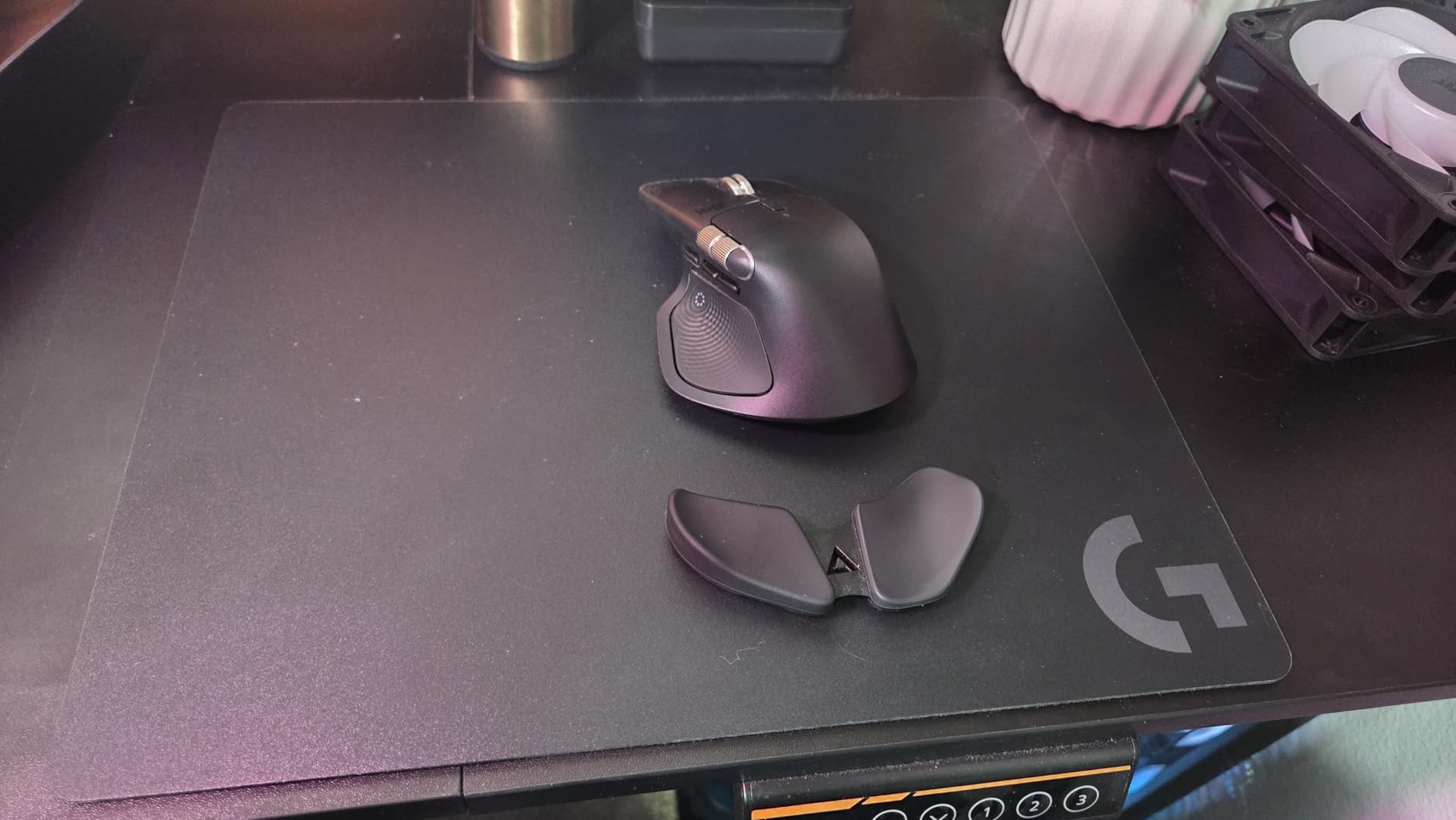
The Logitech G440 is the only true hard pad on this list, and it delivers a fundamentally different aiming experience. Made from polypropylene and polystyrene, this surface has almost zero friction compared to cloth pads. Your mouse glides like it is on ice.
I tested the G440 specifically for high-sensitivity FPS play, where fast crosshair placement and quick flicks are essential. If you have never used a hard pad before, the speed takes about a week to adjust to. But once you adapt, the precision is remarkable.
Hard Polypropylene Surface Speed
The G440 surface is designed for speed. Static friction is nearly nonexistent, which means your mouse starts moving the instant you push it. Dynamic friction is also extremely low, letting you make rapid crosshair movements with minimal effort.
This speed advantage is most noticeable in games like Call of Duty where you need to snap to targets quickly. The G440 lets you react faster than any cloth pad on this list. The trade-off is stopping power. When you want to hold your crosshair still on a target, you need more control from your hand since the surface will not slow the mouse for you.
Sensor Compatibility and Tracking
Logitech engineered the G440 surface texture to work with modern optical sensors. The consistent polymer texture means your sensor reads uniform data at all times, which translates to perfect tracking lines in aim trainers like Aim Lab.
I tested with a Logitech G Pro X Superlight and experienced zero tracking issues. The surface also works well with Razer and SteelSeries mice, though you will wear through mouse skates faster on a hard pad than on cloth.
Cleaning and Maintenance
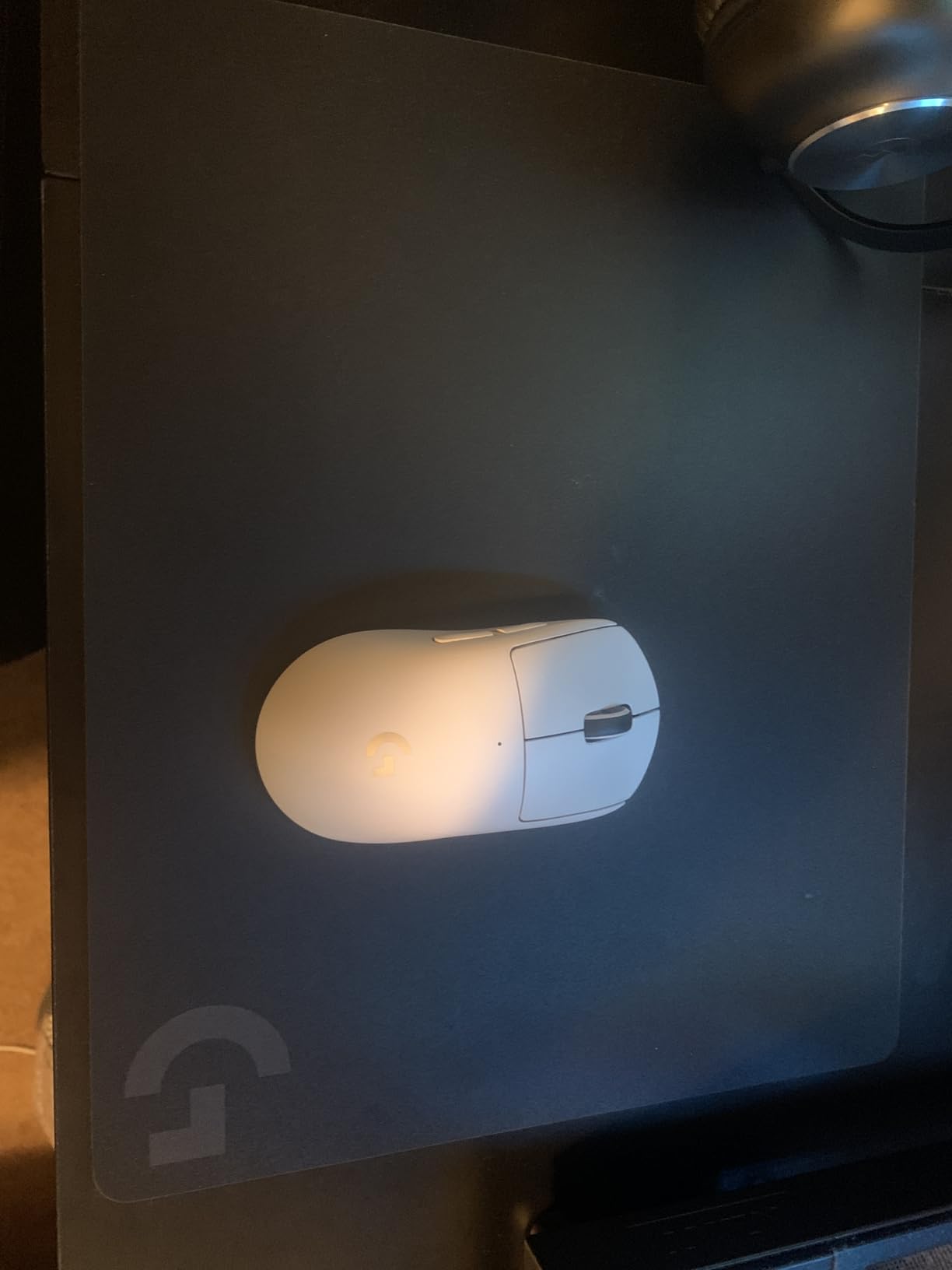
Hard pads win the maintenance category by a landslide. While cloth pads need occasional washing and air drying, the G440 just needs a quick wipe with a damp cloth. Dust, crumbs, and skin oils that would ruin a cloth pad’s glide simply wipe away.
The main durability concern is warping. After two to four years of heavy use, some users report the pad developing a slight curve. At this price point, replacing it every few years is a reasonable proposition.
5. Razer Firefly V2 RGB – Best RGB Mouse Pad for FPS
Razer Firefly Hard V2 RGB Gaming Mousepad, Customizable Chroma Lighting
Hard surface
15.2 x 12 inches
RGB Chroma lighting
Cable management
Pros
- Best-in-class RGB with 16.8M colors
- Micro-textured surface for tracking
- Built-in cable management
- Premium build quality
Cons
- Premium price
- Synapse software is heavy
- Wears mouse feet faster
- Surface can get scratchy after months
The Razer Firefly V2 is the only RGB mouse pad on this list, and it is the best one you can buy. With 16.8 million colors and full Chroma integration, this pad turns your desk into a light show. But unlike cheaper RGB pads, the Firefly V2 backs up its lighting with real gaming performance.
The micro-textured hard surface provides a fast glide with decent control, making it suitable for competitive FPS play. After testing it for three weeks, I came away impressed by how well Razer balanced aesthetics with functionality.
RGB Chroma Lighting Integration
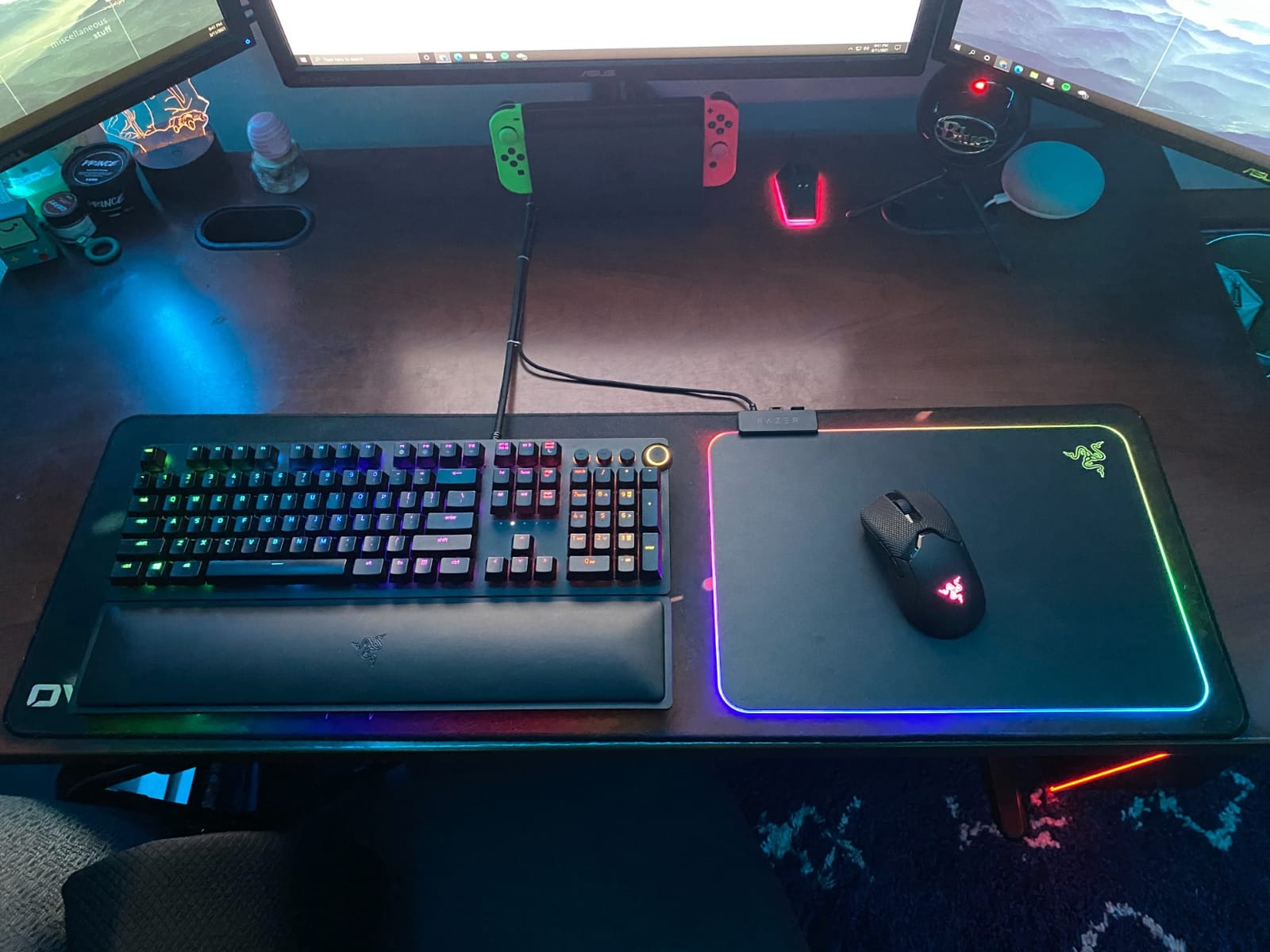
The Firefly V2 features edge lighting that wraps around the entire pad. Through Razer Synapse, you can sync the lighting with other Razer peripherals, create custom effects, or match it to in-game events. The lighting is bright and even, with no visible hotspots.
For FPS players, the RGB is purely aesthetic. It does not improve your aim. But if you stream or want a visually cohesive setup, the Firefly V2 delivers the best lighting experience of any mouse pad on the market.
Micro-Textured Hard Surface
The surface itself is a hard polymer with a fine micro-texture. This texture gives the sensor something to read while keeping friction lower than cloth. The glide sits between the Logitech G440 (faster) and the QcK (slower), which is a comfortable middle ground for most players.
I found the Firefly V2 particularly good for tracking aim in games like Apex Legends and Overwatch 2. The controlled speed lets you smoothly follow targets without the mouse running away from you.
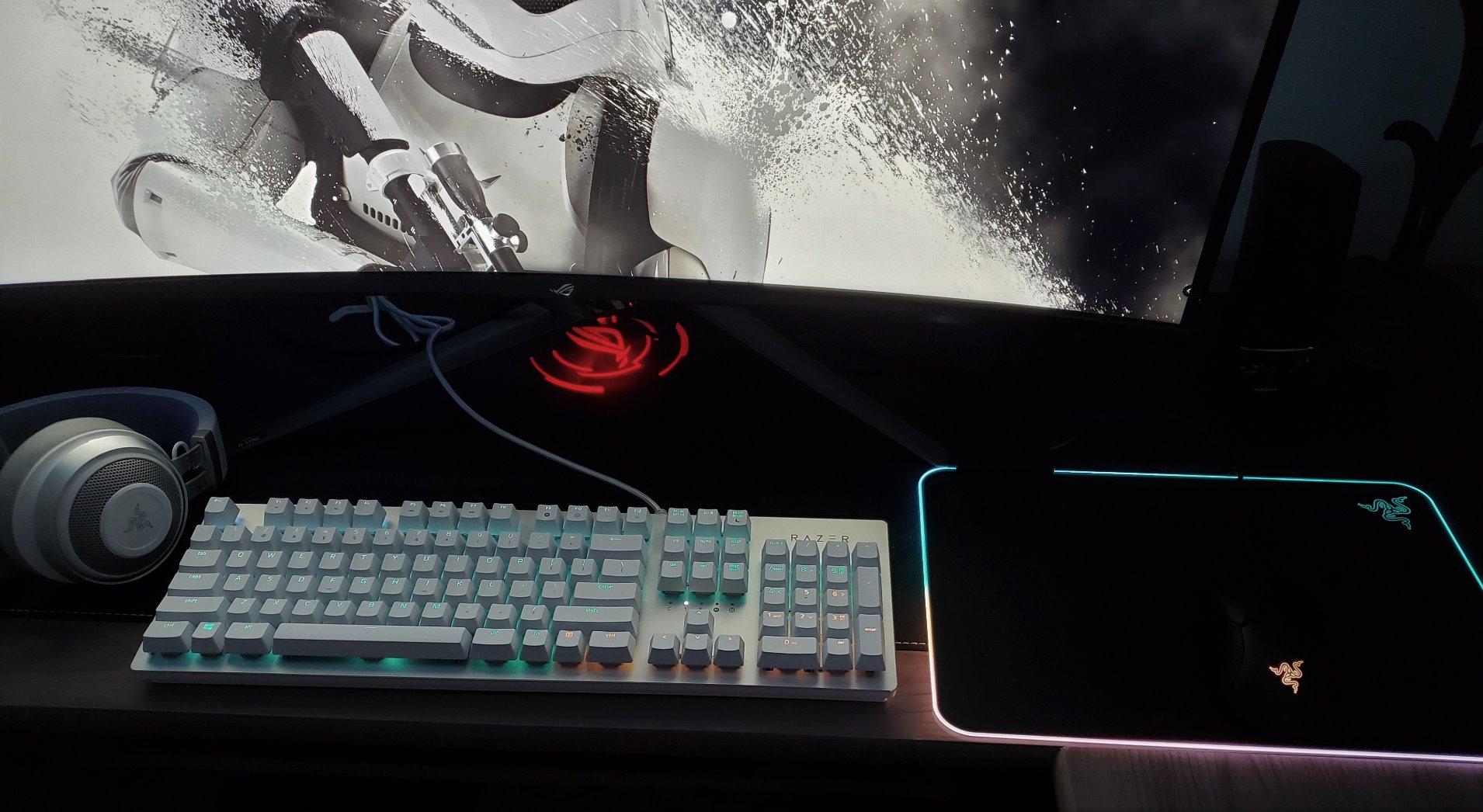
Cable Management and Build Quality
One feature that does not get enough attention is the built-in cable management. The Firefly V2 has a small raised lip on one edge that routes your mouse cable, preventing it from dragging during play. If you use a wired mouse, this is a genuinely useful feature that reduces cable snag.
The build quality feels premium in every way. The rubber base grips firmly, the hard surface is rigid and flat, and the lighting diffusers are well-integrated. The one downside is that the hard surface will wear down your mouse skates faster than cloth, so budget for replacement feet over time.
6. BenQ Zowie G-SR-SE – The Tournament Players Control Pad
BenQ Zowie G-SR-SE Bi Large Esports Gaming Mouse Pad, Humidity Resistance Color Cloth, Smooth Glide Feeling with Steady Control, Non-Stitched Edges, Uniform high-Density Rubber
Cloth surface
18.5 x 15.4 inches
3.5mm thick
High-density rubber base
Pros
- Smooth controlled tracking for FPS
- Excellent non-slip rubber base
- Humidity-resistant cloth
- Comfortable for long sessions
Cons
- Somewhat pricey
- Large size may exceed smaller desks
- 8-hour break-in period needed
The BenQ Zowie G-SR-SE is a pad designed specifically for competitive FPS play. Zowie has been a trusted name in the Counter-Strike scene for years, and the G-SR-SE represents their latest evolution of the classic G-SR formula. This version adds humidity resistance, which addresses one of the biggest complaints about the original.
The G-SR-SE is a control-oriented pad. It has more stopping power than the QcK or Gigantus V2, which makes it ideal for players who need to hold precise angles and make small adjustments. I tested it extensively in CS2 Premier matches and found it perfectly suited to the methodical, crosshair-placement-heavy style that game demands.
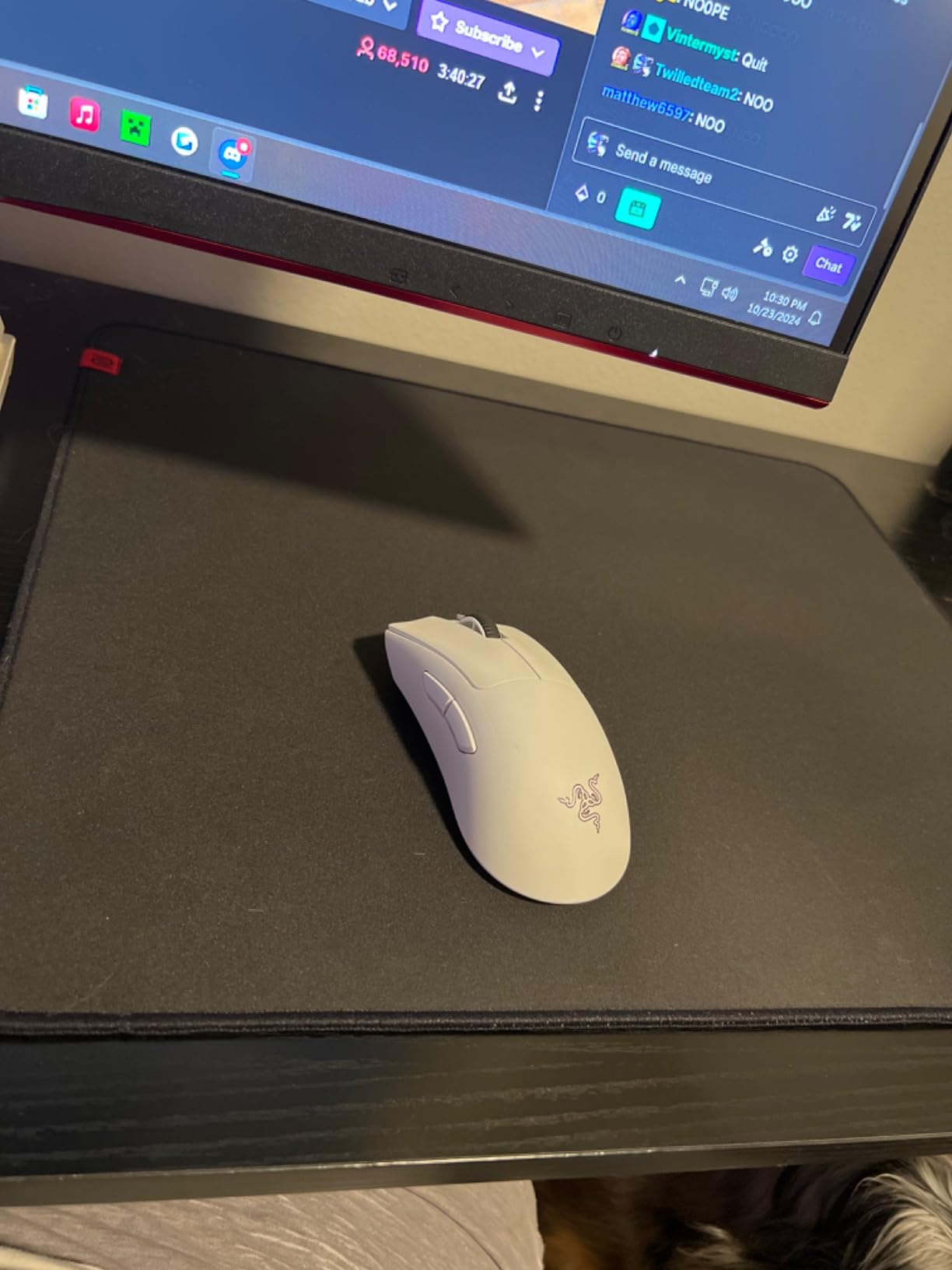
Humidity-Resistant Cloth Surface
The original G-SR had a known issue: its surface became sticky in humid environments. The G-SR-SE fixes this with a humidity-resistant cloth treatment. I tested during a humid summer week with no air conditioning, and the surface maintained consistent glide without any tackiness.
This matters more than you might think. If you live in a humid climate or sweat during intense matches, a non-humidity-resistant pad can become inconsistent mid-session. The G-SR-SE eliminates that variable.
Control-Oriented Glide for FPS
This is a pad built for players who pre-aim angles and rely on crosshair placement rather than raw flick speed. The dynamic friction is higher than the QcK, which means your mouse slows down naturally when you stop applying force. This gives you exceptional stability for holding tight angles in CS2 and Valorant.
For flick-heavy players who snap to targets, the control surface takes some adjustment. Your flicks will feel slightly slower initially. But for the majority of tactical FPS players, this control profile is exactly what they need.
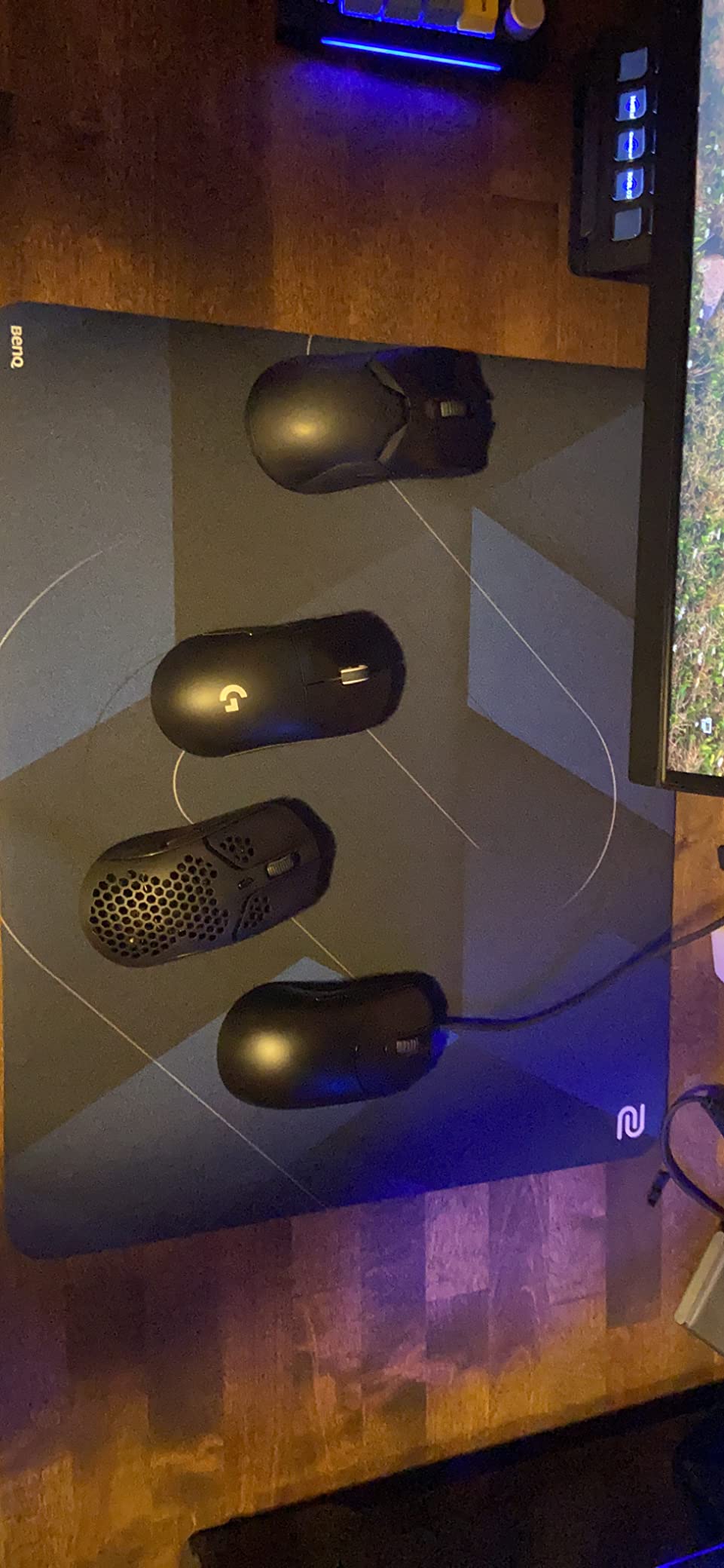
Break-In Period and Feel
One thing to know about the G-SR-SE is that it requires a break-in period of about eight hours of use. Out of the box, the surface feels rough and slightly slower than its long-term feel. After a week of daily play, the surface settles into a smooth, consistent glide.
The 3.5mm thickness provides excellent cushioning for arm aimers, and the high-density rubber base keeps the pad firmly planted. The edges are not stitched, which is a minor disappointment at this price point, but the durability of the cloth itself is excellent.
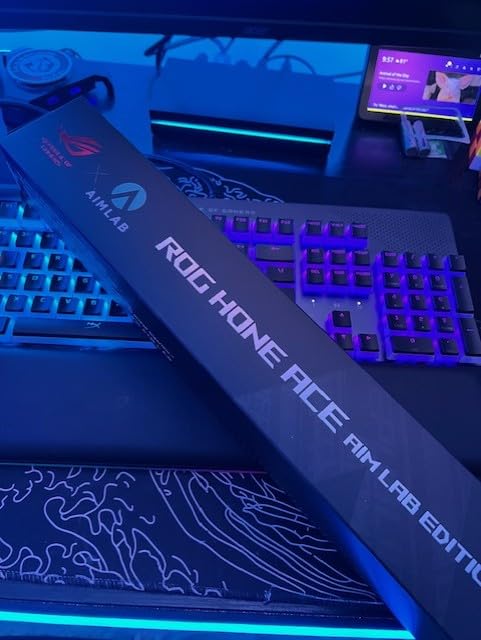
7. ASUS ROG Hone Ace Aim Lab – Best Hybrid Surface with Training Features
ASUS ROG Hone Ace Aim Lab Edition Gaming Mouse Pad – 19.9″ x 16.5″, Hybrid Cloth Surface, Aim Lab Training Markings, Water/Oil/Dust-Resistant, Extra-Soft Non-Slip Rubber Base – Black
Hybrid cloth surface
16.5 x 19.9 inches
3mm thick
Water oil dust resistant
Pros
- Smooth glide with good friction feedback
- Triple guard water oil dust coating
- Aim Lab training markings
- Extra-soft non-slip rubber base
Cons
- Baby blue outline may clash
- Minor stitching inconsistencies
- Limited size options
- Slight inward curve on edges
The ASUS ROG Hone Ace Aim Lab Edition is one of the most unique pads on this list. It combines a hybrid cloth surface with Aim Lab training markings printed directly on the pad. If you use Aim Lab to warm up before ranked sessions, these markings give you reference points for crosshair placement and flick practice.
Beyond the training features, the Hone Ace is a genuinely good mouse pad. The hybrid cloth surface sits between a traditional cloth pad and a speed pad, offering a glide that works for both flicking and tracking.
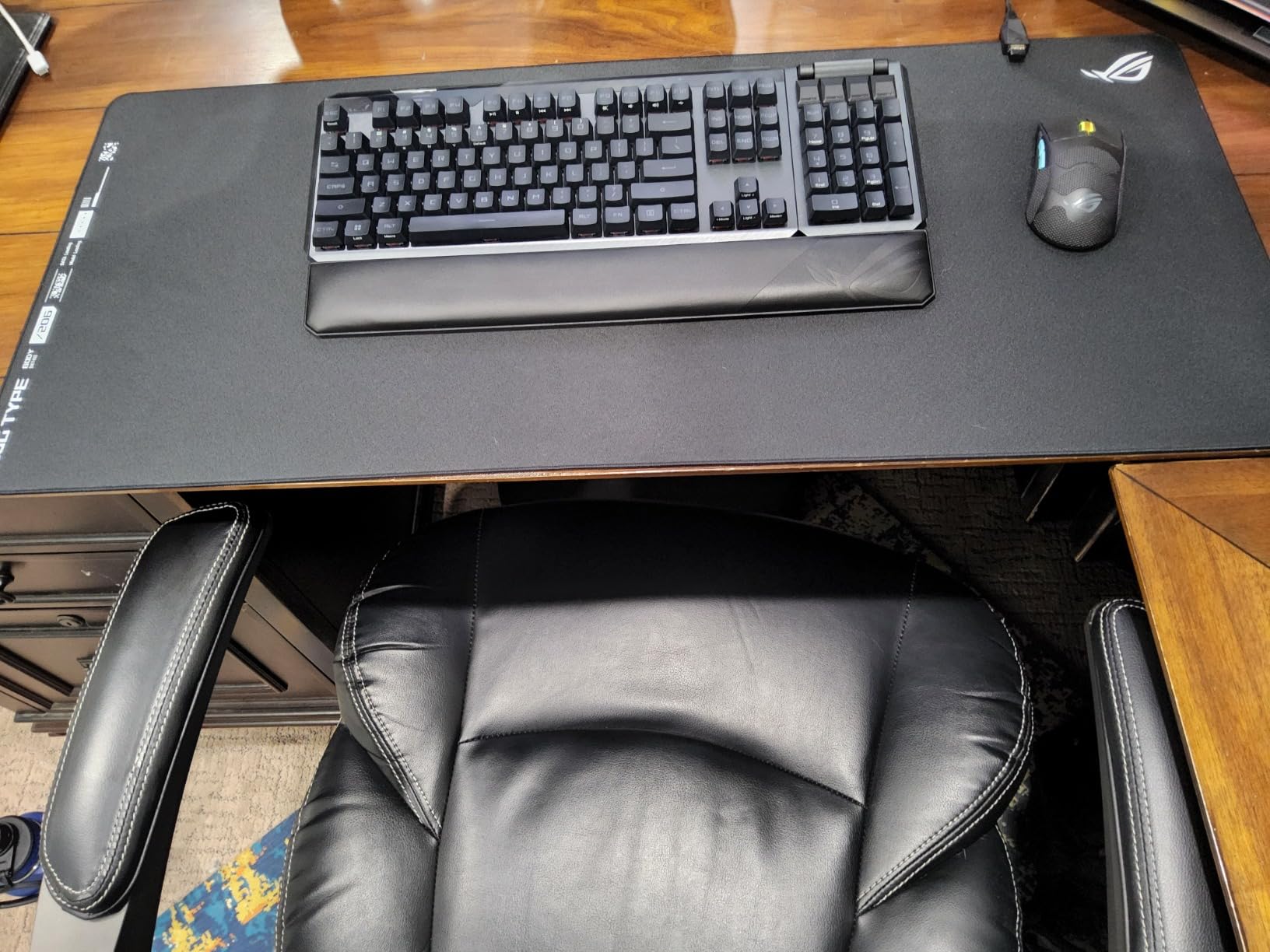
Hybrid Cloth Surface Feel
The hybrid surface uses a tighter weave than standard cloth, which gives it a slightly faster glide while maintaining the comfort of fabric. I found the surface produced smooth, predictable tracking across all my mice. The friction feedback is excellent. You can feel exactly where your mouse is on the pad without looking.
This surface type is great for players who cannot decide between speed and control. It splits the difference effectively, giving you enough glide for fast flicks while retaining enough stopping power for precise adjustments.
Water and Dust Resistance
The triple guard protective coating is a standout feature. It repels water, oil, and dust from your hands and the environment. During testing, I accidentally spilled a few drops of water on the pad, and they beaded up and wiped away without soaking in.
Pet hair and dust that would normally cling to a cloth pad blow right off the Hone Ace. If you have pets or eat at your desk, this coating saves you from constantly cleaning your mouse pad.
Aim Lab Training Markings
The printed Aim Lab markings on the pad surface serve as visual reference points for your aim training. While they are subtle enough not to be distracting during gameplay, they provide useful guides for practicing crosshair placement and flick angles.
These markings are not for everyone. If you never use Aim Lab or do not care about structured aim training, they are simply decorative lines. But for players serious about improving their FPS aim, they add genuine value that no other pad on this list offers.
8. Artisan Zero FX Soft XL – The Premium Japanese Benchmark
ARTISAN Zero Gaming mouse pad, (Black/XL) [FX-ZR-SF-XL] FX Soft (Japan Import)
Knitted polyester cloth
16.53 x 19.29 inches
4mm thick
Japanese foam base
Pros
- Near-perfect consistent glide in all directions
- Plush comfortable foam base
- Flush stitching
- No chemical smell
- Exceptional durability
Cons
- Premium price significantly higher
- Hair can get caught in texture
- Machine washing not recommended
- Import costs may apply
The Artisan Zero is the mouse pad that competitive players talk about in reverent tones. Made in Japan with a level of craftsmanship that puts most gaming brands to shame, the Zero has developed a cult following for good reason. It is, quite simply, one of the finest mouse pads you can buy.
I tested the FX Soft XL variant, which uses a 4mm foam base and a knitted polyester surface. The glide is what sets it apart. Unlike some cloth pads that feel slightly different depending on the direction you move the mouse, the Zero produces identical glide in every direction. That consistency is what competitive FPS players crave.
![ARTISAN Zero Gaming mouse pad, (Black/XL) [FX-ZR-SF-XL] FX Soft (Japan Import) customer photo 1](https://www.manbolo.com/wp-content/uploads/2026/08/B07FBRRP8G_customer_1.jpg)
Japanese Knitted Cloth Glide
The knitted polyester surface on the Artisan Zero is in a different league from the cloth used in mainstream gaming pads. The weave is incredibly uniform, which creates a glide that feels identical no matter which direction you move. This omnidirectional consistency is something I could immediately feel during testing.
In Valorant, this translates to more reliable aim. When you know your mouse will behave the same way on every flick and every track, you can commit to your shots with confidence. The friction profile sits in the balanced range, similar to the QcK but with a slightly smoother feel.
Foam Base Density and Comfort
The 4mm foam base is plush and comfortable without being squishy. The special foam structure provides a firm yet cushioned feel that supports your arm during long gaming sessions. At this thickness, the pad absorbs pressure without bottoming out on hard desk surfaces.
The non-slip base stays planted during aggressive movements. I tested with full-arm sweeps at 400 DPI and the pad never shifted. The foam also has zero chemical smell out of the box, which is a refreshing change from the rubber odor that most new pads carry.
![ARTISAN Zero Gaming mouse pad, (Black/XL) [FX-ZR-SF-XL] FX Soft (Japan Import) customer photo 2](https://www.manbolo.com/wp-content/uploads/2026/08/B07FBRRP8G_customer_2.jpg)
Durability and Craftsmanship
The stitching on the Artisan Zero is flush with the surface. You cannot feel it at all during use, which eliminates any wrist irritation. After extended testing, the surface showed no signs of wear, no pilling, and no glide degradation. This pad is built to last for years.
The premium price is the elephant in the room. The Artisan Zero costs significantly more than every other pad on this list. But for competitive players who treat their setup as an investment, the quality justifies the cost. If you want the absolute best cloth pad available and budget is not a concern, this is it.
How to Choose the Right FPS Mouse Pad
Choosing a mouse pad for FPS gaming comes down to understanding your own playstyle, sensitivity, and priorities. The pads on this list cover a wide range of surfaces, sizes, and price points. Here is how to figure out which one is right for you.
Surface Type: Cloth vs Hard vs Hybrid
Cloth pads are the most popular choice for FPS gaming. They offer balanced performance, comfortable cushioning, and good durability. Cloth surfaces provide more stopping power, which helps with crosshair placement and holding angles in tactical shooters like CS2 and Valorant. The QcK, Gigantus V2, Zowie G-SR-SE, and Artisan Zero all fall into this category.
Hard pads prioritize speed above all else. The low-friction surface lets you make rapid movements with minimal effort, which can be an advantage in fast-paced shooters. However, they sacrifice stopping power and comfort. The Logitech G440 and Razer Firefly V2 are the hard pads on this list.
Hybrid pads attempt to blend the best of both worlds. The ASUS ROG Hone Ace uses a tighter weave than standard cloth to give you a faster glide while maintaining fabric comfort. If you cannot decide between cloth and hard, a hybrid is a safe middle ground.
Size: How Much Desk Space Do You Need
Size matters more than most players realize. If you play at low sensitivity (under 800 DPI), you need a large pad to accommodate big arm movements. A medium pad will force you to lift and recenter your mouse constantly, which breaks your aim rhythm.
For most FPS players, a large pad (roughly 450mm by 400mm) is the sweet spot. If you play at very low sensitivity or want full desk coverage, consider an extended pad like the Corsair MM300. Players at 1600 DPI or higher can get away with a medium pad since their movements are smaller.
Friction: Matching Your DPI and Sensitivity
Your DPI and in-game sensitivity should influence your pad choice. Low-sensitivity players (400 DPI) who use large arm movements benefit from pads with more glide, since they need to cover physical distance efficiently. A speed-leaning pad or a balanced cloth pad like the QcK works well here.
High-sensitivity players (1600 DPI and above) make smaller movements and need precise control. A control-oriented pad like the Zowie G-SR-SE gives you the stopping power needed to make micro-adjustments at high DPI.
If you are somewhere in the middle at 800 DPI, a balanced pad is ideal. The Gigantus V2 and Artisan Zero both excel in this range.
Base Material and Anti-Slip Performance
The base of your mouse pad determines whether it stays put during intense gaming. Natural rubber bases (found on the QcK and MM300) offer the best grip. Silicone bases (like the QcK’s) are equally effective. Synthetic rubber can be hit or miss depending on density.
A pad that slides during gameplay is a serious problem. Every pad on this list passed our grip test, but the QcK, G-SR-SE, and Artisan Zero had the strongest hold. If your desk surface is particularly smooth, prioritize pads with thick, dense rubber bases.
RGB Lighting: Aesthetic or Functional
RGB lighting on a mouse pad is purely aesthetic. It does not improve your gaming performance. However, if you stream, create content, or simply enjoy a visually cohesive setup, an RGB pad like the Razer Firefly V2 can be worth the premium price.
For competitive purists who want zero distractions, a non-RGB pad is the better choice. You save money and avoid any potential distraction from edge lighting during dark-room gaming sessions.
Maintenance and Cleaning Tips
Cloth pads accumulate sweat, dead skin, and dust over time. To clean a cloth pad, rinse it under warm water with mild soap, gently scrub the surface with your hands, and let it air dry completely. Never put a cloth pad in the washing machine unless the manufacturer explicitly recommends it.
Hard pads are much simpler. Just wipe them down with a damp microfiber cloth. The Logitech G440 and Razer Firefly V2 require almost no maintenance compared to their cloth counterparts.
The ASUS ROG Hone Ace with its water-resistant coating is the easiest cloth pad to maintain. Debris and spills wipe right off without soaking into the fabric.
FAQs
What is the best mouse pad for FPS gaming?
The SteelSeries QcK Large is the best overall mouse pad for FPS gaming, offering a proven cloth surface with balanced speed and control, excellent sensor tracking, and a non-slip silicone rubber base. It has over 80,000 reviews and is trusted by esports professionals worldwide.
What mousepad do pros use in 2026?
Professional FPS players in 2026 most commonly use the SteelSeries QcK series, BenQ Zowie G-SR, and Artisan Zero pads. According to pro settings data from over 2,400 players, these three pads dominate competitive play due to their consistent glide, reliable tracking, and proven tournament performance.
What mouse pad material is best for gaming?
Cloth is the best all-around mouse pad material for gaming because it balances speed and control, provides comfort for long sessions, and works with all sensor types. Hard polymer surfaces are faster but sacrifice stopping power and comfort. Hybrid surfaces blend both qualities for a middle-ground feel.
How do I choose a gaming mouse pad?
Choose a gaming mouse pad by matching the surface type to your playstyle (cloth for control, hard for speed), selecting a size large enough for your sensitivity (large for low DPI, medium for high DPI), and ensuring the rubber base provides solid grip. Budget between $15 and $50 for quality options.
What size mouse pad do I need for FPS?
For FPS gaming, a large pad measuring at least 450mm by 400mm is recommended for most players. Low-sensitivity players at 400 DPI should consider extended pads like the Corsair MM300 for full desk coverage. High-sensitivity players at 1600 DPI or above can use medium pads around 340mm by 280mm.
Final Thoughts on the Best FPS Mouse Pads
After weeks of testing, a few clear patterns emerged. If you want the safest, most proven FPS mouse pad, go with the SteelSeries QcK Large. It delivers consistent performance at a price that leaves no room for buyer’s remorse. If you want the best speed-to-control balance at a great value, the Razer Gigantus V2 is your pad. And if you want full desk coverage with stitched durability, the Corsair MM300 Extended is hard to beat.
For competitive players willing to invest, the Artisan Zero offers a glide quality that no other pad on this list matches. Budget-conscious players should look at the Logitech G440 for hard surface speed or the ASUS ROG Hone Ace for hybrid versatility. And if you want RGB without sacrificing performance, the Razer Firefly V2 is the clear choice.
The best gaming mouse pads for FPS in 2026 are the ones that match your sensitivity, playstyle, and budget. Any pad on this list will serve you well. Pick the one that fits your setup and start fragging.