
If you are shopping for a parent, a grandparent or for yourself, the best 2 in 1 laptops for seniors come down to one idea: a touchscreen removes the fiddly bit. Small trackpads and tiny targets are the single most common reason older adults give up on a computer, and a convertible laptop lets someone tap a button instead of hunting for it with a shaky cursor. I sorted ten current 2-in-1s on screen size and resolution, touch quality, weight, battery life and how little fuss the first setup causes, then read the owner reviews closely for the complaints that actually matter to an older user.
Two people are reading this. If you are an adult child buying a gift, you want confidence that you will not buy the wrong thing, so skip to the broader senior laptop guide when you want the full picture beyond convertibles. If you are buying for yourself, the buying guide near the end explains the decisions in plain language.
A word of honesty before the list. Ten of the picks here are convertibles in the true sense, and most of them are Chromebooks rather than full Windows machines. That is deliberate. ChromeOS updates itself, resists the fake tech-support popups that target older adults, and needs no maintenance, which matters more than processor speed when the person using it mainly wants email, video calls, news and online banking.
Our Top 3 Picks: The Easiest 2-in-1s for Older Users

HP 14b 2-in-1 Chromebook
- 14-inch 1920x1080 FHD IPS touchscreen
- 360-degree flip
- Intel N100 4-core processor
- Chrome OS

ASUS Chromebook Flip CX1
- 14-inch 1920x1080 FHD touchscreen
- 8GB RAM with 128GB storage
- Up to 11-hour battery life
- MIL-STD 810H tested

Dell Chromebook 11 3100
- 11.6-inch HD touchscreen
- 360-degree convertible design
- 3.1-pound chassis
- Amazon Renewed with 90-day warranty
The HP 14b leads because it pairs a full 1920×1080 panel with the highest rating in the set across a large volume of reviews. The ASUS CX1 gives you 8GB of memory and an 11-hour battery for less money than most full Windows convertibles. The Dell Chromebook 11 3100 is the cheapest reliable way to get a folding touchscreen into the house.
Quick Comparison: All 10 Picks Side by Side
| Product | Specs | Action |
|---|---|---|
| HP 14b 2-in-1 Chromebook |
|
Check Latest Price |
| ASUS Chromebook Flip CX1 |
|
Check Latest Price |
| Dell Chromebook 11 3100 |
|
Check Latest Price |
 Lenovo IdeaPad Flex 5i Chromebook Plus Lenovo IdeaPad Flex 5i Chromebook Plus |
|
Check Latest Price |
 Lenovo IdeaPad Duet 5 Lenovo IdeaPad Duet 5 |
|
Check Latest Price |
 ASUS VivoBook Flip 11.6-Inch ASUS VivoBook Flip 11.6-Inch |
|
Check Latest Price |
 Samsung 12.2-Inch Chromebook Plus Samsung 12.2-Inch Chromebook Plus |
|
Check Latest Price |
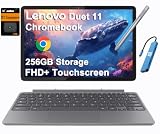 Lenovo Chromebook Duet Gen 9 11 Lenovo Chromebook Duet Gen 9 11 |
|
Check Latest Price |
 HP ProBook x360 11 G5 EE HP ProBook x360 11 G5 EE |
|
Check Latest Price |
 Microsoft Surface Pro 11 Microsoft Surface Pro 11 |
|
Check Latest Price |
A note on that list before the individual reviews. The cheapest options here are renewed or entry-level machines, and the two 11.6-inch picks sit below the screen size most buyers in this audience actually want. Every panel listed as FHD or WUXGA is at least 1920 pixels wide, which is the resolution floor for readable text.
What Makes a 2-in-1 Laptop Good for Seniors?
A 2-in-1 laptop for seniors is a convertible computer with a touchscreen that folds into tablet or stand mode. The touchscreen matters most because tapping a large target is easier than steering a small trackpad, and a folded-back screen propped on a desk is comfortable for reading and video calls. Look for a 13-inch or larger full HD panel, a backlit keyboard and simple automatic updates.
That definition above is the whole buying logic in three sentences. Everything else in this guide is detail: which hinge type holds up better, whether ChromeOS or Windows is a gentler starting point, and how heavy the machine is when the person using it wants to move it from the sofa to the kitchen table.
1. HP 14b 2-in-1 Chromebook – Best Overall for Readable Text and Simple Setup
HP 14 2-in-1 Chromebook 14in FHD Intel CPU 4GB 64GB Storage (14b-Renewed)
14-inch 1920x1080 FHD IPS touchscreen
Intel N100 4-core up to 3.4GHz
4GB DDR5 and 64GB eMMC
Wi-Fi 6 and Bluetooth 5
Pros
- Large 14-inch 1920x1080 touchscreen
- Intel N100 is noticeably quicker than older Celeron chips
- Supports stylus input
- 90-day warranty on the renewed unit
Cons
- 4GB RAM and 64GB storage is a modest configuration
- No numeric keypad
- Only three ports including one USB-A
The HP 14b is the pick I would hand to a parent this year. Owners consistently single out the 14-inch 1920×1080 IPS touchscreen as the reason the machine is pleasant to use, and at more than 360 reviews with a 4.5 average it has the strongest rating-to-volume combination of anything I looked at. The Intel N100 chip is a real step up from the older Celeron processors in budget Chromebooks, and owners describe it as snappier when several tabs are open.
For an older user the panel matters more than the chip. A 1920×1080 screen at 14 inches gives text enough physical size to read without squinting, and the IPS panel keeps text from washing out when the laptop is angled toward a window. The 360-degree flip means the same machine serves as a laptop for typing email and a propped-up screen for reading the news.
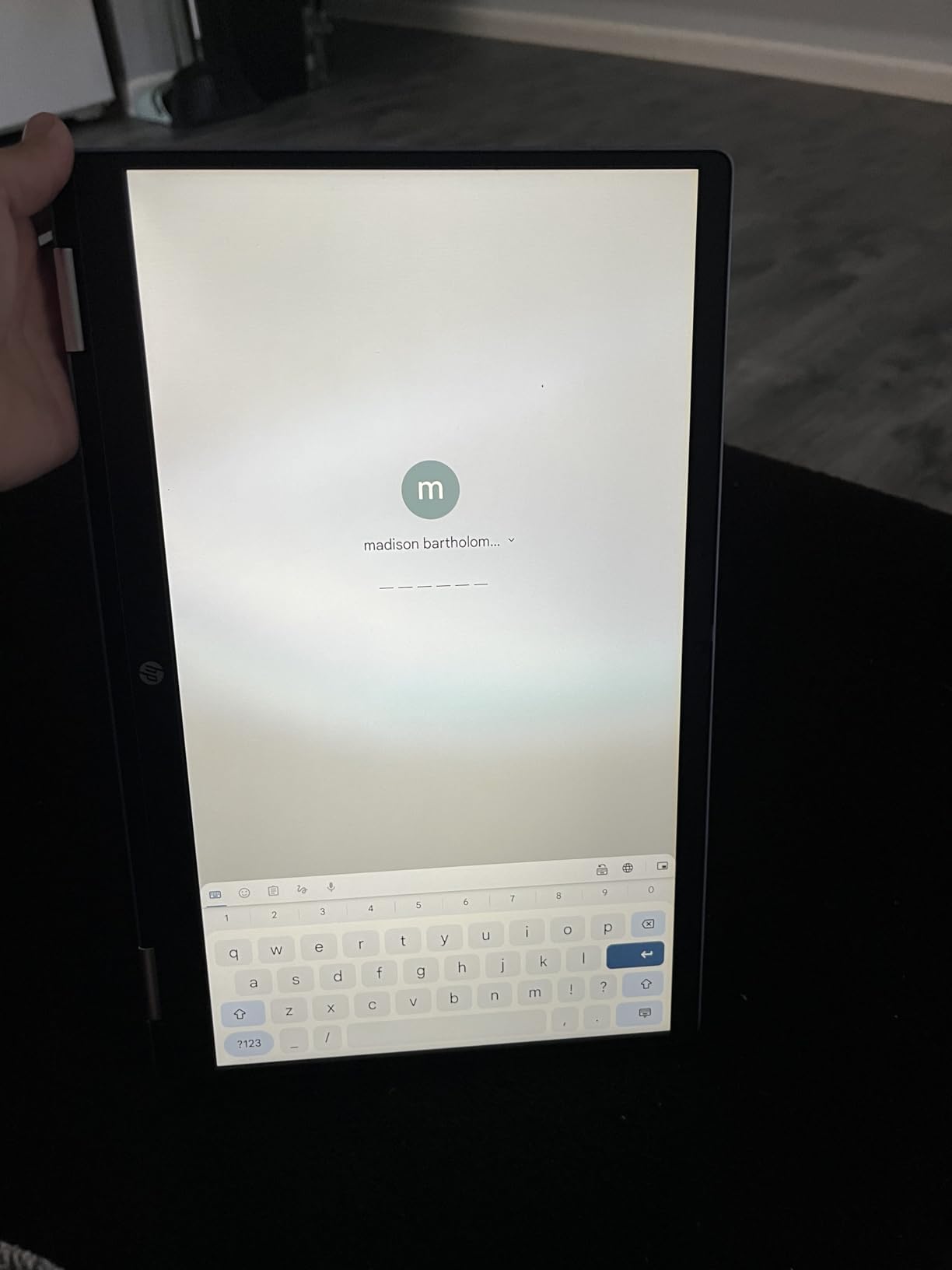
Setup is the quiet strength here. A Chromebook signs in with a Google account, updates itself in the background and carries no extra software pushing popups at the owner. That matters to the buyer more than the buyer realises, because the most common support call for a new computer is not a hardware fault, it is confusion about an update screen.
Screen quality and touch response
The 14-inch 1920×1080 panel at 60Hz is the sweet spot for readability rather than motion. Text edges stay clean at normal viewing distance, which is what matters for someone reading an email or a pharmacy instruction, and the touchscreen responds well enough for tapping large buttons and scrolling through a news feed.
Stylus support is built in, so if the user prefers a pen for signing forms or jotting notes, one will work. The 720p webcam with dual-array microphones is adequate for a weekly call with grandchildren, though it is not the sharpest camera in this group.
Performance for everyday tasks
4GB of DDR5 memory and 64GB of eMMC storage is the honest weak spot. For browsing, email, streaming, video calls and the occasional video chat with a care provider, that is plenty, and ChromeOS keeps the background load light. It is not enough for photo editing or many tabs of demanding web apps running at once, and there is no way to add memory later.
The Intel N100 runs at up to 3.4GHz across four cores, which is enough to keep several ordinary tabs responsive. Compared with the dual-core Celeron chips in the cheaper picks, owners notice the difference in how quickly pages load and how rarely the machine stalls.
What we would watch before buying
This is a renewed configuration, so it carries a 90-day warranty rather than a full year. That is the standard trade for the lower entry point, and the inspection process behind it is the same one used across renewed laptops. It is worth keeping the box and the charger, because a renewed unit that develops a fault is only covered for a limited window.
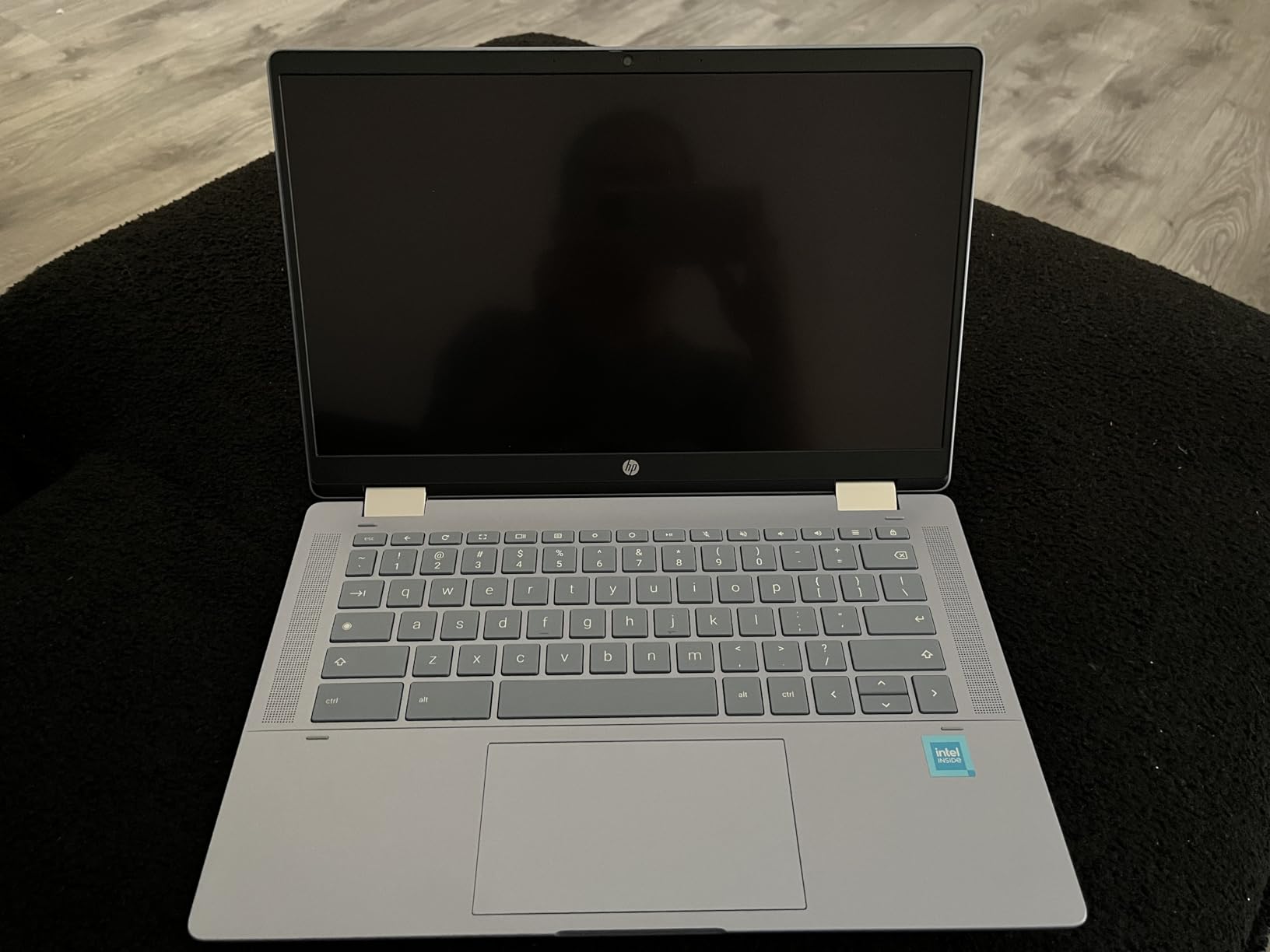
Port selection is minimal, with one USB-C, one USB-A and a headphone jack. If the user already owns a wired mouse or a USB stick, one free USB-A port is workable. Otherwise an inexpensive hub solves it in a few seconds and costs little.
2. ASUS Chromebook Flip CX1 – Best Value 14-Inch Touchscreen With Long Battery Life
ASUS Chromebook Flip CX1 Convertible Laptop, 14″ FHD NanoEdge 360-degree Touchscreen, Intel Celeron N4500 Processor, 128GB eMMC Storage, 8GB RAM, ChromeOS, Transparent Silver, CX1400FKA-AS88FT
14-inch 1920x1080 FHD NanoEdge touchscreen
Intel Celeron N4500 dual-core
8GB LPDDR4X and 128GB eMMC
Up to 11-hour battery
Pros
- Large sharp FHD touchscreen with slim bezels
- 8GB RAM and 128GB storage
- Up to 11-hour battery life
- Built to MIL-STD 810H standard
Cons
- Celeron N4500 struggles with heavy multitasking
- 3.6 pounds is heavy for a portable 2-in-1
- ChromeOS limits non-web applications
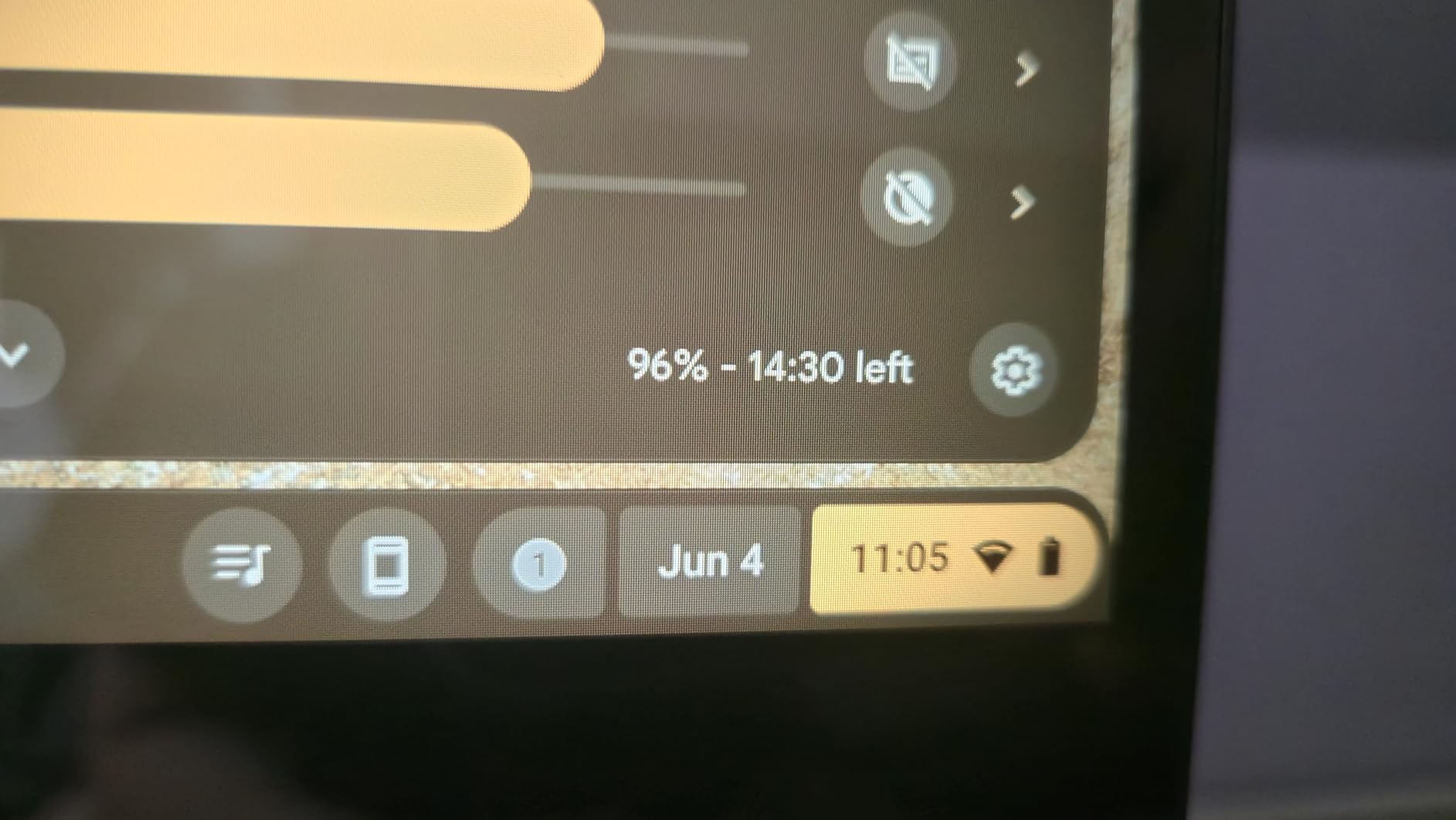
The CX1 is the version of this recommendation I would buy for someone who plans to keep their computer for a long time. Owners highlight the 14-inch 1920×1080 NanoEdge display, the generous 8GB of memory for a Chromebook and the battery that lasts most of a day. The military-grade durability testing on the chassis also reassures an adult child who worries about a dropped laptop.
Four modes make it flexible in a way most convertibles are not. Clamshell for typing, stand for a propped-up video call, tent for watching a film in bed, and tablet for scrolling. For a senior, the stand and tent modes are the useful ones, because they hold the screen at a comfortable angle without needing a separate stand or a book propping it up.
Memory and storage headroom
8GB of LPDDR4X memory and 128GB of eMMC storage is a step above the usual Chromebook configuration, and it is the reason this model keeps up when a user has Gmail, a browser with many tabs and a video call running at once. Storage is not expandable, but 128GB is enough for documents, photos and a season of streaming when the files live in the cloud anyway.
The trade is the processor. The Intel Celeron N4500 is a dual-core chip that reviewers describe as decent for everyday multitasking rather than quick, and it shows when many demanding browser tabs are open at once. For the browsing, email and call pattern most seniors actually follow, that is an acceptable price for the extra memory.
Battery, weight and durability
The quoted figure is up to 11 hours, which covers a day of use with room to spare and removes the anxiety of the machine dying midway through a video call. At 3.6 pounds it is not the lightest convertible here, and buyers moving it between rooms notice that. Carrying it from room to room is still comfortable, and it is a stretch to say this is a travel machine.
The MIL-STD 810H rating means the chassis has been tested against drops, vibration and temperature swings. For a device that will live on a low table and get knocked, that is a meaningful advantage over a lighter plastic-bodied alternative.
Connectivity
Two USB-C ports, two USB-A ports, a microSD card reader and two audio jacks cover most needs without an adapter. Wi-Fi 6 and Bluetooth 5.2 handle a modern home router cleanly, and a 65-watt-class charger means a long charge is not a problem.
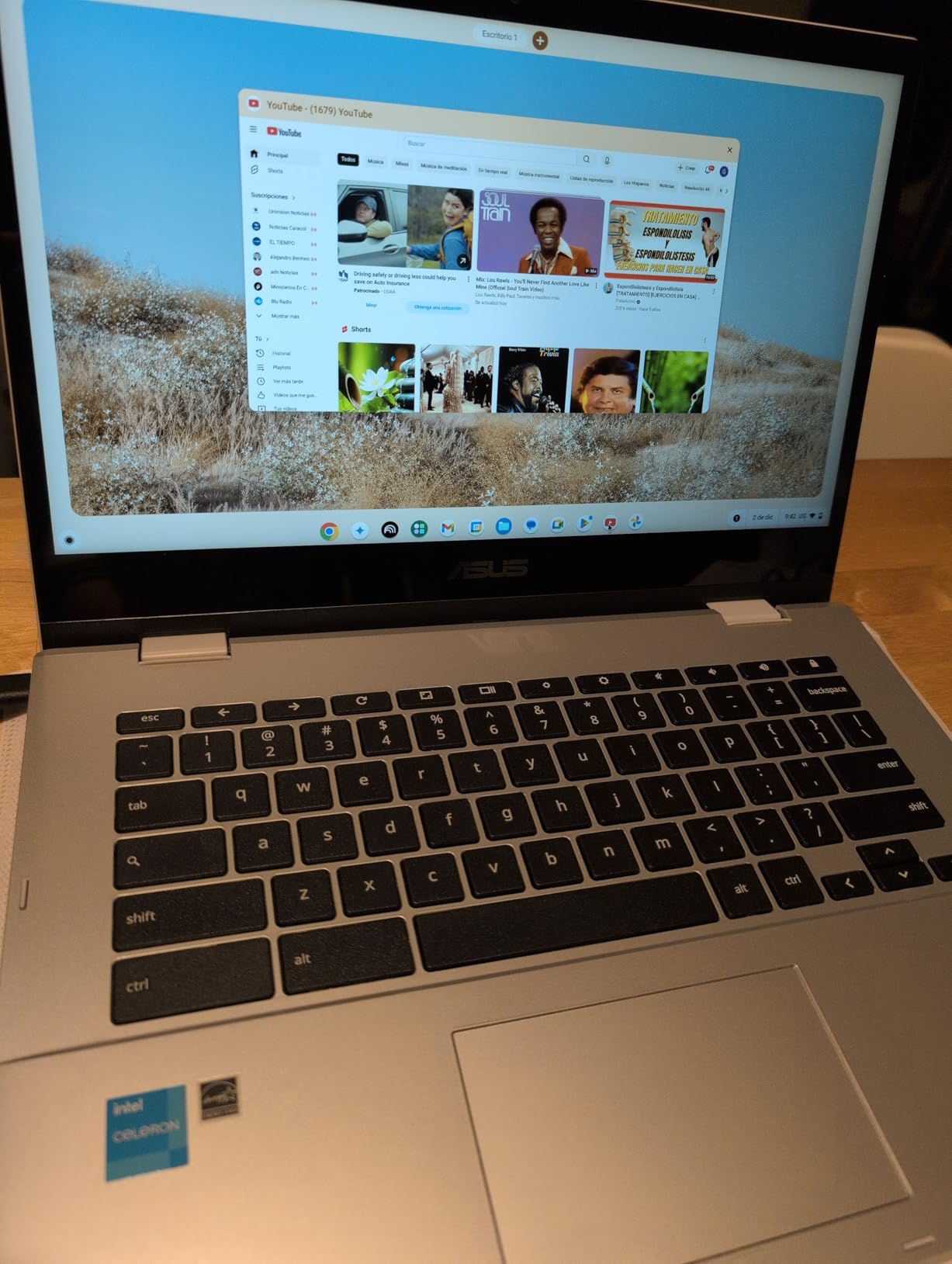
The one-year limited warranty is longer than the 90 days offered on the renewed machines in this list, which matters if the laptop is a gift. Microsoft Office documents open in Google Docs, Sheets and Slides, so a senior who needs a spreadsheet is not blocked.
3. Dell Chromebook 11 3100 – Best Low-Cost Way Into a Touchscreen Convertible
Dell Chromebook 11 3100 11.6″ Touchscreen 2 in 1 Chromebook – HD – 1366 x 768 – Intel Celeron N4020 Dual-Core (2 Core) – 4 GB RAM – 32 GB Flash Memory (Renewed)
11.6-inch 1366 x 768 IPS touchscreen
Intel Celeron N4020 dual-core
4GB RAM and 32GB flash
3.1 pounds with 360-degree hinge
Pros
- Lowest entry point to a folding touchscreen
- Light and easy to carry
- Handles browsing email and video calls
- Many buyers report near-new condition
Cons
- 1366 x 768 resolution is low by modern standards
- 4GB RAM and 32GB storage limits multitasking
- Some renewed units arrive scratched or with stickers
The Dell Chromebook 11 3100 is here because the budget tier of this market is real. With more than 740 reviews at 4.3 stars, it is the most thoroughly reviewed pick in the set, and buyers treat it as a straightforward daily-driver Chromebook for browsing, email, streaming and video calls. It is the answer to a question a lot of families ask, which is whether the folding touchscreen idea is worth anything at all if the budget is small.
The honest answer is yes, with one condition. The 11.6-inch screen is smaller than most people in this audience would choose on their own, and the 1366 x 768 resolution is the weakest in this roundup. If the user’s eyesight is the reason you are reading this, the full HD models above are the better buy and the difference shows in how text looks from across a room.
What renewed means in practice
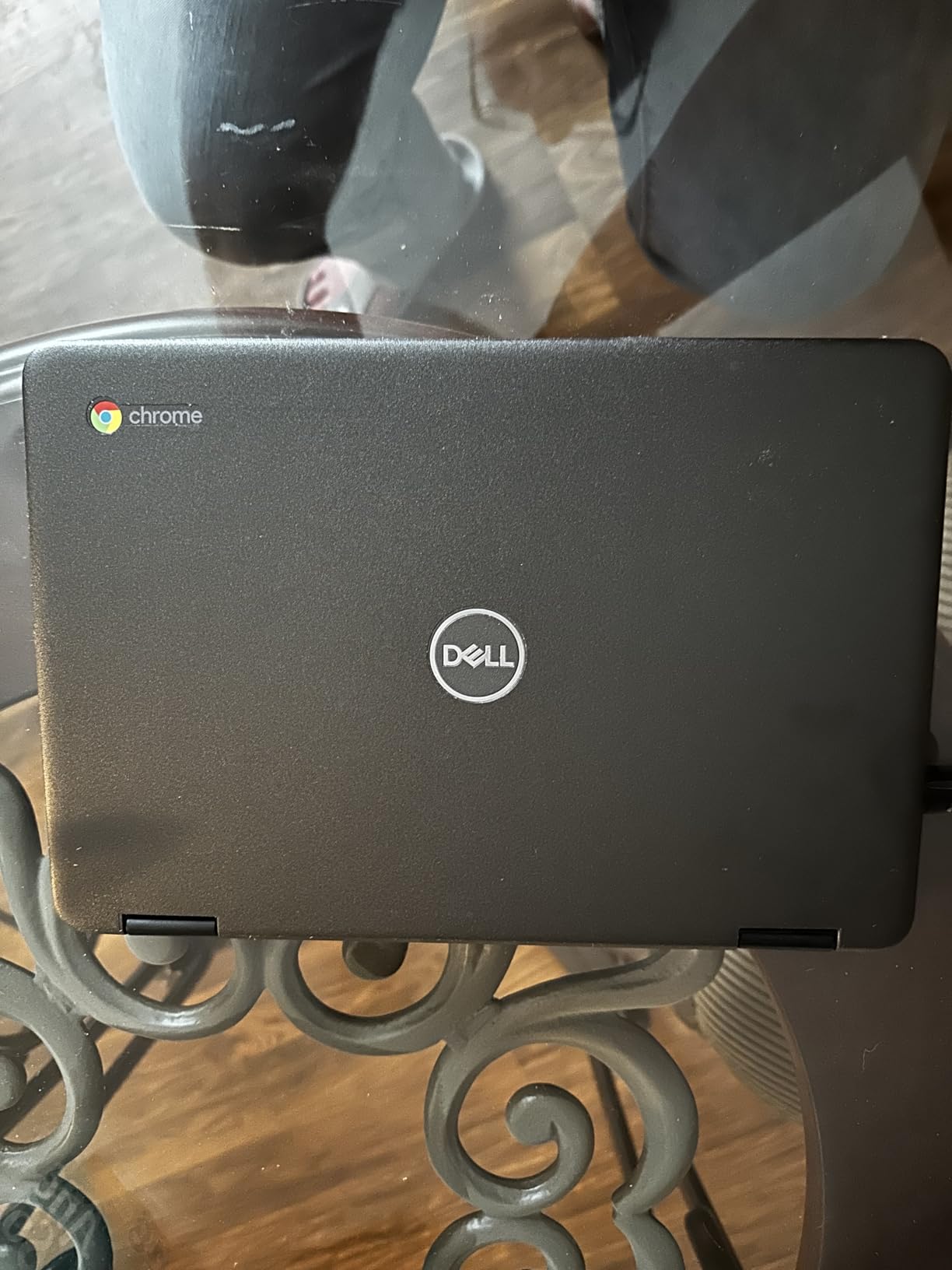
This is an Amazon Renewed unit with a 90-day limited warranty, and the reviews describe a wide range of condition. Many buyers report near-new machines, while a smaller share received units with scratches, dirt or a warehouse sticker still attached. A few found the Chromebook still enrolled in a previous organisation’s management account, which is a setup step the new owner has to clear first.
If you buy this for a parent, open the box and check the screen and the ports before wrapping it up as a gift. The 3.1-pound weight and the sturdy feel are praised often, and the 360-degree hinge rotates smoothly into tablet mode.
Performance limits to set expectations
The Intel Celeron N4020 is a dual-core chip paired with 4GB of memory and 32GB of storage. That is fine for a single browser window, email and a video call, and it becomes sluggish when several demanding tabs run together. Storage of 32GB means almost everything lives in the cloud, which works if the user is comfortable signing into Google Drive but is a limitation for large photo libraries.
Wi-Fi 5 rather than Wi-Fi 6 is not a practical problem on most home networks today. Battery life is quoted at up to 14 hours of standby, and owners report a full day of ordinary use on a charge.
Who should skip this one
Skip it if the person has reduced vision and needs a large, sharp panel, or if they intend to keep large files on the machine. The low resolution on a glossy screen is the specific complaint that appears most often, and it is the one that matters most here.
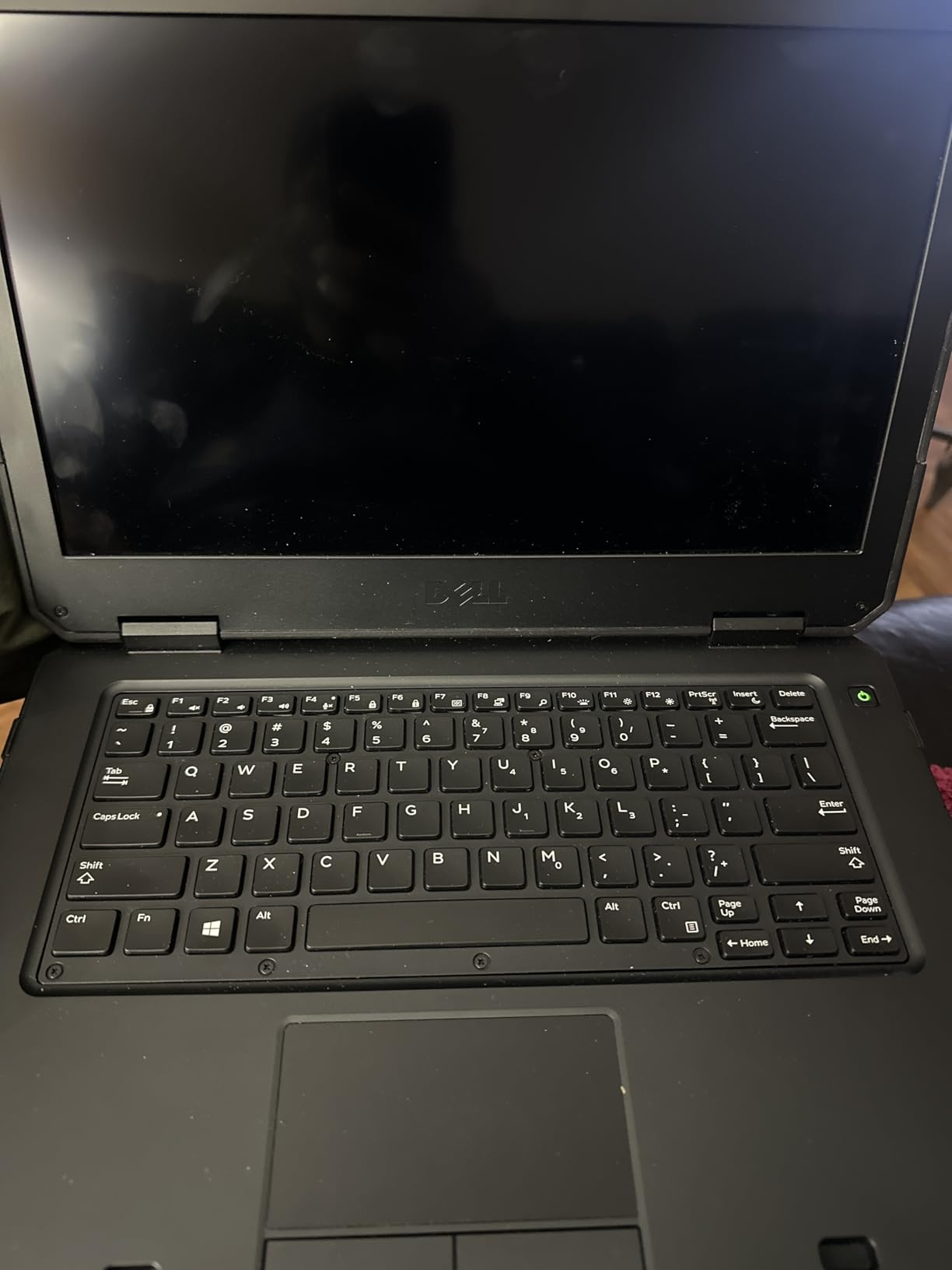
A 65-watt AC adapter is included, which is a small but real convenience over buying one separately. There is DisplayPort output for an external monitor, and a screen size that fits easily on a side table beside a chair.
4. Lenovo IdeaPad Flex 5i Chromebook Plus – Best Backlit Keyboard and Brightest 14-Inch Panel
Lenovo IdeaPad Flex 5i 14″ Chromebook Plus, Intel i3, 8GB RAM, 256GB SSD
14-inch 1920x1200 IPS glossy touch at 300 nits
Intel Core i3-1315U 6-core
8GB DDR4 and 256GB SSD
Backlit keyboard with 10-hour battery
Pros
- Crisp 1920x1200 touchscreen at 300 nits
- x360 hinge with four modes
- Backlit keyboard
- 8GB RAM and 256GB SSD are generous
Cons
- Some buyers report recurring Wi-Fi dropouts
- A few units show premature battery failure
- Bluetooth audio volume can be inconsistent
The Flex 5i is the one to choose when the person will type rather than only tap. A backlit keyboard is close to essential for a senior, because it removes the guesswork of finding the right key in a dim room or in the evening, and reviewers list it among the first things they noticed. The panel runs at 300 nits, which is brighter than the other 14-inch models here, so it holds up near a sunny window.
This is also the most conventional laptop of the group in shape, with a full 360-degree hinge that gives laptop, yoga, flip and tablet modes. The Core i3-1315U is a six-core chip that runs up to 4.5GHz, and with 8GB of DDR4 memory and a 256GB SSD it has more headroom than any other Chromebook in this list.
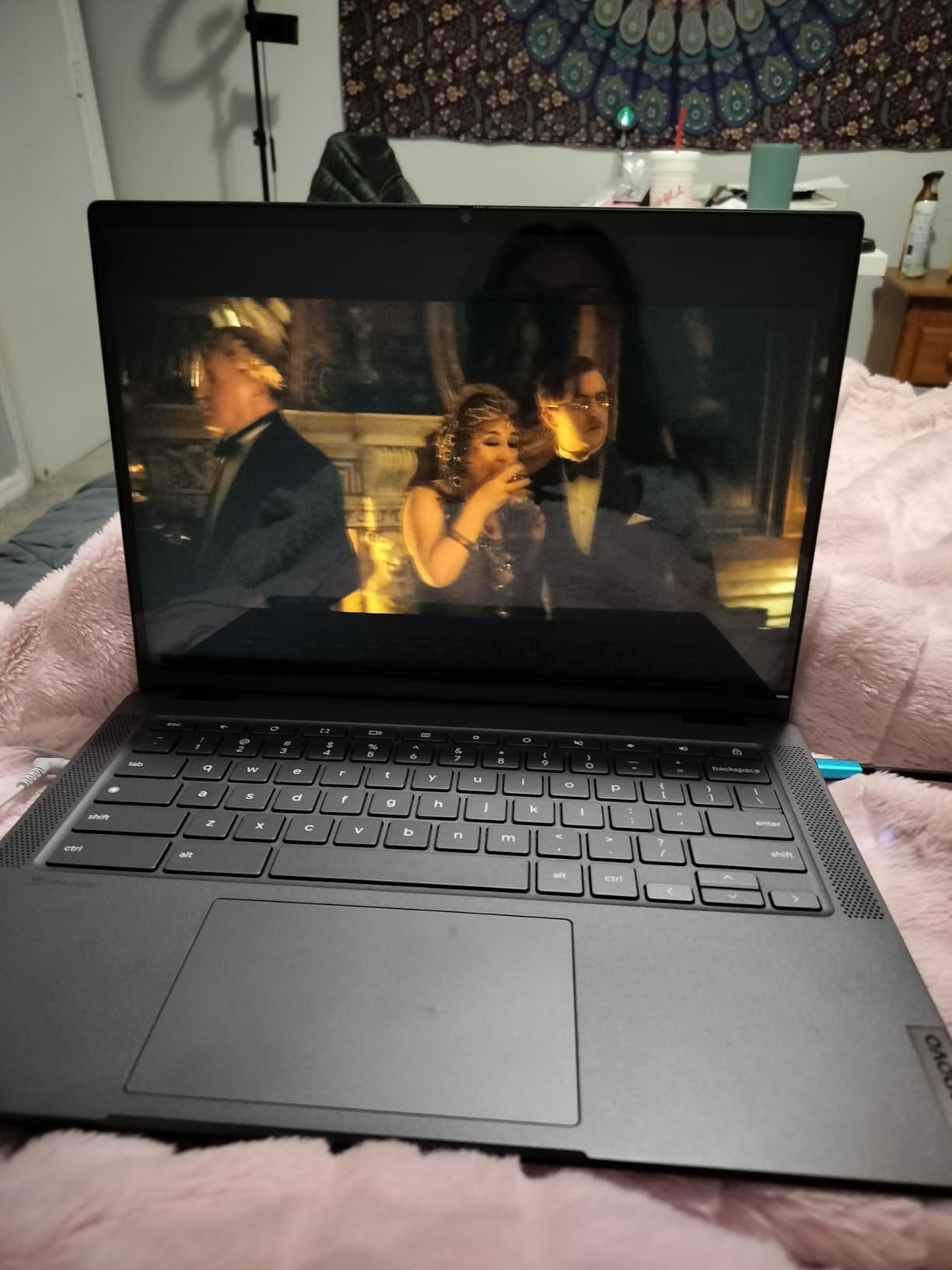
The rating sits below the rest of the list
At 3.9 stars, this is the lowest average in the set, and it is worth being straight about why. Reviewers mention recurring Wi-Fi dropouts that need repeated reconnects, and a few owners report battery failure on units held only a few months. There are also complaints that listed accessories, such as a USB-C hub or stylus, were not in the box.
The rating distribution shows a large group of very satisfied owners and a visible minority with hardware problems. If the laptop is a gift and the family cannot easily troubleshoot a dropped connection from another house, the ASUS CX1 or the HP 14b are calmer choices at the same screen size.
Ports and external displays
Two USB-C ports, USB-A, a microSD reader, HDMI and a 3.5mm audio jack is the most generous port selection on any 14-inch model here. The USB-C ports drive up to two external monitors at 4K 60Hz, which matters for anyone who prefers a bigger screen and already owns a monitor.
Software life and support window
The ChromeOS auto update expiration date is June 2032, which means security updates and system improvements are guaranteed for years rather than months. That is one of the strongest reasons to buy a Chromebook instead of a refurbished Windows laptop for a user who will keep the device for five years or more.
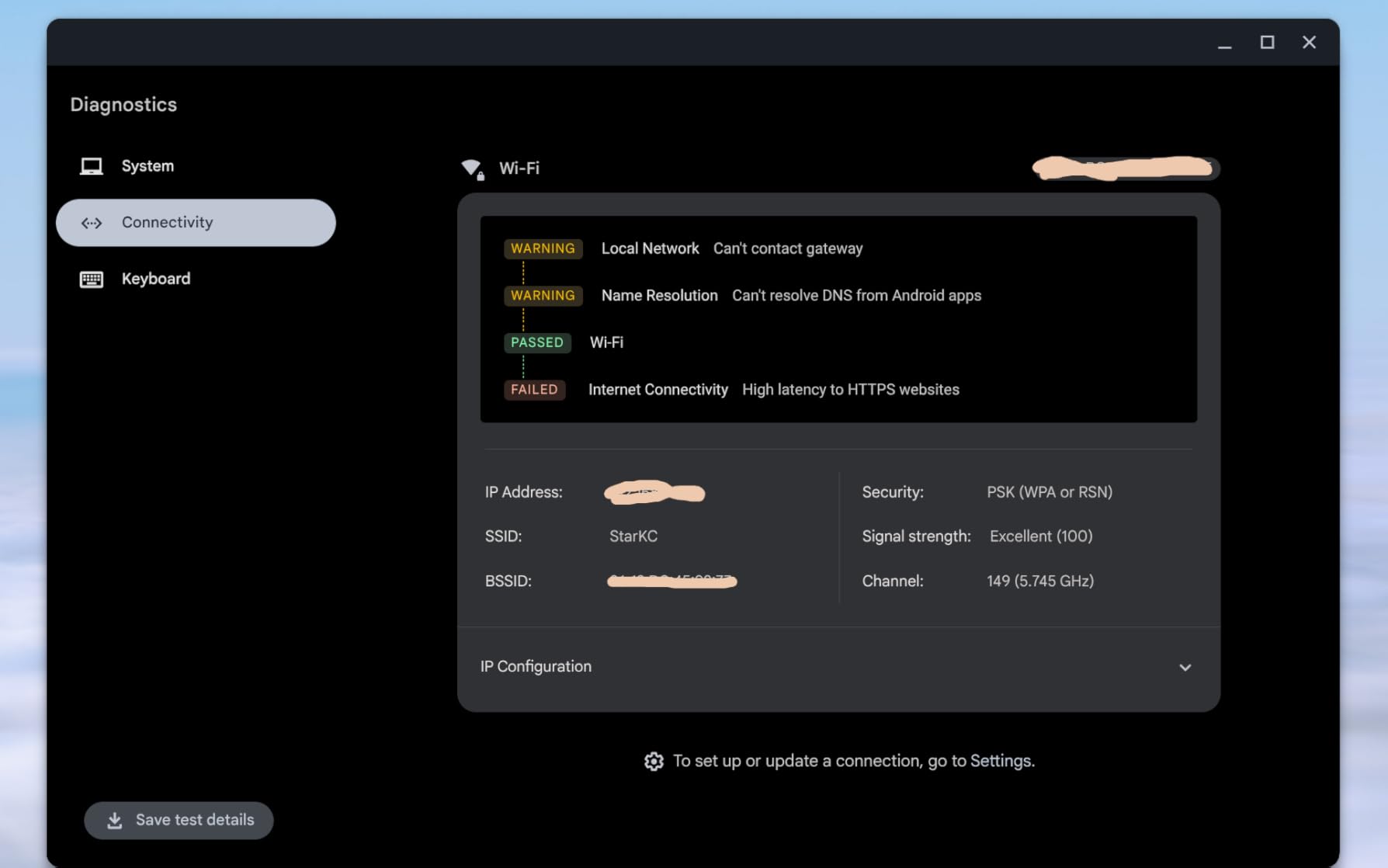
Bluetooth 5.3 and Wi-Fi 6E cover current home networks, and a 1080p front webcam is the best video-call camera in this roundup. Google Assistant and Gemini are built in for voice questions, which some older users find easier than typing.
5. Lenovo IdeaPad Duet 5 – Best OLED Screen and Longest Battery in the Set
Lenovo 82QS0000US, IdeaPad Duet 5 Chromebook, OLED 13.3″ FHD Touch Display, Snapdragon SC7180, 4GB RAM, 64GB Storage, Qualcomm Adreno Graphics, Chrome OS, Abyss Blue
13.3-inch 1920x1080 OLED at 400 nits
Detachable fabric folio keyboard with stylus
Qualcomm Snapdragon SC7180
Up to 15-hour battery
Pros
- Excellent OLED screen with vivid colour at 400 nits
- Some owners go days between charges
- Detachable keyboard switches modes easily
- Four speakers with smart amplifier
Cons
- ARM chip limits some desktop software
- Detachable keyboard and cover add bulk
- Cracked touchscreen repairs are quoted high
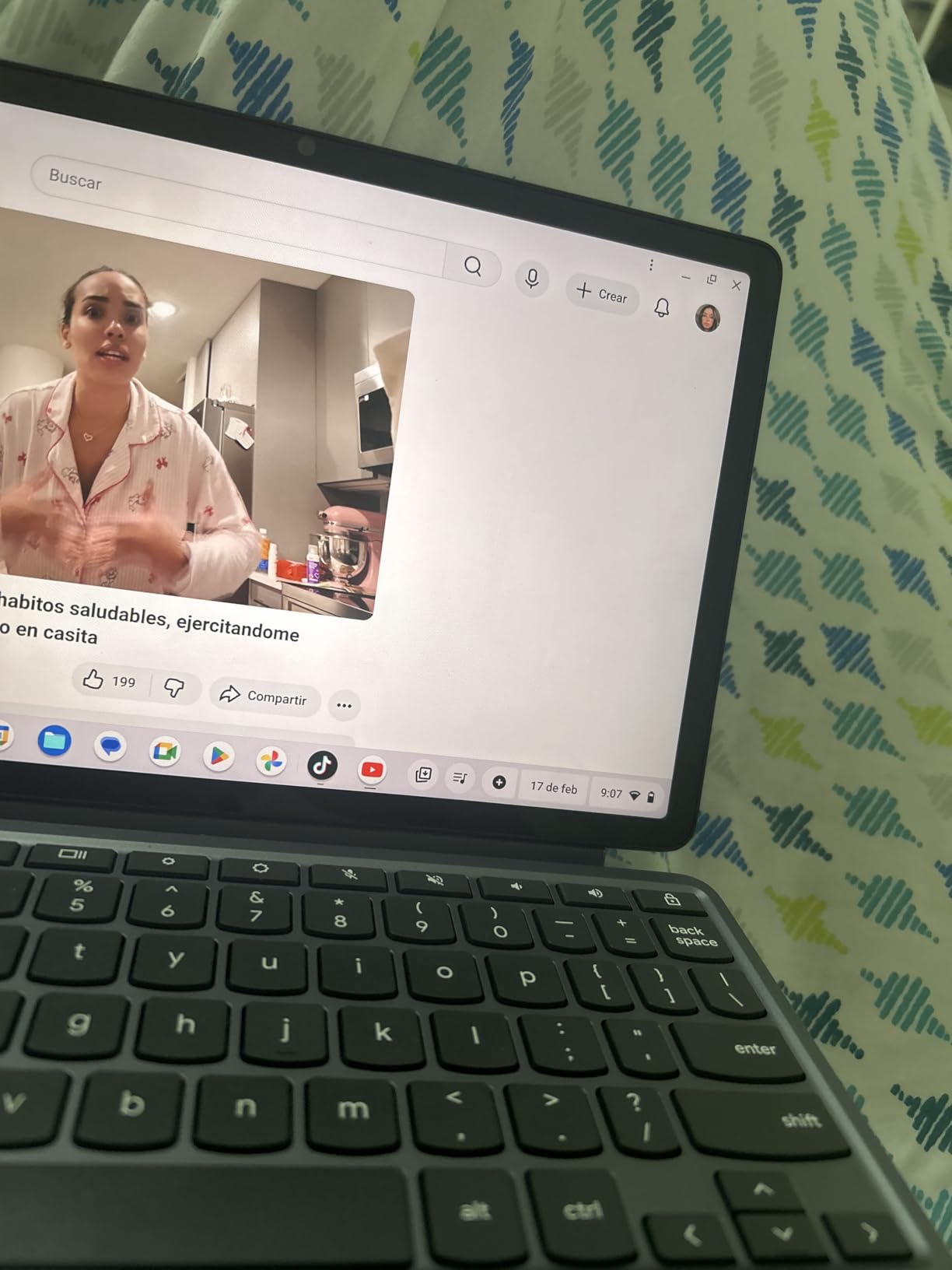
The Duet 5 has the best screen in this roundup and I am not being polite about it. The 13.3-inch Samsung OLED panel runs at 400 nits with full DCI-P3 colour, and for the two things a senior does most, reading and watching, it is a genuinely different viewing experience from the matte panels on the cheaper Chromebooks. Blacks are deep, text has high contrast, and the brightness is high enough to use near a window.
Battery life is the second reason to like it. The quoted figure is up to 15 hours, and some owners describe going several days between charges for light use. For a person who worries about the machine dying in the middle of a video call, that removes a whole category of stress.
Detachable versus folding: what changes here
The Duet uses a detachable fabric folio keyboard rather than a folding hinge, so the screen lifts off entirely to become a 0.27-inch tablet. That makes it thinner and lighter in tablet mode, but it also means the folio has to be held or the tablet propped against something. For a senior, a propped screen for reading in bed is a real advantage that no laptop-mode machine can fully match.
One practical warning. The folio adds bulk, and owners note the tablet is awkward to hold on its own for long stretches. It also supports a stylus, which is helpful for anyone with tremor severe enough that a fingertip is not precise enough for a form or a signature.
The ARM processor question
The Snapdragon SC7180 is an ARM-based chip, and that is the honest compromise. ChromeOS runs beautifully on it, video playback is smooth, and the four built-in speakers with a smart amplifier make it a good device for music and calls. But ARM architecture limits the availability of some Linux and desktop-class software, and that matters if the user plans to install anything beyond a browser.
Storage is 4GB of memory and 64GB of flash, which is on the small side. There is also no microSD slot mentioned, so local files need to live in the cloud. Owners report that some units have developed charging or power-on failures within months, and repairs for a cracked touchscreen are quoted at more than the original price, so a case matters more on this model than on the others.
Cameras and audio
Two cameras are fitted, an 8MP rear sensor and a 5MP front-facing 1080p camera, which makes it one of the better options here for scanning a document with the camera or showing a paper prescription during a health appointment. Four speakers and two microphones support clear video calls.
Cases and screen protectors for this specific model are hard to find, so buy one early. The 3.5mm audio jack and USB-C ports are present, and Wi-Fi is 802.11ac with Bluetooth.
6. ASUS VivoBook Flip – Best Pick for Buyers Who Want Familiar Windows Software
ASUS VivoBook Flip Thin And Light 2-in-1 Laptop – 11.6″ HD Touchscreen, Intel Dual-Core Celeron N3350 Processor, 4GB RAM, 64GB eMMC Storage, Windows 10 in S Mode, Office 365 – J202NA-DH01T
11.6-inch 1366 x 768 HD glossy touchscreen
Intel Celeron N3350 dual-core
4GB DDR3 and 64GB eMMC
Windows 10 in S Mode with Office 365
Pros
- Light at 2.8 pounds and easy to carry
- Responsive touchscreen with a durable 360-degree hinge
- Battery lasts a full working day
- Microsoft Office 365 included
Cons
- Slow performance with several apps open
- Only 1366 x 768 resolution
- 4GB RAM and 64GB eMMC leave little room
The VivoBook Flip is here for a specific household situation. If the parent in question has used Windows their whole life, or if they need a printer that only has a Windows driver, the argument for ChromeOS weakens considerably. This machine runs Windows 10 in S Mode with Microsoft Office 365 already installed, so an email attachment behaves the way it always has.
At 2.8 pounds it is one of the lightest full Windows convertibles available, and the 360-degree hinge supports laptop, stand and tablet modes. Reviewers like the battery, which covers a day of email, Office work and video chat, and several owners pair it with an external keyboard in stand mode for a comfortable desk setup.
What S mode means in practice
Windows 10 in S mode runs apps from the Microsoft Store only, and it is more secure and more stable than full Windows because almost nothing else can be installed. The catch is that it can be switched to full Windows 10 Home through the Microsoft Store, which is a free step in the official process. Buyers should know that a mistaken tap on a fake update link cannot install anything harmful in this mode.
There is a free M.2 storage slot, so the 64GB can be expanded later with a small SSD. That is worth knowing before a family fills it with photos.
Where the performance ceiling shows
The Celeron N3350 is a dual-core chip, and reviewers are consistent that it feels slow as soon as more than a couple of apps are open. Email plus a browser is fine. Several browser tabs plus a video call is where the lag appears, and some owners report occasional bloatware or missing Store apps out of the box.
There are also isolated reports of a blank screen or an unresponsive unit following a Windows firmware update. They are a small share of reviews, but if the laptop is a gift and the family is not local, that is a risk worth weighing against the Chromebooks, which update in the background without ceremony.
Screen and connectivity
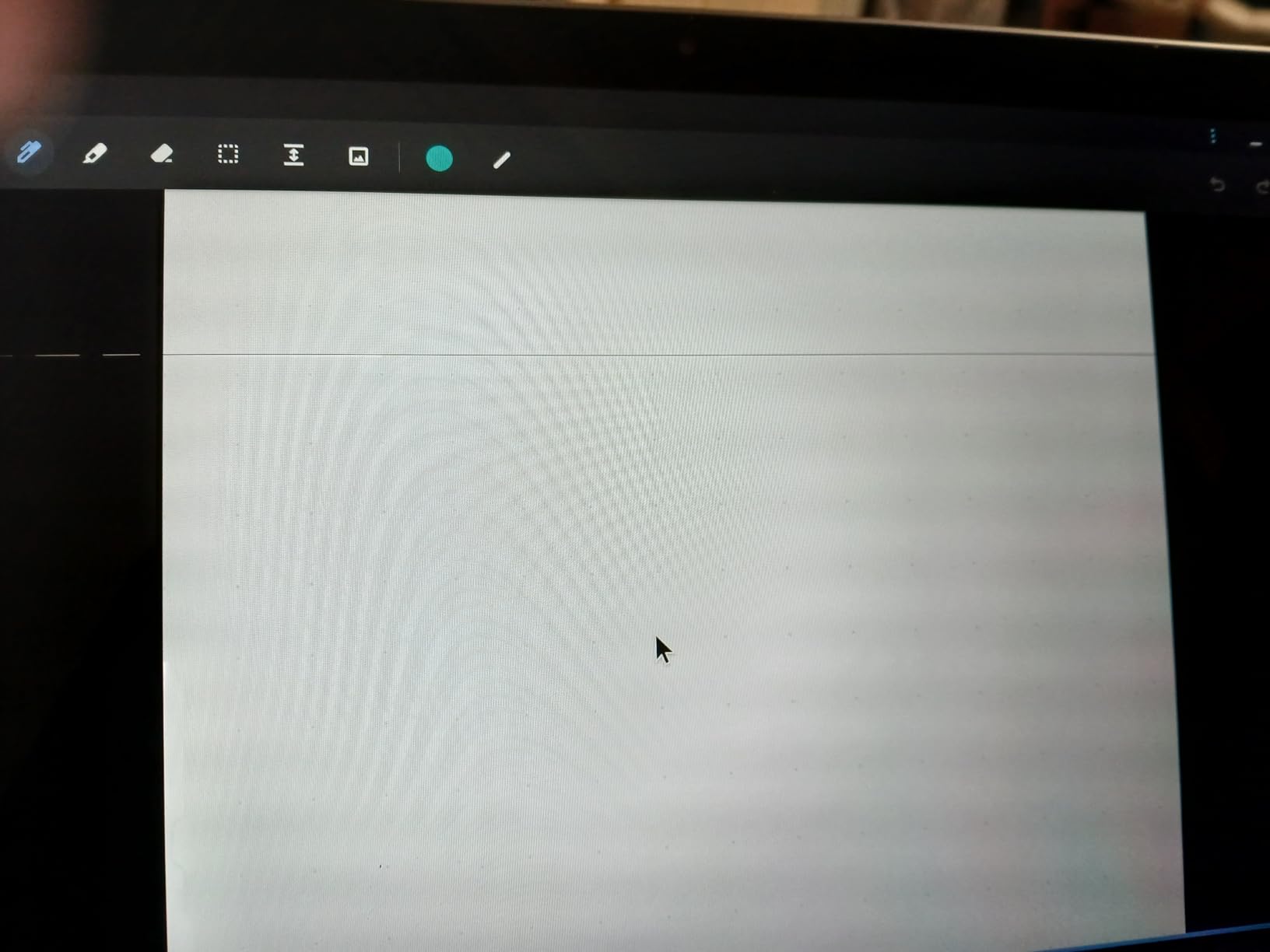
The 11.6-inch HD glossy touchscreen at 1366 x 768 is small and shiny. Gloss means reflections from a nearby window, and the resolution is below the full HD floor I would set for a reader who is choosing on eyesight grounds. If the person already knows how to use a trackpad and mouse, that matters much less.
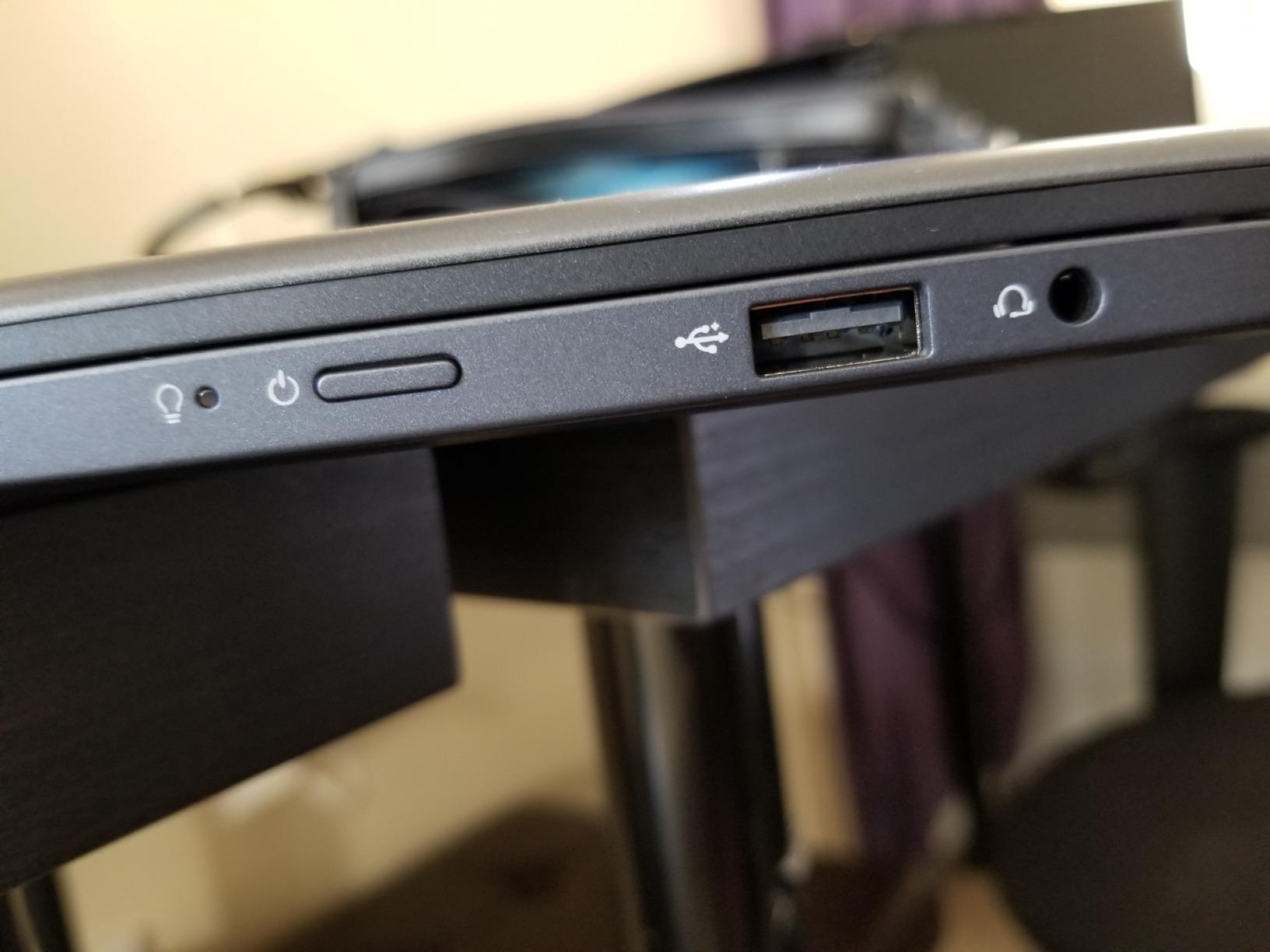
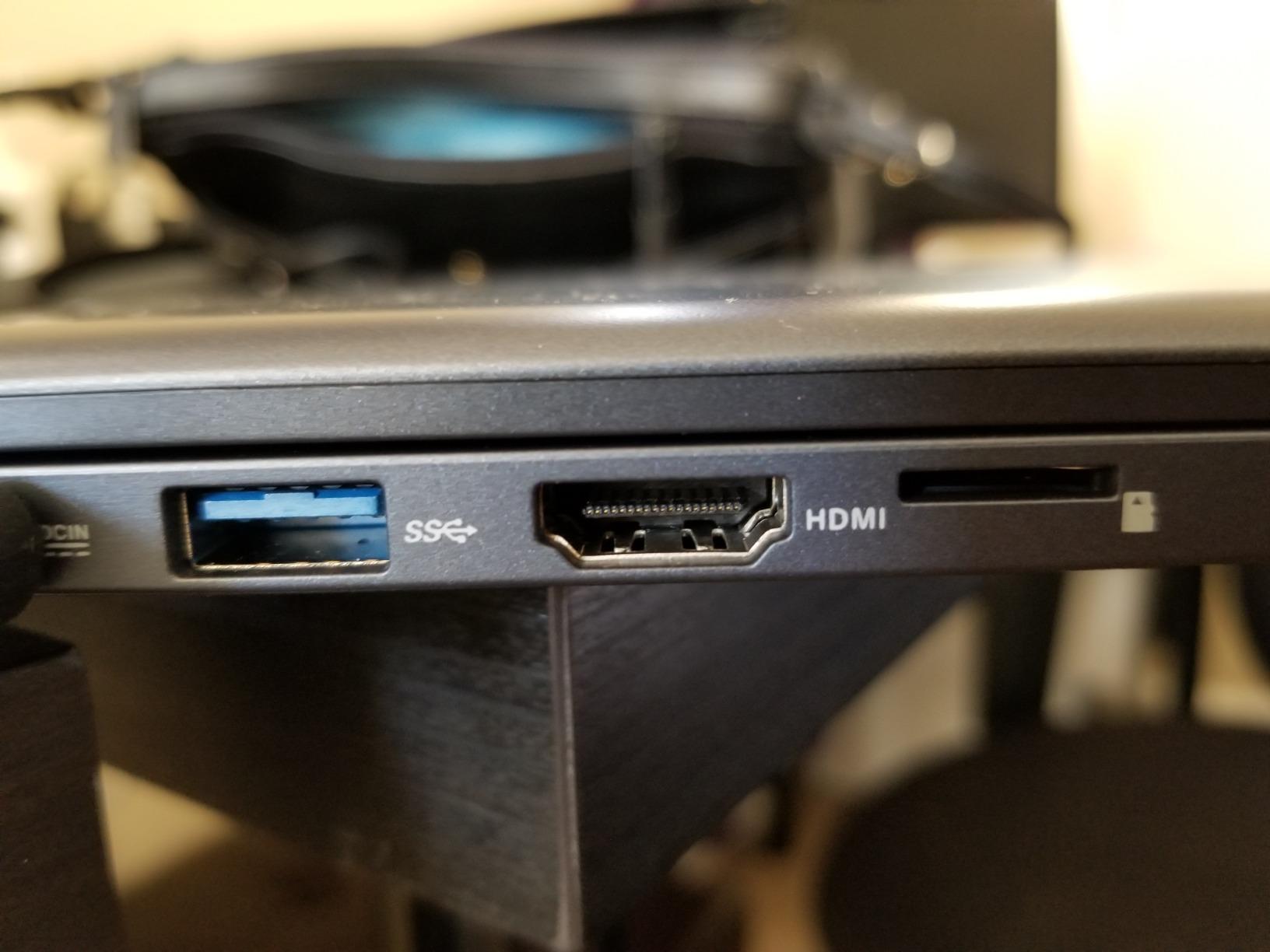
Two USB ports, one HDMI, a microSD reader and a 3.5mm audio jack cover the basics, and the 36-watt-hour battery is quoted at up to 8 hours. A one-year limited warranty comes with it.
7. Samsung 12.2-Inch Chromebook Plus – Best Bundle With Stylus, Mouse and Docking Station
Samsung 12.2″ FHD 2-in-1 Touchscreen Chromebook Plus Laptop for Business&Students, Intel Dual-Core, 4GB RAM, 224GB Storage(64GB eMMC+160GB Docking Station Set), Stylus Pen, Wireless Mouse, Silver
12.2-inch 1920x1200 FHD touchscreen
Intel Celeron 3965Y dual-core
4GB LPDDR3 with 64GB eMMC
Stylus pen, mouse and 7-in-1 dock included
Pros
- Sharp 1920x1200 screen in a compact footprint
- Very light at about 3 pounds
- Stylus pen and wireless mouse in the box
- Spill resistant keyboard
Cons
- Celeron 3965Y is slow and apps can lag
- Only 4GB of memory limits multitasking
- Some buyers report freezing and force-closed apps
This bundle is unusual and worth a look if the person receiving it is hesitant about computers. A stylus pen and a wireless mouse arrive in the box, so nobody has to decide what to buy first, and the 7-in-1 docking station includes a 128GB SSD, a 32GB microSD card with adapter and a 3-in-1 charging cable. For a first computer, that removes an entire round of guesswork.
The 12.2-inch 1920×1200 panel is sharp for its size, and the chassis is about 3 pounds, which is light for a convertible with this much included. Reviewers like the smooth 360-degree flip and the simple setup, and it works well for schoolwork, travel and video meetings.
Performance is the recurring complaint
The Intel Celeron 3965Y is a low-voltage dual-core chip that reviewers describe as slow, with lag and even Copilot features stuttering. A portion of buyers also report the machine freezing or apps closing unexpectedly. The 4GB of memory is the other limit, since ChromeOS is comfortable at 8GB and noticeably tighter at 4GB with many tabs open.
Storage is a genuine strength for the price, with 64GB of eMMC plus a 128GB SSD in the dock and a 32GB microSD card. That is enough local room for documents and photos without depending entirely on the cloud.
Accessories and everyday use
The spill resistant keyboard is a quiet plus in a household where a cup of tea is often near the keyboard. The 720p front camera handles video calls, and the ports include USB-A, two USB-C, a microSD reader, a headset jack and HDMI, which is a good spread for a machine this compact.
Warranty coverage is limited, and the bundle leans on third-party accessories rather than first-party ones. That is worth keeping in mind when a pen stops working, and it is another reason our other picks are preferable for a long-term gift.
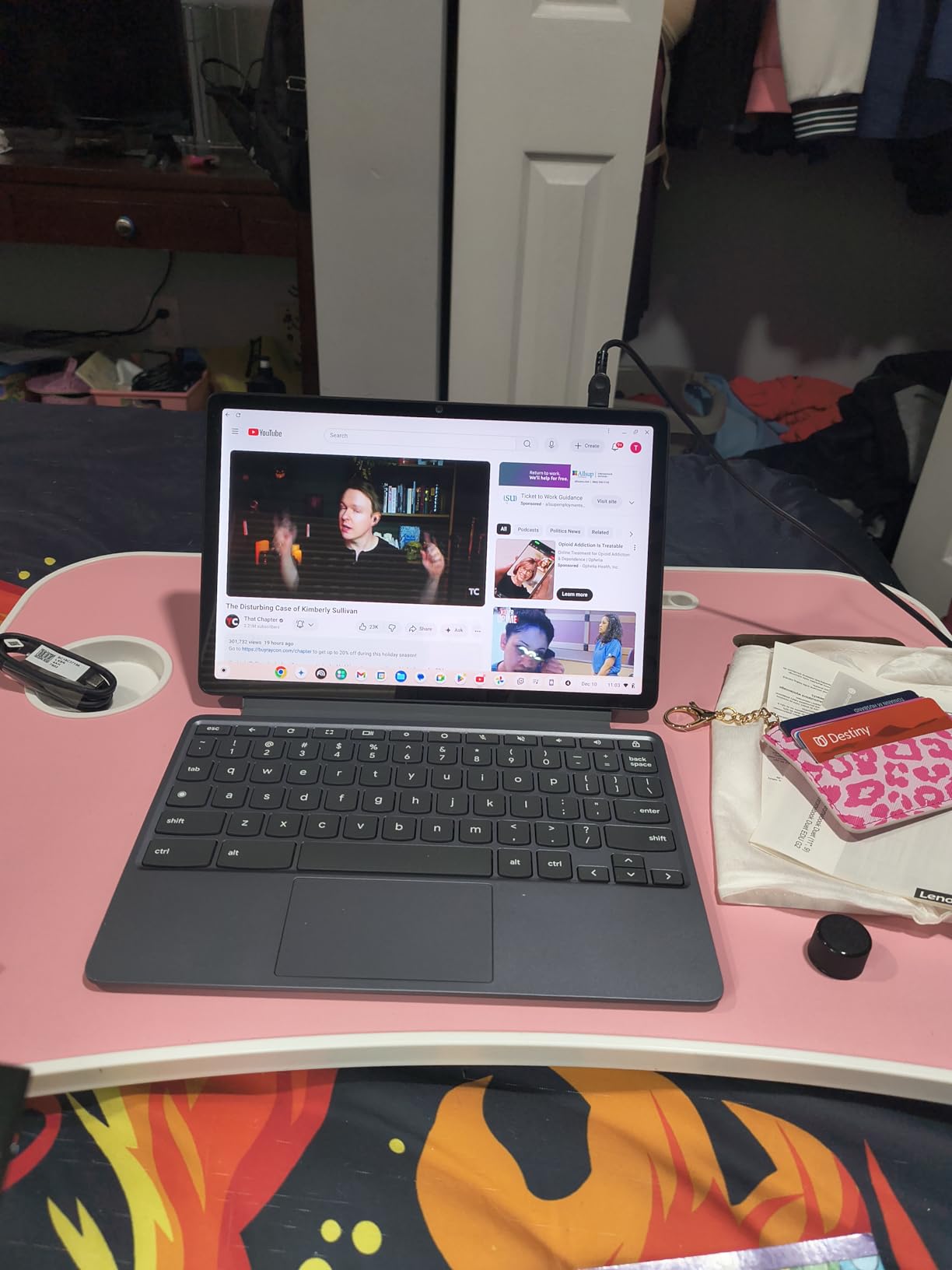
8. Lenovo Chromebook Duet Gen 9 11 – Lightest Pick and Best for Handwritten Notes
Lenovo Chromebook Duet Gen 9 11″ Tablet, 2-in-1 Laptop, 8GB RAM, 256GB
10.95-inch 1920x1200 WUXGA IPS touchscreen
MediaTek Kompanio 838 8-core with NPU 650
8GB RAM and 256GB storage
2.4 pounds with folio and stand
Pros
- Very light and exceptionally easy to set up
- Aluminium body with magnetic kickstand and folio
- Camera privacy shutter
- ChromeOS updates guaranteed until June 2034
Cons
- No Caps Lock or Delete key and right-click needs two fingers
- Weaker than a Chromebook Plus under load
- No SD card slot and weak stylus magnet
The Duet Gen 9 is the machine I would choose for someone who moves around the house with their computer. Owners describe it as exceptionally easy to set up, well built and pleasant to type on, and at 2.4 pounds for the tablet, folio keyboard and stand together, it is the lightest complete 2-in-1 in this roundup. An aluminium body with a magnetic kickstand feels more substantial than the weight suggests.
Two details make it friendly for this audience specifically. The 5MP front camera has a physical privacy shutter, so a camera light cannot be left on by accident. And the ChromeOS auto update expiration date of June 2034 is the furthest guarantee here, which matters for a device expected to last many years.
Keyboard differences that catch people out
This is the pick I would think hardest about before giving it to a first-time computer user. Reviewers repeatedly mention the absence of a dedicated Caps Lock and Delete key, and that a right-click needs a two-finger double tap. Those are small details until you are typing a password and cannot find the key, and then they are the whole experience.
Countering that, the keyboard and trackpad are described as good for a detachable design, and the folio positions the screen at a comfortable typing angle. The stylus magnet is weak and the pen can detach when lifted, so buy a lanyard if a pen matters.
Display and everyday comfort
The 10.95-inch 1920×1200 IPS touchscreen runs at 400 nits with Corning Gorilla Glass 3 and a TUV low blue light filter, which is a sensible combination for long reading sessions. The screen is smaller than the 14-inch models here, so this is the pick for a person who prioritises lightness over a big picture, not the reverse.
Up to 12 hours of battery, dual stereo speakers with Waves MaxxAudio and dual-array microphones cover the video call use case well. Speakers lack bass and are hard to hear over background noise, so a headset helps.
Durability and storage limits
The kit is engineered to MIL-STD-810H military standards, and the flexible kickstand supports laptop, tablet and portrait modes. Two external monitors can be driven from USB-C at up to 4K 60Hz without a dock, which is unusual at this size.
There is no SD card slot, so the 256GB cannot be expanded later. The 8GB of LPDDR4X memory and MediaTek Kompanio 838 eight-core processor handle browsing and media well, but reviewers report it bogs down on demanding tasks compared with a Chromebook Plus.
9. HP ProBook x360 11 G5 EE – Best for Full Windows 11 Pro on a Business Chassis
HP ProBook x360 11 G5 EE 11.6″ 2-in-1 Touchscreen Notebook Computer (Intel 4-Core Pentium Silver N5030, 8GB RAM, 256GB SSD, Window 11 Pro) (Renewed)
11.6-inch 1366 x 768 LCD touchscreen
Intel Pentium Silver N5030 4-core
8GB DDR4 and 256GB SSD
Windows 11 Pro on a renewed unit
Pros
- Runs full Windows 11 Pro so desktop software works
- 8GB RAM and 256GB SSD beat most budget Chromebooks
- SSD gives fast boot times
- 360-degree hinge with usable touchscreen
Cons
- 1366 x 768 display is low resolution
- Pentium Silver N5030 is a modest processor
- Only 90-day limited warranty
The ProBook x360 is the answer for a senior who runs software a Chromebook cannot. Windows 11 Pro is installed, not a limited Store version, so legacy applications, a printer driver or a company VPN all work. Owners put the value plainly: 8GB of RAM and a 256GB SSD at a budget price point is more headroom than most budget Chromebooks offer.
The SSD is the reason the experience feels quicker than the other Windows option in this roundup. Boot times are short and everyday response is immediate, which reduces the frustration that makes a new computer feel difficult.
What the 11.6-inch screen costs you
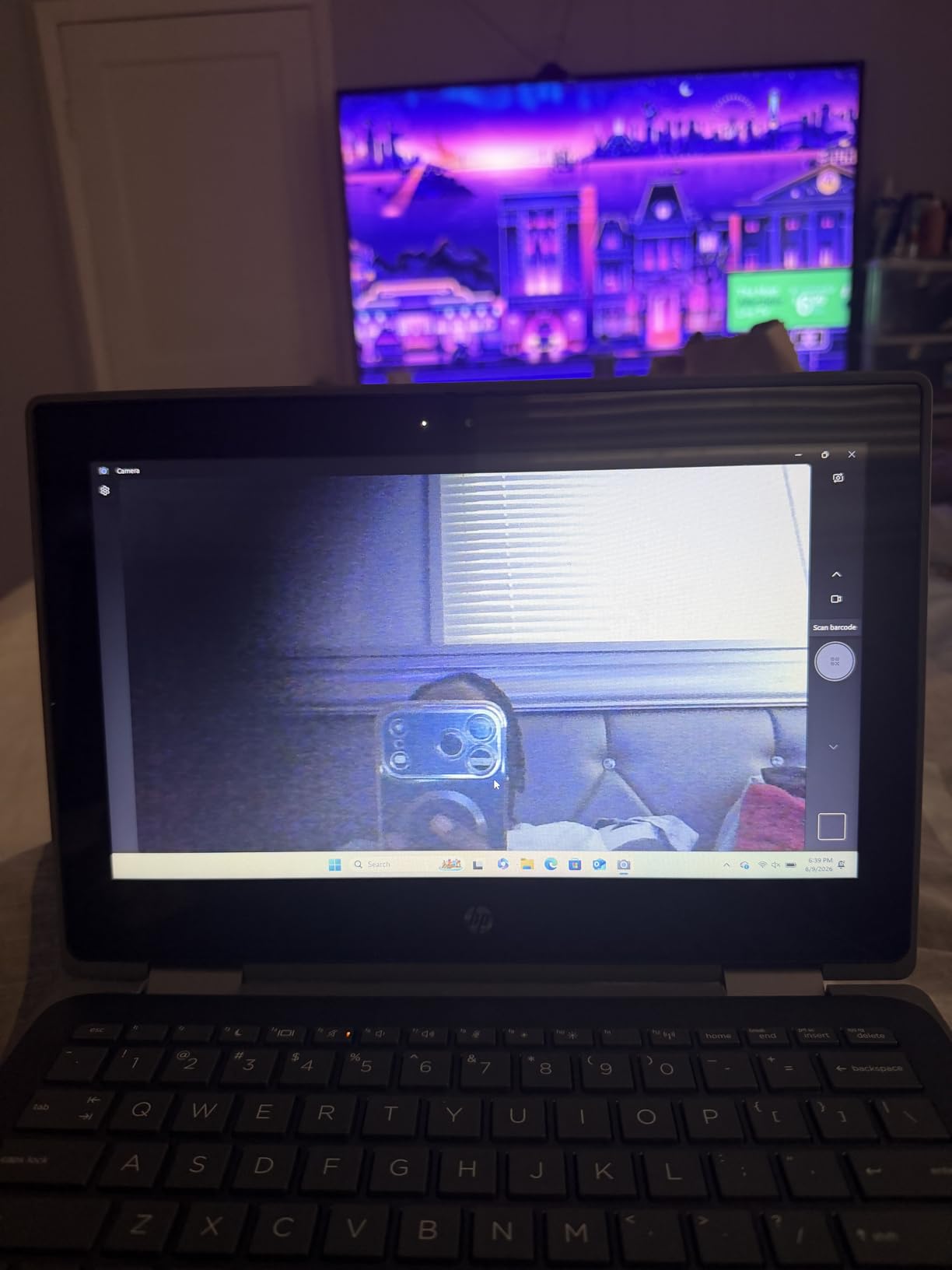
The 1366 x 768 panel is the compromise, and I would not pretend otherwise. On an 11.6-inch screen, that resolution means smaller text elements than a full HD panel, and the compact keyboard is less comfortable for long typing sessions. If the user’s eyesight is the deciding factor, the 14-inch full HD models are the better purchase.
The Pentium Silver N5030 is a four-core processor rated up to 2.9GHz, which is fine for documents, email and browsing and modest for anything demanding. Three USB ports and Wi-Fi 5 with Bluetooth cover the basics.
Business features and warranty
Windows 11 Pro brings enhanced security and business management features that Home editions lack, and the machine is a professionally inspected renewed unit. The 90-day limited warranty is the shortest protection in this roundup, so the buyer should expect to test everything thoroughly in that window rather than hope for the best.
For a parent who still uses a company laptop or needs to connect to a work network, those business features are the reason to choose this over the VivoBook Flip. For everyone else, the warranty window and the small screen make the Chromebook alternatives a safer gift.
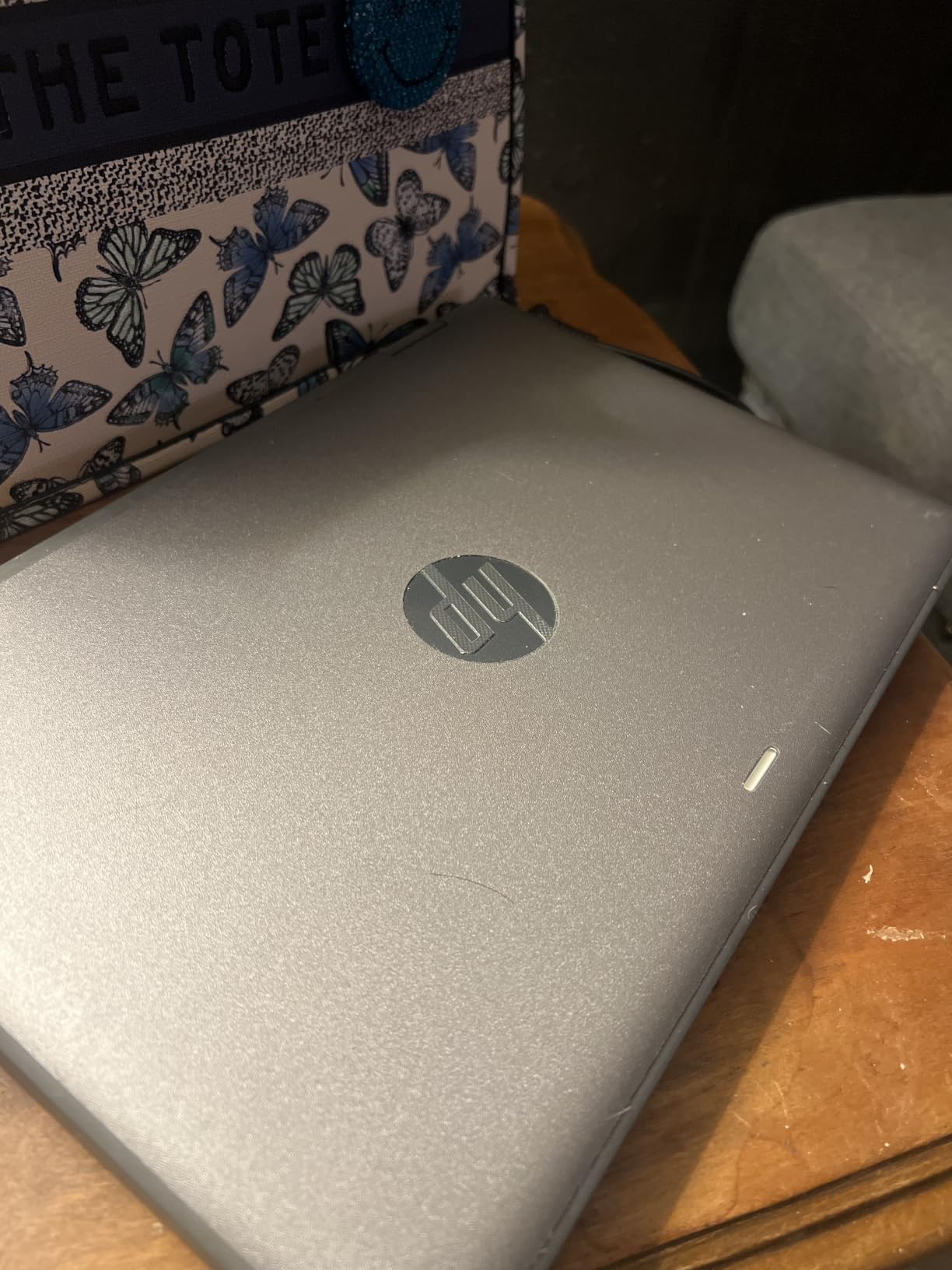
The 50-watt-hour lithium polymer battery and the 360-degree hinge give a comfortable laptop position, and an AC adapter is included in the box. Set the text size to 125 percent during setup, which makes the smaller panel far more usable for a few seconds of work.
10. Microsoft Surface Pro 11 – Sharpest Screen and Most Headroom for Multitasking
Microsoft Surface Pro 11 2024, 13-inch Touchscreen 2-in-1 Laptop, Snapdragon X Plus, 16GB, 512GB, with Inateck Bluetooth Backlit Keyboard with Touchpad & Pen Holder – 2-in-1 Laptop & Tablet (Platinum)
13-inch 2880x1920 PixelSense touchscreen
Snapdragon X Plus 10-core to 3.4GHz
16GB RAM and 512GB SSD
Windows 11 Home with backlit keyboard included
Pros
- Excellent high-resolution 13-inch touchscreen
- 16GB RAM and 512GB SSD give plenty of headroom
- Snapdragon X Plus wakes instantly
- Detachable design is highly portable
- Backlit keyboard included in the box
Cons
- Highest entry point in this roundup
- ARM chip limits some traditional Windows software
- Keyboard pairs with only one device at a time
The Surface Pro 11 is the premium end of this roundup and the only one with a 2880×1920 PixelSense display. At 13 inches, that resolution makes text and icons noticeably smaller and sharper than anything else here, and for a person with good eyesight who wants the crispest interface, it is the best hardware on the page. The Snapdragon X Plus is a ten-core Copilot+ PC chip, and 16GB of memory with a 512GB SSD is more headroom than the rest of this list combined.
It is also the only pick that ships with a physical backlit keyboard in the box. That matters for a senior, because a keyboard with colour backlighting solves the problem of finding keys in low light, and a touchpad is included in the same accessory so the machine can be used like a normal laptop from day one.

What ARM means for Windows software
The Snapdragon X Plus runs Windows 11 through translation for most applications, and everyday use is smooth. The genuine limitation is older x86 desktop software, particularly specialist programs, drivers and some line-of-business tools. If the person needs software from a previous employer or a specific printer, check compatibility before buying rather than after.
Stylus support is built in, and the tablet chassis is 0.37 inches thin, so it is the most comfortable pick here for reading in bed or on a sofa. Folded back with the keyboard it behaves like a small conventional laptop.
Ports, keyboard and battery
Two USB-C ports and no USB-A means a legacy mouse or a USB stick needs an adapter. The bundled keyboard connects over Bluetooth, so it needs its own charge and will pair with only one device at a time, which is a genuine irritation in a household where two people might want to use it.
Owners report battery life as shorter than most Chromebooks when the keyboard is attached, which is the trade for the high-resolution panel. Instant wake from sleep is a small quality-of-life win that makes the machine feel responsive the moment it is opened.
Wi-Fi 6 and Bluetooth are current, and a one-year warranty comes with the device. Our senior Chromebook guide covers the cheaper end of this market if this is beyond what you need to spend.
How to Choose a Senior-Friendly 2-in-1 Laptop
Screen size and resolution come first
For this audience, 14 inches at 1920×1080 is the practical starting point. Below 13 inches, holding the machine close to the eyes for long periods causes neck strain, and a 1366 x 768 panel makes text fuzzier than a full HD one at the same size. The top-voted answers in the buying threads we studied consistently named screen size as the decisive factor, not processor speed.
Our picks span 10.95 inches to 14 inches, and we have been honest about where the smaller machines sit. The 11.6-inch models are the correct choice for a tight budget, and the wrong choice if eyesight is the main reason for the purchase.
Does the touchscreen help or hurt?
It helps when the alternative is a small trackpad, and it hurts when the user already has good control of a mouse and keyboard. Skepticism about touchscreens is real in the communities we read, and the honest answer is that a touchscreen is an addition, not a replacement. Buy one and keep the keyboard; that is the configuration on nine of these ten machines.
A stylus changes the calculation. Anyone with tremor, arthritis or a hand that cannot hold a steady position should look for a model with pen support. The HP 14b, the Lenovo Duet 5 and the Duet Gen 9 all accept a pen.
360-degree hinge or detachable keyboard?
A folding 360-degree hinge keeps the keyboard attached and is more forgiving. Nothing can come apart, the machine lies flat on a table for typing, and setup has fewer steps. Six of these ten picks use this design, and it is the safer default for a first-time computer.
A detachable keyboard gives a thinner tablet and a better propped-up reading position, but the folio must be held or supported. Two picks here, the Duet 5 and the Duet Gen 9, use it, and both are better suited to a person who mostly reads and watches rather than types.
Pick the operating system they already know
This matters more than any specification. Someone who has used Windows for twenty years will be productive on Windows in an hour and frustrated on ChromeOS for a week. A Chromebook is genuinely simpler, and it auto-updates, but the apps are different and the file system behaves in unfamiliar ways.
Match the laptop to the phone the senior already carries. A Chromebook syncs neatly with an Android phone, and a Windows machine suits someone whose other devices are PCs. Our general senior laptop guide covers the operating system question in more depth.
Battery life and weight decide whether it gets used
A machine that dies halfway through a video call gets closed and not reopened. Quoted figures in this roundup run from 8 hours on the VivoBook Flip to 15 hours on the Duet 5, and anything at 10 hours or more removes the anxiety.
Weight matters in a way that is easy to miss. Anything near 5 pounds or more is repeatedly cited as the point where carrying a laptop between rooms becomes a chore. Every pick here is between 2.4 and 3.6 pounds, apart from the models where the manufacturer did not publish a figure.
Keyboard comfort, backlighting and sign-in
Look for a backlit keyboard, full-size keys and a numeric keypad if the user does their own finances. Two of these ten include a numeric keypad, and several do not, so it is a specific thing to check rather than assume.
Biometric login matters more than most buyers think. A PIN or fingerprint removes the password from the equation, which is where a great deal of lockout frustration begins. A face-unlock or fingerprint reader is a genuine convenience for hands that are not steady on a keyboard.
Five things to avoid
Stay away from anything with a screen under 13 inches, a 1366 x 768 panel, no backlit keyboard, a weight approaching 5 pounds, or a first-run process that demands an activation key and a manual. A locked-down senior mode that cannot install anything later is also a poor choice, because the user’s needs change.
For scam exposure, an up-to-date operating system is the single most effective protection. That is the strongest argument for a current Chromebook or a fully updated Windows machine over an old laptop passed down from a sibling.
The 2-in-1 Catch: Honest Downsides for Older Users
No roundup that only lists benefits is useful to a buyer, so here is what a convertible genuinely costs an older user.
First, a 2-in-1 with a 14-inch screen is heavier than a plain 14-inch laptop with the same screen, because the hinge, the touchscreen digitiser and the reinforced chassis all add weight. Anyone who wants a machine to carry across town should look at a conventional laptop instead.
Second, a touchscreen is a two-edged feature. A resting palm on the keyboard during typing can select things on screen, and a user who is used to a mouse can be slower with touch than they expect. The fix is a palm-rejection setting, but it takes a few minutes of setup to get right.
Third, tent and stand modes are stable enough for a video call and not much else. Typing on a screen facing upward is uncomfortable, so a detachable or folding machine is not a laptop replacement when the user needs to write a long message.
Fourth, detachable designs have more failure points. The keyboard attachment can fail, a stylus can be lost, and a cracked touchscreen on a tablet-style model is quoted at a repair cost that sometimes exceeds the original purchase. This is the main reason I rank the folding designs above the detachable ones for a first computer.
Fifth, a convertible that is genuinely good at everything does not exist in this price range. The models with the best screens and memory tend to be the heaviest, and the lightest tend to have the smallest screens. Choosing a 2-in-1 means choosing which compromise to accept.
How to Set Up Any New Laptop So It Is Easy to Use
Half of making a computer easy is done in the first twenty minutes after it comes out of the box. Do these steps with the person who will use it, sitting next to them, rather than doing it for them.
1. Set the text size first. In Windows, go to Settings, then System, then Display and change the scale to 125 percent. On a Chromebook, open the quick settings panel and drag the text size slider to the right until icons and labels feel comfortable. This single change makes the largest difference for anyone with reduced vision.
2. Turn on the magnifier for occasional use. In Windows, press Windows key, plus Control, plus the plus sign to start Magnifier, and press the same keys again to turn it off. On a Chromebook, the same combination zooms the screen. It is a better tool than making every font enormous.
3. Turn on high contrast or a dark theme if the screen is hard to read in a bright room. Both Windows and ChromeOS offer a high contrast setting in their accessibility menus, and switching between light and dark is a personal preference worth testing together.
4. Sign in with a PIN or a fingerprint rather than a password. Windows Hello and Chromebook PINs remove the most common cause of frustration, which is a forgotten password, and they take about a minute to set from Settings, then Accounts, then Sign-in options.
5. Remove anything that advertises itself. On Windows, delete the pre-installed trial software from the Start menu that nobody asked for. On a Chromebook, review the installed apps from the launcher and remove the ones that appeared automatically. This is also the single best protection against the fake tech-support popups that target older users, because a familiar desktop is harder to fool with a fake update notice.
6. Set up remote help before anything goes wrong. Windows has Quick Assist built in, which lets a family member see the screen and guide a fix over a call, and the Chromebook equivalent is a remote support session. Agree in advance that the person will call you before clicking anything that claims to be a support message, and they will not be alone when the popup appears.
7. Test the four things they actually do. Open the email account, make a video call, watch a video and check a bank or health portal, all with them watching. Problems surface now rather than at 9pm on a Sunday.
If the laptop replaces an older device, our guides to fitness trackers and smart TVs cover the other devices that tend to come up in the same conversation, and wireless TV speakers matter if a senior mainly wants to listen rather than read.
Frequently Asked Questions
What is the easiest laptop for a senior citizen to use?
A Chromebook with a 14-inch full HD touchscreen is usually the easiest starting point, because it updates itself, resists scam popups and needs no maintenance. The HP 14b 2-in-1 Chromebook in this guide pairs a 1920×1080 panel with an Intel N100 chip and holds a 4.5 rating. Whichever you choose, set the text size larger during setup.
What are the disadvantages of a 2-in-1 laptop for seniors?
The main drawbacks are weight, since a convertible with the same screen as a plain laptop is heavier, accidental touch input when a palm rests on the screen, and a propped stand mode that is fine for video calls but awkward for typing. Detachable models add failure points, and a cracked touchscreen repair can cost more than the original price. Folding 360-degree hinge designs avoid most of these problems.
What laptop should seniors stay away from?
Avoid laptops with a screen under 13 inches, a 1366 x 768 panel, no backlit keyboard or a weight near 5 pounds. Also skip any machine whose first-run setup demands an activation key and a printed manual, and any locked-down senior mode that cannot install anything later. For scam exposure, an operating system that is still receiving security updates is the single most effective protection.
What screen size is best for a senior laptop?
A 14-inch screen at 1920×1080 is the practical starting point, because it is large enough to read comfortably while staying light enough to carry between rooms. Below 13 inches, holding the machine close to the eyes for long periods causes neck strain. Very large screens above 15 inches push the weight up, which is the usual trade-off in this category.
What is the best 2-in-1 laptop for seniors in 2026?
The HP 14b 2-in-1 Chromebook is our default recommendation, with a 14-inch 1920×1080 touchscreen, an Intel N100 processor and a 4.5 rating across more than 360 reviews. The ASUS Chromebook Flip CX1 is the better value option with 8GB of memory and an 11-hour battery. For readers who need the sharpest screen, the Microsoft Surface Pro 11 has a 2880×1920 display.
Our Overall Pick for Seniors in 2026
If you want one answer, the HP 14b 2-in-1 Chromebook is the best 2 in 1 laptop for seniors in our testing this year. The 14-inch full HD touchscreen makes text readable, the Intel N100 keeps pages moving, and ChromeOS handles its own updates so there is nothing for the owner to maintain.
Choose differently for a clear reason. Go for the ASUS Chromebook Flip CX1 if memory and battery matter more than the processor, the Lenovo IdeaPad Duet 5 if the screen quality and multi-day battery are the priority, the Samsung Chromebook Plus if you want a stylus and mouse in the box, and the ASUS VivoBook Flip or HP ProBook x360 if the user genuinely needs Windows software that a Chromebook cannot run.
Whatever you pick, spend the first twenty minutes together on the setup steps above. A larger default text size and a PIN instead of a password will do more for daily comfort than any specification on this page.