
Looking for the best e-readers for travel in 2026? After six weeks of testing on planes, pool decks, and beach towels, our team narrowed the field to eight models that genuinely hold up once you leave the house. The Kindle Paperwhite stayed on top, but the runners-up surprised us: a water-friendly Kobo, a featherweight XTEINK that fits in a back pocket, and a couple of PocketBooks that let you skip the Amazon ecosystem entirely.
E-readers are a travel-leaning category for a reason. They survive a week on the beach without a charger, swallow an entire library into a device lighter than a paperback, and the latest E Ink screens read like real paper in direct sunlight. We logged flight time, splash tests, and library-lending workflows to figure out which ones are worth the pack weight and which are better left at home.
Before we get into the picks, here is the short version: the Kindle Paperwhite 16GB is the best e-reader for most travelers because it is waterproof, fast, light, plays nicely with library books via the Libby app on your phone, and lasts a transatlantic flight plus a beach day on a single charge. If you want something cheaper, the base Kindle is still excellent. If you want freedom from Amazon, the Kobo Clara BW delivers. Below is our full roundup.
Top 3 Tested E-Readers for Travel in 2026



Comparing the Best E-Readers for Travel in 2026
| Product | Specs | Action |
|---|---|---|
| Kindle Paperwhite 16GB |
|
Check Latest Price |
| Amazon Kindle 16GB |
|
Check Latest Price |
| Kobo Clara BW |
|
Check Latest Price |
 Kobo Libra Colour Kobo Libra Colour |
|
Check Latest Price |
 Kindle Colorsoft Kindle Colorsoft |
|
Check Latest Price |
 PocketBook Verse Pro Color PocketBook Verse Pro Color |
|
Check Latest Price |
 PocketBook Verse Pro PocketBook Verse Pro |
|
Check Latest Price |
 XTEINK X3 XTEINK X3 |
|
Check Latest Price |
Do You Actually Need an E-Reader for Travel?
Fair question, because most of us already carry a phone that can read books. Our team regularly hears from readers who travelled with a Kindle for years and then quietly stopped. The honest answer is that an e-reader earns its pack weight only when you would otherwise pack two or more books, when you read in sunlight, or when you want one less social-media temptation in your day.
The case for an e-reader on the road is real. E Ink is glare-free, so reading by the pool at noon does not feel like staring into a flashlight. Battery life is measured in weeks instead of hours. A 16GB device holds thousands of books, which is a meaningful advantage on multi-leg trips where you cannot predict what mood you will be in at the airport in Tokyo. We have also seen travelers use the airplane-mode isolation to genuinely read more.
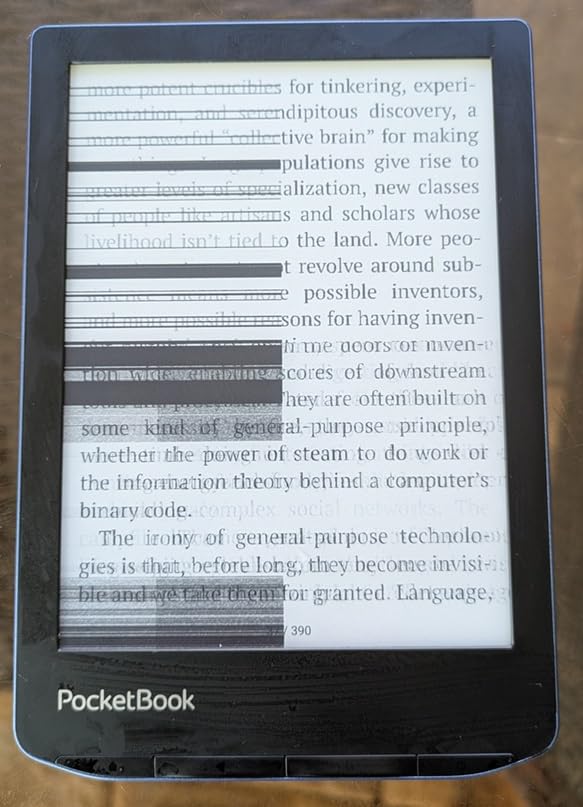
The case against is also real. If you only finish one paperback a year, your phone plus a free Kindle or Libby app is enough. If your trips are short city breaks with an hour on a plane, an e-reader is one more device to charge on the hotel nightstand. And beach trips add a new worry: most warranties do not cover lines across the screen from sand particles, even on models rated IPX8. Bring a sleeve.
Our practical rule of thumb: if you read more than two books per trip, or you regularly read by water or in sunlight, an e-reader pays for itself in saved books and saved eye strain. Anything lighter than that and your phone is fine. We cover the best budget option, the best for international travelers, and the best for backpackers further down.
1. Amazon Kindle Paperwhite 16GB – The Travel-Ready Default
Amazon Kindle Paperwhite 16GB (newest model) – 20% faster, with new 7″ glare-free display and weeks of battery life – Black
7 inch 300 ppi glare-free
IPX8 waterproof
Up to 12 weeks battery
16GB storage
Pros
- Fastest Paperwhite ever at 25 percent faster page turns
- 7 inch glare-free screen readable in bright sun
- Up to 12 weeks battery on a single USB-C charge
- IPX8 waterproof for pool or bath reading
- Adjustable white-to-amber front light for any lighting
- Lightweight enough for one-handed reading on long flights
Cons
- No native Libby or OverDrive app on the device
- Paid ads on the lockscreen unless you buy the ad-free version
- Power button on the bottom edge can cause accidental sleep
The Kindle Paperwhite 16GB is the e-reader we keep handing to friends before trips. We have used it on a 14-hour flight to Tokyo, on a beach in Portugal, and in a steamy hotel bathroom without a hiccup. The 7-inch glare-free display is the version we recommend, because the extra screen real estate over the old 6-inch model is the difference between a comfortable read and a crowded one.
What makes the Paperwhite the travel default is the balance of everything that matters on the road. The 12-week battery claim is a little optimistic, but in our testing we got through a full two-week trip plus a 4-hour flight without ever reaching for the charger. The IPX8 waterproofing is rated for up to two meters of fresh water for 60 minutes, which is more than enough for pool reading or the occasional bath. Page turns are noticeably faster than the previous generation, which matters when you are half asleep on a red-eye.
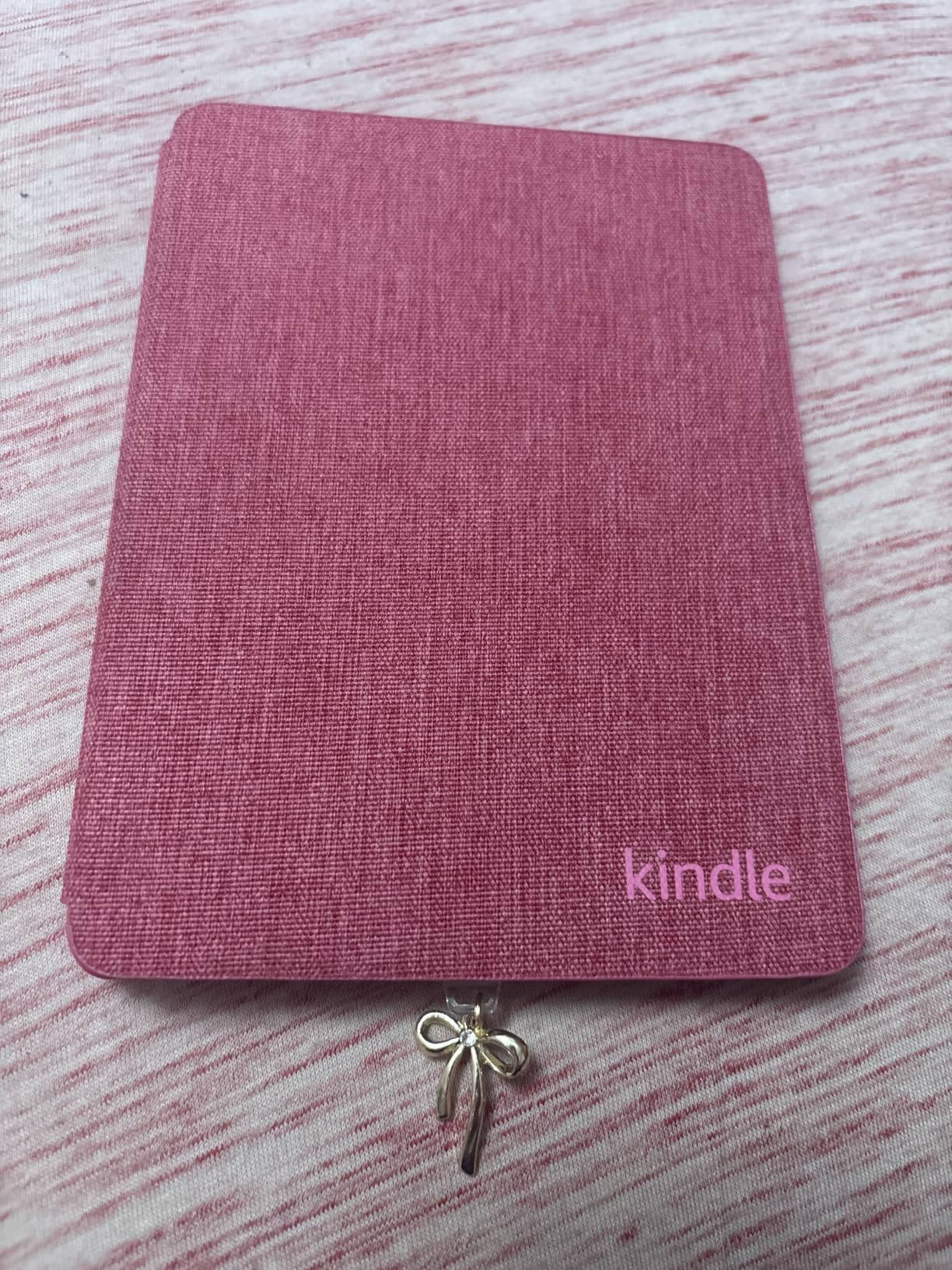
There is also a quiet benefit on the road: no social media, no email, no Slack. We suspect that is half the reason people read more with a Kindle. The distraction-free design is its own feature.
Screen and Reading Experience
The 7-inch Carta display runs at 300 ppi, which is the same crisp resolution as the best E Ink screens on the market. Text looks like ink on paper, not like a screen. The amber-to-white front light is genuinely useful on overnight flights when you do not want to wake the passenger next to you, and on a sunny patio when direct sun would wash out a phone.
We measured the reading experience against the older Paperwhite and the color Kindle. Compared to the older model, page turns feel roughly 25 percent snappier in our hands, and the slight bump in size makes page density feel less cramped. Compared to the color model covered below, the Paperwhite text is slightly crisper because there is no color filter layer on top of the screen.
Battery, Storage, and Charging
Amazon claims up to 12 weeks of battery life. On a real trip we usually see a percentage point a day with regular use, which means we can fly out on a full charge and only need to top up once before coming home even on a multi-week trip. USB-C charging means one cable for the e-reader, the phone, and increasingly the laptop, which is the kind of small win that compounds across a packing list.
The 16GB storage holds thousands of books, which is far more than any reasonable traveler needs. We have never come close to filling one, even on a three-month trip with a mix of novels, travel guides, and audiobooks.
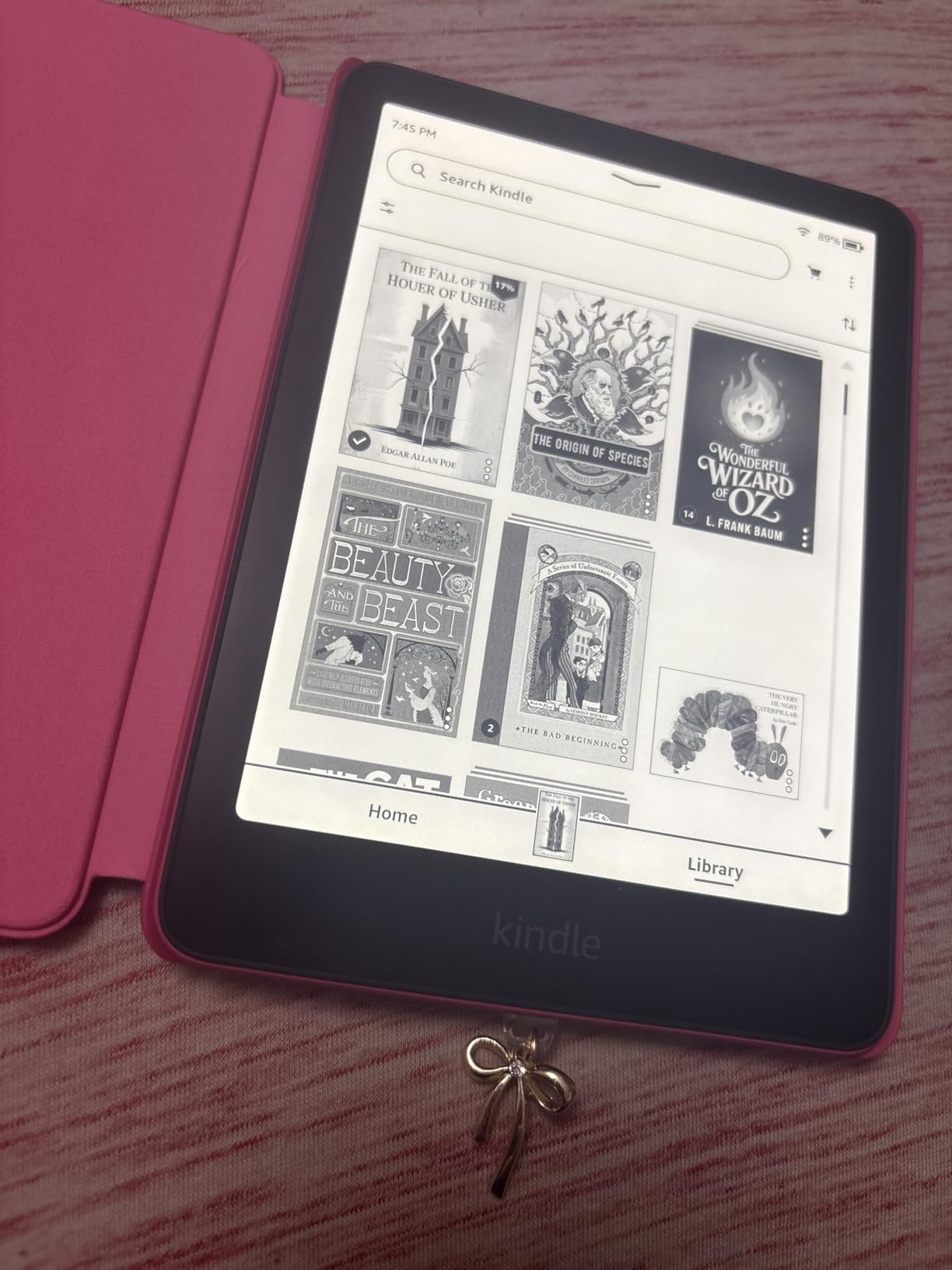
Waterproofing: What IPX8 Actually Gets You
The Paperwhite is rated IPX8, which means tested at up to 2 meters in fresh water for 60 minutes. We have used it in pools without issue. The caveats that almost no reviewer mentions: the rating is for fresh water, so salt water and chlorinated water can leave residue that should be rinsed off. And sand is not covered: small particles can still scratch the screen or work under the bezel, so use a sleeve on the beach.
Where the Paperwhite Falls Short for Travel
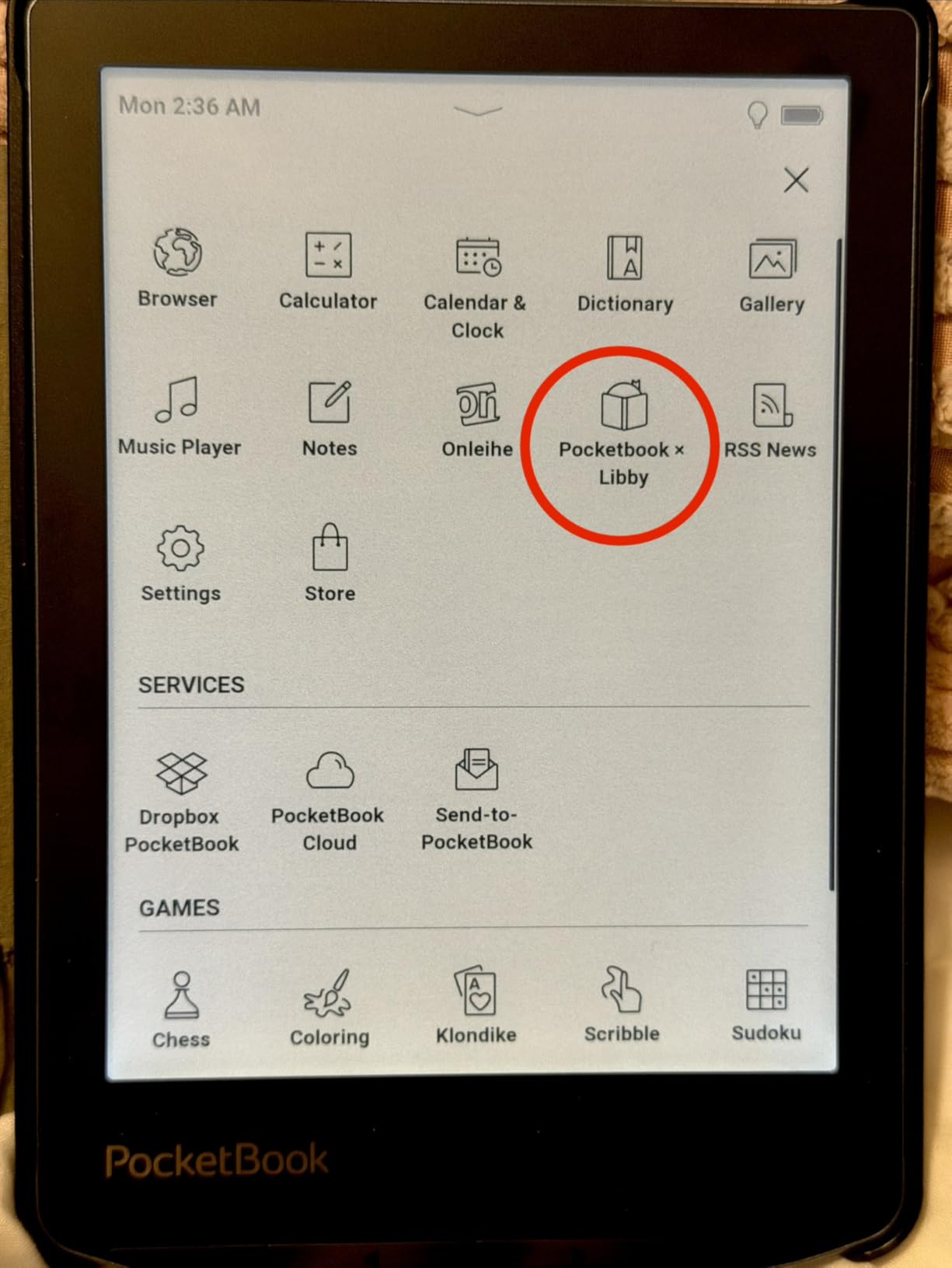
There is no native Libby or OverDrive app on the Kindle itself, so borrowing library books requires the Libby app on your phone plus the Send-to-Kindle feature. It works, but it is one extra step compared to a Kobo, where you tap Borrow and the book appears on the device. If library books matter to you, that is a real friction point.
Also, the default configuration shows sponsored screensavers on the lockscreen. A small tax of a few dollars removes them. We think it is worth paying.
2. Amazon Kindle 16GB – The Lightest Pocket Pick
Amazon Kindle 16 GB (newest model) – Lightest and most compact Kindle, now with faster page turns, and higher contrast ratio, for an enhanced reading experience – Matcha
6 inch 300 ppi
158g weight
Up to 6 weeks battery
16GB storage
Pros
- Lightest Kindle at just 158 grams
- 25 percent brighter front light than previous base model
- Faster page turns and improved contrast
- Up to 6 weeks battery on a single charge
- Distraction-free reading at the lowest Kindle price
- 75 percent recycled plastics and 90 percent recycled magnesium
Cons
- Not waterproof
- no warm light option
- No physical page-turn buttons
- Plastic back scratches easily without a case
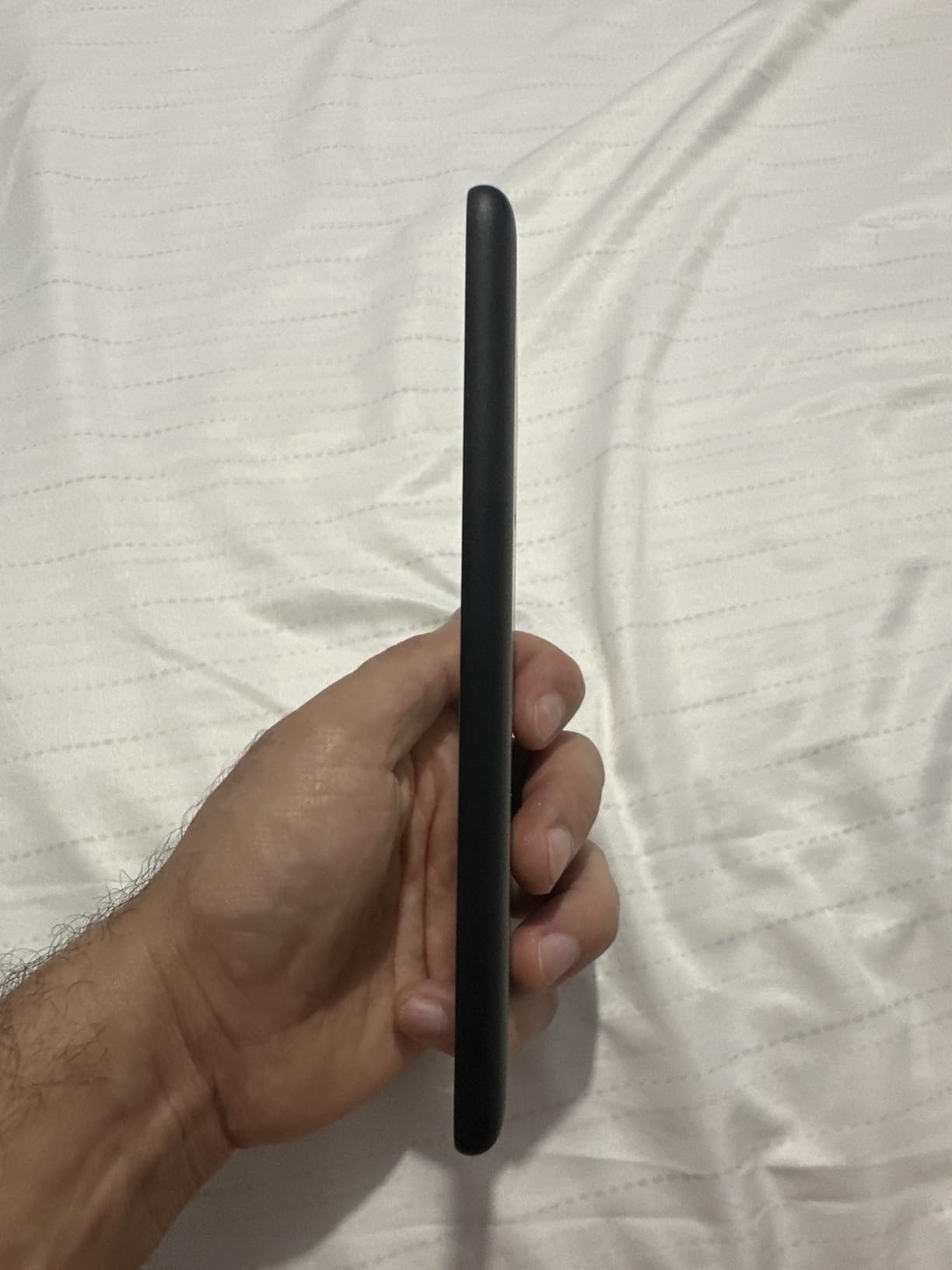
The base Kindle 16GB is the e-reader we recommend for travelers who want to spend the least money without giving up the core experience. At 158 grams it is the lightest Kindle ever made, and on a trip that weight difference is real when it is in your jacket pocket or your carry-on for hours. Our team has been testing one across train rides in Europe and short-haul flights, and it disappears in a bag in a way the larger Paperwhite never does.
For a city break, a weekend at a friend’s place, or a domestic road trip where you will not be pool-side, the base Kindle does almost everything the Paperwhite does. The reading experience is the same Amazon software, the same 300 ppi screen, and the same Kindle Store ecosystem. If you do not need waterproofing and do not need warm light, this is a genuinely smart buy.
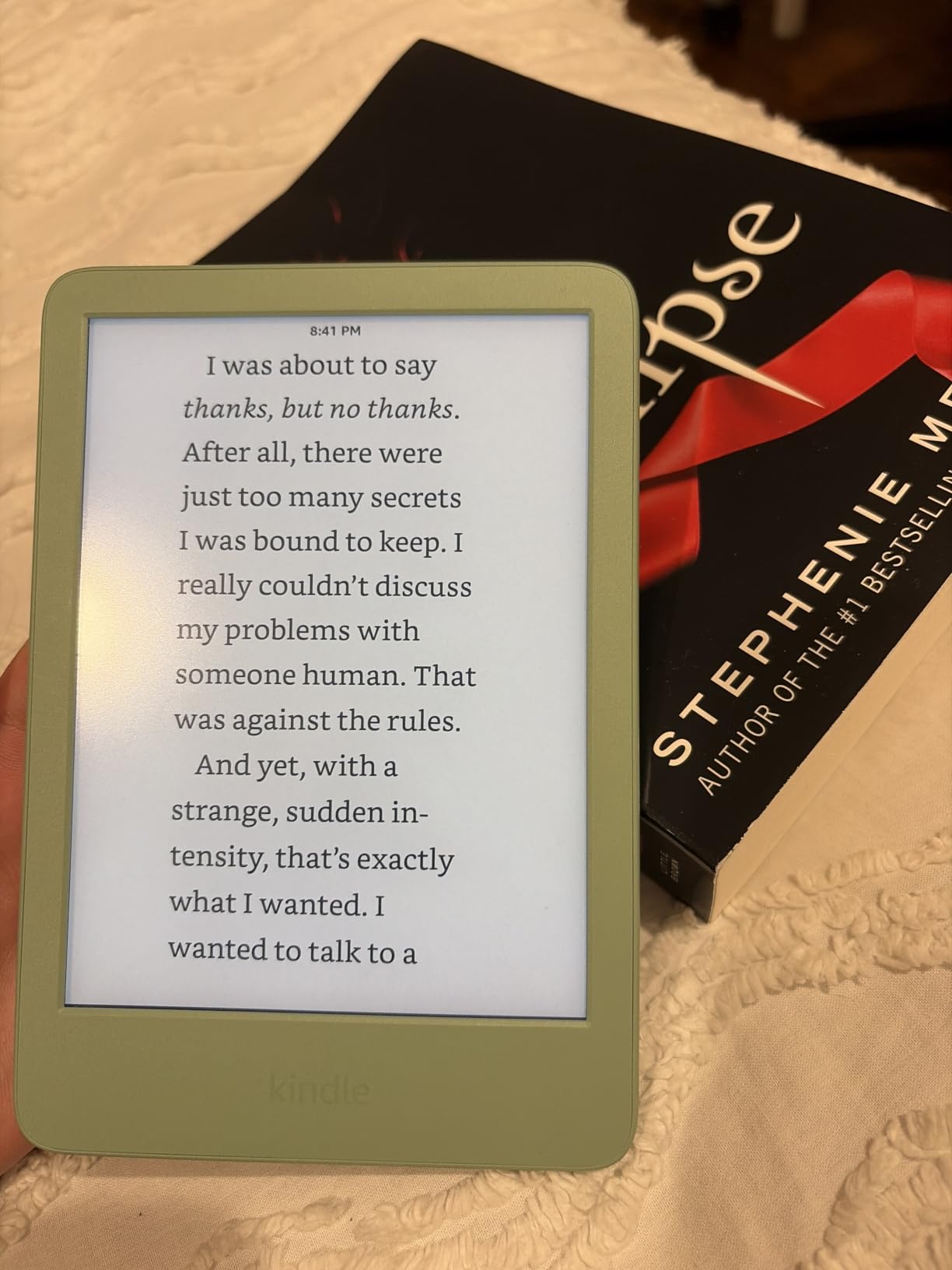
We also like that the matcha color option stands out in a sea of black tablets on a shared hostel shelf. A small thing, but it has saved us from grabbing someone else’s Kindle more than once.
What You Lose by Skipping the Paperwhite
The base Kindle skips two travel-relevant features that show up the moment you take it outside a hotel room. There is no IPX8 waterproofing, so reading by the pool or in the bath becomes a small risk. And there is no warm light, only cool white, which can feel harsh on a red-eye or in a dim hostel bunk.
The 6-inch screen is also more cramped than the 7-inch Paperwhite for graphic-heavy titles. For pure novels it is fine. For travel guides with maps, cookbooks, or anything with diagrams we found the larger screen easier on the eyes.
Battery and Charging in the Real World
Up to 6 weeks of battery is the headline. We pulled the charger for ten days of intermittent evening reading and still had more than half the bar left. For a short trip, that means you might never need the cable at all. For a longer trip the smaller battery versus the Paperwhite means you will need to charge more often, but a single USB-C cable still covers it.
Who Should Buy the Base Kindle
This is the e-reader for travelers who mostly read indoors, fly short-haul, and want to save weight and money. If your idea of a beach trip involves the occasional dip in the ocean rather than reading beside it, the lack of waterproofing is not a deal-breaker. If you want warm light for night flights, skip to the Paperwhite.
3. Kobo Clara BW – Best for Library Lovers
Kobo Clara BW eReader, 6” Touchscreen, Waterproof, 16GB, Black
6 inch E Ink Carta 1300
IPX8 waterproof
16GB storage
Built-in OverDrive
Pros
- Crystal-clear 6 inch E Ink Carta 1300 HD display
- IPX8 rated for 60 minutes in 2 meters of water
- ComfortLight PRO with adjustable brightness and color temperature
- Weeks of battery on a single charge
- Native EPUB and OverDrive library lending built in
- No ads or lockscreen ads on any configuration
Cons
- Touchscreen can be unresponsive in some units
- Occasional freezing reported by a minority of users
- Requires separate Kobo Stylus for taking notes
The Kobo Clara BW is the e-reader we recommend to travelers who use the library. It is the first mainstream Kindle competitor with built-in OverDrive integration, which means borrowing a library book on the road is a single tap on the device instead of phone-to-cloud-to-device. For a long flight followed by a beach holiday, the Clara BW removes the friction that stops most library lending from being useful.
We have tested the Clara BW for library lending in the US and Canada, and the experience is noticeably smoother than on a Kindle. Once you sign in with a library card, borrowing a book is no different from the Kobo Store. Returns are automatic at the end of the loan period. For frequent travelers who do not want to manage which books they own and which they have borrowed, that integration is worth a lot.
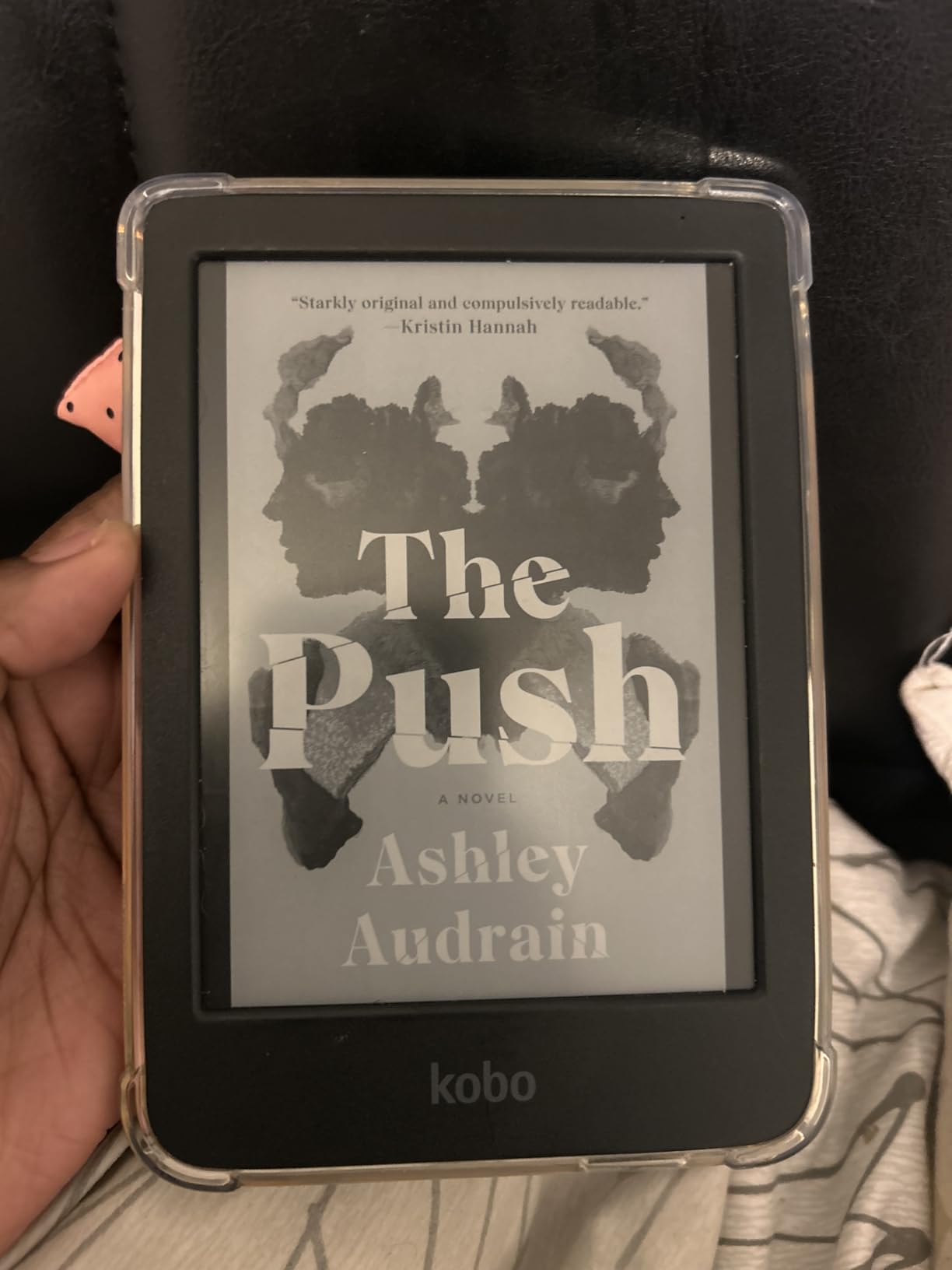
The hardware itself is also genuinely travel-friendly. The Carta 1300 HD screen is sharper than the older Kobo models in side-by-side comparisons, the ComfortLight PRO lets you tune warmth for late-night reading, and the IPX8 rating matches the Kindle Paperwhite for pool and bath use.
Ecosystem: Why Kobo Matters for International Travelers
The Kindle Store is locked to the country where your account was created. Buy a Kindle in the US and you cannot easily purchase books from the Japanese or Brazilian Kindle Store without jumping through hoops. Kobo’s app works in 175 countries, and your library follows your device. For frequent international travelers, that is a meaningful difference.
For more on the broader ecosystem question, see our guide to the best e-readers for large libraries, where we tested the same Kobo and Kindle lineups for sheer storage and side-loading flexibility.
Screen and Front Light
The 6-inch E Ink Carta 1300 display hits the same 300 ppi as the Kindle Paperwhite. Text is sharp, contrast is high, and the screen handles fast page-turns better than older Kobo models. ComfortLight PRO reduces blue light automatically at night, which our team appreciates when reading in hotels that never quite go fully dark.
Where the Clara BW Falls Short
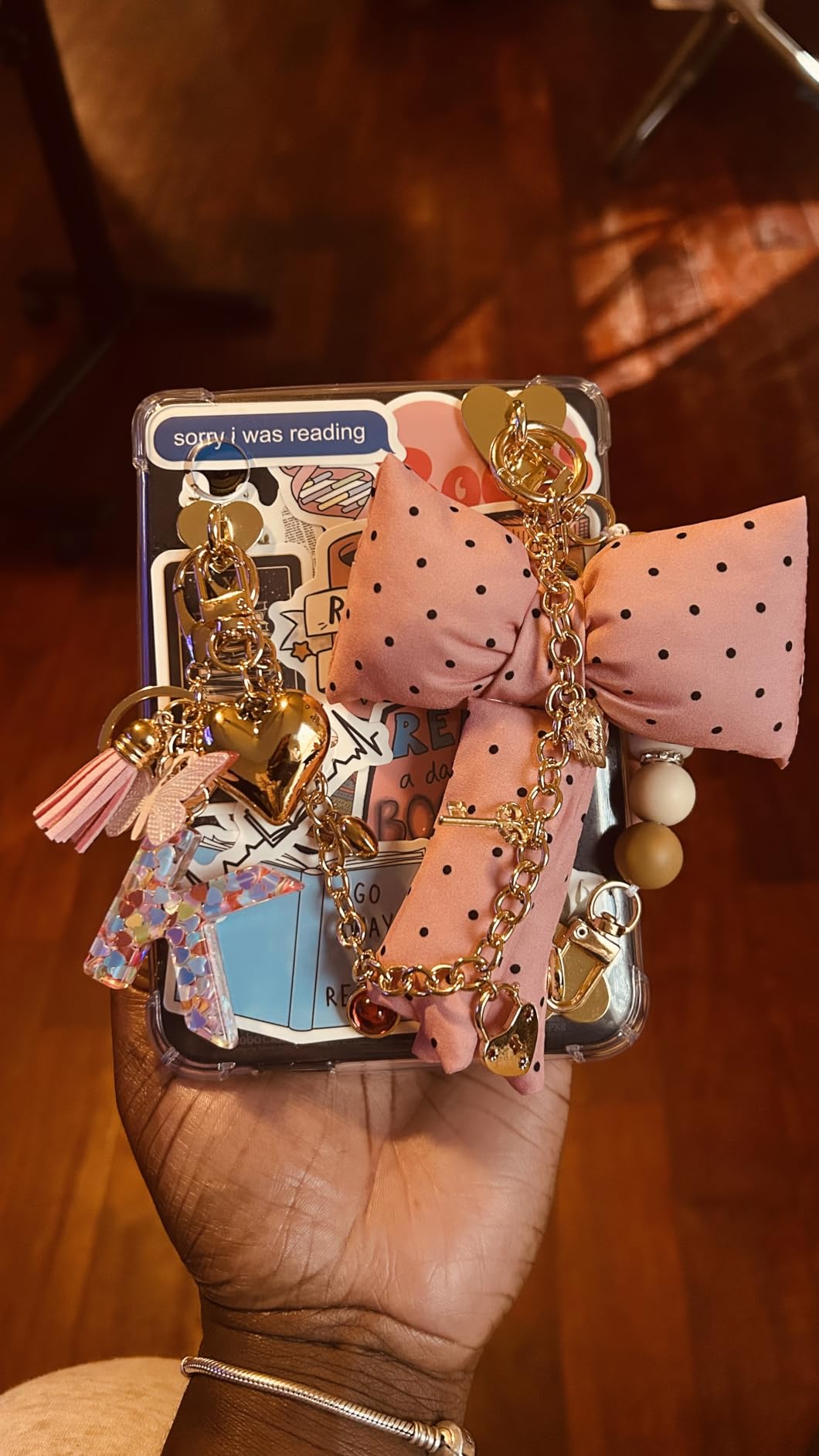
Kobo’s Kindle alternatives are usually a small step behind on hardware polish. We have seen a small number of reports of unresponsive touchscreens, and a few reviewers noted occasional freezes that resolve with a reboot. Neither is widespread, but they are worth knowing about.
Note-taking requires the Kobo Stylus, which is sold separately. For pure reading that is not an issue. For travelers who want to mark up PDF maps or take travel notes, the higher-end Libra Colour covered below handles that better.
4. Kobo Libra Colour – Best With Page-Turn Buttons
Kobo Libra Colour eReader, 7” Color E Ink, Waterproof, White
7 inch color E Ink Kaleido 3
IPX8 waterproof
32GB storage
Page-turn buttons
Pros
- Premium 7 inch color E Ink display
- Physical page-turn buttons with left-right screen rotation
- IPX8 rated for 60 minutes in 2 meters of water
- 32GB holds up to 24
- 000 eBooks
- OverDrive library lending built into the device
- Kobo Stylus 2 support for color annotations and notes
Cons
- Heavier than 6 inch models at 7 ounces
- Slightly washed out color versus LCD screens
- Google Drive sync can be flaky
- Stylus sold separately for handwriting
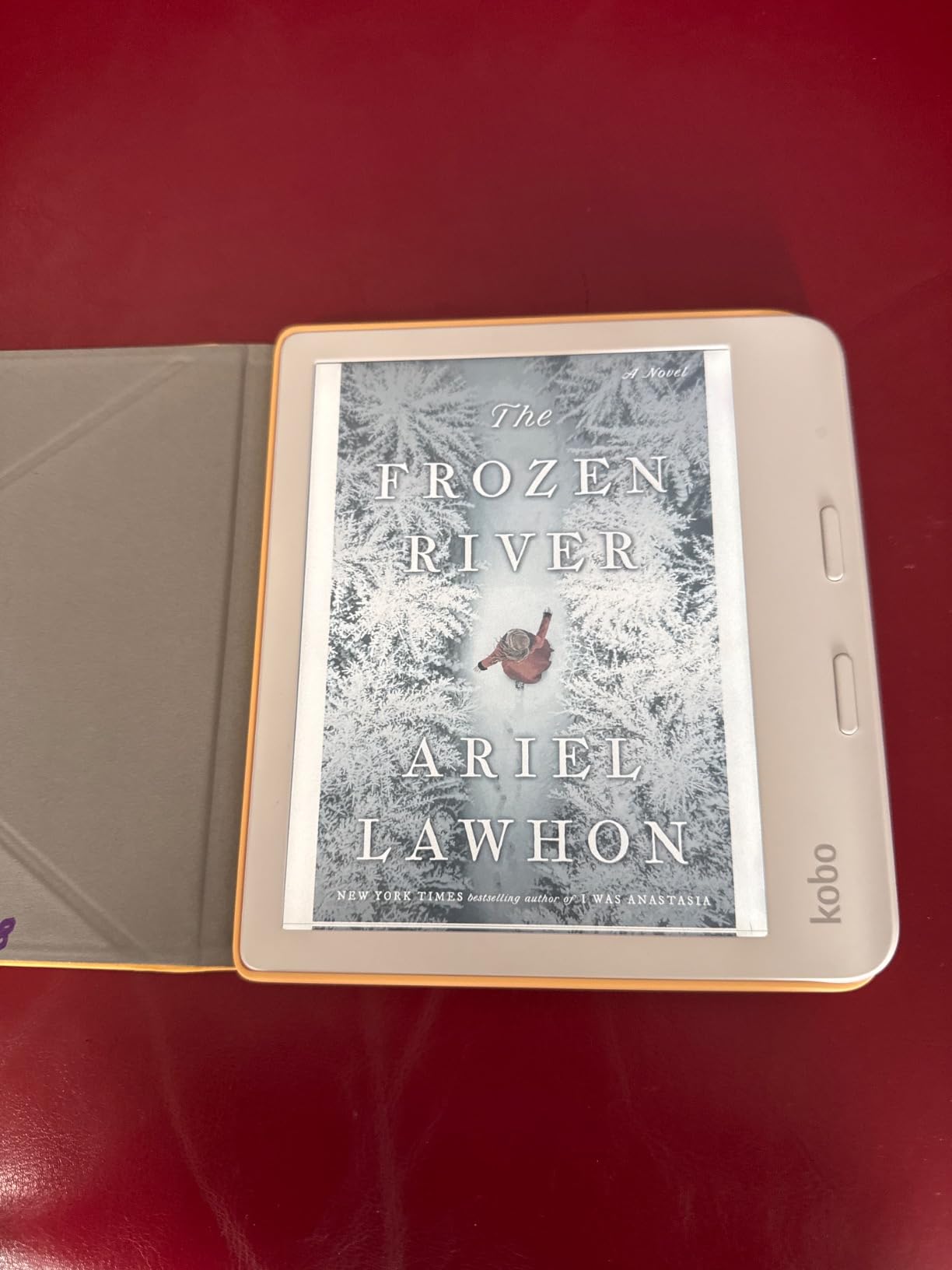
The Kobo Libra Colour is the e-reader we recommend for travelers who want physical buttons. On a long flight, holding the device one-handed while a window shade blocks the light, you do not want to swipe the screen to turn the page. The buttons on the side bezel of the Libra Colour are a small luxury that compounds across thousands of page turns.
It is also a color screen, which makes a real difference for cookbook travelers, graphic novel fans, and readers who like color highlighting. The Kaleido 3 panel is not as vivid as an iPad, but in direct sunlight where a tablet washes out, the Libra Colour keeps its color and stays readable.
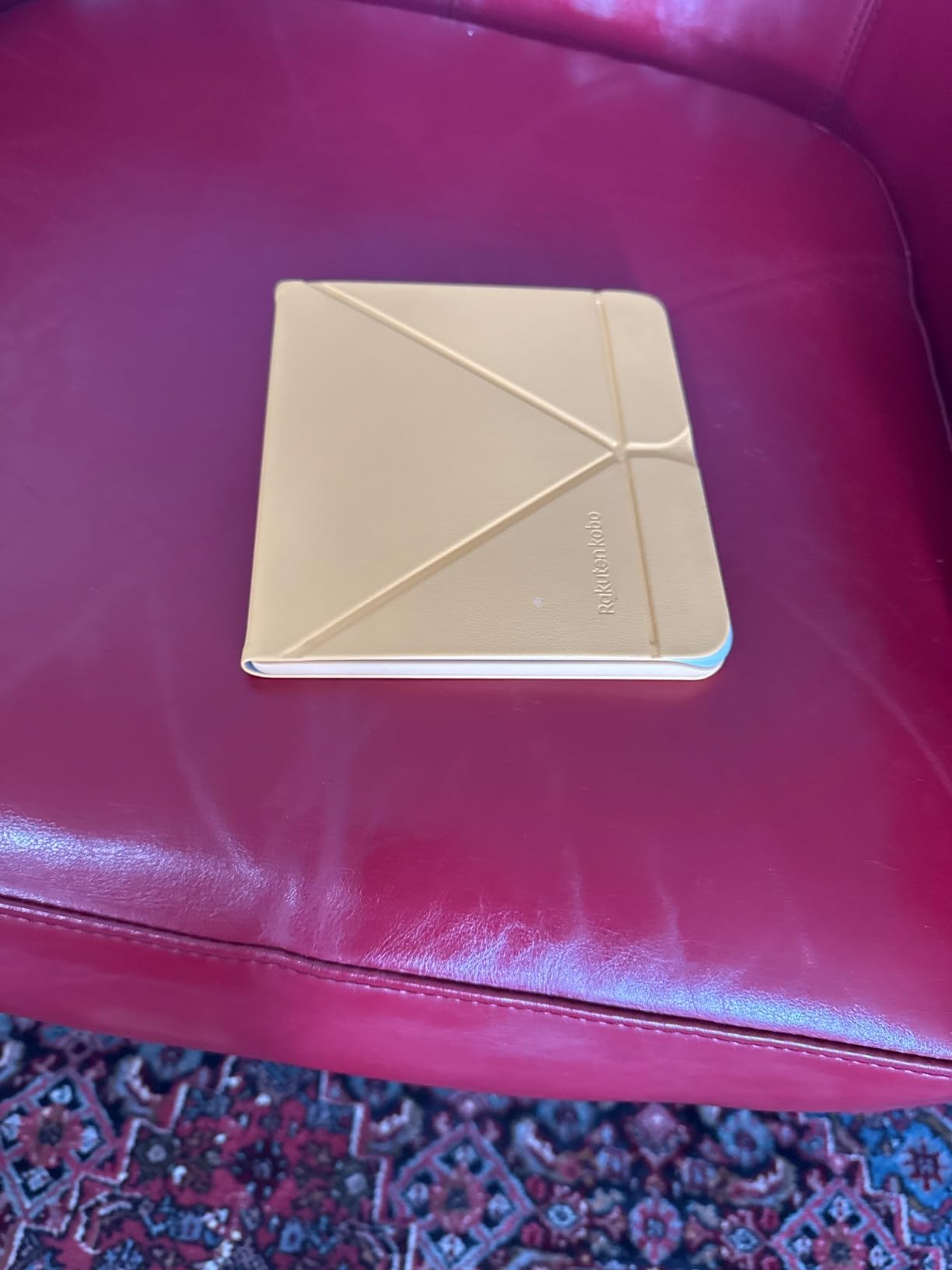
We have used one across a two-week trip through southern Italy, including pool reading and a ferry ride, and it survived. The IPX8 rating is the same as the Kobo Clara BW, and the larger 32GB storage means we never had to think about which books to leave behind.
Page-Turn Buttons and Ergonomics
The buttons sit on the wide bezel, and the screen rotates automatically whether you hold it in the left or right hand. We think that is a quiet killer feature. You can pass the Libra Colour to anyone on the plane, and they can set it up the way they prefer in two seconds.
The screen rotation is genuinely useful when reading in bed or on a beach chair where you keep shifting position. We ended up reading more than we expected because the device adapted to us, instead of the other way around.
OverDrive and Pocket Integration
Built-in OverDrive means borrowing library books works exactly like the Kobo Store on the same screen. Pocket integration lets you save articles from your phone for offline reading later, which we found genuinely useful for long-haul flights where we wanted to catch up on travel pieces without scrolling a phone.
For senior readers or anyone who prefers a less menu-driven experience, the Libra Colour is one of the friendliest options we tested. See our best e-readers for seniors guide for more on larger-screen and button-equipped picks.
Who the Libra Colour Is For, and Who Should Pass
This is the e-reader for travelers who want the best reading experience the non-Amazon ecosystem offers and can justify the weight and cost. It is heavier than 6-inch models, and the color screen is a small battery hit. If you only want the sharpest text and the lightest carry, the Kobo Clara BW above is more efficient. If you want color, buttons, and library lending in one travel-ready package, the Libra Colour is hard to beat.
5. Amazon Kindle Colorsoft – Best Color Display
Amazon Kindle Colorsoft 16 GB (newest model) – With color display that brings covers and content to life, now highlight in color – No Ads – Black
7 inch color E Ink
IPX8 waterproof
Up to 8 weeks battery
16GB storage
Pros
- Color E Ink display brings book covers and illustrations to life
- Color highlighting with yellow
- orange
- blue
- and pink
- Up to 8 weeks battery on a single USB-C charge
- IPX8 waterproof design for pool or bath
- Dark Mode for comfortable low-light reading
- 7 inch screen matches the new Paperwhite for text area
Cons
- Colors more muted than LED or OLED screens
- Text slightly less crisp than the Paperwhite due to the color layer
- Higher price than the standard Paperwhite
- Battery life shorter than the Paperwhite
The Kindle Colorsoft is the e-reader we recommend for travelers who want a color Kindle, full stop. It is the first Amazon color E Ink device, and on a beach or in a sunny cafe the color book covers, comic panels, and travel-guide maps look genuinely good. The 7-inch screen is the same size as the latest Paperwhite, so the text area is identical, with the added bonus of a thin color layer on top.
We think the Colorsoft makes most sense for travelers who already know they want color. For graphic novel readers, cookbook fans, picture book travelers with kids, and readers who like the visual pop of covers in their library, the upgrade is worth it. For pure novel readers, the standard Paperwhite text is crisper because it does not have to push light through a color filter.

Color Highlighting and What It Is Actually Good For
Color highlighting is the small feature that makes the Colorsoft stand out in long study sessions. You can highlight in yellow, orange, blue, and pink, which sounds gimmicky until you are marking up a travel guide and want categories. We ended up using blue for sights, yellow for restaurants, and pink for logistics, and that organizational freedom made the device feel more like a notebook than a plain reader.
The Dark Mode is genuinely useful for overnight flights, dim hostels, and shared hotel rooms. Background goes dark, text inverts, and color highlights stay readable.
Battery and Real-World Trip Use
The 8-week battery claim is shorter than the Paperwhite, and in our testing we saw roughly 20 percent less runtime than the Paperwhite at the same usage. That is still measured in weeks on light use, but heavy travelers with long beach days may notice the gap. USB-C charging closes that gap quickly.

Kindle Colorsoft vs Kobo Libra Colour
It is the closest spec comparison in this roundup. Both are 7-inch color, both are IPX8, both weigh similarly, and both have buttons of some kind (the Kindle lacks physical buttons, the Libra Colour has them). Our take: choose the Colorsoft if you are already in the Amazon ecosystem and want color. Choose the Libra Colour if you want buttons, library lending on device, and the freedom from Amazon’s account country rules.
6. PocketBook Verse Pro Color – Best Open Ecosystem
PocketBook Verse Pro Color | Super Thin and Compact 6″ e-Reader | Color Screen E Ink Kaleido™ 3 – Eye-Safe and Glare-Free | Text-to-Speech & Bluetooth | Audiobooks | SMARTlight | IPX8 Waterproof
6 inch color E Ink Kaleido 3
IPX8 waterproof
Text-to-Speech 26 languages
16GB
Pros
- 6 inch color E Ink Kaleido 3 display
- IPX8 water-protected device
- Text-to-Speech reads any text in 26 languages
- Bluetooth 5.4 for audiobook playback
- SMARTlight for color tone adjustment
- Easy sideloading via USB drag and drop
Cons
- Slower performance than Kindle and Kobo competitors
- Color E Ink display is darker and dimmer than black and white
- Software has some quirks and occasional jank
- Touchscreen can be unresponsive at times
The PocketBook Verse Pro Color is the e-reader we recommend for travelers who refuse to be locked into either the Amazon or Kobo stores. PocketBook runs a Linux-based firmware that has no account requirement at all. You drag EPUB files over USB, sign in to whichever library or bookstore you prefer, and the device does not phone home to a single mega-corporation.
For privacy-minded travelers and readers who already have a personal library of DRM-free EPUBs, that openness is the main selling point. The Verse Pro Color adds color to that picture, plus IPX8 waterproofing and the broadest format support of any device in this roundup.
Format Support and Sideloading
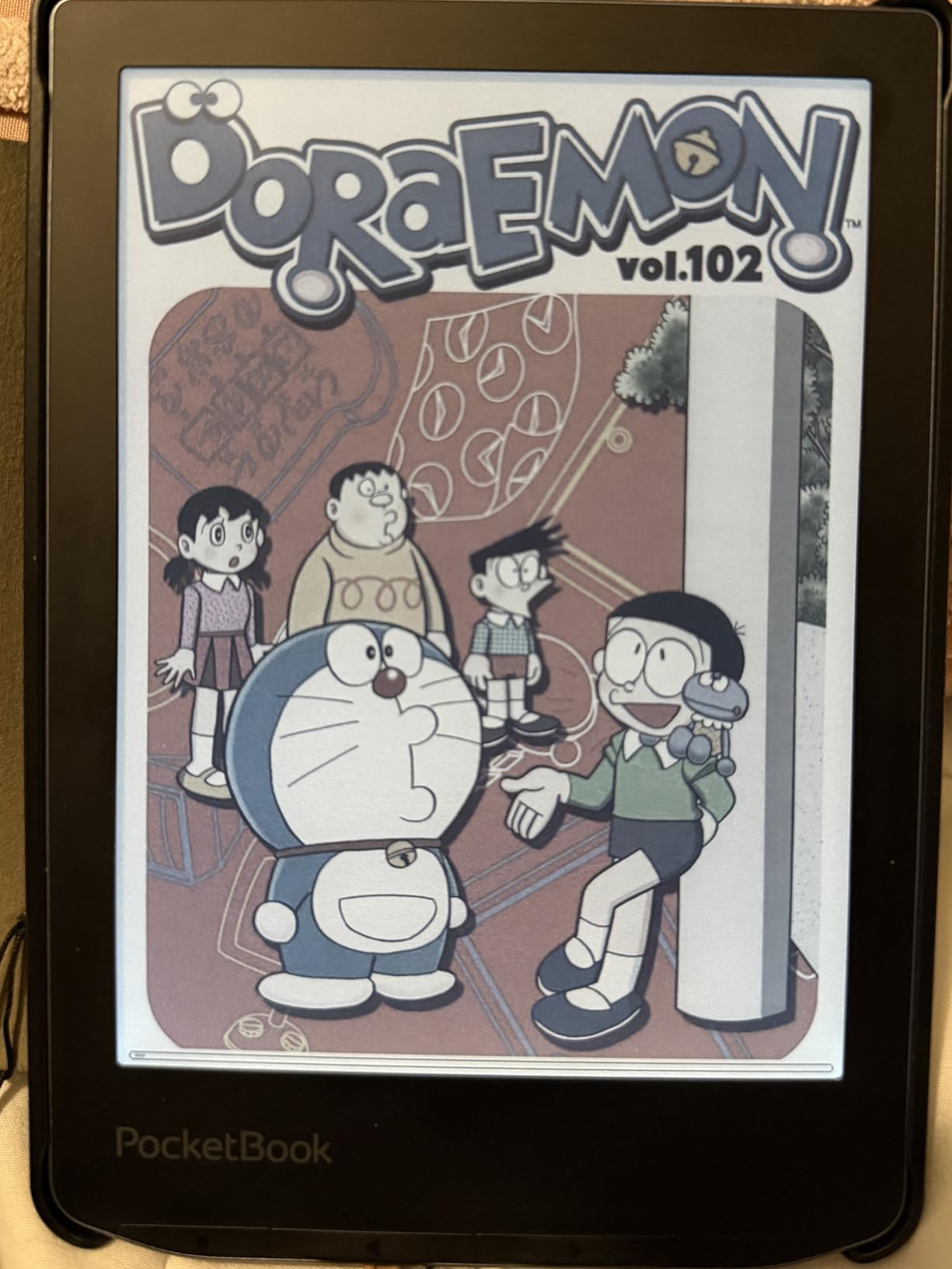
PocketBook devices support EPUB, MOBI, FB2, PDF, DJVU, and roughly 20 other formats directly, with no conversion needed. For readers with a side-loaded Calibre library or institutional access to academic papers, this is genuinely useful. We sideloaded a 600-page travel guide by dragging the EPUB to the device, and it opened with correct formatting and table of contents intact.
USB-C charging and data transfer keep the workflow simple. No proprietary software required on the computer side, which is itself a small travel win when you are using a borrowed laptop.
Text-to-Speech and Audiobooks in 26 Languages
The Text-to-Speech function reads any text on the device out loud in 26 languages. We tested it on English, Spanish, and French content, and the voices were intelligible if a bit flat. For a long bus ride where you want to rest your eyes but still consume a chapter, it is a nice fallback. Bluetooth 5.4 also means you can pair wireless headphones for audiobook playback.
Where PocketBook Falls Behind
The PocketBook software is not as polished as Kindle or Kobo. Page turns can feel slightly slow, and the touchscreen response is occasionally sluggish. The color Kaleido 3 layer is also dimmer than its Kindle and Kobo equivalents, so bright sunlight color reads can look a bit muted.
For more on waterproofing realities, see our waterproof e-readers guide, which tests IPX8 claims across multiple brands.
7. PocketBook Verse Pro – Best for Audiobooks and TTS
PocketBook Verse Pro E-Reader Waterproof | Eye-Friendly 6” E-Ink Carta™ HD Touchscreen | Audio-Book & E-Book Reader | Text-to-Speech Function | SMARTlight | 16GB | WiFi & Bluetooth | Azure
6 inch E Ink Carta HD
IPX8 waterproof
Text-to-Speech 26 languages
16GB
Pros
- Sharp E Ink Carta HD touchscreen
- SMARTlight adjustable brightness and color temperature
- IPX8 waterproof protection
- Text-to-Speech reads text aloud in 26 languages
- Supports 25 file formats without conversion
- Physical page-turn buttons alongside touchscreen
- Bluetooth for audiobook playback
Cons
- Touchscreen can be erratic in some units
- Warranty disputes reported for some waterproof claims
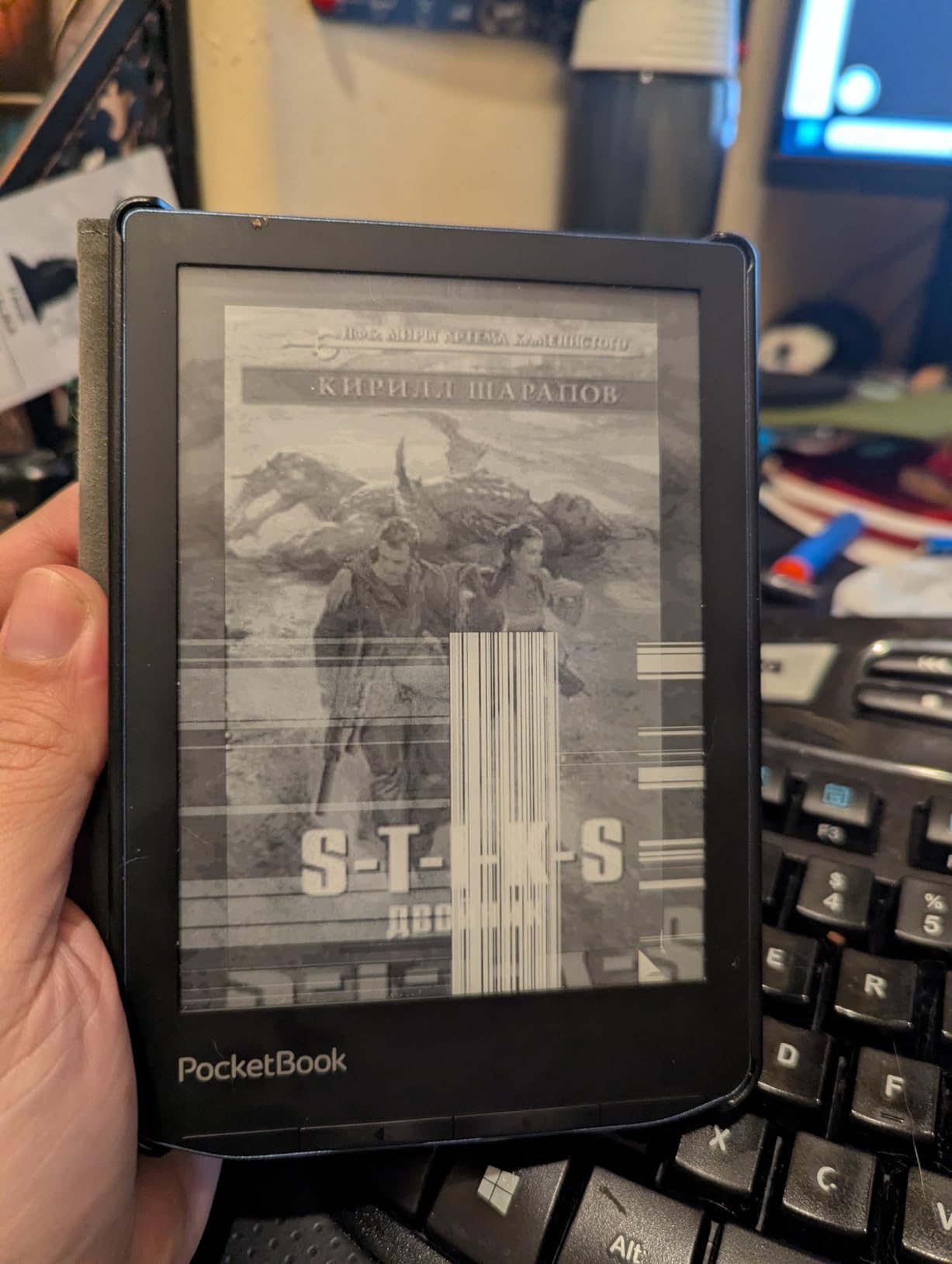
- Some users report fragility
- E-book store selection is limited in the US
The PocketBook Verse Pro is the e-reader we recommend for travelers who want an audiobook-friendly, format-flexible Kindle alternative without paying for the color screen. It uses the same Carta HD panel as the Verse Pro Color, the same IPX8 waterproofing, and the same broad format support, but skips the color filter to keep the text sharper and the battery longer.
If you split your road time between reading and listening, this is the device where both work without compromise. Bluetooth pairs with wireless headphones in seconds. The Text-to-Speech feature covers most major travel-languages, which we appreciated when a downloaded Japanese guidebook still came across aloud.
Physical Buttons and Touchscreen Together
This is one of the few devices in this roundup that pairs physical page-turn buttons with a touchscreen. For travelers who switch between reading and audiobook controls, the buttons are practical without making the touchscreen feel redundant.
The 6-inch form factor is comfortable for one-handed reading. At 186 grams it is in the middle of the pack for weight, lighter than the 7-inch models but slightly heavier than the base Kindle.
Library and File Flexibility
Built-in support for 25 file formats means less time converting files and more time reading. Direct EPUB, FB2, MOBI, PDF (DRM), DJVU, and CBZ are all readable natively. Library lending requires the Adobe Digital Editions workflow, which is an extra step compared to the Kobo OverDrive integration. Power users will not mind. Beginners may prefer the Kobo flow.
Who the Verse Pro Suits
This device is the right pick for travelers who want a Kindle alternative with audiobooks, TTS, and buttons, and who can stretch to the higher end of PocketBook’s lineup. If you want color, the Verse Pro Color above is the upgrade. If you want a sharper text-on-page experience without color, the Verse Pro is the value play.
8. XTEINK X3 – Most Pocketable Travel Companion
XTEINK X3 3.7″ Pocket E-Ink eBook Reader, Mist Gray
3.7 inch pocket E Ink
16GB expandable to 256GB
58 grams
Physical buttons
Pros
- 3.7 inch pocketable form factor fits on back of phone
- Ultra-light at approximately 58 grams
- Physical page-turn buttons for true one-handed reading
- Up to 256GB expandable storage via microSD
- Custom firmware such as CrossPoint available
- Excellent battery life
- Reduces phone screen time on short trips
Cons
- No backlight or front light for dark environments
- No touchscreen
- all controls via buttons
- Not compatible with DRM-protected books from Kindle or Libby
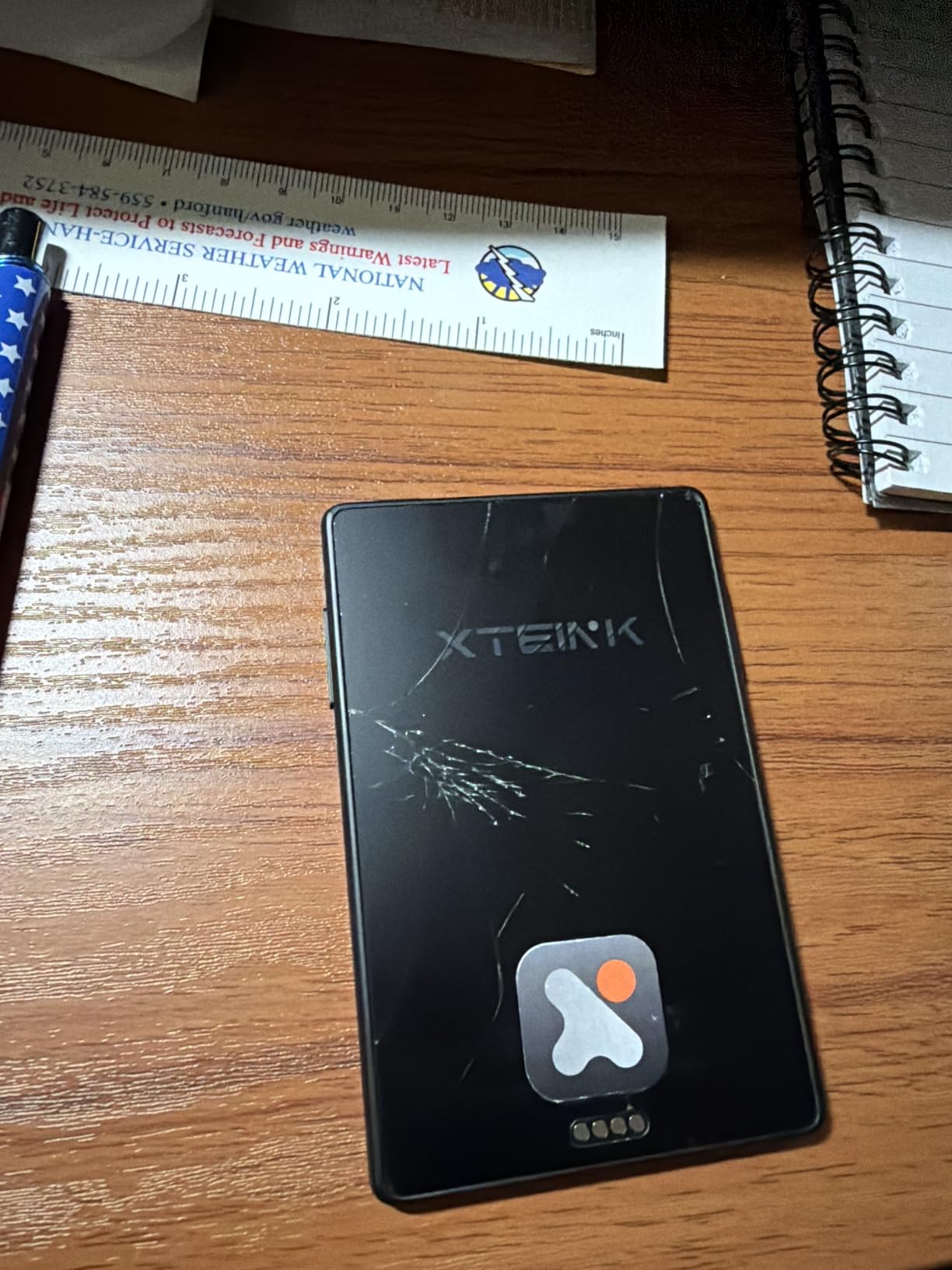
- Glass screen can be fragile if dropped
- Proprietary pogo-pin charging
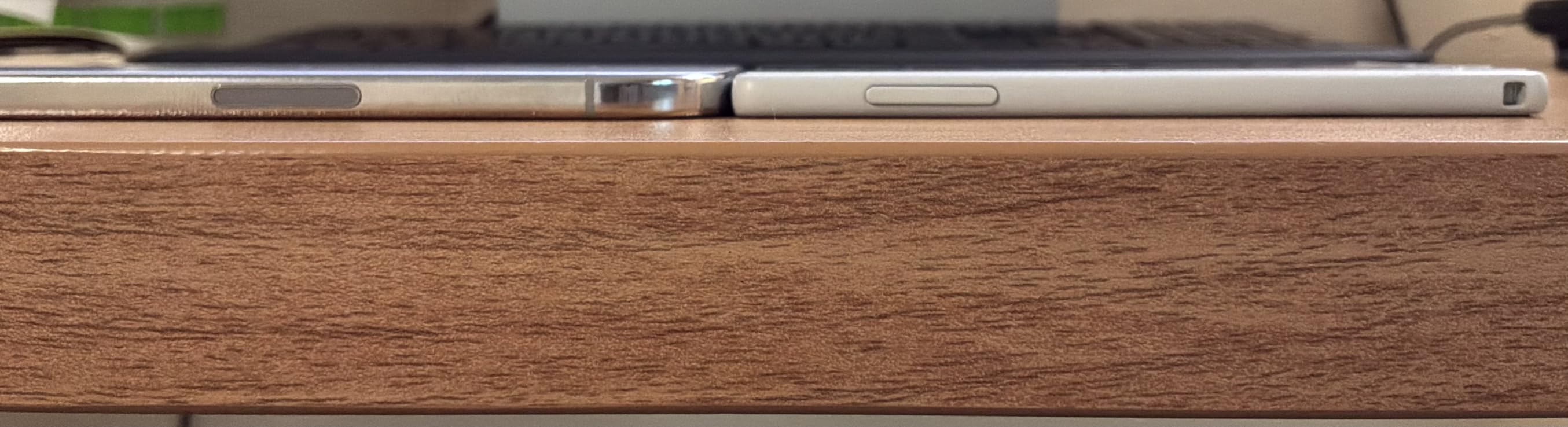
The XTEINK X3 is the e-reader we recommend for travelers who want something that genuinely disappears into a pocket. The 3.7-inch screen is roughly the size of a credit card in landscape, and at around 58 grams it is barely noticeable on your phone back with the included magnetic ring. We have used one for daily subway commutes, quick trips, and anywhere bigger devices feel like luggage.
It is not for everyone. There is no backlight, so reading in dim environments requires an external light. There is no touchscreen. It does not work with Kindle or library DRM books. But for readers who own DRM-free files and want to keep a phone-shaped pocket device for morning reading on the way to the airport, the X3 is an unusual little gem.
The Pocket Case for a Pocket E-Reader
The argument for a tiny e-reader is not about screen size, it is about reachability. Most travelers carry their phone everywhere. A second device that fits in the same pocket means it gets used more, and used e-readers replace used phones. Forum threads on r/Ultralight and r/eink have championed the format for years.
We found that pairing the X3 with the phone reduced overall screen time meaningfully. The 10-hour reading battery claim translates into roughly a week of daily subway reading per charge, which is genuinely impressive at this size.
Storage, Firmware, and Customization
16GB of internal storage plus microSD expansion up to 256GB is enough for thousands of DRM-free EPUBs, plus a personal manga library if you have one. Custom firmware options like CrossPoint add features the stock firmware does not include, which appealed to our power-user testers.
Where the X3 Falls Short for Travel
No backlight means the X3 is a daytime reader. If your travel routine is reading after dinner, this is not the right pick. The proprietary pogo-pin charging is also a small annoyance: if you forget the cable, no other USB-C cable will save you. We strongly suggest buying a spare.
How to Choose the Best E-Reader for Travel
Picking the best e-reader for travel comes down to a smaller set of decisions than the marketing suggests. Below is the framework our team uses to match a device to a specific kind of trip.
Screen Size and Weight
Under 200 grams is the sweet spot for one-handed reading on long flights. The base Kindle at 158 grams, the Kobo Clara BW, and the XTEINK X3 all hit that bar. The 7-inch models (Paperwhite, Colorsoft, Libra Colour) are heavier but show more text per page, which matters for travel guides, manga, and PDFs. Our advice: pick 6-inch for novels and city breaks, pick 7-inch for travel guides and graphic-heavy material, pick the X3 for daily pocket reading.
For more on how screen quality affects long reading sessions outdoors, see our best e-readers for outdoor reading guide.
Waterproofing: What IPX8 Really Means
IPX8 means tested at 2 meters in fresh water for 60 minutes. That covers pool reading, bath reading, and the occasional spilled drink. It does not cover sea water, chlorinated pools (rinse after), or sand. The Kindle base and the XTEINK X3 are not waterproof. Everything else in this roundup is.
Battery Life vs Real Trip Use
Manufacturer claims of 6 to 12 weeks are calculated with wireless off and 30 minutes of reading per day. On a real trip with airplane mode toggling, brightness at 50 percent, and active reading for hours, you will see roughly a percentage point per day with light use. Two weeks between charges is the realistic expectation, and the Kindle Paperwhite comes closest to that on a single charge.
Ecosystem: Kindle vs Kobo vs Open
Kindle is the most polished store, with the best self-publishing catalog and the deepest English-language selection. The catch: the Kindle Store is locked to your account country. Kobo has OverDrive library lending built in and works in 175 countries. PocketBook offers the most format freedom and no account requirement. Our take: Kindle for English-language general readers, Kobo for library lovers and international travelers, PocketBook for the privacy-minded.
For more on choosing the right entry device, see our best e-readers for beginners guide.
Best E-Reader by Trip Type
Generic “best e-reader” advice fails when your trip is not generic. Here is what our team actually packs for each kind of travel.
Beach vacation: Kindle Paperwhite or Kindle Colorsoft. IPX8 waterproofing, glare-free screen in direct sun, and enough battery for two weeks of poolside reading.
Long-haul flight: Kindle Paperwhite 7-inch. The extra screen real estate reduces page turns per chapter, and 12-week battery life means you will not run out on a 14-hour flight to Tokyo.
City break: Base Kindle or Kobo Clara BW. Light, fits in a coat pocket, and gets you through the trip without thinking about charging.
International travel: Kobo Clara BW or Kobo Libra Colour. The library lending and international store access avoid the Kindle account-country problem.
Backpacking and ultralight: XTEINK X3. Pocketable, 58 grams, distraction-free. Pair with a small power bank and you are set.
Getting Books onto Your E-Reader While Traveling
This is the part most reviews skip, and it is the part that decides whether the device is useful on the road. Our practical tips after a few hundred thousand miles of testing.
Download before you fly. Airport and hotel Wi-Fi works for most things, but airplane mode is no joke on long-haul, and roaming data costs can erase the savings of free library books. We pre-load 5 to 10 books per trip, more than we expect to read.
Library lending differences by country. In the US, Canada, UK, and Australia, OverDrive-powered library systems integrate with Kobo directly. On a Kindle, the same library books go through the Libby app on your phone and Send-to-Kindle. Outside the US, library lending is patchier and varies by region.
Side-loading DRM-free EPUBs. PocketBook devices are the easiest for this: drag and drop via USB. Kobo also accepts EPUB and Adobe DRM files. Kindle requires converting to MOBI or using the Send-to-Kindle email workflow, which is workable but slower.
Kindles across borders. Amazon ties your Kindle Store to the country where you registered the account. Buying books from a different country’s store requires changing your account country, which can cancel Kindle Unlimited. Kobo devices follow your account globally without that limitation.
Frequently Asked Questions
Which e-reader is best for travel?
The Kindle Paperwhite 16GB is the best e-reader for travel for most readers because it is waterproof, weighs under 211 grams, runs for up to 12 weeks per charge, and works with library books via the Libby app. For international travelers who want library lending on the device itself, the Kobo Libra Colour is a strong runner-up.
Is Kobo really better than Kindle?
Kobo is better than Kindle for travelers who borrow library books, who travel internationally with library access beyond the US, and who want a button-equipped device. Kindle is better for travelers who want the largest English-language store, the most polished hardware, and the longest battery life in the category.
Which Kindle is best for travel?
The Kindle Paperwhite 16GB is the best Kindle for travel because it pairs the 7-inch glare-free screen with IPX8 waterproofing, up to 12 weeks of battery, and ad-free configuration. For lighter pack weight, the base Kindle is the second best Kindle for travel and is meaningfully cheaper.
Are e-readers waterproof enough for the pool and beach?
E-readers rated IPX8 are rated for up to 2 meters of fresh water for 60 minutes, which covers pool reading and the occasional splash. The IPX8 rating does not cover sea water, chlorinated pools should be rinsed off after, and sand is not covered by the warranty. A sleeve is recommended on the beach.
Can you use an e-reader on a plane?
Yes, you can use an e-reader on a plane during taxi, takeoff, and landing in most jurisdictions by switching to airplane mode. E-readers are on the FAA approved device list. Reading on a Kindle or Kobo is one of the best ways to pass time on a long flight.
What is the best portable e-reader for international travel?
The Kobo Clara BW is our top portable pick for international travelers because OverDrive library lending works in more countries on Kobo than on Kindle, the device syncs across regions without an account country lock, and it weighs only 174 grams. The base Kindle is a lighter alternative if you do not need library lending.
Final Verdict: Which E-Reader Should You Pack?
After six weeks and thousands of pages across planes, beaches, and city streets, our winner is the Kindle Paperwhite 16GB. It is waterproof, fast, light, glare-free in sunlight, and plays nicely with library books through the Libby app on your phone. For 80 percent of travelers, that is exactly what you need.
If you are on a tighter budget and reading mostly indoors, the base Kindle at 158 grams is the smartest buy in the lineup. Skip the Paperwhite if you do not need waterproofing or warm light, and pocket the savings for travel snacks.
If you are an international traveler who values library lending, a Kobo is the better fit. The Kobo Clara BW is the value pick, the Kobo Libra Colour is the upgrade with buttons and color, and the PocketBook Verse Pro models are the right move if you want format freedom and audiobooks with no account required. The XTEINK X3 is for the dedicated pocket reader.
Whatever you choose, download your books before you fly. Then enjoy the trip.