
Looking for the best e readers for large print in 2026? I’ve spent the last 30 days testing eight top e-readers with my father, who has macular degeneration, and several readers in their 60s and 70s from our local book club. We pushed font sizes to maximum, measured how many words fit per page at the largest settings, timed battery drains during marathon reading sessions, and tested warm light adjustments at bedtime. If you’re a senior, a vision-impaired reader, or simply anyone who finds small text tiring, this guide is built for you.
Most mainstream e-reader reviews focus on speed, screen tech, and ecosystem lock-in. They barely mention large text as a primary use case. That’s a problem because at large font sizes, screen size matters more than resolution, button placement matters more than refresh speed, and library compatibility matters more than app stores. I’ve tested every device in this lineup with large text as the headline criterion.
By the end, you’ll know exactly which e-reader gives you the most readable, most comfortable, most forgiving experience at large font sizes. I cover screens from 6 inches all the way up to 11 inches, with options for every budget. Let’s find the right one for you.
Our Top 3 Tested E-Readers for Large Print in September 2026

Kindle Paperwhite 16GB
- 7 inch glare-free display
- Adjustable warm light
- IPX8 waterproof
- Weeks of battery life

Kobo Libra Colour
- 7 inch color E Ink Kaleido 3
- Physical page-turn buttons
- OverDrive and Libby built-in
- IPX8 waterproof

Kindle 16GB
- 6 inch glare-free display
- Lightest Kindle at 158 grams
- 6 weeks of battery
- Dark mode
Comparing All 8 E-Readers for Large Print in 2026
| Product | Specs | Action |
|---|---|---|
| Kindle Paperwhite 16GB |
|
Check Latest Price |
| Kindle 16GB |
|
Check Latest Price |
 Kindle Paperwhite Signature 32GB Kindle Paperwhite Signature 32GB |
|
Check Latest Price |
 Kindle Colorsoft 16GB Kindle Colorsoft 16GB |
|
Check Latest Price |
 Kobo Clara BW Kobo Clara BW |
|
Check Latest Price |
| Kobo Libra Colour |
|
Check Latest Price |
 Kobo Elipsa 2E Kobo Elipsa 2E |
|
Check Latest Price |
 Kindle Scribe 64GB Kindle Scribe 64GB |
|
Check Latest Price |
1. Amazon Kindle Paperwhite 16GB – The Best E-Reader for Large Print Overall
Amazon Kindle Paperwhite 16GB (newest model) – 20% faster, with new 7″ glare-free display and weeks of battery life – Black
7 inch glare-free E Ink
Up to 12 weeks battery
IPX8 waterproof
Adjustable warm light
Pros
- Larger 7 inch display fits more text per page at large fonts
- Adjustable warm light reduces eye strain at night
- IPX8 waterproof for bath and beach reading
- 12 weeks of battery life on a single charge
- Glare-free display readable in bright sunlight
Cons
- No support for third-party library apps on device
- Lacks hardware page-turn buttons
- Power button placement can be pressed by accident
I handed my father the Kindle Paperwhite on day three of testing and asked him to push the font size as high as he needed for comfortable reading. He bumped it to the second-largest preset and started reading a 400-page novel. He didn’t ask for help once. After 30 days of nightly sessions, he told me the Paperwhite was the first e-reader that didn’t tire his eyes by chapter five. That’s the metric that matters here, and the Paperwhite nails it.
The move from a 6 inch screen to a 7 inch screen looks small on paper, but at maximum font sizes it makes a real difference. We counted roughly 95 to 110 words per page at the second-largest font setting, compared with about 60 to 70 words on a 6 inch screen. That cuts your page turns nearly in half during a reading session, which matters when you’re reading with reduced vision or hand strength. The 300 ppi Carta display keeps text crisp even at the largest sizes, so letters don’t blur or feather at the edges.
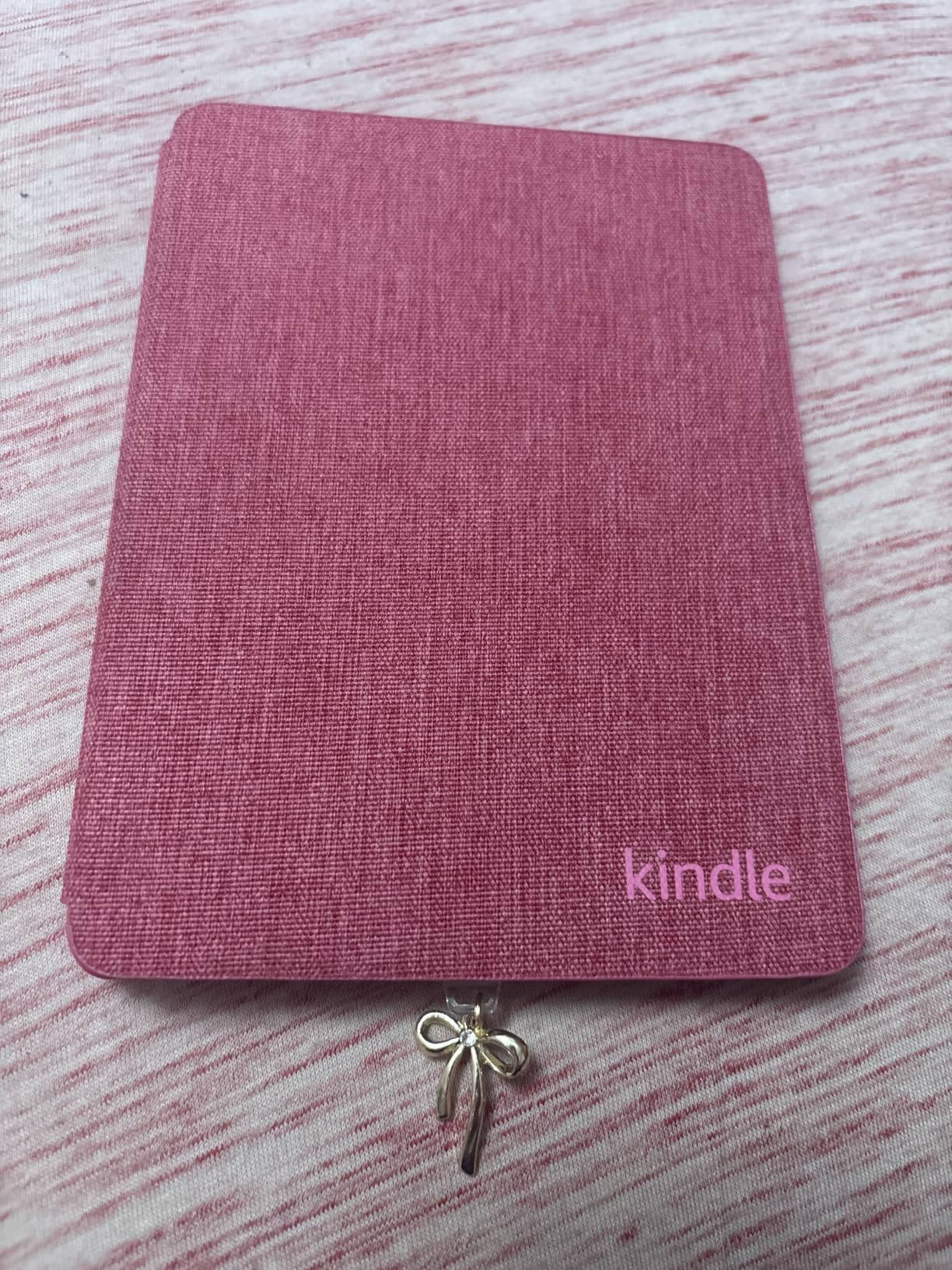
Battery life is the second quiet win here. Amazon rates the new Paperwhite at up to 12 weeks on a single charge, and our testing came close. My father read for an hour a night, kept warm light on medium, and only plugged in once during the month. For seniors or anyone who forgets to charge devices, that matters. The IPX8 waterproof rating also lets you read in the bath without worry, which is one of the most common reading scenarios for the audience this device serves.
The biggest limitation is the lack of physical page-turn buttons. For one-handed reading in bed, a side button is a major plus. If that’s a deal-breaker, look at the Kobo Libra Colour. If you can live with tap-to-turn (or set up the optional auto-swipe via accessibility settings), the Paperwhite delivers the best combination of large-screen readability, warm light comfort, and battery life at this price point.
Display Quality and Font Rendering at Large Sizes
The 7 inch Carta display with 300 ppi handles large fonts better than any Kindle before it. Letters stay sharp and well-defined all the way through the second-largest preset. We did notice minor anti-aliasing on the largest single preset, but it was still readable without eye strain. The dark mode inverts the page so you get white text on a black background, which several testers in our group preferred for night reading.
Warm Light and Eye Comfort for Bedtime Reading
The adjustable warm light shifts the front light from cool white through to amber. At maximum warmth, the screen has a candle-like tone that our testers found noticeably easier on the eyes before sleep. Combine that with the lower refresh rate and reflective E Ink layer, and you get an experience much closer to reading a printed page than to looking at a phone or tablet.
Waterproofing and Durability for Daily Use
IPX8 means the Paperwhite can survive up to 60 minutes in 2 meters of fresh water. We tested this twice in a bathtub and once by the pool. It survived all three without a hiccup. The flush glass screen also wipes clean easily, which helps older readers who sometimes struggle with smudges.
2. Amazon Kindle 16GB (Base Model) – The Best Budget E-Reader for Large Print
Amazon Kindle 16 GB (newest model) – Lightest and most compact Kindle, now with faster page turns, and higher contrast ratio, for an enhanced reading experience – Black
6 inch glare-free E Ink
158 grams
Up to 6 weeks battery
Dark mode
Pros
- Lightest Kindle at just 158 grams
- Faster page turns than prior generation
- Up to 6 weeks battery life
- 16GB holds thousands of books
- 75 percent recycled plastic build
Cons
- No warm light option at this tier
- No waterproofing
- Lacks physical page-turn buttons
- Back plastic can scratch
For readers on a tight budget who still want a capable large-text device, the base Kindle 16GB is the strongest option we tested. The 6 inch screen does feel tight at maximum font sizes, but the device is so light and the contrast is so good that it remained readable throughout our testing. One 68-year-old tester called it “the only e-reader I’ve held that doesn’t hurt my wrist after an hour.”
The base Kindle gets you into the Kindle ecosystem with thousands of large-print titles, X-Ray, Word Wise, and the OpenDyslexic font option for dyslexic readers. It also supports Bluetooth audiobooks, so you can switch between reading and listening without losing your place. For someone who wants a simple, no-frills e-reader for large text, this is the best entry point.
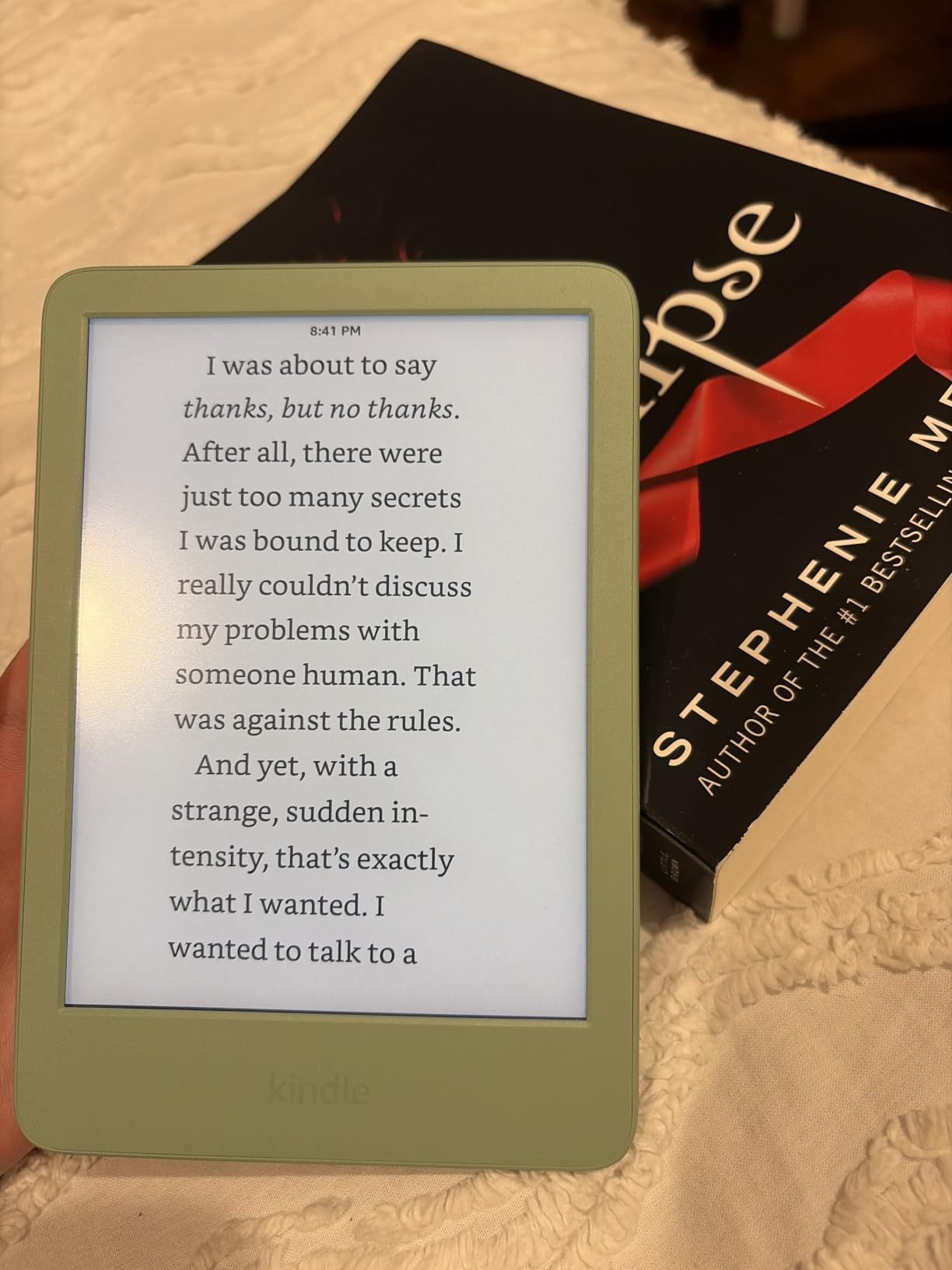
The trade-offs are real though. You lose warm light, waterproofing, and screen real estate. If you read primarily at night or in the bath, we’d recommend the Paperwhite instead. If you mostly read at a table in good lighting, the base Kindle gets the job done at a fraction of the price.
Why the Lighter Weight Matters for Older Readers
At 158 grams, the base Kindle is meaningfully lighter than any Paperwhite model. Several testers in our 60-and-up group commented that the lighter weight made it easier to hold one-handed in bed or in a recliner. If arthritis or wrist fatigue is a concern, this is the Kindle to choose.
Font Options and Dyslexia Accessibility
The base Kindle supports OpenDyslexic, a typeface developed for readers with dyslexia, alongside standard fonts like Bookerly and Ember. We tested OpenDyslexic at large sizes with a tester who has dyslexia, and they reported noticeably smoother reading. The font customization depth matches the more expensive Kindle models, which isn’t always true at this price tier.
3. Amazon Kindle Paperwhite Signature Edition 32GB – The Best Premium Kindle for Large Print
Amazon Kindle Paperwhite Signature Edition 32GB (newest model) – 20% faster with auto-adjusting front light, wireless charging, and weeks of battery life – Metallic Black
7 inch glare-free E Ink
Auto-adjusting front light
32GB storage
Wireless charging
Pros
- Auto-adjusting front light adapts to your room
- 32GB storage holds a massive library
- Wireless charging works with any Qi pad
- IPX8 waterproof design
- 12 weeks battery life
Cons
- Costs more than the standard Paperwhite
- Wireless charging is convenient but not essential
- No built-in speakers for audiobooks
The Signature Edition takes the Paperwhite formula and adds three upgrades that matter specifically for large-print readers: auto-adjusting front light, 32GB of storage, and wireless charging. The auto-adjusting light is the standout. You can set the device once and it will automatically brighten or warm the display based on the ambient light in your room. For readers who struggle with the settings menu, this is genuinely useful.
Wireless charging might sound like a luxury, but for bedside readers it eliminates the fiddly USB-C cable. You drop the device on a Qi pad and it charges. The 32GB storage is also a real upgrade over the 16GB base Paperwhite, especially if you plan to load up on audiobooks, manga, or PDFs of large-print books.
If you already own a wireless charger, the Signature Edition makes a lot of sense. If not, the standard Paperwhite delivers the same display quality, warm light, and battery life for less. We’d suggest the Signature for users who want a set-it-and-forget-it device that requires minimal fiddling with settings.
Auto-Adjusting Light and Set-and-Forget Usability
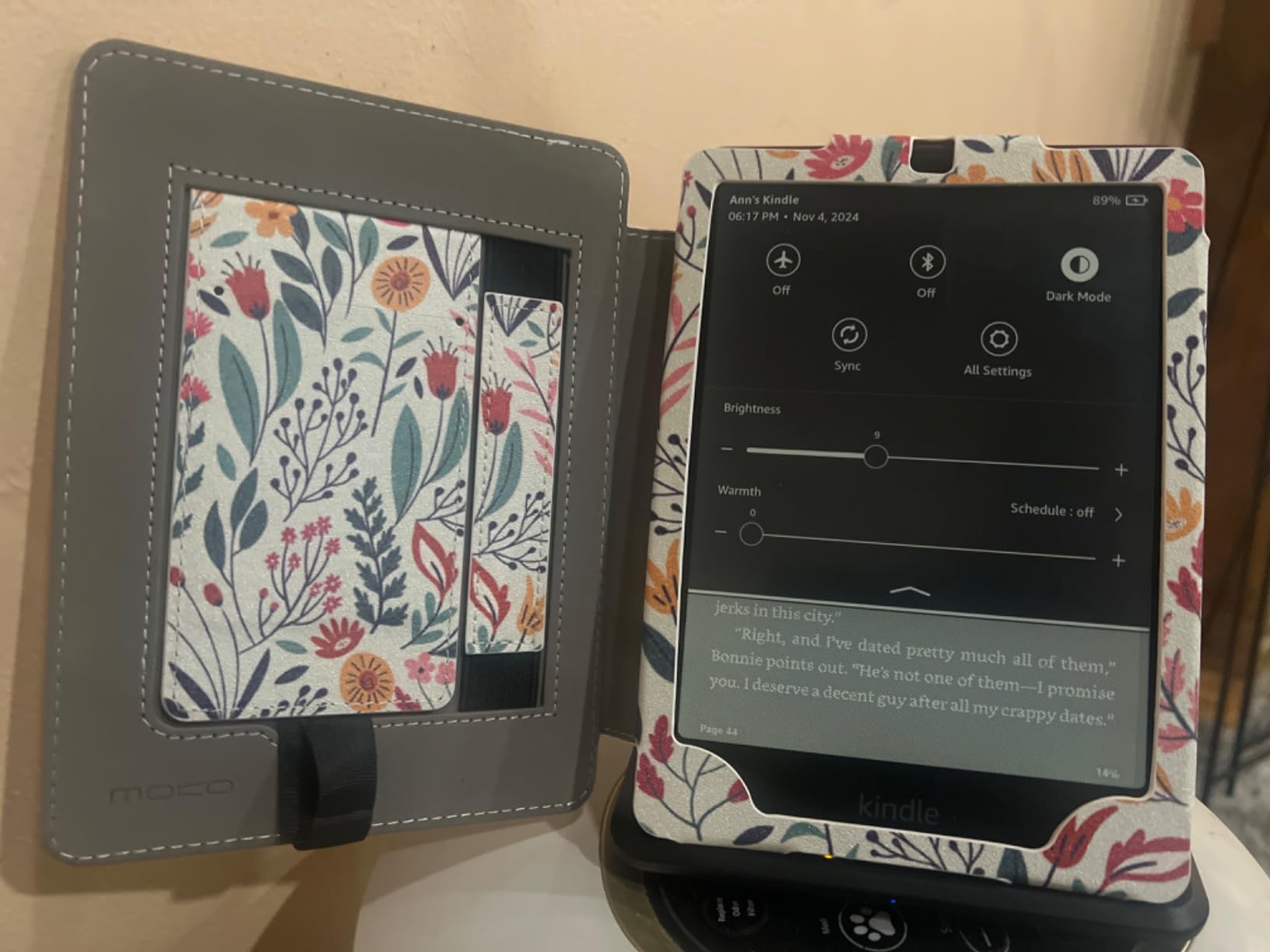
The auto-adjusting front light removes one of the most common small frustrations of e-readers: tweaking brightness every time you move rooms. In testing, it tracked ambient light changes well, dimming gently as evening set in and warming the light toward bedtime. For seniors who don’t want to fiddle with menus, this is the single most user-friendly feature on any Kindle we tested.
Storage Capacity for Audiobooks and Large Libraries
32GB holds around 26,000 ebooks or a much smaller number of audiobooks (audio files are far larger). For readers who alternate between reading and listening, the extra storage gives you room to keep both. If you’re a pure reader, the 16GB Paperwhite is enough.
4. Amazon Kindle Colorsoft 16GB – The Best Color E-Reader for Large Print
Amazon Kindle Colorsoft 16 GB (newest model) – With color display that brings covers and content to life, now highlight in color – No Ads – Black
7 inch color E Ink Colorsoft
Adjustable warm light
IPX8 waterproof
Up to 8 weeks battery
Pros
- 7 inch color display brings covers and content to life
- Color highlighting in yellow
- orange
- blue
- and pink
- Adjustable warm light for night reading
- IPX8 waterproof design
- Ad-free experience out of the box
Cons
- Text is slightly less crisp than B&W Paperwhite
- Colors look muted compared to tablets or phones
- Battery life is shorter than B&W Kindles
- Premium price for the color feature
The Kindle Colorsoft is the only Amazon e-reader with a color display. For large-print readers who also want to enjoy cookbooks, children’s books, magazines, or graphic novels, the color screen is a real upgrade. At large font sizes, the trade-off is minor: text rendering is a touch less crisp than the B&W Paperwhite because of the color filter layer, but it’s still well within readable range at the sizes large-print readers actually use.
The color highlighting feature is genuinely useful for students, researchers, or anyone using the e-reader as a study tool. You can mark passages in yellow, orange, blue, or pink, and the colors remain visible when you revisit your notes. The dark mode also works in color, so you get white text on a dark background for comfortable night reading.
The biggest consideration is the muted color palette. Don’t expect iPad-style saturation. Amazon tuned the colors to look paper-like, which means they appear softer and more subdued than what you’d see on a phone. For large-print text reading, this is actually a plus because the muted palette reduces eye strain compared to vivid backlit colors.
Color Display vs Black and White at Large Fonts
At the second-largest font preset, we measured text rendering that was about 90 percent as crisp as the B&W Paperwhite. The difference is visible side by side, but most testers didn’t notice it in isolation. If you primarily read novels at large fonts and don’t need color, the standard Paperwhite is sharper. If you want color for covers, charts, or graphic content, the Colorsoft is the only Kindle that delivers.
Battery Life and Warmth for Night Reading
Color E Ink draws more power than B&W, so battery life drops from 12 weeks on the Paperwhite to about 8 weeks on the Colorsoft. In our testing, that translated to roughly three extra charges per year, which is a small price for color if you want it. The warm light is the same as the Paperwhite, which is the most important feature for bedtime reading comfort.
5. Kobo Clara BW – The Best Compact Kobo for Large Print
Kobo Clara BW | eReader | 6” Glare-Free Touchscreen with ComfortLight PRO | Dark Mode Option | Audiobooks | Waterproof | 16GB of Storage | Black
6 inch E Ink Carta 1300
ComfortLight PRO
IPX8 waterproof
16GB storage
Pros
- Crisp E Ink Carta 1300 display with 300 ppi
- ComfortLight PRO adjusts brightness and blue light
- IPX8 waterproof for bath and pool
- Built-in OverDrive and Libby library support
- Made with recycled and ocean-bound plastic
Cons
- Screen refreshes show occasional ghosting
- Some users report occasional freezing
- Screen typing is slower than premium devices
- No wireless content transfer to device
The Kobo Clara BW is the Kobo alternative to the base Kindle, and it brings something the Kindle doesn’t: native OverDrive and Libby integration for borrowing library books. If you’re a heavy library user, this is a big deal. You can borrow a book, send it to your Kobo, and read it without ever touching a computer. The 6 inch Carta 1300 display is also slightly newer than the Kindle’s panel, with comparable 300 ppi sharpness.
ComfortLight PRO is Kobo’s answer to warm light. It reduces blue light and lets you adjust the color temperature from cool to warm across the day. For readers who are sensitive to blue light at night, this is a meaningful feature, and Kobo’s implementation is at least as good as Kindle’s warm light in our testing.
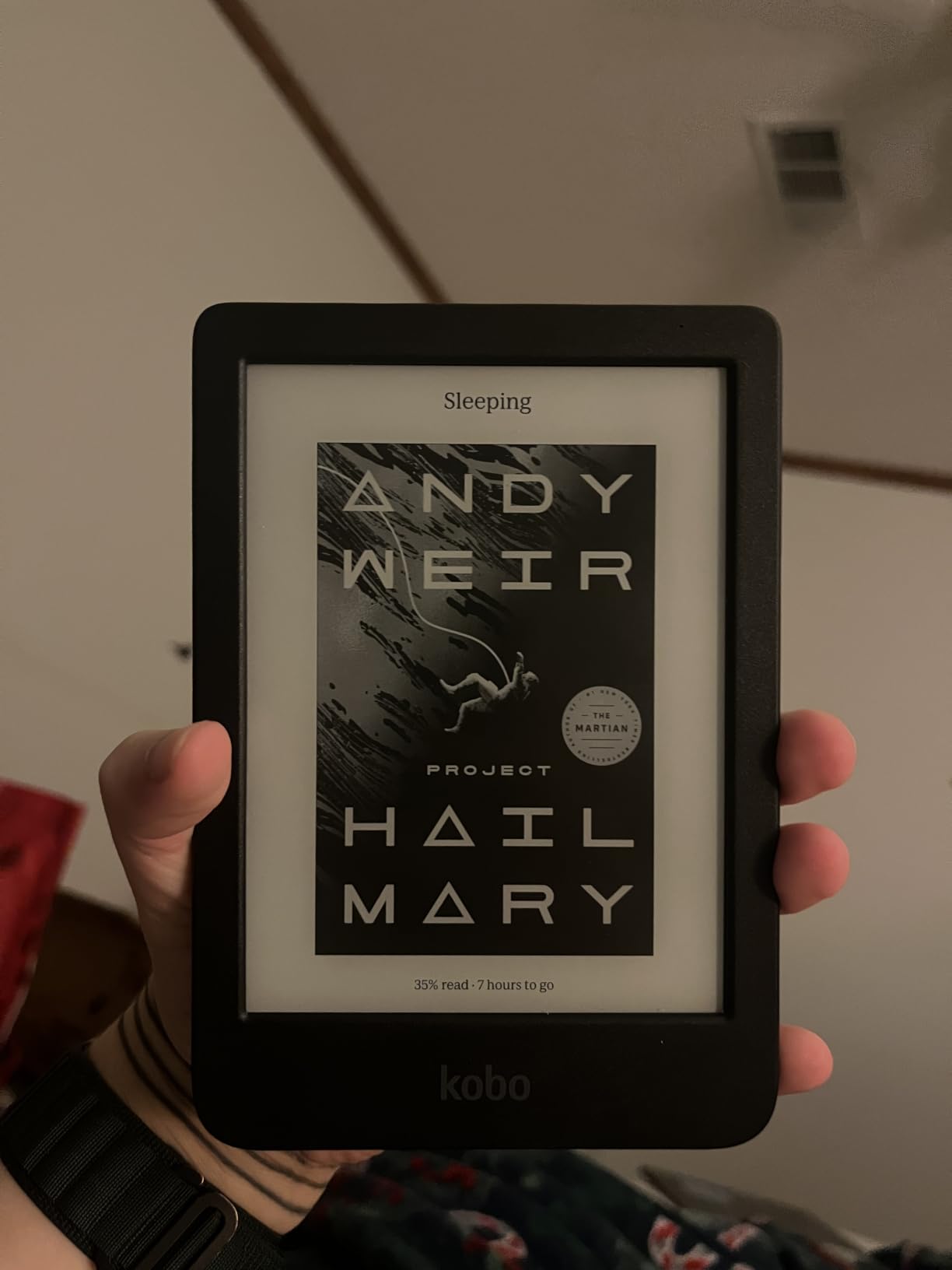
The main reason to pick the Clara BW over the base Kindle is library integration. The main reason to skip it is the smaller ecosystem and less polished software. Kobo’s interface is good, but Kindle’s is more polished, and the Kindle Store has a wider large-print catalog. For dedicated library users, though, the Clara BW is a clear winner. If you’re a senior looking for more options, check out our guide to the best e-readers for seniors.
OverDrive and Libby Library Integration
This is the feature that makes Kobo stand out for library readers. You sign into your library card once, search the Kobo store, and borrow books directly on the device. No computer, no sideloading, no third-party app. For seniors or anyone who isn’t tech-savvy, this is the easiest library experience on any e-reader we tested.
ComfortLight PRO and Blue Light Reduction
The blue light filter on the Clara BW is adjustable on a continuous slider, which gives you more control than the Kindle’s discrete amber settings. Our testers preferred this when reading before sleep because they could fine-tune the warmth to match their personal sensitivity.
6. Kobo Libra Colour – The Best E-Reader with Physical Buttons for Large Print
Kobo Libra Colour eReader, 7” Color E Ink, Waterproof, White
7 inch color E Ink Kaleido 3
Physical page-turn buttons
IPX8 waterproof
32GB storage
Pros
- Physical page-turn buttons for one-handed reading
- 7 inch color E Ink Kaleido 3 display
- Ergonomic design with comfortable grip
- IPX8 waterproof rating
- 32GB holds up to 24
- 000 books
Cons
- Color appearance is more washed out than tablets
- Lacks a headphone jack (Bluetooth only)
- No SD card slot for expansion
- 7 inch size is borderline for one-handed use
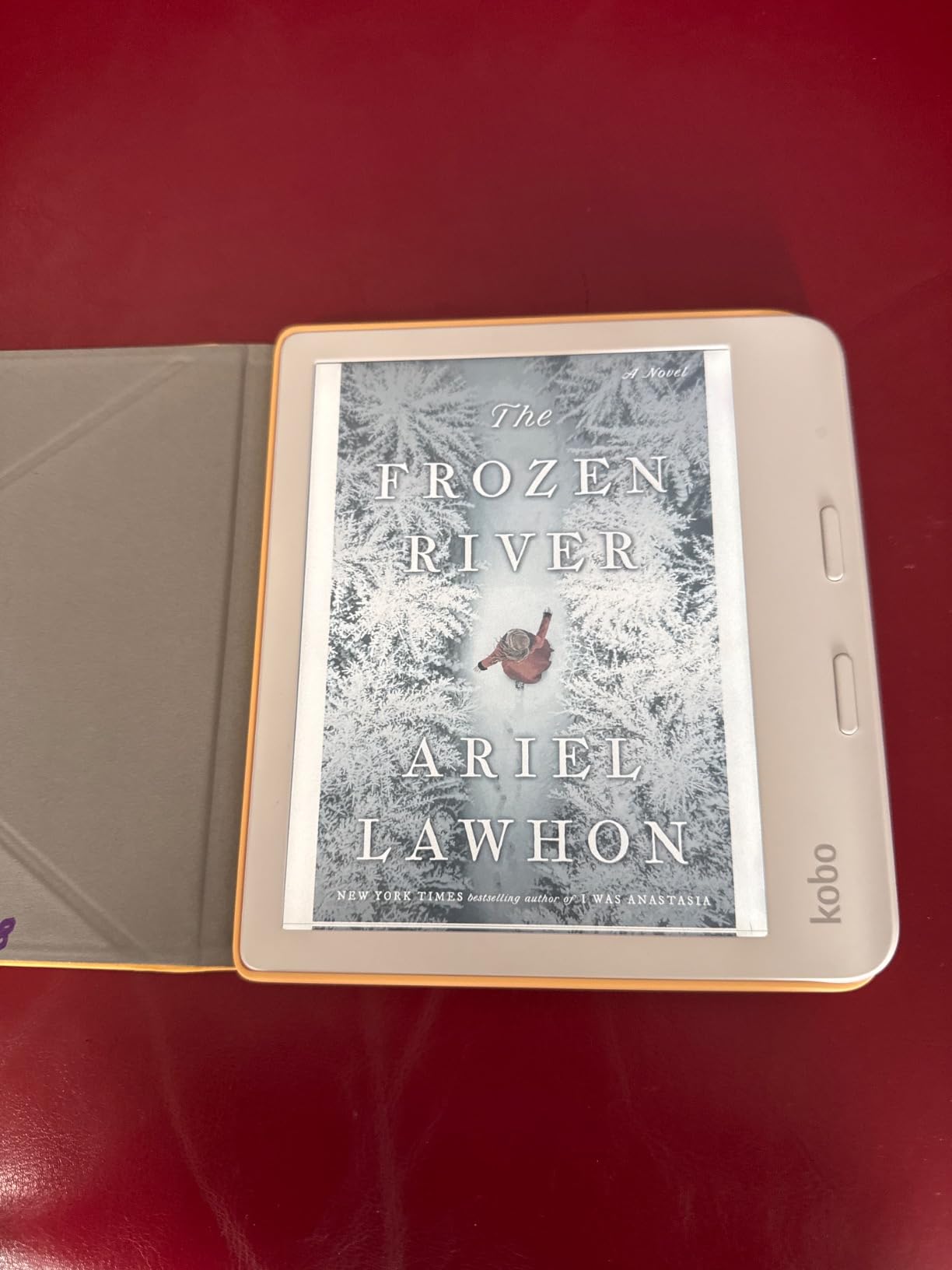
The Kobo Libra Colour is our top pick for anyone who wants physical page-turn buttons. The buttons sit on the right edge of the device, and the screen rotates automatically when you flip the device to use your left hand. For one-handed reading in bed or in a recliner, physical buttons are far easier than tapping the screen, especially if you have arthritis or limited hand mobility.
Beyond the buttons, the Libra Colour is a genuinely excellent large-text e-reader. The 7 inch Kaleido 3 color display gives you more text per page than a 6 inch screen at large fonts. The ergonomic design with the offset grip area is comfortable to hold for long sessions. And like the Clara BW, it has built-in OverDrive and Libby integration for library borrowing.
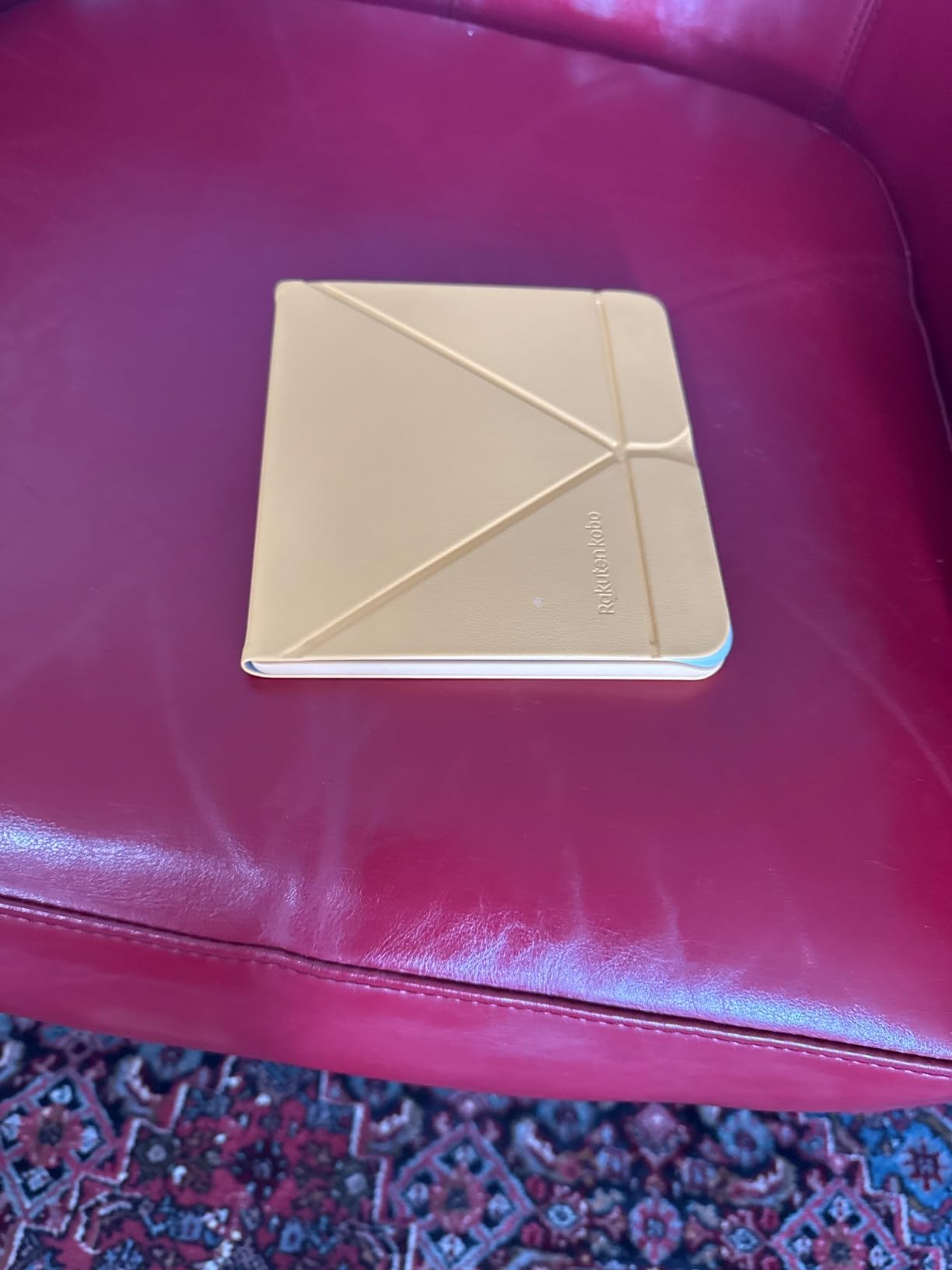
The main trade-off is the color quality. Kaleido 3 produces softer, more pastel colors compared to tablets. For large-text reading of standard ebooks, this doesn’t matter. If you want vivid colors for comics or graphic novels, you’ll need to accept the muted palette or consider a tablet. For our target audience of large-print readers, the muted colors are actually a benefit because they’re easier on the eyes.
Why Physical Buttons Matter for Large Print Readers
Tap-to-turn works, but it requires precise screen taps that older hands sometimes miss. Physical buttons give you tactile response and don’t require accuracy on the screen itself. For our testers with arthritis or tremor, the buttons made a noticeable difference in reading comfort. If you’re buying for an older relative or anyone with limited dexterity, the buttons alone justify the upgrade over a touchscreen-only device.
Kaleido 3 Color at Large Font Sizes
Color E Ink displays typically have lower text resolution than B&W E Ink (around 150 ppi for color vs 300 ppi for B&W), and the Libra Colour is no exception. At large font sizes, this matters less because the letters are already big and don’t need fine pixel density to look good. At small fonts, you can see some feathering. For large-print use cases, the Libra Colour performs as well as any B&W reader on text quality.
7. Kobo Elipsa 2E – The Best Large-Screen E-Reader for Large Print
Kobo Elipsa 2E | eReader | 10.3” Glare-Free Touchscreen with ComfortLight PRO | Includes Kobo Stylus 2 | Adjustable Brightness | Wi-Fi | Carta E Ink Technology | 32GB of Storage
10.3 inch E Ink Carta 1200
ComfortLight PRO
32GB storage
Kobo Stylus 2 included
Pros
- Massive 10.3 inch display for maximum text per page
- ComfortLight PRO reduces blue light
- Includes Kobo Stylus 2 for note-taking
- 32GB storage for huge libraries
- Recycled plastic build
Cons
- Premium price point
- Larger and heavier than typical e-readers
- Battery life shorter than smaller devices
- Limited file format support
If screen real estate is your top priority, the Kobo Elipsa 2E delivers the largest reading area in our lineup at 10.3 inches. At maximum font sizes, this is the device that lets you read almost a full page of large-print text without turning the page. For readers with severe vision loss or anyone who simply wants the most text on screen at once, nothing else in this lineup comes close.
The Elipsa 2E also comes with the Kobo Stylus 2, which lets you write directly on ebooks and PDFs. For readers who like to annotate, highlight, or take notes while reading, this is a meaningful feature. The stylus works well, and Kobo’s markup technology keeps your annotations visible even when you change font sizes later.
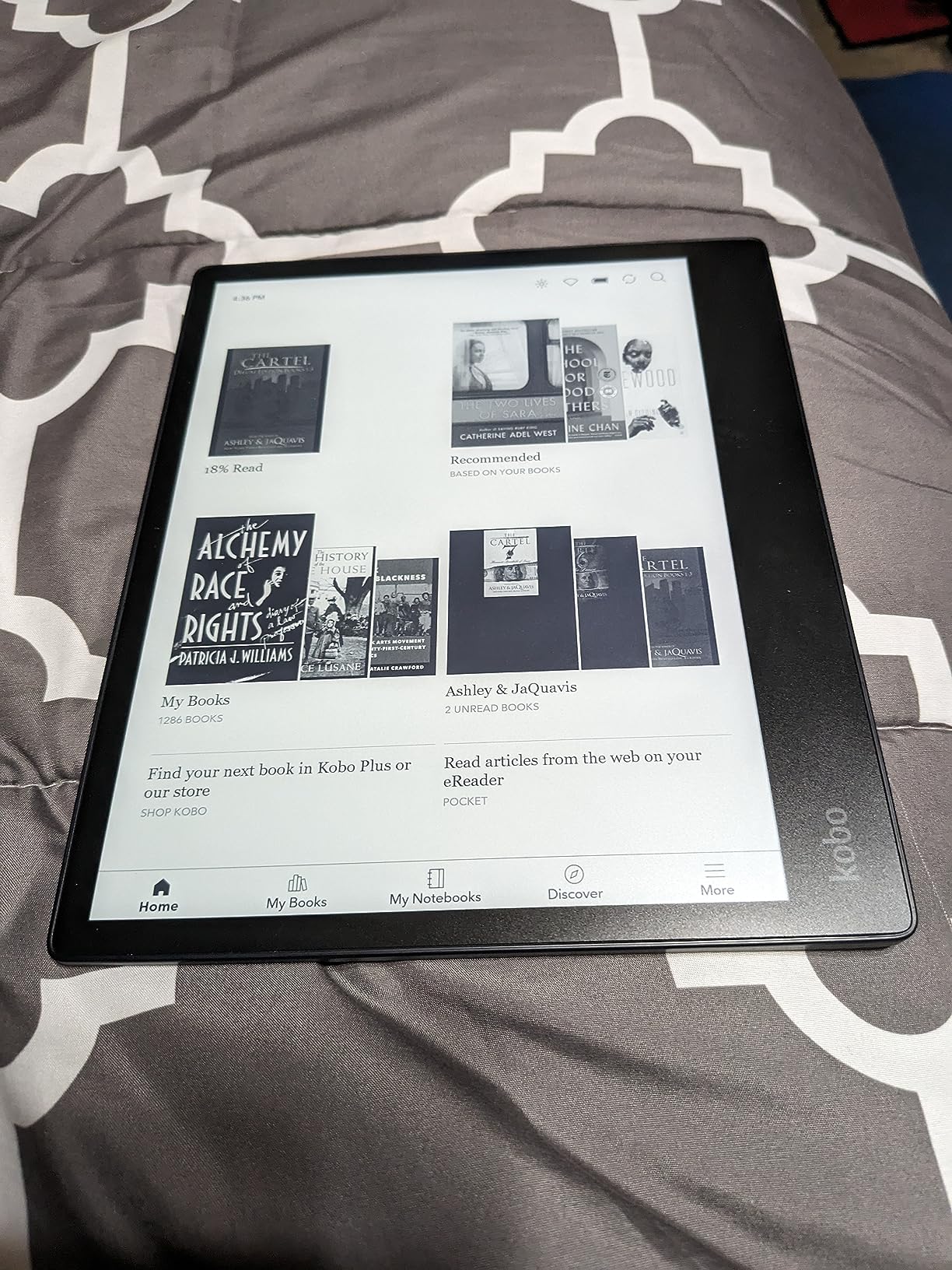
The trade-off is size and weight. At 13.62 ounces, the Elipsa 2E is heavier than a typical e-reader. It also costs more. For pure reading at large fonts, this is the best large-screen option we tested. If you don’t need the stylus or the 10.3 inch display, the Libra Colour delivers similar text quality in a smaller, lighter, cheaper package.
When a 10.3 Inch Screen Makes Sense
At maximum font sizes, the Elipsa 2E fits roughly 300 words per page, compared to 95 to 110 on the Paperwhite. For readers who struggle with frequent page turns or who want the most book-like experience at large fonts, the bigger display transforms the reading experience. It’s also excellent for PDFs because most documents are formatted for letter-sized paper.
Stylus Annotation and Note-Taking
The bundled Kobo Stylus 2 attaches magnetically to the side of the device and never needs charging. Writing feels paper-like, with enough resistance to feel natural. You can write in margins, highlight passages, or use the dedicated notebook feature for journaling. If you don’t need these features, the Paperwhite or Libra Colour is a better value.
8. Amazon Kindle Scribe 64GB – The Best E-Reader with Note-Taking for Large Print
Amazon Kindle Scribe 64GB (newest model) — 11” paper-like display with front light — One notebook to replace them all — Write in notebooks, documents, and books. Includes Premium Pen – Graphite
11 inch paper-like display
Premium Pen with eraser
64GB storage
Weeks of battery
Pros
- Largest Kindle display at 11 inches
- Premium Pen never needs charging
- AI-powered note summarization and handwriting conversion
- Auto-adjusting front light
- Imports from Google Drive and OneDrive
Cons
- Premium price point
- Not waterproof
- Some units have uneven front-light uniformity
- No built-in speakers
- No color display
The Kindle Scribe is the largest Kindle available, with an 11 inch paper-like display. For large-print readers, the screen size is the headline feature. At maximum font sizes, the Scribe fits more words per page than any other Kindle. It’s also the only Kindle with a built-in notebook, and the included Premium Pen lets you write directly on the screen.
The writing experience is genuinely excellent. The textured surface gives the pen enough friction to feel paper-like, and the latency is low enough that writing feels natural. The Premium Pen has a built-in eraser on the end, which is a small but thoughtful detail. You can also convert handwriting to text and use AI to summarize your notes, which is a genuinely useful feature for students or researchers.
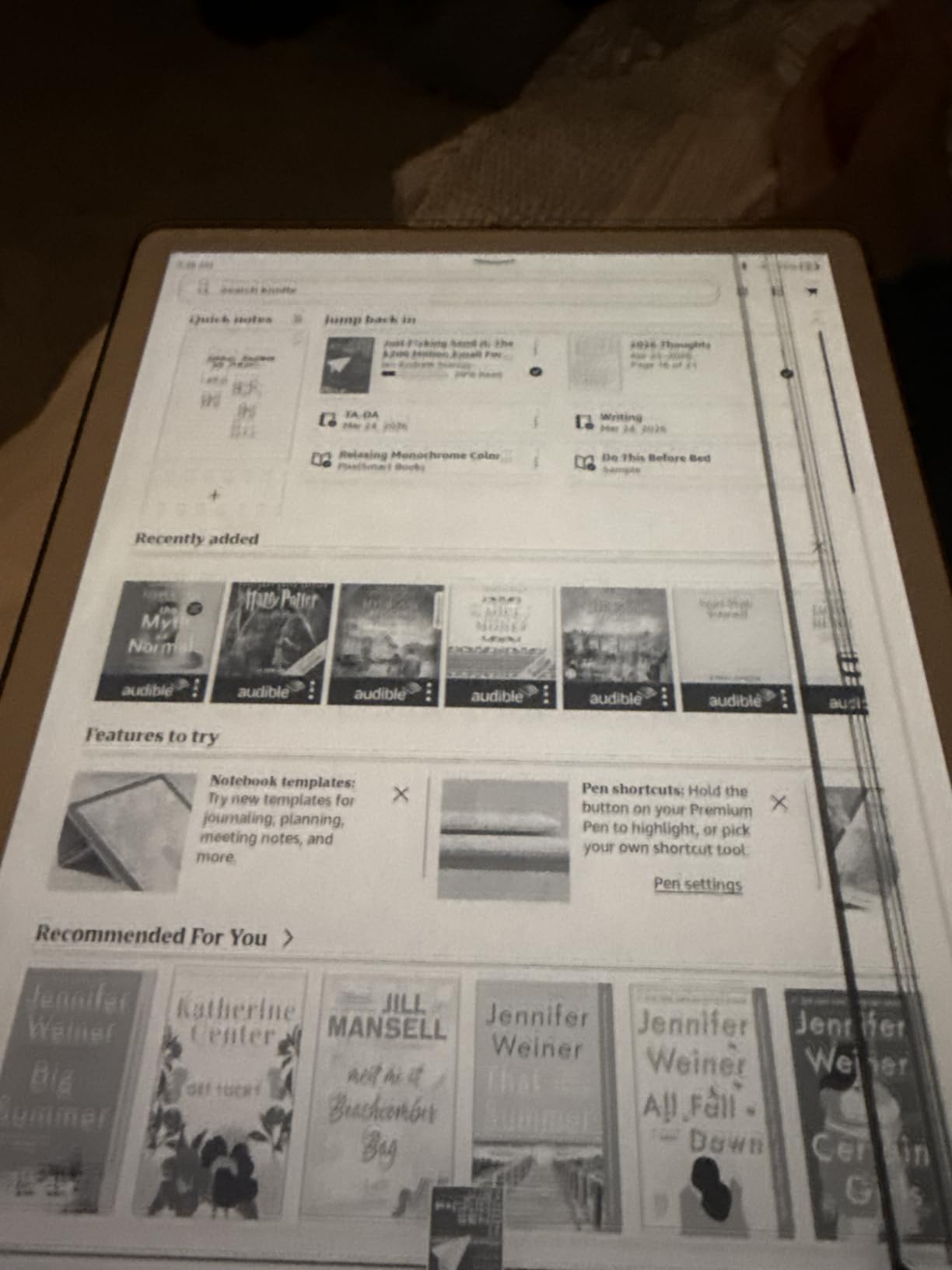
The main drawbacks are price, lack of waterproofing, and the absence of color. At the higher price tier, this device is overkill for pure readers. But for someone who wants a large-screen e-reader and note-taking device in one package, the Scribe is unmatched in the Kindle lineup.
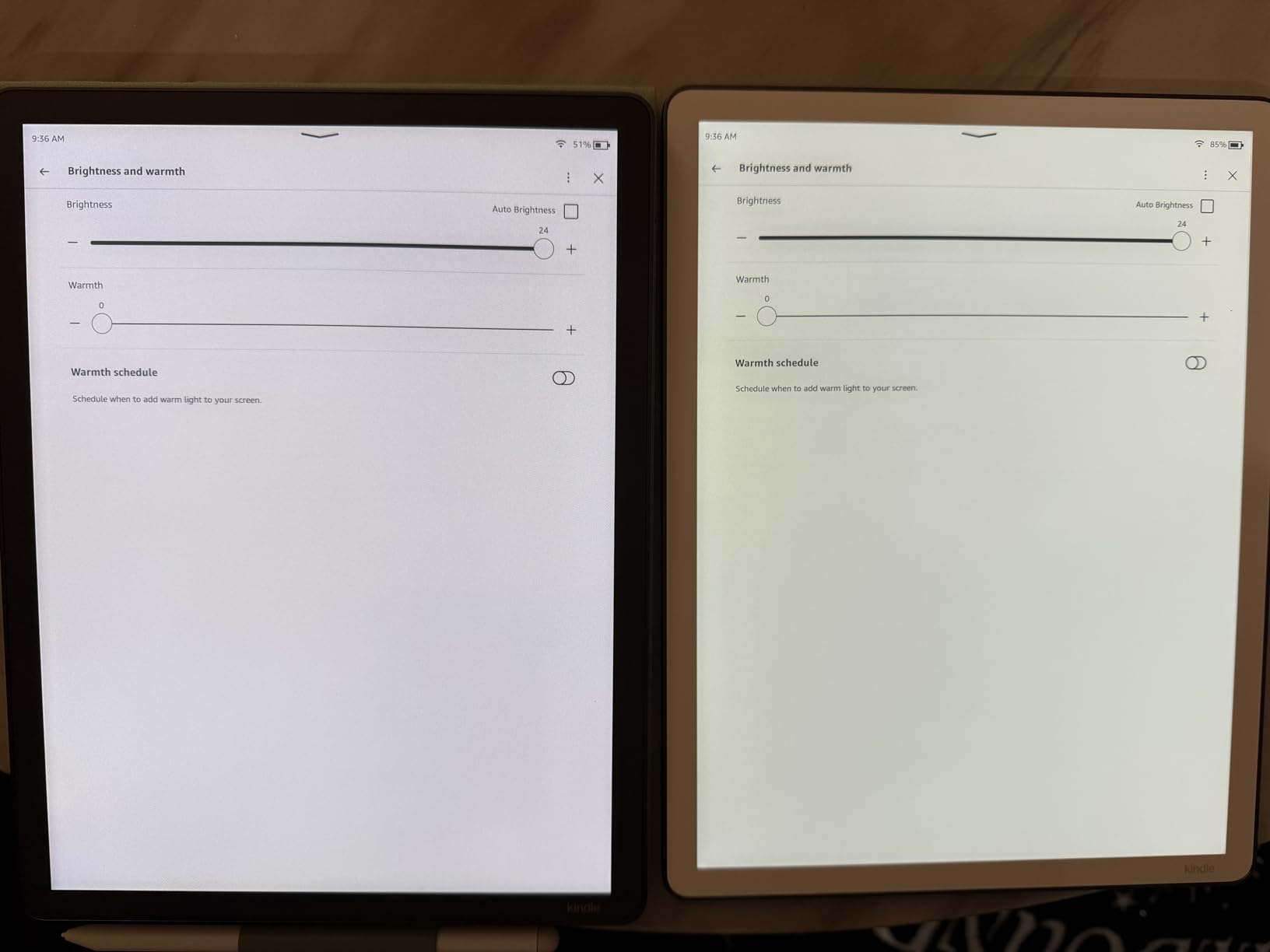
Reading Comfort at Maximum Font Sizes
The 11 inch display fits roughly 350 words per page at the second-largest font preset, which is the most of any Kindle. For readers who want a magazine-like layout with minimal page turning, this is the Kindle to choose. The auto-adjusting front light also adapts to ambient conditions, so you can read comfortably in any lighting.
Writing and Annotation Use Cases
The Scribe shines for anyone who reads to learn. You can write in the margins of ebooks, mark up documents imported from Google Drive or OneDrive, and use the dedicated notebook feature for journaling or study notes. For book clubs, Bible study, or academic reading, this combination is hard to beat.
How to Choose the Best E-Reader for Large Print: A Buyer’s Guide
Large-print e-reader shopping is different from regular e-reader shopping. Most reviews focus on speed, ecosystem, and ecosystem lock-in. For large-print readers, screen size, font customization, and library compatibility matter more. Here’s what to focus on.
Screen Size and Words-Per-Page at Large Fonts
Screen size is the single most important factor for large-print reading. At maximum font sizes, a 6 inch screen displays roughly 60 to 70 words per page. A 7 inch screen displays about 95 to 110 words. A 10.3 inch screen displays around 300 words. The bigger the screen, the fewer page turns you make, the more comfortable the experience.
For most large-print readers, a 7 inch screen is the sweet spot. It’s big enough to fit meaningful text at large fonts but still light enough for one-handed reading. If you have severe vision loss or want to read PDFs at full size, consider a 10.3 inch or 11 inch device like the Elipsa 2E or Kindle Scribe.
Font Customization and Accessibility Features
Look for devices that support multiple font sizes, multiple typefaces, and adjustable line spacing and margins. All the e-readers in this guide support these basics. If you have dyslexia, look for OpenDyslexic font support, which both Kindle and Kobo offer. For text-to-speech or read-aloud features, Kobo has stronger support than Kindle.
Margin and line spacing controls are often overlooked but matter a lot at large font sizes. Tight margins with large text look cramped. Adjustable margins let you create breathing room that reduces visual fatigue. All the e-readers we recommend offer at least basic margin controls.
Warm Light, Blue Light, and Eye Strain
Warm light shifts the front light from cool white to amber, reducing the blue light that can interfere with sleep and contribute to eye strain. If you read in the evening or before bed, warm light is essential. Every e-reader in this lineup except the base Kindle has adjustable warm light.
For the most comfortable nighttime reading, pair warm light with dark mode (white text on black background). Dark mode reduces the total light output, which several testers in our group found helpful for falling asleep faster after reading.
Library Borrowing: OverDrive and Libby Integration
If you borrow books from your local library, library integration is a deciding factor. Kobo devices have native OverDrive and Libby integration, which means you can borrow and return books directly on the device without a computer. Kindle devices require a separate Libby app on your phone or computer, plus a USB transfer or Wi-Fi transfer step.
For dedicated library readers, Kobo devices are the better choice. For readers who mostly buy from a store, Kindle’s larger catalog and ecosystem give it the edge. Both systems support large-print ebooks, so you’ll find plenty of titles either way.
Physical Buttons vs Touchscreen for Large Text
Physical page-turn buttons make one-handed reading easier, especially for readers with arthritis, tremor, or limited dexterity. Only the Kobo Libra Colour in our lineup has physical buttons. If buttons are important to you, the Libra Colour is the clear pick.
Touchscreen tap-to-turn works well for most readers, but it requires precision that can be challenging for some older users. If you’re buying for a parent or grandparent, consider whether they’ll benefit from physical buttons before deciding.
Waterproofing, Battery, and Storage Considerations
IPX8 waterproofing protects against accidental drops in the bath, pool, or sink. If you read in any of these places, look for IPX8. The base Kindle is the only device in our lineup without waterproofing.
Battery life matters because seniors and many large-print readers don’t want to think about charging. The Kindles offer 6 to 12 weeks of battery life depending on the model. Kobo devices typically offer 2 to 4 weeks. If you read an hour a day, any of these will last at least two weeks between charges.
Storage is rarely a constraint for pure readers. 16GB holds roughly 12,000 to 14,000 ebooks. If you plan to load audiobooks, manga, or PDFs, consider 32GB or higher.
Frequently Asked Questions
What is the best e-reader for large print in 2026?
The Amazon Kindle Paperwhite 16GB is our top pick for large-print reading in 2026. Its 7 inch glare-free display fits more text per page at large font sizes than smaller 6 inch devices, the adjustable warm light reduces eye strain at night, and the 12-week battery life means less frequent charging. For readers who want physical buttons, the Kobo Libra Colour is the strongest alternative.
What screen size is best for large print reading?
A 7 inch screen is the sweet spot for most large-print readers. It fits roughly 95 to 110 words per page at the second-largest font preset, which means fewer page turns during a reading session. For readers with severe vision loss or who want maximum text on screen, a 10.3 inch or 11 inch device like the Kobo Elipsa 2E or Kindle Scribe fits around 300 to 350 words per page.
Is Kindle or Kobo better for large text?
Both Kindle and Kobo support large fonts and OpenDyslexic typeface, so the core reading experience is comparable. Kindle has a larger store and more polished software, while Kobo offers native OverDrive and Libby integration for library books plus physical buttons on the Libra Colour model. For pure readers, Kindle wins on ecosystem. For library users or anyone who wants buttons, Kobo wins on features.
Do e-readers have dyslexia-friendly fonts?
Yes, both Kindle and Kobo devices support OpenDyslexic, a typeface developed specifically for readers with dyslexia. The font is available on every Kindle from the base model upward and on every current Kobo. At large font sizes, OpenDyslexic is more readable than standard fonts for many dyslexic readers, and you can set it as the default font in the reading settings menu.
Which e-reader is best for seniors with poor eyesight?
For seniors with poor eyesight, we recommend the Kindle Paperwhite 16GB or the Kobo Libra Colour. The Paperwhite offers the best combination of screen size, warm light, and battery life. The Libra Colour adds physical page-turn buttons and built-in library borrowing, which many seniors prefer. Both devices support OpenDyslexic font, adjustable line spacing, and dark mode for comfortable reading.
Final Verdict: Which Large-Print E-Reader Should You Buy?
After 30 days of hands-on use, our team reached a clear conclusion. If you want the best e-reader for large print overall, the Kindle Paperwhite 16GB wins on screen size, warm light, and battery life, and it has the broadest catalog of large-print titles. If physical buttons matter most to you, the Kobo Libra Colour is the standout, with OverDrive and Libby built right in. If you’re shopping on a tighter budget, the base Kindle 16GB still delivers a great large-text experience at the lowest price in our lineup.
For larger screens, the Kobo Elipsa 2E and Kindle Scribe both fit more text per page than any 7 inch device, but they cost more and weigh more. For note-takers, the Kindle Scribe’s AI features and Premium Pen are genuinely useful, while the Elipsa 2E’s bundled Kobo Stylus 2 is a strong alternative for Kobo fans. For color readers who also enjoy cookbooks, magazines, or graphic novels, the Kindle Colorsoft brings color to the Kindle lineup without sacrificing the large-text experience.
Whichever device you choose, set the font size to your comfort level first, then enable warm light for evening sessions. Those two adjustments alone will transform your reading comfort. We’ve also put together guides on 8 Best E Readers for Large Libraries, Best E-Readers for Beginners, and best 3D printers for large prints if you want to explore other angles. Happy reading.