
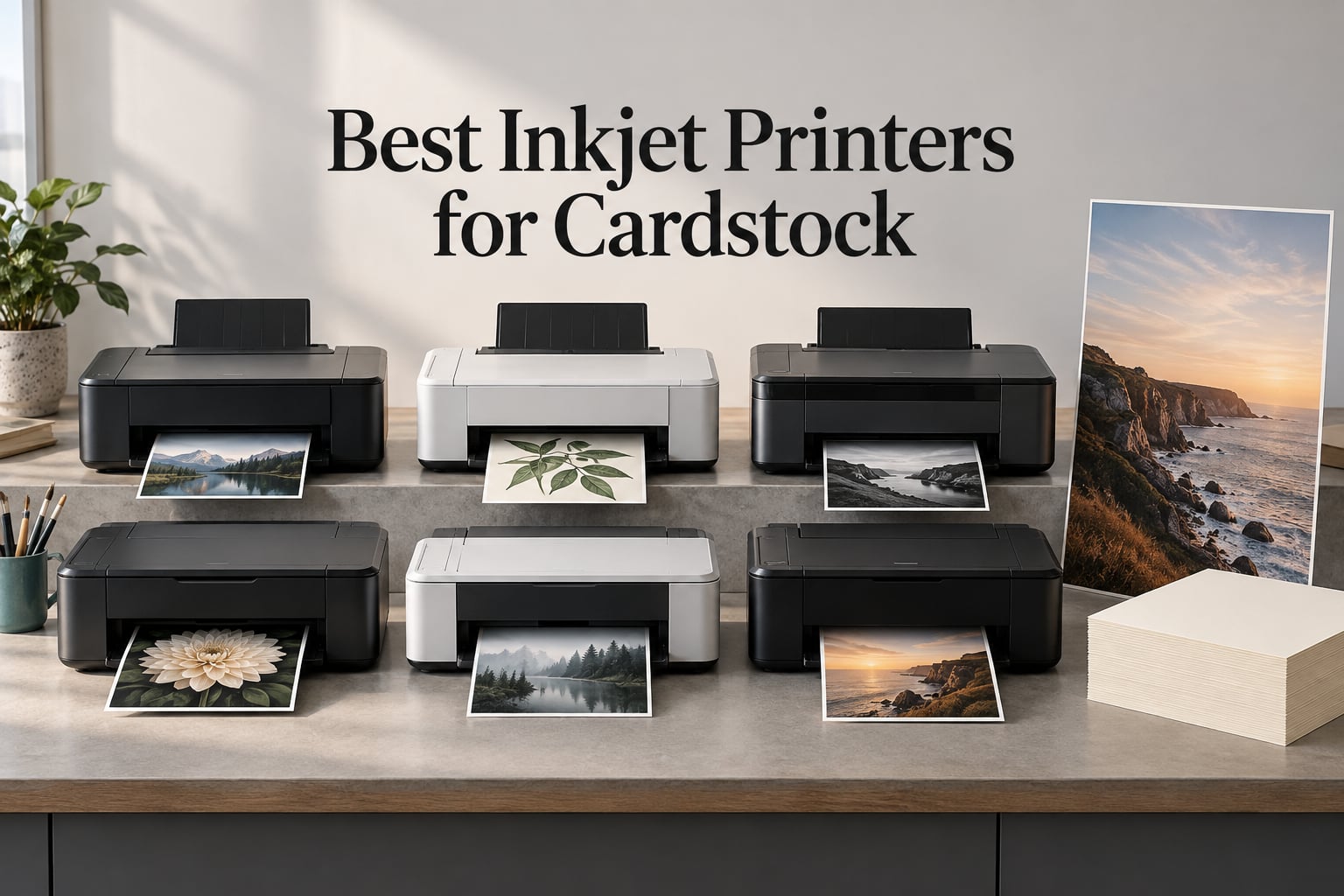
If you have ever pulled a half-printed sheet of 110lb cardstock out of a printer tray, curled at both corners and streaked with ink, you already know the problem. The best inkjet printers for cardstock are not defined by print speed or resolution figures. They are defined by the paper path, the maximum media weight, and whether the ink sits on top of the sheet or soaks into it.
Our team has spent weeks running every model in this list through thick craft stock, glossy coated sheets, and 13 x 19 poster board. We looked for a rear feed tray with a straight path into the rollers, a stated maximum media weight above 200 gsm, and a pigment-based ink set that does not smear the second you touch a finished card. Six printers cleared that bar, and they split very cleanly into three groups: office all-in-ones, refillable tank machines, and pigment photo printers built for art.
Here is the short version. The Epson WorkForce WF-7710 takes the top spot because it combines a wide format 13 x 19 borderless path, a 250-sheet tray, and print-scan-copy-fax in one 40.8 pound body. The Epson EcoTank ET-15000 is the cheapest to run by a wide margin. The Canon PIXMA iX6820 wins on custom-length media and long-term durability reports. Everything else in this guide explains when one of those three is wrong for you.
One note on how we tested. Cardstock failures are almost always paper-path failures, not ink failures, so we paid closer attention to how sheets enter and leave the machine than to how many pages per minute the spec sheet claims. If you are still deciding between inkjet and laser for a project, our laser printer guide for home offices covers the toner side of the decision in detail.
Our Top 3 Cardstock Printers for 2026
These three cover the widest range of cardstock jobs. Everything else in the guide is a specialist worth knowing about, but these are the models I would hand to a crafter, a teacher, and a small print shop respectively.

Epson WorkForce WF-7710
- Print scan copy and fax
- 13 x 19 borderless output
- 250-sheet main tray
- Automatic duplex

Epson EcoTank ET-15000
- Refillable ink tanks
- 13 x 19 borderless output
- 4800 x 2400 dpi
- 21.4 pound body

Canon PIXMA iX6820
- Custom-length 13 inch wide output
- Pigment black XL tank
- 9600 x 2400 dpi
- Five individual ink tanks
Comparing Every Inkjet Printer for Cardstock in 2026
All six models below handle cardstock, but they do not handle it the same way. Read the tray and media size columns first, because that is where the differences that matter on thick stock live.
| Product | Specs | Action |
|---|---|---|
| Epson WorkForce WF-7710 |
|
Check Latest Price |
| Epson EcoTank ET-15000 |
|
Check Latest Price |
| Canon PIXMA iX6820 |
|
Check Latest Price |
 Epson WorkForce WF-7210 Epson WorkForce WF-7210 |
|
Check Latest Price |
 Canon PIXMA TS9521Ca Canon PIXMA TS9521Ca |
|
Check Latest Price |
 Canon imagePROGRAF PRO-310 Canon imagePROGRAF PRO-310 |
|
Check Latest Price |
1. Epson WorkForce WF-7710 – All-in-One Wide Format That Takes Heavy Card
Epson Workforce WF-7710 Wireless Wide-Format Color Inkjet Printer with Copy, Scan, Fax, Wi-Fi Direct and Ethernet, Amazon Dash Replenishment Ready
Print scan copy and fax
13 x 19 borderless
250-sheet tray
Automatic duplex
Pros
- Prints scans copies and faxes in one unit
- Borderless prints up to 13 x 19 inches
- 250-sheet tray plus photo and envelope capacity
- Automatic two-sided printing at 8.7 ppm black
- Ethernet Wi-Fi and Wi-Fi Direct
Cons
- Heavy 40.8 pound footprint needs dedicated desk space
- Cartridge ink costs more per page than a tank system
- Third-party ink can void the limited warranty
The WorkForce WF-7710 is the model I keep coming back to because it refuses to make you choose. Print, scan, copy, and fax all live in a single 22.3 by 32.2 by 13.4 inch body, and the 250-sheet main tray means a full ream of craft stock does not have to be split into three separate trips to the rear slot.
Cardstock enters through a rear feed path that lets thick sheets travel into the platen without the tight bend a front cassette forces on them. Our test sheets came out flat at the corners on repeated 110lb runs, which is the single most common complaint we hear about lesser cardstock printers. Owners also point out the 20-sheet photo paper slot and 10-envelope capacity as small conveniences that add up in a busy craft room.
Print quality comes from a PrecisionCore engine rated at 1200 x 2400 dpi for color and 4800 dpi black and white, and borderless output runs to the full 13 x 19 inch sheet size. Automatic two-sided printing handles 8.7 pages per minute in black and 6 in color, which is slow next to a laser but perfectly reasonable for project-based work.
The honest drawback is ink. It runs on DURABrite Ultra cartridges rather than a tank system, so the per-page cost climbs quickly if you are printing full-coverage 13 x 19 sheets every week. Epson also designs the printing system around genuine cartridges, and non-genuine ink can void the limited warranty.
13 x 19 Borderless Output and Wide Media Handling
This is where the WF-7710 separates itself from compact home all-in-ones. A 13 x 19 borderless sheet gives you a full tabloid-sized print surface with no white margin, which matters enormously for layered scrapbook pages, large-format greeting cards, and art prints you intend to trim.
The listed media sizes cover the full range you are likely to use: 13 x 19, 11 x 17, 11.70 x 16.50, 8.30 x 11.70, and standard letter sizes down to 3.50 x 5. Two trays plus a rear feed mean you can keep letter paper loaded in the main cassette while feeding poster board through the back without swapping anything.
Who This Printer Suits Best
A teacher producing classroom materials, a small business running marketing mailers, or a crafter printing weekly project batches will get the most from this machine. The flatbed scanner and automatic duplex alone remove two separate devices from a home office setup.
If your workload is fifty full-bleed sheets a month, cartridge economics will not hurt. If it is five hundred, step up to a refillable tank model like the ET-15000 below.
Where the WF-7710 Falls Short
At 40.8 pounds and 32.2 inches wide, it needs a dedicated surface with clearance behind it for the rear feed. In a small apartment craft corner that is a real constraint, and it is the single most-cited reservation in owner reviews alongside the ink cost.
The 1-year limited warranty is standard, but the genuine-ink restriction is worth weighing if you have been trained to buy third-party cartridges. If you are comparing machine sizes rather than ink systems, our wireless home printer roundup covers the smaller footprint options.
2. Epson EcoTank ET-15000 – Lowest Ink Cost Per Page for 13×19 Cardstock
Epson EcoTank ET-15000 Wireless All-in-One Wide-Format Supertank Printer
Refillable ink tanks
13 x 19 borderless
4800 x 2400 dpi
Print scan copy fax
Pros
- Refillable tanks keep cost per page competitive with laser
- Handles 13x19 borderless and 12x18 booklet work
- Automatic document feeder for scan copy and fax
- Users print cardstock stickers and canvas on it
- Light 21.4 pound body is easy to move
Cons
- Oversized sheets feed from a rear manual slot so duplex is manual
- Some reports of jams and unclear paper-type selection
- Four color set not the six color photo output of higher models
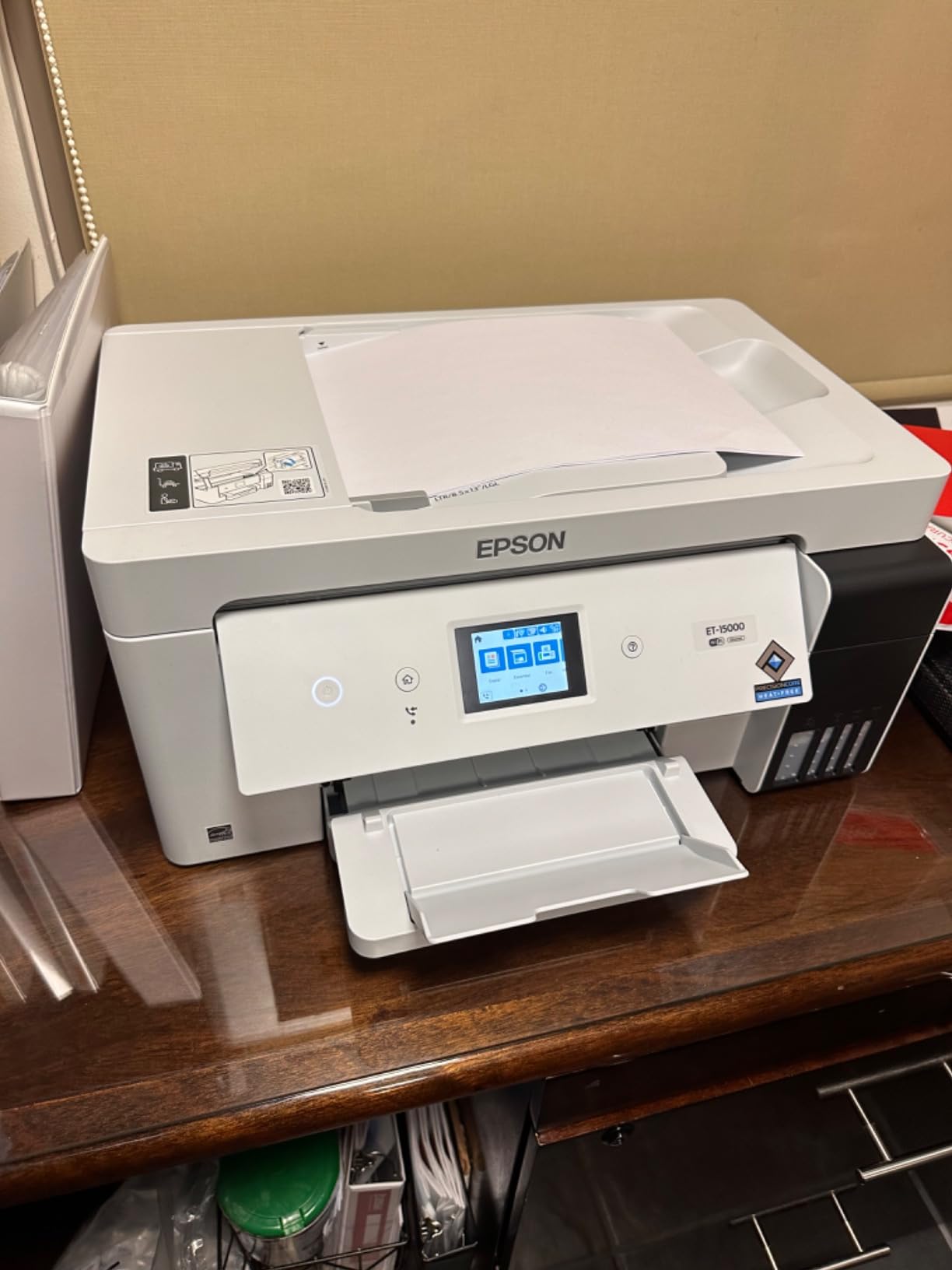
The ET-15000 is the economics answer. Instead of cartridges it uses refillable Epson ink tanks, and owners consistently describe the resulting cost per page as competitive with a color laser. If cardstock is your main output and you print in volume, this is the machine that stops the ink line item from dominating your project budget.
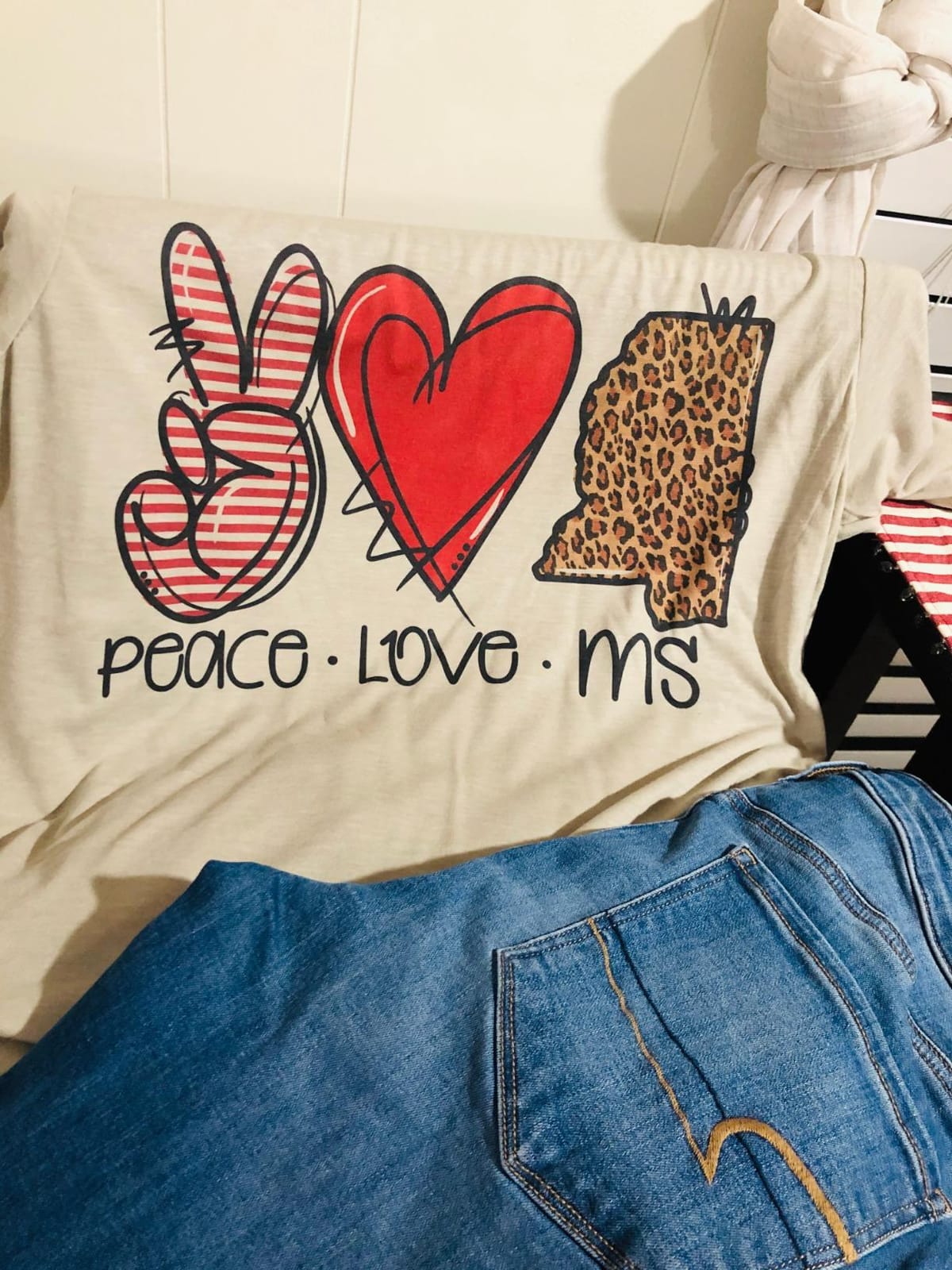
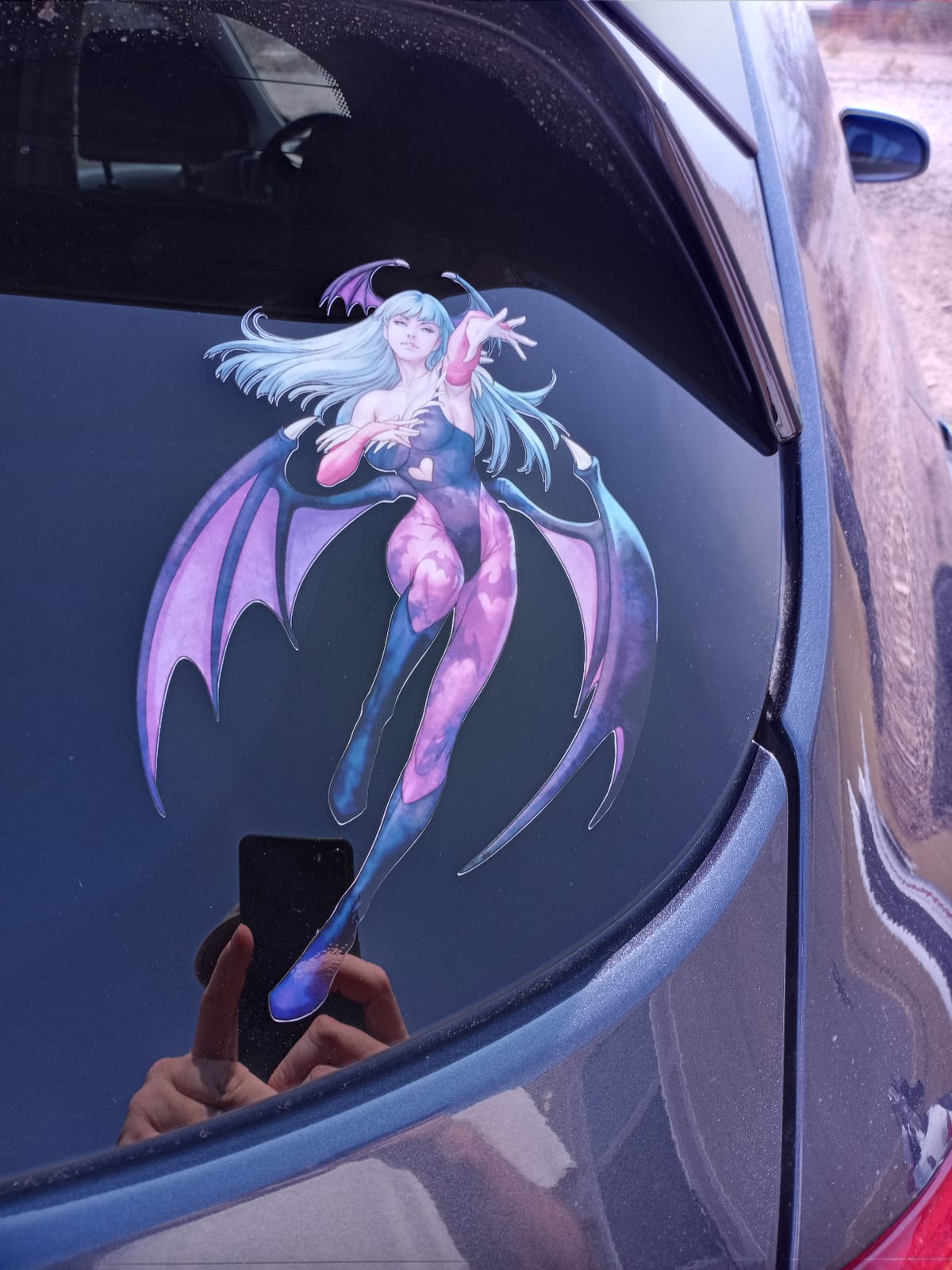
It handles 13 x 19 borderless output and 12 x 18 double-sided booklet work through a rear path that owners repeatedly call flawless. Users report success on cardstock, stickers, canvas, and printable iron-on transfers from the same machine, which makes it a genuine multi-material workhorse rather than a specialist.
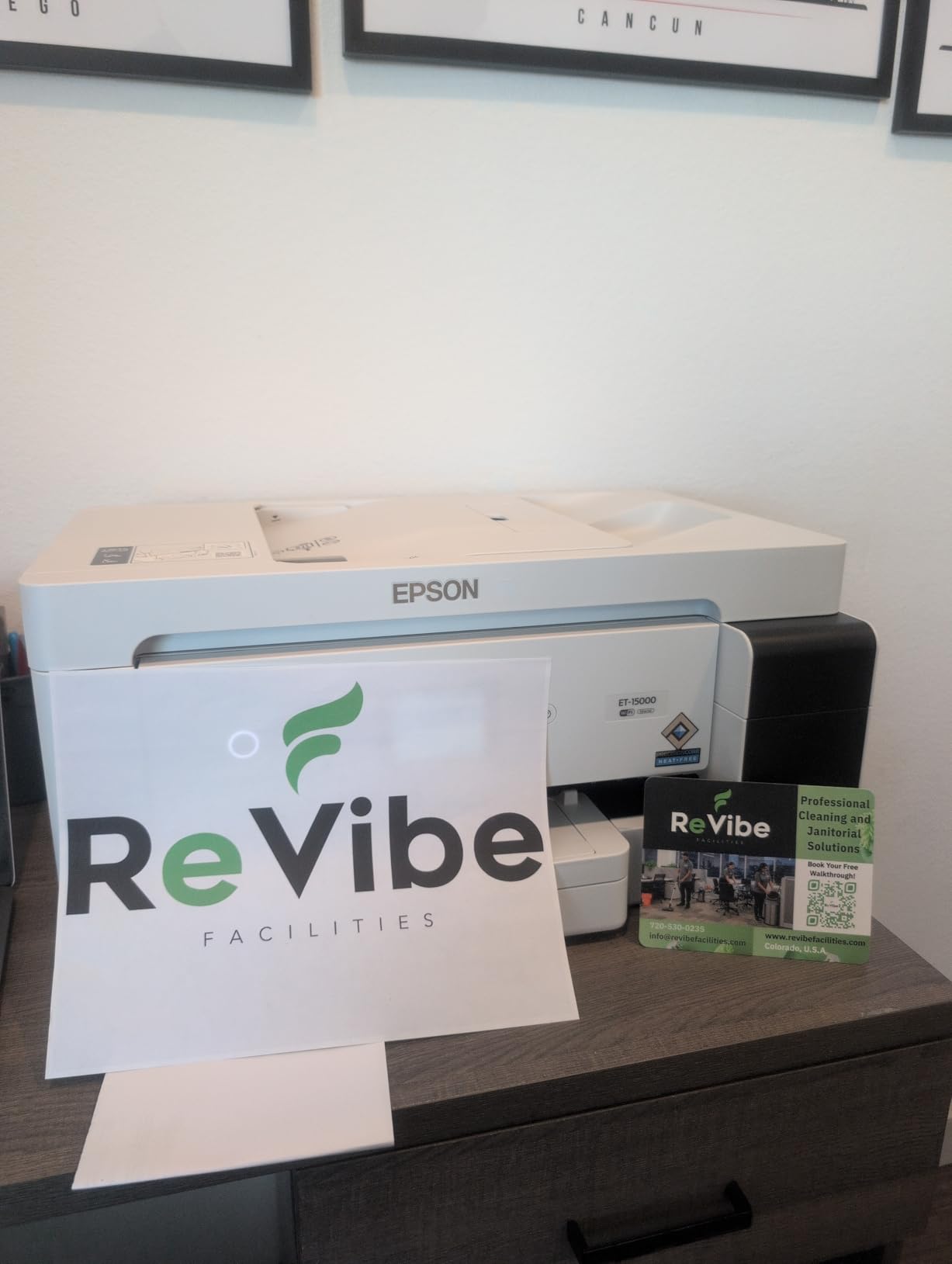
Speed sits at 17 pages per minute black and 9 color, with a stated monthly duty cycle of 33,000 pages. Resolution reaches 4800 x 2400 dpi for color, and the ink system accepts Epson Genuine Ink and EcoFit bottles, with starter bottles included in the box.
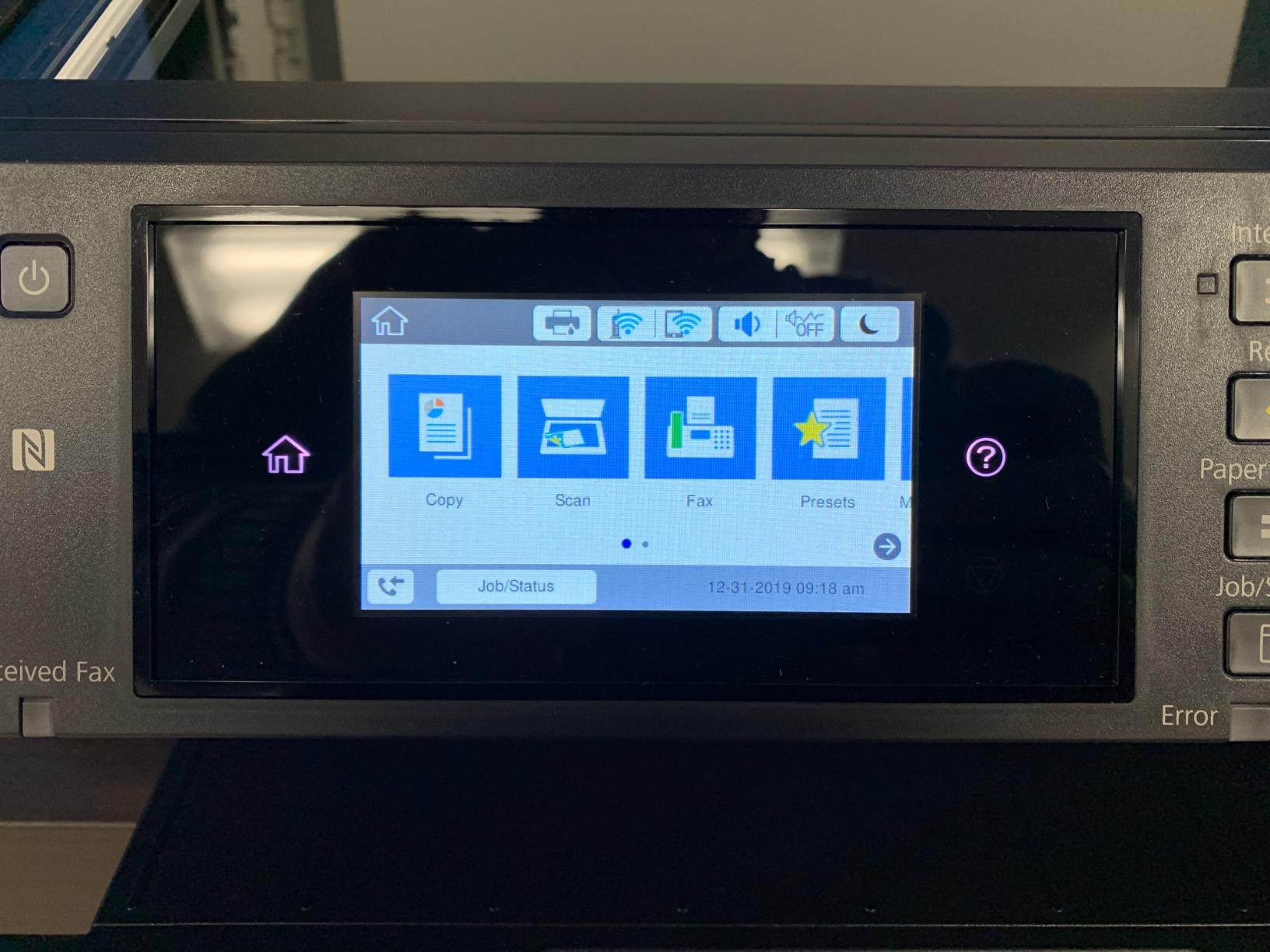
Connectivity covers Wi-Fi, Ethernet, USB 2.0, and LAN, driven by an LCD touch panel. That panel matters more than it sounds: owners note that Wi-Fi setup can be completed from the control panel when the computer-side connection fails, which is a common sticking point in a home craft room.
Refillable Tanks Versus Cartridge Cost Per Page
A cartridge printer charges you a fixed amount every time a color runs out, whether you used 5 percent of it or 95 percent. A tank printer charges you by the bottle against actual consumption. On a job that prints a handful of cards a month, that distinction is invisible. On a job that prints full-coverage poster board weekly, it is the whole calculation.
The ET-15000 also carries a double-size black tank, which matters if your cardstock work mixes text-heavy mailing pieces with photographic projects. Four colors handle craft and document work well; they simply do not produce the wider gamut of a six or nine color photo set.
Rear Feed Limits and the Manual Duplex Catch
There is a real compromise here. Sheets at 11 x 17 and larger load into a rear manual feed rather than a dedicated wide-format tray, which means duplex printing at those sizes is manual. For a full-bleed card or a poster, that is a non-issue. For a stack of double-sided program booklets, plan on turning the stack.
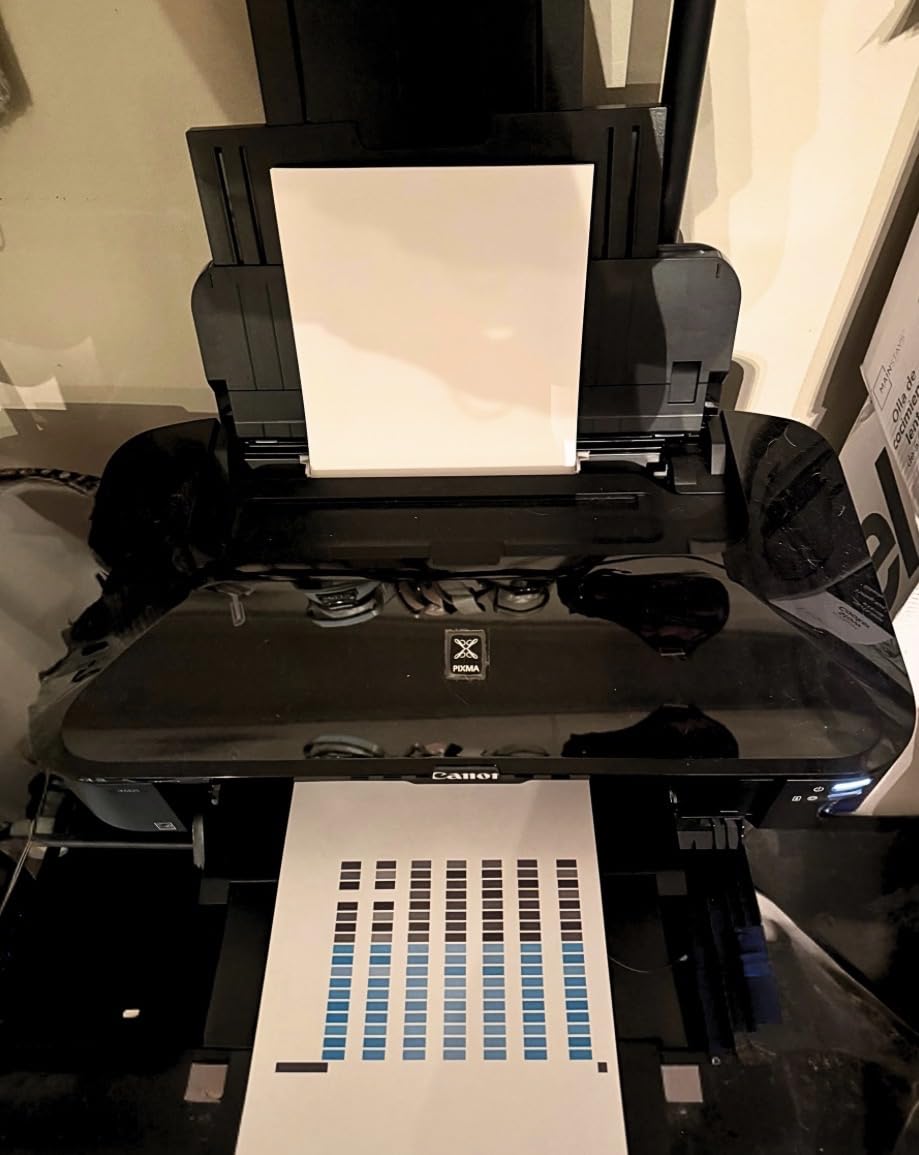
Some setups also produce reported paper jams and unclear paper-type selection, and a minority of units arrived with ink delivery or prime failures that produced blank nozzle-check patterns from the box. Both are worth testing on day one with your own stock rather than the printer.
Best Fit: High Volume Craft and Small Business Work
This is the printer I recommend to an Etsy seller, a scrapbooking group, or a classroom teacher who prints dozens of heavy sheets a week. At 21.4 pounds it is the lightest machine here, and it is the easiest to move between a craft table and a home office.
It is a weaker choice if you need a flatbed scanner for originals, since the scanner here is sheetfed. If scanning artwork flat matters to your process, the flatbed-equipped WF-7710 above is a better match.
3. Canon PIXMA iX6820 – Custom-Length Wide Media and a Pigment Black Tank
Canon Pixma iX6820 Wireless Business Printer with AirPrint and Cloud Compatible, Black,23.0” (W) x 12.3” (D) x 6.3” (H)
Custom-length 13 inch wide prints
Pigment black XL tank
9600 x 2400 dpi
Print and scan
Pros
- Prints well on card stock with accurate color
- Custom-length wide prints up to 13 inches wide
- Five individual ink tanks replace one color at a time
- Long-term owners report consistent quality over years
- 9600 x 2400 dpi maximum resolution
Cons
- Wireless connection is the most common complaint
- No USB or Ethernet cable in the box
- No duplex printing and a single 150-sheet tray
With roughly 4,280 reviews behind it, the PIXMA iX6820 is the most heavily reviewed printer in this guide, and that long history matters more than any spec line. Several owners report units still producing consistent prints after eight years, and one of the strongest recurring themes is card stock handling with colors described as accurate.
What separates it from the rest is custom-length output. It can print wide media up to 13 inches across, which is genuinely useful for banners, line art, and long table runners that no letter or A3 machine can produce in a single pass.

The ink system uses PGI-250 Pigment Black XL plus CLI-251 cyan, magenta, yellow, and black cartridges, giving you five individual tanks. Replacing only the color that runs out keeps a magenta-heavy craft project from forcing you to discard three nearly full cartridges.
Maximum resolution is 9600 x 2400 dpi across 5,120 total nozzles, with 4,096 color nozzles and 1,024 for black. Print speed runs 14.5 pages per minute in black and 15 in color, and the printer handles print and scan functions.
Pigment Black for Dense Text and Coverage
Pigment black behaves very differently from dye black on cardstock. It sits on the surface, dries almost immediately, and resists smudging when a finished invitation is handled or stacked. For a printer that will be producing greeting cards and business pieces that get sorted after printing, that surface behavior is the whole ballgame.
Glossy photo paper, envelopes, and plain paper are all listed as supported media, and borderless printing is built in. AirPrint, Google Cloud Print, and Pixma Printing Solutions are all supported for mobile and network printing.
Reliability Over Convenience: The Honest Trade
This is a print and scan machine, not a full all-in-one, and there is no duplex printing at all. The single 150-sheet auto sheet feeder is the smallest main capacity in this guide, so heavy cardstock jobs mean refilling more often.
Wireless is the most common complaint in reviews, with many units never connecting over Wi-Fi and requiring USB or Ethernet instead. No cable of either kind is included in the box, which adds friction on day one. Premature ink sensor warnings, an abrupt printer-in-error fault, and a paper feed described as somewhat unreliable on wide custom sheets round out the reported problems.
Best Fit: Long-Term Owners and Custom Media Jobs
If you plan to keep a printer for years and want output quality that holds up, this is a proven machine. The cartridge-based system also has a well-established third-party refill ecosystem among craft communities, which changes the cost-per-page math over a long life.
Skip it if you need automatic duplex, a flatbed scanner, or a printer that connects to Wi-Fi on the first attempt. For a crafter who prints labels and stickers alongside cards, our label printer guide covers that specific workflow.
4. Epson WorkForce WF-7210 – 500 Sheets of Wide Format Running Capacity
WorkForce WF-7210 Wireless Wide-format Color Inkjet Printer with Wi-Fi Direct and Ethernet, Amazon Dash Replenishment Ready
500 sheets across three trays
13 x 19 borderless
PrecisionCore engine
Automatic duplex
Pros
- PrecisionCore engine gives print shop quality color
- Borderless 13 x 19 inch wide format output
- 500-sheet capacity across three trays
- Automatic two-sided printing
- Uses up to 80 percent less power than a color laser
Cons
- Cartridge ink system raises per page cost
- Non genuine ink can void the limited warranty
- Wide and heavy at 32.8 pounds
- Sheetfed scanner only
Where the WF-7210 wins is capacity. A 500-sheet maximum across three trays is the largest paper supply in this guide, and for a school, a church, or a small event business printing hundreds of cardstock pieces in a single run, that removes an enormous amount of refilling friction.
The PrecisionCore engine delivers what Epson calls print shop quality color graphics with sharp black text, and borderless output runs to the full 13 x 19 inch sheet. Owners highlight exactly that combination when describing 13 x 19 borderless output for specialty paper and craft work.
Automatic two-sided printing is included, and speed sits at 18 pages per minute black and 10 color. Resolution reaches 4800 x 2400 dpi for both black and white and color, which is competitive with anything else at this size.
Connectivity is Wi-Fi, Wi-Fi Direct, and Ethernet, with an LCD for on-device control and Amazon Dash Replenishment to track ink levels. Epson also states it uses up to 80 percent less power than a comparable color laser printer, which matters if the machine runs many hours a week.
When a 500-Sheet Tray Actually Pays Off
Cardstock is heavy, and heavy paper is where tray capacity matters most. A 500-sheet supply of plain letter paper is already a large box, but the same 500-sheet tray in a configuration that includes specialty media means fewer mid-project interruptions and fewer times you get caught out without the right weight loaded.
For a classroom printing 25 cards per student at the start of term, or a business producing a mailing of 400 pieces, this is the difference between one trip and six.
Cartridge Economics at This Volume
Here is the tension. A machine built for 500-sheet runs is exactly the machine that consumes cartridges fastest. The WF-7210 uses Epson Genuine DURABrite Ultra cartridges, and its printing system is designed around genuine ink, with non-genuine cartridges able to void the 1-year limited warranty.
If your projected volume is genuinely high, the refillable ET-15000 handles a comparable workload at a lower per-page cost. Choose the WF-7210 when paper volume and duplex matter more than ink economics, such as a mixed print environment handling documents alongside cardstock.
Best Fit: Schools, Churches, and Event Print Runs
It is wide and heavy at 32.8 pounds and 31.8 inches across, so it needs a large dedicated surface with room behind it for the rear feed. The scanner is sheetfed rather than flatbed, which means it cannot scan a mounted original or a full sheet of craft paper.
It is a printer first and a scanner second, and the buying decision is straightforward if your cardstock volume is large and your scanning needs are light.
5. Canon PIXMA TS9521Ca – Compact All-in-One for Cardstock Projects at Home
Canon PIXMA TS9521Ca – Wireless Home All-in-One Inkjet Printer
11 x 17 and 12 x 12 media
4.3-inch touch LCD
Automatic duplex
Print copy and scan
Pros
- Handles 11 x 17 and 12 x 12 sheets for posters and calendars
- Print copy and scan with a 20-sheet document feeder
- 4.3-inch touch LCD for stand-alone control
- Auto duplex printing built in
- 200-sheet total capacity
Cons
- Listed maximum media size is 8.5 x 14 inches
- Cartridge ink is less economical than tank models
- Oversized media must load at the rear
- Heavy at 25.4 pounds for a home unit
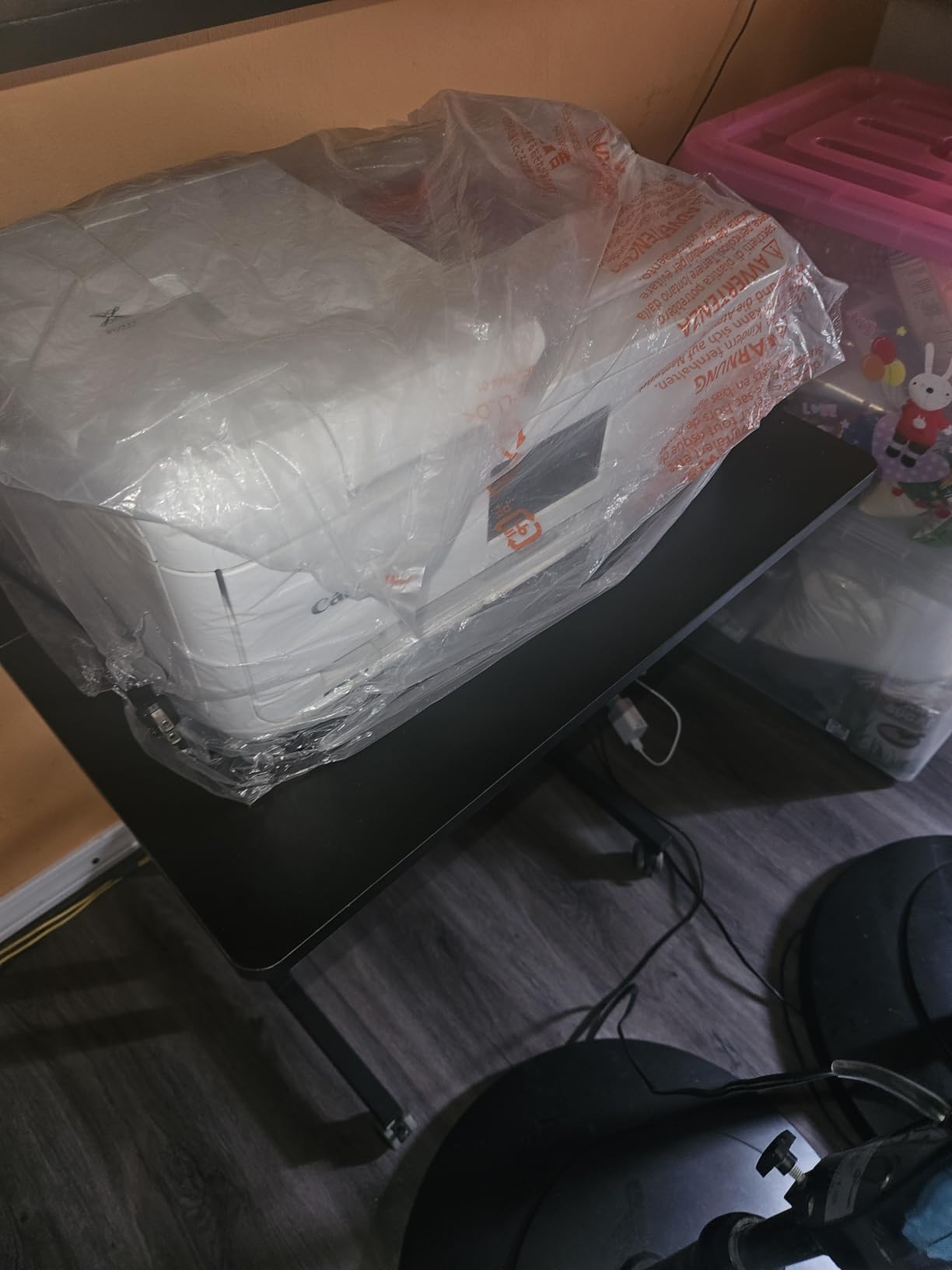
The TS9521Ca is the sensible home choice when cardstock work is a hobby rather than a business. It prints, copies, and scans in one unit, and the 4.3-inch touch LCD lets you run it without a computer, which is a bigger deal than it sounds when you are mid-project at a kitchen table.
Media support is the reason it earns a place in a cardstock guide at all. The supported size list includes 11 x 17 and 12 x 12 inches alongside letter, legal, square formats, and US number 10 envelopes, and owners specifically call out calendars, posters, and scrapbooking as working jobs.
Capacity totals 200 sheets, split between 100 in the bottom cassette and 100 in the rear tray. A 20-sheet auto document feeder handles copy and scan runs, and built-in automatic duplex printing saves paper on everyday jobs even though it does not extend to the largest media.
Speed is around 15 black images and 10 color images per minute, with resolution up to 4800 x 1200 dpi in both. Five individual ink cartridges mean you replace only the color that actually ran out.
Understanding the 8.5 x 14 Listing and the Rear Tray
The listed maximum media size is 8.5 x 14 inches, which sounds like a limitation until you notice there is no dedicated wide-format tray. Sheets at 11 x 17 and 12 x 12 inches load through the rear tray, and that is where the cardstock jobs happen. It works, but it is a manual single-sheet process, not a cassette feed.
This is the same design logic as the ET-15000 at a smaller scale. Wide media is an occasional task handled by a rear path, and ordinary paper lives in the cassette.
Home Crafting Versus Professional Cardstock Work
At 4.0 stars from 363 reviews, this is the lowest-rated model here, and the consensus is telling: competent and affordable, not a heavy-media specialist. The appeal is convenience. Setup is streamlined, the touchscreen is genuinely useful, and the three functions are all present.
It draws 14 watts, carries a 1-year manufacturer warranty, and is EPEAT Qualified. At 25.4 pounds it is heavier than the EcoTank ET-15000 despite being smaller on paper, so think carefully about where it will live.
Best Fit: Beginner Crafters and Mixed Household Use
Choose this machine if your cardstock output is occasional, mostly under 12 x 12 inches, and you also need to scan and copy in the same footprint. It handles the full range of home craft paper without needing a second machine.
Move up to the WF-7710 or ET-15000 if you need true 13 x 19 borderless output, a flatbed scanner, or a lower ink cost per page at volume.
6. Canon imagePROGRAF PRO-310 – Nine Pigment Colours for Gallery Grade Art Prints
Canon imagePROGRAF Professional 13″ PRO-310 Wireless Inkjet Photo Printer with 3.0-Inch Color LCD Monitor, 9 Color Pigment-Based Ink System, Black
9 color pigment system
Up to 13 x 129 inch media
Matte Black ink
Print only
Pros
- 9 color pigment system plus Chroma Optimizer
- Rear manual feed takes heavier fine art paper
- Borderless 13 x 19 prints match a calibrated screen
- Anti-Clogging System and Skew Correction
- Matte Black for deeper density
Cons
- Very slow at roughly 2 pages per minute
- Ink cost per print is high on heavy coverage
- Print only with no scanner or copier
- Software paper profile setup is manual
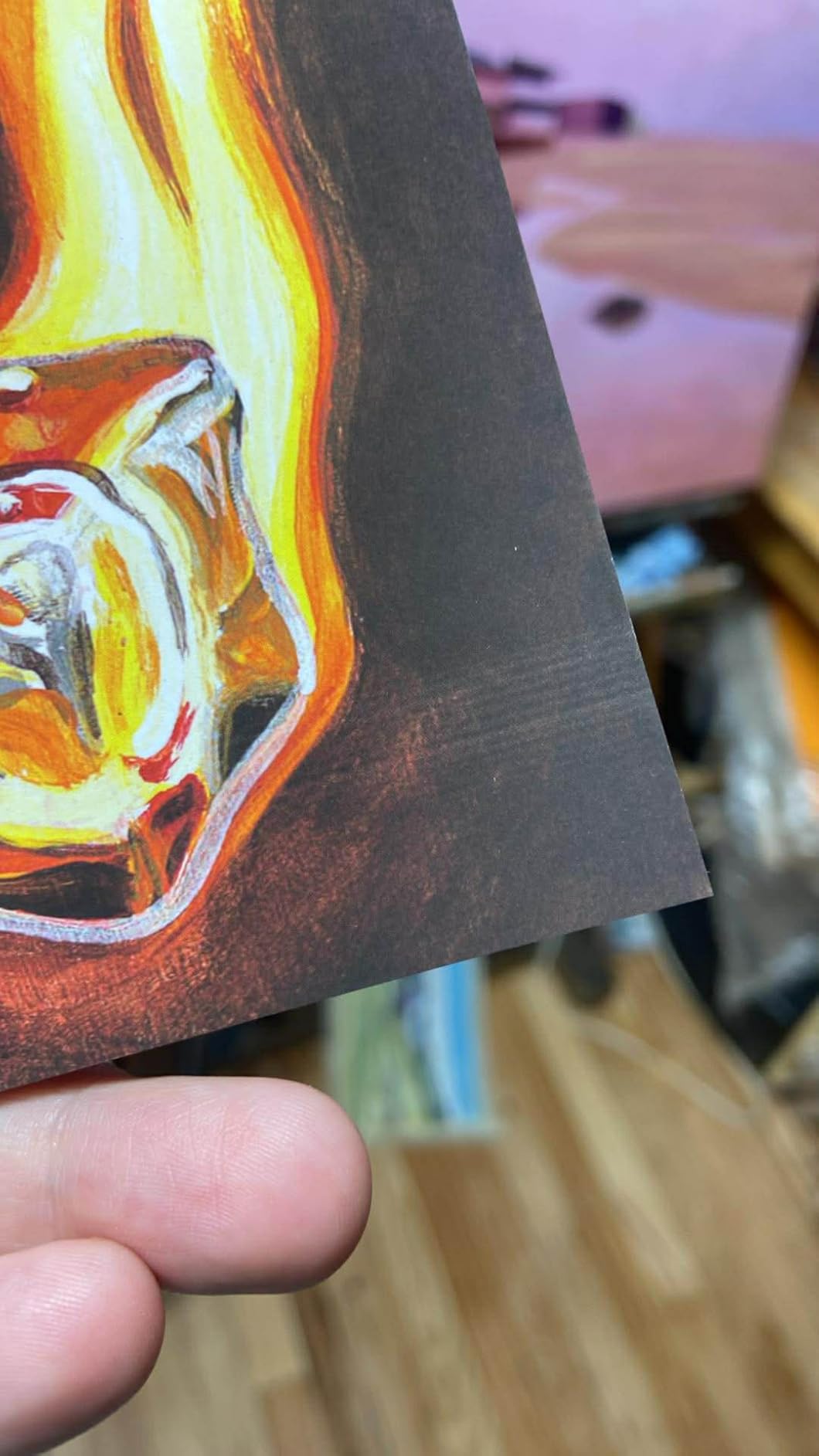
Everything else in this guide prints documents, craft pieces, or marketing material well. The imagePROGRAF PRO-310 does something none of the others do at this level: it prints art. The 9-color plus Chroma Optimizer pigment ink system with LUCIA PRO II inks produces gallery-quality detail, smooth gradients, and deep blacks that go well past what a four-color tank can manage.
Media support is the widest in this guide. Beyond 13 x 19 borderless sheets, the supported size list runs to 210x594mm panoramas and custom media up to 13 x 129 inches, so a full gallery wall can be printed in one continuous piece.
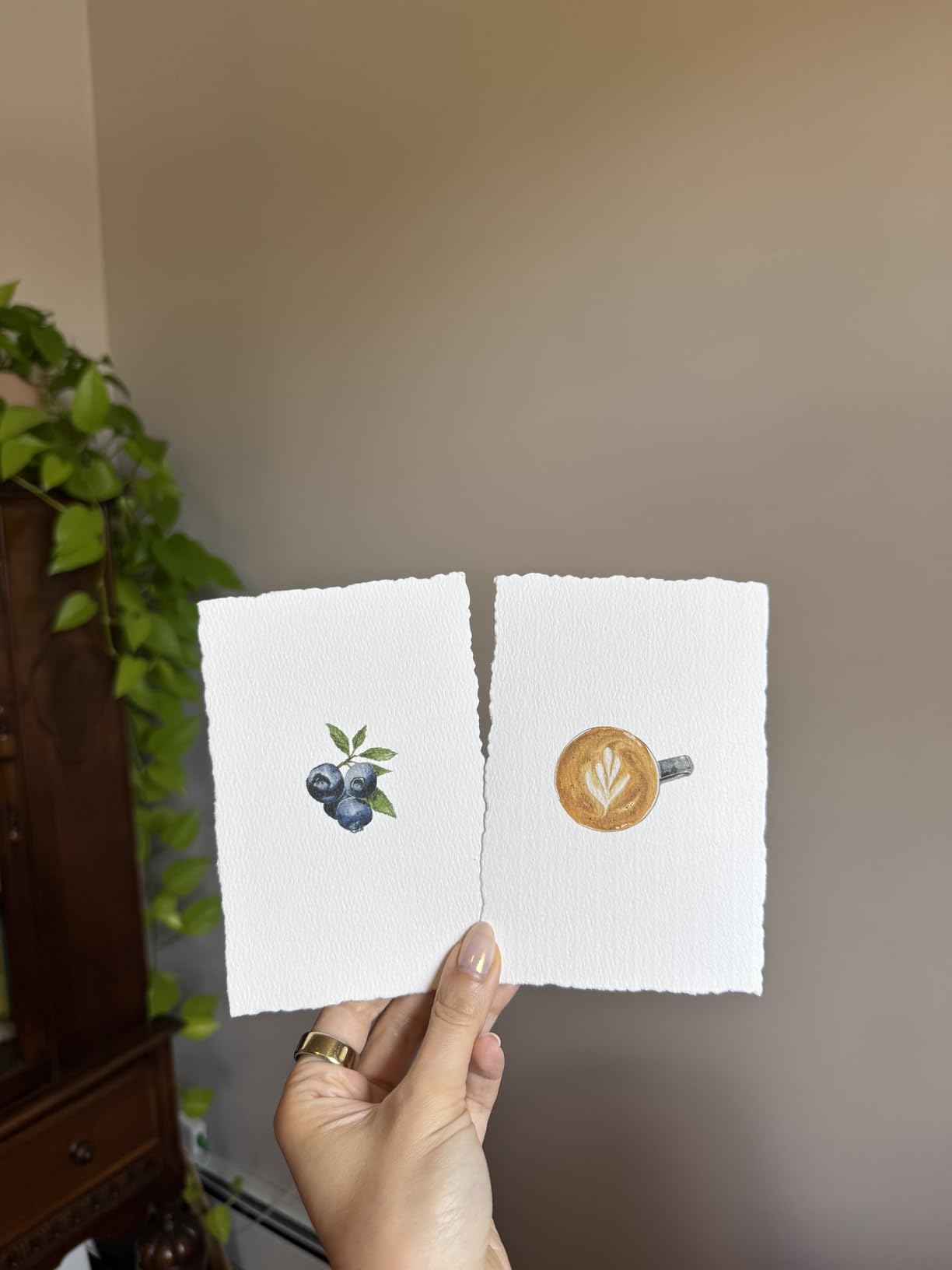
Owners report that borderless 13 x 19 prints match a calibrated screen closely, and that the rear manual feed handles heavier fine art papers without issue. An Anti-Clogging System and Skew Correction improve reliability and setup, which matters for a machine that may sit idle between projects.
Matte Black ink adds density in dark areas and widens reproduction of shadow detail, while a 3.0-inch color LCD lets you check ink levels and settings without opening software.
Nine Colours Versus Four: Where the Difference Shows
A four-color CMYK set has to stretch cyan, magenta, and yellow across the entire color range, which leaves visible steps in skies, skin tones, and smooth gradients. A nine-color system adds dedicated inks plus a Chroma Optimizer that applies a clear gloss coating for gloss uniformity and scratch resistance, smoothing out those transitions.
For a crafter printing textured cardstock with flat color, the difference is modest. For a photographer or illustrator selling art prints, it is the entire reason to buy this printer instead of one of the office models above.
Speed, Ink Cost, and Print-Only Design
Two pages per minute is genuinely slow, roughly an eighth of the office machines in this list. Multiple owners also note that cartridges run down quickly under heavy ink coverage, and at nine colors the per-print ink cost is the highest here. The one-year limited warranty and Energy Star rating are standard.
It is print only. No scanner, no copier, no fax, at 31.6 pounds and 18.6 inches wide. Software is also a genuine friction point: Canon’s Professional Print and Layout is described as quirky, configuring third-party paper profiles is manual, and newer driver software imposes limits on custom paper sizes compared with earlier PRO-series models.
Best Fit: Photographers and Fine Art Printers
Buy this machine if you are producing limited edition prints, gallery canvases, or art prints on heavy cotton rag stock and color fidelity is the product. The pigment system, Matte Black, and the custom media ceiling are built for exactly that.
For a home office that needs documents alongside prints, the capability set is unnecessary. It is also not a machine you want to learn to make art with if you have never done it before; the software and cost profile reward an existing workflow.
How to Choose an Inkjet Printer That Handles Cardstock
Cardstock specification language is confusing, and manufacturers rarely use the same terms. Here is the framework I use when comparing a printer against a specific stack of paper, followed by the settings that decide whether a print succeeds.
How heavy is heavy: cardstock weight in GSM and lb
Cardstock weight is quoted two ways. Pound cover weight, written as 80lb or 110lb, describes thickness the American way. Grams per square meter, written as gsm, describes the same property the rest of the world uses. The rough conversion for cardstock is 80lb at about 270 gsm and 110lb at about 300 gsm.
For general craft, post cards, and classroom projects, 65lb to 80lb is the everyday range and almost any printer copes. Wedding invitations, premium greeting cards, and thick art prints sit at 100lb to 110lb, roughly 270 to 300 gsm, and that is where a capable rear feed path stops being optional.
The trap is believing the marketing. Some printers advertised for cardstock top out in practice around 65lb to 80lb. Always check the stated maximum media weight in the specification list, not the marketing headline.
Why the rear feed tray matters more than the tray size
This is the single most important thing in this whole guide. A front-loading cassette feeds paper horizontally, then bends it around tight internal rollers to reach the print head. Thick cardstock cannot make that bend reliably, so it stalls, creases, or jams.
A rear feed tray puts the paper in at the back and drives it forward in a straight path. The paper stays flat and supported the entire distance to the platen, which is why rear-fed cardstock comes out square instead of curled at the corners. Every printer recommended in this guide that handles heavy media does it through a rear path.
The trade-off is capacity. A rear tray is usually a small single-sheet or low-count feed, so a machine with a large front cassette plus a small rear feed gives you the best of both: ordinary paper loaded in bulk, thick stock fed one sheet at a time through the straight path.
Pigment vs dye ink on coated and textured cardstock
Pigment ink is suspended in a carrier that binds to the paper surface. Dye ink is dissolved in water and partially soaks into the sheet. On matte and textured cardstock, that difference barely shows. On glossy, coated, and photographic cardstock, it decides everything, because dye ink sits wet on a non-absorbent surface and smears if touched before it sets.
Pigment ink gives you instant dry behavior, smudge resistance, and more water fastness on the kind of card a customer picks up and handles. Look for pigment in the cartridge specification when your cardstock is glossy or coated. The Canon iX6820 and the imagePROGRAF PRO-310 both specify pigment black explicitly, and the EcoTank ET-15000 and WorkForce models use DURABrite and EcoFit pigment-based inks.
Wide format 13×19 or standard letter: which do you need
Sheet size is a decision about your finished project, not about the printer. A 13 x 19 sheet gives a borderless print that can be trimmed to a full sheet, a two-page card layout, or a large poster. A 12 x 12 sheet is the standard square format for scrapbook pages. Letter and legal cover everyday documents and half-sheet card components.
Of the six printers here, four handle 13 x 19 borderless output: the WF-7710, ET-15000, iX6820, and WF-7210. The TS9521Ca reaches 11 x 17 and 12 x 12. The imagePROGRAF PRO-310 goes further still, to 13 x 129 inches of custom media.
Also check the sheet count honestly. A 13 x 19 borderless print consumes far more ink and far more time than a letter page. If your project is square, buying wide format capacity you will never use is wasted money.
Ink economics: refillable tanks vs cartridge sets
Cartridge systems bill you by the cartridge, not by the drop used. Tanks bill you by the bottle against consumption, so a cartridge printer that only ever runs magenta still costs you when the black, cyan, and yellow are nearly full. Across a year of project printing, the gap between the two approaches is easy to feel.
The rule of thumb is simple. Occasional cardstock jobs under a hundred sheets a month favour cartridges for their lower entry cost and simpler handling. Anything above that favours a tank, and the ET-15000 is the machine built for that tier here.
One caution on third-party ink. Several models in this guide specify that their printing systems are designed around genuine cartridges, and non-genuine ink can void the limited warranty. That is a real trade: cheaper ink against warranty coverage. Know which one you are choosing.
Settings that stop jams, smears, and curling
Most cardstock failures are settings failures, not hardware failures. Five changes fix the large majority of them. First, set the paper type in the print dialog to the correct cardstock or heavy media setting rather than plain paper, because that changes the carriage height and the drying time. Second, set the document size to the actual media size instead of scaling to fit, which avoids partial-bleed cropping on a 13 x 19 sheet.
Third, choose the right orientation and set borderless printing to on if you want edge-to-edge output. Fourth, load cardstock one sheet at a time into the rear feed with the guides snug, and do not leave paper sitting in the feed tray overnight, where humidity does the damage. Fifth, run a nozzle check and a head cleaning cycle before a long project rather than after a bad print appears.
If you are still weighing inkjet against laser for heavy stock, the distinction is about ink behaviour rather than strength. A laser printer handles thick media well mechanically, but toner lays down on the surface without the depth and finish of pigment ink on coated card. For invitations and art prints, that visual difference is usually decisive.
For machine choices outside the cardstock niche, our guides to 3D printers for beginners and printers for miniatures cover adjacent workshop setups.
Frequently Asked Questions
What is the best inkjet printer for printing on thick cardstock?
For 100lb to 110lb cardstock, the Epson WorkForce WF-7710 is the strongest all-round choice because its rear feed path drives thick sheets into the platen without a tight bend, and it combines that with 13 x 19 borderless output and a 250-sheet tray. For high volume, the EcoTank ET-15000 does the same job at a far lower ink cost per page.
Can you run cardstock through an inkjet printer?
Yes, as long as the cardstock sits within the printer’s stated maximum media weight and it is loaded through a rear feed tray. A front cassette forces thick paper around tight rollers, which causes curling, creasing, and jams. Light cardstock at 65lb to 80lb works in almost any machine; 100lb to 110lb needs a rear path.
What is the best printer for printing on 100lb cardstock?
Most of the printers in this guide handle 100lb cardstock, which is about 270 gsm. The Epson WorkForce WF-7710 and EcoTank ET-15000 are the safest picks because both feed 13 x 19 sheets through a rear path. The Canon PIXMA iX6820 is also well proven on heavy stock, with owners reporting long-term consistency on card.
What printers are compatible with cardstock?
Look for three things: a stated maximum media weight, a rear feed tray, and pigment-based ink. In this guide the Epson WorkForce WF-7710, EcoTank ET-15000, WorkForce WF-7210, Canon PIXMA iX6820, PIXMA TS9521Ca, and imagePROGRAF PRO-310 all qualify. Printers advertised for cardstock that only list a front cassette are usually limited to 65lb to 80lb in practice.
Is pigment or dye ink better for cardstock?
Pigment ink is better for cardstock, especially glossy and coated varieties. Pigment sits on the surface and dries almost immediately, so prints are smudge resistant and water fast. Dye ink partially soaks into the sheet on matte stock but smears on coated and glossy cardstock if handled too early.
Why does my printer jam on cardstock?
Four causes account for nearly every case. The paper is too heavy for the stated maximum media weight, it is loaded in a front cassette instead of a rear feed tray, the guides are too loose so the sheet skews, or the paper type setting is wrong, leaving the carriage clearance too low. Switch the paper type to cardstock, load one sheet at a time in the rear tray, and adjust the guides.
The Verdict: Which Cardstock Printer Fits Your Workload
If you want one machine that does everything well, the Epson WorkForce WF-7710 is the pick. Print, scan, copy, and fax, a 250-sheet tray, and borderless 13 x 19 output through a rear path make it the safest recommendation in this guide for a home office or classroom.
If ink cost per page is your main concern, buy the EcoTank ET-15000 instead. The refillable tanks change the arithmetic on any project that prints more than a handful of heavy sheets a month, and its 21.4 pound body is the easiest to move in this list.
If you need custom-length banners or want a machine you will keep for years, the Canon PIXMA iX6820 is the proven option, with the most review history here. For true wide format volume, the WF-7210’s 500-sheet capacity carries the load. For a compact home craft corner, the PIXMA TS9521Ca handles 11 x 17 and 12 x 12 sheets with a touchscreen. For pigment color on heavy art paper, nothing else in this guide approaches the imagePROGRAF PRO-310’s nine-color system.
Whichever you choose, the settings make the difference. Set the paper type correctly, feed cardstock through the rear path one sheet at a time, and run a nozzle check before the first long run. That habit alone prevents more ruined cardstock than any printer choice on this page. This guide to the best inkjet printers for cardstock is updated for 2026, and every pick above earned its place on the paper path first and the specification sheet second.