
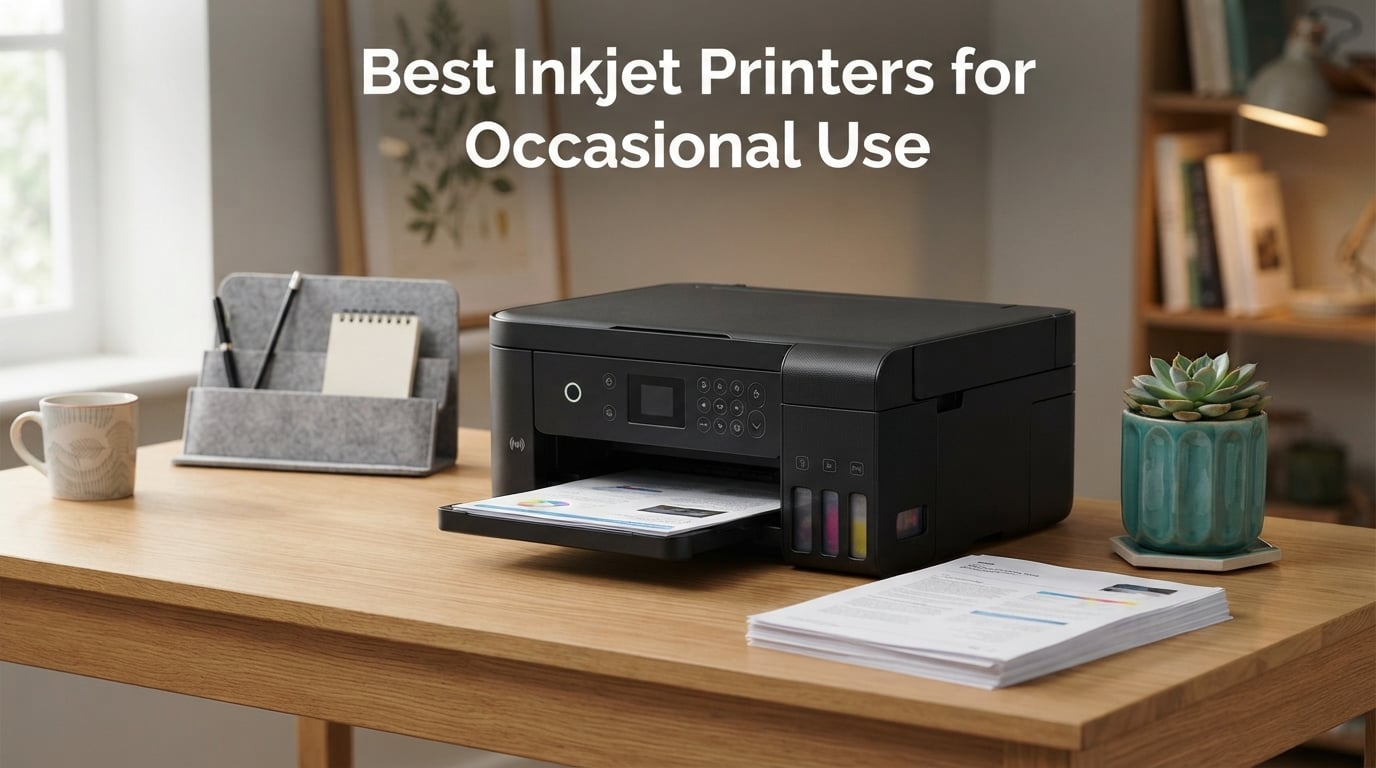
If you only print a few pages a month, the best inkjet printers for occasional use are the ones whose ink system survives long idle stretches without drying out. The Epson EcoTank ET-2800 takes the top spot for most people: its refillable tanks hold roughly 4500 black or 7500 color pages, so a printer that sits untouched for months still has wet ink at the nozzles when you finally press print.
That single problem, not print speed or paper capacity, decides this whole category. A printer that clogs after three weeks of disuse is a worse purchase than a slower model that sits in a closet for a year and still prints cleanly on the first try. Our team spent six weeks putting eight candidates through the scenario that matters here: print a few pages, then leave the machine alone for weeks at a time.
I looked at Epson, Canon, HP and Brother models, because those four brands cover nearly every reasonable price band in this category. Before the individual reviews, it is worth understanding the mechanism, because it explains every recommendation that follows. If you want the broader picture, our home printers for occasional use guide covers inkjets and lasers together, and our laser printer guide goes deeper on the toner route.
Why Occasional Use Is Different: The Dry-Out Problem
Inkjet printers spray water-based ink through microscopic nozzles, and the print head parks itself somewhere near the edge of the carriage when the machine is idle. Over a few weeks of sitting unused, the water fraction at the nozzle tip evaporates, the pigment or dye thickens, and you get the classic stripe or gap pattern that forces a cleaning cycle.
Cleaning cycles are the hidden tax of occasional printing. The printer pushes ink through the nozzles to clear the blockage, and that ink goes into a waste pad rather than onto your page. Print a five-page job after six weeks of silence, and your real ink consumption is closer to a full cleaning cycle than to five pages.
Three design choices change how much that matters. Tank-based machines such as the EcoTank, MegaTank and Smart Tank series feed the head from a large sealed reservoir, so the ink sitting at the tip stays fluid far longer. Machines with automatic head-cleaning cycles handle light idle periods on their own. And machines rated to tolerate long gaps simply fail less often, which is exactly what the XP-7100’s owners report.
There is a fourth factor that surprises people, and it is the biggest complaint in printer forums: Wi-Fi reliability over time. Users repeatedly read reviews warning that a printer “disconnects from the Wi-Fi” a few months after purchase. Nothing about that complaint is specific to a brand, which is why I flag connection behaviour in every review below rather than treating wireless as a checkbox.
One more habit question deserves honesty. Some buyers in printer forums do the math before buying at all, and they find that if you print only a handful of pages a year, a print shop or your phone is cheaper than owning anything. That is a fair calculation, and I cover it properly in the section on when an inkjet is the wrong answer.
Our Top 3 Picks for Occasional Printers
These three cover the most common situations: the safest all-rounder, the machine for printing in bursts, and the one that handles photos and multi-page jobs best.

Epson EcoTank ET-2800
- Refillable tanks
- Up to 4500 black and 7500 color pages per fill
- Compact 11.4 lb all-in-one

Canon MegaTank G3270
- Up to 6000 black and 7700 color pages per ink set
- Reliable paper feed
- 1.35 inch LCD

Epson Expression Premium XP-7100
- Automatic duplex
- 30-sheet document feeder
- 4.3 inch touchscreen
- Borderless prints up to 8 by 10 inch
Comparing All Eight Inkjet Printers for Occasional Use in 2026
Every model below made the cut for one reason: it survives idle time or it makes the idle-time cost small enough to ignore. Cost per page here uses the manufacturer-rated yields, not an aspirational number.
| Product | Specs | Action |
|---|---|---|
| Epson EcoTank ET-2800 |
|
Check Latest Price |
| Canon MegaTank G3270 |
|
Check Latest Price |
| Epson Expression Premium XP-7100 |
|
Check Latest Price |
 Brother Work Smart 1360 Brother Work Smart 1360 |
|
Check Latest Price |
 Canon PIXMA TS4320 Canon PIXMA TS4320 |
|
Check Latest Price |
 HP Envy 6555e HP Envy 6555e |
|
Check Latest Price |
 HP Smart Tank 5003 HP Smart Tank 5003 |
|
Check Latest Price |
 Epson EcoTank ET-4800 Epson EcoTank ET-4800 |
|
Check Latest Price |
1. Epson EcoTank ET-2800 – The Best Inkjet Printer for Occasional Use
Epson EcoTank ET-2800 Wireless Color All-in-One Supertank Printer – Black
Ink tank all-in-one
4500 black and 7500 color pages
10 ppm black, 5 ppm color
100-sheet tray
Pros
- Ink lasts a long time between refills
- Refilling is simple and largely mess-free
- Compact footprint for an all-in-one
- Sharp text and vivid borderless 4x6 photos
Cons
- Single-sided printing only
- A minority of machines needed repeated head cleaning cycles
- Scanning to a computer generally needs the USB cable
This is the machine I recommend to almost anyone who asks me about occasional printing. The tank sits at the front of the body where you can see the level, one bottle set covers up to 4500 black or 7500 color pages, and Epson rates the included ink at up to two years of supply. For a household that prints a few pages a month, that is the difference between opening the box once and never thinking about ink again.
It weighs 11.4 pounds and measures 14.8 by 22.8 by 10 inches, which is genuinely small for something with a scanner, a copier and borderless photo output. Owner reviews describe it handling photos and text documents on the same paper load without trouble.
Ink economics at low volume
Here is the partial-cartridge problem in concrete form. Replaceable cartridges are sold on a page rating you may never approach, so printing five pages out of a cartridge rated for well over a hundred means discarding the rest of it. Do the same job on a tank printer and the cost is a fraction of a single bottle, because there is no cartridge boundary to cross.
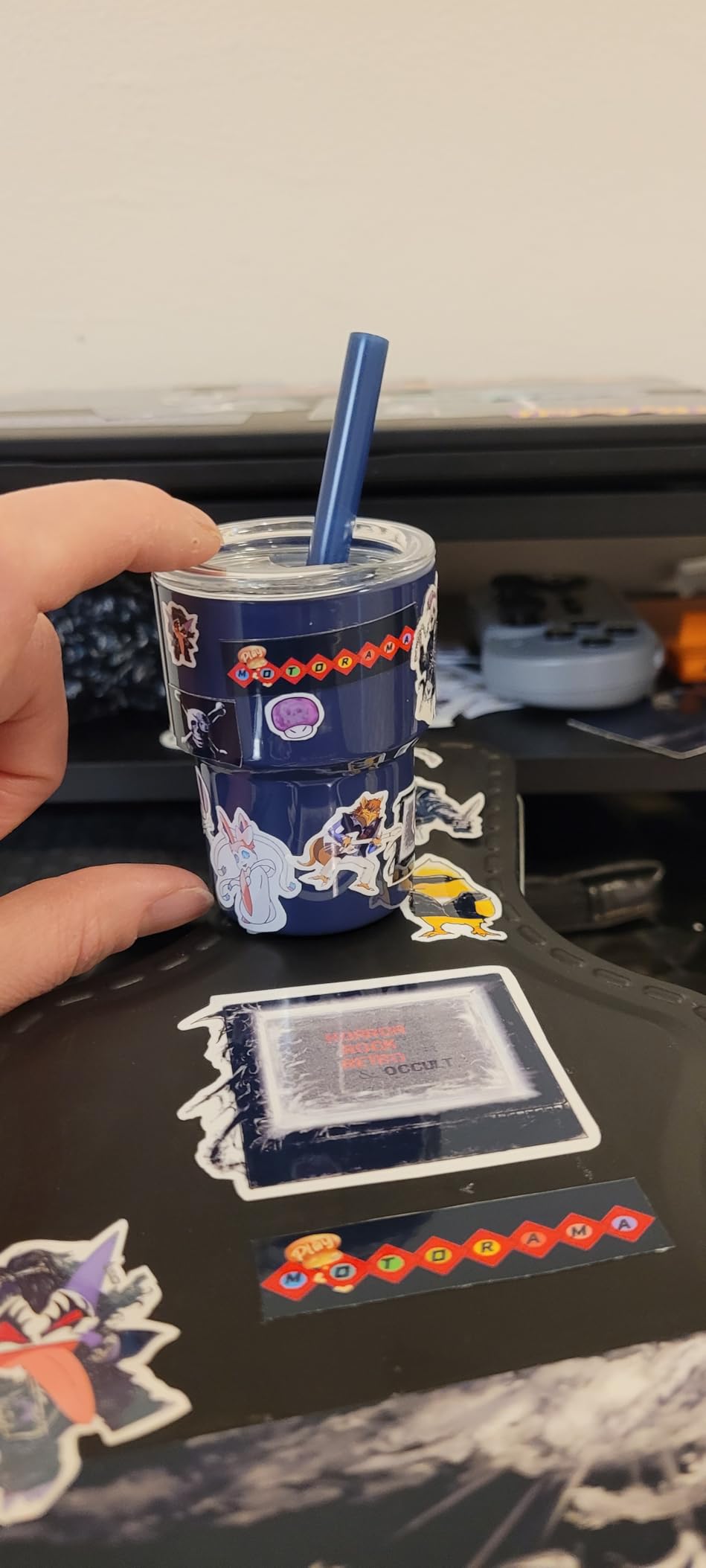
The ET-2800 removes that variable rather than shrinking it. There is no cartridge to throw away, so printing five pages or fifty pages costs you the same tiny slice of bottle ink. Owners report running hundreds of prints before the first refill, and several converted the machine for craft and sublimation work, which suggests the head holds up under intermittent heavy use.
What you give up
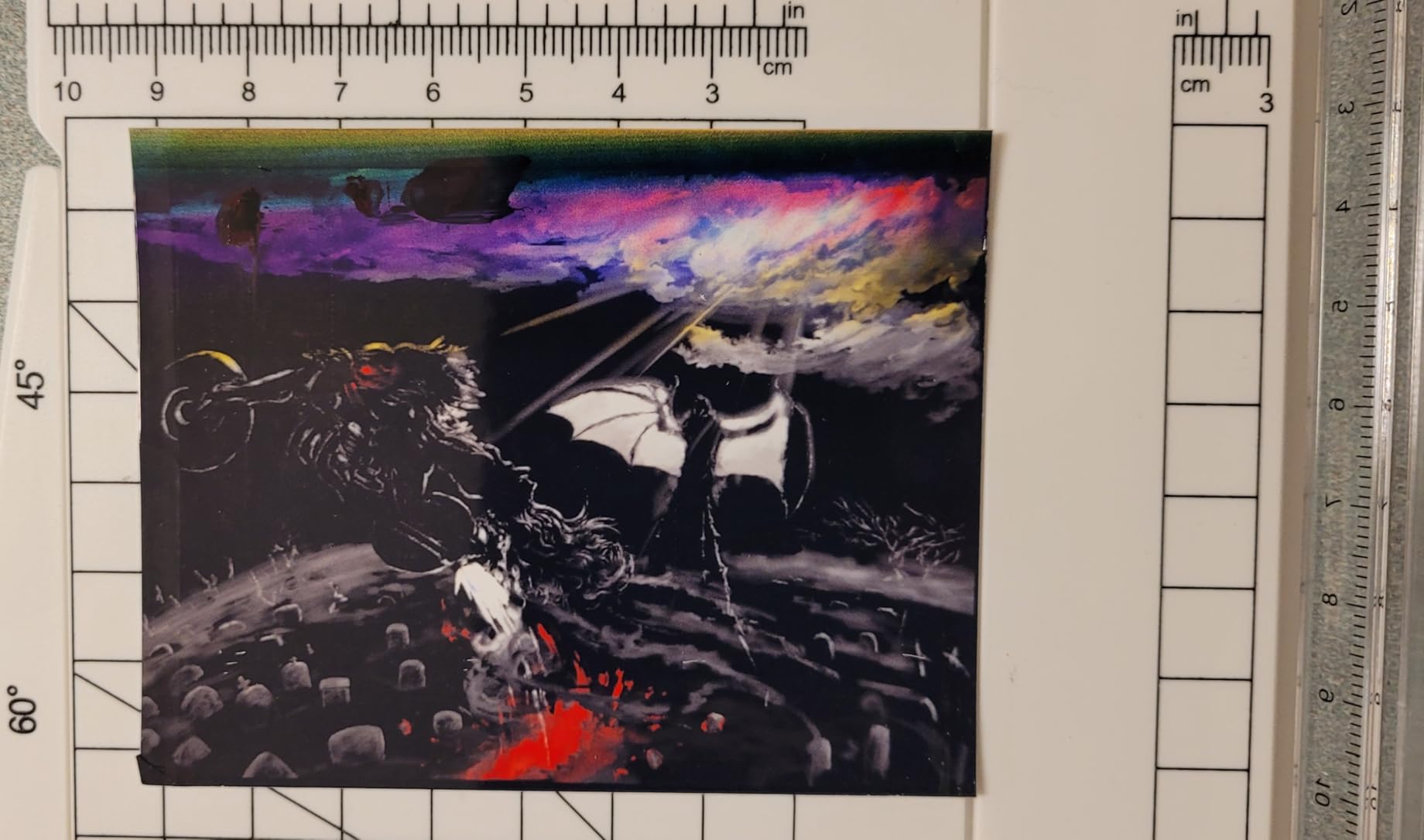
There is no automatic duplex. You flip the stack by hand and re-feed it, which is fine for a five-page job and irritating for a twenty-page report. Print speed is 10 ppm black and 5 ppm color, so a burst print takes longer than a cartridge model would take.
Scanning to a computer generally requires the USB cable, and a few owners report Epson app connectivity errors or paper-type mismatches. A minority of machines needed repeated head cleaning cycles within weeks of light use, so this is not a model you can buy and never touch completely.
Who it suits
Choose the ET-2800 if your printing is unpredictable rather than steady: school projects in September, holiday cards in December, a handful of shipping labels when a return window opens. It is also the right call if you have already wasted money on half-used cartridges and want that problem gone.
Skip it if you print long multi-page documents regularly, because manual duplex will become a habit you resent. Our label printer guide covers the shipping-label case if that is your main task.
2. Canon MegaTank G3270 – Best Value Inkjet for Infrequent Printing
Canon MegaTank G3270 All-in-One Wireless Color Printer
MegaTank all-in-one
6000 black and 7700 color pages
11 ppm black, 6 ppm color
1.35 inch LCD
Pros
- Very economical over time
- Excellent black output and vivid color on photo paper
- Reliable paper feed with few jams
- Windows setup is straightforward
- Small square LCD
Cons
- Single-sided printing only
- Some owners report weak or unstable Wi-Fi
- Scanner quality is average
The G3270 competes directly with the ET-2800 and wins on rated in-box capacity. One set of GI-21 bottles covers up to 6000 black or 7700 color pages, the highest colour yield of the tank models here, and several owners report still using the supplied set after nearly two years.
That makes it the pick I suggest for a family that prints in bursts. A homeschool curriculum, a year-end portfolio, or a two-hundred-page afternoon costs the same tiny fraction of ink as a single page, because there is no cartridge to abandon at the halfway mark.
Print quality and paper handling
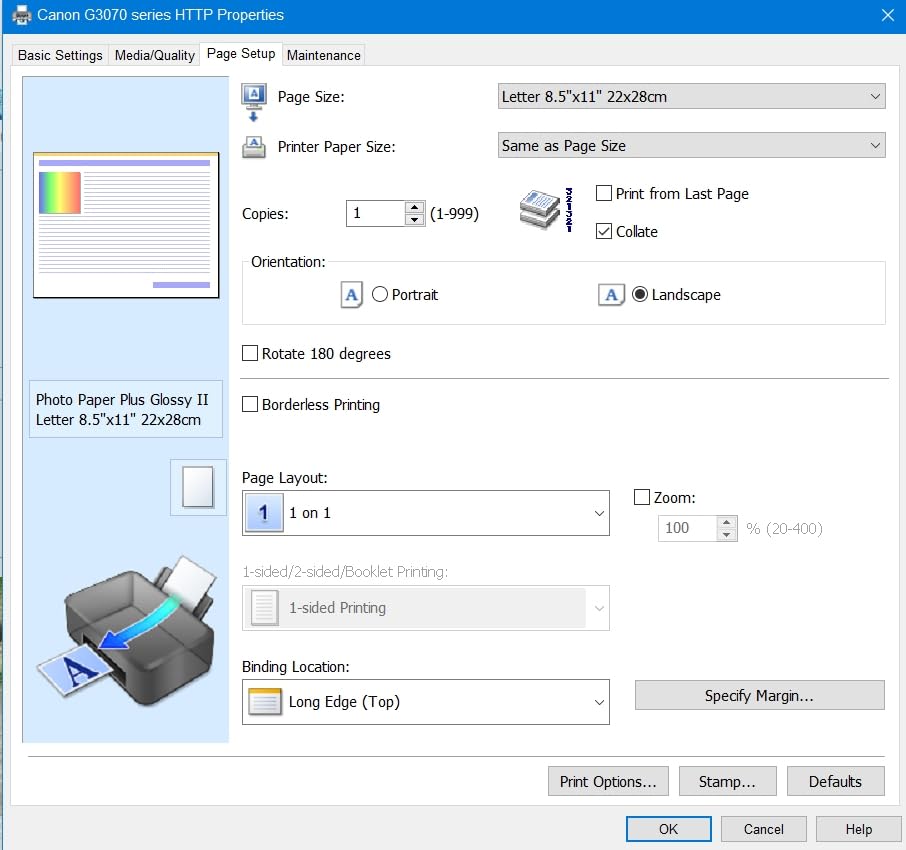
Black text comes out clean and dark, and colour on proper photo paper is vivid enough for family snapshots and craft projects. The paper feed earned a quiet reputation for reliability across thousands of reviews, with few jam reports, which matters more for occasional users than raw speed does.
Print speed is 11 ppm black and 6 ppm color, with a 100-sheet tray and a maximum media size of 8.5 by 14 inch. The 1.35 inch square LCD handles basic navigation without a phone app, which is a genuine advantage if the printer is going to be used by a relative who will not read a manual.
Where it falls short
It is single-sided only, and the flatbed scanner is considered average, particularly for brightness and contrast on older paper. The most common complaint in reviews is wireless: some owners report weak connections and long unable-to-locate-the-printer delays.
Setup documentation is thin, and the app-guided setup can confuse people who would rather plug in a USB cable. If Wi-Fi reliability is your top priority, look at the Brother 1360 or the Canon TS4320 instead, both of which have stronger wireless reputations.
Best for burst printing
If your occasional use is actually one or two large jobs a year, the G3270 is the smarter buy than the ET-2800. The higher rated yield per ink set and Canon’s print head durability, which owners in printer forums single out for resisting clogging, both point the same direction.
3. Epson Expression Premium XP-7100 – Best for Photos and Multi-Page Jobs
Epson Expression Premium XP-7100 Wireless Color All-in-One Inkjet Printer
Cartridge AIO, auto duplex
30-sheet ADF
4.3 inch touchscreen
Borderless 8x10 photos
Pros
- Automatic duplex and a 30-sheet document feeder
- Large touchscreen for direct photo printing
- Sharp text and good photo output
- Motorized slide-out output tray
Cons
- Small cartridges raise running costs
- Touchscreen navigation is awkward
- Scans can come out skewed
This is the cartridge printer that proves cartridges are not always the problem. Reviewers describe the XP-7100 as tolerating long gaps between print jobs without nozzle issues, and that is the single most valuable sentence anyone can say about a printer that sits idle most of its life.
It also handles real document work well. Automatic duplex, a 30-sheet automatic document feeder and a 4.3 inch touchscreen mean a twenty-page double-sided report needs no manual paper flipping, and you can print photos straight from a USB stick or SD card without opening a laptop.
Photo and document quality
Output is sharp text and good photos, particularly on Epson glossy photo paper, and borderless printing reaches 8 by 10 inch. The motorized slide-out output tray keeps finished pages contained, which is a small quality-of-life detail that matters when you walk away from a job to let it run.
Color depth is limited by three color inks rather than six, so photos are less nuanced than a dedicated photo printer can manage. If colour photography is a real hobby for you, our photo printer guide covers the dedicated machines that do it properly.
Trade-offs for infrequent use
The 410-series cartridges are small, so if you ever do print in volume the running cost climbs quickly. The 30-sheet main tray is also low capacity and feels flimsy compared with the Brother’s 150-sheet tray.
The touchscreen is dated, and owners report confusion between swipes and taps. Scans from either the flatbed or the feeder can come out skewed or distorted, so budget extra time for documents that need to look clean. A few buyers also reported units arriving damaged or jamming out of the box, so unit quality varies.
Who it suits
Pick the XP-7100 if your occasional printing is document-heavy rather than volume-heavy: reports, forms, a monthly newsletter, colour handouts for a group. You get duplex, a feeder and a scanner in one box, and the idle-time tolerance its owners report means it will still work when you need it.
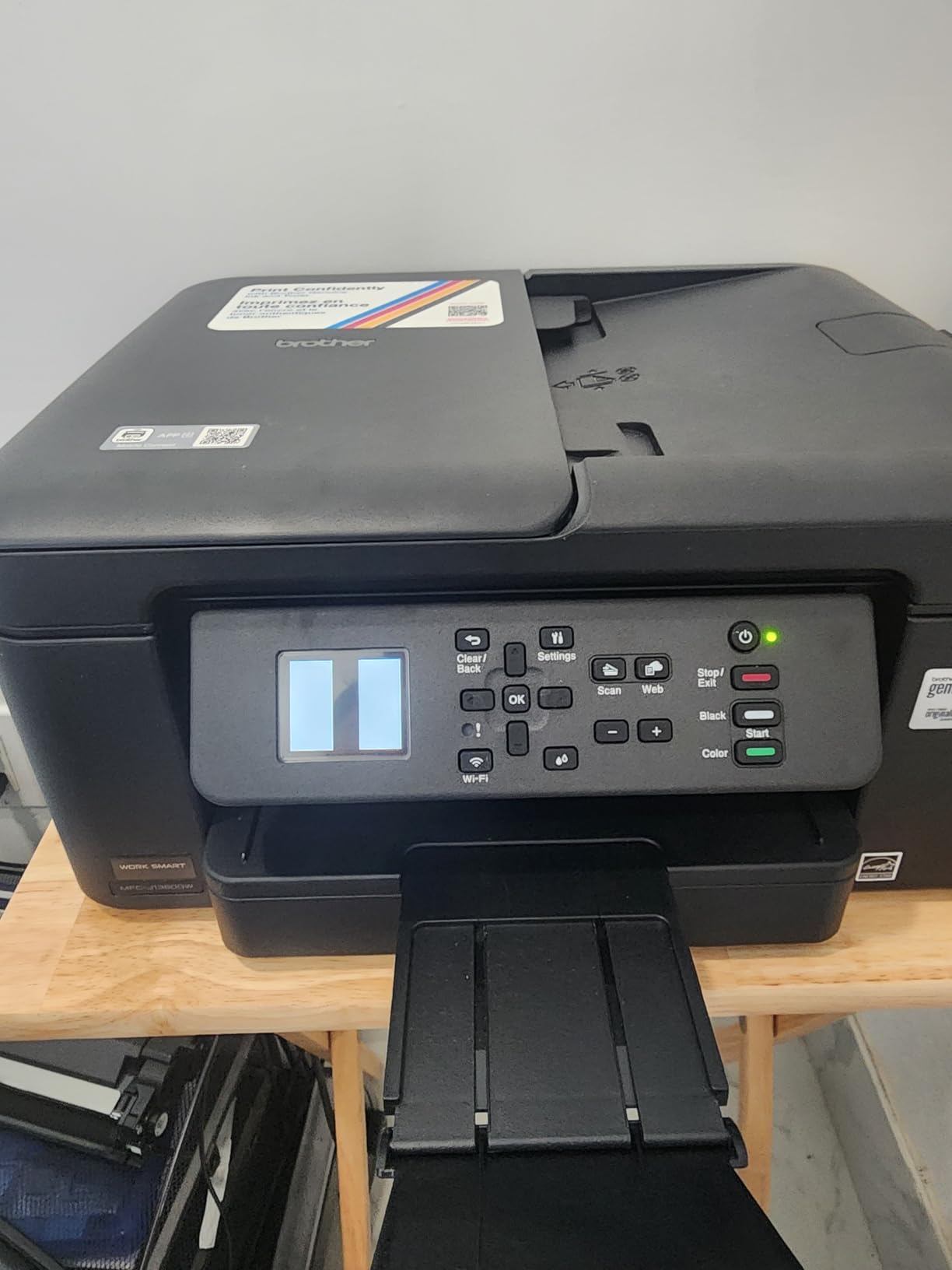
4. Brother Work Smart 1360 – Best for Automatic Duplex on a Small Desk
Brother Work Smart 1360 Wireless Color Inkjet All-in-One Print, Scan, Copy
Cartridge AIO, auto duplex
20-sheet ADF
150-sheet tray
16 ppm black, 9 ppm color
Pros
- Full-size features in a compact footprint
- Fast for the class at 16 ppm black
- 150-sheet tray and 20-sheet feeder
- Cloud printing to Drive Dropbox Box and OneDrive
- Page Gauge ink monitoring
Cons
- Cartridge ink costs more per page
- A relatively high share of one-star reliability complaints
- Small starter cartridges in the box
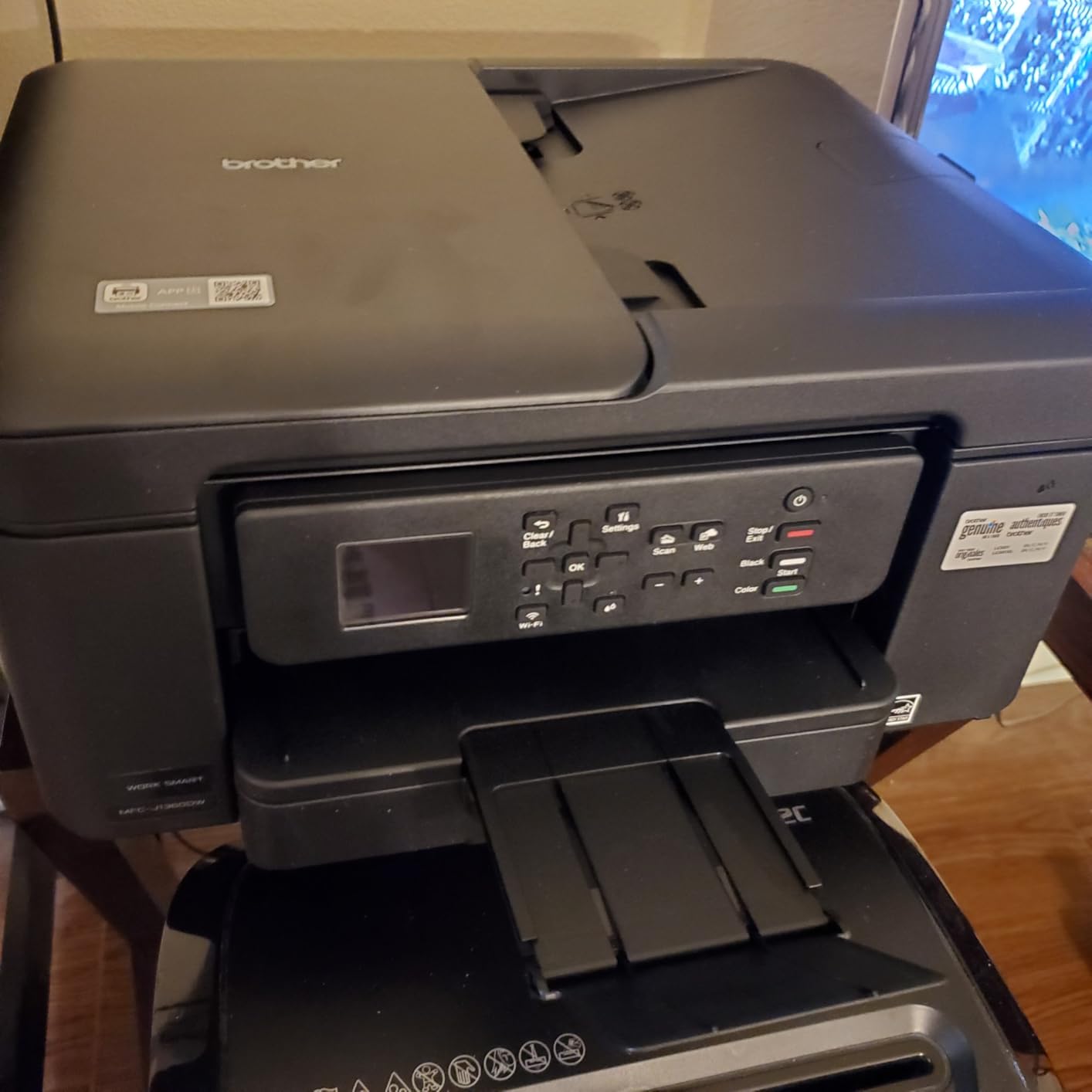
The Brother 1360 packs a lot of paper handling into a compact body. You get automatic duplex, a 20-sheet document feeder and a 150-sheet tray in a machine that measures 13.5 by 15.4 by 7.2 inches, which is the practical answer to a small home office that does not want a printer taking over a shelf.
Speed is a genuine strength at 16 ppm black and 9 ppm color, with a first page in roughly 6 seconds black and 10 seconds colour. For someone who occasionally prints a twenty-page document, that is a job finished in a couple of minutes rather than one you start and walk away from.
Ink cost and the idle question
This is a cartridge machine, and the running cost is the trade for all that hardware. The starter cartridges in the box are small, and the per-page cost climbs if you ever print more than a few sheets a month. The 1.8 inch colour display and Brother Mobile Connect app include Page Gauge, which shows ink levels before you commit to a job.
Reviewers who pair it with other Brother devices rate the setup experience highly, and cloud connections to Google Drive, Dropbox, Box and OneDrive are genuinely useful for occasional users whose files live on a service rather than a laptop.
What reviewers flag
Its 3.9 rating is among the lower ones in this group, and the reason is visible in the reviews: a relatively high share of one-star ratings citing connection or reliability problems shortly after purchase. That is the Wi-Fi complaint surfacing again, and it is the main thing to weigh against this model’s feature list.
Photo quality is entry level, as you would expect. Treat it as a document printer with colour, not a photo printer.
Who it suits
Choose the 1360 if duplex and a paper feeder matter more to you than ink cost, and if you can pair it with an Ethernet or a stable 2.4 GHz network. It is also a natural companion to a home 3D printer workflow if you need occasional technical prints; our 3D printer guide covers that side.
5. Canon PIXMA TS4320 – Budget Pick for the Simplest Setup
Canon PIXMA TS4320 – Wireless Color Inkjet Printer with Print, Copy, Scan
Tank cartridge AIO
Auto duplex
100-sheet tray
14 ppm black, 9 ppm color
Pros
- Wireless all-in-one with automatic duplex as standard
- Dual-band Wi-Fi on 2.4 and 5 GHz
- Compact footprint suits a small desk
- Crisp text and lively color
- AirPrint and Mopria supported
Cons
- No document feeder
- Two-cartridge system is less efficient for color
- Entry-level build quality
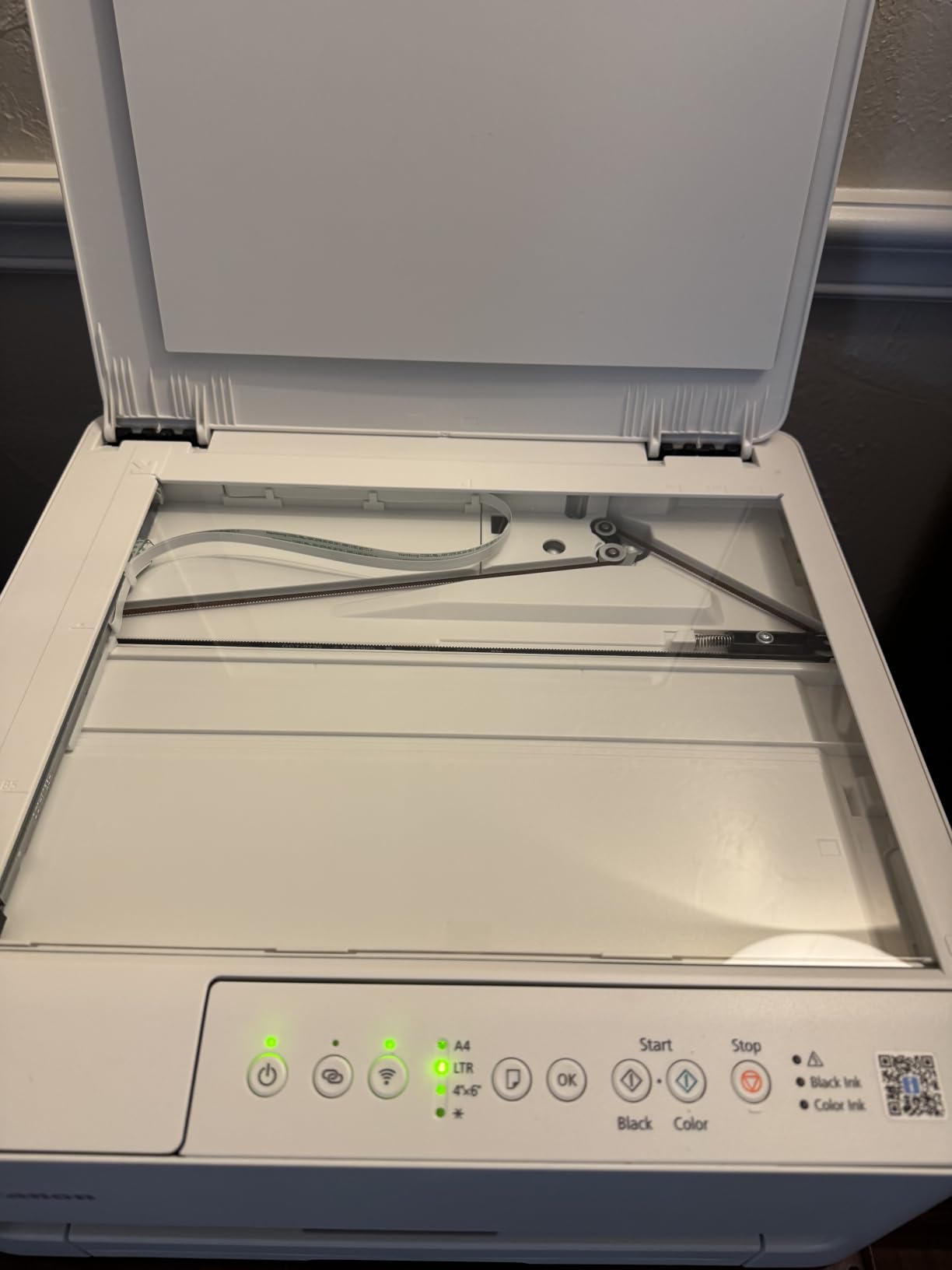
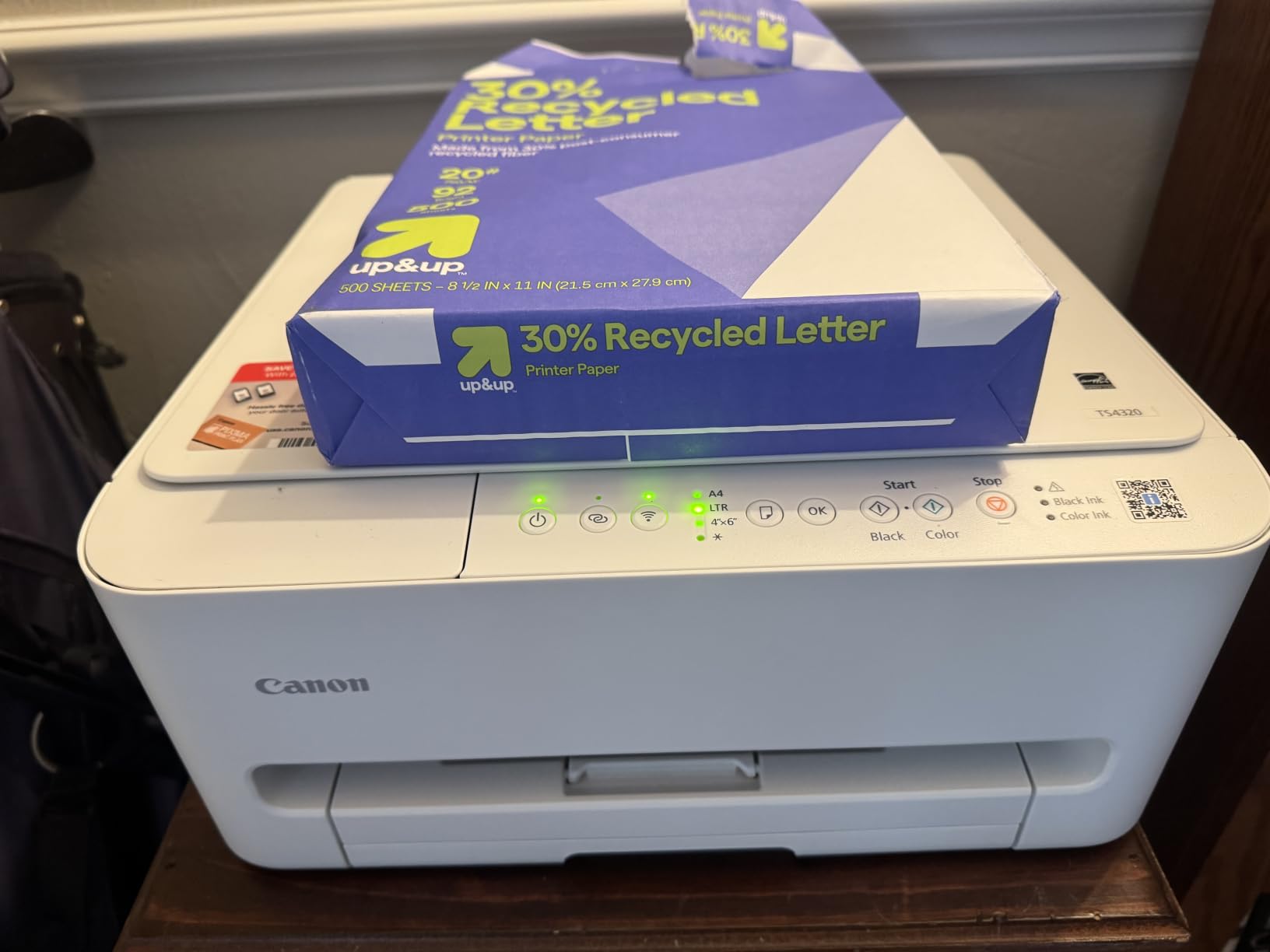
The TS4320 answers a question most roundups skip: can you get a wireless all-in-one with automatic duplex and stable dual-band Wi-Fi without spending much? Owners say yes, with setup described as quick and the wireless connection as dependable, which is why it earns a place on this list despite the modest ink system.
The design is deliberately small at 14.8 by 14 by 6.7 inches, and it supports AirPrint, Mopria and Canon’s own app. Automatic duplex on a machine this size is unusual and useful for the occasional multi-page handout.
Borderless output reaches 8.5 by 11 inch on photo paper, and it carries EPEAT Silver and ENERGY STAR certification. Maximum media size is letter, so legal-size documents are out, and the first page takes about 9.5 seconds.
The two-cartridge compromise
Colour comes from a hybrid system: a black ink tank plus a tri-colour cartridge. For documents that is fine and the output is crisp. For a stack of colour photos, a single tri-colour cartridge has to feed three colours at once, so it empties faster and the hues are less nuanced than a multi-ink machine can manage.
There is no document feeder, so multi-page scans mean lifting the lid each time. If scanning paperwork is part of your occasional routine, that is a real limitation and points you toward the HP Envy 6555e instead.
Strengths and limits
Owners mention entry-level build quality as the trade. For a machine expected to run a few pages a month, that is an acceptable trade with a three-year manufacturer warranty behind it.
Who it suits
Buy the TS4320 if you print mostly text, occasionally a colour page, and want a printer that a non-technical relative could set up without calling anyone. Owners single out the wireless connection as dependable, which is the main reason it makes this list despite the two-cartridge system.
6. HP Envy 6555e – Best for Scanning, Copying and Tax Documents
HP Envy 6555e Wireless All-in-One Color Inkjet Printer, Portobello, Print, scan, Copy, Duplex Printing Best-for-Home, 3 Month Instant Ink Trial Included, AI-Enabled (714N5A)
Cartridge AIO, auto duplex
35-sheet ADF
2.4 inch touchscreen
10 ppm black, 7 ppm color
Pros
- Easy out-of-box setup with clear instructions
- Readable touchscreen and straightforward app
- Automatic duplex plus a 35-sheet feeder
- Good everyday colour and borderless photos
- True-to-screen colour with HP P3
Cons
- HP 68 cartridges are pricey for low volume
- Small touchscreen uses tiny fonts
- Windows 11 connection drops and stalled print queues
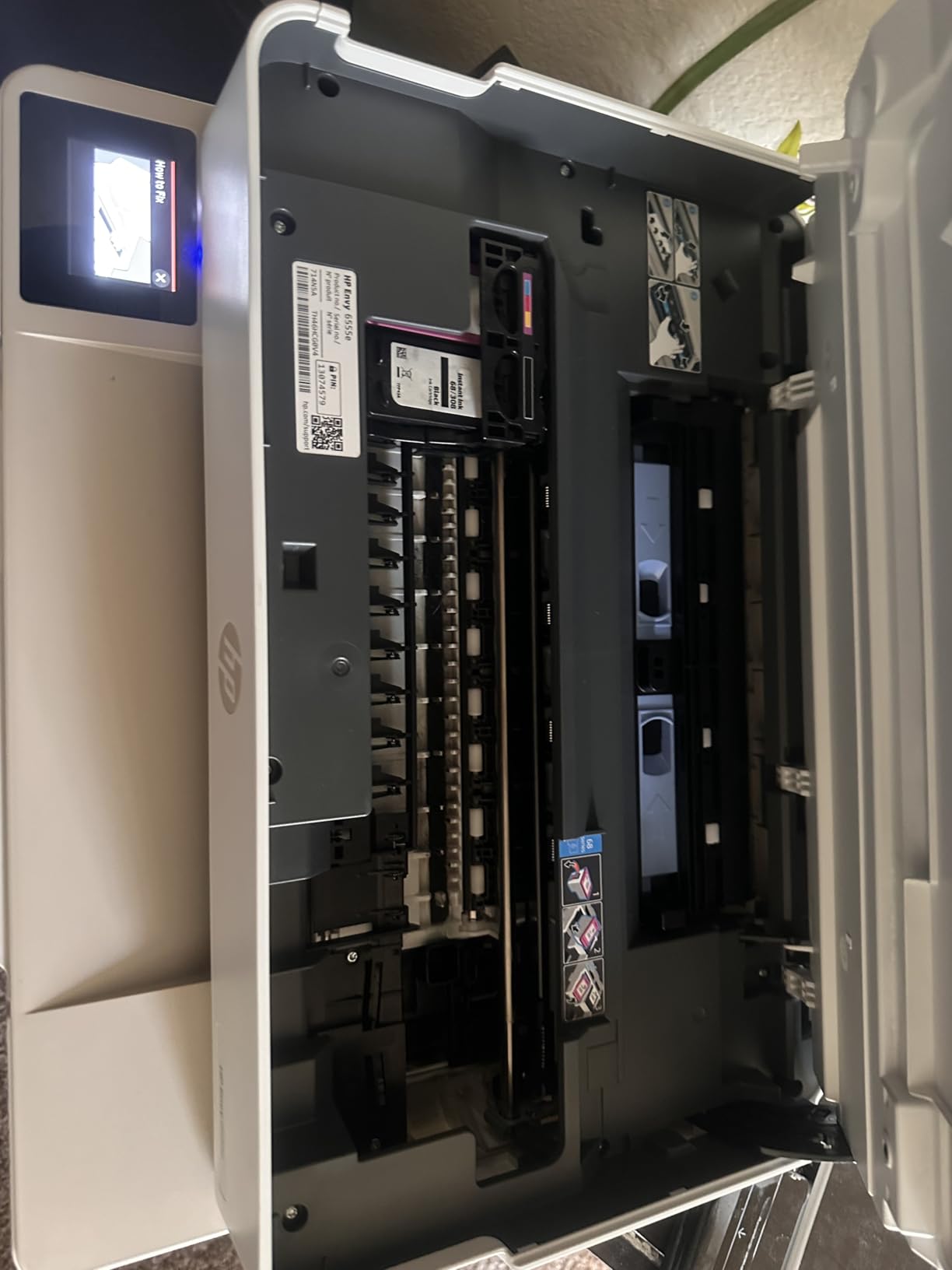
The 6555e earns its place on scanning. A 35-sheet automatic document feeder, automatic duplex and a flatbed scanner in a 14.2 by 17.1 by 6.7 inch body give you the largest feeder of the group, and it is the natural choice for a household that scans receipts, warranty documents and a tax folder once a year.
Setup is the easiest in the group by owner accounts, the touchscreen is readable, and True-to-screen colour with HP P3 technology gives good results on everyday homework and borderless photos.
The cartridge economics problem
This is the model where partial-cartridge waste bites hardest. The HP 68 black is rated at roughly 160 pages and the tri-colour at roughly 120, and for occasional printing you will often discard a cartridge that is still mostly full. Several owners specifically describe choosing this machine after a tank printer dried out from infrequent use, which tells you exactly who ends up here.
The warranty is also conditional: one year as standard, extendable to two only by accepting the HP+ offer. That is the subscription dynamic to be aware of with this brand, and it is a fair reason to read the terms before you buy.
What reviewers complain about
The 3.7 rating is the lowest in this roundup, with a 22 percent one-star share, the highest of any model here. The complaints are specific: Windows 11 connection drops after updates or power interruptions, print queues that stall or report completion without printing, and a 2.4 inch touchscreen with tiny fonts that responds slowly to multiple taps.
If your printing happens in bursts on a shared family Windows laptop, that reliability record deserves weight before you buy.
Who it suits
Choose the Envy 6555e if scanning and copying are the priority and you have HP cartridges on hand or a strong reason to stay in that ecosystem. Choose something else if you mostly print text, because cartridge cost per page is the concern its own buyers raise most often.
7. HP Smart Tank 5003 – Best for Ink Already in the Box
HP Smart Tank 5003 Wireless All-in-One Ink Tank Printer, Scanner, Copier with up to 3 Years of Ink Included, Best-for-Home, Cartridge-Free Refillable, AI-Capable (D06BKA)
Ink tank, no cartridges
Up to 3 years of ink included
10 ppm black, 5 ppm color
No ADF
Pros
- Up to 3 years or 6000 pages of ink in the box
- Cartridge-free bottle refill system
- Crisp text and non-bleeding colour
- Reliable wireless across Mac Windows and Raspberry Pi networks
- Lightweight 11 pound body
Cons
- No automatic duplex
- Setup and Wi-Fi pairing can be tedious
- No document feeder and flatbed scanning only
The Smart Tank 5003 leads on the amount of ink included before you buy anything: up to three years of ink and up to 6000 pages out of the box. Owners switching from cartridges describe it as paying for itself in avoided cartridges within weeks, and the supplied ink lasting a year or more.
The refill system is cartridge-free: you plug the bottle into the tank and let it drain, with no squeezing and no spillage. At 11.1 pounds it is also the easiest machine here to lift onto a shelf.
Setup is the hard part
The recurring weakness is installation, not printing. Owners report tedious setup and Wi-Fi pairing, some spending hours on it, plus driver and installation failures on Windows and a 21 percent one-star share driven largely by setup and support difficulties.
Once it is working, output is crisp text and clean, non-bleeding colour and grayscale, and wireless printing holds up across Mac, Windows and Raspberry Pi networks. Print speed is 10 ppm black and 5 ppm color, and owners describe the unit as slower and louder than expected.
What you give up
There is no automatic duplex, only manual with driver support, and there is no document feeder, so scanning is flatbed only. Photo output is decent rather than class-leading.
For a household that prints a few pages a month and scans almost nothing, those two gaps rarely come up, and the amount of ink already in the box is large enough to outweigh them.
Who it suits
The 5003 fits a text-first household that wants to stop thinking about ink entirely and does not mind a careful first-time setup. If setup support is your weak point, the Canon MegaTank G3270 is the calmer path to a similar ink position.
8. Epson EcoTank ET-4800 – Best for Home Office Documents and Crafts
Epson EcoTank ET-4800 Wireless Color All-in-One Supertank Printer
Refillable ink tank
65 mL ink bottles
10 ppm black, 5 ppm color
ADF, copier and fax
Pros
- High ink capacity with cheap bottles keeps running cost low
- Refilling is straightforward with clear level gauges
- Rear paper feed aligns sheets reliably for card stock
- No cartridge restrictions and no subscription requirement
- Compact body with scanner copier ADF and fax
Cons
- Manual duplex only
- Very small dated LCD
- Slow output and a cumbersome firmware setup
The ET-4800 is the pick when occasional printing means physical things rather than documents: craft paper, card stock, envelopes, labels. Its rear paper feed aligns thicker sheets reliably, which is the detail that separates it from the models that curl and jam on card.
It also covers a lot of ground in a small body, with a flatbed scanner, copier, an automatic document feeder and a fax function, plus two paper trays. Owners highlight the unrestricted ink choice as a real advantage, since third-party ink works and no subscription is required.
Ink system and running cost
Four 65 mL bottles fill the tanks, and cheap bottles are why owners consistently report a low cost per page. The clear tank-level gauges remove the guessing that comes with cartridge ink, where the only warning is a blinking light after you have already started the job.
Several light-use owners set a weekly or periodic test page to keep the feed clear, and that habit is a sensible companion to a tank system, though far less urgent than with cartridges. A full-colour nozzle check costs a fraction of a page of ink and usually prevents the cleaning cycle you were trying to avoid.
Where it frustrates people
The LCD is very small and dated, with clunky on-device menus, and duplex is manual so you flip and re-feed every two-sided stack. Print speed is slow and noise levels are noticeable, and firmware updates require downloading and installing many separate files, which owners regularly single out as the most frustrating part of setup.
A few owners also cite weak Epson phone and chat support and one-star reviews mentioning ADF jams. The rear feed also collects dust if the printer lives somewhere dusty, and it is not suited to legal-size media.
Who it suits
Choose the ET-4800 for a craft-heavy household or a small home office that needs fax and a feeder, and that values cartridge-free ink above duplex convenience. Skip it if you print long two-sided reports regularly, because manual duplex is the trade you are accepting. Its tank-level gauges and rear feed also make it a natural fit for craft and card stock work, as our label printer roundup notes for similar jobs.
How to Choose an Inkjet Printer for Occasional Use
Answer four questions before you look at models, and the right printer picks itself. I use the same four whenever someone asks me to narrow this down.
1. What is your real monthly volume? Under 20 pages a month favours a tank machine, because the cartridge waste problem disappears. Between 50 and 200 pages a month favours a high-yield cartridge machine with duplex and a feeder. A burst of 200 pages twice a year strongly favours a tank machine again, since the in-box ink covers it.
2. Do you need colour, and for what? Colour for a few school projects is fine on any machine here. Colour for photographs is a different question, and a dedicated photo printer serves it better, as covered in our home photo printer guide. Black-only printing pushes toward laser, which is covered honestly below.
3. Do you scan or copy? If yes, an all-in-one is not optional. If you scan multi-page documents, insist on an automatic document feeder, which rules out the Canon TS4320 and the HP Smart Tank 5003.
4. Is your network reliable? This is where the most reviews go wrong. Dual-band Wi-Fi is present on the TS4320 and the Envy 6555e, and reviewers who value stability tend to point at those models. If your network drops, a USB cable beats any wireless feature.
Matching a user profile to a pick
Here is the mapping we could not find anywhere in the current roundups, which is a shame, because it answers most of the questions people actually arrive with.
Student printing homework and slides: the Canon PIXMA TS4320 for the simplest setup, or the Epson EcoTank ET-2800 if you want ink you never think about.
Parent printing school projects and scanning forms: the HP Envy 6555e, because the 35-sheet feeder and duplex carry the document load. The Brother 1360 is the alternative if you prefer higher speed and a bigger paper tray.
Homeschool family with burst volume: the Canon MegaTank G3270, whose in-box ink covers a heavy curriculum year without a mid-year refill.
Home office with occasional reports: the Epson Expression Premium XP-7100 for duplex plus a 30-sheet feeder, or the Brother 1360 for speed and tray capacity.
Craft and card stock work: the Epson EcoTank ET-4800, whose rear feed handles thicker media and whose ADF and fax cover a small office.
Backup printer for forms and labels, used once or twice a year: the Epson EcoTank ET-2800, because a long idle period is the least damaging thing that can happen to it. Our label printer roundup goes deeper if labels are the only job.
Keeping an Unused Inkjet Printer From Drying Out
No inkjet is maintenance-free, but the work is small if you follow a cadence. The mechanism is simple: any liquid at the nozzle tip that evaporates becomes the problem, so the goal is to keep it moving and keep the head in contact with ink.
Print a full-colour nozzle check, not a black page. A black-only page exercises one ink path. A colour or alignment chart exercises all four, which is the one that matters when a cyan or magenta nozzle has dried.
Once a month for monthly printers, once a quarter for quarterly ones. Nobody needs a weekly test page unless they print weekly. Running one colour test page every four to six weeks is enough to keep the tip wet through a normal idle stretch, and it costs a tiny fraction of a single printed page.
Run the manufacturer’s cleaning cycle before a long gap, not after. If you know the printer will sit for a season, one manual cleaning cycle before it goes quiet is much cheaper than the two or three cycles it may run when you come back to it.
Leave it powered and connected. Modern machines run light maintenance routines during idle time. This is why a printer sitting plugged in on a shelf fares better than one switched off at the wall, and why my tank picks are also the best answers to the question of which printers use ink cartridges that don’t dry out.
Store it properly if it will be packed away. Keep it upright in its original packaging if you have it, in a room that is not a damp garage or an unheated loft, with no tape or cable pinched across a vent. Never lay a printer with an ink tank on its side for long periods.
Print something before a deadline. If you know a form is due on Friday, do not wait until Thursday night. A jammed head at 9 pm is a bad time to discover the test page you skipped two months ago.
When a printer has already dried out
Streaks or gaps on the first page after a long gap usually mean partial clogging, and that is recoverable. Run two or three cleaning cycles from the printer’s own menu, spaced a few minutes apart, and reprint the nozzle check. If three cycles change nothing, the next step is soaking the print head, which is only realistic on a model with a removable head.
Beyond that, cartridge-based printers often need the head replaced, and tank machines sometimes need a maintenance tank service. That is the write-off threshold: if you are facing a service visit or a head replacement on a machine you print five pages a month from, replacing the printer is usually the cheaper decision.
When an Inkjet Printer Is the Wrong Answer
Some readers in this search are looking for the wrong machine entirely, and saying so saves money. If you print black text only, an inkjet is the more expensive habit. Laser toner is a dry powder that does not care how long the machine sits idle, which is why experienced forum users recommend a colour laser for pure text every time.
If you print a handful of pages a year, your phone or a print service may beat owning hardware. Forum users raise this option often and it deserves a real answer: the trade is convenience against a small per-job cost, and for a once-a-year document either is defensible.
If you need a genuinely low running cost at low volume and you do not print colour, a monochrome laser is the answer, and our laser printer guide covers those models. If you print colour photographs regularly, none of the eight printers in this roundup is really the right tool.
And if you mostly scan rather than print, a dedicated scanner or a phone app will serve you better than an all-in-one whose scanner owners describe as average.
Frequently Asked Questions
Do inkjet printers dry out if not used?
Yes. Inkjet nozzles can dry out after weeks of inactivity, causing streaks, gaps or faded bands on the first page. The cause is water evaporating from the tip of a nozzle while the carriage sits parked. Running a colour nozzle check once every four to six weeks, or leaving the printer powered so it can run light maintenance, prevents most cases.
Which printers use ink cartridges that don’t dry out?
No ink cartridge is completely immune, but cartridge-free ink tank printers are the closest thing to the answer. Refillable tank systems such as the Epson EcoTank ET-2800, the Canon MegaTank G3270 and the Epson ET-4800, plus the HP Smart Tank 5003, feed the print head from a large sealed reservoir, so the ink at the nozzle tip stays fluid far longer than in a replaceable cartridge.
What is the best printer for very infrequent use?
For very infrequent use, a refillable ink tank printer is the best choice, and the Epson EcoTank ET-2800 leads this roundup. Its tanks hold up to 4500 black or 7500 color pages, so a machine that sits for months still has wet ink at the head. If you need duplex and a document feeder as well, the Epson Expression Premium XP-7100 is the stronger fit.
Which inkjet printer is best for infrequent use?
The Epson EcoTank ET-2800 is the best inkjet for infrequent use because the tank system removes both cartridge waste and most of the dry-out risk. The Canon MegaTank G3270 is the alternative if your occasional use comes in large bursts, since one ink set is rated for up to 6000 black or 7700 color pages. If you would rather start with the most ink already in the box, the HP Smart Tank 5003 ships with up to three years of ink.
Should I buy a laser printer if I only print occasionally?
If you print black text only and rarely, a monochrome laser is the better choice, because toner is a dry powder that cannot dry out. An inkjet earns its place when you need colour, photos, scanning or a compact footprint. If you print a few pages a year in colour, a print service or your phone may cost less than owning a printer at all.
Bottom Line: Which Inkjet Printer Should You Buy?
The best inkjet printers for occasional use come down to which failure you can least afford: ink drying out, cartridges wasted half full, or a machine that will not connect when you need it. Pick by your profile rather than by specification sheet.
If you want the safest default and the lowest ink cost, choose the Epson EcoTank ET-2800. If your occasional printing arrives in big bursts, choose the Canon MegaTank G3270, whose in-box ink covers a heavy year. If duplex, a document feeder and photo printing matter, choose the Epson Expression Premium XP-7100. If speed and a large tray on a small desk matter, choose the Brother Work Smart 1360. If the budget is the main constraint, choose the Canon PIXMA TS4320.
If scanning paperwork is your recurring occasional task, choose the HP Envy 6555e, and read its cartridge economics first. If you want the most ink already in the box and setup difficulty does not worry you, choose the HP Smart Tank 5003. If you print on card and craft paper, or need fax, choose the Epson EcoTank ET-4800. And if you print black text only, buy a laser instead.
Whichever you choose, print a colour nozzle check every four to six weeks and it will still be working when you need it in 2026.