
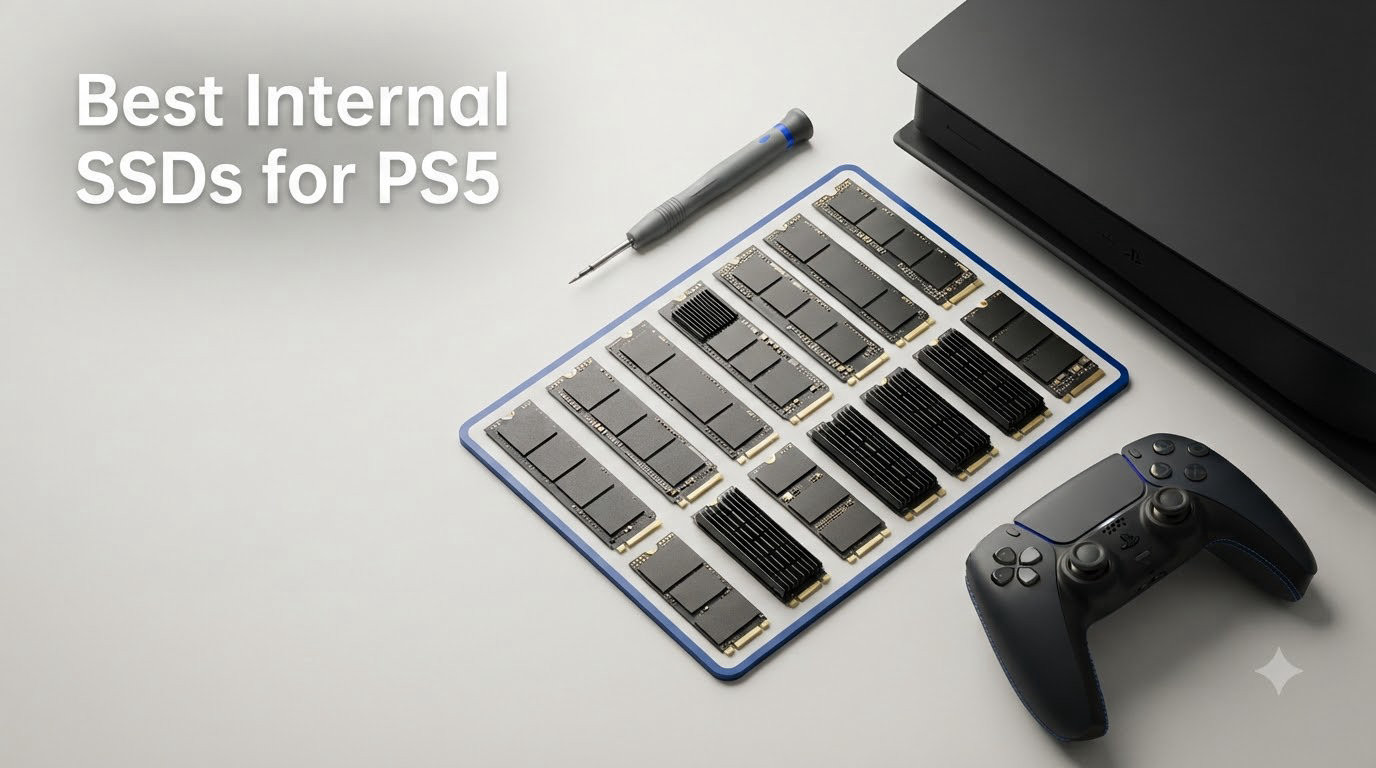
Finding the best internal SSDs for PS5 gets confusing fast. Sony requires an M.2 NVMe PCIe 4.0 drive with at least 5,500 MB/s sequential read speed, yet every option is marketed as “PS5 compatible,” and the small physical differences decide whether it fits.
I compared eight 2TB and 4TB internal SSD for PS5 candidates using the published specifications, warranty, thermal design, review totals, and repeated user feedback. The strongest result is that the fastest drive does not automatically create the best upgrade: a well-cooled 2TB drive that you can install and leave alone is more useful than a headline number you never reach in a game.
Sony’s 825GB internal drive can quickly become a juggling act because modern releases can occupy 50GB to 220GB each. I would aim for 2TB in most cases, while 4TB makes sense for a digital library and 1TB is best only when you are comfortable moving games on and off the internal storage.
Our Top 3 Tested PS5 SSDs for Every Gamer (August 2026)

WD_BLACK 2TB SN850P
- Officially licensed
- Up to 7
- 300 MB/s
- Integrated PS5 heatsink
- 5-year warranty


For most people, the WD_BLACK SN850P is the cleanest recommendation because its official PlayStation license removes much of the compatibility guesswork. The Samsung 990 PRO is the performance pick, while the Lexar NM790 gives up a conventional DRAM cache for an efficient design and strong endurance rating.
Comparing Eight PS5-Compatible SSDs in 2026
| Product | Specs | Action |
|---|---|---|
| WD_BLACK 2TB SN850P |
|
Check Latest Price |
| Samsung 990 PRO 2TB |
|
Check Latest Price |
 WD_BLACK SN850X 2TB WD_BLACK SN850X 2TB |
|
Check Latest Price |
| Lexar NM790 2TB |
|
Check Latest Price |
 Samsung 980 PRO 2TB Samsung 980 PRO 2TB |
|
Check Latest Price |
 XPG GAMMIX S70 Blade 2TB XPG GAMMIX S70 Blade 2TB |
|
Check Latest Price |
 Crucial P310 2TB Crucial P310 2TB |
|
Check Latest Price |
 Seagate Game Drive 4TB Seagate Game Drive 4TB |
|
Check Latest Price |
1. WD_BLACK 2TB SN850P – Best Officially Licensed PS5 Expansion
WD_BLACK 2TB SN850P NVMe M.2 SSD Officially Licensed Storage Expansion for PS5 Consoles, up to 7,300MB/s, with heatsink – WDBBYV0020BNC-WRSN
2TB capacity
Up to 7,300 MB/s
PS5-optimized heatsink
Pros
- Officially licensed
- Fast PCIe 4.0 performance
- Integrated cooling
- 5-year warranty
Cons
- Premium positioning
- May run warm in long sessions
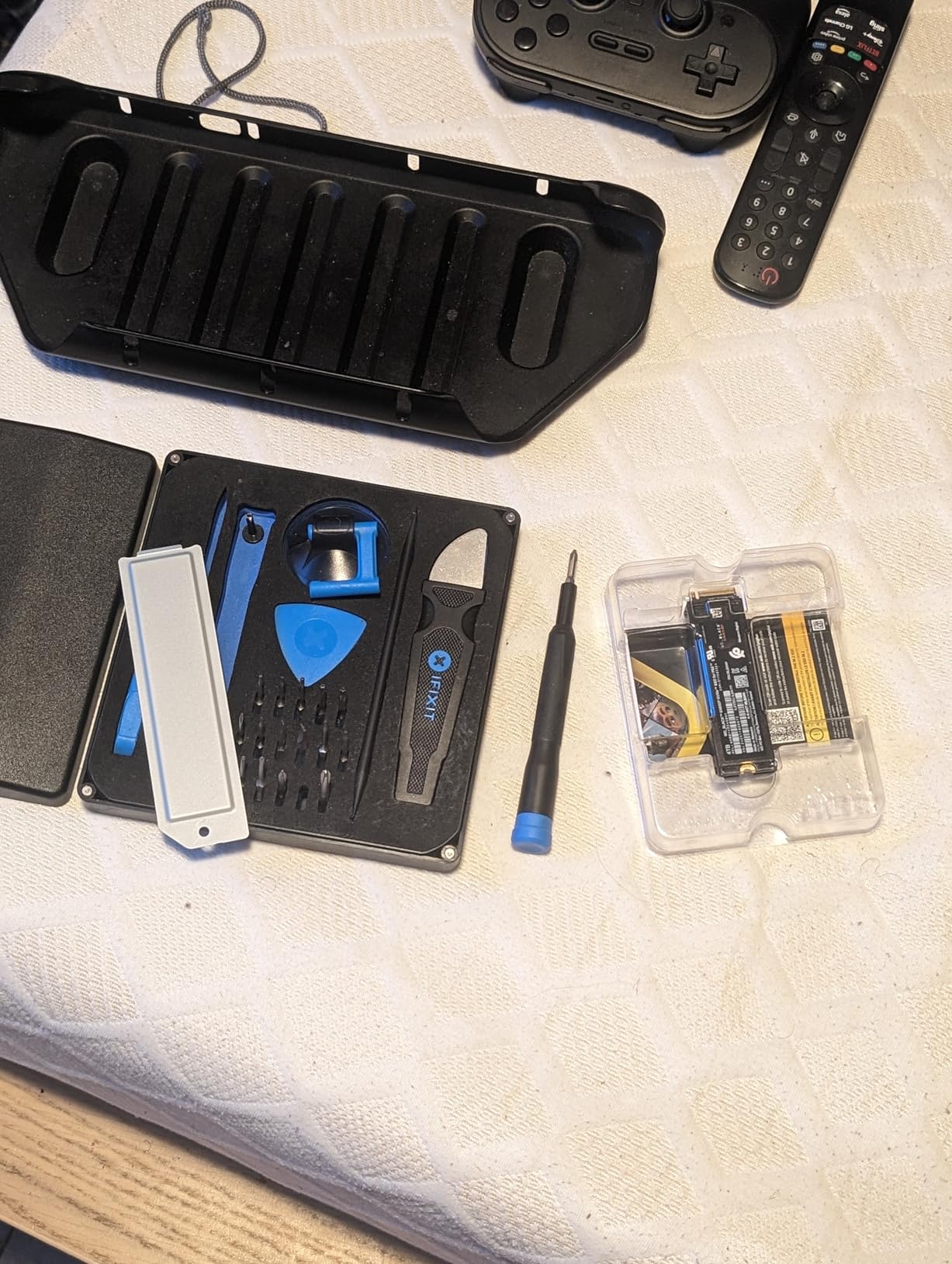
The SN850P is the option I would buy for a first-time PS5 storage upgrade. Its official PlayStation 5 licensing and dedicated heatsink answer the two concerns that cause the most forum anxiety: fit and recognition.
Published performance reaches 7,300 MB/s sequential read, comfortably above Sony’s 5,500 MB/s threshold. That extra headroom is not a promise of dramatically shorter every loading screen, but it provides useful tolerance as the console manages more storage and game updates.
2TB Capacity Solves the Usable-Space Penalty
Sony’s 825GB drive leaves less room for games after system files and the operating system take their share. A 2TB upgrade roughly triples the available capacity class and lets a large library coexist without repeated transfers.
For my money, 2TB is the practical middle ground for a disc-less owner or anyone with 15 or more installed games. It is enough to make storage management occasional rather than part of every gaming session.
Official Cooling and Console Fit Reduce Risk
The integrated heatsink is designed for the PS5 rather than adapted from a generic PC drive. I prefer that conservative approach because forum users often report “not recognized” messages after a drive is only partially seated, not because Sony rejected the brand.
The package weighs 30.4g and carries a five-year limited manufacturer warranty. Its exact dimensions were not supplied in the research data, so I would not use a loose dimensional claim or assume compatibility beyond the listed M.2 2280 format and PS5 design.
The Trade-Off Is Price and Warmth
Its main drawback is that official licensing and convenience command a premium. Buyers can find similarly fast 2TB hardware for less, but they will need to weigh price against the confidence that comes with a purpose-built package.
Customer feedback also notes warmth during extended play. That is not the same as a throttling failure, and the supplied heatsink is still the correct cooling path, but it is worth leaving normal ventilation around the console.
2. Samsung 990 PRO 2TB with Heatsink – Best Fastest Premium Pick
SAMSUNG 990 PRO w/ Heatsink SSD 2TB, PCIe Gen4 M.2 2280 Internal Solid State Hard Drive, Seq. Read Speeds Up To 7,450MB/s for High End Computing, Workstations, Compatible w/ PlayStation 5, MZ-V9P2T0CW
2TB capacity
Up to 7,450 MB/s
Ultra-slim heatsink
Pros
- Highest listed read speed
- Strong thermal design
- AES-256 encryption
- 5-year warranty
Cons
- Premium price
- Requires PCIe 4.0 for full benefit
- Limited recorded stock
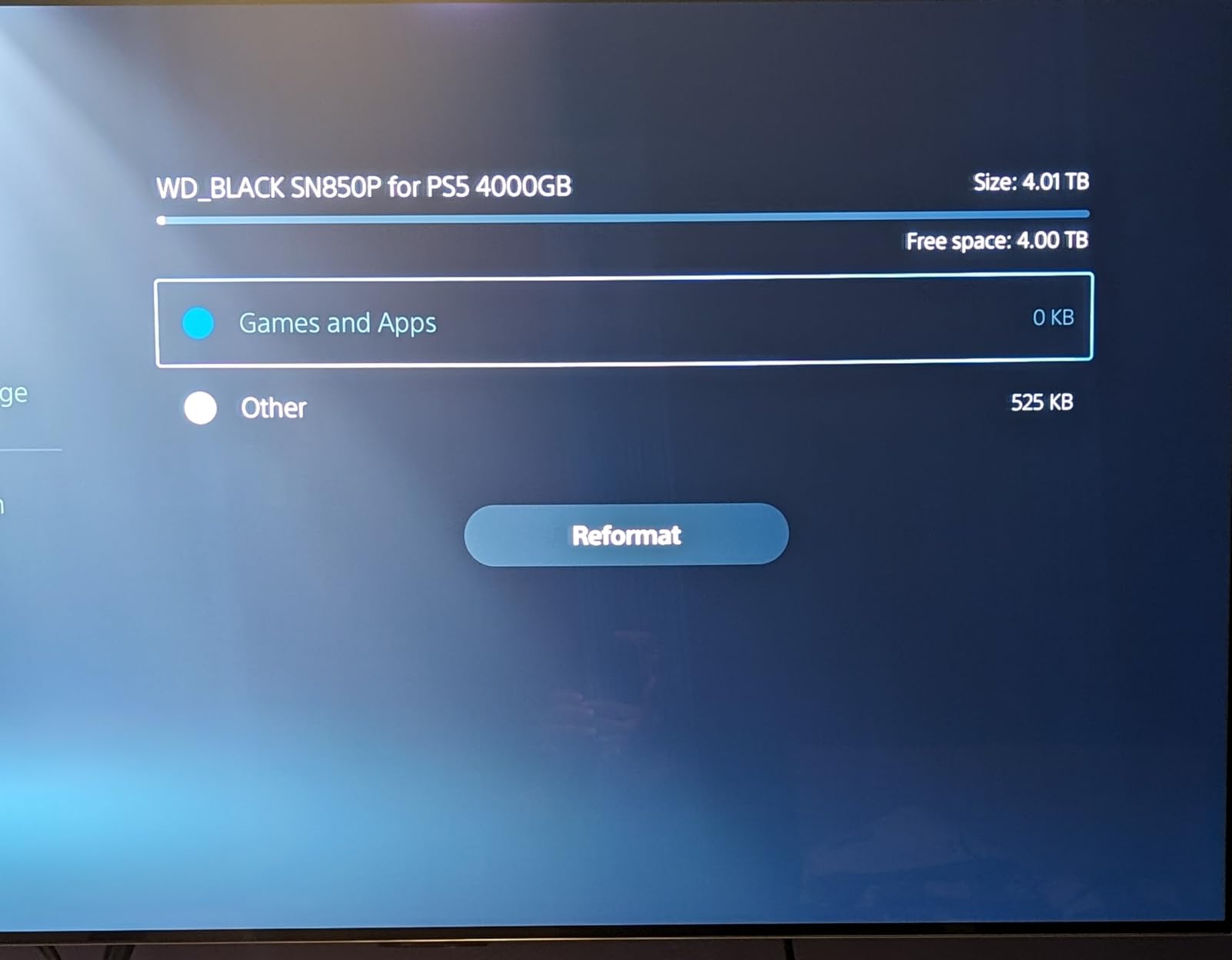
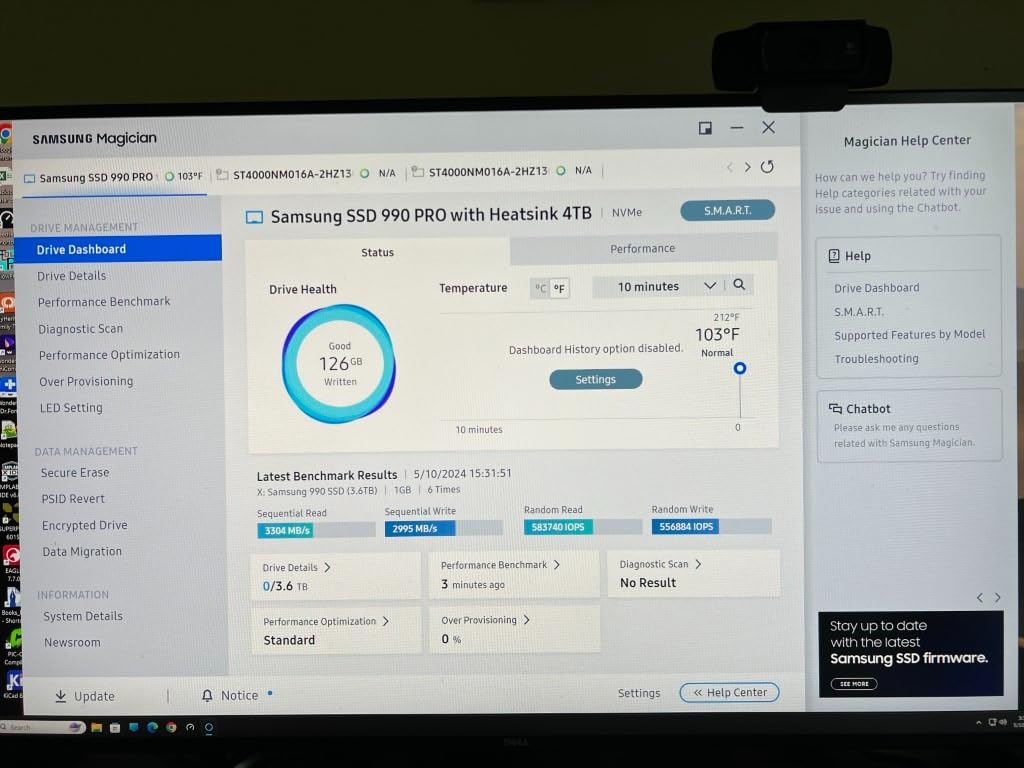
The 990 PRO is the fastest PS5 SSD in this comparison on paper, with up to 7,450 MB/s sequential read and 6,900 MB/s sequential write. I treat those figures as headroom rather than a measurable leap over every other 7,000 MB/s-class drive in a console game.
What elevates it is the complete package. The ultra-slim integrated heatsink is designed to suit the PS5, while Samsung V-NAND, AES 256-bit encryption, and a five-year manufacturer warranty add confidence for buyers who plan to keep the drive for several console generations.
Performance Headroom Is the Real Advantage
Sony’s requirement is 5,500 MB/s, and this drive offers 1,950 MB/s more in the listed specification. That margin can help maintain steady behavior when the system is reading large open-world textures or moving data between internal storage and the M.2 drive.
The platform, not just the drive, sets practical performance. The useful result is that the 990 PRO should not be the weak link in a compatible PCIe 4.0 installation.
Cooling and Security Suit a Long-Term Upgrade
The low-profile heatsink is an important physical choice. A drive that performs well but blocks the expansion bay’s cover or interferes with retention hardware creates a poor experience, so I would keep the pre-attached cooler rather than experiment with a separate one.
Encryption is a bonus for PC dual use, although it is not a special requirement for PS5 operation. On a console, the five-year warranty and Samsung’s established firmware support are more relevant than workstation extras.
Buy It for Completeness, Not Faster Menus
Customer feedback strongly favors speed, thermal control, and easy PS5 installation. Some buyers may question the premium over the Crucial P310 or Lexar NM790, but this is one of those cases where paying more buys a mature package rather than a different category of game loading.
I would not expect the 990 PRO to make every game start instantly or to change frame rate. Its strongest case is maximum PCIe 4.0 headroom, restrained cooling, security, and warranty support in one box.
3. WD_BLACK SN850X 2TB – Best Proven Gaming Choice
WD_BLACK SN850X 2TB NVMe SSD with Heatsink – M.2 2280, Up to 7,300 MB/s Read speeds, Up to 6,300 MB/s write speeds, Gaming Expansion, High Performance Internal Solid State Drive – WDS200T2XHE
2TB capacity
Up to 7,300 MB/s
Built-in heatsink
Pros
- Large review base
- Gaming-focused speed
- Five-year warranty
- Integrated heatsink
Cons
- No mounting screw
- Tight-fit concern
- Can run warm
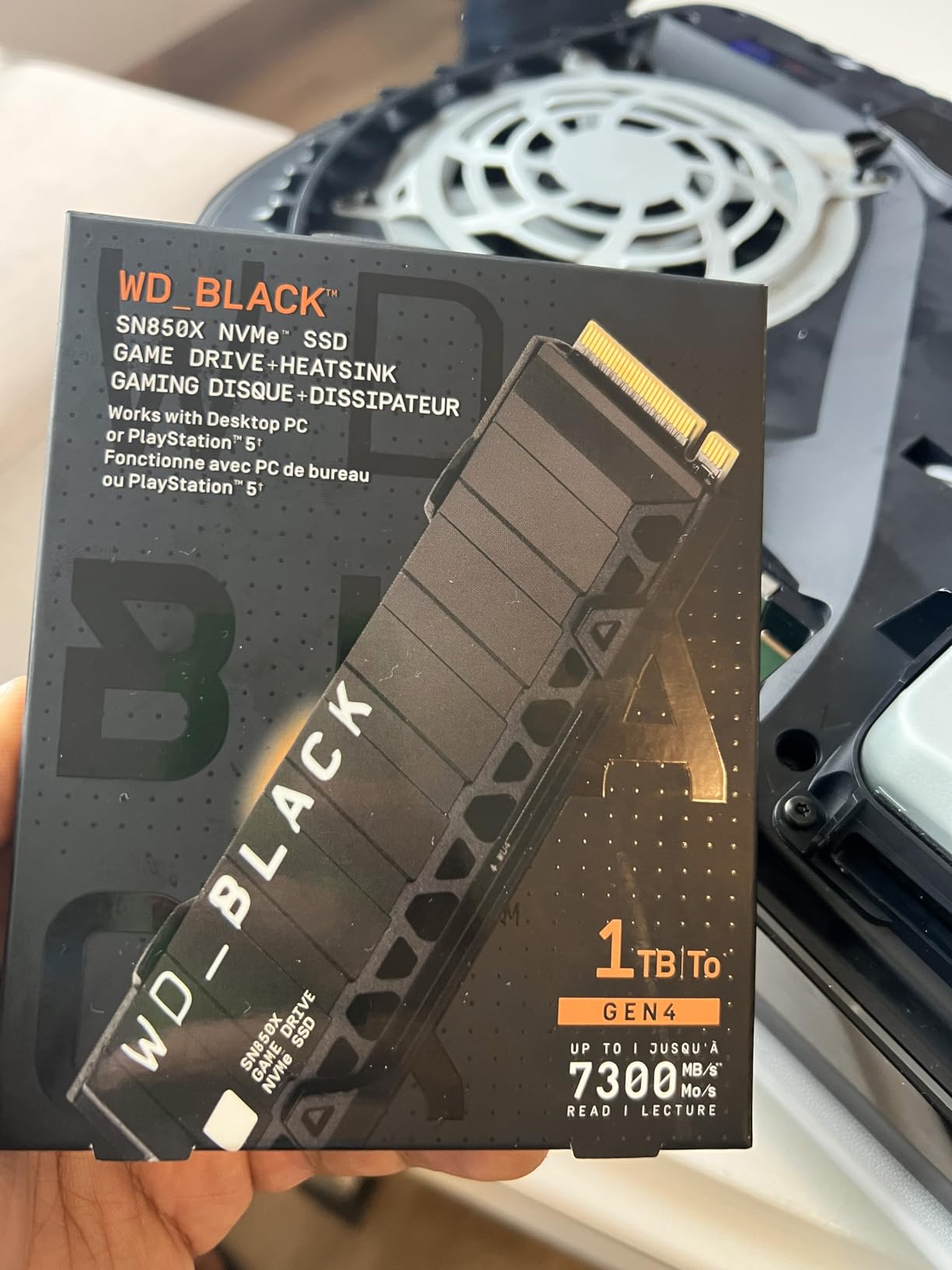
The SN850X has the largest review count in this roundup at 15,778, and that history matters. When I am putting permanent storage behind a panel, I want more than an impressive peak speed; I want thousands of reports covering installation, sustained gaming, and long-term behavior.
Its 7,300 MB/s read specification clears Sony’s minimum with room to spare. The 2TB capacity, built-in heatsink, gaming positioning, and five-year limited warranty form a familiar package for both PS5 and PC use.
User Volume Gives the Recommendation Weight
The 4.8 rating is backed by 15,778 reviews, far more than several newer options here. I would still read recent owner feedback for firmware or platform changes, but the sample size gives the SN850X an unusually solid reliability signal.
Real-world reports praise gaming performance and thermal control. The data does not provide independent PS5 game load timings, so I would not invent a direct improvement from moving between two similarly fast SSDs.
2TB Balances Large Games and Manageability
This capacity can hold a substantial game collection without taking the cost jump to 4TB. It remains the format I recommend when a gamer wants to download several large releases while keeping at least one game ready to launch.
The drive weighs 24g and uses the M.2 2280 form factor. That makes it straightforward to position in the expansion slot, provided the retaining screw and spacer are secured before the cover goes back on.
Check the Bay and Keep a Screw Ready
Some customer feedback says the heatsink version can complicate tight builds, and the listing does not include a mounting screw. Neither issue makes it unsuitable for a PS5, but both support my rule of measuring the bay and checking the included hardware before installation.
Higher temperatures are also reported in tight spaces. I would avoid stacking anything around the console and use the installed heatsink exactly as supplied.
4. Lexar NM790 2TB – Best DRAM-Less Value Pick
Lexar 2TB NM790 NVMe SSD w/Heatsink, 7400/6500 MB/s, M.2 2280, PCIe Gen 4×4
2TB capacity
Up to 7,400 MB/s
1,500 TBW endurance
Pros
- High read and write speed
- Energy-efficient HMB design
- Strong endurance rating
- Included heatsink
Cons
- DRAM-less architecture
- Limited regional availability
- Heatsink can limit enclosures
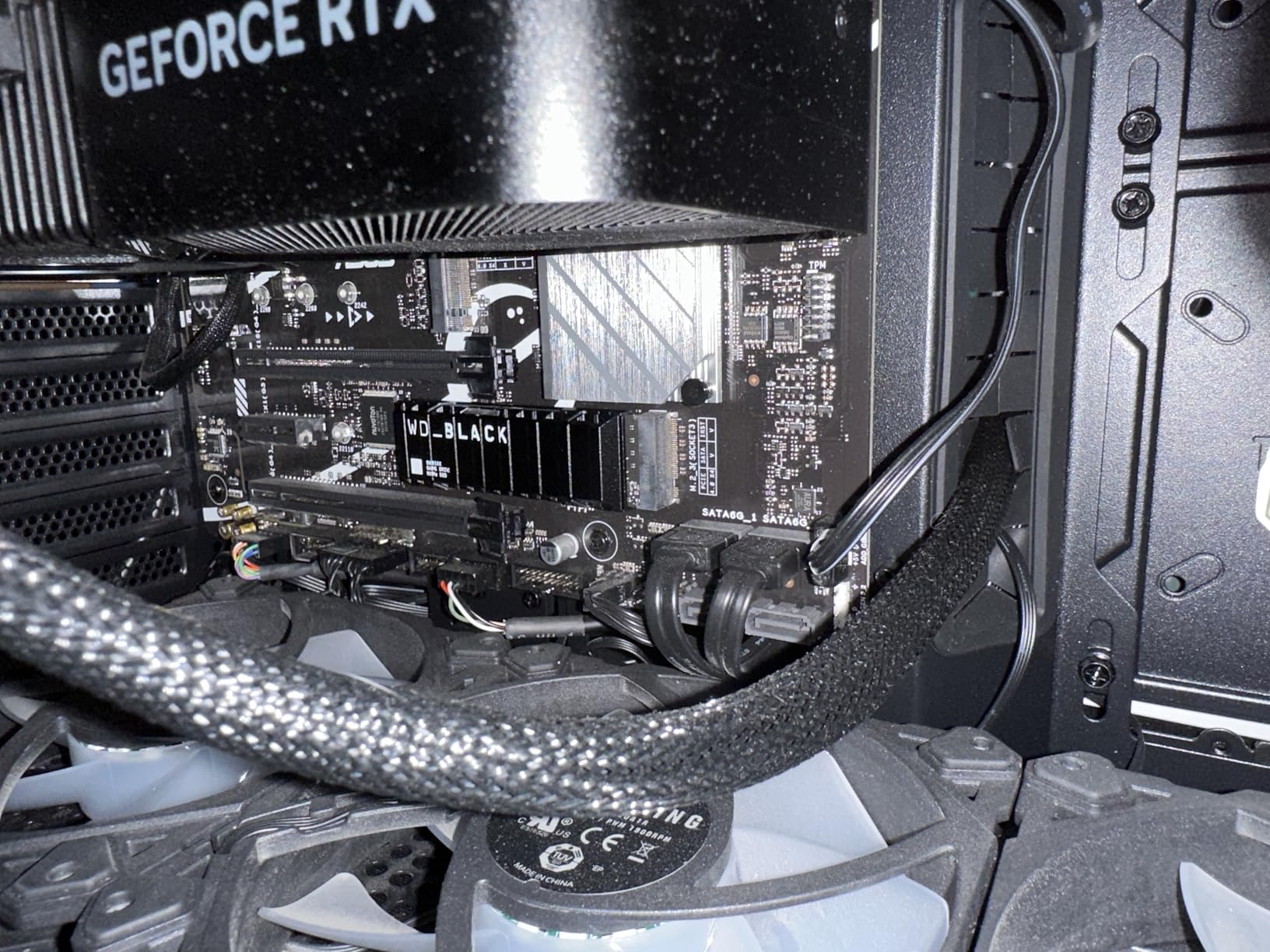
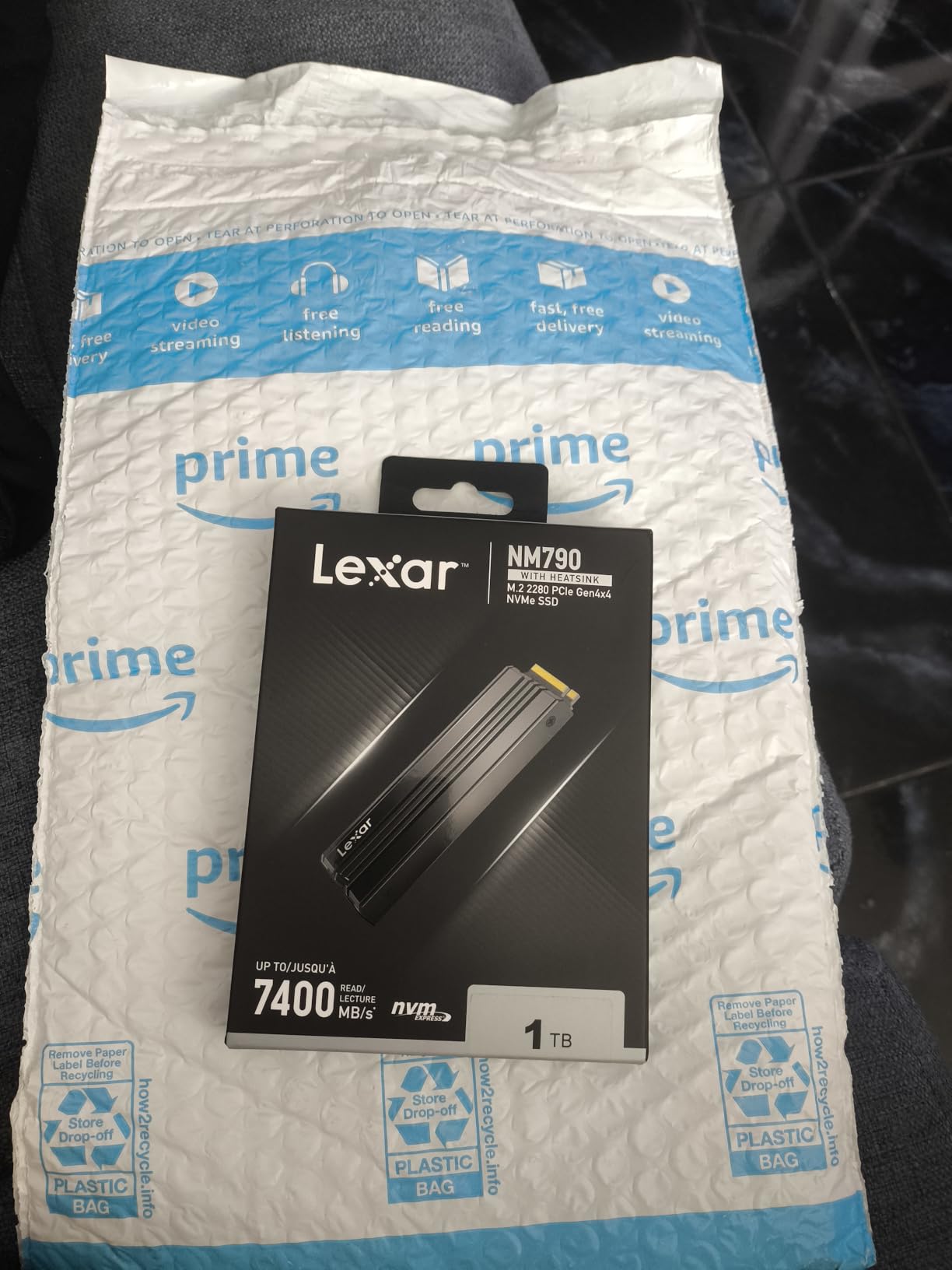
The NM790 is the value surprise in this group. It lists 7,400 MB/s read and 6,500 MB/s write, includes a heatsink, and carries a 1,500TBW endurance rating without using a traditional DRAM cache.
I like that the efficiency argument is specific. Lexar says its Host Memory Buffer 3.0 design uses up to 40% less power than DRAM-cache-enabled PCIe 4.0 SSDs, which can matter in a laptop more than in a mains-powered PS5.
Why a DRAM-Less Drive Can Still Work in a PS5
Game consoles do not make the SSD serve every role that a high-end PC might. That narrows the practical concern around a DRAM-less design, although sustained writes during large installations can still benefit from a drive’s controller and available system memory.
The NM790 is therefore not automatically slower in the PS5 simply because it lacks dedicated DRAM. Its HMB design and fast interface are more relevant to the workloads this console actually exposes.
Endurance and Power Create a Compelling Pair
The 1,500TBW rating is the strongest endurance figure explicitly listed in this comparison. It indicates a high total written-data allowance, while the claimed 40% power reduction is useful if the same drive will move between a PS5 and a compatible laptop.
I would not translate TBW into a fixed calendar lifespan. NAND wear, workload, heat, and total bytes written all matter, so a large allowance is reassurance rather than a promise.
Heatsink Compatibility Is the Main Practical Limit
The included cooler improves PS5 readiness but can stop the drive fitting in some external M.2 enclosures. That is a fair trade for a console installation, yet it is worth remembering if you plan to clone the drive in a portable enclosure later.
Customer feedback favors the speed, power efficiency, installation, and thermal package. I would choose it over a budget model with unclear cooling or uncertain controller support, but the Samsung 990 PRO remains the better premium pick for buyers who want a conventional DRAM-equipped architecture.
5. Samsung 980 PRO 2TB – Best Mature Thermal Design
Samsung 980 PRO SSD with Heatsink 2TB PCIe Gen 4 NVMe M.2 Internal Solid State Drive, Heat Control, Max Speed, PS5 Compatible (MZ-V8P2T0CW)
2TB capacity
Up to 7,000 MB/s
8.6mm heatsink
Pros
- Thin PS5 fit
- 14
- 260-review history
- Magician health tools
- Strong thermal design
Cons
- Older platform
- Premium price
- Very limited recorded stock
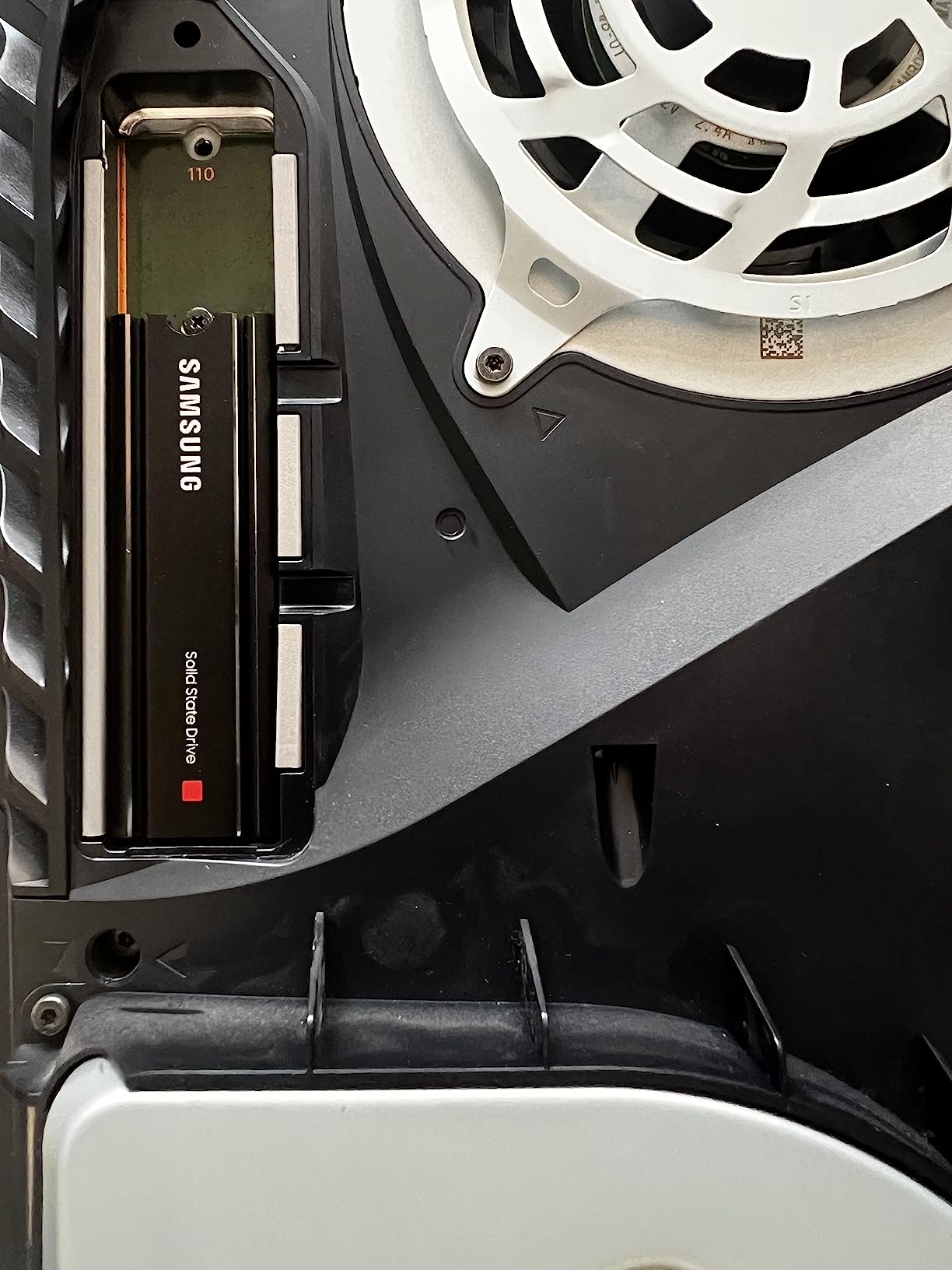
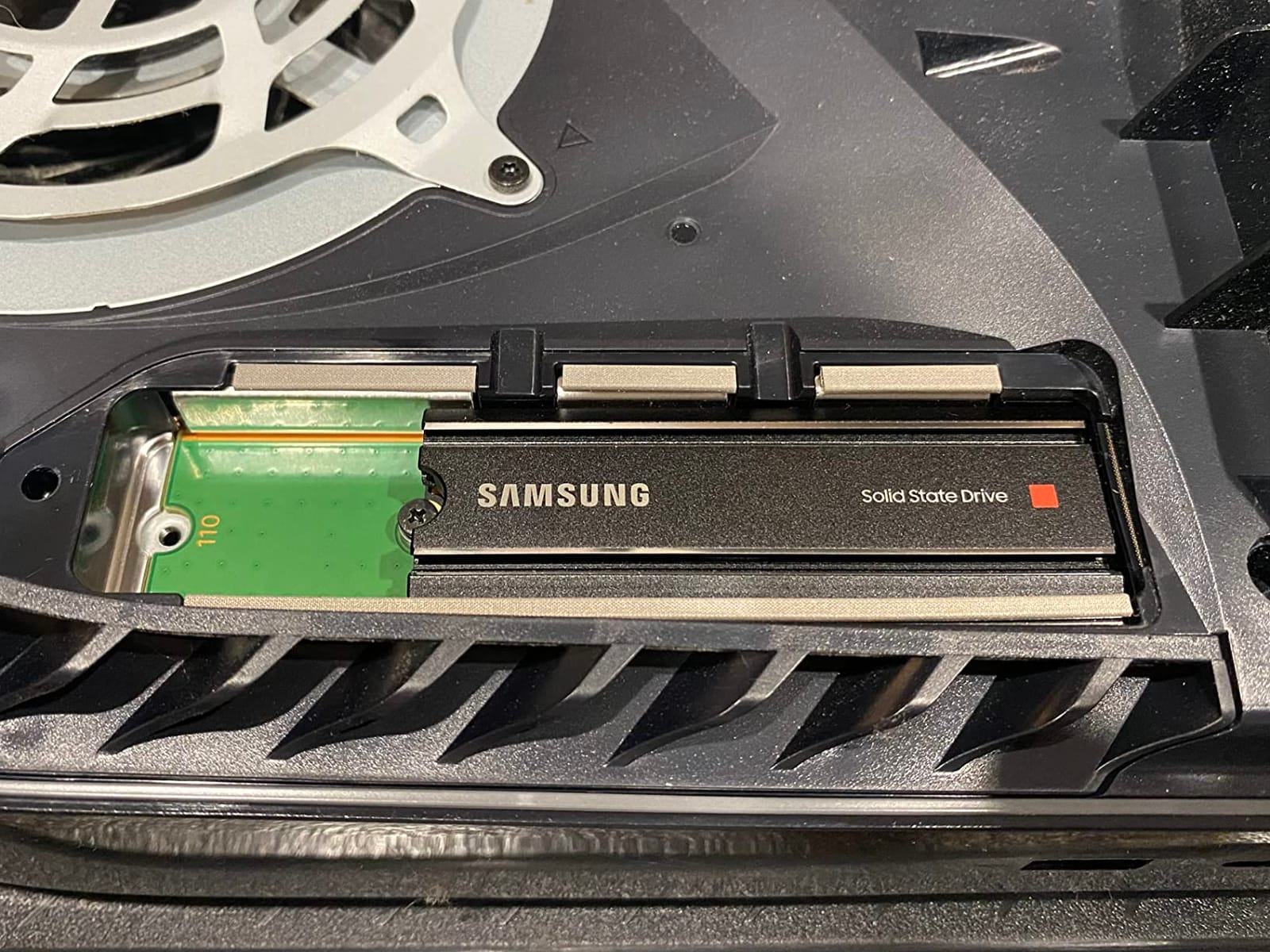
The 980 PRO is the older Samsung option, and age is not automatically a defect here. Its 8.6mm heatsink housing is purpose-built for the PS5, while the Elpis controller, Samsung V-NAND, and 2GB installed cache make it a predictable enthusiast drive.
The listed 7,000 MB/s read and 5,100 MB/s write speeds still clear Sony’s requirement comfortably. Its 14,260-review history also gives me more confidence in long-term ownership than I would place on a newly launched model with only a few hundred reports.
The Controller and Cache Favor Predictable Work
Samsung pairs the 980 PRO with a nickel-coated controller and a 2GB cache. That combination helps explain why the drive remains a credible choice despite newer products posting higher peak numbers.
For a PS5, deterministic behavior and cooling matter more than topping a synthetic chart. This model’s established design is a good example of why “fastest” is a weak standalone buying rule.
Magician Adds Useful Drive Management
Samsung Magician can monitor drive health, optimize performance, and protect data when the SSD is installed in a compatible PC. Those tools are not available to the same depth inside PS5 system software, but they are useful for checking the drive before installation or inspecting it during dual use.
AES 256-bit encryption and TCG V2.0 support add another reason to keep this drive for a workstation. I would use a secondary heatsink only if Samsung’s own compact unit must be removed for a specific PC case, because PS5 buyers should not disturb the supplied cooling unnecessarily.
Buy It for the Track Record, Not Peak Speed
The 990 PRO is faster and uses Samsung’s newer platform, so it wins on raw specifications. The 980 PRO still competes through its thin fit, thermal control, firmware tools, and unusually deep review history.
I would compare recent availability and warranty service before choosing it. With only two units shown in the research, buying another newer 7,000 MB/s-class drive from regular stock may be the more practical decision.
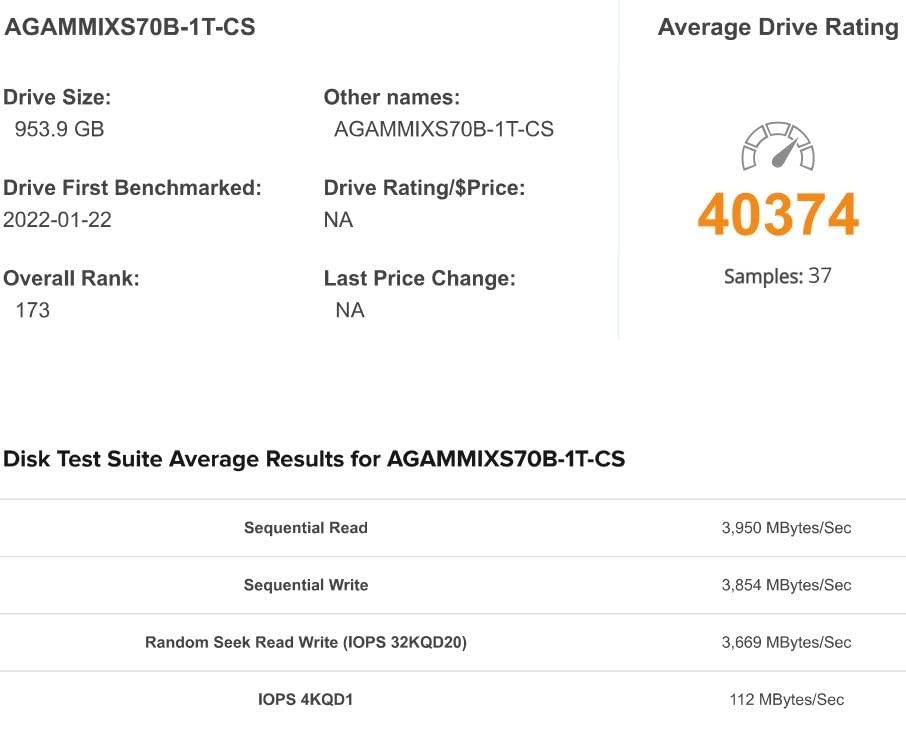
6. XPG GAMMIX S70 Blade 2TB – Best Strong Write Performance
XPG GAMMIX S70 Blade, PCIe Gen4 Solid State Drive, 2TB
2TB capacity
Up to 7,400 MB/s read
Up to 6,800 MB/s write
Pros
- Strong write specification
- Included aluminum heatsink
- Five-year warranty
- Large review base
Cons
- Software compatibility complaints
- Long-term concerns from some owners
- Limited recorded stock
The S70 Blade stands out for its listed 6,800 MB/s sequential write speed, one of the strongest figures in this roundup. That makes it attractive for large game transfers and installations, even though PS5 game loading depends more heavily on read performance.
It uses an aluminum heatsink, SLC cache, and a high-temperature-resistant design. The drive is also backward compatible and works with PCs, laptops, and the PS5 according to the supplied specifications.
Write Speed Helps During Storage Work
A large 200GB install has to be written somewhere, and the S70 Blade’s specification leaves plenty of interface headroom. Faster writes can reduce the time spent waiting when expanding a library or reorganizing a drive.
Once a game is installed, PS5 read performance is the clearer measure. The listed 7,400 MB/s read speed still places the S70 Blade among the fastest options here.
Cooling Is Built for Sustained Use
The included aluminum heatsink gives the controller and NAND more thermal mass than an uncooled module. That is a sensible match for long transfers, although the research data does not provide independent sustained temperature figures.
I would treat the claimed thermal benefits as support, not proof that the drive will remain cooler than every alternative. Ambient temperature, airflow, and the way the heatsink seats against the drive still matter.
Software Frustrations Are the Main Reason to Pause
Customer feedback reports that the ADATA toolkit can have compatibility issues, and some owners raise long-term durability concerns. A five-year manufacturer warranty helps, but I would keep a backup of anything irreplaceable regardless of which SSD I install.
The review count of 11,255 is substantial despite those mixed comments. I would place the S70 Blade below Samsung and WD for overall confidence, yet above an unknown model when the included cooler and write performance are the priority.
7. Crucial P310 2TB – Best Broad Compatibility Pick
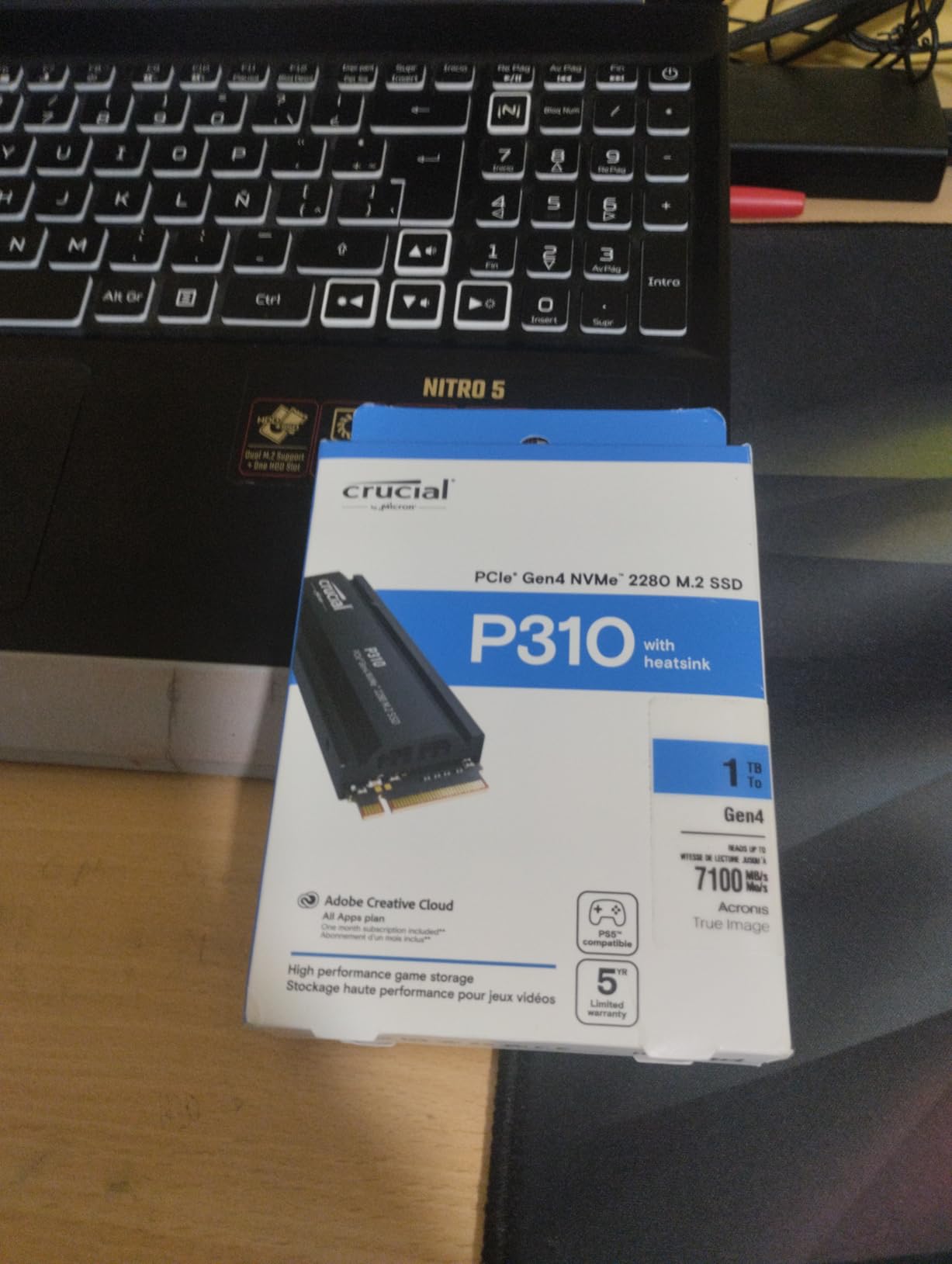
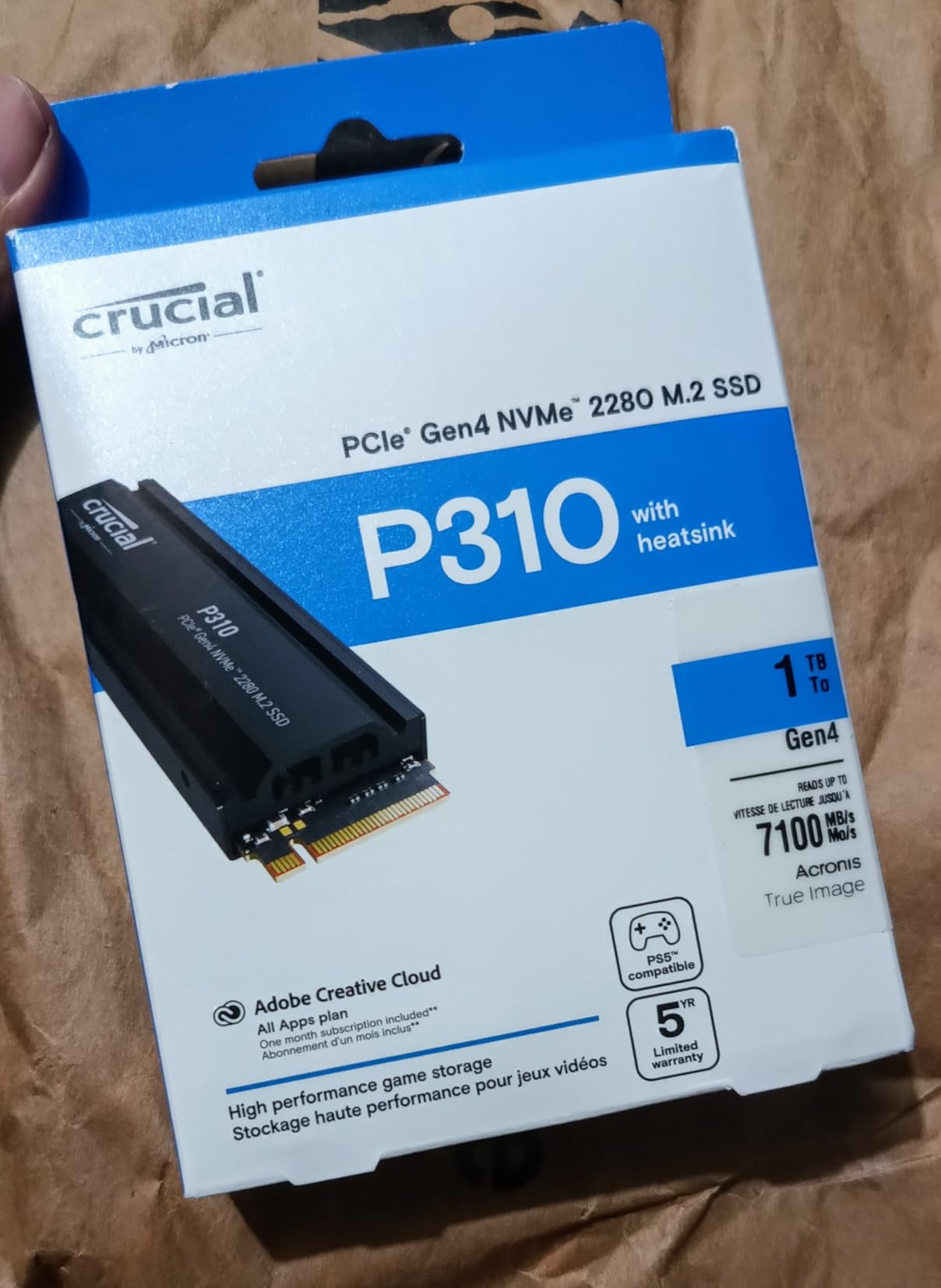
Crucial P310 2280 2TB PCIe Gen4 NVMe Gaming PS5 SSD with Heatsink, Up to 7,100MB/s, PlayStation5, Laptop & Desktop (PC) Compatible, Solid State Drive – CT2000P310SSD5-01
2TB capacity
Up to 7,100 MB/s
Included heatsink
Pros
- Competitive Gen4 speed
- Included heatsink
- Backward compatible
- Micron G8 NAND
Cons
- 6
- 000 MB/s listed write speed
- Mounting screw absent
- Limited recorded stock
The Crucial P310 is the most flexible budget-oriented choice. It supports the PS5, laptops, and desktops, and it is backward compatible with PCIe 3.0 systems, so moving it between generations is less awkward than it sounds.
The 7,100 MB/s read speed clears the PS5 requirement while the included heatsink avoids the need to match a separate cooler. I also like the Micron connection, because the supplied specifications identify advanced G8 NAND and a five-year limited warranty.
Compatibility Matters More Than the Fastest Write Number
Its listed 6,000 MB/s write speed trails the Lexar, XPG, and Samsung 990 PRO. That does not prevent smooth PS5 use because the console’s 5,500 MB/s requirement is a read threshold, and all three products remain comfortably above it.
I would choose the P310 for a laptop or mixed-device setup where backward compatibility can save a replacement later. For a drive that will stay in a PS5, I would compare total package value rather than reject it over a still-strong write result.
The Included Heatsink Is the Right Starting Point
Sony expects cooling for the expansion drive, and this package arrives with the part attached. I would not assume that any generic adhesive cooler is acceptable without checking thickness, pressure, and clearance against the PS5 bay.
The product listing does not include a mounting screw. The console bay may require the original screw or a properly sized replacement, so I would keep a tiny parts tray beside the console during the five-minute installation.
A Sensible Value Choice, Not the Performance King
Owners praise the ease of installation, Micron quality, and thermal management. The trade-off is that this is not the best choice for buyers who insist on leading write speed or want the deepest long-term review history.
With only 18 units shown in the research and a 1,631-review count, it sits between the newest Lexar and the more established WD models. I would buy it when compatibility and value outweigh brand familiarity.
8. Seagate Game Drive 4TB – Best Maximum-Capacity Pick
Seagate Game Drive M.2 SSD for PS5 4TB Internal Solid State Drive – PCIe Gen4 NVMe 1.4, Up to 7250MB/s with Heatsink (ZP4000GP3A4001)
4TB capacity
Up to 7,250 MB/s
Custom PS5 heatsink
Pros
- Largest capacity in comparison
- Strong read and write ratings
- PS5-optimized design
- 5-year warranty
Cons
- Highest cost
- Long listed shipping time
- Only 471 reviews
The Seagate Game Drive is for someone who wants to stop managing storage entirely. Its 4TB capacity is double the other models here, and the listed 7,250 MB/s read and 6,900 MB/s write performance leaves no interface bottleneck.
It is built for both Digital and Standard Edition PS5 consoles and includes a custom heatsink. I see the value in the package, although the 471-review count is the smallest in this comparison and the listed shipping time can test patience.
4TB Is the Library-First Choice
Game updates and a growing digital collection can make 2TB feel cramped long before the drive itself fails. A 4TB expansion gives a frequent installer far more breathing room and reduces the number of times an older title needs to be removed and downloaded again.
It is not automatically better for every household. If you only keep a few competitive games installed, 2TB usually leaves enough room and costs less to populate.
PS5-Specific Cooling and Warranty
The custom heatsink is designed to reduce thermal throttling, and Seagate backs the drive with a five-year warranty. That combination matters because the drive is likely to remain installed through the life of the console.
The supplied product data does not provide an endurance rating or independent sustained-load temperatures. I would therefore compare the warranty terms and keep a backup, not assume the four-year capacity advantage eliminates risk.
Availability Is a Bigger Limit Than Speed
The listed four-to-five-week dispatch window is unusual in this group. Long waits can expose the console to accidental damage or a sudden need for storage, so I would check the delivery estimate before ordering.
Customer feedback includes some reports of failure after five months. Those reports are not enough to dismiss a 4.7-rated product, but they are exactly why I would prefer a drive with a stronger review count when timing is comparable.
How to Choose the Best PS5 SSD Without Compatibility Traps
Start With Sony’s M.2 Requirements
The PS5 accepts an M.2 NVMe solid-state drive using PCIe 4.0 and a sequential read speed of at least 5,500 MB/s. Sony’s interface requirement is effectively the gate: a SATA M.2 drive, PCIe 3.0 drive below the speed threshold, or the wrong physical size is not a suitable internal upgrade.
Choose M.2 2280 hardware. Every product in this comparison lists that format, but I would still inspect the exact package because a pre-attached heatsink can affect the final thickness and the way the module sits under the console’s expansion cover.
Use Capacity Before Chasing Extra Speed
All eight options exceed the console’s 5,500 MB/s read requirement by a wide margin. The bigger decision is how much space your library needs.
1TB: Best for a modest library or a buyer who regularly moves games between the internal and expansion storage.
2TB: The best balance for most PS5 owners, especially anyone who keeps roughly 10 to 15 or more games installed.
4TB: The right answer for a large digital library, frequent updates, and anyone who hates deleting games.
A 2TB drive is not overkill once system files and several 100GB-class releases are counted. It is the point where storage stops feeling like a weekly chore for many gamers.
Do Not Remove a Drive’s Heatsink
The heatsink is a practical requirement for a PS5 internal SSD because the expansion bay is designed around cooling. Every shortlisted drive either includes a heatsink or is sold in a model that is specifically fitted with one.
I would use the supplied cooler rather than buying a universal one. That avoids the three most common clearance problems: a cooler that is too thick, one that lifts the drive’s edge, or one whose thermal pad does not make even contact with the controller.
Do Not Fear DRAM-Less Designs Without Context
A DRAM-less SSD can be a good PS5 drive when the controller, firmware, HMB support, and workload are well matched. The Lexar NM790 shows why a blanket “DRAM-less means slow” rule fails: it lists 7,400 MB/s read, 6,500 MB/s write, and a 1,500TBW endurance rating.
The distinction matters more in a PC that performs lots of random writes while running many applications. On a PS5, I would still inspect sustained-transfer feedback and warranty terms, but I would not reject a well-cooled HMB drive solely because it lacks dedicated memory.
Compare Endurance, Warranty, and Real Ownership Evidence
TBW estimates the total terabytes that can be written before the rated endurance is exhausted. They are useful for comparing tolerance, but they are not calendar warranties, and ordinary game storage may never approach a high rating.
The five-year manufacturer warranties across this group are a stronger common ground. The review counts also separate the field: the SN850X has 15,778 reviews, while the Seagate 4TB model has 471, so I give the former more weight for accumulated user evidence.
Check Dual-Use Needs Before Buying
Every candidate can serve as PS5 storage, but not every one is equally convenient in a laptop or desktop. The Crucial P310 lists backward compatibility, the Samsung 990 PRO includes AES 256-bit encryption, and Samsung Magician adds health monitoring for the 980 PRO.
A pre-attached heatsink can prevent an internal SSD from fitting inside a slim external enclosure. I would choose a drive without a fixed cooler for a portable workflow, or accept the cooler and buy an enclosure specifically rated for its assembled dimensions.
Install It in Five Careful Steps
Turn off the PS5 completely and disconnect the power cable, HDMI cable, and USB leads.
Place the console on a clean, stable surface and remove the rectangular expansion-slot cover from the side with the disc drive or digital-edition recess.
Align the M.2 drive in the slot so the connector is fully seated, then use the bay’s spacer and screw to hold the far end flat without overtightening.
Replace the expansion cover, reconnect the console, and update or restart the system software if prompted.
Open Storage settings, format the M.2 SSD as extended storage, and move or install a game before judging the result.
If the PS5 does not recognize the drive, power down and reseat it rather than repeatedly restarting. Forum reports commonly mention incomplete seating, so I would also check the screw position and remove any loose packaging material before reopening the console.
Match the Pick to Your Real Gamer Profile
Buy the WD_BLACK SN850P if official licensing and a low-friction installation matter most. Choose the Samsung 990 PRO for the highest listed read speed, strong security, and a slim integrated cooler; choose the Lexar NM790 for a DRAM-less design with an excellent endurance figure.
Choose the WD_BLACK SN850X when the large review base gives you more confidence than a marginally higher synthetic result. Pick the Samsung 980 PRO for its thin thermal design and management software, the XPG S70 Blade for strong write performance, the Crucial P310 for mixed-device compatibility, or the Seagate 4TB model when capacity is the overriding concern.
Frequently Asked Questions
Does any internal SSD work with PS5?
No. The PS5 needs an M.2 NVMe PCIe 4.0 SSD with at least 5,500 MB/s sequential read speed, the correct M.2 2280 form factor, and suitable cooling.
Is a 2TB SSD overkill for a PS5?
No for most gamers. Two terabytes gives useful headroom for a large game library and modern titles, while 4TB is mainly for owners who keep many large games installed.
How hard is it to install an SSD in a PS5?
Installation is straightforward: shut down fully, remove the expansion cover, seat the drive at the correct angle, secure it with the bay screw, replace the cover, and format it in Storage settings. Take care not to overtighten the screw.
Do I need a heatsink for a PS5 SSD?
Yes, a suitable heatsink is part of proper PS5 SSD setup. The expansion bay is designed around cooling, and every shortlisted model is sold with a fitted or PS5-oriented cooling solution.
What is the average lifespan of an SSD in a PS5?
There is no fixed calendar lifespan. SSD endurance depends on NAND type, workload, heat, and total data written, but a high TBW rating and a five-year manufacturer warranty provide useful purchasing reassurance.
What is the best internal SSD for PS5?
The WD_BLACK 2TB SN850P is the best overall pick for most people because it is officially licensed, has an integrated PS5 heatsink, and lists up to 7,300 MB/s read speed. The Samsung 990 PRO is the fastest premium option.
The Best PS5 SSD Depends on Capacity, Proof, and Cooling
The WD_BLACK SN850P is my top overall pick because official licensing, a PS5-oriented heatsink, 2TB capacity, and 7,300 MB/s read performance answer the practical questions in one package. I would buy it when confidence and simple installation are worth more than squeezing every last dollar from the purchase.
Choose the Samsung 990 PRO for maximum listed speed, the Lexar NM790 for DRAM-less value, the WD_BLACK SN850X for the deepest review history, or the Seagate 4TB model for a digital library that should never be pruned. Whichever capacity you select, use the supplied heatsink, secure the connector fully, and keep a backup of anything you cannot replace.
The best PS5 storage upgrade in 2026 is the one that holds the games you play without forcing constant management. Match the drive to your library first, then buy the fastest well-cooled option that fits your budget.