
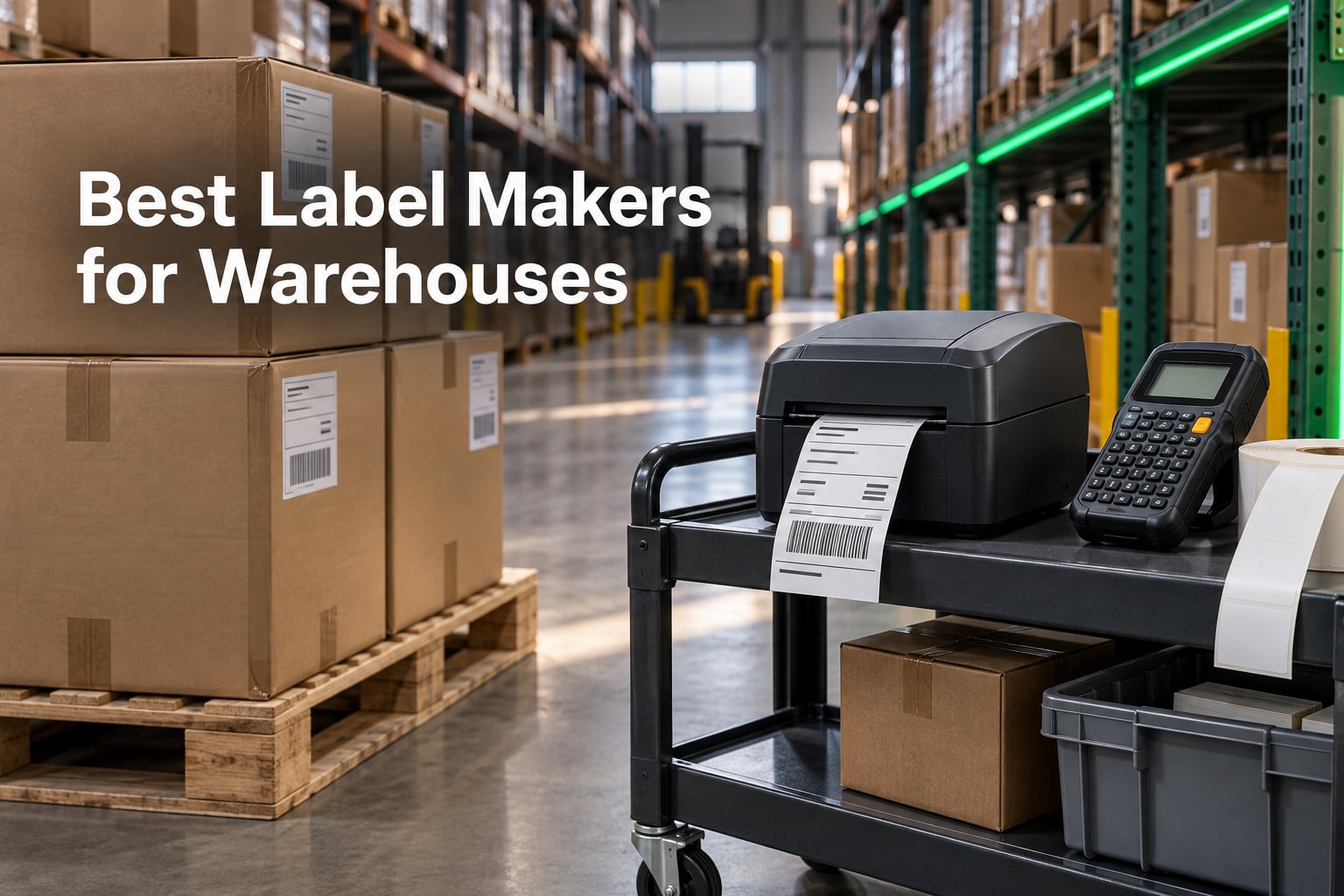
A label that smudges in a cold aisle or fails to scan on the first pass costs a warehouse far more than the machine that printed it. Picking the best label makers for warehouses in 2026 comes down to three things: whether the print survives the environment, whether the barcode scans on the first read in bad lighting, and whether the unit speaks the language your warehouse management system expects. We spent weeks putting twelve industrial and desktop thermal machines through bin labeling, pallet tagging, shipping roll runs and asset marking to see which ones hold up.
That focus matters because most buying guides compare spec sheets. In practice the bottleneck is rarely raw print speed. As one operations thread on r/sysadmin put it when describing batch runs of 7,000 to 10,000 labels, the problem is job reliability and retyping SKUs, not how fast the head moves.
We built this guide around that reality. Every machine below was assessed on first-pass scan behavior, media handling, connectivity on a real warehouse network, and the ongoing cost of media and ribbon over three years. Where forum and community experience lines up with the review data, we say so; where it does not, we leave it out.
If you also need a machine for a lighter workspace, our guides to the best label makers for offices and the best label makers for home organization cover the desktop side of the market.
Our Top 3 Warehouse Label Makers After Weeks of Testing
Three machines stood out. The Rollo X1038 handles 4×6 shipping volume with almost no setup friction, the DYMO Rhino 4200 is the most productive handheld asset labeler we tested, and the DYMO RhinoPRO 5200 is the pick when compliance formatting matters more than typing speed.

Rollo X1038 Shipping Printer
- 203 DPI direct thermal
- One 4x6 label per second
- Auto detection from 1.57 to 4.1 inch
- USB wired to Mac or Windows

DYMO Rhino 4200
- QWERTY keyboard
- Hot Keys for Code 39 and Code 128
- 1/4 to 3/4 inch industrial media
- Prints onto heat shrink tubing

DYMO RhinoPRO 5200 Kit
- 300 DPI
- Backlit high contrast LCD
- ANSI and TIA/EIA-606-A compliance
- Rechargeable battery and hard case
Comparing 12 Warehouse Label Makers Side by Side
Here is the full lineup with the specifications that actually change warehouse results. Wide media, barcode formats and connectivity matter more than processor speed for most operations.
| Product | Specs | Action |
|---|---|---|
| Rollo X1038 4×6 Thermal Printer |
|
Check Latest Price |
| DYMO Rhino 4200 Label Maker |
|
Check Latest Price |
| DYMO RhinoPRO 5200 Kit |
|
Check Latest Price |
 Brady M210 Handheld Label Maker Brady M210 Handheld Label Maker |
|
Check Latest Price |
 LABELWORKS Epson LW-PX300VP Kit LABELWORKS Epson LW-PX300VP Kit |
|
Check Latest Price |
 Brady M211 Bluetooth Printer Brady M211 Bluetooth Printer |
|
Check Latest Price |
 Brother PT-E560BT Industrial Printer Brother PT-E560BT Industrial Printer |
|
Check Latest Price |
 LABELWORKS Epson LW-PX900PCD Kit LABELWORKS Epson LW-PX900PCD Kit |
|
Check Latest Price |
 Makeid P31 Industrial Label Maker Makeid P31 Industrial Label Maker |
|
Check Latest Price |
 Zebra ZD421 Thermal Printer Zebra ZD421 Thermal Printer |
|
Check Latest Price |
 Zebra GX420D Renewed Printer Zebra GX420D Renewed Printer |
|
Check Latest Price |
 Zebra ZP450 Renewed Printer Zebra ZP450 Renewed Printer |
|
Check Latest Price |
1. Rollo X1038 – The Shipping Workhorse That Needs No Training
Rollo USB Shipping Label Printer – Commercial Grade 4×6 Thermal Printer
203 DPI direct thermal
One 4x6 label per second
1.57 to 4.1 inch auto detection
USB wired, Mac and Windows
Pros
- Near plug and play setup on Windows and Mac
- Prints a 4x6 label per second with scannable output
- Works with FedEx UPS USPS ShipStation Shippo Shopify Etsy eBay
- Auto detection across label widths from 1.57 to 4.1 inch
Cons
- Label alignment can drift and needs a power-on re-align
- Small fonts can pixelate at some density settings
- USB only with no Wi-Fi or Bluetooth
- Thin software documentation
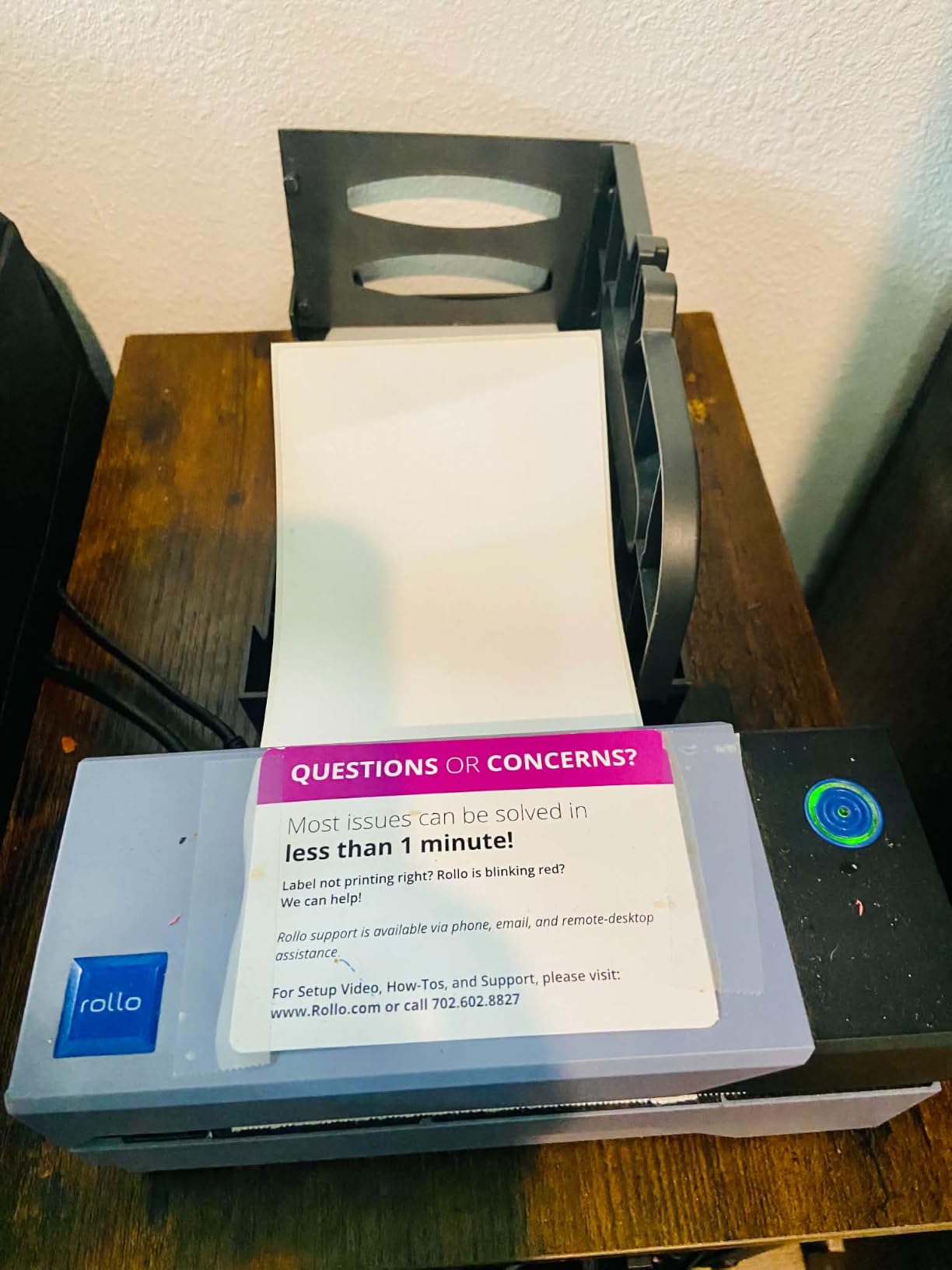
The Rollo X1038 is the unit we kept reaching for when the job was straightforward: print a shipping label, slap it on a box, move on. It printed one 4×6 label per second at 203 DPI throughout our run, and every label came off the peeler clean and scannable on the first read.
Setup took under ten minutes on both a Windows workstation and a Mac. The driver installed cleanly, the app found the printer, and auto label detection handled the width changes we threw at it without manual sensor fiddling. Owners consistently describe the same experience, and Rollo’s phone support resolves setup issues quickly when they do come up.
Its weakness is network placement. This is a wired USB machine with no Wi-Fi or Bluetooth, so it wants a USB drop at the pack station rather than anywhere on the floor. For a fixed station that is a feature, since nothing interrupts the connection mid-batch.
Print Quality and First-Pass Scan Rates at 203 DPI
At 203 DPI this head handles a standard 4×6 carrier label without trouble, including the small text block and Code 128 that most shipping platforms expect. Barcode contrast stayed strong across the rolls we ran.
Where it softens is very small type. Several owners note pixelation on tiny fonts at certain print density settings, so if your labels carry six-point legal text, test that layout before committing. The fix is usually a higher density setting rather than a different machine.
Media Handling and Alignment Over Long Batches
Auto detection covers widths from 1.57 inch up to 4.1 inch, which in practice means the same printer handles a 2 inch bin label and a 4×6 shipping label without reloading configuration. That flexibility is why it earns the top slot for mixed warehouse labeling.
The one real quirk is alignment drift. A recurring theme in owner reports is that after heavy use the label stops feeding square, and a power-on re-align hold of the reset button corrects it. It is a documented ten-second fix, not a hardware failure, but budget a minute for it on very long runs.
Where the Rollo Fits in a Warehouse Stack
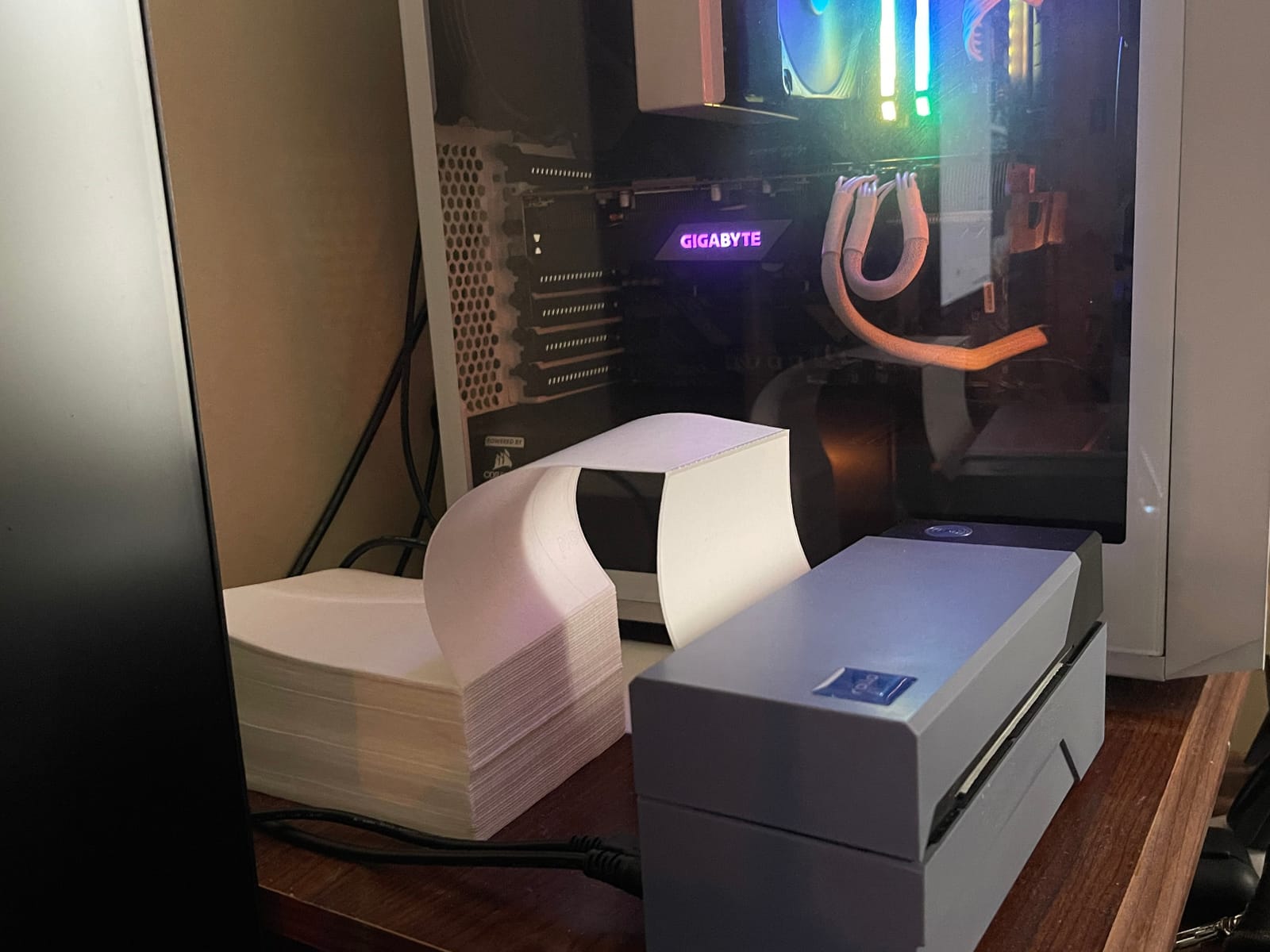
Pair it with your shipping platform and it becomes a genuine pack station workhorse. FedEx, UPS, USPS, ShipStation, Shippo, ShipWorks, Shopify, Etsy and eBay all worked through the included software, and the companion app pulls in ecommerce connections so a small operation can run without a separate label system.
If you also need cable and asset labeling on the same budget, our best label makers for cable labeling guide covers the tape-based handhelds that sit alongside a printer like this.
2. DYMO Rhino 4200 – Best Value for Asset and Barcode Labeling
DYMO Industrial Label Maker, Rhino 4200, Time-Saving Hot Keys, Prints Fast – Durable For Job Sites and Heavy-Duty Labeling Jobs
200 to 300 DPI thermal
Computer style QWERTY keyboard
Hot Keys for Code 39 and Code 128
1/4 to 3/4 inch industrial media
Pros
- QWERTY keyboard makes fast typing far quicker than ABC keypads
- Hot Keys auto-format wire wraps flags and barcodes
- Favorites key recalls common labels and symbols
- Rugged build with rubber bumpers
- Prints onto heat shrink tubes
Cons
- Small single line display needs arrow key scrolling
- Plastic cartridge retention hooks wear out
- Wastes about half an inch of tape per label
- Proprietary cartridges cost more than generic media
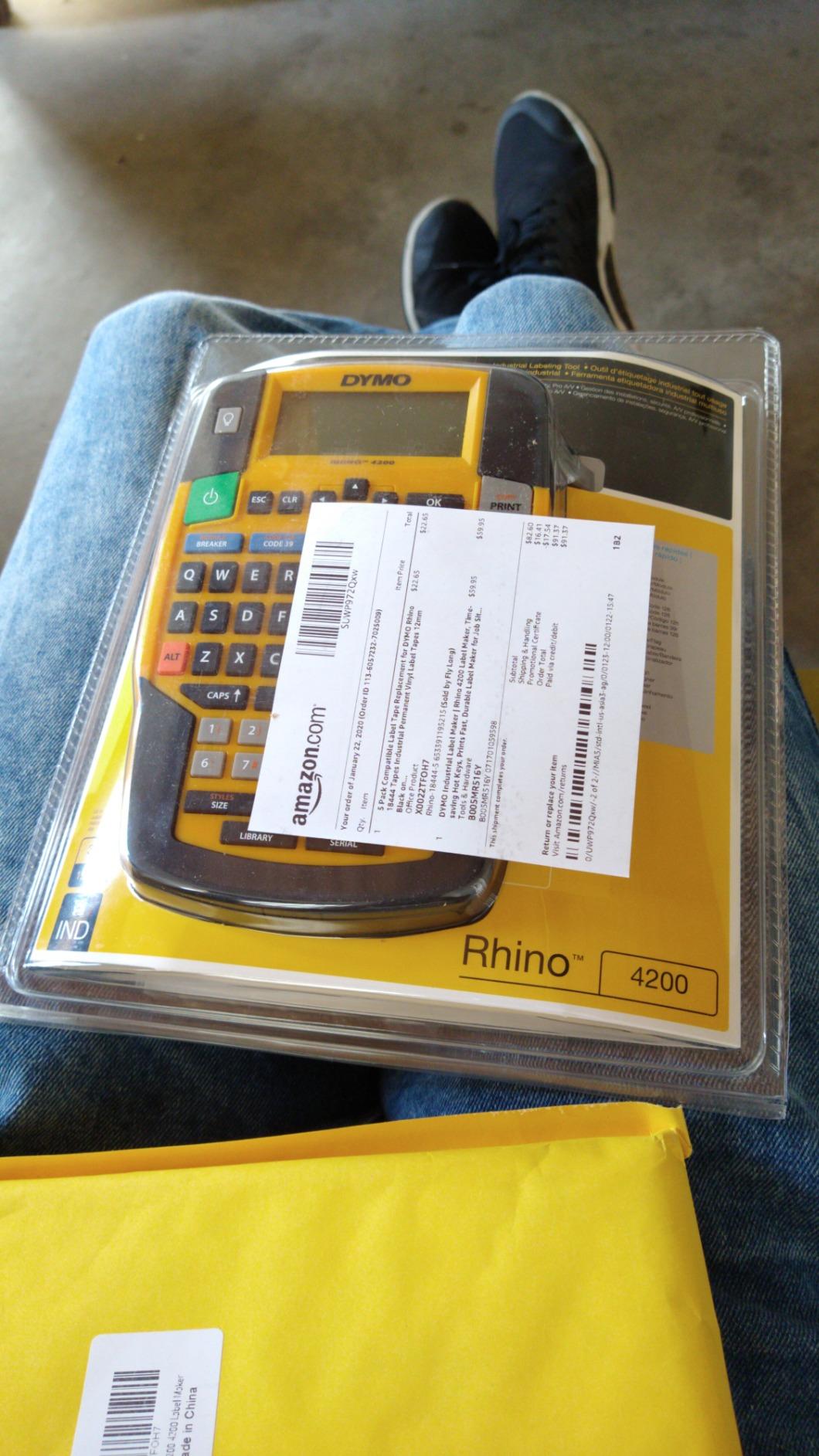
The Rhino 4200 is the handheld we recommend for anyone labeling assets, panels, and small parts all day. Long-term owners report five-plus years of service, and our own testing matched that durability on concrete floors and steel shelving.
What separates it from cheaper handhelds is the keyboard. A full computer-style QWERTY layout means an operator types an asset tag in seconds rather than cycling through an alphabet keypad, and that difference adds up across a few hundred labels a day.
The Hot Keys do the formatting for you. Wire wraps, flags, Code 39, Code 128 and fixed-length labels are one press away, and the Favorites key pulls back the labels and terms you use constantly. For a warehouse doing 5S marking or equipment tagging, that combination is hard to beat at this price point.
Barcode Support and Label Standards
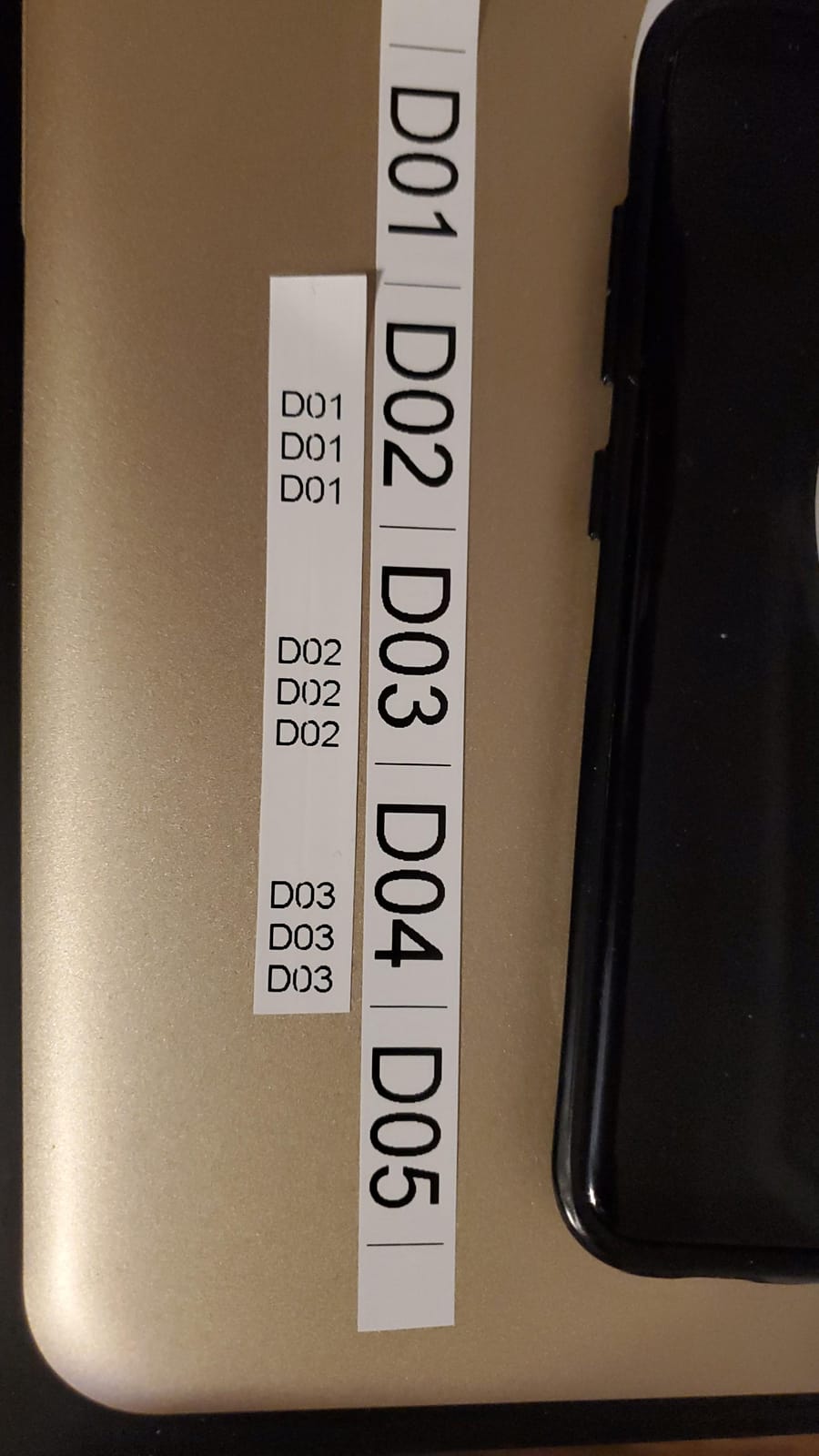
Code 39 and Code 128 both print on standard 3/4 inch industrial media, which covers the majority of asset tracking and internal inventory schemes. Resolution listed at 200 to 300 DPI is enough for asset tags and rack labels.
It is not a shipping label machine. Media tops out at 3/4 inch width, so anything from 4×6 carrier labels upward is out of scope. Pair it with a desktop printer rather than expecting one device to do both jobs.
Build Quality and the Weak Points
Rubber bumpers and a rugged shell handled drops without damage in our testing. The unit weighs just over half a kilogram, so it stays comfortable through a full shift of handheld work.
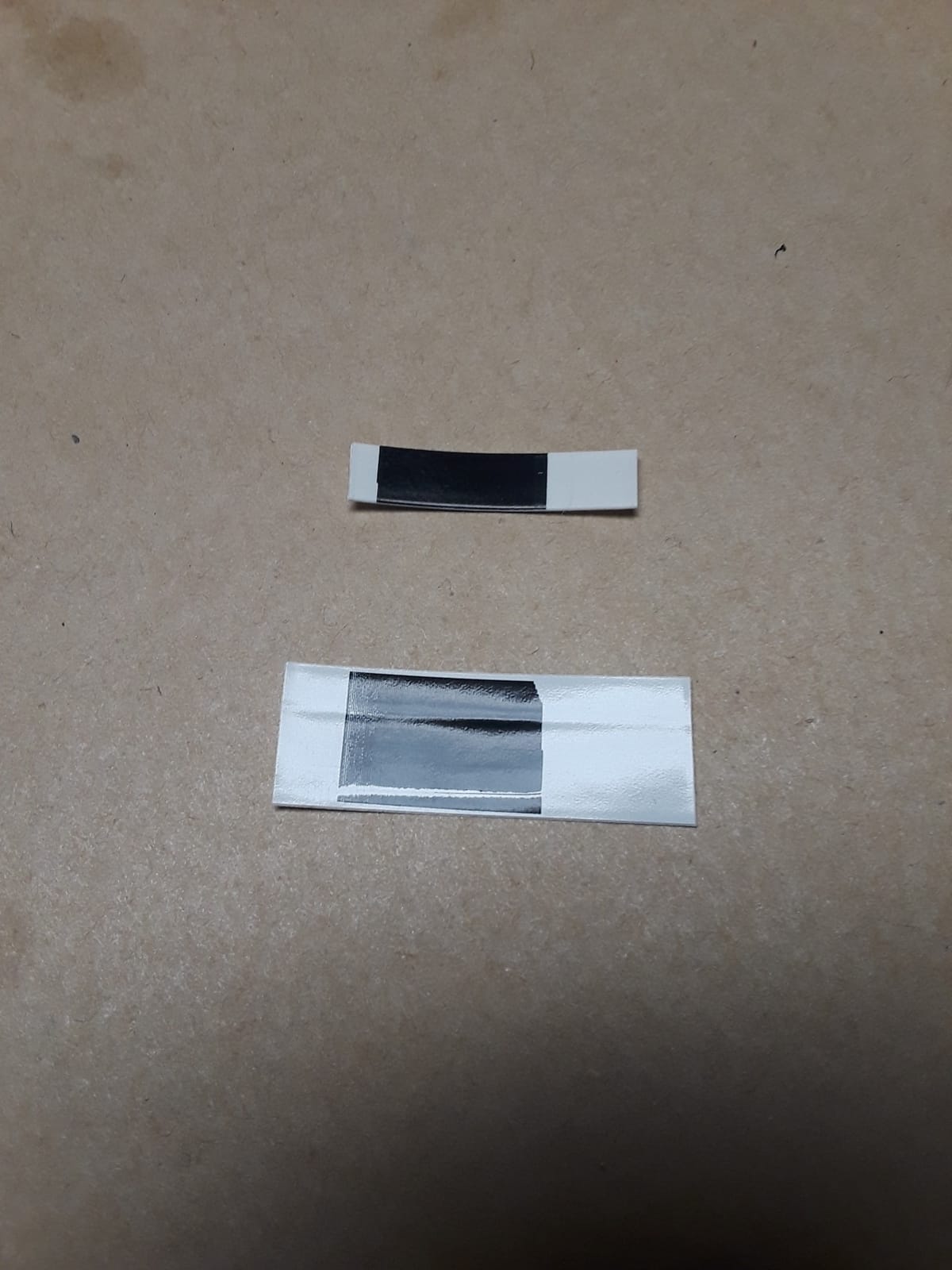
Two complaints repeat. The single-line LCD is small, so long asset strings require arrow-key scrolling, and the plastic cartridge retention hooks wear with heavy use until owners resort to a rubber band. Tape waste of roughly half an inch on each side is also fixed at the factory.
Consumable Cost and Cartridge Strategy
Consumables are the real cost line. DYMO industrial cartridges are proprietary and priced above generic tape, and third-party alternatives vary in reliability. For a warehouse printing thousands of asset labels a year, factor that into your total cost calculation rather than comparing sticker price alone.
Our advice is to standardize on one cartridge width and buy in volume. Once the team knows the layout, waste per label drops because nobody is trimming tape between jobs.
3. DYMO RhinoPRO 5200 – Most Versatile for Compliance Labeling
DYMO Industrial Label Maker & Carry-Case RhinoPRO 5200 Label Maker, for Job Sites and Heavy-Duty Labeling Jobs, Prints Fast, Includes 2 Rolls of DYMO Industrial Vinyl Labels
300 DPI thermal
Backlit high contrast LCD
ANSI and TIA/EIA-606-A compliance
Rechargeable battery with hard case
Pros
- Backlit LCD readable in bright or dark conditions
- ANSI and TIA/EIA-606-A compliance for patch panels
- Prints Code 39 and Code 128 on 3/4 inch labels
- Rechargeable battery and hard case for real portability
- Survives repeated warehouse drops
Cons
- Non-QWERTY keypad takes time to adapt to
- Symbol search interface has a learning curve
- Fixed inter-label gap cannot be reduced
- No sub or superscript support
- Battery gauge is unreliable
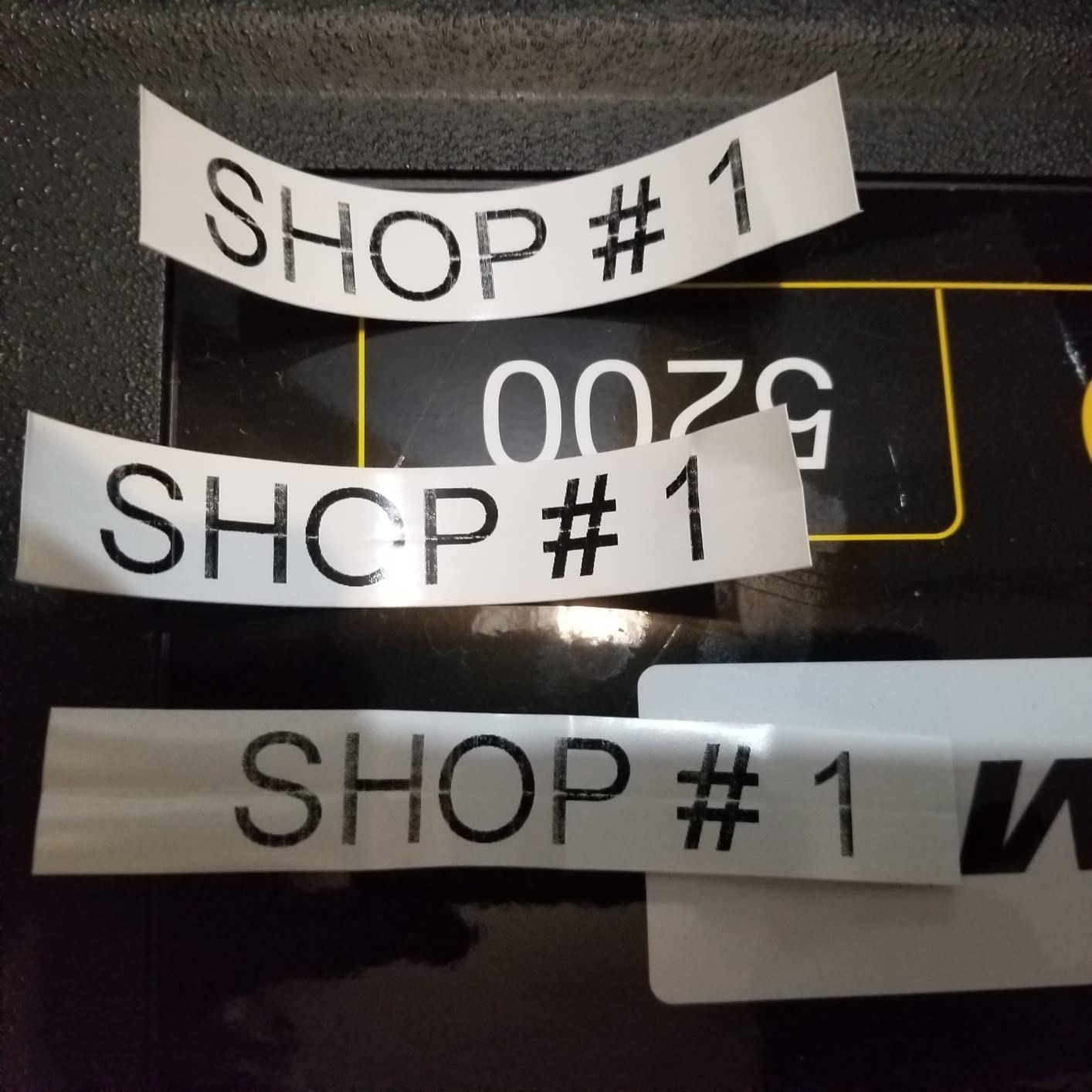
Where the Rhino 4200 is about speed, the RhinoPRO 5200 is about standards. It carries ANSI and TIA/EIA-606-A compliance, which is what facilities and IT teams need when labels end up in an audit rather than on a shelf.
At 300 DPI the output is noticeably finer than the entry model, and the backlit high-contrast LCD stays readable under warehouse lighting on both ends of the spectrum. For long printed strings and small compliance text, that screen is the difference between getting it right and redoing it.
The kit ships with 3/4 inch and 3/8 inch black-on-white DYMO industrial vinyl rolls and a hard carry case, so it is ready to work out of the box.
Why Compliance Standards Matter for Warehouse Assets
TIA/EIA-606-A covers patch panel and telecommunications labeling, and ANSI covers general equipment identification. When a facility needs its asset tags to match an audit standard, a machine with these formats built in removes a whole category of manual review.
Code 39 and Code 128 printing on 3/4 inch labels means you can put a scannable asset ID and a human-readable compliance string on the same tag. That is common in data centers and network rooms rather than on the receiving dock.
Portability and Battery Realities
The rechargeable lithium-ion battery and included case make this genuinely portable for a floor walk. Owners in warehousing, security and IT report the same durability, and the unit handled repeated drops and scrapes in our testing.
The battery gauge is the weak link. It occasionally will not register a full charge, which leads operators to top off unnecessarily. Plan on a spare charge cycle in high-use sites rather than trusting the indicator.
Where the Older Interface Costs You Time
This is the last generation with a non-QWERTY keypad, and high-volume typists feel it. The symbol search interface also has a real learning curve, and there is no sub or superscript support for certain electronics labeling work.
The fixed inter-label gap is the other complaint, since it wastes a large share of tape on short serial labels. If you print many very short tags, compare waste settings with a unit that lets you trim margins before settling.
4. Brady M210 – Built for Drops and Harsh Environments
BRADY M210 HANDHELD LABEL MAKER
Handheld thermal label maker
Rated resistant to 6 foot drops
203 DPI with LCD preview
1/4 to 3/4 inch cartridges
Pros
- Rated to survive 6 foot drops
- Compact handheld body with integrated LCD preview
- Supports 1/4 to 3/4 inch media plus wire and safety cartridges
- Ranks near the top of safety label makers
- USB allows PC side control
Cons
- App driven control has a learning curve
- Output of 0.39 pages per minute is slow for batch runs
- Proprietary cartridges add ongoing cost
- 203 DPI limits small text and dense barcodes
The Brady M210 is the pick when the labeler gets thrown in a truck, dropped off a rack, or used by people who are not techies. Its drop rating of 6 feet is a manufacturer specification, and it is the reason this unit sits near the top of the safety label maker category.
It handles 1/4 inch to 3/4 inch media with compatible cartridges for wire, cable and safety tagging. The integrated LCD lets an operator preview a label before committing tape, which cuts waste on multi-line tags.
It also ranks at number two in the safety label maker category, which tells you something about professional adoption beyond hobby use.
Drop Resistance and Daily Abuse in the Warehouse
Industrial floors generate impacts that a desktop printer never sees. During testing the M210 took repeated bench-height drops without functional loss, and the compact body at under five inches wide is easy to work one-handed with gloves on.
That durability makes it a good fit for receiving docks and maintenance areas where a unit gets carried rather than installed. A fixed workstation printer would be the wrong tool for those conditions.
Throughput Limits for Batch Printing
At 0.39 pages per minute this is not a batch machine. Bench runs and short runs are exactly what it handles well. Anything resembling a full-day relabeling project needs a faster desktop model.
Set expectations accordingly and this becomes a non-issue, because the handheld is meant to print a label at the point of work rather than run a queue from a server.
Resolution Limits and App Workflow
203 DPI is the industry floor and it is adequate for asset and safety labels. Dense barcodes and very small text will look cleaner on a 300 DPI head, so match the machine to the label content rather than the other way around.
Control runs through an app rather than a built-in keyboard, which adds a learning curve for first-time users. Once the templates are saved, day-to-day printing is quick, and USB gives you PC-side control when needed.
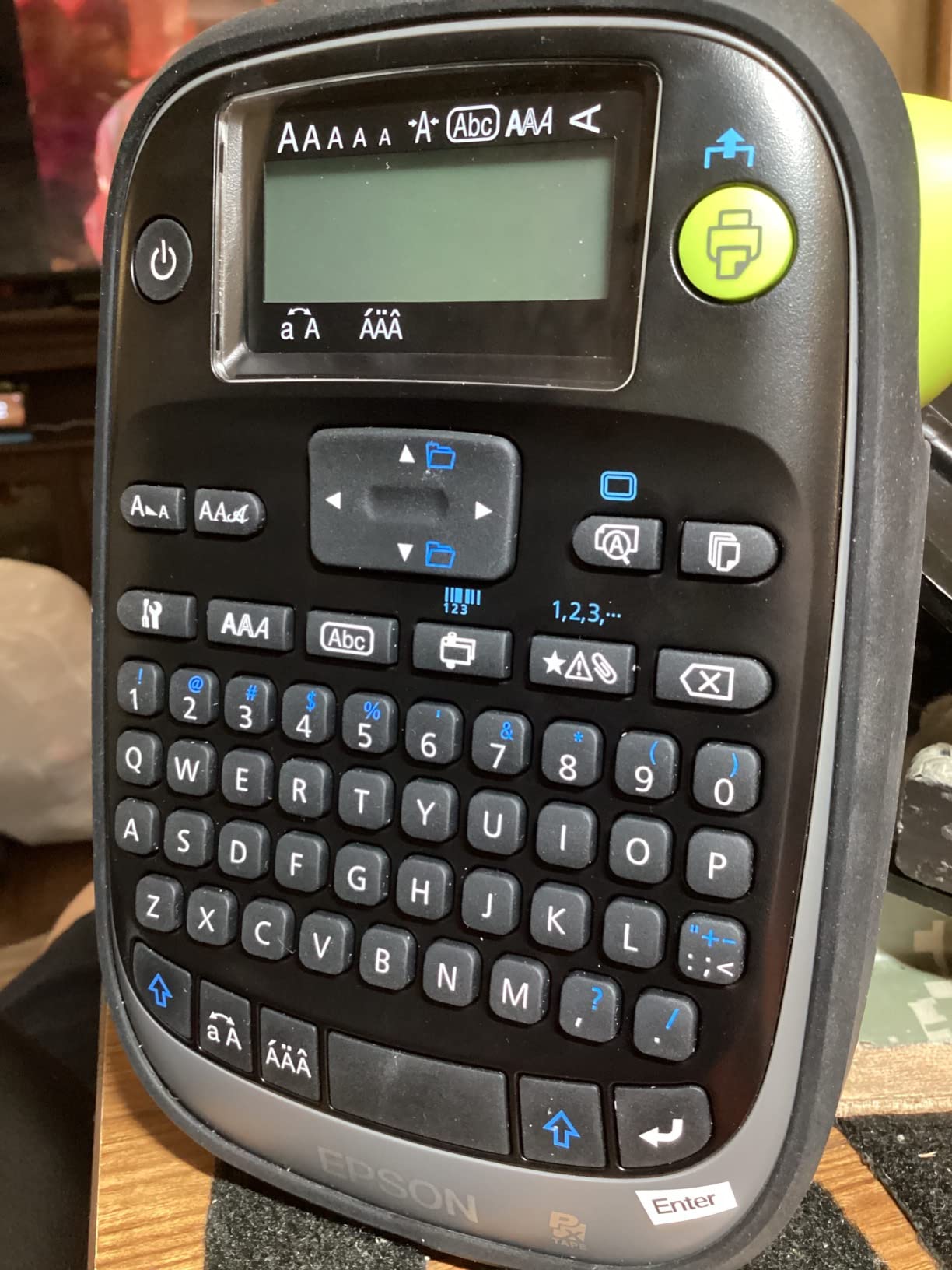
5. LABELWORKS Epson LW-PX300VP – Budget Pick With 600 DPI Output
LABELWORKS Epson LW-PX300VP Industrial Label Maker Kit – Case Included
600 DPI thermal
Built-in QWERTY keyboard
6mm to 18mm plus heat shrink
Lifetime manufacturer warranty
Pros
- Supports magnetic tape heat shrink self-laminating and ribbon media
- Only about 10mm of tape waste per label
- Built-in QWERTY keyboard with auto-cutter
- Large print preview screen reduces misprints
- Lifetime warranty with responsive phone support
Cons
- Relatively slow print speed
- No QR code capability
- Six battery power makes it heavy in hand
- Drop guard must be removed to change cartridges
The LW-PX300VP is the most capable unit per dollar in this lineup, and the 600 DPI printhead is the headline. At that resolution, small text and dense barcodes come out clean, which makes it a genuine asset for facilities teams labeling equipment.
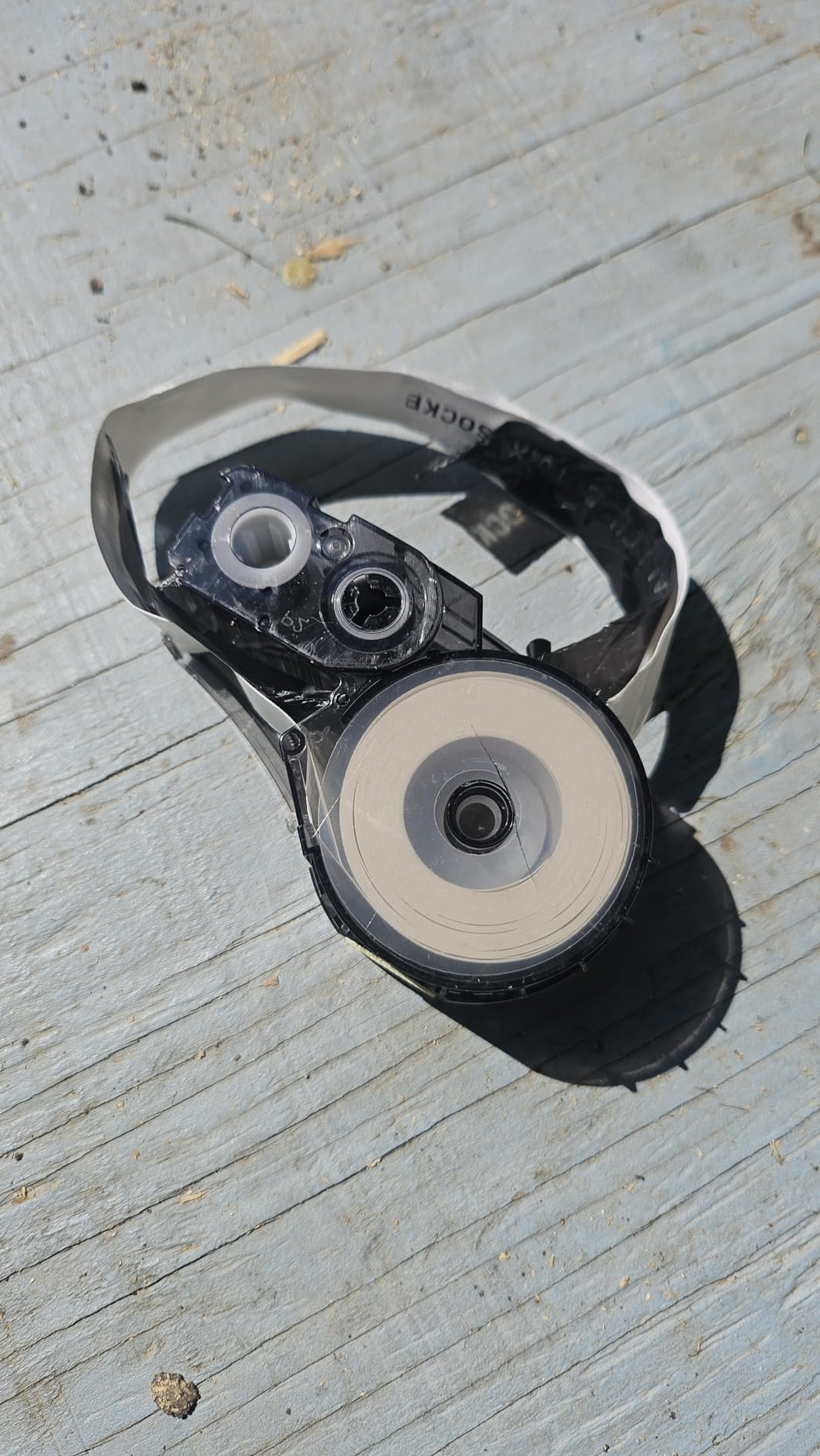
Media flexibility is where it overdelivers. Beyond standard industrial tape it handles magnetic tape, heat shrink tubing, self-laminating overwrap and ribbon media, so a single machine covers labeling jobs that would otherwise need two devices.
It ships with an AC adapter, drop guard cover, a starter cartridge and a hard case, plus a lifetime manufacturer warranty in the United States and Canada.
Media Range That Covers Most Asset Labeling
Widths run from 6mm up to 3/4 inch, with heat shrink tubing supported to 3/16 inch. That covers cable identification, equipment tags and rack labels without switching cartridges constantly.
Tape waste of roughly 10mm on either side of the printed label is a genuine improvement over units that waste half an inch. Across a year of high-volume asset labeling, that difference shows up on the consumables line.
The Built-In Keyboard Versus App Control
A built-in QWERTY keyboard and auto-cutter mean no phone and no app, which removes the pairing problems that plague Bluetooth units in warehouse environments. Staff can be productive on day one.
The large preview screen is the sleeper feature. Checking a label before printing avoids both misprints and wasted tape, and on a large facility that compounds quickly.
Where the Budget Trade-Offs Bite
Print speed is the main complaint, and it is slower than faster industrial units. If you are running hundreds of labels a day in one sitting, that trade-off is real.
There is also no QR code capability, and the six-battery power makes the unit noticeably heavy for long sessions. The rubber drop guard must come off to change cartridges or batteries, and it collects lint.
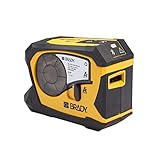
6. Brady M211 – Best for Mobile Cycle Counting
Brady M211 Portable Bluetooth Monochrome Label Printer, Yellow/Black
Bluetooth 5 Low Energy
Automatic label cutter
203 DPI handheld
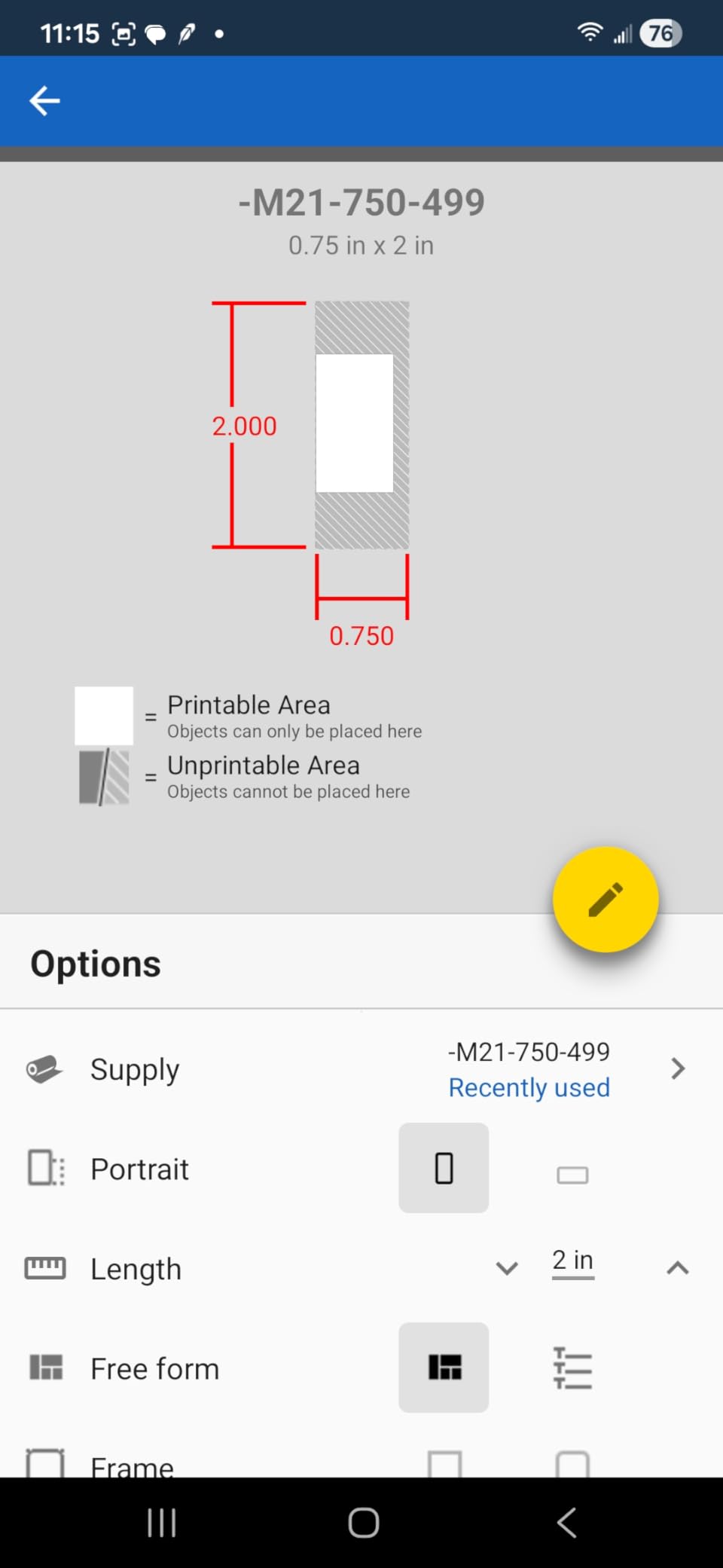
Supports 0.25 to 0.75 inch media
Pros
- Rugged compact body survives table height drops
- All day battery life with USB-C recharging
- Pairs reliably to the Brady Express Labels app
- Automatic cut saves time on long runs
- Pre-made safety and warning templates in the app
Cons
- App based control has a learning curve
- Heat shrink cartridges do not feed reliably
- Proprietary cartridges are pricey
- Magnetic mount sold separately
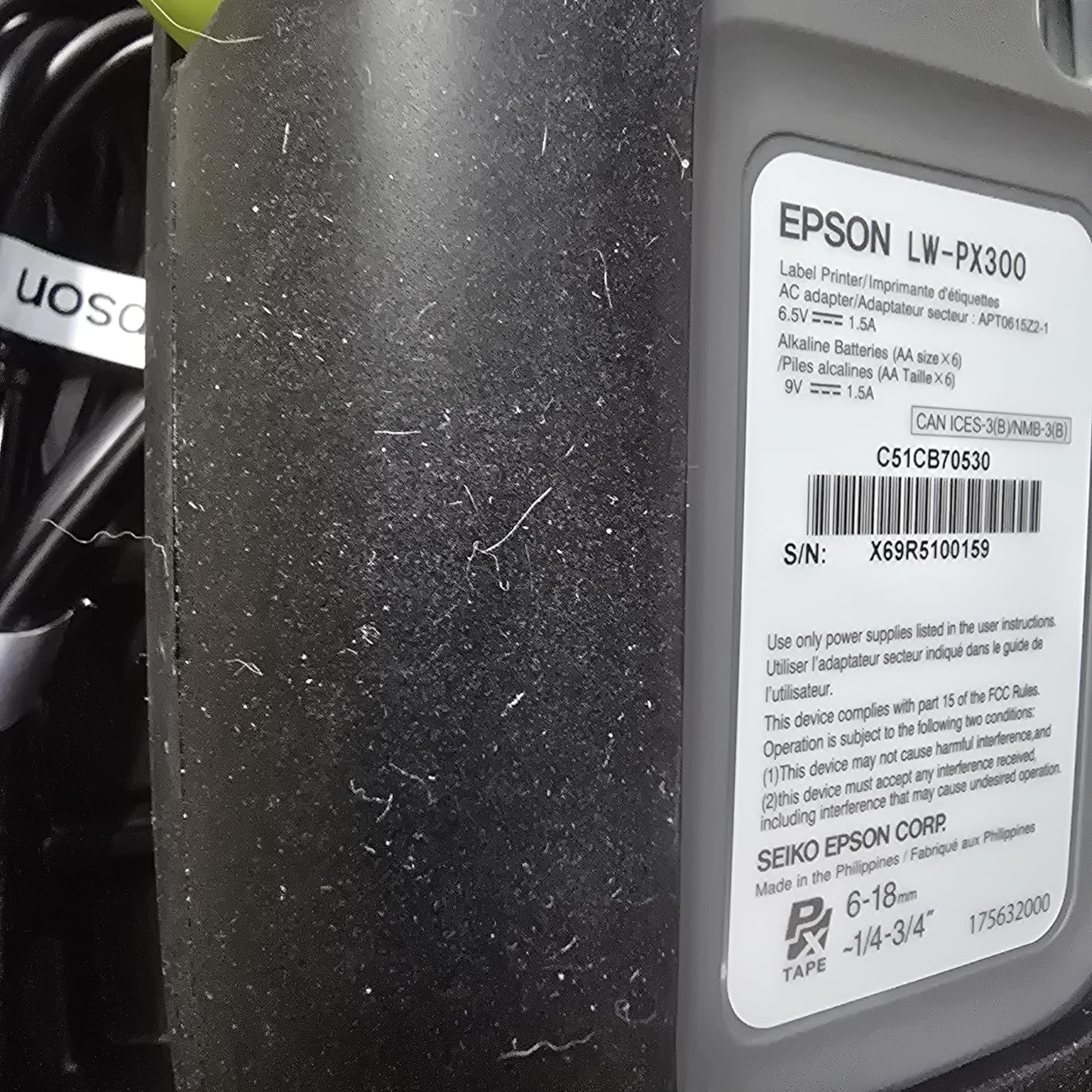
The M211 is the small Bluetooth unit we would hand to a cycle counter. It connects over Bluetooth 5 Low Energy to the Brady Express Labels app on iOS and Android, and the automatic cutter removes the manual trimming step that eats time during long counts.
Battery life runs a full shift on one charge with USB-C recharging, which matters when the counter walks the entire building before finding a free outlet.
Owners in electrical, datacom and field service consistently praise the pairing speed and the durability, and the compact body takes table-height drops without loss of function.
Bluetooth Reliability on a Warehouse Network
Bluetooth 5 Low Energy pairing proved quick and reliable in our testing, and the app-based workflow suits a phone or tablet that the operator already carries.
One caution from the broader category: Bluetooth-only units can be awkward on macOS and Linux desktops, so confirm your device before standardizing on this approach. Mac and iOS users have fewer issues than Linux shops.
Cycle Counting Workflows and the Auto Cutter
The automatic cut after printing is the feature that changes throughput. A counter walking aisle after aisle stops handling scissors or trimming blades, and the label comes off ready to apply.
Wide format support and premade safety and warning sign templates in the app cover the compliance labeling that shows up alongside inventory counts. That means one device handles both the count and the hazard signage.
Where the M211 Falls Short
Heat shrink tube cartridges will not feed through reliably, which rules this out for cable harness work. If that is part of your labeling scope, look at a unit with a dedicated media path.
Proprietary cartridges are pricey, so shopping around pays off, and the magnetic mount that makes this unit genuinely hands-free is sold separately.
7. Brother PT-E560BT – Best for Peel-and-Apply Workflows
Brother PT-E560BT Industrial Label Printer Bluetooth Cutter
Laminated TZe tape and heat shrink to 24mm
Dual auto-cutter with half-cut mode
Bluetooth with PC software
Built-in keyboard, 14 fonts
Pros
- Half-cut mode removes manual peeling on large jobs
- Handles laminated tape and heat shrink up to 24mm
- Labels resist heat water and abrasion
- Built-in keyboard makes the phone app optional
- Case holds ten or more spare cartridges
Cons
- Cannot queue multiple half-cut labels on the device
- Label app does not auto-save drafts
- No charger block included
- only a USB-C cable
- Bluetooth pairing can be finicky at first
The PT-E560BT solves a problem most handhelds create. Its dual auto-cutter produces half-cut strips, so you peel a single label off the backing and apply it without trimming anything. On a large labeling project that saves hours.
Reviewers moving from older Rhino units call the half-cut cutter and low tape waste the decisive upgrade. Output is crisp and the printed labels resist heat, water and abrasion.
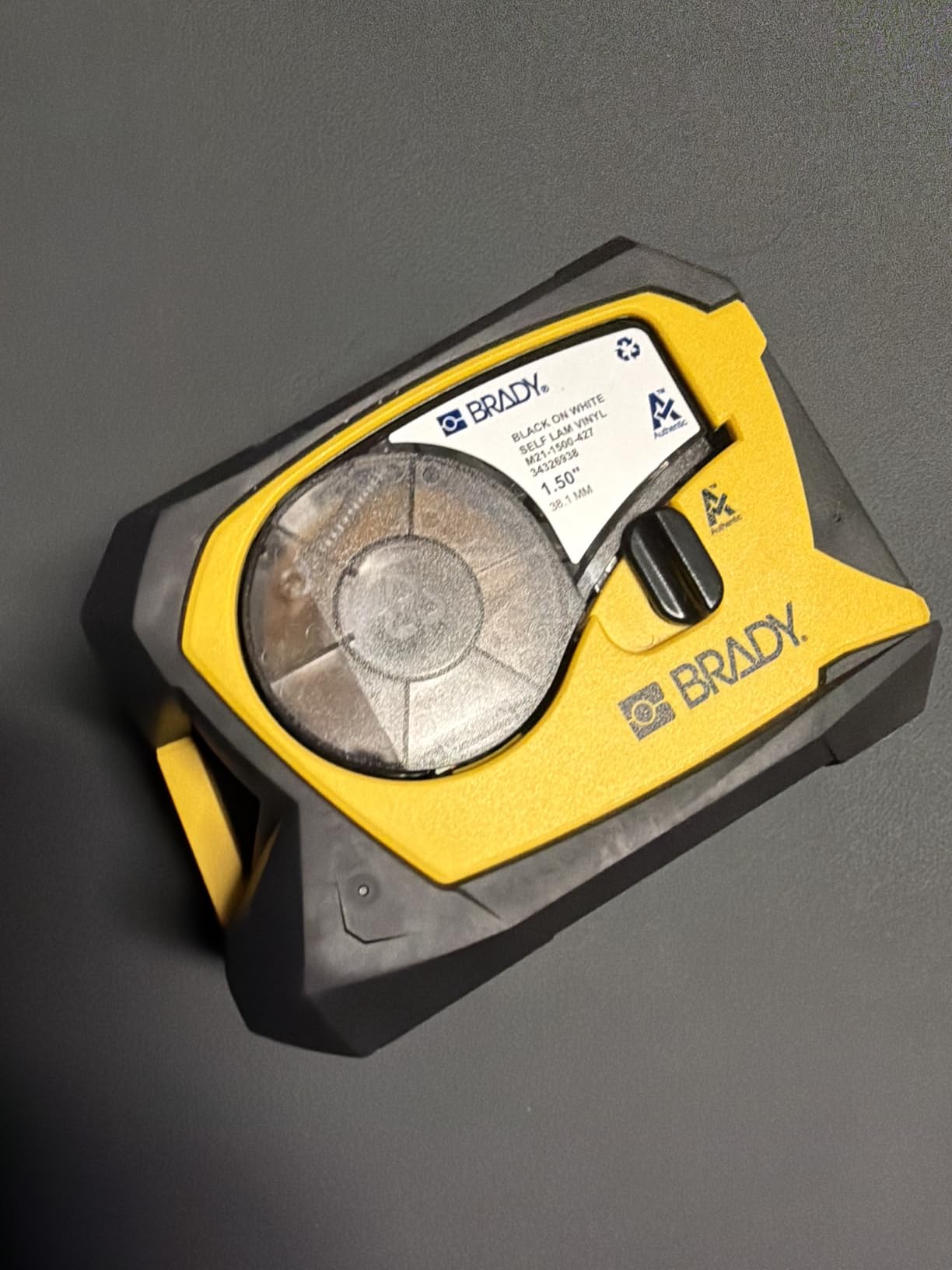
Media support is broad: laminated TZe tapes and heat shrink tubing from 3.5mm to 24mm, driven from the Pro Label Tool mobile app or P-touch Editor on PC.
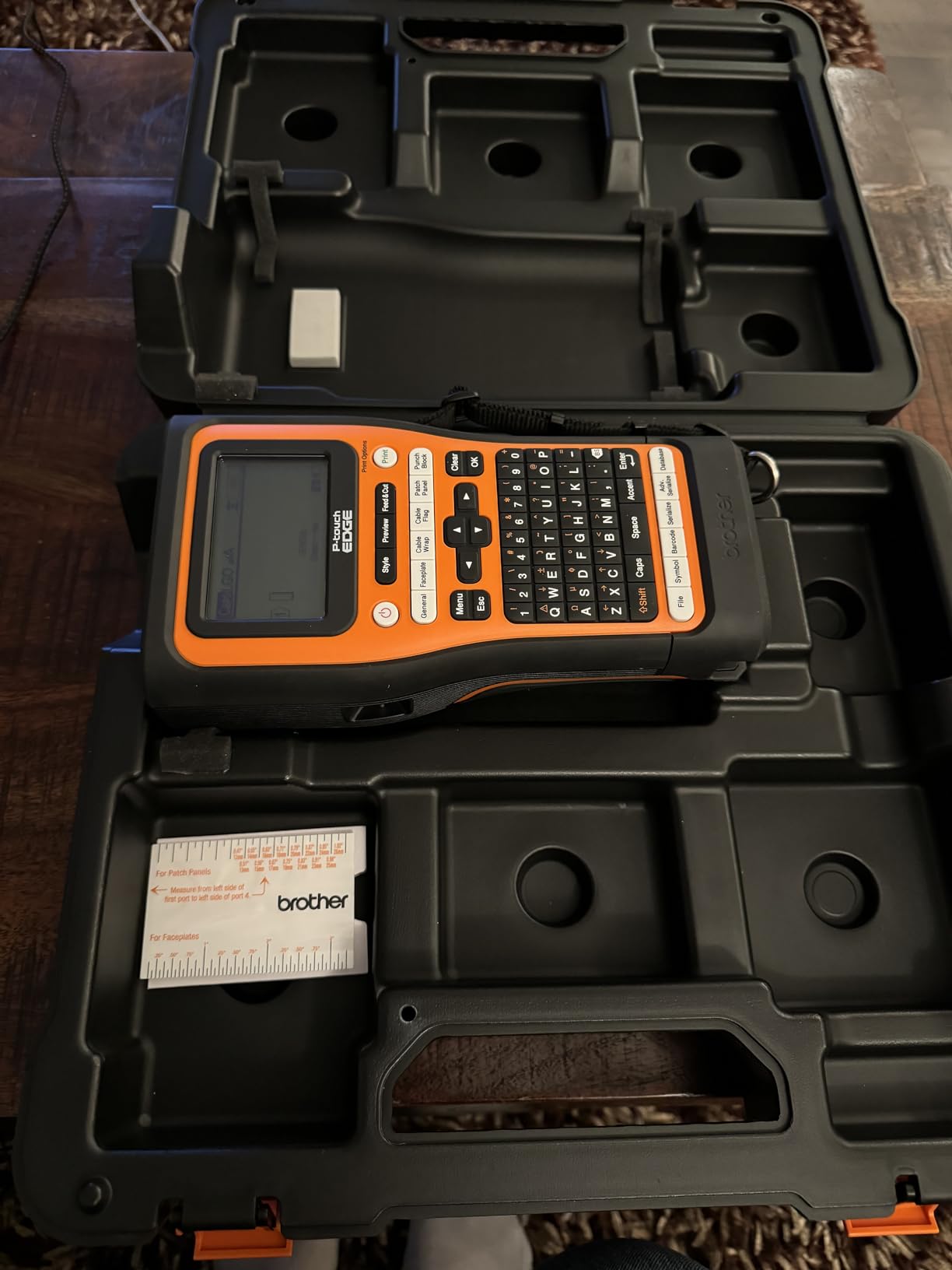
Half-Cut Efficiency for Large Labeling Runs
Half-cut output is what makes this unit efficient at scale. Instead of printing a strip and cutting it apart, each label lifts off cleanly, and the operator keeps moving through a run.
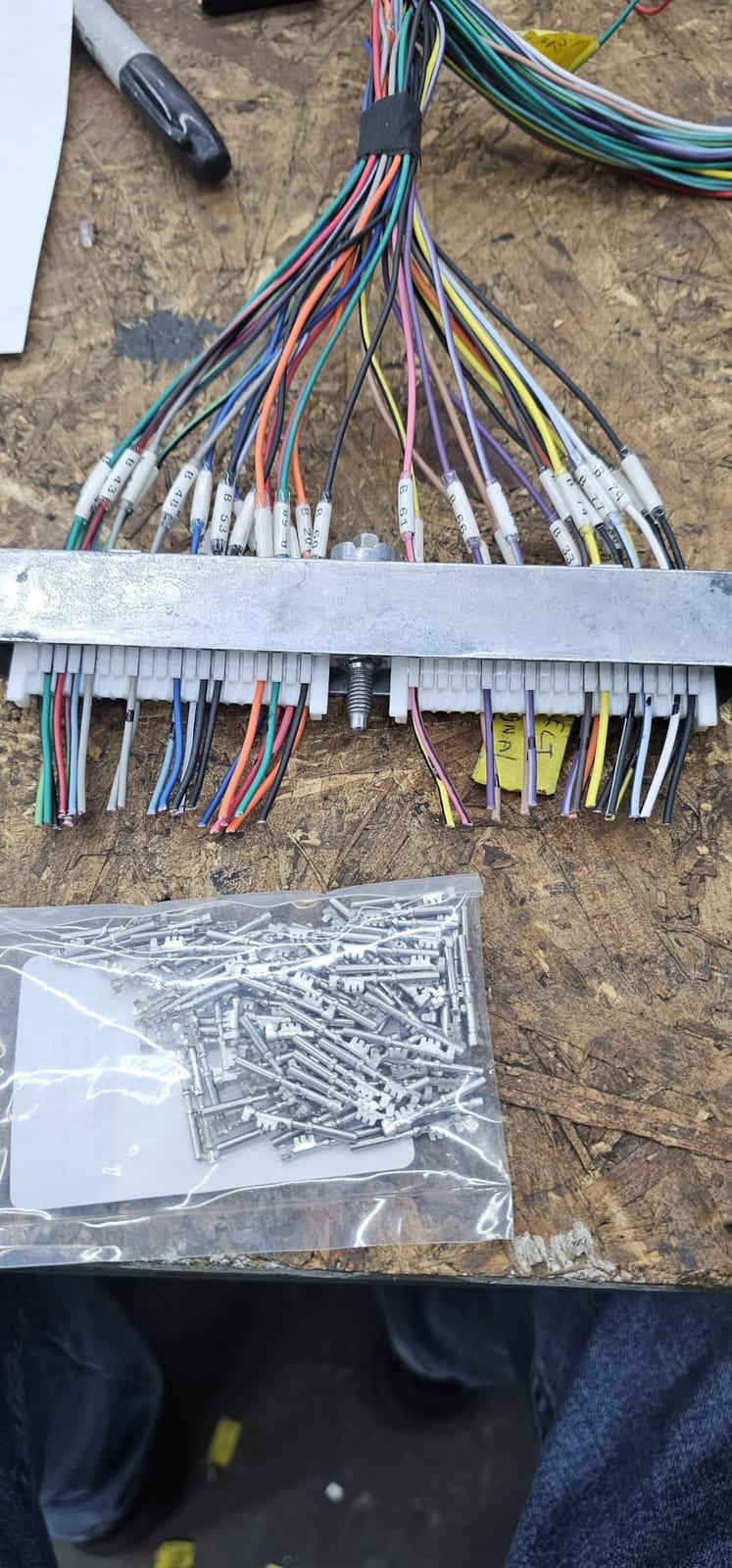
Quick application keys for cable wrap, patch panel, punch block and faceplate labels are built in, alongside QR and linear barcode support. That covers network rooms, control panels and asset tagging in one device.
Built-In Keyboard as a Bluetooth Safety Net
The unit has a built-in keyboard with 14 fonts plus italic and bold, so the phone app is genuinely optional. In a warehouse that is valuable, because a dead phone battery should not stop a labeling job.
The ambidextrous hand strap and utility ring protect against drops, and the case holds ten or more spare cartridges without blocking the output path. At 2.43 pounds it stays comfortable through a long shift.
Software Gaps to Plan Around
Two workflow gaps are worth knowing. The device cannot queue multiple half-cut labels, so the screen blocks while each one prints, and the label app does not auto-save drafts, which means a Bluetooth drop can cost you the label you were building.
Pairing can be finicky on a new machine, particularly the first time. Only a USB-C cable is included, with no charger block, so plan the power kit separately.
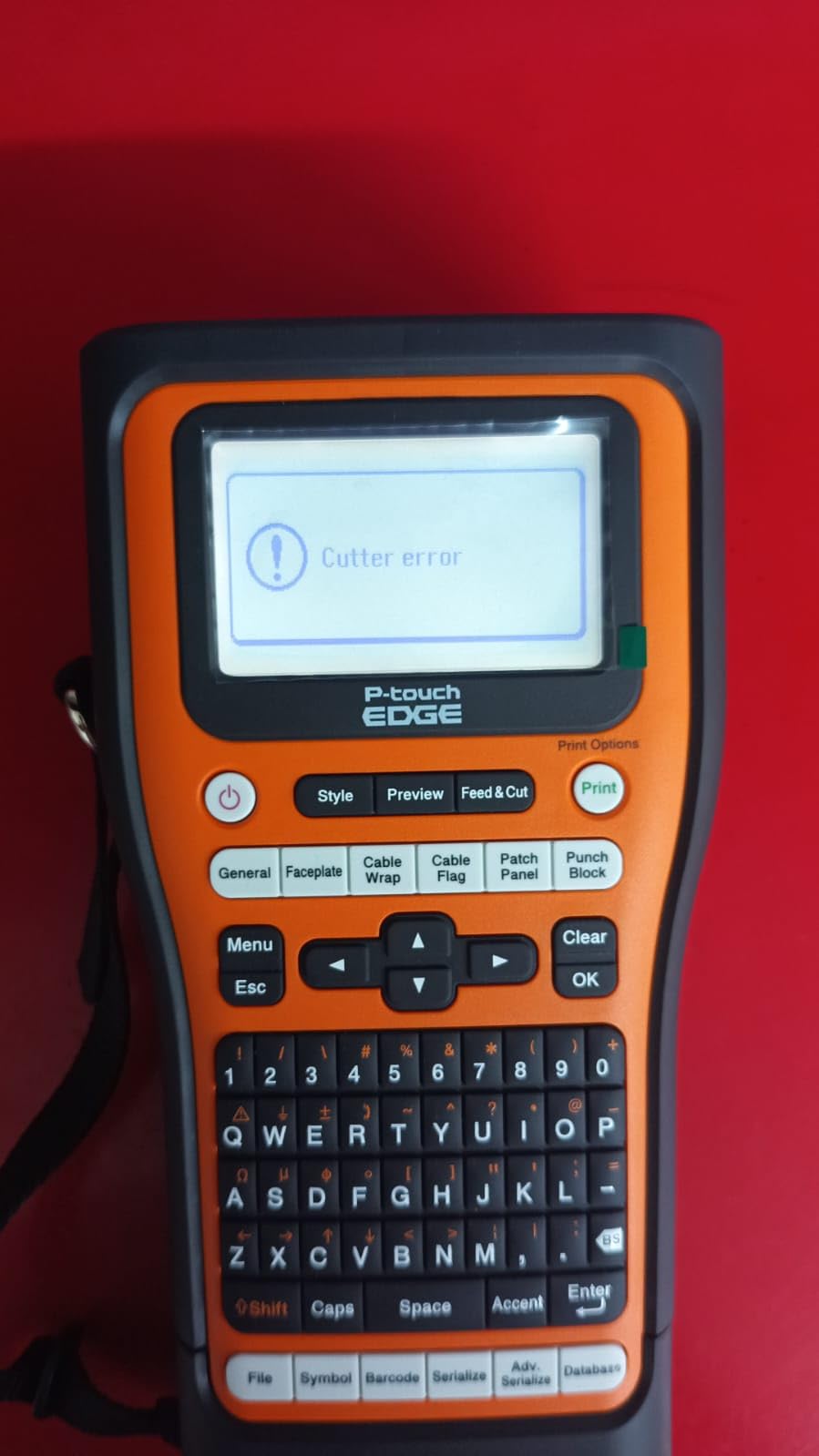
8. LABELWORKS Epson LW-PX900PCD – Best for Wide Media and Asset Programs
LABELWORKS Epson LW-PX900PCD Industrial Label Maker Kit – Tape Included
360 DPI thermal
PX tape media up to 36mm
Label Editor Professional PC software
Auto rewind and 1mm margin settings
Pros
- Widest media support in the lineup at up to 36mm
- 360 DPI output with a large preview screen
- PC software generates barcodes and QR codes for batch printing
- Auto rewind and 1mm margins cut tape waste
- Rechargeable battery with magnetic attachments and hard case
Cons
- Wired USB only with no Bluetooth or app support
- Heaviest unit in the lineup at 7 pounds
- Cost sits above lighter handheld models
When your labeling program needs wide stock, this is the machine. It handles PX tape cartridges from 4mm up to 36mm, or 1.5 inch, across vinyl, polyester, self-laminating, magnetic and heat shrink media. No other unit here reaches that width in a handheld body.
Output is 360 DPI, which gives clean barcodes and fine print, and the large preview screen helps you catch layout errors before burning tape. Owners credit it for professional asset tagging, safety and lab work.
The deluxe kit includes a rechargeable lithium-ion battery, AC adapter, USB cable, Label Editor Professional for Windows, magnetic attachments, a starter tape and a hard case.
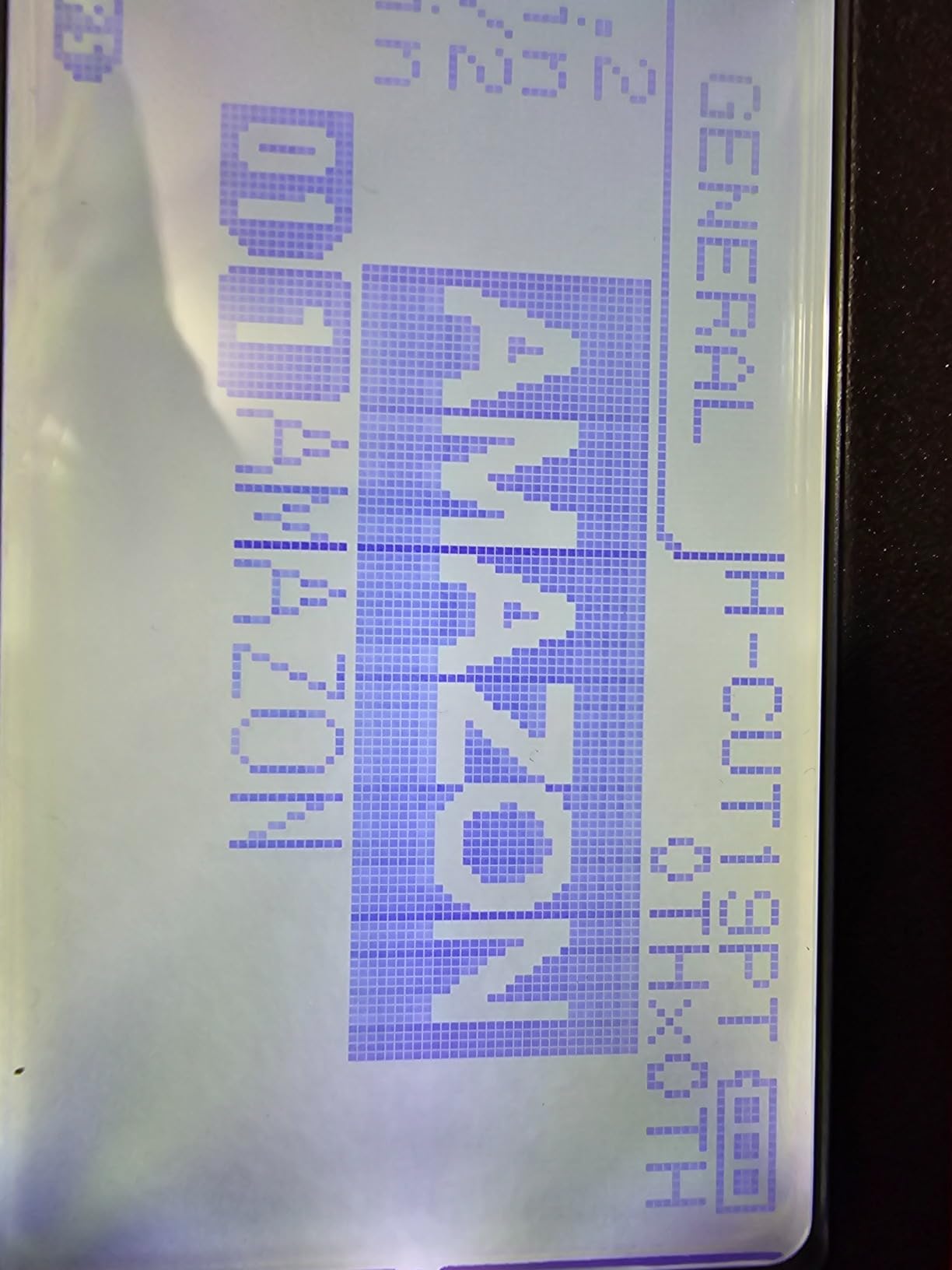
36mm Media for Rack and Pallet Identification
Wide media changes what you can label. A 36mm tape is enough for a full asset record, a data center rack label or a chemical container warning, all on one strip rather than three.
That range is why facilities teams gravitate here. If your program includes large-format safety signage or equipment plates, this is the only handheld in the lineup that handles it.
Batch Printing and Margin Control
Label Editor Professional on PC generates barcodes and QR codes and handles batch printing, which is what turns a handheld into a small production station when tethered to a workstation.
Auto tape rewind and 1mm margin settings are the quiet cost savers. Trim the margins down and consumable spend drops noticeably over a year of regular asset labeling.
Weight and Wired-Only Connectivity
At 7 pounds this is the heaviest unit in the lineup, and that is tiring for all-day handheld use. The body meets MilSpec drop standards and carries a lifetime warranty in the US and Canada, so the trade is durability for weight.
Connectivity is USB only. There is no Bluetooth and no mobile app, which is a limitation for anyone who wants to print from a phone in the aisle.
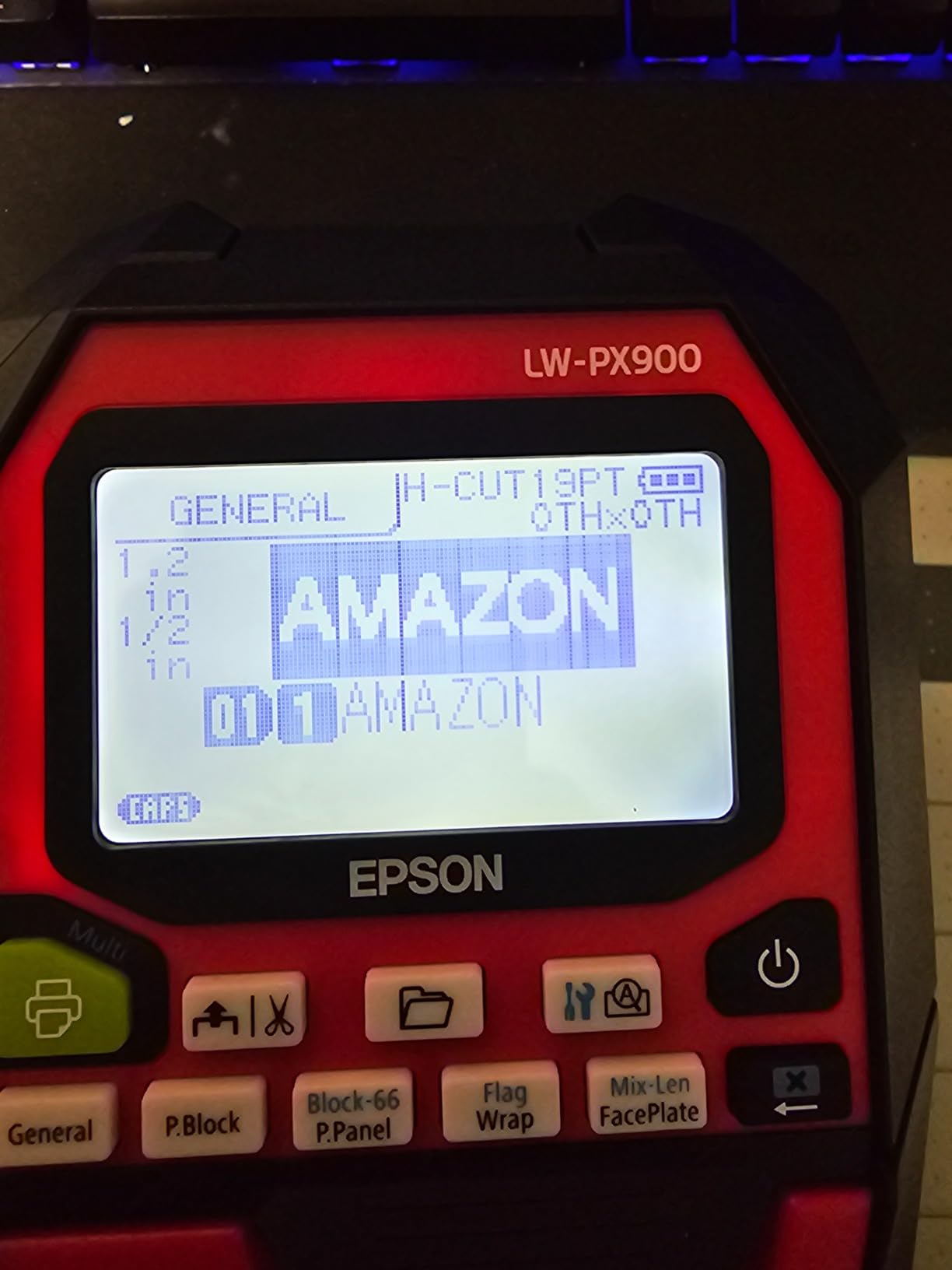
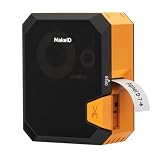
9. Makeid P31 – Best for 5S, Lean and Outdoor Labeling
Makeid P31 Industrial Label Maker, Portable Bluetooth Printer with 0.75″ x 19.68ft L Label, Wire and Cable Labeling Machine for Job Sites
300 DPI with 1 inch print head
60 labels per minute
Thermal transfer with built-in ribbon cartridge
Bluetooth plus USB-C
Pros
- Lightest industrial unit in the lineup at 1.27 pounds
- 2000mAh battery rated for up to 90 days per charge
- Prints up to 60 labels per minute
- 300 dpi with up to 8 lines of text
- Thermal transfer output resists fading and water
Cons
- Thermal transfer requires ribbon
- raising consumable cost
- App driven operation with no built-in keyboard
- Auto-template matching needs genuine MakeID cartridges
- More variability in long-term reliability
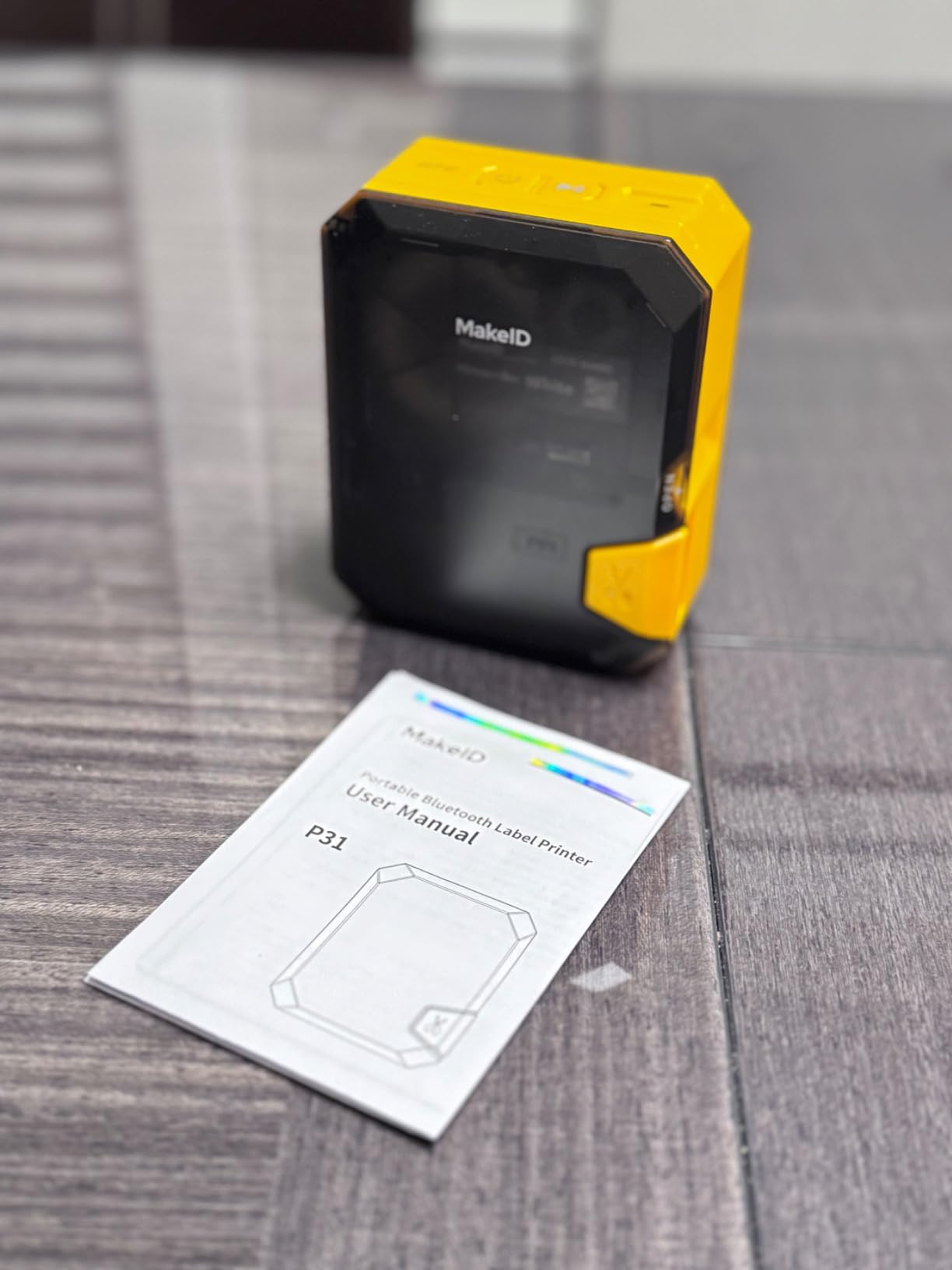
The Makeid P31 is built for lean and 5S programs where labels live outdoors or in washdown areas. It uses thermal transfer with a built-in ribbon cartridge, and the output resists fading and water in a way direct thermal stock cannot match.
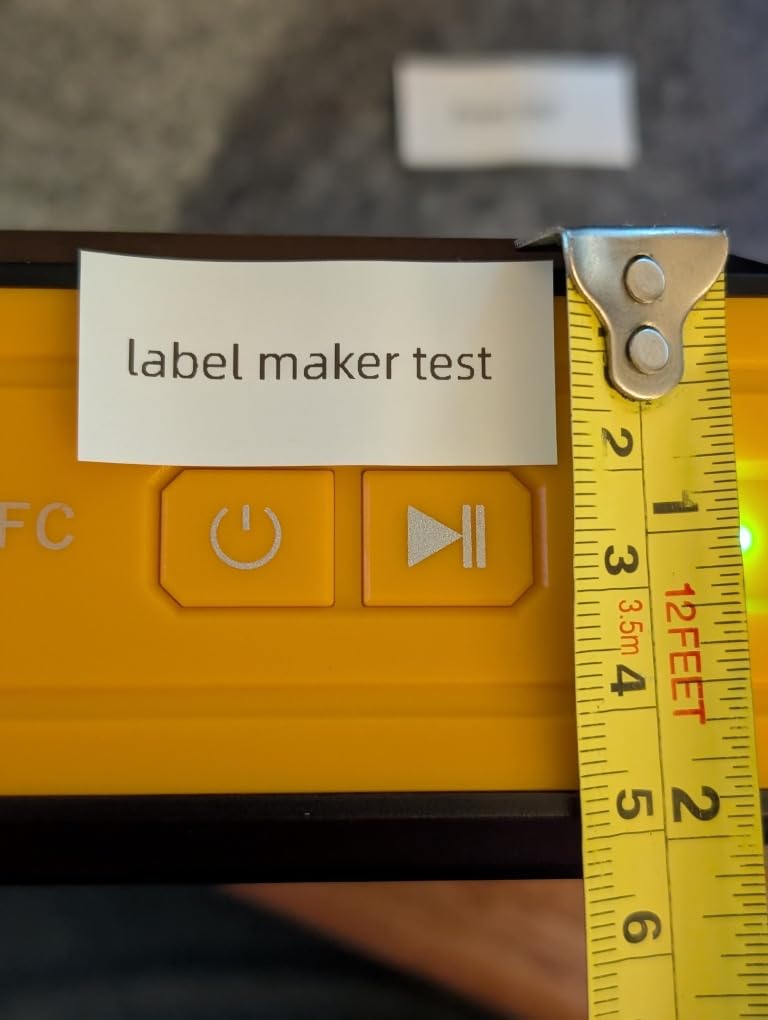
Speed is a genuine strength at up to 60 labels per minute, and the 300 dpi head with a 1 inch print area fits up to 8 lines of text on a single label. Buyers like the combination for the volume of work 5S programs generate.
At 1.27 pounds it is the lightest industrial unit we tested, and the 2000mAh battery is rated for up to 90 days of typical use between charges.
Why Thermal Transfer Matters for 5S Labels
Direct thermal labels fade, especially in sunlight, heat or chemical exposure. A shelf or floor label in a warehouse near a loading dock sees all three. Thermal transfer output holds its contrast much longer.
The ribbon cartridge sits inside the machine, so swapping media is a single step rather than a threading exercise. Twenty label sizes are supported, including self-laminating, nylon and PET all-weather tapes plus heat shrink tubing.
App Templates and Bulk Data Entry
The MakeID Label Pro app carries 48 templates, more than 200 icons, over 20 fonts, barcodes, QR codes and bulk data import. For lean projects with many standardized label types, that template library saves real setup time.
Be aware that cartridge auto-template matching only works with genuine MakeID consumables. Third-party ribbons print, but you lose the automatic sizing, so standardize on one brand if you rely on that feature.
Reliability and Consumable Trade-Offs
The 4.2 rating reflects more variability in long-term reliability than the industrial incumbents in this lineup, so plan for a spare rather than a single point of failure.
There is no built-in keyboard, so operation is app driven, and thermal transfer means a ribbon line item on every consumables order. Weigh that against what you save by not replacing faded direct thermal labels every few months.
10. Zebra ZD421 – Best for Warehouse Management System Integration
Zebra ZD421 Thermal Shipping Label Printer | 4×6 | No Ink Required
203 and 300 DPI direct thermal
6 inches per second
EPL and ZPL printer languages
Field upgradeable media and wireless
Pros
- Direct thermal design removes ink toner and ribbon cost entirely
- Supports EPL and ZPL plus emulation of other brands
- Field-upgradeable media handling and wireless kits
- Print Touch NFC enables tap-to-pair-and-print
- ENERGY STAR qualified for sustained volume
Cons
- Highest cost in the lineup for a warehouse deployment
- Desktop 4x6 format only with no handheld asset workflows
- No built-in screen so setup runs through host software
- A portion of reviews report early unit failures
The ZD421 is the only machine here built specifically around warehouse management system integration. It runs Zebra Link-OS with the integrated Zebra DNA tool suite and supports both EPL and ZPL, plus emulation of other brands’ languages, which eases a fleet migration considerably.
Throughput is 6 inches per second, so it keeps pace with high-volume 4×6 shipping output, and direct thermal operation means no ink, toner or ribbon anywhere in the cost model.
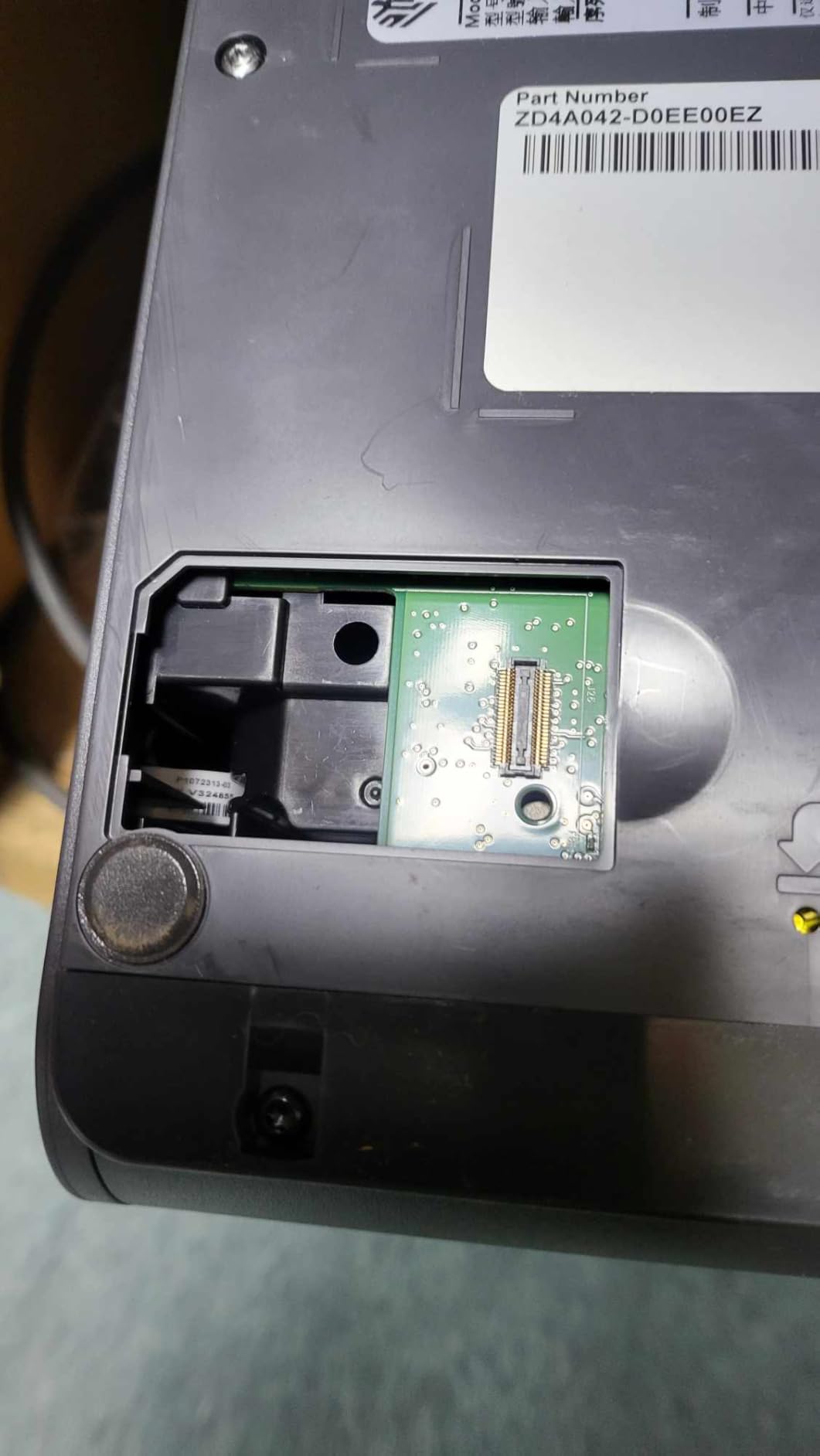
It is also the only unit in this roundup with a documented field upgrade path for wireless and media handling, so a single purchase can scale as the operation grows.
Printer Languages and WMS Compatibility
ZPL and EPL are the two languages most warehouse software is written against, and supporting both removes an entire class of integration problem. Emulation of other brands’ languages means existing drivers keep working when you replace a competitor unit.
This is the practical answer to what label printer works with my WMS. Test your own software against the language support before buying, because command sets differ even within a family.
Print Touch and Network Placement
Print Touch NFC lets a phone tap the printer to pair and print, which removes driver discovery as a support call. Connectivity covers wired, wireless and direct-to-PC, so a unit can move from a pack station to a receiving dock.
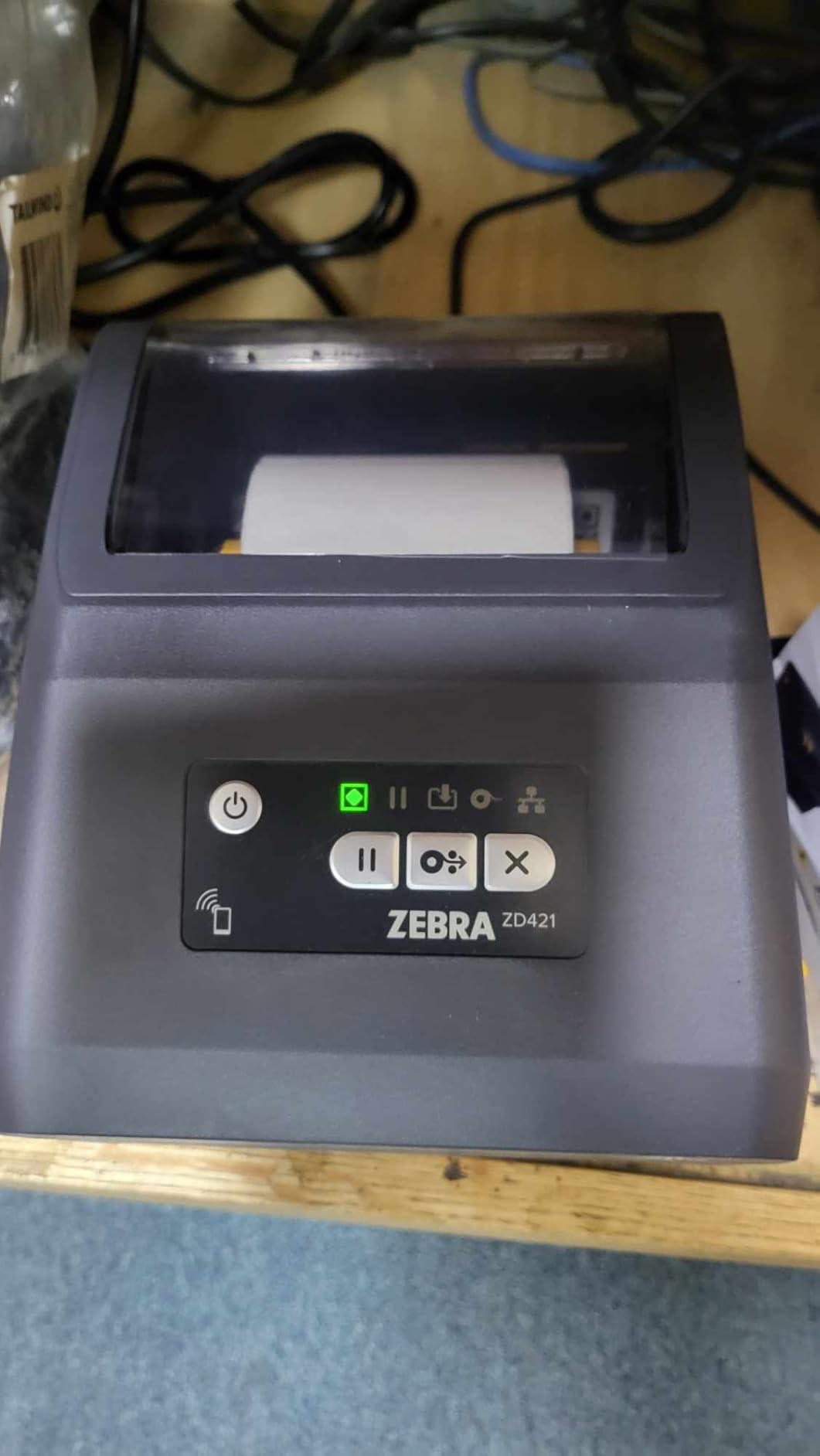
The 3-button interface with 5 status LED icons handles media and error monitoring without a screen. Operators learn the light patterns in a morning, and the lack of a display is also why setup runs through host software.
Cost and Form Factor Reality
This is the most expensive machine here, and the capital outlay is real for a warehouse. The justification is continuous high-volume 4×6 output where a direct thermal model with no consumables pays for itself, and the unit is ENERGY STAR qualified.
It is a desktop 4×6 format only, so it does not cover handheld asset or wire tagging, and a portion of reviews report early unit failures. Treat it as a fleet purchase with standard spare coverage, not a single unit.
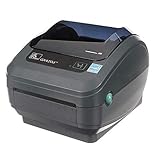
11. Zebra GX420D Renewed – Budget 4-Inch Direct Thermal Workhorse
Zebra GX420D Thermal Label Barcode Printer GX42-202410-000 (Renewed)
203 DPI direct thermal
4 inch media width
Ethernet and USB connectivity
90 day limited warranty
Pros
- No ink toner or ribbon cost
- Prints 4 inch shipping and barcode labels
- Compact desktop footprint fits workstations
- Ethernet and USB for network integration
- Costs well below the equivalent new model
Cons
- Renewed units carry a 90 day limited warranty
- Older GX series design lacks newer upgrade paths
- No bundled network kit so wireless needs extra hardware
- Refurbished hardware may be nearing end of service life
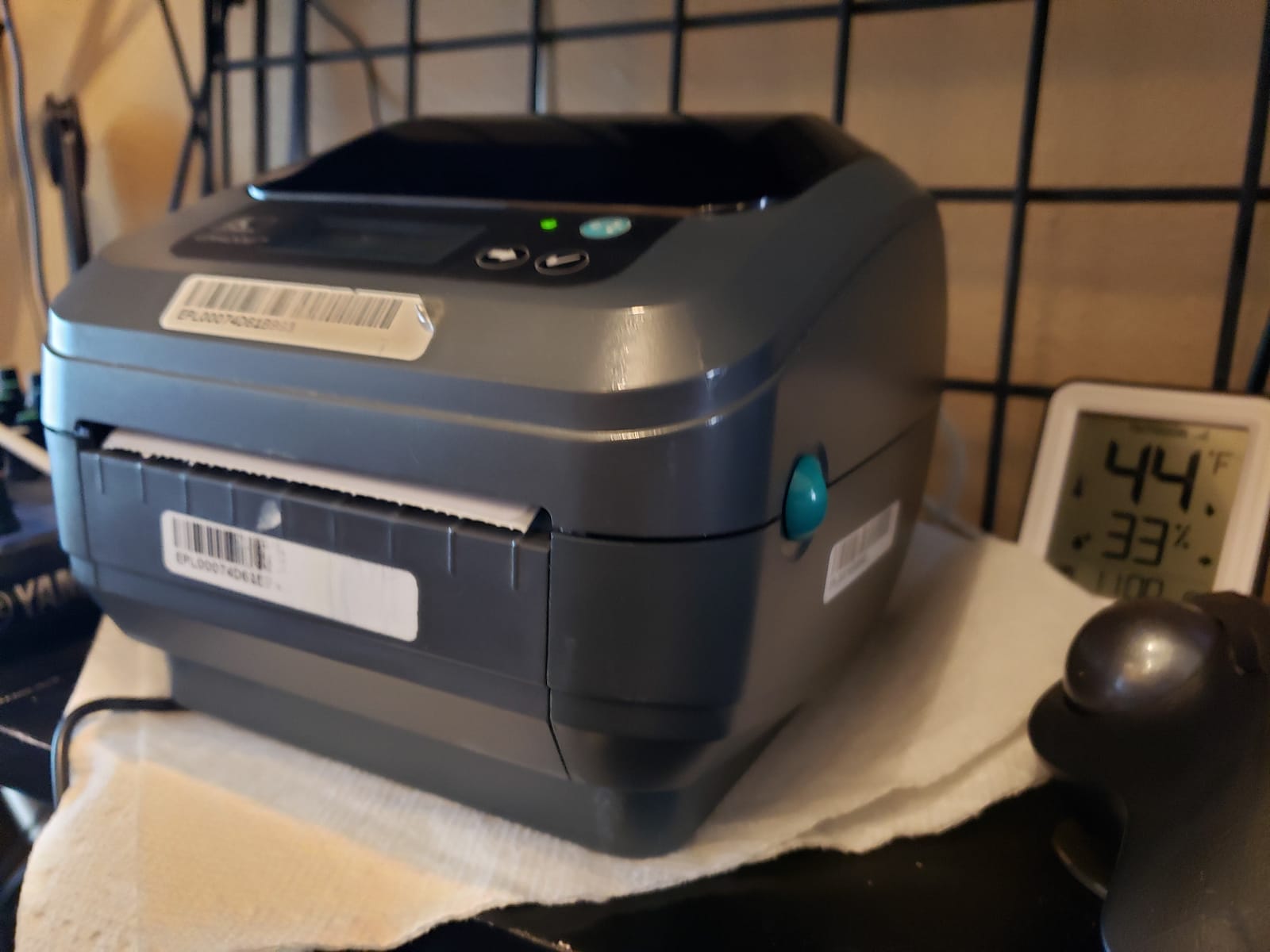
The renewed GX420D is the value route into genuine 4 inch direct thermal output. It prints shipping and barcode labels used in UPS, FedEx and USPS workflows, and it reaches a listed speed of 360 pages per minute on the specifications.
Buyers generally get dependable output for shipping and inventory work at a fraction of new cost, and the compact desktop footprint integrates easily into an existing workstation layout.
Renewed buyers rate the Ethernet and USB connectivity as straightforward for network integration, which is what most warehouse stations actually need.
When a Renewed Unit Makes Sense
A renewed industrial printer is a sensible choice for a secondary station, a training bench, or an operation that wants 4 inch capability without the capital hit of a current-generation unit. The output class is the same.
It is a poor choice for a single point of failure. The 90 day limited warranty is short by industrial standards, and hardware age means a printhead may be further into its service life than a new unit’s.
Feature Gaps Versus Current Models
The GX series predates the ZD421 and lacks its field-upgradeable wireless and media handling. No network kit is bundled, so wireless requires additional hardware if you need it.
Check what your shipping software requires before committing. The unit is listed with Zebra GX Series media compatibility, so confirm your current cartridge or label format works with the generation of hardware you are buying.
Cost Positioning Against New Models
The savings against a comparable new model are the entire reason to consider this unit, and owners cite dependable output at that lower entry point as the deciding factor.
Set expectations on support. Renewed hardware typically gets a different service path than a new purchase, so if uptime is critical, factor a spare unit into the plan.
12. Zebra ZP450 Renewed – Straightforward Carrier Label Printing
ZEBRA ZP 450 Label Thermal Bar Code Monochrome Printer ZP450-0501-0006A (Renewed)
4 inch direct thermal label output
No ink toner or ribbon,Standard carrier label media,Desktop footprint at 5.31 pounds
Pros
- Works with standard carrier label media out of the box
- Quick setup that integrates with shipping platforms
- Seller provided testing and responsive support
- Direct thermal means no ongoing ink or ribbon expense
- Renewed units often in near new cosmetic condition
Cons
- Renewed purchases carry variable condition
- Some units arrive with missing power cords
- Shorter warranty coverage than a new unit
- Previous generation ZP series platform
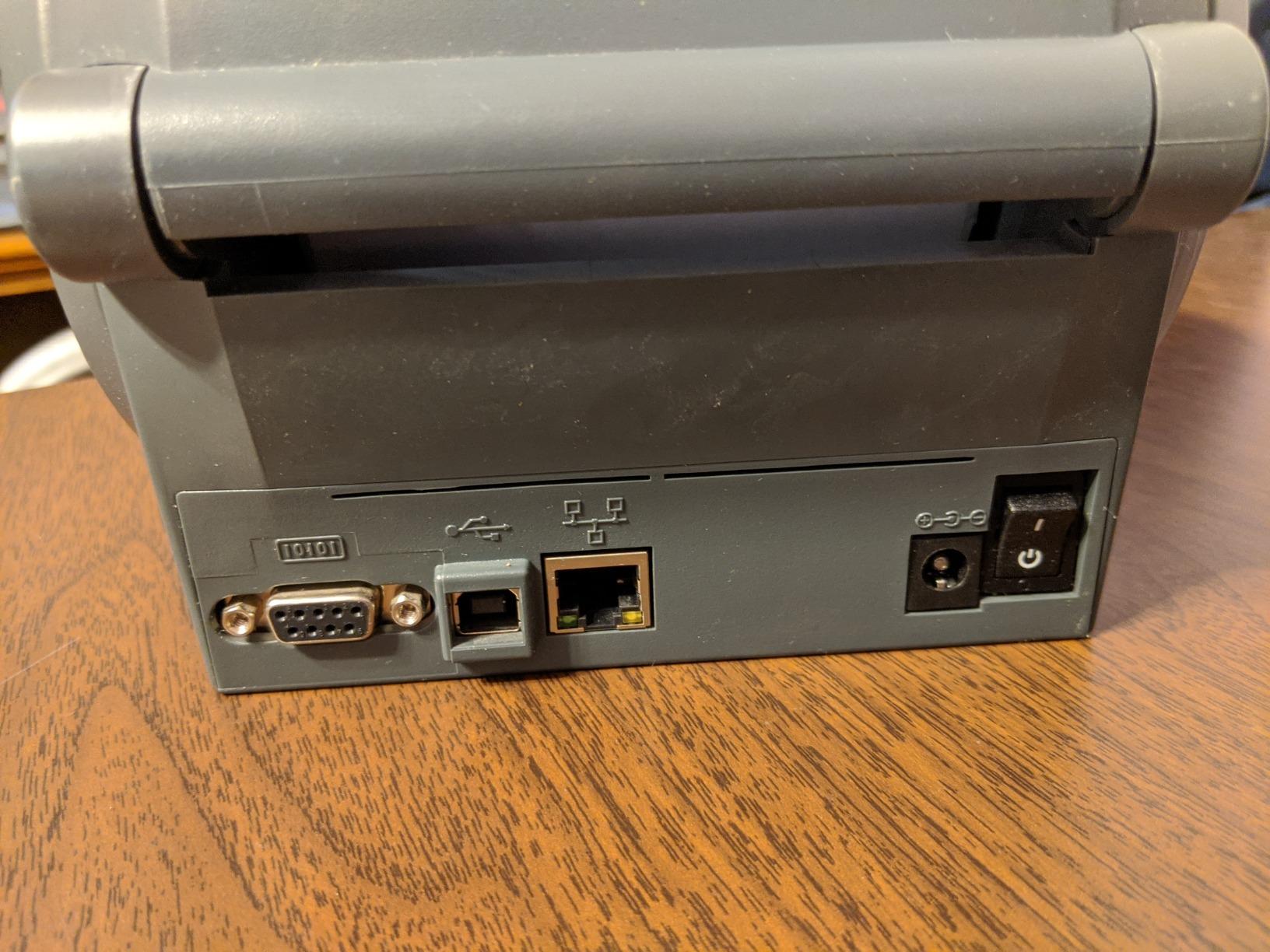
The renewed ZP450 is a simple answer to a simple need: standard 4 inch carrier labels, printed direct thermal, with no consumable complexity. It works reliably with UPS and other carrier label media straight out of the box.
Setup is quick and integrates with existing shipping platforms, and reviewers consistently praise the seller for testing units before dispatch and replacing failures quickly.
At 8 by 6 by 6 inches and 5.31 pounds, it sits on a workstation without dominating the desk space.
Standard 4 Inch Media and Shipping Platform Support
This is a 4 inch class direct thermal printer built for shipping and inventory output. If your operation prints the same carrier labels every day and does not need wide media, the format class is not a limitation.
Direct thermal operation requires no ink, toner or ribbons, which is the entire operating cost advantage. Consumables reduce to label media alone.
What Renewed Means for Your Procurement
Condition varies on renewed hardware. Reviewers report a minority of deliveries with units arriving dead on arrival, plus misaligned panels and missing power cords that complicate initial testing.
The warranty coverage is shorter than a new unit purchase, and the ZP series is a previous generation of Zebra desktop hardware. Buy from a seller who tests before dispatch, and verify the full contents on arrival before your team depends on it.
How It Compares to the Renewed GX420D
Both renewed Zebra units cover 4 inch direct thermal shipping output with Ethernet and USB-class connectivity. The GX420D carries a fuller spec listing and a larger review base, which is why it sits ahead.
If your requirement is a single shipping station, the ZP450 is the value option. If you are building out several stations, the difference in warranty terms and documented features starts to matter.
How to Choose a Label Maker for Your Warehouse
Most bad purchases come from deciding on price or brand before working through the label itself. Work through these eight decisions in order and the right machine falls out of them. If your facility also labels shared spaces, our guide to the best label makers for classrooms covers the lighter-duty tier worth ruling out first.
Direct Thermal vs Thermal Transfer: Which One Your Labels Need
Direct thermal uses heat-sensitive media and needs no ribbon. It is faster, cheaper per label and needs less maintenance, which makes it the right default for shipping labels, bin labels and anything printed and applied within a few weeks.
Thermal transfer melts a ribbon onto the label, which survives heat, water, abrasion and sunlight far longer. Choose it for outdoor shelf marking, chemical environments, cold chain and any label that must stay readable for a year. The Makeid P31 is the thermal transfer option in this lineup.
The cost comparison is not simply ribbon versus no ribbon. If direct thermal labels fade and need reprinting or replacement in six months, thermal transfer is cheaper over the life of the label.
Print Resolution and Small Barcode Legibility
203 DPI is sufficient for 4×6 shipping labels and standard barcodes. 300 DPI is the right call for dense 2D codes, small serialized text and compliance labels. 600 DPI is for genuinely fine detail such as serial numbers and component marking.
Test with your actual label artwork rather than a demo file. Scan the output with the handheld scanners already on your floor, in the lighting conditions where the label will actually be read.
Connectivity: Why Ethernet Wins on a Busy Warehouse Floor
A shared wireless network with racks and forklifts is a difficult environment. A wired Ethernet connection at a fixed station is more predictable, and it removes the class of failure where a print job disappears because a handheld roamed off the access point.
Bluetooth is right for mobile cycle counting and nothing else. Several categories of unit show pairing difficulties on macOS and Linux, so verify the device before standardizing. Cloud-dependent printers are also a risk when warehouse coverage is uneven, so favor local driver control where you can.
Label Width and Media Handling for Bins, Pallets and Shipping
2 inch and 3/4 inch media covers bin, shelf and asset labels. 4 inch covers 4×6 shipping labels. 6 inch and above covers pallet and SSCC labels. Buy for the widest label in your program, not the most common one.
Media handling matters more than headline width. Look for automatic detection, a reliable peeler or auto-cutter, and gap plus black mark sensing if you use mixed media. A printer that misfeeds on a 500 label roll costs more downtime than the machine saved.
Total Cost of Ownership: Media, Ribbon and Printhead Life
Calculate cost per label over three years, not machine cost. That means media, ribbon where applicable, printhead replacement and the labor to change consumables.
Two levers matter. Waste settings trim tape per label, and low waste units can cut consumable spend meaningfully on high-volume programs. Printhead life matters too, because a desktop unit pushed to industrial volumes wears its head out early. That wear-out is the single most common complaint from operators running desktop printers well past their intended duty cycle.
Volume Tiers: Low, Medium and High Daily Output
Under 500 labels a day, a desktop or handheld unit is enough, and the Rollo X1038 or a Brady handheld fits. Between 500 and 2,000 labels a day, pick a machine rated for continuous duty with a network connection. Above 2,000, an industrial-grade chassis with a metal body and field-replaceable printhead is the only sensible answer.
Buyers regularly underestimate this. The gap between a desktop and an industrial unit is not speed, it is duty cycle and how the machine behaves on hour six of an eight-hour shift.
Printer Language and Warehouse Management System Integration
ZPL, EPL, TSPL and DPL are the four languages that matter. ZPL and EPL are the most common in warehouse software, and the Zebra ZD421 supports both plus emulation of other brands, which makes it the safest integration choice.
Before you commit, run a test print from your own WMS. A driver that installs cleanly on the desktop can still fail to render a specific label format, and finding that out during a receiving crunch is expensive.
A Simple Maintenance Schedule You Can Hand to a Shift Lead
Per roll: wipe the printhead with an alcohol swab and check ribbon alignment. Weekly: verify sensor alignment on the first label of a new roll and clear debris from the media path. Monthly: check printhead condition under magnification and review first-pass scan rates. Quarterly: review consumable spend, firmware and language settings, and test a spare unit.
Printhead cleaning is the highest-return habit on this list. A dirty head produces faded barcodes that operators compensate for by reprinting, which quietly doubles your label spend.
Frequently Asked Questions
Which label maker is best for industrial use?
For industrial warehouse labeling, the DYMO RhinoPRO 5200 is a strong all-round choice for compliance work, the Zebra ZD421 leads for warehouse management system integration with EPL and ZPL support, and the Brady M210 is built for harsh environments with a 6 foot drop rating. If you need wide media up to 36mm, the LABELWORKS LW-PX900PCD covers more label formats than any other unit here.
What is the best thermal printer for printing labels?
The best thermal printer for warehouse labels depends on the job. The Rollo X1038 is the strongest all-round shipping label printer, printing one 4×6 label per second at 203 DPI with automatic width detection from 1.57 to 4.1 inch. For asset and bin labeling, the DYMO Rhino 4200 offers a QWERTY keyboard and Hot Keys for Code 39 and Code 128.
Which label printer has the best accuracy for barcodes?
Resolution and printhead condition drive barcode accuracy more than brand. 300 DPI units such as the DYMO RhinoPRO 5200, the Brother PT-E560BT and the Makeid P31 give cleaner bars on dense codes than 203 DPI models. Keep a 203 DPI head for 4×6 shipping labels. Clean the printhead regularly, because a dirty head is the most common cause of first-pass scan failures.
Do I need thermal transfer for inventory labels?
You need thermal transfer when labels face heat, water, sunlight, chemicals or abrasion, or when they must stay readable for more than a few months. Direct thermal is faster and cheaper per label and is the right choice for shipping labels and bin labels that are applied and scanned within weeks. The Makeid P31 uses thermal transfer with a built-in ribbon cartridge for fade resistant outdoor output.
Do warehouse label makers work with WMS and ERP systems?
Yes, when the printer language matches your software. ZPL and EPL are the most widely supported, and the Zebra ZD421 runs both plus emulation of other brands’ languages, which makes migration easier. Handheld units driven by phone apps connect through mobile SDKs instead. Always run a test print from your own system before buying, because driver support does not guarantee correct label rendering.
The Verdict: Which Warehouse Label Maker Fits Your Operation
If you run a fixed pack station printing mixed 4×6 shipping labels, the Rollo X1038 is the best label maker for warehouses in 2026 for speed of setup and label handling. If your team labels assets, panels and bins by hand, the DYMO Rhino 4200 is faster to type on and cheaper to run.
For compliance-driven facilities work, pick the DYMO RhinoPRO 5200. For WMS integration and fleet consistency, the Zebra ZD421 is the only unit here with dual EPL and ZPL support and a field upgrade path. Mobile cycle counters want the Brady M211, harsh environments call for the Brady M210, and wide media or 5S programs point to the LABELWORKS units or the Makeid P31.
Whichever you choose, standardize on one model across the floor, keep a spare consumable set on the shelf, and run one test print from your own WMS before the unit goes live. That single check prevents most of the labeling problems we saw in the field.