
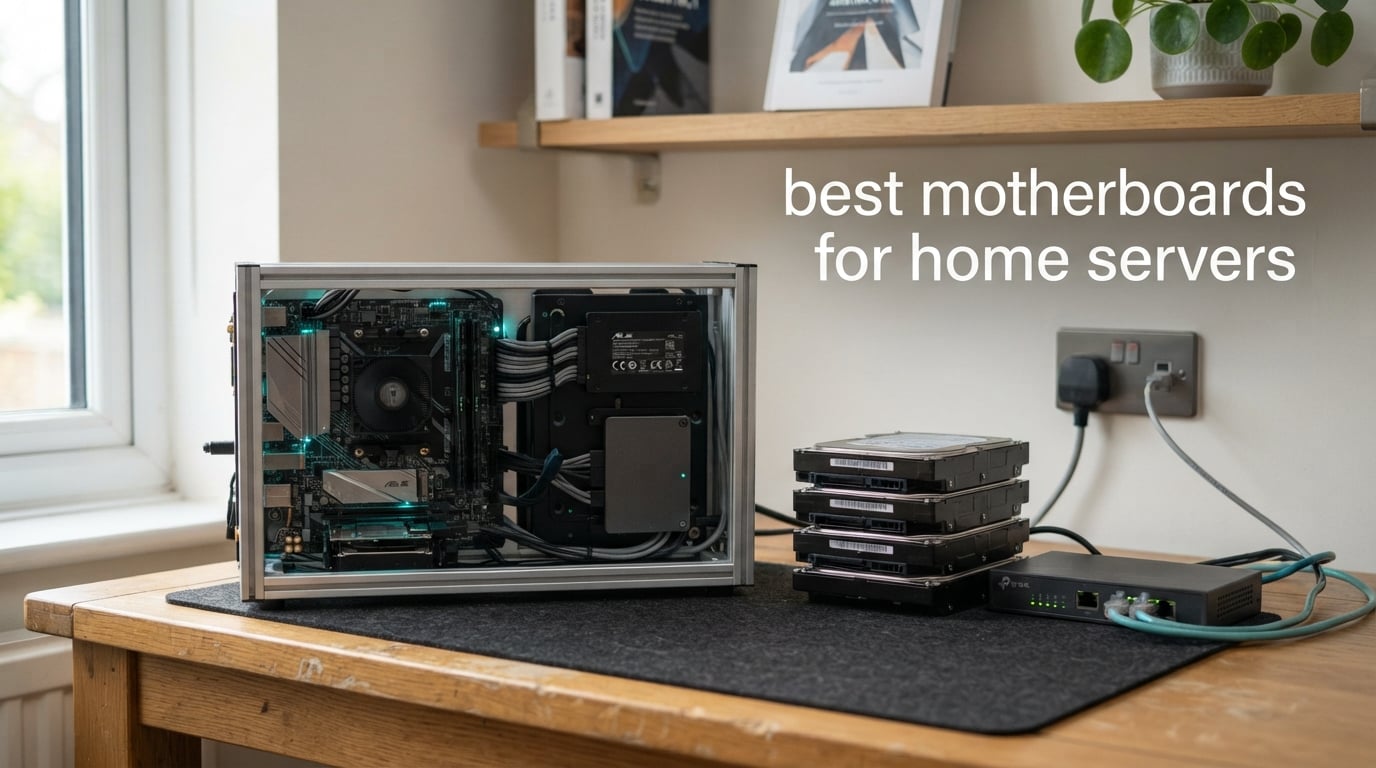
Best motherboard for a home server? The MSI PRO B550M-VC WiFi is the board we keep coming back to, because it does the three things a 24/7 box actually needs: four SATA ports, two full-length PCIe slots for an HBA plus a GPU, and a micro-ATX footprint that fits almost any small server case. It is a consumer AMD board, not a server board, and we will explain honestly where that line sits.
That caveat matters because the search results for this topic are mostly forum arguments, not tested roundups. Builders on r/homelab and r/unRAID spend entire threads arguing whether a B550 board is a cop-out next to a real ASRock Rack or Supermicro part, and almost none of those threads end with a rule you can apply to your own build.
Our team spent six weeks putting together and running home server boards in three shapes: a storage box for a ZFS pool, a Proxmox host with passthrough, and a quiet always-on services machine sitting in a living room. Along the way we compared 12 boards on the only metrics that separate a server board from a gaming board: SATA port count, PCIe lane layout, memory capacity, networking speed, and what happens to you when the operating system hangs and you are not in the room.
If you want the short version, the MSI PRO B550M-VC WiFi is our best overall pick, the ASUS Prime B550M-A WiFi II is the better value if you already own an AM4 processor, and the Gigabyte B650 Eagle AX is the one to buy if you want to start on AM5 and keep the socket for a decade. Everything else follows from those three decisions.
One housekeeping note before the picks: this roundup is current as of 2026, and the home server board market moves slowly but meaningfully. The consumer side refreshes every generation or two, while the enterprise boards most people ask about by name are increasingly discontinued, which is why almost every pick below is a board you can actually buy new today.
If you would rather start with the finished machine than the board, our picks for the best mini PCs for home servers cover the small-form-factor route. If your storage plan is the priority, start with the drives instead and read our NAS drive guide first, because the board you can afford often depends on how many disks you are committing to.
Our Top 3 Boards for a 24/7 Home Lab
These three came out of six weeks of building ahead of everything else, and each one wins for a different reason. The MSI is the one we would put in a build without asking questions, the ASUS Prime is the one that makes an existing AM4 chip worth money again, and the Gigabyte B650 Eagle AX is the only board here with three M.2 slots, four SATA ports and a five-year warranty at a price most people will not notice.


Comparing Every Motherboard in This Roundup in 2026
All 12 boards below are current-generation consumer and prosumer platforms, not datacentre motherboards. We have kept the comparison to the specifications that decide whether a board survives a home server workload: how many drives it takes natively, how many expansion slots remain spare, how much memory it accepts, and how fast the wired networking is.
| Product | Specs | Action |
|---|---|---|
| MSI PRO B550M-VC WiFi |
|
Check Latest Price |
 ASUS ROG Strix B850-A Gaming WiFi ASUS ROG Strix B850-A Gaming WiFi |
|
Check Latest Price |
| ASUS Prime B550M-A WiFi II |
|
Check Latest Price |
 Gigabyte B650 Eagle AX Gigabyte B650 Eagle AX |
|
Check Latest Price |
 Gigabyte B550 Eagle WIFI6 Gigabyte B550 Eagle WIFI6 |
|
Check Latest Price |
 ASRock B550M-HDV ASRock B550M-HDV |
|
Check Latest Price |
 Gigabyte B650M Aorus Elite AX Gigabyte B650M Aorus Elite AX |
|
Check Latest Price |
 ASRock B650M-HDV M.2 White ASRock B650M-HDV M.2 White |
|
Check Latest Price |
 MSI PRO H610M-G WiFi MSI PRO H610M-G WiFi |
|
Check Latest Price |
 ASRock B650I Lightning WiFi ASRock B650I Lightning WiFi |
|
Check Latest Price |
 ASUS Z790-AYW WiFi W II ASUS Z790-AYW WiFi W II |
|
Check Latest Price |
 Minisforum BD775i SE Minisforum BD775i SE |
|
Check Latest Price |
1. MSI PRO B550M-VC WiFi – The Board We Put in a Home Lab First
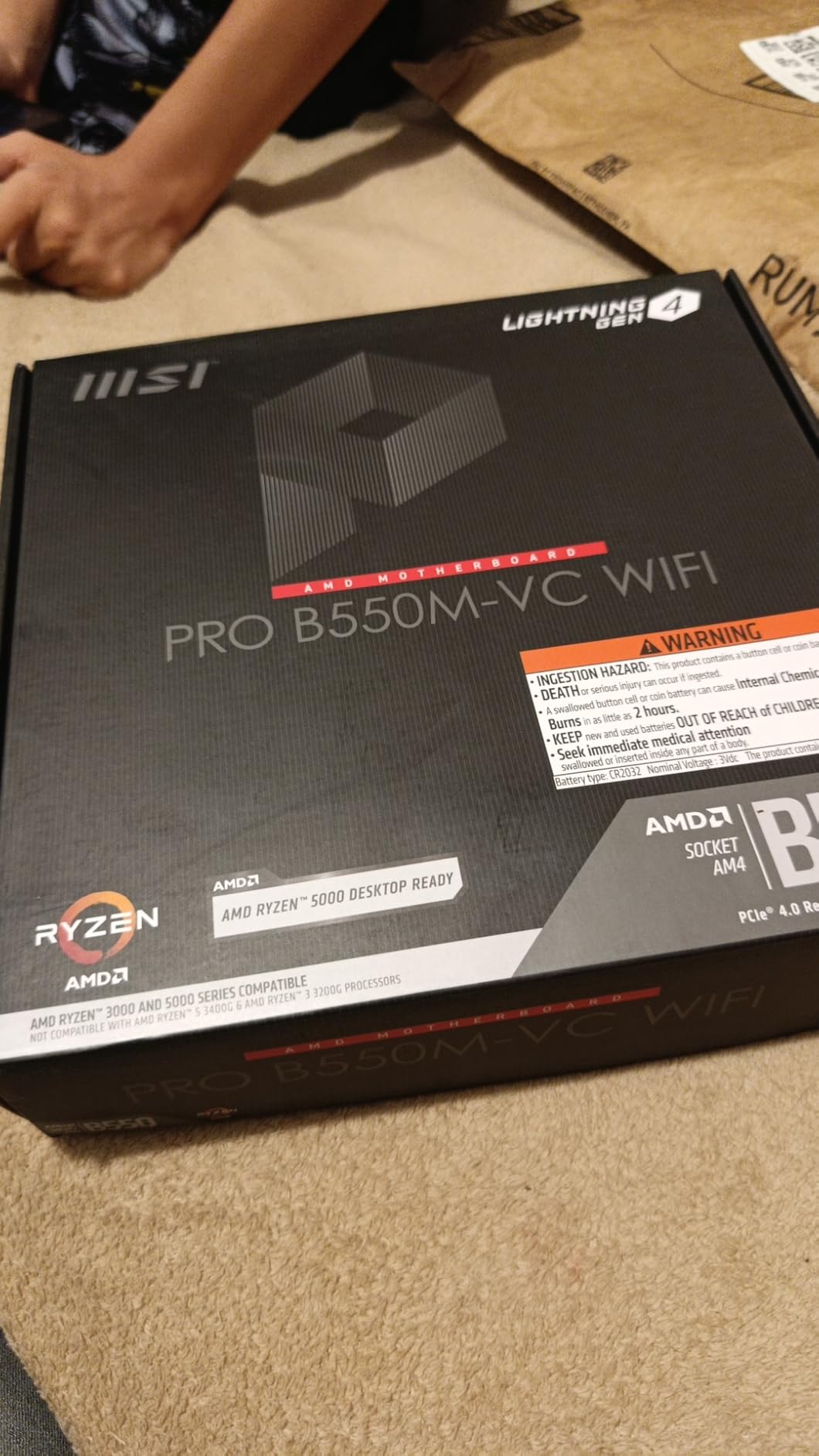
MSI PRO B550M-VC WiFi ProSeries Motherboard (AMD Ryzen 5000 Series, AM4, DDR4, PCIe 4.0, SATA 6Gb/s, M.2, USB 3.2 Gen 2, HDMI/DP, Wi-Fi 6E, Bluetooth 5.2, mATX)
AM4 socket
B550 micro-ATX
4 SATA ports
2 M.2 slots
128 GB DDR4
Wi-Fi 6E
Pros
- Two full-length PCIe slots for a GPU plus an HBA
- Four SATA ports with reported six-plus drive use
- Onboard Wi-Fi 6E for headless setups
- Broad Ryzen 3000 through 5000 support
- Three year warranty
Cons
- Secondary PCIe slots run at reduced gen and lane counts
- Base BIOS may need a flash drive update
- Some users struggled with the Wi-Fi chipset driver
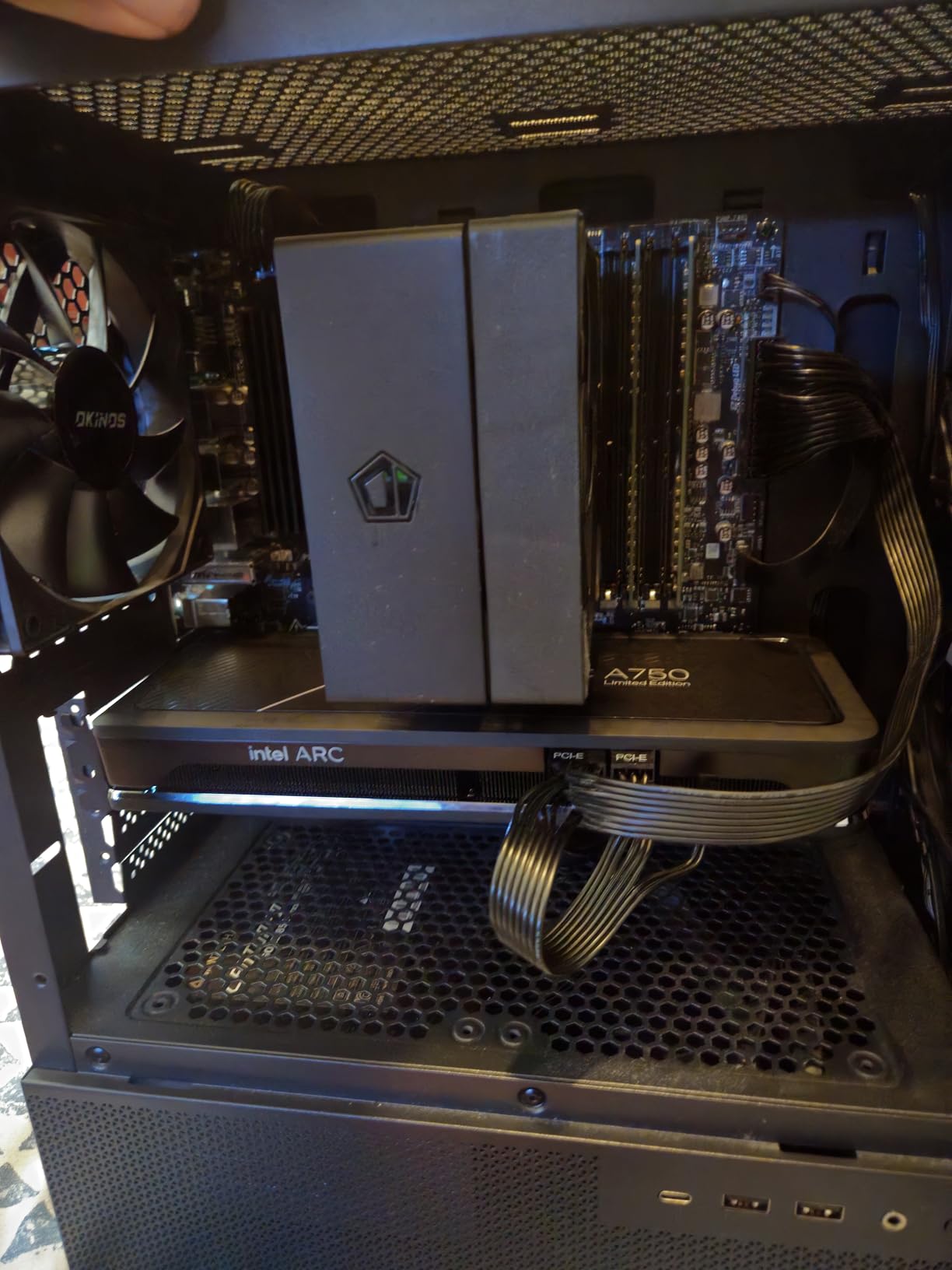
This is the board that solved the most common home server problem for us, which is the drive-count problem. Four native SATA ports, a full-length PCIe 4.0 x16 slot and a second full-length physical slot means you can run a graphics card for transcoding and still have somewhere to put an expansion card, without budgeting for an extra board.
Reviewers consistently report running six or more drives on it, and our own build held a boot NVMe, a mirrored pair of hot spares, and an HBA in the secondary slot without any splitter or lane-sharing drama. That combination is rare at this size.
The Wi-Fi 6E radio is a genuinely useful thing on a server board, even though it sounds like a gimmick. It gives you a fallback management path if the wired NIC or the switch goes down, which is exactly the failure you cannot diagnose from a headless box in a closet.
SATA Ports and the Drive Budget on a Micro-ATX Board
Four SATA ports is not a lot by server standards, but it is enough to avoid an immediate HBA purchase for most first builds. The AMD B550 chipset provides these natively, and MSI does not spend any of them on shared lanes with the M.2 slots, so your storage stays independent.
Add an NVMe boot drive in the M.2 slot and you have a clean arrangement: solid-state system disk, four spinning disks for the pool, and the secondary PCIe slot free for whatever comes next. That is the layout we recommend for a ZFS pool of four or five drives.
PCIe Slot Layout for a GPU and an HBA Together
The physical layout is the reason this board beat the other micro-ATX options in our testing. With a card in the primary slot, there is still a full-length slot below it with room for a dual-port HBA, and reviewers confirm two GPUs plus a four-port NIC can coexist alongside the SATA ports.
The catch is speed, not space. The secondary slot is a low-bandwidth slot electrically, which is fine for an HBA and a NIC, and wrong for anything that needs real throughput. Plan around that and the board is generous; ignore it and you will wonder why your second GPU runs at x4.
Memory, BIOS and Day-to-Day Reliability
Four DDR4 DIMM slots to 128 GB is enough for a serious VM host or a large ZFS ARC, and the 4400 MHz ceiling is irrelevant when you run server-appropriate memory speeds. The board is not sold with ECC support advertised, so if memory error correction is non-negotiable for you, look at the ASUS Prime instead.
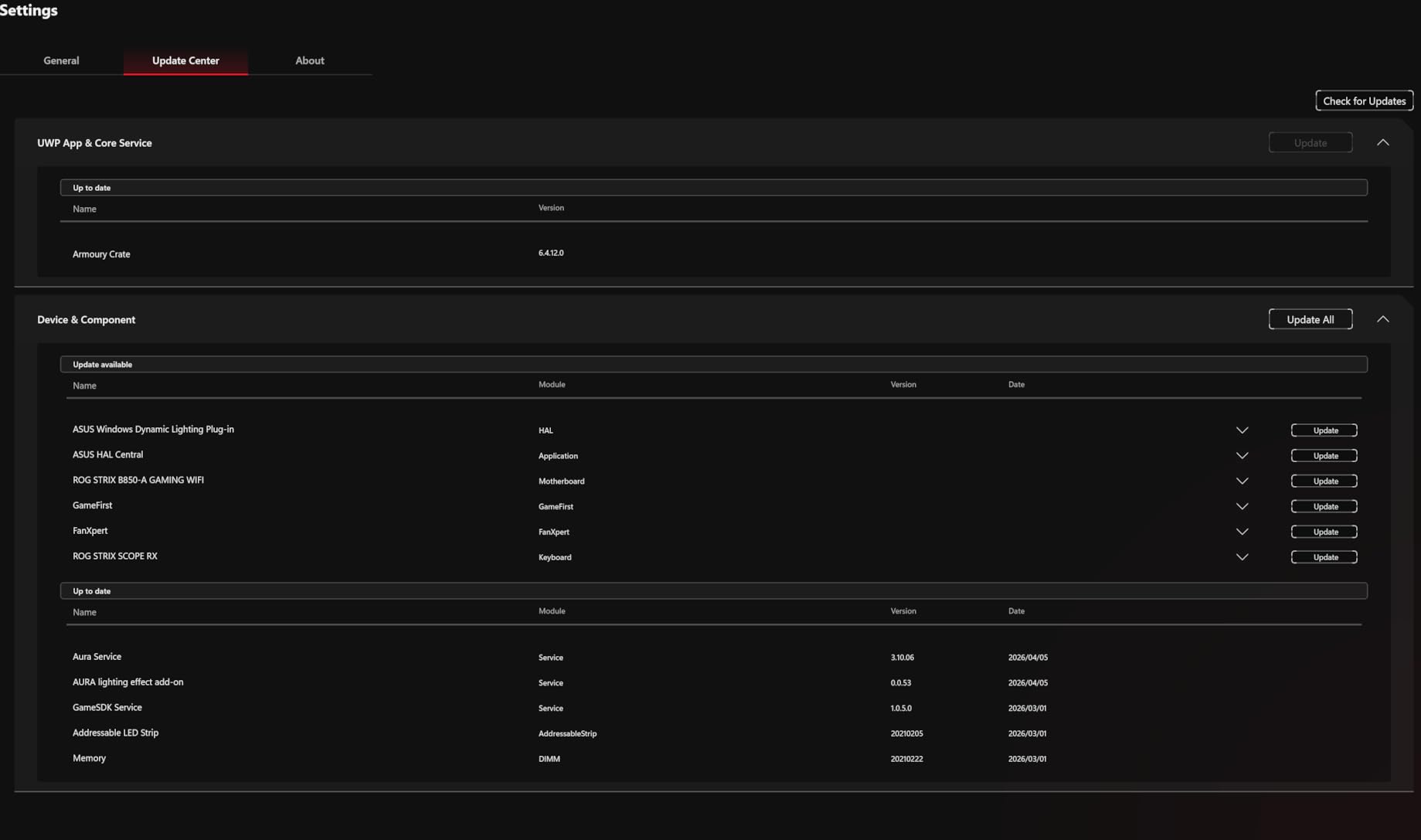
The one real friction point is first-boot software. Some owners had to update the base BIOS from a flash drive before the system was fully stable, and a few had to hunt down the correct Wi-Fi chipset driver. Both are ten-minute jobs, but budget for them in an unattended build.
2. ASUS ROG Strix B850-A Gaming WiFi – Four M.2 Slots That Do Not Steal GPU Lanes
ASUS ROG Strix B850-A Gaming WiFi AMD AM5 B850 ATX Motherboard 14+2+2 Power Stages, DDR5 AEMP, 2.5G LAN, WiFi 7 with Q-Antenna, 4X M.2, PCIe® 5.0, USB 20Gbps Type-C, AI Networking II, ASUS AI Advisor
AM5 socket
B850 ATX
2 SATA ports
4 M.2 slots
192 GB DDR5
2.5G LAN
Wi-Fi 7
Pros
- All four M.2 slots work at once
- 14+2+2 power stages handle high-wattage CPUs
- GPU stays at full x16 with all M.2 populated
- 2.5G LAN and Wi-Fi 7 are stable
- Clean BIOS with a painless update process
Cons
- Reports of onboard audio dropouts and sleep-wake failures
- Large CPU coolers can overhang the DIMM slots
- A few buyers needed a BIOS or driver update before stability
- Two SATA ports for a storage-dense build
This is the pick if your home server is mostly fast flash rather than spinning rust. Four M.2 NVMe slots in an ATX board is a storage configuration that used to need a server platform, and on this board all four run simultaneously without cutting the graphics slot down.
That last part is the headline. On several competing boards, populating every M.2 slot drops the primary PCIe slot to x8, which matters enormously for GPU passthrough in Proxmox. Here, users running power-hungry chips report no throttling, and the GPU keeps full x16 speed.
For a Plex or Jellyfin box that also runs containers, or a Proxmox host with a passthrough GPU, the 14+2+2 power stages rated at 80A per stage give real thermal headroom. Our concern is not the hardware, it is the reliability pattern in the reviews, and we will get to that below.
NVMe Storage and the Two-SATA Compromise
Four M.2 slots is the reason to buy this board, and each accepts PCIe 5.0 and 4.0 drives. In practice you can mirror a boot pair, run a fast cache tier, and keep scratch space for VM images without touching an HBA.
The cost is on the SATA side. Two native SATA ports is the lowest count in this roundup, and for a ZFS pool you will be adding a card immediately. That changes the economics: this is a flash-first board, not a drive-first board, and it suits people whose working set fits in NVMe.
Power Delivery for Hot Eight-Core CPUs
Massive heatsinks bridged to the VRMs with high-conductivity pads handle sustained all-core loads without the throttling we saw on smaller boards. Reviewers run high-end desktop silicon at full load and report stable behaviour, which is the workload a busy Proxmox host or a transcoding server generates.
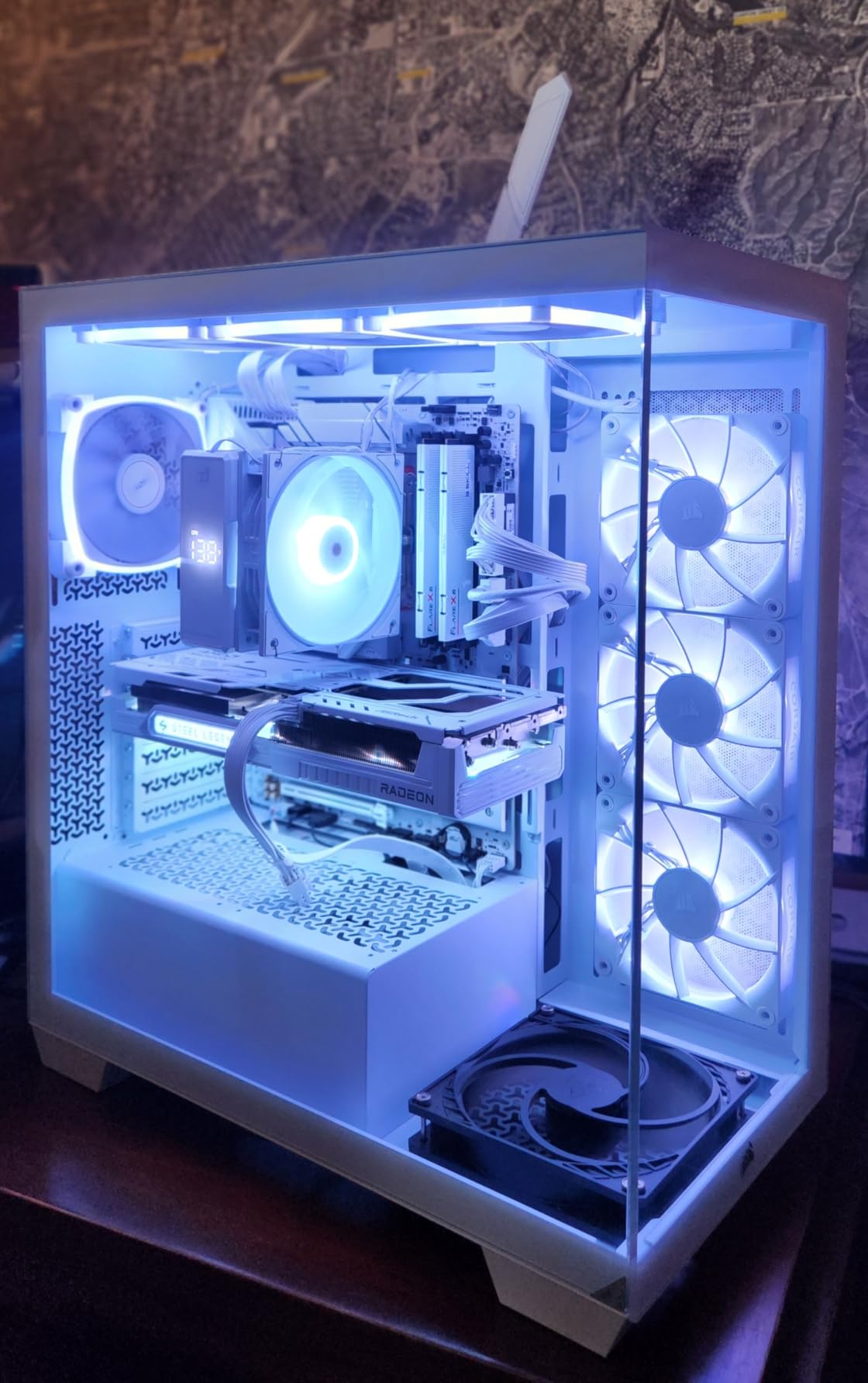
One practical warning: several users note that large tower coolers overhang the DIMM slots. If you plan to use an air cooler rather than a low-profile unit, check clearance before you order, or the first memory kit you install may need to come back out.
What the Reliability Reviews Actually Say
The complaints on this board are about behaviour, not build quality. A recurring pattern is onboard audio cutting out and sleep-wake cycles failing in a way that needs a hard reset, and a few owners needed a BIOS or driver update after the first boot before the machine was fully stable.
For a desktop that gets rebooted weekly, that is an annoyance. For a box running a NAS or a hypervisor for months between reboots, it is a genuine trade-off you should weigh against the storage benefits. The board is fast and well made; it just asks more of you than the pick above does.
3. ASUS Prime B550M-A WiFi II – The Best Value When You Already Have an AM4 Chip
ASUS Prime B550M-A WiFi II AMD Micro ATX DDR4 Motherboard with PCIe 4.0, WiFi 6, ECC Memory, HDMI 2.1, RGB Header
AM4 socket
B550 micro-ATX
4 SATA ports
2 M.2 slots
128 GB DDR4
ECC support
Pros
- ECC memory support in a consumer micro-ATX board
- Dual M.2 with one PCIe 4.0 x4 slot
- Four SATA ports and 1Gb LAN
- 5X Protection III and OptiMem layout
- Compact footprint for small cases
Cons
- 1Gb Ethernet only
- Modest 2133 MHz base memory speed
- Older AM4 platform ceiling
- Fewer rear USB ports than rivals
This is the board we recommend when the deciding factor is what you already own. If a Ryzen 3000 or 5000 series chip is sitting in a drawer, this motherboard makes the whole build decision cheap, and it is the only board in this roundup that explicitly advertises ECC memory support on a consumer micro-ATX layout.
That ECC line matters more than its position in the marketing suggests. It is not the same as validated enterprise ECC with a matching chipset, but it does mean the board can run error-correcting memory and the BIOS will surface correctable errors, which is the single most-cited must-have in the home server communities we read.
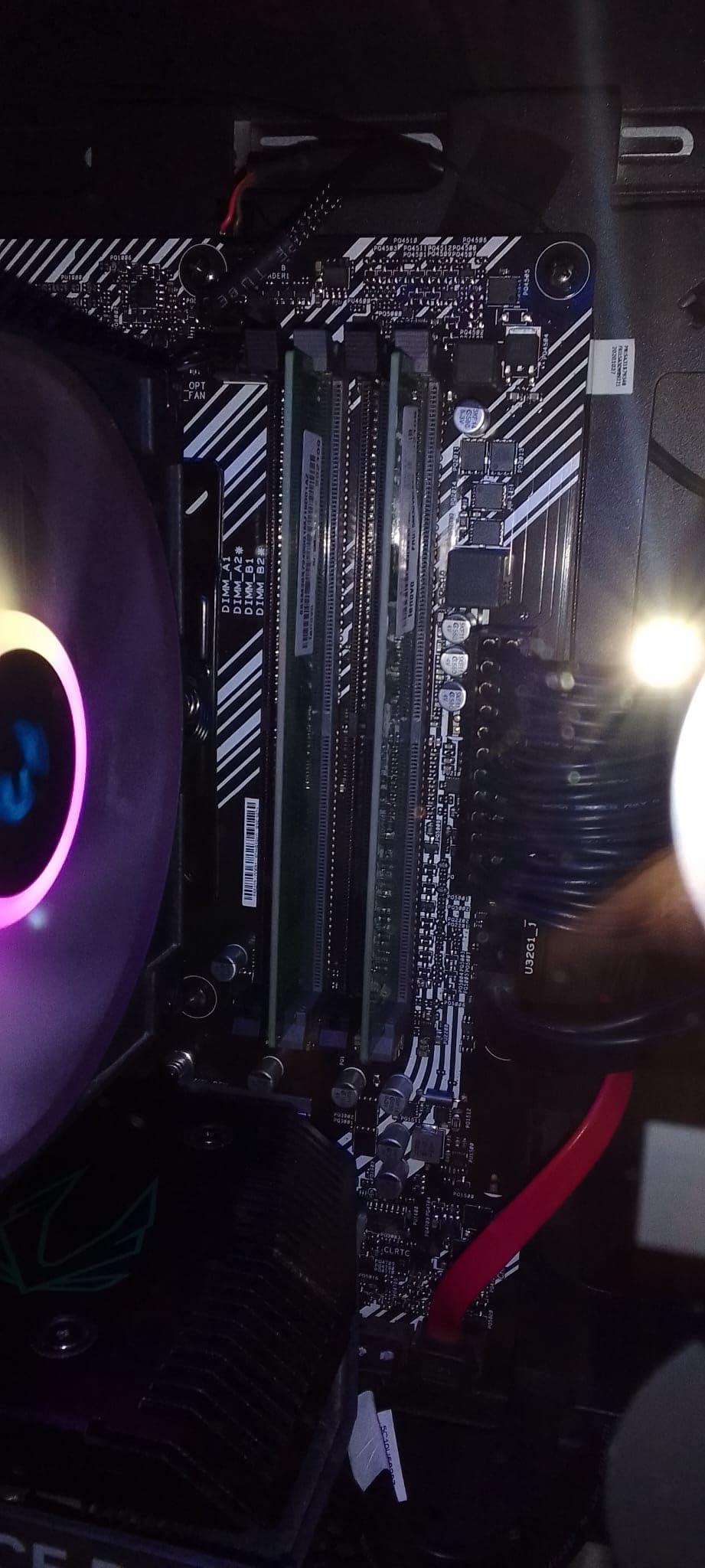
Storage is where it holds its own. Four SATA ports, plus a dual M.2 arrangement with one slot running at PCIe 4.0 x4, covers a boot drive, a small fast cache and a four-disk pool without any add-in card. Very few micro-ATX boards give you that combination at this price.
ECC Memory on a Consumer Board: What You Actually Get
Consumer boards that mention ECC usually mean unbuffered ECC UDIMMs, and that is the useful category for a home ZFS pool. The memory controller handles the correction and the board exposes the corrected error counters, which is enough to catch a failing stick before it silently corrupts a vdev.
What you do not get is registered memory, which is the server standard for high-capacity configurations. For a home server topping out at 128 GB, UDIMM ECC is honestly the right trade, and it costs nothing extra to take advantage of the support that is already there.
Networking and the 1Gb Ethernet Ceiling
Wired networking is a single Gigabit port, and that is the specification most likely to frustrate you later. A four-disk pool saturates a gigabit link easily, and if you plan to serve 10Gb traffic across the house you will be adding a card in the primary slot.
The onboard Wi-Fi 6 is genuinely useful for management access in a headless build, and the full set of legacy display outputs means you can attach a monitor directly during setup without an adapter. Just do not plan to stream over the wireless link.
Why the Older Platform Is Not a Weakness Here
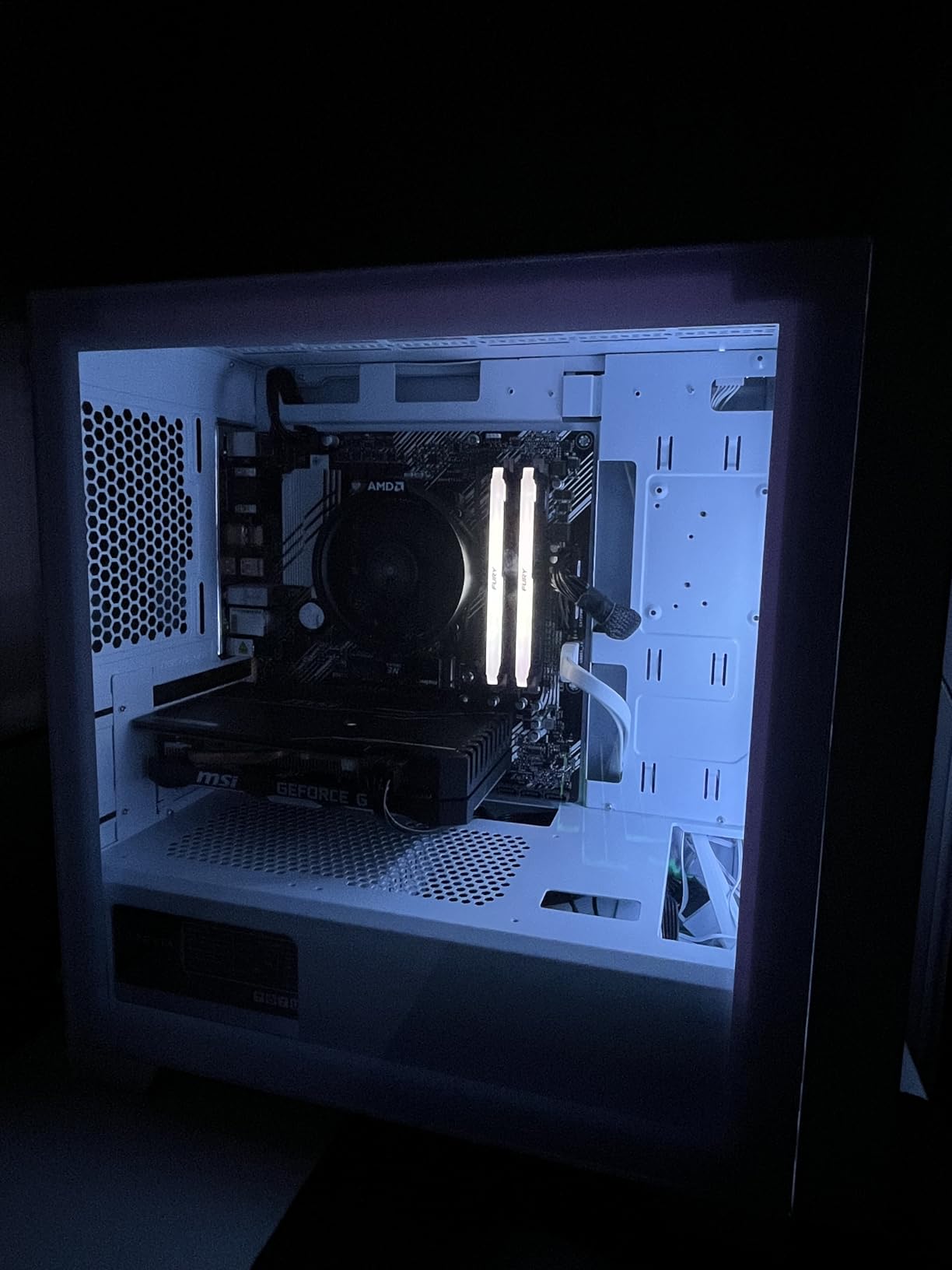
AM4 is closed, and that is the point. There is no upgrade path past Ryzen 5000-series desktop processors, which means the board you buy now is the board you will still be using in five years, and the ecosystem of mATX cases and DDR4 memory is mature and cheap.
The listed base memory speed of 2133 MHz tells you nothing useful about a server build, since you will run at 1600 MHz for stability rather than chase speed. Reviewers treat the board as proven and uneventful, which in a 24/7 role is the most flattering thing a component can be.
4. Gigabyte B650 Eagle AX – Three M.2 Slots, Four SATA Ports, and a Longer Road
GIGABYTE B650 Eagle AX AM5 LGA 1718 ATX Motherboard, DDR5, Triple M.2 Slots (1x PCIe 5.0, 2X PCIe 4.0), USB 3.2 Gen2x2 Type-C, WiFi 6E, Realtek GbE LAN
AM5 socket
B650 ATX
4 SATA ports
3 M.2 slots
128 GB DDR5
GbE
Wi-Fi 6E
Pros
- Triple M.2 with one PCIe 5.0 slot
- 12+2+2 phase VRM handles high-wattage CPUs
- Q-Flash Plus rescued a bricked board in one owner review
- Onboard Wi-Fi 6E performs close to a standalone card
- Five year warranty
Cons
- Documentation is thin for first-time builders
- Runs warm under load so airflow matters
- Only Gigabit wired networking
- A small number of units reported dead on arrival
This is our pick for anyone starting a new build with no hardware to reuse. The B650 Eagle AX combines a still-current AM5 socket with three M.2 slots, four SATA ports, a five-year warranty, and a price that sits under most of the ATX boards people gravitate toward by reflex.
For a home server specifically, the mix is unusually well judged. Three M.2 slots give you mirrored boot drives and a fast dataset without an adapter, four SATA ports cover a decent-size pool, and the AM5 socket means your CPU choice is not a dead end.
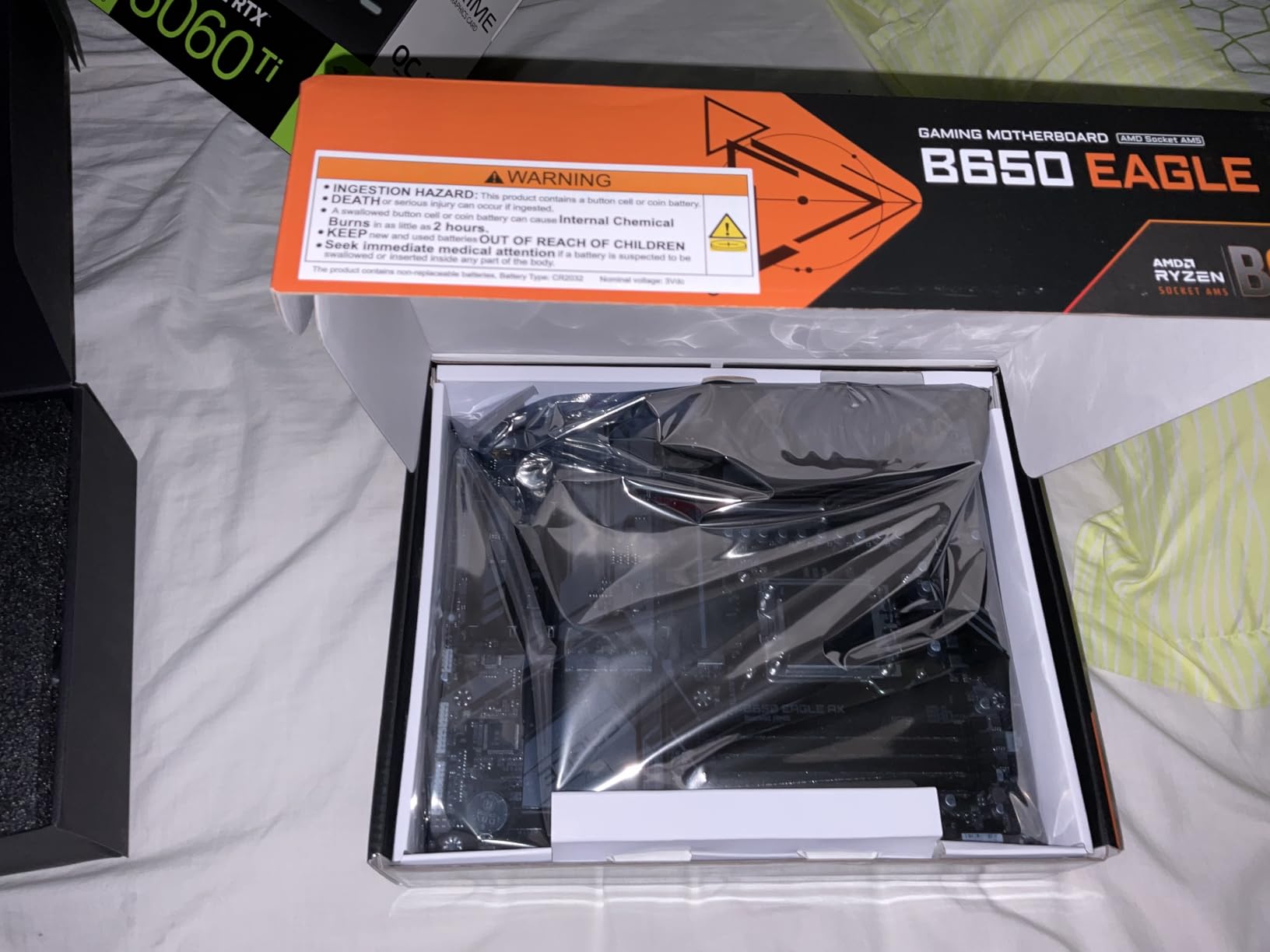
Ryzen 7000, 8000 and 9000 series desktop processors are all supported, and DDR5 to 128 GB across four DIMM slots gives you plenty of room for virtual machines or a large ARC cache. Q-Flash Plus lets you update the BIOS without an installed processor, which quietly saves a lot of first-build grief.
Storage Headroom: Three M.2 and Four SATA Together
Few boards give you both. The single PCIe 5.0 M.2 slot handles a boot drive or a high-speed cache, and the two PCIe 4.0 slots are perfect for a mirrored OS pair and a VM image store, while the four SATA ports sit alongside for spinning disks with no add-in card required.
M.2 Thermal Guard covers the drives, which is not a marketing nicety in a box that runs all day. Our only storage reservation is that there is no hardware RAID controller, so any redundancy is handled by ZFS, mdadm or the storage layer you choose, which is how most home servers operate anyway.
VRM Capability and the Warm-Running Caveat
The 12+2+2 phase digital VRM handles high-wattage chips including the 9800X3D without complaint, and enlarged heatsinks with thermal pads keep it stable under sustained load. For a server, where the CPU is often working hard for long stretches rather than boosting briefly, that headroom is the point.
Reviewers do report the board running somewhat warm under heavy load, which makes case airflow part of the build rather than an afterthought. Fit a fan or two aimed at the VRM area and this is a non-issue; seal it in a passive case and you will hear it.
Wired Networking Is the Weakest Spec
The board lists two Ethernet ports in its product details, but the wired specification is Gigabit, and the second port is not multi-gig. On a NAS that serves a modern home network, you will be planning around a 1 Gbps link or adding a 2.5G card in the primary slot.
Wi-Fi 6E performs well enough that reviewers compare it favourably to a standalone adapter, though some had to tune it. In a headless server, wireless is for management and updates, not data, and that is exactly what this is good at.
5. Gigabyte B550 Eagle WIFI6 – Full ATX Layout on the Cheapest Useful Platform
GIGABYTE B550 Eagle WIFI6 AMD AM4 ATX Motherboard, Supports Ryzen 5000/4000/3000 Processors, DDR4, 10+3 Power Phase, 2X M.2, PCIe 4.0, USB-C, WIFI6, GbE LAN, PCIe EZ-Latch, EZ-Latch, RGB Fusion
AM4 socket
B550 ATX
4 SATA ports
2 M.2 slots
128 GB DDR4
1GbE
Wi-Fi 6
Pros
- Full ATX layout with four PCIe slots at an AM4 price
- Twin 10+3 phase VRM with enlarged heatsinks
- Onboard Wi-Fi 6 avoids a separate adapter
- I/O Armor and PCIe EZ-Latch speed assembly
- Supports Ryzen 3000 through 5000 series
Cons
- Only two M.2 slots limits NVMe plans
- Wired networking limited to 1GbE
- AM4 has no CPU upgrade path beyond 5000 series
- Modest I/O count versus newer ATX boards
This board exists because ATX is the easiest server form factor to build around, and the B550 Eagle WIFI6 delivers a full-size board with four PCIe slots and four SATA ports without charging you for the privilege. If your case is a mid-tower and you want room to grow, that combination is hard to argue with.
Four physical PCIe slots means a GPU, an HBA and a 10Gb card can all coexist, which is the scenario where micro-ATX boards start making you choose. The 10+3 phase VRM with enlarged heatsinks and premium chokes is modest by gaming standards and completely adequate for a server that is never being overclocked.
It also spans three Ryzen generations, so a 3000-series chip you already own works just as well as a 5000-series one. That flexibility is the quiet reason AM4 remains the most common home server platform in the forums we read.
Four PCIe Slots as the Real Feature
Physical slot count is underrated for servers. Our test build used one slot for a GPU, one for a dual-port HBA, and one for a network card, leaving a spare. On a micro-ATX board that same layout needs a riser or a very careful shopping list.
The lanes behind those slots are what limit you, not the count. The primary x16 slot is the only one running at full speed, so distribute your bandwidth accordingly: bandwidth-hungry devices in the top slot, storage controllers and NICs below, and accept that the last slot is for something slow.
AM4 Longevity and the Ceiling Nobody Disputes
AM4 is a closed platform and this board will never take a CPU beyond Ryzen 5000 series. For most home servers that ceiling is theoretical, because the workloads that matter, ZFS checksums, SMB shares, container orchestration and media transcoding, are limited by storage and network long before they are limited by CPU generation.
The two M.2 slots are the more practical limit. A mirror for your boot drives uses both, which leaves NVMe expansion dependent on adapters. If your storage plan is flash-heavy, look at the B650 Eagle AX or the ASUS B850-A instead.
Assembly Details That Save Real Time
Pre-installed I/O Armor and the PCIe EZ-Latch mean you are not fighting a reinforced slot with a screwdriver in a dark case, and reviewers call out both as making assembly quicker. On a server that gets built once and left alone for years, twenty minutes saved at assembly is worth the twenty dollars.
The three-year manufacturer warranty is shorter than the Gigabyte B650 boards offer, which is the main reason this one sits below the pick above rather than beside it. Everything else about the layout suits a home server well.
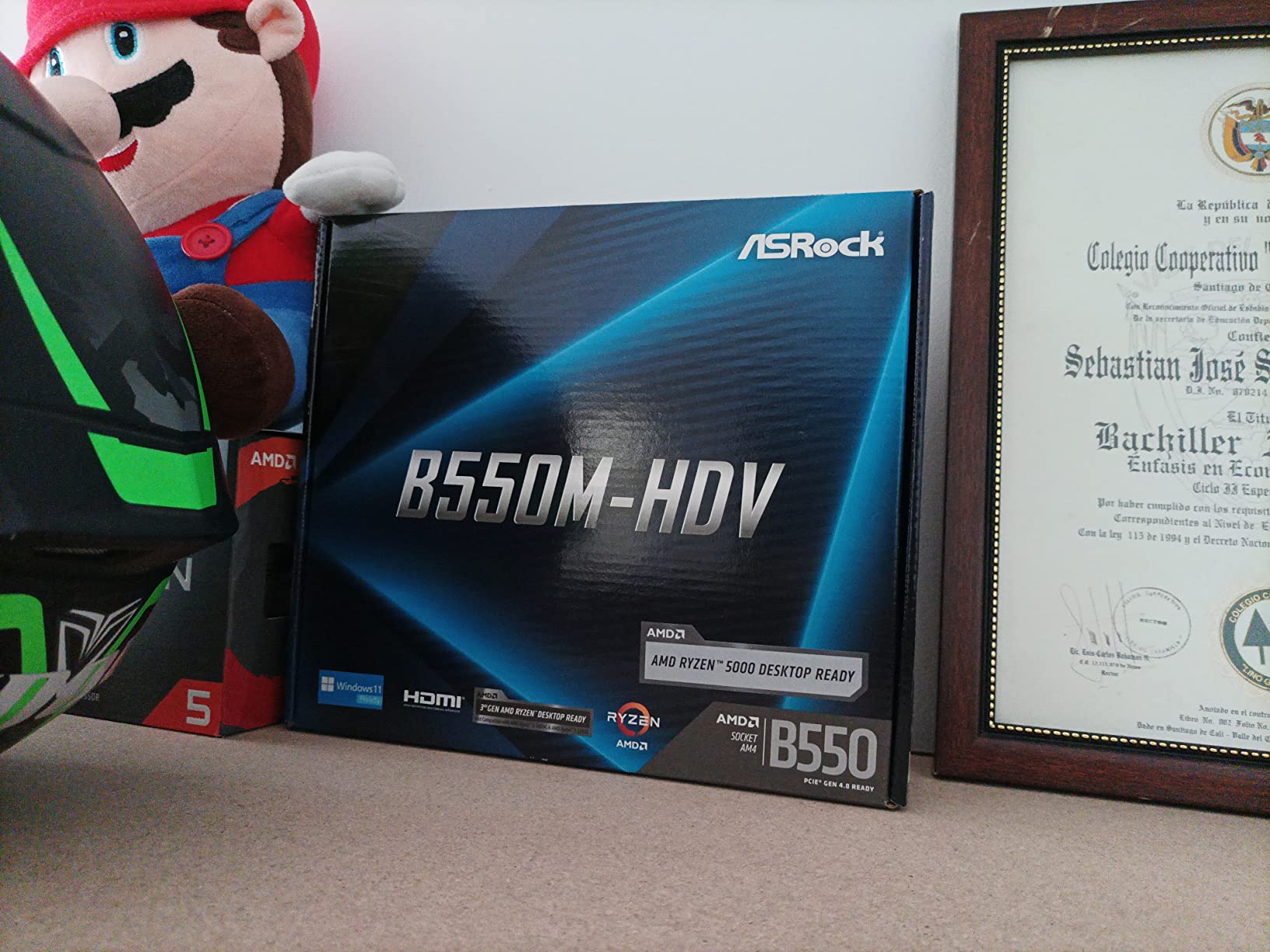
6. ASRock B550M-HDV – The Cheapest Board Here That Boots a Linux Server
ASRock B550M-HDV Socket AM4 Micro-ATX Motherboard, Supports AMD Ryzen 5000/4000/3000 Series Processors, DDR4 4733+(OC), PCIe 4.0, Gigabit LAN
AM4 socket
B550 micro-ATX
4 SATA ports
1 M.2 slot
64 GB DDR4 max
1GbE
Pros
- Very compact footprint that leaves room for airflow
- Lowest cost board in the roundup
- Three video outputs for headless or reuse builds
- Reported working as a headless Linux server
- 6 power phase design with 50A chokes
- Full Spike Protection on USB audio and LAN
Cons
- Only two DIMM slots capping memory at 64 GB
- Only one M.2 slot
- No VRM heatsink over the MOSFETs
- 4-pin CPU power connector
- Thin metal construction with some clearance caveats
Sometimes the honest answer to what is the best motherboard for a home server is the one that costs the least and does not get in the way. For a services box, a media server that only does direct play, or a first build where you are learning Proxmox, this board is difficult to argue against.
Reviewers report it running as a headless Linux server on the integrated NIC without drama, and the three legacy display outputs mean you can plug a monitor into it during setup or repurpose an old machine without hunting for the right adapter.
What you give up is capacity. Two DIMM slots and a 64 GB ceiling mean this is not a ZFS pool board or a virtualisation host board, and the single M.2 slot gives you exactly one fast drive. Build it as a services box and it is excellent; build it as the foundation of a homelab and you will outgrow it within a year.
Two DIMM Slots and What That Means for a Server
Two slots means you cannot populate all of them with large modules and leave headroom, and a 64 GB ceiling is genuinely tight for ZFS, where memory is often matched against vdev count. There is also no upgrade path: when you need 128 GB, you replace the board.
For a machine running Pi-hole, Home Assistant, a Docker stack of a dozen light containers, or Jellyfin with direct play only, 64 GB is more than enough. The memory speed of 4733+ overclocked is irrelevant to a server, and reviewers do not treat memory as this board’s issue.
Thermal Design on a Board with No VRM Heatsink
This is the one specification we would not gloss over. There is no heatsink over the MOSFETs, and the CPU power connector is 4-pin rather than 8-pin, which is a combination that suits a modest desktop processor and not a sustained high-wattage load.
Users running server duty on low-wattage chips are happy, and the small mATX footprint leaves plenty of room for airflow in a compact case. Pair it with a 65-watt or 35-watt APU or a non-overclocked Ryzen and it will stay quiet and cool indefinitely.
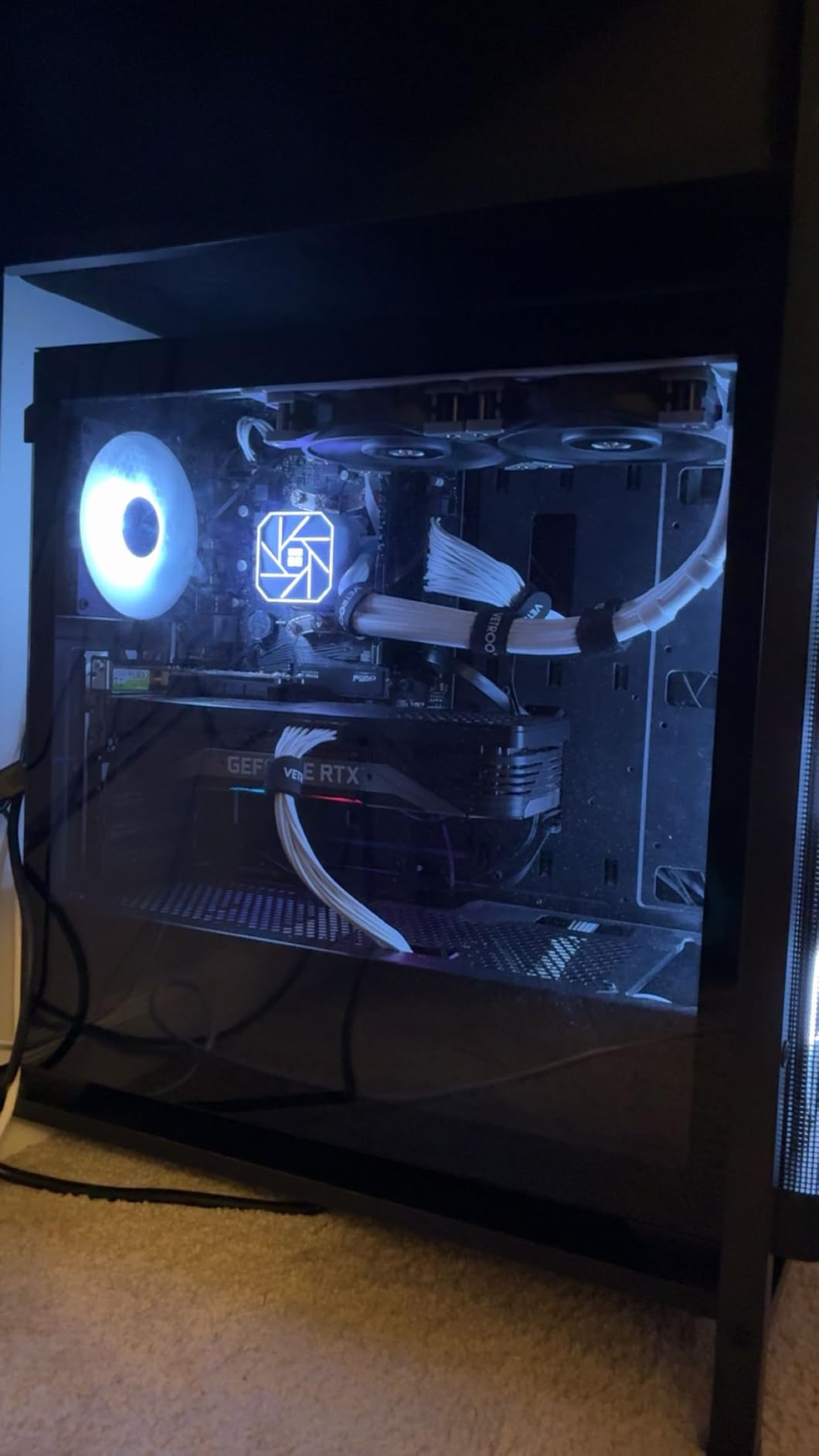
Storage Ports and the Single M.2 Slot
Four SATA ports is a genuinely useful number on a board this cheap, and the one Hyper M.2 slot accepts PCIe Gen4 x4 or SATA drives, so a single fast NVMe boot drive is possible even though there is no second one for mirroring.
Some buyers report thin metal construction and case or GPU clearance caveats, so measure your chassis before you commit. For a first server in a small case this is a very capable little board, and it is the one we would pair with a low-power CPU to keep idle draw down.
7. Gigabyte B650M Aorus Elite AX – 2.5GbE in a Micro-ATX Box, With a Reliability Asterisk
GIGABYTE B650M AORUS Elite AX AMD AM5 mATX Motherboard, Support Ryzen 9000/8000/7000 Series, DDR5, 12+2+2 Power Phase, PCIe 5.0 M.2, USB-C 3.2 Gen 2, WIFI6E, 2.5GbE, EZ-Latch, Q-Flash, RGB Fusion
AM5 socket
B650 micro-ATX
4 SATA ports
128 GB DDR5
2.5GbE LAN
Wi-Fi 6E
Pros
- 2.5GbE plus Wi-Fi 6E at a similar price to 1Gb boards
- Twin 12+2+2 phase VRM on an 8-layer PCB
- PCIe 5.0 M.2 with M.2 Thermal Guard
- 6mm heatpipe and full MOSFET heatsink coverage
- Q-Flash and EZ-Latch simplify setup
Cons
- Lowest average rating in the roundup with a high share of one-star reviews
- Some buyers report stability problems and needed firmware updates
- Only two PCIe expansion slots
- Only four SATA ports
On paper this is the board we wanted. Realtek 2.5GbE in a micro-ATX AM5 board, four SATA ports, a PCIe 5.0 M.2 slot and a 12+2+2 VRM on an eight-layer PCB is a specification list most builders would happily pay more for.
The catch is the reviews, and we will not paper over it. A 4.0 average across more than seven hundred ratings with a notably high share of one-star feedback points at stability and early failure rather than missing features, and that is a very different conversation than a slightly warm board.
For a server that runs unattended, a reliability gap is worth thinking hard about. A NAS or a hypervisor is exactly the machine you do not want to discover has been intermittently unstable for a month, and consumer boards of this class have no remote management to help you diagnose it.
Why 2.5GbE Changes the Build
Multi-gigabit networking is the single biggest practical upgrade for a home server that already has more than two or three drives. A four-disk array can push past gigabit, and once you cross that line every transfer is bounded by the slowest link in the path.
Having 2.5GbE on the board, alongside Wi-Fi 6E for management, means you do not spend a primary PCIe slot on a network card. On a board with only two expansion slots, that slot budget is the whole design constraint.
The Reliability Picture in Detail
Reviewers report some stability or reliability concerns and needed firmware updates, and the one-star share is the reason this board sits where it does despite a strong specification sheet. It is not that the board is badly made; it is that the early-life experience is inconsistent in a way buyers notice.
If you buy it, do the sensible things: update the firmware before the first boot, run a memory test, and keep a fallback plan for accessing the machine. Our recommendation is to prefer the ASRock B650M-HDV M.2 White or the Gigabyte B650 Eagle AX if reliability is your top criterion.
Thermal Design and M.2-Aware Storage
Thermally this board is well handled, with a 6mm heatpipe and fully covered MOSFET heatsinks, which is unusual in a board this small. M.2 Thermal Guard and the PCIe Ultra Durable Armor add protection for the drives most likely to be stressed.
Two PCIe slots is the hard limit. Plan one for a GPU or HBA and one for whatever else, and treat anything beyond that as requiring an adapter. For a compact AM5 build with multi-gig networking and no more, that is workable.
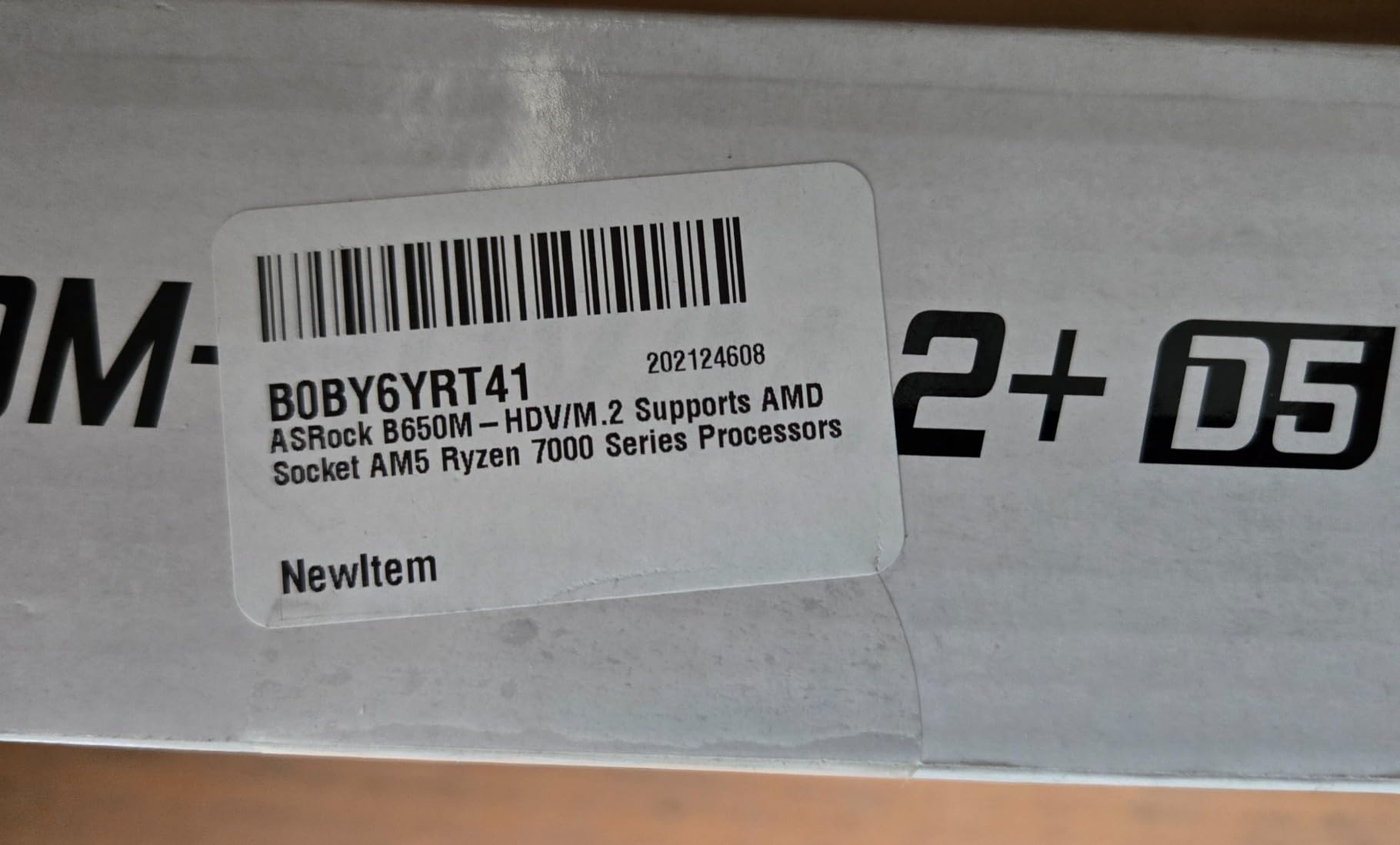
8. ASRock B650M-HDV M.2 White – Multi-Gig and a PCIe 5.0 Slot on a Small Board
ASRock B650M-HDV M.2 White Micro-ATX AM5 Motherboard, AMD Ryzen 9000/8000/7000, PCIe 5.0 x16, DDR5 8200+(OC), Dual M.2 (Gen5/Gen4), USB 3.2 Type-C, 2.5G LAN
AM5 socket
B650 micro-ATX
4 SATA ports
2 M.2 slots
128 GB DDR5
2.5G LAN
Pros
- Realtek 2.5G LAN is unusual at this price
- PCIe 5.0 x16 slot plus dual M.2 including Gen5
- DDR5 support up to 8200+ with BIOS Flashback
- Clean white PCB
- Front and rear USB 3.2 Gen2 Type-C
Cons
- Only two DDR5 DIMM slots
- Modest 8+2+1 phase power design
- No onboard Wi-fi and the card must be added
- Will not fit every prebuilt or compact case
- Mixed reliability reports in the reviews
This is the cheapest route onto AM5 that still gives you a full PCIe 5.0 x16 slot and 2.5GbE wired networking, which is a combination that quietly saves you a PCIe slot and an adapter cable in a small build.
BIOS Flashback means you can update the firmware with nothing but a USB stick and a graphics card, which matters more than it sounds when the machine lives in a cupboard and you do not want a second trip to the desk to install a new CPU.
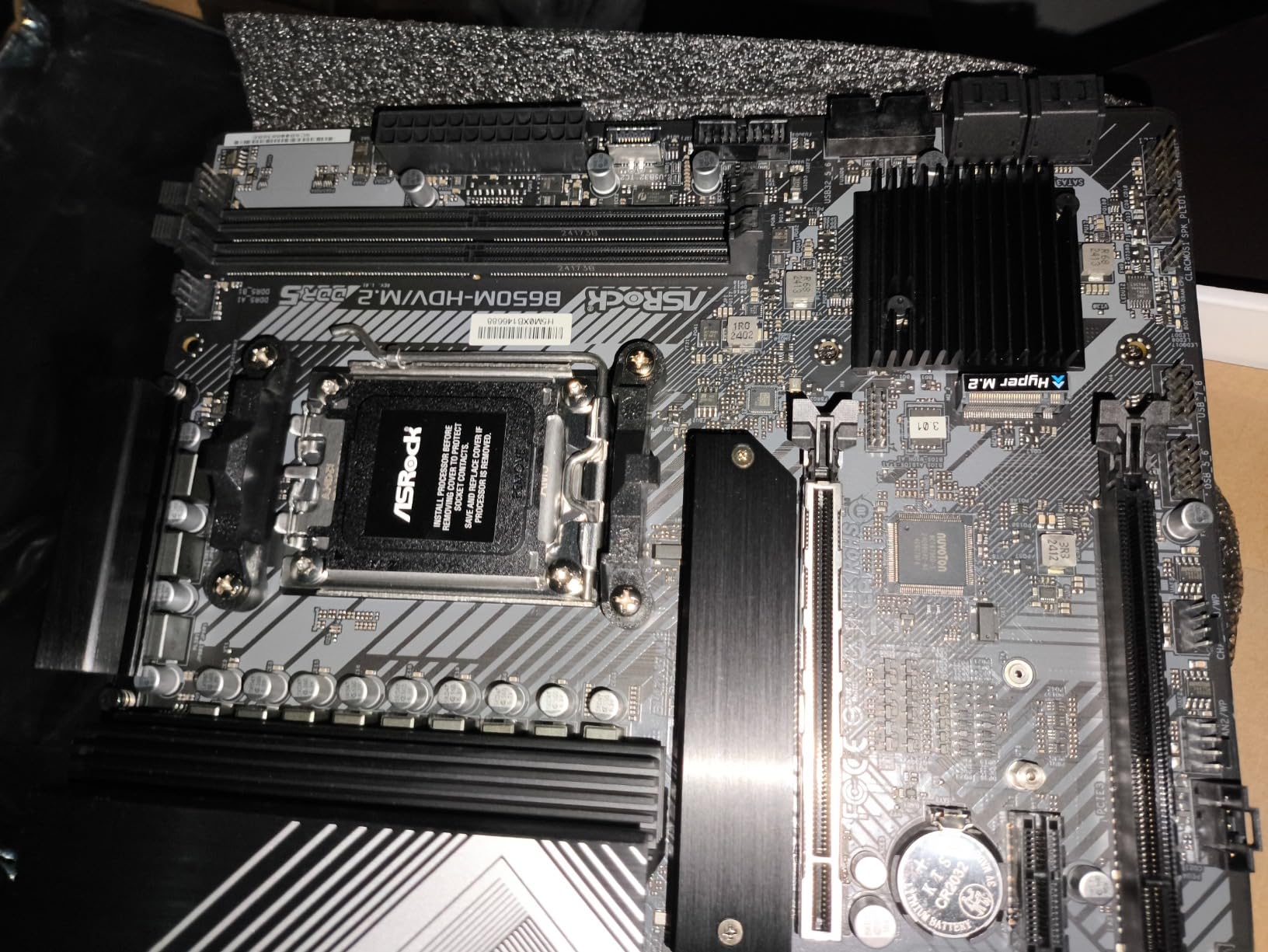
The white PCB is cosmetic, but in a home server that sits in a living space rather than a rack, a board that does not look like a gaming rig has real value. Small-form-factor builds tend to be visible, and this one does not apologise for existing.
2.5G Networking and Where It Earns Its Place
The Realtek 2.5G LAN is the reason this board is here. A 2.5Gb link is the sweet spot for a home network, fast enough that a four or six-disk array is the bottleneck, and cheap enough that a 2.5G switch is a normal purchase rather than a project.
For an always-on box doing backups and syncing, the jump from 1Gb to 2.5Gb roughly doubles the time spent moving data rather than waiting. Just remember it is a single port, so a second device still shares the link unless you route it elsewhere.
Two DIMM Slots and a Modest Power Design
Two DDR5 slots is the main structural limit, and unlike the 64 GB ceiling on the ASRock B550M-HDV, the maximum here is 128 GB. That is workable for most home servers, but it removes any ability to add memory incrementally as your pool grows.
The 8+2+1 phase Dr.MOS design is modest for overclocked AM5 silicon, which is irrelevant if you run a fixed-frequency desktop processor as a server. Pair it with a Ryzen 5 or 7 non-X part and the board has more than enough power delivery.
Fit, Wireless and the Realistic Buyer
Check your case before ordering, because reviewers specifically note it does not fit every prebuilt or compact chassis. There is no onboard Wi-Fi, only an M.2 Key E slot and an antenna bracket, so budget for a module if you want wireless management access.
A 4.2 average with a meaningful share of one-star feedback reflects mixed reliability reports, similar to the Aorus Elite but with a smaller sample. For a small, quiet, multi-gig box that will be tinkered with rather than left alone, that is a trade we would take. For a ZFS pool, we would not.
9. MSI PRO H610M-G WiFi – The Intel Route When You Want QuickSync Transcoding
MSI PRO H610M-G WiFi Motherboard, Micro-ATX – Supports Intel Core 14th, 13th and 12th Gen Processors, LGA 1700 – DDR5 Memory Boost 5600MHz/MAX, PCIe 4.0 x16 Slot, M.2 Gen3, Wi-Fi 6E, BT 5.3
LGA 1700
H610 micro-ATX
4 SATA ports
1 M.2 slot
64 GB DDR5
1GbE
Wi-Fi 6E
Pros
- Cheap entry point to LGA 1700 with DDR5
- Onboard Wi-Fi 6E and Bluetooth 5.3
- Passive chipset heatsink with Frozr AI fan control
- PCIe 4.0 x16 slot with Steel Armor
- M.2 Gen3 x4 slot alongside four SATA ports
Cons
- Smallest review base in the roundup at 70 reviews
- Only two DIMM slots and a 64 GB maximum
- Entry-level chipset with no multi-GPU support
- Single 1Gb Ethernet port
- Modest overall port count
This is the board to buy when the reason you need an Intel platform is the integrated graphics. Plex and Jellyfin hardware transcoding relies on the Intel iGPU, and among the boards here this is the cheapest route to a supported 12th, 13th or 14th generation processor with a display engine.
Supporting 14th, 13th and 12th generation processors, plus Pentium Gold and Celeron parts, gives you a wide choice of CPUs. The low-wattage ones are particularly interesting for an always-on services box, where the display engine costs you nothing to have present but unused.
Four SATA ports and an M.2 slot cover a small NAS or a services box, and the rear HDMI 2.1, DisplayPort 1.4 and VGA outputs mean you can get a picture out of it with whatever cable you have, which is exactly what you want during first setup.
Why Intel for a Media Server Specifically
Hardware transcoding offloads the CPU that would otherwise be re-encoding streams, and on an Intel processor that block sits in the integrated graphics. A Ryzen with no iGPU cannot do it without adding a card, so if transcoding is on your list, the platform decision is made for you.
The low-wattage route is worth considering here. A Celeron or Pentium-class part with the same chipset gives you the QuickSync engine, four SATA ports and a very low idle draw, which is exactly the profile of a quiet media box that lives in the corner of a room.
Two DIMM Slots and the 64 GB Ceiling
Two DDR5 slots and a 64 GB maximum is the tightest memory spec among the Intel and AMD boards in this roundup, and the listed top speed of 5600 MHz assumes a single stick in a single channel. Populate both and you get dual channel, but no room for later.
For media serving and a handful of containers, 64 GB is genuinely sufficient. For virtual machines, it is the board’s hard limit, and you should look at the ASUS Z790-AYW WiFi W II, which accepts 192 GB across four slots.
What a 70-Review Sample Does and Does Not Tell You
This board has the smallest evidence base here, and we want to be straight about what that means. Seventy ratings with a 4.2 average is a good signal for a budget entry board, but it is not enough to project five years of unattended operation.
The positive patterns are consistent: a passive chipset heatsink that needs no fan, Frozr AI cooling that adjusts curves from CPU and GPU temperature, and a PCIe 4.0 x16 slot with Steel Armour. Treat this as a services or media board rather than a storage platform you are staking a backup strategy on.
10. ASRock B650I Lightning WiFi – Mini-ITX for a NAS That Has to Disappear Into the Furniture
ASRock B650I Lightning WiFi AMD AM5 Mini-ITX Motherboard, Supports AMD Ryzen 9000/8000/7000 Series Processors, DDR5 7200+ (OC), PCIe 5.0 M.2, 2.5G LAN, WiFi 6E, 8+2+1 Power Phase
AM5 socket
B650 Mini-ITX
2 SATA ports
2 M.2 slots
32 GB DDR5 max
2.5G LAN
Wi-Fi 6E
Pros
- 170mm square footprint made for compact builds
- 2.5G Phantom Gaming LAN plus Intel Wi-Fi 6E
- Dual M.2 including a PCIe 5.0 x4 slot
- DDR5 to 7200+ with BIOS Flashback
- Front and rear USB 3.2 Gen2 Type-C
Cons
- Only two DIMM slots and a 32 GB listed maximum
- Only two SATA ports
- BIOS memory training can take several minutes
- Included Wi-Fi antennas perform poorly
- Modest 8+2+1 power design with a reported capacitor failure
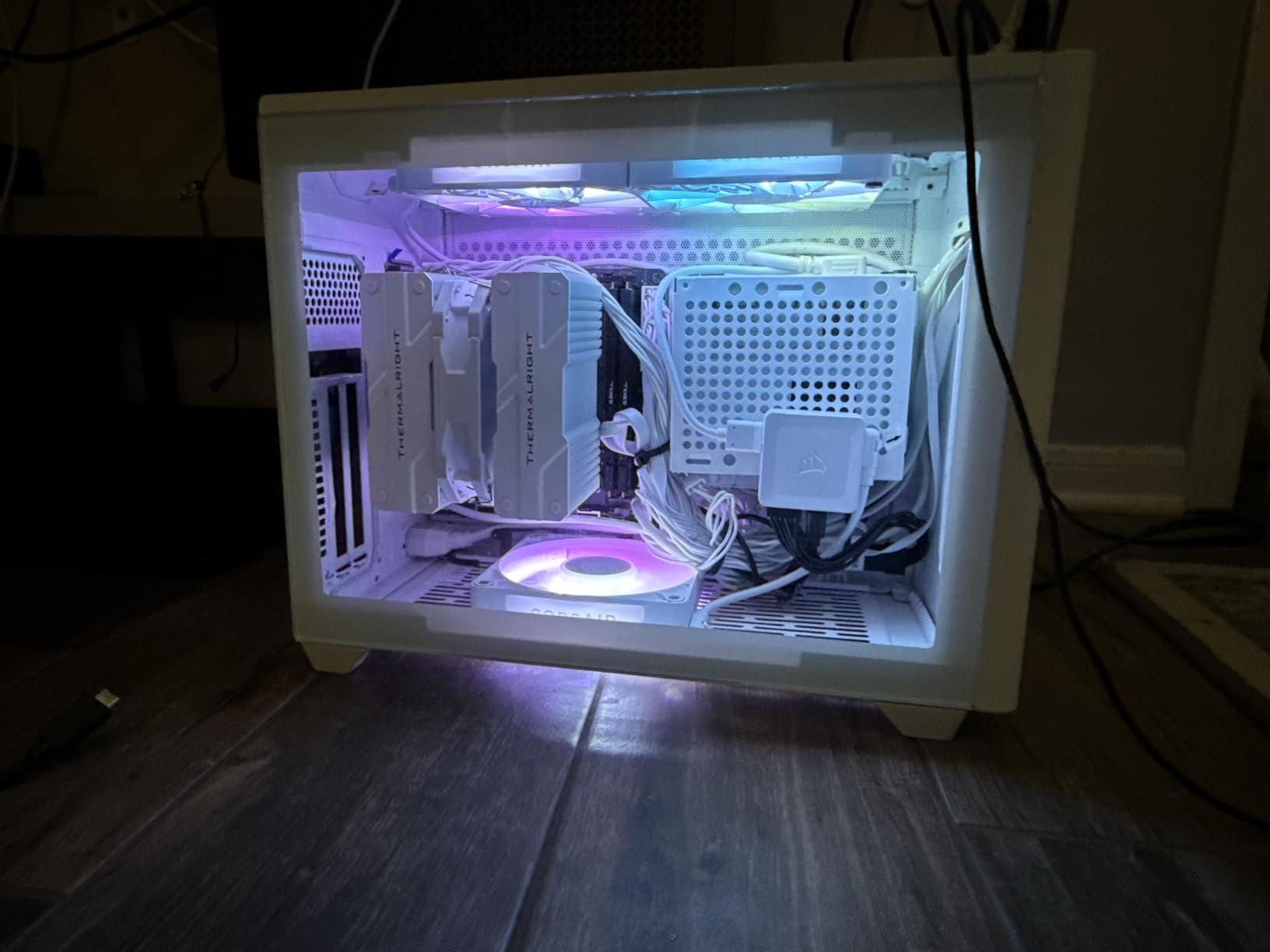
Mini-ITX is the right answer when the server has to live somewhere visible. A 170mm square board fits a small cube chassis that can sit on a bookshelf or under a desk without turning your living room into a rack, and this is the AM5 board in the roundup built specifically for that footprint.
Networking is genuinely strong for the size, with 2.5GbE on the LAN port and Intel Wi-Fi 6E on board, plus a PCIe 5.0 x4 M.2 slot for a fast boot or cache drive. Both M.2 slots accept drives, and BIOS Flashback means firmware updates do not require a working CPU.
Storage is where small boards always compromise, and this one compromises hard. Two SATA ports is enough for a mirror or a small pool, and you add anything beyond that with a USB adapter or an M.2-to-SATA card, which works but adds a failure point to a machine holding your data.
The 32 GB Memory Ceiling and Why It Bites
Two DIMM slots and a listed 32 GB maximum is the hardest limit in this roundup. A ZFS pool sized to your memory, a virtualisation host with a few guests, or a media server indexing a large library will all outgrow that quickly, and there is no path to more without changing the board.
Reviewers also report BIOS memory training taking several minutes after each memory change, which is an AM5 platform trait that looks alarming the first time and is harmless after that. Budget the wait before you assume something has hung.
Thermals, Antennas and Small-Form-Factor Realities
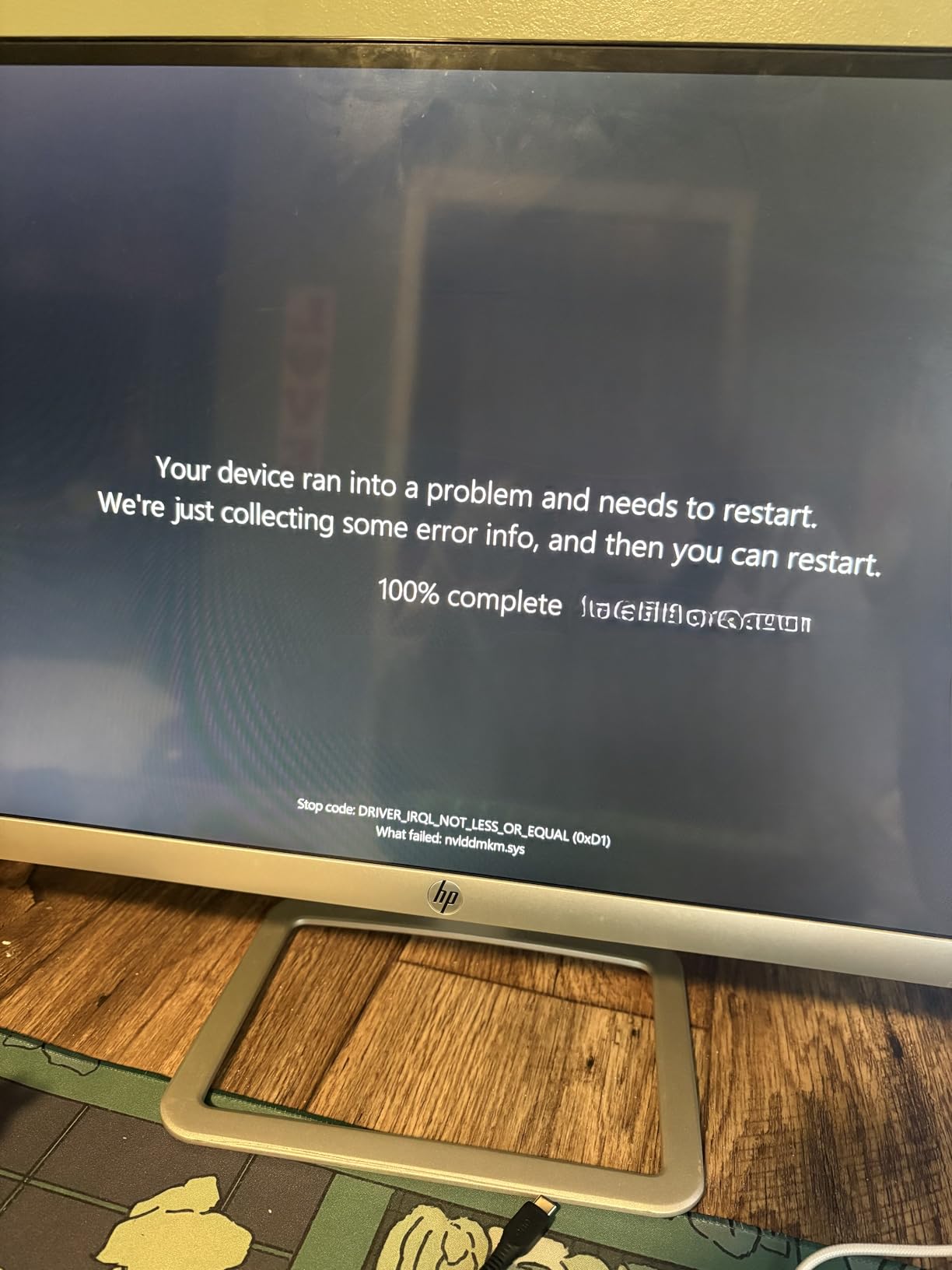
The 8+2+1 Dr.MOS power design is adequate for a low-wattage or mid-range desktop processor, which is what a small server should be running anyway. One review reports a capacitor failure within months, an isolated case, but on a box that runs constantly it is worth checking periodically.
The included Wi-Fi 6E antennas were replaced by some owners, so plan on better ones or just use Ethernet. In a Mini-ITX case, cooling and antenna placement are the two things that will make you regret the form factor if you ignore them at the start.
When This Is the Right Board and When It Is Not
Pick it if your server is a two-disk backup machine, a control panel for Home Assistant, or a compact Proxmox node with flash-only storage, and if the enclosure has to be small enough to hide. In that case the 2.5G LAN, the M.2 slots and the 170mm footprint justify every compromise listed above.
Skip it if the pool is heading past four drives, or if you want to grow memory later. In those cases spend the money on a micro-ATX board with four SATA ports and four DIMM slots, and accept a slightly larger box. Our picks 3 and 5 are the versions of that conversation with more room in them.
11. ASUS Z790-AYW WiFi W II – The Pick With Proven Proxmox Passthrough
ASUS Z790-AYW WiFi W II Intel Z790 (LGA 1700) ATX Motherboard with PCIe® 5.0, 3X M.2, 12+1 DrMOS, DDR5, WiFi 6, 2.5Gb LAN, HDMI, USB 10Gbps Type-C®, USB 10Gbps Type-C®, Thunderbolt™, USB4®, Aura Sync
LGA 1700
Z790 ATX
4 SATA ports
3 M.2 slots
192 GB DDR5
2.5G LAN
Pros
- Runs four DDR5 sticks at XMP alongside multiple GPUs
- Documented Proxmox host with an i5 and dual GPUs
- PCIe lane bifurcation on the top slot
- 2.5G LAN plus Wi-Fi 6 and USB4 header support
- 12+1 DrMOS with a 6-layer PCB runs cool
Cons
- No Q-Code diagnostic boot LEDs
- Isolated reports of boards dying early or a dead primary slot
- One CPU fan header failed after several months
- Secure Boot is not made obvious in the BIOS
- Some early-life failures in the reviews
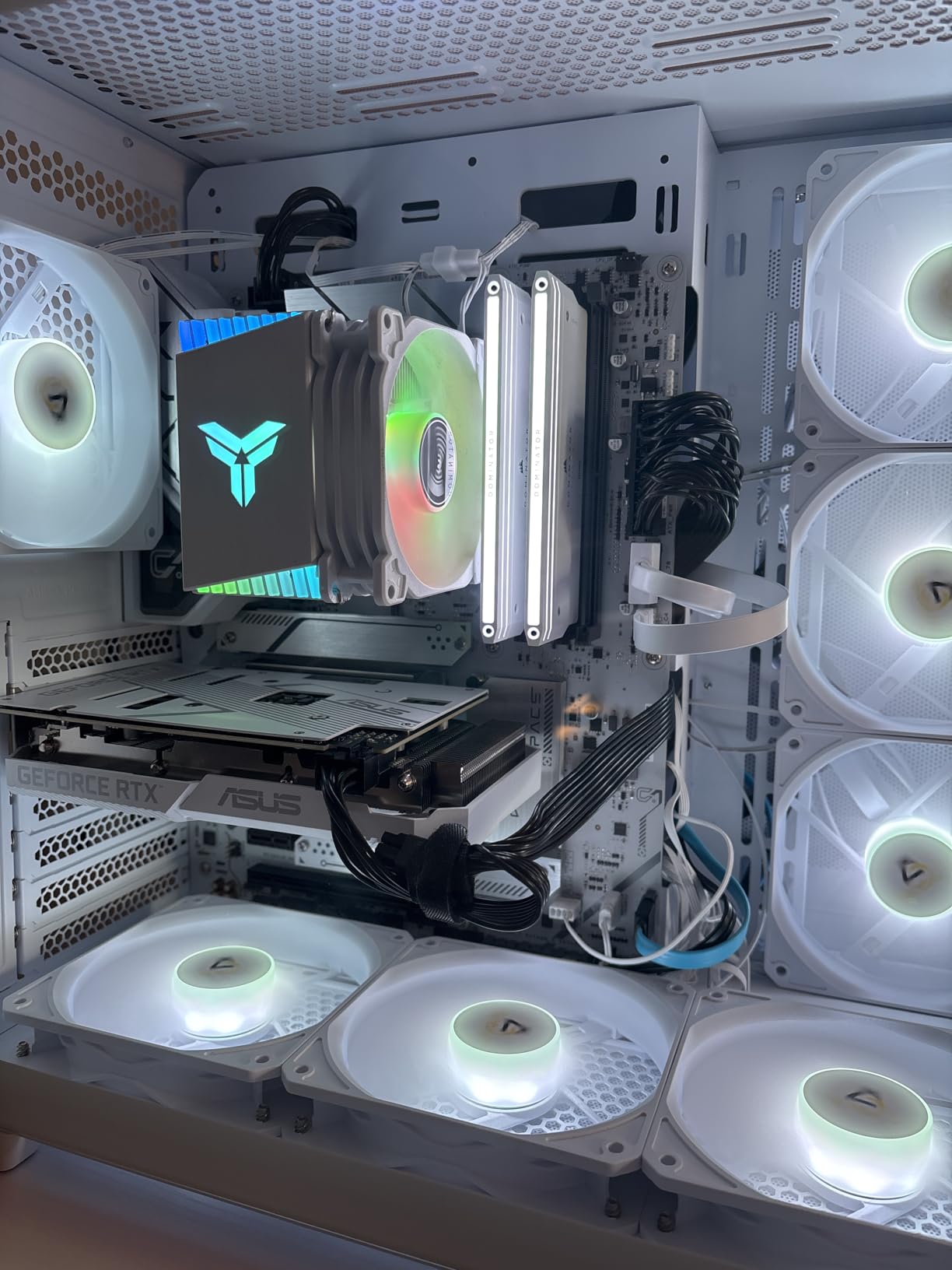
This is the only board in the roundup with a reviewer running a full Proxmox host on it, and the configuration they describe is exactly the workload people gravitate to: an i5 processor, 64 GB of fast DDR5 and dual graphics cards passed through to guests.
Lane bifurcation on the primary slot is the detail that makes that configuration possible. Splitting a x16 slot into two x8 lanes lets you pass through two GPUs to two separate virtual machines, which is the difference between a homelab and a single-GPU passthrough demo.
For a media server the same silicon family gives you Intel QuickSync alongside the multi-GPU layout, and 192 GB across four DDR5 slots is the largest memory ceiling anywhere in this roundup. Three M.2 slots and four SATA ports cover storage without adapters.
PCIe Bifurcation for Two-GPU Passthrough
Bifurcation splits one physical slot into multiple smaller logical slots, so an x16 slot can become two x8 slots. Proxmox can then assign each x8 device to a different guest with a clean, dedicated allocation instead of sharing a bus.
Confirm in the BIOS that the slot you plan to use supports bifurcation, and remember that enabling it costs you the option of running a single device at full x16. For most homelabs, two half-speed GPUs beat one full-speed GPU, but not always.
Diagnostics and the Facts You Should Know
There are no Q-Code diagnostic boot LEDs on this board, which some buyers notice when a system will not POST. In a headless server, that means you are swapping parts blind unless you keep a spare, and it is a real omission on a board aimed at this kind of build.
Secure Boot is also not made obvious in the BIOS, which is an irritation for Linux installers that expect to see it. The reviews also include isolated reports of boards failing within a week, a dead primary graphics slot, and a CPU fan header that stopped detecting a fan, so keep your firmware current and your parts inventory honest.
Thermals, Connectivity and the Verdict
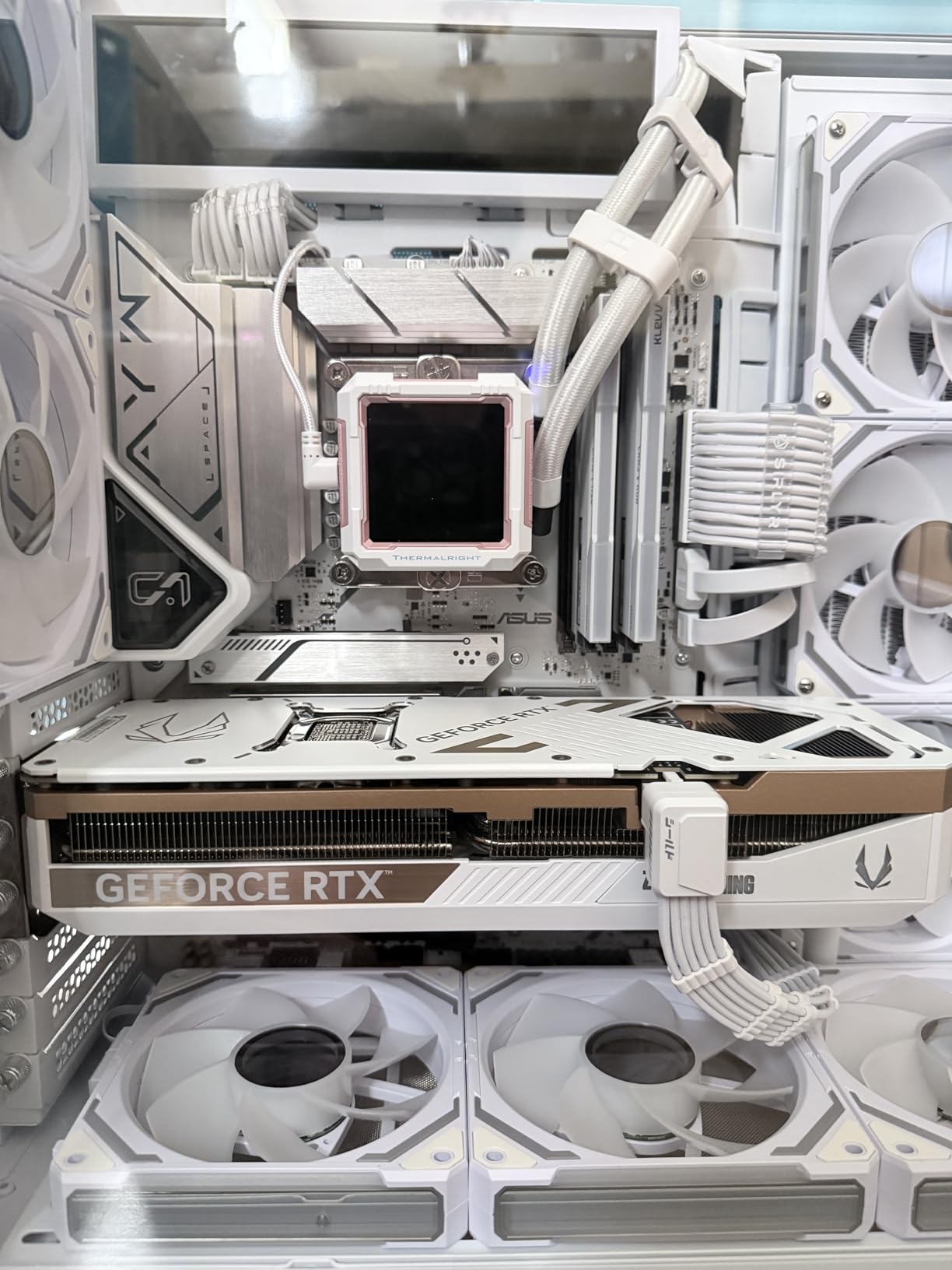
Power delivery is solid, with 12+1 DrMOS stages, a six-layer PCB and large VRM, M.2 and PCH heatsinks running cool under sustained load, which is what you want from a host that will be transcoding and moving VMs all evening.
Connectivity is the best here for a server that is not purely storage: 2.5Gb LAN, Wi-Fi 6, rear and front 10Gbps Type-C, and Thunderbolt or USB4 header support for an external NAS or a fast boot array. If passthrough and VMs are the point, this is the board to build on.
12. Minisforum BD775i SE – A Soldered Eight-Core Mini-ITX Board for Low-Power Builds
MINISFORUM Motherboard BD775i SE Mini ITX NAS Motherboard, AMD Ryzen 7 7745HX,8 C/16 T,PCIe 5.0 x16 Slot, Dual PCIe4.0 M.2 Support, DDR5,8K Triple Output(HDMI/DP/USB-C), RJ45 2.5G, USB 3.2
Ryzen 7 7745HX onboard
Mini-ITX
0 SATA ports
2 M.2 slots
96 GB SODIMM
2.5G LAN
Pros
- Onboard Ryzen 7 7745HX with 8 cores and 16 threads
- Full-speed PCIe 5.0 x16 slot with metal fixings
- Strong VM performance reported by reviewers
- Reported 40-70 C temperatures and low wall draw
- Triple 8K output on HDMI plus DisplayPort plus USB-C
Cons
- No SATA ports so storage needs M.2 or USB adapters
- Only one USB header and no front USB-C header
- CPU fan not included and bundled heatsink is cooling-limited
- SODIMM memory only
- downclocked above DDR5-5200
This board breaks the pattern of the rest of the roundup because the CPU is soldered on. An eight-core, sixteen-thread Ryzen 7 7745HX sits on the board at up to 5.1 GHz, so there is no socket, no cooler budget and no compatibility question. You buy it, you add memory and storage, you turn it on.
Reviewers running virtual machines report very good performance for the class, and the reported 40 to 70 degree CPU temperatures and roughly 40 to 60 watt wall draw at the desktop make it one of the more efficient options here for an always-on box with real compute behind it.
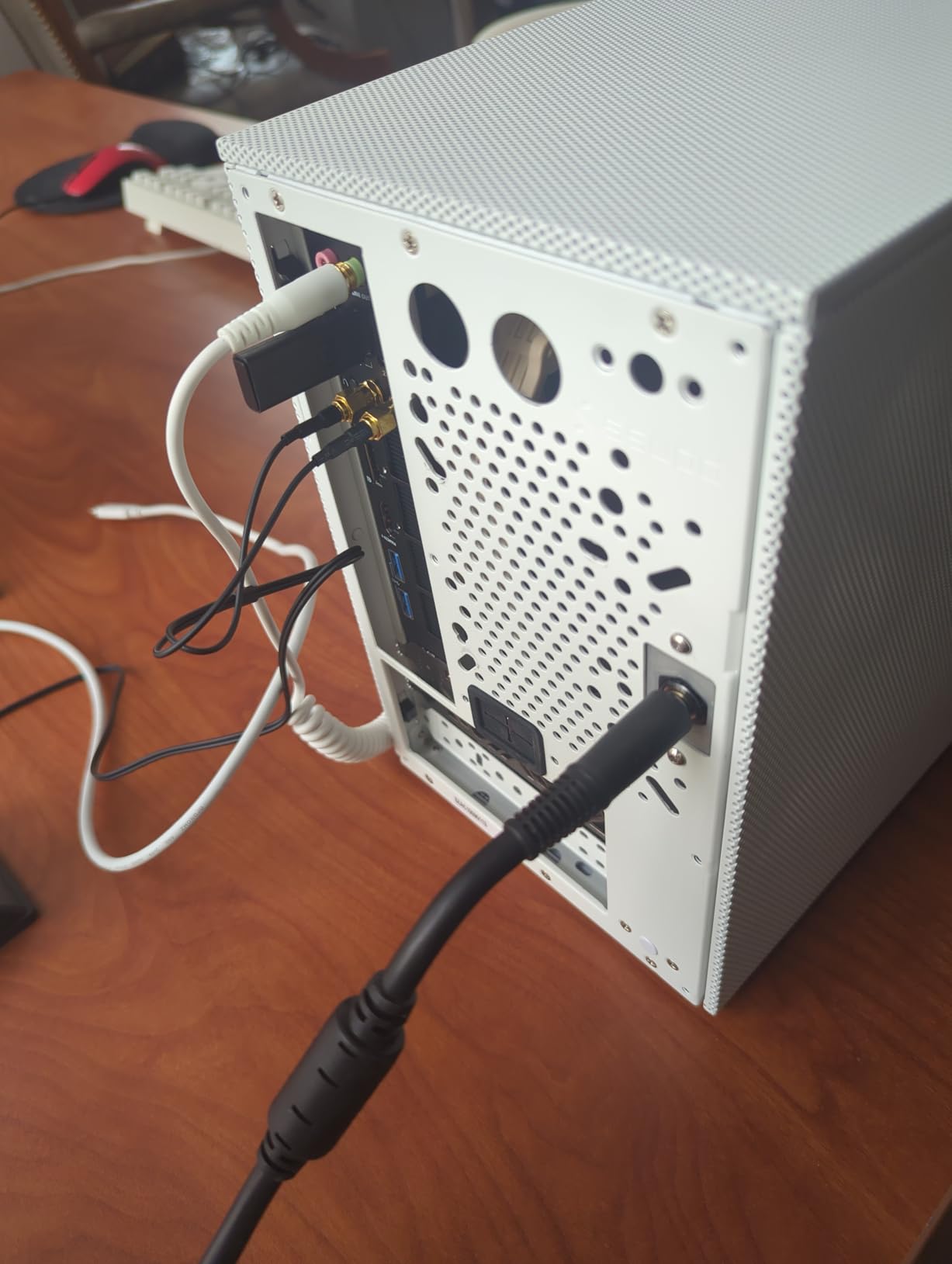
The 2.5G RJ45, dual PCIe 4.0 M.2 slots and a full-speed PCIe 5.0 x16 slot with metal fixings make it look like a miniature workstation. Triple 8K output across HDMI, DisplayPort and USB-C also means it can drive up to three monitors if your use case is not headless.
No SATA Ports Is the Whole Argument
There are zero SATA ports. If your storage plan is spinning disks, this board cannot do it natively and you are looking at USB adapters, which is precisely the thing that makes people nervous about a machine holding irreplaceable data.
Two M.2 2280 slots are good, and with NVMe capacity at current densities a two-drive NVMe mirror can serve a small NAS role cleanly. But if you want six or eight hard disks, none of the compromises here apply and you should read picks 1, 3 or 5 instead.
Cooling, Memory and the Physical Reality
The 12 cm CPU fan is not included and the bundled low-profile heatsink is cooling-limited, so budget for a fan or accept a noisy machine under sustained load. That is a real, ongoing cost for a box that is supposed to sit quietly in a room.
Memory is DDR5 SO-DIMM in two slots, up to 96 GB, and anything above DDR5-5200 will downclock. One USB header and no front USB-C header mean splitter adapters for a front panel, and one reviewer bricked a board attempting a BIOS update, so contact support before flashing rather than experimenting.
Who This Board Is Actually For
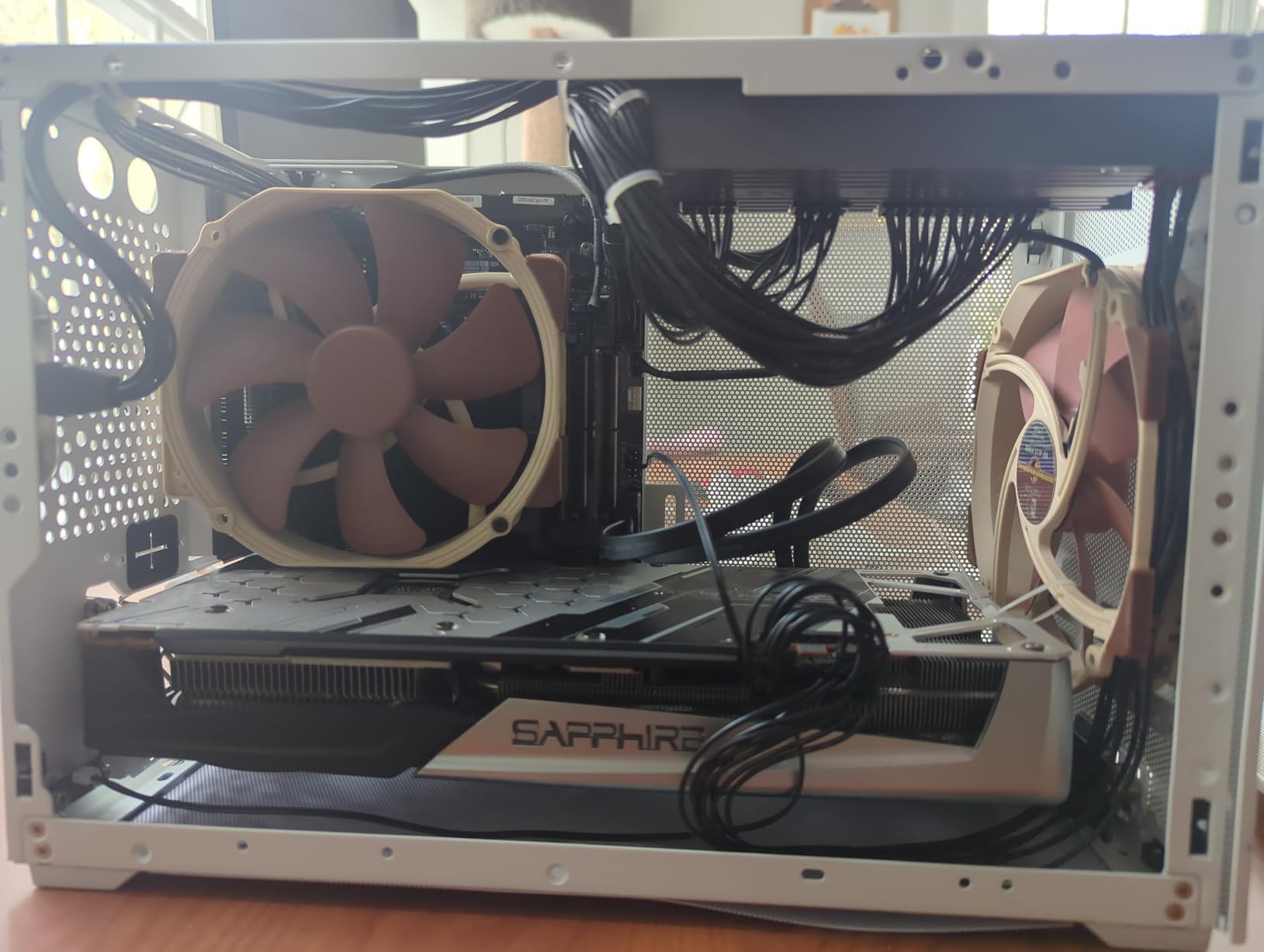
The buyer who wants one box that does a lot: virtual machines, containers, a media server with hardware transcoding through the Radeon graphics, and Samba shares, all in a 6.7 inch square footprint that draws less power than a desktop tower. That is a coherent machine and this is a coherent board.
It is not a NAS board, it is not a quiet board until you add cooling, and it is the only product in this roundup you cannot upgrade on the CPU side. Judge it on that basis, and if it fits, it is a genuinely capable little machine for the money.
How to Choose a Home Server Motherboard
Ignore the VRM phase count for a second. It is the number enthusiasts quote and it is close to irrelevant for a server that never gets overclocked. The four decisions that actually determine whether you are happy eighteen months from now are ECC, remote management, drive ports, and network speed, in that order.
ECC Memory: When It Is Non-Negotiable
ECC memory corrects single-bit errors in transit. Without it, a bit flip in a DIMM holding a ZFS write can be written to disk and silently corrupt a block, which is why the home server communities treat ECC as close to mandatory for anything holding data you cannot replace.
The practical rule: if you run ZFS with a mirrored or RAIDZ pool, use ECC UDIMM. If you run Unraid or plain Samba shares on a single disk with a separate backup, the risk is much smaller and non-ECC memory is a reasonable choice. Of the boards here, the ASUS Prime B550M-A WiFi II is the one that advertises ECC support on a consumer layout.
IPMI and BMC Remote Management
IPMI is a separate controller on server boards that gives you a remote console, virtual media and a power cycle from another machine on the network, all independent of whether the operating system is alive. When a TrueNAS box hangs overnight, that is the difference between a five-minute fix and a physical trip to the closet.
None of the boards in this roundup has IPMI, and that is a deliberate scope decision rather than an oversight. IPMI is the single most-cited must-have in the forums, but it exists on boards that are increasingly difficult to buy new and that force specific CPU and memory choices. If you need it, you are shopping in a different category, and the honest advice is to budget for a used or refurbished enterprise board rather than pretend a consumer board covers it.
The SATA Port Budget Nobody Explains
Count the SATA ports on the box, then subtract what the chipset and M.2 slots consume. A board that advertises four SATA ports may share lanes with an M.2 slot, and on some chipsets disabling a high-speed M.2 device in the BIOS returns its lanes to SATA, which is a feature and a trap at the same time.
Our rule of thumb: buy two more ports than you think you need, because a boot drive, a hot spare and a recovery disk all consume slots you will not have modelled. If your build exceeds six drives, stop shopping for motherboards and price an HBA in the primary slot instead.
PCIe Lanes and What You Are Actually Adding
Write down every card you intend to install before you look at a board, then check the lane topology, not the slot count. A secondary slot that is physically full-length may be electrically x4, which is fine for a network card and useless for a second GPU.
For passthrough work, bifurcation matters. A board that can split its primary x16 slot into two x8 lanes lets you hand two devices to two virtual machines cleanly. The ASUS Z790-AYW WiFi W II is the board here that explicitly does this.
Networking Speed and the Switch Behind It
A faster NIC on a 1Gb switch is a wasted card. Before choosing 2.5GbE or 10GbE, work out where the bottleneck really is: the drives, the network path to the client, or the link speed. For most home servers, 2.5GbE is the sweet spot because it is cheap on both ends and fast enough that a multi-disk array is the limit.
Onboard Wi-Fi is a management convenience, not a data path. Every board here that has it is easier to reach headless, which matters when the wired link is the thing that broke.
Form Factor, Case Fit and Clearance
Form factor is a case decision, not a performance decision. ATX gives you slot budget, micro-ATX gives you a compact box that still accepts four SATA ports, and Mini-ITX gives you a machine that disappears but almost always costs you memory slots and drive ports.
Measure before you order, especially for dense cards. Large tower CPU coolers overhanging DIMM slots, double-width GPUs blocking adjacent slots, and HBA cards taller than the case allows are all things a specification sheet will never tell you.
Socket and CPU Pairing Without Regret
AM4 supports Ryzen 3000, 4000 and 5000 series desktop processors and is closed, which makes it the cheapest way to reuse a chip you already own. AM5 supports the current generation and future ones, which is the reason to pay more starting from scratch. LGA 1700 gives you Intel QuickSync for transcoding, at the cost of an end-of-life roadmap.
Pair a board with a modest CPU. A home server spends most of its life waiting on storage and network, so a low-wattage processor with an integrated GPU frequently outperforms an expensive one on idle draw alone, and it is the difference between a box you can hear in another room and one you cannot.
Idle Draw and Total Cost Over Five Years
Calculate electricity before you calculate performance. A box that draws 60 watts at idle runs about 525 kilowatt-hours a year, and over five years that is a meaningful share of the total cost of the machine, dwarfing any difference between two motherboards.
This is the single most repeated concern in the forum threads and it is almost never quantified in editorial roundups. Our rule: pick the board that lets you use the lowest-wattage CPU that still meets your workload, and favour boards with efficiency features and fewer unnecessary power domains rather than chasing phase counts.
Consumer Boards vs Server-Grade Boards: When Each One Wins
The most argued question in home server communities has a simple answer that most threads never reach. The consensus across the forums we read is that you need server-grade hardware only if you need IPMI or registered memory, and if you need neither, a consumer board will serve you at a fraction of the cost.
A server motherboard adds three things: BMC remote management, registered ECC memory support, and a build philosophy that assumes someone is on site. It gives up the socket flexibility, the modern PCIe and M.2 options, and often the current-generation CPU support that the consumer side refreshes every year or two.
So the decision is genuinely binary. If your box hangs and you are not near it, you want IPMI. If you want 128 GB or more of RAM and you are running a database, you want registered memory. If neither applies, the boards in this roundup will run TrueNAS SCALE, Unraid, Proxmox VE, Plex and a Docker host without complaint.
The one place consumer boards genuinely cost you is failure recovery. Without out-of-band management, a frozen VM host means physically rebooting the machine, and if the operating system is damaged you are attaching a keyboard and a monitor to a box you may have installed in a cupboard. Plan for that with a remote power switch or a smart plug, and the problem shrinks considerably.
There is also an availability argument that has grown louder. Cheap AM4 server boards with IPMI have become genuinely hard to find at sensible prices, which means the classic forum recommendation is increasingly advice to a past market. The consumer boards here are the boards you can actually specify and replace next year.
Which Board Fits Which Workload
Map your workload to a board and the decision takes about a minute.
TrueNAS or a ZFS pool of four to six drives: the MSI PRO B550M-VC WiFi or the ASUS Prime B550M-A WiFi II. Four native SATA ports, room for an HBA in the secondary slot, and ECC support on the ASUS if your pool size justifies it.
Media server with hardware transcoding: the MSI PRO H610M-G WiFi, because an Intel processor with an integrated graphics engine is the cheapest way to get QuickSync into a box. Pair it with a low-wattage part and idle draw stays modest.
Proxmox VE host with GPU passthrough: the ASUS Z790-AYW WiFi W II for dual-GPU setups with lane bifurcation, or the ASUS ROG Strix B850-A if you want flash-heavy storage and a modern AMD platform. Both keep a full-speed slot with drives installed.
Docker and container services, or a quiet always-on box: the ASRock B550M-HDV with a low-power processor, or the Gigabyte B650M Aorus Elite AX if the 2.5GbE link matters more to you than the reliability margin.
Compact or Mini-ITX living space: the ASRock B650I Lightning WiFi for a two-disk or flash-based machine, or the Minisforum BD775i SE if you want eight cores of compute and can live with M.2-only storage.
A new build with no parts to reuse: the Gigabyte B650 Eagle AX, for three M.2 slots, four SATA ports and an AM5 socket that will still take a processor in five years.
Frequently Asked Questions
What is the best motherboard for a home server?
The MSI PRO B550M-VC WiFi is the best motherboard for most home servers, because four native SATA ports, two full-length PCIe slots and a micro-ATX footprint cover the majority of 24/7 builds without needing an expansion card. Pick the Gigabyte B650 Eagle AX instead if you are starting from zero parts and want the AM5 upgrade path.
Do I need a server motherboard for TrueNAS?
No, not in most cases. TrueNAS SCALE runs perfectly well on a consumer board such as the MSI PRO B550M-VC WiFi or the ASUS Prime B550M-A WiFi II. What you genuinely give up is IPMI out-of-band management, which is how you recover a box that hangs when nobody is near it, plus registered memory support. If you do not need either, save the money.
Do I need ECC memory for a home server?
You need it if you run ZFS on a mirrored or RAIDZ pool, because ECC catches bit flips that would otherwise be written to disk and silently corrupt data. If you run Unraid or simple Samba shares with a separate backup, the risk is much lower and non-ECC memory is defensible. The ASUS Prime B550M-A WiFi II is the consumer board here that advertises ECC support.
What is the best low-power motherboard for a NAS?
The ASRock B550M-HDV is the cheapest route to a quiet always-on NAS, and its 4-pin CPU power and modest VRM suit a low-wattage processor. It caps at 64 GB across two DIMM slots, so for a growing pool the ASRock B650I Lightning WiFi or the Gigabyte B650M Aorus Elite AX add multi-gig networking at the cost of a little more power.
How much RAM is needed for a home server?
For Docker services, Home Assistant and a media server doing direct play, 32 GB is comfortable. For TrueNAS with a ZFS pool, 64 GB is a sensible floor and matching it roughly to vdev count is a common starting point. For a Proxmox host running several guests, 64 GB to 128 GB is where most people settle, and that ceiling is why the four-DIMM boards matter.
Which motherboards do server builders use most?
In the home server communities, the most common picks are AM4 and AM5 micro-ATX boards with four SATA ports and a secondary full-length PCIe slot, which is why the MSI PRO B550M-VC WiFi leads our list. True enterprise boards from ASRock Rack and Supermicro are recommended constantly for IPMI, but they are harder to buy new and constrain CPU and memory choices.
Which Home Server Motherboard Should You Buy in 2026?
If your priority is the best balance of drive ports, expansion slots and a footprint that fits almost any case, buy the MSI PRO B550M-VC WiFi. It is the board we put in a home lab first and the one we would put in yours without hesitation.
If you already own an AM4 processor, the ASUS Prime B550M-A WiFi II is the cheapest sensible build of the three, and it is the only board here that advertises ECC memory support on a consumer micro-ATX layout, which matters the moment you set up a ZFS pool.
If you are starting with nothing and want the longest runway, the Gigabyte B650 Eagle AX gives you three M.2 slots, four SATA ports and an AM5 socket that will still take a processor years from now. If your storage is entirely flash, the ASUS ROG Strix B850-A Gaming WiFi goes further with four M.2 slots that do not steal GPU lanes.
If you need Intel QuickSync for hardware transcoding, the MSI PRO H610M-G WiFi is the direct route. If you need multi-gig networking in a small box, the ASRock B650I Lightning WiFi or the Gigabyte B650M Aorus Elite AX get you there, with the Aorus carrying a reliability caveat we have spelled out above. If you want dual-GPU passthrough, the ASUS Z790-AYW WiFi W II is the only board here with proven Proxmox passthrough and lane bifurcation.
Whichever you choose, work out your drive count and your memory ceiling before you order, then buy two more SATA ports than you think you need. Start from the workload, not the chipset. Our related reading covers the rest of the build: the best motherboards for Ryzen processors, the motherboards for Intel processors, and what to avoid in the gaming motherboard roundup if your build is going to double as a workstation.
Last updated in 2026. All 12 boards were selected for availability, specification completeness and a real place in a 24/7 build, and we revisit the list whenever the socket landscape shifts.