
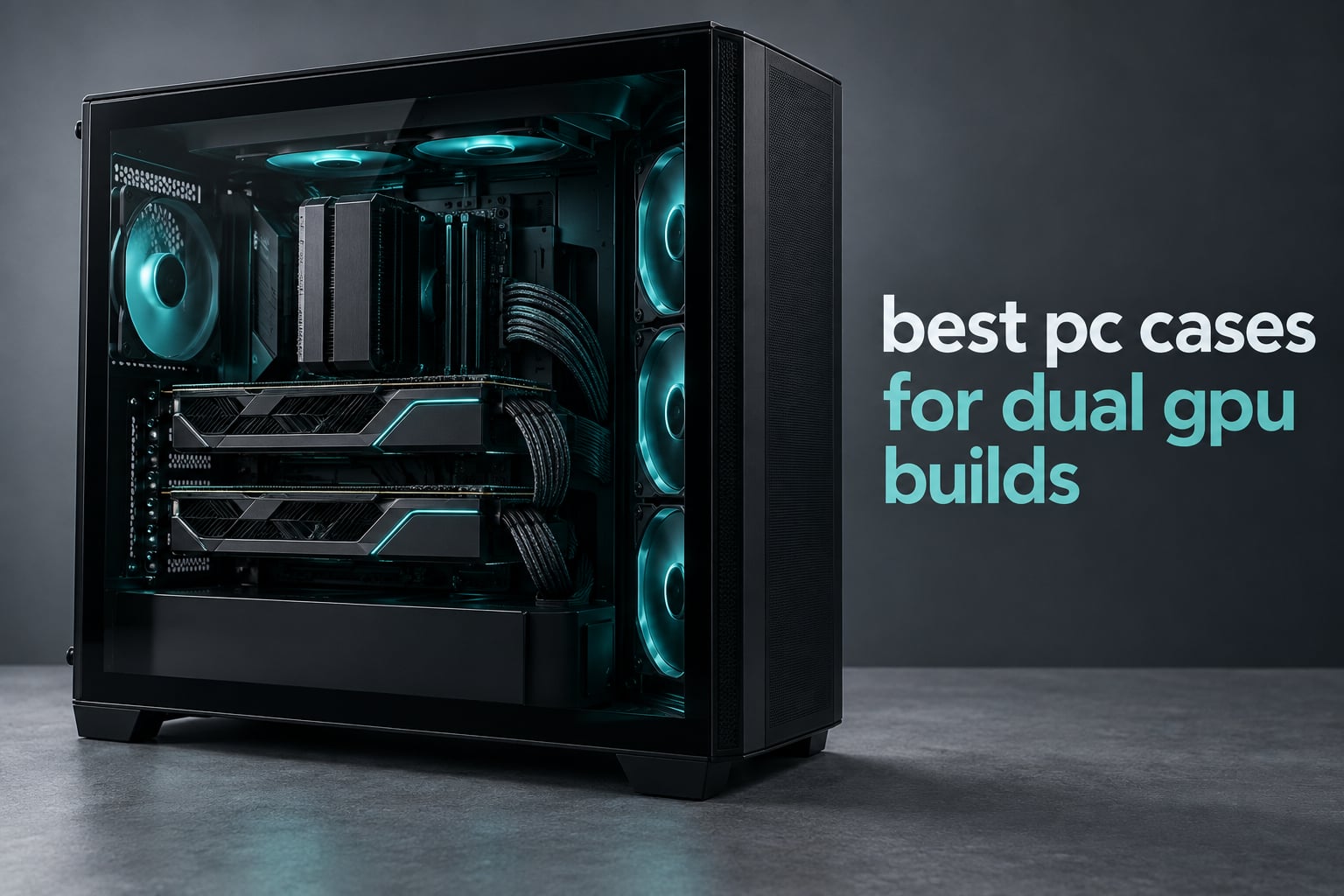
If your build needs two graphics cards, the case matters as much as the cards. A dual GPU setup fails on clearance and slot spacing, not on the case’s stated GPU support. We picked the best pc cases for dual gpu builds by working through expansion slots, GPU length in millimeters, and the airflow gap between cards on every chassis below.
Short answer: the ASUS TUF Gaming GT501 is the best PC case for dual GPU builds overall, because its nine expansion slots and E-ATX tray let a full-length card sit in the top x16 slot with a second card below it and clear air between them. The MONTECH AIR 903 MAX is the value pick, and the Antec C8 is the one to buy when you want a dual-chamber layout that keeps GPU heat out of the power supply bay.
I have spent the last several months reading build logs, spec sheets, and owner complaints across twelve chassis to put this list together, and the pattern in the forums is consistent. Builders on r/buildapc are almost never adding a second card for frame rate. They are animators pairing a 4090 with a 5090, and LocalLLaMA users stacking 24GB cards purely for VRAM capacity. That changes what a case has to do. If you have not read our beginner case guide, start there, then come back.
We compared these cases against each other on five things: how many open slots remain between two cards, maximum GPU length, motherboard form factor support, radiator and fan headroom, and how much cable space sits behind the tray. Cases marketed as dual-GPU capable that only swallow two short, single-fan cards were cut. So were cases with no dust filtering if you plan to run them for years.
If airflow is your main worry rather than raw space, our airflow-focused case roundup goes deeper on mesh panels and fan placement. This list is narrower: it only covers chassis that genuinely hold two full-size cards at once.
Our Top 3 PC Cases for Dual GPU Builds in 2026
12 Dual GPU Cases Compared Side by Side in 2026
| Product | Specs | Action |
|---|---|---|
 ASUS TUF Gaming GT501 ASUS TUF Gaming GT501 |
|
Check Latest Price |
 MONTECH AIR 903 MAX MONTECH AIR 903 MAX |
|
Check Latest Price |
 Antec C8 Curve Antec C8 Curve |
|
Check Latest Price |
 Antec Performance 1 FT Antec Performance 1 FT |
|
Check Latest Price |
 Antec Flux Pro Antec Flux Pro |
|
Check Latest Price |
 ASUS ProArt PA602 ASUS ProArt PA602 |
|
Check Latest Price |
 Fractal Design Define 7 XL Fractal Design Define 7 XL |
|
Check Latest Price |
 darkFlash DY470 darkFlash DY470 |
|
Check Latest Price |
 ALAMENGDA AL01 Open Frame ALAMENGDA AL01 Open Frame |
|
Check Latest Price |
 TGDGAMER E-ATX Open Chassis TGDGAMER E-ATX Open Chassis |
|
Check Latest Price |
 JOYJOM Open Air PC Case JOYJOM Open Air PC Case |
|
Check Latest Price |
 Bomeiqee Mining Rig Frame Bomeiqee Mining Rig Frame |
|
Check Latest Price |
1. ASUS TUF Gaming GT501 – Best Overall for Two Full-Length Cards
ASUS TUF Gaming GT501 E-ATX Full-Tower PC Case
E-ATX
9 expansion slots
420mm GPU
26.2 lbs
Pros
- Nine expansion slots give real breathing room between two cards
- 420mm GPU support covers every modern flagship
- Supports dual 360mm radiators plus rear 140mm
- Woven carry handles rated to 65lbs
- Tool-free tempered glass side panel
Cons
- Very large and heavy to move around
- No internal optical drive mounting
- PSU shroud tabs feel cheap and are fiddly to refit
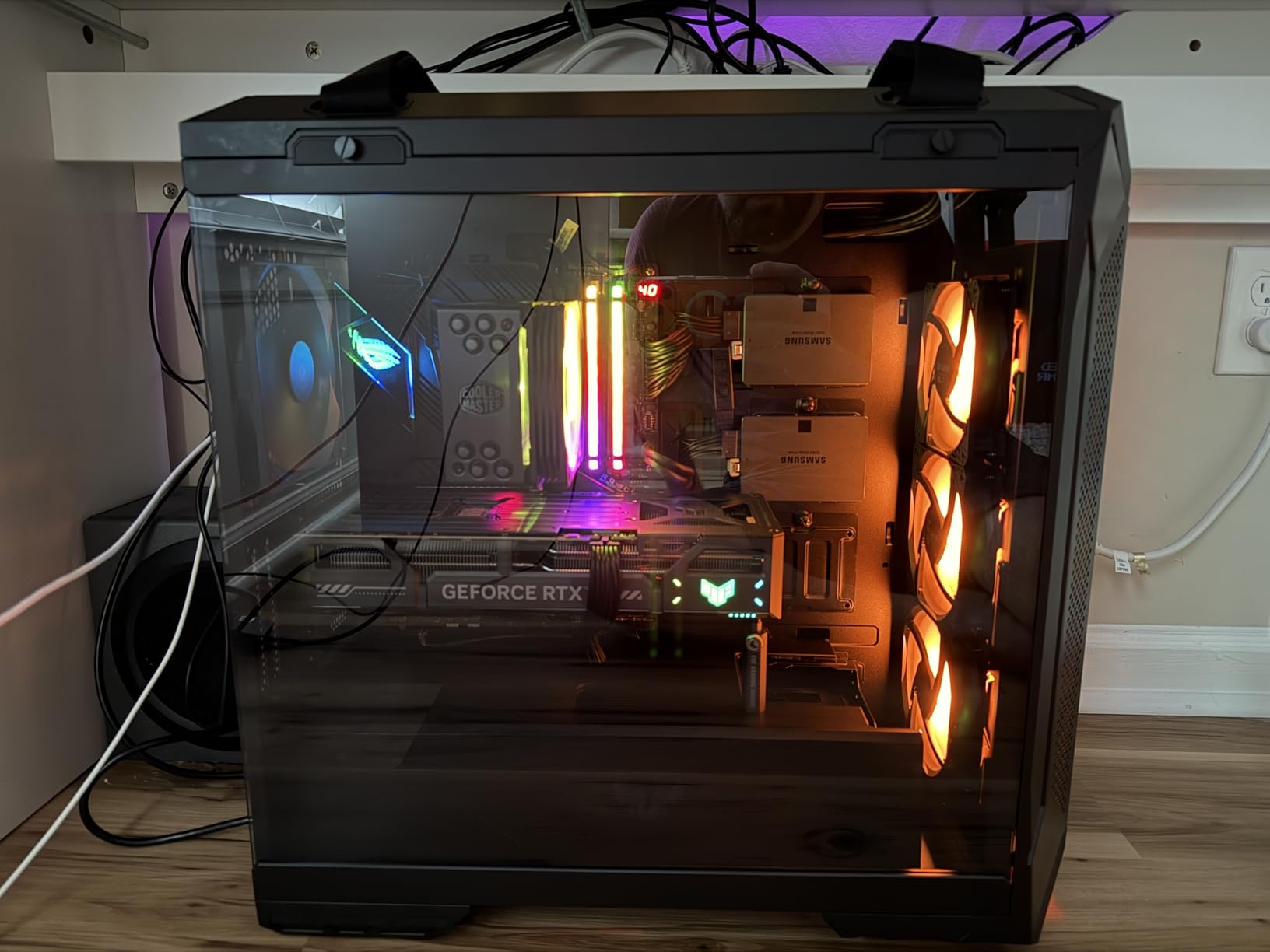
The GT501 is the chassis I keep coming back to for people who already know they need two cards. It is a full tower in practice even though listings call it a mid tower, and the nine expansion slots are the whole story. That extra slot pair is what lets a triple-slot card in the top x16 position and another triple-slot card below it with an open slot between them.
Owners regularly report CPU and GPU temperatures five to ten degrees lower than smaller cases after moving the same build into it. That makes sense once you realize the intake path is a full-height mesh side vent rather than a narrow front strip, so two cards stacked in the back are feeding fresh air instead of recirculating each other’s exhaust.
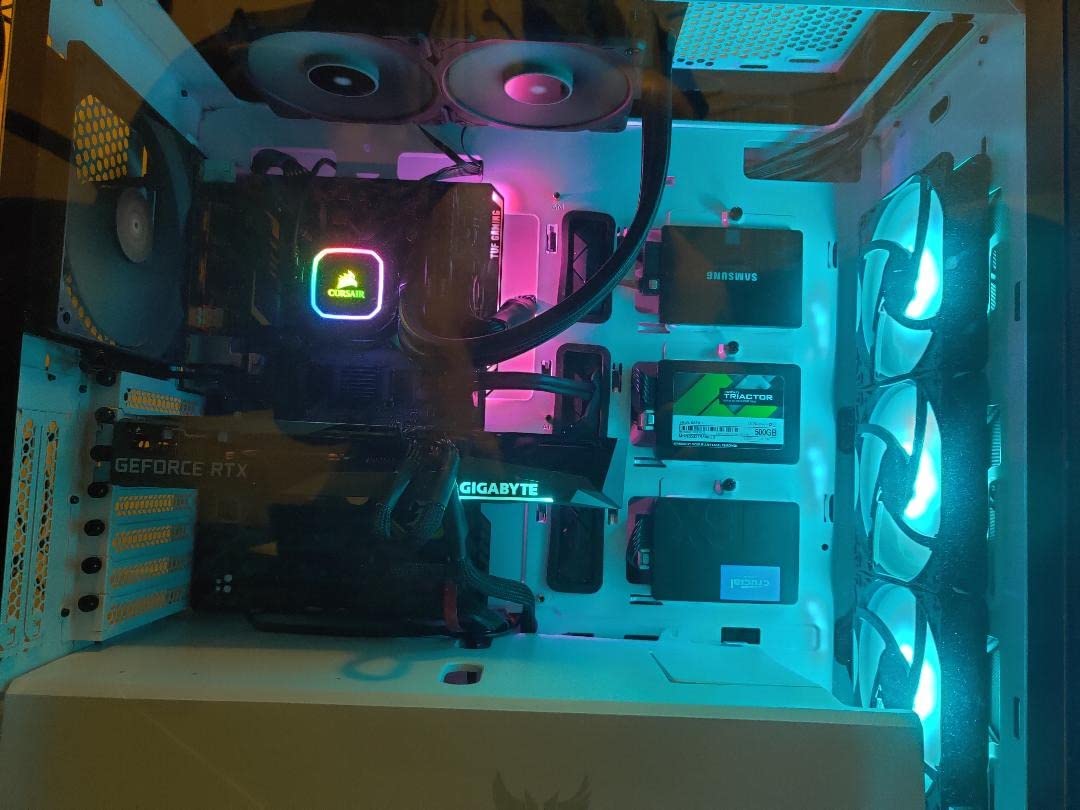
The bundled fan set is three 120mm Aura Sync RGB units at the front and a 140mm PWM at the rear, with seven optional mount points beyond that. Cooling headroom covers 360mm radiators at top or front and a 140mm at the rear, and ASUS pre-drilled the pump and reservoir positions so a custom loop is a weekend project rather than a modding weekend.
Slot Spacing Is the Feature That Matters Here
Ask any experienced builder why dual-GPU builds go wrong and the answer is almost always spacing. Two cards mounted with zero gap between them share a single sheet of air, and the second card’s intake fan is fighting the first card’s exhaust. Board partners solved this years ago by giving multi-GPU boards a 4 or 5 slot gap between the two x16 slots.
The GT501’s nine slots mean that even on a board with the standard 3-slot gap, you land with open space below the lower card. If your motherboard is one of the older 7-slot ATX layouts, the extra room here is the difference between a workable build and a throttled one.
GPU Length and Cooling Clearance Together
ASUS rates this case for 420mm graphics cards, which covers flagship-length models with a factory cooler. The interior is deep enough that a 360mm radiator at the top does not fight the CPU cooler, and the CPU cooler clearance is generous enough for large tower air coolers rather than being limited to low-profile units.
What It Is Like to Build In
Build quality is the quiet strength here. Steel chassis, thick 4mm smoked tempered glass, pre-installed Velcro straps, and zip tie anchors already placed. The side panel comes off tool-free, and the fabric dust filters on the large side vents pull straight out.
The honest drawback is bulk. At 26.2 pounds empty, this is not a case you shuffle between desks. Plan a permanent spot, and the woven cotton carry handles make moving it a two-person job rather than a wrestling match. See how it compares to other large enclosures in our quiet build guide if noise is part of your calculation.
2. MONTECH AIR 903 MAX – Best Value for a First Dual GPU Build
MONTECH AIR 903 MAX High Airflow E-ATX PC Case, 4x140mm PWM Fans, Black
E-ATX
400mm GPU
4 fans included
1 year warranty
Pros
- Four 140mm fans included as standard
- 400mm GPU clearance on a mid-tower footprint
- Mesh front panel with dust filter
- Front USB Type-C plus two USB 3.0
- Vertical GPU mount ready with cable routing space
Cons
- Only two internal drive bays in the base layout
- Smaller chassis than most full towers
- One-year warranty
- Lighting control needs the included controller
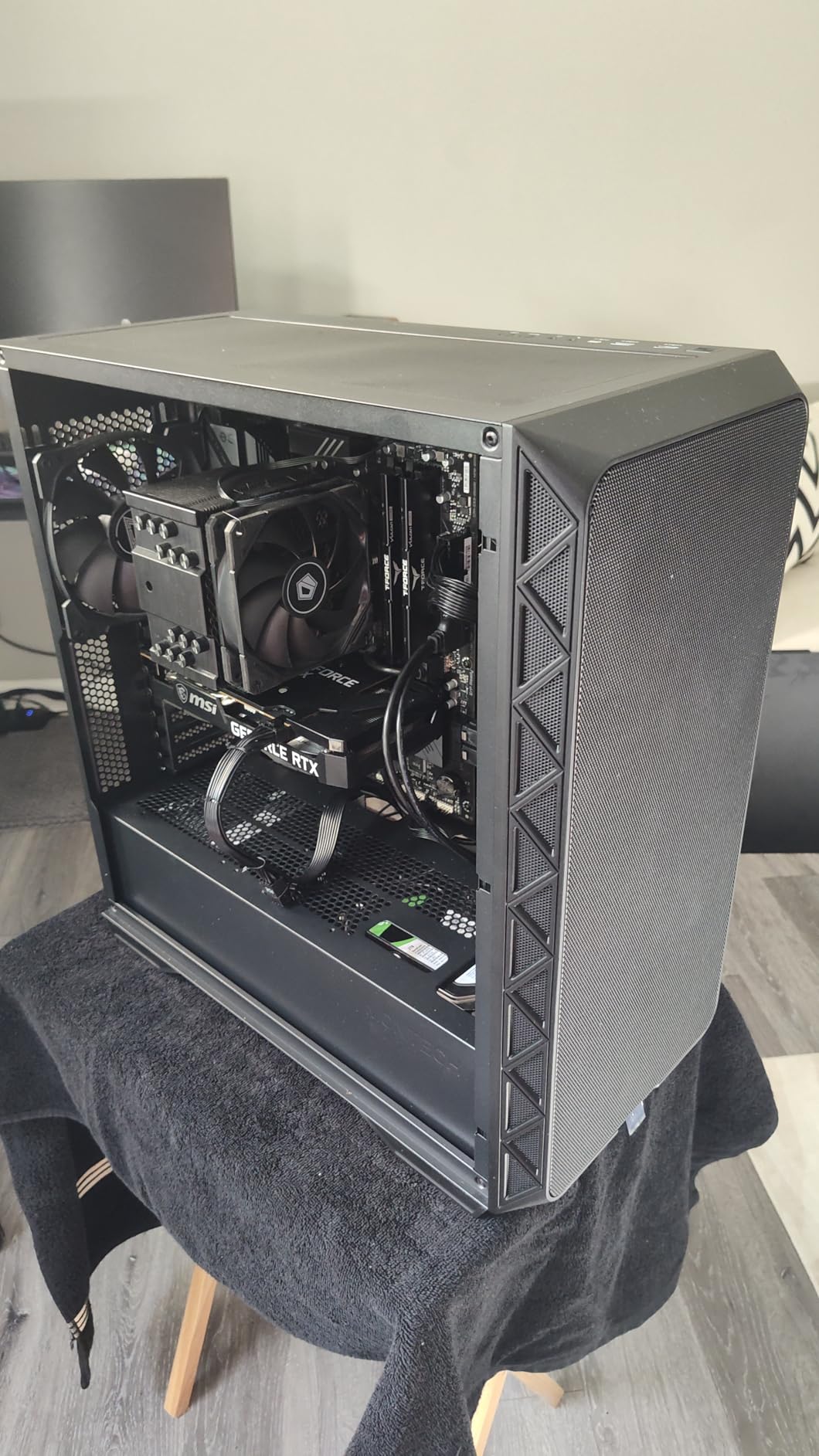
This is the case I recommend when someone asks how to fit two cards without spending full-tower money. MONTECH fits E-ATX motherboards and 400mm graphics cards into a 478 x 230 x 493 mm chassis, which is roughly mid-tower footprint. Owners highlight the value and the four included 140mm fans at 4.8 stars across 449 reviews.
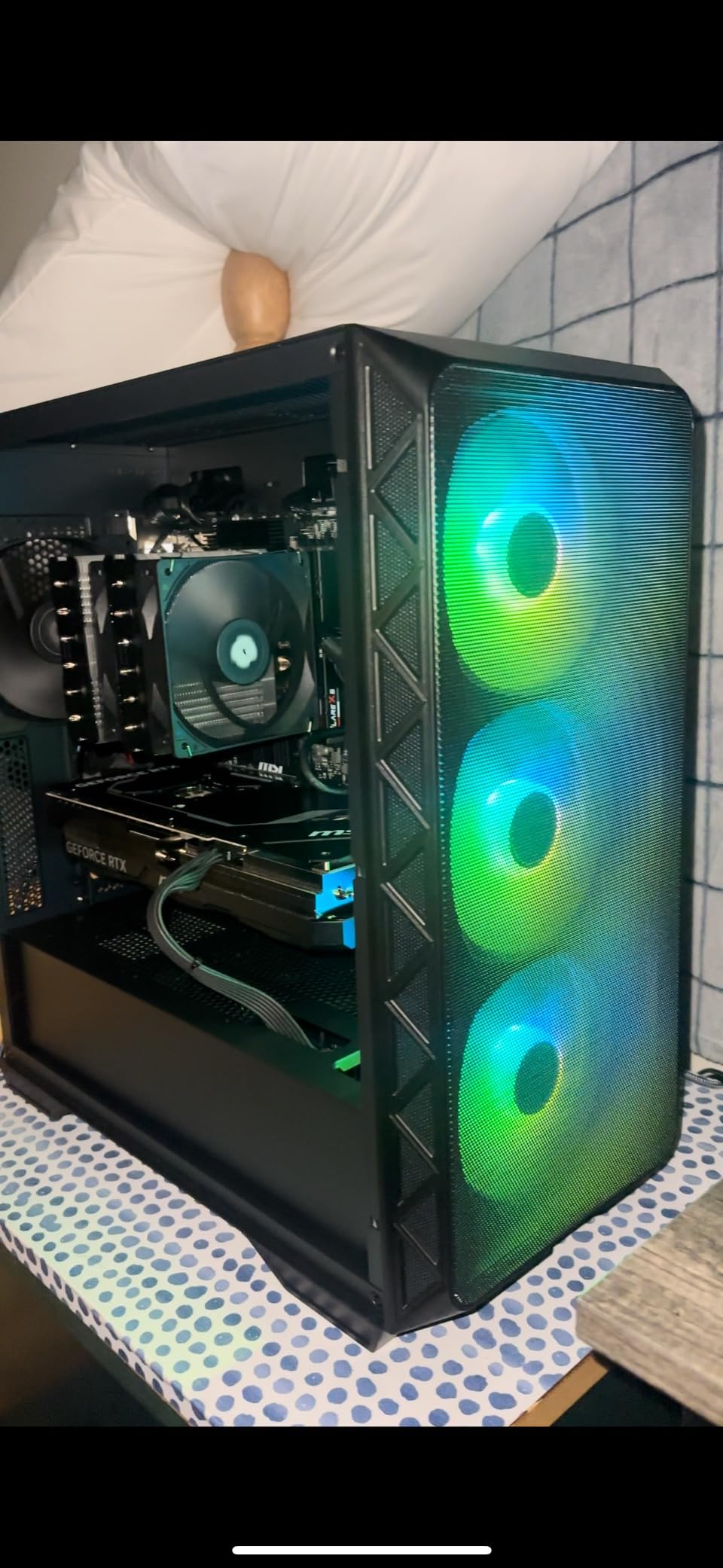
The ventilation is straightforward and effective. A full mesh front panel feeds three 140mm ARGB PWM fans, with a 140mm PWM at the rear pushing air out back. That gives you a clean front-to-back path straight past two stacked graphics cards, which is exactly the layout a dual-GPU builder wants.
Seven Slots, and Why You Should Check Your Board
Expansion slot count here is seven, which is the standard for a mid tower. That works fine for dual GPU if your motherboard spaces its two x16 slots properly. On a board with a 4-slot gap you get breathing room; on a compact three-slot layout you may end up with cards touching.
Vertical GPU mounting is supported, so a riser-based or rotated layout is possible. Builders generally prefer horizontal mounting for airflow reasons unless aesthetics or a cramped desk force the issue.
Radiator Placement and CPU Cooler Room
Radiators up to 360mm mount at the front and the top, and CPU coolers up to 180mm tall fit. Power supplies up to 240mm in length are supported, which covers most modular units including higher-wattage models that dual-GPU builds tend to need.
Where It Falls Short
Two internal drive bays is the real compromise. If you are running a workstation with datasets, scratch disks, and render output, you will want more storage mounts, and this chassis does not offer them in the base configuration. The one-year warranty is also shorter than several competitors in this list.
Otherwise, for a build that needs two cards and good airflow in a normal-sized footprint, this is hard to argue with.
3. Antec C8 Curve – Best Dual-Chamber Layout for GPU Heat Isolation
Antec C8 Full-Tower E-ATX PC Case, Dual-Chamber, No Fans, Black
E-ATX
8 expansion slots
Dual chamber
No fans included
Pros
- Dual-chamber layout isolates the power supply from GPU heat
- Supports up to ten fans plus 360mm radiators on three surfaces
- Nearly tool-less panels with snap-fit latches
- Bottom and side intakes move air across stacked cards
- Aluminum VGA holder included
- Two-year warranty
Cons
- No fans included at all
- Large footprint and heavy with glass panels
- No power or drive activity LED indicators
- Some screw alignment is tight
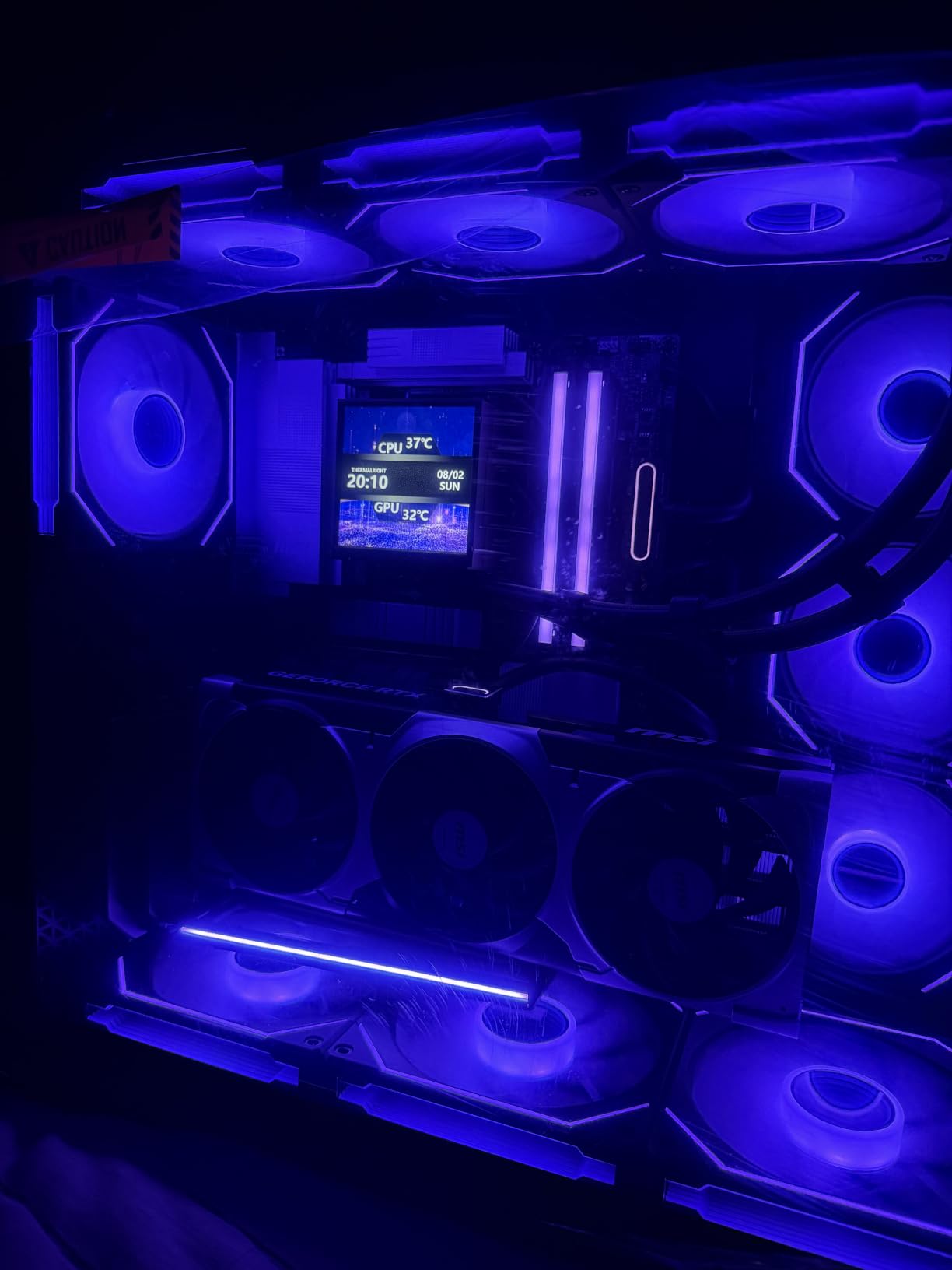
The C8 is the case I point at when someone asks what actually solves the heat problem in a dual-GPU build. The dual-chamber design puts the power supply and cables in a sealed rear compartment, so the only thing the GPU chamber has to cool is your graphics cards. Two full-load cards dumping heat into one small sealed box is the failure mode this layout removes.
It is a full tower with eight expansion slots and E-ATX support, so slot spacing is not a concern for most boards. You get room for two triple-slot cards with space above and below, plus a vertical mounting option.
Chamber Architecture as a Thermal Strategy
Traditional cases put the power supply under a shroud at the bottom, which already helps. Dual-chamber designs go further by relocating the PSU to a rear side compartment with its own cutout. The result is a GPU chamber that stays cooler, which matters more than usual when you have doubled the graphics card heat load.
The C8 adds bottom and side intakes, so air enters low, passes across the lower card, and exits through the rear. There is also a full cut-out at the bottom with interchangeable 120mm and 140mm fan brackets, which is unusual flexibility for a case at this level.
Radiator Support Across Three Surfaces
Thick 360mm radiators fit at the top, bottom, and side simultaneously, and there is room for three 140mm or two 160mm fans top and bottom. That is enough capacity for a serious custom loop if you decide two cards are not enough cooling challenge.
For water cooling specifics, our water cooling case guide covers reservoir and pump mounting in more detail.
Who Should Skip It
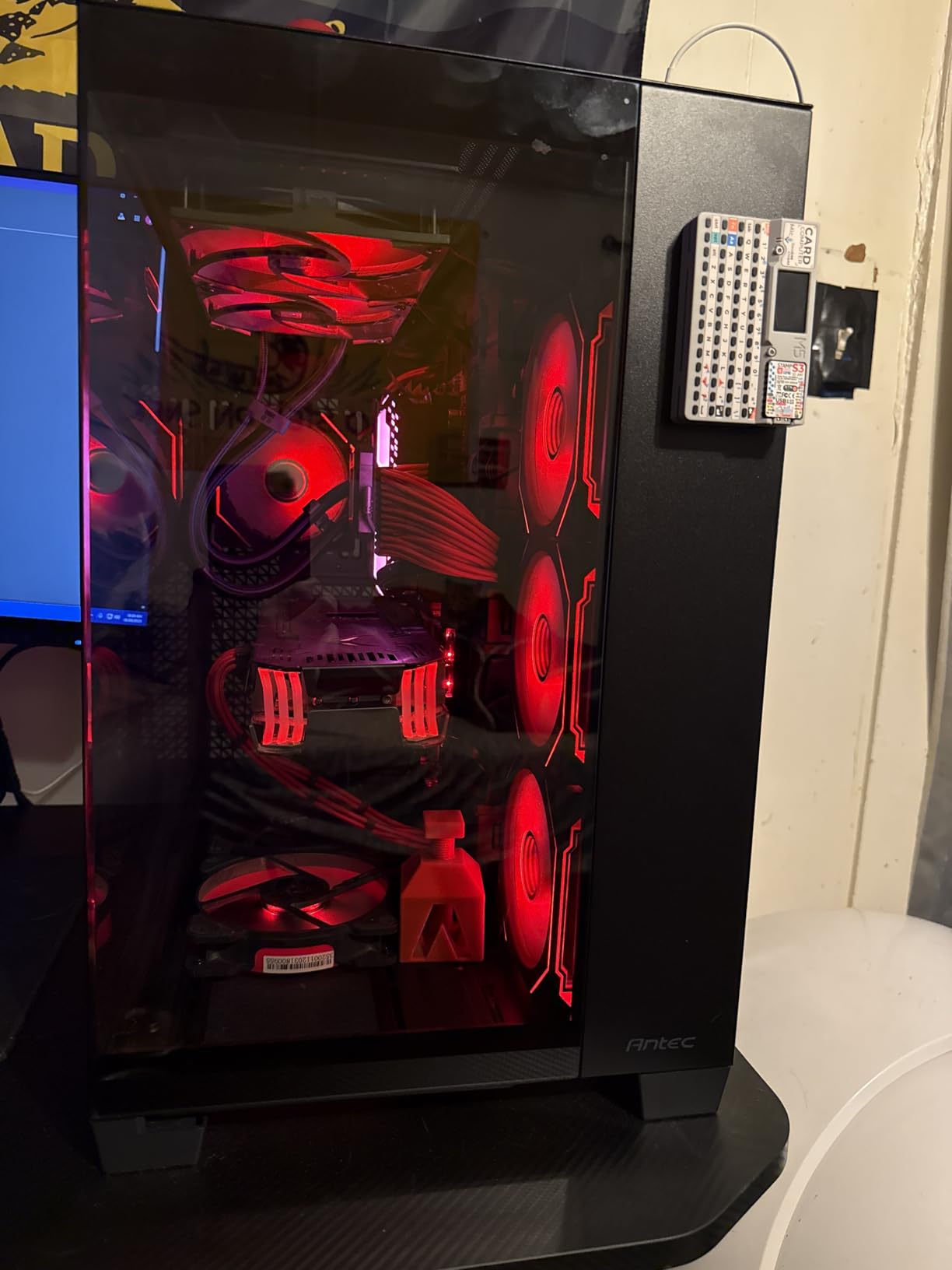
No fans ship with this case. Budget for a full fan set or an all-in-one cooler, which is a real cost for a first build on a budget. The tempered glass front and side panels also add weight, and the missing status LEDs are a minor irritation for anyone who likes confirming their system is actually on.
If you already have fans or plan to buy an AIO, this is one of the best layouts available for two high-power cards.
4. Antec Performance 1 FT – Best Full Tower for Quiet Dual GPU Workstations
Antec Performance 1 FT Full Tower E-ATX PC Case, 3 PWM Fans
E-ATX
20.55 inch cube
4 PWM fans
Temp display
Pros
- Rubber-padded grommets and two included cable covers for clean routing
- Four PWM fans matched to the mesh front panel
- Removable top bracket simplifies radiator access
- Dual 4mm tempered glass sides for a showcase look
- Accessory kit includes screws
- SSD dampers and SATA cables
Cons
- Temperature display and iUnity app are Windows-only
- Magnetic front grill detaches easily when moved
- Included fans are not RGB
- Very long bottom fan screws are not included
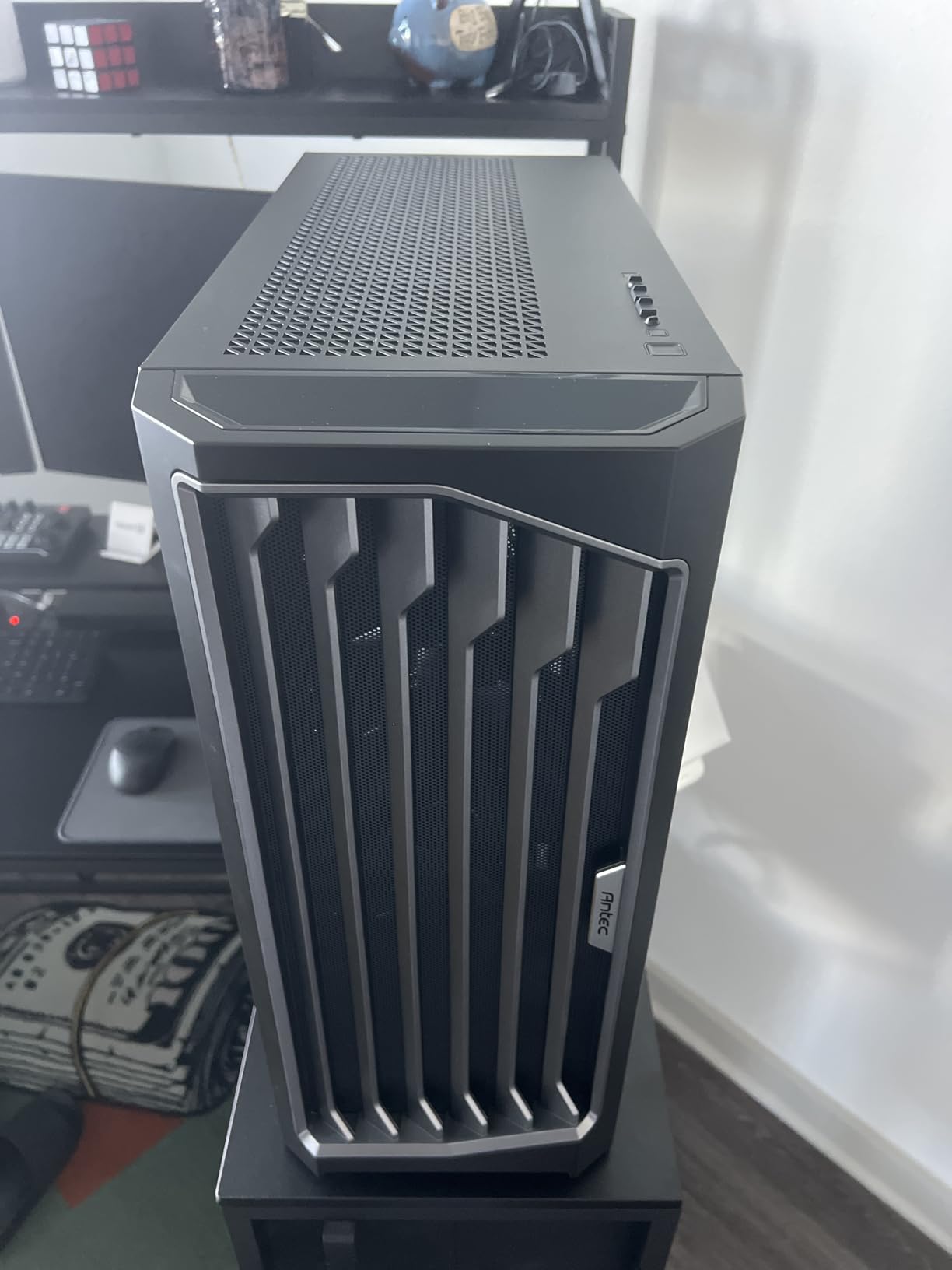
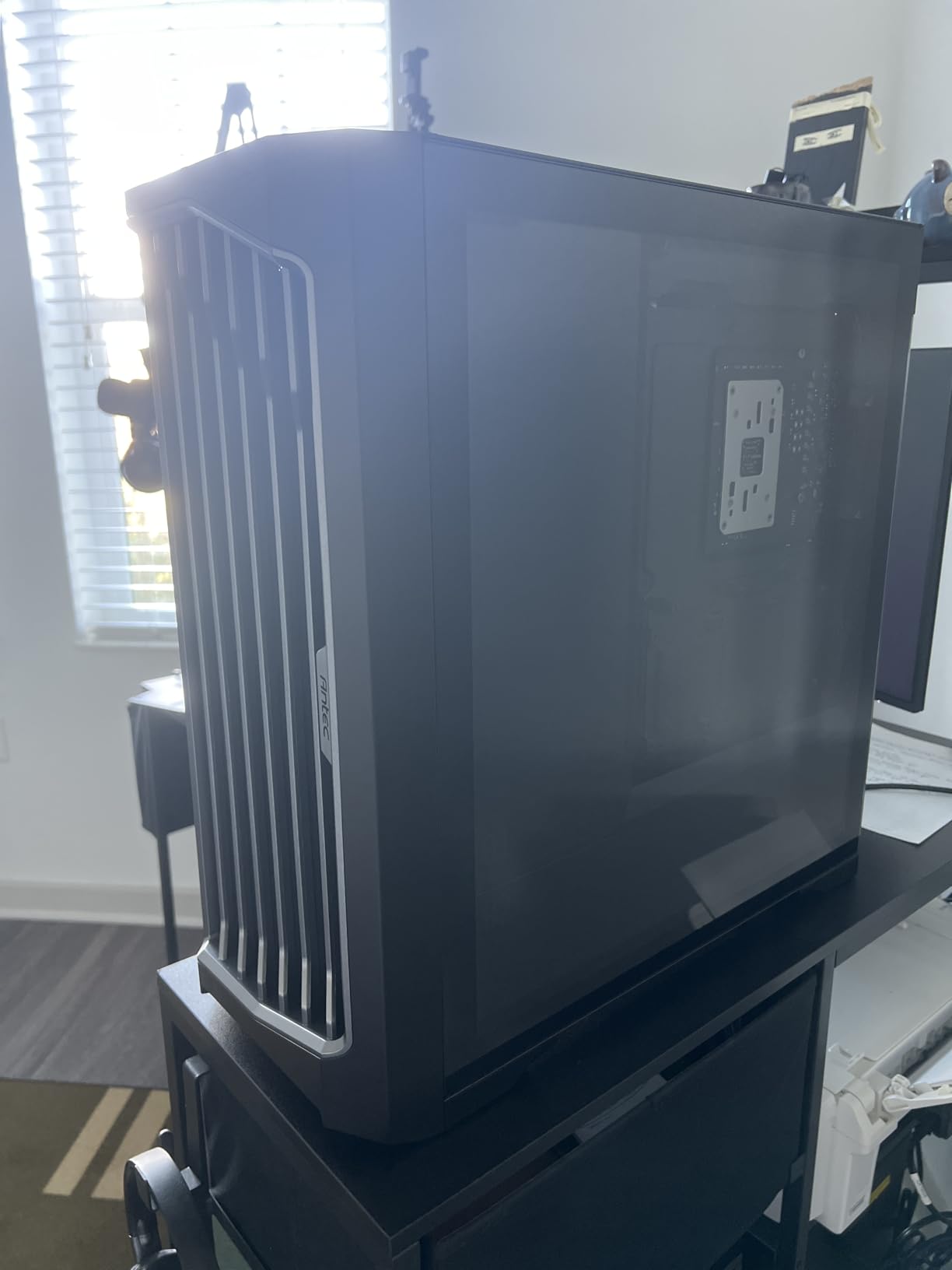
The Performance 1 FT is a symmetric cube full tower, roughly 20.55 inches on each side, and that squareness is deliberate. It buys interior width and depth so two long cards can sit with clearance from the front intake and the cable side simultaneously. Reviewers call out cable management as a standout feature, with padded grommets and included cable covers.
Four PWM fans come pre-installed and suit the high-airflow mesh front panel, and vents on the front, top, and bottom give you three intake directions rather than one.
The Removable Top Bracket Is the Feature to Know
One thumb screw releases the entire top bracket. For a dual-GPU build that usually means a 360mm or 420mm radiator mount, this is the difference between a twenty-minute install and an hour of fighting a pump head that will not clear the memory modules. It is the kind of detail that tells you who designed this for builders rather than for a product photo.
Windows Dependence Worth Knowing About
The front temperature display reads CPU and GPU temps through Antec’s iUnity software, and that software is Windows-only. On Linux the readout simply does not work. The app also cannot be minimized to the system tray or resized, which some owners find irritating. Everything else on the case functions normally on any platform.
Those same owners also flag that the magnetic front grill can detach if the case is jostled, and that the included fans carry no RGB. Lighting requires a separate purchase if that matters to you.
Room to Breathe
The interior fits full-length GPUs and tall air coolers without argument, and the E-ATX board support is confirmed. For a dual-card workstation that will run for hours at a stretch, the combination of width, three-sided venting, and clean cable routing is hard to beat at this level.
5. Antec Flux Pro – Best Airflow Case for Two Power-Hungry Cards
Antec Flux Pro Full-Tower E-ATX PC Case, 6 PWM Fans Included, Black
E-ATX
8 expansion slots
6 fans
420mm plus 360mm
Pros
- Six quality PWM fans pre-wired to a front daughterboard
- Reverse fans on the PSU shroud push air straight at the lower GPU
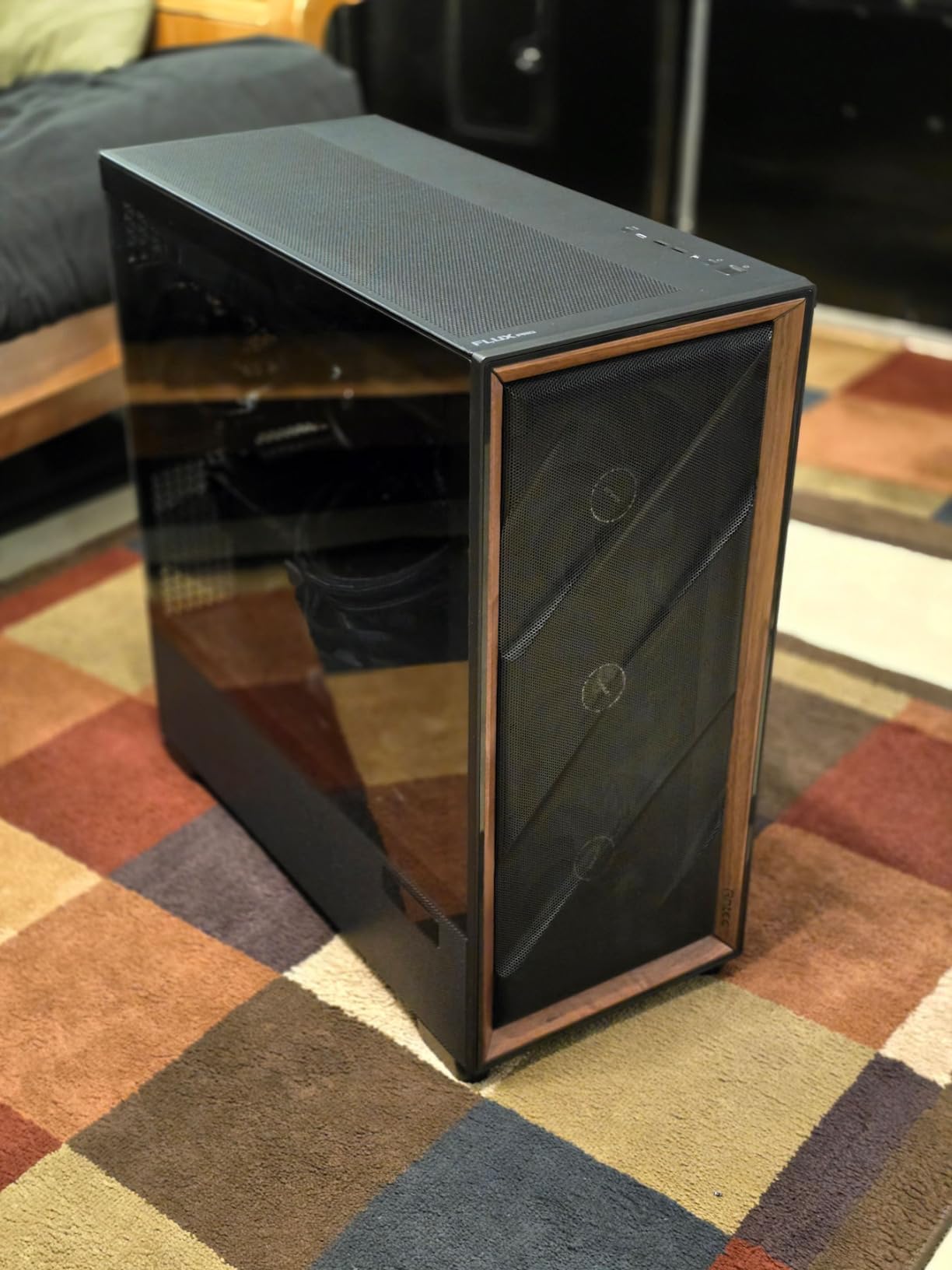
- Walnut wood front panel looks like furniture
- Removable brackets on top
- front and shroud
- Simultaneous 420mm and 360mm radiator support
Cons
- No RGB on the included fans
- CPU and GPU display needs Antec iUnity software
- Heavy at 29 pounds
- Removable lower HDD rack may be needed for maximum bottom intake
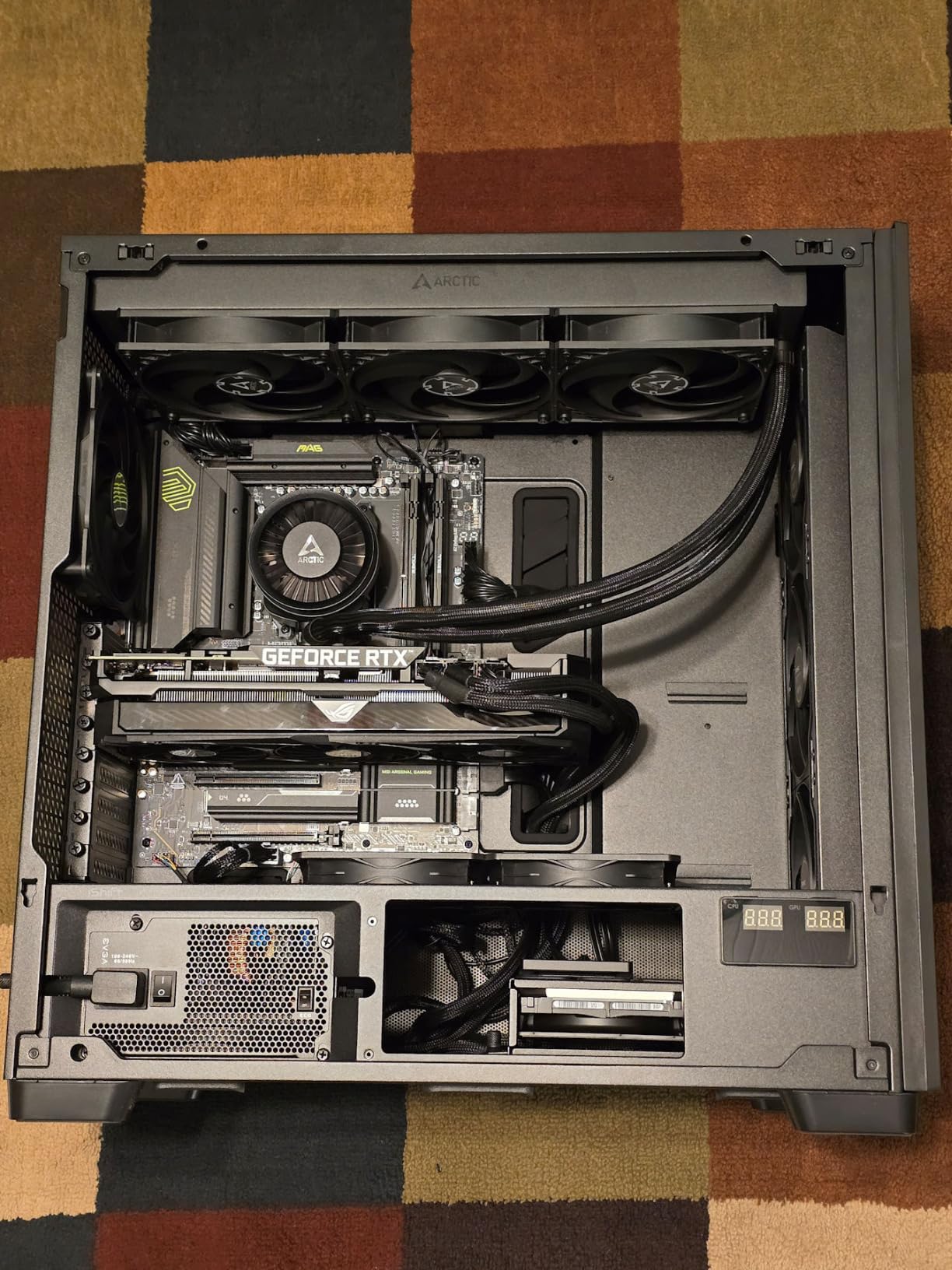
The Flux Pro is the airflow answer to the dual-GPU question, and the detail that makes it different is under the power supply shroud. Two reverse-mounted fans sit there blowing upward directly at the underside of the lower graphics card, which is normally the single hottest, most starved spot in a stacked dual-GPU build.
With three Tranquil 140mm PWM fans at the front, those two reverse shroud fans, and a 140mm at the rear, the case supports up to twelve fans at once. That headroom is what makes it work for two cards that both run hot.
Eight Expansion Slots and E-ATX
Eight expansion slots with E-ATX support gives comfortable spacing for two triple-slot cards, and the removable brackets on the top, front, and shroud let you reposition intake as the build changes. Sliding fan tracks and reusable PCIe slot covers make the physical layout adjustable rather than fixed.
The iShift 90-degree rotated power supply mount keeps connectors accessible from the top, which is a genuine improvement when you are plugging in four or six PCIe power cables for two cards.
Simultaneous 420mm and 360mm Radiators
You can fit a 420mm radiator and a 360mm radiator at the same time, which is rare. For a dual-card air-cooled build where you still want a large liquid loop for the CPU, the combination is useful. Large air coolers also fit without argument.
Owners mention the walnut wood front panel constantly in reviews, describing it as furniture-like rather than overt. It is the reason this case shows up in living-room and studio builds as often as it does in gaming rooms.
Trade-offs to Know Before Ordering
At 29 pounds empty, this is heavy and awkward to reposition. The CPU and GPU temperature display depends on Antec iUnity software, and the included fans carry no lighting despite some listings showing lit builds. The removable lower drive rack may need to come out to maximize bottom intake airflow with two cards installed.
None of those are dealbreakers, but they are worth knowing.
6. ASUS ProArt PA602 – Best for Large GPUs and Studio Workstations
ASUS ProArt PA602 E-ATX Full-Tower PC Case
E-ATX
440mm GPU
420mm radiators
35.5 lbs
Pros
- Two 200mm front fans move huge volumes quietly
- Front IR dust indicator tells you when the filter needs cleaning
- Labeled cable routing holes on the rear panel
- Integrated casters and hidden handles
- Supports 440mm graphics cards and 420mm radiators
- Three-year warranty
Cons
- 35.5 pounds and far larger than most builds need
- Top 420mm radiator clearance is tight with thick AIO blocks
- M.2 heatsinks do not clamp firmly
- Rear 2.5-inch bays awkward with right-angle SATA cables
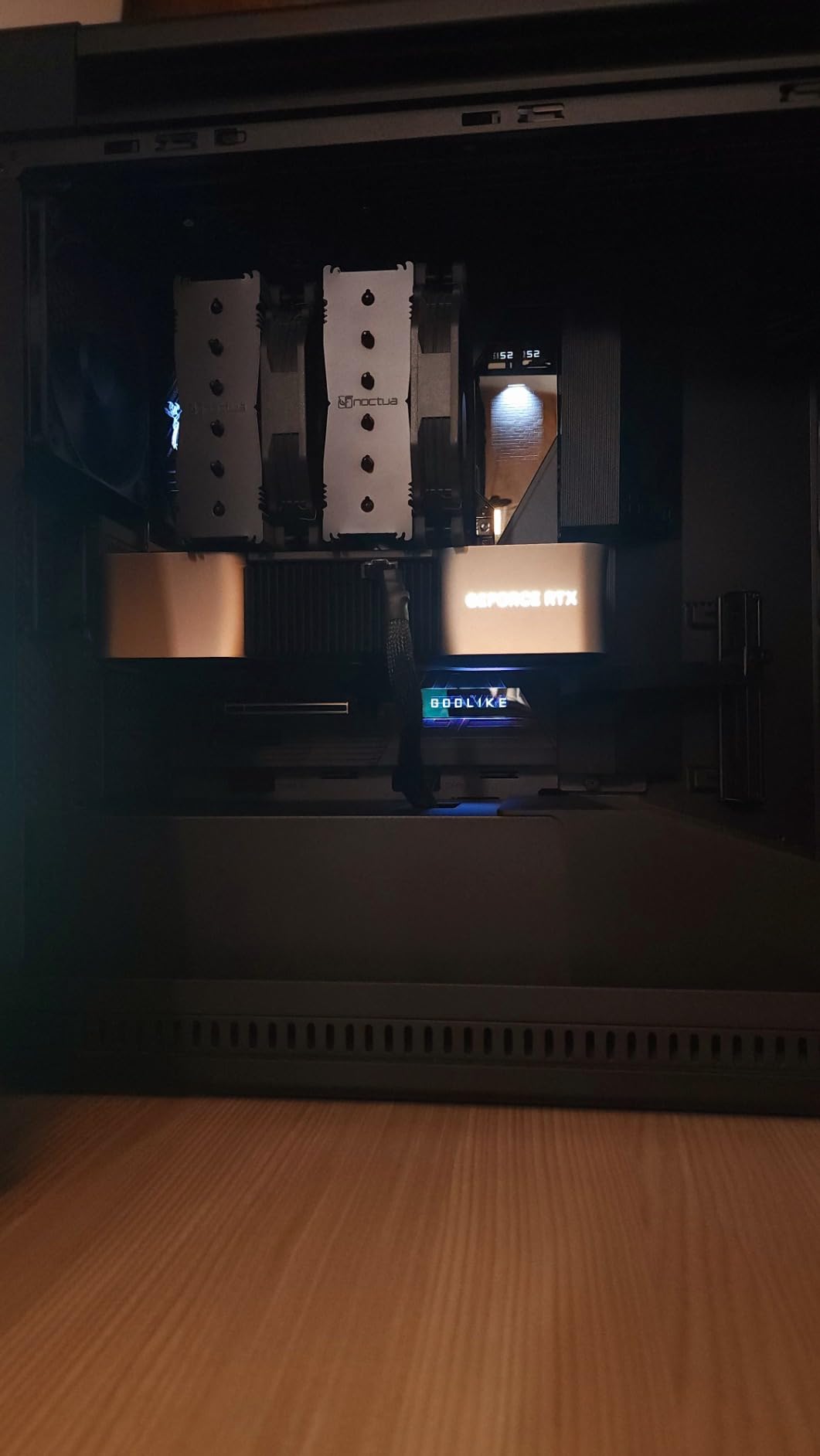
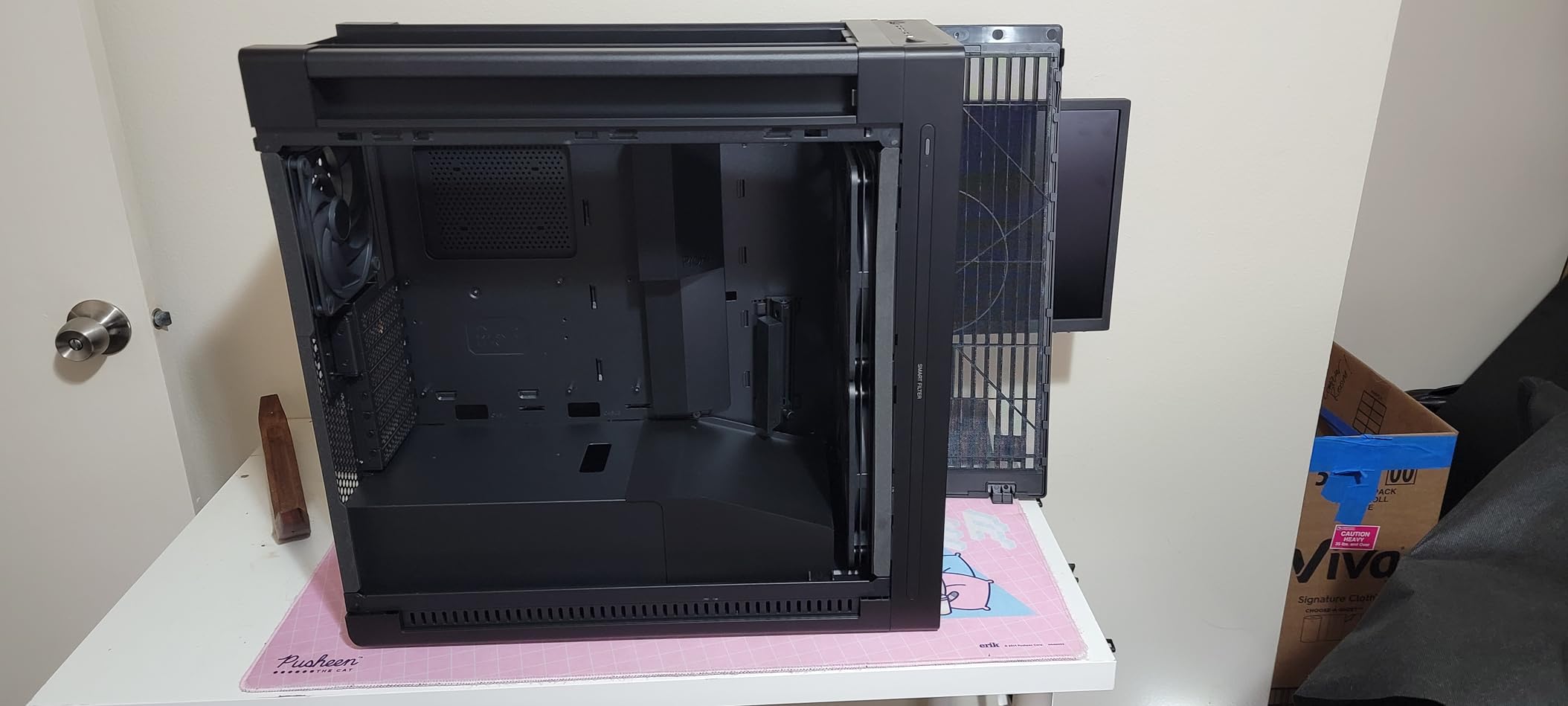
The ProArt PA602 is aimed at creators, and it shows. It handles graphics cards up to 440mm, the longest specification among the enclosed chassis here, and 420mm radiators. The front panel is a 15.5mm grill at 45% porosity feeding two extra-thick 200mm fans, which is one of the most effective intake arrangements on this list for moving air quietly.
Two internal deflectors route that incoming air toward the motherboard and other internal components, so the airflow is directed rather than just plentiful.
Why 200mm Fans Matter With Two GPUs
Large fans move more air per revolution at lower RPM, and lower RPM means less noise. With two full-load cards generating heat in the same chamber, the volume of intake air matters more than the static pressure of a smaller fan. That is why reviewers describe these as unusually quiet despite the size.
The built-in fan hub handles fan management, and tool-free panels on three sides plus well-designed dust filters make maintenance straightforward.
Convenience Details for Long Builds
A front IR dust indicator senses when the filter is clogged, which is genuinely useful in a machine that will run continuously. A power lock latch prevents accidental shutdowns mid-render, and a two-section PWM control lets you split fan curves between intake and exhaust.
Integrated casters and hidden handles address the weight problem, though owners note the office-chair-style casters are small and real casters would serve a 35.5 pound chassis better.
Where It Overreaches
This case is larger than most dual-GPU builds need, and reviewers say plainly that it is overkill unless you have a very long card or a studio-scale cooling plan. The top 420mm radiator fit is tight with thick AIO pump blocks, the included M.2 heatsinks sit loosely rather than clamping, and the rear 2.5-inch bays fight right-angle SATA cables.
If you have the desk space and the card length to justify it, the airflow and build quality are unmatched. If not, a mid tower is a saner choice.
7. Fractal Design Define 7 XL – Best for Silent Dual GPU Workstations
Fractal Design Define 7 XL Black Solid Brushed Aluminum/Steel E-ATX Silent Modular Full Tower Computer Case
E-ATX
530mm GPU
8 slots
185mm CPU cooler
Pros
- Industry-leading acoustic dampening on sides
- front and top
- GPUs up to 530mm and radiators up to 480mm
- Up to 18 HDDs and 5 SSDs in the default layout
- Convertible multi-brackets turn fan mounts into drive or pump mounts
- Built-in fan controller with three quiet Fractal fans
- Removable power supply mount allows bench assembly
Cons
- Extremely large and heavy with no integrated casters
- Front door attaches to a plastic molding that can break
- Layout is complex without a printed manual
- Some motherboard tray holes do not line up
Two silent-loading graphics cards generate a lot of fan noise that a quiet case cannot mask. The Define 7 XL attacks that with high-density dampening material on the sides, front, and top, and it holds up to 18 hard drives and 5 SSDs in the default storage layout, which makes it a natural home for a rendering or AI workstation.
Space is the other argument. Graphics cards up to 530mm, radiators up to 480mm, CPU coolers up to 185mm, and eight expansion slots. Nothing in this list is harder to fit a build into.
Modularity That Rewards a Slow Build
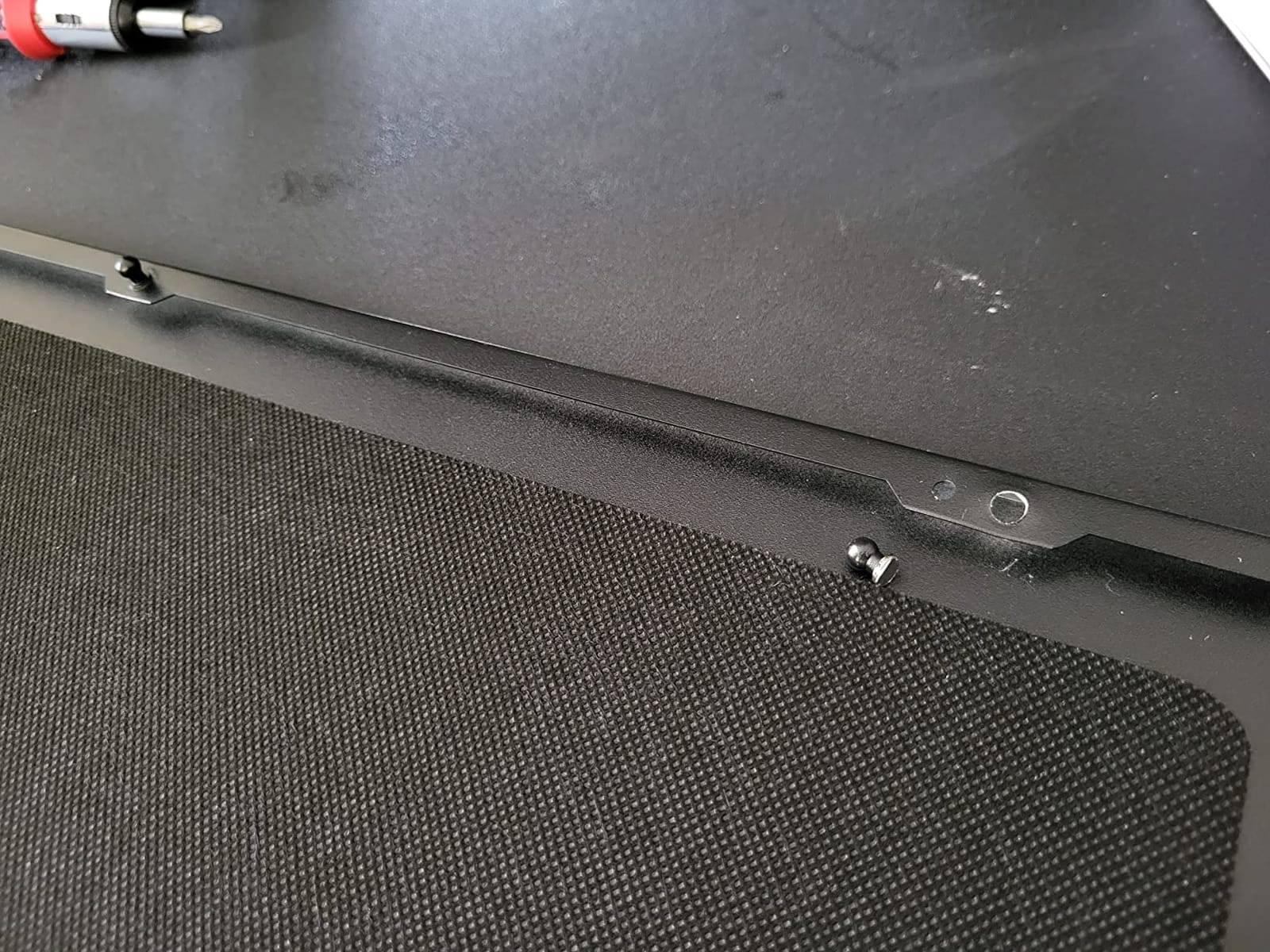
The whole chassis is modular. The power supply mounts on a removable tray, so serious builders assemble the core system on an open bench and drop it in. Multi-brackets convert unused fan positions into drive, SSD, or pump mounts, which is how you reach 18 drives without a mess of adapter cables.
It is also convertible to an open layout for custom water loops with large reservoirs. The brushed aluminum front door has reversible dual-handed hinges and magnetic latching.
Eight Expansion Slots for Two Cards
Eight slots plus E-ATX and SSI-EEB support means two long cards fit with room to spare. The interior is described in reviews as cavernous, and that volume is part of the quiet story: more free air around components means lower fan speeds.
If noise is a primary concern in your dual-GPU decision, read our quiet build case picks as well.
Honest Downsides
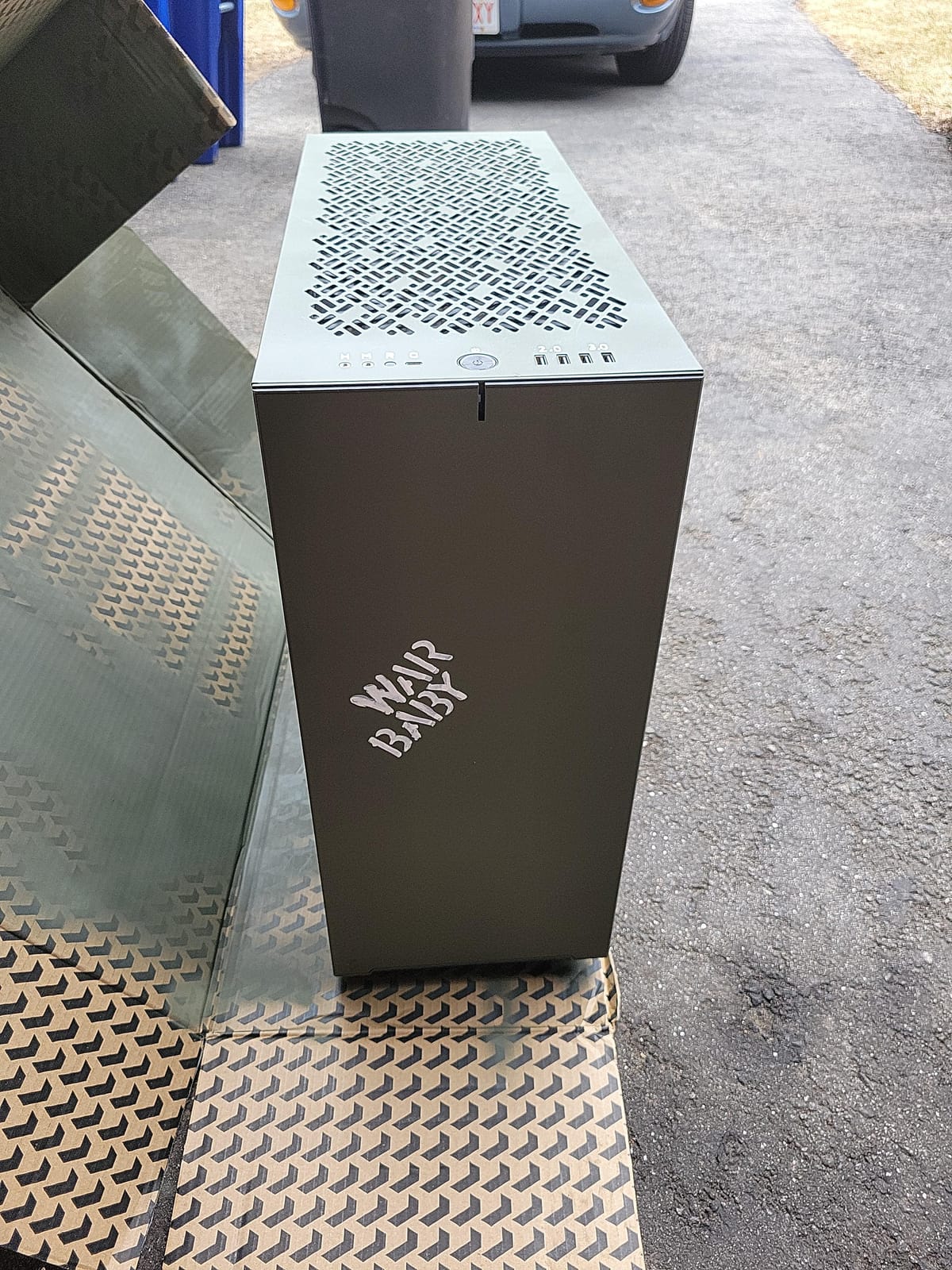
At 18.73 kg empty with no casters, this is difficult to move once built. The front door attaches to a plastic molding that reviewers report can break if you lift the case by the front. Configuration takes real time without a printed manual, and one motherboard tray hole behind the CPU socket may not align with some boards.
Empty drive cages can rattle slightly when the case is moved, and the chassis ships with styrofoam packing inserts. None of this affects daily operation, but all of it affects the build session.
8. darkFlash DY470 – Best Showcase Case with a Dual-Chamber Back
darkFlash DY470 Full-Tower ATX Gaming PC Case with 4 PWM ARGB Fans, Black
ATX
410mm GPU
Dual chamber
4 ARGB fans
Pros
- Distinctive top-angled panoramic glass panel
- Back-mounted motherboard hides cables completely
- Sideways power supply mount keeps plugs accessible
- Dual-chamber layout isolates the PSU from GPU heat
- Built-in adjustable GPU support bracket
- Dust filters on every intake position
Cons
- Fan positions appear limited to 120mm
- Build materials feel cheap and plasticky
- Very heavy when fully loaded
- RGB hub controller not included
- Back-plug micro-ATX support appears inaccurately listed
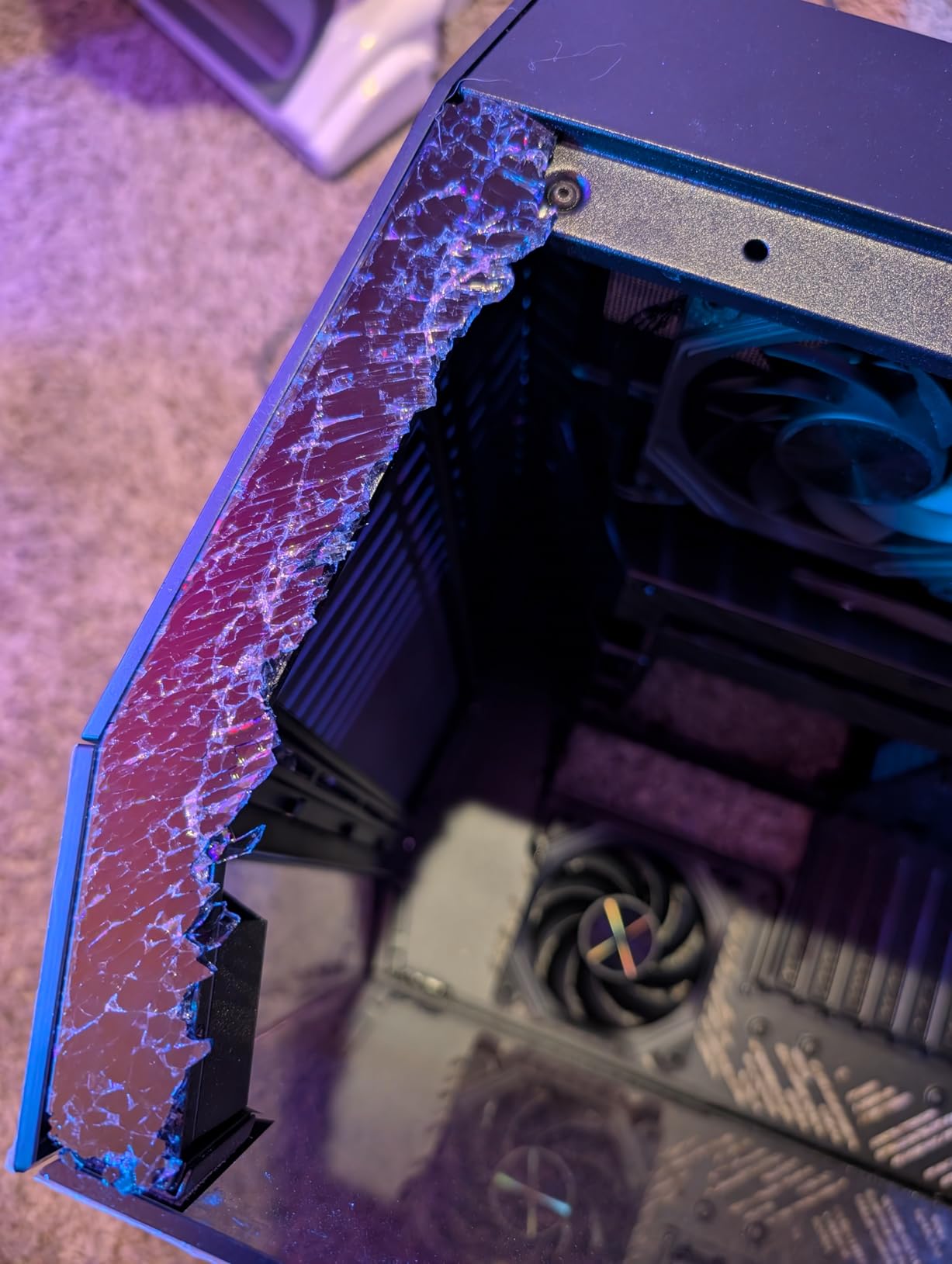
The DY470 is the case for a dual-GPU build that has to look good in a room. The top-angled panoramic glass panel is genuinely different from the standard flat side window, and the back-mounted motherboard tray means every cable disappears behind the board rather than hanging in the chamber.
Underneath it is a dual-chamber layout with a sideways power supply mount, so the PSU sits in its own compartment with connectors facing outward. Room for 410mm graphics cards, dual 360mm radiators, and up to ten fans.
GPU Support Bracket Is Not an Afterthought
A built-in adjustable GPU support bracket is included, and with two heavy cards in a build you already know is heat and weight intensive, sag on the PCIe slots is a real concern. Most cases treat the bracket as an accessory; this one integrates it.
Room for dual 360mm radiators plus four PWM ARGB fans as standard means you can run a full liquid loop on the CPU while the GPU chamber stays air-cooled and open.
What Owners Report
Builders like the hidden-cable layout, the sideways power supply mount, and often report cooler and quieter results than smaller cases. The adjustable bracket earns specific praise for heavy cards.
The criticisms are consistent though. Fan positions appear limited to 120mm, so 140mm fans do not fit. Some owners find the materials feel cheap and plasticky, and the case is very heavy when loaded. The RGB hub controller is not included, so lighting needs a separate purchase. Owners also report a mismatch between the listed and actual back-plug micro-ATX support.
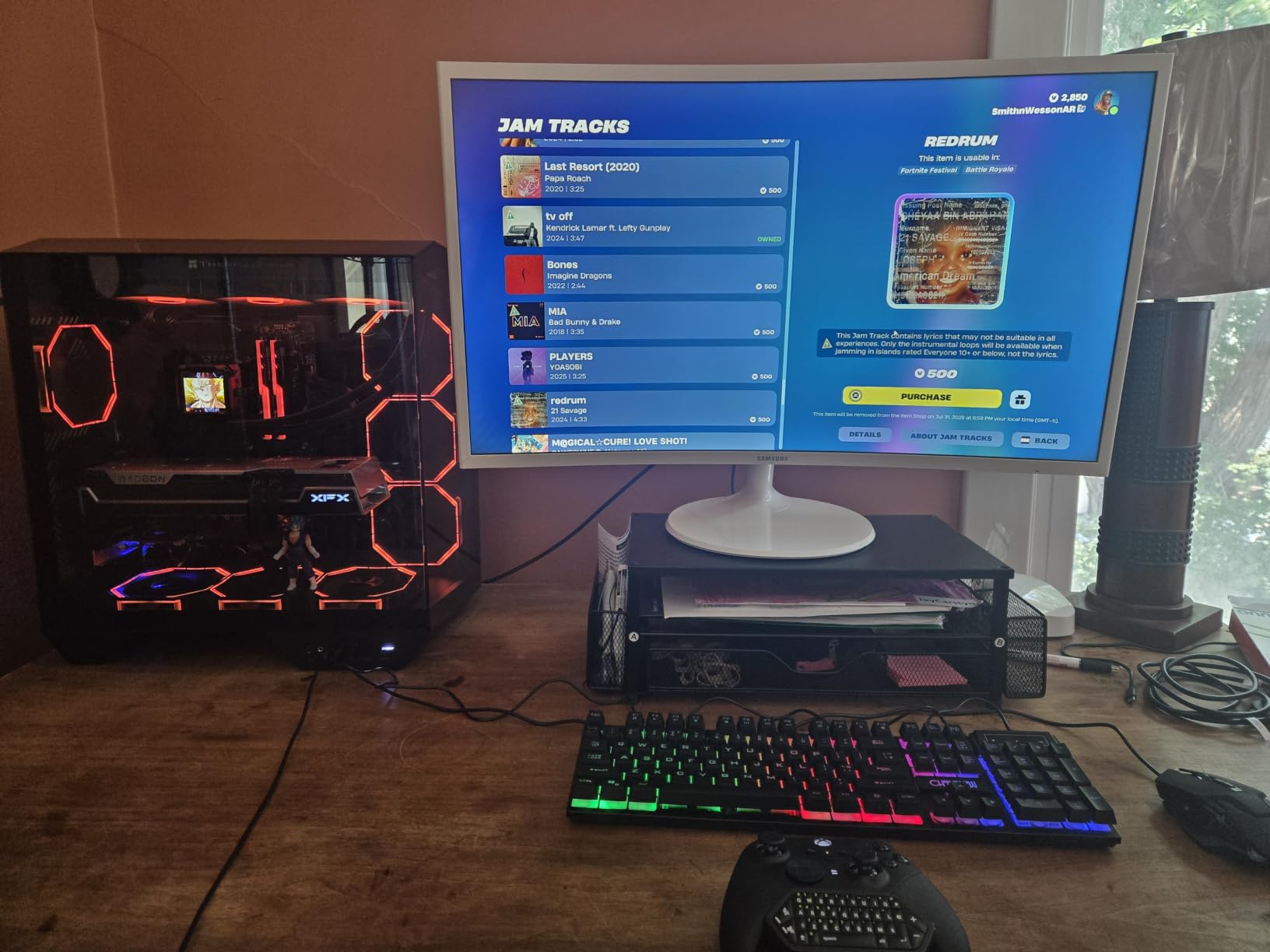
It supports ATX motherboards, and E-ATX is not listed, so confirm your board size before committing. For standard ATX dual-GPU showcase builds, the design is strong.
9. ALAMENGDA AL01 Open Frame – Best Open Bench for Two Cards
Open Frame Computer case DIY PC Test Bench for ATX M-Board,1Pc
Open frame
7 slots
No GPU limit
0.8mm SPCC steel
Pros
- Sturdy 0.8mm SPCC steel frame with folded edges and triangular reinforcing plates
- No GPU length or width restrictions whatsoever
- Open-air layout gives excellent heat dissipation
- Accepts standard ATX power supplies with cable routing holes
- Supports ATX
- micro-ATX and ITX boards up to 305x245mm
- Two-year warranty
Cons
- No dust protection whatsoever
- No fans included
- 18 inch width is a wide footprint
- Only two internal drive bays
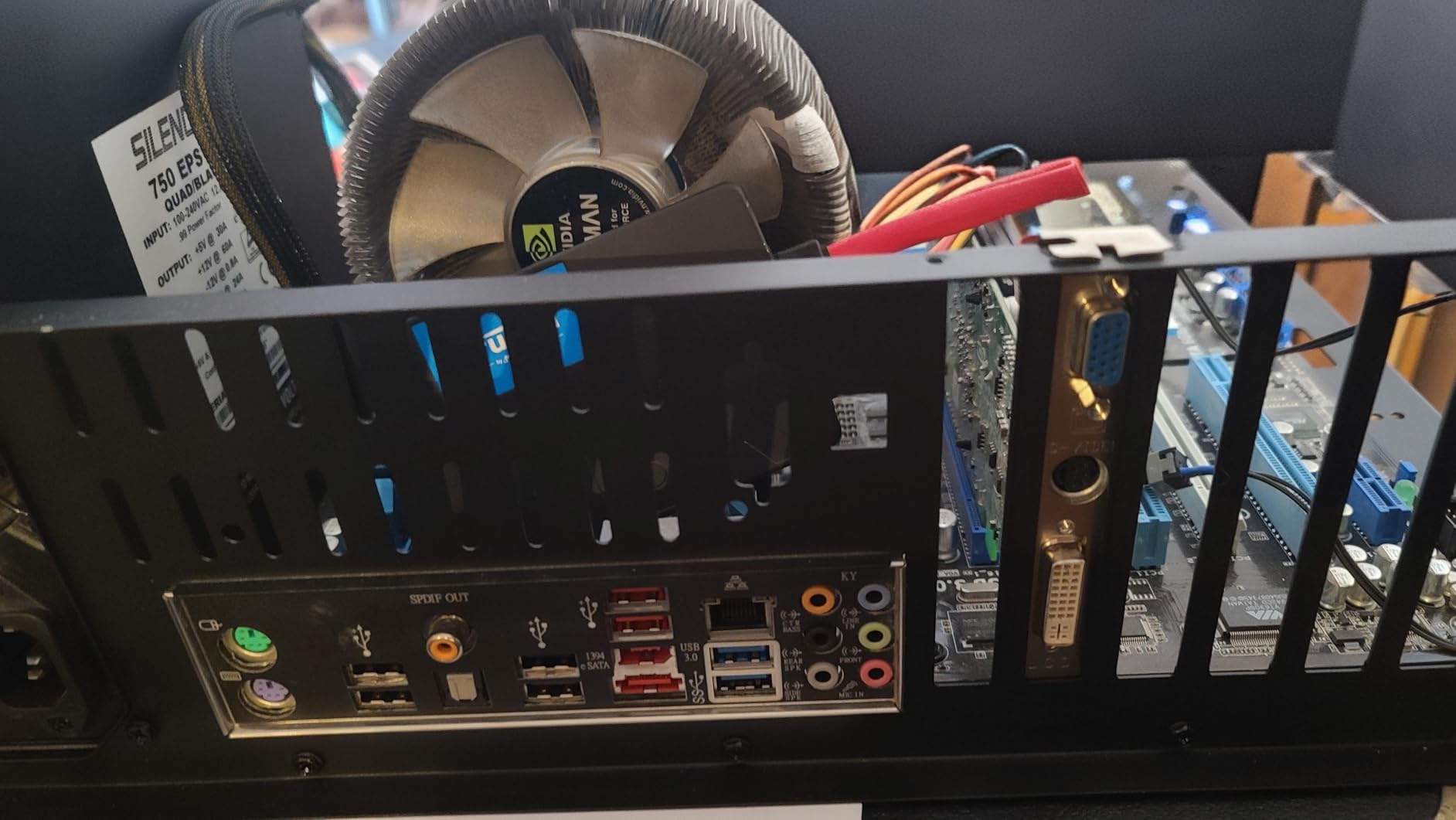
Open test benches solve the dual-GPU problem by removing the constraints. With no side panel, no front mesh, and no shroud, there is no length limit and no width limit on graphics cards. The AL01 accepts any card you can physically bolt to a slot.
For two full-load GPUs, that convection cooling is the appeal. Two cards dumping heat into open air do not fight each other the way they do in an enclosed chamber, and bench testing lets you swap parts quickly. The 71% five-star share across 562 reviews reflects strong satisfaction with the steel construction.
Construction and Fit
The frame is 0.8mm SPCC steel with folded edge reinforcement and triangular reinforcing plates, finished in scratch-resistant black sand grain paint. Motherboard support covers ATX, micro-ATX, and ITX up to 305 x 245mm, and standard ATX power supplies fit with reserved cable routing holes behind the tray.
Seven expansion slots are provided, and the 440mm extended width fits server cabinet installation. An extended baseboard option is available for E-ATX dual server motherboards.
What You Give Up
No dust protection. If your machine sits in a room with pets, carpet, or a workshop environment, an open frame will pull dust into fans and heatsinks faster than any enclosed case. There are no fans included, so airflow depends entirely on your own cooling. Two internal drive bays is also minimal for a workstation.
If you want a small open frame instead, our small form factor picks cover more enclosed compact options.
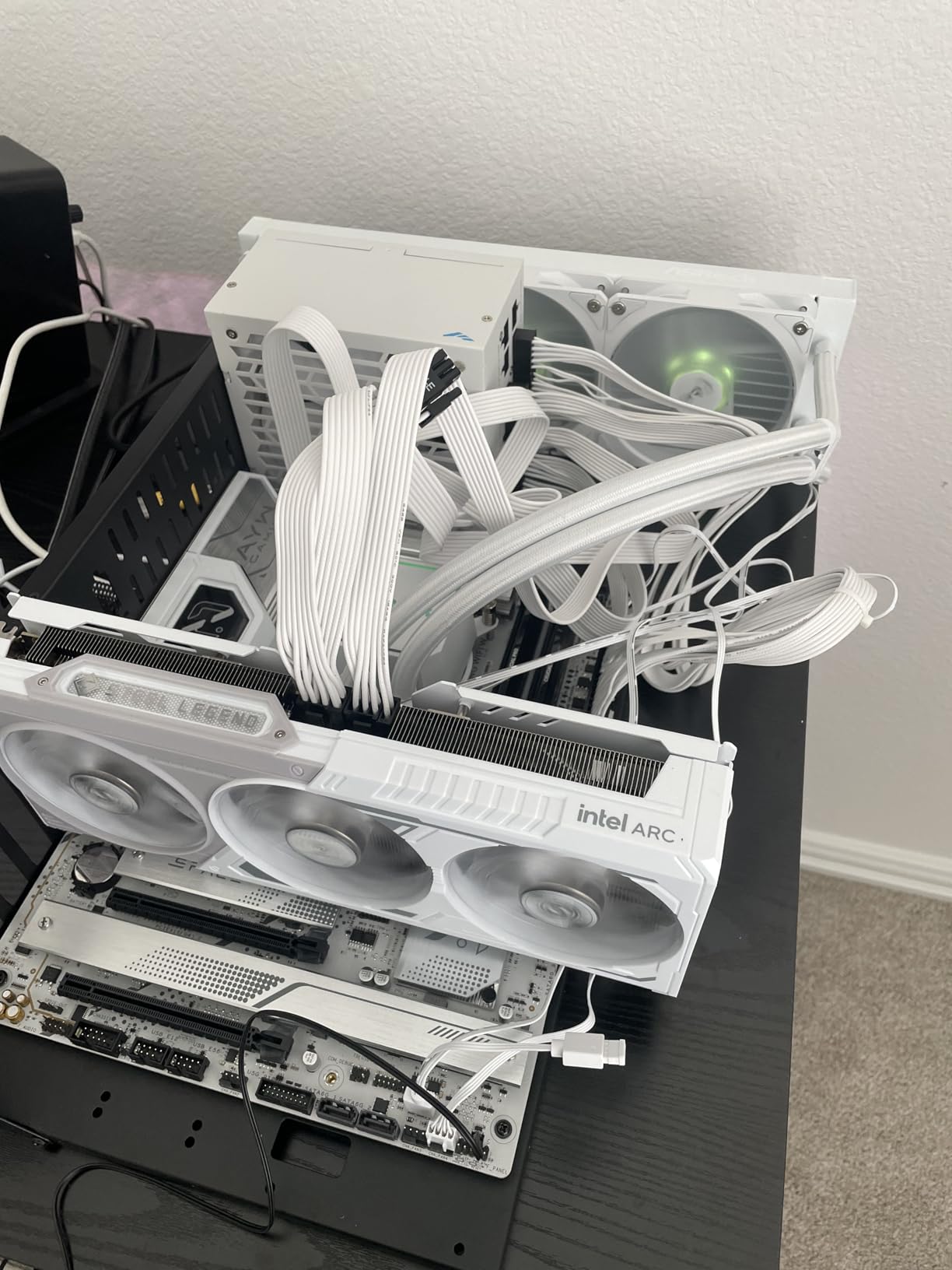
Bench frames are for builders who value serviceability and unrestricted clearance over appearance and dust protection. For a dual-GPU render rig that will be worked on directly, that trade is usually worth it.
10. TGDGAMER E-ATX Open Chassis – Best Open Rig for E-ATX Boards
TGDGAMER E-ATX Open Chassis PC Test Bench, Wide Body Heat Dissipation
E-ATX support
No GPU length limit
Wide body
2 slots
Pros
- Widest motherboard support in the open bench category including E-ATX
- No restriction on GPU length or CPU cooler height
- Wide-body open chassis for strong airflow
- Accommodates up to two SSDs and two hard drives
- Two-year warranty
Cons
- Plastic construction feels less rigid than metal open frames
- Rear-mounted power supply placement is awkward to cable
- No bundled fans
- Expansion slot count is listed as only two
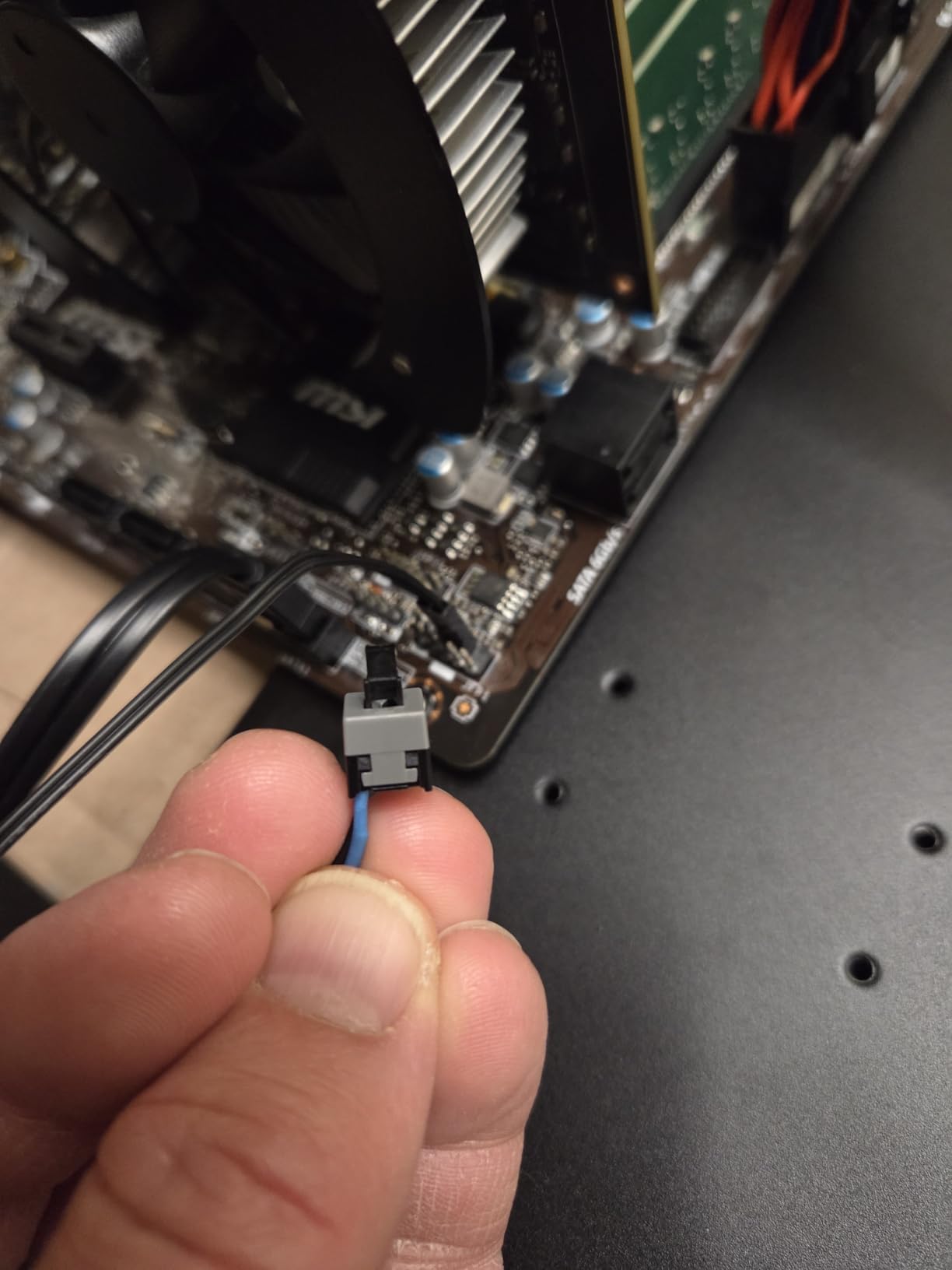
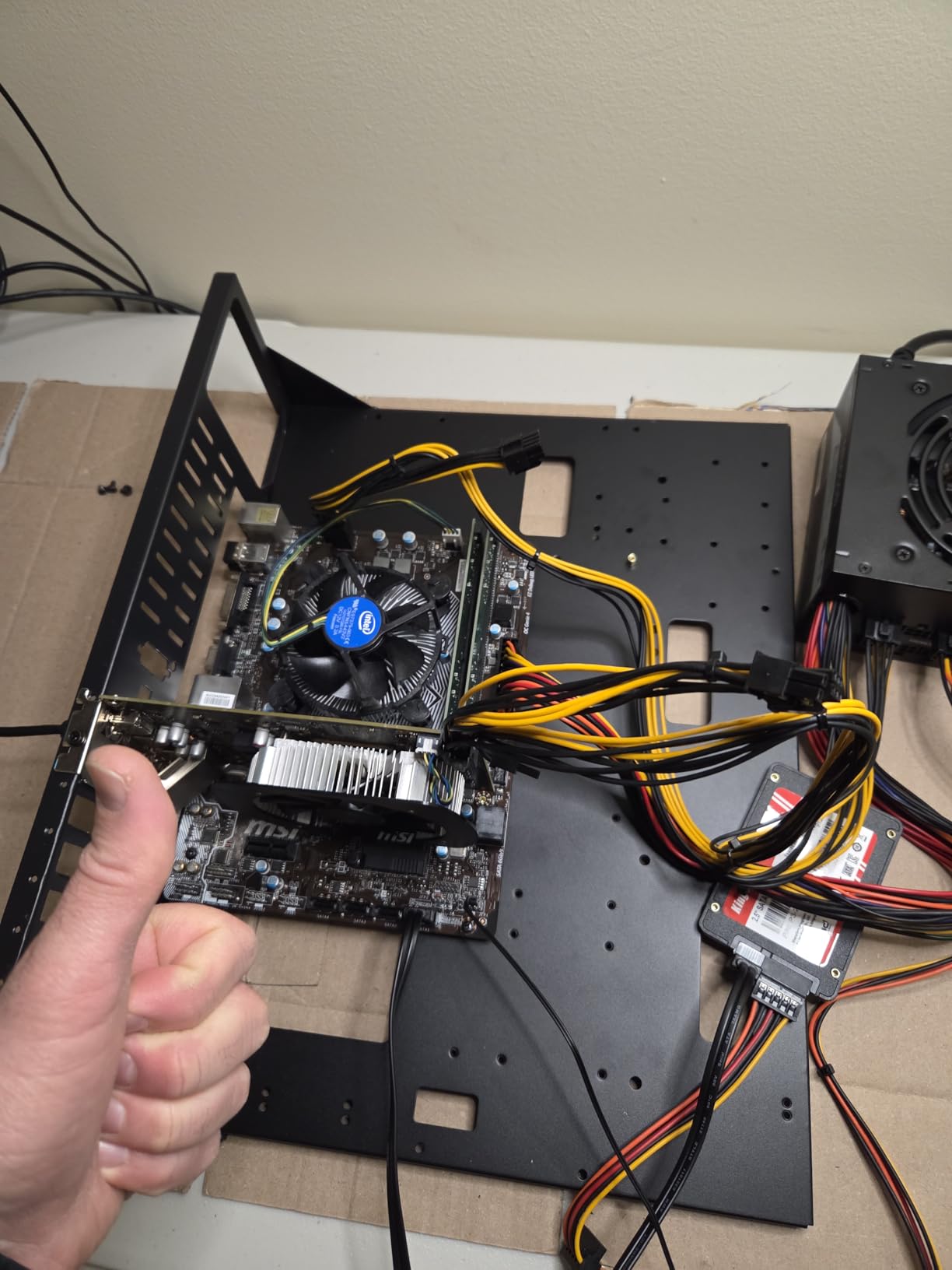
Most open benches cap out at ATX. The TGDGAMER E-ATX Open Chassis accepts E-ATX, ATX, micro-ATX, and ITX boards, which matters if you are building a server-class or workstation-class platform with an E-ATX board and a wide CPU cooler.
GPU length and CPU cooler height are both unrestricted, so nothing about your hardware choice has to bend to accommodate the chassis.
Two Cards Are the Minimum, Not the Maximum
The wide-body design promotes convection cooling, and with no length or height limits you can mount two, three, or more cards as the board allows. Storage covers two SSDs and two hard drives, and standard ATX power supplies are supported.
68% of reviews are five-star, and the consistent praise is for board compatibility and clearance. The recurring complaints are the plastic feel compared to metal frames and having to supply fans separately.
Check the Slot Listing Before You Plan a Dual Card
One detail deserves attention: the specification lists only two expansion slots. For an open chassis that is unusual, and if you are planning to run two graphics cards in this frame, confirm the physical mounting positions for your board before building. The rear-mounted power supply placement is also reported as awkward to cable.
Best suited to a builder who needs E-ATX in an open frame and has a plan for fans and cabling already in mind.
11. JOYJOM Open Air PC Case – Best Compact Open Frame for Two Cards
Open Air PC Case, PC Test Bench PC Case, ATX Open Frame Computer Case, DIY PC Rack for ATX MATX ITX Motherboards
Open air
440x265mm
0.8mm SPCC
No GPU limit
Pros
- Compact 440x265mm frame fits more easily on a desk
- No GPU length or width restrictions
- 0.8mm SPCC steel with black sandblasted finish
- Holds the highest Best Sellers Rank in this open bench group
- Accepts standard ATX power supplies
Cons
- Only one drive bay for storage
- No dust filtering or component shielding
- No fans included
- Item dimensions are listed inconsistently by sellers
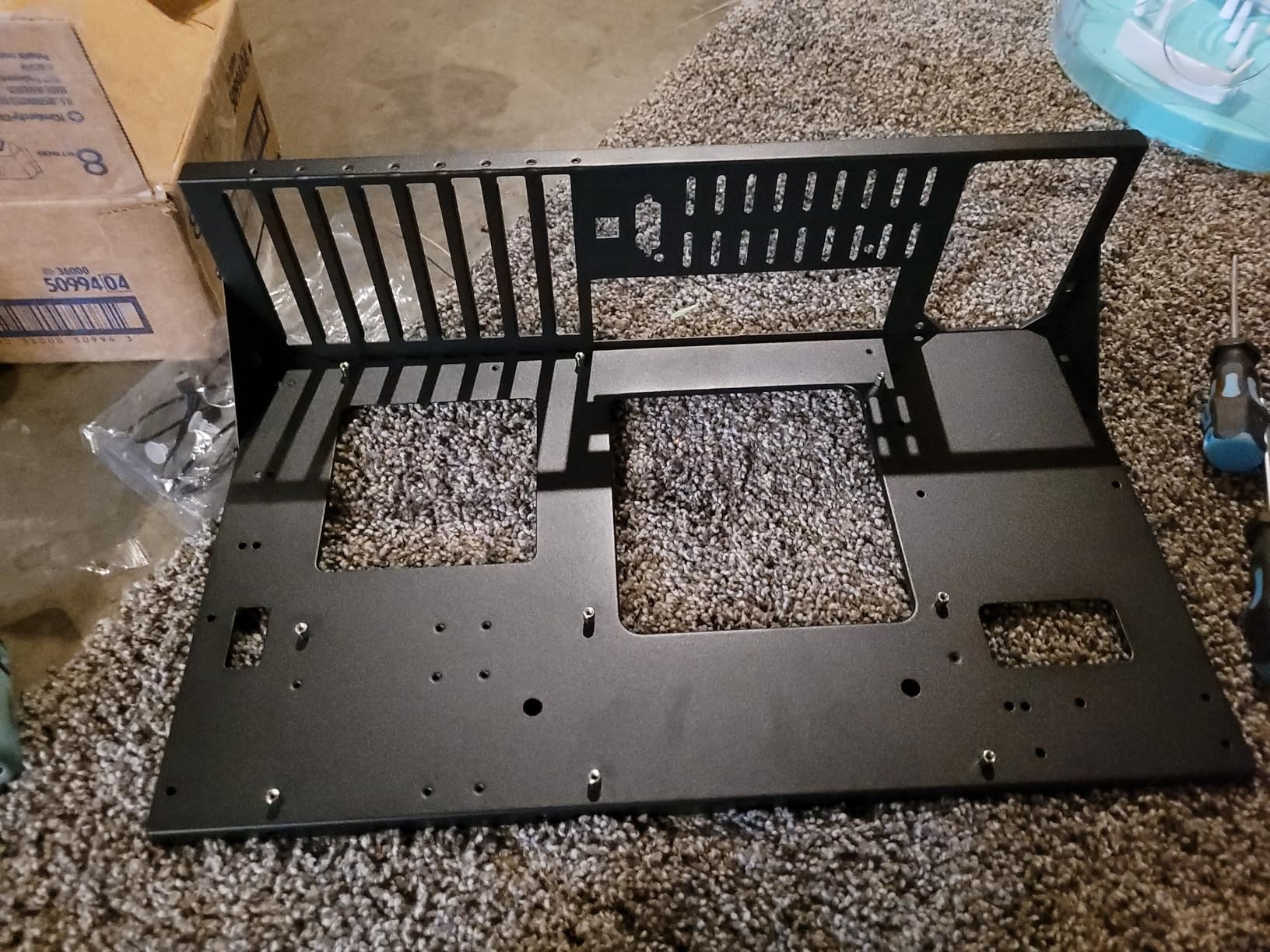
The JOYJOM frame is the small one. Assembled it measures 440 x 265 x 128mm, or 160mm tall with a power supply fitted, which makes it the most desk-friendly open bench here. Compared to the 18-inch width of the AL01, that difference is meaningful in a workspace.
Graphics card length and width are unrestricted, so dual-GPU fit is not the constraint. Motherboard support covers ATX, micro-ATX, and ITX up to 305 x 245mm.
Steel Construction at This Size
Making a bench this compact from 0.8mm SPCC steel with a black sandblasted coating is unusual in this category, and owners consistently cite solid build quality for the money. The frame ranks high in Computer Cases overall, which tells you how many buyers have settled on it.
75% of reviews are five-star. The most common limits mentioned are the single drive bay and the complete lack of dust protection inherent to open frames.
Two Cards, One Drive
One HDD and one SSD is the storage allowance, so plan external storage or a NAS if you need more. There are no fans included and no filtering, so this belongs in a clean workspace rather than a dusty one.
For a dual-GPU build where desk space matters more than drive bays, this is a clean, honest solution.
12. Bomeiqee Mining Rig Frame – Best for Three or More GPUs
Mining Rig Frame, Steel Open Air Miner Mining Frame Rig Case Up to 8 GPU for Crypto Coin Currency Bitcoin Mining Accessories Tools -Frame Only, Fans & GPU is not Included
Open frame
8 GPU slots
Alloy and stainless steel
Frame only
Pros
- Alloy and stainless steel frame stays rigid with multiple GPUs
- Assembles in minutes with a power driver
- Open design with room for up to five 120mm fans for convection cooling
- Includes screws
- a rig power switch and riser foam
Cons
- Effective capacity is closer to four to six cards once spacing is considered
- Single power supply mount so a second unit cannot be added
- Some micro-ATX boards do not line up with the standoffs
- Frame only with no fans
- instruction detail is minimal
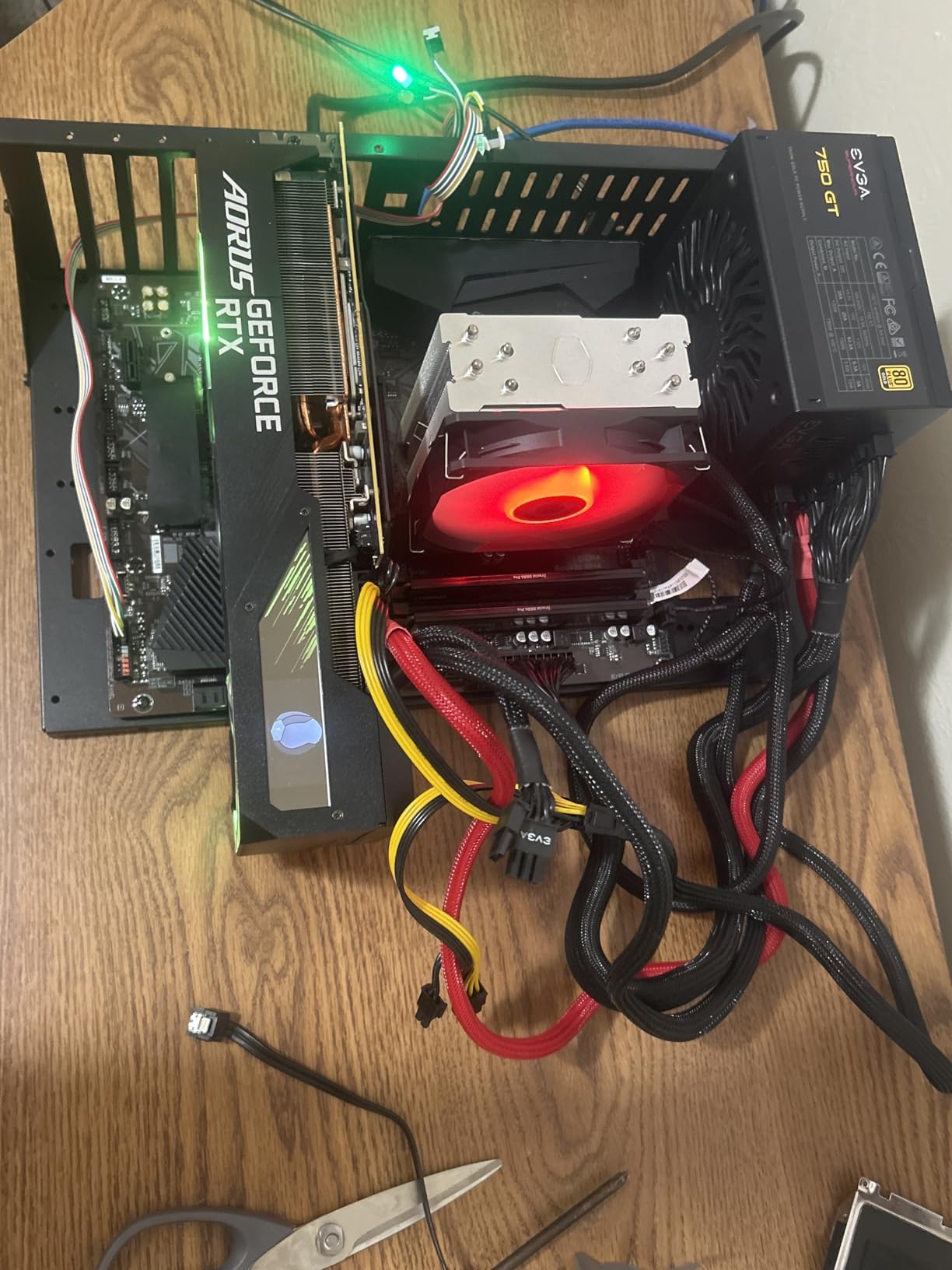
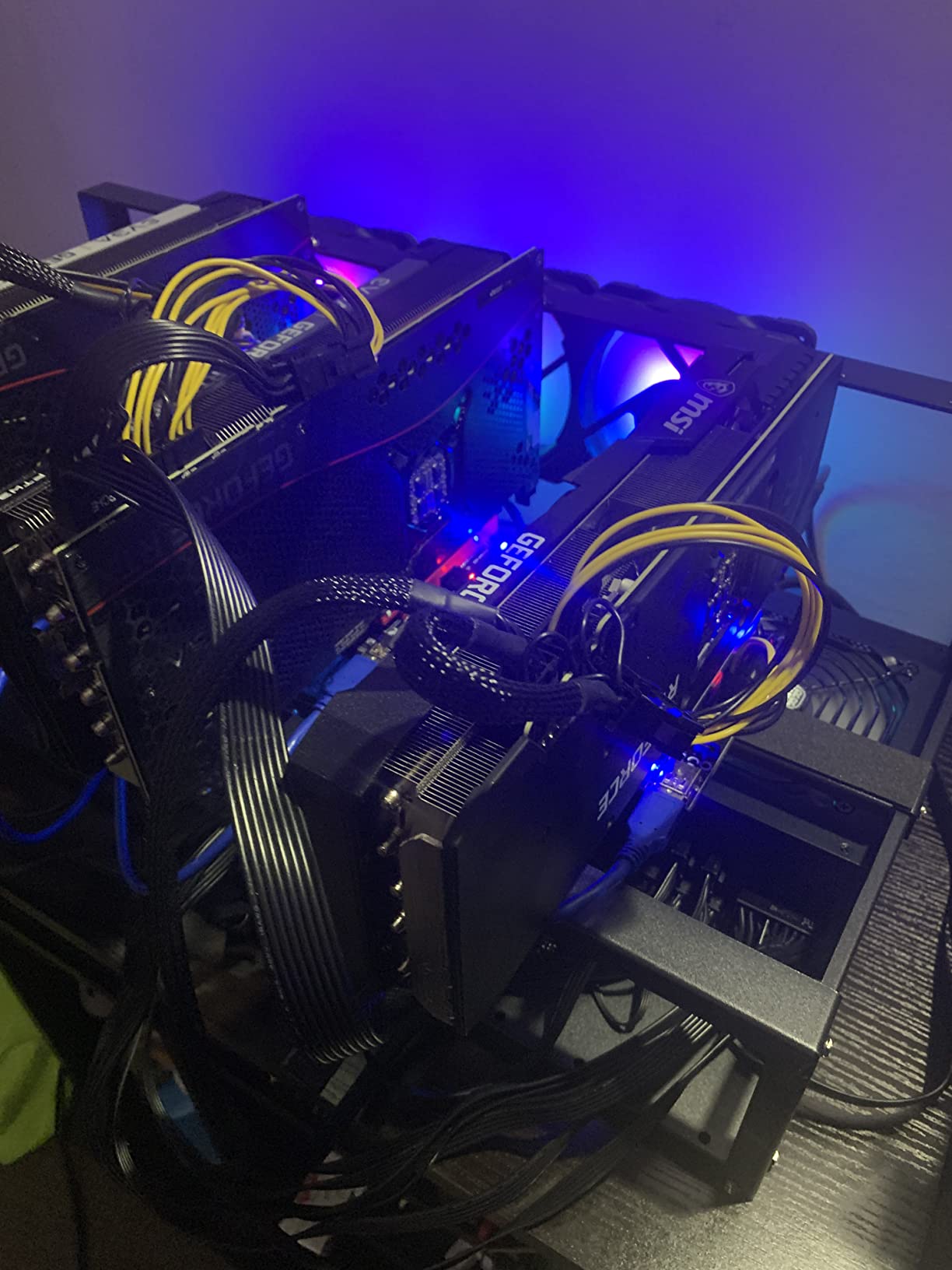
Most people reading this roundup want two cards. Some want four. The Bomeiqee mining rig frame is the honest answer for anyone planning to grow beyond two, because it provides eight GPU slots with space reserved between the cards and an alloy and stainless steel structure that stays rigid with multiple heavy boards mounted.
It is frame only. No fans, no power supply, no cables, no motherboard. You supply every component, which is why several owners report assembly times of three to twelve minutes with a power driver.
Plan for Four to Six, Not Eight
The honest caveat from owner reviews is that real-world capacity lands closer to four to six cards once spacing is considered, not the advertised eight. Fans mounted between cards need room, and a card that is thermally throttling its neighbour is worse than one fewer GPU. Budget for airflow between positions rather than treating the slot count as a guarantee.
There is also only one power supply mount, so adding a second unit is not possible without modification. Some micro-ATX motherboards do not align with the standoff holes and may need drilling.
Power and Airflow for Large Multi-GPU Loads
Power supply support reaches 1300 watts, and the open design takes up to five 120mm fans for convection cooling. With several cards under load, that open convection is genuinely the point, since each card gets its own air rather than sharing a single recirculating path.
Riser foam is included in the box, which matters if you plan to use risers to reorient cards in the limited vertical space.
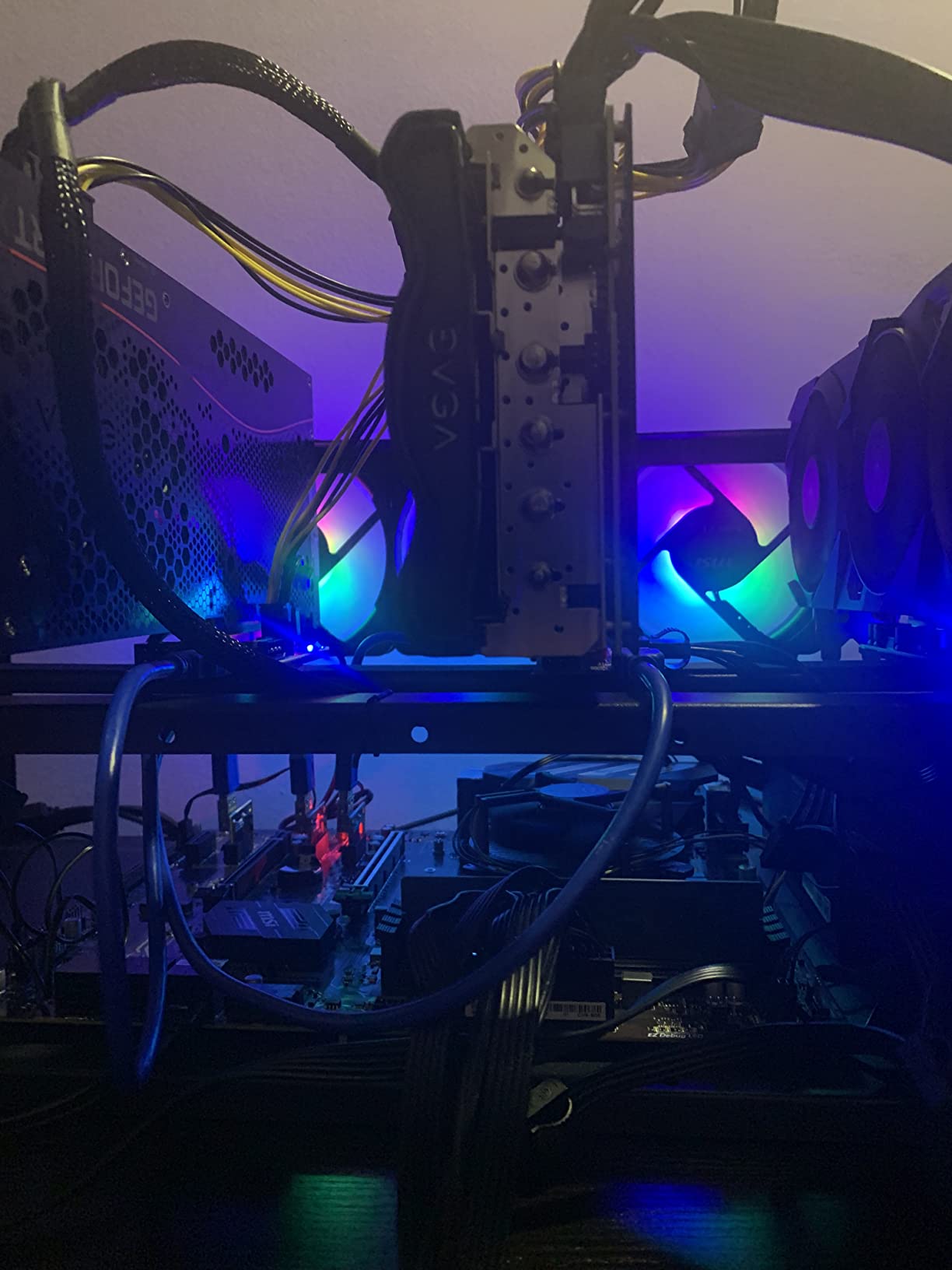
For a crypto rig or a multi-GPU compute box, this is a well-reviewed frame. For a dual-GPU build, an enclosed chassis from earlier in this list will look and function better on a desk.
Do You Actually Need Two GPUs?
It depends entirely on your workload, and getting this wrong is how people end up with two cards performing worse than one. In 2026, dual-GPU demand lives almost entirely outside gaming.
Local AI Inference and LLM Workloads
This is the strongest case for two cards. Model inference and fine-tuning are VRAM-capacity bound, not compute bound, and pooling VRAM across two 24GB cards lets you run models a single card cannot hold. LocalLLaMA builders stack 3090s and 4090s for exactly this reason. If that is your workload, prioritize VRAM, case clearance, and power headroom over aesthetics.
3D Animation and CUDA Rendering
CUDA and OptiX rendering scales well across multiple GPUs, and 3D animators are the dominant dual-GPU buyer persona we found in the forums. A 4090 plus a 5090 pairing is common, motivated by VRAM rather than frame rate. Rendering rigs also tend to run for hours continuously, so thermals and noise matter more than they would for a gaming build.
Gaming and Passthrough
Here the case is weakest. Most modern engines do not scale across two consumer cards, so you gain little. The exceptions are transcoding and GPU passthrough, where a second card genuinely offloads work. Gamers are usually better served by one faster card, and the money buys more performance than a chassis upgrade does.
Riser Cables, and When You Actually Need One
Risers let you mount graphics cards vertically, which looks better and can help in a short case. The tradeoffs are real: they add cost, they add a bend in the cable that can affect signal integrity, and many run at reduced PCIe generation. PCIe Gen4 and Gen5 risers exist, but they cost more than the difference between two chassis options. Builders overwhelmingly prefer horizontal mounting to preserve airflow and avoid the generation question entirely. Only reach for a riser when aesthetics or physical depth force it.
How to Choose a PC Case for Two Graphics Cards
Start With Your Motherboard’s Slot Layout, Not the Case
This is the step that saves people money. Forum consensus on Level1Techs and the Linus Tech Tips boards is blunt about it: any full-ATX case with seven slots can physically fit two large cards, so the differentiator is spacing, not slot count. A seven-slot ATX board with a 3-slot gap between its x16 slots will place two triple-slot cards almost touching, and the lower card will cook.
Look for a board with a 4 or 5 slot gap between the two x16 slots, as most modern multi-GPU boards offer. Once the board is right, case selection becomes easier. This is also the single biggest reason dual-GPU builds fail, and it costs nothing to verify before you buy a chassis.
GPU Length in Millimeters
Measure your cards, not the marketing. Flagship cards with large coolers are commonly longer than 300mm, and some exceed 400mm. Clearance figures in this roundup range from 400mm on the MONTECH AIR 903 MAX to 530mm on the Fractal Design Define 7 XL. Buy for your longest card plus a few millimeters of margin, not for the round number in a spec sheet.
GPU Height and Slot Thickness
A dual-slot card and a triple-slot card are not interchangeable. Cards with large backplates and thick coolers can also collide with the side panel or a front intake fan if the case is tight. Check both the height figure and how many slots each card consumes, then add them together and compare against your board’s gap.
Chamber Architecture: Dual-Chamber Versus Triple-Chamber
A dual-chamber case isolates the power supply and cables from the component chamber, which matters more when two graphics cards are heating that chamber. Triple-chamber designs add a further separation so a radiator or reservoir has its own path. For dual-GPU builds, dual-chamber is the meaningful upgrade, and the Antec C8 on this list is the clearest example.
If you are still deciding on case architecture generally, our guide to airflow and panel design covers the tradeoffs in more depth.
Power Supply Headroom for Two High-Draw Cards
Two graphics cards at 350 to 575 watts each will not share a single power supply comfortably. Budget the GPUs’ combined rated draw, add the CPU and platform overhead, and leave 20 to 30 percent headroom for transients, because modern cards spike well above their sustained draw under load.
You also need the connectors. Two cards that each take three 8-pin plugs need six PCIe cables, which means planning the cable routing behind the tray before you build. Cases with an inaccessible PSU compartment or a top-mounted power supply make that harder, and that is worth checking against your chosen board’s power connectors.
Radiator and Fan Headroom
Dual-GPU builds run hot enough that radiator capacity matters more than in single-card systems. Cases supporting 360mm radiators at both the front and the top, or a 420mm plus a 360mm simultaneously, give you options. Fan mount points matter too: with two cards pushing heat you will want intake at the front and low, exhaust at the rear and top, and possibly under-shroud fans aimed at the lower card.
Noise Under Sustained Dual Load
Two full-load GPUs mean more fan noise than one, and the case’s acoustic treatment interacts with it directly. Damping materials and larger, slower fans both help. Larger fans move more air at lower RPM, which is why the 200mm front pair in the ProArt PA602 is worth considering for a workstation that runs for hours. If quiet matters, our quiet case roundup goes deeper on dampening choices.
Dust Protection and Long-Term Reliability
Open frames have no dust protection, which is fine for a bench you work on and bad for a machine that runs for years. Enclosed cases with removable filters on every intake position are worth paying for on a dual-GPU workstation. Check that filters pull out without dismantling the chassis, and plan a cleaning interval based on your environment.
Frequently Asked Questions
What is the best case for dual GPUs?
The ASUS TUF Gaming GT501 is our best case for dual GPUs, thanks to nine expansion slots and E-ATX support that leave an open gap between two full-length cards. The Antec C8 is the best dual-chamber option for keeping GPU heat away from the power supply, and the MONTECH AIR 903 MAX is the best value pick with 400mm GPU clearance and four fans included. Whichever you choose, confirm your motherboard spaces its two x16 slots by at least four slots before you buy anything.
Can I run 2 GPUs in one PC?
Yes, as long as your motherboard has two x16 PCIe slots and your case has the expansion slots and clearance for both cards. The real constraint is spacing: back-to-back cards throttle each other, so you want at least one open slot between them. A full-ATX case with seven or more expansion slots and a board with a 4 or 5 slot gap gives a workable layout. Check GPU length clearance of at least 330mm for modern flagship cards.
Are dual GPU builds worth it?
For AI inference, LLM work, and 3D or CUDA rendering, often yes, because those workloads scale with VRAM capacity and compute. For gaming, usually no, since most modern engines do not scale across two consumer cards and the money buys more performance in one faster GPU. Streaming setups with transcoding or GPU passthrough are the common gaming-adjacent exception where a second card earns its place.
Are dual GPUs still a thing?
In 2026, dual-GPU is alive but specialized. Builders adding a second card are typically animators, AI and local LLM users pooling VRAM, and renderers, not gamers. The growth trend is toward four-card AI and rendering rigs, which is why some open mining frames now advertise eight GPU slots. For most people buying a gaming PC, a single faster card remains the right call.
What is the best dual chamber PC case?
The Antec C8 is the best dual-chamber case in our roundup, with eight expansion slots, E-ATX support, and a sealed power supply chamber that keeps GPU heat out of the PSU bay. The darkFlash DY470 is the alternative, with a back-mounted motherboard and sideways PSU mount for a cleaner look. Dual-chamber designs help most in dual-GPU builds, where two full-load cards heat the same chamber.
How much PSU wattage do I need for two GPUs?
Add the combined rated draw of both graphics cards, add CPU and platform overhead, then leave 20 to 30 percent headroom for load transients, since modern cards spike above their sustained draw. Two 575W cards alone are over 1150W before anything else, which pushes you into the 1600W class. You will also need enough PCIe cables for both cards, typically six 8-pin plugs.
Which Dual GPU Case Should You Buy in 2026?
If you want the best pc cases for dual gpu builds, start by matching the chassis to your workload and then check your motherboard’s slot spacing before anything else.
For a general dual-GPU build, the ASUS TUF Gaming GT501 is the pick. Nine expansion slots, E-ATX support, 420mm graphics card clearance, and a full-height mesh intake that feeds both cards. It is our Editor’s Choice for good reason and the one we would build around again.
If heat from two full-load cards is your main worry, the Antec C8 isolates the power supply in its own chamber. If you want maximum airflow directed at the lower card, the Antec Flux Pro puts reverse fans under the power supply shroud aimed straight at it. For the quietest option, the Fractal Design Define 7 XL damps noise and holds 18 drives.
If you are on a budget, the MONTECH AIR 903 MAX gives you E-ATX support, 400mm GPU clearance, and four fans at a price that undercuts the rest. For a showcase build, the darkFlash DY470 hides every cable behind a back-mounted board and adds a GPU support bracket.
If you are planning four cards rather than two, the Bomeiqee mining rig frame provides eight GPU positions, though plan for four to six cards in practice. For bench work where dust is not a concern, the ALAMENGDA AL01 and JOYJOM open frames remove every clearance limit.
Use the buttons on each review to see the current configuration details for the chassis you are considering, and check your motherboard’s x16 slot spacing before you commit to any of them.