
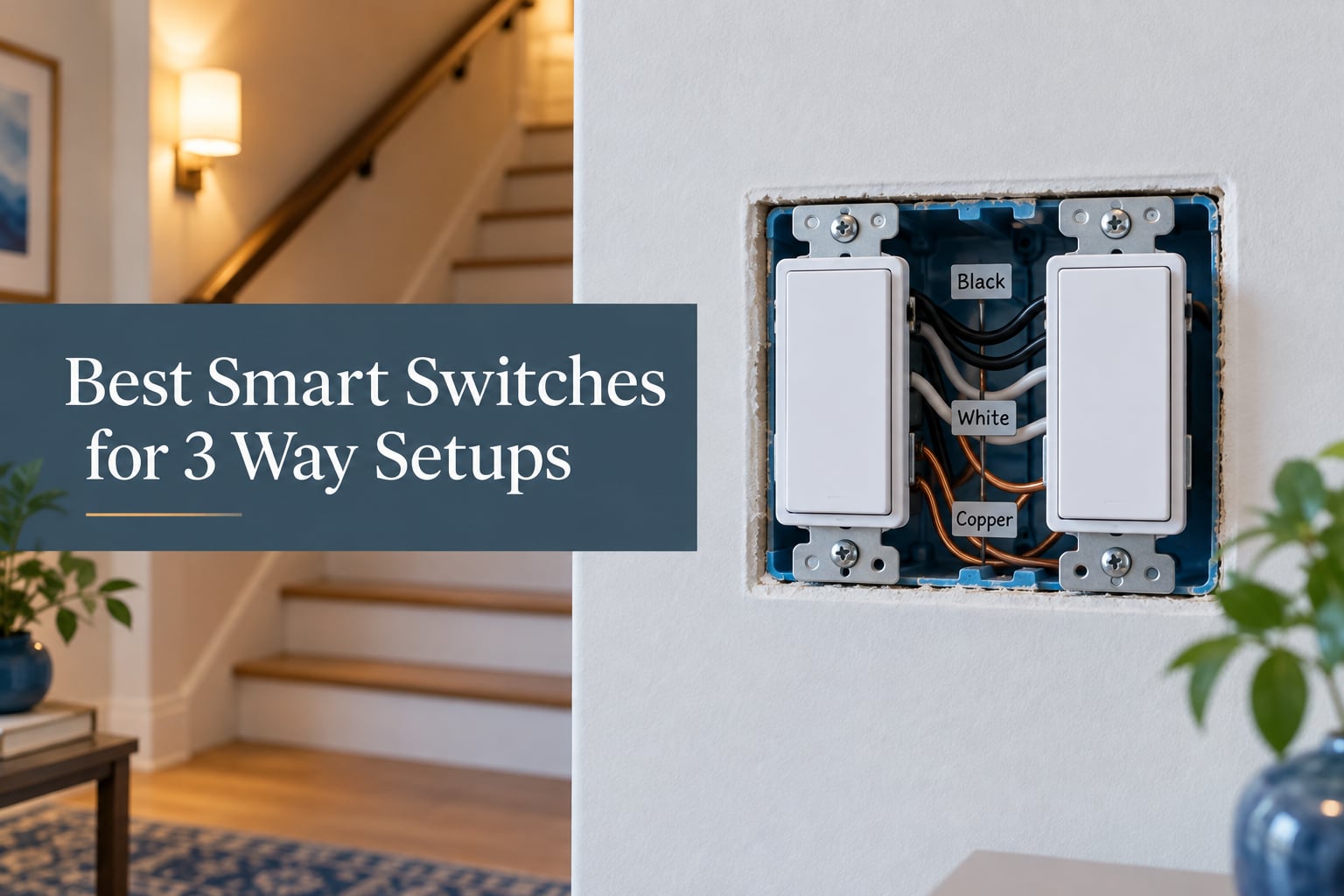
Most of the smart switches people unbox and immediately return were never wrong. They were simply the wrong shape for the job, because a 3-way circuit cannot be solved by a single ordinary smart switch. If you are shopping for the best smart switches for 3 way setups, the single decision that matters before any brand name is whether the product you buy comes as a matched master and add-on pair, and whether your switch boxes even have a neutral wire to work with. I have spent the last few months reading installs, wiring diagrams and the forum threads where people describe their three-way circuits, and this guide is built around those two questions rather than around spec sheets.
We go deep here because the cost of guessing is high. A single-pole smart switch dropped into a 3-way box tends to leave the light permanently on, flickering, or stubbornly ignoring the app, and the fix means opening the box again. Getting the wiring type right first is the difference between a fifteen-minute install and a wasted afternoon. If you are also rebuilding the rest of your setup, our guides to the best HDMI switches for 4K setups and how to clean a mechanical keyboard the right way cover the gear around the desk, while our best standing desks for heavy setups guide covers the furniture end of the same rebuild. Lighting circuits, though, follow their own rules.
Yes, You Can Put a Smart Switch on a 3-Way, But Only as a Master and Add-On Pair
You can, but not with an ordinary single-pole smart switch. A 3-way circuit runs two switches to one light, so you need a smart 3-way kit: one master switch at the box where the line and load wires meet, plus an add-on switch at the second location. Replacing only one switch will not work as a normal kit, and the light will usually stay on.
That is the whole concept in three sentences, and it is the answer most people arrive at the hardware aisle looking for. The master carries the relay, holds the line and load wires, and remembers the state of the light. The add-on has no relay at all. It simply sends a signal down one of the two traveler wires to tell the master to flip.
There is a second family of 3-way smart switches that breaks that rule, and it deserves its own paragraph because it changes the economics. Several of the picks below use a virtual 3-way design where only one switch is smart and the other end stays a plain mechanical 3-way switch. Those devices are rated for two current-carrying traveler wires and coordinate with the mechanical switch so the light does not hunt or strobe. Reviewers with decades of installed hardware describe this as the lowest-friction approach in older houses, and it is the design most often recommended on r/homeassistant, where the standard advice is to put the smart hardware in the box that has line, load and neutral, and not touch the other box at all.
The SmartThings community threads on the same topic make the same point with different wiring vocabulary: the main box is the one carrying line and load, and that is where the master goes. Once you accept that, every other decision on this page gets much easier.
Our Top 3 Picks for 3-Way Smart Switches in 2026
These are the three we would actually buy first, chosen for the three most common wall situations. The Kasa HS210 is the default answer when you have modern wiring and want no hub. The Lutron Caseta kit is the answer when the walls are old, the neutrals are missing, or you are in the Apple ecosystem. The meross MSS550 is the answer when you want HomeKit without a bridge and prefer a compact body that fits a crowded box.

Kasa Smart HS210 3-Way Kit
- Master plus add-on kit
- App-guided install
- 2.4 GHz Wi-Fi
- no hub
- Neutral wire required
- Alexa and Google Assistant

Lutron Caseta Dimmer and…
- No neutral wire required
- Works with HomeKit and Alexa
- ClearConnect mesh
- 1 to 100 percent dimming
- Requires the Lutron Smart Hub
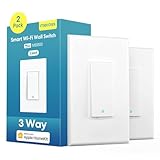
meross MSS550 3-Way Smart…
- Native HomeKit with no hub
- Only one switch replaced
- Compact body
- 2.4 GHz Wi-Fi
- Neutral wire required
Comparing All 8 Three-Way Smart Switch Kits Side by Side
Every pick below is either a matched master and add-on kit or a virtual 3-way design that needs only one smart switch. The two columns people check first are always the same: does the box have a neutral, and does the protocol need a bridge.
| Product | Specs | Action |
|---|---|---|
| Kasa Smart HS210 KIT 3-Way Switch |
|
Check Latest Price |
| Lutron Caseta Smart Dimmer and Pico Kit |
|
Check Latest Price |
 Kasa Smart KS230 KIT 3-Way Dimmer Kasa Smart KS230 KIT 3-Way Dimmer |
|
Check Latest Price |
 TREATLIFE 3-Way Smart Switch 4-Pack TREATLIFE 3-Way Smart Switch 4-Pack |
|
Check Latest Price |
 GHome Smart 3-Way Wi-Fi Switch 4-Pack GHome Smart 3-Way Wi-Fi Switch 4-Pack |
|
Check Latest Price |
 TREATLIFE 3-Way Smart Dimmer 2-Pack TREATLIFE 3-Way Smart Dimmer 2-Pack |
|
Check Latest Price |
| meross MSS550 3-Way Smart Switch |
|
Check Latest Price |
 Amazon Basics 3-Way Smart Dimmer Amazon Basics 3-Way Smart Dimmer |
|
Check Latest Price |
1. Kasa Smart HS210 KIT – The Hubless Master and Add-On Kit We Trust Most
Kasa Smart 3 Way Switch, HS210 KIT, Need Neutral Wire
Wi-Fi, no hub needed
Neutral wire required
2.4 GHz only
15A, 1800W UL certified
2-year warranty
Pros
- Comes as a true master and add-on pair
- App walks you through the wiring step by step
- No hub or separate accessory to buy
- Scheduling
- countdowns and away mode
- UL certified with a 2-year warranty
Cons
- Neutral wire required at the box
- 2.4 GHz Wi-Fi only
- Consult an electrician if you are not comfortable with wiring
The HS210 is the one we reach for when a homeowner asks for a straight answer. You get two switches in the box, one master and one add-on, and both talk to your router on 2.4 GHz Wi-Fi. There is no bridge to buy, no account juggling beyond the Kasa or Tapo app, and no separate accessory listing to hunt down later. For a staircase, a long hallway, or a room with two doors, that completeness is the point.
The install experience is genuinely better than it has any right to be. The app detects the switch over your network and then walks through the wiring in order, naming each terminal as you go. It is the kind of guided setup that turns a first-timer’s anxiety into a fifteen-minute job, and it is the most common reason buyers hand it to a friend who has never wired a switch before.
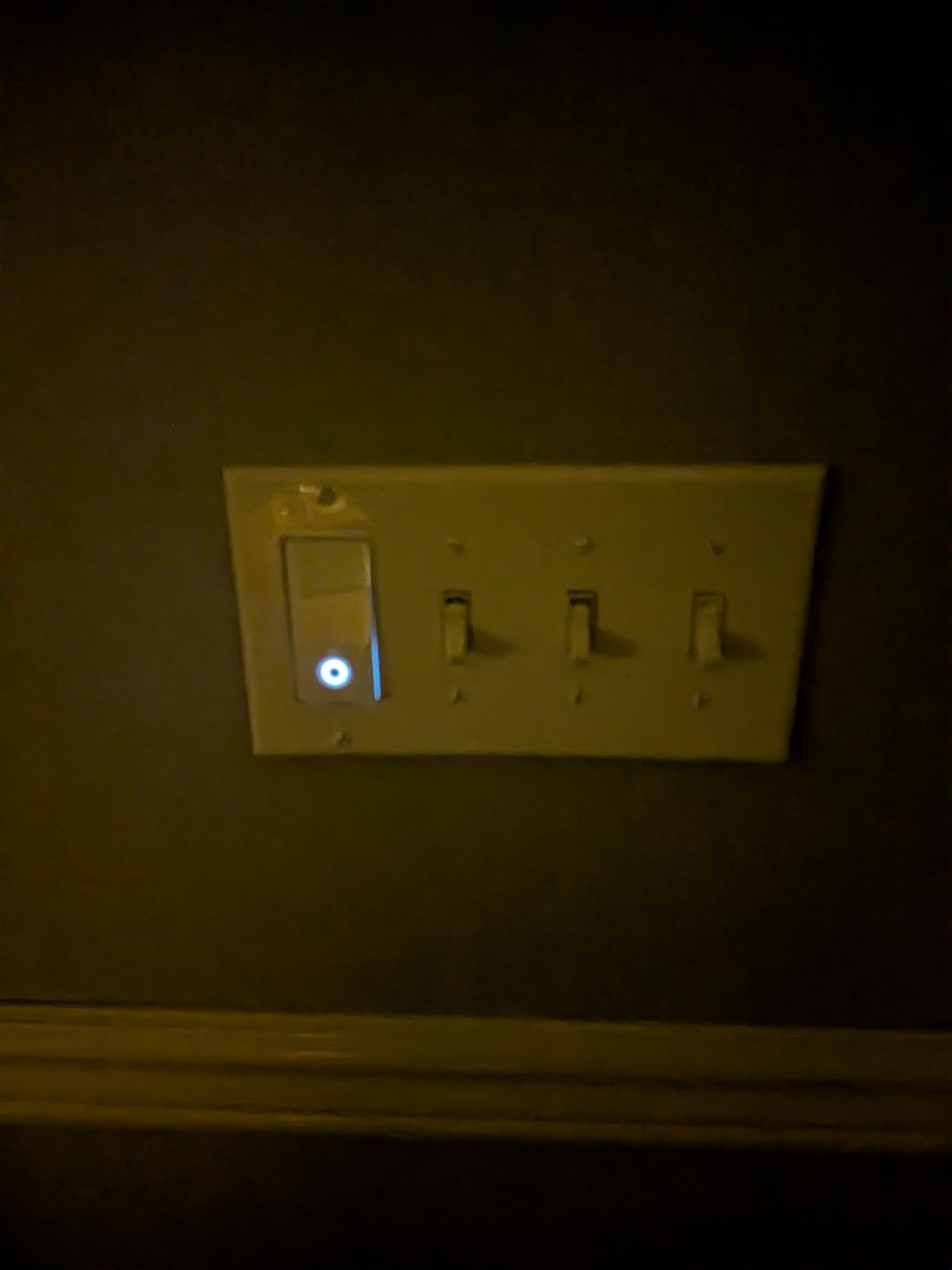
Beyond on and off, the automation is the reason most people end up keeping it. Schedules and countdowns cover the hallway at night, and the away mode flips lights on and off at pseudo-random intervals while you are away, which does more for perceived security than any camera does. Voice control runs through Alexa and Google Assistant, and IFTTT works if you want to hang routines off other triggers.
Our team put this kit through the most ordinary use we could think of: a two-location hallway with a neutral at both boxes. The one thing to keep on top of is firmware. Owners who update through the app report stable behaviour, and those who leave a switch on old firmware are the ones who describe occasional dropouts from the app.
Where the HS210 Falls Short
The neutral wire requirement is the deal-breaker in older housing, and there is no workaround inside this product. It also refuses anything except a 2.4 GHz network, so a home split between bands needs the SSID and password handled carefully before you start.
The Kasa and Tapo apps are separate, which is a small ongoing annoyance if you mix TP-Link hardware. Reviewers also flag that an electrician is a wise call if you have never opened a box, and honestly, that is good advice rather than a product flaw.
Who This Kit Is For
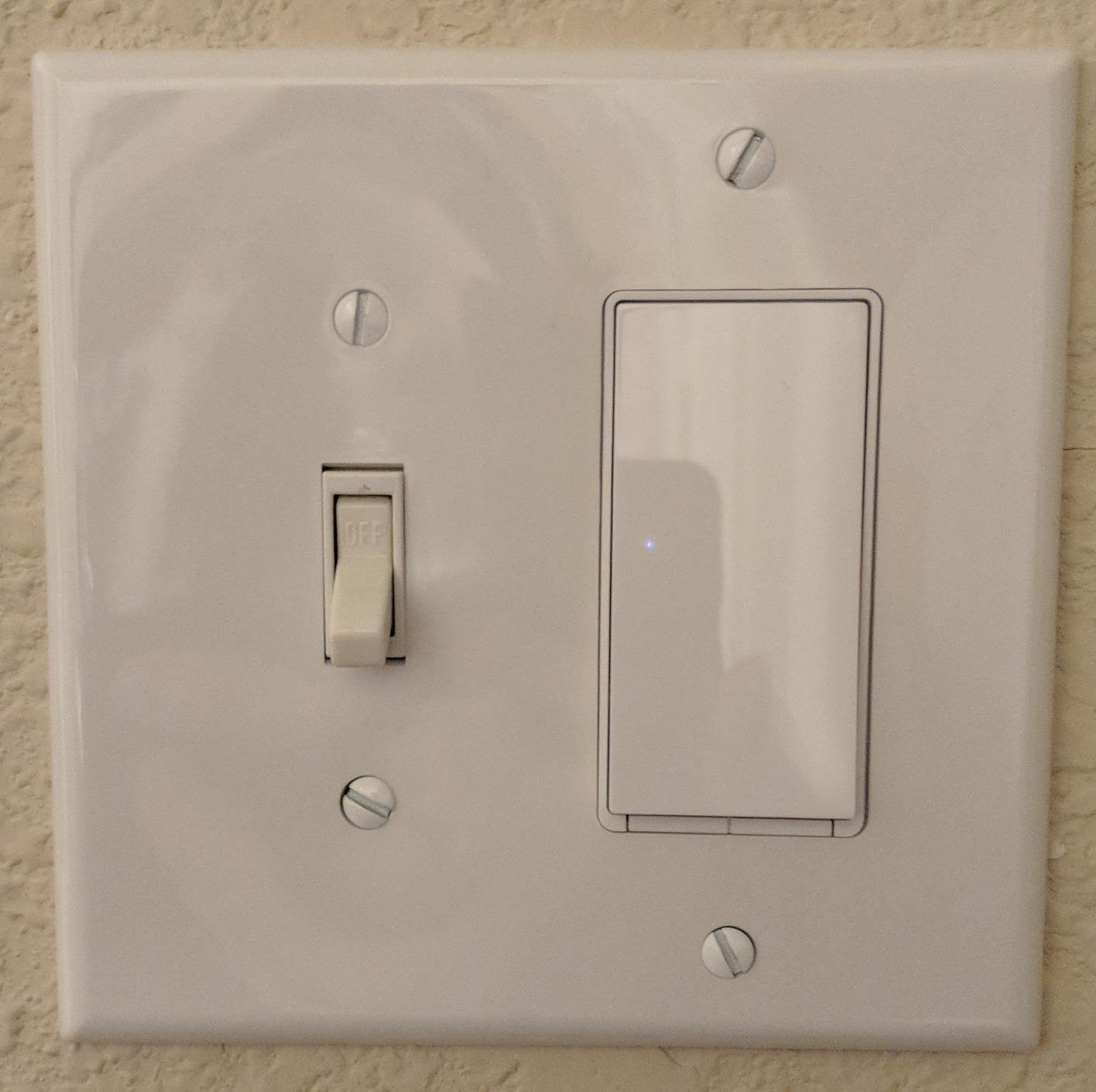
This is the pick for the majority of modern homes, and the one we would put into a rental or a new build without hesitation. If you have a neutral at the master box and a 2.4 GHz network, there is no reason to make this decision harder than it needs to be.
2. Lutron Caseta Smart Dimmer and Pico Kit – The Retrofit That Forgives Old Wiring
Lutron Caseta 3-Way Smart Dimmer Kit; LED Dimmer, Wireless Remote & Bracket
Works with no neutral
ClearConnect mesh, hub required
Up to 150W LED
2.25 x 3.38 x 4.5 inches
Remote control included
Pros
- Installs with no neutral wire
- Adds a switch location in about 15 minutes with the Pico
- Widest ecosystem support here
- Deep dimming to very low levels
- Slim body fits shallow boxes
Cons
- Lutron Smart Hub sold separately
- Wires attach with wire nuts rather than screw terminals
- Very low-draw LED bulbs can glow or flicker
- Pico runs on a coin-cell battery
The Caseta kit is the most expensive thing on this page and the one we would still put into a 1970s hallway. It installs without a neutral wire, which means it drops into the box you already have without opening the wall to fish new cable forward. It is also the highest-rated product in this group at 4.7, with 87 percent of buyers giving 5 stars.
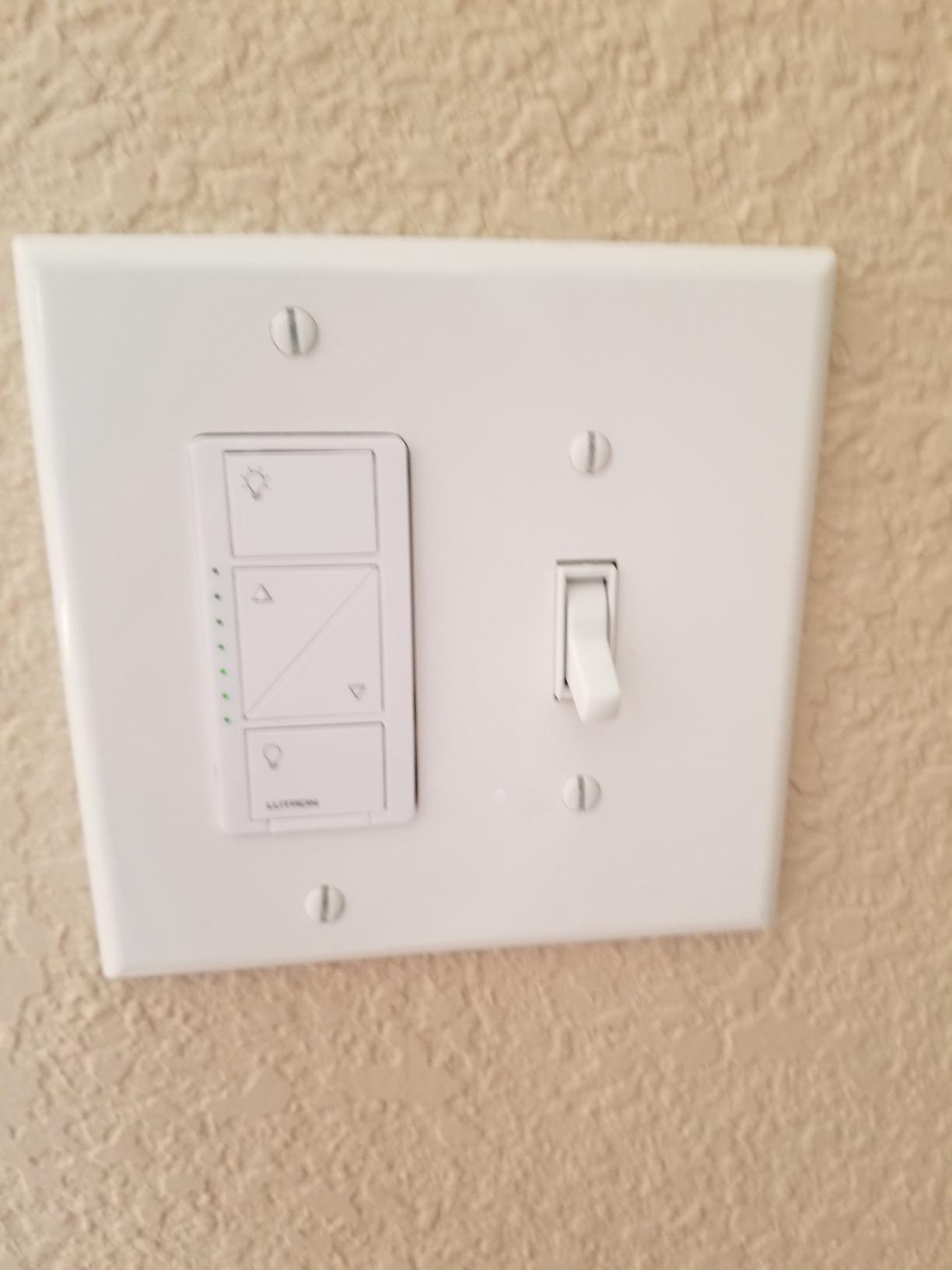
The second half of the kit is a Pico remote and a wallplate bracket. The Pico replaces the second switch face, and because it is a remote rather than a wired switch, you can mount it anywhere, add a new switch location that never existed, or hand it to someone as a nightstand remote. Owners describe adding a control point in a fifteen-minute job without touching drywall, which is the feature no competing kit in this roundup can offer.
Dimming quality is where this kit separates itself. The Caseta dimmer runs up to 150 watts of LED or 600 watts of incandescent and halogen, and the curve falls smoothly to very low output rather than snapping off. The caveat that shows up most in reviews involves very low-draw bulbs such as mini-screw candelabra fan kits, which can glow or flicker because a small amount of current always remains in the circuit.
Connection quality is the other surprise. ClearConnect is a proprietary mesh that runs through the Lutron Smart Hub and does not depend on your Wi-Fi at all, so response is fast and stays fast when the internet connection is under load. For anyone who has watched a cheap Wi-Fi switch hang while a video call saturates the router, that separation is worth a lot.
The Hub Is Not Optional
The recurring objection, and it is a fair one, is the separately sold hub. App control, scenes, schedules, geofencing, smart-away and timers all route through it. Voice assistants need it too. Buyers are candid that this is an up-front cost on top of an already premium kit, and it is the reason many people end up choosing a hubless Wi-Fi kit instead.
Two smaller notes apply. The wires attach to the body with wire nuts rather than screw terminals, which some find fiddly in a crowded box. And the Pico buttons feel nothing like a conventional toggle, so a household with young children or elderly parents needs a day to adjust.
Where Lutron Fits in a Home
Lutron is the pick when the wiring is old, the house is Apple-heavy, or you want dimming that behaves like a lighting-grade product rather than a switch that happens to dim. The forum consensus we found matches that: the most-endorsed approach in the Home Assistant community is a Lutron at the main box, precisely because it does not demand a neutral.
3. Kasa Smart KS230 KIT – Dimming From Two Locations Without a Hub
Kasa Smart 3-Way Dimmer Switch Kit, KS230 KIT v2, Need Neutral Wire
1 to 100 percent dimming
Neutral wire required
2.4 GHz Wi-Fi only
Up to 300W incandescent or 150W LED
ETL certified
Pros
- True 1 to 100 percent dimming from both locations
- Scheduling for night lighting and gentle waking
- Master and satellite included with wire nuts
- Works with Alexa
- Google Assistant and SmartThings
- 2-year warranty
Cons
- Neutral wire required
- 2.4 GHz only
- Higher one-star share than the on/off kits
- Connectivity and pairing frustration reported
The KS230 is the dimming answer for people who still do not want a hub. It comes with a smart dimmer, a satellite dimmer switch, two wall plates and five wire nuts, which is a more complete box than most competitors send. Dimming runs the full 1 to 100 percent range from either location, and the satellite dimmer is a real dimmer rather than a momentary button dressed up as one.
What owners praise most is scheduling by brightness rather than by simple on and off. A stairway that drops to five percent after 10pm, a bedroom that lifts gently to thirty percent on a weekday morning, a hallway that lands at forty percent after sunset. Those routines run inside the app and voice control through Alexa or Google Assistant, with SmartThings also supported.
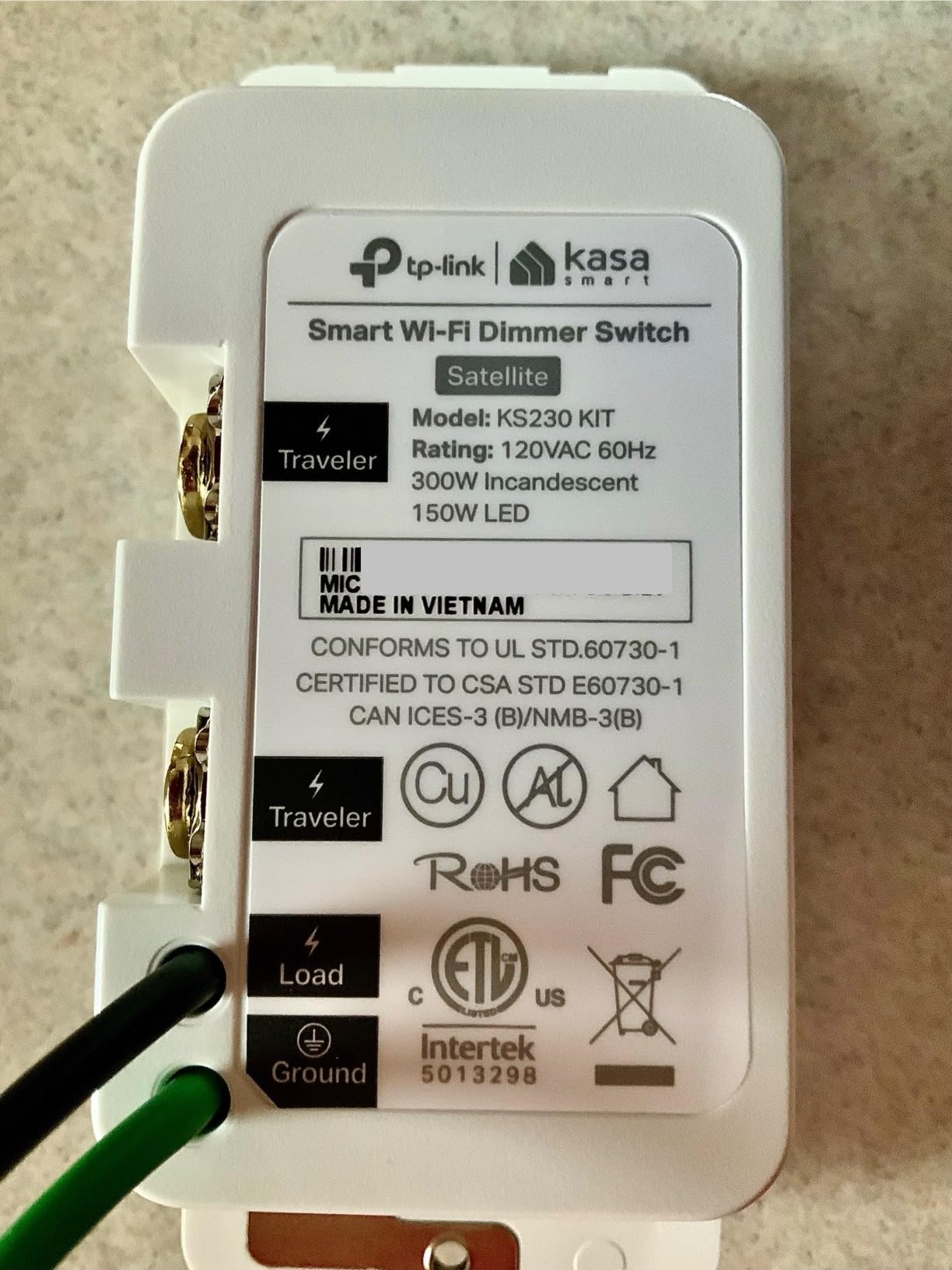
Load handling is solid for a dimmer: up to 300 watts incandescent or 150 watts of dimmable LED. Below that ceiling, the dimming behaves predictably. Above it, or with non-dimmable bulbs mixed in, you get the flicker and buzz that every cheap dimmer produces.
The Caveat Worth Reading Twice
At 4.4 stars this kit draws a nine percent one-star share, and reading those reviews shows the complaints cluster around pairing and connectivity rather than the dimming hardware. People report difficulty joining the network or losing the switch from the app after a power event. Updating firmware through the app immediately after setup is the consistent piece of advice from happy owners.
The neutral wire requirement and the 2.4 GHz limitation are the same two constraints as the HS210. As with any of these, an electrician is the right call if wiring is unfamiliar.
When to Choose This Over the HS210
Choose the KS230 when you want dimming. Choose the HS210 when you only want on and off. Everything else, including the hubless setup and the app-guided install, is nearly identical between them, so the decision comes down to whether your bulbs are dimmable at all.
4. TREATLIFE 3-Way Smart Switch 4-Pack – One Smart Switch Per Circuit
TREATLIFE 3 Way Smart Switch 4 Pack, Neutral Wire Required, 2.4GHz WiFi Smart Light Switch Works with Alexa and Google Home, Remote Control, FCC Certified, No Hub Required
One smart switch replaces one 3-way switch
Neutral wire required
2.4 GHz only, no hub
Up to 1250W, 10A
Pros
- Only one switch replaced per 3-way circuit
- Real dual traveler wires
- Compact body fits crowded boxes
- Gentle indicator glow in the dark
- Deep long-term owner reports
Cons
- Neutral wire required
- 2.4 GHz only
- Not compatible with Apple HomeKit
- Not a dimmer
- All-plastic body can bind if the screw is overtightened
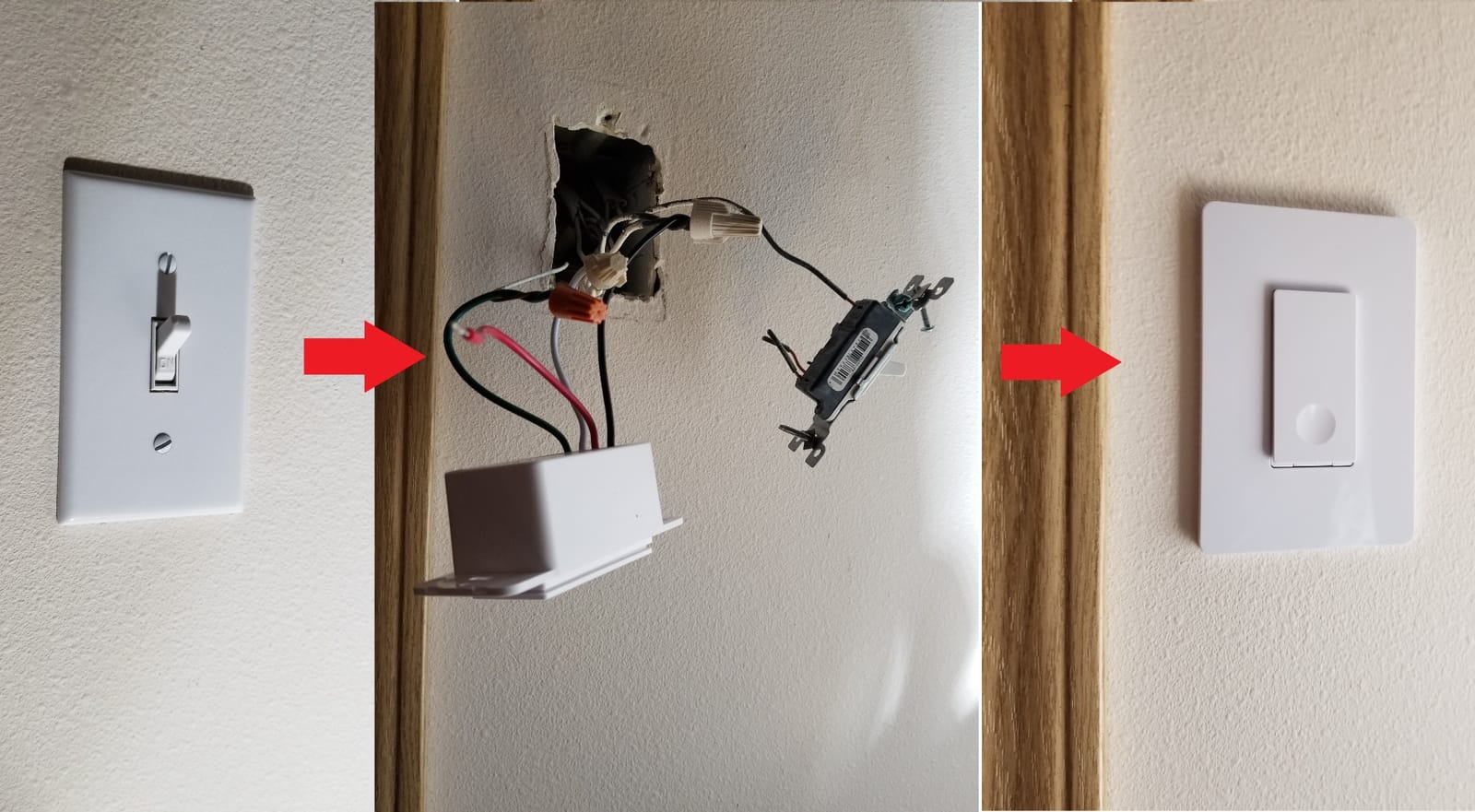
The headline discovery in reviews of this switch is not a feature, it is arithmetic. You replace one of the two existing 3-way switches with the smart one and the other end stays exactly as it was. Across a house with six stairways, hallways and garage links, that halves both the hardware and the wiring work, and it is the reason this switch shows up in so many whole-home retrofits.
It also uses real dual traveler wires rather than the single-runner workaround some competing 3-way Wi-Fi switches rely on, which is why the original mechanical switch on the other end keeps behaving predictably instead of hunting. The package can be installed as a 3-way or as a single-pole switch, so a single purchase covers a mixed list of circuits.
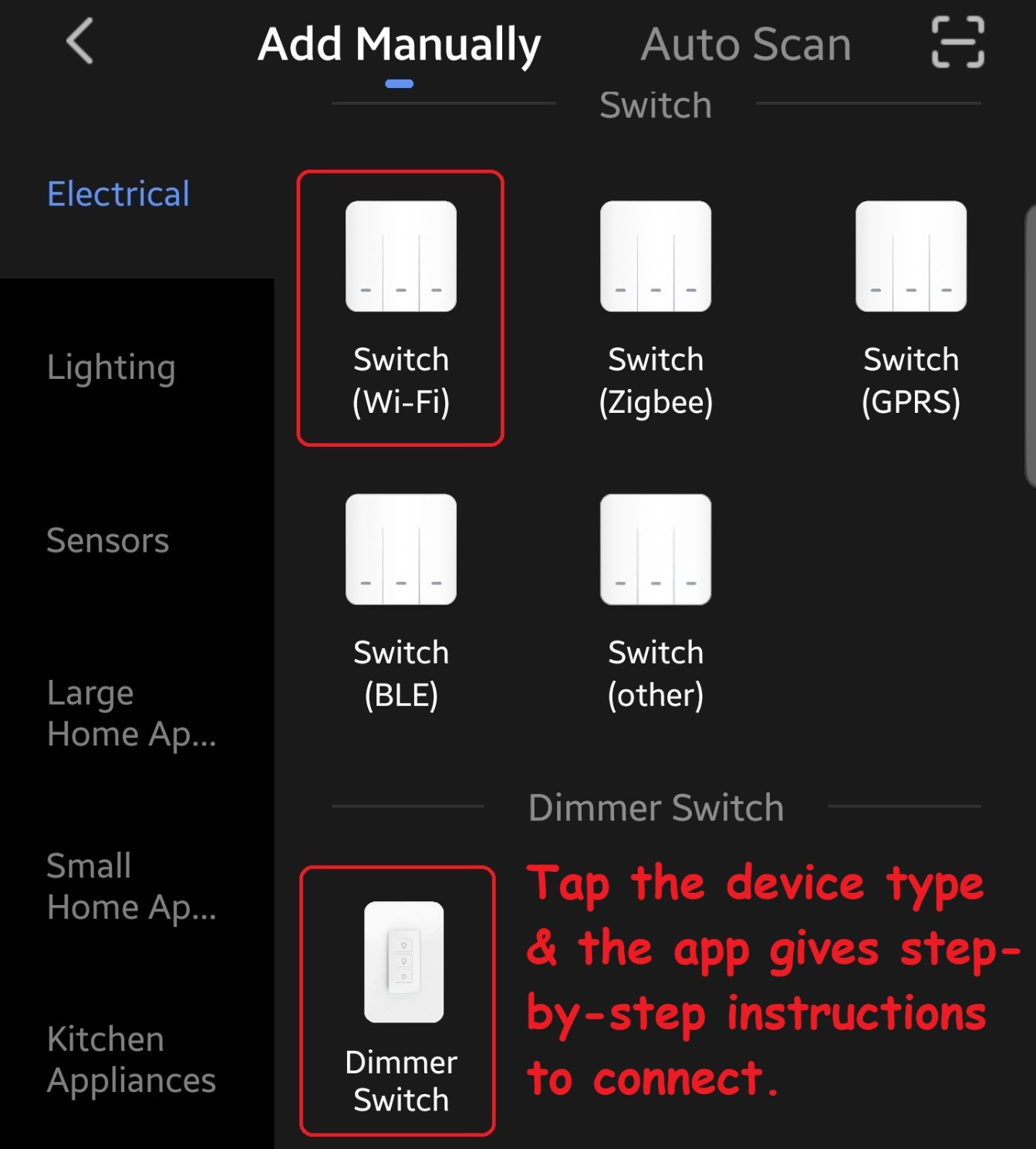
Long-term owners are unusually specific about their results. One has 28 installed with only two network dropouts, both cleared by a reset. Another runs more than 20 across multiple floors without incident. Small touches get mentioned often too: a discreet indicator that glows softly when the light is off, and a compact body that leaves room for wire nuts in a box that other brands fill completely.
The Durability Question
Against that, several owners report individual 3-way switches dying after three to four years, and one reviewer abandoned the line after nine switches started failing. The plastic terminal can also bind if the screw is overtightened, which is an installation error worth avoiding rather than a design flaw.
It is not a dimmer, it does not work with Apple HomeKit, and the four-pack includes only single-gang cover plates. There is also no 4-way or multi-way Wi-Fi model, so a genuinely multi-way circuit still needs a standard mechanical 4-way switch added to the run.
Where This One Fits
This is the pick for a whole-house Alexa or Google Home project on a budget, especially where you want the second location to remain a physical toggle that guests and children can use without an app. Note the pairing requirement: a traditional mechanical add-on is what this design expects, not a smart add-on from another brand.
5. GHome Smart 3-Way Wi-Fi Switch 4-Pack – A Budget Upgrade for Whole-House Runs
GHome Smart Switch, 3 Way Wi-Fi Light Switch Compatible with Alexa and Google Home, 2.4GHz Schedule Timer, Neutral Wire Required, 3-Way Installation, FCC Listed (4-Pack), White
Only one switch replaced per circuit
Neutral wire required
2.4 GHz only, no hub
15A, 1800W
4-pack with wallplates
Pros
- Lowest cost per switch of the multi-packs
- Only one switch replaced and real dual traveler wires
- Wire nuts
- screws and wallplates included
- Red indicator LED helps diagnose a dead circuit
- Easy app pairing and smooth Alexa integration
Cons
- Does not report true on and off state to Alexa
- 2.4 GHz only and neutral required
- Button toggles rather than having distinct positions
- Runs warm and can be blocked by a metal cover plate
The GHome switch is among the cheapest per circuit here, and at four to a box it is an efficient way to put app control into a run of hallways. Like the TREATLIFE above, it is a virtual 3-way: you replace one switch, the mechanical switch on the other end keeps working, and the smart switch coordinates with it over genuine dual traveler wires.
What you get in the box is better than the switch itself. Each unit arrives with a snap-on wallplate, four wire nuts, screws and a manual, so a five-circuit job needs no second shopping trip. Scheduling includes sunrise and sunset defaults, which suits exterior and security lighting without any configuration work.
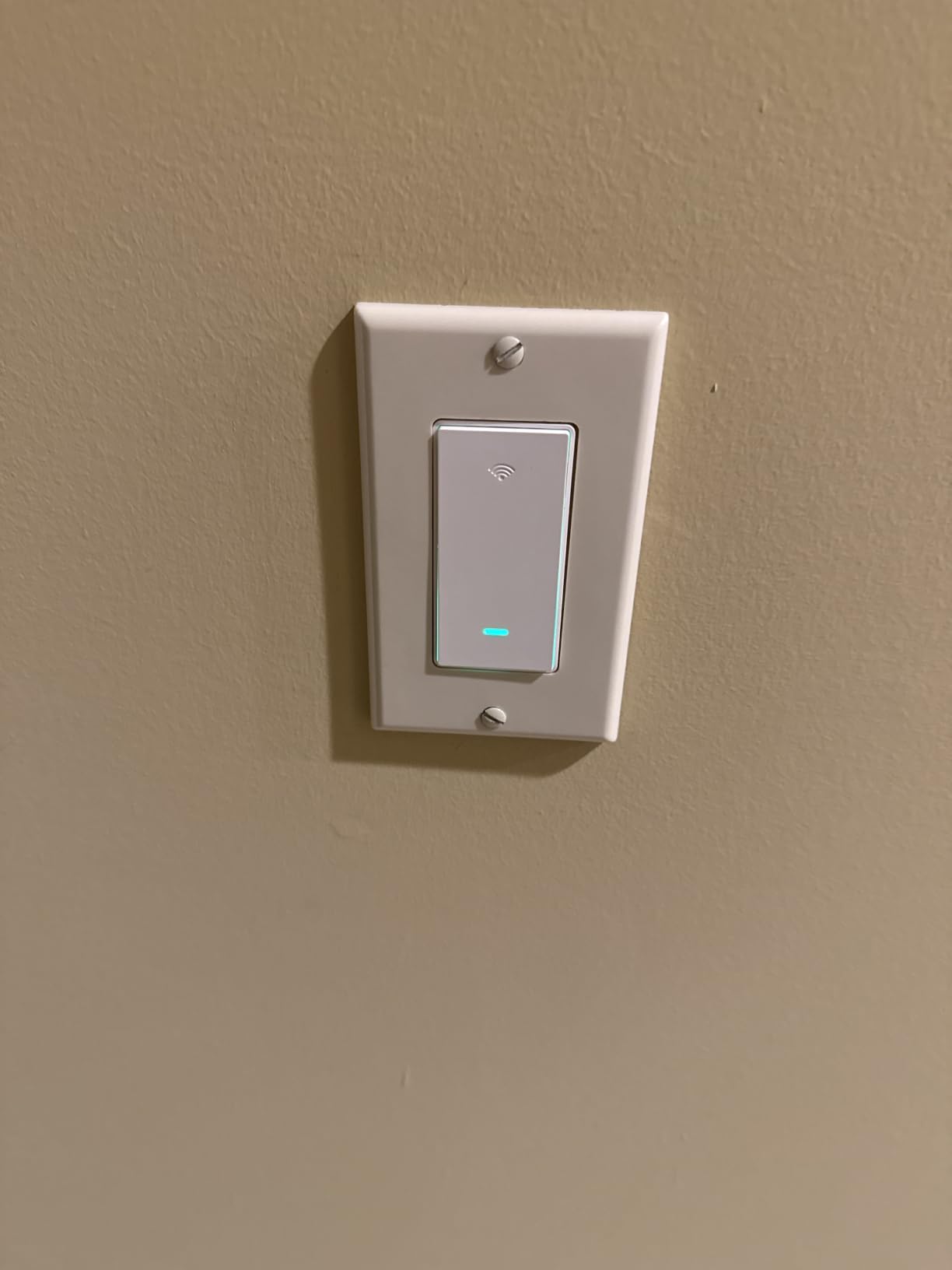
One small feature turned out to matter more than expected during our reading: the red indicator LED stays visible when the light is off, which makes tracing a circuit with a blown bulb dramatically faster. Pairing through the app is quick and Alexa integration is smooth according to owners.
Why State Reporting Matters More Than It Sounds
This switch does not report true on and off state back to Alexa, so a spoken command to turn all lights off simply flips whatever state each switch happens to be in. That single limitation breaks the kind of whole-home routine people most want to build, and it is the most substantive criticism in the reviews. If your automation depends on knowing the real state, skip this one.
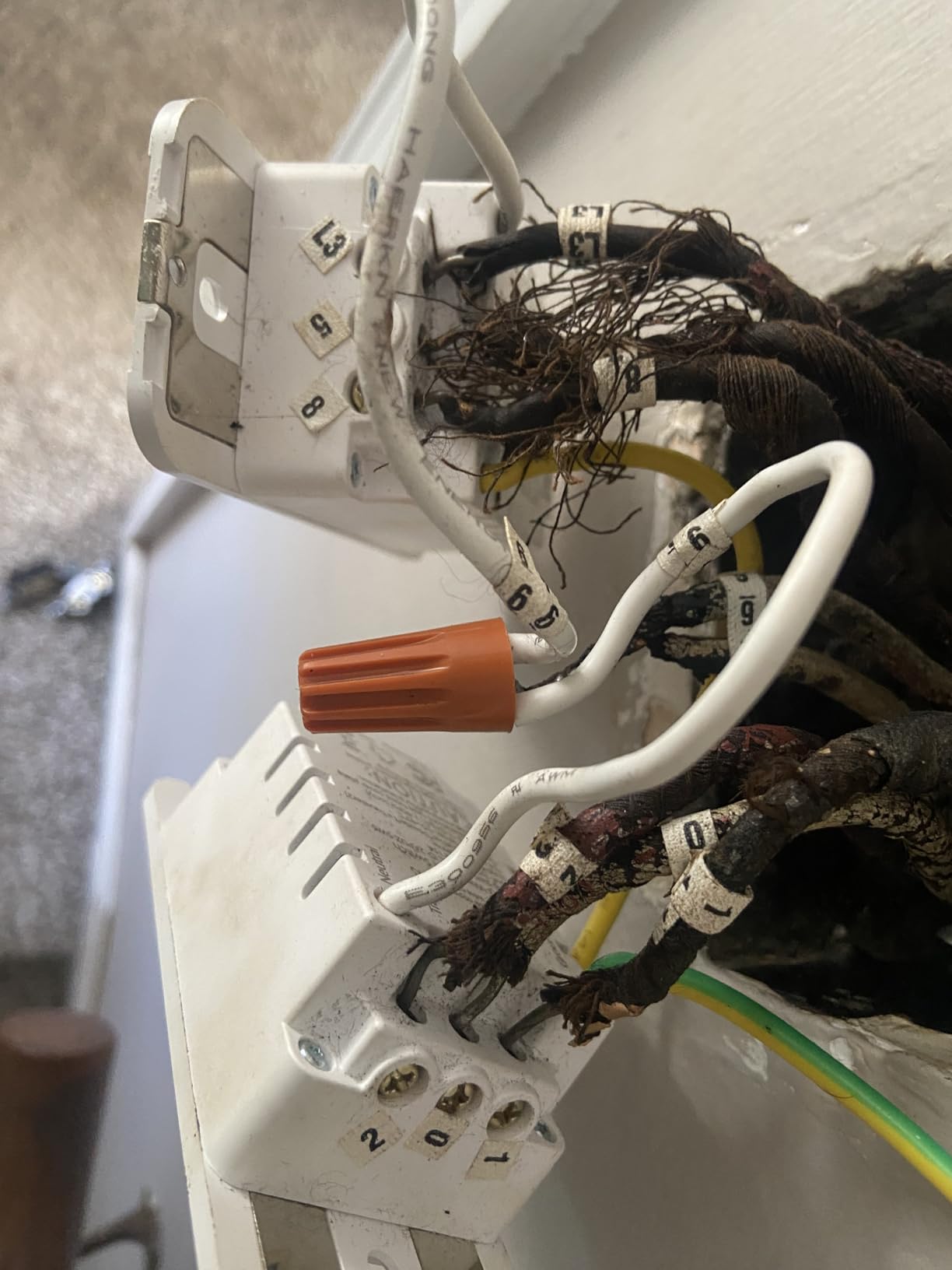
Also worth knowing: the button toggles instead of holding distinct up and down positions, which some owners find confusing on a rocker-style face. A metal decorative cover plate kills the signal and requires a plastic plate instead. The pre-attached pigtails run about three inches and often will not reach in a crowded box. A minority of owners report early hardware failure or an app account wipe after a couple of weeks of non-use.
Who Should Buy This
Buy it for a rental, a garage, or a dozen-light project where on and off is genuinely all you need and the budget matters. Skip it if your household already runs routines that depend on device state.
6. TREATLIFE 3-Way Smart Dimmer 2-Pack – Two Master Dimmers in One Box
TREATLIFE 3 Way Smart Dimmer Switch 2 Pack, 2 Master Dimmer Switch Compatible with Alexa, Google Assistant, 2.4GHz WiFi Light Switch APP Remote Control, Neutral Wire Needed, Schedule, No Hub Required
Two master 3-way dimmers
Neutral wire required
2.4 GHz only, no hub
Up to 400W, 3.3A
Brightness memory
Pros
- Two independent master dimmers in one pack
- 1 to 100 percent dimming
- Brightness memory restores the last level
- Countdown
- sunrise and sunset timers
- Overheat protection and IPX5 rating
Cons
- Neutral wire required
- Alexa and Google Home only
- not HomeKit
- Not for fans
- motors
- transformers or smart bulbs
- Must be installed on the power side of the circuit
This pack is unusual and useful: it contains two master dimmers rather than a master and a satellite. One goes in the box with line and load, the other goes to an entirely different circuit. If you are dimming two rooms rather than two locations in one room, this saves a second order.
Dimming range is the full 1 to 100 percent, and the brightness memory function is the detail owners like best. The switch returns to the level you left it at after a power cut, so a power outage does not reset a bedroom to full blast. Timers cover countdown, sunrise and sunset, and device sharing lets a second household member control the same dimmer.
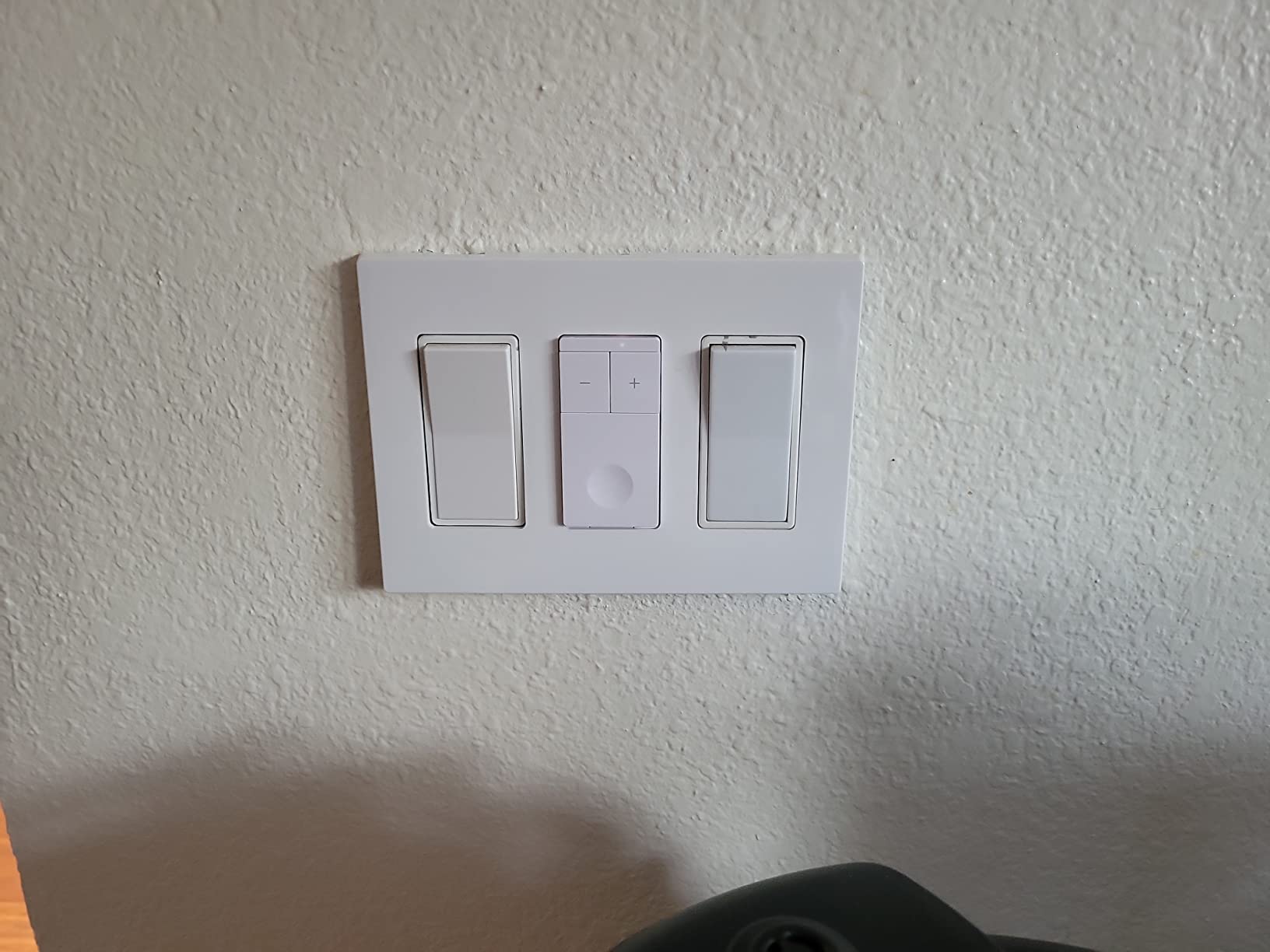
Safety engineering goes beyond what you would expect at this level: flame-retardant housing, built-in overheat protection, an IPX5 rating and FCC certification, with a current rating of 3.3 amps. The box includes two wallplates, wire nuts and screws.
The Two Constraints That Matter Most
First, placement. In a 3-way circuit this dimmer must be installed on the power source side, which fixes which box it goes in and removes the freedom of choosing. Second, load type. It is designed for dimmable bulbs only, which means no ceiling fans, no motors, no transformers and no Wi-Fi or Bluetooth smart bulbs on the load. Trying to dim a smart bulb through a smart dimmer is a reliable way to get flicker.
At 4.2 stars with a 10 percent one-star share, reliability complaints appear more often than on the on and off kits. There is no Apple HomeKit support, and it works only on 2.4 GHz Wi-Fi, so it lives firmly in the Alexa and Google Home corner.

Where It Fits Best
Dimming a living room and a stairway in one purchase, with a mechanical 3-way at the far end of each. If your load includes a fan, none of this applies and you need a dedicated fan controller instead.
7. meross MSS550 – Native HomeKit Without a Bridge
3 Way Smart Switch, Meross Smart Light Switch Supports Apple HomeKit, Siri, Alexa, Google Assistant & SmartThings, 2.4Ghz WiFi Light Switch Neutral Wire Required, Remote Control Timer 2 Pack
Works with Apple HomeKit, Siri, Alexa, Google Home, SmartThings
Neutral wire required
2.4 GHz only, no hub
2.5A, 531W maximum
Pros
- The only pick here with native HomeKit and no hub
- Only one traditional switch replaced
- Compact body and matte finish
- HomeKit code printed on the front
- Photo check offered before purchase
Cons
- Lowest current rating in this group at 2.5A
- Not a dimmer
- Firmware needs the Meross app
- Some units struggle to join HomeKit on channel 1
The meross is the Apple answer in a roundup where almost everything else stops at Alexa and Google. It pairs natively with Apple HomeKit alongside Siri, Alexa, Google Assistant and SmartThings, and it does it without asking you to buy a bridge first. For a house that already runs Home, that removes the single most common objection to smart switches, which is the extra box on the shelf.
Each switch carries its own HomeKit accessory code, printed on the front of the device, so both locations appear as separate accessories in the Home app and setup does not require pulling anything back out. Pairing takes minutes, and owners report it reconnects quickly after power outages. Only one traditional 3-way switch needs replacing, roughly a fifteen-minute job, and the body fits standard Decora and GFCI faceplates.
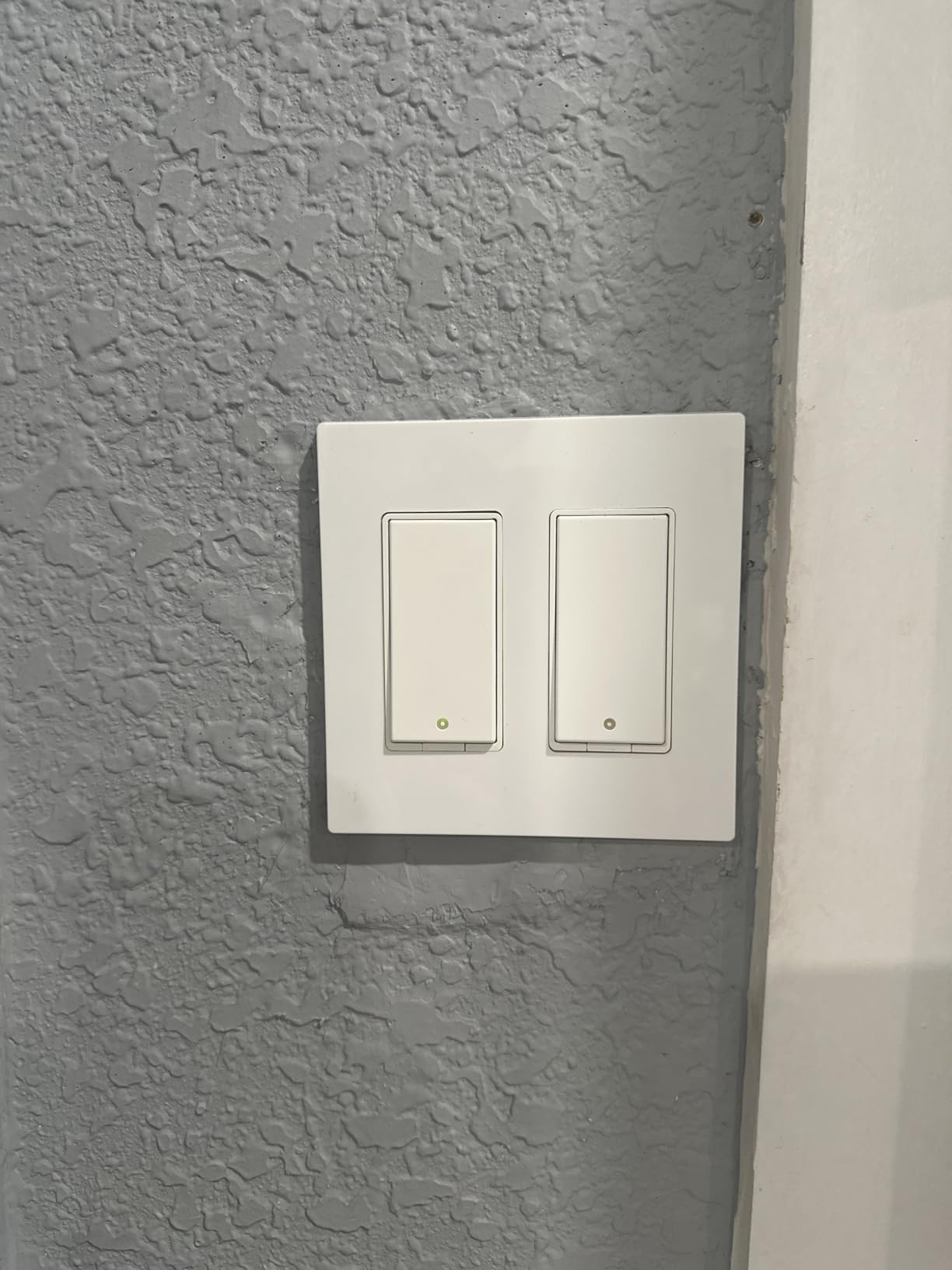
Physical details deserve a mention because they are the difference between a switch you enjoy flipping and one you resent. The body is smaller than most competitors, so fewer wires get crammed into the box. The matte finish resists scratching better than the glossy finish on some TP-Link units. The button action is tactile rather than mushy, and the status LED is subtle enough to disappear in daylight.
The Load Rating Is the Real Limitation
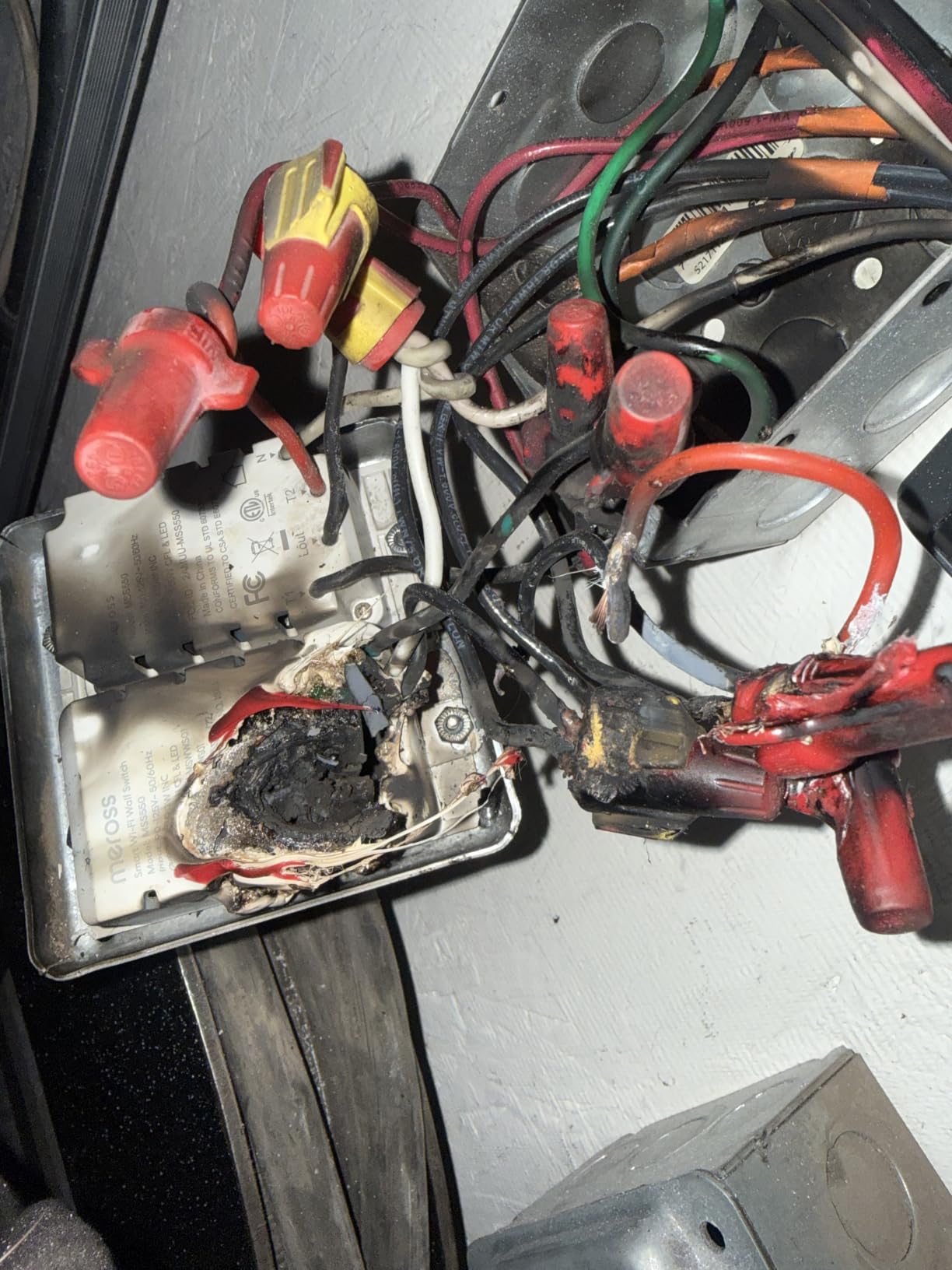
At 2.5 amps and 531 watts, this is the lowest current rating in the roundup, and it is the number to check against your actual fixture. It will run a standard lighting circuit comfortably. It is the wrong choice for a heavy load, a workshop, a garage door opener circuit or anything else that pulls real current.
Two more honest notes. It is on and off only, with no dimming at all. And a long-term owner running more than ten of them reports needing frequent restarts or hard resets, while other reviewers describe flawless multi-floor stability. If you are planning a large deployment, buy one and test it before committing to a dozen.
Why meross Specifically
Buyers frequently describe moving over from Wemo precisely because of HomeKit pairing without a hub and fast reconnection after outages. The pre-purchase photo check, where meross reviews a picture of the inside of your box before you commit, is a small touch that removes the neutral-wire gamble for a lot of buyers.
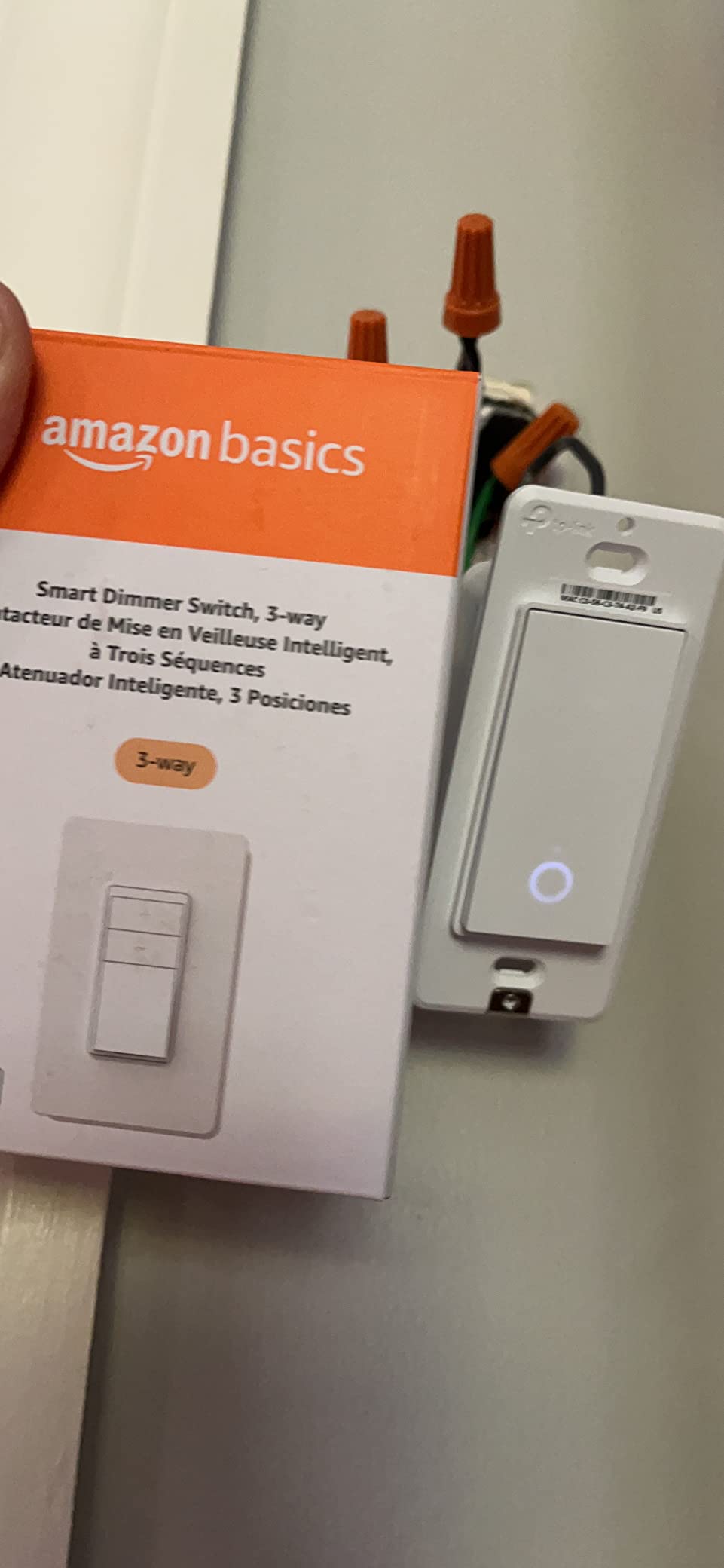
8. Amazon Basics 3-Way Smart Dimmer – Simple, but Locked to One Assistant
Amazon Basics Smart Dimmer Switch, 3-Way, Works with Alexa Only, Voice Control, Wi-Fi Light Switch, Schedule, 2.4 GHz Wi-Fi, No Hub Required, White
Alexa only, no hub required
2.4 GHz Wi-Fi
Dims from 1 to 100 percent
Up to 480W, 4A
ETL certified
Pros
- No hub and no separate app to learn
- Step-by-step install video and manual included
- Scheduling through Alexa routines
- Compact body that fits standard boxes
- Built from UL94-V0 flame-retardant material
Cons
- Alexa only
- no Google Home
- HomeKit or SmartThings
- No manufacturer app of its own
- Modest 480W dimmer ceiling
- Neutral wire requirement not clearly stated
The logic here is narrow and worth stating plainly. If your entire household runs on Alexa, you never need another app, and you want dimming at a single location, this does exactly that and nothing else. The install video and printed manual walk a first-timer through the process, and scheduling runs through Alexa routines rather than a separate control surface.
Dimming range runs the full 1 to 100 percent, the body is compact at under five inches tall, and the materials are UL94-V0 rated flame-retardant plastic with ETL certification. There is no hub to buy and no account beyond the one you already have.
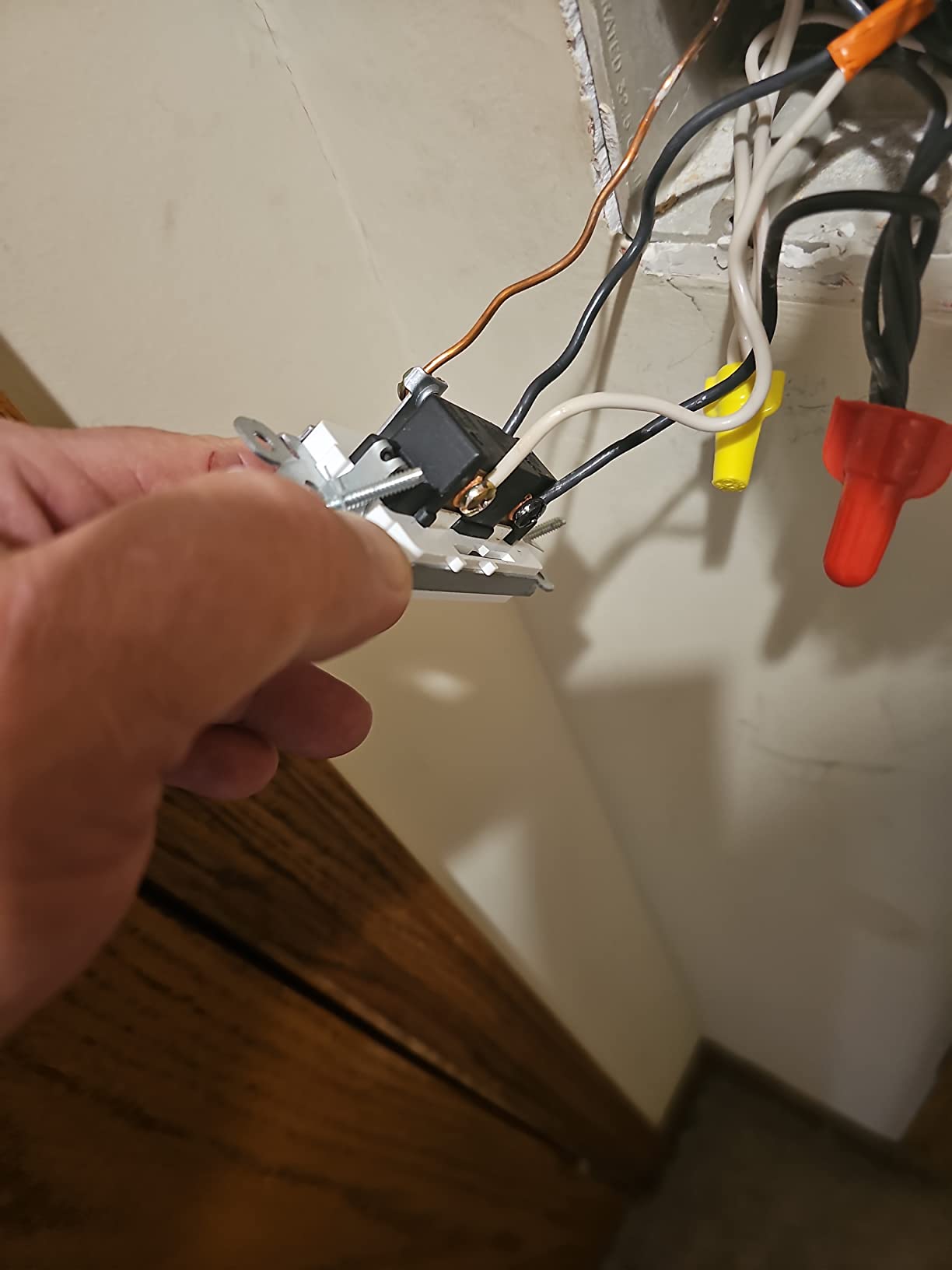
It is also the weakest performer in this roundup, which we would rather say plainly than bury. At 3.7 stars it carries a 19 percent one-star share, more than double any other product here, while still holding 55 percent five-star ratings. That split tells you exactly what is going on: people who want one job done are delighted, and everyone else is frustrated.
Why the Frustration Is Structural
There is no manufacturer app. Every function, including scheduling, is reached through Alexa, so a routine that depends on a specific timing or a specific level means learning Alexa routines rather than a purpose-built interface. Add the 4 amp, 480 watt ceiling, which is modest for a dimmer, and the dimming and installation performance that trails the dedicated smart home brands, and the rating makes sense.
One detail caused real install surprises for buyers: the listed specifications do not clearly state the neutral wire requirement, so people ordered it for boxes that could not support it. Check the box first, every time.
When It Still Wins
One bedroom light, an Alexa-only household, no dimmer requirement beyond the basics, and a real reluctance to add another app. Outside that narrow frame, any of the seven other picks serves you better.
How 3-Way Switching Actually Works: Line, Load and Traveler Wires
Understanding the wiring is what separates a clean install from a mystery. A 3-way circuit is not complicated once you know what each wire does, and it is the same topology that every kit on this page is designed to plug into.
The Five Wires You Will Find
Line, or hot, is the live feed from the breaker, and it exists in exactly one box on the circuit. Load is the wire leaving the master box on its way to the fixture. Then there are two traveler wires, which do not carry power to the light; they carry the switching signal between the two boxes. Finally there is the neutral, the current return, present in a modern box and often absent in an older one.
Here is the part that trips people up. In a standard 3-way box you may see two black wires, a white wire and no red at all, and both switches can be wired identically. The traveler screws are not always red, and the screw colors are not a reliable map. Photograph and label every wire before you remove anything, and treat the labeling as the only real map you get.
Master Switch Versus Add-On Switch
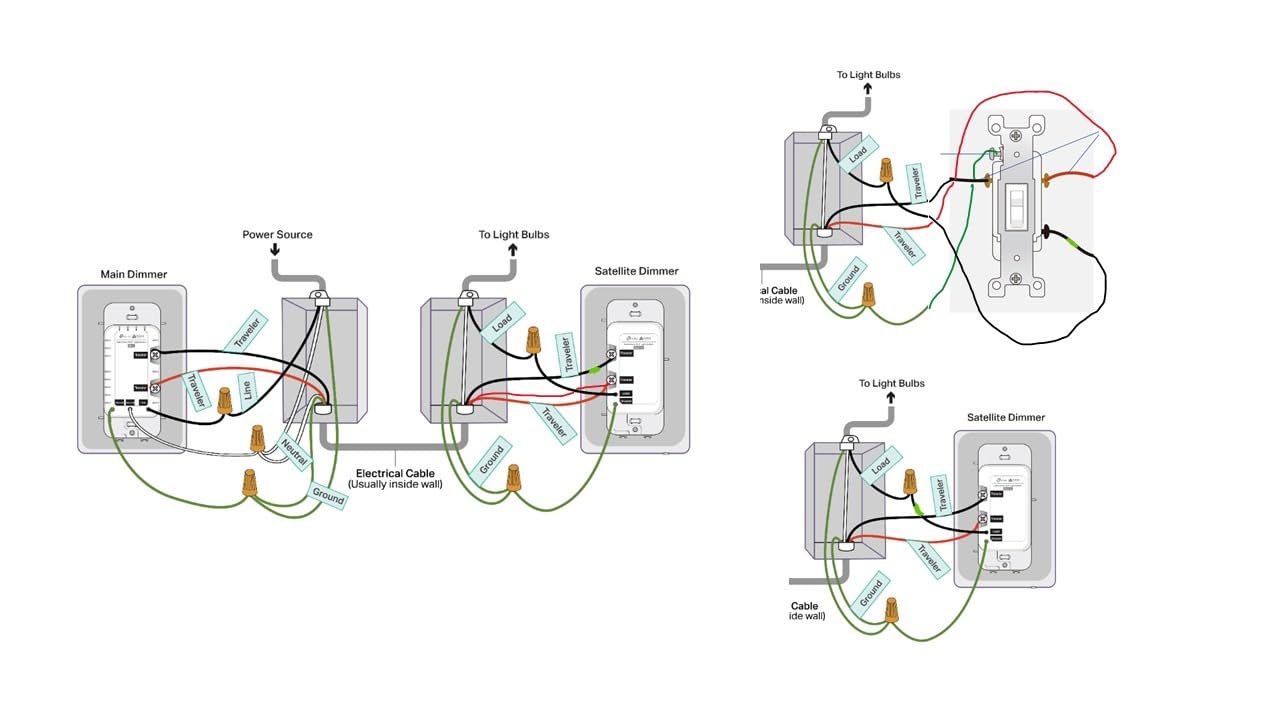
The master goes in the box that has line, load and, usually, a neutral. It holds the relay, and the relay is the thing that physically opens and closes the circuit. The add-on goes in the second box, takes only the two travelers, and has no relay because it has nothing to switch. Its only job is to send a signal and to show you the current state.
On a wired add-on, the last line of the install is to set it to momentary rather than toggle. A momentary add-on springs back after each press, which is what a smart master expects. A toggle add-on stays where you put it, and the mismatch is one of the more common reasons lights end up stuck in the wrong state.
Do I Have to Replace Both Existing Switches?
It depends on the design, and this is the single most common question in the forums. With a traditional master and add-on kit, yes. Both switches are part of the circuit, and leaving a dumb mechanical switch in place while a smart master drives the travelers is what causes lights that flicker, hunt, or stay stuck on.
With a virtual 3-way design, no. One smart switch goes in the box with line, load and neutral, and the other end stays mechanical, because the smart device is built to talk to it. This is the answer that the Home Assistant community endorses most consistently, and it halves both hardware and labour. What you must never do is mix a smart master with a dumb add-on that was not designed for it, or pair a master from one brand with an add-on from another.
One more option we want to name because it is well established in the community and absent from every editorial roundup we studied. An in-wall smart relay module sits behind the existing switches and keeps your dumb toggles exactly as they are, turning them into momentary push buttons. The mechanical switches stay useful for guests, children and anyone who will never open an app, which is a real benefit in a hallway.
No Neutral Wire? What Actually Works in Older Homes
If your house predates the widespread use of neutrals at switch boxes, this section is the one that decides your purchase. It is also the loudest unmet need we found across the forums, and it is where most buying guides go quiet.
Why a Smart Switch Needs a Neutral to Return To
Because its state can change without anyone touching it. A voice command, a schedule or a scene can flip the relay, and a switch with no neutral has no way to know what the circuit is doing or to power its own electronics. It also gives up the physical switch as a reliable manual override, which matters in a house with guests.
A toggle switch works without a neutral because a mechanical lever does not need power. A smart switch does, because it runs a radio and a microcontroller and needs to report state back to your hub.
The Options That Work Without One
The Lutron Caseta kit on this page installs with no neutral, which makes it the direct answer to an old house. Beyond that, two-wire smart switches exist that harvest a trickle of current through the load to power themselves, and they work acceptably on LED-only circuits where the load draws enough. They are not in our top picks because their compatibility depends heavily on the bulbs, but they are a legitimate path when the wiring cannot be changed.
The third path is running a new neutral, which is a job for an electrician and, in many jurisdictions, a permit. The forum consensus is blunt about the cost: pulling a neutral to a switch box is the most expensive part of a whole-home smart switch project, which is exactly why so many people choose a no-neutral design or a relay module instead.
When the Smart Relay Module Is the Right Answer
When you want to keep your existing dumb switches, when you are a renter who cannot change wiring, or when the boxes are full and adding a hub-backed device is impractical. The relay approach preserves the manual toggle as an override, which hubless Wi-Fi switches quietly give up, and it is the single most repeated recommendation we found from Home Assistant users facing exactly your situation.
Hub vs Hubless: Zigbee, Z-Wave, Thread and Wi-Fi Compared Plainly
Every pick on this page except the Lutron runs directly on 2.4 GHz Wi-Fi with no bridge. That is the fastest path to a working hallway light, and it is why the Kasa and meross kits dominate most retrofits.
What a Hub Actually Buys You
A bridge or hub gives you local control, so automations keep working when your internet connection is down. It gives you a place to run scenes that combine switches, sensors and locks in a single command. And it opens the door to platforms that speak Zigbee, Z-Wave or Thread, which is where Home Assistant and SmartThings users live.
The cost is money, setup time and one more device that can fail. For a single hallway light on a reliable connection, a hub is overhead. For a whole house with a dozen switches and a hub already running, it is free, because the hub is already there.
The Protocol Decision in One Paragraph Each
Wi-Fi, which is every hubless kit here, needs a 2.4 GHz network and a vendor app, and it depends on a cloud connection for most remote access. Zigbee is low power, meshed, and extremely reliable once a coordinator is in place, but it needs a bridge. Z-Wave is the long-established radio in this category, prized for mesh range and reliability, and it also needs a bridge. Thread is the newer low-power mesh protocol that runs over the same 2.4 GHz band as Wi-Fi, requires a Thread border router, and increasingly arrives alongside Matter so the switch can be brought into Apple Home, Google Home, Alexa or SmartThings without a vendor app. Matter is not a radio, it is a common language, which is why Thread and Matter keep appearing together.
Whichever you choose, the practical rule from the community is consistent: if you run Home Assistant or SmartThings and want local control, a Zigbee or Thread device plus a bridge beats anything Wi-Fi. If you want a light to work tonight with a phone and an app, hubless Wi-Fi is the answer.
Dimmer 3-Way Kits vs On/Off Kits, and the Ceiling Fan Question
Match the kit to the bulb, not to the marketing. A dimmer kit needs dimmable bulbs, and putting one on a non-dimmable LED is how you get flicker, buzz and a switch that feels broken. The reverse also matters: an on and off kit driving a dimmable bulb gives you a light that only ever reaches full output.
Load Ratings Are the Number to Check
The KS230 handles up to 300 watts of incandescent or 150 watts of dimmable LED. The Lutron Caseta goes to 150 watts of LED or 600 watts of incandescent and halogen. The TREATLIFE dimmer tops out at 400 watts and 3.3 amps. The meross switch is on and off only at 2.5 amps. Add up your actual fixture load, add headroom, and confirm it against the rating before you buy anything.
Why Ceiling Fans Are a Different Problem Entirely
A fan is a motor, and most dimmers in this roundup explicitly exclude motors, transformers and similar inductive loads. The TREATLIFE dimmer states the exclusion plainly. A fan with a light kit driven by a generic smart dimmer is where people get buzz, low speed settings that will not change, and a light that only works at one brightness.
The correct approach for a fan circuit is a dedicated fan controller with separate fan and light handling, or leaving the fan circuit alone entirely and putting smart control on the light only. If your 3-way circuit also carries a fan, none of the dimmers here is the right tool. For job-site and off-grid work where you need comms rather than lighting control, our guide to the best two-way radios for long range covers that side of an off-grid build.
Installation Walkthrough: Wiring a 3-Way Smart Switch Step by Step
Take this slowly, photograph everything, and if any step below does not match what you find in the box, stop and reassess rather than improvising.
Before You Open the Box: A Five-Item Checklist
One, turn off the breaker and confirm it with a tester before touching anything. Two, identify which box is the master, which is the one with line and load. Three, confirm a neutral is present at the master box if your switch requires one. Four, check that the existing switch is a 3-way rather than a single pole, by counting wires. Five, photograph the box before and after, and label each wire with tape as you identify it.
The Wiring Order
With power off, connect the master first. Land the line wire on the line terminal, the load wire on the load terminal, the neutral on the neutral terminal, and then the two travelers on the traveler terminals, which are usually marked something like acc, sentinel, or traveler. Then fit the master into the box and let the excess wire fold behind it, without crushing it against the box edge.
Next, the add-on box. It takes only the two travelers, and the neutral if that particular add-on needs one, which varies by brand. A common-and-ground pigtail approach is also used by some kits, so follow the diagram printed on that specific device rather than a diagram for a different model. The manufacturer diagram always beats a general guide, because terminal naming is not standardised across brands.
Finally, seat both switches, restore power, and pair in the app. On a wired add-on, set it to momentary rather than toggle before you test anything. Then flip the add-on and the master in turn and confirm the app reflects the true state of the light.
When to Stop and Call an Electrician
Stop if the box has no ground, if you see aluminium or cloth-wrapped wiring, if the breaker trips when you restore power, if the wire count does not match a 3-way circuit, if your local code requires a permit for in-wall work, or if you are replacing a box that is full and needs an extension ring. Several manufacturers say it plainly in their own documentation, and we agree with them. An hour with an electrician costs less than a failed inspection or a wall torn open.
What to Skip and Why: Four Mistakes We See Repeatedly
First, do not buy a single-pole smart switch for a 3-way box. A product page that says compatible with 3-way in a footnote is not the same as a kit built for 3-way, and this single mistake accounts for most returns in this category.
Second, do not mix brands across master and add-on. A master and add-on pair is a matched unit with shared signalling. Pair a smart master with a dumb add-on that was not designed for it and you get lights that flicker, hunt or sit stuck on.
Third, do not buy cloud-only hardware if you run a local platform. The highest-engagement thread we found was someone asking how to keep their switches working locally in Home Assistant. Every kit on this page works in an app, but a Zigbee or Thread device with a bridge is what keeps running when the vendor server does not.
Fourth, do not dim non-dimmable bulbs or run a ceiling fan through a light dimmer. Both produce the same symptoms, flickering and buzzing, and both have simple fixes: change the bulbs, or use a fan-rated controller.
Frequently Asked Questions
Can I put a smart switch on a 3-way?
Yes, but not with an ordinary single-pole smart switch. A 3-way circuit runs two switches to one light, so you need a smart 3-way kit: one master switch where the line and load wires meet, plus an add-on switch at the second location. Replacing only one switch will not work as a standard kit.
Are there special switches for 3-way switches?
Three things make a switch 3-way compatible: it is sold as a 3-way master and add-on kit, it has a dedicated traveler or accessory terminal on the back, and the add-on matches the master protocol. Some brands also offer a virtual 3-way, a single smart relay plus a plain mechanical add-on, which is often the only workable option in older homes.
Do I need to replace both existing switches?
With a traditional master and add-on kit, yes, both switches form part of the circuit. With a virtual 3-way design, no, you replace only the switch in the box with line, load and neutral, and the other end stays a standard mechanical 3-way switch. Never mix a smart master with a dumb add-on that was not designed to work with it.
Do 3-way smart switches need a neutral wire?
Most do, because the relay needs a current return and the switch needs power to report its state when a command comes from an app or a voice assistant. The Lutron Caseta kit on this page installs without a neutral, and some two-wire switches can work on LED-only circuits. If neither box has a neutral, your realistic options are a no-neutral design or an in-wall smart relay that keeps your existing dumb switches.
How do I connect a 3-way smart switch?
Turn off the breaker and confirm which box is the master, the one with line and load. Photograph and label the existing wires. Land line, load and neutral on the master, then move the two travelers to the traveler terminals. At the add-on box, connect the travelers and the neutral if that model requires one. Restore power, pair in the app, and set a wired add-on to momentary rather than toggle.
Which company’s smart switch is best?
There is no single best brand, it depends on your wiring and ecosystem. For a modern home with neutrals, the hubless Wi-Fi kits are the lowest-friction choice. For Apple Home without a bridge, the meross MSS550 is the standout. For older wiring with no neutral, the Lutron Caseta kit is the most reliable. For Home Assistant or SmartThings with local control, a Zigbee or Thread device plus a bridge beats anything Wi-Fi.
The Verdict: Which 3-Way Smart Switch Fits Your Wiring
There is no single best brand in this category, and anyone who tells you otherwise is describing their own walls. Decide your wiring first, then your ecosystem, and the product follows almost immediately.
If you have neutrals at both boxes and a 2.4 GHz network, the Kasa Smart HS210 KIT is our pick. It is the only product here with the depth of long-term owner feedback to back its rating, it comes as a genuine master and add-on pair, and the app walks you through the install. For dimming in the same wiring, take the Kasa KS230 KIT. For Apple Home with no bridge, the meross MSS550 is the one, keeping in mind its 2.5 amp ceiling. For a no-neutral wall, the Lutron Caseta kit is the answer that does not require opening drywall. For a budget project across many hallways, the TREATLIFE 3-way 4-pack or the GHome 4-pack cut the cost per circuit, with the GHome model the weaker of the two because it does not report true state back to Alexa.
Before you buy anything, open the box and count the wires. That single check prevents almost every mistake in this guide, and it takes two minutes. Once you know whether you have a neutral and which box carries the line and load, the best smart switches for 3 way setups become an easy decision.