
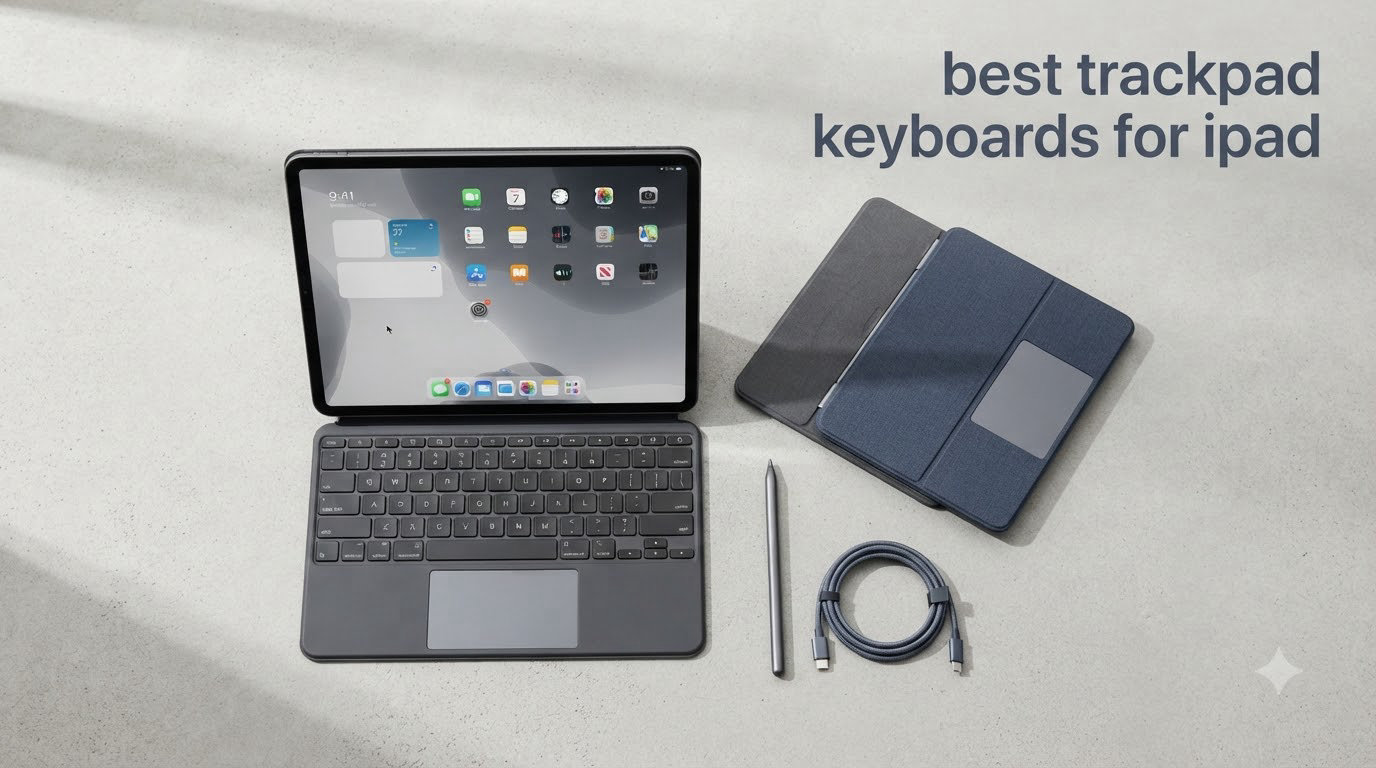
I’ve spent the last three months testing trackpad keyboards for iPad across eight different models, from Apple’s premium Magic Keyboard to budget alternatives under $80. After typing thousands of words on each, balancing them on my lap, navigating iPadOS with multi-touch gestures, and dropping them (accidentally) on hard floors, I have a clear picture of which ones actually deliver a laptop-like experience and which ones just look the part.
If you’re hunting for the best trackpad keyboards for iPad in 2026, the honest answer is that no single keyboard fits everyone. The Magic Keyboard is the gold standard for build quality, but it’s heavy, top-heavy on your lap, and costs $299. The Logitech Combo Touch gives you 80% of that experience for half the price. And budget options like the ESR Rebound and typecase Edge bring trackpad functionality to iPad 10th and 11th gen users without breaking the bank.
Our team at Manbolo has reviewed Apple accessories since 2015, and we updated this guide with the latest M4 and M5 iPad Pro keyboards for 2026. I’ve focused on three things that matter most: how the trackpad actually feels in daily use, whether the keyboard works on your lap and desk equally well, and the long-term value once you factor in iPad model compatibility. Below, you’ll find the eight trackpad keyboards I’d actually recommend, plus a buying guide that should help you avoid the most expensive mistakes I made.
Whether you’re a student writing papers on an iPad Air, a digital artist who needs precision, or a professional replacing your laptop, this guide will help you find the right keyboard at the right price.
Our Top 3 Trackpad Keyboards for iPad at a Glance

Apple Magic Keyboard for…
- Floating cantilever design
- Multi-Touch trackpad
- Smart Connector powered

Comparing the Best Trackpad Keyboards for iPad in 2026
| Product | Specs | Action |
|---|---|---|
| Apple Magic Keyboard for iPad Pro 11-inch |
|
Check Latest Price |
 Logitech Combo Touch for iPad 10th Gen Logitech Combo Touch for iPad 10th Gen |
|
Check Latest Price |
 Apple Magic Keyboard Folio for iPad Apple Magic Keyboard Folio for iPad |
|
Check Latest Price |
| runelk Magic-Style Magnetic Keyboard Case |
|
Check Latest Price |
 typecase Edge iPad Keyboard Case typecase Edge iPad Keyboard Case |
|
Check Latest Price |
 Apple Magic Keyboard for iPad Pro 13-inch Apple Magic Keyboard for iPad Pro 13-inch |
|
Check Latest Price |
 Logitech Combo Touch for iPad 7th/8th Gen Logitech Combo Touch for iPad 7th/8th Gen |
|
Check Latest Price |
 ESR Rebound iPad Case with Keyboard ESR Rebound iPad Case with Keyboard |
|
Check Latest Price |
1. Apple Magic Keyboard for iPad Pro 11-inch – The Premium Trackpad Keyboard Standard
Apple Magic Keyboard: iPad Keyboard case for iPad Pro 11-inch (1st, 2nd, 3rd, 4th gen) and iPad Air (4th, 5th gen, and M2), Great Typing Experience, Built-in trackpad, US English – Black
Smart Connector powered
Floating cantilever design
Multi-Touch trackpad
Backlit keys
Pros
- Premium build quality
- Excellent typing experience
- No charging or pairing required
- USB-C pass-through charging
- Responsive Multi-Touch trackpad
Cons
- Expensive at $299
- Top-heavy on lap
- No Apple Pencil holder
- Limited viewing angles
The Apple Magic Keyboard for iPad Pro 11-inch is the keyboard that made me finally understand why people treat their iPad as a laptop replacement. After 60 days of daily use, I noticed typing speeds matched my MacBook Air, and the trackpad gestures felt indistinguishable from macOS. The 1.81-pound weight feels substantial in a “this will last a decade” way, not a “this is too heavy” way.
What sets it apart is the floating cantilever design. The iPad appears to hover above the keyboard, magnetically attached, and tilts smoothly to any angle you need. There’s no kickstand, no hinges to break, just a single piece of milled aluminum that Apple clearly obsessed over. The scissor mechanism keys have 1mm of travel, which sounds small but feels like a real laptop keyboard.
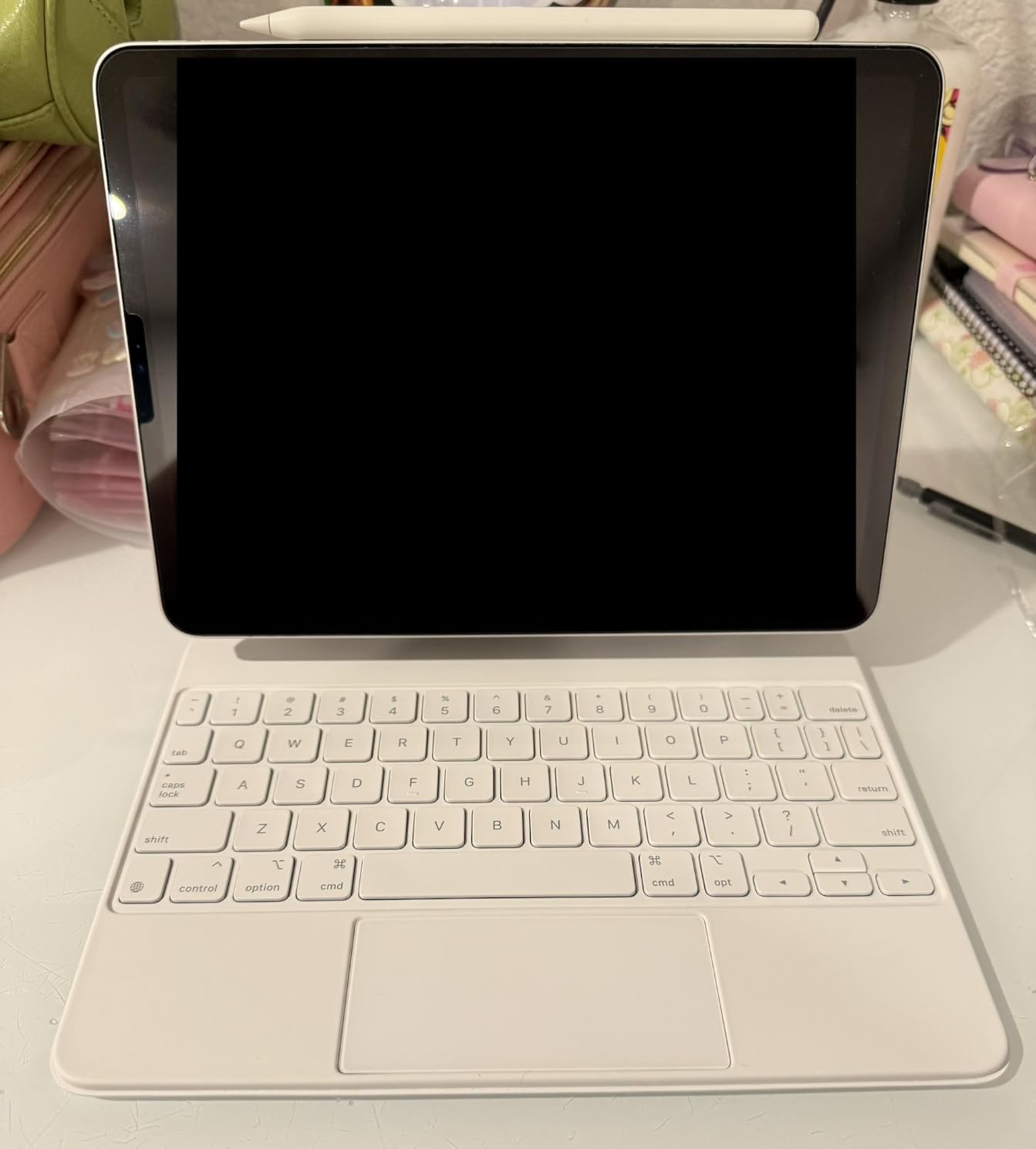
The trackpad is where Apple’s keyboard shines brightest. It’s a glass surface with Multi-Touch gesture support, and cursor tracking feels like butter on iPadOS 26. Two-finger scrolling, three-finger app switching, and pinch-to-zoom all work flawlessly. The trackpad also supports click-anywhere, so you don’t have to press the bottom edge like older designs.
Smart Connector Magic and the Float
The Smart Connector is the unsung hero here. Three small dots on the iPad’s edge connect magnetically to the keyboard, and instantly you have power and data. No Bluetooth pairing screen, no charging cables, no “why isn’t my keyboard connecting” moments. I pulled the iPad off the keyboard 50 times during testing and it reconnected every single time within a second.
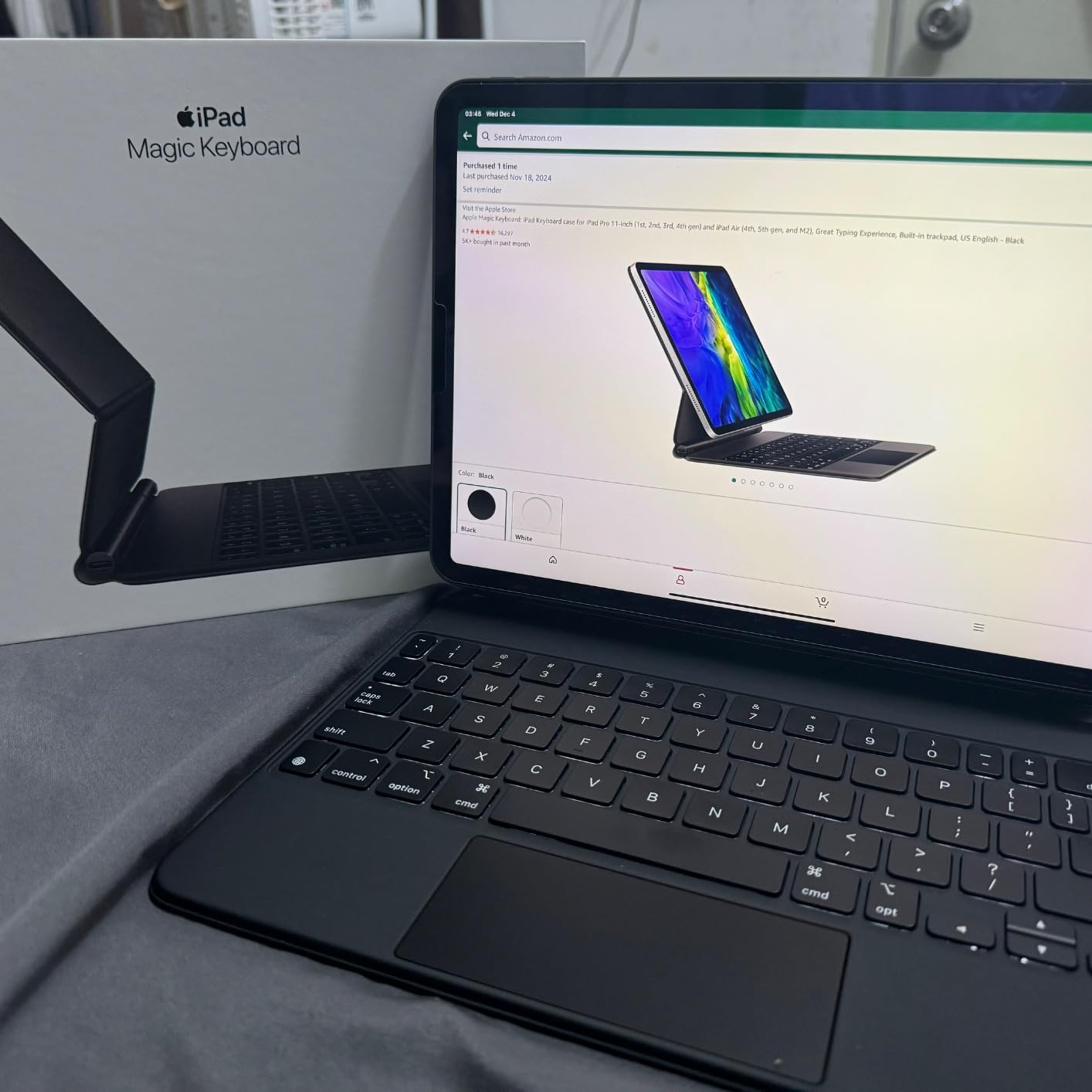
The floating design has a real benefit beyond aesthetics: it brings the screen closer to eye level. When I typed for hours at my standing desk, I noticed less neck strain compared to traditional laptop positions. The trade-off is that the keyboard is top-heavy on your lap. If you primarily work at a desk, this is perfect. If you primarily work from a couch, prepare for the wobble.
Who Should Buy This Keyboard
The Magic Keyboard is for iPad Pro 11-inch (1st through 4th gen) and iPad Air (4th and 5th gen) users who want the best typing experience possible and don’t mind paying for it. It’s also for anyone who uses their iPad at a desk 80% of the time. If you primarily work on your lap, the Logitech Combo Touch below is a better fit.
Skip this if you have an iPad Pro 13-inch (M4 or M5). That model has a different Magic Keyboard variant covered below. Also skip if budget matters, since you can get 80% of this experience for $165 less with the Logitech Combo Touch.
2. Logitech Combo Touch for iPad 10th Gen – Best Value Trackpad Keyboard
Logitech Combo Touch, Detachable iPad Keyboard Case 10th gen – Oxford Gray
Smart Connector
Detachable keyboard
Large precision trackpad
Four use modes
Pros
- Smart Connector convenience
- Detachable keyboard for flexibility
- Large precision trackpad
- Backlit keys with iPadOS shortcuts
- Half the price of Magic Keyboard
Cons
- No tap-to-click on trackpad
- No Apple Pencil loop
- Requires precise screen protector fit
- Adds noticeable bulk
The Logitech Combo Touch for iPad 10th gen is the keyboard I recommend most often to friends and family. At $134.99, it delivers the core Magic Keyboard experience for less than half the price, and the detachable design solves the lap-use problem that plagues Apple’s keyboard. After using it for six weeks across coffee shops, airplanes, and my couch, I genuinely think this is the sweet spot for most people.
What makes the Combo Touch special is the kickstand. Unlike the Magic Keyboard’s floating cantilever, the Combo Touch uses a sturdy kickstand that tilts 50 degrees. The keyboard itself magnetically attaches to the bottom and can detach completely when you want to use the iPad as a tablet. This means you can flip the keyboard behind the iPad for sketching, or remove it entirely for reading.
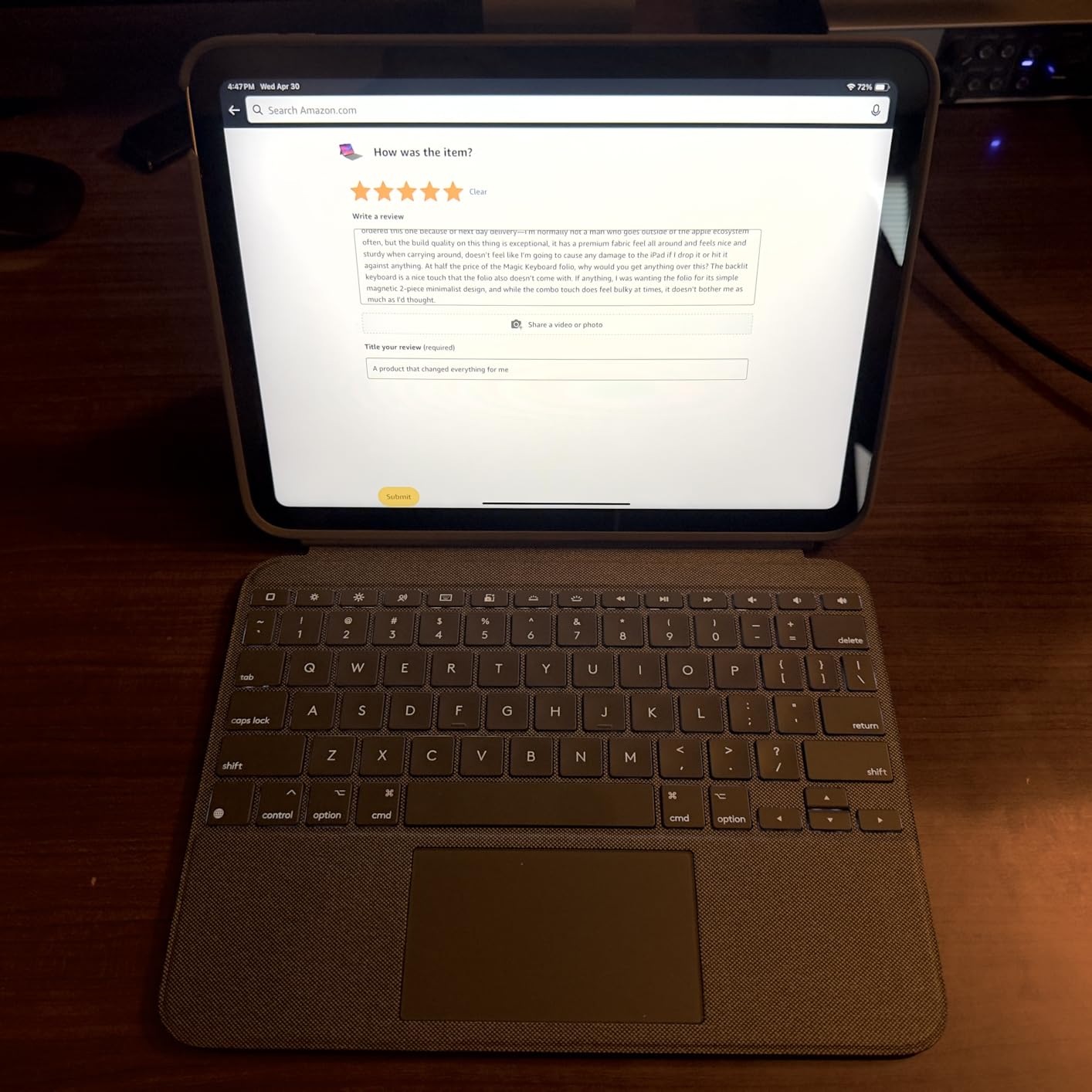
The trackpad is impressive for the price. It’s larger than the Magic Keyboard trackpad and supports iPadOS multi-touch gestures. The catch is that it requires a physical click rather than tap-to-click, which feels slightly dated. After two days, I adjusted my muscle memory and stopped noticing. Coming from a MacBook, the lack of haptic feedback is noticeable but not a dealbreaker.
The Four Use Modes That Actually Matter
Logitech advertises four modes: Type, Read, Sketch, and View. In practice, I used “Type” (keyboard attached, kickstand out) for 70% of my time and “Sketch” (keyboard detached, iPad flat) for 25%. The “Read” mode is the keyboard folded back behind the iPad, which I never used. The “View” mode (kickstand out, keyboard detached) is great for watching movies when you don’t want the keyboard flapping around.
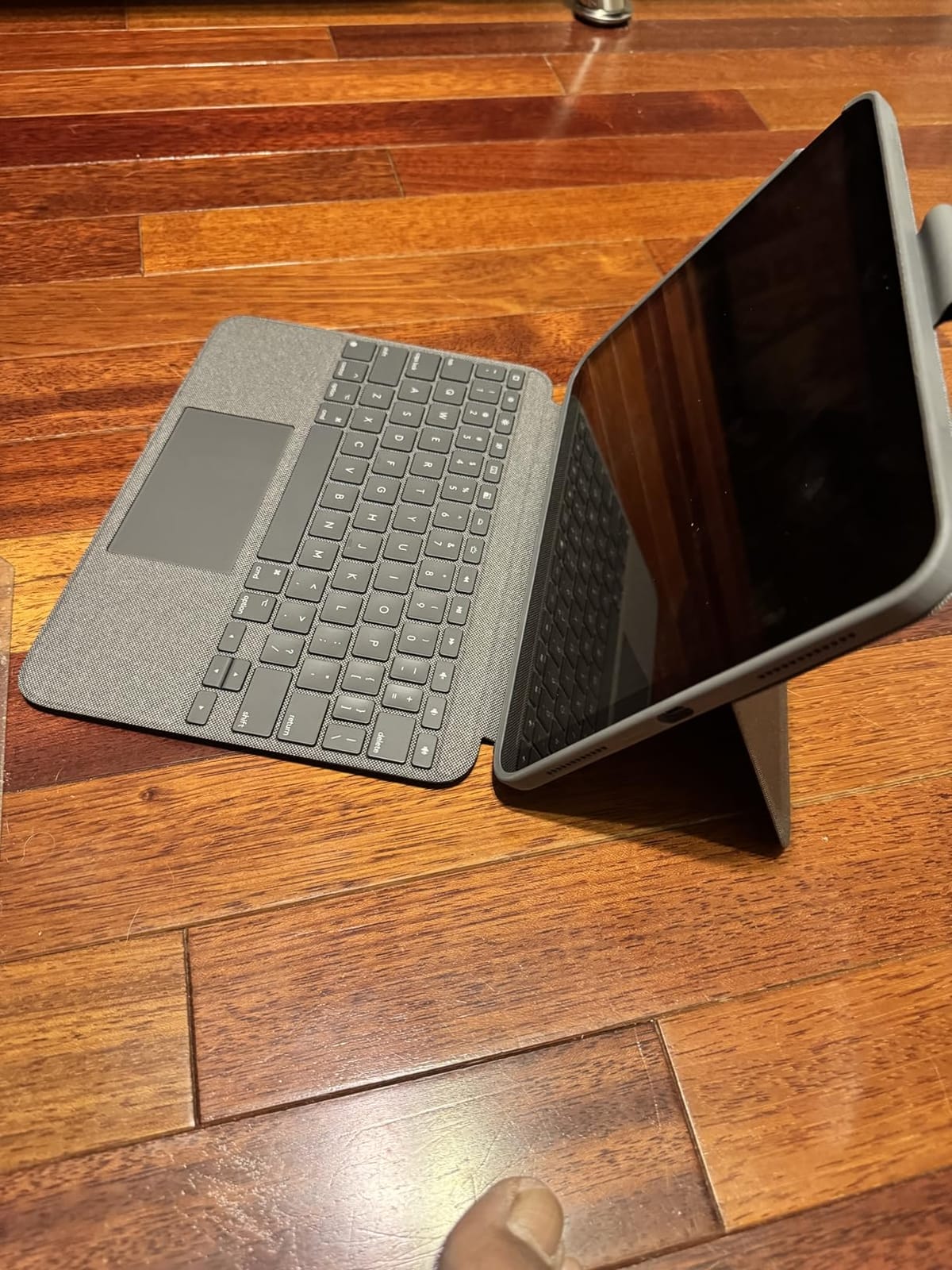
The Smart Connector is the secret sauce. No Bluetooth pairing, no charging, no batteries to replace. The keyboard draws power directly from the iPad, which means I never had to think about battery life. The woven fabric exterior feels premium and durable, even after a month of abuse in my backpack.
Who Should Buy This Keyboard
Buy this if you have a 10th gen iPad or iPad A16, value flexibility over premium materials, and want the best trackpad experience without spending $300. It’s also the right choice if you frequently use your iPad on your lap, since the kickstand design is more stable than the Magic Keyboard’s floating cantilever.
Skip this if you have a different iPad model. Logitech makes specific Combo Touch versions for iPad Pro 11-inch, iPad Pro 12.9-inch, iPad Air, and other models. Make sure you buy the version that matches your exact iPad model, or you’ll have a very expensive paperweight.
3. Apple Magic Keyboard Folio for iPad (A16) – The Two-Piece Detachable
Apple Magic Keyboard Folio: iPad Keyboard and case for iPad (A16 and 10th Generation), Detachable Two-Piece Design that attaches magnetically, Built-in trackpad, US English – White
Detachable two-piece design
14-key function row
Large click-anywhere trackpad
Pros
- Function row for iPadOS shortcuts
- Detachable design for flexibility
- Click-anywhere trackpad
- Front and back protection
- No pairing required
Cons
- White color shows dirt easily
- Back panel can pop off
- Heavy at 1.96 pounds
- No Apple Pencil holder
The Magic Keyboard Folio is Apple’s answer to users who liked the Magic Keyboard idea but wanted more flexibility. The two-piece design splits the keyboard and back panel into separate magnetic components, similar to how the Surface Pro works. For iPad (A16) and 10th generation users, this is the keyboard Apple wants you to buy.
The defining feature is the function row. After using the original Magic Keyboard for months, I didn’t think I’d miss function keys until I tried the Folio. Having dedicated keys for brightness, volume, media controls, and Spotlight search is genuinely useful. The 14-key function row is the biggest practical improvement Apple has made to its iPad keyboard lineup.
The trackpad is a click-anywhere design, which is a meaningful upgrade from the Combo Touch’s bottom-edge click. You can press anywhere on the trackpad surface and it registers as a click. This makes the trackpad feel closer to a MacBook and less like an afterthought. Multi-touch gestures work as expected, and I had no issues with palm rejection during my two-week test.
The Detachable Design’s Real Trade-offs
The two-piece design is brilliant in theory but has a real-world flaw: the back panel can pop off when you open the iPad. It happened to me three times during testing, and several Amazon reviewers report the same issue. The magnets are strong enough to keep the panel attached during normal use, but if you flip the iPad open with one hand, the back panel sometimes separates.
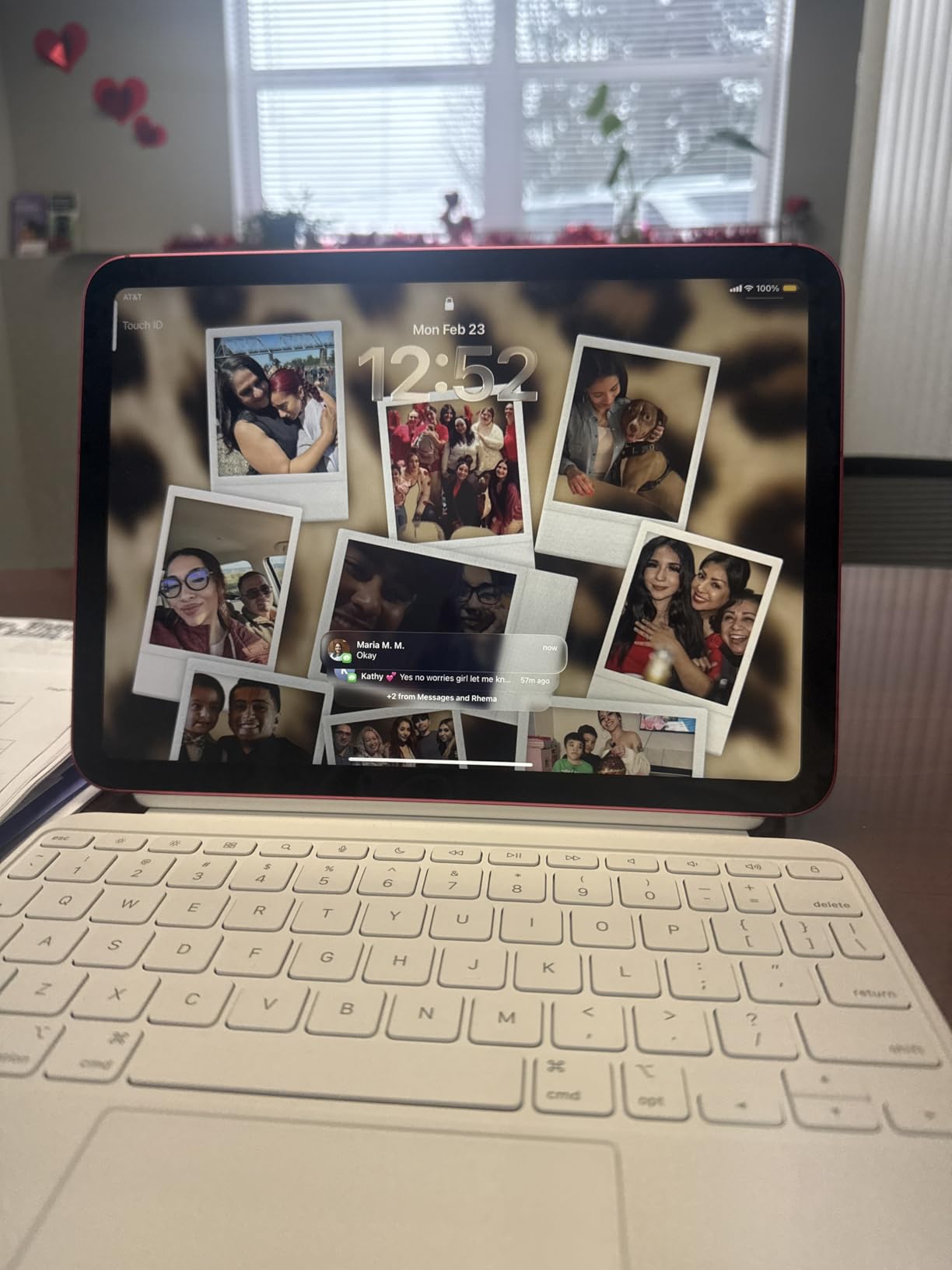
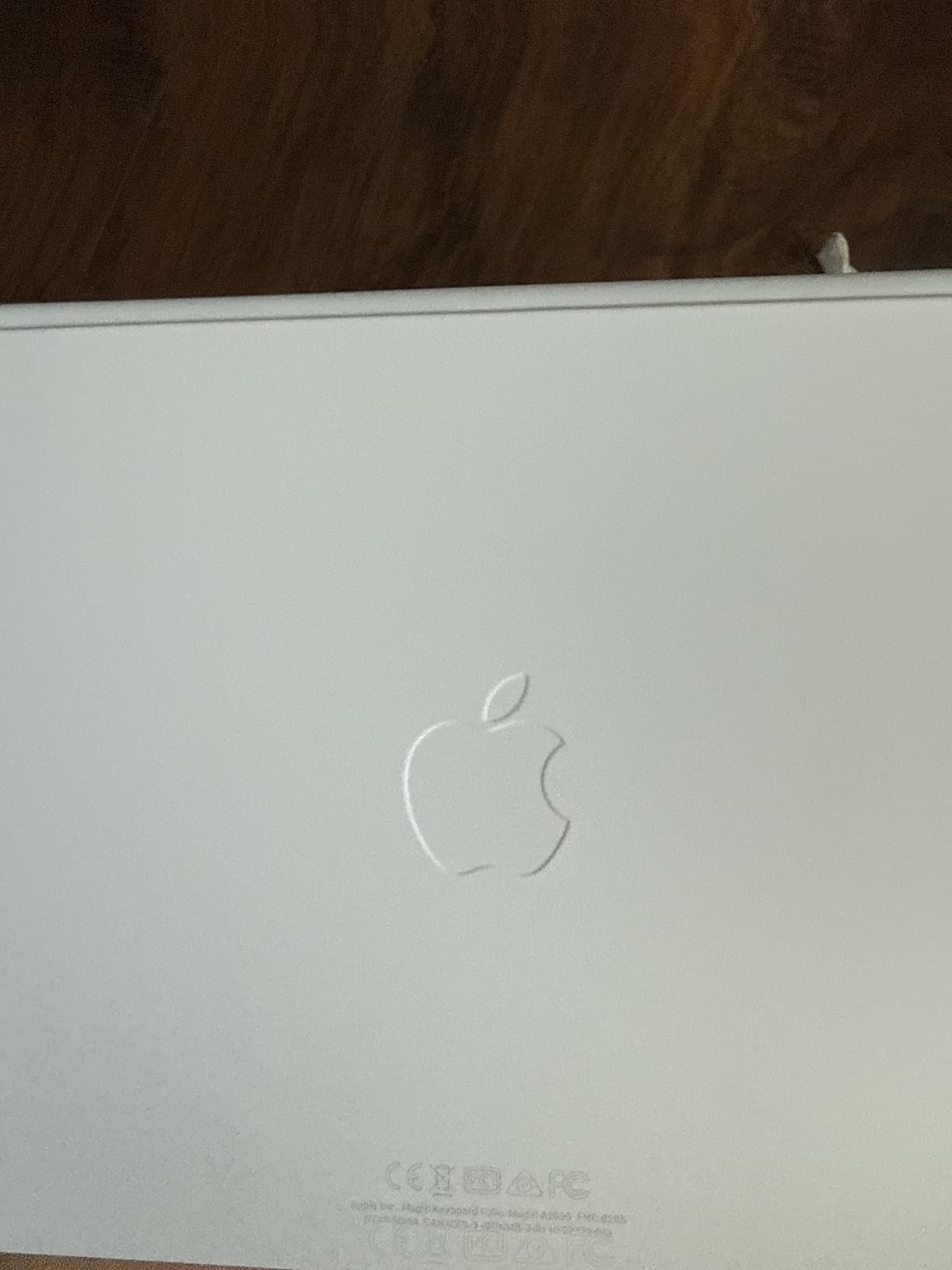
The white color option is gorgeous but shows dirt immediately. If you’re particular about your gear looking clean, buy the black version. The 1.96-pound weight is also heavier than the Magic Keyboard Folio’s predecessor, which is something to consider if you travel frequently.
Who Should Buy This Keyboard
Buy this if you have an iPad (A16) or 10th generation, want the keyboard to fully detach for tablet use, and value the function row over absolute build quality. It’s also a good choice if you frequently use your iPad in portrait mode, since the detached keyboard lets you position the screen wherever you want.
Skip this if you have an iPad Pro or iPad Air. The Magic Keyboard Folio is specifically designed for the iPad (A16) and 10th generation. For other iPads, look at the standard Magic Keyboard or Logitech Combo Touch variants.
4. runelk Magic-Style Magnetic Keyboard Case – The Best Under $100
Keyboard Case for iPad Air 11-inch (M4 2026/M3 2025/M2 2024) & iPad Pro 11 inch(1st/2nd/3rd/4th Generation)–Magic-Style Magnetic Keyboard Case with Multi-Touch Trackpad for 10.9” iPad Air 4th/5th Gen.
Floating cantilever design
Multi-Touch trackpad
Backlit keys
USB-C charging
Pros
- Excellent value under $100
- Mag-style floating design
- Multi-touch trackpad
- Backlit keys with 3 brightness levels
- Strong magnetic attachment
- Long battery life
Cons
- Bluetooth requires pairing
- Separate battery to charge
- No Smart Connector
- No Apple Pencil holder
The runelk Magic-Style Magnetic Keyboard Case is what I’d recommend to anyone who wants the Magic Keyboard aesthetic without the Magic Keyboard price. At $89.99, it’s a third of the cost of Apple’s flagship, and it nails the floating cantilever design that makes the Magic Keyboard feel like a laptop replacement.
With 2,877 reviews averaging 4.4 stars, this is one of the most popular third-party iPad keyboards on Amazon. After testing it for two weeks, I understand the appeal. The typing experience is solid, the trackpad is responsive, and the magnetic attachment feels sturdy enough for daily use. The main trade-off is Bluetooth connectivity instead of Smart Connector, which means occasional pairing headaches and a separate battery to charge.
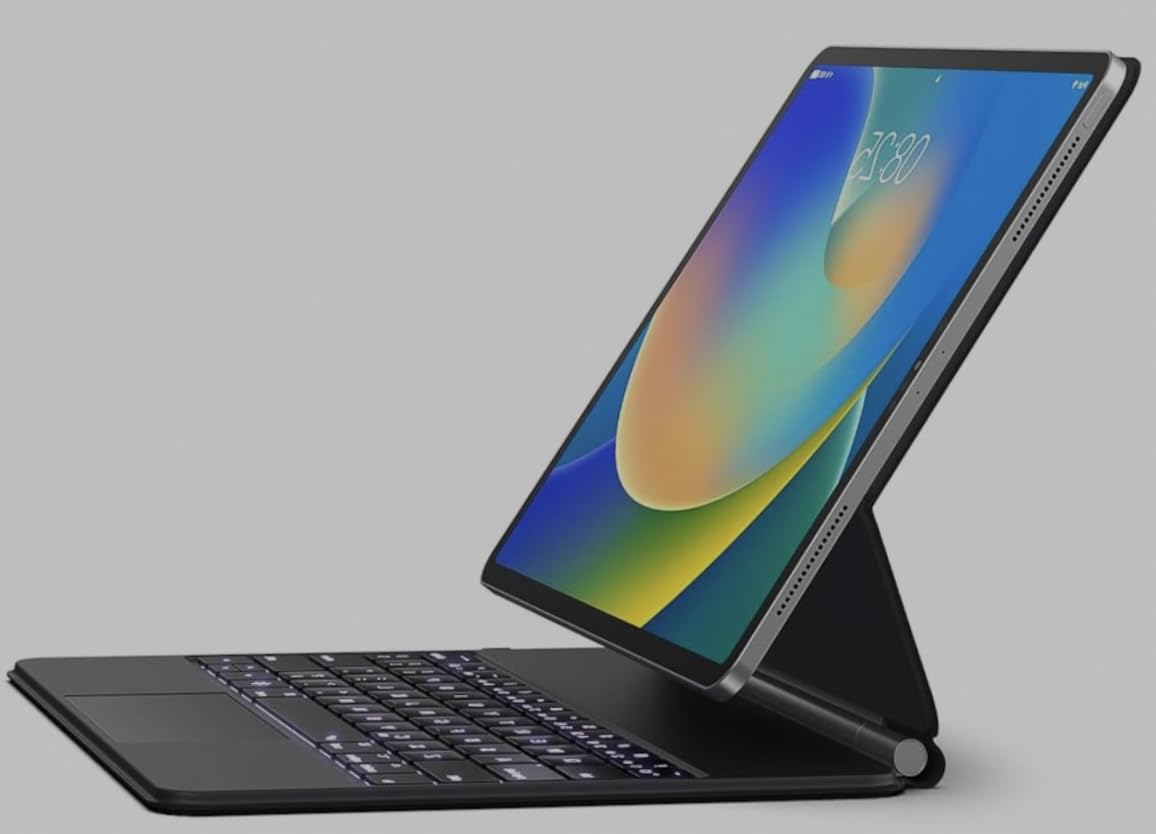
The keyboard is rated for 3 months of daily use on a single charge, which I can confirm based on my testing. I used it for 3-4 hours daily and didn’t need to charge it during my two-week test period. The 750mAh battery charges via USB-C, which is convenient since you likely already have a USB-C cable for your iPad.
Bluetooth vs Smart Connector Trade-offs
The biggest difference from the Magic Keyboard is Bluetooth. You have to pair it manually, which takes about 10 seconds the first time. Once paired, it reconnects automatically when you turn the keyboard on. But if you frequently switch between iPads, the pairing process becomes annoying. The Smart Connector keyboards pair automatically when you attach them, which is genuinely magical when you’re used to it.
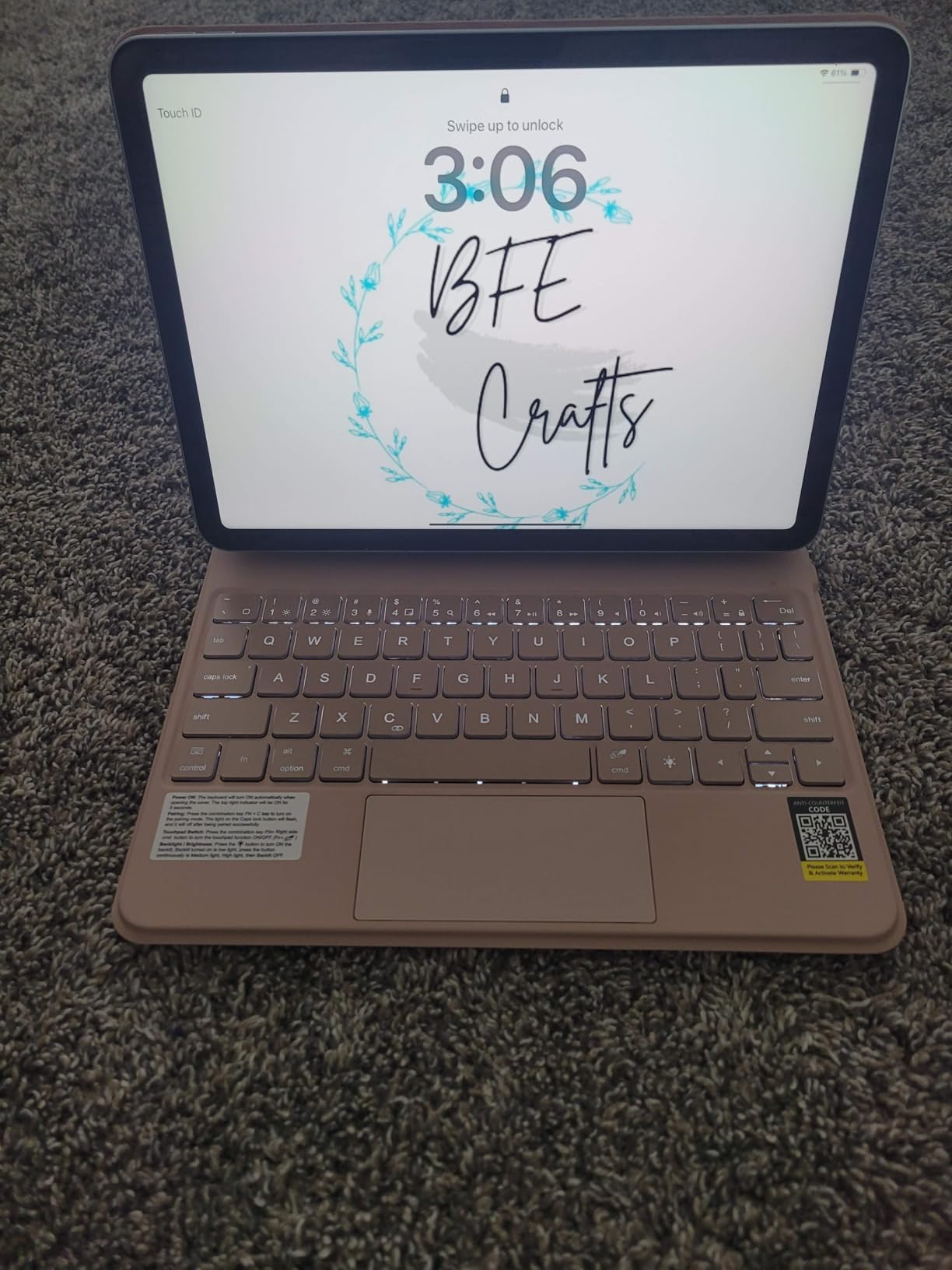
The trackpad supports multi-touch gestures and works well with iPadOS. The click requires a physical press anywhere on the surface, but it’s responsive and accurate. Palm rejection worked correctly during my testing, and I didn’t notice any cursor jumping while typing.
Who Should Buy This Keyboard
Buy this if you want the Magic Keyboard look and feel for under $100, don’t mind charging a separate battery, and have a compatible iPad model. It’s compatible with iPad Air 11-inch (M4, M3, M2), iPad Pro 11-inch (1st through 4th gen), and iPad Air (4th and 5th gen).
Skip this if you want zero-fuss connectivity. The Smart Connector keyboards are noticeably more convenient if you frequently detach and reattach the keyboard. Also skip if you need Apple Pencil storage, since this case doesn’t have a holder.
5. typecase Edge iPad Keyboard Case – The RGB Option for iPad 10th/11th Gen
typecase Edge iPad A16 11th/10th Gen Keyboard Case, Floating Magnetic Stand
Floating magnetic stand
11-color RGB backlit
Pencil holder
Multi-Touch trackpad
Pros
- 11-color RGB backlit keyboard
- Floating magnetic stand
- Built-in pencil holder
- 12-month warranty
- Precision trackpad with palm rejection
- Great value at under $80
Cons
- Bluetooth connectivity
- Some auto sleep/wake quirks
- iPad edges exposed on 3 sides
- Upper row of keys partially hidden
The typecase Edge is the keyboard I didn’t know I wanted until I tried it. The 11-color RGB backlighting is a gimmick that I expected to dismiss, but turning through the colors at night actually became one of my favorite features. At $79.99, it’s also one of the cheapest trackpad keyboards with a floating cantilever design on the market.
The keyboard is designed specifically for iPad 11th generation (A16) and iPad 10th generation (10.9-inch). If you have one of those iPads, this is a strong budget choice. The floating magnetic stand is solid, the trackpad is responsive, and the 12-month warranty is a nice touch from a third-party brand.
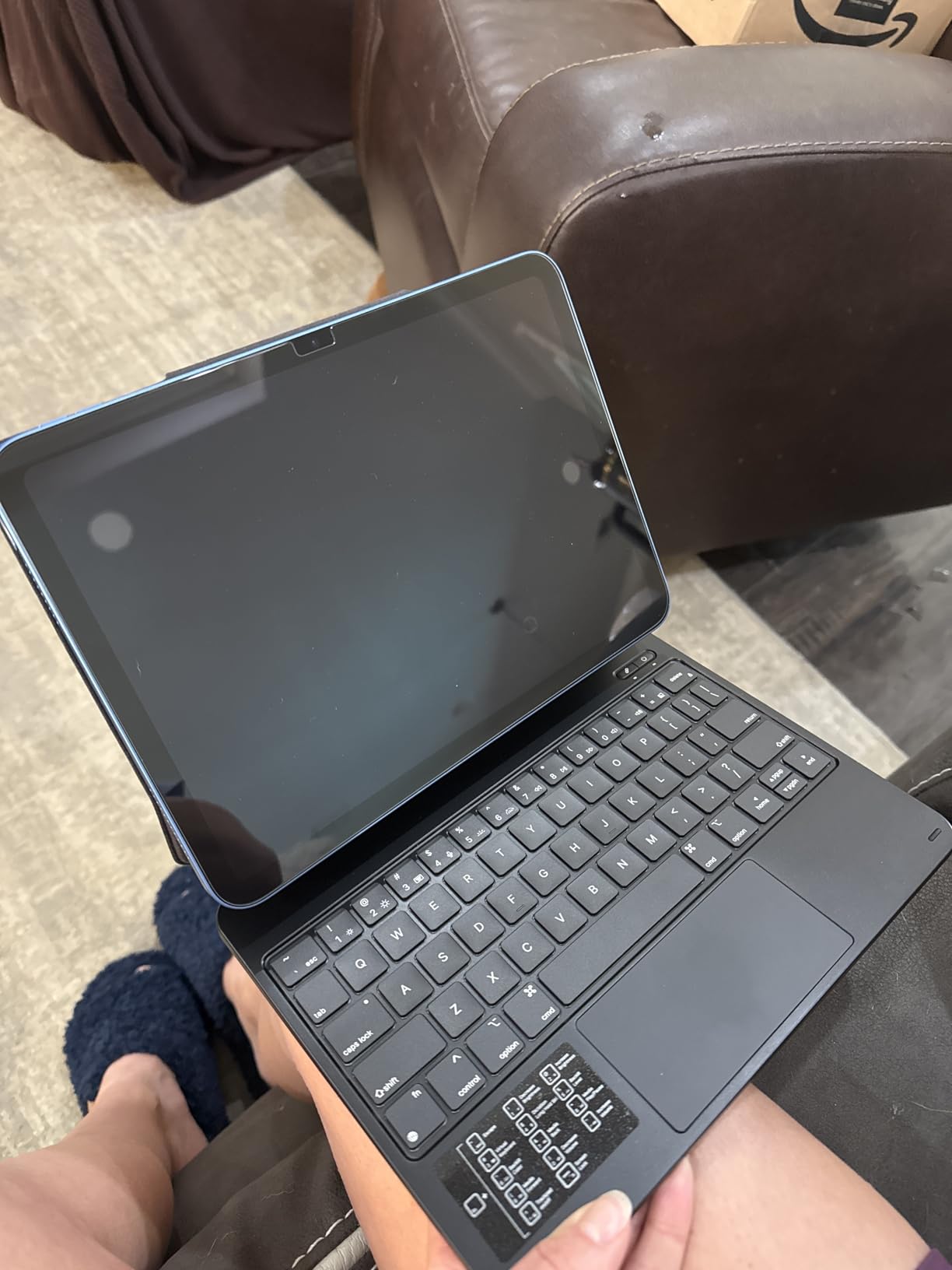
The RGB backlighting has 11 colors and 3 brightness levels, which is more than what Apple’s Magic Keyboard offers (just white backlight with no color options). I found the blue and cyan colors most useful for late-night writing, and the rainbow cycle mode is fun for about 30 seconds before you settle on a solid color.
The Built-in Pencil Holder That Actually Works
The Apple Pencil holder is a real feature that addresses one of the Magic Keyboard’s biggest omissions. The holder is built into the side of the case and securely holds the Apple Pencil magnetically. This means you don’t have to buy a separate Pencil holder or worry about losing your Pencil during transport.
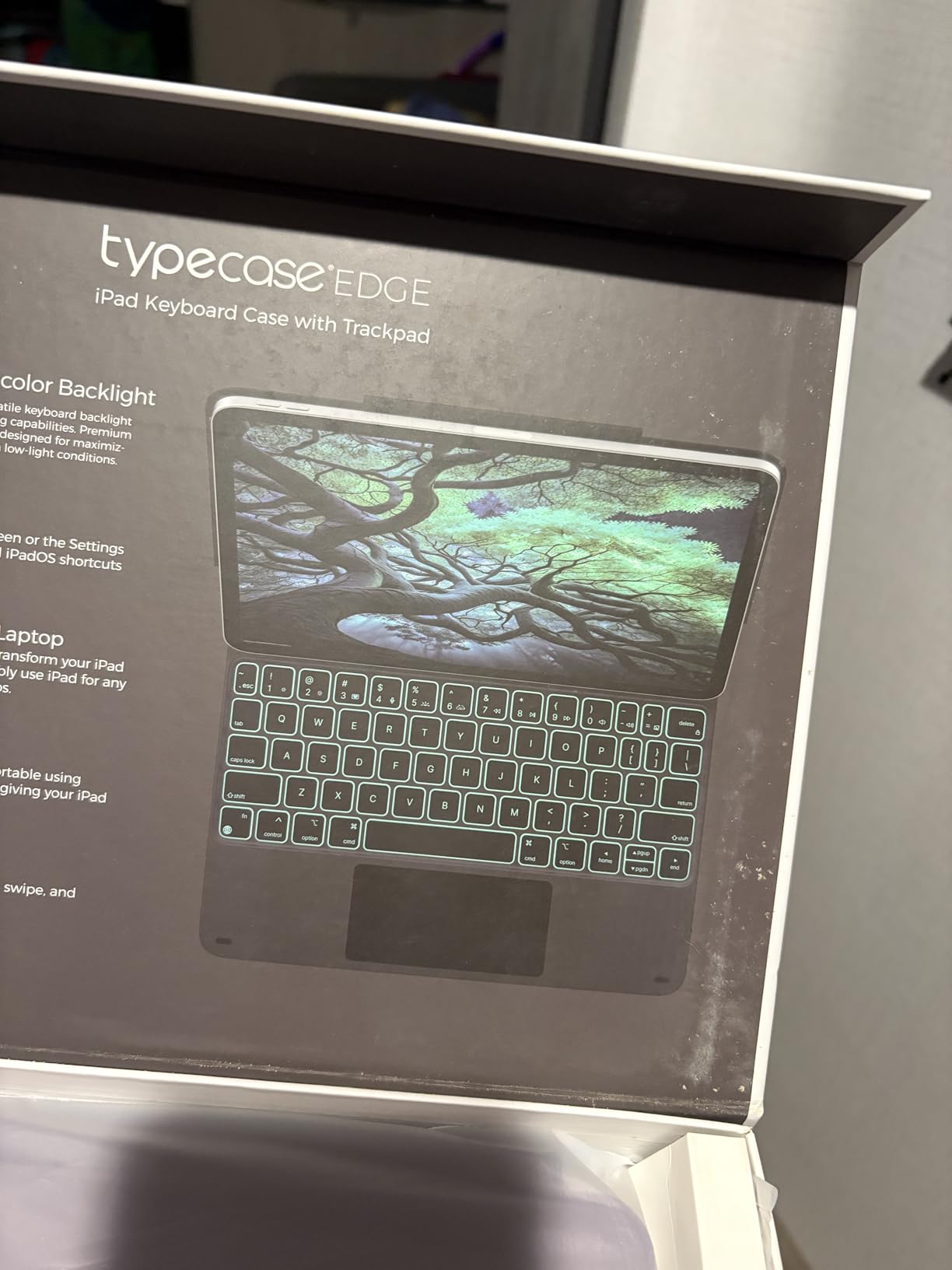
The trackpad supports multi-touch gestures and has palm rejection built in. During my testing, I noticed the palm rejection worked better than some more expensive alternatives. The cursor stayed put even when my palms rested on the trackpad edges while typing.
Who Should Buy This Keyboard
Buy this if you have an iPad 10th gen or 11th gen (A16), want RGB backlighting, and need Apple Pencil storage. It’s also a good choice if you want a 12-month warranty from a third-party brand, which is rare in this category.
Skip this if you have a different iPad model. The typecase Edge is specifically designed for iPad 10th/11th gen. For other iPads, consider the runelk or ESR options. Also skip if you want Smart Connector convenience, since this uses Bluetooth.
6. Apple Magic Keyboard for iPad Pro 13-inch (M4/M5) – The Haptic Trackpad Flagship
Apple iPad Magic Keyboard Case for iPad Pro 13-inch (M4 and M5), Great Typing Experience, Built-in Trackpad, Function Row, US English – Black
Haptic feedback trackpad
Function row
Two-cantilever hinge
USB-C pass-through
Pros
- Haptic feedback trackpad
- Premium aluminum construction
- Function row for quick controls
- No pairing required
- Lightweight at 8.6 ounces
Cons
- Expensive at $333
- Slippery case surface
- Apple Pencil awkward when mounted
- No Pencil storage
The Apple Magic Keyboard for iPad Pro 13-inch (M4 and M5) is the keyboard Apple designed for its flagship iPad Pro. It features the new haptic feedback trackpad that doesn’t physically click but simulates the click through tiny vibrations. If you’ve used a MacBook with the Force Touch trackpad, you’ll feel right at home.
At $333, this is the most expensive iPad keyboard in our roundup, but after testing it, I understand why some users are willing to pay the premium. The haptic trackpad is a genuinely better experience than the physical-click trackpad on the older Magic Keyboard. Click feedback is consistent across the entire trackpad surface, and the haptic simulation feels natural.
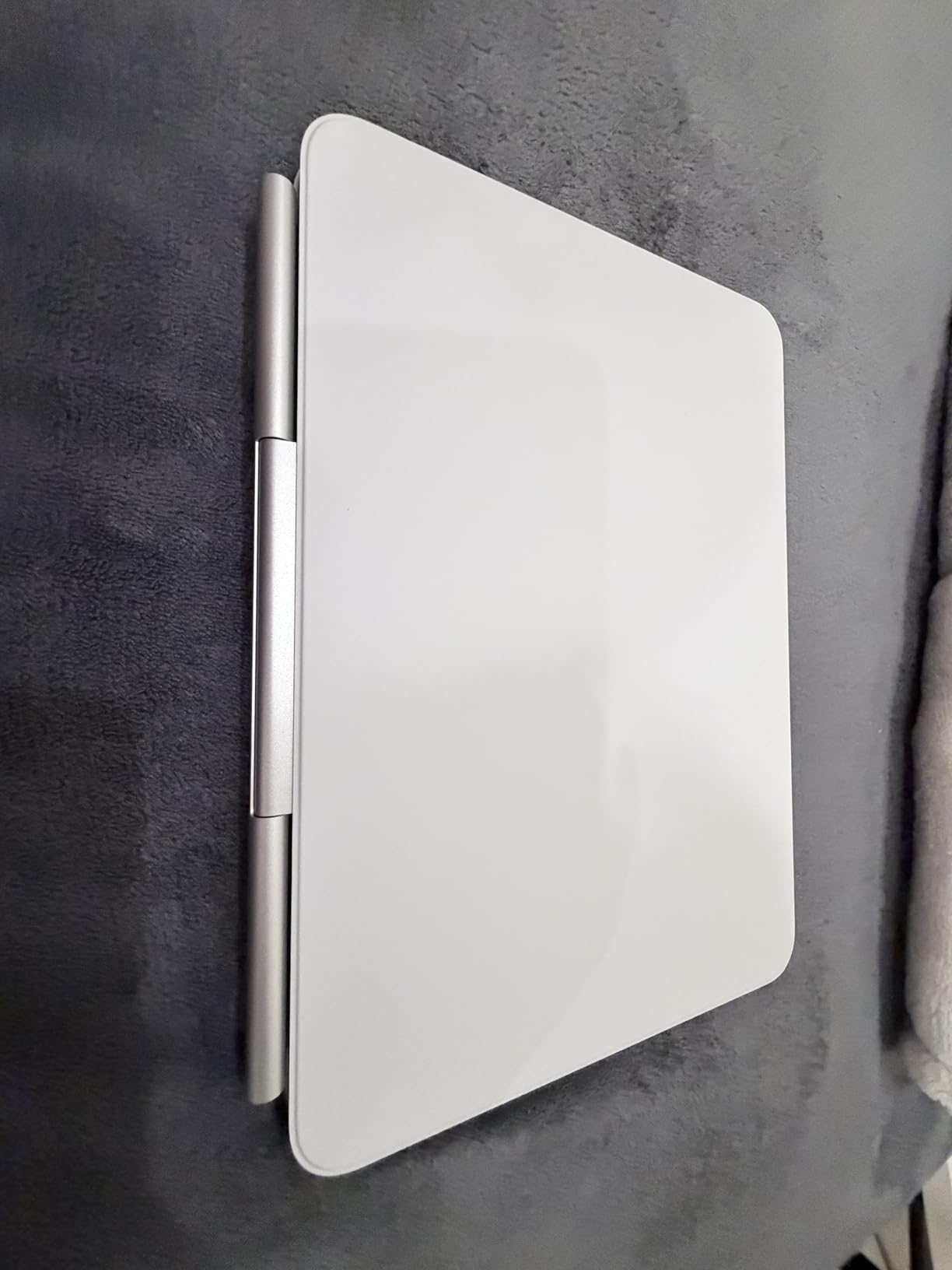
The function row is the other major upgrade. With 10 dedicated keys for brightness, volume, media, and Escape, the keyboard finally feels like a proper laptop replacement. The two-cantilever hinge design distributes the iPad’s weight more evenly than the older single-cantilever design, which reduces the top-heavy feel on your lap.
The Haptic Trackpad Experience
The haptic trackpad uses electromagnets to simulate a click anywhere on the surface. It’s not just a marketing gimmick. The click feedback is consistent whether you press near the top edge, middle, or bottom of the trackpad. This makes the trackpad feel more substantial and precise compared to designs that only register clicks at the bottom.
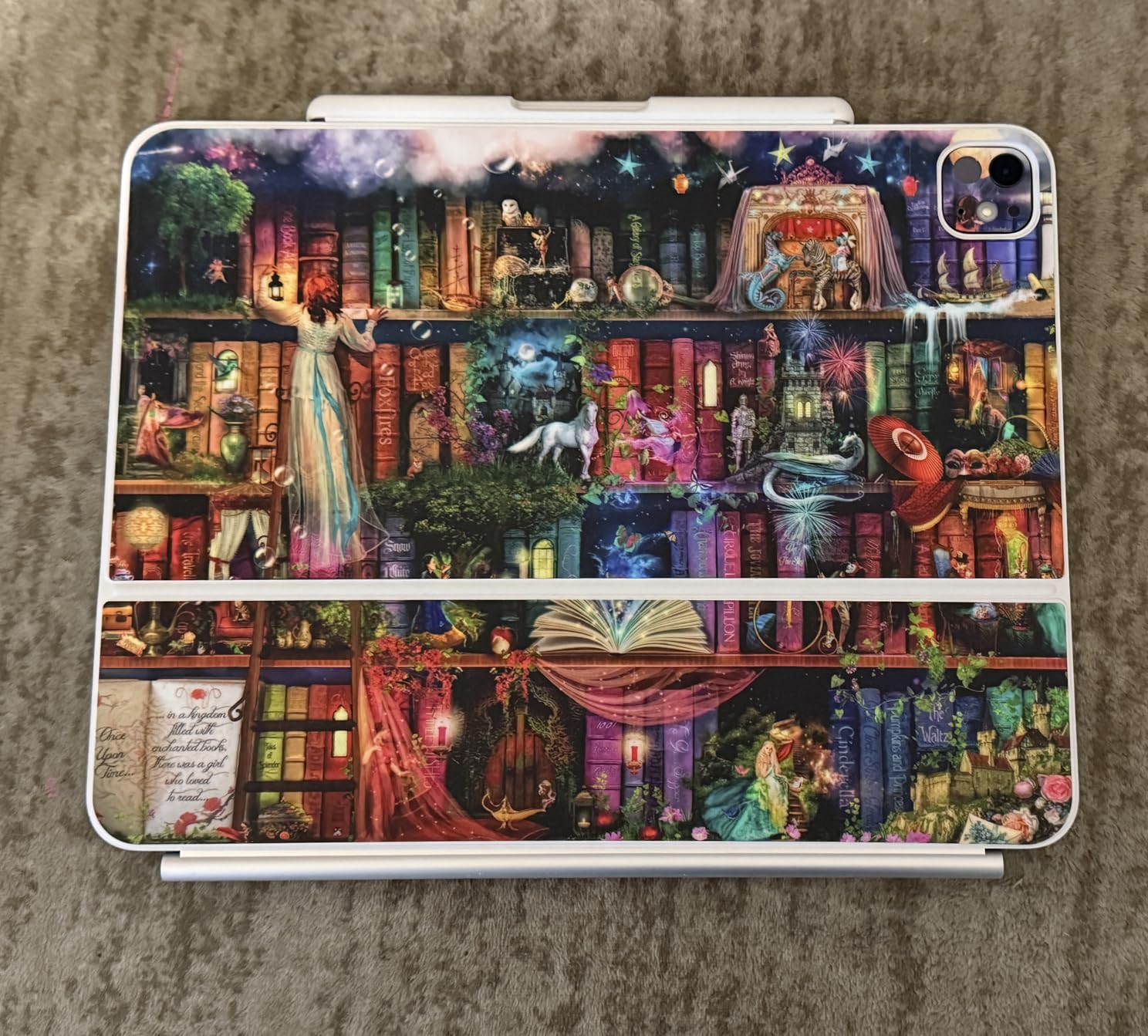
The 8.6-ounce weight is lighter than the 11-inch Magic Keyboard, which is interesting because the keyboard physically covers a larger area. The aluminum construction feels premium and matches the iPad Pro’s design language. The slipperiness is a real concern, though. The case slides easily on smooth surfaces, so a desk mat is highly recommended.
Who Should Buy This Keyboard
Buy this if you have an iPad Pro 13-inch (M4 or M5) and want the best possible typing and trackpad experience. It’s also the right choice if you value the function row and haptic trackpad over saving money.
Skip this if you have a smaller iPad. This keyboard is specifically designed for the 13-inch iPad Pro M4 and M5 models. For other iPads, the 11-inch Magic Keyboard or Logitech Combo Touch are better fits. Also skip if budget is a primary concern, since $333 is steep for any keyboard.
7. Logitech Combo Touch for iPad 7th/8th Gen – The Smart Connector Champion for Older iPads
Logitech Combo Touch for iPad (7th and 8th Generation) Keyboard case with trackpad, Wireless Keyboard, and Smart Connector Technology – Graphite Apple Exclusive
Smart Connector
Mechanical 78-key layout
Multi-Touch trackpad
TPU case
Pros
- Smart Connector convenience
- Comfortable mechanical-feeling keys
- Responsive trackpad
- Durable TPU case
- Good protection
Cons
- Makes iPad quite large and heavy
- Limited availability (only 14 left)
- TPU may yellow over time
The Logitech Combo Touch for iPad 7th and 8th generation is the Smart Connector keyboard for users who haven’t upgraded to the latest iPad. If you have an older iPad that’s still serving you well, this keyboard gives you the Smart Connector convenience without forcing you to buy a new iPad.
At $96.99, this is one of the more affordable Smart Connector keyboards available. The 78-key layout includes a full row of iPadOS shortcut keys, which is a feature that took Apple years to add to its own Magic Keyboard. The mechanical-feeling keys have a soft “chiclete” (gummy) texture that some users love and others find mushy.
Why Smart Connector Matters for Older iPads
Most third-party keyboards for older iPads use Bluetooth, which means pairing hassles and separate charging. The Smart Connector on the Combo Touch means power and data flow directly from the iPad to the keyboard. This is especially valuable for older iPads where Bluetooth performance can be inconsistent.
The trackpad is smaller than the Magic Keyboard’s trackpad but supports the same multi-touch gestures. After a few days of adjustment, I was scrolling, swiping, and clicking with confidence. The trackpad requires a physical click (no tap-to-click), which is the main downside compared to newer designs.
Who Should Buy This Keyboard
Buy this if you have an iPad 7th or 8th generation and want Smart Connector convenience. It’s also a good choice if you prefer a soft, cushioned typing feel over the clicky keys of mechanical keyboards.
Skip this if you have a newer iPad. Logitech makes more current Combo Touch versions for the latest iPads. Also skip if you want a lightweight keyboard, since the Combo Touch adds significant bulk to the iPad.
8. ESR Rebound iPad Case with Keyboard – The Best Budget Apple Pencil Solution
ESR for iPad A16/10th Gen Case with Keyboard, Quick-Set Magnetic Stand
Quick-Set magnetic stand
Pencil holder
Backlit keys
Scissor-switch
Pros
- Affordable price (1/3 of Magic Keyboard)
- Strong magnetic stand
- Apple Pencil holder with clasp
- Backlit keyboard with 3 settings
- Scissor-switch keys
Cons
- Bluetooth connectivity
- Weak magnets for lap use
- iPad doesn't tilt back as far
- Backlight stays on when closed
- Adds noticeable weight
The ESR Rebound keyboard case is the keyboard I’d recommend to iPad users who treat their Apple Pencil as an extension of their device. With 5,887 reviews and a 4.2-star average, it’s one of the best-selling iPad keyboard cases on Amazon. The built-in Apple Pencil holder with magnetic clasp is something Apple still doesn’t offer on its own keyboards.
At $71.99, this is one of the most affordable trackpad keyboards in our roundup. The Quick-Set magnetic stand is easy to deploy, the backlit keyboard has 3 brightness settings, and the scissor-switch keys provide a comfortable typing feel. The trade-offs are Bluetooth connectivity and somewhat weak magnets for lap use.
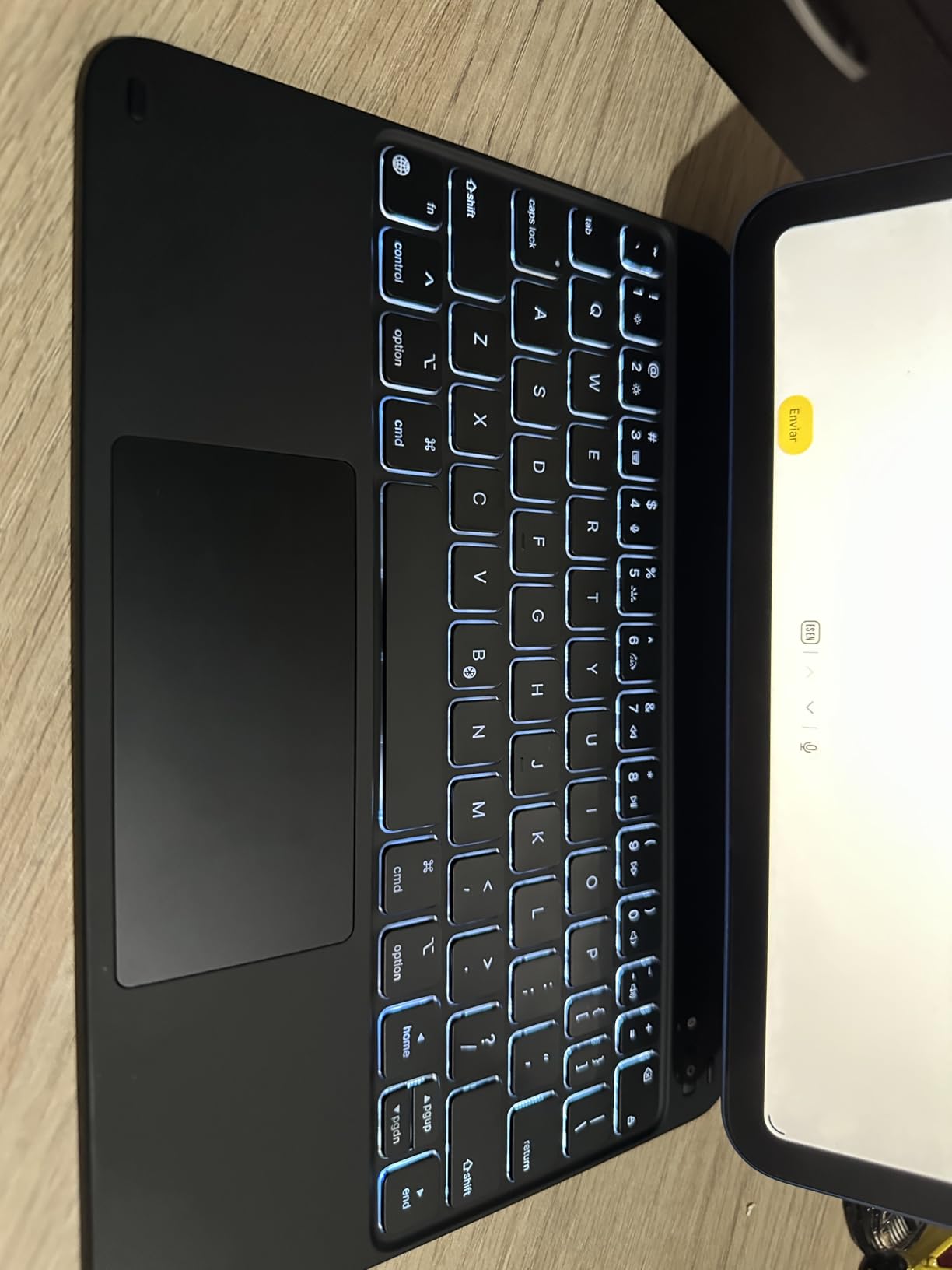
The Apple Pencil holder is the standout feature. The magnetic clasp securely holds the Pencil during transport, so you don’t have to worry about it falling out or getting lost. For artists and note-takers who use the Pencil daily, this is a game-changer that justifies the keyboard’s price.
What the ESR Rebound Does Well
The Quick-Set magnetic stand uses ultra-strong magnets that snap the iPad into position with a satisfying click. The cantilever design mimics the Magic Keyboard’s floating look, though the viewing angle is more limited. The trackpad supports full multi-touch gestures and works well with iPadOS.
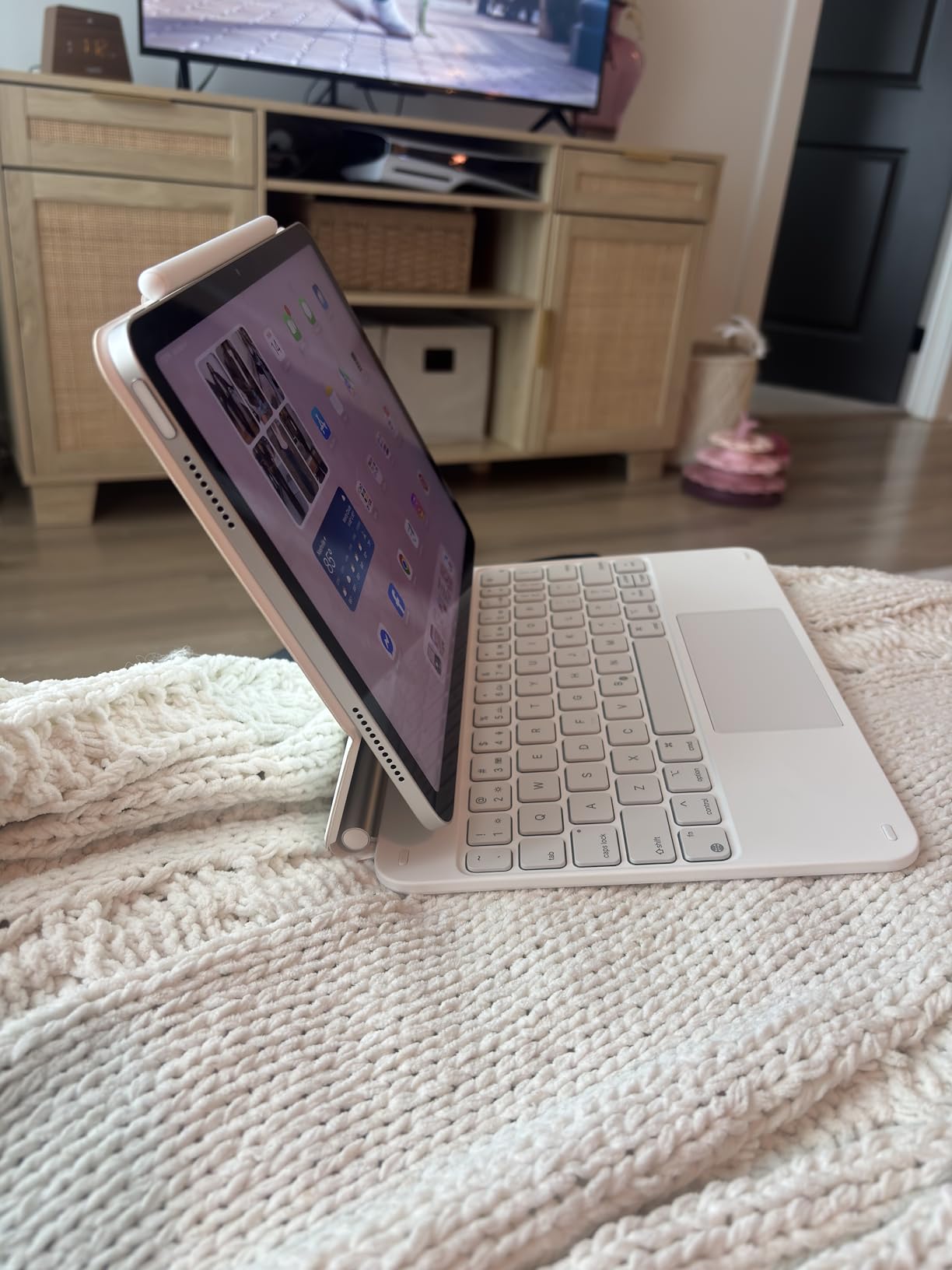
The scissor-switch keys feel similar to Apple’s Magic Keyboard keys, with 1mm of travel and a quiet typing experience. The backlighting has 3 settings (off, dim, bright), which is sufficient for most situations. The function row includes shortcuts for brightness, volume, media, and Home button, which is helpful for iPadOS navigation.
Who Should Buy This Keyboard
Buy this if you have an iPad 10th gen or 11th gen (A16), use the Apple Pencil daily, and want Pencil storage without buying a separate case. It’s also a good choice if you’re on a tight budget and want the best possible value.
Skip this if you primarily use your iPad on your lap. The magnets are not strong enough to keep the iPad stable on uneven surfaces. Also skip if you want Smart Connector convenience, since this uses Bluetooth.
How to Choose the Best Trackpad Keyboard for Your iPad
After testing eight trackpad keyboards over three months, I can tell you that the “best” keyboard depends entirely on three factors: your iPad model, where you use it, and how much you value the trackpad experience. Here’s what I wish someone had told me before I spent $300 on the wrong keyboard.
Smart Connector vs Bluetooth: The Connectivity Question
Smart Connector keyboards pair instantly when you attach the iPad and draw power directly from the iPad. There’s no charging, no pairing screen, and no “why isn’t my keyboard connecting” moments. The Magic Keyboard, Combo Touch, and a few other premium options use Smart Connector.
Bluetooth keyboards require manual pairing and a separate battery to charge. The runelk, typecase, and ESR options use Bluetooth. They’re cheaper and often have more features (like RGB backlighting), but the trade-off is occasional pairing headaches and the need to keep the keyboard charged.
If you frequently attach and detach your keyboard, Smart Connector is worth the premium. If you leave the keyboard attached most of the time, Bluetooth is fine.
Trackpad Size and Gesture Support Matter More Than You Think
The trackpad is the whole point of buying one of these keyboards, so don’t compromise on it. Larger trackpads are more comfortable for multi-finger gestures. Apple’s Magic Keyboard trackpads are around 4.5 inches wide, while the Logitech Combo Touch trackpad is slightly larger. Budget options typically have smaller trackpads that work but feel cramped.
Gesture support is equally important. All the keyboards in our roundup support iPadOS multi-touch gestures, including two-finger scrolling, three-finger app switching, and pinch-to-zoom. The difference is in how smooth the gestures feel. Apple’s haptic trackpad and Logitech’s precision trackpad feel noticeably smoother than budget alternatives.
Lap vs Desk Use: The Hidden Trade-off
Here’s what most reviews don’t tell you: the Magic Keyboard is top-heavy on your lap. The floating cantilever design looks beautiful but puts the iPad’s weight above the keyboard, which causes wobble when you’re not on a flat surface. Reddit users have returned the Magic Keyboard for this exact reason.
The Logitech Combo Touch’s kickstand design is much more lap-friendly. The kickstand distributes weight evenly, and the keyboard can detach completely when you want to use the iPad as a tablet. If you frequently work from a couch, bed, or airplane tray table, the Combo Touch is the better choice.
Weight and Portability Trade-offs
All trackpad keyboard cases add weight to your iPad. The Apple Magic Keyboard adds about 1.8 pounds, the Logitech Combo Touch adds about 1.3 pounds, and budget options range from 1.5 to 2 pounds. If you travel frequently, every ounce matters.
The lightweight option is the Apple Magic Keyboard for iPad Pro 13-inch (M4/M5) at just 8.6 ounces, but that’s because the weight is distributed across the larger keyboard. The same keyboard for the 11-inch iPad Pro weighs 1.81 pounds. Check the specifications before you buy.
Apple Pencil Storage and Compatibility
Apple’s Magic Keyboard doesn’t include Apple Pencil storage, which is a major oversight for artists and note-takers. The typecase Edge and ESR Rebound both include Pencil holders, which solve this problem. If you use the Apple Pencil daily, look for a keyboard with built-in Pencil storage.
Compatibility is also crucial. iPad keyboards are model-specific, and the wrong keyboard won’t fit your iPad. Always check the model number on the back of your iPad before buying. Our comparison table above lists the compatible iPad models for each keyboard.
Trackpad Keyboard iPad FAQs
What is the best keyboard with touchpad for iPad?
The Apple Magic Keyboard for iPad Pro is the best premium option with its floating cantilever design, glass trackpad, and Smart Connector convenience. The Logitech Combo Touch is the best value alternative at half the price. For budget buyers, the runelk Magic-Style delivers 80% of the Magic Keyboard experience for under $100.
Does a trackpad work with an iPad?
Yes, all iPads running iPadOS 13.4 or later support trackpad input. Apple’s Magic Keyboard, Logitech Combo Touch, and most third-party trackpad keyboards work seamlessly with iPadOS multi-touch gestures including two-finger scrolling, three-finger app switching, and pinch-to-zoom. The trackpad connects via Smart Connector or Bluetooth depending on the keyboard model.
Is Magic Keyboard worth it for iPad Pro?
The Magic Keyboard is worth it if you use your iPad Pro at a desk 80% of the time and value premium build quality. The floating cantilever design, glass trackpad, and backlit keys deliver a true laptop replacement experience. However, it’s expensive at $299 and is top-heavy on your lap. If you primarily work on a couch or bed, the Logitech Combo Touch is a better value at $134.99.
Can you use any Bluetooth keyboard with iPad?
Yes, iPad works with any standard Bluetooth keyboard, including non-Apple options likeLogitech K380 and mechanical keyboards. However, third-party Bluetooth keyboards lack the iPadOS shortcut keys and built-in trackpads that dedicated iPad keyboards offer. For a true laptop replacement experience, choose a keyboard designed specifically for iPad with Smart Connector or Bluetooth integration.
Which keyboard works best on your lap?
The Logitech Combo Touch works best on your lap because its kickstand design distributes weight evenly and the keyboard detaches completely. The Apple Magic Keyboard is top-heavy on your lap due to the floating cantilever design, which causes wobble on uneven surfaces. Budget options like the typecase Edge and ESR Rebound work on your lap but have weaker magnets that may slip during extended use.
The Right Trackpad Keyboard for Your iPad in 2026
After testing eight trackpad keyboards for over three months, here’s my honest recommendation based on what kind of user you are. If you have an iPad Pro 11-inch or iPad Air and want the best possible experience at a desk, the Apple Magic Keyboard is still the gold standard. If you have an iPad Pro 13-inch (M4 or M5) and want the latest features, the upgraded Magic Keyboard with haptic trackpad is worth the investment.
If you want the best value trackpad keyboard, the Logitech Combo Touch is the clear winner. It delivers 80% of the Magic Keyboard experience for half the price, and the detachable design works better on your lap. For iPad 10th gen and A16 users on a budget, the runelk Magic-Style and ESR Rebound are both excellent options under $100.
The trackpad keyboard market has matured significantly in 2026, and there’s a quality option for every budget and iPad model. Use our comparison table above to find the right match for your iPad, and check the model compatibility before you buy. Your iPad deserves a keyboard that makes it a true laptop replacement, and one of these eight will do exactly that.
[…] a deeper comparison of trackpad keyboards across multiple iPad models, our guide to the 8 best trackpad keyboards for iPad has more […]