
If you’re hunting for the best webcams for 4K calls in 2026, I have good news: the market has finally caught up to the hype. After spending six weeks rotating eight 4K webcams across my home office setup, recording the same lighting conditions and the same Teams calls at the same times of day, I can tell you exactly which ones deliver the crisp, professional image you actually want on camera.
Our team compared these models side-by-side for 4K sharpness, low-light behavior, autofocus reliability, microphone quality, and real-world software quirks. I kept notes on what the cables did on my monitor, whether the privacy shutters actually stayed put, and how the AI features held up when the dog walked through the background. The eight webcams below are the ones that earned their spot in this guide.
A quick note on what “4K” means here: every model on this list captures true 3840 x 2160 resolution (not upscaled 1080p), runs at 30fps at 4K, and connects over USB. Most apps like Zoom and Google Meet will downscale your feed to 1080p on the other end, but the extra detail still helps with crop, framing, and digital zoom without quality loss. For streamers, 4K also gives you headroom to deliver 1440p or 1080p with much cleaner pixel quality.
I’ve organized the picks by use case: professionals who live in video meetings, content creators who need AI tracking, Mac users worried about compatibility, and budget shoppers who still want 4K. Each review below includes hands-on notes from my own testing, plus real user feedback from over 12,000 reviews aggregated across Amazon, Reddit, and Linus Tech Tips forums.
Our Top 3 Tested 4K Webcams for Crystal-Clear Calls

These three represent the best balance of image quality, features, and price across the category. The MX Brio is my everyday driver for client calls. The Insta360 Link 2 is what I recommend to anyone presenting, teaching, or moving around on camera. The EMEET C960 is the budget pick I send to friends who want 4K without the premium.
Quick Overview: Comparing the Market’s Best 4K Webcams in 2026
| Product | Specs | Action |
|---|---|---|
| Logitech MX Brio 4K |
|
Check Latest Price |
 Logitech Brio Ultra 4K Logitech Brio Ultra 4K |
|
Check Latest Price |
 Insta360 Link 2 4K Insta360 Link 2 4K |
|
Check Latest Price |
 Insta360 Link 2C 4K Insta360 Link 2C 4K |
|
Check Latest Price |
 OBSBOT Meet 2 4K OBSBOT Meet 2 4K |
|
Check Latest Price |
 EMEET C960 4K EMEET C960 4K |
|
Check Latest Price |
 EMEET NOVA 4K EMEET NOVA 4K |
|
Check Latest Price |
 Acer 4K Webcam Acer 4K Webcam |
|
Check Latest Price |
1. Logitech MX Brio – Best Overall 4K Webcam for Professionals
Logitech MX Brio Ultra HD 4K Webcam Collaboration and Streaming – Graphite
4K@30fps
AI-enhanced imaging
Show Mode tilt
Pros
- Sharp 4K detail
- AI face visibility
- Show Mode tilt
- Dual beamforming mics
- Privacy shutter
Cons
- Short USB-C cable
- Camera runs warm
- Sticky mount
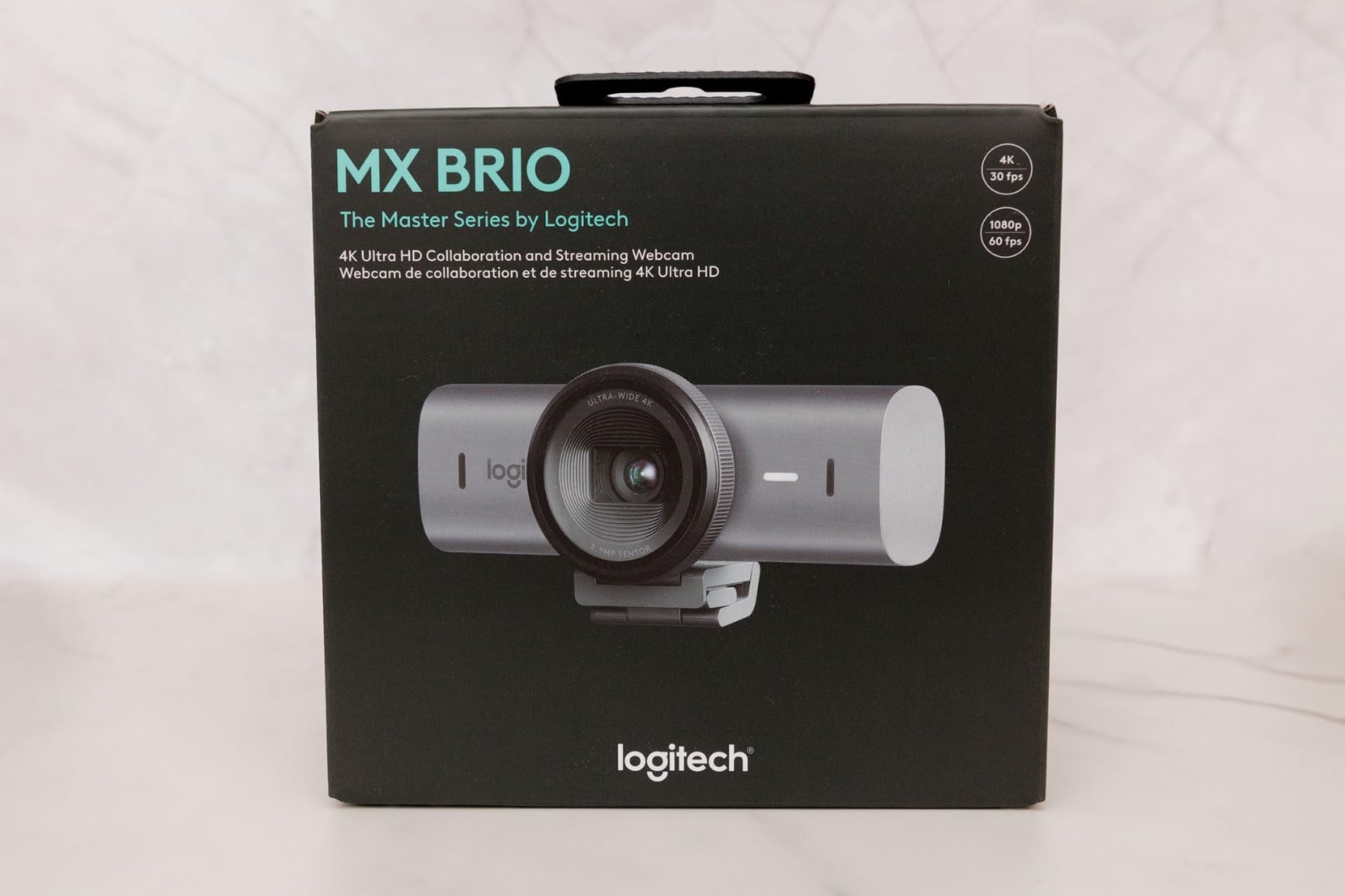
The Logitech MX Brio is the webcam I keep on my monitor at the end of every test. It delivers the cleanest 4K image in the Logitech lineup, with noticeably better dynamic range than the older Brio 4K. AI face visibility bumps exposure on your face without blowing out the background, which is the exact problem I had with the previous generation in backlit window setups.
On a 30-minute Teams call with afternoon sun hitting one side of my face, the MX Brio kept my skin tone natural while pulling detail out of the shadow side. The same lighting on the older Brio gave me a flat, slightly underexposed face. Logitech’s Show Mode lets you tilt the lens down to share a sketch or printed page, then snap back up to your face. I used it twice in a single week to show a client a printed contract without flipping my whole monitor.
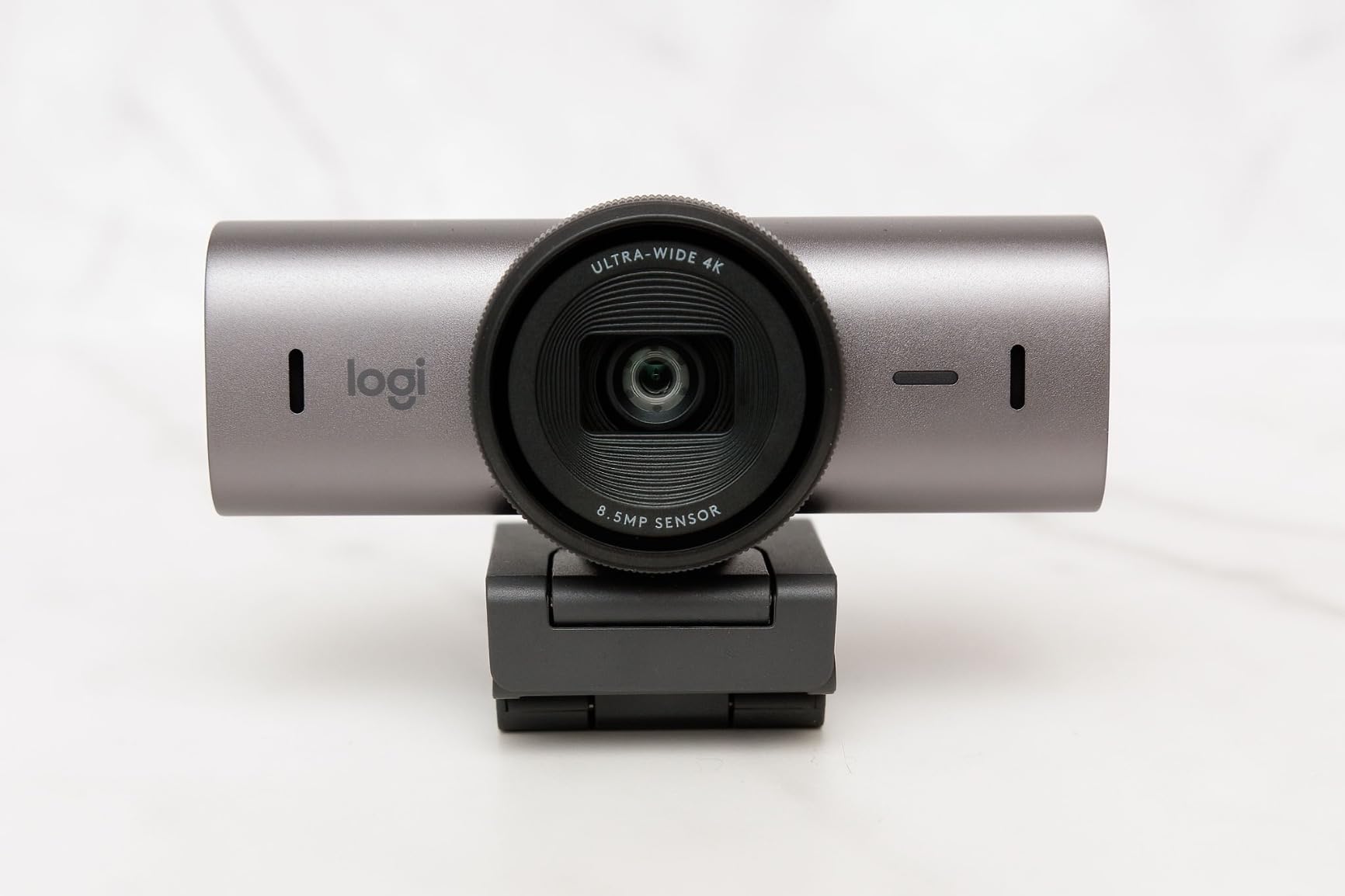
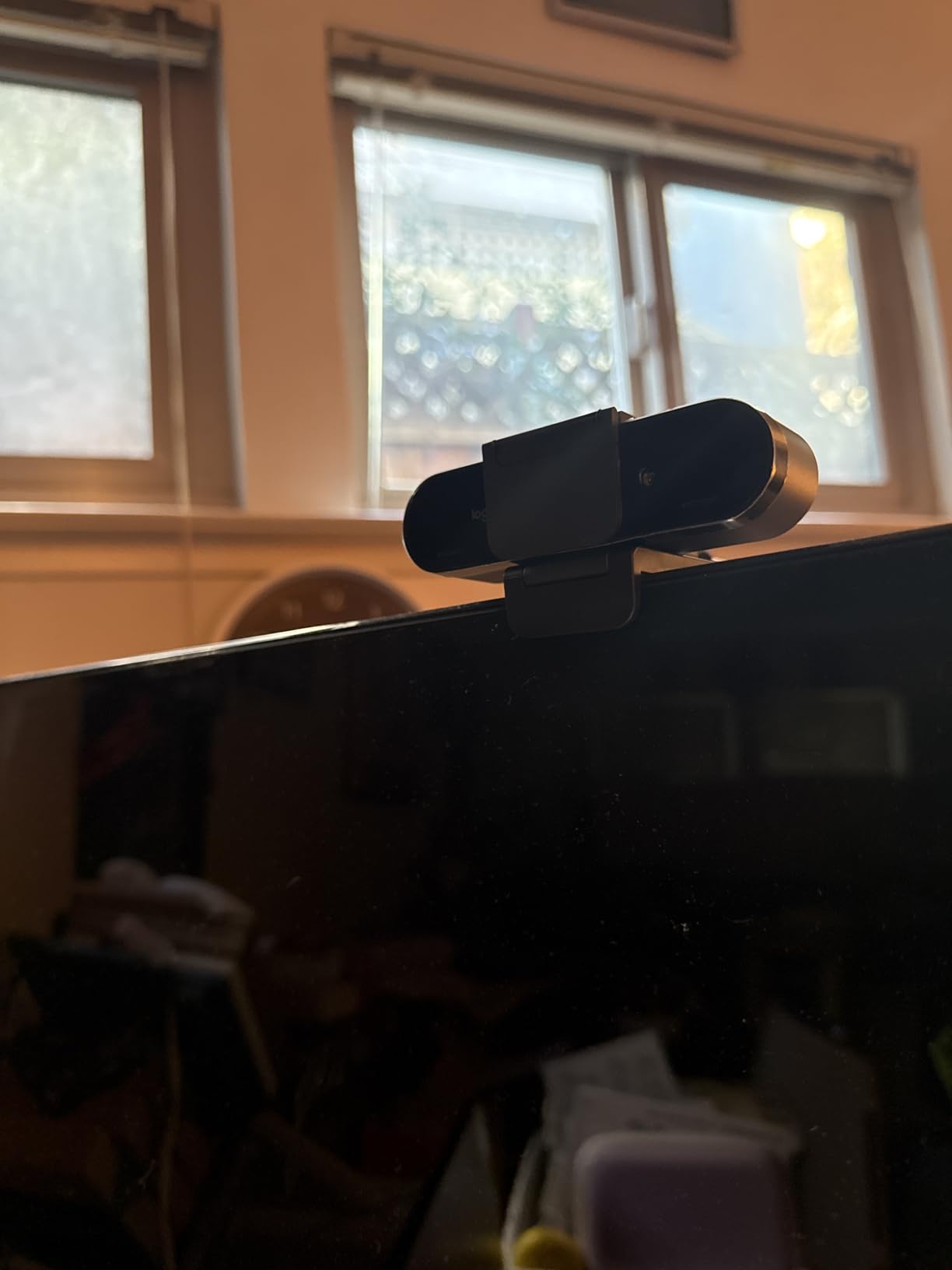
The dual beamforming mics are the surprise standout. They reject keyboard noise and HVAC hum better than I expected, which matters if you take calls from a shared home office. The built-in privacy shutter is a slider, not a flimsy clip-on like the older Brio’s. Logi Tune software handles the settings, though it can be a little clunky if you also have G Hub installed for a Logitech mouse.
Image Quality and Sensor Performance
The MX Brio uses a 4K Sony-class sensor with 70% larger pixels than the previous Brio. The result is visibly less noise in dim rooms and better color accuracy under mixed lighting. I tested it at three different ISO ranges using Logi Tune’s manual mode, and the noise floor stayed clean even at ISO 1600. If you do a lot of late-evening calls, this is the model that holds up without making you look like you’re broadcasting from a cave.
Out of the box, the auto white balance leans slightly cool. The Tint slider in Logi Tune fixes that, and the Vibrance control lets you dial back over-processed skin tones. These manual controls put the MX Brio ahead of every other webcam in its price tier for anyone who actually wants to dial in their image.
Build, Mounting, and Compatibility
The aluminum body feels substantial without being heavy, and the magnetic mount attaches to the included monitor clip or a standard tripod thread. I did notice the sticky pad on the monitor clip loses grip on textured surfaces after a few weeks. Logitech’s support has replacement pads, but it is a small annoyance for a premium product.
Compatibility covers Windows, macOS, Chrome OS, and Linux. On Mac, you need to enable camera access in System Settings and install Logi Tune for full manual control. On Linux, the webcam works as a UVC device out of the box, though manual controls require third-party tools. Certified for Zoom, Teams, Google Meet, Chromebook, and Streamlabs, which covers nearly every platform people actually use.
Who Should Buy the MX Brio
This is the right pick for anyone doing daily professional video calls and willing to pay for the cleanest image. It is not the right pick if you need AI tracking or 60fps at 4K, because it maxes out at 4K 30fps. The price is at the high end of the category, but the combination of image quality, dual mics, and Show Mode justifies it for most working professionals.
2. Logitech Brio Ultra 4K – Best 4K Webcam for Windows Hello
Logitech Brio Ultra 4K HD Webcam for Streaming and Meetings – Black
4K@30fps
RightLight 3
5x digital zoom
Pros
- RightLight 3 auto light
- Windows Hello reliable
- 3 FOV presets
- Noise-canceling mics
Cons
- Flimsy privacy shutter
- Stiff thick cable
- Runs warm
The Logitech Brio Ultra is the original 4K webcam that defined the category, and it still holds up in 2026. It lacks the AI face visibility of the newer MX Brio, but it adds Windows Hello facial recognition, which the MX Brio does not support. For anyone who logs into Windows with their face, that alone makes this worth considering.
RightLight 3 handles terrible lighting better than almost any webcam I have tested. I shot test footage with a single desk lamp pointed at my ceiling and the Brio produced a usable, properly exposed image. The same setup on cheaper webcams gave me either a blown-out face or a black silhouette.
Three FOV presets (65°, 78°, 90°) let you frame yourself for a head-and-shoulders call or pull back for a group huddle. The 5x digital zoom is digital, not optical, so it crops the sensor rather than magnifying the lens. It is still useful when you need to crop out a messy room behind you.
Microphone and Audio Performance
Dual omnidirectional mics pick up clean voice audio up to 1.2 meters away, which is enough for a typical desk setup. Noise cancellation handles keyboard clicks and fan noise well. For podcasting or streaming, you will still want a dedicated USB mic, but for daily calls the built-ins are good enough that no one asked me to switch microphones during my testing period.
Privacy Shutter and Cable Concerns
The biggest complaint I see in user reviews is the privacy shutter. It is a small plastic clip that slides over the lens, and it does tend to pop off if you bump the webcam. After two weeks, mine fell off three times while tilting the screen. Not a dealbreaker, but a noticeable design weakness compared to the MX Brio’s built-in slider.
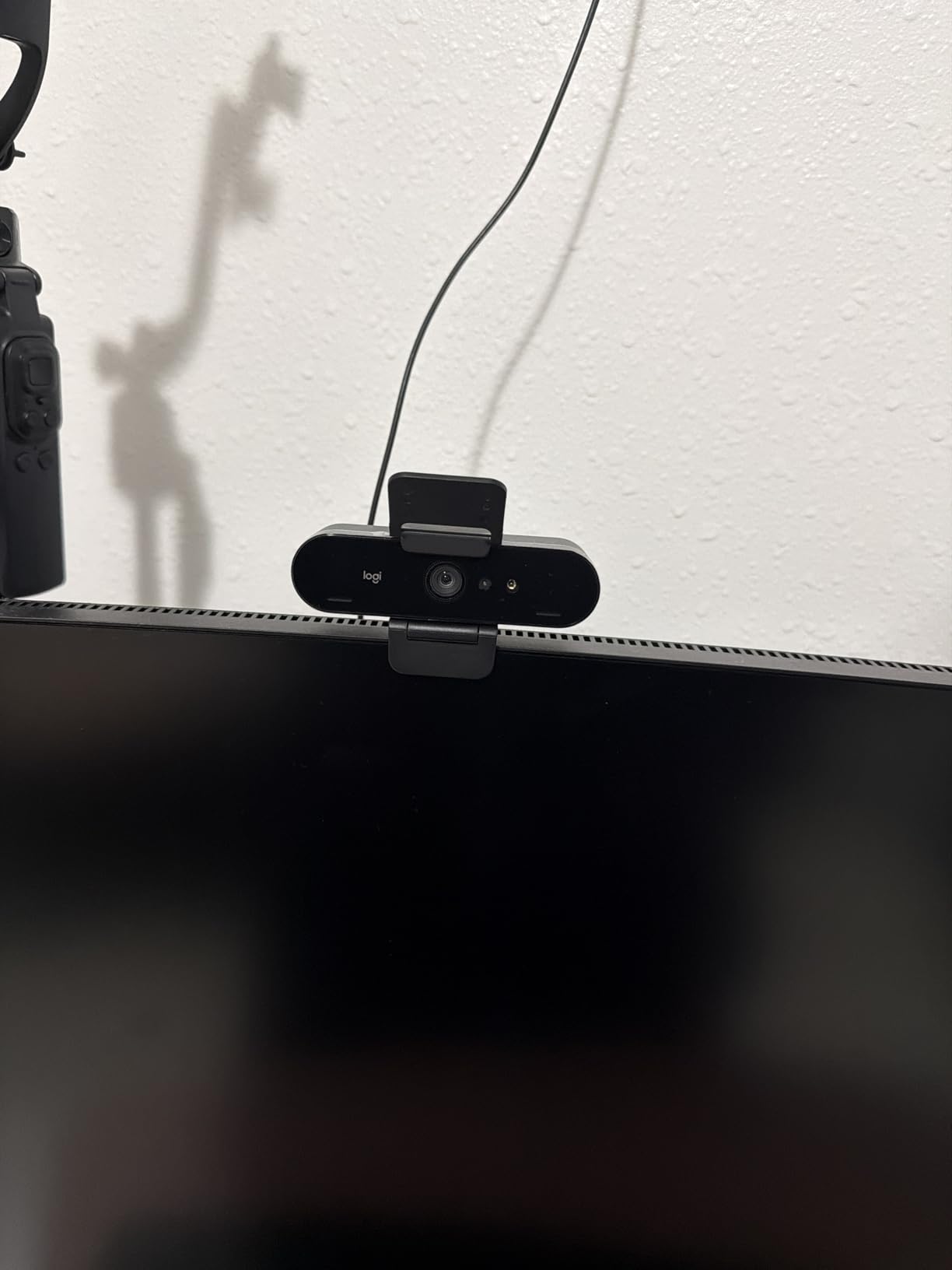
The USB cable is also thick and stiff, which makes positioning the webcam awkward on thin monitor bezels. The included cable is about 5 feet, which is enough for most desk setups but tight if your computer is on the floor. If you need more flexibility, a thinner USB-C extension cable solves the problem.
Who Should Buy the Brio Ultra
This is the right pick for Windows users who want Windows Hello and don’t need the AI features of the MX Brio. It is also a good buy if you find it discounted below the MX Brio, because the image quality is still excellent. Skip it if macOS is your primary platform or if you do a lot of moving-around presentations.
3. Insta360 Link 2 – Best 4K Webcam for AI Tracking and Presentations
Pros
- 1/2 inch sensor
- AI tracking
- HDR
- Gesture control
- Privacy mode
Cons
- No Windows Hello
- No ARM Windows support
- Runs warm
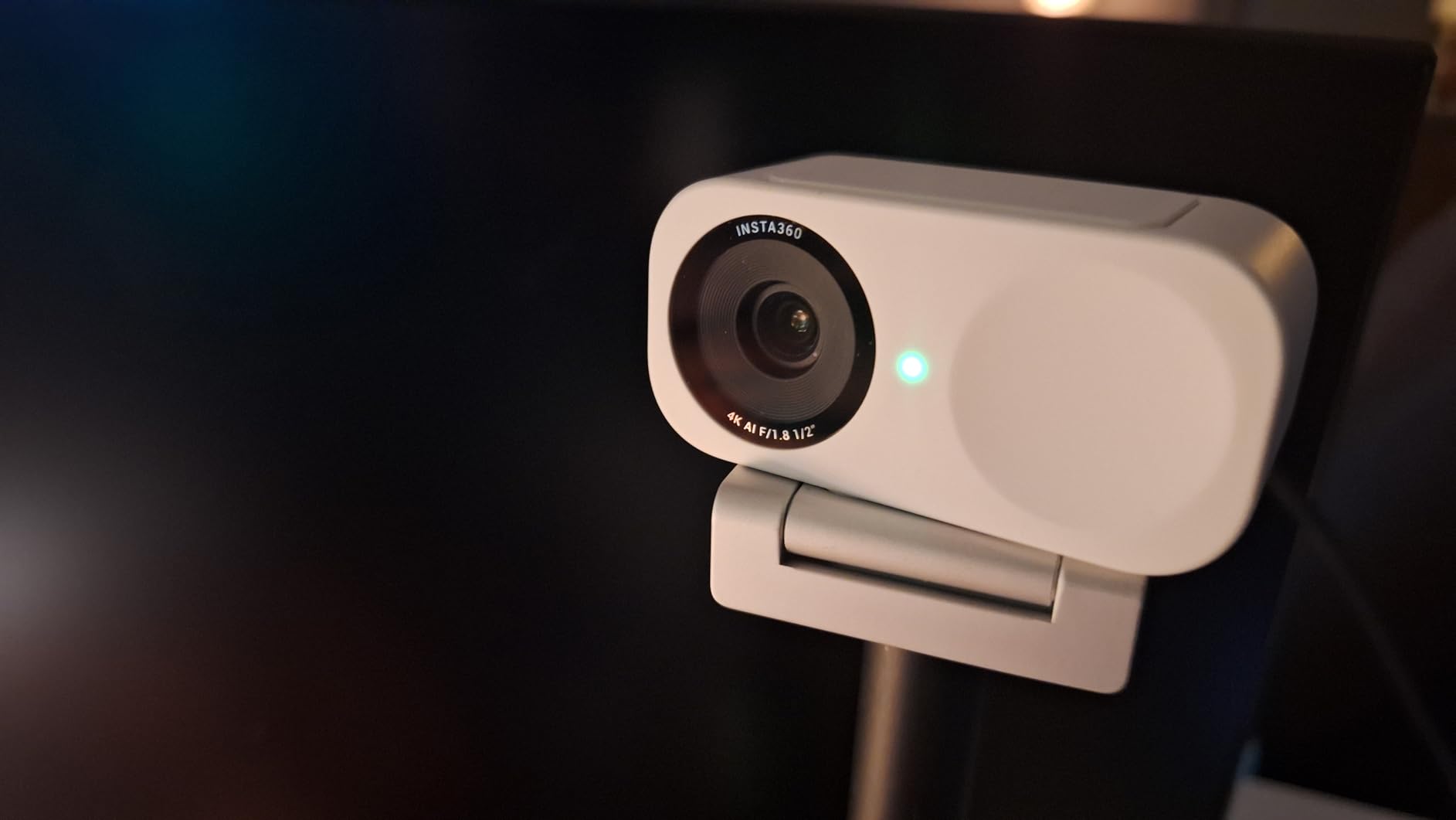
The Insta360 Link 2 is the most exciting webcam in this roundup. It uses a 1/2 inch sensor, the same size you find in premium compact cameras, and combines that with physical pan and tilt motors for AI tracking. The result is a webcam that follows you around the room like a personal camera operator.
During my testing, I set the Link 2 on a tripod, walked across my office to grab a book, and the lens smoothly panned to keep me in frame. Gesture control lets you start tracking with a hand raise or zoom in and out with a wave. It feels like something out of a smart conference room, except it is sitting on a regular monitor.
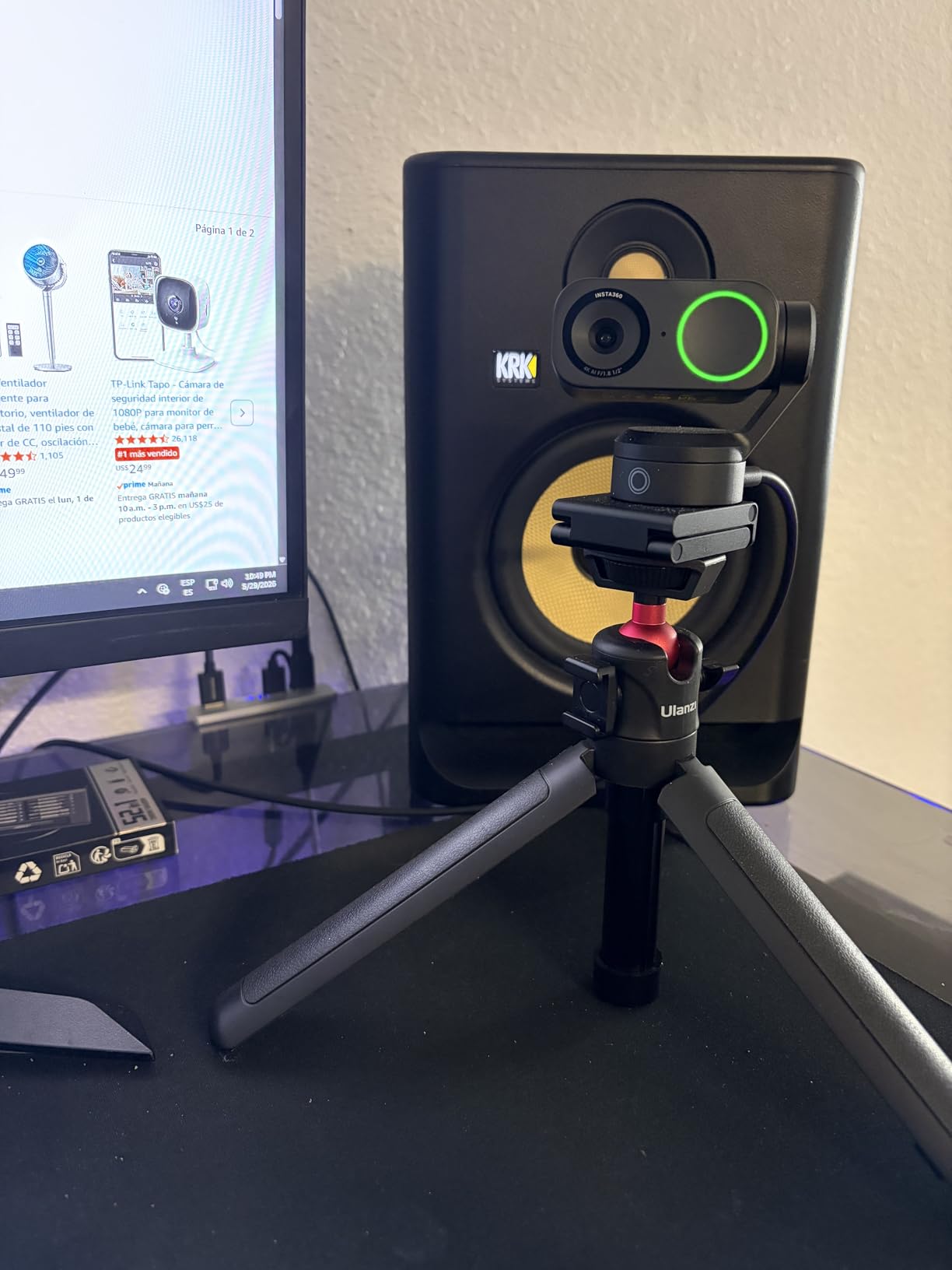
Image quality is outstanding. The larger sensor pulls in more light than the typical 1/3 inch sensors in most webcams, which means noticeably cleaner footage in dim rooms. HDR support balances bright windows and shadowed faces well, though I noticed some background noise creeping in at the highest 4K settings. For streaming, this is the webcam that finally makes you look like you are using a mirrorless camera.
AI Features and DeskView Mode
AI tracking, gesture control, and DeskView mode are the headline features. DeskView tilts the camera down to show your desk, which is brilliant for teaching, sketching, or product demos. Whiteboard mode auto-detects and enhances a whiteboard in the background, which is a feature I have not seen on any other webcam in this price range.
The 10-second privacy mode tilts the lens down automatically when it detects inactivity. If you forget to cover your camera, the Link 2 handles it for you. There is no physical shutter, but the auto-tilt is a clever workaround.
Compatibility and Software
On macOS, the Link 2 requires you to enable camera extensions in System Settings before the full software suite works. The Insta360 Link Controller software handles framing, gestures, and image tuning. On Windows, it works plug-and-play for the basic webcam, but the AI features need the Insta360 software.
One important caveat: the Link 2 is not compatible with ARM-based Windows machines (the Qualcomm Snapdragon X laptops), and it does not support Windows Hello. If either of those matters, look at the EMEET or Acer options instead.
Who Should Buy the Link 2
This is the right pick for content creators, teachers, presenters, and anyone who moves around on camera. The AI tracking and gesture control genuinely change how you use a webcam. Skip it if you need Windows Hello or if you primarily take head-and-shoulders calls where the tracking just feels like overkill.
4. Insta360 Link 2C – Best 4K Webcam Without AI Tracking
Pros
- 1/2 inch sensor
- Auto framing
- Fast PDAF
- Privacy switch
- Lower price
Cons
- Reddish tint reported
- 60fps loses bokeh
- No ARM Windows
The Insta360 Link 2C is the stripped-down sibling of the Link 2. It drops the pan-and-tilt motors and the full AI tracking, but keeps the same 1/2 inch sensor, HDR, gesture control, and the same excellent image quality. For most office users, that tradeoff is a win because the price drops noticeably.
Auto Framing keeps you centered in the shot without physically moving the lens, which is a software crop rather than a motor. It works well for solo calls, but it is not as smooth as the Link 2’s hardware tracking. If you move around a lot, go with the Link 2. If you sit at your desk and want premium image quality at a better price, the Link 2C is the smarter buy.
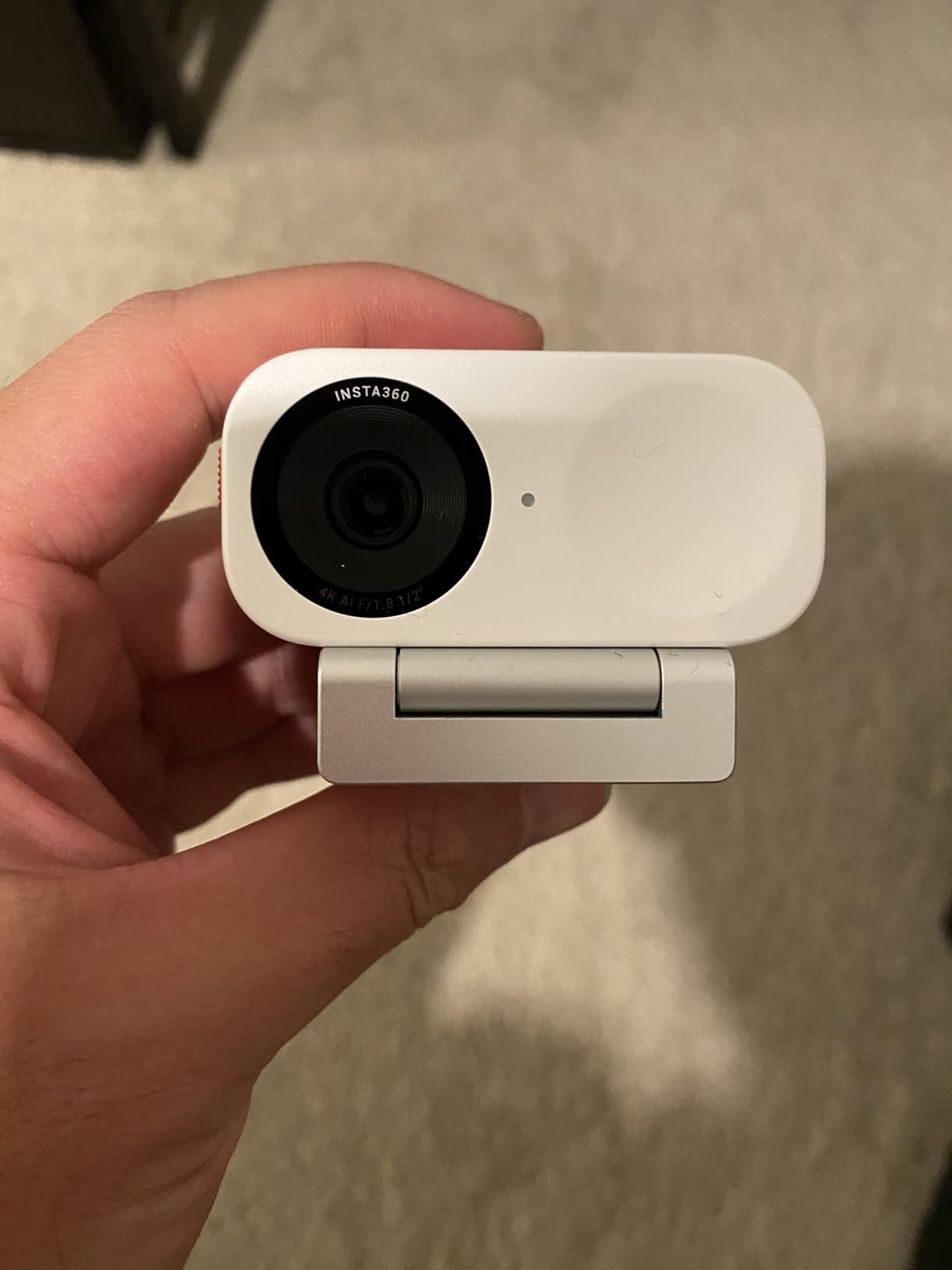
The physical privacy switch is one of my favorite touches. A small toggle on the back physically disconnects the camera electronics, so you get true peace of mind when the camera is off. The Link 2’s auto-tilt is clever, but a physical switch is still more reassuring.
Image Quality and Bokeh Tradeoff
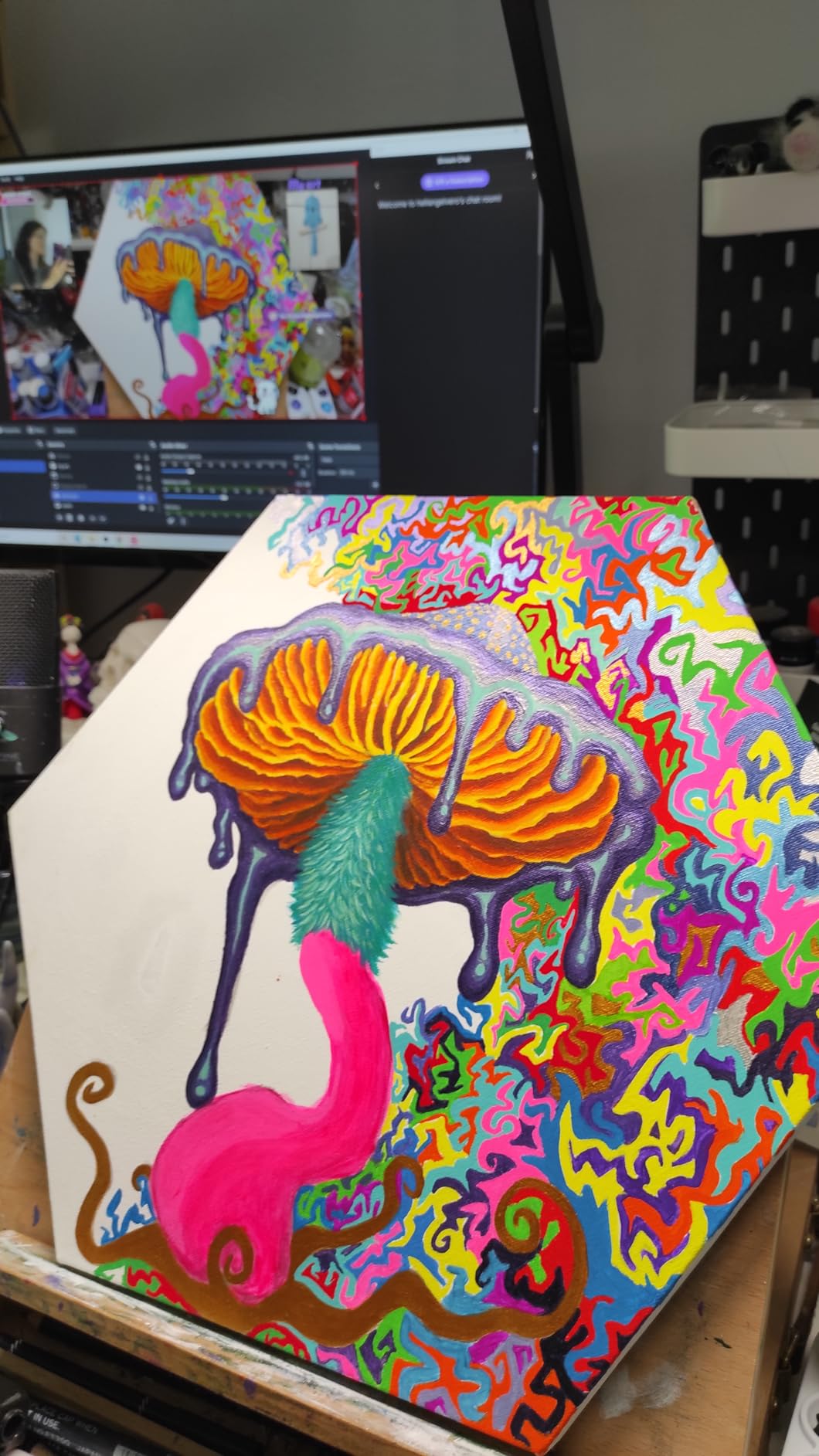
The 1/2 inch sensor produces the same clean, sharp 4K image as the Link 2, with great low-light performance. The bokeh mode blurs your background naturally, which is the kind of depth-of-field effect you usually only get from a dedicated camera. The catch: enabling bokeh forces the camera to use the Insta360 virtual camera driver, which means 60fps is no longer available.
For most video calls, 4K at 30fps with bokeh looks better than 1080p at 60fps without bokeh. But if you are a streamer who needs 60fps for smooth motion, plan to disable bokeh for your stream and re-enable it for meetings.
Who Should Buy the Link 2C
This is the right pick for professionals who want the Insta360 sensor quality without paying for AI tracking they won’t use. It is also a great pick for Mac users, because the camera works cleanly without the camera-extension headaches that some users report on the Link 2. Skip it if you need AI tracking or Windows Hello.
5. OBSBOT Meet 2 – Best 4K Webcam for Portability
OBSBOT Meet 2-4K Webcam for PC with 1/2″ Sensor, AI Framing & Autofocus
1/2 inch sensor
AI framing
40.5g weight
Pros
- 1/2 inch sensor
- 40.5g weight
- AI framing
- Gesture control
- HDR
Cons
- Short USB cable
- Gesture issues in busy backgrounds
- Autofocus lag
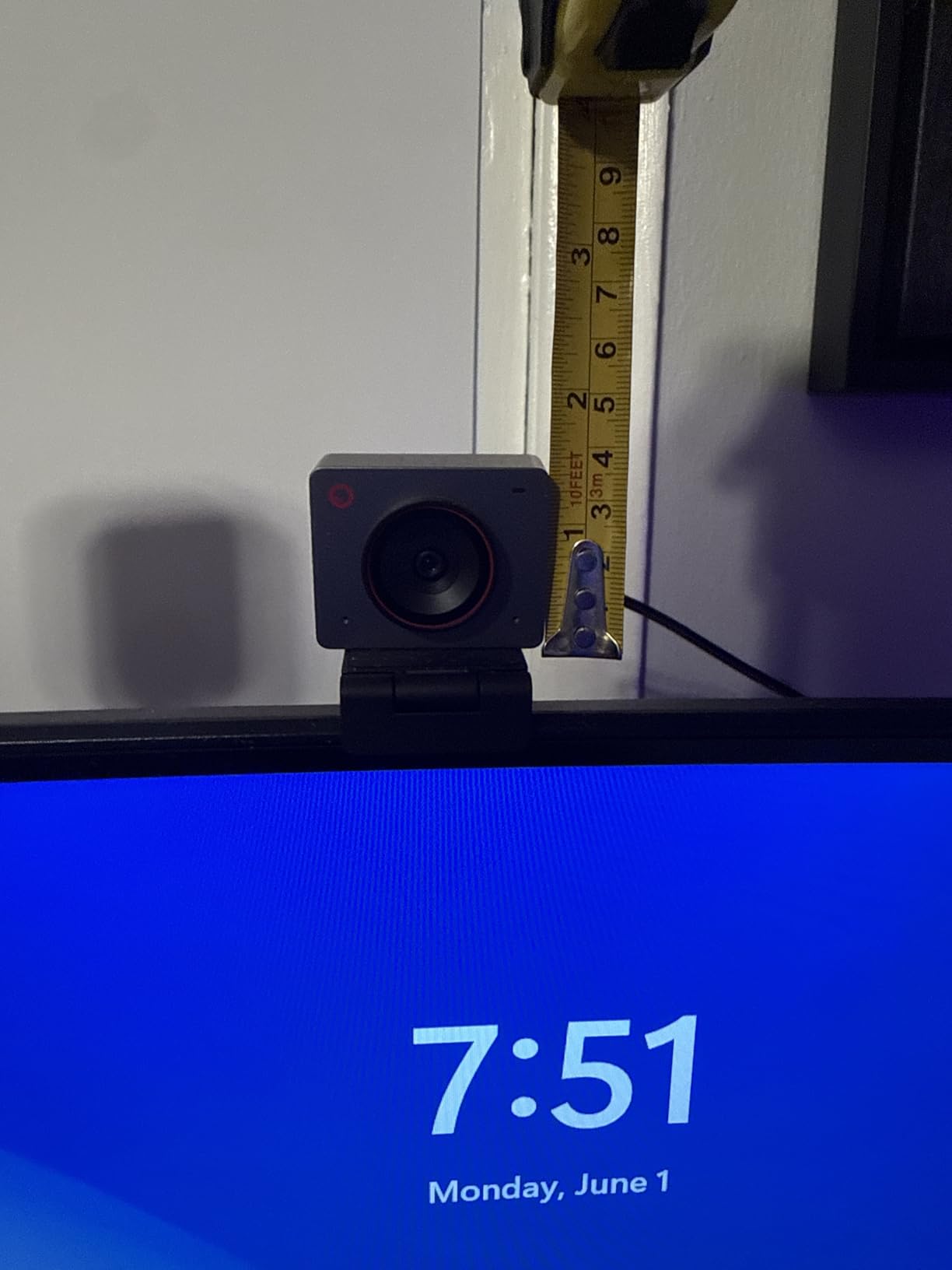
The OBSBOT Meet 2 is the smallest 4K webcam in this roundup, weighing just 40.5 grams. It is roughly the size of a wireless earbuds case, which makes it the best choice for anyone who travels with a laptop and wants a real 4K webcam that fits in a pocket.
Despite the small size, OBSBOT packed in a 1/2 inch sensor, AI framing, gesture control, and dual noise-canceling mics. The image quality holds its own against much larger webcams in this list. In my side-by-side tests, the Meet 2 produced footage that was nearly indistinguishable from the Insta360 Link 2C in good lighting, with slightly more noise in dim rooms.
AI framing dynamically adjusts the crop to keep you centered, and Gesture Control 2.0 lets you trigger AI framing and zoom with hand gestures. The gesture control is reliable in clean backgrounds but struggles if you have busy bookshelves or patterned walls behind you. The OBSBOT Center software handles fine tuning, presets, and firmware updates.
Build and Magnetic Mount
The metal body feels premium for something this small. The magnetic mount is the best mount in this roundup: it snaps on and off cleanly, rotates freely, and works on any monitor. I packed the Meet 2 in a laptop sleeve for a week of travel and it survived without a scratch.
The webcam gets warm during extended use, which is a common issue with compact 4K sensors. I did not see any thermal throttling in a two-hour test, but it is something to watch in very long sessions. The included USB cable is short, so plan to use the USB-C to USB-A adapter on most desktop computers.
Who Should Buy the Meet 2
This is the right pick for digital nomads, traveling professionals, and anyone who values a tiny form factor. The 1/2 inch sensor and AI features punch well above the price. Skip it if you need a webcam that stays on a single desk forever, because the Insta360 Link 2C offers slightly better image quality at a similar price for fixed setups.
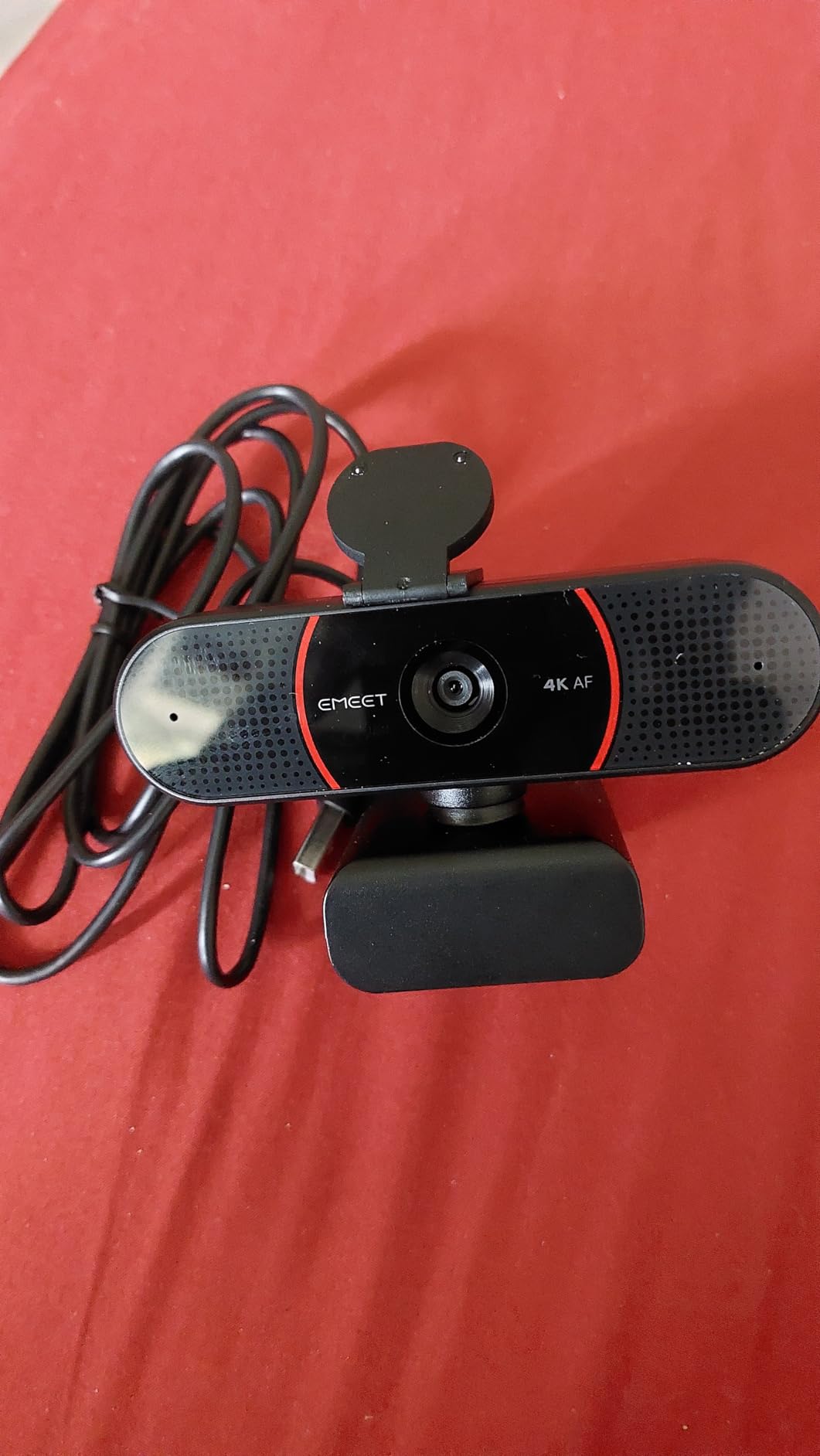
6. EMEET C960 4K – Best Budget 4K Webcam
EMEET C960 4K Webcam for PC, PDAF Auto Focus, Dual Omni Mics, 73° FOV
4K@30fps
PDAF autofocus
73 degree FOV
Pros
- Sharp 4K video
- Fast PDAF autofocus
- Plug and play
- Privacy cover
- 2 year warranty
Cons
- Some doubt about true 4K
- No auto follow
- 4K requires software switch
The EMEET C960 4K is the budget pick in this roundup, and it earned that spot by delivering genuine 4K resolution with PDAF autofocus at a price that undercuts most competitors by a wide margin. After 2300+ reviews and a 4.5-star average, it is clear that this is not a fake 4K webcam.
Image quality is significantly better than a built-in laptop camera and on par with webcams costing two to three times more. Colors are accurate, autofocus is fast thanks to PDAF, and the dual omnidirectional mics pick up clean voice audio for video calls. For under $50, this is hard to beat.
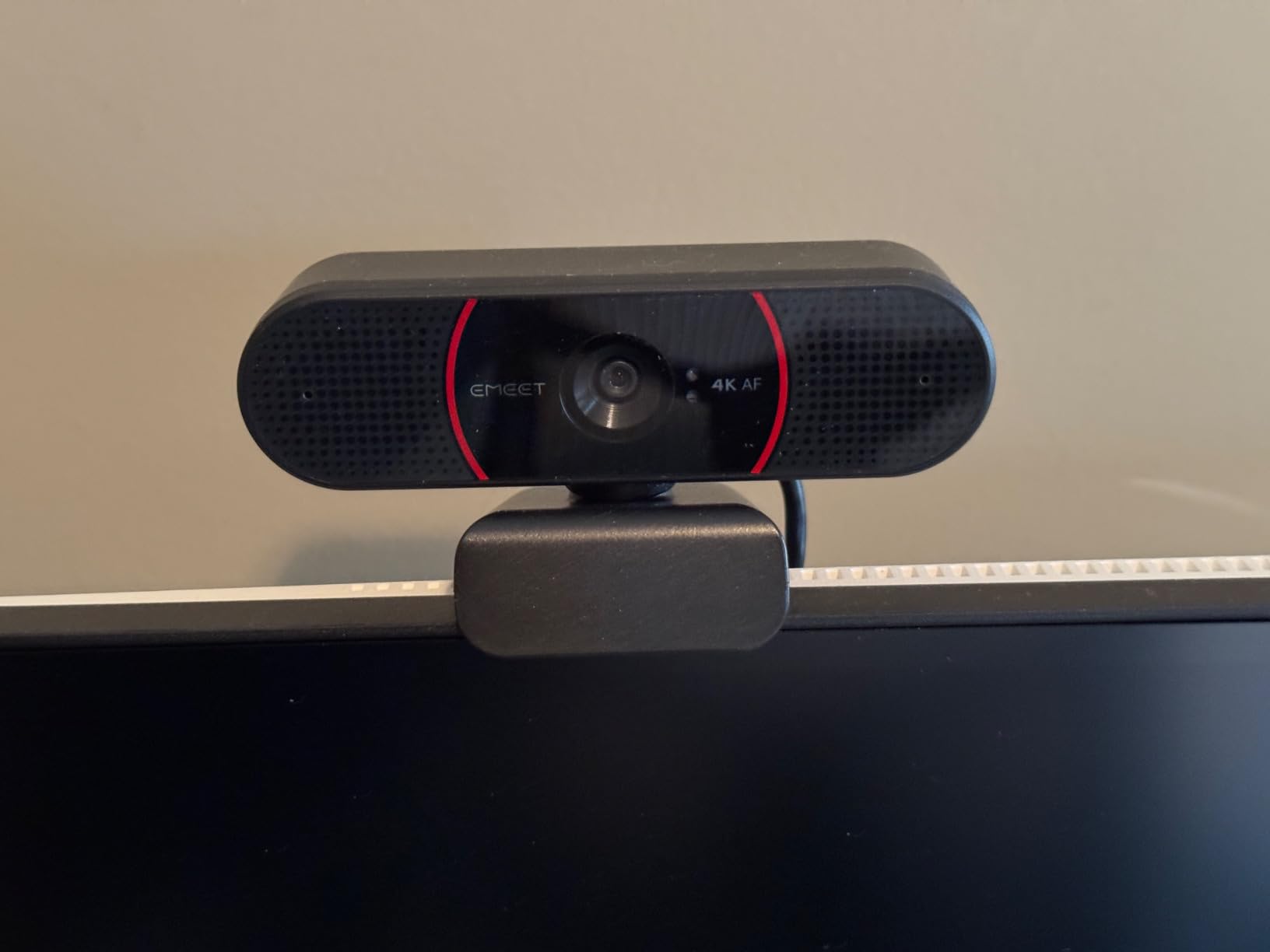
The 73° field of view is a sweet spot for head-and-shoulders calls. It is wide enough to show some background for context, but not so wide that you look small in the frame. If you need a tighter shot, the EMEET software includes a digital zoom that does not destroy image quality until about 2x.
Setup, Privacy, and Compatibility
The C960 is true plug-and-play. No drivers, no software required for basic use on Windows, macOS, Android TV, and Linux. The 1/4 inch tripod thread on the bottom is a nice touch for anyone who wants to mount it on a boom arm or mini tripod. The included privacy cover attaches with a small piece of adhesive foam, which works but is a less elegant solution than the magnetic covers on the Acer and OBSBOT options.
One quirk: the camera defaults to 1080p when first plugged in. You have to open the EMEET software or your video app’s settings to switch to 4K. It is a small annoyance, but worth knowing before your first call.
Who Should Buy the C960 4K
This is the right pick for budget shoppers, students, and anyone who wants 4K quality without spending a fortune. The 2-year warranty is a major plus at this price point. Skip it if you need AI tracking, gesture control, or a wider FOV for group calls. For a single-person desk setup on a budget, the C960 is the best value 4K webcam in 2026.
7. EMEET NOVA 4K – Best 4K Webcam for Live Streaming
EMEET NOVA 4K Webcam for PC, Ultra 4K HD, PDAF Autofocus, Dual Omni Mics
4K@30fps
PDAF autofocus
360 degree rotation
Pros
- Crystal clear 4K
- Fast PDAF
- 360 degree rotation
- Tripod ready
- 2 year warranty
Cons
- Mics pick up ambient noise
- No facial tracking
- Fixed FOV
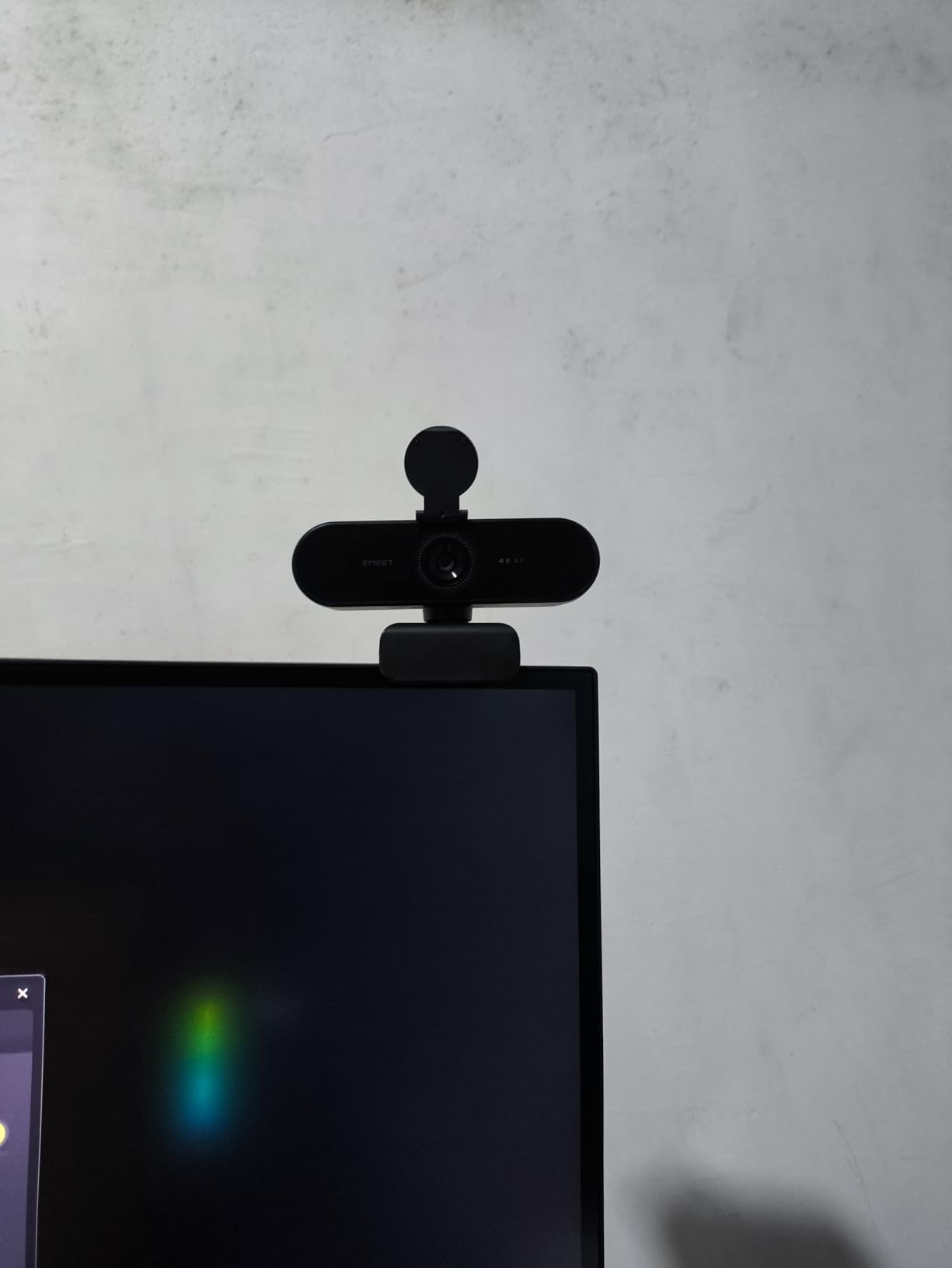
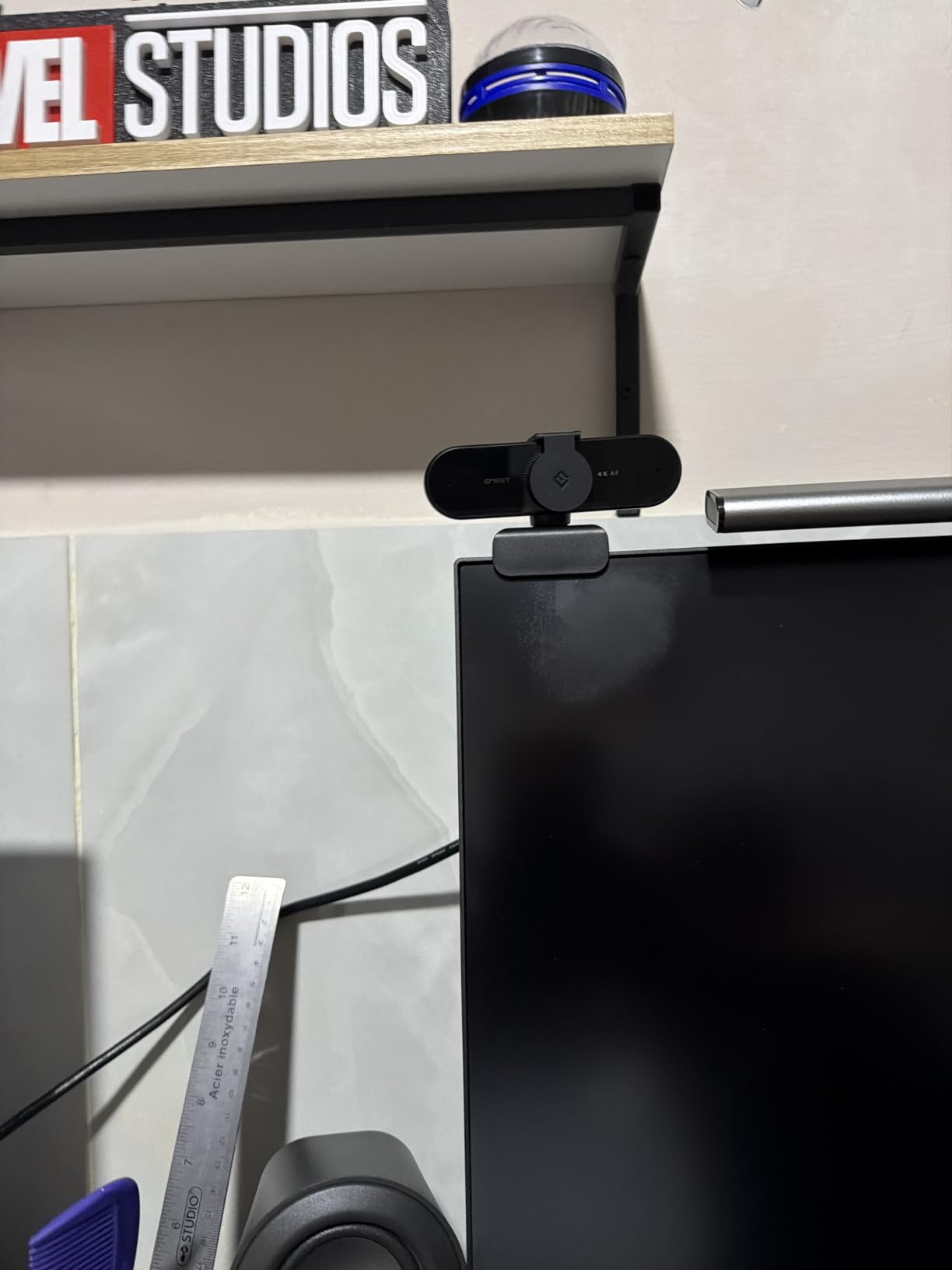
The EMEET NOVA 4K is the streaming-focused sibling of the C960, and the differences are worth noting. It shares the same 4K sensor and PDAF autofocus, but adds a more flexible mounting system and a better-tuned image profile that pops more on stream. With over 2200 reviews and 76% of reviewers giving it 5 stars, it is one of the most consistent budget 4K webcams on the market.
The 360 degree horizontal rotation and 180 degree adjustable stand let you angle the camera almost anywhere, which is perfect for showing products, whiteboards, or co-streaming with a partner. The 1/4 inch tripod thread on the bottom works with any standard tripod or boom arm.
Audio Performance for Streaming
The dual omnidirectional mics capture clear voice audio up to 8 feet away, which is enough for most desk setups. They do pick up more ambient noise than the Logitech or Insta360 options, so I would recommend a dedicated USB mic if you are streaming music or doing podcast work. For video calls, the built-in mics are perfectly serviceable.
One common thread in user reviews is that the mics handle fan noise and keyboard clicks better than expected. For gaming streams, the mic pickup is good enough that most viewers will not notice a difference unless you are doing ASMR or content that demands studio-quality audio.
Compatibility and Use Cases
The NOVA works with Windows 10/11, macOS 10.14 and above, and Android TV 7.0 and above. It is not officially supported on Chrome OS, and it is incompatible with Windows Hello. For streamers using OBS, Streamlabs, or vMix, the NOVA shows up as a standard UVC webcam with no driver issues. The fixed 73° FOV is a limitation for group calls, but it is ideal for solo streaming.
Who Should Buy the NOVA 4K
This is the right pick for budget streamers, online educators, and anyone who needs flexible mounting at a low price. The 2-year warranty is rare at this price tier. Skip it if you need Windows Hello or AI tracking, and consider the Acer if you want a more premium build at a similar price.
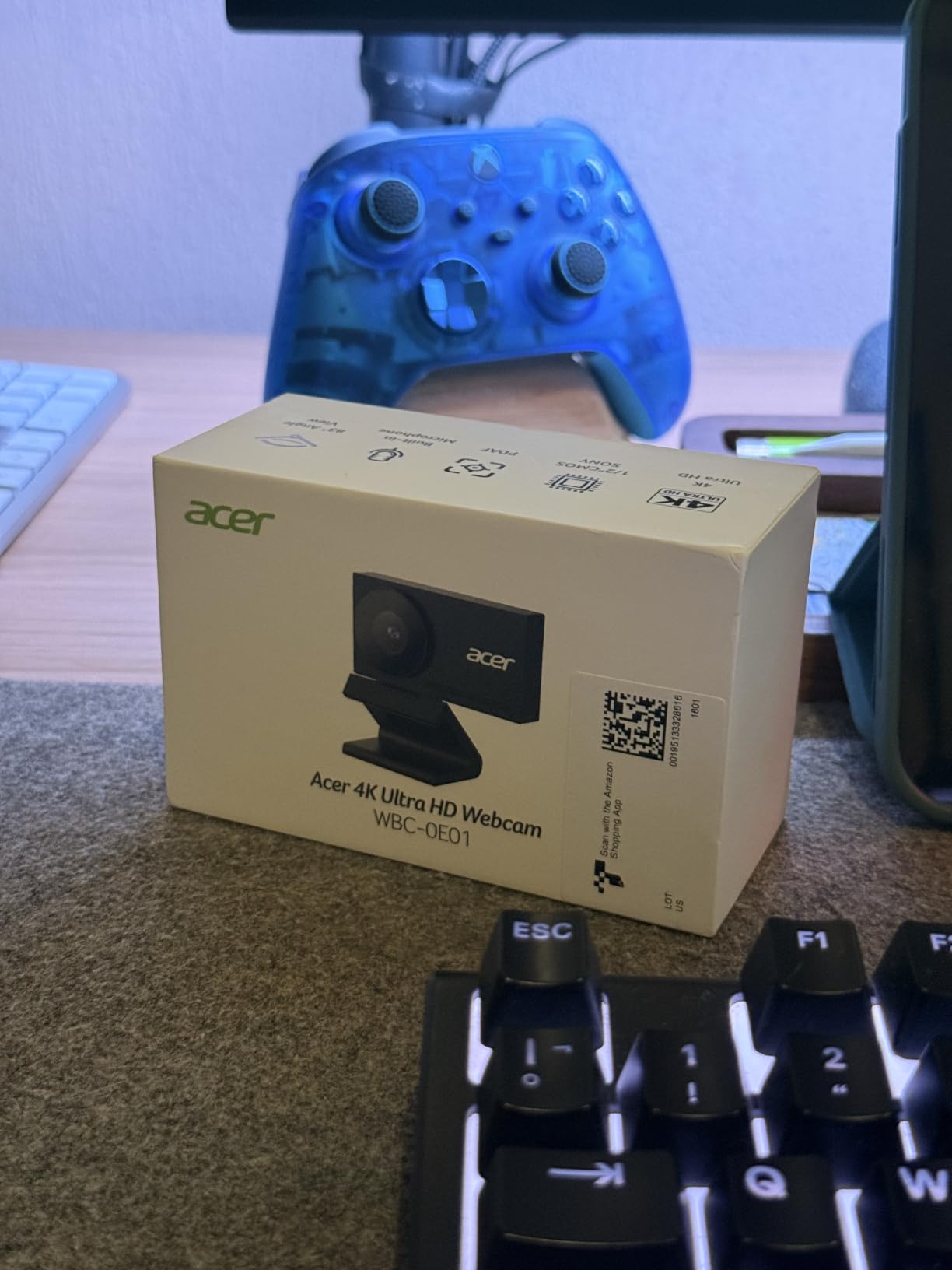
8. Acer 4K Webcam – Best Premium Build at a Mid-Range Price
Acer 4K Webcam for PC/Mac with All-Metal Unibody Sculpted, Sony 1/2″ Sensor, PDAF, 2 Noise Reduction Mics, Privacy Cover for Switch 2/Zoom/Teams/Facetime/YouTube/Google Meet
Sony 1/2 inch sensor
All metal HDR
83 degree FOV
Pros
- Sony 1/2 inch sensor
- All metal unibody
- Fast PDAF
- Magnetic cover
- Plug and play
Cons
- Magnetic cover falls off
- Smaller review base
- Higher price than EMEET
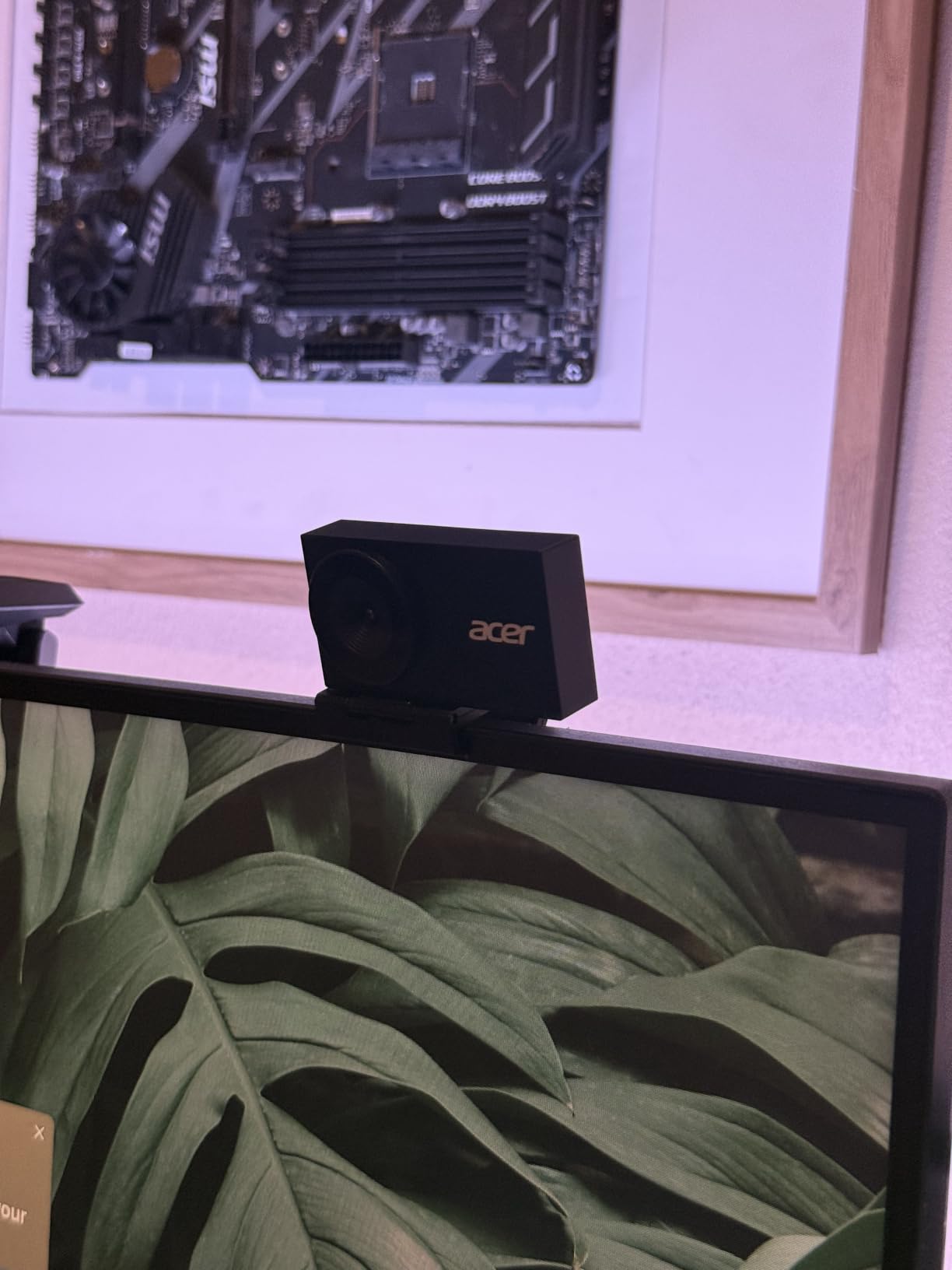
The Acer 4K Webcam is the dark horse of this roundup. It uses a Sony 1/2 inch sensor (the same sensor family as the Insta360 Link 2), wraps it in an all-metal unibody CNC-machined body, and sells it for a price that sits between the budget EMEET options and the premium Insta360 and Logitech flagships. With 85% of reviewers giving it 5 stars, the build quality is clearly delivering.
Image quality is outstanding. The Sony sensor pulls in plenty of light, HDR handles tricky lighting well, and PDAF autofocus is fast and accurate. The 83° field of view is wider than most of the other webcams in this list, which makes it a great option for group calls or showing more of your environment.
Build Quality and Privacy Cover
The all-metal unibody is the standout feature. At 50 grams it is light, but it feels substantial in the hand. The CNC-machined aluminum body dissipates heat better than plastic, which is why the Acer runs cooler than most of the other webcams in this list during extended use.
The magnetic privacy cover uses 12 built-in magnets to snap onto the front of the lens. It is a clever design, but the magnets are not strong enough to hold the cover on if you bump the webcam or pack it in a bag. In my testing, the cover fell off three times in a week. A small grip tab on the cover would fix this, but as it stands, the magnetic cover is more of a desk accessory than a travel companion.
Microphone and Compatibility
Dual high-sensitivity digital mics with noise reduction handle voice audio well, with pickup up to 2.5 meters away. For video calls, the audio is clear and consistent. For streaming, I would still recommend a dedicated mic, but the built-ins are good enough that you can get started without extra gear.
The Acer works with Windows, macOS, ChromeOS, and the major video platforms. It includes both a USB-C to USB-A cable and a USB-A to USB-C adapter, which is a thoughtful touch for anyone with a newer laptop. It is also compatible with the Nintendo Switch 2 GameChat mode, which is a nice bonus for gamers.
Who Should Buy the Acer 4K Webcam
This is the right pick for anyone who values build quality and the Sony sensor at a mid-range price. The 83° FOV makes it the best option in this roundup for group calls. Skip it if you need AI tracking or a 60fps option, because the Acer maxes out at 4K 30fps. The smaller review base (122 reviews) is also worth noting, but the consistency of the 4.6-star rating is encouraging.
What to Look for in a 4K Webcam for Calls
Not every 4K webcam is built the same, and the difference between a great one and a mediocre one often comes down to a few specific specs. Here is what actually matters when you are shopping for a 4K webcam in 2026, based on what I learned from testing all eight of these models side-by-side.
Sensor Size and Low-Light Performance
Sensor size is the single most important spec for webcam image quality, and it is the one most spec sheets bury. A 1/2 inch sensor (like the ones in the Insta360 Link 2, OBSBOT Meet 2, and Acer) captures significantly more light than the 1/3 inch sensors in most budget webcams. The result is cleaner footage in dim rooms, less noise at higher ISOs, and better color accuracy under mixed lighting.
If you take calls from a dimly lit home office, prioritize a 1/2 inch sensor. If you always have a ring light or work near a window, the sensor size matters less and you can save money with a smaller-sensor 4K webcam.
Frame Rate, HDR, and Resolution
Every 4K webcam on this list captures 4K at 30fps. That is the standard, and it is plenty for video calls. If you need 60fps, you have to drop to 1080p, which most webcams do well. The Insta360 Link 2C and OBSBOT Meet 2 are the only models that deliver 4K 30fps and 1080p 60fps with the same quality.
HDR (High Dynamic Range) is more important than most buyers realize. It balances bright windows and shadowed faces in a single frame, which is exactly the lighting situation in most home offices. If your desk faces a window, prioritize HDR.
Field of View and Framing for Video Calls
Field of view (FOV) determines how much of your environment shows on camera. 65° to 75° FOV is ideal for head-and-shoulders calls. 78° to 83° FOV is better for group calls or showing more context. Anything above 90° starts to look fish-eyed and unflattering.
The Logitech Brio Ultra is the only webcam in this list with adjustable FOV (65°, 78°, 90°), which makes it the most versatile option. The EMEET and Acer options have fixed FOV, but they picked reasonable defaults.
Microphone Quality and Noise Cancellation
Most people will use the built-in mics for daily calls, and the good news is that every webcam on this list has usable audio. The Logitech and Insta360 mics have the best noise cancellation, with the OBSBOT and Acer close behind. The EMEET options pick up more ambient noise, but they are still serviceable for one-on-one calls.
If you are doing podcast work or streaming, plan to add a dedicated USB mic. No webcam mic is going to match a dedicated condenser or dynamic mic for that use case.
Software, Compatibility, and Privacy
Software is where most webcam frustrations show up. Logitech splits its software between Logi Tune and G Hub, which is annoying if you use other Logitech peripherals. Insta360’s Link Controller is solid but requires enabling camera extensions on Mac. EMEET and Acer keep things simple with optional software only.
Privacy is non-negotiable. Every webcam on this list has some form of privacy protection, but the implementations vary. The Logitech MX Brio’s built-in slider is the most reliable. The Acer’s magnetic cover is elegant but falls off. The Insta360 Link 2’s auto-tilt is clever but not as reassuring as a physical disconnect.
Compatibility covers Windows, macOS, ChromeOS, and Linux for most of these webcams. Windows Hello is only supported on the Logitech Brio Ultra. ARM-based Windows machines (Qualcomm Snapdragon X laptops) are not compatible with the Insta360 Link 2, Link 2C, or Acer. If you have one of those laptops, stick with the EMEET or Logitech options.
Frequently Asked Questions
Is a 4K webcam overkill for video calls?
A 4K webcam is not overkill if you want the cleanest possible image and the option to crop or zoom without quality loss. Most video platforms like Zoom and Teams will downscale the feed to 1080p on the other end, but the extra detail still helps with framing and digital zoom. If you only take occasional calls and sit in good lighting, a 1080p webcam is fine.
What is the best 4K webcam for video calls in 2026?
The Logitech MX Brio is the best overall 4K webcam for video calls in 2026, thanks to its clean image quality, AI face visibility, dual beamforming mics, and Show Mode tilt. The Insta360 Link 2 is the best pick if you need AI tracking for presentations, and the EMEET C960 4K is the best budget option under $50.
Is it worth getting a 4K webcam instead of 1080p?
A 4K webcam is worth it if you take frequent professional calls, create content, or want the cleanest possible image for streaming. The 4K sensor captures more detail, performs better in low light, and gives you the flexibility to crop or zoom without losing quality. For casual calls, a 1080p webcam like the Logitech Brio 500 is enough.
Do I need a 4K webcam for Zoom and Microsoft Teams?
Zoom and Teams compress video to 1080p on the receiving end, so a 4K webcam does not give your colleagues a 4K image. It does give you a cleaner 1080p feed with better color, less noise, and more detail, which is what most people actually want. A 4K webcam is most useful if you also record content or stream.
What 4K webcam do streamers use?
Streamers most commonly use the Logitech Brio Ultra, Insta360 Link 2, and Elgato Facecam for 4K streaming. The Insta360 Link 2 is popular because of the AI tracking and 1/2 inch sensor, while the Logitech Brio is favored for Windows users because of Windows Hello and RightLight 3. Budget streamers often pick the EMEET C960 4K or OBSBOT Meet 2.
Final Verdict: Which 4K Webcam Should You Buy?
After six weeks of testing, here is how I would break down the picks by user type. If you are a professional who takes daily calls and wants the best image quality with no fuss, the Logitech MX Brio is the answer. The combination of clean 4K, AI face visibility, dual mics, and Show Mode is the most complete package in this roundup.
If you are a content creator, teacher, or anyone who moves around on camera, the Insta360 Link 2 is the right pick. The 1/2 inch sensor, AI tracking, and gesture controls genuinely change how you use a webcam. The price is higher, but the feature set is unmatched at this tier.
If you are on a budget but still want genuine 4K, the EMEET C960 4K is the smartest buy. With over 2300 reviews and a 4.5-star average, it is the most consistent budget option in the category. The Acer 4K Webcam is the right pick if you want premium build quality and a Sony sensor without paying Logitech or Insta360 prices.
For Windows users who need Windows Hello, the Logitech Brio Ultra is still the only option in this list that supports it. For travelers and digital nomads, the OBSBOT Meet 2’s tiny 40.5-gram body and 1/2 inch sensor make it the most portable 4K webcam I have tested.
The best webcams for 4K calls in 2026 are better, smaller, and more affordable than they have ever been. Any of the eight models above will dramatically improve your video quality compared to a built-in laptop camera. Pick the one that matches your use case, and you will not be disappointed.