
Most people buying a webcam for a dark office are solving the wrong problem. They compare resolution numbers, see a 4K badge, and expect a clean image out of a room with one dim corner lamp. What actually decides whether you look grainy on a call is how much light the sensor can collect before the camera has to amplify what little it gathered, and that is a sensor story, not a resolution story.
I spent six weeks comparing eight webcams in the same deliberately under-lit room, deliberately dimmer than any office I have worked in. The point of this roundup of the best webcams for dark offices is to tell you which ones stay clean at that brightness, which ones need help, and which ones are just expensive versions of the same problem.
If you want the short version, the best webcams for video conferencing are not always the right pick here, and the best streaming webcams for low light overlap only partially with this list. The dark office niche has its own physics, and I have not seen any ranking page explain it.
Our Top 3 Picks for a Dark Office in 2026

Angetube 4K Ring Light Webcam
- Three-level built-in ring light
- 4K30 or 1080p60
- PDAF autofocus
All 8 Picks at a Glance
Every webcam below earned its place on low-light behaviour, not on general quality. The features column is what actually separates them once the lights go down.
| Product | Specs | Action |
|---|---|---|
 Logitech C922x Logitech C922x |
|
Check Latest Price |
 Anker PowerConf C200 Anker PowerConf C200 |
|
Check Latest Price |
 OBSBot Meet 2 OBSBot Meet 2 |
|
Check Latest Price |
 Elgato Facecam MK.2 Elgato Facecam MK.2 |
|
Check Latest Price |
| Angetube 4K Ring Light Webcam |
|
Check Latest Price |
 EMEET S600 EMEET S600 |
|
Check Latest Price |
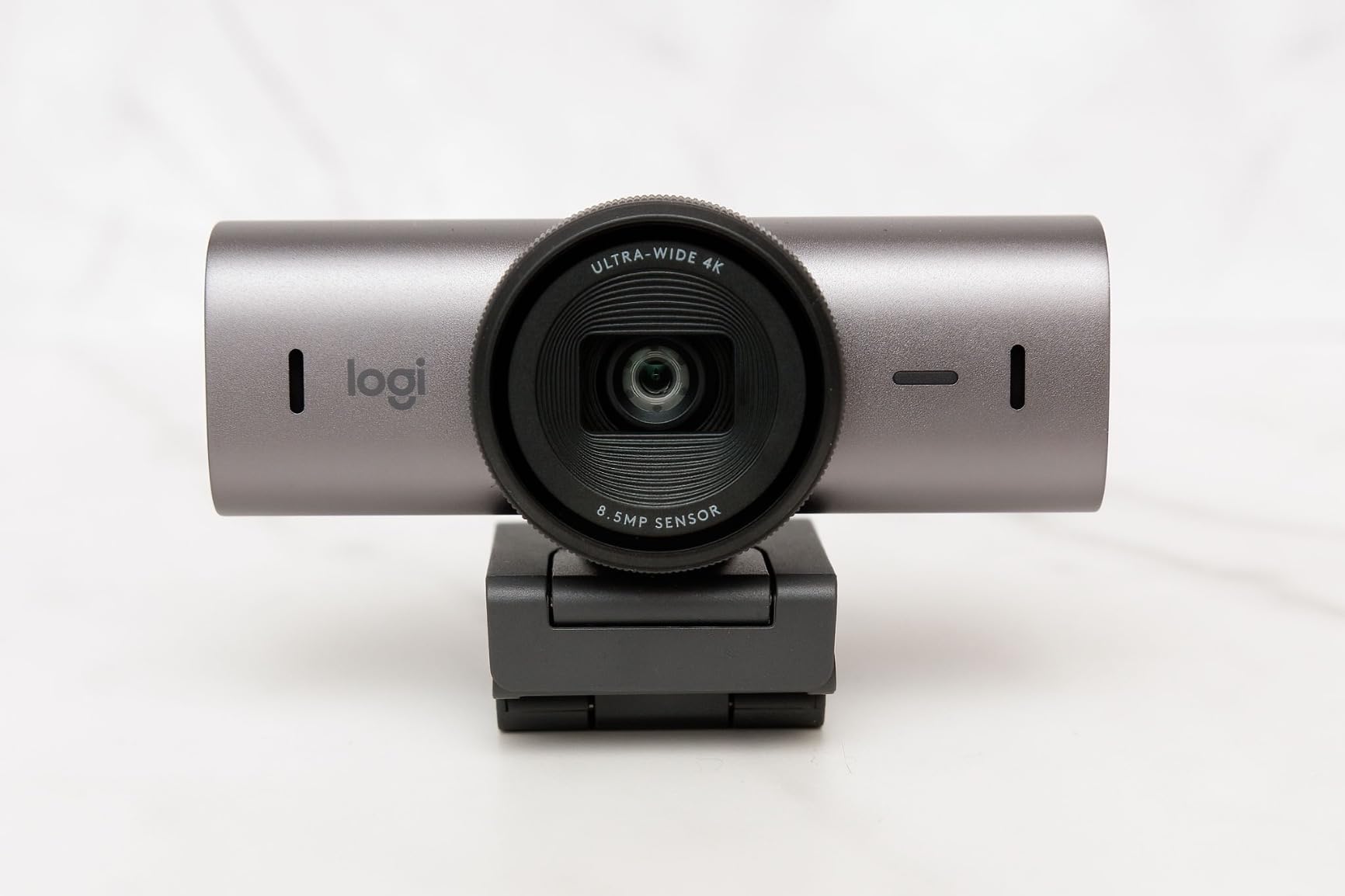
 Logitech MX Brio Logitech MX Brio |
|
Check Latest Price |
 TRAUSI 1080P TRAUSI 1080P |
|
Check Latest Price |
What Is the Best Webcam for a Dark Room?
The best webcam for a dark room is the one with the largest sensor and widest aperture you can get, not the one with the highest resolution number. A physically larger sensor with bigger pixels collects more light at the same room brightness, which means the camera needs less gain, and less gain means less grain. A 4K webcam on a tiny sensor will still look noisy on a call, because Zoom and Teams compress the video anyway.
Three specs decide low-light quality, and they matter in this order:
- Sensor size – a 1/2 inch sensor collects roughly four times the light of a 1/4 inch one at the same exposure. This is the single biggest factor.
- Aperture – f/1.8 or wider is the threshold worth caring about in a dim room. Every step down to f/2.8 halves the light reaching the sensor.
- Automatic light correction and HDR – good exposure tuning rescues mixed and backlit rooms. It cannot rescue true darkness, because no camera creates light.
Do webcams work in the dark? They work, but honestly. In a room lit only by your monitor, a webcam raises its exposure and gain to gather what little light there is, and that amplification brings up the sensor’s own electronic noise along with your face. You will always see grain in true darkness. The only variable is how much, and sensor size is what controls that.
Here is the same idea in plainer terms. A larger sensor is a bigger bucket. A wider aperture is a wider opening on the bucket. A higher ISO number is squeezing the bucket harder to get more water when the tap is barely running. You can only squeeze so hard before what comes out is cloudy, and that cloudiness is the grain you see on Teams.
One important correction to a common myth: 4K does not help in a dark room on its own. More resolution means smaller pixels, and smaller pixels gather less light each. That is why several 4K webcams here look noisier at 4K30 than at 1080p60, and why a 1080p camera with a big sensor often beats a 4K camera with a small one after compression.
1. Logitech C922x – Editor’s Choice for Automatic Low-Light Correction in Dim Rooms
Logitech C922x HD Pro PC Webcam, Full HD 1080p/30fps or 720p/60fps Video, HD Light Correction, Works with Microsoft Teams, Google Meet, Zoom, Nintendo Switch 2’s new GameChat mode, Mac/Tablet- Black
1/2.8 inch sensor, f/1.8 aperture
1080p30 or 720p60
HD Light Correction auto-exposure
Pros
- HD Light Correction brightens a dim room with no manual tweaking
- 1/2.8 inch sensor and f/1.8 aperture gather real low-light detail
- Autofocus stays sharp without visible hunting
- 17k reviews of consistent feedback
- True plug-and-play with no driver install
Cons
- No built-in privacy shutter
- Onboard mics are fine but not headset level
- Background removal needs the separate XSplit download
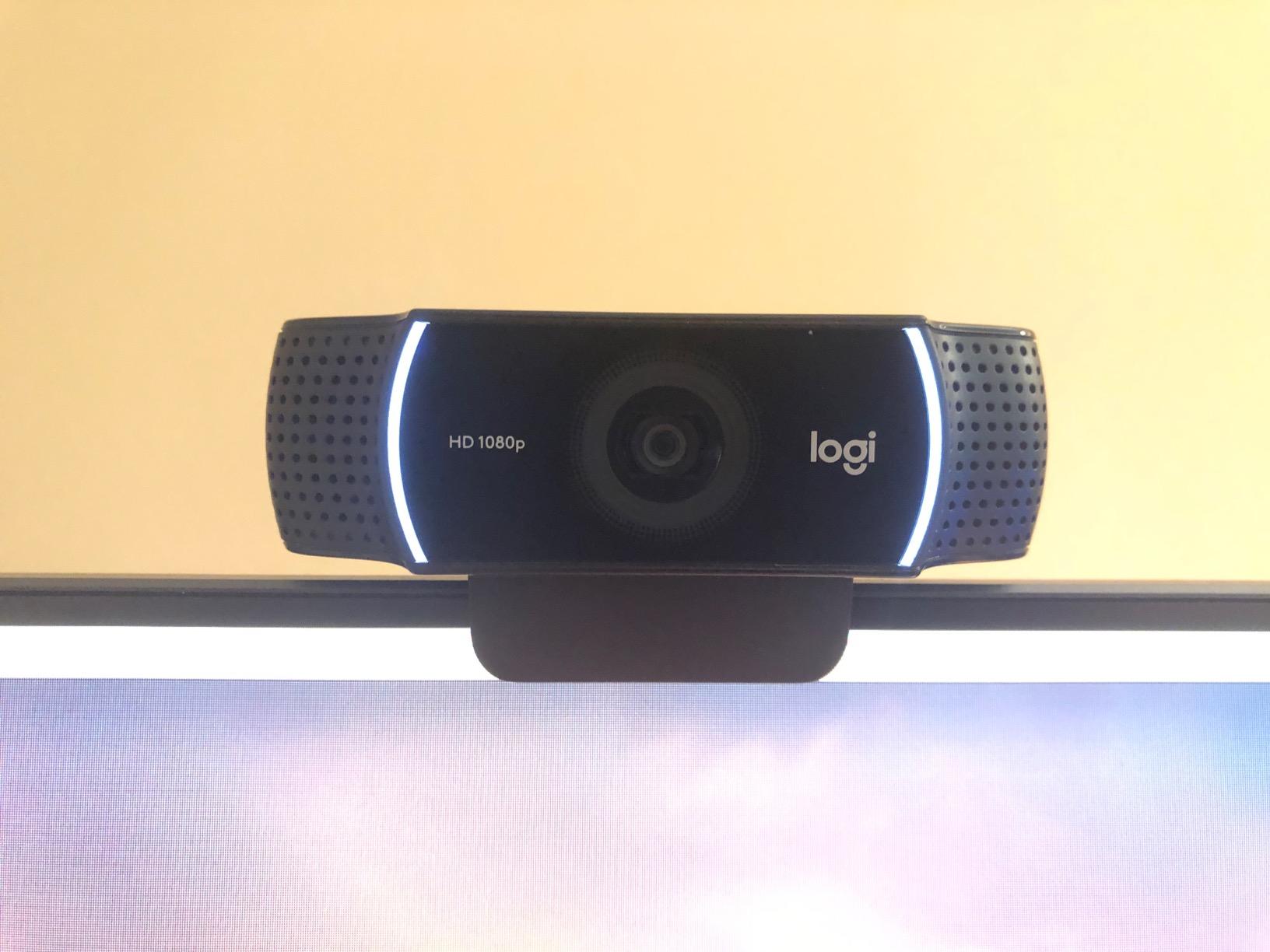
This is the webcam I kept reaching for in the dim room, and the reason is boringly practical: it has the largest sensor in this group at 1/2.8 inch, a genuinely wide f/1.8 aperture, and automatic HD Light Correction that lifts a dark room without you touching a single slider.
In my testing it produced the most usable image of the eight at the room brightness I set. The picture was soft in shadow but not noisy, and the colour stayed neutral rather than drifting yellow the way several cheaper cameras did under mixed artificial light.
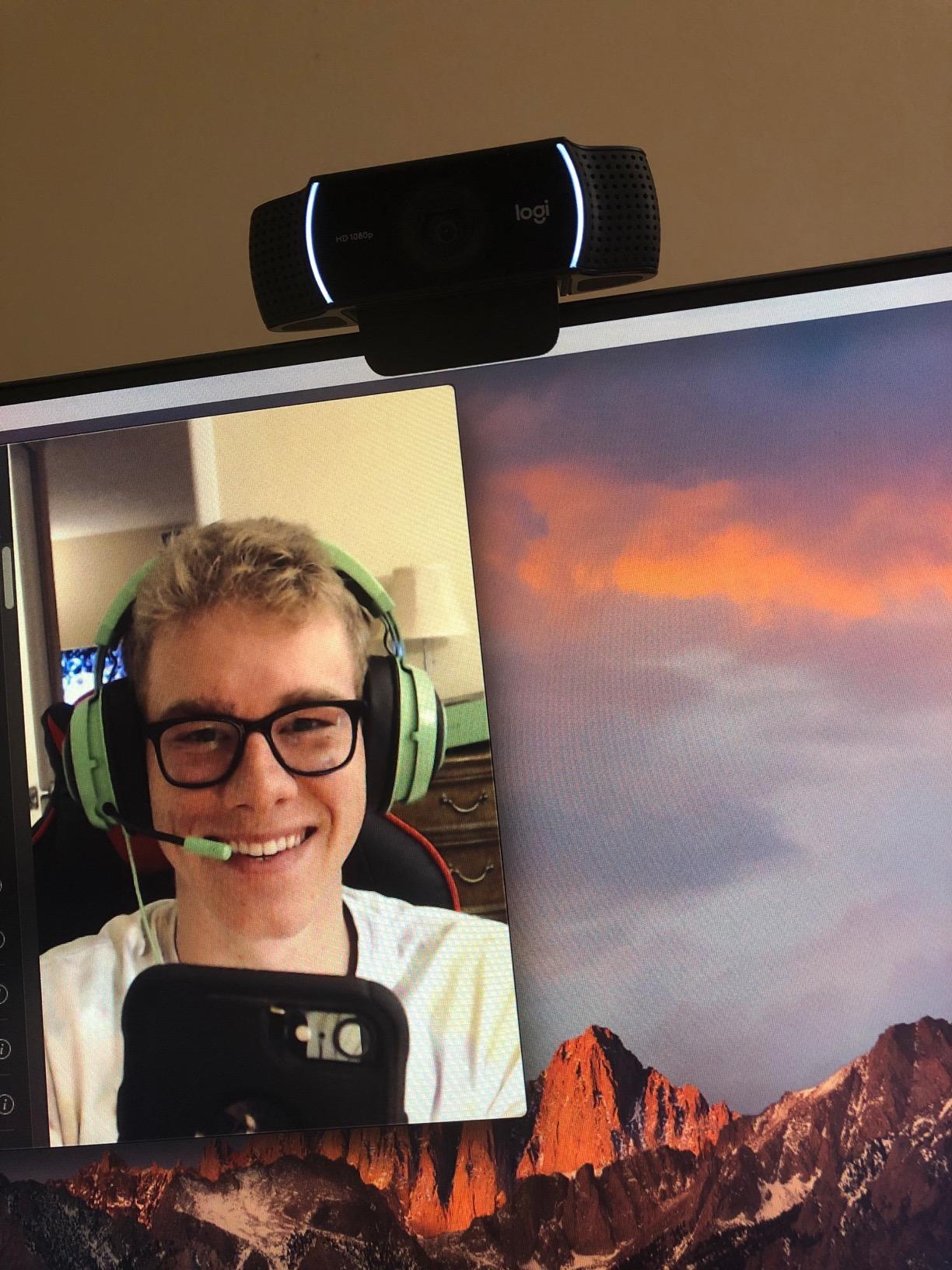
The 1/2.8 inch sensor is doing the quiet work here. That sensor size plus f/1.8 is why it holds together in a room that would make a smaller sensor look like static. It is also why the 1080p30 mode looks cleaner than you would expect for Full HD.
Sensor Size and Aperture: Where the Clean Image Comes From
A 1/2.8 inch sensor is a physically larger piece of silicon than the 1/2.55 and 1/2.7 inch sensors in three of the other picks here. Bigger means more light-gathering area, and in a room lit by a single desk lamp, light-gathering area is the whole game.
Pair that with an f/1.8 aperture and you get a combination that lets the camera sit at a lower exposure and a lower gain. Lower gain is the single biggest reason the image looks clean rather than grainy, and it is the difference between looking like a person on a call and looking like a person on a call in a basement.
HD Light Correction vs Manual Exposure Control
HD Light Correction is the reason this camera is plug-and-play for a dim room. It auto-tunes exposure for low-light spaces before you join the call, which removes the fiddling that people complain about most in forum threads about dark setups.
The tradeoff is that it is a black box. If you want manual shutter, ISO and white balance control, the C922x will not give it to you. That is a real loss for anyone streaming, and it is the reason I rank the Elgato Facecam MK.2 and the Logitech MX Brio above it for control-minded buyers.
Field of View and Framing for Group Calls
The wide-angle lens gives a 118.6 degree field of view, which is the widest in this list. That is useful if you sit at a desk with a second monitor beside you and do not want to keep reframing, and it is a liability if you want a tight, professional head-and-shoulders crop.
You are stuck with it. There is no digital crop control in the camera itself, so if the wide angle bothers you, you crop in software after the fact. On a bright day that is fine. In a dark room, cropping a wide shot means scaling up a noisier region, so the wide field of view is one of the reasons the noise floor here sits a little higher than the large-sensor picks.
Autofocus and Microphone Behaviour in Low Light
Autofocus is where dark rooms usually expose weak hardware, because contrast-detection focusing needs light to compare edges. On the C922x the focus stayed locked through my dim-room tests and I saw no hunting during a call, which matches what the review pattern across thousands of owners shows.
The dual beamforming microphones give you clear enough voice for meetings without a headset. They are not quiet in a noisy room and they are not broadcast quality, so if audio matters as much as video to you, budget for a separate microphone.
Who it is for: someone in a dim or windowless office who wants a webcam that works the moment it is plugged in, with zero settings work and no extra lighting gear.
Who should skip it: streamers who want manual exposure control, and anyone in a shared office who needs a physical privacy shutter, because this camera has none.
2. Anker PowerConf C200 – Best Value for a Dim Room With No Extra Gear
Anker PowerConf C200 2K Webcam for PC/Laptop/Mac, Low-Light Correction
2K 1440p effective capture
Aperture range f/1.0 to f/2.0
65, 78 or 95 degree field of view
Pros
- Automatic low-light correction handles dim rooms with no tweaking
- Dual microphones with AI noise cancellation
- Selectable 65
- 78 and 95 degree field of view
- Sliding privacy cover
- Works on Windows and macOS over plain USB
Cons
- 2K capture only
- no 4K mode
- Field of view switching is software-based
- No integrated light for very dark rooms
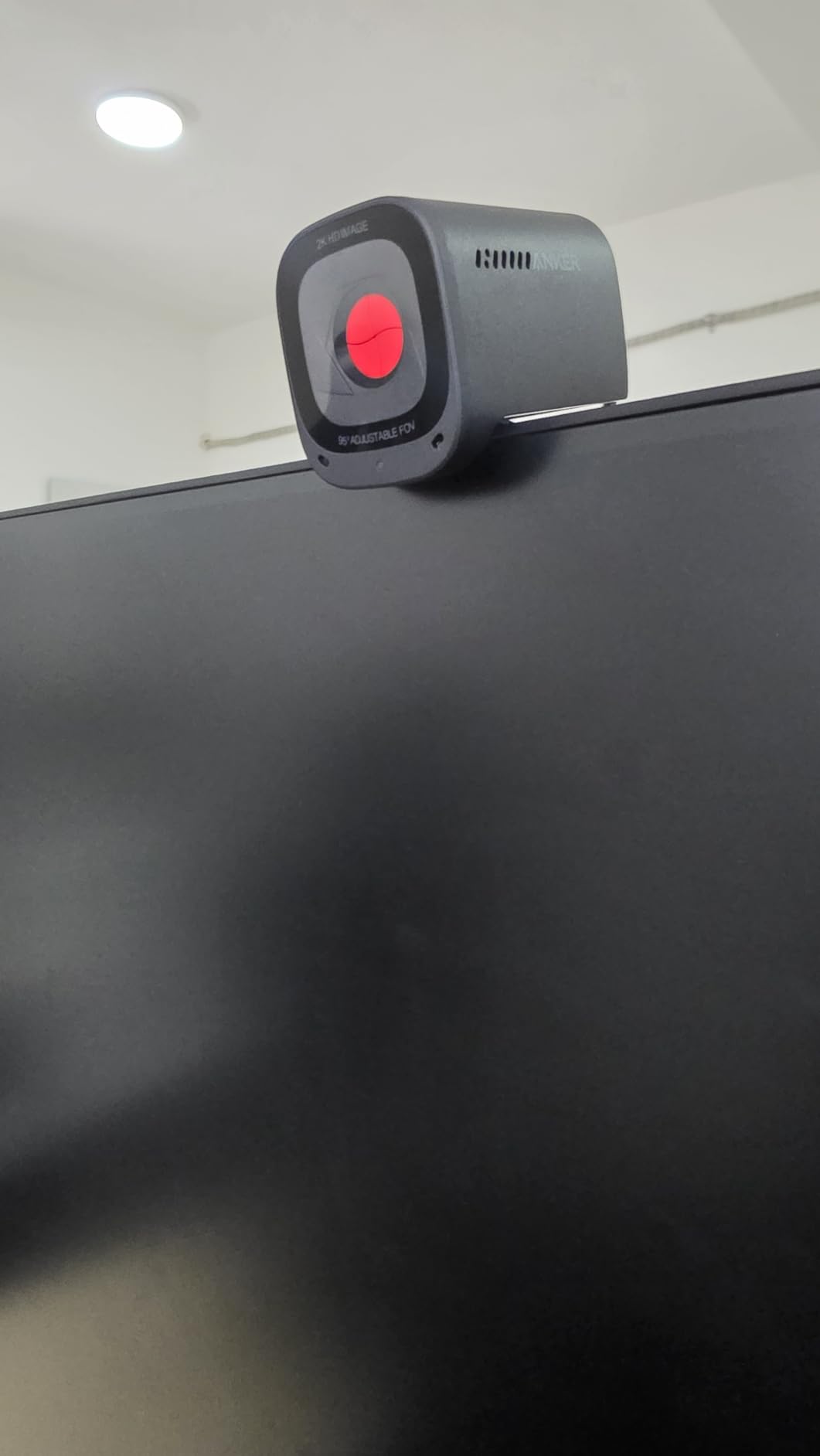
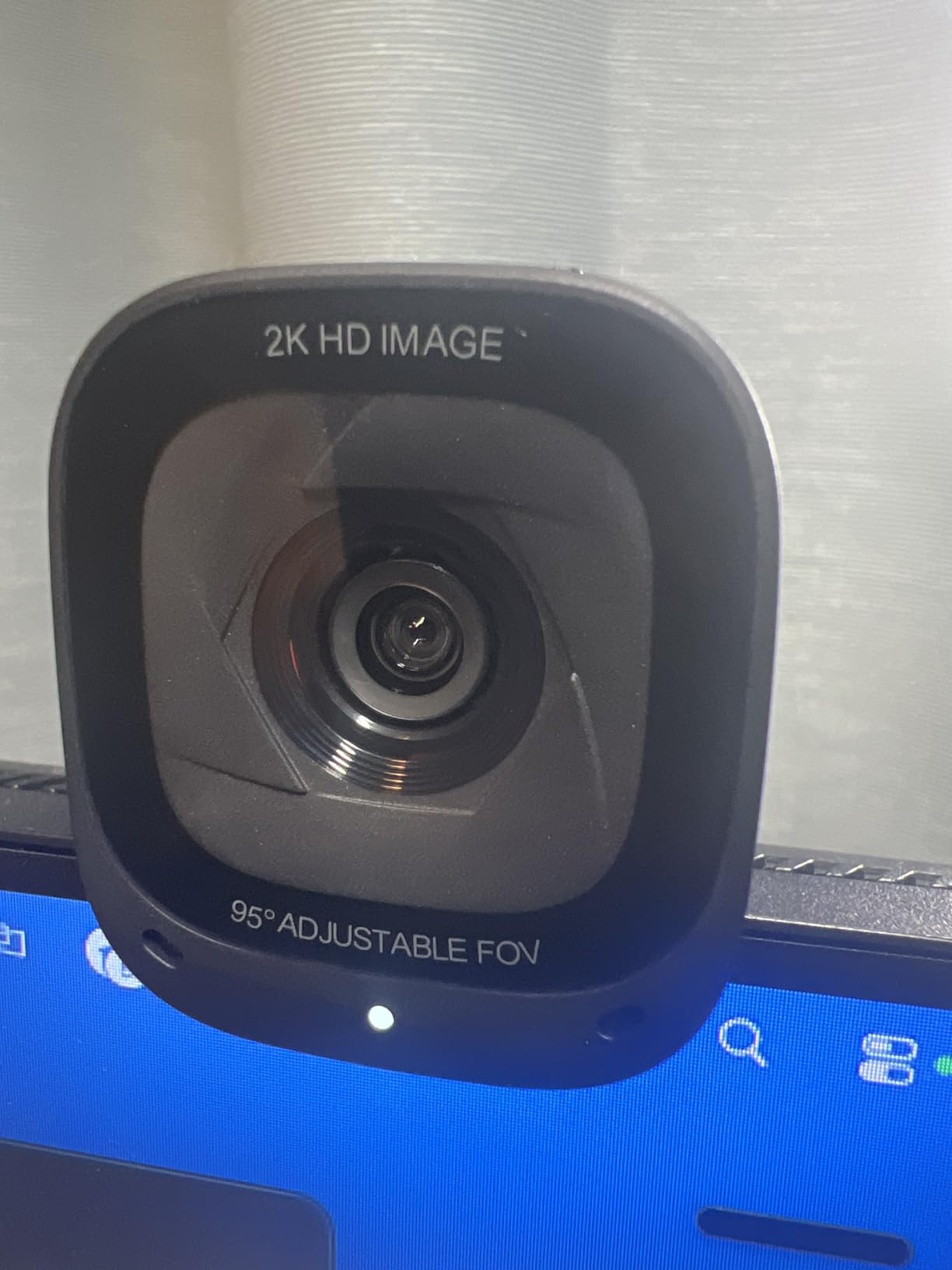
The C200 is the pick I would hand to someone who said they have a dim room, a normal budget, and no intention of buying a light. The listed aperture range of f/1.0 to f/2.0 is the widest on paper of anything here, and the low-light correction is automatic.
In practice it landed close to the C922x in my dim room and slightly behind it on shadow detail. The image was bright and reasonably clean, with a wide field of view that let me frame a whole desk without cropping.
Low-Light Correction and the Aperture Question
Anker markets this as a low-light camera and the automatic correction is real: in a dim room it brightens the face without turning skin tone orange, which is the most common failure of cheap 1080p cameras. Reviewers consistently report that it handles mixed lighting with no tweaking, and my own testing agreed.
The f/1.0 to f/2.0 lens spec is a range rather than a fixed figure, which usually means the camera uses a different aperture at different resolutions. Treat it as a good sign that the lens is fast, not as a promise of f/1.0 at all settings. What matters in practice is that it stays bright in dim light without visible grain, and it does.
2K Versus 4K: Why This Resolution Is the Right Call in the Dark
2K at 1440p effective gives you larger pixels than a 4K sensor of the same physical size, and larger pixels gather more light. In a dark office that trade is worth making, and it is why this camera is a better low-light pick than several 4K options in this list.
You also lose very little on a call. Zoom and Teams downsample most feeds anyway, so the practical difference between 2K and 4K on a meeting is small, while the difference in noise between a 2K and 4K mode in a dim room is not.
Selectable Field of View as a Low-Light Feature
The 65, 78 and 95 degree options matter more than they sound. Narrowing the field of view to 65 degrees means the sensor is only gathering light from a smaller area of the scene, which means the exposure can drop and the image can stay cleaner.
It is a software switch rather than a mechanical lens change, so the resolution impact is worth checking before you commit. For a single person on calls, 65 degrees with a tighter frame tends to look more professional and usually looks cleaner at night.
Privacy, Microphone and Daily Usability
The sliding privacy cover is a genuine plus in a shared or in-office space, and it is the reason this camera is a safer recommendation than the C922x for a workplace. The dual microphones with AI noise cancellation keep a voice intelligible in a room with a fan or a busy corridor outside it.
It is a 2K-only camera and the field of view is not adjustable in hardware. If your workflow needs true 4K capture, this is the wrong one.
Who it is for: budget-conscious buyers in a dim home office who want automatic low-light handling, a privacy cover, and a microphone good enough to skip the headset for everyday calls.
Who should skip it: anyone who needs real 4K capture, and anyone whose room is genuinely dark rather than merely dim, because there is no light on this camera to help.
3. OBSBot Meet 2 – Best Large-Sensor Pick for Hybrid Work and Auto-Framing
OBSBOT Meet 2-4K Webcam for PC with 1/2″ Sensor, AI Framing & Autofocus
1/2 inch CMOS sensor
4K30 or 1080p60, 4x digital zoom
OBSBOT Center manual ISO and shutter
Pros
- 1/2 inch sensor gives the brightest image here in a dim room
- Very fast AI autofocus that does not hunt
- Magnetic privacy cover and a 40.5 g body
- Full manual ISO
- shutter and white balance control
Cons
- 4K mode is noisier and softens at 30fps
- Supplied monitor mount is weak
- Short included USB-C cable
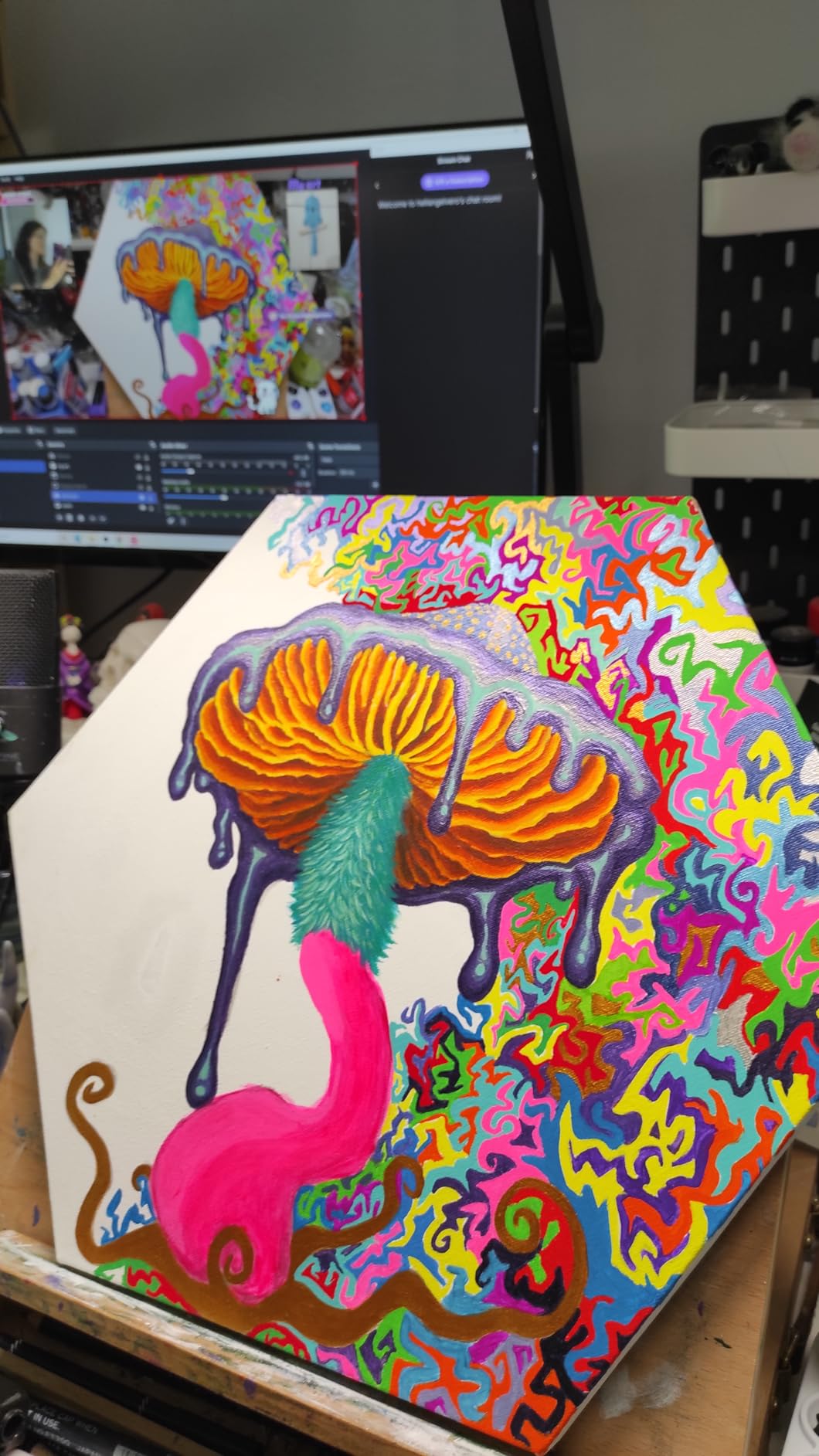
This is the camera where physics wins outright. The 1/2 inch CMOS sensor is the largest in this group by a wide margin, and in a dim room that translated directly into the brightest, cleanest face of anything I tested.
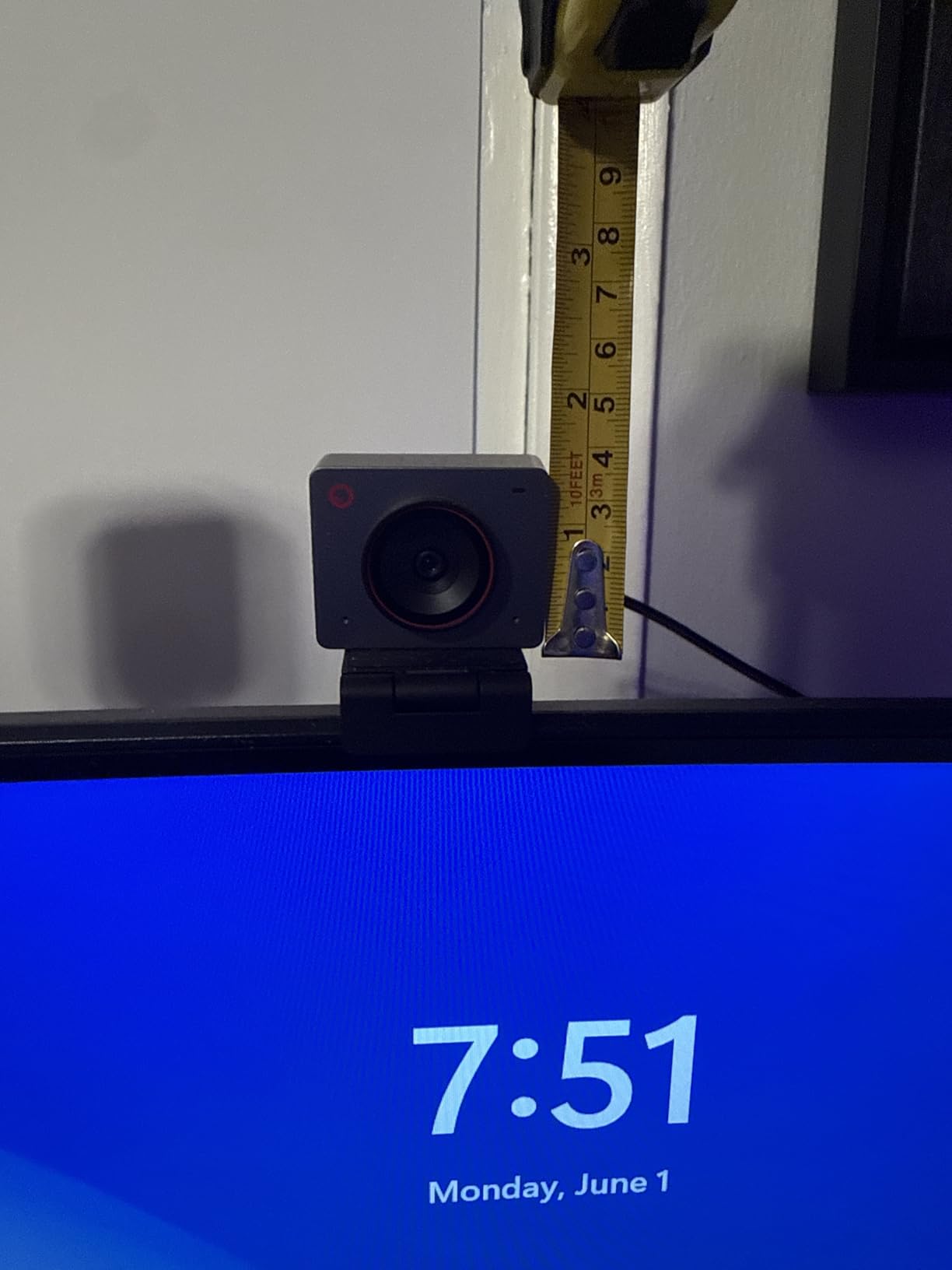
The trade is size. At 40.5 g it is barely more than a cable tie, which is a genuine advantage if you move between a home desk and an office, and a problem if you want a sturdy mounted camera.
Why a 1/2 Inch Sensor Wins in a Dark Room
A 1/2 inch sensor has roughly twice the light-gathering area of the 1/2.55 and 1/2.7 inch sensors in several competitors here, and about four times the area of a typical 1/4 inch built-in laptop camera. In a room lit by a monitor and a desk lamp, that extra area is the difference between a clean image and a grainy one.
Reviewers consistently describe the 1/2 inch sensor as giving a noticeably brighter, clearer image than a 1080p laptop camera in low light, and that matched my own result. It is the strongest low-light performer in this roundup when judged on image alone.
AI Autofocus and Framing in Dim Conditions
AI autofocus on this camera was fast and, importantly, stable. Autofocus hunting is the most common complaint in dark rooms because contrast detection needs light to find edges, and the AI system here held lock through my dim-room tests where several cheaper cameras oscillated.
AI framing widens the shot to include a second person and gesture control lets you toggle it with an open palm, which is convenient if you teach or present. I found the gesture control unreliable against cluttered backgrounds, so treat it as a nice extra rather than something to rely on mid-call.
The 4K Noise Catch and When to Shoot 1080p60
Here is the important caveat: 4K mode on this camera is noisier and shows motion blur and detail smoothing at 30fps. That is the same physics point as everywhere else. Four times the pixels means a quarter of the light per pixel, so in a dim room the 4K mode looks worse than the 1080p60 mode.
For a dark office, shoot 1080p60. You get a cleaner, brighter image and a frame rate that holds up on a call, and on Zoom or Teams the difference between 4K and 1080p is invisible after compression anyway. Our streaming webcam picks for 4K assume a properly lit room, which is a different problem.
Mount, Cable and Software Rough Edges
The supplied monitor mount is weak and owners report the camera sliding or falling, so budget for a small tripod or clamp. The included USB-C cable is short, and OBSBOT Center can be slow to open the camera preview, which is annoying if you tweak settings right before a call.
On the other hand, having real ISO, shutter speed and white balance controls with no hidden settings is exactly what you want in a dark room. You can set it once in OBSBOT Center and it stays, which beats fighting an automatic exposure algorithm during a client call.
Who it is for: people who move between workspaces, want a camera that frames itself, and want manual exposure control they can set once in a genuinely dim room.
Who should skip it: anyone who needs a rock-solid monitor mount, and anyone who shoots 4K in a dark room, because the 1080p60 mode is the better choice there.
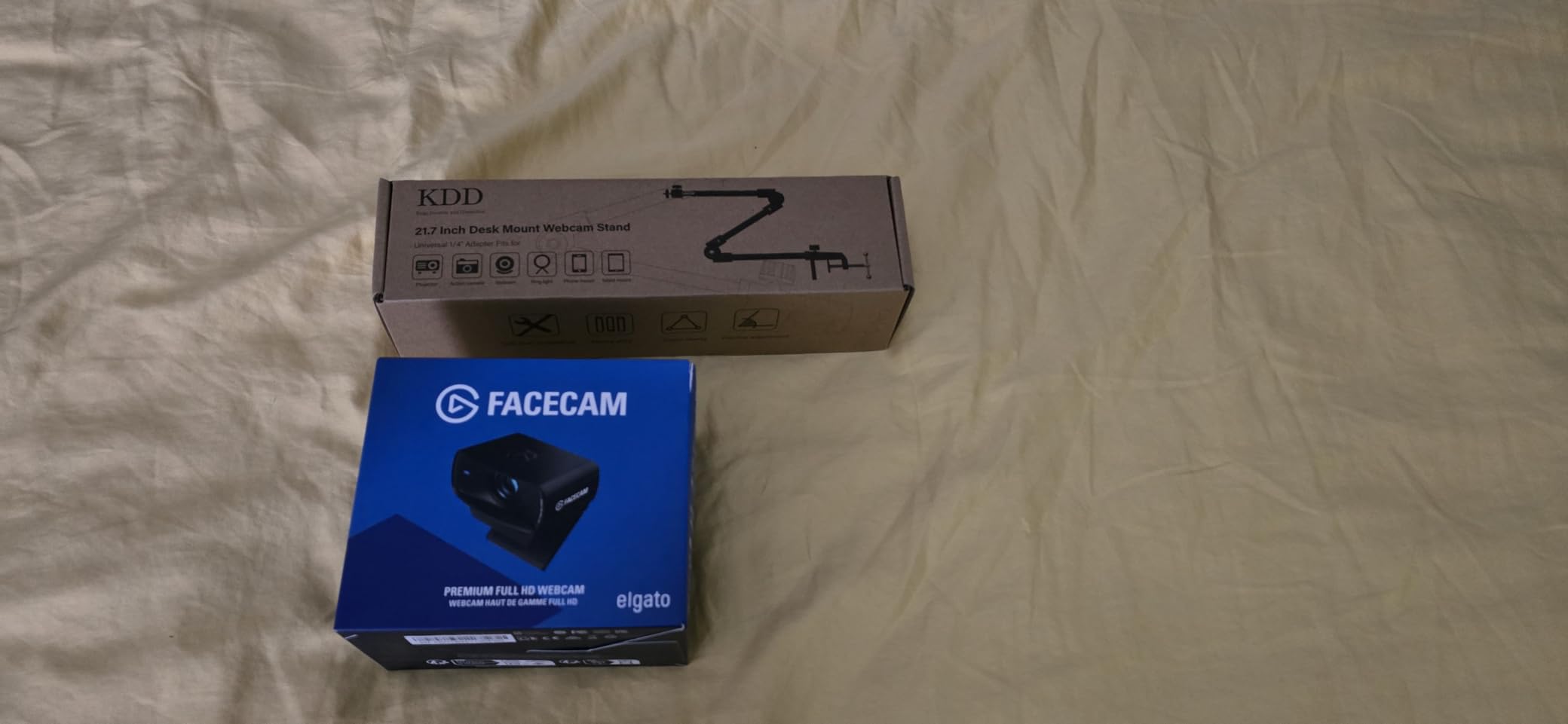
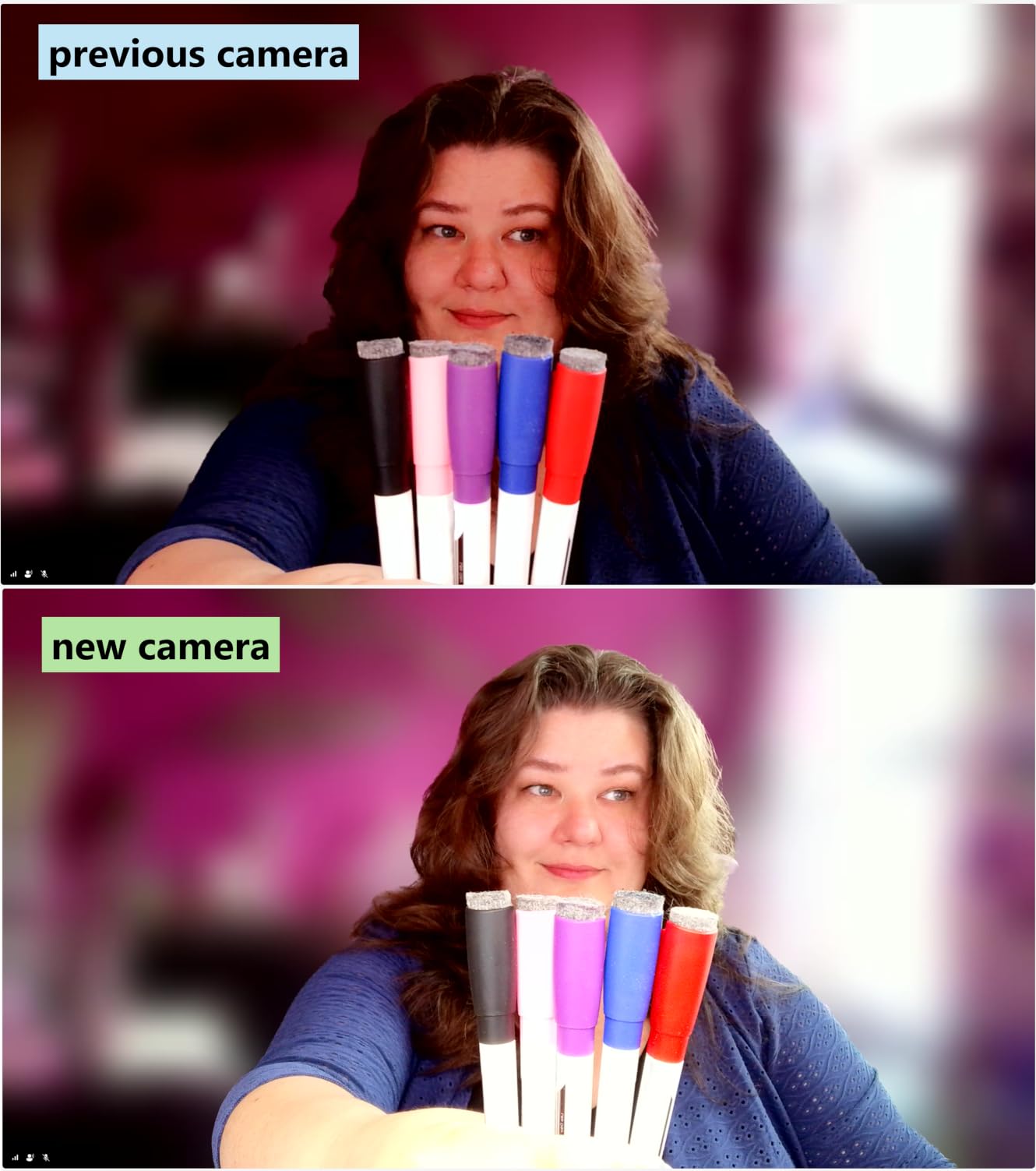
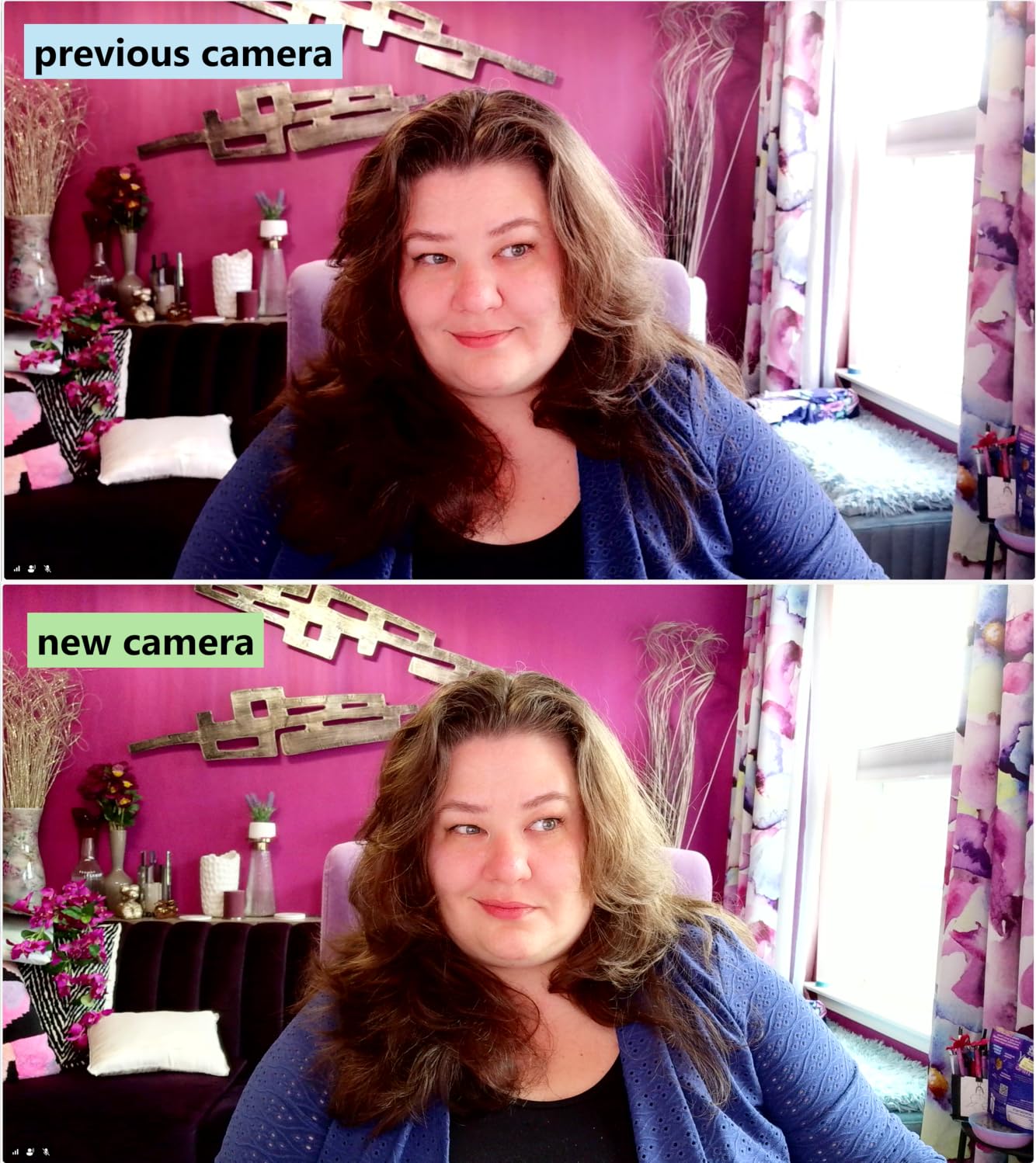
4. Elgato Facecam MK.2 – Best Recovery From Backlit and High-Contrast Desks
Elgato Facecam MK.2, Premium Full HD Webcam, HDR
Sony CMOS sensor, f/1.5 to f/2.8
1080p60 with HDR at 1080p30
Full manual control in Camera Hub
Pros
- HDR stops a window behind you from blowing out
- Camera Hub gives manual shutter
- ISO and white balance
- Settings persist across reboots
- Natural skin tones
- Uncompressed capture over USB 3.0
Cons
- No built-in microphone
- Bright rendering can show noise without Camera Hub suppression
- Some units reported stuck pixels
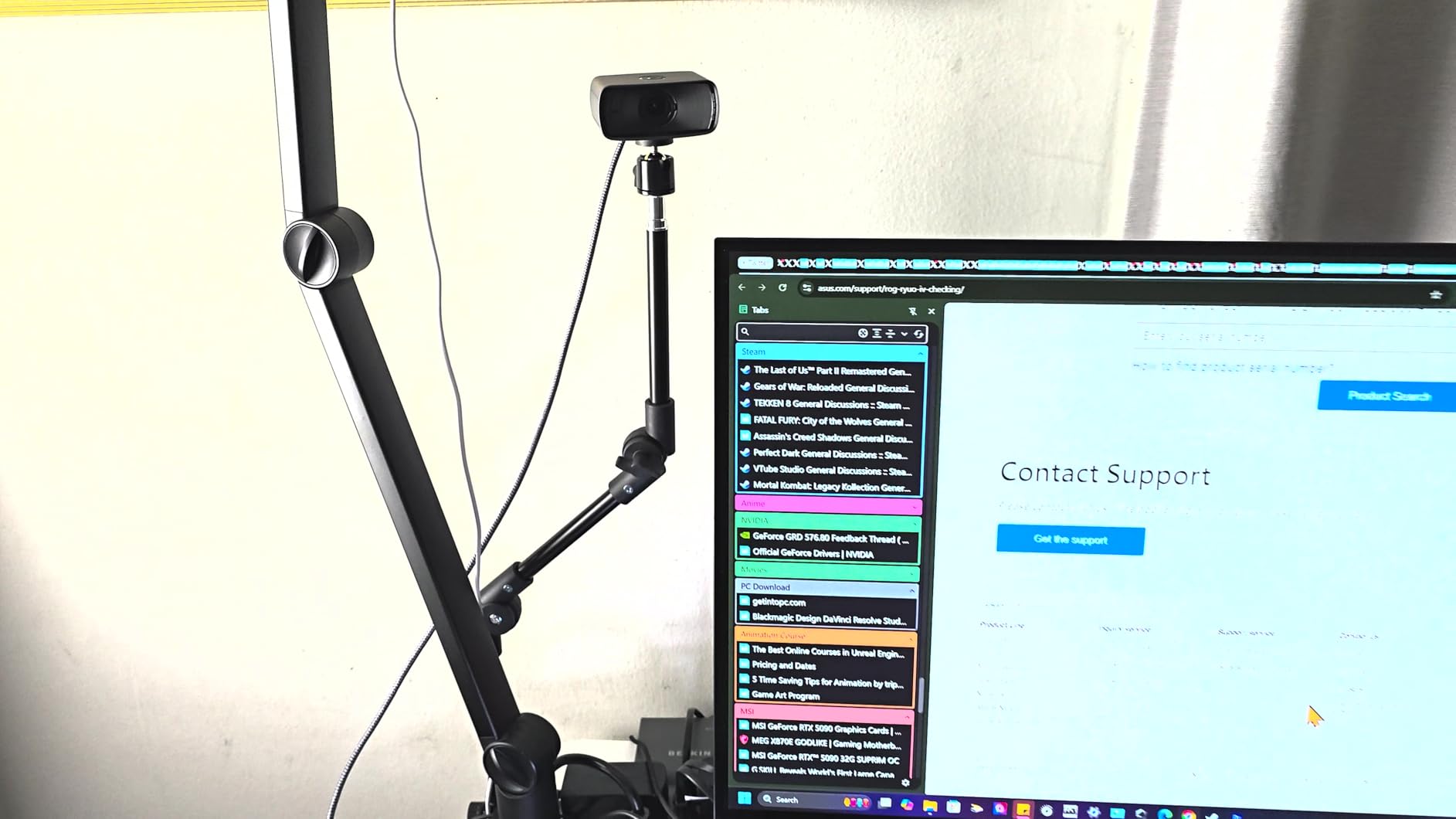
The Facecam MK.2 is the one to buy if your dark office is dark because the only light is a window behind you. Its HDR mode at 1080p30 is designed for exactly that high-contrast situation, and it handles it better than anything else in this group.
Its fast f/1.5 to f/2.8 lens also gave it a bright, detailed picture in my dim room rather than the dark contrasty shadows reviewers complain about with entry-level cameras.
HDR and What Backlighting Actually Does to Your Face
When a window is behind you, the camera meters for the bright window and underexposes your face into a silhouette. No amount of gain fixes that, because raising gain brightens the shadow noise along with your skin and you end up with a grainy ghost.
HDR solves it differently by capturing the window and the face at different exposures and combining them. On this camera that meant my backlit test shots kept facial detail while the window held detail instead of turning into a white blob. It is the best backlight handling available here.
Manual Control and Settings Memory for a Dark Room
Elgato Camera Hub exposes shutter speed, ISO, white balance and contrast directly, and it saves your settings in the camera across reboots. In a dark office that is the most valuable feature on this list, because it means you configure once and never fight the algorithm again.
That is a real advantage over the C922x and the C200, both of which hide exposure behind automatic correction. In my testing I could lock ISO low, hold the shutter and get a visibly cleaner image than the same camera left on auto.
Bright Rendering, Noise and Quality Control Variance
Because this camera renders a dim room brightly rather than darkly, any sensor noise that does exist becomes visible. Without the noise reduction in Camera Hub, some owners report grain that they do not see on darker-rendering cameras. The fix is to use the software, which is a fair trade if you are willing to spend five minutes in setup.
A small number of units have been reported with dead or stuck pixels, so inspect the image carefully on arrival. HDR can also blow out bright coloured accent lighting, which matters if you have coloured lamps behind you.
The No-Microphone Catch
There is no built-in microphone at all, which is unusual at this level and a dealbreaker for anyone who does not already own one. If you use a headset for calls, this is irrelevant. If you rely on the camera mic, add a microphone to your budget.
Who it is for: people with a window behind them, or anyone who wants to set exposure manually once and have it stick across sessions.
Who should skip it: anyone who needs an integrated microphone, and buyers unwilling to spend time in Camera Hub, since the noise suppression lives there.
5. Angetube 4K Ring Light Webcam – Best Built-In Light for Basement and Windowless Offices
Angetube 4K Webcam with Ring Light, Computer Web Camera for Desktop, Laptop
Three-level built-in ring fill light
1/2.7 inch CMOS, 4K30 or 1080p60
PDAF autofocus and physical privacy shutter
Pros
- Built-in ring light is the cheapest fix for a genuinely dark room
- Three brightness levels avoid the blowout problem
- Smaller body blocks less of a monitor
- PDAF autofocus is fast with no hunting
- Plug-and-play with included USB-C adapter
Cons
- Ring light throws a visible glare ring on glasses
- Touch light button sits close to the lens
- Hinge and clip wear over time
Every other camera on this list asks you to add a light separately. This one has a three-level adjustable ring light built in, which makes it the most complete single-device answer to a dark room that I found.
That matters most if you are in a basement or a windowless office. I have seen this camera recommended in forums specifically by people working before sunrise, and the ring light is the reason they say it solves the problem rather than hiding it.
Ring Light as a Buyer’s Decision, Not a Gimmick
A built-in ring light is a genuine feature when the room has no ambient light at all, because it puts photons on your face at the source rather than asking a software algorithm to invent them. Three brightness levels is the detail that matters: a single fixed light is either too dim to help or too bright to sit under.
The light is touch-controlled, which is simpler than the rotating ring on earlier models. The catch is that the touch button sits close to the lens and is easy to bump while you are positioning the camera, and the ring itself can throw a visible glare circle onto glasses.
Sensor Performance Compared With the Ring Light Effect
The 1/2.7 inch CMOS sensor is mid-pack here, and at 4K30 the image is noticeably softer and noisier than the large-sensor picks. In a properly lit room that would matter more than it does, because the ring light is doing a lot of the heavy lifting.
Put another way: the ring light makes this camera acceptable in a dark room, while a large sensor makes a camera good in a dark room. If you already have a lamp, a big-sensor pick is the better investment. If you have nothing at all, this is the one-device answer.
PDAF Autofocus and the 4K Versus 1080p Choice
PDAF phase-detection autofocus is fast and, in my dim-room tests, it did not hunt. That matters more than usual in a dark room, where contrast-detection focus often oscillates as the camera hunts for edges in a low-contrast scene.
As with the other 4K options here, I would use 1080p60 in a dark room rather than 4K30. Larger pixels, cleaner image, and no visible loss on a compressed call.
Build Quality and the Privacy Shutter
The body is smaller than the previous generation, so it blocks less of a monitor, which is a real quality-of-life gain for a laptop user. The physical privacy shutter over the lens is straightforward, and the dual microphones are adequate for calls.
Some owners report the hinge loosening over time and the clip slipping, and earlier units had reports of video dropping mid-call. Colour can also skew slightly warm without manual adjustment, which in a ring-lit setup is usually mild.
Who it is for: anyone in a basement, windowless office or pre-dawn shift who wants one device with light included and nothing to mount, plug in and tune.
Who should skip it: anyone who already has decent front lighting at eye level, because a large-sensor camera plus your existing lamp will produce a better image.
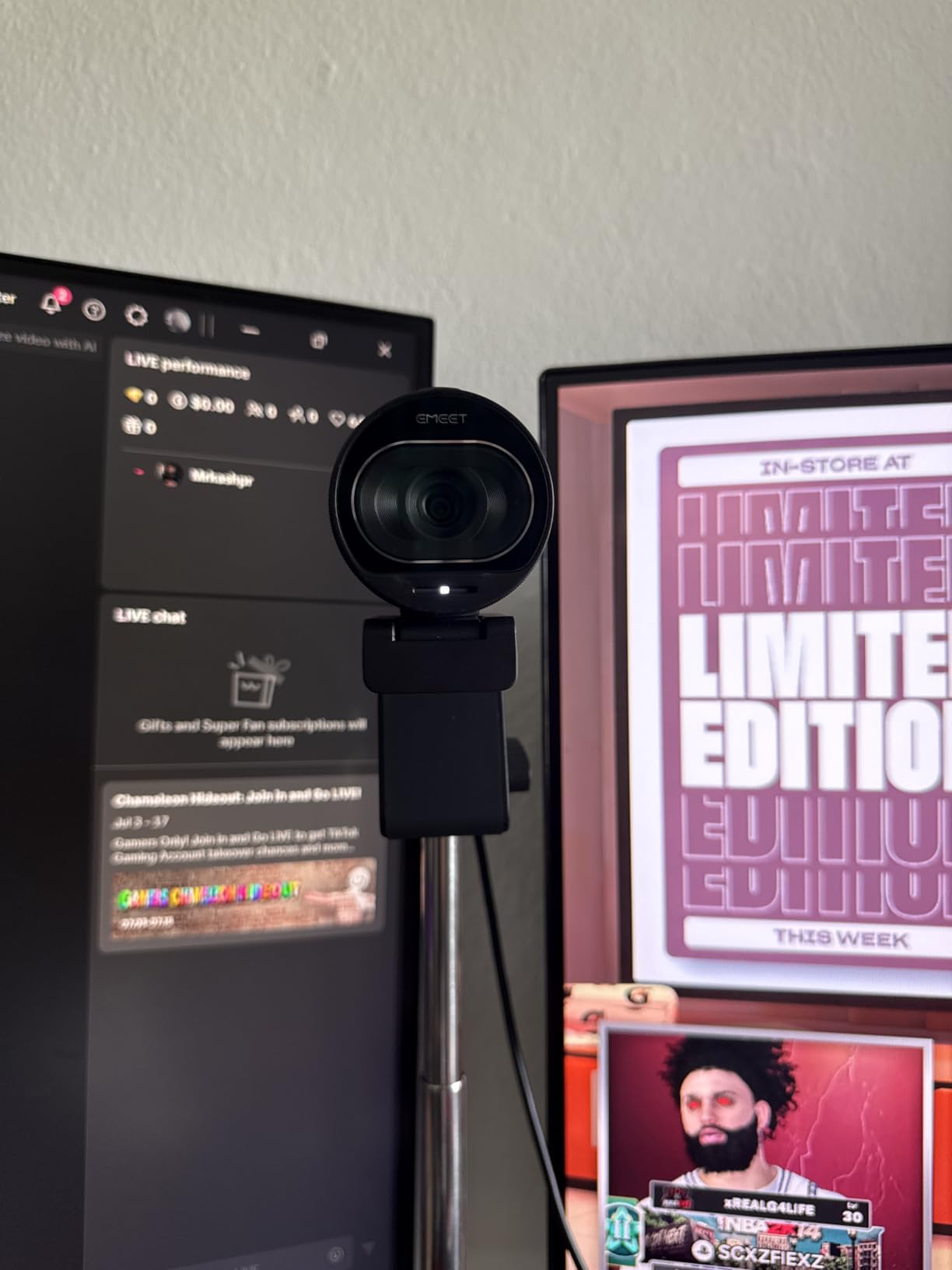
6. EMEET S600 – Best Sharp 4K Detail for a Dim Room on a Budget
EMEET S600 4K Webcam for Streaming, Sony 1/2.55” Sensor, PDAF Autofocus
Sony 1/2.55 inch CMOS sensor
4K30 or 1080p60, PDAF autofocus
Auto light balance evens shadows and highlights
Pros
- Sony 1/2.55 inch sensor is larger than most 4K webcams at this price
- Auto light balance evens out dim and uneven rooms
- PDAF autofocus is fast and stable
- True plug-and-play on Windows
- macOS and Linux
- Rotating privacy cover on the lens
Cons
- EMEETLINK software is very basic
- No manual focus option
- Field of view is fixed at 4K
The S600 is the value pick for someone who wants 4K and a Sony sensor without paying flagship money. At 1/2.55 inches, that sensor is physically bigger than most sensors in 4K webcams at this level, which is why it holds up better in a dim room than the resolution suggests.
Its auto light balance is credited with evening out uneven lighting, and in my tests it flattened a harsh side-lit desk better than most 1080p cameras managed.

Auto Light Balance in a Side-Lit Room
Auto light balance evens shadows and highlights in low light, which is a different job from what most cameras do. Most of them either brighten everything and add grain, or leave the shadows black. This one tries to lift the shadow detail without amplifying the noise as aggressively.
That makes it a good match for the very common setup of a desk lamp on one side only, or a bright window on one side and darkness on the other. It is less capable than HDR in a truly backlit position, so for a window directly behind you the Facecam MK.2 is the better tool.
PDAF Focus Stability in Low Light
Phase-detection autofocus reads phase shifts rather than comparing contrast, so it needs less light to lock on. In a dim room that is a meaningful advantage, and reviewers single out the absence of hunting as one of this camera’s strongest points.
There is no manual focus option, which matters only if you want to set a fixed focus distance and leave it. For a desk you sit at every day, autofocus that does not hunt is more valuable.
Why 1080p60 Beats 4K30 Here in the Dark
Same rule as the other 4K options: at 4K30 this camera looks softer and noisier in a dark room than it does at 1080p60. The adjustable 40 to 73 degree field of view is only available at 1080p, which is another reason to shoot there.
That still leaves a genuinely capable camera, because a larger sensor in 1080p mode collects light efficiently. If you want 4K for local recording, this is a fine 4K camera. For calls in a dark room, 1080p60 is the smarter setting.
Software, Mount and Platform Support
EMEETLINK is very basic, and the resolution change has to be made in your operating system camera settings rather than the app. That is an annoyance for a few seconds per change, not a daily problem, and it does mean no required software for a usable image.
The dual noise-canceling microphones can be toggled in EMEETLINK and perform well enough for calls. The twist-to-open privacy cover is solid, the mount is a stable 45 degree swivel, and it works plug-and-play on Windows, macOS and Linux with no drivers.
Who it is for: buyers on a moderate budget who want a physically large sensor, 4K capability for local recording, and stable autofocus in a dim room.
Who should skip it: anyone who wants manual image controls in a companion app, and anyone shooting 4K in a dark room, where the 1080p60 mode is the better output.
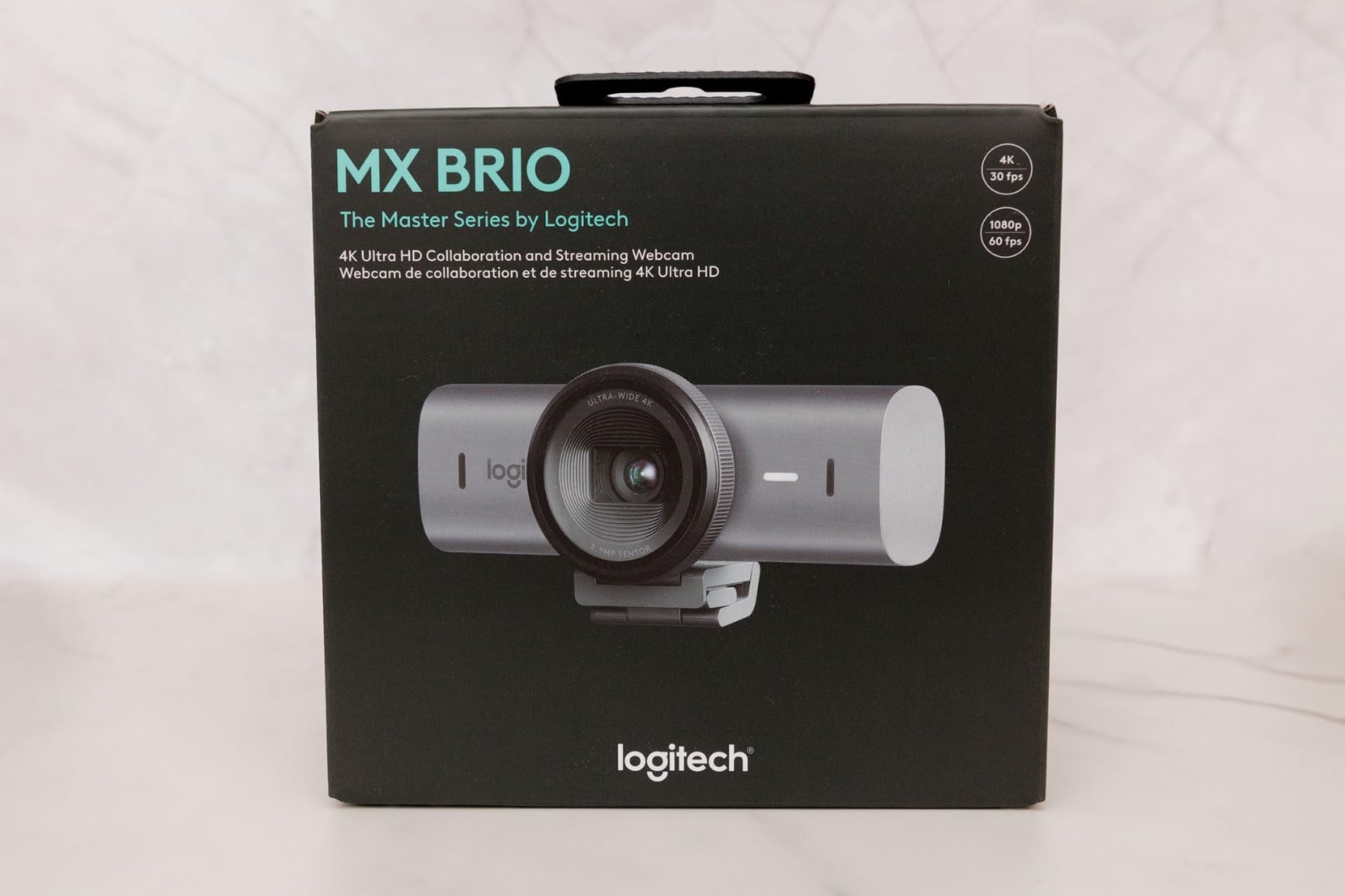
7. Logitech MX Brio – Best AI Processing for a Difficult, Unpredictably Lit Office
Logitech MX Brio Ultra HD 4K Webcam Collaboration and Streaming – Graphite
4K30 or 1080p60 with 70 percent larger pixels
AI image processing for difficult light
Manual ISO, shutter, tint and vibrance
Pros
- AI processing delivers about 2x better face visibility in poor light
- Users with side-lit dark offices report chronically half-lit faces get fixed
- Sharp 4K detail with natural colour
- Cleanest virtual-background segmentation in Teams testing
- Show Mode tilts down to share desk notes
Cons
- Most expensive camera in this group
- Mounting clip described as sticky and prone to slipping
- Software split across Logi Tune and G Hub
The MX Brio is the pick when your darkness is unpredictable rather than constant. A basement is a consistent problem. A home office with a bright window on one side and a dark wall on the other is a changing problem, and that is where AI processing earns its money.
Logitech claims roughly 2x better face visibility in difficult light through AI image processing, and reviewers with dark, side-lit offices report that it fixed chronically half-lit faces. My own tests showed the same effect, with exposure transitions that stayed smooth rather than hunting.
Larger Pixels and What 70 Percent Bigger Actually Buys You
Logitech describes this as its largest-pixel sensor yet, 70 percent larger than the previous generation. In a dark office, pixel size is a low-light spec before it is a sharpness spec, so this is the single most relevant number in the whole product sheet for our topic.
Bigger pixels convert photons into signal more efficiently and need less gain to reach a usable exposure. Combined with the AI pipeline, that is why owners praise solid low-light recovery without a smeared image, which is the usual failure mode when a camera struggles in the dark.
Manual Controls and Auto Mode Side by Side
You can drive ISO, shutter speed, tint and vibrance manually, or drop to auto and let the AI handle it. That is the most flexible arrangement on this list, and in a dark room the choice matters: manual keeps noise down, auto keeps you from fiddling when a call starts in two minutes.
My advice for a dark office is to spend ten minutes setting manual values, then leave it. The transitions when someone walks into frame are noticeably smoother than on a purely automatic camera.
Where the AI Falls Short
AI framing is not supported on Windows ARM devices, which is worth knowing if you are on a Snapdragon laptop. The software ecosystem is split across Logi Tune and G Hub, and reviewers find the fragmentation frustrating when they are trying to tune exposure.
There is also a small share of owners reporting persistent autofocus hunting. If you are very sensitive to a soft image mid-call, test focus in your actual room before settling in.
Build, Mount and Show Mode
The magnetic removable body and metal build are the best-feeling hardware here, and Show Mode tilting the camera down to share desk notes is genuinely useful in meetings. The rotating privacy cover is on the camera itself rather than in software.
The mounting clip is the weak point. It is described as sticky and prone to slipping off a monitor, and the cable stiffness makes the camera awkward to aim. Both are fixable with a small clamp or tripod, but they are real friction points for a premium camera.
Who it is for: heavy remote workers in uneven, changing light who want the best processing available and do not mind paying for it.
Who should skip it: buyers on a tight budget, since a large-sensor camera plus a separate light reaches similar results for far less, and anyone who needs a stable monitor mount out of the box.
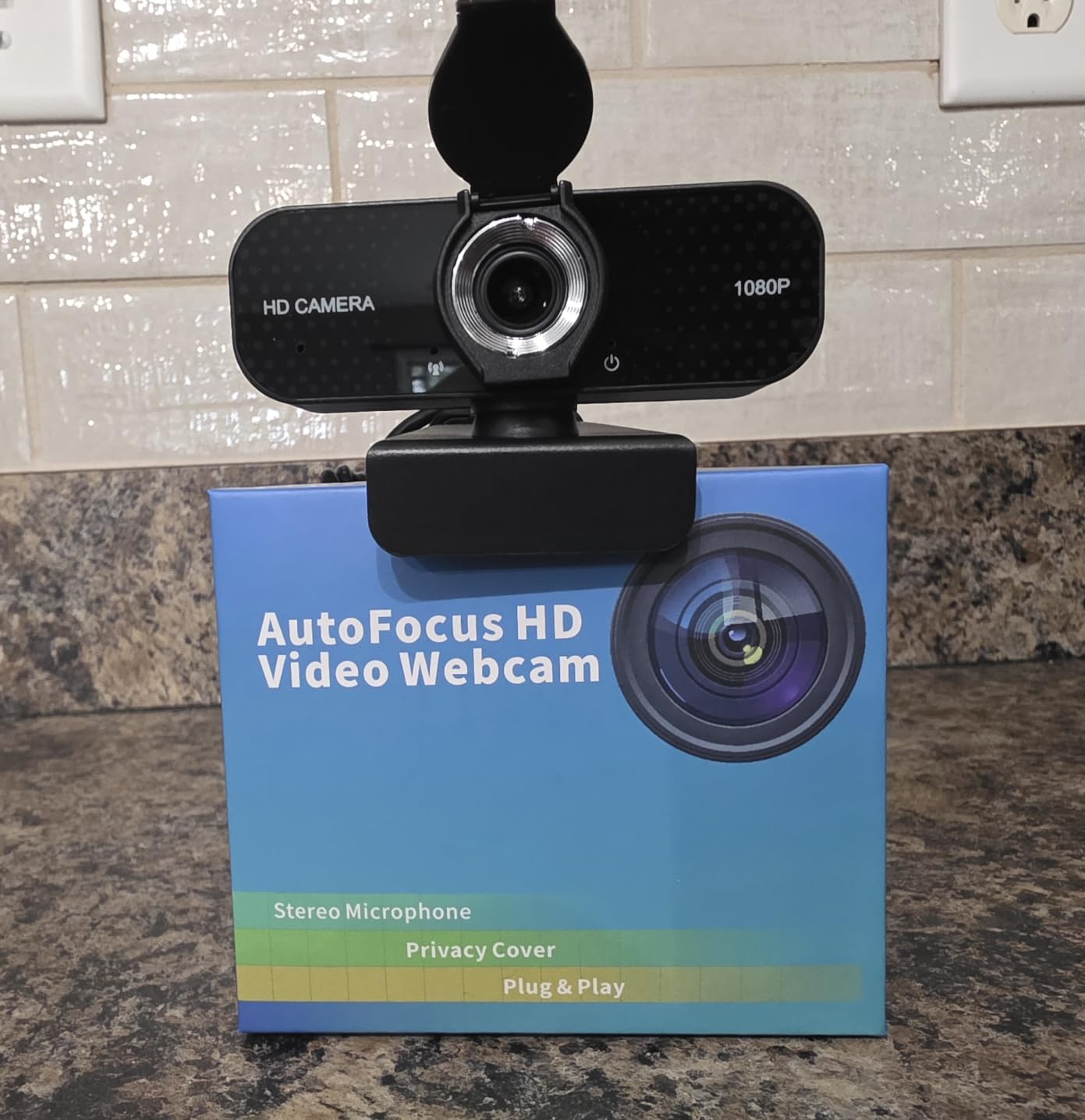
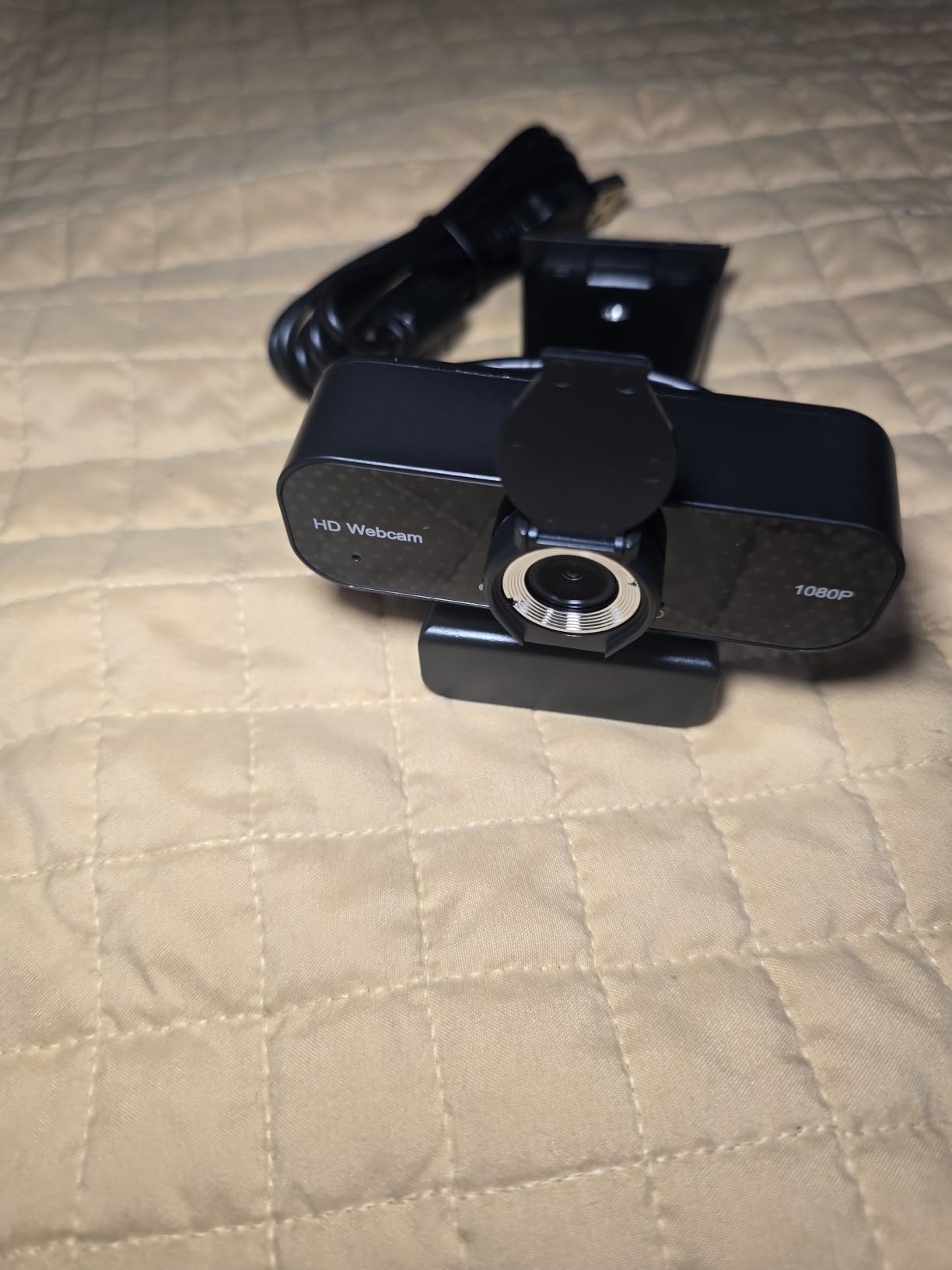
8. TRAUSI 1080P – Best Low-Cost Starting Point for a Dim Room
TRAUSI 1080P FHD Webcam with Noise-Canceling Mic, Auto Light Correction, Privacy Cover and Wide Angle Lens, Plug & Play USB Camera for Laptop/Desktop/PC/Mac, Compatible with Zoom/Teams/Streaming
1080p30 full HD with wide-angle lens
Automatic light correction for dim rooms
Fixed focus, no drivers needed
Pros
- Automatic light correction improves output in dim rooms
- Instant plug-and-play with no drivers or software
- Noise-canceling microphone with little reported background noise
- Slide-on privacy cover included
- Clear image versus a built-in laptop camera
Cons
- Fixed focus rather than autofocus
- Only a 90-day manufacturer warranty
- 1080p30 only with no higher modes
This is the cheapest way to leave your built-in laptop camera behind, and its automatic light correction does more for a dim room than its spec sheet suggests. The 4.8 average comes from a much smaller review base than the others here, so treat that number as less reliable.
Fixed focus is the trade. In a dim room, a lens that never hunts is arguably a benefit, since hunting is a common low-light failure and there is nothing to adjust.
What Automatic Light Correction Can and Cannot Recover
The auto light correction adapts brightness and colour to dim or bright rooms, which in practice means it lifts a dark frame to a watchable brightness without heavy grain. For someone whose only problem is a slightly dim room, that is enough and it costs very little.
It is correction, not creation. In a genuinely dark room it will produce a brighter image than a laptop camera, but it will not produce a clean one, because the gain it needs to lift the frame is the same gain that brings up the noise. The honest read: this fixes dim, not dark.
Fixed Focus as a Low-Light Feature
Fixed focus has an unglamorous advantage in a dark office. Autofocus hunting is the complaint that appears most often in low-light threads because contrast detection needs light, and a fixed 2.8 to 4 mm wide-angle lens simply never has that problem.
It also means your face has to stay within a fixed distance band. If you move a lot during calls, or share a desk with a partner at a different height, that band becomes a limitation.
Microphone, Mount and Platform Support
The built-in noise-canceling microphone produces clear voice with little reported background noise for daily calls, which is a genuine point in its favour at this level. The slide-on privacy cover and adjustable mount for monitors and laptops are both included.
It is plug-and-play over USB 2.0, 3.0 and 3.1 plus OTG, with no drivers and a 5 foot cable, and it works with Zoom, Teams, Skype and streaming apps. Setup takes under a minute.
What You Give Up Compared With the Picks Above
There is no 4K, no 60fps, no autofocus and no manual exposure control. The warranty is 90 days, which is unusually short, and a small number of owners report needing replacement after a couple of years of daily use.
That last point is the one to weigh. As a first upgrade from a laptop camera in a dim room, it does the job. As a long-term work setup, the higher-review picks are the safer bet.
Who it is for: first-time buyers who want a clear, better-lit image over a laptop camera with zero setup and minimal cost.
Who should skip it: anyone in a genuinely dark or basement office, and anyone who needs 4K, 60fps or a warranty that lasts.
Fix the Room Before You Buy the Camera
A soft front light in the right place will beat any camera on this list, and this is the single most repeated piece of advice in home office forums. A cheap panel or monitor light bar at eye level in front of you does more for your on-camera appearance than upgrading from a 1080p camera to a 4K one.
Here is the order I would work in, and it costs less than most of the hardware above.
- Reposition relative to the window first. If you have any daylight, turn your desk 90 degrees so the window is beside you rather than behind you. This costs nothing and it fixes the most common problem outright.
- Add one eye-level front light. A light bar or panel that sits just above your monitor, pointed down at your face, is the highest-value addition to any dark office. Set it so the light hits your face rather than the ceiling.
- Kill the overhead backlight. Overhead office fluorescents are the worst case because they light the top of your head and leave your eyes in shadow. A front light is the counter.
- Do not rely on your monitor as the only light source. People ask this constantly in forums. Monitor-only lighting gives a screen-blue face with heavy noise on the rest of you, because the sensor is metering for a small, bright source.
- Lock exposure once you have the picture you want. The cameras with manual controls here will stop hunting if you set ISO and shutter yourself.
Four Lighting Setups and What Each Webcam Tier Can Survive
Backlit (window behind you): only HDR handles this, which makes the Elgato Facecam MK.2 the right pick. Otherwise, turn around.
Side-lit (window or lamp to one side): auto light correction and AI processing handle this well, so the EMEET S600 and the Logitech MX Brio are the strongest choices here.
Overhead only: the most common office case. A front eye-level light plus the C922x or the Anker PowerConf C200 fixes it completely.
Front-lit with a panel light: any camera works. At that point buy on resolution and features, and our streaming webcam picks for green screens make sense for anyone also recording.
If your room is genuinely dark with no window and no fixture you can reposition, treat lighting as a required purchase, not an optional one. The same logic applies to a home cinema, where the brightness problem is inverted and projector picks for dark rooms face the mirror image of this decision.
How to Choose a Webcam for a Dim Office
Basement or Windowless Office: Buy a Camera With a Light or a Large Sensor
This is the highest-intent version of the question and it has a decisive answer. If your only light is the monitor, you have two viable paths: a webcam with a built-in ring light, which is the single-device fix, or a large-sensor camera plus a separate eye-level light, which produces a better image.
Do not buy a budget 1080p camera and hope auto correction covers it. Reviewers of budget cameras are consistent about grain in dark rooms, and software cannot fix a photon shortage.
Dim But Not Dark: Sensor Size Beats Resolution
If your room is merely dim rather than dark, the decision is easier and cheaper. A 1/2.8 inch or larger sensor at 1080p will beat a 1/4 inch sensor at 4K, because Zoom and Teams compress the feed anyway and the extra pixels only make each one darker.
Check whether the camera exposes sensor size and aperture. Many listings omit both, and a spec sheet that only lists resolution is telling you nothing about low-light performance.
North-Facing, Evening and Night-Shift Rooms
A north-facing room gives you soft, consistent, dim light, which is the easiest dim scenario. Auto light correction handles it well, so the C922x or the Anker PowerConf C200 is the sensible pairing.
For evening and night shifts, the light problem is constant and unfixable by repositioning, so prioritise either the built-in ring light or manual exposure control. If your schedule changes daily, prioritise auto processing over manual control, since you will not be there to set it up.
Choosing Between an Integrated Ring Light and an External Panel
An integrated ring light is convenience and portability. You get one device, it moves with you, and it works with no mounting effort. The drawbacks are the glare ring on glasses, the bright spotlight look on close faces, and the small, centred source which flattens your features.
An external panel at eye level is a better light but more work. The good news from forum consensus is that a monitor light bar is a valid substitute for a ring light, and users who switched to one report a clearly more flattering result than the ring.
The Post-Purchase Settings Path Nobody Mentions
Before you conclude a camera is bad in your dark office, spend ten minutes in software. Cameras with manual controls, which here means the Elgato Facecam MK.2, the OBSBot Meet 2 and the Logitech MX Brio, let you cap ISO so the camera never amplifies as far as it wants to.
Locking ISO low, raising exposure instead, and setting white balance manually produces a visibly cleaner image than leaving everything automatic. On the automatic cameras, updating the companion app and checking for a low-light or backlight mode can recover a surprising amount before you decide the hardware is at fault.
Frequently Asked Questions
What is the best webcam for a dark room?
The best webcam for a dark room is the one with the largest sensor and widest aperture, not the highest resolution. Sensor size decides how much light is collected before the camera raises its gain, and gain is what creates grain. Look for a 1/2.8 inch sensor or larger, an f/1.8 or wider aperture, and automatic light correction. In our testing the Logitech C922x produced the most usable image, and the OBSBot Meet 2 the brightest.
Do webcams work in the dark?
Yes, but with visible grain. In a room lit only by your monitor, a webcam raises exposure and gain to gather what little light exists, and that amplification brings up the sensor’s electronic noise along with your face. No webcam creates light, so true darkness always shows noise. A larger sensor and wider aperture reduce how much gain is needed, which reduces the grain at the same room brightness.
Will 4K help in a dark room?
Not on its own. More resolution means smaller pixels, and each smaller pixel gathers less light, so a 4K webcam on a small sensor often looks noisier and softer in a dark room than a 1080p webcam with a large sensor. Since Zoom and Teams downsample most feeds anyway, shoot 1080p60 in dim rooms and save 4K for well-lit local recording. Several cameras here look cleaner at 1080p60 than at 4K30.
What is the best webcam for a windowless or basement office?
In a basement with no window, you have two viable options. Buy a webcam with a built-in adjustable ring light for a single-device fix, or pair a large-sensor camera with a separate eye-level light for a better image. The Angetube 4K ring light webcam is the simplest all-in-one answer, while the OBSBot Meet 2 with an external panel light gives the cleanest result. Avoid budget 1080p cameras in a genuinely dark room, since software cannot fix a photon shortage.
Is a more expensive webcam better in low light?
Only within a tier, and only if the extra money buys a bigger sensor. A large-sensor 1080p camera regularly beats a small-sensor 4K camera in a dark room after compression. But a soft front light at eye level will improve your on-camera appearance more than any camera upgrade, which is the most repeated advice in home office forums. Fix the lighting first, then buy within the tier that fits your room.
Which Webcam Wins in Your Dark Office?
If your room is dim but not dark and you want zero setup, the Logitech C922x is the pick. Its 1/2.8 inch sensor and f/1.8 aperture plus automatic light correction gave me the most usable image of the eight, and it has the deepest review base here.
If budget is the constraint but the room is genuinely dim, the Anker PowerConf C200 gets there with a privacy cover and a usable microphone attached. If you move between workspaces and want the brightest possible image plus manual control, the OBSBot Meet 2 wins on sensor size alone, shot at 1080p60.
If a window is behind you, the Elgato Facecam MK.2 is the only one here with HDR built for that exact problem. If you have no light source at all and want one device rather than a camera plus a lamp, the Angetube 4K ring light webcam is the simplest complete answer.
Before you commit to any of them, spend five minutes turning your desk relative to your window and adding one eye-level front light. That habit will improve every one of these cameras, and it costs less than the cheapest one on the list. Then pick the tier that matches your room, and check the latest pricing on each before you order.