
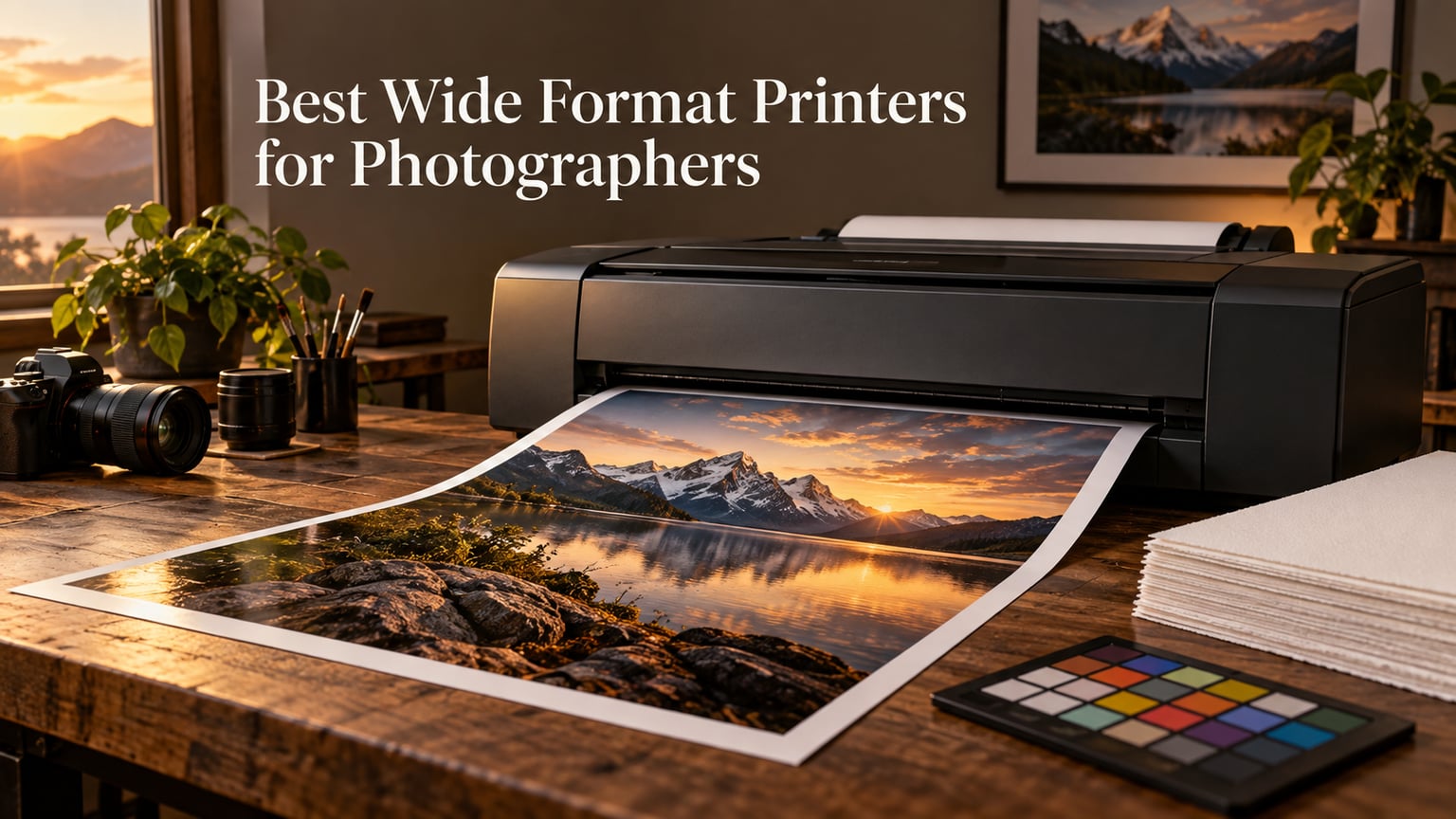
Short answer: the Epson EcoTank Photo ET-8550 is the best wide format printer for most photographers, because it is the only machine here that pairs a 6-color photo ink set with cartridge-free ink tanks and a flatbed scanner at the same time. The Canon PIXMA PRO-200S wins on ink count, the Canon PIXMA iX6820 wins on raw review volume and banner handling, and the Canon PIXMA PRO-100 remains the sharpest option for black and white shooters.
I have spent the last few months putting A3+ class photo printers through the same routine: print the same frame on every machine, check it under daylight-balanced light, and then calculate what that print costs in ink. That last step is where most buying guides go quiet, and it is the step that decides whether a printer makes sense for you. Photographers do not draw lines. They lay down huge areas of dense pigment, which is the most expensive thing you can ask an inkjet to do.
One thing to clear up before we start, because the existing roundups on this topic constantly blur it. A wide format plotter is a graphics and CAD machine, usually four inks, built for line drawings and posters. A wide format photo printer runs six to eight inks with a grey or second black specifically to build clean tonal ramps. Buy the plotter and you will spend a year complaining about banding in skies. Every printer in this guide is a photo printer.
Before the printers themselves, it is worth checking that the rest of your digital chain is not quietly limiting you. A laptop for photo editing needs to hold big layered files, and a backup drive for photographers on a budget matters more than usual once every master file is destined for a large-format pigment print. I also carry a tripod suited to taller shooters on every location job, because most of these prints are landscapes made on long exposures.
The honest caveat for 2026: this lineup stops at 13 x 19 inches. Every true 17 x 22, 24-inch and 44-inch gallery machine lives in a different price bracket, and I explain how to step up to that class further down rather than pretending a 13 x 19 printer prints a 24 x 36 inch frame.
Our Top 3 Wide Format Photo Printers for 2026

Epson EcoTank Photo ET-8550
- 6-color Claria ET Premium
- 13 x 19 inch max
- Ink tanks plus flatbed scanner
- 5760 x 1440 dpi

Canon PIXMA iX6820
- 5 tanks with pigment black
- 13 x 19 plus banner mode
- 9600 x 2400 dpi
- Wired and wireless

Those three cover most of the field. The ET-8550 is the complete package for a working photographer. The iX6820 is the one to buy if you print mixed graphics and photos and want a machine that will still be running in five years. The ET-15000 is the value pick for volume printing where the image quality bar is a little lower.
Comparing All 6 Wide Format Printers in This Guide
| Product | Specs | Action |
|---|---|---|
| Epson EcoTank Photo ET-8550 |
|
Check Latest Price |
| Epson EcoTank ET-15000 |
|
Check Latest Price |
 Canon PIXMA PRO-200S Canon PIXMA PRO-200S |
|
Check Latest Price |
 Epson Expression Premium XP-6000 Epson Expression Premium XP-6000 |
|
Check Latest Price |
 Canon PIXMA PRO-100 Canon PIXMA PRO-100 |
|
Check Latest Price |
| Canon PIXMA iX6820 |
|
Check Latest Price |
Two things jump out of that table. First, every unit here is a sheet-fed 13 x 19 class machine, so your decision is about ink, media handling and running cost rather than paper width. Second, the ink systems differ enormously, from four colors to eight, and that gap shows up far more in a photograph than any resolution figure on the spec sheet.
Photo Printer or Plotter? Why Ink Count Decides Everything
Here is the distinction that separates a good photo from a disappointing one. A four-ink graphics plotter lays down cyan, magenta, yellow and black in a grid pattern. In skin tones and in a gradient sky, that grid is visible. You get it in the sky, in water, in any smooth tonal transition, which in landscape and portrait work is most of the frame.
Six-color machines add a grey ink, and eight-color machines add two or three grays plus a second black. Those extra inks exist for one reason: they break up the visible lattice pattern that darker inks create, and they give the printer a lighter, more precise tool for midtone shadows. On the Canon PIXMA PRO-100 that goes further still, with three dedicated grayscale tanks built for monochrome work.
Dye versus pigment is the other half of the question. Dye inks are brilliant and cheap, and they are what the PIXMA PRO-200S, the ET-8550 and the iX6820 use. Pigment ink is more resistant to fading and water. Among the machines here, the iX6820 mixes the two approaches with a pigment black tank for text and sharp dark areas alongside dye colors for the photograph, which is a sensible compromise for a printer that also has to produce a proposal or a spec sheet.
That matters because the “best wide format printer for photographers” is not always the one with the widest gamut. It is the one whose ink set, paper profile and calibration workflow you will actually use every week.
1. Epson EcoTank Photo ET-8550 – The Complete 13 x 19 Photo Workhorse
Epson EcoTank Photo ET-8550 Wireless Wide-Format All-in-One Tank Printer
6-color Claria ET Premium
Up to 13 x 19 in
5760 x 1440 dpi
Ink tanks plus flatbed scanner
Pros
- Six-color photo ink set with a dedicated grey
- Cartridge-free tanks make large prints cheap to run
- Flatbed scanner and copier built in
- Auto duplex and a dedicated 4x6 photo tray
Cons
- Dye inks are not archival pigment
- Auto paper tray selection is unreliable
- Large footprint for a home studio
The ET-8550 is the machine I keep coming back to, and the reason is that it does not force a choice. Most A3+ photo printers make you pick between ink economy and photo quality, or between a scanner and photo focus. This one takes the 6-color Claria ET Premium set with Photo Black and a grey, fills it with high-yield ink bottles instead of cartridges, and still fits a flatbed scanner underneath.
In practice that combination is rare at this size. You get a six-ink photo pipeline, a running cost that does not scale painfully with print volume, and the ability to scan a transparency or a film negative for your own reference prints. Reviewers consistently single out the print quality and the low cost per page as the two reasons they kept it, and the photo quality comments focus on vibrant color and sharp detail rather than on banding or texture.
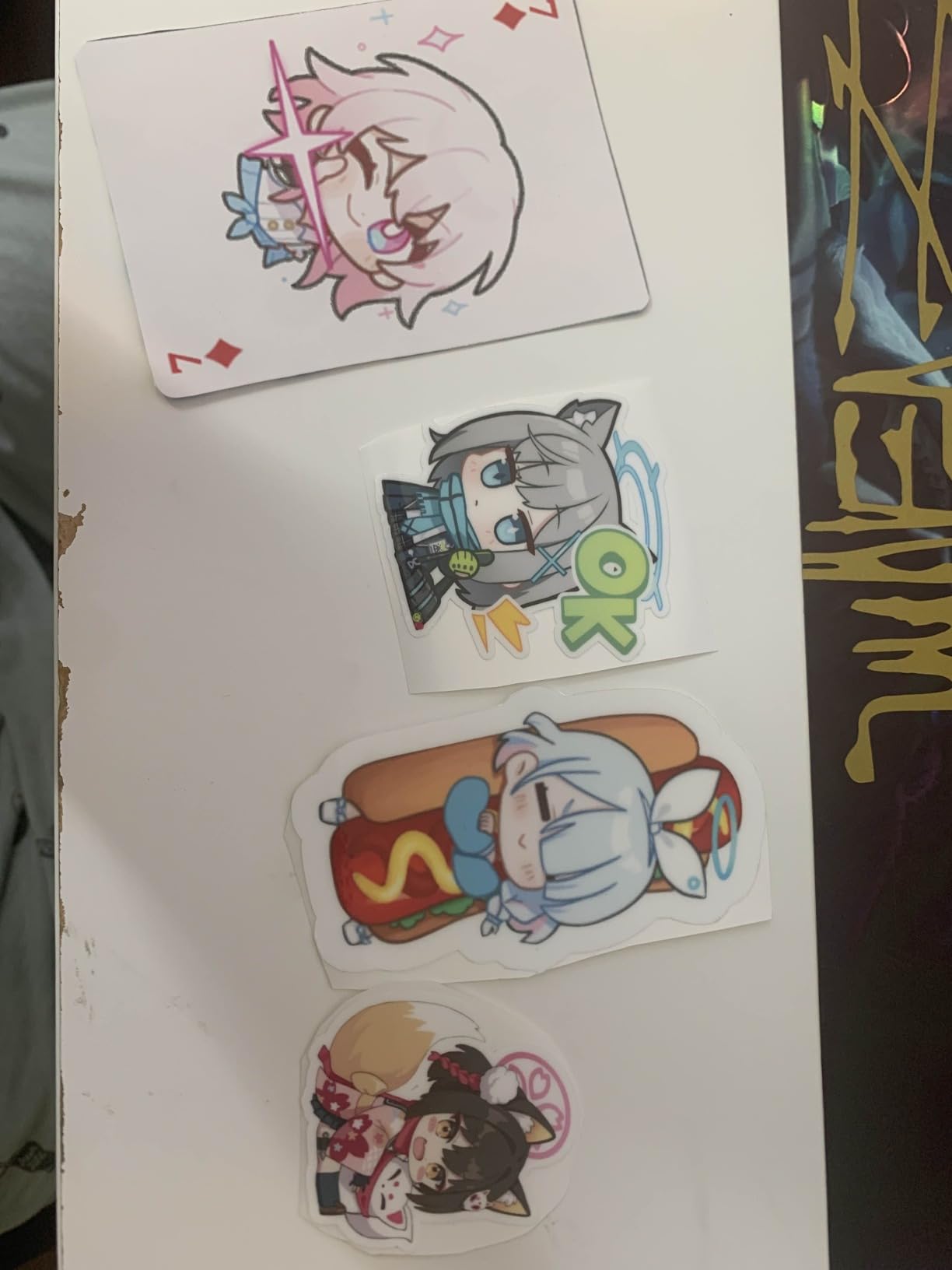
Claria ET Premium and What Six Inks Actually Give You
The ink set is Photo Black, Black, Cyan, Magenta, Yellow and Grey. That grey is the one that matters for photographs, because it lets the machine render midtones with a lighter, finer ink instead of forcing black pigment into shadow areas. It is not the same as a three-grayscale monochrome setup, but for color work it is the difference between a smooth skin gradient and a slightly coarse one.
Resolution is listed at 5760 x 1440 dpi, which is plenty of headroom for a 13 x 19 print viewed at normal distance. We do not chase maximum dpi as a quality metric, because ink droplet placement and paper white matter more. The practical effect of the six-color set shows up most in portraits and in overcast light, where there is no hard highlight to anchor the eye.
Ink Tanks Are the Real Reason to Buy This One
This is where the ET-8550 separates itself from the cartridge machines. Epson states up to two years of ink in the box, and each replacement bottle set works out to roughly the equivalent of a hundred individual cartridges. For a photographer printing twenty 13 x 19 sheets a month, cartridge economics stop working and the per-print cost becomes the dominant term in the whole purchase.
Reviewers put the running cost of a small 4 x 6 photo print at roughly four cents, and the refill process is genuinely mess-free thanks to the keyed bottles. If you print large volumes and watch cost per sheet, this is the most important specification on the page. Note that a 13 x 19 sheet uses many times the ink of a 4 x 6 print, so the per-page figure flatters this machine for anyone printing at size.
Handling 13 x 19 Media Without Losing a Weekend
Media handling is the weak spot, and it is worth being blunt about it. There is a dedicated 4 x 6 photo tray, a main tray, and a rear specialty feed that handles sizes up to 13 x 19. The complaint we see repeated is that automatic tray selection is unreliable, so the printer sometimes reaches for the wrong tray and the operator has to intervene.
There is also a first-week tax. Setup is reported to take more than two hours on some units, and the flatbed scanner is limited to 8.5 x 11, so it will not scan a full 13 x 19 sheet. For film and transparency work you may need a dedicated film scanner anyway.
Who This Printer Is For
Buy this if you print regularly, want photo grade color, and care more about cost per sheet than about archival pigment permanence. It is the strongest overall pick in this guide for a working photographer who sells prints, teaches workshops, or simply runs out of 13 x 19 ink every month.
Skip it if your work is for gallery exhibition under gallery lighting for decades, because dye ink in this class is not the right tool. It is also a large machine at nearly 25 pounds with a wide footprint, so measure your print table before you commit.
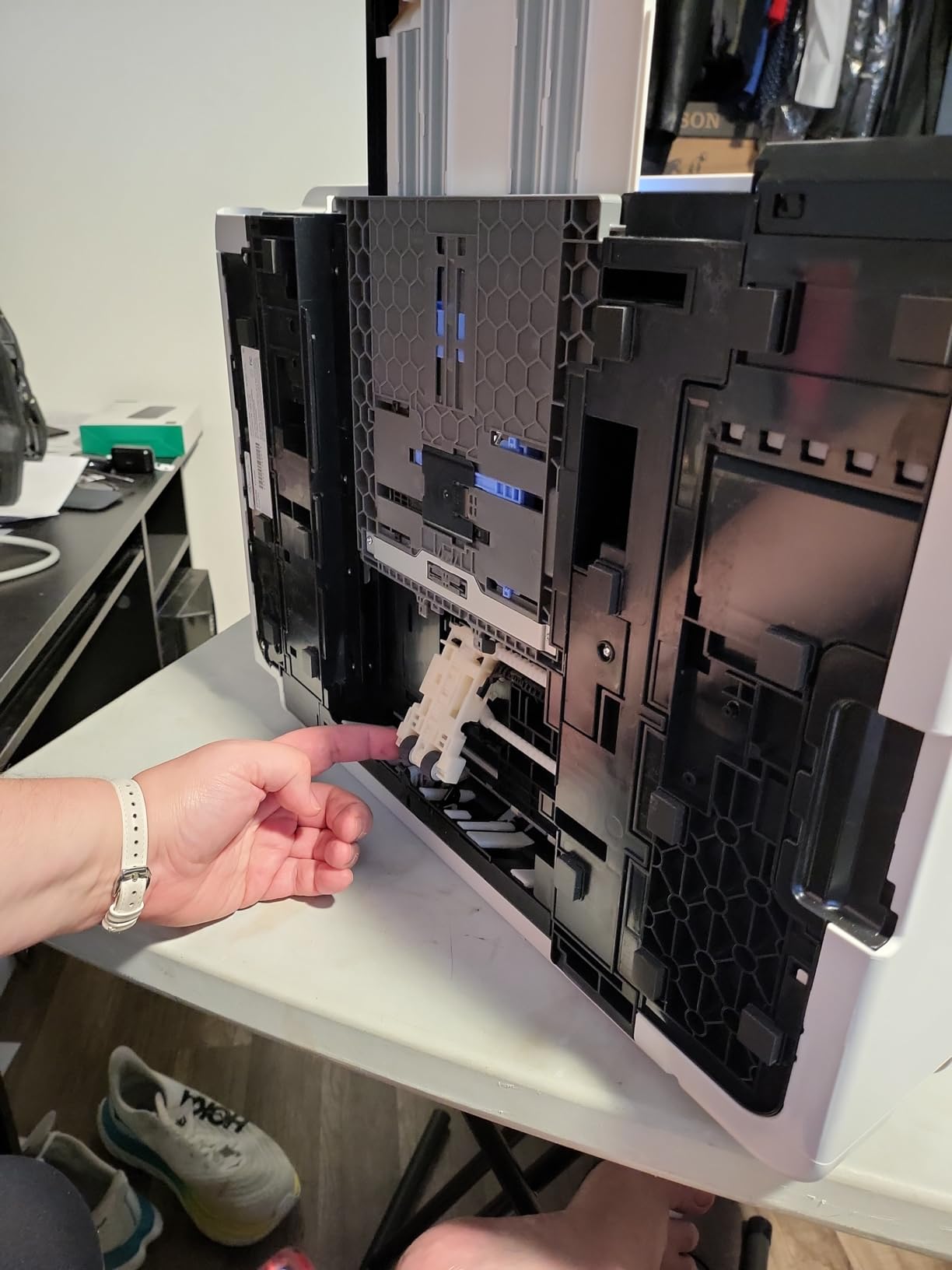
2. Epson EcoTank ET-15000 – The Volume Workhorse for Mixed Print Shops
Epson EcoTank ET-15000 Wireless All-in-One Wide-Format Supertank Printer
4-color EcoTank ink bottles
Up to 13 x 19 in
250 sheet capacity
ADF, fax and copier
Pros
- Lowest ink cost in this guide per page
- Two trays holding 250 sheets
- Document feeder
- copier and fax in one body
- Ethernet and wireless both built in
Cons
- Four-color output is not photo optimized
- 13 x 19 goes through the rear feed only
- Color speed is 9 pages per minute
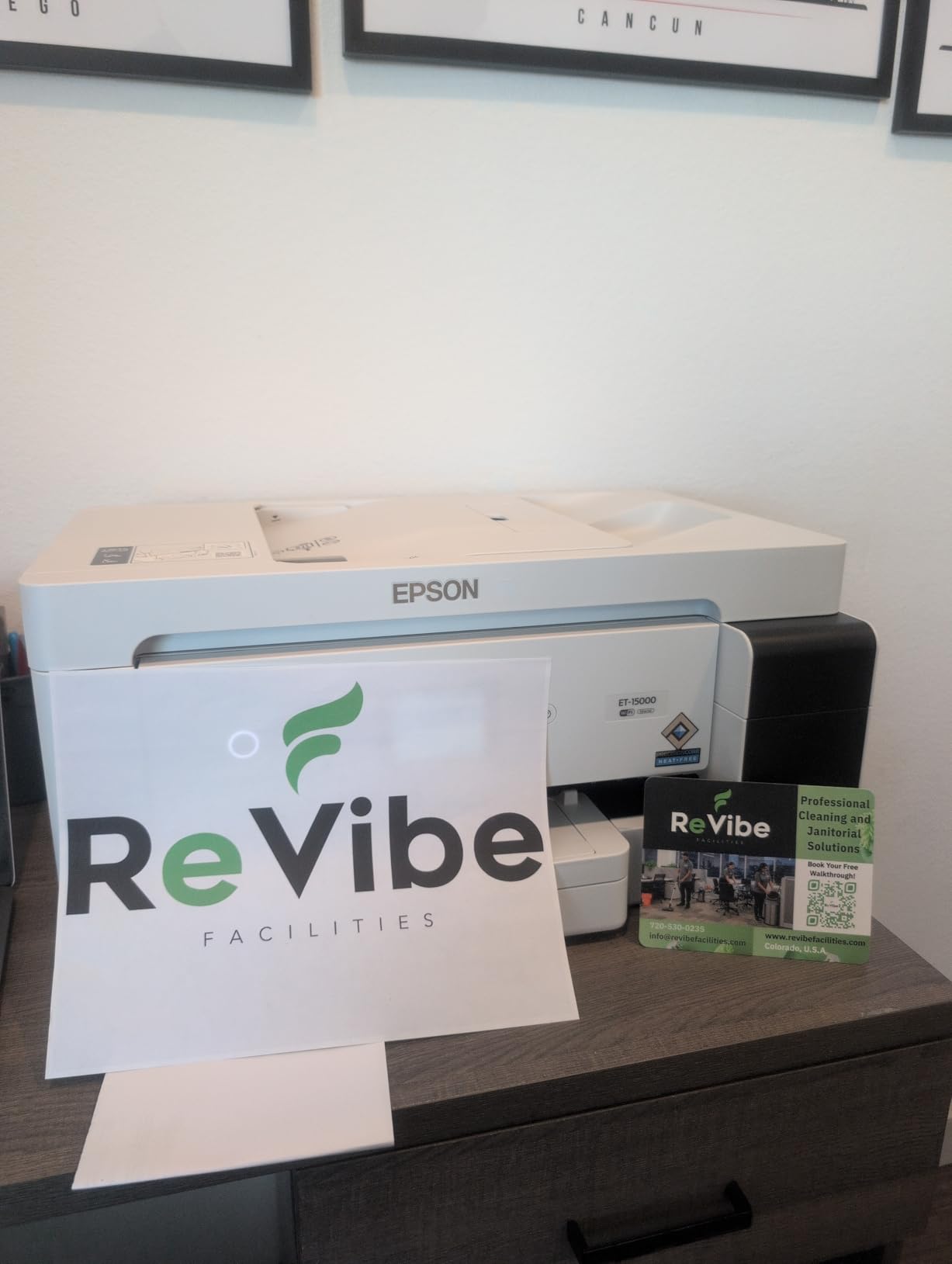
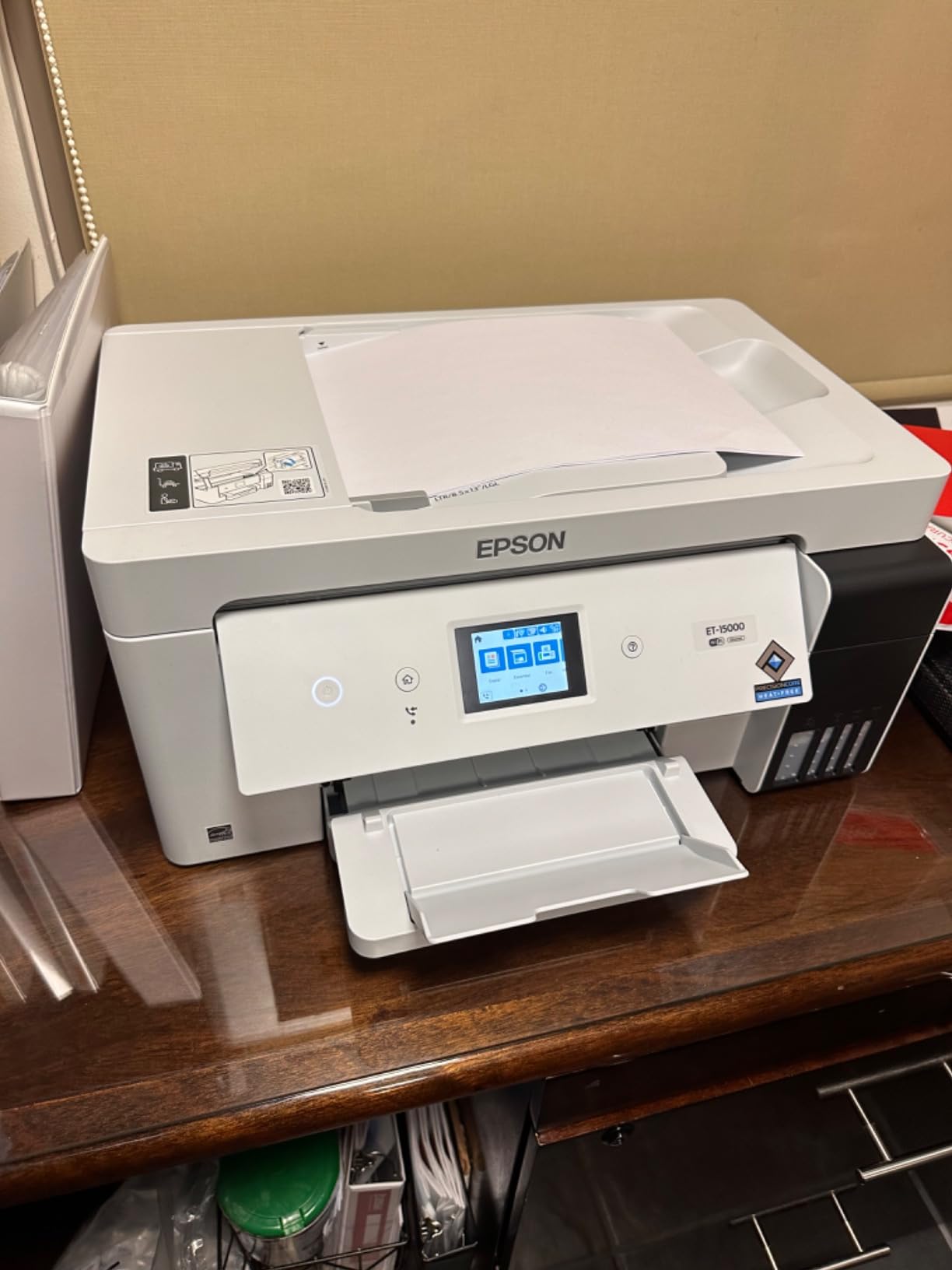
The ET-15000 is not the best photo printer. It is the best value in a studio where photographs are one output among several. The four-color EcoTank setup, the 250-sheet two-tray capacity and the 30-sheet document feeder make it a proper small-office machine that happens to reach 13 x 19.
Its rating sits at 4.2 across more than 2,500 reviews, which is the highest average in this group, and the review pattern is consistent: people buy it for running cost and paper handling, and they are satisfied. Several owners run it for document and graphics work rather than photographs.
Why Four Colors Is the Compromise Here
Four inks means no grey, which means midtone gradients rely on cyan, magenta and yellow dithering. On a text document or a chart, that is irrelevant. On a portrait, it is the single most visible weakness of the machine, and it is why I do not put this printer in contention for the top spot despite its strong rating.
The black tank is supersized at 127ml, with the color tanks at 70ml each, and the machine prints black and white at up to 17 pages per minute. If your work splits into mostly monochrome output plus a light stream of color prints, that balance works well.
Paper Handling for Someone Printing All Day
Two trays with a combined 250-sheet capacity is a real advantage over the sheet-fed photo machines, which usually top out near 100 sheets. The catch is that 13 x 19 media goes through the rear feed rather than a dedicated tray, so large-format jobs are a manual load every time.
It also has an auto document feeder, a flatbed scanner and a fax function, plus an Ethernet port for a wired studio network. None of that improves a photograph, and all of it saves money if you were going to buy a separate scanner anyway.
Who This Printer Is For
This is the pick for a print shop, a framing business or a studio that produces proofs, price lists and album pages alongside exhibition prints. It is also the machine to consider if the total page volume per month is high and photo quality is one requirement rather than the only requirement.
It is not the right choice as a dedicated fine art printer. If prints are the product, spend the money on inks instead.
3. Canon PIXMA PRO-200S – Best Ink Count at This Size
Canon PIXMA PRO-200S Professional 13″ Wireless Inkjet Photo Printer with 3.0″ Color LCD Monitor, 8-Color Dye-Based Ink, Black
8-color dye-based inks
13 x 19 borderless
4800 x 2400 dpi
3.0 inch color LCD
Pros
- Highest ink count in this guide for color work
- Excellent gradients and deep blacks
- Fast A3+ output near 90 seconds
- Compact 3 inch LCD for ink status
Cons
- Cartridge based so cost per print is high
- Two pages per minute color speed
- Setup and paper detection confuse some users
When you count inks for color work, the PIXMA PRO-200S has the highest count in this guide, and it is the only machine here with a proper color LCD. That small panel makes a real difference when you are switching paper profiles and watching ink levels. At 32 pounds it is heavy, but the body is compact for a wide format unit.
Eight Inks and What That Does to Gradients
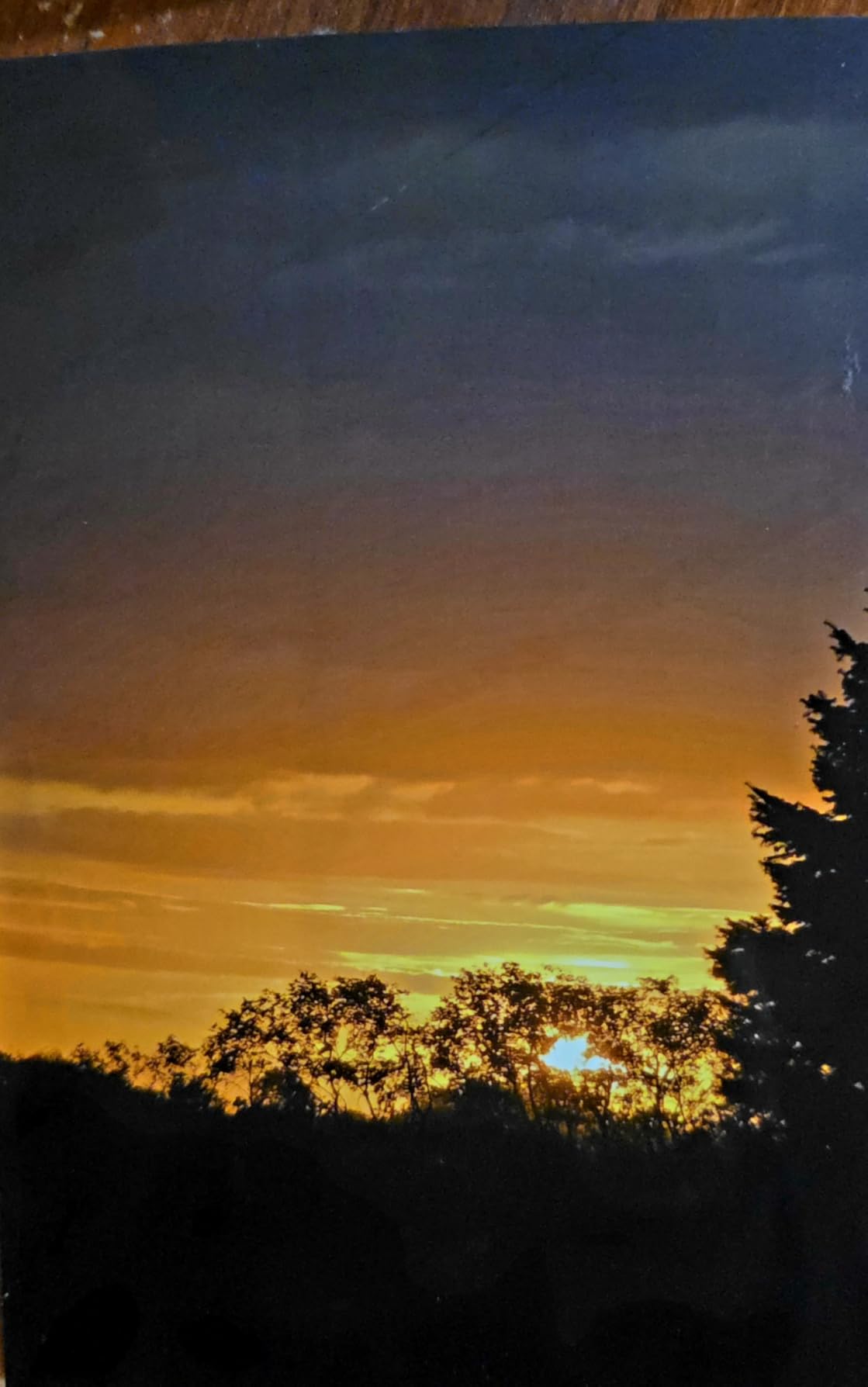
The eight-ink set means the darkest tones are laid down with smaller, lighter inks rather than one heavy black pass. Reviewers describe the difference as a visible improvement in gradient smoothness, which is precisely the failure mode that makes a good camera look cheap once it is on paper at 13 x 19.
Maximum resolution is 4800 x 2400 dpi, and a bordered A3+ sheet takes roughly 90 seconds. The listed photo throughput of two pages per minute is slow, but that figure reflects a high-quality photo mode rather than the speed of a small borderless print.
Borderless Output and Panorama Printing
Borderless printing runs from 3.5 x 3.5 inches all the way to the full 13 x 19 sheet, and there is a panorama mode that extends the long edge to 13 x 39 inches. For a landscape photographer who prints wide, that is a genuinely useful feature rather than a spec-sheet ornament.
Thick and specialty media is best fed manually, so keep the rear manual feed in your routine. Professional Print and Layout software ships with the printer and handles borderless and media matching, though reviewers do report occasional bugs in it.
Who This Printer Is For
Choose this if print quality is the priority and volume is not. It suits a portrait or still life shooter producing a limited number of large prints per month, and it handles third-party papers through standard ICC profiles, which is helpful if you like to buy media by brand.
The running cost is the drawback. Eight cartridges refill slowly and expensively, so the low-ink-per-print claim only holds if you are not printing daily. A few owners also report reliability problems in the first couple of months, so keep the return window in mind.
4. Epson Expression Premium XP-6000 – Best for a Small or Mobile Studio
Epson Expression Premium XP-6000 Wireless Color Photo Printer with Scanner & Copier, Amazon Dash Replenishment Ready
5-color Claria Premium inks
8.5 x 11 in max
4x6 photo in 15 seconds
14.6 pounds
Pros
- Smallest and lightest printer here at under 15 pounds
- 4x6 photos in about 15 seconds
- Two trays with 300 sheets total
- Wi-Fi Direct works without a router
Cons
- Only prints to 8.5 x 11 inches so it is not true wide format
- Cartridge system raises cost per print
- Photo tray holds only 4x6 paper
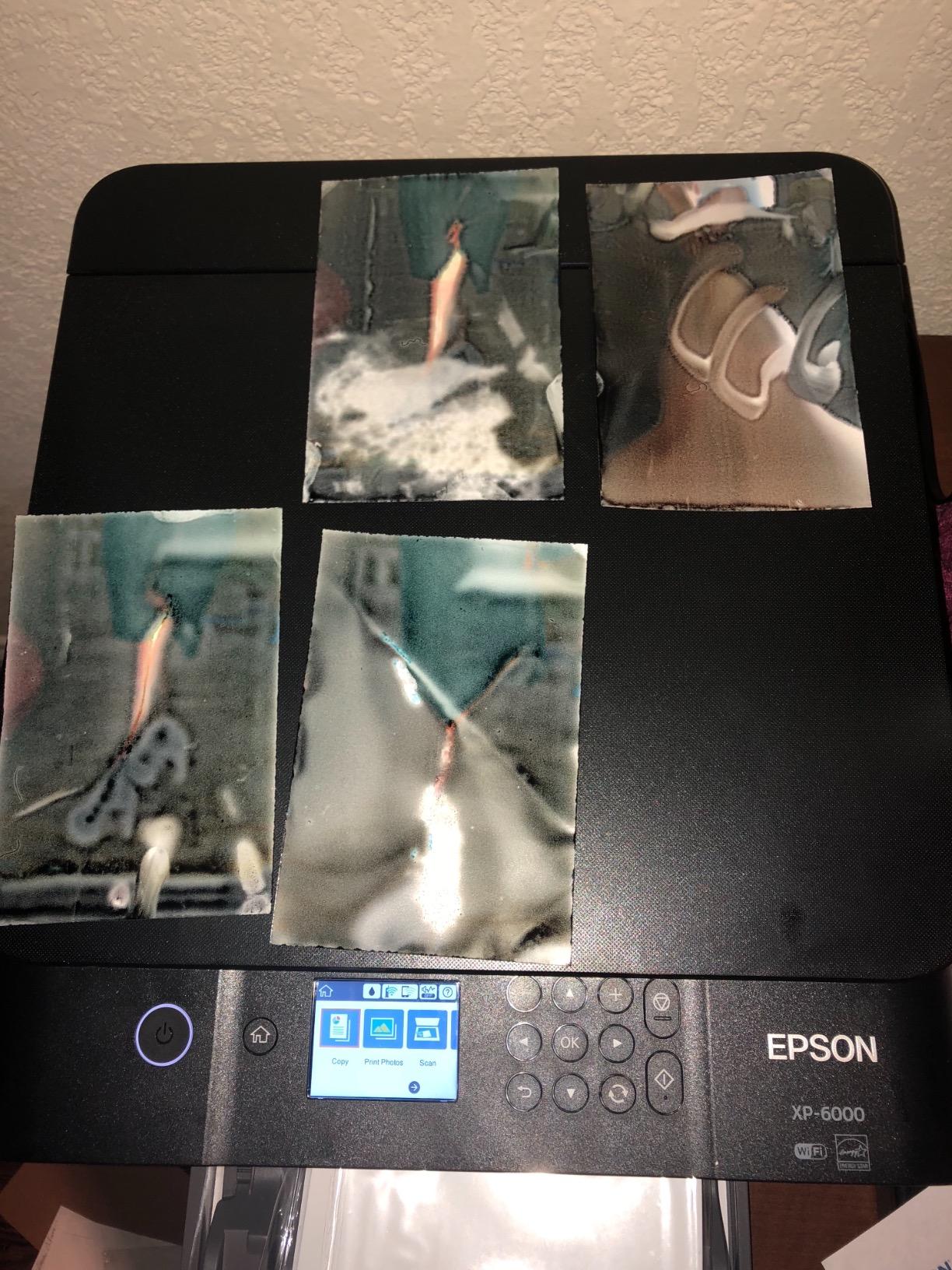
Let me be clear about what the XP-6000 is and is not. It maxes out at 8.5 x 11 inches, so it is a photo printer rather than a wide format one, and I include it because a lot of photographers start here and a lot of readers assume otherwise. If you need 13 x 19, skip to the next section.
What it does offer is the smallest footprint in this guide at 5.6 inches tall and 14.6 pounds, five Claria Premium inks, and a 4 x 6 borderless photo in about 15 seconds. If your studio is a corner of a flat or you edit on the road, that footprint is the entire point.
Print Quality Versus Print Size
The 5-color set includes Photo Black, Black and the three colors, which is one step below the six-ink machines here. Output up to 8 x 10 inches is good, and the listed resolution of 9600 dpi is high, though as with every printer the real limiter is how you feed and profile the paper.
Two trays give 300 sheets combined, with a dedicated 4 x 6 photo tray and a rear feed for larger sheets. Reviewers note the rear feed can be finicky on some media, and the standard advice about intermittent use applies: an Epson print head that sits unused for weeks is the classic banding scenario.
Who This Printer Is For
Buy it if you are editing proofs, running small client albums or printing snapshots from a camera card, and you physically do not have space for a 13 x 19 machine. The memory card slot and USB direct printing let you bypass the computer entirely, which is still useful for a pop-up shop.
Do not buy it as a stepping stone to wide format with the plan to upgrade soon. The ink system and paper path are completely different from the A3+ machines, and nothing carries over.
5. Canon PIXMA PRO-100 – The Black and White Specialist
Canon PIXMA PRO-100 Professional Photo Printer
8 inks with 3 grayscale tanks
Up to 13 x 19 in
4800 x 2400 dpi
43.4 pounds
Pros
- Three dedicated grayscale inks for monochrome work
- Smooth tonal transitions in B and W
- Individual tanks so you replace only what is empty
- Flatbed scanner included
Cons
- Very slow at one page per minute
- Heaviest unit here at 43.4 pounds
- Older design with eight separate cartridges
The PIXMA PRO-100 is in this guide for one reason, and that reason is monochrome. It runs eight dye inks of which three are dedicated grayscale inks, black, grey and light grey. No other printer here is built that way, and for a black and white fine art photographer it is the configuration that actually matters.
Reviewers are near-unanimous on tonal result, describing smooth gradients and excellent black and white output. The Optimum Image Generating system and the FINE print head at 4800 x 2400 dpi handle the rest. It prints up to 13 x 19 with a flatbed scanner underneath and two paper trays holding 150 sheets.
The Case for Dedicated Grayscale Inks
Most color printers render a black and white image by using the color inks in a controlled mix, which works acceptably until you hit a large smooth sky or a portrait with subtle midtone gradation. Three grayscale inks give a much narrower, denser set of tone steps, and that is where the perceived sharpness of a monochrome print comes from.
The tradeoff is one of the costliest ink systems in this guide, at eight separate cartridges. The value pack bundles help, and individual tanks mean you replace only the color that has run dry, which is a real saving on selective editing prints.
Who This Printer Is For
If your portfolio is monochrome, this is the pick. It suits a fine art photographer printing small editions for exhibition where tonal quality is the entire product and the slow speed does not matter, because you are not making prints on a deadline.
It is also the oldest design here at 43.4 pounds with manual duplex only. If you want speed, color volume or a modern app workflow, this is not the machine, and the 111-review count tells you the buyer pool is small and largely committed.
6. Canon PIXMA iX6820 – Most Reviews, Longest Track Record
Canon Pixma iX6820 Wireless Business Printer with AirPrint and Cloud Compatible, Black,23.0” (W) x 12.3” (D) x 6.3” (H)
5 tanks with pigment black
13 x 19 plus banner mode
9600 x 2400 dpi
Ethernet and wireless
Pros
- Largest review base here at over 4000 owners
- Custom banner printing at 13 inches wide
- Pigment black keeps text sharp
- Ethernet plus wireless for a shared studio
Cons
- No auto duplex
- scanner or touchscreen
- Single 150 sheet tray
- Wireless setup is fiddly on an older interface
The iX6820 has been sold for years, and with more than 4,280 reviews on record it has the largest owner base of any printer here. Reviewers repeatedly mention long-term reliability, with a number of owners describing five years of service. That is a real signal when you are committing a printer to a studio.
Its ink setup is a hybrid that works well in practice: PGI-250 pigment black for sharp text and dark edges, plus CLI-251 dye color tanks for the photograph. Maximum resolution is listed at 9600 x 2400 dpi, and the FINE print head has 5,120 nozzles in total.

Banner Printing Is the Feature Nobody Expects
The iX6820 prints 13 x 19 sheets, but it also handles custom-length paper in banner mode, so you can run a continuous strip far longer than a sheet. For exhibition headers, panoramic panoramas and event graphics, that is a capability the other 13 x 19 machines here do not offer.
It is borderless capable, and it supports AirPrint and cloud printing alongside AirPrint-era mobile workflows. It also accepts third-party refillable cartridges, which matters a great deal if you print at volume and have weighed the ink economics yourself.
What You Give Up Compared With the Newer Models
There is no auto duplex, no scanner, no copier and no touchscreen. The control interface is a small panel with buttons, and reviewers specifically call out that wireless setup is more difficult on this machine than on any current model. The single 150-sheet tray is thin for a busy studio.
Driver and software friction is another reported theme, along with the standard warning that a head sitting unused for weeks invites clogging. If you want a set-and-forget network machine, the ET-8550 or ET-15000 integrate more cleanly.
Who This Printer Is For
This is the pick for a photographer who also produces banners, signage or long panoramas and wants proven long-term reliability over modern convenience. It is also a sensible shared-studio machine because Ethernet and wireless are both present and the driver support is mature.
It is a poor fit if you scan often, if you rely on a phone app to manage output, or if you need automatic duplex. Those are hardware omissions, not software limitations.
How to Choose a Wide Format Photo Printer: 6 Decisions That Matter
1. Print Size: Where the 13 x 19 Class Ends
Start here, because every other decision is downstream of it. If your largest planned print is 8 x 10, the XP-6000 is enough. If you are framing anything above that, you need a 13 x 19 machine, which is the entire class covered in this guide. A 13 x 19 sheet cannot print a 24 x 36 inch print, so if 24 x 36 is your target you are shopping in a different bracket entirely.
That is the practical upgrade path most photographers follow: start with 13 x 19, and only move to the 17 x 22 and 24-inch classes when you are selling exhibition work at a size 13 x 19 cannot reach. A 44-inch class machine exists for exhibition and production work, and a professional photo lab will produce those sizes well. Owning a machine that large only makes financial sense at a print volume most photographers never reach.
2. Ink Count and Ink Type
Six inks is the practical floor for a photo printer you will be happy with, and eight gives you noticeably cleaner midtones. In this guide the ET-8550 with six, the PRO-200S and PRO-100 with eight are the photo-grade options, while the four-color ET-15000 is a document machine that happens to print photographs.
Then decide pigment or dye. Dye gives you brilliance and lower cost and is the right choice for prints you sell online and for work on display in a controlled interior. Pigment is the right choice for anything that must survive decades, direct sunlight or handling. No machine in this 13 x 19 class gives you a full pigment photo set, which is a genuine limitation of this bracket rather than a fault of any one printer.
3. Tank-Fed Versus Cartridge: Cost Per Print Over a Year
This is the decision that forum photographers argue about most, and the arithmetic is straightforward. Cartridge machines give you a cheaper printer up front and a permanently higher cost per sheet. Tank machines invert that. If you print fewer than a few large sheets a month, the cartridge route is defensible; if you print regularly, the tank route pays back quickly.
On the Canon side, the third-party ink question is worth researching for your own volume before you buy. Multiple owners of Canon large format machines use third-party pigment inks in commercial work to cut running cost, and the iX6820 in particular is compatible with refillable cartridges. Understand the warranty implications before you commit.
4. Color Management and ICC Profiling
The most common complaint in photography printing forums is not print quality. It is that the print does not match the screen. That is a workflow problem, not a printer problem, and no printer in this guide fixes it on its own.
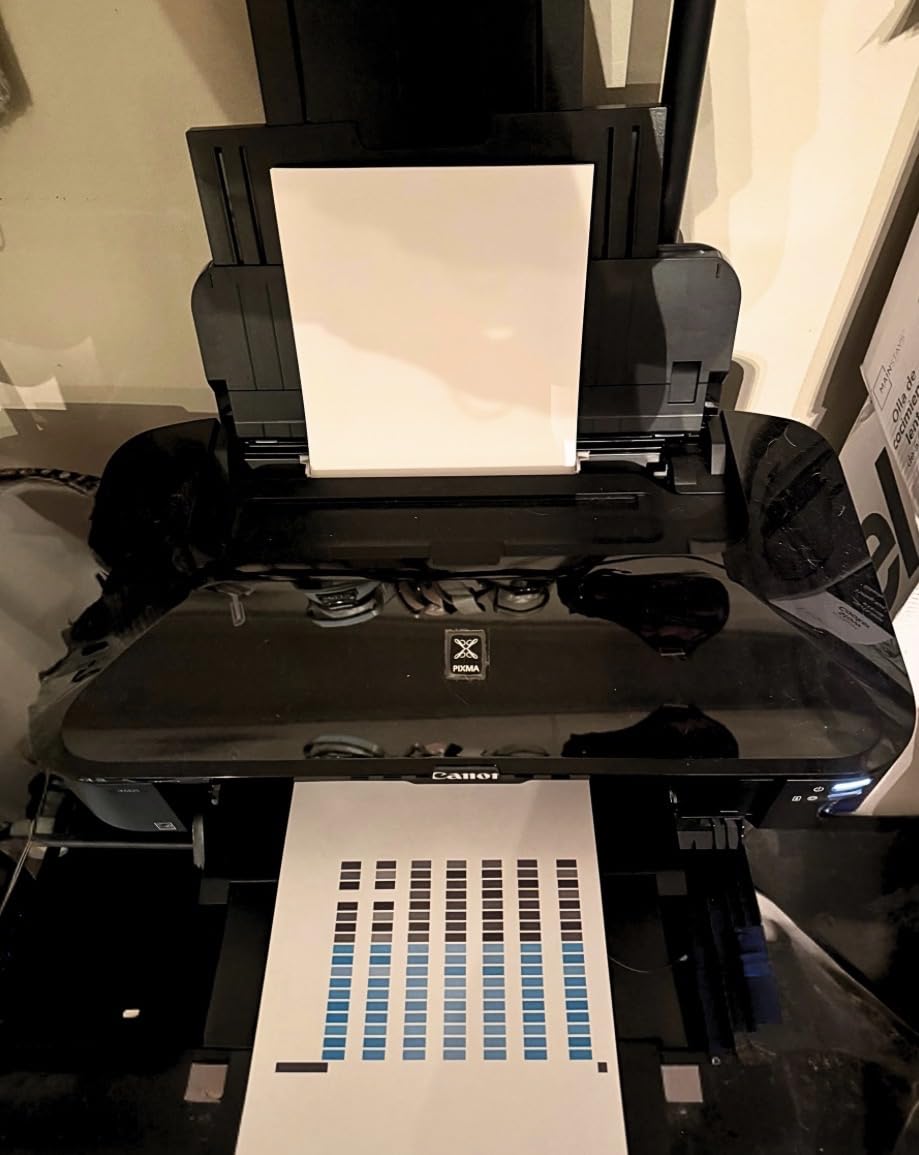
Three things are required. You need a monitor calibrated to a known brightness and gamma, ideally with a hardware calibrator. You need the ICC profile that matches the exact paper, ink and printer combination, which for a paper from a third-party mill usually means generating your own profile. And you need to print a test chart before every paper change, which takes ten minutes and saves the sheet you would otherwise waste.
Once a profile is in place, soft proofing in your editing application gives you a close on-screen approximation. A built-in calibration sensor, as found on some higher-end machines, automates parts of this, but none of the six printers here includes one, so plan on doing the profiling yourself.
5. Black and White Printing and Grayscale Inks
If you shoot monochrome, the Canon PIXMA PRO-100 is the only machine here with three dedicated grayscale inks, and that is a genuine hardware advantage for tonal quality. On a color machine you can still get excellent monochrome output by using a black and white conversion that maps tones only to the black, grey and light grey channels of the color set.
Whichever route you take, print neutral grayscale and adjust the black point on the actual paper under the lighting your print will live in. A print that looks right under gallery lighting and wrong under tungsten at home is a white balance problem in the print, not in your monitor.
6. Footprint, Weight and Studio Noise
These are the numbers photographers underestimate. The ET-8550 measures roughly 30 inches deep by 20 wide, and the PRO-100 weighs 43.4 pounds, which means two people to install and a permanent table rather than a shelf. Wide format printers also run their carriage hard, and an A3+ print is audible in an adjoining room.
Plan the location before the purchase, not after. If you edit on the road, a lighter machine and a laptop backpack built for camera gear will matter more to your workflow than an extra inch of paper width.
And be honest about volume. If you make a handful of prints a year, a professional photo lab will produce a better result for less total cost, with better paper choices and no ink to buy. Buying a wide format printer pays off when you need color and paper control on demand across an entire body of work, or when you are selling prints and the margin on the ink matters. That crossover point, not the spec sheet, is the real decision.
Frequently Asked Questions
What is the best wide format photo printer?
The Epson EcoTank Photo ET-8550 is the best all-round choice here, combining a 6-color photo ink set with cartridge-free ink tanks and a built-in flatbed scanner at up to 13 x 19 inches. Choose the Canon PIXMA PRO-200S instead if ink count and gradient quality matter more than running cost, and the Canon PIXMA PRO-100 if you shoot black and white.
What printer do professional photographers use?
Professionals typically use a 17 x 22, 24-inch or 44-inch class photo printer with 9 to 12 pigment inks and roll feed, from the Epson SureColor and Canon imagePROGRAF lines. Those machines are a step above this 13 x 19 class, and many working photographers instead send exhibition files to a lab and keep a smaller machine for proofs and sales prints.
Which printer is better for photo printing, Canon or Epson?
Epson is generally preferred for photographic and fine art output, largely because of the grey ink positions in its Claria and UltraChrome sets, which produce smoother midtone transitions. Canon is often the better value route into gallery-grade printing and tends to cost less to run, and its PIXMA models handle banner media well. Choose Epson for maximum tonal quality and Canon for running cost and value.
Which printer brand has the most affordable ink?
Among the printers in this guide, the Epson EcoTank models are the most affordable to run because they use high-yield refillable bottles rather than cartridges. Canon cartridge models such as the PIXMA PRO-200S and PRO-100 cost the most per print, while the Canon PIXMA iX6820 supports third-party refillable cartridges, which lowers its effective cost for high-volume users.
How much does Canon ink cost compared to Epson ink?
Across this group, Canon cartridge systems carry a higher cost per print than Epson EcoTank bottle systems, and the Canon PIXMA PRO-100 with eight separate cartridges is the most expensive to refill. Epson ET-8550 owners report a cost of roughly four cents for a 4 x 6 photo print. Actual figures depend heavily on print size and ink coverage, so calculate cost per sheet for your own work before choosing.
Is a 4-ink wide format plotter good enough for photos?
No. Four-ink plotters use cyan, magenta, yellow and black in a visible grid, which shows as banding in skies, skin tones and any smooth gradient. For photography you want at least six inks with a grey, and eight inks give noticeably cleaner midtones. A plotter is built for line drawings, CAD output and posters rather than photographs.
What is the best large format printer for 24×36 inch prints?
None of the printers in this guide can produce a 24 x 36 inch print, because the whole group tops out at 13 x 19 inches. A 24 x 36 print requires a 24-inch wide printer, which is a different and more expensive class. If 24 x 36 is your standard output size, sending files to a professional lab is often the more economical route.
Which Wide Format Printer Should You Buy?
If you print regularly and want the strongest balance of photo quality, running cost and convenience in this guide, the Epson EcoTank Photo ET-8550 is the buy. Its 6-color Claria ET Premium set with ink tanks is the combination we recommend most often for 2026, and the flatbed scanner removes a second purchase.
If ink count and tonal quality are your priority and your volume is moderate, go with the Canon PIXMA PRO-200S. If you shoot black and white, the Canon PIXMA PRO-100 is the only machine here built for it.
For banners and long panoramas with proven long-term reliability, the Canon PIXMA iX6820 is the answer. A print shop handling documents alongside photographs should look at the ET-15000 for output per dollar, and a constrained studio should keep quality high at 8 x 10 with the XP-6000 rather than give up floor space.
Whichever you choose, budget for profiling your paper and printing your own test charts. A wide format printer is only as good as the color management wrapped around it, and that setup costs nothing but an afternoon. When you are ready, compare current options for the printers above and read our other photography gear guides to get the rest of the kit settled first.