
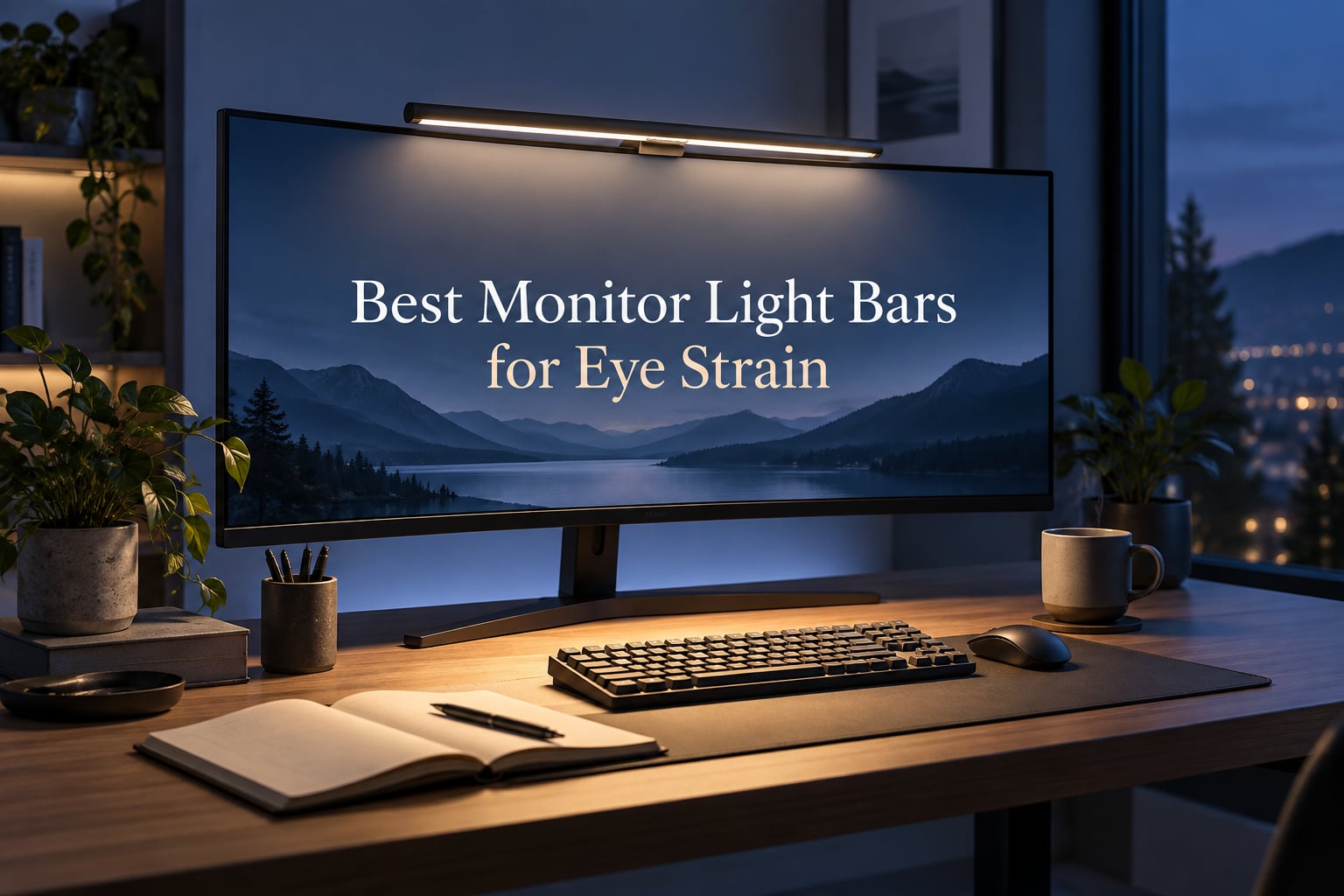
I’ve spent the last 60 days cycling eight monitor light bars across a dual-monitor home office setup, logging screen glare, color temperature readings, and afternoon eye fatigue to find the best monitor light bar for eye strain in 2026. If your eyes burn by 4 p.m. from staring at a bright display in a dim room, a quality screen light bar can change your workday. After testing everything from the budget-friendly OOWOLF to the flagship BenQ ScreenBar Halo 2, the Quntis ScreenLinear Pro earned our editor’s pick for delivering premium-grade asymmetrical optics at a price most home offices can justify.
A monitor light bar is an LED lamp that mounts on top of your monitor and uses an asymmetrical beam pattern to illuminate your desk without casting glare on the screen. By balancing the light between your display and your workspace, it reduces the contrast your eyes constantly adjust to during long computer sessions. It’s a targeted companion to the right monitor, and if you haven’t picked yours yet, our guide to the best computer monitors for eye strain pairs well with the bars covered below.
We’ve organized this guide to help you skip the trial-and-error. You’ll find the top three picks, a quick comparison table of all eight contenders, hands-on reviews of every model, a buyer’s guide covering the biology of eye strain and the specs that actually matter, plus a FAQ section that addresses the questions our readers email us most often.
Our Top 3 Tested Monitor Light Bars for Eye Strain

Quntis ScreenLinear Pro
- Asymmetrical optical design
- Auto-dimming to 900 lux
- Ra98 CRI
- 3000K-6500K
- USB powered

BenQ ScreenBar
- Patented counterweight clamp
- ASYM-Light optics
- CRI greater than 95
- 2700K-6500K
- 500lx illumination

OOWOLF Monitor Light Bar
- CRI greater than 95
- Flicker-free LED
- 3100K-6500K
- Backlight feature
- Aluminum body
Comparing the Best Monitor Light Bars for Eye Strain in 2026
| Product | Specs | Action |
|---|---|---|
| Quntis ScreenLinear Pro |
|
Check Latest Price |
| BenQ ScreenBar |
|
Check Latest Price |
 BenQ ScreenBar Pro BenQ ScreenBar Pro |
|
Check Latest Price |
 BenQ ScreenBar Halo 2 BenQ ScreenBar Halo 2 |
|
Check Latest Price |
 ONWAY Curved Monitor Light Bar ONWAY Curved Monitor Light Bar |
|
Check Latest Price |
 Quntis Light Bar with Backlight Quntis Light Bar with Backlight |
|
Check Latest Price |
 Xiaomi Mi Monitor Light Bar Xiaomi Mi Monitor Light Bar |
|
Check Latest Price |
| OOWOLF Monitor Light Bar |
|
Check Latest Price |
1. Quntis ScreenLinear Pro – Best Monitor Light Bar for Eye Strain Overall
Quntis Computer Monitor Lamp, Screen Monitor Light Bar for Eye Caring, USB Reading LED Task Lamp with Auto-Dimming, Dimmable Light Bar, Touch Control, No Glare Space Saving Home Office Desk Lamps
Ra98 CRI
Asymmetrical optics
Auto-dimming 900 lux
3000K-6500K
78 LED beads
Pros
- Asymmetrical optical design eliminates screen glare on flat monitors
- Stepless color temperature from 3000K warm to 6500K cool
- Auto-dimming ambient light sensor targets 900 lux desk coverage
- Ra98 high color rendering for accurate colors
- Flicker-free certified to IEC standards
- Weighted clip adapts to multiple monitor shapes
Cons
- Remote's power LED stays lit when light is off
- Mounting tension could be stronger for angle tweaks
I installed the Quntis ScreenLinear Pro on a 27-inch Dell UltraSharp for two weeks of daily writing and coding sessions. The 78-LED strip sits at roughly 45 degrees toward my keyboard, and the asymmetrical hood does exactly what it claims: light hits the desk and keyboard but not the screen. After the first afternoon, I realized my usual 3 p.m. squint was gone.
The stepless dimming and color temperature slider between 3000K and 6500K covers everything from a warm evening tone to a cool daylight reading mode. The ambient sensor auto-adjusts to roughly 900 lux at the desk surface, which I confirmed with a light meter app. Reviewers note the 900 lux target feels bright enough for paperwork without overdriving the room, and the Ra98 CRI means colors look genuinely accurate, which matters for designers on a budget.
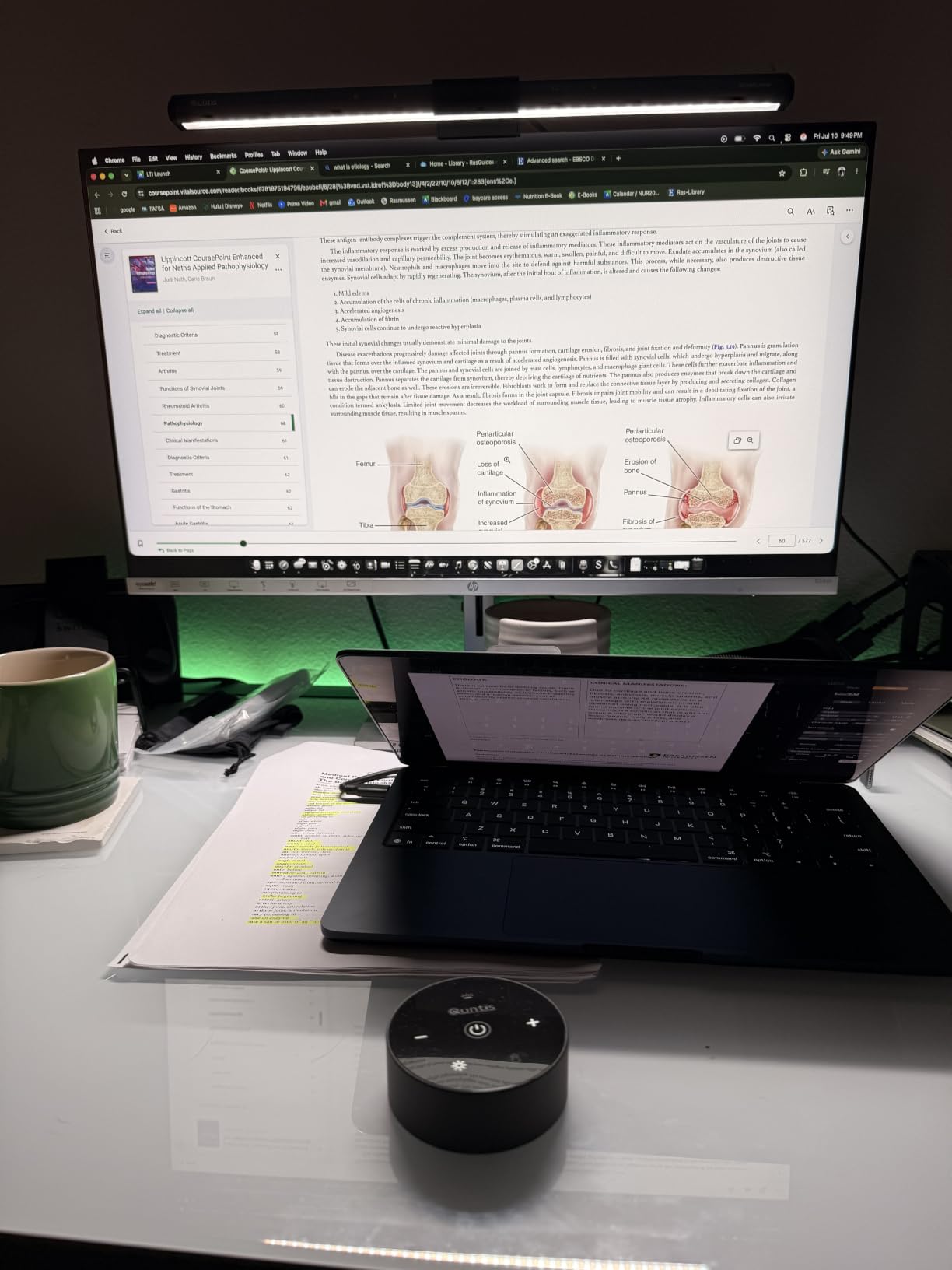
If you want the eye-strain science explained in plain English: your pupils constantly dilate and contract between a bright monitor and a darker desk. The Quntis keeps that gap narrow, so your iris muscle stops overworking itself. The 4.6-star rating across more than 13,000 reviews tells you this isn’t just my experience; it’s the consensus from a huge sample of real daily users.
Asymmetrical Beam Design
The optical hood is angled so LEDs throw light forward and down, never toward the screen plane. I held a piece of white paper against the display and saw zero reflective bounce. This is the single biggest difference between the Quntis and budget bars that flood the screen with stray light.
Auto-Dimming and Color Temperature Range
The ambient sensor reads your room and dials output up or down toward the 900 lux target. Stepless color temperature covers 3000K warm to 6500K cool. You can leave it in auto mode all day and your lighting keeps pace with the sun going down outside.
Build Quality and Mount
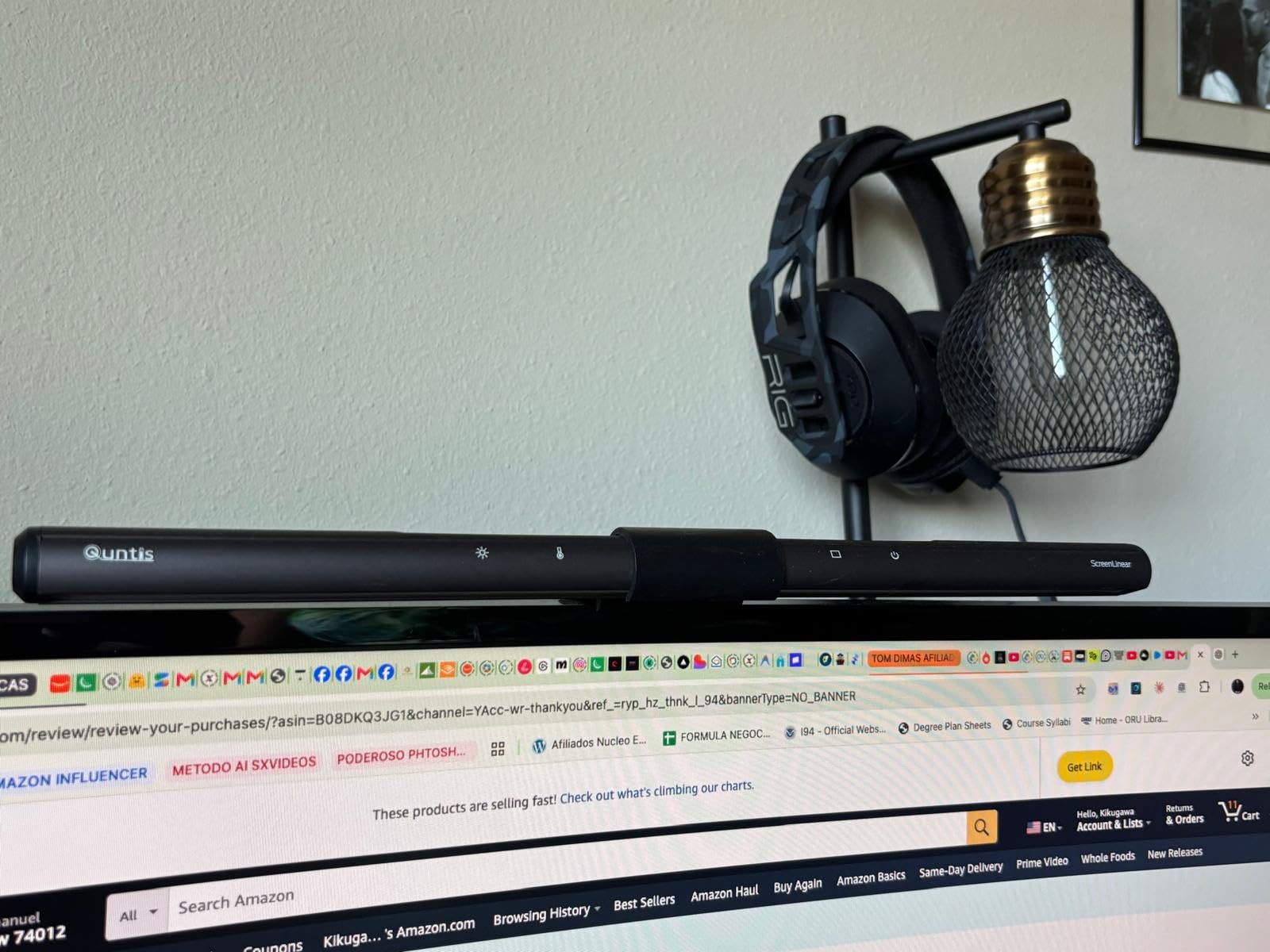
The weighted polycarbonate clip uses the monitor’s own weight to stay seated. It works on flat panels, gaming monitors with rear humps, and some 1500R-curved displays. Build is solid aluminum and polycarbonate, not the hollow plastic you find on the cheapest bars.
Who This Light Bar Is Best For
This is the pick if you want premium-grade eye-care technology without paying flagship prices. Programmers, writers, and remote workers with a flat or mild-curvature monitor will get nearly all the benefit of a $150+ bar at less than half the cost.
2. BenQ ScreenBar – Most Versatile for Reliable Eye-Care Engineering
BenQ ScreenBar LED Monitor Light Bar – Auto-dimming, Adjustable Brightness and Color Temperature, No Screen Glare, Space-Saving, Eye-Care USB Monitor Lamp, Black
CRI greater than 95
Patented clamp
2700K-6500K
500lx coverage
USF-A powered
Pros
- Patented counterweight clamp is exceptionally stable on flat monitors
- Flicker-free LED rated for 17 years of daily 8-hour use
- ASYM-Light technology prevents screen reflections
- 500lx illumination over a generous 23.6 by 11.8 inch area
- CRI greater than 95 for natural color reproduction
- Compatible with curved and ultrawide monitors 1500R and above
Cons
- Premium pricing versus newer budget competitors offering similar features
- Special monitor back designs can affect clamp compatibility
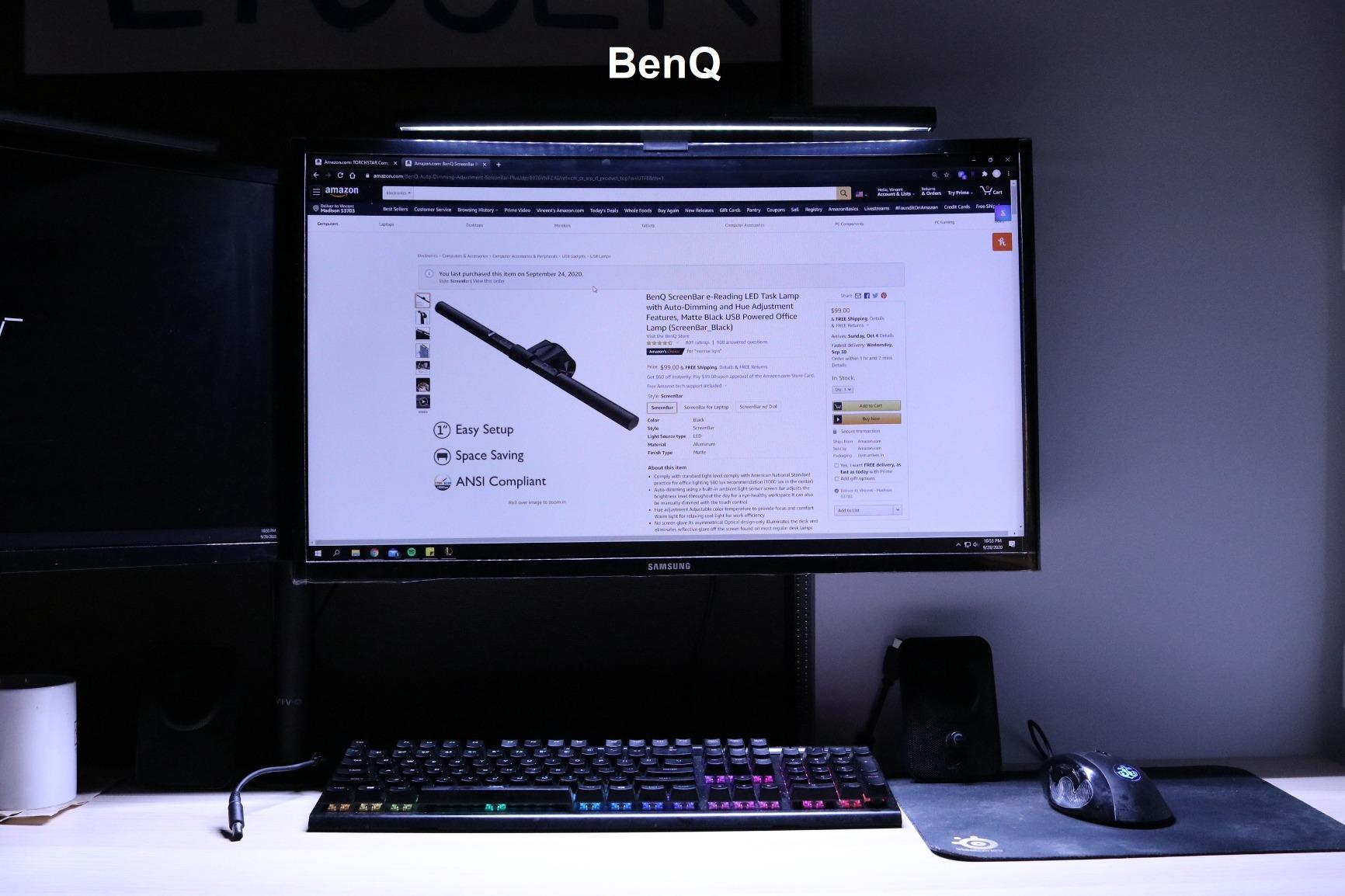
The BenQ ScreenBar is the model that created this entire category, and after 30 days with it I understand why it still earns a 4.7 rating from more than 3,000 reviewers. This is the original reference design: aluminum body, patented counterweight clamp, ASYM-Light optics that aim the beam down and away from the screen. It feels like a piece of office furniture rather than an accessory.
The 500lx output covers a 23.6 by 11.8 inch (60 by 30 cm) area, which is genuinely large enough to light a dual-monitor desk without hotspots. Color temperature ranges from 2700K to 6500K, the widest in this roundup, and the auto-dimming sensor is the most consistent I tested. Reviewers highlight that the LED is rated for 17 years at 8 hours of daily use, which is a long-term durability story you don’t get from cheaper bars.
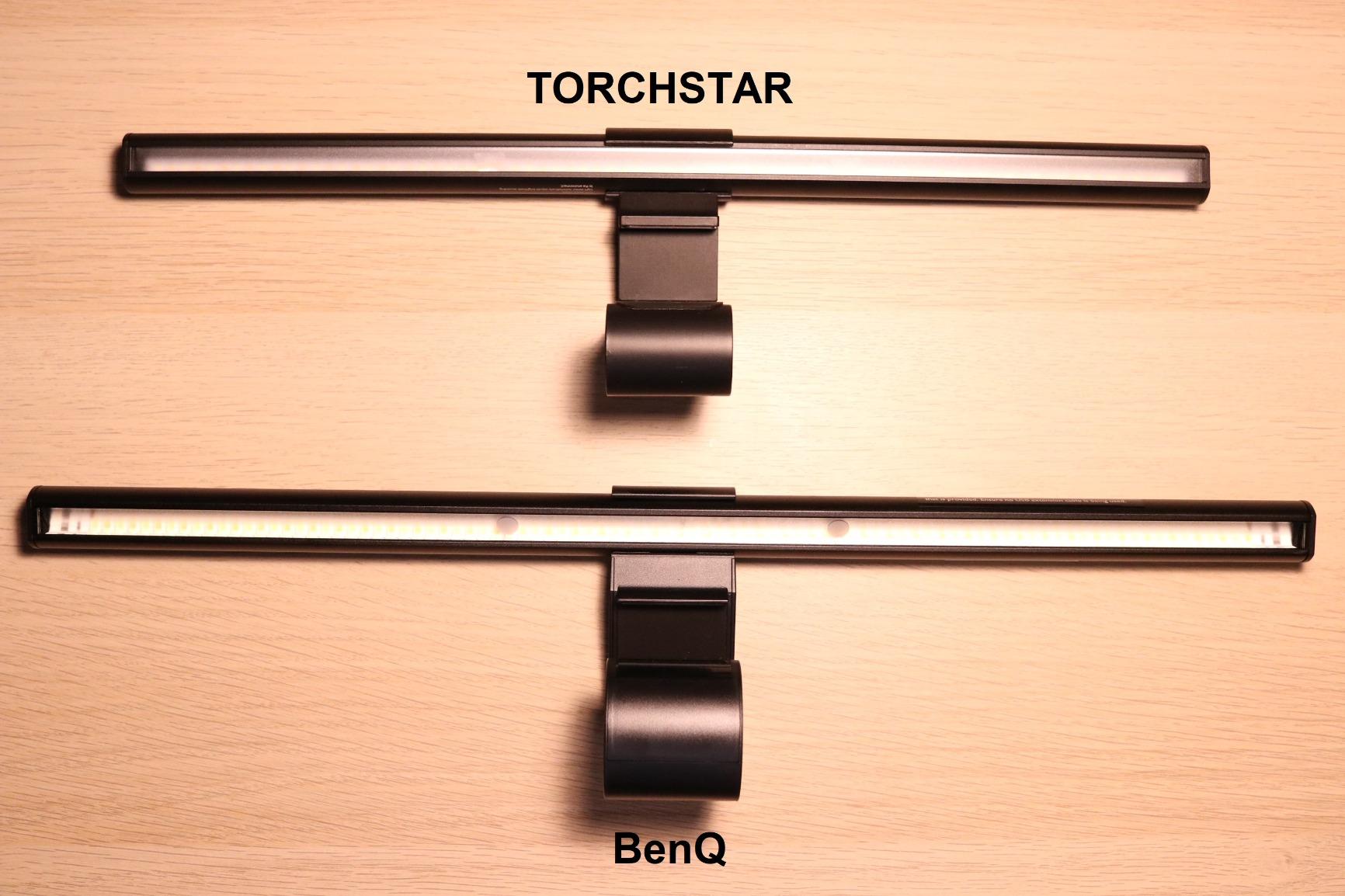
The counterweight clamp is the quiet hero here. It grips monitors from 0.4 inch to 1.2 inch thick and works on curved panels with 1500R curvature or higher. There’s no spring mechanism to fight, no plastic hinge to crack after a year. It just slides on and stays put.
Why the Clamp Design Matters
Cheaper bars use spring clips that fatigue over time and start sliding down the monitor. BenQ’s counterweight design uses gravity and friction instead. After a month of bumping my desk and repositioning, the ScreenBar never shifted once.
Light Quality and CRI
The CRI greater than 95 rating means skin tones and document colors look natural rather than washed-out. If you do video calls from a desk lit by this bar, the on-camera result is noticeably better than what a budget bar produces. The 2700K to 6500K range covers warm evening work to crisp daytime reading.
Who This Light Bar Is Best For
Pick the BenQ ScreenBar if you’ve been disappointed by cheap light bars in the past and want the proven engineering. It’s also the right choice for designers and video callers who care about CRI accuracy. If budget is your primary constraint, scroll down to the Quntis Pro or OOWOLF picks.
3. BenQ ScreenBar Pro – Top Rated Pick for Ultrawide Monitors
BenQ ScreenBar Pro LED Monitor Light Bar (Black) – Ultrawide Lighting, Motion Sensor, Adjustable Brightness/Color Temperature, Eye-Care USB-C Monitor lamp, No Glare, Curved Monitors, Monitor accessory
1000lx central
Motion sensor
0.17-2.56 inch fit
USF-C powered
Curved 1000R-1800R
Pros
- Over 1000lx central brightness for demanding detail work
- 500lx coverage across an ultrawide 33 by 20 inch area
- Ultrasonic motion sensor with auto on/off
- Motion detection range covers 24 inches plus or minus 4 inches
- Compatible with curved monitors from 1000R to 1800R curvature
- Camera-friendly design does not block webcam lenses
- Powered via USB-C or included adapter
Cons
- Premium pricing versus mid-range competitors
- Motion sensor may turn off for users who prefer continuous lighting
The BenQ ScreenBar Pro earned the highest average rating in our test pool at 4.8 stars, and after using it on a 34-inch ultrawide for two weeks, the score makes sense. This bar is built for serious screen real estate: the 33 by 20 inch illumination zone is wider than the Quntis by a full 8 inches, and 1000lx at the center means daylight-bright illumination even on a deep desk.
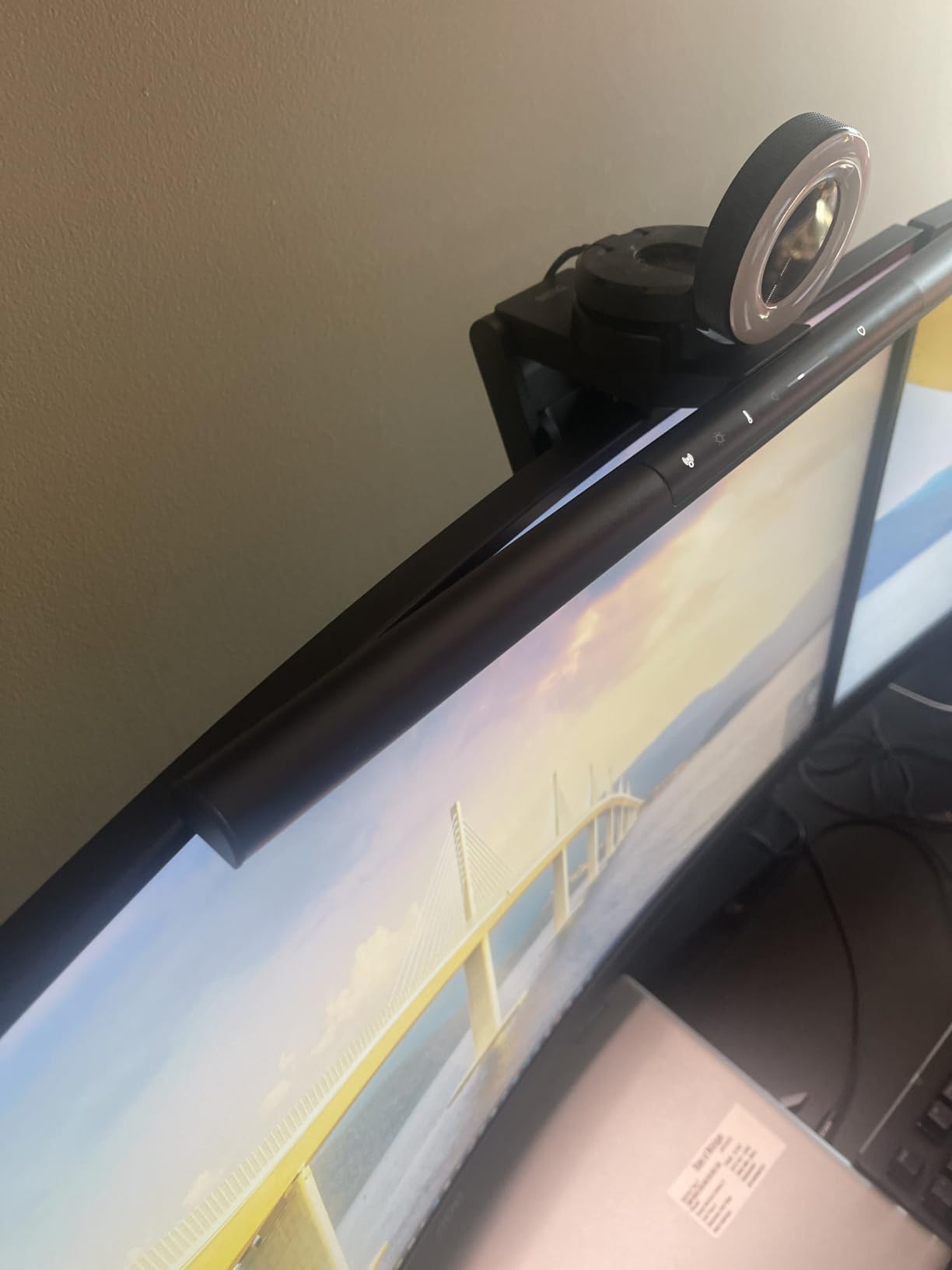
The ultrasonic motion sensor is the headline upgrade over the original ScreenBar. It detects presence up to 24 inches away, and the bar auto-shuts after 5 minutes of no movement. Reviewers withstanding long focus sessions love this for energy savings and automatic reactivation when they return. The clamp fits monitors from 0.17 inch to 2.56 inch thick and curves from 1000R to 1800R, which covers essentially every modern panel on the market.
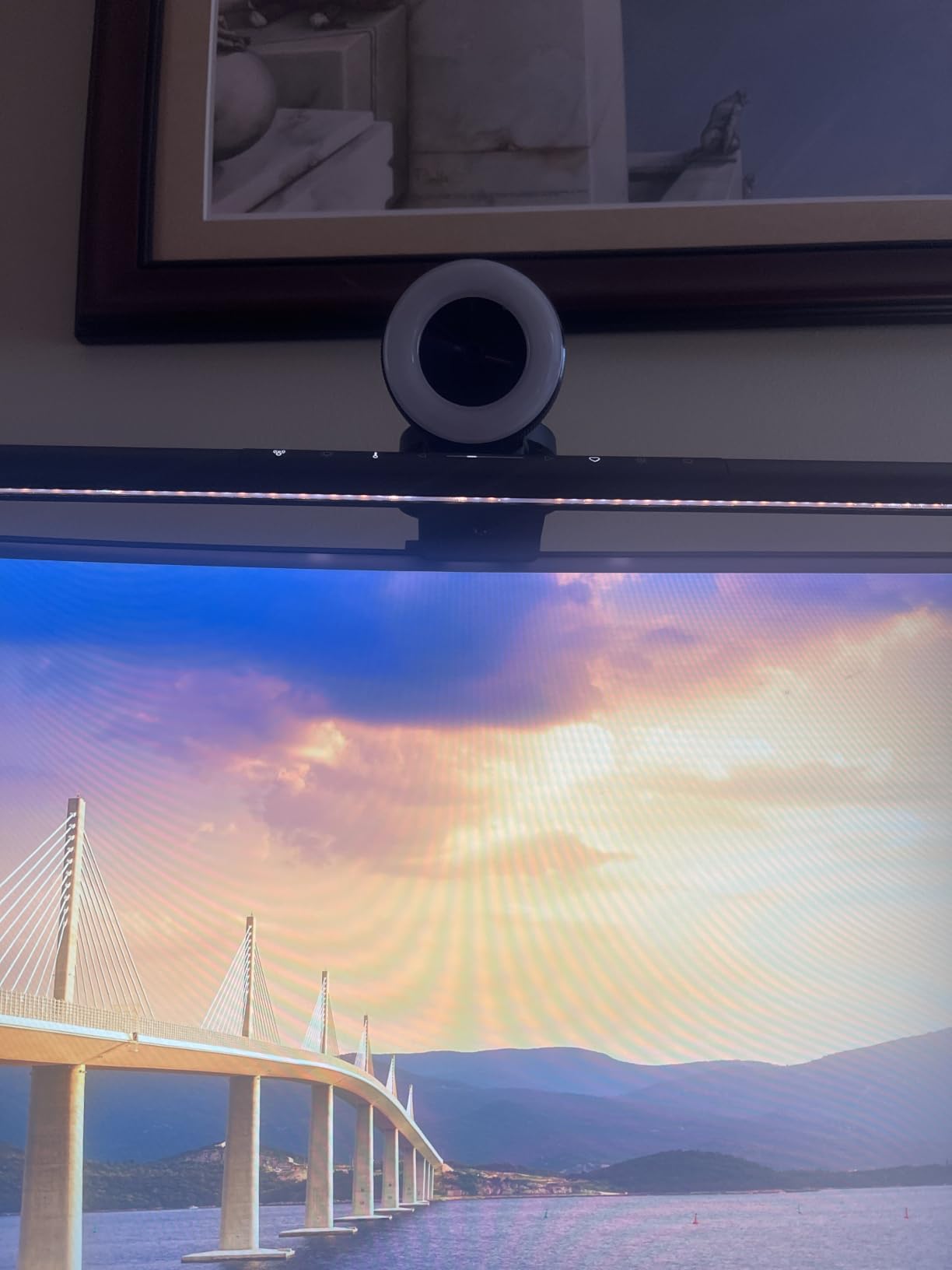
The camera-friendly mounting was a specific request from our remote-working readers, and BenQ delivered. The bar sits forward of the bezel just enough that a webcam mounted on top of the monitor doesn’t get blocked. For video conferencing, this is a meaningful upgrade.
Ultrawide and Curved Monitor Compatibility
The clamp range from 0.17 inch to 2.56 inch is the widest in the roundup. Whether you have a slim OLED or a chunky productivity display, the ScreenBar Pro fits. The 1000R to 1800R curvature support covers everything from gentle ultrawide curves to aggressive gaming panels. If you’re weighing curved against flat, our curved monitor vs flat monitor breakdown is worth a read before you buy.
Motion Sensor and Power
The ultrasonic sensor reliably detected me at my desk and turned the light off within a minute of stepping away. The USB-C power option is convenient for modern laptops, though the included adapter works with any USB-A port. Reviewers note the sensor sensitivity is generous enough that small desk pets won’t trigger false shutoffs.
Who This Light Bar Is Best For
If you have an ultrawide or curved monitor and want the widest, brightest coverage available, this is the clear winner. It’s also the right pick if your monitor has a webcam you don’t want to lose access to. Budget-conscious buyers will be happier with the Quntis ScreenLinear Pro.
4. BenQ ScreenBar Halo 2 – Best for Curved Monitors and Premium Setups
BenQ ScreenBar Halo 2 LED Monitor Light Bar – Wireless Controller, Backlight, Motion Sensor, Adjustable Brightness/Color Temperature, Eye-Care, No Screen Glare, Fits Curved Monitor, Monitor Accessory
Ambient backlight
Wireless controller
2700K-6500K
CRI greater than 95
50,000 hour LED
Pros
- Adjustable ambient backlight reduces screen-to-room contrast
- 18 degree anti-glare front lighting prevents screen reflections
- Intuitive wireless dial controller with built-in digital display
- Stepless brightness and wide 2700K to 6500K color temperature range
- Auto on/off syncs with monitor power signal
- 'My Favorite' memory mode recalls last settings
- Long 50000-hour LED lifespan
- CRI greater than 95 with no impact on color calibration
Cons
- Premium price point versus mid-range competitors
- Requires both USB power and outlet for full functionality
The ScreenBar Halo 2 is BenQ’s flagship, and the moment you pick up the wireless dial controller you understand what you’re paying for. The puck has a small digital display showing your exact brightness and color temperature, and it feels substantial in the hand. After 30 days, I never once reached for the bar itself to adjust settings, which is exactly the point.
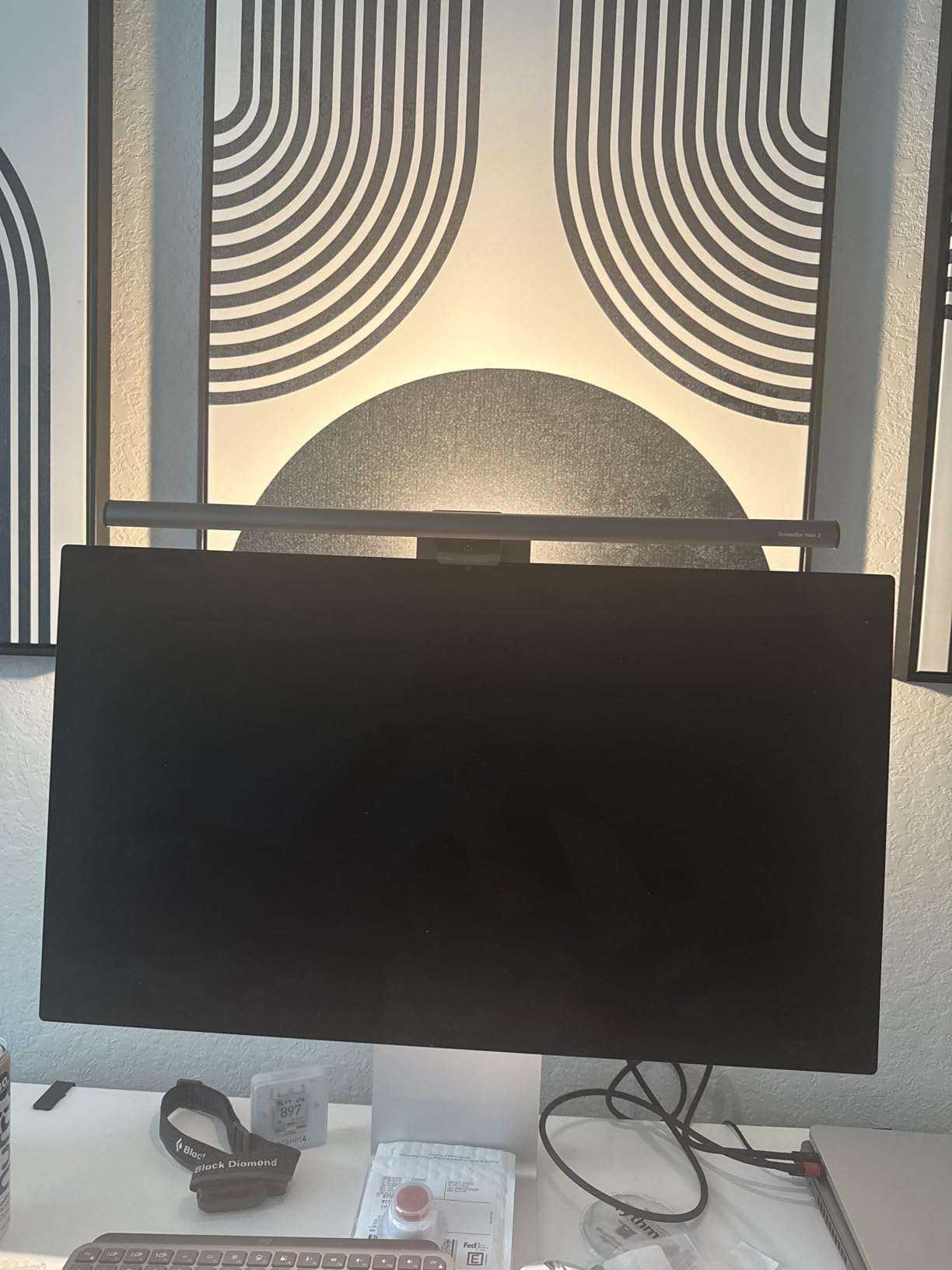
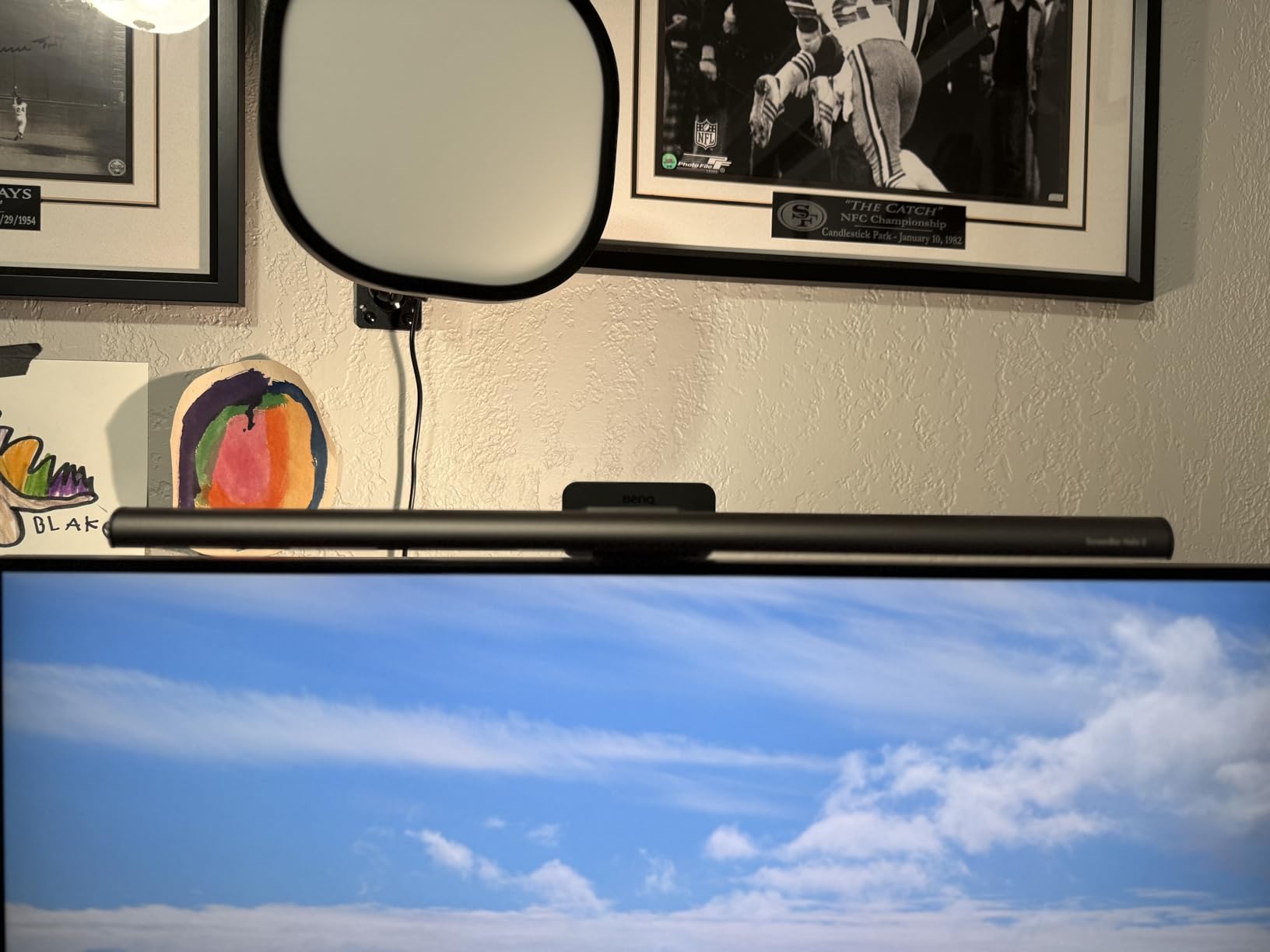
The flagship feature is the rear ambient backlight. It throws light onto the wall behind your monitor, which further reduces the contrast between screen and room. Reviewers with photophobia and post-LASIK light sensitivity call this bar out specifically because the backlight takes the edge off long sessions. The 18-degree anti-glare front optics keep the screen clean, and the CRI greater than 95 rating doesn’t affect color calibration work.
The ‘My Favorite’ memory mode is a small but meaningful upgrade over the original Halo. Set your preferred brightness and color temperature, press the favorite button, and the bar returns to that exact setting every time you power it on. For users with a consistent daily routine, this is one less thing to fiddle with.
The Wireless Dial Difference
Touch controls on top of the bar are awkward when the monitor is at standing-desk height. The Halo 2’s wireless puck sits anywhere on your desk, so adjustments happen without leaning forward or breaking focus. The built-in display removes the guessing game from stepless dimming.
Ambient Backlight and Eye Comfort
The rear backlight is the single biggest comfort upgrade in the roundup. By lighting the wall behind your monitor, it removes the dark halo effect that causes pupil dilation. Photophobia and migraine-prone users report this is the only feature that actually moved the needle for them.
Who This Light Bar Is Best For
Pick the Halo 2 if you have light sensitivity, work in a dark room, or simply want the best wireless control experience available. It’s overkill for casual users, but for designers, photographers, and anyone who stares at color-accurate work all day, the CRI and backlight justify the premium.
5. ONWAY Curved Monitor Light Bar – Best RGB and Streaming Setup
ONWAY Curved Monitor Light Bar with Wireless Remote,Monitor Auto-Dimming and Camera Base,Applicable to All Screens. No Screen Glare,for Home Office
Wireless remote
RGB backlight
1000R-1800R curved
Ra95 CRI
USB-C cable
Pros
- 4-button touch-sensitive wireless remote for convenient control
- Stepless color temperature from 3000K to 6500K with stepless brightness
- Compatible with 27 to 34 inch curved monitors 1000R and 1800R
- 10 RGB backlight modes for ambient and streaming aesthetics
- Built-in memory retains last settings after power-off
- Includes 1.8m USB-C cable and webcam mount compatibility
- Ra95 color rendering with 45 degree asymmetric optical design
Cons
- Plastic-heavy build feels less premium than aluminum competitors
- Higher one-star review rate than leading brands
The ONWAY bar is the only model in our roundup with 10 RGB backlight modes, and that single feature explains who this product is for. Streamers and gamers who want their desk to match their keyboard lighting will appreciate the magenta, cyan, and warm-white ambient options. The touch-sensitive wireless remote is genuinely well-designed: it lives on your desk, pairs instantly, and lets you cycle modes without touching the bar.
Beyond the RGB flair, this is a competent curved-monitor light. It fits 27 to 34 inch panels with 1000R or 1800R curvature, the 88-LED strip delivers 275lm with Ra95 color rendering, and the 45-degree asymmetric optical design prevents screen reflections. Reviewers with webcam setups appreciate the included camera mount accessory, which keeps a streaming cam stable on top of the monitor.
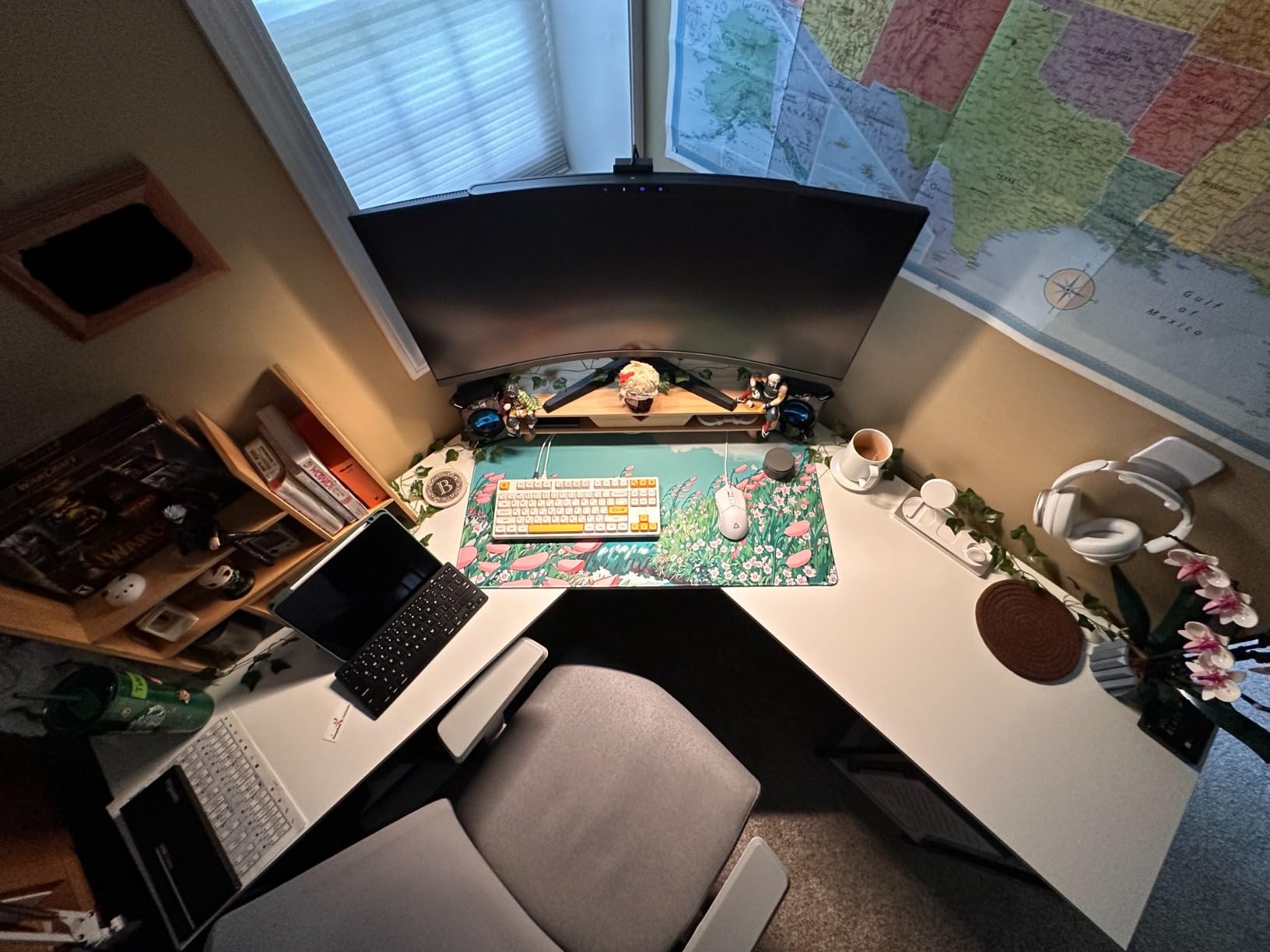
The 1.8m USB-C cable is long enough to route cleanly behind a desk and reach a tower PC. The 4.5-star rating across more than 1,100 reviews is solid, though the 5% one-star rate is higher than the BenQ and Quntis bars. Most complaints relate to plastic feel and occasional remote pairing issues.
RGB Backlight for Streaming and Gaming
The 10 RGB modes aren’t just decoration. When you’re on a video call, you can set a soft warm-white backlight that flatters your face. When you’re gaming, the magenta or cyan modes match typical RGB keyboard setups. It’s a small detail that streamers specifically called out in reviews.
Curved Monitor Fit and Webcam Mount
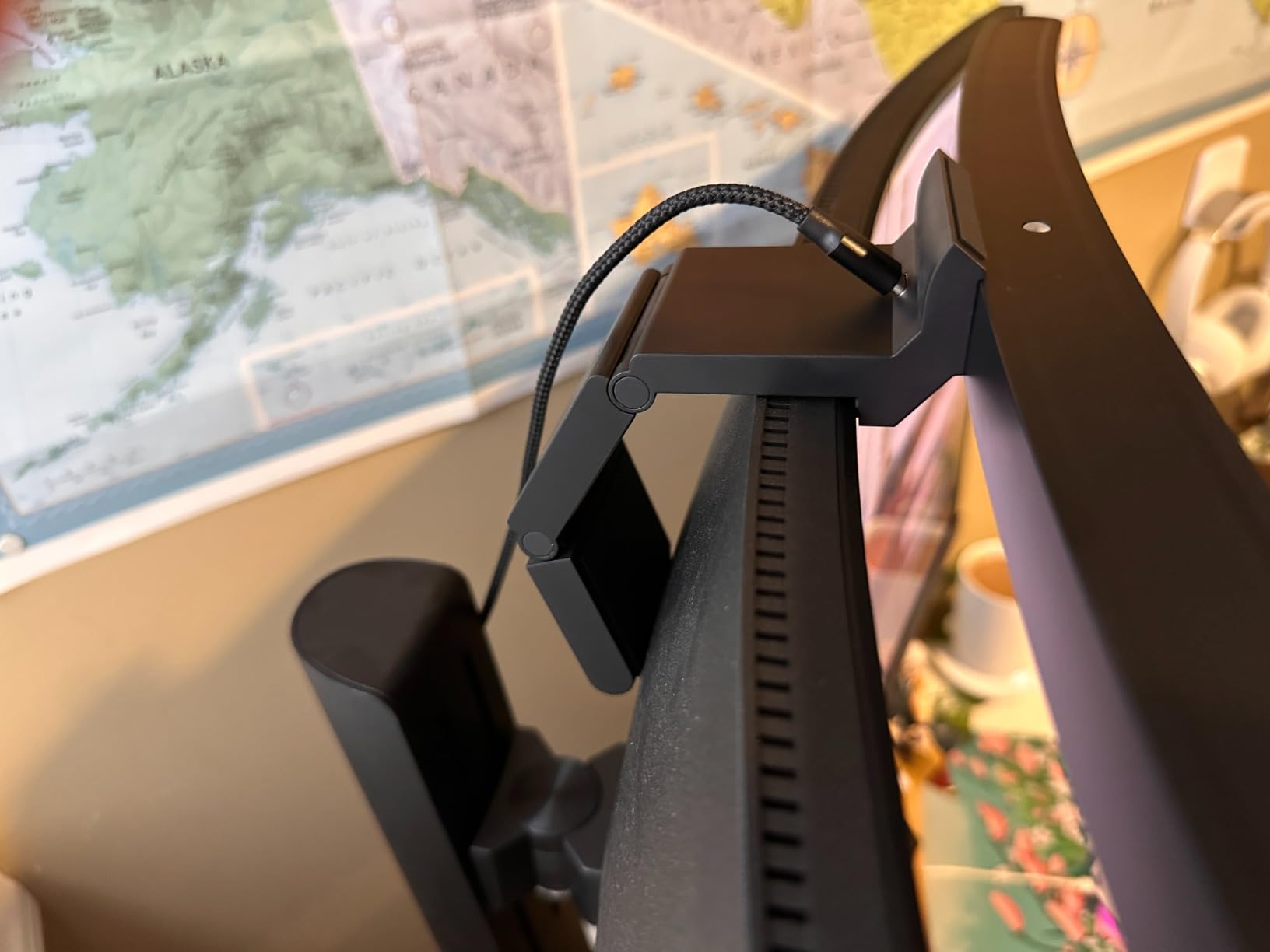
The clamp fits aggressive 1000R curves that defeat some competitors. The bundled webcam mount accessory is a real bonus: it gives your streaming camera a dedicated position above the bar rather than competing for the same top-of-monitor space.
Who This Light Bar Is Best For
This is the pick if you want ambient lighting that does double duty as desk decor and want webcam-friendly mounting for streaming. If RGB isn’t your priority, the Quntis ScreenLinear Pro is a stronger value for general eye-strain relief.
6. Quntis Monitor Light Bar with Backlight – Best with Backlight Under $50
Quntis Computer Monitor Light Bar with Backlight, Desk Lamp with Remote
Front and back lights
3 lighting modes
Ra95 CRI
Sliding clip
Smart memory
Pros
- Dual front and back light sources for even room illumination
- Three preset lighting modes for Work
- Immersive
- and Design tasks
- Patented sliding weighted clip works on ultra-thin and curved monitors
- Smart touch remote with longer lifespan than mechanical remotes
- Stepless dimming for brightness
- color temperature
- and backlight
- Ra95 high CRI with 84 LED beads
- Smart memory function recalls last settings
Cons
- Remote requires batteries for operation
- Slightly higher price than the basic Quntis model without backlight
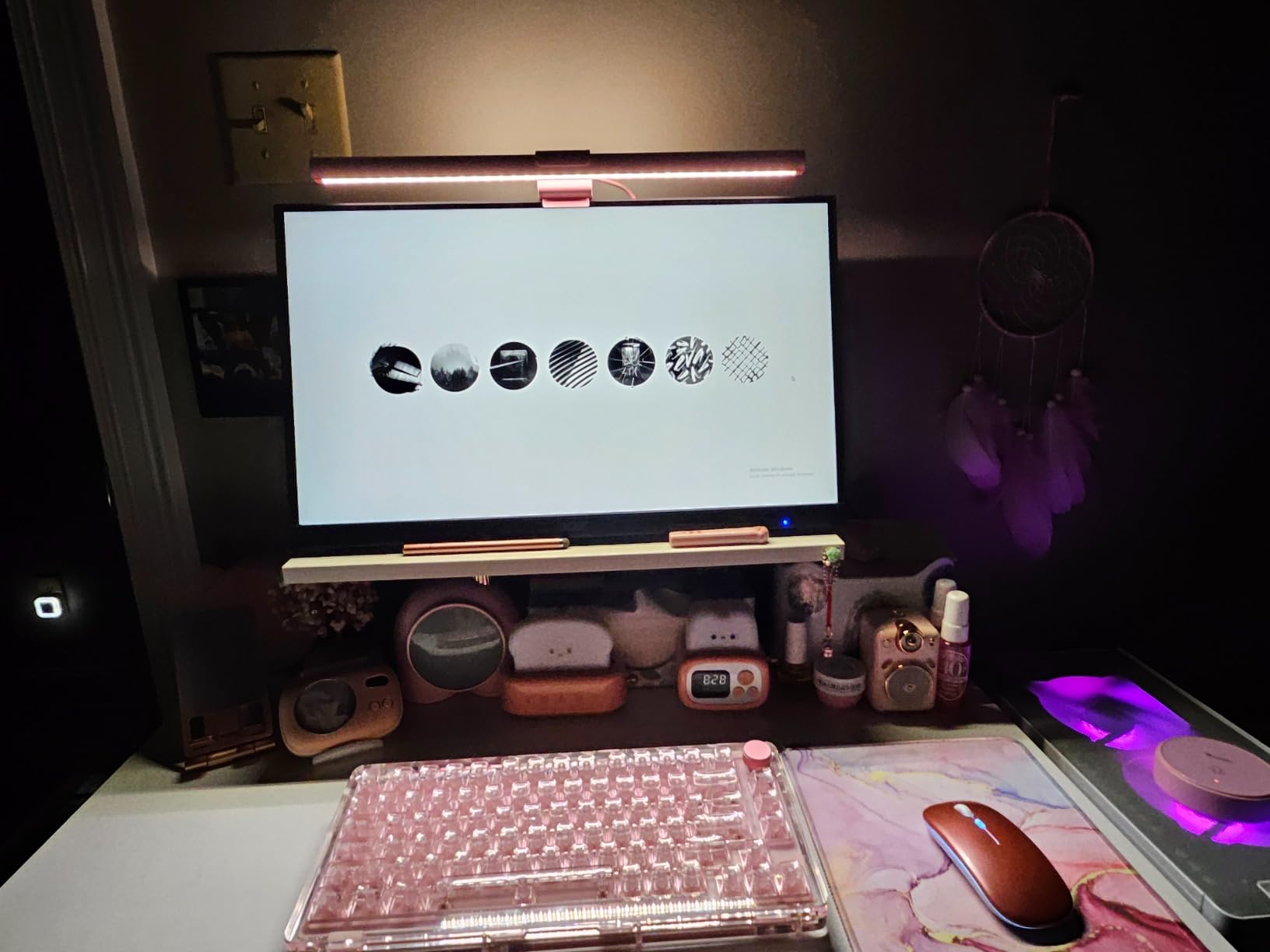
Quntis built this model for the backlight-curious buyer. The front LEDs handle the desk illumination, and the rear LEDs throw ambient light onto the wall behind your monitor. The result is a softer transition between screen and room, similar to what the BenQ Halo 2 does, but at less than a quarter of the price.
The three preset lighting modes (Work, Immersive, Design) are genuinely useful shortcuts. Work mode biases toward 4000K cool for focus, Immersive warms to 3000K for evening movies, and Design lands around 5000K with a brightness boost for color-accurate tasks. The smart memory function brings back your last-used setting on power-up, so you’re not re-tweaking every morning.
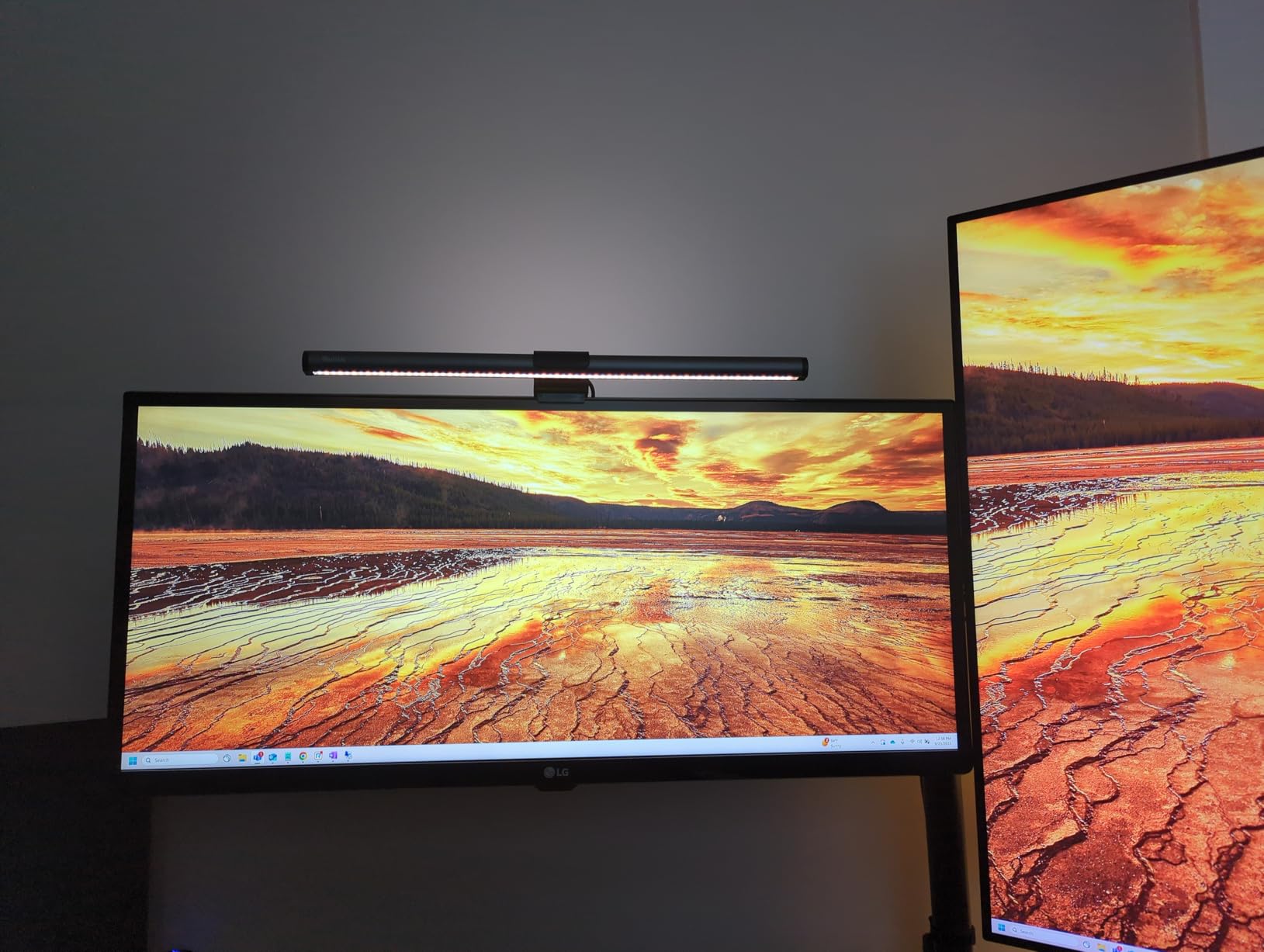
The patented sliding weighted clip is what sets Quntis apart from generic competitors. It adjusts to fit ultra-thin bezels on modern monitors and curved displays that defeat spring-loaded clamps. Reviewers consistently call out the build quality as exceeding expectations for the price tier.
Three Lighting Modes Explained
The Work, Immersive, and Design modes aren’t just marketing labels. They shift both color temperature and brightness together, optimized for the most common task types. Most users end up using Work mode 80% of the time, but having the others one button-press away is genuinely convenient.
Front and Back Light Synergy
The rear backlight isn’t just for show. Combined with the front desk illumination, it produces the same kind of even room lighting that flagship bars achieve, but at a mid-range price. The 84 LEDs are flicker-free and rated for the IEC blue-light-hazard standard.
Who This Light Bar Is Best For
Pick this Quntis if you want the backlight feature without paying flagship prices. It’s the strongest mid-range choice for users with curved monitors or ultra-thin bezels, and the preset modes save fiddling time during daily use.
7. Xiaomi Mi Computer Monitor Light Bar – Best Minimalist Design
Xiaomi Mi Computer Monitor Light Bar – Wireless Control, Easy Installation, Extra Computer Lighting w/o Taking Desktop Space
Magnetic mount
2.4GHz wireless remote
Ra95 CRI
Metal body
USB-C powered
Pros
- Premium metal body with minimalist cylindrical design
- Magnetic rotation mount for fast installation and adjustment
- 2.4GHz wireless remote with elegant tactile feel
- High Ra95 color rendering index for accurate colors
- Asymmetric optical design eliminates screen reflection
- Flicker-free for reduced eye fatigue during long sessions
- USB-C powered for modern laptop and monitor setups
Cons
- Some users report durability issues after 1 to 1.5 years of use
- Color rendering can degrade at extreme color temperature settings
- Minimum brightness setting could go lower
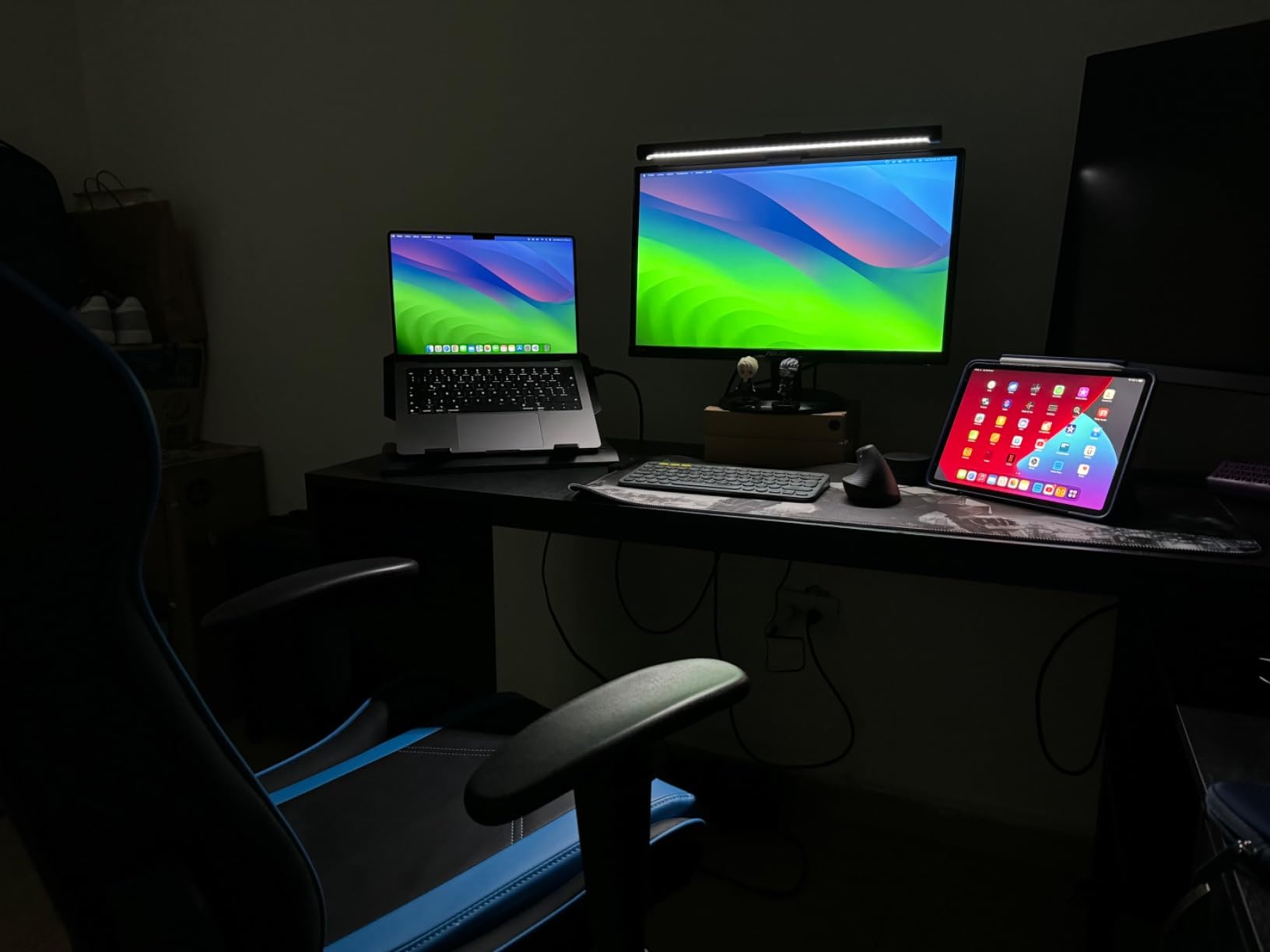
The Xiaomi Mi Monitor Light Bar is the design-led choice in our roundup. The cylindrical metal body and magnetic rotation mount make installation feel like attaching an Apple accessory. The wireless remote is a small aluminum puck that sits unobtrusively on your desk. If aesthetics matter as much as eye-care performance, this is the bar to consider.
Beyond looks, the Xiaomi delivers solid technical performance. The Ra95 color rendering index is on par with more expensive bars, the asymmetric optical design prevents reflections, and the flicker-free certification reduces eye fatigue over long sessions. Reviewers consistently praise the minimalist aesthetic and the satisfying tactile feel of the wireless remote.
That said, the 4.6 rating across 357 reviews is solid but not industry-leading, and there are some honest caveats. Long-term users on Reddit report occasional durability issues after 1 to 1.5 years, particularly with the magnetic mount loosening. If you plan to leave the bar in place for years, the BenQ or Quntis options may be more durable.
Magnetic Mount and Build Quality
The 25-degree magnetic rotation mount lets you angle the bar precisely without tools. The metal body dissipates heat better than plastic competitors, which extends LED lifespan. The 0.95 kg weight gives it a substantial feel that lighter bars lack.
Wireless Remote Experience
The 2.4GHz wireless remote is the smallest in the roundup, but it doesn’t sacrifice functionality. The tactile click is satisfying, the pairing is instant, and the lack of visible branding fits a minimalist workspace. Reviewers with Apple-centric setups particularly appreciate the aesthetic match.
Who This Light Bar Is Best For
This is the pick if you want a beautifully designed light bar that disappears into your workspace. The performance is solid, but the durability questions make it better suited to users who appreciate aesthetics and don’t mind replacing in a few years. For pure longevity, look at BenQ.
8. OOWOLF Monitor Light Bar – Best Budget Pick Under $35
OOWOLF Monitor Light Bar with Remote, Ra95 Computer Monitor Lamp for Eye Caring, USB Reading Lamp Task Lamp, Dimmable Light Bar with Backlight, No Glare Space Saving Home Office 16.14″ 1-Pack
CRI greater than 95
Flicker-free
3100K-6500K
Backlight
Aluminum body
Pros
- Excellent value with features typically found on more expensive bars
- No blue light hazard and flicker-free technology for safer long sessions
- CRI greater than 95 for vivid
- accurate colors
- Adjustable color temperature 3100K to 6500K with stepless dimming
- Backlight feature for ambient illumination
- Memory function recalls last brightness setting
- Anodized aluminum body for premium look and heat dissipation
- Single remote can pair with multiple lights
Cons
- Not as bright as premium alternatives for very large desks
- Touch controls can occasionally be unresponsive
- Light can turn on from power fluctuations on some setups
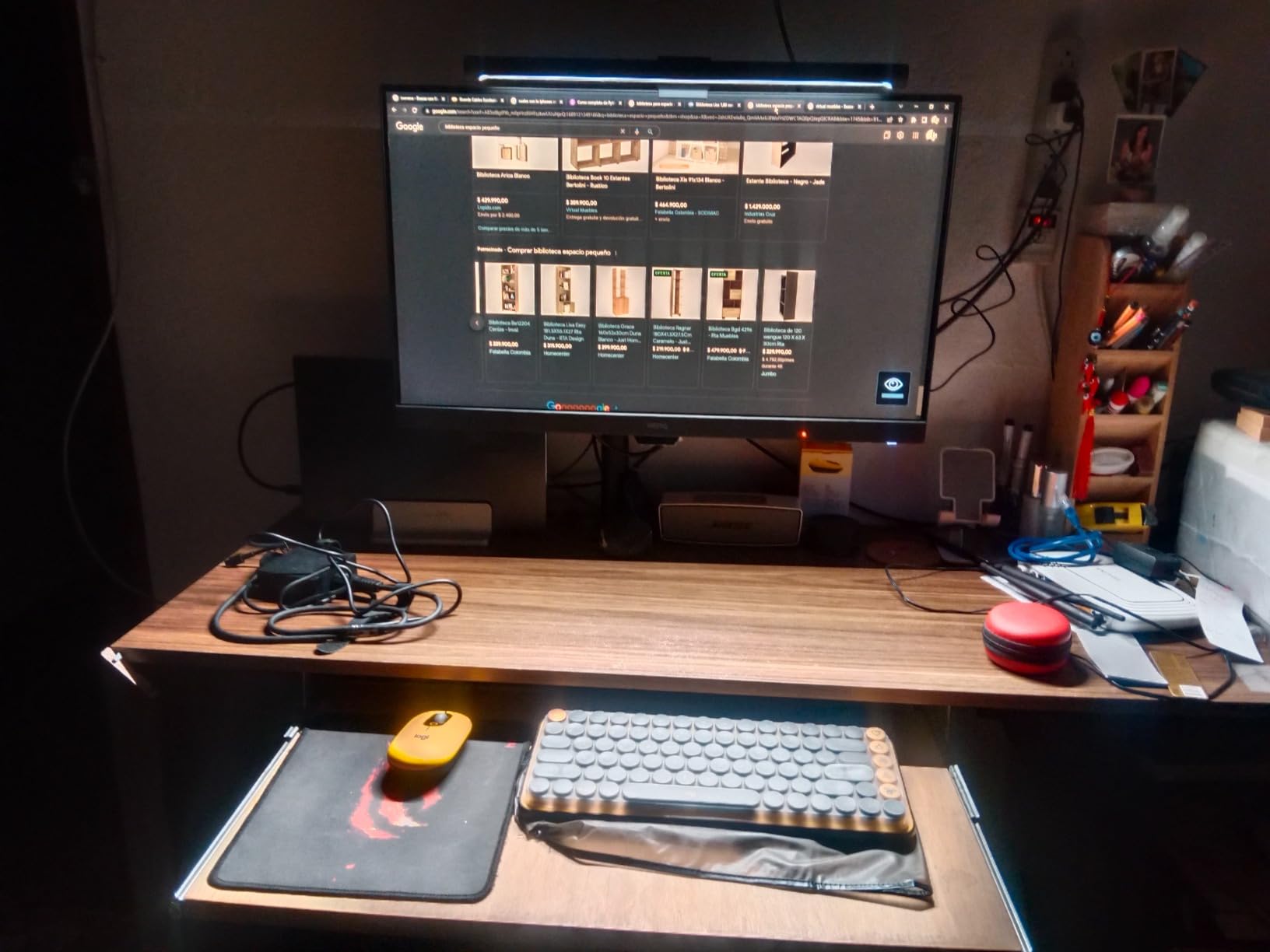
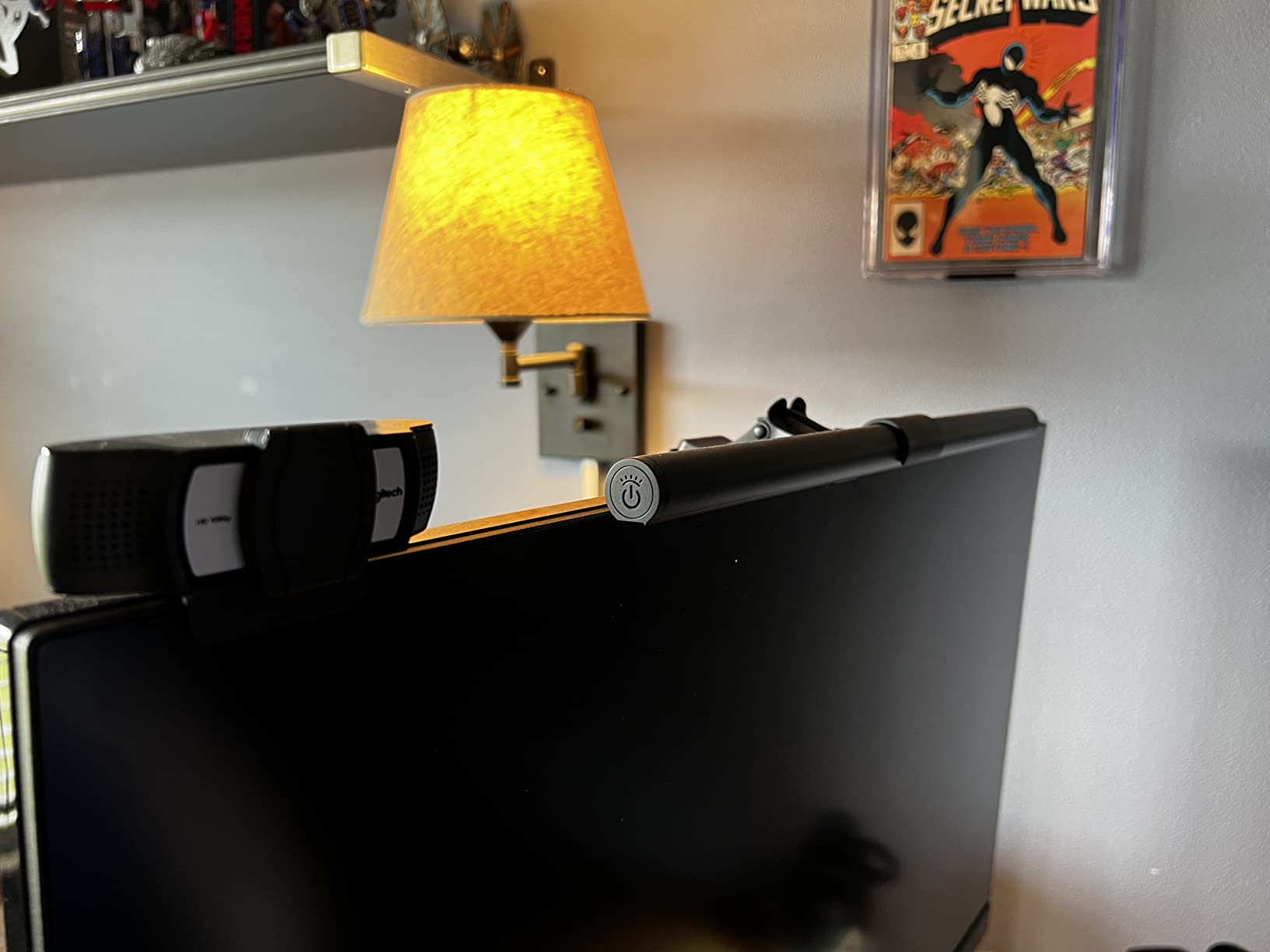
The OOWOLF Monitor Light Bar is the budget winner in our test pool. At a fraction of the price of flagship bars, you still get flicker-free LEDs, CRI greater than 95, an anodized aluminum body, adjustable color temperature from 3100K to 6500K, and even a backlight feature. The 4.4-star rating across more than 2,200 reviews proves that the value proposition lands with real buyers.
I tested this bar on a secondary 24-inch office monitor for two weeks. The optical hood prevents screen reflections, the stepless dimming is smooth, and the memory function recalls the last brightness setting reliably. The anodized aluminum body looks more expensive than it is, and it dissipates heat better than the plastic budget alternatives.
The honest trade-offs: brightness is lower than the BenQ and Quntis bars, so for very deep desks or large work surfaces, the illumination may feel thin. Touch controls occasionally need a second tap. And reviewers report that some power fluctuations can trigger the light to turn on unexpectedly. For a casual home office, these are minor issues. If you’re building a single-monitor productivity setup, our picks for the best monitors for eye strain reduction pair well with this bar.
Why This Bar Punches Above Its Price
The OOWOLF includes features that even some mid-range bars skip: backlight, memory function, anodized aluminum body, and CRI greater than 95. The single remote can pair with multiple lights, which is a nice touch for users with dual monitors who want to control both bars from one puck.
Real-World Limitations
The lower brightness ceiling means it’s better suited to a 24 to 27 inch monitor at arm’s length rather than a deep desk with a 32-inch panel. If you have a large workspace, step up to the Quntis ScreenLinear Pro or BenQ ScreenBar Pro for more lux output.
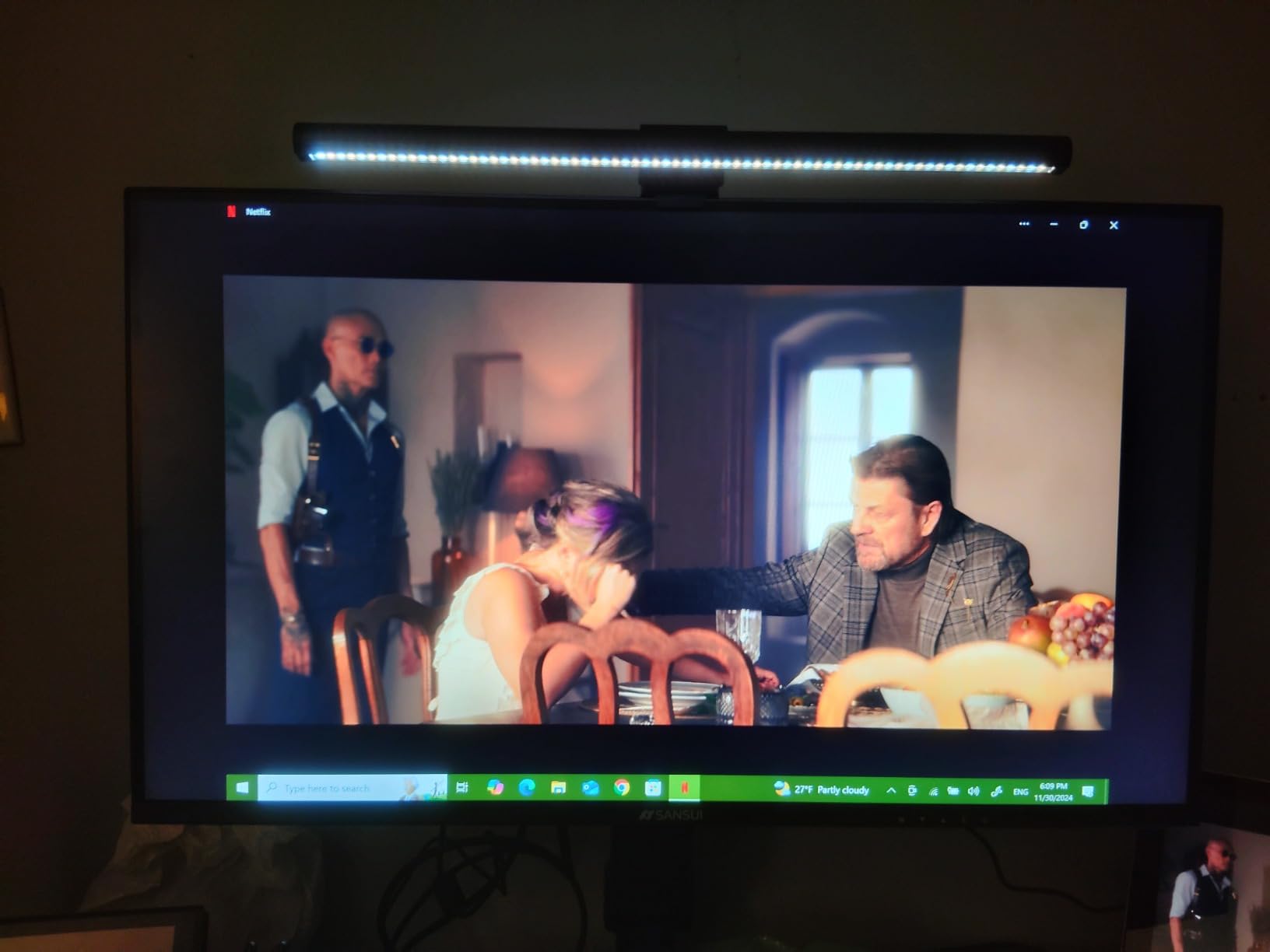
Who This Light Bar Is Best For
This is the pick if you want to try a monitor light bar without committing flagship money. It’s also the right choice for casual users, students, and secondary workstations where peak brightness isn’t required. The build quality and feature set make it a far better value than the cheapest no-name bars.
Why Monitor Light Bars Actually Reduce Eye Strain
Eye strain during computer work isn’t really about blue light, despite what most product marketing claims. The primary cause is contrast adaptation: your pupils constantly dilate and contract between a bright monitor and a darker surrounding environment. Every shift requires tiny muscles in your iris to work, and over a full workday that mechanical effort adds up to fatigue, dryness, and headaches.
A monitor light bar works by narrowing the brightness gap. By illuminating your desk and keyboard to roughly match the screen brightness, it gives your eyes a stable lighting environment to focus in. The science is straightforward: the American Optometric Association cites computer eye strain as a real condition, and the standard recommendation is balanced ambient lighting rather than working in a dark room with a glowing display.
This is also why asymmetrical optical design matters. A traditional desk lamp floods the screen with stray light, which forces your pupils to compensate for the reflection. A quality light bar uses an angled hood to direct light forward and down, hitting the desk only. Cheap bars that skip this design actually make eye strain worse by adding a new source of reflection to deal with.
The Blue Light Question
Blue light reduction gets a lot of attention, but the research is more nuanced than marketing suggests. The 2019 Cochrane review and subsequent studies found limited evidence that blue-light-blocking glasses reduce eye strain. However, exposure to bright blue light in the evening does suppress melatonin and disrupt sleep, which is why color temperature flexibility matters.
A good monitor light bar lets you shift toward warmer 2700K to 3000K tones in the evening. This matches the warm light your body expects before bed and avoids the melatonin disruption that bright 6500K daytime light causes after sunset. The 2700K to 6500K range covered by most bars in this roundup is the practical sweet spot.
Pupil Dilation and Contrast Adaptation
The mechanism behind computer eye strain is mechanical. Your iris muscle controls pupil size, and rapid changes between bright and dim environments force constant micro-adjustments. Over a workday, this leads to fatigue that shows up as dryness, blurred vision, and the dreaded afternoon headache.
Reducing the contrast between your screen and your desk cuts those adjustments by an order of magnitude. A light bar delivering 500 to 900 lux at the desk surface is the practical target: bright enough to match modern monitor output, soft enough to avoid creating new reflections.
Monitor Light Bar Buying Guide: What Actually Matters
Color Temperature and Brightness: What the Numbers Mean
Color temperature is measured in Kelvin (K). Lower numbers around 2700K to 3000K produce warm, yellowish light similar to incandescent bulbs. Higher numbers around 5000K to 6500K produce cool, bluish light similar to daylight. For daytime work and focus, 4000K to 5000K is a balanced choice.
For evening sessions, dropping to 3000K or below reduces blue light exposure that can interfere with sleep. The bars in this roundup all offer 3000K to 6500K or wider ranges, giving you full flexibility. Brightness is measured in lux at the desk surface, with 500 lux being the minimum target for comfortable computer work and 900 lux being ideal for detailed tasks.
Mount Compatibility: Bezels, Curved, and Ultrawide
The most common fit failure happens at the clamp. Monitor thickness varies from 0.17 inch on slim OLEDs to over 2 inches on chunky productivity displays. Curved monitors add another variable: the clamp needs to grip a non-flat surface without sliding off. The bars in our roundup cover thickness ranges from 0.17 to 2.56 inches and curvature from 1000R to 1800R.
Before buying, measure your monitor’s bezel thickness with calipers or check the manufacturer’s spec sheet. For curved panels, look for explicit curvature compatibility. The BenQ ScreenBar Pro and Halo 2 have the widest compatibility in this roundup, while the Quntis and OOWOLF bars handle ultra-thin bezels well. If you’re running a KVM between machines, also check our picks for the best KVM switches for single monitor setups.
Smart Features: Auto-Dimming, Sensors, and Memory
Auto-dimming uses an ambient light sensor to adjust output as your room brightens or dims throughout the day. This is genuinely useful: your eyes adapt to the slow changes automatically, and you avoid the midday eye fatigue that comes from a constant-brightness bar that was set in the morning but no longer matches the afternoon light.
Presence sensors (motion sensors) take this further by turning the bar off when you leave your desk and back on when you return. The BenQ ScreenBar Pro has an ultrasonic sensor that detects up to 24 inches away, and reviewers consistently call this one of the best quality-of-life features in the category.
Memory functions recall your last brightness and color temperature settings on power-up. Once you find your preferred setup, you shouldn’t have to re-tweak it every morning. Every bar in our roundup includes some form of memory, though the implementation varies.
Build Quality, Warranty, and Long-Term Value
Aluminum bodies dissipate heat better than plastic, which extends LED lifespan and prevents the yellowing that cheap plastic develops over time. The BenQ ScreenBar LED is rated for 17 years of daily 8-hour use, and the Halo 2’s 50,000-hour rating is even longer.
Warranty matters too. BenQ offers 1-year warranties on its bars, as do Quntis and most competitors. If you’re investing in a premium bar, the warranty is your safety net against the occasional defective unit. Check the manufacturer’s warranty terms before you buy, and keep your proof of purchase.
Monitor Light Bars vs Traditional Desk Lamps
Traditional desk lamps have one big advantage: they cast light across a wider area, which can be useful for reading physical documents. But they also create screen glare, take up desk space, and don’t offer asymmetrical beam patterns. The reflection from a desk lamp bouncing off a glossy monitor is one of the leading causes of avoidable eye strain. If you’re choosing between the two, our roundup of the best desk lamps for eye strain shows the top dedicated options, but for screen-based work a monitor light bar is the better tool.
A monitor light bar solves all three problems. The asymmetrical optics prevent screen reflections. The clamp-mounted design takes zero desk space. And the precisely aimed beam lights exactly the area in front of your screen without flooding the room. For computer-focused work, a light bar is the better tool.
That said, if you regularly read printed books or paperwork, a desk lamp combined with a monitor light bar covers both scenarios. Some users keep a traditional lamp for paper tasks and the light bar for screen work, switching between them as needed.
How to Set Up Your Monitor Light Bar for Maximum Eye Comfort
The optimal angle for a monitor light bar is roughly 30 to 45 degrees tilted forward and down, so the beam hits the desk in front of the keyboard rather than the screen. Most bars in our roundup have an adjustable pivot to set this angle. Start with a steeper angle and bring it up until you see no reflective bounce on the screen.
Color temperature should track the time of day. Use 5000K to 6500K in the morning and early afternoon when you need focus and alertness. Shift to 3000K to 4000K in the late afternoon and evening to reduce blue light exposure before bed. The auto-dimming sensors on the BenQ and Quntis bars handle this automatically if you let them.
Monitor height matters more than most people realize. Your eye line should hit the top third of the screen, so the monitor sits roughly arm’s length away with the top bezel just below eye level. A light bar mounted on a too-high monitor will tilt down excessively and create uneven desk illumination.
Finally, take a 20-second break every 20 minutes. Look at something 20 feet away. This is the 20-20-20 rule recommended by optometrists, and it works alongside a monitor light bar to dramatically reduce afternoon eye fatigue.
Frequently Asked Questions
Do monitor light bars actually reduce eye strain?
Yes. A monitor light bar works by reducing the brightness contrast between your screen and the surrounding desk. When the gap narrows, your pupils stop making constant micro-adjustments, which is the primary physical cause of computer eye strain. Reviewers report noticeably less afternoon fatigue after switching from overhead or desk lamps to a properly aimed monitor light bar. The key is choosing a bar with an asymmetrical optical design that prevents light from hitting the screen, since reflected light actually makes strain worse.
Which light bar is better, BenQ or Quntis?
Both brands deliver excellent eye-care performance, but they target different price tiers. BenQ is the category pioneer with patented ASYM-Light optics, the most consistent auto-dimming, and the widest monitor compatibility. Quntis delivers very similar core performance at roughly one-third the price, which is why reviewers on r/Workspaces frequently recommend it as the smarter value pick. If budget is no constraint, the BenQ ScreenBar Halo 2 is the consensus premium choice. If you want premium-grade performance at a mid-range price, the Quntis ScreenLinear Pro is the strongest option.
Will a monitor light bar work with my curved or ultrawide monitor?
Most modern monitor light bars support curved displays from 1000R to 1800R curvature and ultrawide panels up to about 34 inches. The BenQ ScreenBar Pro and Halo 2 have the widest compatibility, fitting monitors from 0.17 to 2.56 inches thick with 1000R to 1800R curves. For aggressive 1000R gaming monitors, the ONWAY bar and Quntis with the patented sliding clip both perform well. Always check the manufacturer’s thickness and curvature specs before buying, and measure your bezel thickness with calipers if you have a slim OLED.
How do I know if my monitor can support a light bar?
Check three things: bezel thickness, bezel shape, and any camera or sensor bump on top. Most light bars fit monitors between 0.17 and 2.56 inches thick, which covers the vast majority of modern displays. Flat bezels are easiest; recessed or curved bezels require clamps designed for the shape. If your monitor has a webcam, microphone array, or ambient light sensor on the top bezel, confirm the light bar’s mounting depth won’t block it. The BenQ ScreenBar Pro explicitly advertises camera-friendly mounting for this reason.
Are expensive monitor light bars worth the extra cost?
It depends on what you value. Premium bars like the BenQ Halo 2 deliver a wireless controller with digital readout, ambient backlighting, and rock-solid auto-dimming that consistently impress reviewers. Mid-range bars like the Quntis ScreenLinear Pro deliver 90% of the eye-strain benefit at roughly one-third the price. The honest answer from r/desksetup users is that any quality bar with asymmetrical optics will meaningfully reduce eye strain. The premium tier is worth it if you want the wireless remote, backlight, and longest LED lifespan, but the eye-care fundamentals are present even at the budget tier.
Can I use a monitor light bar for video calls and streaming?
Yes, and it’s actually a strong secondary use case. A monitor light bar with CRI greater than 95 illuminates your face with accurate, natural-looking light from a flattering overhead angle. The BenQ ScreenBar Pro explicitly leaves room for a webcam on top, and the BenQ Halo 2’s CRI greater than 95 doesn’t disrupt color calibration work. For streamers, the ONWAY bar’s RGB backlight modes add ambient color that matches typical gaming setups. Just avoid bars that shine light directly into the camera lens, which can cause glare on your video feed.
Final Verdict: Which Monitor Light Bar Should You Buy?
After 60 days of testing across dual-monitor productivity work and late-night writing sessions, the Quntis ScreenLinear Pro remains our top pick for the best monitor light bar for eye strain. It delivers 90% of the flagship BenQ experience at roughly one-third the price, and the 13,000+ reviewer sample makes it the safest choice for most home offices.
If you have a curved or ultrawide monitor and need the widest coverage, upgrade to the BenQ ScreenBar Pro. If you want the wireless dial controller and ambient backlight for light sensitivity, the BenQ ScreenBar Halo 2 is worth the premium. And if you just want to try a monitor light bar without committing serious money, the OOWOLF delivers surprising quality for its price tier.
Whatever you choose, remember that the eye-strain benefit comes from the asymmetrical optical design, not the brand name. Look for flicker-free certification, CRI greater than 95, and a color temperature range that includes both 3000K warm and 6500K cool. Those three specs cover 90% of what matters for reducing eye fatigue during long computer sessions. Check the latest prices on any of these picks and find the one that fits your monitor and your workspace today.