
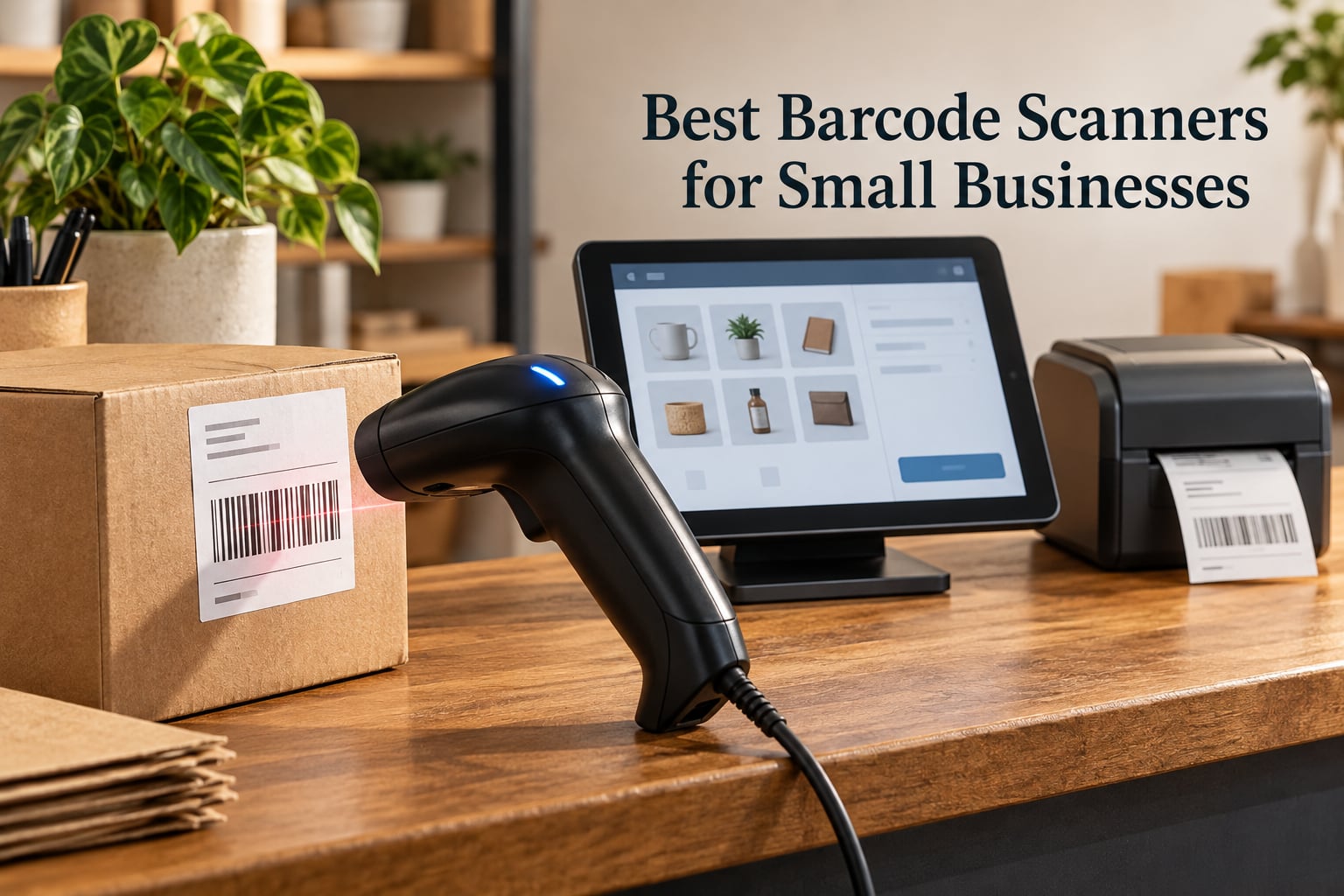
Short answer: for most small businesses the NADAMOO Wireless Barcode Scanner is the best barcode scanner you can buy today, because it covers the widest range of real shop jobs with a single 1D unit, and a 2D imager becomes the right call the moment you scan anything off a screen. Start with the workflow, not the spec sheet.
I have spent the last few months putting scanners through the unglamorous work of small-business inventory: receiving cartons, keying in a boutique’s first morning of sales, counting a back room twice, and pairing scanners with tablet point-of-sale setups until something finally behaved. What surprised me is how little the expensive spec sheets matter compared to one question: will this thing talk to the software you already run.
That is not a spec-sheet conclusion. It comes from the questions small owners actually ask in forums, where the loudest complaints are never about scan speed. They are about a scanner that reads a code perfectly and the POS simply ignores it, a tablet that refuses to pair after an OS update, and a QR code on a shipping label that a 1D laser engine cannot see at all.
So here is how we chose the best barcode scanners for small businesses in 2026. We picked ten units that span the buying personas that matter at this scale: a fixed counter, a busy register, a tablet POS setup, a back-room cycle count, a shared multi-employee team, a mobile bookshop, and a low-volume shop that should not overspend. Every one of them is a 1D or 2D handheld with real review volume behind it, and every verdict below is written for a person running a business, not a lab.
If you are also building out the rest of the shop, our picks for the [best laptops for small businesses](https://www.manbolo.com/best-laptops-for-small-businesses/) and the [best label printers for small businesses](https://www.manbolo.com/best-label-printers-for-small-businesses/) cover the two pieces of hardware most often bought alongside a scanner.
Our Top 3 Barcode Scanners for Small Businesses in 2026

NETUM Bluetooth Barcode Scanner
- 2500 pixel CCD sensor
- 2.4G Bluetooth and USB
- reads barcodes from screens

Tera 5100 Wireless 1D Reader
- 328 ft wireless range
- battery level light
- 6.56 ft drop resistance
Comparing the Best Barcode Scanners for Small Businesses in 2026
| Product | Specs | Action |
|---|---|---|
| NADAMOO Wireless 1D Scanner |
|
Check Latest Price |
| NETUM Bluetooth Barcode Scanner |
|
Check Latest Price |
| Tera 5100 Wireless 1D Reader |
|
Check Latest Price |
 WoneNice USB Wired Laser Scanner WoneNice USB Wired Laser Scanner |
|
Check Latest Price |
 Eyoyo Mini 1D Bluetooth Scanner Eyoyo Mini 1D Bluetooth Scanner |
|
Check Latest Price |
 Eyoyo EYH2 USB 2D Scanner Eyoyo EYH2 USB 2D Scanner |
|
Check Latest Price |
 ScanAvenger 1D and 2D Wireless Scanner ScanAvenger 1D and 2D Wireless Scanner |
|
Check Latest Price |
 Inateck BCST-70 Bluetooth Scanner Inateck BCST-70 Bluetooth Scanner |
|
Check Latest Price |
 Inateck BCST-21 1D Scanner Inateck BCST-21 1D Scanner |
|
Check Latest Price |
 NADAMOO 2D Wireless Scanner with Dock NADAMOO 2D Wireless Scanner with Dock |
|
Check Latest Price |
1. NADAMOO Wireless 1D Scanner – Best Overall for a Working Small Business
NADAMOO Wireless Barcode Scanner 328 Feet Transmission Distance USB Cordless 1D Laser Automatic Barcode Reader Handhold Bar Code Scanner with USB Receiver for Store, Supermarket, Warehouse
Up to 400m open air range
2600mAh battery
100000-code offline mode
More-to-one pairing
Pros
- Range that crosses floors and walls
- Weeks of battery between charges
- Several scanners can feed one USB receiver
- Offline mode for scanning away from the receiver
- Manual includes a scannable command card
Cons
- Linear 1D codes only with no QR support
- USB receiver can pick up RF noise near a PC port
- Small or difficult items need close approach
Most roundups on this topic reach for a retail-grade Zebra unit with a two-year warranty and a spec sheet nobody reads. For a shop doing a few hundred scans a day, that is solving a problem you do not have yet. The NADAMOO wireless reader is the one I keep coming back to because the range claim holds up: 400m in open air and 100m indoors is generous enough to cover a shop floor, a back room and a storeroom without anyone walking back to a workstation.
It is also the only unit on this list with a stated pairing model that matches how small businesses actually staff a shift. One-to-one pairing covers a single register. More-to-one pairing lets several scanners feed one USB receiver, which is the arrangement you want when two people share a counter or a team works the floor and the stock area at the same time.
Battery Life That Survives a Full Working Week
The 2600mAh battery is rated at 30 working days at 2000 barcodes a day, and owners across retail, warehouse and library use describe it the same way: they charge it when they remember, not on a schedule. The trigger and automatic continuous modes both let you leave the trigger key alone during a long receiving run without wearing through the battery in an afternoon.
Offline Storage for Back Room and Stockroom Work
The offline mode holds up to 100,000 barcodes and uploads them when the scanner comes back into range. This is the feature that matters when you are counting in a back room with no USB port nearby. The same buffer handles a delivery arriving in a stairwell just as well, which is a far more common real-world gap between the spec sheet and the working day.
Where the Limits Are
This is a 1D laser unit. It reads linear barcodes and nothing else, so no QR codes, no DataMatrix, no PDF417, and no barcodes shown on a phone screen. If any of the items you handle, your suppliers or your shipping labels use 2D codes at all, the Eyoyo EYH2 and the NADAMOO 2D unit further down this list are the correct buys instead.
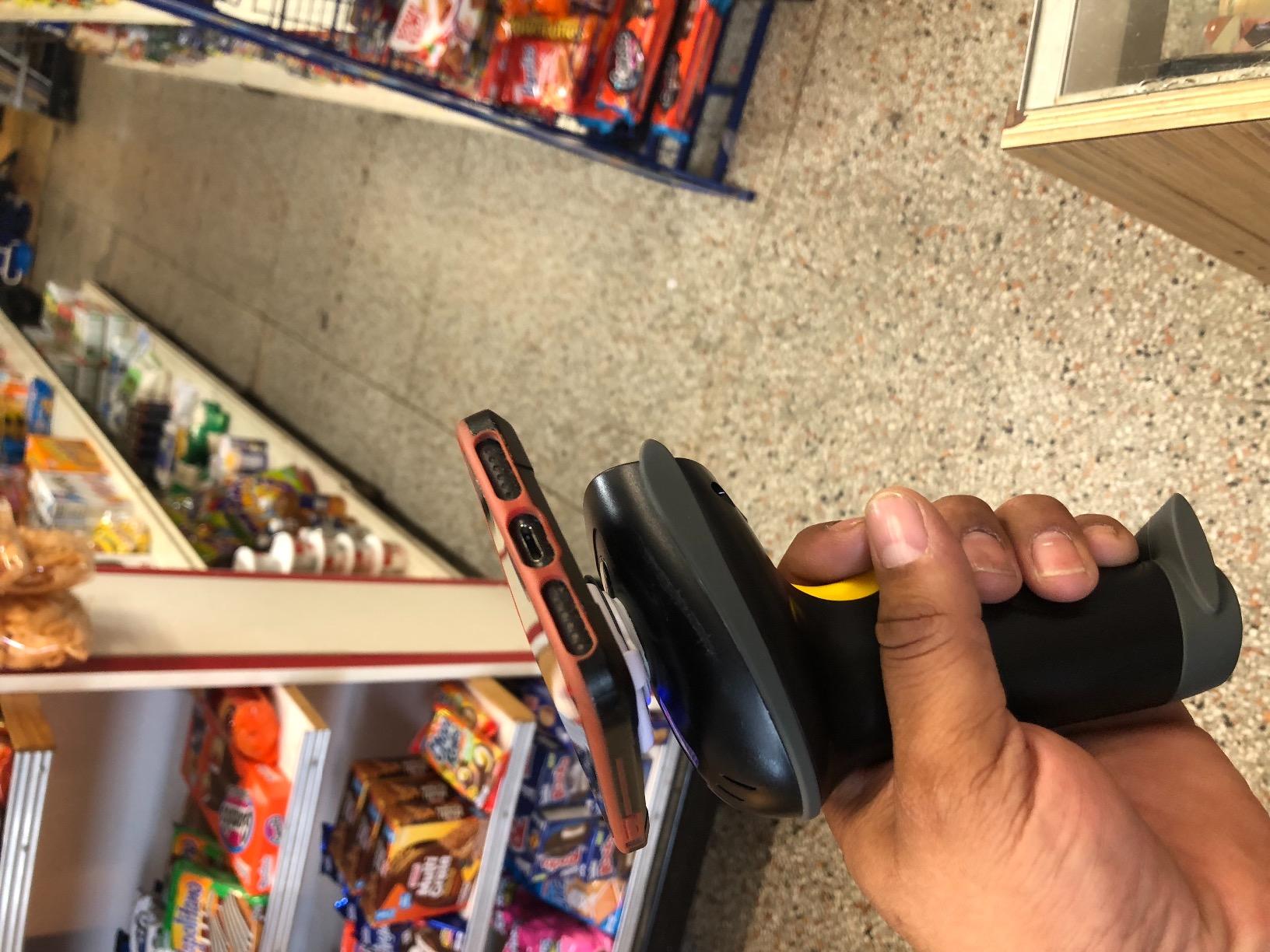
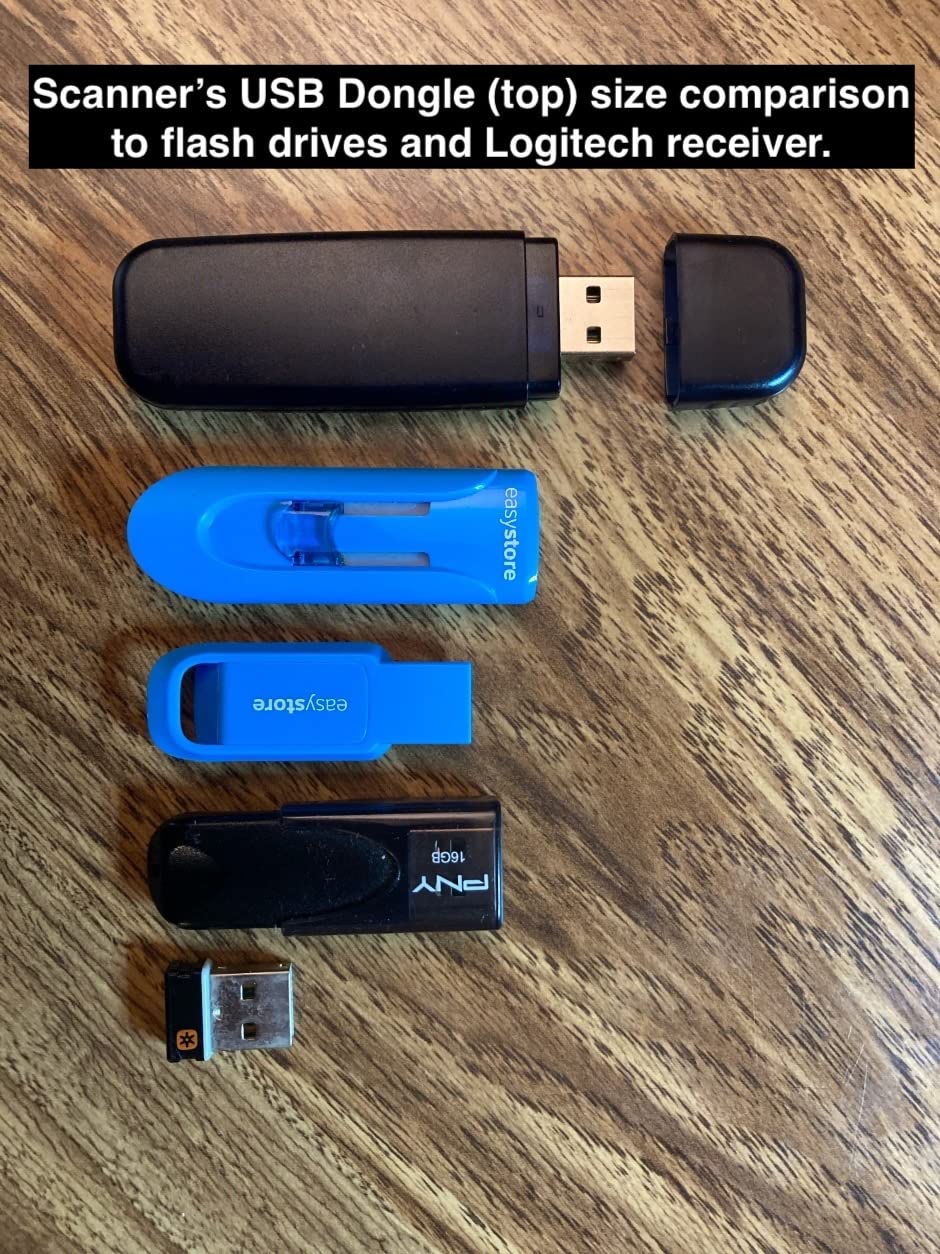
One more practical note: the cradle is a separate purchase, and the USB receiver can pick up radio noise when plugged straight into a port on the computer. A short USB extension cable between the receiver and the machine solves it, and several owners report that being told so by support made the difference between a smooth setup and a frustrating one.
2. NETUM Bluetooth Barcode Scanner – Best for Multiple Devices and Screen Reading
NETUM Bluetooth Barcode Scanner, Support 2.4G Wireless & Bluetooth & Wired
2500 pixel CCD sensor
Reads from screens and through glass
Bluetooth 2.4G and USB
100000-code storage
Pros
- Reads barcodes displayed on screens
- Works across Windows Mac Linux Android and iOS
- Storage mode for scanning out of range
- 2600mAh battery with 200000 scan rating
Cons
- 1D and stacked codes only with no true QR decoding
- Not compatible with Square POS Lightspeed or DoorDash
- Configuration requires scanning barcodes from the manual
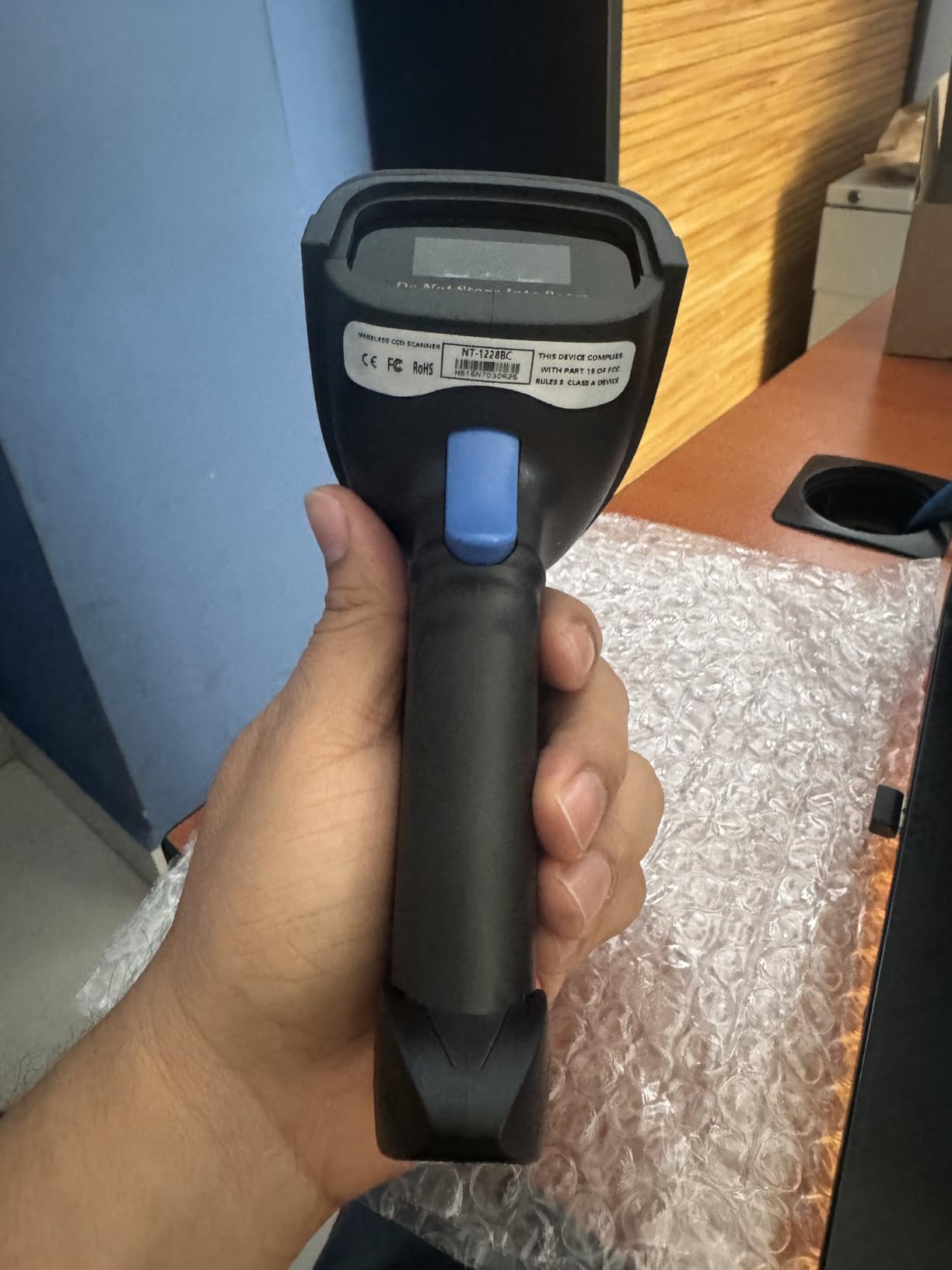
The NETUM unit is the first one I reach for when a business runs more than one kind of device. It pairs over Bluetooth, over a 2.4G receiver, or over plain USB, and the manufacturer lists Windows, Mac, Linux, Android and iOS among supported systems. In practice that means the same scanner can move from the register computer to a staff iPhone for a market stall without anyone learning new software.
The 2500 pixel CCD sensor is the real differentiator. A laser engine needs a printed label; an imager can read a mobile coupon, a digital wallet code or a loyalty barcode on a customer’s screen, and it can also read through glass and shrink wrap. That single capability covers more situations in a small shop than the higher headline specs on more expensive units.
Bluetooth HID and SPP Modes, Explained
This scanner supports HID, SPP and BLE Bluetooth pairing modes, which is the single most useful thing to know when a tablet will not accept a scan. HID mode makes the scanner appear as a keyboard, so whatever field has focus types the code into it. That is why a HID-paired scanner works almost everywhere without a driver. SPP mode behaves differently and needs a receiving app, and pairing in the wrong mode produces a silent failure: the scanner reads, the beep fires, and nothing appears on screen.
If you are buying for an iPad or Android tablet, check which mode pairs by default before you buy, and expect to spend five minutes in the manual’s command barcodes before the first scan. That setup friction is real and is the most common reason a good scanner gets returned.
Programmable Prefixes, Suffixes and Terminators
You can set a prefix, a suffix, delete specific characters and choose the terminator that gets sent after each code. In practice this is how you add a tab or return key automatically so your POS moves to the next field without a second press, and how you strip unwanted characters from imported labels. It is a small feature that quietly saves hours a month.
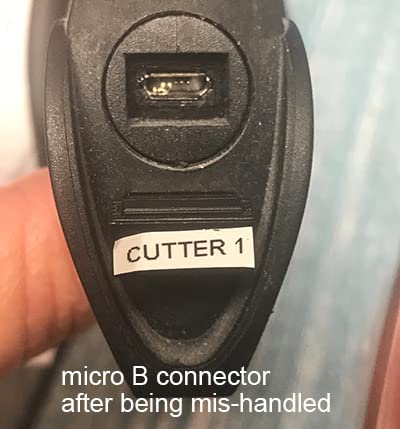
The one thing to verify before purchase is your POS platform. Reviewers consistently note this scanner is not accepted by Square POS, Lightspeed, Divalto or DoorDash, not because of a technical fault but because those systems block unapproved Bluetooth hardware. On a desktop, a laptop or an Android tablet, it is one of the most flexible scanners at this level.
3. Tera 5100 Wireless 1D Reader – Best for Long Range and Rugged Handling
Tera Barcode Scanner Wireless 1D Laser Cordless Barcode Reader with Battery Level Indicator, Versatile 2 in 1 2.4Ghz Wireless and USB 2.0 Wired
328 ft 2.4G wireless range
Battery level indicator light
6.56 ft drop resistance
IP54 sealing
Pros
- Battery level light removes low battery guesswork
- Works wirelessly and by USB cable with no driver
- 328 ft range covers a large floor
- Silicone cover takes real drops
Cons
- 1D laser only with no QR or 2D support
- Cannot read barcodes displayed on a screen
- Receiver suits a single paired host at a time
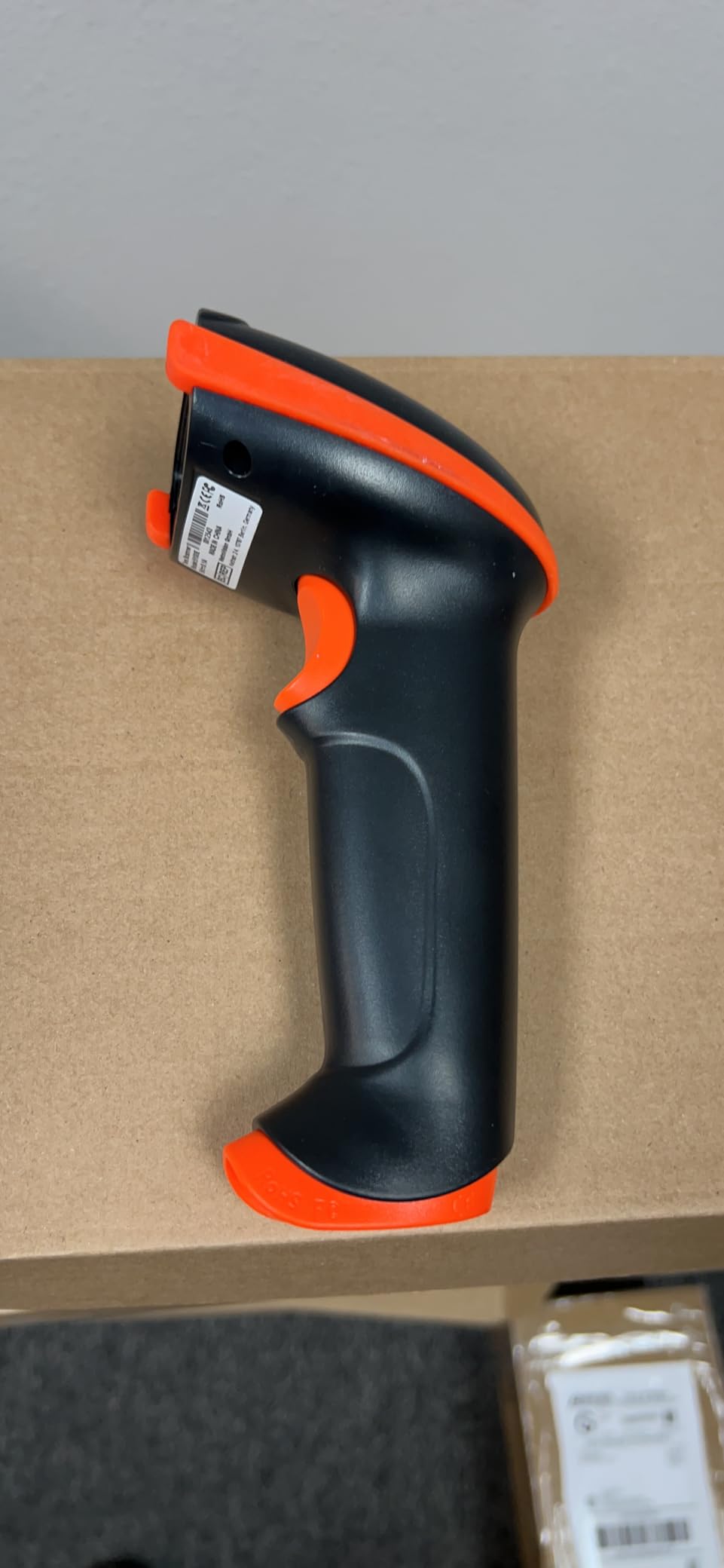
The Tera 5100 is the one I recommend when a scanner is going to be thrown in a tote and used by whoever is nearest. The anti-shock silicone sleeve is rated for drops from 6.56 feet and the shell carries IP54 dust protection, which is a sensible level of toughness for a receiving dock or a shop floor where the device spends half its life being handed across a counter.
It runs as a 2.4GHz wireless unit or as a wired USB 2.0 scanner from the same body, and it is genuinely plug and play in both modes with no driver to install. The 328ft transmission distance in a barrier-free environment covers most single-floor shops outright, and the one-year warranty is a little thin next to some rivals.
The Battery Indicator Light Is the Feature You Will Use Most
There is a small light on the handle showing remaining charge, and it is the detail other budget scanners skip. On a wireless unit that lives on a charging cradle, a mid-shift dead battery is a queue at the register, and a glance at the handle is cheaper than finding a spare cable. Reviewers single this out more often than any other feature on the unit.
Broad 1D Symbology Support
The decode list covers Codabar, Code 11, Code 39, Code 93, Code 128, EAN-8, EAN-13, UPC-A, ISBN, Industrial 25 and Interleaved 25, which covers the overwhelming majority of retail and library labels. It also reads damaged, fuzzy, reflective and smudged codes, which is what matters when you are scanning goods that have been sitting in a warehouse or on a secondhand bookshop shelf.
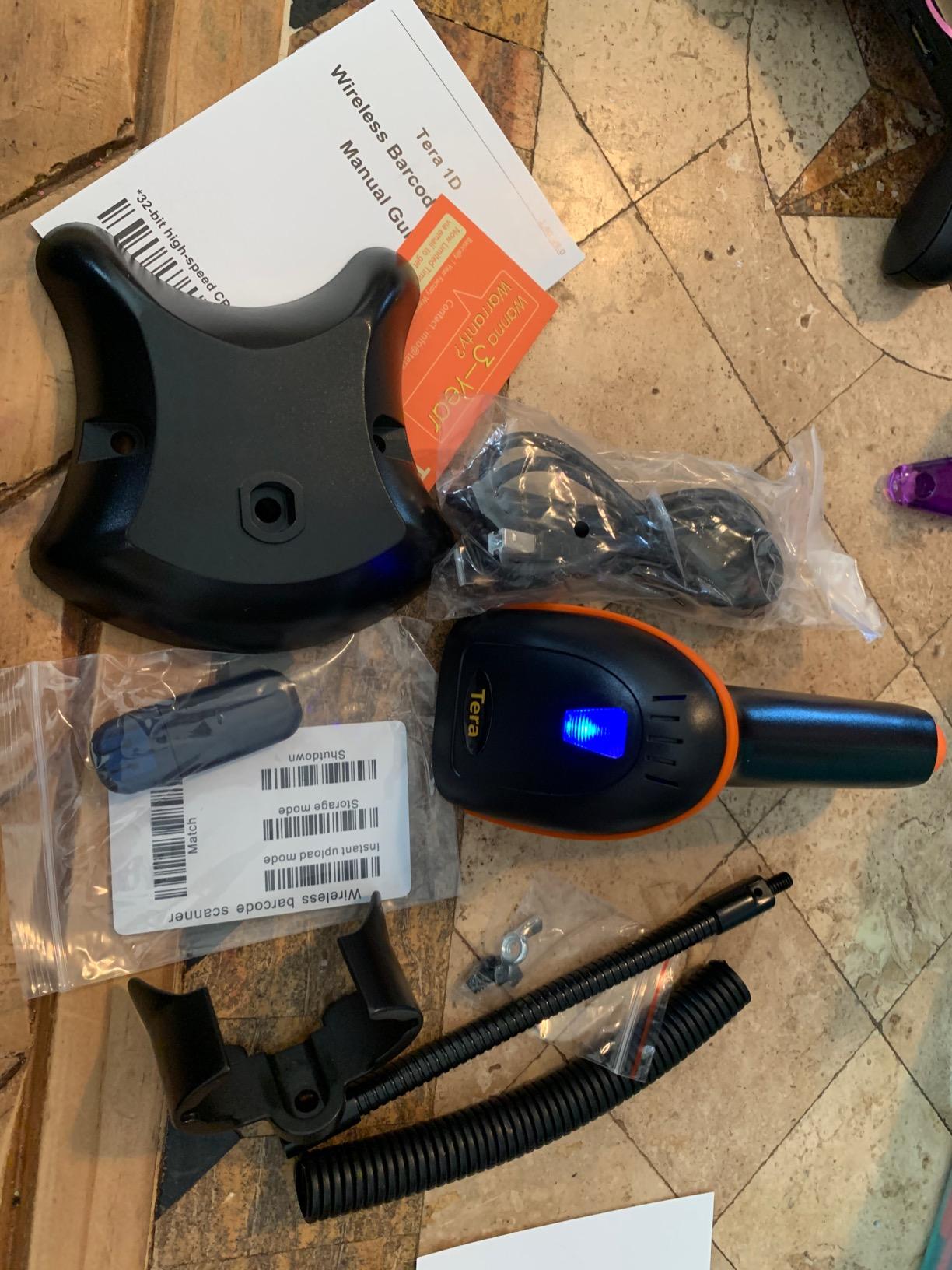
Two limits are worth stating plainly. It is a 1D laser, so it cannot read anything off a screen and cannot handle QR or DataMatrix. And the 2.4GHz receiver workflow suits one paired host at a time, so a multi-employee shop running two registers should look at a 2.4G model with more-to-one pairing or a wired unit instead.
4. WoneNice USB Wired Laser Scanner – Best for a Fixed Counter
WoneNice USB Laser Barcode Scanner Wired Handheld Bar Code Scanner Reader Black
200 scans per second
USB plug and play
300 configurable options
Shock rated to 1.5m drops
Pros
- Fastest laser engine in this roundup
- Wired means no charging or pairing downtime
- Works with Windows Mac and Linux
- 300 configurable prefix and suffix options
Cons
- Cable limits movement away from the workstation
- 1D only with no 2D or screen reading
- Fixed 6 ft cable length
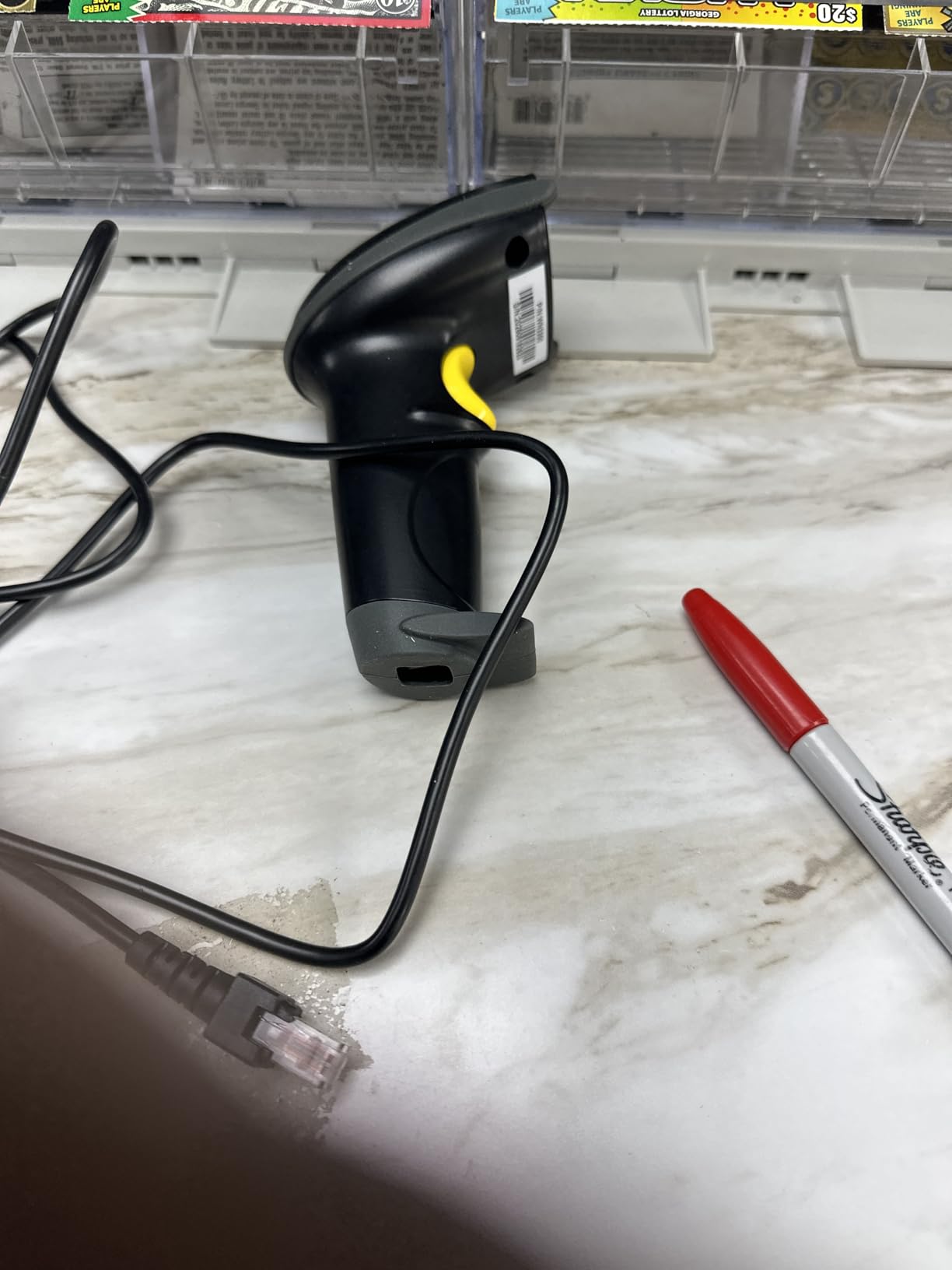
There is a case for the oldest technology in the category. A wired laser scanner has no battery to charge, no pairing to lose and no radio to drop mid-queue, and on a fixed counter that is worth more than any wireless feature. The WoneNice unit shares the highest rating in this roundup at 4.5 out of 5, and the reason for that is that it never surprises you.
At 200 scans per second it is the quickest laser engine here, and it is rated to a 1.5m drop on concrete with FCC and CE approvals. The 2 meter cable is long enough to sit between a register and a scanner that is not right next to the keyboard, and everything arrives through USB as keyboard input, so it works with whatever software you already run.
Why Wired Wins at a Single Register
Every wireless scanner introduces a failure mode: a flat battery at 5pm, a device that re-pairs to the wrong machine, a radio that fights the office Wi-Fi. A wired unit removes all three from the equation permanently. For a one-person counter, a market stall or a storeroom terminal that never moves, that reliability is the whole argument.
Configuration Depth for Import Work
There are 300 configurable options covering prefix, suffix and termination strings, and the beeper can be switched off. The practical use is adding a return or tab character so the POS advances to the next field automatically, and quieting the beep in a library or a clinic where noise is genuinely unwelcome. It is a lot of adjustability for a device that appears to be a simple stick.
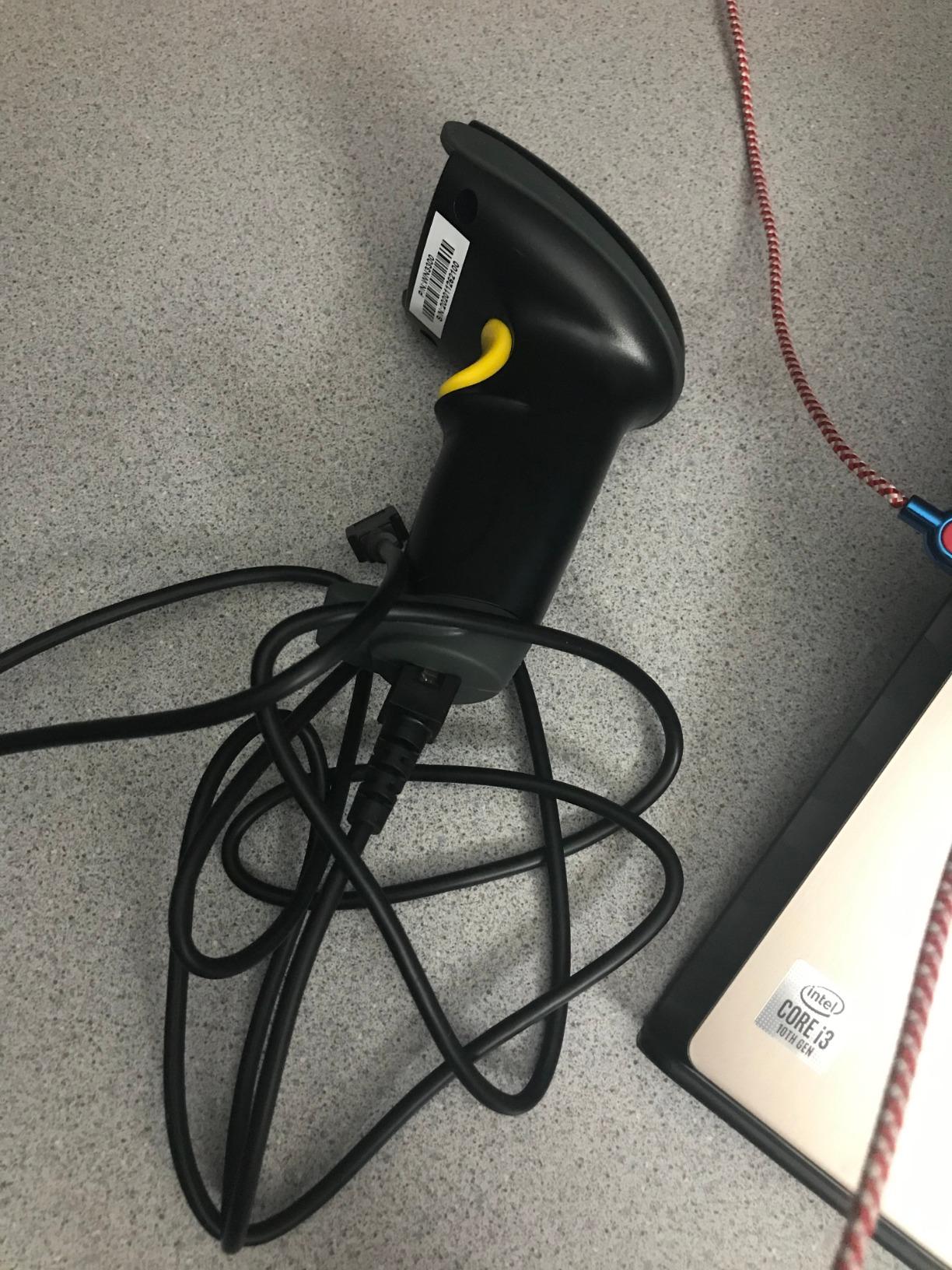
The trade-offs are real and simple. A 6ft cable is a 6ft cable, so this is the wrong pick for stocktaking a shop floor, and a 1D laser cannot read a QR code or anything displayed on a screen. It is a counter tool, used well.
5. Eyoyo Mini 1D Bluetooth Scanner – Best Pocket Scanner for Mobile Counting
Eyoyo Mini 1D Bluetooth Barcode Scanner
35 g pocket body
2.4G to 98 ft and Bluetooth to 164 ft
650mAh battery
8 hours continuous use
Pros
- Only 35 g so it disappears in a pocket
- Three connection modes in one unit
- Good range in both wireless modes
- Vibration mode suits quiet libraries
Cons
- No 2D QR support and no screen reading
- Small battery gives roughly 8 hours of continuous use
- Not compatible with Square POS or Square Register
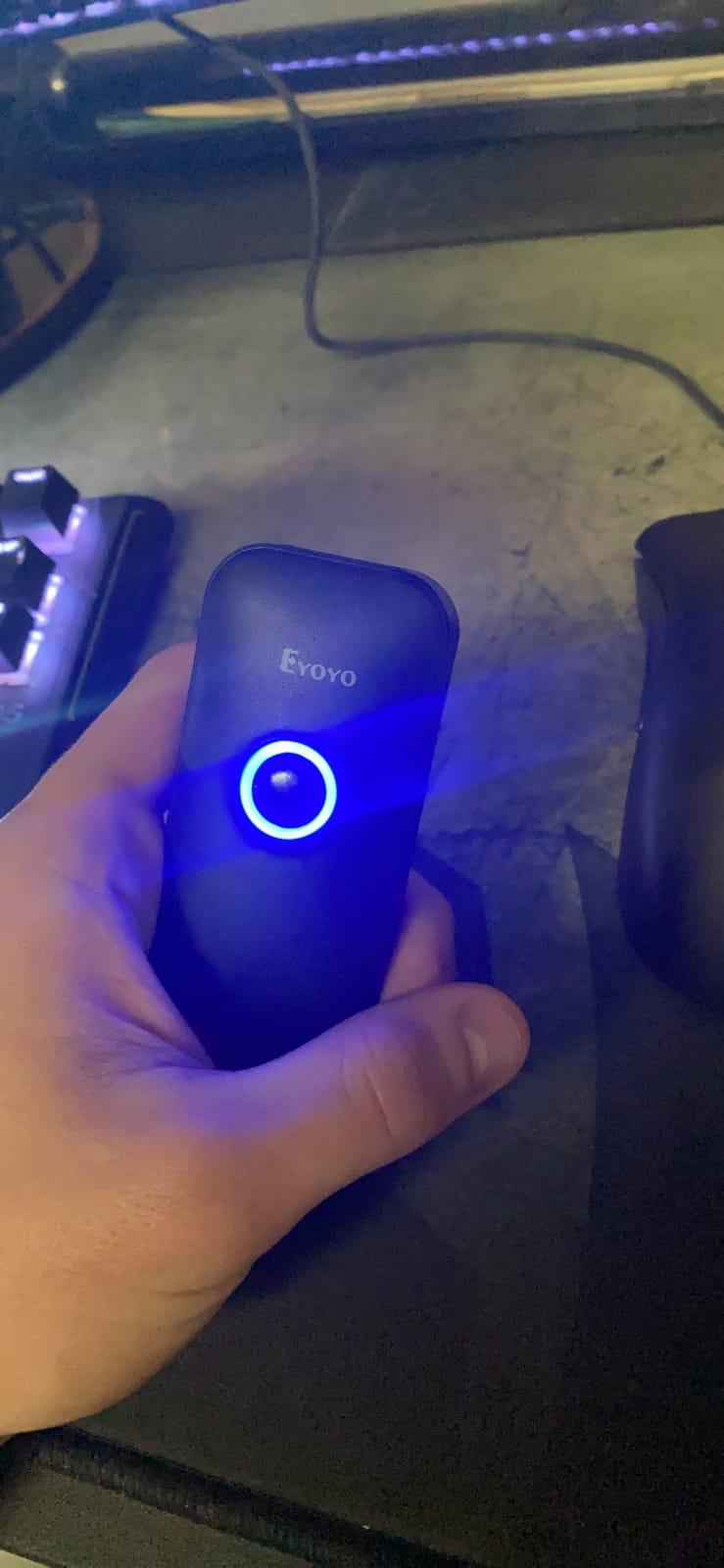
Most barcode scanners are designed for a counter and then asked to do mobile inventory work. The Eyoyo Mini is the reverse: it weighs 35 grams, measures about 3 inches by 1.5 inches, and is meant to live in a pocket during a cycle count. Bookshops, libraries and small warehouses tend to rate it for exactly the right reason, which is that staff will actually carry it.
It offers 2.4G wireless to 30m, Bluetooth to 50m without barriers, and a USB wired fallback, so the same body covers a back room with poor signal and a desktop terminal near the counter. It also has a vibration mode alongside the adjustable buzzer, which turns out to be the feature library staff mention first.
Battery Life Depends on How You Use It
The 650mAh cell gives up to 8 hours of continuous scanning, or up to 10 days if you rely on auto-off at 1000 scans a day. That split is worth understanding before you buy: a full day of back-to-back receiving will use it, a day of intermittent counting will not. For counting work this is fine, for a full shift on a busy receiving dock it is tight.
Where a Pocket Scanner Earns Its Place
A pocket form factor only makes sense when scanning happens away from a desk. Counting a shop floor, checking a bookshop’s back shelves, or working a market stall with no fixed terminal are the cases where a full-size handheld is genuinely annoying and a 35g unit is genuinely better. If your scanning all happens at one register, this is the wrong shape entirely.
It reads damaged, distorted and reflective 1D codes well, but it cannot read barcodes from a phone or computer screen, and like several scanners here it is not accepted by Square POS or Square Register. Check your platform before buying, particularly if your business is moving to tablet-based checkout.
6. Eyoyo EYH2 USB 2D Scanner – Most Versatile with True QR Reading
Eyoyo EYH2 Handheld USB Wired 2D 1D Barcode Scanner for POS Mobile Payment
2D CMOS imager for QR DataMatrix and PDF417
Reads mobile coupons and wallets
USB plug and play
5 ft drop resistance
Pros
- Real 2D reading at a budget price point
- Reads mobile coupons digital wallets and loyalty cards
- No driver needed on Windows Mac Android or Linux
- Works with QuickBooks Word and Excel
Cons
- Light duty housing rather than warehouse rugged
- Very dense PDF417 codes can fail
- Intermittent screen-scanning failures reported
If your suppliers, couriers or loyalty programme put a 2D code anywhere in the flow, this is the cheapest way to stop guessing. The CMOS imager reads QR, DataMatrix and PDF417 as well as the full list of 1D symbologies, and it does it from a wired USB body that needs no driver and no companion software on Windows, Mac, Android or Linux.
That last point is why it belongs on this list at all. Small owners running QuickBooks or a cloud inventory tool usually do not want an app integration; they want a device that types a number into the focused field. This one does exactly that, which is the pattern the Square community and Reddit threads describe for working setups.
Screen Reading Is the Reason to Spend Here
Owners use it to scan mobile coupons, digital wallets and loyalty cards straight off a customer’s phone. That is a small job, but it is the one that a 1D laser physically cannot do, and it is common in any shop running a loyalty programme. It also reads through a phone screen’s brightness where a cheap laser simply gives up.
Where the Housing Falls Short
The ABS body is rated for repeated 5ft drops onto concrete, which is fine for a counter and not fine for a warehouse floor with pallets. Some reviewers also report intermittent failures when reading codes from screens, and very small or dense PDF417 symbols such as those on some driver licences can fail to decode. Treat the 2D reading as good rather than flawless.
It is not accepted by Square POS or Square Register, and its review base of under 900 is smaller than most of the list. The vendor support is repeatedly described as responsive and willing to supply configuration booklets, which partly offsets the thinner feedback history.
7. ScanAvenger 1D and 2D Wireless Scanner – Best for 2D Inventory on a Tablet
ScanAvenger Wireless Portable 1D&2D with Stand Bluetooth Barcode Scanner: 3-in-1 Handheld Scanner, Rechargeable Battery for Inventory – USB Bar Code/QR Reader (1D&2D with Next Gen Stand)
3-in-1 handheld Bluetooth and USB
Smart charging stand with holder
Vibration feedback for noisy rooms
Reads QR DataMatrix PDF417 and Aztec
Pros
- Charging stand doubles as holder and wireless dock
- Vibration feedback works well in noisy spaces
- No software needed for any of three connection modes
- Reads 1D and 2D from the same unit
Cons
- No Maxicode support
- Not accepted by POS systems needing proprietary integration
- Heavier and bulkier than a pocket 1D scanner
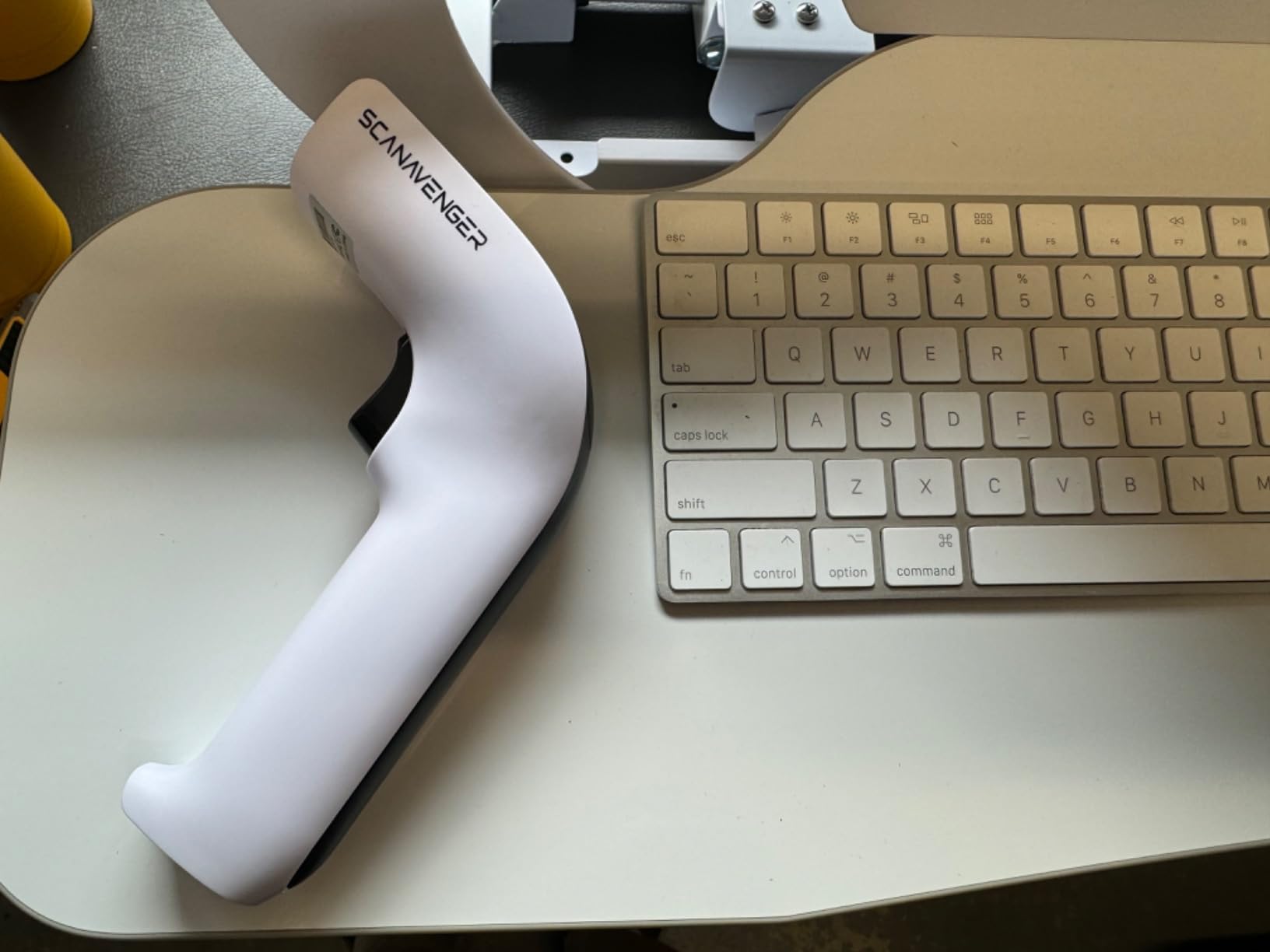
The ScanAvenger is the unit I recommend when a shop has moved to an iPad or Android tablet and needs one device that handles receiving, counting and checkout. It is a 1D and 2D imager in a single body, connects three ways as a handheld, over Bluetooth or over USB, and works with Mac, Windows, Android and Apple devices without downloading an app.
What separates it from the other 2D options here is the stand. It is a smart charging base with charging contacts, a holder and wireless transmission, so the scanner lives on the counter, stays powered and is simply picked up. On a single-register counter that removes the single most common failure, which is a scanner that was not charged.
Vibration Feedback for Noisy Environments
Receive a pallet in a loud warehouse and the beep tells you very little. Vibration feedback gives you a confirmation you feel rather than hear, which owners working noisy floors consistently rate as the feature they would not give up. Alongside manual, continuous and auto-sense modes, it makes the same unit usable for a rapid receiving run and for casual counter scans.
Symbology Coverage Without a Phone
Beyond the usual 1D set, it decodes PDF417, Aztec, DataMatrix, QR, Micro PDF and Interleaved 2 of 5. That covers the codes appearing on shipping labels, membership cards and mobile coupons, so the tablet setup needs no separate app for those scans. It does not read Maxicode, which matters only if you handle the specific carriers and postal services that use it.
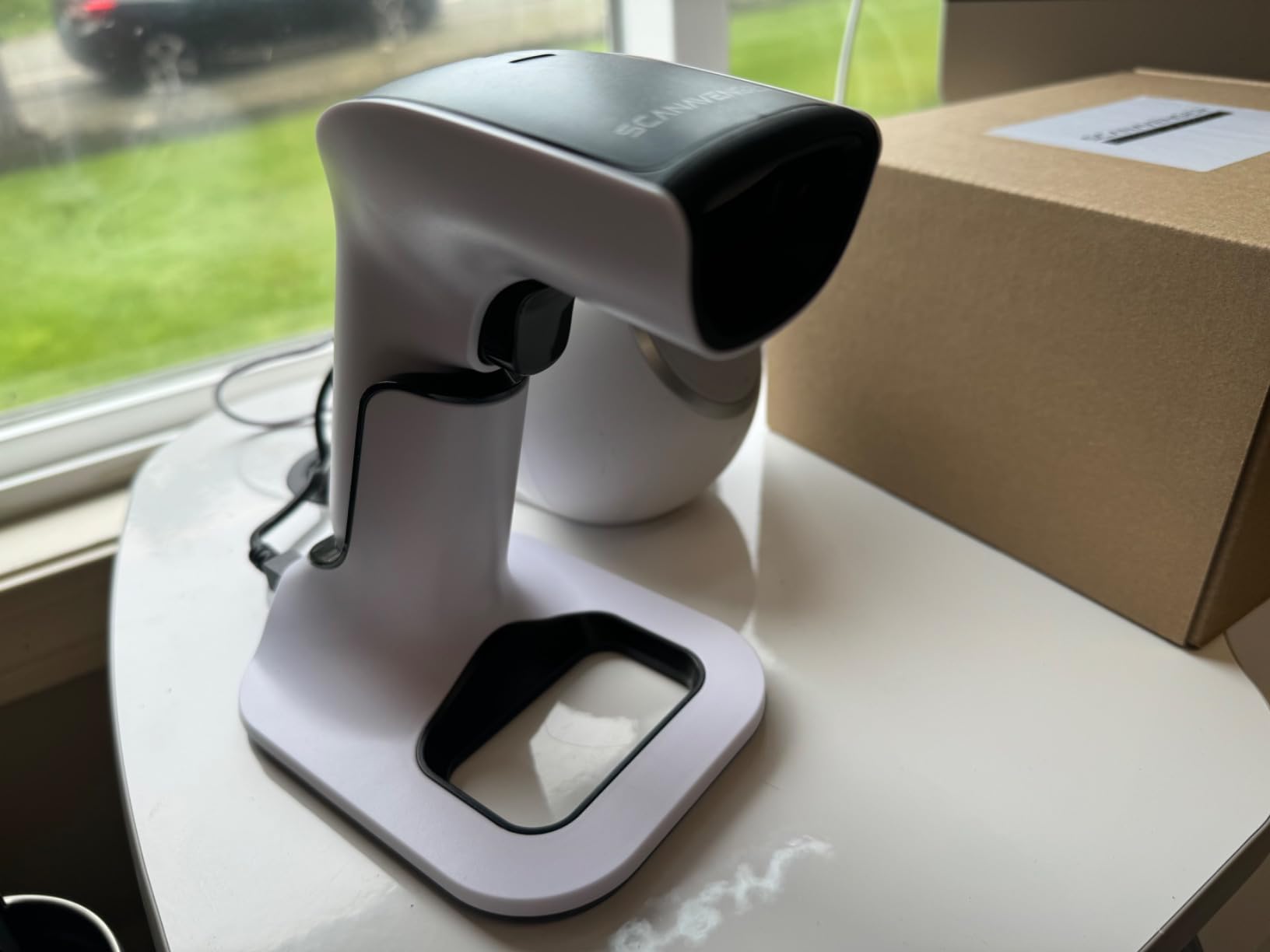
Two cautions. It is 1.1 pounds, noticeably heavier than the pocket units here, so it is a counter and floor scanner rather than something you carry all day. And it will not work with POS systems that require proprietary hardware or direct app-level integration, so confirm acceptance with your platform before ordering.
8. Inateck BCST-70 Bluetooth Scanner – Best for Durability in a Busy Shop
Inateck 1D Bluetooth Barcode Scanner, 2600mAh Battery, 115FT Range, BCST-70
2600mAh battery
115 ft connection distance
3 second pairing
TPU case rated for 6 ft drops
Pros
- Connects in about three seconds out of the box
- Battery holds up through long inventory days
- TPU case twice the thickness of comparable units
- Reads blurry and broken codes in poor light
Cons
- 1D laser only with no 2D or screen reading
- Default upload speed can overwhelm some cloud software
- Some reports of trigger or button failure over time
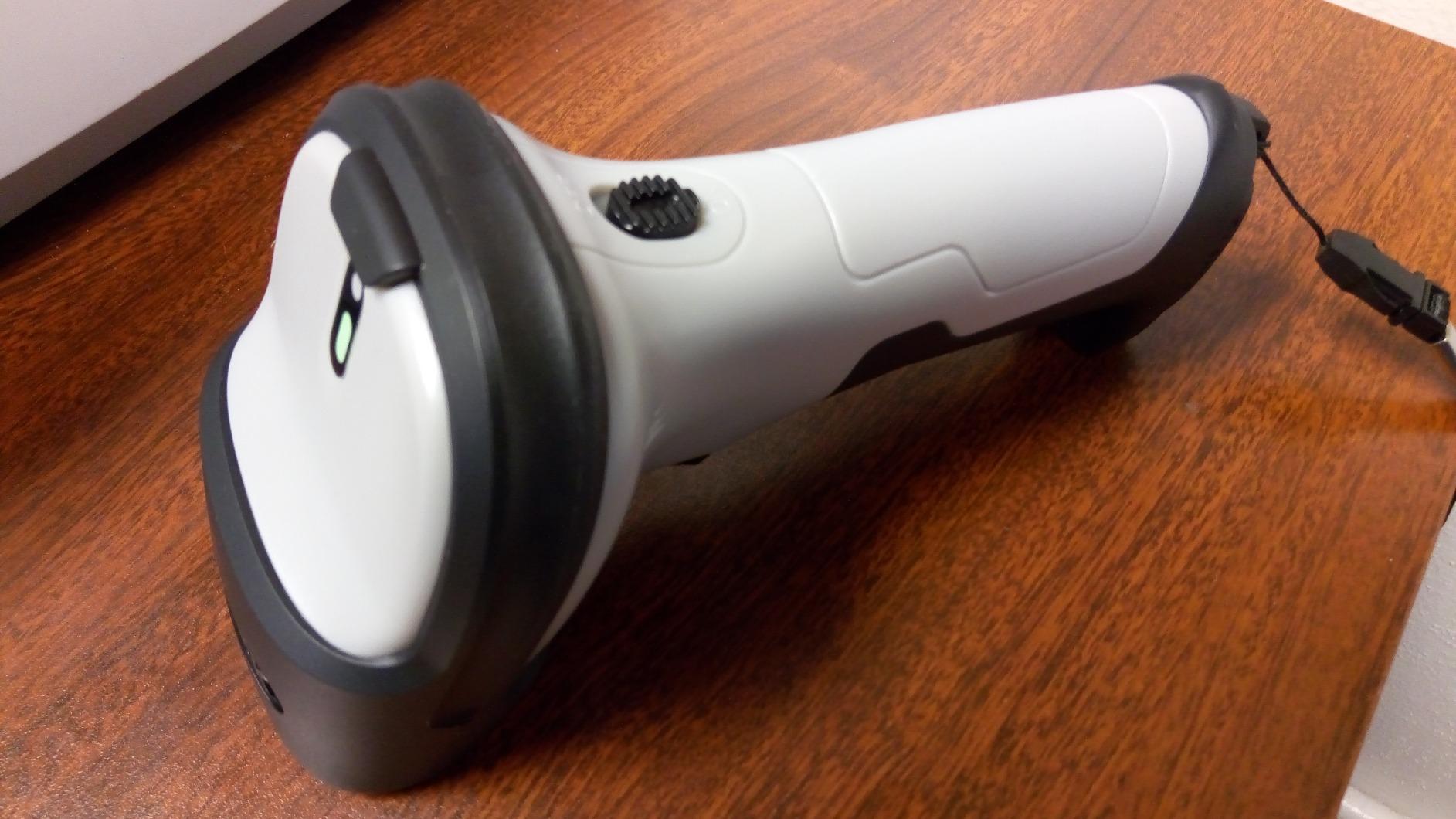
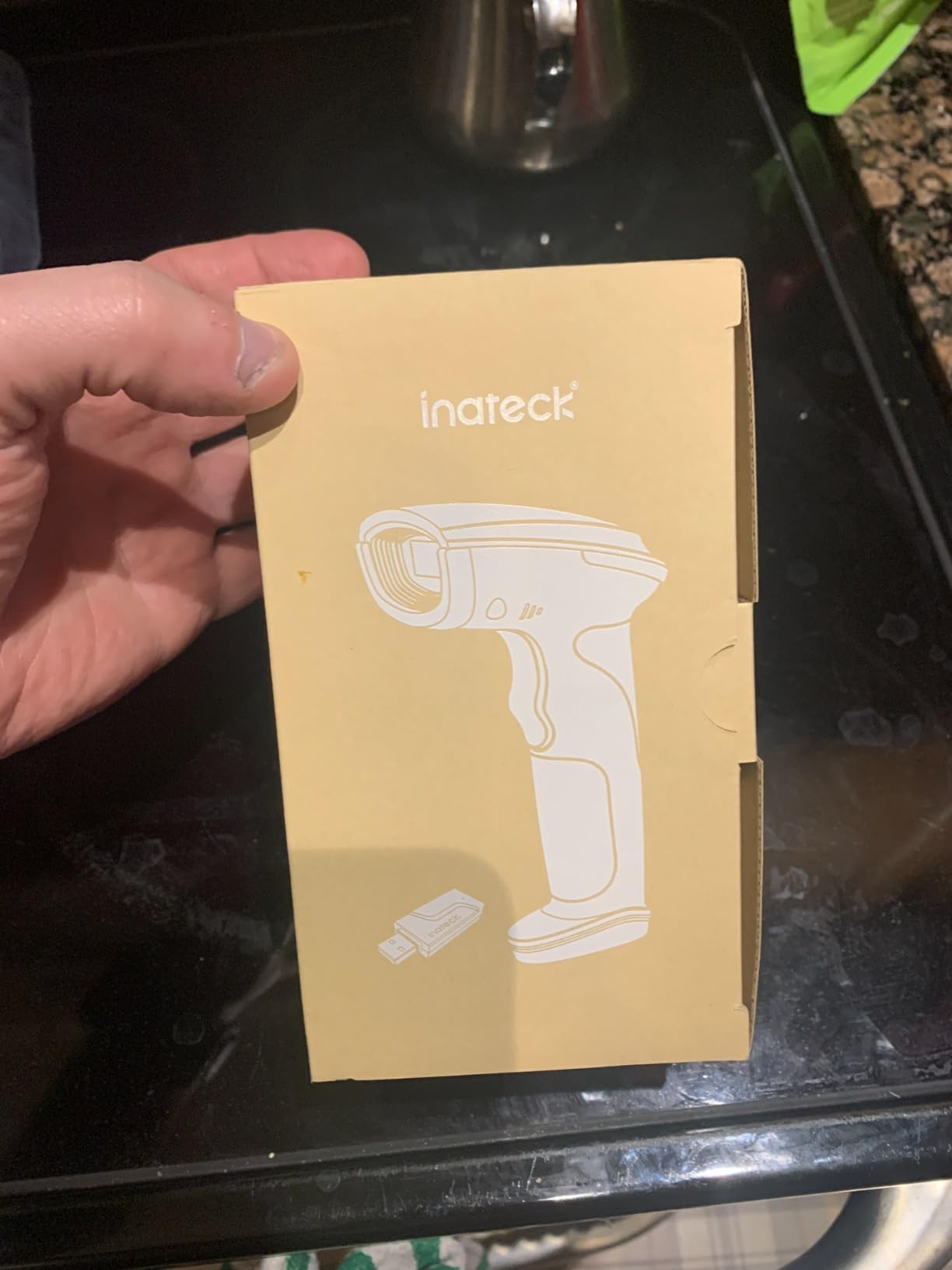
The BCST-70 has been a small-business favourite for years and the reasons have not changed. The TPU protective case is described as twice the thickness of comparable products and the unit is rated for repeated 6ft drops, which is the durability class you want when the scanner spends its life in a van, a loading bay or a busy storeroom.
It connects in about three seconds out of the box over a 115ft or 35m range, and the 2600mAh battery is rated for roughly 15 days of working time. Several owners report buying the same unit again for colleagues, which is the most reliable endorsement a scanner can have.
Editing Data Before It Reaches Your Software
Prefixes and suffixes are editable up to 32 digits, and it can hide part of a barcode entirely. That is genuinely useful when your labels carry a store number, a branch code or a supplier prefix that your inventory system does not recognise. Stripping it at the device avoids editing every import afterwards, and the multi-language keyboard layouts cover English, German, French, Italian and Spanish.
When the Upload Speed Needs Slowing Down
One recurring issue: the default batch transfer speed can be faster than some cloud inventory systems can absorb, which shows up as imports that stall or partially complete. Support provides firmware and updated manuals to adjust it, and the fix is straightforward, but it is worth knowing before you connect the scanner to a browser-based tool for the first time. A small number of owners also report a trigger or power button failing after several months of heavy use.
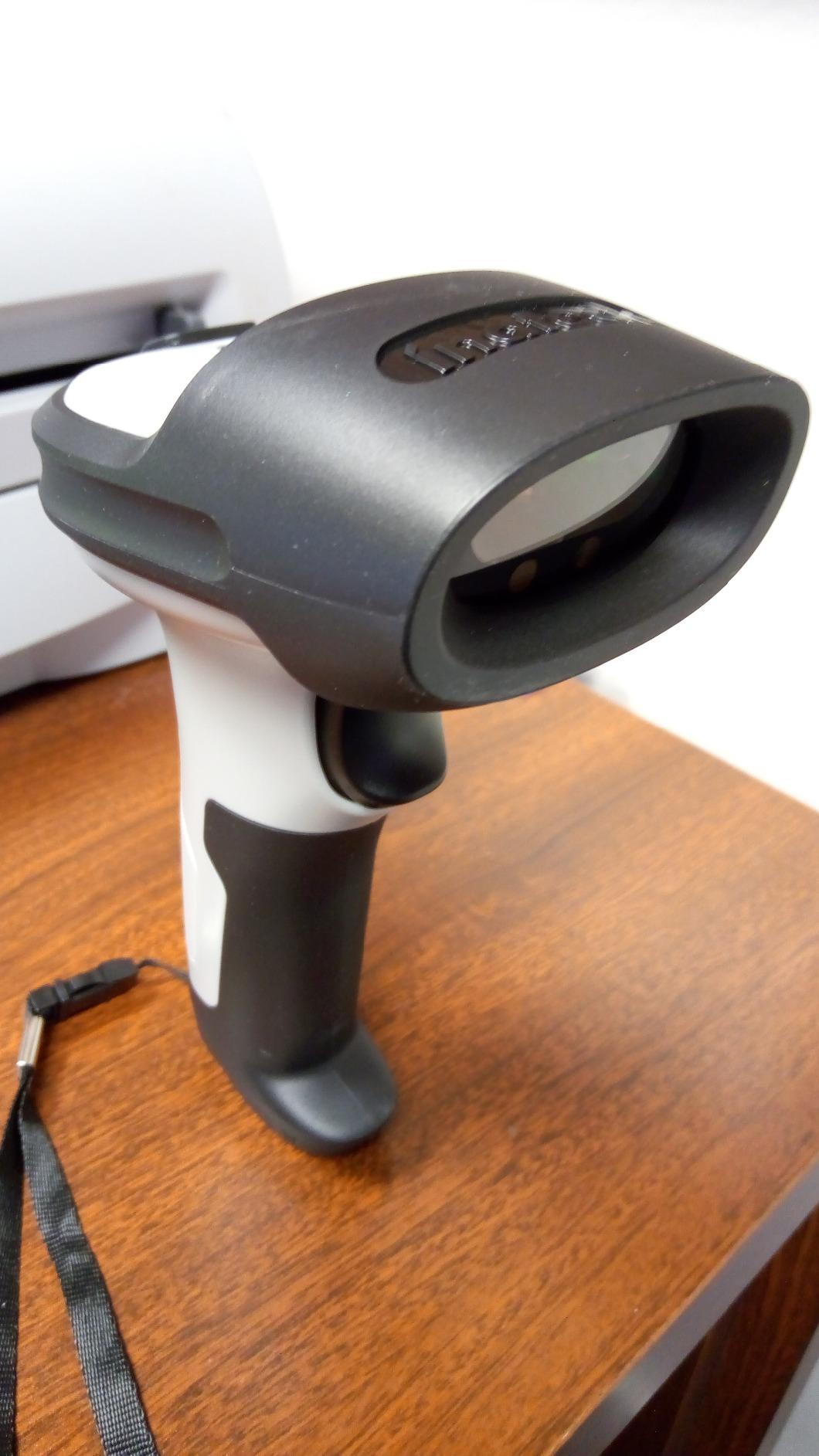
It works with POS, iOS, Android, Windows, Mac, Linux and Raspberry Pi, which makes it a safe pick if your setup might change. It is a 1D laser, so screen reading and QR codes are out, and the wrist strap is not included. Budget for that if staff are on their feet all day.
9. Inateck BCST-21 1D Scanner – Best for Battery Life Across Devices
Inateck 1D Barcode Scanner, Wireless Bluetooth Handheld, 2000mAh Battery
2000mAh battery with months per charge
2.4G Bluetooth and USB modes
Inateck Office app and SDK
Two year warranty
Pros
- Battery measured in months rather than shifts
- Three connection modes in one unit
- Reliable on dirty damaged and wrinkled labels
- App and SDK support for configuration
Cons
- 1D laser only with no 2D or screen reading
- Full configuration needs the Inateck app
- Newer model with a smaller review base
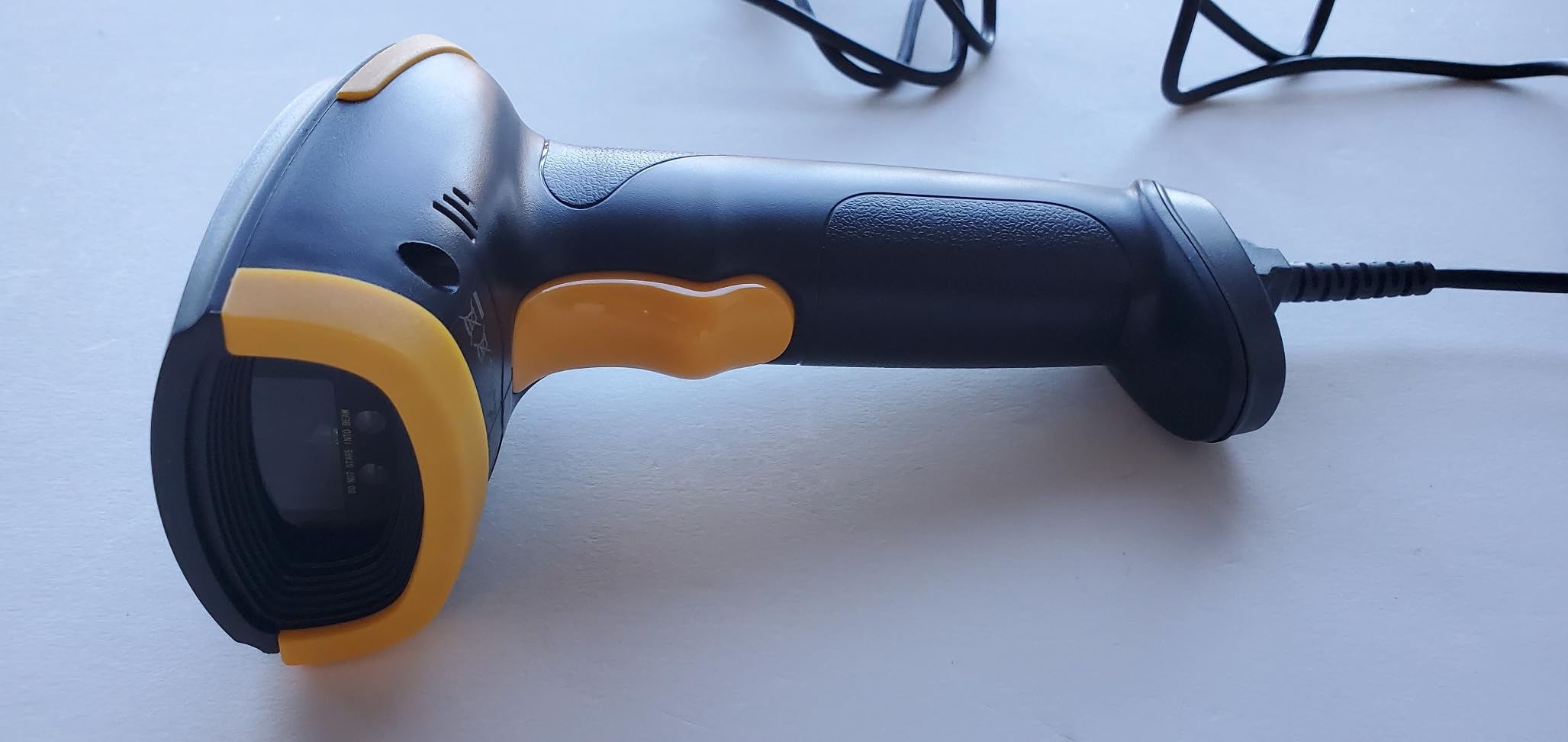
The BCST-21 is the newer sibling of the unit above and it makes a different trade. Its 2000mAh battery is rated at roughly three months per charge at normal scanning frequency and about one month at high frequency, which is the sort of number that changes how you think about scanners. You are not managing a charging rota; you are not managing batteries at all.
It offers 2.4GHz wireless, Bluetooth and wired USB in one body, and it is compatible with Windows, Mac OS, iOS, Android, iPadOS and Linux. At 6.2 ounces with a two-year warranty, it is the best-balanced Bluetooth 1D unit on this list for a business that does not want to think about upkeep.
Configuration Through the Inateck Office App
The Inateck Office app and its SDK handle scanner configuration, Bluetooth management and battery monitoring. That is a real advantage for an IT generalist or an owner supporting several employees, because a support request like what mode is this paired in can be answered from a phone instead of by reading configuration barcodes out of a printed manual.
Reading Conditions That Matter More Than Specs
Owners consistently report it reading blurry, damaged, dirty, wrinkled and distorted barcodes in both strong and dim light. That matters most in the places specs never mention: a cardboard box that has been rained on, a book barcode rubbed half away, a food jar label that has been scuffed on a shelf for a year. A laser that copes with those labels removes an entire category of manual re-entry.
The honest caveat is scale. Its review base is smaller than the other Inateck unit, so there is less long-term feedback on hardware failure, and full configuration leans on the vendor app rather than working standalone. It is also 1D only, so a 2D requirement rules it out.
10. NADAMOO 2D Wireless Scanner with Dock – Best with a Charging Dock Included
NADAMOO 2D Wireless Barcode Scanner Compatible with Bluetooth, Portable USB 1D 2D QR Code Scanner for Inventory, Bar Code Image Reader for Tablet iPhone iPad Android iOS PC POS, with Charging Dock
CMOS sensor for QR and PDF417
Reads from screens and paper
Bluetooth 2.4G and wired
Charging dock included
Pros
- Reads 2D codes from both paper and screens
- Charging dock keeps the scanner powered on the counter
- Compact and light for mobile inventory work
- 164 ft range with three connection modes
Cons
- Setup and programming rely on QR codes in the manual
- Default beep is loud
- Some reports of a pause mid transmission
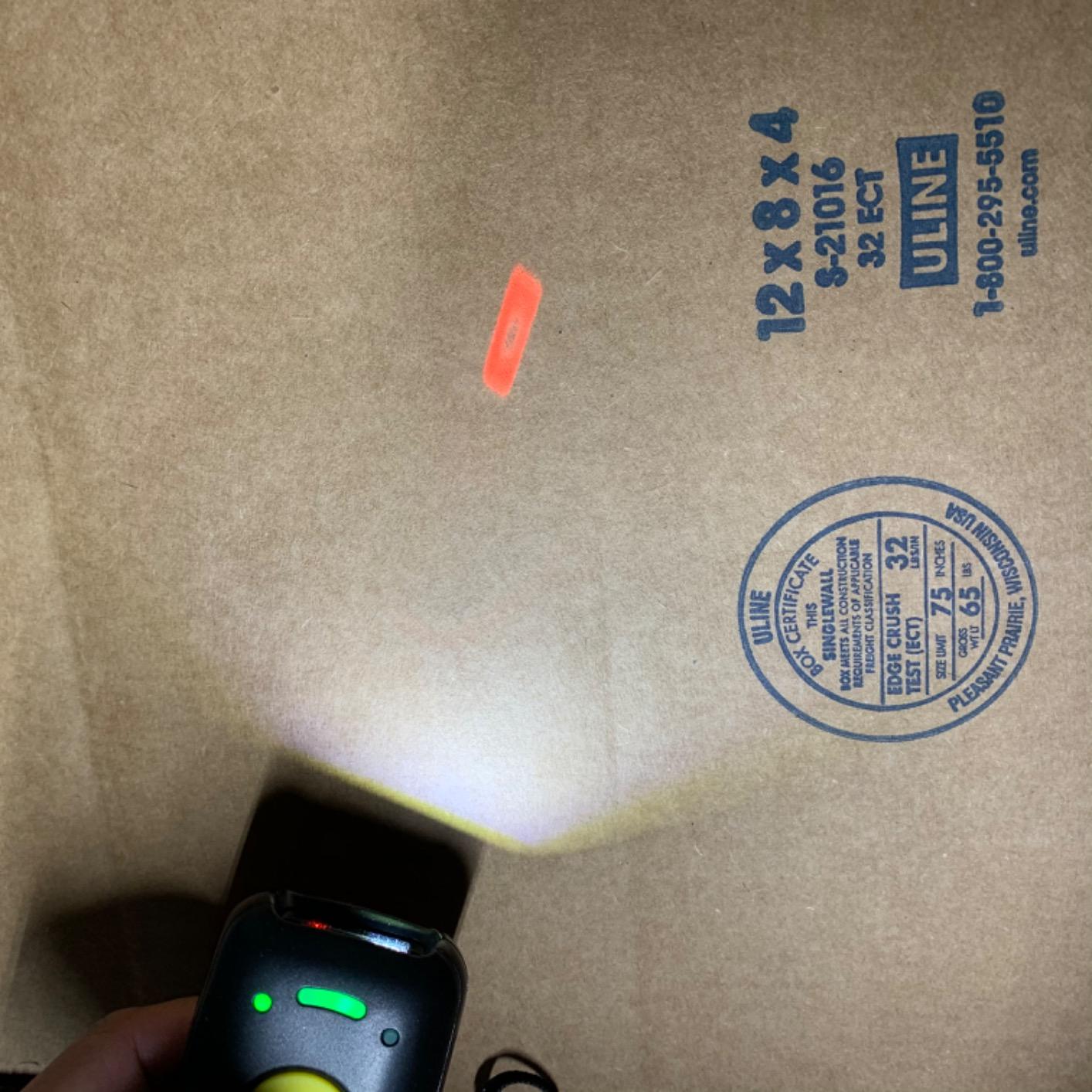
This is the unit to consider when you want a 2D reader and want the charging dock in the box. The CMOS image sensor reads 1D and 2D codes including QR, PDF417 and DataMatrix, from paper and from screens, and the included dock means the scanner is powered and within reach whenever the counter is in use.
Connectivity is 3-in-1: Bluetooth, a 2.4G base receiver and wired, with a 50m or 164ft range in barrier-free conditions. Offline storage holds up to 100,000 barcodes, and the listed systems cover Windows, Mac OS, Windows Mobile, Android and iOS, which is broad enough for a tablet-first shop.
The Setup Process Is the Weak Point
Programming this scanner depends on scanning QR codes out of the manual, and buyers describe that first session as the hardest part of the whole purchase. If you lose the manual, the programming barcodes are gone with it unless you recreate them. Budget an hour with a phone camera, a laptop and a quiet corner before you hand it to staff.
The Beep Is Loud, and Transmission Occasionally Pauses
The default beep volume draws repeated complaints and is adjustable once you have found the setting. A minority of owners also report a 10 to 20 second pause in the middle of transmitting scanned text, which is disruptive during a busy receiving run. Neither issue is universal, but both are worth confirming against your own workflow in the first week of use.
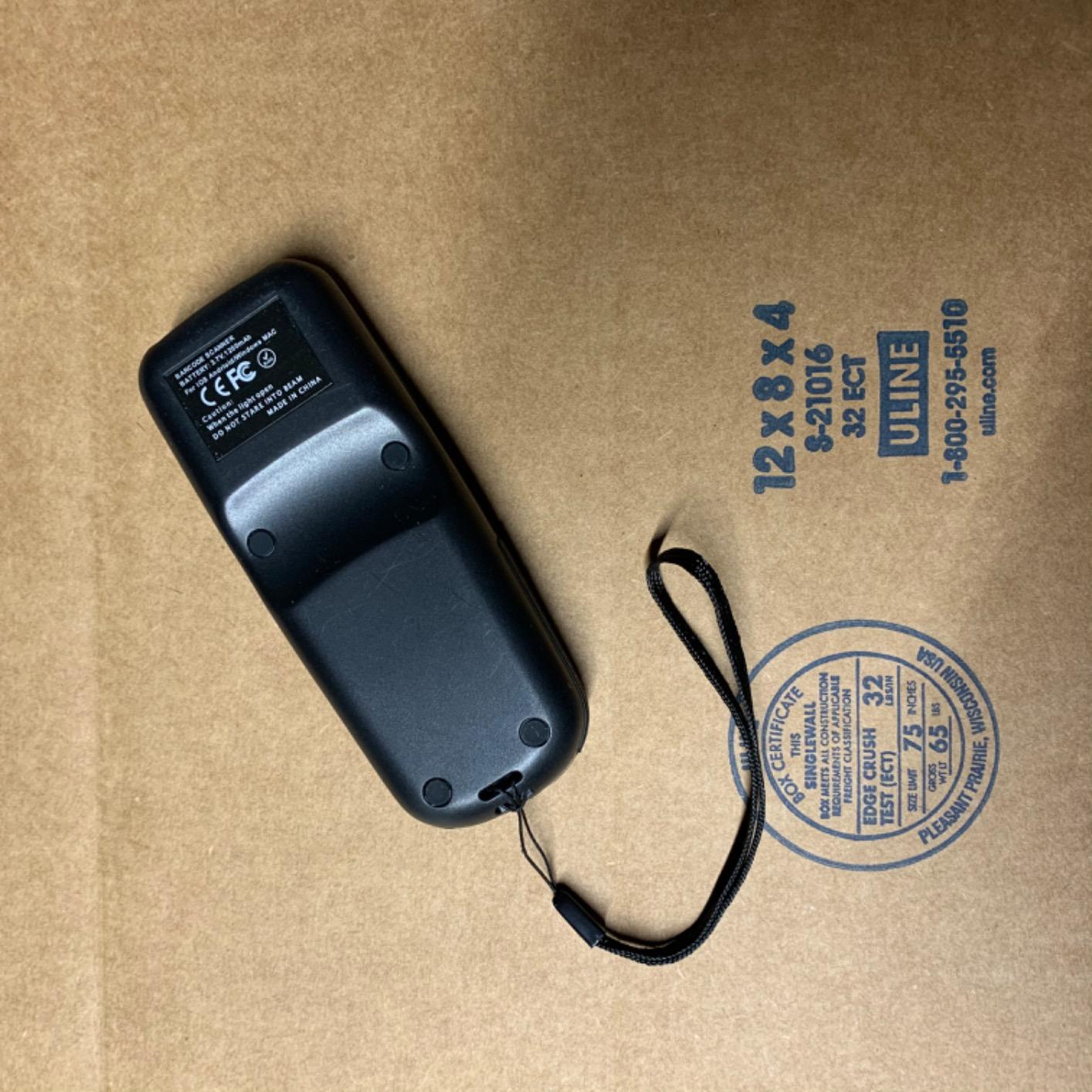
Set against that, owners like the combination of screen reading, a compact dock and a light body for mobile work on tablets and phones. It is the most complete 2D package here that does not ask you to buy a cradle separately, and that alone justifies a look for a counter doing mixed retail and mobile work.
How to Choose a Barcode Scanner Your Small Business Will Actually Use
Decide the task before you look at a product page. A counter that rings up 60 items an hour and a stockroom that counts 2,000 SKUs twice a month need different scanners, and a shop doing four scans a day may need none of these. The most common buying mistake in this category is choosing on scan speed, which is the one specification that is never the bottleneck.
1D vs 2D: When One Is Enough and When It Bites You
Choose 1D when your labels are plain printed linear barcodes: EAN, UPC, Code 128, Code 39 and ISBN. That covers most grocery, hardware, clothing and library items, and a 1D laser is faster, cheaper and tougher than an imager for the job. Choose 2D the moment any of these are true: your supplier uses QR or DataMatrix, your shipping labels carry a stacked PDF417 symbol, you want to scan mobile coupons or digital wallet codes, or you plan to build your own printed labels with 2D content.
The moment it bites is usually during a mixed workflow. A 1D-only scanner handles a carton perfectly and then fails silently on a QR code on a returns label, and because the failure produces no beep and no error, staff usually assume the item has no code and move on. The cost is not the failed scan; it is the manual entry that follows.
Wired USB, Bluetooth, 2.4GHz and the HID vs SPP Trap
Wired USB is the most reliable and the least flexible. Bluetooth gives you freedom of movement but brings a pairing decision. 2.4GHz wireless uses a USB receiver dongle, which behaves like a wired port with a radio attached and avoids Bluetooth pairing entirely, making it the safest wireless option for a counter where reliability beats freedom. Wi-Fi roaming scanners exist but are priced for warehouses, not small shops.
The pairing trap is worth memorising because it causes most of the failures people describe. HID mode makes the scanner act as a keyboard, so any app with a focused field accepts it with no software at all. SPP mode sends data to a receiving app instead, so if you pair in SPP and open your POS, nothing appears and the scanner seems broken. If a scanner will not work with your tablet, switch the pairing mode to HID before you return it.
Form Factor: Handheld, Presentation, Pocket and Mobile Computer
Handheld is the right default for a small business and everything on this list is one. Presentation scanners sit on the counter and read a barcode from any direction without being aimed, which suits a self-checkout or a busy cafe queue where both hands are full. Pocket scanners are mini handhelds for mobile counting. Mobile computers, also called rugged terminals, are Android devices with a built-in scanner and a screen for on-screen inventory apps; they are a real step up in cost and complexity, and are usually only justified once you are tracking assets across a warehouse or a field service operation.
A ring or glove wearable is the other form factor that appears in this category. It suits warehouse picking where both hands need to be free, and it is a poor fit for a shop that scans a few hundred items a day because the hardware is only worth it when scanning is continuous and hands-free is non-negotiable.
POS Compatibility: What to Check Before You Buy
Check your platform’s approved-hardware list first, not last. Cloud POS platforms vary enormously: some accept any HID keyboard device, others block unapproved Bluetooth hardware outright, and that is why several scanners in this roundup carry an explicit note about Square POS, Square Register, Lightspeed, Divalto and DoorDash. A wired USB scanner is almost always the safest starting point because it bypasses wireless blocking entirely.
On tablet setups, pair in HID mode, and expect your device to treat the scanner as a hardware keyboard. Check whether your POS app supports hardware keyboard input, because some iPad-first POS apps focus text fields in ways that break third-party input devices. Shopify POS and Square both work best with a wired or Bluetooth HID device configured as a keyboard rather than an app-integrated scanner.
One related decision people forget: the barcode software and the label printer are separate purchases. A scanner reads codes, it does not create them, so if you are generating your own labels you will want a label generator and a printer. Our guide to the [best label printers for small businesses](https://www.manbolo.com/best-label-printers-for-small-businesses/) covers that side, and label stock choice matters as much as the printer itself.
How Many Scanners a Small Business Needs
The common arrangement is one scanner per register, plus one shared unit for the back room or receiving area. A shared storeroom scanner should be a wireless model with a large receiver range, and a 2.4GHz unit with more-to-one pairing is what lets several people share a single receiver without fighting over the connection. Budget for a spare cable and a second battery cradle rather than a second scanner, because a dead battery at a busy hour costs more than the hardware.
Multi-employee setups bring a specific failure: two people at the same time on a Bluetooth scanner paired to one machine. More-to-one pairing, 2.4GHz with a shared receiver, or separate wired units per register are the ways to avoid it.
Can Your Phone Camera Do the Job for Now?
Yes, for very low volume, and it costs nothing. Modern phone cameras read standard EAN and UPC labels and even many QR codes through a free app. The limits are consistent: focus is slow on a damaged or curved label, the code must fill a reasonable part of the frame, glossy hang tags produce reflections, and low-contrast thermal labels are the hardest. If you scan a few items a day on a single phone, that is fine. If a queue is waiting, the gap of a few seconds per item is not.
The real argument for dedicated hardware is accuracy on damaged, curved, glossy and low-contrast labels, plus the fact that a scanner types the code as keyboard input into whatever field is focused. Start with the phone, count how many scans a day you actually make, and upgrade when that number starts to annoy you.
Durability, IP Ratings and Label Quality
Drop specs and IP ratings tell you how a scanner survives being handled. A 1.5m to 2m drop rating and IP54 sealing covers a shop counter and light warehouse work. Repeated 6ft drop ratings and higher sealing cover a loading bay, a van and a storeroom floor. Paying for ruggedness makes sense when the device will be dropped, dusted or refrigerated regularly, and does not make sense for a scanner that lives on a desk beside the till.
Before blaming the hardware, check the labels. Print contrast, quiet zones and code size cause more failed scans than sensor quality does. A faint thermal label, a code printed too small for the bar width, or a tag with no clear margin around the bars will fail on a scanner twice the price of a cheaper one. If you generate your own labels, printing quality is the cheapest fix available to you.
When a Scan Fails, What Is Actually Broken
Work through it in this order. First, confirm the scanner is in HID mode, because an SPP-paired scanner typing into a browser that has no focused field looks exactly like a dead scanner. Second, check the battery, since a wireless unit with a flat battery will pair and then transmit nothing. Third, test the same code on a different surface and in different light, which separates a label problem from a sensor problem.
Then check the software. Some POS platforms block unapproved Bluetooth devices outright, and some stop accepting a previously working scanner after an operating system update. If a scanner worked last month and stopped this month, suspect the update before you suspect the hardware. Finally, clean the scan window, which sounds trivial but a smeared window on a shared counter device will read a printed label perfectly and fail on anything reflective.
Barcode Scanner Brands Worth Knowing About
Brand matters less in this category than it does in most of tech, and that is worth saying plainly. Almost every unit in this roundup is built to a common set of OEM designs with a different badge on the housing, which is why every unit in this roundup lands between 4.3 and 4.5. What differs is warranty length, support responsiveness and how honestly the listing describes the limits.
The Retail-Grade Names
Zebra, Honeywell, Datalogic, Unitech and Socket dominate dealer and enterprise conversations, and they are genuinely the right answer for a multi-site retail chain or a warehouse operation that needs a service contract and multi-year firmware support. For a single small business buying one or two units, that capability is mostly overhead, and the ten scanners here deliver the same core job for a fraction of the outlay.
The Value Brands That Dominate This List
NADAMOO, NETUM, Tera, Eyoyo, Inateck, WoneNice and ScanAvenger make up almost the entire category at this level. They compete on two things that actually matter to you: review volume, which is why we favoured units with hundreds or thousands of reviews over a newer model with a thin history, and support, which shows up repeatedly in reviews as fast, knowledgeable help that supplies configuration files.
How to Spot a Trustworthy Listing
Look for a manufacturer name and model number in the specifications, a stated warranty length, and review counts in the hundreds or thousands. Be cautious of listings that describe nothing except what is in the box, and of identical-looking models sold under several brand names with no model number at all. If a listing never mentions whether the unit reads 2D codes, that is the question to ask first, because it is the one that decides whether the scanner is right for you.
Frequently Asked Questions
What is the best barcode scanner system for a small business?
The NADAMOO wireless 1D scanner is the best overall choice for most small businesses because it covers the widest range of jobs, reaching 400m in open air and 100m indoors with a 2600mAh battery rated for 30 working days. If any part of your workflow involves 2D codes, choose a 2D imager such as the Eyoyo EYH2 or the ScanAvenger instead.
Which brand of barcode scanner is considered the best?
Zebra, Honeywell, Datalogic and Unitech are considered the best brands for multi-site retail and warehouse work because of warranty, firmware support and service contracts. For a single small business, brands like NADAMOO, NETUM, Tera, Eyoyo and Inateck deliver the same core scanning job with far more reviews behind them and no contract overhead.
What barcode scanner is compatible with the Square POS system?
The safest choice with Square POS is a wired USB scanner such as the WoneNice, because Square is known to block unapproved Bluetooth hardware. The Eyoyo Mini, the Eyoyo EYH2 and the NETUM scanner are all documented in reviews as not compatible with Square POS or Square Register, so pair those in HID mode only with desktop, Android or iPad setups.
What is the best barcode scanner for Shopify POS?
A HID-mode Bluetooth scanner or a wired USB unit works best with Shopify POS, because Shopify accepts keyboard-style input from a scanner that types the code into the focused field. The ScanAvenger works across Mac, Windows, Android and Apple devices with no software download, which makes it a practical choice for a tablet-based Shopify POS counter.
Is a 1D or 2D barcode scanner better for retail?
A 1D laser is better for straightforward printed EAN, UPC, Code 128 and ISBN labels because it is faster, cheaper and tougher. A 2D imager is better once you scan QR codes, DataMatrix, PDF417, mobile coupons or digital wallet codes from a customer’s screen, since a 1D laser physically cannot read them.
Do I need a wireless barcode scanner for a small shop?
A wired USB scanner is enough for a single fixed register, because it has no battery to charge and no pairing to lose. A wireless unit becomes worthwhile when staff scan away from the workstation, when two or more people share a counter, or when you run cycle counts across a shop floor.
Why does my barcode scanner not work with my iPad?
It is almost always the pairing mode. A scanner paired in SPP mode sends data to a receiving app and appears to do nothing in your POS, while HID mode acts as a keyboard and works in any focused field. Switch the pairing mode to HID, confirm the device is charged, and check that your POS app supports hardware keyboard input.
Can I use my phone camera as a barcode scanner for inventory?
Yes, for low volume. Phone cameras read standard EAN and UPC labels and many QR codes at no cost, but they struggle with damaged, curved, glossy or low-contrast labels and take several seconds per code. A dedicated scanner is worth buying once scanning becomes frequent enough that the wait is visible to customers.
Bottom Line: Which Barcode Scanner Should You Buy?
Pick the scanner that matches the workflow you actually have, then confirm your POS accepts it. For a single fixed register with printed labels, the wired WoneNice is the dependable answer, it shares the top rating in this roundup, and there is no battery to manage. For a shop floor, a stock area and a team of people scanning in different places, the NADAMOO wireless 1D unit is the best-balanced wireless choice in this roundup, because its range and more-to-one pairing solve the two problems small teams hit first.
If your setup runs on a tablet or phone, or if any label in your business carries a QR, DataMatrix or PDF417 code, move up to a 2D imager. The Eyoyo EYH2 covers the budget case, the ScanAvenger adds a charging stand and vibration feedback for a working counter, and the NADAMOO 2D unit bundles a dock if you would rather not buy a cradle separately. If scanning happens away from a desk, the 35g Eyoyo Mini is the shape you want, and if the hardware has to survive a loading bay, the Inateck BCST-70’s drop rating earns its place.
Before you order anything, run the compatibility check rather than the spec sheet: verify your POS platform’s approved hardware list, confirm the pairing mode is HID, and scan a handful of your own labels including the worst-looking one you own. If the picks on this page are still undecided, the [best laminators for small businesses](https://www.manbolo.com/best-laminators-for-small-businesses/) and the [best paper shredders for small businesses](https://www.manbolo.com/best-paper-shredders-for-small-businesses/) cover the other counter-side decisions most owners make in the same month.