
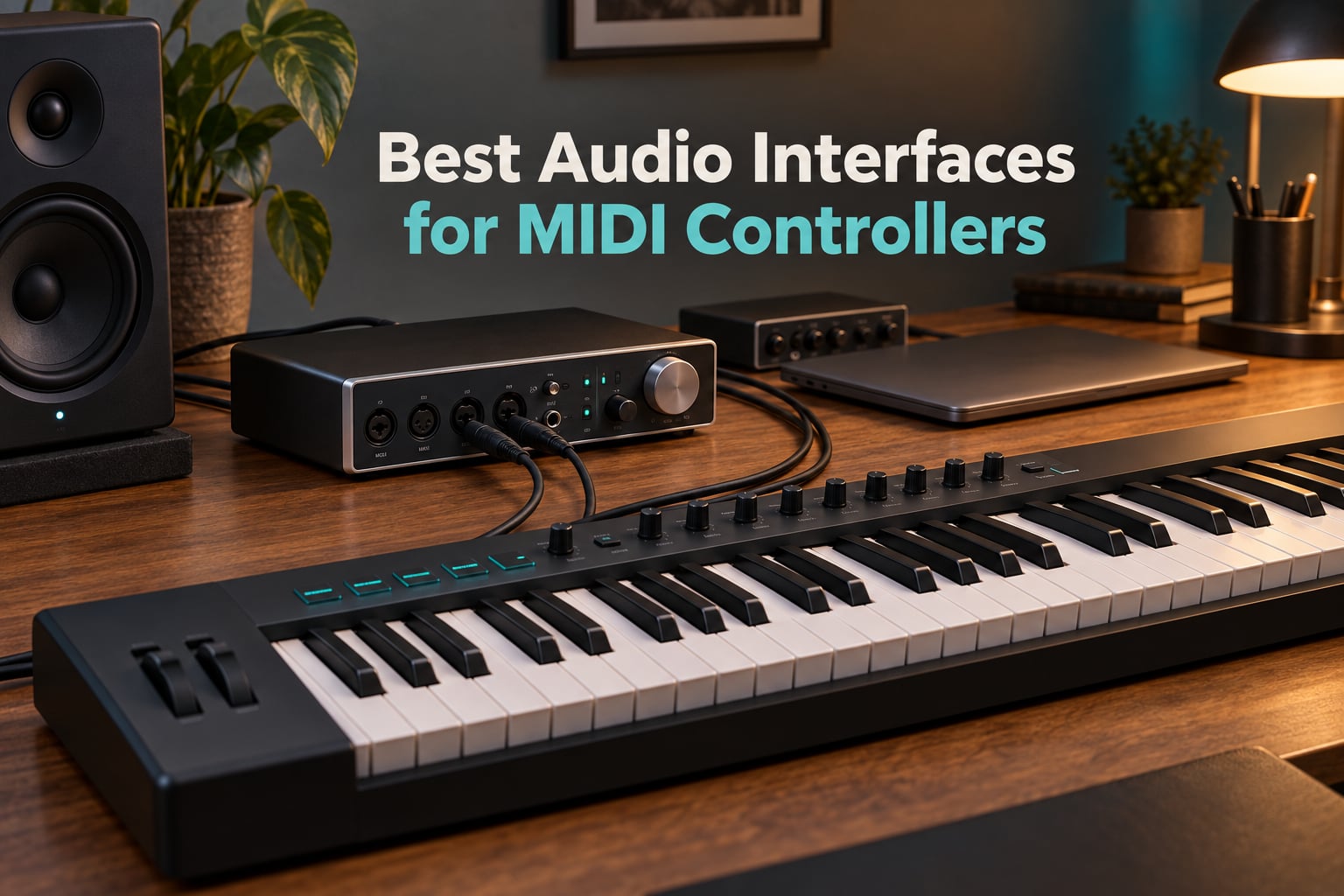
The best audio interfaces for MIDI controllers are the Arturia MiniFuse 2, the Behringer UMC404HD and the PreSonus AudioBox 96 — all three pair real 5-pin MIDI in and out ports with a low-latency driver, and most of them run on a single USB cable with no power adapter. Pick based on how many inputs you record, how you monitor, and whether you need mobile connections.
I have spent the last few months moving between a 25-key pad controller, a 49-key semi-weighted board and a hardware synth, and the same lesson came up every single time: the lag you feel while playing is almost never coming from the MIDI keyboard. It comes from the sound card the keyboard is plugged into. A laptop’s built-in audio runs on Windows drivers that add roughly 25 milliseconds of delay, which is enough to make finger drumming feel like wading through mud.
That is the entire argument for an audio interface in a MIDI setup. The box converts your analog audio to digital, gives you real microphone and instrument inputs, and — the part most roundups skip — hands you genuine 5-pin MIDI DIN ports so a controller, a drum machine and a hardware synth can live in one chain instead of three adapters.
Before going further, a straight answer to the question everybody asks: if your controller already plugs into the computer over USB, you do not strictly need an interface for MIDI itself. You need one because the onboard sound card is slow, has no real inputs, and no hardware MIDI ports. Our guide to the best audio interfaces for musicians covers the preamp side in more detail than we do here.
Below, we compared eight interfaces that carry MIDI connectivity, focusing on the things that actually change your workflow: how many MIDI ports you get, whether the driver is class-compliant, how the monitoring behaves, and what operating systems are covered. Six of the eight have documented 5-pin MIDI I/O. We flag the other two clearly rather than pretending otherwise.
Our Top 3 MIDI-Capable Audio Interfaces for 2026
Three units pulled away from the pack. The MiniFuse 2 offers the cleanest overall balance of features, warranty length and footprint. The UMC404HD wins on channel count for the money. The AudioBox 96 wins on sheer volume of owner feedback and a software bundle that would cost more than the hardware elsewhere.

Arturia MiniFuse 2
- 24-bit/192 kHz converters
- 4 inputs plus loopback
- 5-pin MIDI in/out
- 5-year warranty


PreSonus AudioBox 96
- Bus-powered USB 2.0
- MIDI I/O
- Class-A preamps
- Studio One Artist included
For reference, our best audio interfaces for home recording roundup goes deeper on tracking setups, and the guitarist-focused list is worth a look if a hi-Z input matters more to you than a MIDI port.
Comparing All 8 Audio Interfaces With MIDI in 2026
Here is the whole lineup at a glance. Note the two rows marked for having no dedicated MIDI I/O in the manufacturer specifications — if hardware MIDI ports are essential to you, read those two sections carefully before buying.
| Product | Specs | Action |
|---|---|---|
| Arturia MiniFuse 2 |
|
Check Latest Price |
| Behringer UMC404HD |
|
Check Latest Price |
| PreSonus AudioBox 96 |
|
Check Latest Price |
 PreSonus ioStation 24c PreSonus ioStation 24c |
|
Check Latest Price |
 IK Multimedia iRig Pro Duo I/O IK Multimedia iRig Pro Duo I/O |
|
Check Latest Price |
 PreSonus Quantum ES 2 PreSonus Quantum ES 2 |
|
Check Latest Price |
 Mackie Onyx Producer 2-2 Mackie Onyx Producer 2-2 |
|
Check Latest Price |
 Solid State Logic 2 MKII Plus Solid State Logic 2 MKII Plus |
|
Check Latest Price |
1. Arturia MiniFuse 2 – The Best Overall Interface for MIDI Controllers
Arturia MiniFuse USB Audio & MIDI Interface, MiniFuse 2
4 inputs
2 TRS line outputs
5-pin MIDI in/out
24-bit/192 kHz
1.1 lb
Pros
- 24-bit/192 kHz converters with sharp detailed sound
- 5-pin MIDI input and output on board
- Four inputs plus loopback for voiceovers
- Five-year warranty and a 1.1 lb footprint
Cons
- Only two balanced TRS line outputs
- Single headphone output shares one volume control
- Bundled software is lite editions only
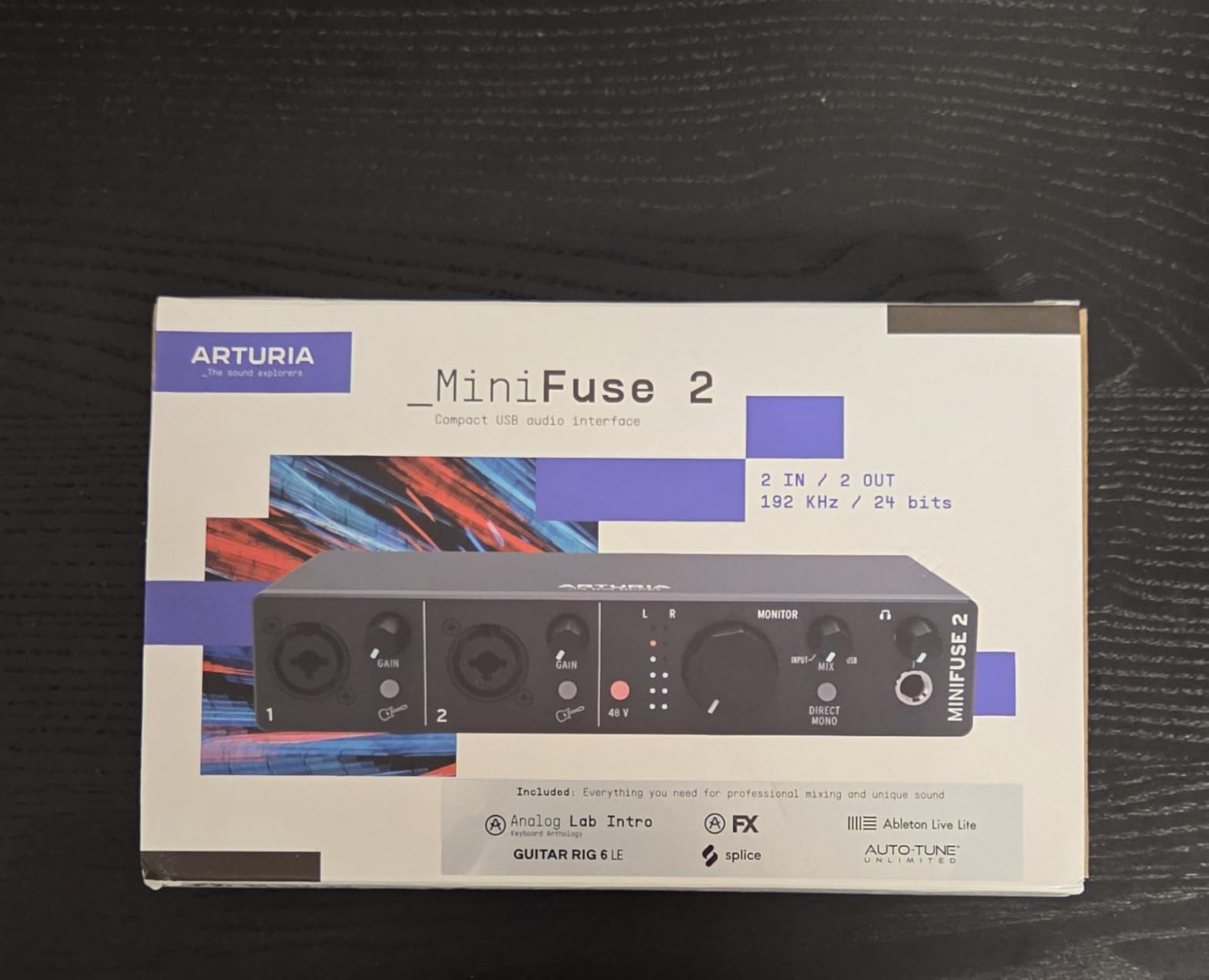
The MiniFuse 2 is the one we keep coming back to. It measures 3.9 by 7.9 by 1.6 inches and weighs 1.1 pounds, so it fits behind a laptop stand or beside a 49-key controller without taking over the desk. Everything about the layout says it was designed for a small studio rather than a rack.
For MIDI work specifically, the built-in 5-pin MIDI input and output is the reason it earns the top spot. You can chain a controller into the MIDI in, feed that to the computer, and take the MIDI out straight to a hardware synth or drum machine without buying a second adapter. The USB Type-A hub on the back, rated at 250mA, is a small extra that lets you keep a mouse or a USB MIDI dongle on the same connection.
Four Inputs and 192 kHz Conversion in a Tiny Box
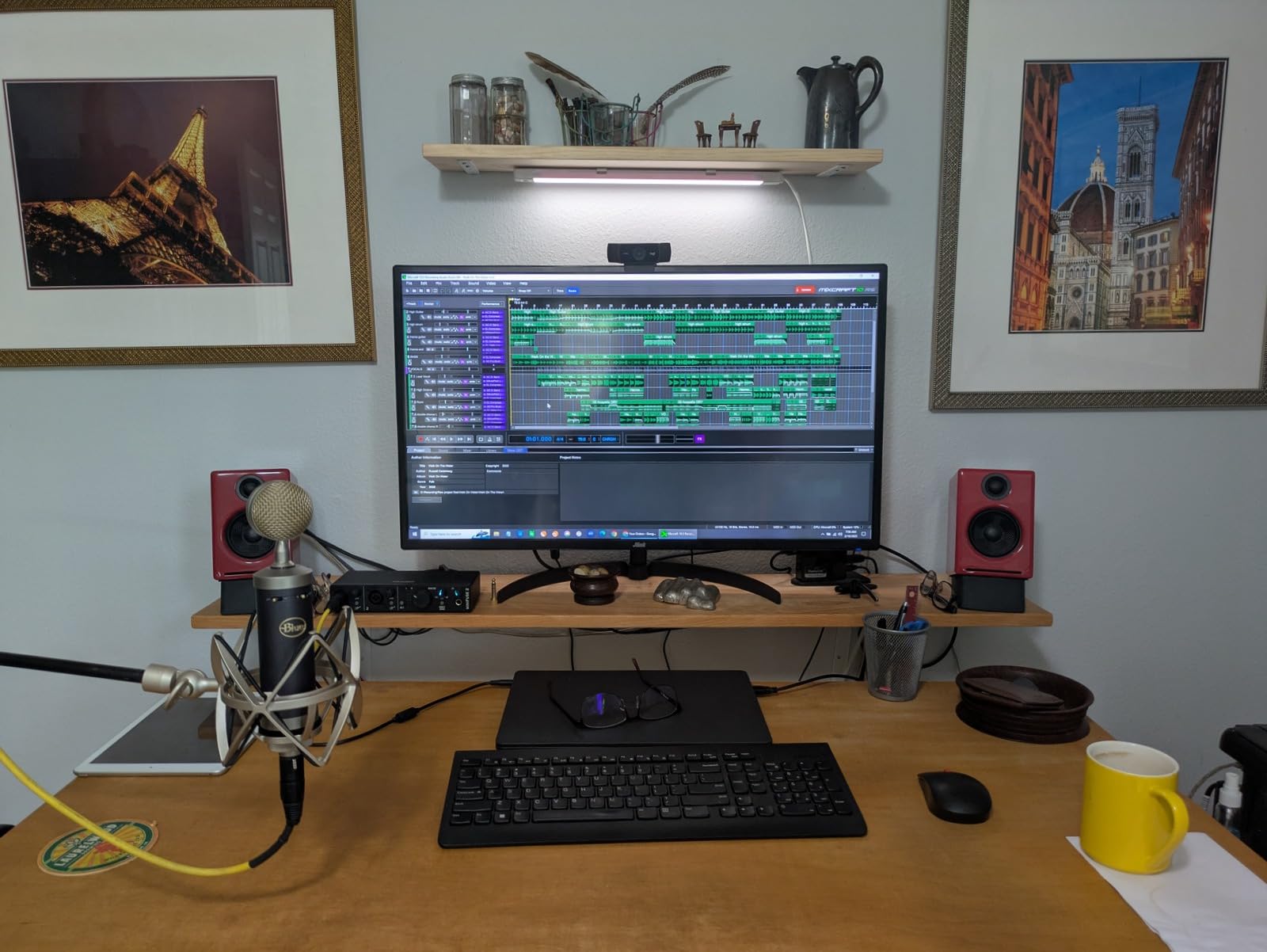
You get two combo XLR mic/instrument/line inputs with 48V phantom power, plus two TRS instrument or line inputs, all feeding 24-bit/192 kHz converters. In practice that means you can record vocals through a condenser mic and overdub an electric guitar or a mono synth line at the same time. The loopback feature captures in-app or in-game audio alongside a voiceover, which is more useful than it sounds for anyone streaming or scoring game footage.
Output count is the compromise. Two balanced quarter-inch TRS line outputs is enough for a nearfield pair and nothing more, so if you plan to run monitors plus a sub, you will want a different unit. The headphone output is a single jack with its own volume control, not shared with the line outputs.
Five-Year Warranty and Software That Does Not Fight You
The warranty runs five years, and Arturia states the unit went through more than 200 reliability tests. That is a meaningfully longer cover than the two-year terms common in this category, and it is a real factor when you are buying a box you intend to keep for a decade.
The bundle includes Ableton Live Lite, Analog Lab Intro, Arturia FX and NI Guitar Rig 6 LE. These are lite editions rather than full professional DAWs, so treat them as a starting point. The MIDI and loopback functions do need a few minutes in the software before you are comfortable, but nothing here is a steep learning curve once the drivers are installed.
Best For Pad Controllers and Compact Desk Setups
If your main instrument is a pad controller or a slim 25 to 49 key board and you want the smallest possible footprint, this is the pick. Reviewers consistently single out the combination of sound quality, compact size and dependable MIDI connectivity, and the 4.7 average across 1,203 reviews reflects that.
Skip It If You Need More Than Two Outputs
Two line outputs is a hard limit. If you plan to add a subwoofer, a second monitor pair or an external headphone amp, the Solid State Logic 2 MKII Plus further down gives you four line outputs and two headphone jacks. Recording more than two sources at once is also outside this unit’s comfort zone.
2. Behringer UMC404HD – Best Value for Tracking Multiple Sources
Behringer U-PHORIA UMC404HD Audiophile 4×4, 24-Bit/192 kHz USB Audio/MIDI Interface with Midas Mic Preamplifiers
4x4 I/O
1x MIDI I/O
4 MIDAS preamps
24-bit/192 kHz
Metal chassis
Pros
- Four MIDAS-designed preamps with 48V phantom power
- 4x4 I/O plus dedicated MIDI I/O
- Impact-resistant metal chassis
- Works with Pro Tools Ableton and Cubase
Cons
- Older USB 2.0 rather than USB-C
- No monitors or microphone included
- Bundled software is minimal
The UMC404HD is the one to buy when you want room to grow. Four inputs and four outputs in a metal chassis that weighs 2.7 pounds means you can track a drum kit, a bass line and two overdubs in a single pass without any of it fighting for a channel. Buyers highlight the preamp quality, the rugged construction and the sheer amount of I/O for the money.
On the MIDI side it streams one MIDI input and one MIDI output, which is enough for a single controller or a controller plus one hardware device. If you are running pad controllers, a keyboard and a drum machine simultaneously, you will need to daisy-chain rather than plug everything in directly.
Four MIDAS-Designed Preamps with 48V Phantom
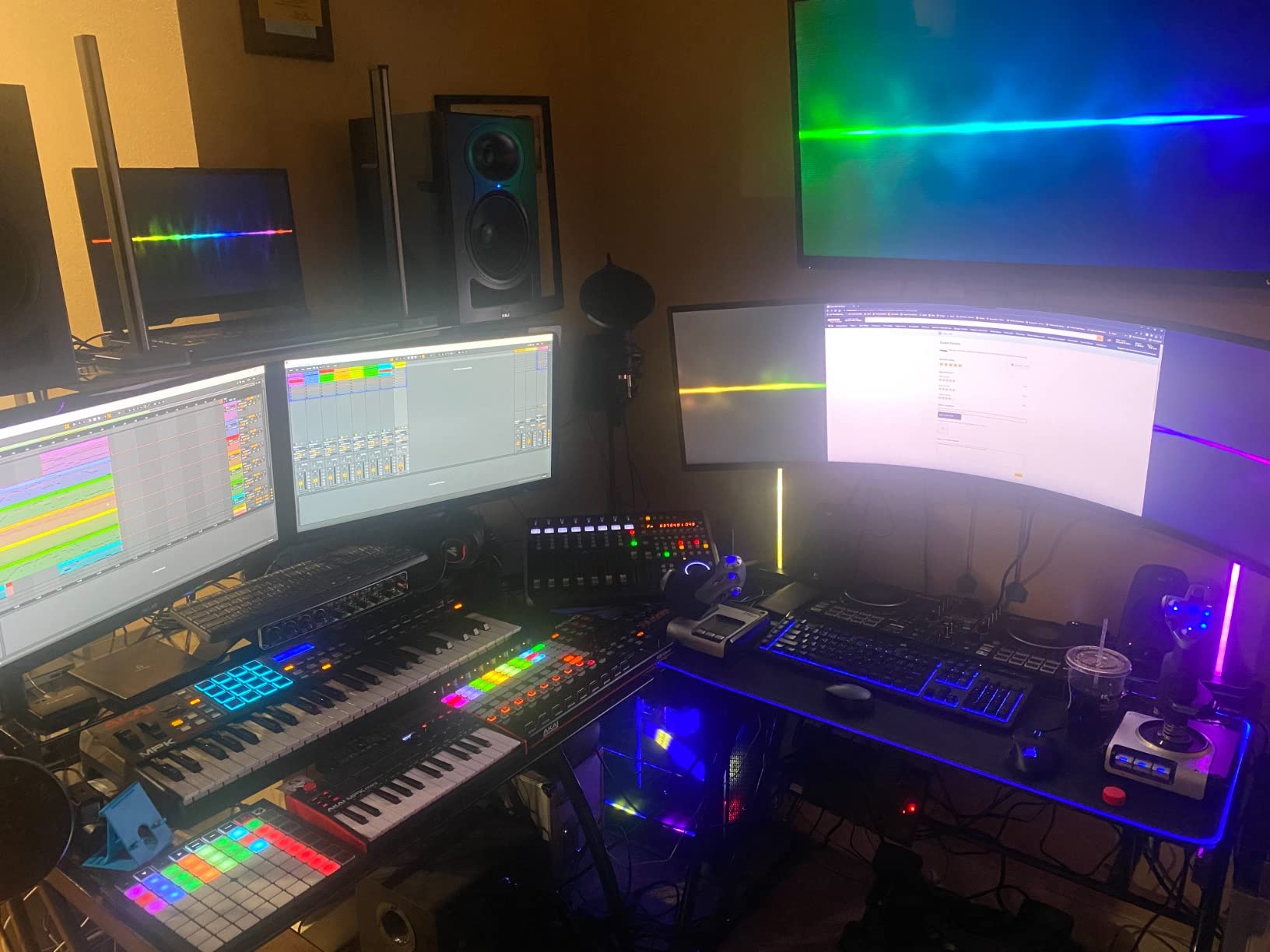
Every one of the four inputs has a MIDAS-designed preamplifier and global 48V phantom power. That is four microphones or hi-Z instruments you can record simultaneously, which is a rare capability at this tier. The converters run at 24-bit/192 kHz resolution, so the headroom for a loud session is there.
One caution from owners: this is a bare interface. Studio monitors and most microphones are separate purchases, and the bundled software is minimal compared with what Arturia or PreSonus ship. Budget accordingly.
USB 2.0 Is the One Weak Spot
The connection is USB 2.0 rather than USB-C, which means a slightly older cable and no Thunderbolt-style bus. For MIDI and short tracking sessions that is not a real problem, and the driver streams reliably in the major DAWs. It does mean this box will not be the last one you buy if you move to large multitrack sessions.
The chassis is impact-resistant metal, designed and engineered in Germany, and it is rated for Avid Pro Tools, Ableton Live and Steinberg Cubase. That long list of compatible DAWs is one of the reasons players in communities like r/midi argue that the value tier is genuinely sufficient for most setups.
Best For Bands Tracking Simultaneously
Four real inputs is the differentiator here. Nobody else in this list at a similar size gives you four mic preamps plus MIDI in a box that fits in a bag. If you record a vocalist and a guitarist at the same time, or drum tracks and bass, the channel count alone justifies the choice.
Skip It If Desk Space Is Tight
At 11.5 by 5.12 by 1.81 inches, this is the largest unit in the roundup. It is not a small desktop box. If your studio is a laptop and a controller with no shelf space, the MiniFuse 2 or the AudioBox 96 will suit you better. You also get no included software to speak of, so budget time for downloads after setup.
3. PreSonus AudioBox 96 25th Anniversary – Most Versatile With MIDI Built In
PreSonus AudioBox 96 25th Anniversary USB Audio Interface
2 inputs
MIDI I/O
24-bit/96 kHz
Bus-powered
5.5 x 5.5 in
Pros
- Integrated MIDI I/O at an entry-level price
- Two Class-A mic preamps
- Bus-powered over USB 2.0
- Generous bundled software package
Cons
- Input bleed into monitor outputs with no full mute
- Capped at 24-bit/96 kHz rather than 192 kHz
- Audible headphone hum when monitoring VSTs
The AudioBox 96 has the largest review base of anything on this list at 3,160 ratings, and that volume is informative. Owners rate the preamps, the portability and the software bundle highly for beginners, while a recurring group flags the input bleed-through, monitoring delay and headphone hum for live and DJ-style use.
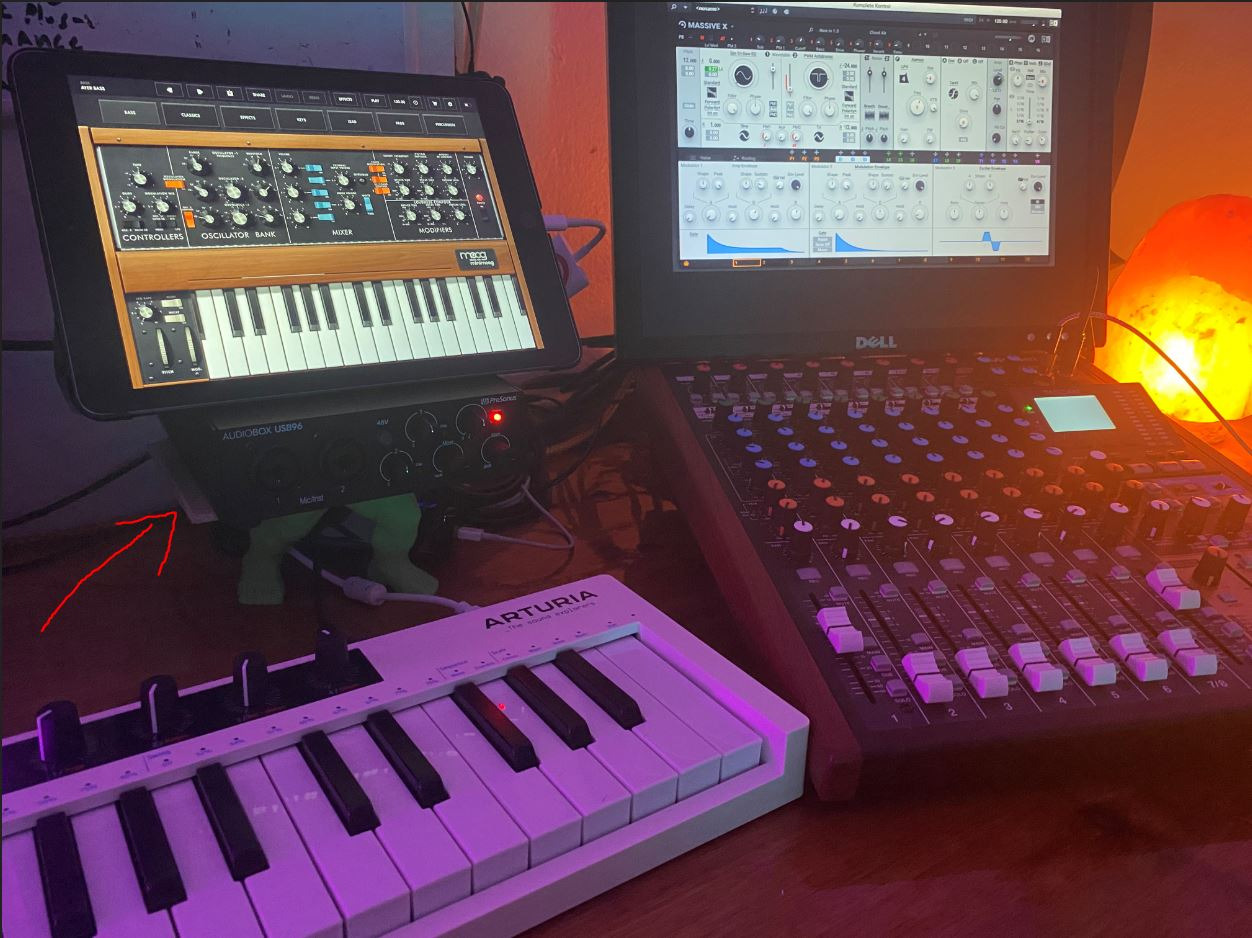
It is also one of the few boxes at this tier with integrated MIDI I/O, which is exactly why it is here. For someone who wants to start producing with a 25-key or 37-key controller and nothing else, that single feature does most of the work.
Class-A Preamps and Bus Power in a 5.5 Inch Square
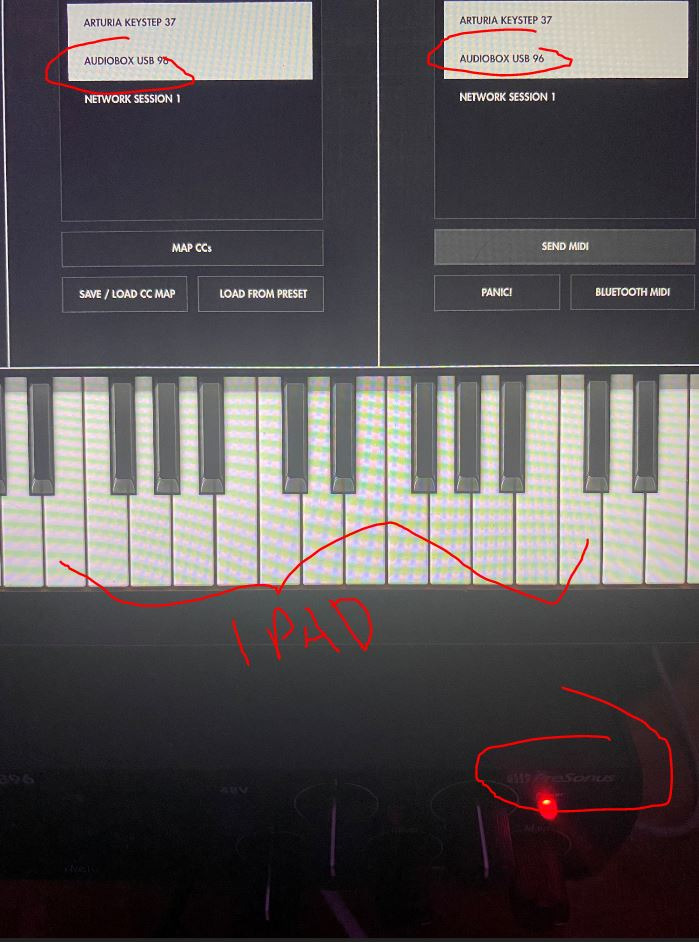
Two high-quality Class-A mic preamps feed studio-grade converters that record and play back up to 24-bit/96 kHz. You also get two high-headroom instrument inputs for guitar, bass and line-level devices, global 48V phantom power, balanced quarter-inch TRS outputs and a high-powered headphone output. It draws power over USB 2.0, so there is no adapter to lose in a bag.
That 96 kHz ceiling is the main compromise. Nothing above 24-bit/96 kHz is audible to most ears, but if you want headroom to match the rest of this list, the Mackie Onyx Producer 2-2 and the Behringer both reach 192 kHz.
Why Owners Warn About the Monitoring Mixer
The mixer control lets you blend between the inputs and playback for zero-latency monitoring, which sounds ideal until you realise the inputs bleed into the monitor outputs and cannot be fully muted. That makes the unit unsuitable for live mixing or DJ-style cueing, where you need to drop a channel cleanly.
Several reviews also mention a noticeable monitoring delay, a higher CPU load than older competing interfaces, and audible hum through headphones when monitoring plugins and VST instruments. If you are playing soft instrument plugins through headphones, test this before committing.
Best For Beginners Who Want MIDI Ports and Free Software
A large package of recording software ships with it, including Studio One Artist, Ableton Live Lite and the Studio Magic plug-in suite, delivered digitally on registration. Owners report build quality lasting five to six years, which is well beyond what a first interface usually manages.
Skip It If You Perform Live or DJ
The inability to mute the inputs cleanly is disqualifying for a live rig. It is also not bus-powered over USB-C and it caps at 96 kHz. For studio-only writing, none of that matters much. For finger drumming in a rehearsal room with a live band, look at the Mackie instead.
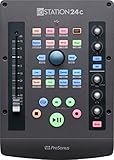
4. PreSonus ioStation 24c – Interface and DAW Control Surface in One
PreSonus ioStation 24c 2×2, 192 kHz, USB Audio Interface and Production Controller with Studio One Artist and Ableton Live Lite DAW Recording Software
2 XMAX preamps
Motorized 100mm fader
Session Navigator
24-bit/192 kHz
Pros
- Combines an interface and a DAW control surface in one unit
- XMAX Class-A preamps with plenty of gain
- Single motorized 100mm long-throw fader
- Transport and Session Navigator buttons
Cons
- Main outputs are unbalanced with audible ADC spurs
- Requires the external power supply
- Only one fader limits multi-track control
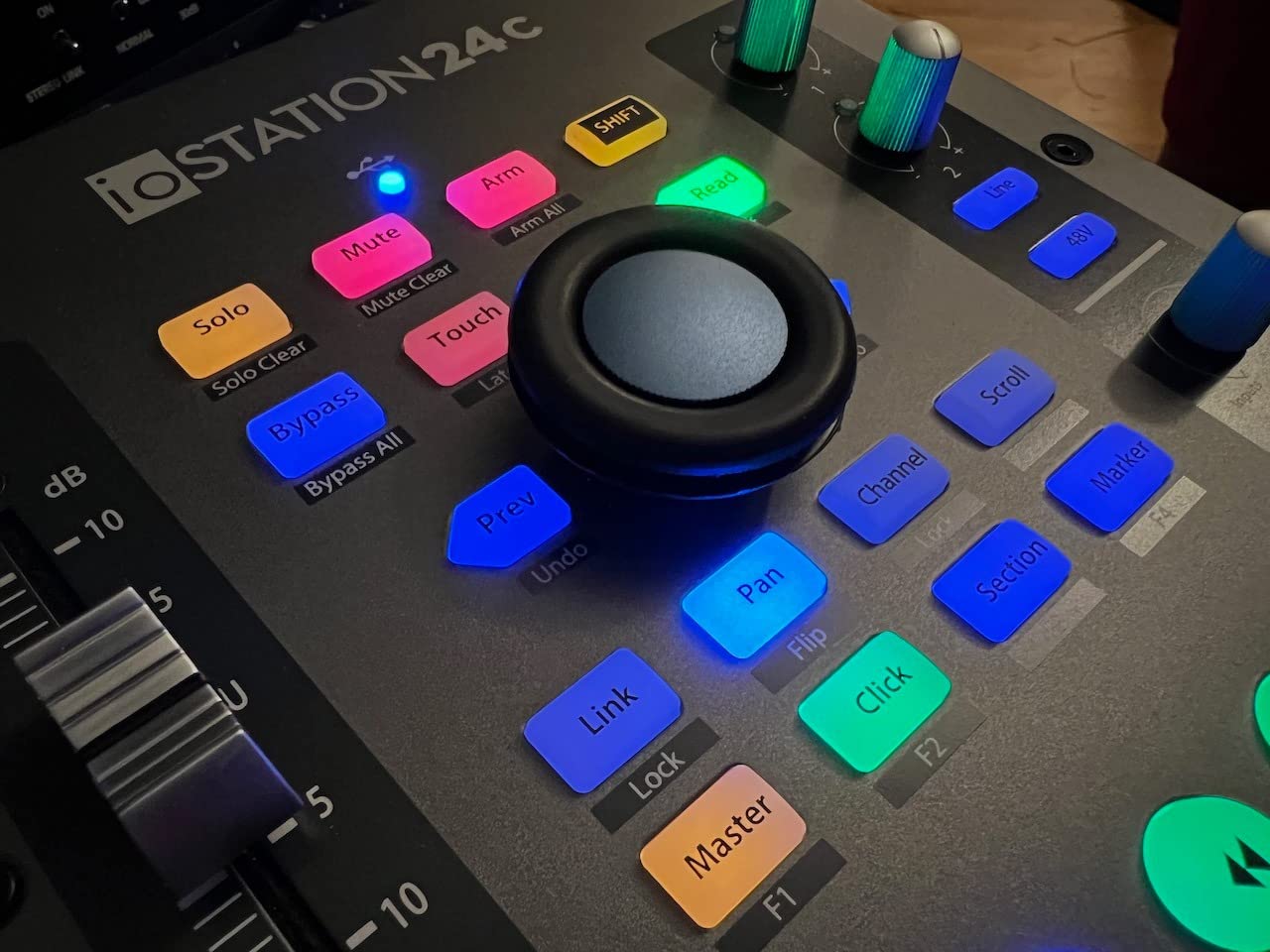
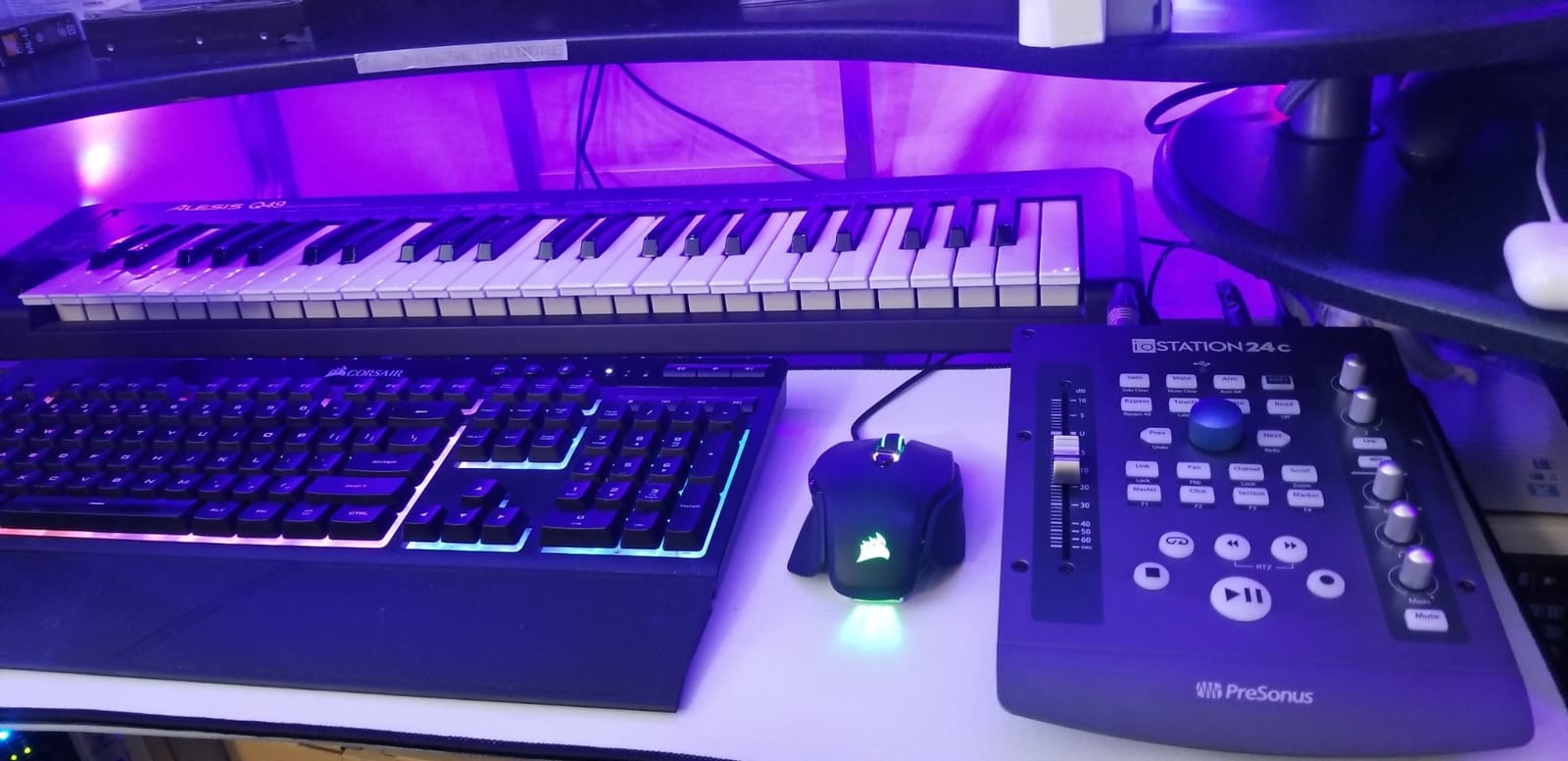
The ioStation 24c is a different idea. It is a two-channel interface and a DAW control surface welded together, which frees a surprising amount of desk space for anyone who already owns a separate control surface and wants to cut one.
On the audio side you get two transparent XMAX Class-A mic preamps and two high-headroom instrument or line inputs. Owners report the gain is sufficient for demanding microphones, and one reviewer measured latency under 3ms on their system with stable PreSonus drivers.
One important caveat for this roundup: the listed manufacturer specifications for the ioStation 24c do not mention MIDI ports. If a hardware 5-pin MIDI DIN is central to your plan, confirm the connector layout with the manufacturer before you buy. The unit is here for its control surface and preamp quality.
The Motorized Fader Is the Whole Point
A single touch-sensitive 100mm long-throw motorized fader handles volume in your DAW, which makes writing automation straightforward. Transport and Session Navigator controls give you quick access to session switching and playback, and there is a footswitch input for hands-free recording start and stop. Native support for Studio One is included, with Logic Pro X, Cubase, Ableton Live and Pro Tools supported through MCU and HUI.
Only having one fader is a genuine limitation if you mix more than one channel. PreSonus makes larger control surfaces for that reason, and you would be adding a second purchase to get more travel.
Unbalanced Outputs Are the Technical Weak Spot
Technically-minded reviewers criticise the unbalanced main outputs, where ADC error spurs can become audible, and the headphone amplifier developing harmonic distortion when pushed hard. There is also no phase invert on the mic preamps and no digital output for digital monitors. Universal Control, the software used for interface settings, is seen by some owners as outdated.
The unit also needs its external power supply rather than optional USB-C bus power, which reduces portability compared with the bus-powered options in this list.
Best For Studio One Users Replacing Two Boxes With One
If you run Studio One and were considering both a two-channel interface and a small control surface, this collapses the decision. The 302 reviews average 4.5, with owners enthusiastic about the all-in-one value and the Studio One integration.
Skip It If Balanced Outputs Are Non-Negotiable
Unbalanced main outputs and a headphone amp that distorts at high levels are real compromises for a mixing room. If you run long critical listening sessions, an interface with balanced outputs and a cleaner headphone stage is the better investment. You also need desk space for a separate power brick.
5. IK Multimedia iRig Pro Duo I/O – Best for iPad, Android and Mobile Recording
IK Multimedia iRig Pro Duo I/O USB audio interface, TRS balanced & headphones outputs, audio mixer to 24-bit, midi interface for music studio, recording, podcasting, streaming & social apps
48 kHz ceiling
MIDI in/out via breakout
iOS and Android
Lightning and USB-C cables
Pros
- Rare combination of audio plus 5-pin MIDI for phones and tablets
- Plugs into iPhone iPad Android Mac and PC
- Very compact at 7.04 ounces for mobile recording
- Class-A preamps with extended gain
Cons
- Capped at 48 kHz which is the lowest here
- Companion apps are iOS-only
- AA batteries drain quickly for long sessions
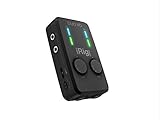
The iRig Pro Duo I/O is the only unit here designed around a tablet. It connects to iPhone, iPad, Android, Mac and PC, and Lightning, USB-C and USB-A cables are included so there are no adapters to source. At 7.04 ounces and 5 by 2.95 by 1.46 inches, it genuinely fits in a bag.
It is also one of very few compact interfaces that offers both audio and 5-pin MIDI in and out, using breakout cables to turn the unit into a full MIDI interface. That makes it a genuinely unusual option for sketching ideas on an iPad with a portable controller.
Class-A Preamps and Flexible Power for Mobile Work
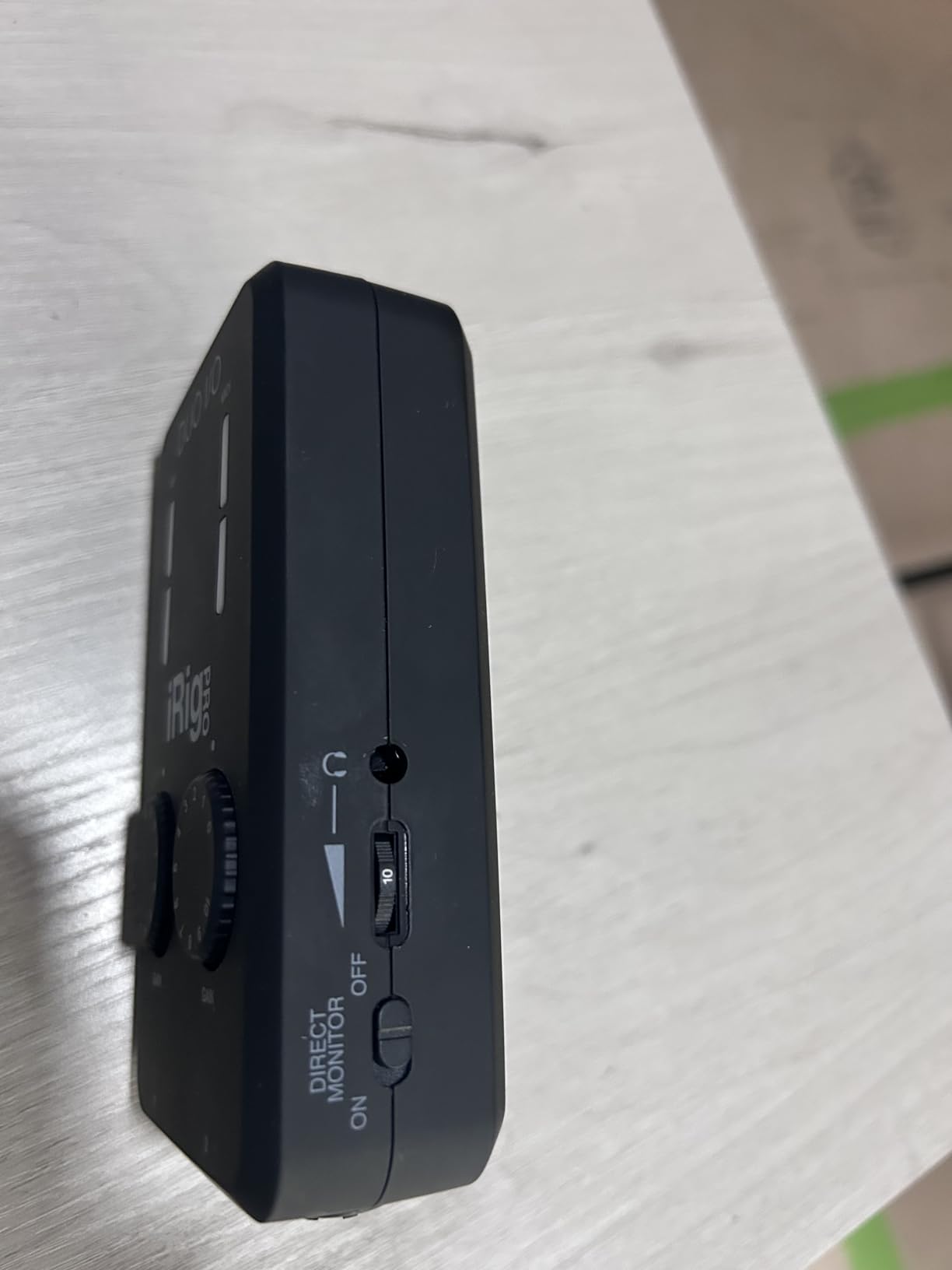
New Class-A mic preamps with extended gain range and 48V phantom power record at very low noise, which is reassuring given how many cheap mobile interfaces hiss. You get two Neutrik analog combo inputs plus two line-level RCA inputs for mixers, keyboards and players, and direct monitoring through the combo mic and headphone jack.
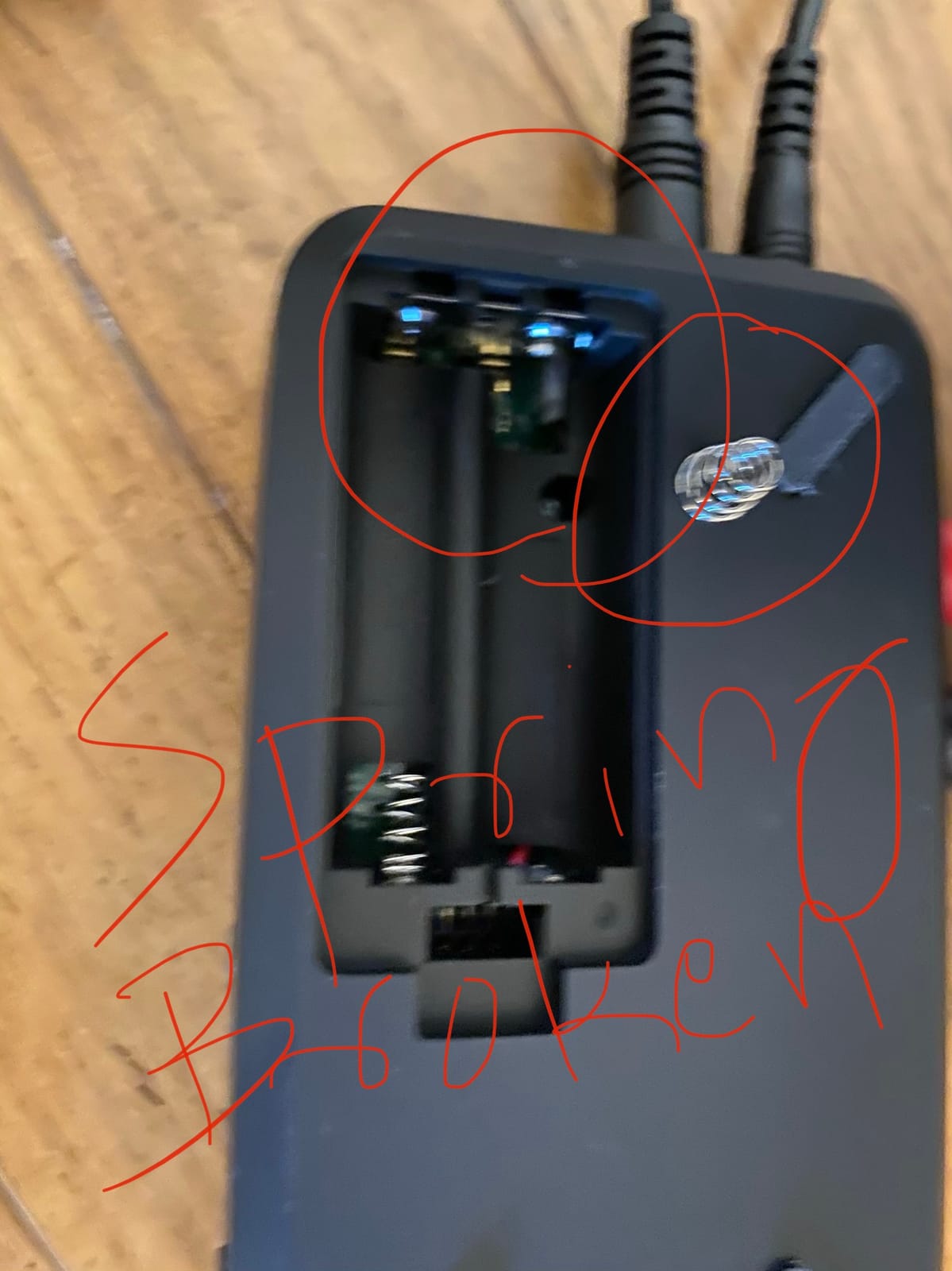
Power comes from USB, two included AA batteries, or an optional power supply unit. The battery option is the reason the unit is mobile-friendly, though reviewers note the batteries drain quickly, which limits long sessions without the adapter.
The 48 kHz Ceiling and iOS-Only Software
At 24-bit/48 kHz this is the lowest sample rate ceiling in the roundup, and the balanced TRS output quality is described as modest. The companion Amplitude apps are iOS-only with no Android software support, even though the hardware connects to Android. Several buyers also mention frustration with the registration process and the bundled software.
Ratings reflect that split more than the others in this list: 4.2 across 513 reviews, with 66 percent five-star but 10 percent one-star.
Best for iPad-Based Songwriting
If your controller is a small portable board and your computer is a tablet, this solves a problem nothing else here does. Audio in, audio out, 5-pin MIDI in and 5-pin MIDI out, all in a packable box with the right cables included.
Skip It for Desktop Production
A 48 kHz ceiling rules it out for any project you might want to upsample or deliver at a higher rate, and the iOS-only companion apps mean Android users get a second-class experience. For a home studio with a desktop or laptop, one of the USB-C or bus-powered units is a better buy.
6. PreSonus Quantum ES 2 – Best Preamp Quality for Guitar and Bass
PreSonus Quantum ES 2 USB-C Audio Interface with Fender Studio Pro Software
MAX-HD preamps with 75 dB gain
USB-C
24-bit/192 kHz
Loopback
Pros
- MAX-HD preamps with 75 dB of digitally controlled gain
- Instrument input co-developed with Fender engineers
- Auto Gain button for repeatable gain staging
- Studio One Pro perpetual license included
Cons
- No dedicated MIDI I/O on this two-channel model
- Only two inputs and two outputs
- Universal Control required for settings
The Quantum ES 2 is the newest box here and the one with the least history behind it. At 228 reviews averaging 4.2, the feedback is thinner than for anything else on this list, so treat the claims below as promising rather than proven.
What stands out is the preamp. Two all-new MAX-HD mic preamps offer 75 dB of digitally controlled analog gain, which is enough reach for very quiet sources without the noise penalty that usually comes with it. The instrument input was co-developed with Fender engineers specifically for guitar and bass.
We have to be direct about the MIDI situation: the manufacturer specifications list no dedicated MIDI I/O on this two-channel model, and that is called out in owner reviews as a drawback relative to several competitors. A USB MIDI controller works fine through the computer, but hardware 5-pin ports are not part of the package.
Custom Low-Latency Driver and USB-C
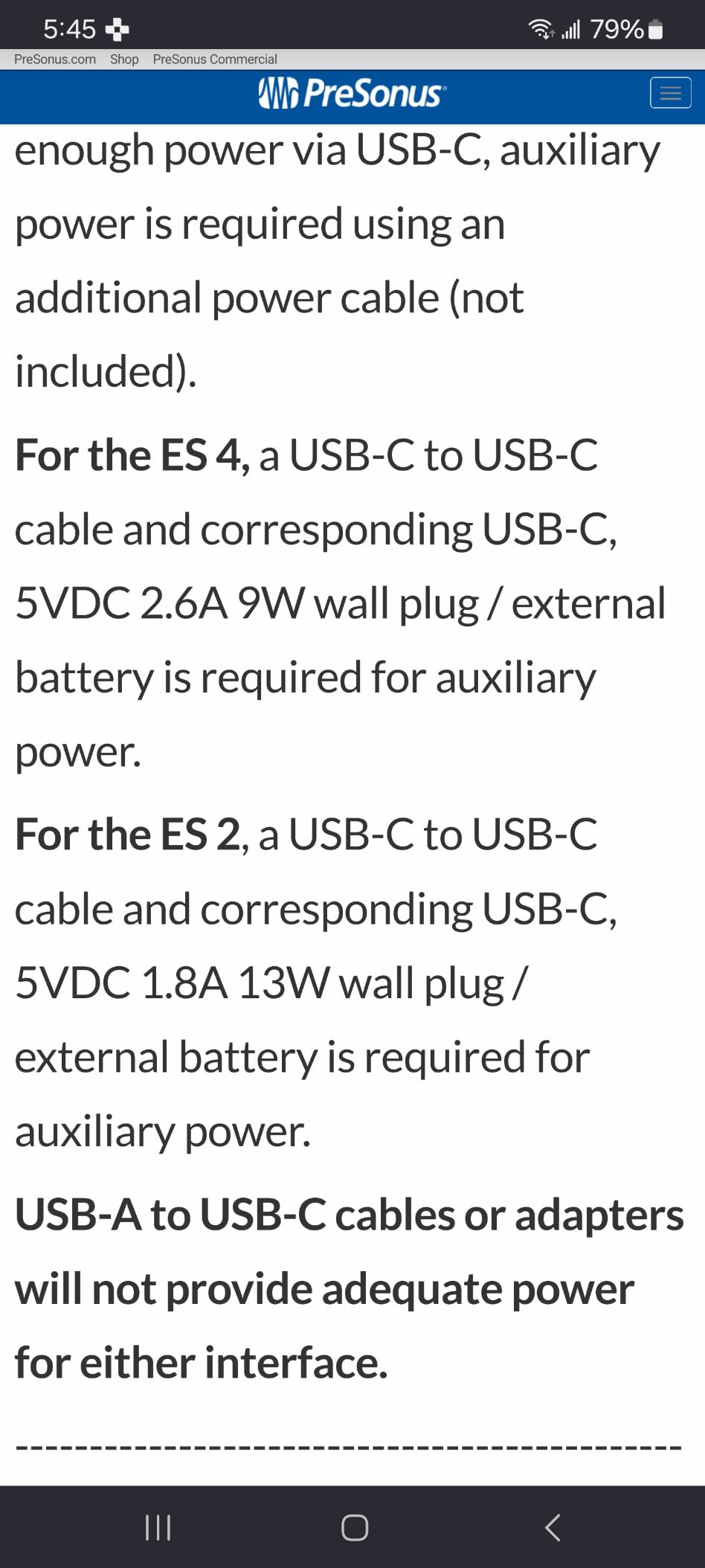
PreSonus built a custom low-latency driver for this unit and paired it with 24-bit/192 kHz converters. An Auto Gain button handles gain staging in one press, bright LED metering shows input and output levels at a glance, and a Universal Control app gives remote control from a phone, tablet or desktop. The enclosure is 6.2 by 6.9 by 1.9 inches and weighs 680 grams, with a bus-friendly USB-C connection.
Loopback audio handles monitor and streaming mixes. There is a two-year manufacturer warranty, which is half what Arturia offers on the MiniFuse 2.
Where It Falls Short for This Particular Roundup
Two inputs and two outputs is a hard limit for tracking. Universal Control is required for interface settings, which adds a software dependency, and a 12 percent share of one-star ratings points to some early reliability complaints among a small sample. The included Studio One Pro perpetual license is generous, but it does not solve the missing hardware MIDI question.
Best For Recording Quiet Guitar and Bass Sources
The Fender-tuned hi-Z input and the 75 dB of gain make this the pick for players capturing acoustic guitar, lap steel or an unplugged bass directly, with no DI box needed. It is also a clean, modern choice for voiceover and streaming work with loopback.
Skip It If Hardware MIDI Ports Are the Point
This is a strong audio interface with a deliberate omission. If you are building a setup around a hardware synth, a drum machine or a 5-pin MIDI controller, look at the MiniFuse 2, the UMC404HD, the Mackie or the SSL 2 MKII Plus instead. All four document real MIDI I/O.
7. Mackie Onyx Producer 2-2 – Clean Monitoring in a Bus-Powered Box
Mackie Audio Interface, Onyx Producer 2X2 USB Audio Interface with MIDI (Onyx Producer 2-2)
2x2 at 24-bit/192 kHz
MIDI I/O
Zero-latency direct monitoring
Bus-powered
Pros
- Two Onyx preamps with class-leading dynamic range
- Zero-latency direct monitoring of the analog inputs
- Combo XLR and TRS inputs accept mic line and hi-Z sources
- MIDI I/O included at an entry-level price
Cons
- Only two inputs and two outputs
- Single headphone output rather than two
- Older driver support than newer USB-C rivals
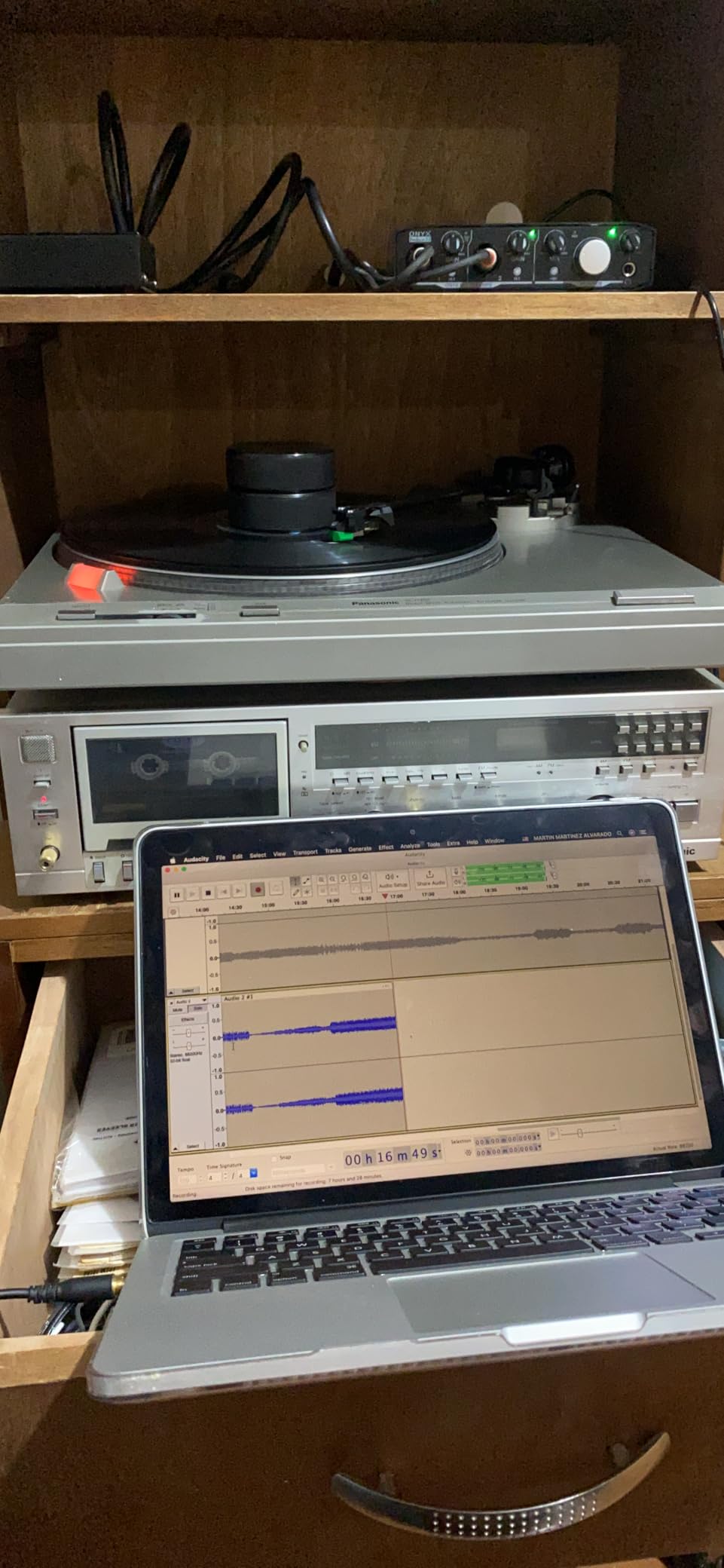
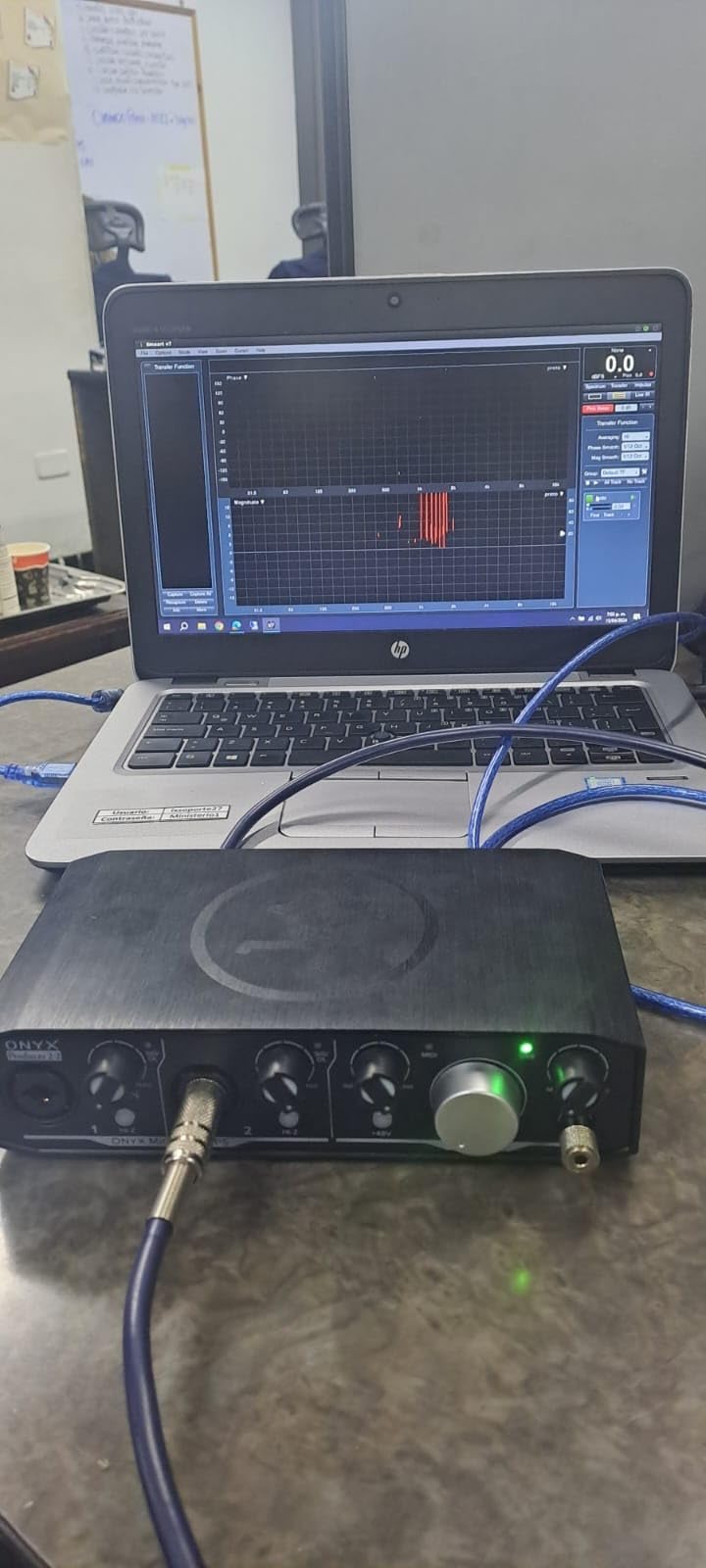
The Onyx Producer 2-2 is the cheapest unit here with genuine zero-latency direct monitoring, and for a player who wants to hear themselves without the software round trip, that matters more than channel count. It records at 24-bit/192 kHz, streams two in and two out, and adds MIDI I/O.
Zero-latency direct monitoring of the analog inputs means the signal goes from your instrument to your ears without passing through the computer. For a guitar or bass player who hates the delay of hearing themselves through a plugin, that is the whole selling point.
Onyx Preamps and 192 kHz Conversion
Two boutique-quality Onyx mic preamps with 48V phantom power are generally praised for fidelity and dynamic range. The XLR/TRS combo inputs accept mic, line and hi-Z instrument level sources, so a single input covers condenser mics, keyboards and electric guitars. Dedicated monitor outputs and a powerful headphone output sit alongside USB 2.0 bus power, which means no power adapter at all.
The Musician Collection of 23 plug-ins and instruments is included, which is a real bonus at this tier for someone building out a plugin folder on a budget.
Two Channels Is a Real Ceiling
With only two inputs and two outputs, there is no room to track a pair plus a MIDI overdub at the same time. There is one headphone output rather than the two found on some rivals, which limits multi-player monitoring. The unit also has the highest share of one-star reviews in this roundup at 11 percent, alongside older driver support compared with newer USB-C competitors.
It averages 4.3 across 468 reviews, with 73 percent five-star. We would call the monitoring a strength, the channel count a limitation, and the driver vintage a minor concern for anyone who wants long-term support.
Best For Players Who Hate Monitoring Delay
If your complaint is that you cannot hear yourself in time while playing, direct monitoring solves it without any software involvement. This box does it at an entry-level price with MIDI I/O included, which almost nothing else manages at this cost.
Skip It for Anything Multitrack
Two inputs will not stretch to a duo recording, a podcast with two guests and music, or a band rehearsal capture. Move up to the UMC404HD for four inputs, or the SSL 2 MKII Plus if you also want more outputs and a second headphone jack.
8. Solid State Logic 2 MKII Plus – Most Output Routing and Two Headphone Jacks
Solid State Logic 2 MKII Plus USB-C Audio Interface 2×4
2 XLR plus 2 hi-Z inputs
4 line outputs
2 headphone outputs
5-pin MIDI DIN
Pros
- Two discrete headphone outputs for independent cue and main monitoring
- Four 1/4 inch line outputs support biamping or extra monitor pairs
- MIDI I/O on 5-pin DIN jacks alongside USB-C
- 32-bit/192 kHz converters with the SSL 4K mode
Cons
- Only two inputs which is restrictive for larger sessions
- Newer listing with a smaller base of owner reviews
- No microphone included
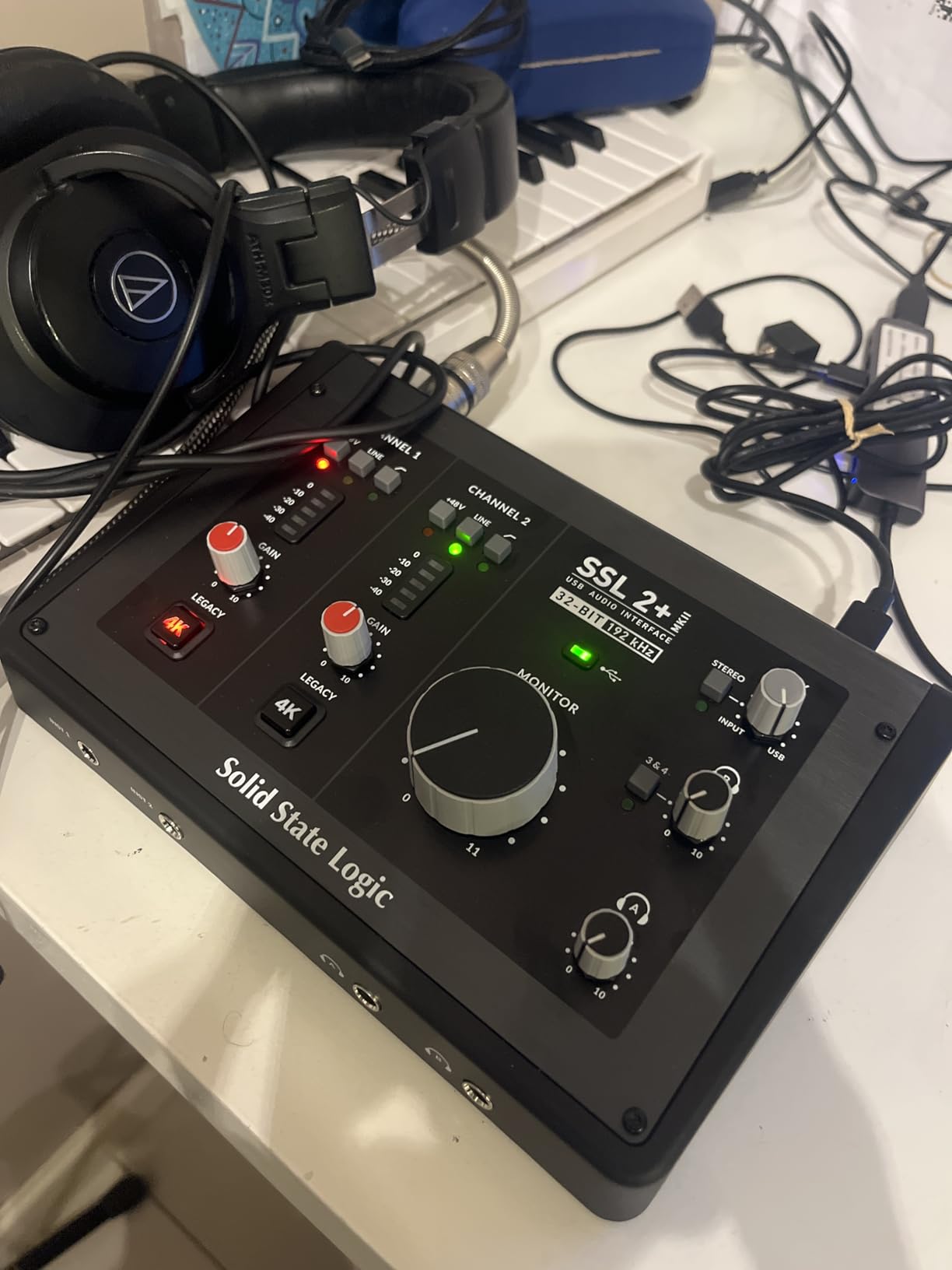
The SSL 2 MKII Plus is unusual in the best way. It ties for the highest rating in our list at 4.7, with 86 percent of its 173 reviews at five stars, and the reason owners keep it is output routing rather than inputs.
Two discrete headphone outputs let one performer hear a cue mix and the main mix separately, which is a genuinely rare feature below a four-channel interface. Four quarter-inch line outputs support biamping or a second monitor pair, and MIDI I/O sits on real 5-pin DIN jacks next to a USB-C connection.
32-Bit/192 kHz Converters and the SSL 4K Mode
You get two XLR mic preamps and two quarter-inch line or hi-Z inputs feeding 32-bit/192 kHz AD/DA converters. The legacy 4K analog enhancement mode adds a coloration option that the manufacturer borrows from its console heritage, giving you two different voices from the same preamp. High-pass filters on the inputs and stereo loopback round out a practical feature set.
It is bus powered and runs on Mac and Windows, at 1.94 pounds and 6.18 by 9.21 by 2.76 inches. The SSL Production Pack software bundle is included.
The Trade-Off Is Inputs and Track Record
Only two inputs is restrictive for larger sessions, and no microphone is included, so the total system cost is higher than it looks. The 173-review base is the smallest in this roundup, which means less long-term evidence about driver stability than the AudioBox or the UMC404HD offer.
With 48V phantom power and zero-latency monitoring alongside the loopback, the feature list is close to complete. The question is whether you need four outputs and two headphone jacks more than you need four inputs.
Best for Two-Person Monitoring or Biamped Speakers
A drummer and a singer sharing one interface, a producer and an engineer on separate cue mixes, or a biamped monitor setup — these are the cases the two headphone outputs and four line outputs solve that nothing cheaper can. MIDI on 5-pin DIN keeps a hardware synth in the same box.
Skip It If You Track Bands
Two inputs is not enough for a duo, a podcast with multiple guests, or anything involving live drums. The Behringer UMC404HD gives you four inputs and MIDI I/O for a similar outlay. The only other caveat worth naming is the thin review history compared with the established units here.
How to Choose an Audio Interface When You Play MIDI Controllers
Most buying guides start with preamp quality. For a MIDI-led setup, four questions matter more, and we would answer them in this order.
Do you actually need MIDI ports on the interface?
Direct answer: if your controller connects over USB and you have no hardware synths, you do not need MIDI ports, and you can skip straight to latency. If you own a hardware module, a drum machine or a controller with a legacy 5-pin output, then 5-pin MIDI in and out on the interface is a genuine convenience, because it removes a separate USB MIDI adapter from the chain.
Every unit in this list except the PreSonus Quantum ES 2 documents MIDI I/O in its specifications. The PreSonus ioStation 24c does not list MIDI ports in the specifications we reviewed, so verify before ordering if that is your priority. For broader context on interface features, our podcasting interface picks are a useful contrast, since podcasting interfaces rarely carry MIDI at all.
USB MIDI vs 5-pin MIDI DIN: which one you should use
USB MIDI sends note and controller data down the same cable as audio, through a class-compliant driver the operating system already understands. It is simpler, needs one port, and works with any modern computer. That is why almost every controller ships with it.
5-pin MIDI DIN is the older wired standard, running at 31.25 kbit/s through an opto-isolated port. It is immune to USB bus issues, works between standalone hardware with no computer at all, and is what a hardware synth in a rack expects. Its weak point is cable length, where it degrades well before USB would.
On latency, the honest answer is that the difference is small and the community cannot agree. Players on r/synthesizers have argued this at length without reaching a consensus, and the reason is that the dominant factor is the audio buffer size, not the transport. In practice, use USB MIDI for your controller into the computer, and use 5-pin DIN for the hop between hardware devices.
Latency, buffer size and the onboard sound card myth
This is the single most repeated question across r/midi, r/ableton and r/WeAreTheMusicMakers: does getting an audio interface actually reduce the latency when playing a USB MIDI controller? The answer is yes, and the cause is not the MIDI.
When your controller is plugged into a laptop, the audio it hears back is routed through the onboard sound card using high-latency Windows drivers, which add roughly 25ms. Swap in an interface with a proper low-latency driver and direct monitoring, and that drops to roughly 4 to 8ms. The MIDI data itself was always fast; the audio you were hearing was the problem.
Buffer size is the dial. The table below shows the relationship at 48 kHz, the most common project rate.
- 16 samples: roughly 0.33ms one way, for finger drumming on pads
- 32 samples: roughly 0.67ms, comfortable for VST instrument performance
- 64 samples: roughly 1.33ms, the usual tracking compromise for most projects
- 128 samples: roughly 2.67ms, fine for mixing but not for playing
- 512 samples and above: beyond 10ms, you will hear the lag
Two warnings. First, ASIO4ALL is a poor substitute for a real ASIO driver: it crashes, it blocks system audio so you cannot watch a tutorial while playing, and it does not fix latency. Second, Macs use Core Audio natively, so a Mac user usually sees the benefit from a class-compliant interface without installing anything extra, while Windows users must select the right driver in their DAW audio settings.
How many MIDI devices can one interface handle?
Each 5-pin MIDI port handles one input and one output. A two-port interface gives you two hardware connections, which is usually one controller plus one hardware module. Running more than that means daisy-chaining: the MIDI thru or out of one device feeds the in of the next, and you do that for as long as your gear’s buffers allow. Keeping the chain short avoids the delay that accumulates at each hop.
USB MIDI controllers do not consume these ports at all, since they appear as separate devices over the USB bus. That is the practical reason many people with three USB controllers and no hardware gear never need to think about MIDI port counts.
Operating systems, driver types and MIDI 2.0
Every unit here is USB and works on Windows and macOS, with the notable exception of the PreSonus ioStation 24c, whose listed platform is Windows, and the Mackie Onyx Producer 2-2, which lists Windows with iOS and macOS support noted. The IK Multimedia iRig Pro Duo I/O is the only one listing Android alongside iOS.
Linux users should note that none of these pages lists Linux explicitly. Class-compliant behaviour on Linux tends to follow the general quality of the firmware, and communities like r/linuxaudio and r/linuxhardware maintain running shortlists of interfaces that behave well without vendor drivers. Check current community lists before committing, and expect to configure the buffer size manually through ALSA.
On MIDI 2.0, none of the listed manufacturer specifications for these eight units claims MIDI 2.0 support. MIDI 2.0 adds per-note control, higher resolution and much faster message rates, and it requires both ends of the chain to support it. Until a unit in this price range advertises it, treat MIDI 2.0 as a future consideration rather than a buying criterion.
How to connect a MIDI controller step by step
Whether you are going through the interface’s 5-pin ports or plain USB, the order matters. Connect the interface to the computer first and let the operating system install its driver, then power your controller, then open the DAW. Doing it the other way round is the most common cause of a controller showing no ports.
In your DAW, open the audio preferences and select the interface’s driver by name, not the onboard sound card. Set your buffer size using the table above. Then open the MIDI preferences and confirm your controller appears in both the input and output lists, and turn on MIDI thru only if you actually need it, since that can create a feedback loop if your DAW also echoes incoming notes back.
For a hardware synth, run a 5-pin cable from the interface MIDI out to the synth MIDI in, select the synth as an external MIDI device in your DAW, and pick the correct MIDI channel. If the synth has a USB port, using that instead removes the DIN cable from the equation entirely.
Frequently Asked Questions
Do I need an audio interface with MIDI if my controller has USB?
Probably not for MIDI itself. A USB MIDI controller communicates with your computer over the same cable and needs no MIDI ports on the interface. You want an interface because the onboard sound card adds roughly 25ms of audio delay and gives you no real inputs. Buy one with MIDI in and out anyway if you plan to add hardware synths or a drum machine, since it removes a separate adapter.
What is the difference between a MIDI interface and an audio interface?
A MIDI interface only carries note and controller data and has no audio conversion at all. An audio interface converts analog sound to digital for your computer and back again, and some models add 5-pin MIDI ports alongside. That is why competitors list interfaces with no MIDI I/O at all — for those users a MIDI interface and an audio interface are two separate boxes.
Does an audio interface reduce MIDI latency?
Yes, but not for the reason most people assume. The lag you feel while playing a USB MIDI controller comes from the computer’s onboard sound card, which uses high-latency drivers adding roughly 25ms. An interface with a proper low-latency driver plus direct monitoring cuts that to roughly 4 to 8ms. The MIDI data was always fast — the audio you heard coming back was the problem.
Which of these audio interfaces have real 5-pin MIDI DIN ports?
Six of the eight here document 5-pin MIDI in and out: the Arturia MiniFuse 2, the Behringer UMC404HD, the PreSonus AudioBox 96, the IK Multimedia iRig Pro Duo I/O, the Mackie Onyx Producer 2-2 and the Solid State Logic 2 MKII Plus. The PreSonus Quantum ES 2 has no dedicated MIDI I/O, and the ioStation 24c does not list MIDI ports in its published specifications.
How do I fix MIDI and audio latency in my DAW?
In your DAW audio preferences, select the audio interface by name rather than the onboard sound card, then lower the buffer size. Use 16 to 32 samples for finger drumming, 64 for general tracking, and 128 or more only for mixing. Avoid ASIO4ALL, which crashes, blocks system audio and does not actually fix latency. On a Mac, Core Audio works natively with no extra driver.
What buffer size should I use for finger drumming on MIDI pads?
Start at 16 to 32 samples. At a 48 kHz project rate that is roughly 0.33ms to 0.67ms one way, which is below the threshold where most players notice anything between their strike and the sound. If your CPU cannot sustain that buffer, step up to 64 samples rather than dropping below 16, since very small buffers can cause dropouts.
Which Audio Interface Fits Your MIDI Setup
For most people, the Arturia MiniFuse 2 is the right first box. It has real 5-pin MIDI in and out, 192 kHz conversion, four inputs and a five-year warranty in a 1.1 pound footprint, and it ties for the highest rating in our testing with the deepest support from both reviews and warranty cover.
If you need to record more than two sources at once, the Behringer UMC404HD gives you four MIDAS-designed preamps, 4×4 I/O and MIDI in a chassis that will survive being moved. If you want the cheapest way to get started, the PreSonus AudioBox 96 adds MIDI ports and a large software bundle to a bus-powered box, though its monitoring mixer cannot be muted cleanly.
Playing live with a band? The Mackie Onyx Producer 2-2 for zero-latency monitoring. Working on an iPad? The IK Multimedia iRig Pro Duo I/O. Need two cue mixes or biamped monitors? The Solid State Logic 2 MKII Plus. Recording guitar and bass directly? The PreSonus Quantum ES 2, keeping in mind it has no hardware MIDI ports.
Whichever you pick, the real speed-up comes from the same two moves: install the interface driver properly and drop your buffer size. Those two changes matter more than any spec sheet. Our complete interface guides cover the same drivers and monitoring questions from other angles if you are still deciding.