
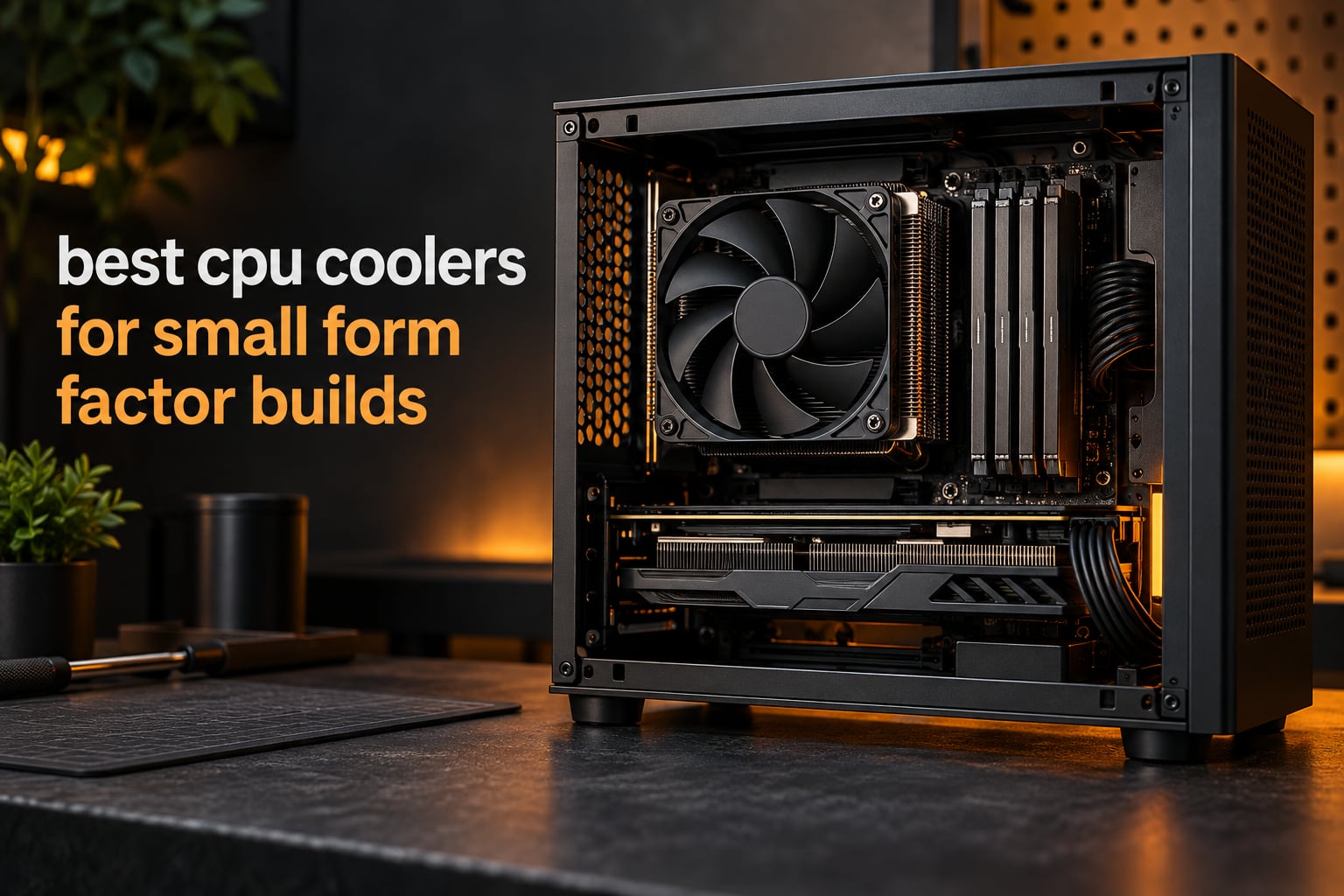
Choosing the best CPU coolers for small form factor builds comes down to one measurement most spec sheets bury: total installed height. The Noctua NH-L9x65 covers 65mm-class cases, the Thermalright AXP90-X47 Full Copper covers 47mm builds, and the Noctua NH-L9a-AM4 drops to just 37mm for the thinnest chassis. Every other decision follows from that number.
I have spent the last several months matching coolers to cramped Mini-ITX cases, 1U chassis and living-room builds, and the pattern is consistent: the cooler’s marketing page tells you what it can do, and your case manual tells you whether you can use it. Nothing else matters until those two numbers agree.
Below is a 12-cooler rundown ordered by how much room you actually have, with the heights, socket support, noise figures and RAM clearance issues that matter in a tight build. If you are still choosing a chassis, our small form factor case guide is the place to start, since the case decides the cooler, not the other way round.
Our Top 3 SFF CPU Coolers for 2026

Noctua NH-L9x65
- 65mm height
- No RAM or PCIe overhang
- NF-A9x14 92mm slim fan
- LGA1851 and AM5 support


Thermalright AXP90-X47 Full Copper
- 47mm height
- Full copper 4 heatpipes
- 22.4 dBA
- AGHP heat transfer
How to Check Your Case CPU Cooler Clearance Before You Buy
The single number that decides whether a low profile CPU cooler works for you is the case’s published maximum CPU cooler height, measured from the motherboard surface to the side panel or bracket. Full towers live in that space with 150mm or more to spare. SFF cases give you 23mm, 37mm, 45mm, 47mm, 55mm, 67mm or 70mm, depending on the design.
Three clearance bands cover almost every SFF chassis you can buy today, and each one has a different shortlist.
The 23mm to 40mm band: thin clients, 1U servers and ultra-slim HTPCs
Below 40mm you are looking at the SilverStone NT07-115X at 23mm, the Noctua NH-L9a-AM4 at 37mm, the Cooler Master MasterAir G200P at 39.4mm and the ALSEYE W90 with its 40mm heat column. These coolers handle 65W-class and 88W-class chips well and have no business being paired with a 125W processor under sustained load.
The 45mm to 55mm band: 10 to 16 litre Mini-ITX cases
This is the band where most enthusiast SFF builds land. The ID-COOLING IS-40X V3 and the be quiet! Pure Rock LP sit at 45mm, the Thermalright AXP90-X47 Full Copper is 47mm and the SilverStone RL-KR01 is 54mm. The Thermalright is the one forum builders recommend most often in this bracket.
The 65mm to 70mm band: 18 litre and larger cases such as the Fractal Terra and FormD T1
Once a case gives you 65mm or more you can move to a 120mm slim fan design. The Noctua NH-L9x65 at 65mm is the default choice, while the Noctua NH-L12S at 70mm and the Cooler Master i70C at 70mm suit cases that take a little more height. The Thermalright AXP120-X67 fits at 67mm and brings six heatpipes with it.
Fan Position Changes the Height You Need to Measure
Low profile coolers usually let you move the fan above or below the fin stack. Mounted above, the fin stack stays cooler but the total height grows by the fan’s 15mm thickness. Mounted below, the assembly shrinks by roughly 10mm to 12mm, which is the difference between fitting and not fitting in a 45mm case. Always check the low-mount figure before you order, and remember that the listed height is measured with the fan on top unless the manufacturer says otherwise.
RAM Overhang and VRM Z-Height Are the Two Most Common SFF Build Mistakes
A cooler can fit under the case limit and still clash with your memory. Wide fin stacks overhang the DIMM slots, which forces you into a low-profile RAM kit or a different cooler entirely. The Thermalright AXP120-X67 has a documented RAM clearance issue in one orientation, and it can be reversed to fix it, but you need to know before the cooler is on the board. The Noctua NH-L9x65 and NH-L9a-AM4 both advertise no RAM or PCIe overhang, which is exactly why they keep selling.
Modern AM5 and LGA1700 boards also carry taller VRM fin stacks than older models. If the VRM heatsink on the right side of the socket sits above the DIMM slots, a wide low-profile cooler can sit on top of it. Count the clearance from the top of the VRM heatsink, not from the board, when the manual is vague.
Comparing All 12 SFF CPU Coolers by Height, Socket and Noise
| Product | Specs | Action |
|---|---|---|
| Noctua NH-L9x65 |
|
Check Latest Price |
| Noctua NH-L12S |
|
Check Latest Price |
 Noctua NH-L9a-AM4 Noctua NH-L9a-AM4 |
|
Check Latest Price |
 ID-COOLING IS-40X V3 ID-COOLING IS-40X V3 |
|
Check Latest Price |
| Thermalright AXP90-X47 Full Copper |
|
Check Latest Price |
 Cooler Master i70C ARGB Cooler Master i70C ARGB |
|
Check Latest Price |
 be quiet! Pure Rock LP be quiet! Pure Rock LP |
|
Check Latest Price |
 Thermalright AXP120-X67 Thermalright AXP120-X67 |
|
Check Latest Price |
 Cooler Master MasterAir G200P Cooler Master MasterAir G200P |
|
Check Latest Price |
 ALSEYE W90 ALSEYE W90 |
|
Check Latest Price |
 SilverStone RL-KR01 SilverStone RL-KR01 |
|
Check Latest Price |
 SilverStone NT07-115X SilverStone NT07-115X |
|
Check Latest Price |
1. Noctua NH-L9x65 – The Best All-Rounder for 65mm Class Cases
Noctua NH-L9x65, Quiet High-Performance Low-Profile CPU Cooler
65mm tall
Copper heatpipes
92mm NF-A9x14 fan
23.6 dB
410g
Pros
- 65mm height fits the tightest HTPC and SFF cases
- No RAM or PCIe overhang on most current boards
- NF-A9x14 slim fan with PWM and Low-Noise Adaptor
- Six-year manufacturer warranty
Cons
- Intended for low to moderate heat dissipation CPUs
- Premium pricing versus generic low profile coolers
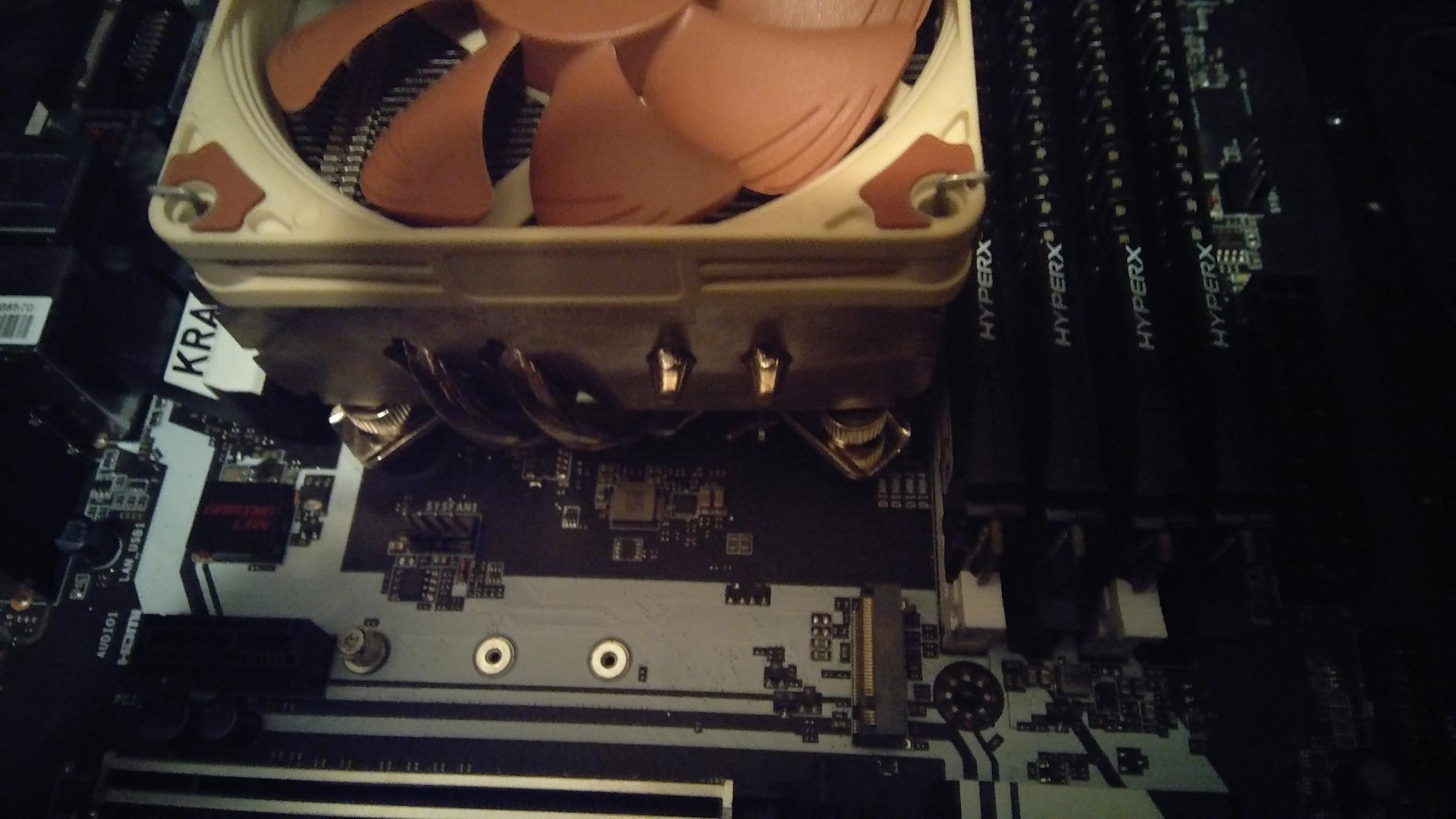
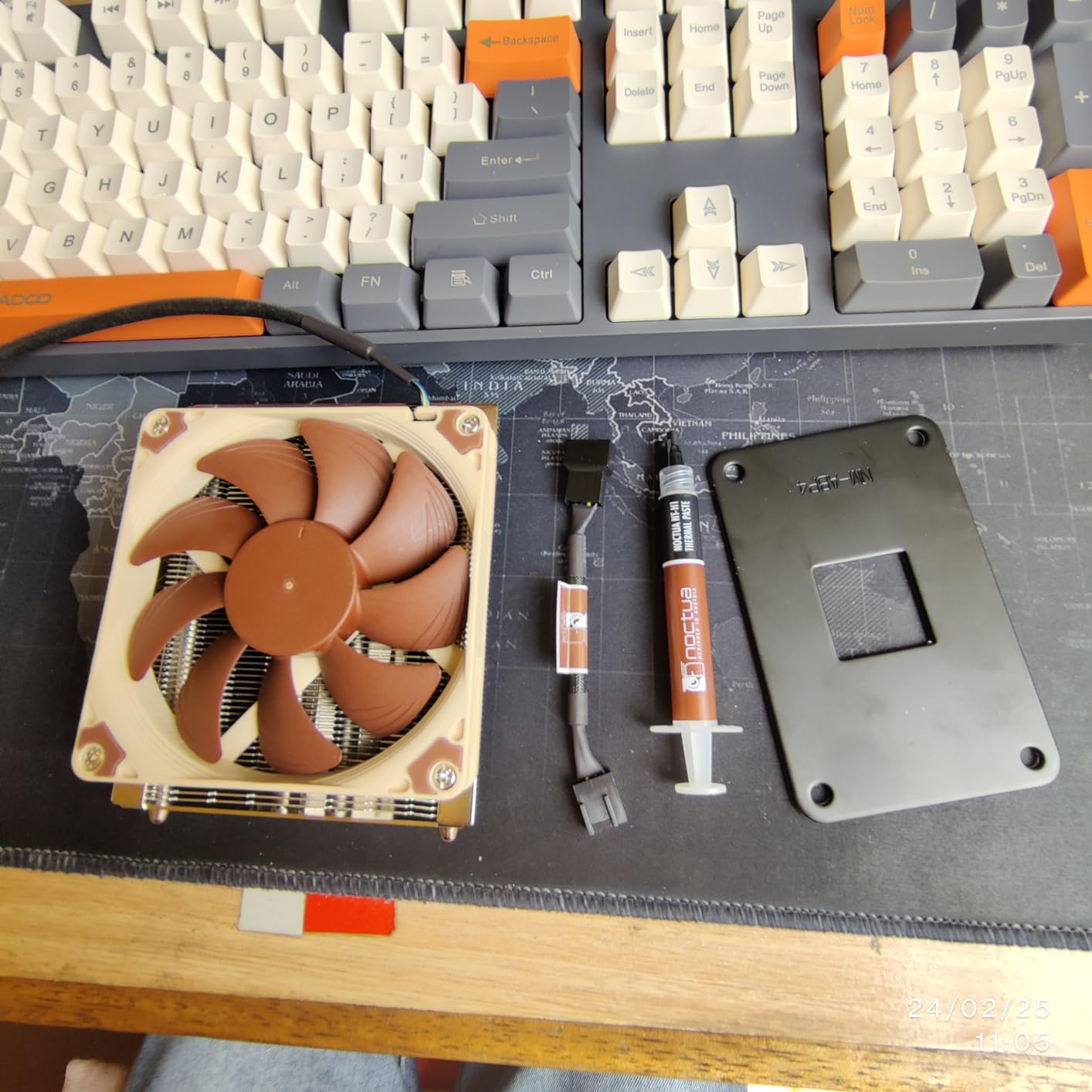
The NH-L9x65 is the cooler I return to when someone asks for one part that solves a 65mm clearance case without drama. Sixty-five millimetres of height, a 92mm slim fan and a footprint that leaves the DIMM slots and the nearest PCIe slot completely clear. Nothing about the installation fights you, and nothing about it needs a case-specific workaround.
Build quality is exactly what you would expect at this level. The copper base and heatpipes carry the load, the aluminium fins spread it, and the soldered joints with nickel plating have been the same approach for years. The listed noise figure of 23.6 dB comes with a Low-Noise Adaptor in the box, so you can dial the ceiling down without touching BIOS fan curves.
What it will not do is absorb a hot chip running flat out. Noctua describes it as a cooler for CPUs with low to moderate heat dissipation, and 2969 owner reviews averaging 4.7 stars broadly agree, with 86% of reviews at five stars. Pair it with a 65W or 88W processor and it is effortless. Pair it with a 125W part under a sustained all-core load and the fan starts to work visibly harder.
Height, Footprint and What Clears Around It
At 65mm the NH-L9x65 lands in the bracket that covers a huge share of 18 to 21 litre cases. The listing measures 3.74 inches square, and the key number is the absence of overhang: owners on Mini-ITX boards report full access to all four memory slots and the first PCIe slot without lowering a thing.
Fan Behaviour and the Noise Floor
The NF-A9x14 tops out at 2500 rpm and moves 57.5 cubic metres per hour, which is enough air for a modest chip and not enough for a hot one. Below that ceiling it is close to inaudible, which is why this cooler keeps appearing in living-room and desk-adjacent builds where acoustic quality matters more than headroom.
Socket Coverage and Mounting
SecuFirm2 covers LGA1851, LGA1700, LGA1200, LGA115x and both AM5 and AM4, so one purchase covers current and previous-generation boards. NT-H1 thermal compound is included, and the six-year warranty with long spare-part availability means a lost bracket is not a dead cooler.
Who Should Skip It
Skip it if your case takes 67mm or more and you want more thermal headroom for a 95W or 125W processor. In that situation the six-heatpipe Thermalright AXP120-X67 or the Noctua NH-L12S is the better use of the space.
2. Noctua NH-L9a-AM4 – The Reference Cooler for Sub-40mm Builds
Noctua NH-L9a-AM4, Quiet High-Performance Low-Profile CPU Cooler
37mm tall
AM4 only
92mm NF-A9x14 fan
23.6 dB
460g
Pros
- Shortest Noctua low profile option at only 37mm tall
- Full RAM and PCIe compatibility on ITX motherboards
- Quiet premium NF-A9x14 fan with PWM and Low-Noise Adaptor
- Six-year warranty with long spare-part availability
Cons
- AM4 socket only
- not compatible with Intel platforms or AM5
- Designed for moderate-heat Ryzen chips rather than high-TDP parts
Thirty-seven millimetres is the headline, and it is why this cooler still anchors sub-40mm recommendations years after release. On an AM4 Mini-ITX board there is nothing it cannot clear: memory, PCIe, the lot. 2843 reviews at 4.7 stars with 84% five-star ratings is one of the strongest review profiles in the entire low profile category.
If your processor is an older Ryzen or a current-generation desktop chip at modest power limits, this is the quiet, dependable answer. The NF-A9x14 is the same fan used in the NH-L9x65, so the acoustic character carries over directly.
The Socket Limitation Is the Whole Catch
This is an AM4-only cooler. It will not mount on LGA1700, it will not mount on LGA1851, and the mounting kit in the box does not include AM5 hardware. For a new AM5 build you need the NH-L9x65 or a different brand entirely, so check your socket before anything else.
Thermal Ceiling on Ryzen Parts
Owners consistently pair it with moderate-heat Ryzen chips rather than power-hungry ones. The 37mm fin stack has no meaningful path to move air across a 125W package, so a high-wattage Ryzen 9 in this cooler means a loud fan and high sustained temperatures.
Why It Still Earns the Recommendation
Reliability and clearance. Six years of warranty, spare parts kept in the catalogue, pre-applied-quality NT-H1 compound in the box, and a fan that never becomes the loudest thing in the room at sensible fan curves. In a thin client or a repurposed office machine, that combination is worth more than raw thermal headroom.
3. Noctua NH-L12S – Top Thermal Performance on AM5 and LGA1851
Noctua NH-L12S, Quiet High-Performance Low-Profile CPU Cooler
70mm tall
4 copper heatpipes
NF-A12x15 120mm fan
520g
Pros
- Best-performing Noctua low profile cooler with 4 heatpipes and a 120mm slim fan
- 70mm total height still fits most SFF and ITX cases
- Broad socket support including LGA1851 and AM5
- Six-year warranty with long spare-part availability
Cons
- Widest footprint of the Noctua low profile range
- Highest price in the low profile category
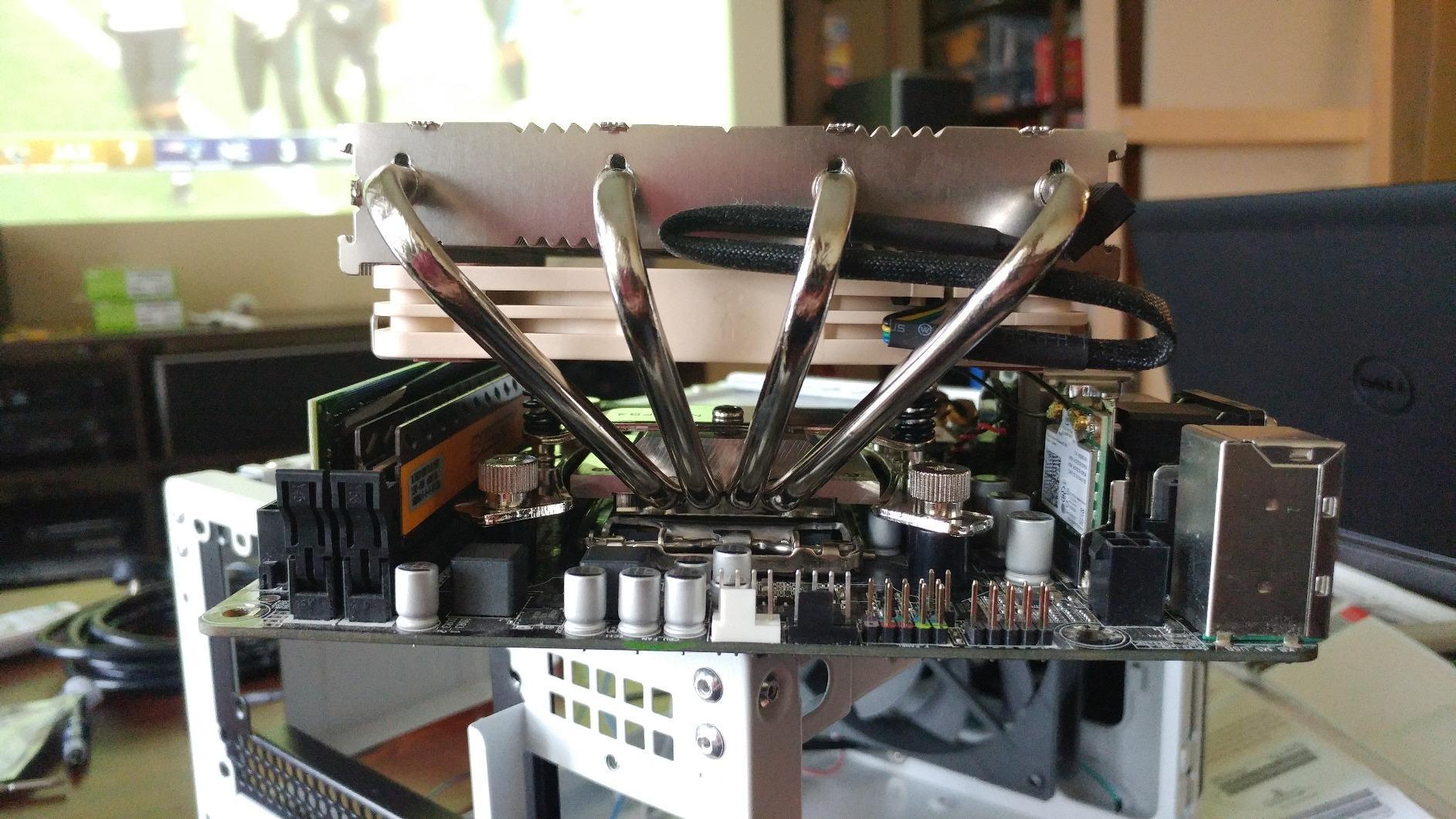
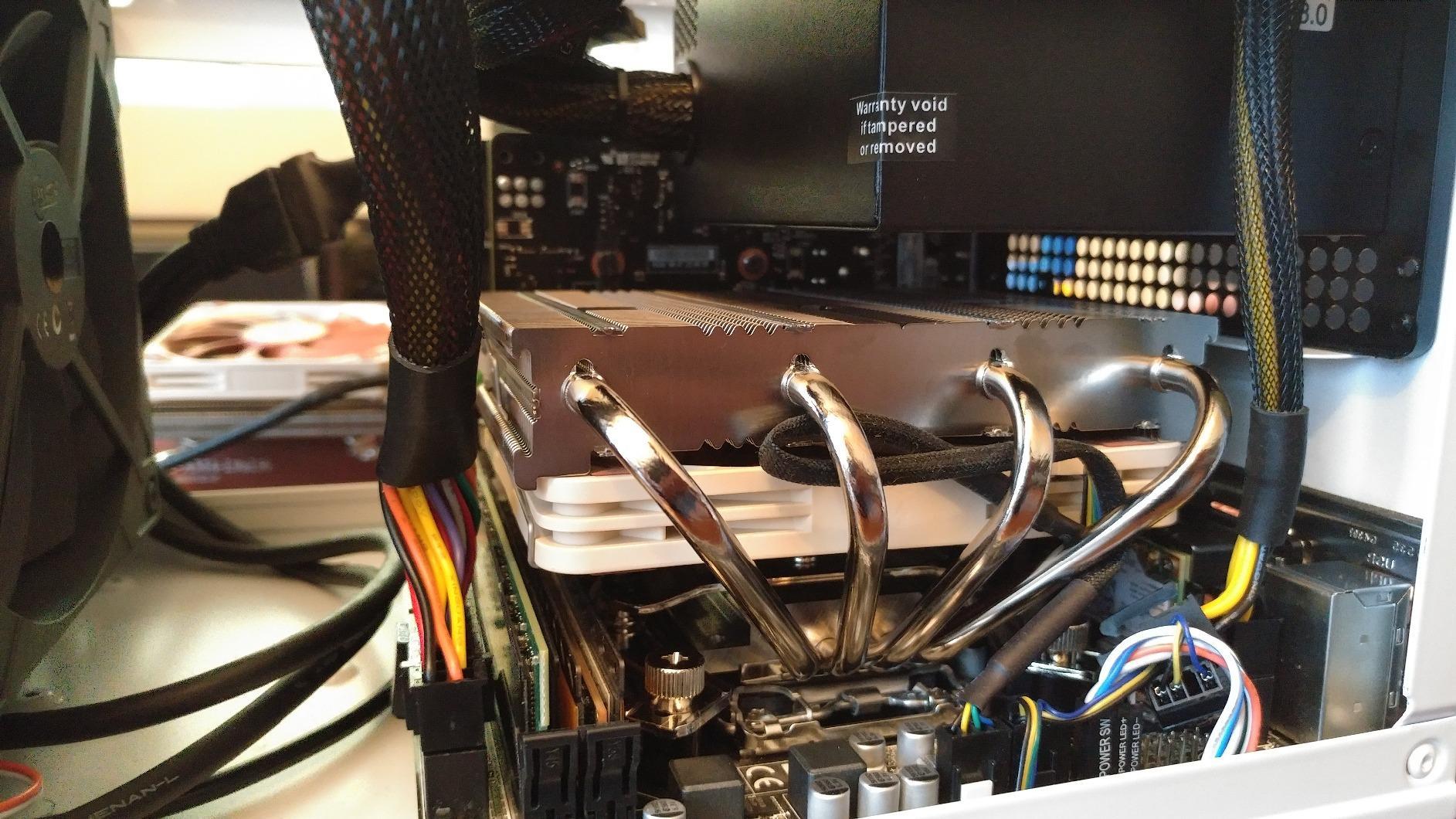
When a case gives you 70mm, the NH-L12S is where I stop looking. Four copper heatpipes under a 120mm slim fan is the most substantial low profile air design in this roundup, and 1935 reviews at 4.7 stars reflect how few buyers regret the purchase.
The 120mm NF-A12x15 is a different animal from the 92mm fans used elsewhere here. More blade area means the same airflow at a lower RPM, which is the entire point in a chassis where the fan has to work harder than it would in a tower.
Footprint and the RAM Question
This is the widest Noctua low profile cooler, and that is the trade. It is the one model in the range where RAM and PCIe clearance deserves a check against your specific board, particularly with tall heatspreader memory. Budget for it rather than discovering it after the cooler is mounted.
Socket Coverage Across Generations
The mounting kit covers Intel LGA1851, LGA1700, LGA1200, LGA1156, LGA1155, LGA1151, LGA1150 and AMD AM5 and AM4. That breadth makes it the safest single purchase for a builder who may upgrade platforms later, and it is why it shows up so often in head-to-head threads with the Thermalright AXP120-X67.
How It Behaves on Hot Chips
At 70mm with four heatpipes it handles 95W-class processors comfortably and gives a 125W part a fighting chance with sensible power limits. For anything beyond that, an undervolted or power-limited setting is the sensible companion, because a low profile heatsink has a hard ceiling no matter how good the fan is.
4. ID-COOLING IS-40X V3 – Four Heatpipes and a 92mm Fan at 45mm
ID-COOLING IS-40X V3 45mm Low Profile CPU Cooler, 4 Heatpipes, Slim Fan
45mm tall
4 heatpipes
92mm PWM fan
33 dB
2500 rpm
Pros
- Four heatpipes and a 92mm PWM fan give solid cooling in a 45mm body
- Great value compared with premium low profile coolers
- Good RAM clearance on Mini-ITX motherboards
- Broad socket support including LGA1700 and AM5
Cons
- Noticeably louder than Noctua or be quiet equivalents at 33 dB
- 7 percent of reviews rate it 1 star
- reflecting occasional mounting and fit issues
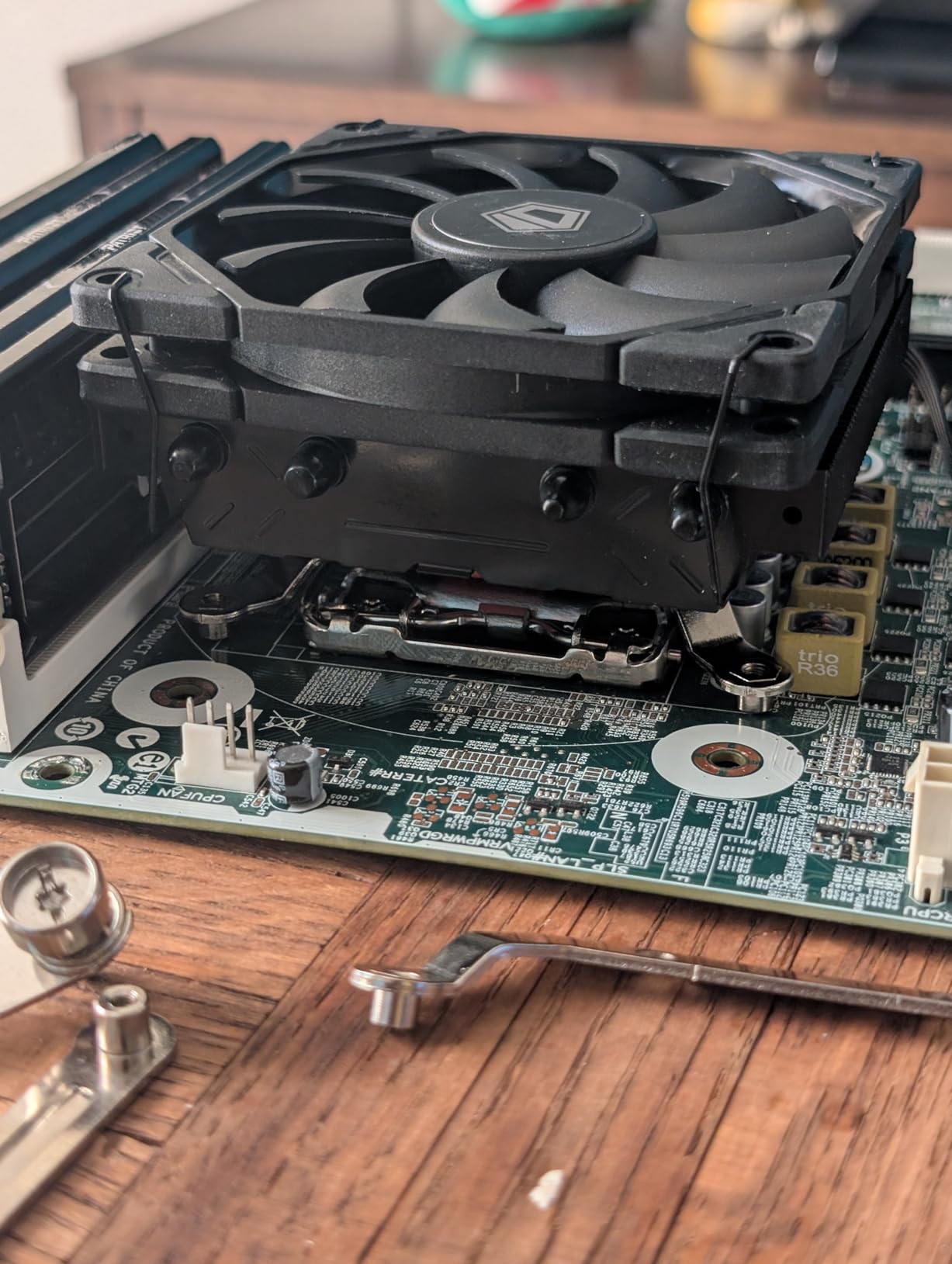
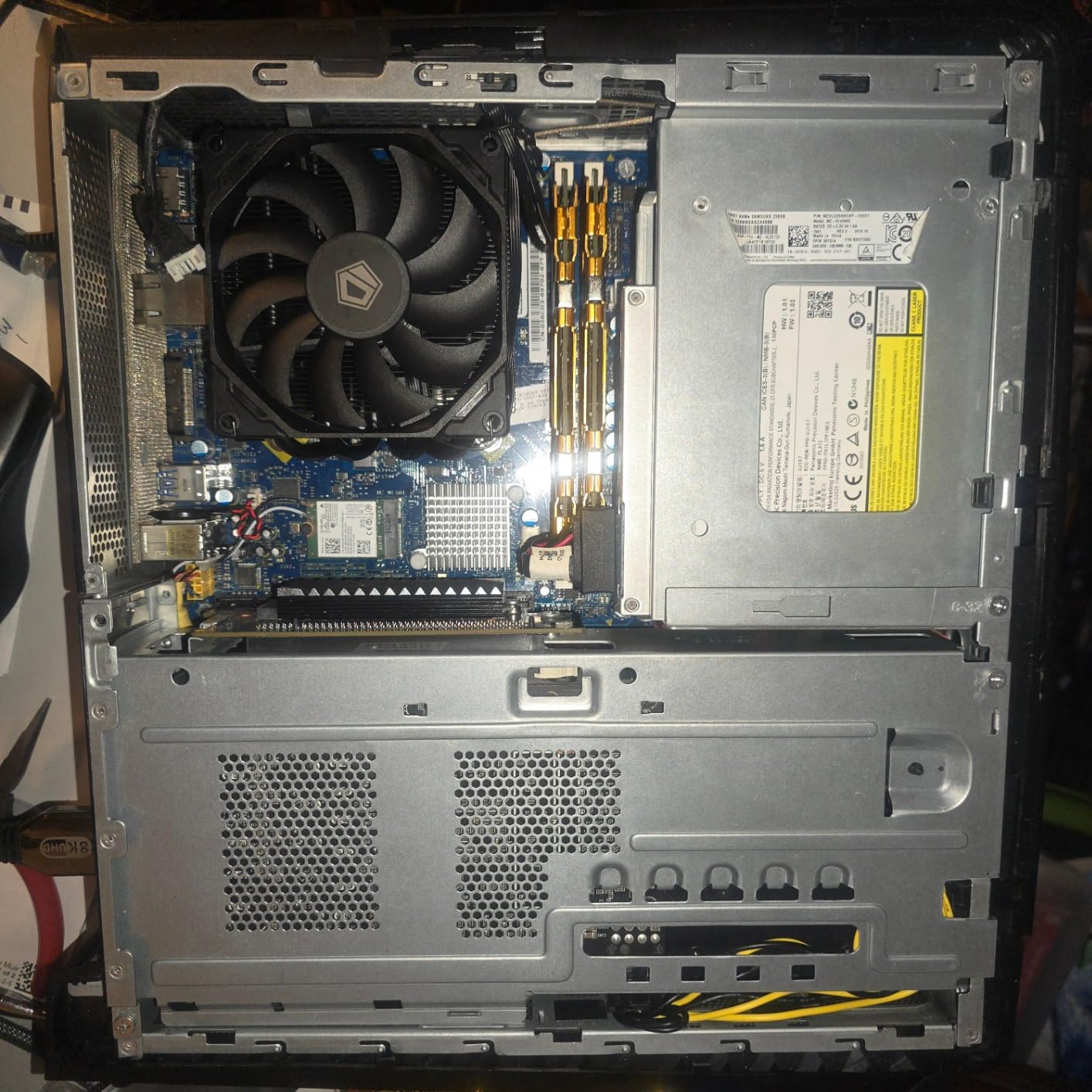
The IS-40X V3 does something unusual for its tier: it puts four heatpipes inside a 45mm body. Most coolers at that height use two heatpipes and a flat fin slab, so this is real thermal capacity in a small package. 490 reviews at 4.3 stars, with 69% at five stars, is a solid profile for the money.
Socket support covers Intel LGA1700, LGA1200, LGA1151, LGA1150, LGA1155 and LGA1156 alongside AM5 and AM4, which makes it one of the broadest-compatibility parts in the 45mm bracket.
Where the Heatpipes Matter Most
Four pipes means more contact area with the base, so delta-T stays lower at the same fan speed than a two-pipe design of identical height. In a 10 to 16 litre case with recirculating intake air, that difference is what keeps a 65W or 88W processor off the throttle.
The Noise Reality
The listed figure is 33 dB with the fan spinning to 2500 rpm, and that is the compromise. Owners rate the acoustic character as the most common complaint, so this is a working cooler rather than a listening-room one. Pairing it with a 92mm PWM fan and a gentle curve handles most of it.
Fit, Mounting and Build Quality
RAM clearance on Mini-ITX boards is good, and the 15mm slim fan keeps the footprint modest. The 7 percent of one-star reviews point at occasional mounting or fit problems, so budget a few extra minutes during assembly and check the backplate orientation before you tighten anything.
5. Thermalright AXP90-X47 Full Copper – Best Value for 47mm Clearances
Thermalright AXP90-X47 Full Cooper Low Profile CPU Cooler, with 92mm TL-9015R Slim PWM Fan ITX CPU Cooler, AGHP Technology, 47mm Height,for AMD AM4 AM5/Intel 1700/1150/1151/1200/1851(AXP90 X47 Full)
47mm tall
Full copper 4 heatpipes
92mm fan
22.4 dB
2700 rpm
Pros
- Full copper 4-heatpipe design performs surprisingly well for a 47mm cooler
- Owners report it handling 7800X3D and 7600X-class chips in SFF cases
- RAM clearance handled by the slim fin stack
- Strong price to performance versus Noctua alternatives
Cons
- Included 92mm fan is louder than premium slim fans
- Confusing backplate instructions for some boards
- Occasional reports of missing mounting screws
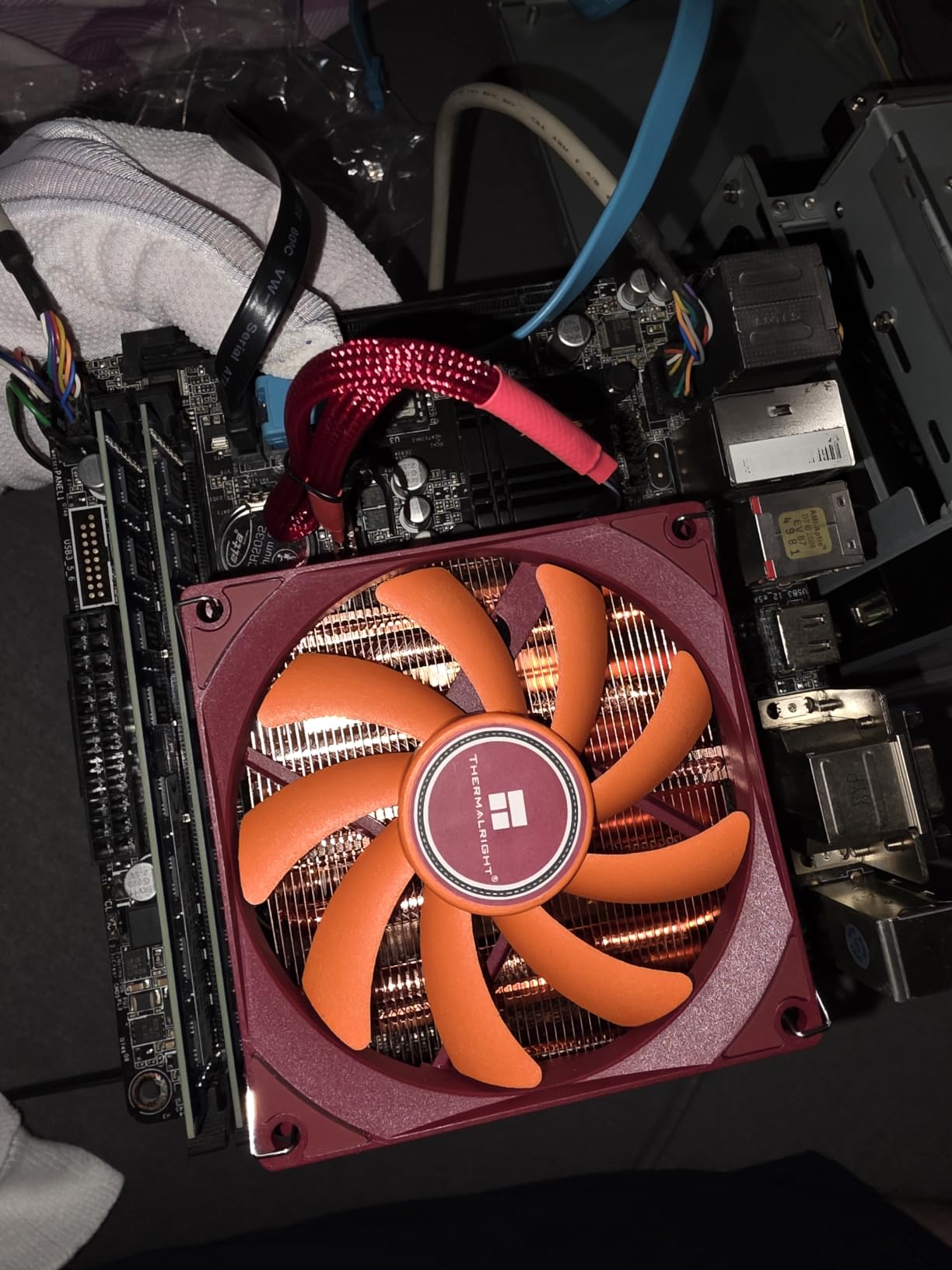
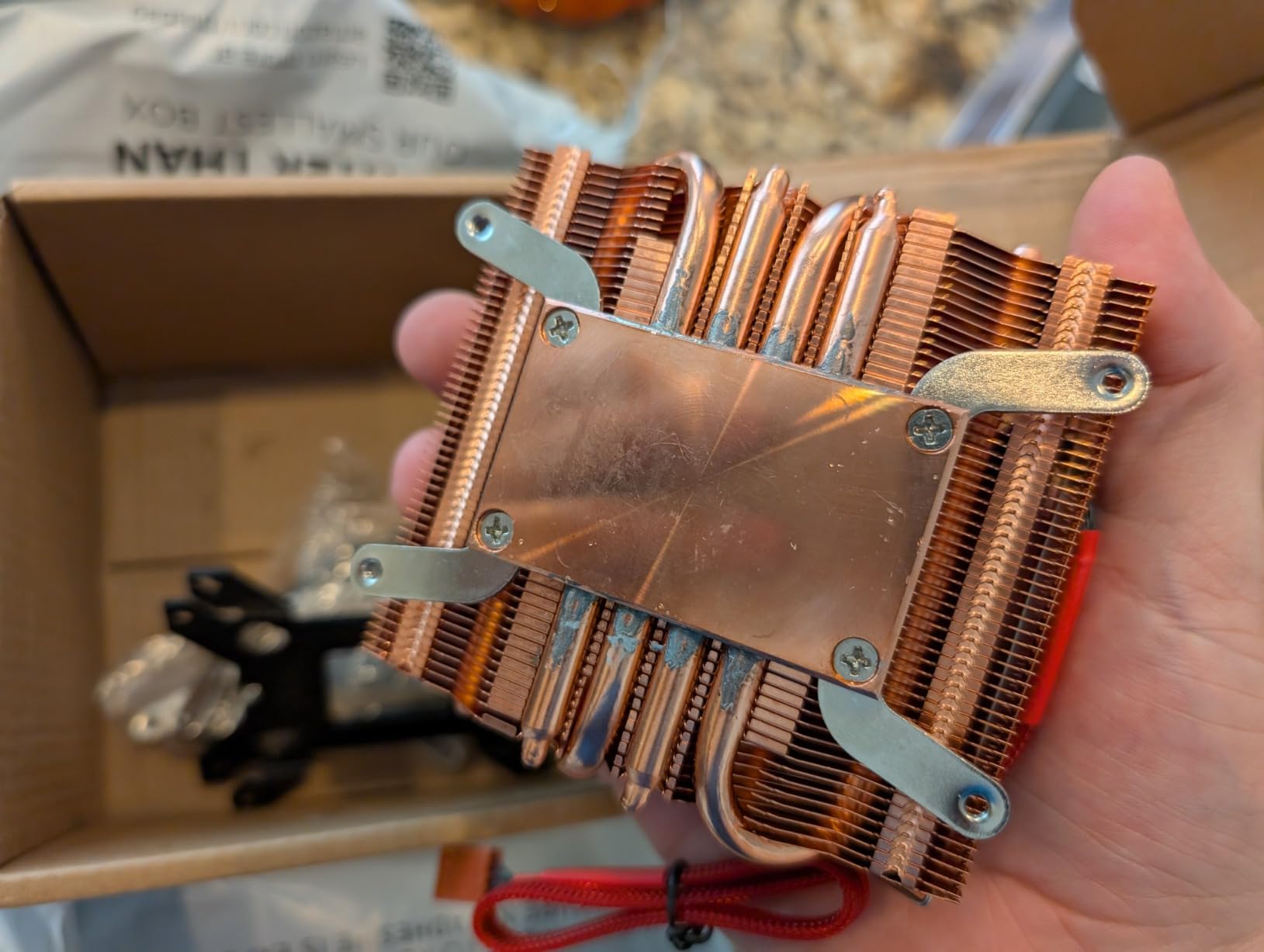
The AXP90-X47 Full Copper is the part I see recommended most often in small form factor build threads, and the reviews explain why. A full copper four-heatpipe body at 47mm, with a stated noise figure of 22.4 dBA, is a rare combination of density and restraint in this category.
Multiple five-star owner reports describe 7800X3D and 7600X systems holding under 80 degrees inside cases as constrained as the Fractal Terra. That is a meaningful result for a 47mm cooler, and it is why this sits so high in the ranking despite a smaller review pool than the Noctua models.
Why Full Copper Beats Aluminium Here
Copper conducts heat far better than aluminium, and in a compressed fin stack that difference translates directly into lower delta-T at a given fan speed. Thermalright’s AGHP process treats the copper-to-aluminium interface to reduce the thermal resistance of that bond, which is precisely the weak point in a small heatsink.
Socket Support and the Backplate Question
The cooler supports Intel 115X and 1200 alongside AM4 and AM5 in the standard listing, with the taller sockets covered by the same bracket family. Several buyers report the printed backplate instructions not matching their board and recommend using the backplate already fitted to the motherboard, so follow that route if the paperwork disagrees with reality.
Fan Choice and Fit Notes
The slim fin stack keeps RAM clearance workable without a low-profile memory kit. The bundled 92mm fan is the weak point acoustically, and a lot of owners swap in a Noctua NF-A9x14 once the cooler is installed, which is an easy upgrade that costs almost nothing.
6. Cooler Master i70C ARGB – A 70mm Cooler With Lighting for Intel Boards
Cooler Master i70C ARGB Low Profile CPU Air Cooler for Intel LGA 1700/1851 Only – 120mm PWM ARGB Fan, 95W TDP, Copper Core Base, Black Aluminum Heatsink
70mm tall
Copper insert base
120mm ARGB fan
95W TDP
410g
Pros
- 70mm-tall design with a 120mm PWM fan in an affordable package
- Copper insert base and aluminium fins rated for 95W TDP
- Frosted blades and ARGB lighting that syncs with major RGB software
- Simple screw-on mounting instead of push-pin retention
Cons
- Intel LGA1700 and LGA1851 only
- so not usable on AMD platforms
- Fan speed tops out at 1800 RPM
- so it runs warm on higher-end CPUs
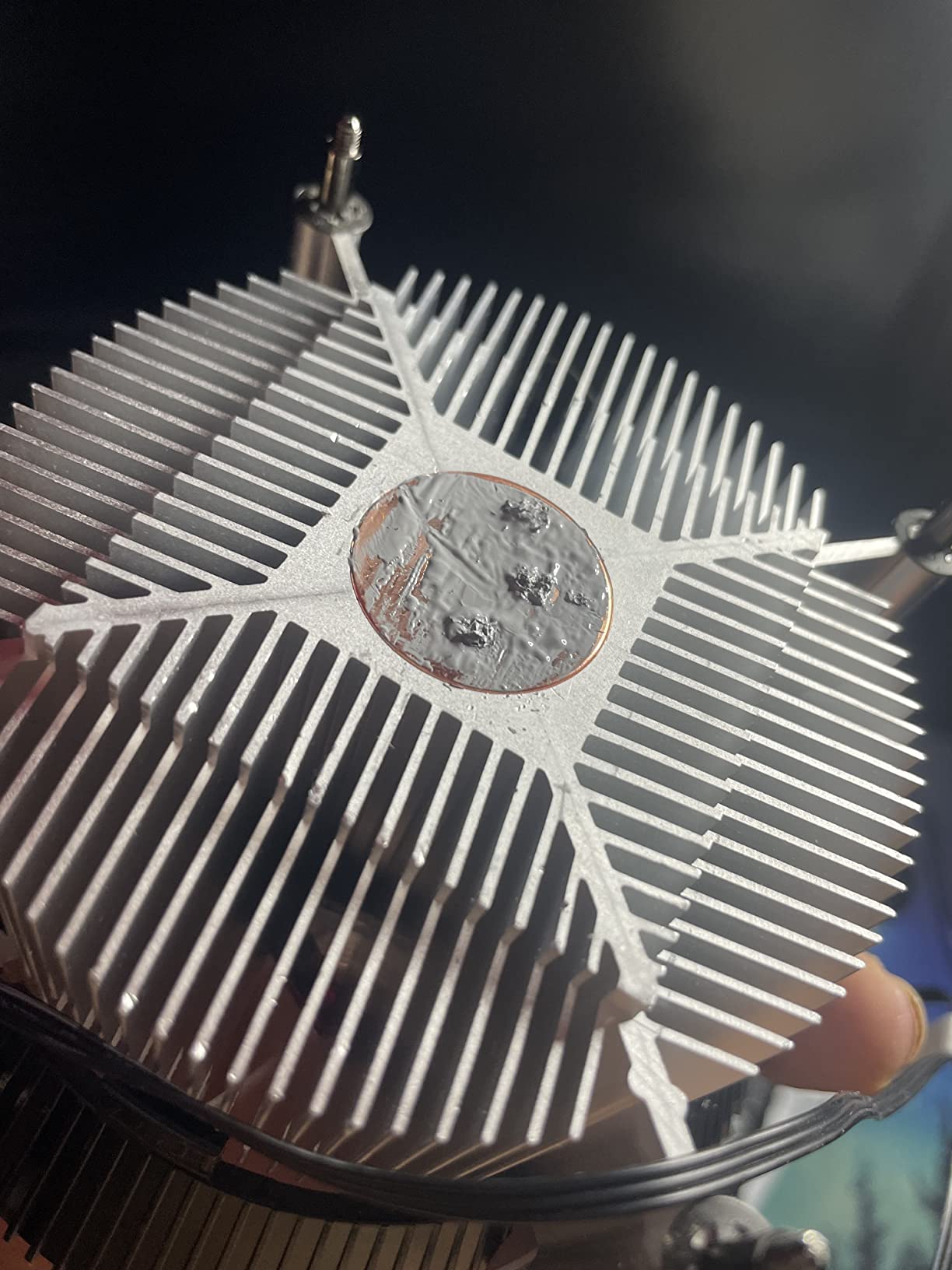
Most low profile coolers look like they were designed by a filing cabinet. The i70C does not. A 70mm body with a 120mm ARGB fan underneath gives you a genuine lighting element in a build where that is usually the first thing sacrificed.
Underneath the styling there is a sensible design: a copper insert base, aluminium fins and a stated 95W TDP rating. The screw-on bracket is a large step up from the push-pin retention used on many bundled Intel coolers, and 283 reviews at 4.5 stars with 73% at five stars reflect a favourable reception.
Where the 95W Rating Comes From
That figure covers 65W processors and mid-range 8-core chips without strain. Once you go past 95W, the 1800 rpm ceiling means the fan is already near the top of its range and the cooler needs help from power limits or an undervolt to stay quiet.
Lighting and RGB Sync
Frosted blades spread the ARGB effect evenly rather than showing individual LED points, and the fan connects to standard motherboard RGB headers and software. On a build where the cooler is visible through a tempered glass panel, that is the difference between a component and a feature.
Platform Limits Worth Checking First
This is an Intel LGA1700 and LGA1851 cooler only. If your build is on AM5, skip it entirely and look at the Thermalright AXP120-X67 or a Noctua model instead. A few buyers also report minor size tolerance issues that can complicate full assembly, so check the bracket before starting.
7. be quiet! Pure Rock LP – The Quietest 45mm Cooler for Desk Builds
be quiet! Pure Rock Low Profile AMD and Intel CPU Cooler, 100W TDP
45mm tall
92mm fan
30.6 dB max
2500 rpm
360g
Pros
- Exceptionally quiet operation
- frequently described as the quietest cooler in its class
- 45mm height and clean design suit ultra-compact cases
- Copper heat-pipe design handles higher-wattage CPUs better than pure aluminium
- Wide Intel and AMD socket support
Cons
- Documentation does not explain the two different Intel bracket positions
- Mounting can be fiddly in very tight clearances
- Not capable of cooling a power-hungry i7 at stock power limits
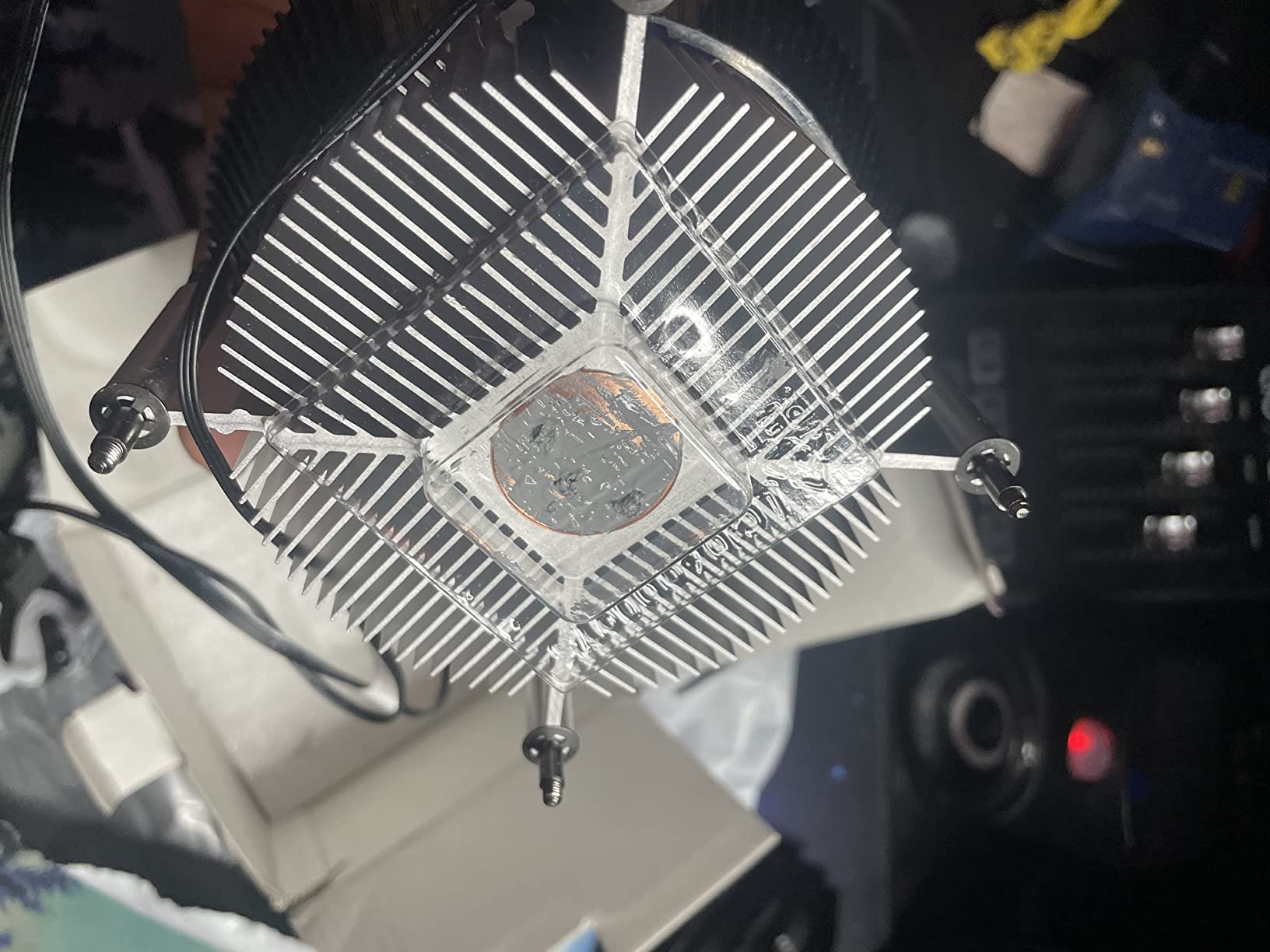
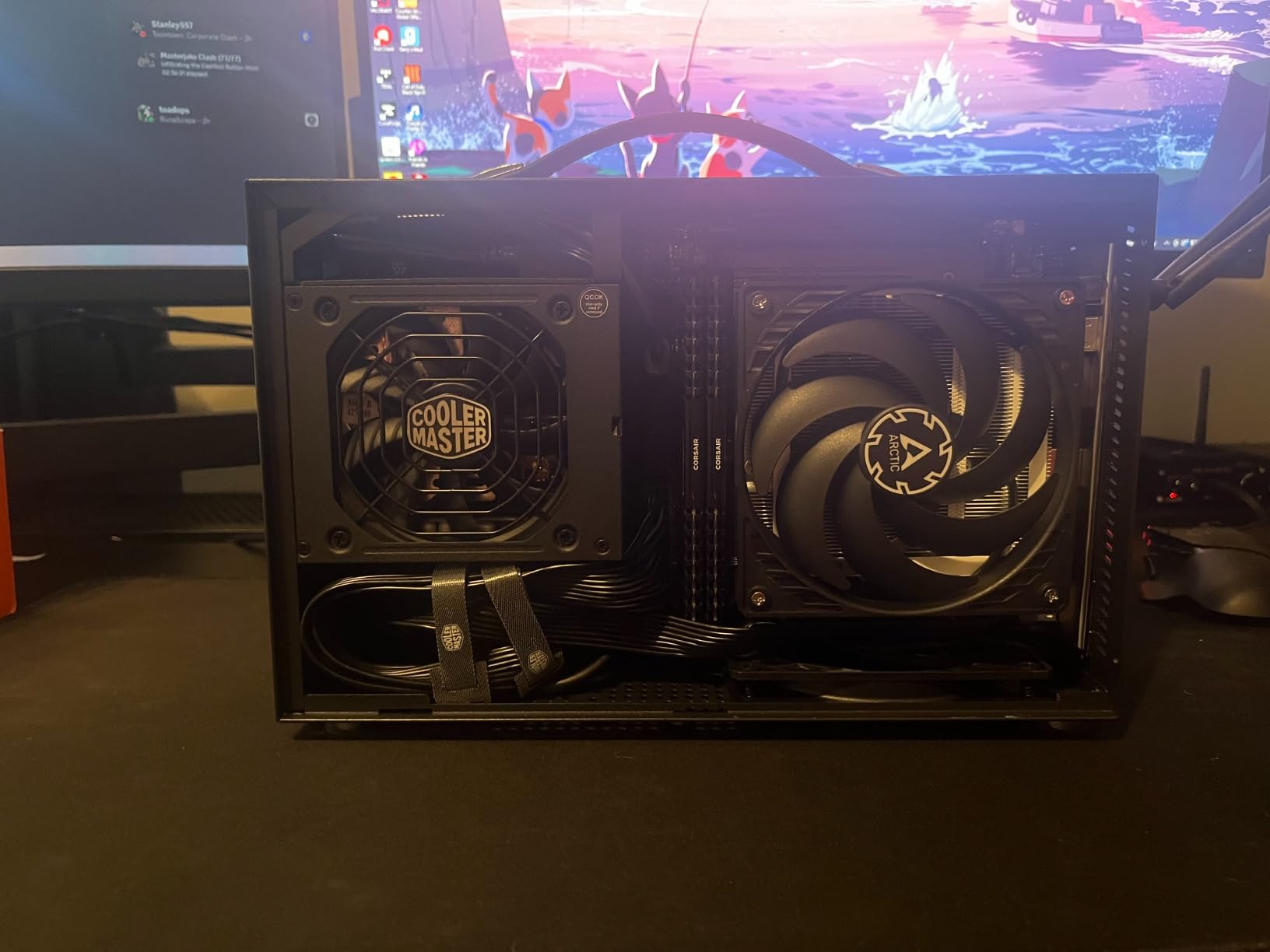
If the build sits next to your keyboard, acoustic quality moves up the priority list, and that is the Pure Rock LP’s argument. Owners describe it as the quietest cooler in its class, and the 45mm body means you can have both without a compromise on height.
Several owners report that it solved thermal throttling in ultra-slim ITX builds where a 37mm cooler such as the NH-L9a-AM4 simply could not physically fit. That is the practical reason to choose a 45mm cooler over a 37mm one when the case allows it.
Why It Is Quiet at the Same Height
The 92mm be quiet! fan is tuned for low acoustic output rather than maximum air movement, and the copper heatpipe design moves heat efficiently enough that the fan does not need to spin hard to keep up with a 65W processor. The listed maximum of 30.6 dB is the ceiling, not the operating level.
Socket Coverage and the Bracket Ambiguity
Intel LGA1700, LGA1200, LGA1151, LGA1150 and LGA1155 are supported alongside AM5 and AM4, so modern Intel and AMD boards are both covered. The most repeated complaint in 136 reviews is that the documentation does not clearly explain the two different Intel bracket positions, so expect a short learning curve on the first install.
Where the Limits Sit
It is not designed to cool a power-hungry i7 at stock power limits. For an office retrofit, a 65W i5, or a modest Ryzen desktop chip, it is excellent. Pair it with a processor whose power limits you can set, and the ceiling stops being a practical concern.
8. Cooler Master MasterAir G200P – A 39.4mm Top-Down Cooler With RGB
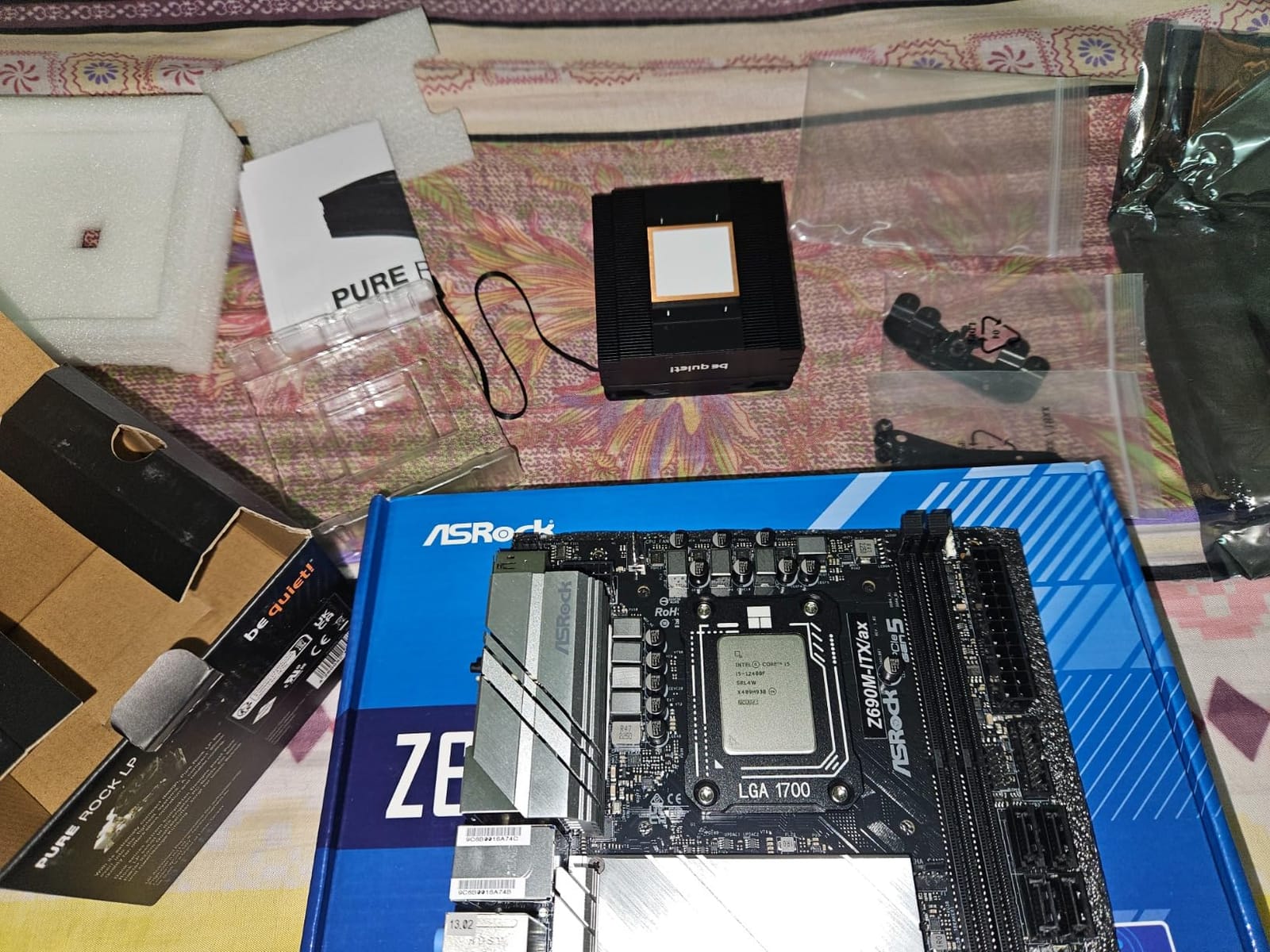
Cooler Master MasterAir G200P Low-Profile CPU Cooling System – 39.5mm Mini-ITX/SFF Clearance, High-Performance 92mm RGB Fan, 2 Copper Heat Pipes – AMD/Intel Compatible
39.4mm tall
Dual copper heatpipes
92mm RGB fan
28 dB
2600 rpm
Pros
- Extremely short 39.4mm height for the tightest Mini-ITX cases
- Dual C-shaped copper heat pipes with a dense aluminium fin array
- 92mm fan delivers top-down airflow and pressure with RGB support
- Included mini-controller enables RGB on boards without a header
Cons
- Socket support stops at LGA115x and AM4 with no support for LGA1700 / LGA1851 / AM5
- Lowest average rating in this roundup with 12 percent three-star reviews
Thirty-nine point four millimetres with RGB lighting and dual copper heatpipes is a rare combination, and the MasterAir G200P is the part that delivers it. The included mini-controller is a nice touch, because it means the lighting works even on a board without an RGB header.
Top-down airflow through a dense fin array is the design philosophy here, pushing air outward through the fin edges rather than straight up into a constrained intake. That suits tight Mini-ITX layouts where vertical airflow has nowhere useful to go.
What 39.4mm Buys You
It covers the band between the 37mm Noctua and the 45mm group, which means you get more heatsink than an ultra-slim design without moving up to a 45mm body. For a case that sits in that narrow window, this is often the only realistic option with both heatpipes and lighting.
Socket Support Is the Deal-Breaker
Coverage stops at Intel LGA1151, LGA1150, LGA1155 and LGA1156 on the Intel side, and AMD AM4, AM3+, AM3, AM2+, AM2, FM2+, FM2 and FM1 on the AMD side. There is no LGA1700, no LGA1851 and no AM5 hardware, so for a current build this is only relevant with an older processor.
Thermal Expectations and the Rating Spread
At 4.2 stars with 12 percent three-star reviews, this is the lowest-rated cooler here, and the feedback is mixed on sustained performance with newer, hotter processors. Dual copper heatpipes help, but the expectation should be set at 65W-class chips and 88W parts with power limits applied.
9. SilverStone NT07-115X – The 23mm Answer for 1U and Ultra-Thin Cases
Silverstone Technology SST-NT07-115X-USA LGA1150/1151/1155/1156/1200 CPU Cooler Low Profile 23mm Tall for 65W TDP Support with 80mm PWM Fan SST-NT07-115X
23mm tall
80mm PWM fan
65W TDP
21.9 dB
3600 rpm
Pros
- Shortest mainstream cooler here at 23mm
- fitting 1U servers and ultra-thin cases
- Copper centre and base with extruded aluminium fins handle 65W CPUs
- Backplate sits above motherboard components rather than over them
- Very quiet in normal operation at 21.9 dB
Cons
- Small 80mm fan must spin to 3600 RPM under heavy load
- Not usable for AMD platforms or LGA1700 and newer
- A few owners report fan-bearing failures after a year of use
Twenty-three millimetres is barely taller than a Mini-ITX standoff stack, and nothing else in this roundup gets close. If your chassis is a 1U server, a thin client or an ultra-thin retro machine, this is the realistic answer and there is no meaningful alternative at that height.
Owners report 65W i5 processors holding under 65 degrees in cramped, low-airflow chassis, which is a genuinely useful result for office and retrofit builds where cooling is usually the limiting factor.
The Backplate Design Is the Clever Part
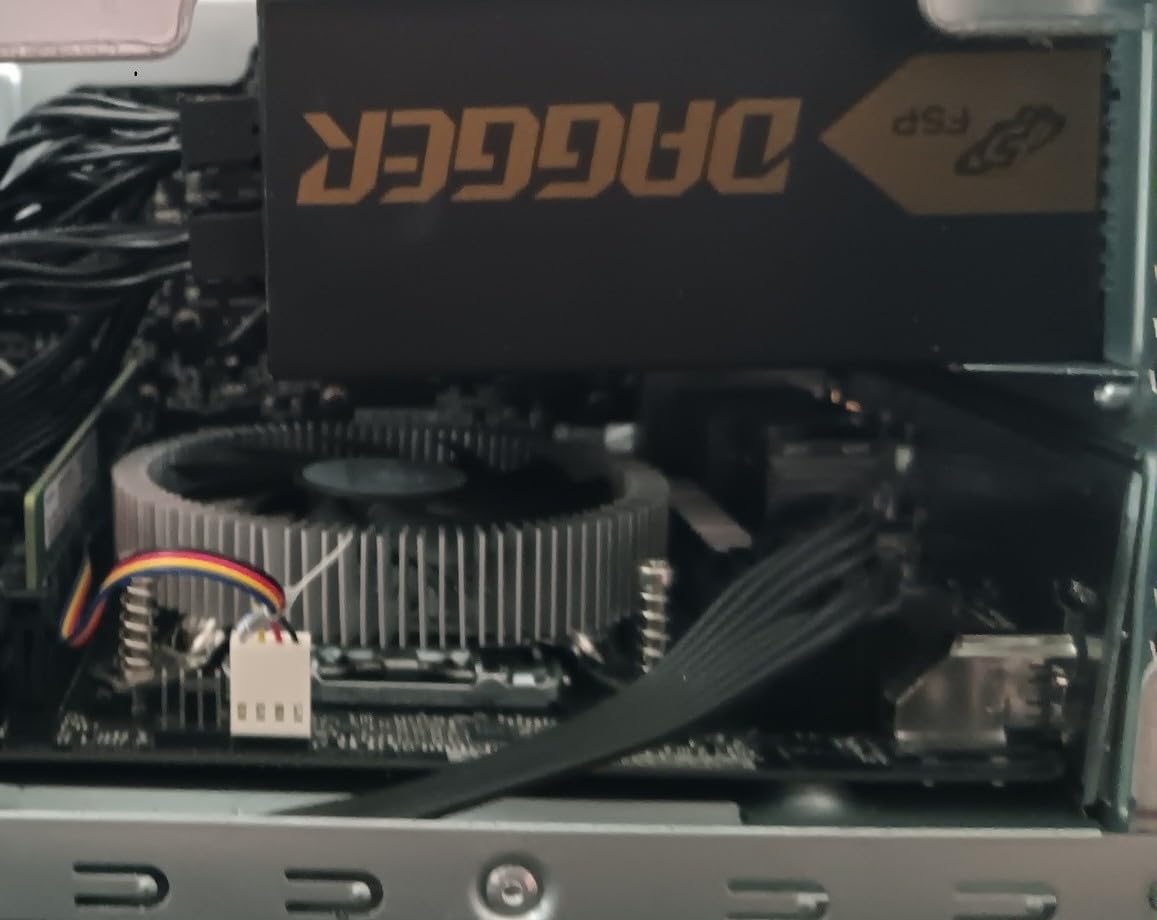
Instead of sitting over the motherboard, the backplate mounts above the board’s own components. On a thin mini-ITX or micro-ATX board with tall chipset and VRM heatsinks, that is the difference between mounting cleanly and fighting a collision.
Fan Speed and the 3600 RPM Ceiling
The 80mm fan is custom and quiet at 21.9 dB in normal operation, but under a heavy sustained load it has to climb to 3600 rpm, at which point it becomes clearly audible. For a 65W processor with sensible power limits that ceiling stays out of reach most of the time.
Socket Limits and Long-Term Durability
Coverage is Intel LGA1150, LGA1151, LGA1155, LGA1156 and LGA1200 with nothing newer and no AMD support, so plan around that. A few owners also report fan-bearing failures after a year of side-mounted or vertical use, which is worth factoring into long-term reliability expectations.
10. SilverStone RL-KR01 – Two Heatpipes for 54mm AMD Budget Builds
SilverStone Technology Low Profile 95W or More AMD Socket AM2/AM3/AM4/FM1/FM2 CPU Cooler Only 54mm Tall Cooling (RL-KR01)
54mm tall
2 copper heatpipes
80mm PWM fan
95W rated
33 dB
Pros
- 54mm height with two 6mm heatpipes gives more headroom than flat fin designs
- Rated for 95W or more AMD processors
- 80mm PWM fan uses dual ball bearings for durability
- Highest rating among the budget low profile options
Cons
- AMD-only with no Intel socket support
- Audible above moderate fan speeds at up to 3000 RPM
- No mounting hardware for modern AM5 or LGA1700 boards
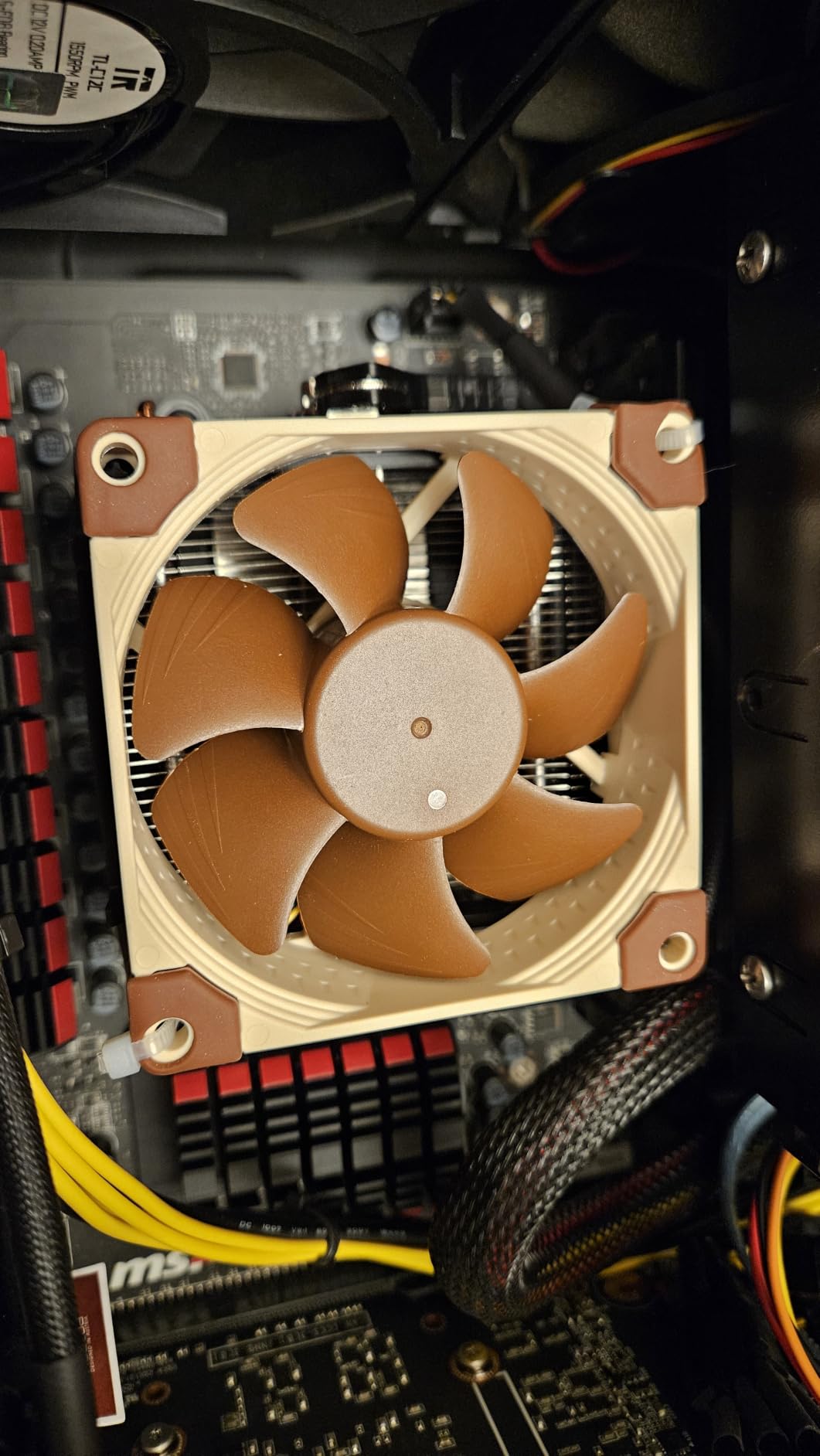
Fifty-four millimetres is an awkward number that happens to suit a lot of mid-size AMD cases, and the RL-KR01 is the budget part that fits it. Two 6mm copper heatpipes under a 54mm body give it more thermal headroom than the flat fin designs at similar heights.
At 4.6 stars with 80 percent five-star reviews, this is the best-rated budget cooler in the roundup, and the dual ball bearing fan is a genuine durability advantage over sleeve-bearing alternatives in the same price bracket.
Heatpipes Versus Flat Fins
Two heatpipes move heat from the base into the fin stack quickly, which lets the small 80mm fan work at a lower RPM. The flat fin alternatives at 45mm to 55mm look similar on a spec sheet but carry more thermal resistance in the base-to-air path.
Where the 95W Rating Holds
That rating covers 95W-class AMD processors in a reasonably ventilated small case. Beyond that, or in a chassis with restricted intake, you need the 67mm Thermalright AXP120-X67 instead, which brings six heatpipes to the same problem.
Socket Range and Warranty Reality
Coverage is AM2, AM3, AM4, FM1 and FM2, so this is an AMD-only part with nothing for current AM5 boards or any Intel platform. The one-year warranty is short by the standards of this list, which is part of why it ranks tenth rather than higher.
11. ALSEYE W90 – A 40mm Cooler With a Built-In Temperature Display
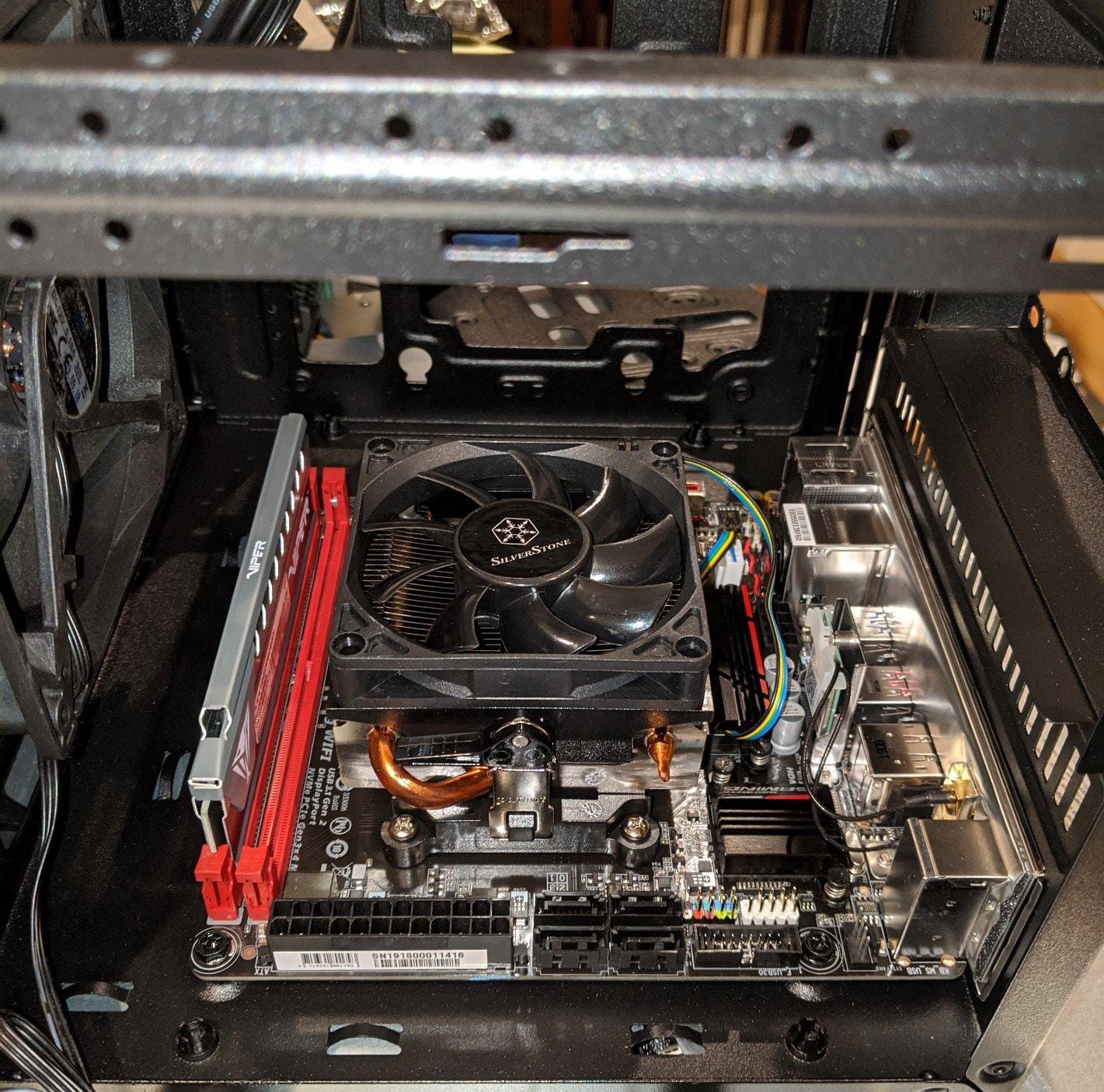
ALSEYE W90 CPU Cooler, Temperature Displayed CPU Cooler for Small Size PC Case with Powerful 90mm ARGB Lighting Fan and 40mm High-Performance Heat Column Inside (W90 Intel Version)
40mm heat column
90mm ARGB fan
135W claim
35 dB
2200 rpm
Pros
- Built-in real-time CPU temperature display read through the BEM software
- 90mm ARGB PWM fan with a 40mm copper heat column in a compact body
- Distinctive circular design with vivid ARGB lighting
- Pre-applied thermal paste simplifies installation
Cons
- Best suited to i3 and i5 chips
- with i7 and i9 not recommended
- Bundled BEM software must be approved on every boot and can conflict with other tools
- Temperatures run warm with newer Intel CPUs
The W90 does something no other cooler in this roundup does: it shows your CPU temperature on the cooler itself. In a showpiece small form factor build with a glass panel, that number is genuinely useful, and it removes the need for a software overlay in a lot of cases.
Underneath the display is a 40mm copper heat column with a 90mm ARGB PWM fan in a compact body, with pre-applied thermal paste so installation is close to plug-and-play.
What the 135W Claim Really Means
The heat column is stated as around 135W TDP and explicitly not suitable for overclocking. In practice owners place it comfortably with i3 and i5 class processors and note that i7 and i9 parts above the 10th generation are not recommended, with temperatures running on the warm side.
The Software Trade-Off
The display is read through the bundled BEM software, and that software has to be approved at every boot. Owners also report conflicts with other monitoring tools, and a small number of display failures. If you dislike background software, this feature is the main reason to skip the cooler.
Cable Management in a Tight Case
The cooler ships with multiple cables of different lengths, which is awkward in a small chassis where space is already the constraint. Plan the routing before the motherboard goes into the case rather than after.
12. Thermalright AXP120-X67 – Six Heatpipes for 67mm High-Power Builds
Thermalright AXP120-X67 Low Profile CPU Air Cooler with Quite 120mm TL-C12015 PWM Fan, 6 Heat Pipes, 67mm Height, for AMD AM4/Intel LGA 1700/1150/1151/1155/1851/1200/2011/2066
67mm tall
6 copper heatpipes
120x120x15mm fan
26.1 dB
1800 rpm
Pros
- Six copper heatpipes in a 67mm body make it one of the strongest low profile air coolers
- Owners report cooling a 14700KF or 9800X3D in small SFF cases
- 120mm 15mm-thick PWM fan is nearly inaudible at normal speeds
- Fan can be swapped for a standard 25mm fan
Cons
- Heatsink does not clear tall RAM heatsinks in one orientation
- Some units report bundled thermal paste that is too thick to spread properly
- Included 15mm fan motor quality is mediocre
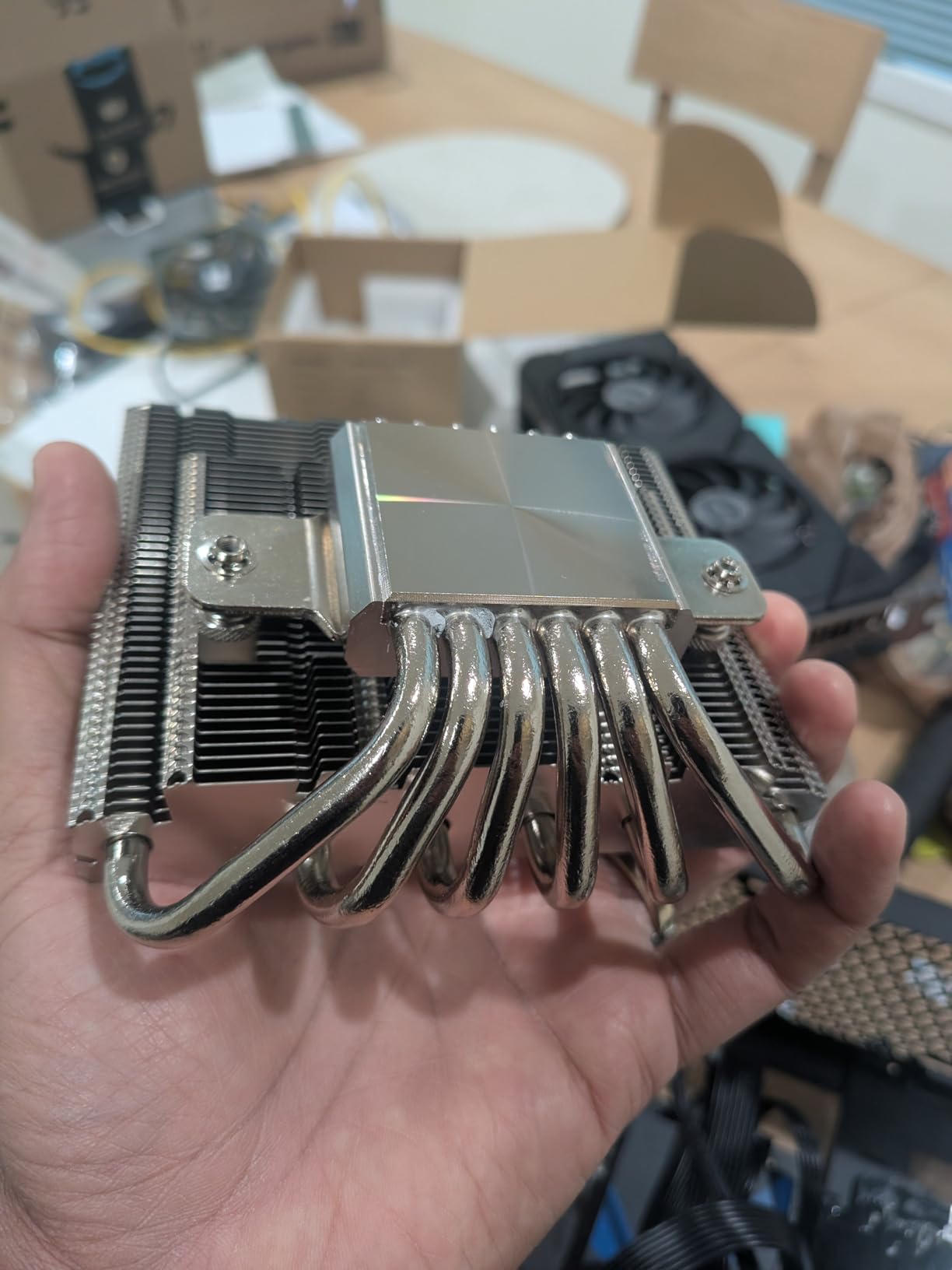
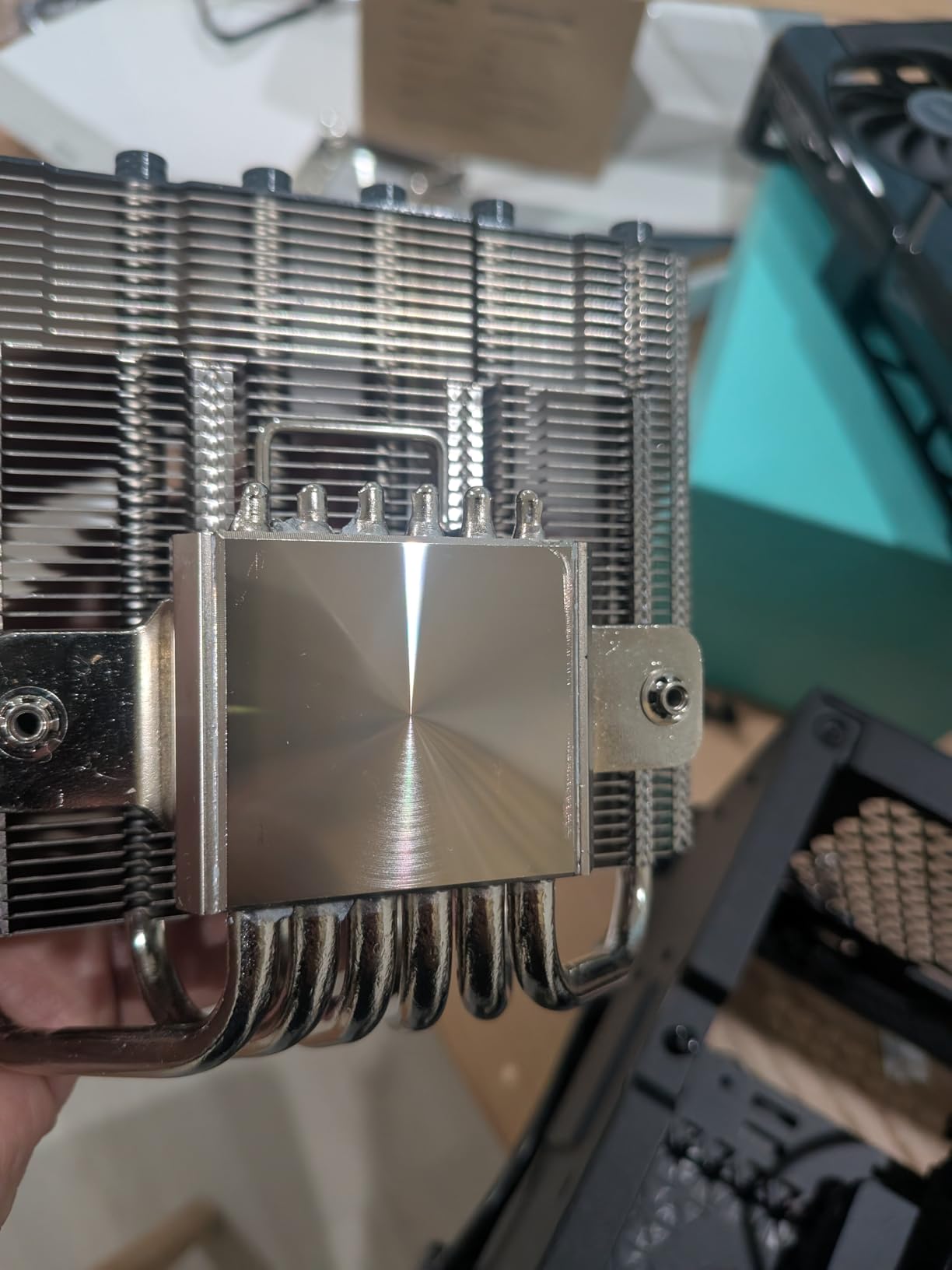
Six copper heatpipes in a 67mm body is the most aggressive low profile design here, and it changes what is possible. Owners report cooling a 14700KF and a 9800X3D in small SFF cases, with large temperature drops compared with a bundled cooler and sustained figures under 70 degrees on mid-range parts.
For a high-power chip in a case that only gives you 67mm, this is often the difference between running and throttling. Thermalright’s AGHP technique plus full electroplating reflow welding is the manufacturing story, and the 123.5 by 120 by 67mm footprint is confirmed in the listing.
RAM Clearance Is the One Real Catch
The fin stack does not clear tall RAM heatsinks in one orientation, but it can be reversed, so the fix is free if you know about it in advance. Chassis with built-in standoffs may need a small modification or the alternate orientation, so plan the assembly rather than improvising it.
The 15mm Fan and Its Upgrade Path
The bundled TL-C12015 is a 120 by 120 by 15mm PWM fan rated at 1800 rpm, 59 CFM and 26.1 dB maximum. Because it is a standard slim 120mm pattern, you can replace it with a 25mm fan if your case has the height, which some builders do for extra static pressure.
What Owners Wish Were Better
Two recurring complaints stand out: the bundled thermal paste can be too thick to spread properly, and the slim fan motor quality is mediocre, with some units reported noisy within a year. Both are cheap to fix with a fan swap and a proper application of your own compound.
SFF CPU Cooler Buying Guide: The Six Decisions That Matter
Cooler shopping in this category goes wrong in predictable ways, almost all of them clearance or socket related. The sequence below is the order I work through it, and it saves returning hardware.
1. Measure the clearance, then measure it again in the low-mount position
Get the case’s published maximum CPU cooler height, then confirm the cooler’s height in the configuration you intend to use. If the fan can be mounted below the fins, the assembly is often 10mm to 12mm shorter than the headline figure, and that gap decides the purchase. Cases as small as the Dan A4-H2O, Velka 3 and the Midori 5L sit in the tightest bands, while the Fractal Terra and FormD T1 give you 67mm or 70mm of breathing room.
2. Confirm the socket and the mounting hardware
AM5 and LGA1851 are the current platforms, and AM4 and LGA1700 parts are now previous generation. Several coolers in this roundup ship with mounting hardware for a mix, so check what is in the box rather than assuming. Our guide to coolers for small cases covers the older socket transitions in more detail, including why an LGA1700 cooler generally will not work on LGA1151.
3. Check RAM clearance and VRM Z-height before ordering
Ask two questions: does the fin stack overhang the DIMM slots, and does the VRM heatsink on the socket side sit above the memory? A wide low-profile cooler such as the Thermalright AXP120-X67 needs a reversed orientation on tall memory, and the Cooler Master MasterAir G200P’s fin array is tight enough that board choice matters. If the answer is no and no, you can use ordinary memory and any motherboard you like.
4. Set a noise budget for the room the PC lives in
A desktop-adjacent or living-room build has a completely different requirement from a LAN rig. The Noctua NH-L9x65 and NH-L9a-AM4 at a stated 23.6 dB, the Thermalright AXP90-X47 Full Copper at 22.4 dB and the AXP120-X67 at 26.1 dB are the quiet picks. The ID-COOLING IS-40X V3 at 33 dB and the SilverStone RL-KR01 at 33 dB are working coolers, not listening-room ones, and a fan curve fixes most of the difference.
5. Match the cooler to the processor’s power tier
Judge coolers by delta-T at a fixed fan speed rather than by peak numbers, because a cooler that throttles at full speed has already failed. A 65W processor is comfortable in almost anything on this list. An 88W processor wants four heatpipes or better, which points to the IS-40X V3, the AXP90-X47 Full Copper, the NH-L12S or the AXP120-X67. A 95W or 125W processor in a 45mm to 55mm case needs the AXP120-X67 or the NH-L12S, plus a power limit.
6. Decide between a low profile air cooler and an SFF AIO
A low profile air cooler has no pump, no coolant and nothing to leak, which is why most SFF builders default to one. A 240mm-class AIO moves more heat per millimetre of height than any air cooler here, but in a 10 to 16 litre case the pump and tubes take space the air cooler does not, and failure means a dead machine rather than a hot one. The risk is manageable with a quality unit and careful routing, but it is real, and it is worth accepting only when your processor and case leave no cooler choice.
7. Do not forget thermal paste and power limits
Small heatsinks are unforgiving of a poorly seated cooler, and a proper application of compound can be worth several degrees. Owners also report that the bundled paste on some of these coolers is too thick to spread properly. Pair that with an undervolt or a set power limit for the processor, and a 95W chip often behaves like a much cooler part inside a small case.
8. Size the rest of the build to match
A quiet cooler in a case with restrictive intake will still run warm. Our SFF power supply guide and SFF graphics card guide cover the other two components that decide whether a compact build stays quiet under load.
Frequently Asked Questions
What is the best CPU cooler for a small form factor motherboard?
For a Mini-ITX board, the best CPU cooler depends almost entirely on your case’s clearance. At 65mm the Noctua NH-L9x65 is the safest all-rounder; at 47mm the Thermalright AXP90-X47 Full Copper; at 45mm the ID-COOLING IS-40X V3 or be quiet! Pure Rock LP; below 40mm the Noctua NH-L9a-AM4 on AM4.
What is a good low profile CPU cooler?
A good low profile CPU cooler fits your case’s published cooler height, supports your socket, clears your RAM, and matches your processor’s power tier. The Noctua NH-L12S, Thermalright AXP120-X67 and Thermalright AXP90-X47 Full Copper are the strongest all-rounders for 65W to 125W processors between 47mm and 70mm.
Will a low profile cooler throttle my CPU?
It can, and the processor’s power tier decides. 65W chips stay cool in almost any low profile cooler. 88W parts need four heatpipes or better. 95W and 125W processors in a 45mm to 55mm case will throttle unless you apply a power limit or undervolt, and the Thermalright AXP120-X67 is the air option built for that range.
Do low profile coolers block RAM?
Some do. The Noctua NH-L9x65, NH-L9a-AM4 and Thermalright AXP90-X47 Full Copper clear all memory slots. The Noctua NH-L12S and Thermalright AXP120-X67 have wide fin stacks that can overhang tall RAM, and the AXP120-X67 can be reversed. Check the DIMM clearance before ordering, and budget for low-profile memory if needed.
How risky is AIO cooling in a small form factor case?
It is manageable but not risk-free. A 240mm-class AIO moves more heat through the same height than any air cooler here, but the pump and tubing consume volume a low profile air cooler does not, and a pump failure means a dead machine rather than a noisy one. Use a quality unit, route tubes away from the exhaust, and keep an eye on the coolant reservoir.
What is the quietest low profile CPU cooler?
The Noctua NH-L9x65 and NH-L9a-AM4 lead on stated acoustics at 23.6 dB, using the NF-A9x14 slim fan with the included Low-Noise Adaptor. Among higher-capacity options, the Thermalright AXP90-X47 Full Copper lists 22.4 dBA and the Thermalright AXP120-X67 lists 26.1 dB. The ID-COOLING IS-40X V3 at 33 dB is the loudest option here.
Which SFF CPU Cooler Should You Buy
Match the cooler to the constraint, not the other way round. If your case gives you 65mm or more and you want a dependable, quiet, no-compromise install, the Noctua NH-L9x65 is the best CPU cooler for small form factor builds because it fits, clears your memory and covers every current socket without a workaround.
If your case stops at 47mm, the Thermalright AXP90-X47 Full Copper is the strongest option and the one most recommended in SFF build threads. At 45mm, the be quiet! Pure Rock LP wins on acoustics for a desk-adjacent machine and the ID-COOLING IS-40X V3 wins on capacity and cost. Below 40mm, the Noctua NH-L9a-AM4 is the reference for AM4, and the Cooler Master MasterAir G200P covers the gap up to 45mm if you have older Intel or AMD hardware.
For a 95W or 125W processor in a 67mm case, the Thermalright AXP120-X67 with six heatpipes is the one to buy, and pair it with a power limit. For lighting on Intel boards at 70mm, the Cooler Master i70C ARGB does the job well. For a 1U or ultra-thin chassis, the SilverStone NT07-115X at 23mm is the only sensible choice, and for AMD budget builds at 54mm the SilverStone RL-KR01 covers it.
Measure the clearance, check the socket, confirm the RAM clearance, and then buy. Those three checks prevent almost every return in this category, and our quiet CPU cooler guide is worth reading next if acoustics are the deciding factor.