
If you have ever recorded a YouTube interview and watched it back wondering why your guest looked flat and slightly out of focus, the problem was almost never your editing. It was the camera. Choosing among the best webcams for YouTube interviews comes down to a short list of things that only matter once two people are talking to each other on camera: how the camera holds its frame when a subject leans forward, whether focus hunts during a long answer, and how the sensor behaves when the only light in the room is a window.
I have spent the last few months recording long-form interviews on a desk rig, switching cameras between takes, and grading the same footage to see which models hold up after YouTube has squeezed the file. The tests were deliberately unglamorous: a subject sitting about two and a half feet from the lens, a laptop screen and a window as the only light sources, and a two-person setup where both people share a frame.
That last test is what separates a great streaming webcam from a great interview webcam. Streaming rewards wide framing, motion and colour. Interviewing rewards a natural, slightly tight composition, a steady frame rate, and audio that does not make a viewer reach for the volume control. This guide ranks twelve cameras against those interview-specific demands, and every recommendation below reflects what actually survived the test rather than what the spec sheet promises.
Two things shape every pick here. First, a key light will improve your interview footage more than any camera upgrade, so treat lighting as step one. I have linked our guide to the best LED video lights for interviews if you have not sorted that out yet. Second, the microphones built into these cameras are fine for backup audio and rough call audio, but a separate microphone changes the sound of the whole video; our picks for that are in the USB microphone roundup and the wireless microphone roundup.
Our Top 3 Picks for Interview-Quality Footage
We narrowed twelve cameras down to three that stood out for a specific reason each: dependable everyday recording, flexible framing with the best built-in audio processing, and a budget camera that still ships with a physical privacy cover. The other nine remain in the guide because they win on a narrower axis, such as low light or travel.

Comparing Every Webcam in This Roundup
All twelve cameras, side by side, with the interview-relevant specifications. The key features column focuses on the four things that decided each camera’s placement: capture resolution, framing control, focus behaviour and microphones.
| Product | Specs | Action |
|---|---|---|
 Logitech C920x HD Pro Logitech C920x HD Pro |
|
Check Latest Price |
| Anker PowerConf C200 |
|
Check Latest Price |
 Logitech Brio 101 Logitech Brio 101 |
|
Check Latest Price |
 EMEET C960 4K EMEET C960 4K |
|
Check Latest Price |
 EMEET NOVA 4K EMEET NOVA 4K |
|
Check Latest Price |
 OBSBOT Meet 2 OBSBOT Meet 2 |
|
Check Latest Price |
 Insta360 Link 2 Insta360 Link 2 |
|
Check Latest Price |
 Logitech MX Brio Logitech MX Brio |
|
Check Latest Price |
 EMEET S600 EMEET S600 |
|
Check Latest Price |
 AOC AC310 AOC AC310 |
|
Check Latest Price |
 Acer 4K Webcam Acer 4K Webcam |
|
Check Latest Price |
 NexiGo N680E Pro NexiGo N680E Pro |
|
Check Latest Price |
1. Logitech C920x HD Pro – The Most Reliable Interview Camera You Can Buy
Logitech C920x HD Pro PC Webcam Full 1080p/30fps Video – Black
1080p at 30fps
78 degree FOV
1/2.9 inch CMOS
f/1.8 glass lens
Dual stereo mics
Pros
- Crisp 1080p with fast and quiet autofocus
- Automatic light adjustment rescues dim rooms
- Dual stereo mics keep voices clear
- Pure plug-and-play on every major platform
- Includes an XSplit VCam licence
Cons
- No physical privacy shutter
- 30fps ceiling with no 4K or 60fps mode
- Demanding on system resources in multi-camera setups
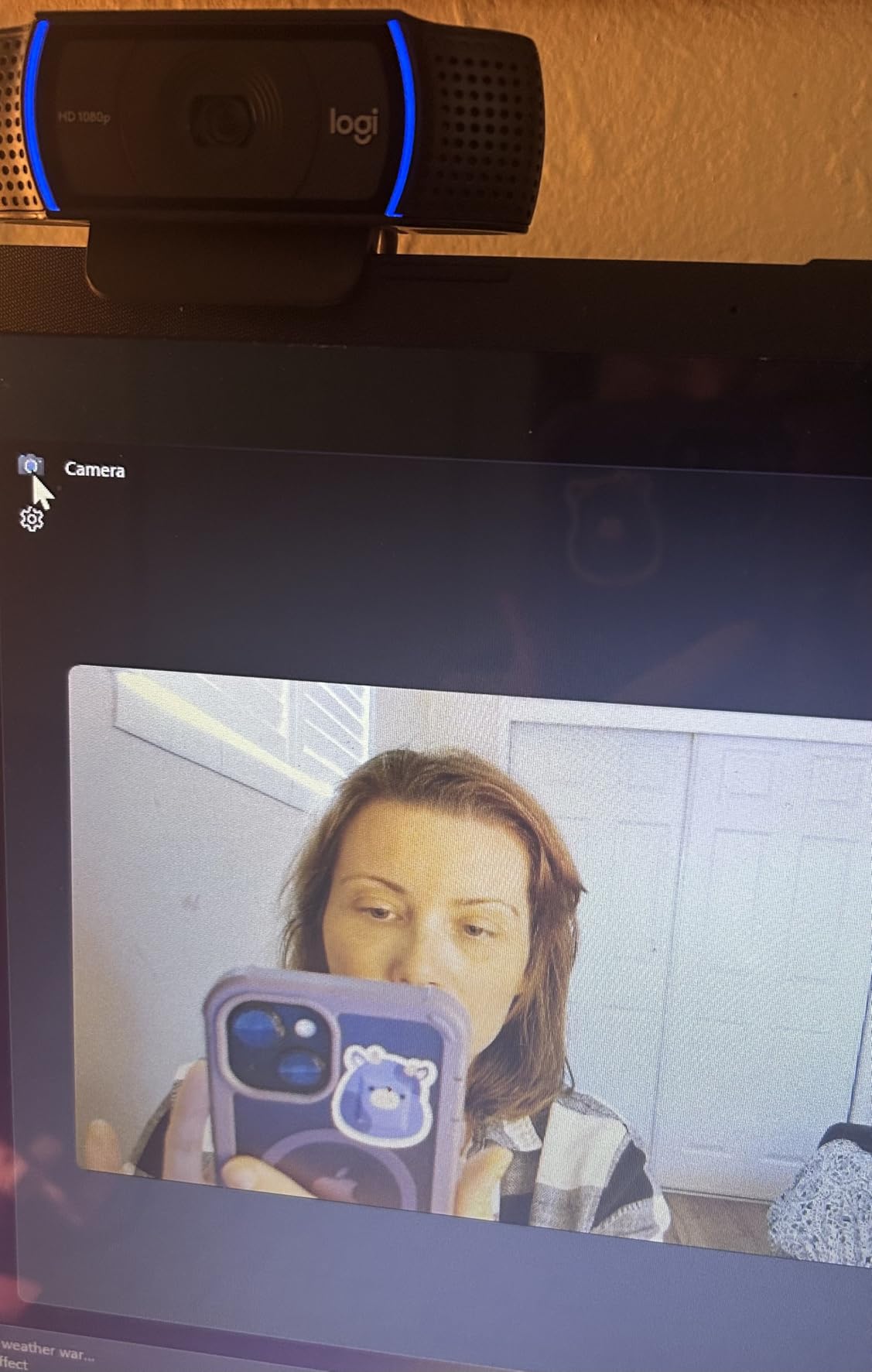
The C920x is the camera I put in front of guests who had never been interviewed before. It needs no explanation, no app and no driver: plug it in, close Zoom or OBS, and the picture looks professional. Over 22000 reviews sit behind a 4.6 average, and what that volume tells you is reliability rather than excitement.
For interviews specifically, the 78-degree field of view is the quiet hero. It frames a head and shoulders with a little breathing room, which is exactly the composition you want, and it does not introduce the wide-angle facial distortion reviewers complain about on 90-degree lenses. A subject sitting about 30 inches from the lens fills the frame naturally, so nobody has to lean in.
Autofocus is quiet and quick, and it does the one thing that ruins a lot of interview footage: it does not hunt when a guest gestures or leans back. The automatic light adjustment is less impressive than a proper key light but rescues a window-lit room better than most rivals at this level.
Why the 30fps cap matters less than you think
If you are publishing long-form interviews, 1080p at 30fps is the native format of the format. YouTube re-encodes 4K interview footage down for most viewers anyway, and a stable 30fps frame is far easier to colour and to cut than noisy 4K. The cap only becomes a real limitation if you plan heavy slow motion or want a 4K master for future re-cuts.
One genuine concern is system load. Several owners running multiple Logitech cameras at once report video and audio lag, and Linux support is limited compared with macOS and Windows. If your setup involves a second camera for a second guest, check this before you commit.
What the built-in microphones are really good for
The dual stereo microphones keep a voice intelligible at desk distance and are a solid backup layer for a recorded call. They will not replace a dedicated microphone for a published interview, because webcam mic placement is fixed roughly where your face is, which is the least useful position for voice capture.
Our advice is to record local audio on a separate USB microphone, keep the webcam mic as a safety track, and sync in your editor. If you need a second angle or a field backup, our field recorders for interviews cover the options that run alongside a camera.
Where it falls short for interview work
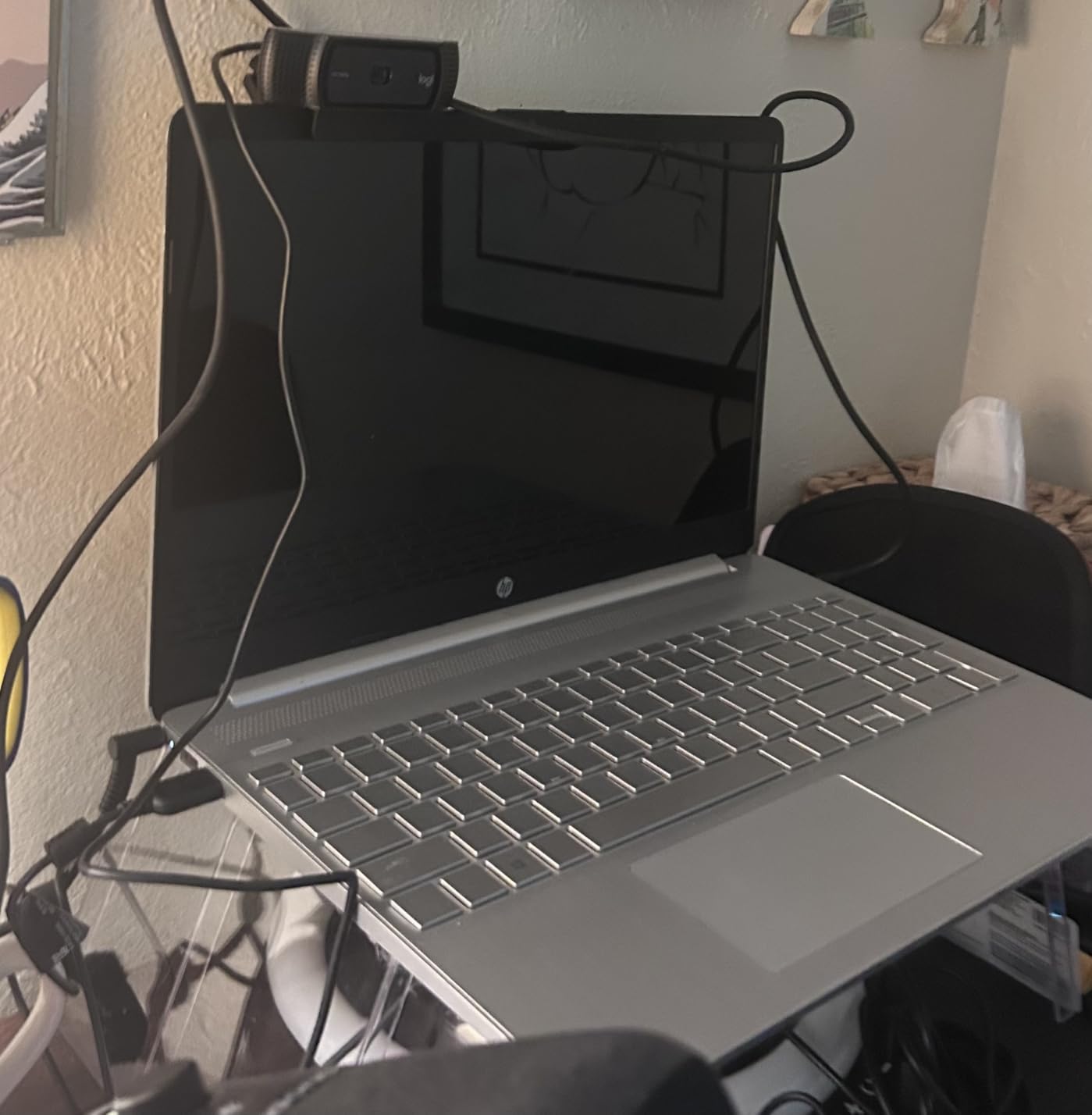
There is no physical privacy shutter, which matters more for a creator than for a caller. Some guests are visibly uncomfortable with a lens pointed at them, and a sliding cover is the cheapest way to make a room feel less like a surveillance state.
The bundled XSplit VCam licence is a nice touch for solo creators, but interviews rarely need background replacement. A real, well-lit background reads more credible on YouTube than a blurred one.
2. Anker PowerConf C200 – Best Framing Flexibility and Noise Handling
Anker PowerConf C200 2K Webcam for PC/Laptop/Mac, Low-Light Correction
2K resolution
65/78/95 degree selectable FOV
Dual mics with AI noise cancellation
Sliding privacy cover
Pros
- 2K detail is a visible step up from 1080p
- Software lets you pick 65
- 78 or 95 degree framing
- AI noise cancellation cleans up room tone
- Integrated sliding privacy cover
- Strong low-light behaviour for evening recording
Cons
- Not 4K and frame rate options are limited
- FOV switching depends on the Anker software
- Autofocus is less consistent than PDAF rivals
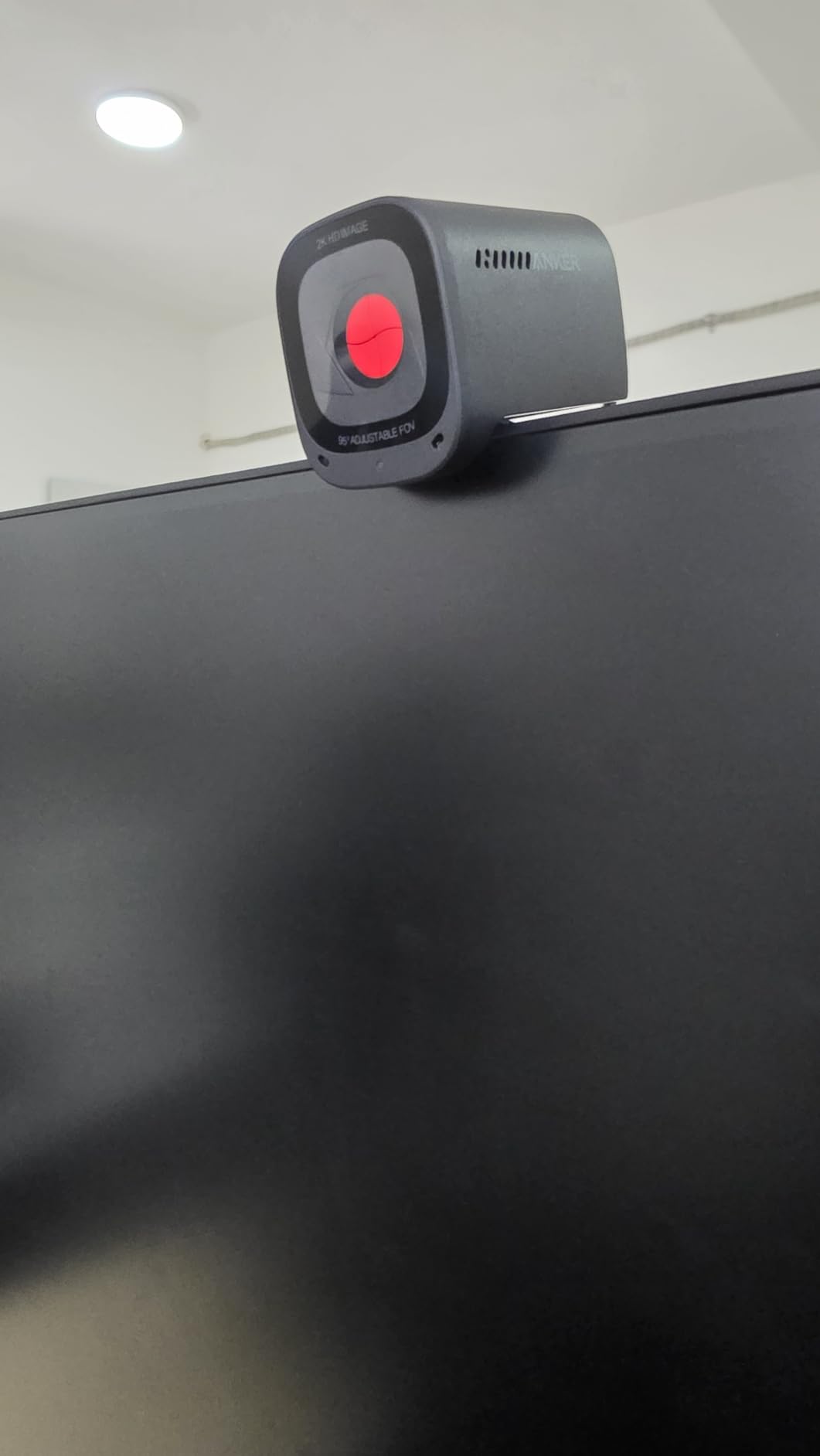
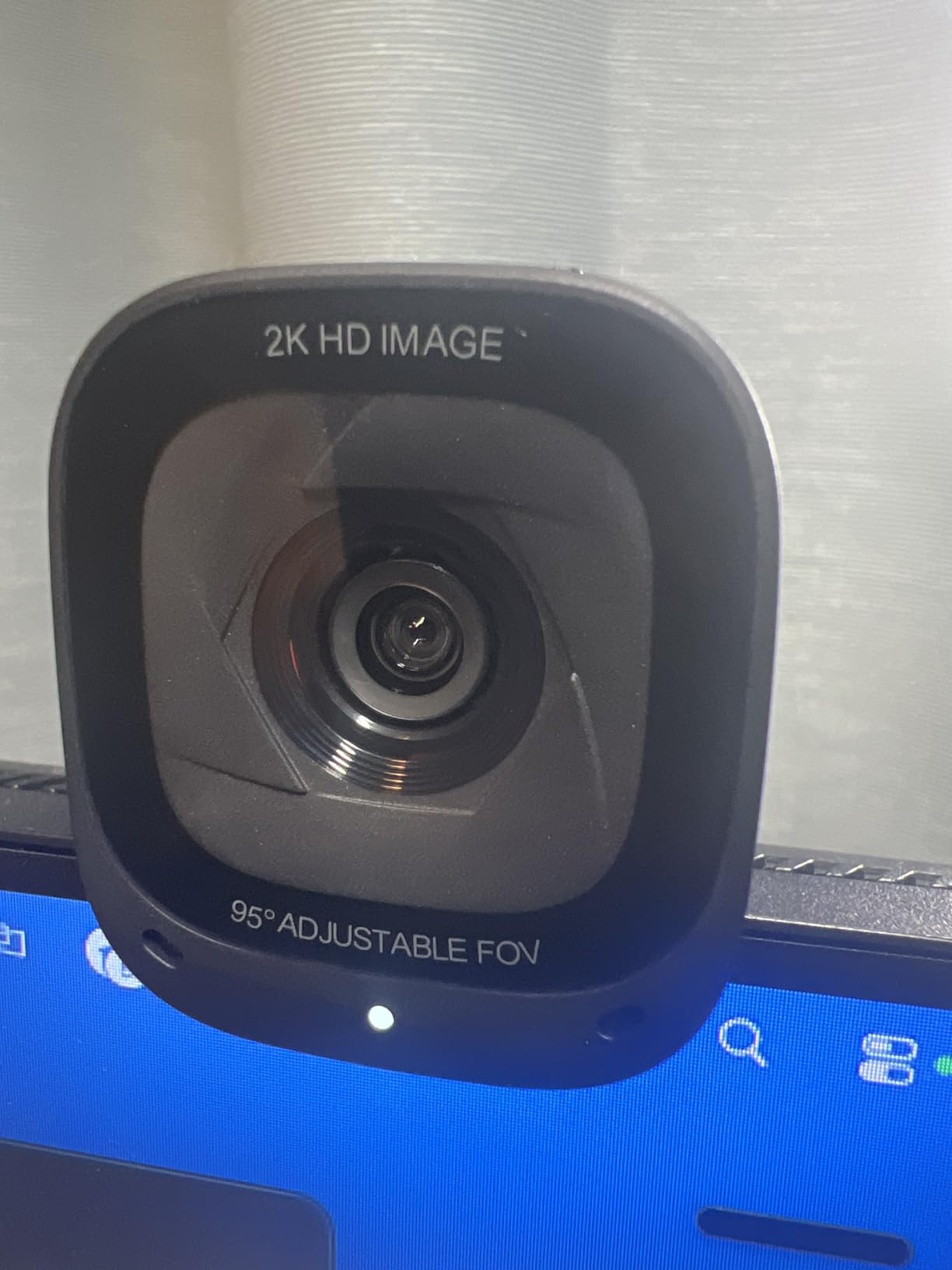
The PowerConf C200 solves a problem most webcams ignore: framing. Software lets you switch between 65, 78 and 95 degrees, so the same camera can produce a tight head-and-shoulders interview shot and a wider two-person frame without you physically moving it.
That single feature changed how I set up my own two-person interviews. I frame both people in at 95 degrees, then switch to 78 degrees when the conversation becomes a single close conversation, and the cut between the two is invisible in editing because the white balance and exposure stay put.
The AI noise cancellation on the dual microphones is the other standout. In a room with a laptop fan and a street window, it takes a surprising amount of hiss out of the track without the artefact-heavy sound of aggressive desktop noise removal.
Choosing between the three field-of-view settings
At 65 degrees you get the most flattering, compression-friendly composition for a solo interview, but you must sit closer. At 78 degrees you get a natural conversational framing with headroom. At 95 degrees you fit two people or a desk setup, and you accept some edge distortion that a YouTube viewer will rarely notice on a flat panel.
For interviews, I would set the framing once in software and leave it alone. Changing FOV mid-recording is a good technique for a cutaway, but any exposure shift that comes with it will be visible.
Low-light behaviour and the limits of 2K
The C200 handles a dim room better than its specification suggests, largely because its auto light correction lifts shadow detail before noise becomes obvious. It is not a substitute for a key light, but it rescues evening recording better than most 1080p rivals.
The ceiling is the resolution and frame rate. 2K gives you real detail for post-production cropping, which helps when you want to punch into a 16:9 interview to make a vertical clip, but it is not 4K, and it does not offer 60fps. If vertical reframing for Shorts is part of your workflow, the extra headroom of a 4K sensor is worth more than the noise cancellation.
Who should pick this one
Choose the C200 if your interviews regularly involve two people in one frame, or if you record in the evening and want usable audio from the camera as a backup. Skip it if you plan a heavy vertical-crop workflow or if you need frame rates above 30fps.
The sliding privacy cover is a small detail that matters in a home office. Guests can see it closed when you are not recording, and it takes one second to confirm that nothing is rolling.
3. Logitech Brio 101 – The Cheapest Camera With a Privacy Cover
Logitech Brio 101 Full HD 1080p Webcam for Streaming and Meetings – Black
1080p full HD
60 degree field of view
Fixed focus
RightLight auto balance
4.96 ounces
Pros
- Sharp 1080p for the price tier
- Integrated sliding privacy cover is rare at this budget
- RightLight lifts brightness and reduces shadows
- Light enough to sit on a monitor without wobble
- Plug-and-play on Windows macOS and Chrome OS
Cons
- Fixed focus with no optical zoom
- 60 degree view crops shoulders out of frame
- Image is slightly grainy in low light
- Built-in mic does not replace a dedicated microphone
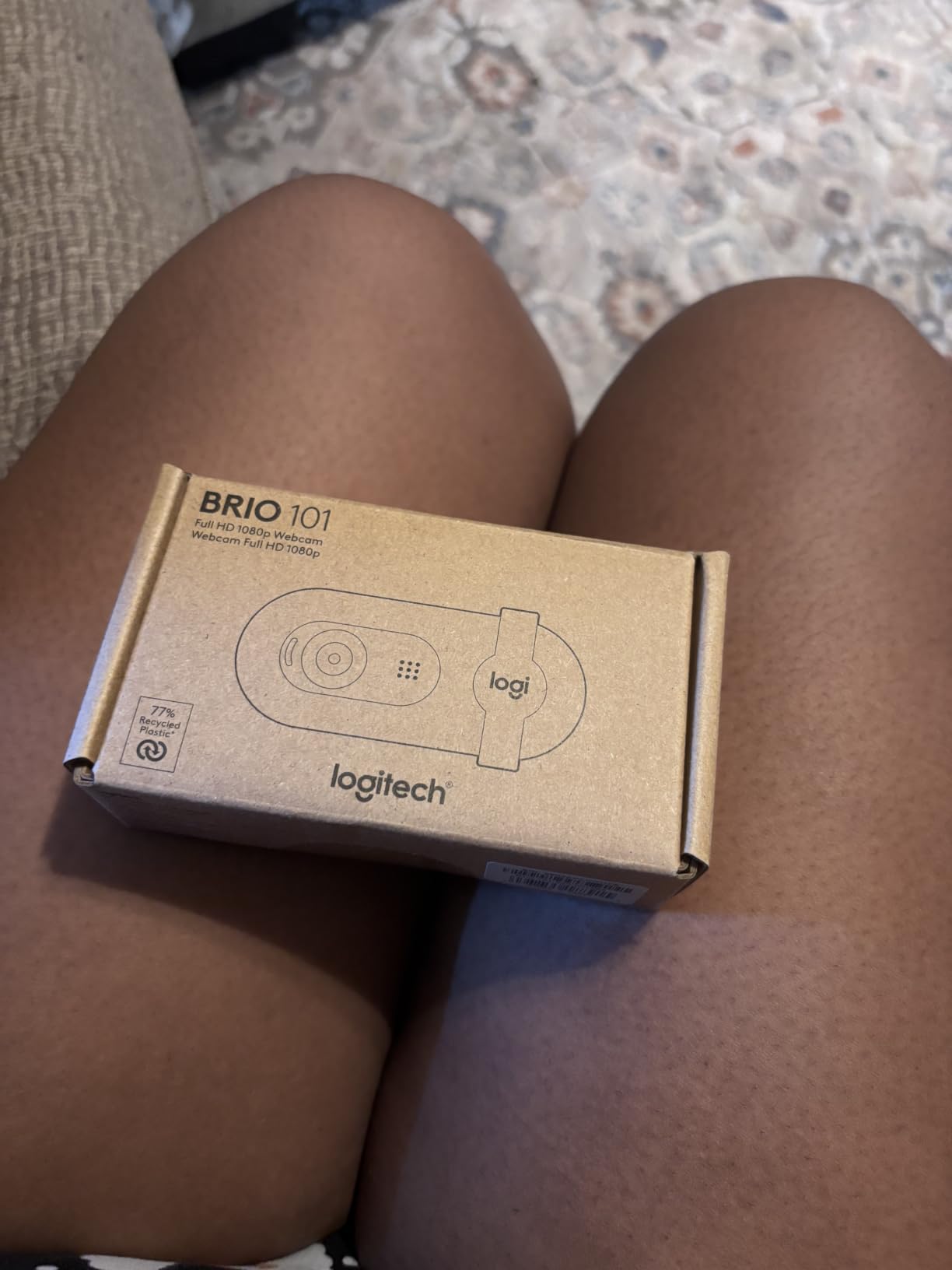
The Brio 101 is the camera I recommend to someone recording their first ten interviews on a small budget. It is sharp enough for a talking head, it mounts on a monitor without drama, and it has a physical privacy cover, which almost nothing else at this level does.
It is also the most opinionated camera in this guide. The 60-degree field of view is narrow, and fixed focus means you cannot zoom. Both are fine for a single subject at a set distance, and both are a problem the moment a guest leans back or you want shoulders in frame.
RightLight does the useful work of lifting brightness by up to 50 percent in software, which takes the worst sting out of a backlit window. It does not manufacture light that is not in the room, so pair it with a real key before your first serious interview.
Why narrow field of view suits a single guest
A 60-degree lens produces a natural, slightly compressed portrait, which is flattering for a solo interview. It also means your subject fills the frame from further back, so you can place the camera on a small stand rather than balancing it on a monitor edge.
The failure mode is obvious once a guest shifts position. If your subject is framed too tightly, shoulders disappear and the composition starts to feel like a phone call rather than a filmed conversation. Test the framing with a second person standing in the guest seat before you record anything you care about.
What you give up by saving this much
Low-light performance is passable rather than good, and the image is visibly grainier than 2K and 4K models in the same test. Grain in an interview is more damaging than a slightly soft image, because viewers read it as a poor connection.
There is also no 4K headroom for vertical clips. If your plan is to pull 9:16 excerpts out of long interviews for Shorts, you will be cropping a 1080p frame and losing sharpness in the process. Our picks for that workflow sit later in this guide.
The privacy cover is the real differentiator
At this price, a sliding cover over the lens is unusual, and it changes the feel of a home interview. Most guests relax once the lens is visibly closed between takes, and it removes the awkward conversation about whether the camera is recording.
The camera is also supported by Logi Options+, so zoom, framing and camera settings are adjustable if your software exposes them. It is fully plug-and-play on Windows, macOS and Chrome OS with no extra steps.
4. EMEET C960 4K – Reliable 4K Detail on a Modest Budget
EMEET C960 4K Webcam for PC, PDAF Auto Focus, Dual Omni Mics, 73° FOV
True 4K at 30fps
PDAF autofocus
73 degree FOV
8.3MP stills
Dual omni mics
Pros
- True 4K sensor with real 8.3MP still resolution
- PDAF autofocus is fast and stable at this tier
- Dual omnidirectional mics for clear call audio
- Privacy cover and two year warranty included
- Works on Windows macOS Linux and Android TV
Cons
- 4K must be enabled manually and defaults to 1080p
- Colour balance can wash out with strong light in frame
- Built-in mics are not for professional spoken audio
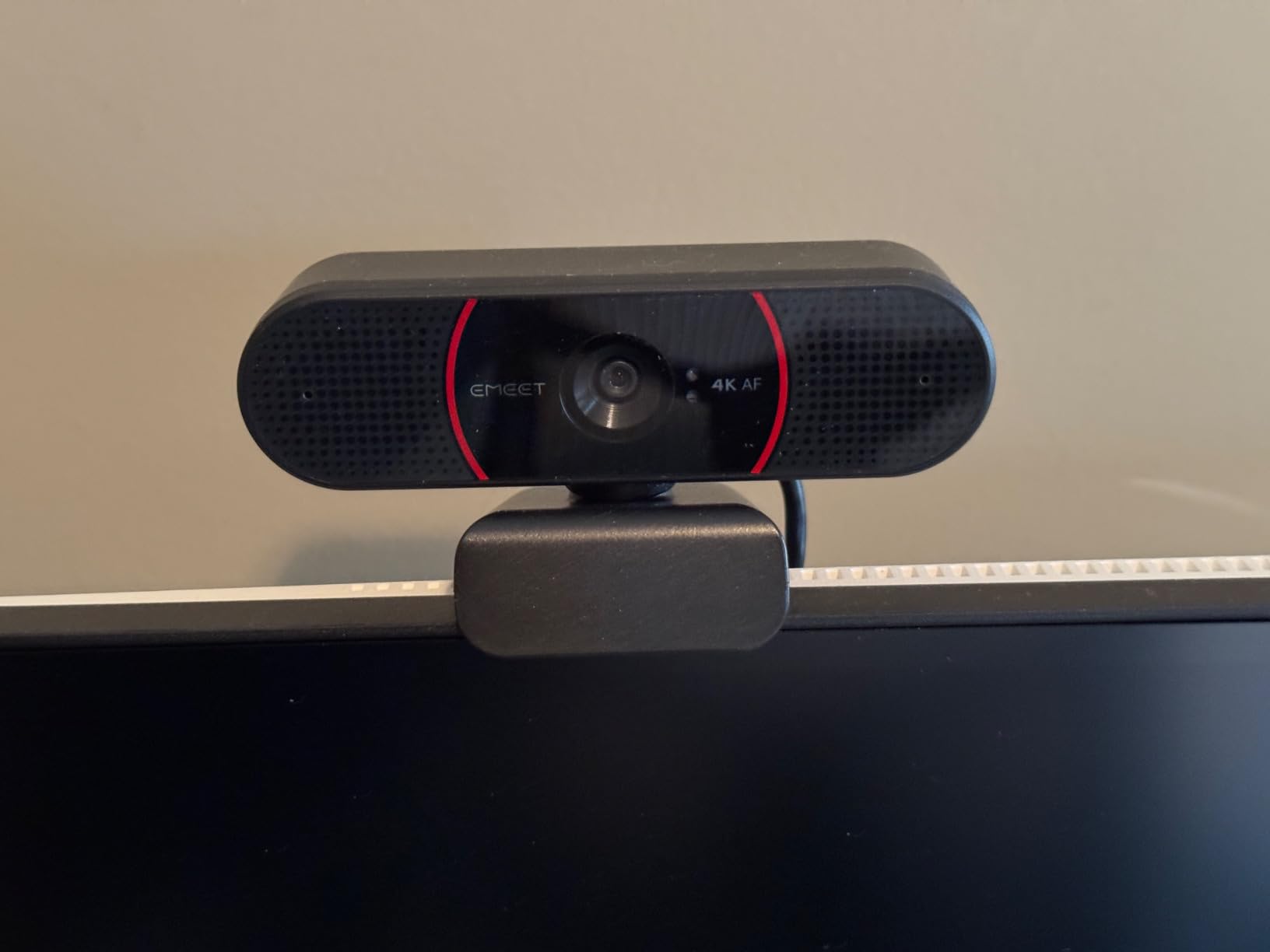
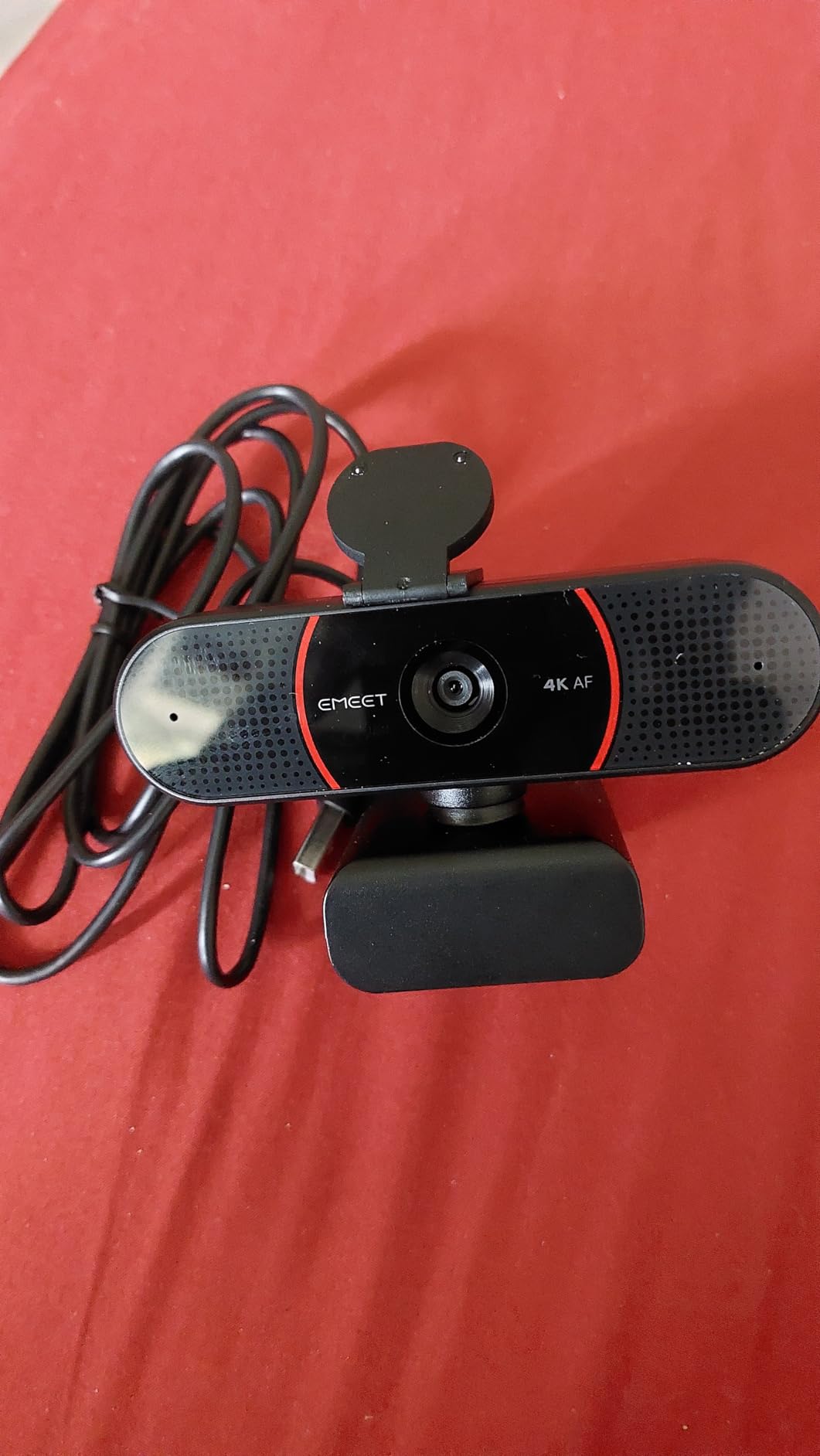
The C960 is a 4K camera that does not upscale, and that distinction matters for interviews because it means the extra pixels are real detail rather than software interpolation. It sits at 2353 reviews with a 4.5 average, and the sentiment around it is consistently positive.
PDAF autofocus is the reason it earns a place. Phase detection focus locks quickly and holds, which is precisely the behaviour you want when a guest shifts posture mid-answer. The 73-degree view is a sensible interview default: wide enough for headroom, tight enough to keep the background out of the argument.
The two-year warranty is quietly valuable for a camera you will mount permanently and leave running for long recording sessions.
Turning on 4K correctly
Out of the box the C960 outputs 1080p, and the resolution has to be switched in camera software or in your capture application such as OBS. This trips up a lot of buyers, who conclude the 4K claim is marketing.
Once enabled, the extra resolution is genuinely useful for interviews because it lets you crop a tighter secondary angle for a cutaway without softness. Set it once in your capture app, confirm the resolution in a preview, and never think about it again.
Where automatic colour balance struggles
Reviewers repeatedly note that strong light sources in frame, particularly a bright window behind your guest, can wash out the automatic balance. The camera reacts to the brightest part of the frame rather than to your face, and a backlit subject goes pale.
Fix it in the room rather than in software. Put your key light on the face, put something opaque behind the guest, and the same camera produces a clean, accurate image.
Who this suits
This is the pick for a creator who wants 4K headroom for vertical clips and does not want to fuss with a companion app. It works across Windows, macOS, Linux and Android TV, and it needs no drivers, Wi-Fi or cloud storage.
Skip it if your recording room is bright and uncontrolled. The sensor handles dim rooms better than bright backlit ones, which is the opposite of what most people assume.
5. EMEET NOVA 4K – Best 4K Detail for Interview Framing
EMEET NOVA 4K Webcam for PC, Ultra 4K HD, PDAF Autofocus, Dual Omni Mics
Ultra 4K at 30fps
PDAF autofocus over 7.9-118 inches
Dual omni mics to 8 feet
73 degree FOV
Pros
- Sharp 4K detail with natural colour
- Fast PDAF focus that does not hunt
- 73 degree field of view suits a desk setup
- Mics clear enough for meetings without a desk mic
- Plug-and-play on Windows macOS and Android TV
Cons
- 4K must be activated manually and defaults to 1080p
- PDAF focus range is a fixed 7.9-118 inches
- Colour balance can wash out in strong light
- Older Windows 10 machines may need a powered USB hub
The NOVA is the camera I would buy if the interview had to be shot once. Its 4K detail is clean, its colours are natural without correction, and the PDAF focus does not panic when a subject moves. At 4.5 across 2362 reviews it sits just ahead of the C960 on owner satisfaction.
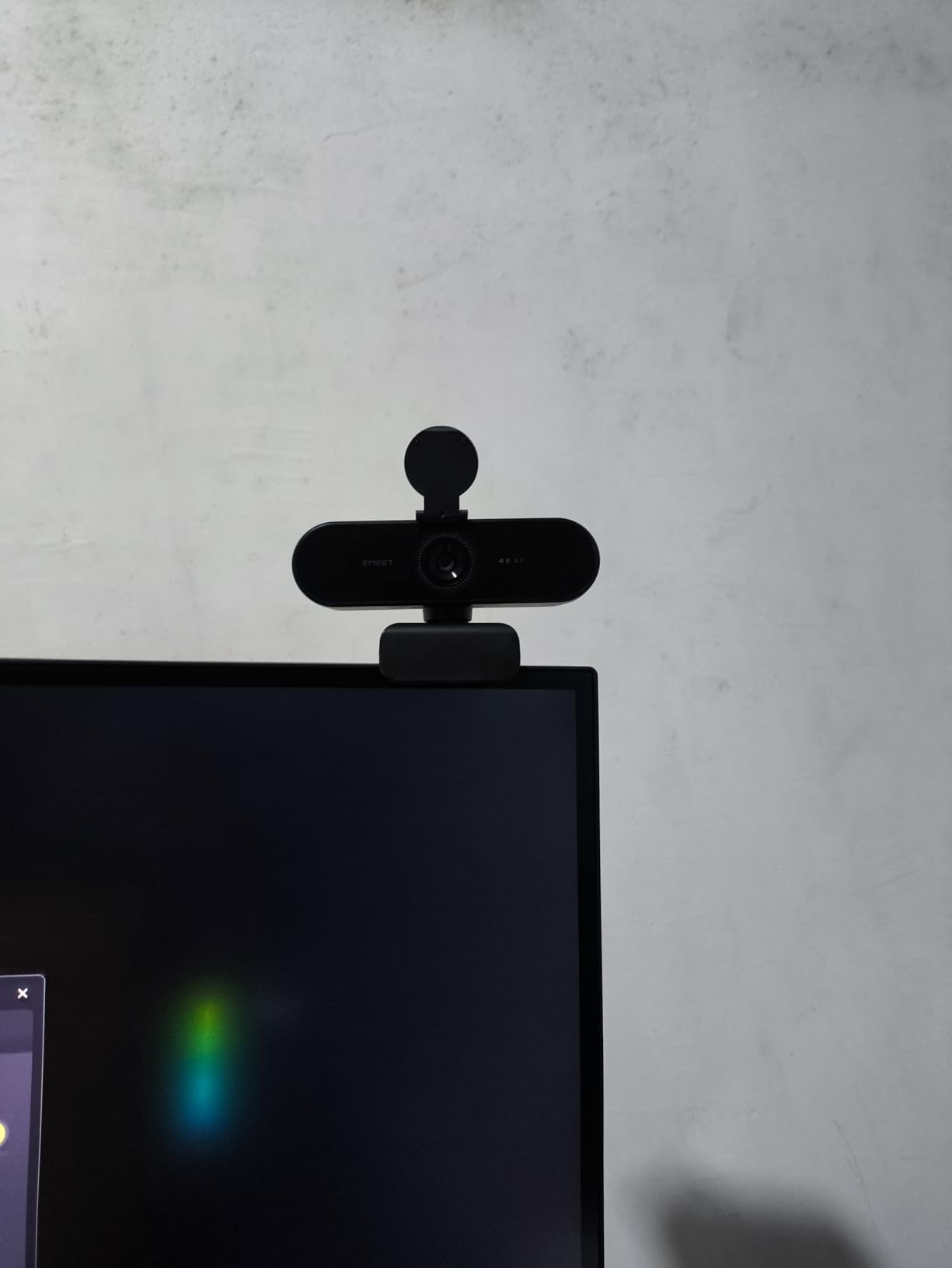
The 73-degree field of view frames a desk setup without revealing the whole room, which is the right compromise for a YouTube interview. You get shoulders and some context, and you keep the visual noise down.
The two built-in microphones capture voices clearly from up to 8 feet, which gives you real flexibility if your guest sits further back than you planned.
Understanding the fixed focus range
PDAF on the NOVA works across a stated band of 7.9 to 118 inches, and manual focus is not supported. For desk interviews this is a non-issue, because the entire usable range covers a normal seated conversation.
It becomes relevant if you film standing interviews, walk-and-talk segments, or a guest who moves around a large room. Check your furthest working distance against that band before you commit to a multi-camera setup.
Hardware notes that save setup time
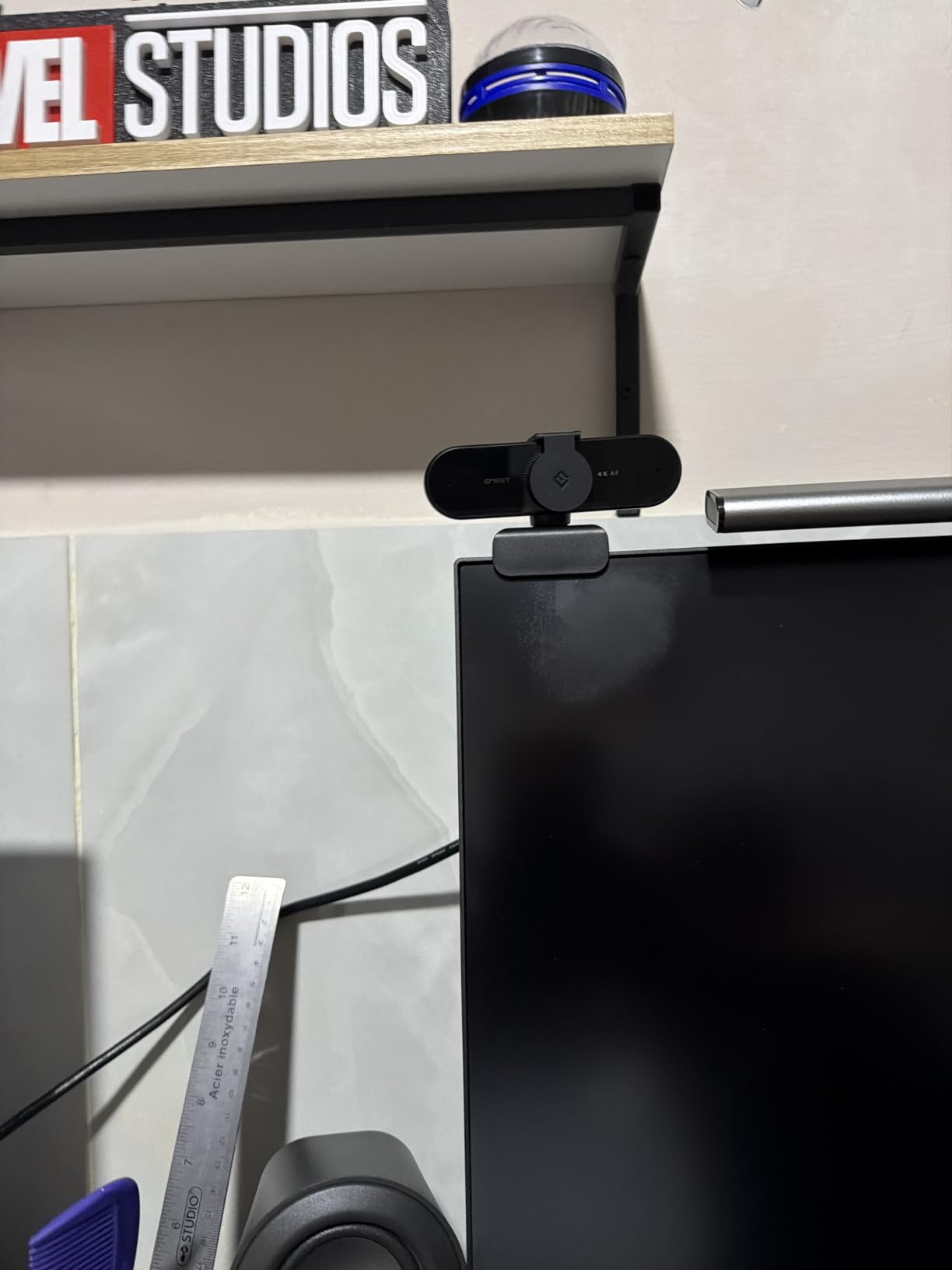
The universal joint gives 360 degrees of horizontal rotation, 15 degrees of vertical adjustment, a 180-degree adjustable stand and a quarter-inch tripod nut. In practice that means you can move the camera between a monitor mount and a small tripod without tools.
Older Windows 10 hardware may need the EMEET software and a powered USB hub to be recognised. That is a fifteen-minute fix if you hit it, but it is worth knowing about before a scheduled interview with a remote guest.
Why I rate this above the C960
Both are 4K PDAF cameras with a 73-degree view, and the deciding factors are colour accuracy and the more generous focus range. The NOVA’s natural colour out of the box saves grading time on a long interview, and the extra reach on the focus band gives you more freedom with guest positioning.
The C960 remains the better choice on Linux and Android TV support. If your editing machine runs Linux, pick that one.
6. OBSBOT Meet 2 – Smallest Camera, Strongest Autofocus
OBSBOT Meet 2-4K Webcam for PC with 1/2″ Sensor, AI Framing & Autofocus
4K on 1/2 inch CMOS
AI framing and autofocus
40.5g body
4x digital zoom
Magnetic privacy cover
Pros
- Excellent autofocus that locks fast and holds
- 4K detail from a 1/2 inch sensor
- Weighs 40.5g and mounts for travel easily
- Software exposes real white balance exposure and ISO controls
- Works well as a second camera in OBS
Cons
- Bundled monitor mount is weak and the camera can slip
- USB-C cable is short
- OBSBOT Center can be slow and AI framing struggles with clutter
- Detail smoothing and frame rate drop appear on motion at 30fps
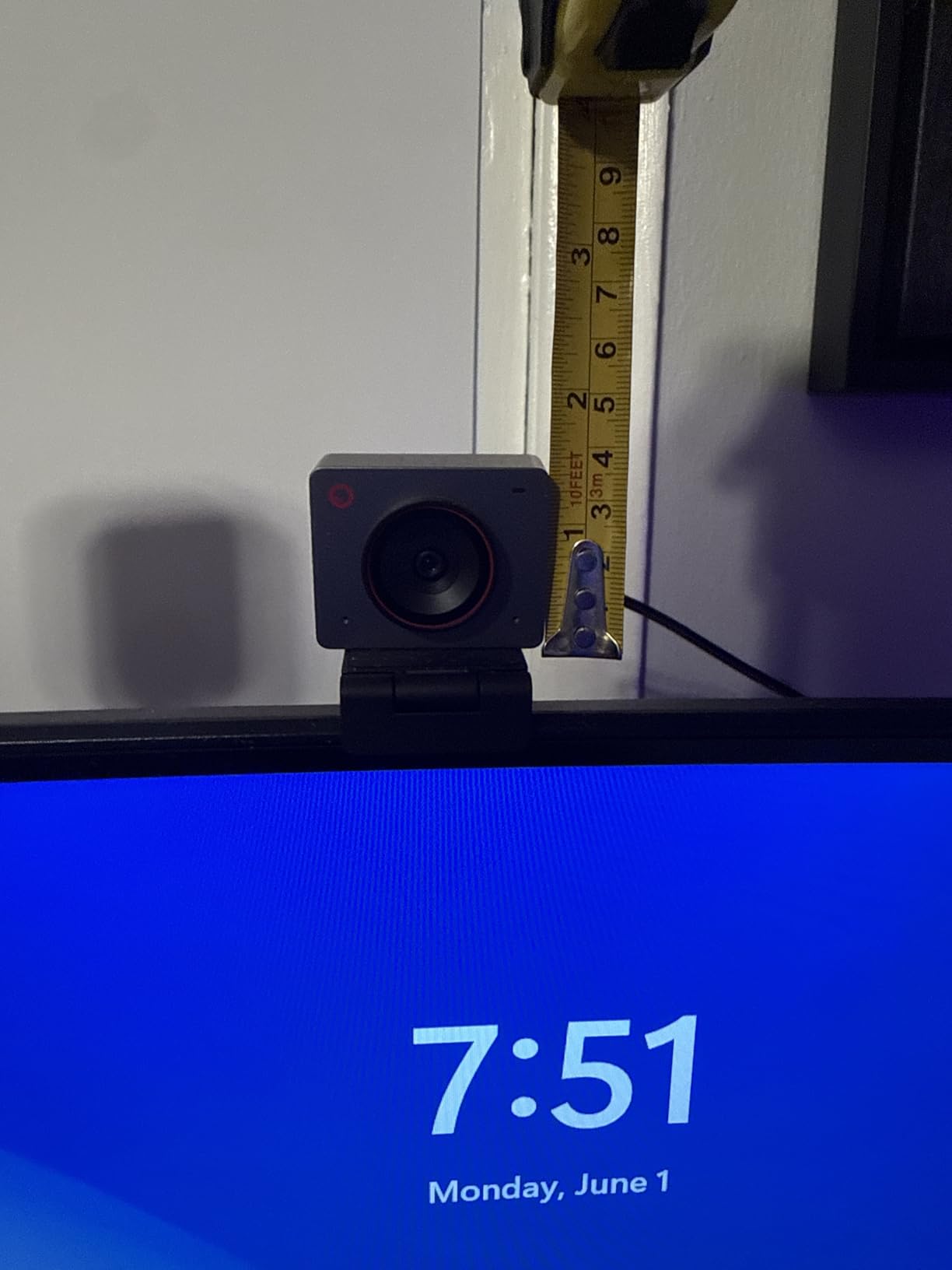
The Meet 2 weighs 40.5 grams, which means it lives in a laptop bag rather than on a shelf. For an interviewer who records different guests in different rooms, or who travels to conferences for on-location interviews, that changes what is practical.
Autofocus is the class leader here. Owners describe it locking on quickly and holding through movement, which is the single most valuable trait for a talking-head interview where a guest gestures constantly.
Unlike most cameras at this level, the OBSBOT Center software exposes white balance, exposure and ISO rather than hiding them behind auto. For an interview you are grading, that control is worth paying for.
AI framing for solo recordings
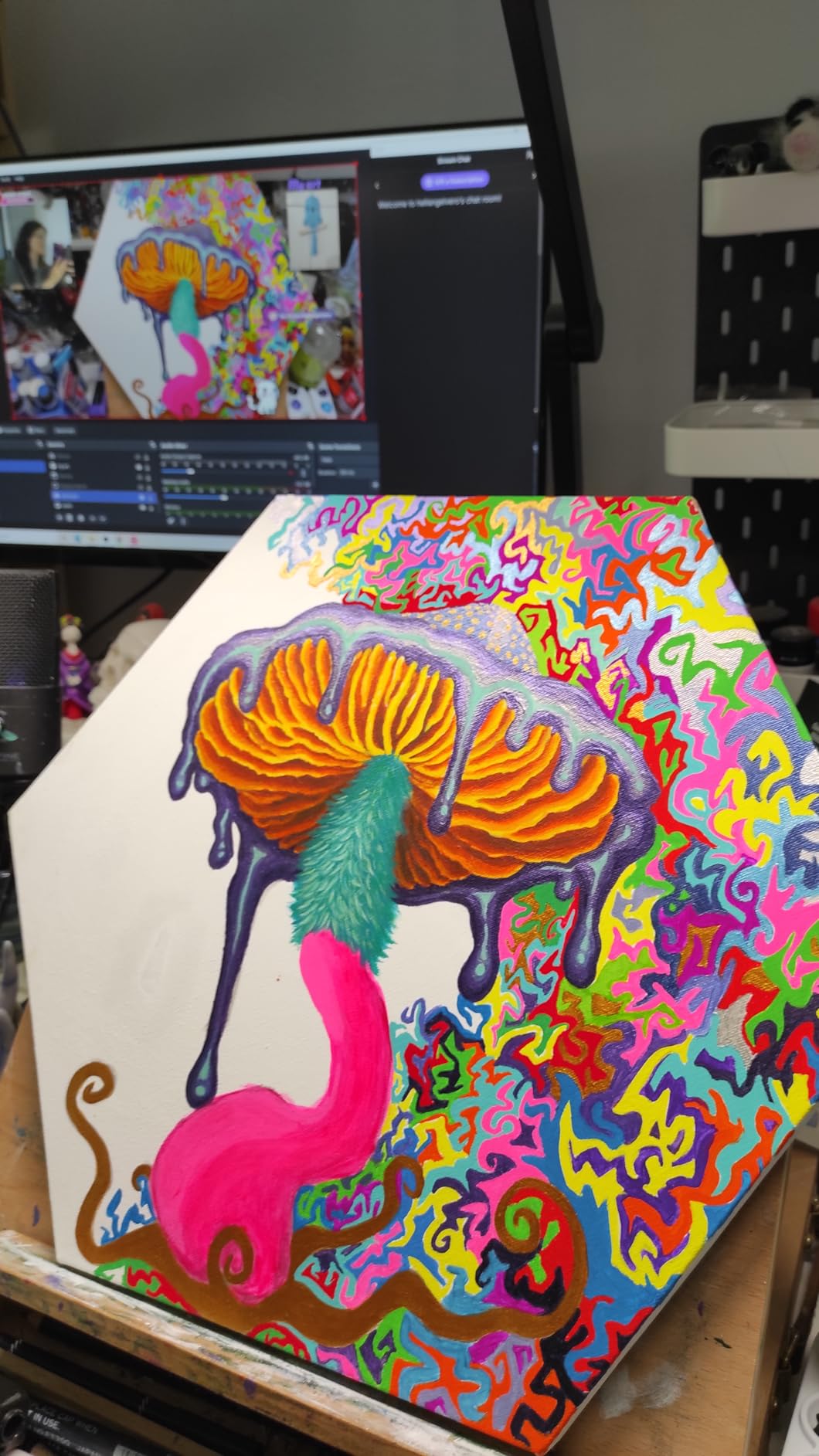
AI framing dynamically adjusts composition to keep a subject in a sensible position, and gesture control lets you toggle it with an open hand or zoom with a raised finger. For a solo host recording an interview-style monologue, this means you can step away from the desk without the frame drifting.
Be cautious with it when the background is busy. Reviewers report AI framing misfiring in cluttered rooms, where it cannot tell the difference between a person and a plant. A plain wall behind your guest is the most reliable way to use it.
The mount is the weak point
The bundled monitor mount is the most common complaint, and it is worth addressing directly: the camera can slip or fall if the mount is nudged. If you use this model, either mount it on a small tripod through the quarter-inch thread or secure the monitor clip with a dab of removable adhesive.
The bundled USB-C cable is also short, which is fine on a desk but tight if the camera sits on a bookshelf behind your monitor.
What to watch in post
Some detail smoothing and visible frame rate drop appear on motion at 30fps, most visibly when a guest moves quickly toward the lens. In a seated interview this rarely appears, because the motion budget is small.
The connection is USB 2.0, which compresses the video signal. Recording local at 4K and then exporting for YouTube absorbs that compression well, but streaming a 4K feed over a weak connection will not.
7. Insta360 Link 2 – Tracking That Physically Follows Your Guest
Insta360 Link 2 – PTZ 4K Webcam for PC/Mac, 1/2″ Sensor, AI Tracking, HDR, AI Noise-Canceling Mic, Gesture Control for Streaming, Video Calls, Gaming, Works with Zoom, Teams, Twitch & More
4K HDR on 1/2 inch sensor
AI tracking with pan and tilt
PDAF autofocus
Natural Bokeh
DeskView mode
Pros
- True 4K with HDR and strong low-light handling
- AI tracking physically pans and tilts to follow a moving subject
- AI noise-cancelling microphone works in busy rooms
- DeskView and Whiteboard modes add real utility
- Camera tilts down automatically after ten seconds idle
Cons
- Not compatible with ARM-based Windows or Windows Hello
- Pan and tilt movement is visible in recorded footage
- Link Controller software is required for advanced modes
- Highest cost in this roundup
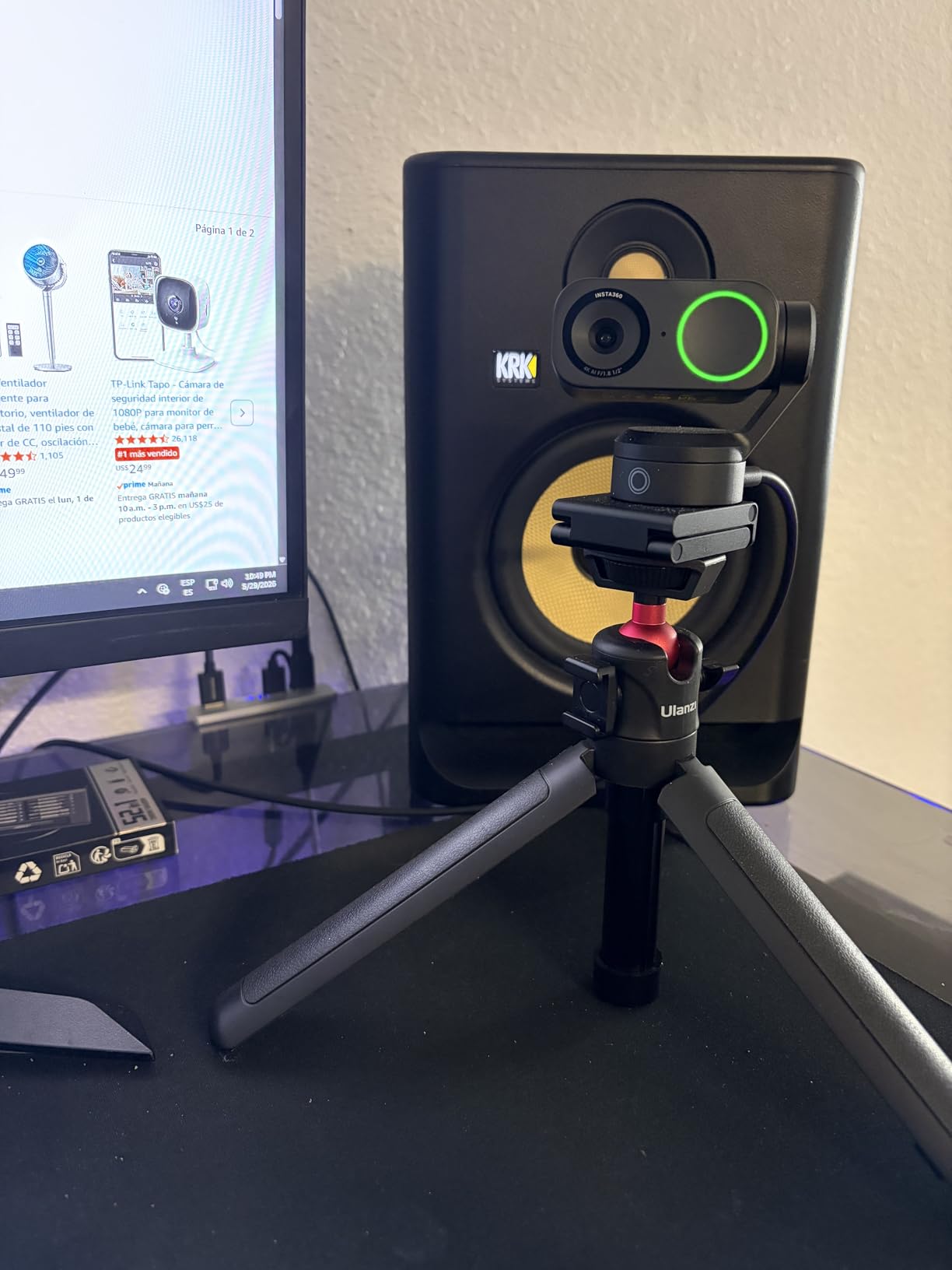
The Link 2 has the joint-highest rating in this group at 4.6, and it is the only camera here that physically moves to follow a subject. When your guest stands up, walks to a whiteboard, or reaches for something off screen, the camera pans and tilts to keep them framed.
Image quality is genuinely strong: a half-inch sensor, true 4K and HDR, and low-light behaviour that holds up in an evening recording better than anything else at this size. The AI noise-cancelling microphone is a real asset in a room with background noise.
For an interviewer whose subjects move, that tracking is the feature that no fixed camera in this guide can replicate.
When a moving camera helps and when it hurts
Motorised tracking shines when a guest stands, turns, or shifts position through a wide room. It also frames two people more evenly than a fixed lens, which is useful for an in-studio panel interview.
Reviewers do report that pan and tilt movement is noticeable in a recorded interview shot. In a pre-recorded interview you control, you will usually prefer a locked frame, and a visible camera movement between cuts reads as a production slip. Use tracking for live sessions and wide interviews; lock it down for close conversational work.
DeskView, Whiteboard and Bokeh modes
DeskView tilts the camera down to capture a document or your desk flat, and Whiteboard mode does the same for a board on a wall. Both are legitimately useful in an interview about a document or a physical product, and both are things a fixed laptop camera cannot do.
Natural Bokeh reproduces a shallow depth-of-field look from the Link Controller software. It is a stylistic effect, so use it sparingly: on a talking head it can look artificial, but on a product interview it reads as deliberate.
Compatibility limits to check first
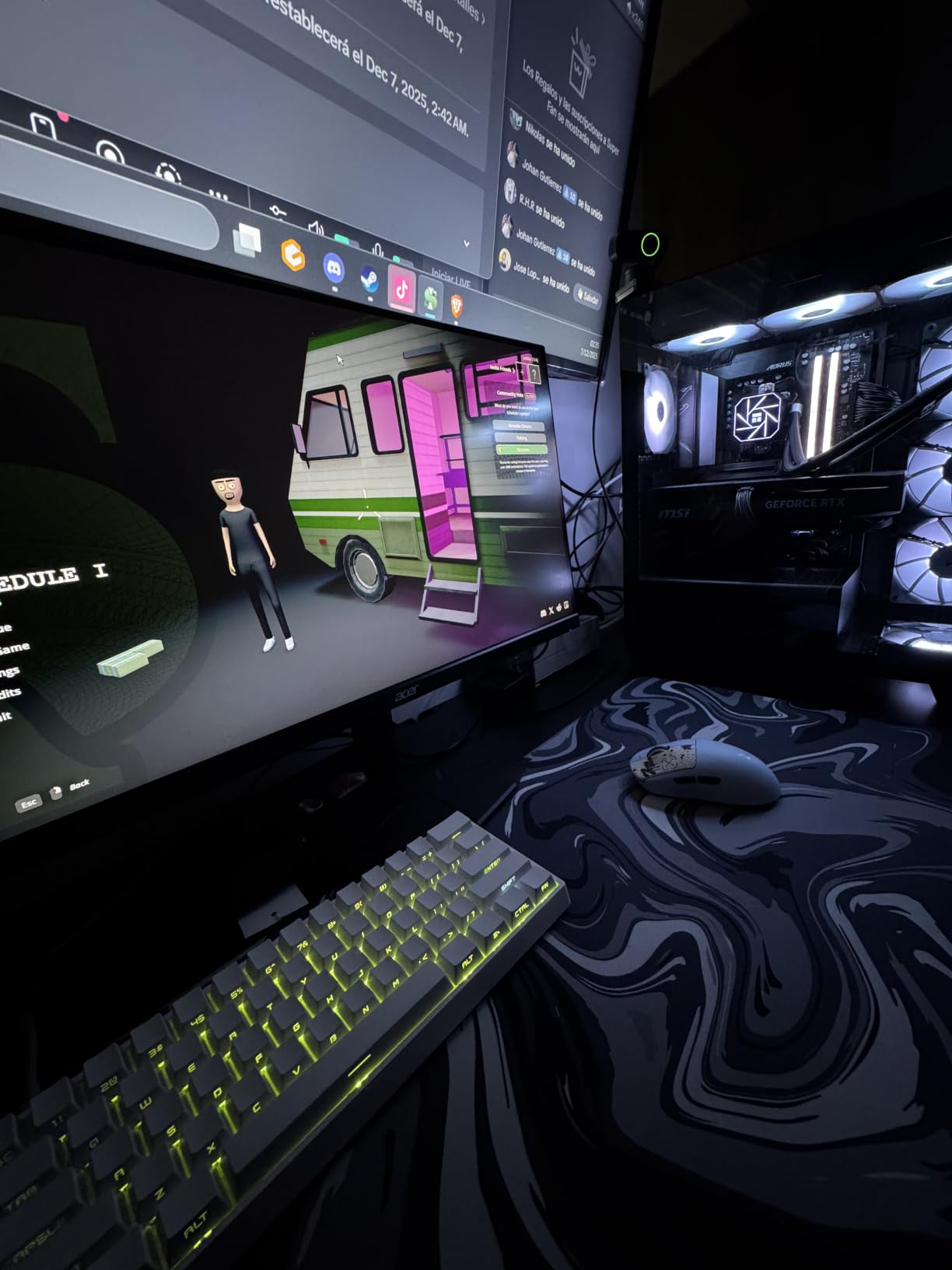
This is the most important practical note in the review. The Link 2 is not compatible with ARM-based Windows systems and does not support Windows Hello face recognition. If your recording machine is an ARM Windows device, this camera is not for you.
The advanced features also depend on the free Link Controller desktop software, so plan a few minutes of setup. A privacy feature that others implement with a button is handled here by tilting the camera down automatically after ten seconds of inactivity, which works well and looks considered.
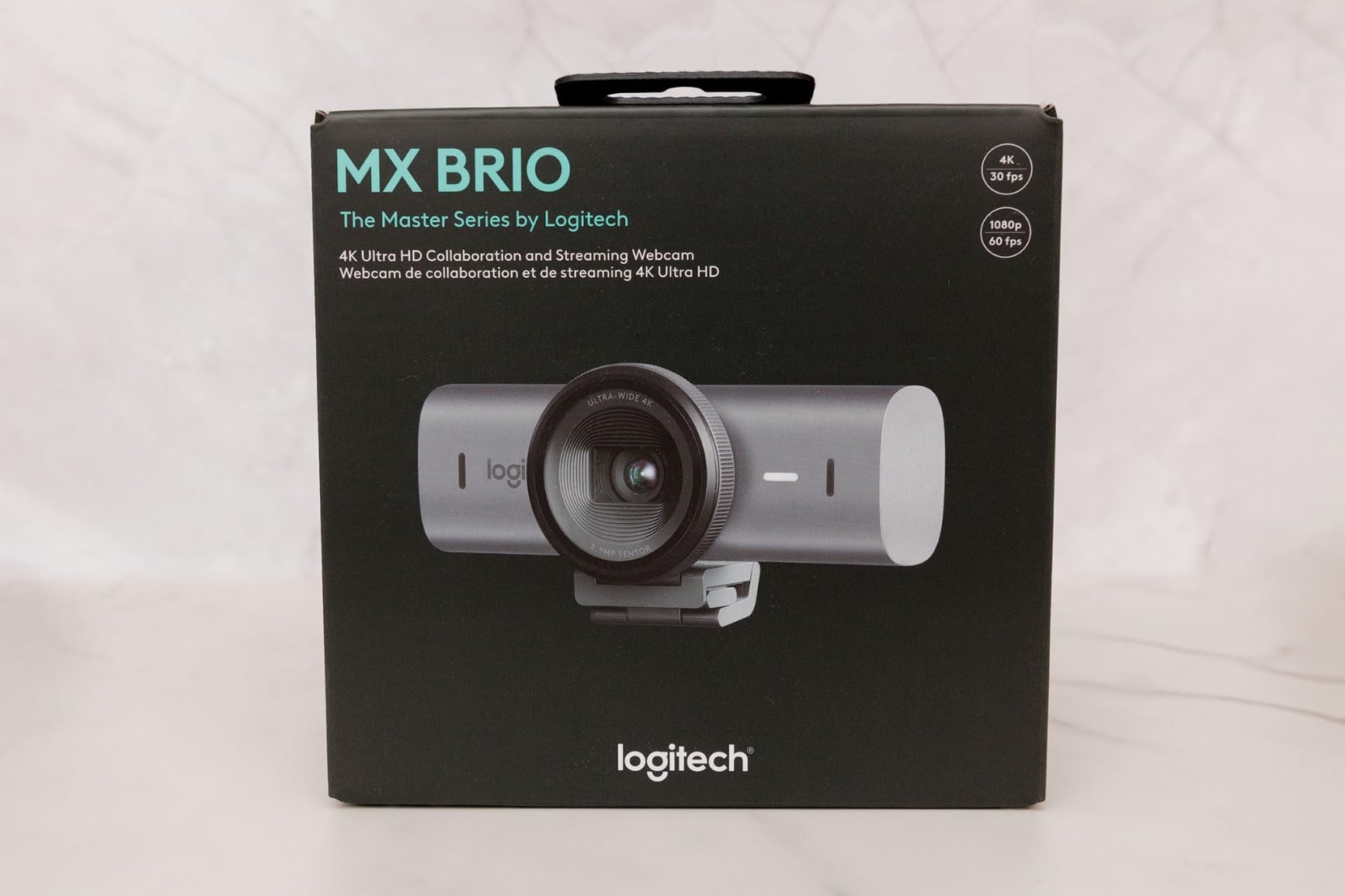
8. Logitech MX Brio – Finest Manual Controls and a Real Privacy Shutter
Logitech MX Brio Ultra HD 4K Webcam Collaboration and Streaming – Graphite
4K30 or 1080p60
Sensor with 70 percent larger pixels
Manual ISO shutter tint vibrance
Rotating privacy cover
Pros
- Genuinely sharp 4K with vibrant natural colour
- Handles uneven and backlit lighting better than earlier Logitech models
- Best-in-class background separation in Teams
- Fast autofocus and smooth exposure transitions
- Rotating privacy cover plus Show Mode for sharing notes
Cons
- Expensive for the tier
- Sticky magnetic clip mount lets the camera slip
- Software is split across Logi Tune and G Hub
- RightSight AI framing does not work on ARM64 Windows
- Some owners report autofocus that never settles
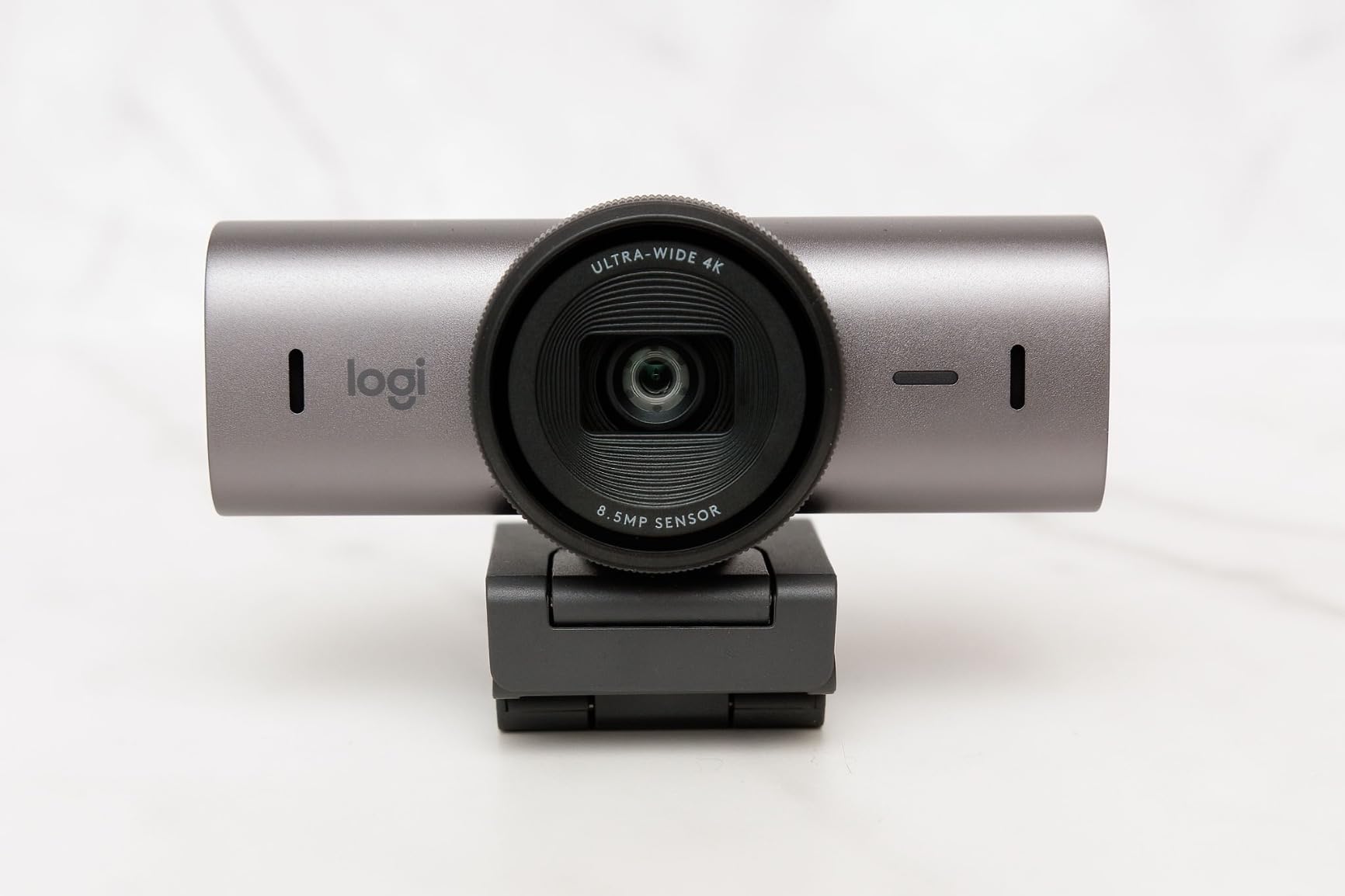
The MX Brio is the camera I reach for when I want to set the interview properly instead of trusting automatic behaviour. It exposes ISO, shutter speed, tint, vibrance and white balance, and it remembers them, so every take starts from the same known baseline.
Output is 4K at 30fps or 1080p at 60fps on a sensor with pixels 70 percent larger than previous Logitech generations. In my tests it handled a window-lit room better than anything else in this guide, avoiding the grainy look that makes interview footage look cheap.
Remote professionals consistently rate it as the best desk webcam for meetings, and the segmentation quality in Teams is the best I have tested. For a published YouTube interview, that background accuracy matters more than most buyers expect.
Locking your settings for a multi-guest session
The real value of manual control is consistency. Set exposure and white balance before the guest arrives, and every answer in a 40-minute interview shares the same tone. Automatic modes will drift slightly each time a subject moves relative to the window.
Use Auto mode for quick recordings and manual mode for anything you intend to publish. The Show Mode tilt is a small but useful feature: it angles the camera down so you can share a sketch or a printed outline without moving the camera itself.
Two friction points worth planning around
The magnetic clip mount is stiff and sticky, and owners report the camera slipping if it is nudged. Fit it once, check the tension, and do not adjust it mid-session.
Logitech’s software is split across Logi Tune and G Hub depending on the model, which is more confusing than it needs to be. Allow time to find the right control panel before your first interview. A minority of owners also report autofocus that never fully settles on their face, so test focus with your actual seating position.
Who should pay for this tier
Choose the MX Brio if you are publishing long-form interviews regularly, you colour grade, and you shoot in a room with difficult light. The 60fps 1080p mode is also useful if you plan any movement in frame, since 30fps can look slightly stuttery on a close talking head.
Pass if you are recording occasional videos in good light. Nothing here will be visible to a viewer that a good 1080p camera and a key light do not already deliver.
9. EMEET S600 – The Only Camera Here With a Real 60fps Option at Every Price
EMEET S600 4K Webcam for Streaming, Sony 1/2.55” Sensor, PDAF Autofocus
Sony 1/2.55 inch 4K sensor
4K30 and 1080p60
PDAF autofocus
40-73 degree FOV at 1080p
Dual noise-cancelling mics
Pros
- Sharp vibrant 4K from a Sony sensor
- 4K at 30 plus a genuinely useful 1080p at 60fps mode
- Fast PDAF autofocus that holds steady
- Solid twist-to-open privacy cover
- 45 degree swivel and 2.1x digital zoom aid framing
Cons
- Output resolution is set in OS or capture settings not EMEETLINK
- Companion app is very basic
- No manual focus option
- No 24fps mode so 60fps can look unnatural on a talking head
- Connection drops reported in some third-party apps
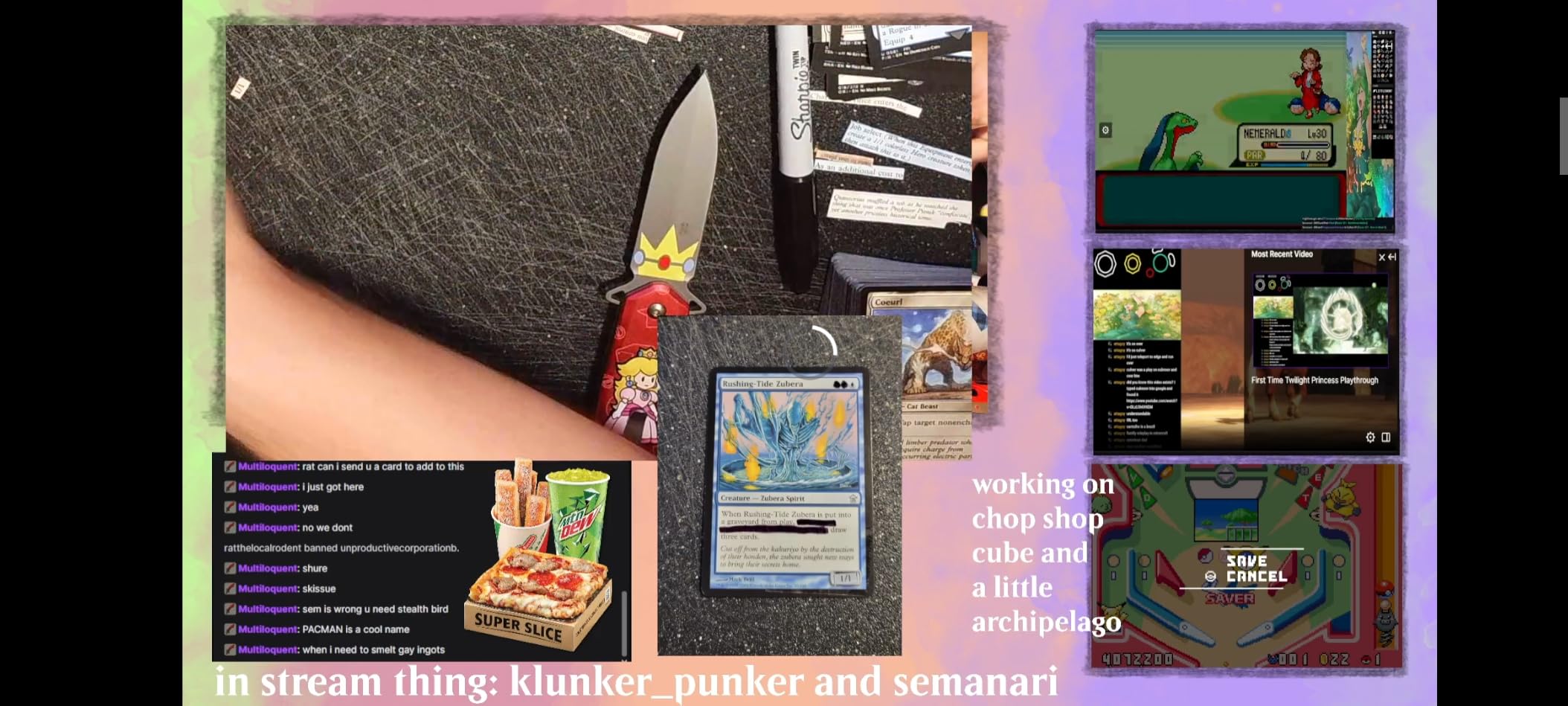
The S600 pairs a Sony one-over-2.55-inch sensor with both 4K at 30fps and 1080p at 60fps. That combination is rare at this level, and it is the reason this camera earns a place on an interview-focused list.
The 60fps mode is genuinely valuable when a subject is animated, because 30fps can render fast hand gestures slightly stuttery on a close talking head. The flip side is that 60fps on a mostly static interview can look unnaturally smooth when a guest turns, so treat it as a tool rather than a default.
PDAF focus holds steady, and owners report accurate white balance that is forgiving of imperfect lighting, which is more than most budget cameras manage.
Adjustable field of view versus fixed 4K framing
At 1080p the S600 lets you adjust the field of view from 40 to 73 degrees. At 4K it is fixed at 73 degrees. For interviews, that means you can create a genuinely tight portrait at 1080p, which flatters a subject and reduces how much compression artefacts you see after YouTube processes the file.
There is no 24fps option, so if you plan to capture standard 24fps cinematic motion, this is not the camera. For a spoken interview, that is rarely a loss.
Where the software gets in the way
The main friction is that output resolution is set in operating system or capture settings, such as OBS or PotPlayer, rather than in the EMEETLINK app. Owners regularly report spending time looking for the setting in the wrong place.
The companion app itself is very basic, and there is no manual focus. A few users also report connection drops in third-party apps such as Discord, so test your recording software before the interview rather than during it.
The privacy cover that feels right
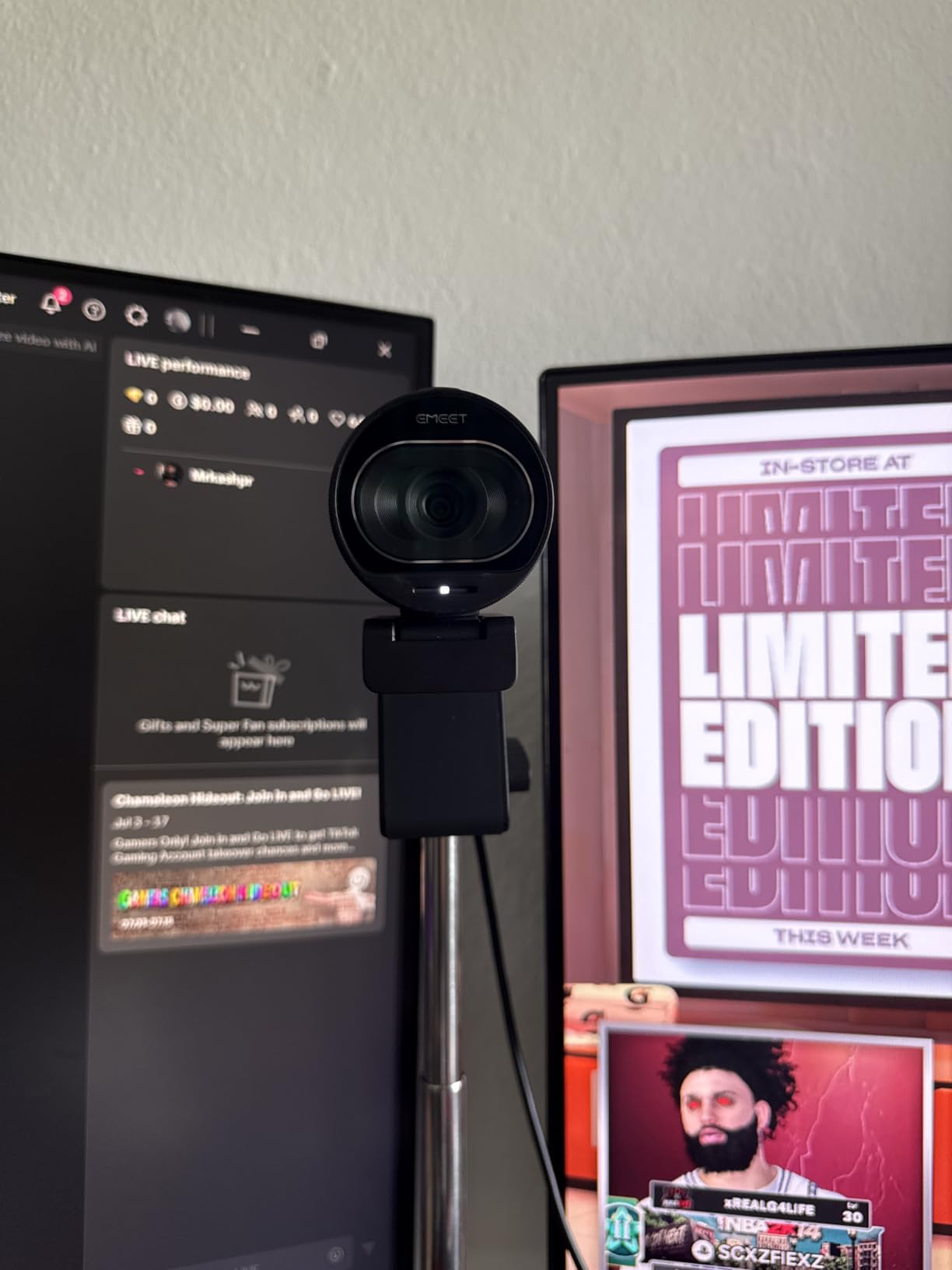
The twist-to-open built-in lens cover is mechanically solid rather than flimsy, and it is the kind of detail that ages well. Combined with the 45-degree swivel and 2.1x digital zoom, this camera adapts quickly to a desk layout change between guests.
It plugs in with no drivers, and owners have verified it on Windows, Debian and Ubuntu, which is broader Linux support than most cameras in this guide offer.
10. AOC AC310 – Widest Framing for Two-Person Interviews
AOC 4K Webcam for PC, Streaming Computer Camera with Noise-Canceling Mic
4K ultra HD
80-90 degree wide field of view
180 degree tilt and 360 degree swivel
Physical sliding lens cover
Pros
- 4K resolution at a low entry cost
- Very wide field of view fits multiple people in frame
- 180 degree tilt and 360 degree swivel for easy adjustment
- Physical sliding lens cover adds privacy
- Includes both USB-C and USB-A connectivity
- Three year manufacturer warranty
Cons
- Fewer reviews and a shorter track record
- Sensor size is not specified so low-light performance is less predictable
- Built-in microphone is basic compared with noise-cancelling rivals
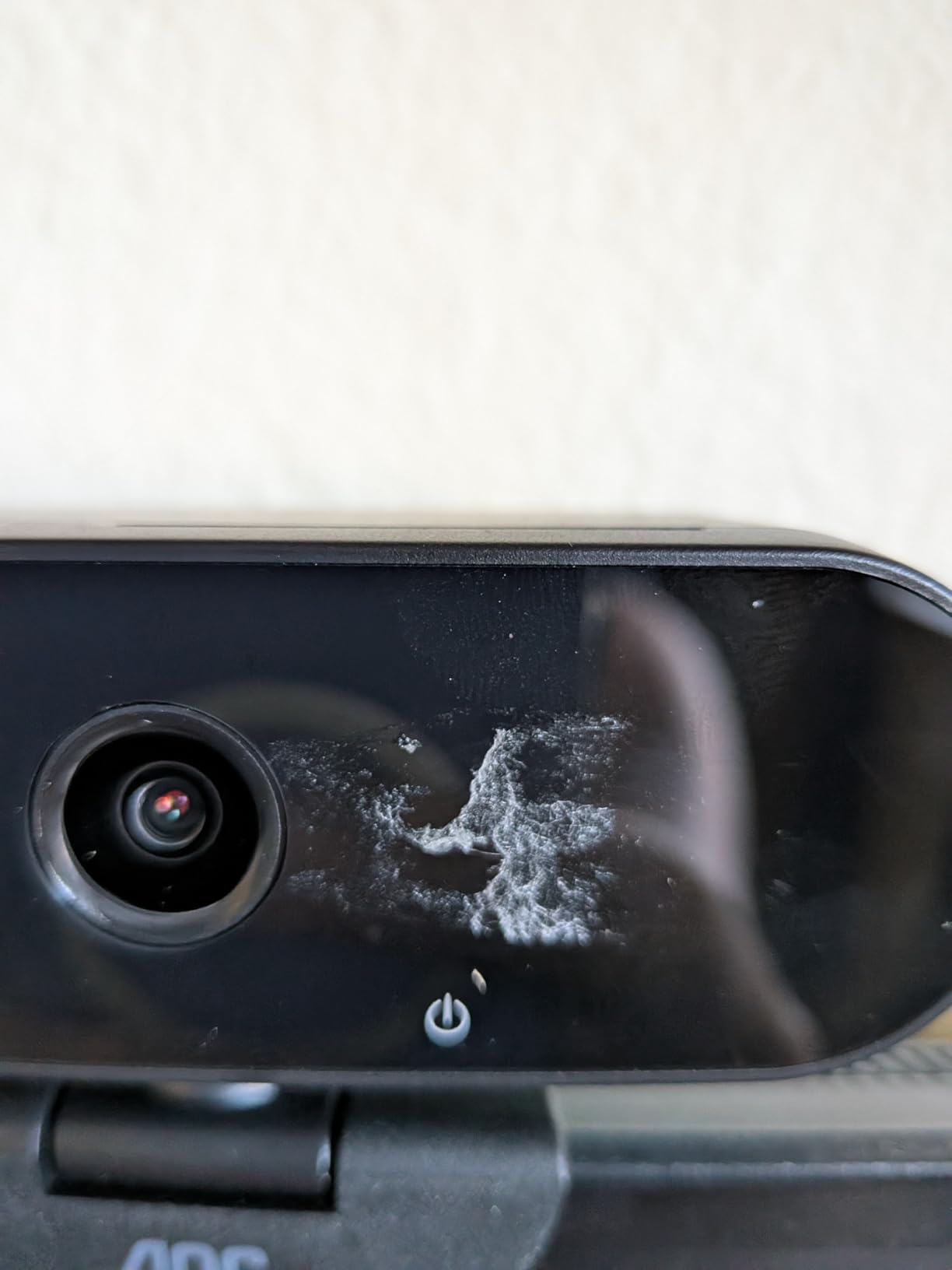
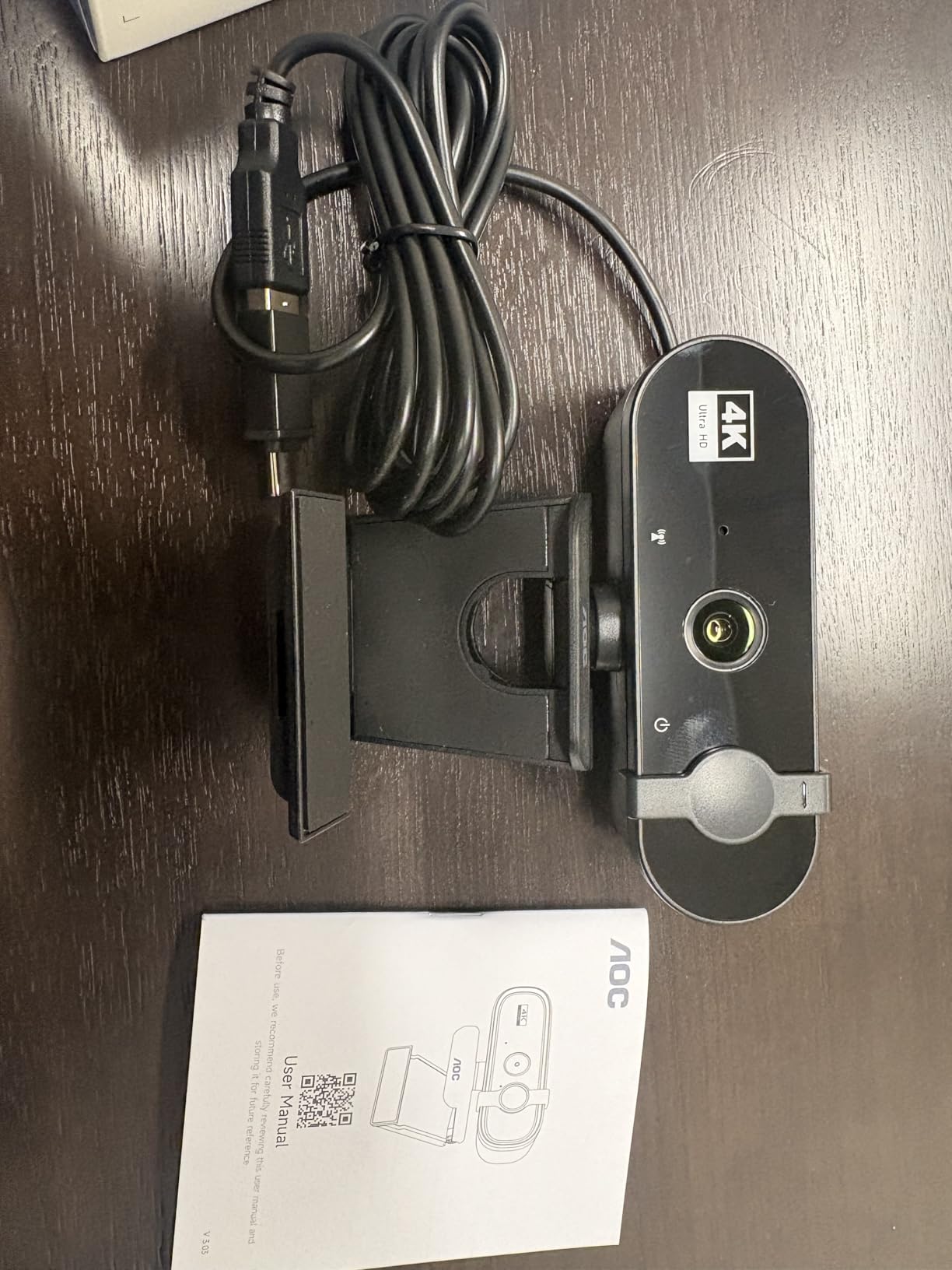
The AC310 has the widest field of view in this guide at 80 to 90 degrees, and for a two-person interview shot in a small room that is exactly what you need. Most 73-degree cameras force you to sit awkwardly or crop a shoulder.
4K capture at this price point is unusual, and the physical sliding lens cover is a welcome addition that costs nothing extra. The 180-degree tilt and 360-degree swivel make positioning on a low stand or a thick monitor straightforward.
It ships with both USB-C and a USB-A adapter, so it works on older laptops and desktops without a dock.
Why a wide lens changes the composition
At 90 degrees, you can place the camera centrally on a desk and frame two people shoulder to shoulder. The trade-off is geometric: faces near the edges of a very wide frame appear stretched, which is the distortion reviewers call a walleyed look.
My advice is to use the wide setting for establishing shots and cut to a tighter crop for the actual conversation. Because the sensor resolves 4K, that tighter crop stays sharp.
Sensor specification and low-light predictability
Unlike the Logitech, EMEET and Acer cameras in this guide, the AOC does not publish a sensor size. That means you cannot predict low-light performance from the specification, and in practice you should expect a decent but unremarkable image in a dim room.
At 591 reviews it also has the shortest track record here, so long-term reliability is less well documented than for the Logitech and EMEET models. Treat it as a capable budget choice rather than a long-term studio investment.
Where it fits in a two-person setup
Pair this with the C200 or the Brio 101 on a second position and you have a proper two-camera interview. The wide lens as a wide shot, the tighter camera on whoever is speaking, and both recorded locally before syncing in your editor.
The built-in microphone is basic compared with the noise-cancelling rivals, so treat it as a safety track only. Our USB microphone guide covers the models that handle a two-person conversation without echo.
11. Acer 4K Webcam – Smallest Body With a Large Sony Sensor
Acer 4K Webcam for PC/Mac with All-Metal Unibody Sculpted, Sony 1/2″ Sensor, PDAF, 2 Noise Reduction Mics, Privacy Cover for Switch 2/Zoom/Teams/Facetime/YouTube/Google Meet
4K on Sony 1/2 inch CMOS
CNC aluminium unibody
PDAF autofocus
50g body
2.5m mic pickup
Pros
- Sharp vibrant 4K with strong low-light performance
- All-metal unibody dissipates heat for long sessions
- PDAF autofocus is quick and does not hunt
- Microphones pick up voice clearly at up to 2.5 meters
- Tiny 50g body that still feels solid
Cons
- Detached magnetic privacy cover is easy to lose
- Smallest review count in the group so reliability is less documented
- 83 degree field of view is narrower than the widest options
- No desktop tuning software for fine control
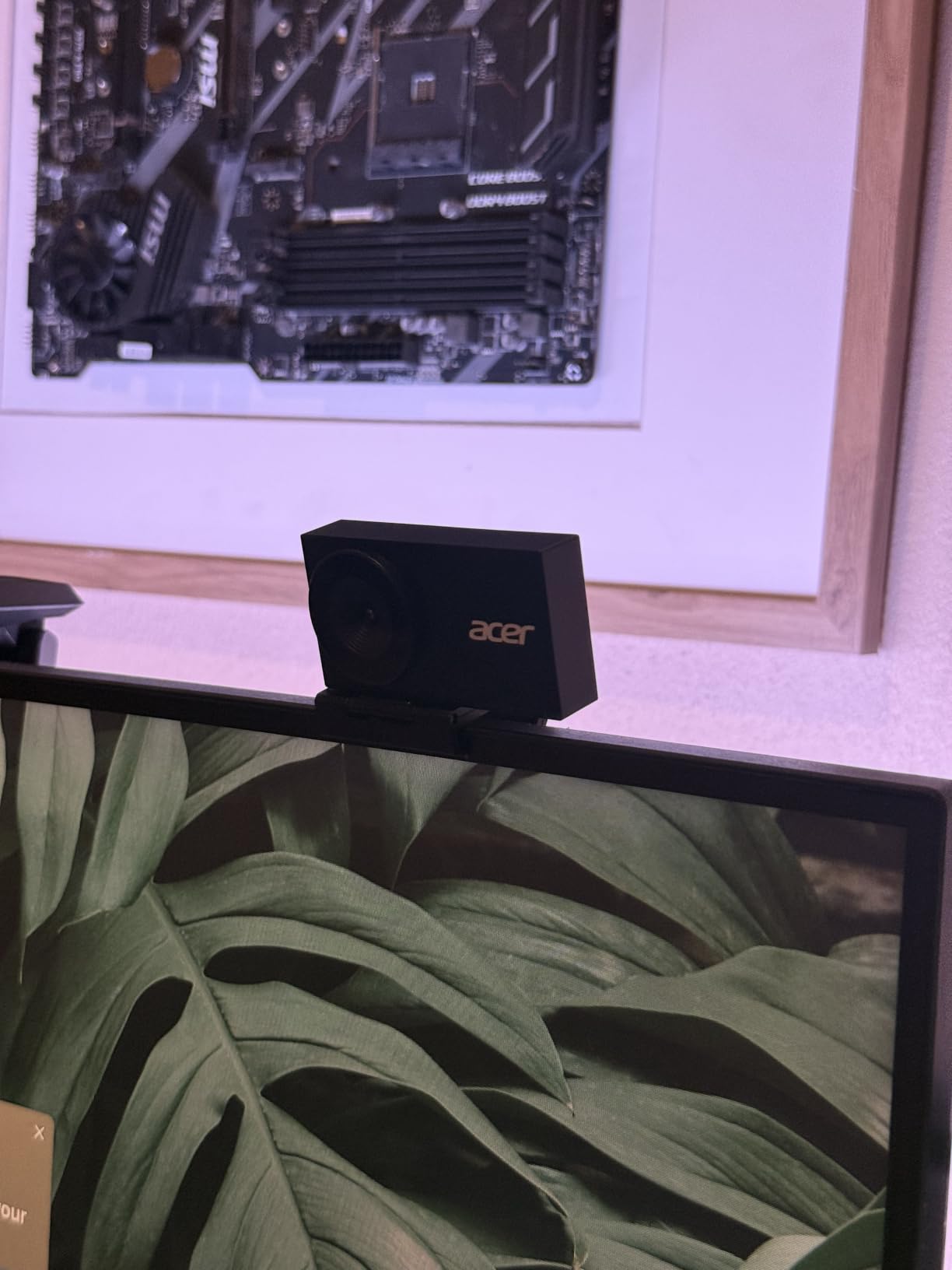
This is the odd one out in the best way. It combines a Sony half-inch sensor, the largest in this guide alongside two others, with a body weighing 50 grams and an aerospace-grade machined aluminium unibody. Those are unusual qualities at this size.
Low-light performance is the standout. The larger sensor captures more light, and owners consistently report a sharp, vibrant image even in dim rooms, which is the hardest thing to achieve in an interview recorded in the evening.
The aluminium unibody is not just cosmetic. It dissipates heat, which matters if you record long sessions and mount the camera permanently rather than putting it away between takes.
Sony half-inch sensors and light capture
Sensor size is the single most useful specification for judging an interview camera in a dim room. A larger sensor gathers more light for the same output resolution, which means less noise reduction kicking in and a cleaner face.
This camera shares that sensor size with two other models in the guide, and it is the cheapest of the three. If your recording space is a home office at dusk rather than a window-lit room, that is a strong reason to look here.
Framing and physical design
The 83-degree field of view sits between the interview-friendly 73-degree lenses and the very wide 90-degree options. It frames a subject with headroom and enough context to show some of the room, without the edge stretch of the widest lenses.
It works on Windows, Mac and ChromeOS, and owners report it sits neatly on both flat and curved monitors. Dual high-sensitivity digital microphones filter wind and keyboard noise and capture voice from up to 2.5 meters, which covers a normal desk conversation.
Where the design has drawbacks
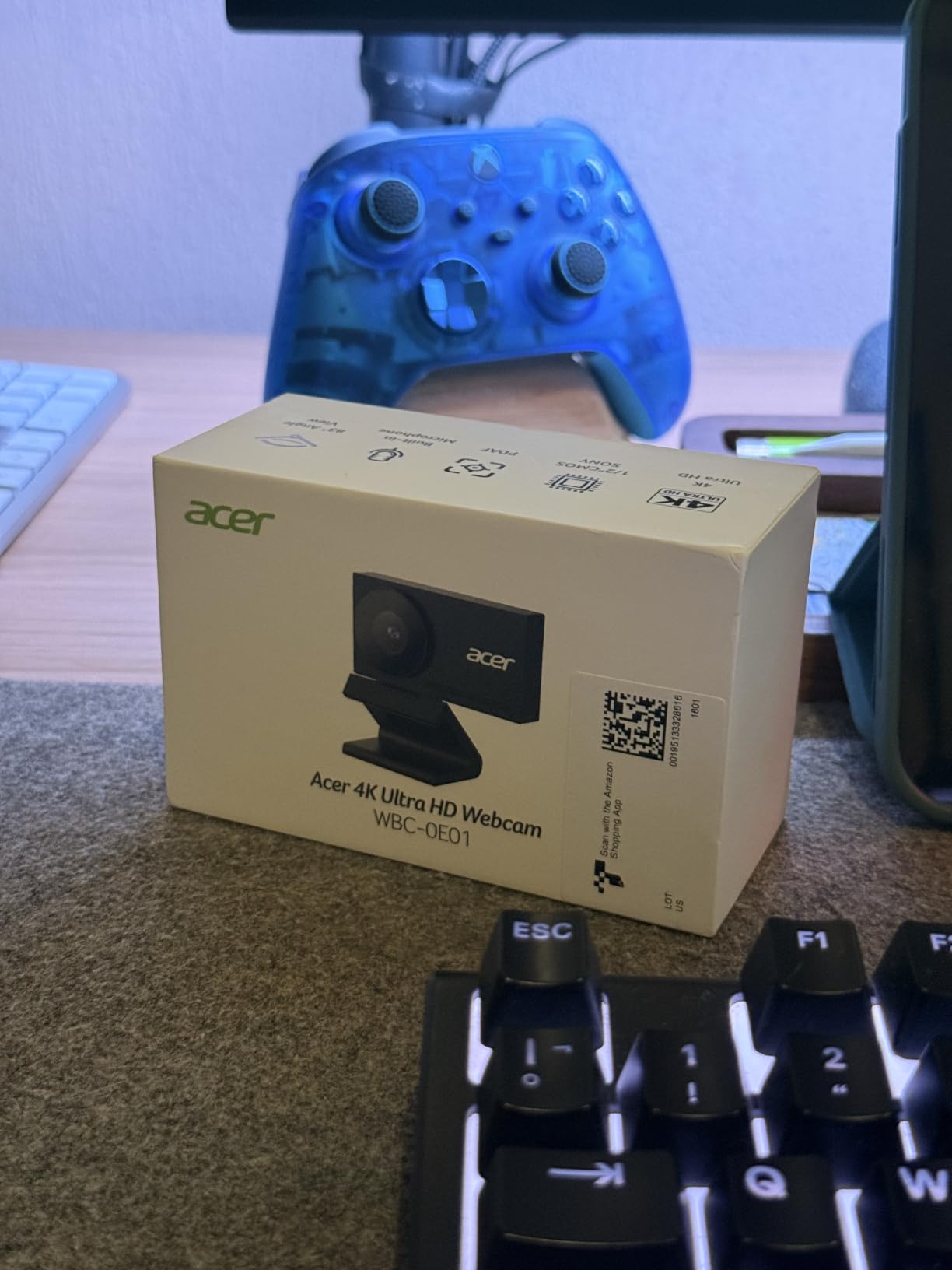
The privacy cover detaches entirely and is held by 12 magnets, which makes it secure but also easy to lose and slightly awkward to fit. Keep it in a fixed location once you have it.
There is no desktop tuning software, so exposure and white balance adjustments happen in your capture application. For interviews recorded in a consistent room that is manageable, since you set it once.
12. NexiGo N680E Pro – Built-In Ring Light for Unlit Rooms
NexiGo N680E Pro 4K Webcam with Ring Light, PDAF Autofocus, 1080p 60FPS, Dual Noise-Canceling Mics, Privacy Shutter, USB Plug-and-Play for Zoom, Teams, Twitch, Google Meet
Sony 1/2.5 inch 4K sensor
4K30 and 1080p60
PDAF autofocus
Tri-tone ring light with stepless dial
Pros
- Ring light genuinely improves the image without a separate lamp
- Three colour temperature modes with stepless brightness
- Crisp image with no macro blocking on facial hair at 1080p60
- Fast PDAF autofocus even at close range
- Privacy shutter and true plug-and-play with no app
Cons
- Field of view is tight and cannot zoom out
- 4K output shows graininess and lag so 1080p looks better
- Ring light dial has no defined start and stop points
- Privacy shutter lever is small and awkward
- Digital zoom is limited to 1080p30
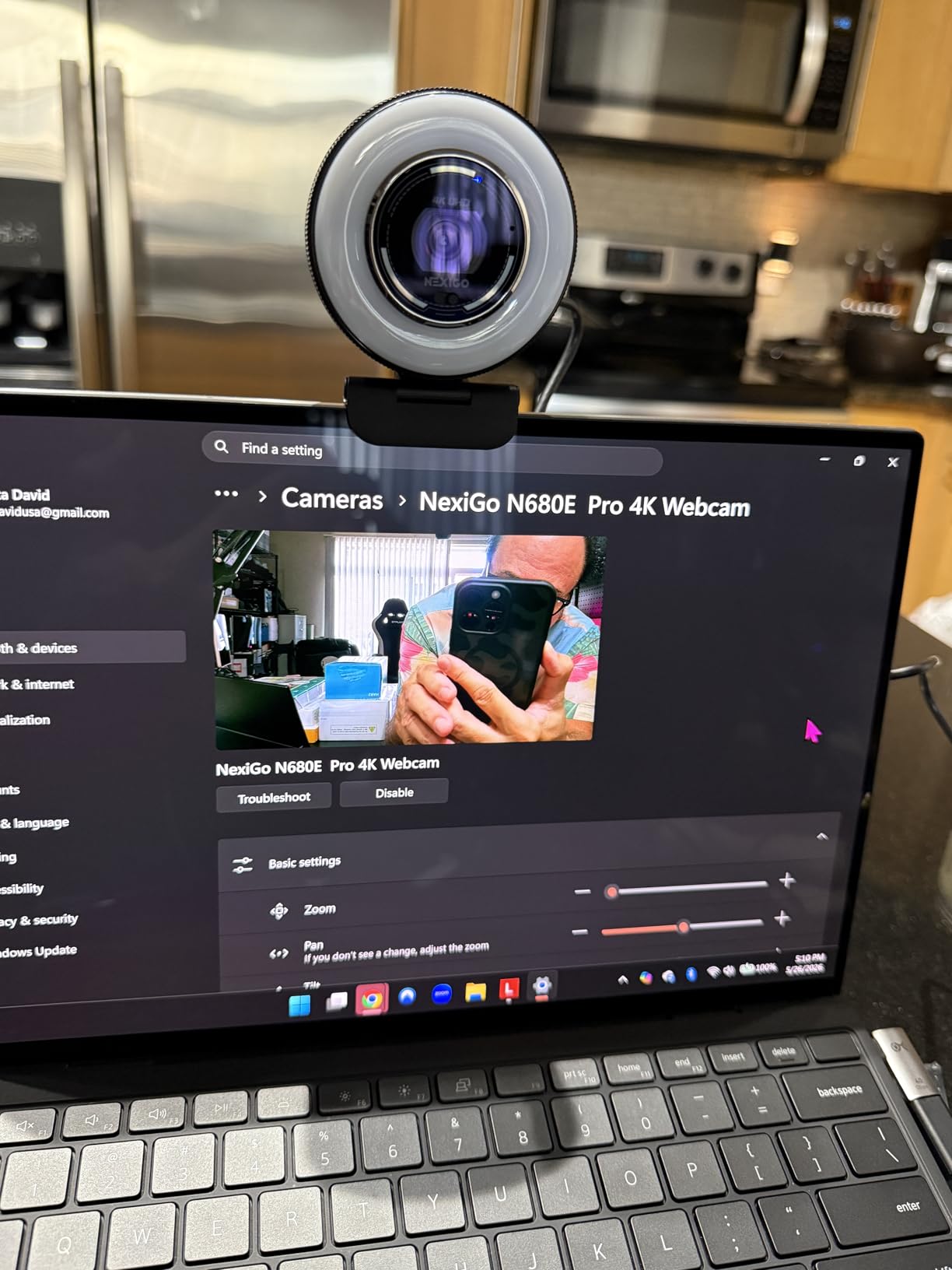
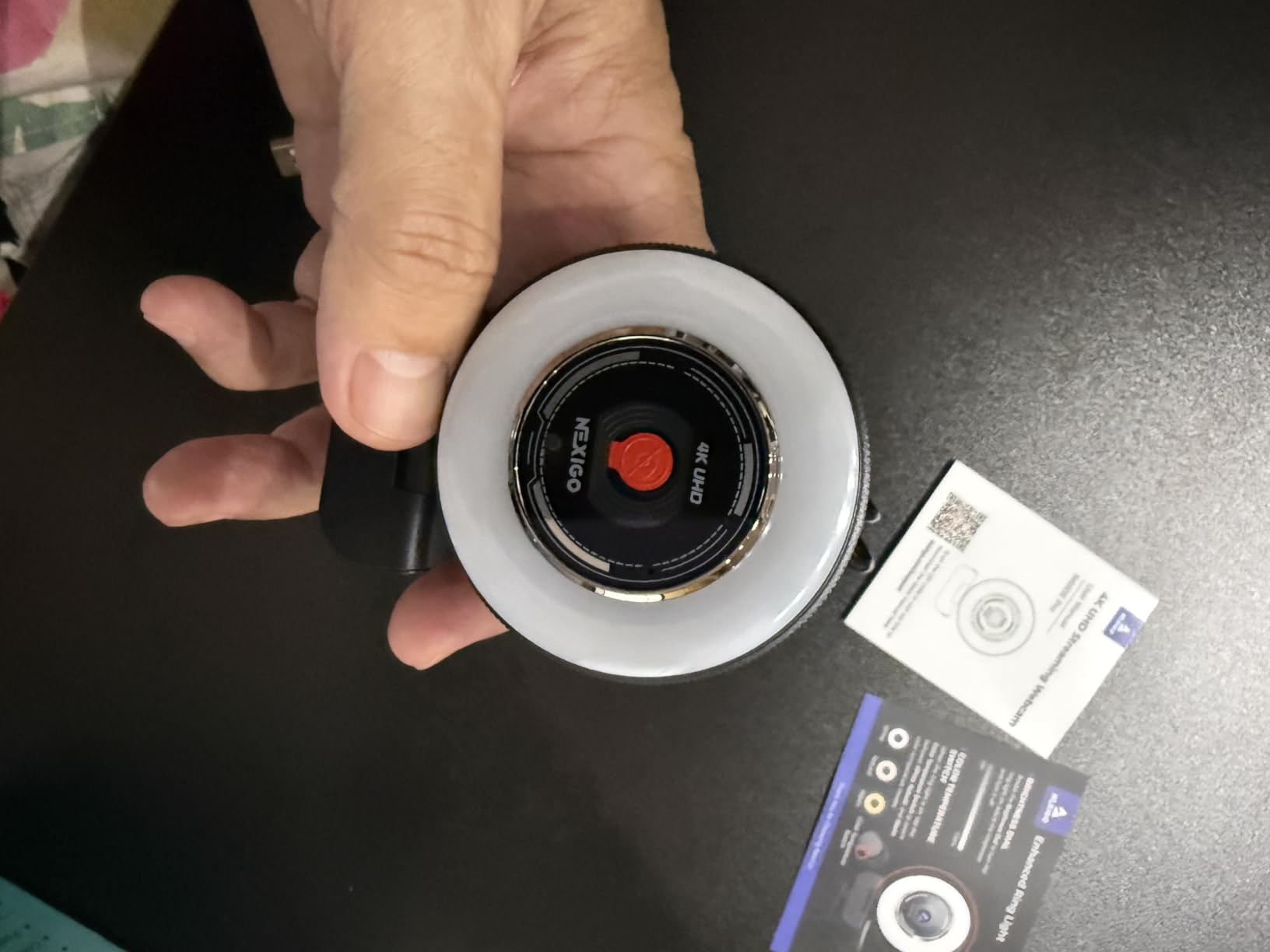
The N680E Pro is the only camera here with a built-in ring light, and for an interview recorded in a room you cannot modify, that solves the biggest problem in the category. Turn the dial up and your subject is lit without buying a separate lamp.
The ring light offers three colour temperature modes and stepless brightness from an outer dial, which lets you match a warm room lamp or correct the cool cast from a monitor. Owners report a crisp image at 1080p60 with no macro blocking on facial hair, which is a detail that matters at close range.
That is the real story of this camera. It is one of the few budget options where 1080p is the better operating point rather than 4K.
Ring light as a solution, not a feature
Community advice from creators consistently puts lighting before camera hardware, and this camera is the only one in the guide that acts on that. A built-in light sits close to the lens, so shadows fall behind the subject rather than under the eyes, which is the problem a single key light on a desk can create.
The limitation is that the light cannot be removed or repositioned. For a fixed desk interview it is a genuine advantage; for a room you move around, a separate light you can aim is more flexible. Our LED video light guide covers those options.
Framing is the compromise
The 80-degree field of view on the clip mount cannot zoom out, so it frames essentially the face and shoulders. That is a clean interview composition, but it is not a two-person shot, and it does not leave room for a guest to lean back comfortably.
4K output also shows graininess and lag, so 1080p or 1440p is the mode most owners actually use. The ring light is doing the heavy lifting that usually relies on sensor size.
Small operational details that matter
The ring light dial has no defined start and stop points, so minimum and maximum brightness must be set by eye. It is a minor annoyance that you will only meet once.
The privacy shutter lever inside the ring light is very small and awkward to operate, and the digital zoom is limited to 1080p30. True USB-A plug-and-play with no drivers or apps is a genuine advantage over rivals that need companion software, and the 80-degree clip mount includes a quarter-inch tripod thread.
How to Choose a Webcam for YouTube Interviews
Interview use narrows the buying decision considerably. Gaming features such as high frame rates for fast motion, background removal and wide streaming framing matter far less than focus stability, exposure consistency and a natural composition. Here is how to weigh what is left.
Field of view: 60 degrees, 73 degrees, or 90 degrees
A field of view (FOV) describes how much of the room the lens captures. Below about 70 degrees you get a compressed, flattering portrait that suits a single guest. Between 70 and 80 degrees is the interview sweet spot, giving headroom and shoulders without clutter. Above 85 degrees fits two people but stretches faces near the edges of the frame.
Choose based on your format, not your preference. A solo interview in a small room is best served by 73 degrees. A two-person setup needs 90 degrees or a second camera. A 60-degree lens works but forces your subject to sit closer than feels natural.
Autofocus behaviour versus fixed focus and PDAF
There are three distinct behaviours in this guide. Fixed focus lenses, such as the Brio 101, never change focus, which is completely stable but locks you into one subject distance. Standard contrast-detect autofocus, found on the C920x, is fast enough for seated conversations. PDAF, phase detection autofocus, is faster and more stable, and is what you want when a guest leans forward or gestures broadly.
For interviews, autofocus hunting is the defect to fear most, because it happens in the middle of a good answer. Test focus with a real person at your actual seating distance before you commit.
Sensor size and low-light performance
Sensor size determines how much light the camera gathers. Half-inch sensors, found in the Acer, Insta360 and OBSBOT models, capture meaningfully more light than the smaller sensors used in 1080p cameras. In a room lit only by a monitor, that difference shows as noise on the face, and viewers read noise as a poor connection.
Reviewers also report that automatic light correction tends to react to the brightest part of the frame, so a window behind your guest will wash them out regardless of sensor size. Manage the room first.
1080p60 versus 4K30: which frame rate you actually record
YouTube compresses everything, so 4K only pays off when you need to crop, and cropping is exactly what interview-to-Shorts workflows require. If you plan to pull vertical clips out of long interviews, record 4K.
Frame rate is a separate decision. 30fps is the natural look for a talking head. 60fps helps with fast gestures and camera movement but can look unnaturally smooth when a guest turns their head. Only two cameras in this guide offer a genuine 1080p60 mode alongside 4K, the S600 and the MX Brio.
Built-in microphones and when to add a dedicated mic
Webcam microphones sit roughly where your face is, which is the least useful position for capturing voice. They are adequate for backup audio and rough call recordings, and nothing more for a published interview.
Professional practice is to record local audio on a separate microphone, keep the camera microphone as a safety track, and sync in your editor. The USB microphones for field interviews cover desk options and the wireless roundup covers lavalier setups for mobile guests.
Privacy shutters and platform compatibility
A physical shutter matters more than most buyers expect. Guests who can see the lens are closed off, and a closed lens between takes makes a home interview feel more relaxed. Shutter implementations vary: the Brio 101 and AC310 use sliding covers, the EMEET models use a clip or twist cover, the Acer uses a magnetic cover that can be lost, and the Insta360 Link 2 tilts down on its own after ten seconds.
Platform compatibility needs checking before anything else. The Link 2 does not support ARM-based Windows or Windows Hello, and the MX Brio loses AI framing on ARM64 devices. Mac users report more compatibility friction than Windows users across the category, so verify your specific machine and recording software.
USB bandwidth and companion software
4K and uncompressed video need bandwidth, and a camera connected through a hub alongside a microphone and storage can drop frames. Connect your camera directly to the machine for an interview recording rather than through an unpowered hub.
Software support splits the field. The C920x, Brio 101, AC310 and NexiGo Pro work with no app at all. The Insta360, MX Brio and OBSBOT models give you manual control in exchange for learning a companion application. Decide whether you want that control before you pay for it.
Framing, Lighting and Audio for Interview Recordings
Camera choice is roughly half of an interview result. The other half is where you put the camera, where you put the light, and how you handle sound. These are the setup decisions that consistently produce the biggest improvement.
Framing a single guest at eye level
Place the camera at eye level, not above or below. A camera angled down at a seated subject makes them look small and creates an unflattering view of the top of the head. If you use a laptop, stack it on books rather than leaving it on the desk surface.
Give the subject room around the head rather than cropping tight to the hairline. Leave a small amount of headroom above the top of the head, keep the eyes on the upper third line, and stop framing at roughly mid-chest. If you need a visual prompt, a teleprompter keeps the guest looking at the lens rather than at the screen.
Two-person interviews in one room
Frame both people centrally rather than making one a profile shot. Place the camera between them and slightly back, use a wide lens or two cameras, and check that neither person sits at the extreme edge where a wide lens stretches their face.
Two cameras is the more reliable method. Put a wider camera on a wide static shot and a tighter camera on whoever is speaking, then cut in your editor. Both cameras need independent audio, and both need to record locally rather than relying on a call.
Preparing a remote guest kit
Remote guests will produce a worse image on their own equipment. Sending a small kit changes the result more than any camera choice on your side. Include a laptop or webcam, a wired headset or small USB microphone, and clear instructions on camera height and lighting direction.
Keep the instructions short and concrete: camera at eye level, light in front of the face rather than behind, no backlight from a window, and a plain wall behind if possible. Record a 30-second test with them before the real conversation so you can fix framing remotely.
A key light before a camera upgrade
This is the single highest-return change in interview video. A webcam in a badly lit room cannot be rescued by post-production, and a good webcam in a well-lit room looks excellent. A soft key light placed about 45 degrees to the side and slightly above the subject does more than any specification on this list.
One exception is worth knowing: if you genuinely cannot control your room, a camera with a built-in light, such as the NexiGo Pro, will get you closer than any other budget option. Otherwise, buy the light.
Audio sync between a separate mic and a USB webcam
Recording video on a webcam and audio on a separate USB microphone creates a sync problem, because the camera has its own internal timing clock. The most reliable fix is to use a device that supports a single clock: an interface that accepts the microphone digitally alongside the camera, or software that supports multi-device capture.
If you must sync manually, record a hand clap at the start of the session, find the transient on both tracks in your editor, align them, and cut the clap out. Do this once at the start of every session rather than trying to fix drift across a long interview.
Recording settings for interview footage
Record locally rather than streaming. Streaming a YouTube interview compresses on your own connection and on the platform’s, and you lose the ability to re-record a bad answer.
In OBS, set the capture format to a high-quality intermediate codec rather than streaming-ready settings, disable any noise suppression you are not using on the camera track, and check that the audio meter is not clipping. If you are cutting vertical clips, record 4K and a 60fps mode for 1080p so you have both.
Frequently Asked Questions
What webcam is best for YouTube interviews?
For most creators the Logitech C920x is the safest choice, with fast autofocus, a 78 degree field of view that frames a guest naturally, and dual microphones for backup audio. Choose the EMEET NOVA instead if you need real 4K detail for vertical clips, and the Insta360 Link 2 if your guest moves around the room.
What is the best webcam for online interviews?
A webcam built for online interviews needs three things: autofocus that does not hunt mid-answer, a field of view between 70 and 80 degrees, and microphones good enough for a rough call. The C920x and the EMEET NOVA both satisfy all three, and both are plug-and-play on Windows and macOS with no driver install.
What kind of camera is best for YouTube videos?
Most YouTube interviews work well with a good webcam, because a webcam keeps the subject framed consistently without manual attention. A phone used as a webcam gives you a larger sensor in a small body and is an excellent low-cost option. A mirrorless or DSLR camera gives you depth of field and lens control but requires a capture card, framing and focus management.
How should I set up for a video interview?
Put the camera at eye level, place a soft key light about 45 degrees in front of the subject, avoid a window directly behind them, and frame from mid-chest up with a little headroom. Record locally rather than streaming, use a separate USB microphone for the main audio track, and do a 30-second test with a remote guest before the real conversation.
What is the best webcam for Zoom and Teams meetings?
For calls, pick a camera with a physical privacy shutter and reliable autofocus. The Logitech Brio 101 and the AOC AC310 both include a sliding lens cover at the entry level, while the Logitech MX Brio has a rotating cover plus the best virtual background separation we tested. Any of them will improve a meeting noticeably over a built-in laptop camera.
The Bottom Line
If you want one camera that will not let you down on your first ten interviews, take the Logitech C920x. Its 78-degree view, quiet autofocus and 22000-review track record make it the least risky purchase in this guide.
If your format changes shape often, the Anker PowerConf C200 gives you software-selectable framing that handles both solo and two-person shots. If you need 4K headroom for vertical clips, the EMEET NOVA gives you a large sensor and PDAF focus at a modest step up. If your guest moves, the Insta360 Link 2 physically follows them, and the Logitech MX Brio is the one to buy if you want to control every setting by hand.
Wherever you land, fix the lighting and the audio before the camera. The lighting and a separate USB microphone will change your interview footage more than any upgrade on this list. Use the buttons on each review to see the current listing, and re-check our picks as new models arrive through 2026.