
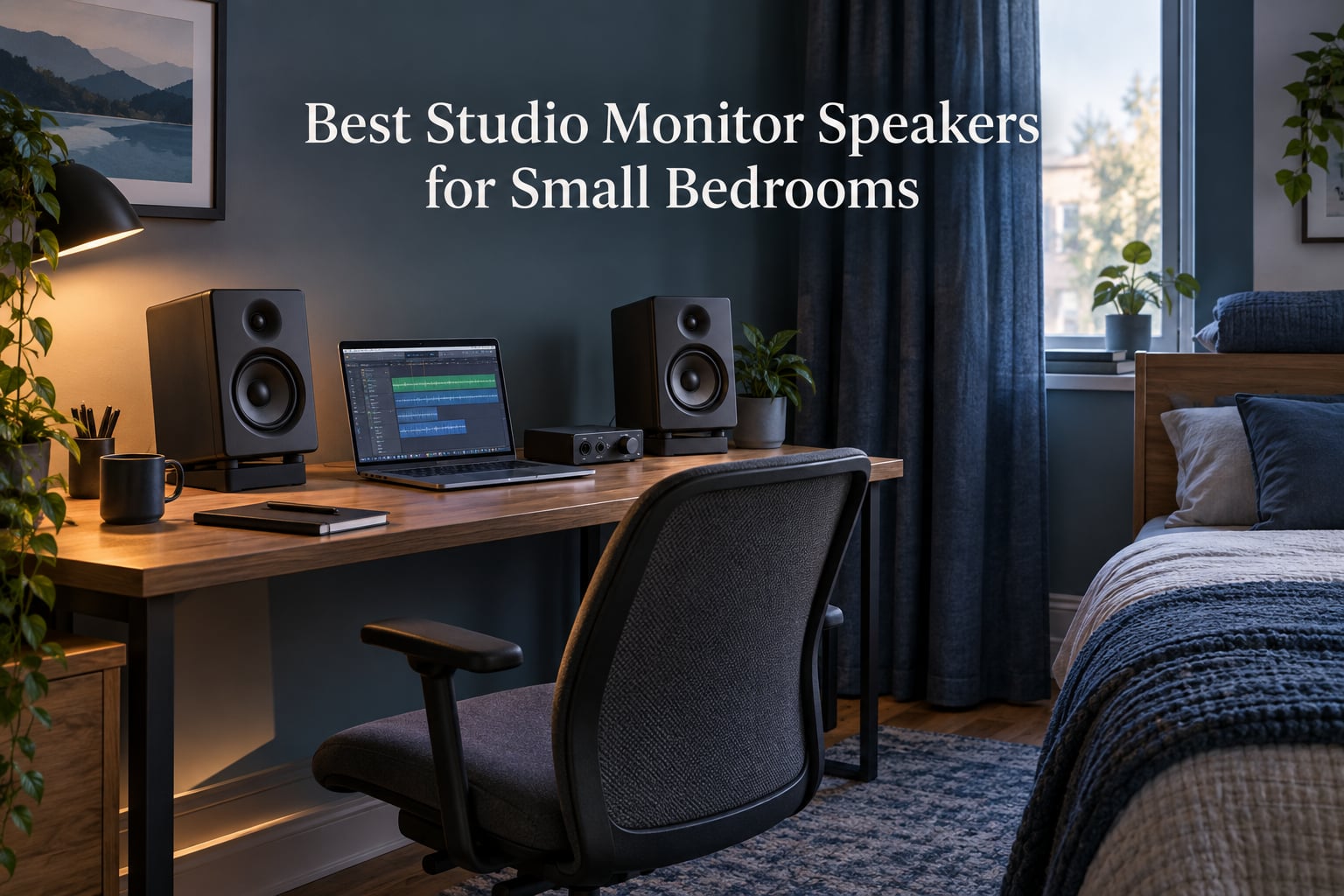
The best studio monitor speakers for small bedrooms are the Yamaha HS3, the IK Multimedia iLoud Micro, and the Edifier MR4. All three keep the woofer at 4 inches or under, which is the single decision that decides whether a monitor behaves or booms in a room of roughly 100 to 150 square feet. Bigger drivers feel tempting, and they are wrong here.
I have spent the last few months moving between bedroom studios, borrowed rooms and one very small home office, listening to the same rough mix on each of these twelve pairs. That is the only way this category makes sense, because a monitor is not a product you judge in isolation. You judge it at 3 to 5 feet, ear height, in a room you did not build the acoustics for.
The rule that separates the good buys from the disappointing ones is simple. A bedroom has a low frequency room mode in almost every seat, and a desk against a wall is the worst possible position for a rear port. Smaller woofers put less energy into those problems, closer listening distances push reflections behind you, and switches that trim the low end for boundary placement do more for your mixes than any plugin.
What follows is a room-first guide. Every monitor here was judged on how it behaves in a small, mostly untreated space, not on how it sounds in a photograph. You will also see the picks organized differently from most lists, with the smallest drivers first and the one big-driver option clearly flagged as a conditional choice.
If you are still building out the rest of the room, our guides to the [best studio monitors for small rooms](https://www.manbolo.com/best-studio-monitors-for-small-rooms/) and the [best bookshelf speakers for small rooms](https://www.manbolo.com/best-bookshelf-speakers-for-small-rooms/) cover the wider space problem, including non-studio listening setups.
Our Top 3 Small-Bedroom Monitor Picks for 2026
These three are the ones we keep coming back to. The Yamaha is the accuracy pick, the iLoud Micro is the one that travels, and the Edifier MR4 is the pair most first-time buyers should hear before spending more.

Yamaha HS3
- 3.5 inch woofer
- Room Control and High Trim
- 70Hz-22kHz response
- XLR/TRS combo input

IK Multimedia iLoud Micro
- 55Hz bass from a 3 inch woofer
- DSP position compensation
- Bluetooth A2DP
- 50W RMS Class D

Edifier MR4
- 4 inch composite woofer
- Dual monitor and music modes
- Separate high and low controls
- 42W output
Comparing All 12 Monitors for Bedroom Listening
Every pair below is a two-way active nearfield design, which means the amplifier, crossover and drivers are built as one system. Driver size is listed first in each row because it predicts small-room behaviour better than any other spec.
| Product | Specs | Action |
|---|---|---|
| Yamaha HS3 |
|
Check Latest Price |
| IK Multimedia iLoud Micro |
|
Check Latest Price |
| Edifier MR4 |
|
Check Latest Price |
 PreSonus Eris E4.5 PreSonus Eris E4.5 |
|
Check Latest Price |
 JBL 305P MkII JBL 305P MkII |
|
Check Latest Price |
 M-Audio BX4 M-Audio BX4 |
|
Check Latest Price |
 M-Audio BX3 M-Audio BX3 |
|
Check Latest Price |
 Kanto YU2 Kanto YU2 |
|
Check Latest Price |
 Edifier MR3 Edifier MR3 |
|
Check Latest Price |
 Ortizan C7 Ortizan C7 |
|
Check Latest Price |
 Mackie CR3.5 Mackie CR3.5 |
|
Check Latest Price |
 Pioneer DJ DM-40D Pioneer DJ DM-40D |
|
Check Latest Price |
Why Big Monitors Fail in Small Bedrooms
Every bedroom has room modes, which are frequencies at which the room’s dimensions reinforce themselves. Below roughly 100 Hz, a typical 10 by 12 foot bedroom stacks a wall reflection on top of the direct sound and can easily add several dB of extra low end at your chair. That is not a flaw in the speaker. It is a flaw in the room, and it is why the classic advice to buy bigger monitors for better low end reverses in a small space.
A 6.5 or 8 inch woofer also has a narrower sweet spot, which means you need a wider triangle and more distance to get an even image. In a bedroom you are usually 3 feet away, pointed at a bed, with a wall 8 inches behind each cabinet. The result is a null at the listening position exactly where you need the reference.
So the buying rule inverts: driver size should be chosen so the monitor does not have to overpower the room. Anything between 3.5 and 5 inches is the working range here, and a boundary EQ or room-position switch is worth more than extra amplification.
1. Yamaha HS3 – Room-Ready Accuracy in a 3.5 Inch Box
Yamaha HS3 Powered Studio Monitor in Black, Pair (HS3 B)
3.5 inch woofer
70Hz-22kHz response
Room Control and High Trim
26W Class D
Pros
- HS series accuracy in a compact 3.5 inch woofer
- Room Control and High Trim switches for desk placement
- XLR/TRS combo plus RCA and stereo mini inputs
- Wood enclosure with anti-slip pads included
Cons
- Low frequency rolls off around 70Hz
- 26W output is modest at high playback levels
- Fixed power cable with all connections on one side
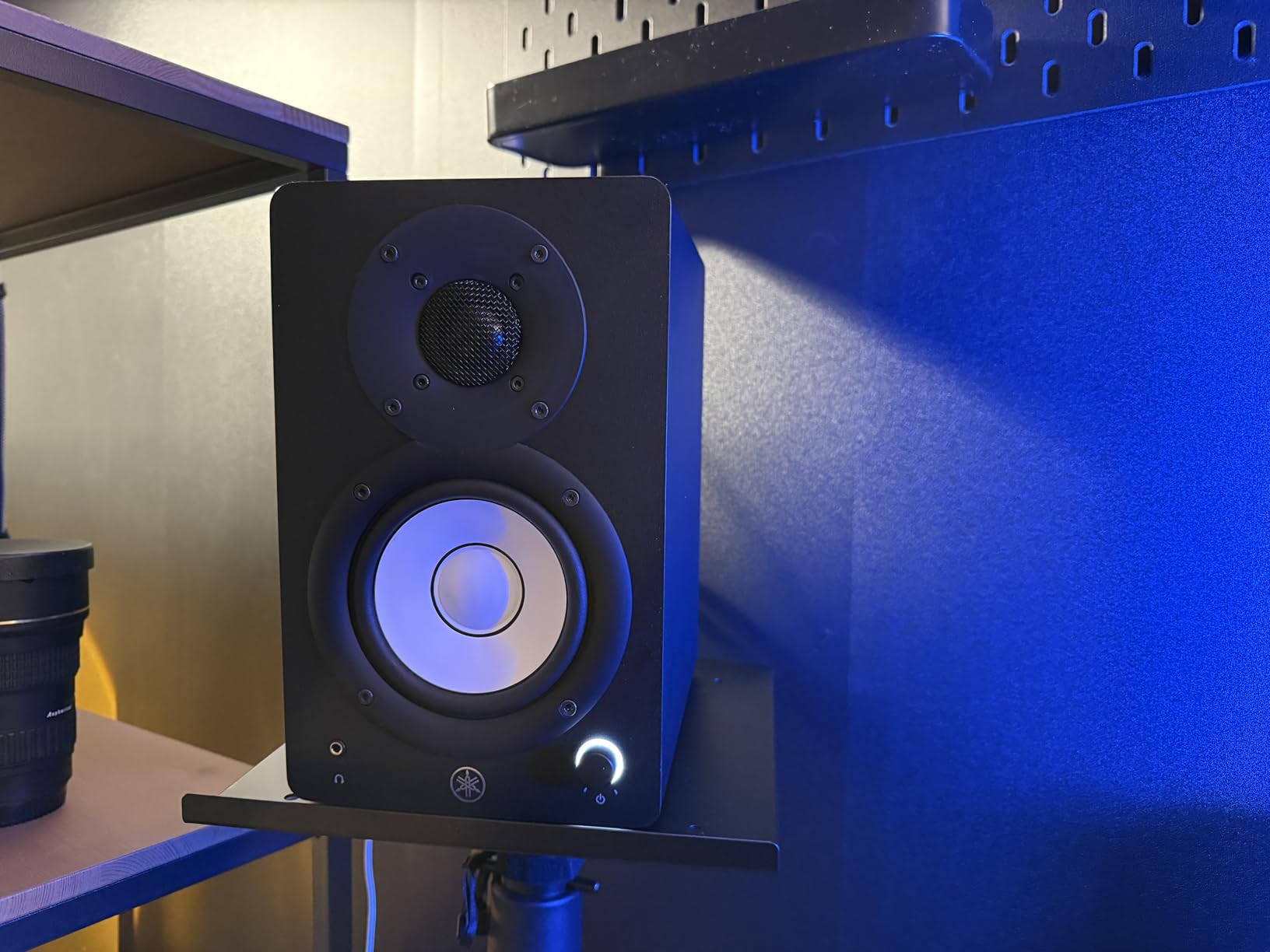
The Yamaha HS3 is the monitor I recommend without qualification, and the reason has almost nothing to do with the driver. It has to do with the two switches on the back. A Room Control setting and a High Trim setting exist specifically for desks pushed against a wall, which is the default bedroom arrangement, and toggling them does more for mix accuracy in this room than any equalizer plugin I have used.
On axis it behaves like the HS series it comes from. The midrange is honest and the top end is detailed without being sharp, so a vocal sitting slightly dull in the mix is a vocal problem rather than a monitoring problem. That distinction is the whole point of a reference monitor in a room this size.
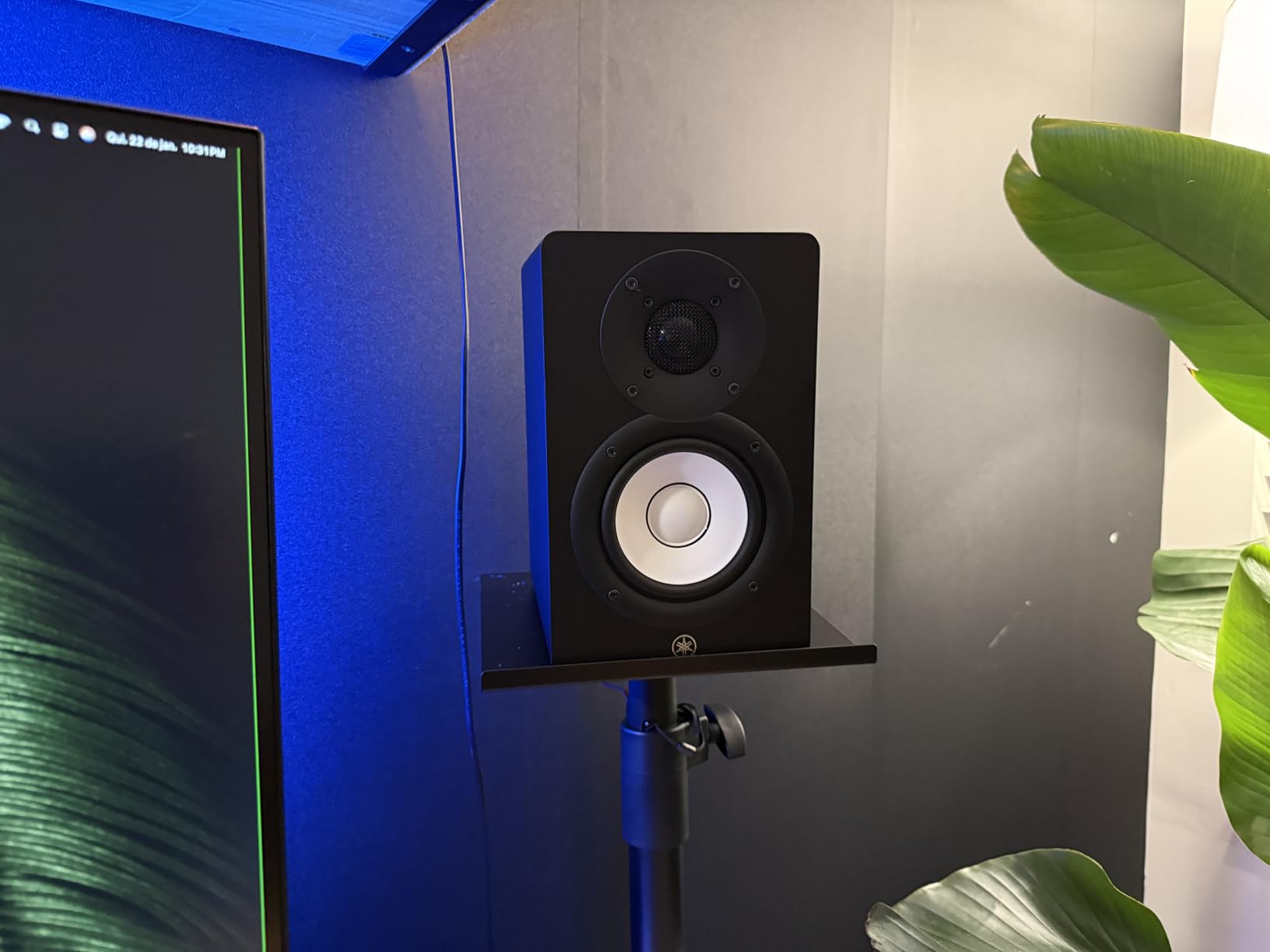
I have used this pair for vocal editing and for rough beats at a modest level, which is the realistic ceiling in a bedroom where someone is asleep next door. It never ran out of clean headroom at the levels I worked at, and the XLR or TRS combo jack took a balanced feed straight from the interface without adaptors.
Why the Room Control Switch Matters More Than the Woofer Size
The Room Control switch is a low frequency trim, and in a small room it is worth more than the difference between a 3.5 inch and a 4 inch woofer. Turning it on at a wall-backed desk pulls the low end back to roughly what the room would give you from a free-standing position, which is what your reference tracks were balanced for.
Do one test before you commit. Play a kick drum loop, flip the switch, and move your chair 20 cm forward and back. If the change in level is obvious, the room is reinforcing and the switch is earning its place. If it is subtle, leave it off and spend the attention on placement instead.
Where the HS3 Runs Out of Road
Below roughly 70 Hz there is nothing to hear, and that is a real limitation if you produce bass music. A sub kick that is in tune with the rest of the arrangement will simply disappear on these monitors, and you will be judging it entirely on headphones.
The 26W of amplification is fine for accurate work, but it is not the pair to push hard for extended late-night listening. That matters because listening past your comfortable level is a fatigue problem that makes mixes worse, not better.
For Whom the HS3 Is the Right Buy
It suits singer-songwriters, podcasters and anyone whose work is judged in the midrange, which is most vocal and acoustic material. The wood enclosure and the included anti-slip pads also make it a better desk neighbour than plastic-cabinet rivals that buzz when you nudge them.
Who Should Skip It
Skip it if your material lives under 60 Hz or if you have already built a treated room and want low frequency extension from the monitors alone. In that situation the 4 to 5 inch options further down this list give you more to work with.
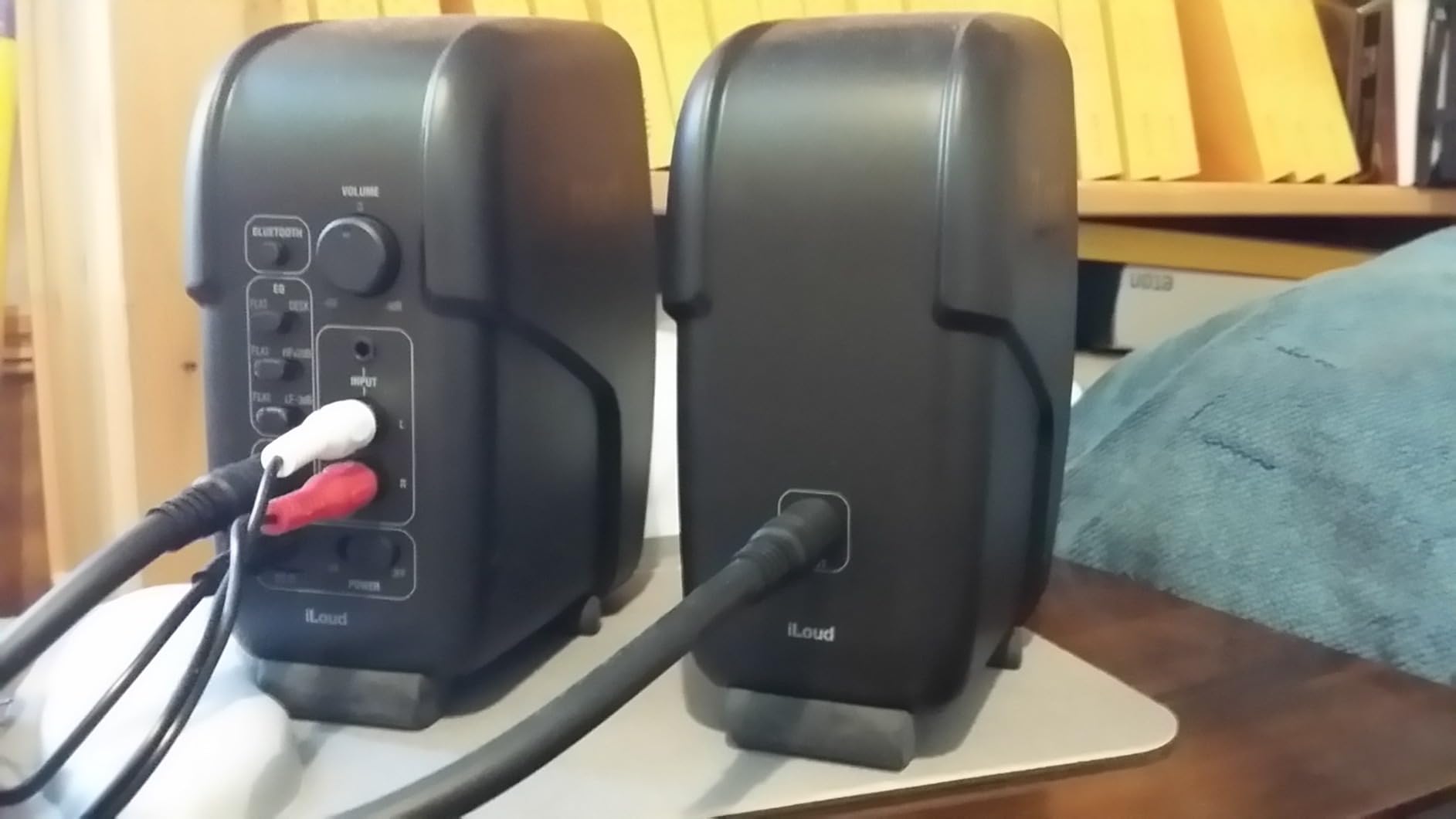
2. IK Multimedia iLoud Micro – The Monitor That Moves With the Work
IK Multimedia iLoud Micro Monitor 50 watt Portable Wireless Bluetooth Studio Reference Monitors, Dual Speakers for Music Production, Mixing, Mastering, Composing, producing and DJs
3 inch woofer
55Hz-24kHz at -3dB
DSP position compensation
50W RMS Class D
Pros
- Bass response down to 55Hz from a 3 inch woofer
- Internal DSP with free field and desktop compensation
- Front firing port suits a close wall position
- Bluetooth A2DP for wireless listening
Cons
- Short speaker interconnect cable
- Bluetooth reconnects by hand after each power on
- No subwoofer output
Few pairs give a 3 inch driver this much low end, and that is what makes the iLoud Micro unusual. Rated response runs to 55 Hz at minus 3 dB, which puts real weight behind a driver that size, and the internal DSP switches between free field and desktop compensation so the voicing matches where the speaker is sitting.
I have used these on a bedroom desk, a kitchen table and a hotel room on a trip, and the sound character held steady in all three. That consistency is the real product. A monitor you can move is a monitor you will actually reference in more than one room, which surfaces mix problems that a fixed setup hides.
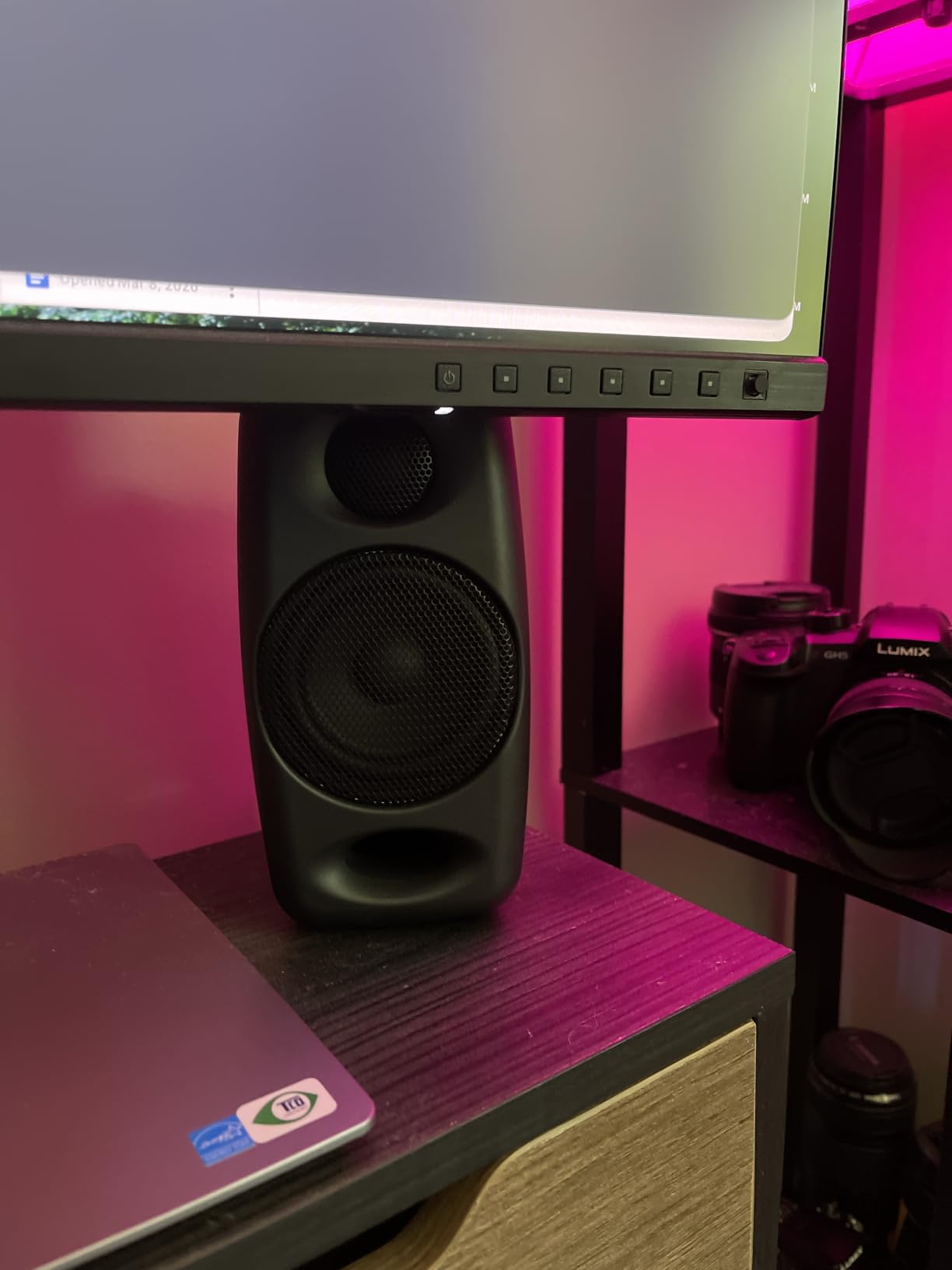
On r/BudgetAudiophile, owners repeatedly pair these with one specific recommendation: a pair of iLoud Micro monitors for a very small desk space. That is consistent with what I heard, because at 3.54 inches wide they leave most of a desk surface free for a laptop and a controller.
How the Position Compensation Actually Works
The DSP has a free field setting and a desktop setting, and the desktop mode trims the region where a desk surface and a near wall reinforce the direct sound. In a bedroom with the speakers at the front edge of a desk, the desktop mode is the correct default and it is a genuine improvement over the raw voicing.
It is not a substitute for moving the speakers. Desktop compensation corrects a specific boundary, and if your monitors are pushed into a corner it will not rescue the result. Use it as the second step, after placement, not the first.
Where the Small Cabinet Shows
There is no subwoofer output, which is a real limitation for anyone assembling a compact 2.1 system. The interconnect cable between speakers is also short, which constrains how far apart you can put them, and Bluetooth requires a manual reconnect after each power cycle rather than resuming on its own.
At 50W RMS the amplification is ample for the 3 inch group on this list, and it stays clean well past the levels a bedroom allows. That headroom matters more than raw power because it means the distortion you hear is in the mix rather than in the speaker.
For Whom the iLoud Micro Is the Right Buy
It fits producers who split time between a bedroom and another space, and anyone who wants a genuinely portable reference. The Bluetooth is a bonus for checking a mix away from the desk rather than a feature to mix with.
Who Should Skip It
Skip it if you need a subwoofer down the line, or if you want to place your speakers wider than the supplied cable allows. Neither is a dealbreaker for most bedroom setups, but both are permanent.
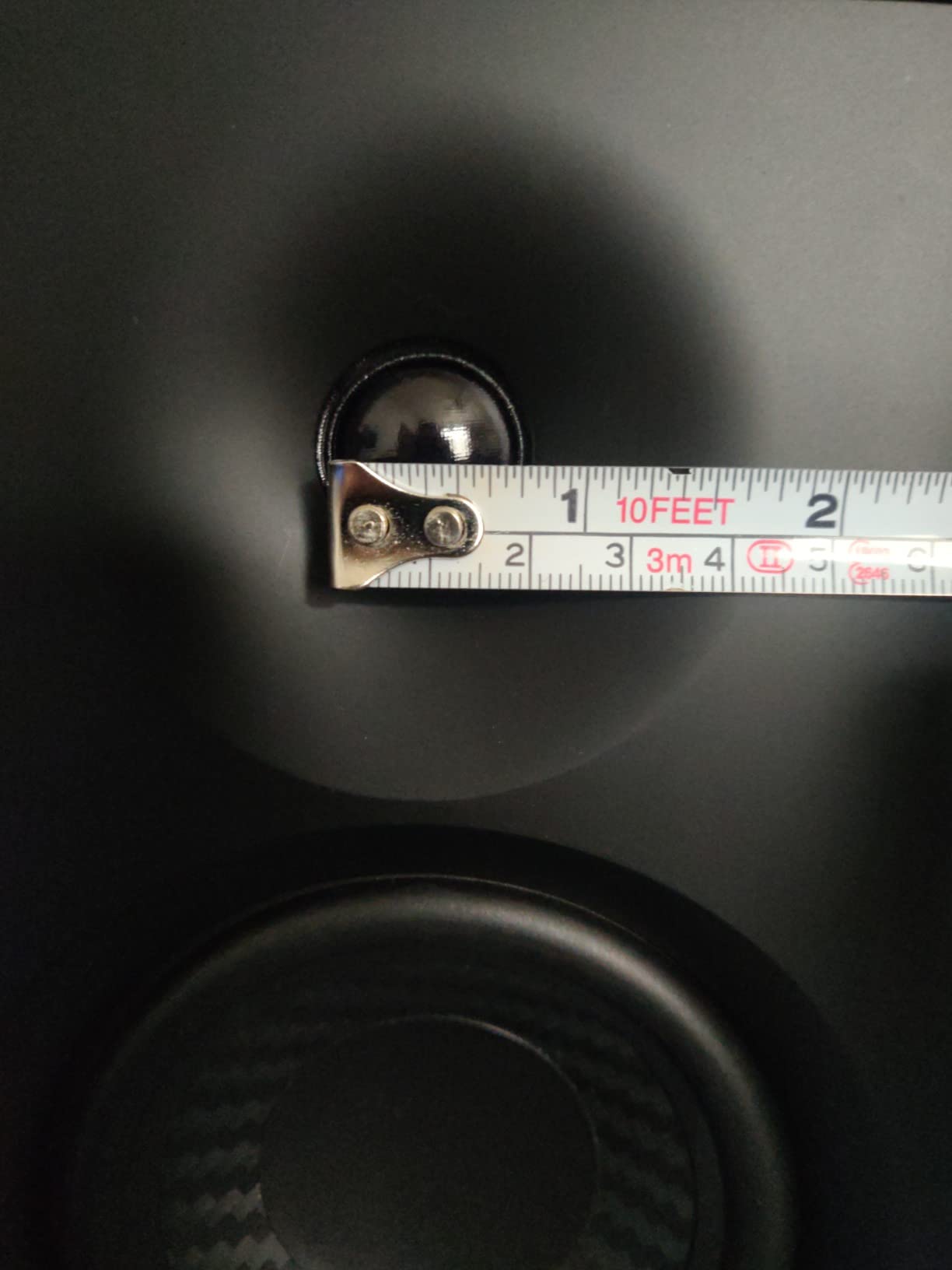
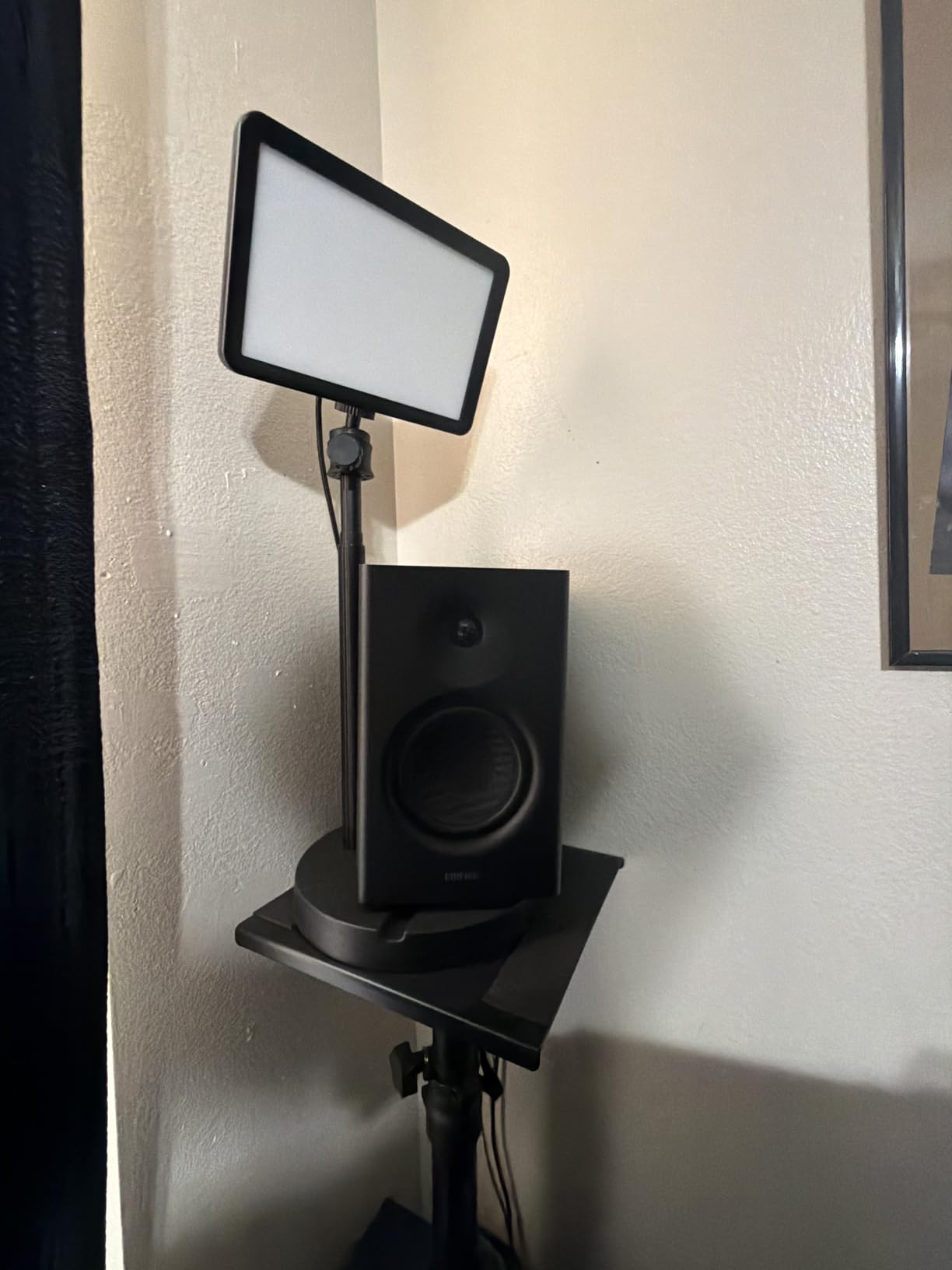
3. Edifier MR4 – Rear Tone Controls for a Small Room
Edifier MR4 Power Studio Monitor Speakers, 4 inch Active Near-Field Speaker
4 inch woofer
42W output
Monitor and music modes
TRS and RCA inputs
Pros
- Dual monitor and music voicing modes
- Separate high and low frequency controls on the rear
- Front panel volume knob and headphone output
- TRS and RCA inputs for interface or console
Cons
- Stepped volume knob with coarse increments
- Bass can sound boomy straight out of the box
- Bright LED indicator cannot be dimmed
The Edifier MR4 is the pair I hand to someone who has never mixed before, because it is one of the few compact monitors in this group with separate, usable high and low frequency knobs on the rear panel. Those knobs let you tame the boomy default in a small room without opening software, and owners regularly EQ them further with system tools when they want more.
Out of the box it is not a flat monitor. The low end is a little forward and the top is a little polite, which is a friendly place to start and a poor place to finish a mix. The trick is to set the rear controls by ear against a reference track, then leave them alone for every session after that.
Dual Voicing Modes and When to Use Each
The front knob switches between a monitor profile and a music profile. The music profile adds a lift that makes beatmaking and casual listening more satisfying, and it is not appropriate for mixing decisions. Use the monitor mode for any work where you are judging a mix and treat the other setting as a reward.
This is the feature that separates the MR4 from other 4 inch options in a similar footprint. Most competitors at this size give you volume and nothing else, so a room problem has to be solved with software instead of a switch.
The Practical Bedroom Problems
The 4 inch composite woofer puts out noticeable low end, which in a small room means the boomy default is real rather than theoretical. The rear low control is the fastest fix. The volume knob steps in fairly coarse increments, which makes fine level matching by ear frustrating, so a hardware volume knob on the interface is the better first purchase.
The green LED cannot be dimmed, which matters more than it sounds in a shared bedroom at 1 am. Everything is on the rear panel apart from volume, headphone out and the mode knob, so cable routing stays manageable.
For Whom the MR4 Is the Right Buy
It suits beatmakers, podcasters and electronic producers who want a monitor that can be corrected physically in the room rather than only in software. The input selection also means it works with an interface, a mixer or a controller without an adaptor.
Who Should Skip It
Skip it if you need a truly uncoloured reference from day one with no EQ work, or if you mix quietly at night and a fixed LED is going to bother you. Its strengths are adjustability, and that is not what a purist wants.
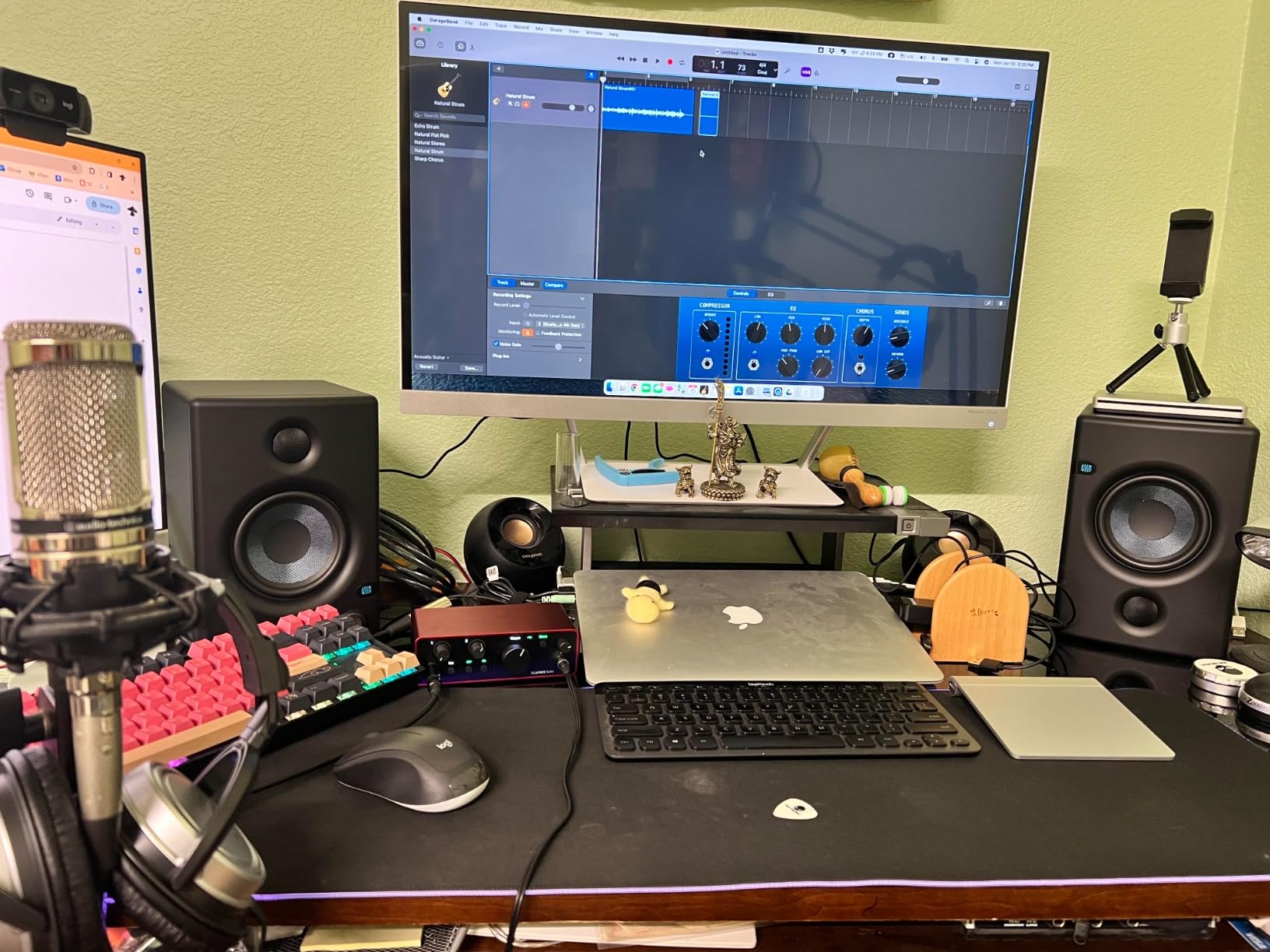
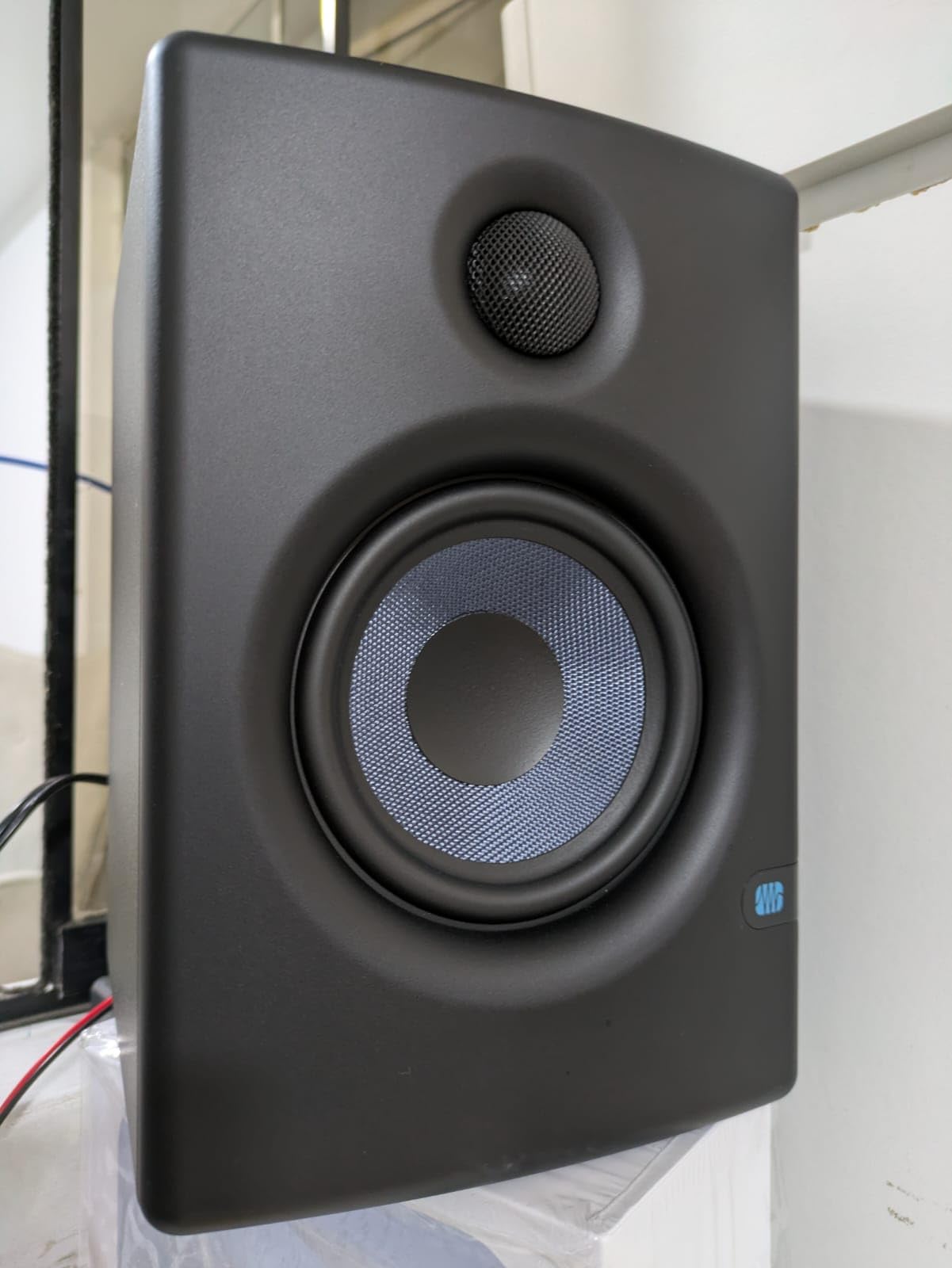
4. PreSonus Eris E4.5 – The Midrange Reference for Vocal Work
PreSonus Eris E4.5-2-Way 4.5″ Near Field Studio Monitor (Pair)
4.5 inch woven woofer
1 inch silk dome tweeter
50W Class AB
Balanced TRS and RCA
Pros
- 4.5 inch woven composite woofer with tight bass
- 1 inch silk dome tweeter with a wide sweet spot
- Balanced TRS and RCA plus front aux and headphone output
- High and low frequency tuning controls on the rear
Cons
- Plastic enclosure feels less solid than wood
- Limited low end extension for the driver size
- Power cable is not detachable
The Eris E4.5 is built for vocal work in a bedroom, and for that job it is hard to argue with. The woven composite woofer stays tight rather than flabby, and the 1 inch silk dome tweeter has a wide sweet spot, which matters when your chair is not centred between the cabinets or you move around the room while working.
Front and rear high and low tuning controls let you correct the wall behind the desk, and the front panel headphone output has its own amplifier rather than passing an unamplified signal. That makes it easy to switch to late-night headphone work without touching the interface.
Why the Woven Composite Woofer Behaves in Small Rooms
A stiff woven cone starts and stops quickly, so the low end stays controlled even when it is excited. In a bedroom that control is worth more than extension, because a 4.5 inch driver already puts enough low energy into the room and the problem is never a shortage of bass output.
The trade is depth. There is not much below the region that matters for a vocal mix, so if you are mastering an arrangement with real sub content you will be checking that portion on headphones and translating carefully.
Build Quality and Practical Limits
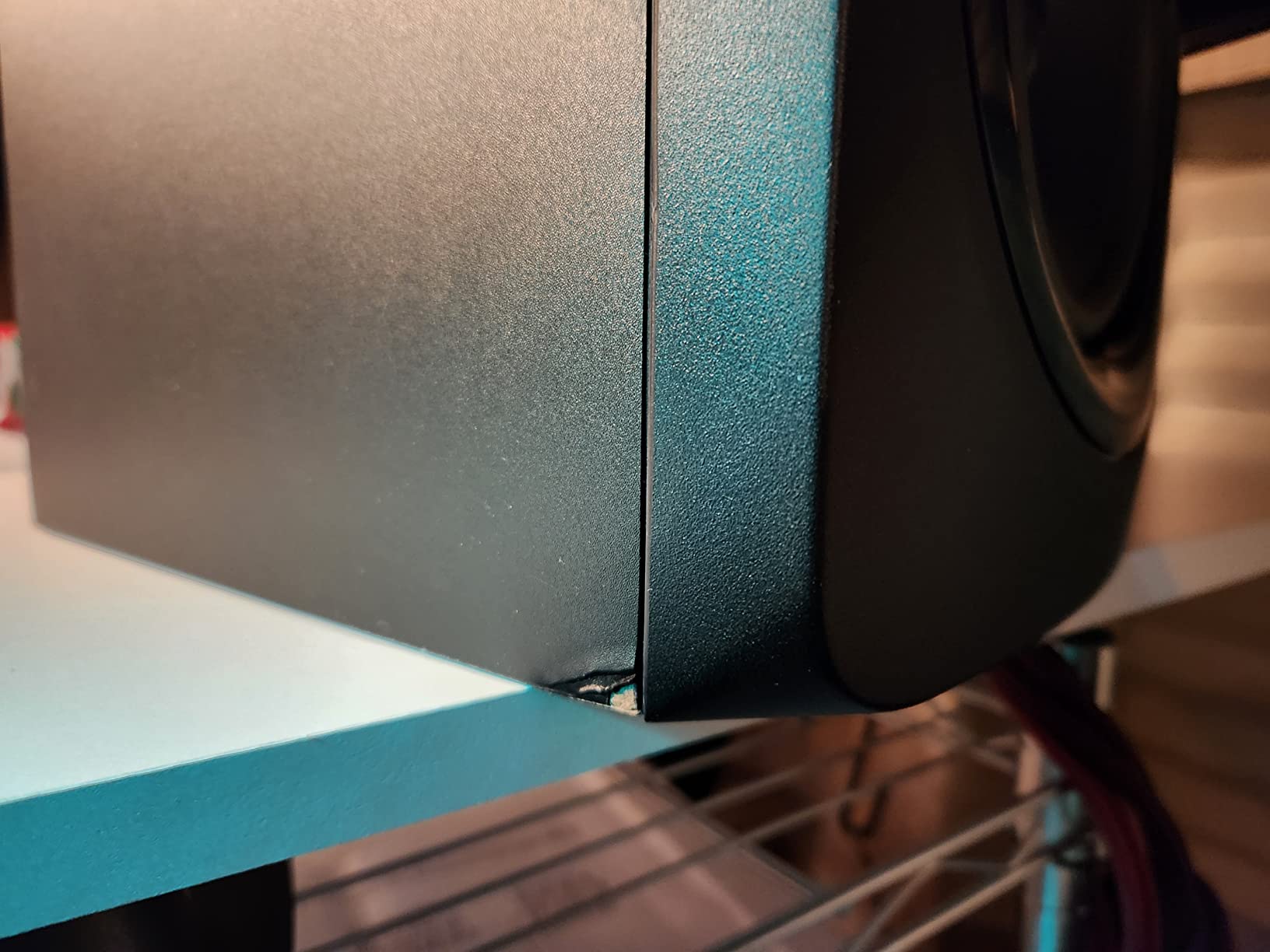
The plastic enclosure is the most obvious compromise, and it means the cabinets are lighter and more prone to carrying desk vibration than the wood Yamaha and the heavier Mackie unit here. A pair of isolation pads fixes that for almost nothing. The power cable is fixed, which is a small irritation if you move the setup often.
At 50W per pair the amplification is modest, and it is a Class AB design rather than the Class D used elsewhere in this list. For accurate bedroom level work that is entirely adequate.
For Whom the E4.5 Is the Right Buy
It suits singers, podcasters and producers whose reference material is voice and acoustic instruments. The wide sweet spot also makes it forgiving if the room does not allow a perfect equilateral triangle.
Who Should Skip It
Skip it if low frequency extension is a priority, if you want a monitor that grows quieter as you turn the knob so you can set an exact level, or if you care about enclosure resonance on a shared desk. The Eris Sub 8BT is the upgrade path if you later decide you need more low end.
5. JBL 305P MkII – The One Big-Driver Option, With Conditions
(2) JBL 305P MkII 5″ 2-Way Active Powered Studio Reference Monitors Speakers
5 inch woofer
112W total Class D
Boundary EQ and HF trim
XLR and TRS
Pros
- 5 inch woofer with a slip stream port for real low end output
- Image Control waveguide widens the sweet spot
- Boundary EQ and HF Trim adapt to a wall backed desk
- Dual 41W Class D amplifiers with a 5 year warranty
Cons
- Wide 7.3 inch cabinet needs real desk space
- XLR and TRS only with no consumer inputs
- Too much low end for an untreated tight room
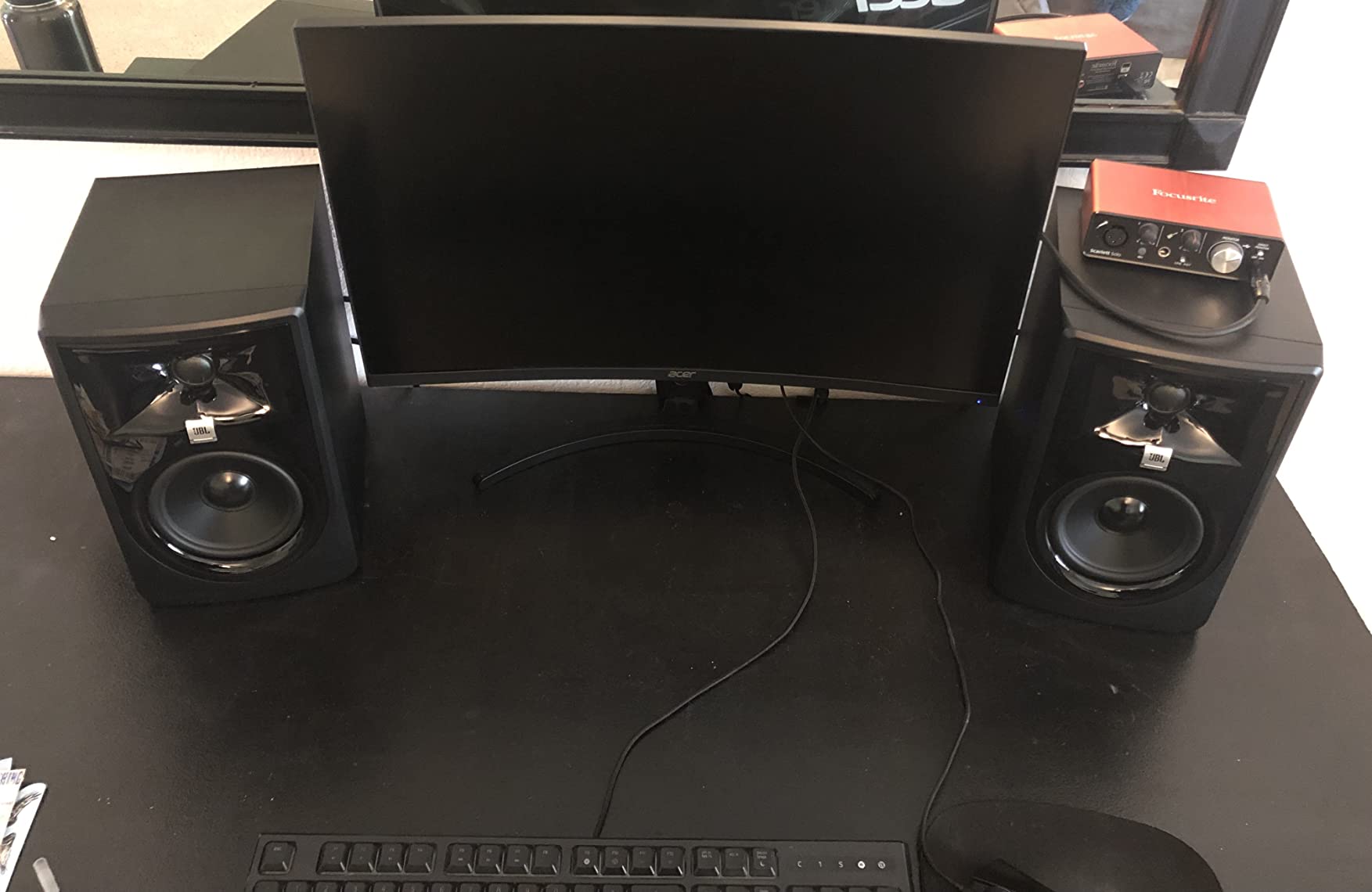
The JBL 305P MkII is the only 5 inch monitor here, and it is included because some bedrooms are larger than you think. In a room around 150 square feet with the speakers on stands and a little distance off the rear wall, the extra low end and output headroom are genuinely useful. In a tighter room, it is the wrong tool, and the Boundary EQ switch exists precisely so you can tame it.
The Image Control waveguide around the tweeter is the reason it images as well as it does. It spreads the high frequencies across a wider arc, so the sweet spot covers a seated area rather than a single point, which is a real advantage in a room where you cannot place the triangle properly.
Boundary EQ and HF Trim in a Bedroom
Boundary EQ is a low frequency cut for speakers placed near a wall, and in a bedroom with the desk pushed back it should be your first switch. HF Trim adjusts the top end for rooms that feel harsh, usually because the reflections come off a bare wall or a window at ear height.
These two controls are the reason this monitor still works in a small room despite the larger driver. Set them, then stop fiddling. A monitor with room switches lets you make one decision and keep it, which is worth more than a perfectly flat speaker you reposition every session.
Why the 5 Inch Woofer Is a Conditional Choice
A 5 inch driver on a desk 8 inches from a wall will reinforce the low end regardless of which switch you set. If your listening distance is genuinely close and the room is small, the smaller monitors on this list will give you a more honest starting point with less work.
You also need an audio interface with balanced outputs. There is no RCA and no consumer level input here, so a laptop and a cheap cable will not drive these properly, and the 7.3 inch wide cabinet takes real desk space.
For Whom the 305P MkII Is the Right Buy
It suits producers with a slightly larger bedroom, an interface with proper balanced outputs, and a preference for imaging over desk footprint. The dual 41W Class D amplifiers and the five year warranty also make it a solidly built pair for long term use.
Who Should Skip It
Skip it in a very tight room, if you are working from a laptop without an interface, or if desk space is the constraint. Reviewers consistently note that it is a professional monitor that rewards correct setup rather than a bedroom shortcut.
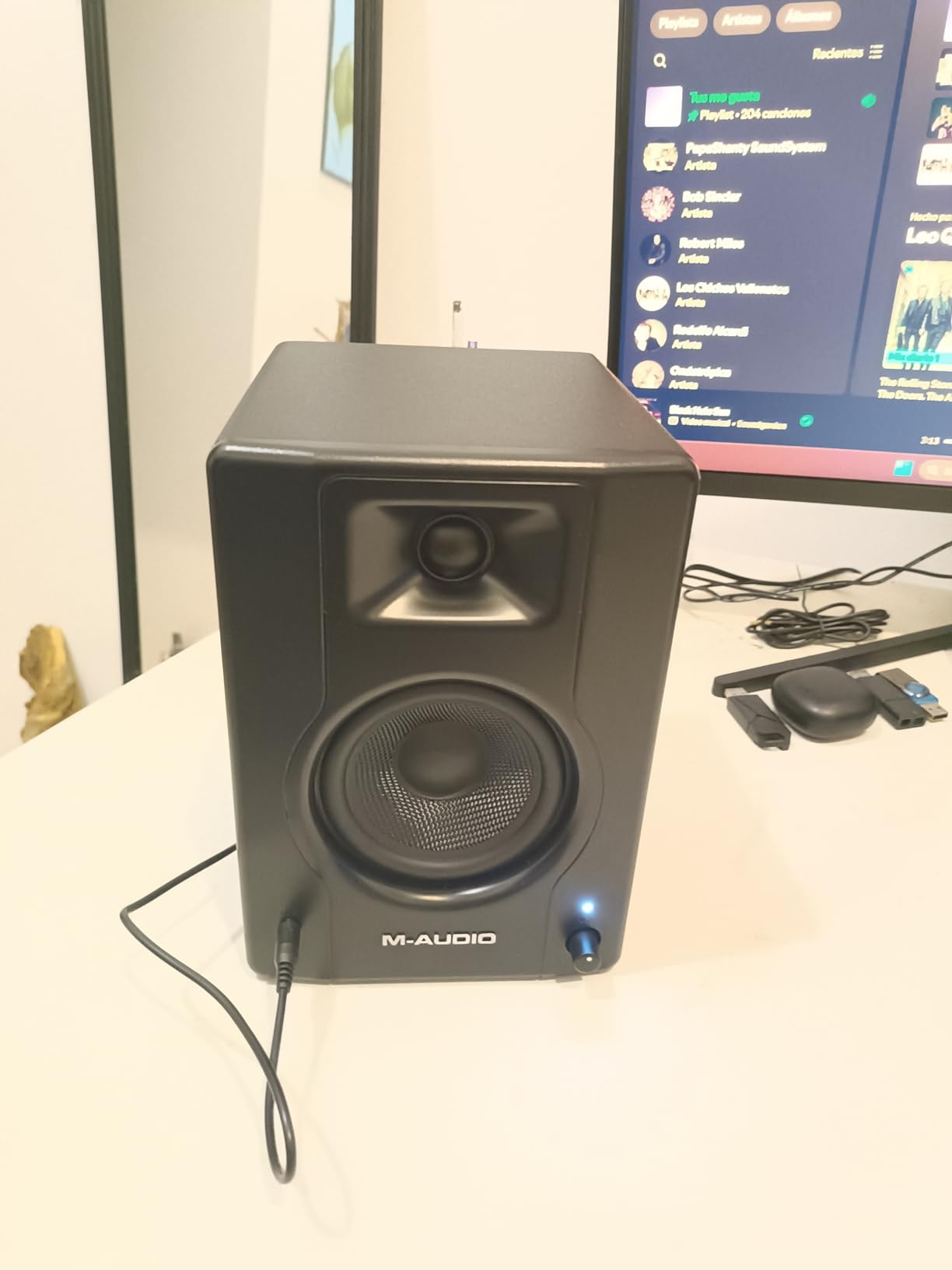
6. M-Audio BX4 – More Output Than the Room Wants
M-AUDIO BX4 4.5″ Wired Studio Monitors Pair
4.5 inch Kevlar woofer
120W bi-amplified
Rear high and low EQ
1/4 inch and RCA
Pros
- 4.5 inch Kevlar woofer with smooth punchy low end
- 120W bi-amplified power for clean headroom
- Rear 1/4 inch and RCA inputs plus a front headphone jack
- MDF cabinet and cables included in the box
Cons
- Auto sleep mode does not always wake reliably
- Included cables can introduce ground loop buzz
- Default EQ setting can over-emphasise the low end
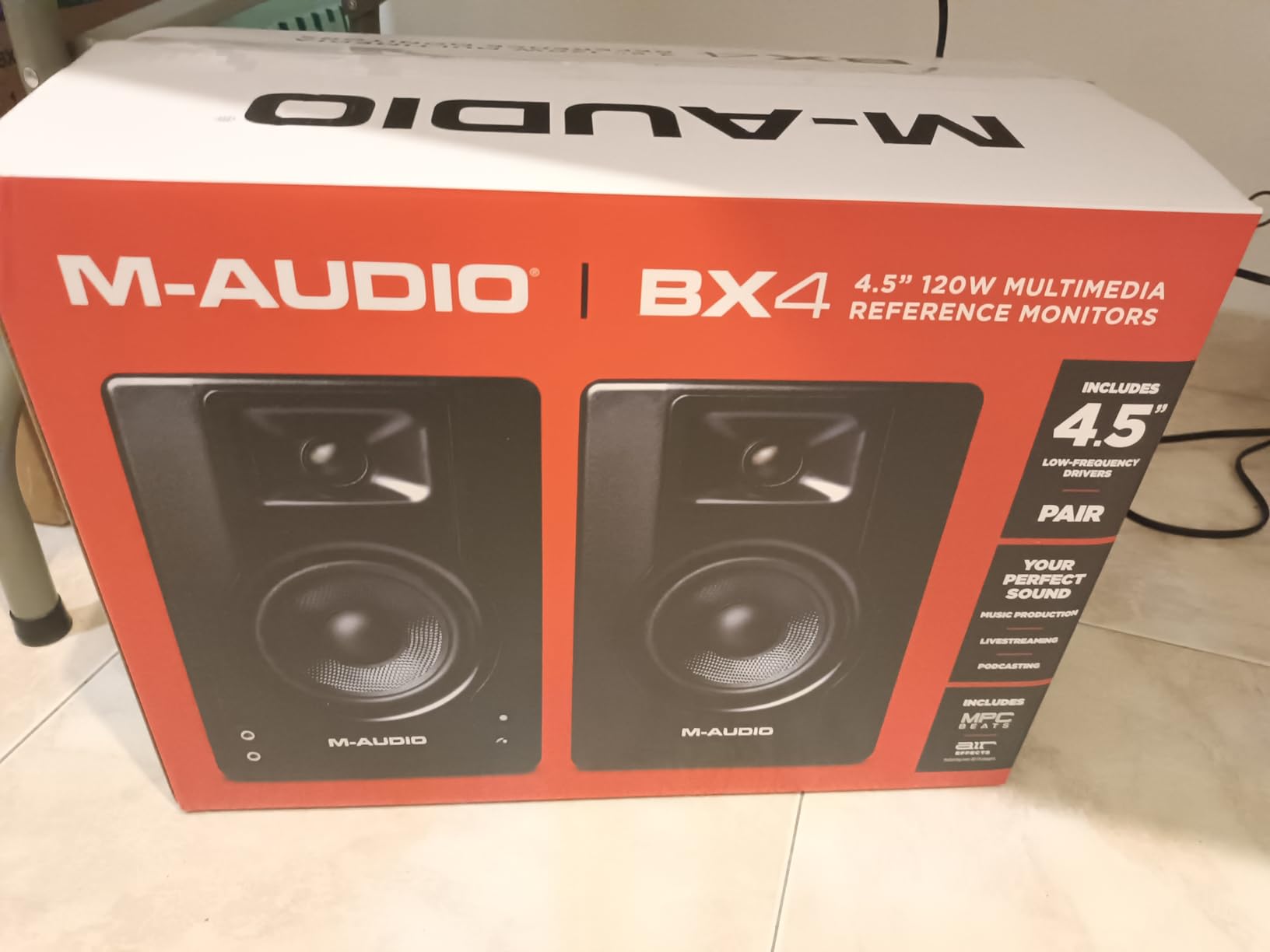
The BX4 is the step up from the smaller M-Audio BX3, with a 4.5 inch Kevlar woofer and 120 watts of bi-amplified power. That power is a genuine asset for clean headroom, and it is also a liability in a small room because it makes it easy to over-amplify the low end into mud.
For acoustic and vocal work it is a good match. The Kevlar cone stays smooth on sustained bass notes rather than hardening them, and the rear high and low controls let you pull the low end back once the room starts to pile up.
Headroom Is the Feature, Not the Volume
120W of bi-amplified power means you can play loud without the amplifier contributing distortion, and that matters when you are trying to hear whether a mix is clean. In a bedroom you will rarely use that capability, but it means the speaker is not the weak link when you do push it.
The practical warning is straightforward. With this much power and a 4.5 inch driver close to a wall, the low end will dominate before you notice. Set the level, then set the low control, and do not use the power as a mixing tool.
Auto Sleep and the Included Cables
Two issues come up repeatedly in owner feedback and both have simple workarounds. The auto sleep mode does not reliably wake from a silent input, so feed the monitors a constant signal from your interface. The included patch cables, particularly the small jack types, can produce ground loop buzz, so balanced connections from the interface are the fix.
The MDF cabinet and 9.8 pound weight keep desk vibration down, which matters more than the spec sheet suggests. A soft desk with a hollow frame will add its own resonance colour to everything you play.
For Whom the BX4 Is the Right Buy
It suits singer-songwriters recording and mixing in the same room, where acoustic instruments and vocals are the priority. The bundle includes cables and software, so the setup cost stays low.
Who Should Skip It
Skip it if you work mainly at very low volume late at night, or if you have no way to feed a constant signal to the speakers to defeat auto sleep. Some owners also find the default low end too prominent in a tight room without a rear trim.
7. M-Audio BX3 – A Tiny Footprint With Real Output
M-AUDIO BX3 3.5″ Wired Studio Monitors Pair
3.5 inch Kevlar woofer
120W bi-amplified
Front headphone jack
1/4 inch and RCA
Pros
- Small desktop footprint at only 5.51 inches deep
- 120W bi-amplified power from a 3.5 inch Kevlar woofer
- Rear high and low EQ plus a speaker position switch
- Front headphone jack for silent late night work
Cons
- Auto sleep mode issues are widely documented
- Included patch cables can buzz
- Bass is limited by the 3.5 inch driver
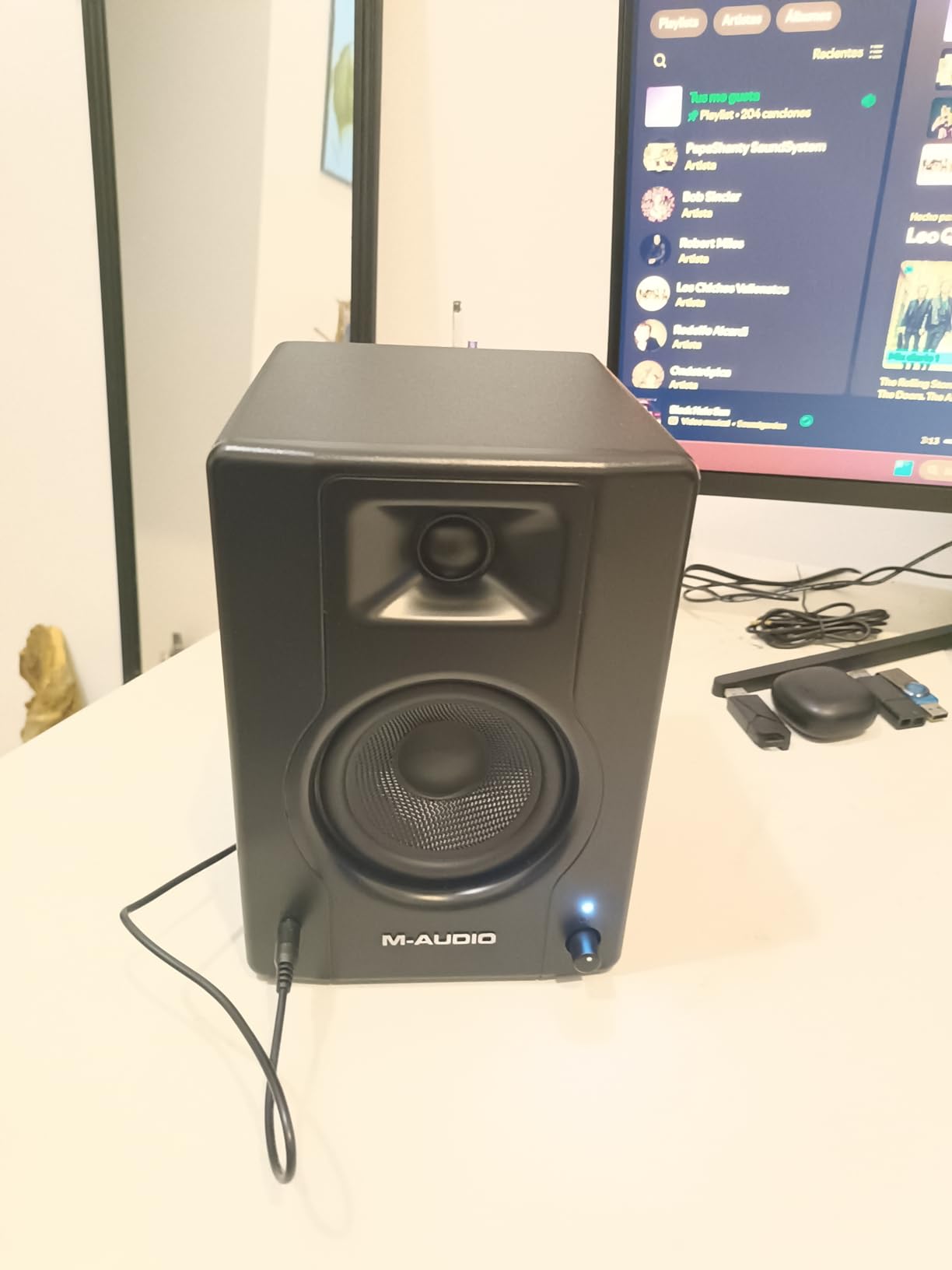
At 5.51 inches deep and 8.19 inches wide, the BX3 is the pair that disappears on a crowded bedroom desk. It comes as a matched pair with the cables included, which removes the single-speaker confusion that catches a lot of first-time buyers out at the checkout.
The 3.5 inch Kevlar woofer and 120 watts of bi-amplified power give it real output for its size, and the rear high and low controls plus the active speaker position switch offer the same basic room correction as larger models here.
What a 3.5 Inch Woofer Can and Cannot Tell You
It will tell you whether a kick is present, whether a bass line is masking a vocal, and whether the low end is balanced. It will not tell you whether your sub content is in tune with the rest of the arrangement, because there is very little below the region it can reproduce.
For most bedroom producers that is an acceptable trade, because a small driver puts less energy into the room modes that make mixes muddy. The listening position becomes more forgiving as the low end shrinks, which is a fair bargain in a 10 by 12 foot space.
Reliability Reports and How to Avoid Them
The complaint that comes up most often is the auto sleep mode failing to wake, followed by buzz from the included patch cables. Feed a constant signal from your interface and use balanced 1/4 inch or RCA connections, and both issues largely disappear. The one year manufacturer warranty is short, though, so test both speakers on arrival.
The MDF cabinet and the front headphone jack both help in a bedroom. The headphone jack means you can check a mix silently at midnight without switching signal paths, which is the realistic listening mode in a shared room.
For Whom the BX3 Is the Right Buy
It suits producers on a small desk, in a small room, who work mostly on vocals, editing and light mastering. It is also the safest first monitor purchase because the pair and all the cables are in the box.
Who Should Skip It
Skip it if bass extension is central to your work, if you dislike buying accessories later, or if you want a product with a longer warranty behind it. The auto sleep behaviour in particular annoys a lot of people permanently.
8. Kanto YU2 – A Tiny 2.1 System Waiting to Happen
Kanto YU2 Powered Desktop Computer Speakers | 3″ Drivers 3/4″ Silk Dome Tweeter | 50 W RMS | Built-in USB DAC & AUX Input | Sub Out | Pair | Matte Cream
3 inch composite driver
80Hz-20kHz
Built in USB DAC
Subwoofer output
Pros
- 3 inch drivers with unusually clear midrange detail
- Built in USB DAC for a clean digital feed
- Subwoofer output for a compact 2.1 system
- Acoustic grade MDF cabinets in a tiny footprint
Cons
- Bass rolls off at 80Hz without a subwoofer
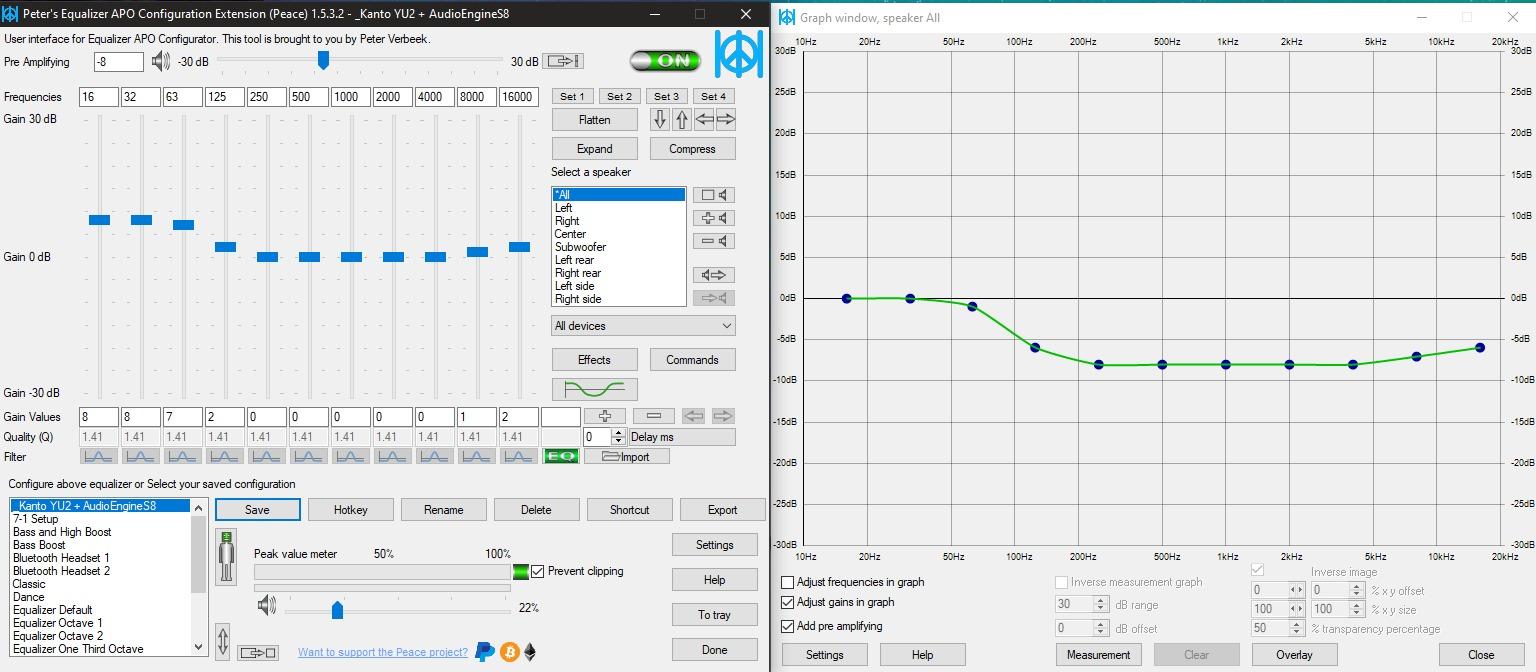
- No hardware tone controls so EQ software is required
- Bright blue LED cannot be switched off
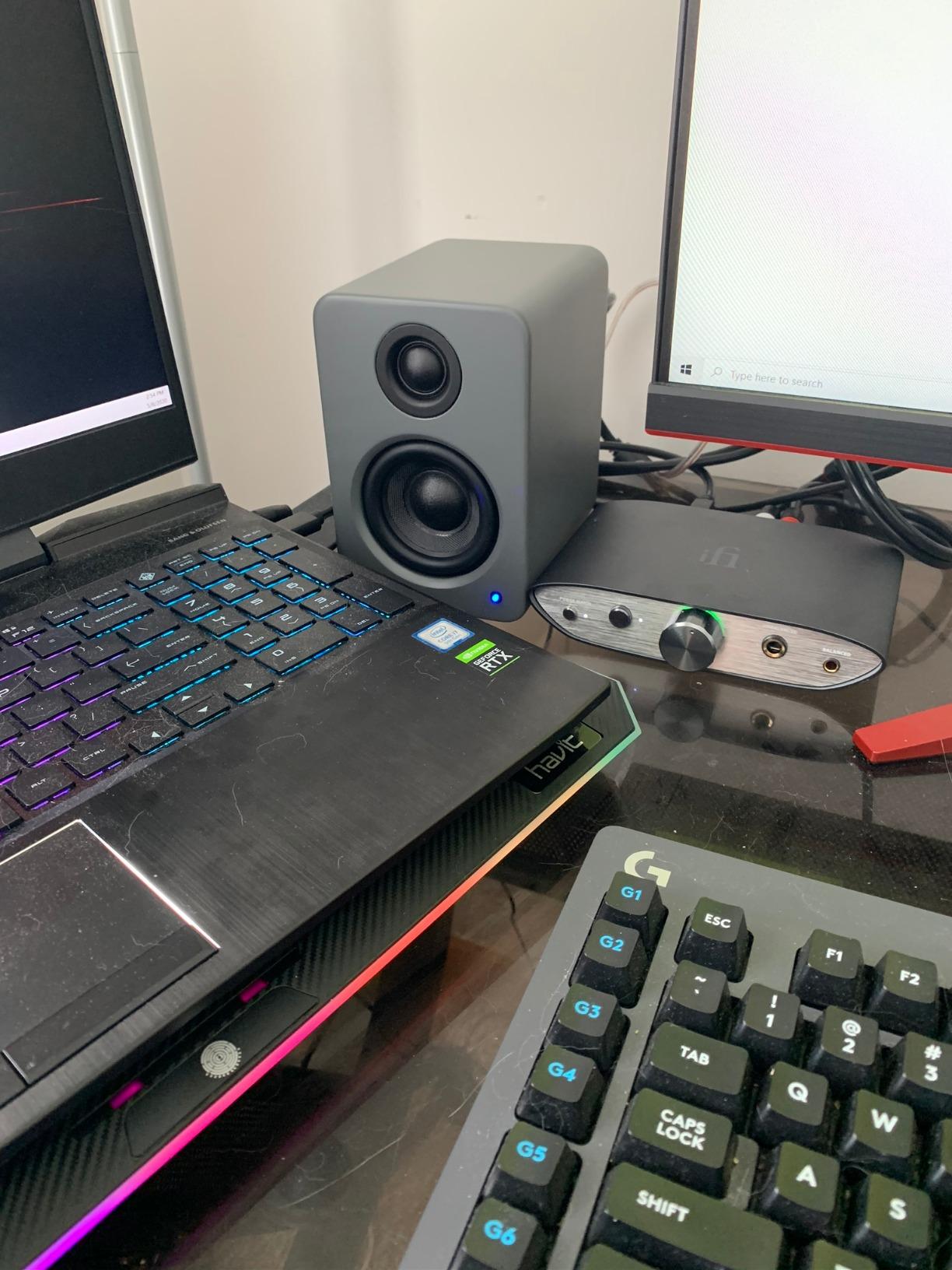
The Kanto YU2 is one of the smallest cabinets on this list at 3.9 inches wide, and the reason to consider it is the subwoofer output. In a bedroom, adding low frequencies is a decision you should make deliberately rather than by default, so having the option built in without a separate amplifier is genuinely useful.
The 3 inch composite drivers deliver clear mids and a clean top, and the built in USB DAC means you can feed the speakers digitally from a laptop with no interface. That is a complete signal chain in two small boxes.
The USB DAC and Why It Helps in a Noisy Room
A USB DAC moves the digital to analogue conversion into the speaker, which removes one cable from the signal path and avoids the noise a long unbalanced run picks up. In a bedroom next to a laptop with a fan or a phone charger, that is a small quality gain for very little effort.
The rear bass port is tuned, and the top mounted volume and power knob means the controls are reachable without reaching behind the desk. At 50W RMS the output is adequate for accurate work, and the 4 Ohm impedance is friendly to most sources.
Why the Subwoofer Output Changes the Plan
It is a genuinely useful feature because it makes a proper 2.1 setup possible in a tiny room without a separate amplifier. It is also a commitment, because there is no high pass filter for integration, so matching the sub crossover by ear is on you, and there is no hardware tone control at all.
Without a subwoofer the 80Hz roll off is the limit. That is deep enough for most mixing decisions but not deep enough to check a mix with real sub content, so treat the subwoofer output as a plan rather than an accessory.
For Whom the YU2 Is the Right Buy
It suits producers who want a very small footprint, a digital signal chain and the option to grow into a 2.1 system later. Acoustic grade MDF cabinets and a two year warranty also make it a more considered box than most at this size.
Who Should Skip It
Skip it if you want hardware tone controls, if you dislike EQ software as a requirement, or if you plan to mix entirely on the speakers without ever adding a sub. Owners also flag the permanently lit blue LED and poor quality included cable as persistent annoyances.
9. Edifier MR3 – Tuning by App Instead of Knobs
Edifier MR3 Powered Studio Monitor, Speaker Hi-Res Active Bluetooth Speaker
3.5 inch driver
52Hz-40kHz Hi-Res
Three sound modes
App based EQ
Pros
- Hi-Res certified response from 52Hz to 40kHz
- Three voicing modes plus six band app EQ
- Bluetooth 5.4 with multi point pairing
- Balanced TRS input and front headphone output
Cons
- Rear tone knobs have very little effect
- Bluetooth pairing can be confusing at first
- Bass drops away below 50Hz
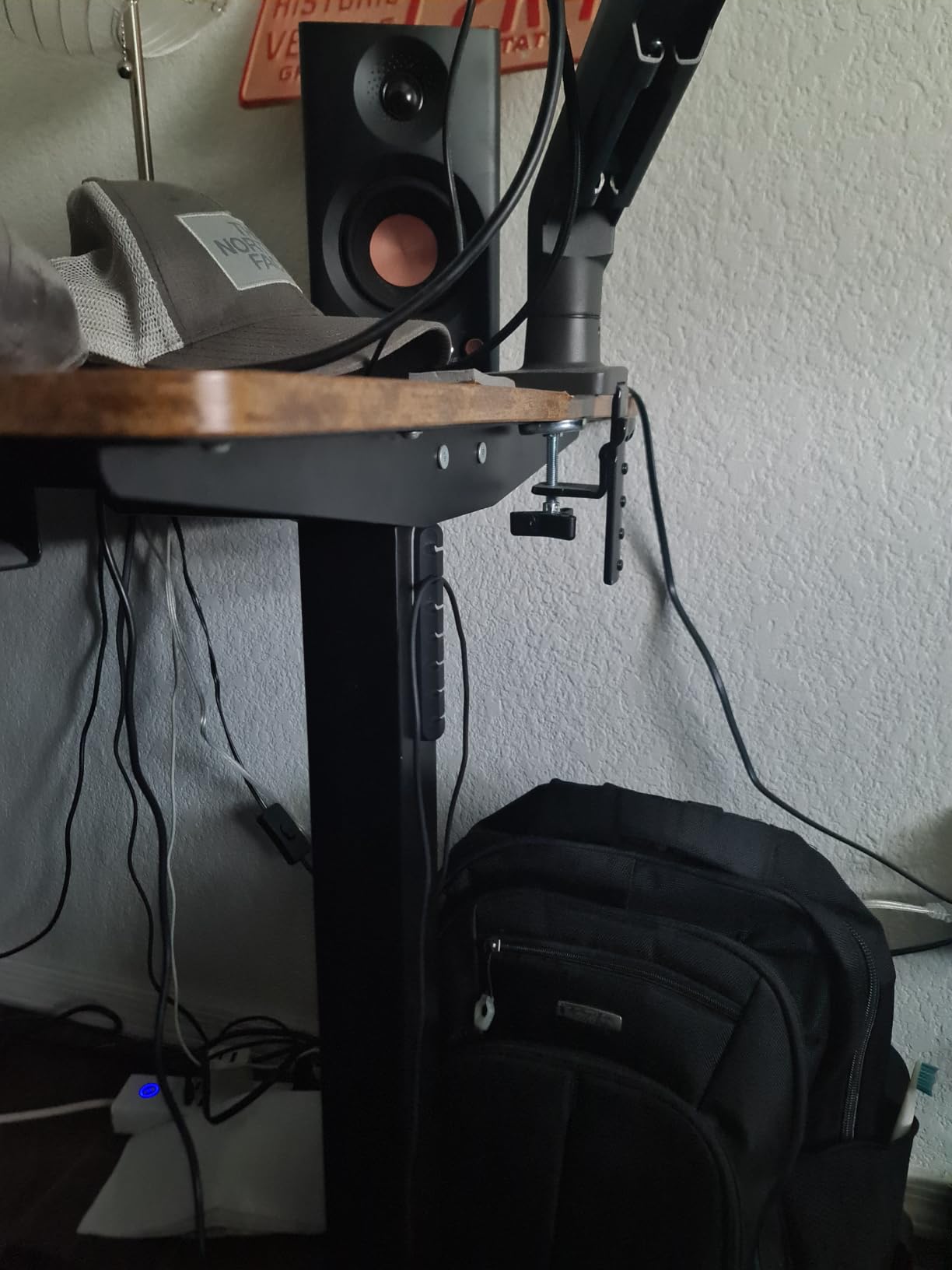
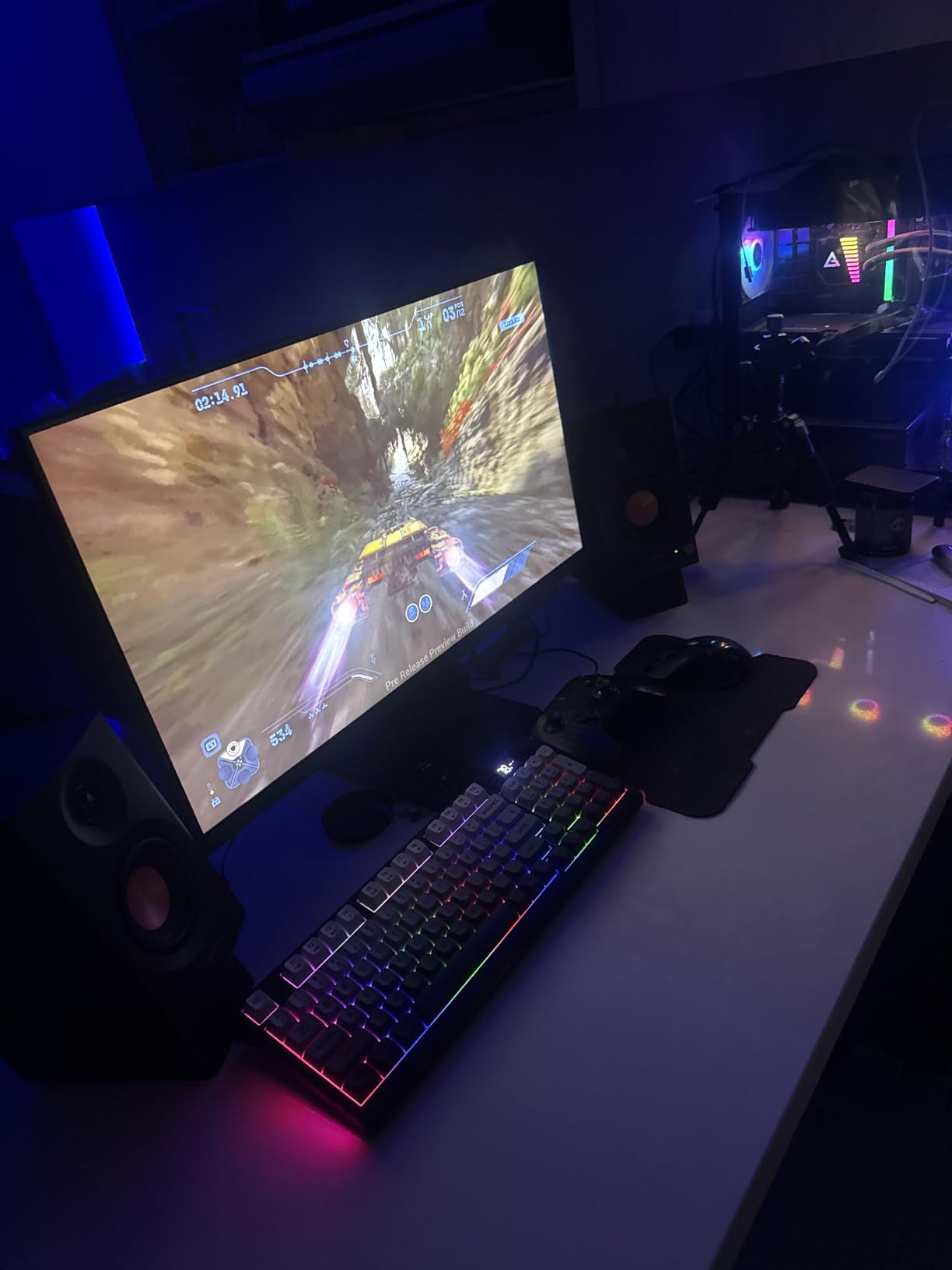
The MR3 takes the same approach as the MR4 in a smaller cabinet, and its distinguishing feature is the app. Six band EQ with three voicing modes means most of the correction happens in software, which is more precise than a pair of rear knobs and easier to A and B between sessions.
Hi-Res Audio certification covers 52 Hz to 40 kHz, and the balanced TRS input means it accepts a proper feed from an interface. Bluetooth 5.4 with multi point is genuinely useful for checking a mix from a phone on the bed.
What the App Does and What It Does Not Fix
A six band EQ in an app is a boundary tool. It is genuinely effective for trimming a low shelf where the wall behind the desk reinforces the low end, and for a broad high shelf cut in a bright room. It is not a substitute for moving the speakers off the wall or the desk edge, because a fixed boundary null cannot be EQ’d out.
The three modes, Music, Monitor and Custom, let you keep a pleasant profile for listening and a corrected profile for mixing. Set the Custom profile once, using a reference track you know, and then stop adjusting it.
Connections and Small Annoyances
The rear high and low knobs have very little effect, which is worth knowing before you rely on them for room correction. The 92.5 dB peak SPL figure and 18W per channel of RMS power are modest, though adequate for a bedroom at realistic levels.
Bluetooth pairing can be confusing on first setup and some owners report needing a power cycle. Bass falls away below 50Hz, and I would want to hear the MDF cabinet on a low frequency decision before trusting it.
For Whom the MR3 Is the Right Buy
It suits producers who are comfortable working in software and want repeatable, saved settings rather than manual knob turns. The Bluetooth also makes it a good casual listening pair for a bedroom.
Who Should Skip It
Skip it if you want accurate out of the box behaviour with no EQ step, if you dislike app-controlled speakers, or if the stepped volume knob frustrates you. It is a tuning-first product rather than a set and forget product.
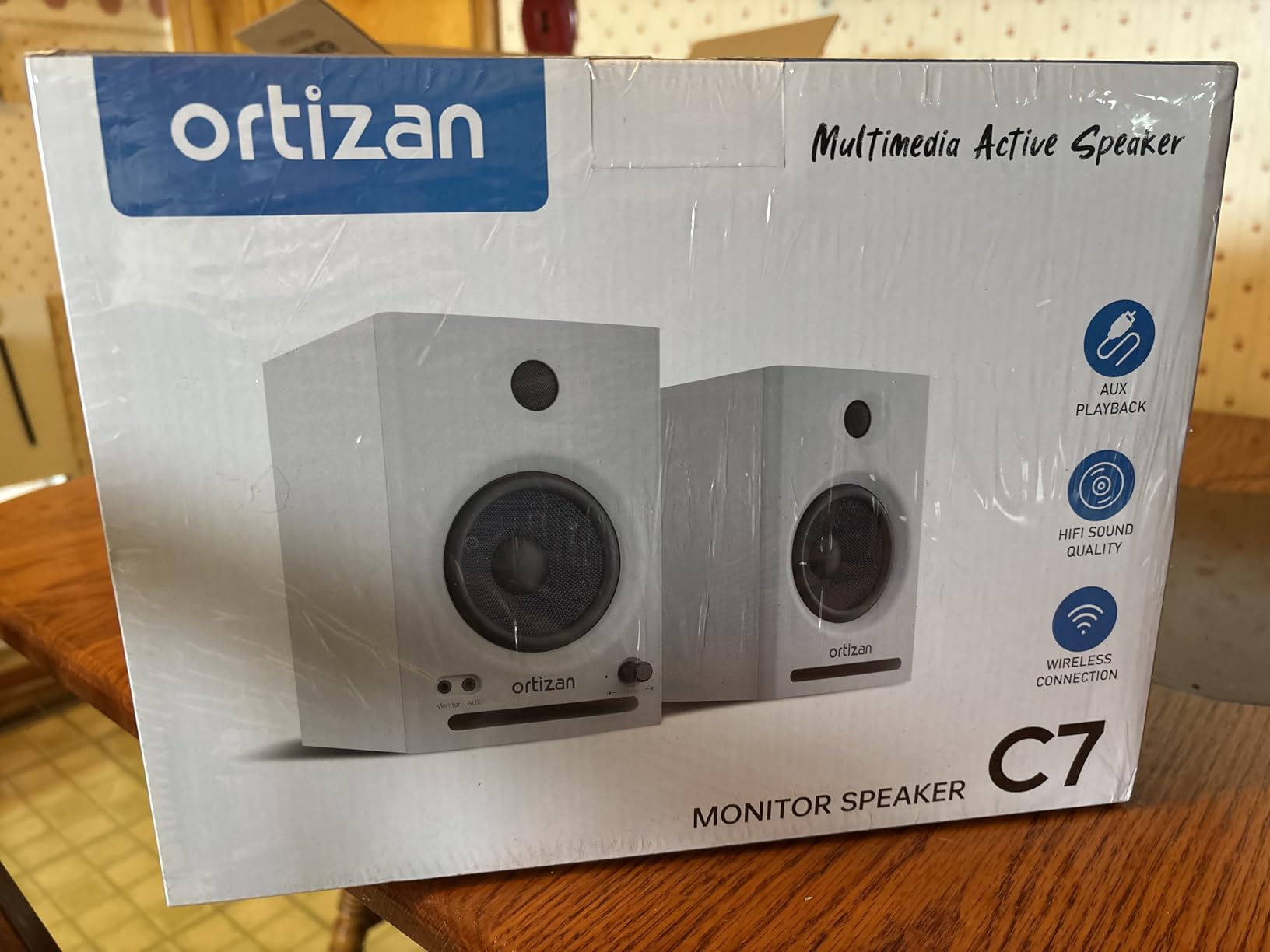
10. Ortizan C7 – Every Input Option in a Tiny Box
Ortizan C7 Powered Studio Monitors Pair with Bluetooth 5.3, Black
3.5 inch carbon woofer
Bluetooth 5.3
24 bit USB DAC
Balanced TRS
Pros
- Bluetooth 5.3 alongside balanced TRS and RCA
- Built in 24 bit DAC over USB
- Compact carbon fiber woofer with an electronic crossover
- Front headphone output and dual aux inputs
Cons
- Newer brand with a shorter reliability record
- 3.5 inch driver limits real low end output
- Only a limited warranty
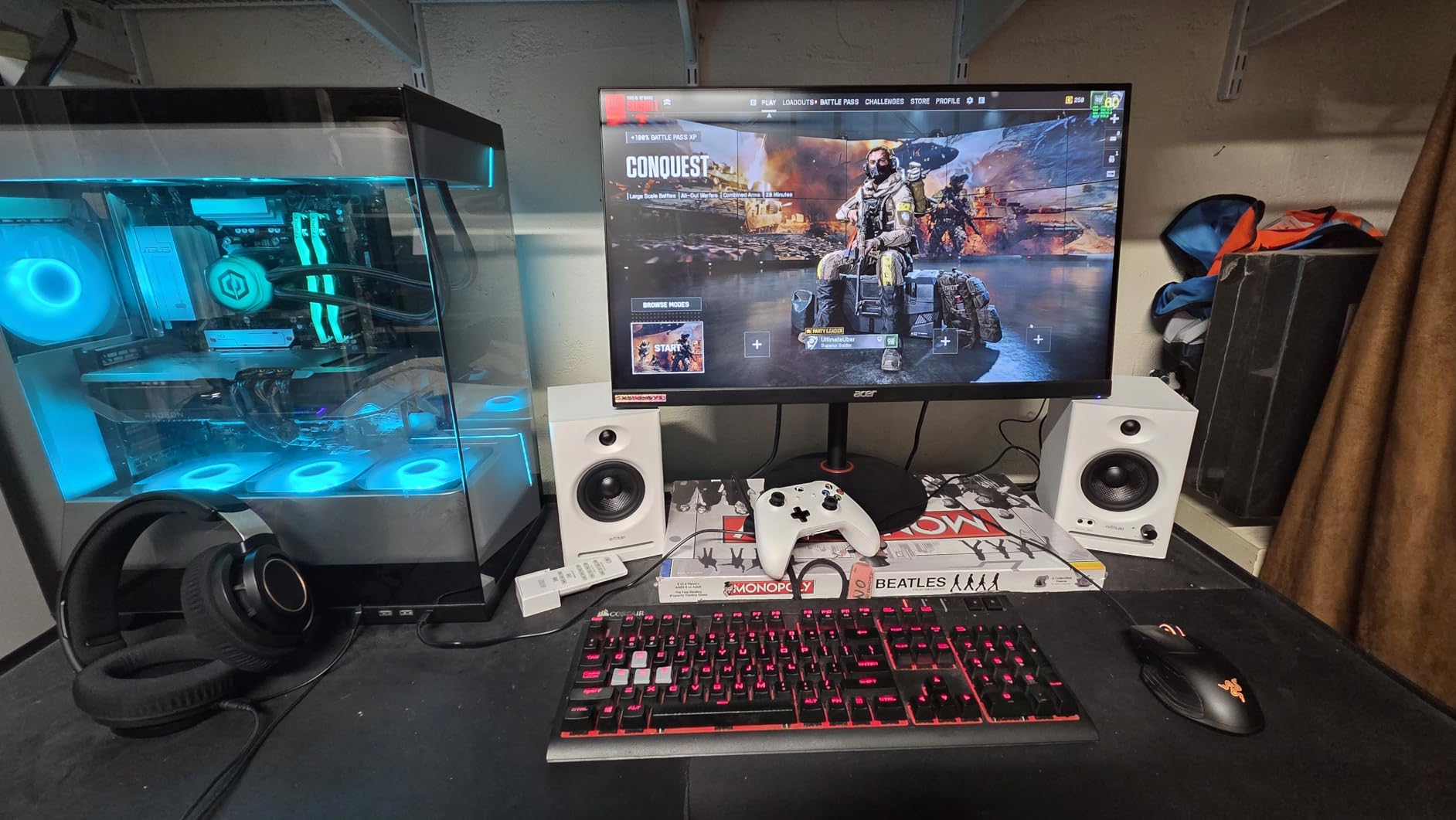
The C7 packs a lot of input options into a 5.9 inch wide box. Bluetooth 5.3, balanced 6.35 mm TRS, RCA, dual auxiliary inputs and a 24 bit DAC over USB means the speakers work with a phone, a mixer, an interface or a laptop without an adaptor in the chain.
At 4.6 from 890 reviews the early reception is strong, and the tuning is aimed at flat rather than at a consumer sound. In a small room that is the right starting point, because it leaves you something to correct rather than something to undo.
Balanced Input on a Compact Speaker
The 6.35 mm TRS input is balanced, which is unusual at this size and price. It gives you a noise free path from a proper interface, and in a bedroom next to a laptop that difference is real because there is no wall to absorb hum from a ground loop.
The electronic two way crossover and 85 dB signal to noise ratio put it in a reasonable place acoustically. The cabinet mixes ABS, metal and wood, and at 5.9 inches wide it leaves a laptop plus a controller space on a small desk.
Where a Newer Brand Shows Its Age
There is simply less long-term data on this model than on the Yamaha or JBL, and the warranty is limited rather than a multi year manufacturer promise. A 3.5 inch driver also sets a hard ceiling on low end output, and Bluetooth adds a small delay compared with a wired feed.
None of that makes it a bad choice for a desk setup. It makes it a choice to make when connectivity matters more to you than a long ownership history.
For Whom the C7 Is the Right Buy
It suits producers who switch between a laptop, a phone and an interface, and who want wireless reference checking in a room too small to justify a larger system. Video editors working on voice will also appreciate the front headphone output.
Who Should Skip It
Skip it if low frequency extension matters, if you want a long warranty as part of the purchase, or if you prefer a monitor with a track record you can read reviews about. Bluetooth is a convenience, not a mixing path.
11. Mackie CR3.5 – A Switch Built for the Wall Behind Your Desk
Mackie CR3.5 Studio Monitors (Pair), 3.5″ Woofers, Tone Knob, Black
3.5 inch woofer
50W output
Tone knob and location switch
Isolation pads included
Pros
- Location switch trims the low end for wall or free space placement
- Tone knob for quick desk level voicing
- Isolation pads and cables included in the box
- Solid weight at 10.2 pounds for the pair
Cons
- Voicing knob colours the sound rather than staying flat
- Limited low end extension for the driver size
- One report of a unit failing to power on
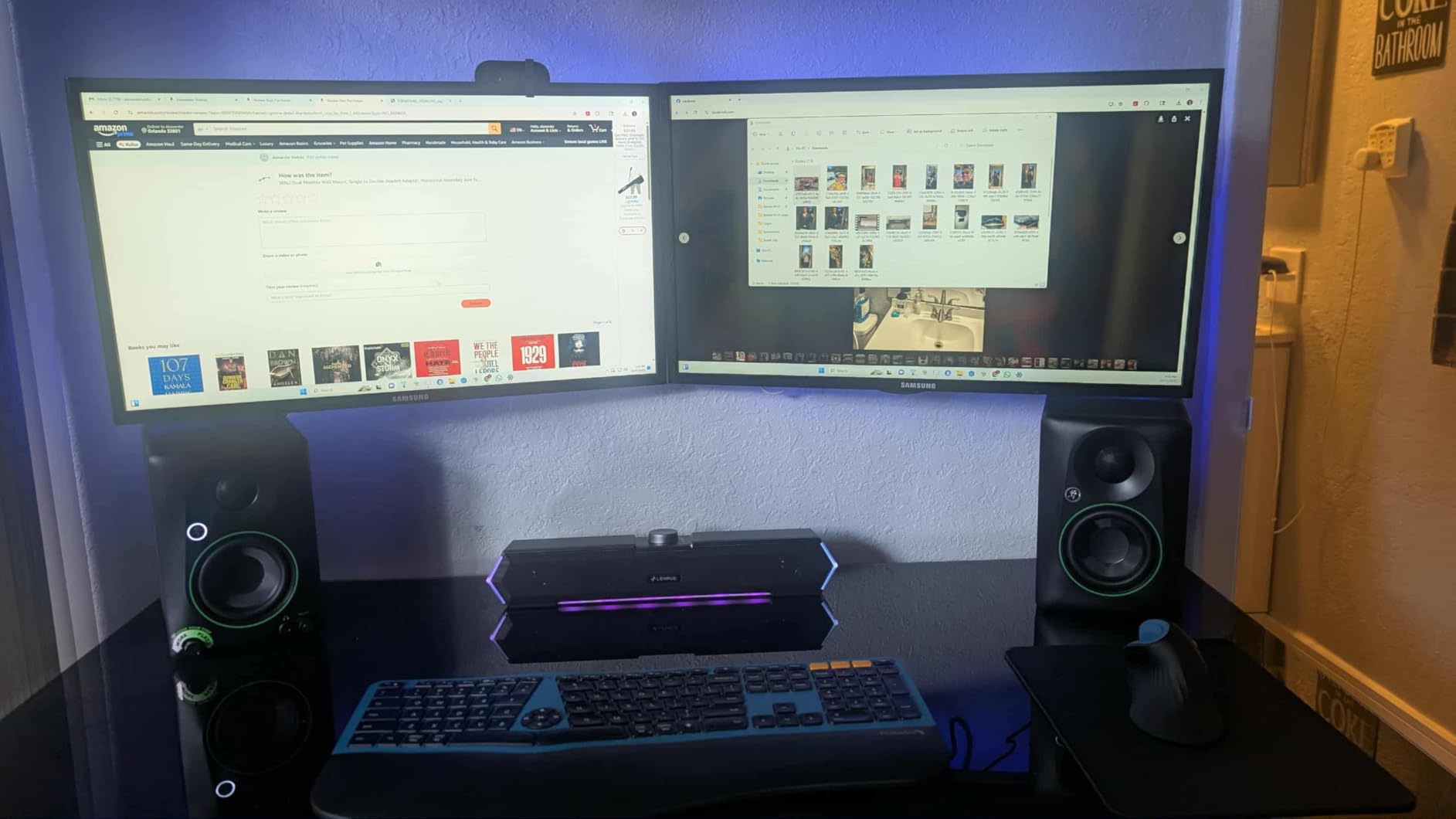
The Mackie CR3.5 is the most honest answer to a very specific bedroom problem. The location switch on the rear panel is a dedicated low frequency correction for speakers placed against a wall versus free space, and it is a more useful hardware control here than the tone knob it shares the panel with.
At 10.2 pounds for the pair these are among the weightier cabinets here, and the isolation pads are in the box. That combination matters on a hollow desk frame, which is where a lot of bedroom monitors pick up unwanted resonance.
Location Switch Versus Tone Knob
The location switch is a boundary correction and the tone knob is a broad voicing control. Use the switch for the wall behind your desk, and use the knob only for overall tonal balance. Owner feedback suggests the voicing knob does colour the sound rather than staying transparent, so set it once and leave it.
If your desk is pushed back to the wall, the location switch in its wall position should be your default before you touch anything else. It is doing the same job as the Boundary EQ on the JBL and the Room Control on the Yamaha, in a cheaper package.
What 3.5 Inches Will Not Do
Owners consistently report that the low end is limited and some describe it as low overall. That is physics at this driver size rather than a defect, and in a small room it is a trade most producers will happily make for a more even middle of the spectrum.
There is also an isolated report of a unit failing to power on, which is worth factoring in given the limited warranty. Check the power on arrival rather than assuming, and keep the packaging for the return window.
For Whom the CR3.5 Is the Right Buy
It suits producers whose desk sits against a wall and who want a hardware correction for that specific problem. The included pads and cables make the total setup straightforward.
Who Should Skip It
Skip it if you want a genuinely flat reference, if you need deeper low end extension, or if you prefer a longer warranty. It is a practical tool for a room problem rather than a monitor for critical mastering.
12. Pioneer DJ DM-40D – Built for a Controller on a Small Desk
Pioneer DJ DM-40D 4-inch Active Desktop Monitor Speakers, Pair, Black
4 inch woofer
42W total output
DJ and production modes
Fiberglass enclosure
Pros
- Switchable DJ and production voicing modes
- DSP tuning aimed at a desktop listening distance
- Fiberglass enclosure in a compact 4 inch format
- Bluetooth and RCA for controllers and phones
Cons
- Fewer reviews than the rest of this list
- Limited EQ and tuning controls
- Bluetooth can add latency for production work
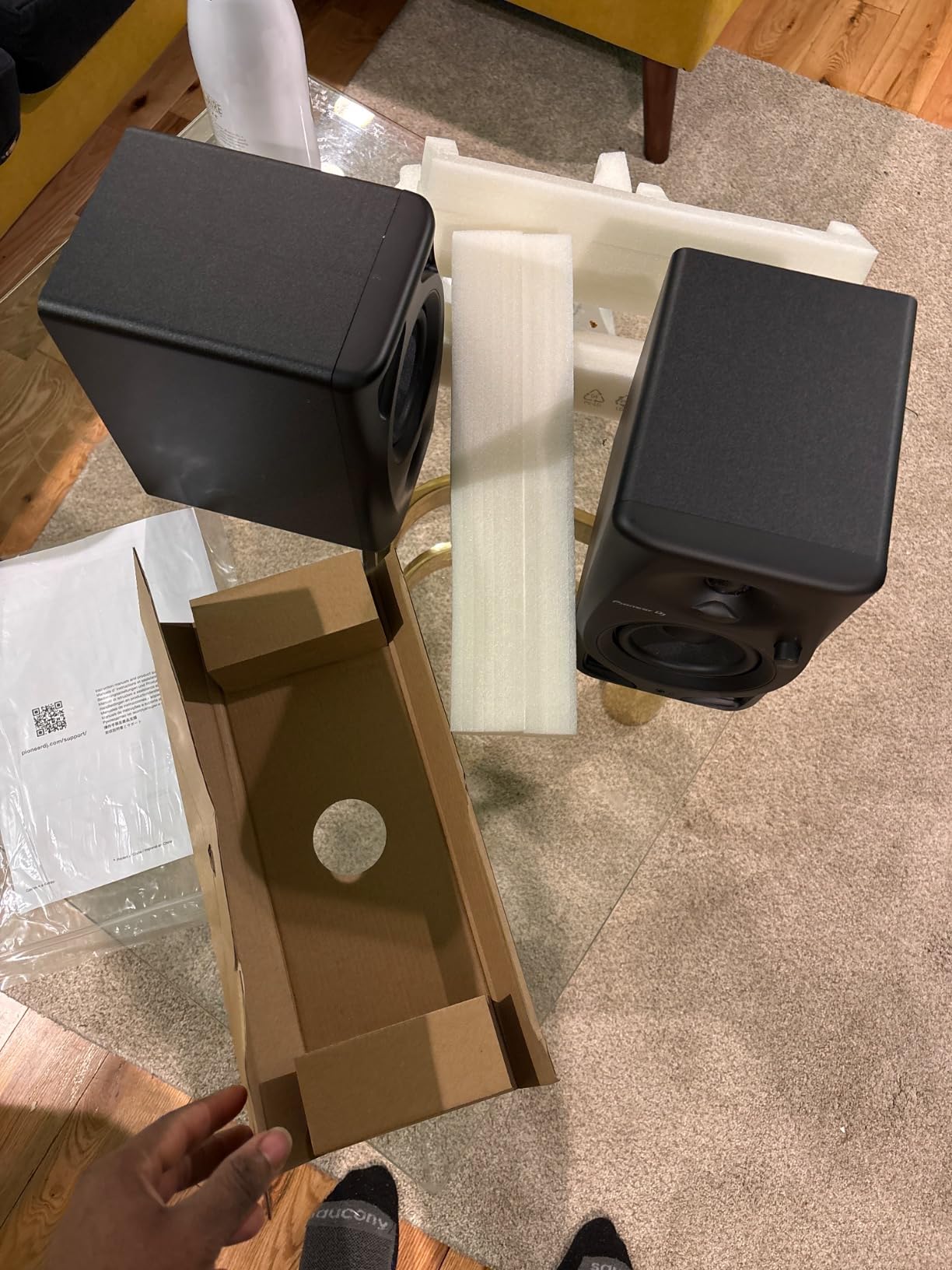
The DM-40D is purpose-built for a desk with a DJ controller on it, and the switchable DJ and production voicing is the feature that makes it worth a look. DJ mode gives you the punchy low end you need to cue a mix, while production mode flattens things out enough to work on an arrangement.
Bluetooth is included alongside RCA, so a phone or a controller can feed it without a cable. At 454 grams per speaker and a 4 inch woofer it is easy to move between a desk and a shelf when you are not working.
Two Voicings and When Each One Is Honest
DJ mode is deliberately coloured. It lifts the low end so you can hear the beat in a noisy room, which is a legitimate use for it, but it is not a reference voicing and a mix balanced in DJ mode will not survive translation.
Production mode is the one to mix in. The DSP tuning here was set for a desktop listening distance, which is the correct assumption for a bedroom, so the voicing is already closer to what you need before you touch anything else.
Limits of a Desktop-First Monitor
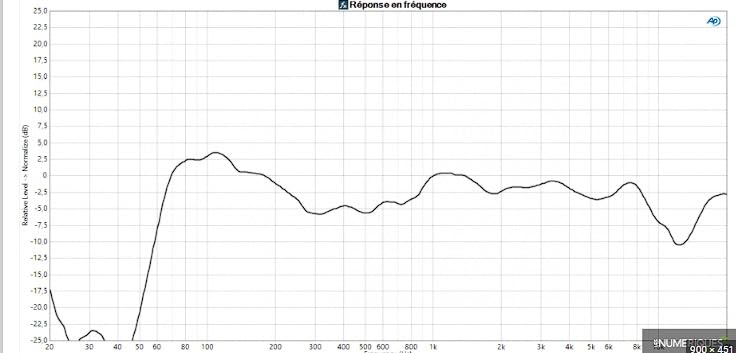
There is very little tuning control on the rear, no tone EQ and no room compensation switch, so placement does all the work. A 4 inch driver also sets a low ceiling on output, and Bluetooth adds latency that is not ideal for anything requiring tight timing.
The main limitation is evidence rather than sound. With a much smaller review history than the other models here, you are buying on the brand and the voicing rather than on a large body of owner reports.
For Whom the DM-40D Is the Right Buy
It suits bedroom producers and DJs who work at a desk with a controller, want one pair of speakers for both jobs, and value the switchable voicing over fine tone control. The fiberglass enclosure is a nice quality step at this size.
Who Should Skip It
Skip it if you mix quiet and late, if you need hardware room correction, or if you want deep low end. It is a desktop DJ tool that happens to be a competent production monitor, not the other way round.
How to Choose and Set Up Monitors in a Small Bedroom
Members in r/musicproduction repeatedly make the same argument about bedroom studios, and it matches what I found moving between rooms: money spent on treatment and placement improves mixes more reliably than a step up in monitor. Buy the pair that suits your room, then fix the room. If you are building out the rest of the space, our [studio lighting guide for small studios](https://www.manbolo.com/best-studio-lighting-kits-for-small-studios/) covers the other half of a working setup, and the same small-room logic applies to [4K TVs in small bedrooms](https://www.manbolo.com/best-4k-tvs-for-small-bedrooms/) where physical distance is the constraint.
Match the Woofer to the Room, Not the Genre
Use 3.5 to 4.5 inch woofers in a room up to about 120 square feet, and consider 5 inches only if the room is larger or the speakers are on stands with real distance behind them. Below 3.5 inches you lose the low end you need to judge a full arrangement, and above 5 inches you are asking the room to absorb output it has no way to absorb.
Wattage matters far less than most spec sheets suggest. Anything above about 40 watts per cabinet gives you enough headroom at bedroom listening levels, and buying headroom you cannot use is how people end up over-amplifying the low end into mud.
Front Port or Rear Port on a Wall-Backed Desk
A front-firing port fires bass forward where it cannot build up behind the cabinet, which is why the iLoud Micro is forgiving on a shallow desk. A rear port against a wall reinforces the low end directly, and no amount of repositioning the desk by a few centimetres fixes that.
If your desk has to stay against the wall, look for a monitor with a boundary or room switch. The Mackie, the Yamaha and the JBL all have one, and they are the three I would choose from when the wall is unavoidable.
Placement, Ear Height, and the 38 Rule
The 38 rule says the distance from the front of the speaker to the wall behind it should be about 38 centimetres, roughly 15 inches. That spacing moves the wall boundary reflection far enough back that it arrives after the direct sound rather than adding to it, which is a meaningful improvement in a tight room where you cannot treat the wall.
To set up, follow these five steps:
1. Put the speakers and your chair in an equilateral triangle, with each side the same length.
2. Set the tweeters at ear height when you sit, using isolation pads or stands rather than tilting the cabinets.
3. Angle each speaker slightly toward the listening position, with a toe-in of roughly 10 degrees.
4. Pull each speaker 15 inches off the rear wall where the layout allows, or use the boundary switch if it does not.
5. Level match the whole chain to 79 dB SPL rather than matching by ear, and note the knob positions so the change is repeatable.
Treating a Bedroom You Cannot Modify
If you rent, you probably cannot hang panels, and thick fabric on soft furniture works almost as well at the frequencies that matter. A heavy rug between the speakers and the listening position attacks the strongest low end reflection in the room. Curtains across a window kill a bright early reflection. A duvet folded over the headboard acts as a broad absorber right behind your head, which is exactly where the first reflection lands.
An open wardrobe full of clothes is a broadband absorber you already own. Stand the speakers a little to either side of it, not directly in front, and you have built yourself two side panels for nothing. Members on the Fractal Audio forum describing bedroom music rooms show how common this setup is, with one room handling both tracking and playing.
Should You Add a Subwoofer?
Usually not, at first. A subwoofer adds low frequency output that the room cannot absorb, and the modal problems it excites sit exactly where you are already fighting for accuracy. If you do add one, the Kanto YU2 is one of the few models here with a subwoofer output built in, but treat it as a late decision made after placement and treatment.
Buy a Matched Pair and Budget for Pads
Most monitors are sold as a single speaker, and buying two at different times is a mistake we see discussed again and again on r/audio. Two cabinets bought at different times can come from different production runs, and a mismatched pair will not give you the imaging you paid for. Buy the pair together and confirm the seller will supply a matched set.
Split your budget so roughly two thirds goes to the monitors and one third to the rest. Isolation pads, a pair of short stands, proper balanced cables and a rug do more for mix quality than a small step up in monitor class, and both the Mackie and the Yamaha include pads in the box.
Cross-Check on Headphones Before You Trust a Mix
A small room lies in different ways at different times, and the fastest way to catch it is a second reference. Check your mix on headphones, then on a phone speaker, then on the monitors. The front headphone outputs on most models here make that switch fast, and the differences between the three will tell you which decision to trust.
Frequently Asked Questions
What is the best studio monitor for a small room?
The Yamaha HS3 is our pick for small bedrooms. Its 3.5 inch woofer keeps low end output modest enough to avoid room modes, the rear Room Control switch trims the low end when the desk sits against a wall, and the XLR and TRS combo input takes a balanced feed straight from an audio interface. If you need more low end extension, the PreSonus Eris E4.5 at 4.5 inches is the next step up.
What is the 38 rule for studio monitors?
The 38 rule says the distance from the front wall of a speaker to the wall behind it should be about 38 centimetres, roughly 15 inches. That spacing moves the wall boundary reflection far enough back that it arrives after the direct sound instead of reinforcing it, which noticeably reduces low end buildup in a small room where you cannot treat the wall.
What size speaker is best for a small room?
Three and a half to four and a half inch woofers are the working range for a bedroom, and anything below 3.5 inches loses the low end you need to judge a full arrangement. In a room under about 120 square feet, a smaller driver plus a boundary EQ switch beats a bigger driver every time, because the large woofer only feeds the room modes.
Do studio monitors need a subwoofer?
Usually not in a bedroom. A subwoofer adds low frequency output that a small room cannot absorb, and the modal problems it excites sit exactly where you are already fighting for accuracy. Most small-room mixes are better judged with the low end trimmed and the monitors played at a moderate level. If you do add one, the Kanto YU2 has a subwoofer output built in, and the PreSonus Eris E4.5 pairs with the Eris Sub 8BT.
Should I add room treatment to a bedroom studio?
Yes, even improvised treatment helps a lot. A thick rug between the speakers and the chair, heavy curtains across a window, and a duvet over the headboard all absorb the first reflections that make a small room sound boxy. An open wardrobe full of clothes works as a broadband absorber too. These cost very little and beat spending the same budget on a monitor upgrade.
Can I buy one monitor now and add the second one later?
It is possible, but buy the pair together if you can. Most monitors are sold as a single speaker, and two speakers bought at different times can come from different production runs. A mismatched pair will not deliver the imaging and stereo field the model is designed for. If you must stage the purchase, confirm with the seller that the later unit will be a matched set from the same run.
Our Verdict for Bedroom Studios in 2026
If you want the most reliable reference in the smallest room, the Yamaha HS3 wins, and the Room Control switch is the reason. Its 3.5 inch woofer and 4.7 rating across 2357 reviews make it the safest default here, and the XLR and TRS combo input means it works properly with any interface.
If your workspace is a small desk, the M-Audio BX3 takes up very little room while keeping the headphone jack and the rear tone controls, and the Edifier MR4 gives you more physical tone correction than most of its size class. The Kanto YU2 is worth a look if desk width is the tightest constraint you have. If you move between rooms, the IK Multimedia iLoud Micro is the one to pack, since its DSP and its 55 Hz bass survive the move intact.
For vocals, take the PreSonus Eris E4.5 and its wide sweet spot. For bass-heavy work in a slightly larger bedroom with an interface, take the JBL 305P MkII and set the Boundary EQ before you mix anything. Whatever you pick, spend what is left on a rug, curtains, a duvet and isolation pads, because the room will still be doing most of the colouring after the monitors are chosen.