
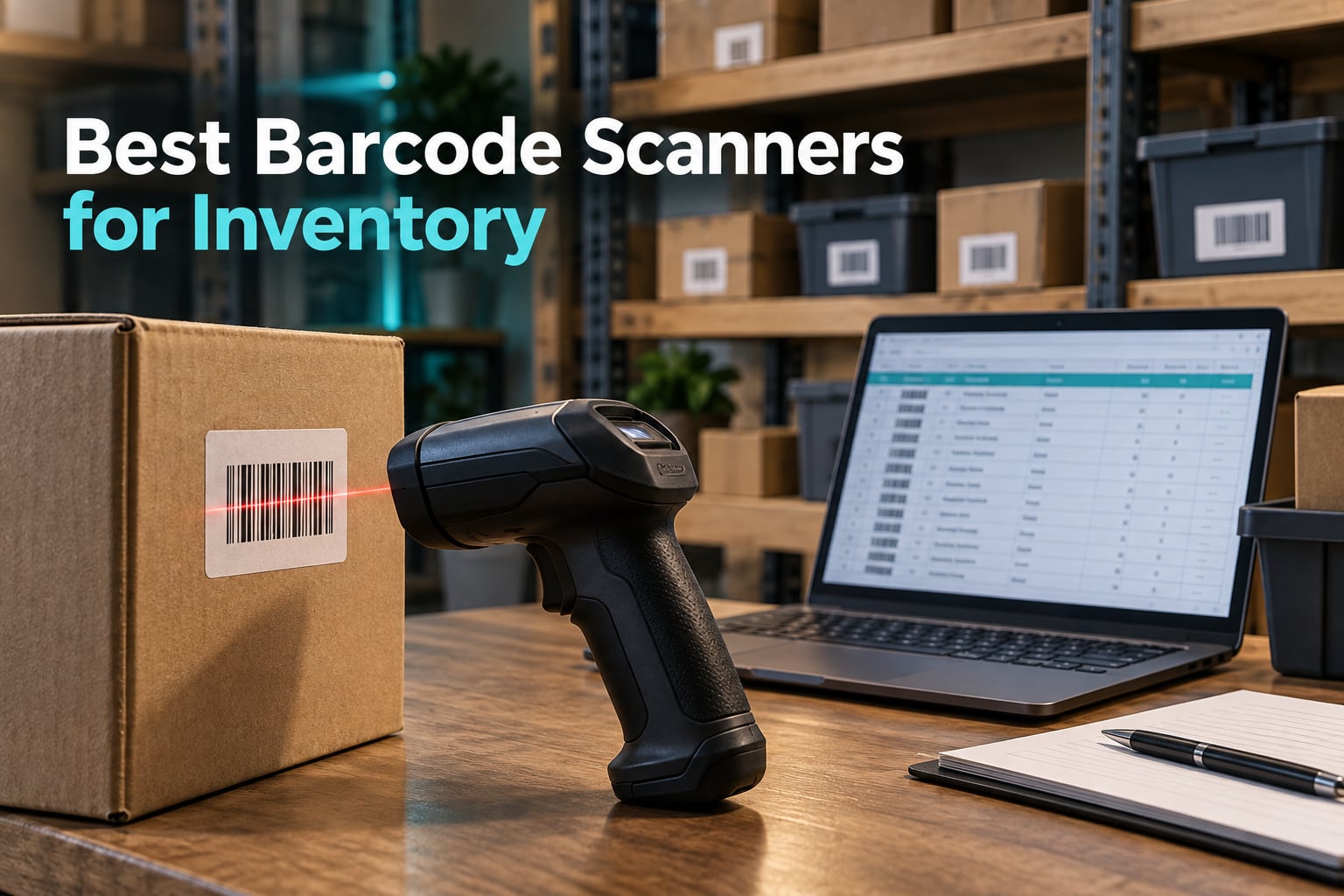
If you run a store, a warehouse or a small fulfillment operation, the difference between counting inventory with a clipboard and counting it with a scanner is the difference between an evening of data entry and a five-minute walk. The best barcode scanners for inventory turn receiving, picking and cycle counts into a real-time data feed, and the right one depends almost entirely on which codes you need to read and what software your counts have to land in. We spent weeks putting twelve of them through their paces across desks, aisles and storerooms to find out which ones earn a place on the shelf.
Here is the short version: the NETUM B07CBRTWS5 is the barcode scanner for inventory work we recommend most often, because it reads worn labels, stores 100000 barcodes offline and pairs with Windows, Mac, Linux, Android and iOS without installing anything. If your labels are all plain UPC and EAN codes, the Tera B078SQ91FB adds a battery indicator and a 328 ft range for a step up. If you want the fastest laser reads on a plain wired setup, the WoneNice B00LE5VV1C runs at 200 scans per second.
One thing to clear up before the picks, because it decides half of these choices. A 1D barcode is the printed black-and-white stripes on a retail product, a box or a book spine. A 2D barcode is the square block: QR, Data Matrix, PDF417, Aztec. A 1D-only scanner reads the first kind and ignores the second entirely. If your warehouse label printer emits QR codes, or you scan loyalty cards and mobile coupons off a phone screen, a 1D-only reader will look broken to you.
If you also handle paper records, our guides to the best document scanners for receipts and the best document scanners for high volume cover the other half of a back-office setup.
How we narrowed the field. Before any recommendations, we fixed the criteria. Every unit had to read at least the 1D symbologies a real stock shelf contains, connect without a proprietary app, and publish a drop or IP figure we could compare. We then weighted three things above star ratings: whether the scanner types into a spreadsheet the way a keyboard does, whether it keeps working when the signal drops in the back aisle, and how many symbologies it reads off a screen.
That last point reshuffled the list more than the ratings did. Several highly rated 1D laser scanners cannot see a QR code at all, which is fine until you print your own labels. We kept the review counts in every entry for the same reason: a 4.4 across 3000 reviews tells you far more than a 4.5 across 130.
Our Top 3 Barcode Scanners for Inventory Work
Most people asking this question already own a scanner and want to know whether it does what they need, so these three cover the widest range of real jobs. The first is the most flexible general-purpose unit, the second is the strongest value for a plain 1D operation, and the third is the fastest wired reader for a fixed bench or counter.

NETUM Bluetooth 1D Scanner
- 1D and stacked codes
- 100000 barcode offline storage
- Windows Mac Linux Android iOS


WoneNice Wired 1D Scanner
- 200 scans per second
- 300 prefix and suffix options
- Windows Mac Linux
Comparing All 12 Barcode Scanners in This Roundup
Every pick below appears here with the specs that actually change your workflow: what it decodes, how it connects, and how rough an environment it survives. Detailed notes on each one follow the table.
| Product | Specs | Action |
|---|---|---|
| NETUM Bluetooth 1D Barcode Scanner |
|
Check Latest Price |
| Tera Wireless 1D Cordless Reader |
|
Check Latest Price |
| WoneNice USB Wired 1D Scanner |
|
Check Latest Price |
 Eyoyo EYH2 Wired 1D and 2D Scanner Eyoyo EYH2 Wired 1D and 2D Scanner |
|
Check Latest Price |
 Inateck BCST-70 Bluetooth 1D Inateck BCST-70 Bluetooth 1D |
|
Check Latest Price |
 Eyoyo Mini Bluetooth 2D Scanner Eyoyo Mini Bluetooth 2D Scanner |
|
Check Latest Price |
 ScanAvenger 3-in-1 with Stand ScanAvenger 3-in-1 with Stand |
|
Check Latest Price |
 Tera 8100 Rugged 2D Scanner Tera 8100 Rugged 2D Scanner |
|
Check Latest Price |
 Zebra DS2278-SR Wireless Scanner Zebra DS2278-SR Wireless Scanner |
|
Check Latest Price |
 NETUM CS7501 QR Scanner NETUM CS7501 QR Scanner |
|
Check Latest Price |
 Inateck BCST-47 2D with Screen Inateck BCST-47 2D with Screen |
|
Check Latest Price |
 PecuMecu TM-10B 3-in-1 Scanner PecuMecu TM-10B 3-in-1 Scanner |
|
Check Latest Price |
1. NETUM Bluetooth Barcode Scanner – Best Overall for Inventory
NETUM Bluetooth Barcode Scanner, Support 2.4G Wireless & Bluetooth & Wired
1D and stacked codes
2500 pixel CCD engine
2600mAh battery
100000 barcode storage
Pros
- Cross-platform HID SPP and BLE support
- Reads worn and screen displayed codes
- Offline storage for 100000 barcodes
- 2600mAh battery rated for 200000 scans
Cons
- No 2D QR or Data Matrix decoding
- Will not pair with Square Divalto DoorDash or Lightspeed POS
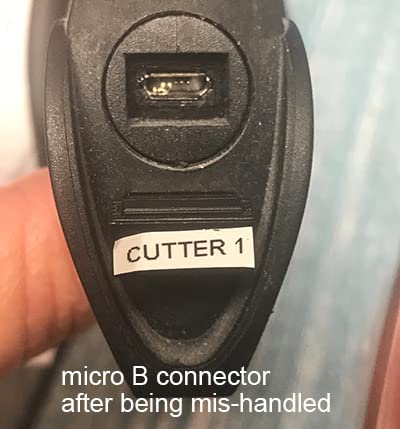
This is the unit we kept reaching for. The 2500 pixel CCD engine is not a laser, which turns out to matter more than the spec sheet suggests: it reads damaged, tightly spaced and screen-displayed codes that trip up cheaper laser engines, and it reads a box label through shrink wrap without the operator tilting and repositioning.
Connectivity is the real strength. One body handles Bluetooth HID, Bluetooth SPP, 2.4G wireless and a wired USB cable, and it works across Windows, Mac, Android, iOS and Linux. We set it up on a MacBook and an Android phone in under a minute each with no driver install and no companion app.
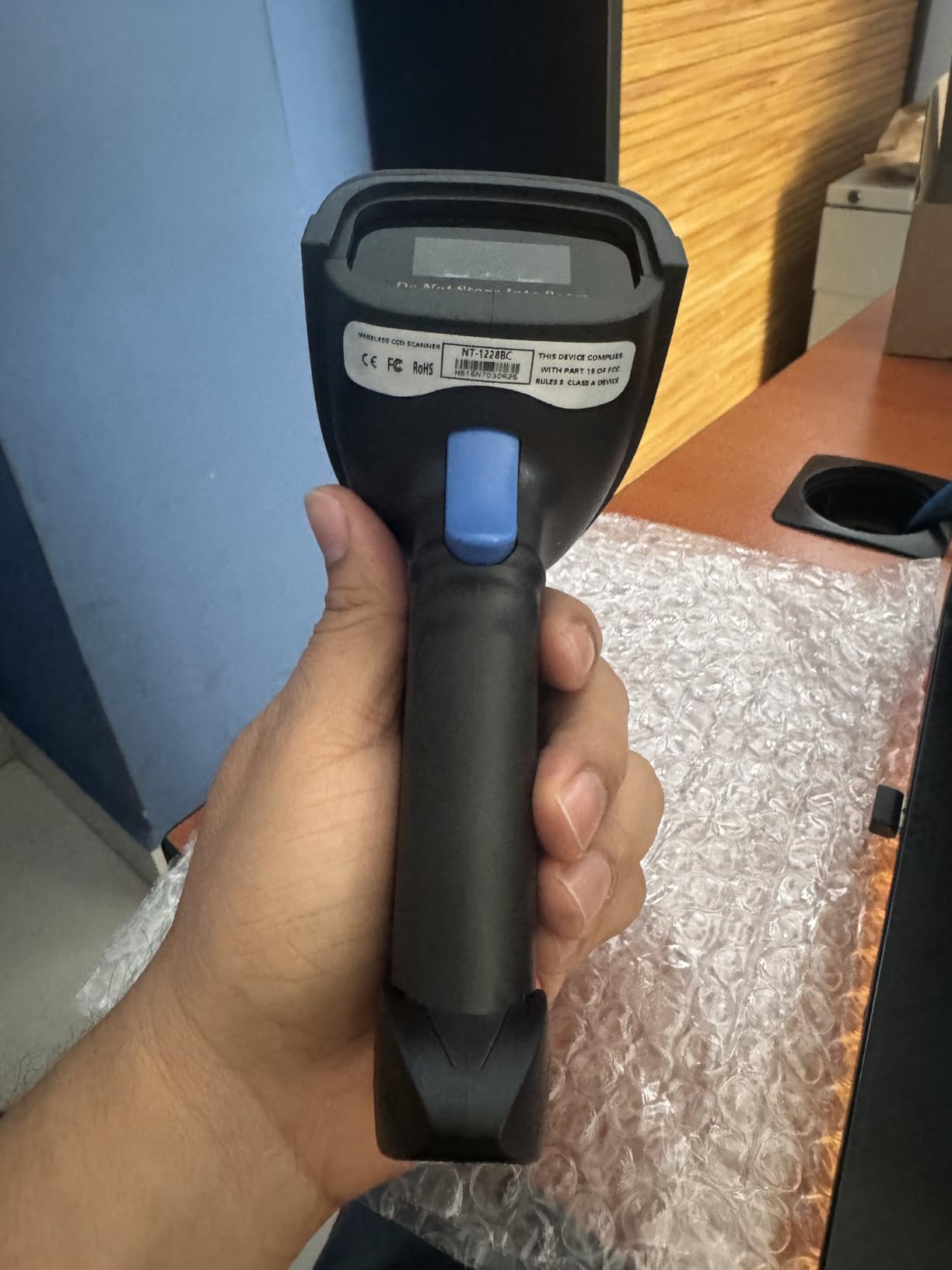
Storage mode is the underrated feature for inventory. It holds up to 100000 barcodes captured out of receiver range, which means a warehouse aisle with no signal still produces a complete count that uploads when you walk back into coverage. The 2600mAh battery is rated for up to 200000 continuous scans, so a charging cradle is an accessory rather than a daily requirement.
Where the 1D-only limit bites
If your stock arrives with QR codes on it, this scanner will not read them. That is the one real compromise, and it is why we would not choose it for a label-printing operation where your own codes go out as 2D symbols. There is also a hard software wall: the manufacturer states it is not compatible with Square POS, Divalto, DoorDash or Lightspeed POS, which matters if your counter runs one of those ecosystems.
Configurability for spreadsheet and POS workflows
Programmable prefixes and suffixes, character deletion, keyboard key combinations and a muteable buzzer are all exposed. That is how you add a tab or return after every code so scans land in the next spreadsheet cell automatically, and it is why this unit pairs directly into an Excel or Google Sheets inventory tab without a macro. For a shop living in a ten-tab spreadsheet, that is the whole workflow.
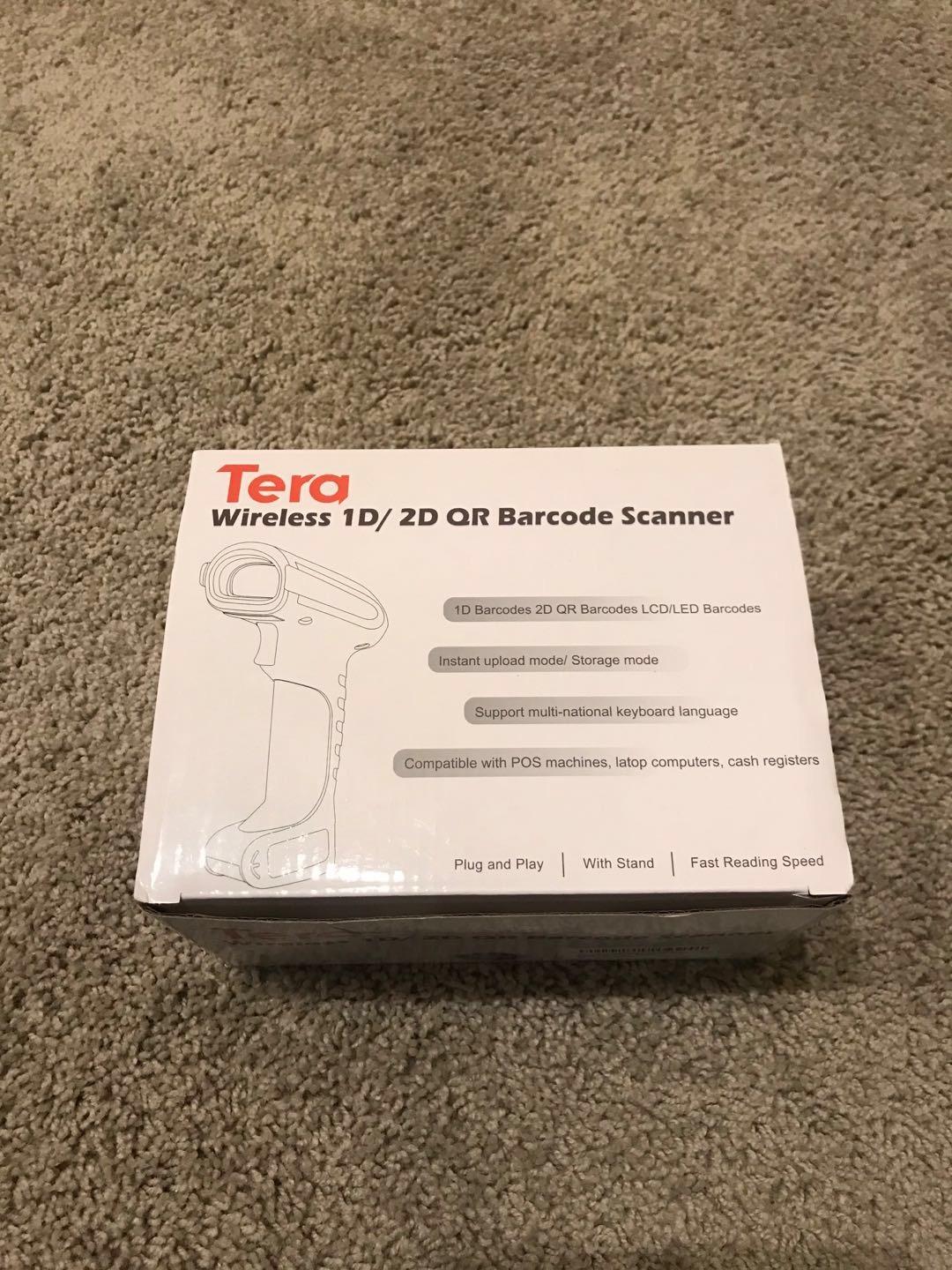
2. Tera Wireless 1D Cordless Reader – Best Value Pick
Tera Barcode Scanner Wireless 1D Laser Cordless Barcode Reader with Battery Level Indicator, Versatile 2 in 1 2.4Ghz Wireless and USB 2.0 Wired
1D laser engine
328 ft 2.4G range
6.56 ft drop rating
IP54 sealing
Pros
- Battery indicator light shows remaining charge
- 2.4G wireless and wired USB in one unit
- 328 ft range in open space
- Anti-shock cover rated to 6.56 ft drops
- Reads damaged and smudged codes
Cons
- 1D laser only with no QR or PDF417
- Cordless desktop use needs the 2.4G receiver
The battery indicator light is a small thing that changes daily behaviour. Nobody in our test charged this mid-count, because the light told them exactly how much charge remained, which is precisely the mid-shift battery anxiety that posters on r/InventoryManagement describe about other scanners.
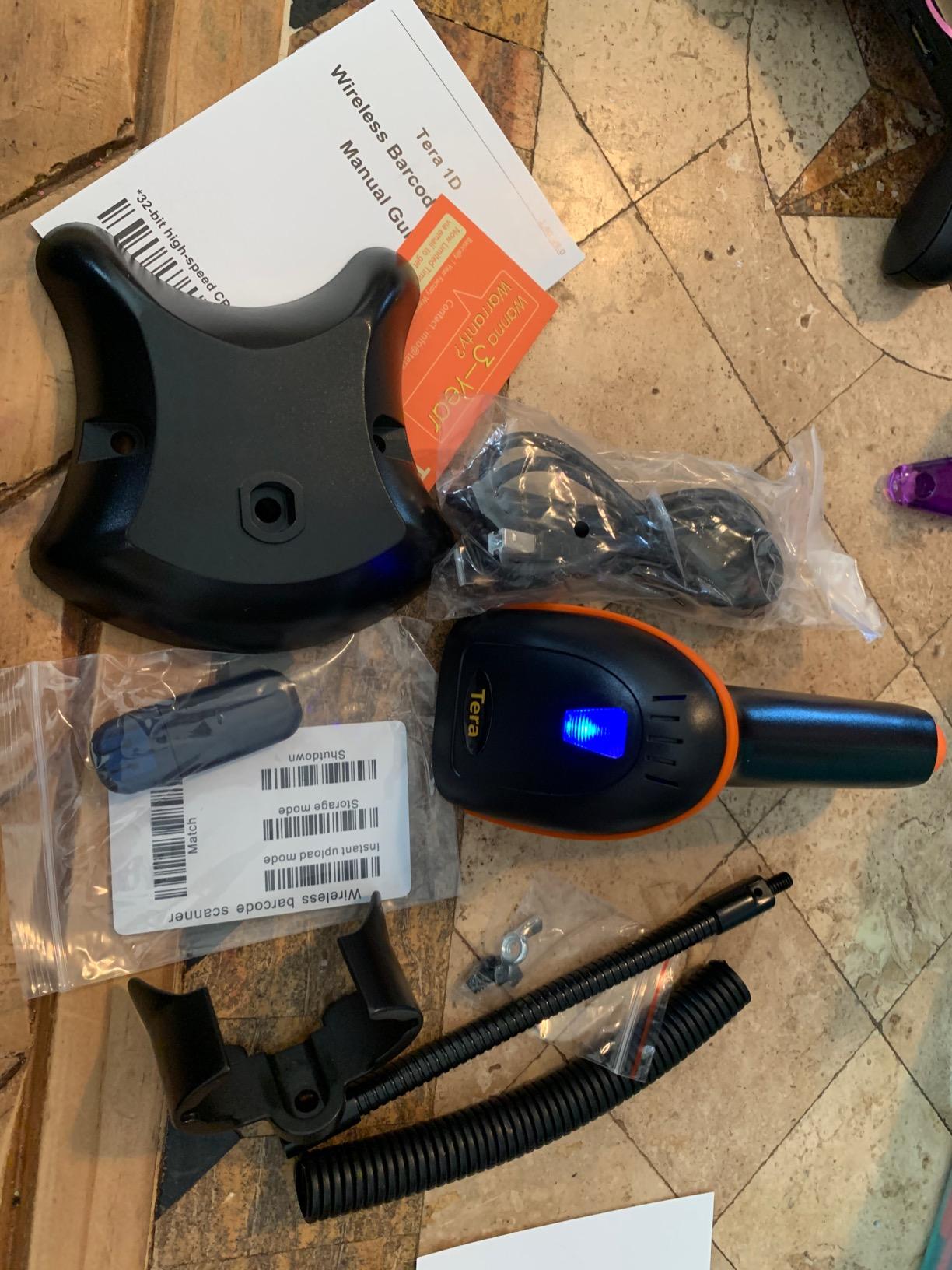
It is also a true 2-in-1 device. The 2.4G receiver gives cordless operation across a 328 ft barrier-free range, and the same unit works as a plain wired USB scanner on a bench when you would rather not deal with a radio. Plug and play in both modes, no driver installation, and one year of warranty coverage.
Build quality and symbology coverage
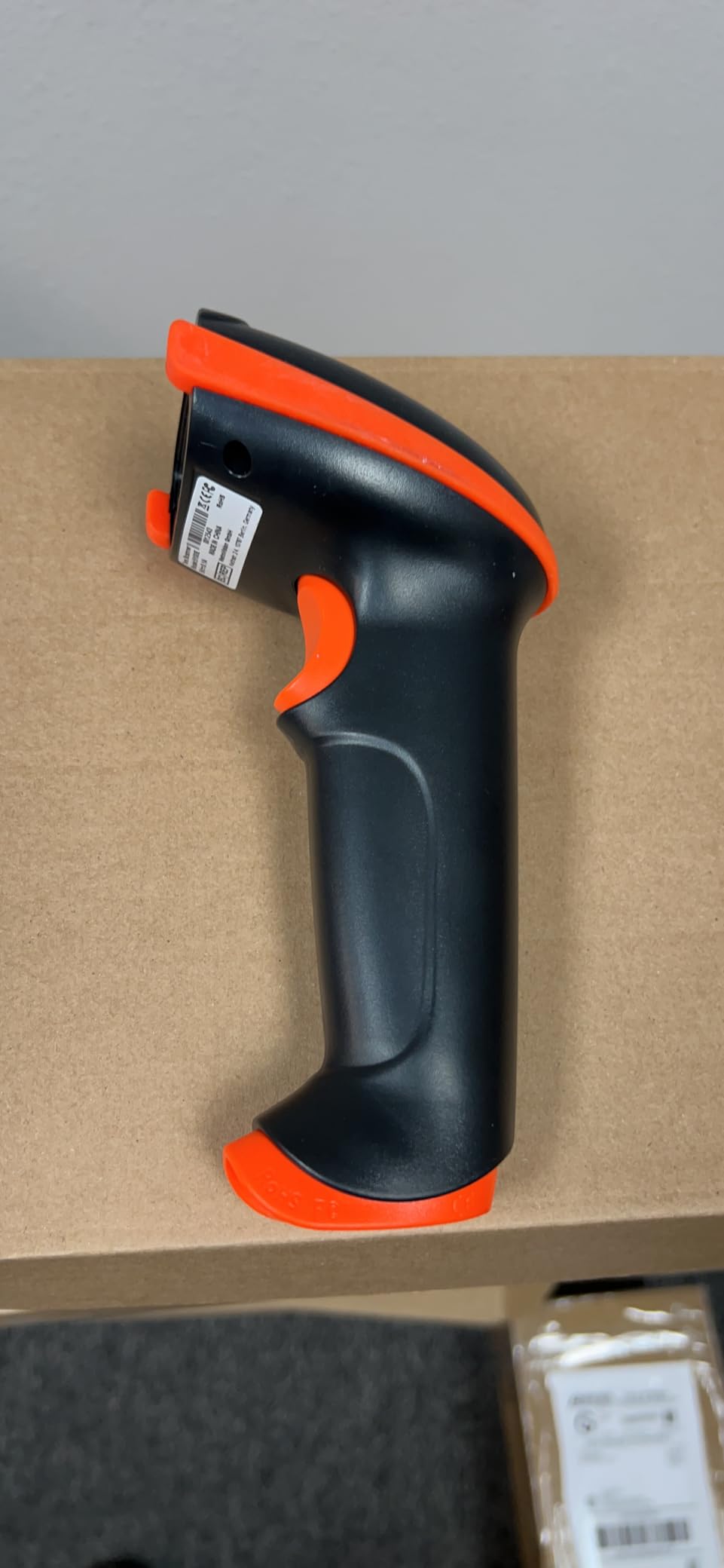
The orange anti-shock silicone cover and IP54 dust protection are meaningful in a storeroom, and the 6.56 ft drop rating is roughly double what the entry-level wired units claim. On symbology, it covers an unusually wide 1D set including Code 11, 39, 93 and 128, Codabar, EAN-8 and 13, UPC-A, ISBN, Industrial 25 and Interleaved 25, and reviewers consistently report it reading damaged, fuzzy, reflective and smudged labels.
Where it falls short for inventory
It is 1D only, so a QR code is invisible to it. The second limitation is the 2.4G receiver dependency: for a desktop, cordless mode means the USB dongle has to be plugged in, so the old tail ends up dragging across the counter. If you are counting aisles on a tablet, the Bluetooth-free design is the trade you accept for the long range.
3. WoneNice USB Laser Barcode Scanner – Top Rated for Counter Counting
WoneNice USB Laser Barcode Scanner Wired Handheld Bar Code Scanner Reader Black
200 scans per second
1D laser engine
300 prefix suffix options
Windows Mac Linux support
Pros
- 200 scans per second keeps counts moving
- Works with Windows Mac and Linux
- 300 configurable prefix and suffix options
- Corded power with no battery downtime
Cons
- 1D laser only with no 2D capability
- 6 ft cable limits the working radius
This scanner carries a 4.5 average across more than 3000 reviews, and the reason is unglamorous reliability. It is corded, it draws power from the USB port, and it will scan all day without a battery conversation, a charger or a spare cell in a drawer.
The 200 scans per second engine is fast enough that you can hold the trigger and sweep an entire shelf edge. Combined with 300 configurable prefix, suffix and termination strings plus a beep you can turn off, it adapts to almost any spreadsheet or legacy terminal layout without a script.
Symbology list and legacy software support
It decodes a long 1D list: Code 11, 39, 93, 32 and 128, Codabar, UPC-A and UPC-E, EAN-8 and 13, ISBN and ISSN, JAN.EAN and UPC add-on 2 and 5, MSI and Plessey, Telepen, China Postal, Interleaved 2 of 5, Industrial 2 of 5 and Matrix 2 of 5. Buyers in older environments highlight that it works with Word, Excel and Novell systems, which is why it shows up on counters that never migrated.
The cable question
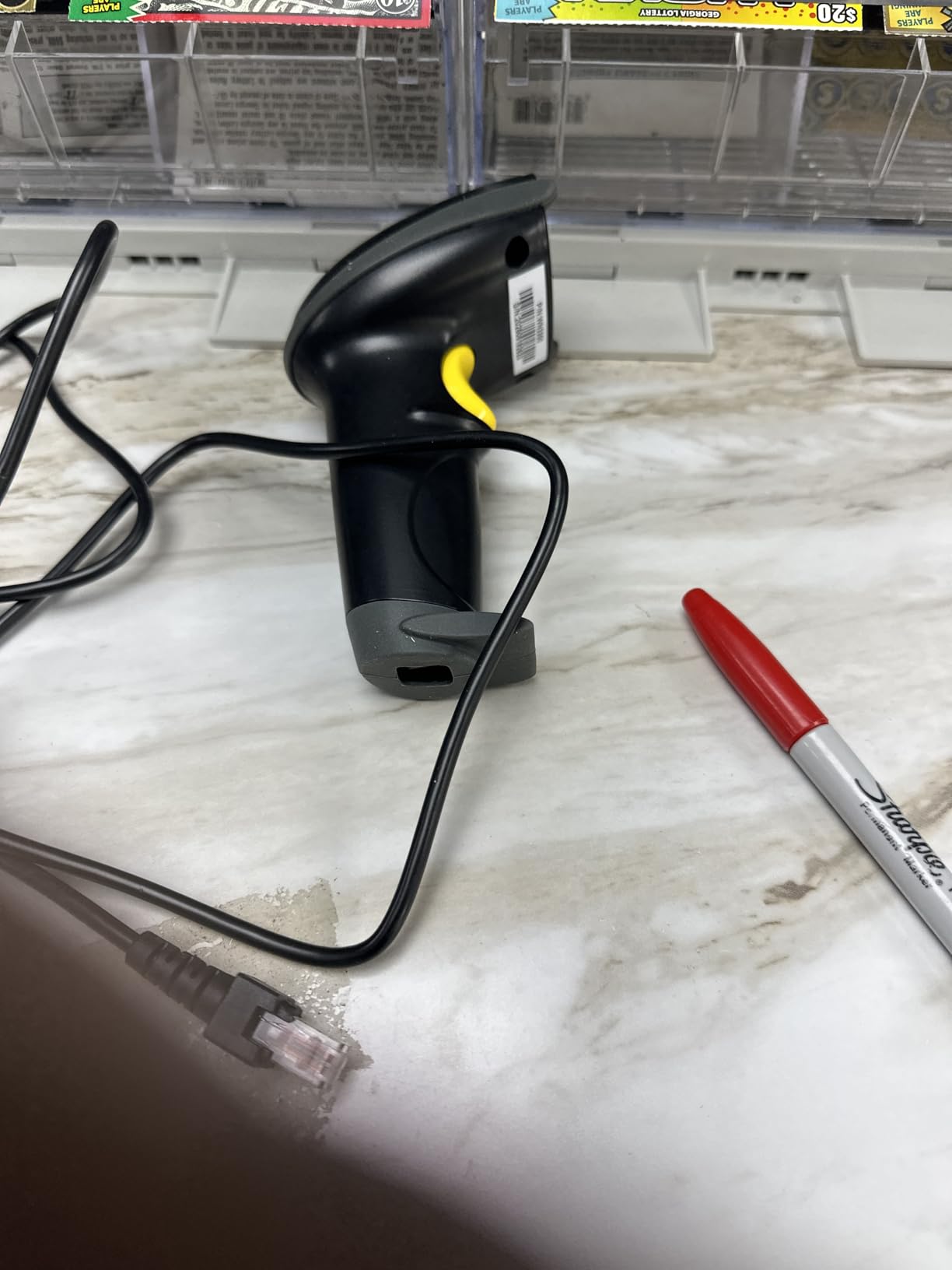
A 2M/6ft straight cable is both a strength and a limit. At a fixed bench or receiving desk it never needs charging and never drops a pairing. In a walk-around storeroom it anchors you to about six feet, so a full aisle count means carrying the host machine with you or picking a wireless model instead. Its 1.5m drop specification is the lowest here, so treat it as an indoor counter unit rather than a warehouse-floor one.
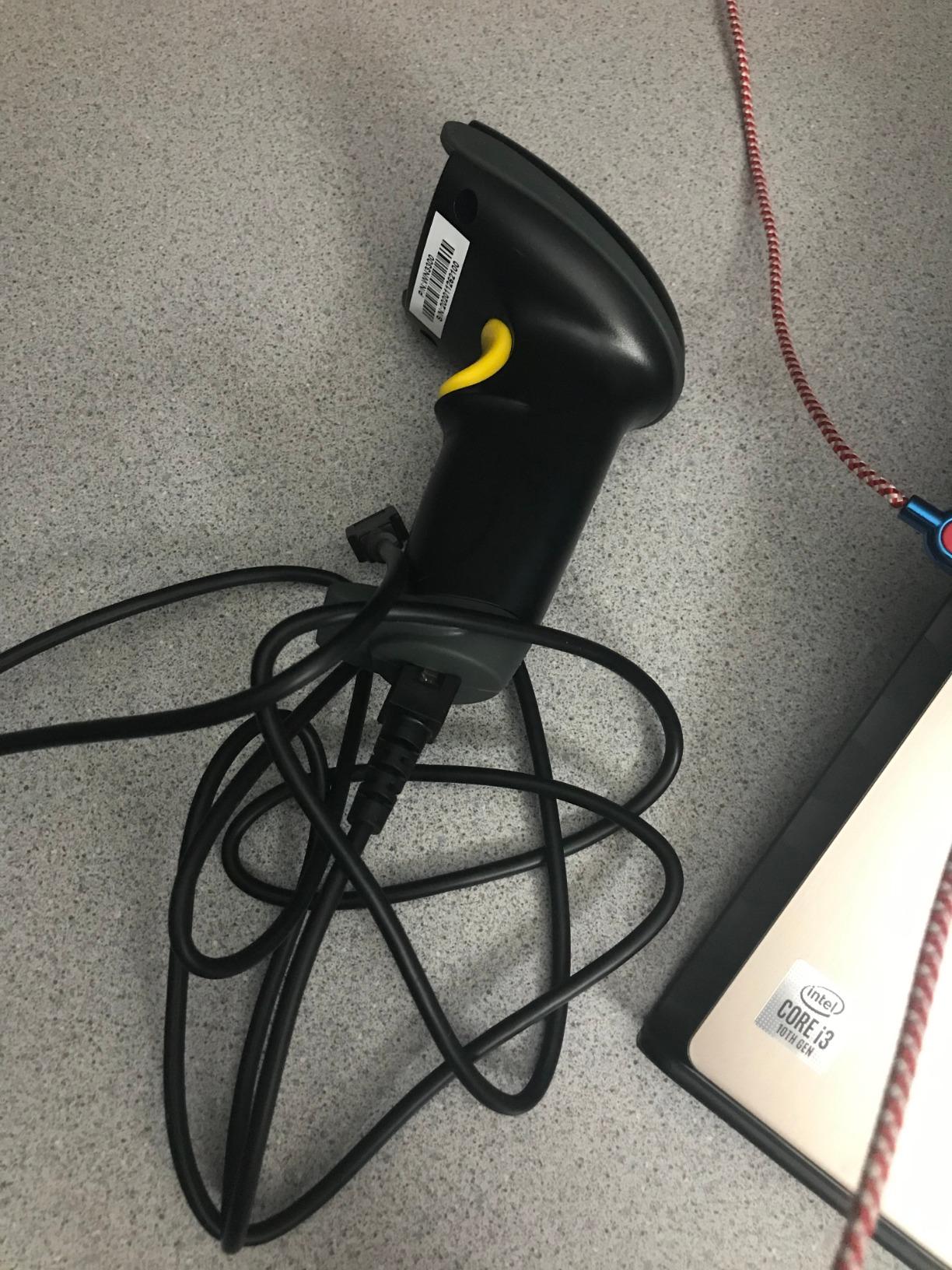
4. Eyoyo EYH2 Wired 1D and 2D Scanner – Best Budget 2D Reader
Eyoyo EYH2 Handheld USB Wired 2D 1D Barcode Scanner for POS Mobile Payment
1D and 2D decoding
QR PDF417 and Data Matrix
No driver plug and play
5 ft drop rating
Pros
- Reads 1D plus QR PDF417 and Data Matrix
- No drivers or software to install
- Configured through scannable setup codes
- Muteable scan volume for quiet counters
Cons
- Some owners report screen reading is inconsistent
- Cannot read very small dense 2D codes
- Not compatible with Square POS
If you want QR and Data Matrix capability without leaving the wired plug-and-play format, this is the least expensive way into 2D we found. It decodes the full 1D set plus QR, DataMatrix and PDF417, runs on Windows, Mac, Android and Linux, and needs no driver or software at all. The trigger is a standard USB keyboard wedge, so it types into whatever field you click.
Setup is done by scanning setup codes out of a printed configuration booklet, which sounds awkward but is fast once you have the page marked. Prefix and suffix editing, character deletion, added keyboard keys, auto-sensing and key-trigger modes are all configurable that way, and the vendor supplies a PDF manual when you need it.
Screen scanning claims and the reality
The stated capability is reading barcodes displayed on smartphones for mobile coupons, digital wallets and loyalty cards. A recurring complaint in reviews is that screen reading is inconsistent in practice. If loyalty-card scanning at the counter is a real part of your day, test it on your own phone before committing.
Where it stops short
It cannot read very small Intel 2D codes or dense, blurry PDF417 such as appears on some driver licenses. It is also not compatible with Square POS or Square Register, and the ABS housing, while rated for repeated 5 ft drops, is a lightweight build rather than a warehouse one. For a small retail counter doing daily SKU counts, that is a fair trade.
5. Inateck BCST-70 Bluetooth 1D Scanner – Best Rugged 1D Workhorse
Inateck 1D Bluetooth Barcode Scanner, 2600mAh Battery, 115FT Range, BCST-70
1D Bluetooth engine
2600mAh battery
115 ft connection range
6 ft drop rating
Pros
- Pairs in 3 seconds across POS and phone
- 180 days standby on a full charge
- TPU shell rated for repeated 6 ft drops
- Firmware tuning fixed batch import speed
Cons
- 1D only with no QR or Data Matrix
- Short read distance on high racking
- Occasional missed scans reported
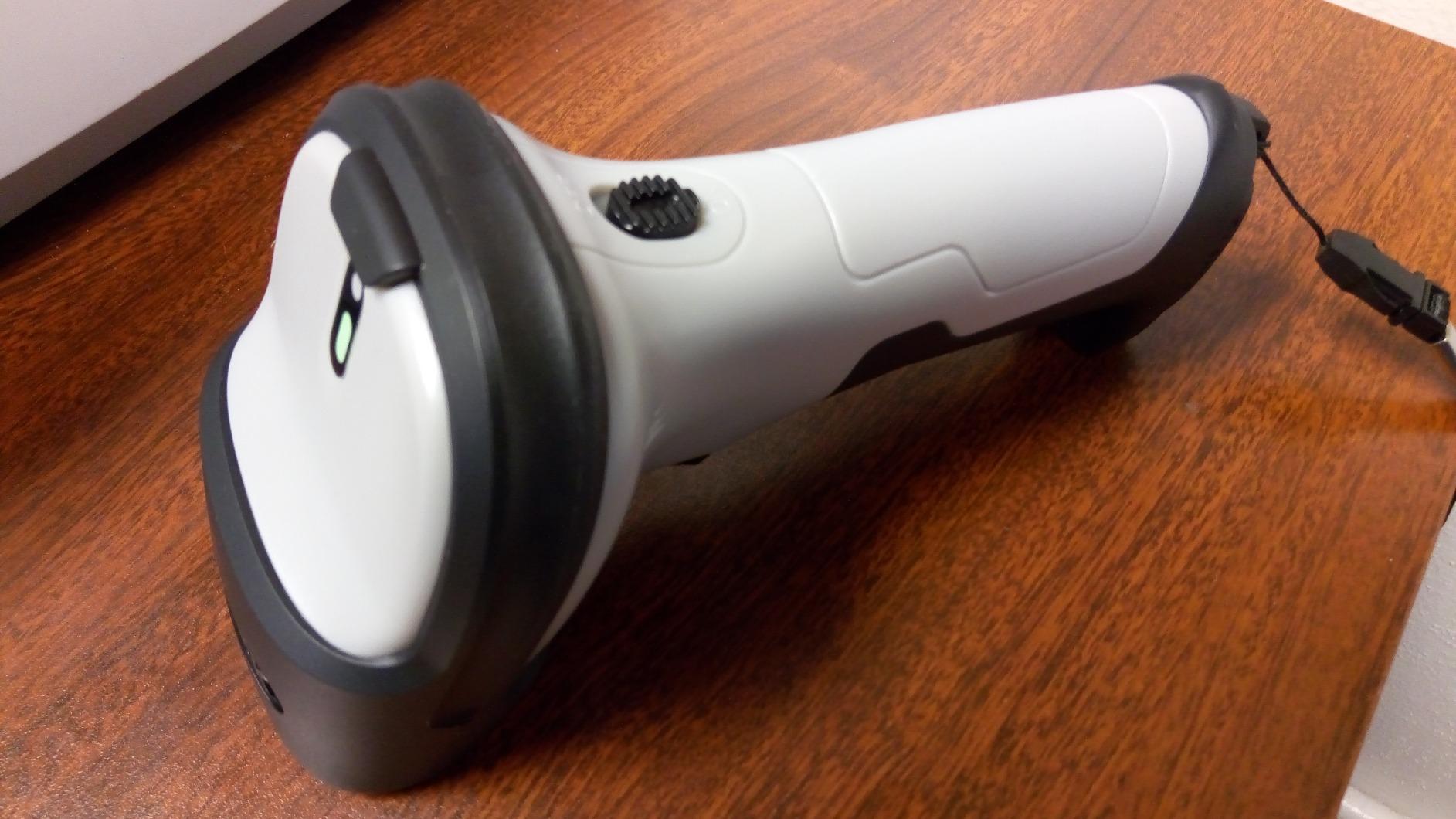
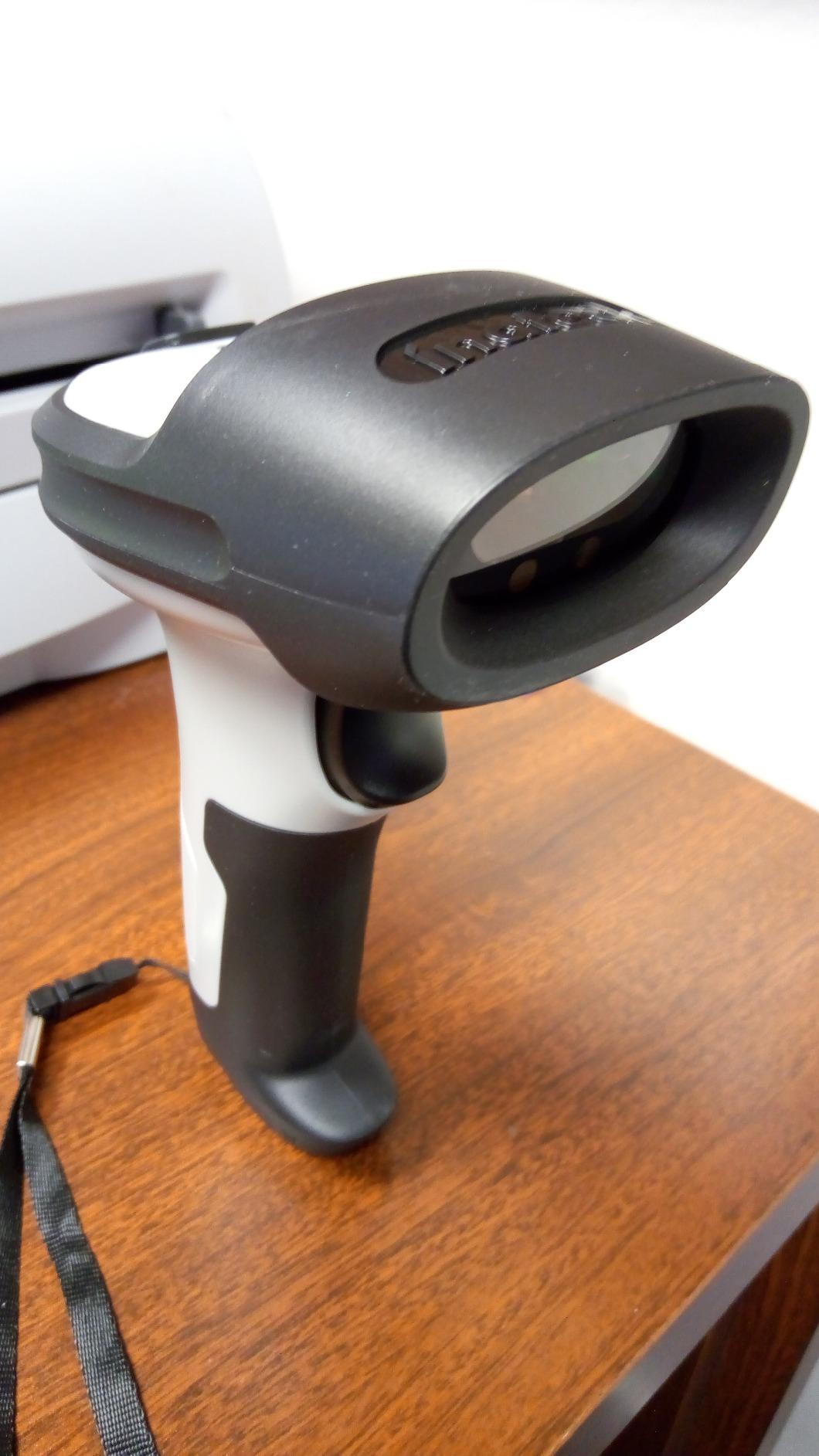
This is the scanner to consider if the environment is rough and the codes are plain 1D. The TPU protective case is described as twice as thick as comparable products, backed by a triple-consolidation internal core, and it is rated for repeated 6 ft drops to concrete. Several buyers report trialing one and then buying thirty-plus for a facility.
It connects in about three seconds out of the box and covers POS systems, iOS, Android, Windows, Mac OS, Linux and Raspberry Pi, with keyboard layouts for English, German, French, Italian and Spanish. Battery is 2600mAh with a stated 180 days of standby, so a charged unit survives far longer than a single shift.
Read distance and lighting
Two caveats matter for racking. It has no screen-scanning capability, and the advertised range is Bluetooth connection distance rather than read distance, so the actual read distance is short for top-shelf stock. It does use lightning scanning to recover blurry or broken codes under both strong and dim light, which is where its reputation comes from.
Support and configuration for batch imports
The standout story here is firmware. Buyers with slow inventory batch imports were supplied updated firmware that adjusts data transmission speed, which is a level of vendor responsiveness you rarely see at this tier. There is also a 32-digit editable prefix and suffix with barcode part-hiding, so you can strip or mask characters before a code reaches your spreadsheet.
6. Eyoyo Mini Bluetooth 2D Scanner – Best for Pocket Portability
Eyoyo Portable Mini Bluetooth 2D&1D Barcode Scanner Wireless
3.5 inch pocket body
1.5 oz weight
2.4G Bluetooth and USB
150000 barcode storage
Pros
- Only 1.5 oz so it stays in a pocket
- Reads 1D and 2D from paper and screens
- 260 to 330 ft wireless transmission
- Stores up to 150000 barcodes offline
Cons
- Bluetooth pairing drops on some units
- Configuration depends on manual QR codes
- Struggles with shiny plastic wrapped labels
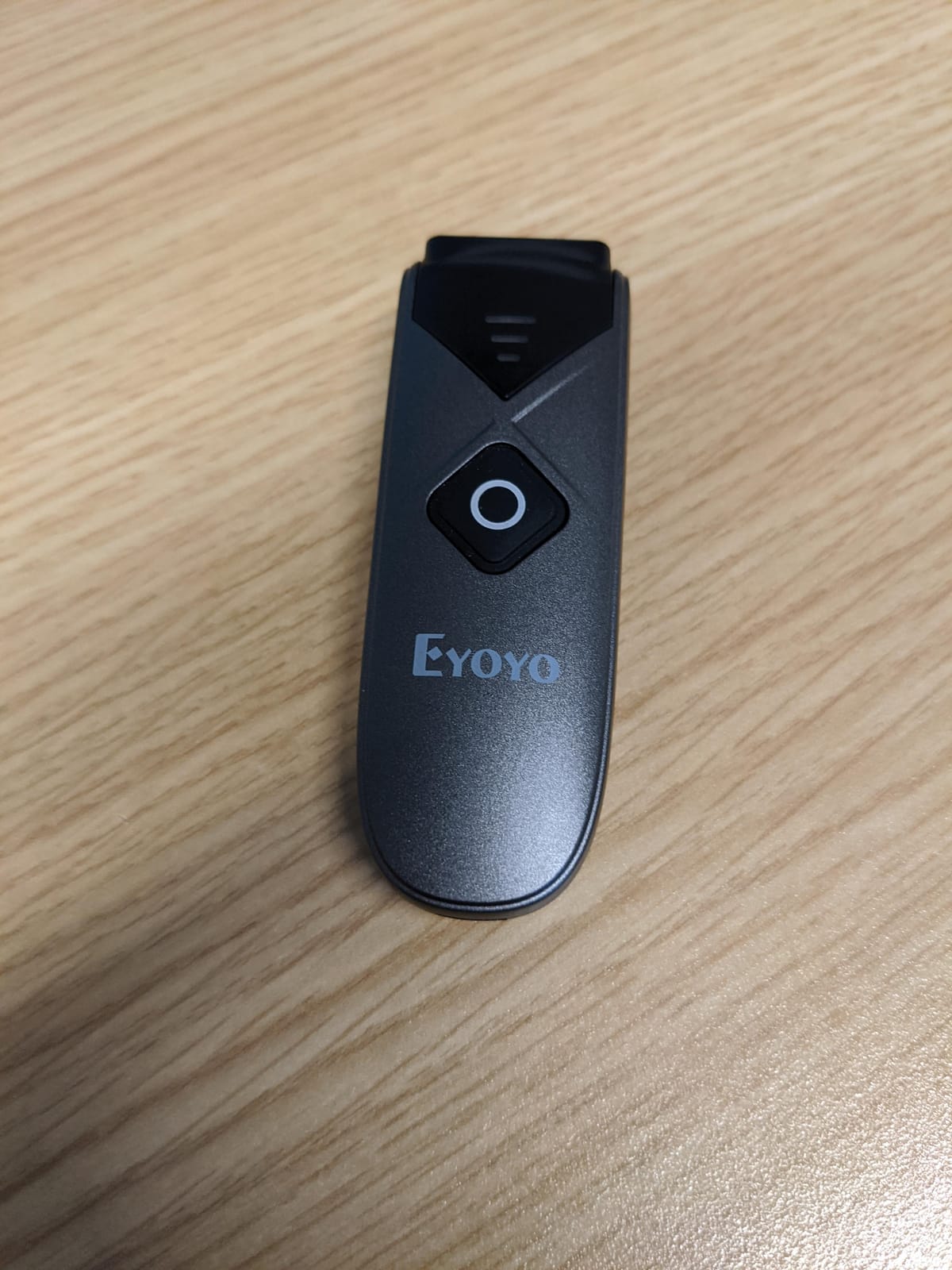
This is the form factor people ask for in forums and rarely find: a 1D and 2D scanner at 1.5 oz in a 3.5 by 1.18 by 0.78 inch body that clips to a lanyard or sits in a chest pocket for a full storeroom walk. The advanced CMOS sensor reads QR, PDF417, MicroPDF417, DataMatrix, Aztec and Maxicode from paper and from screens.
It offers three connection modes, 2.4GHz, Bluetooth and wired USB, with 260 to 330 ft transmission in barrier-free wireless mode. The rechargeable battery gives 8 hours of continuous work and 180-day standby with automatic power-off after five minutes of inactivity, and instant transfer plus offline storage modes hold up to 150000 barcodes.
Batching speed for large counts
Owners scanning collections of a couple hundred items report finishing in minutes, largely thanks to the key-trigger, auto-sensing and continuous scan modes. Key trigger suits counting an aisle one item at a time; continuous suits sweeping a shelf of like products. For book sellers and library staff, this is the shape of tool the category is missing.
Connectivity reliability and configuration friction
This is also the lowest-rated unit we list, at 4.1, and the reason is predictable. Some owners report Bluetooth pairing that drops or never connects, and sellers frequently replace them. The manual is configured by scanning QR codes from the booklet, which is awkward mid-count, and the scan beam is offset enough to struggle on shiny plastic-wrapped labels. If pairing stability is critical, budget for replacements.
7. ScanAvenger 3-in-1 Wireless Scanner with Stand – Best for Docked Counting
ScanAvenger Wireless Portable 1D&2D with Stand Bluetooth Barcode Scanner: 3-in-1 Handheld Scanner, Rechargeable Battery for Inventory – USB Bar Code/QR Reader (1D&2D with Next Gen Stand)
3-in-1 wireless kit
Charging stand transmits
1D and 2D decoding
Vibration feedback
Pros
- Stand doubles as charger and transmitter
- No software install on Mac or Windows
- Vibration feedback works on loud floors
- Manual continuous and auto sense modes
Cons
- Does not decode Maxicode
- Skips POS systems needing proprietary integration
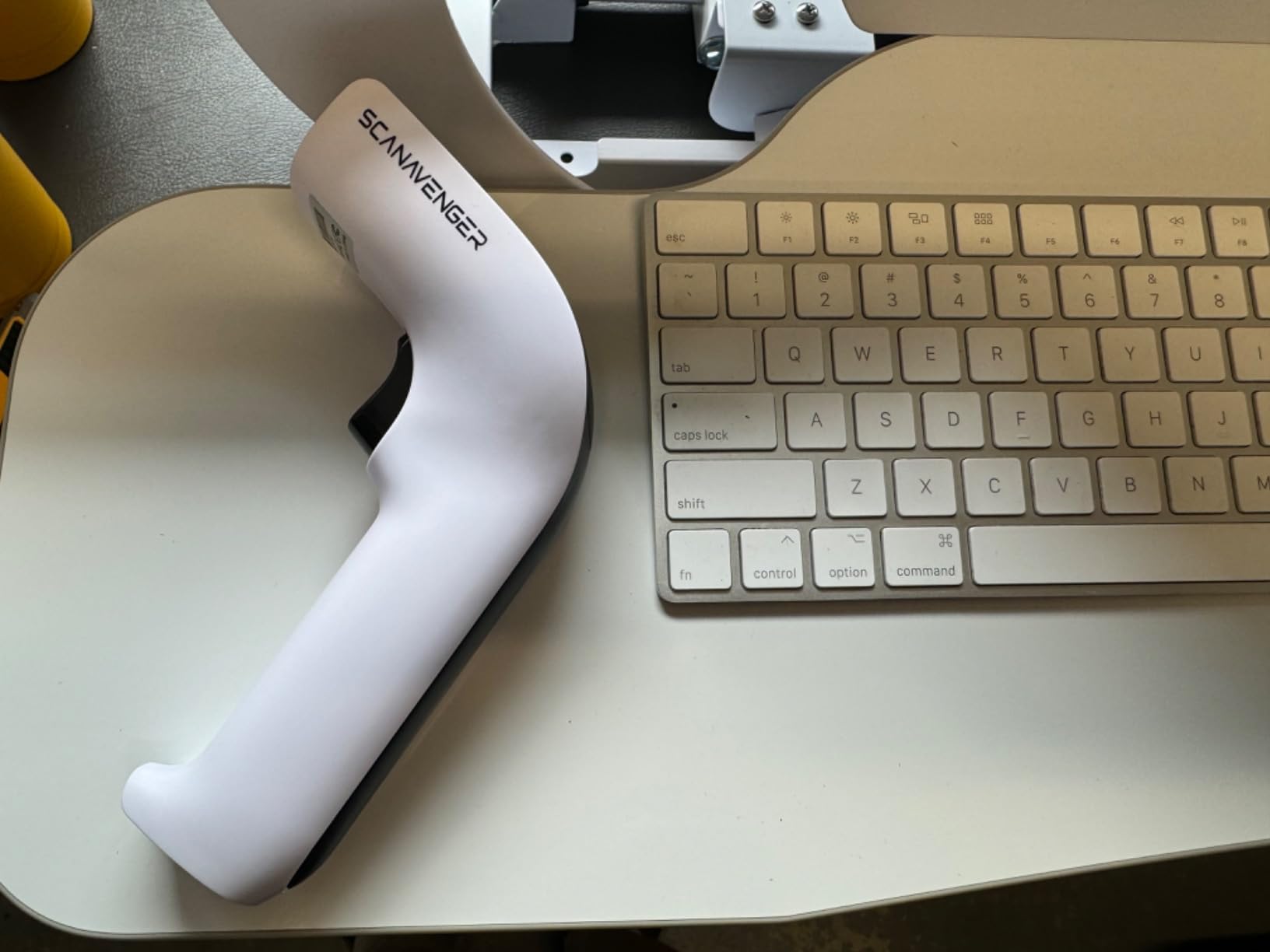
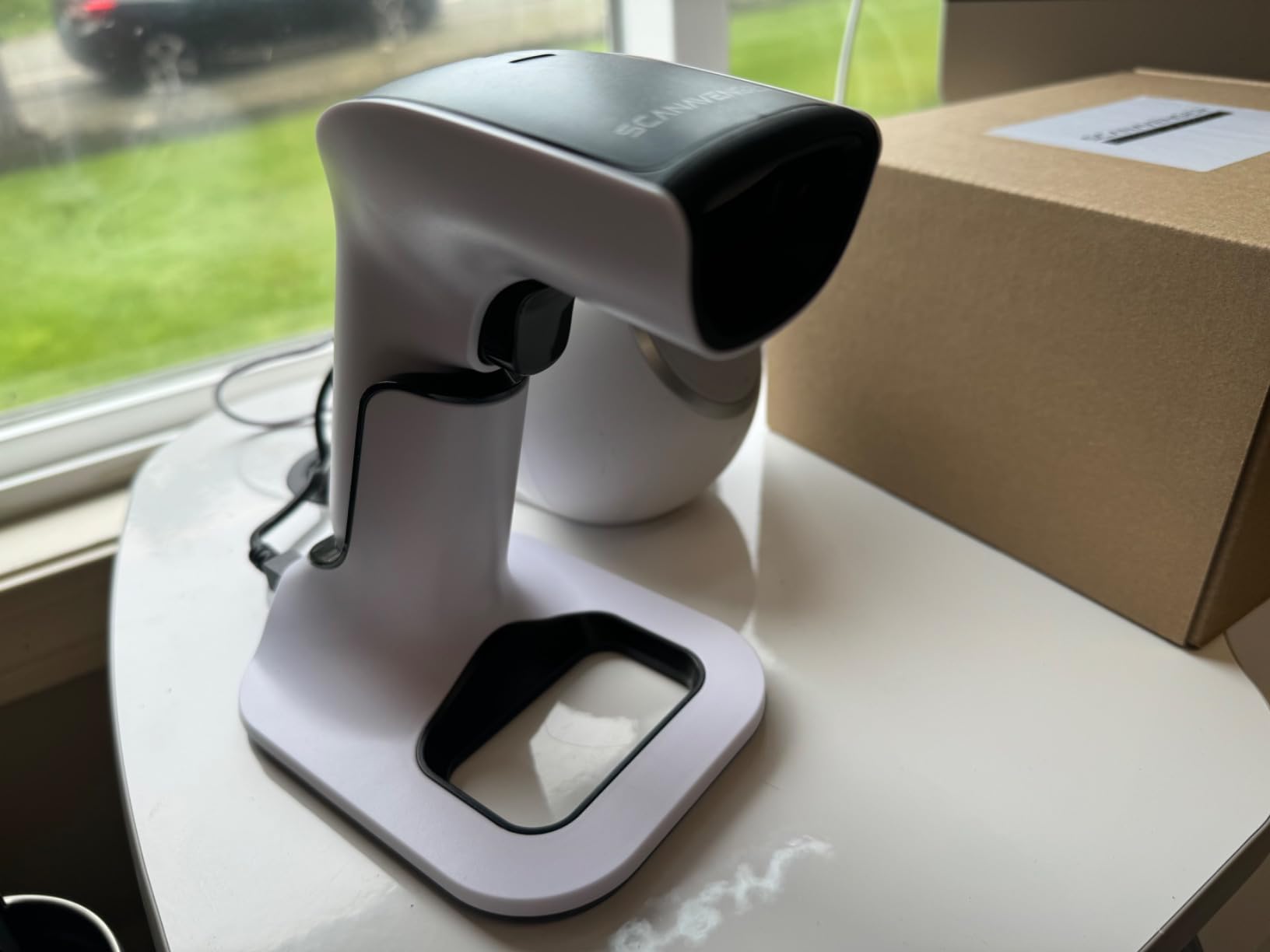
The stand is the reason to pick this kit. It is not just a cradle: it holds the scanner, transmits wirelessly from the stand back to the host, and charges through lighting connectors. In practice that keeps the receiver in a fixed spot instead of travelling in a pocket, which removes the small constant risk of a loose USB dongle.
Beyond that it is a solid 3-in-1 wireless, Bluetooth and USB handheld with vibration feedback, no software download and no app installation, connecting to Mac, Windows, Android, Apple mobile devices and most POS systems. It decodes UPC, EAN, Code 128, Code 39, Code 11 and Codabar on 1D, and PDF417, Aztec, Data Matrix, QR, Micro PDF and Interleaved on 2D.
Vibration feedback and scan modes for a noisy floor
The vibrate mode is a real warehouse feature. On a loud floor with machinery or a busy packing line, a beep is often missed and the operator re-scans, which corrupts counts. Vibration confirms the read without adding to the noise. Three scan modes, manual, continuous and auto sense, let the same unit serve a hands-on receiving bench and a batch count.
Integration limits worth knowing
Maxicode is not supported, which matters only for certain courier and postal labels. More importantly, it is not compatible with POS systems that require proprietary hardware integrations or direct app-level integration, the exact lock-in problem readers raise on r/shopify. It is a HID-style device that types into open fields, which is what you want in Excel, Sheets, QuickBooks and most web-based inventory tools.
8. Tera 8100 Rugged 2D Wireless Scanner – Best for IP66 Warehouse Use
Tera Barcode Scanner 2D Wireless with Stand: Industrial Drop-resistant 8100
IP66 sealed housing
1D and 2D decoding
2500mAh battery
100 m 2.4G range
Pros
- IP66 dust proof sealed housing
- 2500mAh battery runs 4 to 5 days of counting
- Per-symbology data editing
- Reads deformed and smudged codes
Cons
- Some buyers report scanners failing to power on
- 1D reads further than 2D codes
- Not compatible with Square
The IP66 sealed, dust-proof housing is the reason this scanner exists in our lineup. Heavy-duty drop-resistant construction plus dust sealing means it survives the environment that ends consumer-grade scanners: a forklift lane, a dusty upper level, a back room with no climate control.
It is a 3-in-1 device with Bluetooth, 2.4G wireless and USB wired, giving 100m barrier-free and 35m obstructed transmission through the dongle. Battery is 2500mAh, and heavy users running 2000 to 3000 scans a day report 4 to 5 days between charges. Package includes the scanner, stand, USB cable, dongle and manual.
Per-symbology editing and alert modes
Per-symbology data editing is the sleeper feature. It lets you reformat only specific barcode types, for example stripping two characters from a Code 39 value and inserting two tab characters, while leaving everything else untouched. If you receive a mix of supplier formats, that saves hours of spreadsheet cleanup. Vibration and sound alert modes cover both quiet and loud floors, and the stand supports continuous hands-free scanning.
Where buyers report problems
Reliability is the weak point. A portion of owners report scanners failing completely and no longer powering on, with unhelpful support, which drags the rating down to 4.1. It also reads 1D barcodes from a greater distance than 2D codes, and some code types are unreliable, which can make counts inconsistent. It is not compatible with Square.
The accessory package matters more here than on other models. It ships with a stand for hands-free continuous scanning, which suits a receiving desk where the same box type arrives all day, and the stand doubles as a storage point so the scanner does not end up on a high shelf.
9. Zebra Symbol DS2278-SR Wireless 2D/1D Scanner – Best for Enterprise Rollouts
Zebra Symbol DS2278-SR Wireless 2D/1D Bluetooth Barcode Scanner
Omni-directional scanning
0.5 to 14.5 inch range
Cradle and battery included
Ready out of the box
Pros
- Cradle battery and shielded cable included
- Works immediately with no configuration
- Omni-directional imager skips alignment
- Wi-Fi friendly Bluetooth mode
Cons
- Higher price than the generic 2D/1D alternatives in this roundup
- Cradle-dependent charging and fewer configuration options than cheaper models
- Larger and heavier (16 oz) than pocket-style portable scanners
This is the enterprise-grade unit, and it is the one to consider if you are rolling scanners out to several people across multiple sites. It comes as a complete kit: scanner, cradle, battery, shielded 7 ft USB cable and manual. It is pre-configured and ready to use out of the box with no configuration step, which removes the single biggest hidden cost of a large deployment, which is staff time spent on setup.
The omni-directional scanning is the feature operators notice first. Because the imager reads without alignment, nobody has to be trained to hold the gun at the correct angle and distance, which shortens both checkout time and onboarding time on a warehouse floor.
Scan range and warehouse wireless hygiene
Scanning runs from 0.5 in to 14.5 in, wide enough to cover a hand-held item and a pallet label without changing settings. The proprietary Wi-Fi friendly mode restricts Bluetooth channels to avoid WLAN interference, which protects your warehouse network service levels. Beeper, LED and symbology settings and scanned data can be viewed from Windows, Android and iOS hosts.
Where the premium shows
It costs more than every generic 2D and 1D alternative in this roundup, and it is 16 oz, which is heavy next to a pocket scanner. Cradle-dependent charging means you need a cradle per workstation, and the configuration options are fewer than cheaper models allow. The review base is also the smallest here at 131, so buyer feedback is thinner even though the 5-star share is high.
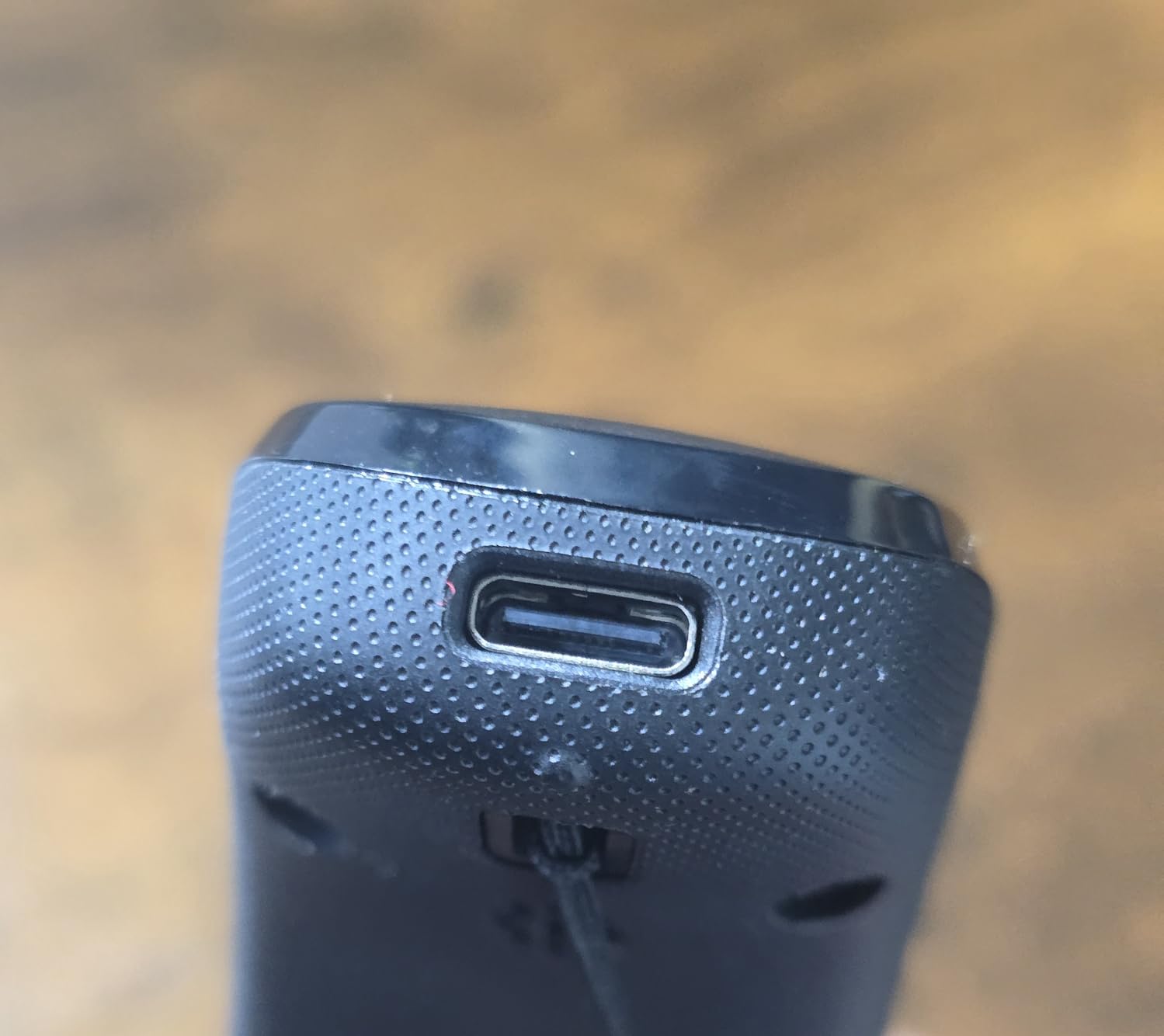
10. NETUM CS7501 QR Code Scanner – Best for Small QR Codes
NETUM CS7501 QR Code Scanner – Upgraded Portable Bluetooth Barcode Scanner
1280x800 CMOS sensor
12 hours of operation
3-in-1 connectivity
1.5 m drop rating
Pros
- Physical power switch for mode changes
- Megapixel sensor reads small QR codes
- 12 hours of continuous operation
- Recognized on macOS and Linux over USB
Cons
- Does not read driver licenses
- Lanyard clip broke after light use
A megapixel 1280×800 CMOS sensor is what separates this from cheaper 2D readers, and it shows up on dense and small labels. It resolves small QR codes reliably from 2 to 3 ft away, and reads both paper and digital screens. That is the practical difference when your own printed labels carry a lot of data in a small square.
The physical power switch toggles between power off, Bluetooth and 2.4G wireless modes, which sounds minor until you compare it with digging through a phone’s Bluetooth menu at the start of every shift. There is also a battery indicator light showing remaining charge.
Battery, ergonomics and cross-platform recognition
The 2400mAh battery delivers up to 12 hours of continuous operation under heavy use, which covers a long shift or several short ones. The handle is anti-slip and sweat-resistant, described as ergonomic to reduce fatigue over extended use, and at 0.23 kg it stays light for mobile counting. It is recognized immediately on both macOS and Linux over plain USB, which matters for mixed IT environments.
Reported limitations
Owners report it does not meet every claimed capability, specifically scanning driver licenses, so do not plan on ID verification workflows with it. The retractable lanyard clip broke after light use for one buyer, and there is a learning curve for pairing with a phone rather than a PC even with support available. At 179 reviews the long-term track record is still short.
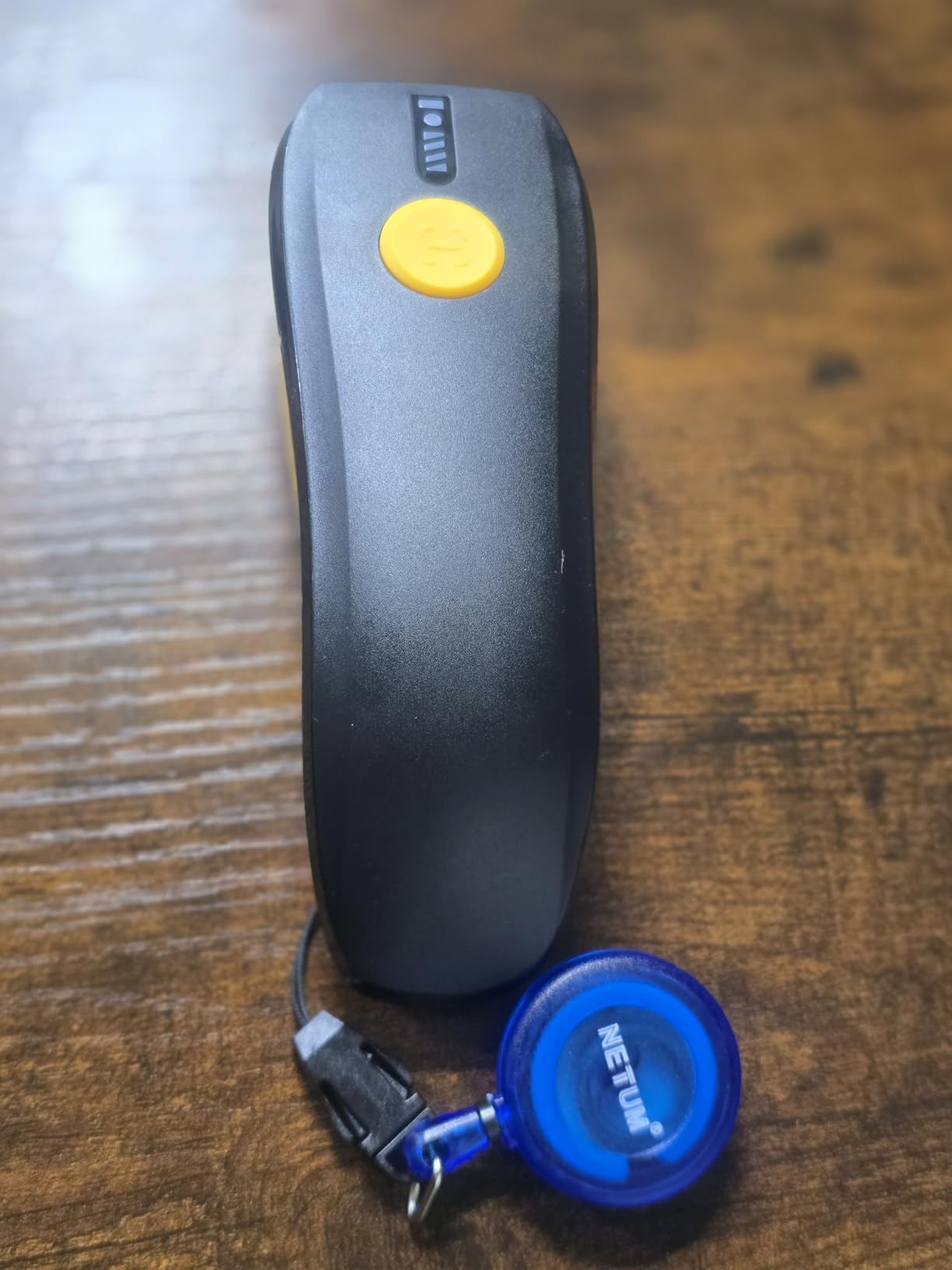
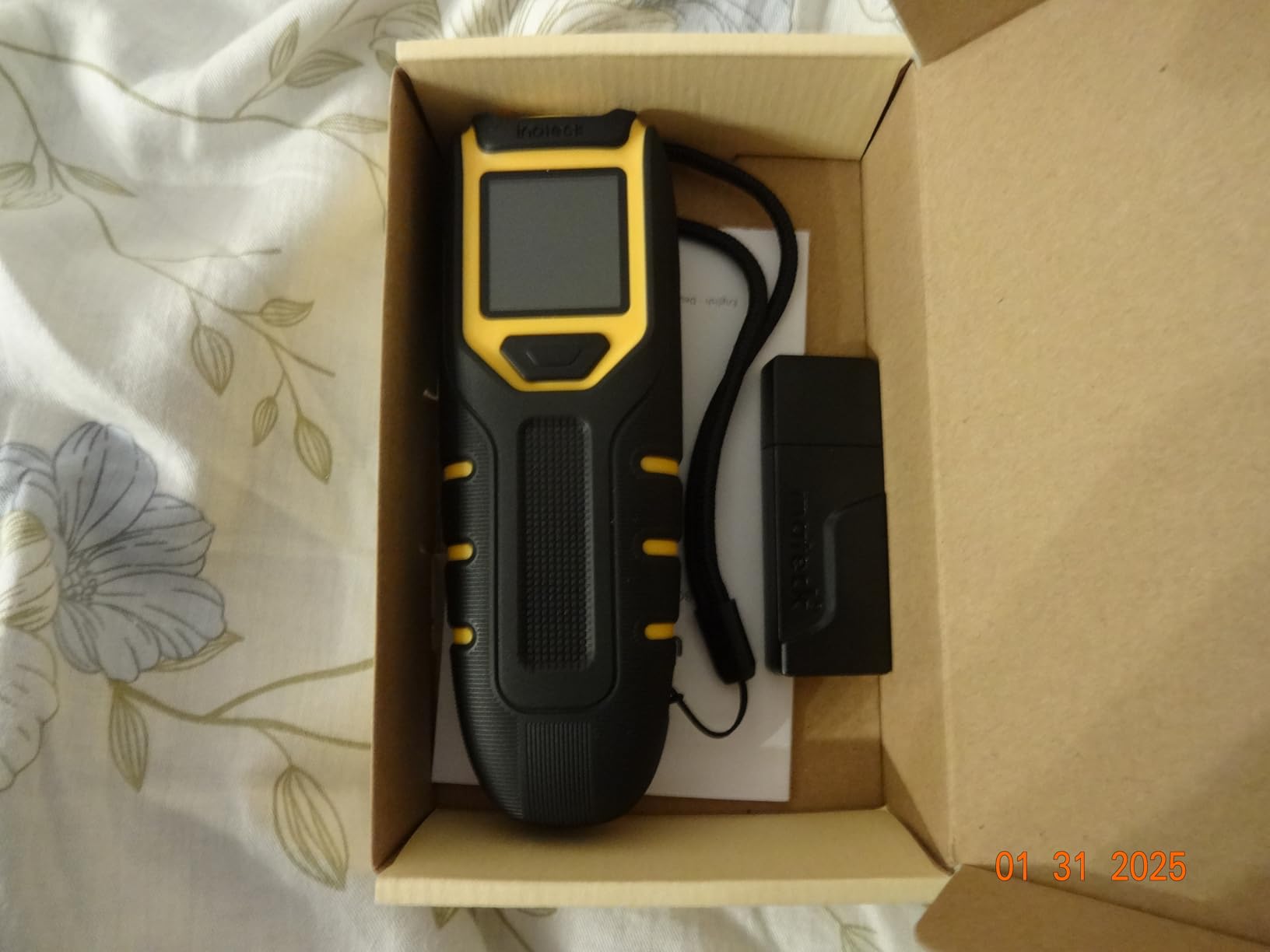
11. Inateck BCST-47 2D Scanner with Screen – Best for On-Screen Confirmation
Inateck 2D Barcode Scanner Wireless, Mini Bluetooth Code Reader with Screen
1.4 inch display
2600mAh battery
App and SDK included
3.68 oz body
Pros
- Screen confirms each scan at a glance
- 2600mAh battery rated for about a week
- App and SDK for custom workflows
- Reads small colored asset tags
Cons
- Bluetooth pairs but often will not transmit
- Dongle and USB together use two ports
- Manual is incomplete
This is the only scanner here with a built-in 1.4 inch display, and it changes how counting feels. Instead of trusting a beep, the operator sees what was just scanned, which reduces input errors when a shelf carries several similar SKUs and cuts the re-scan rate on a full aisle walk. For asset tagging, where one code is easy to mis-read and expensive to find later, that display earns its place.
It reads nearly all common 1D and 2D symbologies including QR from paper and screens, with a list that includes Code 128, EAN-13 and 8, UPC-A and E, Code 39 and 93, Codabar, Interleaved 2 of 5, IATA 2 of 5, MSI, Code 11, ISBN, ISSN, GS1 128, GS1 DataBar variants, PDF-417, Aztec, Maxi Code, Data Matrix and Han Xin Code.
Battery, app and SDK integration
The 2600mAh battery is claimed at roughly twice the capacity of typical portable scanners, supporting up to one week of continuous use, and the body weighs 3.68 oz with an anti-slip handle. The included app and SDK allow customization and function-key emulation, including triggering label printing, which is useful for print-on-the-fly bin labels. Bluetooth, 2.4G and wired modes cover Windows, macOS, Linux, Android and iOS.
The Bluetooth reliability complaint
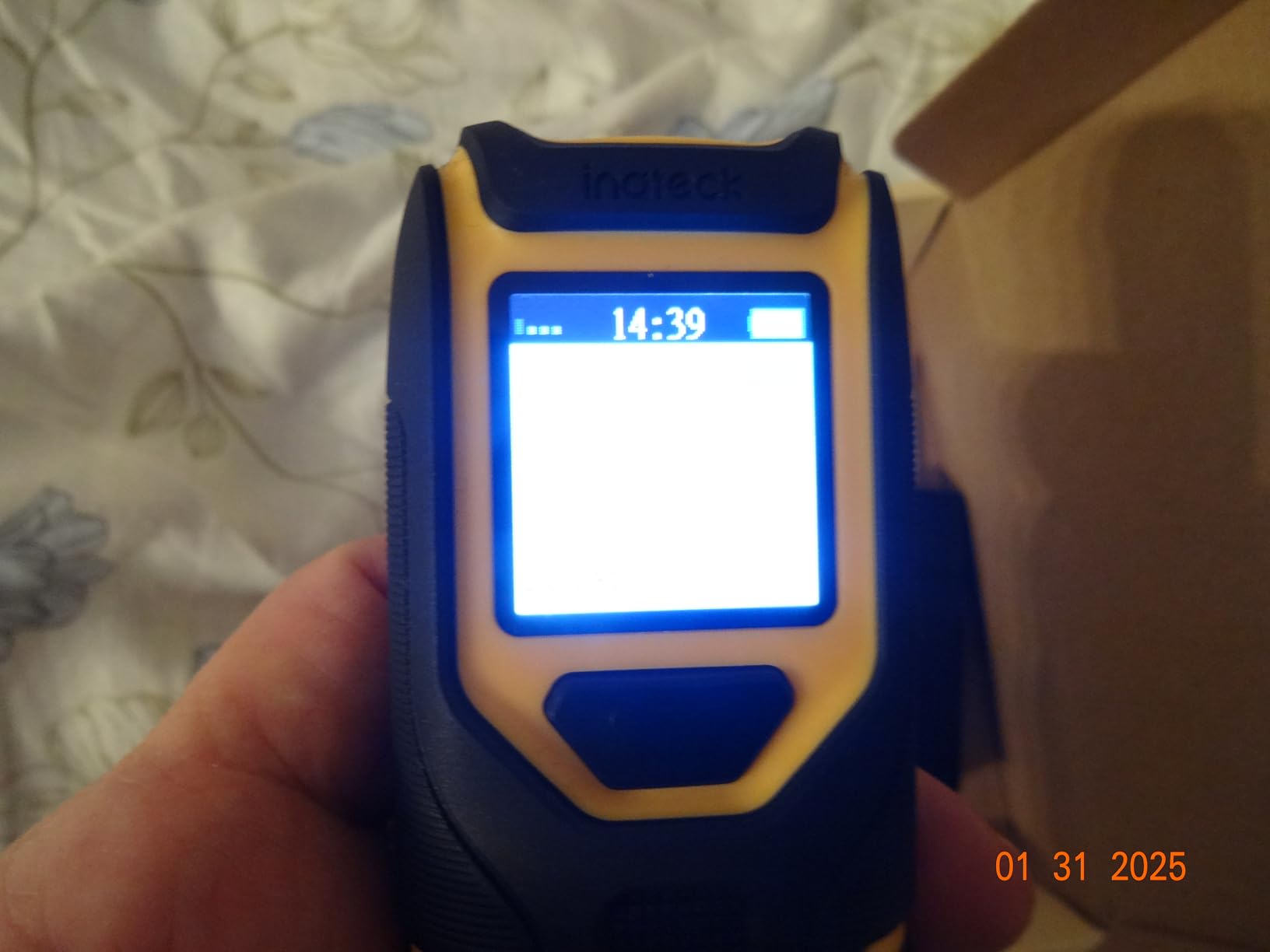
The dominant criticism is that Bluetooth pairs but does not transmit data for some users, pushing them onto the 2.4G dongle in practice. Using the dongle and USB together also occupies two laptop ports. The scan beam is slightly offset, which is hard to manage when multiple barcodes share one label, and the instruction manual is incomplete enough that one user generated their own QR codes to enable Bluetooth.
12. PecuMecu TM-10B 3-in-1 Barcode Scanner – Best for High-Volume Batching
PecuMecu Bluetooth 1D&2D Barcode Scanner, 3-in-1 Bluetooth & USB Wired & 2.4G Wireless QR Barcode Reader, PDF417 Data Matrix Handheld Bar Code Scanner Work with Windows, Android, iOS (TM-10B)
1D and 2D decoding
350 scans per second
130000 barcode storage
9 hours of scanning
Pros
- 1D and 2D coverage at a low price
- 350 scans per second throughput
- Stores 130000 barcodes for batch upload
- Pairs straight into Google Drive sheets
Cons
- Wired mode reads less reliably than wireless
- Some buyers report battery lasting 1 to 2 days
- Not compatible with Square
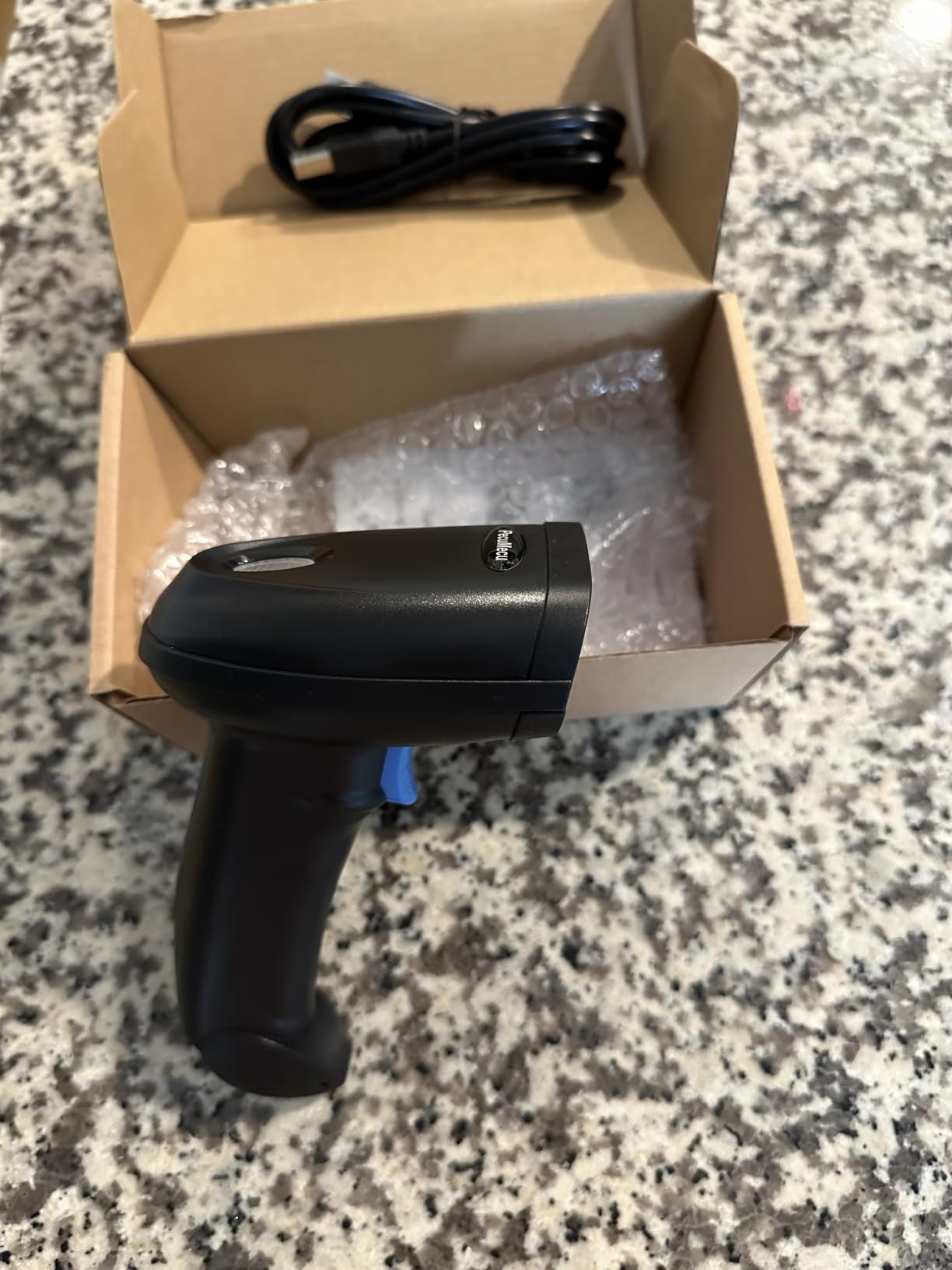
The spec sheet here is unusually strong for a budget unit: 1D and 2D decoding including QR, DataMatrix, Micro PDF417, Aztec and Hanxin, scanning speed up to 350 times per second, and offline storage for up to 130000 barcodes that batch-upload later. For a storeroom where the receiver stays at the desk and the count happens three aisles away, that offline capacity is the feature that matters.
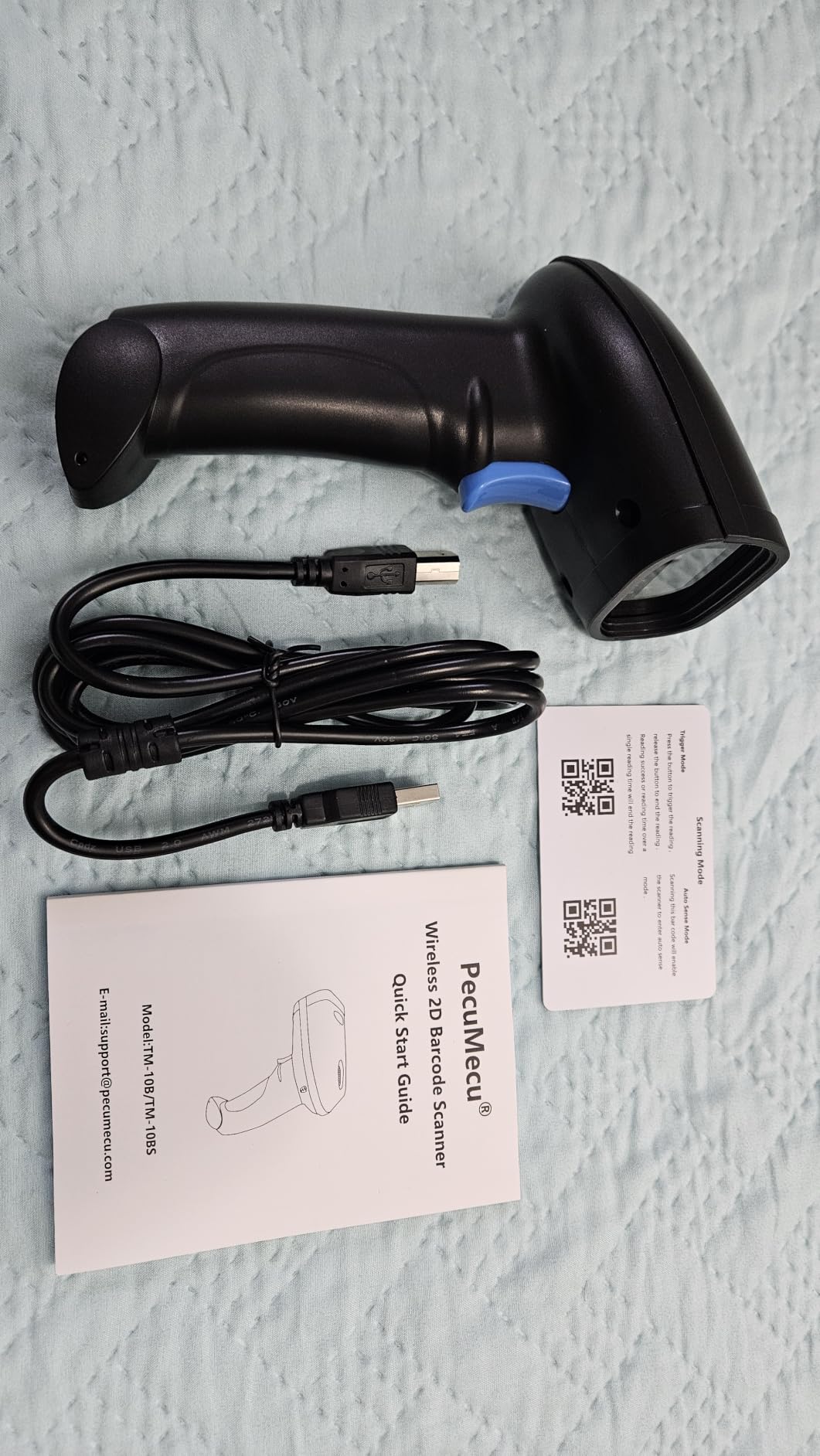
Connectivity is the full 3-in-1, with 2.4G mode up to 70m or 230 ft, Bluetooth up to 20m or 65 ft without barriers, and USB wired. It is compatible with laptops, POS systems, smartphones and tablets across Windows XP through 11, Mac OS and Linux.
Spreadsheet and cloud-sheet workflow
One buyer reports pairing to an Android phone and scanning directly into spreadsheet cells in Google Drive, which is exactly the workflow small sellers describe wanting when they run inventory out of a shared sheet. The 2600mAh battery is stated at more than 9 hours of continuous scanning and 2 months of standby after a 4 hour charge.
Where it underperforms
Wired USB mode reads barcodes less reliably than the Bluetooth or 2.4G dongle modes, so use it wirelessly. Some heavy users report the battery lasting only 1 to 2 days against the stated figure, along with noticeable scan delay, and a few report occasional read failures. It is not compatible with Square. At 116 reviews the sample is thin, so treat it as a value pick and run your own trial.
Before you buy, answer three questions. Which codes do you actually scan today and which will you print tomorrow? How many people count at once, and in how many separate buildings? And what software holds the numbers: QuickBooks, Shopify, Square, a spreadsheet, or a warehouse system? Answer those three and 90 percent of the decision is made. The rest is preference about weight, battery indicator lights and whether you want a charging stand.
How to Choose a Barcode Scanner for Inventory
Most buying mistakes in this category come down to three things: buying a 1D scanner when your labels are 2D, buying a vendor-locked scanner when you run your own software, and ignoring what happens when the scanner goes out of range. Work through these criteria in order and the shortlist writes itself.
1D vs 2D symbology: which codes you actually need
A 1D barcode scanner reads linear symbols: UPC-A, UPC-E, EAN-8, EAN-13, Code 39, Code 93, Code 128, Codabar, Interleaved 2 of 5, ISBN and ISSN. These are printed on retail products, shipping cartons, book spines and most supplier packaging. A 2D scanner reads those plus QR, Data Matrix, PDF417, Aztec and Maxicode, and can also read codes displayed on a screen.
Rule of thumb: if your products are already labelled by a manufacturer, 1D is often enough. If you print your own labels with your own SKU, put a QR code on them and you need 2D. If you scan loyalty cards, digital coupons or asset tags, you need screen-capable 2D. Books and libraries deserve a special note: users scanning books repeatedly ask for symbology advice because ISBN is 1D, but library asset tags and spine labels increasingly carry 2D codes.
Bluetooth vs 2.4GHz dongle vs Wi-Fi vs wired
These four options are the single most common source of support complaints, so it is worth being precise. A 2.4GHz dongle gives the longest wireless range, typically 200 to 300 ft, but it only works with the computer the dongle is plugged into, and the dongle is a small part to lose on a warehouse floor. Bluetooth connects to a phone, tablet or laptop directly with no dongle, but the range is shorter, around 65 to 115 ft, and pairing can be the weak point in crowded radio environments. Wi-Fi is the only option that joins an existing network and talks to a warehouse management system rather than typing characters, and it is the only route that requires real configuration. Wired USB-C is the simplest and most reliable, with no battery and no pairing, but it anchors you to a few feet.
Our practical advice: use 2.4G for walk-around counting in a single building, Bluetooth for tablet-based work, wired for a fixed counter, and only consider Wi-Fi if you have someone who can configure it. Note that some models here have no Bluetooth at all: the WoneNice is wired only, and the Tera cordless reader reaches the desktop through its 2.4G receiver.
Battery life per shift and offline batching
Ask how long a charge lasts under continuous scanning, not in standby. Published figures across these scanners range from 8 hours of continuous work on the mini Eyoyo, to 9 hours on the PecuMecu, to 12 hours on the NETUM CS7501, to 4 to 5 days of real use on the Tera 8100, to a stated 200000 scans per charge on the NETUM B07CBRTWS5. A 2600mAh cell is the common thread in this category.
Offline storage is the more important number. Devices here hold between 100000 and 150000 barcodes in storage mode, which is more than enough for a weekly count in most businesses. It means you never have to stop a count because a signal dropped in a back aisle.
IP ratings and drop specs decoded
An IP rating is a dust and water ingress rating. IP54 means protected against dust and splashing water, which covers an indoor storeroom. IP66 means dust-tight and protected against strong water jets, which is what you want in a wash-down area or an exposed loading dock. Drop specifications in this group start at 1.5m for the WoneNice wired unit and the NETUM CS7501, sit at 5 ft for the Eyoyo EYH2, and reach 6 ft or 1.8m for the Inateck BCST-70 and 6.56 ft for the Tera cordless reader.
A drop spec is a lab figure, not a promise, and it usually assumes a specific number of drops onto a specific surface. If your scanners live in forklifts or are thrown into totes, the drop figure matters more than the IP rating.
Software compatibility: QuickBooks, Shopify, Square, Excel and WMS
This is the check that forum users say matters more than any hardware spec. Ask one question: does the scanner type into a text field as keyboard input, or does it require a vendor app? The HID keyboard-wedge models here type like a keyboard, which means they work with QuickBooks, Shopify, Square (unless the listing says otherwise), WooCommerce, Excel, Google Sheets and most web-based inventory tools with no integration at all. Vendors on r/shopify describe the pain of buying a scanner whose companion app only works inside one POS ecosystem, which effectively forces a system change.
Check the exclusions carefully. In this group, the NETUM B07CBRTWS5 is stated as not compatible with Square POS, Divalto, DoorDash or Lightspeed POS. The Eyoyo EYH2 is not compatible with Square POS or Square Register. The Tera 8100 and the PecuMecu TM-10B are not compatible with Square. The ScanAvenger skips POS systems requiring proprietary hardware or app-level integration. The NETUM B07CBRTWS5 also cannot pair with Divalto, DoorDash or Lightspeed.
What to scan beyond products
Almost every buying guide stops at the product code, and that is where the real cycle-count time saving sits. Label your racking, bins and shelving with their own Code 128 location tags, then scan the location first and the product second. That pairing gives you a count by bin rather than a count by SKU, so a variance tells you which shelf is wrong, not just which number is wrong.
The same approach works for asset tags, serial numbers, returns and consignment stock. It also answers a recurring forum question: scan SKUs, locations, or both. The answer is both, and the scanner that supports configurable prefixes and suffixes, which most in this roundup do, is what makes the pairing possible.
Total cost of ownership: docks, batteries and replacement cycles
Budget beyond the unit. A charging cradle or charging-transmission stand, replacement battery cells, and a spare unit for high-traffic sites all add up. The kits that include a cradle, like the Zebra DS2278-SR with its cradle, battery and shielded 7 ft cable, reduce that friction, while dock-dependent designs mean you need a cradle per workstation.
Also weigh failure rate. A model that fails at two years on one site can be cheaper than one that survives six years across ten sites, and the opposite is also true. Review counts and the share of one-star ratings, not just the star average, are the best available signal on that, which is why we publish review counts with every pick here.
Dedicated hardware or your phone camera
For low-volume sellers, a phone is a legitimate start. The Shopify mobile app has a built-in barcode scanner that can look up products and update quantities, and small retail sellers overwhelmingly favour phone-camera scanning until volume justifies hardware. It costs nothing and needs no pairing.
The limits are real. Holding a phone over a shelf is slower, the camera struggles with curved or damaged labels, drains the battery, and ties up the device you also need for the POS. Once you are counting weekly, or scanning hundreds of items an hour, a dedicated scanner at 200 to 350 scans per second is a different experience entirely.
How a cycle count actually runs
Here is the workflow that most roundups skip, and it is the single most common question in r/shopify and r/InventoryManagement threads. Start with a location list for one aisle rather than the whole catalog, because a partial count you finish beats a full count you abandon. Walk the aisle in order, scan the bin code first and each item code second, and let the scanner append a tab so every scan lands in its own row. At the end of the aisle, the spreadsheet holds a location-to-item map you can compare against expected quantities.
Make the count blind where you can. Hiding expected quantities removes the bias where a counter sees a number and adjusts the count to match it, which is where most shrinkage hides. Then review variance by bin rather than by SKU, because a bin-level variance tells you which shelf to re-examine instead of only telling you a total is wrong.
Getting from hardware to a working count in six steps
First, pick your counting software. Most people run QuickBooks, Shopify, Square or a shared Google Sheet, and all of them accept keyboard-wedge input.
Second, audit your SKUs and assign a unique code to every product, bin and asset. Third, print those labels in-house with your own codes so receiving is fast even for unpackaged goods.
Fourth, configure your scanner once: set the prefix and suffix so each scan ends with a tab or return and lands in the next cell. Fifth, run a blind cycle count, meaning the system does not show expected quantities until the count is finished, which removes bias from the counter. Sixth, review variance reports, fix the data, and schedule the next count.
If you also need to digitize paper records alongside the barcode work, our guide to the best document scanners for paperless offices covers that side of the workflow.
Frequently Asked Questions
What is the best barcode scanner for inventory tracking?
The NETUM Bluetooth Barcode Scanner is our top pick for inventory tracking because it reads worn and screen-displayed 1D codes, stores 100000 barcodes offline for out-of-range batch work, and connects over Bluetooth, 2.4G wireless or USB to Windows, Mac, Linux, Android and iOS with no driver install. If your labels include QR or Data Matrix codes, choose a 2D model such as the NETUM CS7501 or the Inateck BCST-47 instead.
Which barcode scanner is best for inventory management?
It depends on the job. For general-purpose counting the NETUM Bluetooth Barcode Scanner is the most flexible. For a fixed counter, the WoneNice wired scanner at 200 scans per second never needs charging. For warehouse floors, the Tera 8100 has an IP66 sealed housing. For a rough environment with plain 1D labels, the Inateck BCST-70 is rated for repeated 6 ft drops. Software compatibility should be checked before hardware, since several models in this roundup are not compatible with Square POS.
How do I keep track of inventory with barcodes?
Assign a unique code to every product, bin and asset, print the labels, then scan on receiving, picking and cycle counts. Configure the scanner to send a tab or return after each code so scans land in the next spreadsheet cell. Run blind cycle counts so the counter cannot see expected quantities, then review variance reports by bin to find which shelf is wrong. Most people also scan a location code before the product code to get counts by location rather than by SKU alone.
What is the best barcode scanner for book inventory?
For books, ISBN is a 1D symbology, so a 1D laser or CCD scanner handles the spine codes well. The WoneNice wired unit lists ISBN and ISSN among its supported symbologies and runs at 200 scans per second for fast shelf sweeps, while the NETUM B07CBRTWS5 decodes ISBN on its stacked-capable CCD engine and can also read barcodes on book covers displayed on a screen. If you add QR-based library asset tags, you need a 2D model such as the Eyoyo EYH2.
Is there an inventory app that can use a barcode scanner?
Yes. Most inventory apps accept keyboard-wedge input from any USB, Bluetooth or 2.4G scanner, including QuickBooks, Shopify, Square, WooCommerce, Excel and Google Sheets. That means a scanner that types like a keyboard works with essentially all of them and needs no integration. The exception is vendor-locked hardware, where a companion app only works inside one POS ecosystem, so verify compatibility before buying. Several models listed here are explicitly not compatible with Square POS.
Do I need a 2D scanner or is 1D enough?
If every label in your operation is a printed linear barcode such as UPC, EAN, Code 128 or ISBN, a 1D scanner is enough and usually cheaper. You need 2D if you print your own labels with QR codes, if you read PDF417 or Data Matrix, or if you scan barcodes displayed on a phone or monitor for coupons, wallets and loyalty cards. A 1D-only reader simply cannot see a QR code, which is the most common upgrade people regret not making early.
Which Barcode Scanner Should You Buy in 2026?
If you want one scanner that covers the widest range of real inventory work, the NETUM B07CBRTWS5 is the one to buy. It reads damaged and screen-displayed codes, batches 100000 scans offline, and pairs with every platform you are likely to have on a counter or in a storeroom.
If your counts are plain 1D on a walk-around floor, the Tera B078SQ91FB gives you a battery indicator and 328 ft of range. If you work at a fixed bench and speed matters, the WoneNice B00LE5VV1C scans at 200 per second and never needs a charge. If your labels are QR or Data Matrix, go 2D: the NETUM CS7501 reads small codes at distance, and the Inateck BCST-47 adds a screen so operators can confirm each scan.
For a dusty, drop-prone warehouse aisle, the Tera 8100 brings the only IP66 housing in this group, and the Inateck BCST-70 takes repeated 6 ft drops. Whichever you choose, check the software exclusions first, buy a cradle if your team moves constantly, and label your bins so a variance report tells you which shelf to fix rather than only which number is wrong. The best barcode scanners for inventory are the ones your team will actually use on every count, so pilot on one aisle before rolling out.