
If you run Square, the printer you choose decides whether checkout ends with a paper receipt in the customer’s hand or a scramble to reprint one later. The best receipt printers for Square users are rarely the cheapest units on the market, because compatibility depends almost entirely on the Square hardware you already own. We spent weeks comparing ten 80mm printers on connectivity, print speed, cutter life and real-world behaviour with Square Stand, Register, Terminal, Handheld and the mobile Reader app.
That last point matters more than any spec on a spec sheet. Several of the best-rated budget printers in this roundup are explicitly excluded by their own manufacturers from working with Square or any delivery platform, and some Bluetooth units lose their pairing after a few overnight standbys. We built the list around what the manufacturers state, what the review data shows, and what owners report after months of service.
One more note on how to read this guide. Four of the ten units here are genuinely strong printers that simply are not Square machines, and we say so plainly in each section rather than pretending otherwise. If your till runs on Windows, Mac or Linux rather than an iPad, those sections still matter to you. If your till is a Square device, the first few picks are where your decision belongs.
When you build a mobile checkout station around a laptop or tablet, the display side of the rig deserves as much attention as the printer. Our guide to portable monitors for Mac users covers that half of the setup.
Our Top 3 Receipt Printer Picks for Square Setups
The Star Micronics TSP143IIIBi takes our top slot because it is the only unit here with a review base in the four figures and a manufacturer certification for the major delivery platforms. The Epson TM-T20III is the safe wired choice for anyone running Square Stand or Register, and the Star Micronics SP742ME is the answer for kitchens where heat and humidity destroy thermal paper and duplicate copies are not optional.

Star Micronics TSP143IIIBi
- Pair and print from iOS
- Android and Windows
- 43 receipts per minute
- De-Curl flat receipt output

Epson TM-T20III
- Square Stand and Register support
- 250 mm/sec prints
- auto-cutter rated for 1.5 million cuts

Star Micronics SP742ME
- Multi-part impact copies
- Ethernet
- built for kitchen heat and humidity
Comparing Ten Receipt Printers for Square Workloads
The table below lists every printer in this roundup with its connection type and the Square hardware it can realistically drive. Four models carry a manufacturer statement that they do not work with Square or the delivery platforms, and we have marked them accordingly rather than hiding them, because the same machines are excellent choices for non-Square tills and kitchens.
| Product | Specs | Action |
|---|---|---|
| Star Micronics TSP143IIIBi |
|
Check Latest Price |
 Rongta RP326 Rongta RP326 |
|
Check Latest Price |
| Epson TM-T20III |
|
Check Latest Price |
| Star Micronics SP742ME |
|
Check Latest Price |
 MUNBYN P068 MUNBYN P068 |
|
Check Latest Price |
 Epson TM-M30 Epson TM-M30 |
|
Check Latest Price |
 MUNBYN P098 MUNBYN P098 |
|
Check Latest Price |
 Rongta RP332 Rongta RP332 |
|
Check Latest Price |
 MUNBYN ITPP047 MUNBYN ITPP047 |
|
Check Latest Price |
 Rongta RP326-USE Rongta RP326-USE |
|
Check Latest Price |
1. Star Micronics TSP143IIIBi – Best Overall for iOS and Android Square Users
Star Micronics TSP143IIIBi Bluetooth Thermal Receipt Printer for iOS, Android, and Windows with Auto-cutter and Internal Power Supply – Gray
Bluetooth
43 receipts per minute
203 dpi
3.8 lb
Drop-In and Print
Pros
- Pair and print from iOS
- Android and Windows
- Certified with Uber Eats
- Grubhub and DoorDash
- Patented De-Curl keeps receipts flat
- Drop-In and Print clamshell loading
- Embedded power supply saves counter space
Cons
- Bluetooth pairing can be finicky over time
- 16 percent of ratings are one-star
- Costs more than generic 80mm ESC/POS units
The TSP143IIIBi is the model that came up most often in our research, and for a good reason: it is one of very few Bluetooth thermal printers that Square users can pair directly from a phone, a tablet or a desktop without hunting for drivers. Pairing takes seconds, the connection survives a busy Saturday, and the receipt comes out flat rather than curled into a tube.
Speed is not a concern. The unit pushes 43 receipts per minute at 250mm per second, which means a rush of food delivery orders prints faster than a customer can read the first line. The clamshell cover opens with one motion, the roll drops straight in, and the embedded power supply means one cable at the counter instead of a brick underneath it.
Owner feedback is warm on paper handling and speed, and it is also where the caveats live. Reviewers on r/SquarePOS_Users frequently note that pairing occasionally needs a second attempt after a long idle period, which is a normal quirk of Bluetooth thermal hardware rather than a fault in the printer itself.
Bluetooth Pairing Behaviour on iOS and Android
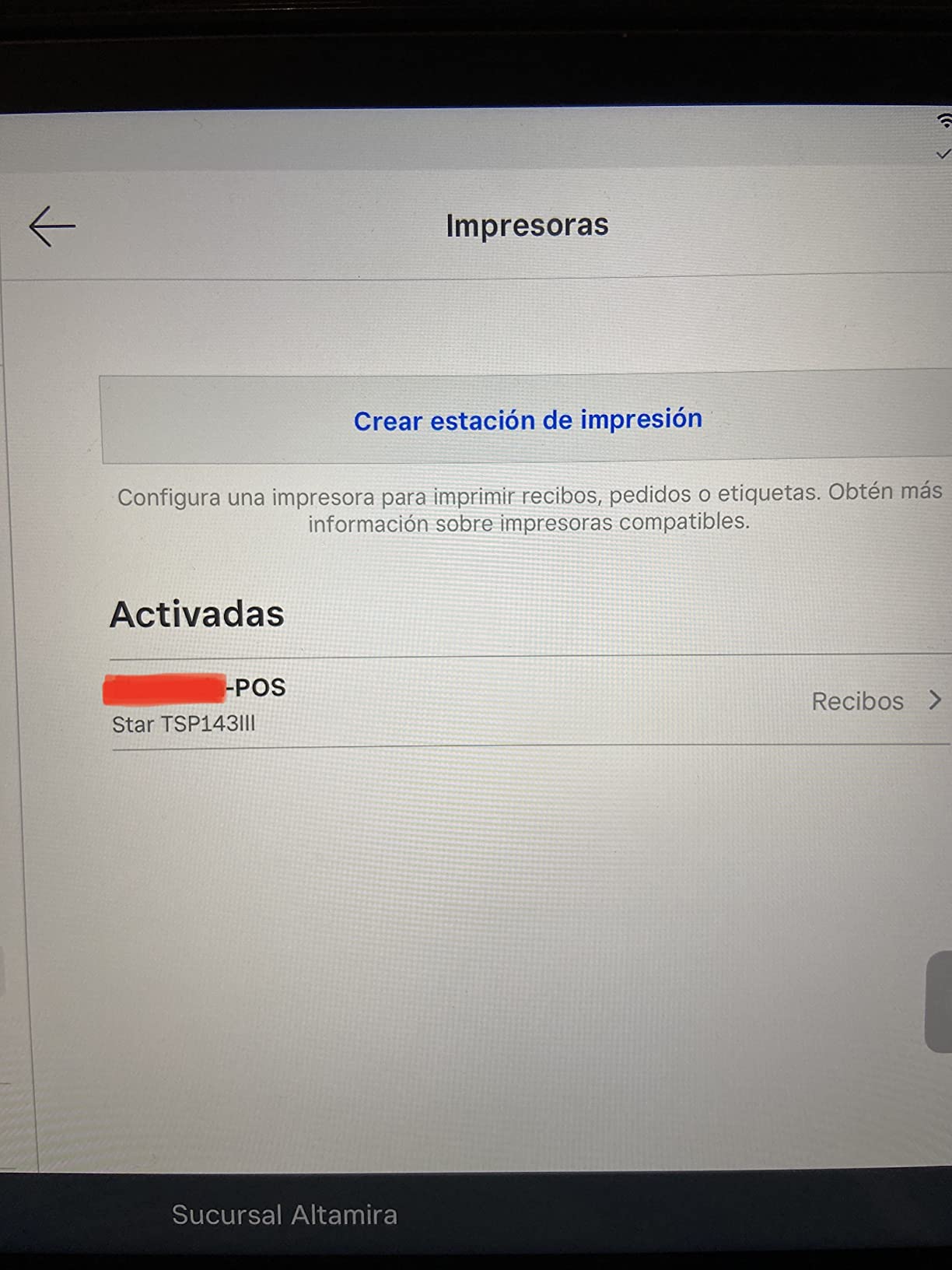
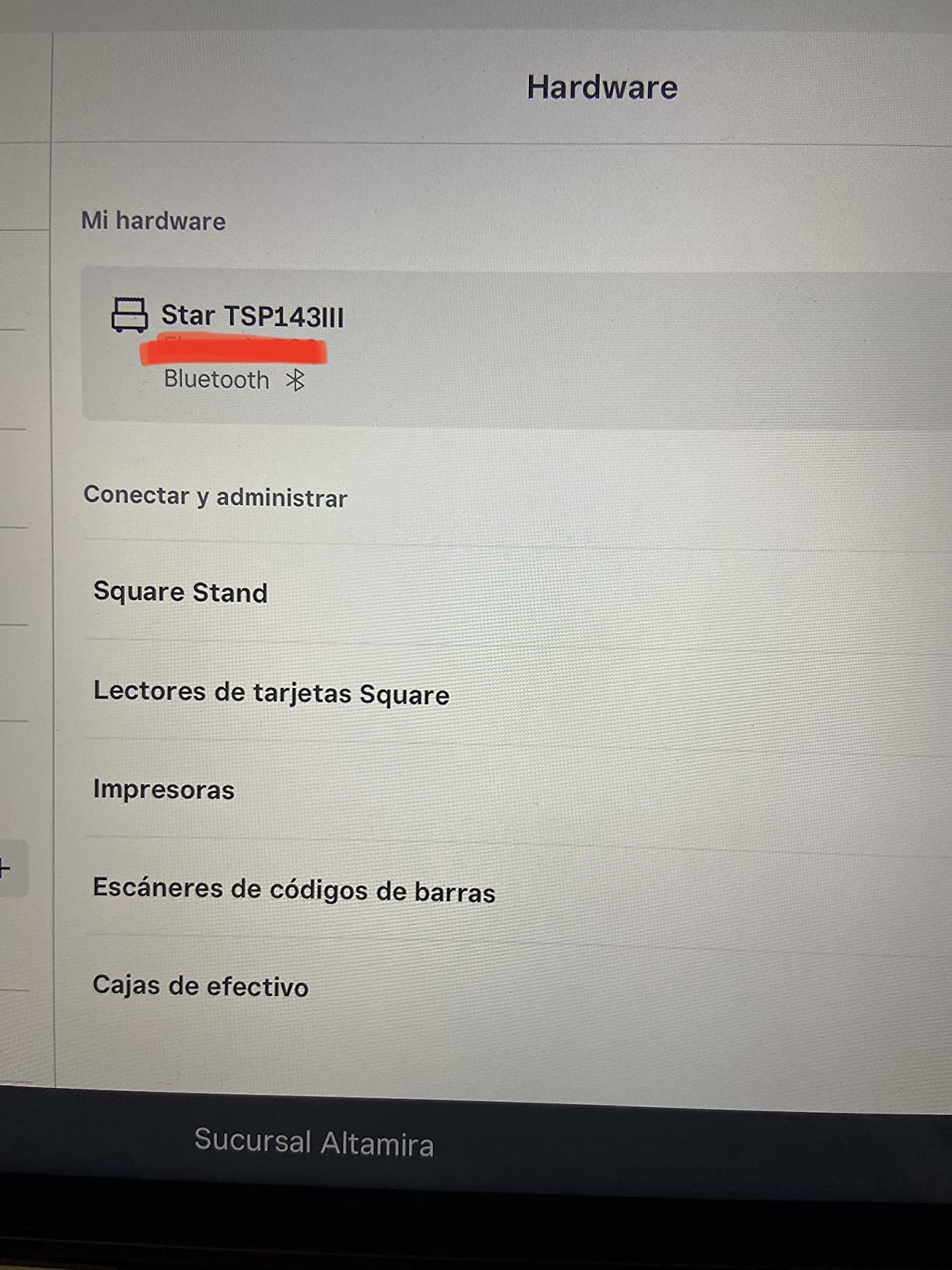
This is the section that decides the purchase for most Square users, so we looked at it hard. On iOS the printer appears as a standard Bluetooth device and pairs from the Square app without a driver install. On Android the same applies, and on Windows the vendor utility handles the pairing. Square Handheld and Square Terminal both reach it over Bluetooth as well.
The real test is time. A printer that reconnects instantly after a weekend closed matters far more than one that prints a slightly darker line. Owners report that this unit generally holds its pairing, but the roughly one in six one-star reviews in this product’s history point at the same thing: reconnection after long shut-downs can be a manual step. Budget an extra five seconds at the start of a shift and it stops being an issue.
Delivery App Certification and Kitchen Use
Star certifies this model with Uber Eats, Grubhub and DoorDash, which is rare in the Bluetooth thermal category and is the clearest reason it beats generic units on mobile orders. Certification means the print format and the ESC/POS command set have been checked against those platforms, so you are not troubleshooting a blank ticket at a dinner rush.
Owners running food delivery also point out that the De-Curl function matters more than they expected. Without it, receipts and order tickets curl badly enough to wrap around the cutter, and the printer stalls. With it, paper comes out flat enough to hand straight to a courier.
Paper Loading, Cutter and Daily Workload
The Drop-In and Print clamshell is the whole design idea. You flip the cover, drop the roll, close it, and the printer self-calibrates. On a busy counter that is the difference between a twenty-second reload and a two-minute one, and it is the reason this printer stays out of the repair drawer.
At 3.8 pounds and roughly 5.6 by 8 by 5.2 inches, it is small enough for a crowded counter and heavy enough to stay put when you pull a roll out. Long-term owners report steady output for customer receipts and kitchen tickets alike, and the 203 dpi resolution is more than adequate for text, QR codes and barcodes on everyday receipts.
2. Rongta RP326 – Best for Low-Cost Counter Tills on Windows and Linux
Rongta POS Printer, 80mm USB Thermal Receipt Printer,Black
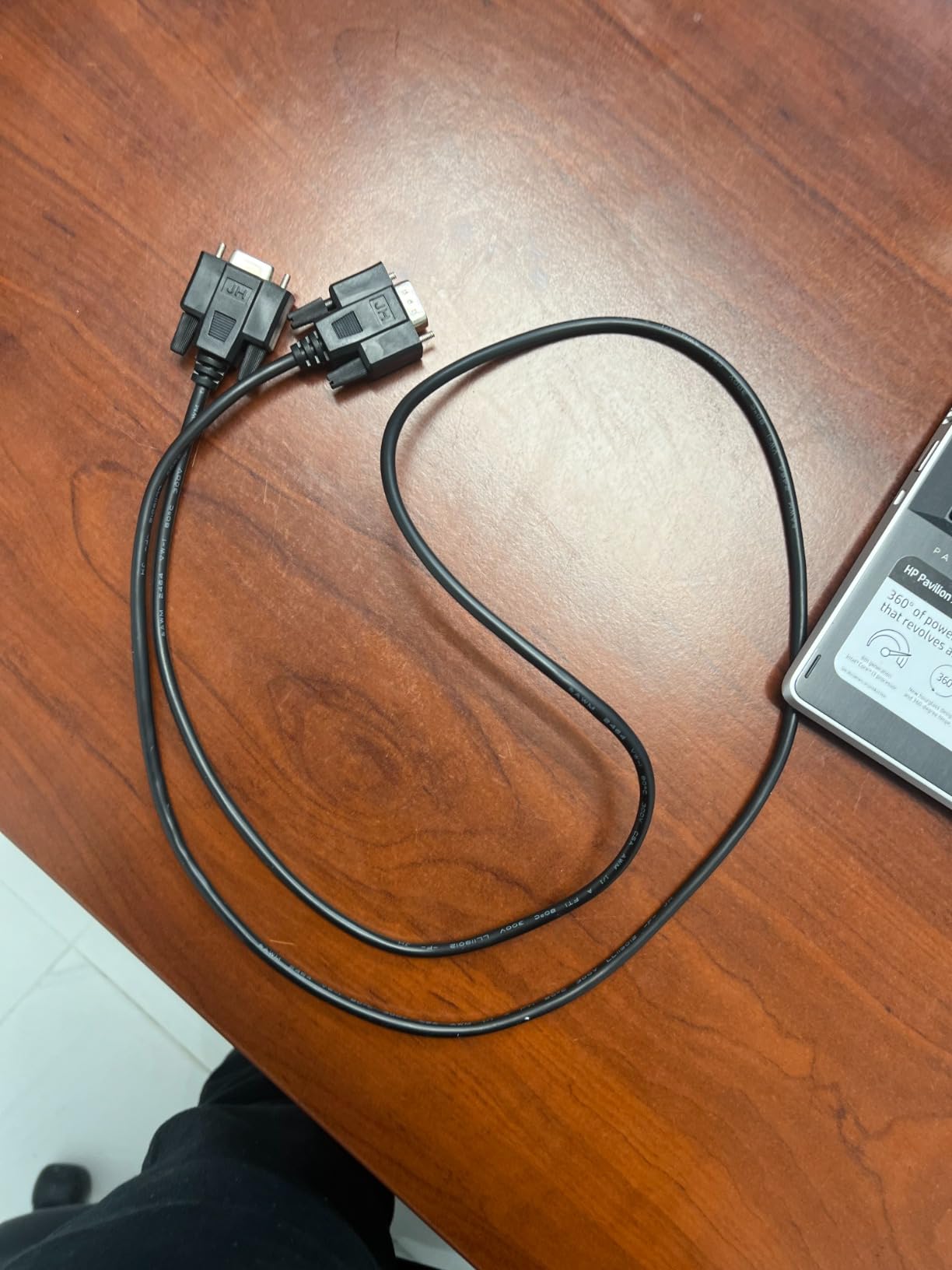
USB + LAN + serial
250mm/sec
203 dpi
1.56 kg
60 watts
Pros
- Three wired interfaces on a single unit
- 250mm/sec with a built-in auto cutter
- Wall mountable with two hanging holes
- Cash drawer support over ESC/POS
- Overheating protection and no ink costs
Cons
- Not compatible with Square or delivery apps
- Ships with a static IP and DHCP disabled
- Included USB driver drive has been reported to contain malware
The Rongta RP326 is a competent 80mm thermal printer for a till that runs on Windows, Linux or a Mac with a driver, and it is worth being blunt about the catch: the manufacturer states that it does not work with Square, DoorDash, Uber Eats, Grubhub, Lightspeed or Clover. If your till is a Square device, this is not your printer.
What it does well is plain. It prints at 250mm per second with a mechanical auto cutter, carries USB, LAN and a serial port on the same body, and drives a cash drawer over ESC/POS. At roughly 7.5 by 5.5 by 5.6 inches and 1.56 kg it is a standard counter-sized unit that mounts under a shelf or hangs on a wall with the two holes in its base.
Owners like the print clarity and the fact that there is no ribbon or cartridge to consume. For a DIY kiosk or a market stall running an open-source till, that combination of three interfaces and no consumables is genuinely hard to beat.
Network Configuration Is the Hardest Part
Out of the box this printer uses a fixed 192.168.1.x address with DHCP disabled, and enabling DHCP on some units takes a utility that is not always in the box. Owners setting this up on a shared network report spending more time on the IP plan than on the printer itself.
That is a real friction point, and it is avoidable. Assign the address manually, or run the printer on USB if your till sits next to it. Either way, budget an hour for the network work rather than assuming a plug-and-play install.
Driver Software and the Included USB Drive
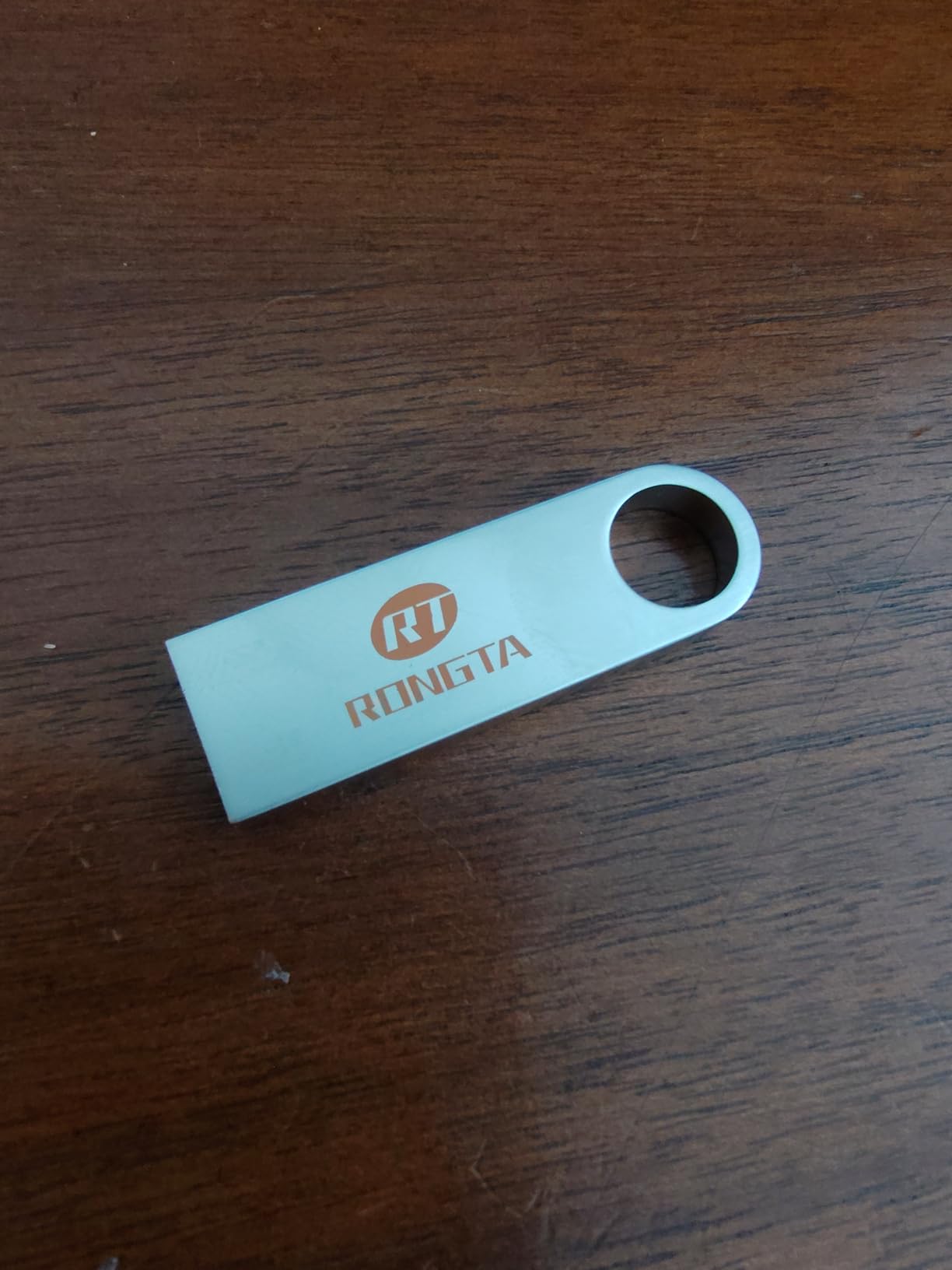
Reviewers raise a specific security concern about the small USB drive shipped in the box, reporting that it has been found carrying malware. We did not independently verify the contents of the units we looked at, but the complaint appears repeatedly enough that we would not plug that drive into a till computer without scanning it first.
Downloading the driver from the vendor instead sidesteps the issue. The printer then behaves as a standard ESC/POS device, which is why it works so well with Linux-based tills and less well with iOS, where no such driver exists.
Who Should Skip It
If you run Square Stand, Square Register, Terminal or Handheld, skip this model entirely. USB-only pairing through the Square app is not supported, and no amount of configuration changes that.
If you run a non-Square till on a computer, it becomes a much easier sell: fast prints, a cutter that works, cash drawer support and a wall-mount option in a small box.
3. Epson TM-T20III – Best Value Wired Printer for Square Stand and Register
Epson TM-T20III,Monochrome Thermal POS Printer C31CH51001
USB only
250 mm/sec
203 x 203 dpi
1.4 kg
2 year warranty
Pros
- Square Stand and Square Register support
- Auto cutter rated for 1.5 million cuts
- 150 km printhead life
- Cuts paper usage by up to 30 percent
- Two-year full Epson warranty
Cons
- USB only with no Bluetooth or WiFi
- Needs Square Stand or Register hardware
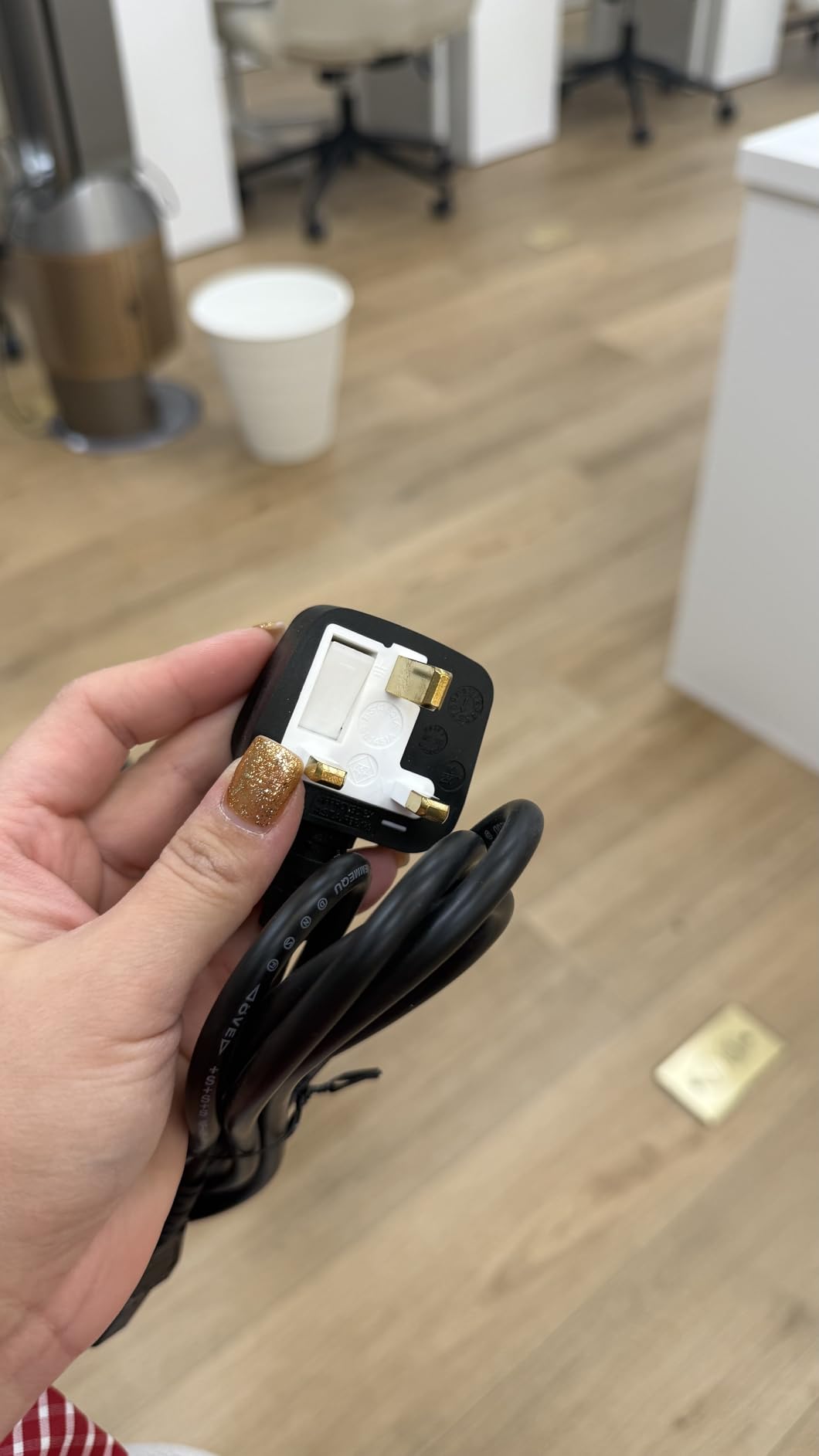
- Some units ship with a European power cable
The TM-T20III is the printer most Square shops actually end up with, and the reason is on the box: the listing names Square Stand and Square Register support directly. If your till has a USB port, this is the printer we would put behind the counter, and owners on r/smallbusiness describe it as working without fuss in exactly that role.
It prints up to 250 mm per second at 203 by 203 dpi, which is fast enough that customers do not wait. The auto cutter is rated for 1.5 million cuts and the printhead for 150 km of printed line or 150 million pulses, so in a normal retail volume the consumables conversation is about paper only.
Enhanced print options reduce paper use by up to 30 percent, which is a quiet win for a business that prints a receipt with every transaction. Add a two-year full warranty and this becomes the most complete warranty story among the Epson units we looked at.
What the USB Restriction Actually Means
USB only is the whole catch. There is no Bluetooth radio and no WiFi, so this printer cannot pair with a phone, cannot appear on a shared network, and cannot be used with a Square Handheld or a Square Terminal. The Epson listing is explicit: to use it with Square you must have Square Stand or Square Register.
Square Stand and Square Register both carry a USB port, so the pairing is a cable and a print test. That cable is also the printer’s power source in most setups, which is convenient at a counter and a problem if your till sits across the room from the printer.
Paper Handling and Paper Savings
Standard 80mm rolls load from the top and the cutter sits close to the tear bar, so the last centimetre of every receipt comes away cleanly. Epson’s print enhancement settings control character spacing and margins, and the 30 percent paper saving comes from trimming those margins rather than from cutting resolution.
For a shop that runs an average queue every day, that saving adds up over a year of rolls. For a shop that prints itemised lines, gift information and a QR code on every receipt, you are giving up some detail in exchange for the thinner paper use.
Setup Difficulty and Known Quirks
We would rate the setup as easy. It is a USB connection, an Epson driver, and a test print from the Square hardware settings. No pairing, no IP plan, no browser configuration page.
The quirk worth checking before you commit is packaging. Some units arrive with a European power cable that will not fit a U.S. outlet without an adapter. Owners on r/SquarePOS_Users mention this more than any other issue with the model, and it is a thirty-second check the moment the box opens.
4. Star Micronics SP742ME – Premium Pick for Kitchens and Multi-Part Orders
Star Micronics SP742ME Ethernet (LAN) Impact Receipt Printer with Auto-cutter and Internal Power Supply – Gray
Impact printing
Ethernet
13 receipts per minute
203 dpi
16 oz
Pros
- Prints multi-part itemized copies
- Resists heat and humidity in kitchens
- Ethernet setup needs no drivers
- Drop-In and Print clamshell loading
- Compact body with internal power supply
Cons
- Slowest print speed in our list at 13 per minute
- Needs ribbon and continuous multi-part paper
- Ethernet only with no wireless options
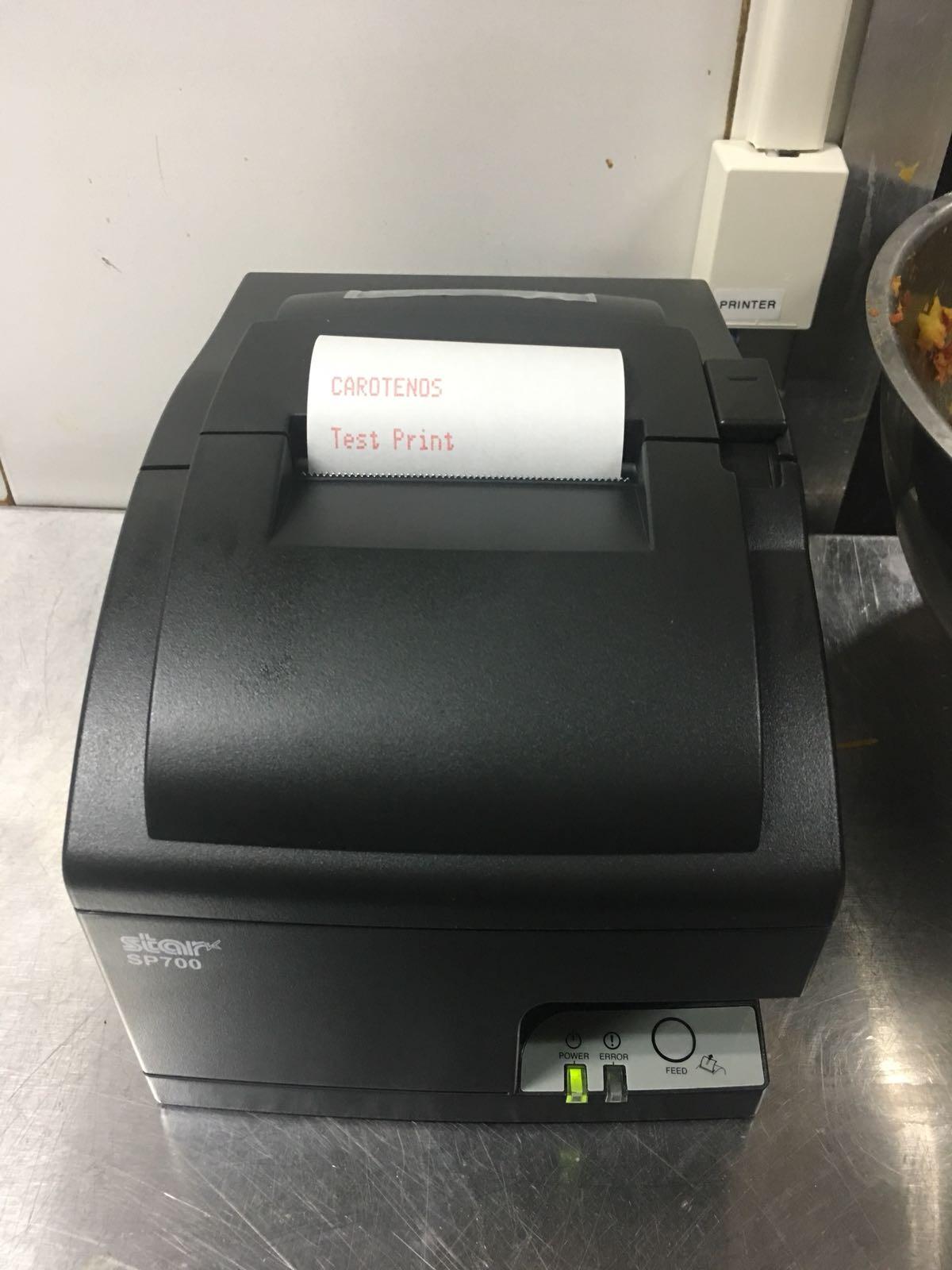
Almost every thermal printer in this roundup prints on coated paper that degrades in a hot kitchen. The Star Micronics SP742ME does not, because it is an impact printer: a ribbon and a platen push ink onto plain multi-part forms. That makes it the right unit for kitchen order tickets, delivery runs and anywhere receipts must survive heat, grease and humidity.
The multi-copy capability is the real reason to buy it. Continuous multi-part forms produce a customer copy and a kitchen or record copy at the same time, which is exactly the workflow a restaurant with a physical order rail depends on. Thermal units cannot duplicate anything without a separate printer.
On the connectivity side it is a single Ethernet port, and owners describe setup as straightforward with no driver needed on modern systems. Square hardware with a wired network connection reaches it without a wireless pairing step, which removes the most common failure mode in busy environments.
Impact Printing Versus Thermal in a Kitchen
Thermal paper has a coating that softens in sustained heat, and kitchen printers sit next to grills and dishwashers. Owners running this unit in food service report that the print stays legible where thermal units on the same rail start to smear or fade.
The trade-offs are real and worth naming. Impact printing is slower, because the mechanism has to physically strike the paper. The ribbon is a consumable that thermal units do not have, and the multi-part forms cost more per receipt than a plain roll.
Throughput and What 13 Receipts a Minute Means
Thirteen receipts per minute is the slowest figure in this roundup, by a wide margin. At a coffee counter during a morning rush that would be a bottleneck. In a kitchen producing tickets rather than customer receipts, the load is different, and the order flow is usually paced by cooking rather than by the printer.
Star also markets the impact mechanism as resistant to kitchen conditions, which is the reason the speed gap matters less here than the numbers suggest. Match the printer to the workflow, not the spec sheet.
Physical Footprint and Wall Mounting
At 5.16 by 5.51 by 4.72 inches and 16 ounces, this is the lightest printer in the group by a wide margin, and the internal power supply keeps the cable count to one. A wall or shelf mount leaves the counter free for plates, bags and hands.
Drop-In and Print loading means the paper change is a cover flip rather than a threading exercise, which matters more on an impact printer where threading through a platen is fiddly. Long-term owners treat paper changes as a two-second task.
5. MUNBYN P068 – Best for High-Volume Kitchens With Order Alerts
MUNBYN P068 Thermal Receipt Printer 80mm POS Printer USB Serial Ethernet
USB + Ethernet + serial
48 receipts per minute
300mm/sec
203 dpi
Order alerts
Pros
- Fastest thermal print speed in our list
- Sound and light order reminder alerts
- Splash-proof cover suits kitchen stations
- DIP switches for cutter and density settings
- Wall mountable for tight counters
Cons
- No iOS
- iPad or iPhone support
- Not compatible with Square or delivery apps
- Some units report an 80mm or 72mm paper mismatch
At 48 receipts per minute, the MUNBYN P068 prints faster than anything else in this roundup, including the Star Bluetooth unit. That speed matters less for receipts than for kitchen tickets, where a rush of delivery orders can stack up faster than a thermal head can clear.
The feature we would point at first is the incoming order reminder: a sound and light indicator that tells the kitchen a new ticket exists. Paired with the splash-proof cover, it turns a printer into a station that works in an environment where a bare receipt printer would not last.
Connectivity is broad, with USB, LAN and RS232 on the body and support for Windows, MacBook, Linux and selected Android POS systems over ESC/POS. The DIP switches on the underside handle cutter behaviour, language, indicator mode, print density and baud rate without opening a configuration tool.
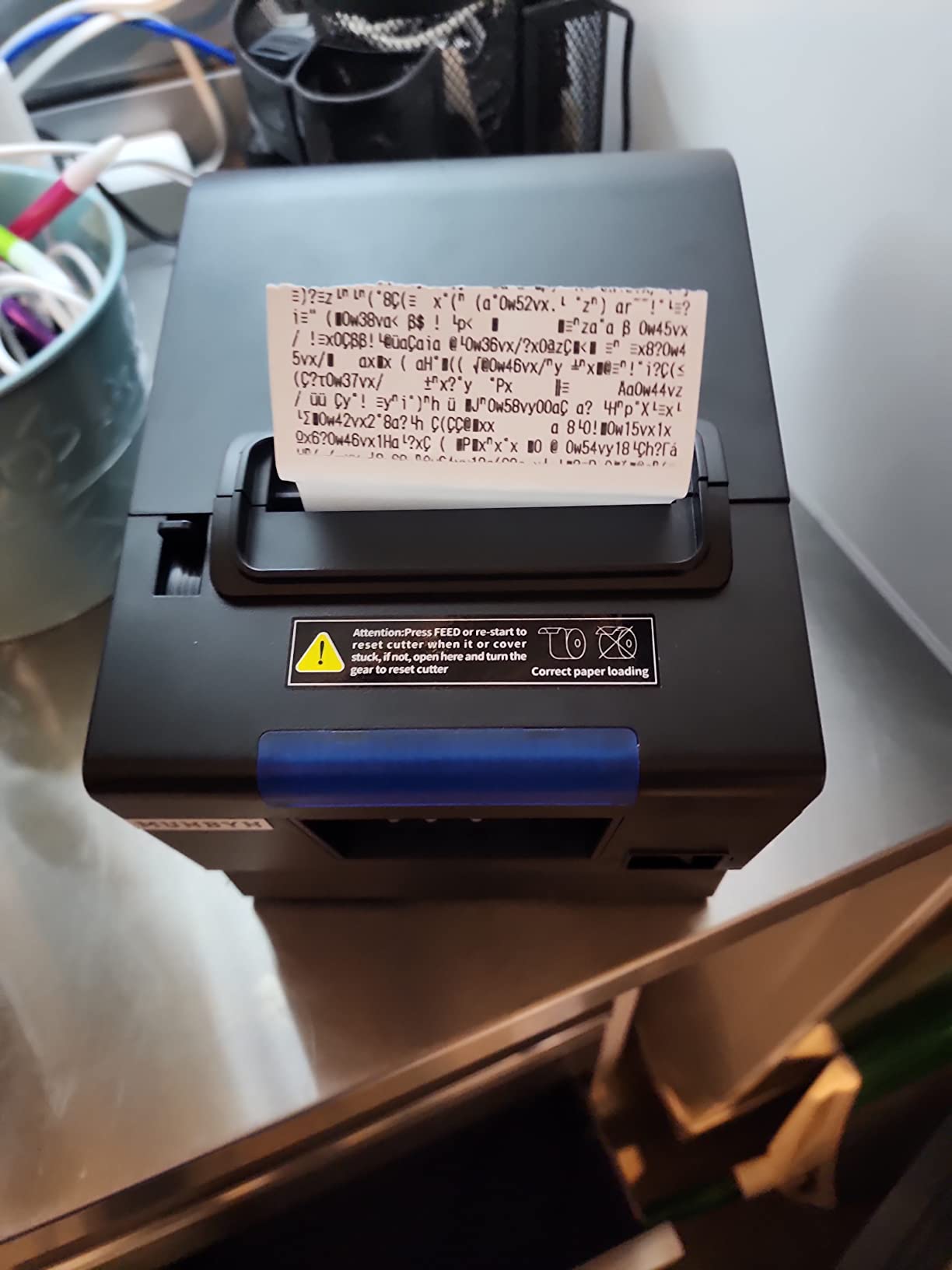
Order Reminders and Kitchen Placement
Every kitchen printer we looked at prints tickets. Only this one announces them. The sound and light alert means a cook can hear a new order while working at a range instead of relying on someone to walk over and look at the printer.
That is only useful if the printer is visible and audible, which is where the wall mounting holes come in. Owners running food counters and small kitchens report mounting it above the pass so the light is in the line of sight of the line cook.
Paper Width Calibration Issue
Some units report an 80mm versus 72mm paper width mismatch that clips the edge of the print. The fix is a calibration pass, but it is a support interaction on a unit where buyers have limited patience, and it is worth checking the roll specification against the printer’s own setting before a busy weekend.
Driver reliability is the second reported friction point. Several owners mention the driver linked from the manual as unreliable, so download from the manufacturer rather than from a scanned code in the documentation.
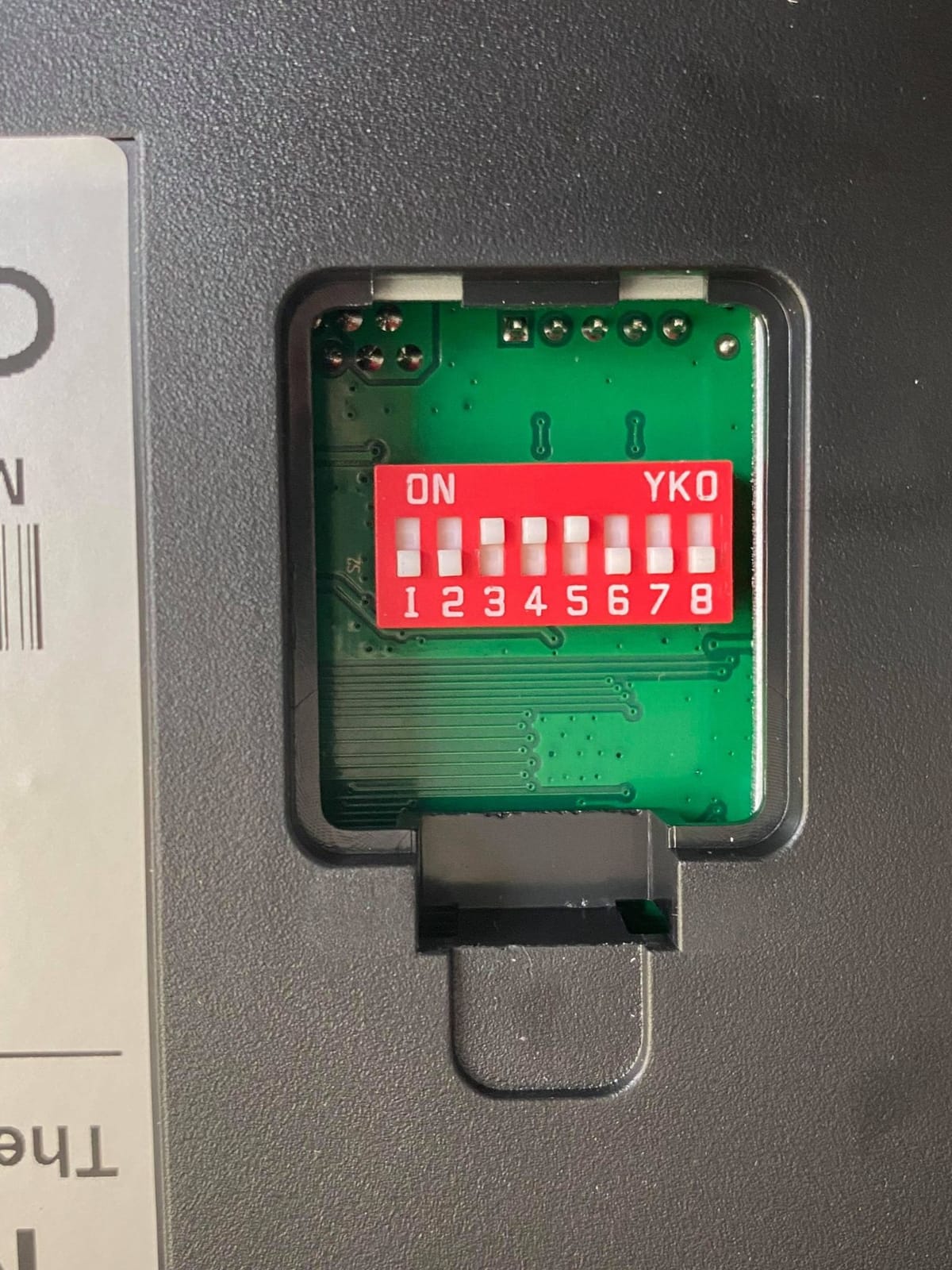
Square and iOS Exclusions
The manufacturer states plainly that this printer does not work with Square, DoorDash or Uber Eats, and it has no iOS support at all. An iPad or iPhone cannot reach it, which rules it out for every mobile Square setup and every Square Register on an iPad.
For a Windows, MacBook or Linux till, it remains one of the most capable thermal printers in this list. The combination of speed, alerts and splash protection is unusual at this level.
6. Epson TM-M30 – Best for Compact Counters and Pop-Ups
Epson C31CE95022 Series TM-M30 Thermal Receipt Printer, Autocutter, USB, Ethernet, Energy Star, Black
USB and Ethernet
203 dpi or higher
7 x 5 x 5 inches
2 year warranty
Pros
- Compact body suits small counters
- Dual USB and Ethernet interfaces
- Two-year full Epson warranty
- Easy install after the driver download
Cons
- No Ethernet cable included in the box
- Font size cannot be changed on the device
- Review base of 139 ratings is thinner than most here
The TM-M30 is the Epson for a counter with about eight inches of free space. At 7 by 5 by 5 inches it takes up noticeably less room than the TM-T20III, and the USB plus Ethernet dual interface gives placement flexibility on a small stall or a market table.
Its 4.4-star rating matches the highest in our list, and owners running Square on iPads report that it works well in that role. The two-year full Epson warranty carries over from the brand’s larger models, which is unusual at this size.
Where it falls short is the box contents and the software. No Ethernet cable is included, which is an annoying detail on the one model whose selling point is dual-interface flexibility, and font size cannot be adjusted from the device itself, so receipt layout changes happen in software.
Where a Small Footprint Pays Off
Compact dimensions matter more than buyers expect in a food truck, a market stall or a pop-up shop, where every horizontal inch of counter is working surface. This unit is short enough to sit in front of a register without pushing the cash drawer out of reach.
Installation is straightforward once the drivers are downloaded, and the auto cutter and Ethernet option mean it can live permanently on a counter network rather than following a tablet around.
What the Smaller Review Base Means
With 139 ratings, this is a thinner evidence base than the Star and Epson models that carry four or five hundred reviews, so we treat long-term claims here with more caution. The 4.4 average is encouraging, and the most common negative is not the hardware but expectations: some buyers assumed Bluetooth support and were disappointed to find none.
The 8% share of one-star ratings is the highest among the Epson units in this roundup, and the complaints cluster around the missing Ethernet cable and the fixed font size rather than print quality.
7. MUNBYN P098 – Best for Simple USB Tills Without Square
MUNBYN 80mm USB Thermal Receipt Printer P098, POS Printer with Auto Cutter
USB only
200mm/sec
203 dpi
Auto cutter
Wall mountable
Pros
- Auto cutter with 200mm/sec printing
- Over-temperature printhead protection
- Wall mountable to free counter space
- No ribbon or ink to replace
- Clear driver guide in the manual
Cons
- No LAN
- WiFi or Bluetooth at all
- Not compatible with Square or delivery apps
- Some owners report failures within a year
- Loud beeper that cannot be turned off
The MUNBYN P098 does one job well: it prints clean 80mm receipts quickly over USB, and it does it for a till that sits right next to it. At 200mm per second with a mechanical cutter, the throughput is fine for retail, small food counters and back offices.
Direct thermal printing means no ribbon and no cartridge, and the printhead has over-temperature protection that extends its life. The wall-mountable body frees counter space, and the ESC/POS command set keeps it compatible with Windows tills.
Two things stop this from being a broader recommendation. It is USB only with no LAN, WiFi or Bluetooth, and the manufacturer states it does not work with iPad, iPhone, Square, DoorDash, Uber Eats or GrubHub. If your till is a Square device, look elsewhere.
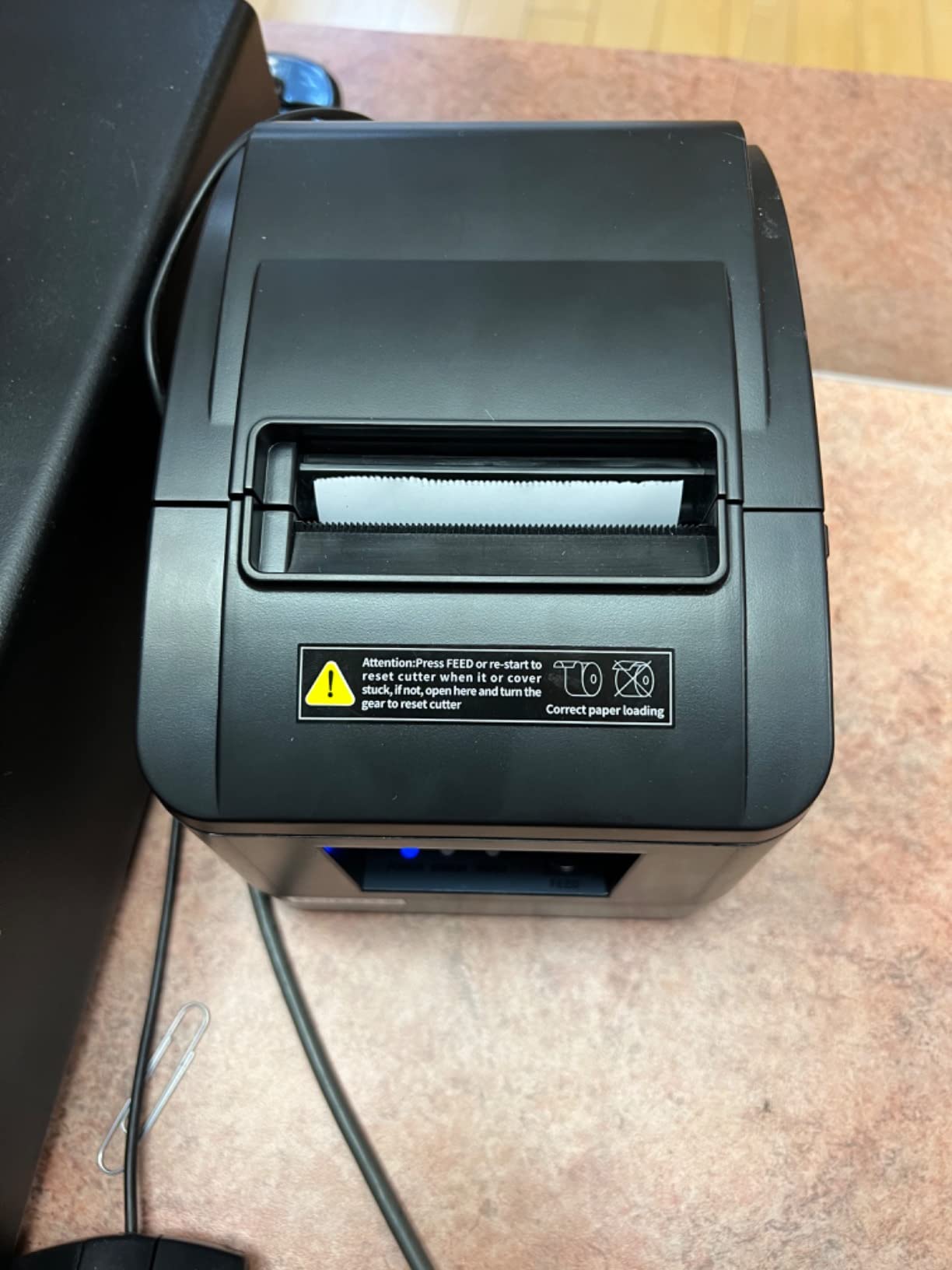
Build Longevity Reports
The most common complaint across reviews is durability rather than performance. Several owners report printhead failure within a year of daily use, which is a real risk for a business that depends on the unit every single day.
Support is one of the better responses in this category, and owners describe responsive service. Still, a printer that fails inside a year changes the economics, and a two-year unit is the safer default for a daily till.
The Startup Beep
This printer beeps on startup and the beeper cannot be disabled. In a customer-facing space that is an easy way to annoy people, and it is a detail worth knowing before the printer lands on your counter.
Paper handling is otherwise unremarkable in a good way: 3 1/8 inch rolls, a 79.5 mm print width and a cutter that owners say stays consistent. The manual also includes a clear driver installation guide, which is more than several rivals offer.
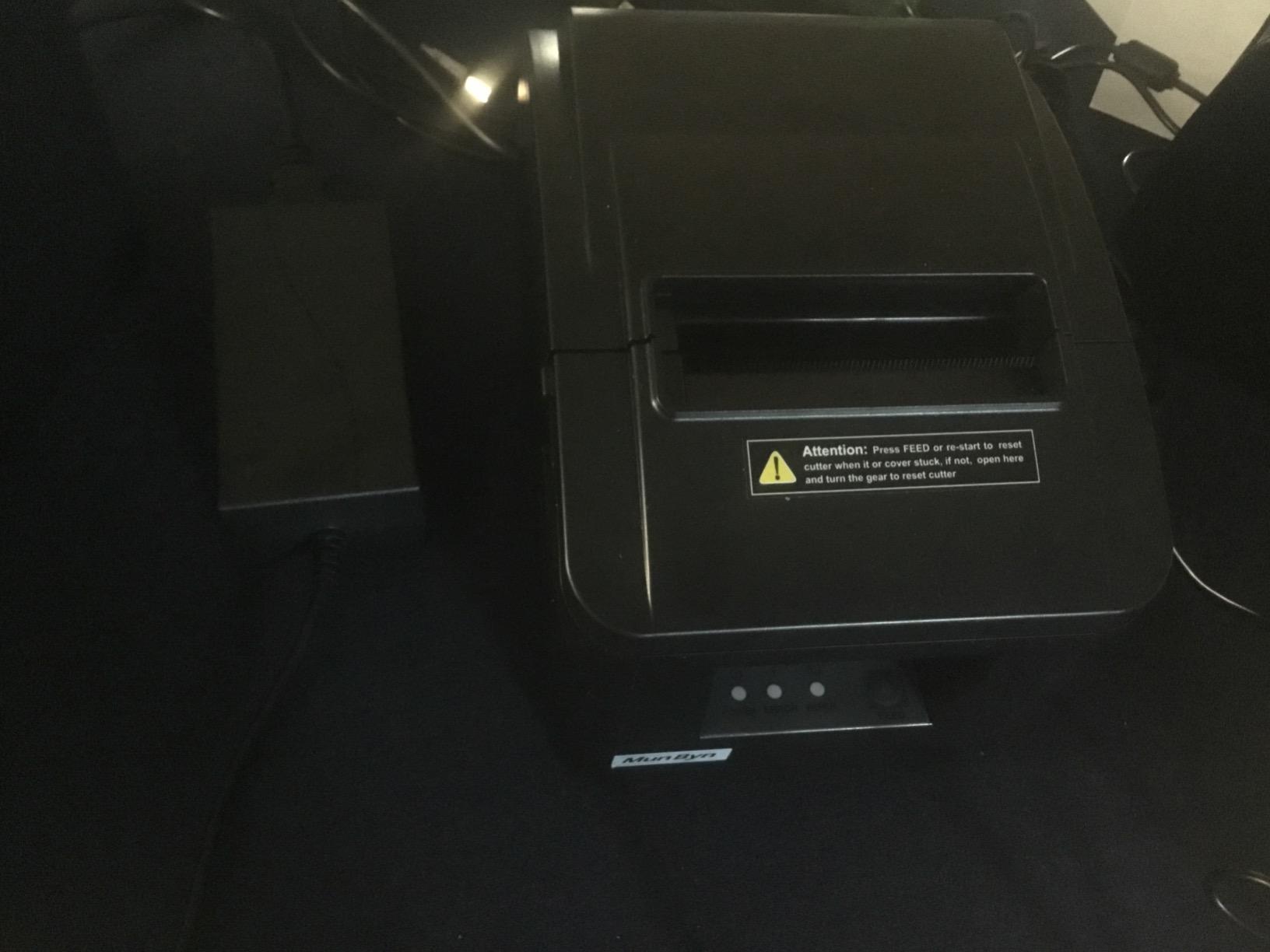
Cash Drawer Interface
Beyond USB there is a cash drawer interface on the body, so a small retail counter can pair a drawer with this printer without a second box. That is the configuration that makes it a natural fit for a simple Windows till.
Energy Star certification and a maximum sheet capacity figure of 100 both point to a unit designed for continuous front-counter use rather than occasional receipt printing.
8. Rongta RP332 – Best for Linux and DIY Tills
Rongta POS Printer, 80mm Direct Thermal Receipt Printers with Auto Cutter, USB Serial Ethernet Interface, Support Windows/Mac/Linux Cash Drawer, Restaurant Kitchen Printer for ESC/POS (RP332)
USB + serial + Ethernet
250mm/sec
203 dpi
2 kg
72mm print width
Pros
- Three wired interfaces at a low price point
- 250mm/sec with clear text output
- Works on Windows
- Mac and Linux
- Cash drawer support over ESC/POS and OPOS
- DIP switches plus wall mounting
Cons
- Explicitly not compatible with Square or delivery apps
- Static 192.168.1.87 address and DHCP problems
- Some owners report printhead failure in 6 to 12 months
- Poorly written network documentation
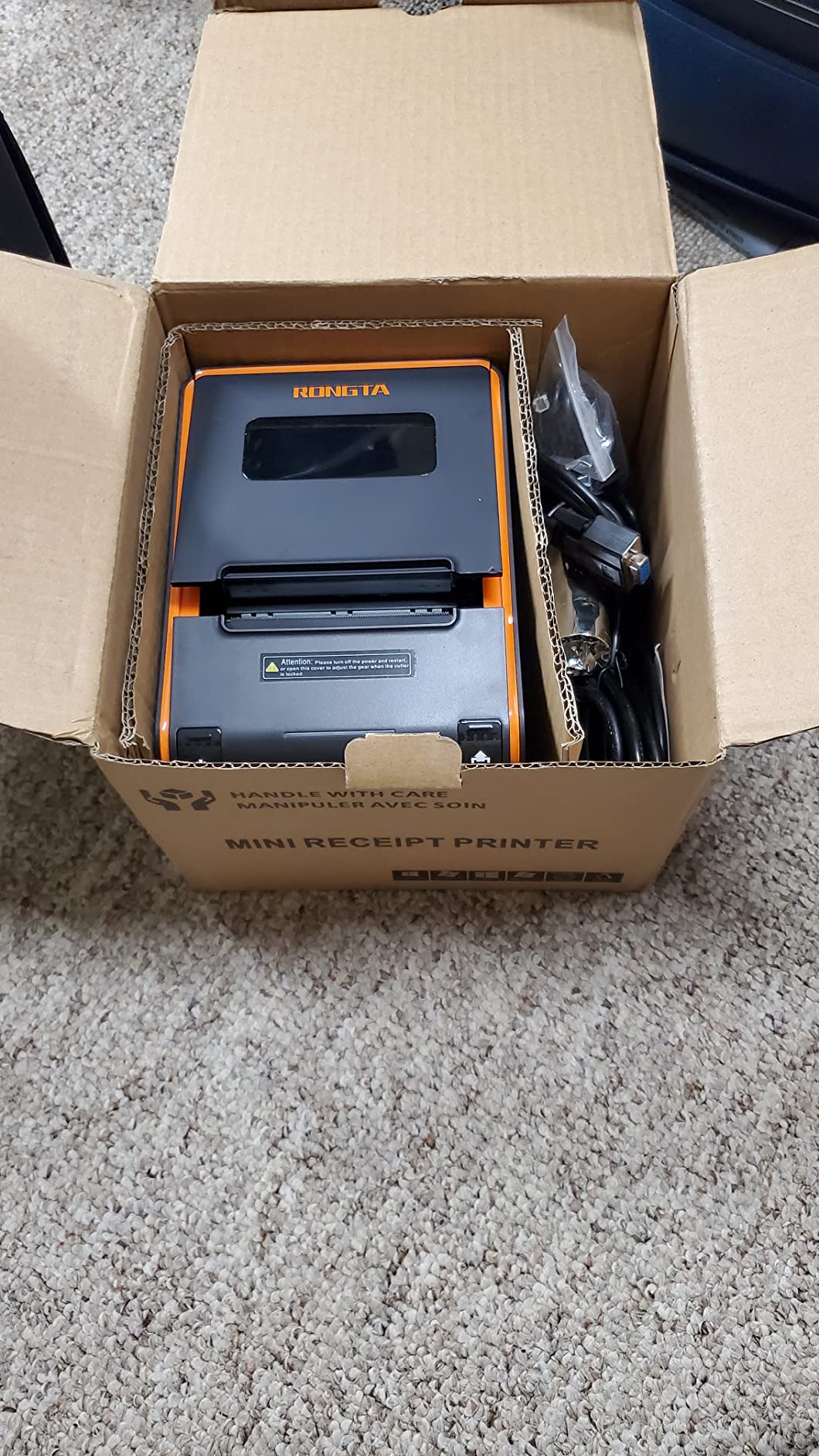
The RP332 is the model we would look at first for a homemade till, a Raspberry Pi kiosk or a Linux point-of-sale setup. It speaks ESC/POS and OPOS, runs at 250mm per second, and costs less than the comparable multi-interface units in this roundup.
Three wired interfaces on the body means you can connect over USB at install time, move it onto the network later, and keep a serial option for legacy equipment. Cash drawer support is included, and the driver covers 80mm and 58mm paper series from the same install.
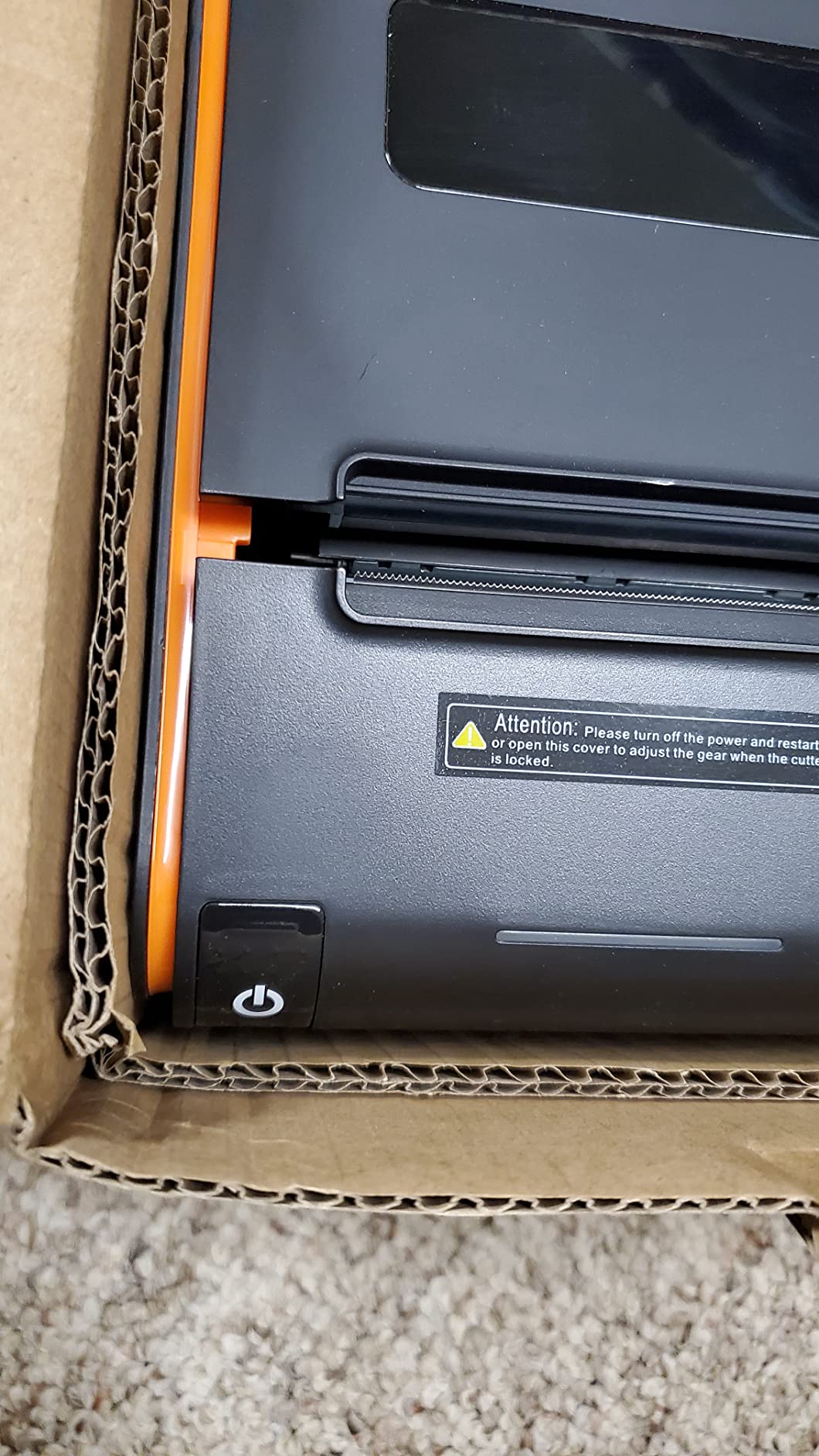
The beep can be switched off through the printer tool, which is a small quality-of-life touch that several rivals in this list do not offer. Auto cutter, 72mm print width, DIP switches for cutter, language, indicator and density, and a wall-hanging design round out the feature list.
The Static IP Problem
This unit ships with a 192.168.1.87 address, and on some units DHCP cannot be activated at all. That makes the Ethernet port awkward for a shared counter network, where address conflicts are a matter of time.
Owners who have got it onto a network report that the printer itself then behaves well. The issue is the setup path, not the hardware, and the documentation is the weakest part of the package.
Mac and Linux Support Reality
The listing claims Windows, Mac and Linux support over USB, serial and Ethernet, and buyers running Linux tills confirm USB works reliably. Mac owners report more friction, with missing drivers and confusion in the setup guide being the recurring complaints.
For a Raspberry Pi or a Windows kiosk, treat it as a solid wired workhorse. For a Mac-based setup, expect to spend time on the driver.
Durability Feedback
Durability opinions are genuinely split. Several owners report thermal printhead failure between six and twelve months, while others describe a year of continuous service without issue. At 2 kg the unit is heavier than most of its class, which feels solid on the desk and unremarkable in the hand.
Square, PayPal, DoorDash, Uber Eats, Shopify, Clover, Lightspeed, Zettle, GrubHub, Postmates and Chromebooks are all explicitly excluded by the manufacturer. That is the single most important line in this section.
9. MUNBYN ITPP047 – Best for 300 DPI Receipts With Energy Savings
MUNBYN Thermal Receipt Printer ITPP047 80mm USB Ethernet POS Auto Cutter
USB and Ethernet
300 dpi
40+ receipts per minute
ENERGY STAR
Pros
- 300 dpi for finer receipt text
- ENERGY STAR certified
- Box includes cable
- adapter and a paper roll
- Wall mountable to free counter space
- Crisp and quiet output over long service
Cons
- Not compatible with Shopify
- iZettle
- Grubhub or DoorDash
- Network driver installation can be difficult
- Not plug-and-play on some Macs
- Some units jam after extended use
The ITPP047 is the only printer in this roundup with 300 dpi resolution, and that difference is visible. Finer characters matter when a receipt carries dense item lines, small fonts, QR codes or a loyalty barcode that a scanner has to read first time.
Speed is 40-plus receipts per minute at 230mm per second with an auto cutter, so the resolution does not cost you throughput. Long-term owners describe the output as crisp and quiet, which is a pleasant surprise for a printer in this class.
The box is unusually well packed: USB flash drive, power adapter, USB cable and a roll of thermal paper are all included. Energy Star certification is the other quiet advantage, since it cuts electricity use by at least 30 percent against an uncertified unit on the same counter.
Where 300 dpi Actually Helps
Most receipts are a list of short words and two or three numbers, and 203 dpi renders those perfectly well. The place higher resolution earns its keep is dense tickets: catering orders, hardware stores, pharmacies and warehouses where small type has to survive a barcode scan.
It also gives you headroom on receipt design. If you build custom layouts with a service like FuturePRNT, the finer resolution keeps small text legible where a 203 dpi head would soften it.
Software Setup Is the Weak Spot
Owners report that network driver installation can be difficult and that the printer is sometimes hard to locate on a network at all. Mac users report it is not plug-and-play, which is a specific and important limitation for anyone running Square on a Mac-based environment.
Paper jams appear in reviews from units after extended service, so a periodic clean and a check of the platen path is worth adding to a maintenance routine. Owners running food trucks and small retail otherwise report steady daily output.
Compatibility Boundaries
Shopify, iZettle, Grubhub and DoorDash are excluded by the manufacturer, which again makes this a non-Square choice. The stated application range is retail stores, grocery stores, clothing stores, supermarkets, cafes, food trucks, banks and restaurants, all over a wired connection.
At 7.04 ounces and 5.5 by 7.5 by 5.5 inches it is light and compact, and the wall-hanging holes make it easy to mount out of the way.
10. Rongta RP326-USE – Best for Starter Setups on a Wired Counter
Rongta 80mm Thermal POS Receipt Printer with Auto Cutter
USB + serial + Ethernet
250mm/sec
203 dpi
80mm rolls
1 year warranty
Pros
- Strong 4.4 star rating for a wired budget unit
- 250mm/sec with a built-in auto cutter
- Cash drawer support over ESC/POS
- Wall mountable with a one-button open cover
- Runs on Windows
- Mac and Linux
Cons
- No WiFi or Bluetooth
- Not compatible with Square or delivery apps
- Only a 1-year limited warranty
- Direct thermal paper only at 0.06 to 0.08mm thickness
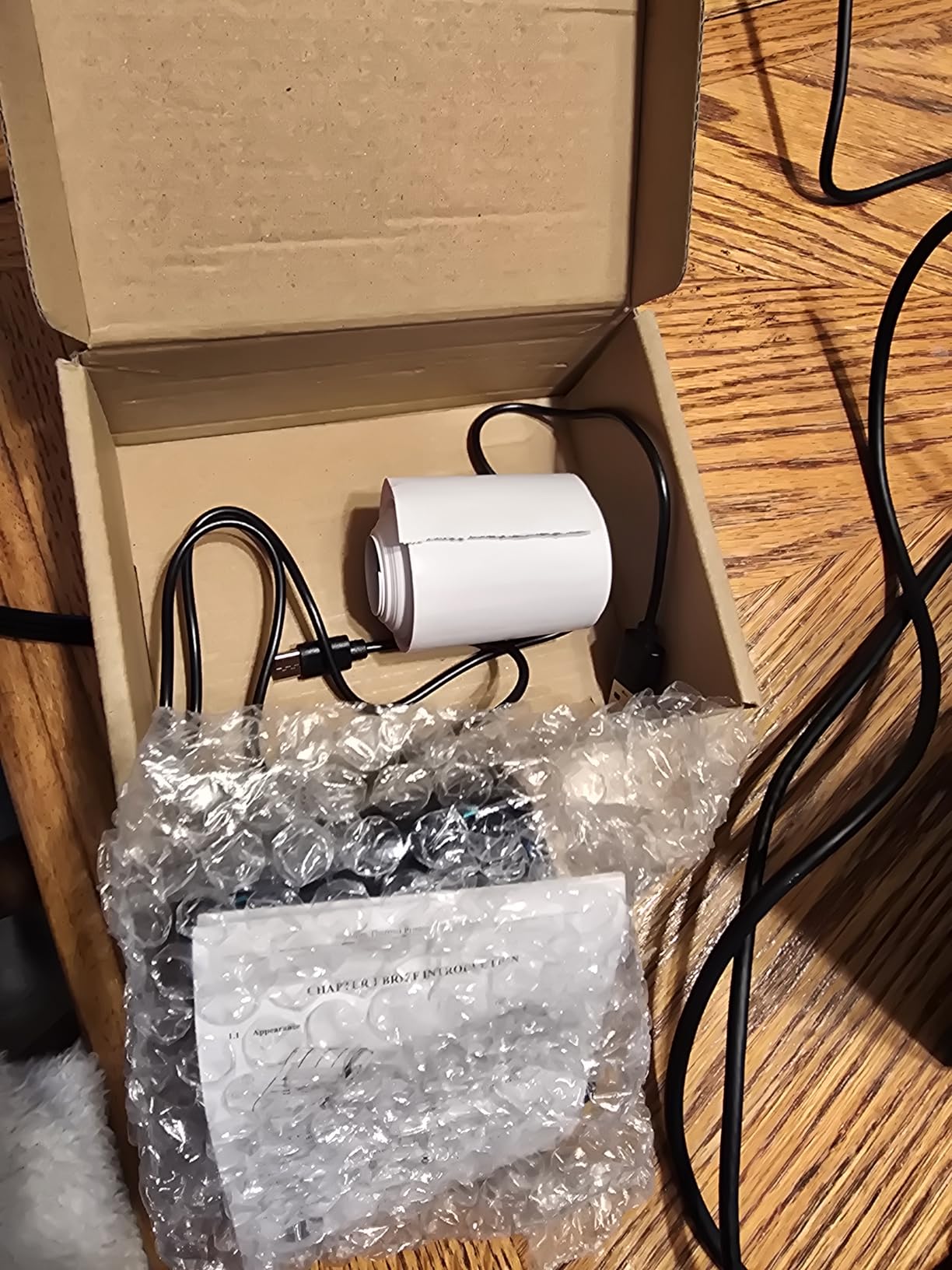
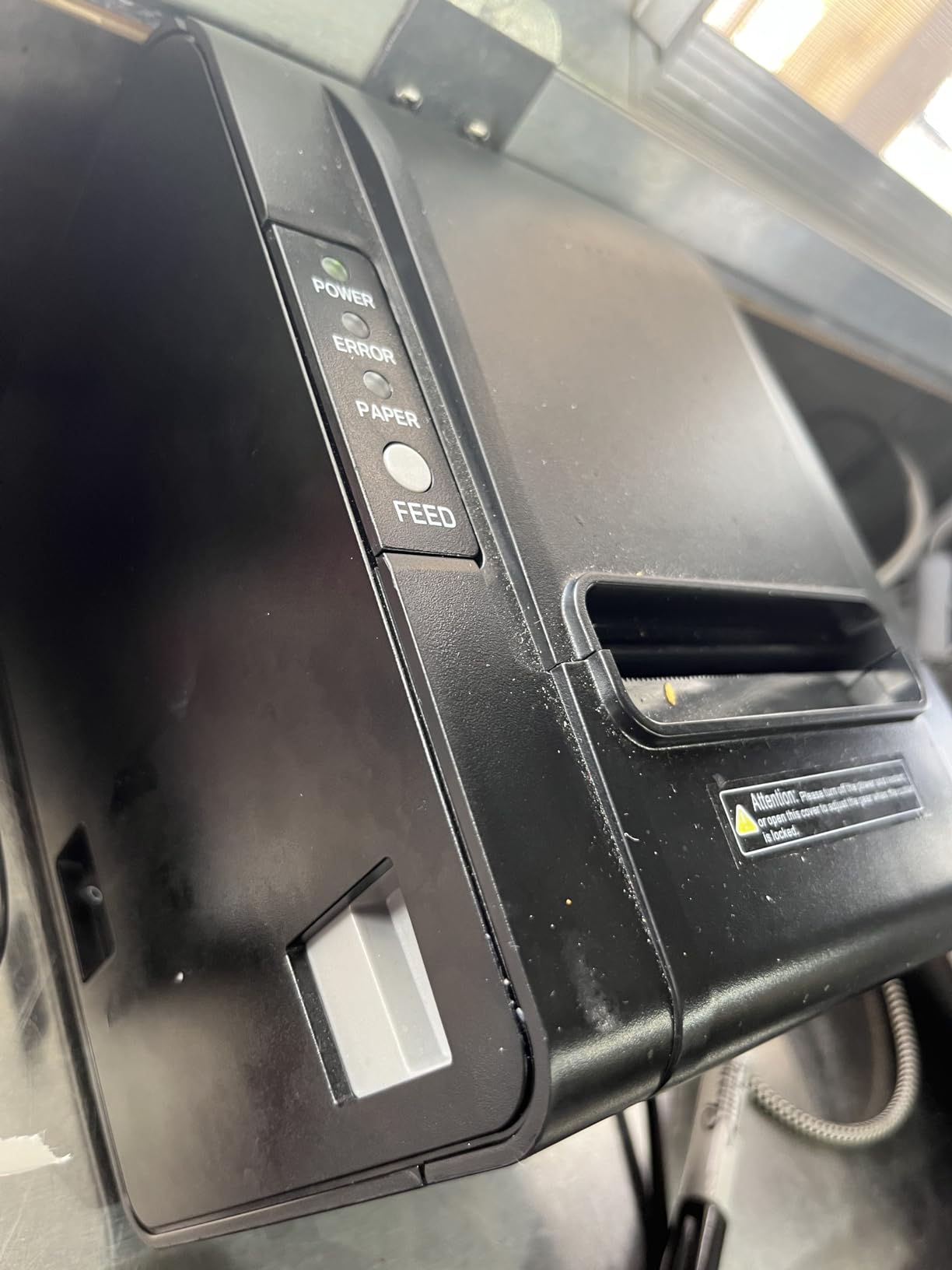
The RP326-USE is the Rongta variant to choose if you want the brand’s wired approach with a stronger rating than its siblings. It holds a 4.4 stars, prints at 250mm per second and carries the same USB, serial and Ethernet trio.
It is aimed squarely at first-time sellers and small counters. The one-button open cover and a large paper compartment make the roll change obvious, and wall mounting frees up the surface where a small business needs every inch.
Like the rest of the Rongta range here, there is no wireless of any kind and the manufacturer excludes Square, DoorDash, Uber Eats and GrubHub. Operating system coverage is broad, from older Windows releases through Linux and Mac.
Rating Versus Evidence
A 4.4-star average with a 71% five-star share is a good result, but it rests on 107 ratings. That is the thinnest evidence base in this roundup, and we would treat the durability picture as unproven rather than settled.
Against that, the specification is unremarkable in the best way: 250mm per second, 203 dpi, an auto cutter, overheating protection and no consumables beyond paper.
Paper Specifications That Matter
This printer takes direct thermal paper only, at 0.06 to 0.08mm thickness on 80mm rolls. Buyers who buy thicker or thinner stock report print quality problems, so match the roll to the specification rather than to whatever is on the shelf.
Overheating protection extends printhead life in a way reviewers appreciate, and the ESC/POS command set with cash drawer support covers the standard small counter configuration completely.
Who This Suits
A market stall, a pop-up shop or a small counter running a Windows or Linux till will find everything it needs here: fast prints, a cutter, a drawer port and a wall mount.
Anyone on Square should treat it as a non-starter. The exclusion is explicit and there is no configuration that changes it. The one-year limited warranty is also the shortest in this roundup, which is worth weighing against a printer you plan to run daily.
How to Choose a Receipt Printer That Actually Works With Square
Compatibility is a hardware question before it is a software question. Square pushes print jobs over USB, Bluetooth, Ethernet or WiFi depending on which device you run, and a printer that lacks the right interface cannot be talked into working. Work through this list before you compare spec sheets.
Match the Printer to the Square Hardware You Own
- Square Stand or Square Register: USB is the dependable route, which is why the Epson TM-T20III and the Epson TM-M30 are the straightforward choices here. Bluetooth models also connect from these two devices, and Ethernet models connect wherever the device shares a network.
- Square Terminal, Square Handheld and Square Kiosk: USB desktop printers are the wrong answer. A Bluetooth model such as the Star Micronics TSP143IIIBi is the one interface these devices can actually use.
- Square Reader on iOS or Android: USB is out. You need Bluetooth, which is why the TSP143IIIBi is our pick for a mobile vendor or a market stall.
- Multiple registers or a multi-station counter: Ethernet removes the pairing question entirely and is described by owners as the most reliable connection in a busy environment. It also lets several devices send to one printer.
- Food delivery tickets: Look for manufacturer certification with the platforms you use. The TSP143IIIBi is certified with Uber Eats, Grubhub and DoorDash, and the budget units in this roundup are explicitly excluded from all three.
One hardware note worth flagging: some Square setups only enable the printer option once the till hardware is set up in the Square dashboard. If a USB printer is not printing, confirm the hardware and its connection settings before blaming the printer.
Connectivity That Survives a Busy Shift
Owners on r/SquarePOS_Users consistently describe wired connections as the most reliable option, and the failure pattern for Bluetooth is predictable: a printer that is idle overnight occasionally needs a manual re-pair at the start of the day. That is a thirty-second fix, but it is a fix.
WiFi avoids the cable but adds a network address to configure and a failure mode where the printer disappears from the network mid-shift. If you go wireless, Bluetooth on a Square device is the simpler path.
Whatever you choose, check the accessory situation. The Epson TM-M30 ships without an Ethernet cable, and the Star Micronics units include their power supply inside the body, so a wired setup can be one cable rather than two.
Thermal Versus Impact: Matching the Paper to the Room
Thermal printing is quieter, faster and cheaper per receipt, with no ribbon to replace. It is the right default for retail, coffee counters, food trucks and pop-ups. The weakness is the coating, which softens in heat and humidity, so kitchen printers near grills and dishwashers age faster.
Impact printing solves that with a ribbon and a platen, and adds multi-part forms that produce duplicate copies in one pass. It costs more per receipt and prints slower, and it is the right answer for delivery drivers, back offices and kitchens that need a record copy.
Resolution sits alongside that choice. Most of this roundup runs 203 dpi, which is fine for normal receipts. The MUNBYN ITPP047 runs 300 dpi, which earns its place on dense tickets where small type has to stay readable to a scanner.
Cutter Life, Paper Loading and Ongoing Costs
The auto cutter is where cheap printers fail quietly. The Epson TM-T20III is rated for 1.5 million cuts and the Star Micronics SP742ME adds a printhead rated at 150 km, while the budget Rongta and MUNBYN units carry a limited warranty and a split durability record. At a few hundred transactions a day, a cutter rating above one million cuts removes a foreseeable failure.
Paper loading is the daily friction point. Star’s Drop-In and Print clamshell appears on three of the four Star and Epson models here and is the reason those units reload in seconds. The Rongta units use a one-button cover with a large compartment, which is close behind.
Ongoing cost is thermal paper and nothing else for every unit in this roundup except the impact printer, which also needs ribbon and continuous multi-part forms. Plan for paper as a line item, and check roll thickness against the printer’s specification before ordering.
Used and Refurbished Printers: What Owners Say
Used buying is a real option in this category, and r/smallbusiness threads regularly recommend buying a used Star Micronics thermal unit rather than paying new. The models that come up most often are the TSP100III and TSP143III families, which share the Drop-In and Print design with the unit we recommend here.
The practical advice from owners is to expect to clean it. Rubbing alcohol on the platen and the cutter path removes the grease that restaurant use leaves behind, and a unit that has been cleaned and tested prints like a new one. Check the cutter count and the printhead condition before you commit, and confirm the model supports the interface your till actually uses.
A refurbished unit with a tested cutter and a replaced printhead is a better buy than an untested one, whichever route you take. Our advice is that the printer is the one part of a till you should not economise on, because a failure at the counter costs more than the difference in the purchase price.
Matching the Peripherals Around the Printer
A printer is rarely the only device at the counter. Cash drawer support is standard on most of the wired units here, driven over the same RJ-style port, and the Rongta and MUNBYN models all document it.
For the operator side, a keyboard and mouse that work comfortably with the till setup matter more than most buyers expect. Our guides to wireless keyboards for Mac users and gaming keyboards for Mac users both cover the typing side of a compact counter station.
Frequently Asked Questions
Which wireless receipt printer is compatible with Square?
The Star Micronics TSP143IIIBi is the clearest answer. It is a Bluetooth thermal printer that pairs from Square Stand, Square Register, Square Terminal, Square Handheld and the Square Reader app on iOS and Android, and it is certified with Uber Eats, Grubhub and DoorDash. USB-only printers such as the Epson TM-T20III will not work wirelessly at all.
What is the best receipt printer for Square?
It depends on which Square hardware you own. For most shops the best receipt printer for Square is the Star Micronics TSP143IIIBi, because it is the only wireless option here with a four-figure review base. If you run Square Stand or Square Register and prefer a cable, the Epson TM-T20III is the dependable wired choice.
Does Square work with any thermal printer?
No. Square works with thermal printers that speak ESC/POS over a connection your Square hardware supports: USB, Bluetooth, Ethernet or WiFi. Several budget thermal printers state on their own listings that they do not work with Square or with delivery platforms, so always check the compatibility notes before buying on speed or rating alone.
How do I connect a receipt printer to Square?
For a USB printer, connect the cable to Square Stand or Square Register, install the manufacturer driver on the device, then open Square, go to Settings, select Hardware, choose Printers and pick the connected model. For a Bluetooth printer, pair the device in Bluetooth settings, then select it in the same Hardware and Printers menu. Ethernet printers are added the same way once the device shares the network.
Can I use an Epson printer with Square?
Yes, with a hardware condition. The Epson TM-T20III is explicitly supported by Square Stand and Square Register over USB, and the Epson TM-M30 offers USB and Ethernet for wired setups. Neither has Bluetooth, so neither works with Square Handheld, Square Terminal or the Square Reader app on a phone.
Which printers work with Square Terminal and Square Handheld?
Bluetooth models. Square Terminal and Square Handheld cannot use a USB desktop printer, so you need a Bluetooth thermal receipt printer such as the Star Micronics TSP143IIIBi. Budget Ethernet-only models such as the Star Micronics SP742ME and the wired MUNBYN and Rongta units are designed for fixed counters with a network or a direct USB connection, not for handheld devices.
The Verdict for Every Square Setup
If you run a Square device and want one printer that covers handheld, mobile and counter work, the Star Micronics TSP143IIIBi is our pick for 2026, with the delivery platform certification and the review history to back it. If your till is a Square Stand or Register and you want a cable and no maintenance, take the Epson TM-T20III.
If heat, humidity or duplicate copies define your environment, the Star Micronics SP742ME is the answer. If your till is not Square at all, the wired MUNBYN and Rongta units in this roundup are strong machines with honest limitations, and the buying guide above covers the trade-offs.
Check the compatibility line before anything else, then print a test receipt on your own hardware before the counter gets busy.