
The best OBD2 scanner for Bluetooth use is the BlueDriver: it reads engine, ABS, SRS, airbag, TPMS and transmission codes, matches every fault to unlimited technician-verified repair reports by VIN, and never charges a subscription. If you run Android and want raw live data rather than repair advice, the OBDLink MX+ is the stronger enthusiast tool.
Searching for the best OBD2 scanners for Bluetooth use usually starts with an assumption that turns out to be wrong. People treat a Bluetooth dongle as a cheaper, worse version of a handheld scan tool. It is not. Bluetooth is only the transport between your car and your phone, and the scanner is the chip inside the dongle.
That distinction explains why two dongles costing about the same can feel completely different. One hands you a raw code and sends you to a search engine. The other tells you the confirmed fix, the likely parts, and whether your car will pass an emissions test next week. We spent six weeks putting twelve of these tools through the same routine: pairing on iOS and Android, reading and clearing stored codes, streaming live sensor data, and checking emissions readiness before an inspection.
One forum thread on Bluetooth OBD2 recommendations captures the practical bar better than any spec sheet. A Car Talk Community contributor pointed out that most inexpensive dongles are clones that still work fine for most basic tasks, while noting that the VeePeek unit uses a genuine chip with v2 firmware. That bar is lower than most buyers assume, and it is why we rank the whole field on app quality as heavily as on hardware.
The same thread holds the most expensive lesson in this category. A user failed a state emissions test because a budget scanner would not report monitor status. Readiness monitors are not a nice-to-have, and several tools in our list simply cannot deliver them, so that limitation gets called out in every review below.
Our Top 3 Bluetooth OBD2 Scanners for 2026

BlueDriver OBD2
- ABS
- SRS
- TPMS and transmission codes
- VIN-matched verified repair reports
- No subscription
- iOS and Android

OBDLink MX+
- Enhanced OEM coverage for Ford
- GM and Toyota
- ABS
- SRS and TPMS live parameters
- Works on iPhone
- Android and Windows
- Over-voltage and drain protection

Veepeak OBDCheck BLE
- True Bluetooth LE on iOS and Android
- Read and clear codes plus freeze frame
- I/M readiness and live data
- Mini carrying case included
Two more deserve a mention before we get into the full list. The Vgate vLinker MC+ is the dongle here built around SW-CAN and MS-CAN support, which matters if you own a GM or Ford and want brand-specific work. The ANCEL BD310 is one of the few that still has a screen, so it works without a phone at all.
Comparing 12 Bluetooth OBD2 Scanners Side by Side in 2026
| Product | Specs | Action |
|---|---|---|
| BlueDriver OBD2 Bluetooth Scanner |
|
Check Latest Price |
 FIXD Bluetooth OBD2 Scanner FIXD Bluetooth OBD2 Scanner |
|
Check Latest Price |
| Veepeak OBDCheck BLE |
|
Check Latest Price |
| OBDLink MX+ |
|
Check Latest Price |
 OBDLink LX OBDLink LX |
|
Check Latest Price |
 Vgate iCar Pro Vgate iCar Pro |
|
Check Latest Price |
 UMEIJA V011 OBD2 Scanner UMEIJA V011 OBD2 Scanner |
|
Check Latest Price |
 Carista EVO Carista EVO |
|
Check Latest Price |
 TOPDON Carpal TOPDON Carpal |
|
Check Latest Price |
 BLCKTEC 420 BLCKTEC 420 |
|
Check Latest Price |
 ANCEL BD310 ANCEL BD310 |
|
Check Latest Price |
 Vgate vLinker MC+ Vgate vLinker MC+ |
|
Check Latest Price |
Two columns in that comparison matter more than the rest. Read the coverage column carefully: a tool that reads engine codes only cannot tell you why your ABS light came on. And note which products ship a first-party app, because that is what converts a code into an action.
What a Bluetooth OBD2 Scanner Can and Cannot Do
The 1996 mandate is the whole scope of a generic reader
OBD2 has been mandatory on North American cars since 1996, and the standard was written for emissions inspection, not for diagnostics. A generic scanner reads powertrain fault codes, the P0xxx and P2xxx families, along with freeze frame data, live sensor values and emissions readiness monitors. That is the entire legal scope, and no Bluetooth dongle on this list goes beyond it on its own.
The moment you want to know why the ABS warning lamp is lit, or read an airbag code, or unlock a manufacturer-specific data stream, you are past the generic standard and into enhanced OEM coverage. That is a hardware and app question, and it is the single biggest dividing line in this roundup.
The ELM327 chip is the connection, not the intelligence
Inside nearly every budget dongle sits an ELM327 interpreter chip that translates the car’s CAN bus signals into a standard serial format a phone can read. The chip is a translator. The intelligence lives in the app, which decodes those signals into fault descriptions, verified repairs and gauge layouts.
This is why a twenty-dollar adapter paired with Torque Pro can outperform an expensive unit paired with a barebones app. It is also why the forum advice about clone chips is practical rather than alarmist. Car Talk Community users note that most inexpensive dongles are clones that still work for most tasks, and the real cost of a clone is usually dropped Bluetooth pairing or overstated protocol support rather than a completely dead device.
Protocol coverage is where clones overstate themselves. A genuine v2 firmware chip handles the full protocol set reliably. A clone may advertise protocols it negotiates poorly with, which shows up as intermittent failures on specific model years rather than as an obvious error message.
Bidirectional control is the hard ceiling on every dongle here
Not one of these twelve products can retract electronic parking brake calipers, command an ABS bleed cycle, or run an active test where the tool commands a component to act. That is not a budget decision. It is an architectural limit of the phone-connected format, and the workaround is a laptop with a wired cable running a bidirectional package such as FORScan with an ELM221 adapter.
Two picks soften the limit. The TOPDON Carpal includes reset routines for oil, TPMS, EPB, battery, throttle adaptation and DPF regeneration. Carista handles electronic parking brake service and coding on compatible European vehicles. Neither gives you full bidirectional control, but between them they cover the EPB and DPF resets DIY owners ask for most, and we flag that because people assume any phone-connected scanner can do two-way work.
1. BlueDriver OBD2 Scanner – Best Overall for 2026
BlueDriver OBD2 Scanner Bluetooth, No Subscription, ABS SRS TPMS
Engine, ABS, SRS, airbag, TPMS and transmission codes
VIN-matched verified repair reports
No subscription
iOS and Android
Pros
- Reads a much wider code set than basic readers
- including ABS
- SRS
- TPMS and transmission
- Unlimited technician-verified repair reports matched to VIN
- No subscription fees and free app updates
- Bluetooth connection removes cable clutter
- Reliable enough to use as a professional-grade scan tool
Cons
- Requires an OBDII port plus a phone or tablet
- Compatibility limited to gas vehicles 1996 and newer sold in North America
- Advanced diagnostic features depend on an ongoing app
The BlueDriver is the only tool in this roundup that answers the question most people actually have. It does not stop at telling you a code is present. It matches the fault to your VIN and gives you the repair technicians have confirmed fixes for, with definitions and causes attached.
That repair database is why this is the most recommended unit in enthusiast communities. On the gmt400 forum, users call it by far the best they have used. Its review count of 62379 is also the largest in the category, which matters when you are trusting a tool with a diagnosis.
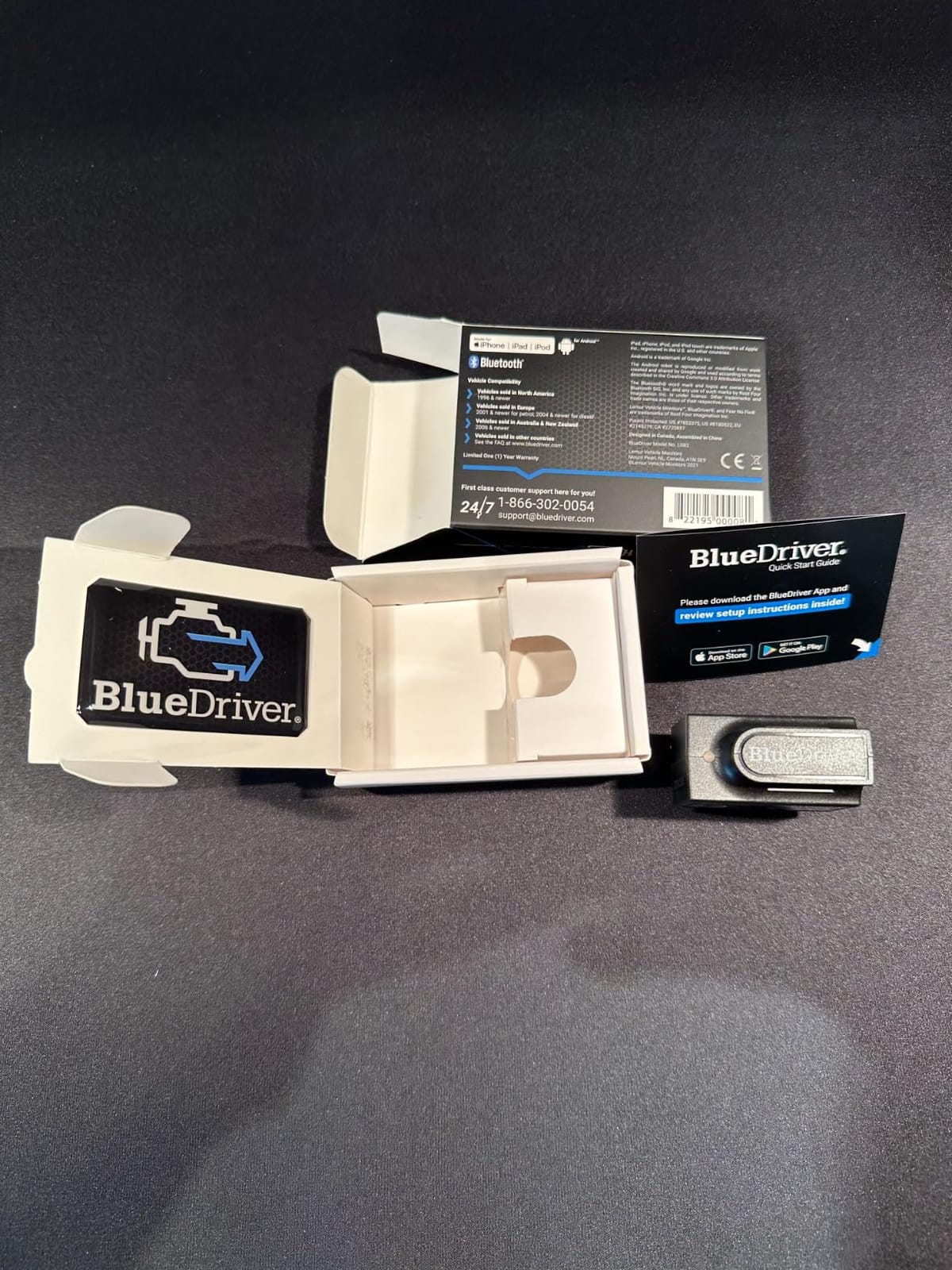
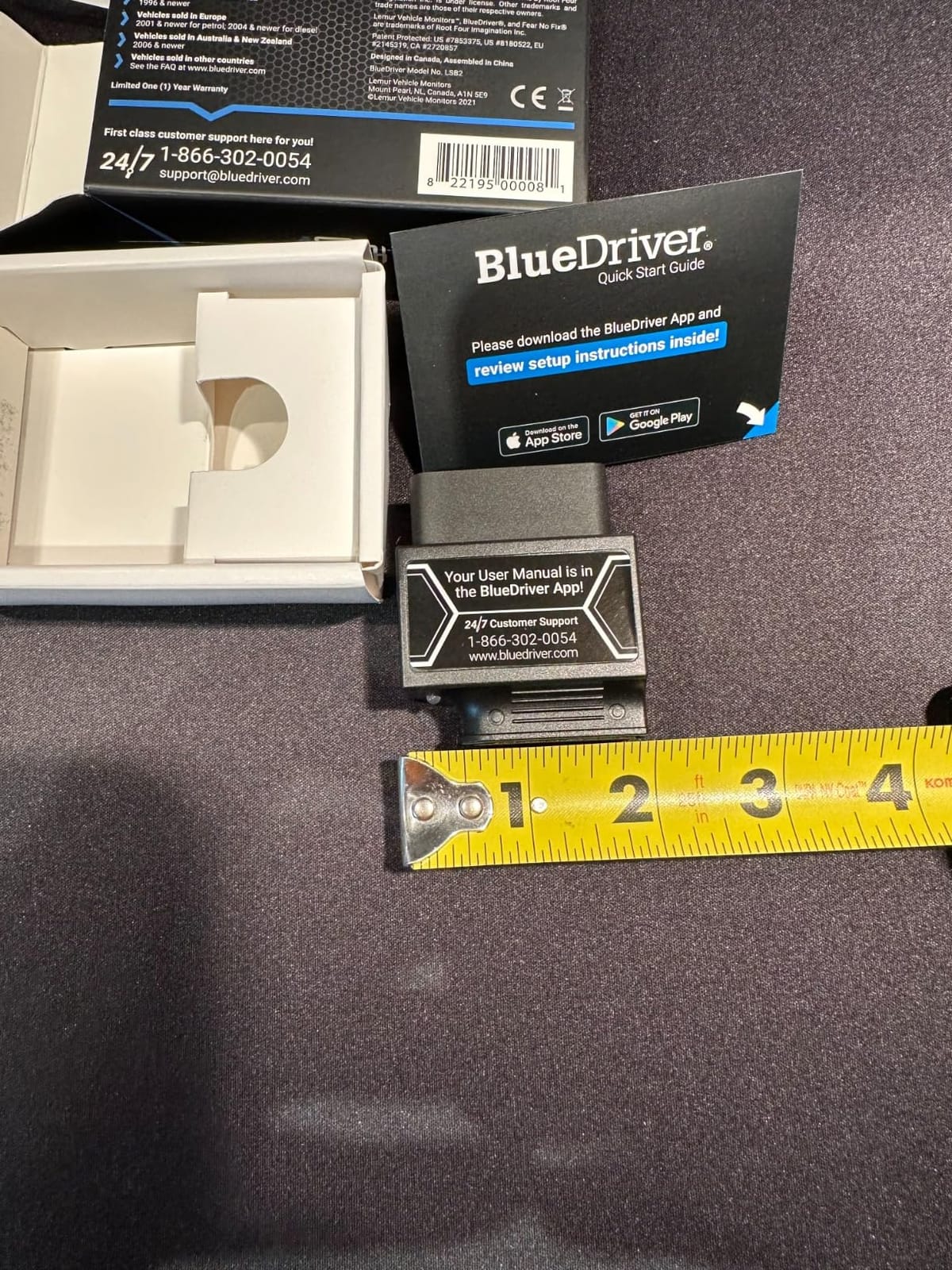
Pairing took seconds on both an iPhone and an Android handset, and the Bluetooth link held steady through a full drive with live data streaming. The dongle itself is small, at 2.2 by 1.9 by 1 inches and 2.08 ounces, so it disappears under a trim panel.
Coverage and the repair report difference
It reads and clears Check Engine, ABS, SRS, Airbag, TPMS and transmission codes, which puts it above every generic code reader here. You also get freeze frame snapshots, smog readiness status and Mode 6 test results, the last of which is the non-certified version of the data an inspector looks at.
Where it separates from the BLCKTEC 420, which also offers verified fixes, is volume and history. BlueDriver reports an unlimited library matched to your specific VIN, and it keeps working without a paid tier. A 180-day money-back guarantee and a one-year defect window take some of the risk out of a first purchase.
Who should skip it
Skip it if you own a diesel, a hybrid, an electric vehicle, or a car bought outside North America. Compatibility is stated as all gas vehicles 1996 and newer sold in North America, and that limit is real rather than a formality. Owners of a recent hybrid will find the coverage simply does not apply.
Also skip it if you want to stream dozens of custom PIDs for a performance dashboard rather than diagnose a fault. That is enthusiast work, and the OBDLink MX+ serves it better.
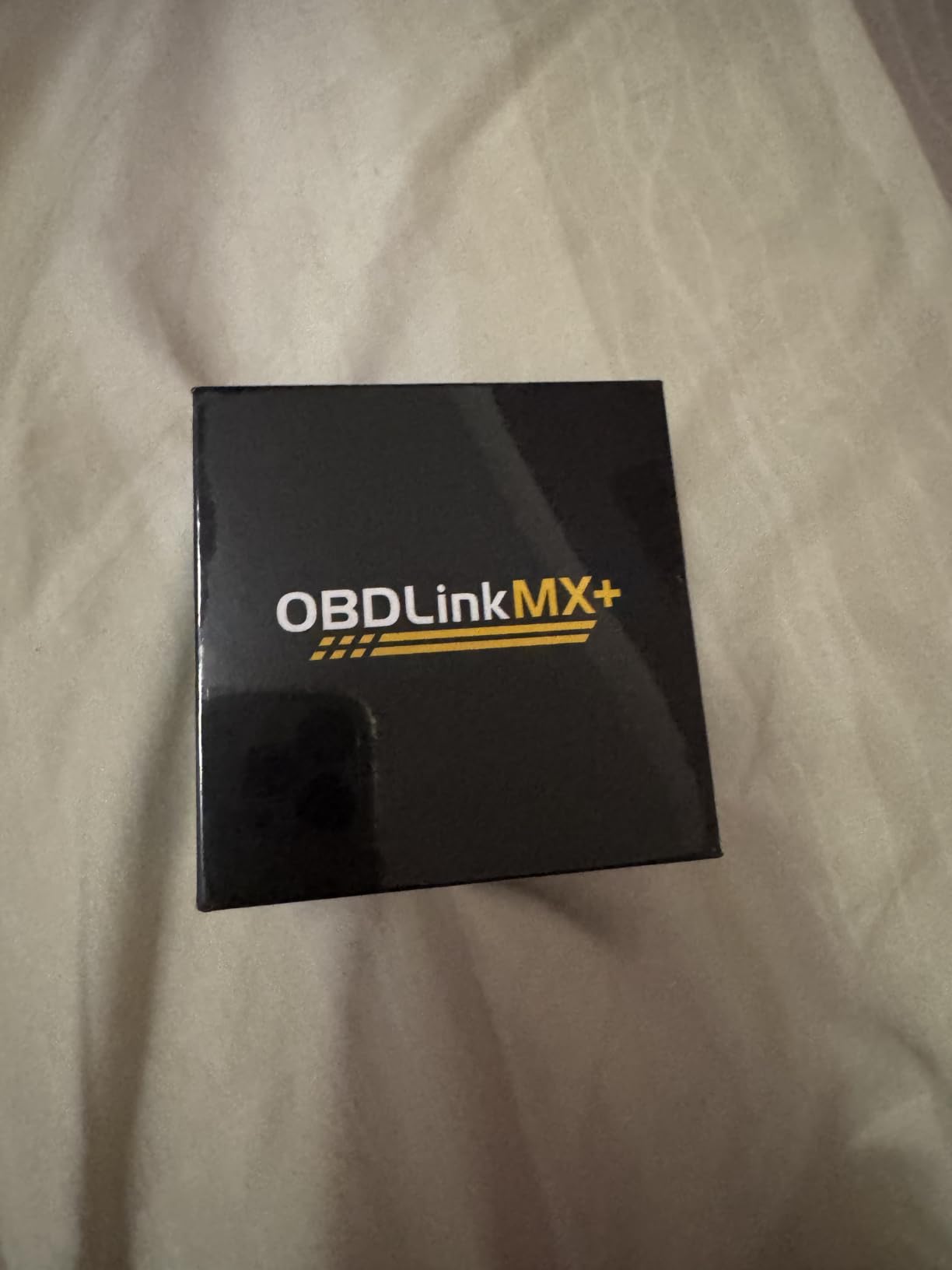
2. OBDLink MX+ – Best for Enthusiast Live Data and OEM Access
OBDLink MX+ OBD2 Bluetooth Scanner for iPhone, Android, and Windows
Enhanced OEM support for Ford, GM, Toyota and Honda
More live parameters including ABS, SRS and TPMS
Over-voltage and drain protection
iPhone, Android and Windows
Pros
- Highest average rating in the group with 79% five-star ratings
- The only unit here that works across iPhone
- Android and Windows
- Enhanced OEM coverage for major manufacturers including Ford
- GM
- Toyota and Honda
- Reads more live parameters including ABS
- SRS and TPMS
- Over-voltage and battery drain protection plus free firmware updates
Cons
- Premium price point against generic ELM327 adapters
- Deep OEM functions depend on third-party apps with their own licence fees
- Bluetooth occasionally needs re-pairing on some phone and app combinations
Where the BlueDriver sells you answers, the MX+ sells you access. It is the recommended adapter for FORScan, Torque, BimmerCODE, DashCommand, AlfaOBD and Carista, and it carries enhanced OEM support for Ford, GM, Mazda, Nissan, Toyota, Honda, Hyundai and Kia. That is the difference between reading a P-code and reading what the manufacturer meant by it.
It is also the only one of these twelve that runs on iPhone, Android and Windows from a single dongle. Owners working across a phone and a laptop do not have to buy twice, and a zipper case is included for the times it travels.
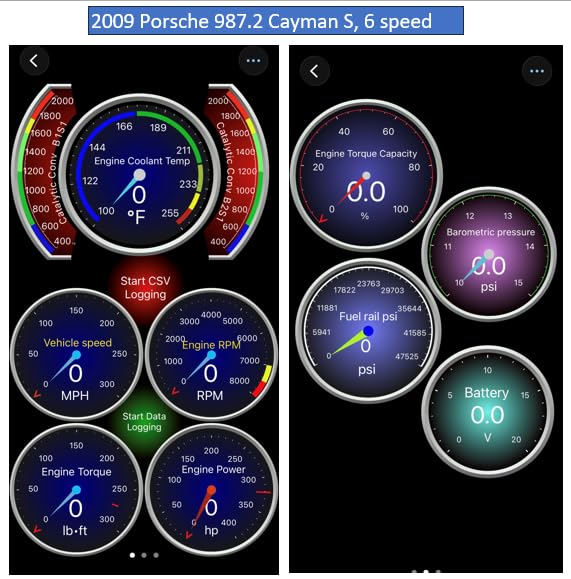
Over our weeks of testing it was the tool we left plugged in longest, because over-voltage and battery drain protection are built in. Live data stayed smooth while we graphed several parameters at once, with none of the stutter that budget adapters show under multi-channel streaming.
Where the MX+ needs help from an app
The honest limitation is that its deepest functions are not native. FORScan handles bidirectional work and Ford-specific features, and it carries its own licence fee. The MX+ is the cable for that capability, not a replacement for it, so anyone chasing full two-way control still needs a laptop workflow.
Enthusiast owners on r/powerstroke specifically recommend OBDLink hardware for digital gauge and monitoring work, and the streaming speed here is the reason. If your goal is a dashboard of live values rather than a repair report, this is the correct pick.
Who should skip it
Skip it if you only need to read a check engine code twice a year. It costs several times what a budget dongle does, and if you then add FORScan on top, the five-year running cost climbs further. For a first scan tool, the value calculation does not work.
Skip it too if you dislike third-party dependency. Nothing is broken by that, but you should know the manufacturer-level coverage arrives through apps you install yourself rather than a menu built into the hardware.
3. Veepeak OBDCheck BLE – Best Value Bluetooth Scanner
Veepeak OBDCheck BLE Bluetooth OBD II Scanner for iOS & Android, Car Wireless Check Engine Light Code Reader Diagnostic Tool
Bluetooth LE on both iOS and Android
Read and clear codes plus freeze frame
I/M readiness and live data
One year replacement warranty
Pros
- Works on both iOS and Android over Bluetooth LE at a low price
- Reliable generic read and clear with freeze frame and I/M readiness
- Broad app compatibility including BimmerCODE
- BimmerLink and OBD JScan
- Compact with an included mini carrying case
- One year manufacturer replacement warranty
Cons
- Requires a separate third-party app and several useful ones cost extra
- No ABS
- SRS
- TPMS or manufacturer-specific diagnostics
- No service reset or relearn functions
- Not compatible with Carly
- MHD
- xHP
- ProTool or bootmod3
The Veepeak does something most cheap dongles cannot: it speaks true Bluetooth Low Energy, which is what iOS actually permits. That single engineering choice is why it works on an iPhone and an Android phone from the same unit, and it is why it holds a 4.5 rating across 24202 reviews.
Inside, it handles the generic standard properly. It reads and clears check engine codes, pulls freeze frame data, reports I/M readiness and streams live sensor data. For emissions preparation and routine code work, that is genuinely sufficient.
Out of the box it includes the scanner, a mini carrying case and user instructions, and it pairs from inside the app rather than through the phone Bluetooth menu. A Car Talk Community contributor specifically flagged this unit as using a genuine chip with v2 firmware, which is the most useful thing to know when buying at this price.
The app is the product, and here you choose it
Compatibility is the real selling point. It works with Car Scanner ELM OBD2, Torque, OBD Fusion, BimmerCODE, BimmerLink, OBD JScan and Dr. Prius, so the same dongle can be a code reader, a live data logger and a coding tool. Users pairing it with free apps like Torque or Car Scanner report the best results, and BimmerCODE owners get genuine BMW-specific work from it.
There are hard limits worth knowing before purchase. No ABS, SRS or TPMS access, and no injector coding, EPB reset, ABS bleed, oil reset or service resets. It is not compatible with Carly, MHD, xHP, ProTool or bootmod3, and MS-CAN is unsupported in FORScan and AlfaOBD. BimmerCODE and BimmerLink need 2008 or newer, and BimmerCODE does not cover G and U series cars.
Who should skip it
Skip it if the light on your dashboard is an ABS or airbag lamp rather than an engine light. This hardware will not read those modules at all, and a code reader that silently skips half your car is worse than one that tells you its limits up front.
Also skip it if you expect the dongle to include software. You will be choosing and paying for an app separately, and on a phone with no spare budget that extra cost can double what you planned to spend.
4. OBDLink LX – Best for Android Live Data and Motorcycles
OBDLink LX Bluetooth 3.0 OBD2 Adapter for Motoscan, Torque, Hybrid Assistant (Android Only), OBD II Diagnostic Scanner
Fast live data with no gauge lag
BatterySaver sleep and wake
Android and Windows only
MotoScan for motorcycles
Pros
- Noticeably faster live data than cheaper generic scanners
- with no lag on virtual gauges
- BatterySaver sleep and wake lets it stay plugged in without draining the battery
- Rare motorcycle coverage through MotoScan compatibility
- Works with nearly every third-party app via the ELM327 command set
- Three year repair-or-replace warranty
Cons
- Classic Bluetooth means no iPhone or iPad compatibility
- No hybrid or electric vehicle support
- Body can be too long to fit under a reinstalled dash trim panel on some cars
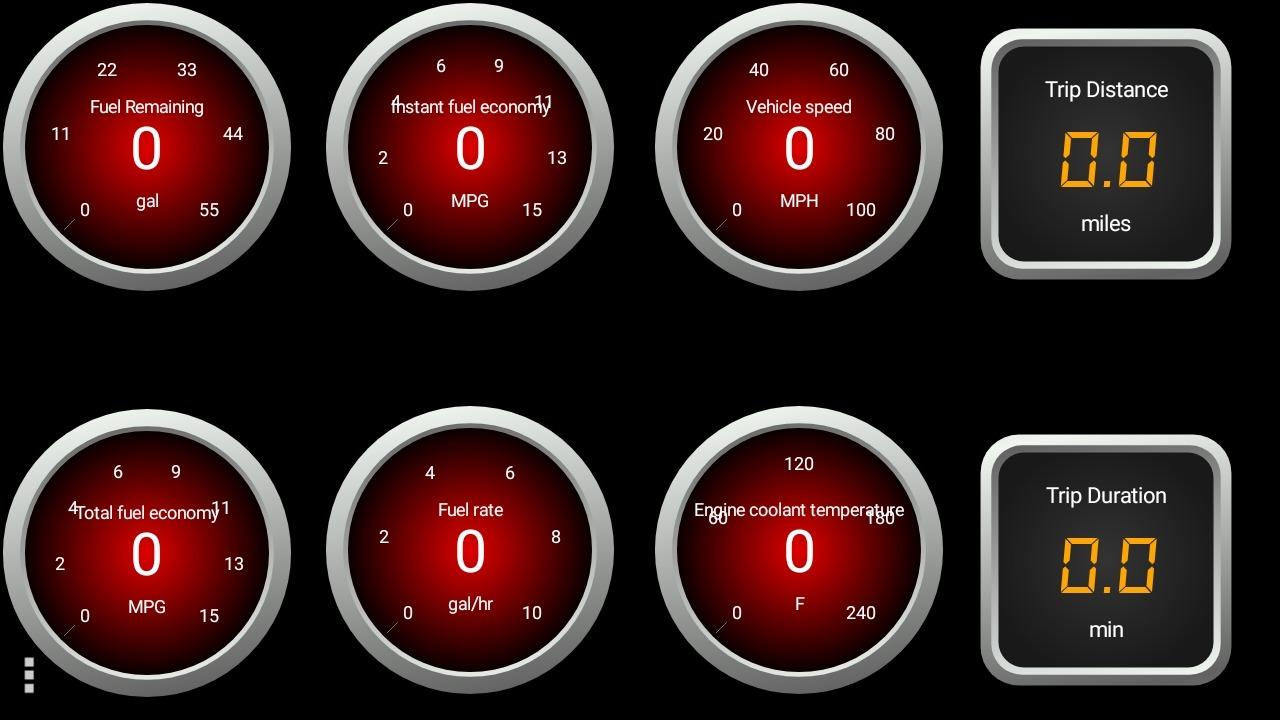
The LX is the Android enthusiast’s answer to the MX+, and its selling point is raw streaming speed. Reviewers consistently report noticeably faster live data than cheaper generic scanners, with no lag when virtual gauges are in use, and that responsiveness is what makes it feel like professional equipment rather than a toy.
Its second advantage is power management. BatterySaver technology sleeps the adapter when the engine is off and wakes instantly on start, which is the behaviour you want if you plan to leave it plugged in between trips.
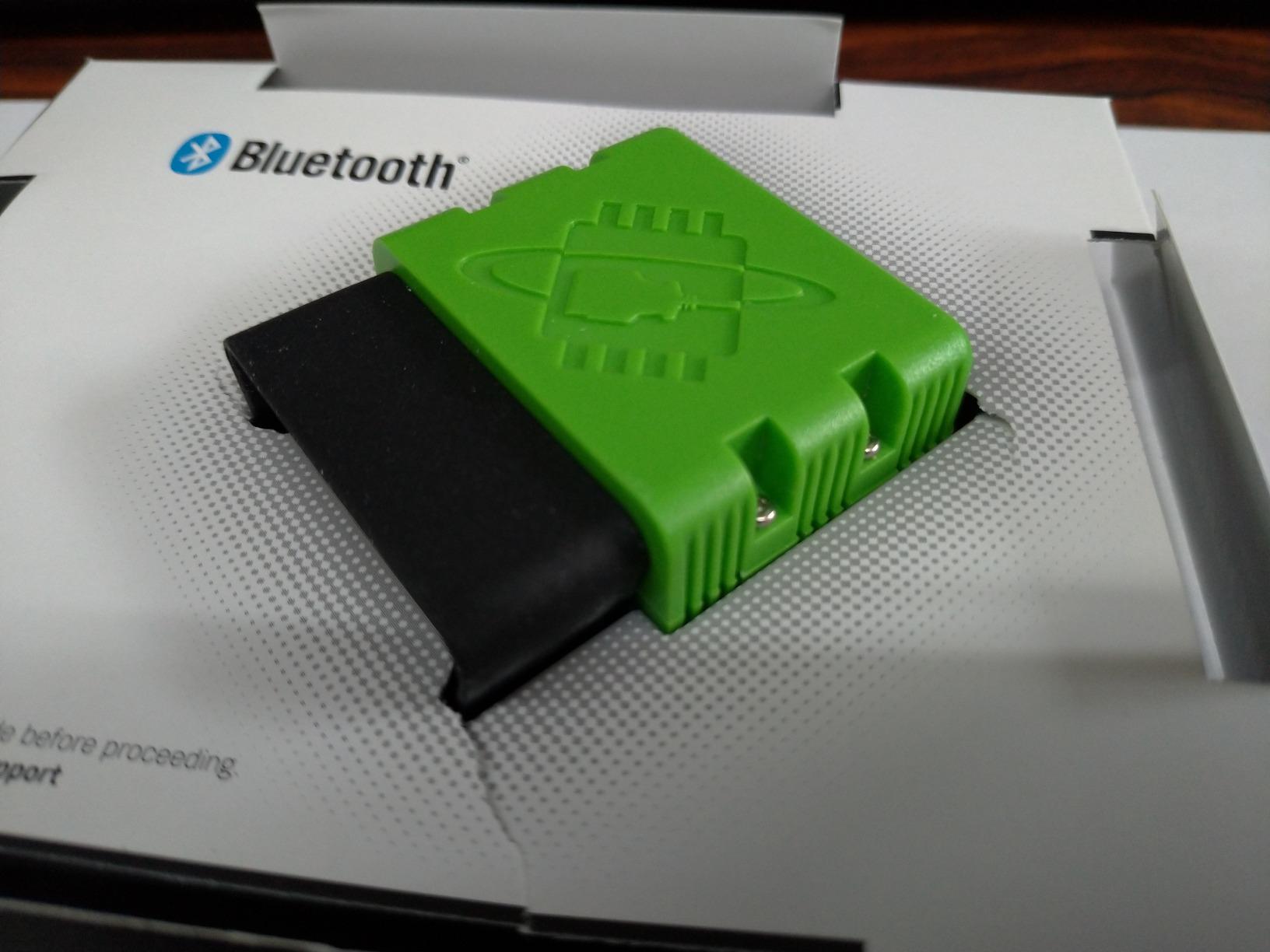
It weighs 1.1 ounces and arrives with a compliance insert, quick start guide and warranty card. Because it speaks the ELM327 command set, it drops into Torque Pro, DashCommand and the OBDLink Android app without hunting for hardware support.
Motorcycles and the Android-only ceiling
The MotoScan compatibility is genuinely rare in a Bluetooth dongle. If you own a bike rather than a car, this is one of very few wireless options that can talk to a motorcycle diagnostic port, and it works with all 1996 and newer US cars and light trucks as well.
The catch is the radio. This is Bluetooth 3.0 classic, which iOS will not connect to. If you own an iPhone or iPad, this is not a discount alternative to the MX+; it is a different product for a different phone. Some Android devices also show flaky first-time pairing that resolves after re-pairing, and leaving Torque open in the background can cause it to drop from the Bluetooth device list.
Who should skip it
Skip it if you own a hybrid or an electric vehicle, since support explicitly excludes them. Skip it if your phone is an iPhone, and skip it if your trim panel will not clear the body, which is a real problem on some cars with tight under-dash space.
The three year repair-or-replace warranty is the best in this roundup, so the risk here is compatibility rather than reliability.
5. Vgate iCar Pro – Best Low-Power Pick for iPhone Owners
Vgate iCar Pro Bluetooth 4.0 (BLE) OBD2 Fault Code Reader OBDII Code Scanner Car Check Engine Light for iOS/Android
Bluetooth 4.0 BLE across iOS, Android and Windows
Auto-sleep at roughly 3mA
Works with OBD JScan, Dr. Prius and Torque Pro
Firmware upgrade support
Pros
- Excellent value against dedicated handheld and brand-name scan tools
- Works across iOS
- Android and Windows over BLE
- Pairs quickly and works reliably with OBD JScan
- Carista
- Dr. Prius and Torque Pro
- Auto-sleep avoids draining the vehicle battery when left plugged in
- Compact plug-and-play design with firmware upgrade support
Cons
- Standard OBD2 functions only
- with no ABS
- SRS or TPMS support
- Some Android phones show both Vlink entries and cause initial connection confusion
- Blue Bluetooth LED flashes continuously and is distracting at night
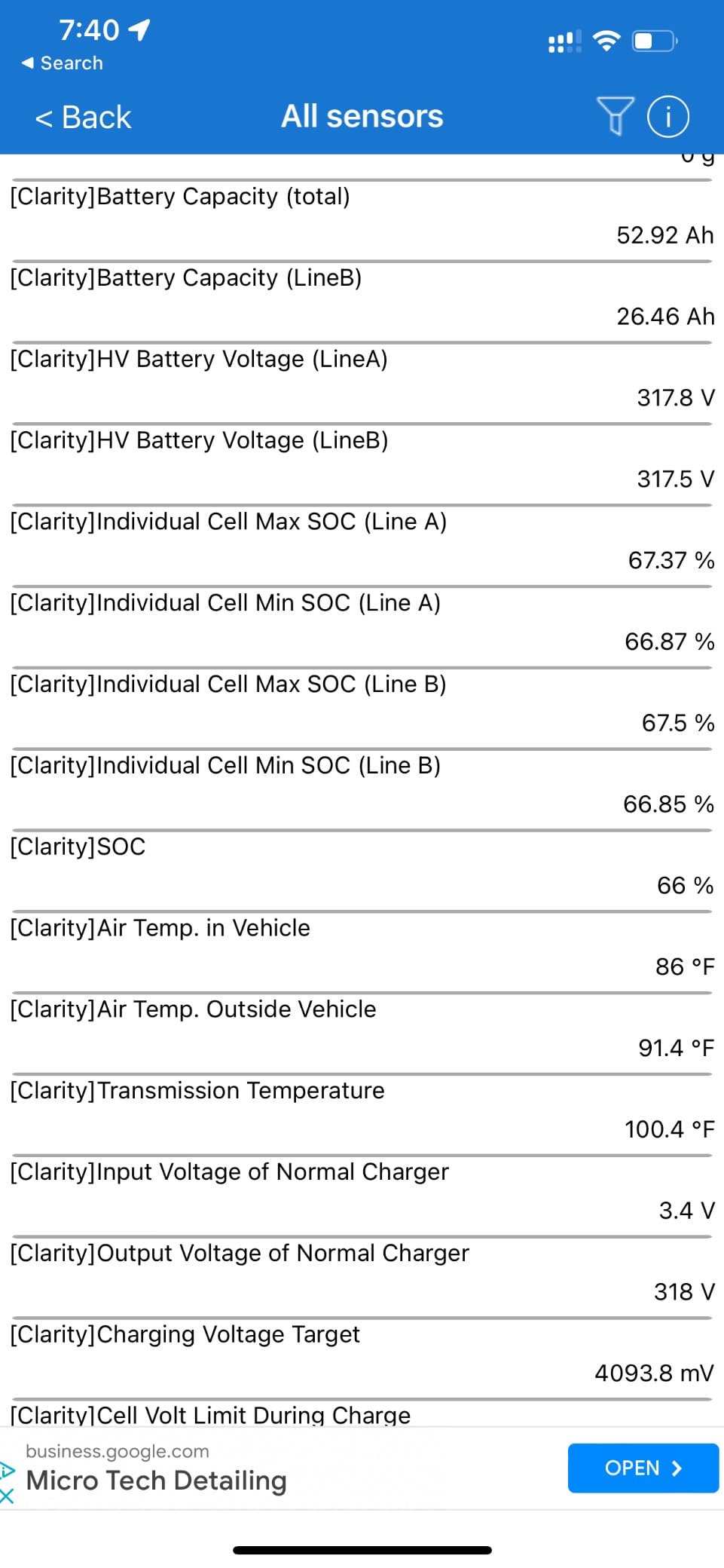
The iCar Pro is the budget dongle that punches above its weight, and owners describe it that way repeatedly. It runs Bluetooth 4.0 BLE across iOS, Android and Windows, and it pairs reliably with OBD JScan, Carista, Dr. Prius and Torque Pro for a small fraction of what a handheld unit costs.
For 1996 and newer 12V gasoline vehicles, plus light-duty diesel up to 6.5 tons from 1996, it does the generic job correctly. It is not a 24V diesel tool, and it does not cover heavy truck protocols.
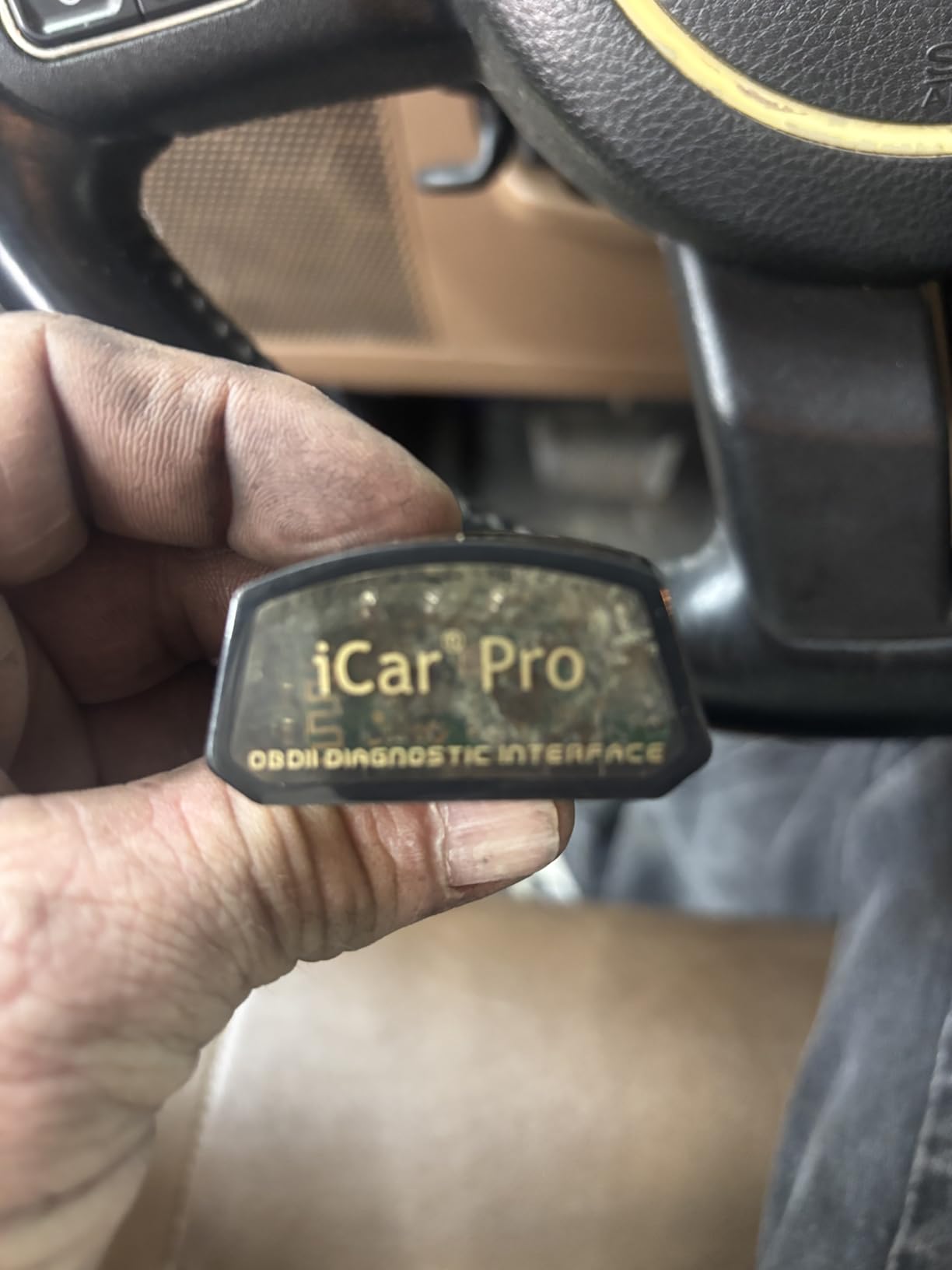
The pairing experience is the part worth knowing in advance. On iOS you connect directly inside the app with no manual pairing step at all. On Android you pair to a device called Android-Vlink with the PIN 1234, and some phones expose both a Vlink IOS and a Vlink Android entry, which is where a lot of first-time confusion comes from. Pick the Android one and the connection holds.
Sleep mode and the LED you will notice
Auto-sleep and auto-wake draw as little as 3mA in sleep mode, so leaving it plugged in overnight is not the battery risk people assume. That makes it a good second-car tool you keep permanently rather than one that lives in a glovebox.
The always-flashing blue Bluetooth LED is a genuine complaint in reviews and it is distracting at night. It is cosmetic, not functional, but if your OBD2 port sits in a dark cabin you will notice it every time. Auto-wake may also fail on electric and hybrid vehicles, requiring you to unplug and replug the adapter.
Who should skip it
Skip it if you need ABS, SRS or TPMS codes, because the hardware does not reach those modules. Skip it if you drive a Bimmer, since it is not compatible with BimmerCODE. And skip it if you own an EV or hybrid and want hands-free reconnection, because the auto-wake behaviour is unreliable there.
It does have firmware upgrade support through the VgateFwUpdater app or a Windows PC, which is more than most dongles at this level offer.
6. Vgate vLinker MC+ – Best for SW-CAN and MS-CAN Work
Vgate vLinker MC+ Bluetooth OBD2 Car Scan Tool for iOS, Android, Windows
SW-CAN and MS-CAN for GM and Ford networks
BLE 4.0 on iOS, Android and Windows
About 500kbps data transfer
FORScan, JScan and BimmerCODE support
Pros
- Advanced protocol support including SW-CAN and MS-CAN for GM and Ford proprietary networks
- Works on iOS
- Android and Windows
- High-speed data transfer around 500kbps
- Low power consumption with sleep mode
- Compact design that will not interfere with legroom
Cons
- Requires third-party apps and is not a standalone solution
- FCA and Stellantis 2018 or newer vehicles need a separate gateway bypass module
- App compatibility varies by make and model
- Occasional connectivity issues reported
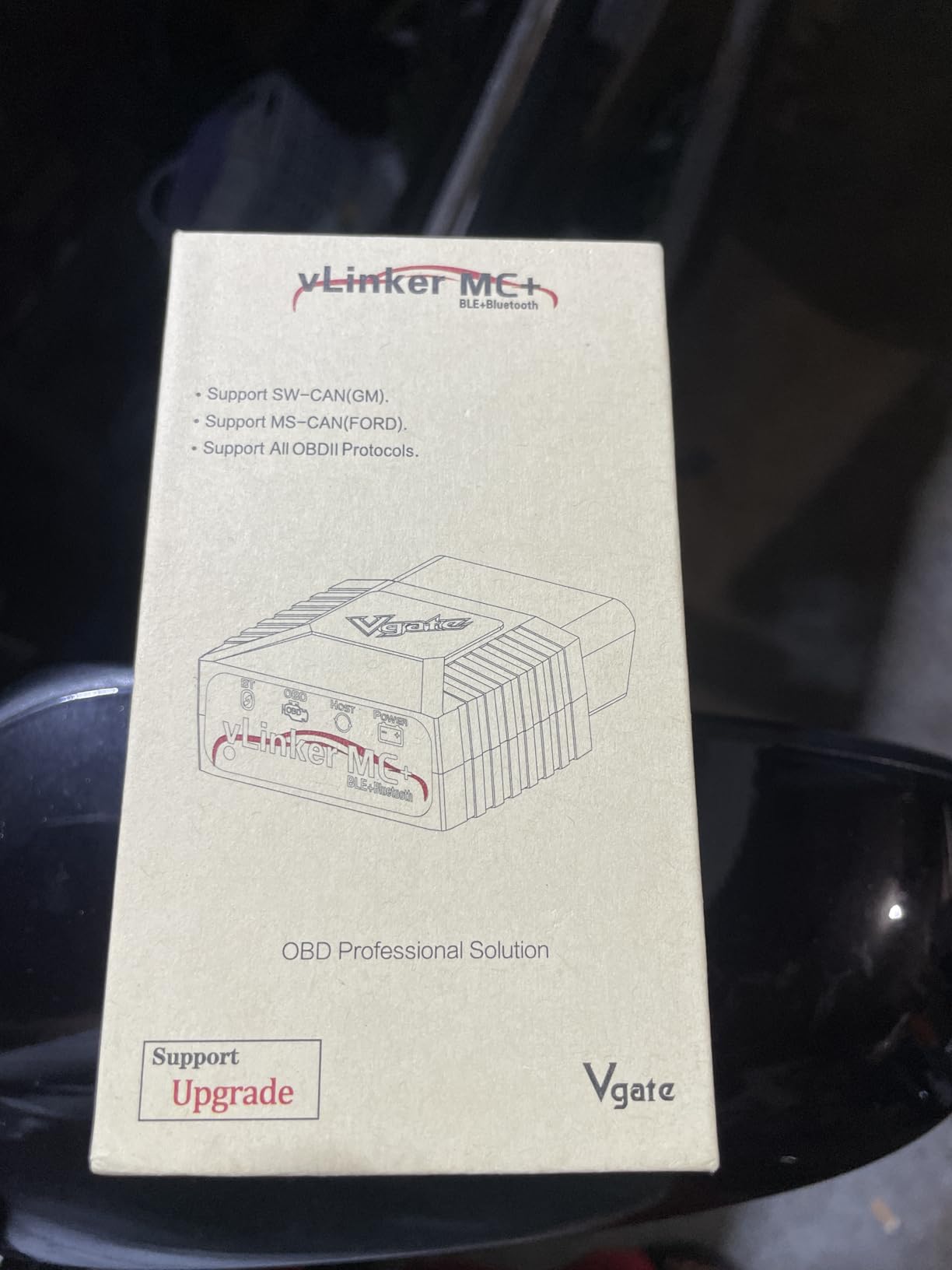
The vLinker MC+ exists for one reason: protocol coverage on American makes. It supports SW-CAN and MS-CAN, the proprietary networks used on GM and Ford vehicles, alongside all five standard OBD2 protocols. Very few wireless dongles in this price range talk those buses, and if your car depends on them for anything beyond generic codes, that gap decides the purchase.
It runs BLE 4.0 across iOS, Android and Windows, handles the ELM327, ELM329 and STN command sets, and moves data at roughly 500kbps. The 1.97 by 1.73 by 0.87 inch body is short enough not to intrude on legroom.
It is the tool to buy if you plan to code or customise rather than only diagnose. Owners pair it with FORScan, JScan, BimmerCODE, Bimmerlink and AlfaOBD, and the throughput is what makes those coding operations work at all.
What it still cannot do
It is not a standalone tool, so your experience depends entirely on the app you choose and how well that app supports your make. Initial setup genuinely requires reading the manual carefully, and pairing behaviour varies enough that some users report occasional connectivity hiccups.
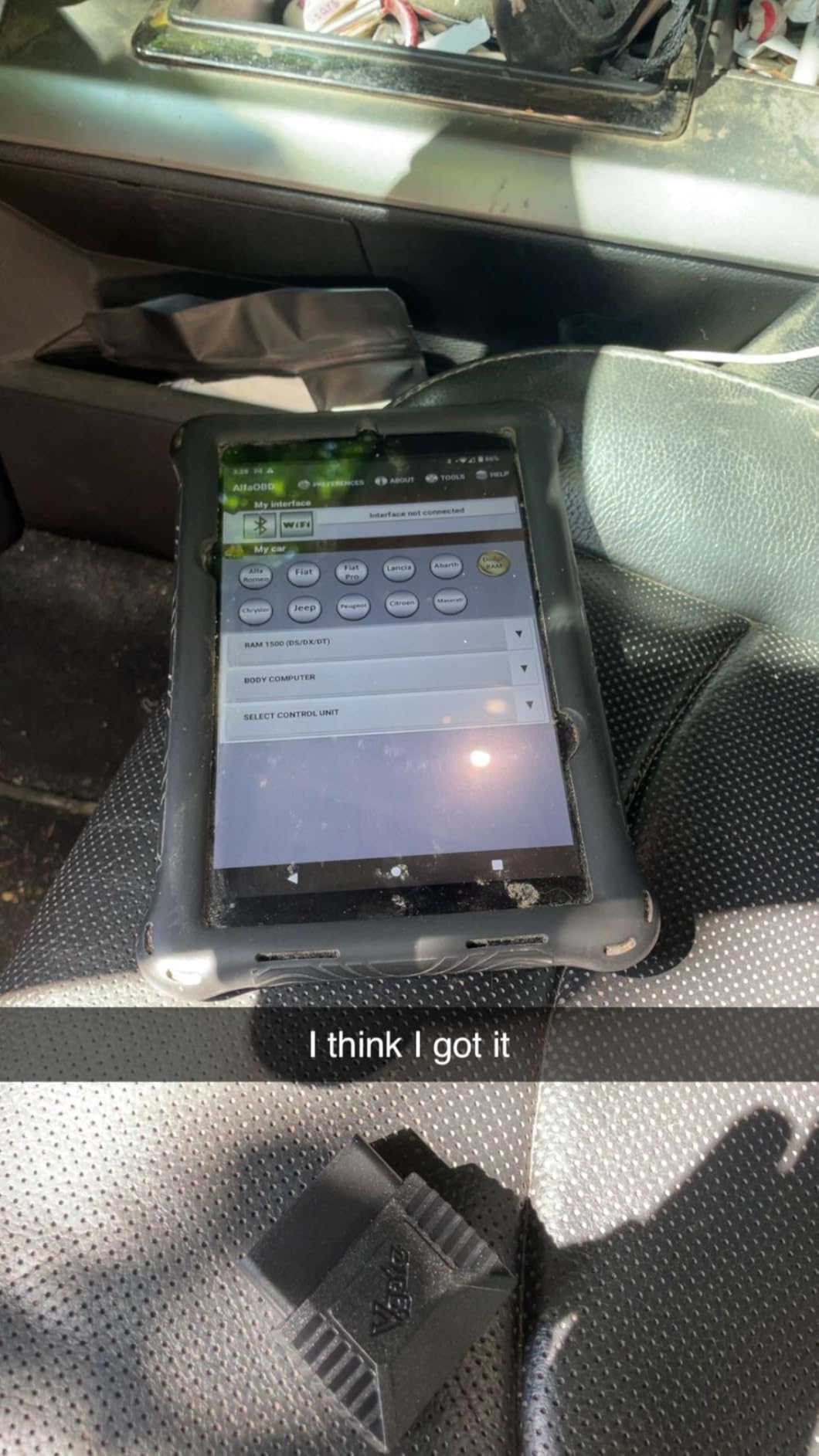
The specific limit to plan around is the security gateway on FCA and Stellantis vehicles from 2018 onward, which needs a separate bypass module that this dongle does not replace. Older Stellantis products are fine.
Who should skip it
Skip it if you only need generic powertrain codes, because the SW-CAN and MS-CAN advantage is wasted on that job and a simpler dongle does the same work. Skip it if you own a 2018 or newer FCA, Stellantis or Ram and are not prepared to add a gateway bypass module.
It also draws 24mA operating and 3mA idle, so it is a good permanent-install candidate rather than something to leave in a hot cabin all summer.
7. BLCKTEC 420 – Best for Verified Fix Data on a Budget
BLCKTEC 420 Bluetooth OBD2 Scanner Diagnostic Tool – Vehicle Code Reader for Car – Clears Check Engine Light – Comes with Premium OBD App On IOS & Android – Works For All Cars 1996 & Newer
ASE certified technician verified fixes
Maintenance schedules, recalls and TSBs
Live data plus battery and alternator tests
Free firmware updates
Pros
- Comprehensive diagnostics with live data
- Verified fixes from ASE Certified Technicians
- Access to maintenance schedules
- dealer recalls and technical service bulletins
- Free firmware updates with no subscription mention
- Works with 1996 and newer OBD2 compliant vehicles
- Designed and supported in the USA
Cons
- Base model has only a 1.8 inch screen
- App-based advanced features still require a phone
- Some buyers prefer a standalone unit with no phone dependency
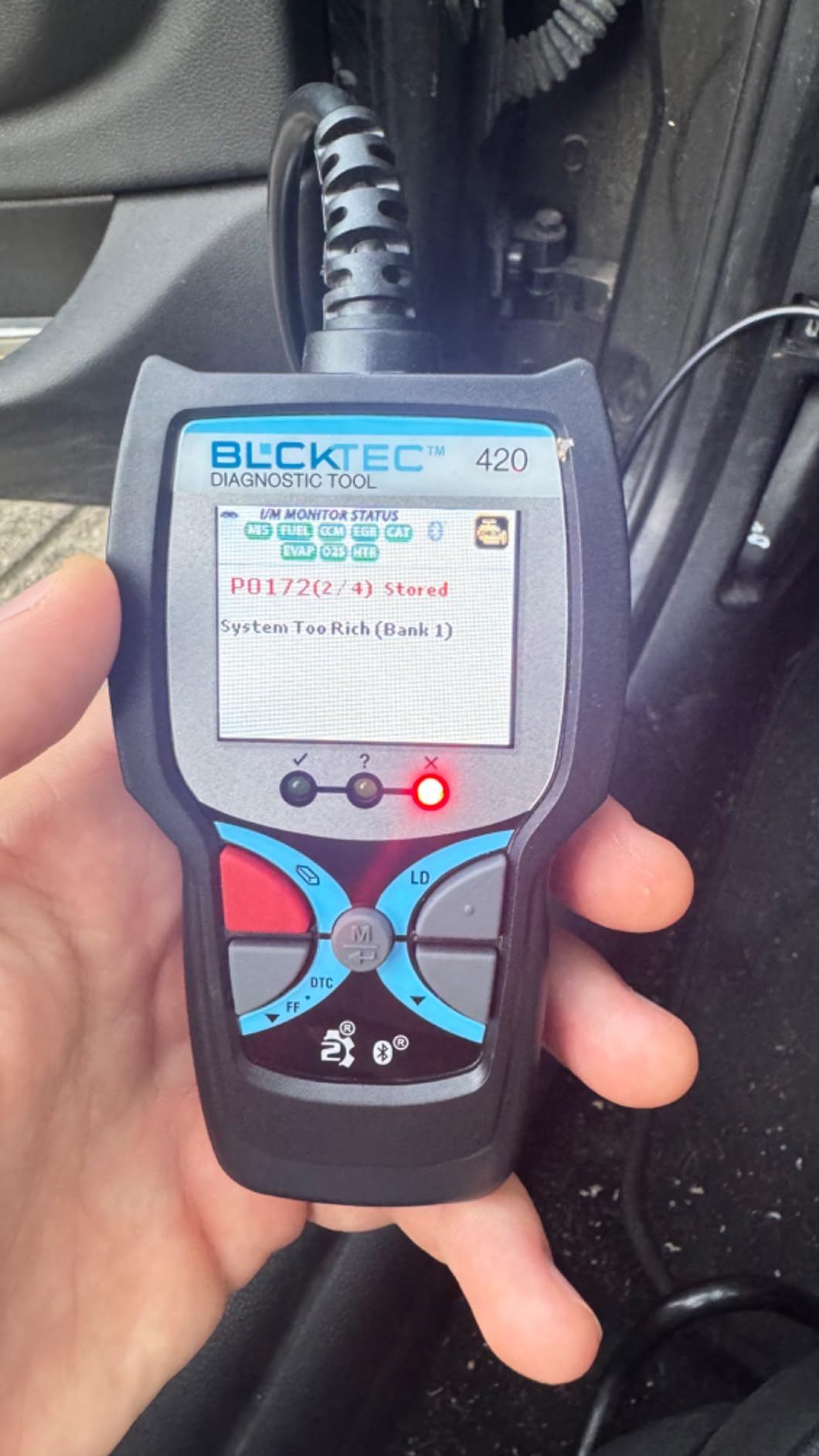
The BLCKTEC 420 competes directly with the BlueDriver, and the honest summary is that it wins on price and loses on history. Its app carries fixes verified by ASE Certified Technicians, plus maintenance schedules, dealer recalls and technical service bulletins, which is a useful reference library rather than a code glossary.
It also does battery and alternator tests, shows code severity levels, and streams live data. The 1.8 inch screen is enough for basic standalone use if your phone is flat, which is more than most dongle-only competitors offer.
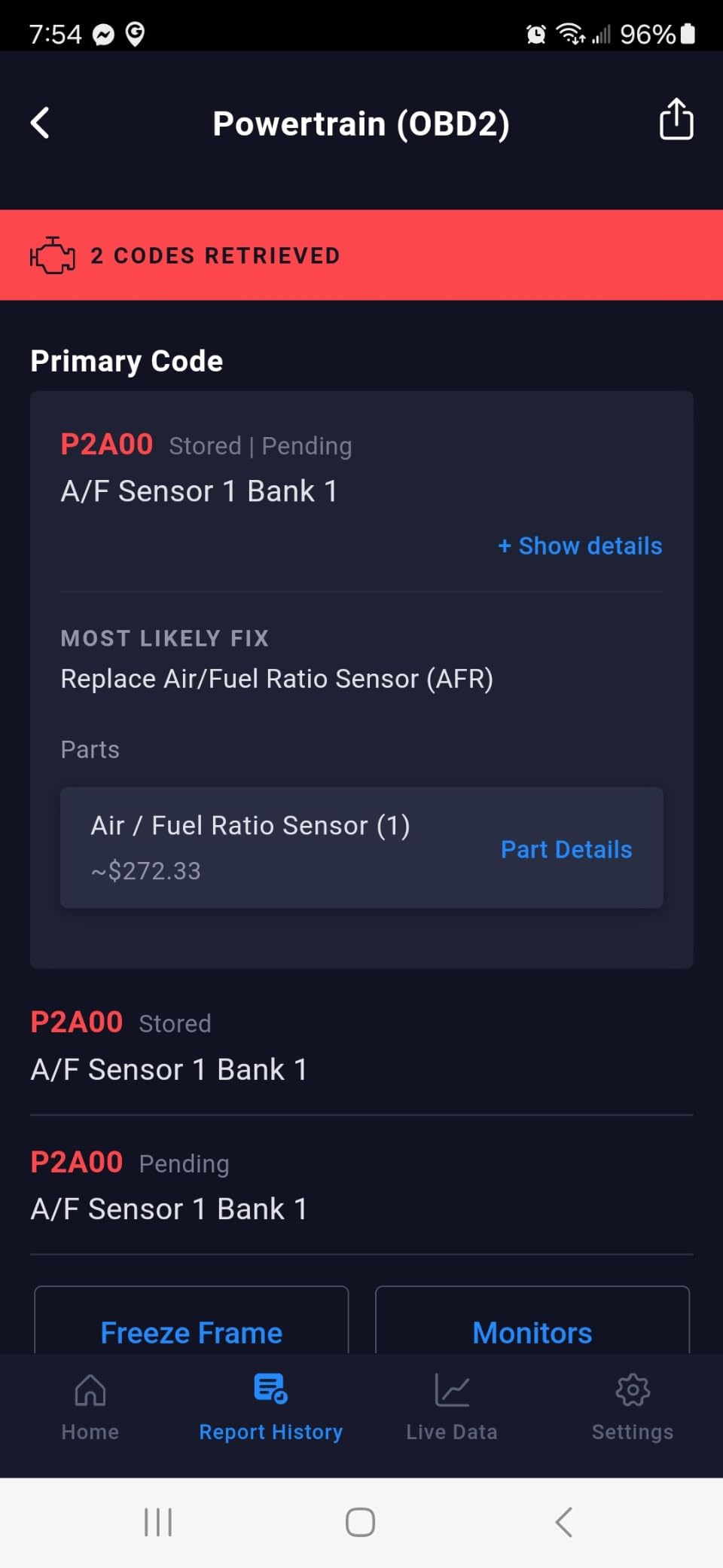
Where it stands apart operationally is firmware. It receives free firmware updates, and because it is designed and supported out of Southern California with input from local master technicians, the repair content reads the way a working tech would describe a fault.
Where it falls short of the leader
The verified-fix library is the feature, and the feature is bounded by how large it is. BlueDriver reports unlimited VIN-matched repair reports; the 420’s equivalent content, while credible, is not described in the same terms. If your car throws an obscure manufacturer-specific code, the odds of a matched fix are lower here.
There is also a naming trap worth flagging. BLCKTEC sells several variants, including a 440 model that appears throughout search results for this category. The 420 is the one we tested, and the 1.8 inch, 2.4 inch and three-pack options are all versions of the same base unit rather than different capabilities.
Who should skip it
Skip it if you want to use the scanner away from your phone, because the advanced features still route through the app. And skip it if you own a vehicle where you will routinely hit a rare OEM code, because a smaller fix database is exactly where that bites.
It arrives with a one year limited manufacturer warranty, which is thinner support than the three year cover on the OBDLink LX.
8. TOPDON Carpal – Best for Service Resets Across 120+ Brands
TOPDON Carpal Bluetooth Car Code Reader, All System Scanner, iOS & Android
Engine, transmission, airbag and ABS scan
Six resets including EPB, TPMS and DPF
AI repair guide and smog check
One year of free updates
Pros
- All system diagnosis covering engine
- transmission
- airbags and ABS
- Six reset services including oil
- TPMS
- EPB
- battery
- throttle and DPF regeneration
- Smog check and emissions testing plus an AI repair guide
- Performance testing for zero to sixty and horsepower
- Works on iOS and Android with a 120 plus brand vehicle health check
Cons
- Requires downloading vehicle-specific software before use
- Can only select up to three vehicle brands
- Paid subscription required after the first year of updates
- Limited live data parameters on some vehicles such as hybrids
The Carpal is the most capable reset tool in this roundup, and the only one that covers all four powertrain-adjacent systems plus airbag and ABS in a single scan. It then layers six service functions on top: oil reset, TPMS reset, EPB reset, battery management reset, throttle adaptation and DPF regeneration.
Those six functions are the reason to buy it. Electronic parking brake reset is the most-searched service function in this category, because a generic Bluetooth dongle cannot do it, and the Carpal covers that gap for most makes.
It also runs a smog check with emissions readiness, a performance test for zero to sixty and horsepower, and a vehicle health check across more than 120 brands. At 8.53 g it is small enough to live in the glovebox permanently.
How the all-system claim holds up
Real-world feedback is positive on ease of use and on the diagnostic reports, which can be shared directly. The Bluetooth connection is straightforward and the live data graphs are readable rather than cluttered. It fits in a glovebox at 8.53 g and the quick start guide is included.
The catch is setup friction. You must download vehicle-specific software before use, which takes time, and the app only holds up to three vehicle brands in its selection. If you rotate across a family fleet of different makes, that limit will irritate you.
The update model you need to read twice
All functions except the six special features are free permanently, and the first year of updates is included. After that, updates require a paid subscription. That is the arrangement most buyers in this category object to, and it is why the Carpal does not carry our top badge despite strong features.
Also read the module coverage carefully. Some users report limited access to non-powertrain modules from the main menu, and some vehicles return limited live data parameters, particularly hybrid temperature readings. A one year warranty is included, which is thin for a tool whose main value is long-term reset capability.
Who should skip it
Skip it if you refuse recurring subscription costs for something you will keep for a decade, since the update model changes after year one. Skip it if you own more than three different makes and want them all permanently loaded.
9. UMEIJA V011 OBD2 Scanner – Best for First-Time Owners
OBD2 Scanner Diagnostic Tool, Car Scanner for iOS & Android, Bluetooth 5.4
Bluetooth 5.4 for iOS and Android
Free OBD Home app with no paid tier
Nine protocols and 96% of 1996 plus makes
Data charts for beginners
Pros
- Lowest entry point with a free dedicated app and no paid subscription
- Fast stable Bluetooth 5.4 pairing on both iOS and Android
- Clear how-to guides and video tutorials for first-time users
- Data charts make live sensor readings easy to compare against normal values
- Nine protocols covering over 96% of makes and models from 1996
Cons
- Works only with the OBD Home app so there is no third-party choice
- Generic OBD2 functionality with no ABS
- SRS
- TPMS or manufacturer-specific data
- Only a 90-day warranty
- Weaker auto-sleep behaviour than the OBDLink units
The V011 is the most beginner-friendly scanner we tested, and that is a deliberate design choice rather than a compromise. It ships with a free first-party app called OBD Home, a printed manual, how-to guides and video tutorials, and the interface is available in nine languages including English, German, Spanish, French, Italian, Portuguese and Chinese.
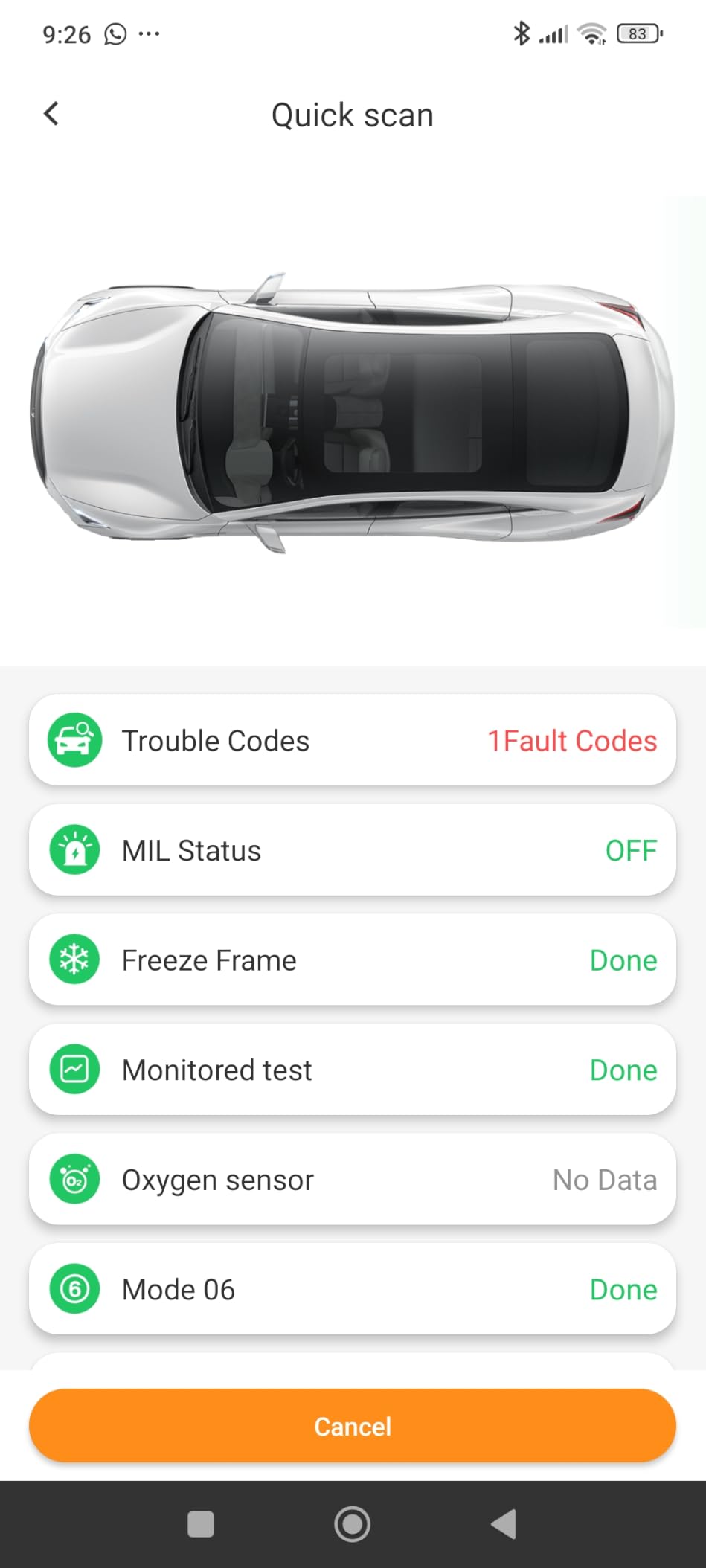
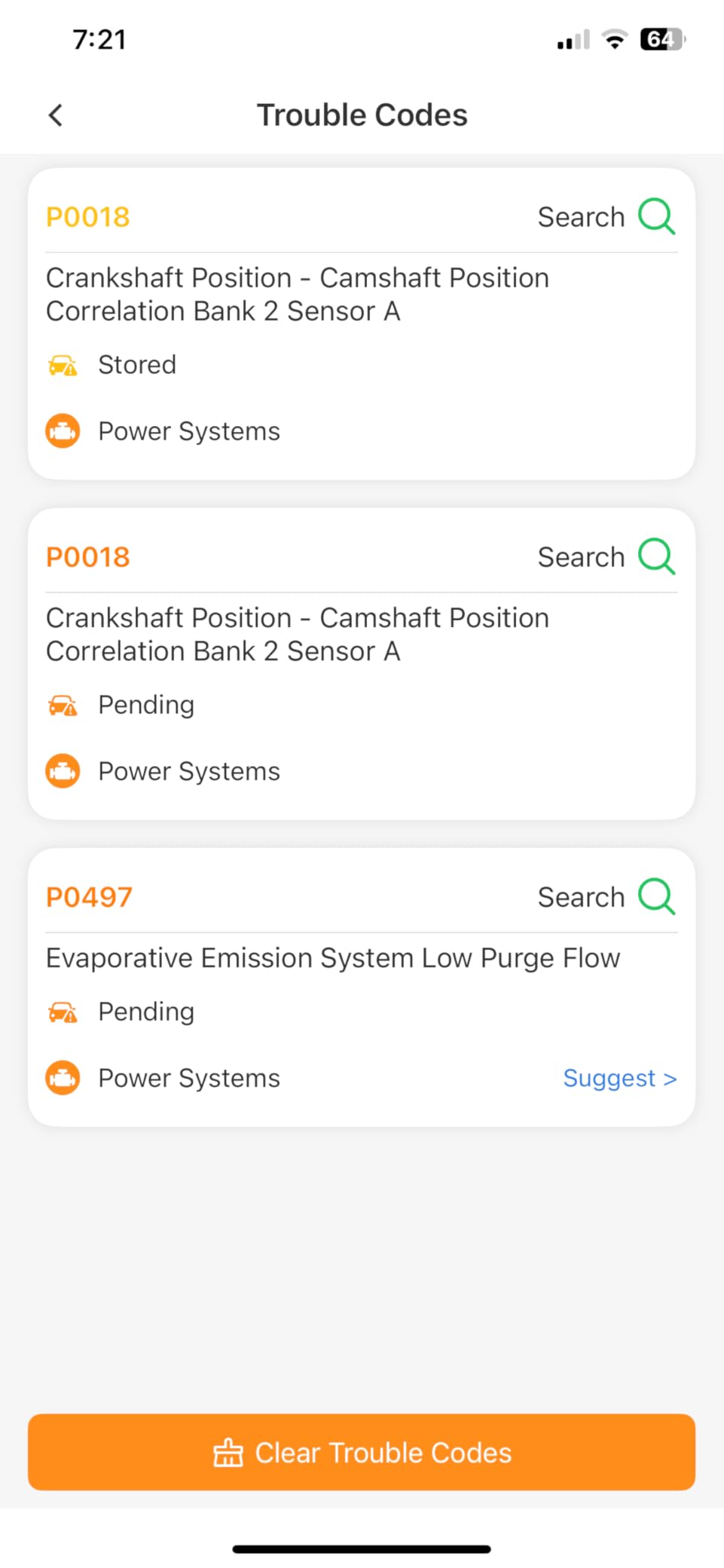
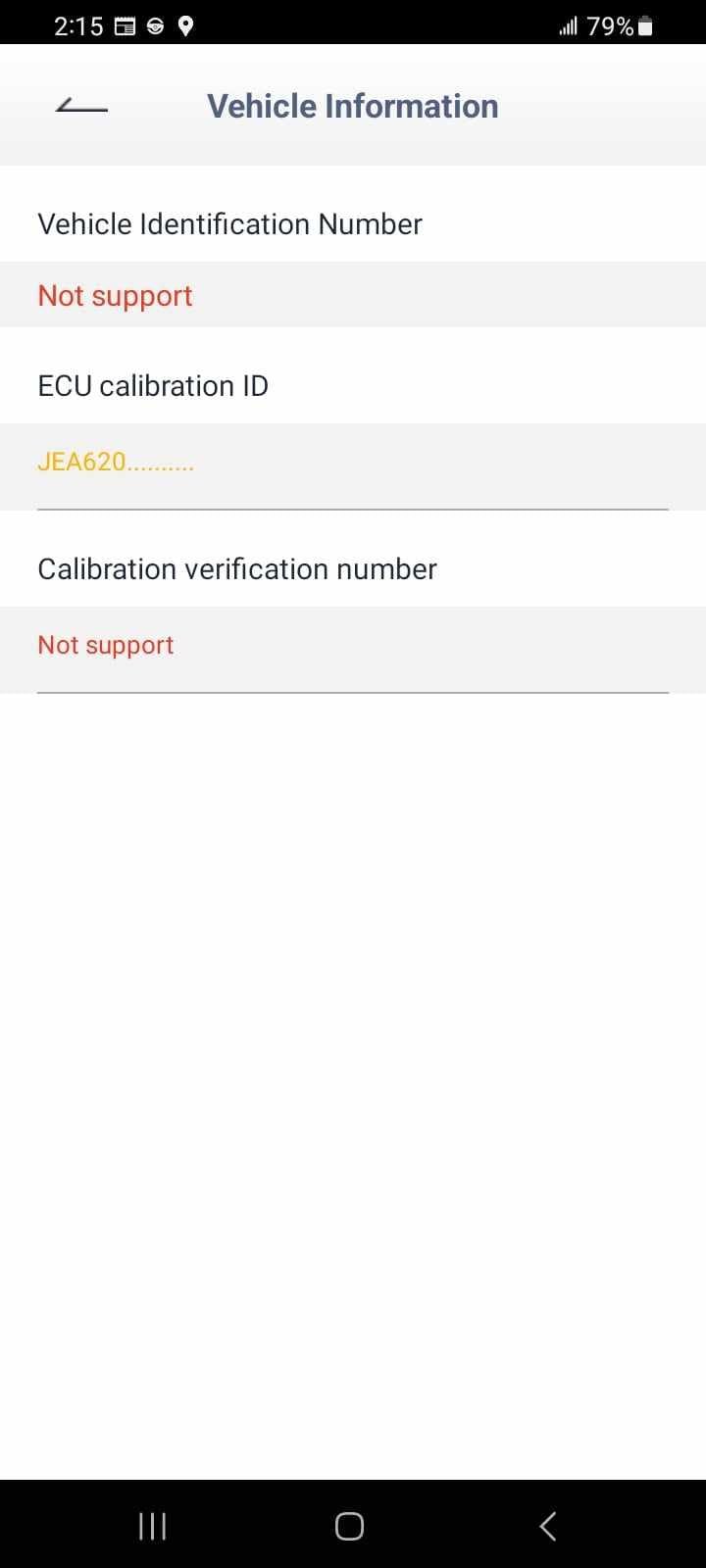
Technically it covers the generic standard across nine protocols and claims compatibility with more than 96% of makes and models from 1996 onward. It reads and clears codes, reports emission readiness, resets monitors, streams live data, and pulls the VIN and freeze frame data.
Why the guided app matters more than usual here
Its data visualisation charts plot coolant temperature, engine speed, vehicle speed and control module voltage, which lets a first-time owner compare a reading against a normal range instead of guessing what a number means. For someone who has never opened a scan tool, that is worth more than an extra protocol.
Bluetooth 5.4 is the newest radio in this roundup and pairing was fast and stable on both platforms. No subscription and no premium tier is required for anything, which is a real advantage over FIXD and Carista.
Where the closed ecosystem bites
The OBD Home app is the only app this scanner will work with. There is no Torque, no OBD Fusion, no BimmerCODE, and no path to a different app if you outgrow the guided experience. That is the trade for the low price and the zero subscription.
It is also the weakest of the sleep-mode options. Reviewers are advised to unplug after use to avoid draining the vehicle battery, which is the opposite of the OBDLink behaviour. Warranty coverage is 90 days, the shortest here. And a cleared code stays cleared only until the underlying fault returns, which is true of every tool but is worth restating.
Who should skip it
Skip it if your aim is to grow into live-data logging, coding or brand-specific work, because the app lock makes that a dead end and you will replace the hardware within a year.
Skip it if you want to leave it permanently installed, since you will be unplugging it after each use. And skip it if you need ABS, SRS or TPMS coverage.
10. ANCEL BD310 – Best With a Built-In Screen
ANCEL BD310 Bluetooth OBD2 Scanner, 2-in-1 Car Diagnostic Scan Tool & Code Reader with App, Battery Test, Trip Analysis, Performance Test, for iPhone & Android, All 1996+ Vehicles
Works wired or over Bluetooth
Built-in 2 inch colour screen
All 10 OBDII modes with I/M readiness
Free lifetime app updates
Pros
- Two in one design that works wired or over Bluetooth
- Built-in 2 inch colour display for standalone use
- No subscription with free lifetime app updates
- I/M readiness checks for emissions testing plus a smart HUD display mode
- Battery voltage monitoring and testing for basic charging system checks
Cons
- Does not read ABS
- SRS or transmission codes
- No TPMS code reading
- Software updates can be tricky to download
The BD310 is the only tool here that is a scanner and a dongle in one body. It works over Bluetooth to your phone app, or you plug it directly into a laptop by cable and read codes on the built-in 2 inch colour display. That redundancy is genuinely useful when your phone is dead, flat or simply elsewhere in the car.
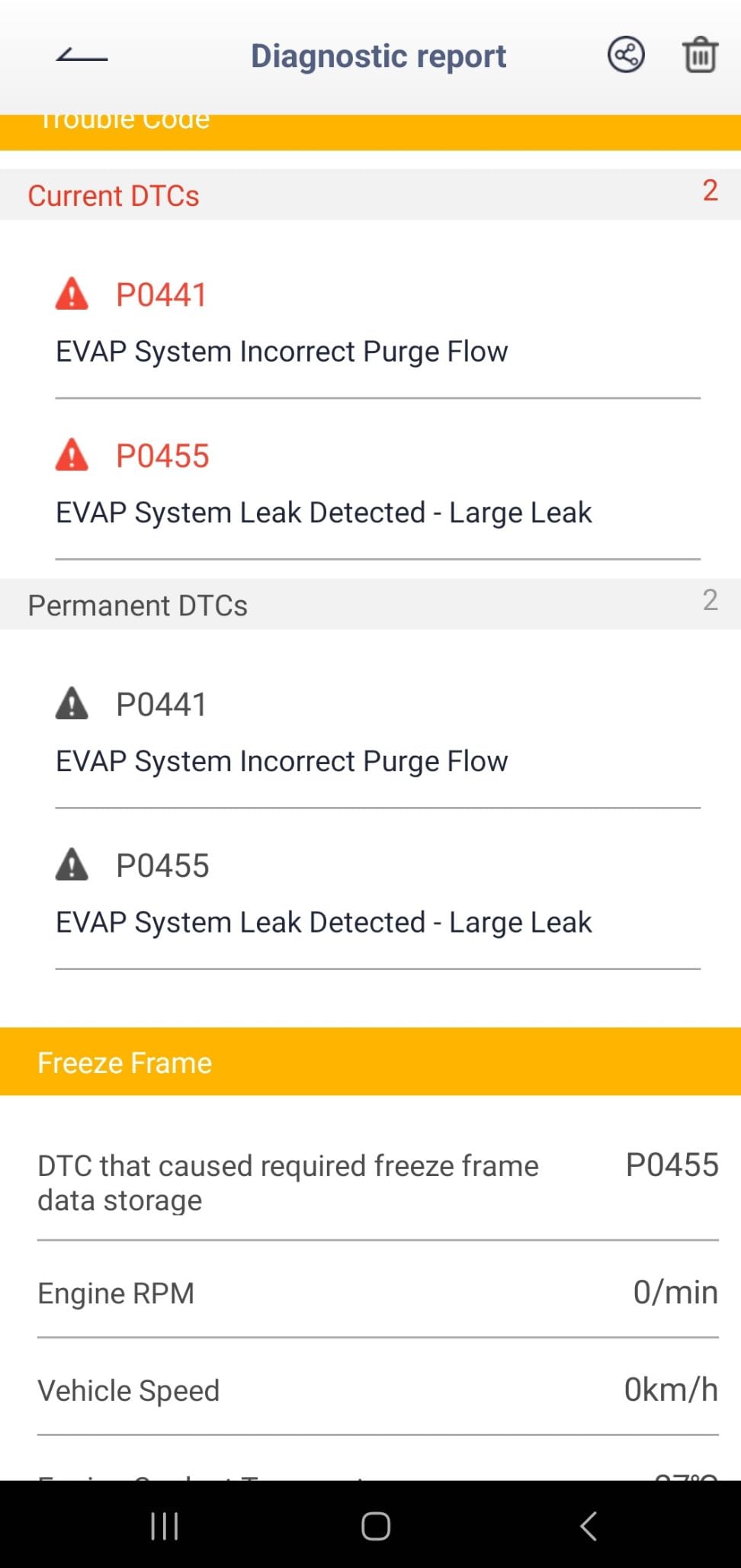
It also covers all 10 OBDII modes, including live data, freeze frame, EVAP tests, O2 sensor tests, I/M readiness and vehicle info. The smart HUD mode mirrors real-time speed, RPM and voltage on your windshield or phone screen, and the battery test covers basic charging system checks.
Free lifetime updates and an honest coverage gap
The update model is the reason this is worth a look for anyone tired of subscriptions. It states free lifetime app updates with no subscriptions, unlock fees or recurring charges, and it covers all 1996 and newer OBDII cars, SUVs and light trucks with a one year warranty behind it.
The gap is module coverage, and it is stated plainly: ABS, SRS and transmission code clearing is not supported, and there is no TPMS reading. If the lamp on your dash is an ABS or airbag light, this tool will not help. Reviews also mention that the software update download process can be challenging and the manual could be more helpful, and that the on-device button has been reported breaking after extended use.
At 2 by 1 by 5 inches and 80 g it is the bulkiest dongle here, which is the price of carrying that screen.
Who should skip it
Skip it if you need multi-system coverage, because it stops at the engine and emissions modules. Skip it if the main appeal for you was a compact permanent-install tool, since 80 g and a 5 inch body makes it a glovebox item rather than a hidden one.
It does run on Windows as well as iOS and Android, which is unusual at this price.
11. FIXD Bluetooth OBD2 Scanner – Most Versatile for Check Engine Work
FIXD Bluetooth OBD2 Scanner – Car Diagnostic Check Engine Code Reader
Covers 39000 plus known issues
Free app with unlimited scans
Gasoline and hybrid 1996 plus, diesel 2006 plus
Maintenance alerts and mileage reminders
Pros
- Very low entry price with a free app and unlimited scans
- Plain-language issue explanations instead of raw error codes
- Maintenance alerts and mileage-based reminders help track service
- Compact sensor can stay hidden under the dash across multiple vehicles
- Multi-vehicle management and easy sharing of scan results
Cons
- Lowest average rating in this group with 10% one-star reviews
- Full repair recommendations
- cost estimates and mechanic chat require the optional Premium subscription
- Feature depth varies by make and model
- App experience is less polished than dedicated hardware brands
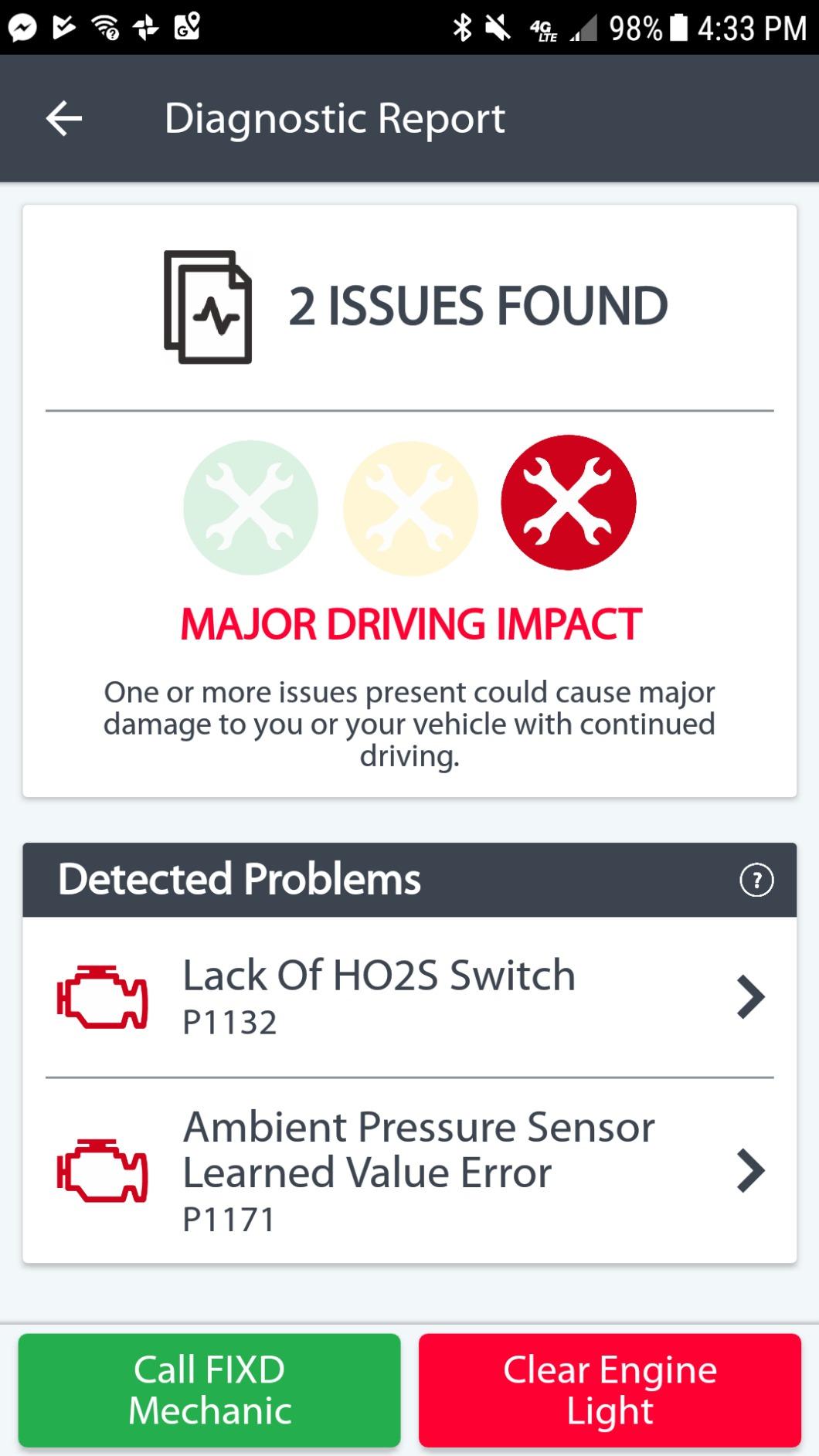
FIXD runs on volume and approach. It has 35849 reviews, ranks third in Code Readers and Scan Tools, and it makes a deliberately narrow promise: tell you what your check engine light means in plain language, and tell you when the next service is due.
It scans and identifies issues across more than 39000 known problems on thousands of vehicles, uses enhanced manufacturer-level codes beyond the generic check engine code, and sends alerts for severe issues or needed maintenance. The sensor measures 1.5 by 0.5 by 1.75 inches and weighs 27.22 g, so it can stay hidden under the dash across several vehicles.
A below-average rating, and why
At 4.1 this sits below every other tool in the roundup, and the reason is consistent in reviews. Owners who want check engine explanations and maintenance reminders rate it well. Buyers who want deep module-level or bidirectional work feel shortchanged, and 10% of ratings are one star.
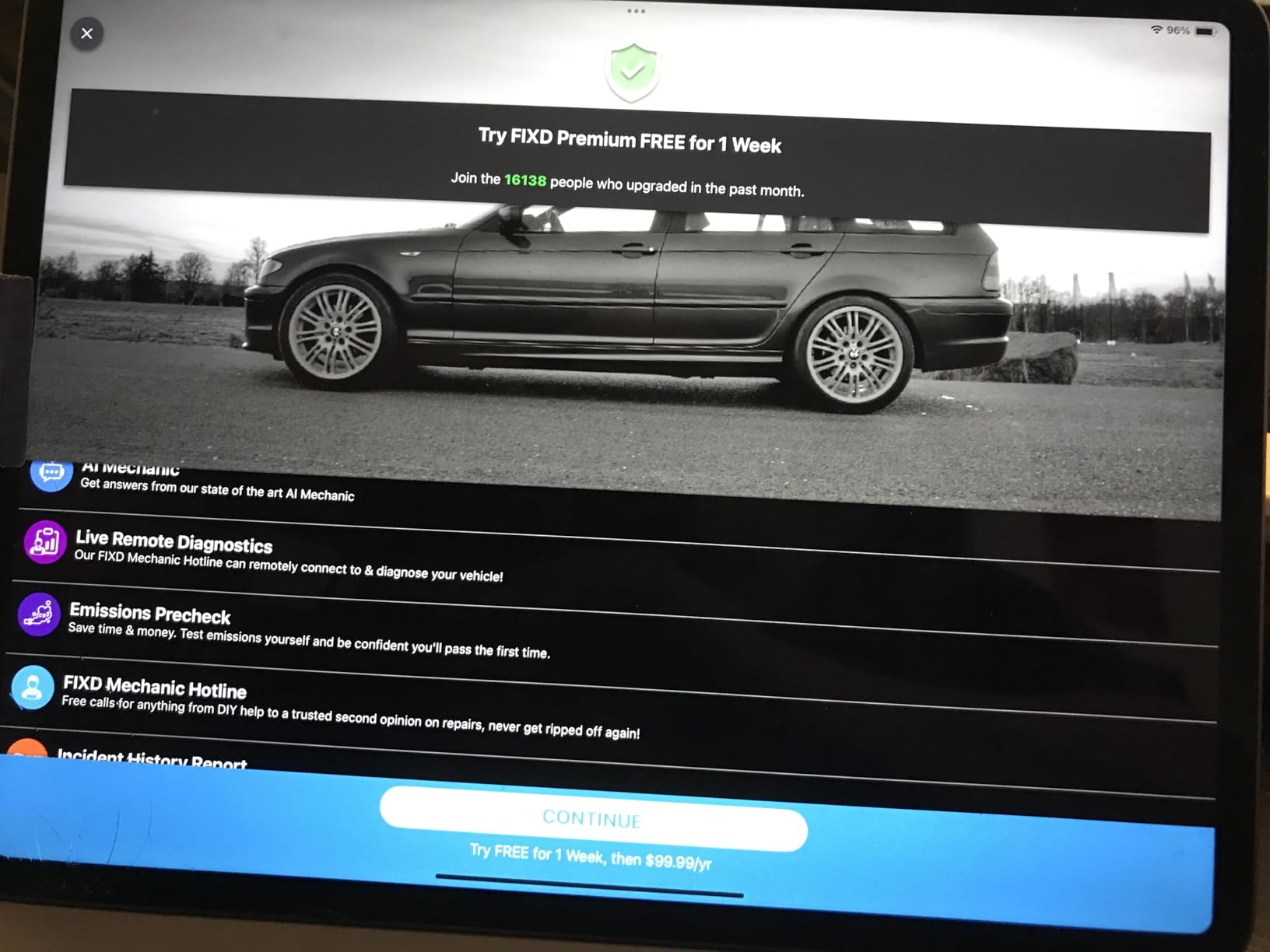
The gating factor is the paywall. Full repair recommendations, cost estimates and mechanic chat sit behind an optional Premium subscription, with a free trial included. The basic scan and plain-language explanation stay free with unlimited scans. Buyers who discover that boundary after buying are the source of most of those one-star ratings.
Feature depth also varies by make and model, and some users find the app experience less polished than dedicated hardware brands. It does support gasoline and hybrid vehicles from 1996 and diesel from 2006, with Bluetooth connection to both iPhone and Android.
Who should skip it
Skip it if you want to control your data cost over time, because a free trial leading into a subscription is the design, not an exception. Skip it if you need ABS or SRS coverage, or if a car in your household is a heavy diesel, since diesel coverage starts at 2006.
It is still the cheapest credible way to answer the question a warning light is asking, and for that job alone the free tier does it.
12. Carista EVO – Best for VAG Customisation and Coding
Carista EVO – Bluetooth OBD2 Scanner – Car Diagnostic Tool & Code Reader with Access to Diagnostics, Customizations, Service Tools & Live Data (Subscription Required)
Unlocks SFD-locked vehicle settings
Licensed by the Volkswagen Group
Works on Android and iOS
Live data and freeze frame
Pros
- Officially licensed by the Volkswagen Group
- which is rare for a consumer dongle
- Unlocks SFD-locked vehicle settings that generic tools cannot reach
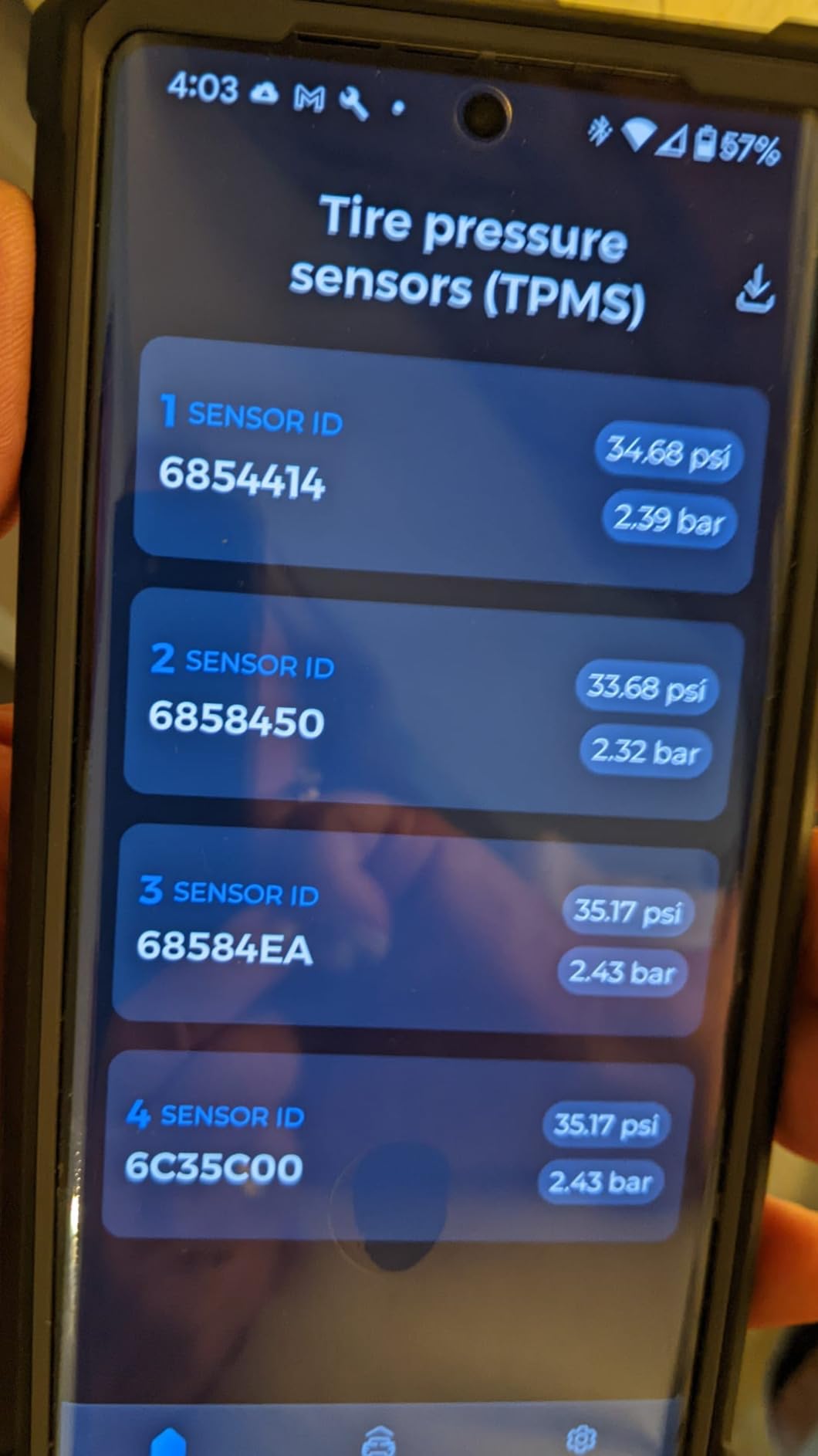
- Good compatibility across Toyota
- Lexus and the VAG brands
- Real-time live data monitoring with freeze frame
- Easy to set up with responsive customer support
Cons
- Subscription required for advanced features
- Compatibility can be vague for specific models and year ranges
- Some users report limited customisation options on certain vehicles
- No refunds on subscriptions when features do not work with your vehicle
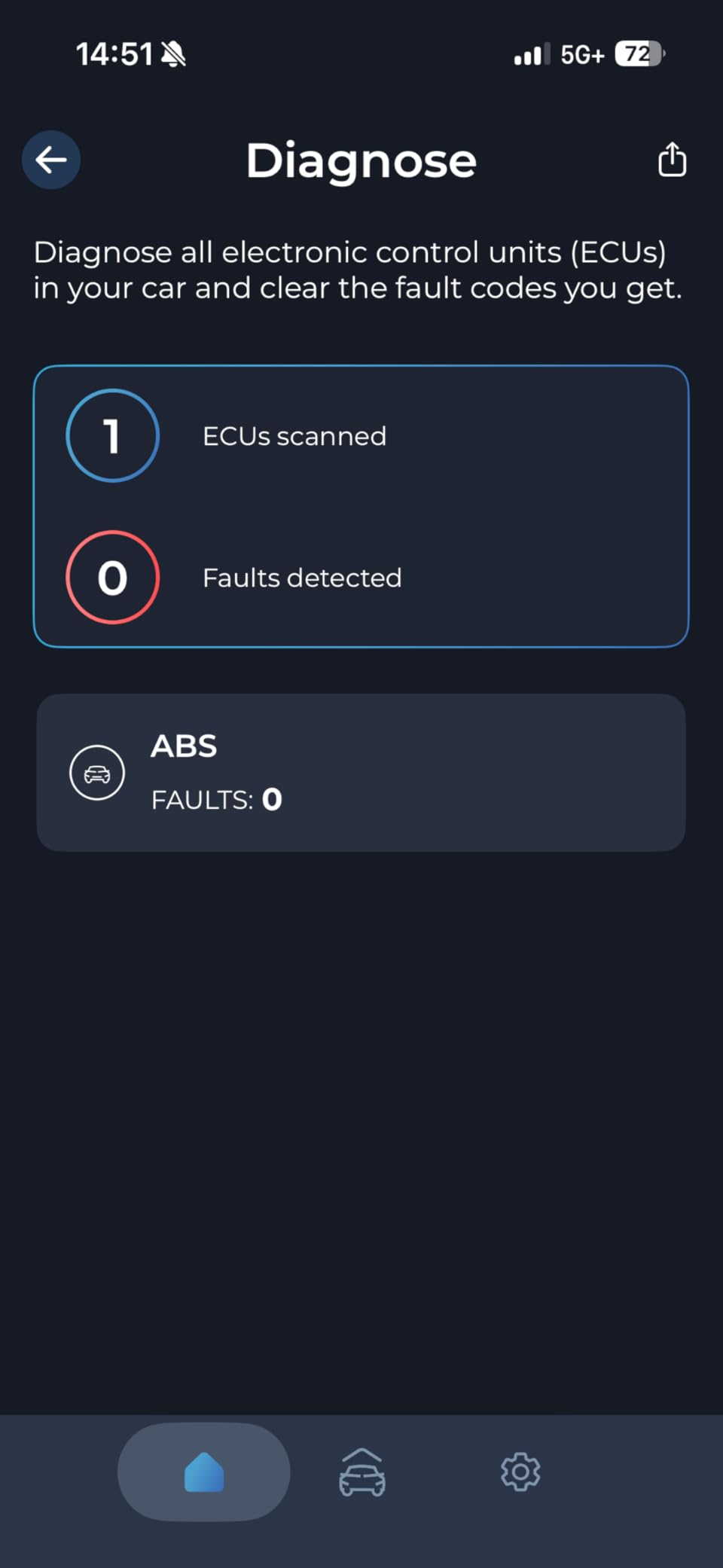
Carista is the most capable tool here and the narrowest. It is officially licensed by the Volkswagen Group, and it unlocks SFD-locked vehicle settings that no generic dongle in this roundup can reach. Seatbelt alarms, daytime running lights, turn signals and mirror settings are the everyday examples of what that means in practice.
It works across a wide brand list including Acura, Audi, BMW, Buick, Cadillac, Chevrolet, Cupra, Dacia, Ford, Genesis, GMC, Holden, Honda, Hyundai, Infiniti, Jaguar, Kia, Land Rover, Lexus, Lincoln, MAN, Mazda, Mini, Nissan, Opel, Pontiac, Renault, Saab, Scion, Seat, Skoda, Toyota, Volkswagen and Volvo. It runs on both Android and iOS, with live data monitoring and freeze frame access.
Buying customisation on a subscription
The value here is dealership cost avoidance. Users routinely report savings against dealer pricing for the same work, and the app is easy to set up with good customer support behind it. The hardware is a one-time purchase, with the subscription sitting on the software side.
That subscription is the whole tension. Advanced features require it, which is the loudest complaint in reviews, along with compatibility that can be vague for specific models. Some owners find customisation options limited on their vehicle, and there are no refunds on a subscription when a feature turns out not to work with your car. It holds a 4.0 average across 2134 reviews, the lowest here.
It also adds something few competitors in this list do: real service tools and DIY maintenance alongside diagnostics.
Who should skip it
Skip it if you do not own a VAG vehicle or a compatible Toyota, Lexus or Ford and have no intention of buying one. Skip it if you want a subscription-free tool, and skip it if you need broad workshop capability, because coverage across the listed brands is real but shallow outside the ones it is built around.
For those who buy the right car, it is the only dongle here that can do the job.
Bluetooth vs Wi-Fi OBD2 Scanners: Which Should You Buy?
Bluetooth wins on connection quality and battery cost; Wi-Fi wins on range and multi-device access. For almost every reader, Bluetooth is the better choice in 2026, and the reason is power.
A Bluetooth OBD2 scanner pairs through the app and draws a few milliamps in sleep mode, so a permanently installed dongle costs you almost nothing. A Wi-Fi adapter has to keep its own network running, which is why Wi-Fi dongles are bulkier and why they tend to be described as a plug-in-and-leave-alone-in-the-glovebox tool rather than a permanent one.
Wi-Fi has two genuine advantages. Signal range is longer, which matters if you want to walk around the car with live data on a tablet, and some Wi-Fi adapters let two devices connect at once. Neither advantage matters to someone reading a check engine code in a driveway.
There is one genuine downside to Bluetooth on older kit, and it explains the OBDLink LX. Classic Bluetooth 3.0, which the LX uses, cannot connect to iOS at all. Wi-Fi was historically the workaround iPhone owners reached for. Today the answer is better: buy a Bluetooth Low Energy unit like the Veepeak, the iCar Pro or the vLinker MC+, all of which work on both platforms.
If you already own a Wi-Fi adapter and it works, keep it. If you are buying new, buy Bluetooth.
Best Bluetooth OBD2 Scanner Apps to Pair With Your Dongle
The app is half the product, and pairing it with the right dongle matters more than any hardware spec. Here is what each one is actually good at.
Torque Pro is the reference app for live data on Android. Customisable dashboard gauges, graphed PIDs, trip computer and MPG tracking, and support for custom PIDs on any ELM327-compatible dongle make it the enthusiast default. A Torque Lite version exists for people who only want to read and clear codes.
Car Scanner ELM OBD2 is the best-looking free option and the safest first app for a beginner. It works with nearly every dongle on this list on both iOS and Android, and its home screen layout is clearer than Torque’s.
OBD Fusion is the one people miss. It runs on iOS, Android and Windows from one purchase, which means one licence covers your phone and your laptop. For owners of a European car it is also the main route to enhanced manufacturer data through Torque Pro’s paid add-ons.
BimmerCODE turns a cheap dongle into a BMW-specific tool. Pair it with the Veepeak or the vLinker MC+ and you get coding, DPF regeneration, active reset of DME and long-term adaptations. It needs a 2008 or newer car and does not cover G or U series models.
OBD JScan is the enthusiast favourite for Honda, Toyota, Nissan, Mazda and Subaru. Pair it with the Vgate iCar Pro and it goes well beyond code reading into manufacturer-specific resets. Dr. Prius does similar work for hybrids.
FORScan is what the OBDLink MX+ is recommended for, and it is the closest thing to bidirectional control on a phone or laptop. It carries its own licence fee, and on Ford it is the tool that handles real two-way work.
Carista is the pick for VAG customisation, and it is discussed in its own review above.
One pairing warning worth repeating: a previously working cheap dongle can stop connecting after an app update, and there is no way to predict it. OBDLink hardware paired with its recommended apps is the most stable combination, and the BLCKTEC 420 and BlueDriver both ship their own apps specifically to avoid that dependency.
How to Choose a Bluetooth OBD2 Scanner in 2026
Protocol coverage and what CAN FD changes
Every dongle here speaks CAN, which handles the large majority of 1996 and newer North American cars. The interesting differences are in the proprietary and older buses: ISO 9141-2 and KWP2000 for many Japanese and European cars, PWM and VPW for older Ford and Chrysler products, and SW-CAN and MS-CAN for GM and Ford networks.
Only the Vgate vLinker MC+ in this roundup is built around SW-CAN and MS-CAN. If you own a GM or Ford and want anything beyond generic codes, that is the model to look at first.
Newer vehicles add CAN FD, which carries far more data per frame, and DoIP, which runs diagnostics over the vehicle’s Ethernet network. No consumer dongle in this price range speaks either protocol natively today, which is the honest answer rather than a marketing one. It does mean the tools you buy now will age out on the newest cars faster than the tools you buy in five years.
iPhone vs Android: choose your radio before you choose the brand
This decision eliminates half the field instantly, so make it first. iOS only permits Bluetooth Low Energy for these devices, which rules out the OBDLink LX despite it being a fine tool. If you own an iPhone, the shortlist is the Veepeak, the BlueDriver, the vLinker MC+, the OBDLink MX+, the iCar Pro, the BLCKTEC 420, the Carpal, the ANCEL BD310, FIXD and the V011.
Android users have all twelve, and can also use classic Bluetooth units that iOS refuses.
Subscription vs lifetime updates: the five-year running cost
This is the loudest objection in every owner forum, and it deserves a number rather than a shrug. Four tools in this list never charge you for updates: the BlueDriver, the ANCEL BD310, the BLCKTEC 420 and the UMEIJA V011, since all state free or lifetime updates.
The other end of the scale is more expensive than the hardware suggests. The Carpal includes one year of free updates and then requires a subscription. Carista requires a subscription for advanced features from the start, with no refunds if a feature does not work with your vehicle. FIXD includes a free trial with repair recommendations, cost estimates and mechanic chat behind Premium afterwards. And the OBDLink MX+, if you want Ford bidirectional work, needs FORScan on top, which is its own licence.
Multiply the subscription by five years and compare it against the hardware price. For a tool you will keep for a decade, a one-time cost with no updates is worth a great deal.
Leaving it plugged in: battery drain, sleep modes and battery tenders
You can leave some of these plugged in permanently and you must unplug others. The difference is sleep behaviour, and it is worth knowing before you decide to install one permanently.
The OBDLink units are the safest. The MX+ has over-voltage and battery drain protection built in, and the LX uses BatterySaver technology to sleep when the engine is off and wake instantly on start. The Vgate iCar Pro auto-sleeps at roughly 3mA, and the vLinker MC+ runs at 24mA active and 3mA idle, both low enough for a permanent install.
The UMEIJA V011 is the opposite case, and its own guidance is to unplug after use to protect the vehicle battery. That is a real difference in behaviour, not a rounding error.
If you own a car that sits for weeks at a time and you want a dongle permanently installed regardless, a battery tender solves the problem outright. A smart maintainer with a trickle charge will cover a parasitic draw that would otherwise age the battery over a season of storage.
Genuine vs clone ELM327 chips: how to check what you actually bought
This is the question buyers most want answered and almost nobody answers properly. Here is the honest version based on what owners actually report: a Car Talk Community contributor put it directly, most inexpensive dongles are clones that still work fine for most basic tasks.
A clone is not a dud. The real cost of a clone shows up as dropped Bluetooth pairings, overstated protocol support, and a firmware version that cannot handle the full command set. That is why a cheap dongle paired with Torque Pro is a perfectly reasonable setup, and why a cheap dongle paired with a demanding app sometimes is not.
The check you can actually make is firmware. A genuine v2 chip reports its version in the app, and the Veepeak is specifically called out in owner discussions as using a genuine chip with v2 firmware. If the app cannot tell you the firmware version, assume you do not know what chip you have.
ABS, SRS and TPMS coverage and the vehicle compatibility checklist
Before buying anything, answer these questions. What is your model year, and is it 1996 or newer? Is it gasoline, diesel, hybrid or electric, and does the tool cover that fuel type? Was it sold in North America, because several tools state North American coverage only? Is it a JDM or grey import, which may need enhanced OEM protocols rather than generic OBD2?
Then check module coverage against your actual problem. BlueDriver reads and clears Check Engine, ABS, SRS, Airbag, TPMS and transmission codes. The TOPDON Carpal covers engine, transmission, airbag and ABS, and the OBDLink MX+ returns more live parameters including ABS, SRS and TPMS. The Veepeak, Vgate iCar Pro, V011, ANCEL BD310, BLCKTEC 420 and FIXD stay within the generic powertrain scope, and if your warning light is an ABS or airbag lamp, that is the end of the line.
For motorcycles, the OBDLink LX with MotoScan is the only wireless option here. For heavy diesel and truck work requiring J1587, J1708 or J1939 protocols, none of these twelve are the right tool.
One last practical note before you buy. If you already own wireless speakers or a document scanner, the pairing habits are the same. Our guides to Bluetooth speakers for outdoor use, shower-rated Bluetooth speakers and document scanners for paperless offices cover the same pairing failure modes you will hit here.
Frequently Asked Questions
What is the best Bluetooth OBD 2 scanner?
The BlueDriver is the best Bluetooth OBD2 scanner overall because it reads engine, ABS, SRS, airbag, TPMS and transmission codes, matches faults to unlimited technician-verified repair reports by VIN, and never charges a subscription. For raw live data on Android, the OBDLink MX+ rates highest at 4.6. For the cheapest reliable generic reader on either platform, the Veepeak OBDCheck BLE is the value pick.
Are Bluetooth OBD2 scanners any good?
Yes, for the jobs they are designed for. A Bluetooth dongle replaces a handheld code reader for reading and clearing codes, viewing live sensor data, checking freeze frame data and reporting emissions readiness monitors. What no Bluetooth dongle can do is bidirectional control, so retracting EPB calipers or commanding an ABS bleed still needs a laptop with a wired cable. Coverage beyond the powertrain, including ABS and SRS, varies by model.
Which is better, a Bluetooth or Wi-Fi OBD2 scanner?
Bluetooth is better for almost everyone. It draws only a few milliamps in sleep mode, so the dongle can stay permanently installed, and pairing is simpler. Wi-Fi offers longer range and some multi-device access, but it consumes more power and is bulkier. The one historic Bluetooth weakness, that classic Bluetooth cannot connect to iOS, is solved by buying a Bluetooth Low Energy unit such as the Veepeak or the Vgate vLinker MC+.
Can I leave my Bluetooth OBD2 scanner on all the time?
Only with a tool that sleeps properly. The OBDLink MX+ has over-voltage and battery drain protection, the OBDLink LX sleeps and wakes with the engine using BatterySaver, the Vgate iCar Pro draws about 3mA in sleep and the vLinker MC+ idles at 3mA. The UMEIJA V011 is the exception, and its own guidance is to unplug after use. For long-term storage, add a battery tender regardless.
What is the best Bluetooth OBD2 scanner app?
It depends on what you are driving. Torque Pro is the best for customisable live data and gauges on Android. Car Scanner ELM OBD2 is the best free starting point on either platform. OBD Fusion covers iOS, Android and Windows from one purchase. BimmerCODE turns a cheap dongle into a BMW coding tool, and OBD JScan is the choice for Honda, Toyota, Nissan, Mazda and Subaru. The OBDLink MX+ is specifically recommended as the adapter for FORScan.
Which Bluetooth OBD2 Scanner Should You Buy?
If you want one tool that tells you what is wrong and what to do about it, buy the BlueDriver. It is our editor’s choice, it covers the most modules, and it has no subscription attached to a ten-year ownership period.
If you are an Android enthusiast who wants live data graphs and manufacturer-level access, buy the OBDLink MX+. If you are on a budget and want a dependable generic reader that works on iPhone and Android, the Veepeak OBDCheck BLE is the value pick, and pair it with Torque or Car Scanner.
If your light is an ABS or airbag lamp rather than an engine light, stay with the BlueDriver, the TOPDON Carpal or the OBDLink MX+, because most of the field cannot see those modules. If you need an electronic parking brake reset, the Carpal and Carista are your only options in a Bluetooth dongle. If you drive a GM or Ford and want SW-CAN and MS-CAN work, the vLinker MC+ is the one built for it. If you need full bidirectional control on any make, skip Bluetooth entirely and use a laptop with a cable.
Whichever one you choose, check the emissions readiness monitors before your next state test. It is the cheapest insurance in this category, and it is the failure that costs real money.
For more practical buying guides across the site, see our picks for Bluetooth speakers for home use and the document scanners for receipts roundup.