
If you are chasing the best RAM kits for photo editing, the answer is narrower than most buying guides make it sound. Buy a matched 32GB kit of two 16GB DDR5 modules running at 6000MT/s, enable the memory profile in BIOS, and stop worrying about it. That single decision covers Lightroom Classic plus Photoshop for the overwhelming majority of working photographers.
I have spent the last few months running editing workloads on DDR4 and DDR5 platforms side by side, watching memory clocks while catalogs build, and reading what owners actually report after months of real client work. What surprised me was how little the exciting numbers matter. A photographer on the Tom’s Hardware forums put it better than I can: photo editing is RAM and CPU single-core intensive, and it is 2D pixel pushing rather than 3D gaming. Capacity beats speed in this category, and stability beats both.
That is also why so many RAM roundups miss the mark. A Tom’s Hardware moderator dismissed most of them as junk clickbait, and the criticism lands. This guide ranks eight kits against the workload that actually stresses memory: catalog browsing, 45MP and higher RAW development, deep layer stacks, batch export, and the AI features in Photoshop and Lightroom that shift usage upward without warning.
Below you will find the capacity ladder first, so you can confirm how much you need before any product names come up. Then the eight kits, each with its own workflow profile, plus the compatibility details that cause most failed upgrades. Every capacity figure below is a matched kit, so you get dual-channel behaviour without hunting for two separate sticks.
Our Top 3 Tested RAM Kits for Photo Editing in 2026


All 8 RAM Kits Compared Side by Side in 2026
| Product | Specs | Action |
|---|---|---|
| Corsair Vengeance RGB DDR5 32GB |
|
Check Latest Price |
| Crucial Pro DDR5 32GB |
|
Check Latest Price |
| Corsair Vengeance LPX DDR4 32GB |
|
Check Latest Price |
 G.Skill Flare X5 DDR5 32GB G.Skill Flare X5 DDR5 32GB |
|
Check Latest Price |
 Crucial Pro DDR5 64GB Crucial Pro DDR5 64GB |
|
Check Latest Price |
 Patriot Viper Venom DDR5 32GB Patriot Viper Venom DDR5 32GB |
|
Check Latest Price |
 TEAMGROUP T-Force Delta Alpha 32GB TEAMGROUP T-Force Delta Alpha 32GB |
|
Check Latest Price |
 Gigastone Game PRO DDR4 32GB Gigastone Game PRO DDR4 32GB |
|
Check Latest Price |
How Much RAM Do Photo Editors Actually Need?
Here is the short answer most roundups bury: 32GB in a matched 2x16GB kit is the correct capacity for almost every photo editor. It is enough for a large catalog, Photoshop running alongside it, and a browser with twenty tabs. Step up to 64GB only when your catalog is enormous, you run video in the same machine, or you lean on generative tools constantly.
Worked through the rungs, with the workflow that actually justifies each one:
- 16GB (2x8GB) – Hobbyist Lightroom-only use, small catalogs, light retouching. Workable, and a long-standing consensus in photography communities that Lightroom alone never needed more. You will feel it the moment Photoshop opens next to a full catalog.
- 24GB – Mostly a laptop and Apple Silicon number rather than a desktop kit. Reddit r/Lightroom members working on M-series machines repeatedly land on 24GB or more as the floor, because unified memory cannot be upgraded later.
- 32GB (2x16GB) – The sweet spot. Large catalogs, Photoshop layered retouching, Generative Fill, AI Denoise, and two monitors of colour-critical work. This is where the search volume goes and where I would put nearly every reader.
- 64GB (2x32GB) – Catalogs well past 100,000 images, 6K panoramas and stitching, local AI inference, virtual machines, and photo-plus-video workflows. MacRumors members describe 64GB as a real sweet spot for high-megapixel bodies with roughly 2,000 images plus video, though most desktop photographers never need it.
- 128GB – Studio and post-production houses running multiple virtualised edit bays at once. Outside the scope of this guide, and outside what this kind of kit roundup should be steering you toward.
Before you spend, open Task Manager on Windows or Activity Monitor on Mac, go to the memory tab, and leave it running for three to five days of normal work. Note the peak rather than the average. One photographer with a Lightroom Classic build reported that with 32GB of DDR4 installed, Lightroom generally never used more than half of it, which is the kind of measurement that saves money.
1. Corsair Vengeance RGB DDR5 32GB – Our Pick for Most Editing Rigs
CORSAIR Vengeance RGB DDR5 RAM 32GB (2x16GB) Up to 6000MHz CL30-36-36-76 1.40V AMD EXPO Intel XMP Desktop Computer Memory – Gray (CMH32GX5M2B6000Z30K)
32GB 2x16GB DDR5
6000MHz CL30-36-36-76
1.40V
EXPO and XMP
Pros
- 32GB of matched capacity in a dual-channel 2x16GB kit
- 6000MHz with tight CL30 primary latency
- Ten individually addressable RGB LEDs per module
- Onboard voltage regulation tuned through iCUE
- Limited lifetime warranty
Cons
- Taller RGB heatspreader can clash with large air coolers
- Reaching rated 6000MHz needs the EXPO or XMP profile enabled
This is the kit I keep coming back to when someone asks for a single recommendation. Thirty-two gigabytes as two matched 16GB DDR5 modules, rated to 6000MHz with CL30-36-36-76 timings at 1.40V. It is the exact capacity and speed pairing the workload wants, with no compromise in either direction.
Owners rate it 4.7 out of 5 across more than 4,000 ratings, and the feedback centres on stability rather than benchmark charts. That suits a working photographer, because the failure mode that matters is a crash during a client export, not a two percent swing in a synthetic test.
Latency and timings for layered Photoshop work
CL30 primary latency is the tightest figure in this group, and that matters more for photo editing than raw MT/s does. A Photoshop layer stack is a chain of dependent memory reads, so the delay between accesses is what you actually feel while a filter grinds. The 36-36-36-76 secondary timings keep those chains tight.
Run this at its rated speed and a 200-layer composite with large RAW smart objects opens and re-renders noticeably more briskly than the same stack on a loose-geometry kit. The memory bandwidth ceiling also shortens the wait when Lightroom rebuilds previews across a big catalog.
What the RGB and 1.40V profile mean in practice
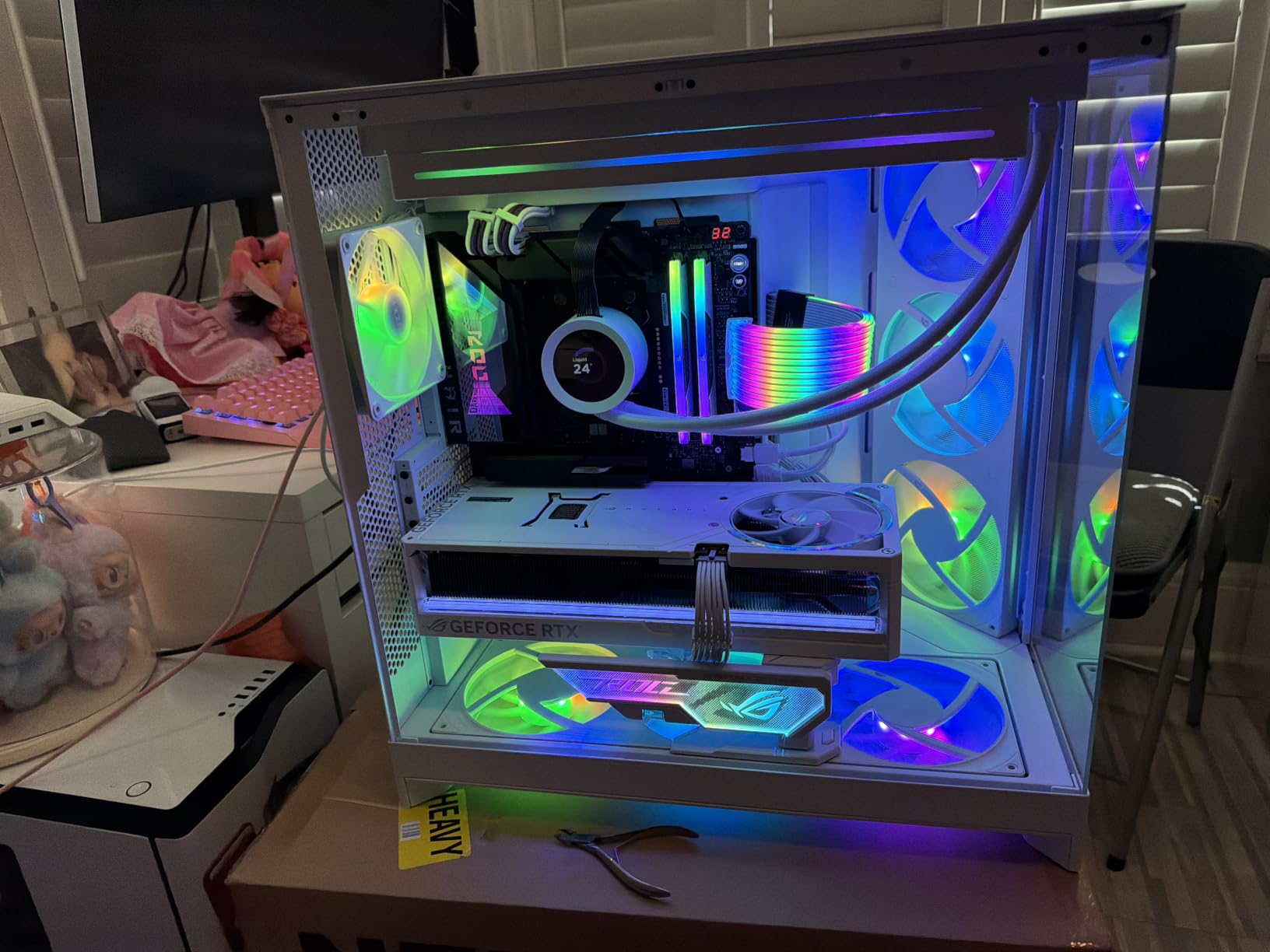
Each module carries ten individually addressable LEDs behind a panoramic light bar, controllable through iCUE alongside the onboard voltage regulation. It is the flashiest kit here, and the 1.40V operating point is higher than most rivals, which is normal for a CL30 DDR5 part.
That voltage means it draws more from the power delivery system than a 1.25V kit, so I would pair it with a board that has decent VRM cooling rather than a bare-bones micro-ATX. For a workstation that never sees a glass side panel, the G.Skill Flare X5 is the quieter counterpoint.
For whom it works, and who should skip it
Buy this one if you are building an AM5 or recent Intel system, running Lightroom Classic and Photoshop together, and want headroom that will outlast the next few years of catalog growth. The EXPO and XMP profile support means a single kit works across both major platforms, and the lifetime warranty removes the long-term risk.
Skip it if you are air cooling with a large tower heatsink, because the RGB heatspreader is taller than a low-profile alternative. One builder on the Tom’s Hardware forums took the opposite decision for exactly that reason, choosing a plain Ripjaws S5 kit over a Trident Z5 because of cooler clearance. The other group to skip it: anyone on a four-DIMM board who wants upgrade room, since 2x16GB leaves the slots open for later.
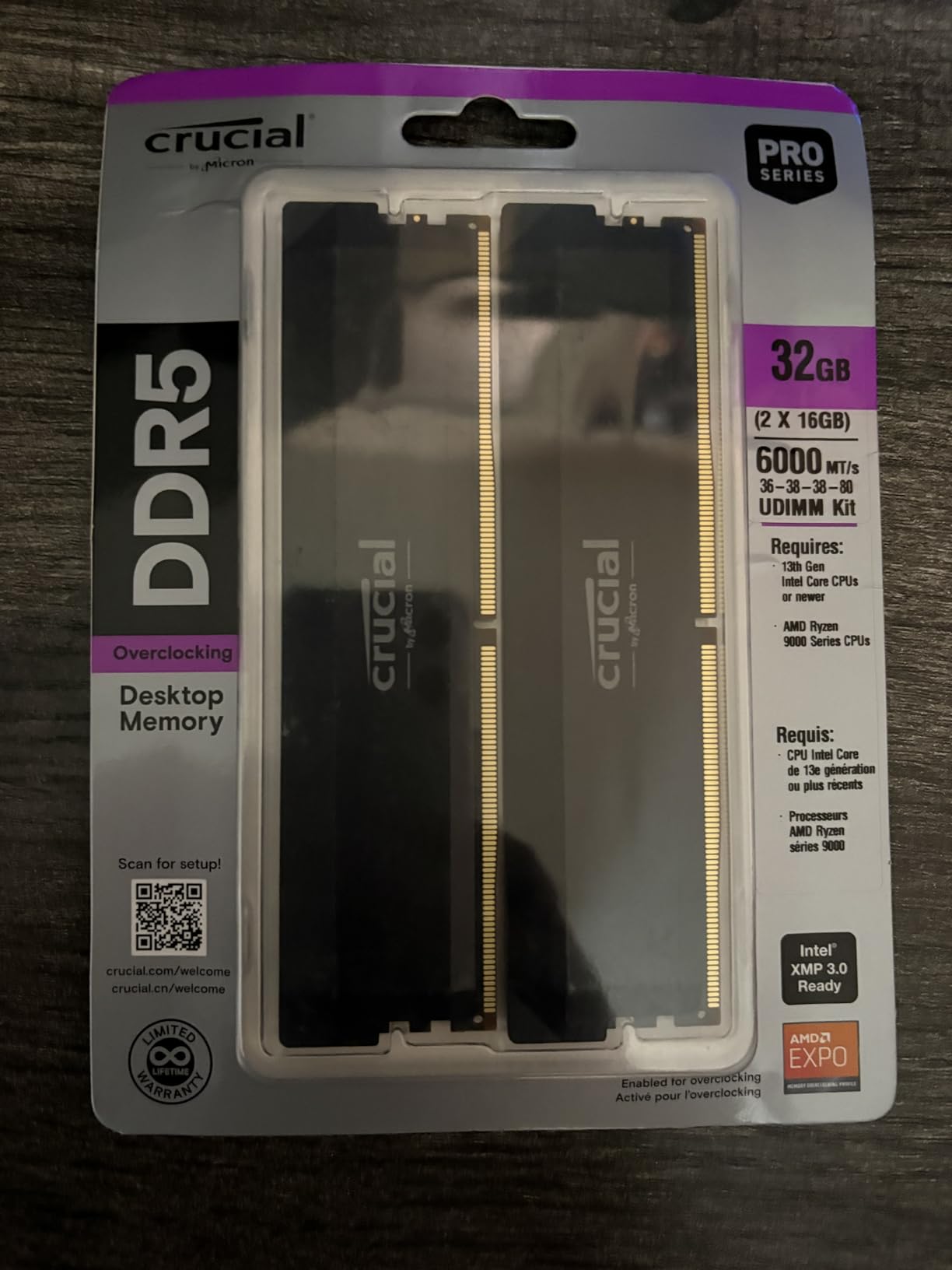
2. Crucial Pro 32GB DDR5 6000 – Best Value for Compact Builds
Crucial Pro 32GB DDR5 RAM Kit (2x16GB),CL36 6000MHz, Overclocking Desktop Gaming Memory, Intel XMP 3.0 & AMD Expo Compatible, Black – CP2K16G60C36U5B
32GB 2x16GB DDR5
6000MHz CL36-38-38-80
1.35V
XMP 3.0 and EXPO
Pros
- Low-profile heatspreaders clear large air coolers
- Supports Intel XMP 3.0 and AMD EXPO
- Micron components tested at chip and module level
- Stays cool under sustained batch export loads
Cons
- Some modules need a second attempt to seat fully
- Isolated reports of a single stick failing after several months
If the Corsair is the recommendation and this is the sensible one, that is the right order. Same 32GB of matched DDR5 capacity at the same 6000MHz headline speed, but with CL36 timings instead of CL30, lower-profile modules, and a 1.35V operating point. For almost every photographer the latency difference is unmeasurable in real work.
It carries a 4.8 rating from more than 3,800 ratings, and the review pattern is unusually consistent: buyers describe stable performance, clean XMP or EXPO setup, and no trouble over months of use. Owners frequently mention rendering, editing, and heavy multitasking in the same breath.
Low-profile heatspreaders and cooler clearance
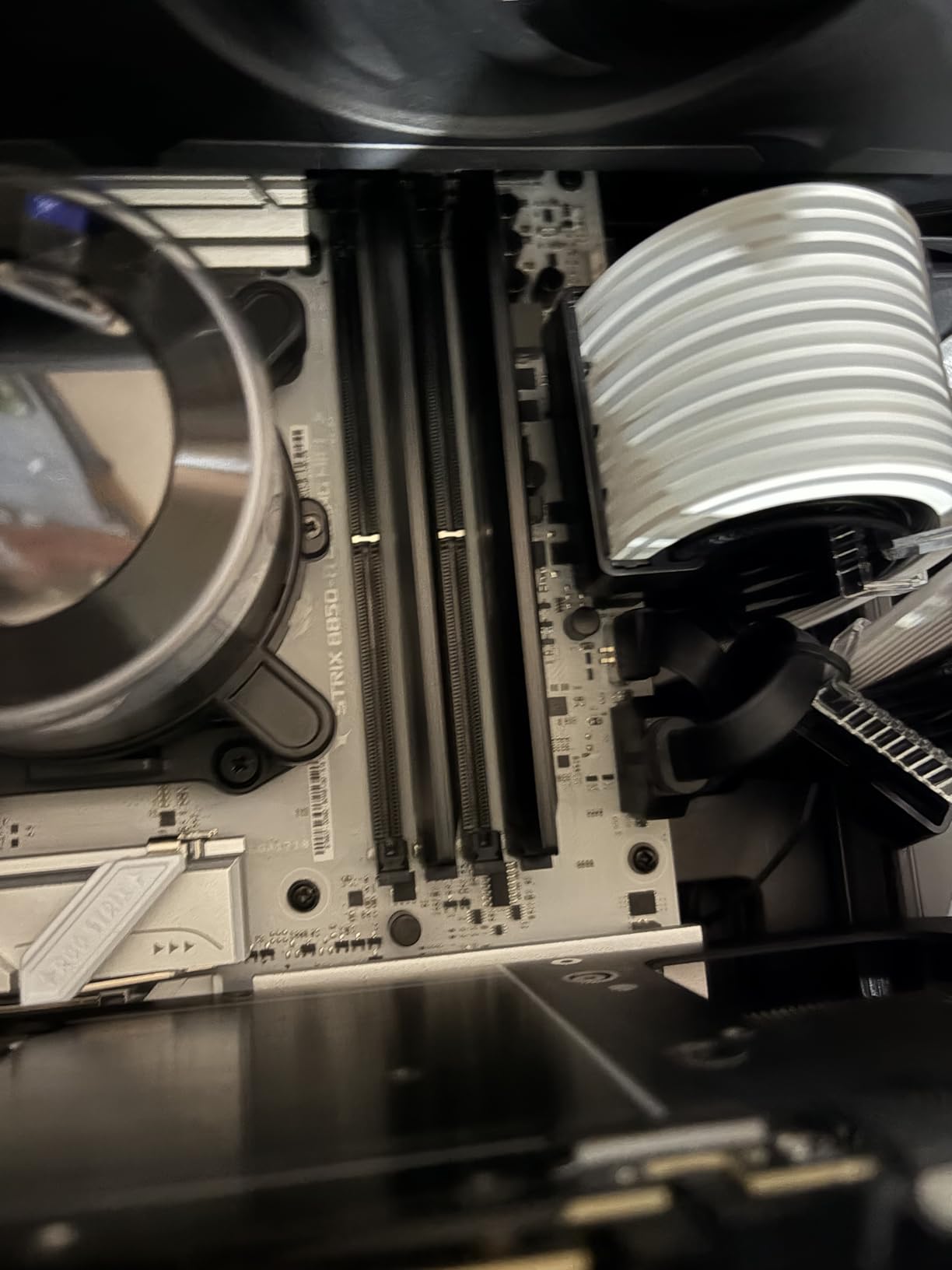
This is where the kit pulls ahead of most of the DDR5 field. The matte black spreaders sit low enough to clear a large dual-tower air cooler, which removes the single most common build conflict photographers hit. Photo editing builds lean toward big coolers for sustained export work, and tall RGB bars are exactly what collides with them.
Low height also means each module weighs 33 grams, and the low-profile thermal design keeps things cool during a long batch export when memory is genuinely loaded rather than idling between clicks.
CL36 versus CL30: does it matter for retouching?
At 36-38-38-80 the timings are looser than the CL30 kits here, and the difference shows up as marginally slower dependent reads. In practice, a Lightroom catalog browse or a filter render is bound by CPU single-thread speed and storage latency long before memory latency becomes the queue.
Choose CL30 if your workflow is genuinely memory-bound, such as stitching multi-gigapixel panoramas or scrubbing enormous RAW files with several apps open. Choose CL36 for everything else, where the clearance, the voltage, and the plug-and-play reliability are worth more than a few nanoseconds.
For whom it works, and who should skip it
This suits compact towers, small-form-factor cases, and any air-cooled build where module height is the deciding constraint. It also suits buyers who want zero tuning: the kit is optimised for 13th-generation Intel Core and newer AMD Ryzen 9000 platforms, and profile recognition is reported as straightforward on both.
Two caveats. Some modules reported difficulty seating fully on the first install attempt, so budget an extra five minutes and check the latches properly. And there are isolated reports of a single stick failing after several months, rare against a 90 percent five-star share but worth weighing if you cannot tolerate any risk of downtime.
3. Corsair Vengeance LPX DDR4 32GB – The Proven DDR4 Path
CORSAIR Vengeance LPX DDR4 RAM 32GB (2x16GB) Up to 3200MHz CL16-20-20-38 1.35V Intel XMP AMD EXPO Computer Memory – Black (CMK32GX4M2E3200C16)
32GB 2x16GB DDR4
3200MHz CL16-20-20-38
1.35V
34mm low-profile
Pros
- 34mm height clears large coolers and small cases
- Hand-sorted chips with aluminium heatspreaders
- Over 20000 ratings from long-term owners
- XMP 2.0 reaches rated speed after one BIOS toggle
Cons
- No RGB lighting or aesthetic extras
- DDR4 3200MHz bandwidth ceiling trails current DDR5 kits
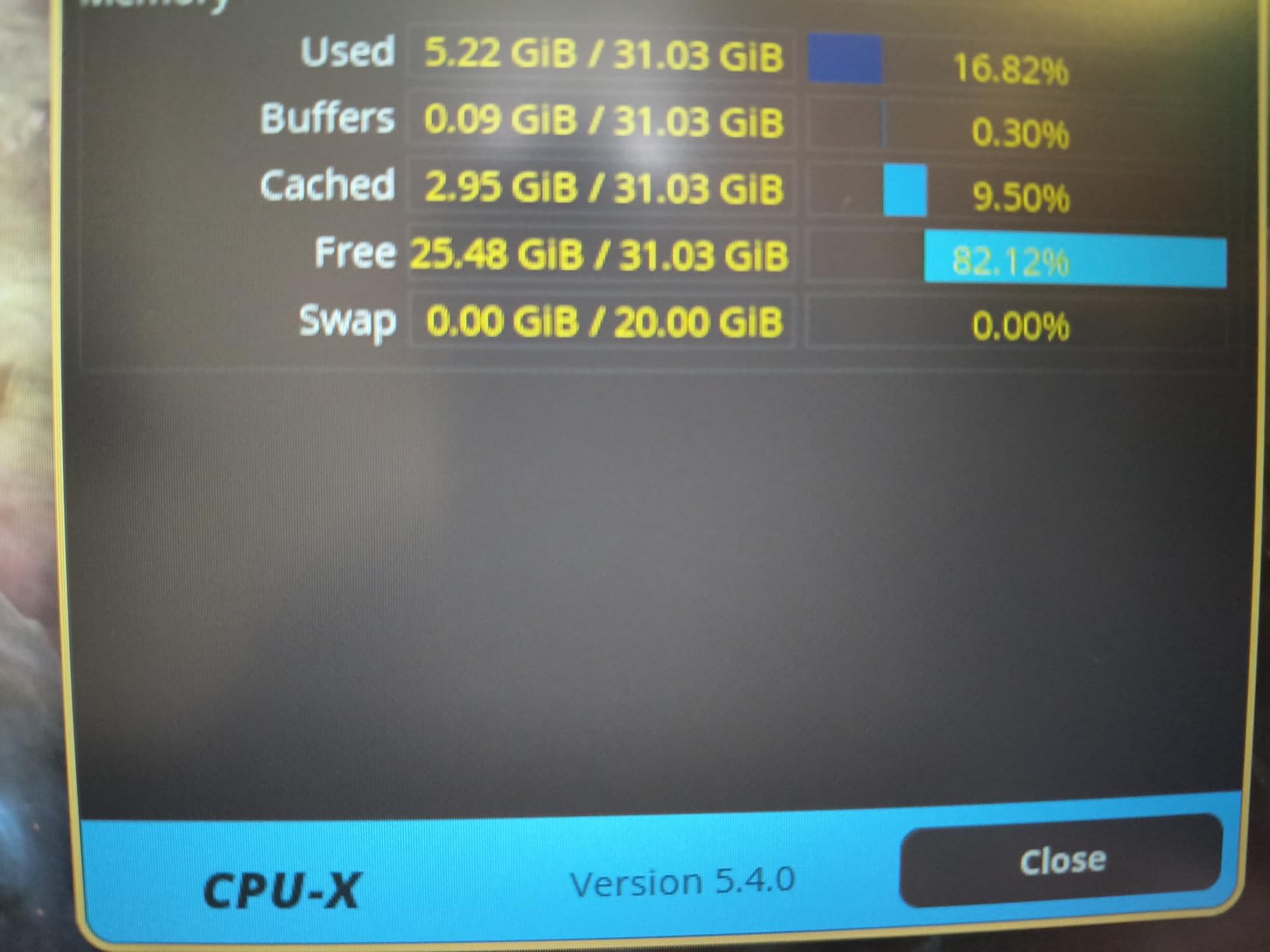
DDR4 is still the right answer for a lot of people in 2026, specifically anyone extending the life of an existing platform rather than building fresh. This 32GB kit of two 16GB modules runs at 3200MHz with CL16-20-20-38 timings at 1.35V, and it is listed as compatible with Intel 300, 400, and 500 series boards plus X299.
The evidence here is volume. More than 20,000 ratings at a 4.8 average makes this the most thoroughly exercised kit in the roundup by a wide margin, and owners repeatedly report effortless installation, cool and stable operation, and faster load times in creative applications after moving up from 16GB.
Why 34mm height is the sleeper feature
The 34mm module height is the number that decides builds. It is low enough to fit under large air coolers and inside most small-form-factor cases, which the Corsair RGB DDR5 kit above is not. For a photography tower with a big GPU and a substantial CPU cooler, that clearance is often the difference between a build that assembles and one that does not.
The aluminium heatspreaders dissipate heat from each module, and hand-sorted chips mean you get consistent performance across the pair rather than a lucky stick and an average one.
What DDR4 3200 costs you in memory bandwidth
DDR4-3200 CL16 is a very different animal from DDR5-6000. On paper the headline speed looks like a downgrade, but the real difference shows in sustained memory-bound tasks: large preview builds, heavy multi-app sessions, and batch jobs that keep several applications resident at once.
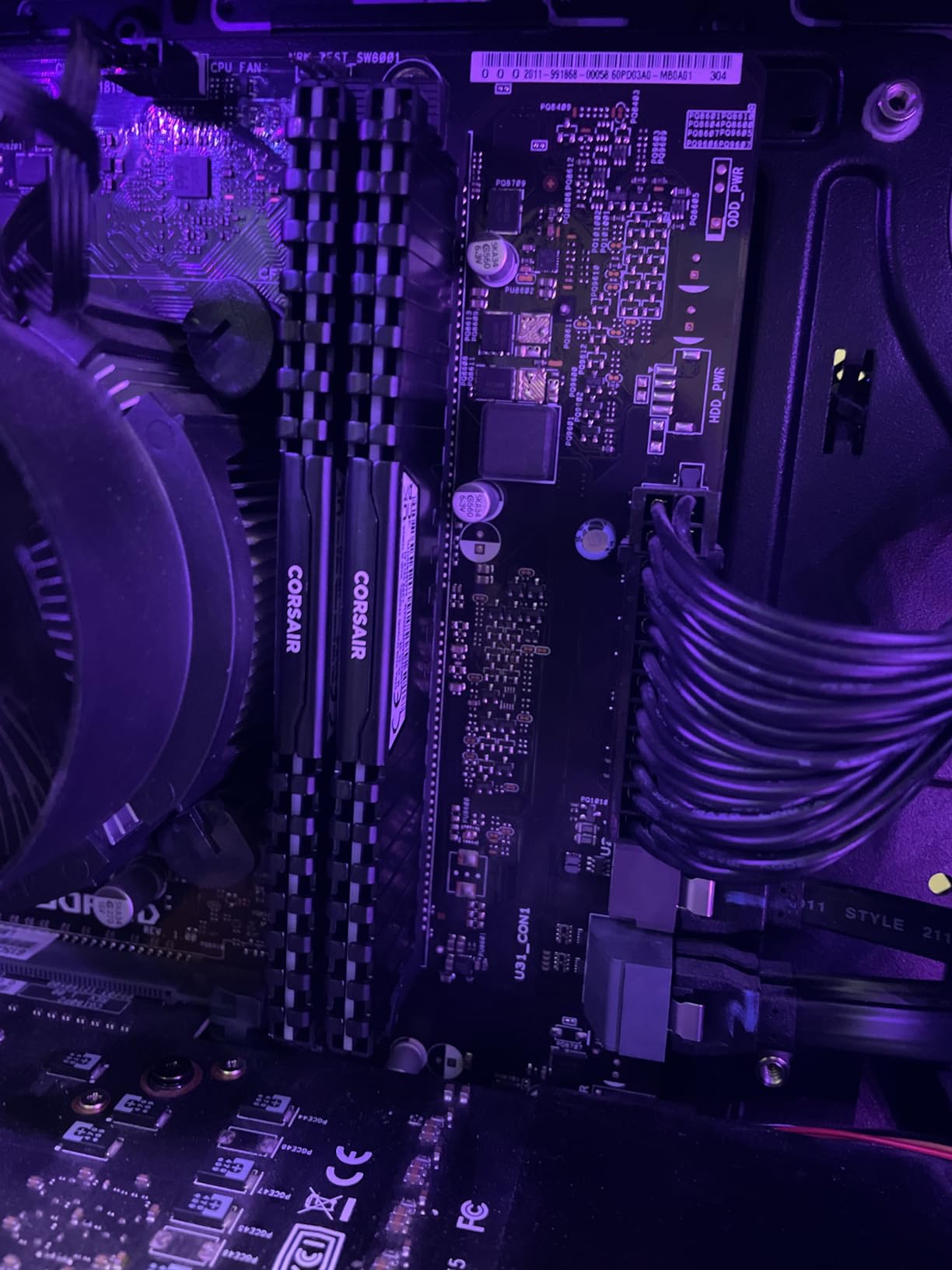
For a single-app Lightroom workflow, the gap narrows to the point of being unnoticeable. One builder with a Lightroom Classic rig noted that with 32GB of DDR4, Lightroom generally never used more than half of the capacity, which tells you the bottleneck sat elsewhere entirely. If your platform is stuck on DDR4, this kit is still a genuinely good upgrade over 16GB.
For whom it works, and who should skip it
Buy it if you already own a DDR4 board and want a 32GB upgrade without changing CPUs or motherboards. The XMP 2.0 profile reaches rated speed after a single BIOS enable, and a limited lifetime warranty backs it up. It is also the safest choice for a photographer working in a small case with a large cooler.
Skip it if you are building new. DDR5 platforms are cheaper to buy memory for, run lower voltage, and give you headroom for the next decade. The only other argument against it is aesthetic: there is no RGB, so a build that is already lit from fans and GPU looks exactly as intended. Nothing here holds it back for the workload.
4. G.Skill Flare X5 DDR5 32GB – The Clean, Low-Profile Choice
G.SKILL Flare X5 Series DDR5 RAM (AMD EXPO & Intel XMP 3.0) 32GB (2x16GB) Up to 6000MT/s CL36-36-36-96 1.35V Desktop Computer Memory U-DIMM – Matte Black (F5-6000J3636F16GX2-FX5)
32GB 2x16GB DDR5
6000MT/s CL36-36-36-96
1.35V
EXPO and XMP 3.0
Pros
- JEDEC default plus EXPO and XMP 3.0 on one kit
- Low-profile non-RGB design suits air-cooled builds
- Matched set validated against the G.Skill QVL
- Reported stable on Ryzen 5000
- 7000
- and 9000 series
Cons
- Some newer boards need a BIOS update first
- Kits must not be mixed with modules from other sets
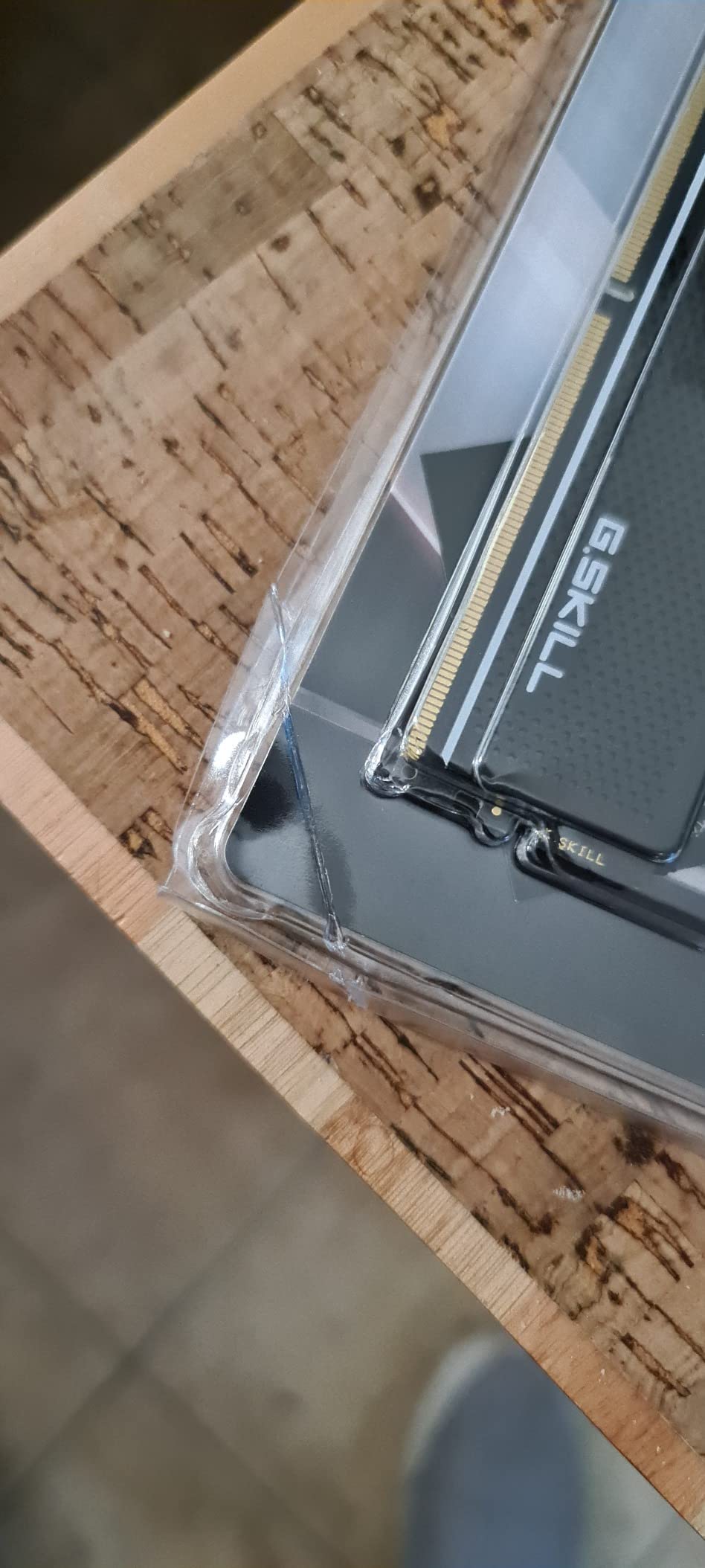
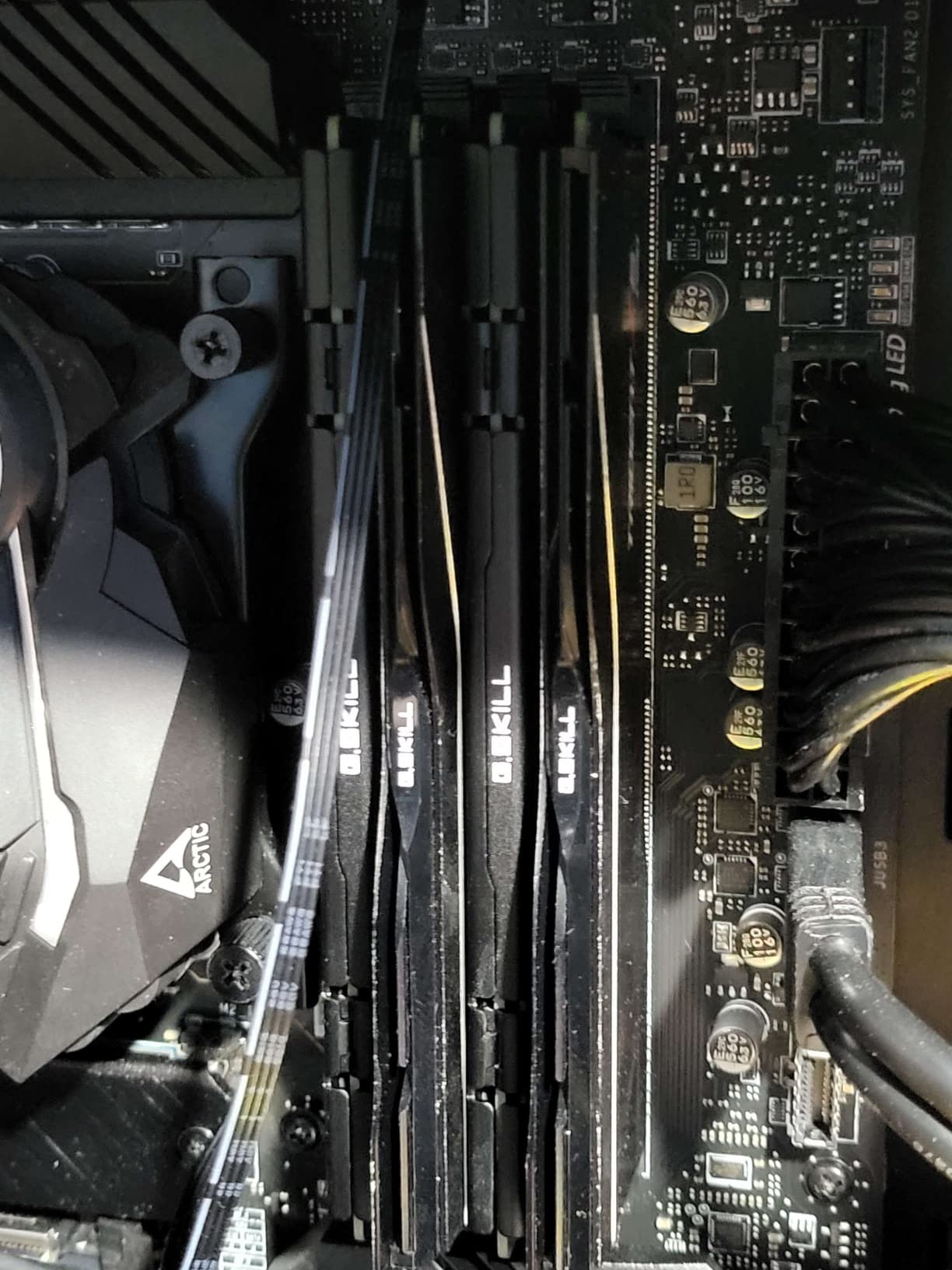
Here is the kit I would build if I did not care about lighting at all. The Flare X5 pairs two 16GB DDR5 UDIMMs rated to 6000MT/s at CL36-36-36-96 and 1.35V, in a plain matte black low-profile heatspreader that disappears into a build.
It holds a 4.7 rating across roughly 950 ratings, with an 88 percent five-star share. Owners point to flawless stability at full rated speed, solid build quality, and effective cooling, and the recurring practical note is to select the EXPO profile on AMD boards rather than XMP.
One kit, both profiles, no manual tuning
This module ships with a JEDEC default profile plus separate AMD EXPO and Intel XMP 3.0 overclock profiles, and it is validated for a long list of current boards including Intel Z790, Z890, B760, and AMD X670, X870, B650, and A620 platforms.
That dual-profile support means the same kit survives a platform change, which matters if you might upgrade the CPU in a few years. Selecting the right profile in BIOS takes one boot cycle and no further adjustment, and once enabled the modules run at the full rated 6000MT/s.
Matching kits and the QVL check
G.Skill is unusually direct about the mixing rule: memory kits are sold matched to run together as a set, and combining modules from different sets can cause instability or failure. Treat the two sticks as a single component rather than two spare parts.
Before buying, check the kit against the G.Skill QVL or RAM Configurator for your exact motherboard. A Tom’s Hardware moderator framed the same principle more generally: refer to the motherboard manual for supported RAM configurations, and purchase memory as a kit for dual-channel use rather than combining separate sticks.
For whom it works, and who should skip it
This suits a photographer building a quiet workstation under a tower air cooler, or anyone who finds RGB lighting distracting. The non-illuminated low-profile design suits builds where fans and a GPU already provide all the lighting you need, and the 1.35V operating point stays cool without active cooling.
Two reasons to look elsewhere. Some newer boards need a BIOS update before the kit is recognised at all, which is a mild annoyance on a brand-new build. And if you want the tightest timings available, CL30 options exist for a few dollars more at the 6000MT/s class.
5. Crucial Pro 64GB DDR5 5600 – For Catalogs That Outgrow 32GB
Crucial Pro 64GB DDR5 RAM Kit (2x32GB), 5600MHz (or 5200MHz or 4800MHz) Desktop Memory UDIMM 288-pin, Compatible with 13th Gen Intel Core and AMD Ryzen 7000 – CP2K32G56C46U5
64GB 2x32GB DDR5
5600MHz CL46
1.1V
2Rx8 UDIMM
Pros
- 64GB of matched capacity for very large catalogs
- Runs at a low 1.1V with on-die ECC
- Downclock profiles at 5200MHz and 4800MHz
- Owners report plug-and-play fit in OEM desktops
Cons
- CL46 timings favour capacity over bandwidth
- Some OEM desktops run it below rated speed by default
- A minority report trouble reaching 5600MHz on B-series boards
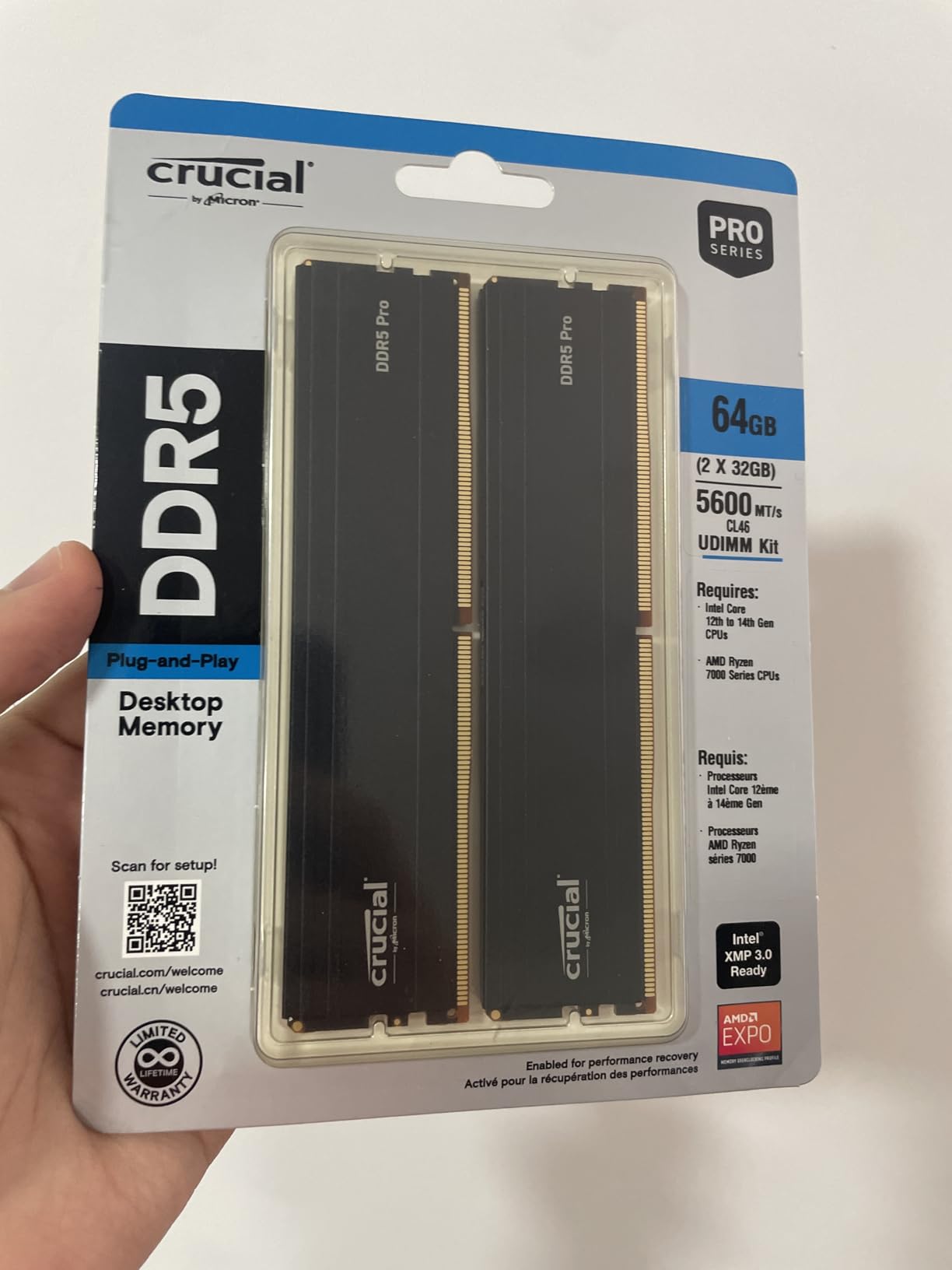
This is the only 64GB kit here, and it exists for a specific person: someone whose catalog is enormous, or who edits photo and video in the same machine. Two 32GB DDR5 UDIMMs in a 2Rx8 configuration, rated at 5600MHz with CL46 timings at just 1.1V.
It carries a 4.8 rating across more than 700 ratings with a 90 percent five-star share, and owners describe it as a capacity product rather than a speed one. Reports of extended MemTest86 runs and stable containerised workloads suggest it is doing its job quietly.
CL46 and 1.1V: a deliberate trade
CL46 is the loosest timing in this roundup, and that is the point. Density at 64GB pushes module designs toward slower geometries, and the 1.1V operating point means dramatically less power draw and heat than the 1.40V CL30 kit above.
For a machine that idles at a desk for hours and then runs a long export, the lower voltage and the headroom matter more than latency. If you are memory-bound rather than latency-bound, capacity plus a 5600MHz ceiling will feel better than a tight kit half the size.
Downclock profiles and OEM desktops
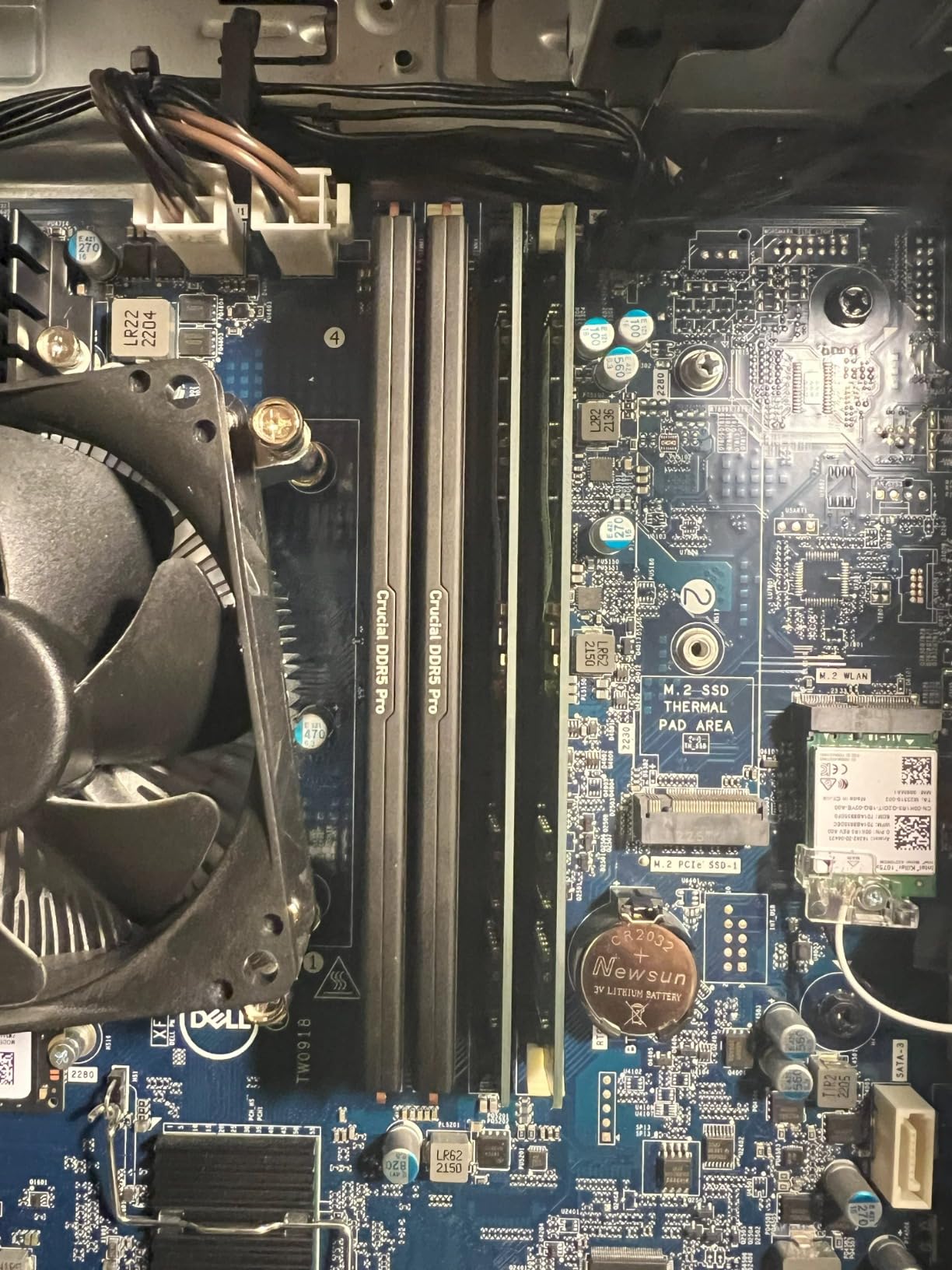
The kit is rated at 5600MHz with 5200MHz and 4800MHz downclock options, which is useful insurance on older silicon or OEM systems. Owners have verified it as plug-and-play inside Dell XPS, Precision, and Alienware Aurora machines, which is a meaningful data point for anyone replacing OEM memory.
One recurring caveat: on some OEM desktops, default JEDEC behaviour runs the modules below the rated 5600MHz until an overclock profile is enabled in BIOS. A minority of users also report difficulty stabilising the kit at 5600MHz on B-series motherboards, where the memory controller is more limited.
For whom it works, and who should skip it
Buy it if your catalog runs well past 100,000 images and you keep Photoshop, a browser, and a file manager open alongside Lightroom. It also serves photo-plus-video workflows and anyone running virtual machines or local AI inference alongside an editing suite. Designed for 14th-generation Intel Core, Intel Core Ultra, and AMD Ryzen 9000 platforms.
Skip it if you are still deciding between 32GB and 64GB, because it is built for the case where you already know you need the headroom. Photo editing alone rarely exceeds 24GB to 32GB of active memory usage, so paying for capacity you never load is money that often belongs in storage or a GPU instead.
6. Patriot Viper Venom DDR5 32GB 6000 – Tightest Timings, Slightest Caveat
Patriot Viper Venom DDR5 RAM 32GB (2X16GB) 6000MHz CL30 Desktop Memory
32GB 2x16GB DDR5
6000MHz CL30-40-40-76
1.35V
XMP 3.0 and EXPO
Pros
- Tight CL30 primary latency at 6000MHz
- Supports XMP 3.0 and AMD EXPO profiles
- Tested across current DDR5 platforms
- Limited lifetime warranty
Cons
- Lowest average rating here at 4.6 with a 5 percent one-star share
- That one-star share points to board-specific stability variance
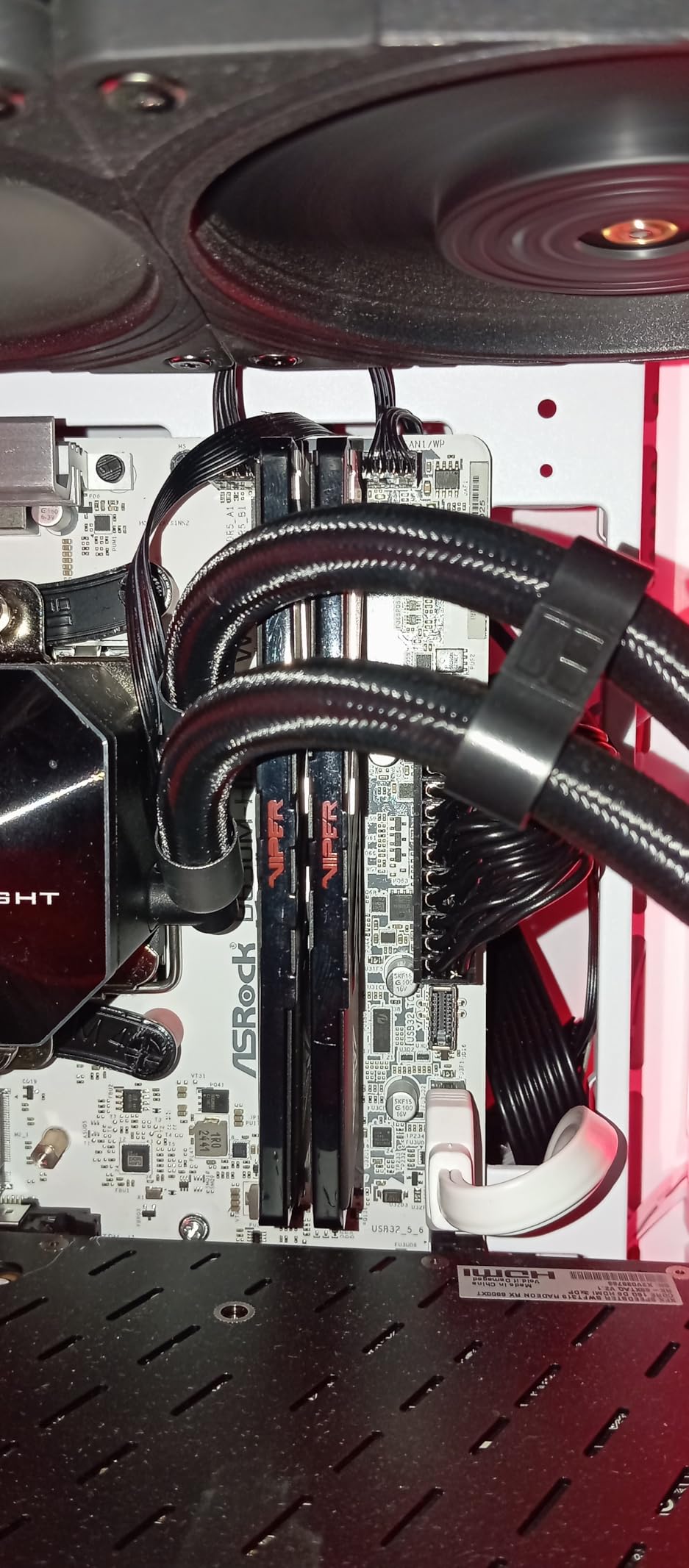
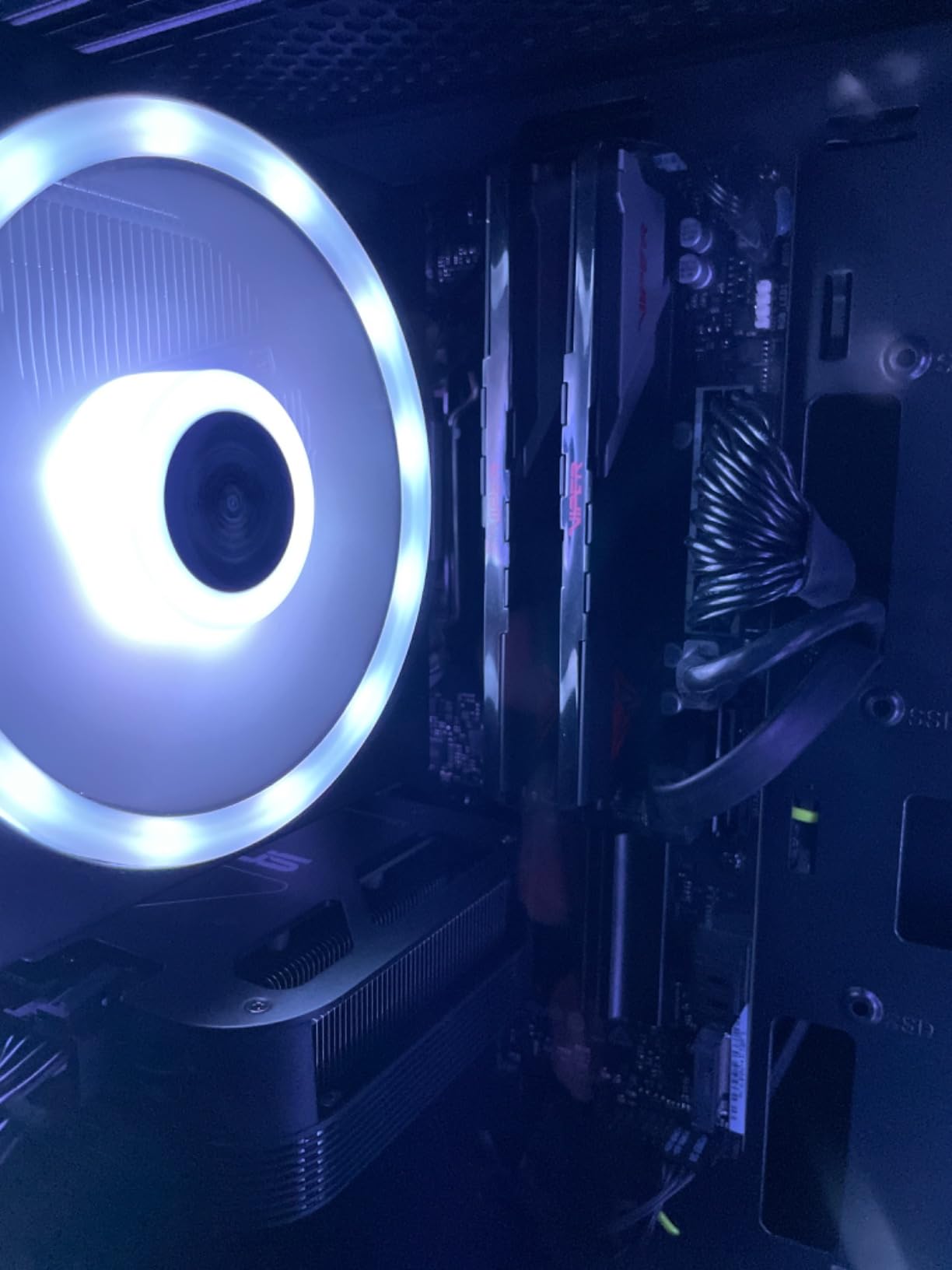
The Viper Venom is the direct specification answer to a narrow question: what is the tightest latency you can get at 6000MHz in a 32GB matched kit. Two 16GB unbuffered UDIMMs, tested timings of 30-40-40-76, running at 1.35V with XMP 3.0 and AMD EXPO support.
Across 654 ratings it holds a 4.6 average with an 85 percent five-star share, the lowest average in this group, and the difference shows up in the one-star segment at 5 percent. Buyers still cite the tight latency, the 6000MHz speed, and dual profile support as the main draws.
What CL30 actually buys you in an editing workflow
CL30 primary latency shortens the wait between dependent memory operations, which is most visible in tasks that hammer the memory system rather than the CPU. Panorama stitching, large RAW decode bursts, and scrubbing through dense previews all fit that description.
Compared with a CL36 kit at the same 6000MHz speed, the gap is real but small, and it disappears entirely the moment your workflow becomes CPU-bound. If your day is catalog browsing plus retouching, you will not notice it. If your day is stitching and batch processing, you might.
Reading the one-star segment honestly
The 5 percent one-star share is larger than the other DDR5 kits here carry, and reviewers point to board-specific compatibility or stability variance rather than a single systemic fault. TEAMGROUP makes the same point about CPU memory controllers and BIOS versions affecting achievable frequency.
That means the QVL check matters more for this kit, not less. If your exact board and CPU pairing appears on the validated list, the risk is small. If it does not, a CL36 kit with a longer install history is the calmer choice.
For whom it works, and who should skip it
Buy it if you have checked the QVL, you want the tightest timings at the mainstream speed class, and your work leans on memory-heavy operations rather than filter rendering. The 1.35V operating point keeps thermals modest, and the modules carry a limited lifetime warranty.
Skip it if stability under load is your top priority and you have no time to test. The same 4.6 average that signals good value for most buyers is a reason for a working photographer to look at a kit with a longer track record. Photographers on the Tom’s Hardware forums put it plainly: their workstation values stability as well as performance.
7. TEAMGROUP T-Force Delta Alpha 32GB – Best Lighting in the Group
TEAMGROUP T-Force Delta Alpha RGB DDR5 Ram 32GB Kit (2x16GB) 6000MHz (PC5-48000) CL38 Intel XMP 3.0 & AMD Expo Compatible Desktop Memory Module Ram Black FF7D532G6000HC38ADC01
32GB 2x16GB DDR5
6000MHz CL38
1.25V
RGB with PMIC cooling
Pros
- 120-degree ultra-wide RGB with a smart controller
- Runs stably with all four AM5 slots populated
- PMIC cooling design and on-die ECC
- Low 1.25V operating point
- Optimised for Intel XMP 3.0 and AMD EXPO
Cons
- CL38 is looser than the CL30-class kits
- Taller illuminated heatspreaders can restrict cooler clearance
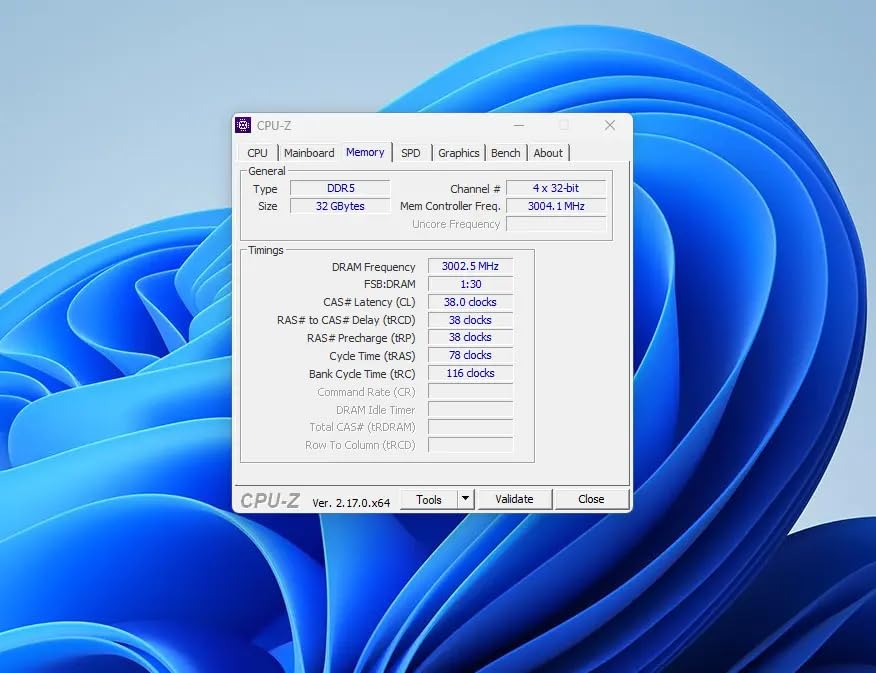
If your workstation is going to be visible through a glass panel, this is the one. Two 16GB DDR5 modules at 6000MHz, PC5-48000, CL38 timings, and a 120-degree ultra-wide RGB diffuser driven by a smart RGB IC controller with software-customisable effects.
It holds a 4.8 rating across roughly 490 ratings with an 89 percent five-star share. Owners emphasise stable operation at the rated clock, easy XMP and EXPO recognition without manual tuning, and lighting that has resisted yellowing over time, plus reports of successful video editing and content creation use.
The 1.25V advantage over RGB rivals
At 1.25V this kit runs at a lower operating point than either Corsair RGB option here. Combined with the PMIC cooling design and on-die ECC, that keeps temperatures low enough for the lighting to be the feature rather than a heat problem.
That is a real advantage for a machine that stays powered for long editing sessions. Lower voltage means less sustained draw on the board’s power delivery, which leaves headroom for a big CPU and a workstation-class GPU drawing from the same rails.
Four-slot stability and lighting software
One detail worth chasing down: owners report this kit running stably even with all four AM5 DIMM slots populated, which is where many kits fall back to a lower speed. If you plan to add a second matched set later, that report is reassuring.
The lighting is controlled through a smart RGB IC that works with the usual motherboard suites, and the 120-degree angle means the glow reads properly from the side of a case rather than only from directly above.
For whom it works, and who should skip it
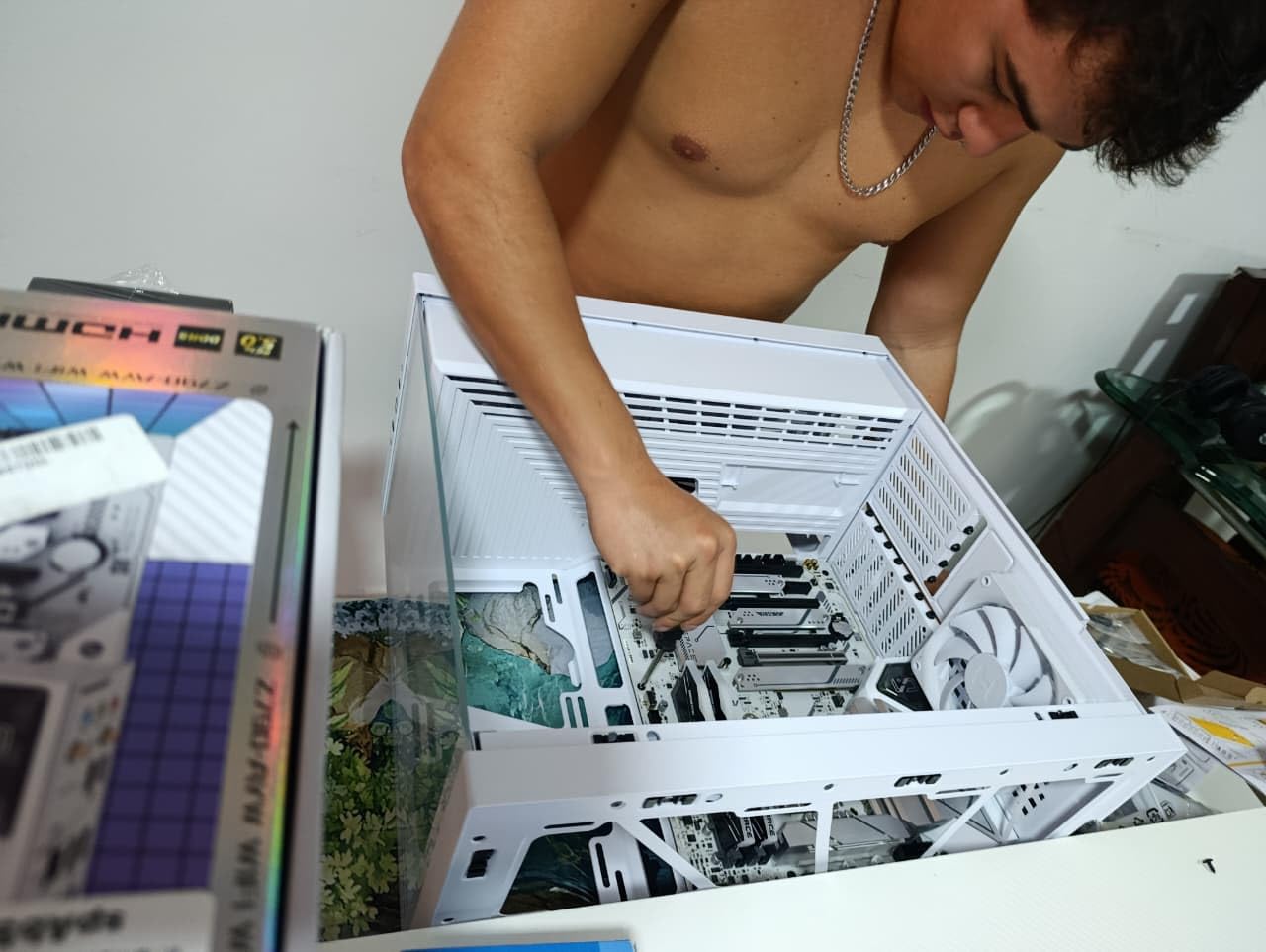
Buy it if you want a visible, well-lit build and you accept a looser memory profile for it. The kit is tuned for AMD X670 and Ryzen 7000 series while also supporting Intel XMP 3.0, and it carries a lifetime warranty rather than a fixed term.
Skip it if you are air cooling with a large heatsink, because the illuminated heatspreaders are taller than non-lit kits, the exact compromise the Flare X5 and the Vengeance LPX avoid. CL38 also puts it last in this group on latency, which is the wrong side of the trade for memory-bound work.
8. Gigastone Game PRO 32GB DDR4 – The Budget Route to 32GB
【DDR4 RAM】 GIGASTONE Game PRO 32GB Kit (2x16GB) DDR4 3200MHz PC4-25600 CL 16-18-18-40 Intel XMP 2.0 AMD Ryzen 1.35V UDIMM 288 Pin Unbuffered Non ECC High Performance Gaming Desktop Memory – White
32GB 2x16GB DDR4
3200MHz CL16-18-18-40
1.35V
XMP 2.0
Pros
- Low-cost path to 32GB on a DDR4 platform
- Intel XMP 2.0 and AMD Ryzen support
- Non-ECC unbuffered 288-pin UDIMMs fit standard slots
- Owners report repeat purchases with consistent compatibility
Cons
- Boots at a lower JEDEC default until XMP is enabled
- Must sit in the primary slots when mixed with slower DDR4
- Lesser-known brand with reported slow support response
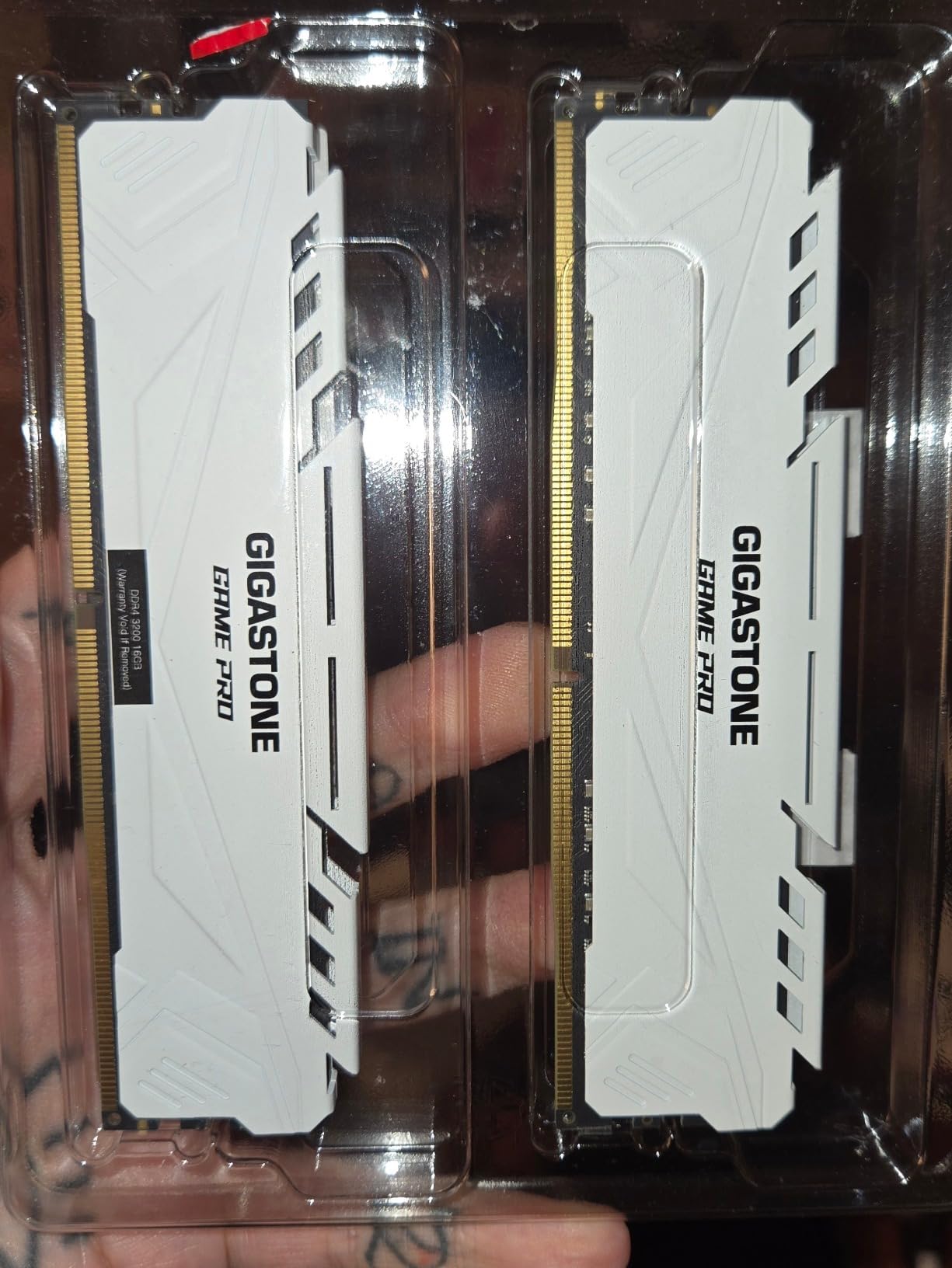
This is the entry point, and it exists because a lot of capable editing machines still run DDR4. Two 16GB unbuffered non-ECC 288-pin UDIMMs at 3200MHz, PC4-25600, with CL16-18-18-40 timings at 1.35V, in a white heatspreader.
It rates 4.7 across 565 ratings with an 86 percent five-star share, which puts it in line with better-known brands. Owners highlight easy installation, immediate system recognition, a visible improvement going from 16GB to 32GB, and solid long-term reliability across multiple purchased kits.
Enabling XMP is the step people skip
Out of the box these modules run at a lower JEDEC default until you enable the XMP profile in BIOS, a recurring note in the reviews. Until that happens you are paying for 3200MHz CL16 and getting a slower default profile instead, which would make the purchase pointless.
The fix takes one reboot. Enter BIOS, find the XMP or memory profile setting, enable it, and save. If you are mixing these with slower DDR4 modules, put the faster pair in the primary slots, which is standard guidance and saves a confusing afternoon.
What the 5 year warranty means here
Every other kit in this roundup carries a limited lifetime warranty. This one carries five years, and the brand is less established than the others. That is not a dealbreaker, but it is a real difference when you are putting memory into a machine you depend on for paid work.
Support response is another reported weak point, with at least one detailed review describing sluggish manufacturer support. If anything goes wrong, the replacement path may be slower than a Corsair or Crucial purchase.
For whom it works, and who should skip it
Buy it if you are upgrading an existing DDR4 workstation to 32GB on a budget, and you are comfortable enabling a BIOS profile. The white heatspreaders suit lighter builds, and the reported multi-kit consistency means you could add a matching pair later.
Skip it if you are building new, or if long-term support matters to you. On a fresh DDR5 build, a 32GB DDR5-6000 kit serves the same editing workload with far more upgrade runway, and the five-year warranty rather than lifetime coverage is the part that would concern me most.
How to Choose RAM for a Photo Editing PC in 2026
Capacity first, everything else second
Start at 32GB in a matched 2x16GB kit and only move up when a measurement tells you to. Speed differences between the kits here are worth fractions of a percent in real editing work, while the gap between 16GB and 32GB is the difference between smooth paging-free operation and constant stutter.
Two sticks always beat four. Populating all four DIMM slots adds strain on the memory controller, lowers achievable speed, and removes any upgrade path. The one builder whose log I read made that call deliberately: 2x16GB now, with two slots spare for later.
DDR4 versus DDR5: who should still buy DDR4
DDR5 offers higher bandwidth, on-die ECC, and power management built into each module through the PMIC, all while running at lower voltage. DDR4-3200 CL16 remains a capable performer, and the Vengeance LPX in this roundup has more than 20,000 ratings backing it.
Buy DDR4 if you already own a compatible board, if your budget is committed elsewhere in the build, or if you are reviving a system whose platform cannot be replaced economically. Buy DDR5 for anything new. Note that 64GB DDR5 kits carry a real cost premium, so for pure photo work a 32GB DDR5 kit is the more sensible split of the same budget.
MT/s, CAS latency, and why photo editing cares about one more
MT/s is raw transfer speed, and CAS latency is the delay in clock cycles before a read responds. Faster is not automatically better: a CL30 kit at 6000MT/s and a CL38 kit at 6000MT/s are both 6000MT/s, but the second takes longer to react to the first access in a chain.
Photo editing leans on the second number more than the third, because filters and RAW processing chain reads together. The practical rule from this roundup: do not pay a premium for a speed class above 6000MT/s, and do pay a small one for tighter timings if memory-bound work is your norm.
QVL, XMP 3.0, and EXPO: the compatibility checklist
QVL means Qualified Vendor List: the motherboard maker’s list of memory kits validated for that board. Check your exact board model against the list before buying, since it is the fastest way to avoid a kit that will not train at rated speed. The G.Skill Flare X5 listing names validated platforms directly, and other brands offer equivalent configurators.
XMP 3.0 is Intel’s memory profile format and AMD EXPO is AMD’s equivalent. Both store your timings in the kit so the BIOS can apply them in one step, and both are technically overclocking, which is why enabling them needs supported hardware and a stable memory controller. A Tom’s Hardware moderator’s rule of thumb: purchase RAM as a kit for dual-channel use, and check the manual for supported configurations first.
DIMM height, laptop memory, and the Mac question
Module height is the most common build blocker in this category. Standard-height RGB heatspreaders sit around 50mm and conflict with large tower air coolers, while low-profile designs at roughly 34mm always fit. Measure your cooler’s clearance before you pick a lit kit, and remember that photo editing builds tend to use large coolers for sustained export loads.
Laptops are a different purchase entirely. Desktop kits are UDIMMs, 288-pin unbuffered modules for full-size slots, while laptops use shorter SO-DIMMs and frequently have soldered memory. If you are after a portable editing machine rather than a tower, our guide to the best laptops for photo editing covers platforms where the memory choice is made for you.
Mac users should know the RAM question largely disappears. Apple Silicon uses unified memory that cannot be upgraded, so the decision becomes which configuration to buy on day one, and the common advice in photography communities is to step straight past the base tier rather than plan to add later.
When RAM is not your bottleneck
If your catalog browsing already feels smooth and Photoshop filters apply quickly, more memory will not change your experience. Storage speed, GPU VRAM, and CPU single-thread performance usually matter more for Lightroom than raw memory speed does.
Before committing budget, be honest about where your system actually struggles. A colour-accurate display changes every editing decision you make, and our picks for the best 4K monitors for photo editing cover that side of the build. For input, the best drawing tablets for photo editing matter too. And if you edit motion alongside stills, the best RAM kits for video editing handle a different bottleneck entirely.
Whichever kit you choose, buy the matched set, enable the profile in BIOS, and then run a memory test before you trust it with a client deadline. That ten-minute habit has saved more edits than any speed number on this list.
Frequently Asked Questions
How much RAM do I need for photo editing?
Most photo editors need 32GB, sold as a matched 2x16GB kit. That capacity holds a large Lightroom Classic catalog with Photoshop, a browser, and other apps open at the same time without paging to disk. Move to 64GB only if your catalog runs well past 100,000 images, you edit video in the same machine, or you run local AI tools and virtual machines.
Is 16GB RAM good for photo editing?
Yes, for a hobbyist working in Lightroom alone on a modest catalog. Sixteen gigabytes handles RAW development, basic retouching, and normal browsing without trouble. You will notice the ceiling the moment you open Photoshop next to a full catalog or run a Generative Fill or Denoise task, which is why 32GB is the far more comfortable starting point in 2026.
Is it worth buying DDR4 in 2026?
It is worth it if you already own a DDR4-compatible motherboard, because a 32GB DDR4-3200 CL16 kit still runs Lightroom Classic and Photoshop smoothly and costs far less than rebuilding the platform. It is not worth it on a new build, where DDR5 gives higher bandwidth, lower voltage, and longer upgrade runway for a similar outlay.
How much RAM to run Photoshop and Lightroom together?
Plan on 32GB as a matched 2x16GB kit, with two free DIMM slots if your board has four. That covers catalog browsing, RAW development, deep layer stacks, and AI features in both applications. Only step to a 64GB 2x32GB kit when your catalog is enormous or you add video editing and virtual machines to the same machine.
What is the best 64GB DDR5 RAM for large catalogs?
The 64GB 2x32GB DDR5 kit in this roundup is rated at 5600MHz with CL46 timings at 1.1V in a 2Rx8 configuration, and it suits very large catalogs plus photo-and-video workflows. Note that loose CL46 timings favour capacity and low power draw over peak bandwidth, and that some OEM desktops run the modules below rated speed until a profile is enabled in BIOS.
Which RAM Kit Should You Buy?
If you prioritise capacity and tight timings on a new platform, take the Corsair Vengeance RGB DDR5 32GB, our editor’s choice, and enjoy the lighting while the 2x16GB layout leaves your upgrade slots open. If your build is compact or air cooled, the Crucial Pro 32GB DDR5 gives you the same capacity in modules that always clear a big heatsink.
If you are sticking with an existing DDR4 board, the Corsair Vengeance LPX 32GB has the deepest install history in this roundup and a 34mm profile that never causes clearance problems. For a huge catalog or photo-plus-video work, the Crucial Pro 64GB is the only kit here built for that headroom. And if you want the tightest latency at 6000MT/s, the Patriot Viper Venom does it, provided you check the QVL first.
Whichever one you choose, the best RAM kits for photo editing are simply the ones that hold your working set without paging, run at their rated speed, and never crash mid-export. Start with 32GB, buy it as a matched kit, and spend what is left on a better display. Our guide to the best computer monitors for photo editing covers the upgrade that changes your results most.