
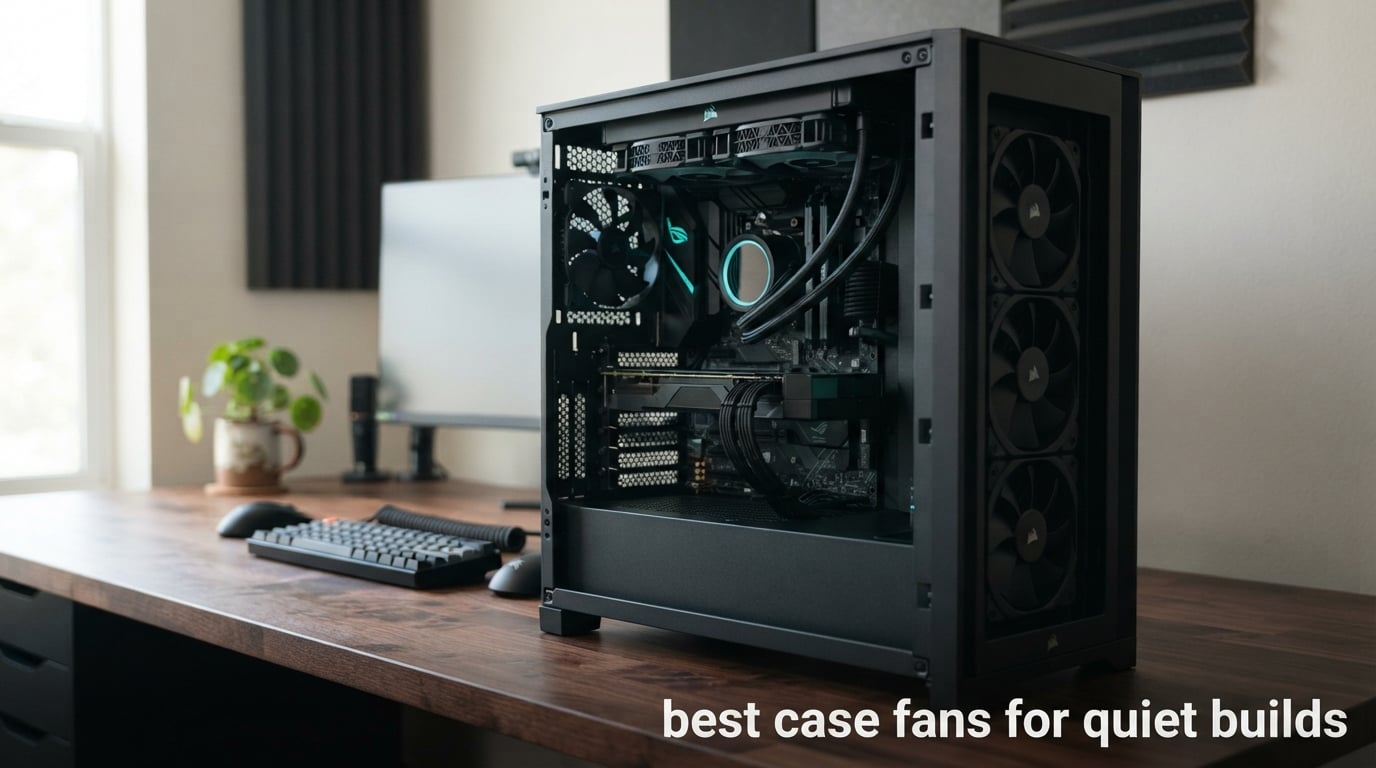
Here is the short answer: the Noctua NF-A12x25 PWM is the quietest case fan in this group, rated at 22.6 dB(A) while still spinning to 2000 RPM. The Noctua NF-A14 PWM follows at 24.6 dB(A) and moves more air per fan than any 120mm unit here, and the Noctua NF-P12 redux-1700 PWM is the pick most quiet builders default to. The variable that decides whether a build sounds silent is not the dBA sticker on the box but the RPM each fan actually idles at.
I have spent more time than I would like to admit listening to chassis fans spin up during games, and the pattern held every time. A fan rated 26 dB(A) running at 1800 RPM on a badly tuned curve is louder than a fan rated 30 dB(A) idling at 600 RPM. So I judged these ten on noise-to-airflow ratio first, bearing quality second, and control flexibility third.
A note on method: every dBA, RPM, CFM and static-pressure figure in this roundup is a manufacturer specification, not an independent measurement in my own test bench. Where reviewers report real-world behaviour I have said so, and I have said which claims are theirs rather than the manufacturer’s.
If you are building the rest of the machine from scratch, start with our tested picks for quiet PC cases and our quiet CPU coolers for silent builds. Case and cooler choice set the noise budget that your fans then have to live inside.
The Short Answer on Who Makes the Quietest Case Fans
Noctua makes the quietest case fans, and by brand the answer is closer to Noctua followed by ARCTIC than to anything else in the market. Noctua publishes the lowest maximum noise figures in this roundup and pairs them with a 6-year warranty on every unit. ARCTIC is the value alternative, and its 0.3 Sone figures are quieter in practice than some competitors’ 36 dB stickers because those fans are designed to stop completely below 5% PWM rather than to sound impressive at the top of their range.
The models worth shortlisting first, in plain order:
- Noctua NF-P12 redux-1700 PWM – best overall quiet fan, and the one most builds should buy.
- ARCTIC P12 PWM PST 5-Pack – best value, with daisy-chaining built in.
- Noctua NF-A14 PWM – best 140mm for moving more air with fewer fans.
- Noctua NF-A12x25 PWM – quietest rated figure in the group at 22.6 dB(A).
- ARCTIC P12 Pro PST 5-Pack – best static pressure for mesh fronts and dense radiators.
- ARCTIC P12 Slim PWM PST – the only genuinely slim option for tight builds.
One warning from the forums that no article mentions: the ARCTIC Pro-series fans reach 3000 RPM, and users on r/buildapc and LinusTechTips point out repeatedly that they are genuinely loud at that ceiling. Their quietness is real, but it lives at the bottom of the PWM range. Weights and ratings are lower too, so treat them as a curve-tuning purchase, not a set-and-forget one.

Comparing the Best Case Fans for Quiet Builds in 2026
The table below is the fastest way to narrow the field. All ten fans are 4-pin PWM controlled. Static pressure is the number that decides whether a fan belongs behind a radiator or a mesh panel rather than in an open chassis position.
| Product | Specs | Action |
|---|---|---|
| Noctua NF-P12 redux-1700 PWM |
|
Check Latest Price |
 ARCTIC P12 PWM PST 5-Pack ARCTIC P12 PWM PST 5-Pack |
|
Check Latest Price |
 Noctua NF-A14 PWM 140mm Noctua NF-A14 PWM 140mm |
|
Check Latest Price |
 Noctua NF-A12x25 PWM Noctua NF-A12x25 PWM |
|
Check Latest Price |
 CORSAIR RS140 140mm Dual Pack CORSAIR RS140 140mm Dual Pack |
|
Check Latest Price |
 be quiet! Silent Wings Pro 4 be quiet! Silent Wings Pro 4 |
|
Check Latest Price |
 ARCTIC P12 Pro PST 5-Pack ARCTIC P12 Pro PST 5-Pack |
|
Check Latest Price |
 Thermalright TL-C12C X3 3-Pack Thermalright TL-C12C X3 3-Pack |
|
Check Latest Price |
 be quiet! Pure Wings 3 be quiet! Pure Wings 3 |
|
Check Latest Price |
 ARCTIC P12 Slim PWM PST ARCTIC P12 Slim PWM PST |
|
Check Latest Price |
How Quiet Actually Works
Noise inside a PC comes from three separate sources, and confusing them is why most fan advice fails. Wind noise is the broadband whoosh of air moving over blades. Tonal noise is the narrow whine a bearing or motor produces at a particular RPM. Coil whine is the thin, high-pitched squeal that comes from GPU or PSU inductors under load, and no case fan on earth will fix it.
Wind noise rises with speed, roughly with the fifth power of RPM in the range most of us operate in. That is why a fan at 2000 RPM is disproportionately louder than the same fan at 1000 RPM, and why the whole game is running slower while still moving enough air.
Tonal noise is the reason a 3000 RPM fan can still sound smooth. The be quiet! Silent Wings Pro 4 uses a six-pole motor and a fluid dynamic bearing specifically to keep that tonal component low at high speed. The Noctua A-series takes a different approach, shrinking tip clearance to 0.5 mm so the impeller never sweeps past the frame.
The Noise Floor Problem
There is a threshold below which quieter fans stop making a meaningful difference. In a genuinely quiet room, a fan moving 50 CFM at a low duty cycle is audible; a fan moving 50 CFM at half that duty cycle often is not. The practical consequence is that beyond a certain quality threshold, extra spending buys you headroom you will never use at idle, which matters only during load.
This is also why fan curve tuning is worth more than a fan upgrade. Our custom build guide covers the other half of the system, but the principle is identical: control the thing before you replace it.
Why RPM Beats Raw CFM
Two fans that move identical airflow produce very different sound depending on how they get there. A 140mm fan at 900 RPM and a 120mm fan at 1400 RPM deliver comparable volume through a case, and the 140mm produces less wind noise because it is stirring a larger column of air more gently.
This is the single most actionable idea in the roundup. Fewer, larger, slower fans will beat more, smaller, faster ones in almost any chassis, and it is why the NF-A14 earns its place in a list of 120mm-dominated options.
1. Noctua NF-P12 redux-1700 PWM – The Default Quiet Fan
Noctua NF-P12 redux-1700 PWM, Quiet Fan 120mm
120mm
25.1 dB(A) max
1700 RPM
150,000 h MTTF
Pros
- Lowest acoustic output in its airflow class
- Pressure-optimised blades handle radiators and mesh panels
- 4-pin PWM keeps it inaudible on a sane curve
- 6-year warranty and 20000+ reviews at 4.8 stars
Cons
- 1700 RPM ceiling is low versus 2500-3000 RPM parts
- 25 mm frame will not fit slim 15 mm bays
- Sold as a single unit in this listing
- No lighting
This is the fan I keep coming back to. Noctua’s redux line strips away the AAO frame and the accessory kit while keeping the part that matters: the motor, the blades, and a 1700 RPM ceiling that is deliberately low.
On a default motherboard curve it is effectively inaudible until your CPU starts working, at which point it ramps up a couple of hundred RPM rather than spinning to a dramatic maximum. Reviewers describe it as near-silent below roughly 1200 RPM, and that matches what a 25.1 dB(A) maximum implies.
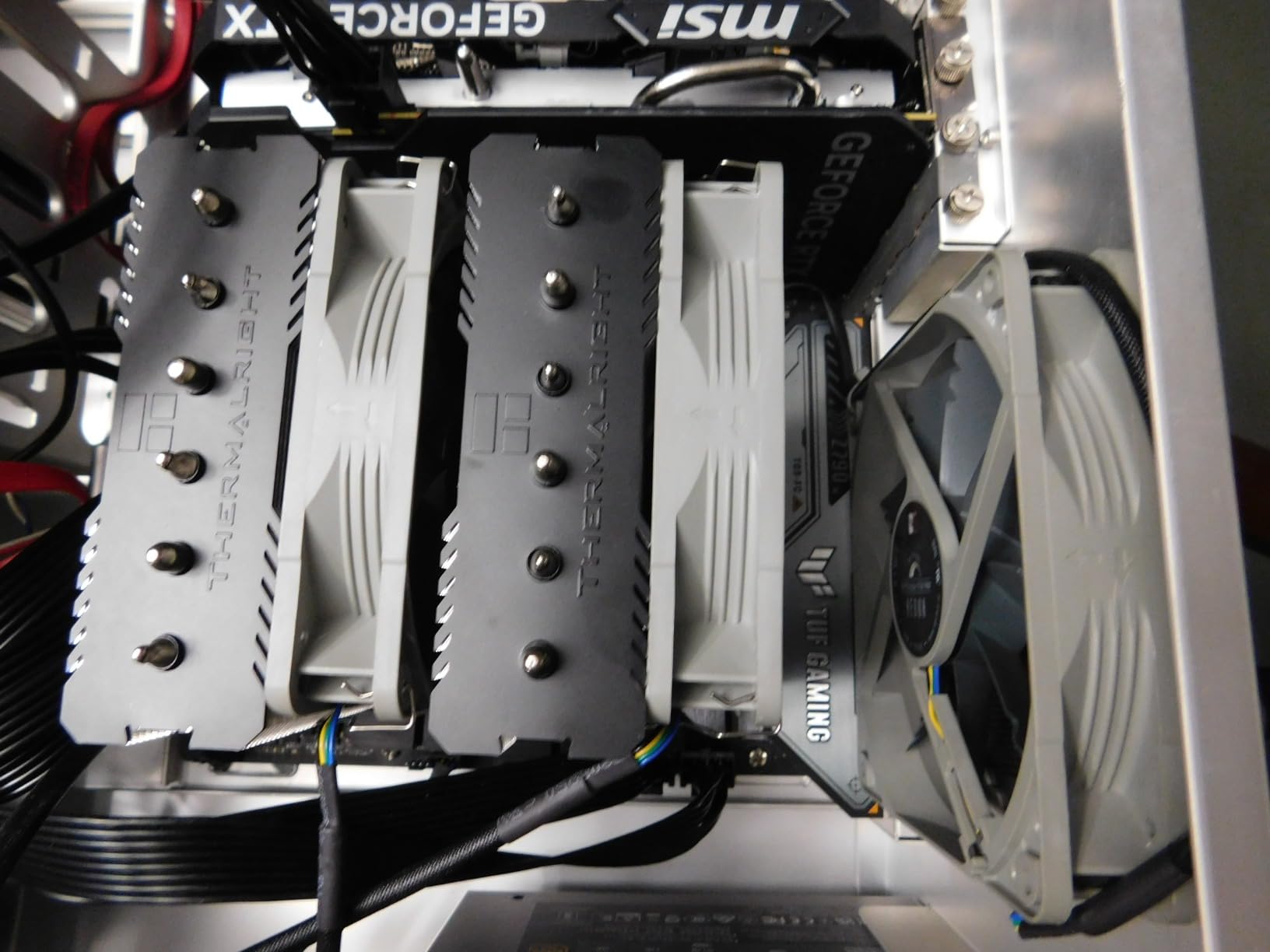
The 20,000-plus review base at 4.8 stars is the strongest reliability signal in this category. Noctua rates it at over 150,000 hours MTTF and backs it for six years, and that combination is why it has stayed the forum default for years.
Pressure-Optimised Blades and Where They Belong
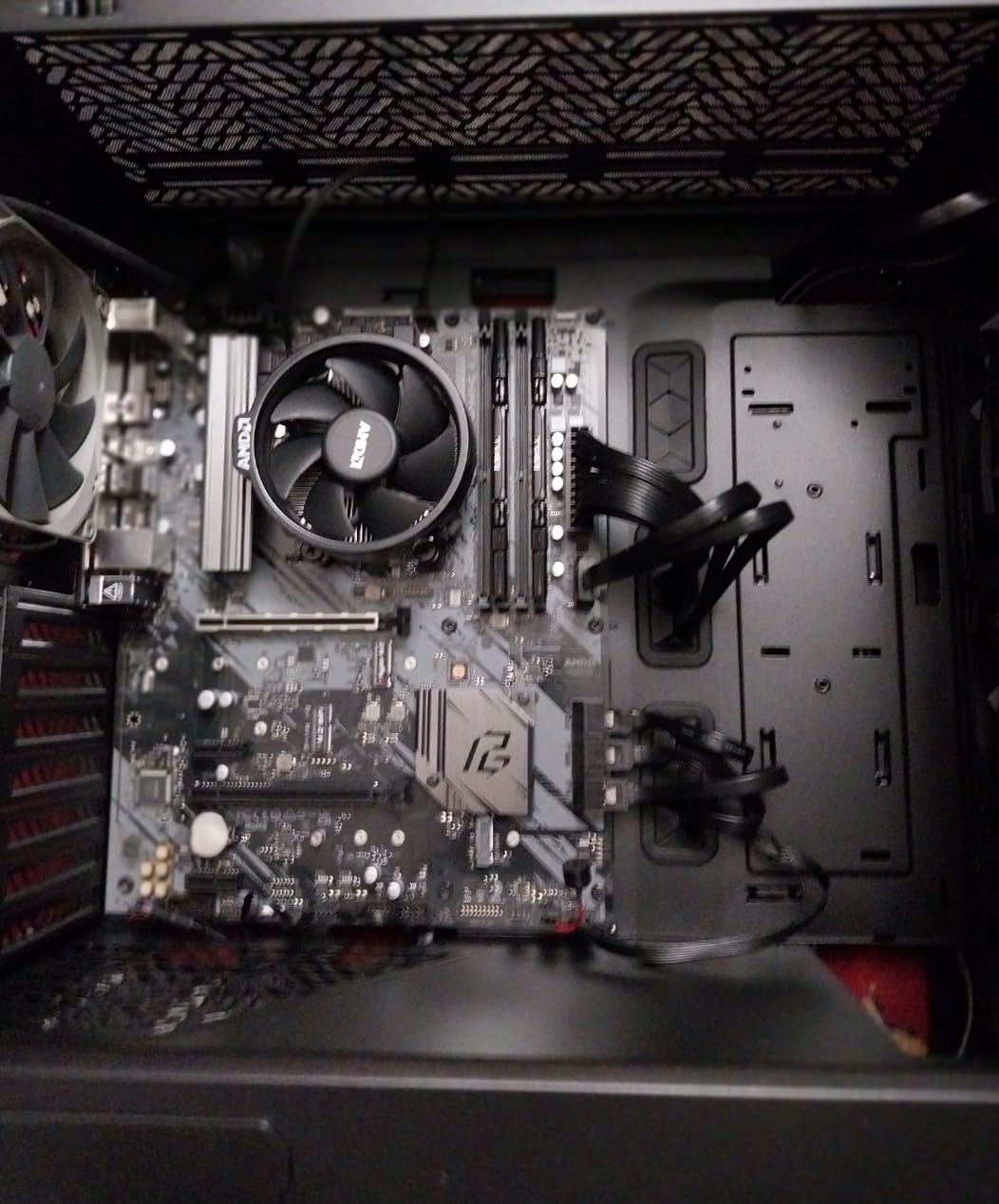
The blade design is tuned for static pressure rather than open-air volume, which is why the same fan works on a radiator, a tower cooler and a mesh intake. In open positions it is not the biggest mover here, but you will rarely run it flat out in an open position.
One real limit: 1700 RPM is a low ceiling. Behind a dense 360mm radiator you will need several of these rather than one high-speed unit, which is a fair trade for the acoustics. Our quiet console fan guide covers the same principle in a smaller chassis.
For Whom It Works and Where It Falls Short
Choose this if you want a set-and-forget fan with a long warranty and a huge installed base. It suits home office builds, bedroom PCs and gaming rigs where the CPU is the main noise source and the case is doing secondary work.
Skip it if you are mounting to a 15 mm slim radiator, or if you want a single fan to satisfy a 360mm AIO without help. The 25 mm frame is the blocker in tight builds, not the acoustics.
2. ARCTIC P12 PWM PST 5-Pack – Best Value Quiet Fan
ARCTIC P12 PWM PST (5 Pack) – PC Fans, 120mm Case Fan, PWM Sharing Technology (PST), Pressure-optimised, Quiet Motor, Computer, 200–1800 RPM (0 RPM <5%) - Black
120mm 5-pack
0.3 Sone
200-1800 RPM
6 years
Pros
- PST daisy-chain runs five fans from one header
- Stops completely below 5 percent PWM
- 2.20 mmH2O static pressure suits radiators and mesh
- NdFeB ring motor runs cool and lasts
Cons
- 1800 RPM ceiling is modest for very dense radiators
- 25 mm thickness will not clear slim mounts
- Fixed 120mm size in this pack
- Unlit black design
If you are filling a case that takes five fans, this is the practical answer. The five-pack costs less per fan than a single premium unit and the wiring is genuinely simple because of PST.
Each fan has a second connector on the back, so you string them in a chain and plug the last one into the motherboard header. Owners repeatedly single this out as the reason a five-fan build is painless.
The neodymium ring motor is the quiet-build detail worth knowing about. ARCTIC claims a motor running roughly 10 degrees cooler with about four times the service life, and the fan stops entirely below 5% PWM so an idle desktop can be completely silent.
Static Pressure Where It Counts
At 2.20 mmH2O this sits comfortably in the middle of the group. It handles a 240mm radiator and a fine mesh front panel without stalling, which is why it is the most common recommendation in budget quiet builds.
The 0.3 Sone rating is a different scale from dBA, and a lower number is not directly comparable across the two. What matters practically is that this fan is designed around a quiet operating point rather than a maximum-speed one.
For Whom It Works and Where It Falls Short
Pick this for a full-tower or mid-tower on a budget, especially if you want the fans to sit at a low flat duty and stay there. The six-year warranty matches the Noctuas.
It is not the answer for slim radiators or small form factor builds where 25 mm will not clear, and a single fan will not replace a 3000 RPM unit in a very restrictive radiator.
3. Noctua NF-A14 PWM – Most Compact 140mm With Real Airflow
Noctua NF-A14 PWM, High-Performance Quiet Fan 140mm
140mm
24.6 dB(A) max
1500 RPM
140.2 m3/h
Pros
- Moves far more air per fan than any 120mm here
- 24.6 dB(A) is among the lowest figures in the group
- Flow Acceleration Channels cut tonal noise
- Includes Low-Noise Adaptor and anti-vibration mounts
Cons
- 1500 RPM ceiling is low for dense radiators
- 25 mm can clash with thick AIO radiators
- High cost per fan for a 140mm
- Needs a 140mm mount pattern
This is the fan I recommend when someone asks why their quiet build still needs four fans. A 140mm frame at 1500 RPM moves 140.2 cubic metres per hour, and doing it that slowly is the whole quietness argument in one product.
The acoustic design is deliberate rather than incidental. Flow Acceleration Channels in the frame and the Advanced Acoustic Optimisation frame both target the narrow tonal component that 140mm fans are otherwise prone to producing.
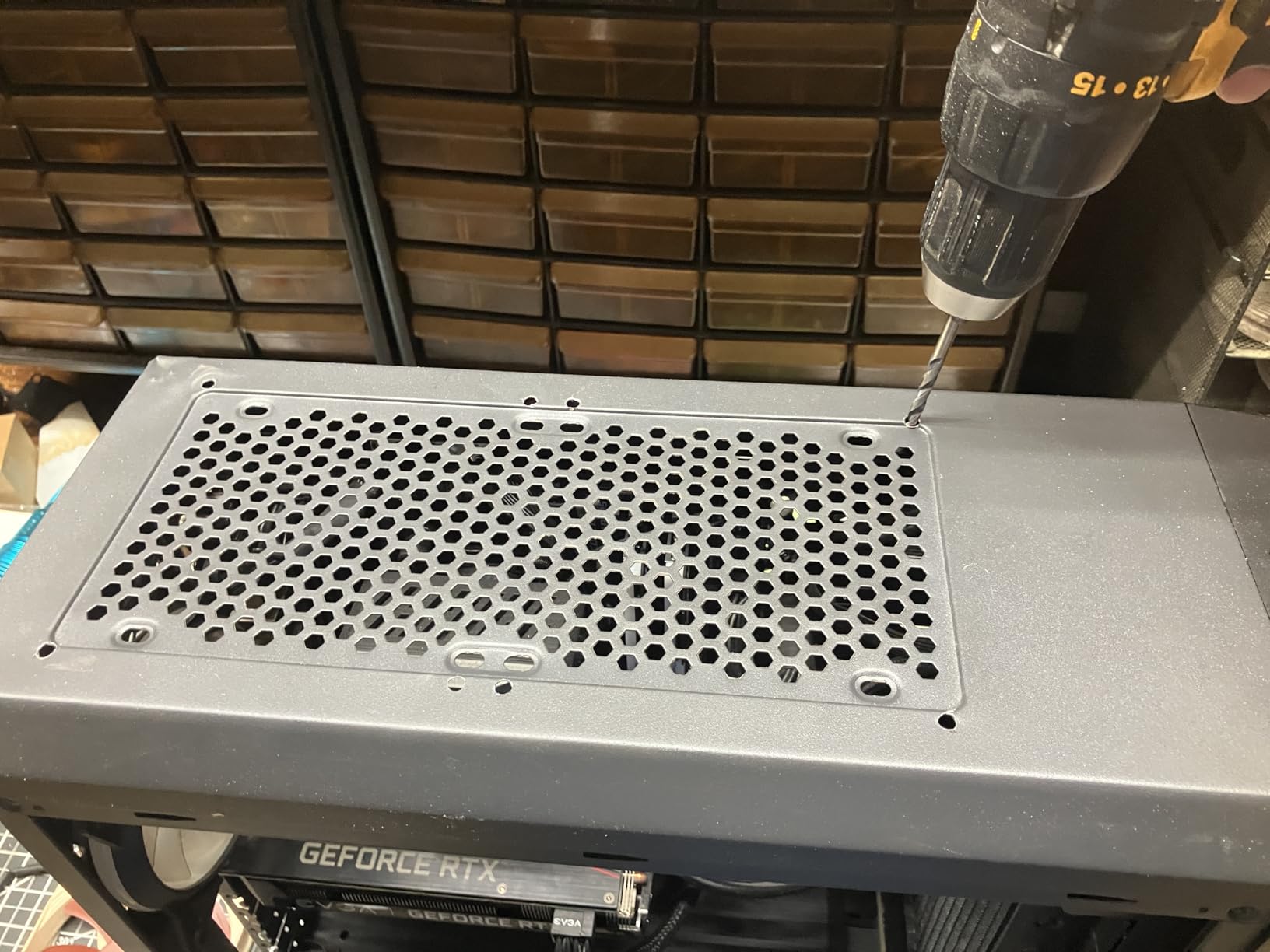
The Low-Noise Adaptor is the interesting part. Clip it on and the ceiling drops to 1200 RPM, which is where this fan is at its most silent. Reviewers commonly describe builds that stay smooth-sounding precisely because that adaptor is in the chain.
Radiator and AIO Placement
At 1500 RPM with real static pressure capability, this handles a 280mm or 360mm radiator comfortably at moderate PWM. On a 360mm you would run three of these rather than one unit, and the acoustics stay better than a high-speed alternative spinning flat out.
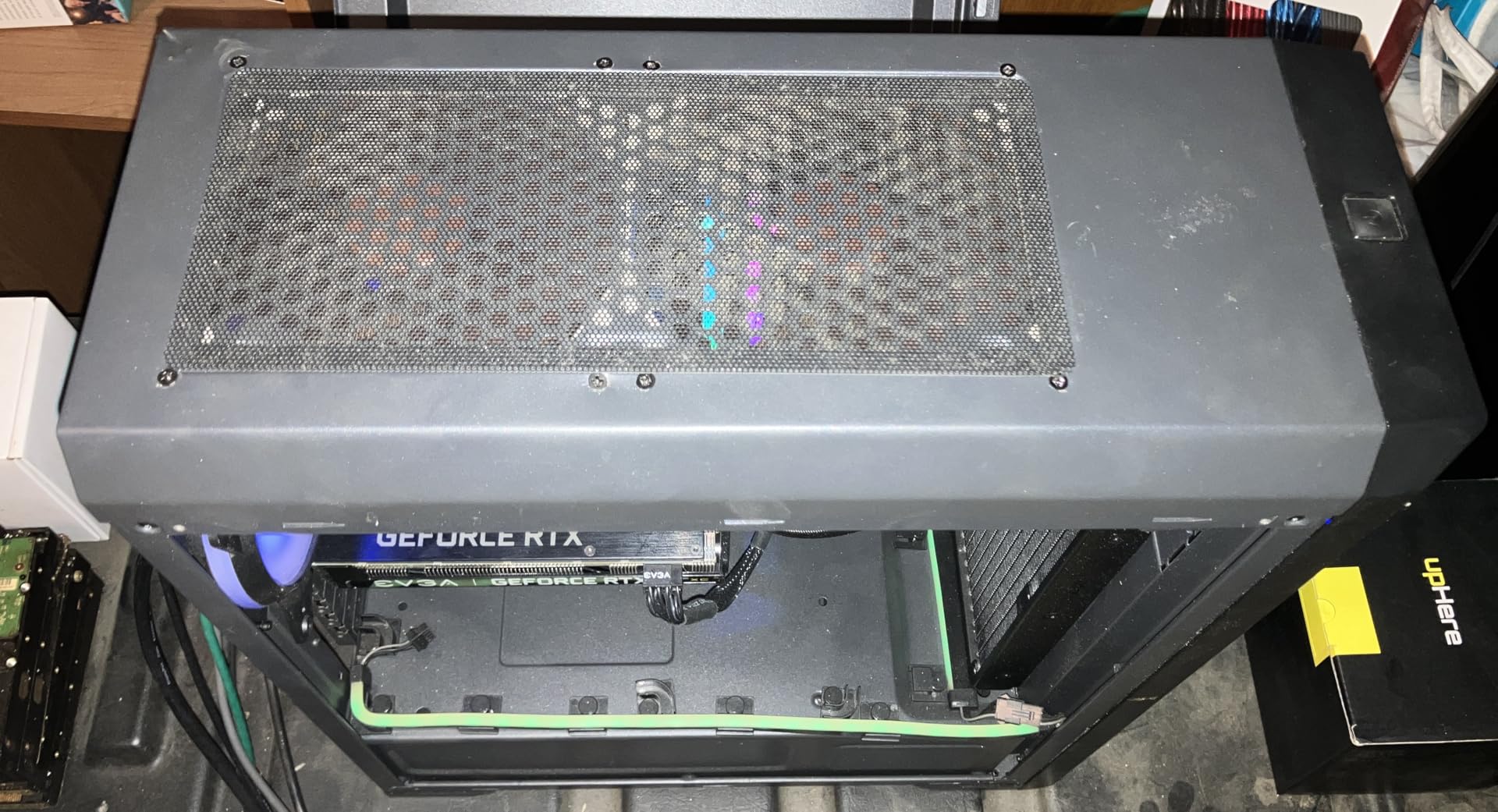
Check radiator thickness first. A 25 mm frame plus a thick radiator can exceed the mounting depth in some cases, and that is the most common reason this fan is returned.
For Whom It Works and Where It Falls Short
Choose it for a big case with 140mm mounts, a streaming rig where fan noise reaches a microphone, or any build where you want fewer fans doing the same work.
It is a poor fit for a 120mm-only chassis and a questionable one in a case with 27 mm-plus radiators and tight clearances. The per-fan cost also adds up on a six-fan build.
4. Noctua NF-A12x25 PWM – The Quietest Rated Fan in the Group
Noctua NF-A12x25 PWM, High-Performance Quiet Fan 120mm
120mm
22.6 dB(A) max
2000 RPM
Sterrox LCP
Pros
- Lowest published maximum noise figure here at 22.6 dB(A)
- 0.5 mm tip clearance reduces tonal whine
- Sterrox LCP blades with metal hub and bearing shell
- Rich accessory kit including radiator gasket
Cons
- Highest cost per fan in the group
- 25 mm will not fit slim radiators
- 2000 RPM is below 3000 RPM parts
- Low-Noise Adaptor trades peak speed for silence
At 4.9 stars across 7,543 reviews, this is the highest-rated product in the roundup, and the 22.6 dB(A) figure is the lowest maximum noise rating any of these ten publishes. That is the number most people are searching for when they type this query.
What makes it quiet is mechanical. The 0.5 mm tip clearance means the impeller blades never sweep close to the frame, so the air never gets pinched and never produces that thin whistle. The Sterrox LCP blade material and metal-reinforced hub are there for durability rather than noise.
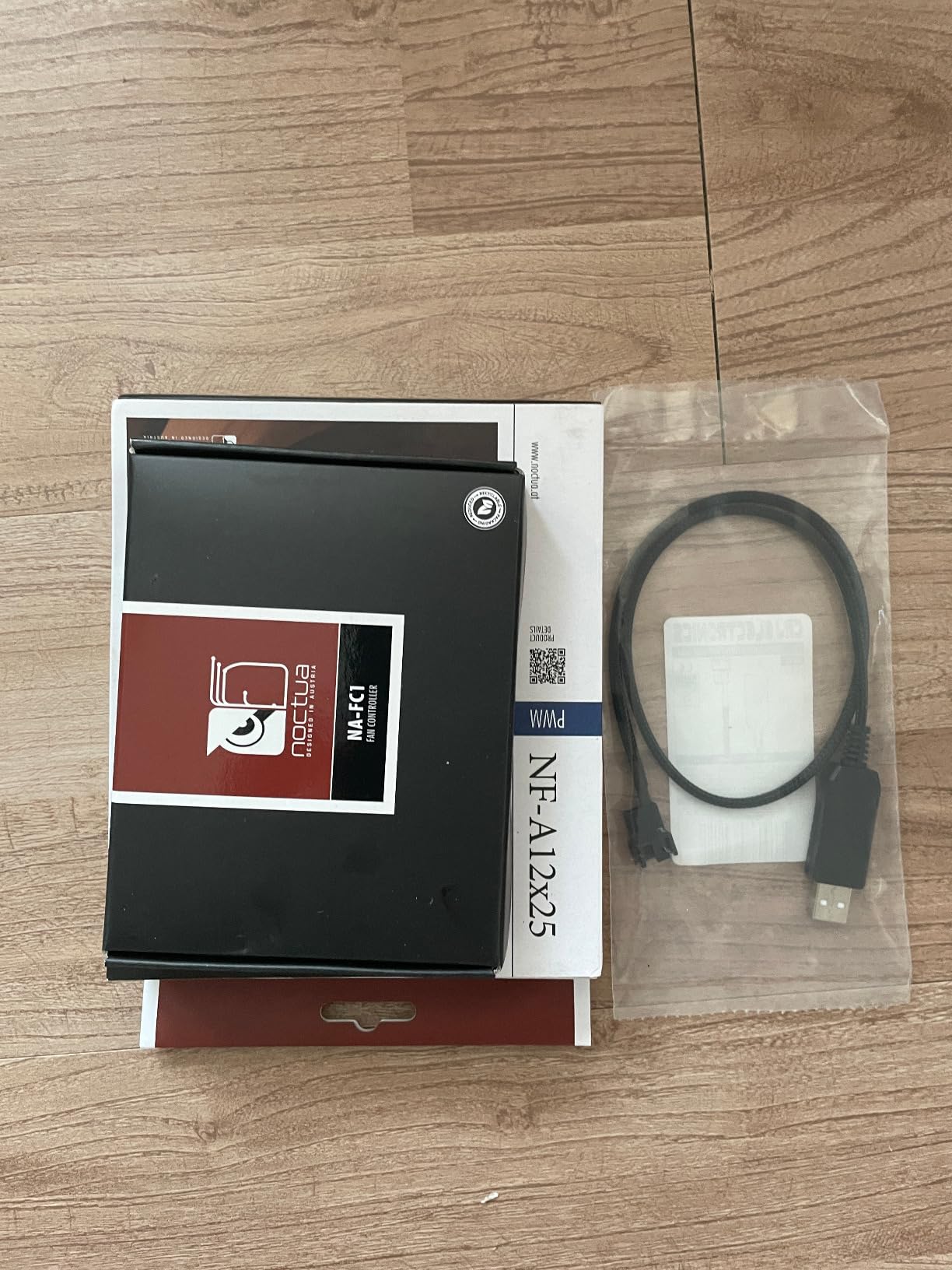
It is also the most complete package in the list: anti-vibration mounts, a radiator gasket, fan screws, an extension cable and a y-cable, all under a six-year warranty.
Where the Airflow Figure Earns Its Keep
At 102.1 cubic metres per hour this moves more air than any other 120mm in this roundup except the NF-P12 redux, while still running at a full 2000 RPM. That combination is why it is the fan most often recommended for AIO radiators, where a slower fan simply will not move enough air.
It is not a maximum-airflow radiator part. If you have a very dense rad and want one fan to do the whole job, a 3000 RPM model suits you better and you will have to accept the sound.
For Whom It Works and Where It Falls Short
Buy it if you want the lowest published noise figure in the group, a six-year warranty, and a fan that doubles as a CPU cooler or radiator fan. Reviewers report almost no acoustic complaints; the recurring notes are cost and radiator clearance.
Leave it out if you are filling five positions on a budget, since the per-fan cost is the highest here, or if your build needs 15 mm clearance.
5. CORSAIR RS140 140mm – Best 140mm for Daisy-Chained Builds
CORSAIR RS140 140mm PWM Fans – Daisy-Chain Connection – Low-Noise – Magnetic Dome Bearing – Dual Pack – Black
140mm dual pack
3.46 mmH2O
95.5 CFM
1700 RPM
Pros
- Daisy-chain runs a whole bank from one PWM header
- 3.46 mmH2O is among the highest figures here
- 95.5 CFM from a 140mm at 1700 RPM
- Magnetic Dome bearing and a 5-year warranty
Cons
- 36 dB published figure is high versus the Noctua and ARCTIC parts
- This pack is non-ARGB
- 140mm only in this configuration
- Motor and bearing feel drive the recurring complaints
The RS140 is the airflow-and-radiator choice rather than the absolute silence choice. It pushes 95.5 CFM and 3.46 mmH2O of static pressure, which puts it near the top of this list on pressure figures and well down it on published noise.
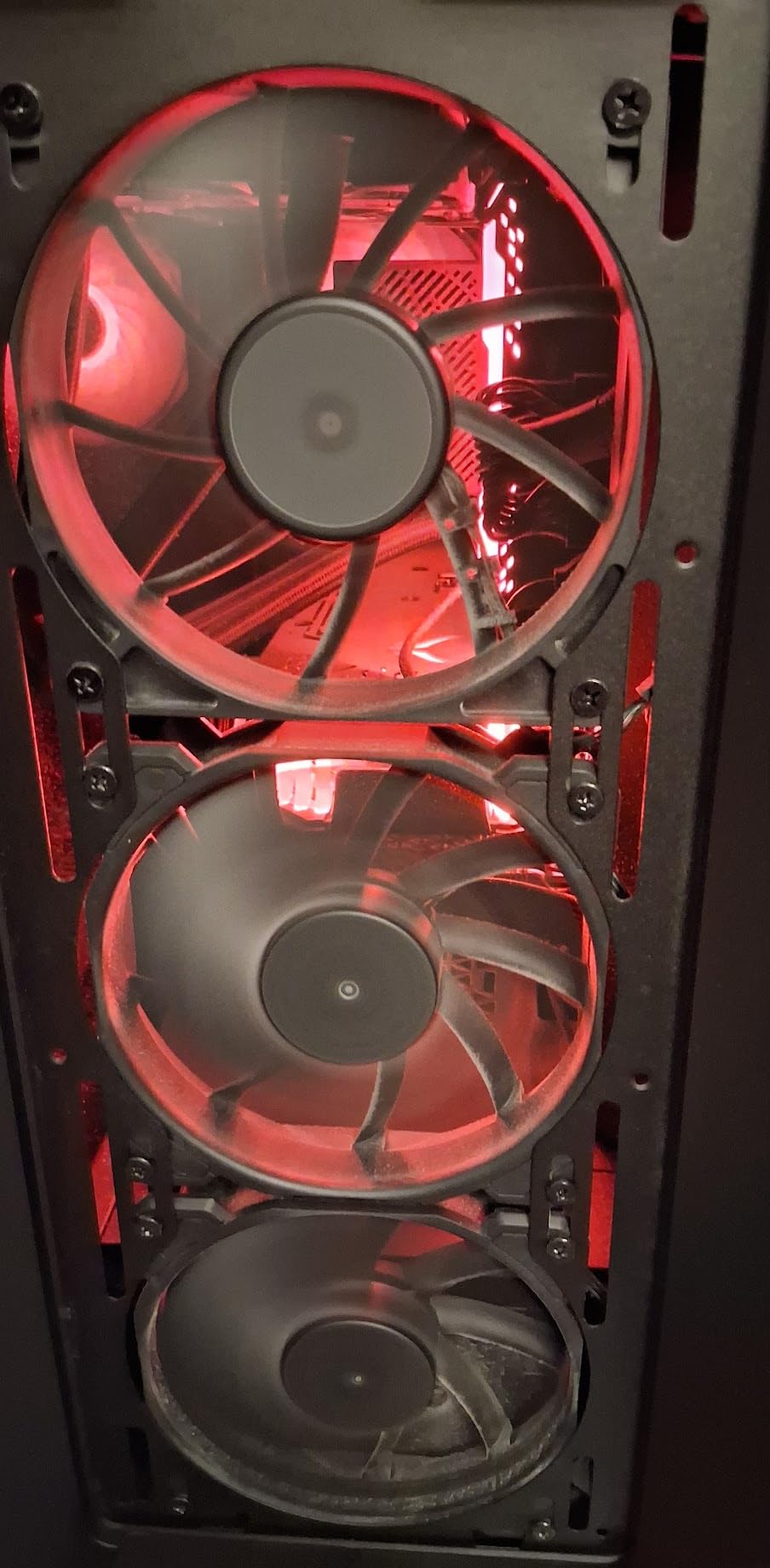
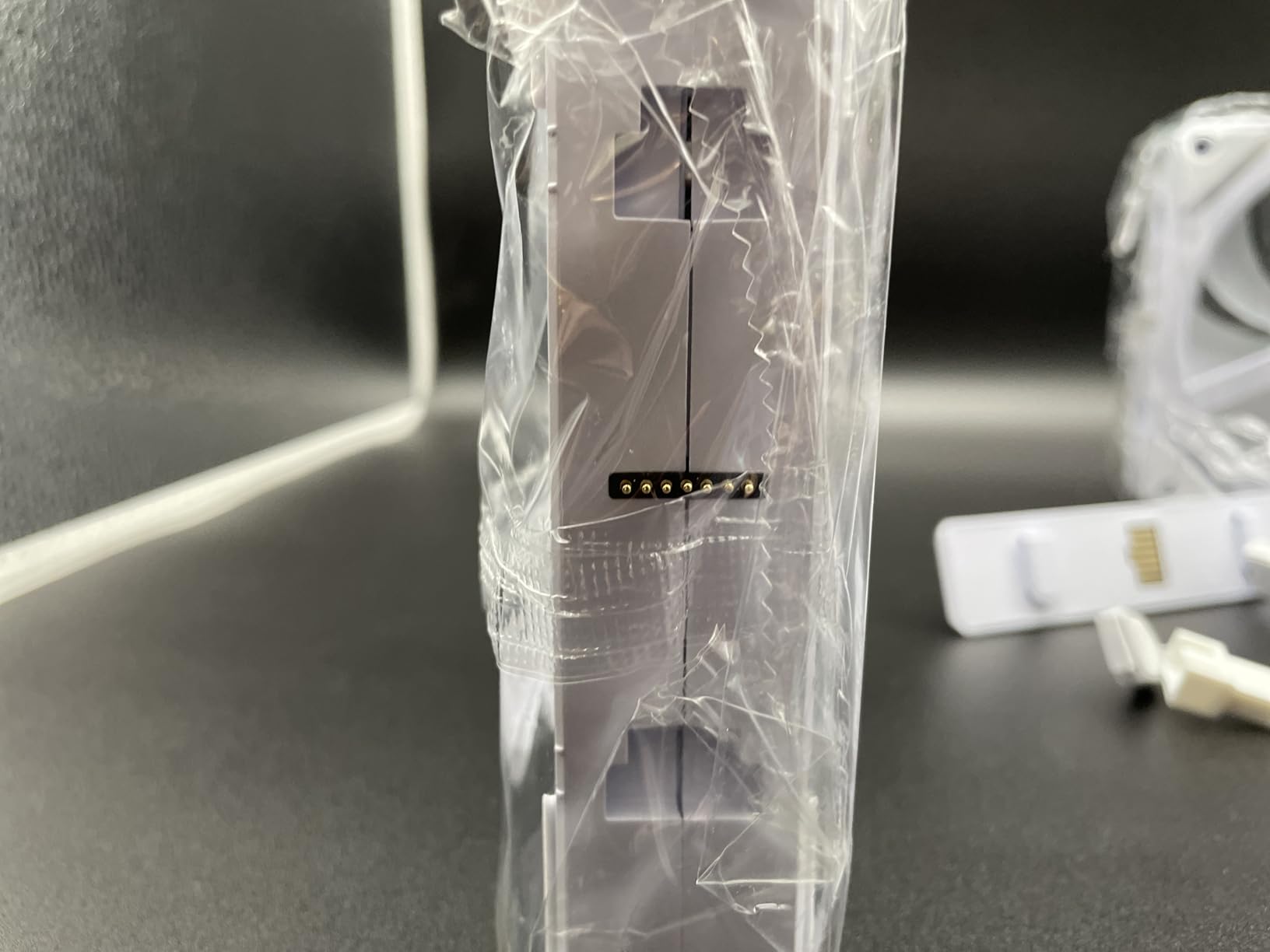
What makes it easy to live with is the daisy-chain. Each fan passes power and signal to the next, so an entire bank runs from one 4-pin PWM header with no splitters and no hub clutter behind the motherboard tray.
AirGuide anti-vortex vanes direct air toward the components you care about rather than letting it swirl. The Magnetic Dome bearing is designed to cut both noise and friction wear, backed by a five-year warranty.
How It Behaves Behind a Radiator
At 3.46 mmH2O this is a genuine radiator and heatsink fan rather than an open-air one. Put it on a 240mm or 280mm rad and a sane PWM curve will keep it below the RPM where the 36 dB figure becomes your problem.
Be honest about the goal though. If your priority is the quietest possible build, the Noctua options above reach the same airflow at a lower speed. The RS140 earns its place through wiring simplicity and colour variant range.
For Whom It Works and Where It Falls Short
Good for a 140mm-capable case with lots of fan positions, an RGB-themed build that needs a matching variant elsewhere in the range, and anyone who wants a radiator fan with a five-year warranty.
Skip it for a strictly silent home office or bedroom build, and note that this specific pack has no lighting.
6. be quiet! Silent Wings Pro 4 – Most RPM Headroom in a 120mm Frame
be quiet! Silent Wings Pro 4 120mm PWM 3000 RPM Premium Low Noise Cooling Fan | 4-Pin | BL098
120mm
up to 3000 RPM
83.9 CFM
FDB, 6-pole
Pros
- On-board switch caps max RPM at three levels without BIOS changes
- 3000 RPM of headroom in a 25 mm frame
- Six-pole motor and FDB cut vibration and whine
- Stays quiet in normal use and cools measurably better than bundled fans
Cons
- Genuinely loud beyond roughly 2000 RPM
- Only a 1-year warranty
- Costs more per fan than budget 120mm packs
- Slower than the NF-A12x25 at low RPM
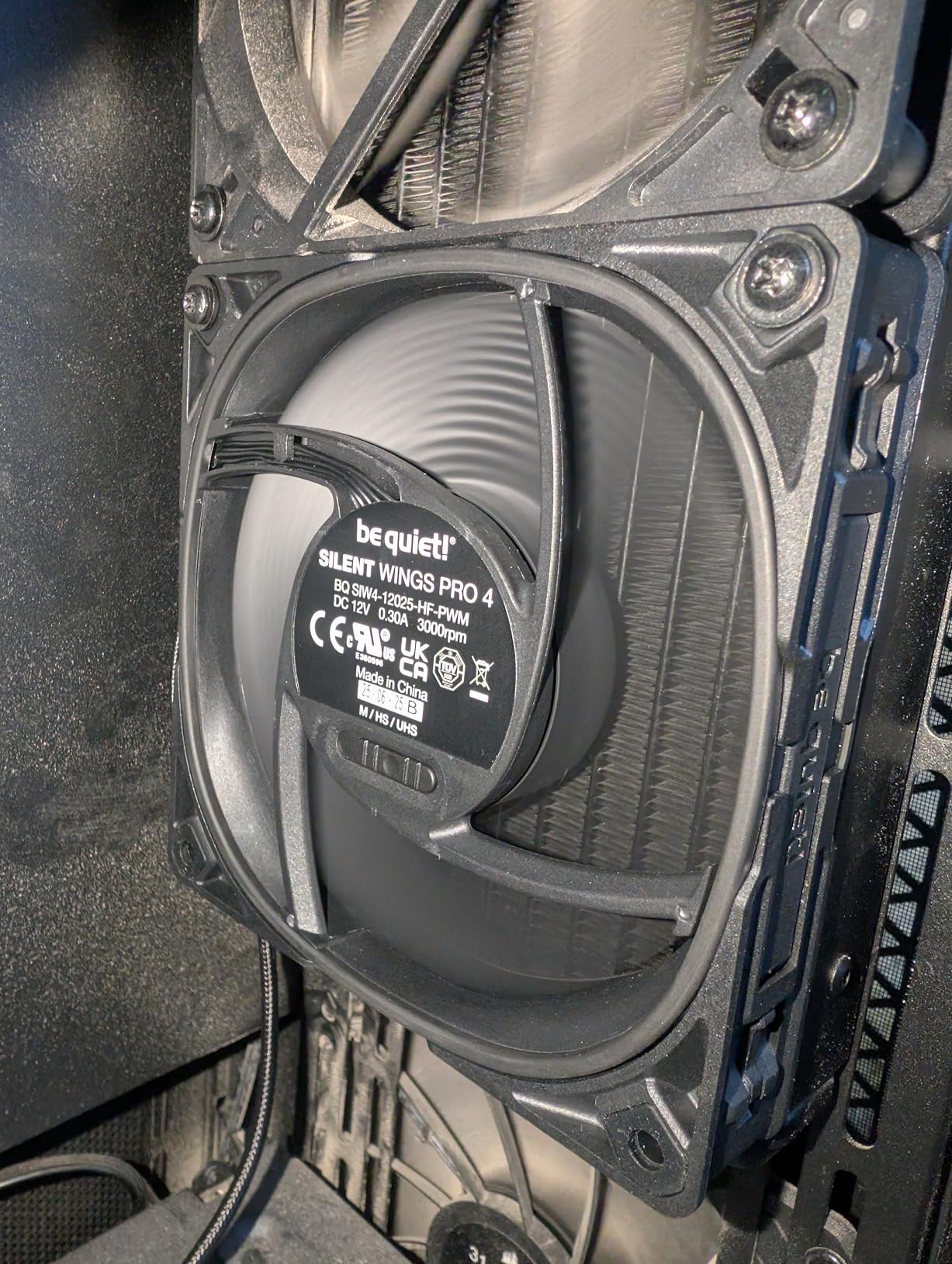
The speed switch is the feature nobody else in this list offers. A three-position switch on the fan itself sets the maximum PWM ceiling to medium, high or ultra-high, so you can cap the fan’s top speed in hardware without touching BIOS settings.
That is genuinely useful for a quiet build, because it puts a hard limit on how loud the fan can ever get during a spike. Set it to medium and a coil or fan spike cannot spin it to 3000 RPM.
Below roughly 2000 RPM owners report it as very quiet, and the six-pole motor with a fluid dynamic bearing is the reason. Several reviews note it cools a radiator meaningfully better than the fans a case ships with.
The 3000 RPM Ceiling Is the Whole Argument
With 83.9 CFM available at up to 3000 RPM, this is a strong single-fan airflow option in a standard 25 mm frame. Behind a thick radiator that matters more than silence does.
The forum criticism is fair, though. Set the switch to ultra-high and this becomes one of the loudest fans in the roundup, with a reviewer comparing it to a server fan at full speed. For a silent build, leave the switch at medium or high and never use the top setting.
For Whom It Works and Where It Falls Short
Fit it to a performance machine with a thick AIO radiator where you want a single fan per section and a hardware speed cap. It is also a good choice for a build with braided cabling and a clean all-black aesthetic.
Not the pick for a strictly silent bedroom PC, and the one-year warranty is the shortest in this roundup, which matters if you expect the fans to run for years.
7. ARCTIC P12 Pro PST 5-Pack – Best Static Pressure for Mesh Fronts
ARCTIC P12 Pro PST – 5 Pack – Powerful Premium Fan, 120 mm PWM Fan with Y-Cable Splitter, 600-3000 RPM, 0 RPM <5% PWM, Fluid Dynamic Bearing, 4-Pin - Black
120mm 5-pack
6.9 mmH2O
600-3000 RPM
FDB
Pros
- Highest static pressure in the roundup at 6.9 mmH2O
- Integrated Y-cable splitter on every fan for one-header builds
- Wide 600-3000 RPM range with a full stop below 5 percent PWM
- Self-lubricating FDB and automatic balancing reduce vibration
Cons
- Motor growl on spin-up from a full stop
- Clearly audible at the full 3000 RPM ceiling
- Some reports of early bearing rattle or fluid leakage
- Thin pack packaging with no cushioning
The number that matters here is 6.9 mmH2O of static pressure, the highest in this roundup by a wide margin. That is what lets a 120mm fan push air through a fine mesh front panel, a dense dust filter or a thick radiator without stalling.
Mesh-front cases get blamed for forcing loud fans, and this is the part of the answer. A high-pressure fan behind mesh can run slower for the same cooling, and slower is quiet.
Every fan carries an integrated Y-cable splitter, so the whole five-pack chains onto a single motherboard header with tidy cable routing. The range runs 600 to 3000 RPM with a full stop below 5% PWM.
The Low-RPM End Is the Quiet End
Redesigned rotor blades are tuned to stay efficient at low speeds, which is exactly where a quiet build operates. Several reviewers note it is quieter than typical 1700 RPM units at comparable perceived noise.
The 600 RPM floor is worth respecting. Do not run this below that point and expect good airflow; it is a fan with real headroom, not a desktop-idle specialist. The trade for that headroom is the spin-up growl, which some builders find irritating on curves that idle down to zero.
For Whom It Works and Where It Falls Short
Choose it for a mesh-front or heavily filtered case, a thick AIO radiator, or any build where the front panel is the restrictive element. Five high-speed fans for a fraction of what premium singles cost is the value argument.
Skip it if you want a fan that sits near-silent at a flat low duty with no top-end drama, or if you are uneasy about the small number of reviews reporting early bearing failure and fluid leakage. Inspect the pack on arrival.
8. Thermalright TL-C12C X3 – Best Budget Quiet 3-Pack
Thermalright TL-C12C X3 CPU Fan 120mm Case Cooler Fan, 4pin PWM Silent Computer Fan with S-FDB Bearing Included, up to 1550RPM Cooling (3 Quantities)
120mm 3-pack
25.6 dBA
1550 RPM
S-FDB bearing
Pros
- 25.6 dBA at the full 1550 RPM ceiling
- Three fans for a very small outlay
- Each fan has a daisy-chain plug for one-header control
- Four silicone corner pads damp frame vibration
- S-FDB bearing resists blade shake under load
Cons
- 1.53 mmH2O is low for dense radiators and mesh
- 1550 RPM and 66.17 CFM are modest
- Whines noticeably if mounted with rigid steel screws
- Supplied self-tapping screws may not thread into a tight pattern
Twenty-five and a half dBA at the maximum 1550 RPM is a genuinely quiet figure, and getting three of them at a small outlay makes this the most accessible quiet fan in the roundup.
The four silicone corner pads on each fan are the detail that matters most in practice. They damp frame vibration, which is the difference between a fan that hums and one you do not notice.
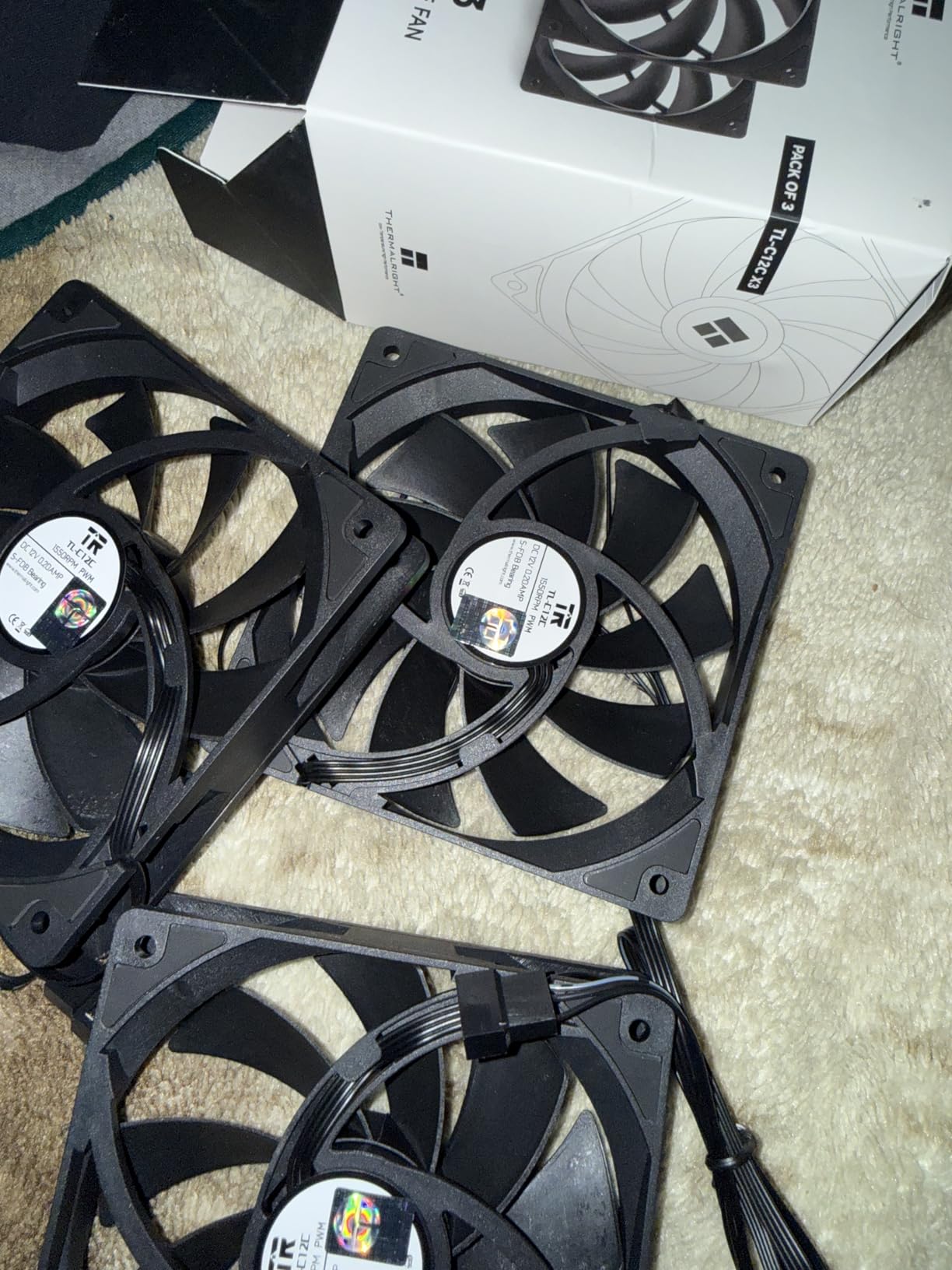
Each fan includes a daisy-chain plug similar to ARCTIC PST, so three units can run from one header. That cable-management convenience is unusual at this price and it is what the review base mentions most.
Static Pressure Is the Weak Spot
At 1.53 mmH2O this is among the lower static pressure figures in the group, which rules it out for dense radiators and fine mesh filters. In an open chassis position or against a CPU cooler it performs fine.
Buy rubber or silicone anti-vibration mounts alongside it if you can. Multiple reviews report that mounting with the included steel screws is the source of the whine, and that swapping to rubber mounts removes it.
For Whom It Works and Where It Falls Short
This is the one for a first quiet build, a budget home office machine, or filling several open chassis slots cheaply. It works as a case fan, a CPU cooler fan or a radiator fan in modest positions.
It is not the answer behind a restrictive mesh panel or a thick rad, and the self-tapping screws are worth swapping out if your case has a tight mounting pattern.
9. be quiet! Pure Wings 3 – Quietest at the Desktop
be quiet! Pure Wings 3 120mm Silent PWM Computer Case Fan, Maximum Airflow
120mm
25.5 dB
1600 RPM
49.9 CFM
rifle bearing
Pros
- Runs at a very low minimum RPM for near-silent desktop work
- 25.5 dB rating at 1600 RPM
- Seven airflow-optimised blades hold performance
- Frame outlet tuned for radiator mounting
- Multiple colour and reverse-airflow variants
Cons
- 49.9 CFM is low for a restricted panel
- No anti-vibration pads included
- No hub or splitter in the box
- 2-year warranty is short against the alternatives
This fan’s identity is its minimum speed. It will sit at a very low RPM and hold there, which for browsing, office work and light use is where a quiet build spends most of its hours.
Owners cite low minimum RPM as the key to its near-silence, and 25.5 dB at a 1600 RPM ceiling keeps it comfortably in the quiet class even at the top of the curve.
The seven-blade impeller and the frame outlet tuned for radiators mean it holds its performance better than the airflow figure suggests. Reviewers also report measurable storage temperature improvements in drive-heavy builds.
When Low Airflow Does Not Matter
Forty-nine point nine CFM is low for a restrictive case, and that becomes a problem. In a case with open sides, or on positions feeding a CPU cooler rather than a radiator, it is entirely adequate.
The absence of included anti-vibration pads is the most frequent complaint from owners who compare it against the Noctua kits. It is an easy fix with separate rubber mounts, but budget for them.
For Whom It Works and Where It Falls Short
Good for an office or study machine where the machine spends most of its life at idle, and for matching intake and exhaust positions since reverse-airflow variants exist.
Not for a hot-running gaming rig behind a restrictive front panel, and the 80,000-hour rifle bearing rating and two-year warranty are thinner than the alternatives here.
10. ARCTIC P12 Slim PWM PST – The Only Genuinely Slim Option
ARCTIC P12 Slim PWM PST – PC Fan, 120 mm Fan, Pressure-optimised
120x120x15 mm
0.3 Sone
200-2100 RPM
6 years
Pros
- 15 mm thickness fits positions a 25 mm fan cannot
- Highest RPM ceiling in the ARCTIC slim line at 2100
- PWM PST lets several slim fans share one header
- Stops below 5 percent PWM for a silent idle
- 6-year warranty
Cons
- 34.51 CFM is the lowest airflow figure in the roundup
- 1.33 mmH2O is well below the standard P12
- Thin frames can transmit more vibration in light mounts
- Fixed 120x120x15 mm only
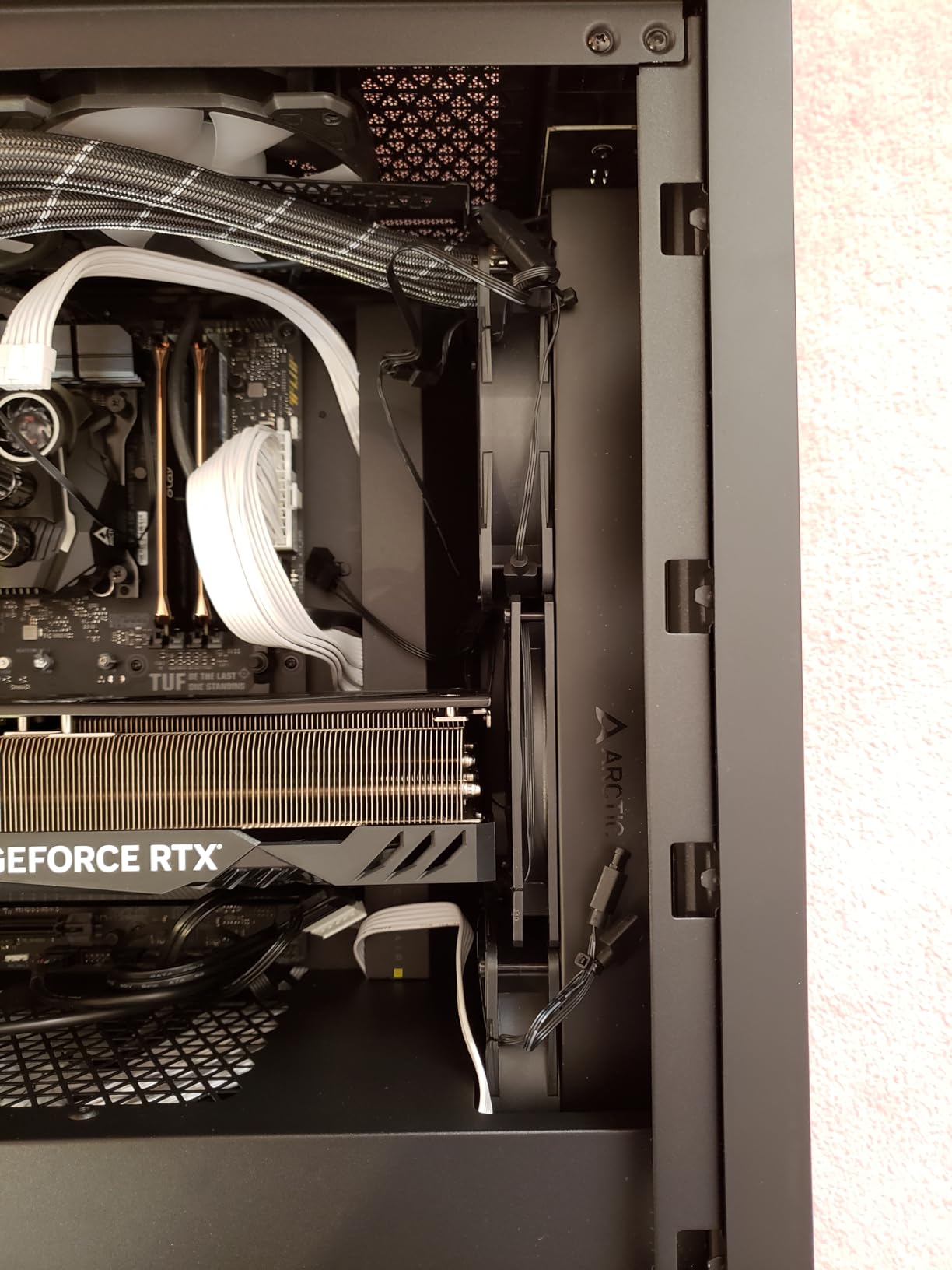
Every other fan in this roundup is 25 mm thick. If your case has a 15 mm bay, a slim radiator, or a Mini-ITX layout with no room for a standard frame, this is the only one here that fits, and that alone settles the decision.
Buyers who need the depth treat it as the default solution rather than a compromise. It stops below 5% PWM and runs 300 to 2100 RPM on the same PST daisy-chain as its full-size sibling.
The six-year warranty matches the longest term in this roundup, which is reassuring for a fan you may end up squeezing into a difficult position.
What the Slim Profile Costs You
Airflow drops to 34.51 CFM and static pressure to 1.33 mmH2O, the lowest figure here. That is a real capacity reduction and it is why you will need more slim fans than standard ones to move the same air.
Thin frames also have less structure, so in a light mounting point the fan can transmit more vibration than a 25 mm frame would. Rubber mounts help here as much as they do on the Thermalright.
For Whom It Works and Where It Falls Short
Buy it for a small form factor build, a slim AIO radiator, or a case with tight clearances where nothing else in this roundup will physically fit. Several slim fans can share one header, which matters in builds with few fan ports.
Do not buy it as a general case fan. At 34.51 CFM you will end up with more fans and more total noise than a pair of full-size units, which defeats the purpose.
What Noise Am I Hearing? A Four-Symptom Diagnostic
Before buying a quieter fan, work out which noise you actually have. Four of the most common questions in this category reduce to four distinct sounds, and only one of them is fixed by better fans.
Broadband Whoosh That Scales With Load
This is normal wind noise and it means your fans are working. If it rises during games and drops at idle, the fix is a fan curve, not a new fan. Lower the maximum duty and let temperature set the pace.
Rattling and Clattering
Usually loose mounting or cable contact rather than a failing fan. Check that the frame is seated flat, that screws are not over-tightened against a soft corner, and that no cable is touching the blades. Mount with rubber anti-vibration pins where available.
Grinding or Buzzing From a Bearing
A dry or failing bearing sounds gritty and irregular, and it gets worse over months. For case fans, replace rather than repair. Lubricating a bearing in a dusty chassis rarely lasts, and the fan is a ten-minute swap. The six-year warranty models here are the ones least likely to develop it.
Thin High-Pitched Whine Under Load
That is coil whine from GPU or PSU inductors, and it rises with power draw rather than temperature. No case fan fixes it. Placing the case away from your seat, lowering GPU power limits, or moving the machine to a solid surface all help more than a fan swap.
The Quiet-Build Buying Guide: Eight Decisions That Decide Noise
Match the Fan to the Restriction
Placement decides the fan type. Behind a radiator, a mesh intake or a dense dust filter you need static pressure. In an open side panel or a standard front intake you need airflow. The ARCTIC P12 Pro has the highest static pressure here at 6.9 mmH2O, and the Pure Wings 3 has the lowest airflow at 49.9 CFM, and both are correct for their position.
PWM Control Is What Makes a Quiet Fan Possible
Every fan in this roundup is 4-pin PWM, and that is not optional for a quiet build. PWM lets the motherboard hold a fan at 20% duty indefinitely, where a 3-pin DC fan cannot. If you see a fan hub, check that all its outputs are PWM rather than a single PWM input feeding DC outputs.
Bearing Type Tells You When the Noise Starts
Fluid dynamic and hydraulic bearings are quieter and last longer than sleeve bearings. Among these fans, ARCTIC uses an NdFeB ring motor and self-lubricating FDB, Thermalright uses an S-FDB, CORSAIR uses a Magnetic Dome bearing, and be quiet! pairs a six-pole motor with an FDB. The Pure Wings 3 uses a rifle bearing rated at 80,000 hours, which is the shortest rated life in the group.
Fewer, Slower, Larger Fans Beat More Fans at Full Speed
This is the biggest free win in quiet builds. Two 140mm fans at 900 RPM move more air and produce less wind noise than four 120mm fans at 1800 RPM. Over-filling every slot is a common and counterproductive habit.
Positive Versus Negative Pressure Layouts
A slightly positive configuration, with a little more intake than exhaust, keeps unfiltered dust out and often lets the exhaust fans run slower because they are not fighting incoming air. Balanced layouts are simpler; large positive or negative imbalances cost you RPM.
Keep or Replace the Included Case Fans?
Case fans bundled with a chassis are usually 3-pin DC, unbranded, and have no damping pads. If a fan is unbranded and DC, replace it. If your case shipped with 4-pin PWM fans and you are running them below 800 RPM, keep them. The right approach is to swap the two or three loudest positions and leave the rest alone.
Setting a Fan Curve That Never Spins Up
Enter your BIOS or UEFI and find the CPU or case fan curve editor. A good quiet-build starting point is 30% at 40 degrees Celsius, 45% at 55, 70% at 70, and 100% at 85. Set a zero-RPM stop below 35 degrees if your case has enough intake. For case fans, many builders simply hold a flat barely-audible duty and let temperature do nothing at all.
Two More Levers That Cost Nothing
Rubber anti-vibration mounts on every fan, and case placement. A chassis on a wooden desk transmits less noise than one on a hollow gaming desk or a speaker cabinet. Moving the case 60 cm from your listening position is often worth more than upgrading fans.
Frequently Asked Questions
Who makes the quietest case fans?
Noctua makes the quietest case fans. The NF-A12x25 PWM is rated at 22.6 dB(A) and the NF-A14 PWM at 24.6 dB(A), both the lowest maximum noise figures in our roundup, and both carry a 6-year warranty. ARCTIC is the value alternative, with the P12 PWM PST rated at 0.3 Sone and designed to stop completely below 5% PWM.
Are 140mm fans quieter than 120mm fans?
Yes, at the same airflow a 140mm fan is quieter because it pushes more air at a lower RPM. The Noctua NF-A14 PWM moves 140.2 cubic metres per hour at a 1500 RPM ceiling and only 24.6 dB(A), which is why fewer, larger, slower fans beat more, smaller, faster ones in a quiet build.
Why is my PC fan making a high-pitched whine?
A thin high-pitched whine that appears under load is usually coil whine from the GPU or PSU inductors, not a case fan. It scales with power draw rather than temperature, so no case fan will fix it. Lowering GPU power limits, moving the case away from your seat and placing it on a solid surface all reduce how much you hear it.
What does a failing fan bearing sound like?
A failing bearing sounds gritty, buzzing or irregular rather than smooth, and it worsens over months rather than minutes. For case fans, replace rather than repair: lubricating a bearing in a dusty chassis rarely lasts, and fans with fluid dynamic or hydraulic bearings, such as the ARCTIC or Thermalright models here, are the least likely to develop it.
How many case fans does a quiet build need?
Fewer than most builders assume. Over-filling every slot forces higher RPM rather than more airflow. Two 140mm fans at 900 RPM typically move more air and produce less wind noise than four 120mm fans at 1800 RPM, so match the count to the airflow your components actually need rather than to the number of mounting holes.
Which Quiet Case Fan Should You Actually Buy?
If you want one decision made for you, the Noctua NF-P12 redux-1700 PWM is the fan I would put in a quiet build. It has the strongest rating and review base in the group, a 25.1 dB(A) maximum, and a 6-year warranty, and it will disappear on a sensible curve.
If you need to fill five positions on a budget, take the ARCTIC P12 PWM PST 5-Pack and let the daisy-chain handle the wiring. If you have 140mm mounts, the Noctua NF-A14 PWM lets you run fewer fans at lower RPM, which is the quietest win available in a big case.
Behind a mesh front panel, the ARCTIC P12 Pro PST handles the pressure that stops quieter fans from doing their job. In a tight small form factor build, the ARCTIC P12 Slim PWM PST is the only one here that will physically fit.
Whatever you buy, set the fan curve before you open the box for a second time. A quiet fan on a bad curve is a loud fan, and no dBA sticker on any box will change that. This is our 2026 ranking of the best case fans for quiet builds, ordered by what they do at the RPM your machine actually idles at.