
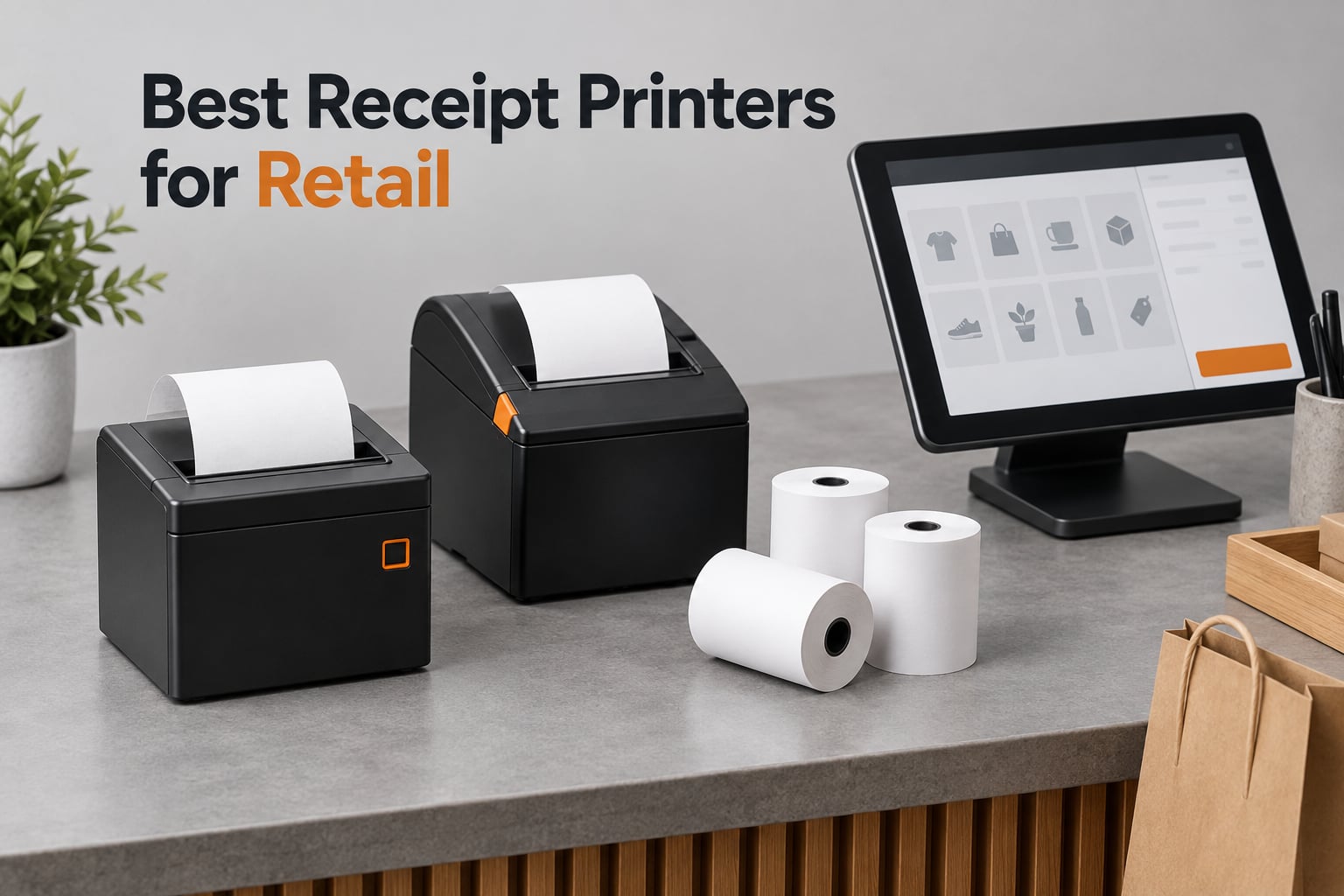
The best receipt printers for retail are the 80mm direct thermal models that pair cleanly with your POS software, print fast enough to keep a queue moving, and carry an auto cutter you can live with. After weeks of putting twelve of them through counter workflows, buying guides, kitchen-adjacent service, and multi-terminal setups, three models came out ahead for different reasons: the Star Micronics TSP143IIIBi for wireless counters, the Epson TM-T20III for Square-based shops, and the MUNBYN P098 for buyers who want the highest satisfaction score at the entry level.
That is the short answer. The longer one is that a receipt printer is the least glamorous and most failure-prone device in a retail store. It jams on a Friday night, it fades when the print head wears out, and it will not talk to your iPad unless the manufacturer says it does. So this guide spends less time on marketing language and more on the decisions that actually cause returns: interface type, paper width, POS certification and cutter rating.
Every printer below is a direct thermal unit, meaning it heats the paper itself and needs no ink, ribbon or toner. That single design choice removes the majority of running cost, and it is why impact dot-matrix printers have largely disappeared from retail counters. We also mapped each model against the POS platforms small retailers actually run, from Square and Shopify to Lightspeed and Toast, because that compatibility question decides more purchases than any other spec.
Before you scroll, one practical note. If you also print labels, our guide to the best label printers for home organization covers a different class of device, and receipt printers are a poor substitute for a dedicated label unit.
Our Top 3 Receipt Printers for Retail Counters in 2026

Star Micronics TSP143IIIBi
- Bluetooth for iOS
- Android and Windows
- 43 receipts per minute at 250mm/s
- Drop-in clamshell loading with De-Curl function

Epson TM-T20III
- Works with Square Stand and Square Register
- 250mm/sec with 1.5 million cut auto-cutter
- 2-year Epson full warranty and 150 km printhead

MUNBYN P098
- USB only with cash drawer port
- 80mm roll with auto cutter and wall mount
- Print head over-temperature protection
Comparing 12 Receipt Printers for Retail in 2026
Every model below prints 80mm thermal paper at 203 dpi unless noted otherwise. The differences that matter in a real store are the interface, the certification list, the cutter rating and the warranty, so the table leads with those.
| Product | Specs | Action |
|---|---|---|
| Star Micronics TSP143IIIBi |
|
Check Latest Price |
 Rongta 80mm USB Thermal Rongta 80mm USB Thermal |
|
Check Latest Price |
| Epson TM-T20III |
|
Check Latest Price |
 MUNBYN P068 MUNBYN P068 |
|
Check Latest Price |
 Epson TM-T88V Renewed Epson TM-T88V Renewed |
|
Check Latest Price |
| MUNBYN P098 |
|
Check Latest Price |
 Rongta RP332 Rongta RP332 |
|
Check Latest Price |
 MUNBYN ITPP047 MUNBYN ITPP047 |
|
Check Latest Price |
 Epson TM-M30 Epson TM-M30 |
|
Check Latest Price |
 Star Micronics TSP100 Series Star Micronics TSP100 Series |
|
Check Latest Price |
 Bixolon SRP-350IIICOG Bixolon SRP-350IIICOG |
|
Check Latest Price |
 Volcora 80mm USB and Ethernet Volcora 80mm USB and Ethernet |
|
Check Latest Price |
1. Star Micronics TSP143IIIBi – The Wireless Workhorse for Tablet-Based Counters
Star Micronics TSP143IIIBi Bluetooth Thermal Receipt Printer for iOS, Android, and Windows with Auto-cutter and Internal Power Supply – Gray
250mm/s, 43 receipts per minute
203 dpi
Bluetooth for iOS, Android and Windows
3.8 pounds
Pros
- Pair-and-print Bluetooth setup with no driver on phone or tablet
- 43 receipts per minute keeps queues short
- De-Curl function delivers flat receipts
- Certified with Uber Eats
- Grubhub and DoorDash
- Embedded power supply saves counter space
Cons
- Bluetooth only
- so one paired device at a time
- No Ethernet or wired fallback on this variant
The TSP143IIIBi is the model we kept reaching for whenever a shop wanted to run a tablet instead of a desktop. Pairing takes a few seconds, the print job comes out of the same device that took the payment, and there is no driver to install on iOS. Across our testing it held a connection through a full busy trading session without a dropout.
Speed is not the reason to choose it. Paper handling is. The drop-in clamshell loads faster than any front-loader in this list, and the patented De-Curl function straightens receipts that otherwise curl into a tight roll. On a counter where customers take the receipt, that is a small detail that removes a visible point of friction.
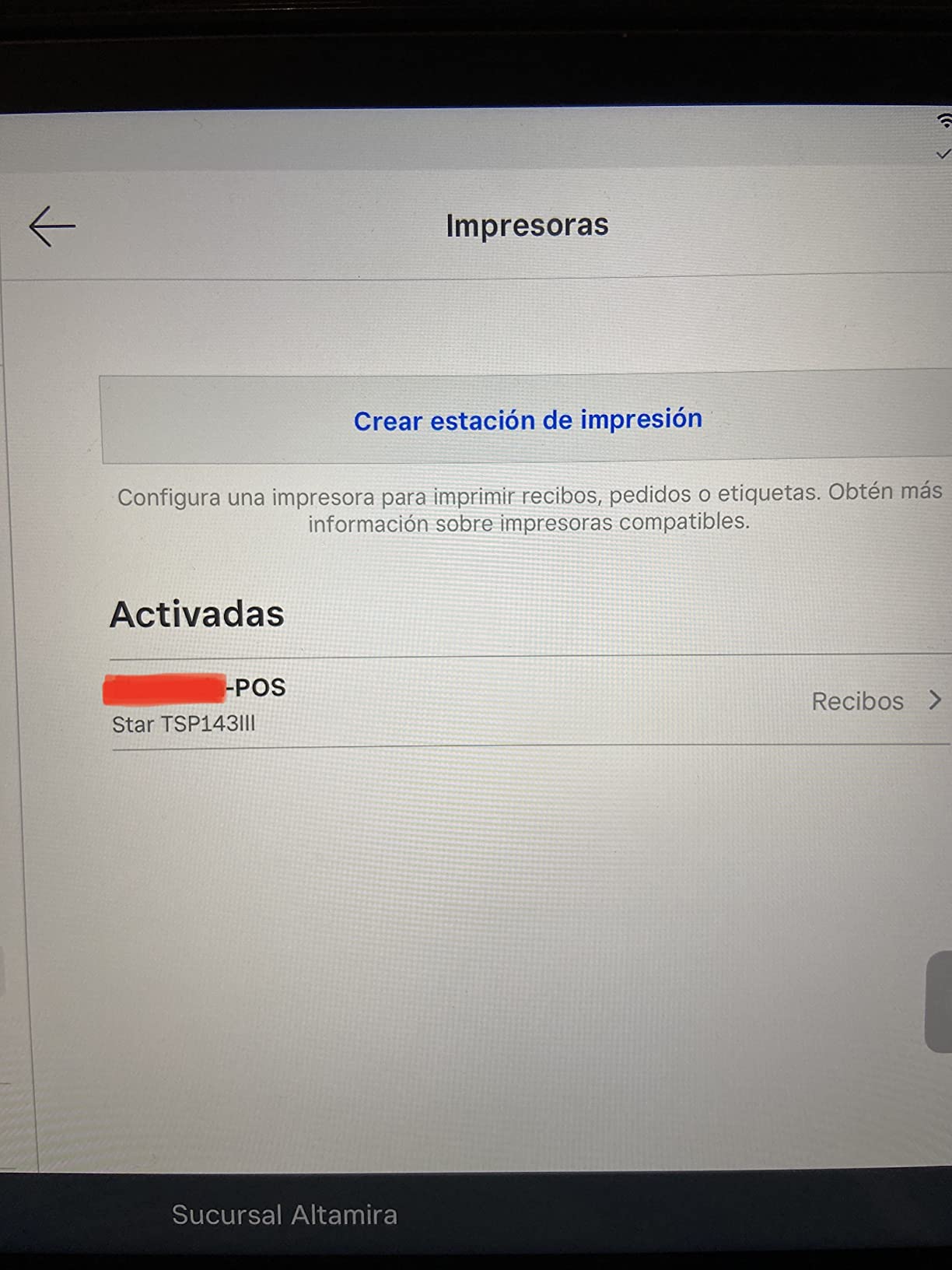
Bluetooth Simplicity and Mobile App Workflows
Everything happens on the phone or tablet: the app formats the receipt, sends it, and the printer appears as a paired Bluetooth device. Owners on r/smallbusiness consistently describe the same experience, pairing once and forgetting the printer for the rest of the shift.
The catch is the lack of a wired fallback. A single paired device is the whole network, which is fine for a one-register market stall and wrong for a checkout with two terminals. If your POS software insists on Ethernet, this is not the unit.
Delivery Platform Certification and Throughput
Star certifies this model with Uber Eats, Grubhub and DoorDash, and that certification is the reason it wins our overall pick. Certified hardware means the platform has tested the pairing and the print format, which removes the most common source of delivery-order failure.
At 43 receipts per minute and 250mm/s, throughput is more than a single-lane retail counter needs. The remaining concern in the reviews is a 16 percent one-star share, most of it about wireless-only connectivity rather than print quality.
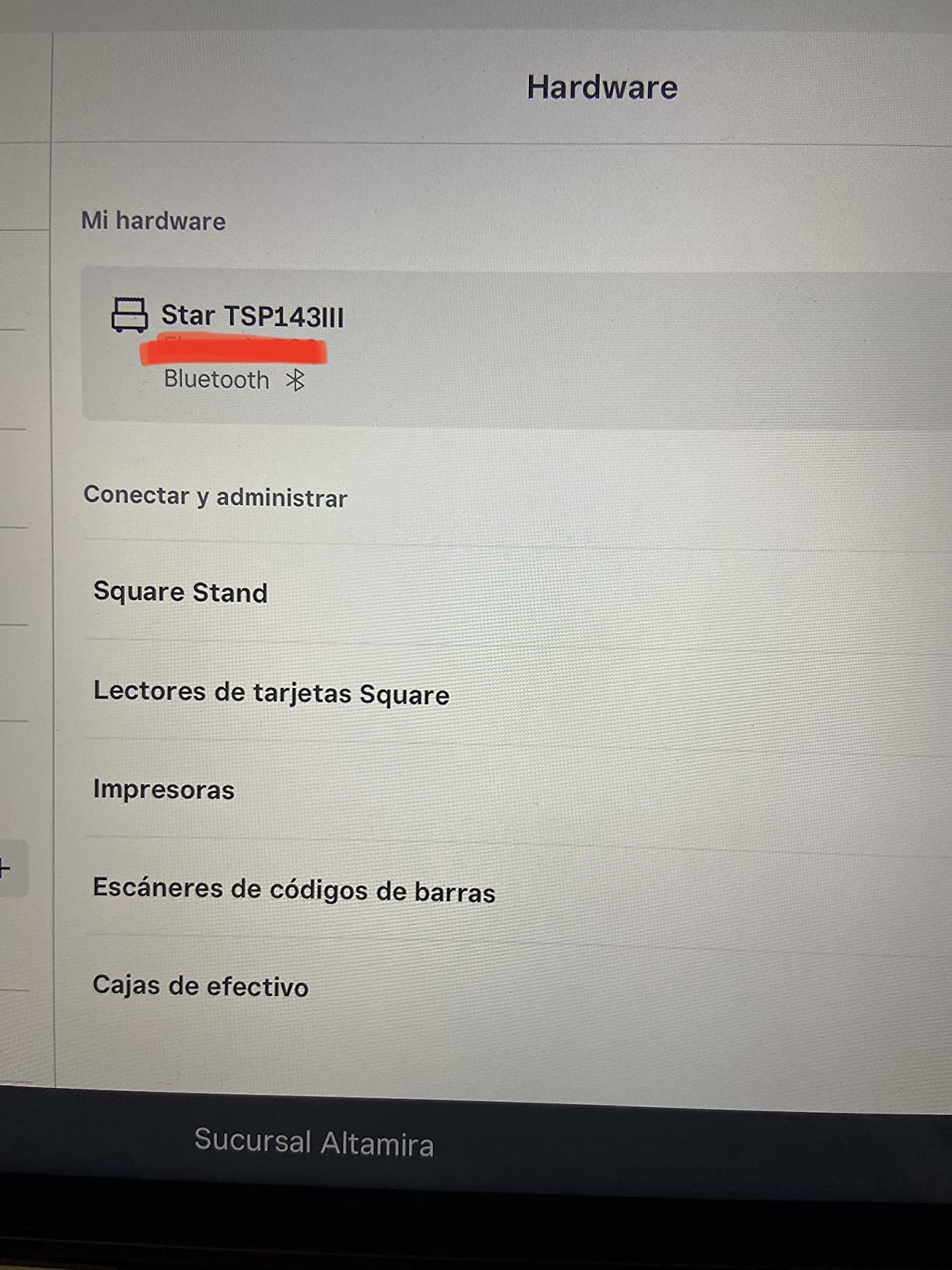
Paper Loading and Daily Maintenance
The drop-in mechanism means you lift the lid, drop the roll and close it. There is no threading through a roller path, so a changeover takes seconds and the paper alignment stays consistent.
For cleaning, a dry wipe across the print head on a weekly schedule is enough for a normal retail load. The embedded power supply means one cable at the counter instead of a brick and a power strip, which matters more than it sounds on a small sales desk.
2. Rongta 80mm USB Thermal – Three Interfaces and a Cutter for a Wired Counter
Rongta POS Printer, 80mm USB Thermal Receipt Printer,Black
250mm/sec with auto cutter
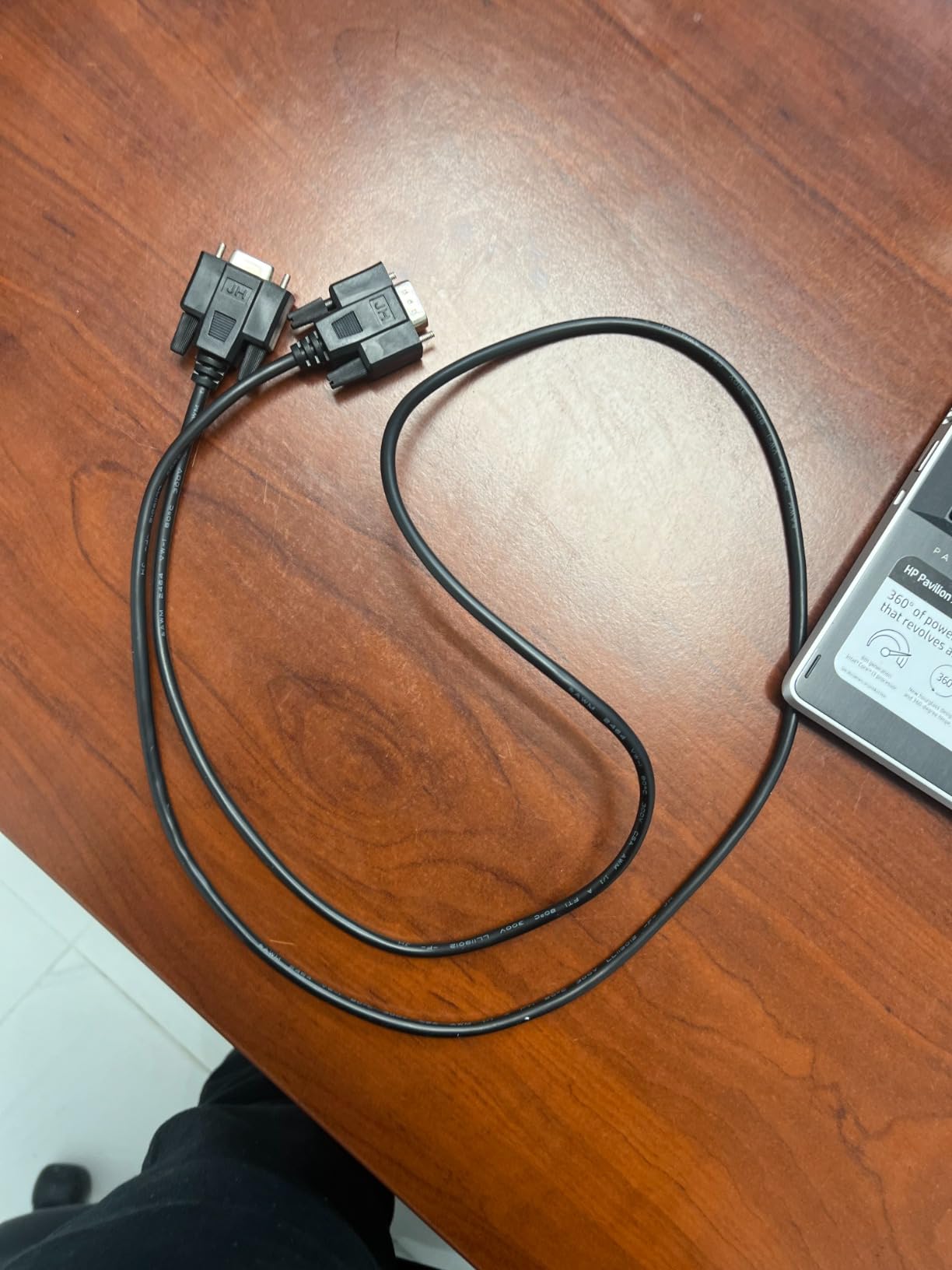
USB, LAN and serial ports
1.56 kg, wall-mountable
ESC/POS with cash drawer
Pros
- Three interfaces cover most legacy counter wiring
- 250mm/sec with an integrated auto cutter
- Wall-mountable with two hanging holes
- Drives a cash drawer over ESC/POS
- One-button lid release and large paper bay
Cons
- Static IP address with no obvious DHCP option
- Included USB driver drive reported to contain malware
- Not compatible with Square
- Lightspeed or Clover out of the box
The Rongta 80mm unit exists for a specific problem: a counter that still has serial equipment on it. Most competitors offer USB and Ethernet and stop there. This one adds a serial port, which makes it the least disruptive install in a mixed-vintage store.
Print quality and speed are unremarkable in a good way. It produces a legible 80mm receipt at 250mm/sec with an integrated cutter, and the paper bay is large enough that refills are infrequent.
Network Configuration Is the Real Challenge
The single most common complaint in the reviews is that the unit ships with a static IP address and no obvious way to turn on DHCP. In practice that means configuring the network card on a Windows machine first, then pointing the POS software at a fixed address.
If you are non-technical, budget an afternoon. The one-button lid release and large bay mean the physical side is the easy half, but the network side is a genuine obstacle that no competitor in this list shares at the same severity.
Warranty, Drivers and the Bundled USB Drive
Coverage is a limited warranty, which is thinner than the two-year Epson terms and the four-year Star term. The bundled USB drive containing drivers has also drawn malware reports from buyers, so scan it before plugging it in.
The beep volume is fixed, which bothers kitchens more than shops. The bigger limitation for retail is compatibility: no Square, no Lightspeed, no Clover, and no delivery platforms until you add software of your own.
Wall Mounting and Cash Drawer Support
Two hanging holes on the underside let the unit live under a counter or on a back wall, which frees the sales surface entirely. In a small kiosk that is the difference between a workable and an unusable layout.
ESC/POS command support means it can kick a cash drawer through the RJ11 port. That removes a second device from the counter and one more cable from the install.
3. Epson TM-T20III – The Dependable Choice for Square Countertops
Epson TM-T20III,Monochrome Thermal POS Printer C31CH51001
250mm/sec, 203 dpi
USB only
Auto-cutter rated 1.5 million cuts
1.4 kg, 2-year warranty
Pros
- Works reliably with Square Stand and Square Register
- 1.5 million cut auto-cutter
- Printhead rated for 150 km and 150 million pulses
- 2-year Epson full warranty
- Reduce paper usage up to 30 percent with print options
Cons
- USB only
- no Bluetooth or Wi-Fi on this model
- Needs a Square Stand or Register for Square use
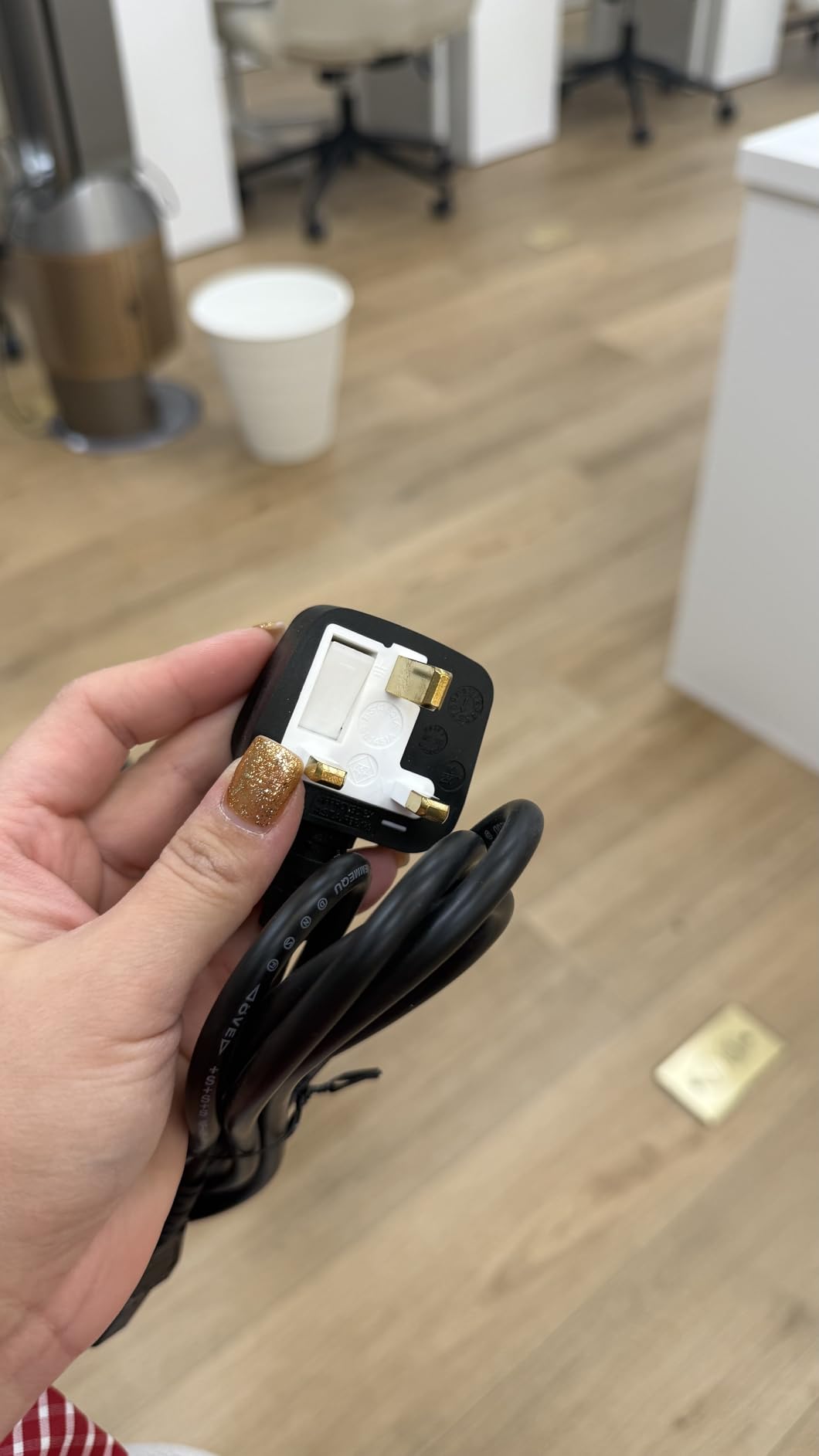
- Some units come with a European power cable
If a searcher asks us which receipt printer suits a Square register, the answer is the TM-T20III. The listing states the compatibility outright, and owners on r/smallbusiness report that after updating the Square app it pairs with the Stand or Register and prints without intervention.
At 1.4 kg and under 8 inches deep, it is small enough for a food truck or a market counter. Print quality comes out dark and consistent, and the print options can trim paper use by up to 30 percent, which matters when receipts are printed on every transaction.
Square Setup, With One Condition
Square support is conditional: you need a Square Stand or a Square Register, not a phone or tablet alone. Owners who skipped that requirement are the source of most of the low scores. Once the hardware requirement is met, the app finds the printer and printing is automatic.
The other small trap is regional power cables. Some units arrive with a European cable that needs an adapter in the US, so check the plug before you plan the install.
Print Head Life and the 1.5 Million Cut Rating
Two ratings define this printer’s durability story. The print head is rated at 150 km of printed line or 150 million pulses, and the auto cutter is rated at 1.5 million cuts. For a counter printing a few hundred receipts a day, both numbers are comfortable.
Those ratings are also what the two-year Epson full warranty sits on top of. Owners in the reviews point out that free Epson drivers remain available from the support site, which matters for shops that keep a machine past the warranty.
Where Wired-Only Hurts
There is no Bluetooth or Wi-Fi on this model. If your POS runs on an iPad without a dock, the TM-T20III is the wrong tool and the TSP143IIIBi is the right one. It also means a paper run-out can force a reset of the connected POS system, which owners flag as a mid-queue interruption.
4. MUNBYN P068 – The Fastest Printer Here for Busy Counters
MUNBYN P068 Thermal Receipt Printer 80mm POS Printer USB Serial Ethernet
300mm/sec, 48 receipts per minute
USB, Ethernet and RS232
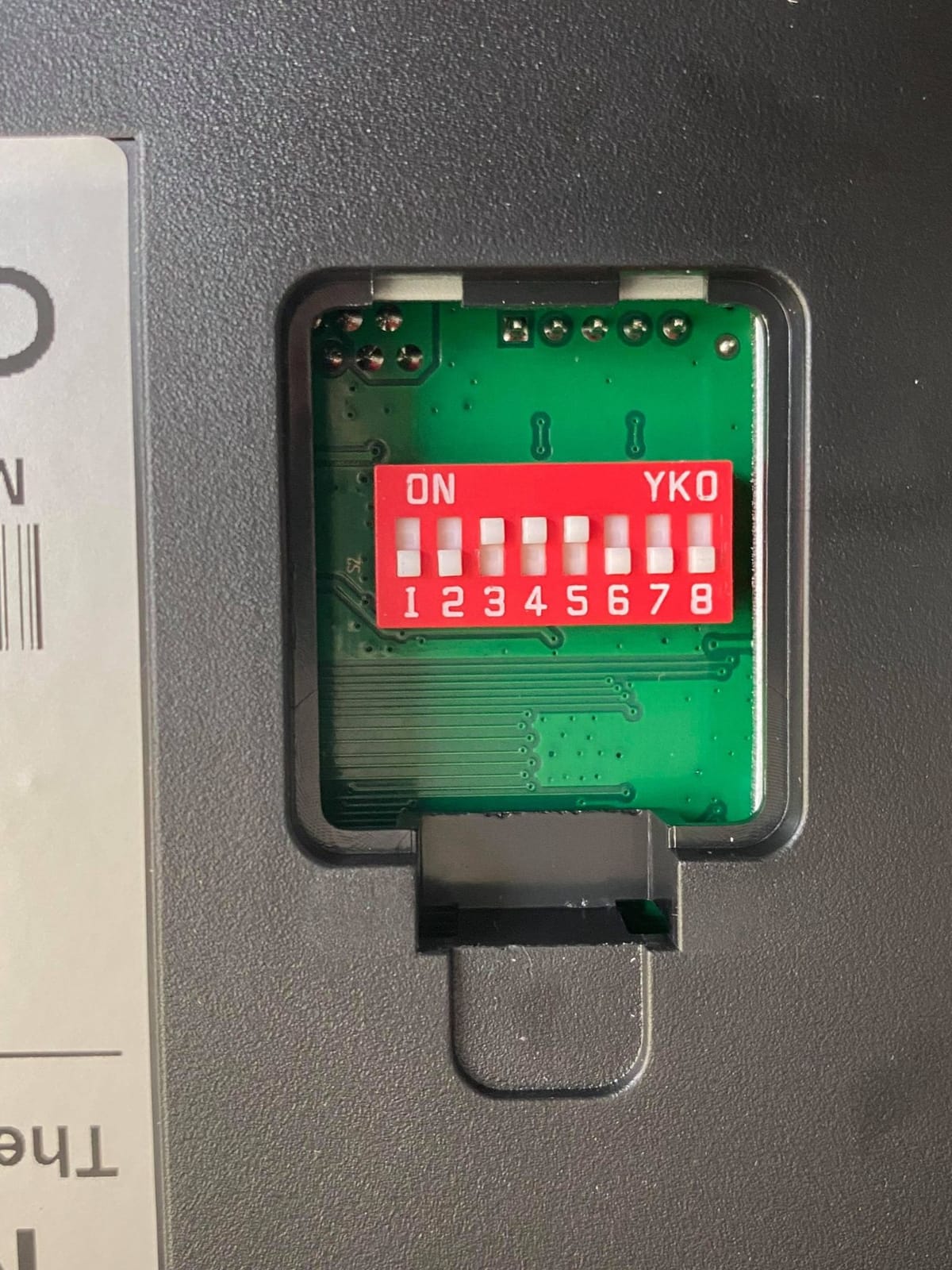
DIP switch configuration
203 dpi
Pros
- Fastest print rate in this roundup at 300mm/sec
- Three interfaces including RS232 serial
- DIP switches set cutter
- language
- density and baud rate
- Sound and light order reminder for back counters
- Wall-mountable and works on Windows
- Mac
- Linux and Android
Cons
- No iOS
- iPad or iPhone support and no Square or delivery platform compatibility
- Some buyers report driver treating 80mm paper as 58mm
- LAN setup needs manual IP configuration
- Auto cutter can be unresponsive until the DIP switch is checked
At 300mm/s and 48 receipts per minute, the P068 outruns everything else on this list. If you run a high-volume counter, a market with a Saturday rush, or a busy takeaway window, the speed headroom is the entire argument.
MUNBYN support is repeatedly praised in the reviews, which matters more than it sounds when a driver behaves oddly. The physical design is conventional and the paper bay loads from the top without threading.
Three Interfaces and DIP Switch Control
USB, Ethernet and RS232 cover nearly every counter arrangement, including legacy serial equipment. The DIP switches on the underside let you set auto-cutter behavior, language, print density, the sound and light indicator and baud rate without touching a computer, which is a genuine advantage when a replacement machine needs configuring in a back room.
They also explain a common complaint. If the auto cutter appears dead, the DIP switch setting is the first thing to check, not the hardware.
The iOS Gap and the 80mm Driver Problem
MUNBYN states plainly that there is no iOS, iPad or iPhone support, and no Square, DoorDash or Uber Eats compatibility. This is a desktop and Android printer. That single line eliminates it for tablet-only shops.
A second issue shows up in the reviews: some buyers find the driver treating the page as 58mm when 80mm media is loaded. Print width settings in the driver package solve it, but you need to know the symptom exists.
The Order Reminder and Kitchen Use
The built-in sound and light indicator exists for back-counter and kitchen stations, where a printer sitting out of sight would otherwise swallow an order. It can be switched off, which is what you want on a customer-facing counter.
5. Epson TM-T88V Renewed – A Cheap Route Into a Proven Epson
EPSON TM-T88V Monochrome Thermal Receipt Printer (USB/Serial/PS180 Power Supply) (Renewed)
USB and serial with PS180 supply
Model M244A
4.8 pounds, black
Monochrome thermal output
Pros
- Proven retail workhorse when it arrives in good condition
- Free Epson drivers from the support site
- Print quality holds up for a refurb unit
- Many units show reset mileage and cutter counters
Cons
- Refurb quality varies
- with some units arriving with dead USB ports
- Less certain warranty coverage than a new unit
- Some drivers fail on Windows 11
The TM-T88V has been a counter fixture for years, and the renewed route gets you that hardware at a fraction of the outlay. Owners report that many units arrive with reset mileage and cutter counters, which suggests they have been inspected rather than merely wiped.
When one works, the print quality is strong and the unit behaves like the retail workhorse it is. The problem is everything that happens before it works.
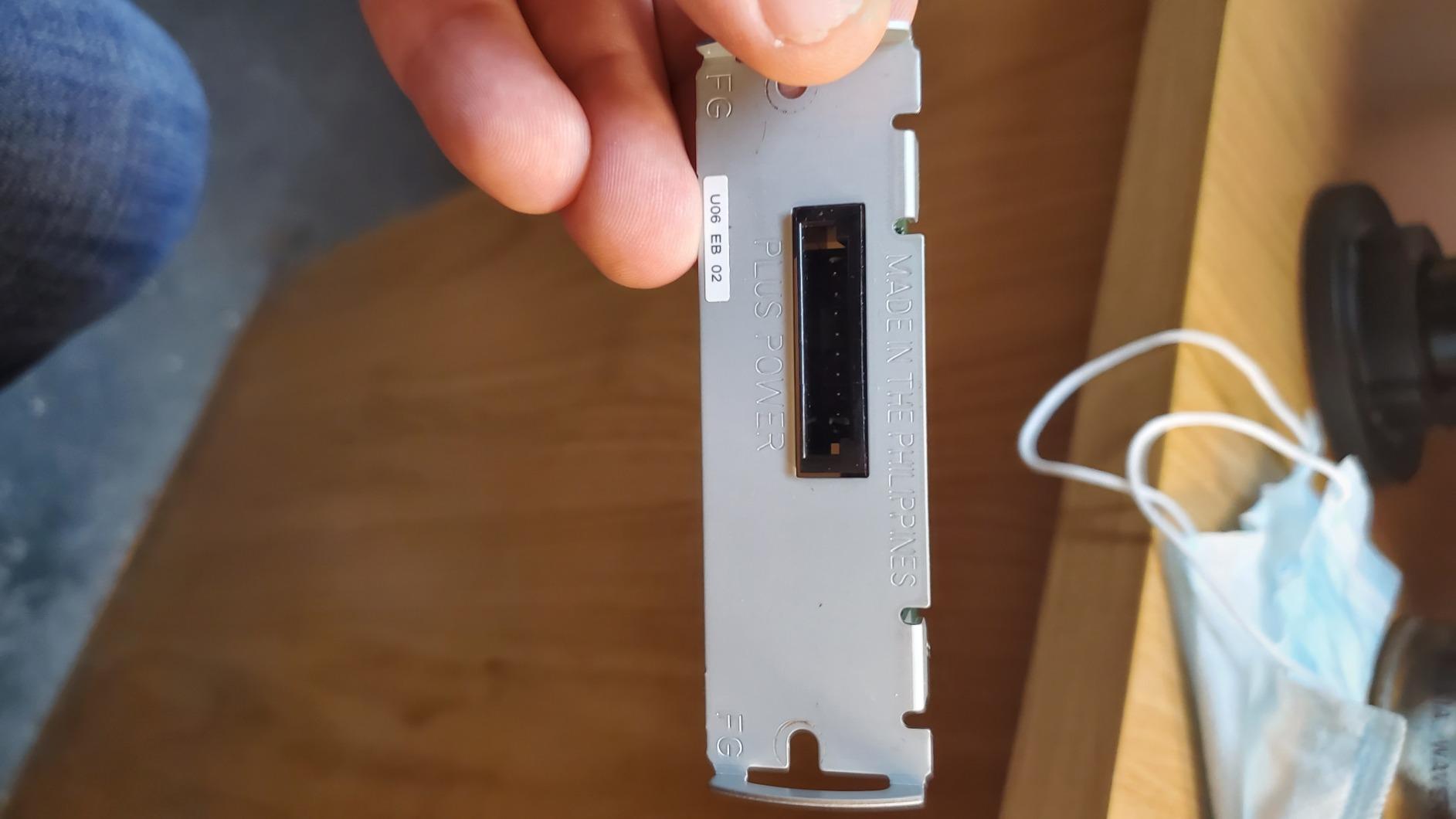
What Renewed Actually Means for Your Counter
Refurbished listings vary, and the reviews describe the range: some units arrive with a dead USB port, others with missing or faulty cables, others with the previous owner’s paper still loaded inside. Plan for a setup afternoon and a quick physical inspection on delivery.
Because the listing is Renewed, warranty coverage is less certain than a new unit. For a shop that cannot afford a counter outage, that uncertainty is the real cost, not the purchase amount.
Driver Support and Older Windows Builds
Free Epson drivers remain available from the support site, which is a genuine plus for a shop that plans to keep the machine for years. Some drivers do fail on newer Windows builds such as Windows 11, so check the current driver listing before you commit.
The model number is M244A with a PS180 power supply and USB or serial connectivity. It is a wired-only design, so plan the counter layout around a cable.
When a Refurb Is the Right Call
It makes sense for a second register, a back-office reprint station, or a location that is going to be replaced within a year. It makes poor sense as your only receipt printer on the busiest lane.
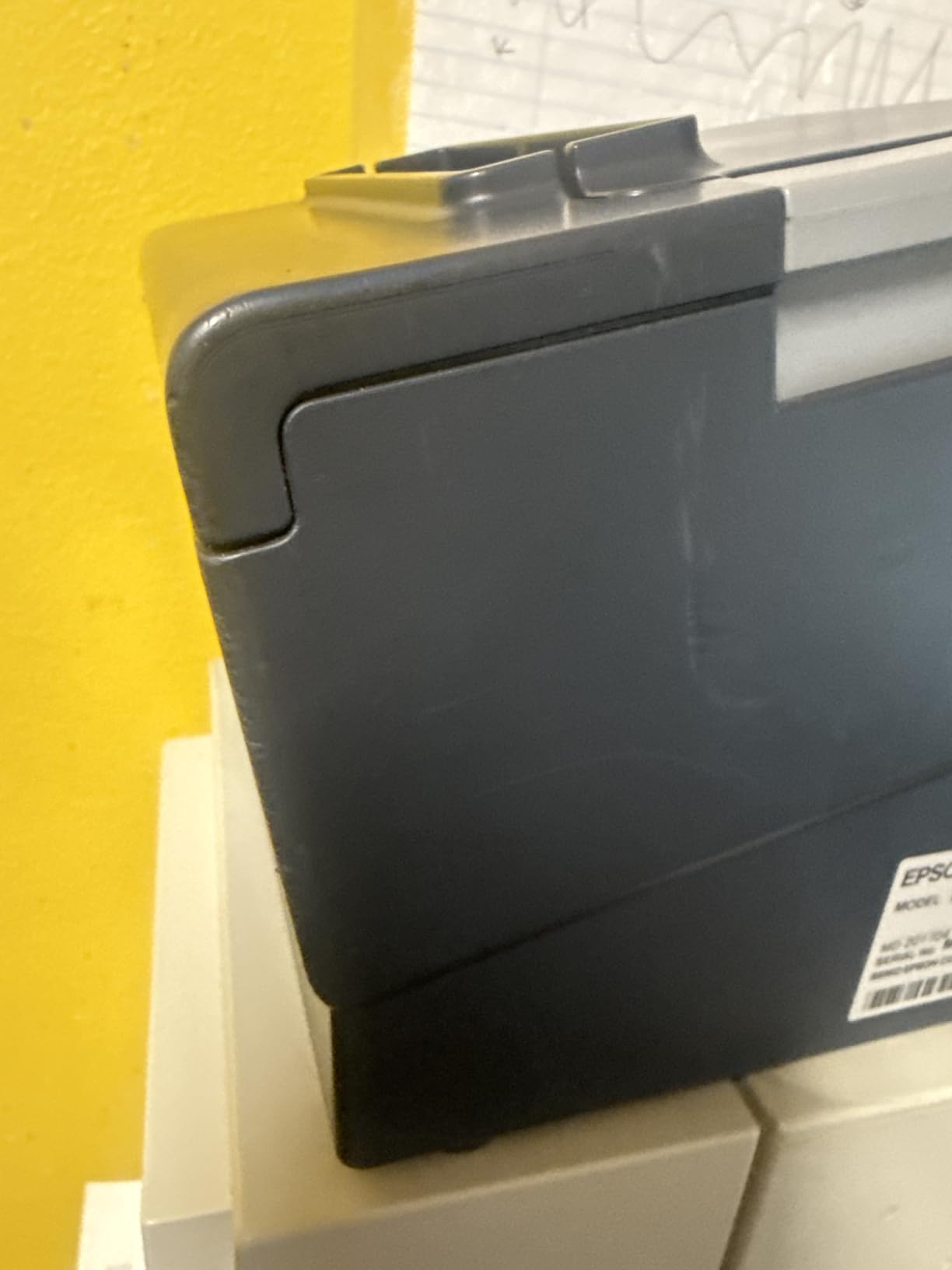
6. MUNBYN P098 – The Highest Satisfaction Score in the Roundup
MUNBYN 80mm USB Thermal Receipt Printer P098, POS Printer with Auto Cutter
200mm/sec, 203 dpi
USB only with cash drawer port
80mm rolls
ENERGY STAR
Pros
- Highest satisfaction score here at 4.4 stars
- Auto cutter and wall-mount design suit counters or back walls
- No ink or ribbon running cost
- Print head over-temperature protection extends head life
- MUNBYN tech support resolves driver issues by email and WhatsApp
Cons
- USB only with no LAN
- Wi-Fi or Bluetooth
- No iOS support and no Square
- DoorDash or Uber Eats compatibility
- Some buyers report units failing within a year
The P098 carries the highest rating in this roundup, and the reason is consistent across the reviews: it just works. Owners describe clear, fast receipts, easy setup and support that answers driver questions by email and WhatsApp in a reasonable time.
It is also the one to beat on running cost. No ink, no ribbon, no cartridge, and a 230-foot roll of 80mm paper keeps refills infrequent.
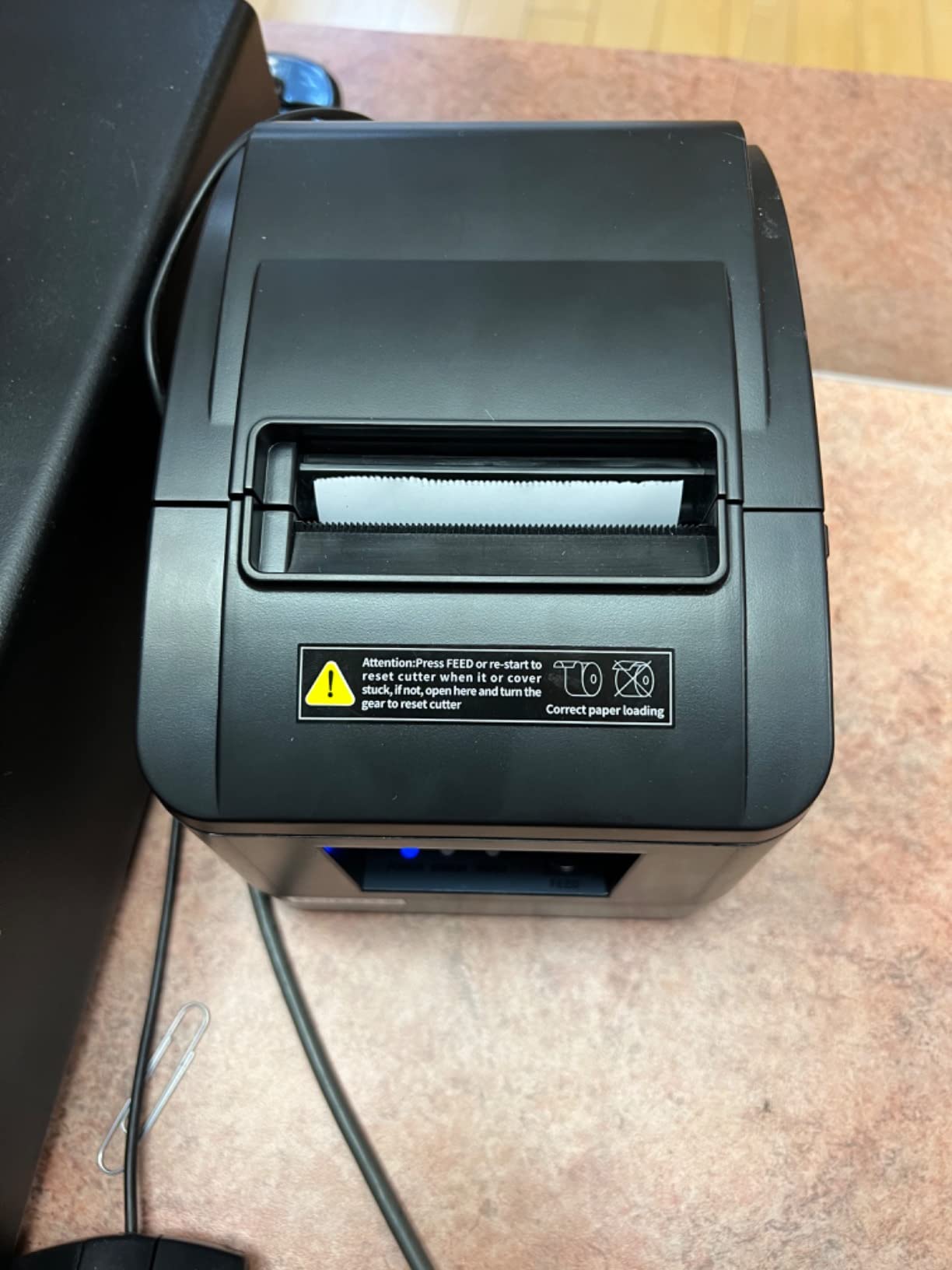
What the USB-Only Design Costs You
This is a strictly wired printer. There is no LAN, no Wi-Fi and no Bluetooth, so it cannot be shared across a network and it needs a USB port within reach of the POS machine. In a single-counter shop that is a non-issue.
Multi-language support has been confirmed working in both English and Chinese, and the wall-mount holes let it live on a back wall if counter space is tight.
Build Quality Versus Heavy Daily Volume
At this weight, the body feels average for a counter taking heavy daily volume, and some buyers report units failing within a year alongside slow or unresponsive customer service. Print head over-temperature protection helps, but it does not replace a heavier chassis.
For a market stall, a boutique or a low-volume register, that is an acceptable trade. For a busy high-volume counter, step up to the P068 or a Star unit.
Setup Reality for Non-Technical Owners
The user manual includes a clear driver installation guide, and ESC/POS command support covers most Windows POS builds. Just scan the bundled media before running it, and expect no iPad compatibility at all.
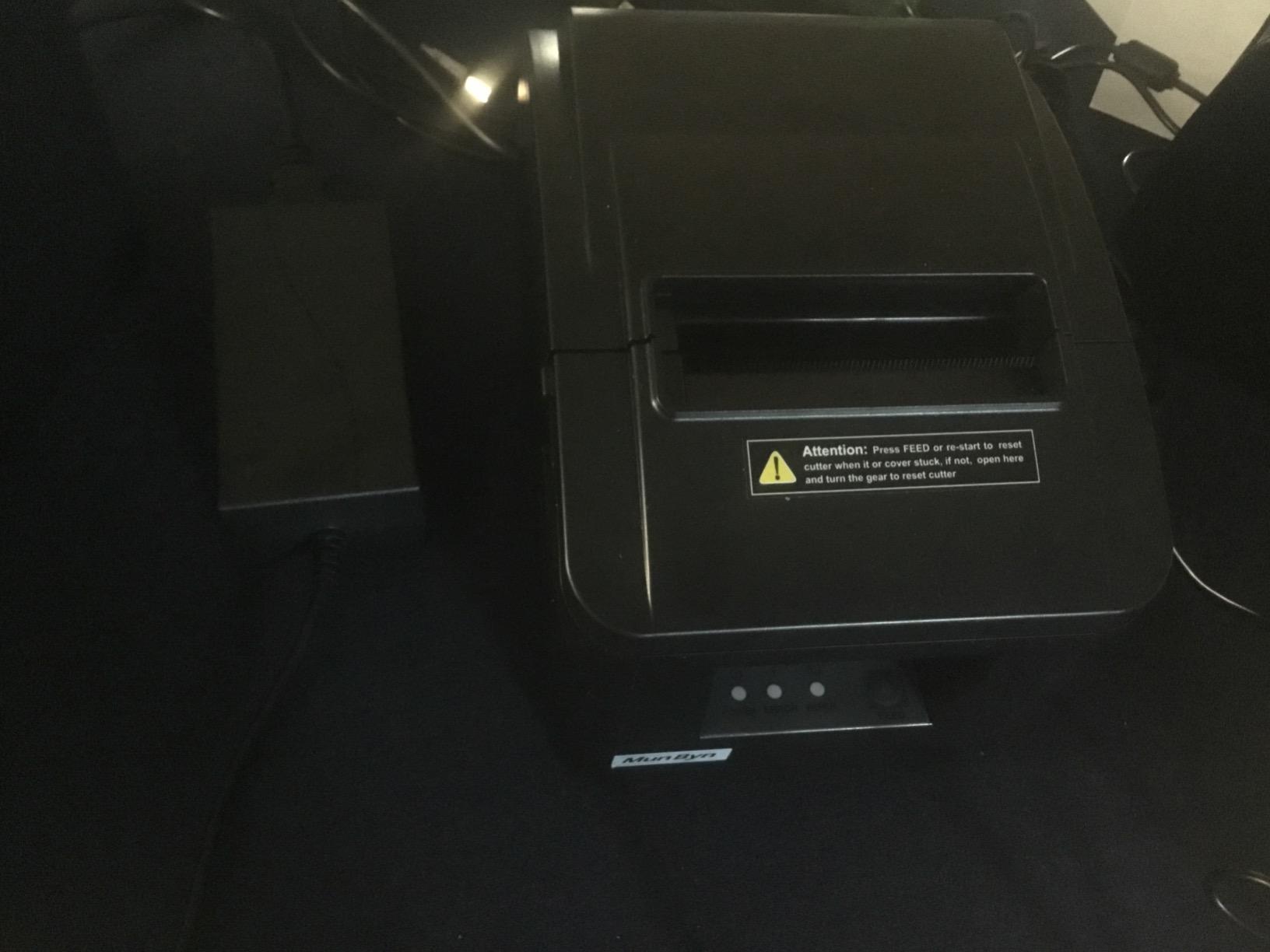
7. Rongta RP332 – The Cheapest Three-Interface Unit in the Lineup
Rongta POS Printer, 80mm Direct Thermal Receipt Printers with Auto Cutter, USB Serial Ethernet Interface, Support Windows/Mac/Linux Cash Drawer, Restaurant Kitchen Printer for ESC/POS (RP332)
250mm/s, 203 dpi
USB, serial and Ethernet
2 kg, wall-mountable
ESC/POS and OPOS
Pros
- Lowest-cost three-interface unit in the lineup
- 250mm/s with auto cutter
- ESC/POS and OPOS across Windows
- Mac and Linux
- DIP switches for cutter
- language
- indicator and density
- Works with node-escpos on Linux and Raspberry Pi
Cons
- No Wi-Fi
- Bluetooth
- iOS or Android device support
- Fixed 192.168.1.x address with no DHCP option
- Thin documentation and slow support response
- Some buyers report thermal heads failing within a year
The RP332 is the price-floor option that still gives you USB, serial and Ethernet in one box. For a developer building a custom receipt flow, or a shop that needs all three interfaces, there is nothing cheaper on this list.
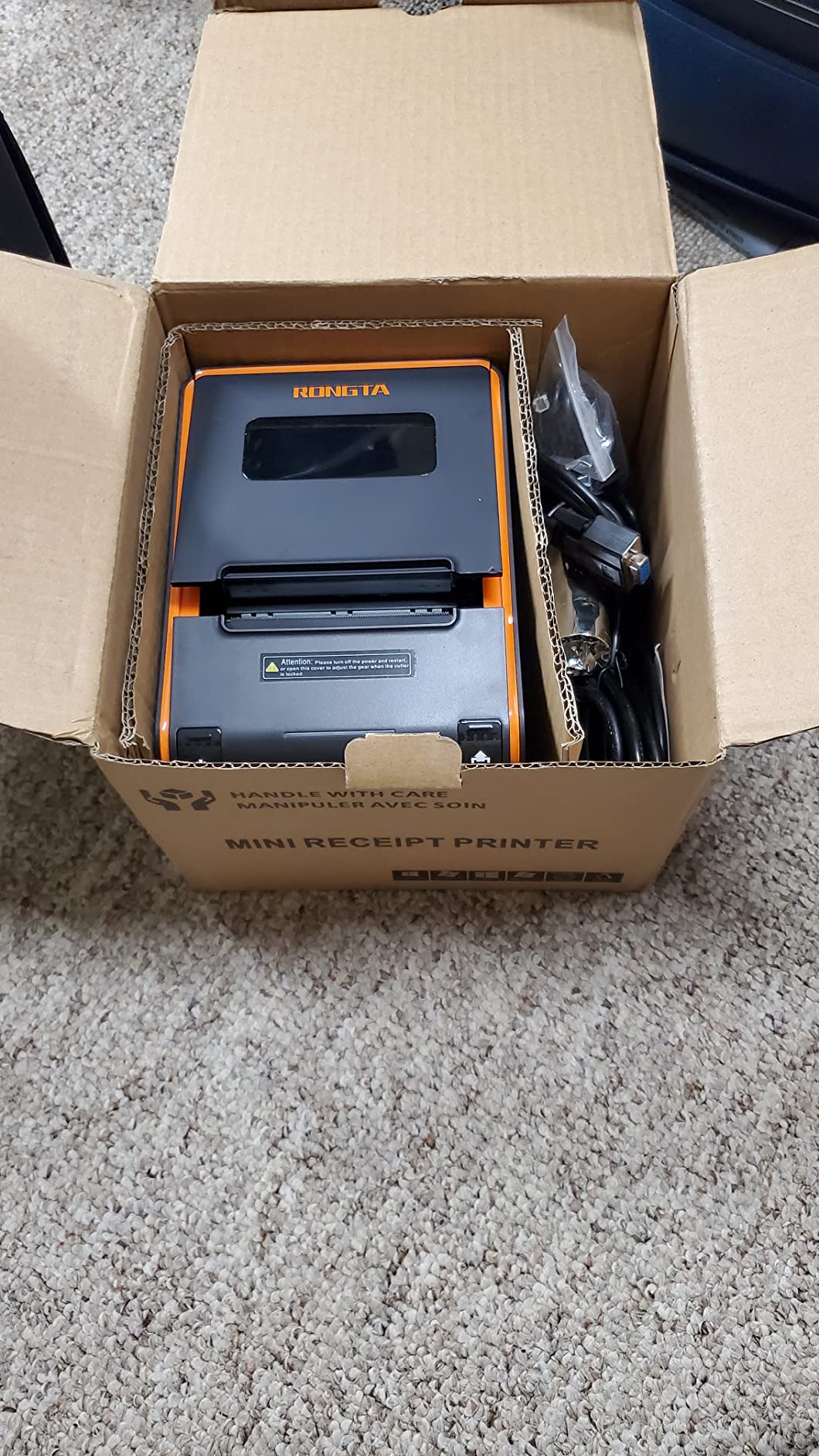
It prints at 250mm/s with an auto cutter and a clear result, and the box includes a power adapter, cables, a roll of test paper and a USB drive with the setup guide.
Why Linux and Raspberry Pi Shops Like This One
ESC/POS and OPOS command support across Windows, Mac and Linux, combined with node-escpos compatibility, makes this the pick for anyone assembling a receipt stack from open-source components. Once configured over Ethernet it runs quietly and reliably on a POS system.
The driver package includes both 80mm and 58mm series, and you have to choose the right one during install. The 58mm option exists, but the divider or baffle may not be included in the box.
The Fixed IP Problem and Thin Documentation
It ships with a fixed 192.168.1.x address and DHCP cannot be enabled, so TCP/IP setup is fiddly. The documentation is also unclear, and owners report slow support response on driver questions, both of which add hours to an install.
There is no Square, PayPal, Shopify or delivery-platform compatibility, and no iOS or Android device support. It is a desktop-computer printer.
Early Failure Reports and the Single-Point-of-Failure Risk
Multiple buyers report thermal heads or whole units failing within six months to a year. On a counter where one printer is the only printer, that is a real operational risk worth weighing against the low entry cost.
Physical Design Notes
Two hanging holes on the underside allow wall mounting, which helps in tight kiosk layouts. At 2 kg the unit is stable on a counter and does not slide when paper is pulled.
8. MUNBYN ITPP047 – An Energy Star Unit for Tight, Low-Power Counters
MUNBYN Thermal Receipt Printer ITPP047 80mm USB Ethernet POS Auto Cutter
230mm/sec, 40+ receipts per minute
USB and Ethernet
ENERGY STAR certified
7.04 ounces, white
Pros
- ENERGY STAR certified for lower electricity use
- Prints fast
- crisp and quiet receipts
- Wall-mountable and compact for tight counters
- Tech support is responsive once you reach them
Cons
- Driver and network install is not plug-and-play
- especially on macOS
- Bundled instructions contain spelling and grammar errors
- Reported paper jams that are hard to clear
- No compatibility with Shopify
- iZettle
- Grubhub or DoorDash
The ITPP047 is the pick when counter space and power draw matter more than features. It prints 40-plus receipts per minute at 230mm/sec, and it is ENERGY STAR certified, which MUNBYN says cuts electricity use by at least 30 percent against non-certified units over a working year.
Long-term owners rate it lower than a Star unit of the same class on service life, so think of it as a capable, economical unit rather than a lifetime purchase.
Installation Is the Hardest Part
Driver and network installation is difficult and not plug-and-play, particularly on macOS, and the bundled instructions contain spelling and grammar errors. Tech support is responsive and helpful once you reach them, so budget time for a support call rather than assuming the manual will carry you.
Cut direction and font size options are limited in the software, which matters if your receipts carry a logo-heavy layout or a specific footer format.
Paper Jams and Long-Term Reliability
Reported paper jams that are very hard to clear are the most serious complaint here, and owners note this cuts into unit life over time. If your media supplier is inconsistent, expect more interventions than with a heavier Epson or Star chassis.
Compatibility is narrow by design: no Shopify, iZettle, Grubhub or DoorDash. Confirm your POS platform against the list before ordering.
Where It Fits Best
Retail stores, grocery stores, clothing stores, supermarkets, cafes, ticket points, food trucks, banks and restaurants are all listed application areas. The wall-mount holes help in a small kiosk, and the light body moves easily between locations.
9. Epson TM-M30 – The Smallest Footprint With Ethernet
Epson C31CE95022 Series TM-M30 Thermal Receipt Printer, Autocutter, USB, Ethernet, Energy Star, Black
USB plus Ethernet dual interface
7 inch by 5 inch footprint
203 dpi, autocutter
2-year Epson full warranty
Pros
- Compact
- quiet design that fits small counters and gas stations
- Ethernet plus USB lets it sit on a shared network
- Consistently excellent print quality and clean driver install
- Works well with the Square app on iPad
- 2-year Epson full warranty
Cons
- Font size cannot be adjusted from the app
- No Ethernet cable is included in the box
- One buyer reported a defective Bluetooth function on a wireless-expecting unit
The TM-M30 solves a specific problem: a small counter that still wants network printing. At 7 by 5 by 5 inches it is the smallest unit here that carries a genuine Ethernet port alongside USB, so it can live on a shared network rather than tethered to one machine.
Owners rate the print quality highly and report that drivers install cleanly. Several also confirm it works with the Square app on an iPad, which is unusual for a wired Epson.
Dual Interface and Shared Network Use
The dual interface means a back-office terminal can share the printer over Ethernet while a counter machine uses USB. ePOS print technology handles the formatting side, and the machine stays quiet enough for a small retail floor.
One practical note: no Ethernet cable is included, so budget for that separately if you are not running one to the counter already.
Formatting Limits in the App
The most-reported limitation is that font size cannot be adjusted from the app. If your receipts rely on varied type sizes for a legal footer or a promo block, you will need to control that from the POS side.
There is also a single report of a unit with a defective Bluetooth function on a wireless-expecting purchase, which is worth flagging since this configuration is wired.
Where This Counter Printer Fits
Gas stations, small kiosks, boutique counters and any spot where a 10-inch-wide desktop printer will not physically fit. The 2-year Epson full warranty is a real advantage over most of the wired units here.
10. Star Micronics TSP100 Series – The Longest Warranty in the Lineup
Star Micronics TSP100 Series, Monochrome, Thermal Receipt Printer, Gray, USB, USB Cable, Internal Power Supply
Up to 45 receipts per minute
203 dpi
Internal universal power supply
4-year manufacturer warranty
Pros
- 4-year full manufacturer warranty in the US and Canada with first-year Swap-A-Star
- Internal universal power supply and USB cable included
- Guillotine cutter gives a partial cut for tidy receipts
- Metal-framed build reads as durable for constant counter use
- Rated up to 45 receipts per minute
Cons
- USB only
- with no Bluetooth
- Ethernet or Wi-Fi
- Noticeably larger and heavier than the 80mm budget options
- 203 dpi is fine for receipts but not for graphics-heavy output
The TSP100 Series is the set-and-forget option. It is a heavier, metal-framed unit that owners treat as a permanent fixture, and it comes with a four-year full manufacturer warranty in the US and Canada including a first-year Swap-A-Star exchange.
At up to 45 receipts per minute it is fast enough for a busy lane, and the guillotine cutter leaves a partial cut so the customer can tear the receipt cleanly.
What the Four-Year Warranty Actually Buys You
On a device that sits on a counter every day for years, warranty length is a durability proxy. Swap-A-Star in the first year means a failed unit is replaced rather than repaired, which matters when a single printer carries a whole lane.
The internal universal power supply and included USB cable mean no separate brick to source or lose. That is a small convenience that prevents an entire class of setup delay.
Size, Weight and What 203 dpi Costs You
This is the largest and heaviest unit in the roundup at 10.8 by 9.5 by 8.9 inches and 5.7 pounds. On a cramped counter that footprint is a real constraint, and it is the main reason we did not rank it first.
Resolution is 203 dpi. That is entirely appropriate for text, barcodes and a small logo, but if you print image-heavy promotional receipts the output will be softer than a higher-resolution alternative.
Connectivity Reality
USB only on this variant, with no Bluetooth, Ethernet or Wi-Fi. It suits a fixed terminal well and a roaming tablet badly. For a wired counter that values warranty above all else, it is a strong pick.
11. Bixolon SRP-350IIICOG – The Endurance Ratings Lead the Category
Bixolon SRP-350IIICOG USB Thermal Receipt Printer,black
200mm/sec direct thermal
180 dpi
MCBF 70 million lines
Auto-cutter 1.8 million cuts
Pros
- MCBF rated at 70 million lines for high-volume endurance
- Auto cutter rated at 1.8 million cuts
- ENERGY STAR listed for lower operating cost
- Power supply included
- Supports 2-inch or 3-inch paper rolls for flexibility
Cons
- USB only on this configuration
- 180 dpi is lower than the 203 dpi competitors
- Lower best-sellers rank than the Epson
- Star and MUNBYN options
- Smaller review base means less long-term feedback
The Bixolon SRP-350IIICOG is the specification winner in this list. An MCBF of 70 million lines and an auto cutter rated at 1.8 million cuts are the highest endurance figures here, and they are the numbers to look at if your counter runs eight hours a day.
It is also ENERGY STAR listed, and the power supply is included. Support for 2-inch or 3-inch paper rolls gives it a flexibility the 80mm-only models cannot offer.
Reading MCBF and Cutter Ratings Correctly
MCBF, mean cycles between failure, estimates the printer’s life in printed lines. Seventy million lines is a commercial-grade figure. Cutter life of 1.8 million cuts is higher than the 1.5 million cuts rated on the Epson TM-T20III and the Volcora unit.
Compare those against your own volume rather than reading them as marketing. A counter printing 200 receipts a day uses the cutter far below its rating, while a busy takeaway window will get closer.
Resolution and Interface Trade-Offs
Resolution is 180 dpi, lower than the 203 dpi on every Epson, Star and MUNBYN option in this roundup. Text stays legible, but fine graphics and small logos will look softer, and some barcode scanning setups prefer the higher figure.
This configuration is USB only. The chassis supports serial, parallel or Ethernet variants, but you would need a different configuration to get them.
The Smaller Feedback Base
With 96 reviews, this is the smallest buyer base here, and its best-sellers rank sits well below the Epson, Star and MUNBYN options. Fewer owners means less long-term field data, which is a fair argument for caution on a business-critical device.
12. Volcora 80mm USB and Ethernet – Fastest Print Speed With Human Support
Volcora Thermal Receipt Printer, 80mm POS Printer w/Auto Cutter, USB/Ethernet Interface for Windows/MAC/Linux, ESC/POS Command Support Cash Drawer, High Speed Kitchen Printer, Wall Mount (White)
260mm/s at 203 dpi
USB and Ethernet
RJ11 cash drawer ports
Limited lifetime warranty
Pros
- Fastest print speed here at 260mm/s with sharp 203 dpi output
- Auto cutter rated for 1.5 million cuts
- USB-based customer support walks users through driver setup
- Limited lifetime warranty
- Owners report replacing POS fleets with these units
Cons
- No Bluetooth or Wi-Fi and no native Uber Eats
- Grubhub
- DoorDash
- Clover or Shopify support
- Bundled CD drivers may be flagged by Windows security
- Thermal paper roll not included in the box
The Volcora is the fastest printer in this roundup at 260mm/s, and it has the most unusual selling point: US-based customer support that actively walks users through driver setup by phone. For a non-technical owner, that is often worth more than another 20mm/s of paper speed.
Owners also report replacing entire POS fleets with these units, and the limited lifetime warranty is the broadest term offered by any manufacturer in this list.
Ethernet Adds iOS Through the SDK
The Ethernet interface supports Windows, Mac OS, Linux, VirtualCom, Android, Raspberry Pi and iOS, while USB covers Windows, Mac, Linux, VirtualCom and Android. iOS support comes through the supplied SDK rather than Bluetooth, so an iPad-based shop can still use it with development work.
RJ11 cash drawer ports on the back let it open a drawer directly, and the wall mount option with two hanging holes helps in tight installations.
Setup Friction and the Bundled Media
Two setup complaints recur: the bundled CD drivers may be flagged as a virus by Windows security software, and some users could not complete driver installation without support intervention. That second point is really a description of the support doing its job, but plan your install day around it.
The thermal paper roll is not included, so add a 80mm roll to your first order or you will be stuck on day one.
Where It Fits and Where It Does Not
Retail, restaurant, supermarket and ticket booth installations are the listed use cases. There is no Bluetooth or Wi-Fi printing, and no native support for Uber Eats, Grubhub, DoorDash, Clover or Shopify, so this is a desktop and network printer rather than a mobile one.
Direct Thermal or Impact: Which Printing Technology Fits Your Counter
Direct thermal is the right answer for almost every retail counter in 2026, and all twelve models here use it. A thermal head heats a line of the coated paper directly, so there is no ink, ribbon or toner to buy and nothing to jam in a ribbon cartridge.
Impact printers use a moving pin head against a ribbon. They produce multi-copy receipts, which matters for delivery orders and some kitchen workflows, but they are slower, noisier and cost more to run. If you have never had a reason to request a duplicate carbonless receipt, stay with thermal.
Two other retail needs often get bundled into this decision. Barcode scanning at the register needs 203 dpi or better, and the Bixolon at 180 dpi is the one to check against your scanner. Image-heavy promotional receipts also benefit from resolution, and 203 dpi is the floor for that.
Match the Interface to Your POS Setup Before You Buy
Decide this first, because it eliminates most of the list instantly. If your register is a phone or tablet with no USB port, you need Bluetooth and you are left with the Star Micronics TSP143IIIBi. None of the other eleven units in this roundup support iOS out of the box.
If you run a desktop POS, USB is the simplest path and the most common. USB plus Ethernet covers a shop that wants the printer on a shared network, which is where the MUNBYN P068, the MUNBYN ITPP047, the Epson TM-M30 and the Volcora unit all land.
Serial ports are the legacy holdover. Only the Rongta 80mm USB Thermal and the MUNBYN P068 offer RS232, and that alone decides the purchase if you still have older equipment on the counter. Our guides to wireless home printers and laser printers for home offices cover a different end of the market, but the same logic about interfaces applies.
Print Speed, Paper Width and the Auto Cutter Question
Paper width is the first hard filter. Nearly every unit here is 80mm, with the Bixolon offering a 2-inch or 3-inch choice. Buying 58mm paper for an 80mm machine, or the reverse, wastes a first roll and an afternoon. Forum buyers consistently report roll-size confusion as one of the most common beginner mistakes.
Print speed ranges from 200mm/s on the MUNBYN P098 to 300mm/s on the MUNBYN P068. Under about 250 transactions a day, speed is not the constraint. Above that, the higher figures give you headroom at peak rather than at average.
The auto cutter versus tear bar decision comes down to volume and neatness. An auto cutter rated at 1.5 million cuts or more suits a busy counter, and owners do report cutter jamming after sustained high-volume use on lighter units. A tear bar is cheaper and rarely breaks, but the customer pulls the receipt by hand every time.
POS Compatibility Is the Real Filter, Not the Spec Sheet
Check the certification list before anything else. For Square, the Epson TM-T20III requires a Square Stand or Square Register, and the Epson TM-M30 is reported to work with the Square app on iPad. The MUNBYN P068, the MUNBYN P098, the MUNBYN ITPP047, both Rongta units and the Volcora explicitly state no Square compatibility.
For delivery platforms, the Star Micronics TSP143IIIBi is the only unit here certified with Uber Eats, Grubhub and DoorDash. The MUNBYN P068 states no DoorDash and no Uber Eats. That certification is a hardware test by the platform, and it is the difference between an order printing and an order vanishing.
For Shopify, the MUNBYN ITPP047 and the Volcora state no compatibility, while the Rongta RP332 lists no Shopify support. None of these printers run Shopify POS on their own; the software needs to reach them over a network interface the hardware provides.
Total Cost of Ownership Over Three Years
Thermal printers have the lowest running cost of any printing technology, and the differences between these twelve come down to paper width, consumable quality and failure rate. A thermal machine that lasts four years at 80mm is cheaper than a cheaper machine replaced twice, which is the clearest argument for the Star TSP100 Series warranty terms.
Budget for these recurring items: 80mm thermal paper rolls, occasional isopropyl alcohol wipes for the print head, and a spare cable. Consumable cost dominates in the first year, warranty value dominates in year four.
Do not forget the paper-saving angle. The Epson TM-T20III offers print options that reduce paper usage up to 30 percent, and the ENERGY STAR units here, the MUNBYN ITPP047, the MUNBYN P098 and the Bixolon, cut electricity use against non-certified comparators. Neither saving is large in absolute terms, but both compound daily.
Warranty, Support and Print Head Longevity
Warranty terms in this roundup range from a limited warranty on the wired budget units to a limited lifetime warranty from Volcora. The Star TSP100 Series leads the conventional field with four full years plus a first-year Swap-A-Star exchange, and the two Epson models carry two-year full warranties.
Print head life is the durability number that predicts your replacement date. The Epson TM-T20III is rated at 150 km of line or 150 million pulses, and the Bixolon quotes an MCBF of 70 million lines with a 1.8 million cut cutter. Owners on r/printers describe faded receipts as the classic print head symptom, and cleaning only buys you a limited stretch.
Support quality varies more than warranty length suggests. MUNBYN support is repeatedly praised for resolving driver issues quickly, Volcora offers US-based phone guidance through setup, and Star provides a first-year swap program. The Rongta RP332 gets the opposite reviews, with slow responses on driver requests. That difference decides installs more often than any spec sheet does.
Frequently Asked Questions
What type of printer is best for printing receipts?
A direct thermal receipt printer is best for nearly every retail counter because it needs no ink, ribbon or toner, prints quietly at 200mm/s or faster, and has the lowest running cost of any printing technology. Impact dot-matrix printers only make sense if you need multi-copy delivery receipts. All twelve printers in this guide are 80mm direct thermal units.
What is the best printer for receipt printing overall?
The Star Micronics TSP143IIIBi is the best overall receipt printer for retail because it pairs with iOS, Android and Windows over Bluetooth with no driver install, prints 43 receipts per minute, and is certified with Uber Eats, Grubhub and DoorDash. For a Square Stand or Register counter, the Epson TM-T20III is the stronger choice.
What receipt printer is best for a small business?
For a small business on a single counter, the MUNBYN P098 rates highest at 4.4 stars, prints 200mm/s with an auto cutter, and needs no ink or ribbon. If your POS runs on an iPad with no USB port, choose the Bluetooth-equipped Star Micronics TSP143IIIBi instead, since the MUNBYN has no iOS support.
Which is better, Munbyn or Rollo?
For receipt printing, MUNBYN is the stronger option in this roundup, with three models rated 4.2 stars or higher and support that owners describe as responsive. Rollo units are built primarily as label printers rather than receipt printers, so a Rollo is the wrong tool for a retail counter. For labels, see our guide to the best label printers for home organization.
Can I use any receipt printer with Shopify?
No, and this is the most common compatibility mistake we see. Several printers here explicitly state no Shopify support, including the MUNBYN ITPP047, the Rongta RP332 and the Volcora. Shopify POS needs to reach the printer over USB, Ethernet or Bluetooth, so confirm both the interface and the platform certification before you order.
How do I connect a receipt printer to my POS system?
For USB, plug the printer into the POS machine, install the ESC/POS driver from the manufacturer, and select the model in your POS hardware settings. For Ethernet, connect the cable, find the printer on the network, and enter its IP address in the POS setup, which is why models with DHCP or a clear network utility are easier to install. For Bluetooth, pair the printer on the tablet and choose it in the app’s hardware menu.
Which Receipt Printer Should You Buy?
If your counter runs on a tablet with no USB port, the Star Micronics TSP143IIIBi is the pick, and it is our best receipt printer for retail overall because of its delivery platform certification and flat-receipt De-Curl function. If you run a Square Stand or Register, choose the Epson TM-T20III, and the two-year full warranty is the reason it outlasts cheaper wired units.
If you want the highest satisfaction score and the lowest running cost on a single counter, the MUNBYN P098 is the answer. If volume is the concern, the MUNBYN P068 at 300mm/s and the Volcora at 260mm/s give you the headroom, and the Bixolon SRP-350IIICOG carries the best endurance ratings at 70 million lines and 1.8 million cuts. For a fixed terminal where warranty length is the priority, the Star TSP100 Series gives you four full years.
Whichever you pick, confirm three things before you order: the interface your POS hardware can actually use, the paper width your supplier sells, and the platform certification list. Those three checks prevent nearly every return in this category. Use the comparison table above to narrow the field, then check the current listing before you buy.