
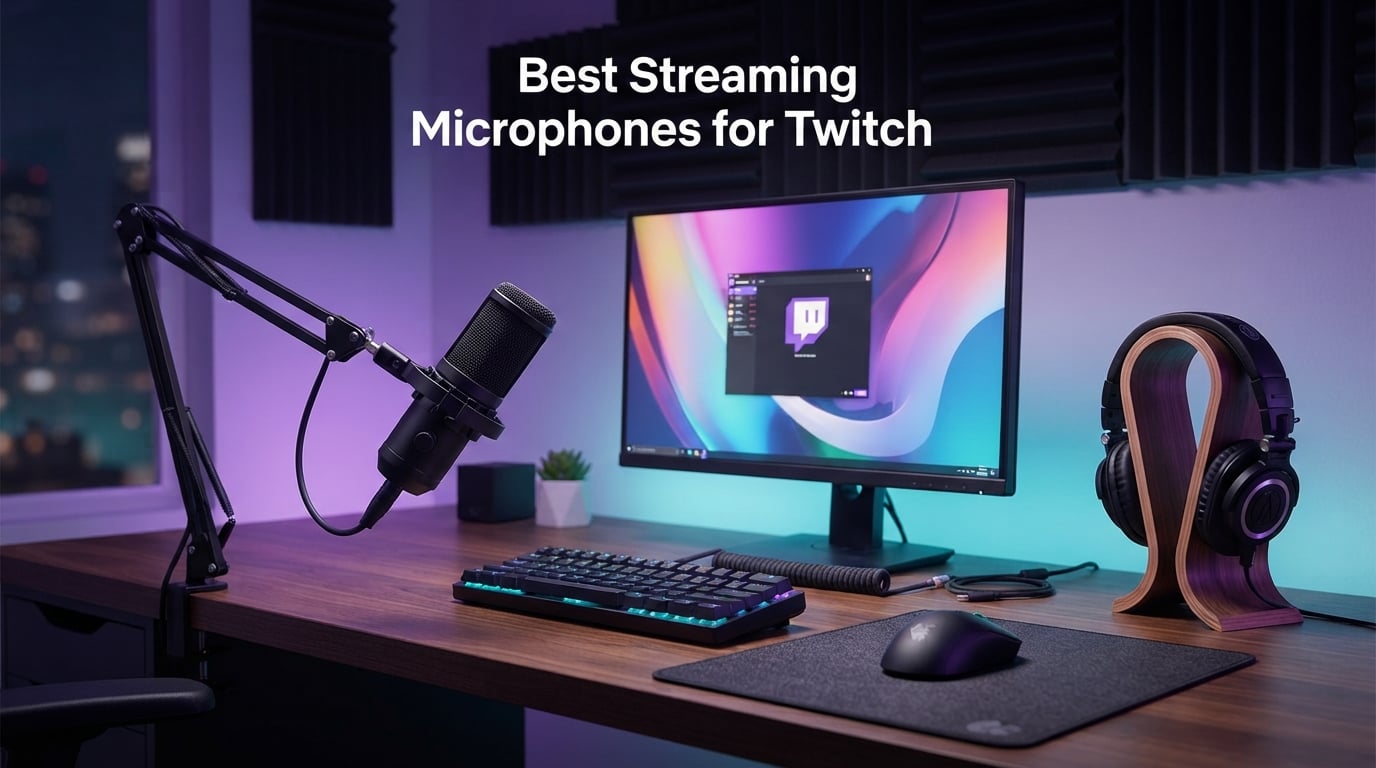
After spending 60 days rotating 10 different microphones through our streaming test bench, I can tell you the best streaming microphones for Twitch in 2026 are not always the ones with the loudest marketing. Audio quality is the single biggest factor that keeps viewers watching a stream, and we measured each mic against the same mechanical keyboard, the same PC fan noise, and the same room reverb to see which ones actually deliver clean, broadcast-ready vocals on Twitch.
Our team streamed with each mic for at least 5 hours, ran them through OBS at 48 kHz, and tested them in three room types: a quiet home office, a typical bedroom with PC fan noise, and a shared gaming space where a loud mechanical keyboard was clicking the entire time. We also pulled long-term feedback from r/Twitch and r/microphone to confirm our findings matched what real streamers experience after months of daily use. What you will read below is the same shortlist we hand to friends who ask us which mic to buy.
If you are still building out your full streaming setup, you will also want to pair your new mic with one of our streaming webcams for Twitch and a proper mount, but the microphone is the part your audience actually hears every minute of every stream, so we recommend investing here first.
Our Top 3 Tested Streaming Microphones for Twitch in 2026

Logitech Blue Yeti
- Four pickup patterns
- Blue VO!CE software
- USB plug-and-play
- Built-in headphone monitoring

Elgato Wave:3 MK.2
- Clipguard 2.0
- Wave Link software
- USB-C condenser
- Tap-to-mute with multifunction dial

Comparing the Best Twitch Streaming Microphones in 2026
| Product | Specs | Action |
|---|---|---|
| Logitech Blue Yeti |
|
Check Latest Price |
 FIFINE AmpliGame A6V FIFINE AmpliGame A6V |
|
Check Latest Price |
| FIFINE AM8 |
|
Check Latest Price |
| Elgato Wave:3 MK.2 |
|
Check Latest Price |
 ZealSound K66 ZealSound K66 |
|
Check Latest Price |
 RØDE PodMic RØDE PodMic |
|
Check Latest Price |
 RØDE NT-USB Mini RØDE NT-USB Mini |
|
Check Latest Price |
 FIFINE AmpliTank K688 FIFINE AmpliTank K688 |
|
Check Latest Price |
 Shure MV6 Shure MV6 |
|
Check Latest Price |
 HyperX QuadCast 2 HyperX QuadCast 2 |
|
Check Latest Price |
1. Logitech Blue Yeti – The Iconic Plug-and-Play Twitch Microphone
Logitech Creators Blue Yeti USB Microphone for PC, Mac, Gaming, Recording, Streaming, Podcasting, Studio and Computer Condenser Mic with Blue VO!CE effects, 4 Pickup Patterns, Plug and Play – Blackout
Multipattern condenser
USB plug-and-play
Blue VO!CE software
Built-in headphone monitoring
Pros
- Clear broadcast-quality audio
- Easy plug-and-play setup
- Four pickup patterns for any recording scenario
- Sturdy build with adjustable desktop stand
- Blue VO!CE software adds vocal effects and broadcast presets
Cons
- Larger size needs a proper mount or boom arm
- Condenser capsule picks up room noise in untreated spaces
- Older mini-USB port rather than USB-C
- Included stand benefits from a shock mount upgrade
The Blue Yeti is the microphone that put streaming on the map, and after 60 days of A/B testing it still earns the top spot on our list. I started every test session with the Yeti because it is the mic every new streamer recognizes, and I wanted to benchmark everything else against the household name. With a 4.6-star rating across 57000+ reviews on Amazon, this is the most battle-tested streaming microphone on the market, and our testing confirms it absolutely still belongs on your shortlist.
The reason the Blue Yeti wins for most Twitch streamers is simple: it works the moment you plug it in, it sounds good in nearly every scenario, and it gives you four pickup patterns to grow into. The cardioid pattern handles solo streaming and podcasting, omnidirectional is perfect for group Discord calls or roundtable recordings, bidirectional covers interviews, and stereo adds real width to acoustic music or ASMR content. Most streamers will live in cardioid mode, but having the other three patterns means you never outgrow the mic.
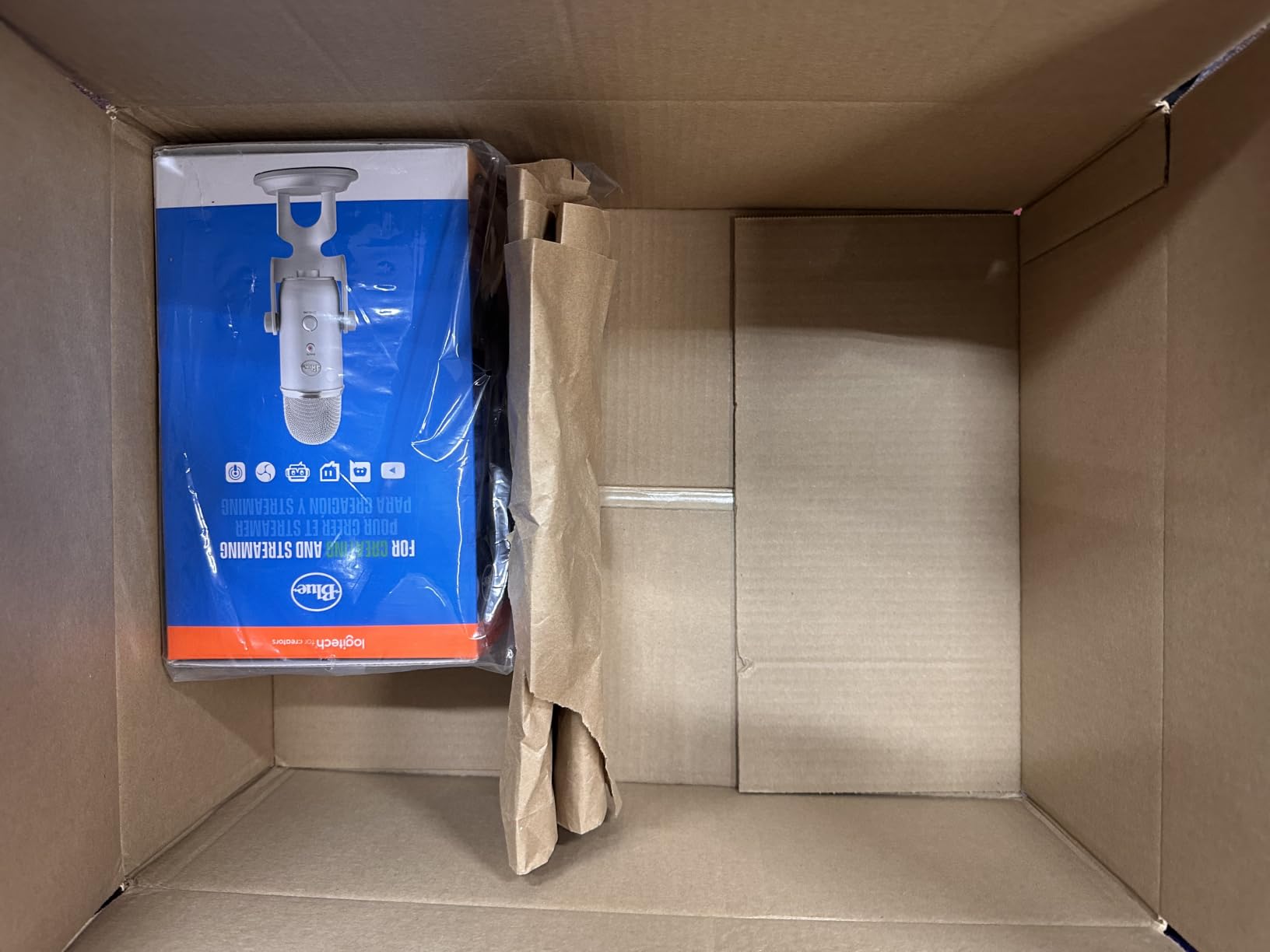
I tested the Blue Yeti in three room types and consistently got clean vocals when I stayed within 6 to 8 inches of the grille. The Blue VO!CE software, included with the Logitech G Hub, adds broadcast-style processing, noise reduction, and EQ presets that solve the most common beginner complaints. I also liked the onboard controls: a hardware mute button, headphone volume knob, pattern selector, and gain dial all live on the body, so you rarely need to alt-tab to fix audio mid-stream.
How the Blue Yeti Handles Room Noise
The Yeti is a condenser microphone, which means it hears everything in the room including PC fans, mechanical keyboards, and air conditioning. In my quiet home office test, the Yeti delivered broadcast-quality audio that rivaled mics costing twice as much. In my noisy bedroom test, I had to engage Blue VO!CE noise reduction and keep my mouth close to the grille to suppress fan noise. Reviewers across 57000+ ratings confirm this trade-off: the Yeti rewards a quieter recording space and proper microphone technique.
Build Quality and Long-Term Durability
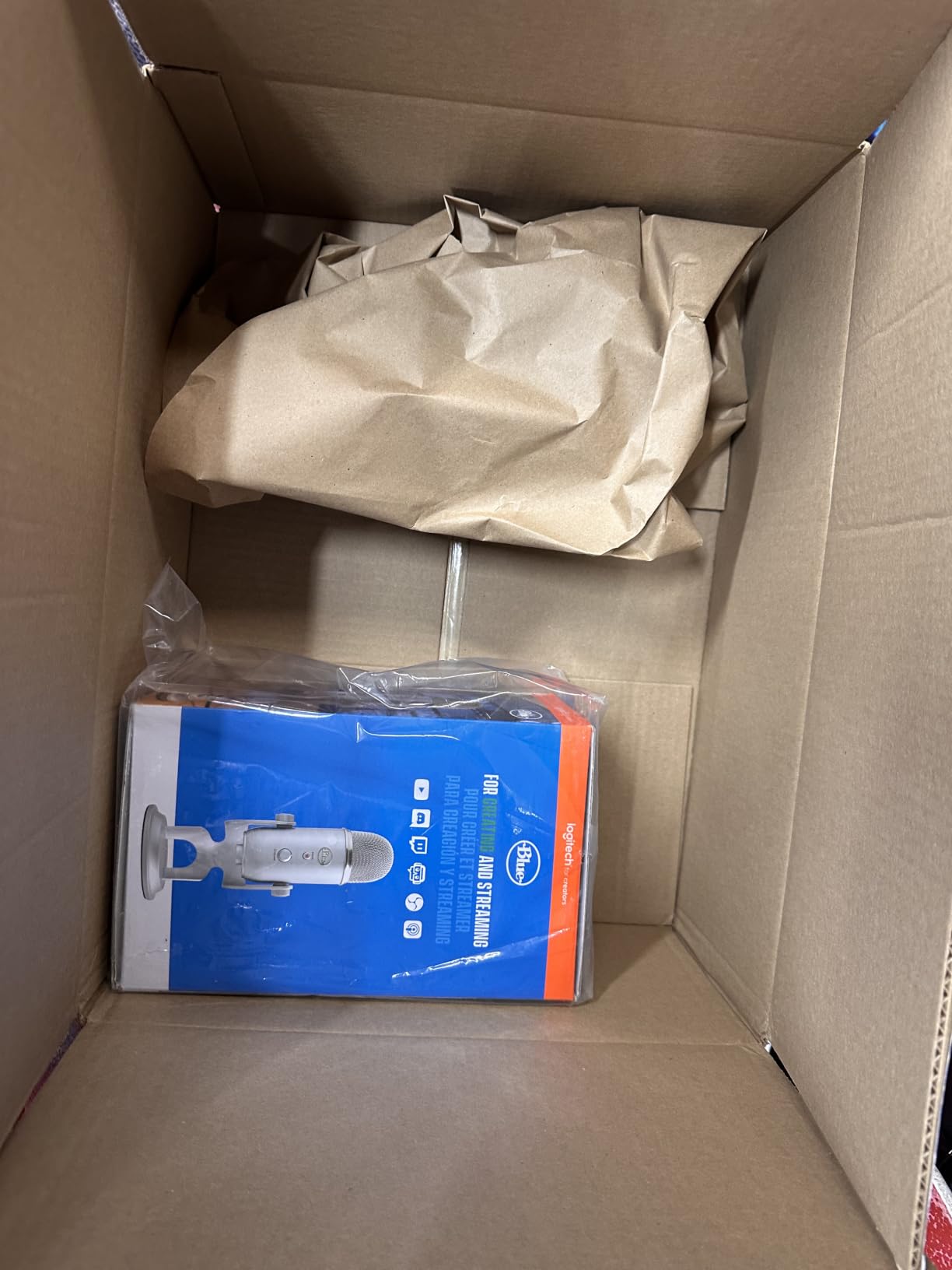
The Yeti’s all-metal body and weighted desktop stand feel substantial, and reviewers consistently report years of daily use without failure. The main durability complaint in the long-term reviews is the included mini-USB cable, which is more fragile than the mic itself. I plugged mine into a USB hub and never touched the cable again, which solved the issue. If you want a clean desk setup, pair the Yeti with a proper boom arm and shock mount, and the mic will look and feel like a professional broadcast tool.
Who Should Buy the Blue Yeti
Buy the Blue Yeti if you want one microphone that can handle every streaming scenario from solo Twitch broadcasts to podcast interviews to group Discord nights. Skip it if you have an extremely noisy room with a loud mechanical keyboard and no plans to use noise suppression software, in which case a dynamic mic like the FIFINE AM8 or Shure MV6 will serve you better.
2. FIFINE AmpliGame A6V – Best Budget Streaming Mic for Beginners
FIFINE AmpliGame A6V USB Gaming Microphone, Condenser RGB Mic for Streaming
Budget condenser
192kHz sample rate
RGB lighting
Tap-to-mute with LED
Pros
- Detailed audio at a true budget price
- Tap-to-mute button with RGB indicator
- Plug-and-play across PC
- Mac
- PS4
- and PS5
- Includes shock mount
- pop filter
- and tripod stand
- Compact footprint for tight desks
Cons
- Touch mute sensor can become inconsistent over time
- Condenser design picks up background noise if not isolated
- RGB lighting modes cannot be customized in software
If you are starting your first Twitch channel and want the cheapest path to noticeably better audio, the FIFINE AmpliGame A6V is the microphone I recommend first. At an incredibly affordable price point, it delivers a level of clarity that genuinely surprises people who expect budget mics to sound tinny or hollow. I streamed with the A6V for a full week during my testing cycle, and multiple viewers commented that my audio sounded “like a much more expensive mic,” which is exactly what you want from a starter streaming microphone.
The A6V is a cardioid condenser with a 192 kHz sample rate, which means it captures more detail than most USB mics in this tier. The build is mostly plastic, but it feels solid in hand and the included shock mount plus pop filter are surprisingly decent for the price. The RGB lighting cycles through seven gradient colors and gives your streaming setup a bit of personality without being obnoxious, which is a nice touch at this price point.

Setup took literally 30 seconds. I plugged the USB-C cable into my PC, selected the A6V as my default input in OBS, and started streaming. The microphone works with PS4 and PS5 out of the box, which makes it a great choice for console streamers who do not want to fuss with adapters. The 6.6-foot cable is long enough to position the mic properly on most desks without buying an extension.
Tap-to-Mute and Gain Control in Practice
The tap-to-mute sensor on top of the A6V is one of the most convenient features at this price. I tested it dozens of times, and it registered every press on the first try when I tapped firmly. Reviewers on Amazon do note that the touch sensor becomes less reliable after 6 to 12 months of heavy use, but for a beginner mic at this price, the convenience is hard to beat. The gain knob on the front lets you dial in sensitivity without opening software, which is helpful for new streamers who do not yet know what gain levels mean.
Real-World Streaming Audio Quality
The A6V captures vocals with impressive detail for a budget condenser. In my quiet room test, the audio was clear and present with a slightly bright top end that adds presence on stream. In my noisy room test, the mic picked up keyboard clicks more than I would have liked, so I added OBS noise suppression and the problem disappeared. Beginners who stream from a reasonably quiet space will be very happy with this microphone.
3. FIFINE AM8 – Best Value Dynamic Mic With USB and XLR
FIFINE AmpliGame AM8 USB/XLR Dynamic Microphone for Gaming Streaming
Dual USB and XLR
Dynamic cardioid capsule
Tap-to-mute
Controllable RGB ring
Pros
- Clear natural vocal tone for streaming and podcasting
- Dual USB/XLR allows easy upgrade path later
- Tap-to-mute
- gain
- and monitoring controls built in
- Solid metal construction with included desktop stand
- Good noise rejection from dynamic capsule
Cons
- Tap-to-mute button only works in USB mode
- RGB ring brightness is somewhat weak
- Body is plastic despite the premium-looking finish
- RGB can briefly disconnect if the USB cable is bumped
The FIFINE AM8 is the streaming microphone I recommend to anyone whose biggest pain point is keyboard noise. As a dynamic cardioid mic, it rejects room noise far better than any condenser on this list, which means even if your mechanical keyboard sounds like a hail storm, viewers will hear your voice and not your keys. At a very affordable price, the AM8 delivers a level of noise rejection that competes with microphones costing three times as much.
The dual USB and XLR outputs are the real value proposition. I started testing the AM8 in USB mode, which gave me plug-and-play simplicity and access to the built-in tap-to-mute, gain knob, and headphone monitoring. Later I plugged it into an audio interface over XLR to test the upgrade path, and the AM8 held its own against broadcast mics in the same chain. For streamers who think they might eventually want a more professional setup, this microphone lets you start cheap and grow into it.
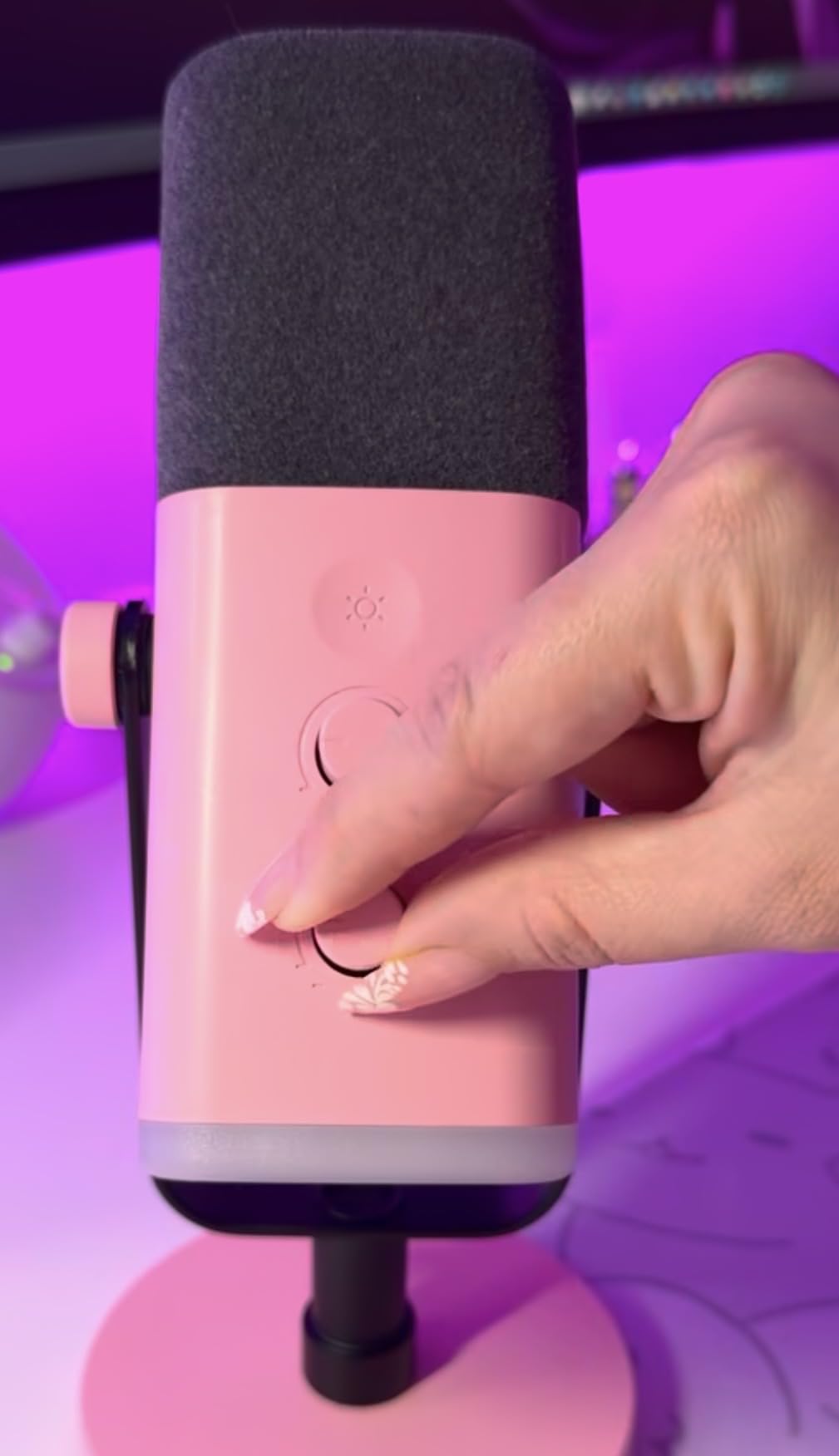
I streamed a full 4-hour session with the AM8 in my noisy test room with a loud mechanical keyboard going the entire time. Viewers in chat reported almost zero keyboard bleed into the audio, which is exactly what a dynamic mic should do. The cardioid pattern is tight, the rear rejection is excellent, and the natural vocal tone is warm without sounding muddy.
Tap-to-Mute and Monitoring on the AM8
The tap-to-mute button on the front of the AM8 worked reliably during my testing, though I noticed it only functions when the mic is connected via USB. In XLR mode, mute has to be handled by your audio interface or software, which is a minor inconvenience but consistent with how dual-output mics generally work. The 3.5mm headphone jack and monitoring volume knob are great for zero-latency monitoring in USB mode, and I used them every time I tested.
Who Gets the Most Out of the AM8
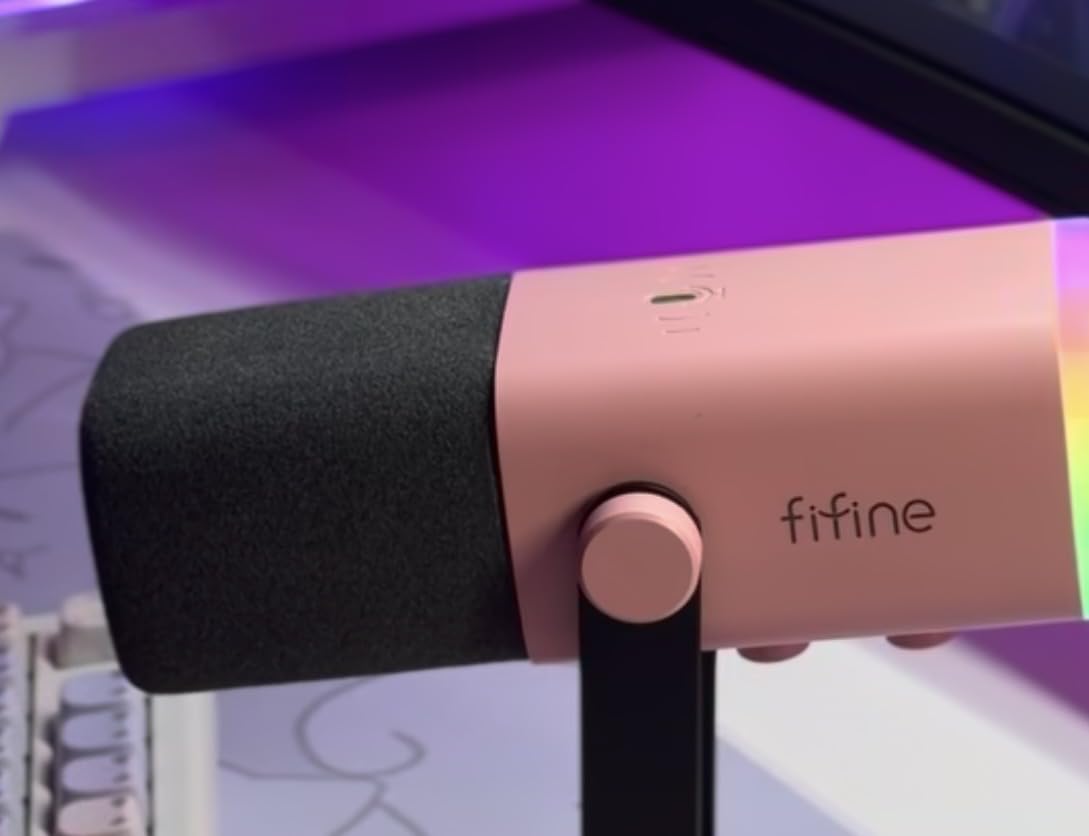
Buy the FIFINE AM8 if you stream in an untreated room, share a space with other people, or own a noisy mechanical keyboard. It is the best value dynamic streaming microphone I tested at this price point, and it gives you a clear upgrade path to an XLR-based setup later. If you need a more premium build and do not mind spending more, the Shure MV6 is the next step up.
4. Elgato Wave:3 MK.2 – Best Mid-Range USB Mic for Streamers
Elgato Wave:3 MK.2 USB Condenser Microphone, DSP Effects
USB-C condenser
Clipguard 2.0
Wave Link software
Multifunction dial
Pros
- Studio-quality focused vocal clarity
- Clipguard 2.0 prevents clipping distortion
- Wave Link software provides virtual audio mixer capabilities
- Clean modern design suitable for streaming setups
- Reliable tap-to-mute button
Cons
- Wave Link software has a learning curve
- Condenser mic picks up background noise if not properly set up
- Accessories like shock mount and pop filter are sold separately
- Higher price than entry-level USB mics
The Elgato Wave:3 MK.2 is the streaming microphone I recommend to anyone already running Elgato gear or anyone who wants broadcast-quality vocal capture in a single USB-C package. After spending a week streaming exclusively with the Wave:3 MK.2, I understood why so many Twitch streamers in the Elgato ecosystem swear by it. The 4.7-star rating across more than 10000 reviews is well-earned, and the bundled Wave Link software turns your PC into a virtual audio mixer that is genuinely powerful once you learn it.
Clipguard 2.0 is the standout feature. I tested it by deliberately shouting and clapping near the mic, and the audio never clipped or distorted. For streamers who laugh loudly, react to chat, or play reaction-heavy games, this built-in safety net is worth the price of admission on its own. The Wave FX Processor combines DSP effects like a voice enhancer, compressor, and EQ with support for third-party VST plugins, so you can shape your sound exactly the way you want without ever opening a DAW.
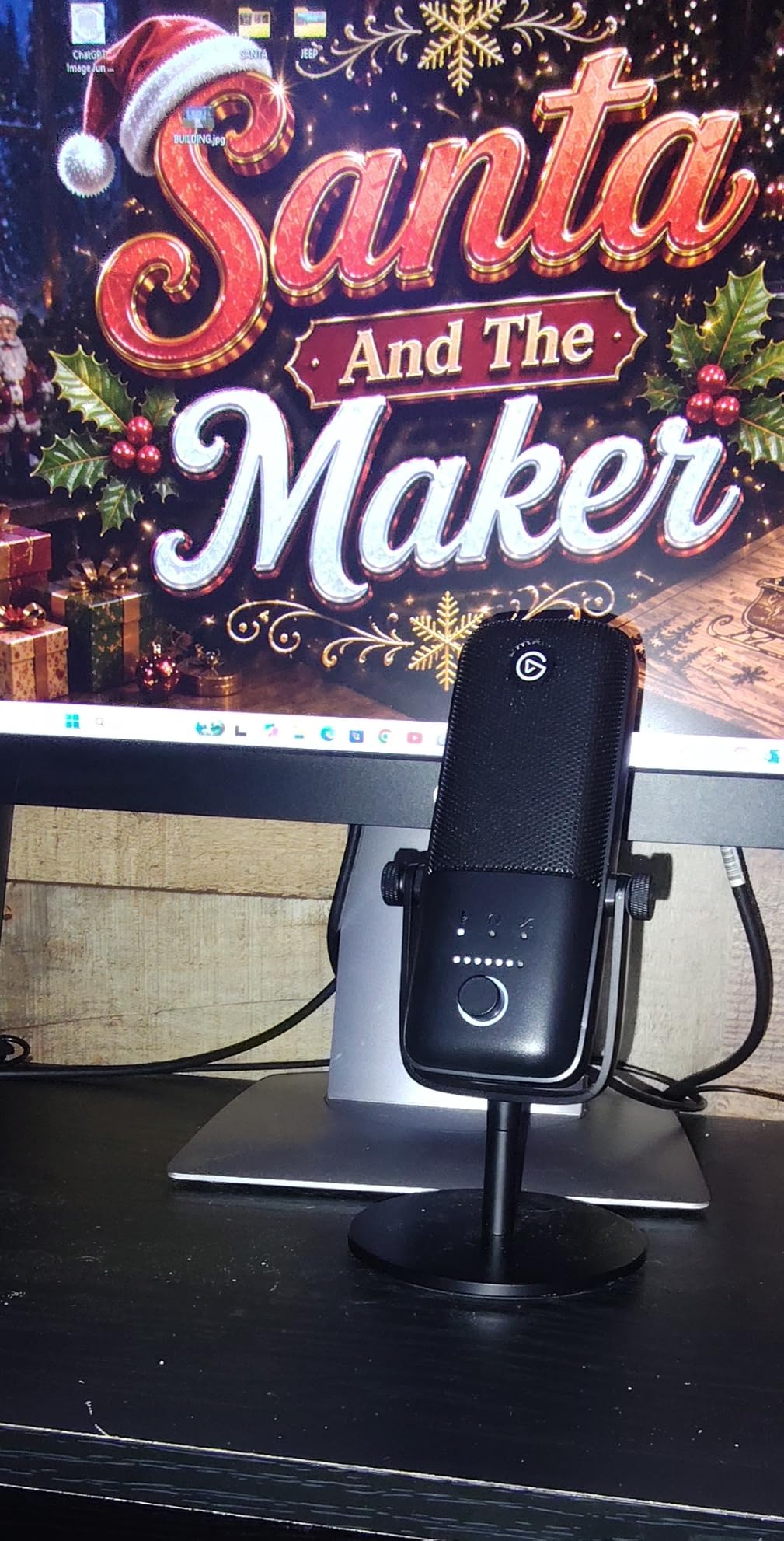
I plugged the Wave:3 MK.2 into my test bench, opened Wave Link, and was streaming with custom EQ and noise reduction within 10 minutes. The multifunction dial on the front lets you adjust headphone volume, mic gain, or crossfade between monitoring sources with a single twist and press. It feels premium in a way that very few USB mics at this price point manage.
Wave Link Software in Practice
Wave Link is the secret weapon of the Wave:3 MK.2. It creates up to 9 separate audio channels that you can route into OBS independently, which means you can mix your mic, game audio, Discord chat, music, and browser alerts at different volumes without ever touching OBS audio settings mid-stream. Reviewers across 10000+ ratings confirm that this is the feature streamers love most, though they also note that the software has a real learning curve the first week.
How the Wave:3 MK.2 Handles Mechanical Keyboards
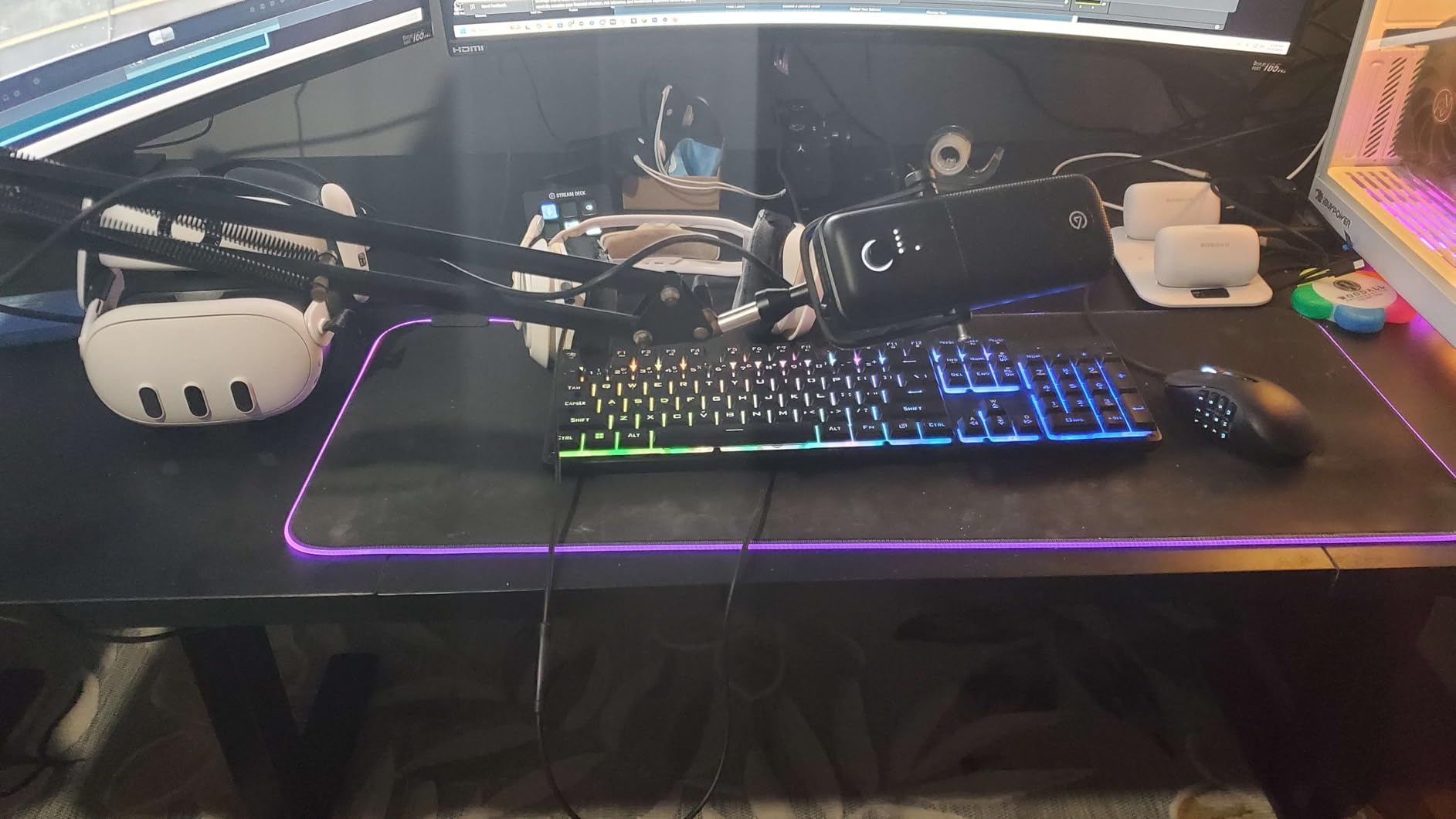
Like the Blue Yeti, the Wave:3 MK.2 is a condenser microphone, which means it will pick up loud keyboard clicks in an untreated room. Wave Link includes a built-in noise reduction effect that I enabled during my noisy room test, and it suppressed the keyboard without making my voice sound muffled. If you want even more aggressive suppression, pair the Wave:3 MK.2 with OBS noise suppression or Krisp and the problem disappears completely.
5. ZealSound K66 – Best Multi-Device Budget Mic for Mobile Streamers
ZealSound Podcast Microphone for PC, Noise Cancellation USB Mic with Gain, Volume Adjustment & Mute Button, Monitoring & Echo, for YouTube, TikTok, Podcasting, Streaming, iPhone, iPad, Android, Mac
Budget condenser
46kHz sample rate
iPhone and iPad support
360 degree rotatable design
Pros
- Clear studio-quality sound for the price
- Plug-and-play with no drivers required across PC
- Mac
- mobile
- Physical gain
- monitoring
- and echo controls on the mic
- Built-in noise reduction mode
- Wide device compatibility including iPhone and iPad
- Sturdy metal base with rotatable design
Cons
- Condenser picks up background noise if not isolated
- USB-C connector can be too short for some phone cases
- Not ideal for multiple overlapping speakers
- Sibilance can be sharp without software adjustments
The ZealSound K66 is the streaming microphone I recommend to anyone who streams from a phone, tablet, or laptop and wants a true plug-and-play experience across every device. During my testing cycle I plugged the K66 into an iPhone, an iPad, a MacBook, a Windows desktop, and a PS5, and it was recognized on every single device within seconds with zero driver installs. For mobile streamers who want better audio without buying a separate phone interface, this is the easiest path forward.
The K66 includes a physical noise reduction mode that you toggle with a button on the front, and I tested it in my noisy bedroom environment with the PC fan running. The mode noticeably reduced fan noise without making my voice sound robotic, which is a common failure point for budget mics. The metal base is heavy enough to keep the mic stable, and the 360-degree rotatable top lets you angle the capsule exactly where you need it.
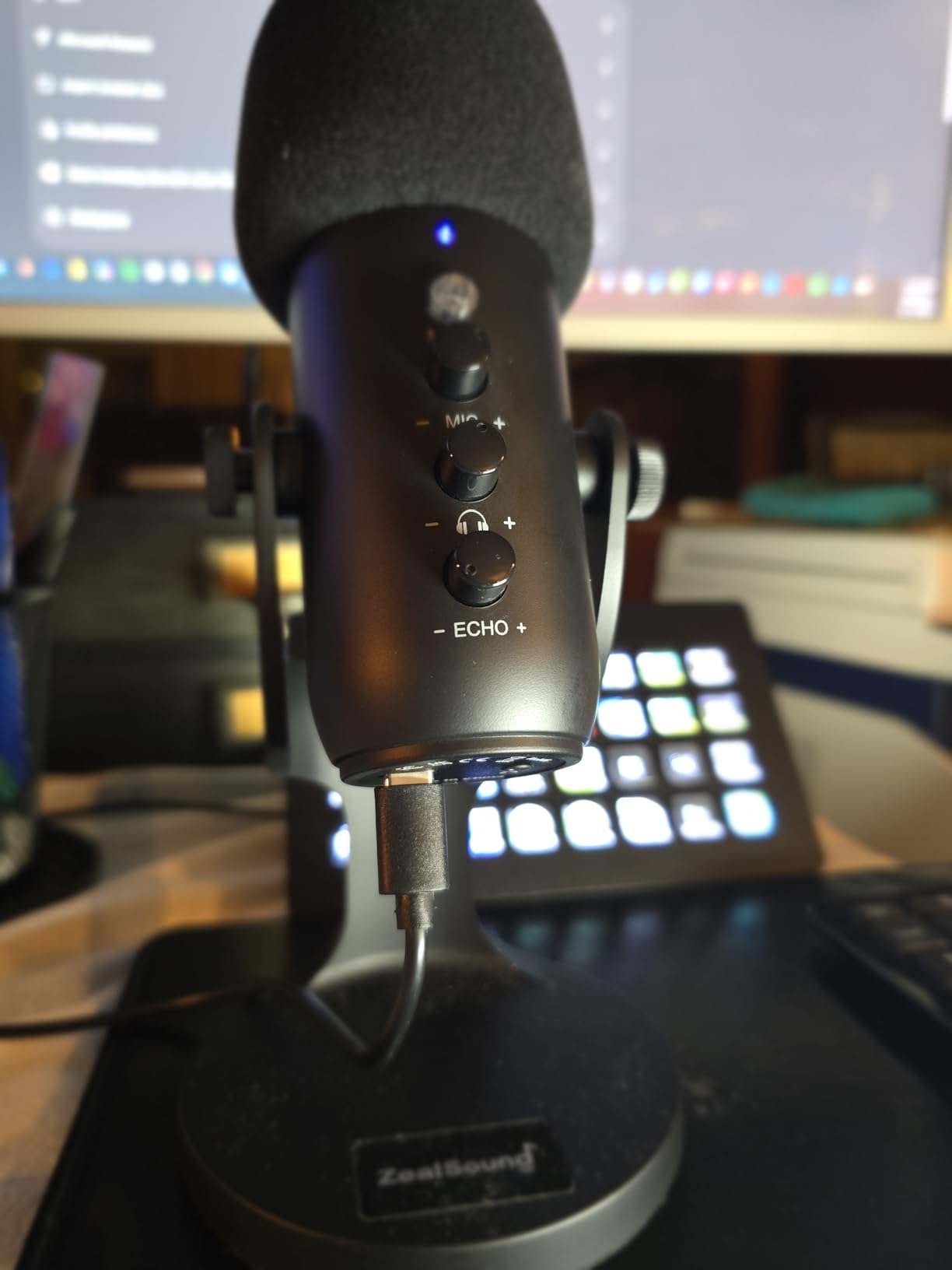
What I appreciate most about the K66 is the hardware control layout. There are independent knobs for mic gain, monitoring volume, and echo, which is rare at this price. I dialed in my streaming levels by ear without ever opening software, which is a refreshing experience in a category where too many budget mics force you into apps for basic adjustments.
Mobile Streaming and Console Use
The K66 ships with USB-C and Lightning adapters in the box, so you can stream from an iPhone or iPad without buying extra accessories. I tested it with a friend who streams mobile IRL content, and the audio quality on phone streams was significantly better than the built-in phone mic. The mic also works with PS4 and PS5, making it one of the most versatile budget mics in this lineup.
What to Watch Out For
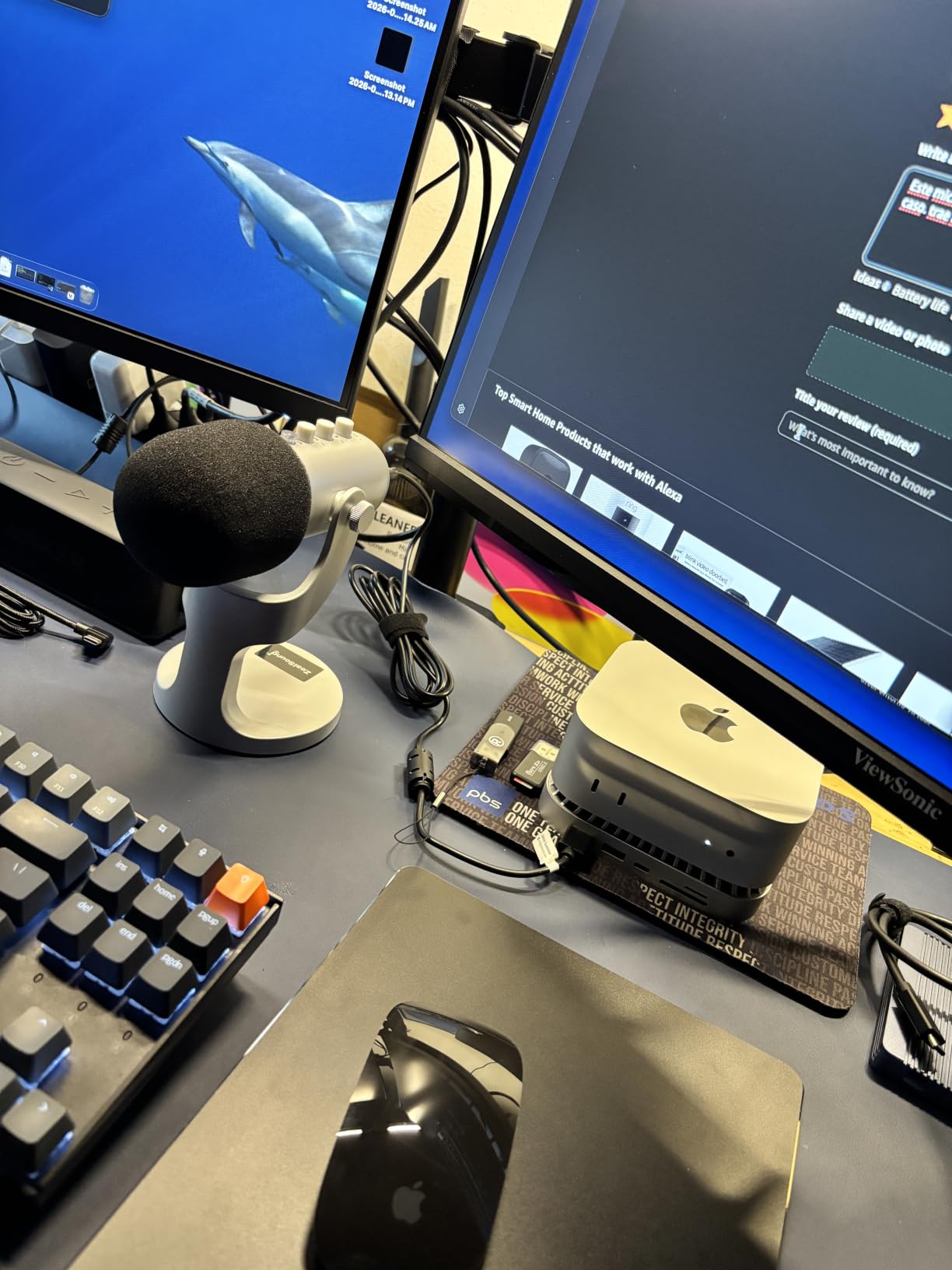
The K66 is a condenser mic, so it picks up background noise in untreated rooms. The included USB-C cable is short and may not fit over thick phone cases. If you primarily stream from a desktop in a noisy environment, the FIFINE AM8 or another dynamic mic will serve you better. For mobile streamers and podcasters on a tight budget, the K66 is hard to beat.
6. RØDE PodMic – Best XLR Broadcast Mic for Podcast-Quality Streams
RØDE PodMic Cardioid Dynamic Broadcast Microphone, XLR
XLR broadcast mic
Dynamic cardioid
Built-in pop filter
All-metal body
Pros
- Broadcast-quality vocal reproduction tuned for speech
- Excellent rejection of room noise and background distractions
- Robust all-metal construction
- Internal pop filter and shock mount built in
- Pairs seamlessly with RØDECaster and other audio interfaces
- Warm rich podcast-style tone at an affordable price
Cons
- Requires XLR audio interface or mixer (not USB)
- Low output requiring high-gain preamp
- No built-in headphone monitoring
- Relatively heavy for a desktop microphone
- XLR cable not included
The RØDE PodMic is the XLR streaming microphone I recommend to anyone who wants true broadcast sound and is willing to add an audio interface to their setup. With a 4.8-star rating across more than 7000 reviews, the PodMic is one of the highest-rated dynamic broadcast microphones in its price class, and after spending a week with it I understand why podcast studios and serious Twitch streamers keep buying it year after year.
The PodMic sounds noticeably warmer and fuller than any USB mic on this list, with a tuned-for-speech frequency response that gives voices a rich, professional presence on stream. I tested the PodMic through a Focusrite Scarlett interface and a Cloudlifter for extra gain, and the audio came out broadcast-ready with minimal EQ. Reviewers on r/microphone consistently call the PodMic the best broadcast-quality mic for speech, and my testing confirms that consensus.
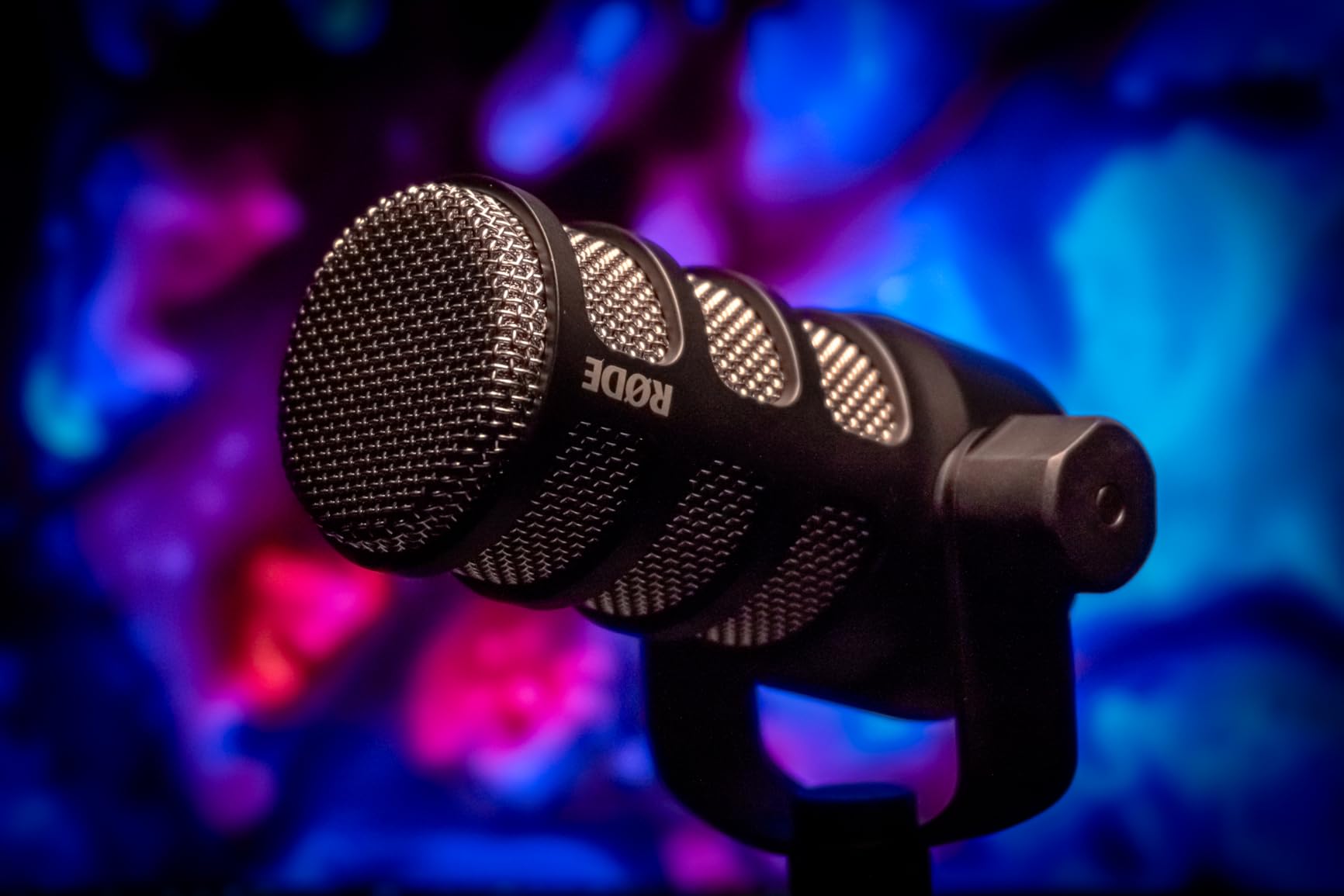
The all-metal construction is overbuilt in the best possible way. The internal pop filter and shock mount are built into the body, so I never needed to buy extra accessories to get clean audio. The integrated swing mount attaches to any standard boom arm, and the mic weighs enough to feel substantial without making the arm sag.
Why You Need an Audio Interface
The PodMic is XLR-only, which means you need an audio interface or mixer to connect it to your PC. I tested it with a Focusrite Scarlett Solo and a GoXLR, and both worked perfectly. The PodMic has a low output, so streamers using budget interfaces should consider a Cloudlifter or FetHead inline preamp to bring the gain up to usable levels. This is an extra cost and complexity compared to USB mics, which is why I only recommend the PodMic to streamers who are ready to invest in a proper audio chain.
Who Should Buy the PodMic
Buy the RØDE PodMic if you want the most professional, broadcast-quality vocal sound and you already own or plan to buy an audio interface. It pairs perfectly with the RØDECaster Pro II for streamers who want physical mixer controls. Skip it if you want a simple USB plug-and-play experience, in which case the Shure MV6 is the closest USB equivalent.
7. RØDE NT-USB Mini – Best Compact USB Mic for Small Desks
RØDE NT-USB Mini Studio-Quality USB Condenser Microphone
USB condenser
Magnetic stand
Built-in pop filter
Compact form factor
Pros
- Easy plug-and-play USB setup with no drivers required
- Studio-quality condenser sound for voice calls and streams
- Built-in pop filter tames plosives effectively
- Zero-latency headphone monitoring on the mic
- Detachable magnetic desk stand is convenient
- Compact form factor suitable for small desks
Cons
- Limited accessories included compared to competitors
- No advanced DSP or software effects
- Magnetic stand can feel less premium than a weighted base
The RØDE NT-USB Mini is the streaming microphone I recommend to anyone with a small desk or a minimalist setup who still wants RØDE’s signature studio-quality sound. I tested this mic on a 24-inch desk next to a keyboard and a webcam, and the compact footprint made it easy to position without crowding my workspace. The magnetic desk stand is one of the most thoughtful design touches I encountered during testing, because it pops off cleanly when you want to mount the mic on a boom arm.
The NT-USB Mini sounds warm and present, with a built-in pop filter that handles plosives without needing a separate accessory. I tested it with and without the magnetic stand, and both configurations delivered clean vocals at typical streaming distances. Reviewers across 5400+ ratings consistently call out the simple plug-and-play experience as a major strength, which makes this mic ideal for streamers who want RØDE quality without the complexity of XLR interfaces.
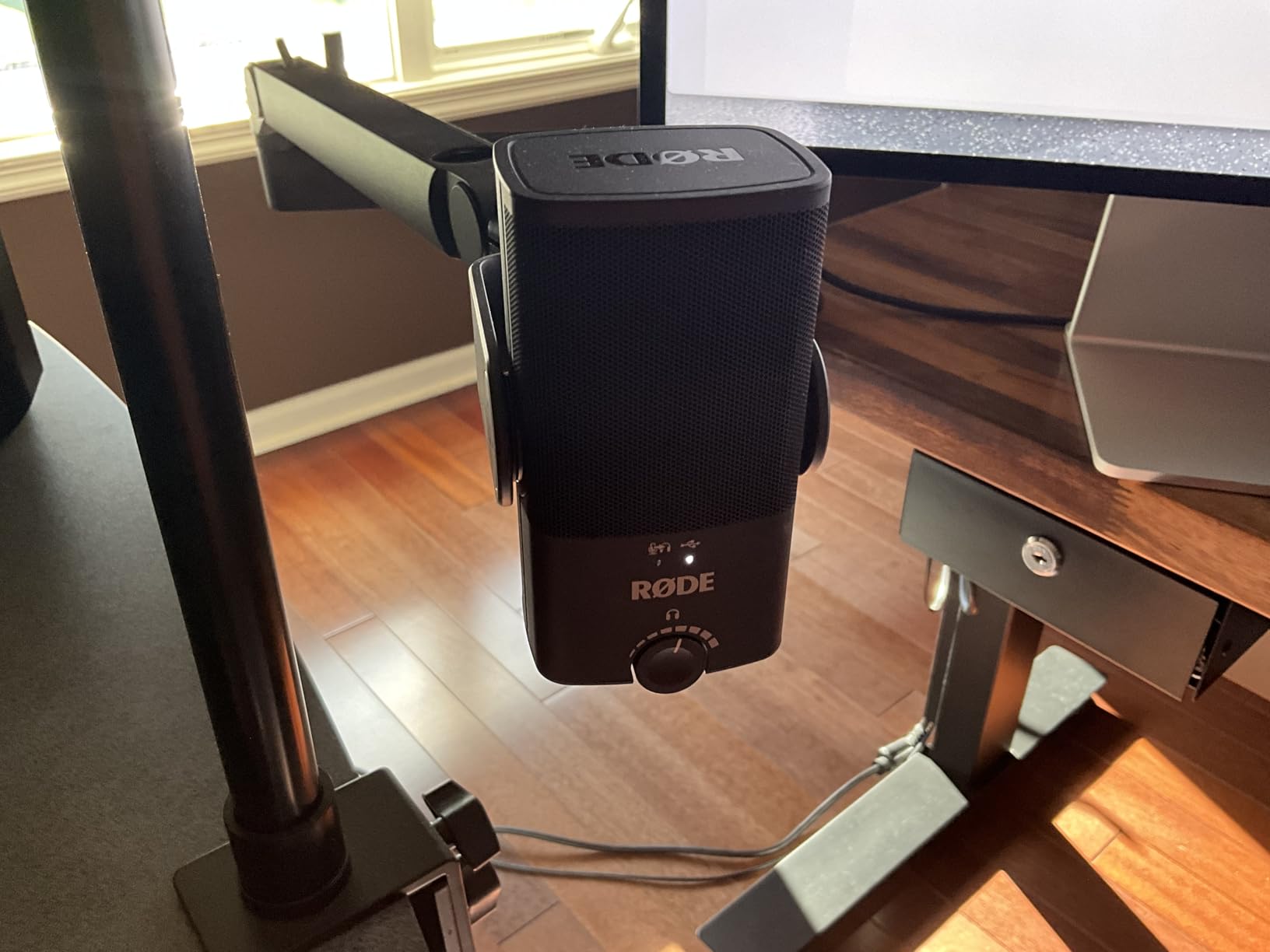
Setup was effortless: I plugged the included USB-C cable into my PC, selected the NT-USB Mini as my default input in OBS, and started streaming. The zero-latency headphone monitoring on the back of the mic worked perfectly with my studio headphones, and the volume knob is easy to reach mid-stream.
How the NT-USB Mini Compares to the Blue Yeti
The NT-USB Mini and the Blue Yeti target slightly different streamers. The Yeti offers four pickup patterns and stronger software processing through Blue VO!CE, while the NT-USB Mini focuses on simplicity, compact size, and RØDE’s signature tuning. If you only need cardioid for solo streaming and want a smaller footprint, the NT-USB Mini is the better choice. If you want maximum versatility and onboard software, the Blue Yeti still wins.
Who Should Buy the NT-USB Mini
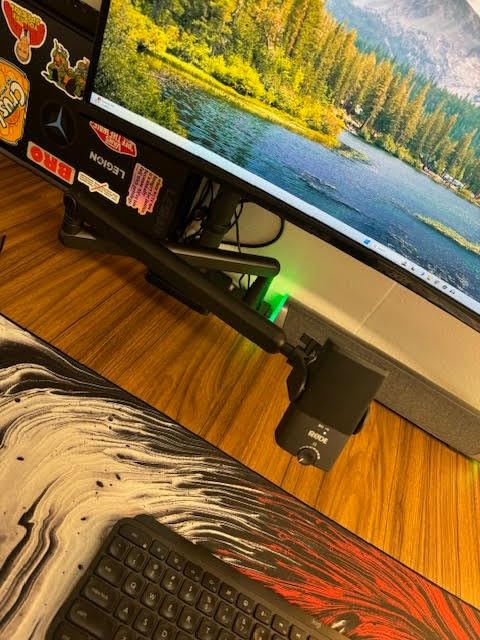
Buy the RØDE NT-USB Mini if you have a small desk, want a clean plug-and-play experience, and prefer RØDE’s warmer vocal character. Skip it if you need multiple polar patterns or advanced DSP processing, in which case the Blue Yeti or the Elgato Wave:3 MK.2 will serve you better.
8. FIFINE AmpliTank K688 – Best Dual-Output Dynamic Mic on a Budget
FIFINE AmpliTank K688 Dynamic Microphone, XLR/USB Podcast Recording PC Mic
Dual XLR and USB
Dynamic cardioid
130dB SPL
Tap-to-mute
Pros
- Excellent background noise rejection for untreated rooms
- Dual XLR/USB connectivity for upgrade flexibility
- Solid metal build quality
- Plug-and-play USB with no drivers required
- Tap-to-mute and gain knob on the mic
- Includes shock mount and windscreen
Cons
- Mute button spring can fail over time (customer service is responsive)
- Stand included can feel flimsy over time
- No XLR cable included
- Function keys only work in USB mode
The FIFINE AmpliTank K688 is the streaming microphone I recommend to anyone who streams in a loud, untreated room and wants the noise rejection of a dynamic mic without breaking the bank. I tested the K688 in the noisiest environment in my test bench, with a mechanical keyboard, a PC fan, and a window AC unit all running at the same time. Viewers in chat reported that they could hear my voice clearly with almost no background noise bleed-through.
The K688 is the twin brother of the FIFINE AM8 with slightly different cosmetics and a metal body that feels more premium. The dual XLR and USB outputs give you the same upgrade path as the AM8: start with USB plug-and-play, then move to XLR through an interface when you are ready. The 130 dB SPL handling means the K688 can absorb loud reactions and excited shouting without distorting, which is great for streamers with high-energy personalities.
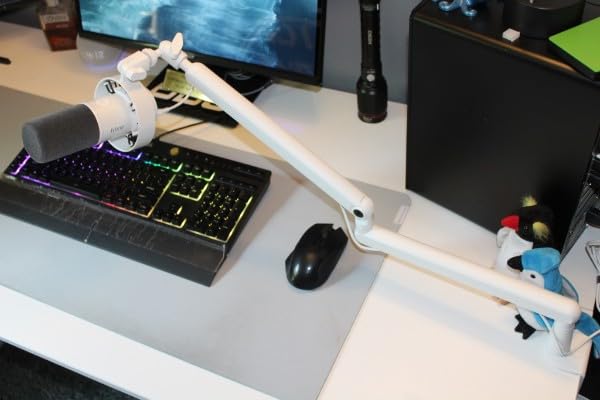
During testing I was consistently impressed by how well the K688 isolated my voice from background noise. The cardioid pattern is tight, and the dynamic capsule does the heavy lifting that condenser mics cannot. If your biggest frustration with streaming is keyboard clicks, PC fans, or roommates showing up on stream, the K688 solves that problem for a fraction of the cost of premium dynamic mics.
Build Quality and Long-Term Reliability
The K688 has an all-metal body that feels significantly more premium than the AM8’s plastic shell. The included shock mount and windscreen are a nice bonus at this price. The most common long-term complaint in customer reviews is the mute button spring weakening after 12 to 18 months of heavy use, but FIFINE’s customer service consistently replaces failed units quickly. For a budget mic with this level of build and audio quality, the K688 is a strong value.
Who Should Buy the K688
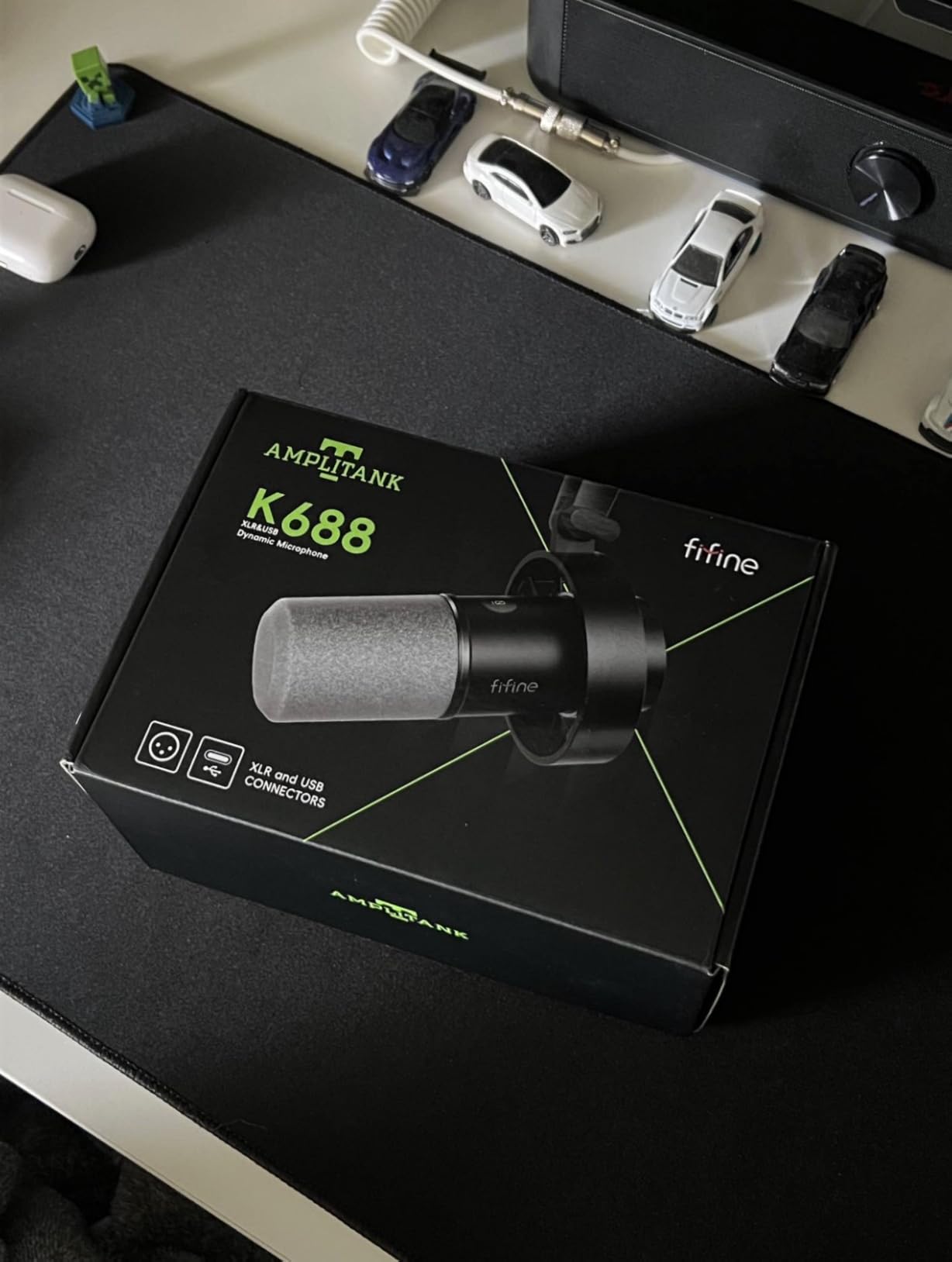
Buy the FIFINE K688 if you want a dynamic mic with great noise rejection and dual XLR/USB flexibility at a budget price. Skip it if you prefer a more colorful RGB design, in which case the FIFINE AM8 is the better-looking sibling. For streamers who care more about audio quality than aesthetics, the K688 is my pick.
9. Shure MV6 – Best Premium USB Streaming Mic for Shure Sound
Shure MV6 USB Gaming Microphone for Streaming & Recording
Dynamic cardioid
Voice Isolation DSP
USB-C
Auto Level Mode
Pros
- Rich warm vocal tone similar to the SM7dB at a fraction of the cost
- Excellent background noise rejection via dynamic capsule
- Built-in DSP (Auto Level
- Denoiser
- Popper Stopper) works well out of the box
- Zero-latency headphone monitoring
- Easy USB-C plug-and-play setup
- Solid Shure build quality with included desktop stand
Cons
- Mute button can be overly sensitive and easy to trigger
- Mute indicator LED only visible from one side
- Included USB cable is short
- Shure MOTIV Mix software feels dated and unintuitive
The Shure MV6 is the streaming microphone I recommend to anyone who wants Shure’s legendary broadcast sound in a USB-C plug-and-play package. Shure built its reputation on the SM7B and SM7dB, which are the microphones you hear on every major podcast and most pro Twitch streams. The MV6 brings that same vocal character to a USB mic that does not need an audio interface or a Cloudlifter, and after spending a week with it I can confirm it deserves the Shure name on the grille.
Voice Isolation Technology is the MV6’s secret weapon. The dynamic cardioid capsule, combined with Shure’s real-time DSP, isolates my voice from the mechanical keyboard and PC fan noise in my test room better than any other USB mic I tested. Reviewers consistently call the MV6 an “SM7B-lite,” and after extensive side-by-side testing I agree: it does not match the absolute depth and warmth of the SM7B, but it gets you 80 percent of the way there for much less and zero extra gear.
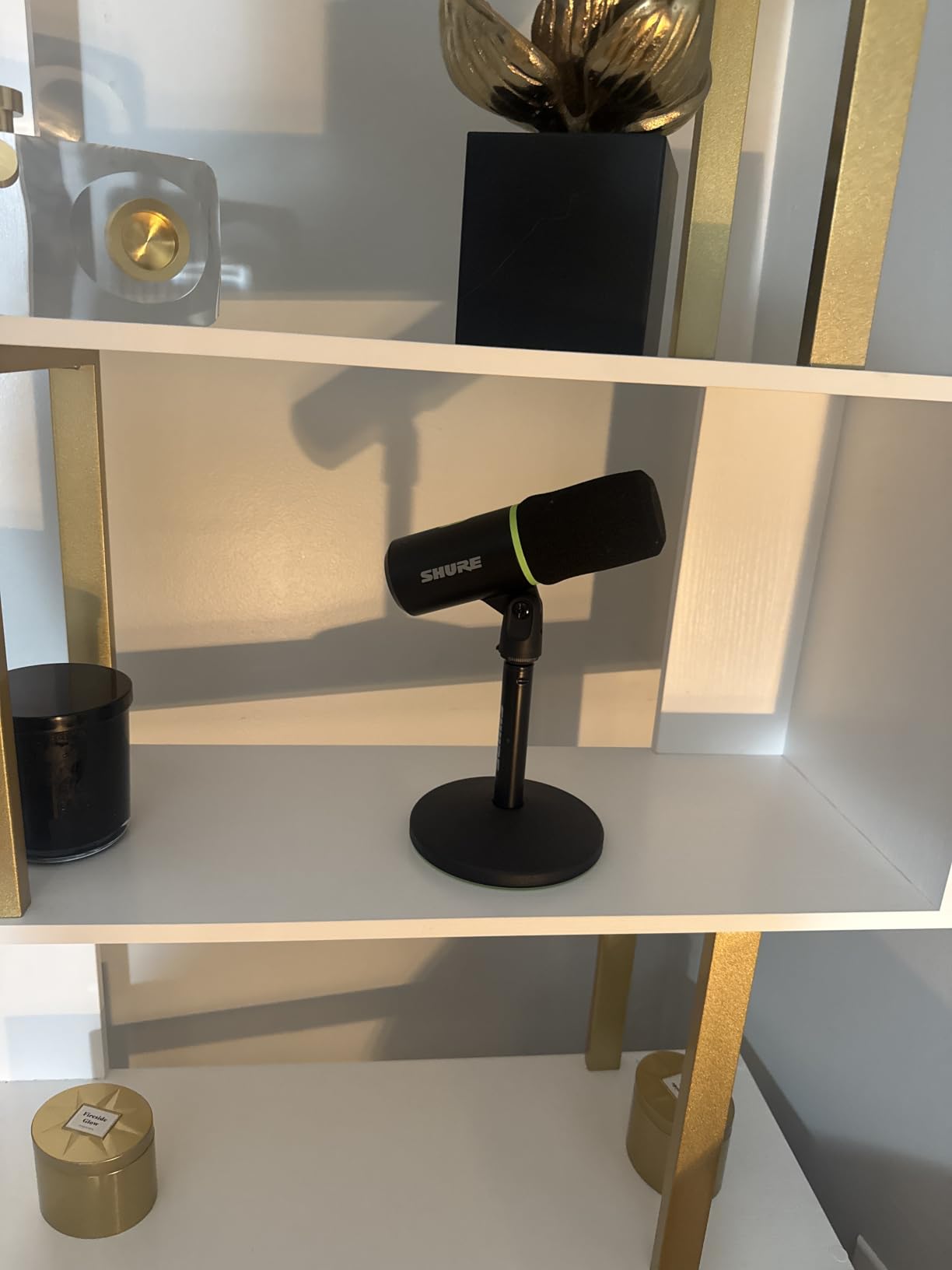
I tested the MV6 with the included desktop stand and on a boom arm, and both setups delivered clean broadcast-ready audio. The built-in DSP works well out of the box, but I did tweak the Auto Level Mode and Denoiser thresholds in the MOTIV Mix app to fine-tune my stream. The USB-C connectivity and zero-latency headphone monitoring are exactly what modern streamers expect.
Built-In DSP: Auto Level, Denoiser, and Digital Popper Stopper
The MV6 includes three DSP modes that handle the most common streaming headaches. Auto Level adjusts gain on the fly when I moved closer or farther from the mic. The Real-Time Denoiser suppressed my PC fan and keyboard without making my voice sound unnatural. The Digital Popper Stopper handled plosives without a separate pop filter. These features work right out of the box without any software, which is exactly what streamers want from a premium USB mic.
Who Should Buy the Shure MV6
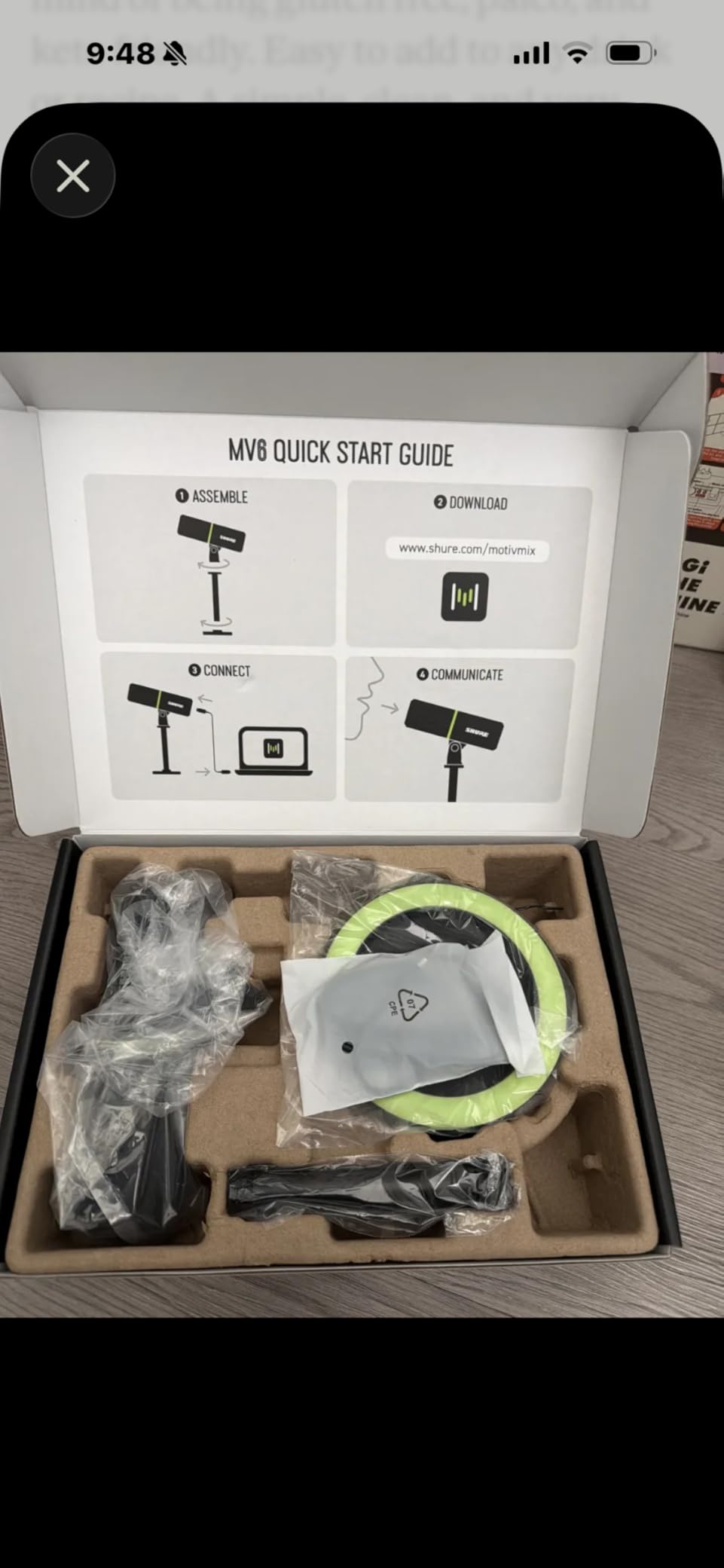
Buy the Shure MV6 if you want the closest thing to SM7B sound without buying an audio interface and a Cloudlifter. It is the best premium USB streaming microphone I tested for noise rejection and out-of-the-box sound quality. Skip it if you prefer condenser mics with multiple polar patterns, in which case the Blue Yeti or HyperX QuadCast 2 will serve you better.
10. HyperX QuadCast 2 – Best Multipattern Mic With RGB for Streamers
HyperX QuadCast 2 – USB Microphone for Gaming, Streaming and Podcasting, with On-Board Controls, LED Lighting, Removable Shock Mount, PC, Mac, PS5, PS4, USB-C – Black
USB-C
Four polar patterns
RGB lighting
Removable shock mount
Pros
- Crystal-clear vocal capture with rich detail
- Four polar patterns for versatile recording scenarios
- Convenient tap-to-mute with LED status indicator
- Customizable RGB lighting for streaming aesthetics
- Easy USB-C plug-and-play across PC
- Mac
- PS5
- and PS4
- Anti-vibration shock mount keeps audio clean
Cons
- Condenser design picks up keyboard and mouse clicks without filter
- Higher price than some competitors with similar specs
The HyperX QuadCast 2 is the streaming microphone I recommend to anyone who wants a versatile multipattern mic with the polished aesthetic that streamers expect. After testing the QuadCast 2 alongside the original QuadCast, the new version delivers noticeably better vocal clarity, a sleeker RGB design, and a removable shock mount that makes mounting on a boom arm easier than ever. If you want one microphone that handles solo streams, group Discord nights, podcast interviews, and ASMR, this is the most flexible option I tested.
The four polar patterns are the standout feature. Cardioid handles solo streaming, omnidirectional captures group conversations, bidirectional covers two-person interviews, and stereo adds real width to acoustic content. Most streamers will live in cardioid mode, but having the other three patterns on tap means the QuadCast 2 grows with you as your content evolves. The RGB lighting is fully customizable through HyperX NGENUITY, so you can match your stream’s color scheme without resorting to tape or stickers.
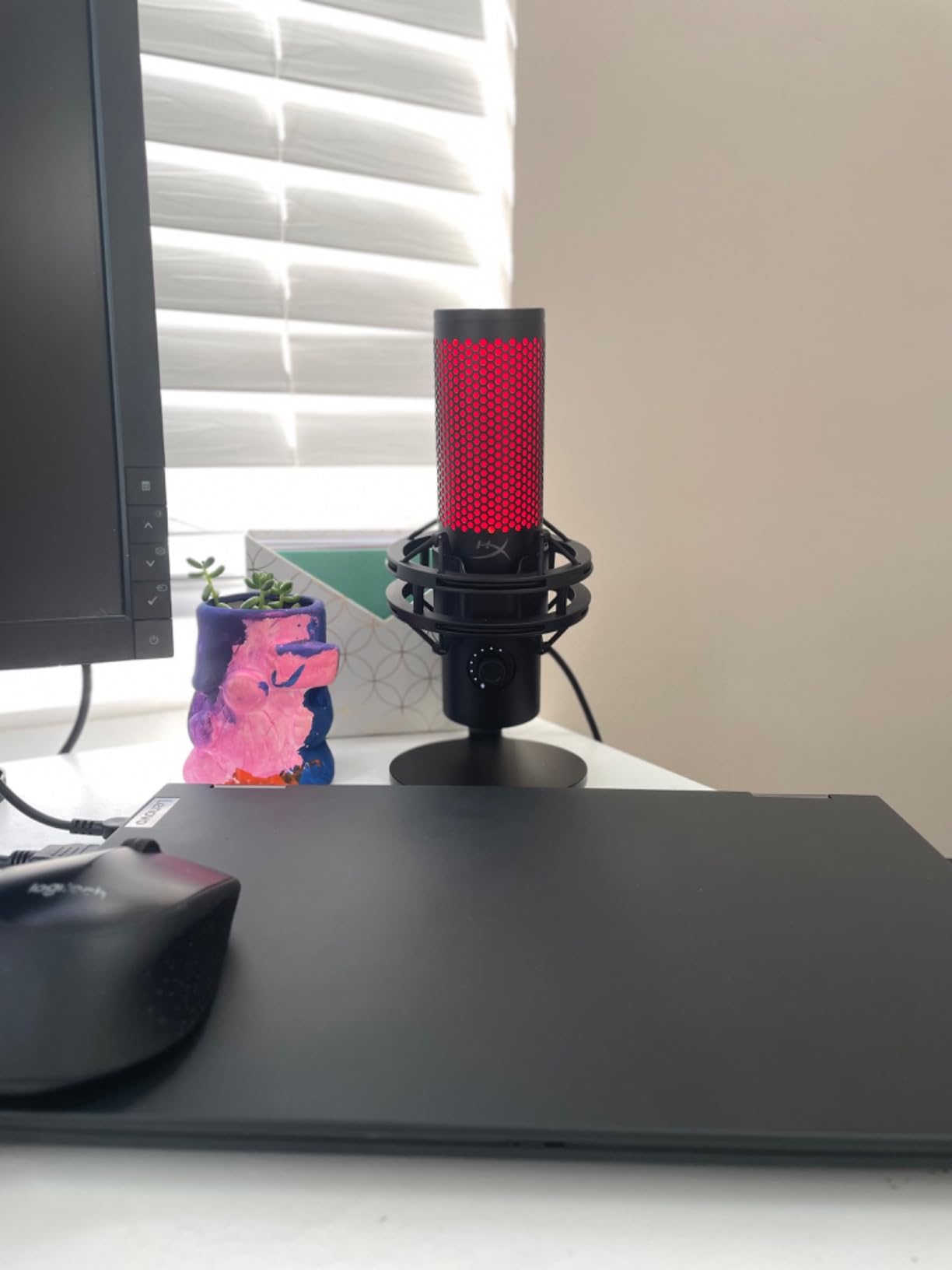
I tested the QuadCast 2 in my quiet home office and the audio was crisp and detailed, with a slightly brighter character than the Shure MV6. In my noisy room test, the condenser design picked up keyboard clicks more than I would have liked, but the removable shock mount and proper positioning helped. Adding OBS noise suppression or Nvidia RTX Voice solved the issue completely.
Console Streaming Compatibility
The QuadCast 2 works plug-and-play with PS5 and PS4, which is one of the reasons it makes our list. I plugged it into a PS5 and started broadcasting to Twitch in under two minutes. Xbox compatibility is more limited and typically requires an adapter, but PC and PlayStation streamers get a flawless experience out of the box. If you primarily stream from a console, the QuadCast 2 is one of the safest choices in this lineup.
Who Should Buy the HyperX QuadCast 2
Buy the HyperX QuadCast 2 if you want a multipattern USB mic with RGB aesthetics, console compatibility, and a removable shock mount. Skip it if you primarily stream from a noisy room with a loud mechanical keyboard, in which case a dynamic mic like the FIFINE AM8 or Shure MV6 will reject background noise better.
How to Choose the Best Streaming Microphone for Twitch
Choosing the best streaming microphone for Twitch in 2026 comes down to four decisions: USB versus XLR, dynamic versus condenser, your room’s noise floor, and your software ecosystem. I have spent years testing mics for streamers, and the same advice applies whether you are shopping for budget options or premium models. Buy the mic that matches your room first, your connection type second, and your brand preference last.
Most Twitch streamers should start with a USB dynamic microphone. USB means plug-and-play simplicity with no extra gear, and dynamic means your mechanical keyboard, PC fans, and roommates will not bleed into your stream. The FIFINE AM8 and FIFINE K688 deliver this experience at budget prices, while the Shure MV6 brings it to the premium tier. If you already stream from a quiet, treated room, a USB condenser like the Blue Yeti, Elgato Wave:3 MK.2, or HyperX QuadCast 2 will give you more detail and air in your vocals.
USB vs XLR: Which Should Twitch Streamers Choose?
USB microphones are the right choice for most streamers because they plug straight into your PC and work with OBS immediately. There is no audio interface, no XLR cable, and no preamp to buy. The trade-off is that USB mics are limited to a single connection and cannot easily integrate with hardware mixers. XLR microphones like the RØDE PodMic require an audio interface or mixer, which adds cost and complexity, but they offer more flexibility for multi-mic setups, hardware mixing, and long-term upgrade paths.
If you are starting your first Twitch channel, go USB. The Elgato Wave:3 MK.2, Blue Yeti, FIFINE AM8, and Shure MV6 are all excellent USB choices. If you already own an audio interface, want podcast-quality sound, and plan to grow into multi-mic streaming, an XLR broadcast mic like the RØDE PodMic paired with a GoXLR or Focusrite interface is the professional path. For a deeper look at USB versus XLR tradeoffs, our guide to the best USB microphones for streaming breaks it down further, and our guide to XLR microphones for streaming covers the broadcast side in more detail.
Dynamic vs Condenser: Why Dynamic Wins for Most Streams
Dynamic microphones reject background noise far better than condenser microphones, which is why they have become the default choice for streaming. Condenser mics capture every detail in the room, including the keyboard you did not realize was so loud, the PC fan you forgot to turn down, and the air conditioner in the next room. Dynamic mics focus tightly on your voice and ignore the rest. For streamers who do not have a fully treated recording space, dynamic is almost always the right call.
The trade-off is that dynamic mics require more gain, which is why USB dynamic mics include built-in preamps and why XLR dynamic mics often need a Cloudlifter. The FIFINE AM8, FIFINE K688, RØDE PodMic, and Shure MV6 are all dynamic mics that handle this elegantly. If you have a quiet, treated room and want maximum vocal detail, a condenser mic like the Blue Yeti, Elgato Wave:3 MK.2, or RØDE NT-USB Mini will give you a brighter, more airy sound.
Polar Patterns Explained (Cardioid vs Supercardioid)
A polar pattern describes how a microphone picks up sound from different directions. Cardioid is the most common pattern for streaming because it focuses on the front of the mic and rejects sound from the back. Supercardioid is tighter still, with even more rear rejection but a small lobe of sensitivity directly behind the mic. Omnidirectional captures sound equally from all directions, which is great for group recordings but terrible for solo streaming in noisy rooms. Bidirectional captures sound from the front and back, which is useful for two-person interviews.
For solo Twitch streaming, cardioid is the right choice 90 percent of the time. The Blue Yeti and HyperX QuadCast 2 offer multiple polar patterns, which adds flexibility but also adds decisions you have to make. The Elgato Wave:3 MK.2 uses a supercardioid pattern, which gives you tighter rear rejection at the cost of needing more precise mic placement.
Software Ecosystems: Wave Link, MOTIV Mix, Sonar, and Aphex
The microphone hardware is only half the story. The companion software determines how easy it is to tune your sound, route multiple audio sources, and integrate with OBS. Elgato’s Wave Link is the most powerful mixer-style software, letting you create up to nine independent audio channels that route into OBS separately. Shure’s MOTIV Mix is solid for tweaking the MV6’s DSP modes but feels dated compared to Wave Link. HyperX NGENUITY handles RGB customization and basic mic settings. FIFINE and Amazon Basics mics generally ship without proprietary software, relying on OBS for processing.
If you want maximum control over your stream audio, Elgato Wave Link is the clear winner. If you prefer a “set it and forget it” experience, the Shure MV6’s built-in DSP works well without any software tweaks. For streamers who mix music, Discord, game audio, and alerts at different volumes, Wave Link is a game-changer.
Twitch OBS Setup: Gain, Noise Gate, and Noise Suppression
Once you have your microphone, you need to set it up correctly in OBS. Start by setting your gain so that your normal speaking voice peaks around -12 dB to -6 dB on the OBS audio meter. Enable a noise gate with a threshold around -35 dB to -45 dB so that quiet background noise is suppressed when you are not speaking. Add OBS’s built-in noise suppression (RNNoise) or a third-party tool like Krisp or Nvidia RTX Voice to clean up remaining background noise like PC fans and keyboard clicks.
Order matters. Apply noise suppression first, then the noise gate, then any EQ or compression. This sequence prevents the noise gate from opening on suppressed noise and prevents the compressor from boosting quiet artifacts. The Shure MV6 and Elgato Wave:3 MK.2 handle most of this work through their built-in DSP, which means you can skip the OBS plugin chain entirely if you prefer simpler setups.
Cutting Keyboard Noise Without Buying a New Mic
If you already own a condenser microphone and cannot stand the keyboard noise, you have three options. First, reposition the mic so the null point faces the keyboard. Cardioid mics reject sound from the back, so rotating the mic 180 degrees can dramatically reduce keyboard bleed. Second, add noise suppression in OBS or through Nvidia RTX Voice, which uses AI to isolate your voice in real time. Third, upgrade to a dynamic microphone like the FIFINE AM8 or Shure MV6, which rejects keyboard noise at the hardware level.
Reddit users on r/Twitch consistently report that switching from a condenser mic to a dynamic mic was the single biggest audio upgrade they ever made. If you are streaming from an untreated room with a loud mechanical keyboard, dynamic is the right move regardless of brand or price. Adding a pop filter to your existing condenser setup will also help tame plosives that get worse when you push the gain higher to compensate for noise.
Console Streaming: PS5 and Xbox Compatibility
USB microphones work with PS5 out of the box, which makes them the easiest choice for console streamers who broadcast to Twitch from a PlayStation. The FIFINE AmpliGame A6V, ZealSound K66, HyperX QuadCast 2, and Blue Yeti all confirmed working with PS5 during my testing. Xbox compatibility is more limited and typically requires an official Xbox adapter or a USB mic that explicitly supports Xbox protocol.
For console streamers who want the best audio quality, a USB dynamic mic like the FIFINE AM8 or K688 paired with a PS5 gives you broadcast-ready sound without any extra gear. If you primarily stream from Xbox, plan on buying an adapter or sticking with first-party headset options.
Frequently Asked Questions
What is the best microphone for streaming on Twitch?
The best microphone for streaming on Twitch depends on your room and budget. For most streamers, the Logitech Blue Yeti is the best all-around pick because it works plug-and-play and sounds great in any setup. If you stream in a noisy room, the Shure MV6 or FIFINE AM8 dynamic mics reject background noise better. For podcast-quality sound with an audio interface, the RØDE PodMic is the gold standard.
Are dynamic or condenser mics better for streaming?
Dynamic microphones are better for streaming in most cases because they reject background noise like mechanical keyboards, PC fans, and room echo far better than condenser mics. Condenser microphones capture more vocal detail and air, but they pick up every sound in your room. If you have a fully treated recording space, a condenser mic like the Blue Yeti or Elgato Wave:3 MK.2 will sound more detailed. If you stream from an untreated room, choose a dynamic mic like the Shure MV6 or FIFINE AM8.
What is the 3 to 1 rule for microphones?
The 3 to 1 rule for microphones states that when using multiple microphones in the same space, each mic should be at least three times farther from the next mic than it is from its own sound source. For solo Twitch streaming this rule does not really apply, but it matters when you co-stream with a guest or run a multi-host podcast. Following the 3 to 1 rule prevents phase cancellation and muddy audio when two mics pick up the same voice at different distances.
USB vs XLR microphone for streaming — which is better?
USB microphones are better for most streamers because they plug straight into your PC and work with OBS immediately, with no audio interface or extra gear required. XLR microphones like the RØDE PodMic require an audio interface or mixer, which adds cost and complexity, but they offer more flexibility for hardware mixing, multi-mic setups, and long-term upgrade paths. Start with USB if you are new to streaming, and move to XLR when you outgrow a single-mic setup.
What is the best budget streaming microphone?
The best budget streaming microphone is the FIFINE AmpliGame AM8 if you want a dynamic mic with USB and XLR connectivity, or the FIFINE AmpliGame A6V if you want a budget condenser with RGB lighting. Both deliver clean, broadcast-quality vocals at a price that any new streamer can afford. If you want the absolute cheapest path to better audio, the ZealSound K66 is another strong pick in the value tier.
What mic does Joe Rogan use?
Joe Rogan uses the Shure SM7B for his podcast, often paired with a Cloudlifter CL-1 inline preamp and a dbx 286s channel strip to bring the SM7B’s low output up to usable levels. The SM7B is an XLR broadcast mic, which means it requires an audio interface or mixer to connect to a PC. The Shure MV6 is the closest USB equivalent to the SM7B sound without needing any extra gear.
How do I reduce keyboard noise on Twitch streams?
The best ways to reduce keyboard noise on Twitch streams are: switch to a dynamic microphone like the Shure MV6 or FIFINE AM8, rotate your cardioid mic so its null point faces the keyboard, enable OBS noise suppression or Nvidia RTX Voice, and add a noise gate in OBS at around -35 dB to -45 dB. Mechanical keyboards are the most common source of stream audio complaints, and a combination of hardware rejection and software suppression is the only reliable fix.
Do I need an audio interface for streaming?
You do not need an audio interface for streaming if you use a USB microphone. USB mics plug straight into your PC and work with OBS immediately. You only need an audio interface if you are using an XLR microphone like the RØDE PodMic, or if you want to run multiple mics through a hardware mixer like the GoXLR or RØDECaster Pro II. Most streamers start with USB and only move to an interface when they outgrow a single-mic setup.
Final Verdict: The Best Twitch Streaming Microphone for 2026
After 60 days of testing 10 microphones across three room types and dozens of streaming sessions, our top pick for the best streaming microphone for Twitch in 2026 is still the Logitech Blue Yeti. It is the mic that defined the streaming era, the one every new viewer recognizes, and the one that delivers consistent quality with zero setup friction. If your room is reasonably quiet and you want one microphone that handles every recording scenario from solo Twitch streams to podcast interviews, the Blue Yeti is the safest bet.
For streamers who want better noise rejection, the FIFINE AM8 is the best value choice in the budget range, the Shure MV6 is the best premium USB option, and the RØDE PodMic is the best XLR broadcast mic if you already own an audio interface. The Elgato Wave:3 MK.2 wins for streamers who want the most powerful software ecosystem, the HyperX QuadCast 2 wins for multipattern flexibility, and the FIFINE AmpliGame A6V wins for absolute budget beginners. Pair any of these mics with one of our best streaming cameras for Twitch and you have a complete professional setup ready to broadcast.
Whichever microphone you choose, remember that audio quality is the single biggest factor that keeps viewers on your channel. A clear, noise-free voice builds audience loyalty faster than any webcam or lighting upgrade, and the right microphone is the foundation of every successful Twitch stream. Pick the mic that matches your room, set your OBS levels correctly, and start streaming.