
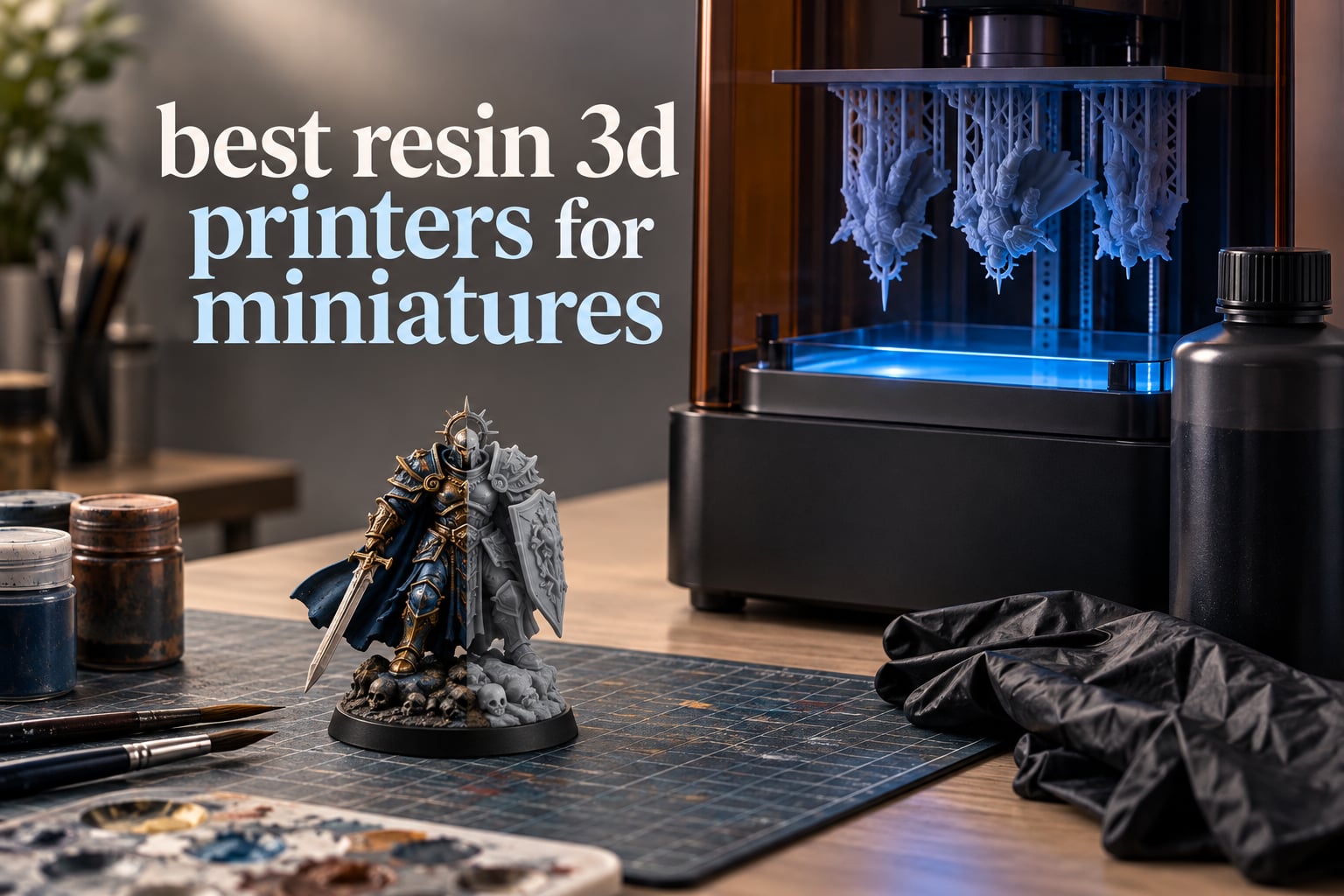
If you only read one line of this guide, read this one: the ANYCUBIC Photon Mono 4 is the best resin 3D printer for miniatures in 2026, because its 7-inch 10K mono LCD resolves XY detail down to 17×17 micron pixels in a frame small enough to live on a desk. Seven printers earned a place in this roundup, from that compact all-rounder to a 13.6-inch build volume machine for sculpting terrain and display pieces.
We spent six weeks comparing these machines, printing the same kind of models each of us wanted: rank-and-file 28mm troops, a bust with a hard surface trim, and a batch of identical sculpts to see how each machine behaves when you are producing duplicates rather than hero pieces. We leaned on owner feedback too, because on resin machines the difference between a good print and a scrapped one is often a matter of exposure calibration and resin handling rather than raw spec sheet numbers.
To be clear about the technology first, because the terms get used loosely: a resin 3D printer here means an MSLA (masked stereolithography) machine. A monochrome LCD sits between a parallel UV LED array and a vat of liquid photopolymer resin, masking the light pixel by pixel so that only the cross-section of your model is exposed. The platform lifts a few microns, the next layer cures, and the cycle repeats until the part is finished. What comes off the plate is not finished, though. It goes into isopropyl alcohol, gets washed, then gets UV cured in a wash and cure station. That post-processing step is not optional, and it is where a lot of first-time buyers underestimate the work.
The reason resin beats filament for miniatures is simply size. A 28mm figure is roughly 32mm tall including its base, and the sculpted details on it — a helmet crest, chainmail links, a cloak fold — are fractions of a millimetre wide. FDM extrudes a bead roughly 0.4mm wide, which means the toolpath simply cannot represent those features at that scale. MSLA resolves them because the limiting factor is the LCD pixel, not the width of a nozzle. A 32mm figure including its base stands roughly 1,880 pixels tall at that pixel size, which is the difference between a face that reads as a face and a face that reads as a smudge.
Where filament still wins is terrain and large baseboards. A 200mm dungeon wall or a 300mm hill has no delicate surface detail to preserve, prints faster in material that costs less, needs no washing, and produces no fumes. That split shows up repeatedly in tabletop communities. If you are only building scenery, a resin machine is the wrong purchase. If you are printing characters, resin is the correct one. Our wider 3D printer picks for miniatures guide covers both halves of that decision, and our home use printer guide covers the smaller-space side.
A word on expectations before the picks. Resin printing is a craft with a learning curve: exposure time, lift speed, bottom layers, film type, and a wash routine all have to be tuned per machine and per resin. Machines that hide that behind auto leveling and tilt release let you get to a good print on day one. Machines that do not will ask for a weekend of calibration. Both approaches are legitimate; you are simply buying a different amount of your own time.
Our Top 3 Tested Resin Printers for Miniatures in 2026

ANYCUBIC Photon Mono 4
- 7 inch 10K mono LCD at 17x17 um
- 6.04 x 3.42 x 6.49 inch build volume
- Laser-engraved print platform
- 4-point leveling with power resume

ANYCUBIC Photon Mono M7 MAX
- 298 x 164 x 300 mm build volume
- LighTurbo 3.0 light engine at 90%+ uniformity
- Up to 60 mm/h
- Auto-fill temperature controlled vat

ELEGOO Mars 5 Ultra
- 9K mono LCD at 18 um XY resolution
- Tilt release up to 150 mm/h
- AI camera with time-lapse
- Wi-Fi cluster printing
All three of those are for different reasons, and the reason matters more than the ranking. The Photon Mono 4 is the one we recommend to most people because its detail rivals machines considerably larger and it does not demand a reinforced shelf. The Photon Mono M7 MAX is for anyone who hits the plate-size ceiling constantly. The Mars 5 Ultra is the machine we hand to somebody printing their very first resin model, because tilt release and self-leveling absorb the two mistakes beginners make most often.
Comparing All 7 Resin Printers in This Guide
| Product | Specs | Action |
|---|---|---|
| ANYCUBIC Photon Mono 4 |
|
Check Latest Price |
| ELEGOO Mars 5 Ultra |
|
Check Latest Price |
 ELEGOO Saturn 4 Ultra 16K ELEGOO Saturn 4 Ultra 16K |
|
Check Latest Price |
| ANYCUBIC Photon Mono M7 MAX |
|
Check Latest Price |
 Phrozen Sonic Mini 8K S Phrozen Sonic Mini 8K S |
|
Check Latest Price |
 ANYCUBIC Photon Mono M7 Pro ANYCUBIC Photon Mono M7 Pro |
|
Check Latest Price |
 Phrozen Sonic Mega 8K S Phrozen Sonic Mega 8K S |
|
Check Latest Price |
Read across that table and one pattern shows up clearly: this category has split into a resolution race at the top end and a build volume race at the other. The two machines with the sharpest screens here (16K and 10K) are not the two with the largest plates, and the two largest plates (M7 MAX and Sonic Mega 8K S) are not the two sharpest. Very few printers win on both axes, which is why there is no single answer to this search.
1. ANYCUBIC Photon Mono 4 – 10K Detail in a Compact Desktop Frame
ANYCUBIC Photon Mono 4, Resin 3D Printer with 7” 10K Mono LCD Screen
7 inch 10K mono LCD at 17x17 um
6.04 x 3.42 x 6.49 inch build volume
LighTurbo matrix light source
Pros
- Exceptionally sharp output for the size
- One-and-done 4-point leveling
- Compact and very quiet in operation
- Build plate holds well and prints resume after power loss
Cons
- Small build volume means frequent model reorientation
- Occasional layer separation on larger jobs needing exposure tuning
- Resin vats can be fragile and touchscreens have failed for some owners
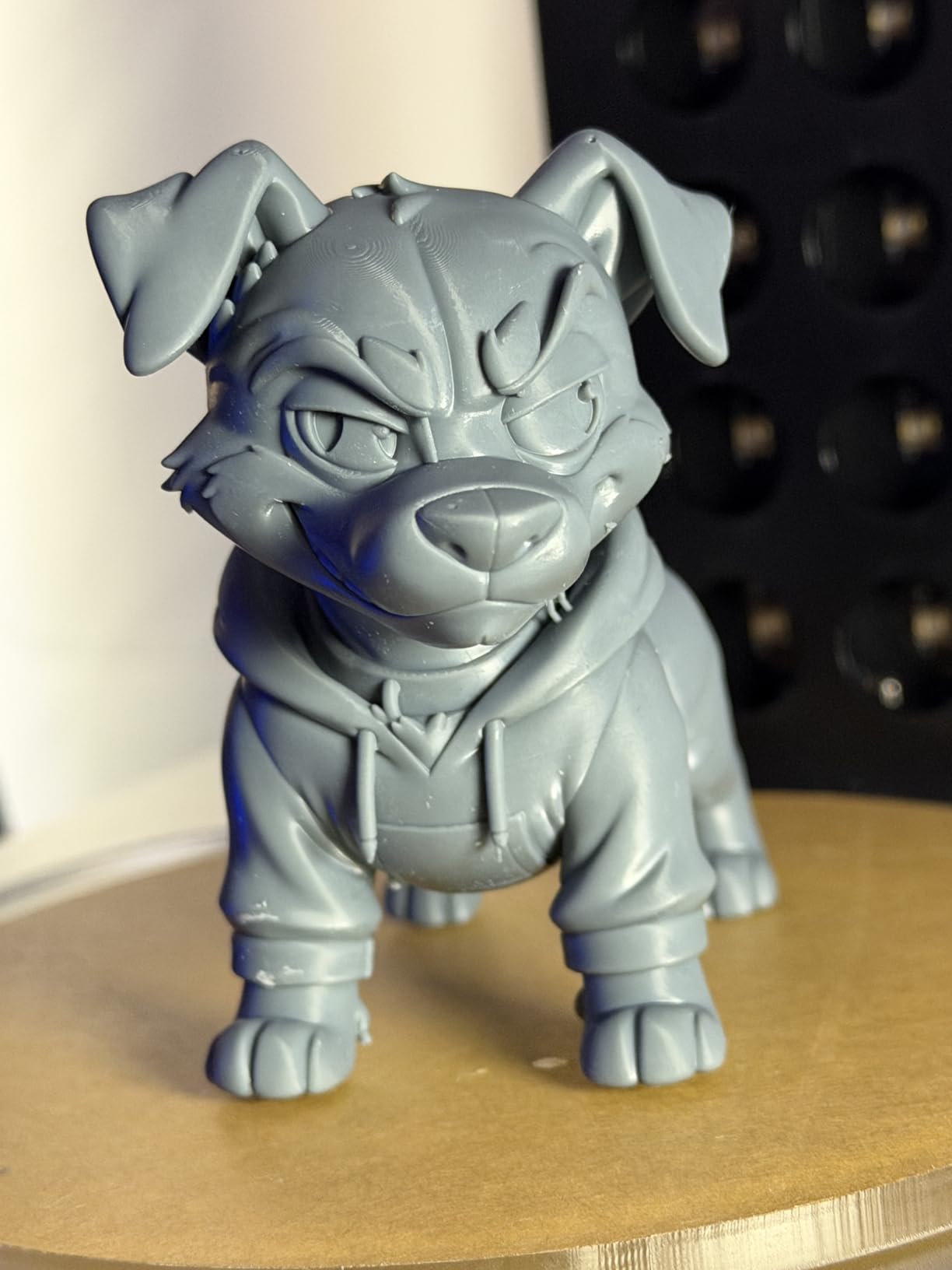
This is the machine we kept coming back to. The Photon Mono 4 does something unusual: it puts a 9024×5120 native resolution screen into a 7-inch class chassis, which works out to a 17×17 micron pixel, on a body that weighs 7.7 pounds and measures 10 x 10 x 15 inches. For a hobbyist printing 28mm ranks on a kitchen table, that combination is the whole argument.
In use, the four-point leveling is a genuinely pleasant surprise. You level the plate, run the resin check, and the machine handles the rest. It resumes after a power cut, which matters more than it sounds when you are twelve hours into an unattended batch. Operation is quiet enough that ours ran overnight in a home office without waking anyone.
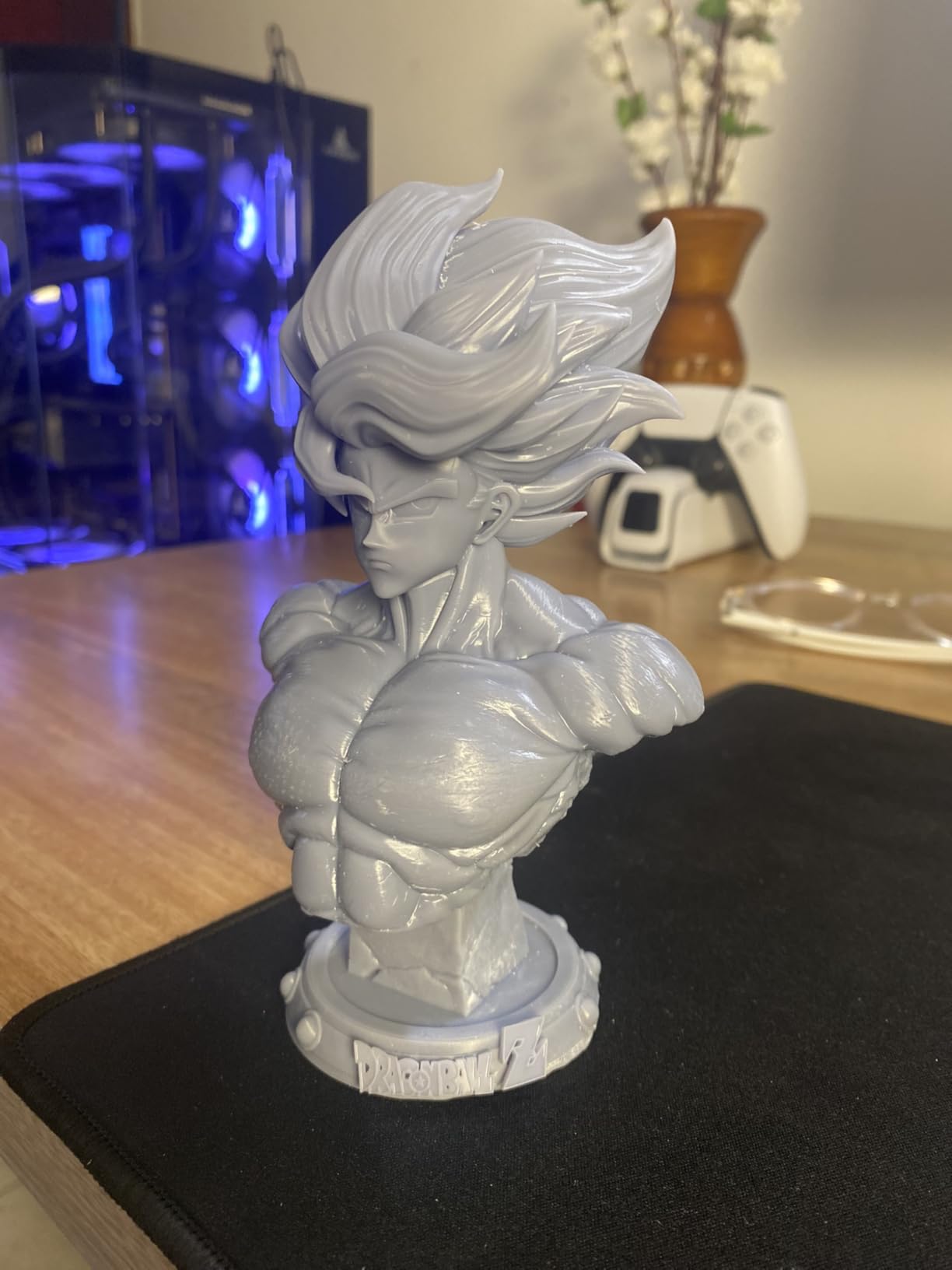
17 Micron Pixels Are What Separate Miniatures from FDM Output
The LighTurbo matrix light source is doing quiet work here. A uniform, well-collimated light array means fewer rasterisation artefacts on vertical surfaces — the slightly waxy texture you get on robes and capes when the light source is a point rather than an array. On a bust with a textured cloak, that is visible under raking light, which is exactly the light miniature painters use to pick out detail.
Where the pixel size really earns its keep is on small features. A raised rivet on a pauldron, the edge of a shield rim, a buckle on a strap: these are the details that make a 28mm model look printed rather than cast. At 17 microns, a 2mm-wide buckle is over 100 pixels across. That is not a subtle upgrade, it is a visible change in whether the model reads correctly at table distance.
The Build Volume Is Small and That Shapes Your Layout
At 6.04 x 3.42 x 6.49 inches, the print area is honest but modest. A five-by-two grid of 32mm bases fits comfortably; a full rank of tall posed models will need splitting, and anything over about 165mm tall has to be printed in two halves. Owners report this as the single most common complaint, and it is fair.
The workaround is layout planning rather than machine swapping. Hollow the models, orient them to minimise height, and use a decent hollowing slicer profile to drop layer counts. Owners running this machine for a tabletop campaign report that careful orientation planning recovers most of the perceived limitation.
Who It Suits and Where Owners Report Trouble
This suits first-time resin buyers on a desk, tabletop players printing characters for a personal campaign, and anyone whose resin work is busts and 28mm figures rather than terrain. It is a poor fit for anyone printing full 200mm display statues without willingness to split them.
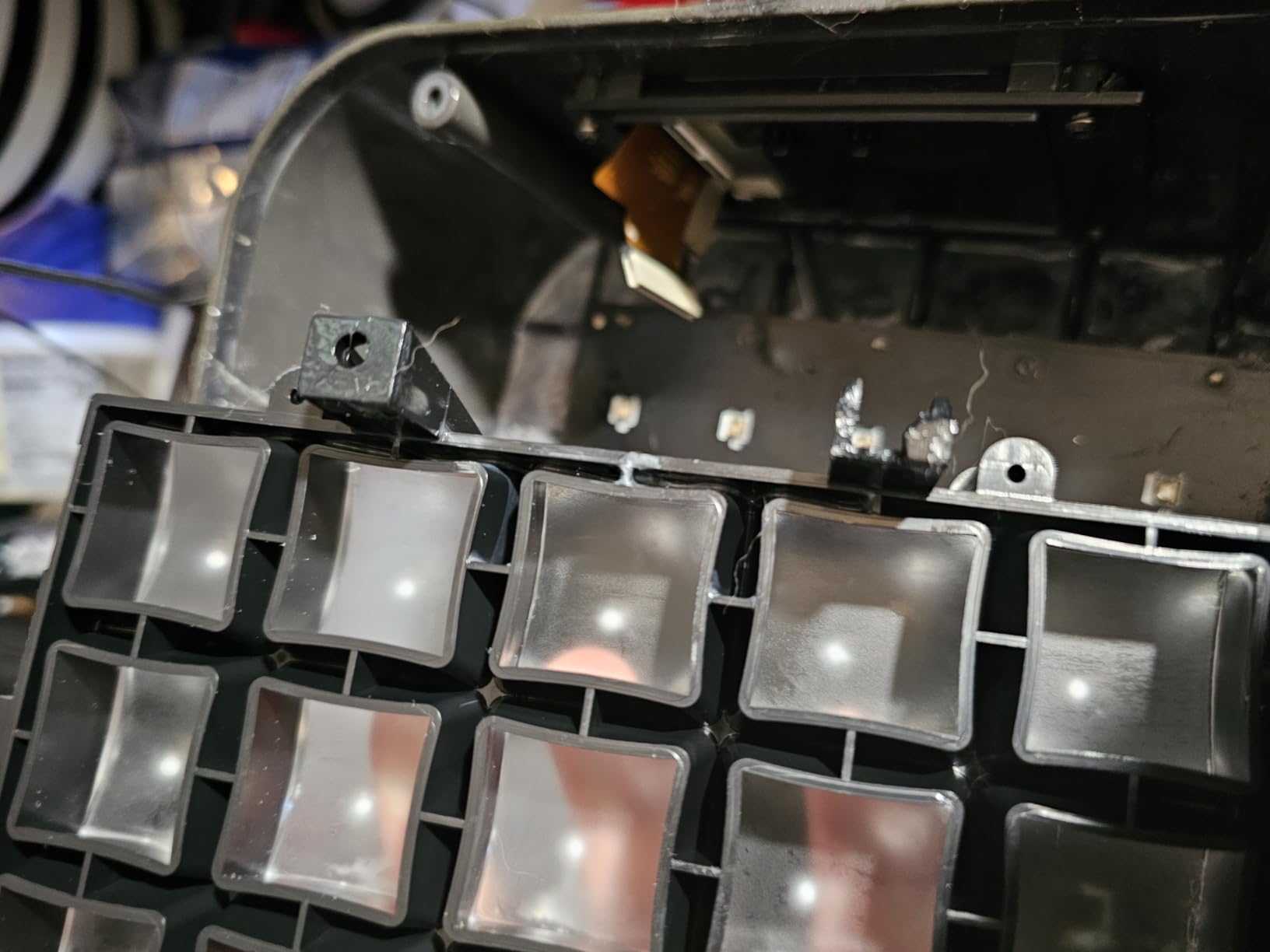
The reliability picture is good with a visible minority caveat. Across 667 reviews the average sits at 4.4, with a summary of the pattern: strong on detail, quiet and easy to set up, compact, with a smaller group citing warping or delamination on larger jobs, occasional vat breakage, and touchscreen failures where DIY repair was slow. The first-run exposure calibration is the main fixable issue — get a test model right before committing a batch.
2. ANYCUBIC Photon Mono M7 MAX – A 13.6 Inch Build for Large Minis and Terrain
ANYCUBIC Photon Mono M7 MAX Resin 3D Printer, 13.6’’ 7K Large Resin Printer
298 x 164 x 300 mm build volume
LighTurbo 3.0 light engine
Up to 60 mm/h with auto-fill vat
Pros
- Build volume large enough for terrain and full-scale props
- Deepest review base of any machine here
- Temperature controlled vat and auto-fill raise success rates
- Anti-aliasing and fine lead screws cut visible layer lines
Cons
- Very heavy at 52.8 lb and needs a large footprint
- Anycubic Photon Workshop software lacks monitoring and leans on cloud workflows
With 2,063 reviews behind it, the M7 MAX has the most proven track record in this roundup, and that is worth something on a machine where early hardware revisions sometimes had problems. Owners consistently describe consistent output once settings are dialed in, which is the ideal state for a large-format machine that people learn over months rather than days.
Its real argument is the plate. At 298 x 164 x 300 mm, you can print a full piece of terrain, a large bust without splitting, or a serious batch of figures in one go and stop babysitting the machine. The anti-aliasing and high-precision lead screws show up on smooth surfaces like armour plates, where you would otherwise see stair-stepping on curved geometry.
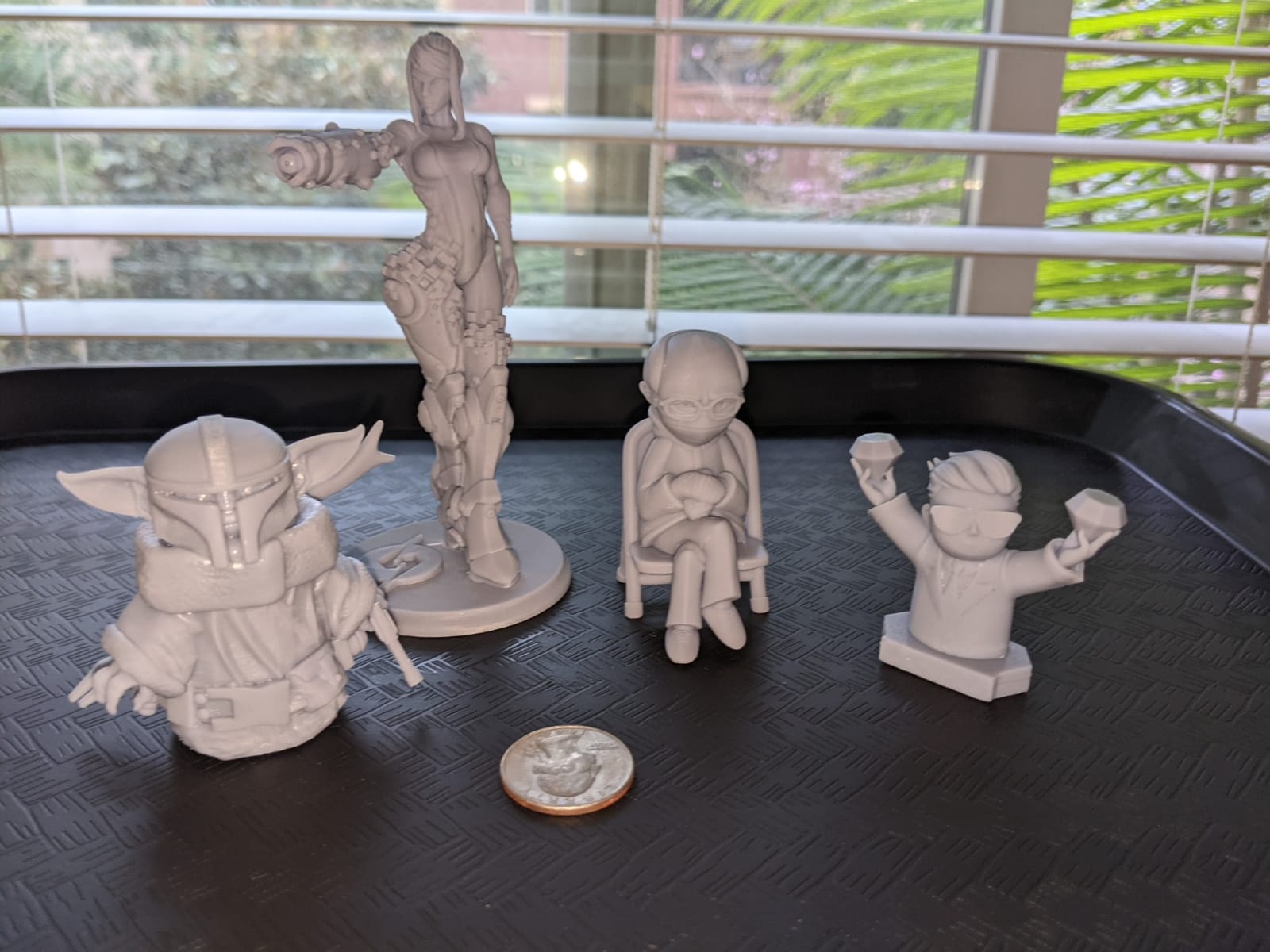
298 x 164 x 300 mm Means No Assembly Between Pieces
The reason to buy a big resin machine is not the screen; it is that you stop joining models. A multi-part 75mm dragon that needs to be printed in four sections and assembled with filler has seams that show up under primer. Printing it whole removes that work entirely, and for a single hero piece it is the difference between a good model and a great one.
The same applies in reverse for the RPG crowd. A dungeon tile set that prints as individual 145mm squares, laid edge to edge, replaces hours of FDM printing with a single overnight resin run. We would still print very large terrain in filament for cost reasons, but the 145mm scale is squarely in resin territory.
Resin Management Features Do the Boring Work for You
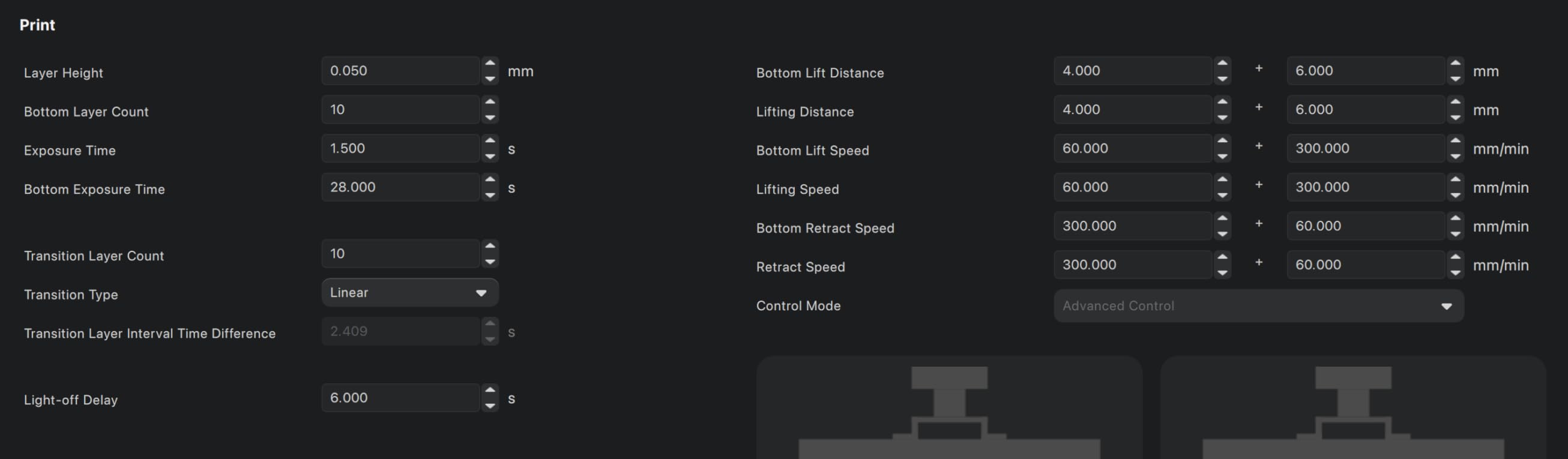
The dynamic temperature control vat with auto-fill and one-key resin recycling is the feature we underestimated. On a machine this size, the vat holds 1300 ml of resin, and pouring that cleanly is genuinely awkward. Auto-fill and the drain-above-platform behaviour after printing mean less slopping and less waste.
The LighTurbo 3.0 engine uses a Fresnel lens with a light angle within 3 degrees and uniformity over 90%. In practice that uniformity is what keeps output at the edge of the plate as sharp as output at the centre, and on a plate this large it is not a minor specification.
Weight, Height and Software Are the Compromises
At 52.8 pounds and 20 x 20 x 31 inches, this is not a desk machine. It needs a counter that can take the weight and a clearance above it for the lid to open. Budget for that before you order, because a shelf that cannot take the weight is a real problem owners report.
The second compromise is software. Anycubic Photon Workshop is the weakest part of this package. It lacks meaningful printer monitoring and its workflow leans on cloud connectivity, which is the most common complaint from owners who otherwise like their machines. Plenty of owners simply slice in a third-party tool instead. If you need dependable multi-printer control or offline slicing, factor that in.
3. ELEGOO Mars 5 Ultra – Tilt Release and a Camera for Unattended Runs
ELEGOO Mars 5 Ultra Resin 3D Printer
9K mono LCD at 18 um XY resolution
Tilt release up to 150 mm/h
AI camera with Wi-Fi cluster printing
Pros
- Tilt release roughly halves print time against older models
- 9K output is visibly finer than FDM for miniatures
- Self-leveling gives good results out of the box
- Camera and Wi-Fi job sending suit unattended batches
Cons
- Build plate is small and some owners report it cannot take a full-size cup
- Lid has no hinges and must be removed entirely
- Rounded resin spout makes pouring awkward
The Mars 5 Ultra is the machine we recommend to somebody whose first resin print happened last week. Its 7-inch 9K mono LCD resolves 18 micron XY pixels, which is a real step up from filament, and its tilt release system means you are not watching a plate peel a model off one layer at a time. Owners report roughly half the print time of the original Mars for comparable jobs.
The self-zeroing build plate removes the single most common beginner failure. If the plate is not level, a 28mm rank-and-file model will lift mid-print and be lost. That error is basically gone here, and beginners report good results straight out of the box.
Tilt Release Is the Feature That Changes Your Throughput
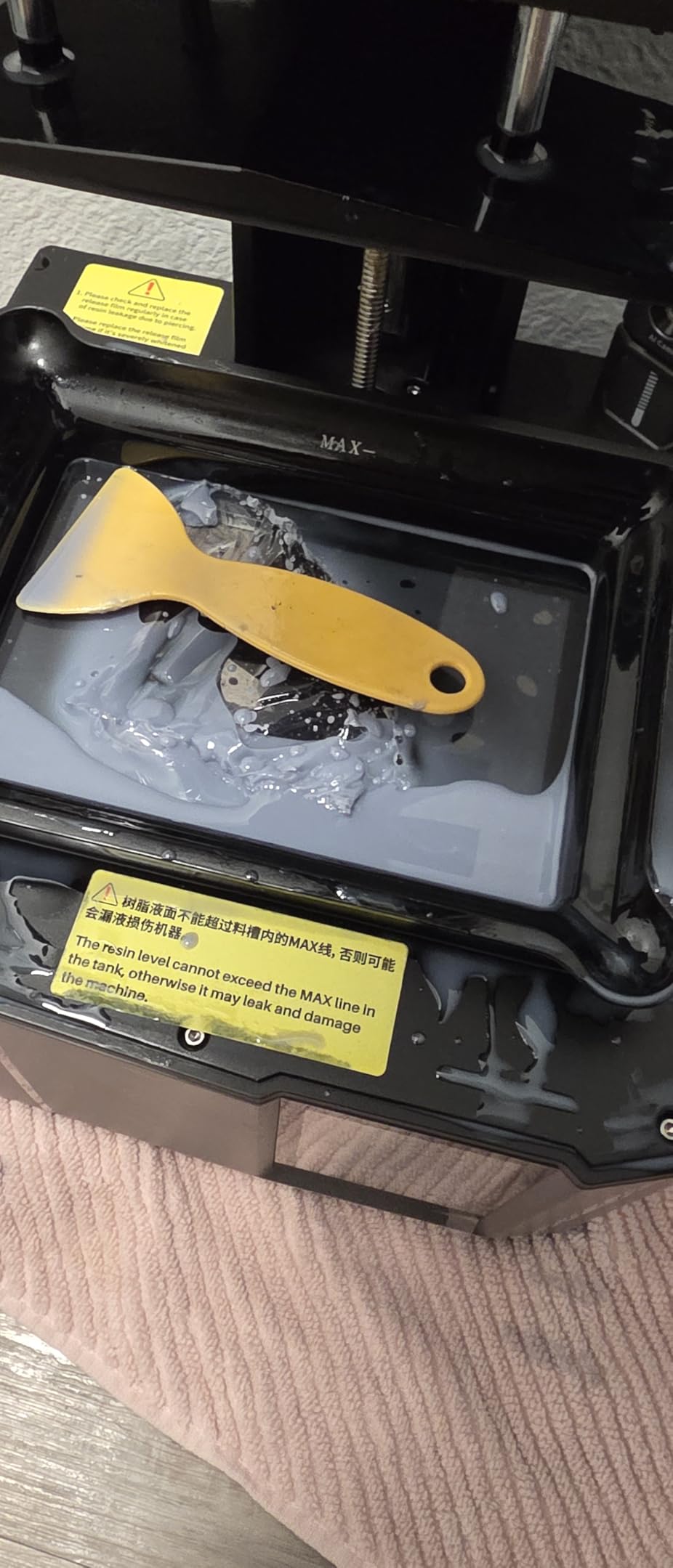
Traditional MSLA lifts the platform straight up, separating the model from the film with a peeling motion that needs slow lift speeds and heavy raft structures. Tilt release instead rocks the vat, letting the model detach with far less force. That is why the quoted 150 mm/h figures are achievable and why the same model prints in roughly half the time on a conventional machine.
For batch work that is the whole game. A tilt release machine that produces a squad of ten 28mm figures in the time a conventional one produces four changes what an evening of printing is worth. It also reduces the force on delicate features, so a sword or a banner pole is less likely to snap off during separation.
The AI Camera and Wi-Fi Are Genuinely Useful for Batches
The built-in AI camera with real-time print monitoring and time-lapse capture is more than a gimmick on a long run. You can start a twelve-hour batch from your phone, check progress, and get an alert if something goes wrong rather than discovering a failed plate in the morning. The bundled 3-month Chitubox Pro subscription is a quiet bonus for anyone who wants the better slicing profile tools.
Wi-Fi job sending and cluster printing matter if you ever add a second machine, and even if you do not, sending jobs wirelessly is simply more convenient than walking a USB stick across the room. The smart mechanical residue-detection sensor and shortage alarms also protect the screen, which is the single most expensive part to replace.
Compact Plate and an Awkward Lid Are the Trade-offs
The build plate is small, and owners report it cannot accommodate something as ordinary as a full-size drinking cup. For miniatures that is mostly a non-issue, but it does mean large single models need reorienting. The 15.75 x 18.5 x 9.06 inch footprint is genuinely compact though, at 19.36 pounds this is a machine that can live on a normal desk.
The lid has no hinges and has to be removed completely to access the chamber, and the rounded resin spout makes careful pouring harder than a squared-off opening would. Neither is serious on its own. The camera can also be blocked by large prints, and its resolution limits visibility on fine detail, so treat it as a progress monitor rather than an inspection tool.
4. ELEGOO Saturn 4 Ultra 16K – Heated Tank Detail for Hero Pieces
ELEGOO Saturn 4 Ultra 16K Resin 3D Printer
16K mono LCD screen
Intelligent tank heating at 30 C
Tilt release up to 150 mm/h
Pros
- 16K output is among the sharpest available for miniatures
- Heated tank cuts layer separation and improves adhesion
- Automatic leveling and tilt release keep it beginner approachable
- Chamber light and camera aid monitoring and time-lapse
Cons
- Heavier share of one-star reviews than the smaller ELEGOO models
- Heated tank is built into the base so base replacement costs more
- Bulky chassis at 35.5 lb needs real counter space
The Saturn 4 Ultra 16K is the resolution answer in this lineup. Its 16K mono LCD is the only one in this roundup quoted at that screen resolution, and on a hero piece — a bust, a display model, a character you paint to a competition standard — that extra resolution is where it shows.
The intelligent tank heating is the more interesting feature and the one fewer people talk about. Holding resin at 30 C reduces viscosity, which cuts bubbles forming against the film and reduces the layer separation that ruins tall thin geometry. On a miniature with a raised cloak edge or a thin antenna, that is the difference between a clean print and a re-print.
A 16K Screen and a Heated Tank Attack Layer Separation
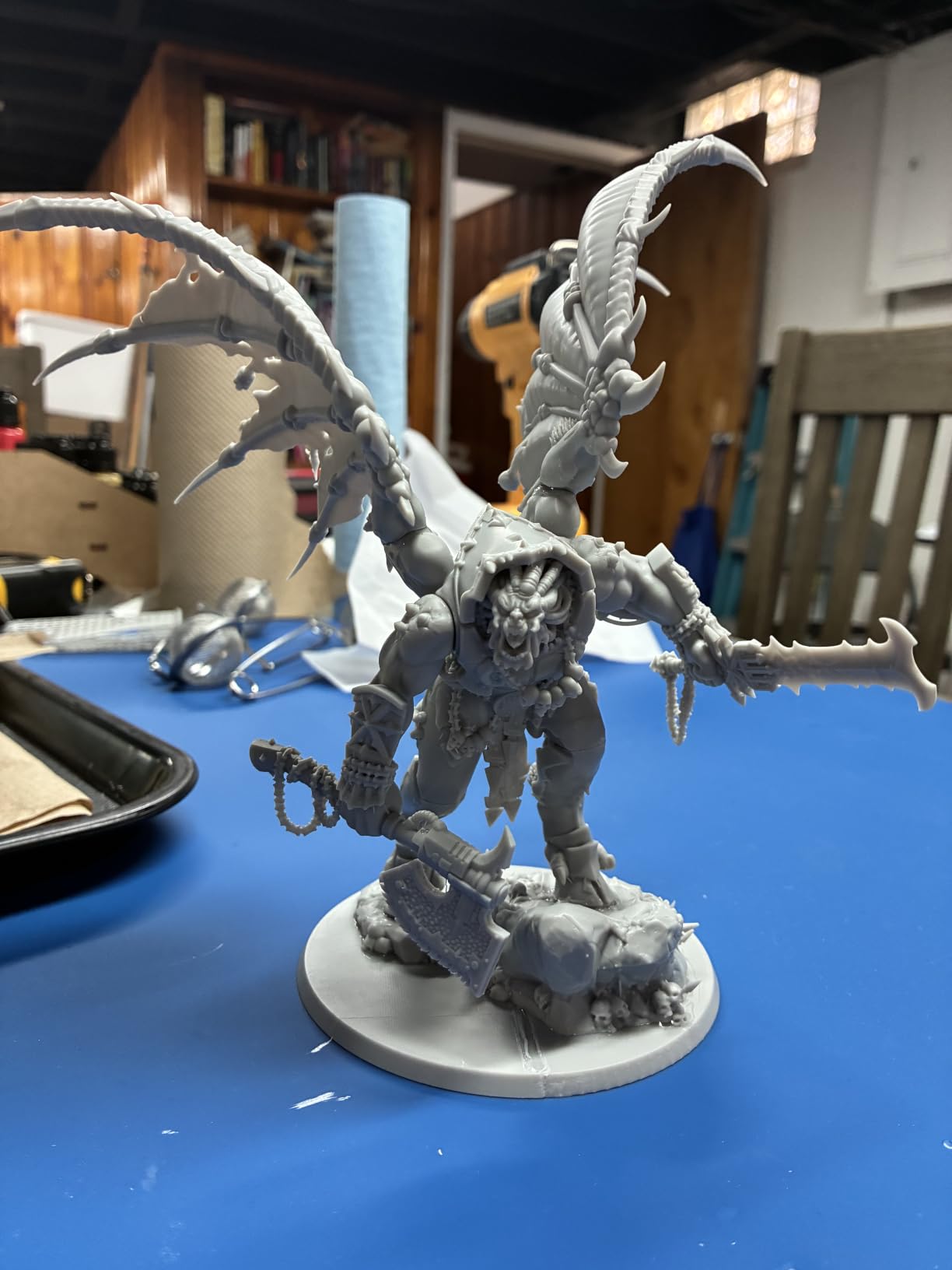
Layer separation is the classic resin failure and it usually has three causes: cold resin, insufficient bottom layer exposure, and being lifted too aggressively. Warming the tank solves the first cause permanently, which is why owners using this machine for detailed work report fewer lost prints than they did on earlier ELEGOO models.
On detailed 28mm and 32mm models and on display-scale work, 16K output resolves sculpted texture that reads as smooth on a rank and file figure and crisp on a bust. Micro-texturing, pores, cloth weave — all of it holds up under a magnifying lamp, which is where painters spend their time.
Faster Prints Without Giving Up Plate Adhesion
Tilt release at up to 150 mm/h means this large machine is not as slow as its size suggests. Automatic leveling removes the other classic beginner error. The mechanical residue sensor protects the LCD, which matters on a 16K panel where a replacement is a serious expense.
Automatic leveling plus a heated tank plus tilt release is the combination that makes this approachable for a first-time buyer who also intends to grow into better prints. The chamber light and camera with real-time alerts and time-lapse handle the monitoring side of long runs.
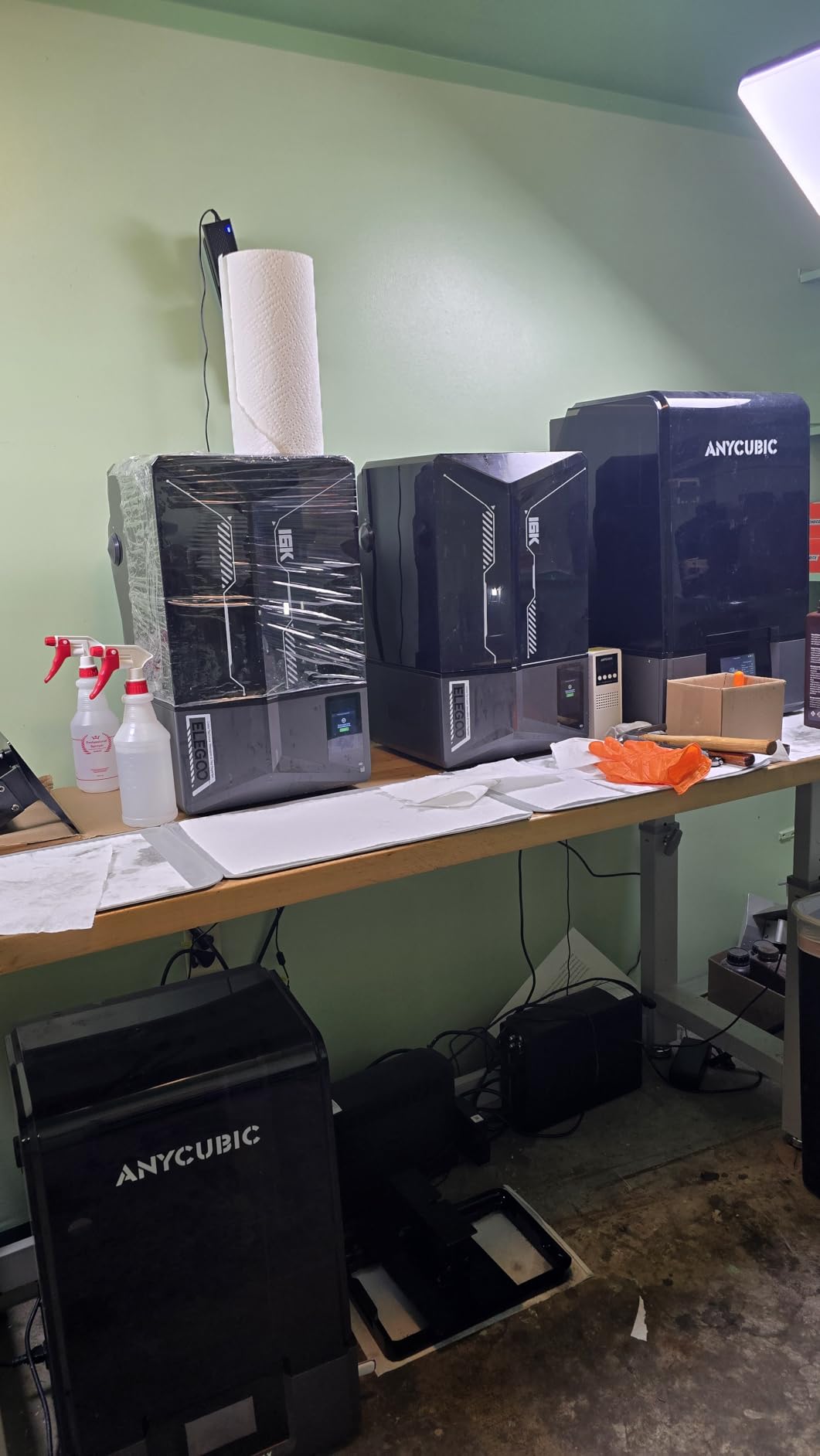
Counter Space and QC Variability Are the Two Concerns
At 24 x 17 x 15 inches and 35.5 pounds, this is the machine that decides where your printer goes. It is not a small-room purchase, and you need clearance above it for the cover to swing.
Quality control is the second concern, and it is a real one in the data. The 4.2 average comes with a comparatively long tail of negative reviews pointing at component failures, more than the smaller ELEGOO models show. Also note that the heated tank is integrated into the base, so if the base ever needs replacing the cost is higher than on a machine where the heater is a separate module. Weigh that against the fact that 366 owners rate the machine highly for miniature detail.
5. Phrozen Sonic Mini 8K S – Open Slicer Support in a Narrow Frame
phrozen Sonic Mini 8K S LCD Resin 3D Printer, 7.1″ Monochrome LCD, Tabletop 3D Resin Printer with 22µm XY Resolution, 6.5 * 2.8 * 6.7 Inch Printing Volume for Models, Miniatures and Action Figures
8K mono LCD at 22 um XY resolution
16.5 x 7.2 x 17 cm build volume
Lychee Chitubox and Tango slicer support
Pros
- 4.4 average with a very high five-star share
- 8K output suits fine miniature and action figure detail
- Compact tabletop footprint for its class
- Works with third-party slicers rather than locking you in
Cons
- Narrow build volume limits larger models
- Older-style 8K platform trails 14K and 16K on fine detail
- No Wi-Fi camera or advanced monitoring features
The Sonic Mini 8K S is the one to buy if the deciding factor is how little vendor software you want to touch. It supports Lychee, Chitubox and Tango directly, which means you can use whatever slicer suits your models rather than learning a proprietary app. On a machine with no camera and no Wi-Fi, that independence matters more than it would on a connected model.
It also holds a 4.4 average, matching the highest rating in this roundup, with owners reporting a very high share of five-star reviews. The pattern in that feedback is dependable entry into high-detail printing: good output for miniatures and figures, straightforward operation, and no drama.
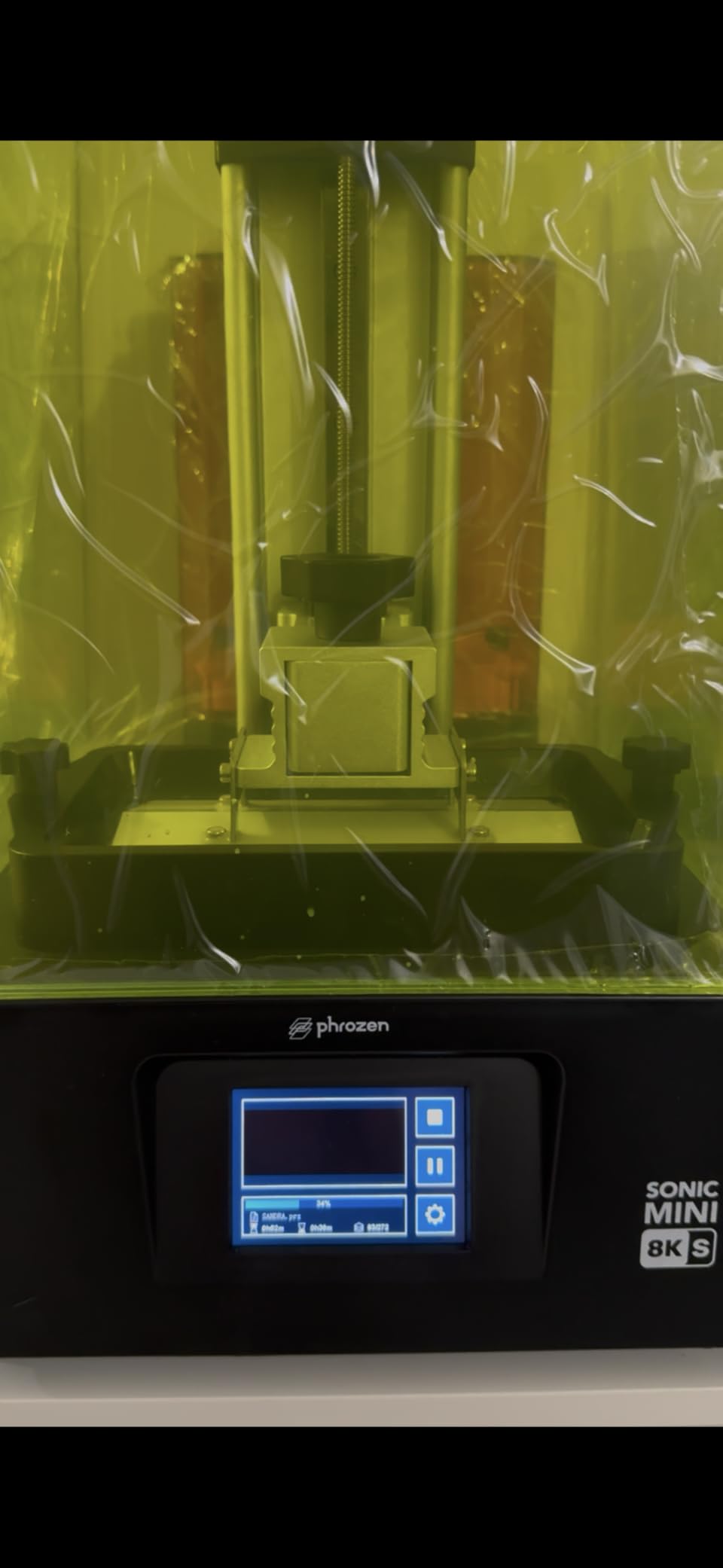
22 Micron Output on a Desktop-Sized Platform
22 micron XY resolution is not the sharpest number here, but it is comfortably inside the range where 28mm figures stop looking coarse. The rule of thumb that holds up in practice: below about 20 microns you are refining edges you will only see under magnification, and above about 35 microns you start seeing stepping on curved surfaces at table distance.
So a 22 micron 8K screen sits in a useful place. It renders a face, a piece of chainmail, and a sword edge cleanly, and the extra resolution of a 16K panel mostly buys finer texture on a display bust. The load capacity of up to 22 lb and precise Z-axis calibration for even layers support that consistency.
Lychee and Chitubox Support Keeps You Out of Vendor Software
This is the underrated part. Slice in Lychee if you want fast model preparation and hollowing, in Chitubox if you want granular control over exposure, or in Tango if you prefer its tree layout. All three read files this machine handles, and none of them is fighting a vendor account or a cloud login.
For someone who already knows resin printing, that flexibility is a real saving in time. You keep the profiles you have tuned, and moving to a different machine later does not mean re-learning an app. Combined with the compact 11.4 x 11.4 x 16.9 inch footprint at 22 pounds, it suits a small desk setup.
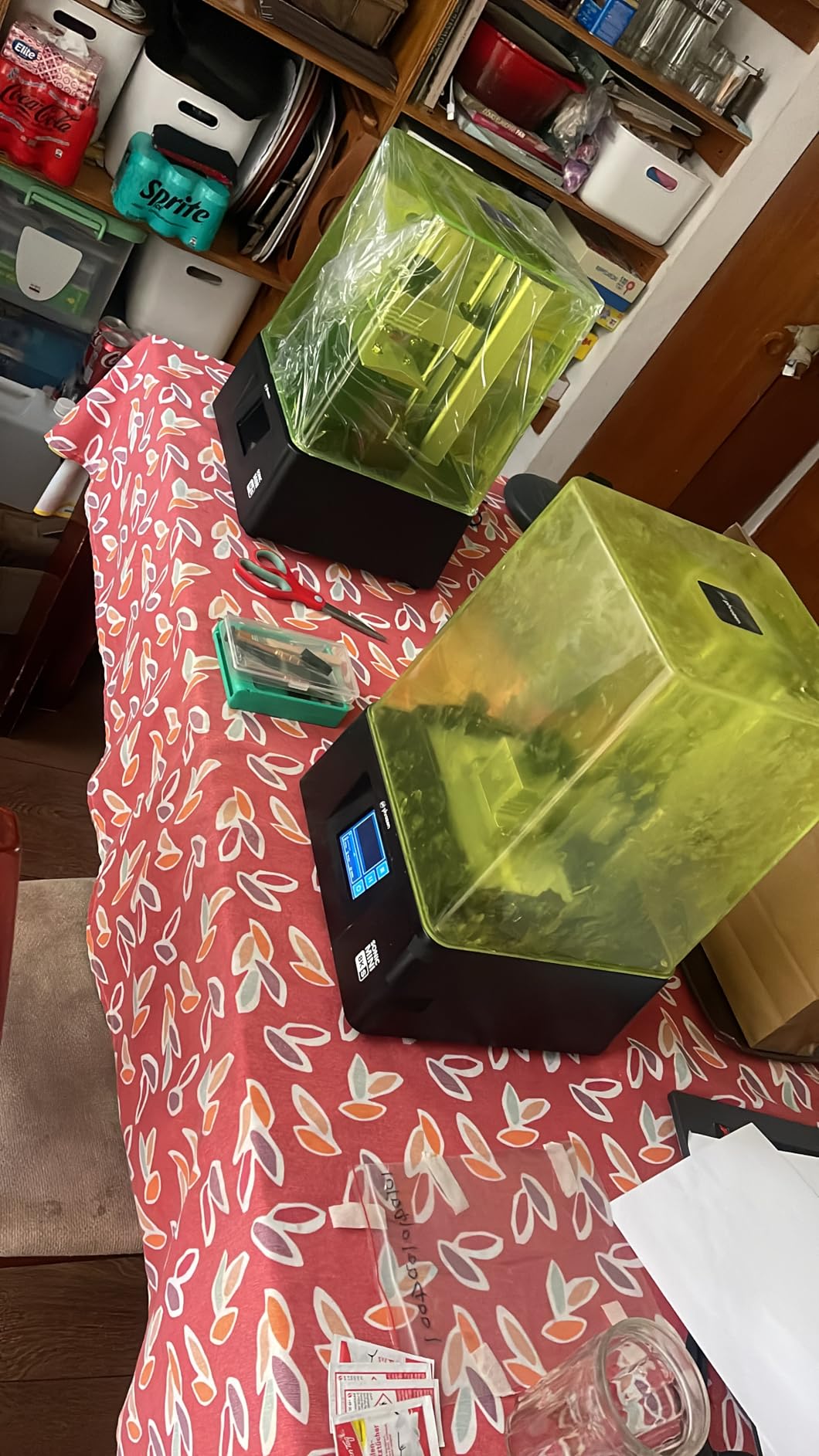
A Narrow Plate and a Dated Feature Set
The 16.5 x 7.2 x 17 cm build volume is the narrowest here in practical terms. It suits 28mm and 32mm ranks, individual figures, and action figure scale heads. It does not suit a bust that needs to print at full size without tilting, which is a common disappointment for people who bought it for display models specifically.
There is also no Wi-Fi, no camera, and no advanced monitoring, and the 8K mono platform itself is a generation behind 14K and 16K machines on the finest detail. None of that matters much if your output is rank and file. All of it matters if your output is a competition-painted bust, and you should pick the Saturn 4 Ultra 16K or the M7 Pro instead.
6. Phrozen Sonic Mega 8K S – Batch Throughput for Whole Armies
phrozen Sonic Mega 8K S LCD/MSLA Resin 3D Printer, 43 µm High Resolution, 15 inch Mono LCD Screen, Fast Production Accurate Details, Large Printing Size L12.99xW7.28xH11.81 Printing Volume
15 inch 8K mono LCD at 43 um XY resolution
80 models in about 90 minutes
ACF film with metal drip hanger
Pros
- Build plate handles dozens of miniatures in a single run
- Quiet operation and reliable output once settings are tuned
- ACF film and drip hanger support fast cycles and resin recovery
- Phrozen support replaced an LCD within two days for at least one owner
Cons
- 43 micron resolution falls short of 14K and 16K machines on fine detail
- No Wi-Fi camera or auto-leveling
- Reports of LCD power supply and main board failures with a short warranty window
- Very heavy at 57.3 lb with a large footprint
The Sonic Mega 8K S exists for one job, and it is a good job: printing a lot of small identical models quickly. Its 33 x 18.5 x 30 cm plate takes 80 miniature-scale models in about 90 minutes with ACF film and fast resin. If you are fielding a company of 32mm troops, no other machine in this roundup comes close per run.
Owners describe quiet operation and reliable output once settings are dialed in. That caveat is the honest part: this is not a machine you unbox and immediately get right. It is a machine that rewards calibration, which is fine for a hobbyist who enjoys tuning and a poor fit for someone who wants a first print on day one.
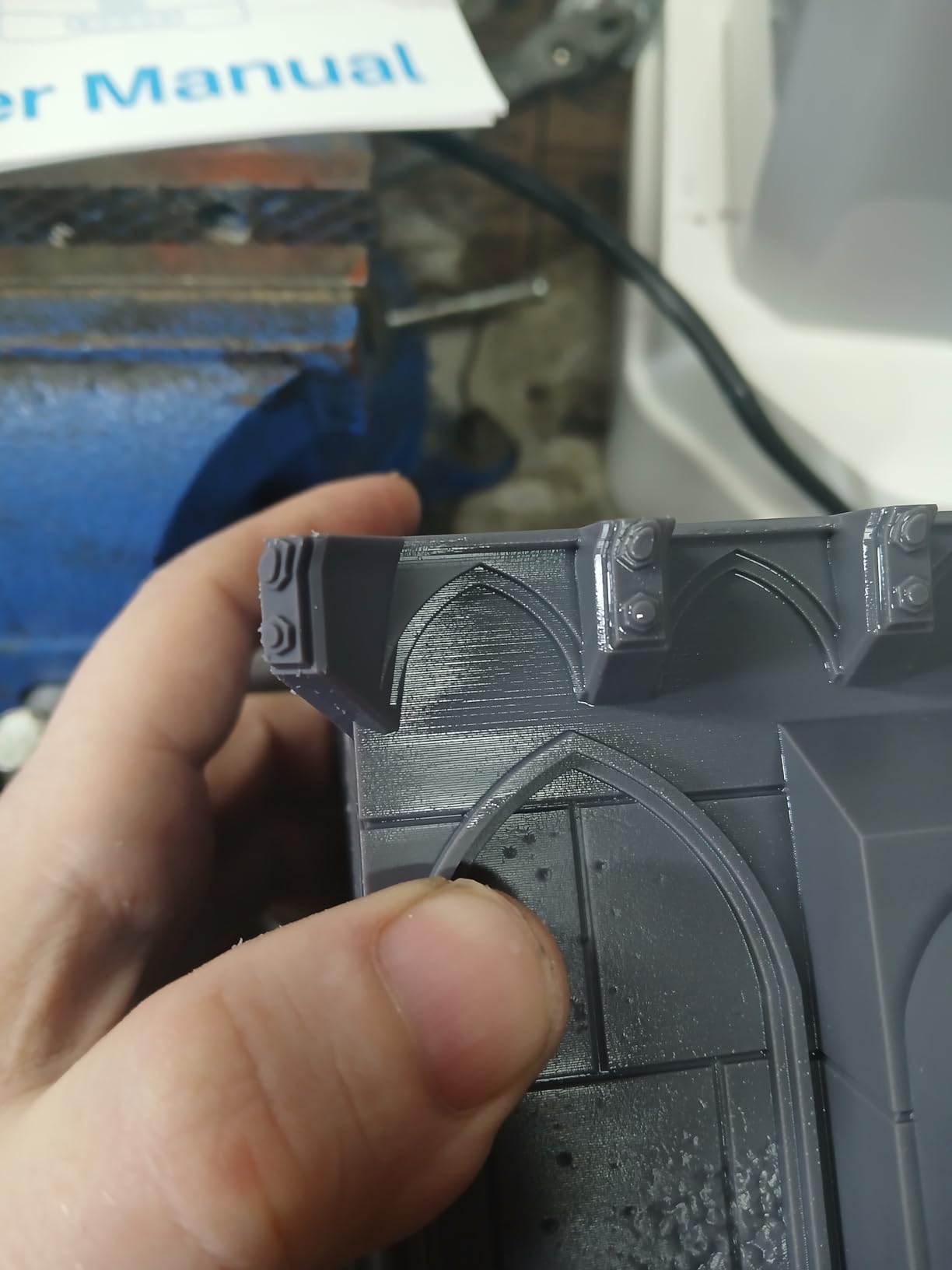
Eighty 1/32 Scale Miniatures in About 90 Minutes
That throughput figure comes from small, simple models on a big plate, and it is the reason this machine exists. Short cycles need resin that releases cleanly from the film, and the ACF film is what makes them possible.
For a wargaming player or a D&D encounter that needs a full warband, this changes the economics. The same work spread across several smaller printers takes a full day. Here it is an afternoon, and the remaining resin in the vat is still usable for the next batch. The ACF film is the enabler here — the wider plate alone will not deliver that cycle time.
ACF Film and the Drip Hanger Drive Resin Recovery
The ACF fluoropolymer film reduces suction against the vat, which is what allows the faster continuous cycles. The built-in metal drip hanger does the other half of the job: it lets models hang above the platform after printing so resin drains back rather than pooling on the plate, which reduces waste and clean-up on a machine this size.
The lift-up lid design matters in tight workspaces. On a 57.3 pound machine you are not going to find anywhere with a tight overhead anyway, so the design is a reasonable accommodation rather than a solution to the footprint.
43 Microns Will Not Cut It for Fussy Sculpt Detail
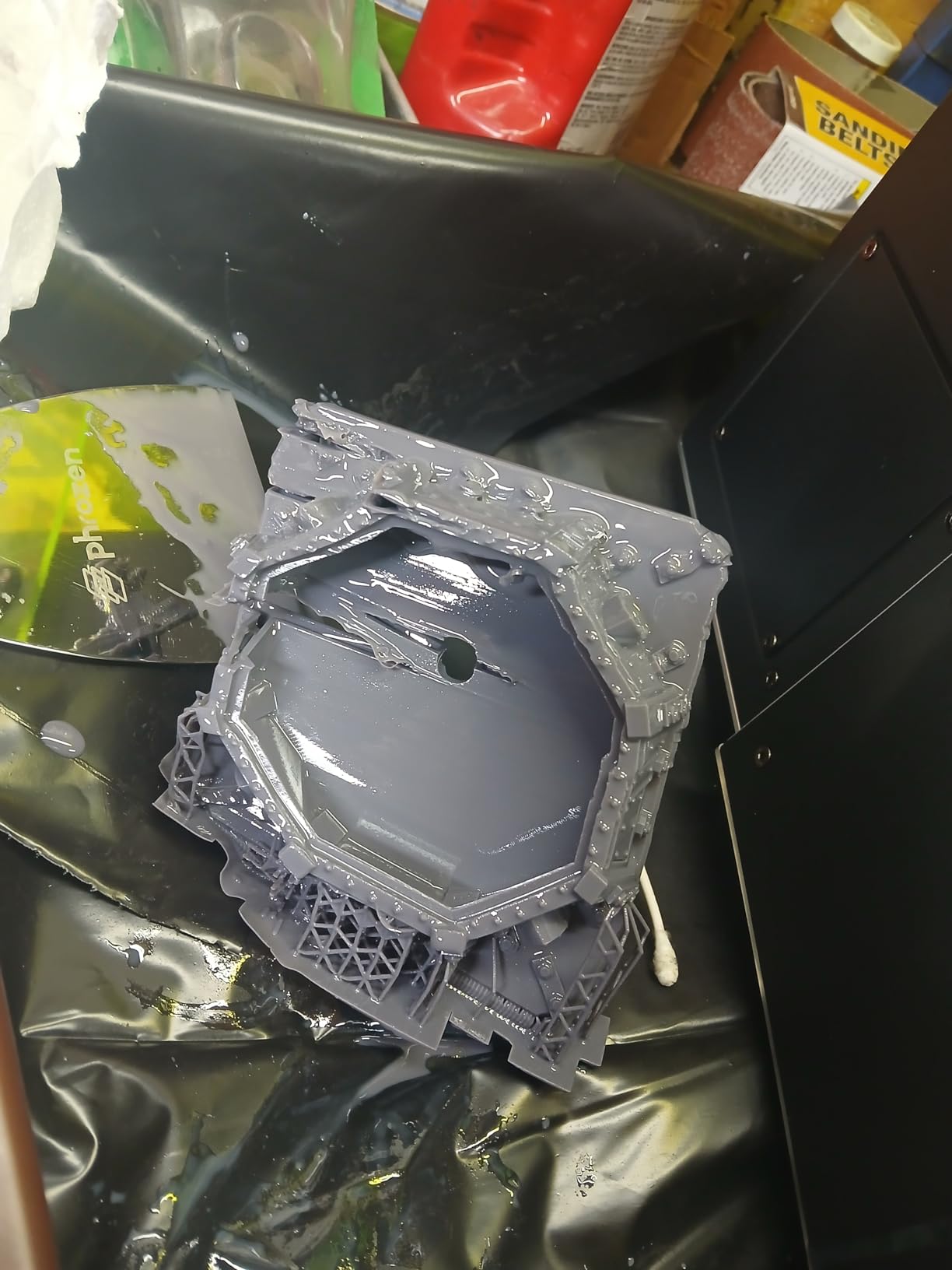
Here is the tradeoff stated plainly: 43 micron XY resolution is the coarsest screen in this roundup. On a 1/32 scale model with hard surface edges, that is visible. On a 28mm figure, it is acceptable. On a display bust with sculpted skin texture, it is not, and if that is your target you should not buy this machine.
The feature set is also dated in a way that shows in the review data. No Wi-Fi, no camera, no auto-leveling, and several reports of LCD, power supply and main board failures alongside a short three-month warranty window. One owner did report Phrozen replacing an LCD within two days, which is worth knowing, but the pattern across the 49 reviews is enough that we would not build a small production run on it.
7. ANYCUBIC Photon Mono M7 Pro – 170 mm/h Speed With Reliability Caveats
ANYCUBIC 14K Resin 3D Printer Photon Mono M7 Pro with 170mm/h High Speed
14K LighTurbo 3.0 optical system
Up to 170 mm/h with high-speed 2.0 resin
223 x 126 x 230 mm build volume
Pros
- Fastest quoted print speed of any machine here at 170 mm/h
- 14K resolution produces very fine detail on completed prints
- Works well out of the box with little initial tuning
- Auto-fill and temperature control simplify cold-room resin handling
Cons
- Lowest average rating here at 3.9 with a 15 percent one-star share
- Multiple reports of LCD Z-axis motor and auto-fill failures
- Anycubic Photon Workshop criticized as cumbersome with limited monitoring
- Heated vat integrated into the base makes replacement costly
The M7 Pro is the fastest machine here, with a quoted 170 mm/h using high-speed 2.0 resin, and the 14K optical system is genuinely sharp on completed prints. Owners also report it working well out of the box with little initial tuning, which is a good sign for a first-time buyer.
It is also the lowest rated at 3.9, and we are not going to talk around that. The same 66 owners who praise the speed also file reports of LCD screens, Z-axis motors and resin auto-fill units failing within months. Our advice is to buy it for speed and treat the reliability as a known cost, or to buy a different machine and keep the speed you really need for a smaller batch.
170 mm/h and a 14K Optical System
That speed figure depends on using the high-speed 2.0 resin and on a plate layout that is not fighting itself. Real batch times for full-detail 28mm models will be lower than the headline number, but even discounted, 170 mm/h is the highest speed quoted by any machine in this roundup, and for someone running a large campaign it is a real saving.
The LighTurbo 3.0 system with Fresnel lenses and front-facing reflectors at 3 degrees or less keeps the light uniform across the 223 x 126 x 230 mm plate. On a 14K screen, that combination is what makes detail hold at the edges of the build area rather than only in the middle.
Auto-Fill and Temperature Control Simplify Cold Rooms
The temperature-controlled vat matters more in winter than most buyers expect. Cold resin is more viscous, which increases bubbles against the film and drives layer separation. Controlling temperature removes one of the three classic failure causes outright, which matters if your room drops in temperature.
Auto-fill with continuous refill and one-key recycling means a 12-hour batch does not stop because the vat ran dry at hour nine. Compatibility with Anycubic Airpure odor filtration is worth noting if you are printing in a small space, since we come back to ventilation below.
Component Failure Reports Are the Reason to Pause
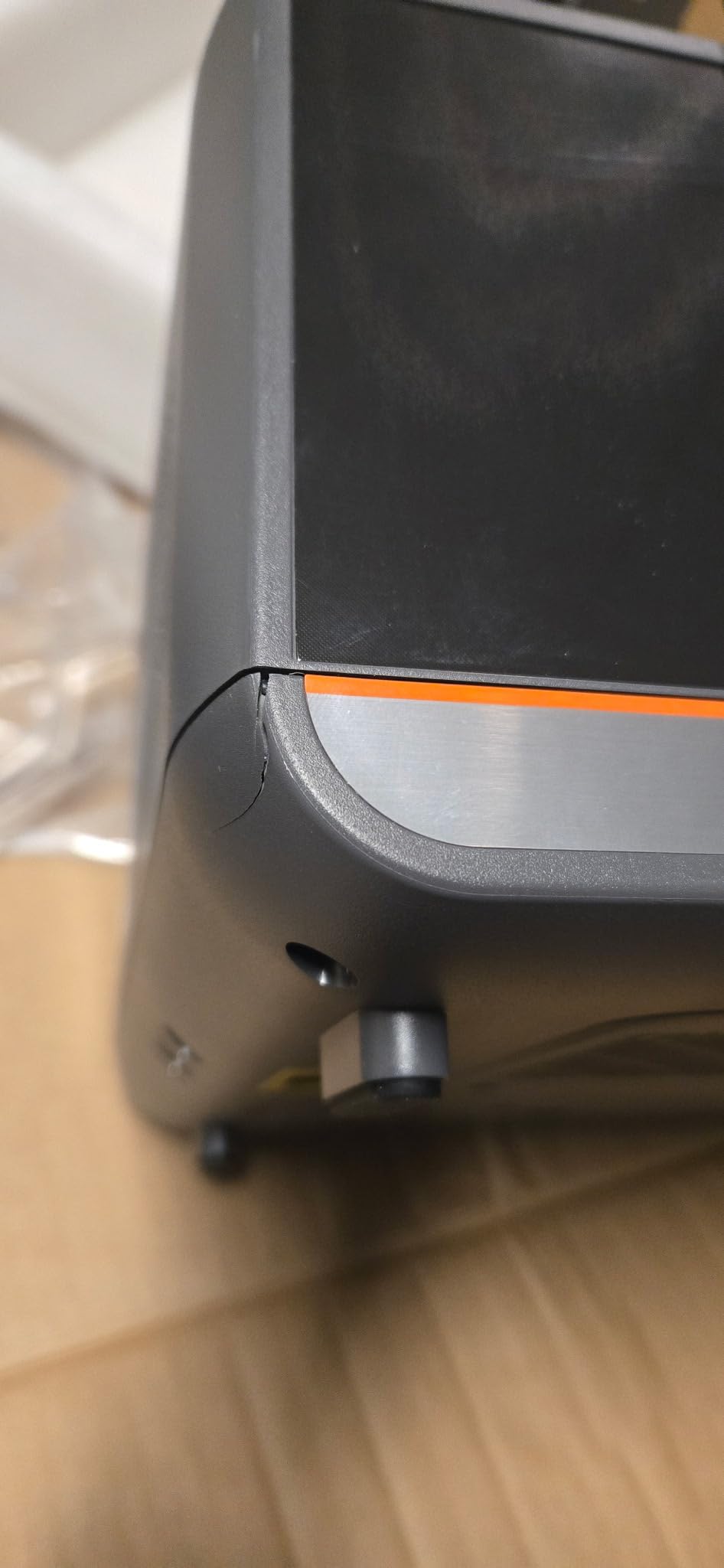
The 15 percent one-star share is higher than any other rating in this roundup would suggest, and the failures reported are not cosmetic. LCD screens, Z-axis motors and auto-fill units are all functional failures that stop a print mid-batch. The support experience reported alongside them is parts-only and slow, which turns a component problem into a downtime problem.
Two further issues compound this. The heated vat is integrated into the base, so base replacement after film damage is costly. And Anycubic Photon Workshop is described as cumbersome with limited printer monitoring, which removes the usual fallback of checking progress remotely. At 11.02 pounds the machine itself is light, but the listed 25 x 25 x 28 inch footprint is not a small-space machine.
Our honest summary: the M7 Pro has the highest quoted speed and a 14K screen, and the lowest average rating of the seven at 3.9. Buyers who print in large batches and can absorb a failure are well served. Buyers spending their hobby budget on a first machine should look at the Mars 5 Ultra or the Photon Mono 4 instead.
Which Printer Matches Which Miniature Scale
This is the question nobody answers well, and it is the one that determines whether you bought the right machine. Match the printer to the size of the thing you are printing, not to the size of the army you wish you had.
28mm rank and file — the Mono 4 and the Mars 5 Ultra are both excellent. Anything with a 9K or better screen resolves a 28mm face and equipment detail well, and the tilt release on the Mars 5 Ultra makes batch throughput the deciding factor. The Sonic Mini 8K S also does this job well at 22 microns.
32mm heroic scale and mounted riders — the Saturn 4 Ultra 16K and the M7 Pro earn their place here. Larger figures expose the coarseness of a 43 micron screen and reward 14K and 16K output, and the heated tank on the Saturn 4 Ultra helps with the tall thin geometry heroic-scale models tend to have.
Busts and display figures — the M7 MAX and the Saturn 4 Ultra 16K. Busts are the case where you need both resolution and a large enough plate to avoid splitting the model, and very few printers here offer both. The M7 MAX wins on plate, the Saturn 4 Ultra wins on pixels.
1/6 and 1:12 scale figures — the M7 MAX, essentially by default. These are single models rather than a group, and the 298mm build volume is what makes them printable in one piece. A 305mm display figure is a project that takes as long to print as it does to paint.
Terrain, tiles and bases — a split decision. FDM still wins for large flat pieces because there is no detail to protect and material costs less. Resin wins for anything with a moulded edge texture or a fitted component, where the crispness of the layer matters. The M7 MAX plate handles a resin tile set in one run if you want resin scenery.
1/32 scale ranks and files — the Sonic Mega 8K S, and it is not close. Eighty models in about 90 minutes is the only quantified throughput claim in this roundup, and at that scale the 43 micron pixel is acceptable because the model itself is small.
How We Picked These Seven Printers
We used five criteria, in this order of weight.
1. XY resolution in microns, measured rather than claimed. Marketing pages quote screen resolutions like 16K, which is meaningless on its own. We used the pixel dimensions and screen size to work out actual pixel size, because a 16K label on a small screen can be worse than an 8K label on a large one.
2. Build volume against the models you actually want to print. A tiny plate is not a flaw if you print 28mm ranks, and it is fatal if you print busts. We weighted this per product rather than as a global ranking.
3. Failure rates and feature reliability. We read the negative reviews as carefully as the positive ones, with attention to whether a complaint appears once or repeatedly. Auto leveling, tilt release and residue sensors all reduce failures that would otherwise happen to a beginner.
4. Owner feedback volume. A machine with 2,000 reviews tells you far more about long-term behaviour than one with 40. This is also why the M7 MAX ranks where it does despite a middling rating, and why we treat the 3.9 on the M7 Pro seriously despite excellent specifications.
5. Post-processing and workflow fit. Slicer choice, resin handling, and whether the machine plays well with a wash and cure station. A printer that produces a beautiful print you cannot easily clean up is a frustrating purchase.
We also drew on hobbyist community experience, because the practical failure modes of resin printing are well documented by people who own dozens of machines. The ventilation and wash practices described below come from that, not from a spec sheet.
What Resolution Do Miniatures Actually Need?
Most of the confusion in this category comes from a single number: XY resolution, quoted in microns. One micron is one thousandth of a millimetre, and it describes the size of one square pixel on the LCD. Smaller is sharper, up to a point.
XY Resolution in Microns, Explained Without the Jargon
A 28mm figure standing on a 32mm base gives you about 32mm of height to resolve. At 17 micron pixels, that is roughly 1,880 pixels vertically across the model. At 43 microns, it is about 740. Both will produce a recognisable model. Only one will hold up under a magnifying lamp, which is where miniature painters spend their time.
A 16K mono LCD is the highest quoted screen resolution in this roundup, and the 18 micron figure on the Mars 5 Ultra is the second fininiest pixel size. Buy above your minimum, not at it, because the difference is rarely visible on a product page and always visible on a painted model.
Mono LCD Against RGB Masks and Why It Cuts Exposure Time
A monochrome LCD transmits light across its whole area without the colour filter mask that an RGB panel has, so far more of the UV light reaches the resin. For a given layer, a mono screen needs a shorter exposure time. Shorter exposure means faster layers, and faster layers mean a shorter print for the same model.
There is a second benefit. RGB panels are RGB, so they can only cure roughly one third of the resin colour accurately, which produces a colour shift you then correct in your colour profile. Monochrome avoids that entirely. Every machine in this roundup uses a monochrome screen, and that is not a compromise at this price level.
Build Volume Beats Resolution for Army Printing
When you are printing fifty identical 28mm models, resolution and plate size trade off differently. Sharper pixels matter on the model; plate size determines how many you get per run. If you are producing an army, multiply your figures by the square of any resolution improvement and compare it to the throughput difference from a bigger plate.
In practice the big-plate machines win that comparison decisively. The Sonic Mega 8K S doing 80 models in 90 minutes is a different category of output from any 9K machine with a small plate, and the trade is fine detail you will never see on a 1/32 scale figure. Our advice is to buy resolution for hero pieces and volume for ranks, and to accept that one machine often cannot do both.
Tilt Release and Auto Leveling Are Reliability Features
These are usually marketed as speed features, and they are. Tilt release roughly halves print time by separating models with less force, and auto leveling removes the plate alignment error that causes mid-print lifts. But their real value is fewer failed prints, which is worth more than speed to a beginner.
A resin print is a consumable. Resin used in a failed print, plus isopropyl alcohol, plus your evening, adds up. Machines with tilt release and self-leveling report fewer failed prints in owner feedback, and that is why two of the three top picks have both.
The Extras Worth Paying For and the Ones That Are Not
Worth paying for: a residue detection sensor, which protects the screen, and a heated or temperature-controlled vat, which removes a whole class of bubble and layer separation problems. A residue sensor is on the Mars 5 Ultra and the Saturn 4 Ultra; a temperature-controlled vat is on the M7 MAX and the M7 Pro.
Worth having but not worth chasing: a built-in camera. It is genuinely useful for long unattended batches and useless for inspecting a print. Wi-Fi and cluster printing only matter when you own more than one machine. Do not let a camera be the deciding feature on your first purchase.
Not worth paying for: buying the largest printer you can fit rather than the one that fits your models. The print volume advantage only materialises if you genuinely fill the plate.
Resin Safety and Ventilation for Apartment Printers
This section exists because it is the most common question in resin printing communities and the least covered by roundups. Standard photopolymer resin is an acrylate liquid, and uncured resin and the VOCs it off-gasses are not something to breathe casually.
The symptoms are not subtle. Owners report headaches, nausea and throat irritation after long sessions in a closed room, and the smell of uncured resin is strong enough to be unmistakable. If your printer is in a bedroom or a small home office, treat ventilation as part of the purchase, not as an upgrade.
What people actually do. Most owners print inside a grow tent or similar enclosure with a fan exhausting out of a window. Inline exhaust fans rated around 200cfm, ducted outside, are the other standard approach. Air purifiers with a carbon filter are also recommended, often alongside the enclosure rather than instead of it.
Personal protection, the part people skip. Nitrile gloves for handling uncured prints and for cleaning the vat, and a respirator with an organic vapour cartridge if you are doing a lot of pouring and washing. Anyone with light sensitivity should wear UV-protective glasses when opening the vat, since the LCD is a UV source and the temptation to look at a model the moment it lifts is hard to resist.
Wash and cure. Wash prints in isopropyl alcohol before curing, with 90 percent concentration preferred and 70 percent a common budget compromise that works less well. The wash station is not optional, because uncured resin left on a model will stay sticky forever, and the wash and cure station is where budget owners should spend rather than save.
One practical note. Whatever enclosure you choose, keep the printer accessible. A sealed tent that you cannot open without dismantling defeats the purpose, and the M7 MAX at 52.8 pounds is not a machine you want to lift every time you start a print.
Which Resin to Pair With Your Printer
The machine is the expensive part, but resin choice determines how the finished model behaves. Most of the confusion here comes from mixing up printing properties and painting properties.
Standard Grey Resin for Rank and File
Start here. Standard grey resin prints with minimal shrinkage, has a fast cure, and produces slightly brittle parts that are perfect for 28mm and 32mm models you intend to prime and paint. It is also the easiest to calibrate, so it is the right resin for your first exposure tests on any machine in this guide.
For a batch of fifty identical troops, this is also the cheapest path in material terms. Anything tougher is a waste of money on a model that will be primed anyway.
Tough Resin for Bases and Terrain
Tough or ductile resin flexes rather than cracks, which matters for large flat pieces, printed limbs on a figure with an unsupported pose, and anything you are going to transport in a gaming bag. It is the resin to reach for when a standard print snapped at a thin cloak edge.
The trade is detail and cure. Tough resins usually need longer exposure and sometimes longer post-cure, and they can pick up a slight texture. On a hero bust that is a bad trade; on a resin dungeon tile that will be knocked about, it is an obvious one.
Matte and Burnout-Resistant Resins for Painting
If you are painting rather than displaying raw, matte or burnout-resistant resin saves you a step. Matte surfaces hold primer and acrylic far better than glossy standard resin, which is prone to lifting when you apply a solvent-based primer. Burnout-resistant formulations tolerate aggressive IPA washing and full post-cure without becoming brittle.
Both are worth the small premium if painting is your main interest, and neither is worth paying for if you are filling a unit with unpainted minis. Pair either with a good wash and cure station, because a matte surface still needs a full cure before it will take primer reliably.
Anycubic or Elegoo for Miniatures?
Both brands appear twice in this roundup with genuinely different machines, so the brand answer is really a per-model answer. Here is how the two compare on the specifications that decide miniature quality.
Resolution. ELEGOO’s Saturn 4 Ultra carries the only 16K screen here. Anycubic’s Photon Mono 4 comes close at 17×17 micron pixels in a much smaller frame, and the M7 Pro is 14K. ELEGOO’s Mars 5 Ultra sits at 18 micron on a 9K screen. If fine detail on a small model is the goal, the 16K and 10K machines lead.
Batch throughput. Anycubic’s tilt release machines reach 170 mm/h on the M7 Pro, and the Mars 5 Ultra reaches 150 mm/h with tilt release. Anycubic also leads on plate size with the M7 MAX at 298 x 164 x 300 mm. ELEGOO’s Saturn 4 Ultra is a large machine but with a smaller plate than the M7 MAX.
Beginner features. ELEGOO’s Mars 5 Ultra is the stronger first machine: self-leveling, tilt release, an AI camera, Wi-Fi, and a bundled Chitubox Pro subscription. Anycubic’s software experience, particularly Photon Workshop, is the most common complaint in owner feedback across its machines, and it is the clearest difference between the two brands.
Reliability reports. the M7 Pro’s 3.9 average with LCD, motor and auto-fill failure reports is the lowest here. ELEGOO’s Saturn 4 Ultra carries a longer tail of component complaints than its smaller models, though. Neither brand is clean; the difference is that Anycubic’s complaint cluster is more concentrated on functional failures.
Our short version: choose Anycubic for plate size and speed, choose ELEGOO for beginner features and top-end screen resolution, and read the specific model’s negative reviews rather than the brand’s reputation. Our beginner 3D printer guide covers the FDM side of the same decision if resin is not your only option.
Frequently Asked Questions
Are resin printers better for miniatures?
Yes, for anything under about 50mm tall. Resin resolves detail down to 14 to 22 micron pixels, while filament extrudes a bead roughly 0.4mm wide, so faces, chainmail and sculpted textures on 28mm and 32mm figures read cleanly on resin and coarse on filament. Terrain and large flat baseboards are the exception, where there is no detail to protect and filament is cheaper and needs no washing.
What resolution do I need for miniatures?
Below 20 micron XY pixels for 28mm rank and file, below 30 microns for 32mm heroic scale, and finer still for display busts. A 43 micron screen is acceptable for 1/32 scale ranks but will show stepping on hard edges and curved surfaces on anything larger. Every machine in this roundup publishes a pixel size rather than just a screen resolution label, and that is the number to compare.
Do resin 3D printers need ventilation?
Yes, and this is the single most common concern in resin printing communities. Uncured photopolymer resin gives off VOCs that cause headaches, throat irritation and nausea in a closed room. Most owners print inside a grow tent or similar enclosure with a fan exhausting outside, often with a carbon-filtered air purifier alongside it. Owners also wear nitrile gloves, use a respirator with an organic vapour cartridge for pouring and washing, and wear UV-protective glasses when opening the vat.
Are resin 3D printers toxic?
Cured resin is safe to handle once fully washed and post-cured, but uncured resin and liquid resin are not. The risks are skin contact, which can cause sensitisation over time, and inhalation of fumes in an enclosed space. Washing in isopropyl alcohol, curing fully in a wash and cure station, and ventilating the room addresses all three. Nobody who prints resin in a well-ventilated space reports problems.
Do I need a separate wash and cure station?
Yes. A wash and cure station is not an accessory, it is part of the printing process. Prints come off the plate with uncured resin still on the surface, and that resin stays tacky forever unless it is washed in isopropyl alcohol and then fully UV cured. Skipping this step gives you a sticky model that will never take primer. Budget for it as part of the machine cost, and for a 90 percent IPA solution as part of the consumables.
The Verdict: Which Resin Printer to Buy for Miniatures
Pick the machine that matches the size of your models and the size of your space, not the size of the army you are planning.
If you print 28mm and 32mm figures on a desk and want the sharpest result with the least hassle, the ANYCUBIC Photon Mono 4 is the best resin 3d printer for miniatures in 2026. Its 17×17 micron pixels rival far larger machines, and at 7.7 pounds it goes anywhere. It is also our pick here for the most reviews at that rating, which is why it holds the top spot.
If you are printing your first resin model this month, the ELEGOO Mars 5 Ultra removes the two mistakes beginners make most, and the tilt release roughly halves your print times while you are still learning.
If you print busts, display figures or anything over 100mm, the ANYCUBIC Photon Mono M7 MAX gives you a 298 x 164 x 300 mm plate and 2,063 reviews of long-term evidence. If your priority is a single hero piece rather than throughput, take the ELEGOO Saturn 4 Ultra 16K for its screen and heated tank.
If you want to skip vendor software, the Phrozen Sonic Mini 8K S matches the highest rating here and works with Lychee, Chitubox and Tango. If you are fielding a 1/32 scale army, the Phrozen Sonic Mega 8K S does 80 models in about 90 minutes, a claim no other machine in this guide makes.
And if you are tempted by the ANYCUBIC Photon Mono M7 Pro for its 170 mm/h speed, know the 3.9 average and the failure reports before you commit. Fast is a good reason to buy a printer. It is not the only reason to keep one.
Whatever you choose, budget for a wash and cure station, a ventilation setup, gloves, and a first bottle of resin before you order the machine. Those four line items, not the printer, are where most resin hobby budgets go wrong. For filament-only terrain and base printing alongside your minis, our large-format 3D printer guide covers the other half of the setup, and for the workstation side of hobby printing, our 3D rendering workstation picks cover the machine you slice on.