
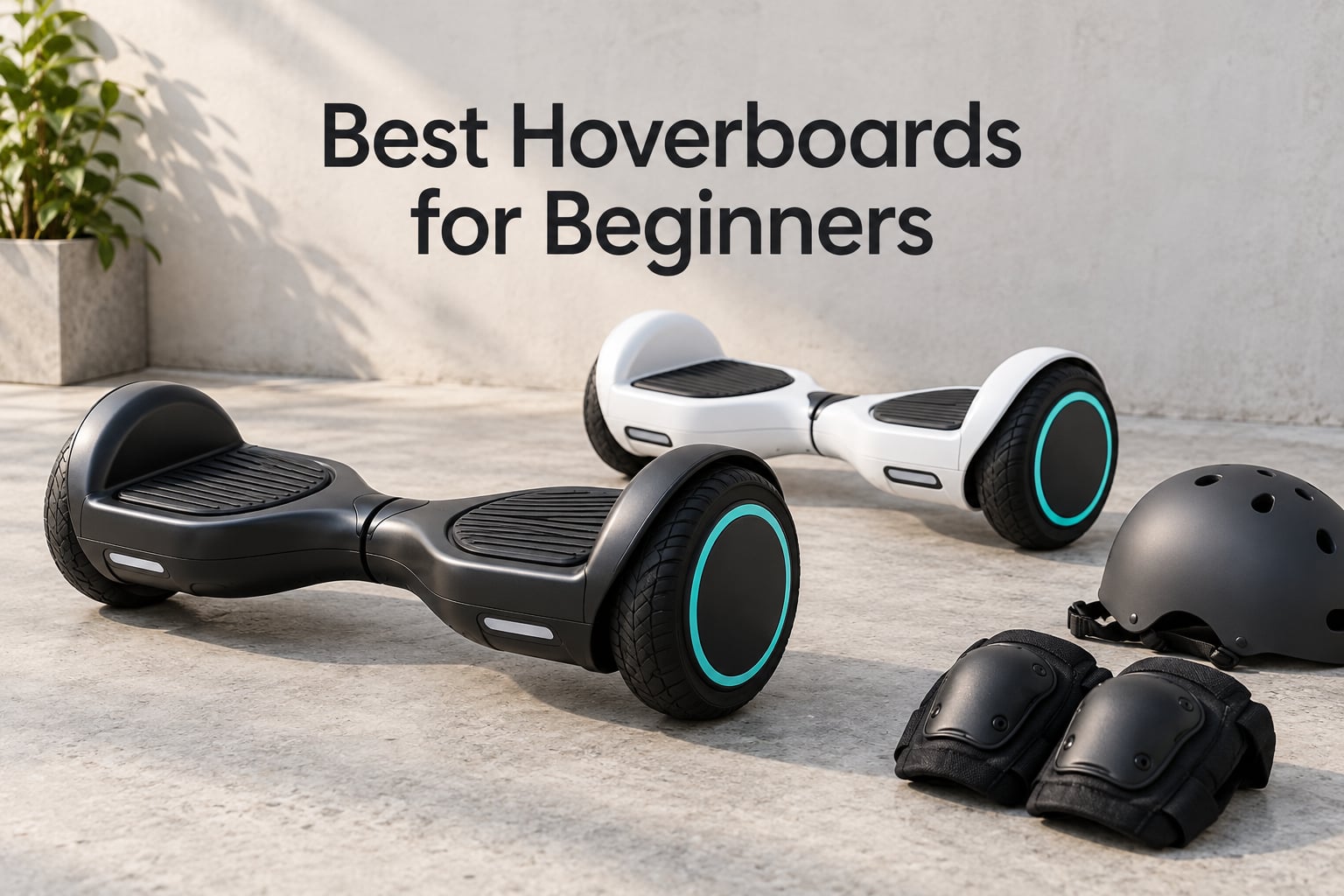
The LIEAGLE Self-Balancing Scooter is the best hoverboard for beginners in 2026 — it has the largest review base of any board in this category, a stable 6.5 inch platform, and a top speed slow enough for a first ride. I compared eight currently-sold self-balancing scooters across the criteria that actually decide whether a new rider has a good week or a bad one: UL 2272 certification, deck size, top speed, weight capacity, charge time, and how quickly a child gets comfortable.
I am not going to open with a paragraph about how fun riding around the neighborhood is. If you have never stood on one, you want a straight answer, so here it is: buy a certified board in the mid-tier, not the cheapest listing, and start in speed mode one on flat ground. The [best 3D printers for beginners](https://www.manbolo.com/best-3d-printers-for-beginners/) guide follows the same logic — the first purchase should absorb mistakes, not create them.
A hoverboard is a two-wheeled self-balancing scooter. You stand on a platform between two wheels, and gyroscopes plus footpad pressure sensors read how you lean and drive the wheel motors to keep you upright. The same product is sold as a balance board, a self balancing scooter, and a hoverboard Segway, and it is not the floating board from the movies.
Before the rankings, two things matter more than any spec on this page, and both are things the current guides skip. The first is a live consumer warning from the U.S. Consumer Product Safety Commission. The second is the honest limit of that warning’s remedy. I also want to name up front what makes riding genuinely hard, which is not speed. It is getting on and off the board.
The CPSC Warning Every Beginner Should Read Before Buying
The Consumer Product Safety Commission has issued a consumer warning telling people not to charge or use certain new high-tech X1-5 hoverboards. This is a current advisory, not a historical note, and it is the single most important thing to know before you buy a first board in 2026.
Here is the nuance almost nobody tells you. The UL 2272 standard is the electrical safety standard written after the 2015 and 2016 recalls, and it substantially reduces the risk of a battery fire. It does not eliminate it. UL 2272 certification means the board passed a battery of stress tests covering vibration, drops, motor overload, water exposure, and temperature extremes — it does not promise that your battery will never overheat.
Two certificates get confused constantly, so here is the clean version. UL 2271 certifies the battery itself. UL 2272 certifies the complete electrical system, battery included. A board can have a UL 2271 battery and still have an uncertified charger or wiring, so the system-level certificate is the one worth having. Six of the eight boards in this roundup carry it; the two that do not list it say so plainly in their sections below rather than hiding it.
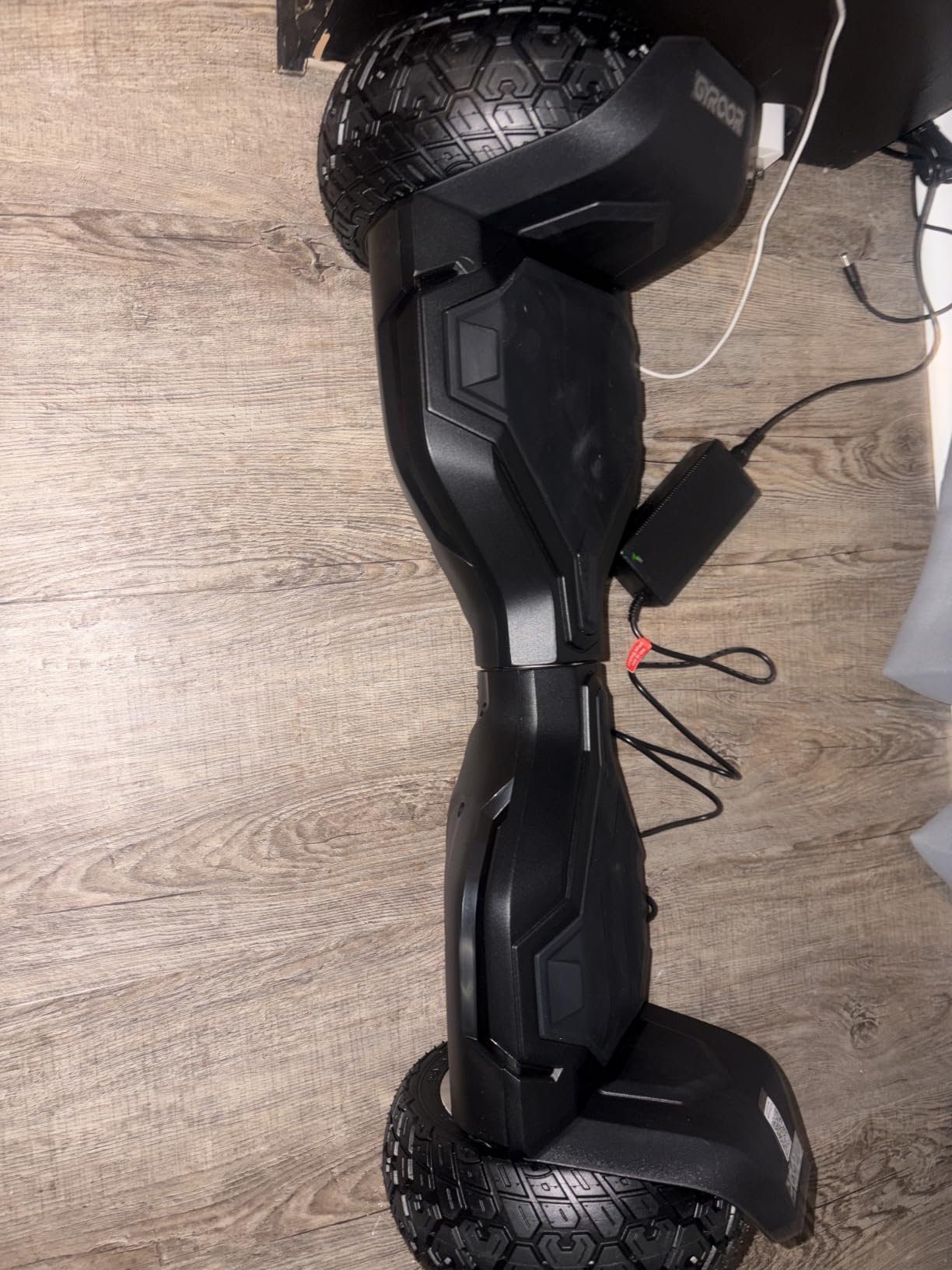
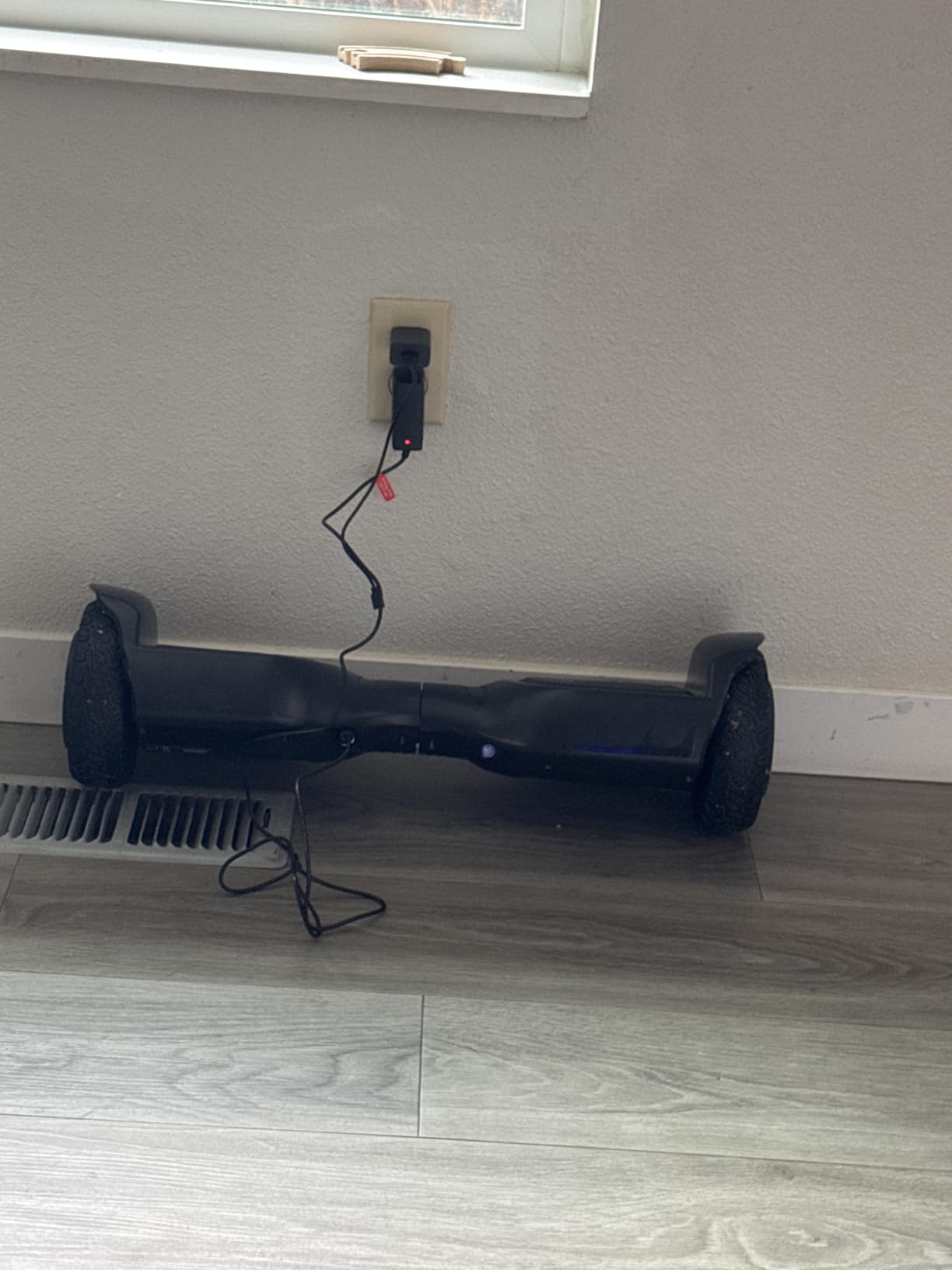
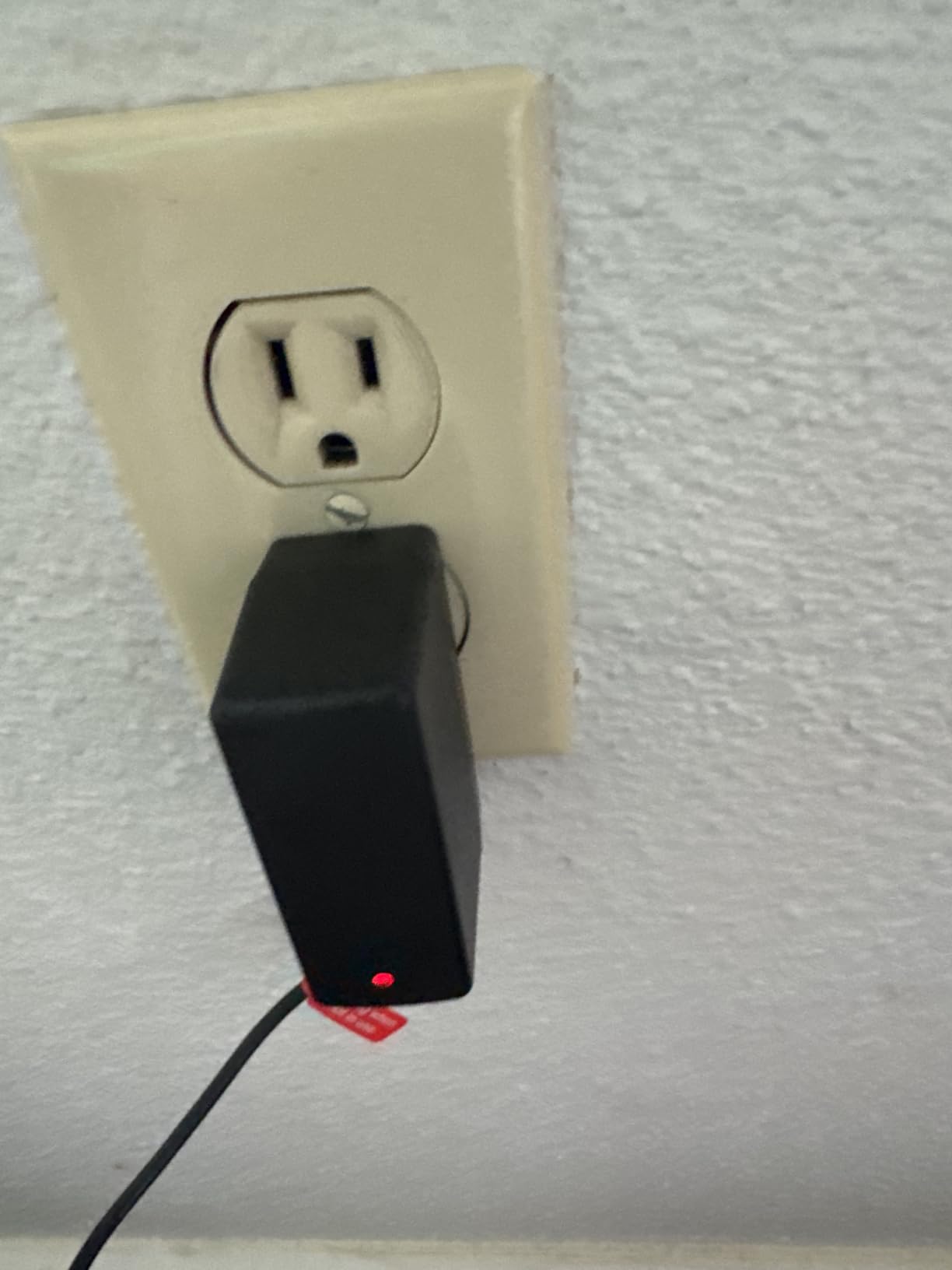
Charging practice is where most real-world incidents happen. Charge on a hard, non-flammable surface, never on a bed or carpet, never unattended, and never with a charger from a different board even if the plug fits. If the deck, charger, or cable is swollen, scorched, or dented, stop using it. If a board cuts out mid-ride repeatedly, that is a battery health signal, not a skill problem — stop riding it and get it serviced.
I would also correct a claim I have seen on other buying guides, which state that a legitimately UL 2272 certified hoverboard is completely safe. Cautious parents distrust that sentence, and they are right to. Certification is a strong filter, not a guarantee.
Why Hoverboards Disappeared and Whether They Are Back
Hoverboards did not fade because people got bored. Between 2015 and 2016, lithium-ion battery packs on cheap boards went into thermal runaway, fires spread to homes, the CPSC recalled large numbers of units, and major retailers pulled the category entirely. The collapse was a safety failure, not a cultural one.
What ended the bans was the UL 2272 standard plus enforcement. Once a board could pass a documented electrical safety test, retailers had a certification line to draw, and the category restarted. That is the reassuring half of the answer to why hoverboards were banned: the ban was specific, and it was certifiable.
So yes, hoverboards are still a thing in 2026, but the market has split in three. There are lightweight 6.5 inch boards aimed at kids and short neighbourhood trips, heavier all-terrain boards with larger tires for grass and gravel, and a set of one-wheel boards and electric scooters that absorbed most of the adult commuting segment. A lot of what people remember as the hoverboard era is now sold under a different name. If you want a straight comparison of first-time-friendly beginner transport, our [standalone drawing tablet guide for beginners](https://www.manbolo.com/best-standalone-drawing-tablets-for-beginners/) covers the same first-purchase logic for a completely different category.
Our Top 3 Hoverboards for Beginners
These are the three boards we would put in front of a first-time rider, in order. The LIEAGLE wins on the balance of stability, certification and review volume. The Gyroor Warrior G2 wins if your ground is not smooth pavement. The SIMATE P6 wins if you want app control to cap speed for a child.
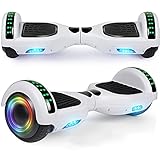
LIEAGLE Self-Balancing Scooter
- UL 2272 compliant
- 6.5 inch wheels
- 200 lb max load
- LED hub lights
Comparing All 8 Beginner Hoverboards Side by Side
Every board below is a distinct model, and every figure in this table comes from the manufacturer listing rather than from a rounded category average. Weight capacity is the column most first-time buyers under-read, and charge time is the one they notice on week two.
| Product | Specs | Action |
|---|---|---|
| LIEAGLE Self-Balancing Scooter |
|
Check Latest Price |
| Gyroor Warrior G2 8.5 Inch |
|
Check Latest Price |
 SISIGAD Scooter for Kids Ages 7-12 SISIGAD Scooter for Kids Ages 7-12 |
|
Check Latest Price |
 SIMATE P6 Hoverboard SIMATE P6 Hoverboard |
|
Check Latest Price |
 FLYING-ANT 6.5 Inch Board FLYING-ANT 6.5 Inch Board |
|
Check Latest Price |
 Gyroor G13 All-Terrain Gyroor G13 All-Terrain |
|
Check Latest Price |
 SIMATE K1 Hoverboard SIMATE K1 Hoverboard |
|
Check Latest Price |
 EPCTEK Scooter with Kart Seat EPCTEK Scooter with Kart Seat |
|
Check Latest Price |
1. LIEAGLE Self-Balancing Scooter – The Easiest First Board for Adults and Kids
LIEAGLE Hoverboard, 6.5″ Self Balancing Scooter Hover Board with Many Certified Wheels LED Lights for Kids Adults(White) Visit the LIEAGLE Store
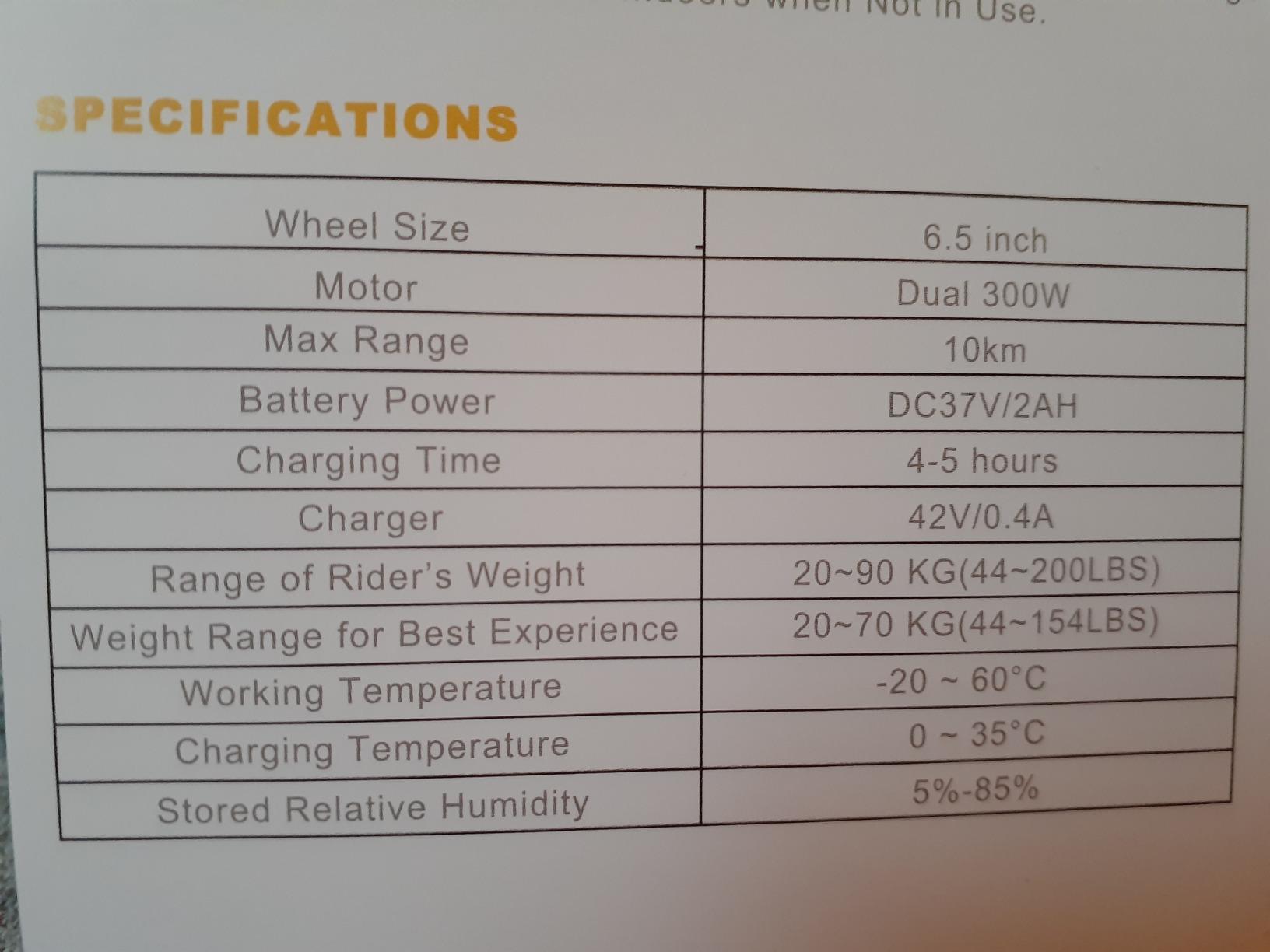
10 km/h top speed
6.5 inch wheels
200 lb max rider weight
UL 2272 compliant
Pros
- Stability that new riders pick up quickly
- Smooth on flat surfaces
- LED hub lights kids like
- Lightweight and easy to carry
- Wide range of color variants
Cons
- Some riders report sudden stops or lost stability
- Battery runtime shorter than expected for some
- Customer support reported as unresponsive
The LIEAGLE is the board I recommend to someone standing in a store with no idea what they are looking at. Owners consistently describe an easy learning curve and smooth riding on flat surfaces, and at 6131 reviews it has the deepest owner base of anything in this roundup — which matters, because in this category the volume of real-world reports tells you more than the star score alone.
What makes it forgiving is the combination of a 6.5 inch wheel, a 10 km/h top speed, and a 200 lb rider limit. That is a deliberately conservative setup: low enough acceleration that a panicked lean does not launch you, small enough wheels that the board responds predictably on pavement and indoor flooring.
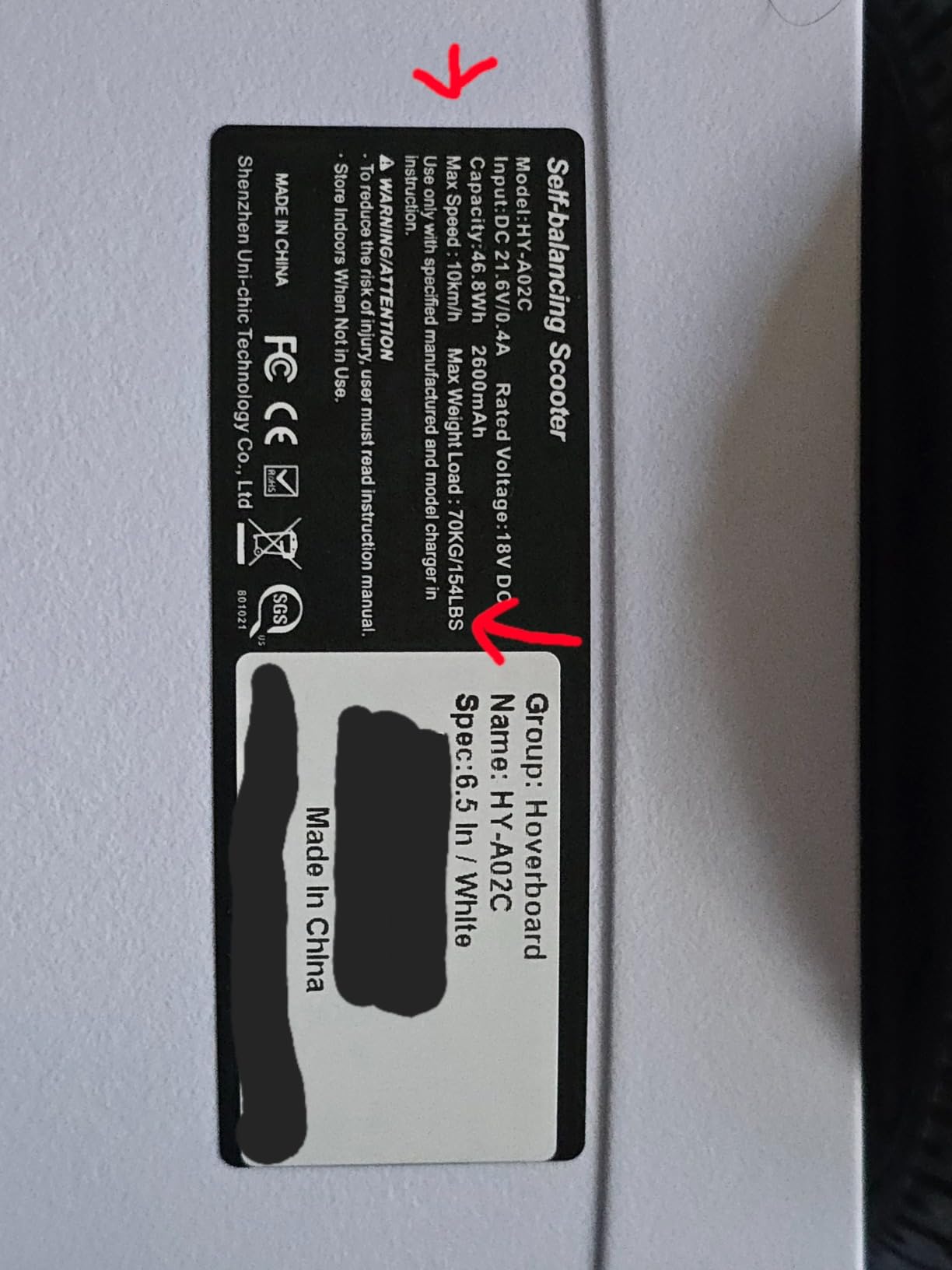
The LIEAGLE is also the one most parents buy twice, because the light-up wheels and built-in Bluetooth speaker turn practice into something a child will actually keep doing. New riders report that straight riding, turning and 360-degree spins all come quickly once the step-on is behind them.
What the 6.5 Inch Wheel Size Means for a First Ride
Smaller wheels mean a lower, more stable platform and a shorter turning response. They also mean every crack in the pavement reaches the motor housing. If you plan to ride on anything rougher than a driveway, this board is the wrong one — but for flat ground, it is exactly right.
Where the LIEAGLE Falls Short
Two things get repeated often enough to matter. A smaller group of riders reports the board stopping suddenly or losing stability without warning, and several mention that calibration takes practice before the board feels settled. Customer service contact experience is also described as unresponsive by some owners, and the warranty is 90 days, which is the shortest on this list.
Battery runtime is another recurring theme. Runtime shorter than expected does not mean a fault — a 6.5 inch plastic-frame board simply holds less charge than a board with a larger battery. Treat the first rides as practice sessions rather than transport.
Who It Is Not For
It is not the right pick for a rider over 200 lb, for rough ground, or for anyone planning long trips between destinations. It is also the wrong board for a heavy adult who wants to climb hills; there is a better option further down the list for that.
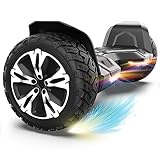
2. Gyroor Warrior G2 8.5 Inch – Steadiest All-Terrain Board for New Riders
Gyroor Warrior G2 8.5″Off Road SelfBalancing Scooter for Kids Adults, Black
8.5 inch solid all-terrain tires
12 km/h top speed
100 kg rider limit
2 hour charge time
Pros
- Handles grass
- gravel and cracked pavement
- Very stable for new riders
- Solid build that feels like a real vehicle
- Good speaker and bright LED lights
- 1 year controller warranty
Cons
- 30 lb board is awkward for small kids to carry
- Proprietary parts block third-party repair kits
- One motor or side reported failing after months
The Gyroor Warrior G2 is the board to buy if your riding surface is a mess. Its 8.5 inch solid tires roll over grass, dirt, gravel and wet surfaces without the sudden stop you get from a 6.5 inch wheel hitting a crack, and owners describe it as noticeably steadier than budget boards within minutes of riding.
It also carries the highest rider limit in this group at 100 kg, and a 4.4 rating across 5322 reviews. Children typically pick it up within 10 to 20 minutes according to buyer reports, which is faster than most parents expect.
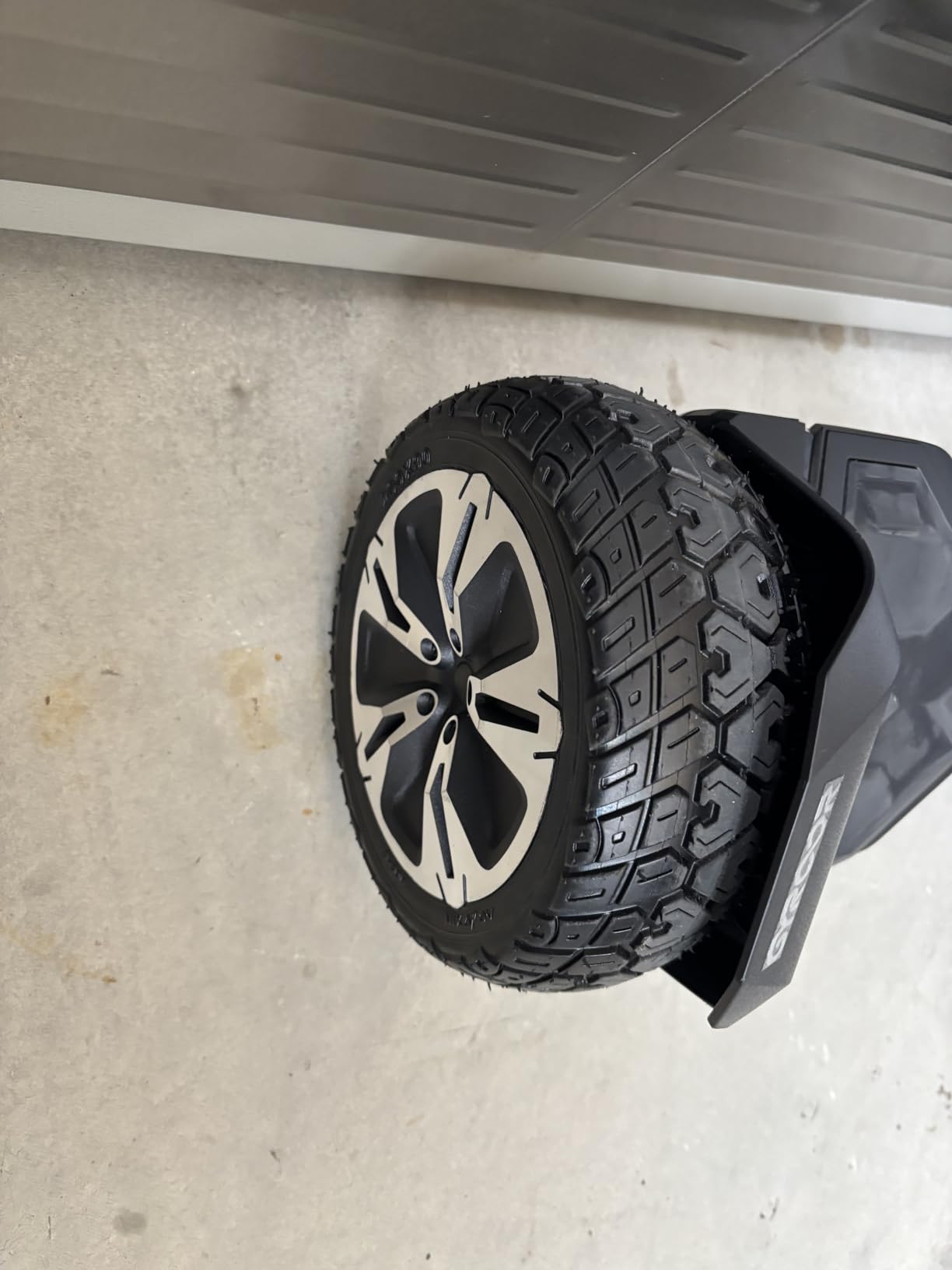
What you trade for that stability is weight. At 30 lb, this is a board you will feel in your arms after a short trip, and a small child cannot carry it. Consider it a driveway-and-park board rather than something that gets brought inside every night.
Battery, Charging and the Two-Hour Reboot
A 2 hour charge time is the shortest here and the single biggest quality-of-life difference for a beginner. You can ride after school and again after dinner. Boards that need five to eight hours teach a child that the fun is rationed, and that is where the reluctance starts.
The warranty structure is worth reading properly: 6 months on the battery and 1 year on the controller. In practice a controller is the part that fails less often, so that split is sensible rather than a trick.
Repairability Is the Weak Spot
Buyers report that internal parts are proprietary, which makes third-party repair kits unusable. One side or one motor has been reported failing after several months of use, and support responses tend to speed up only once a warranty claim is formally invoked. If you are not comfortable with a potential service visit, factor that into the choice.
Who It Is Not For
It is not for small children who need to carry the board themselves, for apartment living where 30 lb of scooter in a hallway is a problem, or for anyone on a very tight first-purchase budget.
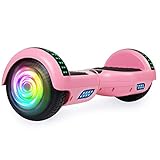
3. SISIGAD Scooter for Kids Ages 7-12 – Lightest Board for a Young Rider
SISIGAD Scooters for Kids Ages 7-12, with Built-in Bluetooth Speaker and 6.5″ Colorful Lights Wheels, Safety Certified Self Balancing Scooter(Pick)
7.5 lb board weight
6.5 inch rubber tires
200 lb rider limit
UL 2272 certified
Pros
- Balance system beginners pick up fast
- Light-up wheels kids love
- Audiobooks through the speaker
- 7.5 lb frame is easy for a child to carry
- Many colors and patterns
Cons
- Roughly 7 hour charge time limits turnarounds
- Light plastic frame feels less solid on rough ground
- Not for off-road or steep inclines
The SISIGAD is the pick when the rider is a child between roughly 7 and 12 and the question of whether they can carry the board home matters more than anything else. At 7.5 lb, it is the lightest board here by a wide margin, and owners say the self-balancing system is straightforward for beginners to learn.
The light-up wheels and built-in Bluetooth speaker are not decoration. Parents report that the speaker playing music or audiobooks is what turns a practice session into a reason to go out again, and that the color range is wide enough that a child feels the board is theirs.
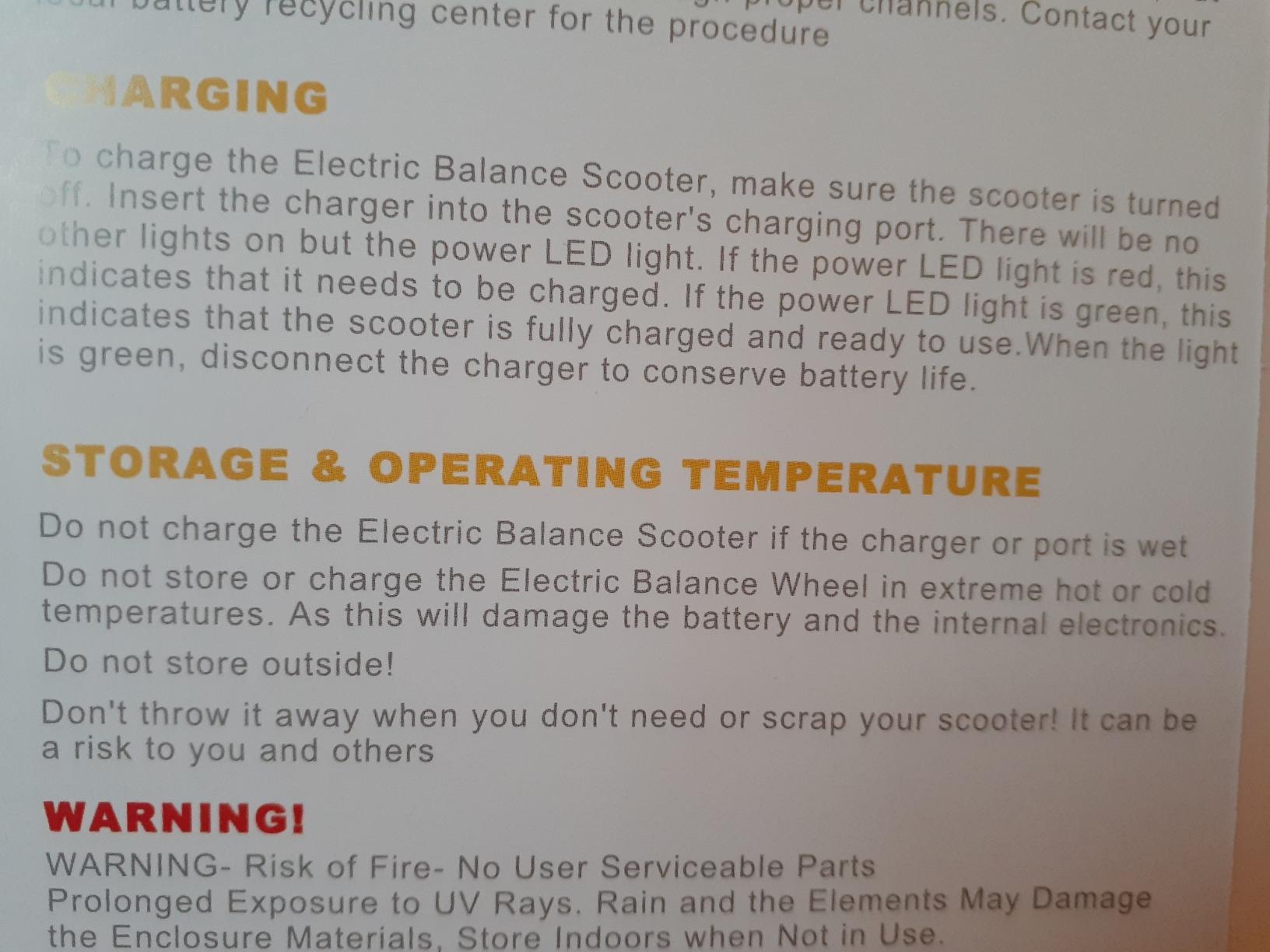
It is also UL 2272 certified for electrical safety, which matters more here than anywhere else on the list, because this board is the most likely of the eight to end up in a child’s hands unsupervised.
The Charge Time Is the Real Tradeoff
Roughly 7 hours to recharge is the longest of any board in this roundup, and it is the limitation owners mention first. A Friday evening charge means the board is not usable again until mid-afternoon Saturday. Plan charging overnight, and accept that a spontaneous trip is not happening.
Some published spec values for speed are also inconsistent between listings, so treat the exact top speed figure as approximate and confirm it on the page you buy from.
Surface and Frame Reality
The frame is light plastic. That is why it is easy to carry and also why it feels less solid on rough ground than a metal-framed board. On smooth indoor flooring, driveway pavement and neighborhood sidewalks it behaves well. On grass, gravel or a steep incline it is the wrong tool.
Who It Is Not For
It is not for teens approaching the 200 lb limit, for riders who want off-road capability, or for a household with a short window between wanting to ride and having a charged board.
4. SIMATE P6 Hoverboard – Best App Control for Parents
SIMATE Hoverboard, Bluetooth All Terrain Hover Boards with LED Lights and APP Control, Gifts for Kids Adults Girls Boys, for All Ages
7.5 mph top speed
7.5 mile range
220 lb max load
UL 2272 certified aluminum frame
Pros
- Intuitive balancing children learn fast
- Aluminum frame feels substantial
- App caps speed and shows battery
- LED and light-up wheels aid visibility
- Speed range kids can grow into
Cons
- Some boards lose charge quickly and cut out
- Wheels can catch on pavement cracks
- 220 lb limit means larger teens outgrow it
The SIMATE P6 is the only board in this roundup where a parent can change the rules from a phone. The XsCar companion app controls speed modes, lights, and battery monitoring, which means you can cap a new rider at the lowest speed mode without standing next to them.
Underneath that, it is a well-specified board: dual 250W motors, 7.5 mph top speed, 7.5 miles of range, 15 degree incline handling, a 220 lb load limit and a 1 year warranty. Owners single out the aluminum frame as feeling more substantial than plastic boards in the same class.
What the App Actually Changes for a Beginner
Three adjustable speed modes matter more than the headline top speed. A child who can glide at a low speed for a week will build the muscle memory to lean, and the same board at 7.5 mph will feel manageable later. The app also makes it obvious when the battery is low, which addresses a real beginner problem: nobody wants to be a mile from home on a silent board.
Two Complaints to Know About Before You Buy
The most repeated issue is battery behaviour. Some boards lose charge faster than expected and cut out abruptly mid-ride, and the same review summaries across this category mention short battery life limiting ride time. Treat a sudden cutout as a stop-riding signal and a service question, not something to push through.
The second is the wheels catching on pavement cracks and stopping suddenly. On 6.5 inch solid rubber wheels that is a surface problem, not a defect — it is another argument for teaching new riders to start on smooth, crack-free ground.

Who It Is Not For
It is not for a parent who will not set up an app, for a rider over 220 lb, or for a child who needs a board they can lift one-handed while walking. At 13 lb it is portable, but not pocketable.
5. FLYING-ANT 6.5 Inch Board – Quiet Choice for a Young Child
FLYING-ANT Hoverboard, 6.5 Inch Self Balancing Hoverboards with Bluetooth and Flashing LED Lights, Hover Board for Kids Teenagers
45 lb max rider weight
6.5 inch rubber wheels
Foot brake and shutoff
5 hour charge time
Pros
- Quiet enough for apartment practice
- Children learn in a couple of hours
- Stops safely when the rider steps off
- Grippy footpads reduce slipping
- Built to last over several years
Cons
- 45 lb rider limit is far too low for teens and adults
- Rough on gravel next to larger wheels
- 5 to 8 hour charge time is long next to ride time
The FLYING-ANT is built for one job: teaching a small child the step-on. Owners describe children becoming comfortable with a couple of hours of practice, and the thing parents mention most is that the board stops safely when the rider steps off or loses balance rather than running on.
Quiet operation is the underrated feature here. If you live in an apartment or a house with a shared wall, a board you can practise indoors at low speed is worth more than extra top speed, and this one does not need a street to be useful.
The 45 lb Limit Is Not a Small Detail
This board’s listed maximum rider weight is 45 lb. That is a genuine, hard limit and it is lower than most parents expect. It suits a young child and it is genuinely underpowered for a teen or an adult, so treat the capacity figure as the deciding spec rather than the aesthetic one.
It is also a little heavier to carry by hand than the light plastic frame suggests, and rough on gravel compared with larger all-terrain wheels. Charge time is listed at around 5 hours, with some owners reporting the longer end of that range.
Safety Details That Help a Beginner
There is a foot brake and an emergency shutoff, both of which are meaningful for a child who cannot yet rely on leaning back to slow down. Grippy footpads also matter more than they sound: a slipping foot is the most common cause of an early fall. The 3 month warranty is the shortest here, which is a reasonable trade for a lower-priced first board.
Who It Is Not For
It is not for anyone over 45 lb, including most pre-teens, and not for riding on gravel or grass. If your child is already a teenager, move to the SIMATE P6 or the Gyroor G13 instead.
6. Gyroor G13 All-Terrain – Longest Range With UL 2272 Certification
Gyroor G13 All-Terrain Hoverboard with Bluetooth & LED Lights Gift,Black
Up to 8 miles per charge
7.75 mph top speed
176 lb rider limit
UL 2272 certified
Pros
- Certification and balancing help beginners learn
- 6.5 inch off-road tires
- dual 250W motors hold 15 degree inclines
- 8 mile range with speaker and LED lights
- Converts to a go-kart with the K2 seat
Cons
- 176 lb weight limit is lower than most rivals
- 6.5 inch tires favor flat ground over true off-road
- Only 6 month battery warranty
The Gyroor G13 is the pick when range and certification both matter. Up to 8 miles per charge at speeds up to 7.75 mph is the longest quoted range among the boards here, and it carries UL 2272 certification with a reinforced frame built for 176 lb.
Buyers credit the self-balancing tech with helping beginners learn quickly, and the dual 250W motors give it enough torque to hold a 15 degree incline — which matters more in practice than the specification suggests, because most riders meet a driveway slope before they meet a flat field.
The Go-Kart Conversion Is the Beginner Feature
The G13 works with the separately sold Gyroor K2 seat attachment, converting into an electric go-kart. For a child who cannot hold a standing balance yet, sitting is a much lower bar, and parents supervising a young rider on a seated setup is a genuinely different safety posture from standing practice.
Bluetooth speaker, LED headlights and glowing wheel lights are all included, which handles dusk visibility better than a board with no lighting at all.
Where the 176 lb Limit Bites
176 lb is lower than most of the field, and it is the constraint to check first. A parent planning to buy one board for a child who will keep growing may outgrow this one within a season. Larger teens should look at the 220 lb boards instead.
Two further honest limits: the 6.5 inch off-road tires handle flat ground and light gravel far better than genuine off-road terrain, and the battery warranty is 6 months, so a battery failure after that point falls on you. Rider size and speed mode also still need adjusting through the app before the first ride.
Who It Is Not For
It is not for riders approaching 200 lb, for genuinely rough off-road trails, or for a buyer who wants a long warranty on the battery. The 8 mile range figure is also a best case; treat it as a ceiling rather than a promise.
7. SIMATE K1 Hoverboard – Highest Rated Build in the Group
SIMATE Scooter, Bluetooth Speakers and LED Light-Up Wheels, APP Control, Dual 250W Motors, 8.5 mph Max Speed & 8.5 Miles Max Range, Gifts for Kids Adults Girls Boys
Dual 300W motors
8 mile range at 7.5 mph
220 lb max load
1 year warranty
Pros
- Quick to learn for young riders
- Aluminum build holds up after a year
- Speed is enough to grow into
- Speaker and light-up wheels
- UL 2272 certified
Cons
- Performance drops for children over roughly 70 lb
- Best on smooth pavement with its 6.5 inch wheels
The SIMATE K1 has the highest rating of the eight at 4.5, and the spec sheet is the most grown-up of the mid-tier boards: dual 300W motors, an 8 mile range, 15 degree incline handling and a 220 lb load limit, all on a 1 year warranty.
Owners describe it as sturdy and still working well after a year of use, and report that children learn it quickly. The top speed of 7.5 mph is low enough for a first ride and high enough that a child does not immediately outgrow it.
The Honest Catch Is Rider Weight
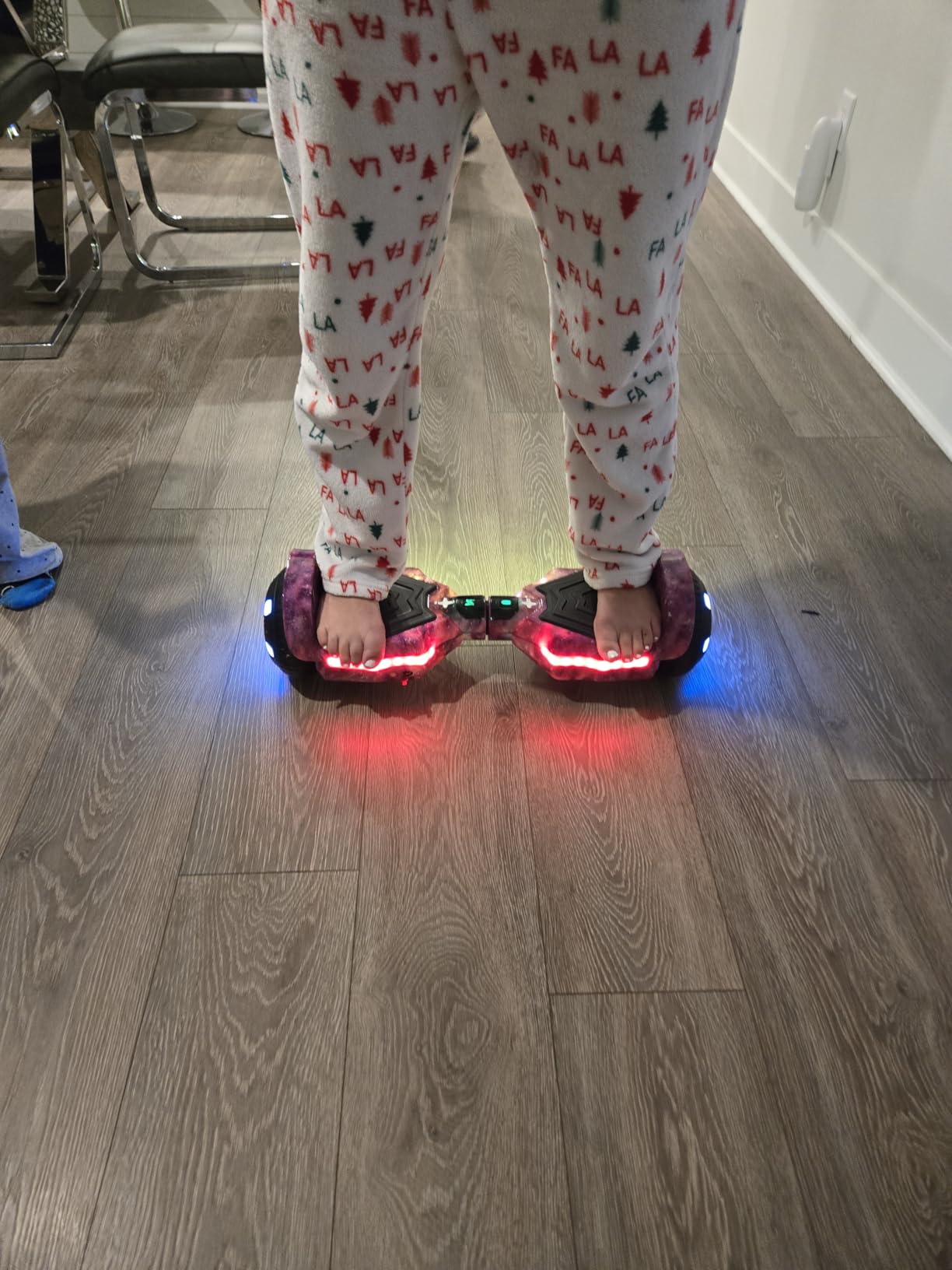
Rider weight is the practical limit, and buyers specifically note weaker performance for children over roughly 70 lb. That is unusual for a 220 lb rated board and worth taking seriously — a light child gets the intended experience, a heavier child on the same board does not.
Everything else is straightforward: 6.5 inch solid rubber wheels on an aluminum frame with a non-slip deck, LED lights and flashing light-up wheels, Bluetooth speaker, and app control over speed, battery and lighting.
Who It Is Not For
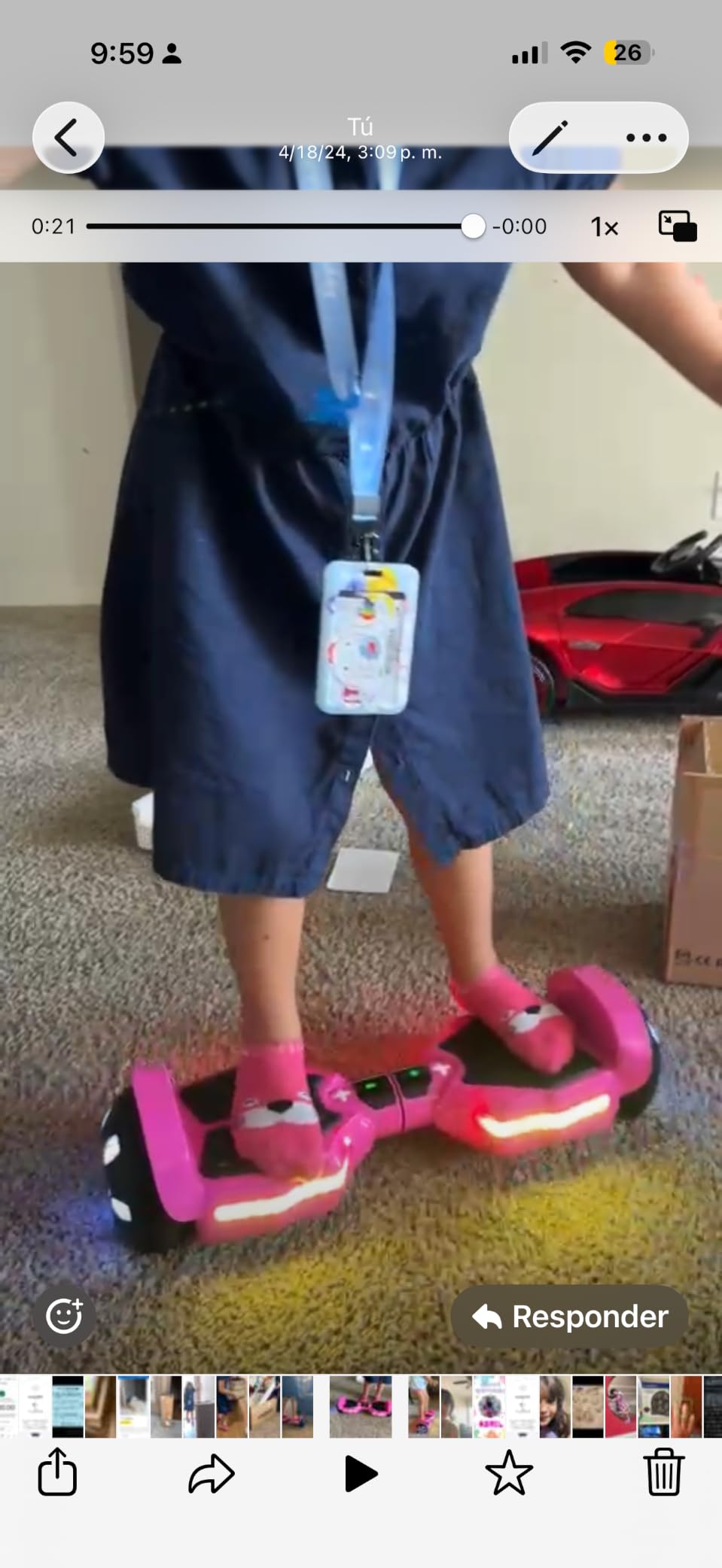
It is not the best choice for a child above roughly 70 lb, for rough terrain, or for a buyer who wants the largest review count available — at 590 reviews it has the shallowest owner base in this roundup, so you are trusting the spec sheet more than the long-term reports.
8. EPCTEK Scooter with Kart Seat – Best Option for Riders Who Cannot Stand Yet
EPCTEK Hoverboard with Seat Attachment Flash Wheel with Adjustable Frame Length for Kids Boys Girls,Green Set
Adjustable 23.6 to 31.4 inch frame
Included go-kart seat
8.5 mile range
Handlebar steering
Pros
- Frame grows with the rider from 23.6 to 31.4 inches
- Seat attachment makes balance far easier
- Push to go and pull to reverse is intuitive
- Speaker and front LED light
- Serves kids and adults in one package
Cons
- Rigid suspension feels harsh on rough surfaces
- Kart mode reduces agility
- Large and bulky once assembled
- Limited warranty coverage
The EPCTEK solves the specific problem of a rider who cannot stand confidently yet: it converts into a seated go-kart with an included seat attachment, and the frame adjusts across 8 levels from 23.6 to 31.4 inches so one purchase can follow a growing child.
The steering is a non-slip rubber hand-grip rod rather than body lean. Push to go forward, pull to reverse, and steer from the bar by twisting the handle, which is a real departure from how every other board in this roundup works, and it is why this one appears on beginner lists at all.
Why the Seat Changes the Learning Curve
Standing balance on a self-balancing board asks a beginner to control their weight shift with their ankles while the board is actively correcting underneath them. A seated setup removes the standing problem entirely, which is why parents supervising younger riders use this approach. The ergonomic seat and self-balancing system keep the rider steady while the board does the balancing work.
The tradeoff is agility. In kart mode the board is noticeably less nimble than in standing mode, and the assembled package is larger and bulkier than a plain self-balancing scooter. Rigid suspension and solid wheels also feel less smooth on rough surfaces.
Range, Features and the Warranty Catch
Range is listed at up to 8.5 miles, with a built-in Bluetooth speaker and a front LED flash light for night visibility. Electrics and battery are safety certified. The warranty is limited, which is the weakest coverage on this list — on a board that is structurally more complex than a plain hoverboard, that is a real consideration for a parent.
Who It Is Not For
It is not for a rider who wants the agility and compactness of a standing hoverboard, for trail or gravel riding, or for anyone buying a first board to keep for years without service worries. It is a learning tool first and a transport device second.
How to Actually Learn to Ride a Hoverboard
Most people can glide within 20 to 30 minutes of focused practice, and most people need several days to a week before riding feels automatic. The single hardest skill is not balance while moving — it is stepping on and off. Everything else follows from that.
A hoverboard has no brakes in the conventional sense. There is no handlebar and no brake lever. To slow down you lean back, and to stop abruptly you step forward off the deck. Riders who do not know this spend their first week terrified of stopping, so read this part before the first ride.
The Eight Steps, in Order
1. Choose the surface. A flat driveway, garage floor, or empty level field. No gravel, no grass, no cracks, no traffic, no slopes. The first three sessions happen on a surface you could park a car on.
2. Wear the gear before you power on. A properly fitted helmet, wrist guards, knee pads and elbow pads. Wrist guards are the one people skip and the one that matters most, because a forward fall onto outstretched hands is the most common beginner injury.
3. Set the lowest speed mode. If the board has beginner or learning mode, engage it. If it has three speed modes, use mode one and stay there. The SIMATE P6 and the SIMATE K1 let you do this from a phone app, which is the easiest way to enforce it.
4. Charge it fully, on a hard surface, watched. Never on bedding, never unattended, and only with the charger supplied with the board. Check the deck and cable for swelling or damage before you plug in.
5. Stand beside the board, not on it. Both feet on the deck together. Placing one foot then the other while the board is live is the single most common reason new riders fall over, because the sensors read a deliberate weight shift as a command to move.
6. Bend your knees and look forward. A bent-knee stance lowers your centre of gravity and absorbs small corrections. Looking down at the wheels makes you lean and start an unwanted movement — keep your eyes on a point ahead of the board.
7. Lean a centimetre, then wait. Tiny forward weight shifts produce movement. Big, fast leans produce acceleration you did not ask for. Let the board settle on flat ground before you try to turn, and turn by twisting your hips rather than your shoulders.
8. Learn the dismount first. Step forward off the deck with both feet together. Practise this stationary as many times as you practise riding — a controlled dismount is the difference between stopping and tumbling.
Your First 24 Hours, Week and Month
Day one: step-on, step-off, and 5 to 10 metres of gliding on the lowest speed mode. Stop when it becomes frustrating.
Week one: longer continuous glides, gentle turns with hip twisting, and your first attempt at controlled stopping. Move to speed mode two only when mode one feels boring rather than scary.
Month one: the board should feel like it holds you rather than fights you. This is when most riders move to a board with better range, and when people start asking for speed they do not yet need.
If you want the same step-by-step treatment for a different first purchase, our [record players for beginners](https://www.manbolo.com/best-record-players-for-beginners/) guide breaks down setup in the same numbered format.
What Age Should a Child Get a Hoverboard
Most sources put the floor at around 8 years old, and around 10 for unsupervised riding. The loudest parent consensus in the discussions we found is that 5-year-olds are clearly too young, and that a 7-year-old on a full-size board is genuinely risky without an adult within arm’s reach.
Age is a proxy for three real things: body size relative to the deck, the ability to shift weight without panicking, and the judgement to stop riding when conditions turn. A tall, calm eight-year-old can do fine. An impulsive eight-year-old on the same board is a different proposition.
Age Bands and What Each One Should Ride
Under 6: wait. There is no board in this roundup built for this, and the FLYING-ANT’s 45 lb limit already assumes a small child who can stand calmly on a deck. A seated setup such as the EPCTEK kart is a gentler introduction, and even then, closely supervised.
6 to 8: only with an adult present for the entire session, on a private flat surface, in the lowest speed mode. The FLYING-ANT and the SISIGAD are the relevant boards here — both are light, both are quiet, and both stop safely when the rider steps off.
8 to 12: the sweet spot for a first standing board. The SISIGAD, the SIMATE P6, the SIMATE K1 and the LIEAGLE all sit in this range, with 200 to 220 lb capacity that leaves headroom for growth. Keep speed mode control in the hands of a parent.
12 and up: treat it as an adult purchase. The 220 lb boards, or the Gyroor Warrior G2 with its 100 kg limit and 8.5 inch tires, suit a teenager who will outgrow a kids board within months.
One rule covers every band: if you would not supervise the first ride, do not hand over the board. Parents in the discussions we reviewed were consistent on this point, and it is a better guide than any age number.
How to Choose a Beginner Hoverboard Without Regretting It
Check UL 2272 first and sort everything else from there. It is the one criterion that eliminates a whole tier of boards, and it is the single most repeated reassurance in both listings and parent discussions. Two boards in this roundup do not list it, and we have said so rather than letting it slide.
Top speed: choose 7 to 8 mph, not 12. A 12 mph board is not more fun to learn on, it is just faster than you can process. Three of the eight boards here cap out at 7.5 mph, and those are the ones we would buy for a first ride. The 12 km/h board in this group is fine for an adult who already knows what they are doing.
Wheel size: 6.5 inch for smooth ground, 8.5 inch for everything else. 6.5 inch wheels are stable, cheap and responsive, and they will stop dead on a pavement crack. The 8.5 inch solid tires on the Gyroor Warrior G2 cost more and carry more weight, and they roll over grass, gravel and wet surfaces. If you are choosing one board for a child who will use it on a driveway and a park, the larger wheel is the safer long-term buy.
Weight capacity: buy for the rider you will have in two years. This is the column most first-time buyers under-read, and it is a leading cause of disappointment. The range here runs from 45 lb on the FLYING-ANT to 220 lb on the SIMATE boards. A 176 lb cap on the Gyroor G13 is fine for a small teen and a problem for an adult.
Charge time: the number you will resent. Two to three hours means a board you can use twice in a day. Five to seven hours means one ride a day at best, and a child quickly decides that is not worth the wait. Unreliable charging and shortened battery life are among the most repeated complaints across retail reviews of this category, so treat a long charge time as a quality signal, not just an inconvenience.
Price tier: skip the cheapest boards. The sub-100 dollar tier is the 150W, low-end end of the market, and boards there consistently draw the lowest ratings in shopping data. The mid-tier boards in this roundup hold 4.2 to 4.5 stars across thousands of reviews, and they carry the certification, wheel size and weight capacity that make them learnable. For a first board, the mid tier is not the expensive choice — it is the one that gets used.
Learning mode and app control: worth paying for when the rider is a child. A real beginner mode caps speed and softens the response. App control does the same thing from your phone, and it is the difference between a board a 9-year-old can ride fast and one they cannot.
Frequently Asked Questions
What is the best entry-level hoverboard for beginners?
The LIEAGLE Self-Balancing Scooter is the best entry-level hoverboard for beginners, because its 6.5 inch platform, 10 km/h top speed and 200 lb rider limit are conservative enough to learn on, and it carries UL 2272 compliance with the largest review base in the category.
How hard is it to learn how to ride a hoverboard?
Most riders glide within 20 to 30 minutes of focused practice and need several days to feel comfortable. The hardest part is not balancing while moving, it is stepping on with both feet at once and stepping off again. Practise the dismount stationary as often as you practise riding.
Are self-balancing hoverboards safe?
Certification reduces risk substantially but does not remove it. A UL 2272 board has passed stress tests for vibration, drops, motor overload, water and temperature, yet the CPSC has issued a current consumer warning telling people not to charge or use certain new high-tech X1-5 hoverboards. Charge on a hard surface, never unattended, and with the supplied charger only.
What age should a kid get a hoverboard?
Most sources put the floor at about 8 years old, and around 10 for unsupervised riding. Children under 6 should wait or start on a seated setup with close adult supervision. The deciding factors are calm body weight shifts, not birthday: a calm 8-year-old can do fine, an impulsive one on the same board cannot.
Which hoverboard is the best value for money?
Value in this category means a certified mid-tier board, not the cheapest listing. Boards under 100 dollars sit at the 150W end of the market and draw the lowest ratings, while the mid-tier boards reviewed here hold 4.2 to 4.5 stars across thousands of reviews. Among them, the SIMATE P6 pairs app speed control with a 1 year warranty.
Do hoverboards have brakes?
No. There is no handlebar and no brake lever on a self-balancing hoverboard. You slow down by leaning back, and you stop abruptly by stepping forward off the deck with both feet. Practise the forward dismount before your first real ride, because most beginner falls happen during a panicked stop.
Why did hoverboards get banned, and are they back?
They were banned after 2015 and 2016 battery fires triggered CPSC recalls and retailer pull-outs, not because of a lack of interest. The UL 2272 electrical safety standard and enforcement brought the category back. Today the market has split into lightweight kids boards, heavier all-terrain boards, and one-wheel boards and e-scooters that took the adult commuting segment.
Which brand of hoverboards are catching fire?
The CPSC has warned consumers not to charge or use certain new high-tech X1-5 hoverboards. No single brand is named in that advisory, so the risk factors are what matter instead: buy a UL 2272 certified board, use only its supplied charger, charge on a hard non-flammable surface, never leave charging unattended, and stop riding any board that cuts out repeatedly or shows swelling or scorching.
Which Hoverboard Should You Buy First
For most first-time riders, the LIEAGLE Self-Balancing Scooter is the right first board: a conservative 10 km/h top speed, a stable 6.5 inch platform, UL 2272 compliance, and the deepest owner base in the category to draw reassurance from. If your ground is grass and gravel rather than pavement, take the Gyroor Warrior G2 instead and accept the 30 lb carry weight.
Pick the SISIGAD for a child aged 7 to 12 who needs to carry the board, the FLYING-ANT only for a very young child under 45 lb who will practise indoors, and the SIMATE P6 when you want app control to cap a child’s speed. The EPCTEK kart is the answer when standing balance is still out of reach. Heavier riders above 200 lb should skip to the Gyroor Warrior G2 or a 220 lb SIMATE board, and the Gyroor G13 is the one to buy if range between destinations matters more than load capacity.
Whatever you choose, the first hour matters more than the first year of ownership. Certified board, hard charging surface, helmet and wrist guards, flat ground, lowest speed mode, and twenty minutes of step-on practice before anyone goes near a street.