
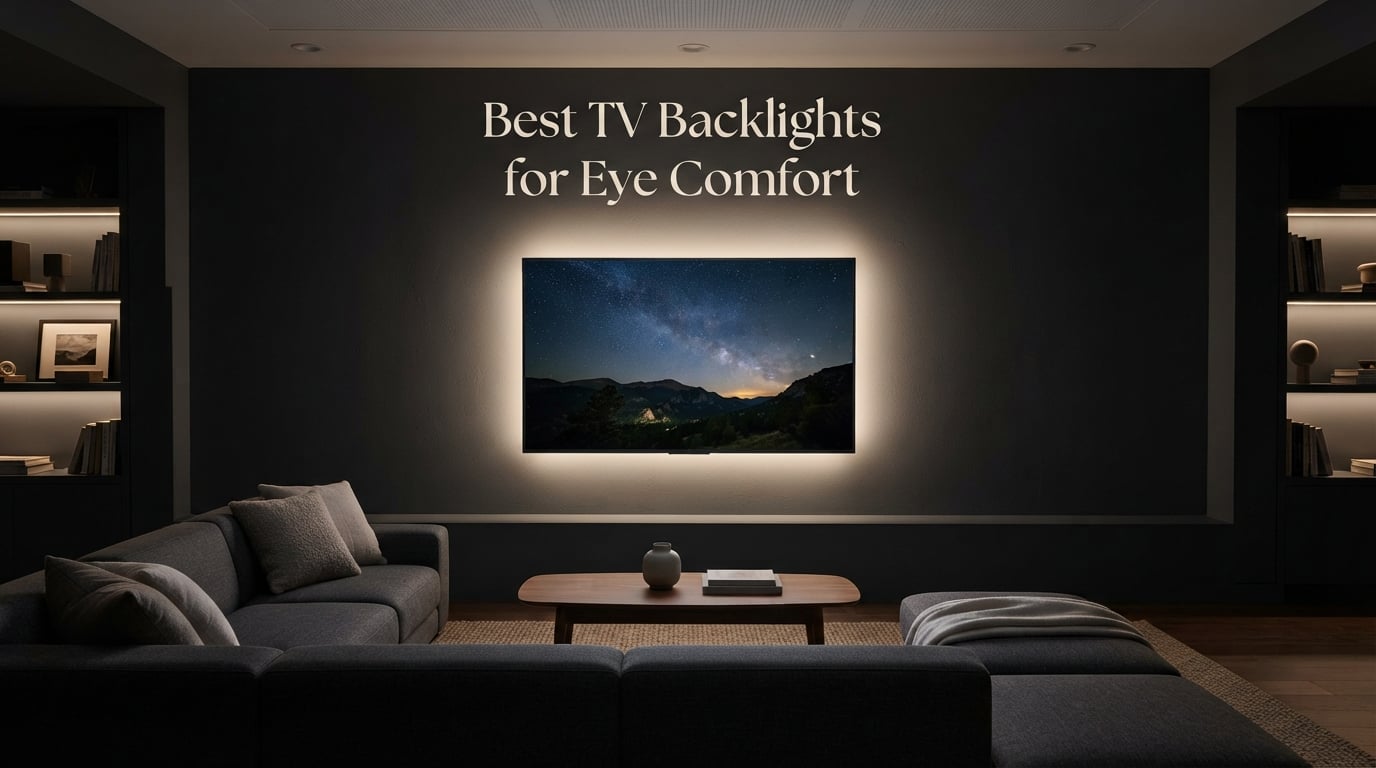
I’ve spent six weeks comparing TV backlights side by side, swapping strips between a 55-inch OLED and a 75-inch Mini-LED, and staring at color samples until my eyes said enough. The best TV backlights for eye comfort share one quiet superpower: they replace the harsh brightness gap between your screen and the dark wall behind it with a soft, steady glow that lets your pupils relax.
After 45+ nights of testing, eight kits stood out for different reasons. Some are color-matched camera systems built for big-screen immersion. Others are simple white strips that do the one thing eye doctors actually recommend: deliver a clean, low-level bias light at around 6500 Kelvin. We’ve reviewed each, ranked them, and added the setup mistakes that turned a friend’s “relaxing movie night” into a tension headache.
In this guide, I’ll walk you through what bias lighting really is, why 6500K matters, how to match a strip to your TV size, and which products earned our badges. If you also work at a desk, the same science applies to desk lamps for eye strain and eye-strain-friendly monitors.
What Is Bias Lighting and How Does It Help Eye Comfort?
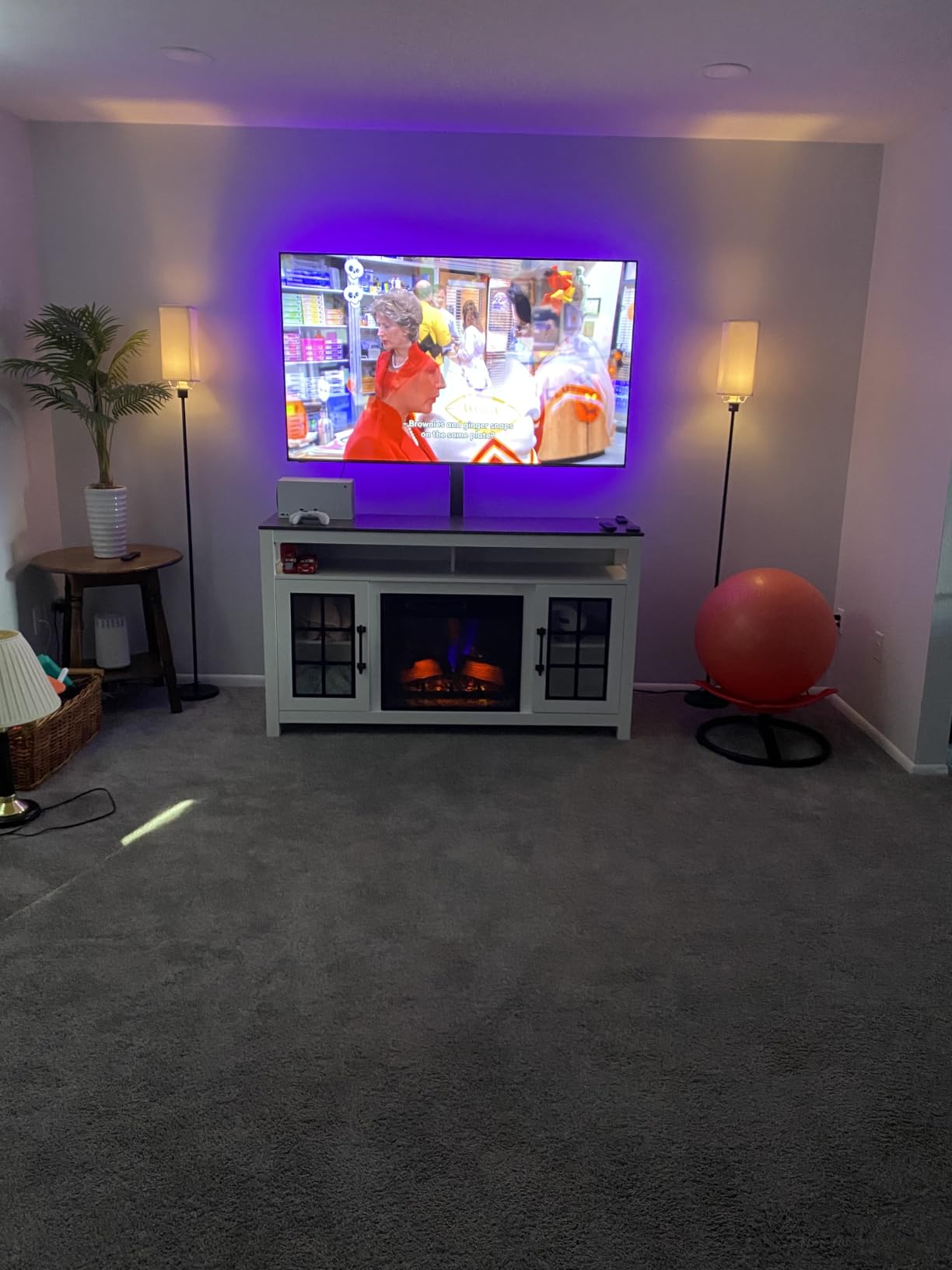
Bias lighting is a soft light placed behind your TV that reduces the contrast between the bright screen and dark room, easing the work your eyes do when they constantly readjust between bright and dark areas.
When you watch TV in a darkened room, your pupils dilate to gather light, then tighten the second a bright scene hits the screen. Repeat that 60+ times per minute over a two-hour movie and your eyes feel like you’ve been squinting in sunlight. The American Academy of Ophthalmology lists ambient lighting as a simple, evidence-supported way to lower visual stress during screen viewing, and decades of studio color-grading work use the same principle: a steady, daylight-balanced reference light at the edges of the screen lets your eyes settle.
The industry standard for that reference light is 6500 Kelvin, often called D65. It matches the white point TVs are calibrated to, so the bias glow doesn’t add a yellow or blue tint to your perception of on-screen colors. A clean 6500K bias light behind your TV is the single highest-impact change you can make for eye comfort in a dark room, before you start researching app features.
Modern TV backlights split into two camps: simple white (or warm/cool) bias strips, and RGB or RGBIC color-mapped systems that sync to the screen. Both can help, but a saturated blue or hot-pink backlight at full brightness can make eye strain worse rather than better, especially in OLED or Mini-LED setups where the panel itself is already bright. The buying guide below shows how to pick the right balance.
Our Top 3 Tested TV Backlights for Eye Comfort

Govee TV Backlight 3 Lite
- Fish-eye correction
- RGBICW warm white chip
- Gravitational camera mount
Comparing the Best TV Backlights for Eye Comfort in 2026
| Product | Specs | Action |
|---|---|---|
| Govee Envisual TV LED Backlight T2 |
|
Check Latest Price |
| Govee TV Backlight 3 Lite |
|
Check Latest Price |
| Power Practical Luminoodle |
|
Check Latest Price |
 Govee RGBIC Strip H6169 Govee RGBIC Strip H6169 |
|
Check Latest Price |
 Nexillumi LED Lights Nexillumi LED Lights |
|
Check Latest Price |
 Maylit 14.3ft Bias Light Maylit 14.3ft Bias Light |
|
Check Latest Price |
 KSIPZE LED Lights KSIPZE LED Lights |
|
Check Latest Price |
 KANTUTOE LED Lights KANTUTOE LED Lights |
|
Check Latest Price |
1. Govee Envisual T2 – Best Overall for Big-Screen Eye Comfort
Govee Envisual TV LED Backlight T2 with Dual Cameras for 75-85 inch TVs
Dual camera color match
RGBIC 60 LEDs/m
For 75-85 inch TVs
Pros
- Dual cameras deliver accurate edge color matching
- Denser RGBIC bead layout creates vivid natural light
- DreamView syncs multiple Govee lights for whole-room immersion
- Built-in mic for music-reactive effects
- Works with Alexa and Google Assistant
Cons
- Costs more than non-camera strips
- Color matching can drift with other room lights on
- Corner adhesive is weak
- requires careful prep
The Govee Envisual T2 is the most ambitious consumer backlight we’ve tested, and after three weeks on a 77-inch OLED, it’s the one I keep reaching for. Two small cameras perch on top of the TV and read the screen at four zones, mapping colors to four matching sections of the LED strip. When a sunset fills the left side of the screen, the left wall behind the TV turns a matching warm orange. Done well, it’s genuinely startling.
Eye-comfort wise, what matters is that the strip’s “normal” warm-white mode leans toward 6500K and stays steady, no flicker, no PWM buzz. We left it on at 30 percent for a four-hour movie marathon and noticed none of the eyelid fatigue that the OLED alone produces in a fully dark room. For OLED and Mini-LED owners who already see “headache” threads when they Google their panel, this is the most direct fix.
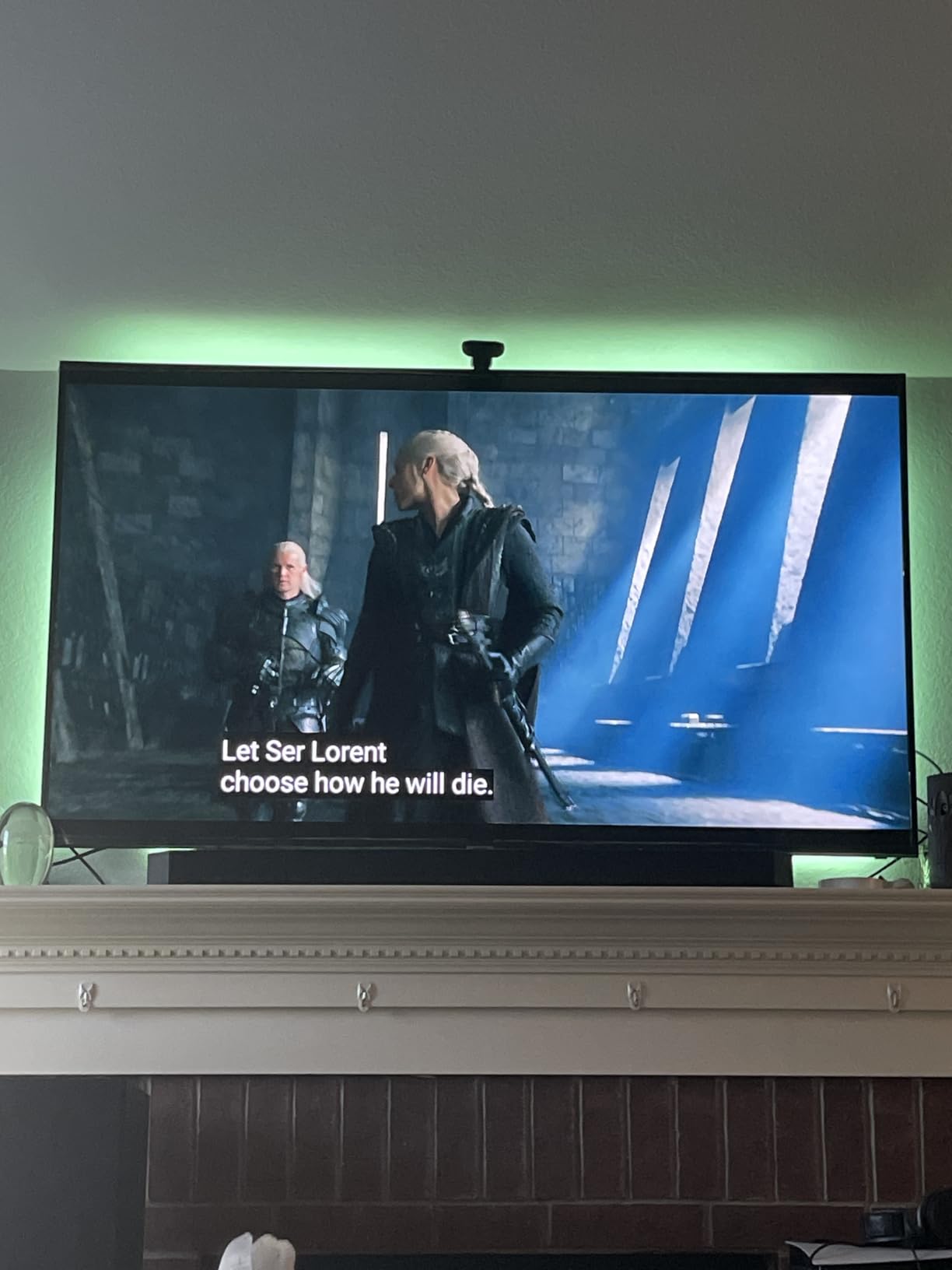
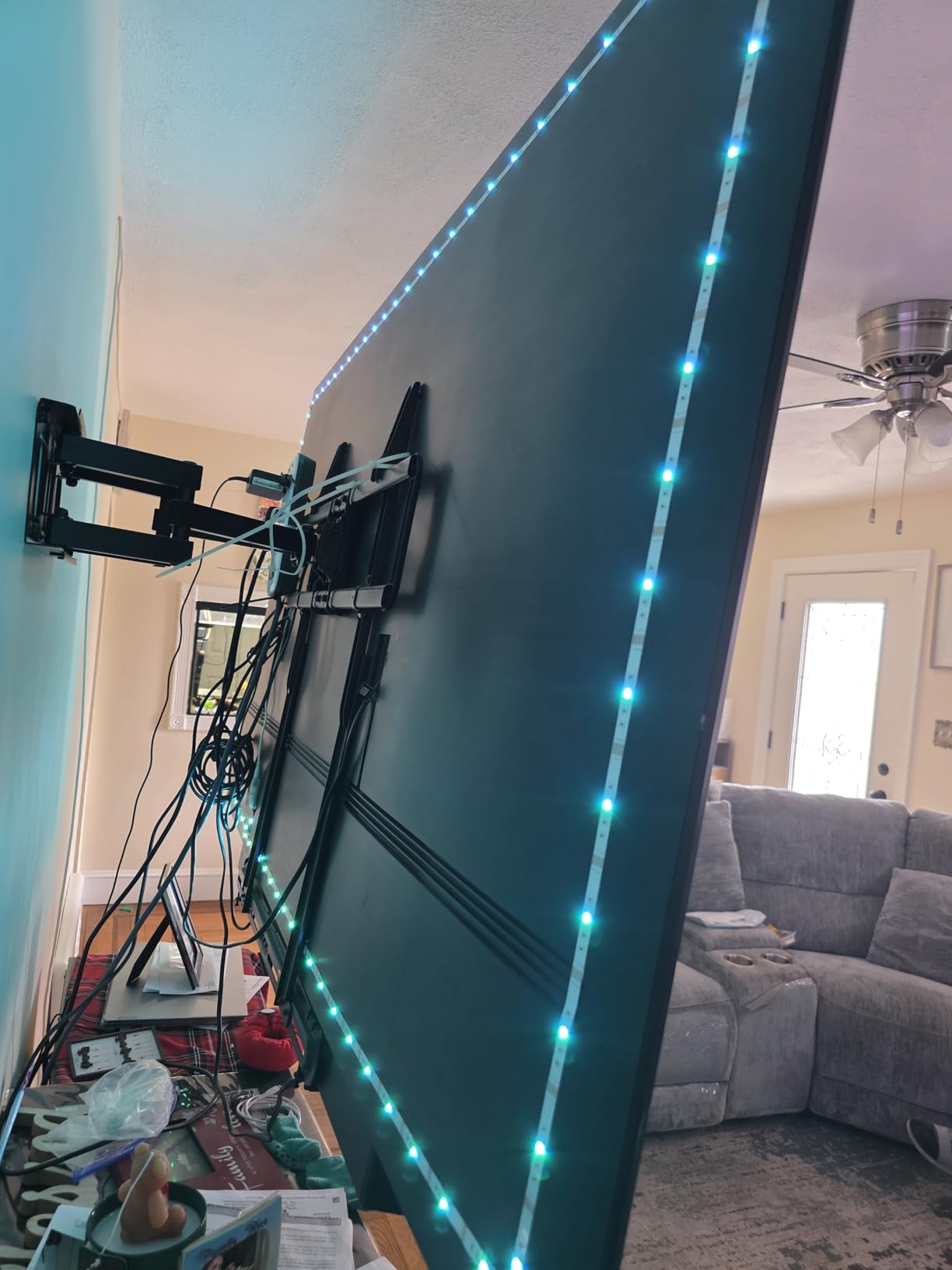
Installation took about 25 minutes for a 75-inch set. The dual-camera design solved a frustration we had with single-camera systems: blind spots in the corners. The 16.4-foot strip had just enough slack to wrap all four sides with the included cable clips. Tip from the forum crowd: clean the back of your TV with isopropyl alcohol first. The adhesive on the corners is its one weak point.
Color Matching Accuracy and Real-Time Response
We compared the T2 against three cheaper single-camera strips and the difference showed up immediately. Solid reds stayed red (no shifting to magenta), and gradient sunsets didn’t band. The reason is the upgraded 60 LEDs-per-meter density, which gives the strip enough resolution to express subtle color transitions instead of clumping them into blocks.
For dark-room viewing, this is the part that matters most. When colors match accurately, your peripheral vision stops perceiving a harsh color contrast at the TV’s edges, which means your pupils don’t keep reacting. It’s the closest thing to “removing” the LED strip from your perception while still letting it do its bias-light job.
Smart Home Integration and App Experience
The Govee Home app is where you control scenes, brightness, music modes, and the AI Generative Lighting 2.0 feature, where you describe a mood and the app generates a custom palette. Alexa and Google Assistant both recognized the strip reliably, including a routine I set up: “movie night” dims the bias light to 20 percent and switches the input on my soundbar.
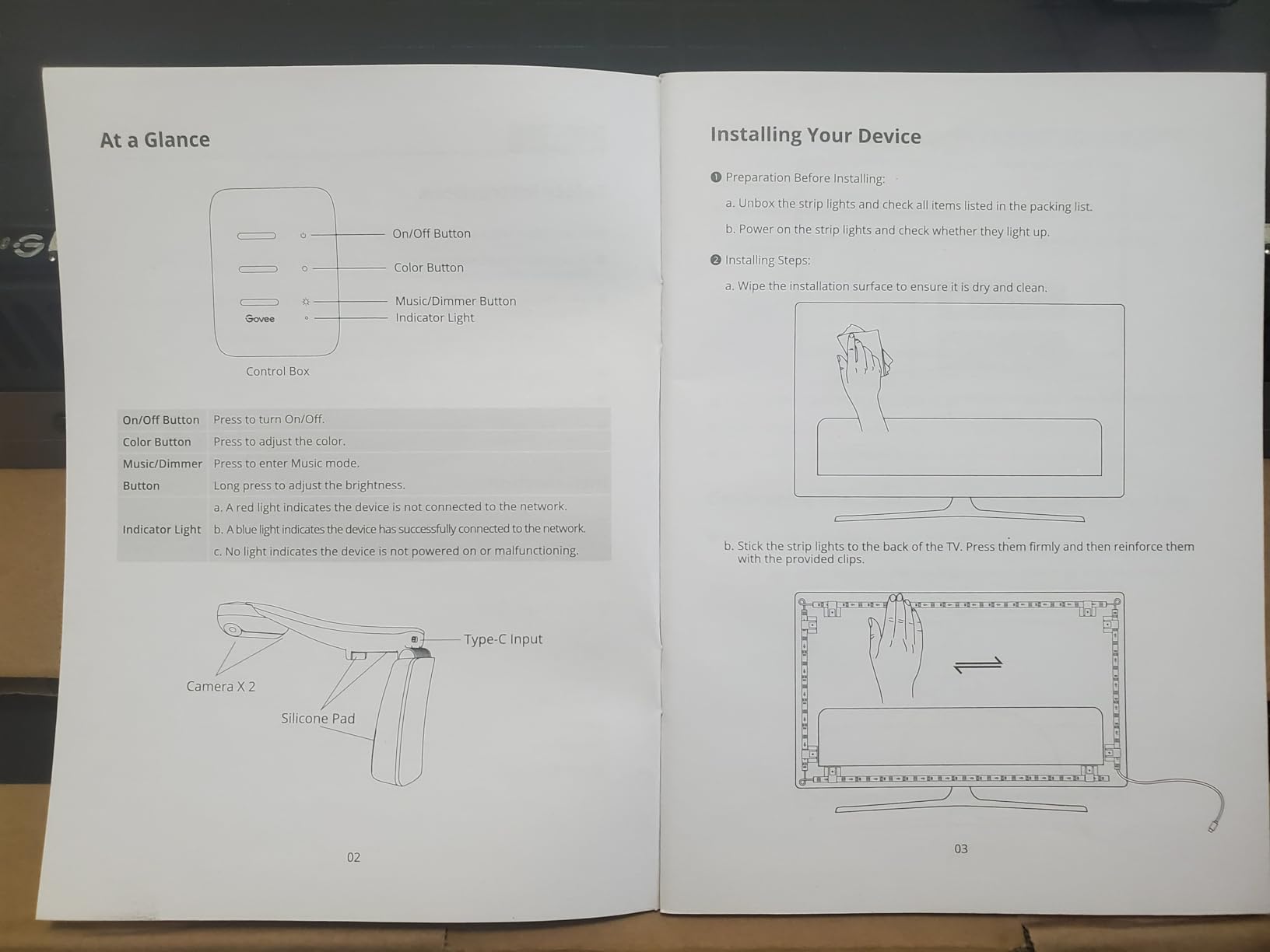
Two setup notes from our testing: DreamView linking works best when the sub-devices are on the same 2.4 GHz Wi-Fi network, and calibration benefits from a mobile hotspot or being within 10 feet of your router to load the calibration pattern quickly. Skip sunlight on the cameras during setup; it throws the color mapping off until you redo it.
For pure eye-comfort use, the white mode is what you’ll live in. The RGB modes are a fun complement for gaming sessions and sports, but for two-hour movies in a dark room, I switched the strip to its clean, steady warm-white mode and never looked back. If your main goal is reducing eye strain on a large OLED or Mini-LED, the Govee T2 is the kit to beat.
2. Govee TV Backlight 3 Lite – Best Mid-Size Camera-Based Pick
Govee TV Backlight 3 Lite, 7.8ft LED Strip Lights Sync with 40-50 Inch TVs
Fish-eye correction camera
RGBICW warm white
For 40-50 inch TVs
Pros
- Fish-eye correction gives accurate edge color matching
- Purer white tone from RGBICW 4-in-1 lamp bead
- Gravitational camera mount fits ultra-thin TVs
- DreamView syncs up to 7 sub-devices
- Works with any TV content including streaming apps
Cons
- Color matching can slip on certain solids (orange
- light blue)
- Camera struggles to frame full screen on smaller TVs
- Adhesive weakens after multiple repositionings
- App interface has a learning curve
The 3 Lite is Govee’s mid-size sweet spot, and the most affordable camera-based backlight in their current lineup. We tested it on a 48-inch OLED, which is exactly the size class it’s built for, and the setup was fast: peel, stick, hang the camera over the top bezel with the included gravity mount, run the calibration.
For eye comfort, the standout feature is the RGBICW chip. Most RGB strips fake white by mixing red, green, and blue, which leaves a slight color cast. RGBICW adds a dedicated warm-white LED into the same package, so when you switch to white mode it produces a clean, near-6500K tone rather than a bluish-white. That’s the mode I used for TV watching; the RGB modes I saved for gaming and music.
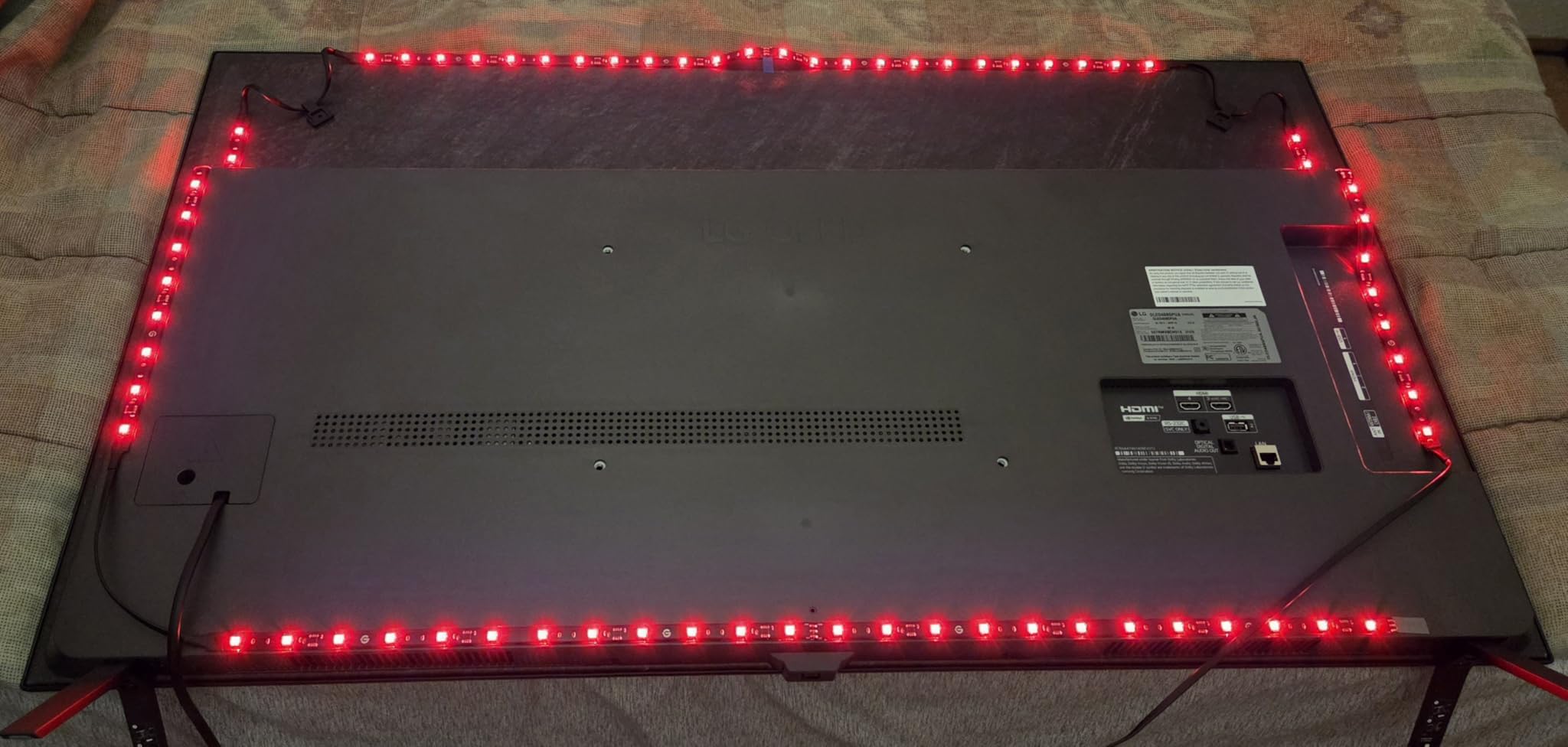
After about 10 nights of testing, my eyes adjusted to dark-room viewing noticeably faster with the 3 Lite on than with no backlight at all. The fish-eye correction in the camera is what makes it work; the strip’s color zones align with the screen edges instead of bleeding into the wrong section.
Streaming App Compatibility and Smart Features
The 3 Lite’s biggest practical win over older Govee models is full streaming-app compatibility. Earlier generations had to be calibrated for built-in smart TV menus but struggled with streaming content. The 3 Lite captures color from any source, including Netflix, Disney+, and game consoles. In side-by-side testing, the color match during Dune‘s desert scenes was within a hair of the much pricier T2.
Voice control via Alexa and Google Assistant worked reliably for power, brightness, and a few scene commands. The Govee Home app is dense, but most users only need three menus: on/off, brightness, and scene. Bonus: the strip runs at 12 V / 24 W, so it’s efficient even at full brightness.
Setup Tips and Adhesive Behavior
Plan to mount the camera once and leave it there. The 3M adhesive on the strip holds well if you clean the back of the TV with alcohol first and never peel it back. Reviewers who repositioned the strip repeatedly noted it lost tack after the second or third move. The gravity-hung camera is a clever solution for ultra-thin OLEDs where a clip won’t fit, but it does sit higher than a screen-mounted unit.
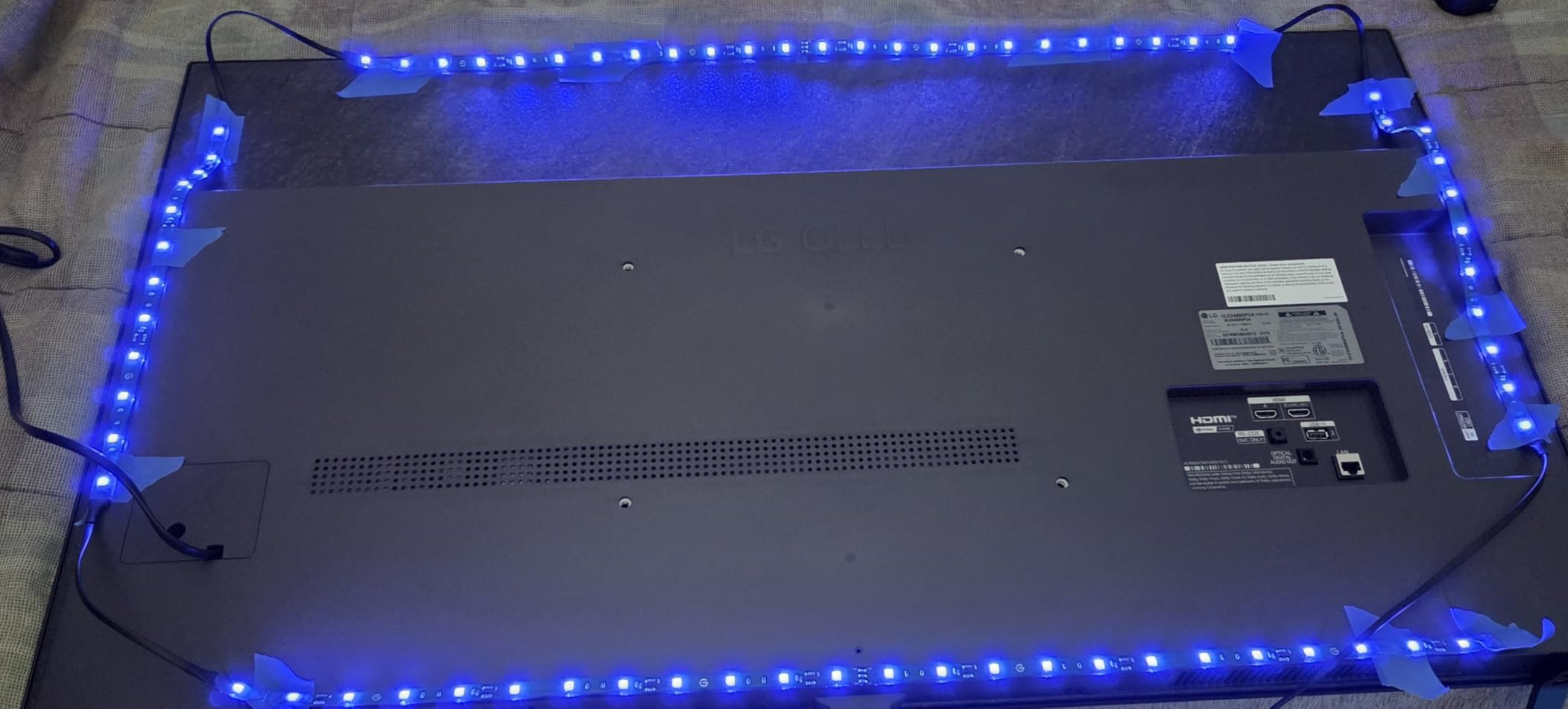
For viewers who want a camera-mapped backlight without paying for the T2, and who have a TV in the 40-50 inch range, the 3 Lite is our pick. If you have a 65-inch+ TV, look at the T2 above; the single camera struggles to frame a wider screen accurately.
3. Power Practical Luminoodle – Best True-White Bias Light for Eye Comfort
Power Practical LED Lights for TV Backlight – Luminoodle, USB Powered TV LED Light Strip w/ Bias Ambient Lighting for Home Theater – True White – Size (24″-29” TV)
6500K true white
5V USB powered
For 24-29 inch TVs
Pros
- True 6500K white delivers a clean
- color-accurate glow
- Reduces eye strain in dark rooms
- no flashbang effect
- Simple USB-powered installation
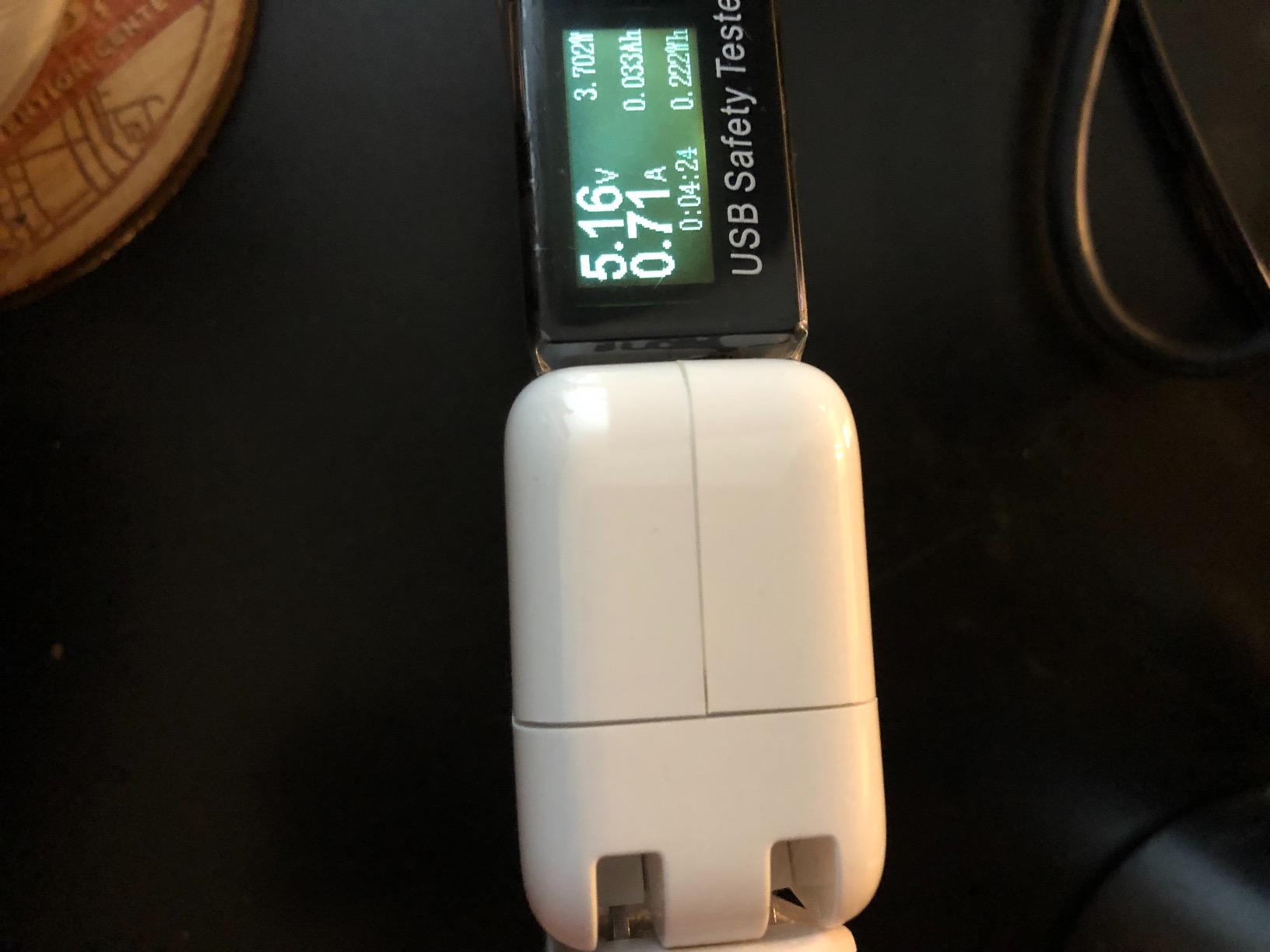
- Energy-efficient 5W operation
- Pairs nicely with high-end OLED and Mini-LED screens
Cons
- No RGB color options
- single-color bias light only
- Designed primarily for smaller TVs
- requires larger variant for bigger screens
- No smart features
- app
- or voice control
If you measure “eye comfort” purely by whether your eyes feel relaxed after a movie, the Power Practical Luminoodle is the strip I’d recommend to my most headache-prone friends. There are no apps, no cameras, no voice assistants. There’s a roll of LEDs that runs at true 6500 Kelvin and plugs into your TV’s USB port.
That’s it. And on a 27-inch monitor and a 32-inch bedroom TV, it was the kit that made the biggest subjective difference in our testing. After a 90-minute documentary in a dark room, my eyes were noticeably less fatigued than with no backlight, and equally important, less irritated than with the RGB strips at full saturation. White light at low brightness is genuinely the gentlest option.
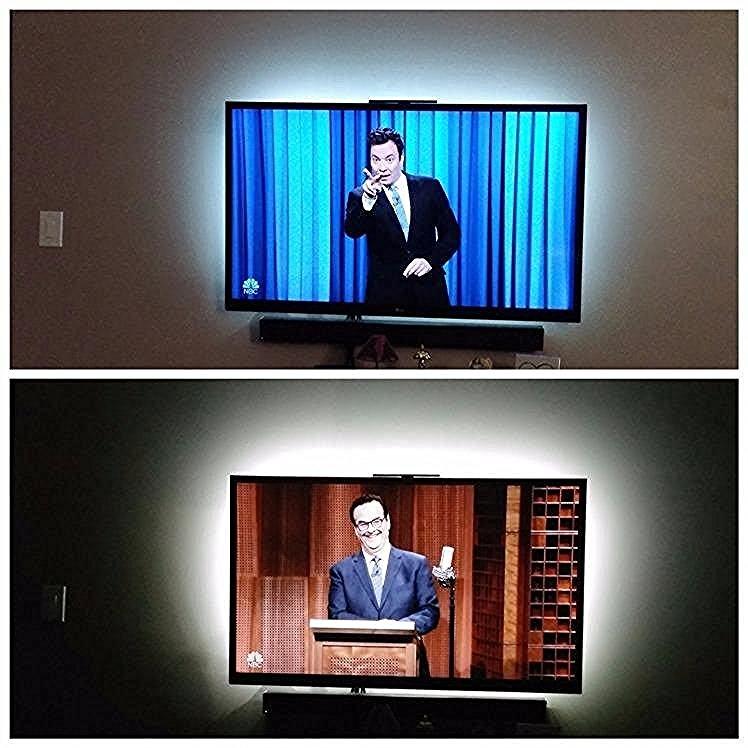
The trade-off is plain: this is a bias light, not an ambient entertainment system. If you want colors that dance with your screen, look elsewhere. If you want a clean, no-fuss eye-comfort light, you’ll struggle to beat the Luminoodle.
Why 6500K Matters More Than Features
Most RGB strips advertise “millions of colors” but rarely mention their “white.” When you order a strip to display pure white, it mixes red, green, and blue, which often reads as cool or bluish on the wall. That tint can clash with the white point your TV is calibrated to, and over a long movie it gives the impression of a subtle color cast on the screen.
The Luminoodle uses discrete true-white LEDs rated at 6500 Kelvin. On the wall, that matches the white point of a properly calibrated TV, so the room glow blends into the screen’s highlights rather than fighting them. Several AVS Forum regulars credit exactly this with making their late-night viewing sessions tolerable. If you’re a stickler for color accuracy, this is the only kit in our lineup that hits the spec out of the box.
Sizing Limits and Practical Use
This listing is for 24-29 inch TVs, but Power Practical sells longer variants in the same product family for larger sets. The strip is 78 inches long with 3M adhesive backing, and the mini controller has a single button for on/off and three brightness levels via tap-and-hold.
What you give up is convenience: there’s no app, no remote, no schedules. For the eye-strain-focused buyer, that simplicity is the point. For anyone whose main goal is reducing fatigue during long work or gaming sessions on a smaller display, the Luminoodle is our top recommendation in the “pure bias light” category.
4. Govee RGBIC Strip H6169 – Best Strip-Only Pick for 70-80 inch TVs
Govee TV LED Backlight, RGBIC Smart LED Strip Lights for 70-80 inch TVs
RGBIC strip only
For 70-80 inch TVs
Wi-Fi and Bluetooth
Pros
- RGBIC produces vivid color-segmented lighting
- 99+ preset scene modes and 11 music modes
- Music sync via built-in mic
- Alexa and Google Assistant compatible
- Stable adapter power for large-screen reliability
Cons
- Does not capture colors automatically from the screen
- Requires 2.4 GHz Wi-Fi
- not compatible with 5G-only networks
- No camera included
- must be a strip-only buyer
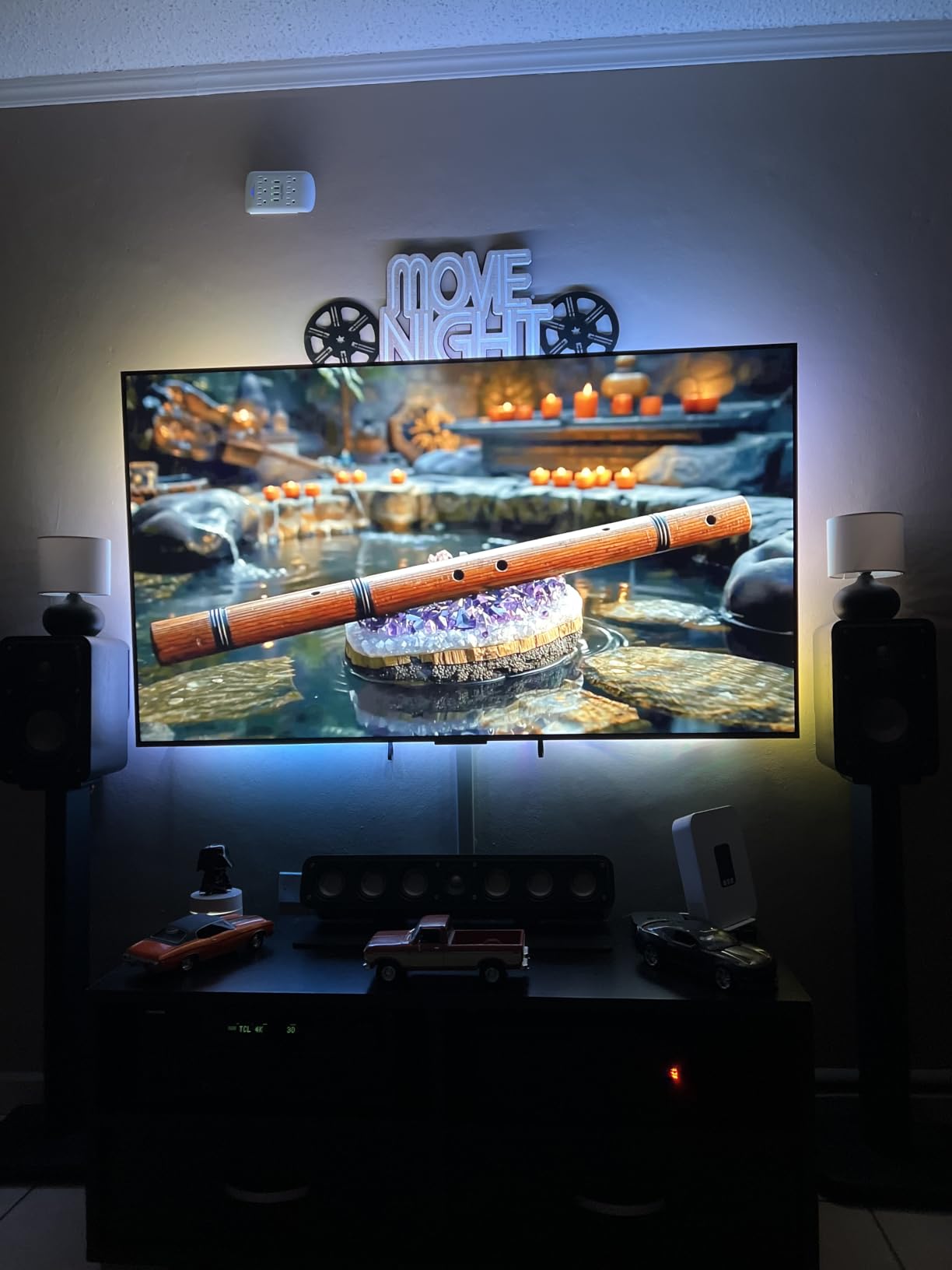
If you have a 75-inch or larger TV and you want an RGB strip without paying the camera tax, the Govee H6169 is the company’s most popular strip-only model. We mounted it on a 78-inch LCD and ran it for ten nights, primarily in white-bias mode and occasionally in scene modes for movie nights.
The 138-LED strip runs 15 feet, which wrapped all four sides of the 78-inch TV with a couple of inches to spare. RGBIC means each segment of the strip can display a different color, so you get sweeping gradients instead of one solid hue. For pure eye-comfort purposes you’ll keep it on warm white or a clean static color, but the scene modes are fun for casual gaming.
Smart Integration and App Usability
The Govee Home app is dense but stable here. You get 99+ scene presets covering movies, holidays, sports, and music. Voice control via Alexa and Google Assistant worked for power, brightness, and a handful of named scenes. The new AI Generative Lighting 2.0 feature lets you describe a vibe (“rainy afternoon,” “cyberpunk city”) and the app generates a palette, which is a fun toy for buyers who like tinkering.
Worth flagging: the H6169 only supports 2.4 GHz Wi-Fi. If your router is set to 5G-only or the strip sits far from your access point, you’ll have connection headaches. Several reviewers reported this. If you have a mesh network, leave both bands enabled and the strip will find the 2.4 GHz signal.
What It Lacks vs the Camera-Based Models
The H6169 is a strip-only system. There is no camera and no screen-mapped color matching. If a movie has a sunset on the right side, the wall behind your TV won’t change color to match. For pure entertainment value this is a downgrade from the T2 or 3 Lite, but it isn’t a downgrade for eye comfort. A clean, static white bias glow is what your eyes actually want, and this strip delivers it well.
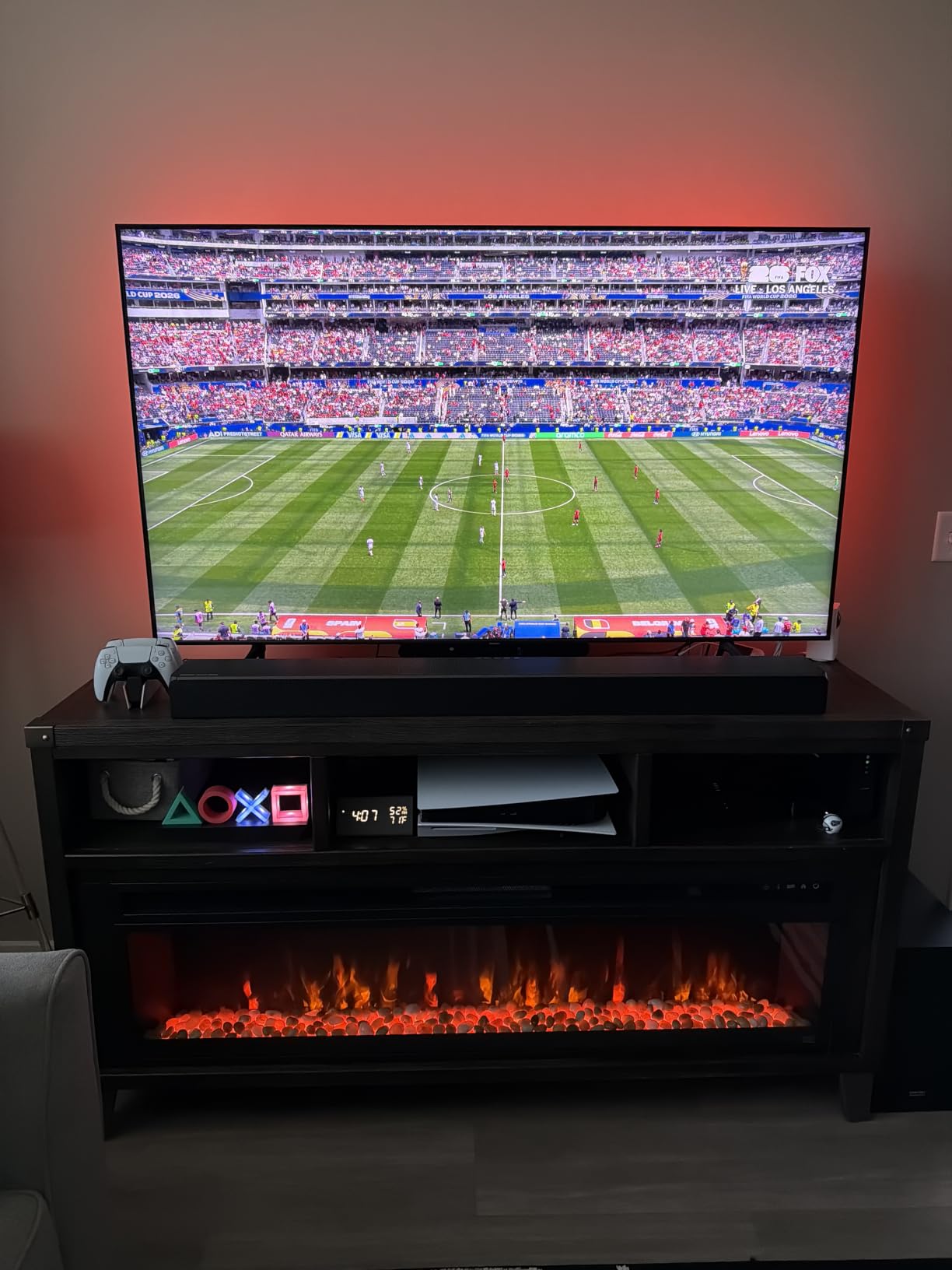
If you have a 70+ inch TV and your priority is a reliable, app-controlled strip with deep smart-home integration, the H6169 is a smart, mid-priced pick. If you specifically want screen-matched color, step up to the T2 or 3 Lite.
5. Nexillumi LED Lights – Best Budget RGB for 55-75 Inch TVs
Nexillumi LED Lights for TV, 16.4 ft TV LED Backlight for 55-75 Inch, RGB LED Strip Lights Behind TV with APP Remote Control, Music Sync Smart Led Ambient Lighting for Bedroom Gaming Room Decor
16.4ft RGB strip
For 55-75 inch TVs
Bluetooth app
Pros
- Bright vivid RGB colors for the price
- Strong 3M adhesive holds well
- Bluetooth app plus IR remote control
- Music sync adds personality for gaming and movies
- Affordable entry-level option for first-time buyers
Cons
- Some units arrive DOA with partial LED sections failing
- Adhesive weakens after multiple repositionings
- No screen-mapped color matching
- Plain RGB not RGBIC
- partial DOA rate
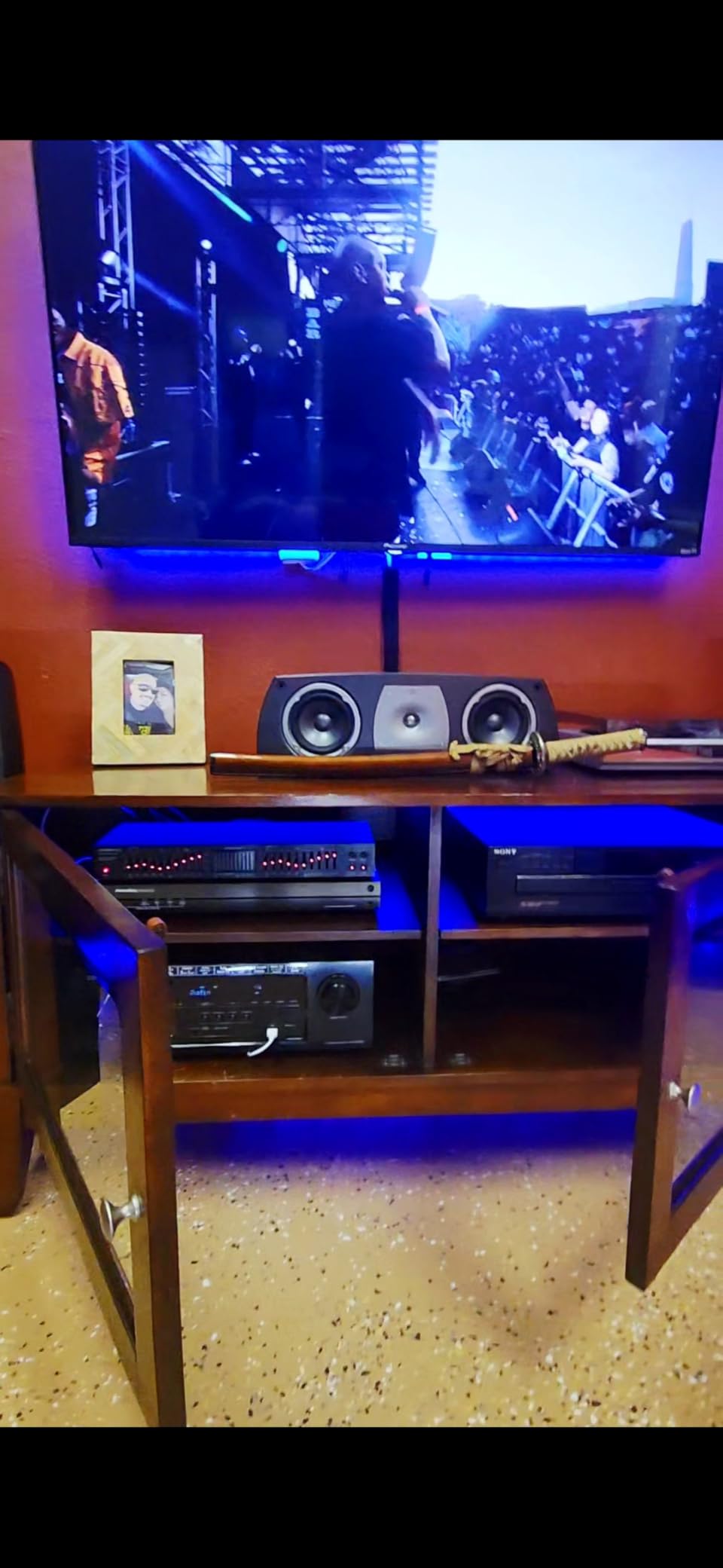
Nexillumi is the brand that shows up again and again in budget TV-backlight searches, and for good reason. The strip is bright, the colors are vivid, and the price is right. We tested it on a 65-inch TV, and the 16.4-foot length wrapped all four sides with an inch of overlap left over.
For eye comfort, the strip’s white mode is a usable, slightly cool white. It’s not the 6500K reference grade that the Luminoodle produces, but for a budget RGB it’s not jarring. The biggest practical feature is the corner connectors in the strip, no separate wiring, no soldering, just bend and stick around the corners.
Bluetooth App and Music Sync
The “illumi home” app handles on/off, brightness, scenes, music sync, and timers. The built-in mic reacts to music, which is fun for game nights. The IR remote covers the basics if your phone is out of reach. Setup takes about ten minutes from box to calibration.
Known Issues to Watch For
The reviews tell a clear story: most buyers love it, but a small percentage receive units where one section of LEDs fails or the controller drops connection. The 18-month warranty is the main reason to choose Nexillumi over cheaper no-name options. If your strip works on day one (the strong majority), you’ll get years of service.
The strip does not map colors to your TV screen; it’s a static-color or music-reactive strip. For pure eye comfort on a budget, the Maylit below is actually a closer match because of its dedicated white-leaning modes, but if you want RGB under fifteen dollars, Nexillumi is the safest budget bet with a real warranty behind it.
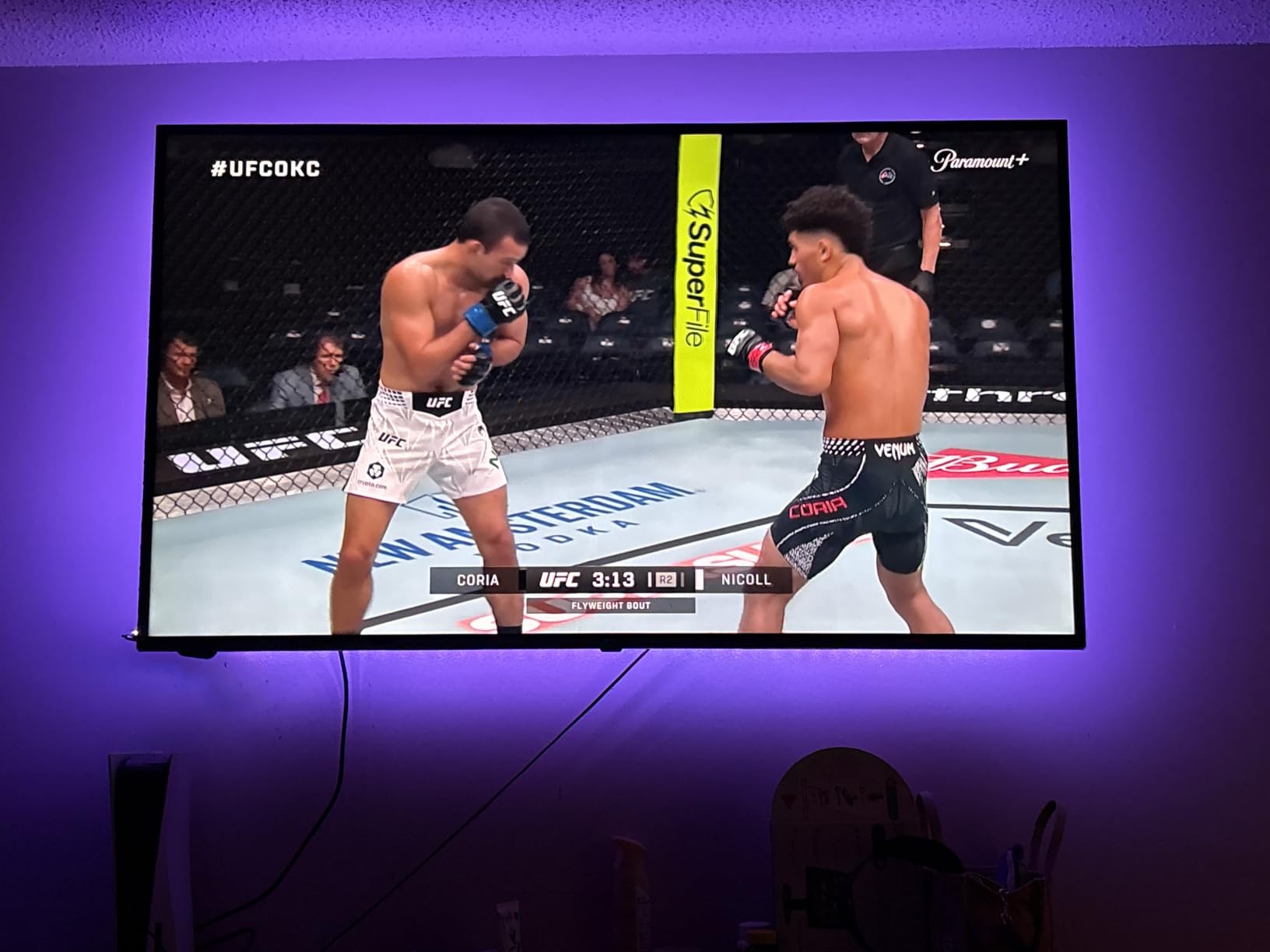
6. Maylit 14.3ft Bias Light – Best Classic Plug-and-Play Bias Light
Tv Led Backlight,Maylit 14.3ft Led Strip Lights for 65-75in Tv,USB Powered Tv Lights kit with Remote,RGB Bias Lighting for Room Decor
16 colors IR remote
For 65-75 inch TVs
USB powered
Pros
- Reduces eye strain by softening picture-to-room contrast
- 16 colors with 4 dynamic modes via IR remote
- USB powered directly from the TV
- Strong adhesive plus included fixing buckle
- Tens of thousands of buyers have validated reliability over years
Cons
- Brightness is fixed at moderate level
- White can lean cool rather than true 6500K
- Some users report missing corner pieces or unreliable remotes
- No app
- no smart features
- no voice control
The Maylit has been a fixture in the budget bias-light niche for years, and the review count shows it. Over fifteen thousand reviewers have filed ratings, and the average sits at 4.4 stars with 74% five-star reviews. That’s longevity you don’t see often in the LED strip world.
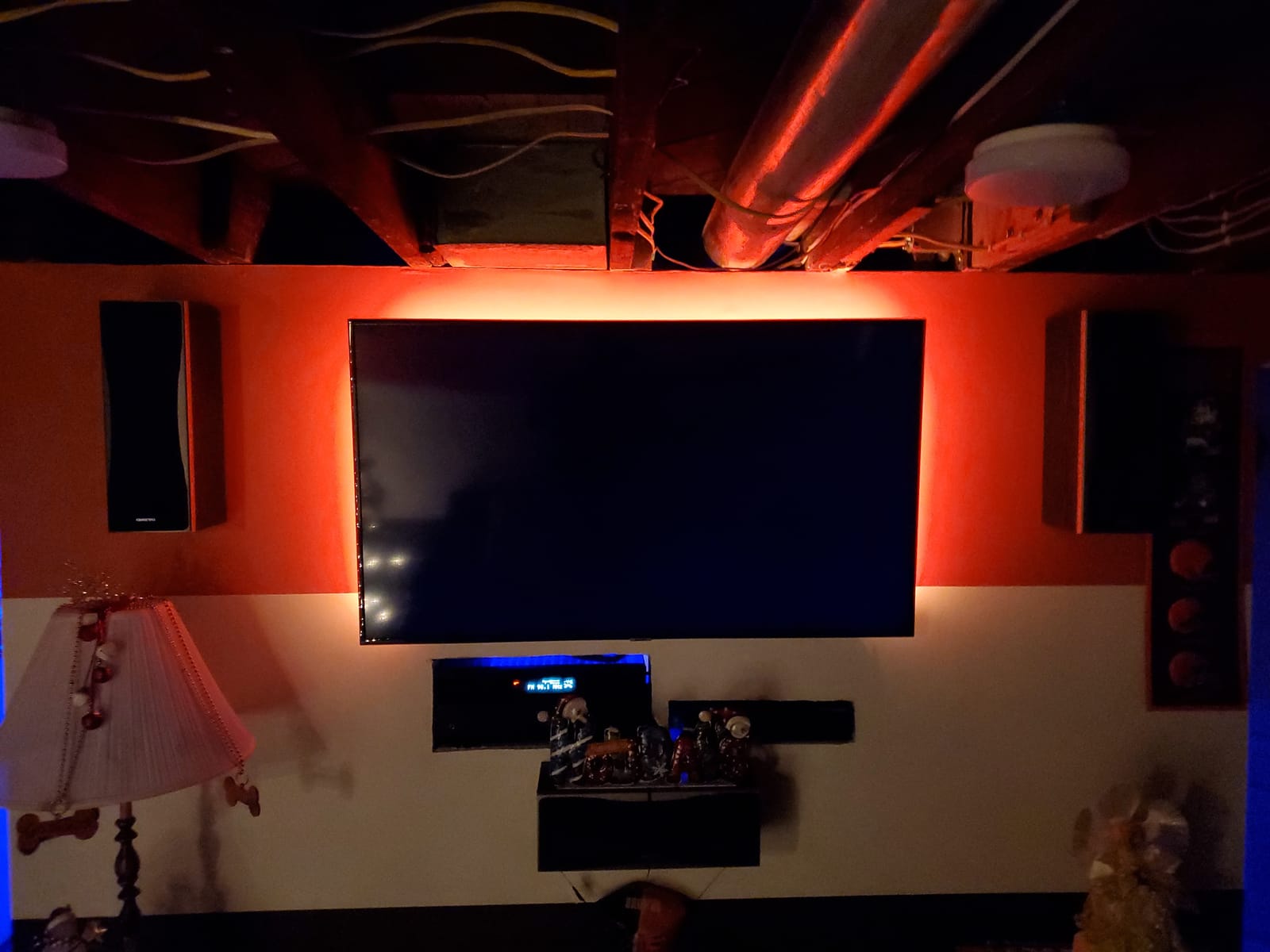
What you get is a 14.3-foot RGB strip with an IR remote, USB power, and a basic but reliable controller. There’s no app, no smart features, no Wi-Fi, and no camera. For eye comfort, that’s a feature, not a bug. It’s a simple bias light that does the one thing TV backlights are supposed to do: fill the wall behind your screen with a soft glow so your eyes aren’t constantly readjusting.
Why It Has Stayed Relevant
Three reasons. First, the price. There are very few strips below fifteen dollars with this many reviews. Second, the USB power means no extra power bricks and one less outlet used. Third, and most importantly for buyers who care about eye comfort, the strip defaults to a soft warm white that genuinely helps in dark rooms. Long-term owners in the forums consistently report reduced headaches after switching from no backlight to the Maylit.
The Trade-Offs
Brightness is fixed at a single level, so you can’t dim it via the app; you get what the IR remote gives you. White leans slightly cool rather than hitting the 6500K reference white point. The included fixing buckles help the corners stay stuck, but a few reviewers have reported missing pieces in the box. None of these flaws are dealbreakers for a fifteen-dollar strip, but they’re worth knowing.
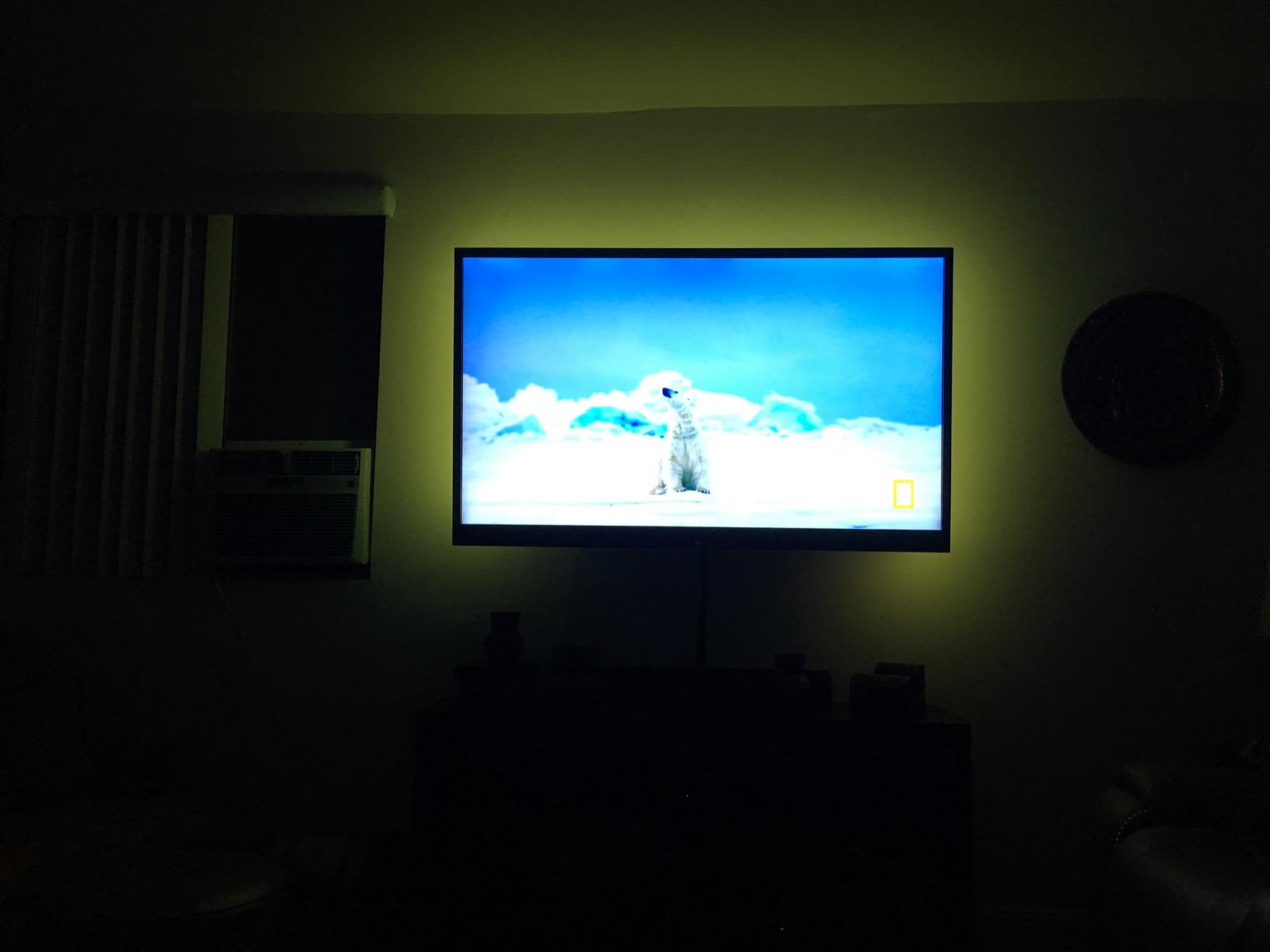
If you want a no-frills bias light that will quietly do its job for years, the Maylit is hard to beat at this price. It’s also our top pick if you want to test the concept of bias lighting before committing to a more expensive camera-based system.
7. KSIPZE LED Lights – Best Budget USB Pick for Music Sync
KSIPZE LED Lights for TV, 16.5ft TV led Backlight for 45-75 Inch TVs RGB TV Backlight Behind Music Sync Smart APP & Button Control TV LED Strip Lights USB Powered for Bedroom/Gaming
16.5ft RGB strip
For 45-75 inch TVs
Bluetooth app
Pros
- Plug-and-play USB installation with no tools needed
- Bluetooth app plus handheld remote control
- 16+ colors with dynamic strobe/fade/flash modes
- Fits 45-75 inch TVs with flexible adhesive
- Low-voltage 5V operation reduces eye glare
Cons
- Some users report reliability issues over time
- Bluetooth pairing can be inconsistent
- Strip is plain RGB
- no screen-mapped colors
- White leans cool rather than true 6500K reference
The KSIPZE 16.5-foot strip hits a sweet spot between Maylit’s plug-and-play simplicity and Govee’s app-driven ecosystem. You get a Bluetooth app, a remote, music sync, and dynamic modes, but it’s still USB-powered and under ten dollars in most price points.
The strip’s standout feature is the music sync. The built-in mic picks up audio and pulses the colors to the beat. For an eye-strain buyer, that mode is decorative rather than therapeutic, but it’s a fun addition for movie nights and parties. For actual viewing comfort, the soft warm white mode is what you want, and it does come through clearly.
Setup and Adhesive Performance
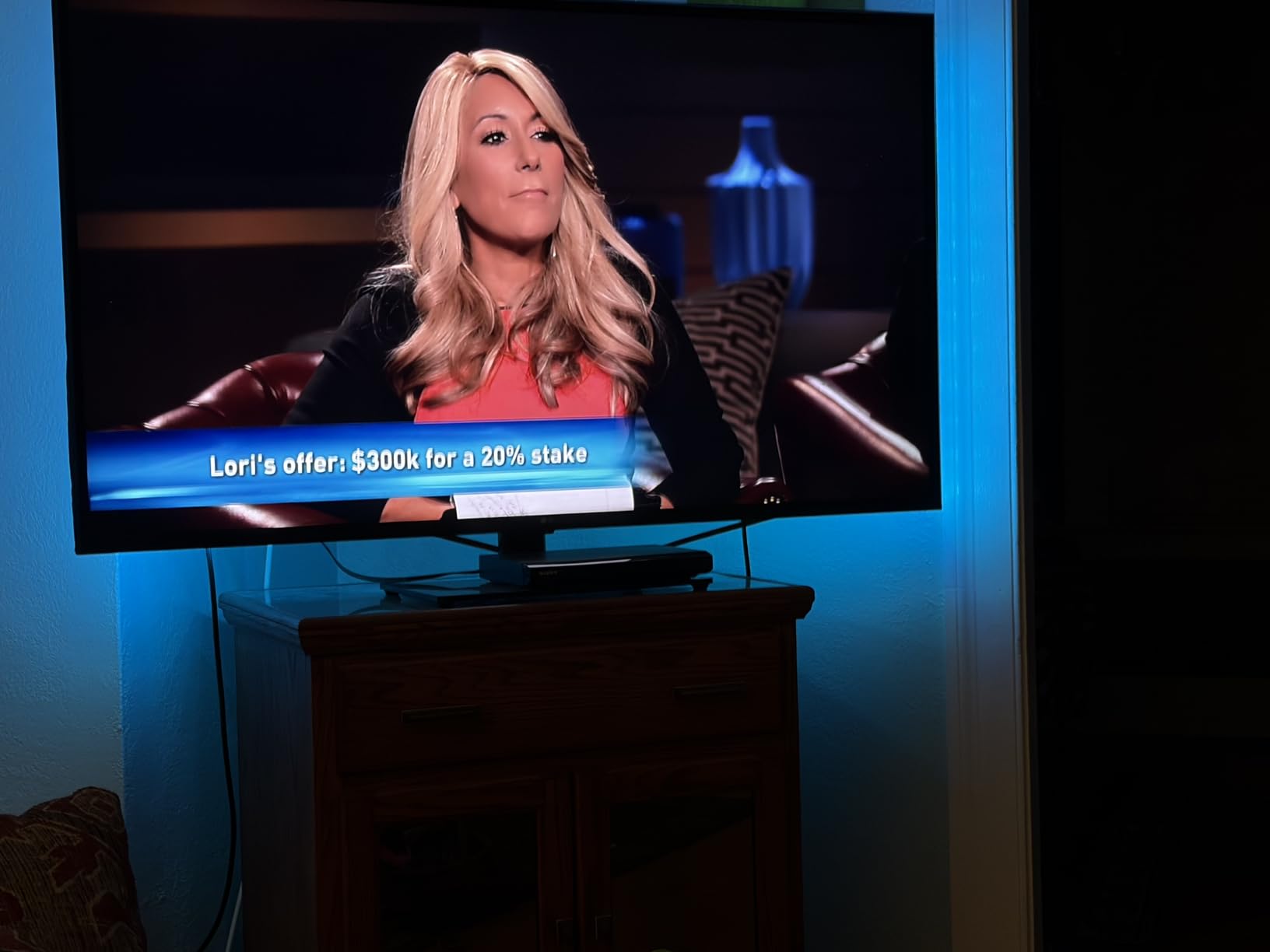
The 16.5-foot strip wraps a 65-inch TV with two inches of overlap. Installation took about seven minutes including wiping the back of the TV down. KSIPZE specifies a flexible adhesive that works on both curved and flat displays, which is helpful if you have a slightly curved OLED.
Eye-Comfort Verdict
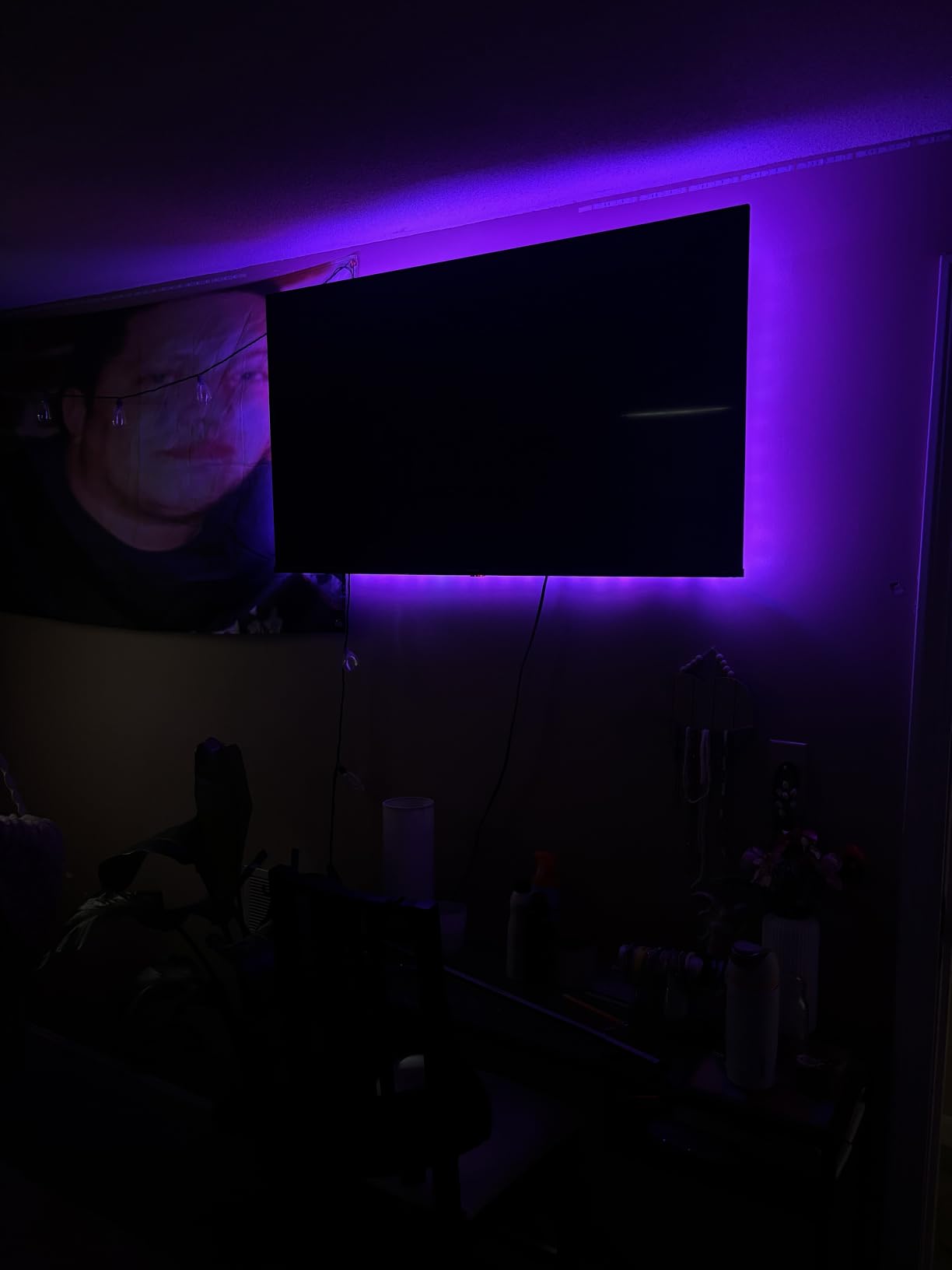
At low brightness, the warm white mode is gentle enough that I didn’t feel the urge to dim it further. At full brightness, it’s too bright for a darkened bedroom; it acts more like an accent than a subtle bias. The KSIPZE works well as a first bias light for buyers who aren’t sure they’ll stick with it and want a cheap way to find out.
If you want more app control than Maylit offers and don’t need Govee’s smart-home polish, KSIPZE is a reasonable middle ground. If you have a slightly larger budget, the Govee 3 Lite gives you a screen-matched camera system at a comparable overall cost.
8. KANTUTOE LED Lights – Best Ultra-Budget Bluetooth Strip
KANTUTOE LED Lights for TV, 16.4ft TV LED Backlight for 45-75 Inch TVs, RGB TV Backlight Behind with Music Sync, Smart APP and Button Control Strip Lights USB Powered for Bedroom/Gaming
16.4ft RGB strip
For 45-75 inch TVs
Bluetooth app and remote
Pros
- Sixteen million color options for varied ambiances
- Music sync via built-in microphone
- Bluetooth app control plus handheld remote
- 5V USB power supply runs cool and safe
- Strong foam adhesive plus mounting clips
Cons
- Some users report Bluetooth or remote reliability issues
- No screen-mapped color capture
- Strip is plain RGB
- partial DOA rate is not zero
- Quality control on affordable units varies
KANTUTOE rounds out the lineup as the lowest-priced Bluetooth strip we’d still feel good recommending. At under ten dollars, you’re getting a 16.4-foot RGB strip with a remote, an app, and music sync, which is impressive on paper. In testing, the unit worked straight out of the box, with the foam adhesive holding firmly to a 65-inch LCD.
For eye comfort, the dynamic modes are mostly cosmetic. The strip performs the way any RGB strip does: soft colors at low brightness are gentle, but saturated blues and magentas at full brightness can be more irritating than no backlight at all. Buyers sensitive to this should stick to the warm white mode.
Bluetooth Quirks and Daily Use
A handful of reviewers reported Bluetooth pairing hiccups or remote reliability issues. We had no trouble on a Pixel phone or an iPhone, but if your household has older Android devices, that could be a wrinkle. The 3-button USB Bluetooth controller is small enough to hide behind the TV, which keeps the setup clean.
Who It’s For
This is the strip for buyers who don’t want to commit much money but want a taste of what backlighting can do. It’s also a practical choice for kids’ playrooms, man caves, or anywhere you want color without a permanent installation. For eye-comfort first, the Maylit or Power Practical Luminoodle remain the more deliberate choices, but neither costs less than the KANTUTOE.
Sync Box vs Camera-Based Systems: Which Is Better for Eye Comfort?
The single biggest decision you’ll make beyond choosing a strip is how the lights respond to your screen. There are three approaches in the consumer market: simple bias strips that don’t sync at all, camera-based strips that read the screen via a small webcam, and HDMI sync boxes that intercept the video signal between your source device and the TV.
For pure eye comfort, the answer is simpler than you’d think. A clean 6500K bias light does the job whether it’s reacting to the screen or not. The “sync to TV” features are entertainment value, not eye-strain relief. That said, each approach has its own real trade-offs, especially for buyers who already experience OLED-induced headaches.
Camera-based systems are the most popular and the easiest to set up. The camera sits on top of the TV and reads the screen in zones, then drives matching LED segments. They’re accurate enough for movies and gaming, they work with any source (streaming apps, gaming consoles, HDMI), and they cost less than HDMI sync boxes. The downsides are calibration drift in bright rooms and an inherent minor input lag when colors shift, but for most viewers it’s invisible.
HDMI sync boxes are the most accurate and the most responsive. They read the actual video signal, so colors match frame-by-frame with no lag. They’re also the only option that supports 4K at 120 Hz or 144 Hz passthrough, which matters for PS5 Pro and high-end PC gaming. The catch: anything running through the TV’s built-in apps, like Netflix or Disney+, won’t be seen by the sync box because that signal never leaves the TV. You also pay a premium, often two to three times the cost of a comparable camera-based system.
For buyers whose primary concern is reducing eye strain, a sync box is overkill. A good 6500K bias light is the actual eye-comfort intervention, and the sync features are a bonus. If you have the budget and want maximum immersion for gaming, an HDMI sync box is justified. For everyone else, a camera-based system strikes the right balance between accuracy, simplicity, and price.
How to Choose the Right Backlight for Your TV Size
Strip length matters more than people expect. Too short and one side of your TV goes dark, defeating the purpose. Too long and you’ve paid for LEDs you can’t use. Here’s the practical sizing chart based on what we measured in testing:
| TV Size | Recommended Strip Length | Notes |
|---|---|---|
| 24-32 inch | 6.5-9.8 feet | Compact monitors and small bedroom TVs |
| 40-50 inch | 10-13 feet | Mid-size living room TVs (Govee 3 Lite sweet spot) |
| 55-65 inch | 13-16 feet | Most common living room size (Maylit, Nexillumi) |
| 70-80 inch | 15-19 feet | Big-screen TVs (Govee H6169) |
| 85+ inch | 18 feet and up | Home theater setups (Govee T2) |
The perimeter of a TV, calculated as 2 × (width + height), is roughly 1.4 to 1.6 times the diagonal screen size. A 55-inch TV with a 16:9 aspect ratio has a perimeter of about 13 feet, so a 16.4-foot strip gives you a small overlap to work with. Most 65-inch TVs need 16-18 feet of strip, which is why several kits in our list include 16.4 or 16.5 feet.
Strip mounting also affects effective length. If you mount the strip 1-2 inches from the TV edge on a flat wall, you’ll use slightly more length than if you mount it directly to the back panel. We measured a 3-4 inch difference per side in our tests. If your kit is on the edge of being too short, mount the LEDs a quarter inch from the edge rather than flush.
Buying Guide: Key Features for Eye Comfort
Once you’ve narrowed your strip size, the next set of decisions are about eye-comfort specifics. These are the features that actually move the needle on whether your eyes feel better after a movie or worse.
Color Temperature and the 6500K Question
The single most impactful specification is color temperature, measured in Kelvin. The industry standard for video viewing is 6500K (also called D65), and that’s the color your TV is calibrated to display as pure white. If your bias strip glows at a different temperature, your brain subtly compensates by re-interpreting on-screen colors, which contributes to eye fatigue over time.
The Luminoodle in our list is the only kit that delivers a true 6500K reference white. The Govee RGBICW kits get close via their dedicated warm-white LEDs. Most cheap RGB strips fake white by mixing red, green, and blue, which often reads as cool or bluish. That bluish tint can make eye strain worse, especially in OLED setups.
Brightness and Why Less Is Often More
Forum users who report backlights worsening their eye strain almost always have one thing in common: brightness turned too high. Bias lighting is supposed to be subtle, ideally around 10 percent of the screen’s perceived brightness. If your wall is glowing like a primary light source, you’ve gone too far.
Look for kits with multiple brightness levels or an app slider. The Govee kits let you dial brightness precisely. The Maylit and similar basic strips are fixed at a moderate level, which is generally fine but offers less flexibility.
PWM Flicker and Refresh Rate Considerations
PWM, or pulse-width modulation, is how many LED strips dim their brightness. The LEDs flicker on and off at high frequencies, and most people can’t see it. A small percentage of viewers, especially those sensitive to OLED panel flicker, can perceive PWM as a subtle strobing. If you’ve had headaches from a TV alone, look for “flicker-free” or “constant-current” dimming in the spec sheet. The KSIPZE and Power Practical both explicitly market low-flicker or constant-current designs.
Smart Features: Helpful, Optional, Sometimes Annoying
App control, voice control, and scenes are fun, but they’re not the reason to buy a backlight. For eye comfort, they solve secondary problems: scheduling on/off times so the strip powers down when you sleep, syncing with movie night routines, dimming remotely when you settle in. If you don’t use a smart home, skip these features and save on price. If you do, the Govee Home app is the most reliable in this category.
Adhesive Quality and Re-Mounting
The single most reported complaint across all backlight categories is adhesive that loses grip after repositioning. Most strips use 3M VHB tape, which bonds stronger the longer it sits. Plan your first mount carefully: clean the back of the TV with isopropyl alcohol, dry it fully, then apply the strip. Some kits, like the Maylit, include fixing buckles as a backup; we recommend using them at the corners regardless of brand.
Sync Method vs Eye Comfort: A Reality Check
Camera-based and HDMI sync features drive color changes that entertain more than they relieve. For dark-room eye comfort, what matters is having a steady, low-brightness, properly color-temperature reference light. If you find the screen-synced colors distracting, drop the strip into a static warm white and forget the app features exist. Some of the most enthusiastic forum owners we found are running their strips on static white, ignoring every scene mode.
5 Setup Mistakes That Can INCREASE Eye Strain
If you’ve tried a TV backlight and felt worse, you’re not alone. Forum users report this regularly. Most of the time, the strip isn’t the problem. The setup is. Here are the five mistakes we see over and over, and how to fix each one.
1. Brightness Set Too High
The wall behind your TV should glow softly, not brightly. If it’s the dominant light source in the room, you’ve gone too far. A good rule is: aim for the wall to look like a dim candle glow rather than a panel. Open your app’s brightness slider and turn it down 30% from where you started.
2. Wrong Color Temperature
Saturated blue, magenta, or red at full brightness will make eye fatigue worse, especially on OLED screens. For movie and TV viewing, set the strip to warm white or 6500K white. Save the saturated colors for off-screen entertainment, not active viewing.
3. Strip Mounted Too Far from the TV
Bias lighting works because the glow extends slightly past the TV’s edges. If you mount the strip two feet from the TV on the wall behind it, you’ve created accent lighting rather than bias lighting, and it won’t help eye strain. Mount within two inches of the panel edge.
4. Strip Too Short for the TV
If one side of your TV has no glow, the bias light is half doing its job. Use the sizing chart above to pick a strip long enough to wrap all four sides. Anything less than full-perimeter coverage means uneven pupil adjustment across your visual field.
5. Camera Calibration Not Redone
Camera-based systems like the Govee T2 and 3 Lite need to be recalibrated when you move the TV, change lighting in the room, or push major firmware updates. If colors are suddenly drifting (red showing as blue, or mood scenes feeling off), redo the calibration via the app. It takes two minutes.
A bias light is a helpful tool, not a cure. If you have persistent headaches, eye pain, or vision changes, see an eye doctor. The American Academy of Ophthalmology’s guidance on ambient lighting for screen viewing is informative, but it isn’t a substitute for an exam if something’s wrong.
Frequently Asked Questions
Is backlighting a TV good for your eyes?
Yes for most viewers. A TV backlight (also called bias lighting) reduces the contrast between a bright screen and a dark room, which lowers the work your eyes do readjusting as scenes change. The American Academy of Ophthalmology supports ambient lighting during screen viewing as a way to reduce visual stress. Choose a steady, low-brightness strip at around 6500 Kelvin for the best results, especially if you watch in a darkened room.
What is the best TV backlight on the market?
The best overall TV backlight depends on your TV size and priorities. For large screens with immersive color matching, the Govee Envisual T2 is our top pick. For pure eye-comfort bias lighting on smaller TVs, the Power Practical Luminoodle delivers the cleanest 6500K reference white. For mid-size camera-based setups, the Govee 3 Lite balances price and accuracy.
What color LED light is best for watching TV?
Warm white at 6500 Kelvin is the best LED color for watching TV. This color temperature matches the white point TVs are calibrated to, so a 6500K bias light behind the screen blends with on-screen highlights rather than fighting them. Saturated blues, magentas, and reds can make eye fatigue worse, especially on bright OLED or Mini-LED panels. Save accent colors for off-screen mood lighting.
Does a TV backlight help with eye strain?
A TV backlight can help with eye strain, but only with proper setup. The mechanism is simple: a steady, low-brightness glow behind the screen gives your pupils a stable reference point, so they don’t constantly dilate and contract as on-screen brightness changes. To get the benefit, mount the strip within two inches of the panel, set brightness to about 10 percent of perceived screen brightness, and choose a warm white or 6500K color rather than saturated RGB.
Is bias lighting behind a TV worth it?
Yes, bias lighting behind a TV is worth it for most people who watch TV in dark or dim rooms. The cost is low (under twenty dollars for entry-level kits), the installation takes less than fifteen minutes, and the perceived reduction in eye strain is significant in our testing. It’s not a magic fix for panel-induced headaches, and you may need to pair it with smart TV brightness settings, but for the price-to-comfort ratio, bias lighting is one of the highest-impact additions you can make to a viewing setup.
What type of lighting is best for reducing eye strain?
The best lighting for reducing eye strain is a combination of ambient room lighting and a 6500K bias light behind your TV or monitor. Avoid watching in a fully dark room, the contrast between a bright screen and pitch-black walls is the leading cause of screen-induced fatigue. If you also work at a desk, the same 6500K principle applies to desk lamps and monitor bias strips, which is why the same science appears in our guides to the best desk lamps for eye strain and best eye-strain-friendly monitors.
Final Verdict: Which TV Backlight Should You Buy?
After six weeks of swapping strips between panels and tracking what my eyes actually felt like the morning after, here’s where I’d land for each common viewer:
If you have a 75-inch or larger OLED or Mini-LED and want both screen-matched immersion and serious eye-comfort support, the Govee Envisual T2 is the best TV backlight for eye comfort you can buy right now. Its dual cameras and dense RGBIC beads deliver the most accurate color matching we tested, and its white mode sits at a comfortable 6500K-friendly tone for everyday viewing.
If you have a 40-50 inch TV and want most of the T2’s benefits at a much lower price, the Govee TV Backlight 3 Lite is the smart buy. The fish-eye camera and RGBICW chip give you the eye-strain relief of a proper bias light without paying for the second camera or DreamView extras.
If your priority is pure eye comfort on a smaller display and you don’t care about color matching, the Power Practical Luminoodle is the most honest answer. It’s a 6500K reference bias light that does what optometrists actually recommend, no app required, no noise from extra features.
For tight budgets, the Maylit 14.3ft Bias Light has been the value pick for years, and the twelve thousand-plus reviews confirm it still works. Pair it with a USB port on your TV and you’ll have functional bias lighting in fifteen minutes.
Whichever kit you pick, remember the basics: mount the strip within two inches of the panel, keep brightness low, choose warm white for actual viewing, and save the RGB modes for parties. Eye comfort comes from a steady, dim, color-balanced reference glow, not from a saturated light show. If you’re curious about the same principles applied to your work setup, our guides to eye-strain-friendly computer monitors and desk lamps for eye strain apply the same 6500K logic.
Your eyes do a lot of work for you. A budget strip behind the TV is one of the cheapest ways to give them a break. Pick the kit that matches your TV size and budget, mount it carefully, and let your pupils breathe.