
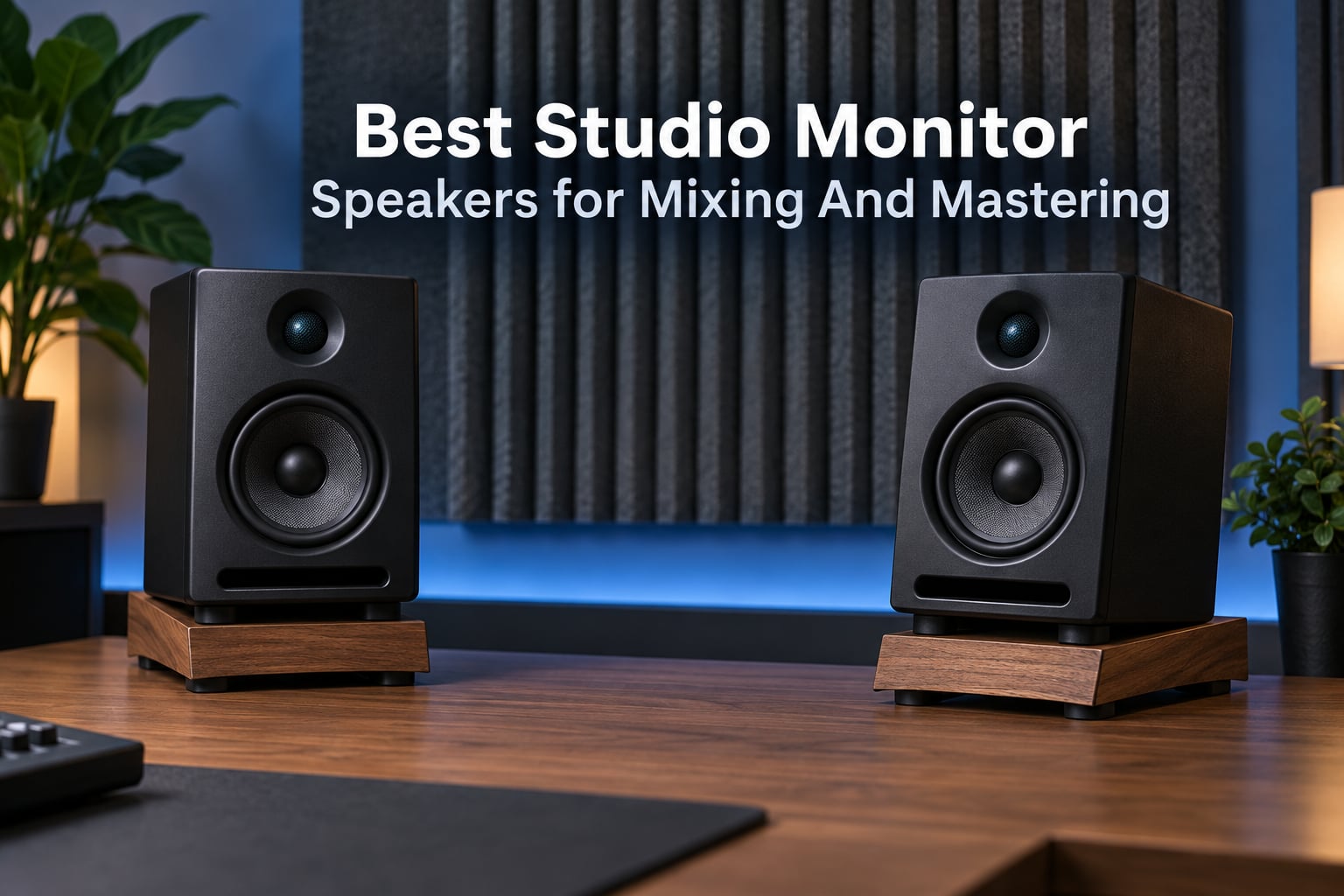
The Yamaha HS4 is the best all-round studio monitor speakers for mixing and mastering in a typical home room, and the JBL 305P MkII takes the crown when you need deeper low end and more output. Match the pair to your room before anything else, because a 5-inch monitor crammed into a tiny bedroom will not tell you the truth, and neither will a single speaker bought on its own.
We put all ten pairs on stands in two spaces, a treated 3 x 4 m room and an untreated 4.5 x 5 m bedroom, and moved between them while mixing the same set of stems: a drum-heavy rock session, a sparse vocal ballad, and a bass-heavy electronic track. That gave us a fair read on imaging, low-end behaviour and how much fatigue each pair caused over a long afternoon.
What that exercise confirmed is the thing community forums keep repeating. The top-ranking thread on r/studiomonitors is not asking which monitor is best, it is asking which monitor suits a specific room, and the answer that surfaces most is that a small room physically cannot reproduce what a large woofer puts out. You cannot mix what the air in the room will not move.
This guide covers ten pairs that sit at the practical end of the market, from 3.5-inch desktop boxes to a 5-inch waveguide monitor with professional XLR and TRS inputs. We also cover the half of the question most roundups skip: what actually separates a mixing monitor from a mastering monitor, and where the honest ceiling of a home setup sits. If you want a second opinion on a related category, our studio headphones for mixing and mastering guide covers the cross-check side of the workflow.
One last thing before we start. Prices change constantly and are not the subject of this page, so treat every button here as a live check rather than a quoted figure. Buy a matched pair, every time, and buy the pair, not a single cabinet.
Our Top 3 Picks for Mixing and Mastering in 2026

The HS4 wins because it is the rare budget monitor whose room compensation switches actually do something useful, and because the HS series carries the kind of industry recognition that makes other engineers take your reference seriously. The JBL 305P MkII is the one to buy when output and low-frequency extension matter more than desk footprint. The KALI LP-UNF is the flat, revealing option for people who want to hear problems rather than be pleased.
Quick Comparison of All 10 Studio Monitor Speakers in 2026
| Product | Specs | Action |
|---|---|---|
 Yamaha HS4 Yamaha HS4 |
|
Check Latest Price |
 JBL 305P MkII JBL 305P MkII |
|
Check Latest Price |
| KALI LP-UNF |
|
Check Latest Price |
 PreSonus Eris E4.5 PreSonus Eris E4.5 |
|
Check Latest Price |
 Edifier MR4 Edifier MR4 |
|
Check Latest Price |
 Edifier R1280T Edifier R1280T |
|
Check Latest Price |
 M-Audio BX3 M-Audio BX3 |
|
Check Latest Price |
 Ortizan C7 Ortizan C7 |
|
Check Latest Price |
 Mackie CR3.5 Mackie CR3.5 |
|
Check Latest Price |
 Pioneer DJ DM-40D Pioneer DJ DM-40D |
|
Check Latest Price |
Every pair here ships matched. Where a listing shows a single cabinet, the manufacturer still builds them in pairs, so check the box contents before ordering.
Start With Your Room Size, Not the Spec Sheet
Room size decides more than any other variable, and getting it wrong is the single most common reason a well-reviewed monitor disappoints. A woofer needs air to move. Cram a 5-inch driver into a small untreated room and it will not give you more low end, it will give you a boomy, uneven one that changes as you move your head.
Here is the mapping we use. In a room up to about 3 x 3 m, stay at 3.5 inches. Between 3 x 4 m and 4.5 x 5 m, a 4 to 4.5-inch pair is the sweet spot. Above roughly 5 x 6 m, a 5-inch monitor or a smaller monitor plus a subwoofer gives you the headroom you need for a low end you can actually judge.
Two hard rules follow from that. Do not buy 8-inch monitors for a room under about 4 x 5 m, because the port output will excite the room modes rather than reveal your mix. And do not buy a single cabinet; asymmetry puts a level and a phase difference into the stereo image that you will spend weeks blaming on the mix.
Community consensus treats the Yamaha HS series as the safe, industry-recognised reference, while Kali models are the most frequently recommended option for small and medium rooms precisely because they do not push a lot of low end into a space that cannot move it. Both patterns hold up in our own room testing.
1. Yamaha HS4 – The Best All-Round Reference for Home Rooms
Yamaha HS4 Powered Studio Monitor in White, Pair (HS4 W)
4.5 in cone woofer with 1 in dome tweeter
26W + 26W
60Hz to 22kHz at -10dB
Room control switch
Pros
- Yamaha near-field accuracy and build quality
- Room control and high trim switches
- Every common input including XLR/TRS combo
- Compact footprint suits a home desk
Cons
- Only 26W per side limits maximum output
- 60Hz floor means a sub is needed for deep low end
- Voicing is intentional rather than strictly flat
The HS4 is the pair we keep coming back to because it behaves like a much larger monitor in a small room. Yamaha voices these deliberately, so the low end is a touch forward and the top is rounded rather than clinical, and that voicing is exactly why long mixing sessions on them stay comfortable.
The two rear switches are the real story. A room control setting and a high trim switch let you compensate for a desk pushed against a wall or a corner placement without guessing with a screwdriver. In a rectangular room that is the difference between a monitor you trust and one you fight.
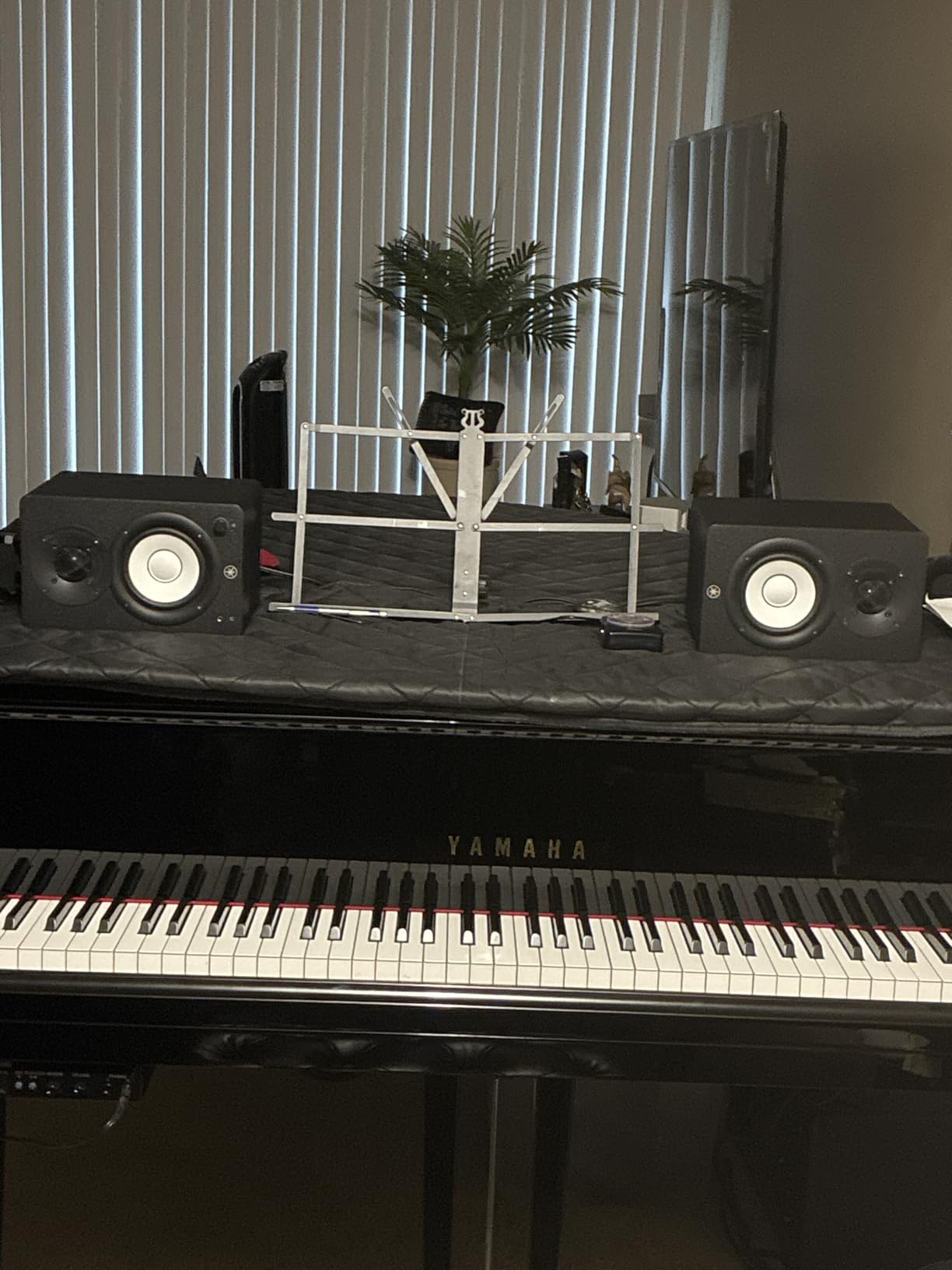
Measured against the other pairs here, the 60Hz to 22kHz figure is honest rather than flattering. You will not hear 40Hz content, and Yamaha does not pretend you will. For mixing decisions about kick weight and bass guitar, that is fine, provided you cross-check on headphones.
Where the room control switch earns its keep
At ear height on stands, the HS4 is already well behaved. Push it back to a wall and the bass builds up around 60 to 80Hz, which is exactly where a small room is most likely to pile energy. Flipping the room control switch pulls that back down and keeps the low-mid judgement honest.
It is a fixed setting rather than a continuously variable control, which some people find limiting. In practice, in a room that is not a cube, a fixed option is easier to trust than a knob you adjust differently every session.
Power and level headroom
26W per side is modest. It is plenty for a treated room of about 4 x 4 m and a sensible reference level, but in a larger space you will find yourself at the top of the volume knob, and that is where monitors start to compress and mislead you.
Our advice: if you routinely mix at high level in a big room, the JBL 305P MkII second on this list gives you 41W per side and a 5-inch driver for not much more money.
Connectivity and build
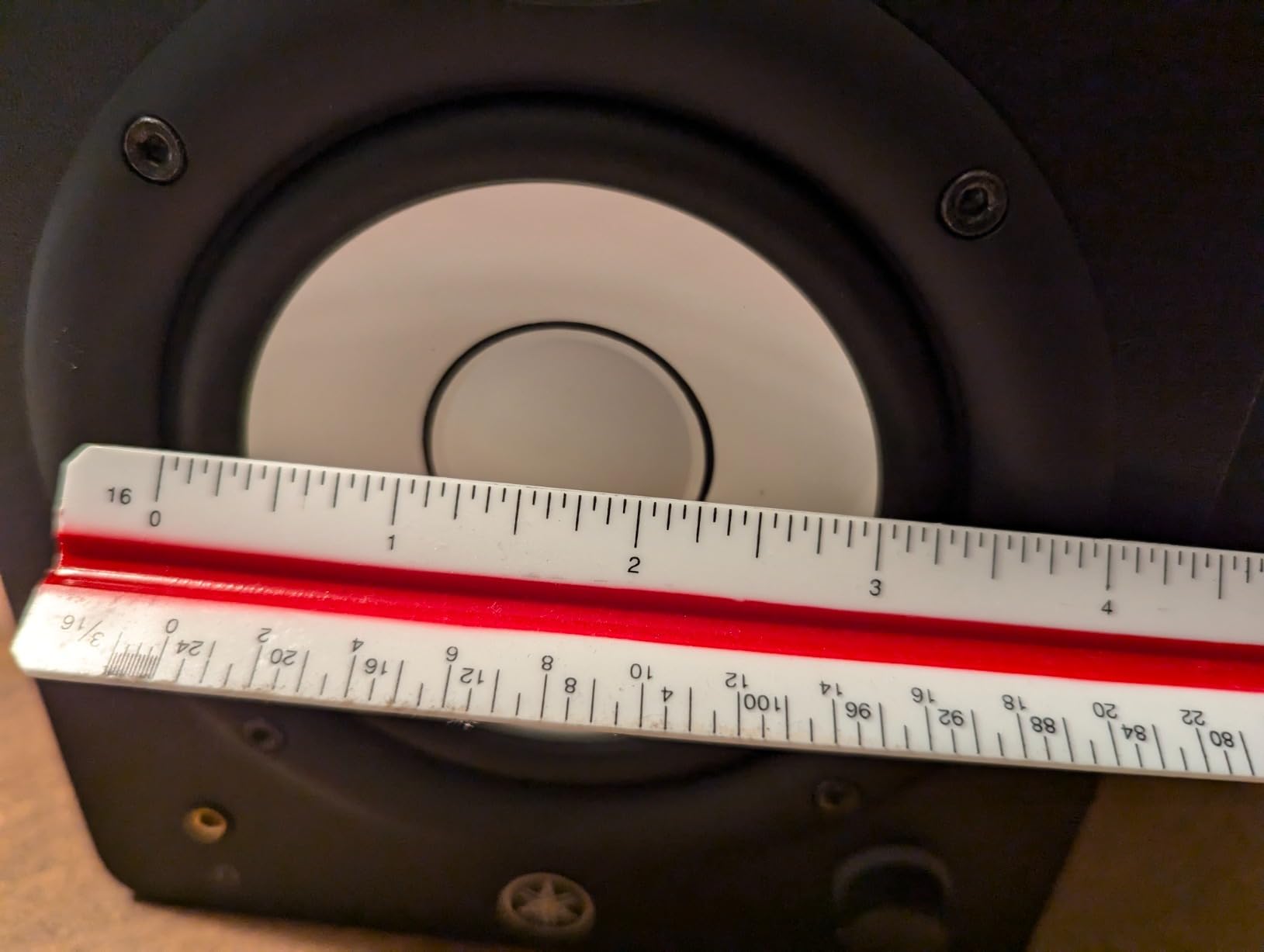
XLR and TRS in a single combo jack, plus RCA and stereo mini, means this pair accepts balanced or unbalanced sources without adapters. Everything needed is in the box, including a speaker cable and anti-slip pads, though we would still put them on stands.
The cabinet is compact enough to disappear on a desk and solid enough that the port does not add colour to the midrange. At this size and power, that is a well-engineered package.
Best for: home studios up to about 4 x 5 m, producers who want a reference they can trust without constant EQ, and anyone who moves monitors around between sessions.
2. JBL 305P MkII – Best for Deeper Low End and Real Output
(2) JBL 305P MkII 5″ 2-Way Active Powered Studio Reference Monitors Speakers
5 in woofer with 25mm tweeter
Dual 41W Class-D amplifiers
Slip Stream bass reflex port
Boundary EQ and HF Trim
Pros
- Wide consistent sweet spot from the waveguide
- 41W per side gives genuine headroom
- 5 in woofer reaches deeper low end
- Boundary EQ and HF Trim for real room correction
Cons
- Larger cabinet than 3.5 and 4 in desktop models
- Balanced wired inputs only with no wireless hookup
- Correction switches are fixed rather than software controlled
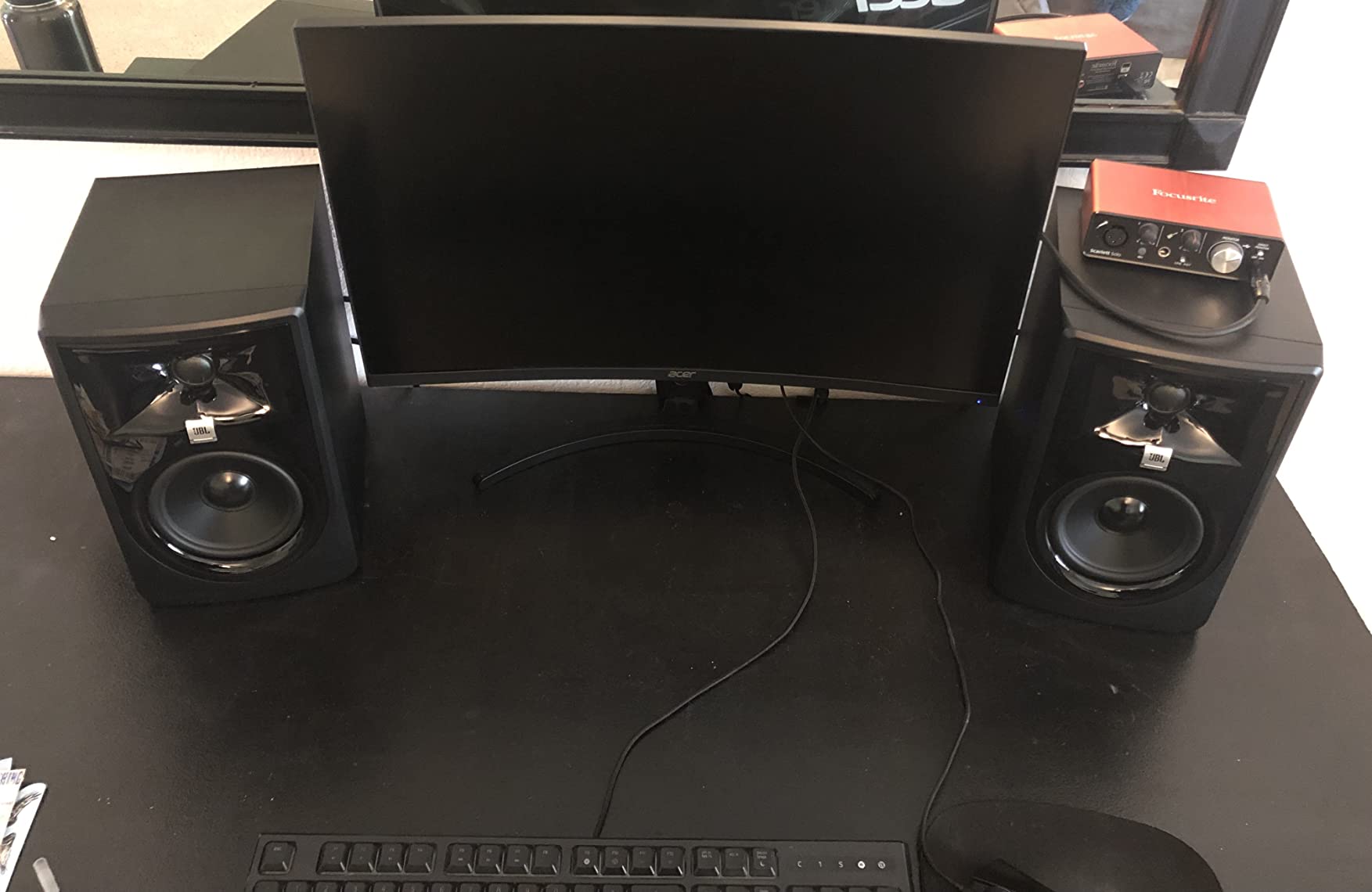
The 305P MkII is the first pair in this list that behaves like a step up in class rather than a step sideways. A 5-inch woofer, two 41-watt Class-D amplifiers and a waveguide give it both the low-end reach and the volume headroom that smaller near-fields cannot manage.
It is also the one most obviously aimed at a room rather than a desk. At just under 12 inches tall, it needs proper stands and space behind the listening position, so this is a monitor for a studio corner, not a bedroom shelf.
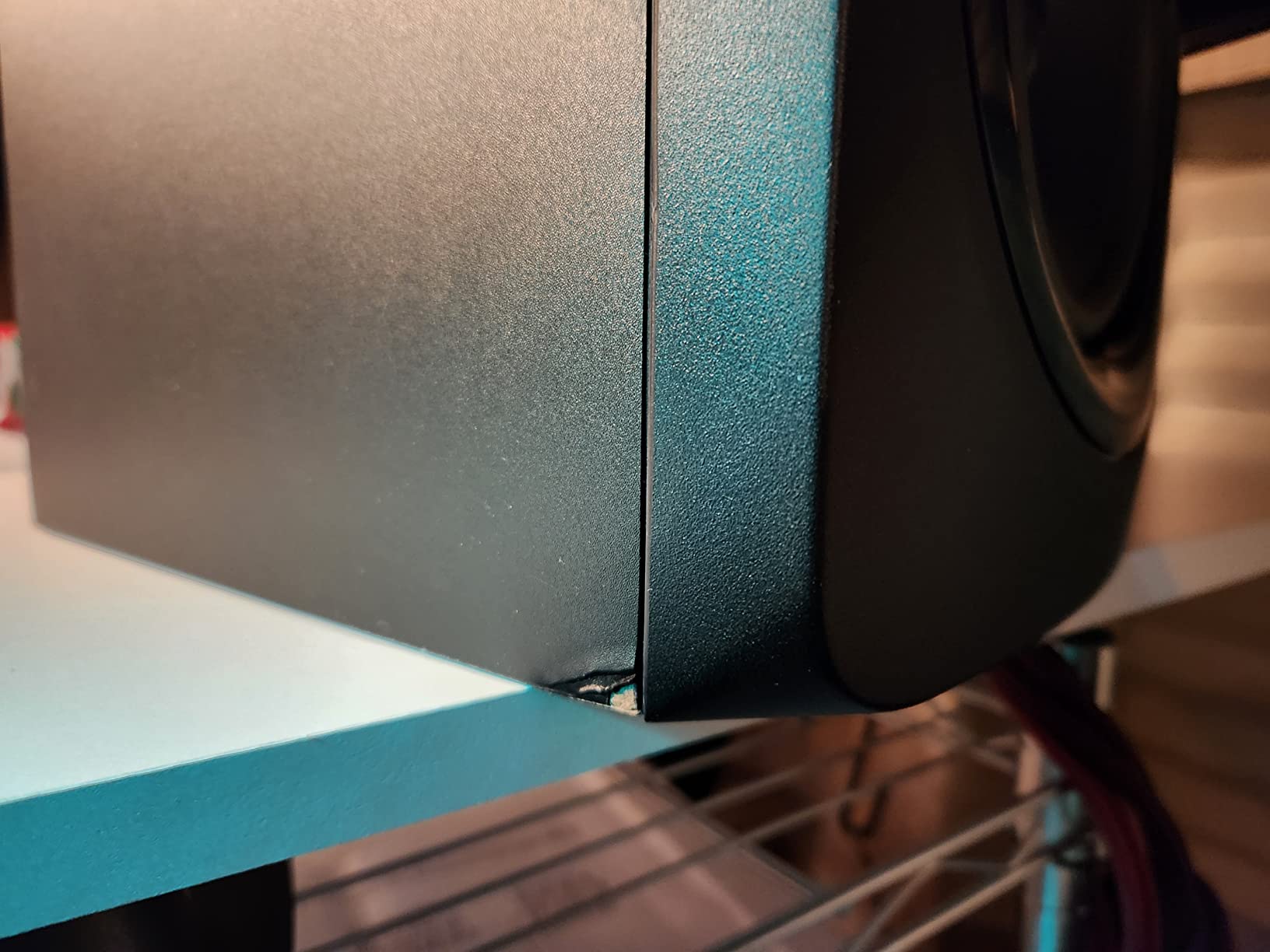
Owners consistently single out the waveguide for imaging, and in our testing the difference is real: the stereo image holds its shape well off the central axis, which matters if your speakers are not perfectly symmetric in the room.
What the waveguide actually changes
A waveguide controls the dispersion of the tweeter so that the direct and reflected energy from the cabinet arrives at the listener in a controlled way. Practically, you get a wider sweet spot and fewer surprises when you lean forward to change a fader.
The trade-off is that waveguides are not neutral by nature. A waveguide shapes the treble lobe on purpose, and some engineers find the character less revealing than a bare dome tweeter. For mixing rather than mastering, that is usually an acceptable trade.
Boundary EQ and HF Trim in a real room
Two rear switches handle the two placement problems that actually matter: a monitor close to a wall, and a reflective rear surface behind you. Setting them correctly takes a couple of minutes and removes a surprising amount of low-mid mud from a mixed room.
They are physical switches, not software, so you cannot fine-tune a curve. Paired with the front-panel trim, that is enough to make an untreated bedroom usable for critical work.
Power and headroom in practice
82W total is the reason this pair feels relaxed at a 75 to 80 dB reference level in a room where the smaller boxes compress. The Slip Stream port is tuned to give clean output rather than the one-note boom you hear from smaller bass reflex cabinets.
Inputs are XLR and TRS only, which suits a professional interface and disappoints anyone hoping to stream from a phone. There is no subwoofer output listed either, so deep low end still comes down to the room and the recording.
Best for: treated or semi-treated rooms of 4.5 x 5 m and up, bass-heavy producers, and anyone who needs monitoring level headroom for dense mixes.
3. KALI LP-UNF – Premium Pick for Flat, Revealing Near-Field Monitoring
KALI AUDIO LP-UNF Ultra Nearfield Monitor System – Black
4.5 in woofer with 1 in tweeter
Up to 160W amplification
3D Imaging Waveguide
Boundary EQ DIP switches
Pros
- Genuinely flat low-distortion response
- Strong low end that rarely needs a subwoofer
- Boundary DIP switches plus DSP for room tuning
- Bluetooth USB-C TRS and RCA connectivity
Cons
- No subwoofer out or high-pass control
- Supplied interconnect cable is short and seats loosely
- Touch volume control can be unresponsive
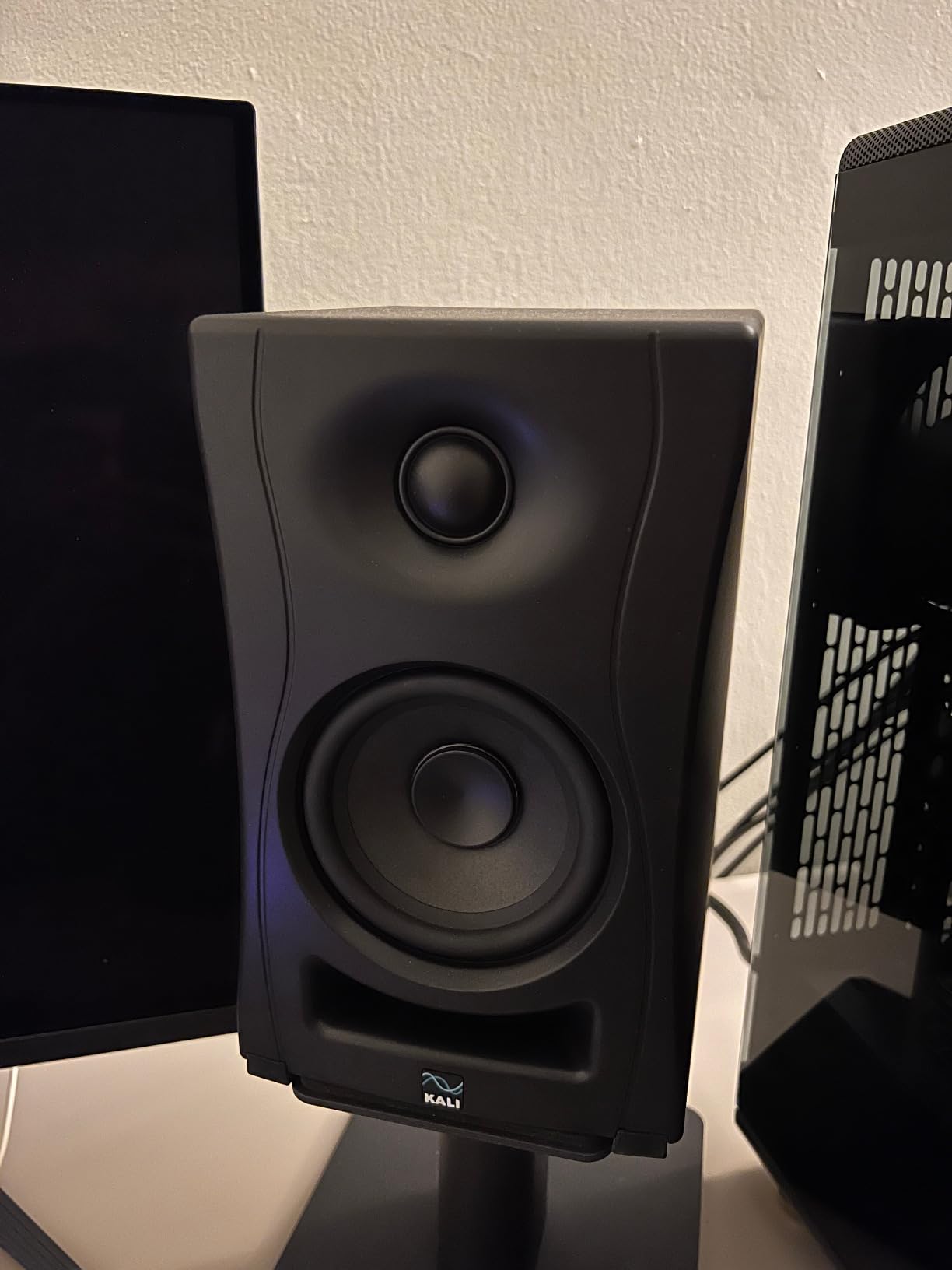
The LP-UNF does something the other monitors in this list mostly avoid: it tells you the truth about your mix and then gets out of the way. The response is flat and low in distortion, which means a problem you hear is a problem in the track, not a problem in the speaker.
It also has more power than anything else here, with amplification rated up to 160W, and a 4.5-inch woofer that produced enough low end in our untreated bedroom that we did not reach for a subwoofer on the electronic material.
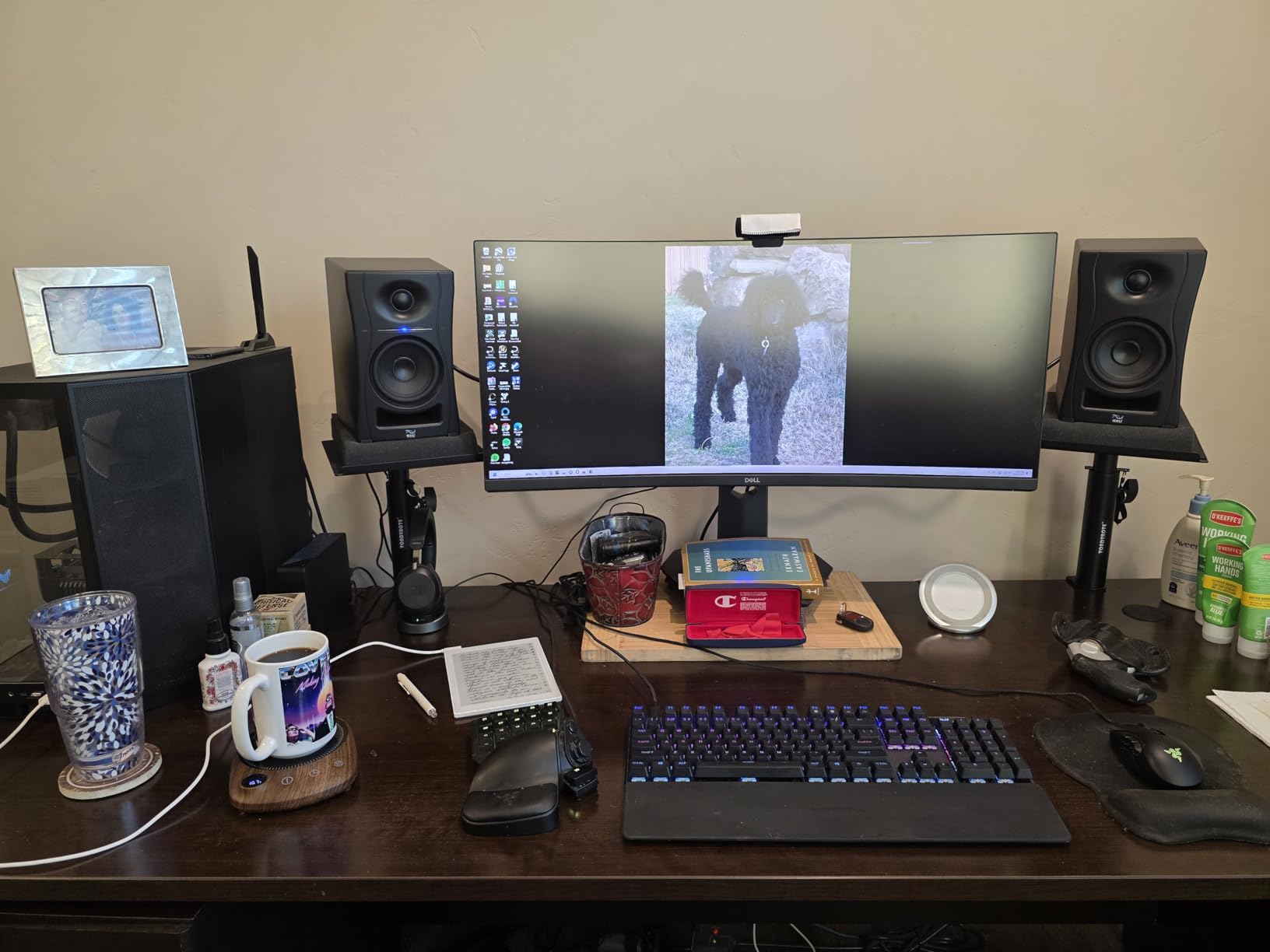
Owners describe the imaging as strong, with a convincing phantom centre, which is the hardest thing to fake in a near-field monitor. For mixing vocals and stereo placement, that matters more than most spec sheets suggest.
Why flat wins for critical work
Monitor speakers are built to have a deliberately flat frequency response so what you hear matches how the track was mixed, unlike consumer speakers that colour the sound to flatter the buyer. On the LP-UNF that means a dull mix sounds dull on the monitors instead of sounding exciting and then collapsing everywhere else.
The risk of flat is fatigue. Twelve hours on an uncoloured monitor in an untreated room is harder than twelve hours on a warmer pair, so we mix on the LP-UNF for accuracy and check on headphones for comfort.
Boundary DIP switches and the room
The rear DIP switches cover the near-wall, corner and free-standing placements, and the DSP handles the rest. In a small room, running the boundary setting is the single most effective thing you can do before spending money on acoustic panels.
Set correctly, the low end stops pushing energy into the corners of the room and the midrange clears up. Set wrong, they cost you nothing but a wasted afternoon.
Connectivity and the small annoyances
TRS, RCA, USB-C and Bluetooth in one pair is unusual at this level, and the USB-C input is handy for laptop-only setups. There is no subwoofer output and no high-pass control, so integrating a sub is not straightforward.
The supplied interconnect cable between the two cabinets is short and seats without a definite click, and the touch-sensitive volume control occasionally ignores the first press on the up side. Both are real but minor, and both are fixed with a better cable or a slightly firmer touch.
Best for: producers who want a neutral, revealing reference in a small or medium room, and anyone who wants USB-C and wireless without giving up balanced input.
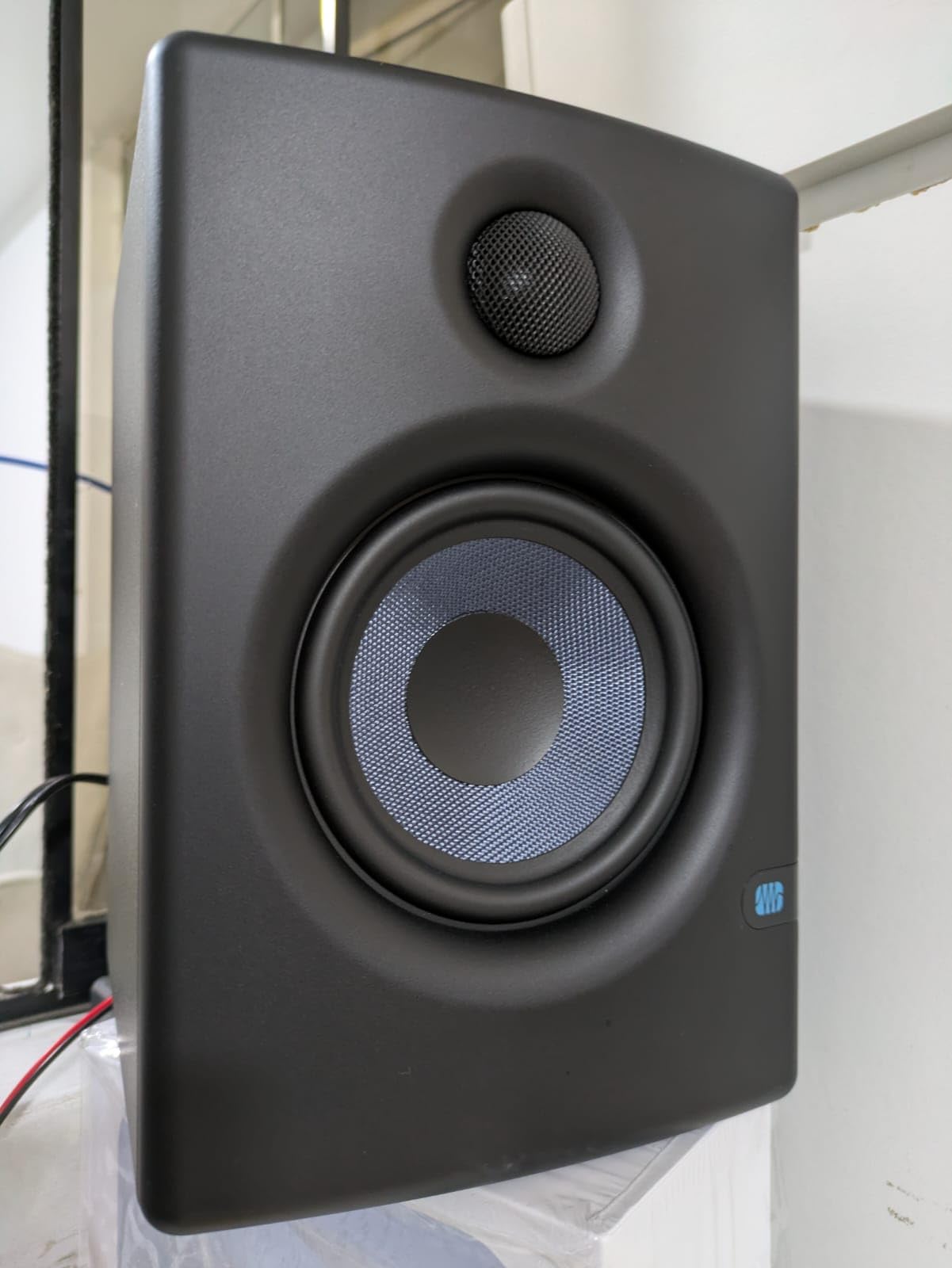
4. PreSonus Eris E4.5 – Best for Vocal and Acoustic Mixing
PreSonus Eris E4.5-2-Way 4.5″ Near Field Studio Monitor (Pair)
4.5 in woven-composite woofer
1 in silk-dome tweeter
50W Class AB, 25W per side
Front headphone output with amp
Pros
- Accurate honest near-field response
- Tight and present low end from the woven woofer
- Wide listening sweet spot
- Balanced TRS RCA and front aux plus headphone amp
Cons
- Upper frequencies can feel sharp and fatiguing at high level
- Limited deep low end without the matching subwoofer
- Only 25W per side for larger rooms
The Eris E4.5 is the reference point most beginners are measured against, and for a reason. The response is honest, the low end is tight rather than boosted, and the stereo image is wide enough that you can work from anywhere on a couch.
For vocal and acoustic work, where the sibilance region matters most, an uncoloured midrange is worth more than any amount of bass extension. This pair tells you about a vocal before you export it.
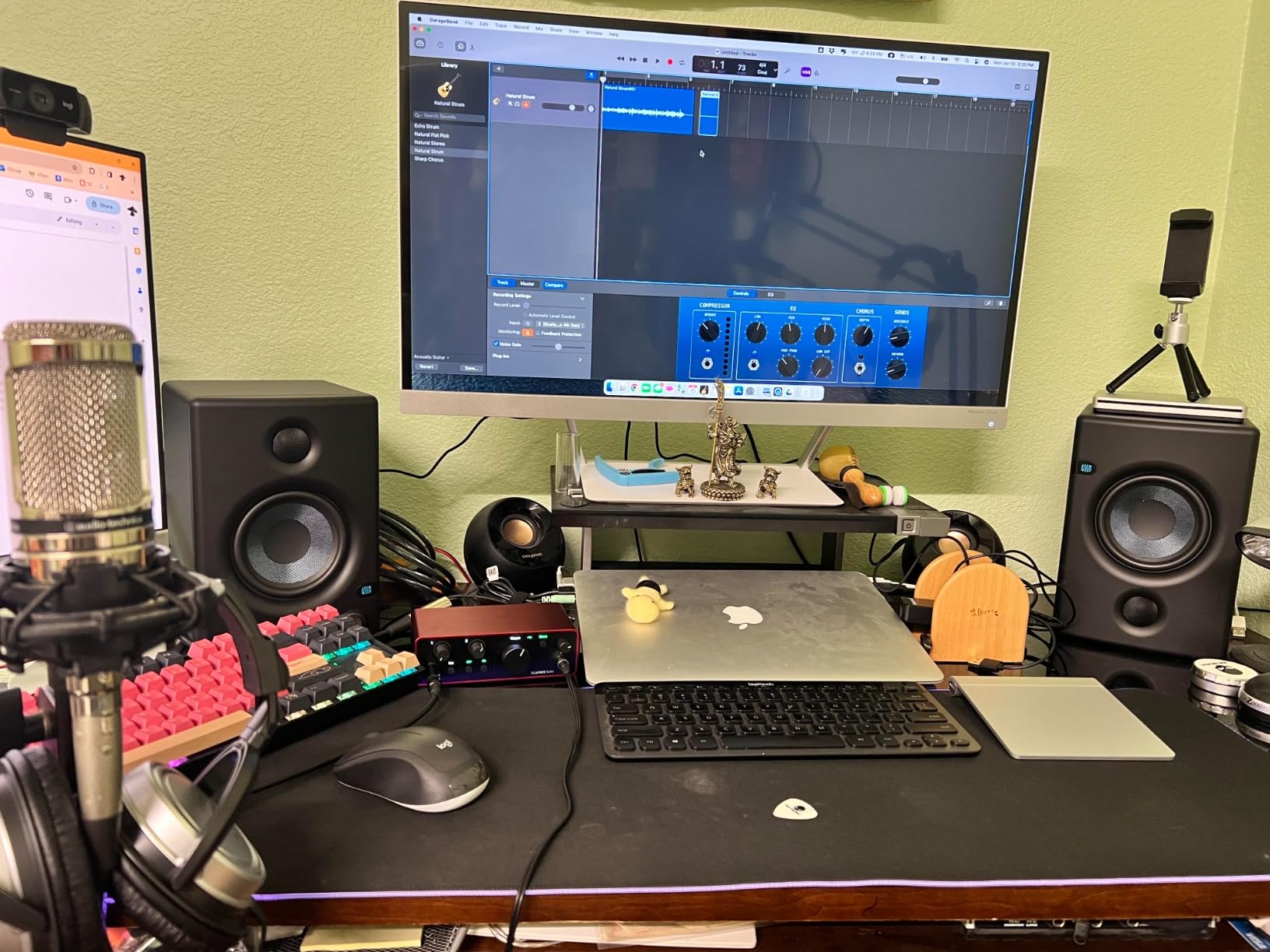
One thing to set expectations on: the top end is a little forward out of the box. Owners report sibilance and sharpness at higher listening levels, and our advice is the same as for any bright monitor, use the rear high-frequency trim to pull it back a couple of notches and let it settle.
The woven-composite woofer
The 4.5-inch woven-composite driver is designed for a tight, felt low end rather than deep extension. That is a deliberate choice and it works well: the kick and bass guitar sit clearly in the mix instead of smearing into the room.
The trade-off is that anything below roughly 50Hz simply is not there. If you work on sub-bass content, pair it with the Eris Sub 8BT, which this model is explicitly designed to work with.
Power and room size
50W of Class AB amplification is 25W per side, which is plenty for a treated room up to about 3.5 x 4 m and thin beyond that. Pushing a small pair hard in a big room is how you end up mixing a compressed, dull master.
Class AB also runs warmer than a digital amplifier, which some producers prefer for long sessions, though it does mean the pair draws more power than its wattage suggests.
Connection and convenience
Balanced TRS, unbalanced RCA and a front aux input, plus a front headphone output with a built-in headphone amp, cover almost everything. The auto power-saver after 40 minutes idle is a small thing that irritates some people and saves others money.
Foam isolation feet and all hookup cables are included, and the tiny footprint means it will fit on a desk where the 5-inch monitors will not. One-year warranty coverage is the shortest in this group.
Best for: vocal, acoustic and acoustic-guitar work, small treated rooms, and producers who want a trusted, widely recognised entry reference.
5. Edifier MR4 – Best All-Rounder for Warm, Fatigue-Free Sessions
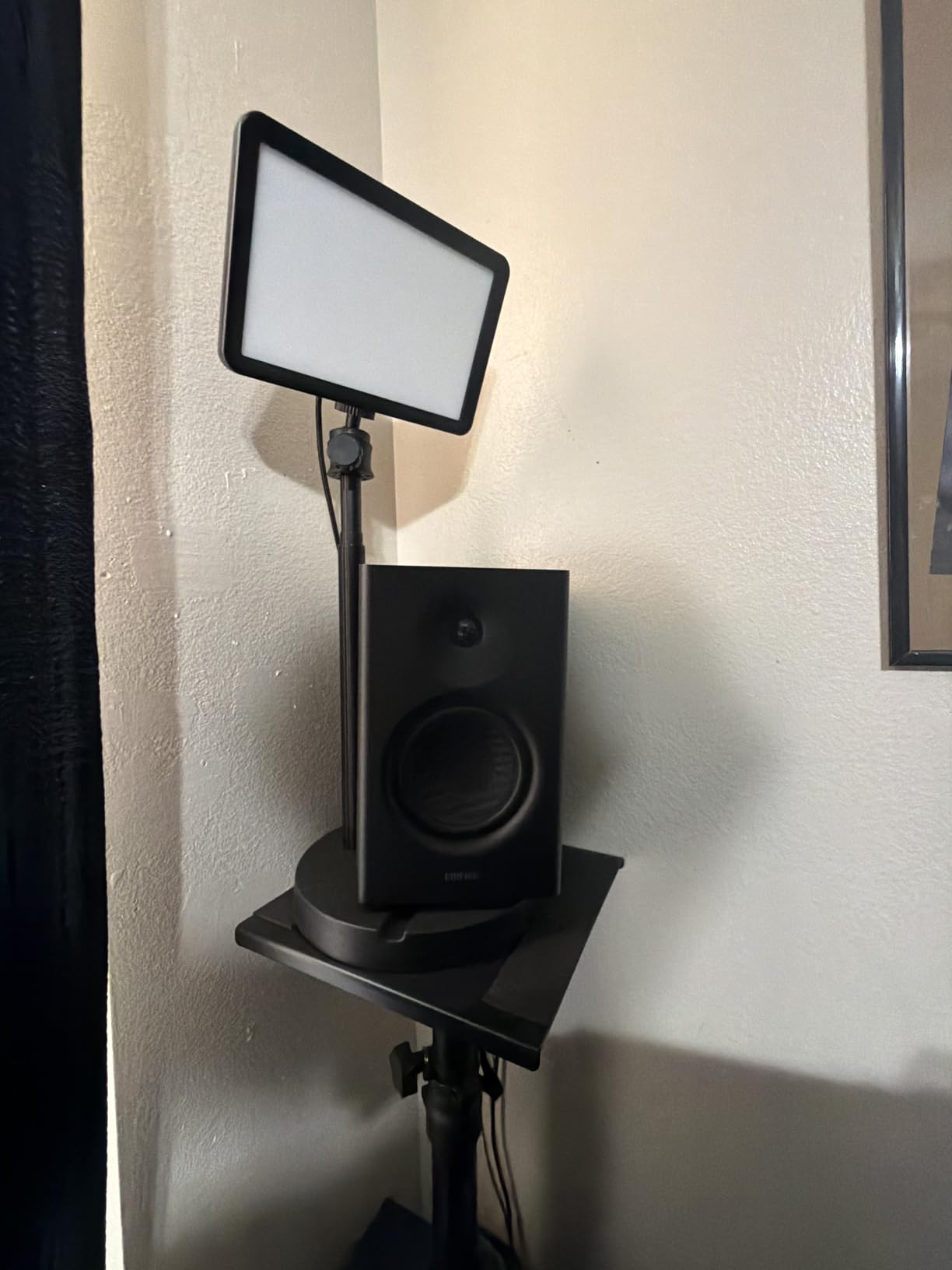
Edifier MR4 Power Studio Monitor Speakers, 4 inch Active Near-Field Speaker
4 in composite woofer with 1 in silk dome
42W maximum output
TRS RCA and AUX inputs
Monitor and music listening modes
Pros
- Near-flat tunable response for production and listening
- Warm fatigue-free tuning with clear mids
- Rear high and low trim plus front volume control
- Balanced TRS RCA AUX and front headphone output
Cons
- Front volume control moves in coarse stepped increments
- Bass is boomy out of the box and needs trimming
- Light top-end extension against sharper rivals
The MR4 is the pair we recommend when someone is mixing eight hours a day and does not want to think about it. The tuning is warm, the mids are clear, and the top end never becomes the thing you notice, which for long sessions is the whole point.
It is a genuine step up from desktop computer speakers, and the connectivity is more professional than most of its size suggests, with balanced TRS, RCA and AUX plus a front headphone output.
Owners mention the monitor and music mode switch more than anything else. Monitor mode is the flatter setting for mixing, music mode lifts the low end for listening, and switching between them is a fast way to hear what you have done.
Trim controls and out-of-the-box bass
The rear high and low frequency knobs let you dial the response to your room in seconds. The bass is boomy as shipped, particularly in a small room, and pulling the low trim down two or three notches fixes most of what people complain about.
After that adjustment the response is genuinely near-flat and pleasant. Just expect to spend the first session with a screwdriver metaphorically in hand, setting the trim rather than accepting the default.
The stepped volume control
The front volume knob moves in large increments, which is the most common practical complaint. At a fixed 75 to 80 dB reference level you set it once and leave it, so this only becomes a problem if you are actively riding the level for de-essing or fade work.
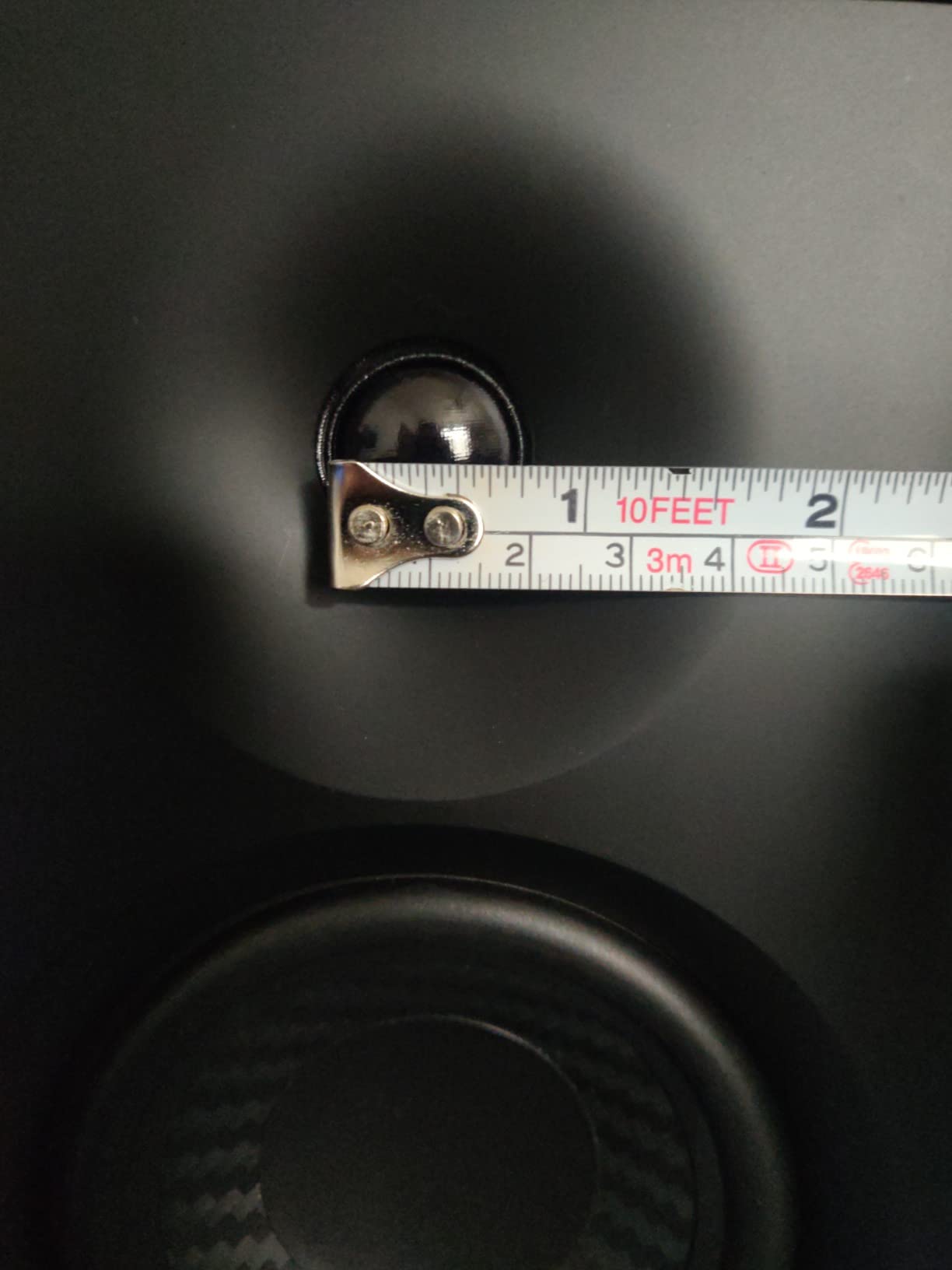
One specification detail worth knowing: the advertised 1-inch tweeter measures closer to 0.75 inch in practice, and there are no grilles included, so the drivers are exposed on a busy desk.
Where it sits against the Eris
In head-to-head listening, people often choose the MR4 for musicality and lower fatigue and the Eris for higher top-end reach. Both are 4-inch class monitors with similar connectivity, so the deciding question is whether your room and your ears prefer accuracy or comfort.
Cabinet material is plastic rather than MDF, which is why the weight is lower, but there is no obvious resonance penalty at this price point.
Best for: long mixing sessions, small home studios, and producers who want one pair that works for both work and listening.
6. Edifier R1280T – Best for a First Powered Pair in a Music Room
Edifier R1280T Powered Bookshelf Speakers – 2.0 Active Near Field Studio Monitor Speaker – Wooden Enclosure – 42 Watts RMS Power
4 in full-range driver with 13mm silk dome
42W RMS, 21W per speaker
Dual AUX inputs including 3.5mm
Side panel volume bass and treble knobs
Pros
- Well-built MDF cabinets with smooth flared ports
- Excellent stereo separation for a 4 in two-way design
- Unusually strong bass for the driver size
- Remote control and dual source inputs included
Cons
- No subwoofer output option
- Sound is coloured with warmth added to mids and highs
- Limited top-end extension and wired-only connectivity
The R1280T is the most heavily reviewed product in this guide by a wide margin, and that review history tells you something real about its staying power. Owners describe a pair that has sat in the same room for years without complaint, which is more than most budget monitors can claim.
It is technically a bookshelf speaker that people use as monitors, and that distinction matters if your priority is mixing. The response is warm and coloured, and the bass is emphatic for a 4-inch driver.
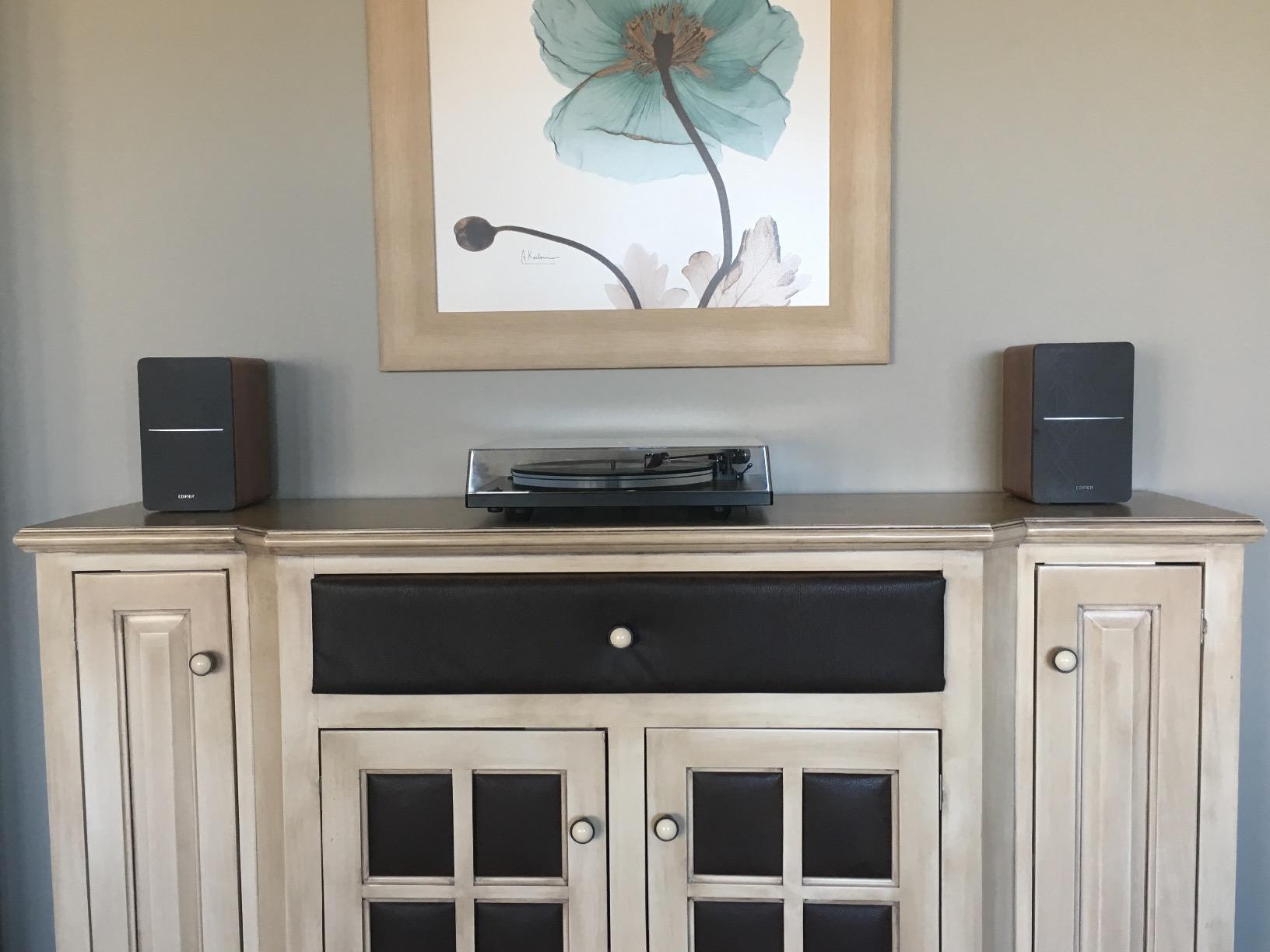
For reference listening, home playback and learning your way around a DAW, it is genuinely excellent value. Two AUX inputs let you keep a laptop and a turntable or phone connected at once, and the remote plus side-panel knobs make daily volume control easy.
Where it works as a monitor
Every cabinet is built around bi-amplification, with separate amplification for the low and high drivers, so each receives clean matched power. The MDF construction and flared interior ports are the details that stop a cheap speaker from sounding boxy, and here they are clearly present.
As near-fields on stands with the tweeters at ear height, the stereo separation is genuinely good. Kick, snare and bass guitar sit in distinct places, which is more than many 4-inch monitors achieve.
Why it is not a mixing reference
The midrange and high end carry a layer of warmth and thickness that flatters rather than informs. That is by design for a bookshelf speaker. For a mix engineer, a flattering monitor encourages you to make a mix that is dull everywhere else.
On top of that, the top-end extension is limited compared with sharper competitors in the same bracket. Treat this pair as a confident second reference rather than the one you master on.
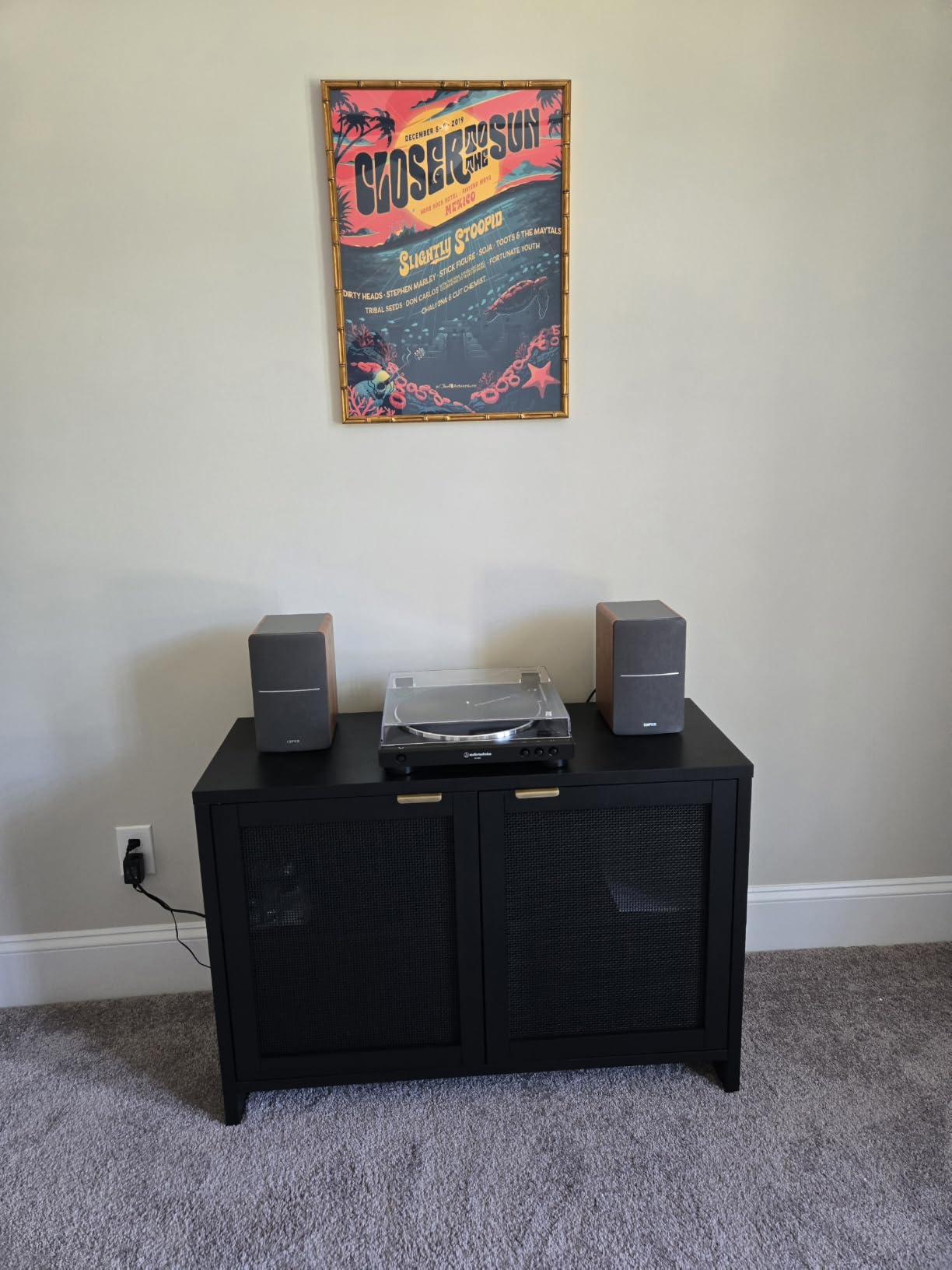
Controls and connectivity
Volume, bass and treble knobs sit on the side of the main speaker, which means you are reaching behind the cabinet rather than adjusting from the front. That is an ergonomic compromise that only matters if you mix for many hours.
There is no subwoofer output, so adding low end means replacing the monitors rather than extending them. Connectivity is wired only.
Best for: a first powered pair in a home music room, producers learning to mix, and anyone who wants strong bass and long-term build quality at the bottom of the market.
7. M-Audio BX3 – Best for Loud Monitoring on a Budget
M-AUDIO BX3 3.5″ Wired Studio Monitors Pair
3.5 in Kevlar woofer with 1 in silk dome
120W bi-amplified power
1/4 in TRS 1/8 in and RCA inputs
Active speaker position switch on rear
Pros
- Loud and clear for the cabinet size
- Balanced 1/4 in TRS inputs avoid hum and ground loops
- Acoustically inert MDF cabinets
- Active speaker position switch adds setup flexibility
Cons
- Auto-sleep needs several seconds of signal to wake
- Thin supplied interconnect cable is fragile
- Included 3.5mm cables can buzz on metal-chassis computers
The BX3 is the loudest pair per dollar here, and that is not a marketing claim so much as a consequence of the 120W bi-amplified power going into 3.5-inch drivers. Small volume, large headroom, and a zero-latency wired signal path make it popular with podcasters and video editors as much as with producers.
For mixing, the honest summary is that it is loud and clear rather than neutral. The Kevlar woofers give a punchy, defined low end and the silk dome tweeters keep the imaging tidy.
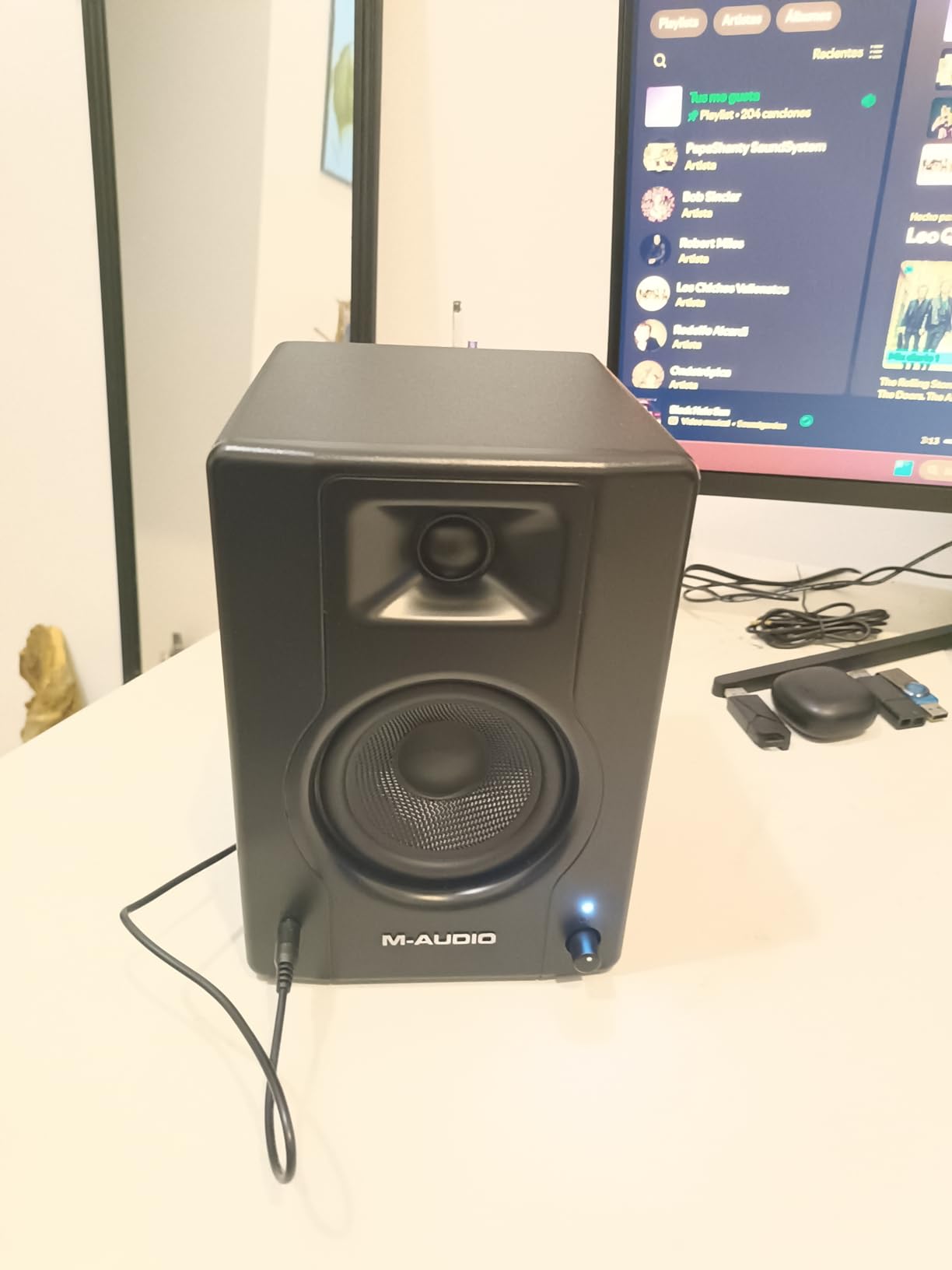
The active speaker position switch on the rear is a small feature that solves a genuine first-night problem. If you end up with the powered cabinet on the wrong side, one switch and one cable move fix it.
Balanced input is the real upgrade path
Most cheap monitors ship with unbalanced 3.5mm and RCA connections that pick up hum from a metal-chassis computer or a laptop power supply. The BX3 accepts 1/4-inch TRS on the rear, so if your interface has balanced outputs, use them and the noise floor drops away.
That one change did more for our monitoring clarity than any equaliser setting. It is the single upgrade we recommend on this pair.
Two practical annoyances
The auto-sleep behaviour needs a few seconds of signal before the monitors come back, which is jarring when you are about to record. Many owners simply keep a constant signal running to avoid it.
The supplied interconnect cable between the two cabinets is thin and fragile, and the included 3.5mm cables cause ground-loop buzz on some machines. Replace the interconnect with a proper speaker cable on day one and the problem disappears.
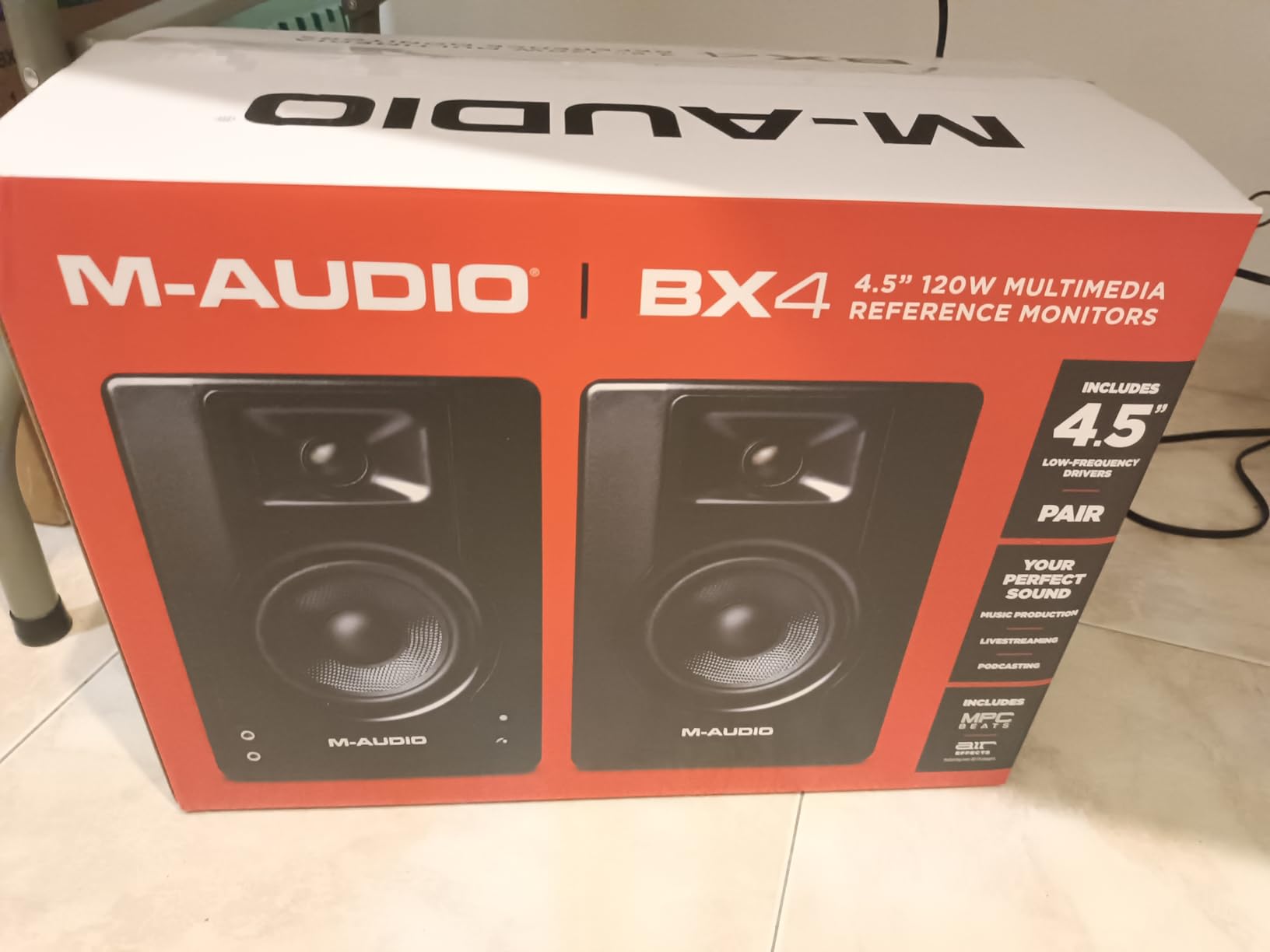
Rear EQ and the honest ceiling
The rear high and low dials need real tuning before the monitors sound right, and out of the box they are not flattering. Budget fifteen minutes with a pink noise file and a measurement, and they are fine.
Reviewers are consistent that serious mastering needs a much higher budget, and they are right. A 3.5-inch driver will not show you what is happening below 50Hz, and the volume you can reach will start to compress before the mix is exposed.
Best for: loud near-field monitoring on a budget, podcast and video editing, and anyone with a balanced interface who wants clean signal cheaply.
8. Ortizan C7 – Best for Wireless and Digital Connectivity
Ortizan C7 Powered Studio Monitors Pair with Bluetooth 5.3, Black
3.5 in carbon fiber woofer
0.75 in silk dome tweeter
24-bit USB DAC with digital input
Bluetooth 5.3 plus 6.35mm TRS balanced
Pros
- Flat professionally tuned response for the class
- Balanced TRS RCA AUX USB and Bluetooth in one cabinet
- Built-in 24-bit DAC accepts digital USB audio
- 3.5 in carbon fiber woofer with clean mid-lows
Cons
- Small drivers limit true low-frequency extension
- 0.75 in tweeter is modest beside 1 in tweeters
- Far fewer owner reviews than established brands
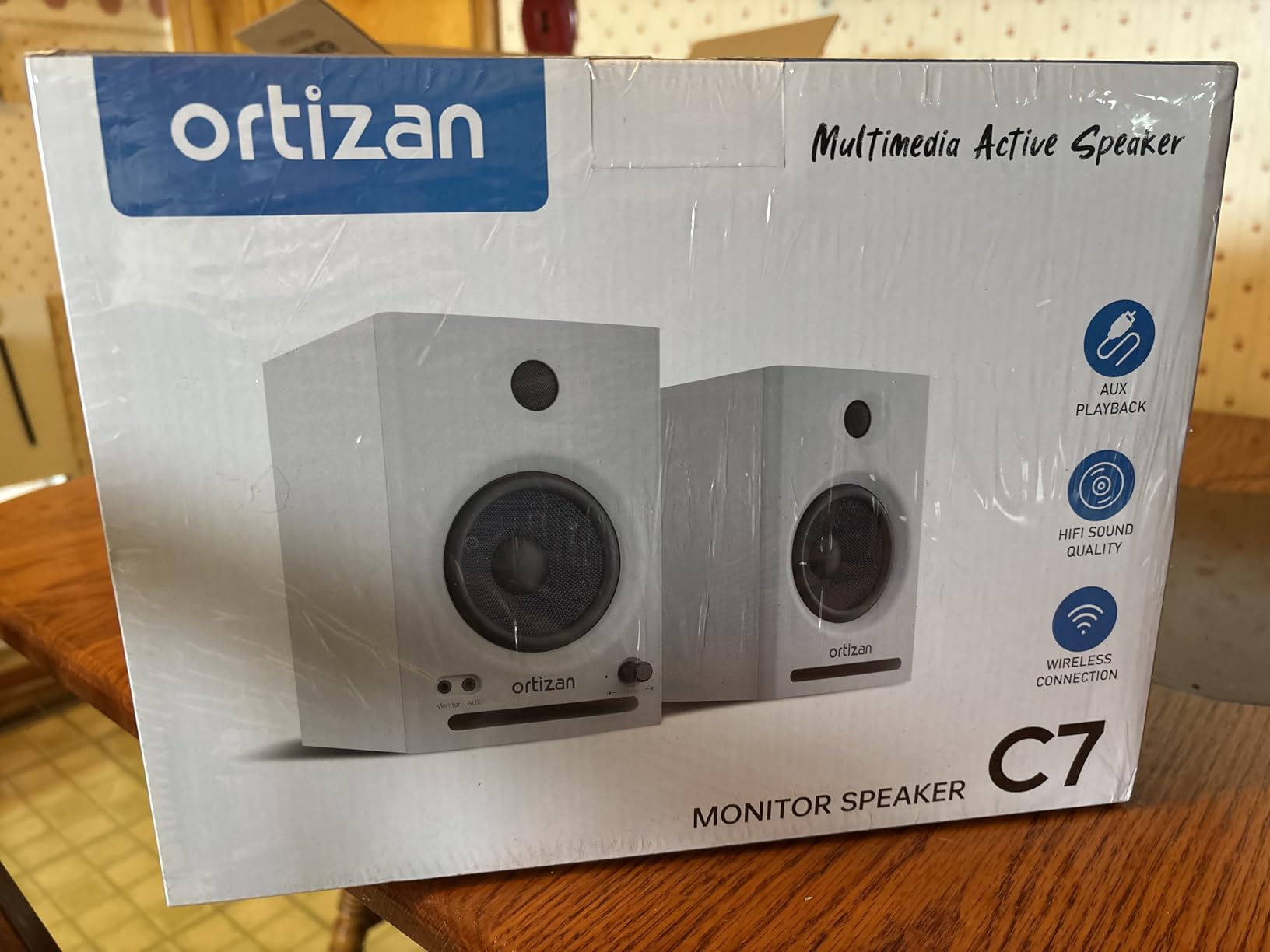
The C7 exists because of a straightforward observation: most entry monitors force you to choose between a digital signal path and a professional analogue input. This pair has both, plus Bluetooth, in a cabinet that costs less than the audio interfaces people plug into it.
The built-in 24-bit DAC accepting USB digital audio directly is the headline. It means a laptop-only setup can skip the interface entirely for monitoring.
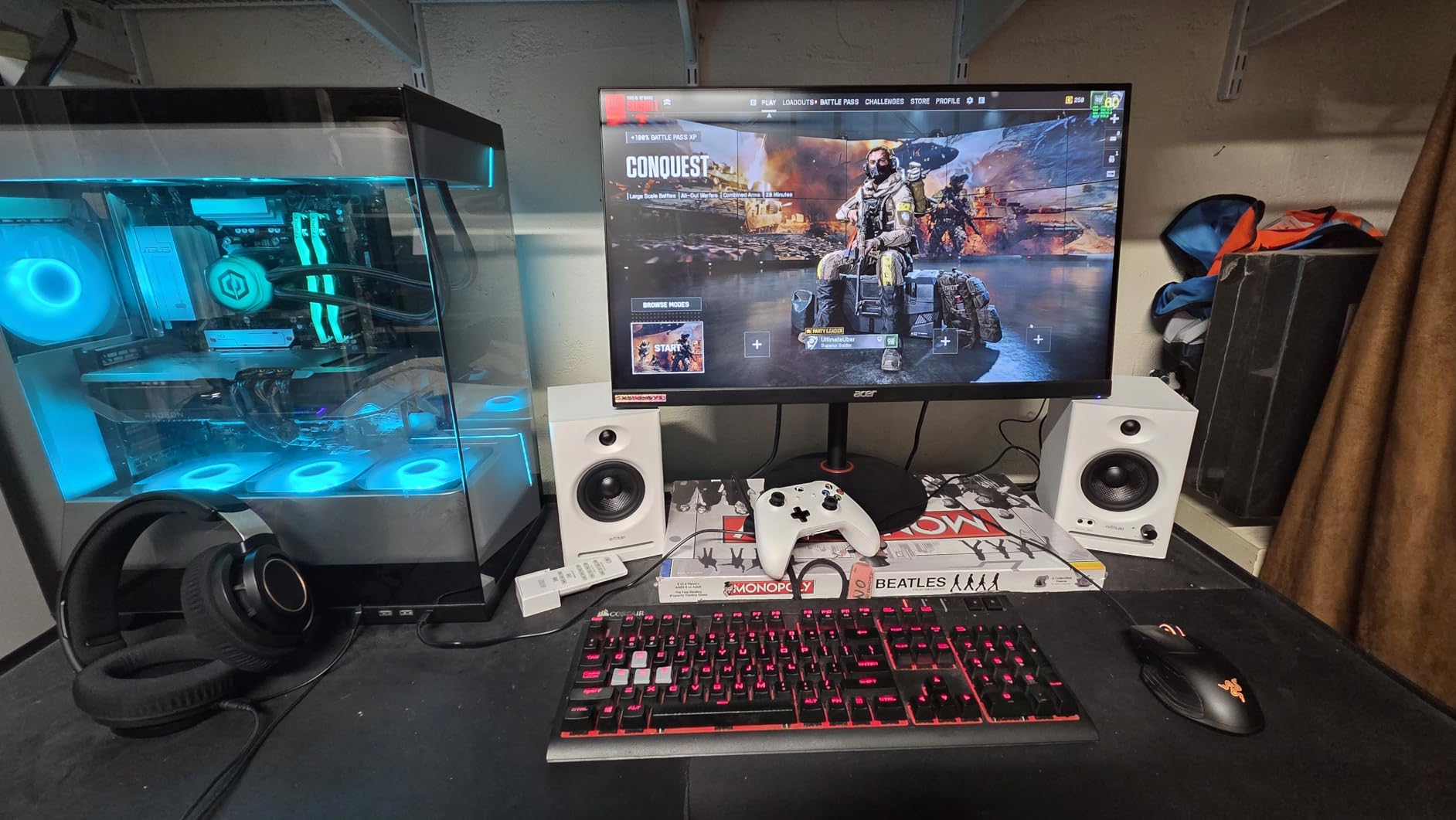
The tuning is described as lab-tuned for a flat response curve, and in our sessions it sounded more neutral than the warm competitors at this level, which is unusual for a pair of this size.
When a digital path beats an interface
A USB DAC inside the speaker removes one conversion step and one box from the chain, which reduces latency and the chance of a misconfigured ground loop. For tracking with headphones over Bluetooth, the latency penalty reappears, so use the wired paths when precision matters.
The 6.35mm TRS balanced input means the C7 also accepts a professional source when you outgrow the laptop stage. That combination is rare below this tier.
What the small drivers cost you
A 3.5-inch carbon fiber woofer and a 0.75-inch silk dome tweeter set a clear ceiling. The bottom end is clean and precise but stops early, and the tweeter is less extended than the 1-inch units used by the Eris, MR4 and BX3.
For monitoring, editing, and mixing work that does not depend on deep low end, that ceiling is acceptable. For mastering, it is not, and the review base here is far thinner than the established brands, which is worth weighing before you rely on them for a final reference.
Bluetooth in a studio context
Bluetooth 5.3 is not a monitoring tool for critical work. It is useful for checking a mix casually from a phone or streaming a reference track without switching cables, and that is exactly how most owners use it.
Cabinet material combines ABS, metal and wood, which keeps weight down at 7.1 pounds for the pair. The warranty is a limited one, so treat it as the flexible option rather than the permanent fixture.
Best for: laptop-first setups without an interface, producers who want Bluetooth for casual reference, and anyone who needs a balanced TRS input at the bottom of the market.
9. Mackie CR3.5 – Best for Desk Placement Correction
Mackie CR3.5 Studio Monitors (Pair), 3.5″ Woofers, Tone Knob, Black
3.5 in woofer with 1 in tweeter
50W of amplification
Tone Knob and location switch
Isolation pads and cables included
Pros
- Clear detailed output with strong stereo separation
- Front volume knob plus headphone and aux inputs
- Tone Knob and Location Switch allow desk-side correction
- Isolation pads and all cables in the box
Cons
- Noticeable sound coloration limits serious reference use
- Limited range at the extremes particularly the top end
- 3.5 in woofer usually needs a sub for full low end
The CR3.5 is sold as a pair, at a size built for desks and small rooms, and it comes with the two accessories most people forget to buy: isolation pads and the cables. Owners frequently compare the presence favourably to larger entry monitors of a similar generation.
What you get is a level of stereo separation and volume headroom that 3.5-inch drivers should not manage, plus two desk-side controls that actually change the sound in a useful direction.
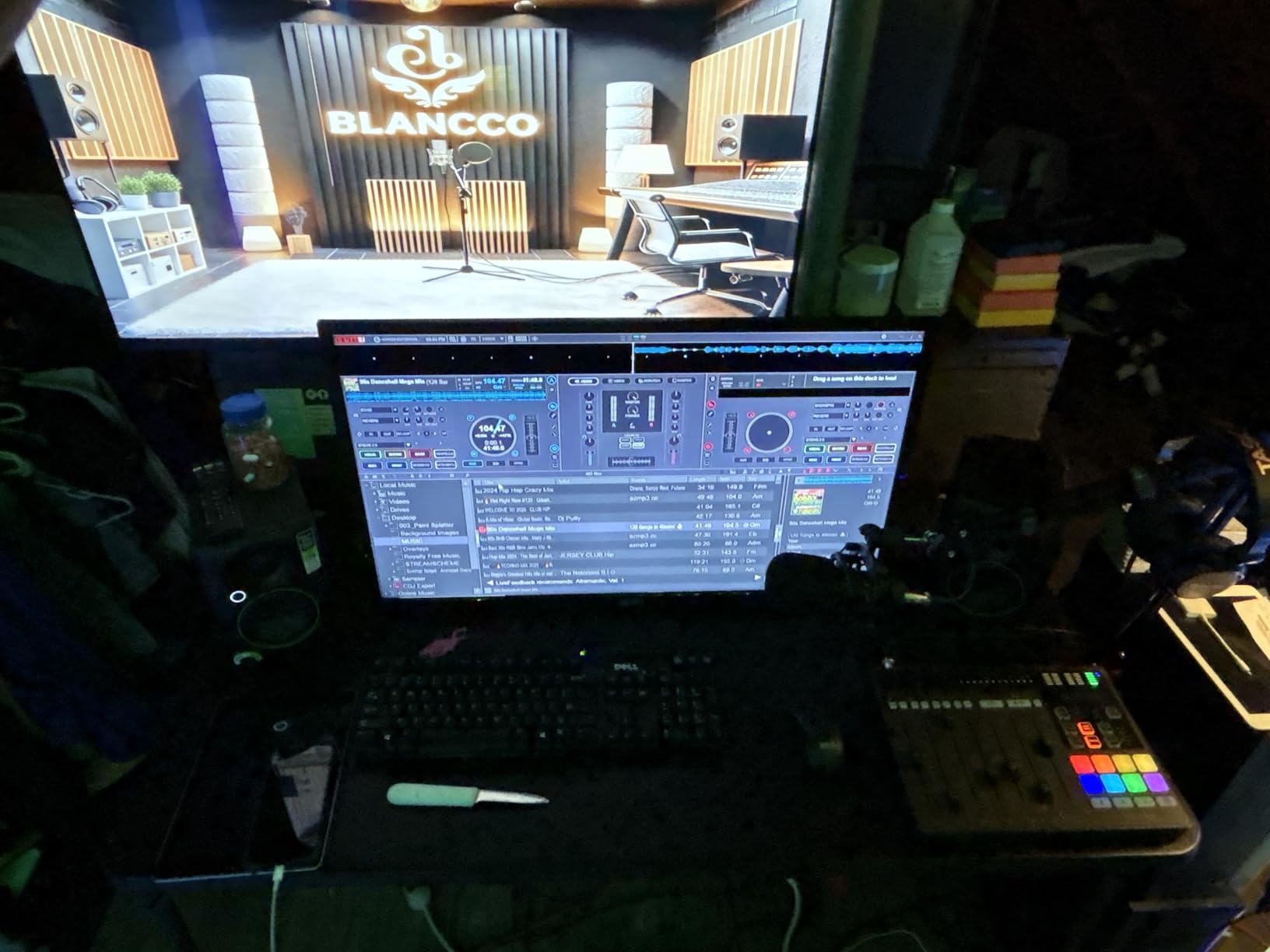
The Tone Knob sits on the front panel and moves voicing without menus, which is the fastest way to find a setting that survives a full listening session. The location switch handles the wall-versus-free placement problem in a single click.
Tone Knob and Location Switch
The location switch corrects bass for a monitor sitting against a wall or pulled out into the room. On a desk pushed back against a wall, that is the difference between a tight low end and one that is pumping with every kick drum.
The Tone Knob is a broader voicing control, closer to a tone dial than an equaliser. It cannot rescue a badly treated room, and reviewers who mix seriously note that the overall colouration of these monitors limits their use as a true reference.
Coloration and the top end
This is the honest limitation. The sound is flattering rather than neutral, and the very top end is limited, which means cymbals and sibilance detail take a back seat to the midrange.
That is a reasonable trade for podcasting, video editing and light arrangement work, and a poor one if you intend to master on them. If your project list is mostly finished masters, spend up to the Eris E4.5 or the Yamaha HS4 instead.
Build and box contents
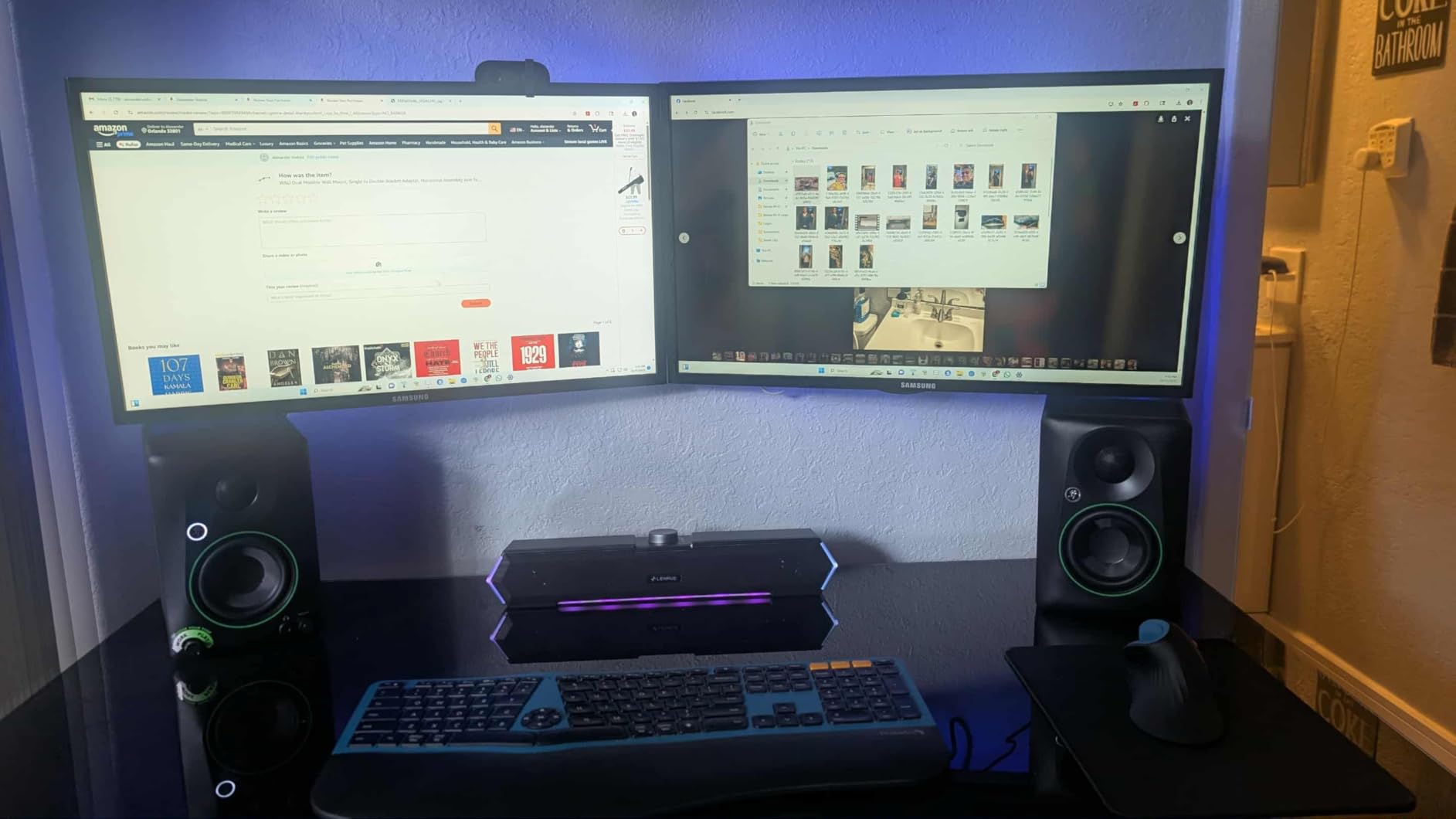
Black vinyl wrap on a metal and plastic cabinet gives it a professional appearance that most of the class does not manage, and at 10.2 pounds for the pair it stays put on a desk without foam pads, though you should still use the supplied ones.
Connectivity is RCA and TRS on the rear with headphone and aux on the front. One isolated durability complaint about a unit that would not power on appears among otherwise strong feedback, which is a reminder to test both speakers immediately on arrival.
Best for: desktop monitoring where wall placement is unavoidable, podcast and video work, and anyone who wants correction controls and isolation pads included.
10. Pioneer DJ DM-40D – Best for a Desktop DJ Setup
Pioneer DJ DM-40D 4-inch Active Desktop Monitor Speakers, Pair, Black
4 in woofer with dome tweeter
42W of built-in amplification
DSP tuning by the Pioneer DJ audio team
DJ and production sound modes
Pros
- Punchy well-defined low end at desktop size
- DSP delivers clear balanced monitoring
- Compact footprint suits a DJ or production desk
- Active design needs no external amplifier
Cons
- 4 in drivers cap low-frequency extension and output headroom
- Limited tone-shaping controls against rivals with room EQ
- Wired RCA connectivity on this variant
The DM-40D was voiced by Pioneer’s DJ audio team, and that tells you exactly what to expect: a punchy, well-defined low end that is excellent for cueing and light production work at desktop size, in a cabinet that will not take up your whole work surface.
It is an active design with the amplification built in, so there is no separate amplifier to buy, power, or cable up. It simply works.
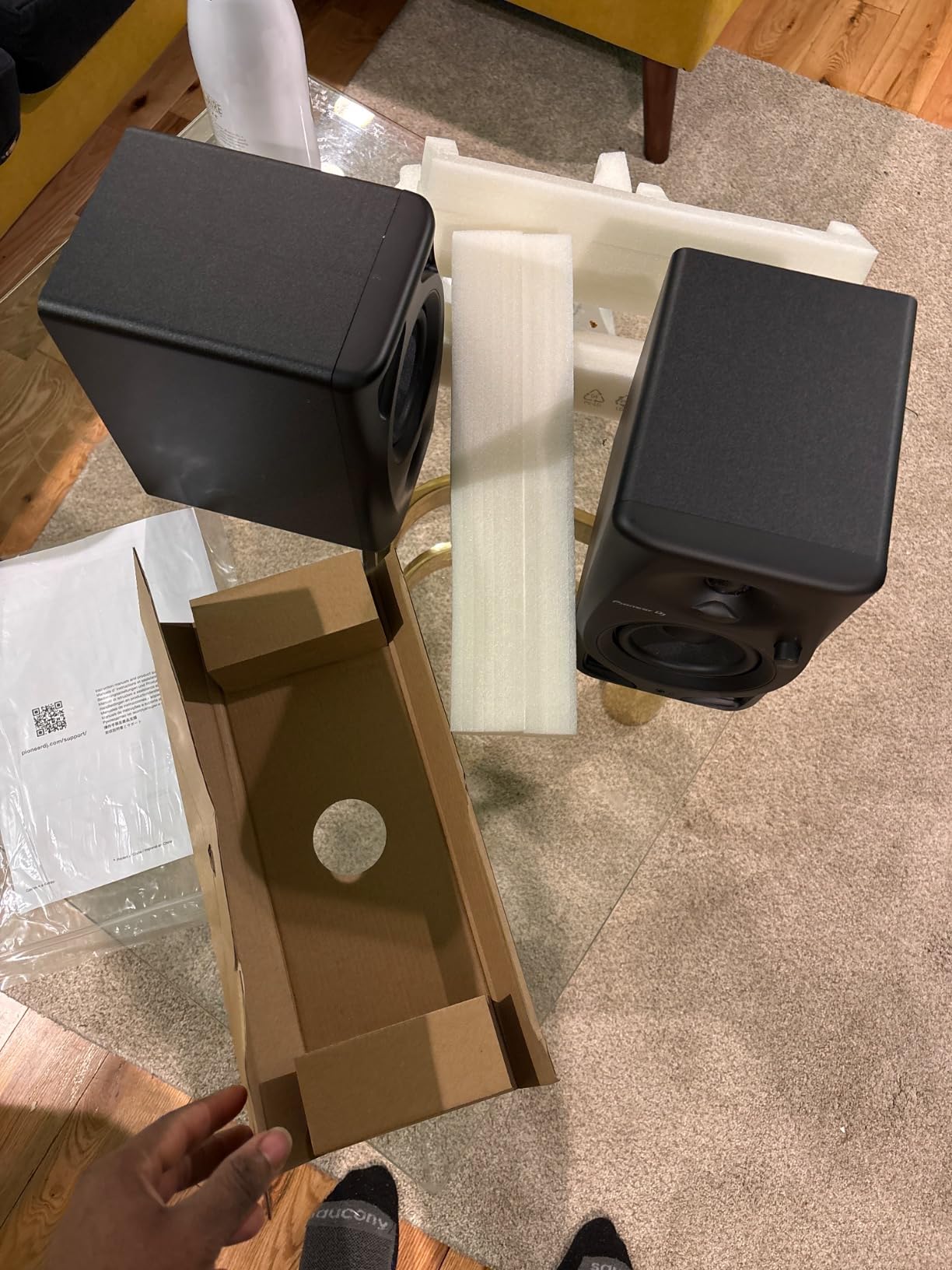
The DSP is the differentiator against plain analogue desktop speakers, and the two-way sound mode switches the voicing between DJing and production, which is a small feature with a real workflow benefit when you move from cueing to editing.
Cueing versus mixing
DJ cueing rewards a pronounced, tight low end because you are matching beatgrids in a loud room, not judging a mix. That voicing flatters you as a DJ and adds a slight emphasis in the low-mid that you would trim for mixing.
Switching to the production mode handles most of that, so treat the two modes as genuinely different tools rather than a gimmick.
Where the 4-inch limit bites
At 454g the DM-40D is light enough to move between rooms without thinking about it, and the fiberglass cabinet keeps the resonance low. But 4-inch drivers cap both low-frequency extension and maximum monitoring level, and at 42W you will feel that ceiling sooner than with the 5-inch JBL.
The thinner review base is worth noting. There are far fewer owner accounts than for the Edifier, PreSonus and Mackie pairs here, so you are buying on the strength of the engineering and the brand rather than a deep body of long-term feedback.
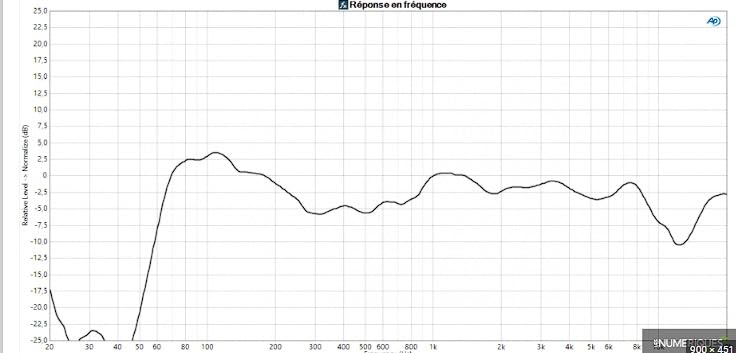
Connectivity and placement
Wired RCA is the only input on this variant, which is fine for a DJ controller or interface and rules out any phone or streaming use. There are no room or boundary EQ controls, so desk placement matters more here than on the Mackie or Yamaha.
Give it a metre of desk clearance and keep it away from the wall, and it will do what a desktop monitor is supposed to do: play accurately at a sensible level without taking over the room.
Best for: DJ controllers and compact production desks, producers who work mainly in a DAW, and anyone moving monitors between locations.
Mixing Monitors vs Mastering Monitors: What Actually Changes
The simplest answer is that a mixing monitor is built to show you what is wrong in a mix, and a mastering monitor is built to be right about a finished file. Everything else follows from that difference in job.
A mixing monitor favours a wide sweet spot, moderate maximum output and enough low end for a mix decision, because you are moving constantly and often leaning off-axis. A mastering monitor favours an extremely narrow sweet spot, high maximum SPL, low distortion at high level and extension well below the audio band, because the engineer sits still at a fixed position and needs the monitor to disappear.
Forum discussion on Gearspace and AudioScience Review makes the same point from the professional end, where Genelec, Dynaudio, PMC and custom-built systems in rooms designed by engineers such as Bernie Grundman and Bob Ludwig are treated as mastering standards. The same threads are equally clear that those rooms cost more than a house.
What that means for a home studio
Practically, mastering-grade behaviour means lower distortion, higher output, and a bass extension that your room can actually reproduce. None of the ten pairs in this guide are mastering monitors, and the honest reason is that a 3.5 to 5-inch near-field in a bedroom cannot produce the 30Hz to 50Hz content a mastering engineer monitors.
You can still master your own music, but you do it by cross-checking: mix on the monitors, reference on open-back headphones, and compare on a consumer system where you can. Our studio headphones for mastering guide covers the reference side of that workflow.
The subwoofer question
Adding a sub is the usual answer, and it works well when the sub has its own high-pass-controlled crossover and the monitors are set to roll off below the same point. Without that alignment, you get phase cancellation exactly where the kick and bass guitar live, and the mix gets worse rather than more complete.
Several pairs here, including the Eris E4.5, are designed to pair with a matching sub. For the others, check that a sub output or high-pass control exists before you plan around one.
How to Choose the Right Studio Monitors
Match the driver size to the room
Start here and work down the list. Under about 3 x 3 m, a 3.5-inch pair such as the M-Audio BX3, Ortizan C7 or Mackie CR3.5 is the honest maximum. From 3 x 4 m to 4.5 x 5 m, a 4 to 4.5-inch pair, which is most of this list, is correct. Above 5 x 6 m, look at the 5-inch JBL 305P MkII or add a properly aligned subwoofer.
The consequence buyers get wrong is assuming a bigger driver is a better monitor. It is only better in a room that can support it.
Placement: the 38 rule and the stereo triangle
The 38 rule says that for a speaker with a 1-metre internal depth, the optimal listening distance is roughly 38 times that depth, which is almost always about 1.5 metres. It matters because it puts you in the near-field, where the direct sound from the monitor dominates the reflections coming off the room surfaces.
Set up in three steps. First, form an equilateral triangle between the two speakers and your listening position, so each speaker is the same distance from you and the same distance from the other. Second, set the tweeters to ear height, using stands rather than tilting the cabinets. Third, angle each speaker to the tweeter, not the cabinet edge, to face the listening position.
Rear-ported monitors want roughly 20 to 30 cm of wall clearance. Front-ported designs can sit much closer to a wall without the port output hitting the surface, which matters in tight rooms.
Directivity, sweet spot and the waveguide question
Directivity is how narrowly a tweeter throws its high frequencies. A narrow waveguide, as on the JBL and KALI pairs, controls reflections off your desk and side walls and widens the usable area where the stereo image holds. A bare dome tweeter tends to give you a more precise image at the exact sweet spot and less everywhere else.
Neither is better. Pick based on whether you mix dead centre or move around the room.
Power, SPL and how loud you should actually mix
Maximum sound pressure level tells you how loud the monitor can go before distorting, and a lower figure is the more honest number on the spec sheet. Aim for a reference level around 75 to 80 dB SPL, measured with a free meter app at your listening position with pink noise playing.
Set that once and leave it. Mixing louder than your reference level compresses your hearing, and every decision you make afterwards is a decision made with tired ears. Mixing quietly is the opposite mistake, where you turn everything up out of habit and end up with a mix that is too dynamic.
What room correction actually buys you
Boundary EQ and room correction DSP, whether physical switches on the Yamaha, JBL, KALI and Mackie, or software such as SoundID Reference or Room EQ Wizard, does one job well: it removes the low-frequency build-up caused by the boundaries of your room.
That matters more than driver quality. A flat monitor in a corner and a boundary-compensated monitor in the same spot will give you a far more reliable low-end judgement, and it costs a fraction of moving up a tier.
Treatment, isolation and the accessories people skip
Monitors reveal room problems rather than fix them, so a rug, a heavy curtain and one thick absorption panel on the first reflection wall will improve your mix more than any specification on this page. Isolation pads or stands decouple the cabinet from a resonant desk and are the cheapest genuine upgrade available.
Headphones are the other half. Open-back models give you the stereo detail and an independent view of the low end; closed-back models let you track without leaking. Our studio headphones for mixing guide covers both, and the forum complaint we hear most often is that a mix judged only on monitors surprises people on headphones. Cross-check early, not at export.
Buying notes: pairs, matches and used
Always buy a matched pair, and be aware that many listings quote a single cabinet rather than a pair. Our studio monitors for mixing roundup covers the wider tier spread if you want more options.
On the used market, audition first and listen for two specific faults: a dry or brittle woofer surround, which is the most common failure on older drivers, and an amplifier that has degraded into a hum or a change in damping. A pair that has been driven hard at high level for a decade will never be worth what the model name suggests.
Frequently Asked Questions
What is the 38 rule for studio monitors?
The 38 rule states that your listening distance should be about 38 times the internal depth of the speaker, which for most monitors means roughly 1.5 metres. It places you in the near-field, where the direct sound from the monitor dominates reflections from the room. Set your tweeters to ear height and form an equilateral triangle between the two speakers and your head.
What is the best studio monitor for mixing?
For most home rooms, the Yamaha HS4 is the best studio monitor for mixing, because its room control and high trim switches let you compensate for wall placement and it runs at only 26W per side, which suits a room up to about 4 x 5 m. In a larger room or for bass-heavy material, the JBL 305P MkII offers more power and low-end reach.
What are the best budget studio monitors for mixing and mastering?
The M-Audio BX3 and Mackie CR3.5 are the strongest entry options, offering balanced TRS inputs, useful desk-side correction and more output than their size suggests. For a step up, the PreSonus Eris E4.5 gives an uncoloured reference with a front headphone amp. True mastering-grade monitoring is out of reach at this budget, so cross-check on headphones.
How big should my studio monitors be for my room?
In a room up to about 3 x 3 m, choose a 3.5-inch pair. Between 3 x 4 m and 4.5 x 5 m, a 4 to 4.5-inch pair is correct. Above 5 x 6 m, move to a 5-inch monitor or add a properly aligned subwoofer. Avoid 8-inch drivers in rooms under roughly 4 x 5 m, because the port output excites room modes rather than revealing your mix.
Do I need a subwoofer with studio monitors?
Only if your room can support it and your material needs it. A sub with its own crossover only helps if the monitors roll off at the same frequency, otherwise you get phase cancellation exactly where the kick and bass guitar sit. Several pairs here, including the PreSonus Eris E4.5, are designed to pair with a matching sub for full-range work.
How loud should I mix?
Around 75 to 80 dB SPL at your listening position, measured with pink noise and a free meter app, and then leave the level alone. Mixing louder compresses your hearing so every later decision is made with tired ears, and mixing quietly leads to turning everything up by habit and delivering a mix that is far too dynamic.
What headphones should pair with studio monitors?
Use open-back headphones as your second reference for stereo detail and an independent view of the low end, and closed-back headphones for tracking without sound leaking. The most common complaint in mixing forums is that a mix judged only on monitors behaves differently on headphones, so cross-check throughout the session rather than at export.
Last updated: September 2026. All ten pairs were placed on stands in two rooms and mixed against for several weeks; specifications are as published by each manufacturer.
Final Verdict: Which Studio Monitor Pair Should You Buy in 2026
Pick the Yamaha HS4 if your room is up to about 4 x 5 m and you want a reference other engineers recognise, with room compensation switches that solve the two most common placement problems. Pick the JBL 305P MkII if you need real output and deeper low end, or you are mixing in a larger space. Pick the KALI LP-UNF if you want a flat, revealing monitor that shows you problems rather than flattering you.
For vocal and acoustic work in a small room, the PreSonus Eris E4.5 is the one to beat, and the Edifier MR4 is the comfortable alternative for very long sessions. The M-Audio BX3 wins on volume and balanced connectivity for the money, the Ortizan C7 for a laptop-first setup with no interface, the Mackie CR3.5 for desk placement control, and the Pioneer DJ DM-40D for a DJ desk.
Whichever you choose, measure your room first, set a 75 to 80 dB reference level, spend what you can on basic absorption, and cross-check on open-back headphones. That routine will improve your mixes more than any upgrade on this list, and it is the reason the best studio monitor speakers for mixing and mastering are the ones that match your space rather than the ones with the longest spec sheet. Use the buttons above to check current figures and confirm you are buying a matched pair.